Jump to content
View in the app

A better way to browse. Learn more.

Bellazon

A full-screen app on your home screen with push notifications, badges and more.

To install this app on iOS and iPadOS
  1. Tap the Share icon in Safari
  2. Scroll the menu and tap Add to Home Screen.
  3. Tap Add in the top-right corner.
To install this app on Android
  1. Tap the 3-dot menu (⋮) in the top-right corner of the browser.
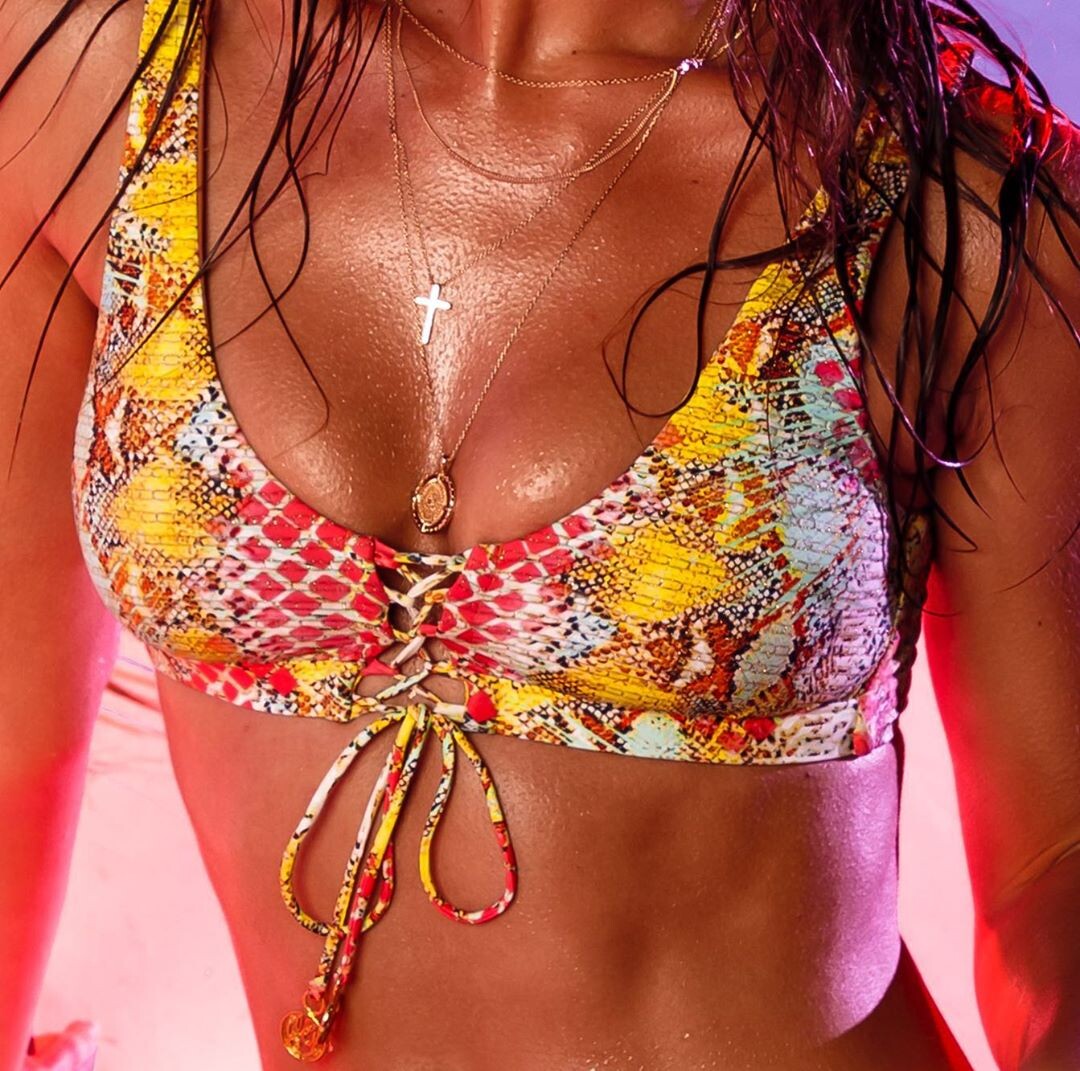
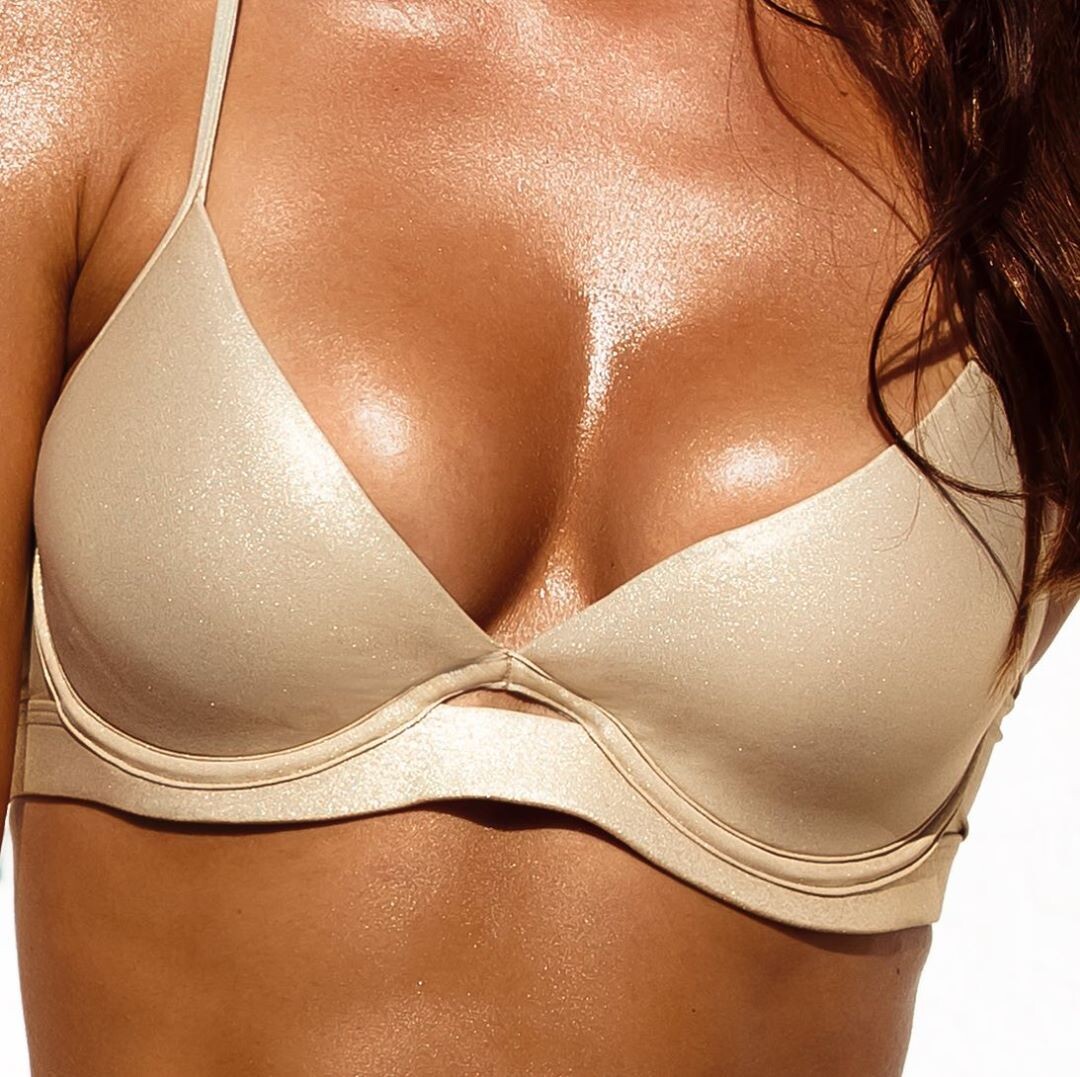
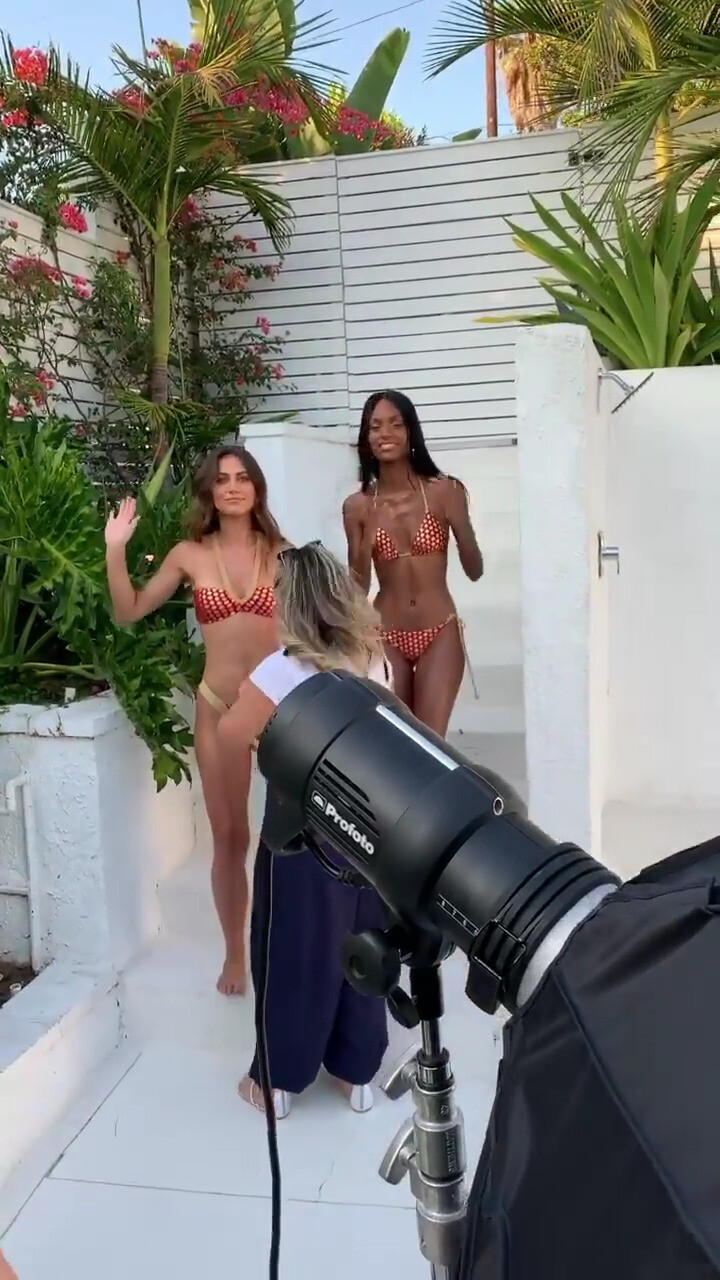
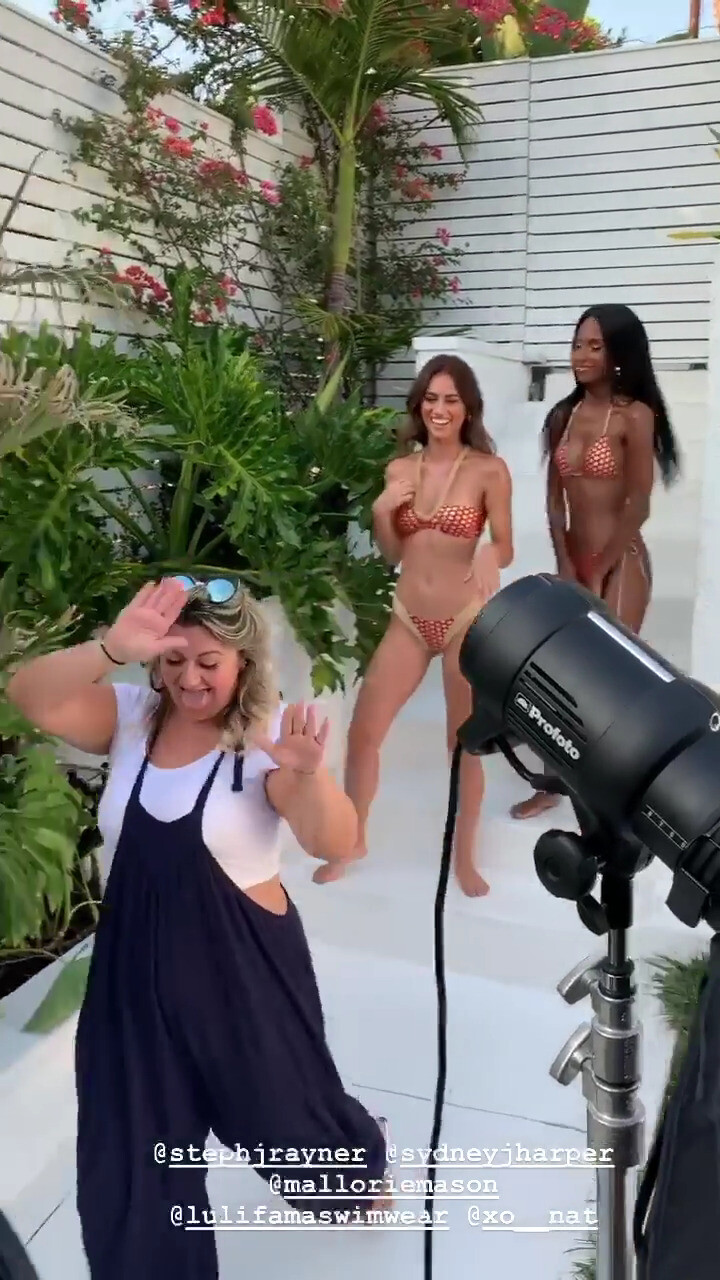
  2. Tap Add to Home screen or Install app.
  3. Confirm by tapping Install.

Modelove

Members
  • Joined

Everything posted by Modelove

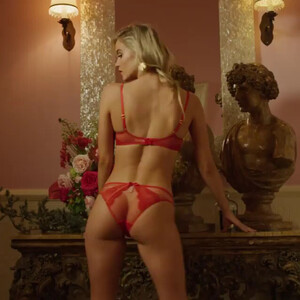
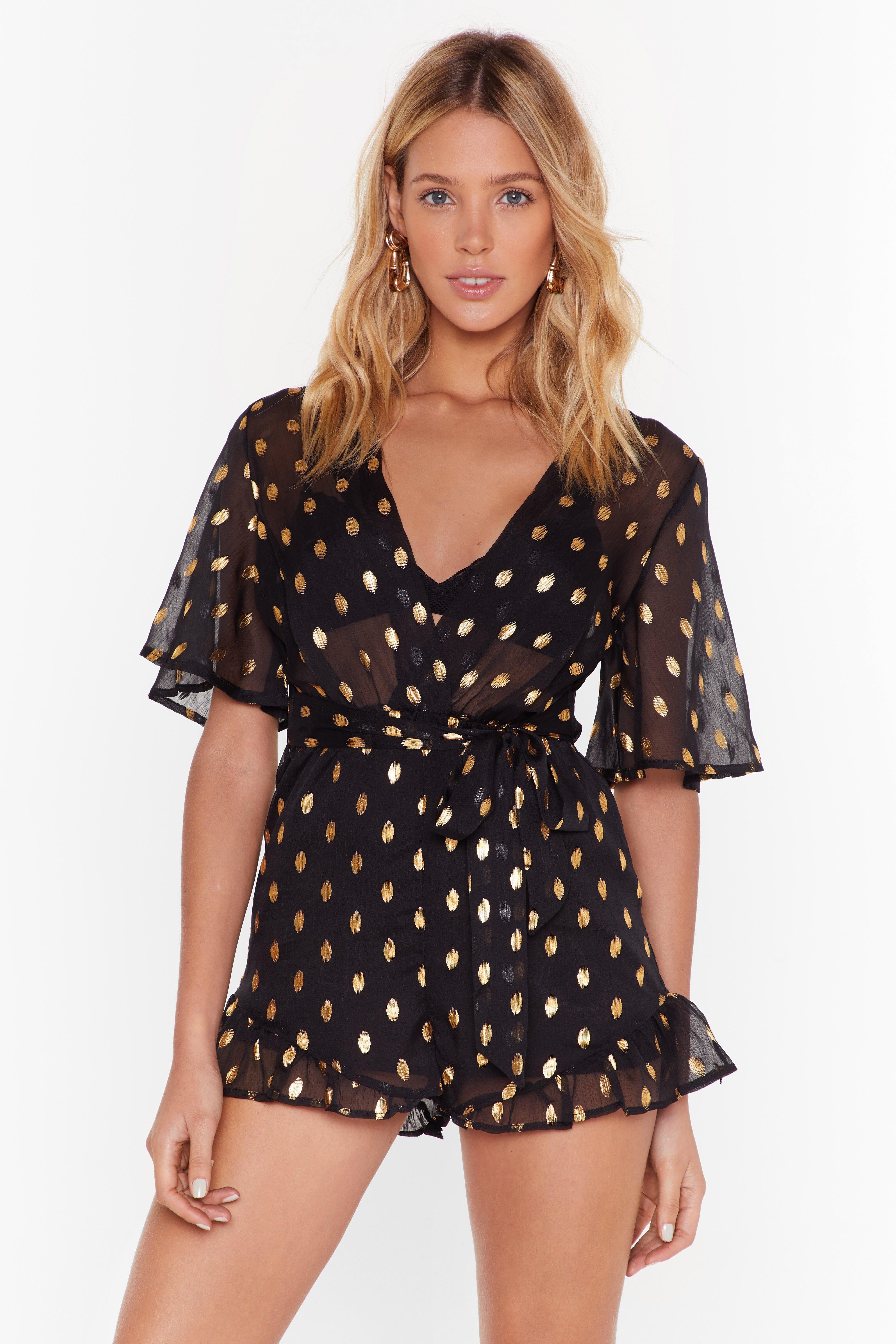
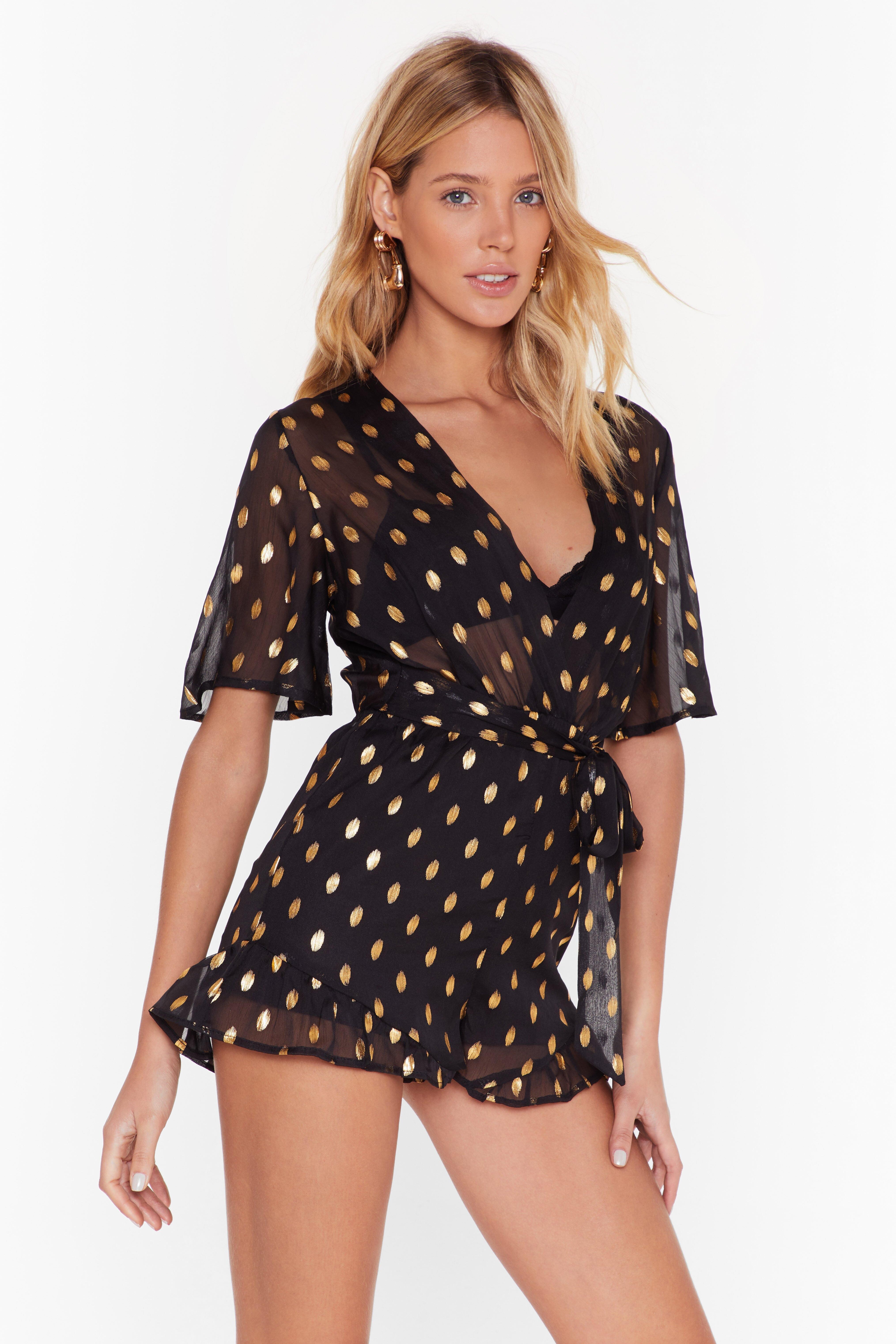
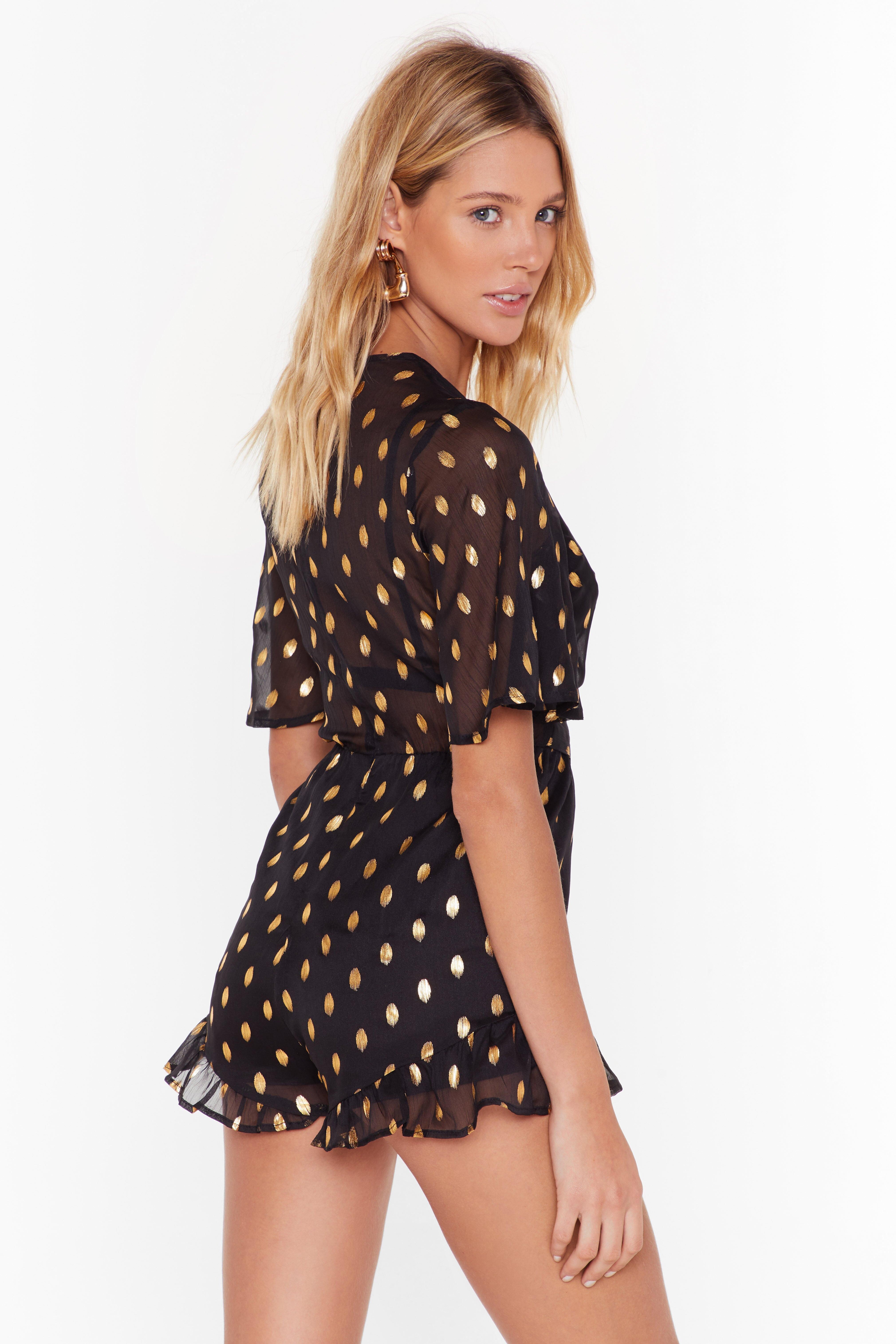
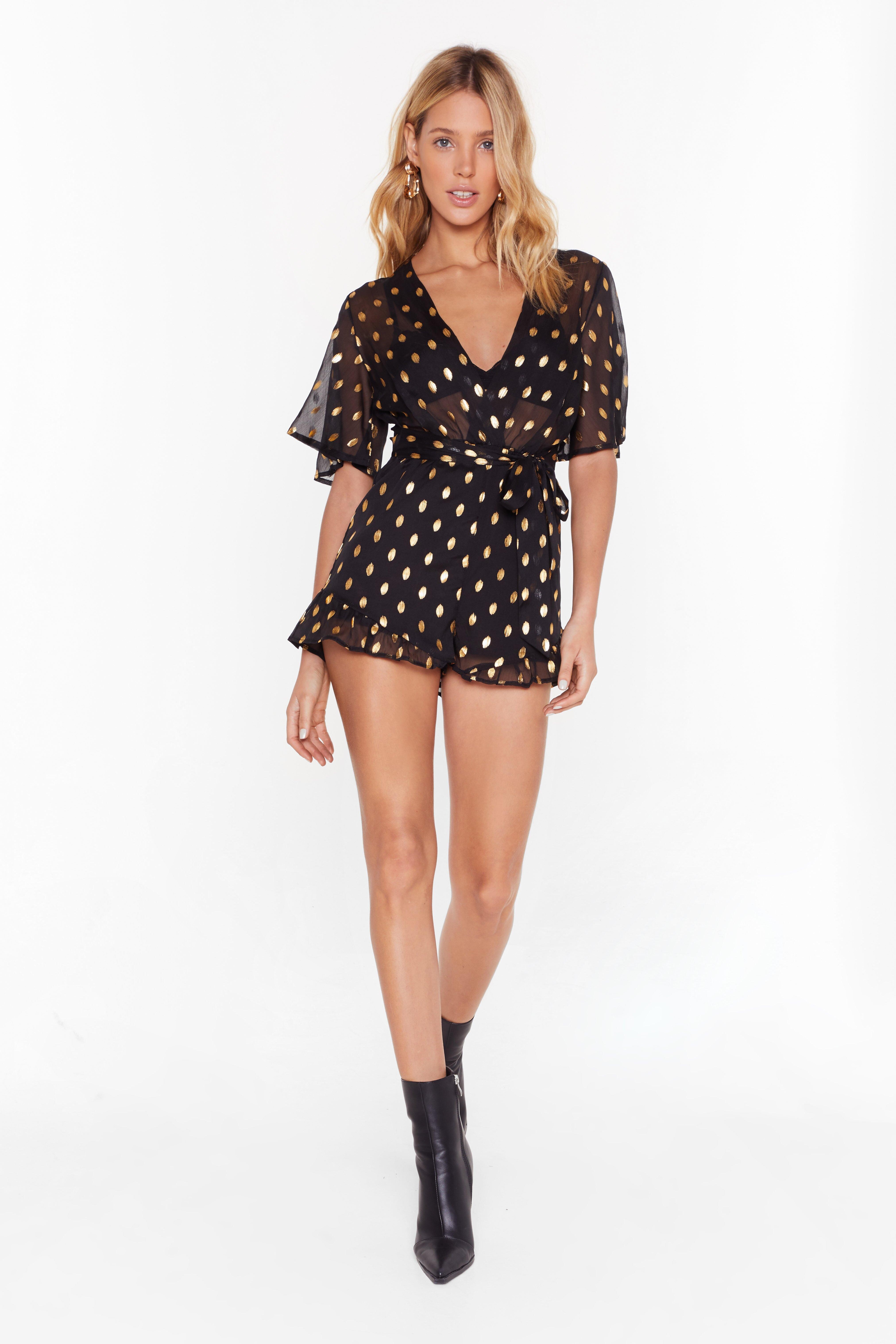
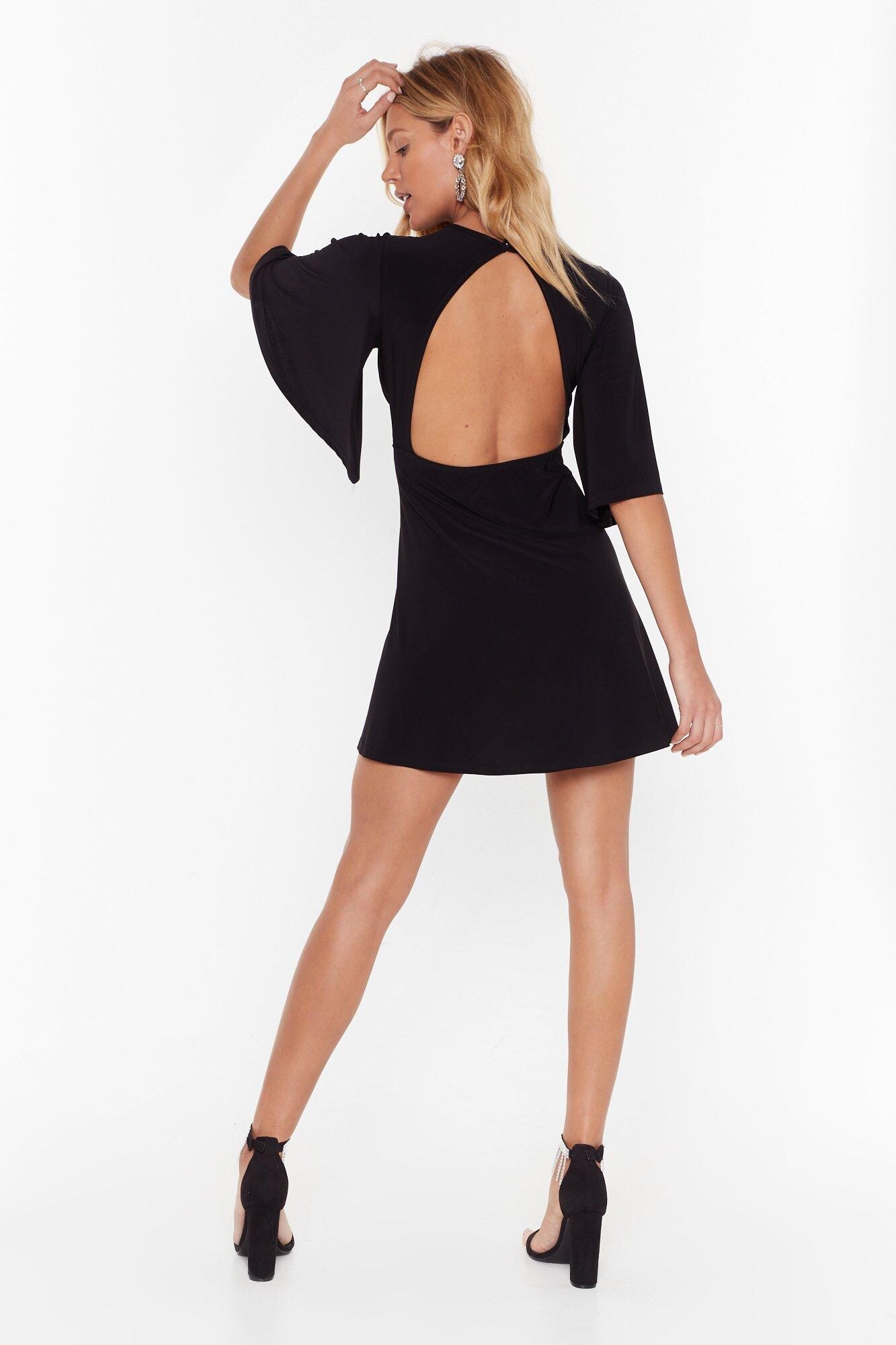
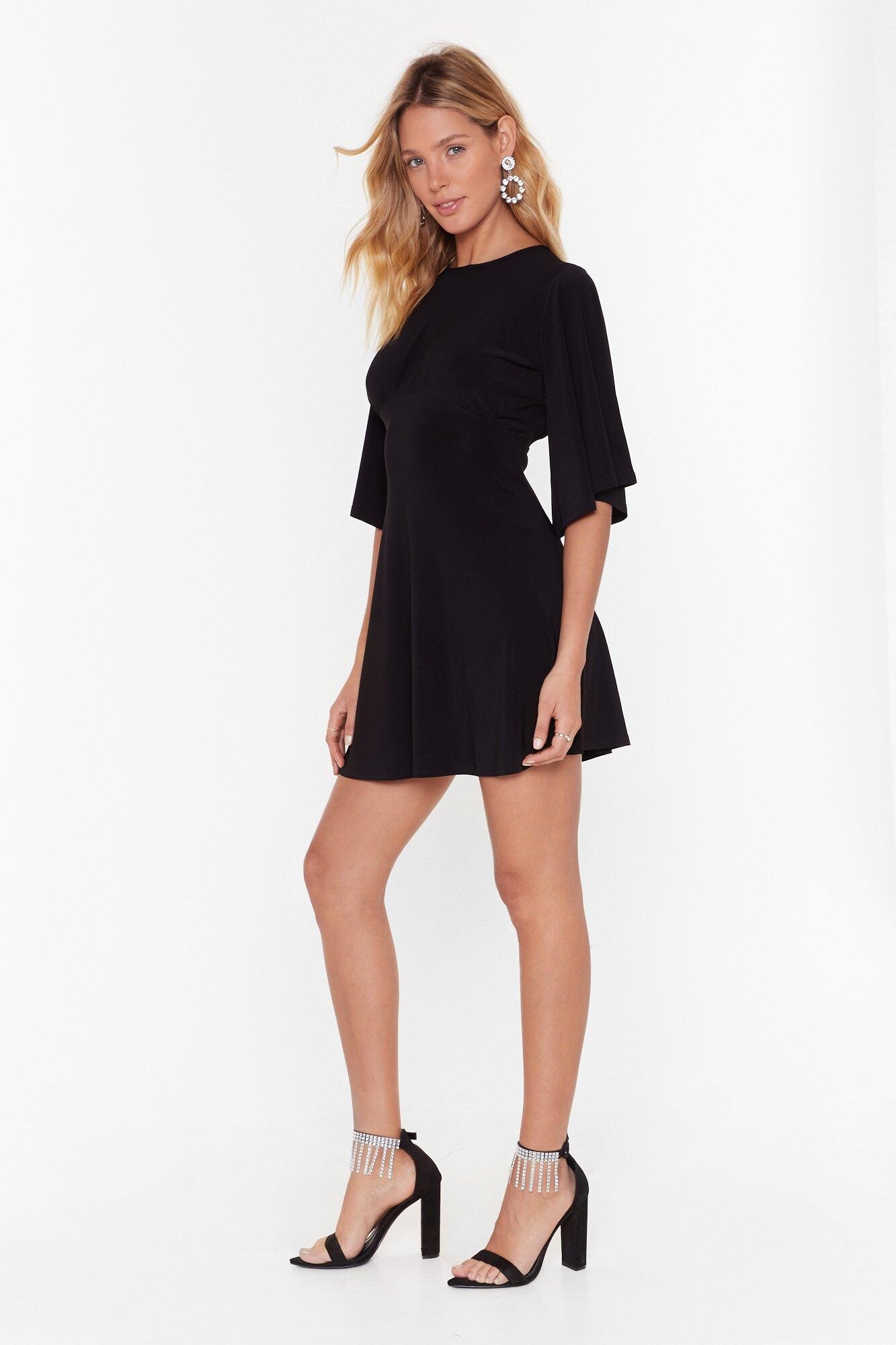
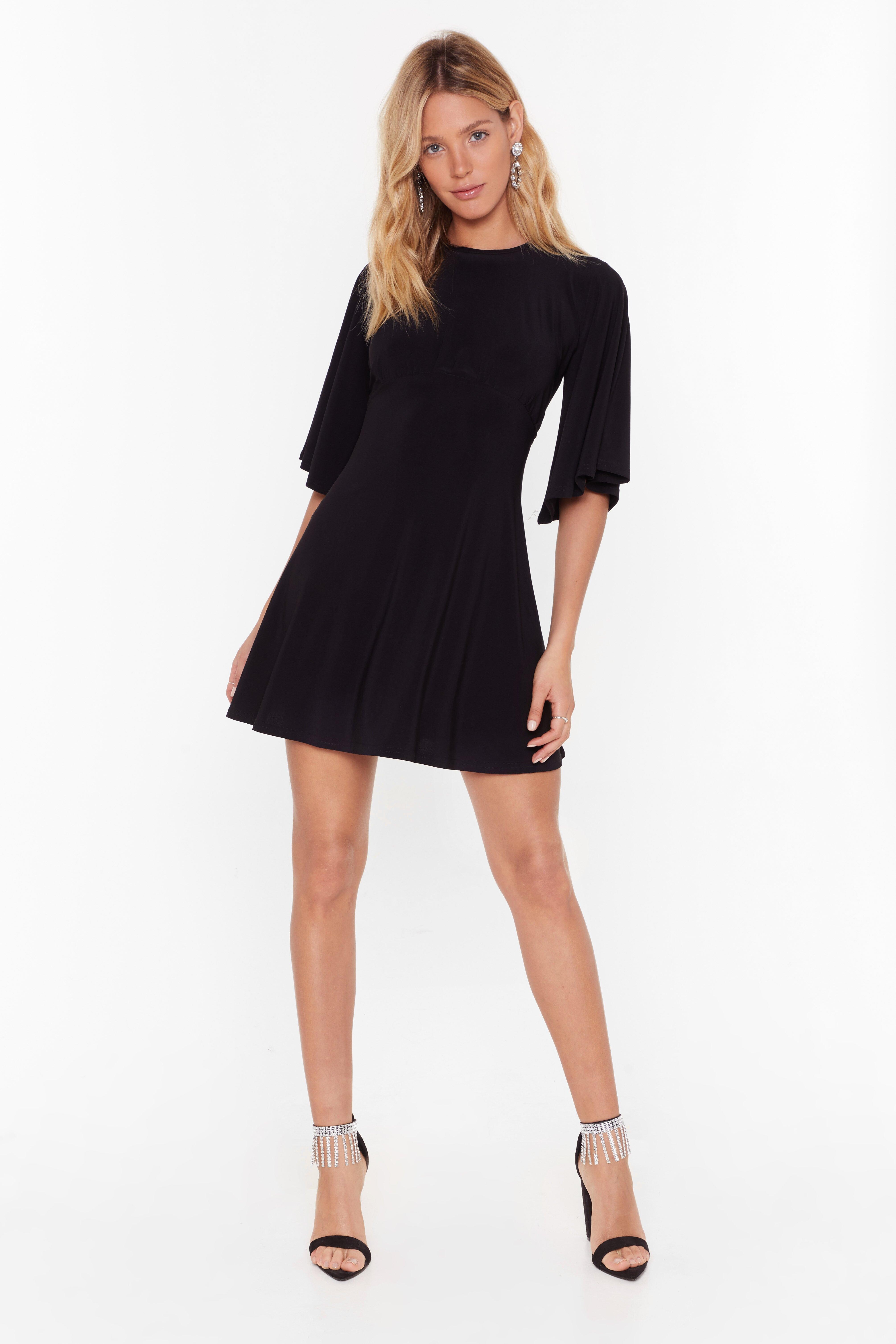
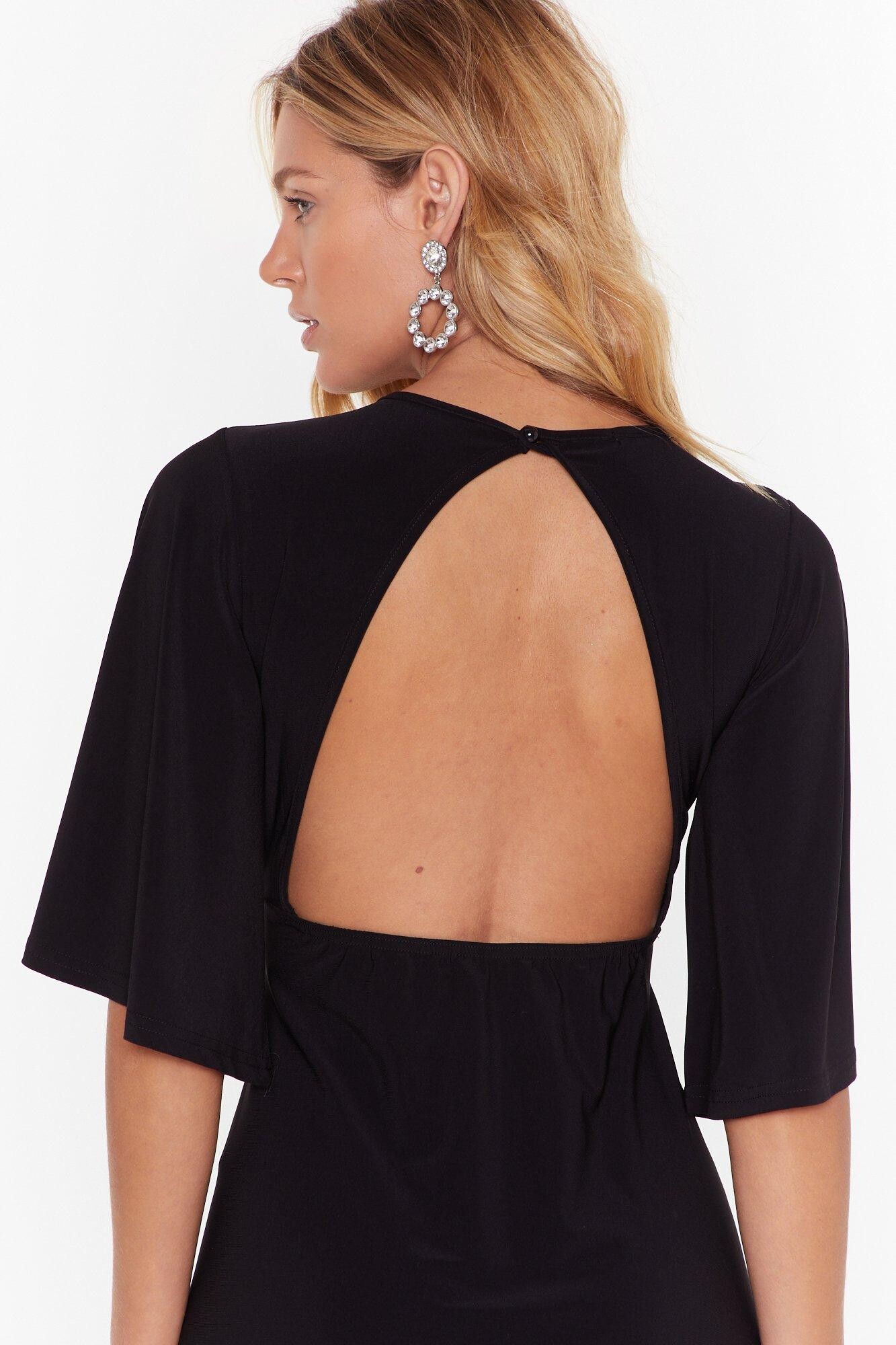
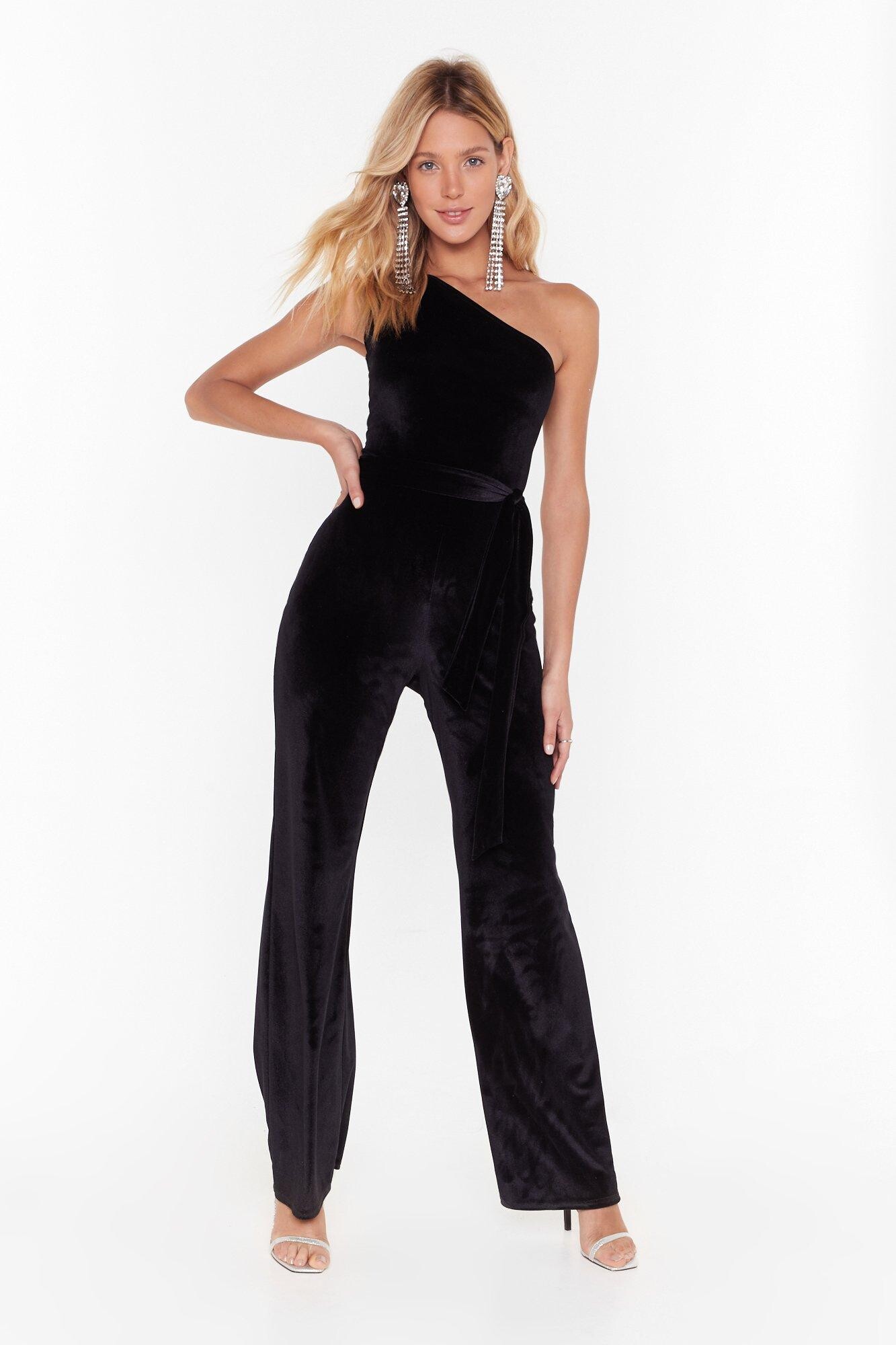
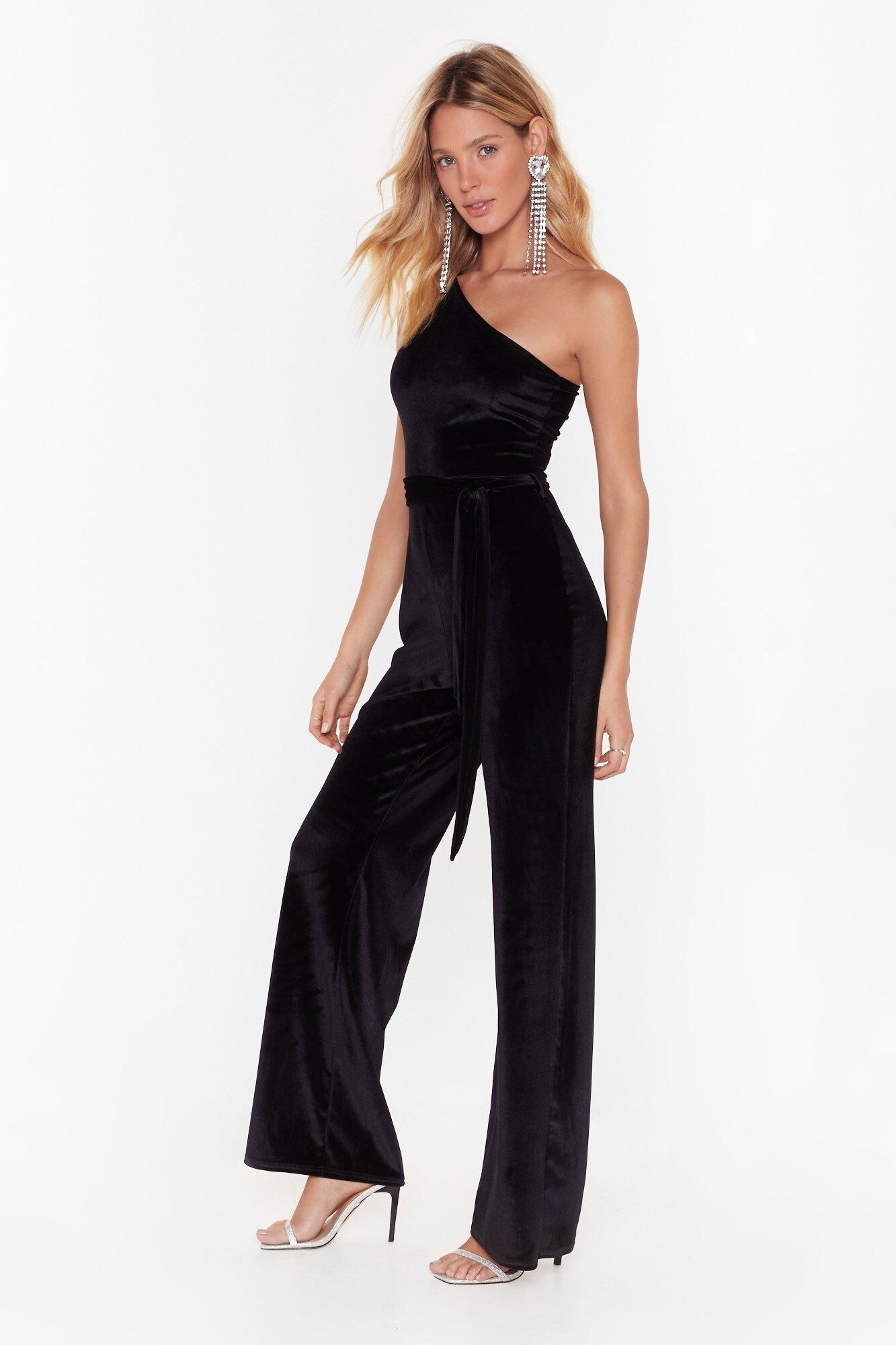
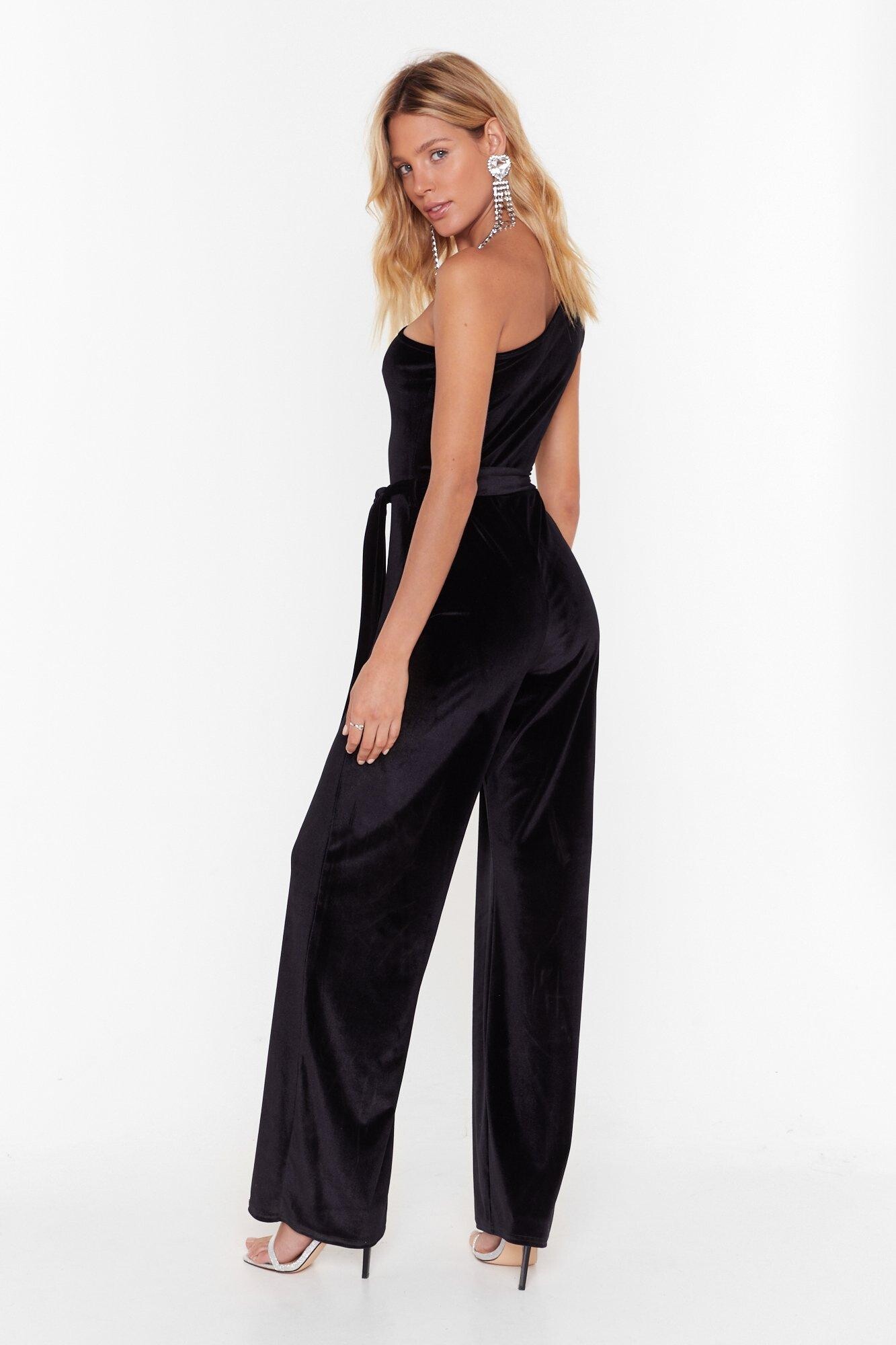
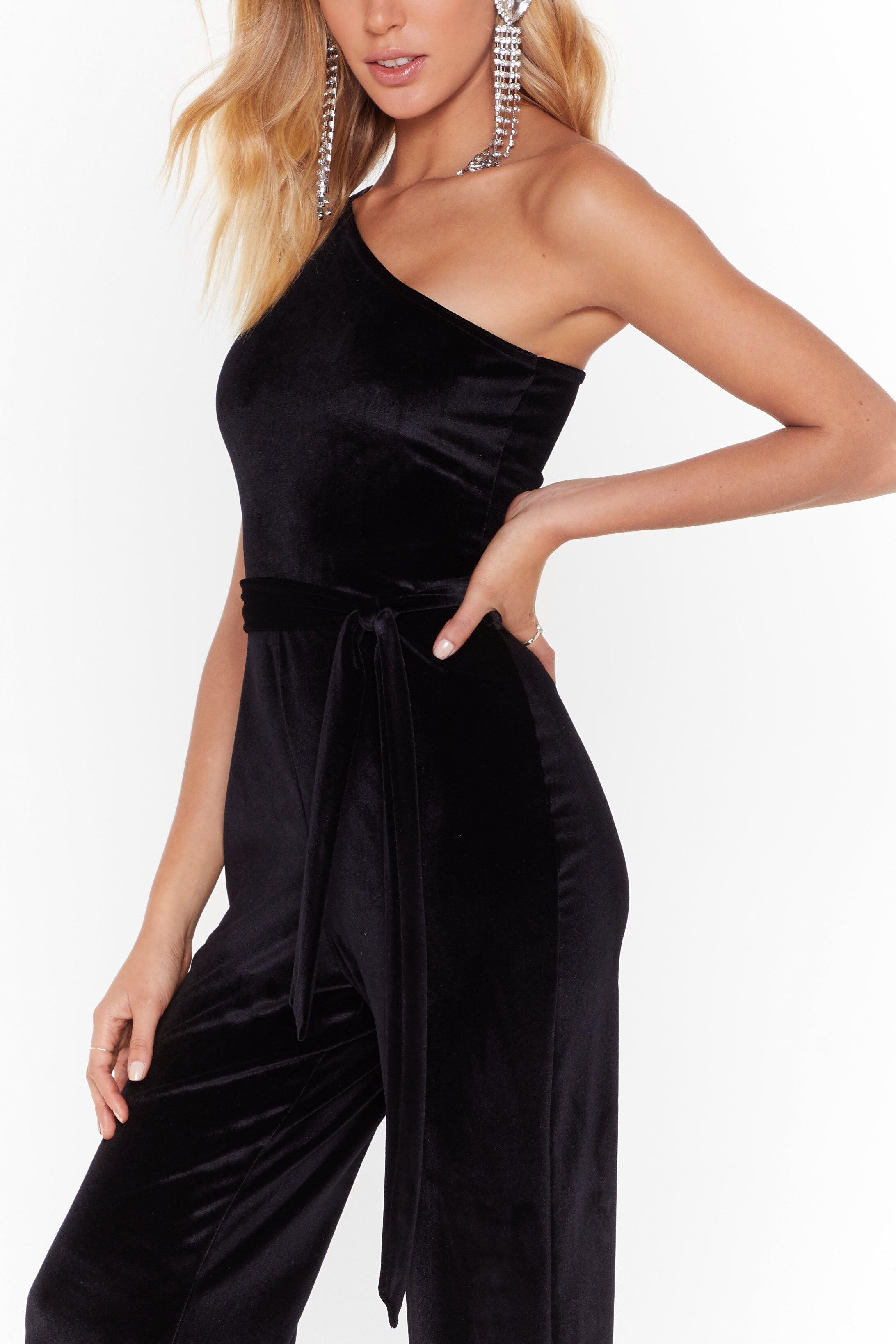
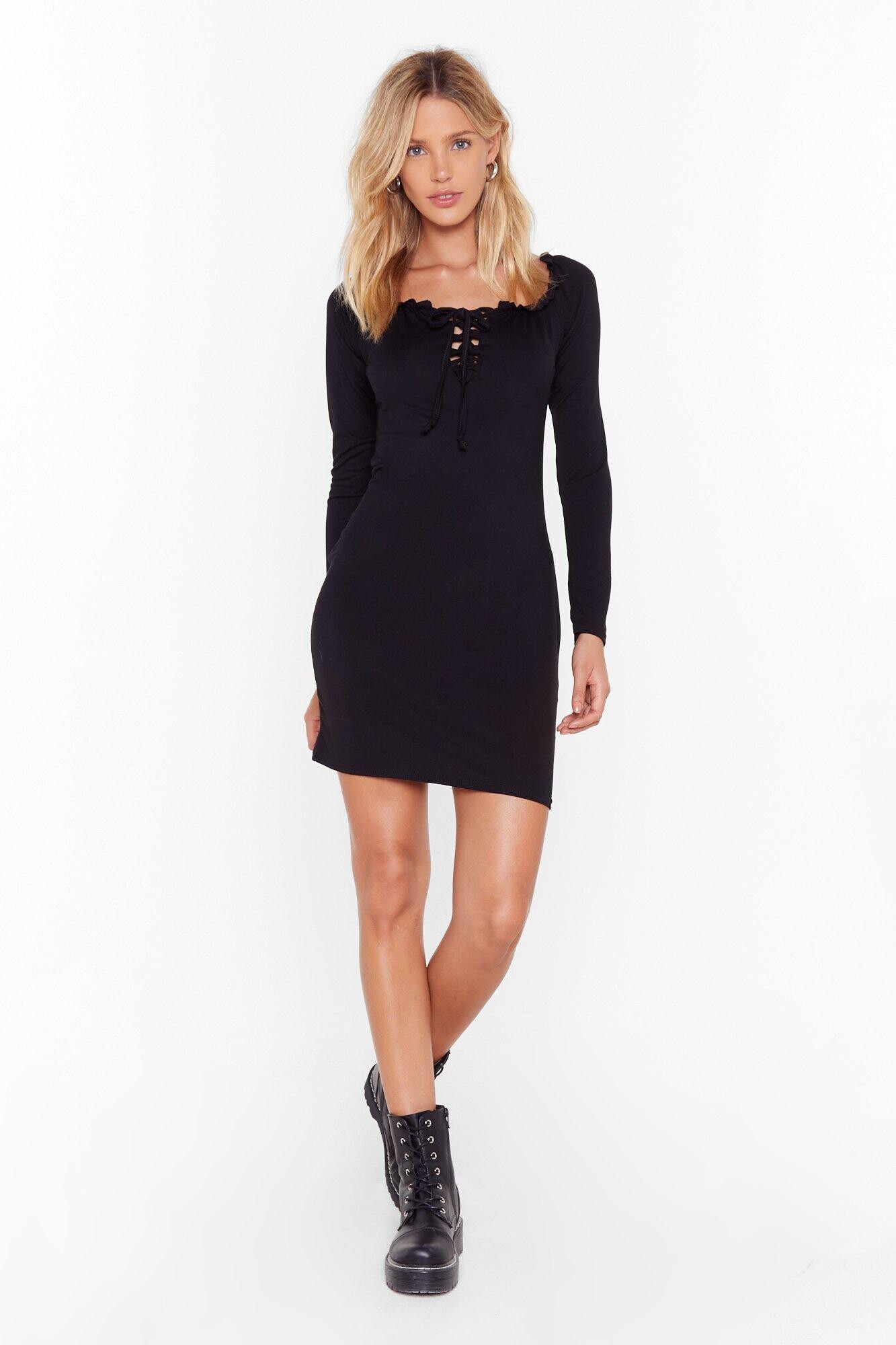
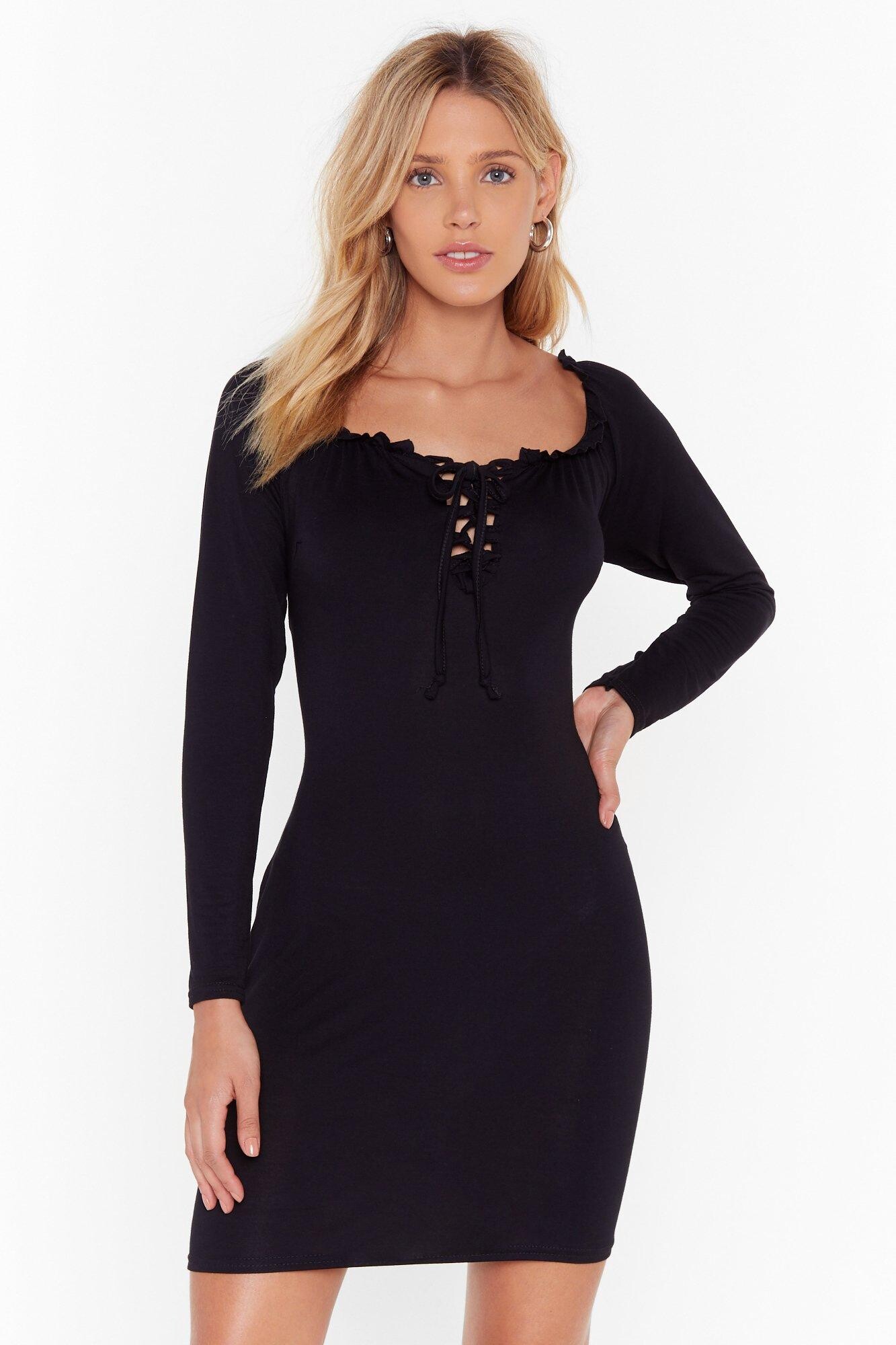
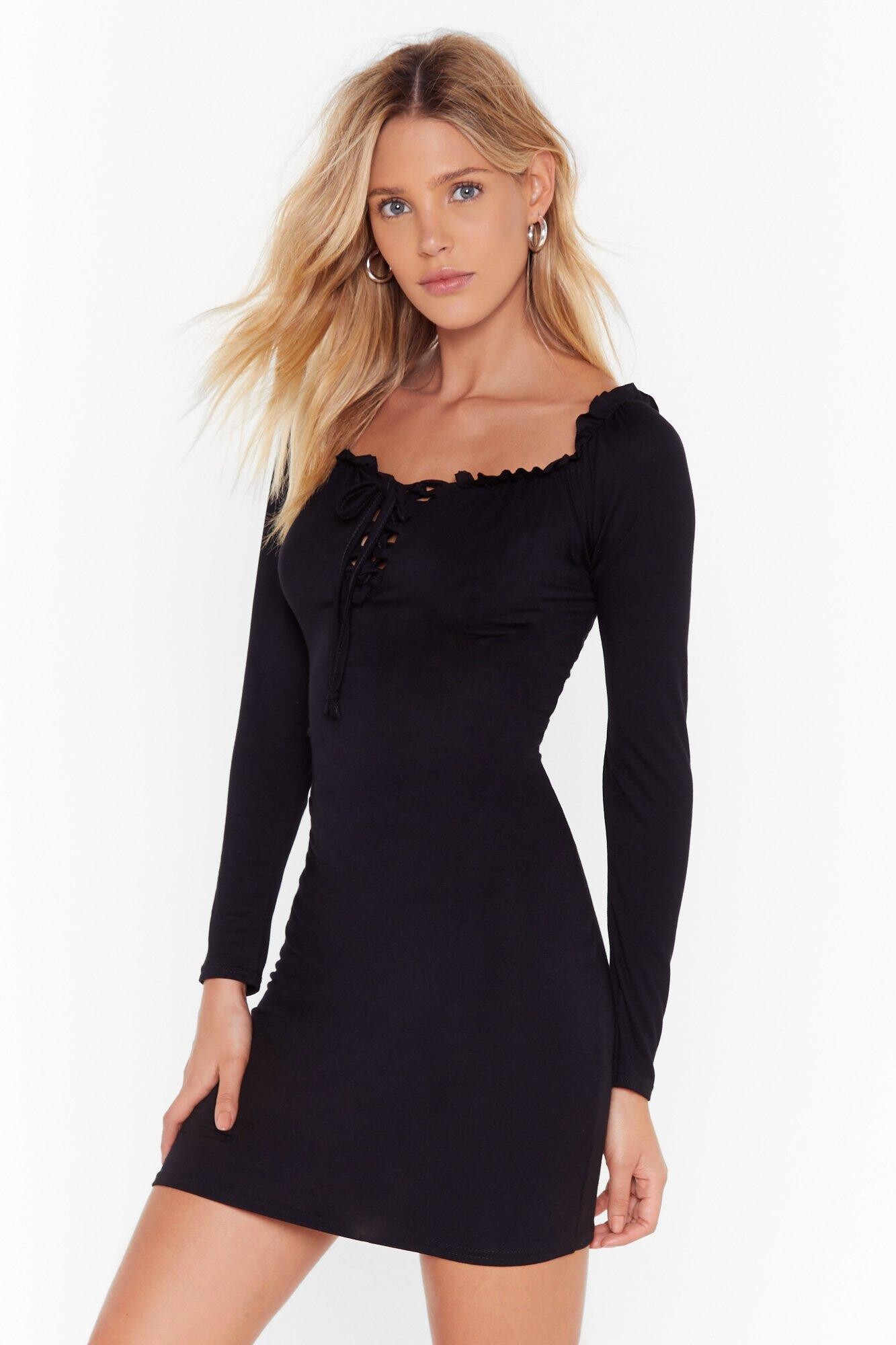
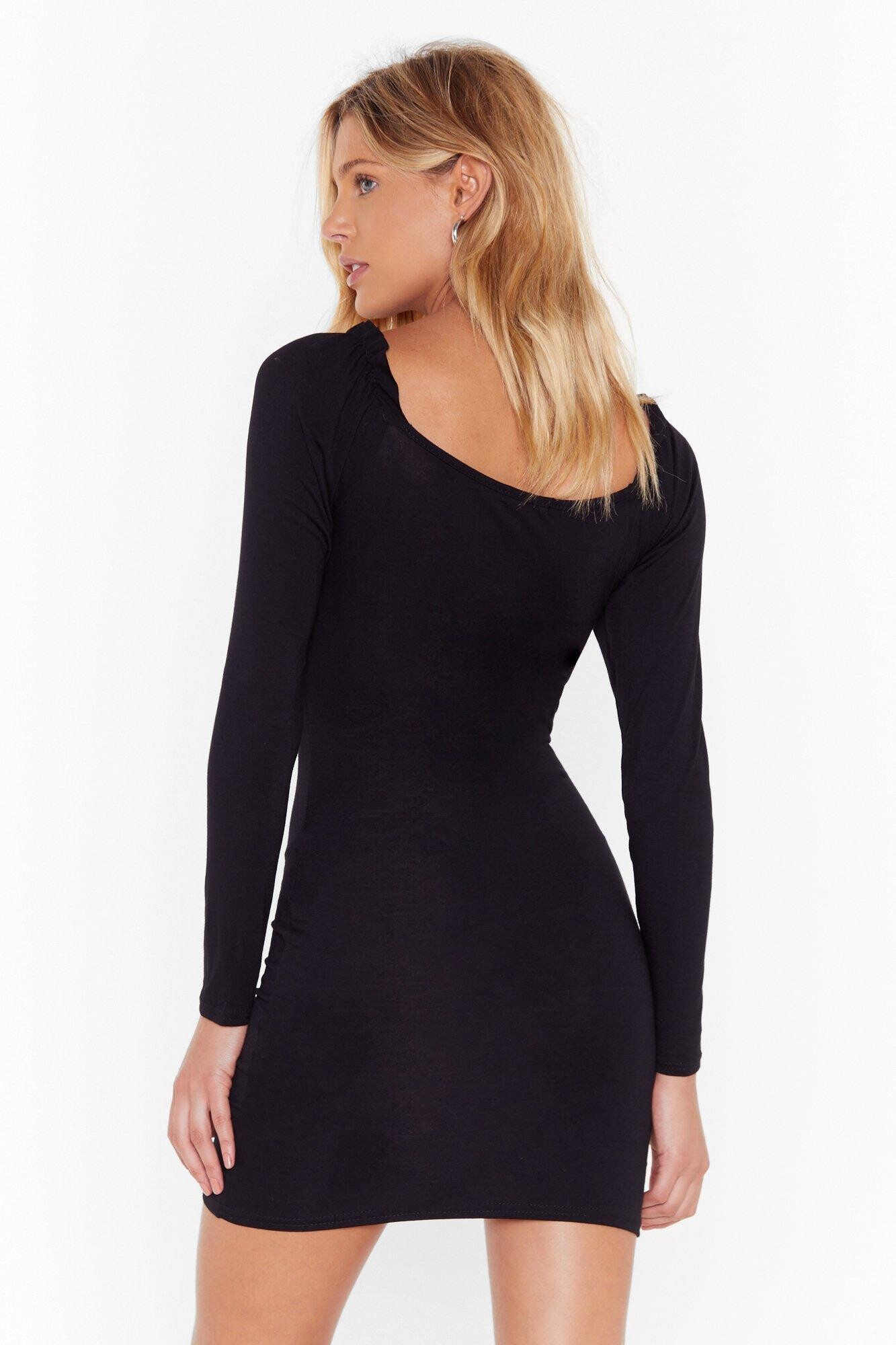
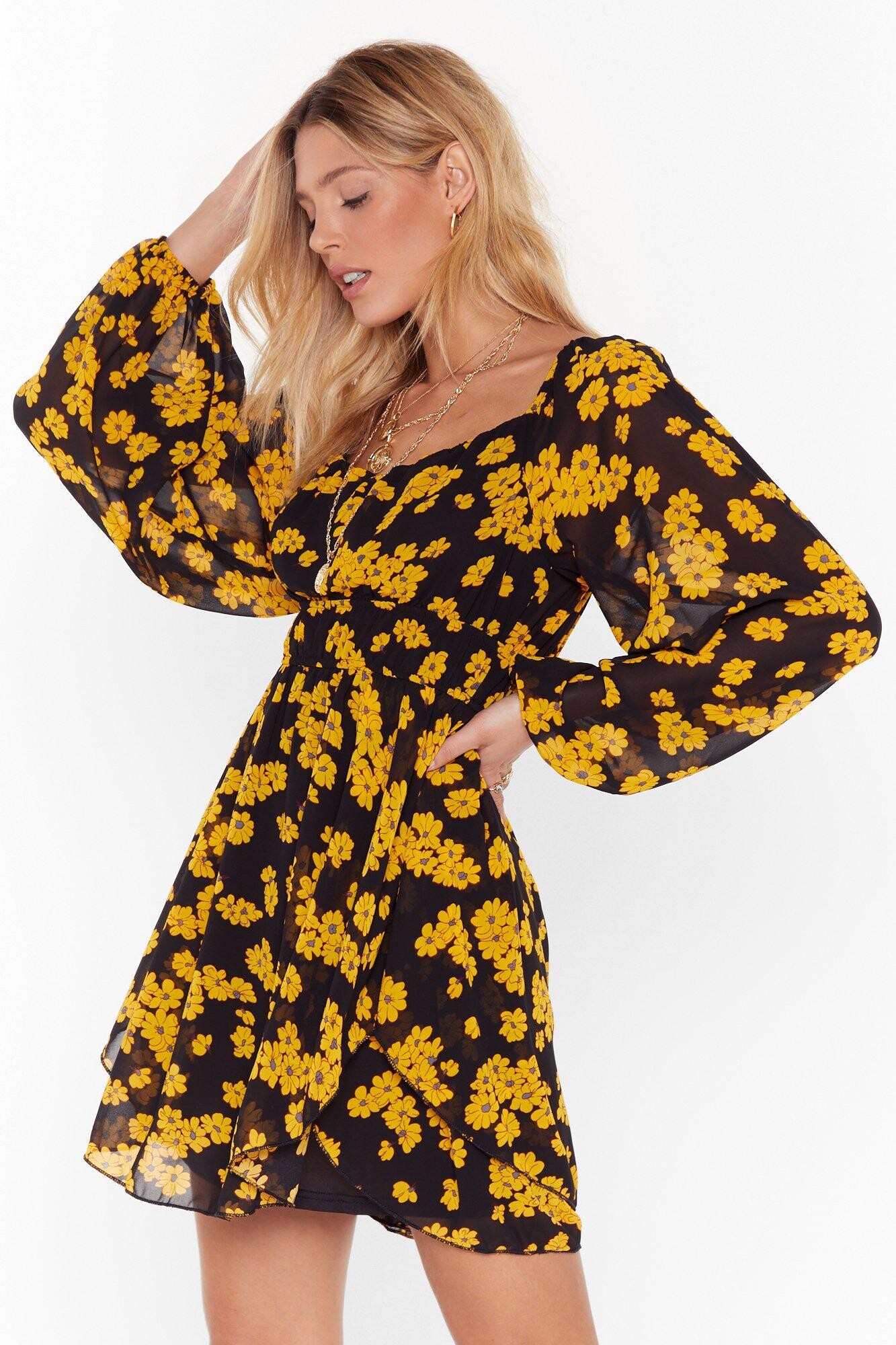
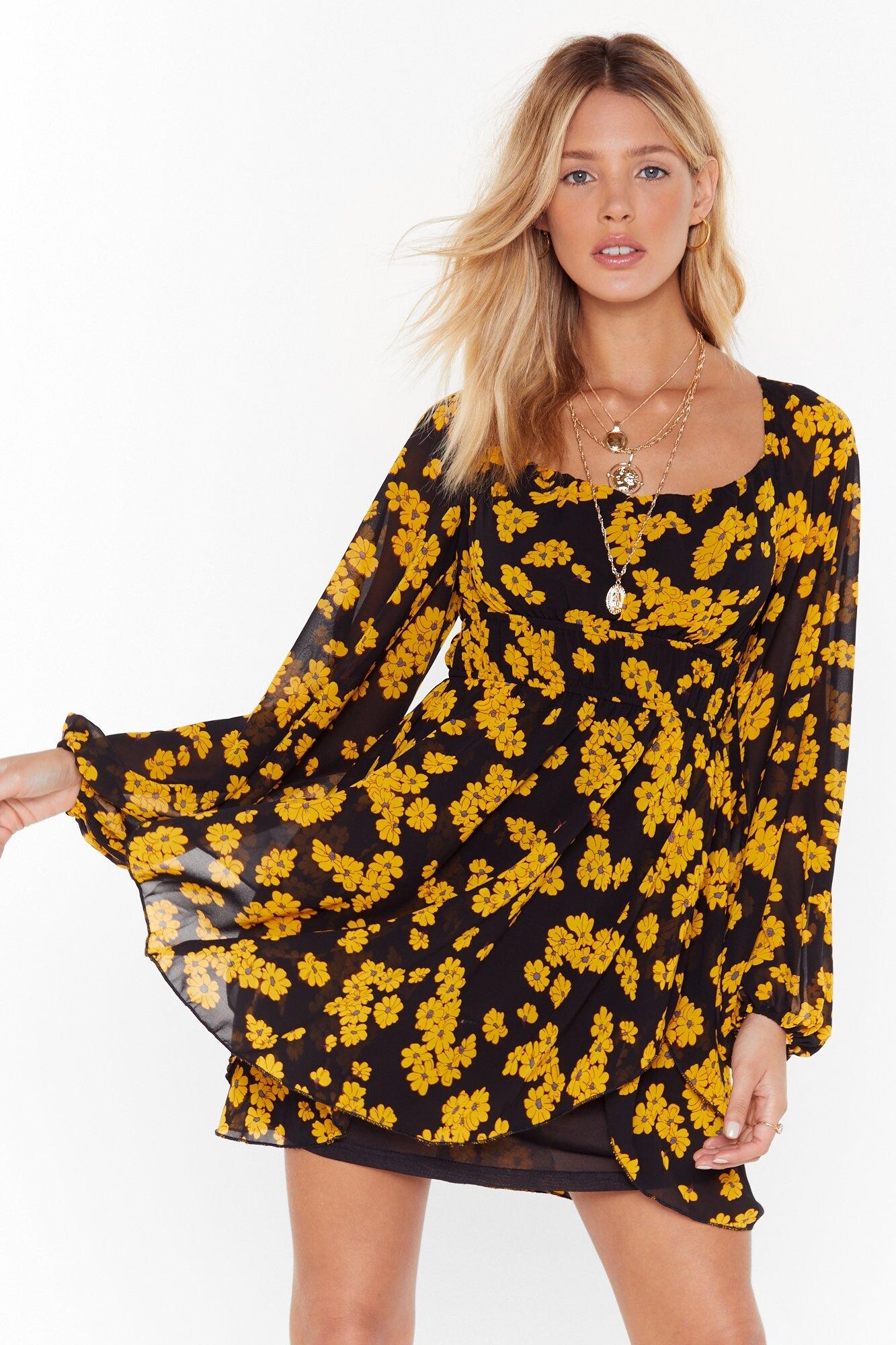
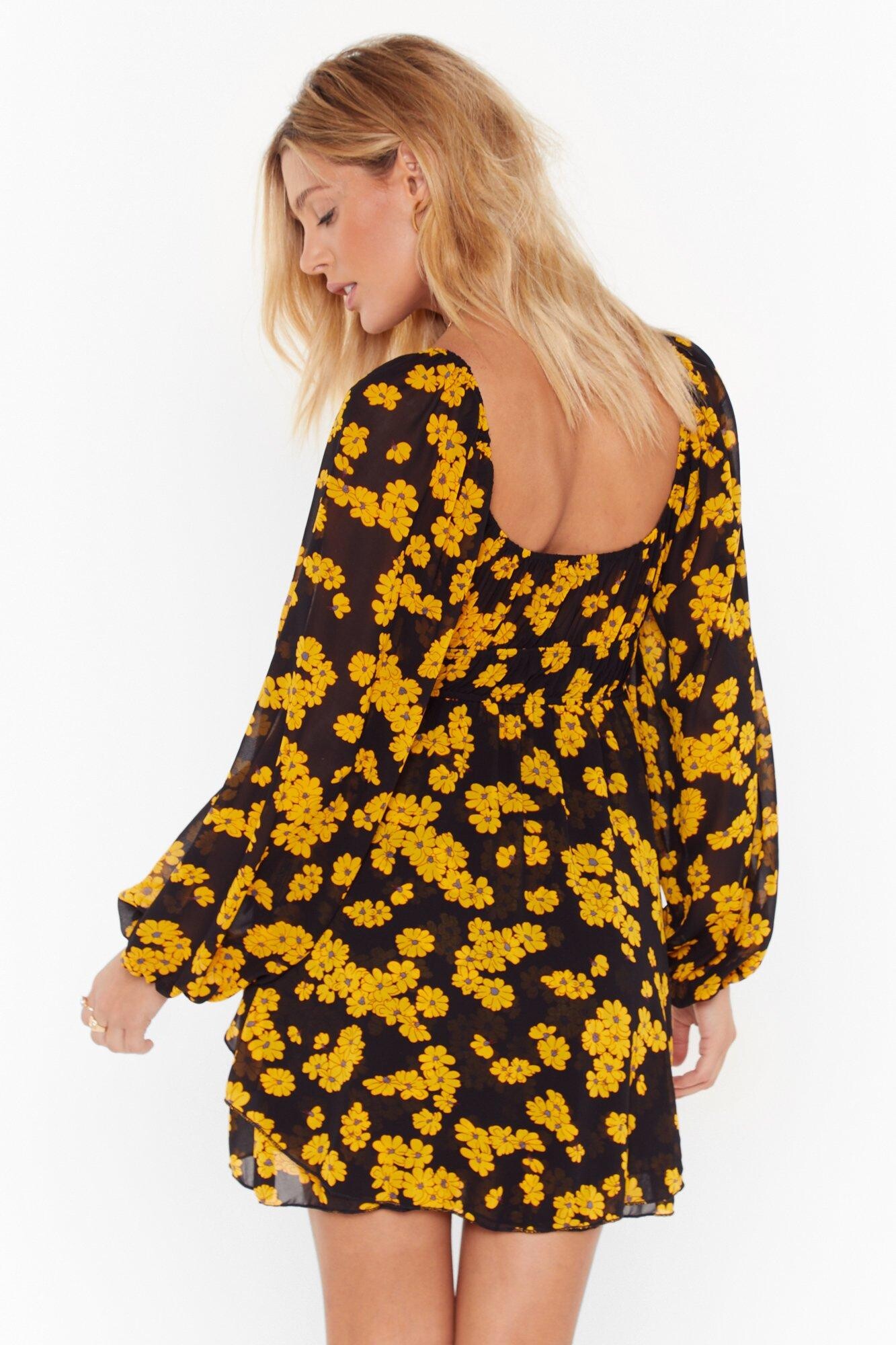
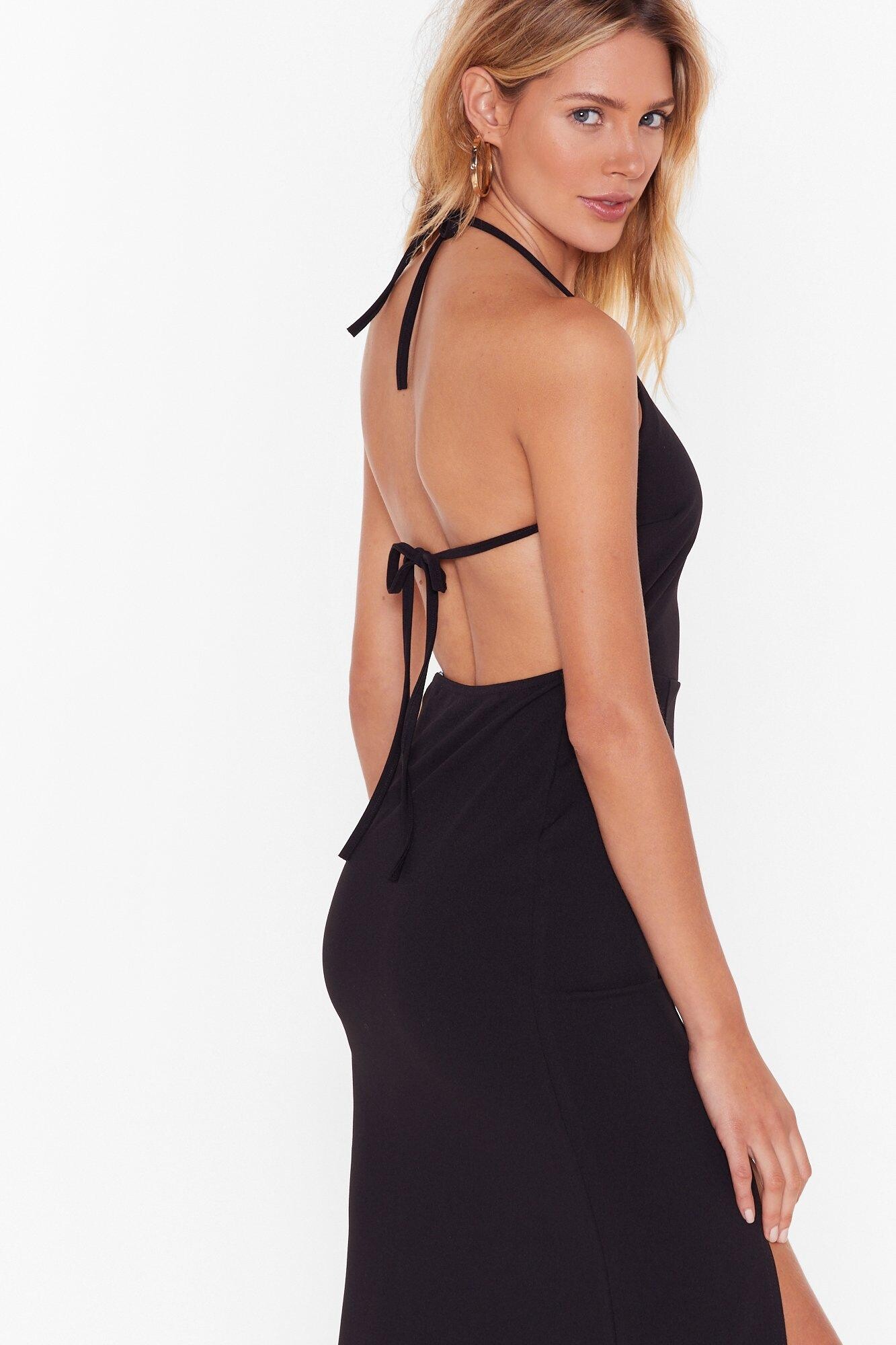
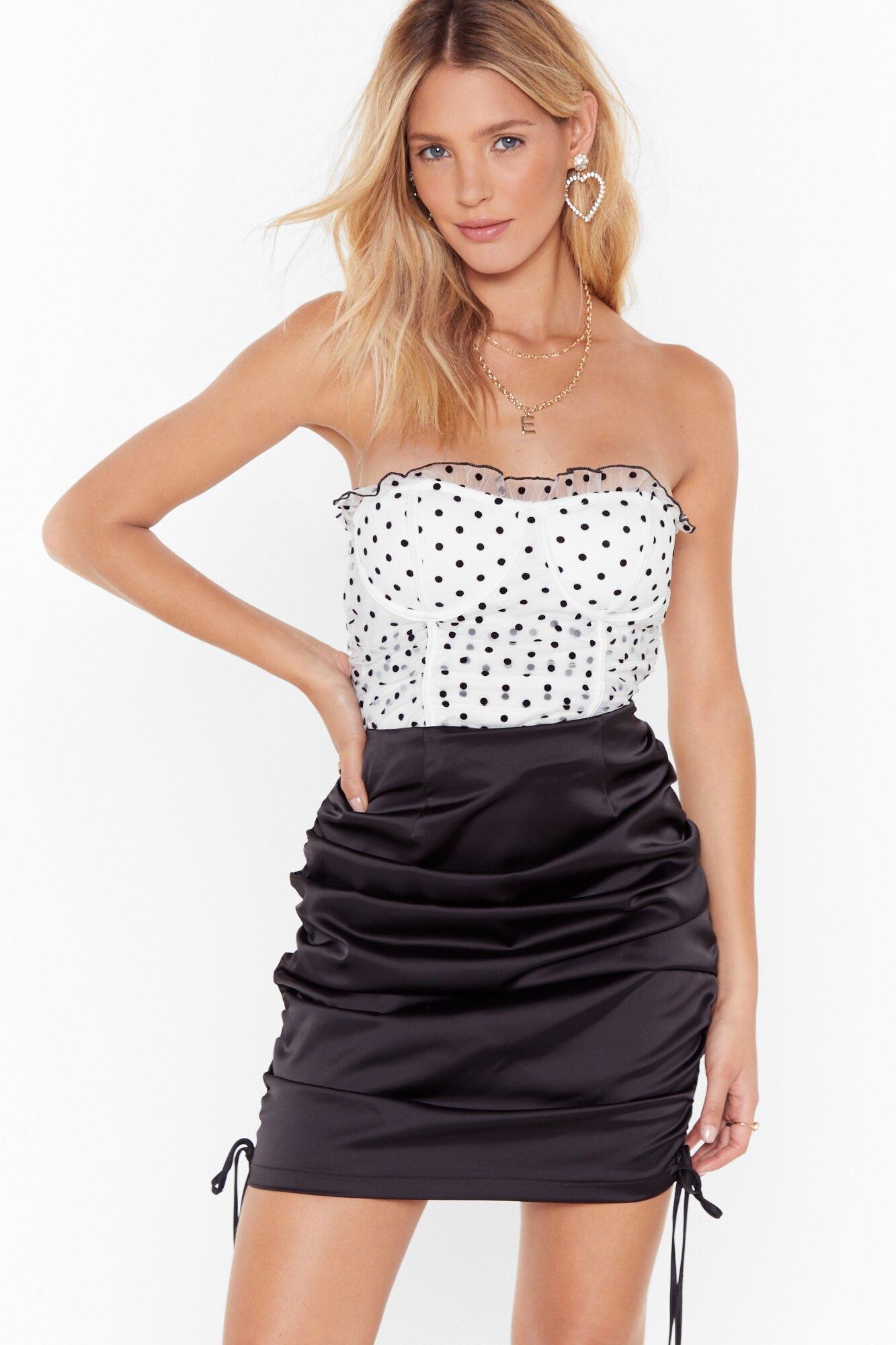
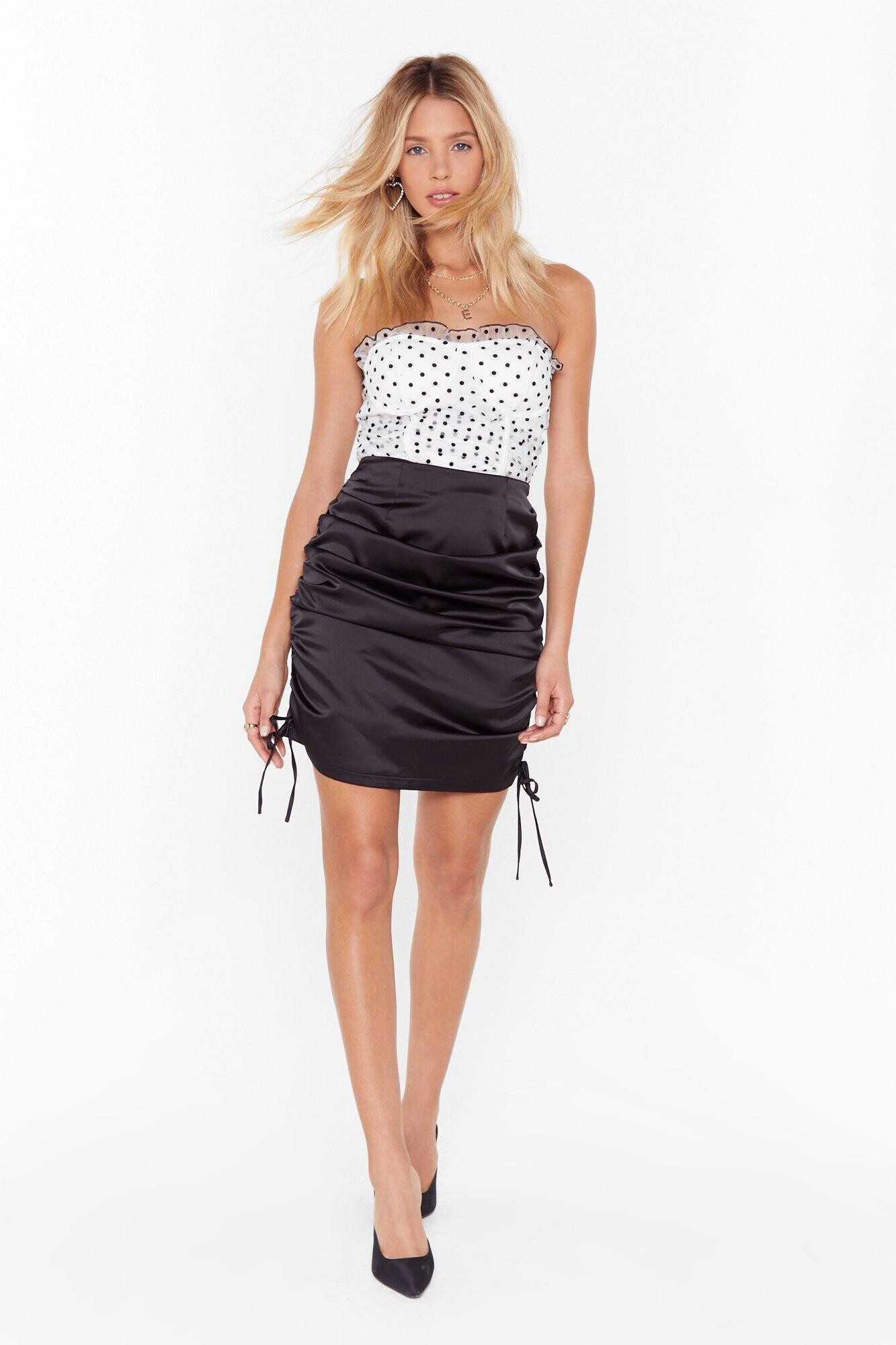
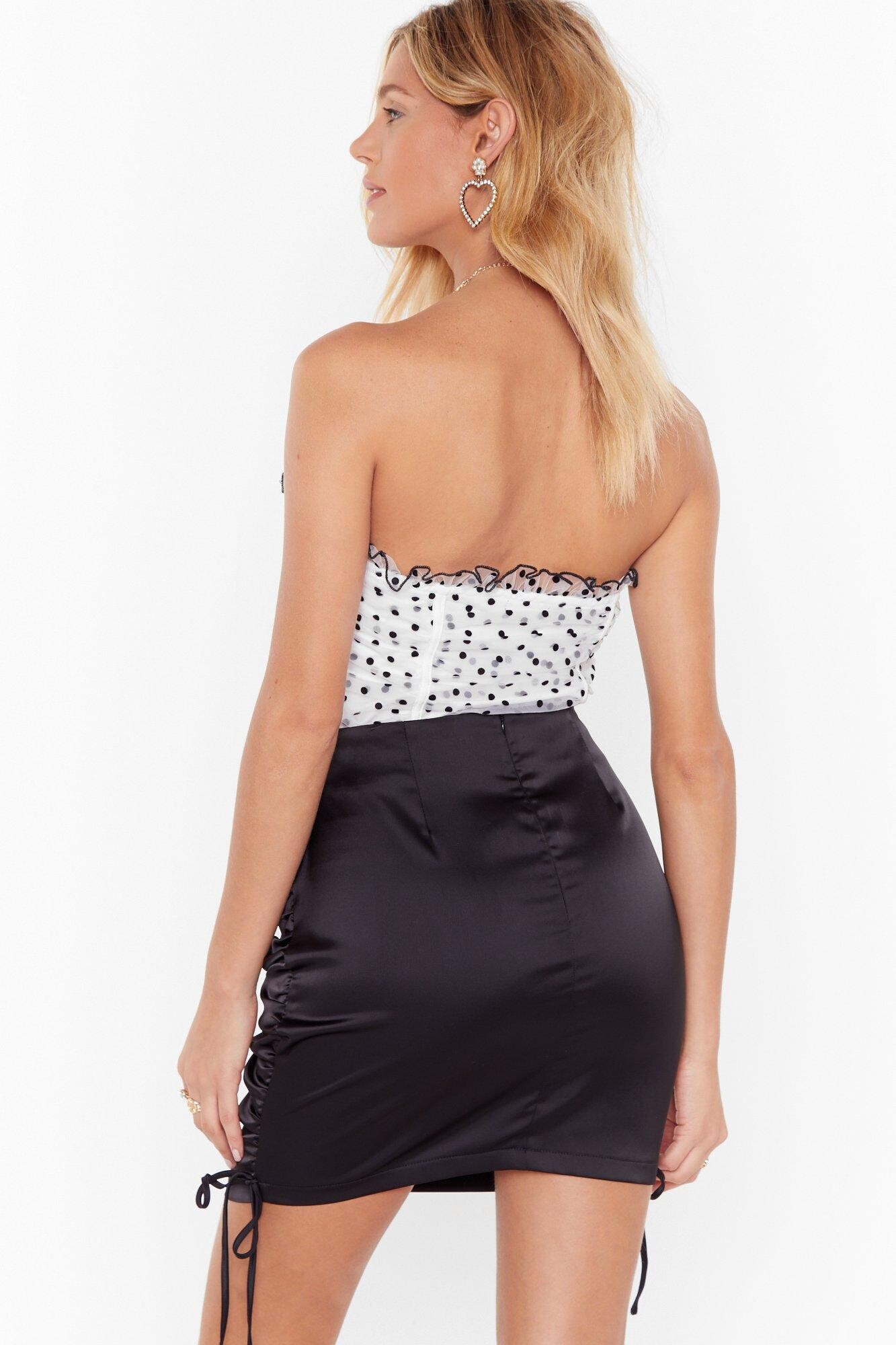
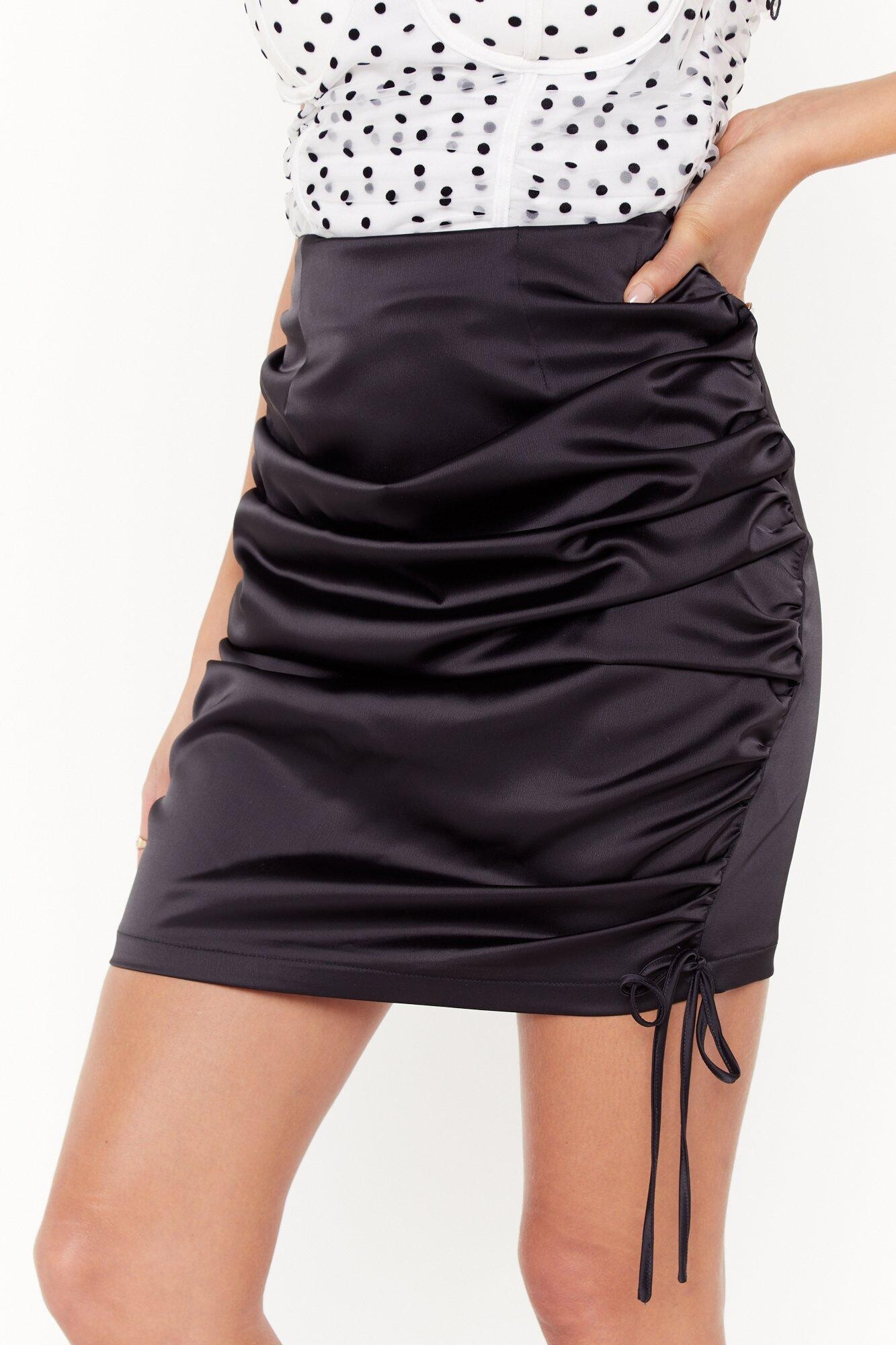
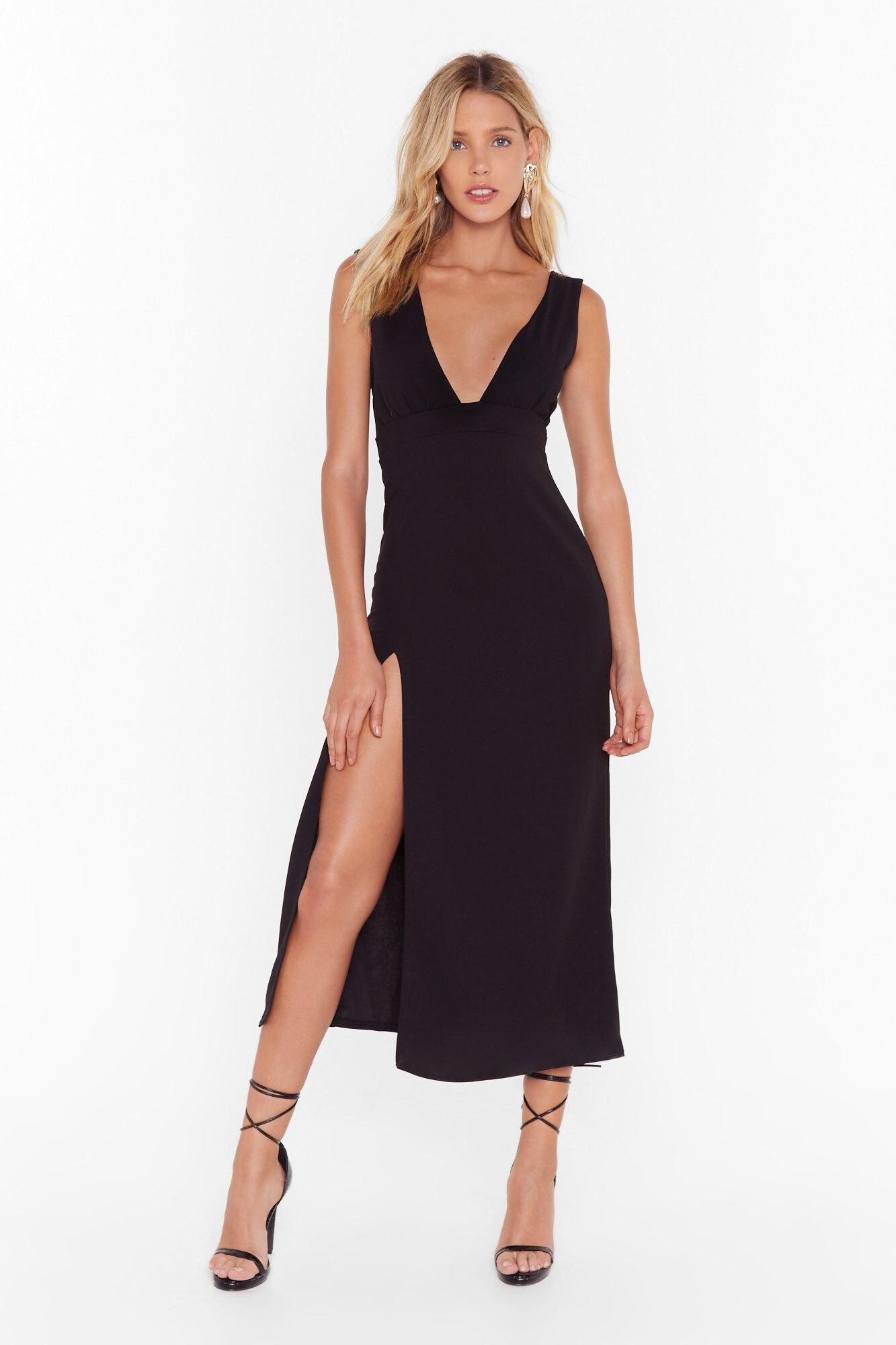
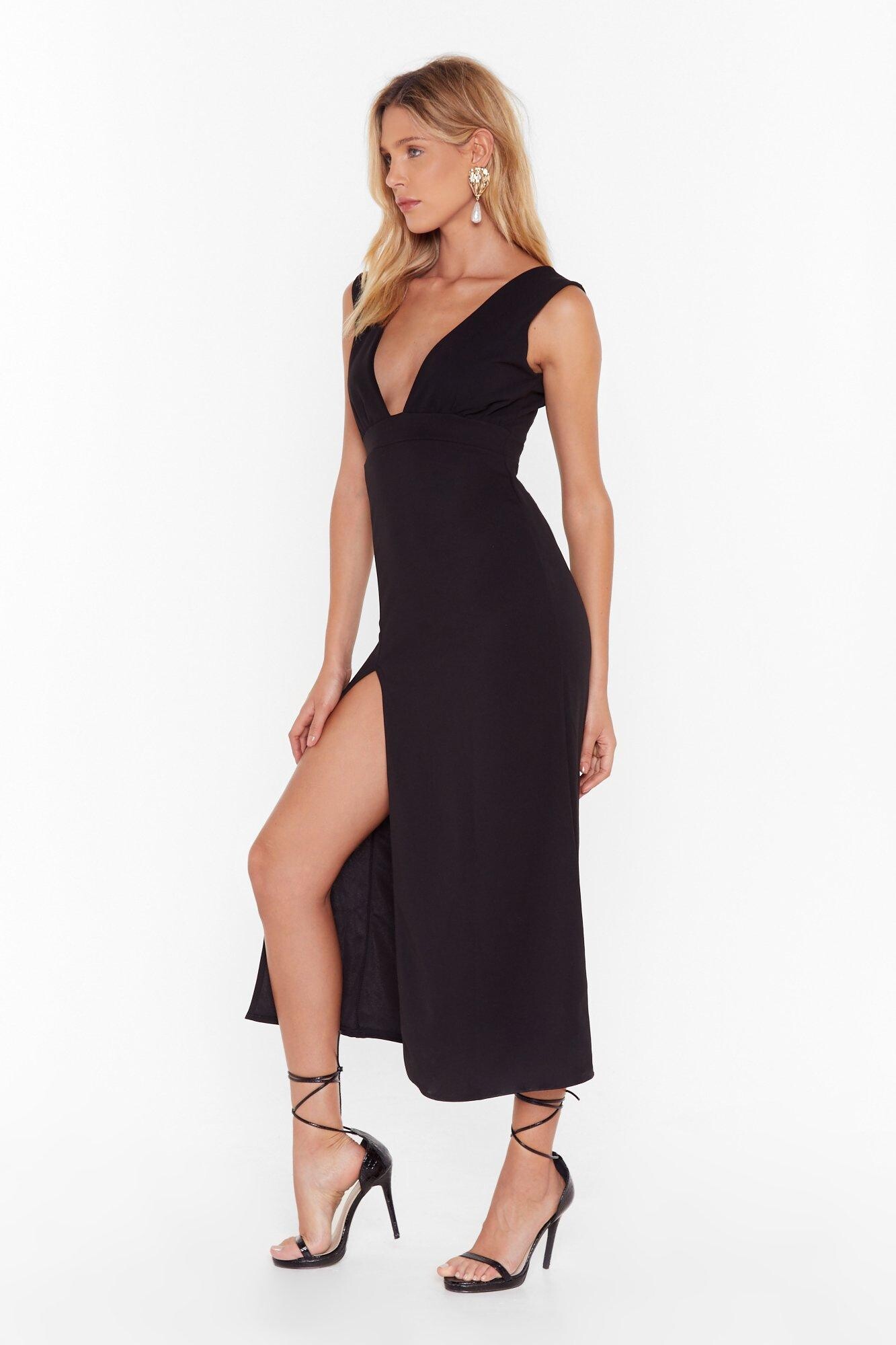
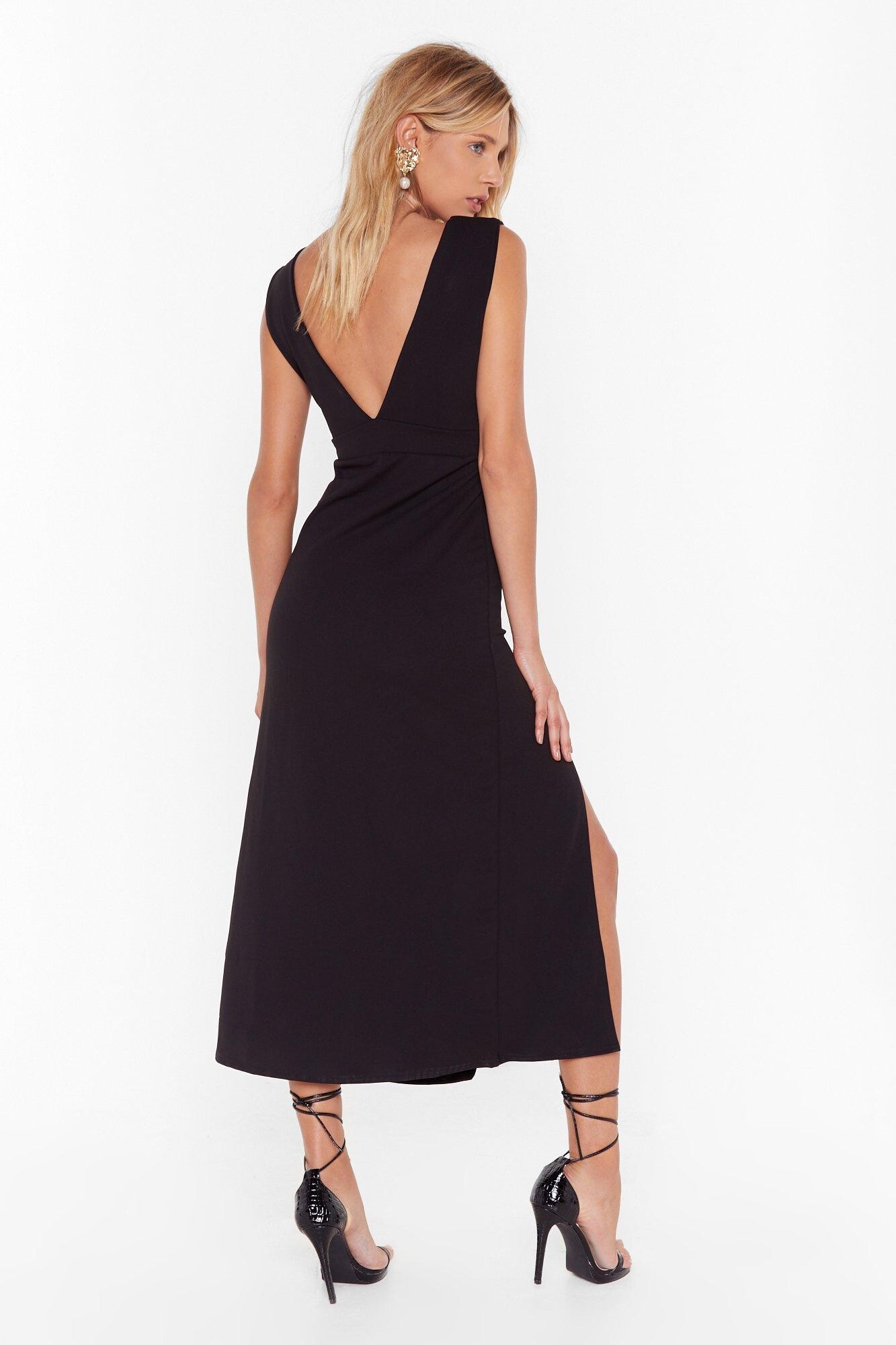
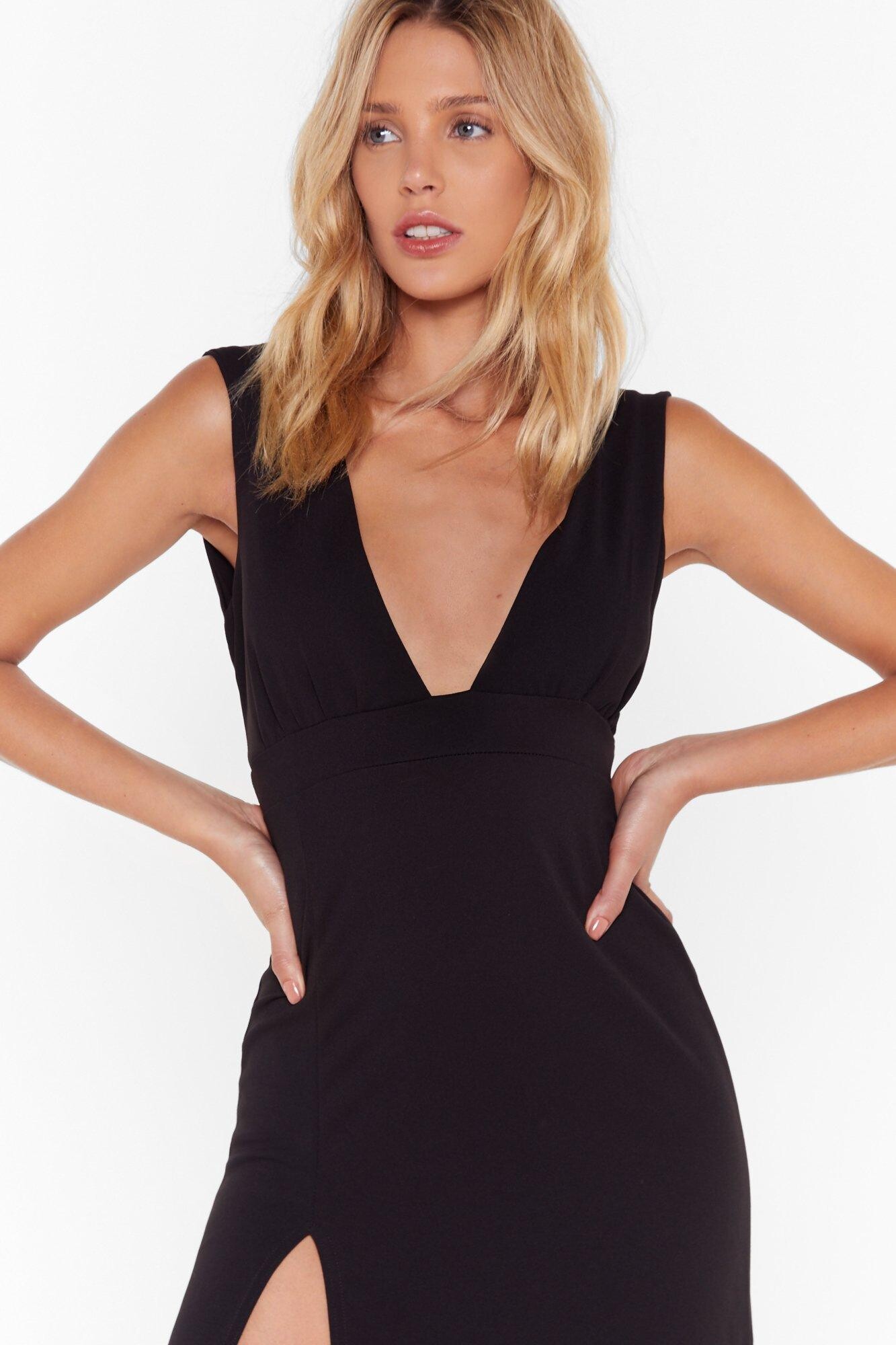
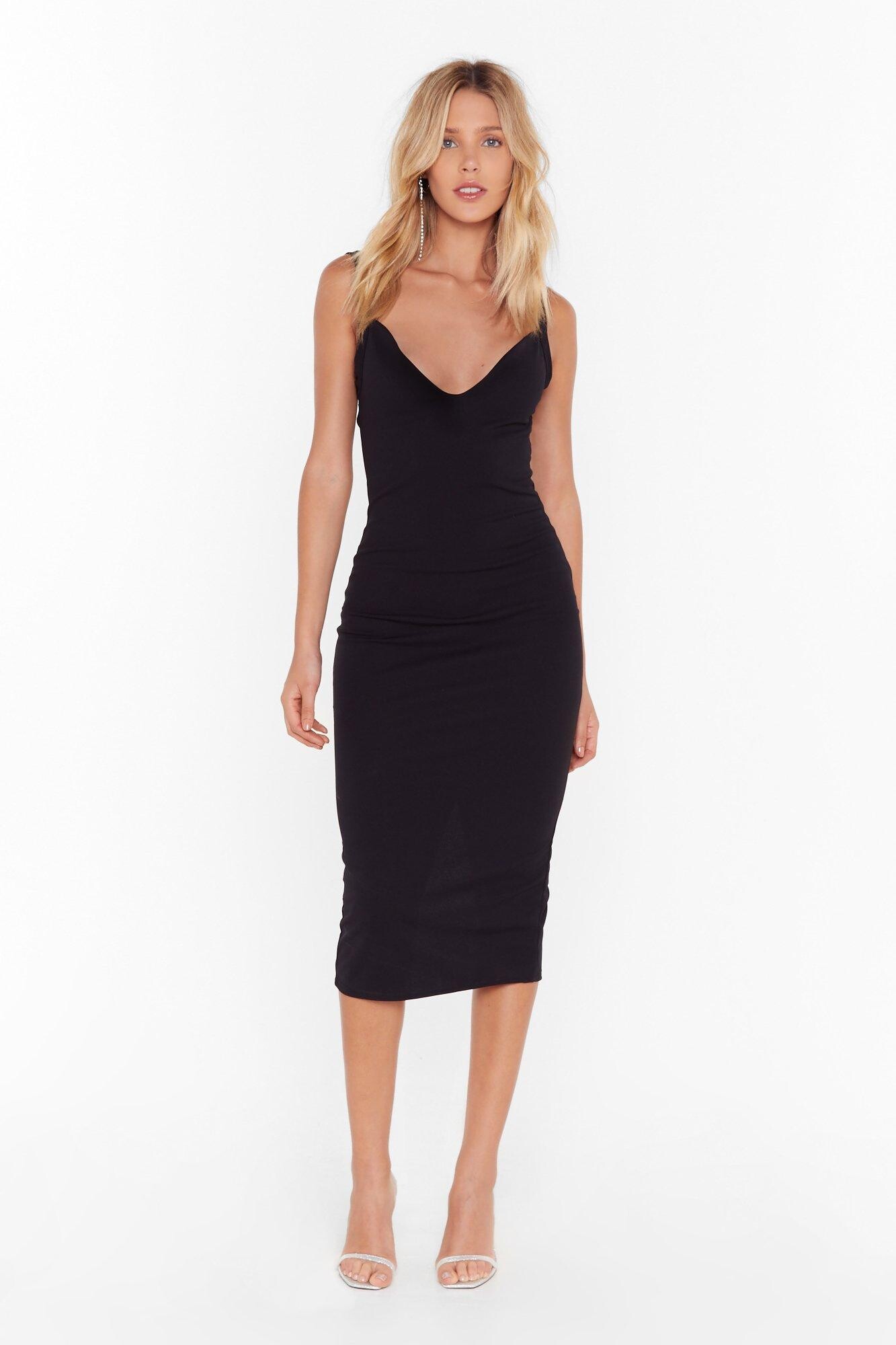
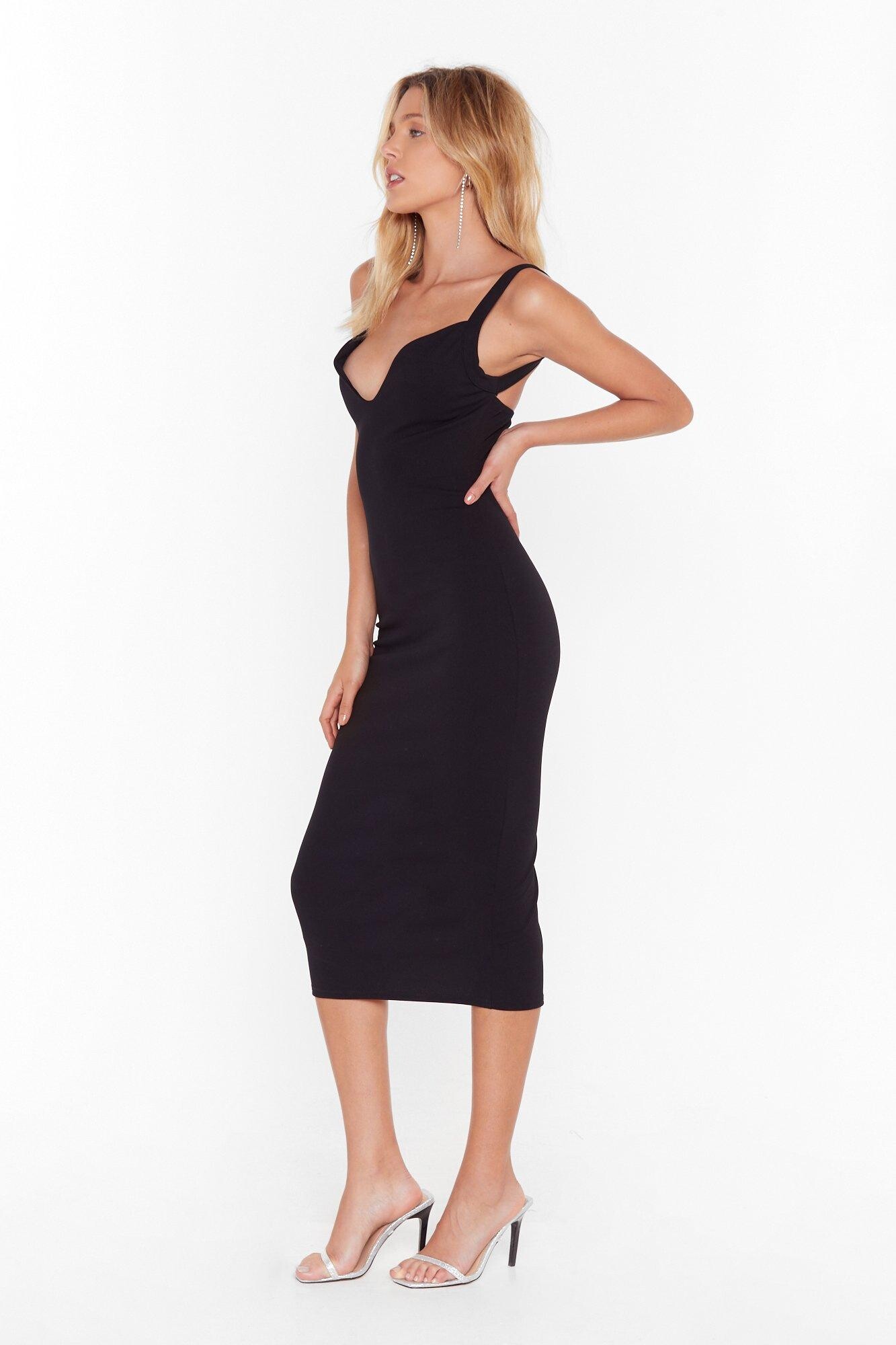
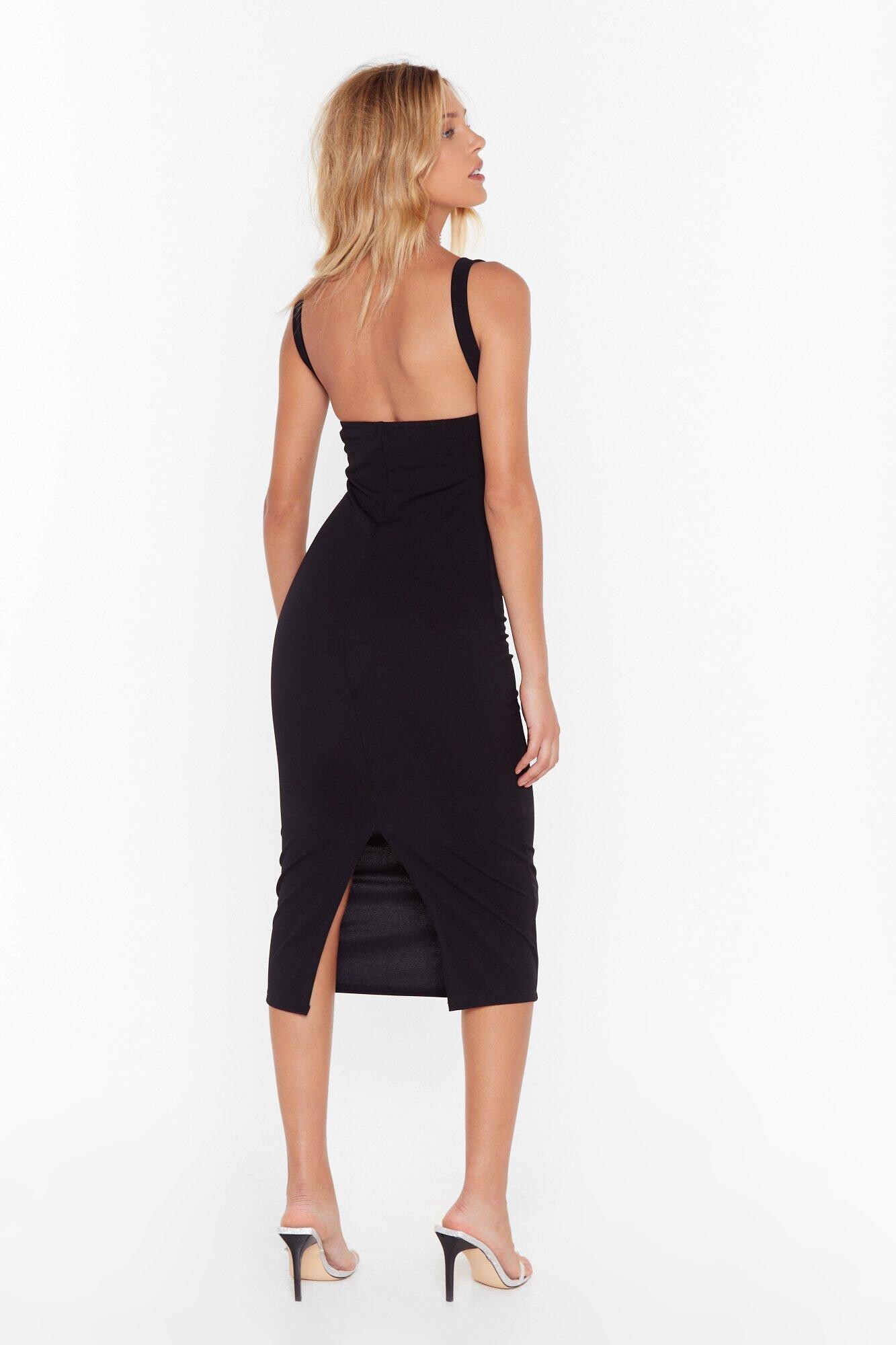
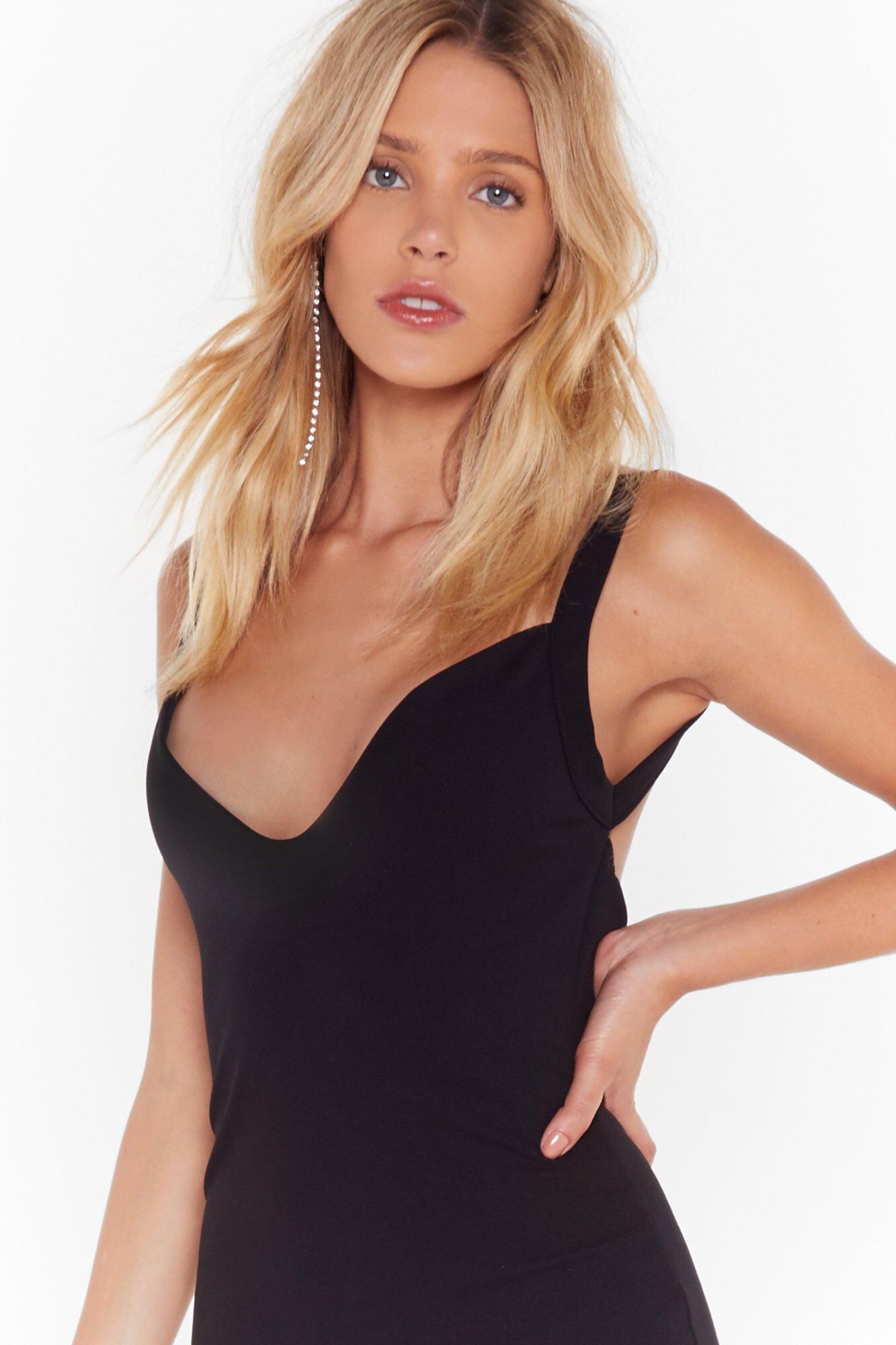
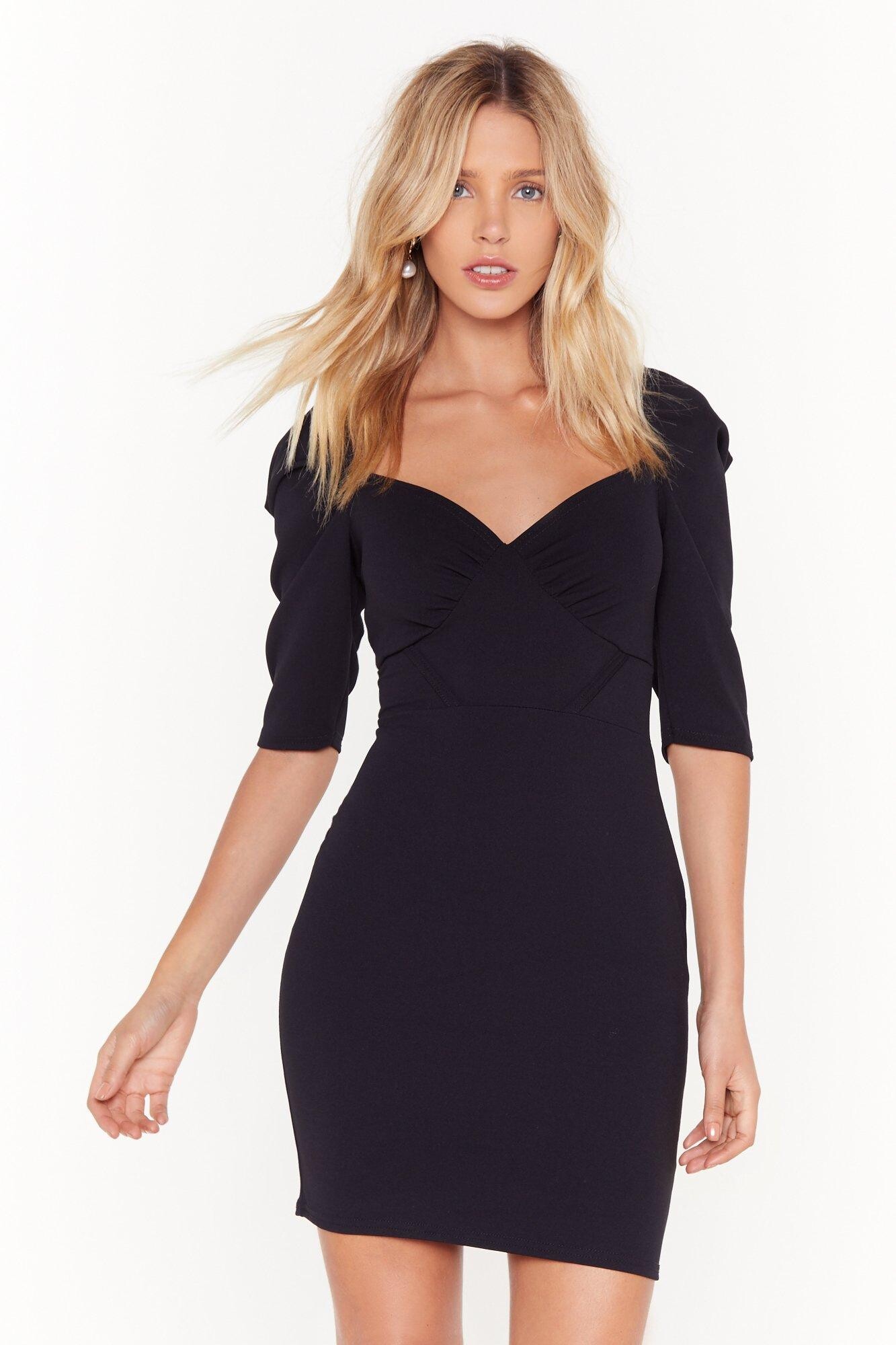
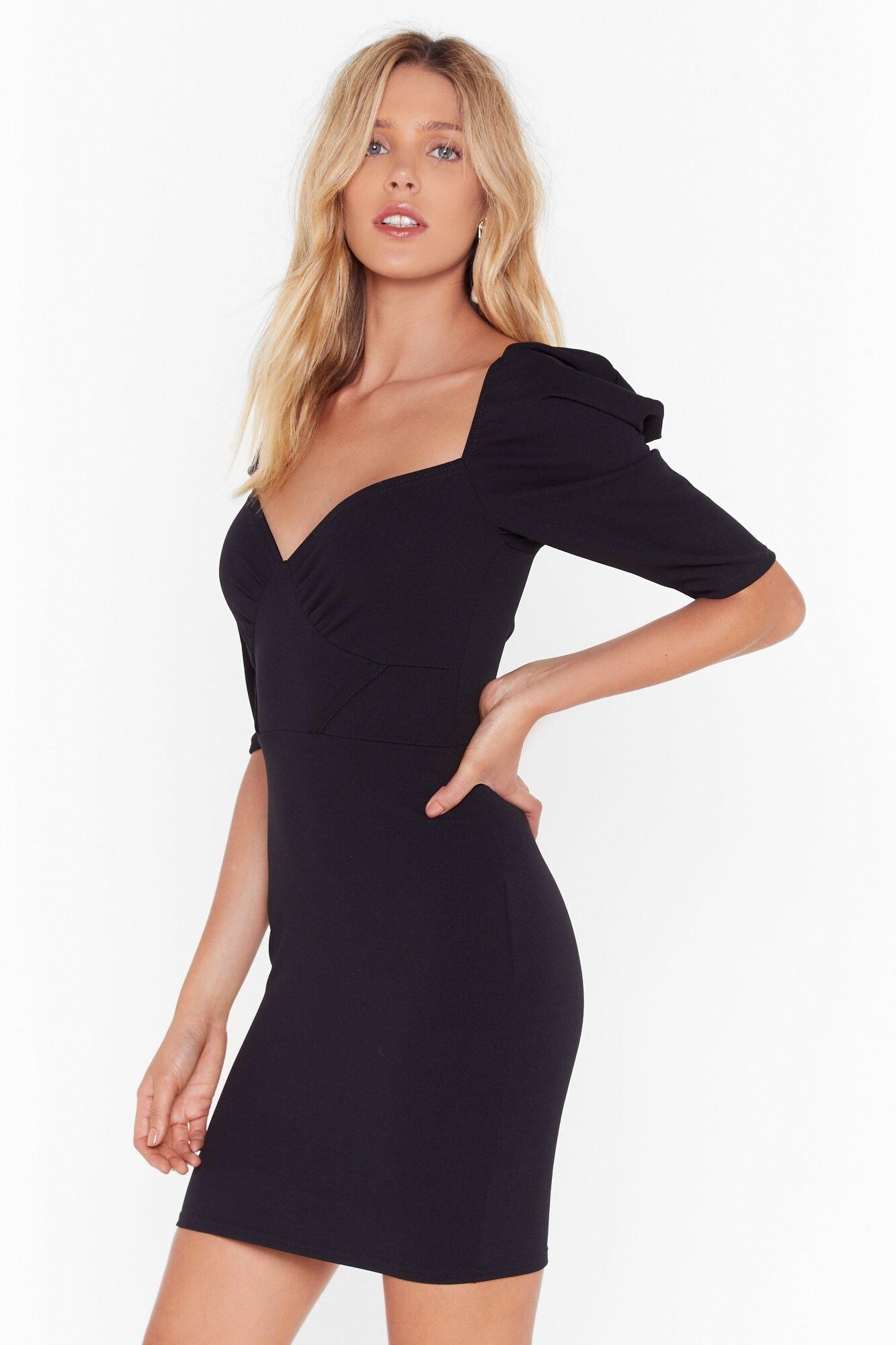
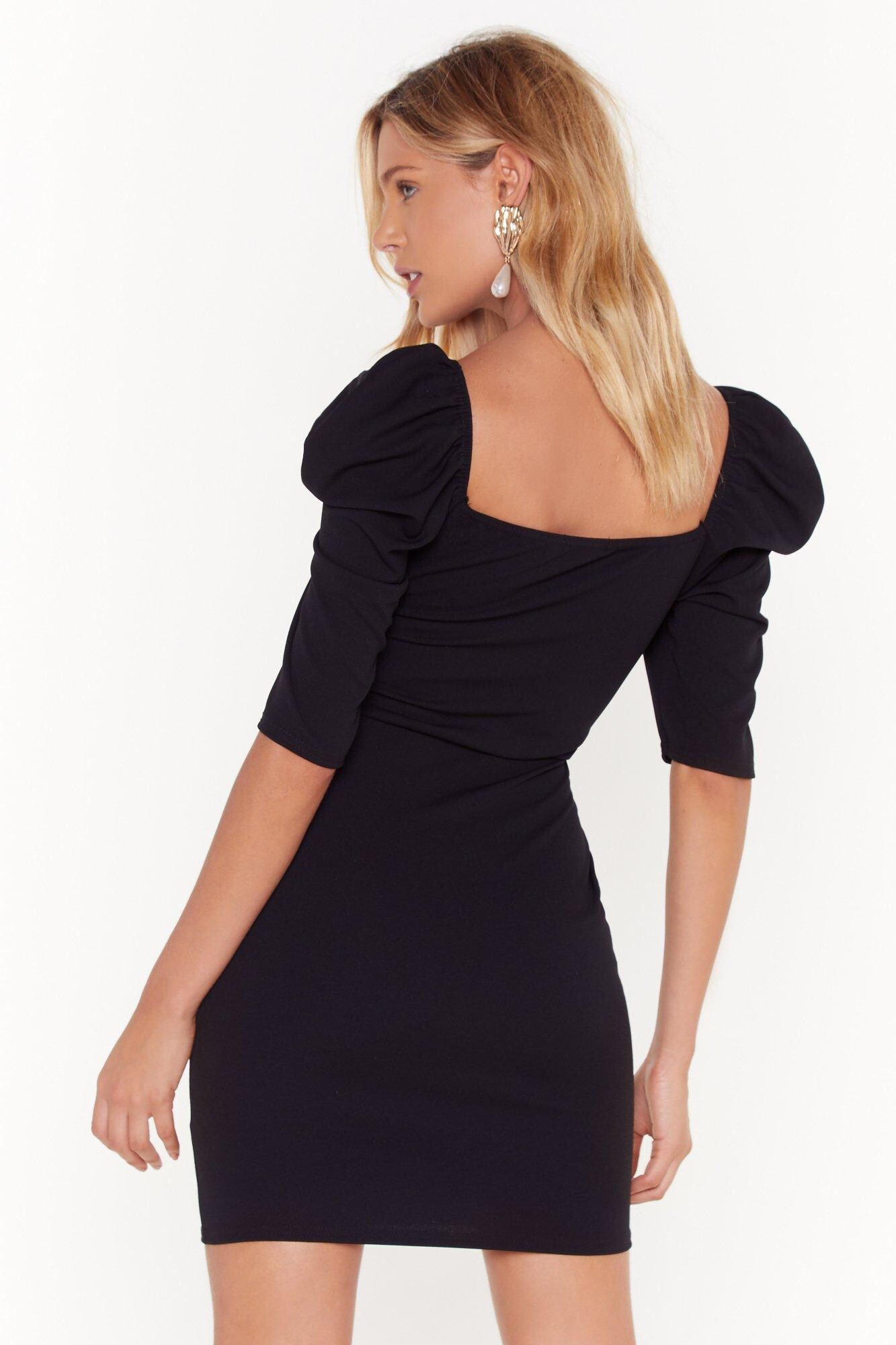
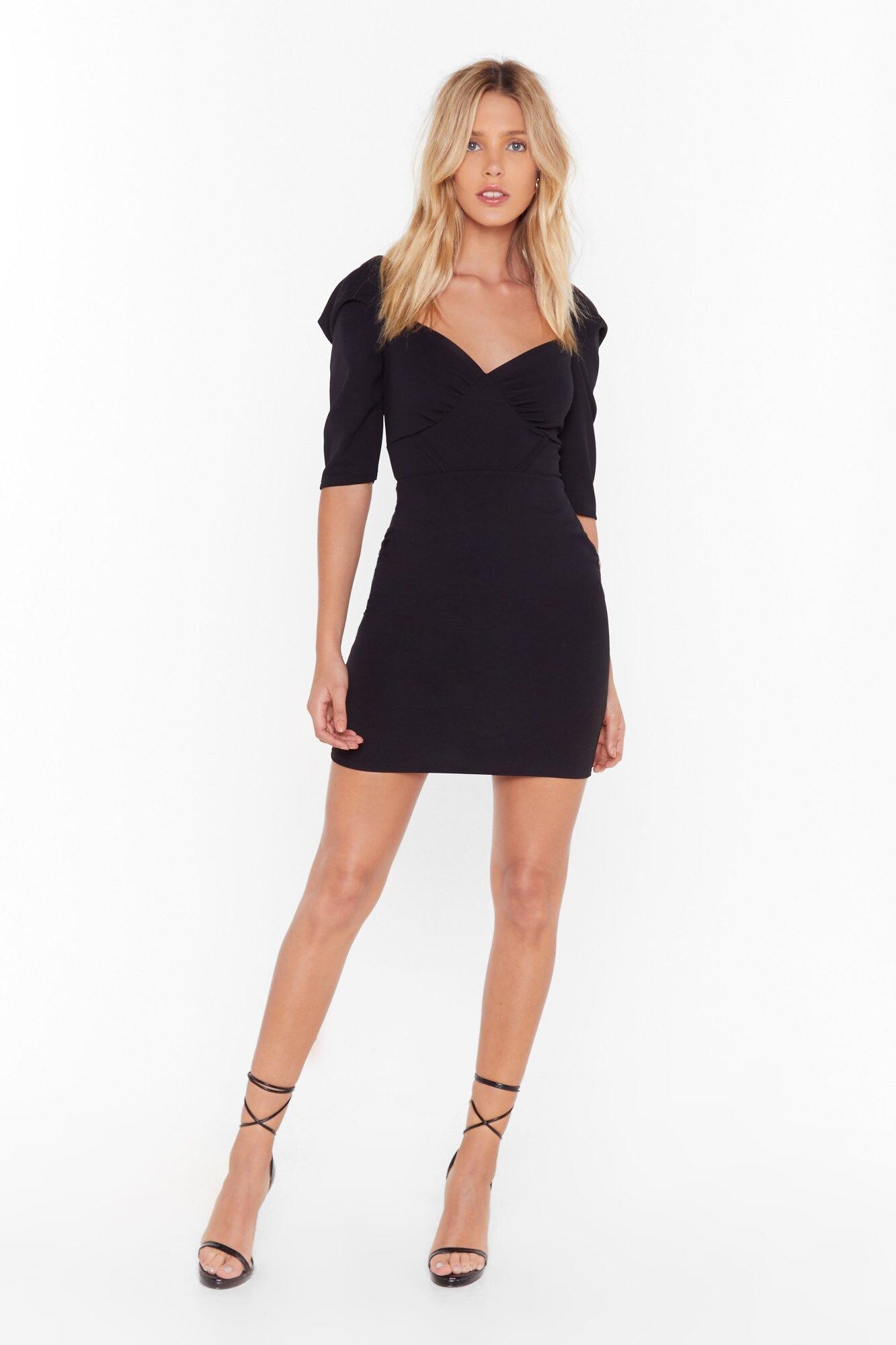
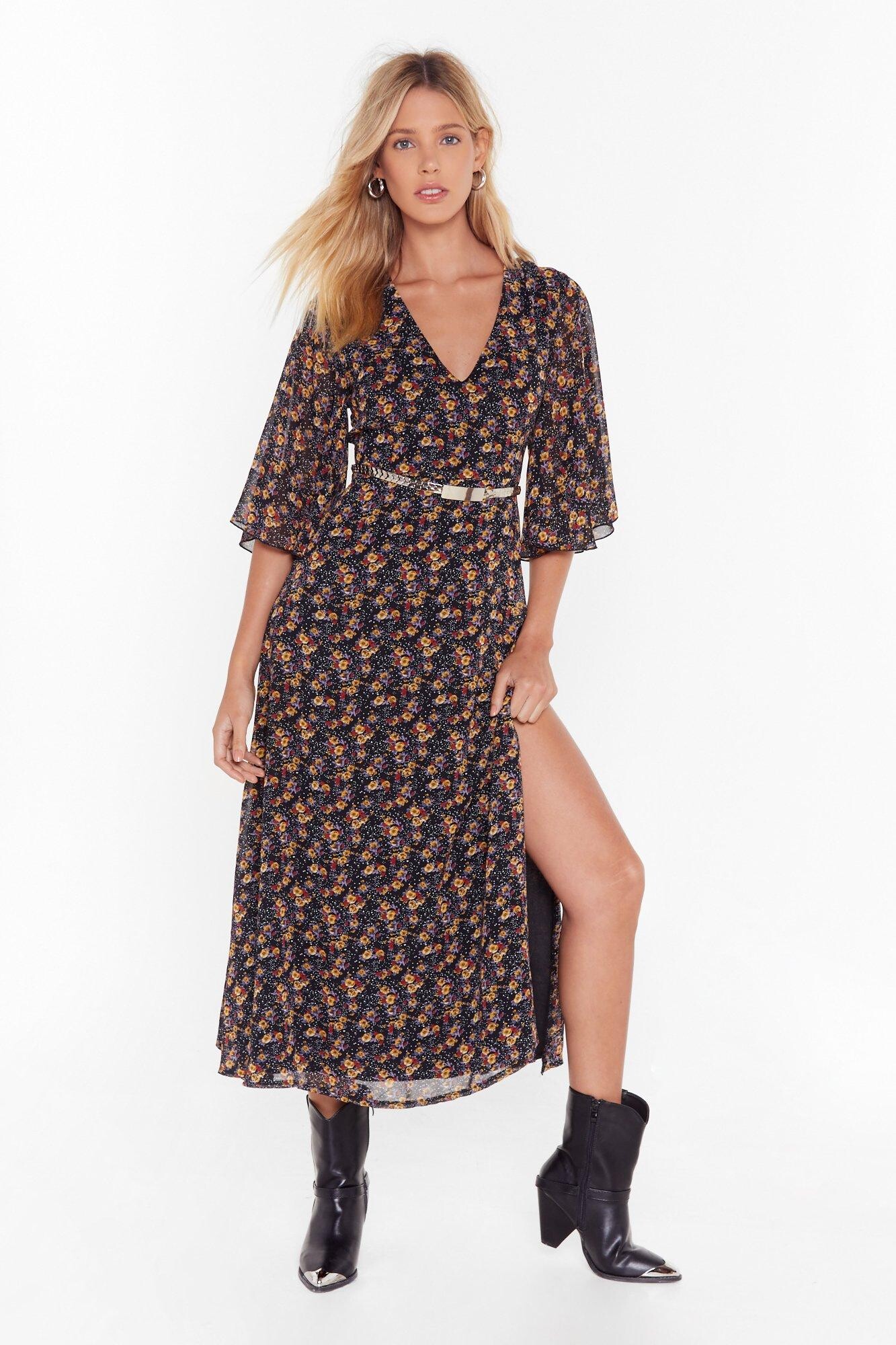
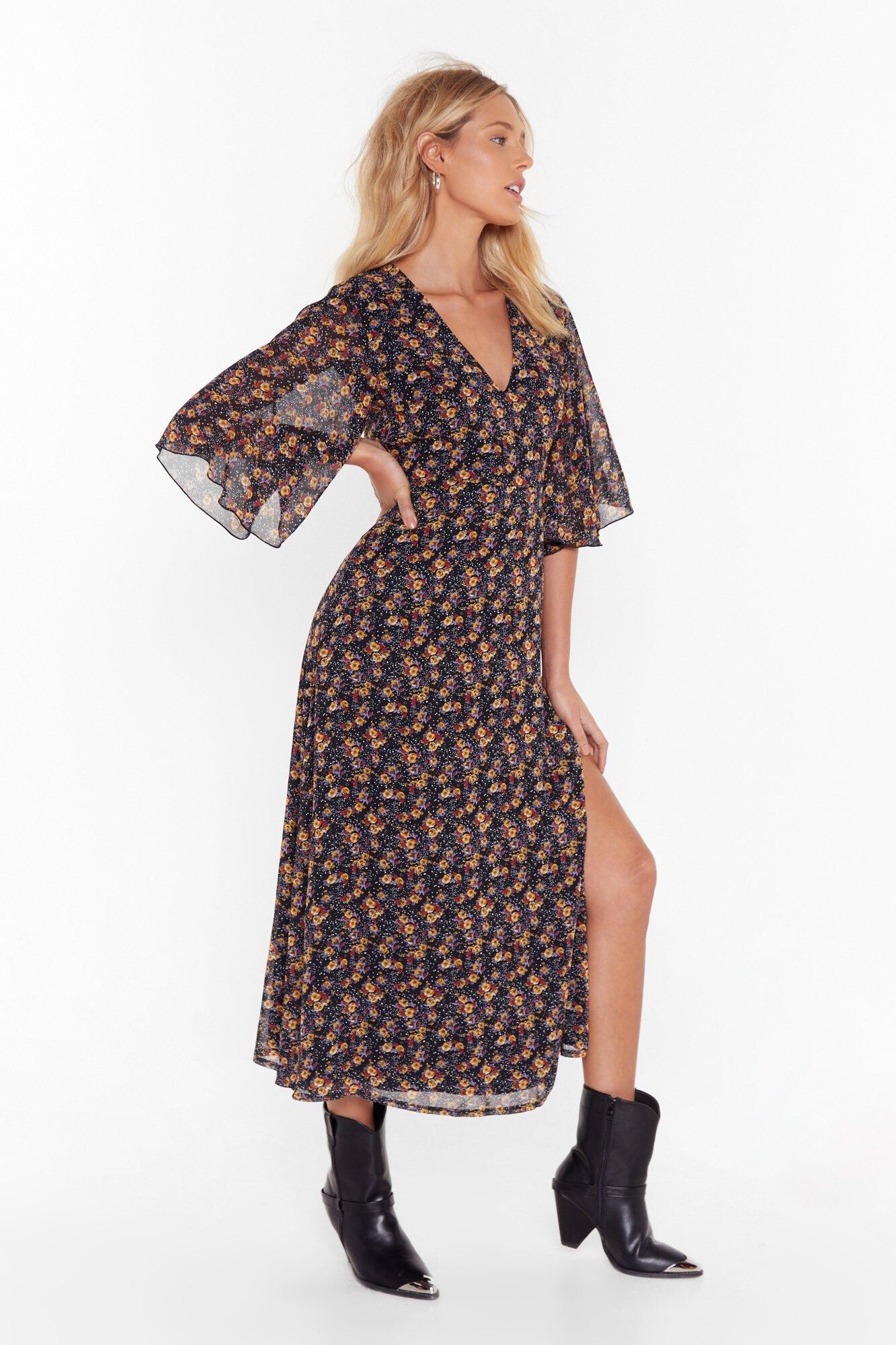
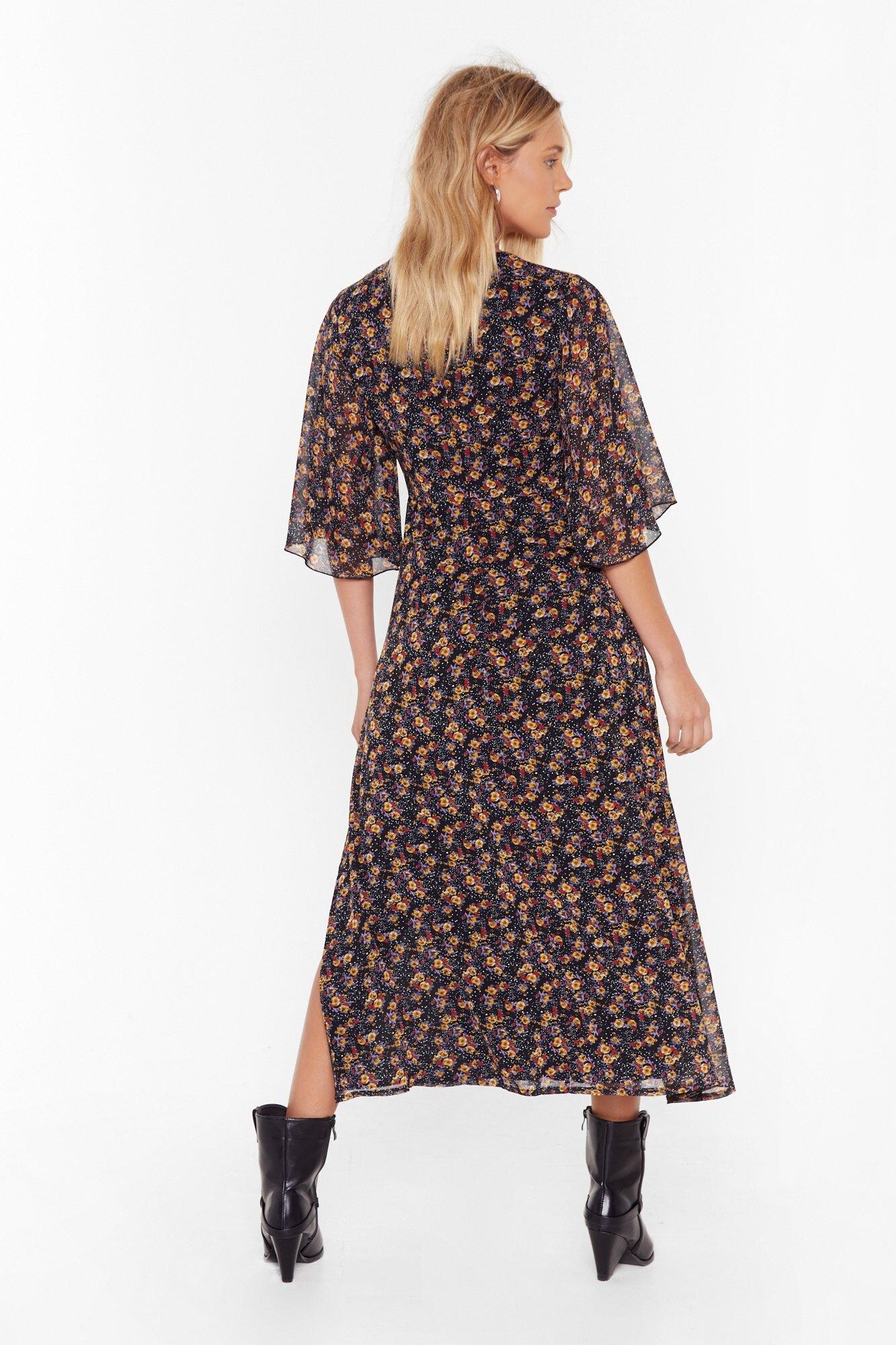
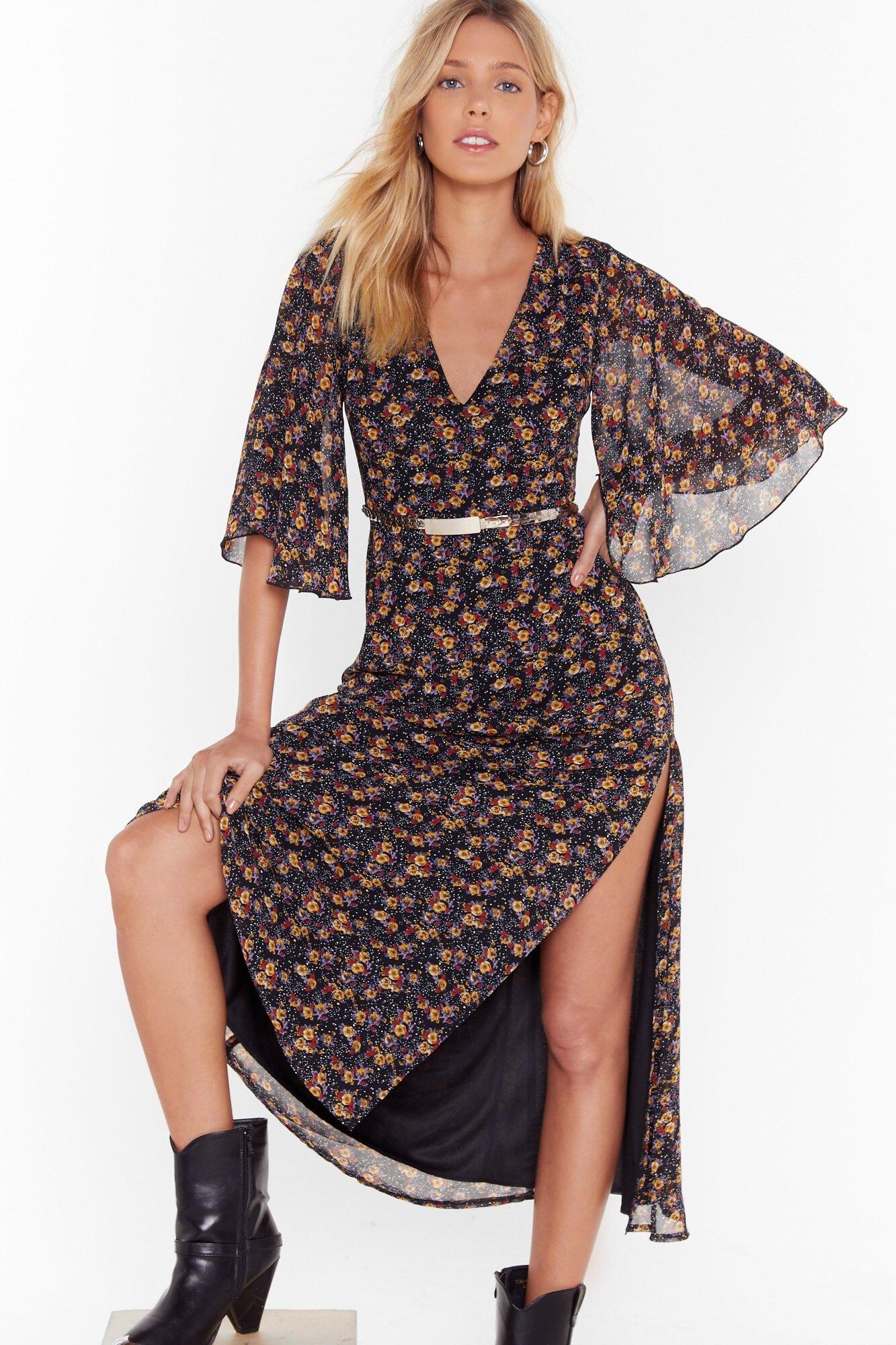
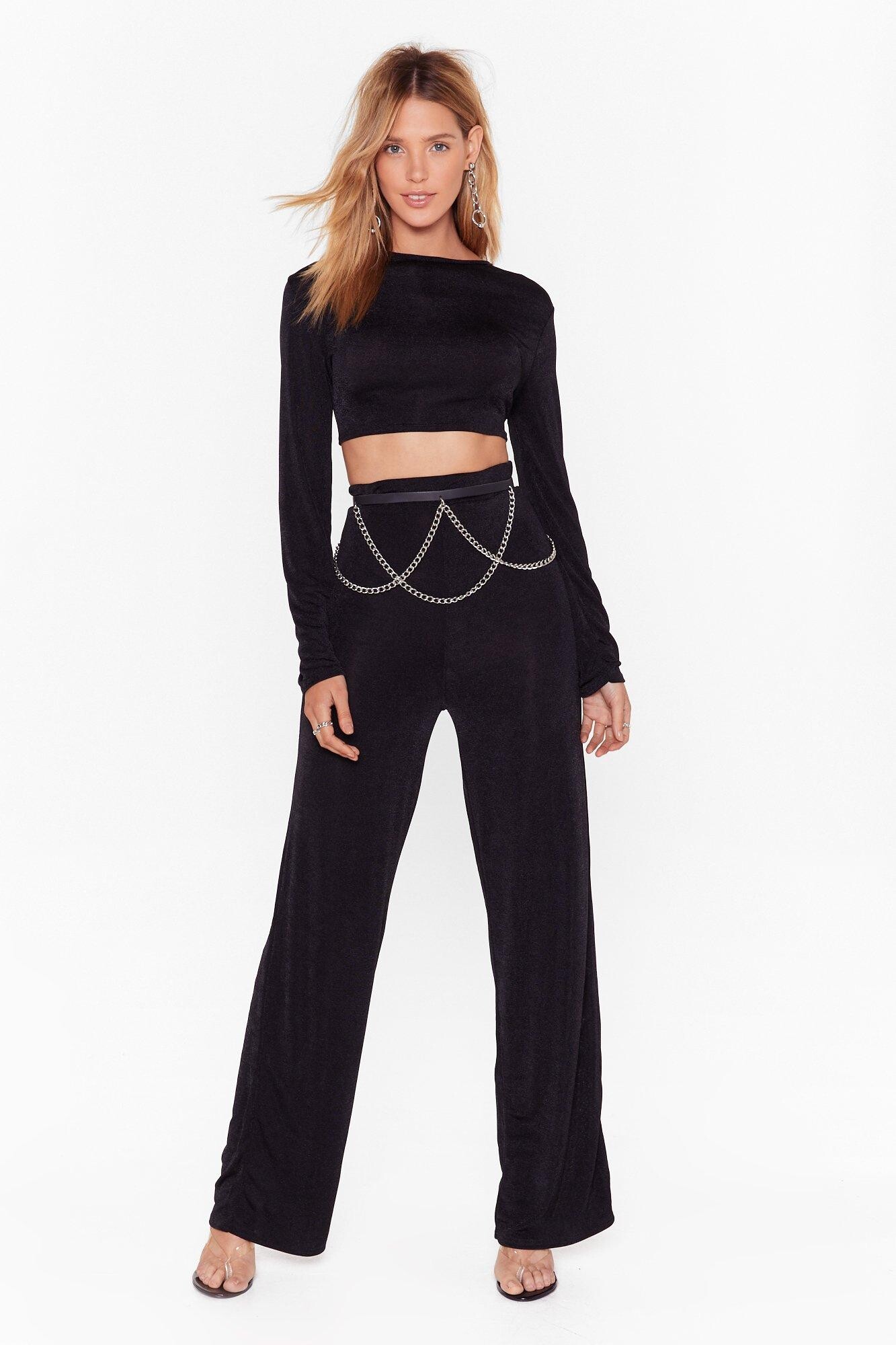
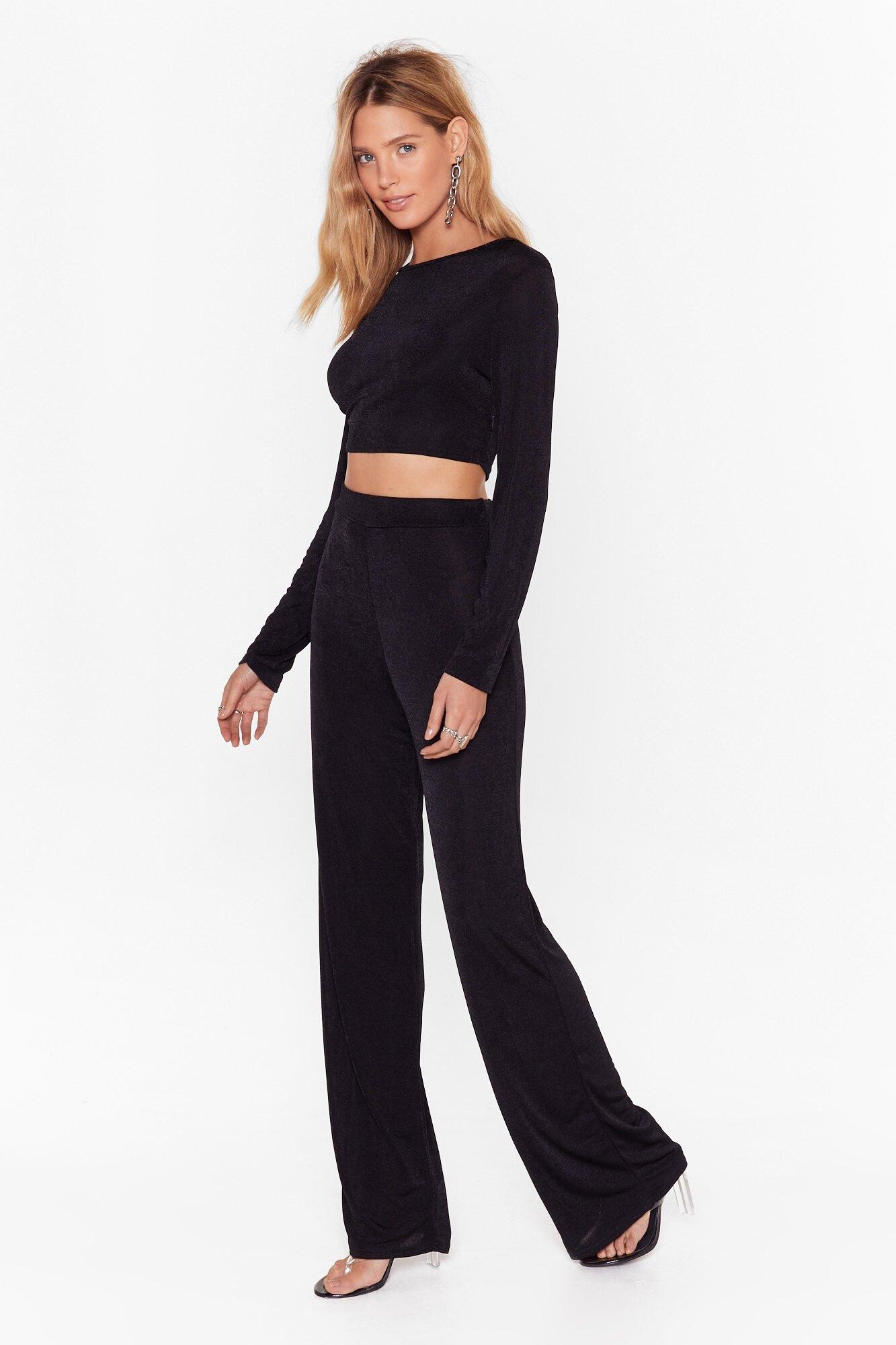
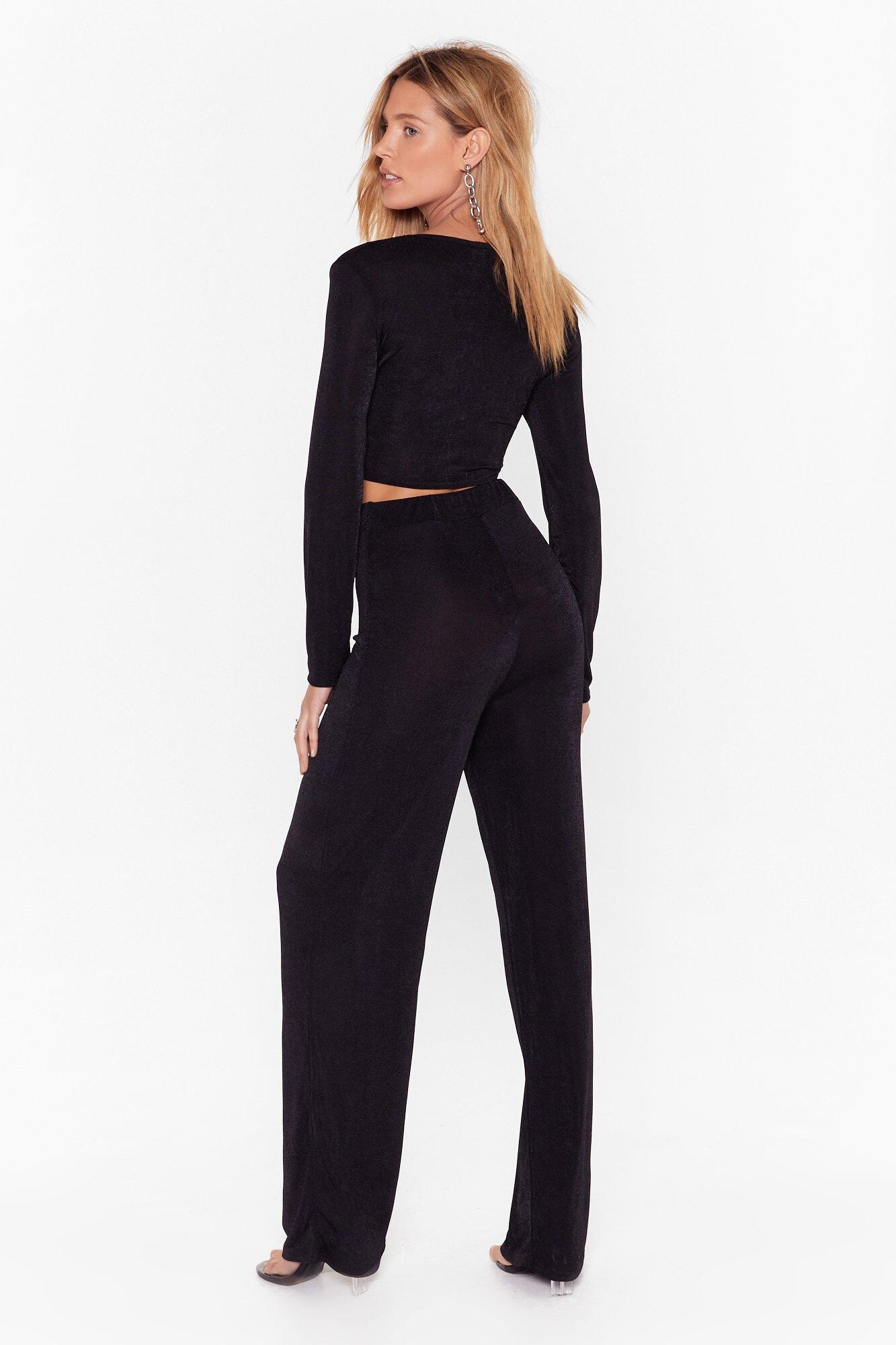
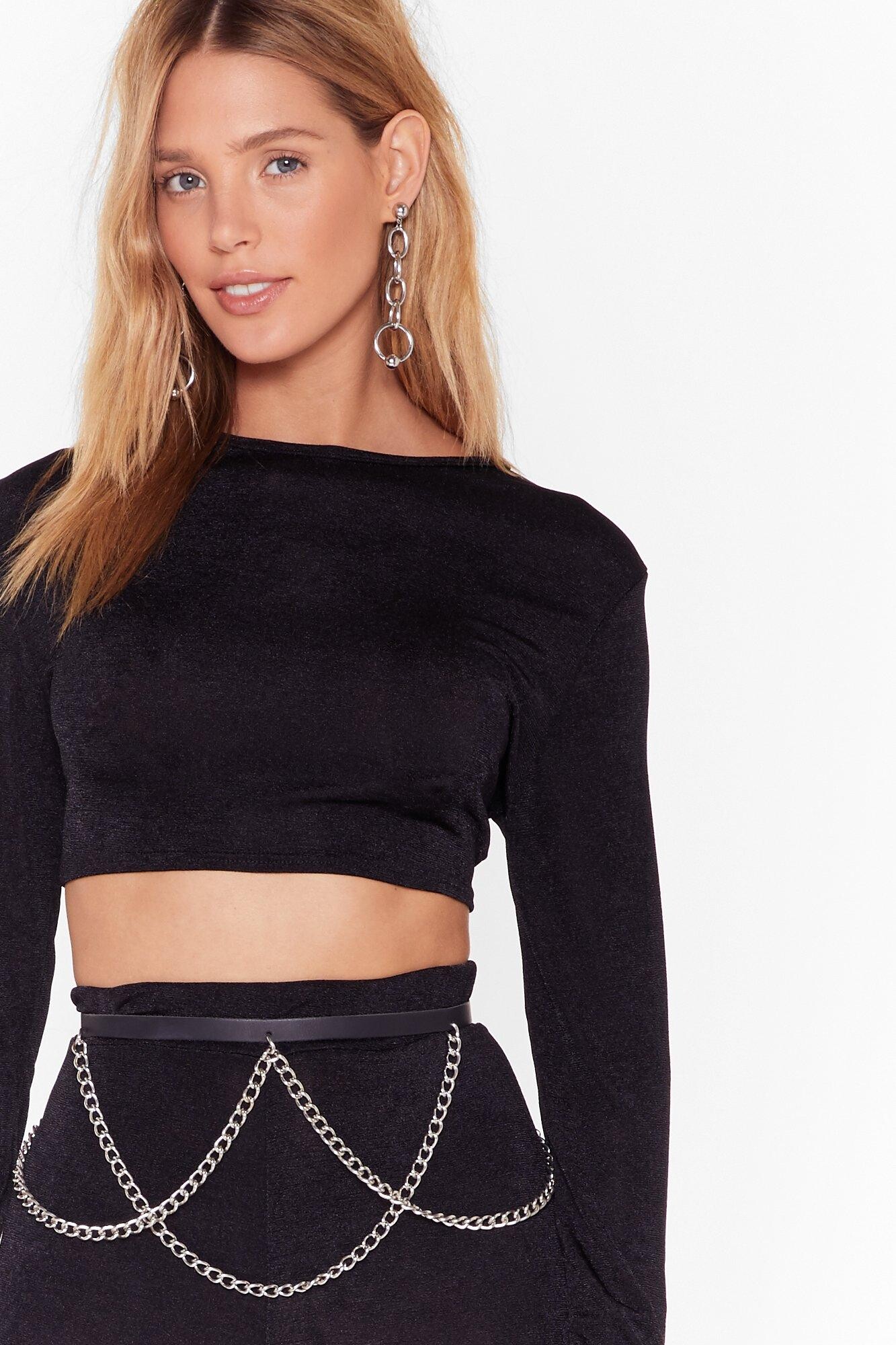
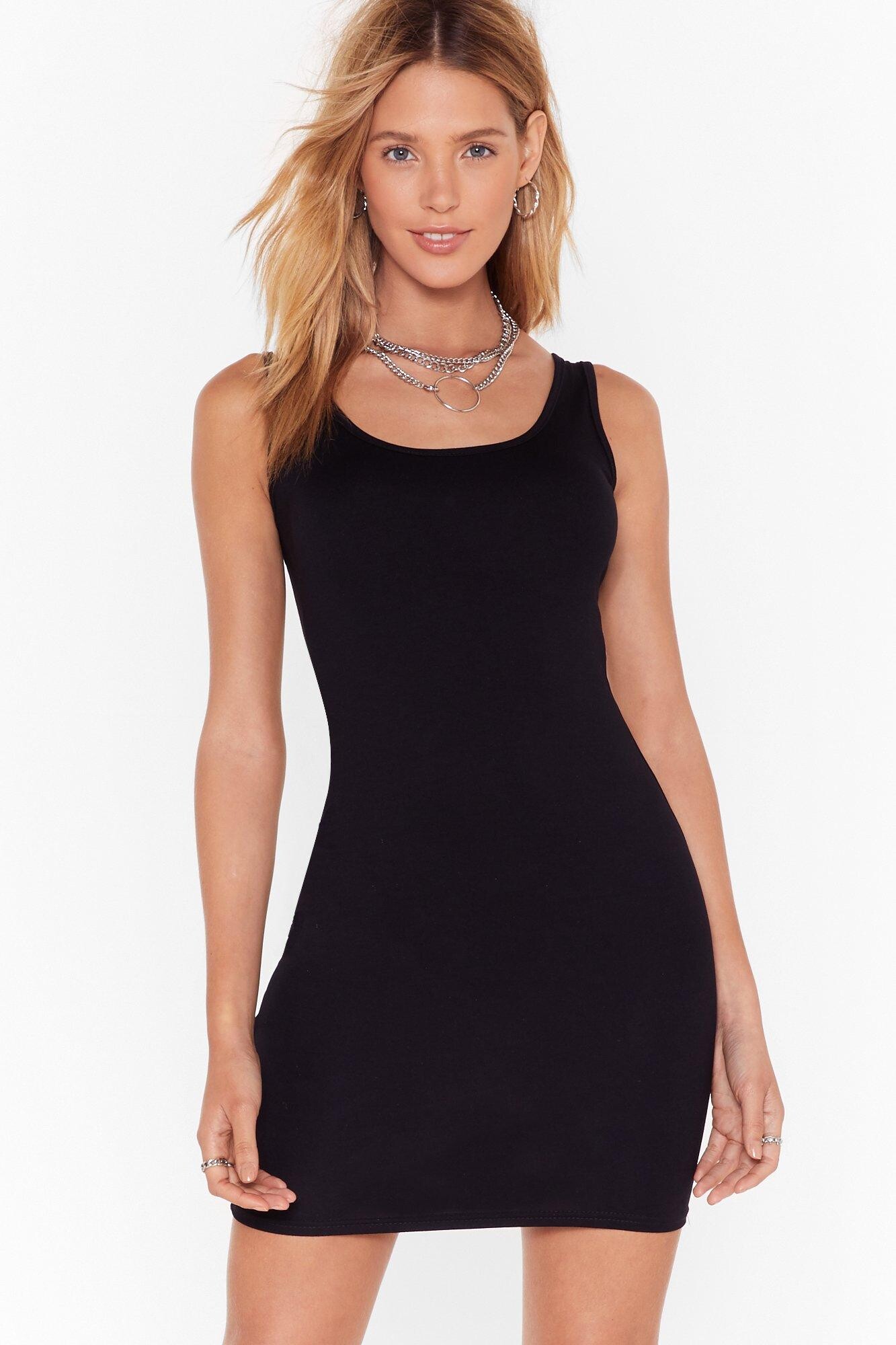
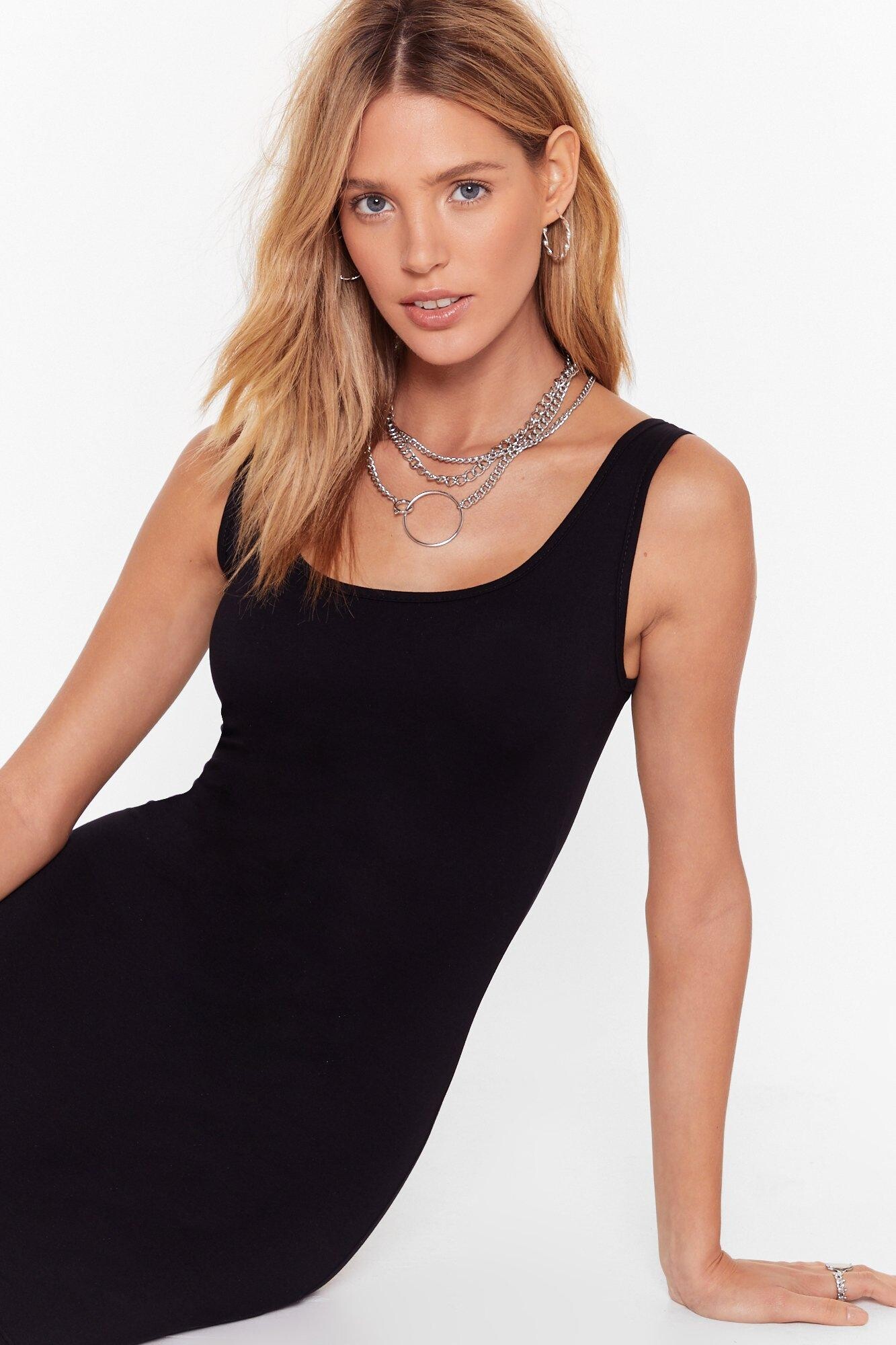
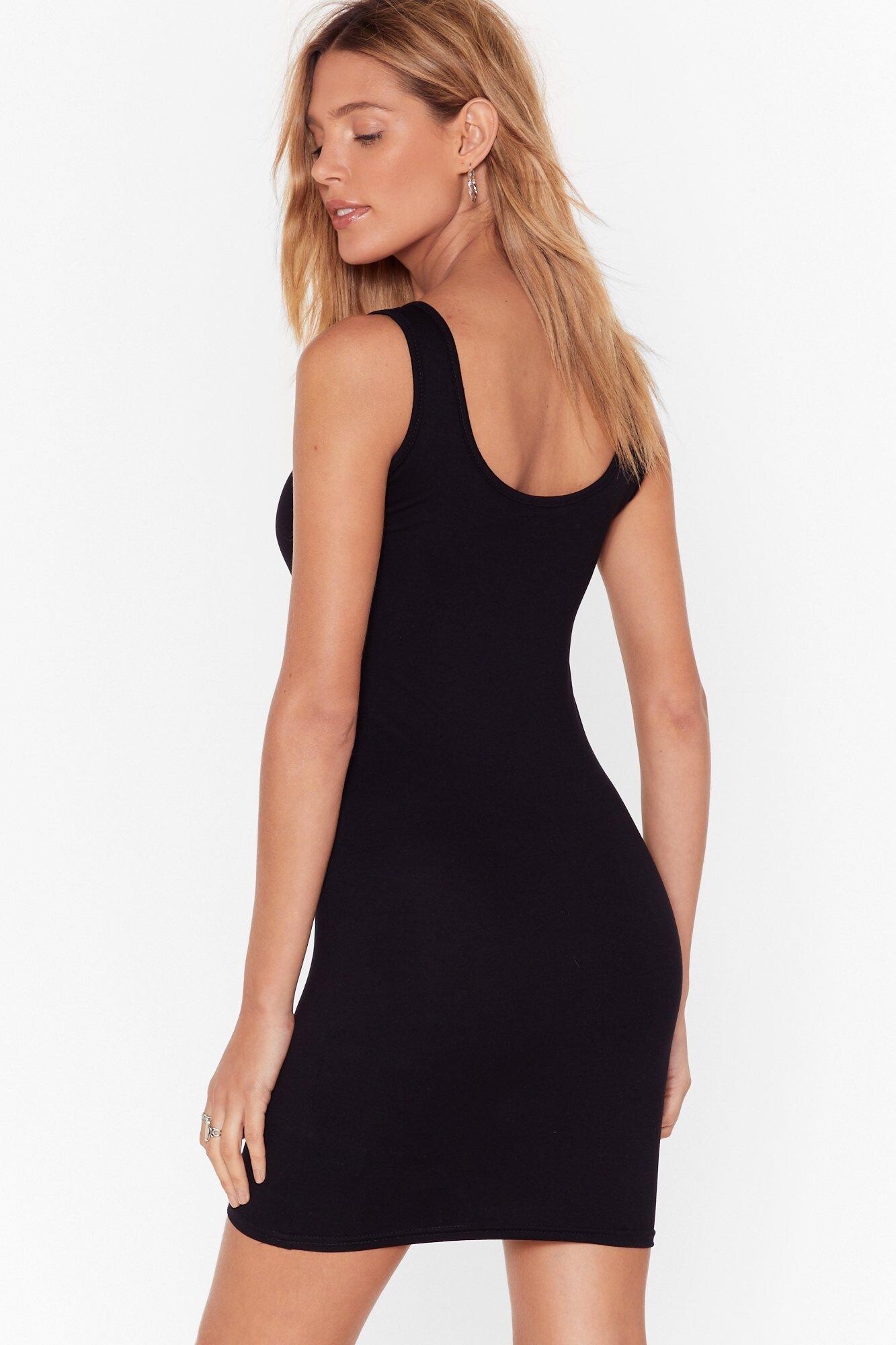
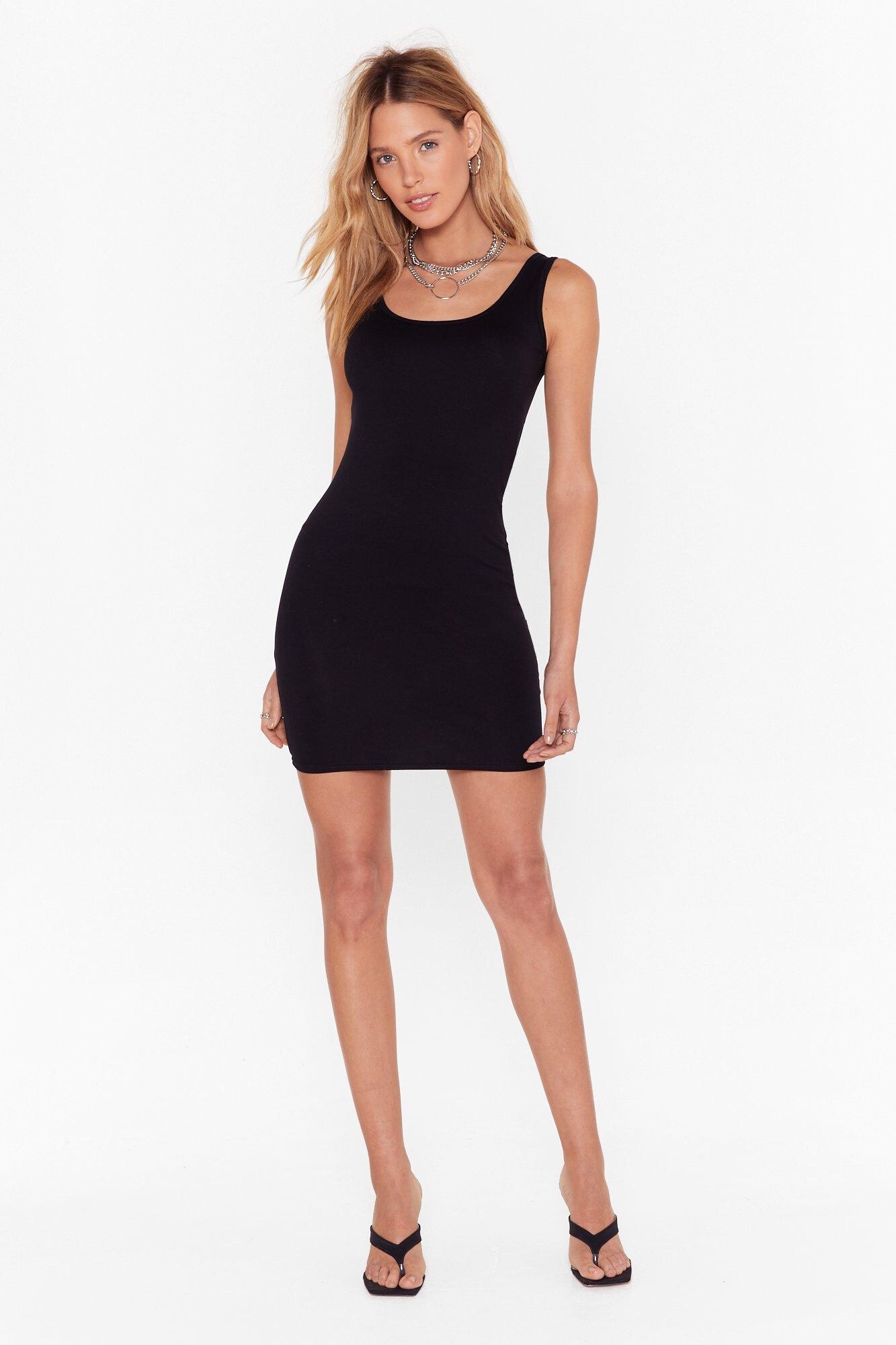
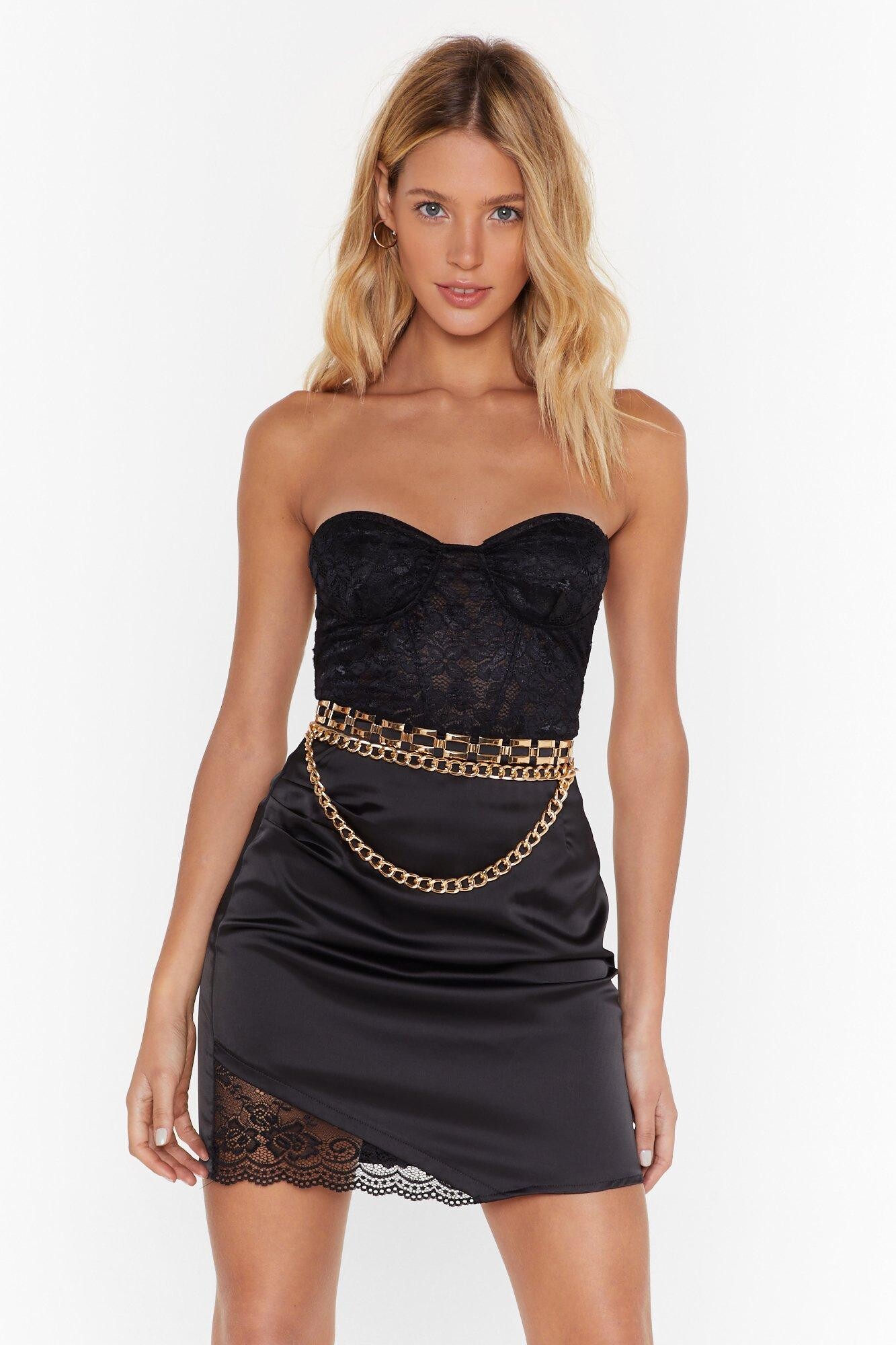
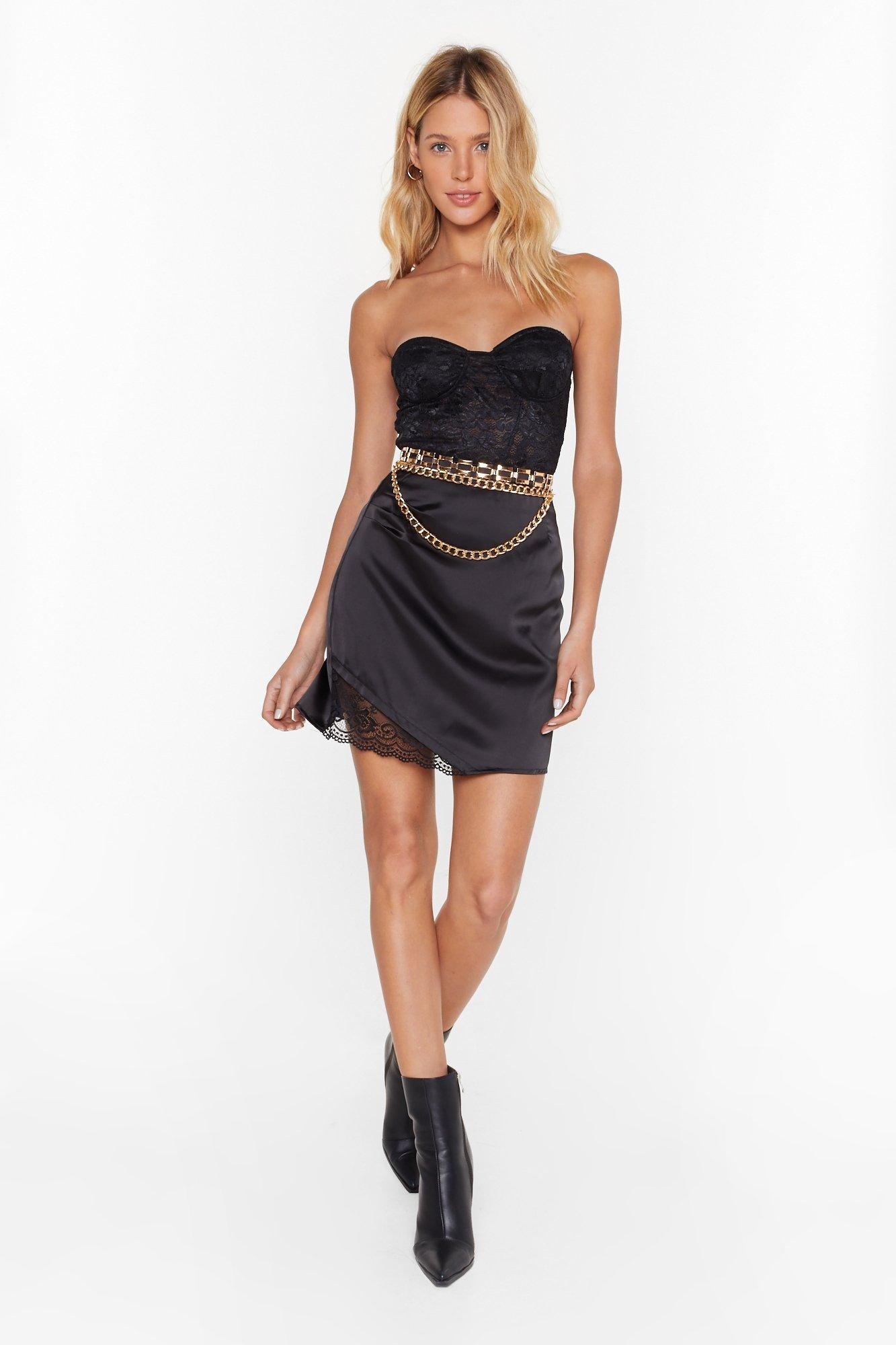
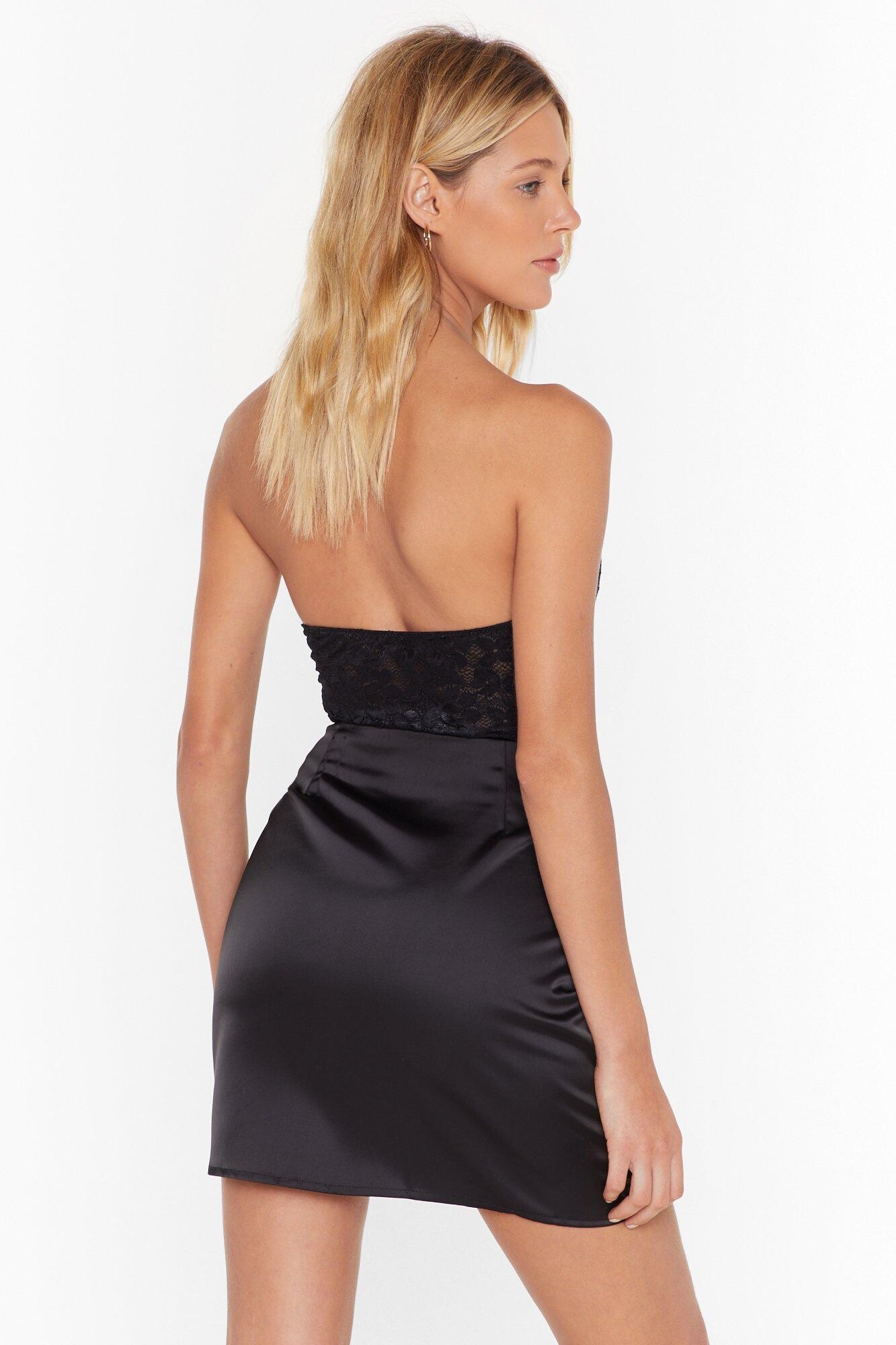
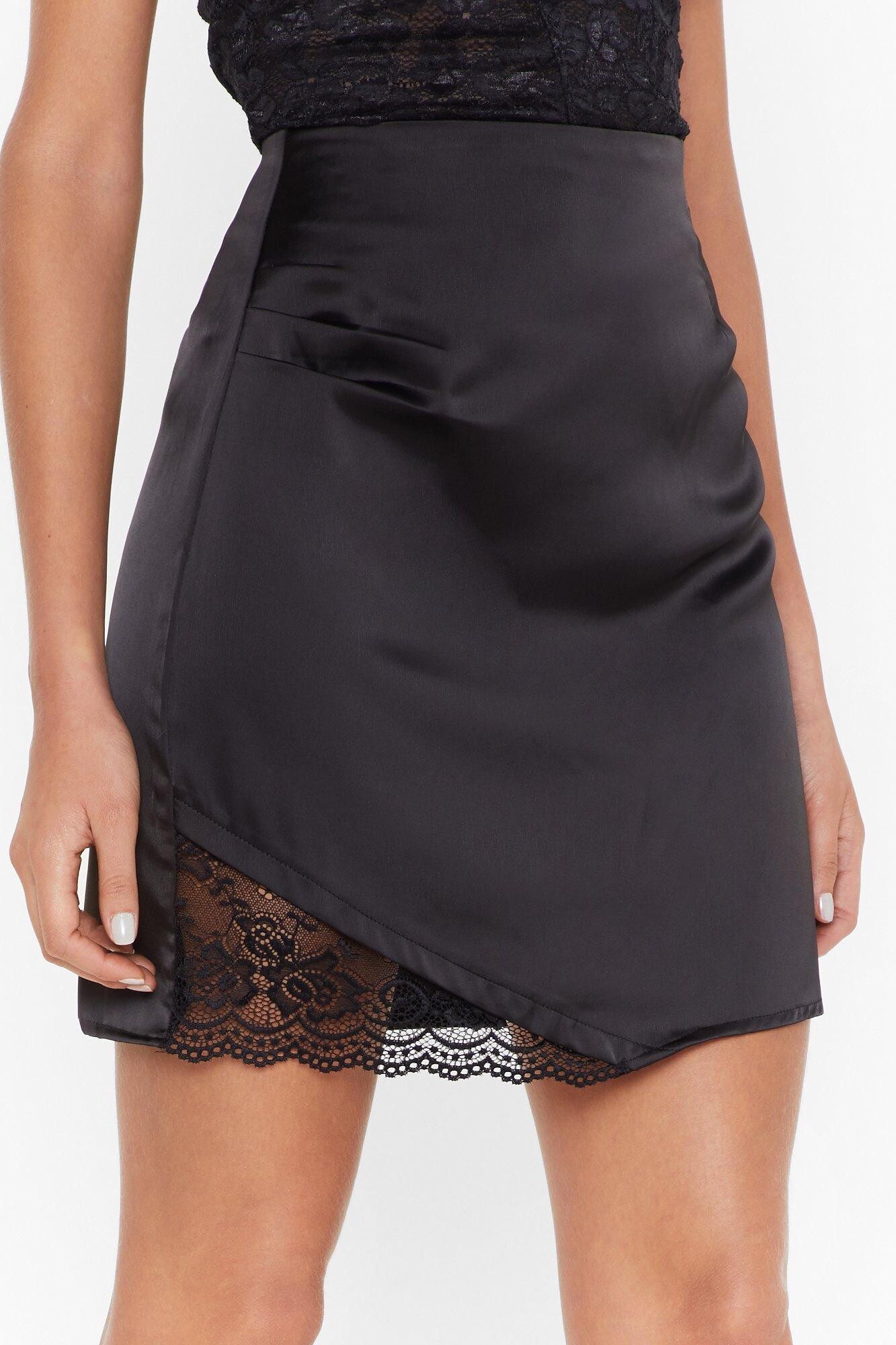
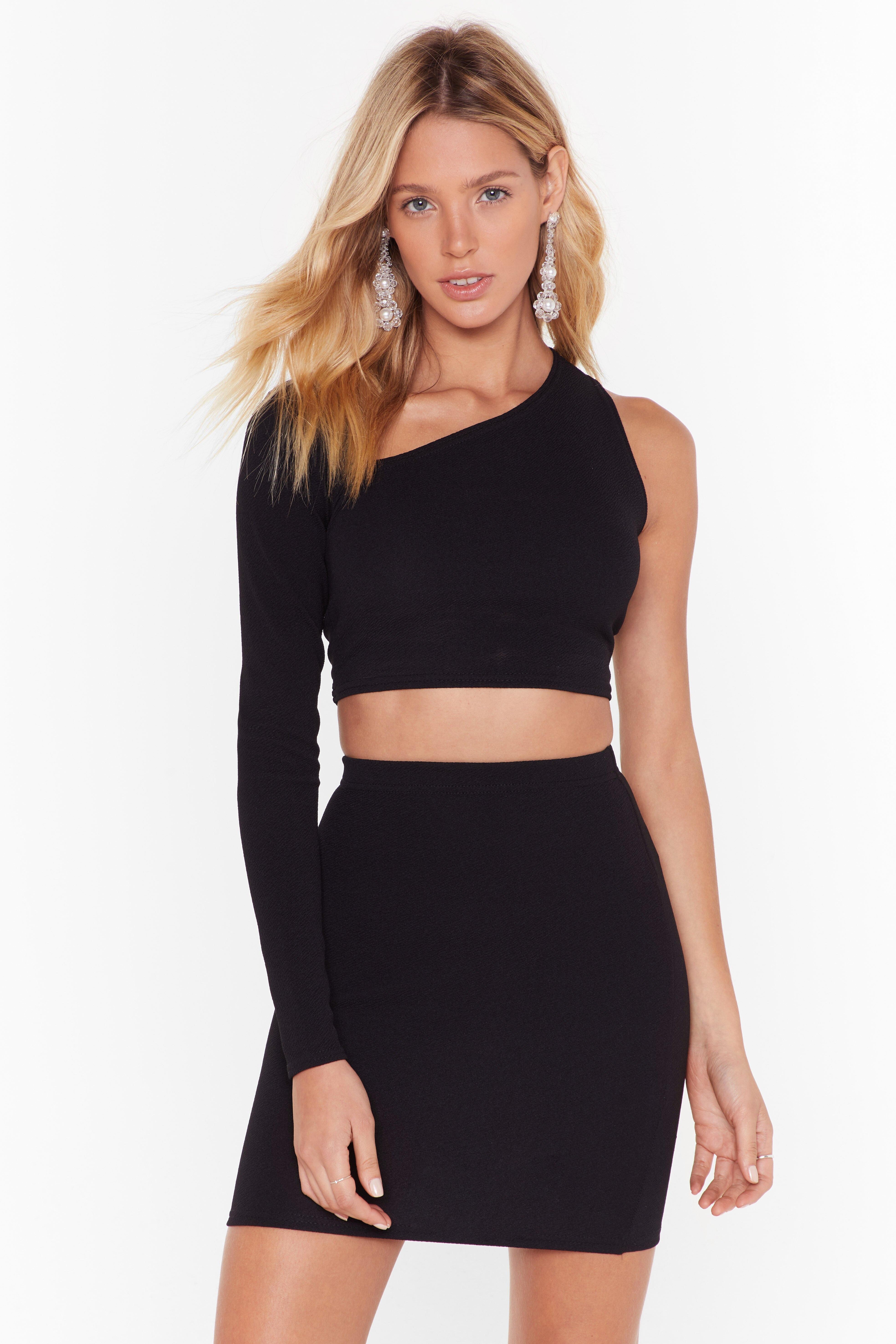
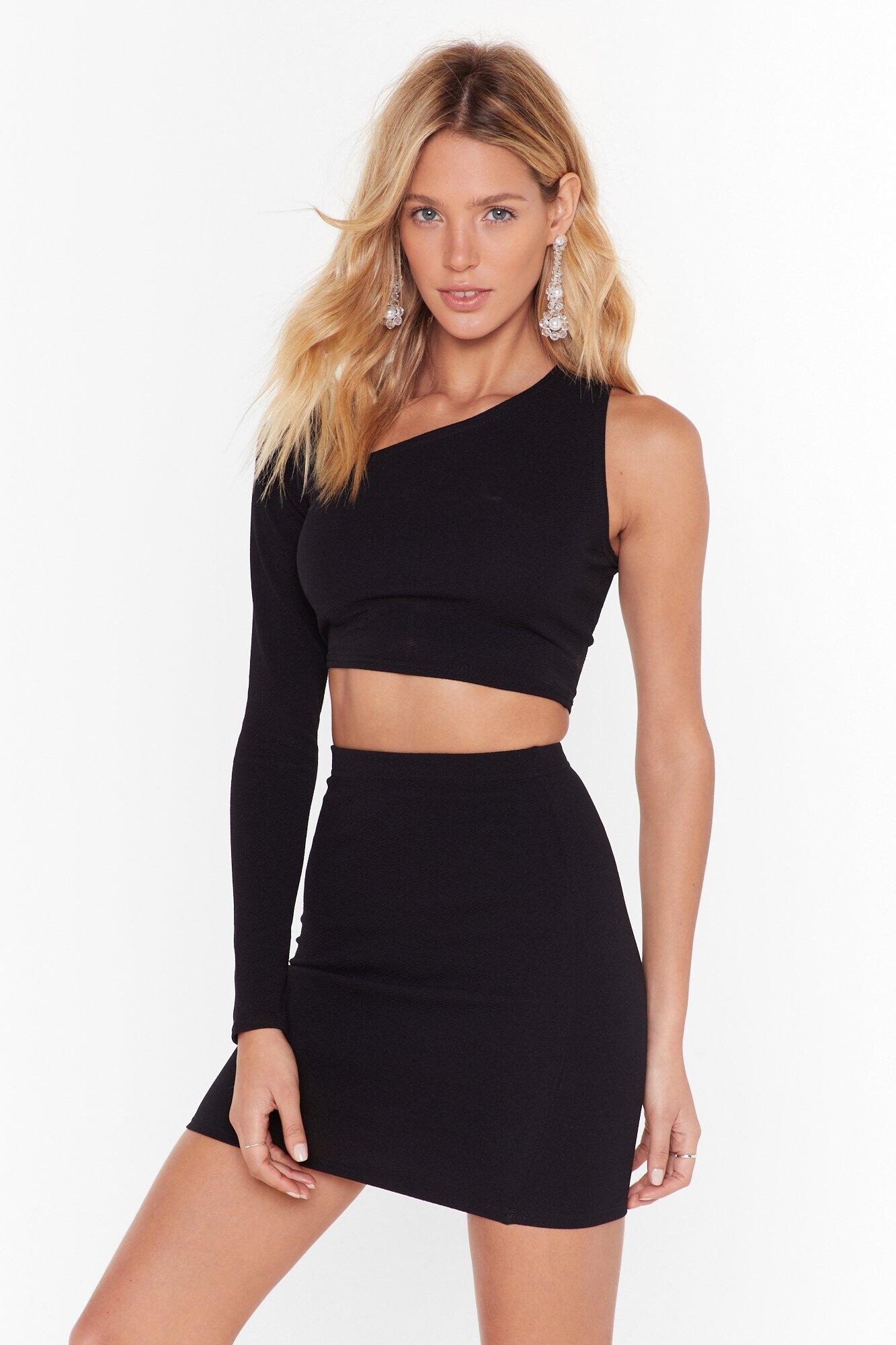
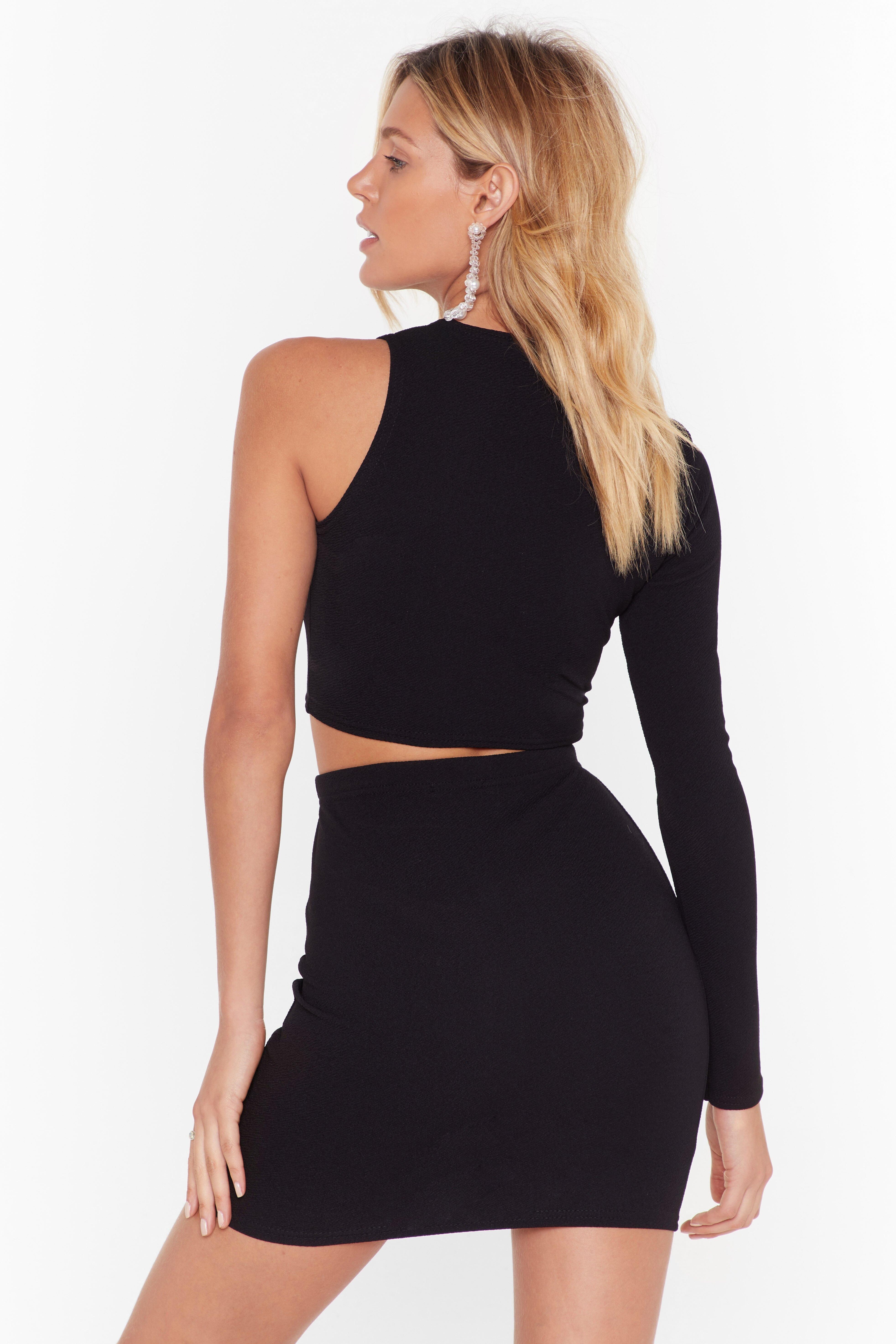
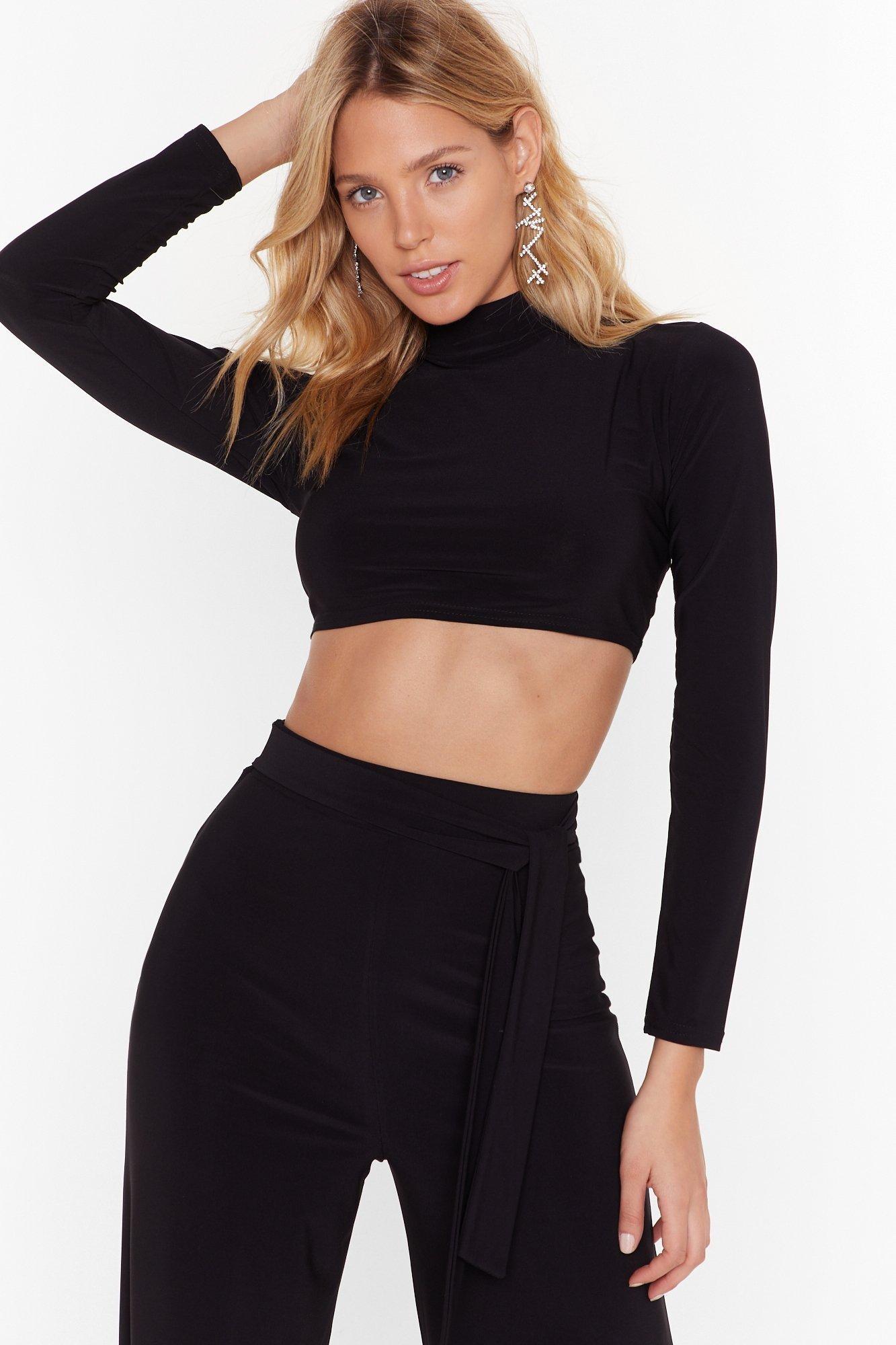
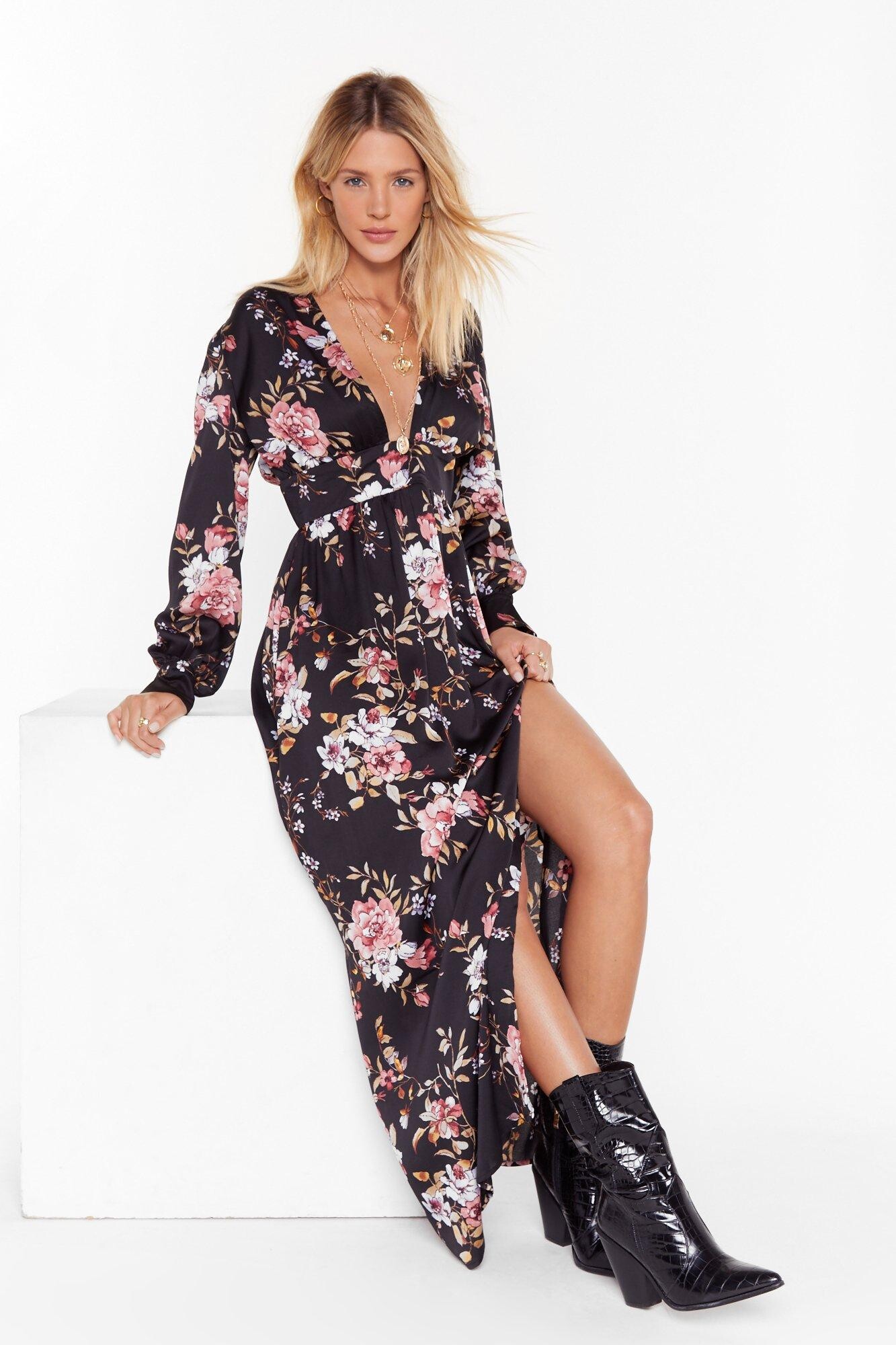
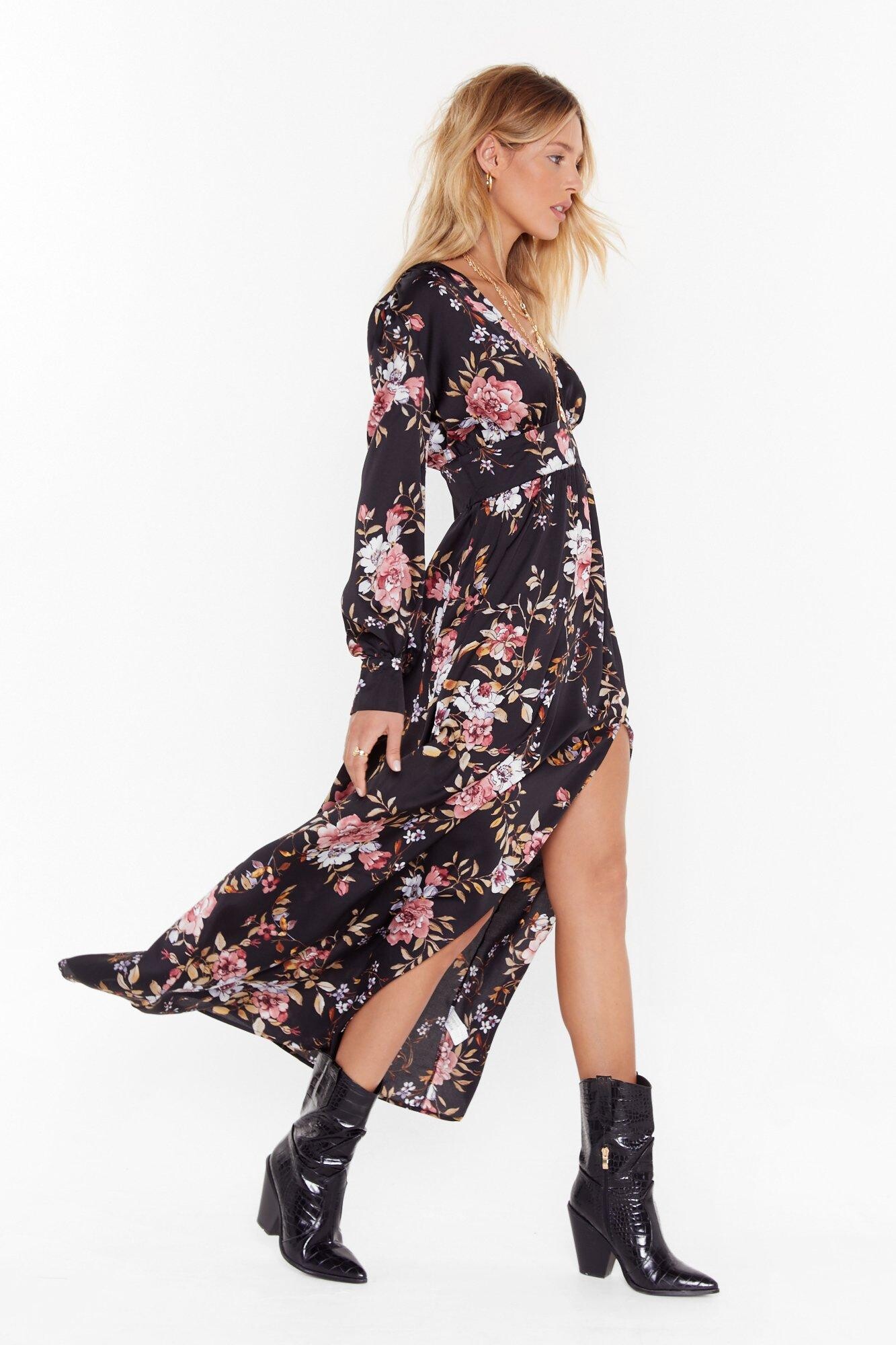
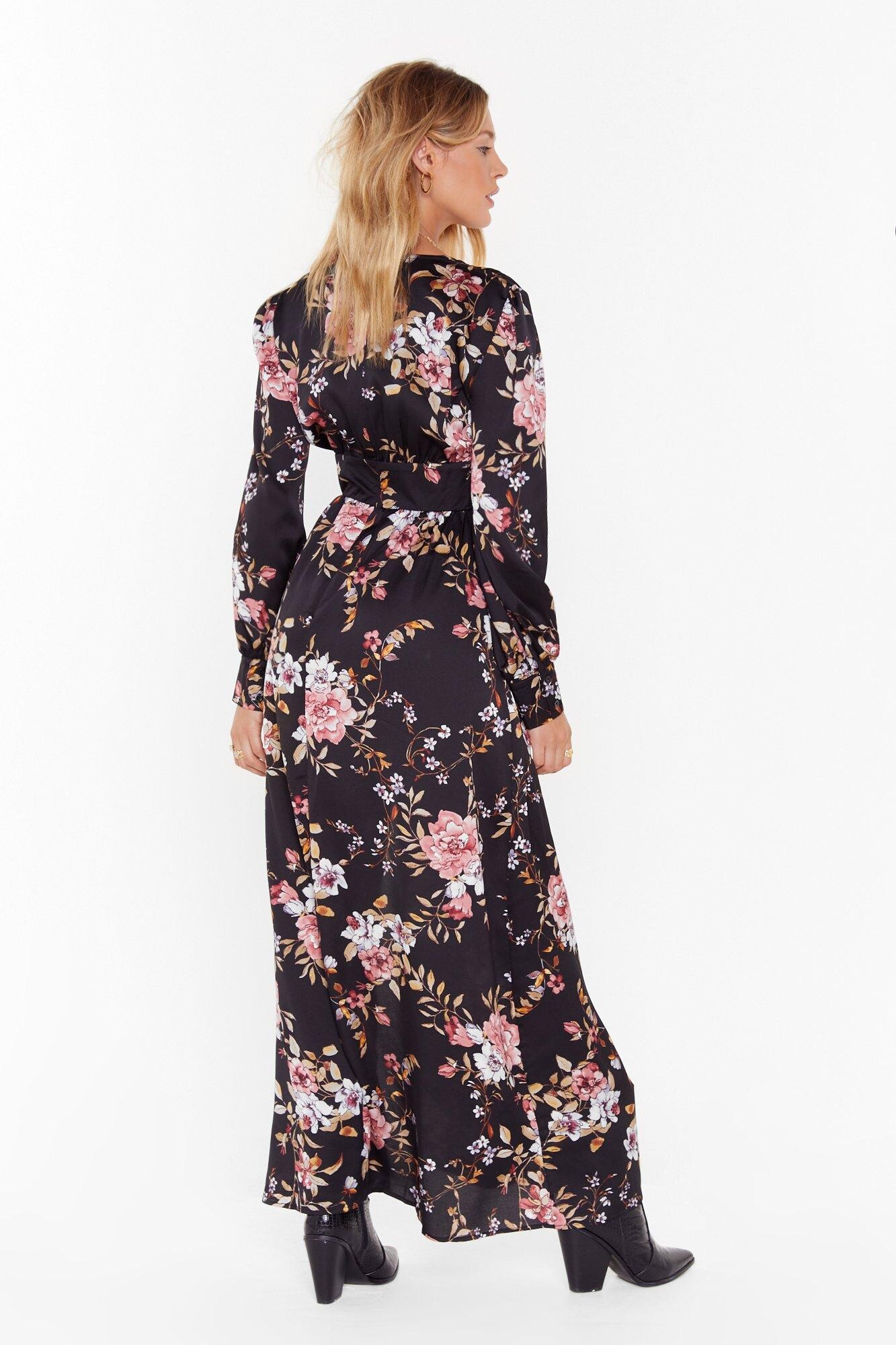
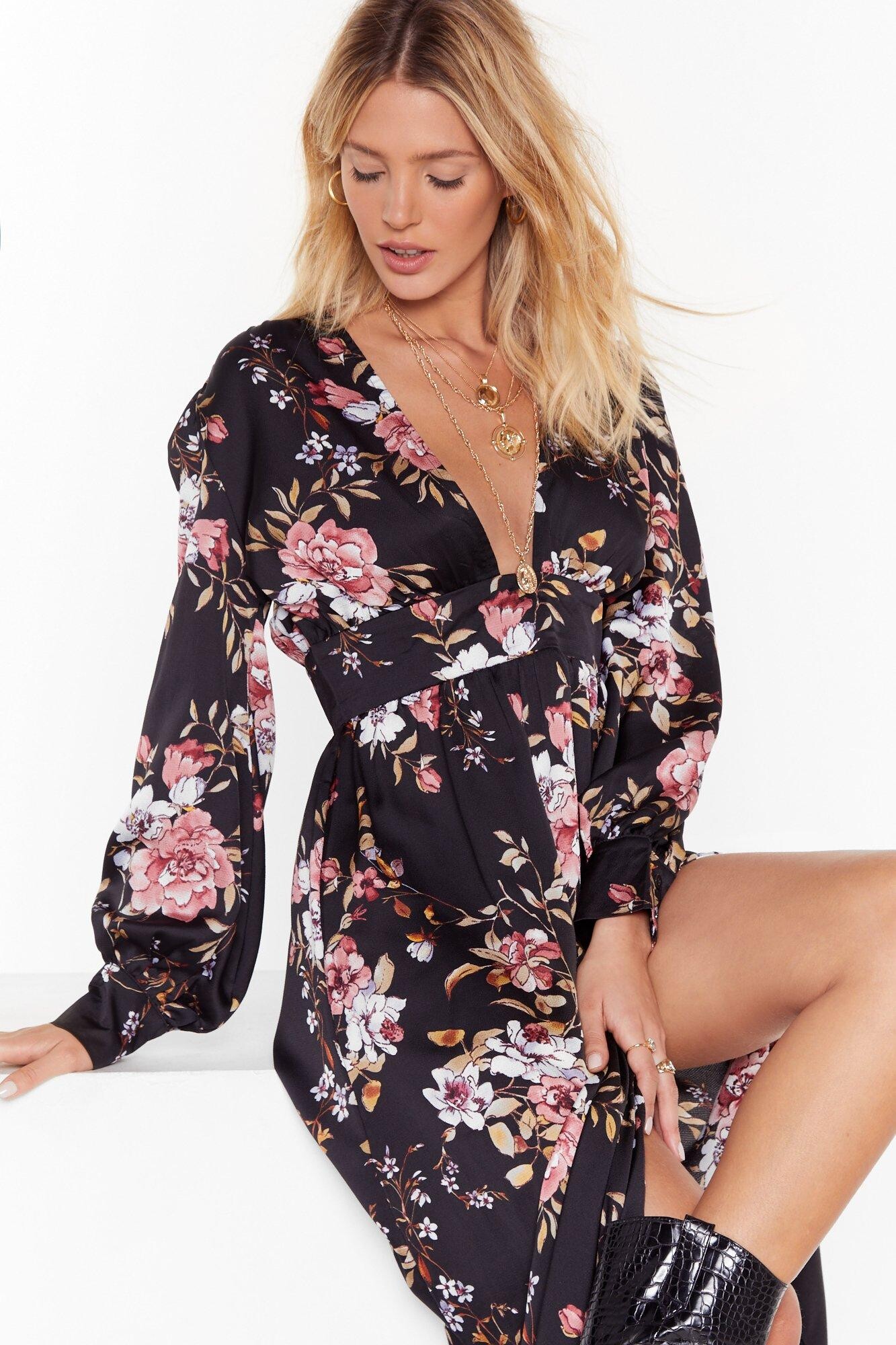
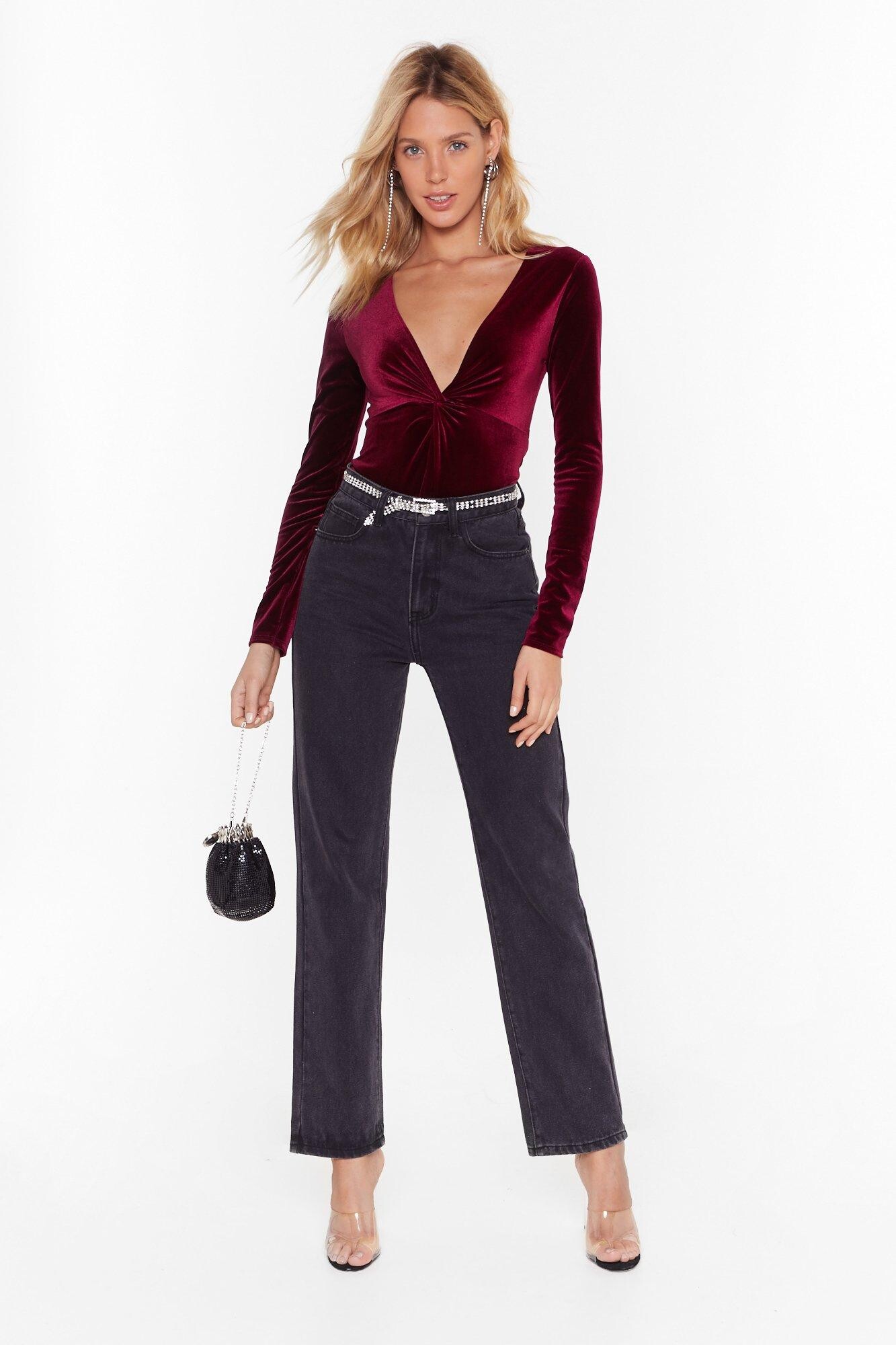
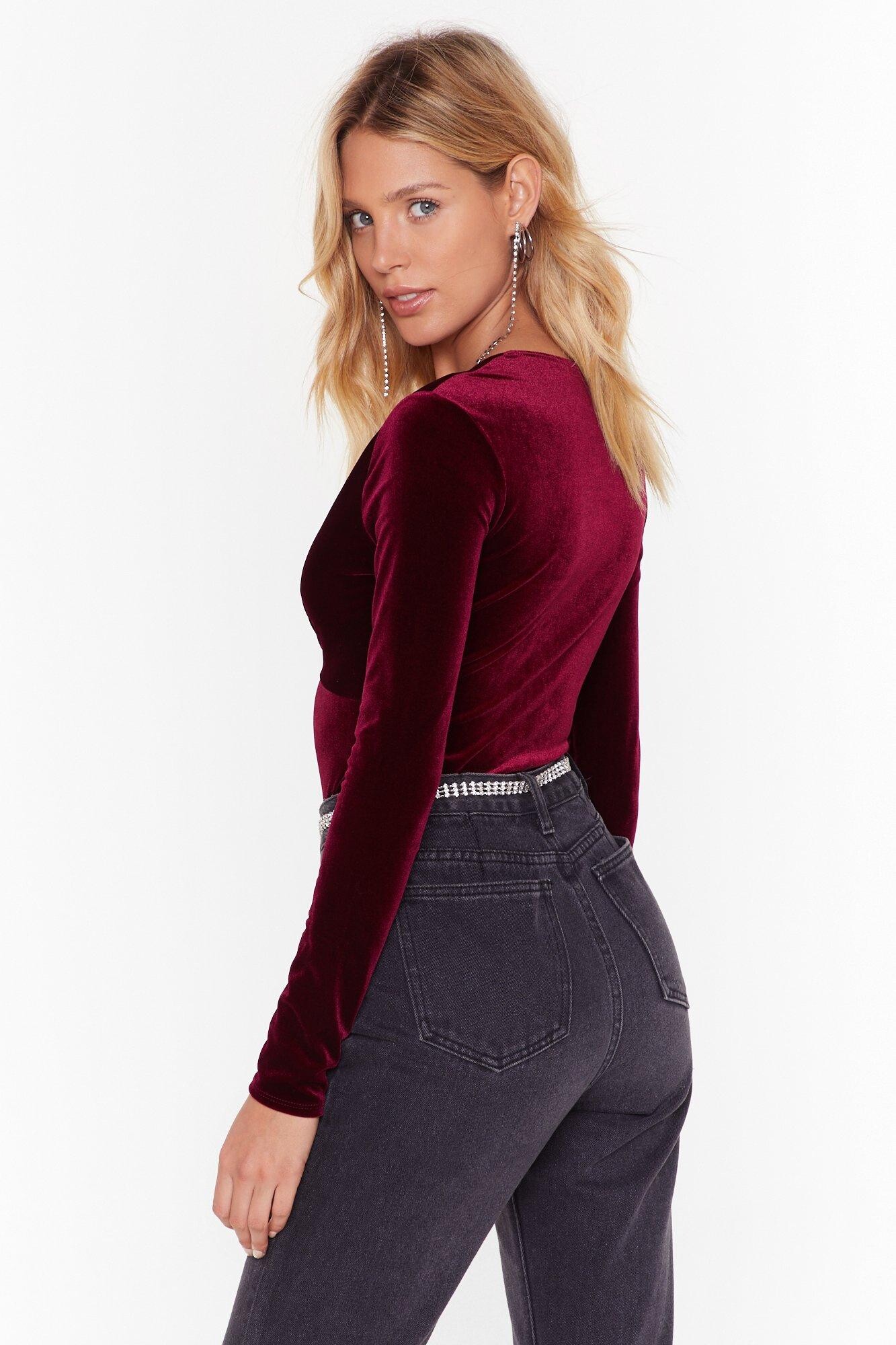
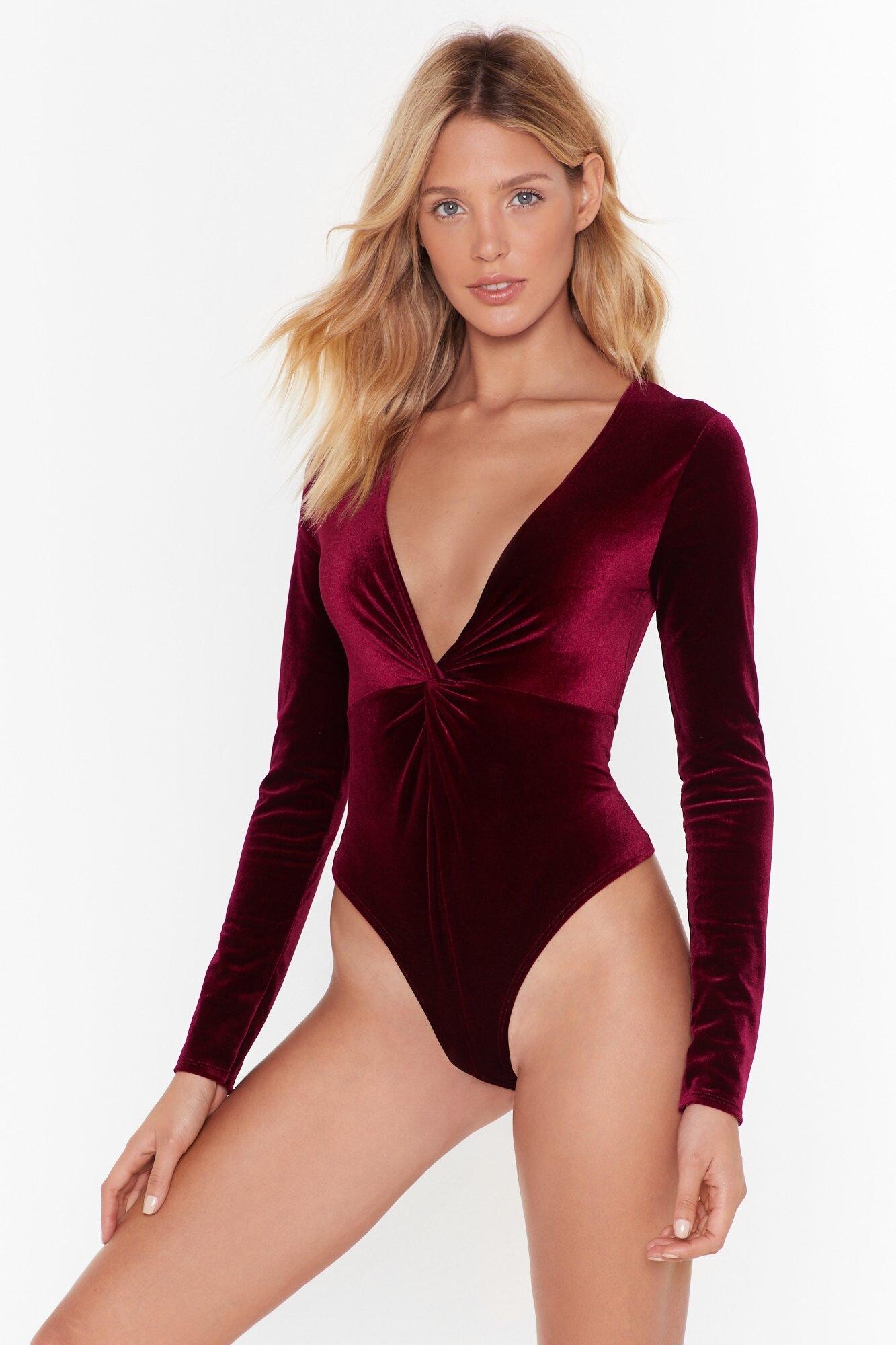
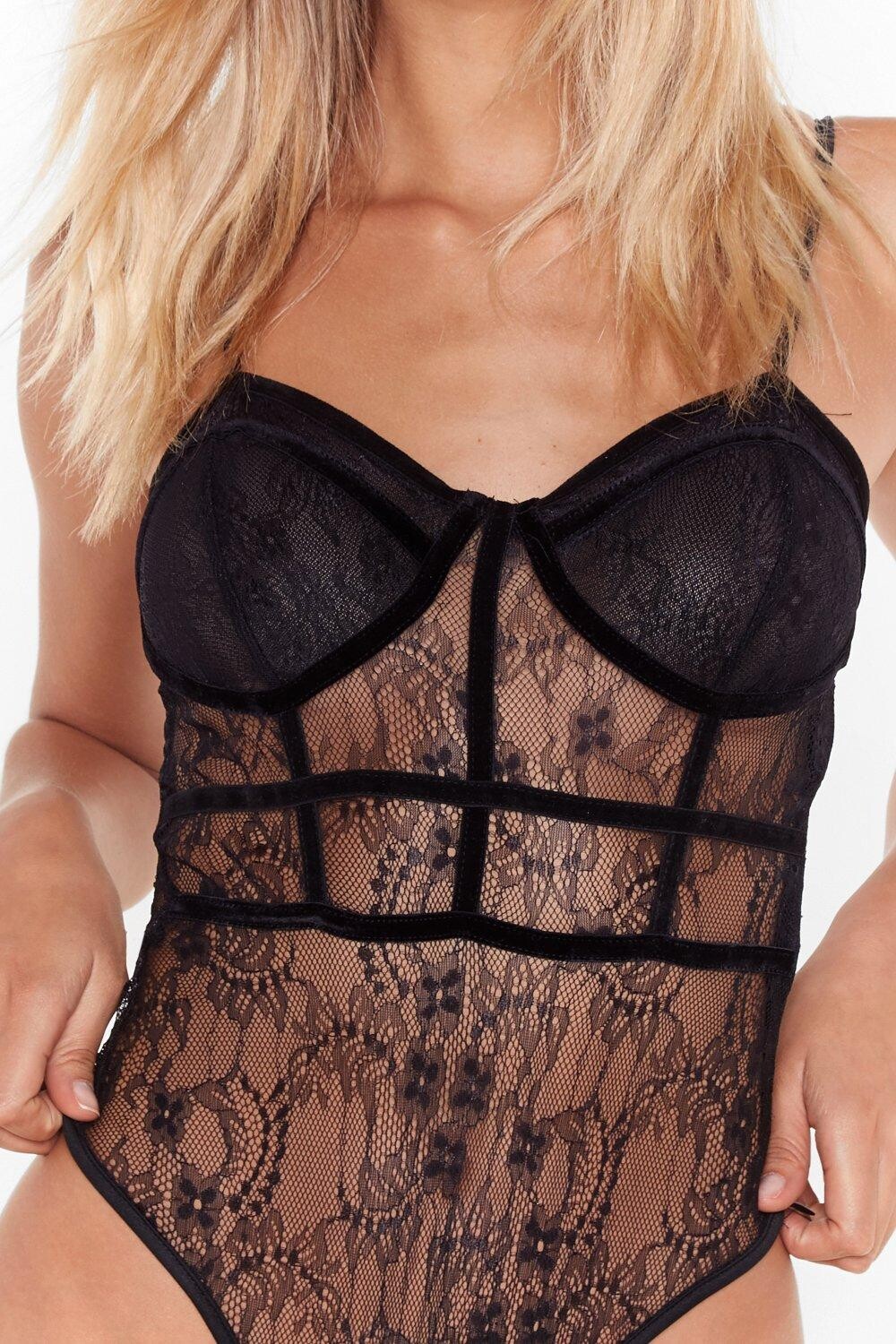
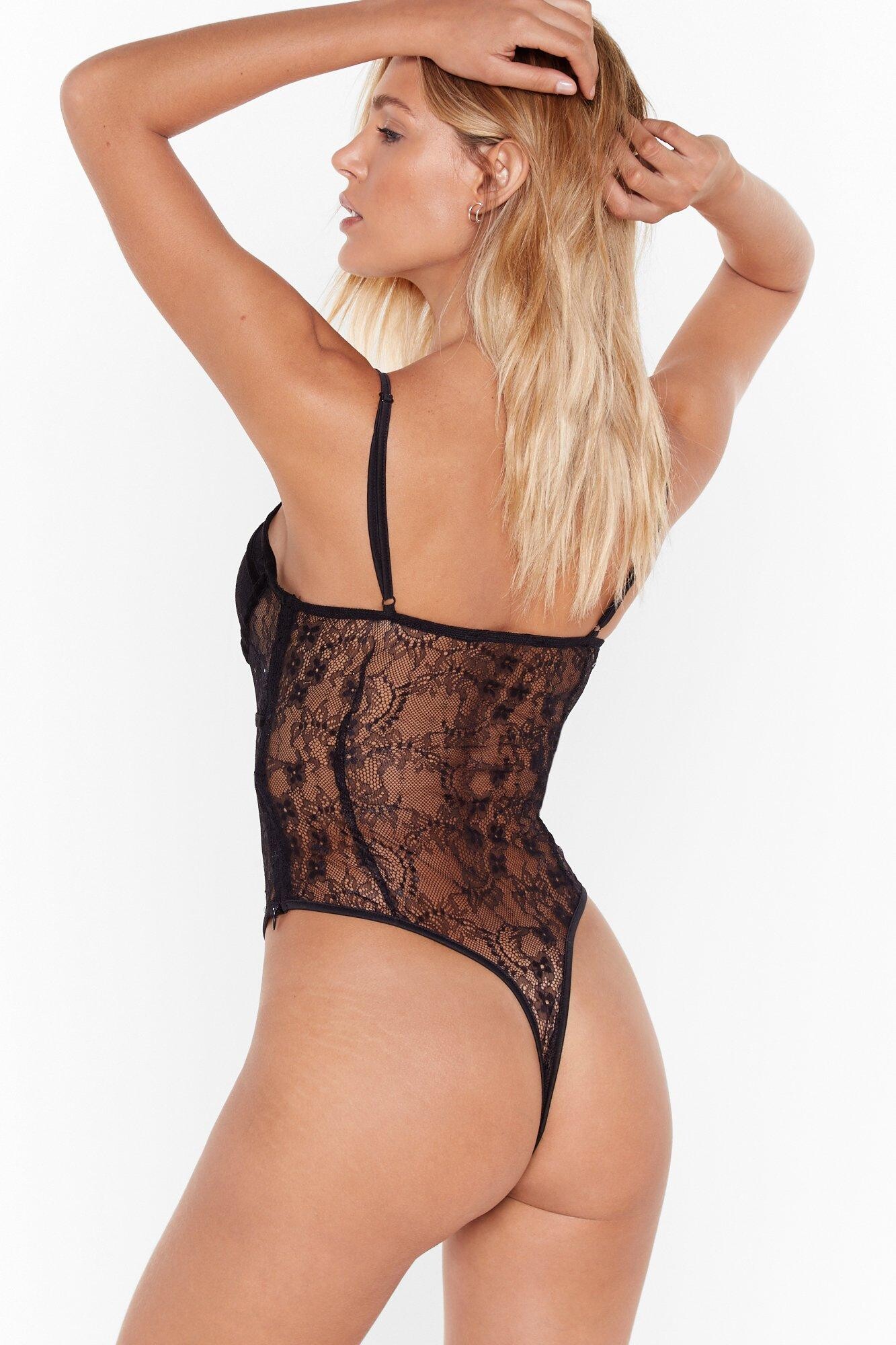
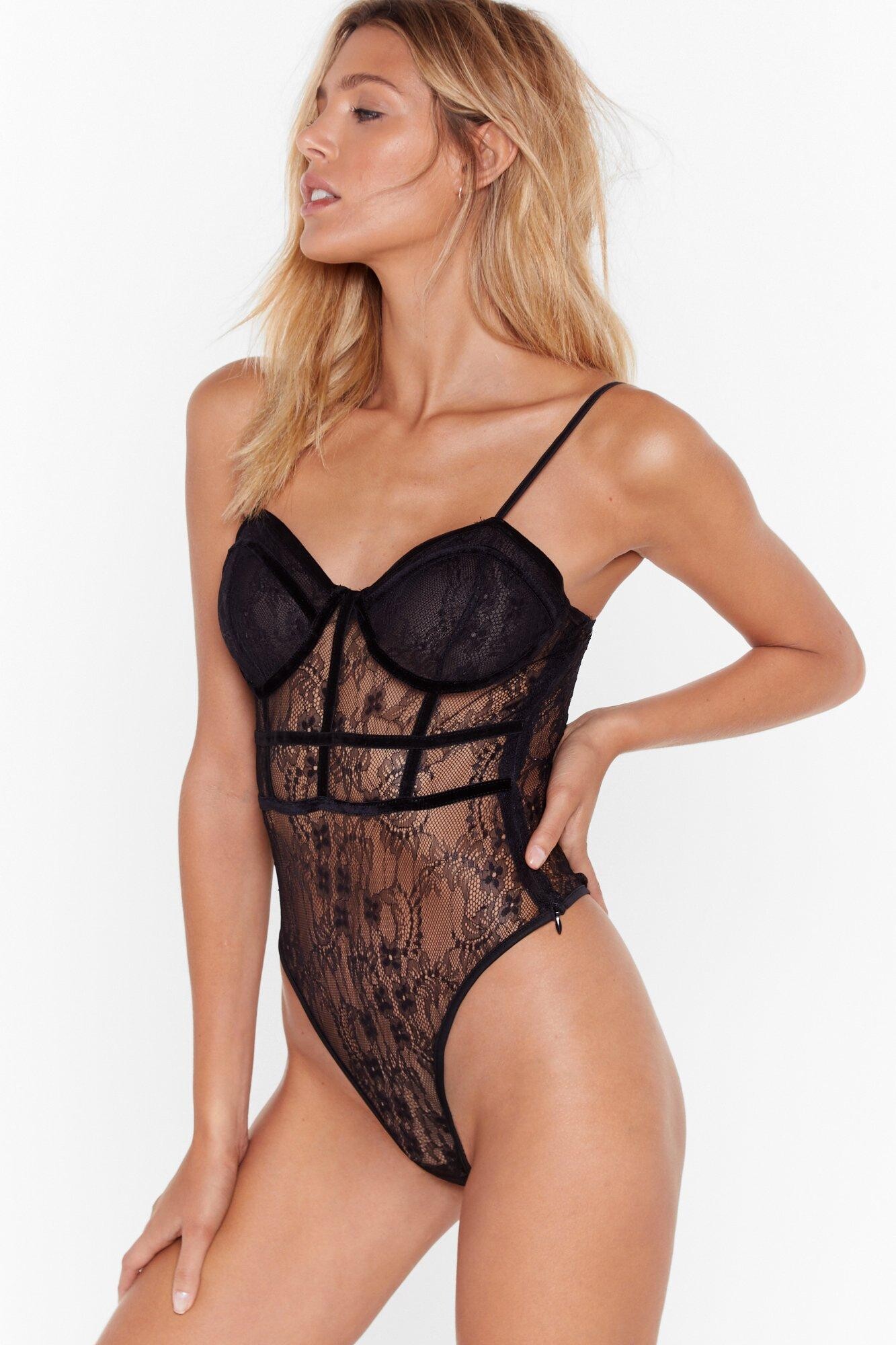
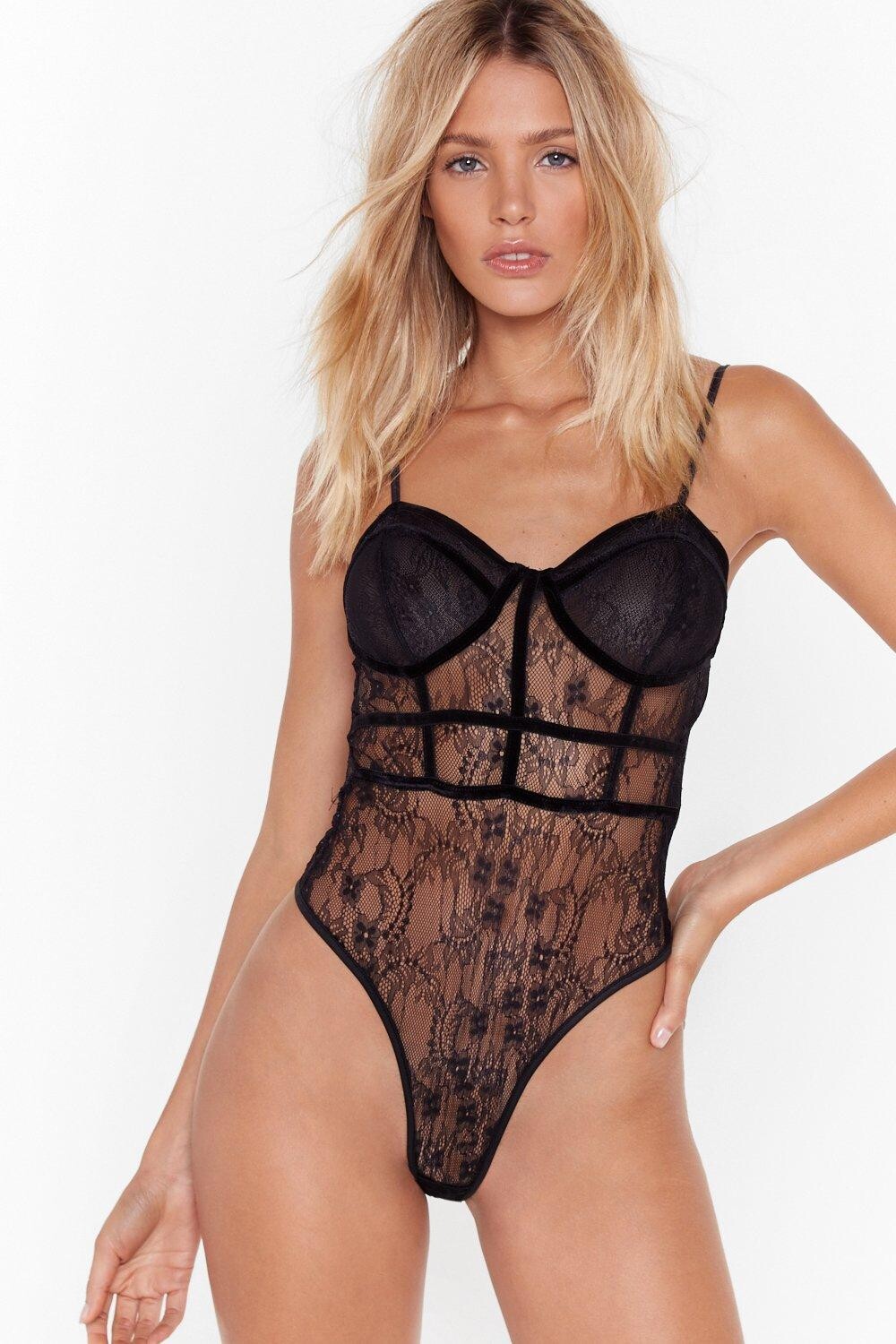
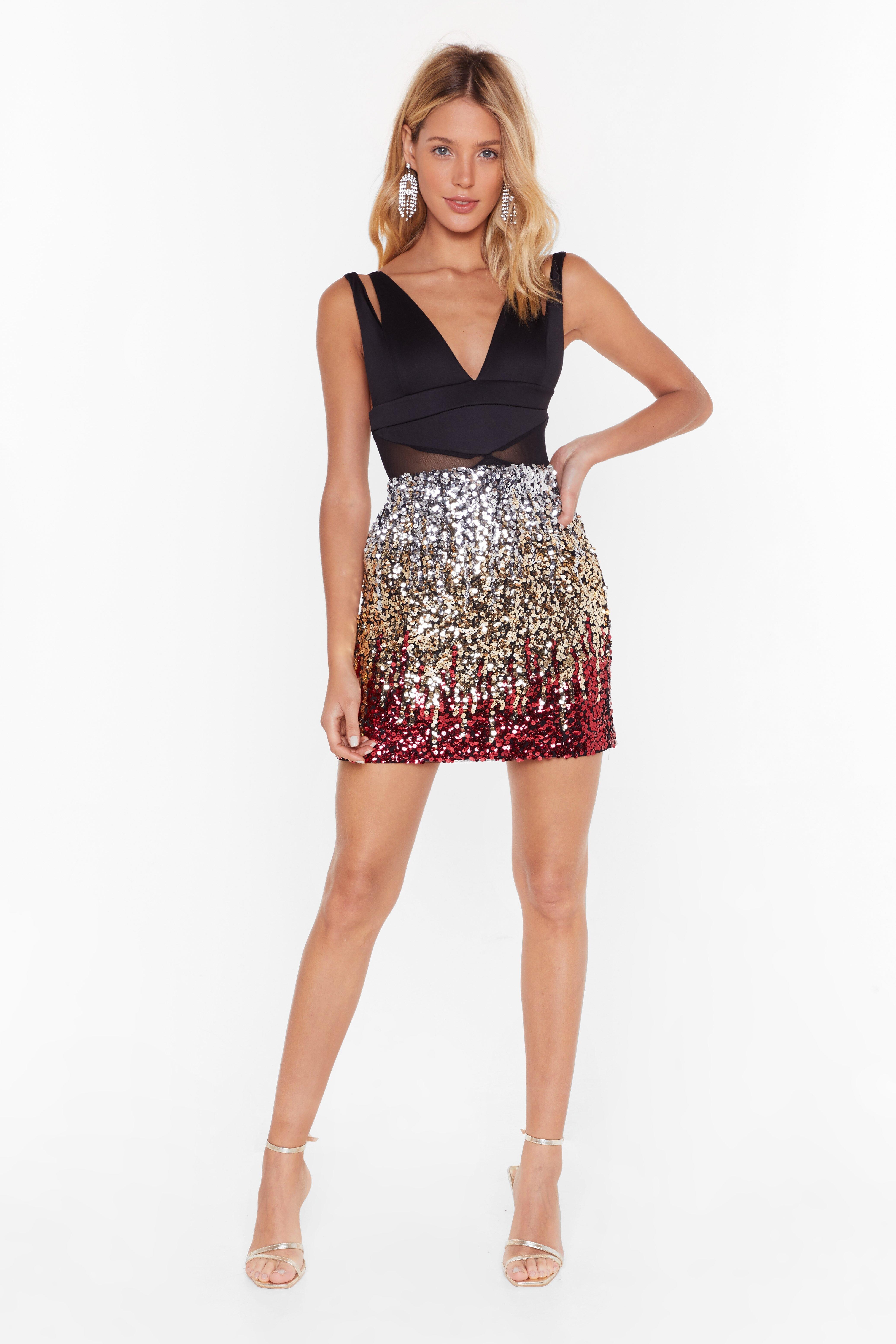
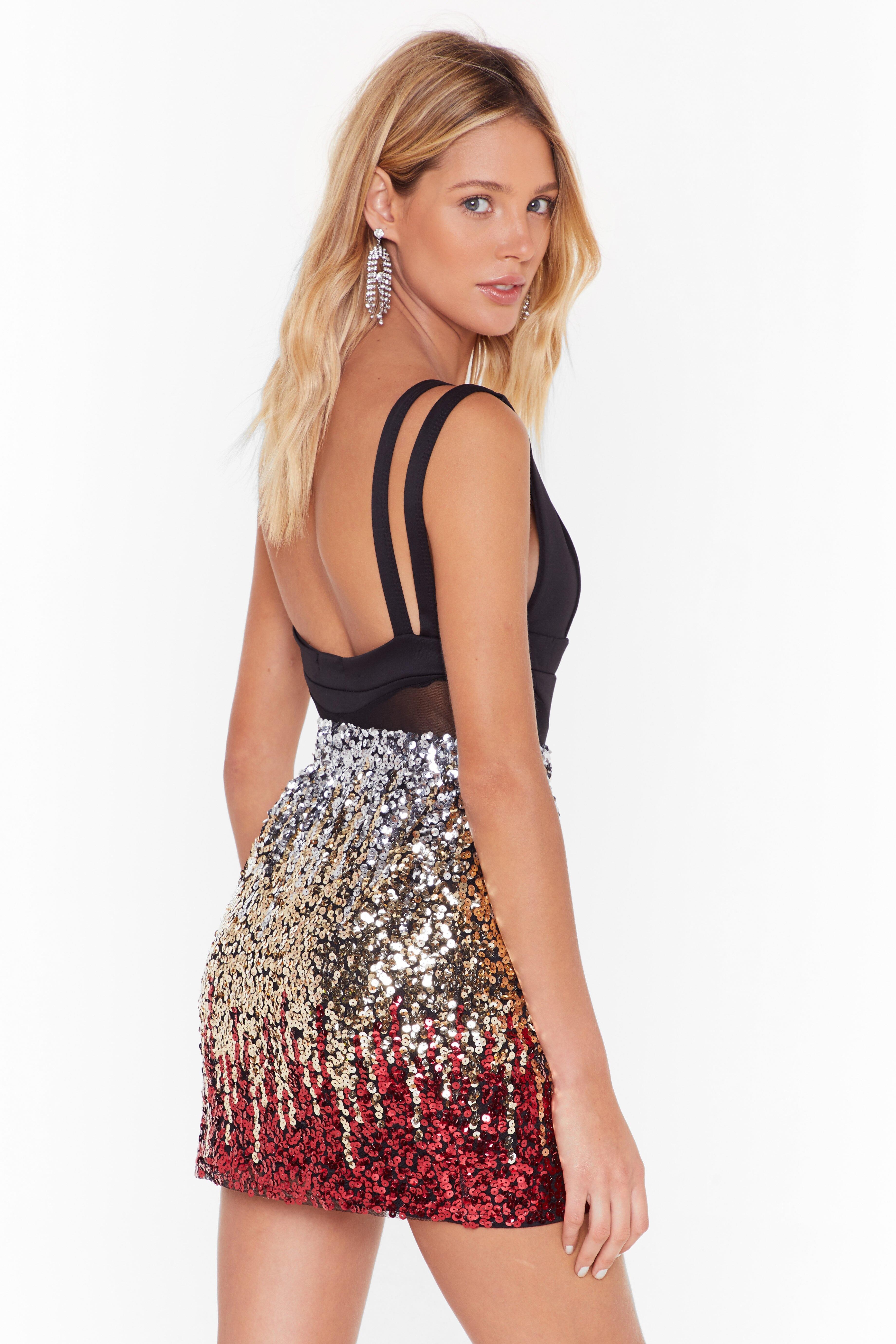
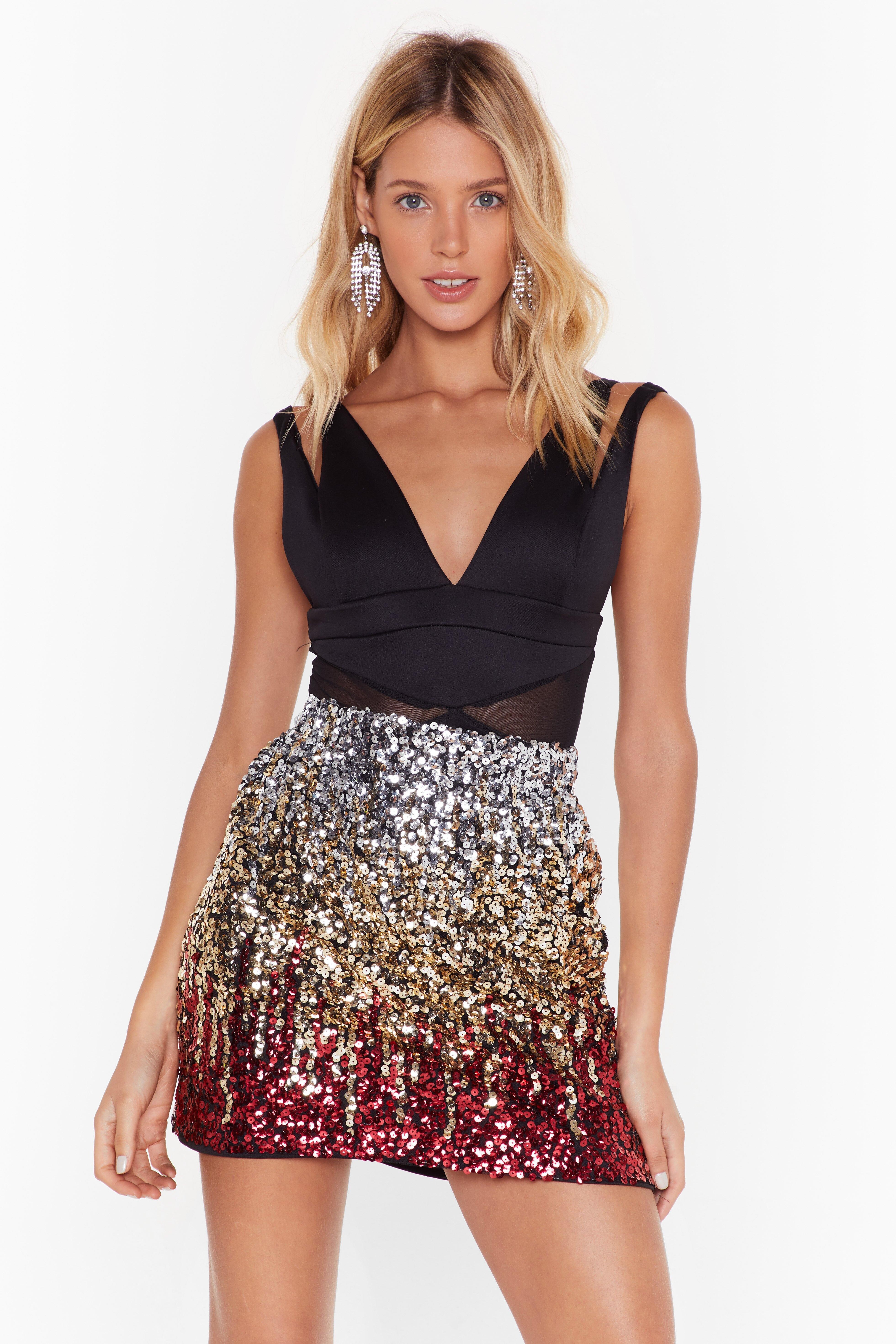
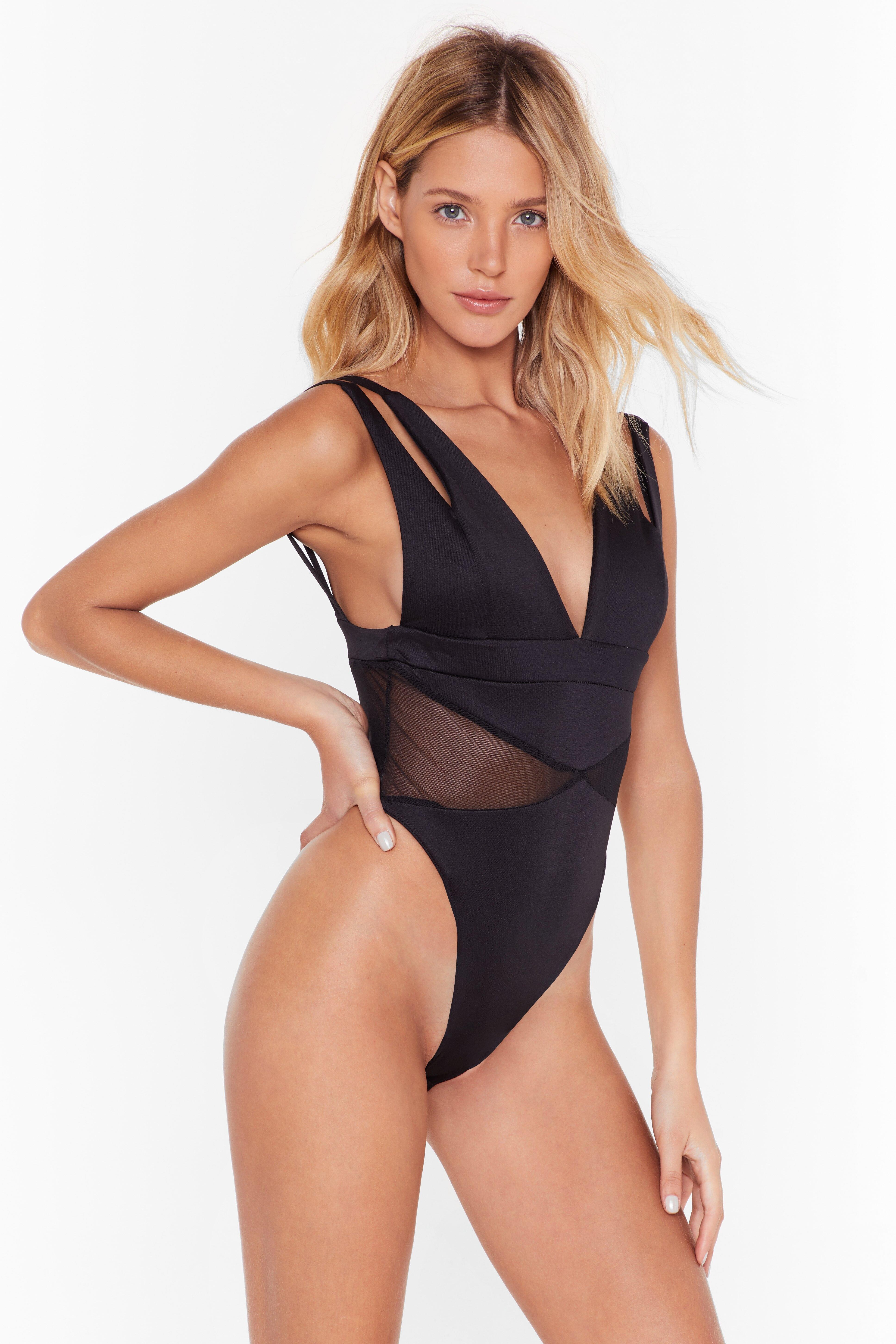
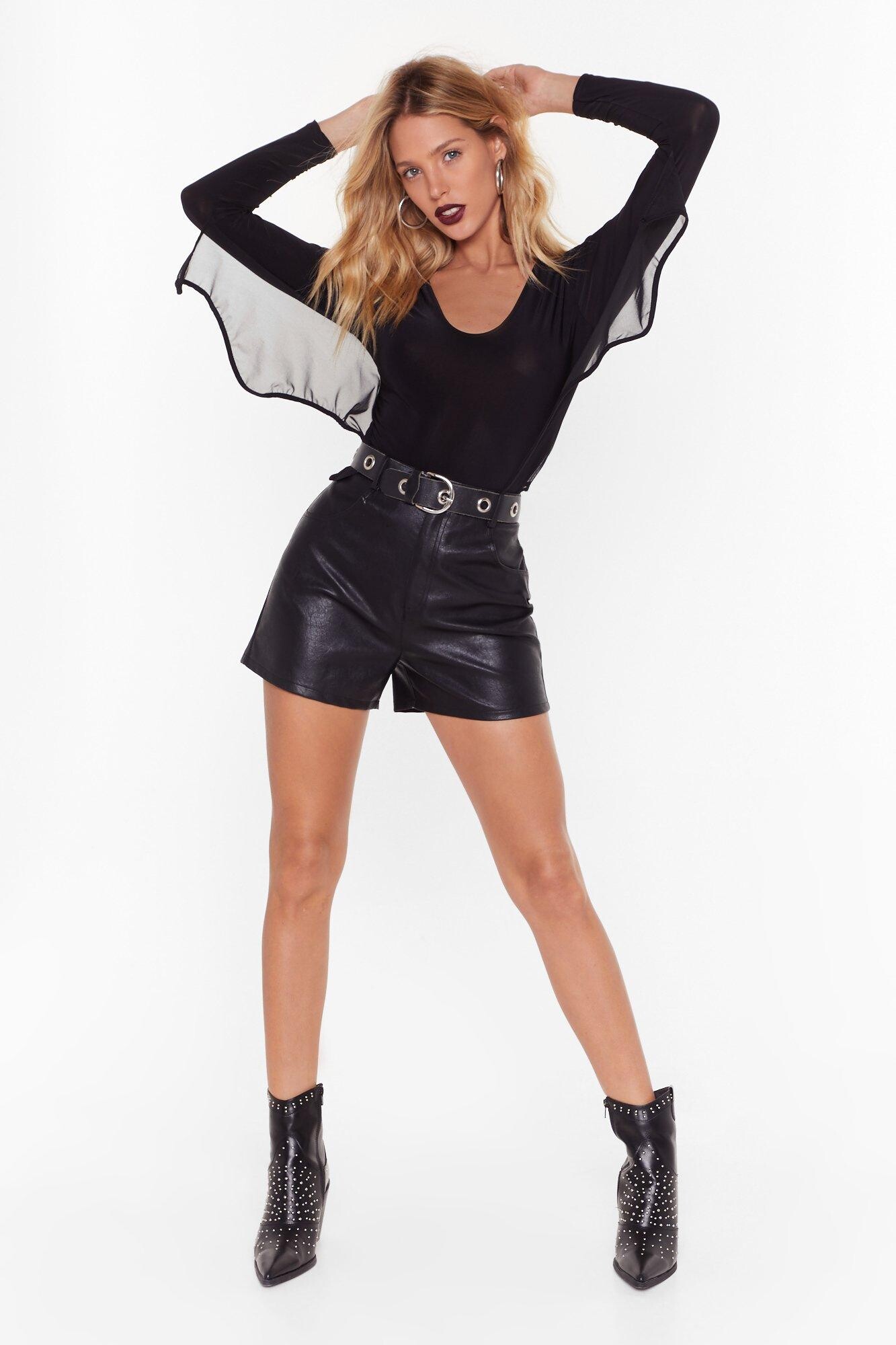
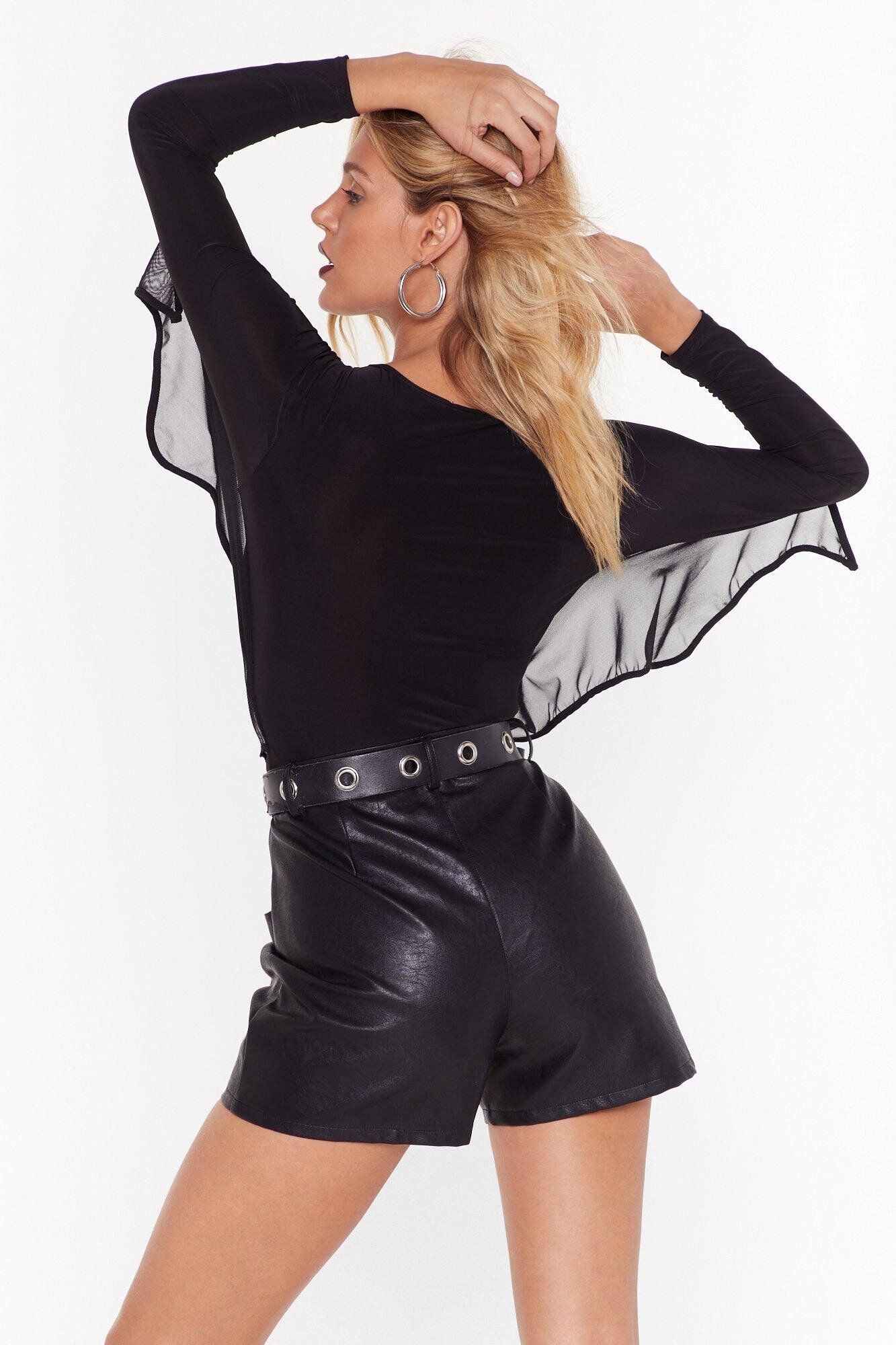
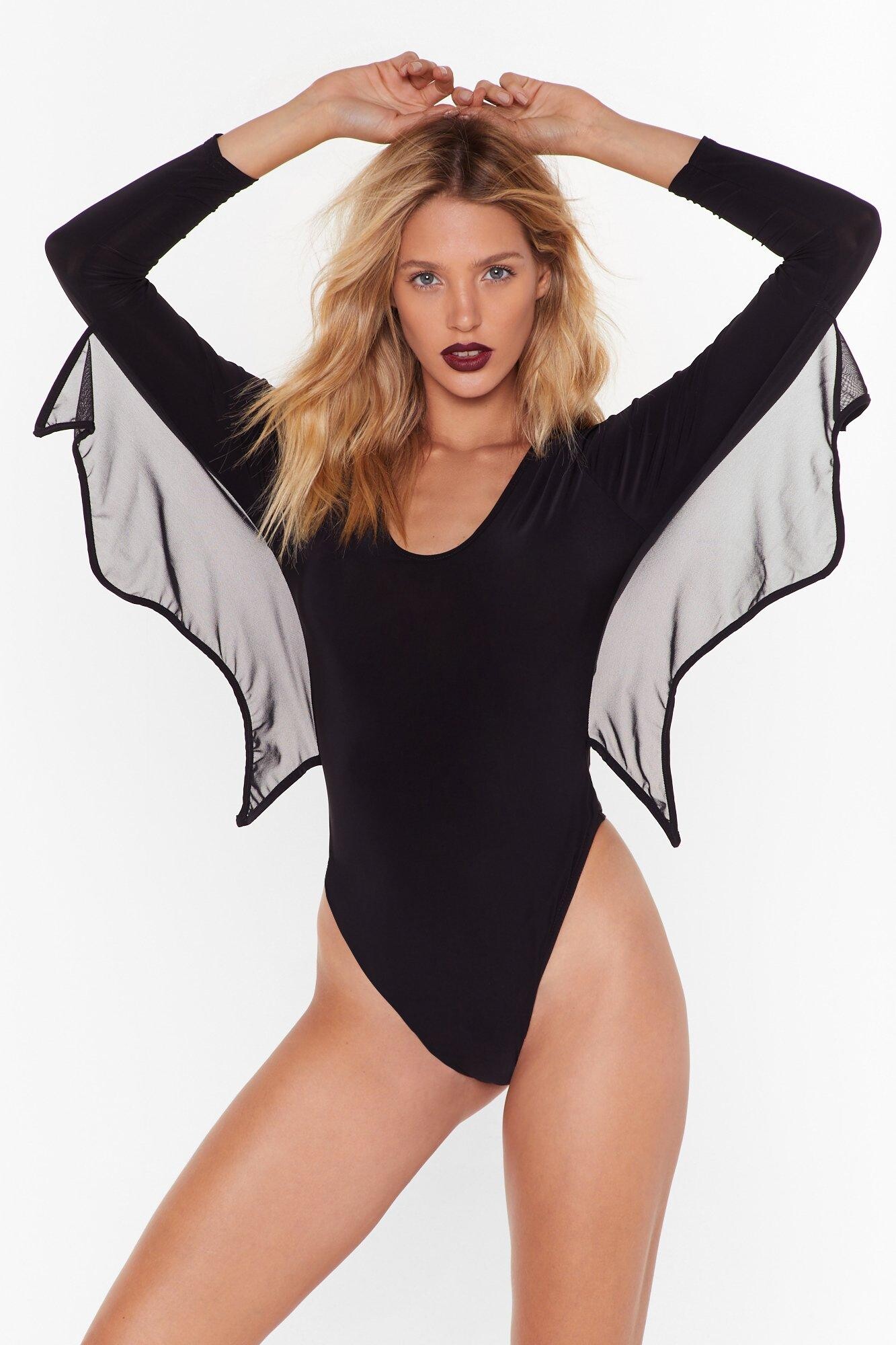
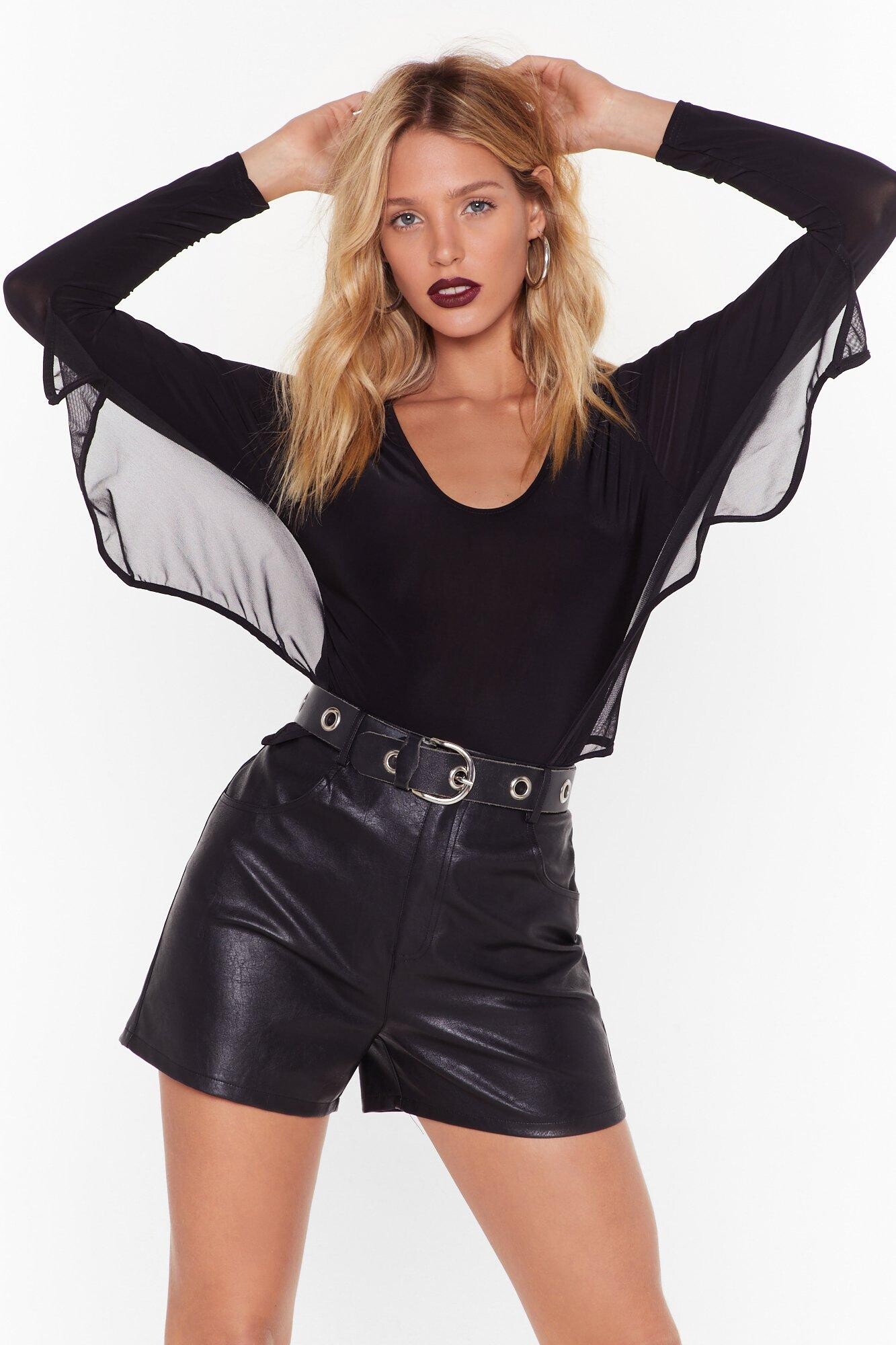
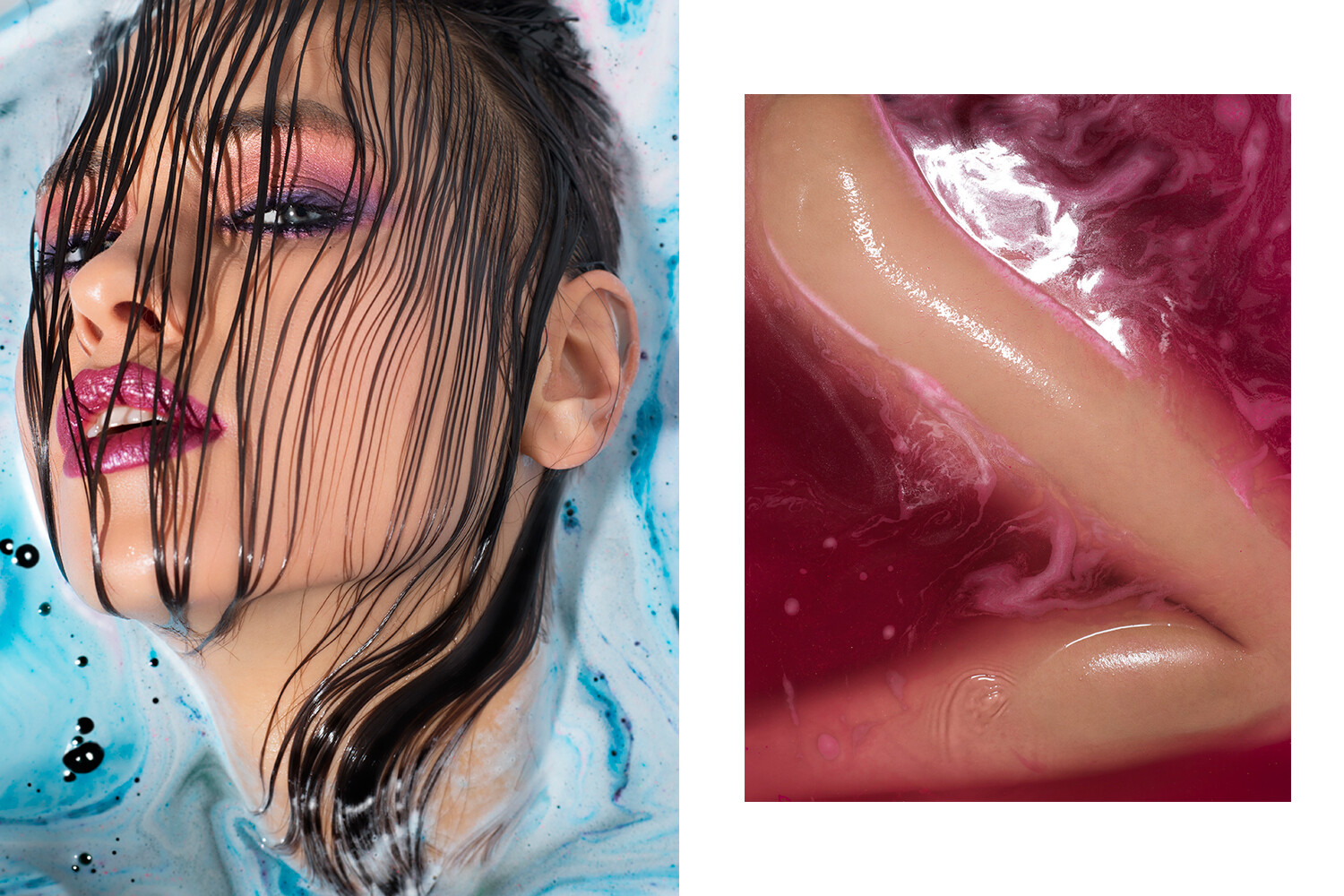
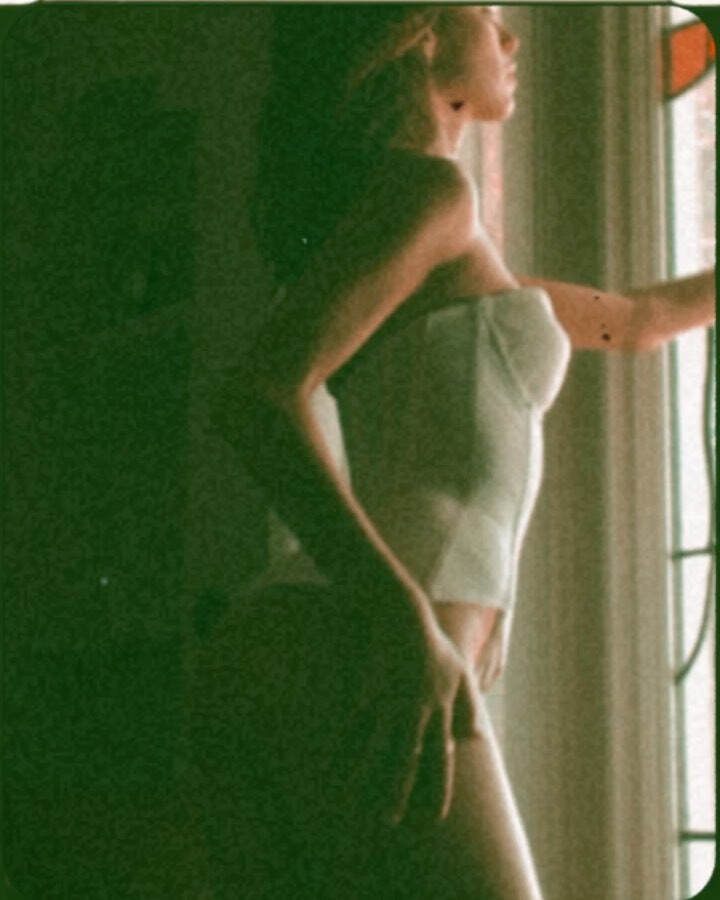
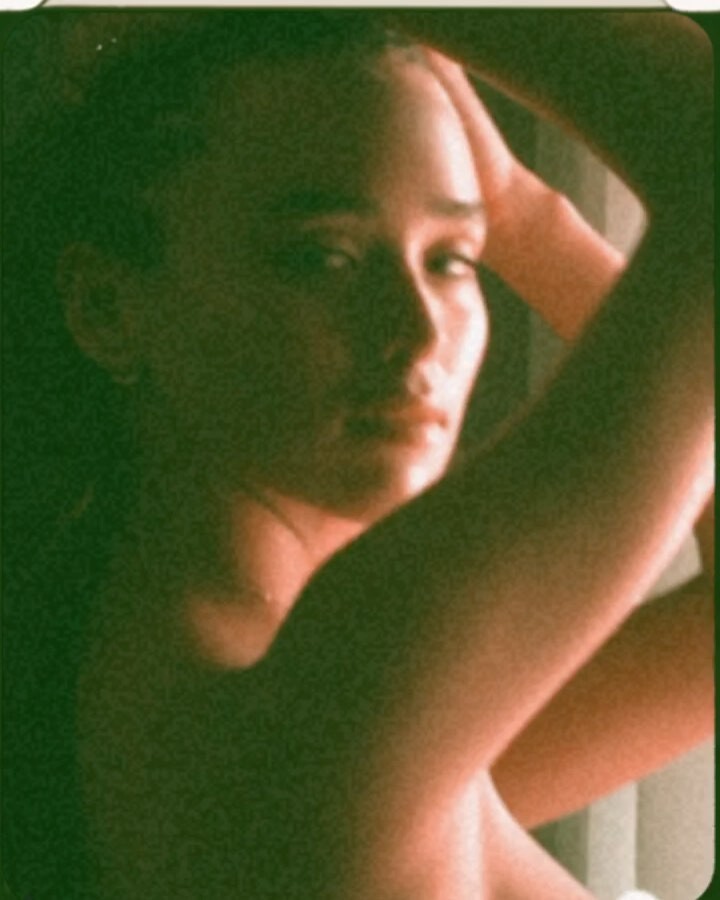
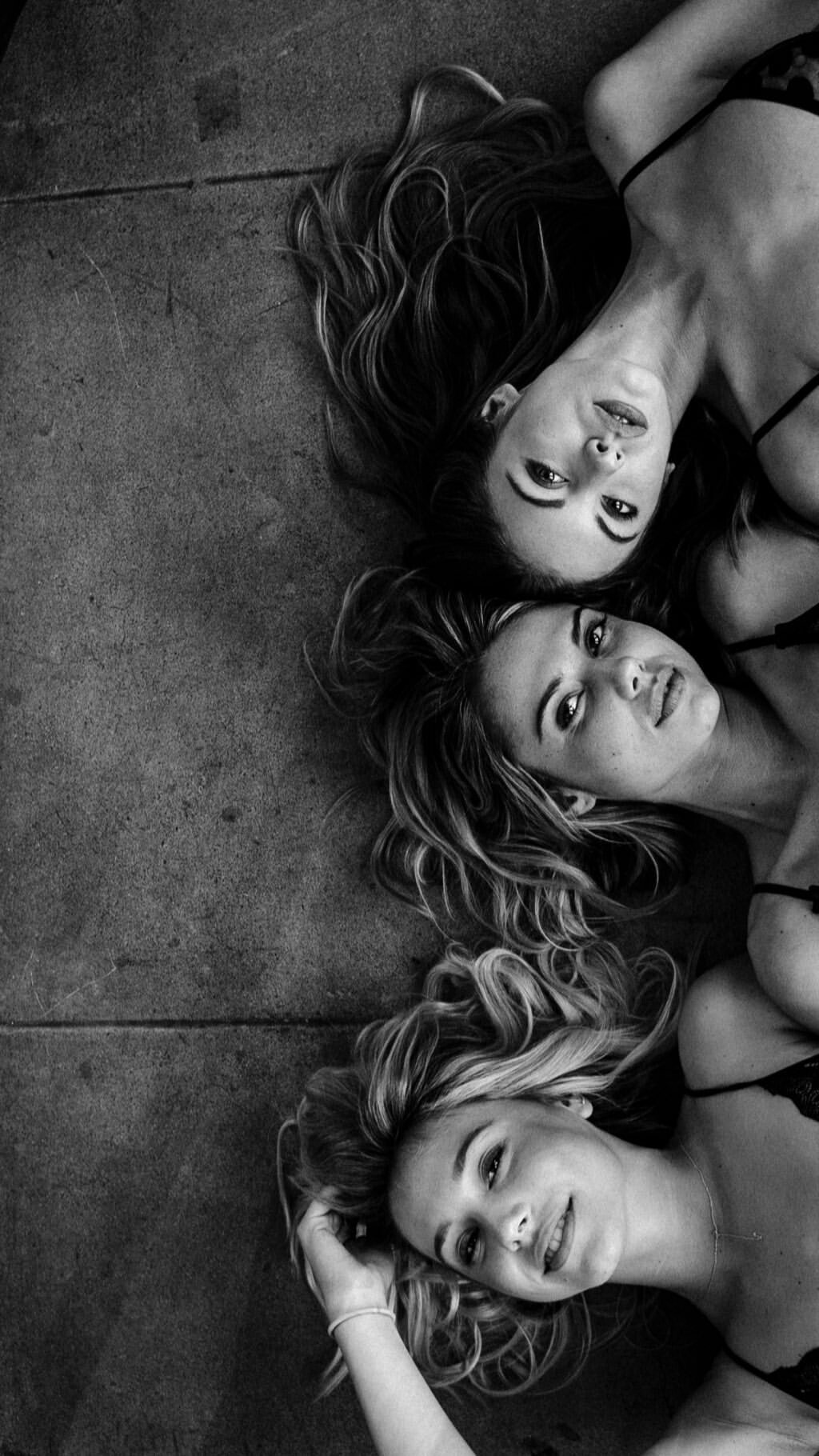
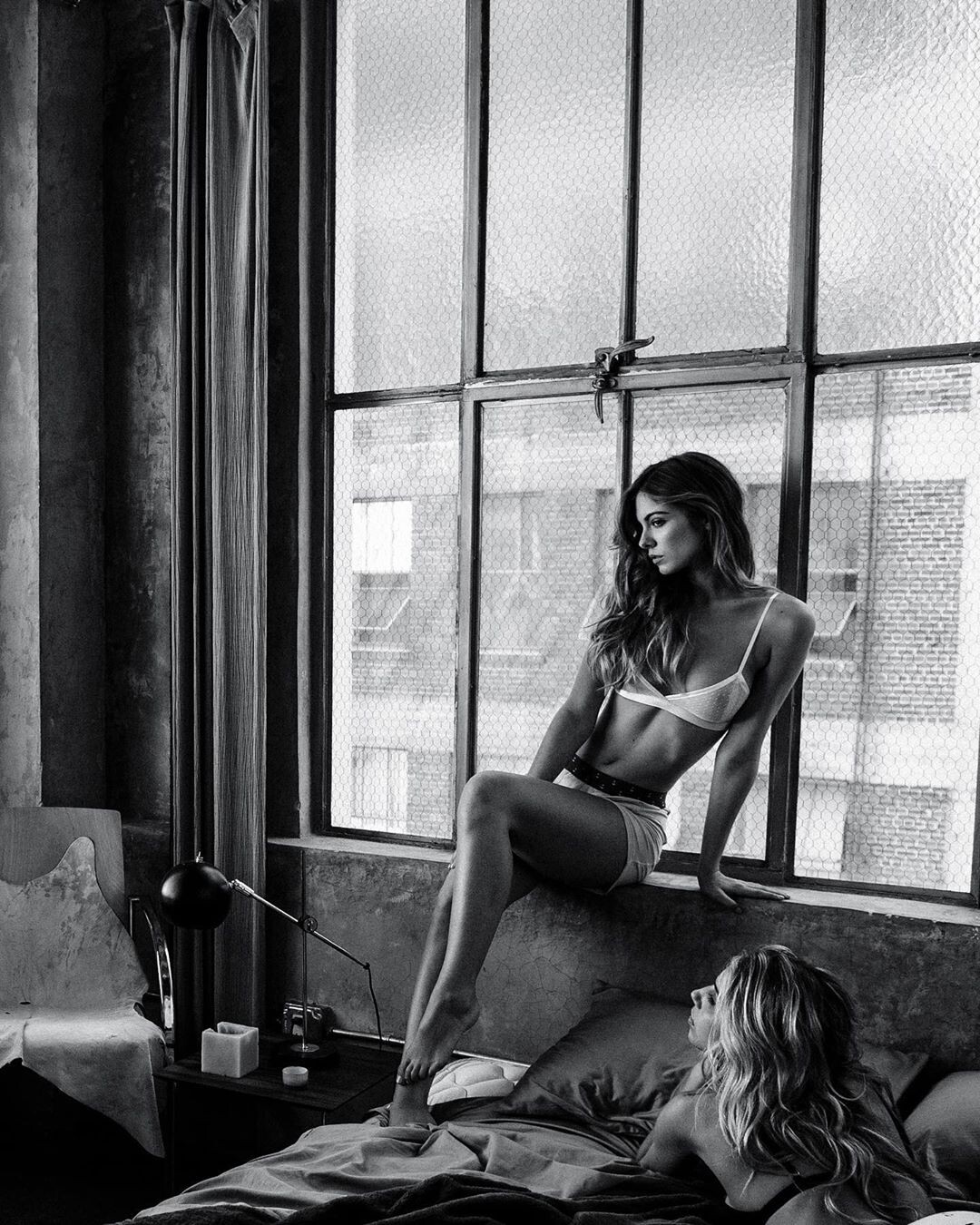
  1. Nasty Gal Bodysuit If any image is repeated to the previous post it is because all the images are in better resolution
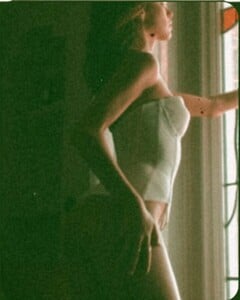
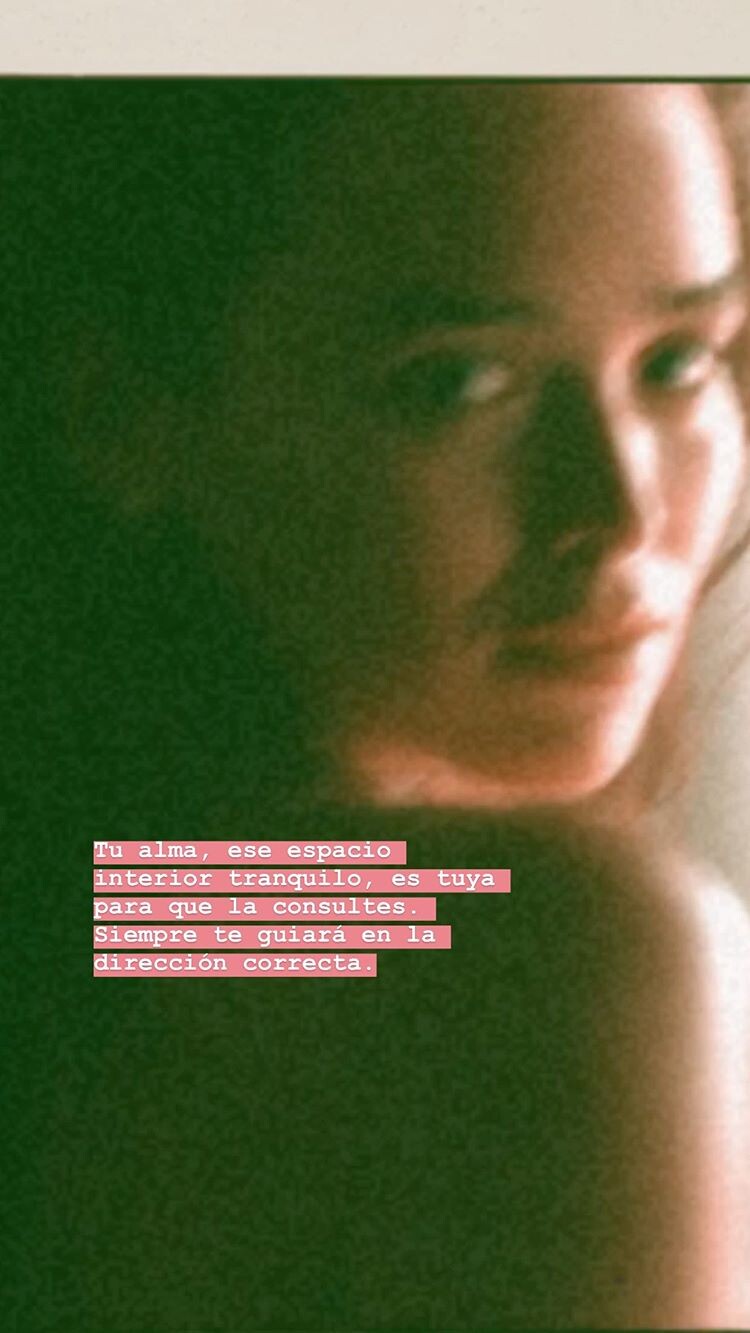
  2. Dennis Swiatkowski Version in color IG Story
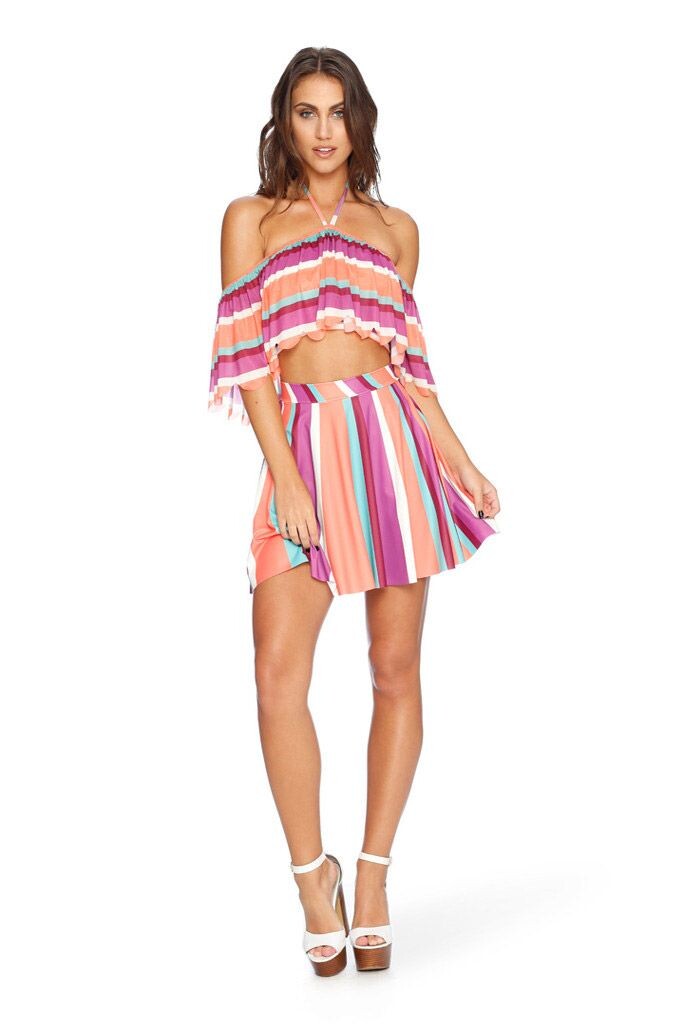
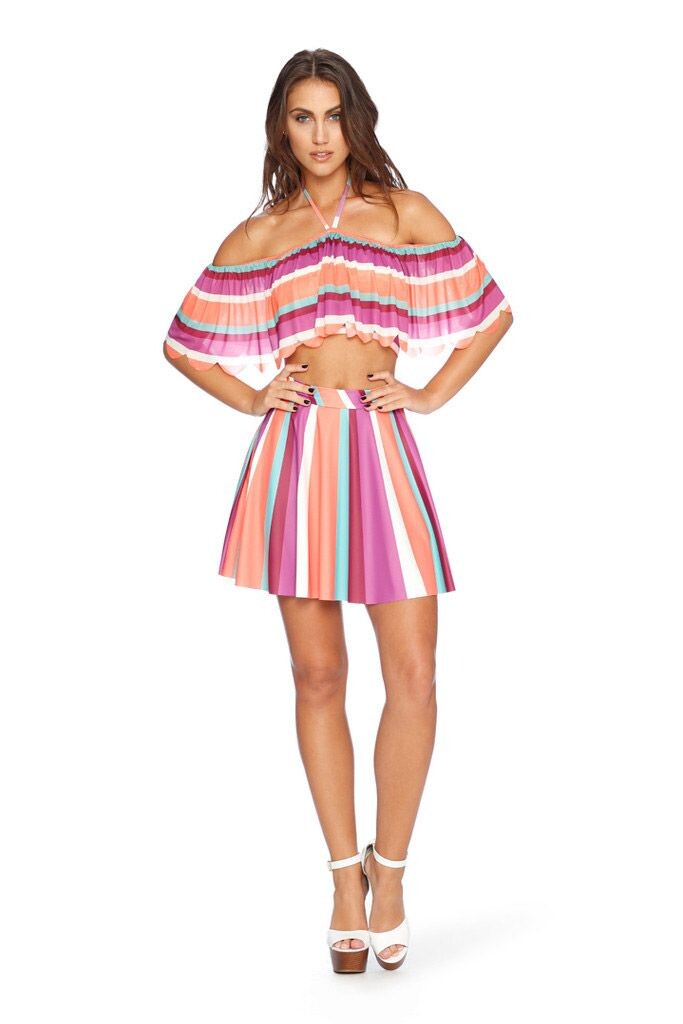
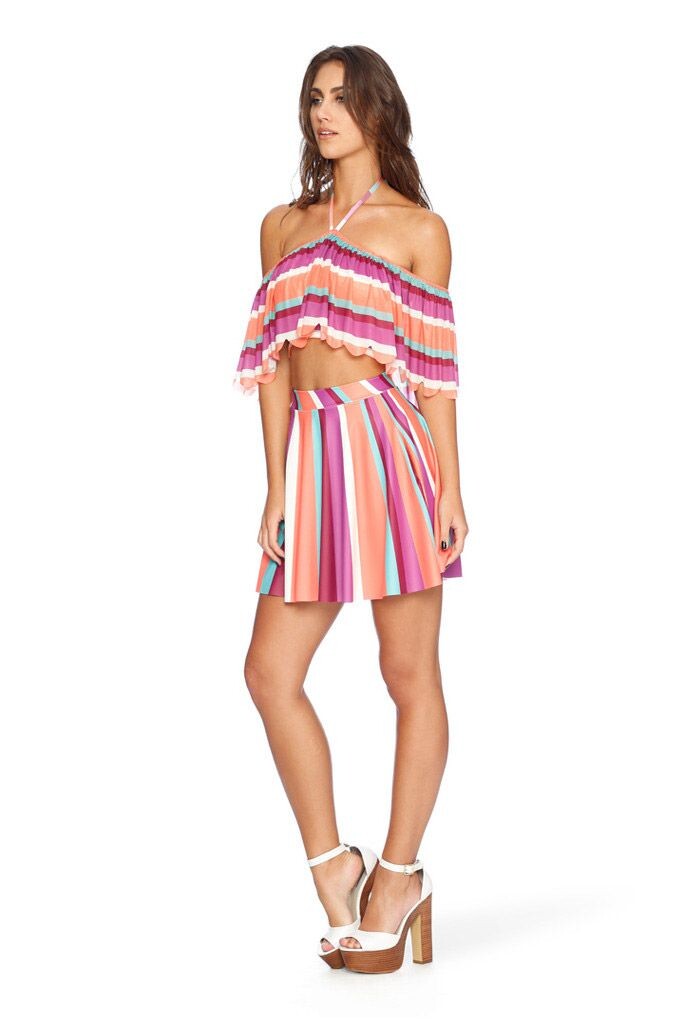
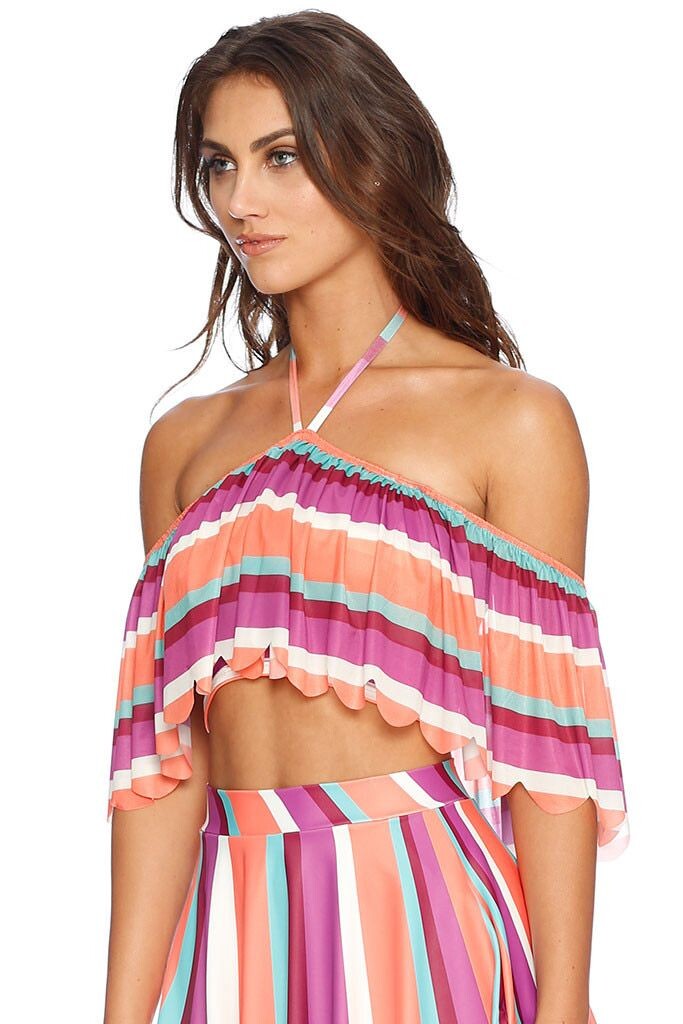
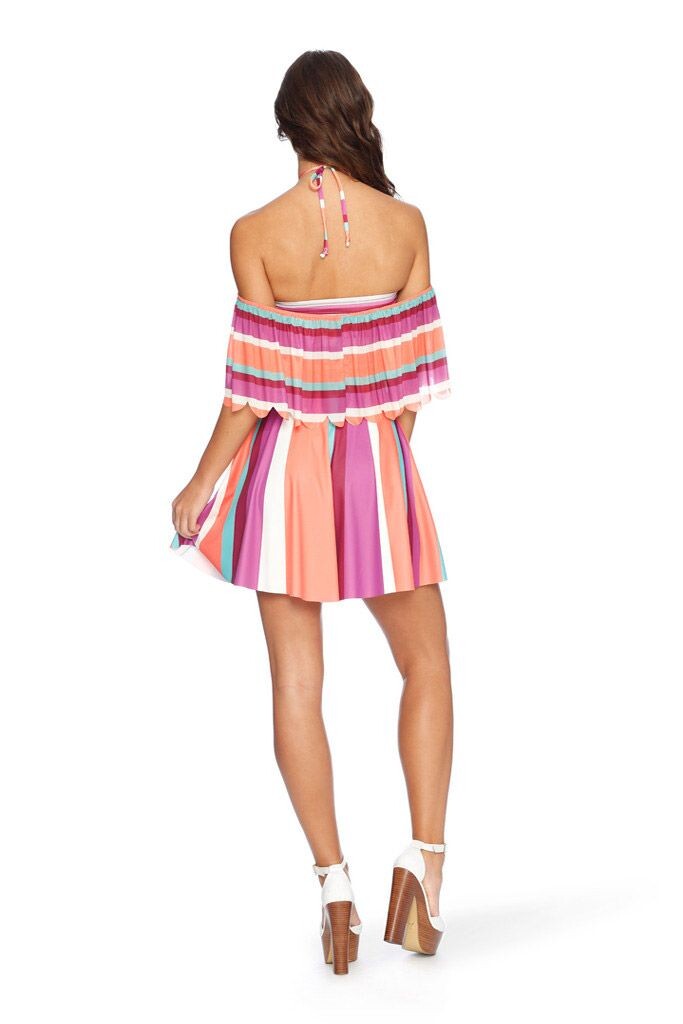
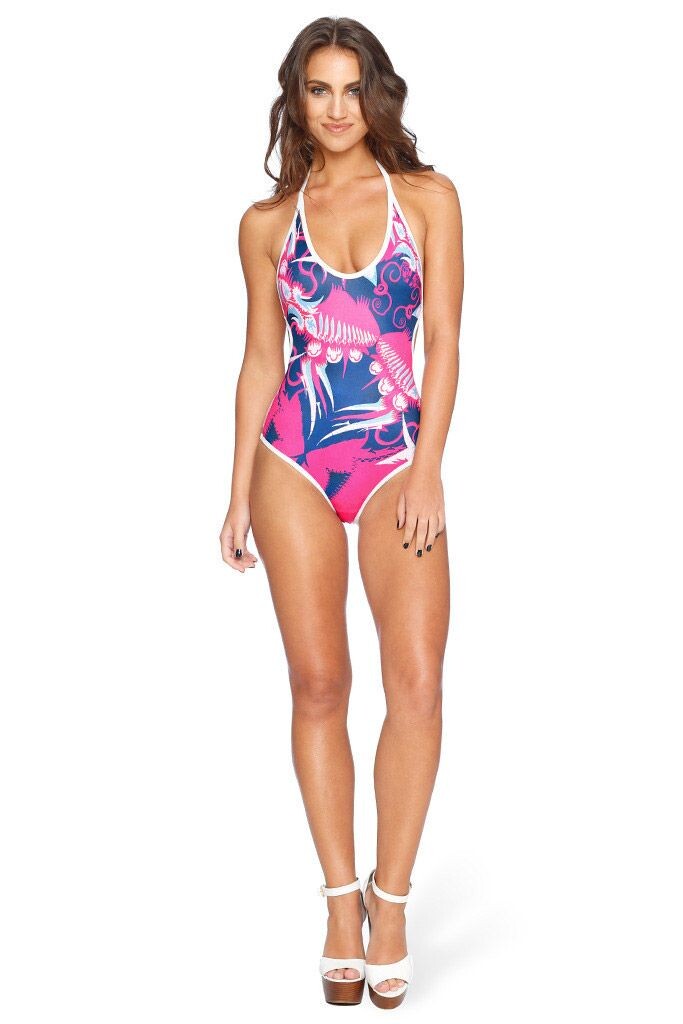
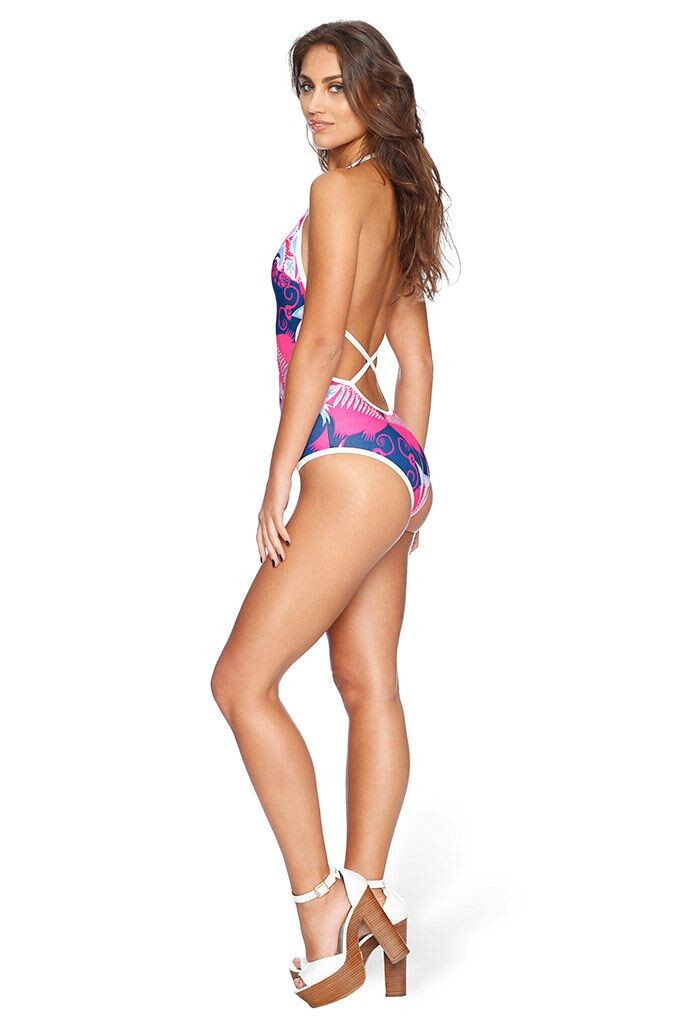
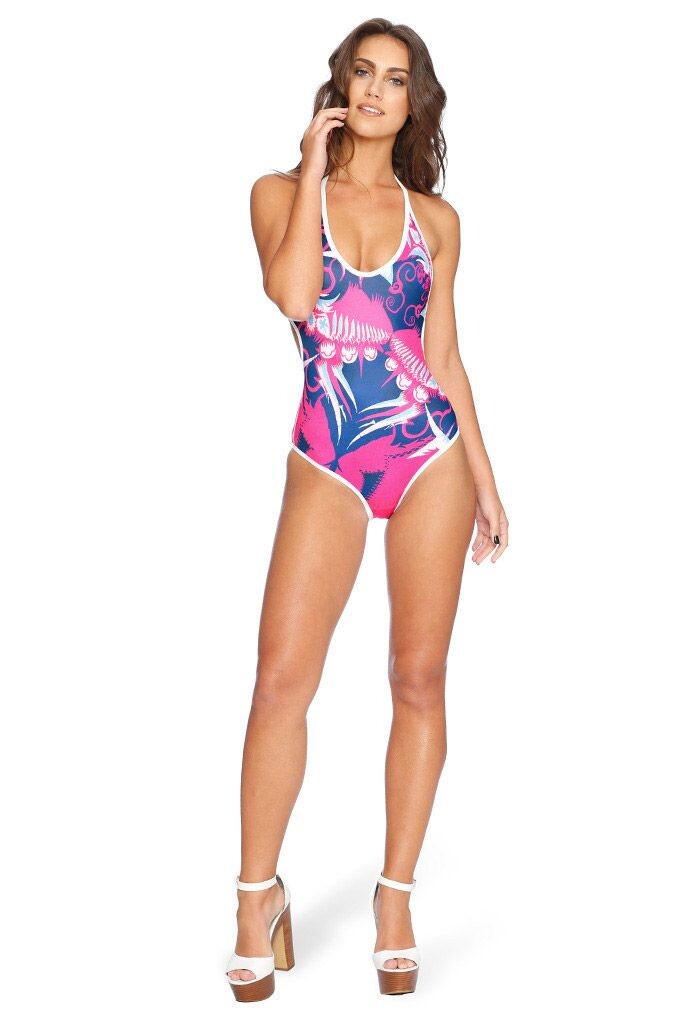
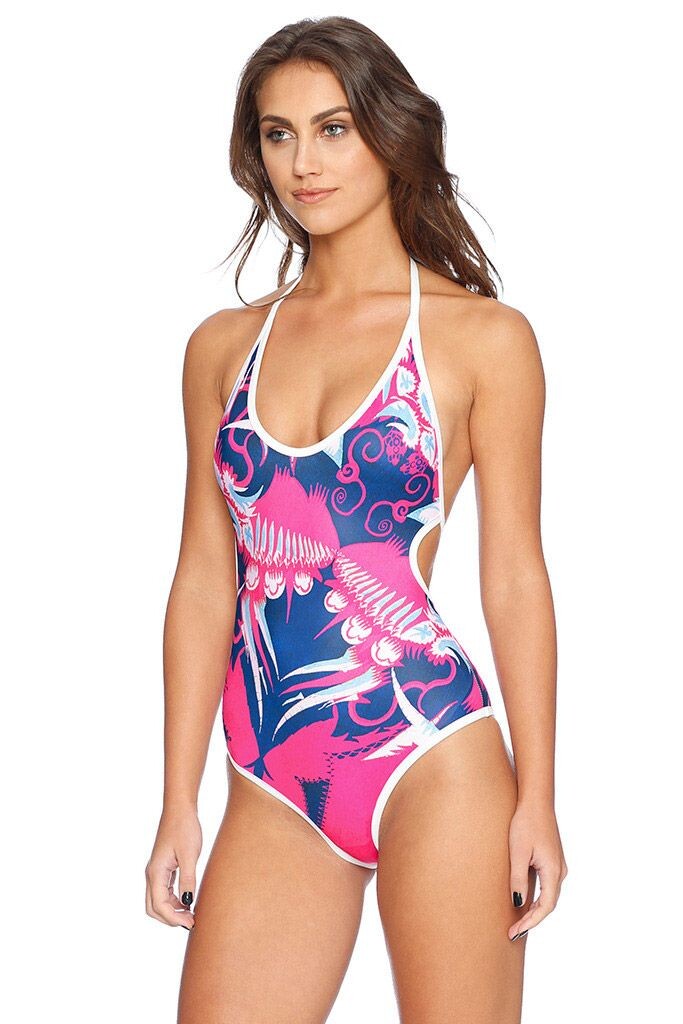
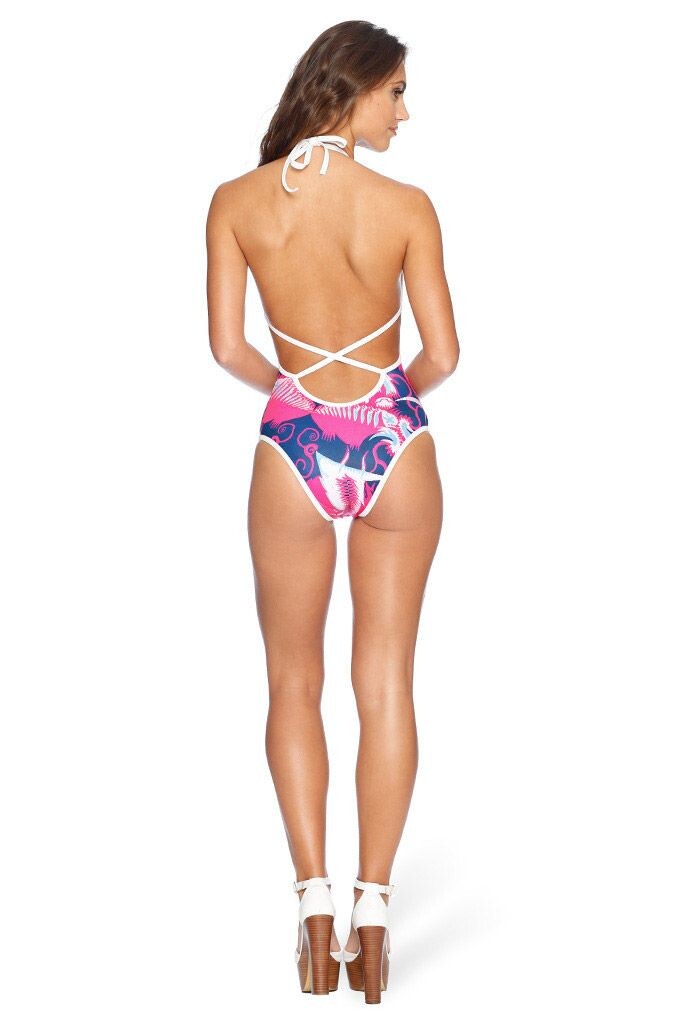
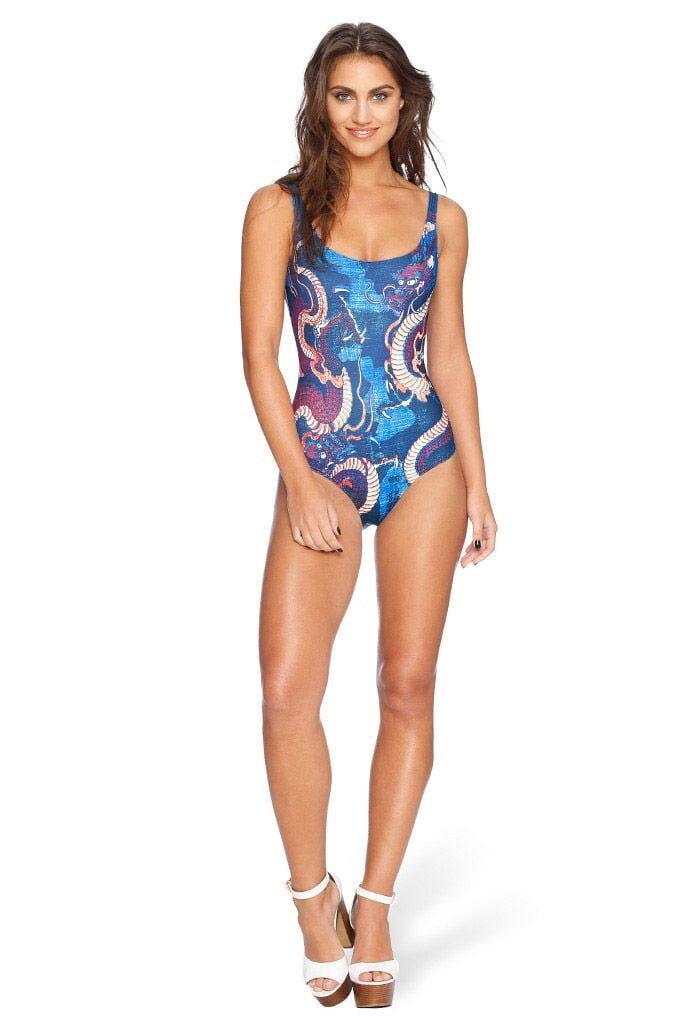
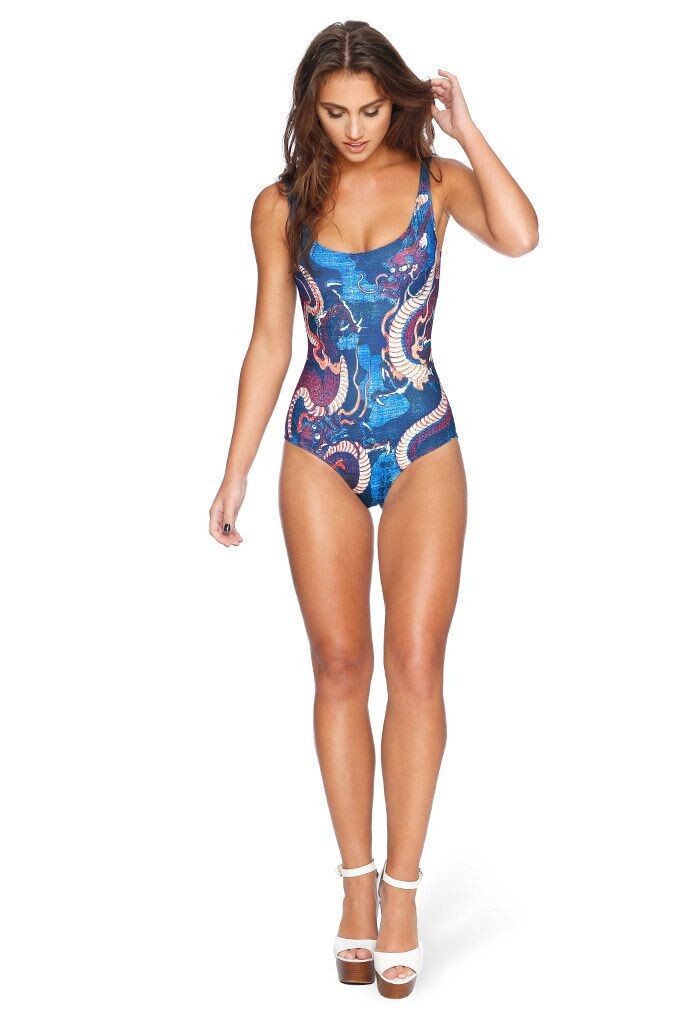
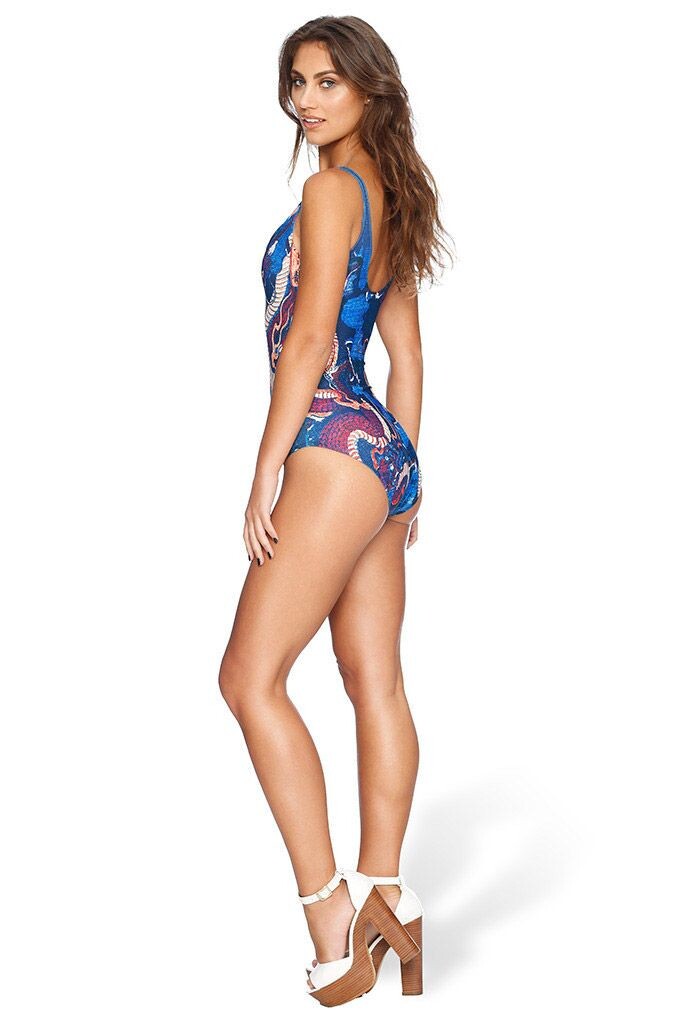
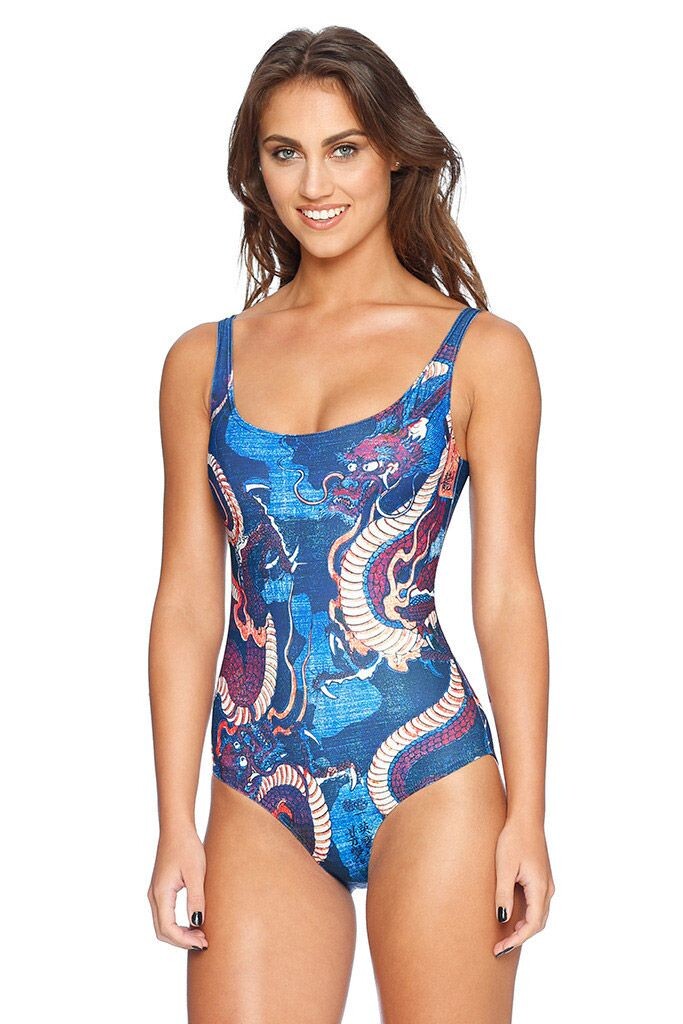
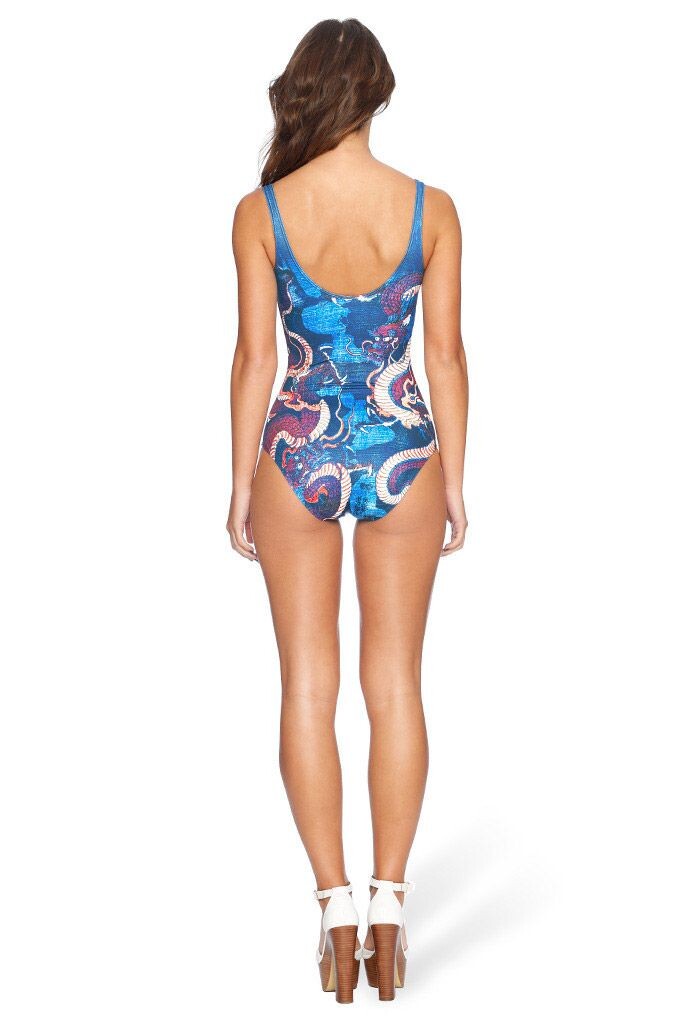
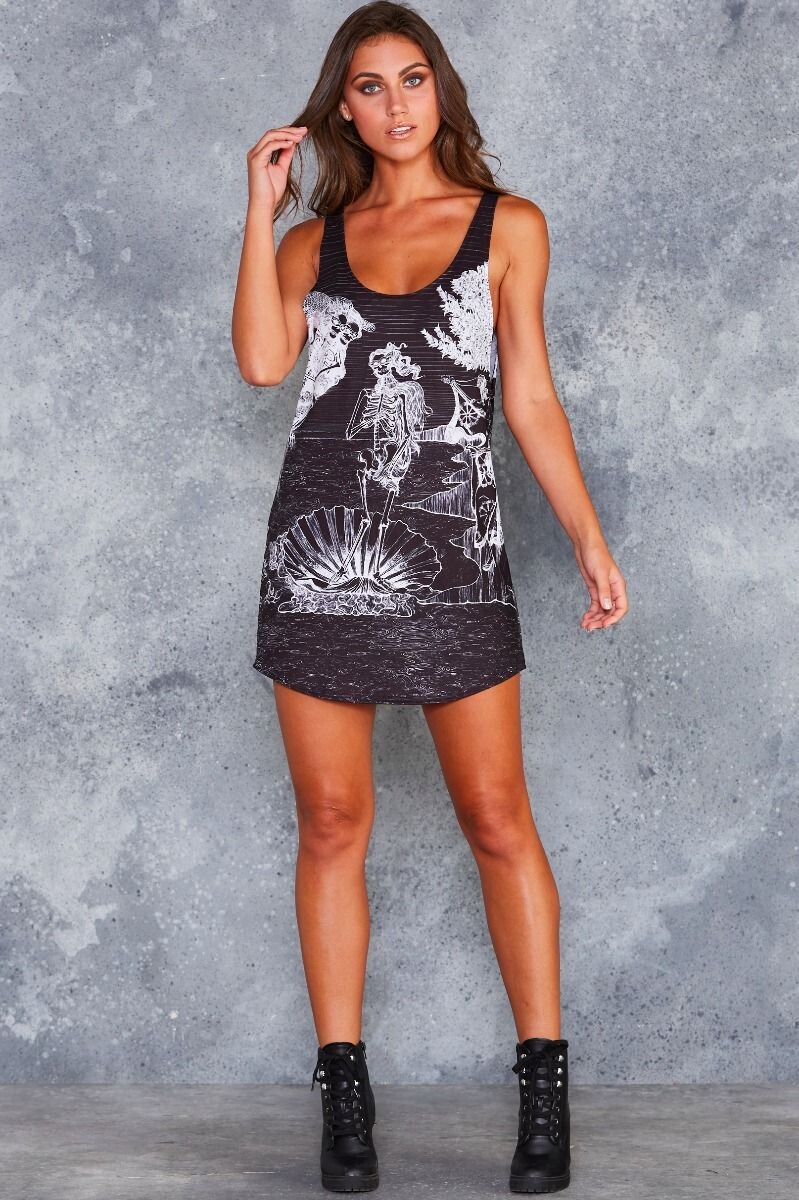
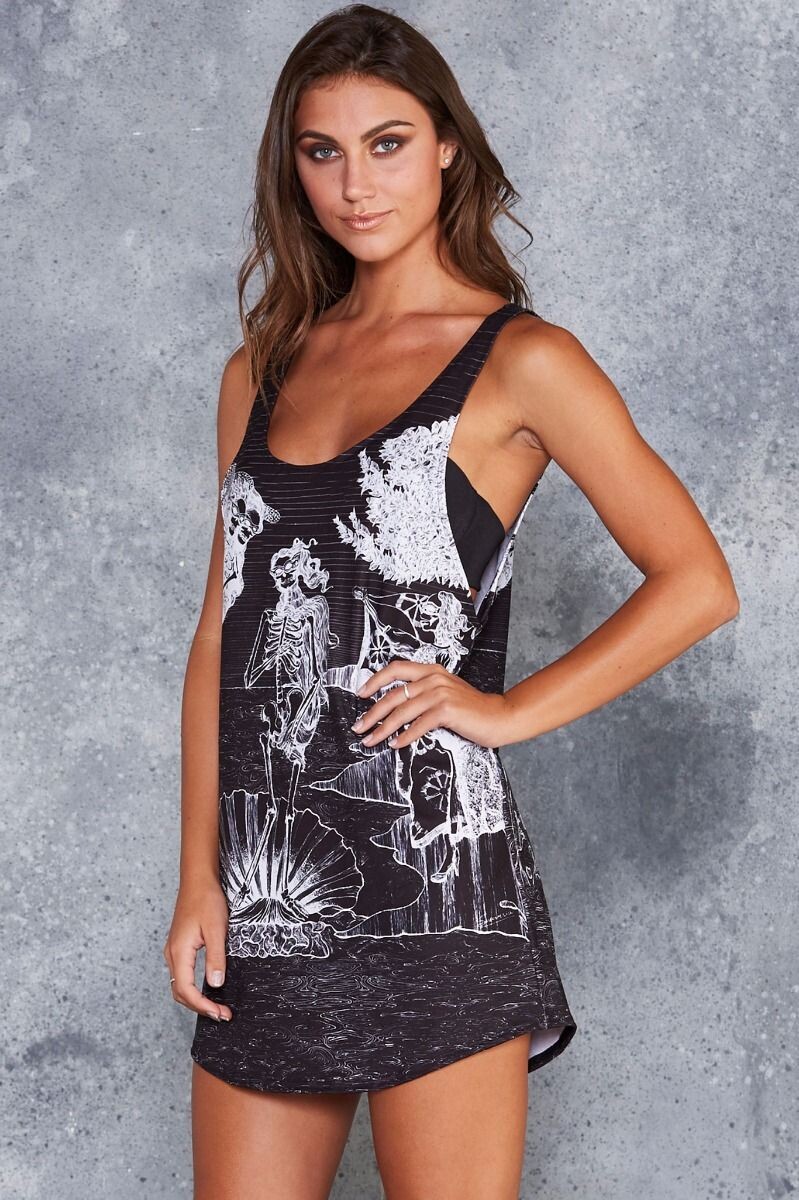
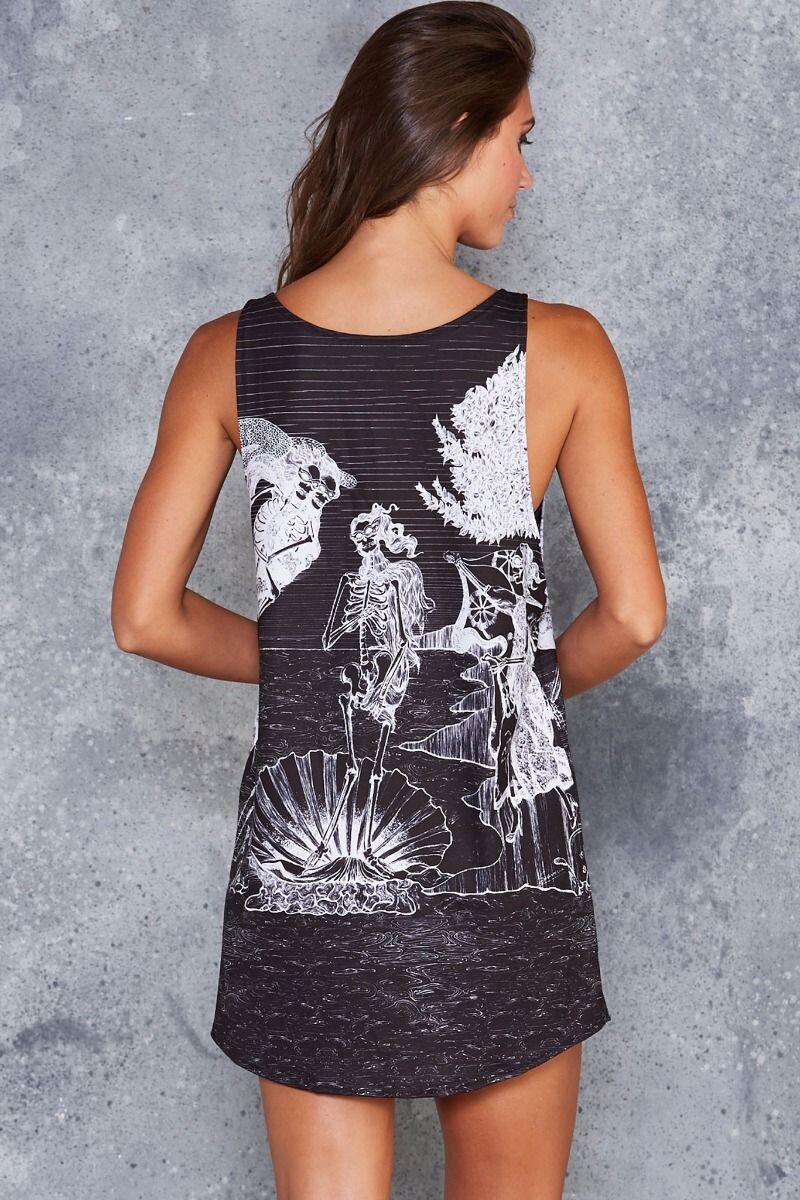
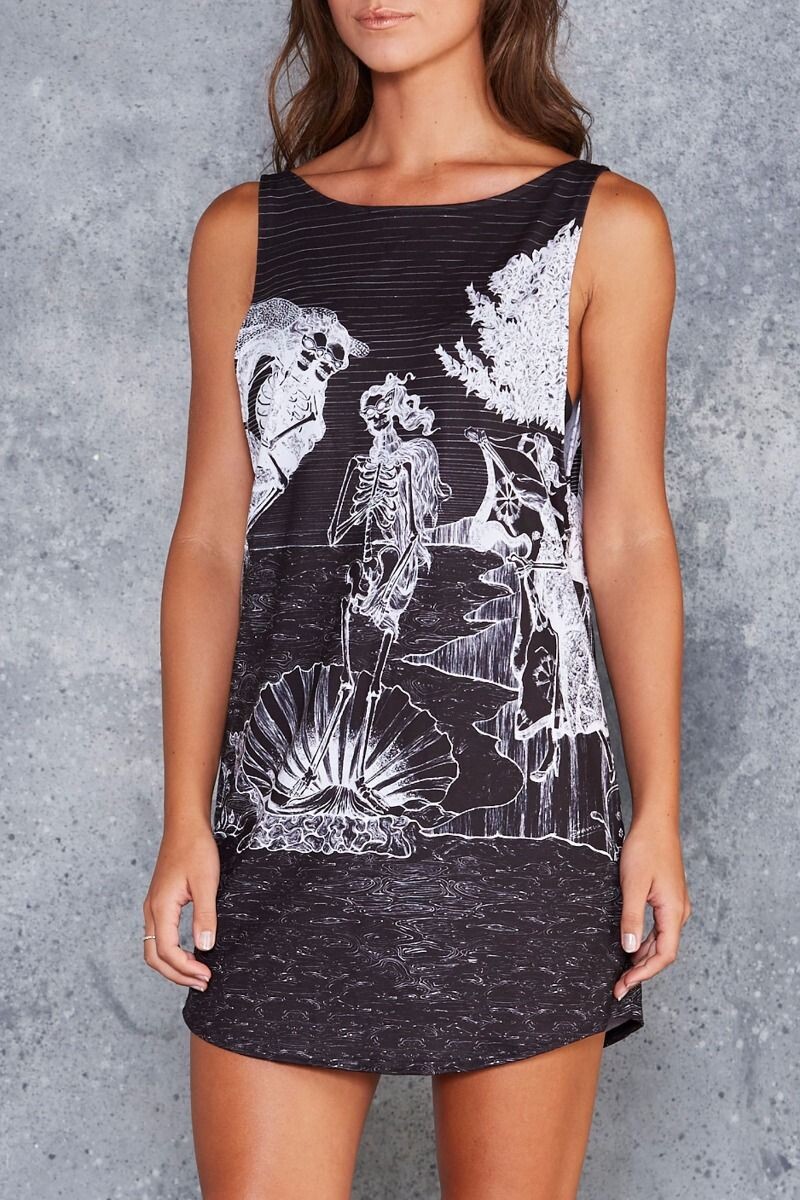
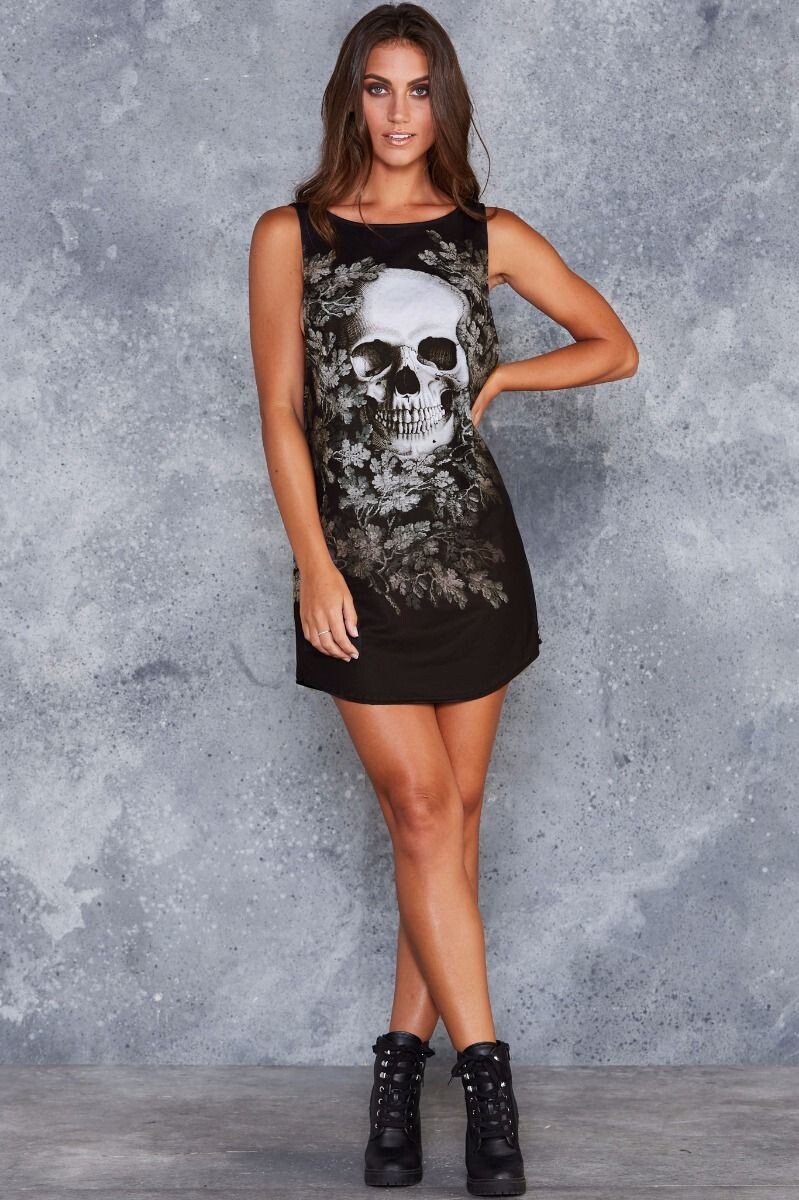
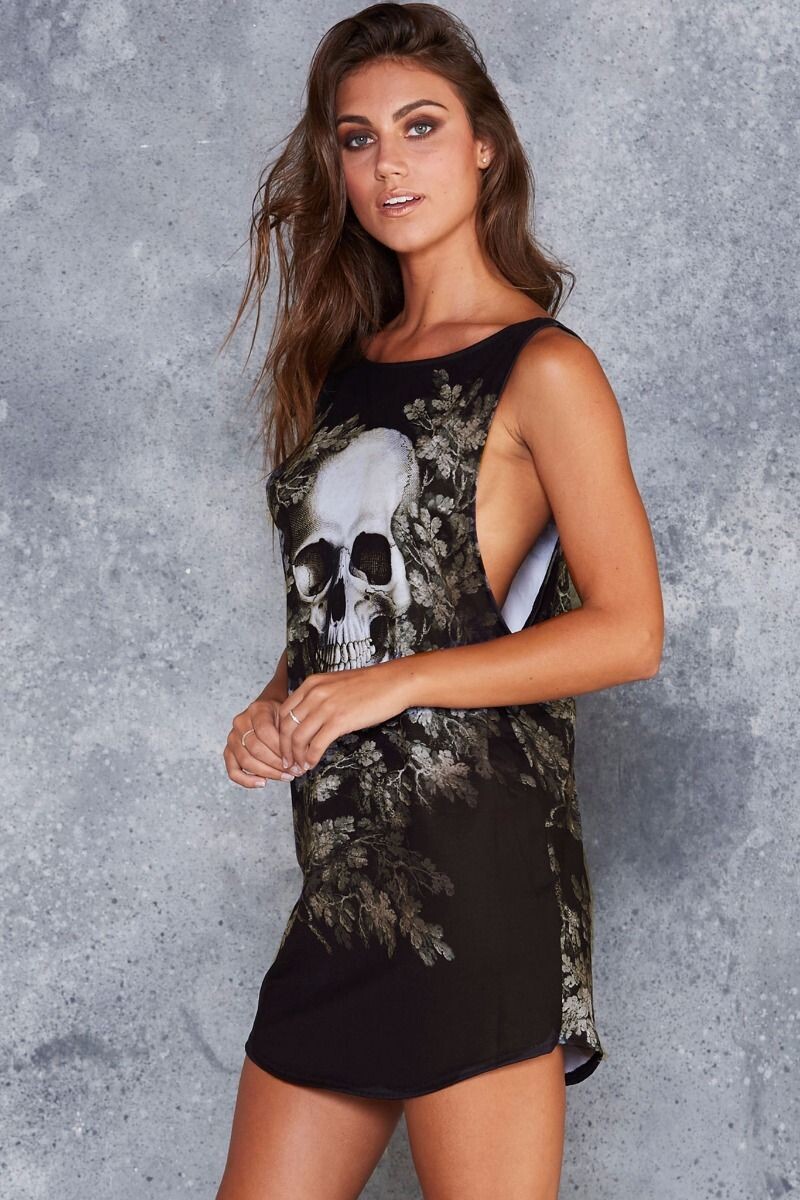
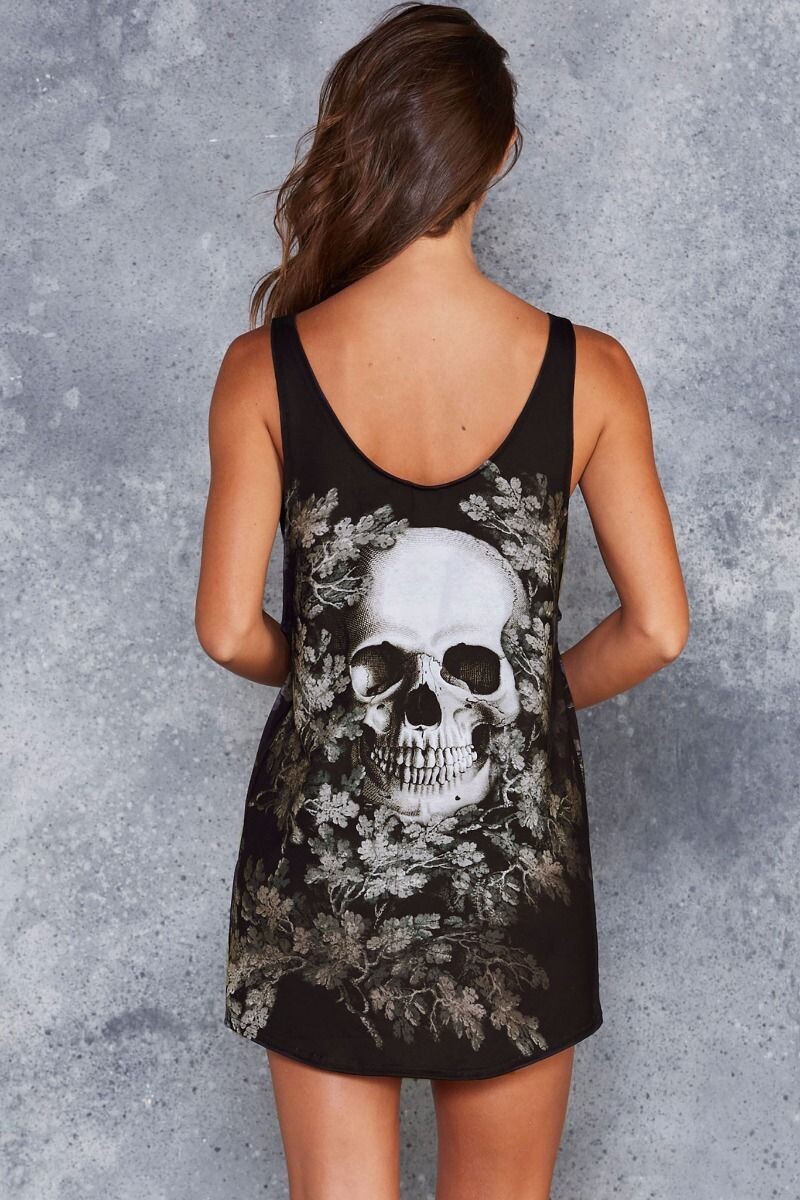
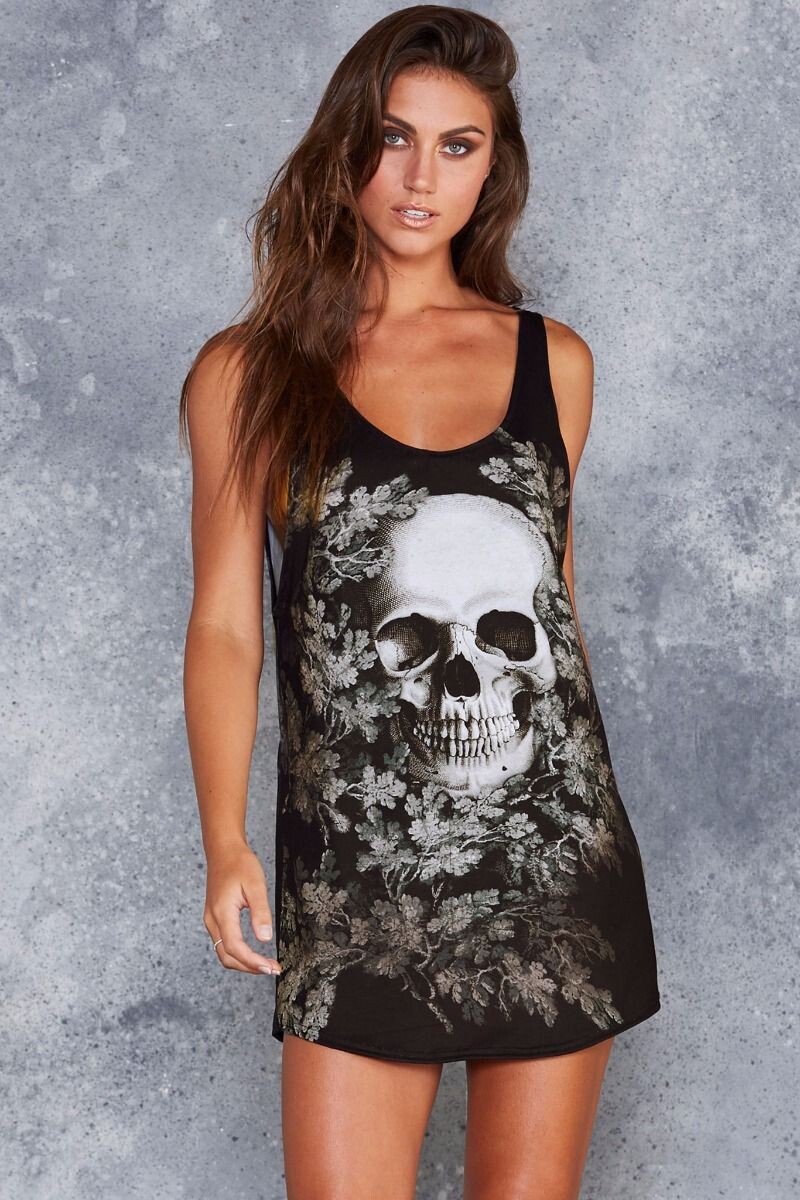
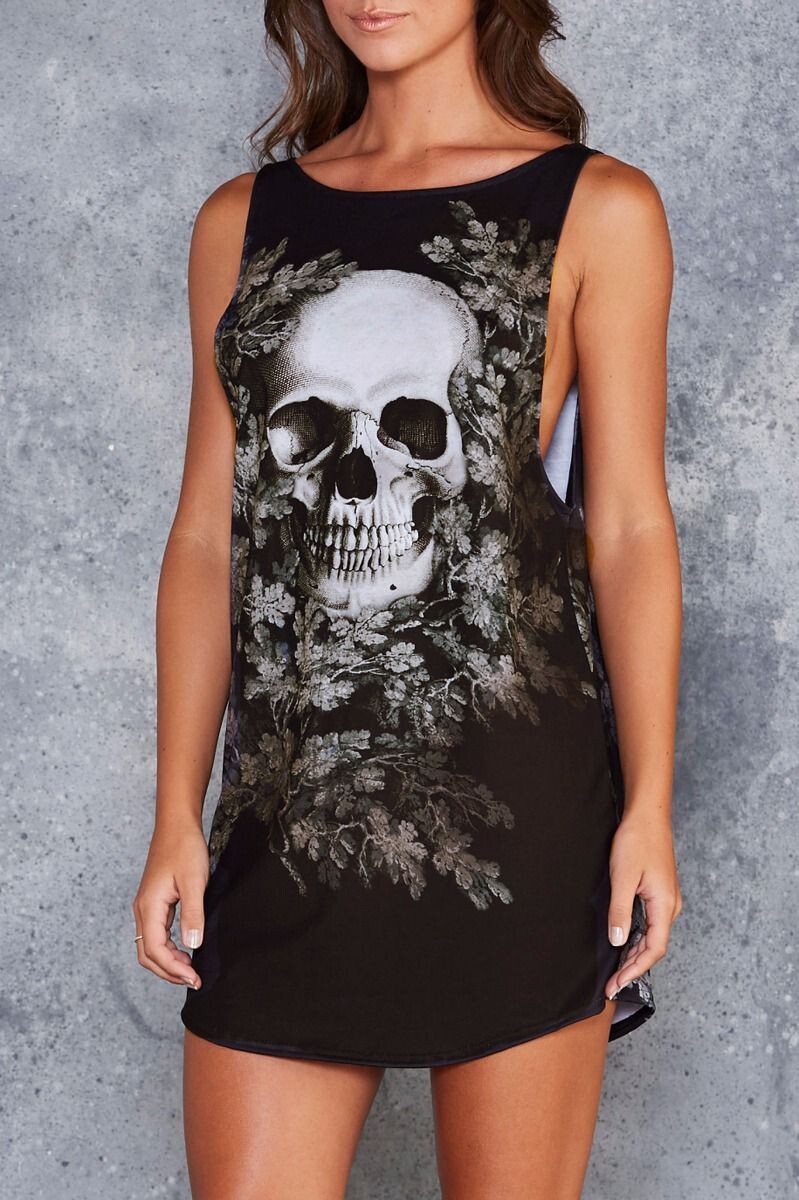
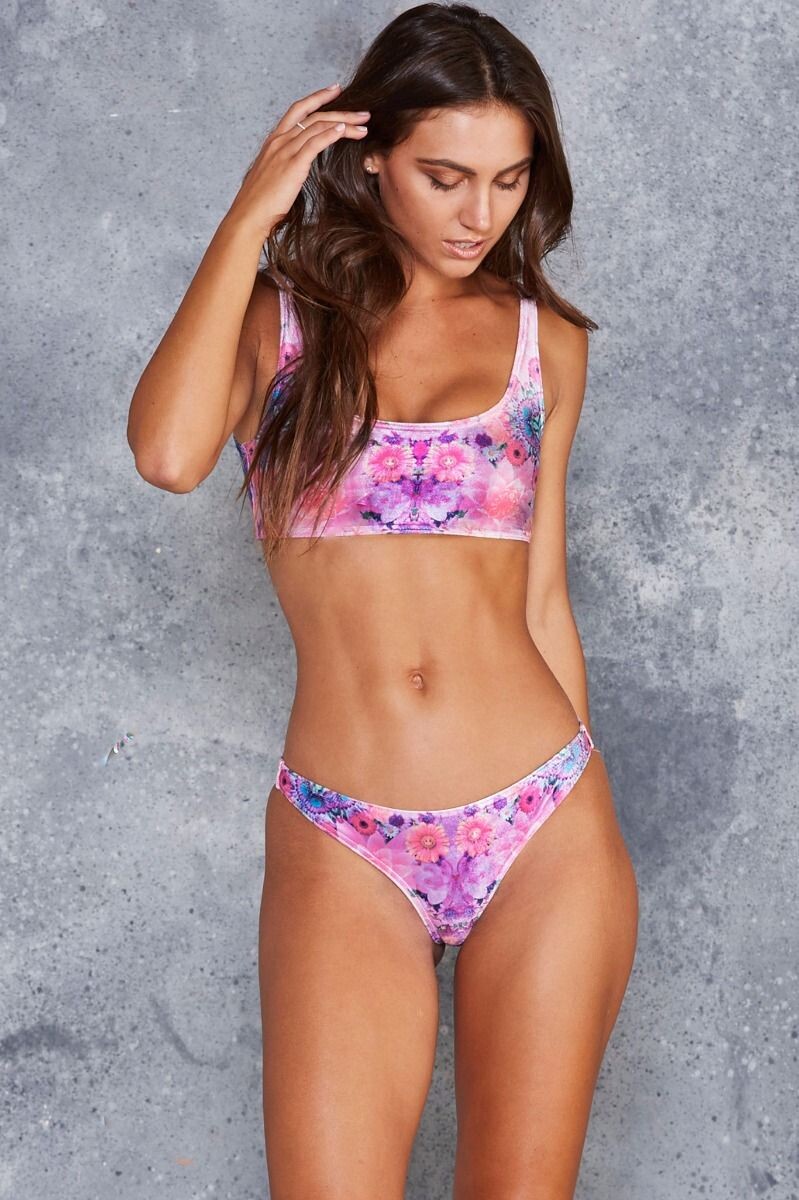
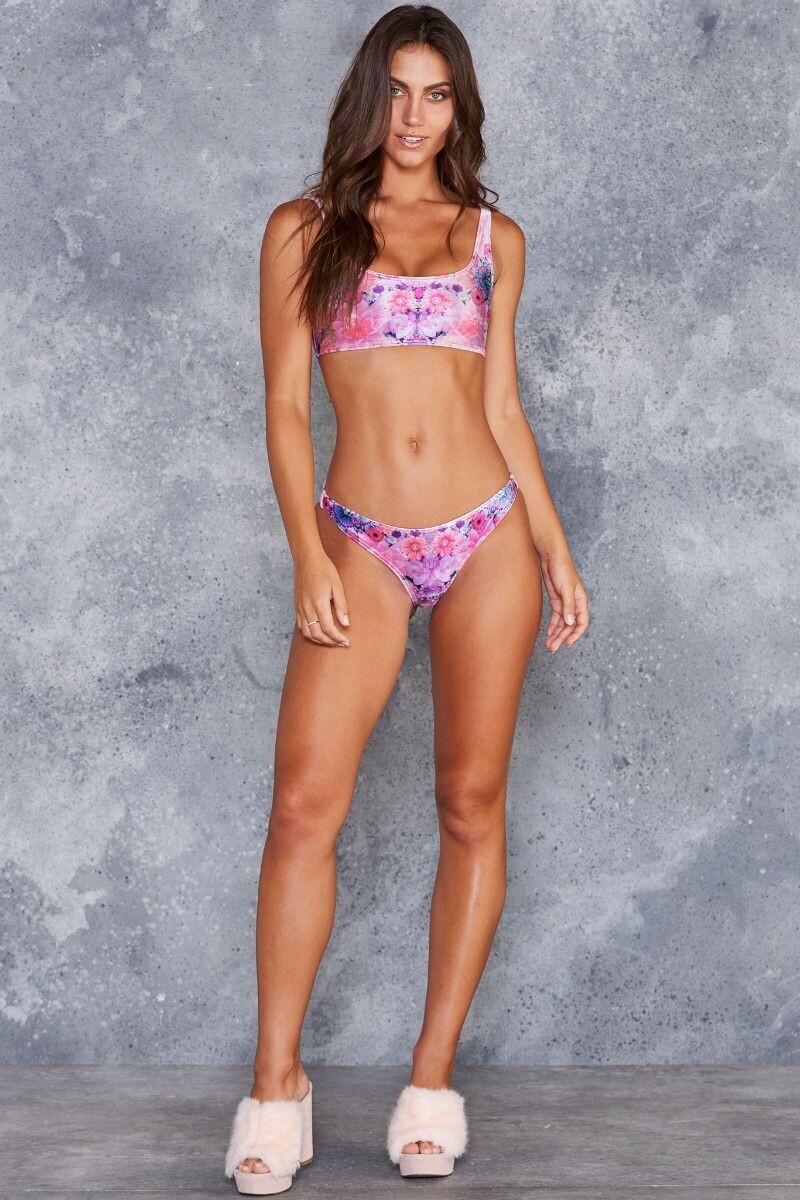
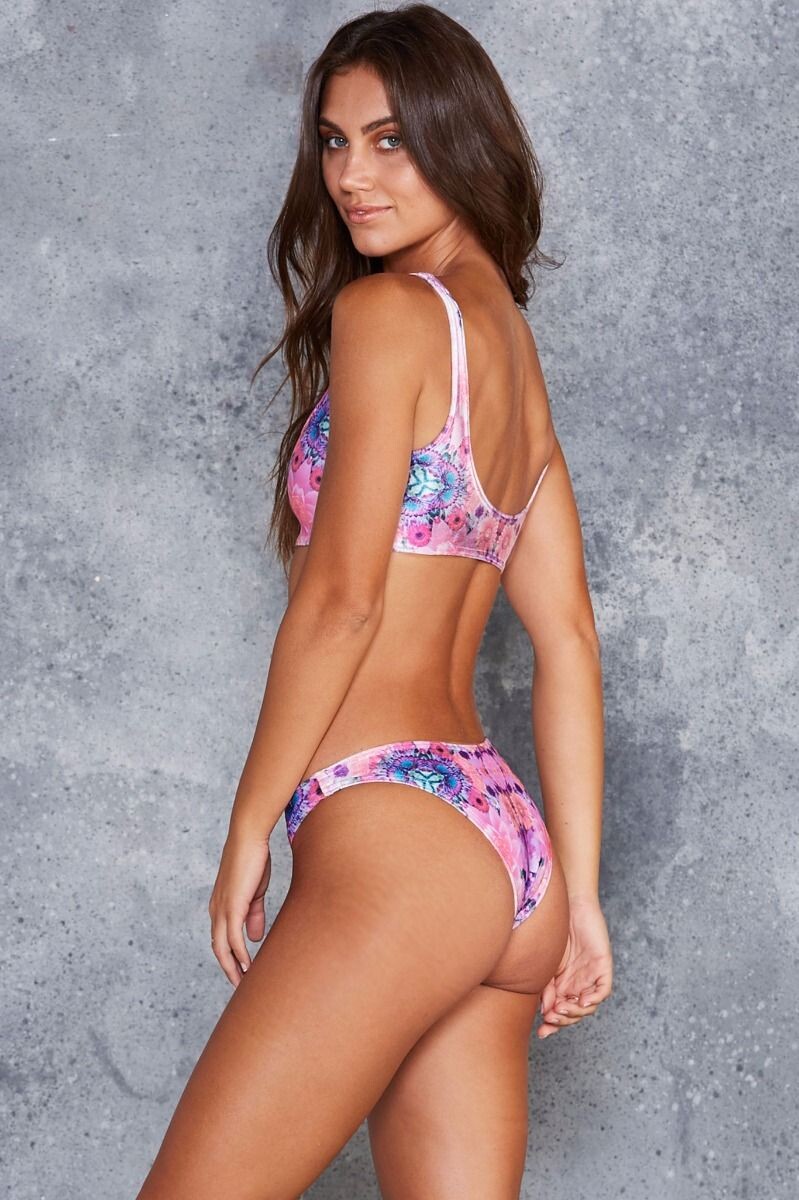
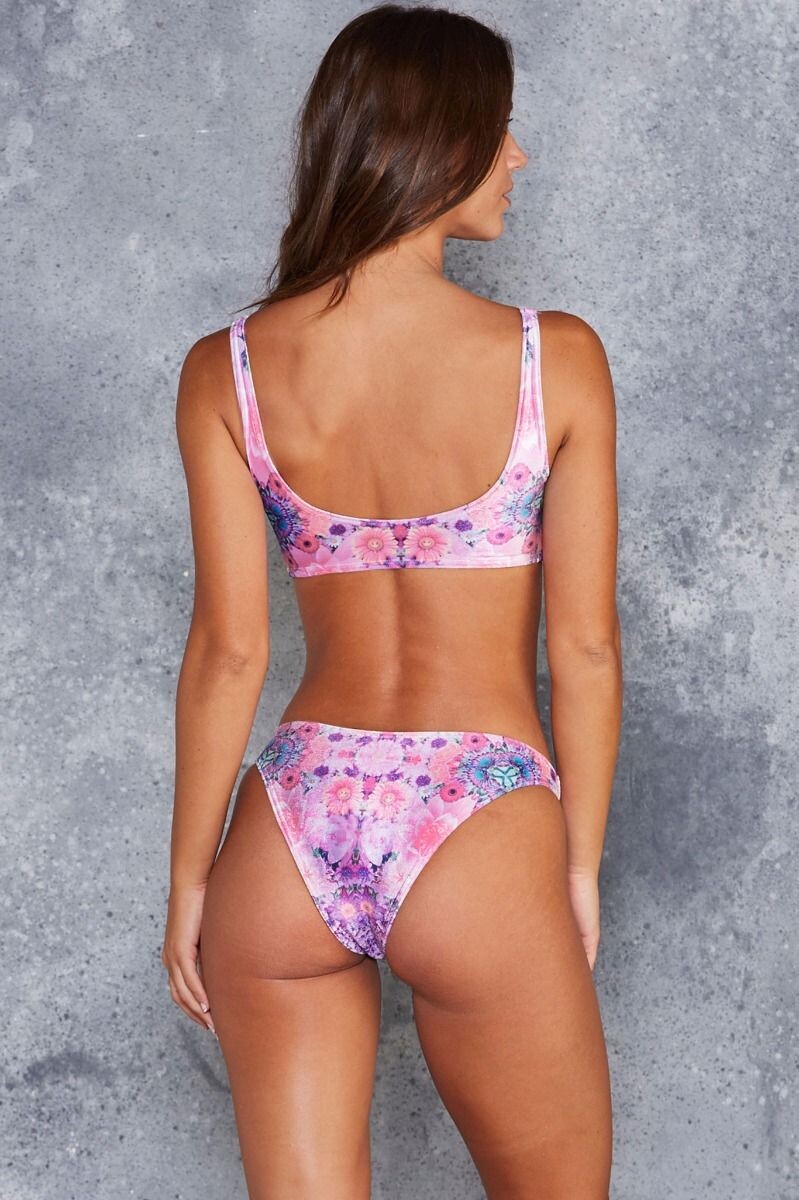
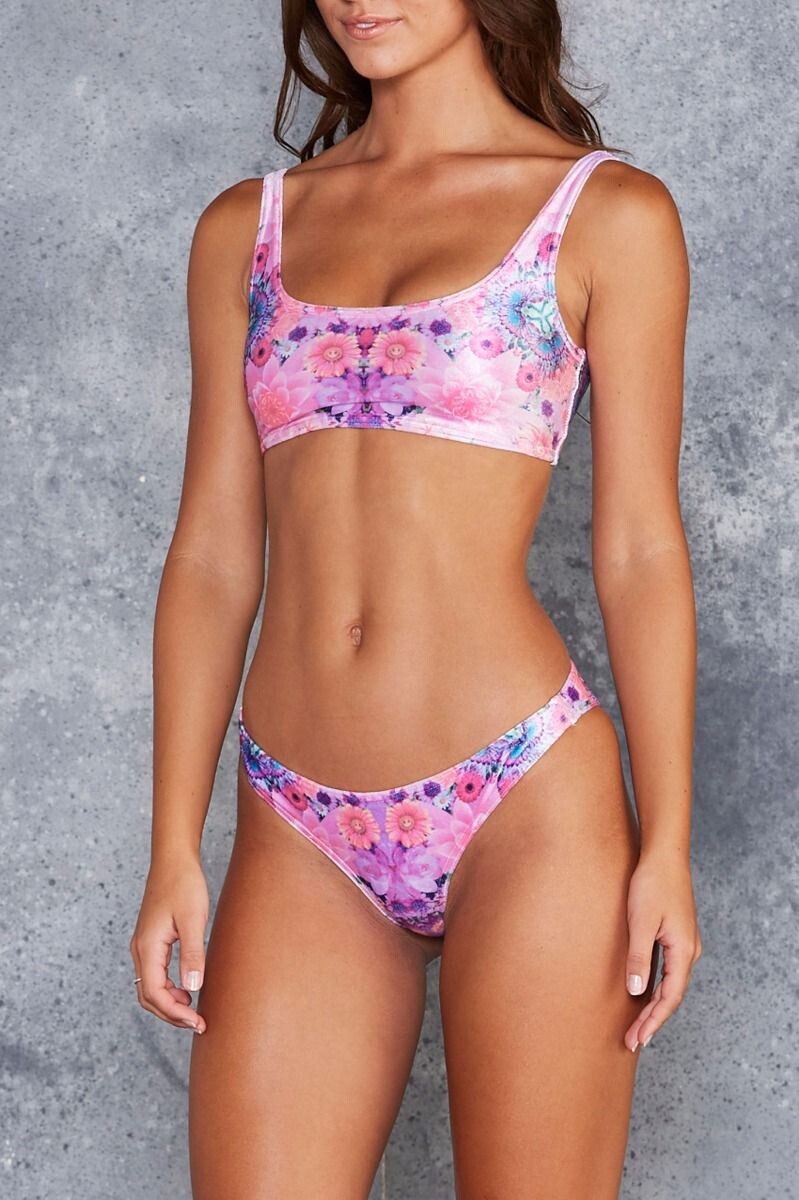
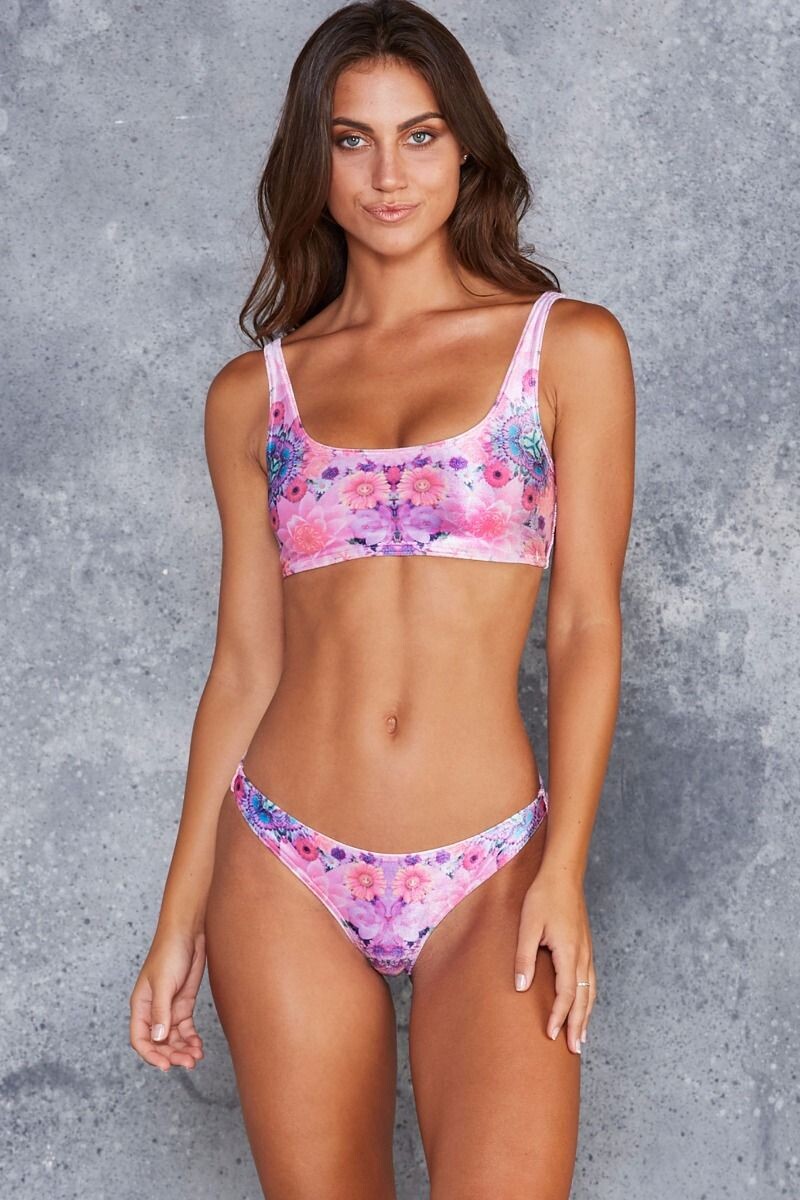
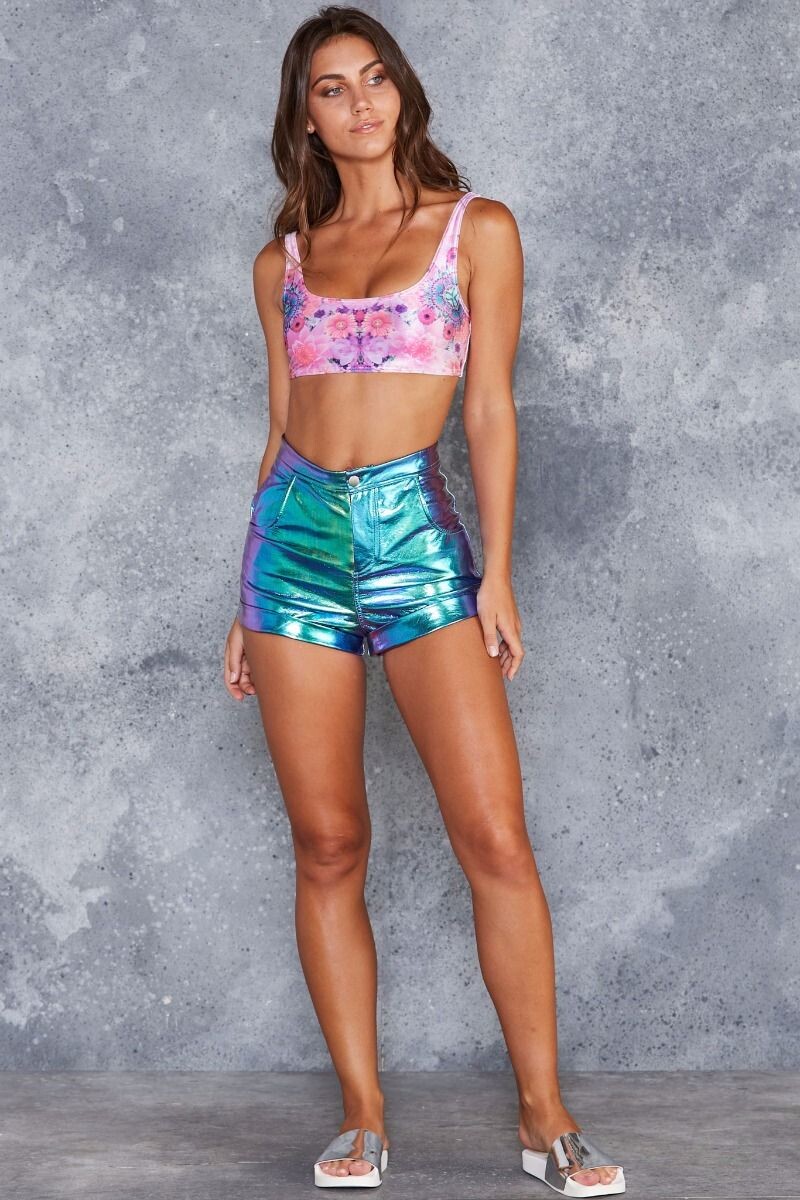
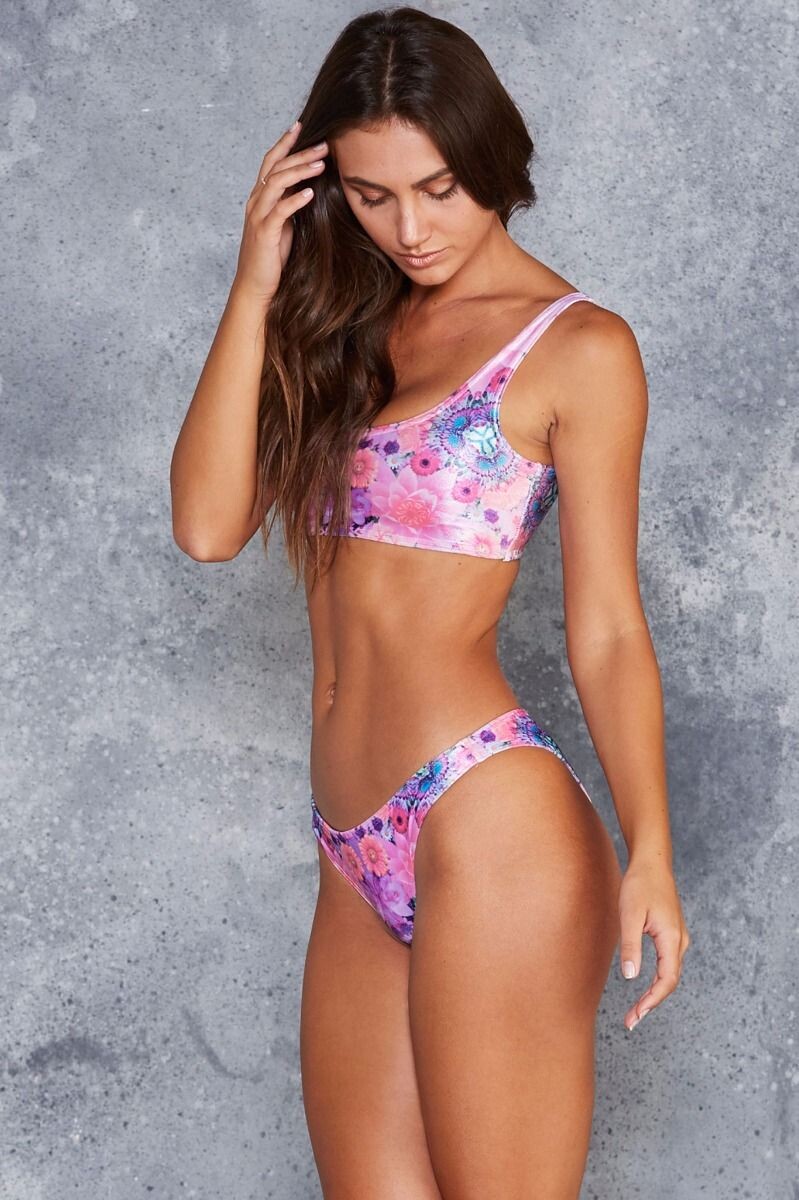
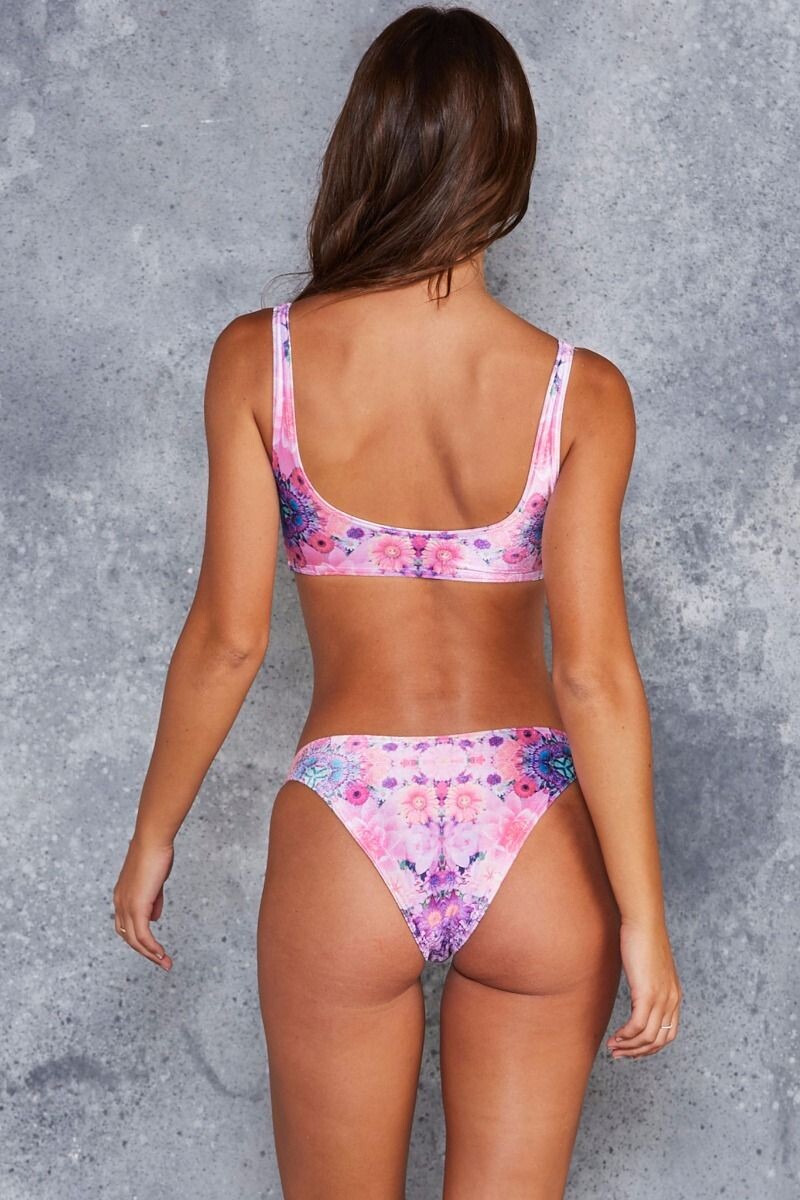
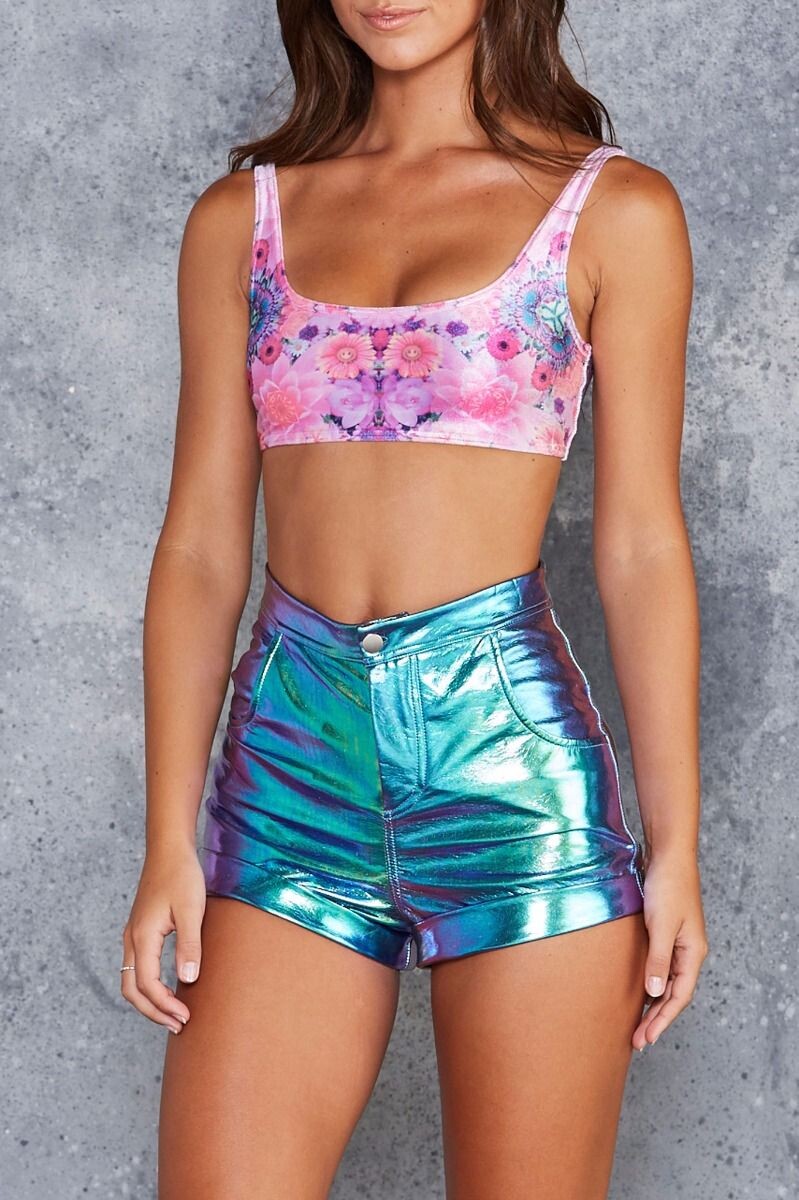
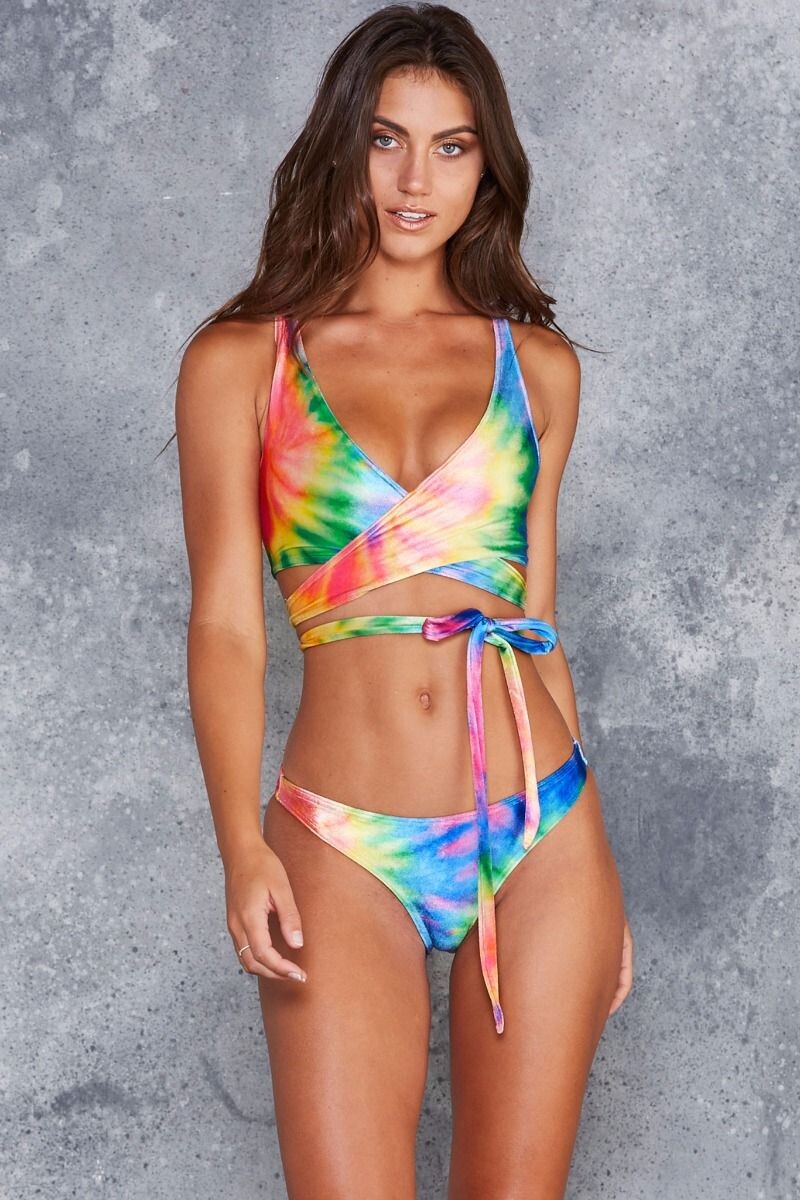
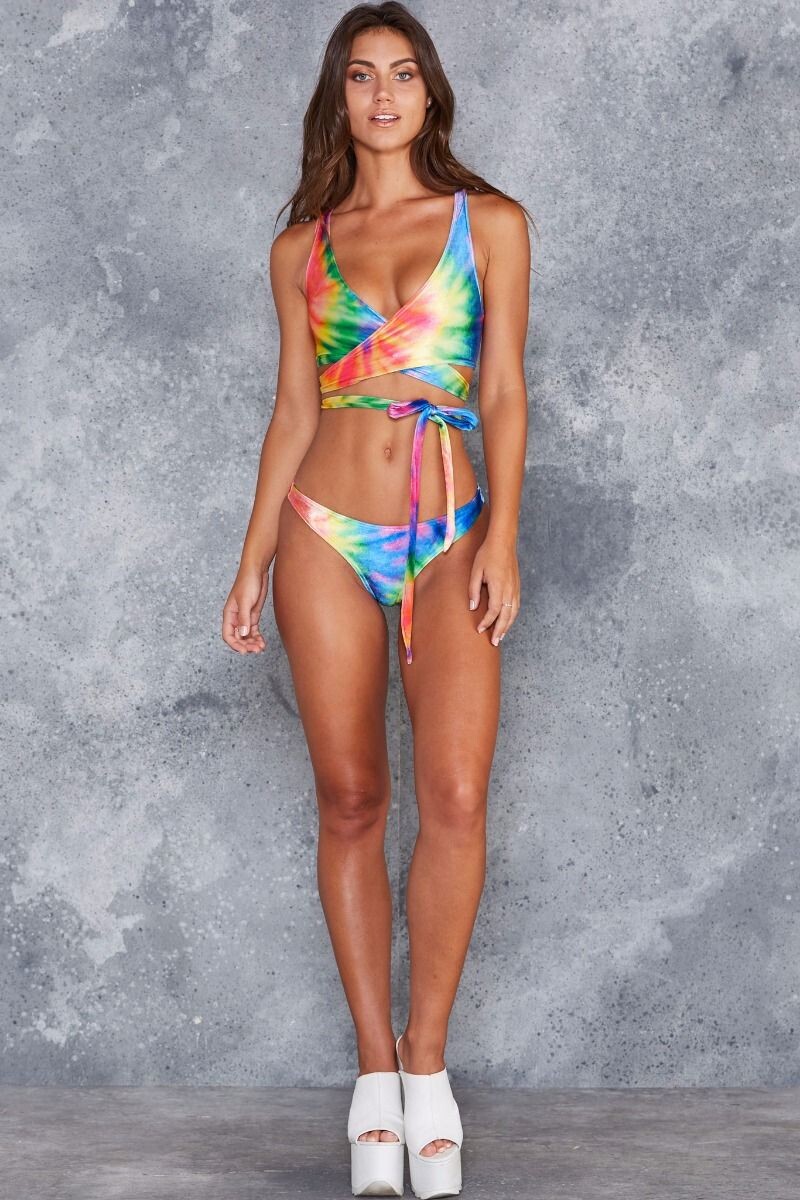
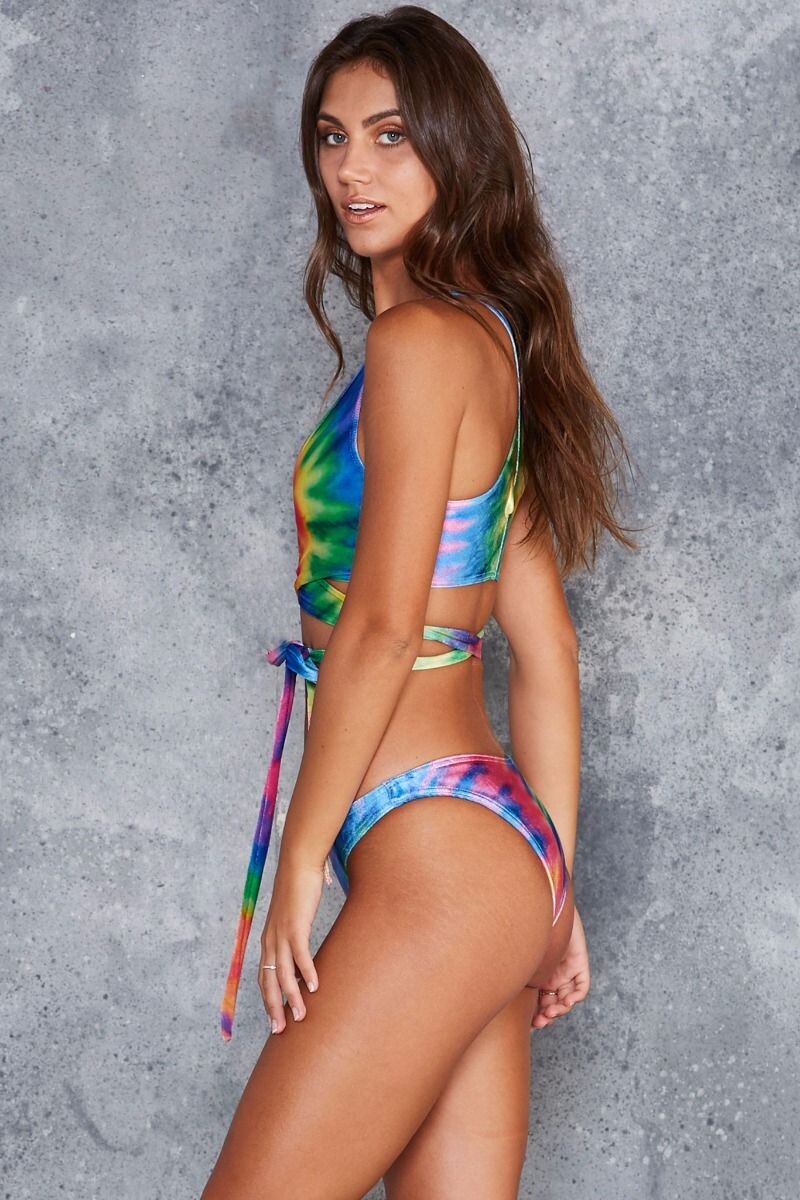
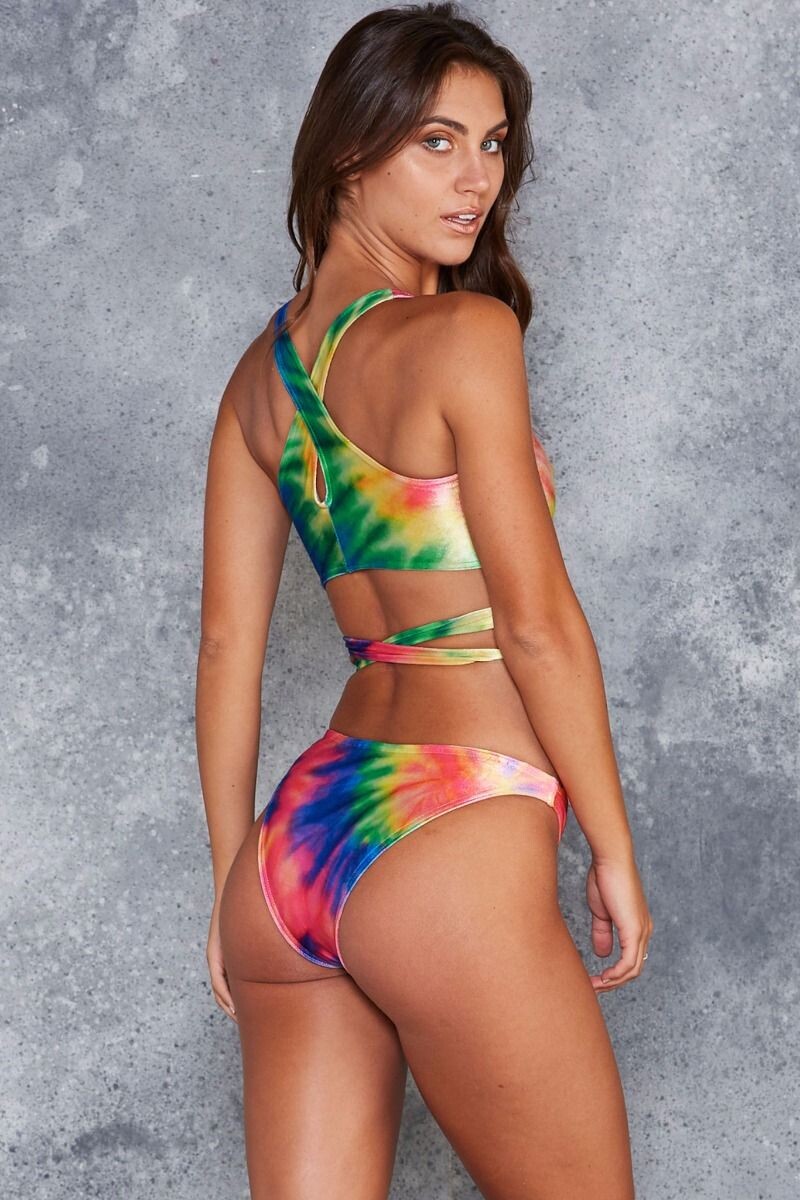
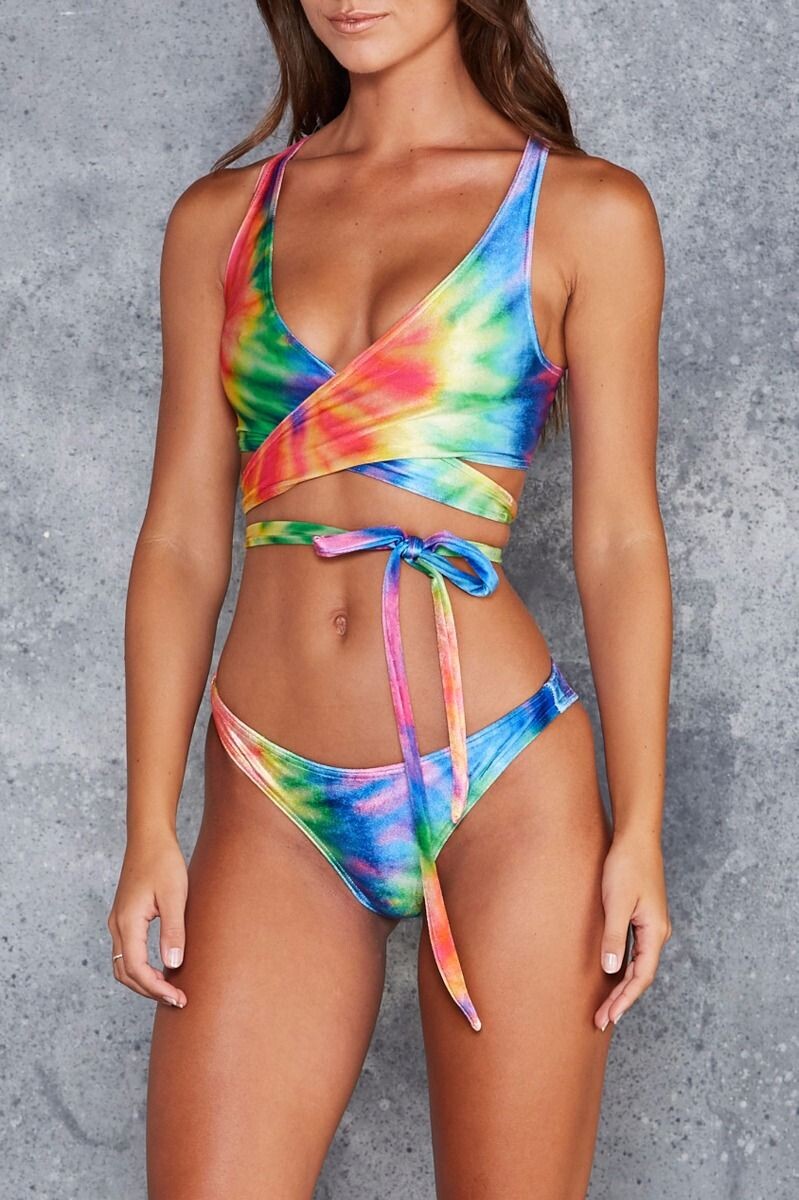
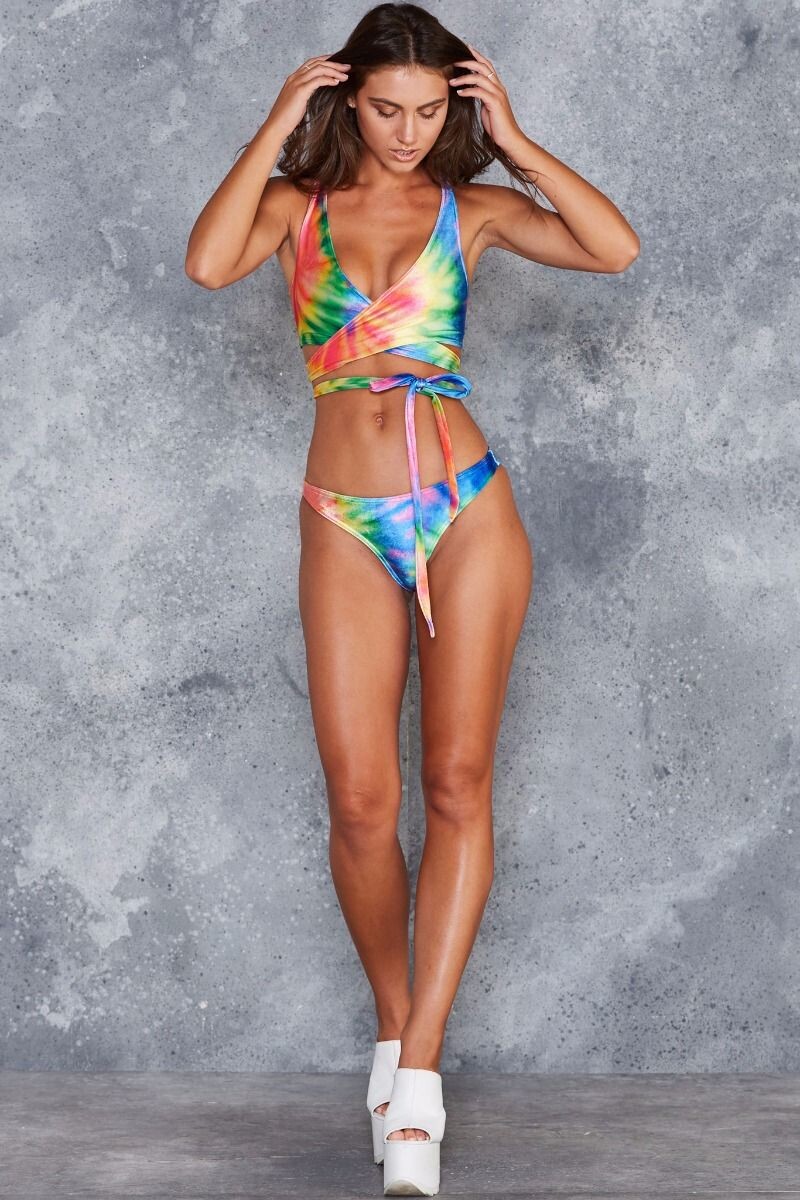
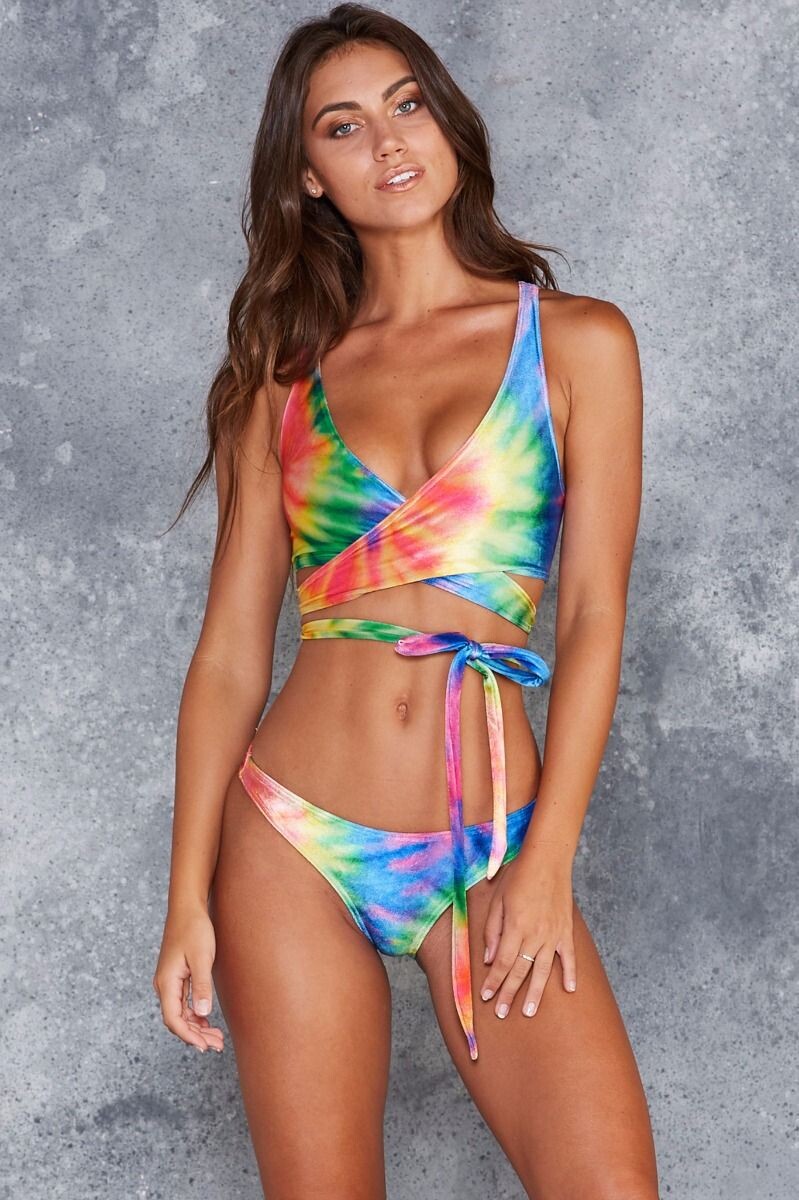
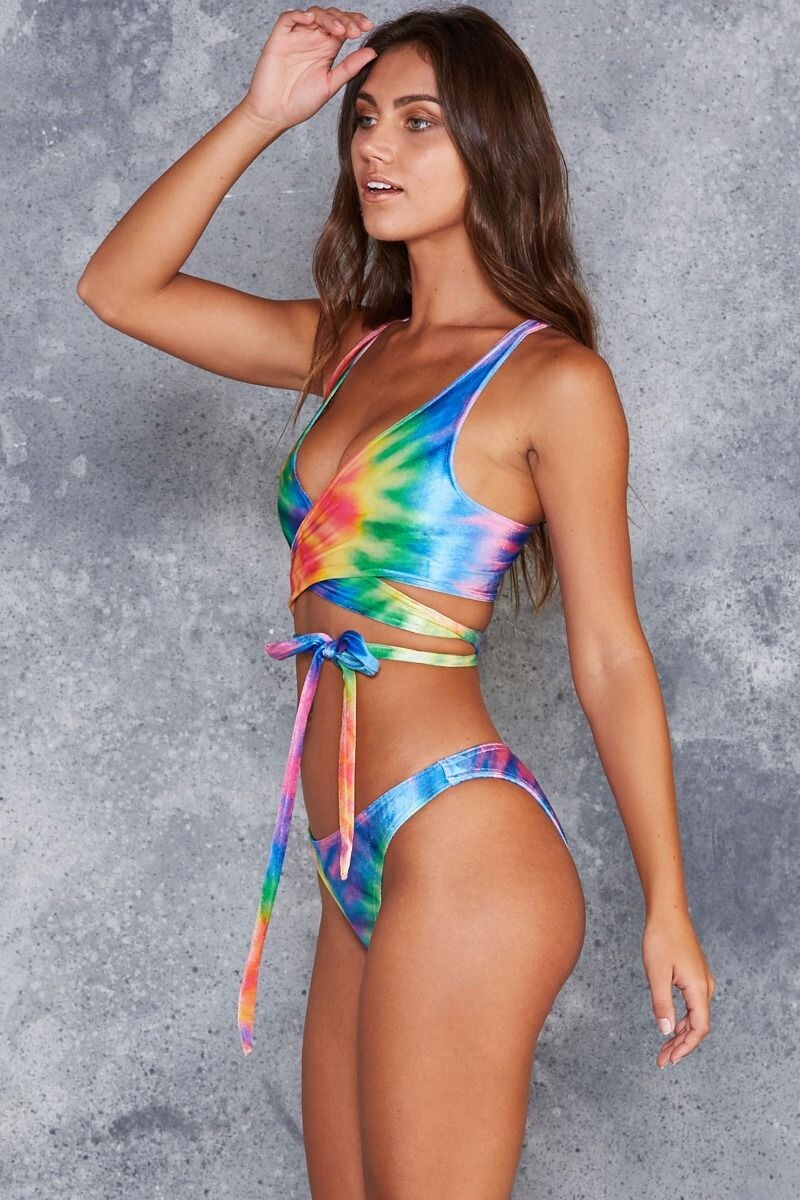
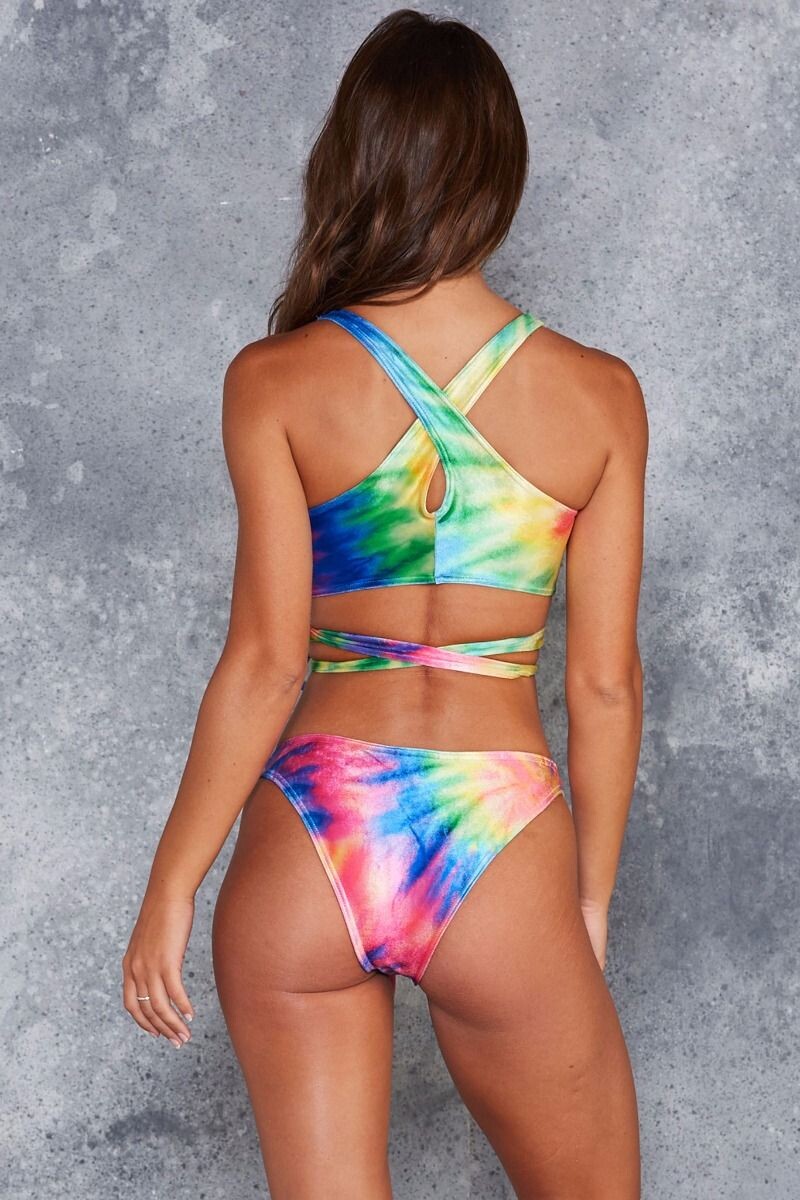
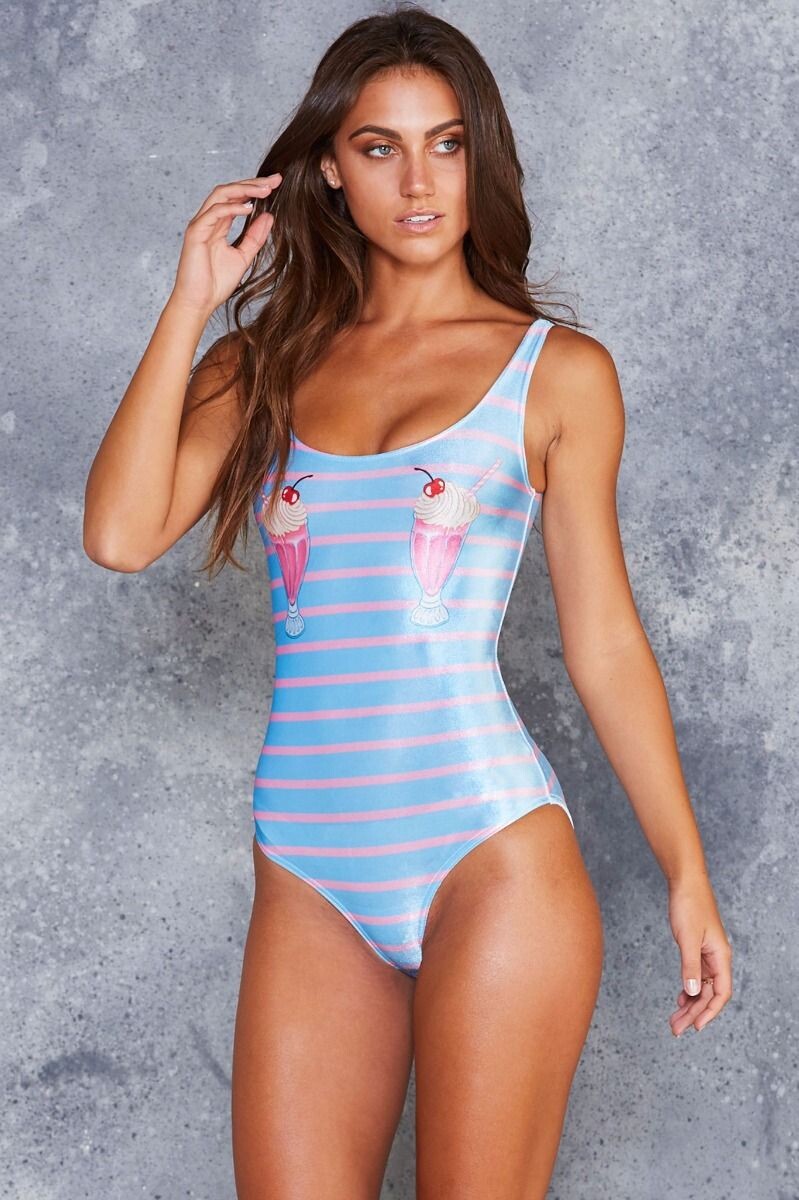
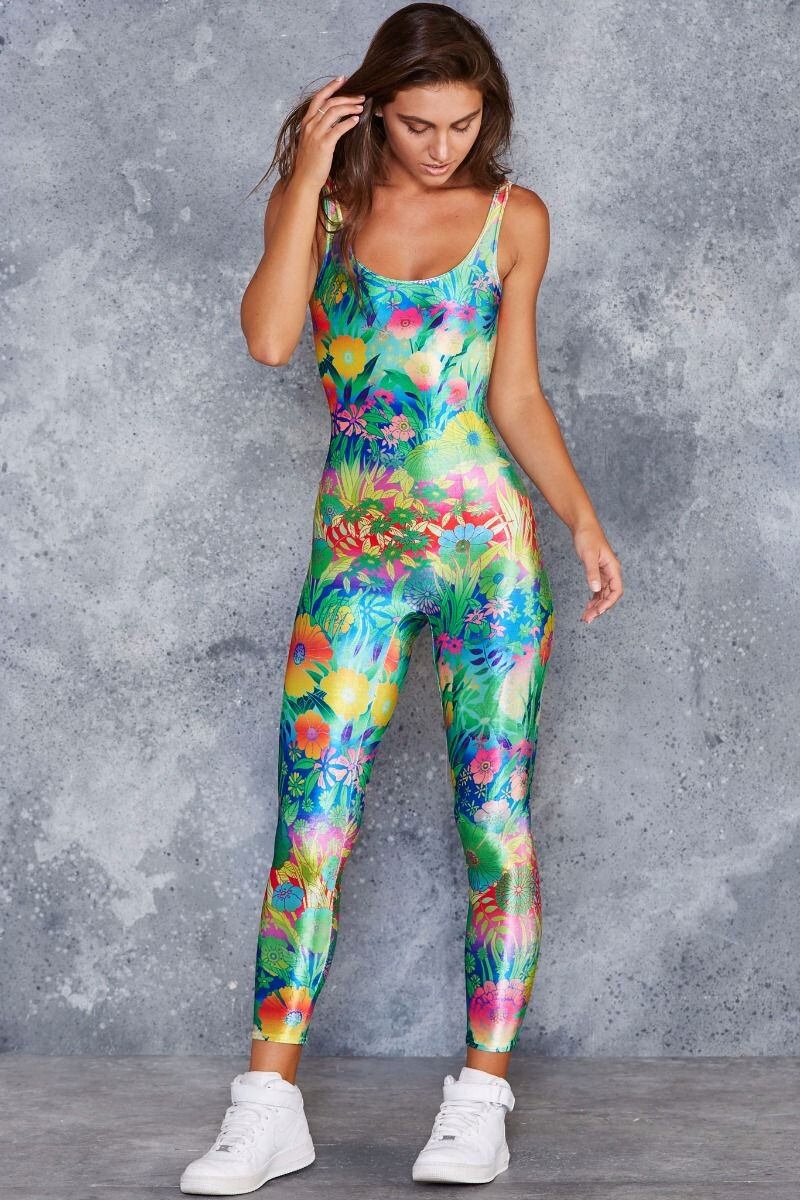
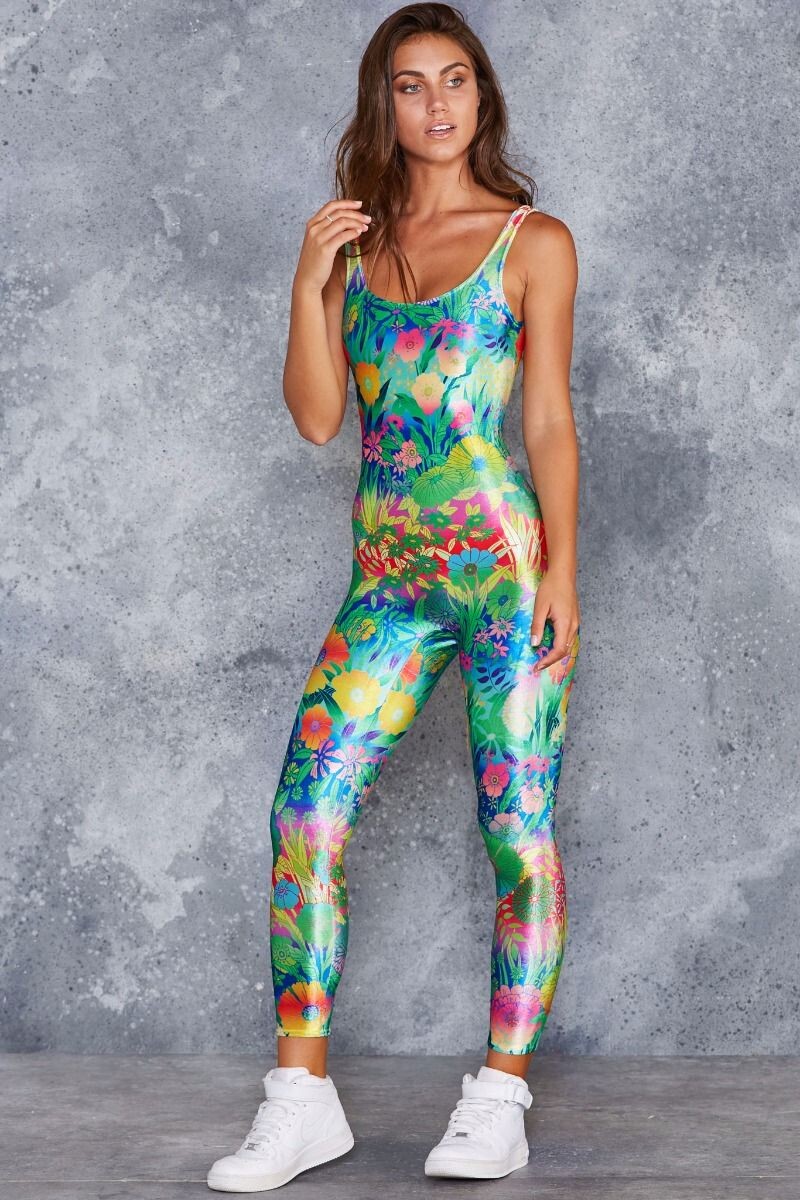
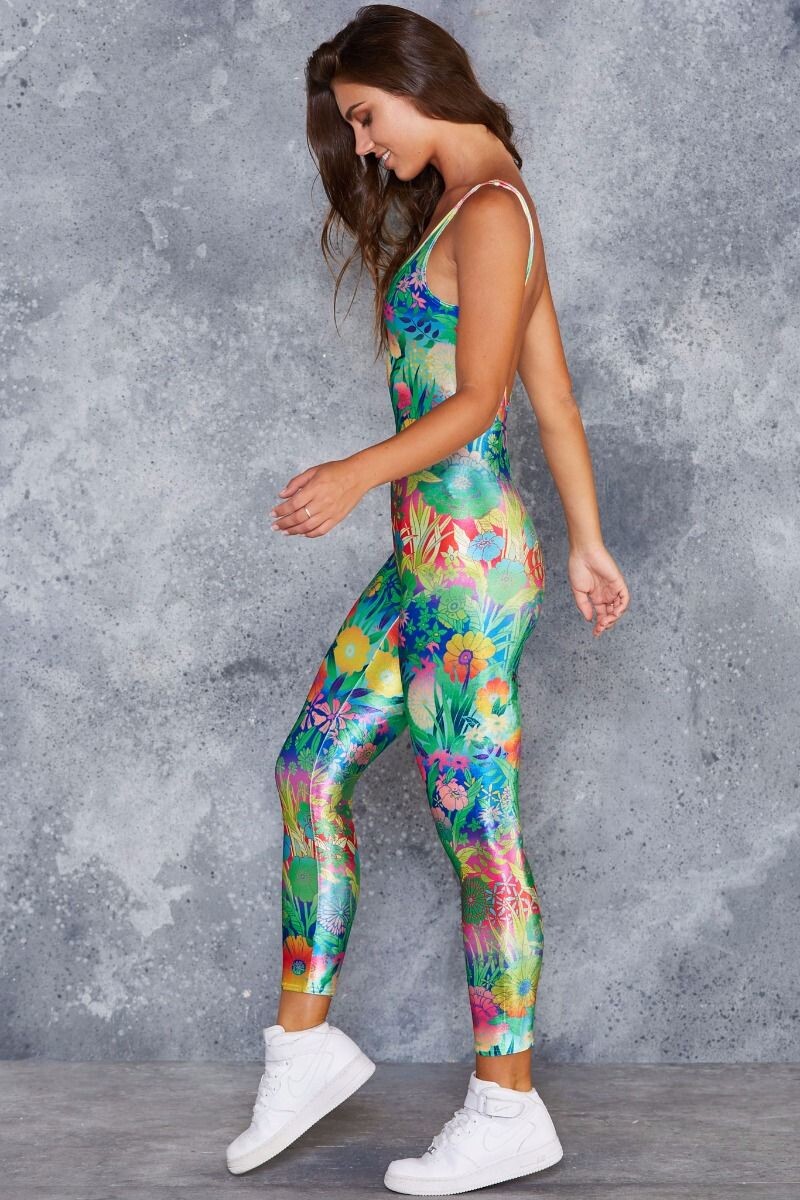
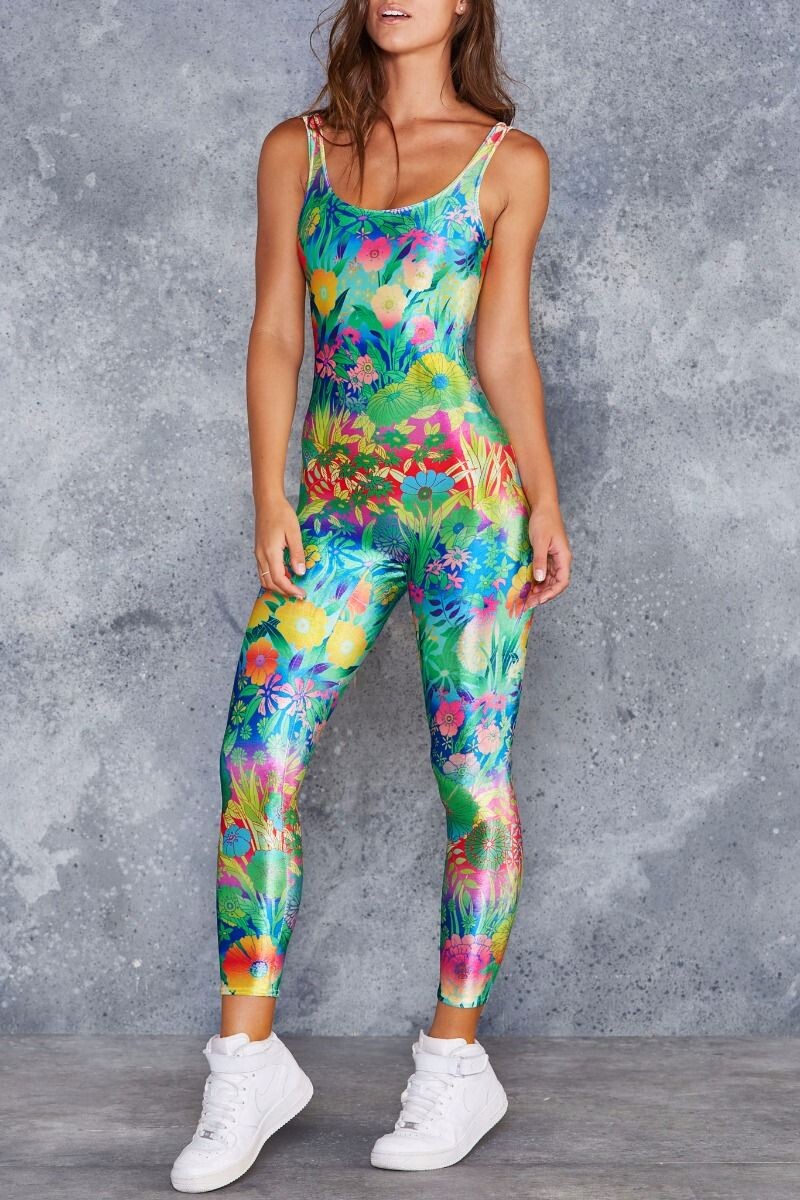
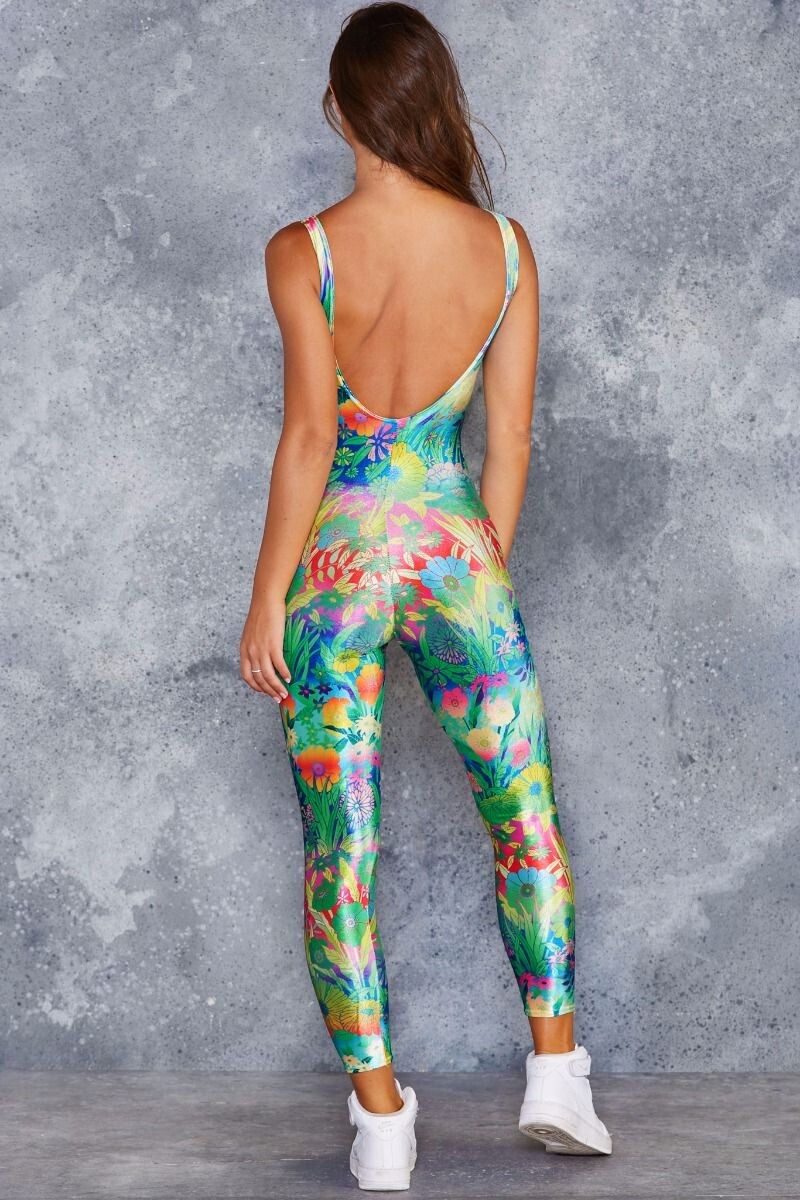
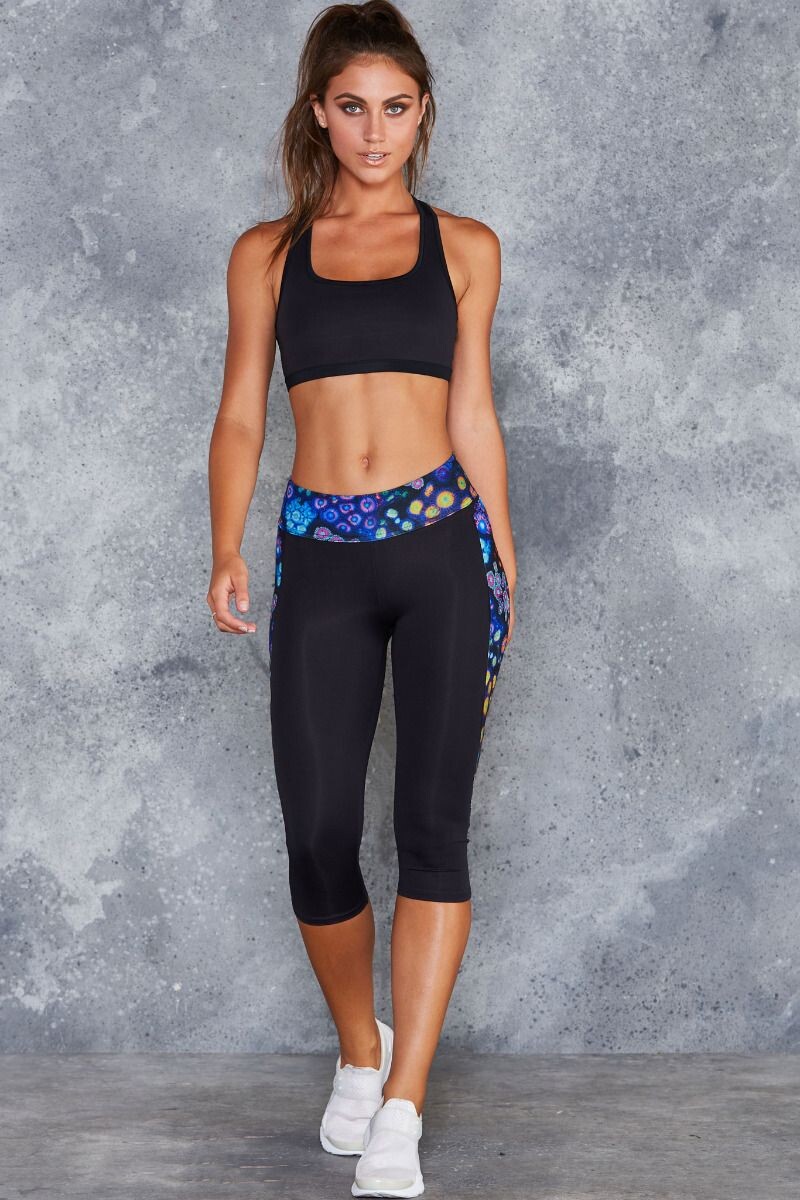
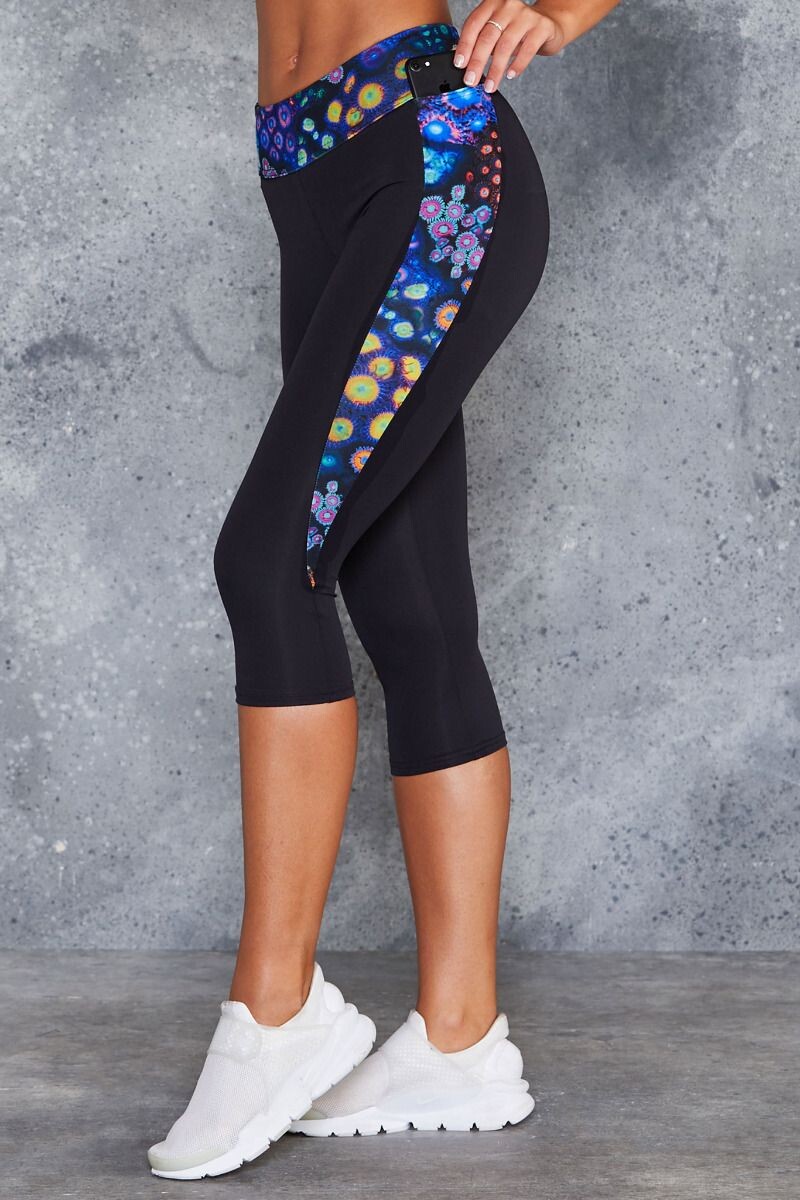
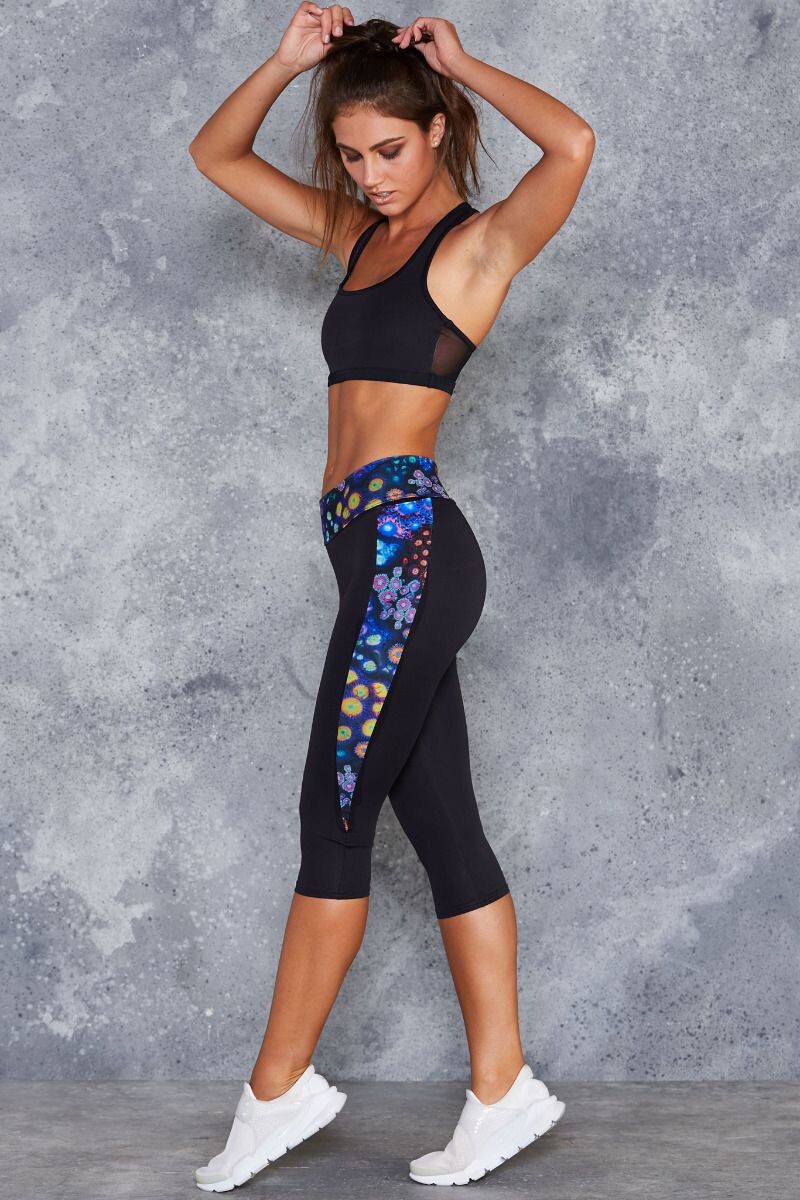
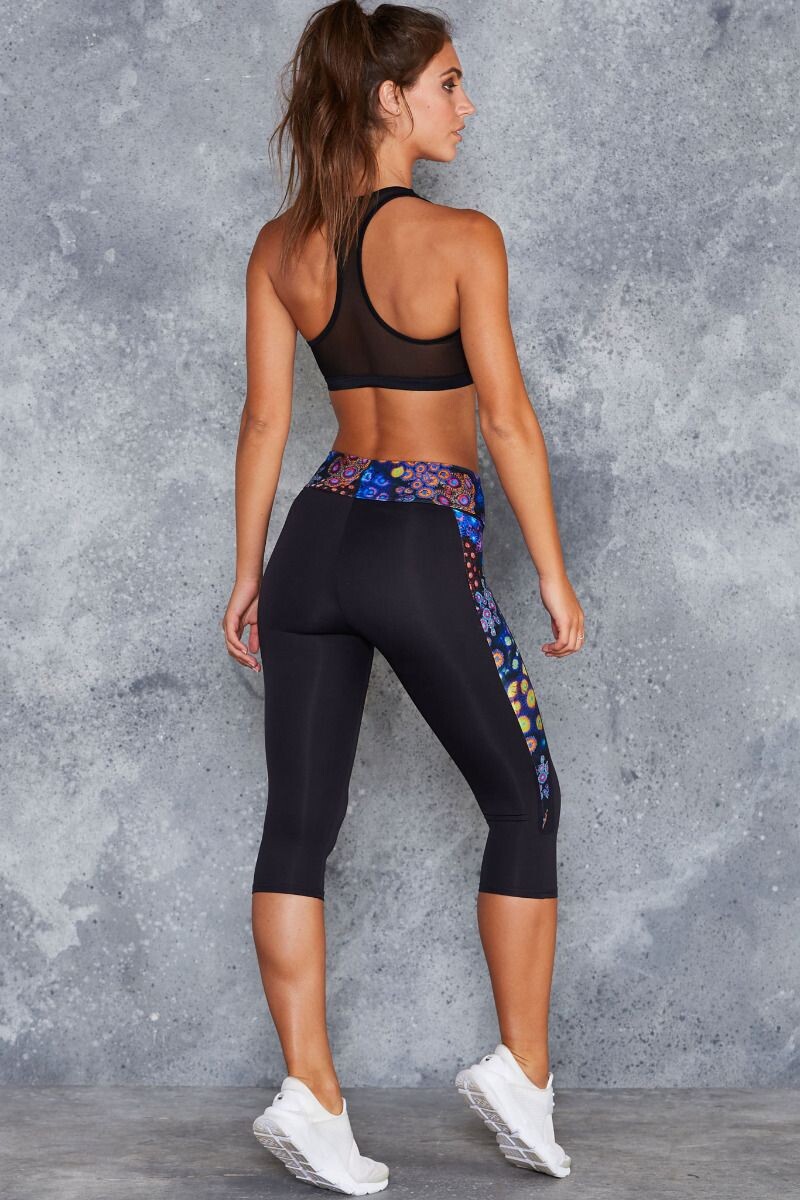
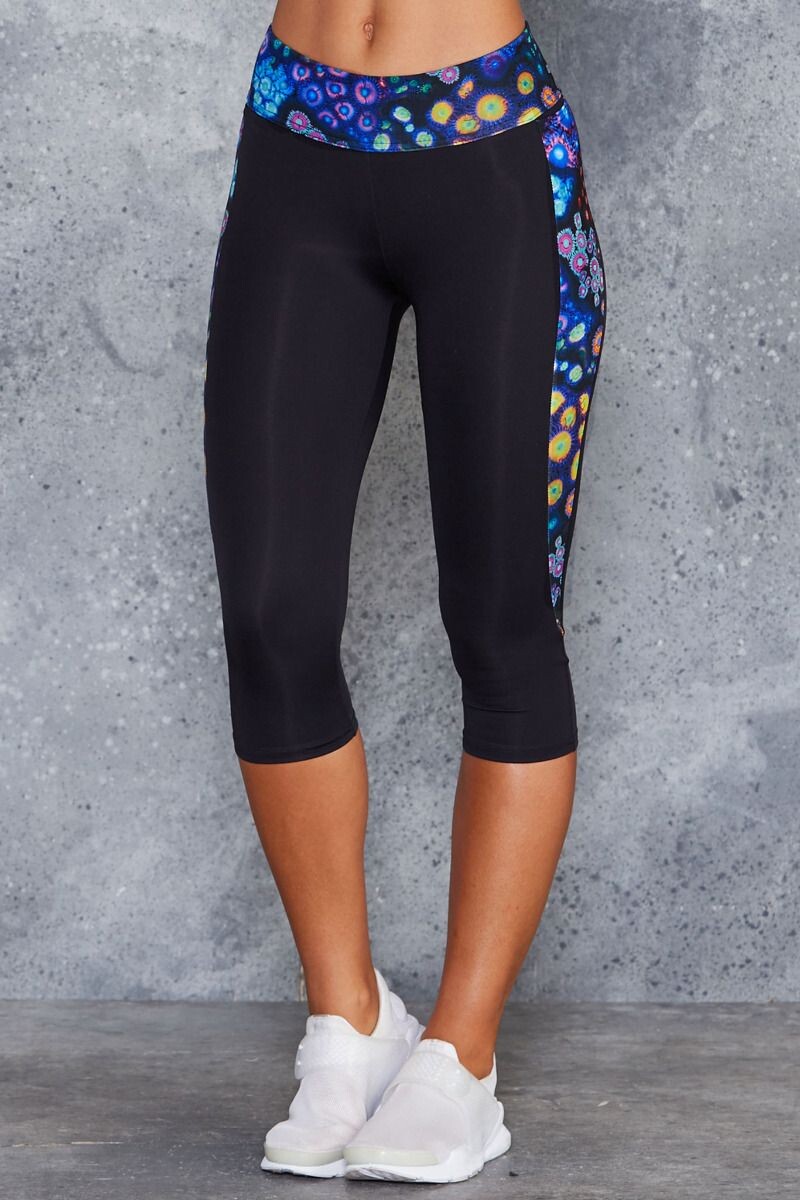
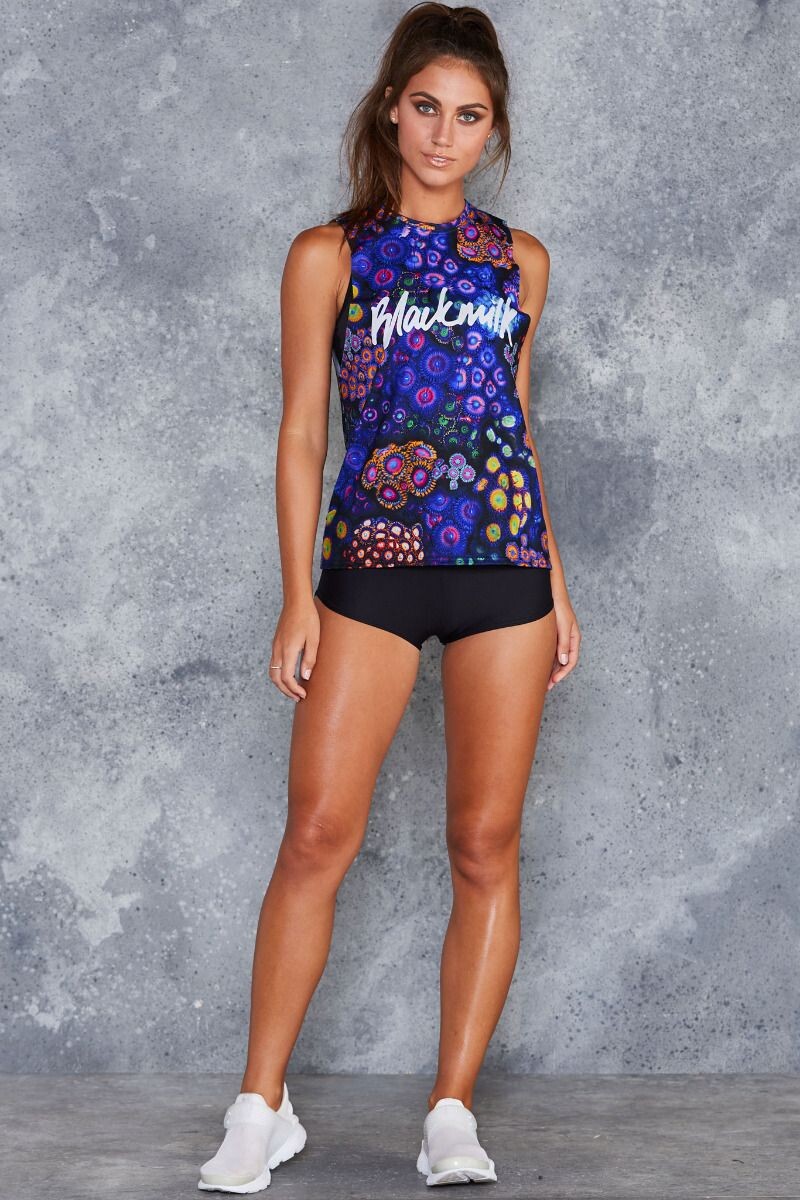
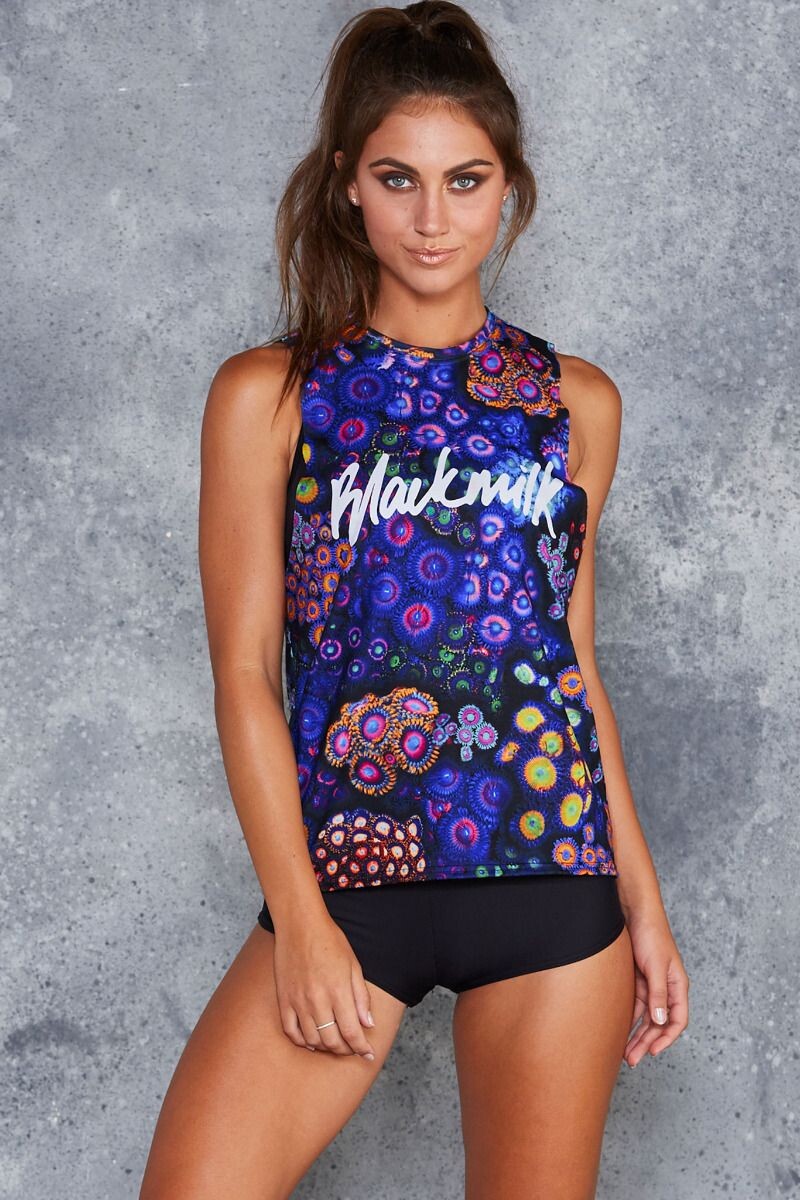
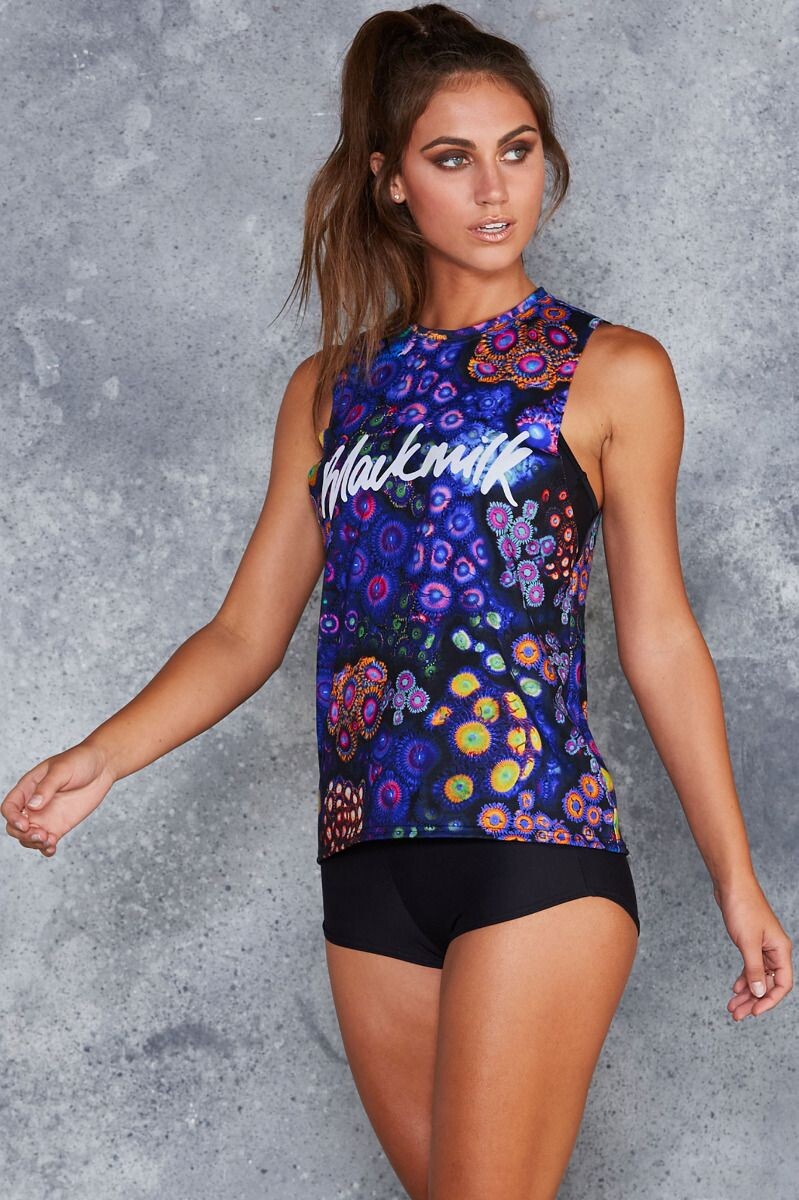
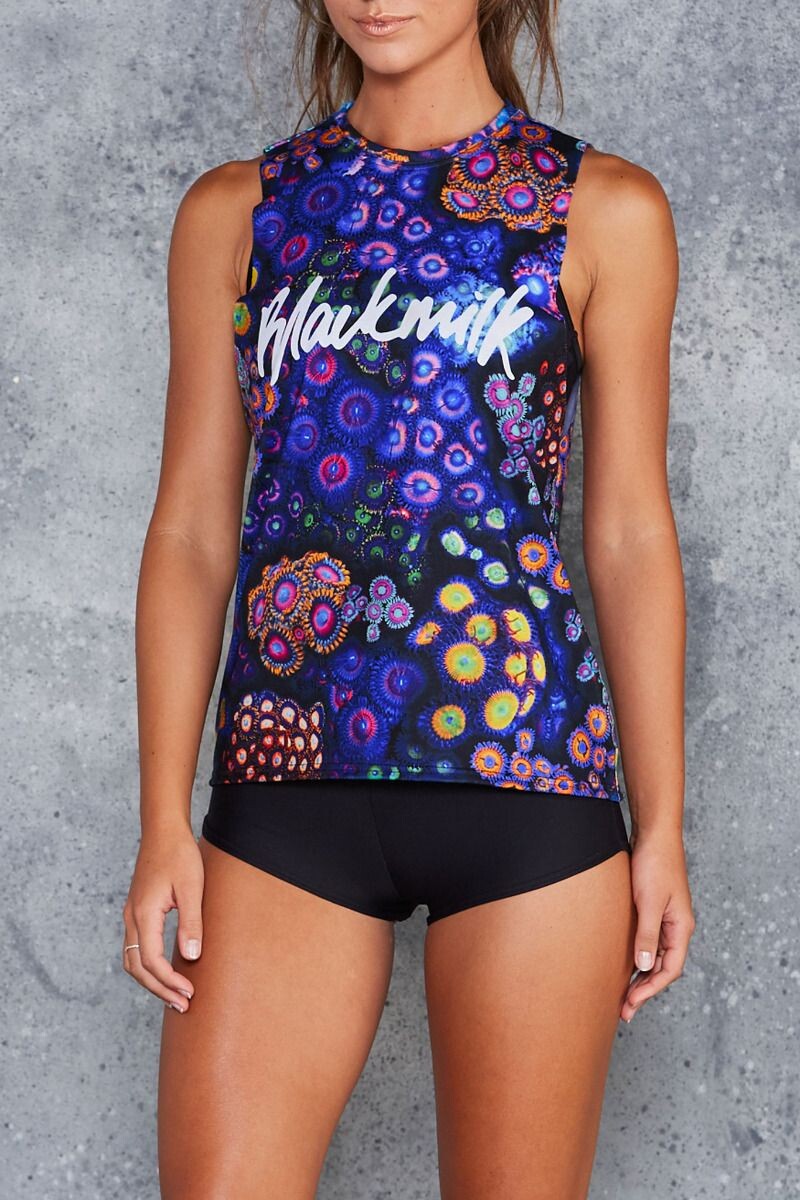
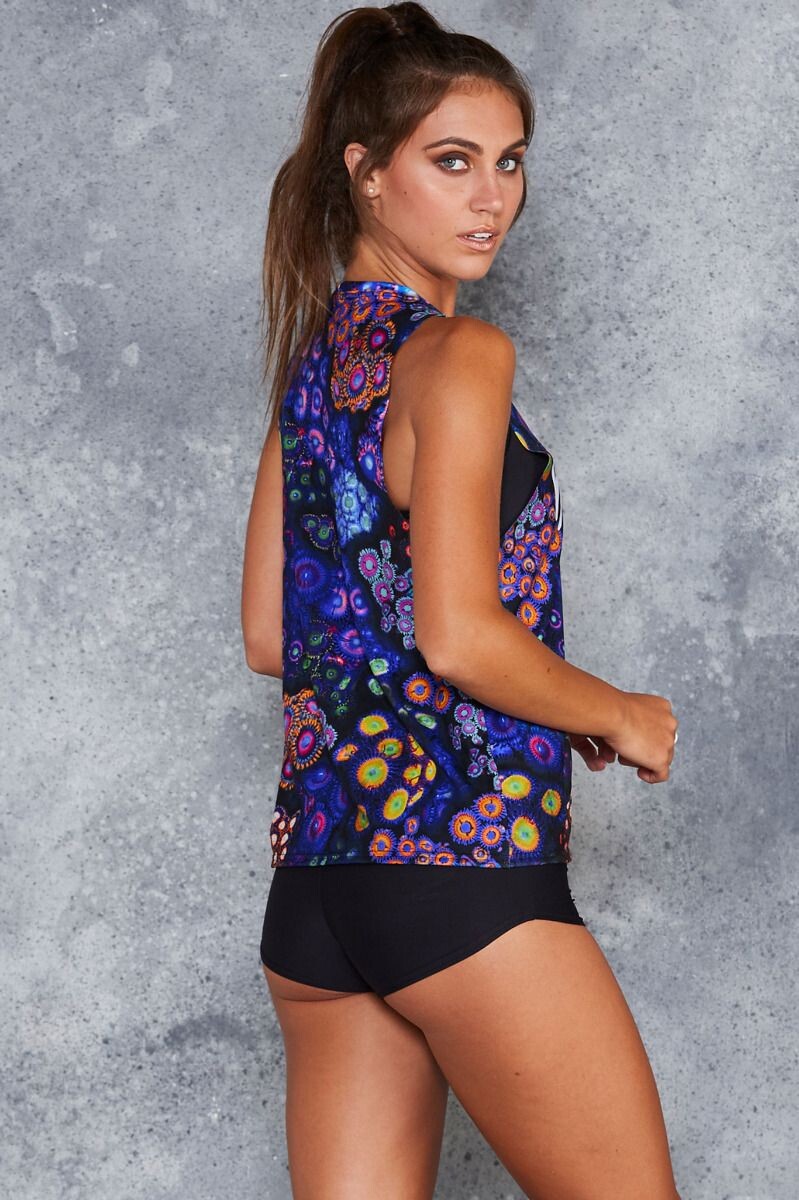
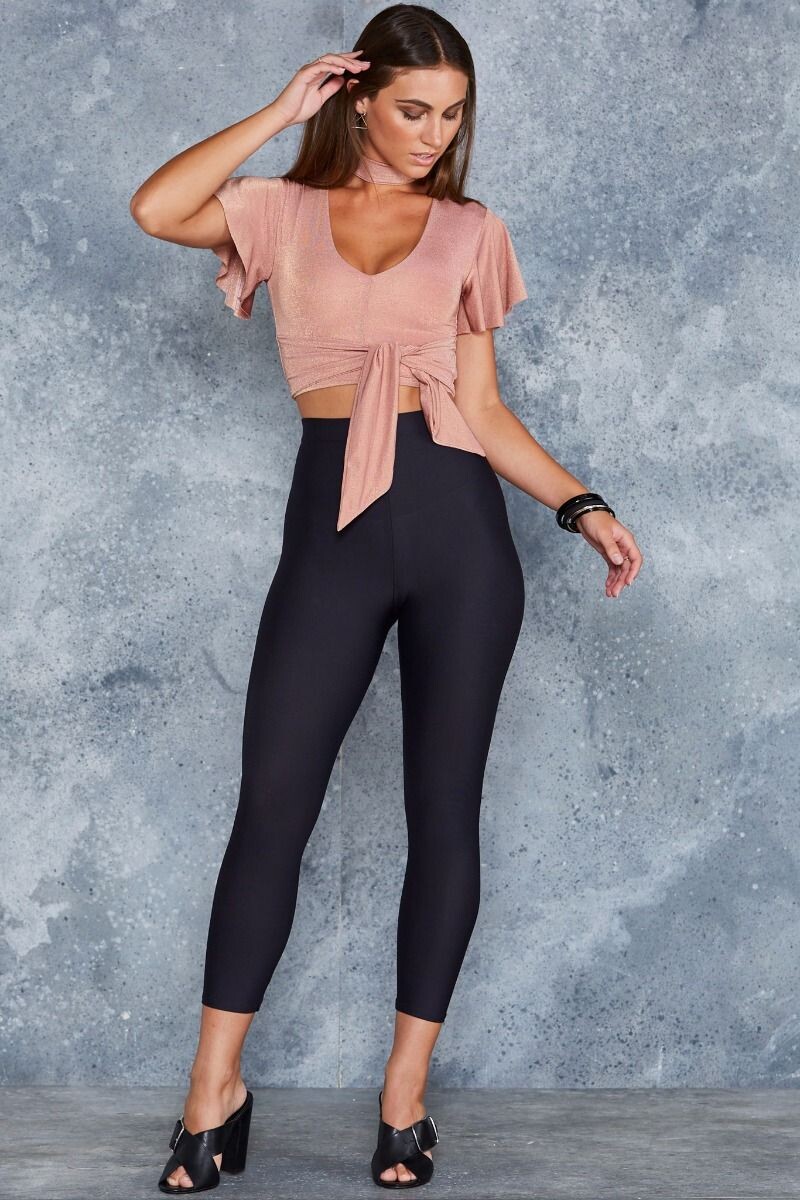
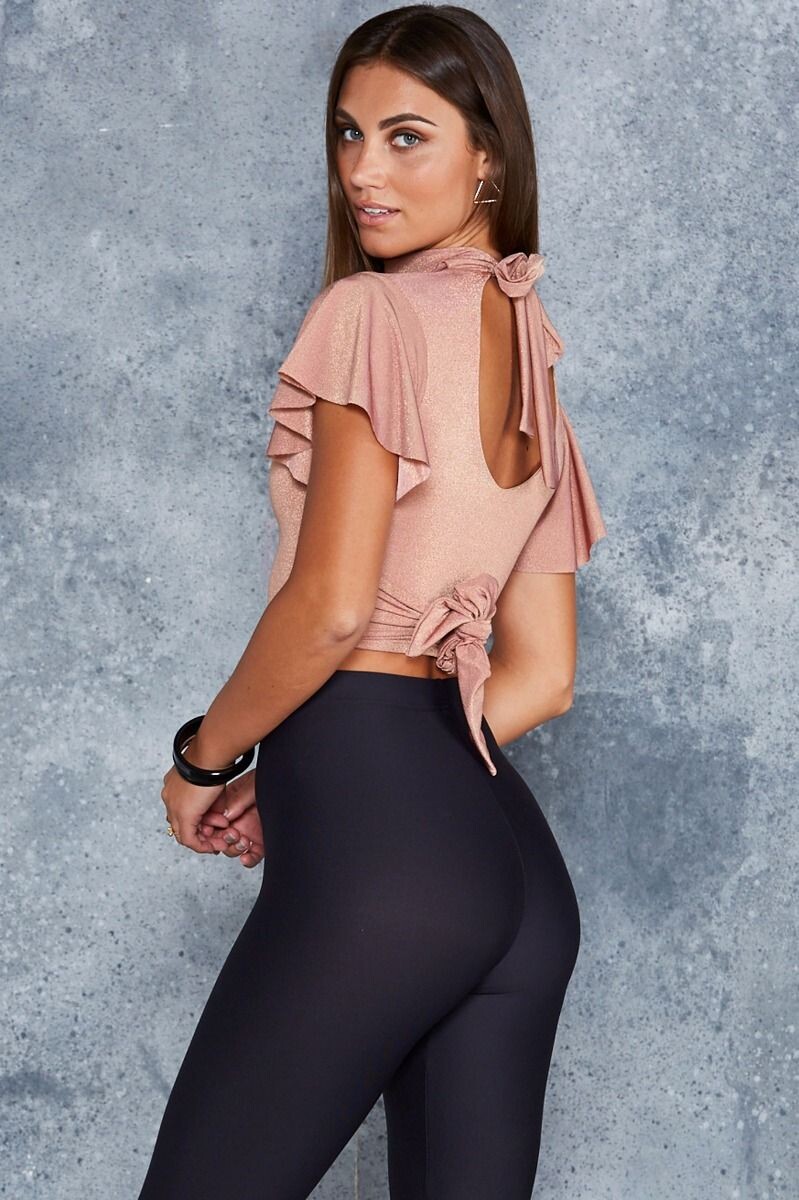
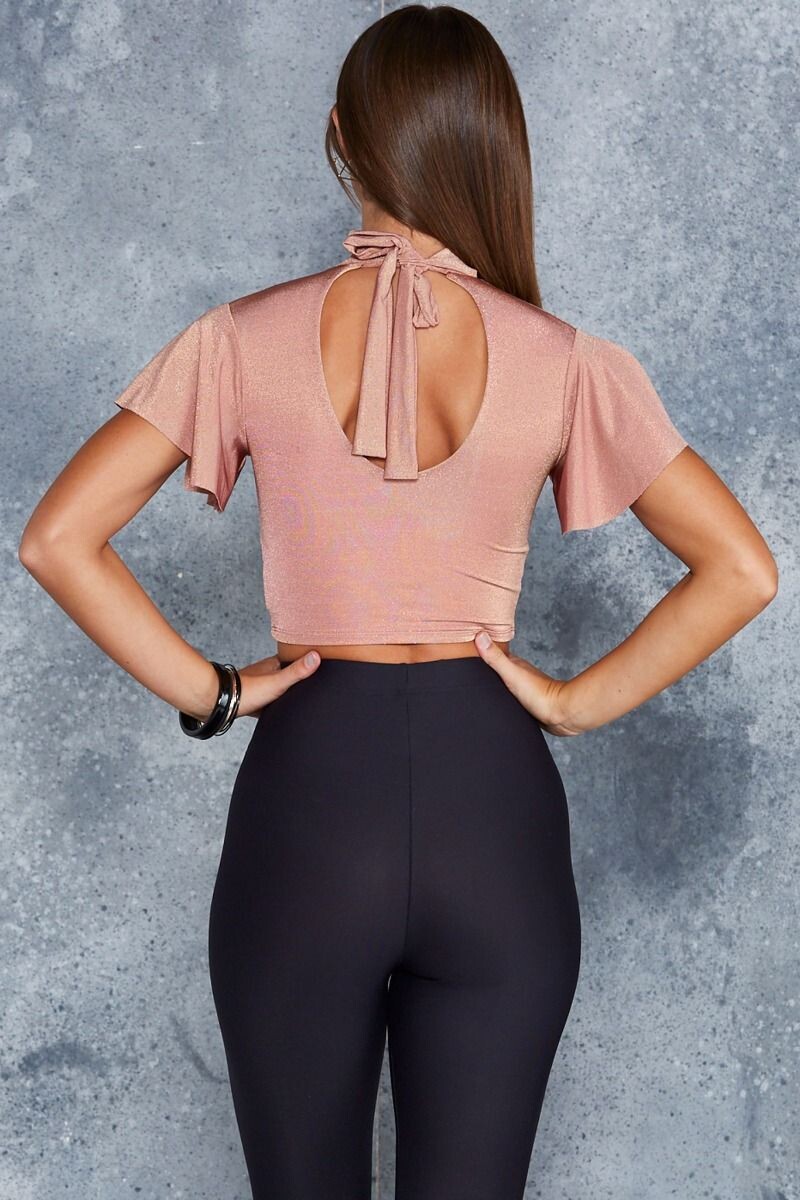
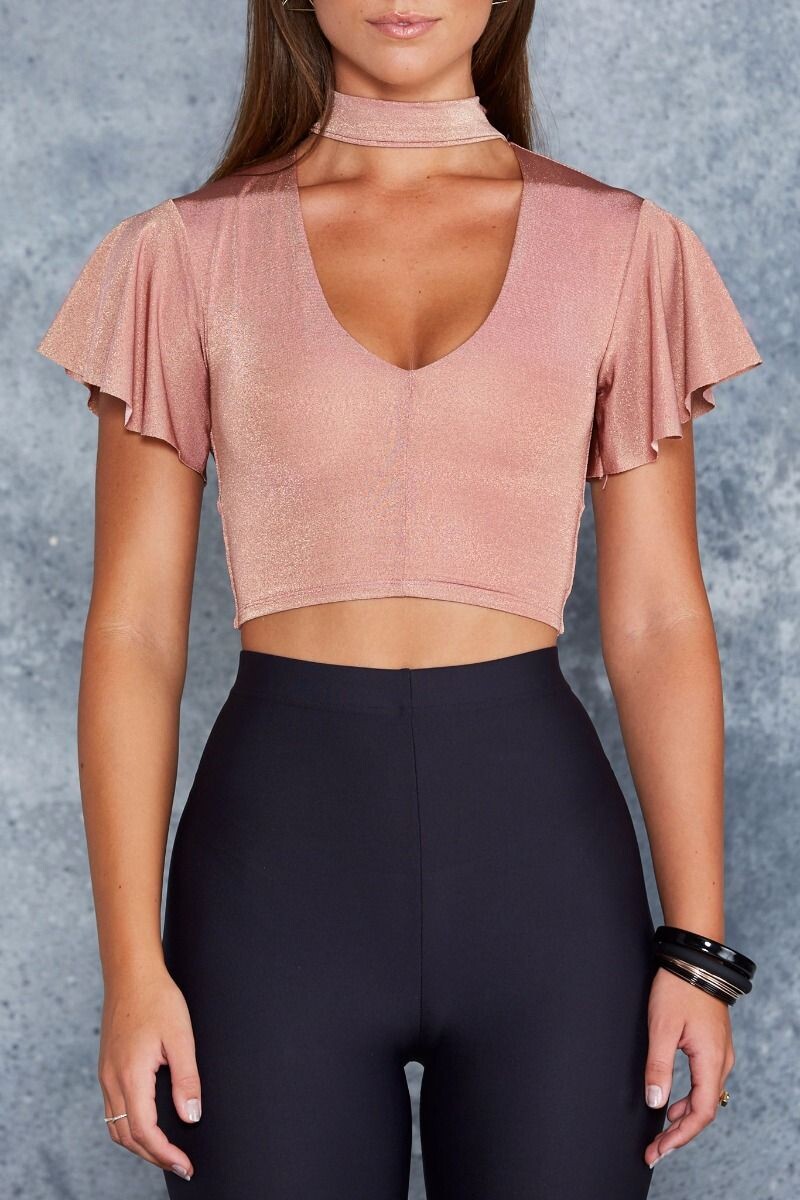
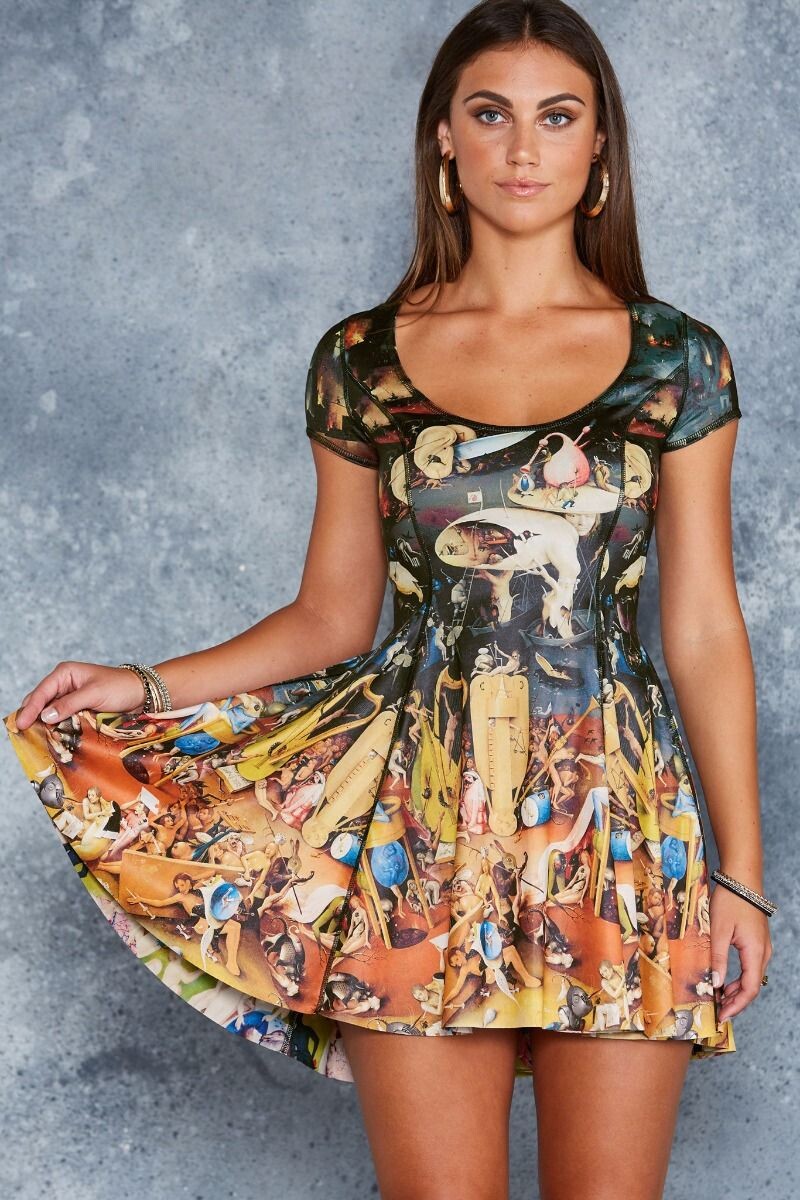
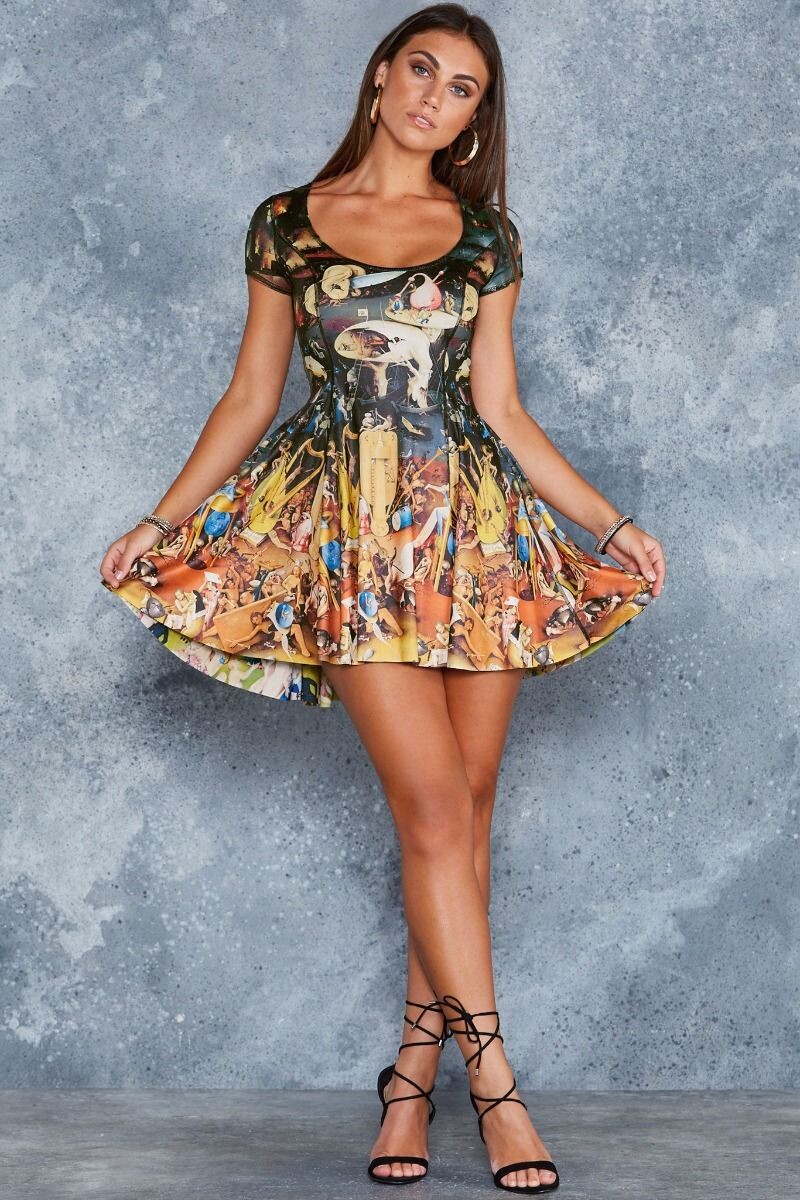
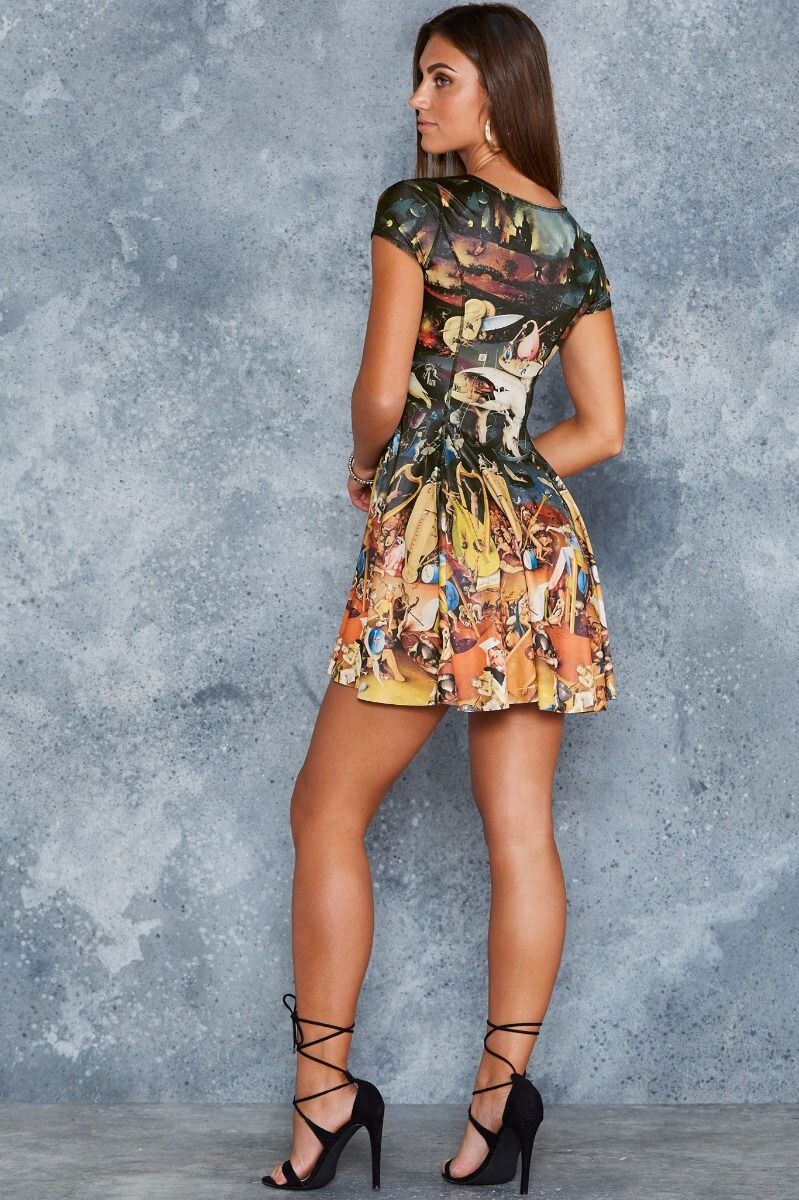
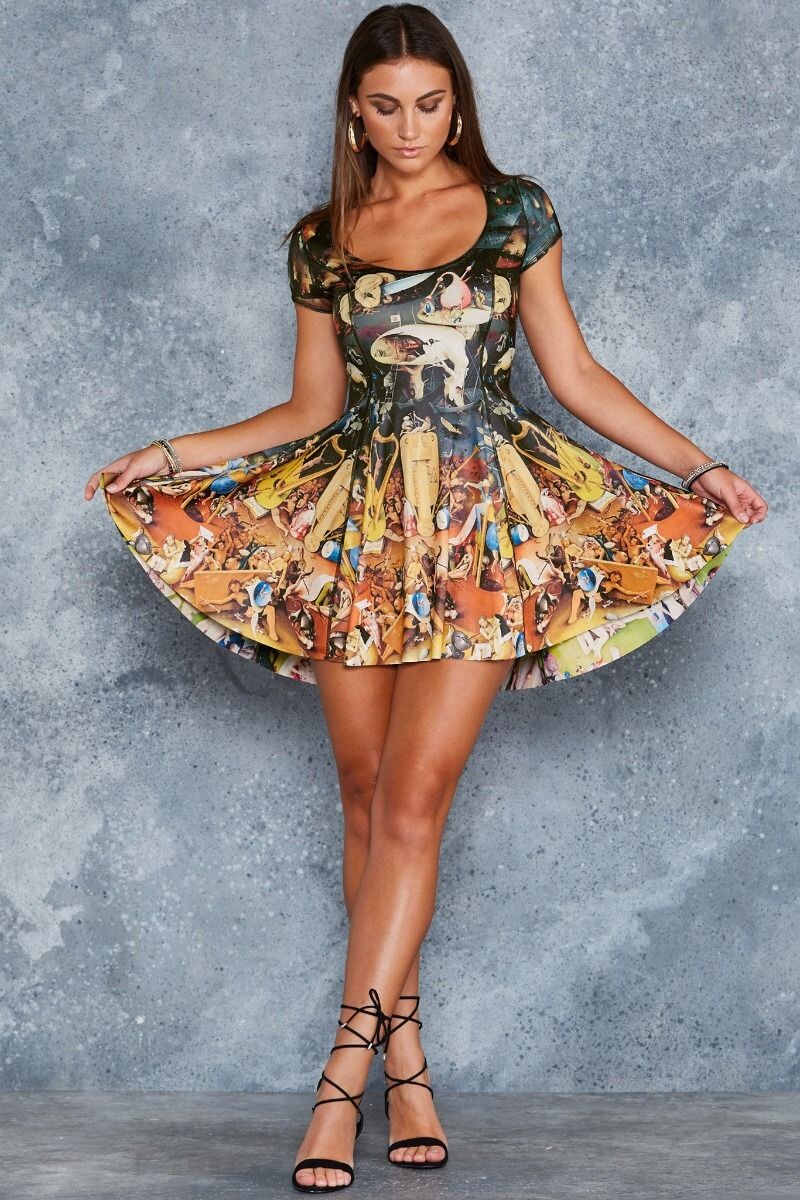
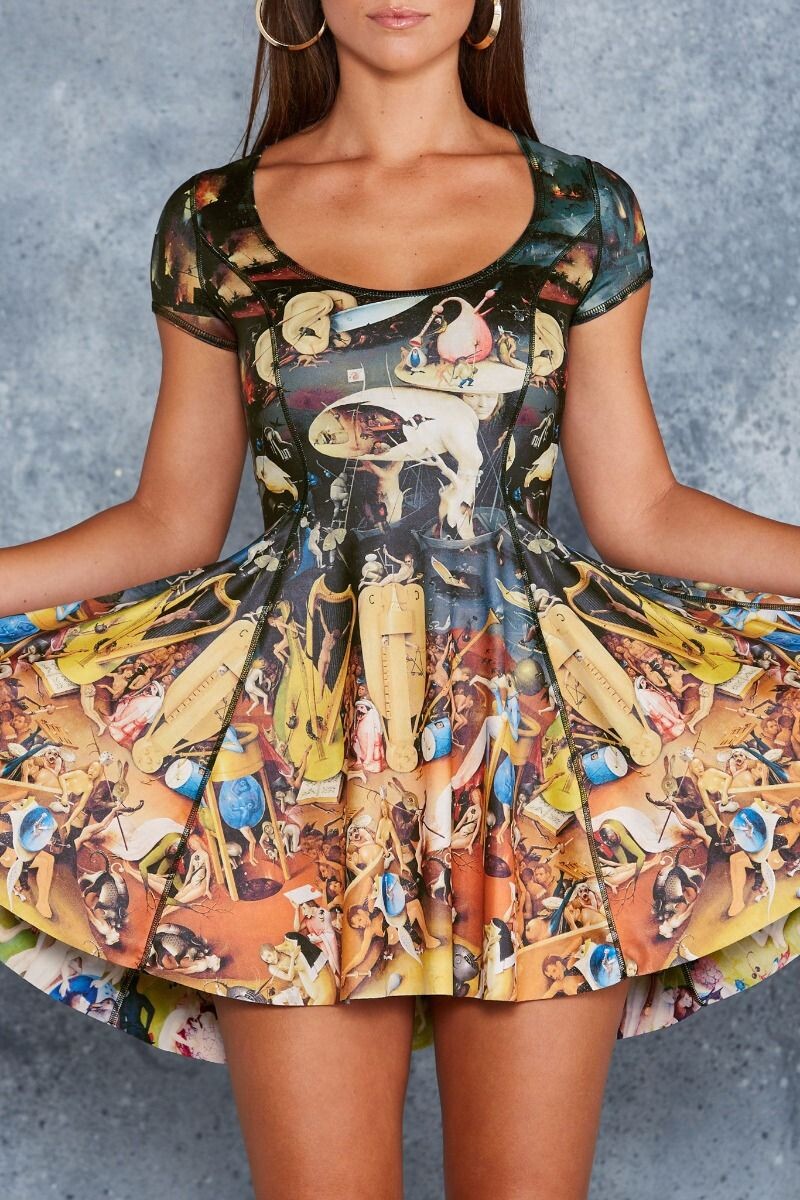
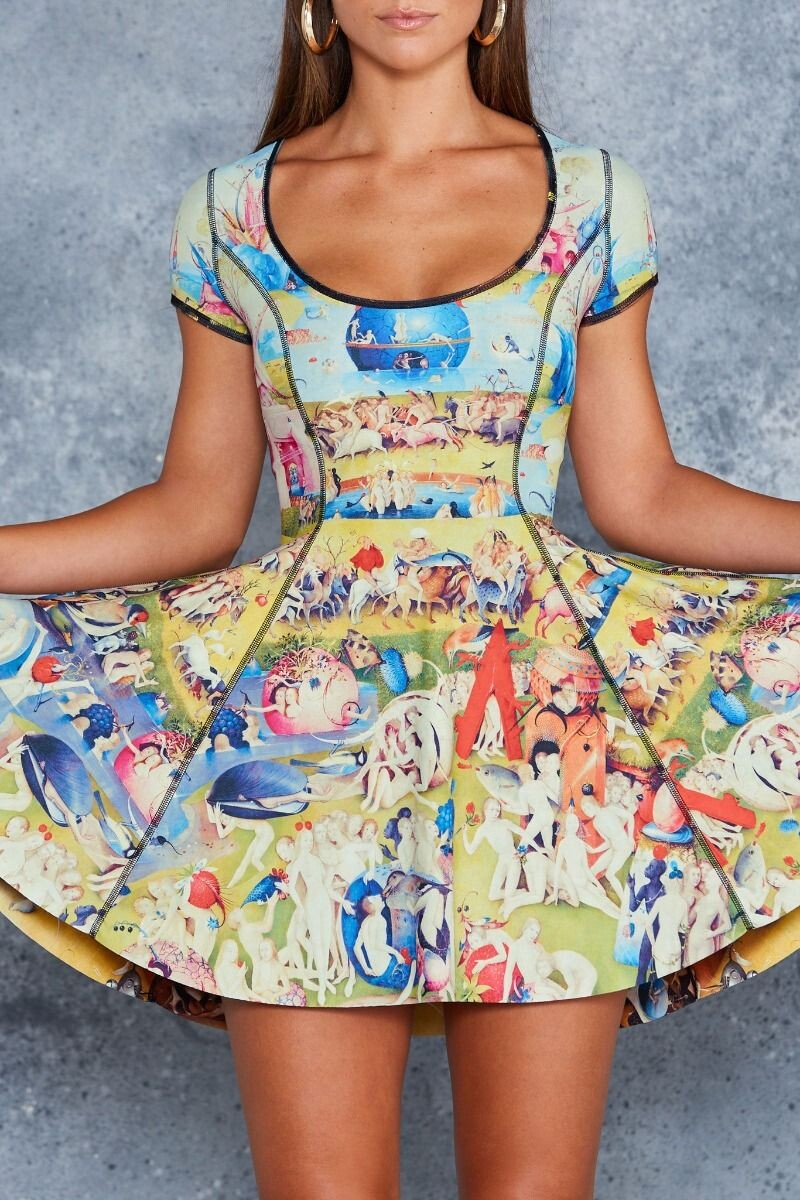
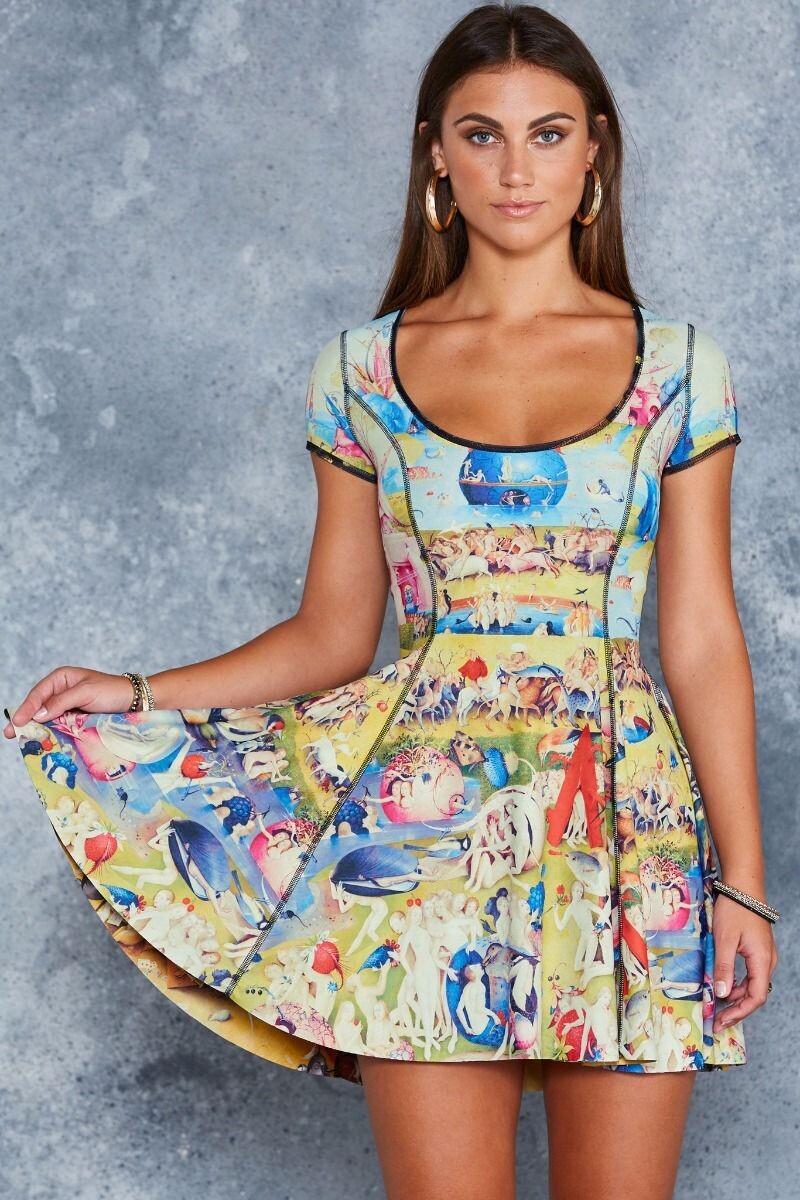
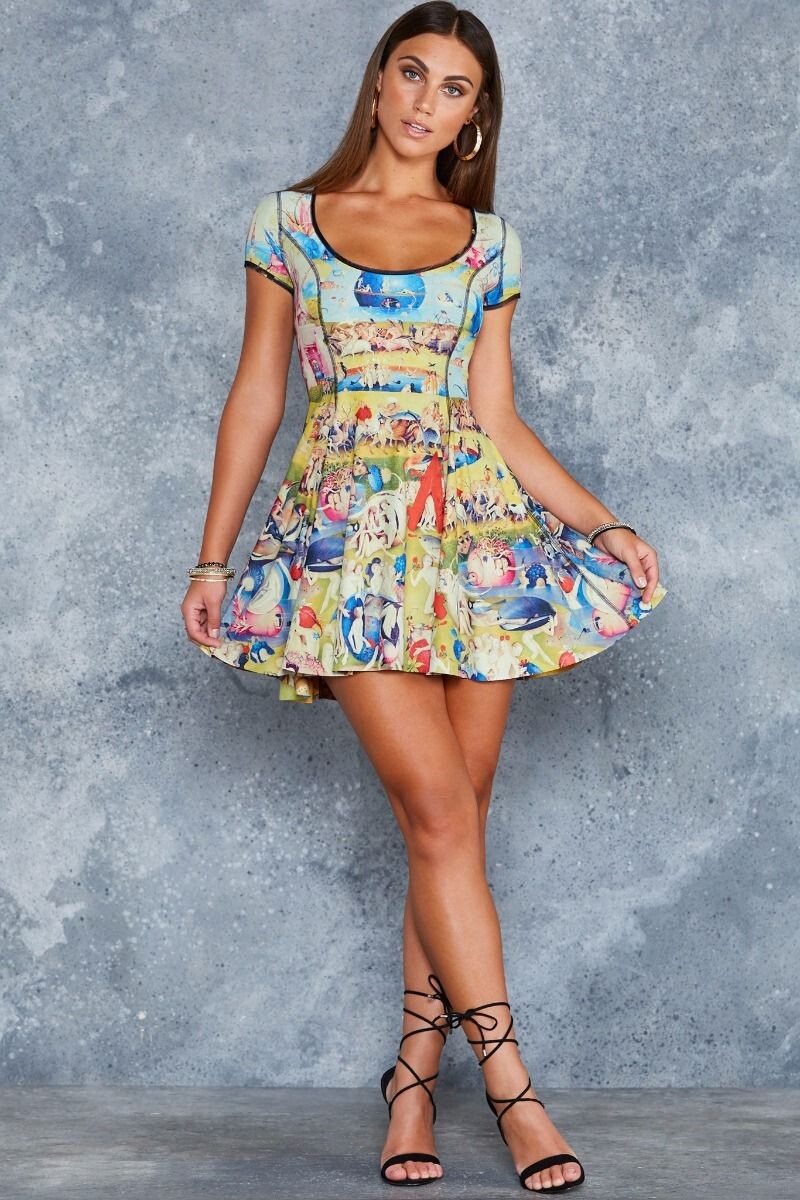
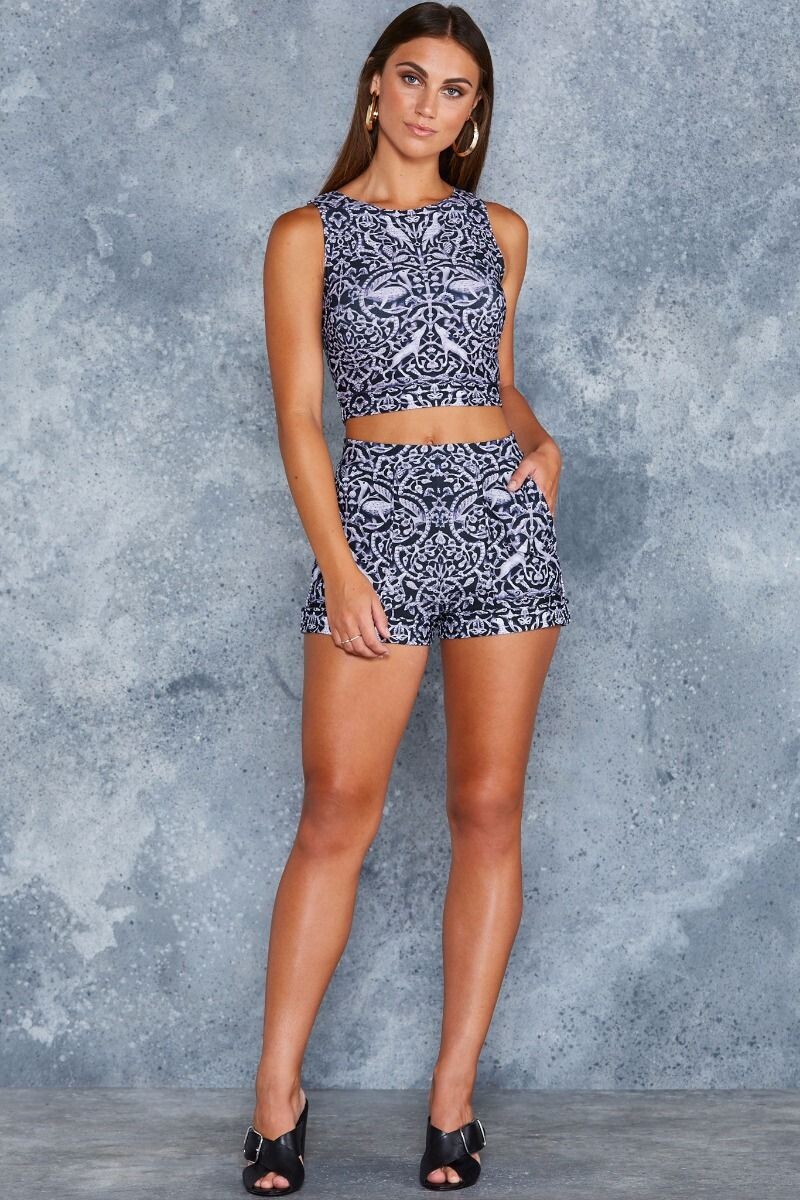
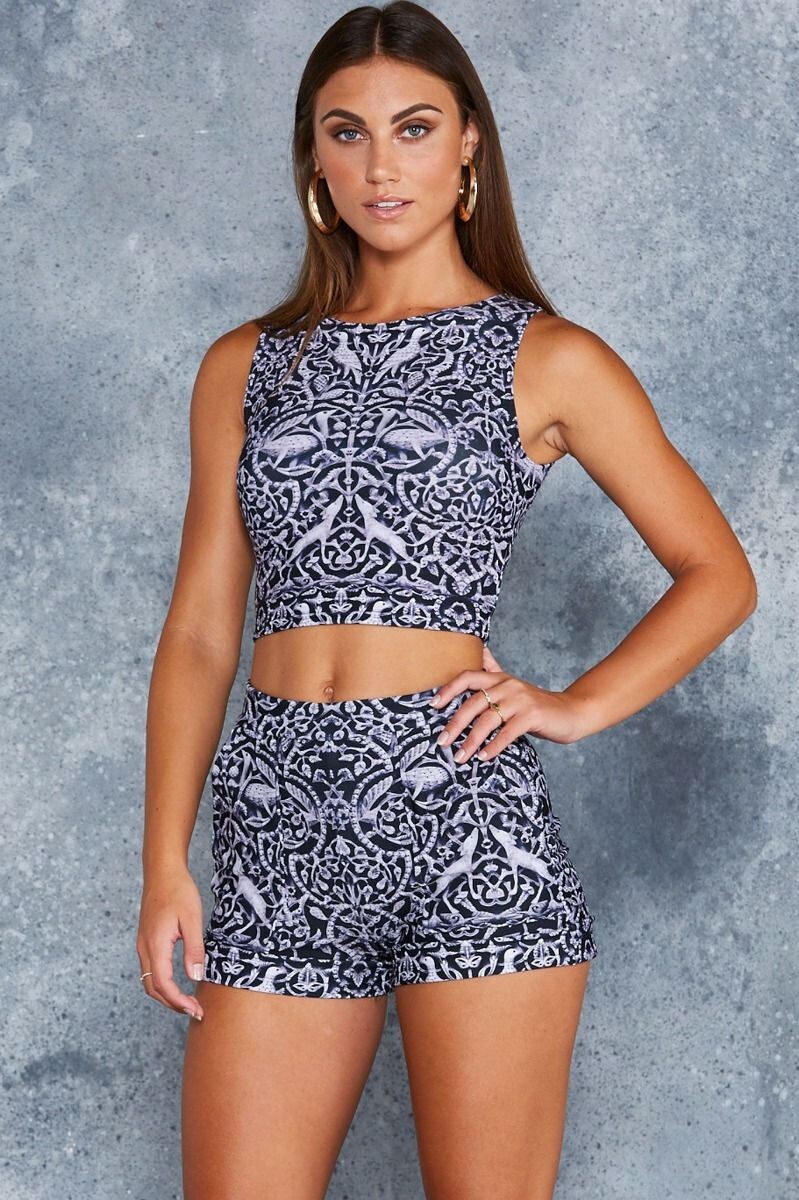
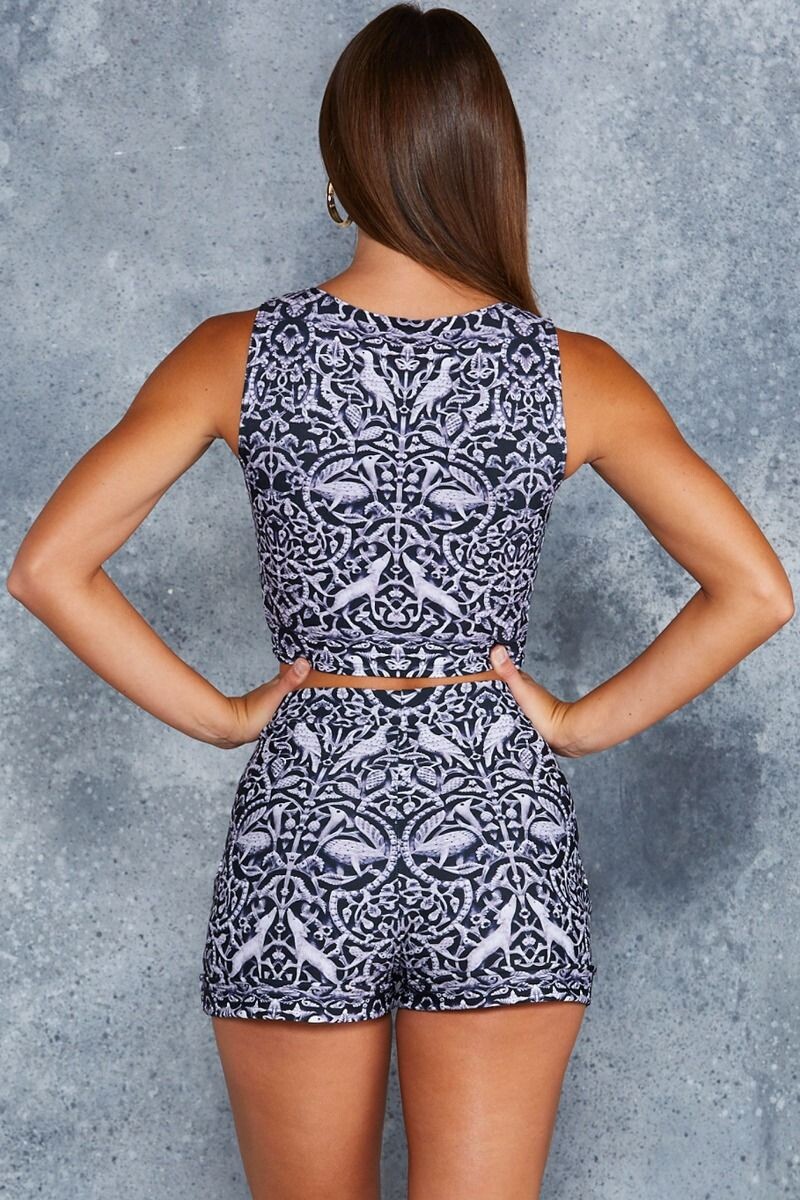
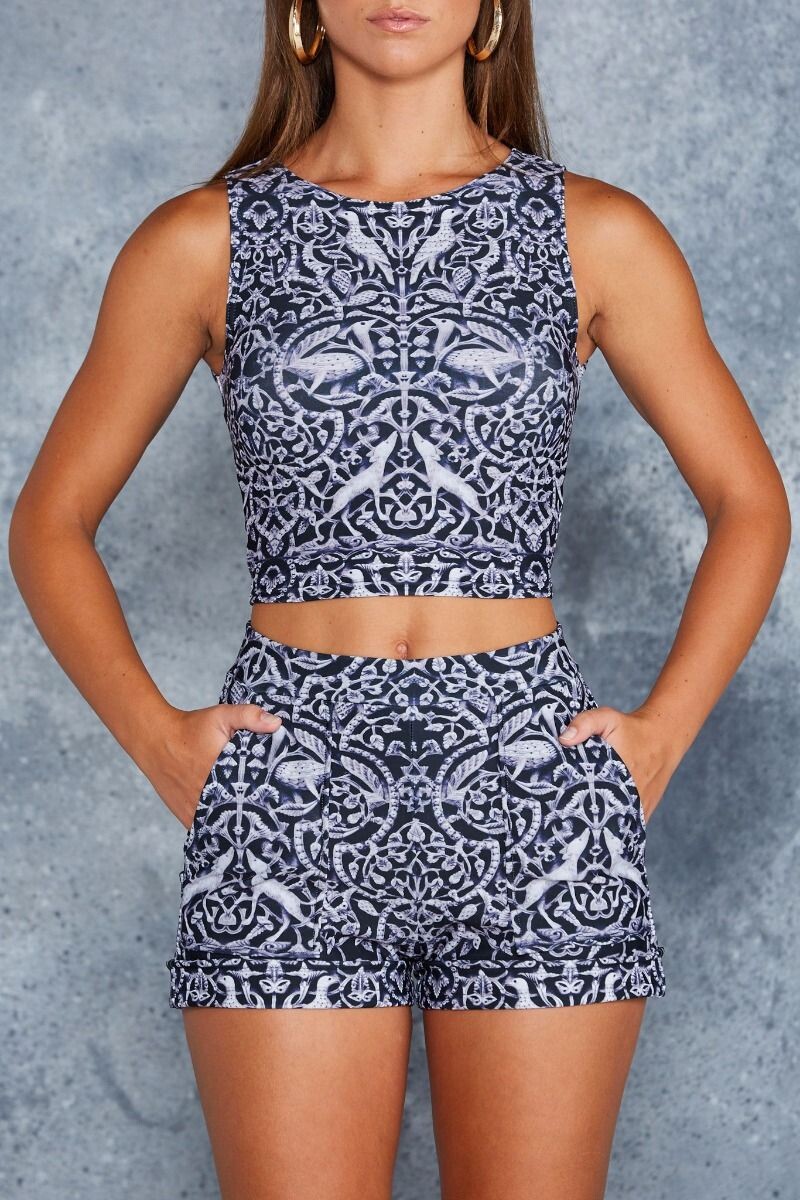
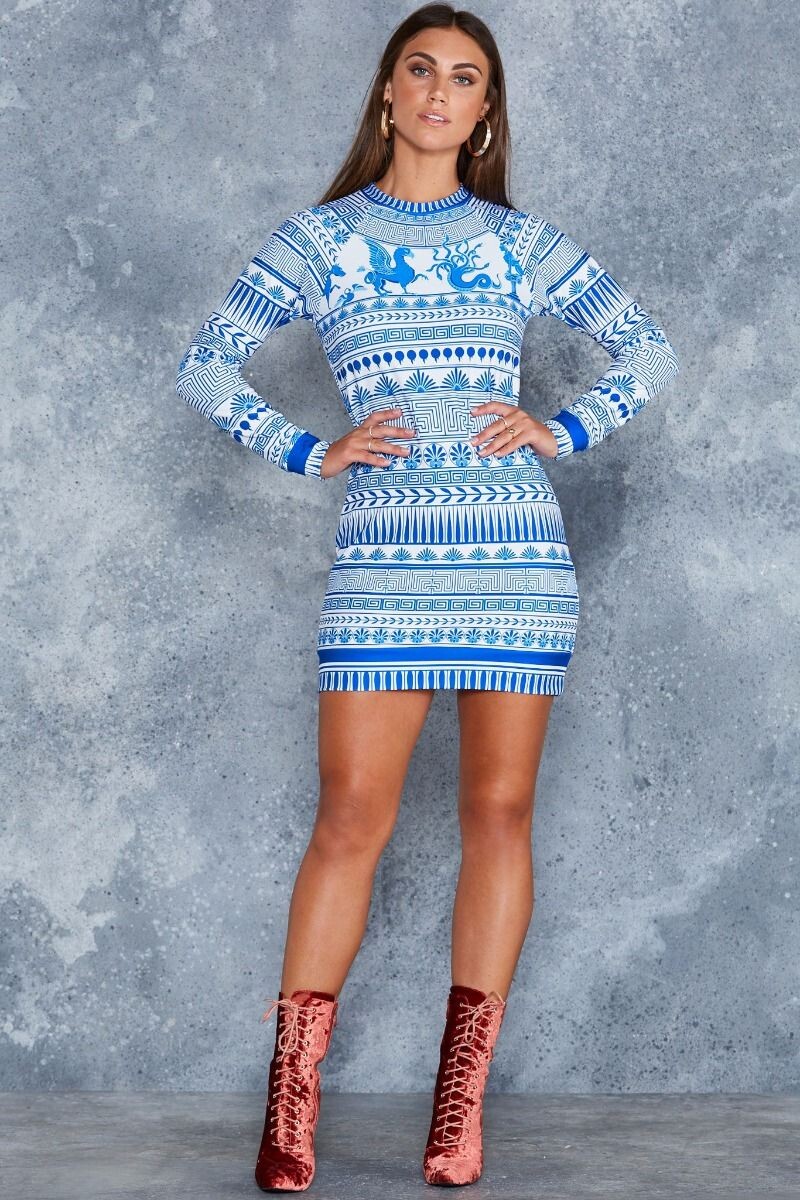
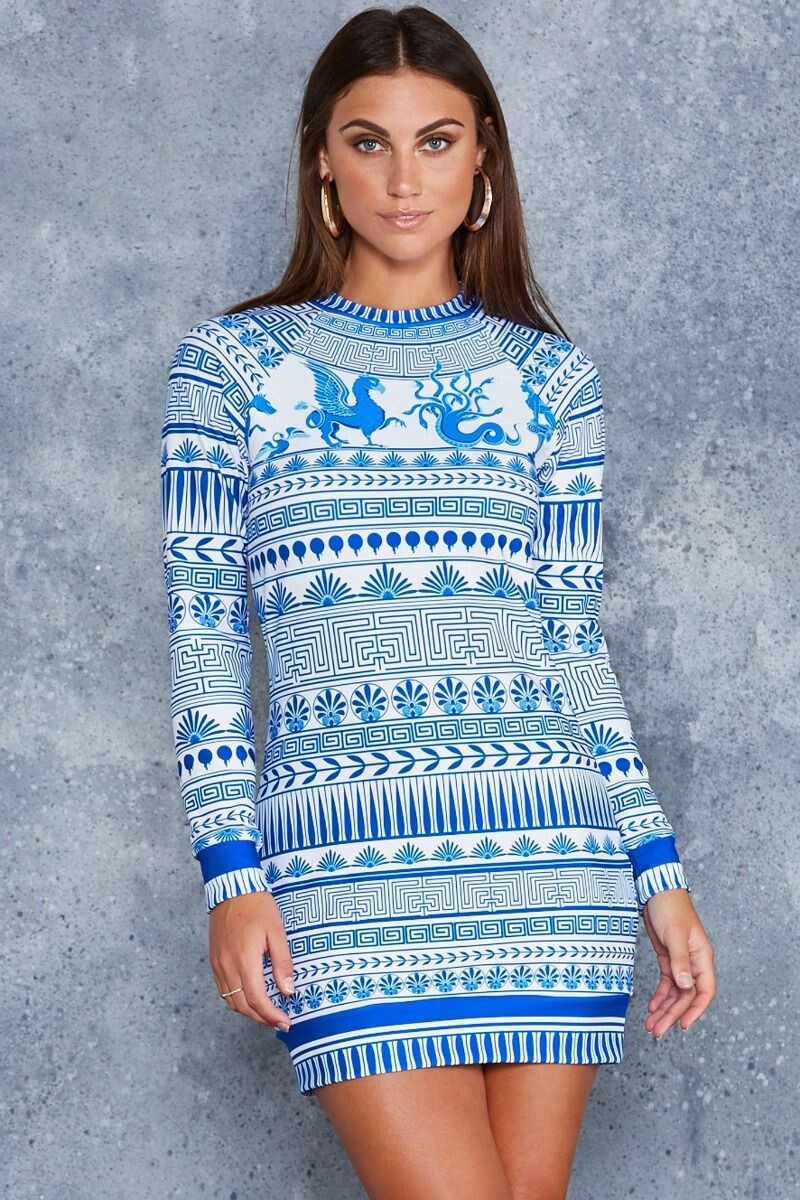
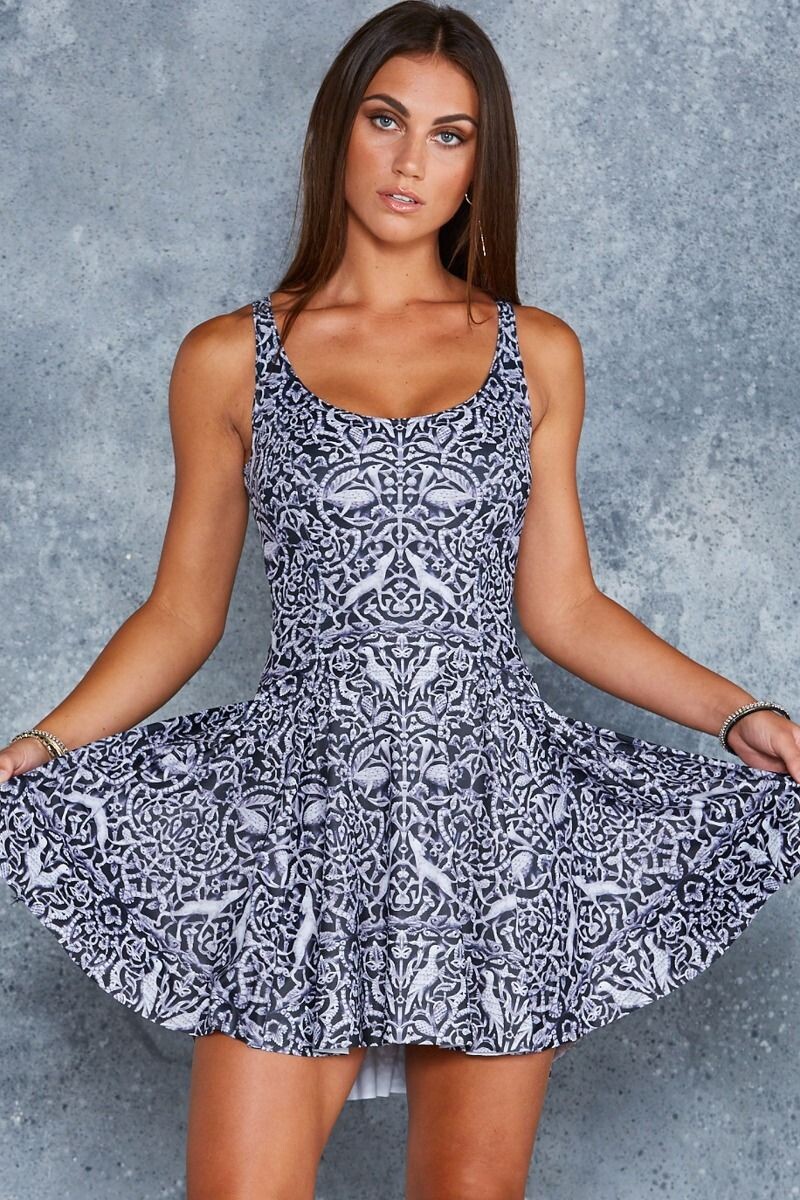
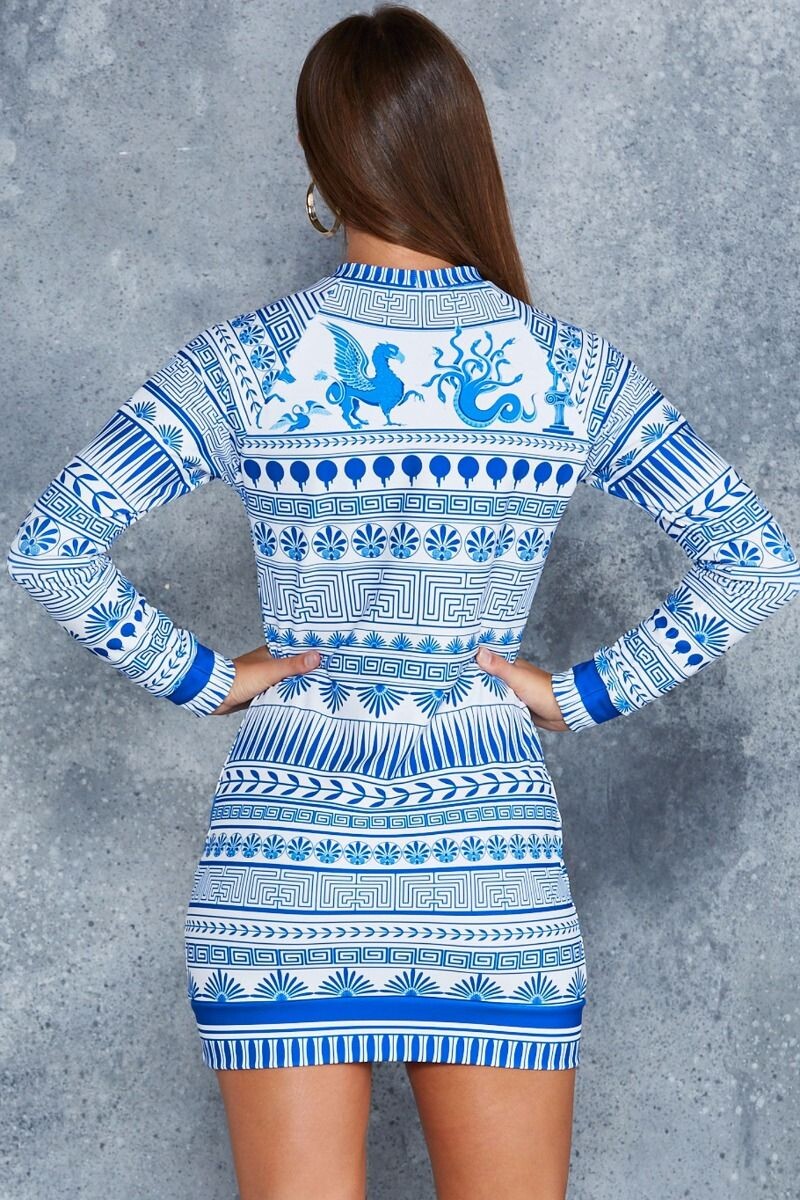
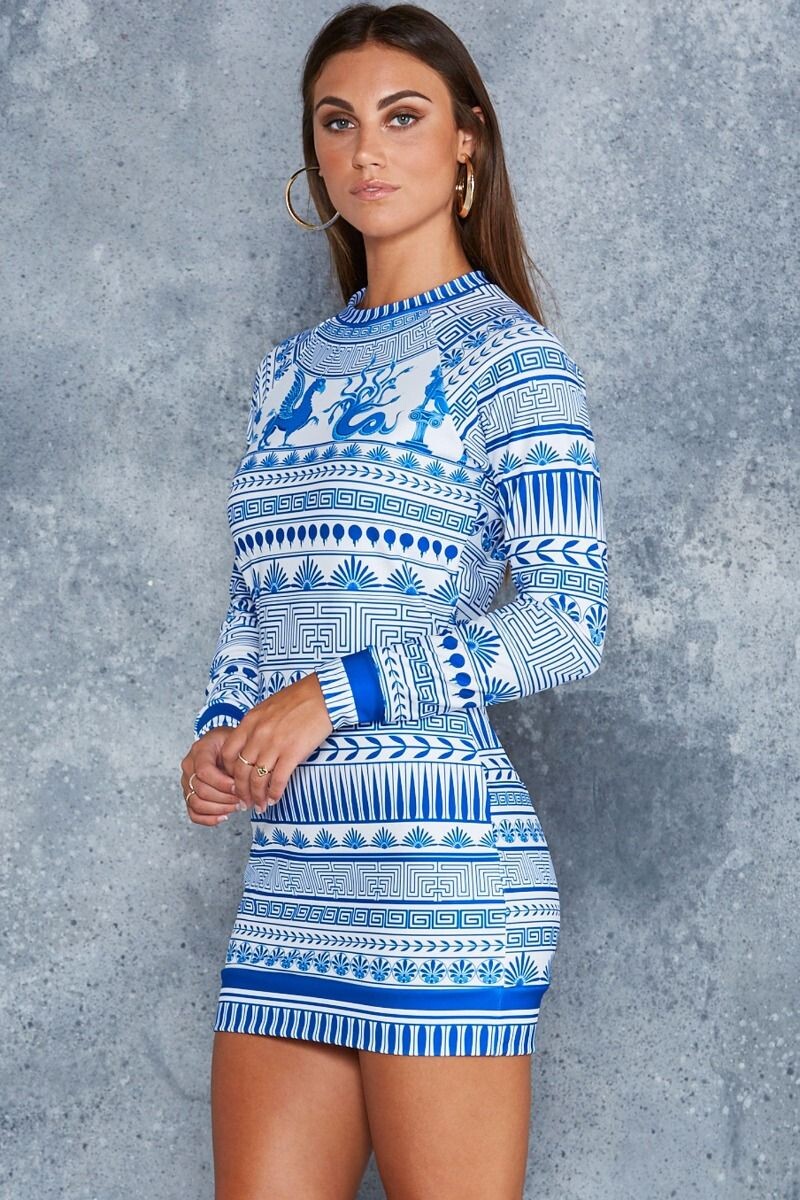
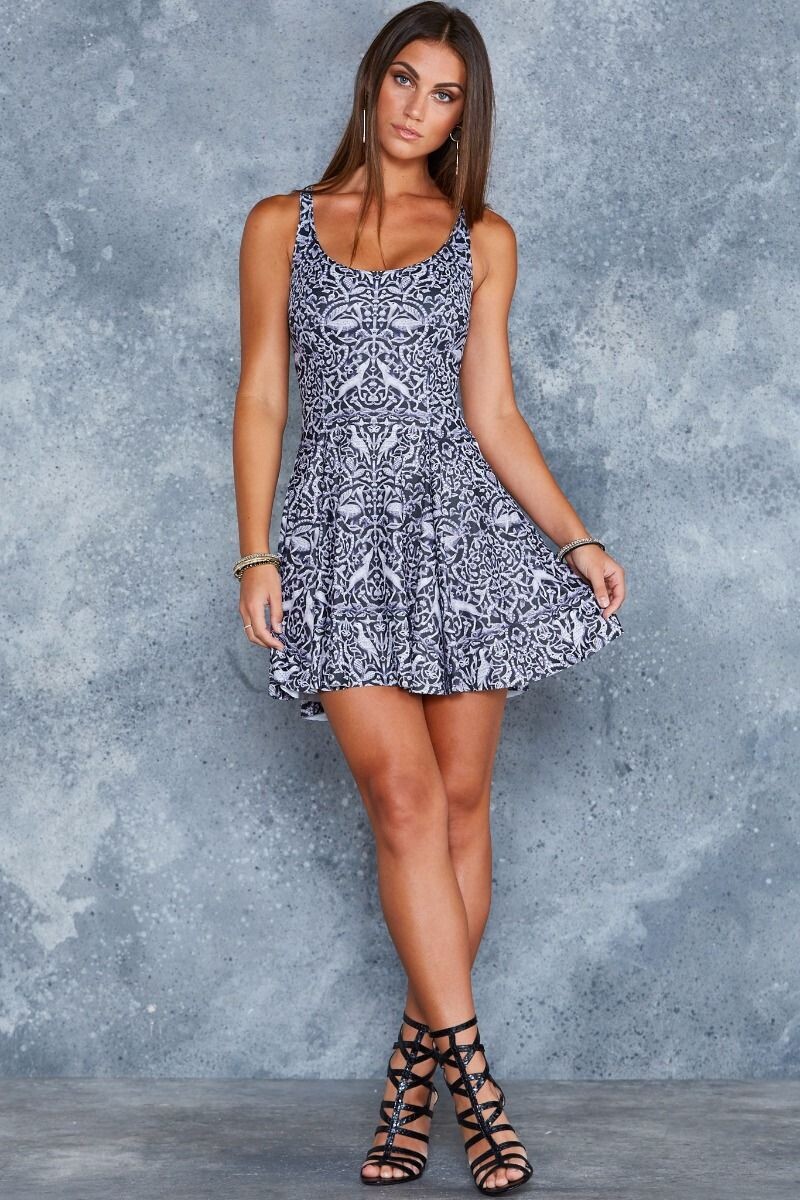
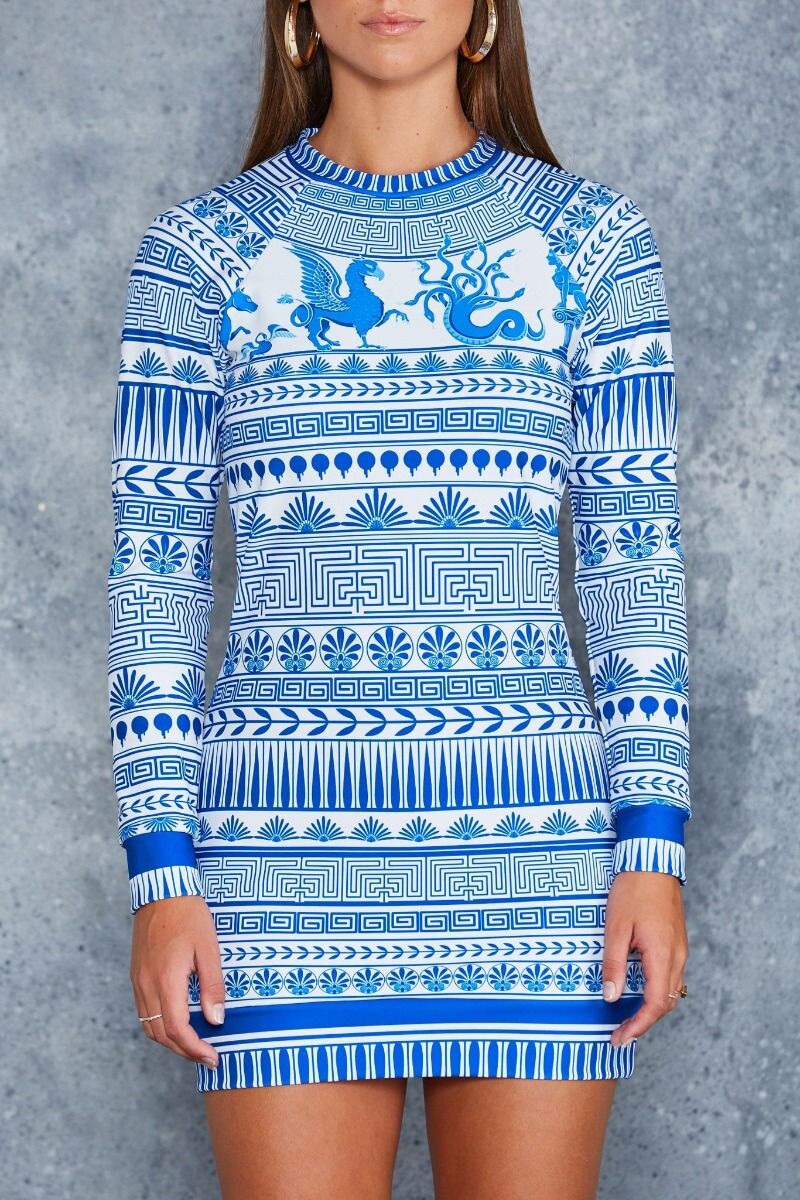
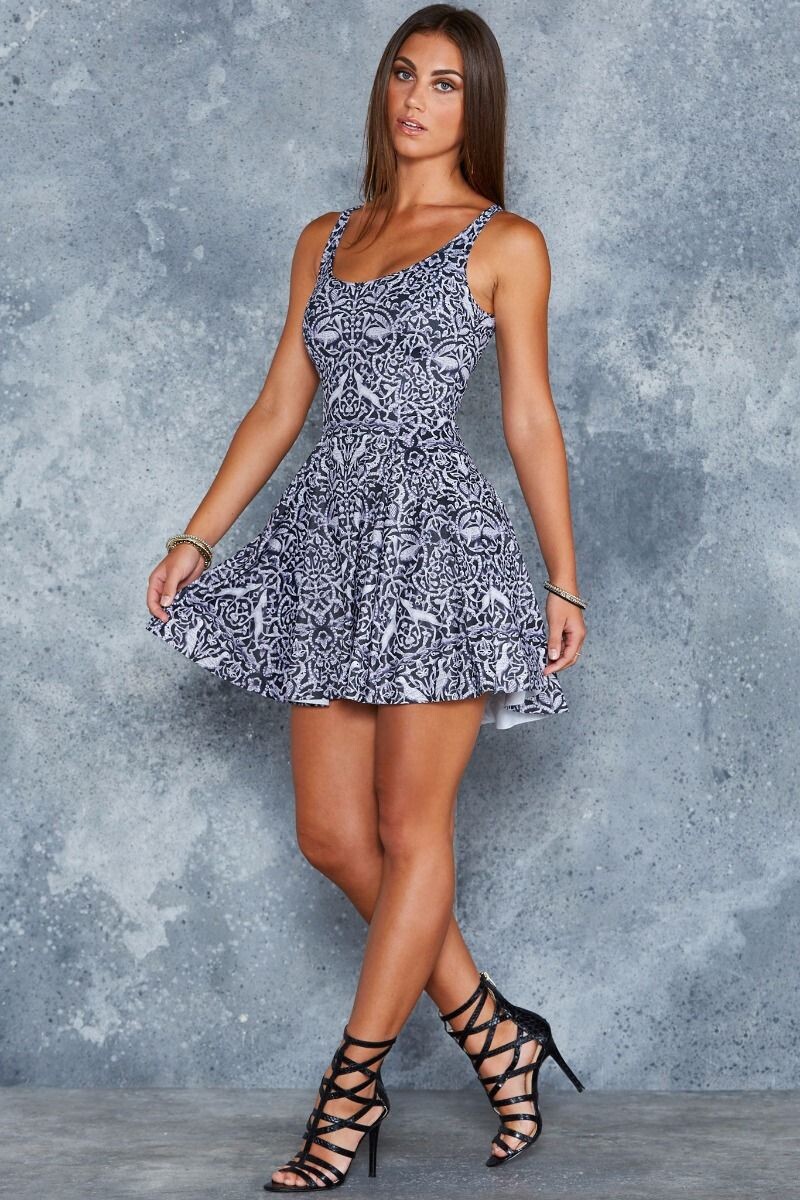
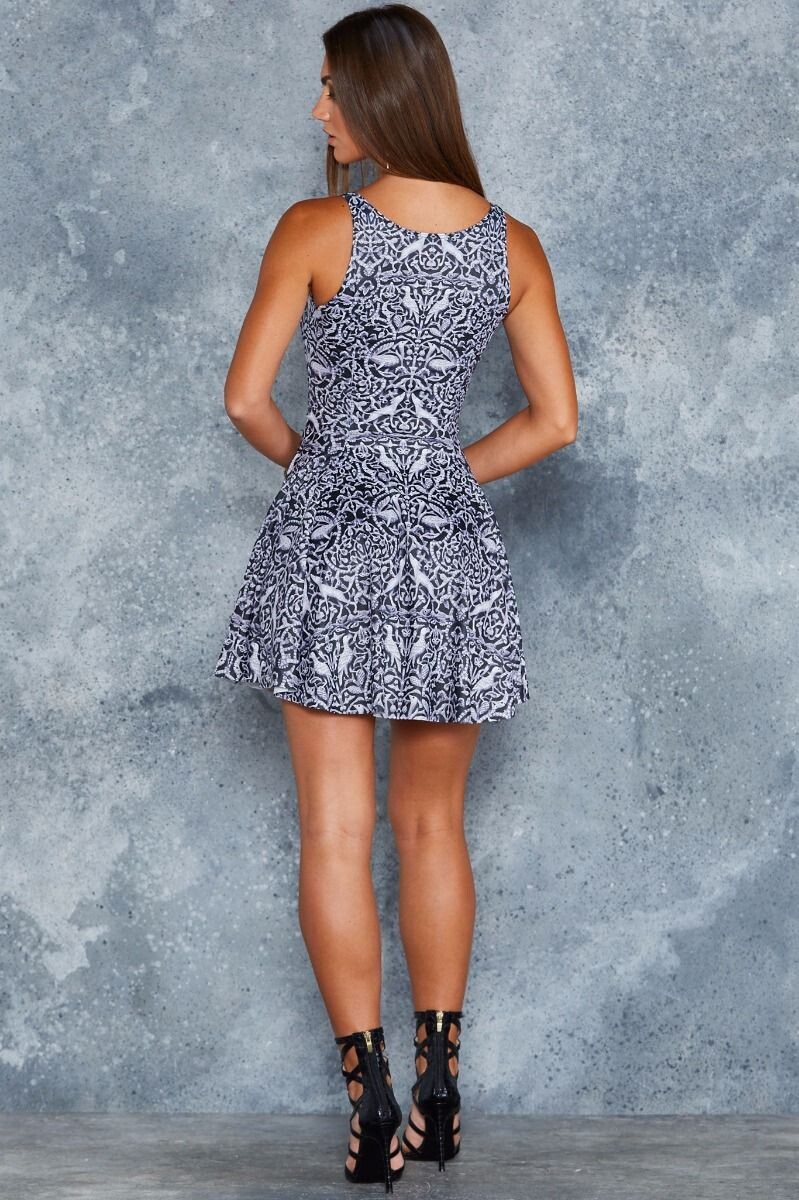
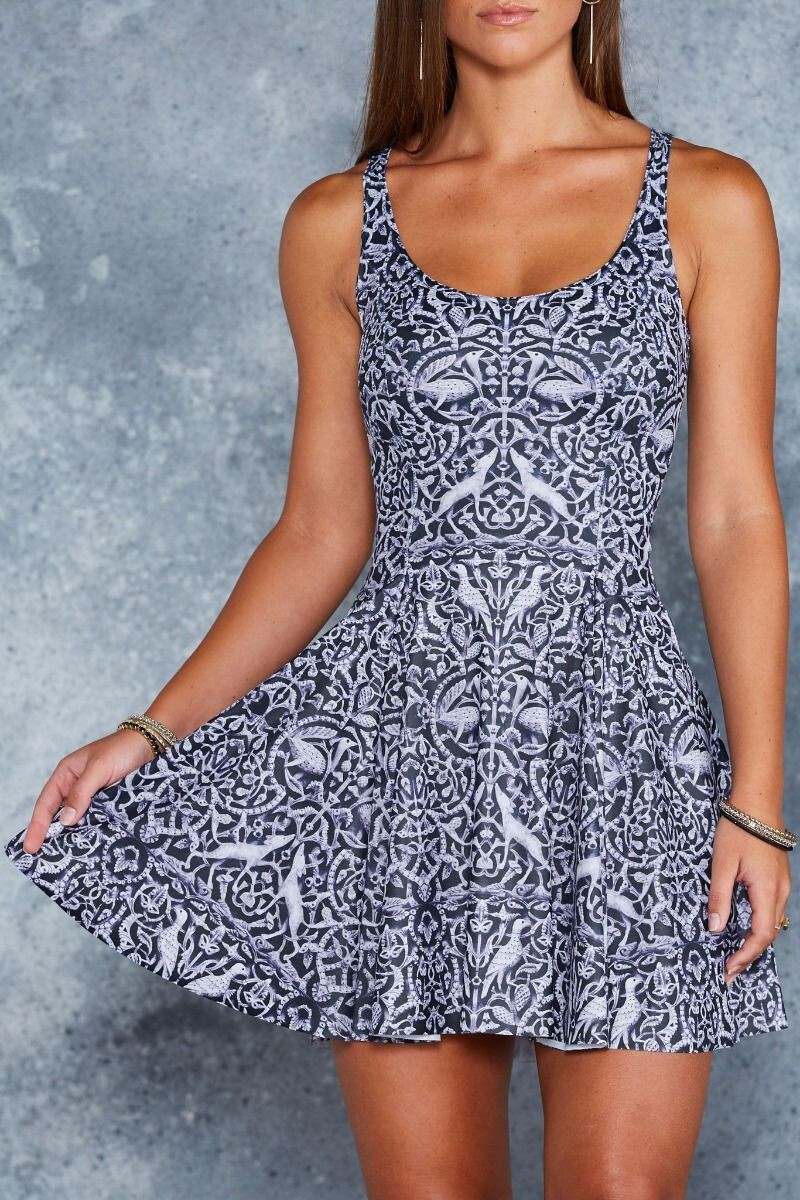
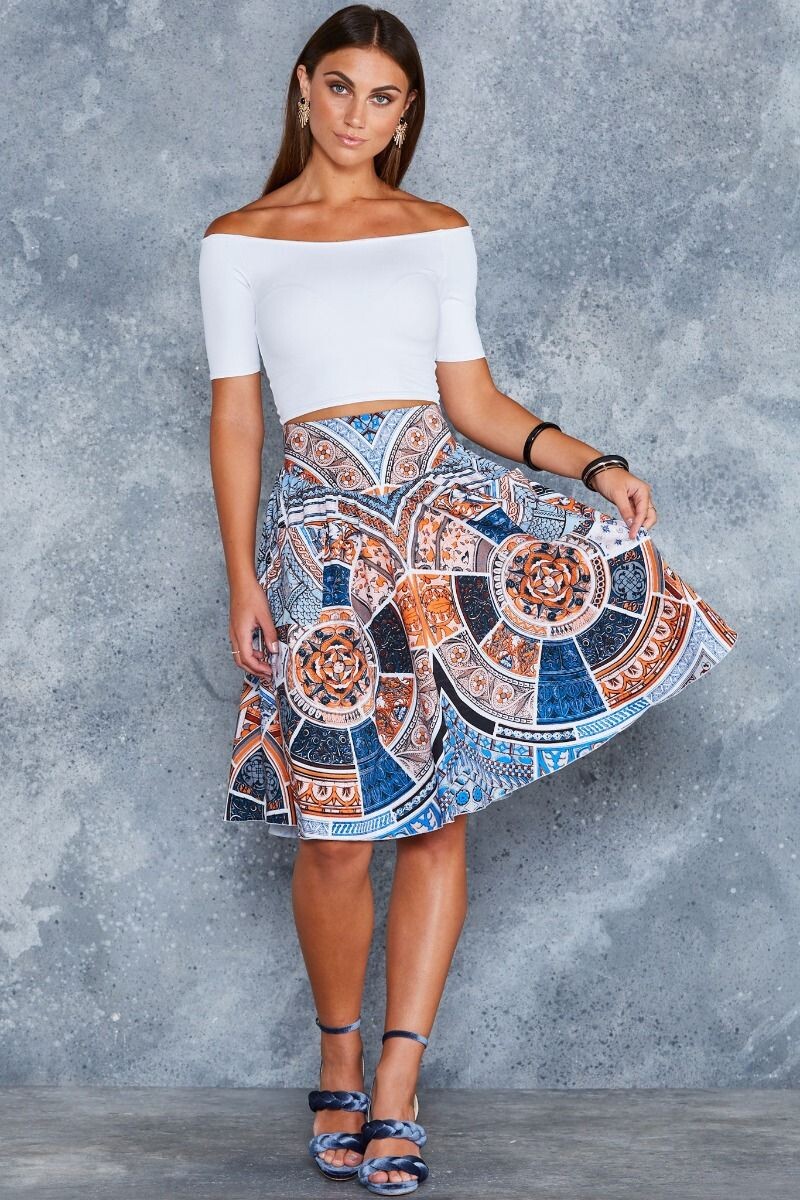
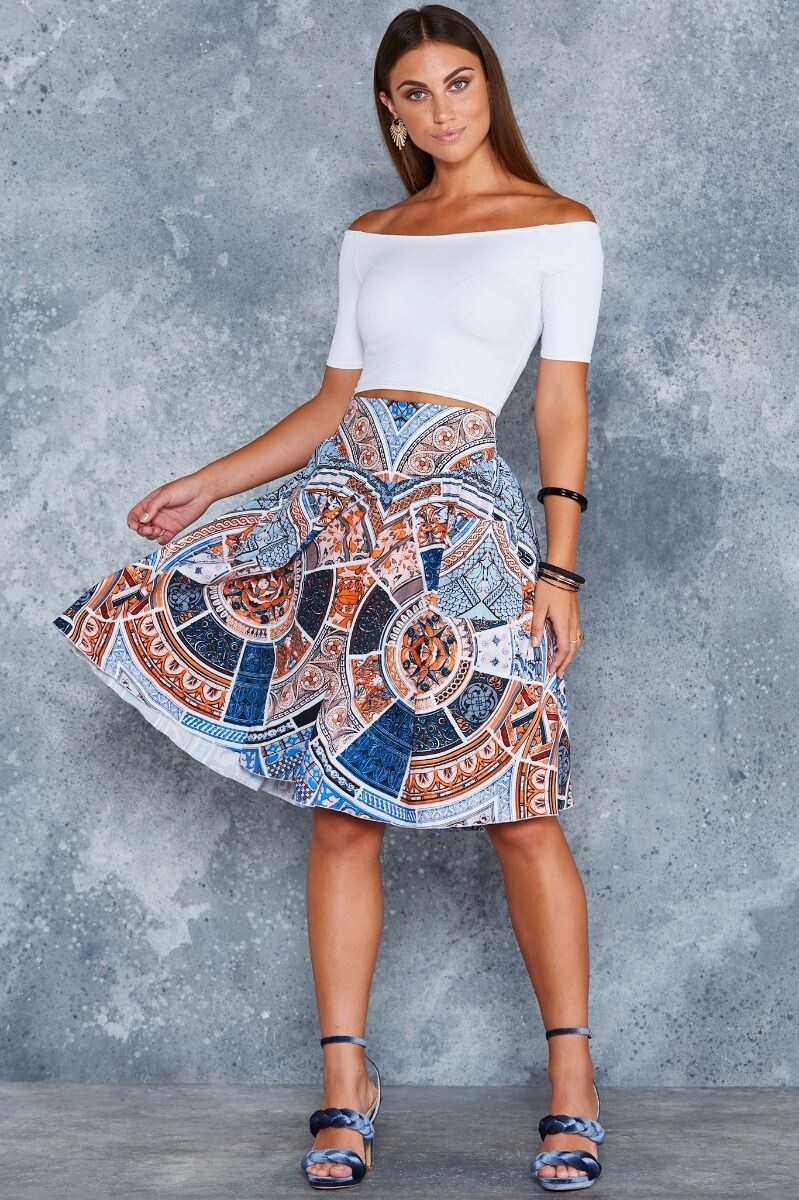
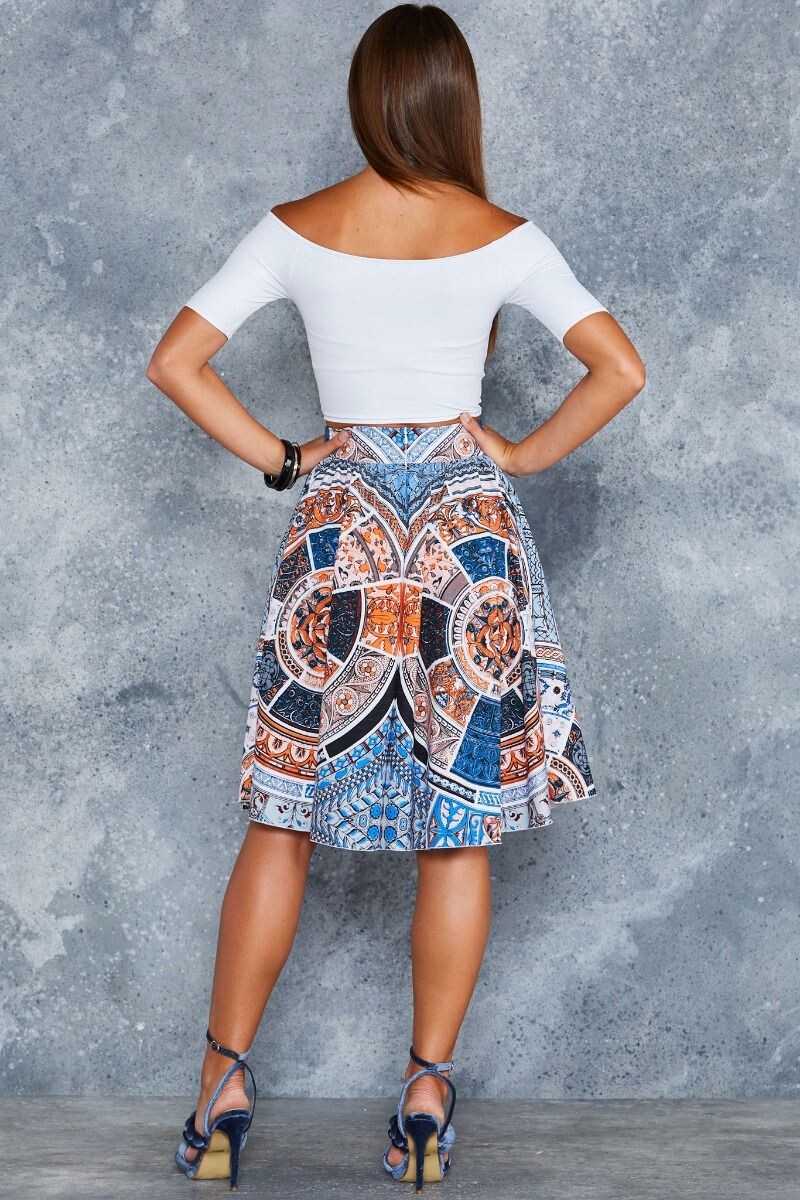
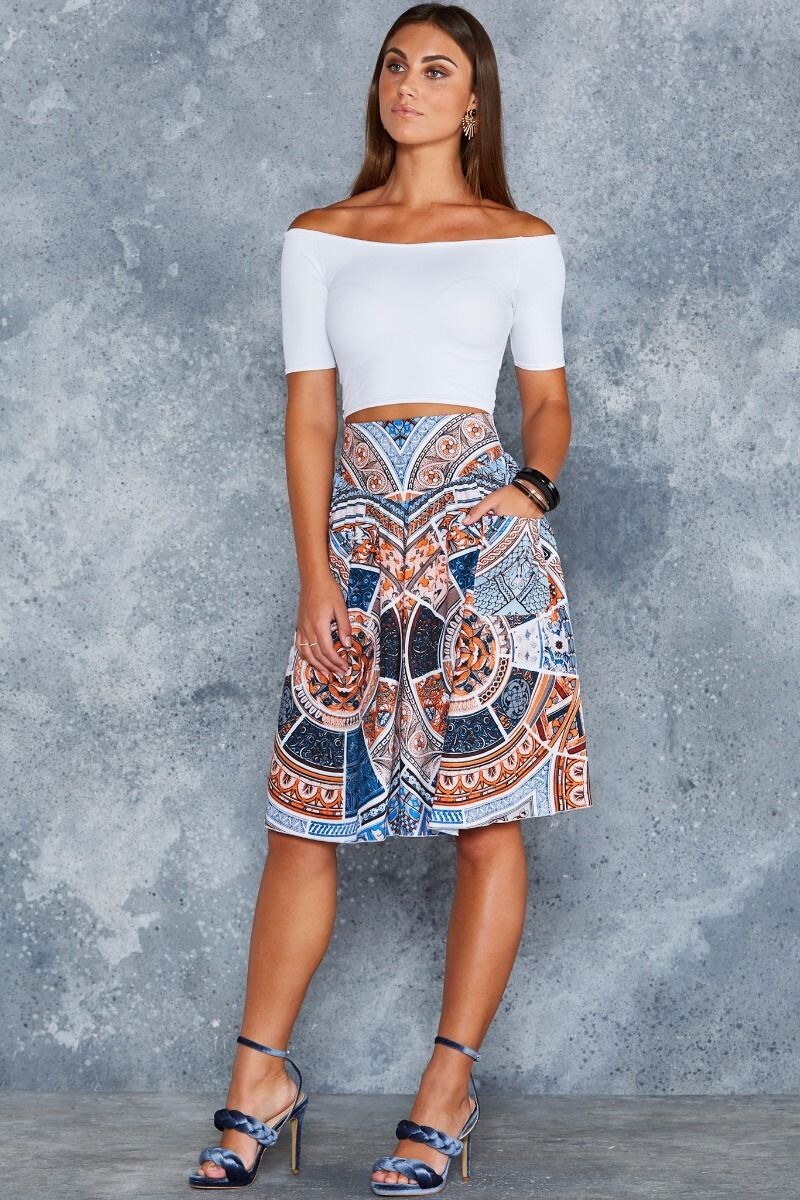
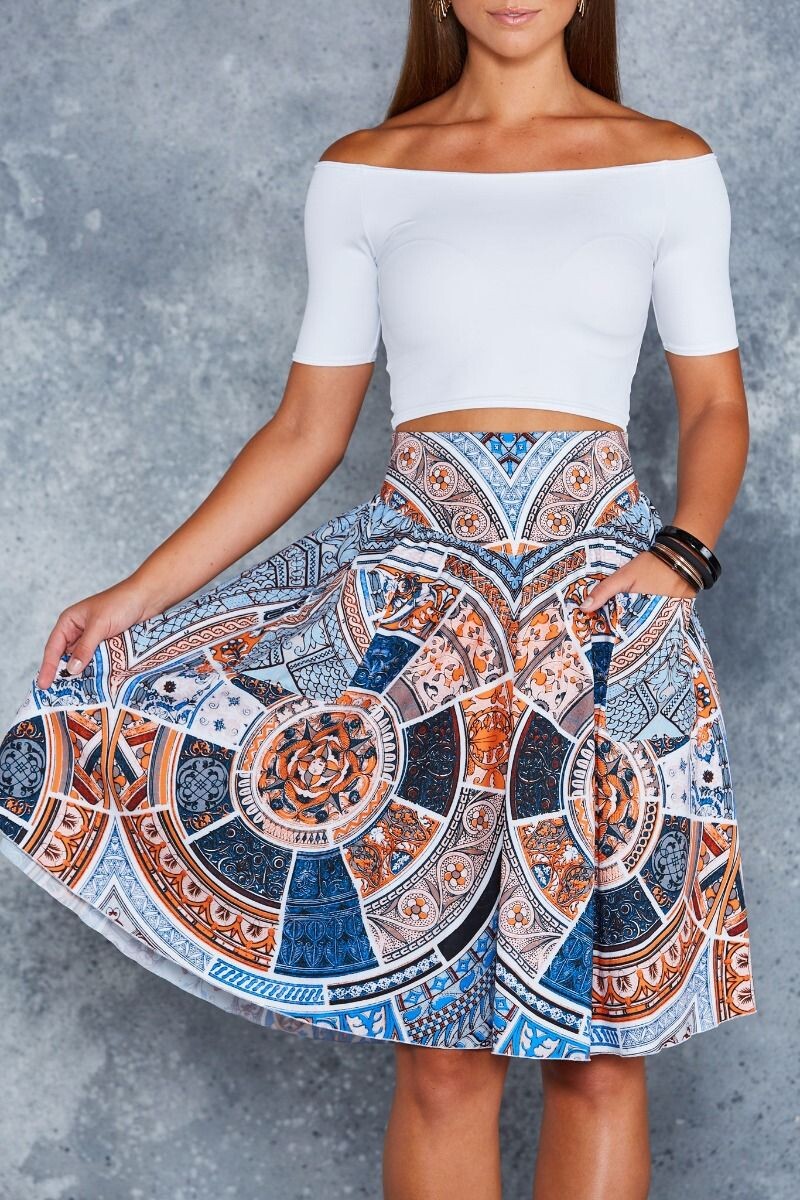
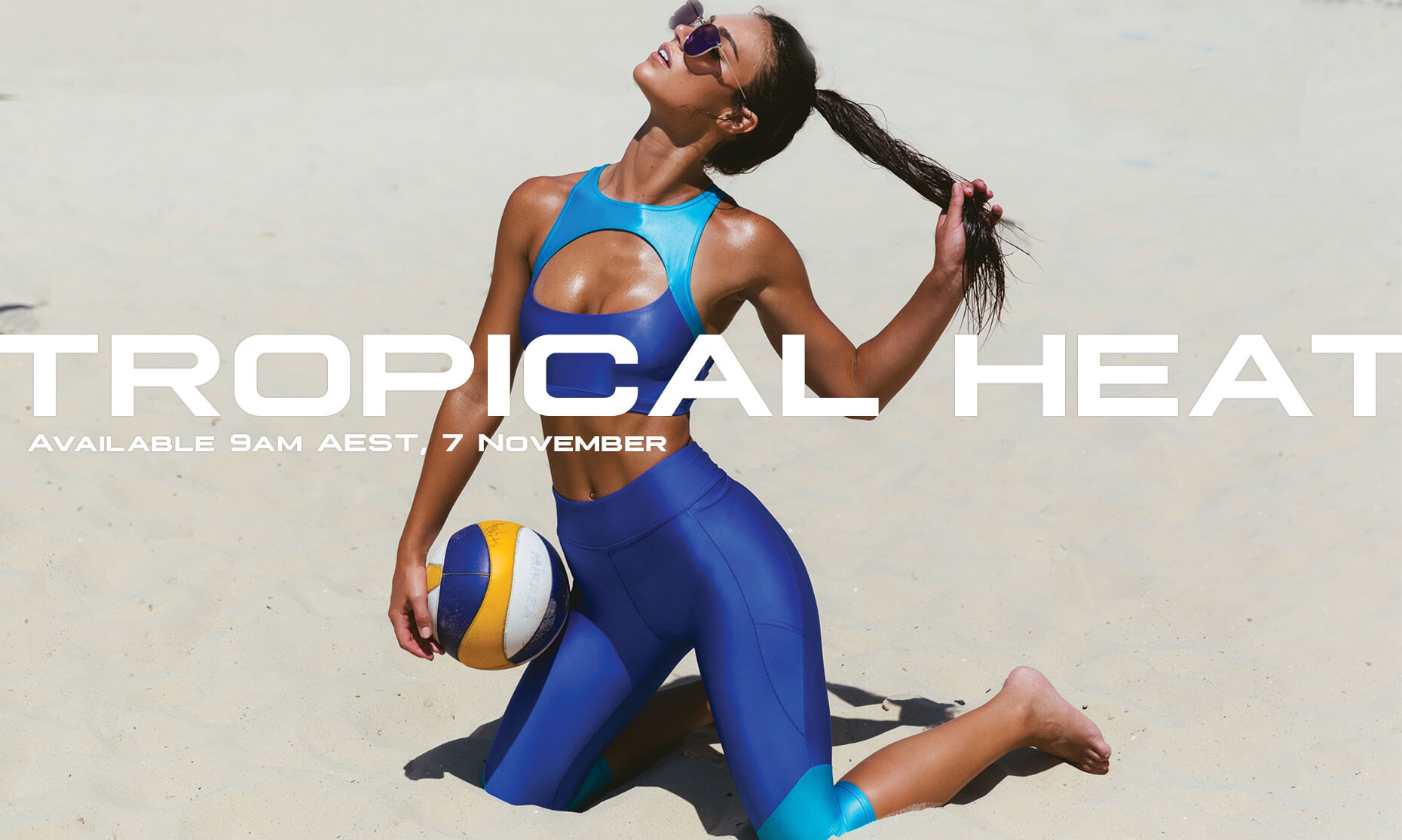
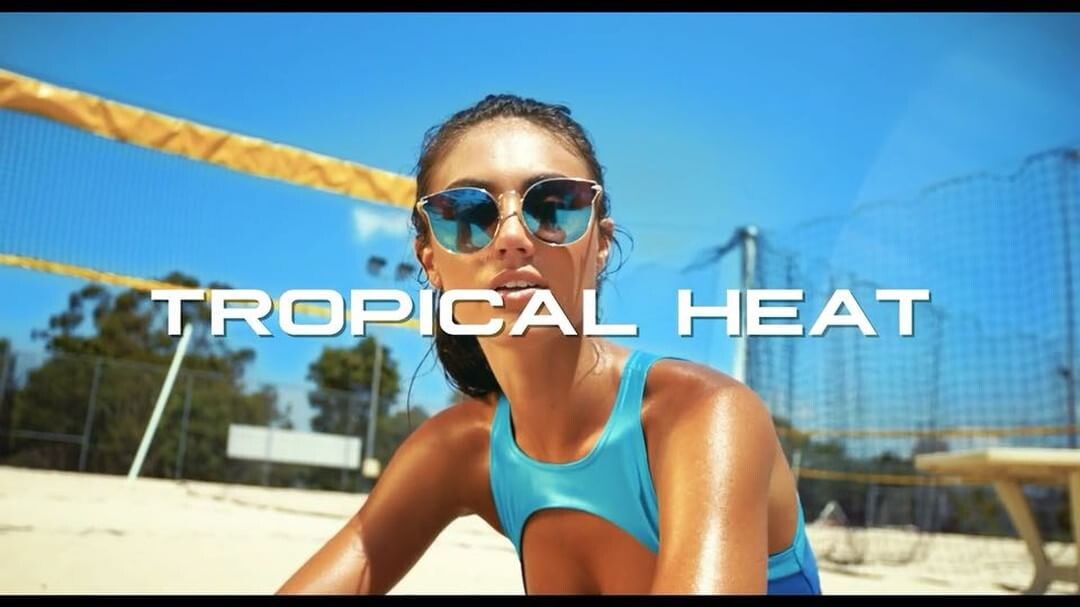
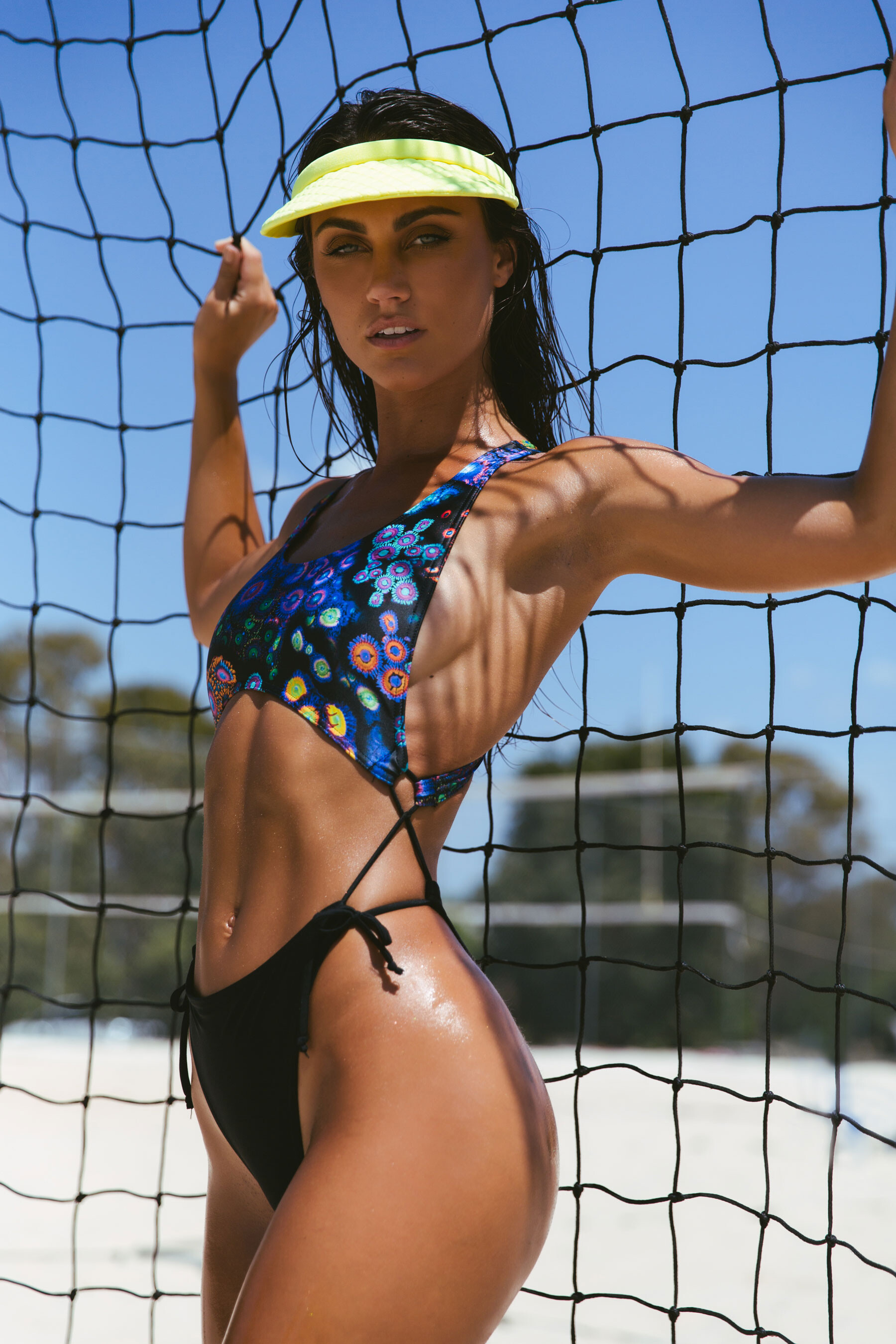
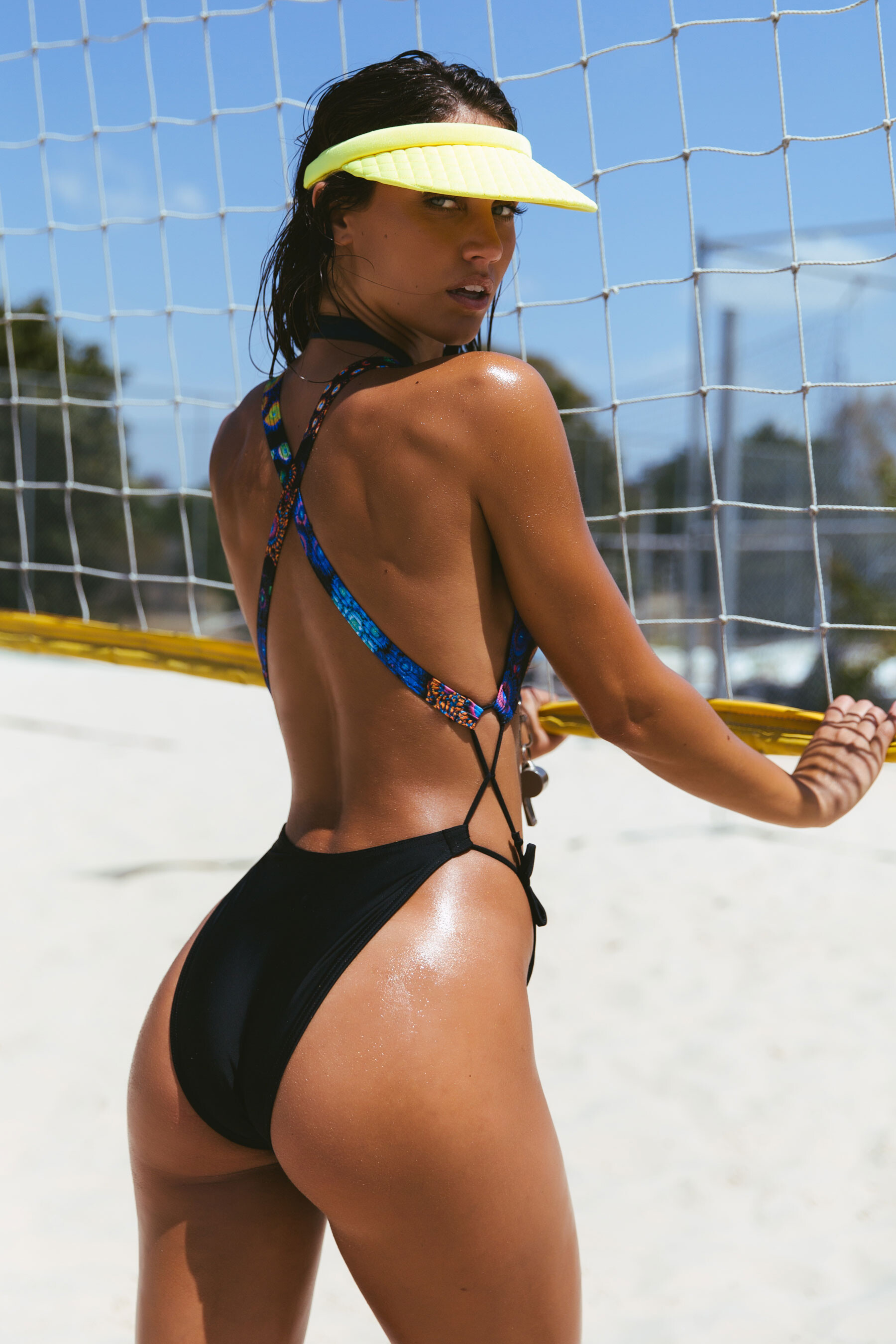
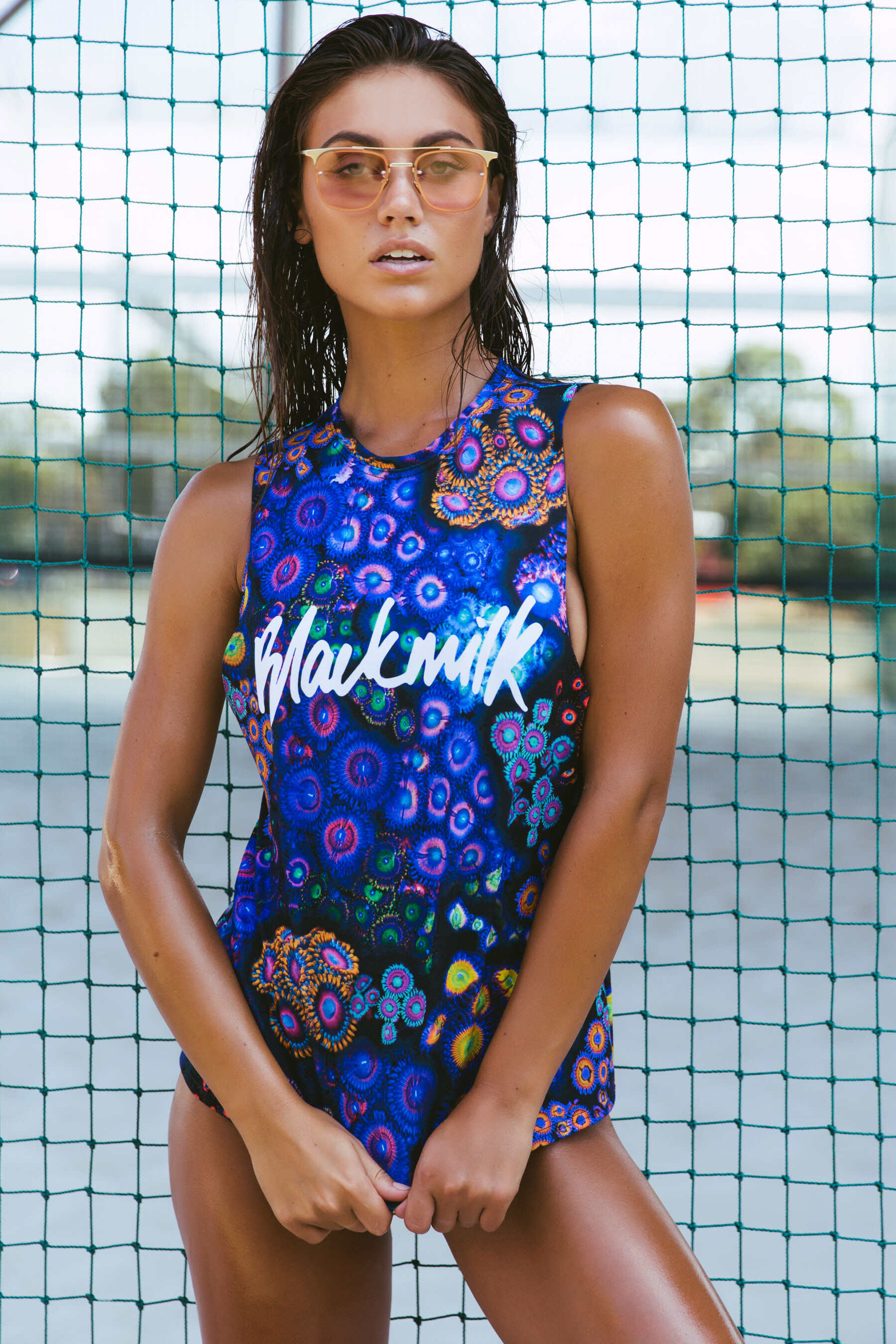
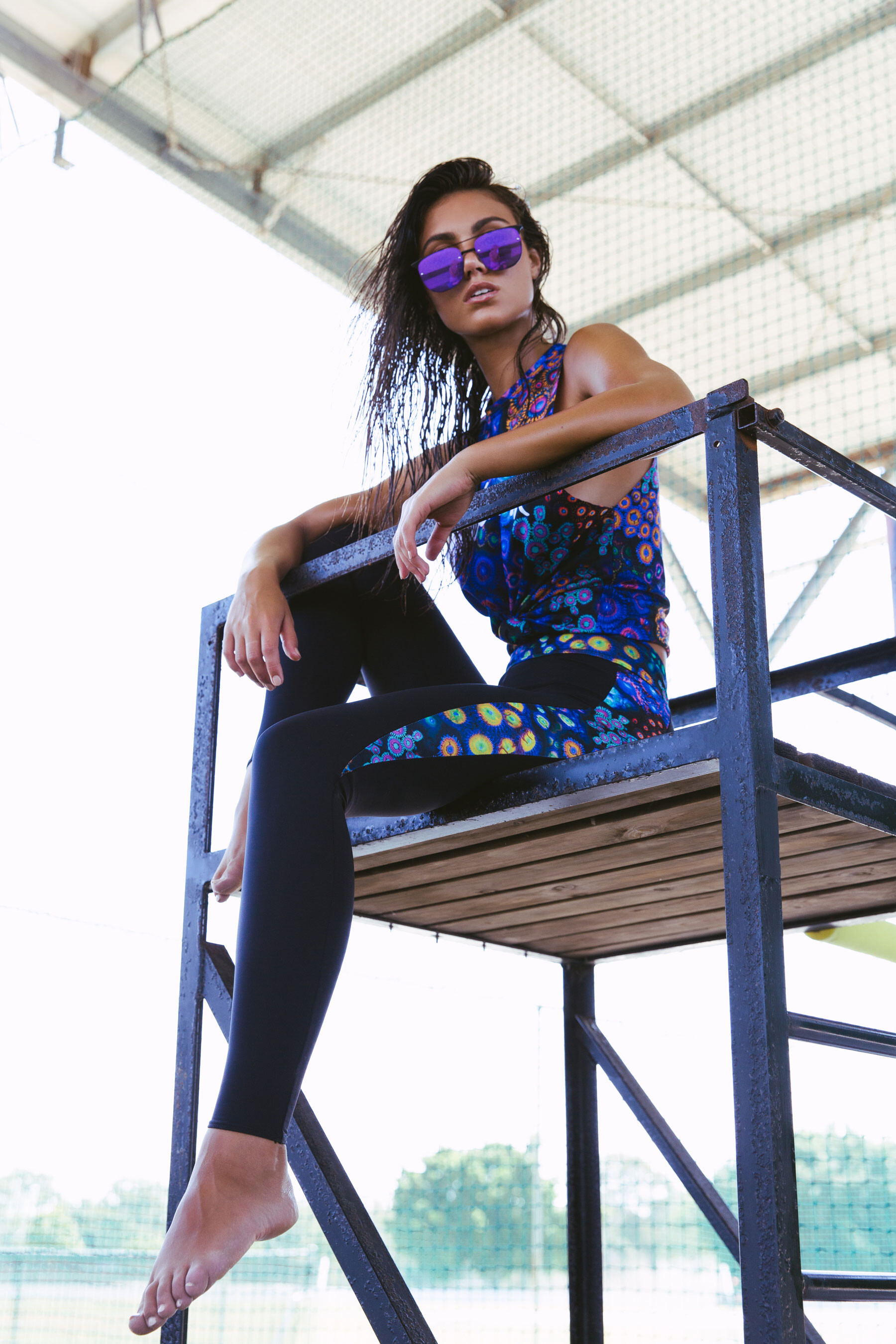
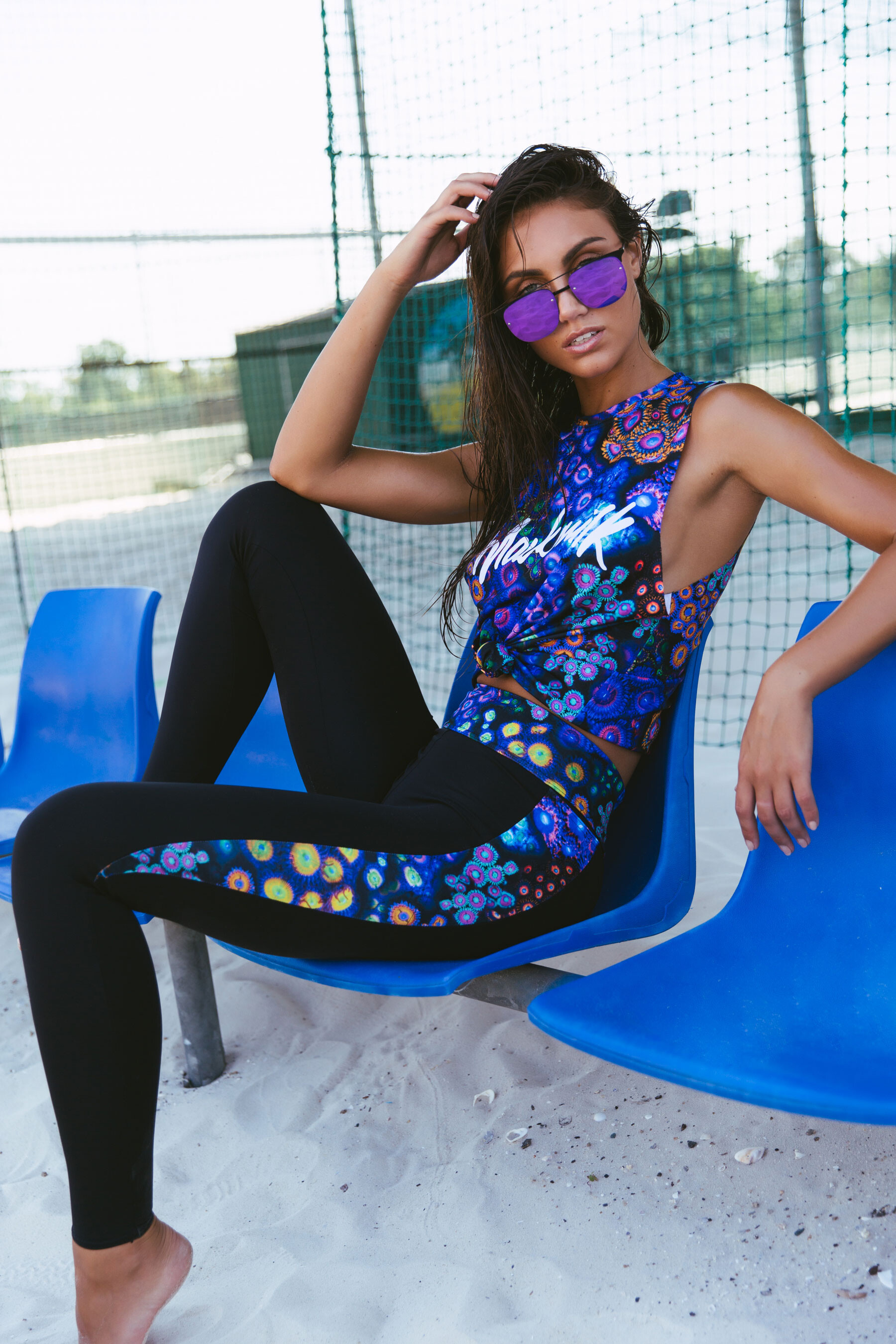
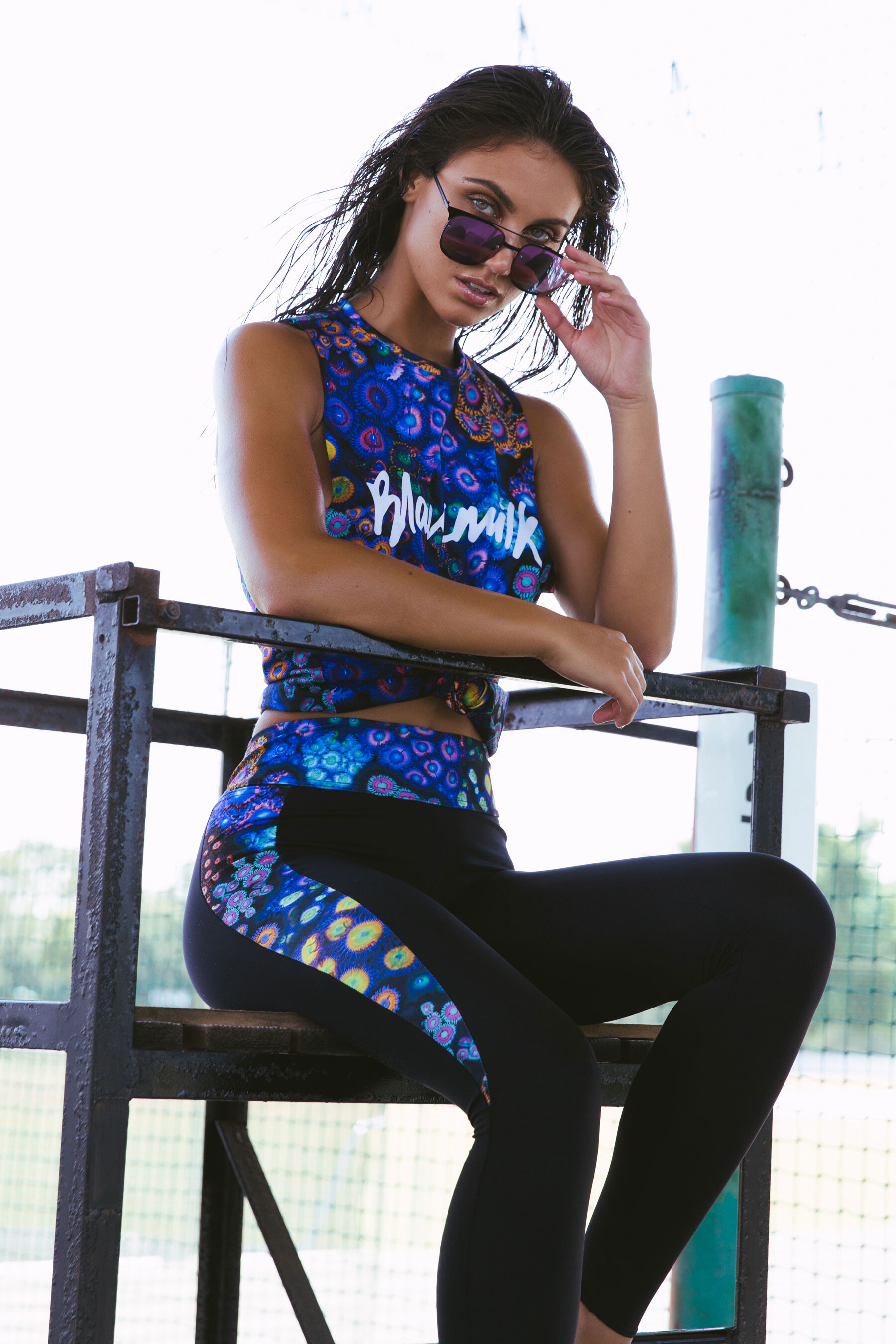
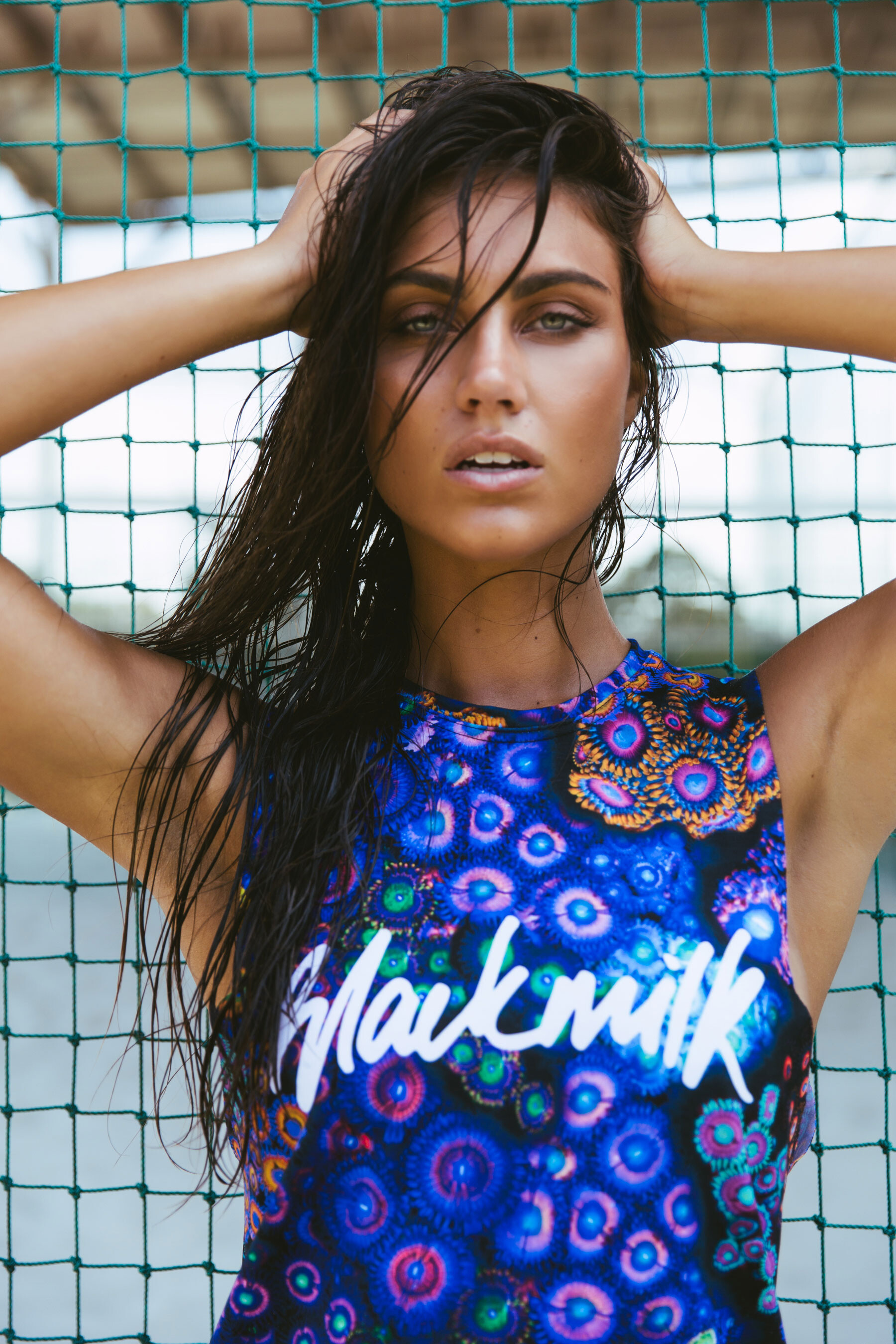
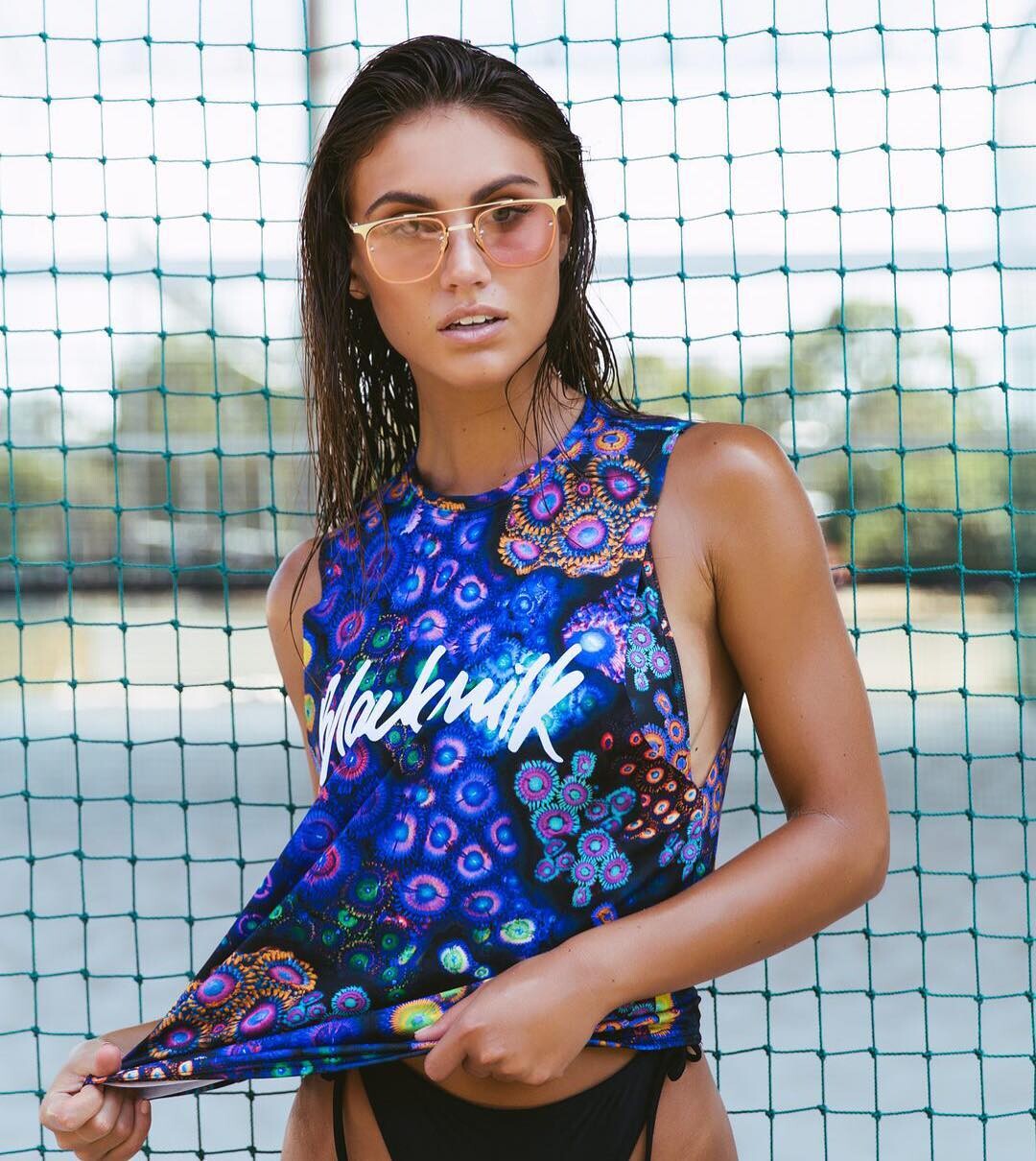
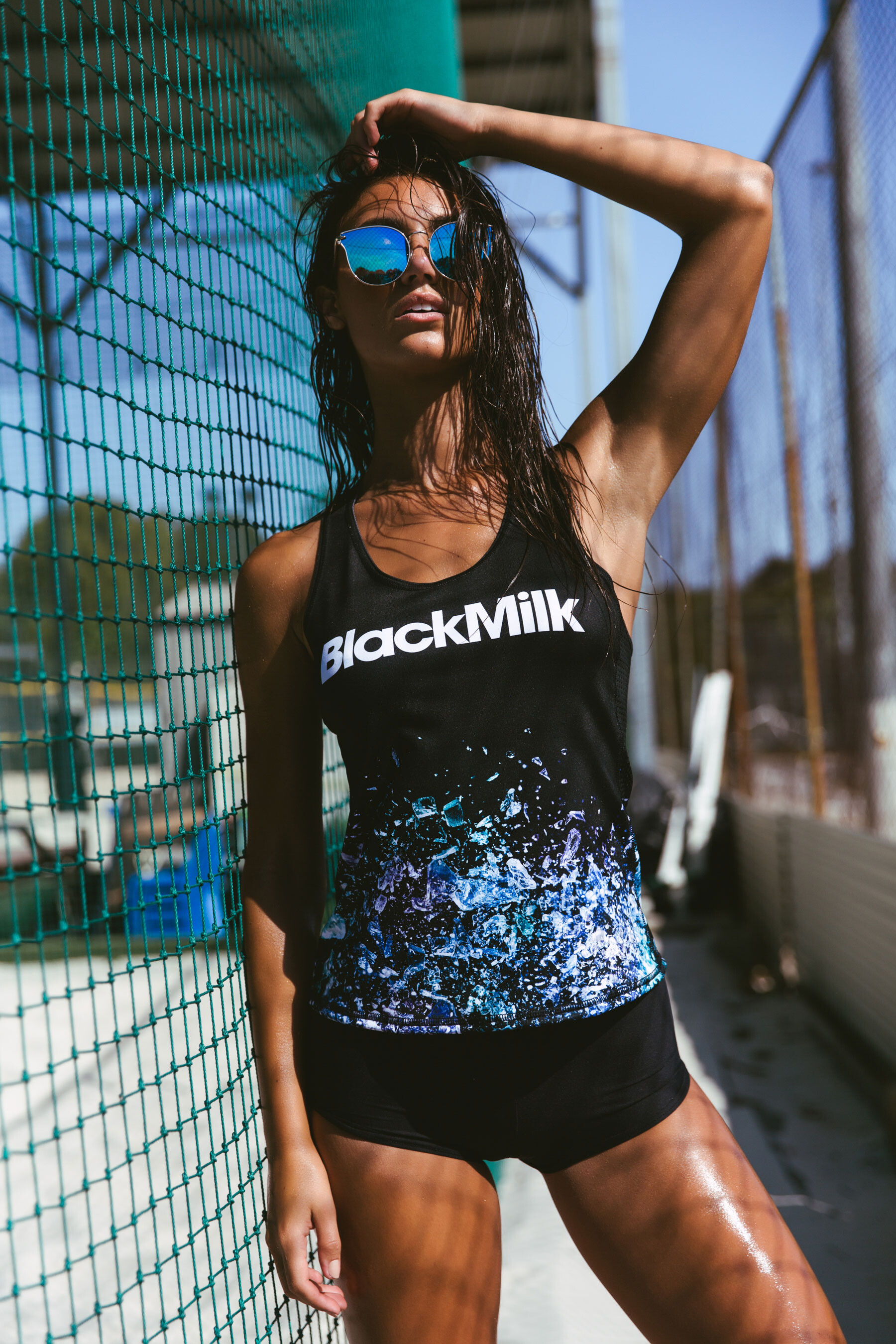
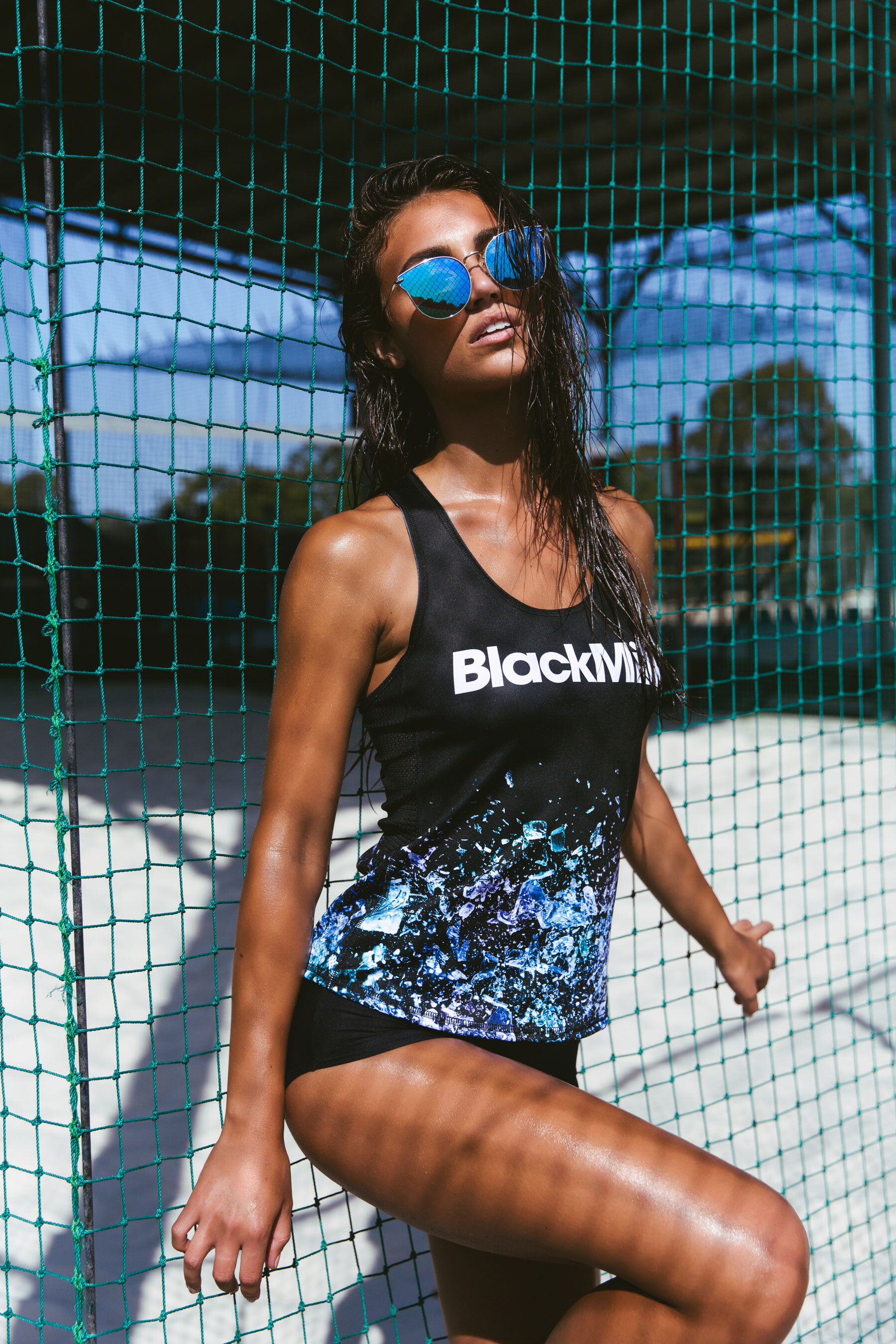
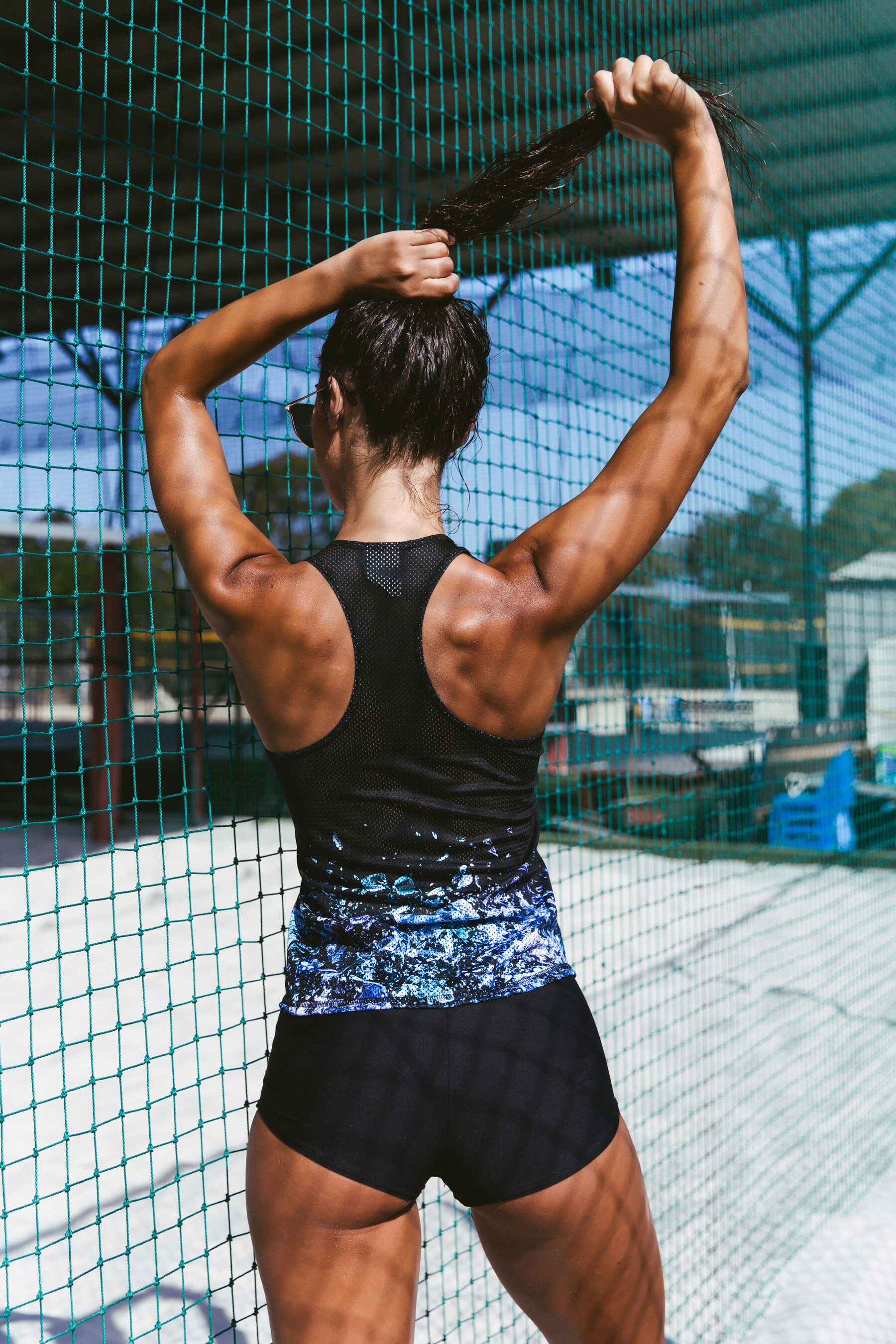
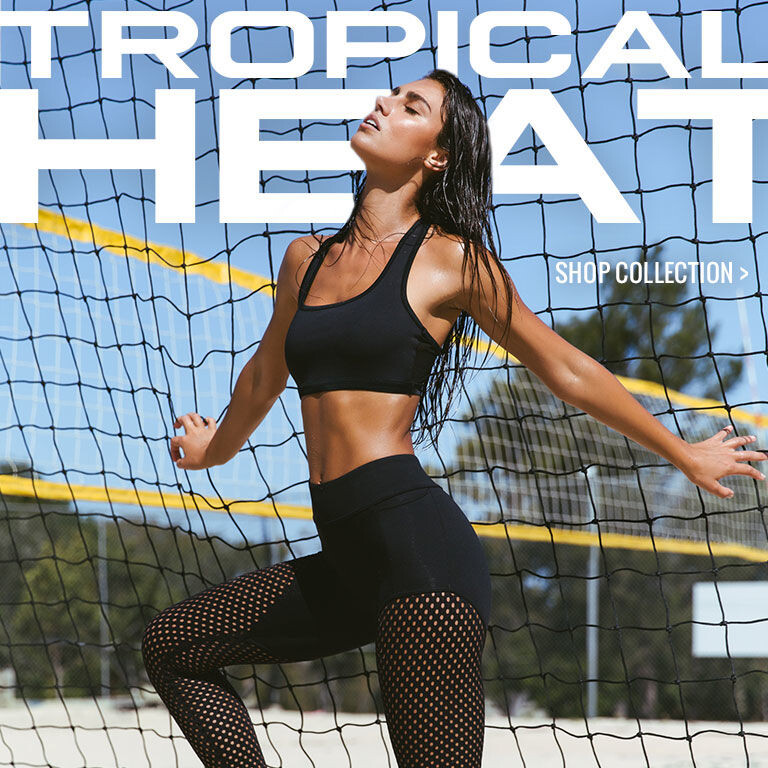
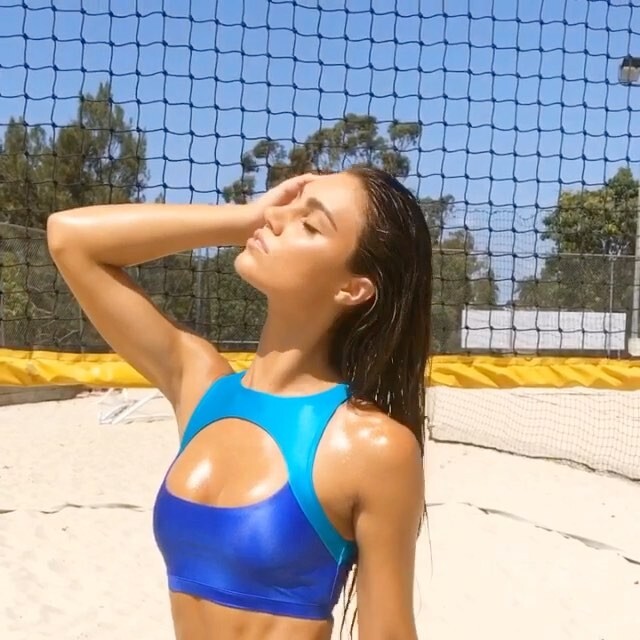
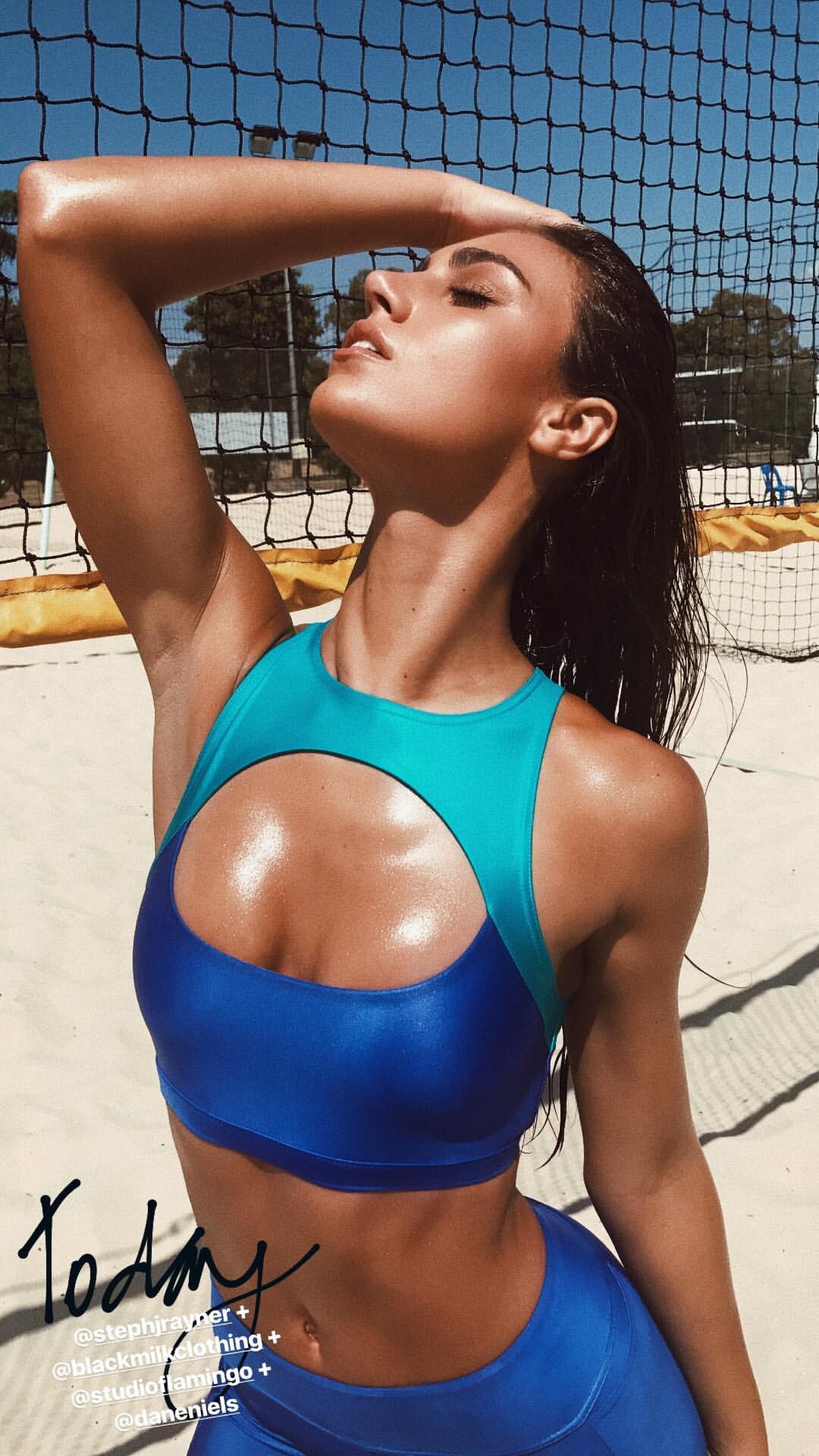
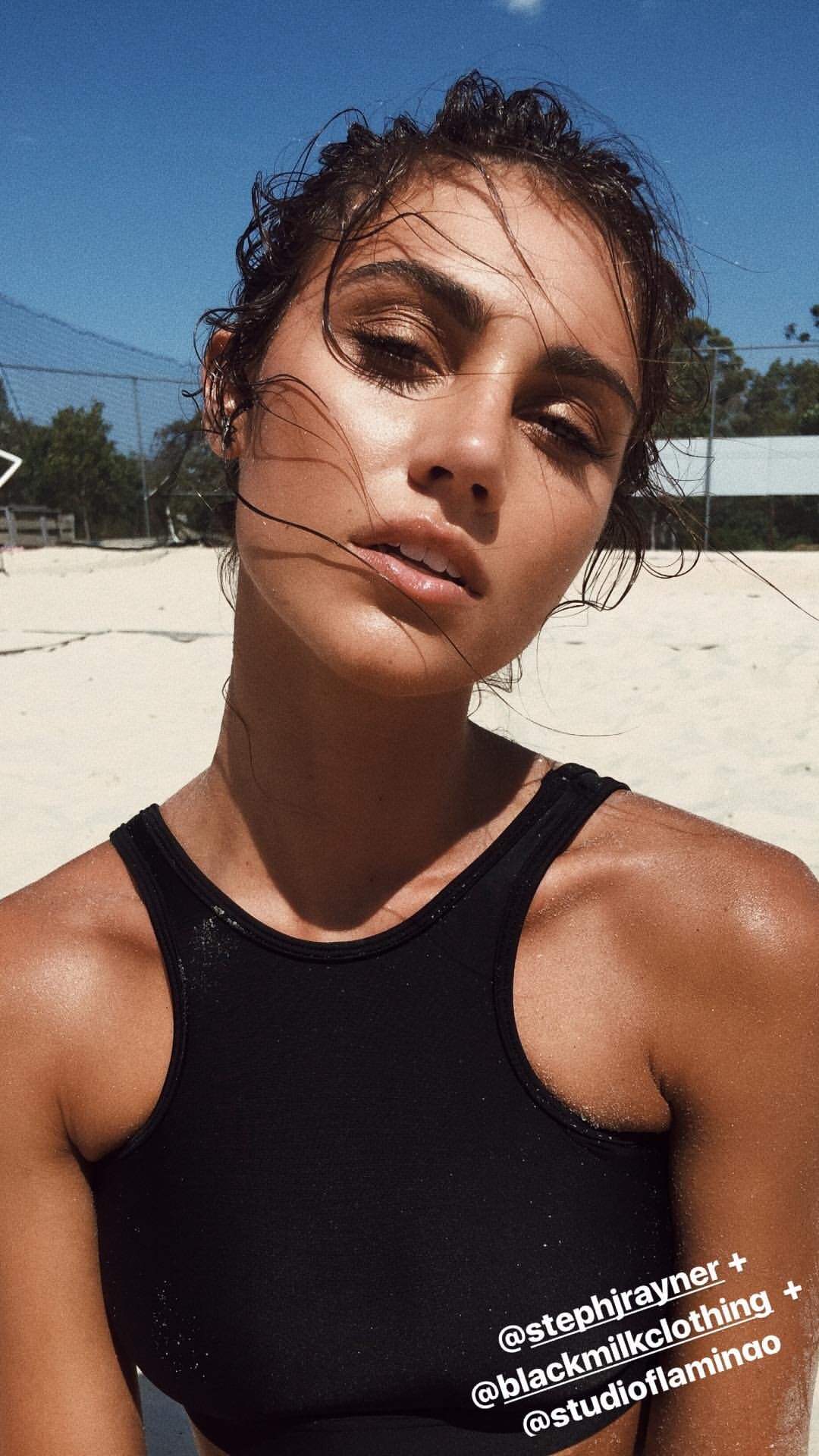
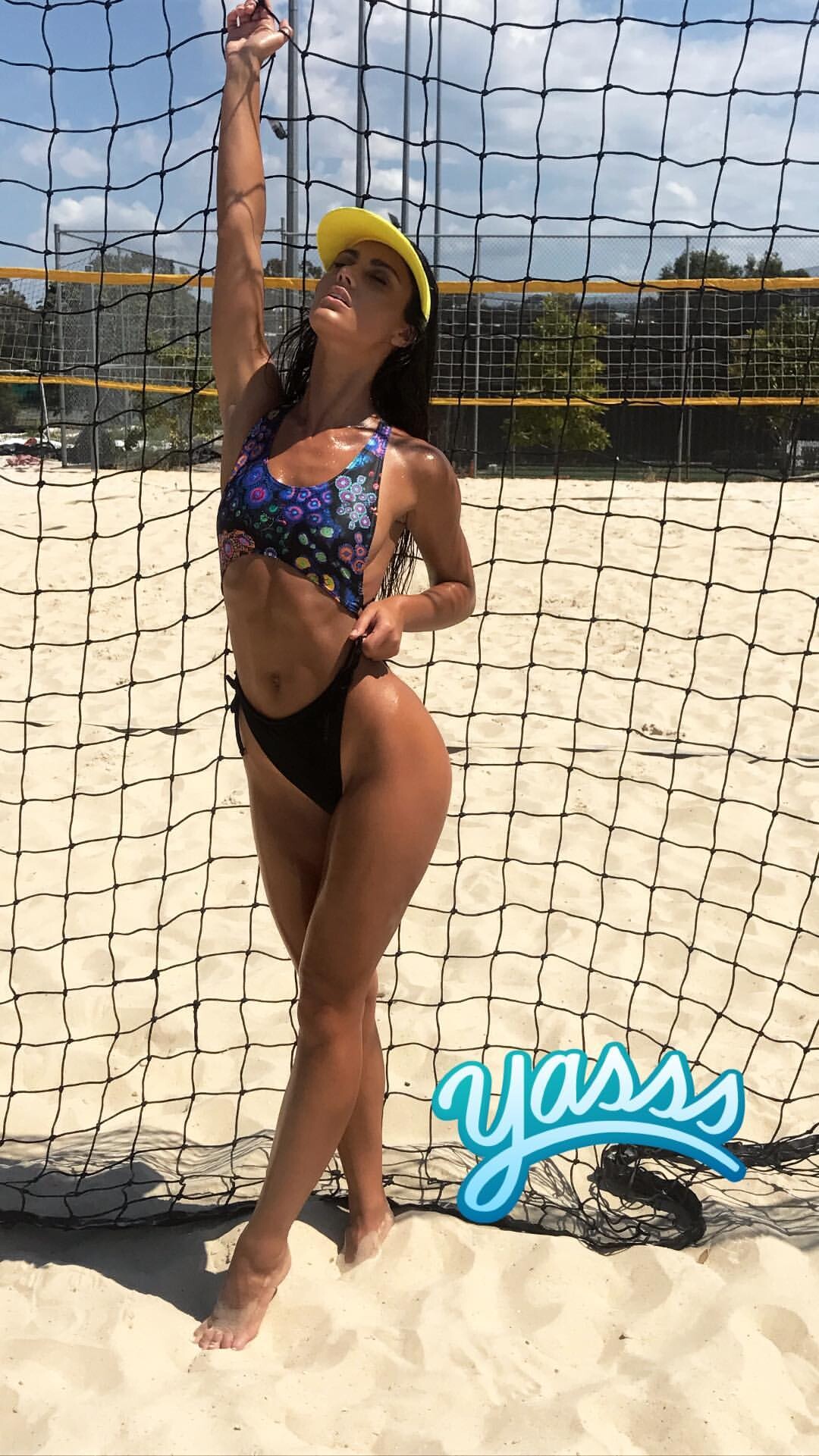
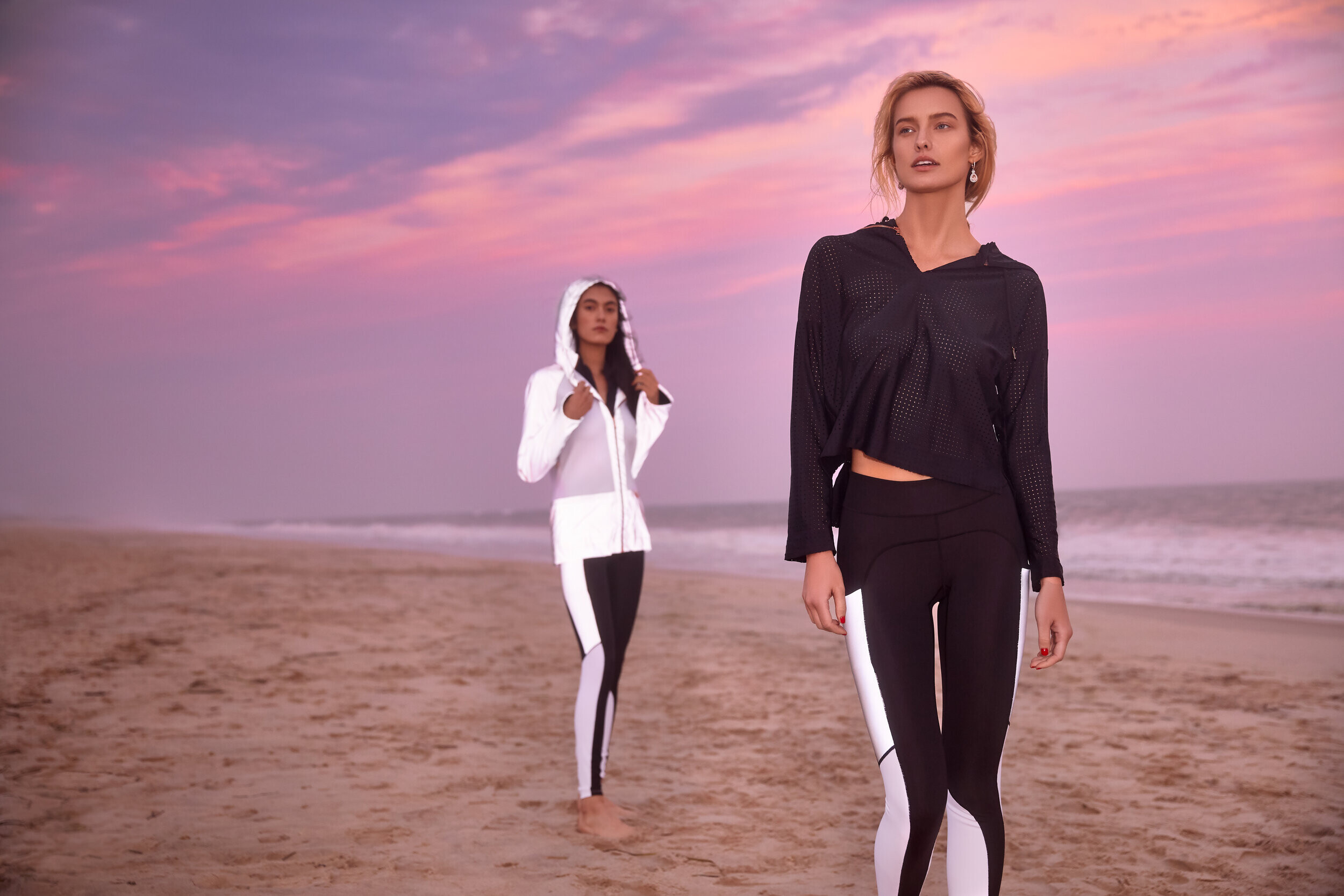
  3. Black Milk Clothing Tropical Heat Lookbook Ph. Carlene Raschke [2017] BTS IG Story Videos on a ZIP file
  4. Porte-à-Vie Video campaign from IG below the image inside the spoiler

  5. Sunsets Separates 2020 Collection Screenshoots of video campaign MP4 | 1080p | 00:02:30 | 62.68 MB
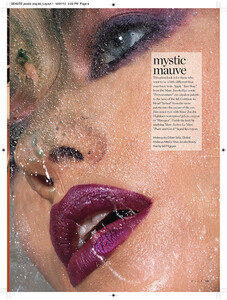
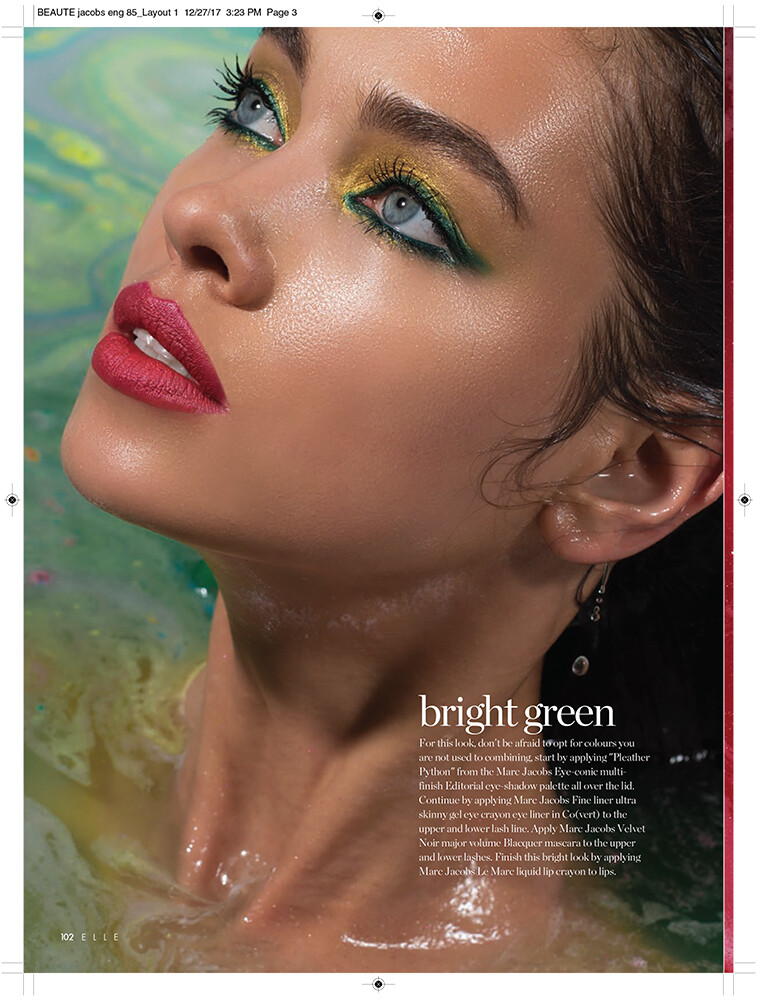
  6. Elle Arabia Ph. Roy Schweiger Other versions that are added to the previous post Short video form IG
  7. Melissa Cartagena From IG Videos below the each image inside the spoiler IG Story
  8. Corey Wilson Warning! Transparency IG Story
  9. This photo already post before
  10. What is the source? I guess you embedded Sam Dameshek's instgram. This is the inconvenience of posting instagram links that are deleted. In my case I try to put the name of which Instagram account I embed
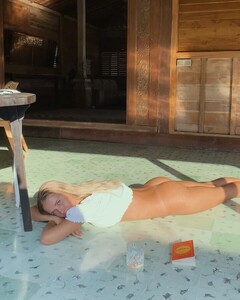
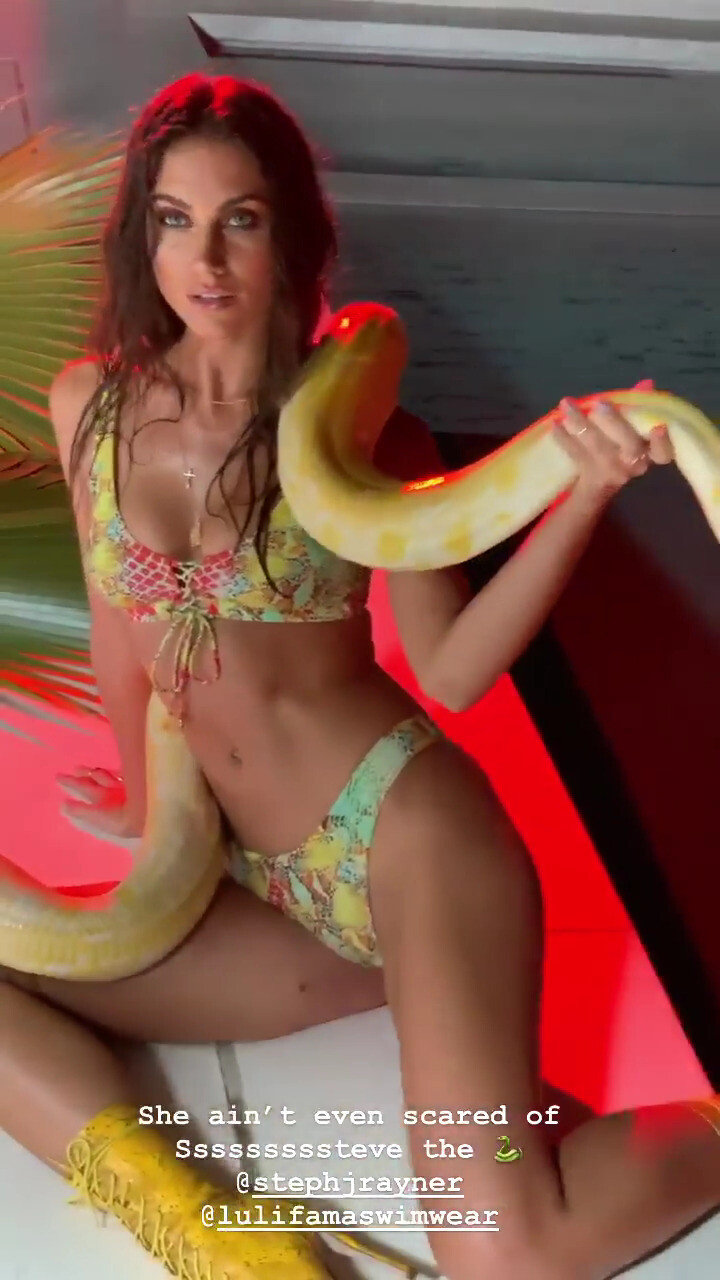
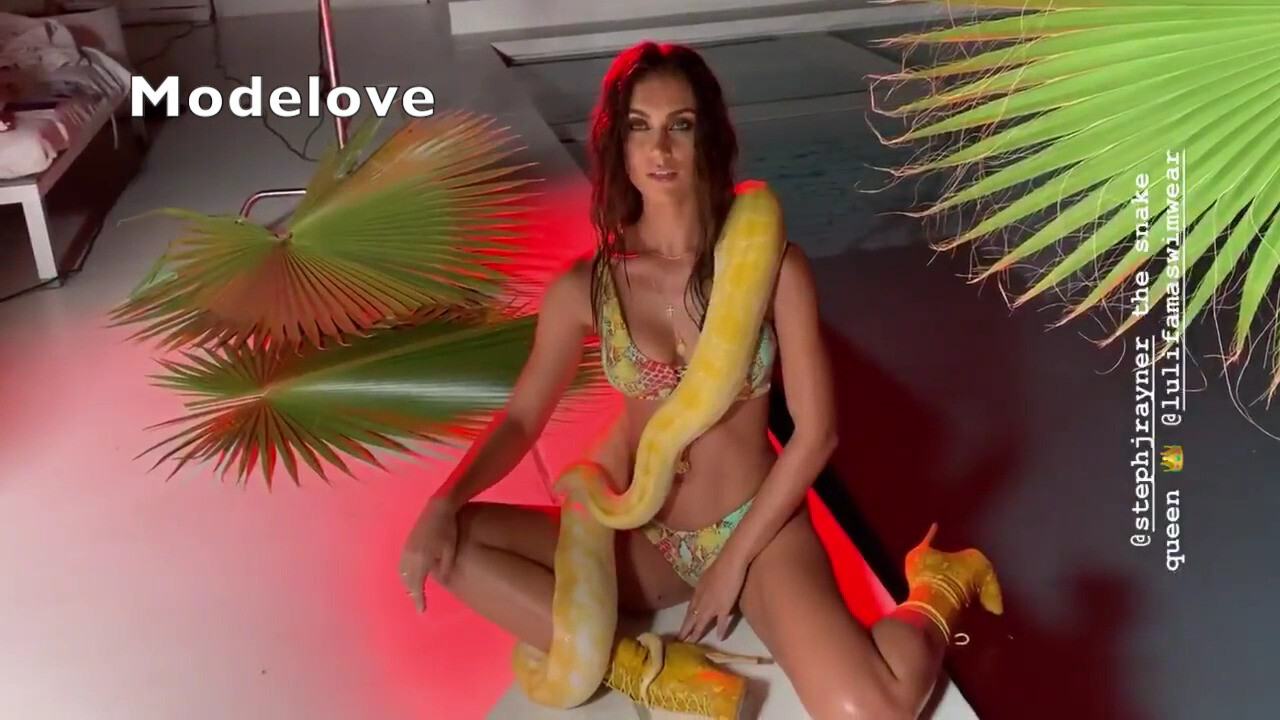
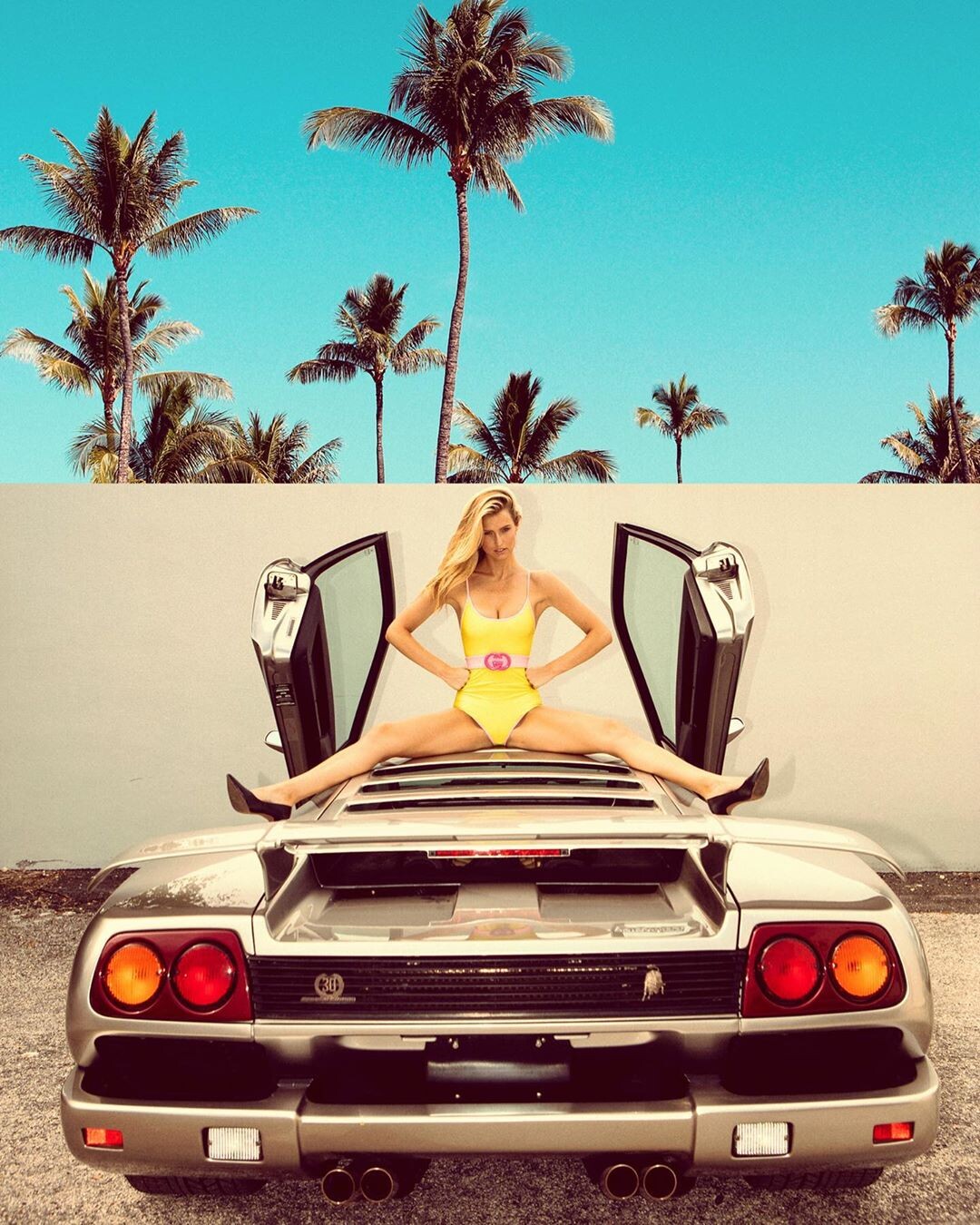
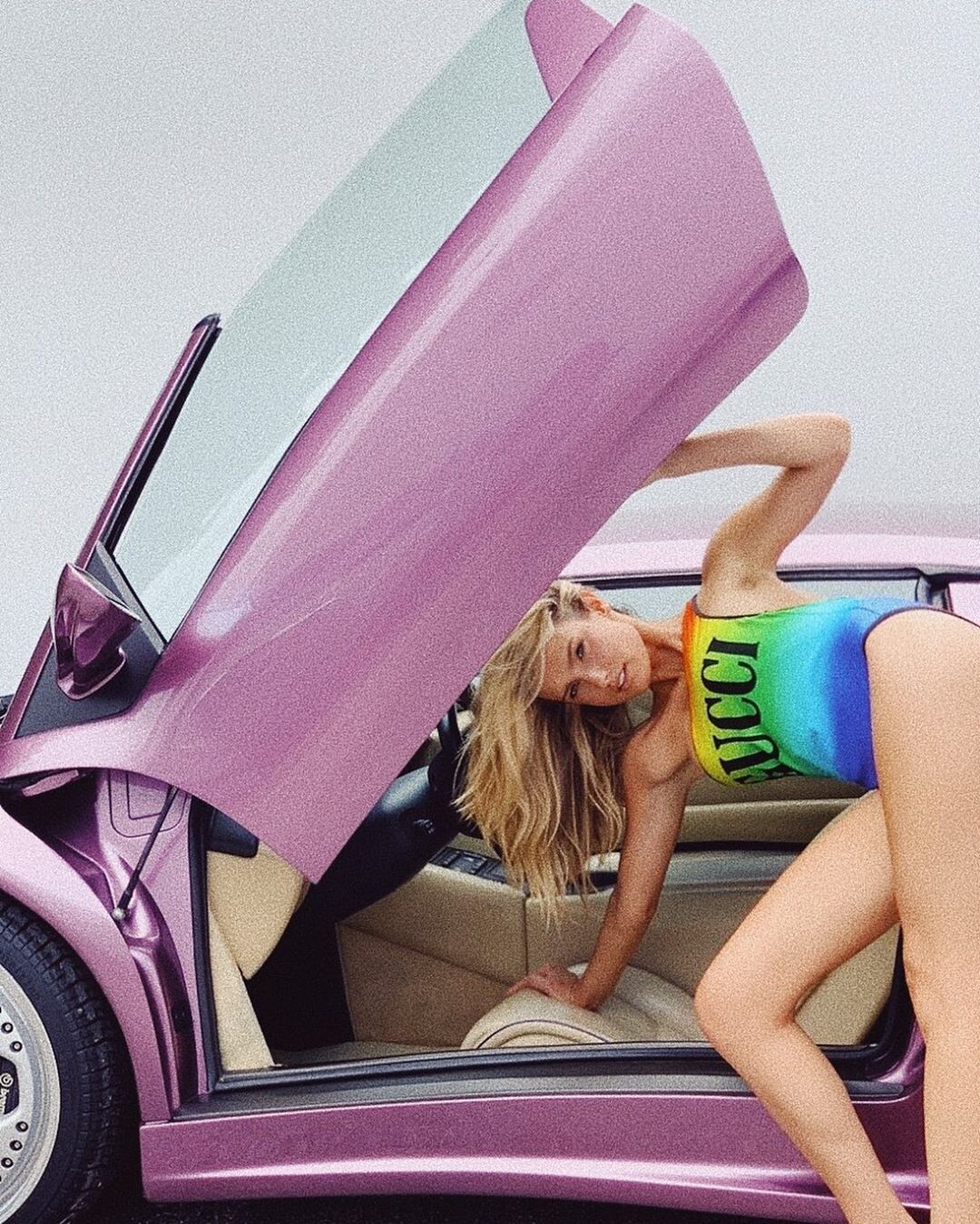
  11. Luli Fama From IG Images taken from IG and merged in high resolution IG Story Videos below the each image inside the spoiler
  12. Clint Robert Warning! Nudity Video below the image inside the spoiler IG Story

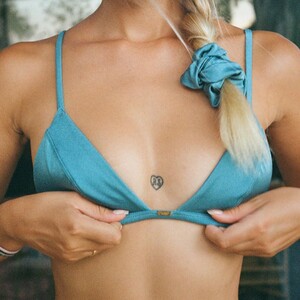
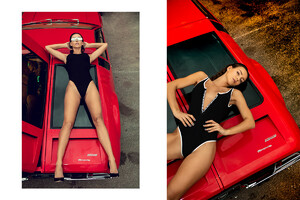
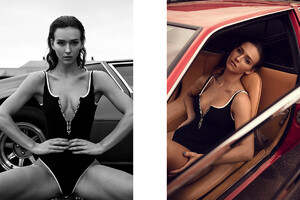
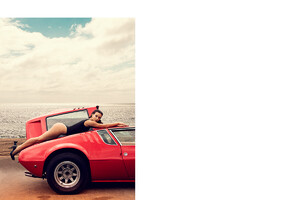
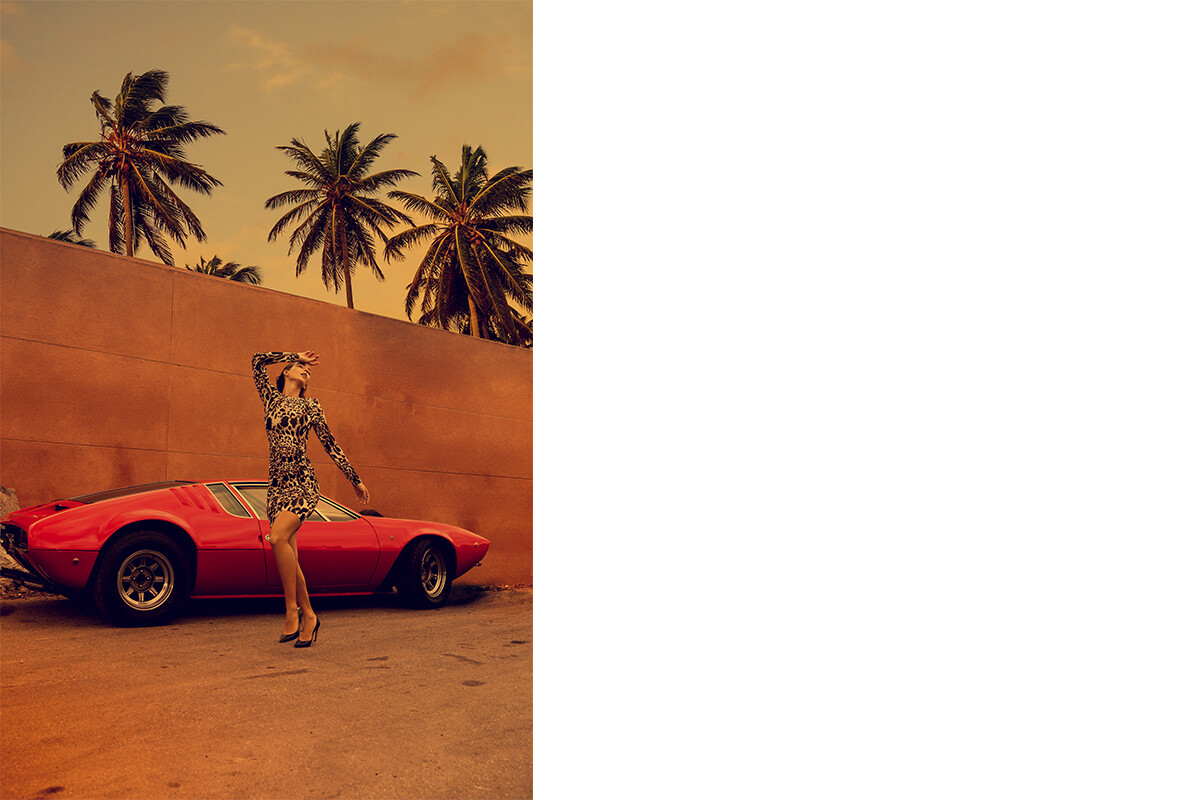
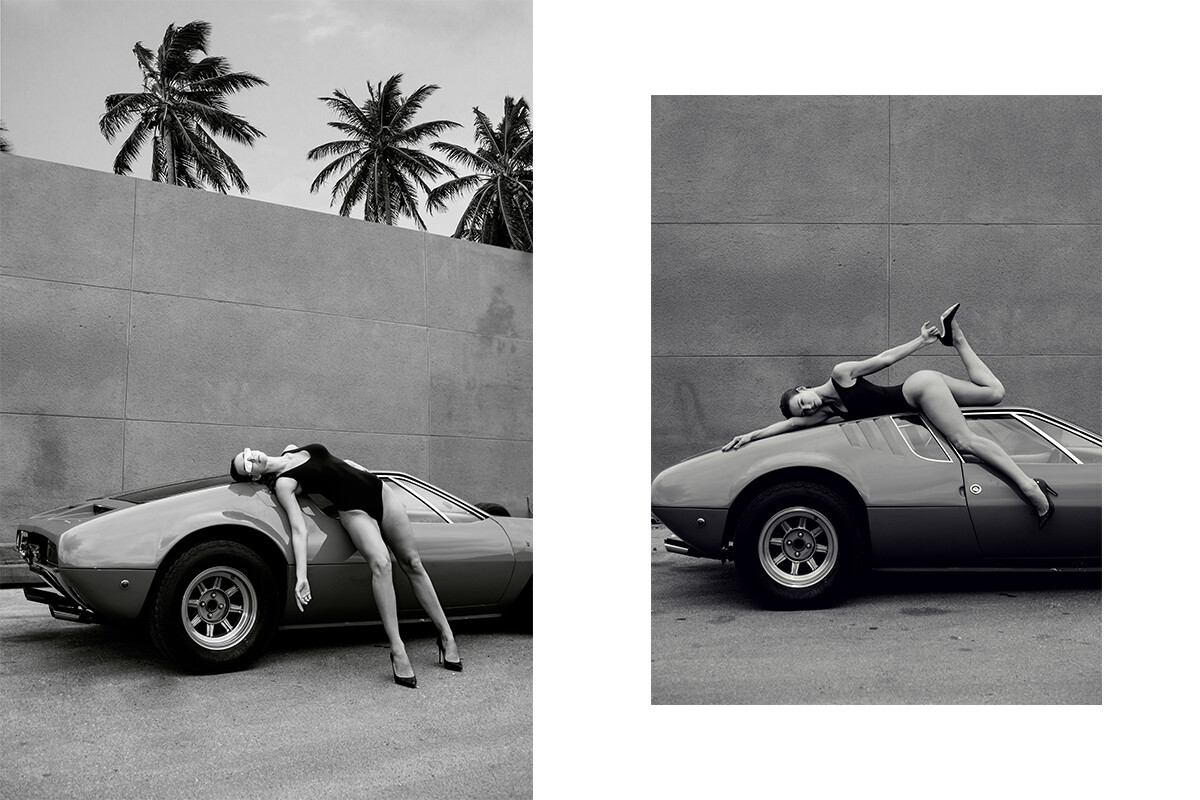
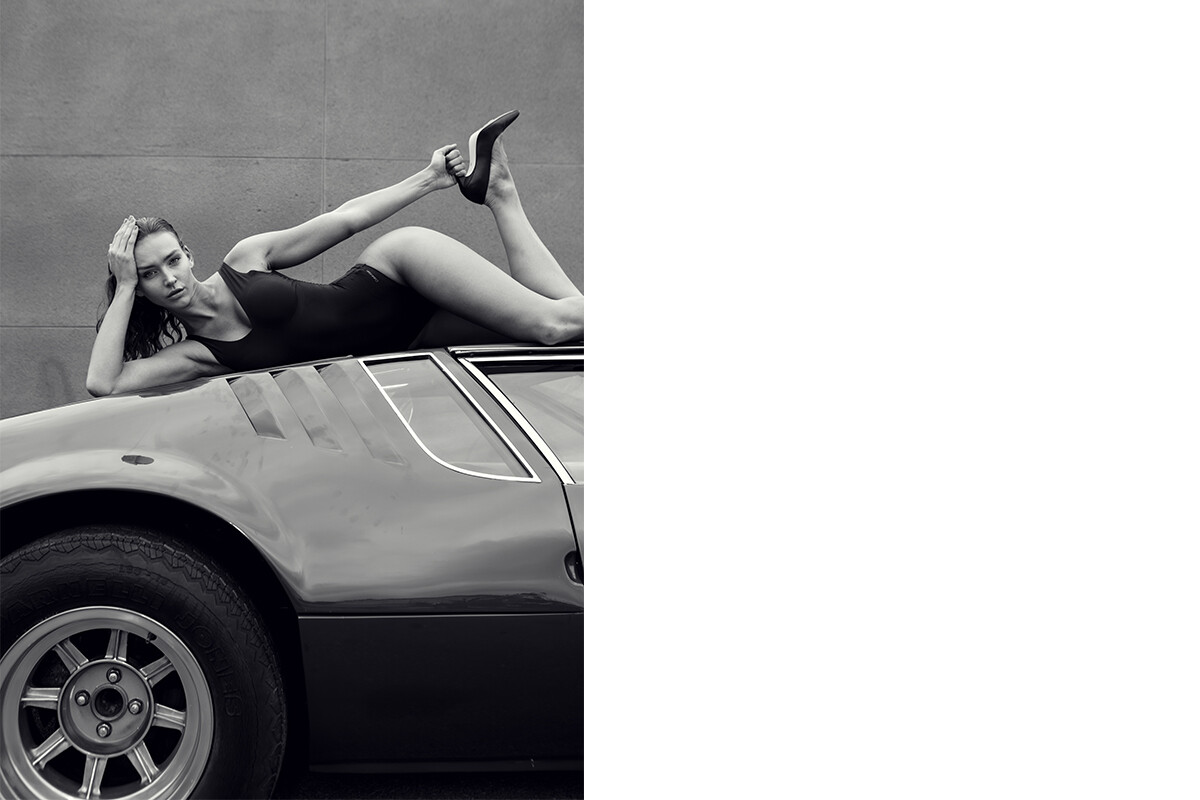
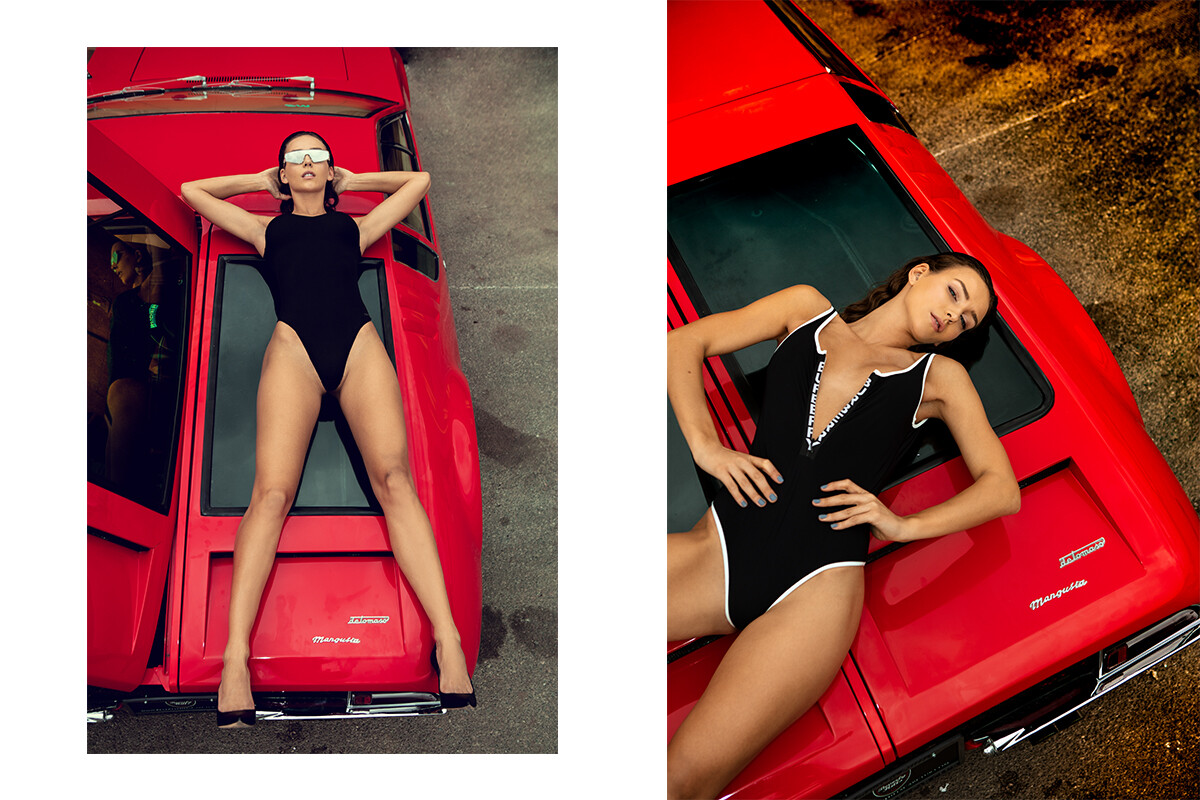
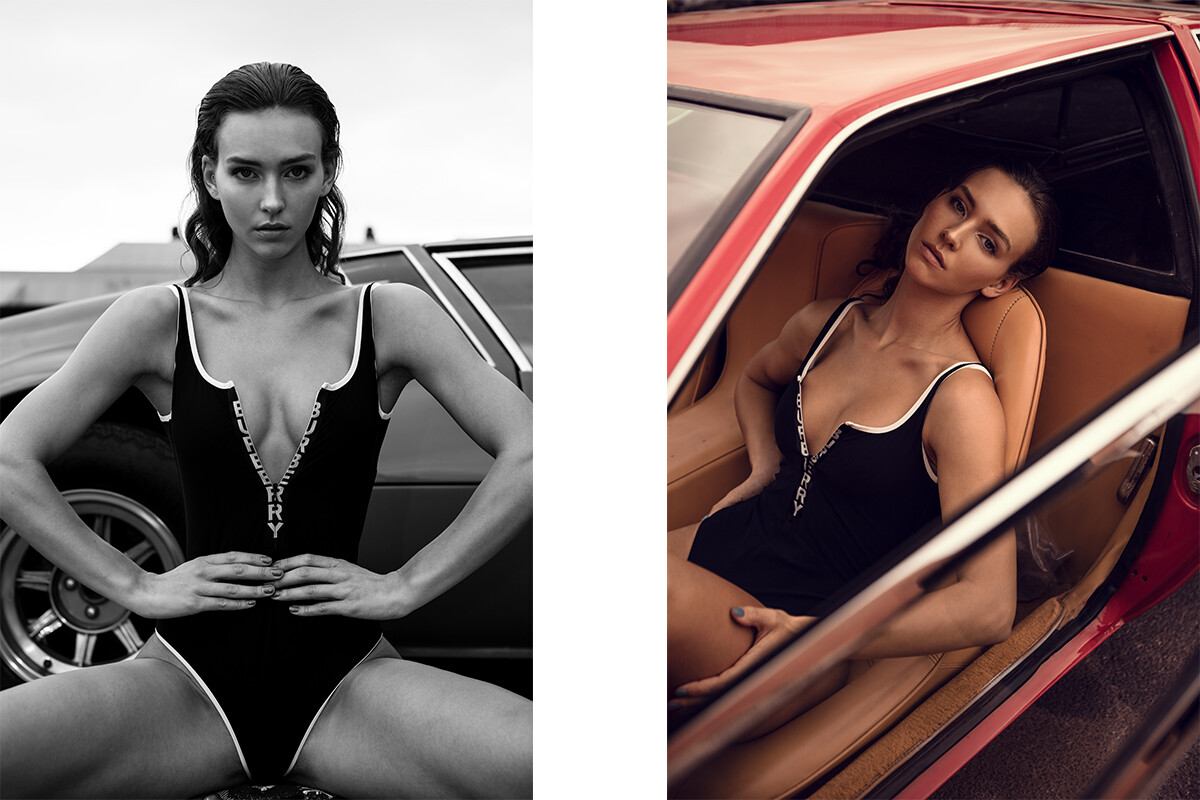
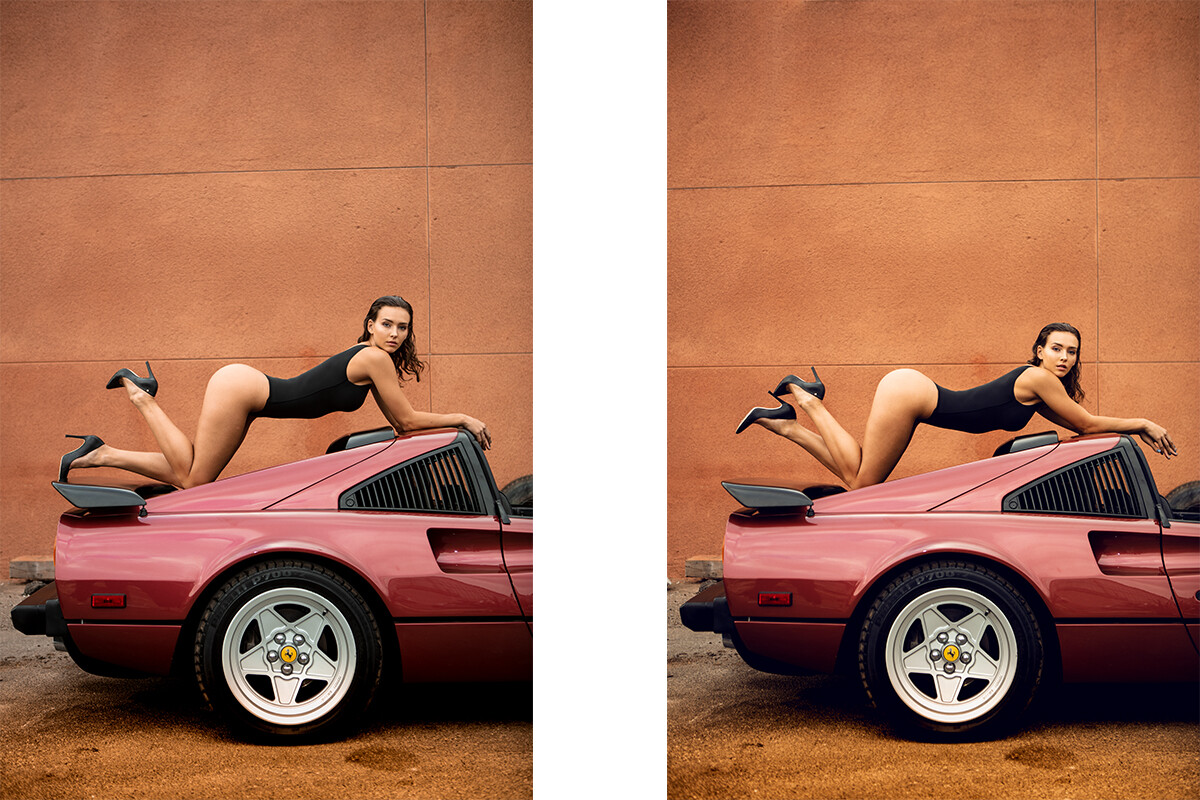
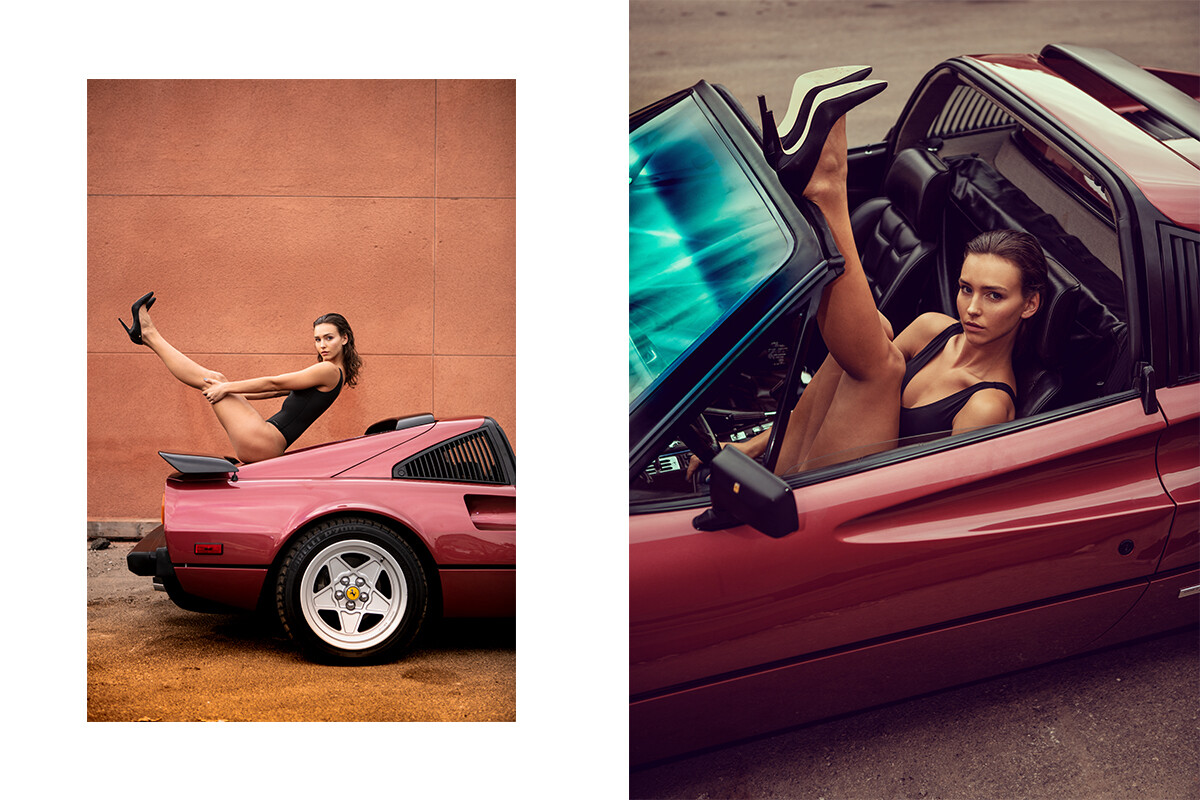
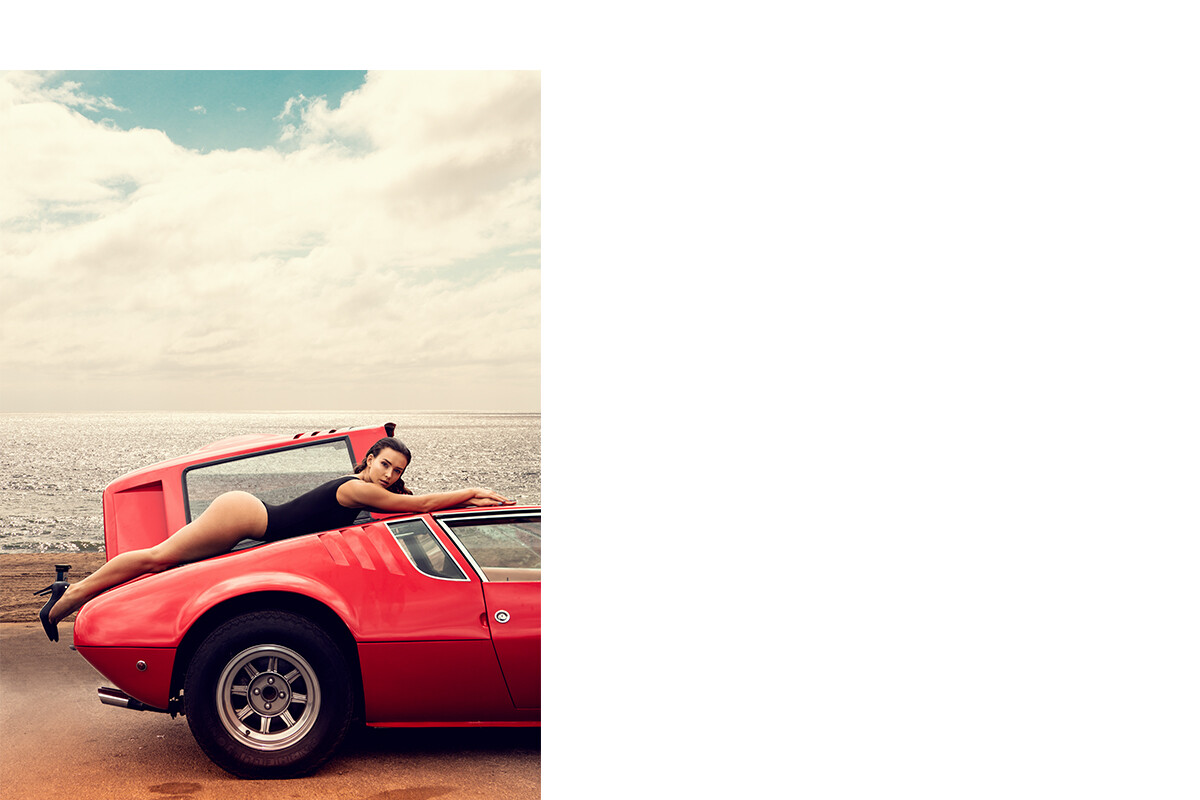
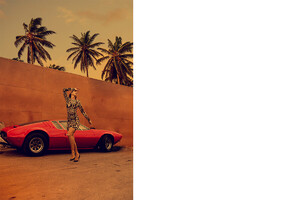
  13. Camilo Rios Rachel and I and some cool cars...
Account

Navigation

Search

Configure browser push notifications

Chrome (Android)
  1. Tap the lock icon next to the address bar.
  2. Tap Permissions → Notifications.
  3. Adjust your preference.
Chrome (Desktop)
  1. Click the padlock icon in the address bar.
  2. Select Site settings.
  3. Find Notifications and adjust your preference.