

Candyliz
Members
-
Joined
-
Last visited
Everything posted by Candyliz
-
 Stories mariana_zaragoza_17165346_116822018951869_4781662471607812096_n.mp4

-
3 years of "True love"
-
-
Fili her pet
Stories mariana_zaragoza_18450456_850892201733422_2761741405293379584_n.mp4 mariana_zaragoza_18526060_1194961570649603_1153122942867996672_n.mp4




 I really think she's coming back for the Holiday Commercial, that means next month. Fingers crossed !!!
Everybody miss her!
Mariana with friends in Mexico two days ago
I really think she's coming back for the Holiday Commercial, that means next month. Fingers crossed !!!
Everybody miss her!
Mariana with friends in Mexico two days ago From http://sonnyphotos.com Backstage Rodarte
 Mariana posted this on her Facebook D&G Alta Moda
 Screencaps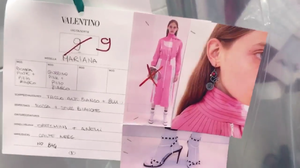




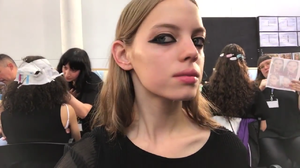







 New video on her Youtube channel
Stories
New video on her Youtube channel
Stories From her Birthday party
 Thanks for all the updates She looks amazing and love that style
Stories
Thanks for all the updates She looks amazing and love that style
Stories
 Miss her!!!!!!!!!!!!!!!!!!!!!







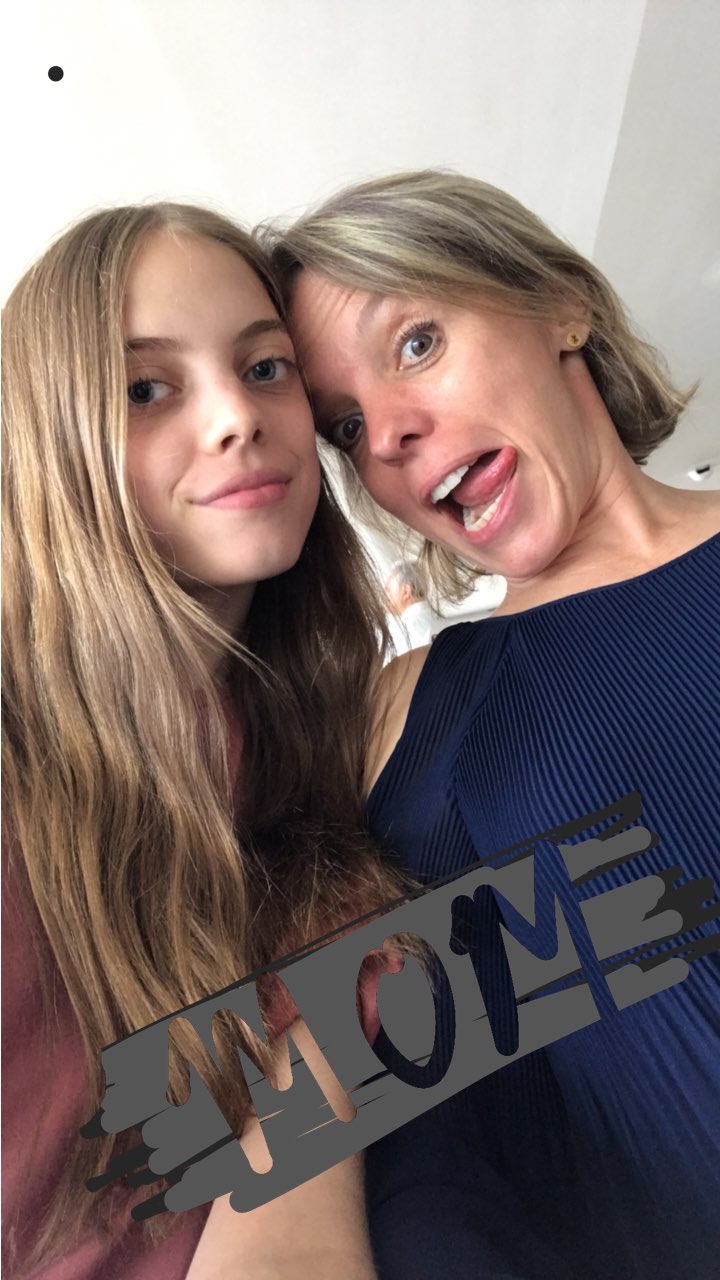






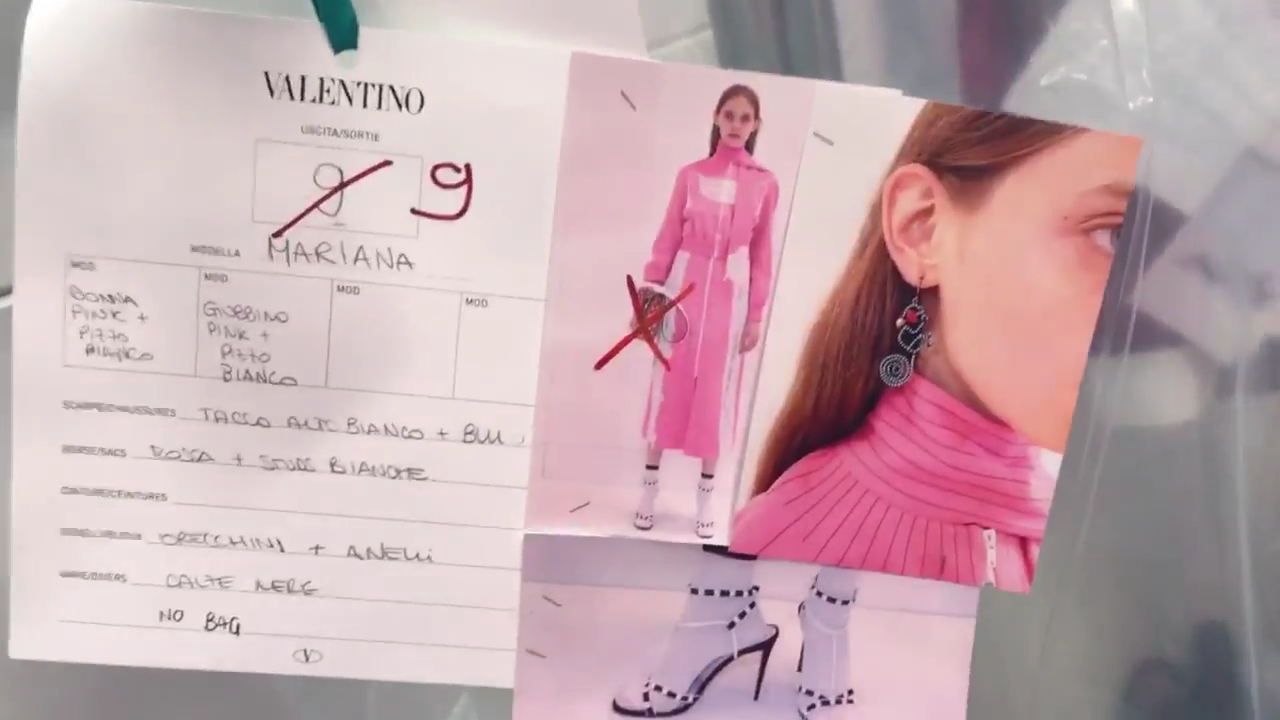



















Account
Navigation
Search
Configure browser push notifications
Chrome (Android)
- Tap the lock icon next to the address bar.
- Tap Permissions → Notifications.
- Adjust your preference.
Chrome (Desktop)
- Click the padlock icon in the address bar.
- Select Site settings.
- Find Notifications and adjust your preference.
Safari (iOS 16.4+)
- Ensure the site is installed via Add to Home Screen.
- Open Settings App → Notifications.
- Find your app name and adjust your preference.
Safari (macOS)
- Go to Safari → Preferences.
- Click the Websites tab.
- Select Notifications in the sidebar.
- Find this website and adjust your preference.
Edge (Android)
- Tap the lock icon next to the address bar.
- Tap Permissions.
- Find Notifications and adjust your preference.
Edge (Desktop)
- Click the padlock icon in the address bar.
- Click Permissions for this site.
- Find Notifications and adjust your preference.
Firefox (Android)
- Go to Settings → Site permissions.
- Tap Notifications.
- Find this site in the list and adjust your preference.
Firefox (Desktop)
- Open Firefox Settings.
- Search for Notifications.
- Find this site in the list and adjust your preference.