Candyliz
Members
-
Joined
-
Last visited
Everything posted by Candyliz
-
 Ed said in his last post: Angel B we miss you! Hope Japan is amazing! So I think she's still an angel
 -
Today is the definitive day to know if she's going or not. In fact, she's not the only angel missing 'cause Alessandra is still in LA and Adriana have a meeting or something about her TV Show in LA.
-
Matty Holloway posted an storie saying that he's in LA now. So Bee too!
VS started filming today and Alessandra is still in LA. So we have chances my hope is tomorrow.
There are still missing Adriana and Alessandra. I'm just waiting for a miracle to see her there tomorrow. I think she's now in LA or at least so close to arrive there.
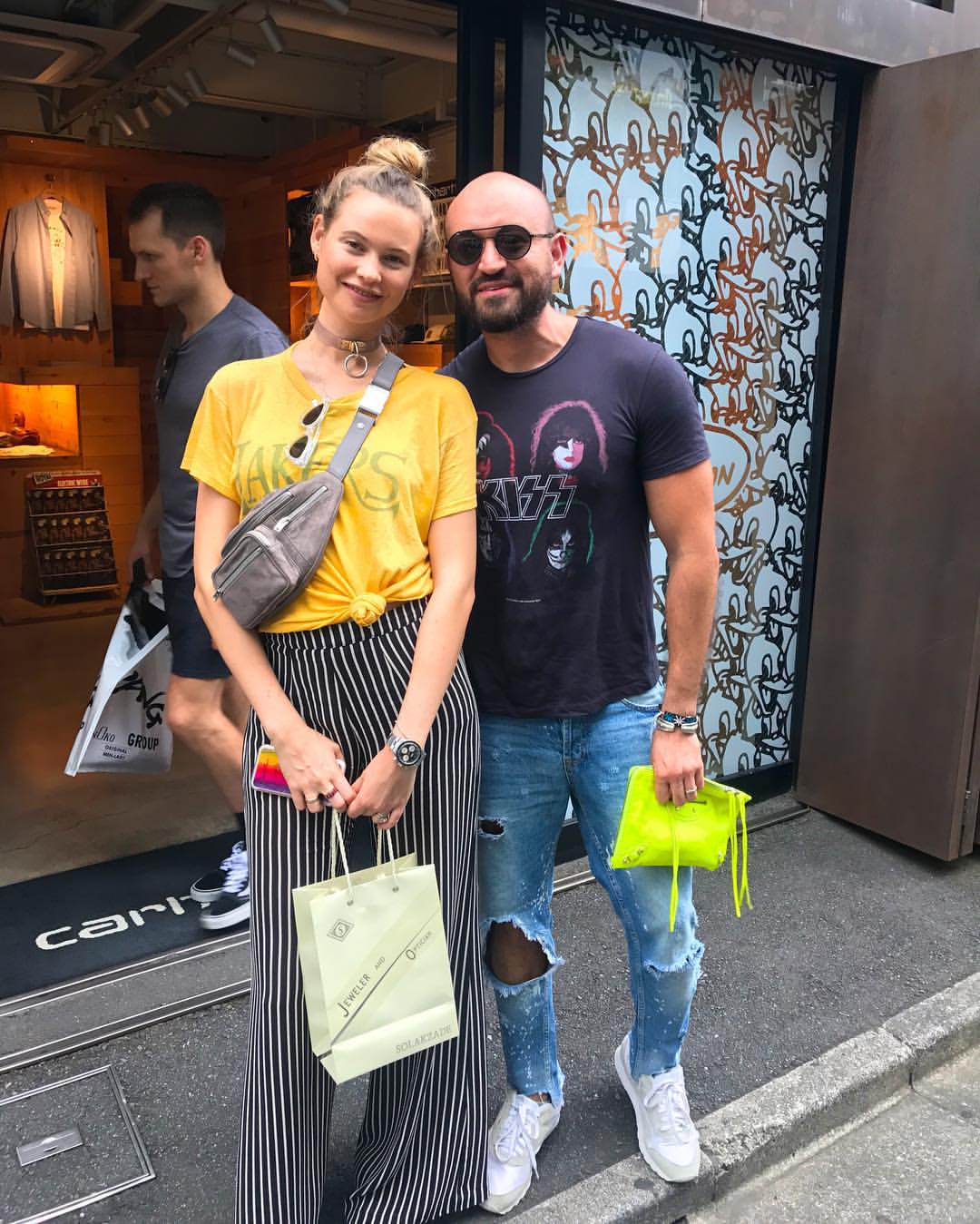
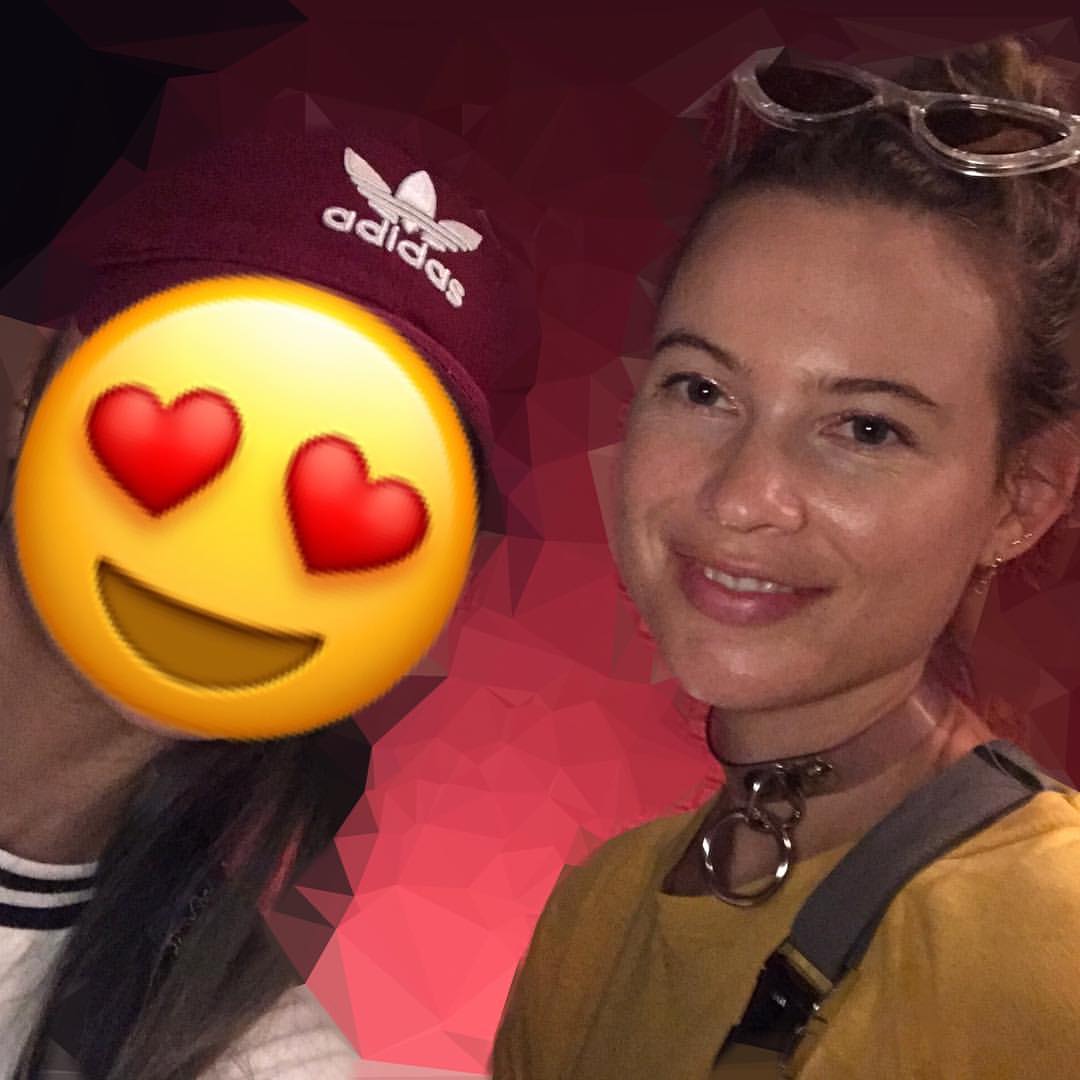
Another one with a fan.
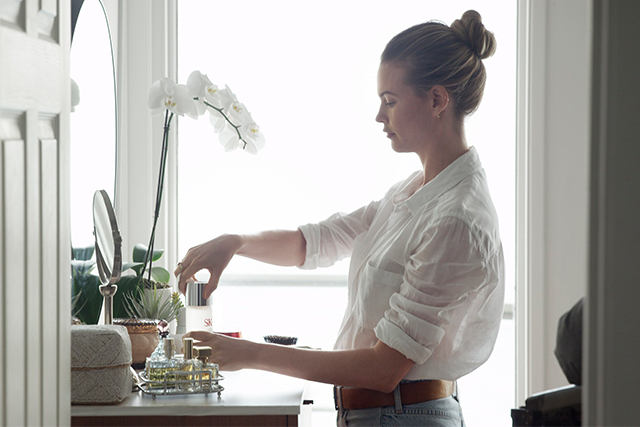
 SK-II "One Bottle Away From"
 I think she's now returning to home
 Yes she said that now is too early to get more so It's not true. I think is just because of her red dress, it was a little bit inflated from the stomach. But you can see in her stories that her belly is normal.
Thanks for all the updates guys!
With a fan today!
Yes she said that now is too early to get more so It's not true. I think is just because of her red dress, it was a little bit inflated from the stomach. But you can see in her stories that her belly is normal.
Thanks for all the updates guys!
With a fan today!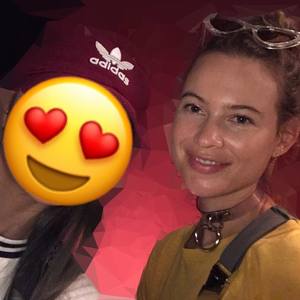 Stories behatiprinsloo_17095717_473793616317545_8549137517994049536_n.mp4

Account
Navigation
Search
Configure browser push notifications
Chrome (Android)
- Tap the lock icon next to the address bar.
- Tap Permissions → Notifications.
- Adjust your preference.
Chrome (Desktop)
- Click the padlock icon in the address bar.
- Select Site settings.
- Find Notifications and adjust your preference.
Safari (iOS 16.4+)
- Ensure the site is installed via Add to Home Screen.
- Open Settings App → Notifications.
- Find your app name and adjust your preference.
Safari (macOS)
- Go to Safari → Preferences.
- Click the Websites tab.
- Select Notifications in the sidebar.
- Find this website and adjust your preference.
Edge (Android)
- Tap the lock icon next to the address bar.
- Tap Permissions.
- Find Notifications and adjust your preference.
Edge (Desktop)
- Click the padlock icon in the address bar.
- Click Permissions for this site.
- Find Notifications and adjust your preference.
Firefox (Android)
- Go to Settings → Site permissions.
- Tap Notifications.
- Find this site in the list and adjust your preference.
Firefox (Desktop)
- Open Firefox Settings.
- Search for Notifications.
- Find this site in the list and adjust your preference.