Candyliz
Members
-
Joined
-
Last visited
Everything posted by Candyliz
-
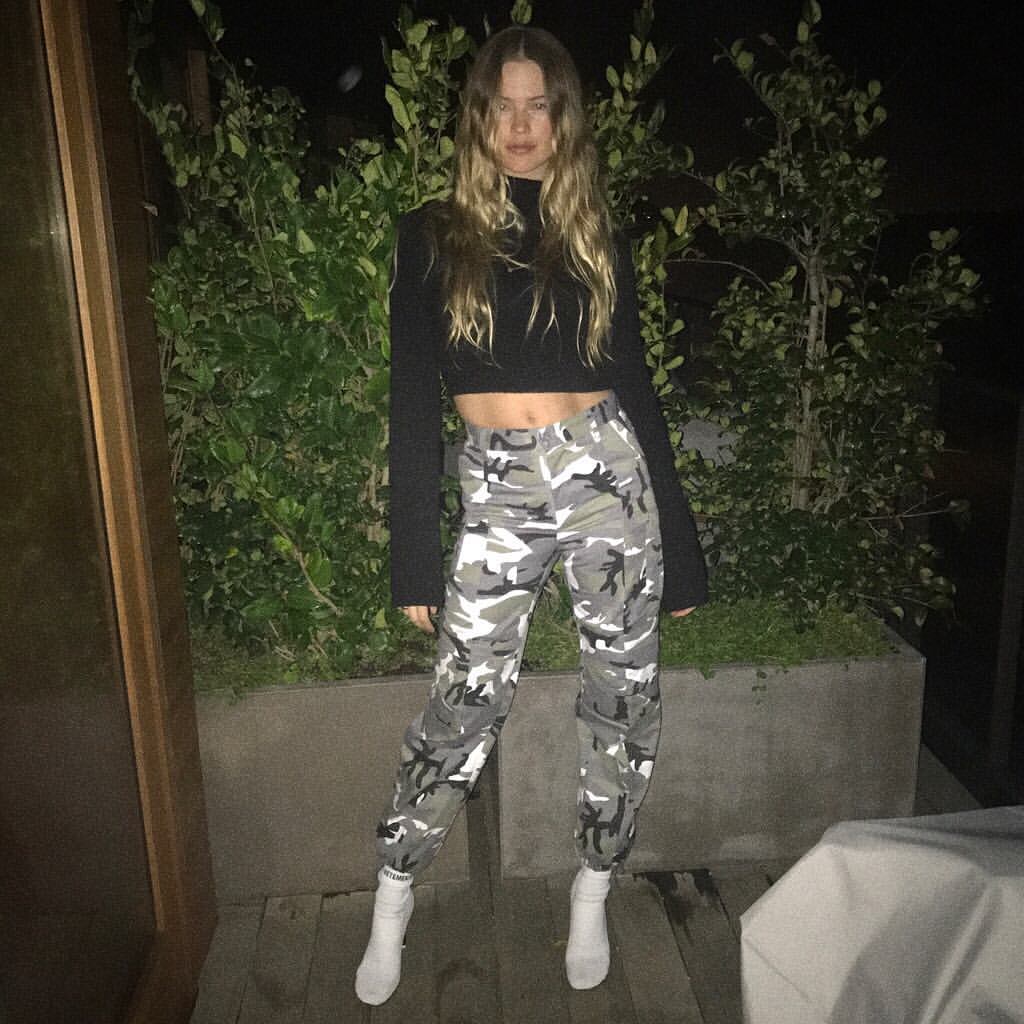
 Love her new cut
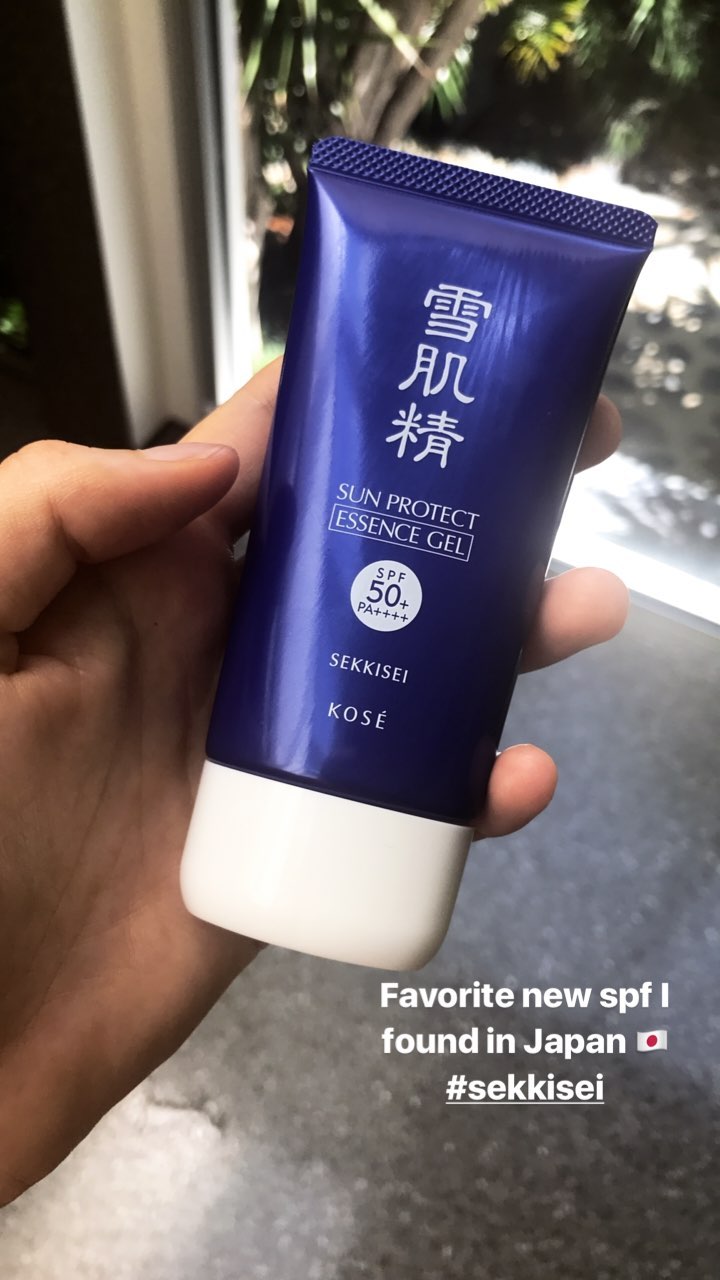
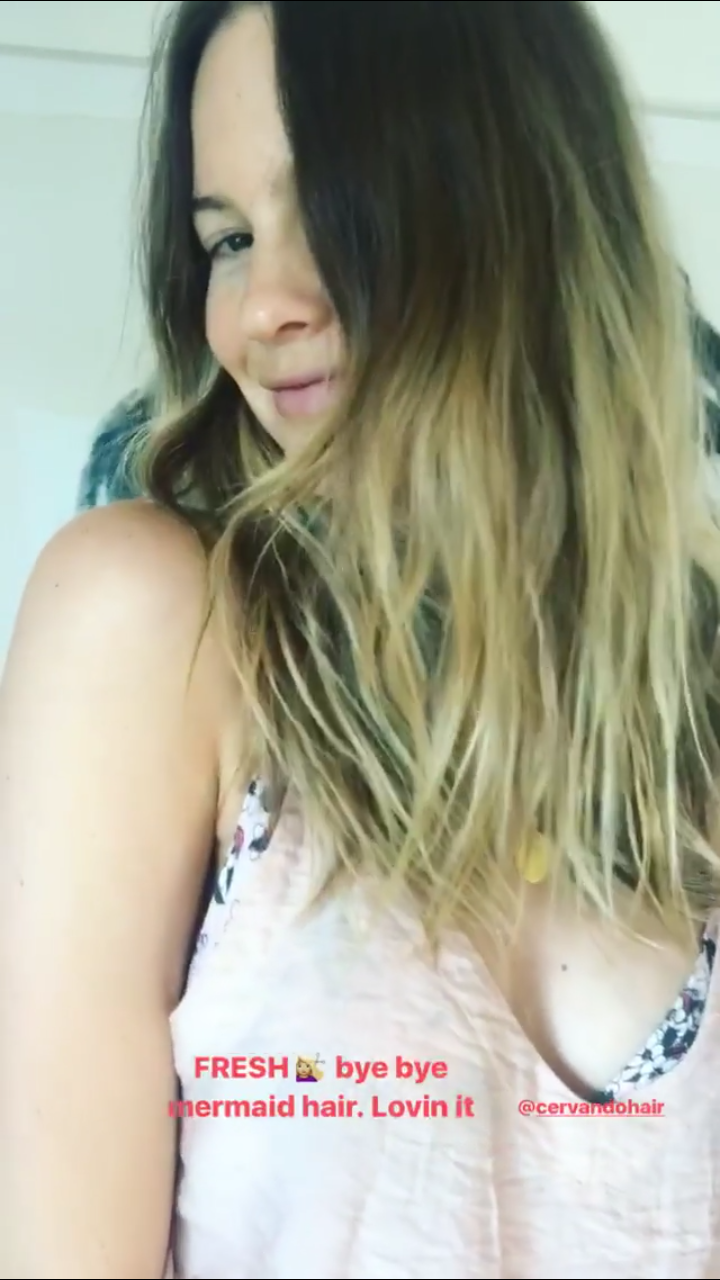
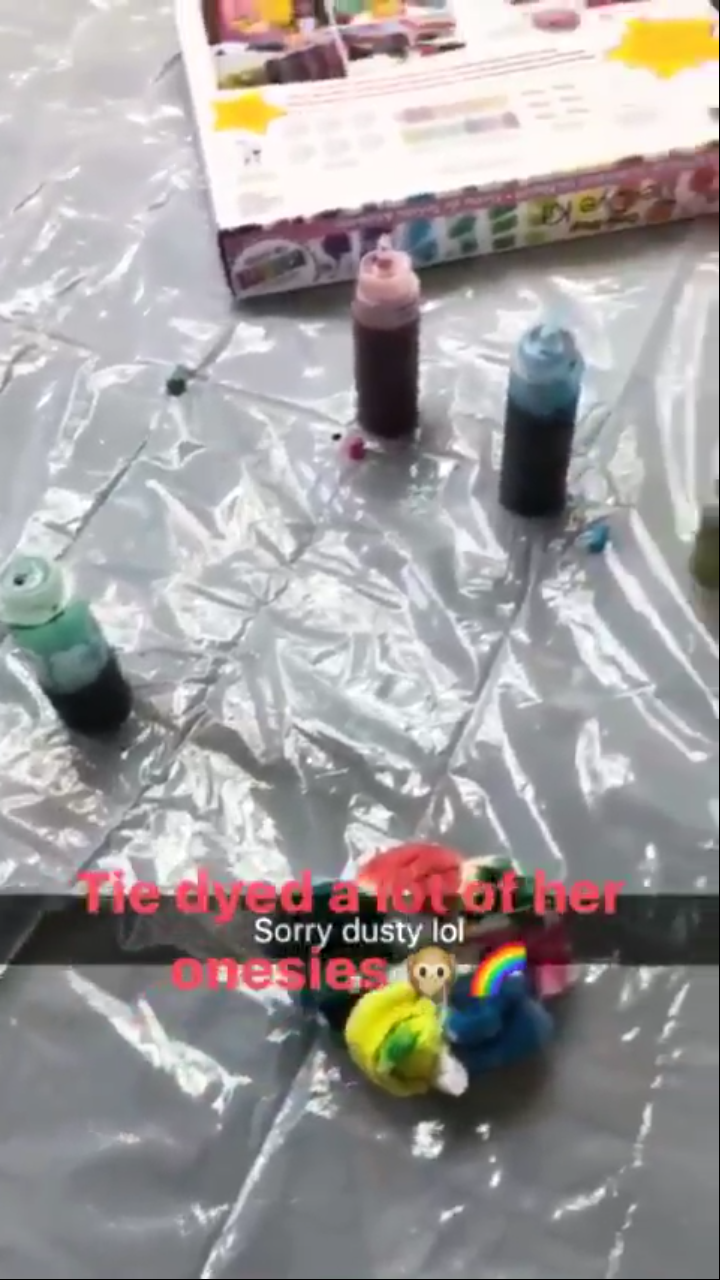
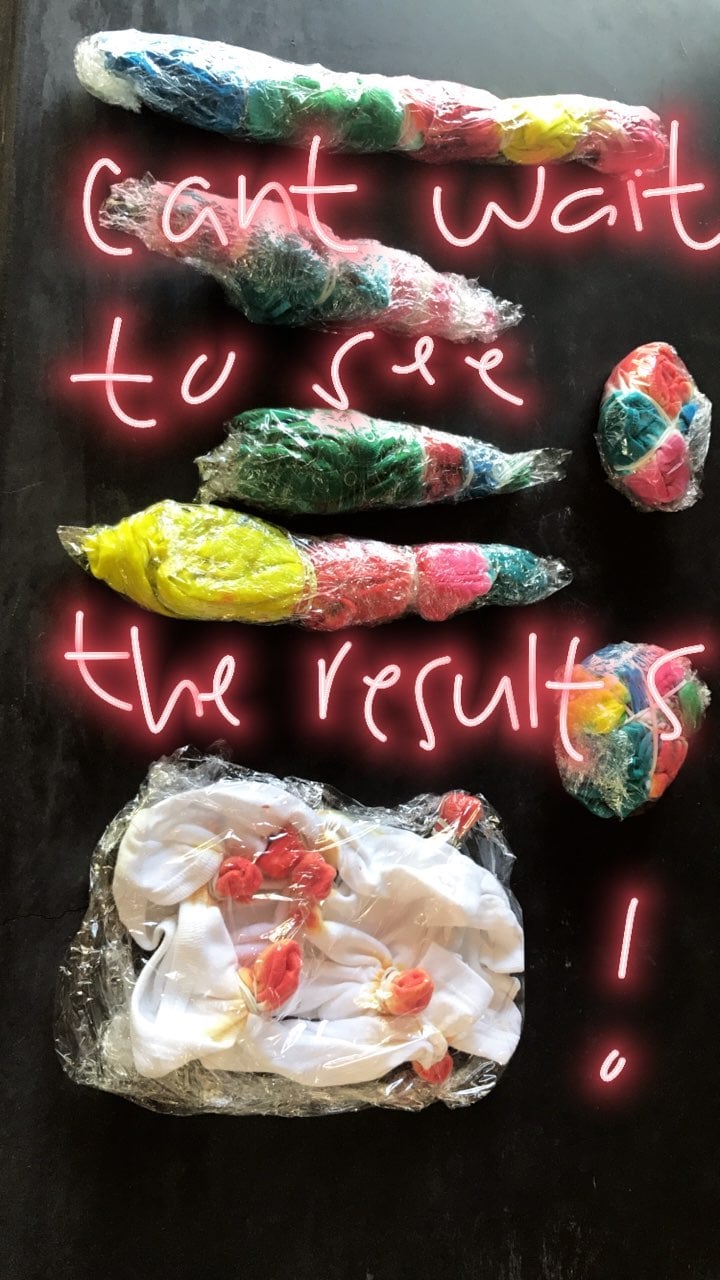
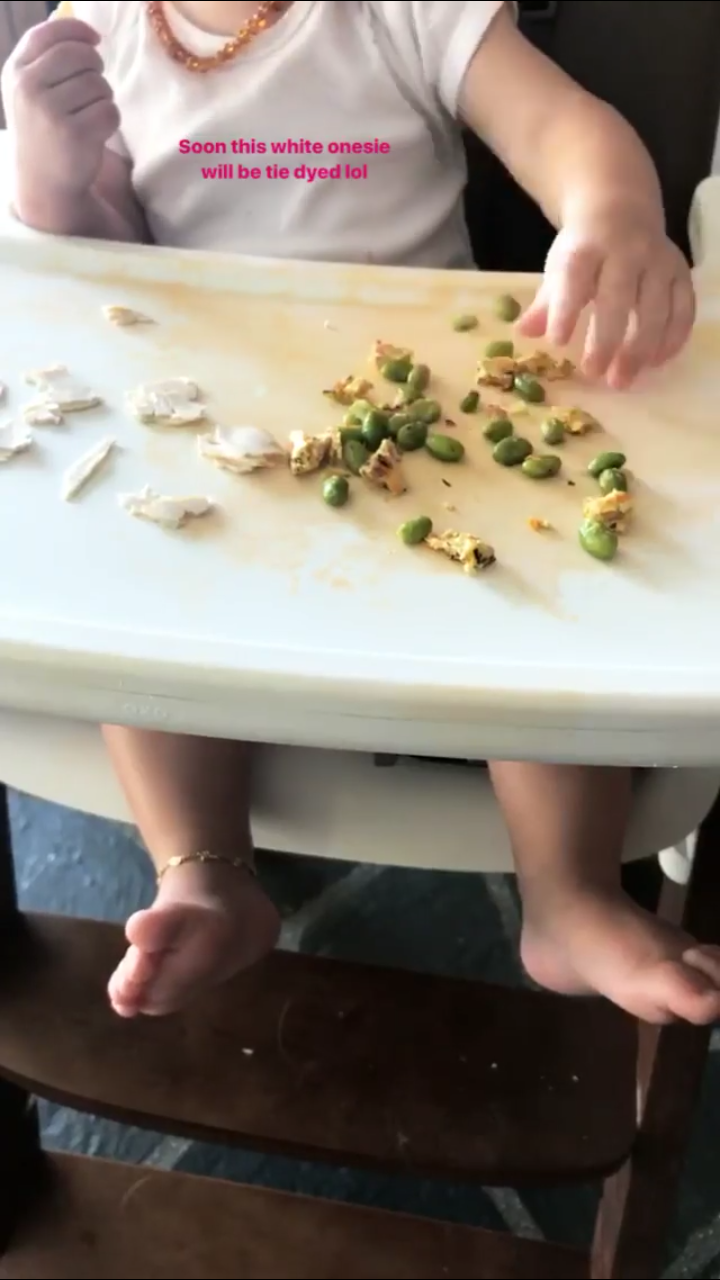
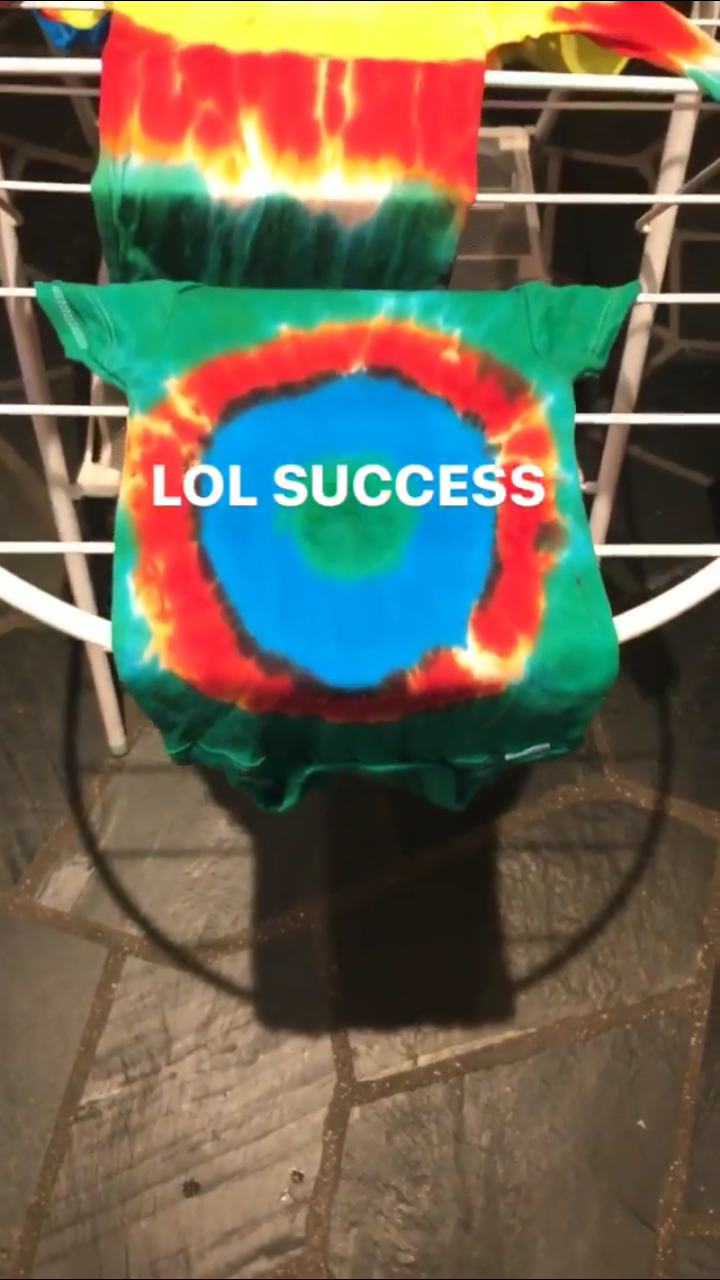
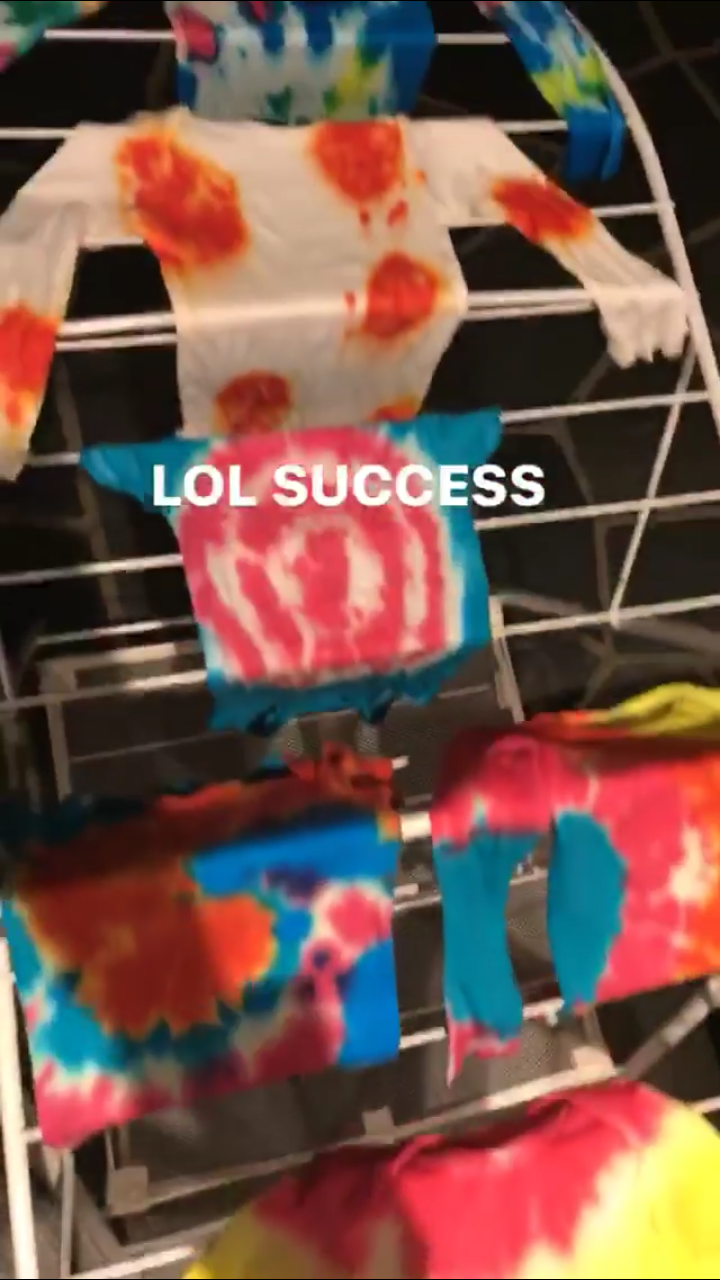
Stories behatiprinsloo_18708444_1256844714424609_210515043169599488_n.mp4 behatiprinsloo_19573442_381531848928396_4596968204886081536_n.mp4 behatiprinsloo_17612735_814190935407578_1385487747392733184_n.mp4 behatiprinsloo_18442151_295606020846597_1354597328987619328_n.mp4
Love her new cut
Stories behatiprinsloo_18708444_1256844714424609_210515043169599488_n.mp4 behatiprinsloo_19573442_381531848928396_4596968204886081536_n.mp4 behatiprinsloo_17612735_814190935407578_1385487747392733184_n.mp4 behatiprinsloo_18442151_295606020846597_1354597328987619328_n.mp4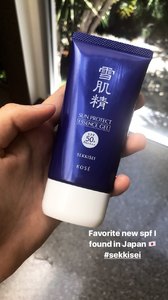
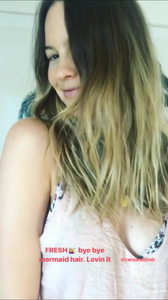

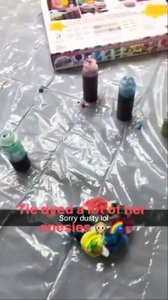
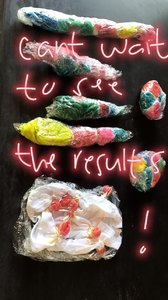
 Stories mariana_zaragoza_18421841_125892211367952_3009036680075149312_n.mp4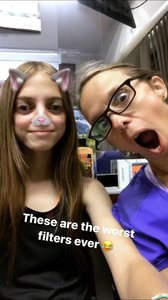
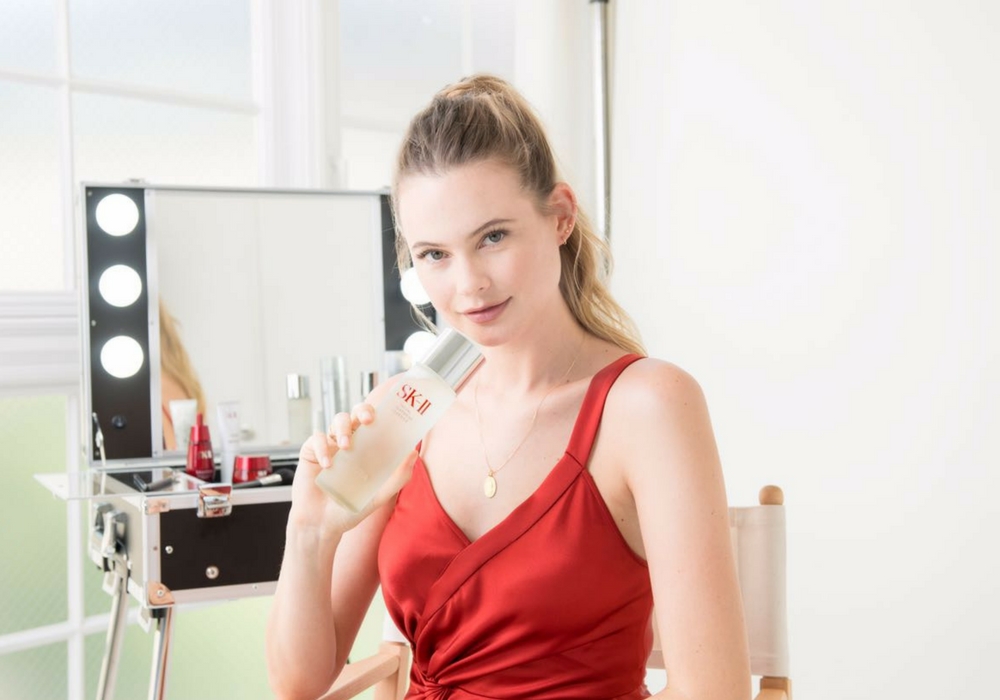
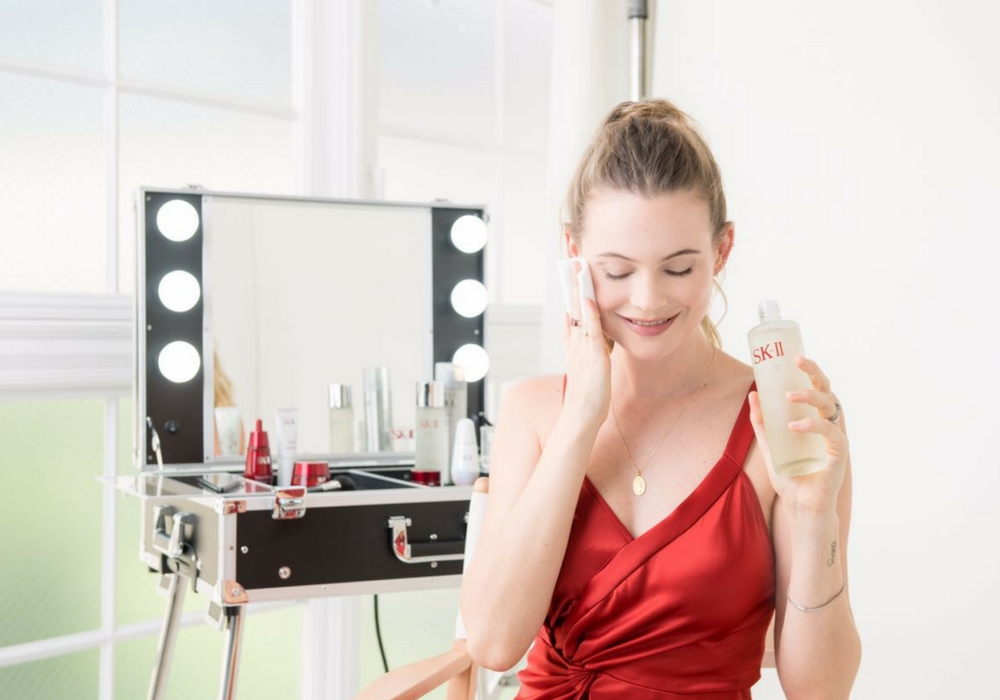
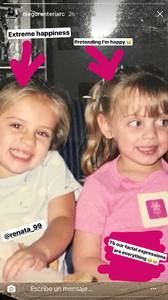 https://beauty.popbela.com/skin/gracekelly/behati-prinsloo-skin-tips/full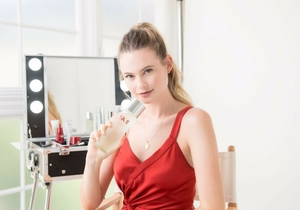
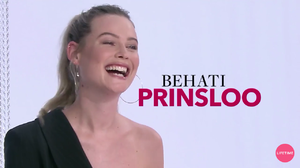
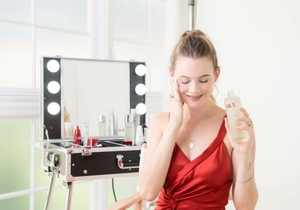 ABS: Video promo
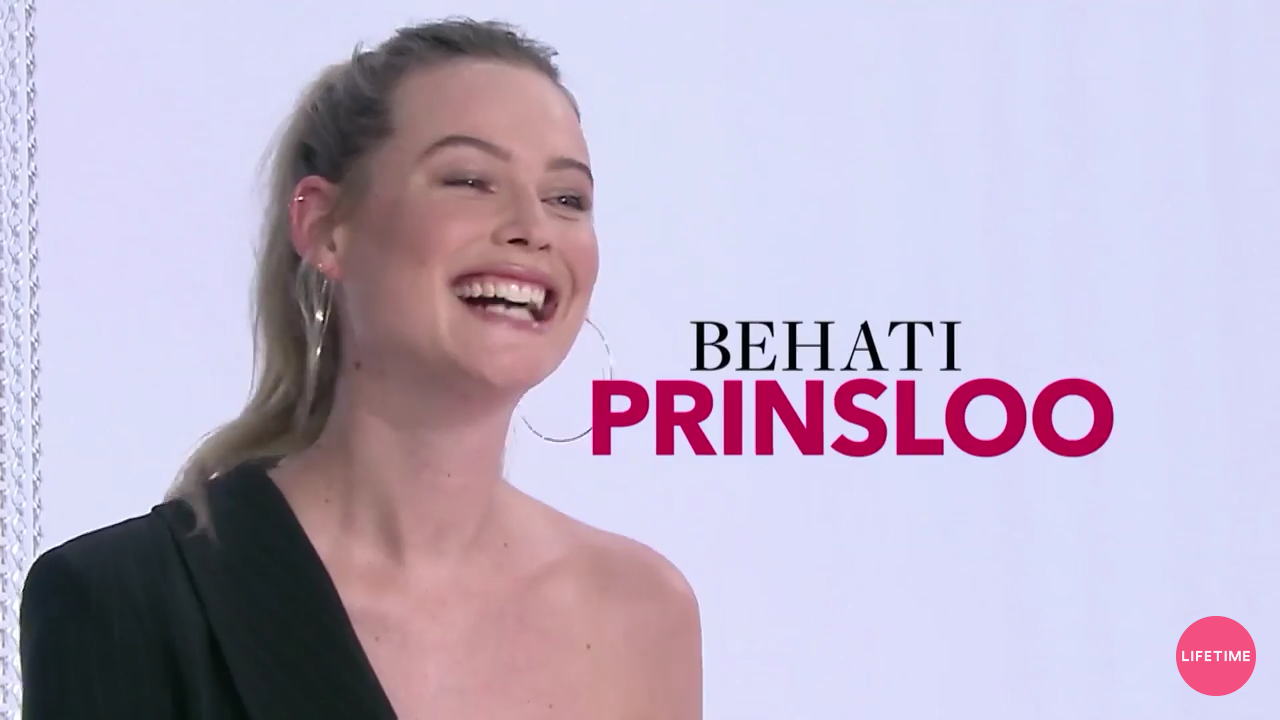
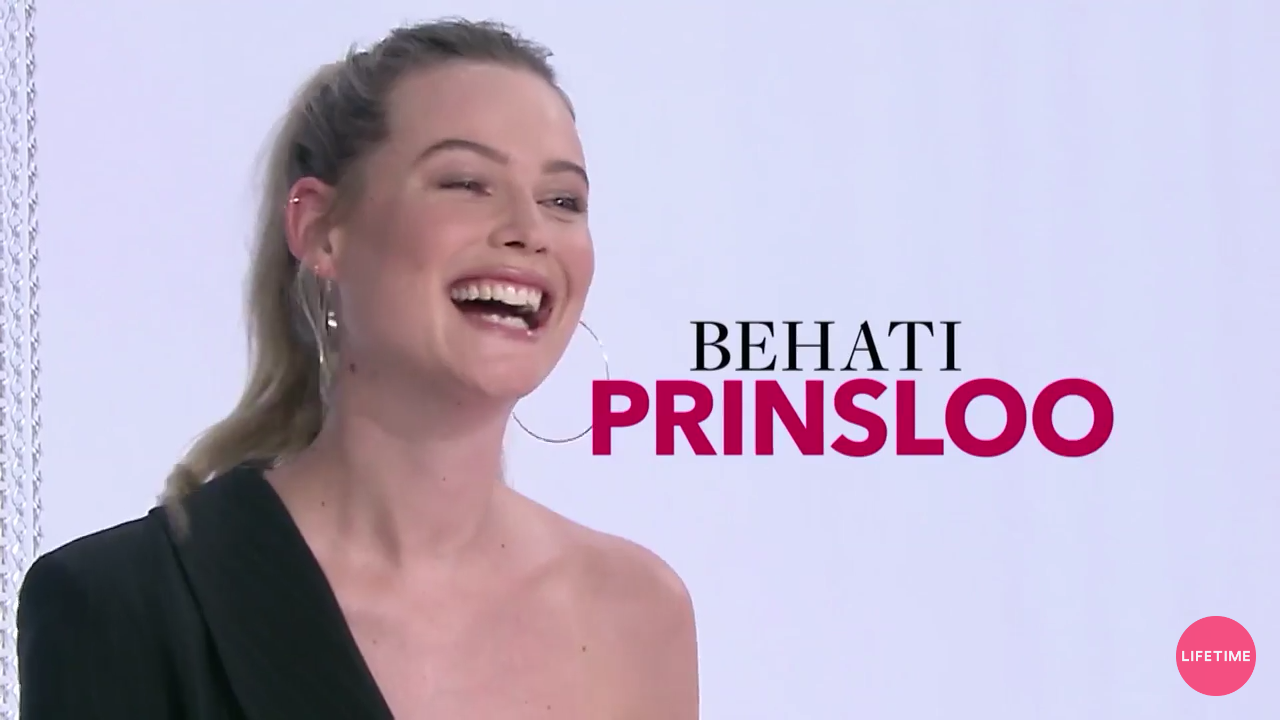
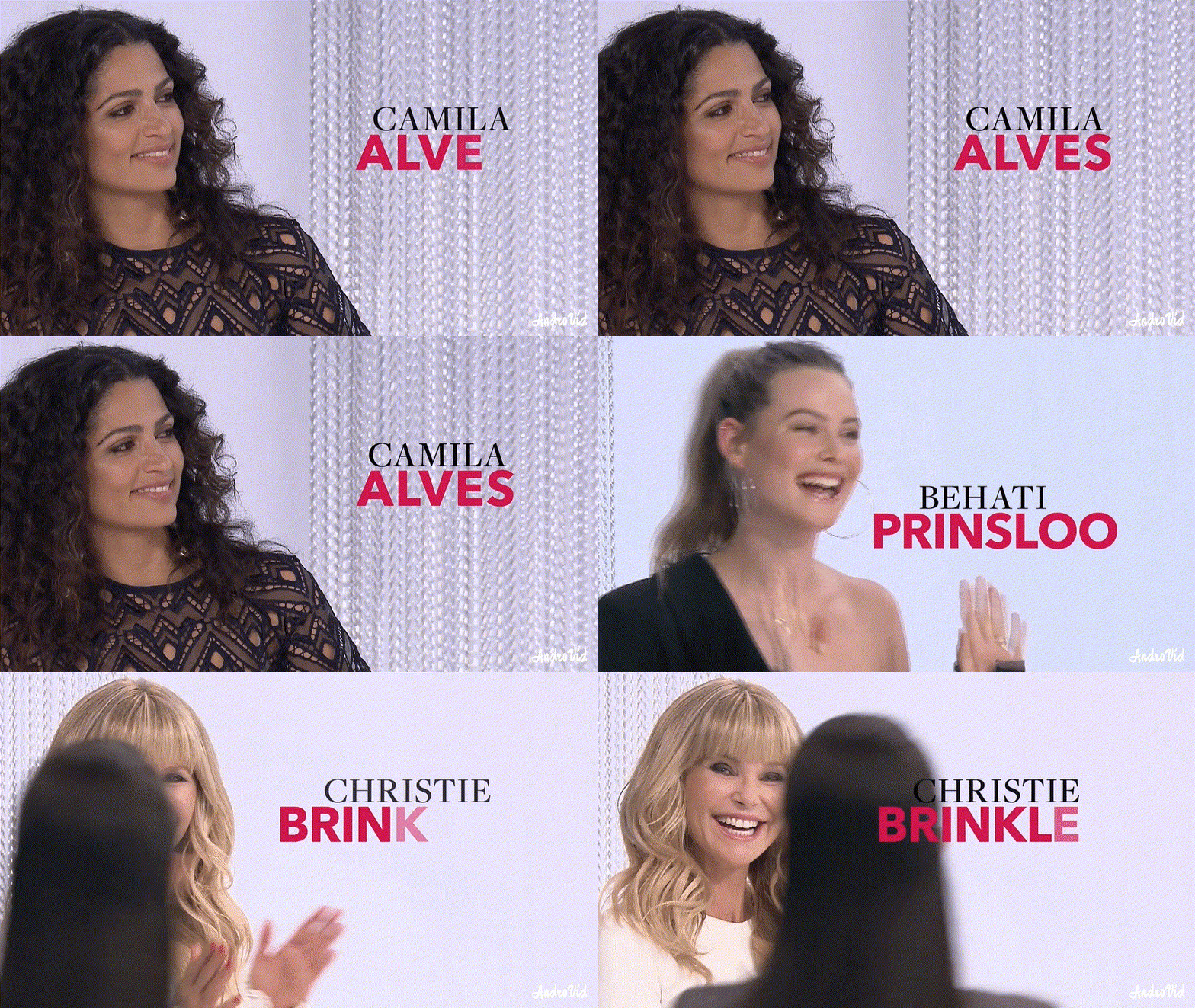
Bee was a judge in the new Adriana Lima reality show "American Beauty Star" https://youtu.be/p90R28vJvVU
ABS: Video promo
Bee was a judge in the new Adriana Lima reality show "American Beauty Star" https://youtu.be/p90R28vJvVU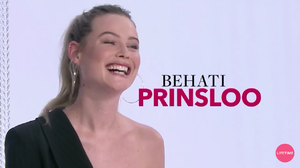
 @behoti I like the whay her hips look in those pictures. Well, I like her whole body.
You mean when her contract ends... And I'm expecting the same. Let's see what happens.
Don't think so, if she wasn't an angel anymore why she posted that? Well in my opinion by now is a confirmation of her return and that she's still an angel.
Idk, but with her comments and this post I think there must be a reason to miss the HC. But now we are pretty sure that she will come back.
Yes, he saw all comments asking for her and he edited the post.
So sweet from her! Still loving VS family.
Behati arriving yesterday at LAX
@behoti I like the whay her hips look in those pictures. Well, I like her whole body.
You mean when her contract ends... And I'm expecting the same. Let's see what happens.
Don't think so, if she wasn't an angel anymore why she posted that? Well in my opinion by now is a confirmation of her return and that she's still an angel.
Idk, but with her comments and this post I think there must be a reason to miss the HC. But now we are pretty sure that she will come back.
Yes, he saw all comments asking for her and he edited the post.
So sweet from her! Still loving VS family.
Behati arriving yesterday at LAX
Account
Navigation
Search
Configure browser push notifications
Chrome (Android)
- Tap the lock icon next to the address bar.
- Tap Permissions → Notifications.
- Adjust your preference.
Chrome (Desktop)
- Click the padlock icon in the address bar.
- Select Site settings.
- Find Notifications and adjust your preference.
Safari (iOS 16.4+)
- Ensure the site is installed via Add to Home Screen.
- Open Settings App → Notifications.
- Find your app name and adjust your preference.
Safari (macOS)
- Go to Safari → Preferences.
- Click the Websites tab.
- Select Notifications in the sidebar.
- Find this website and adjust your preference.
Edge (Android)
- Tap the lock icon next to the address bar.
- Tap Permissions.
- Find Notifications and adjust your preference.
Edge (Desktop)
- Click the padlock icon in the address bar.
- Click Permissions for this site.
- Find Notifications and adjust your preference.
Firefox (Android)
- Go to Settings → Site permissions.
- Tap Notifications.
- Find this site in the list and adjust your preference.
Firefox (Desktop)
- Open Firefox Settings.
- Search for Notifications.
- Find this site in the list and adjust your preference.