

Everything posted by nhlovesadri
-
 the purple shades are fab on her too, like at the Beautycon in La or in that Maybelline commercial, where it was almost blue.
Videos tagged from Getty. gettyimages-1185370295-640_adpp.mp4 gettyimages-1185336407-640_adpp.mp4
the baby pink dress was in Monte Carlo, as well as the Formula 1 race. It's in Europe, near France, not North Africa.
It could also be that beauty treatment she did for the vsfs 2018, with ultrasounds or what it was, I don't remeber well. She had similar puffier cheeks too then.
Thank you, now I corrected it, I wrote 1:14:27 instead of 1:40:27.
science.sam ig stories science.sam_73127859_445711362752284_3119878662237543900_n.mp4
She is at 59:30 and 1:03:00. Live the makeup doesn't look as bas an in pictures, I guess the flash has a part on downgrading it. still bad, bad not that horrible. She is also at 1:40:27
She is at the beginning and the end near Taraji.
dreavividor ig stories, reposted by her. dreavividor_73069263_230205164628209_3463465503078575736_n.mp4
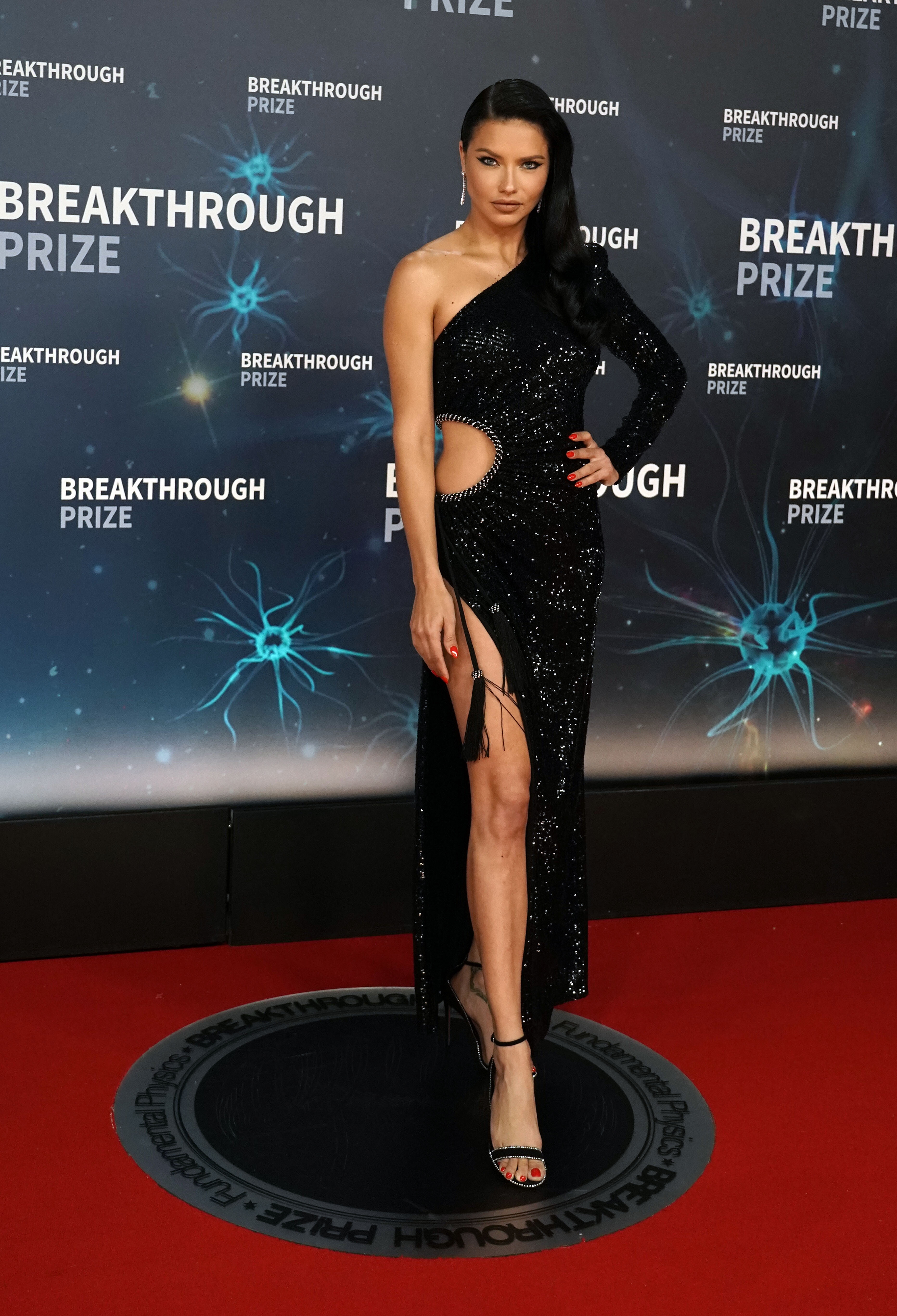
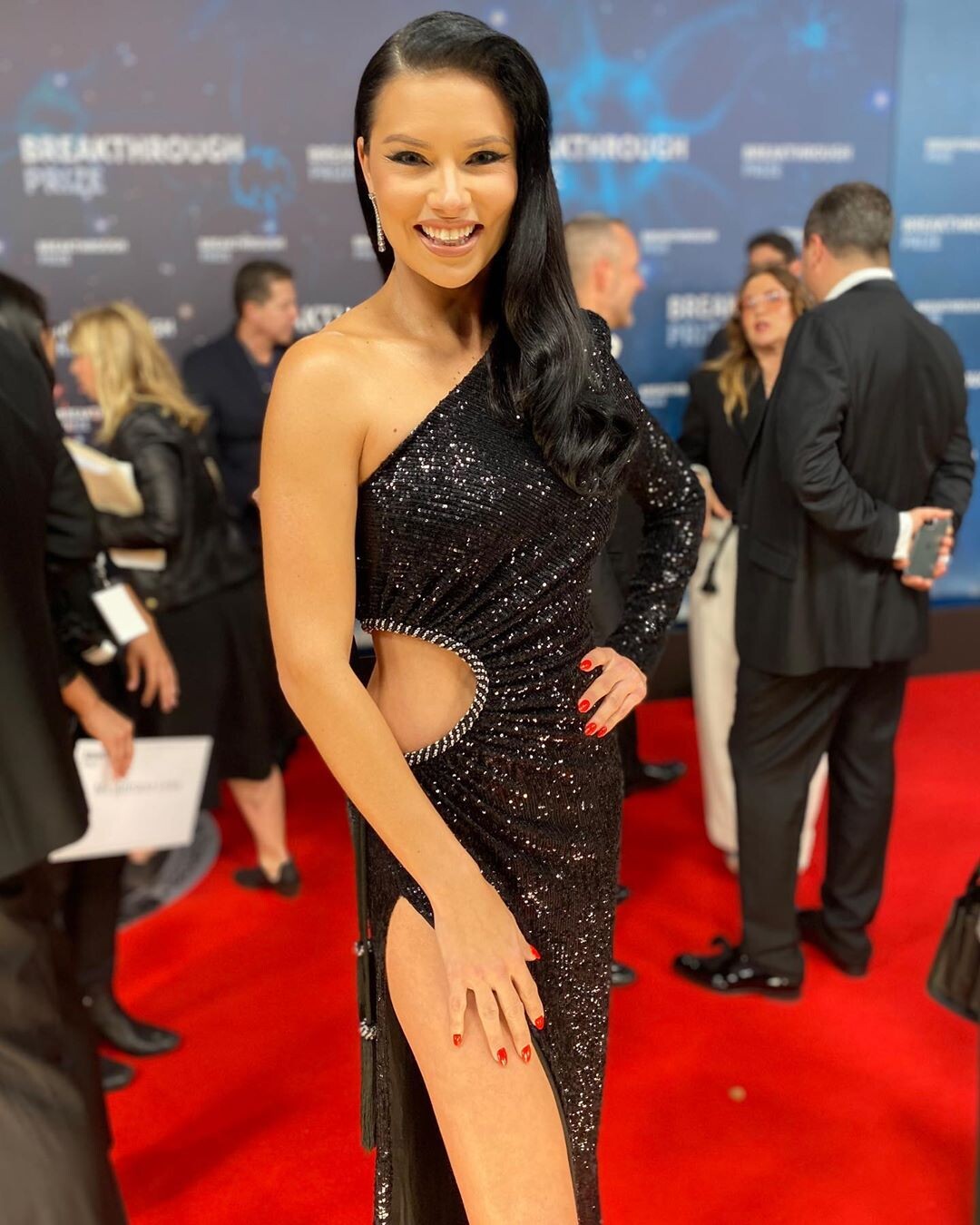
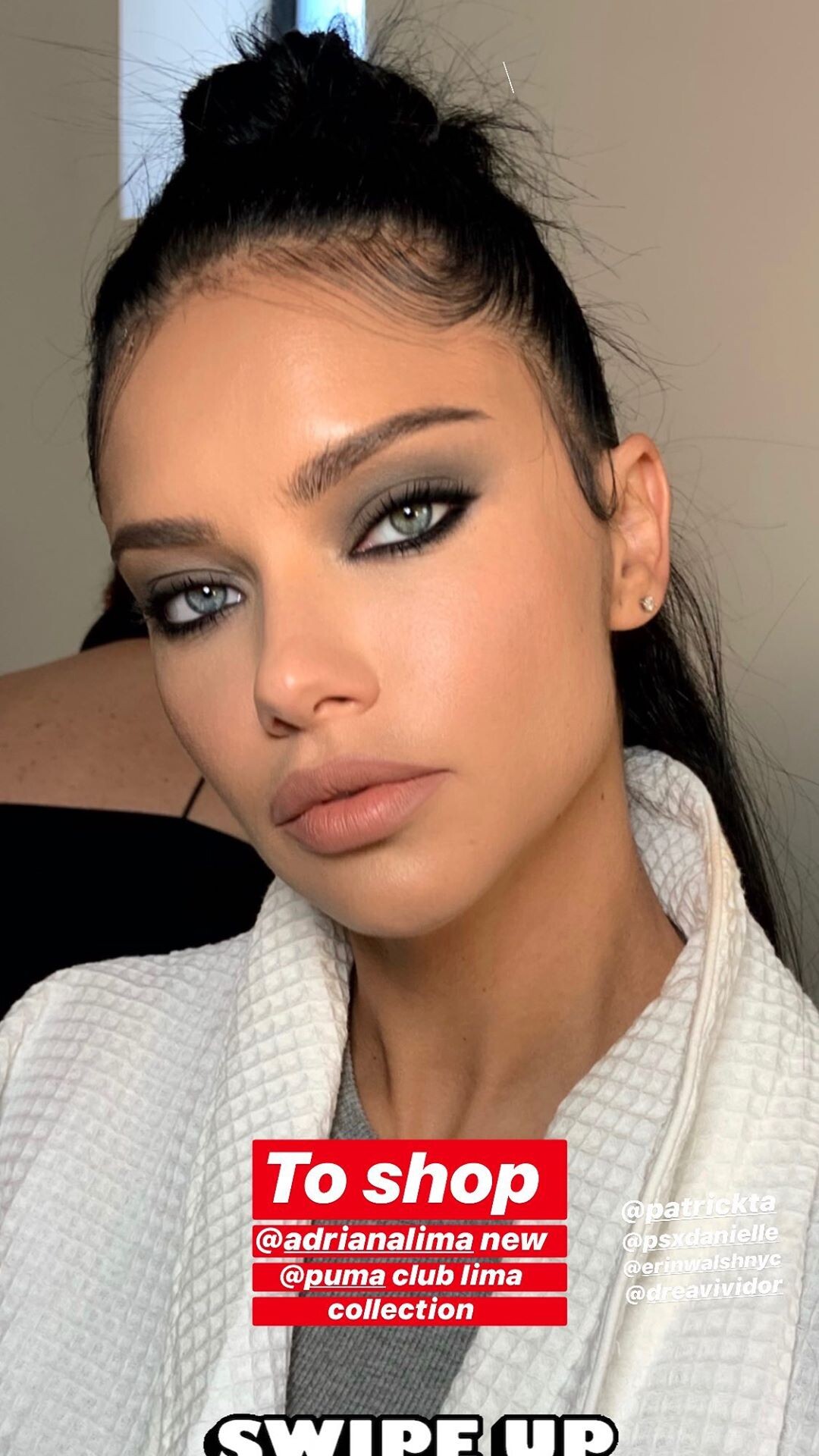
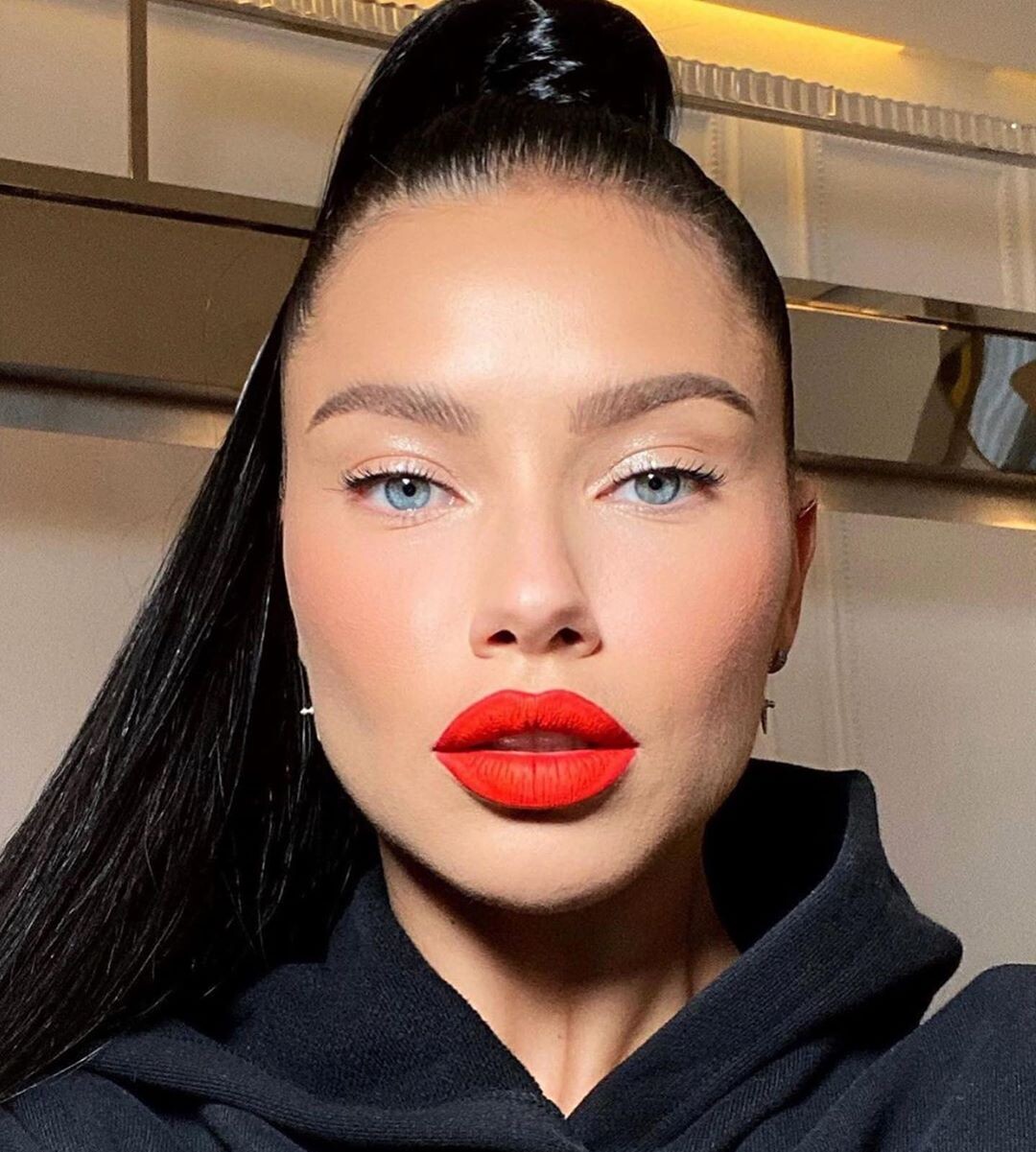
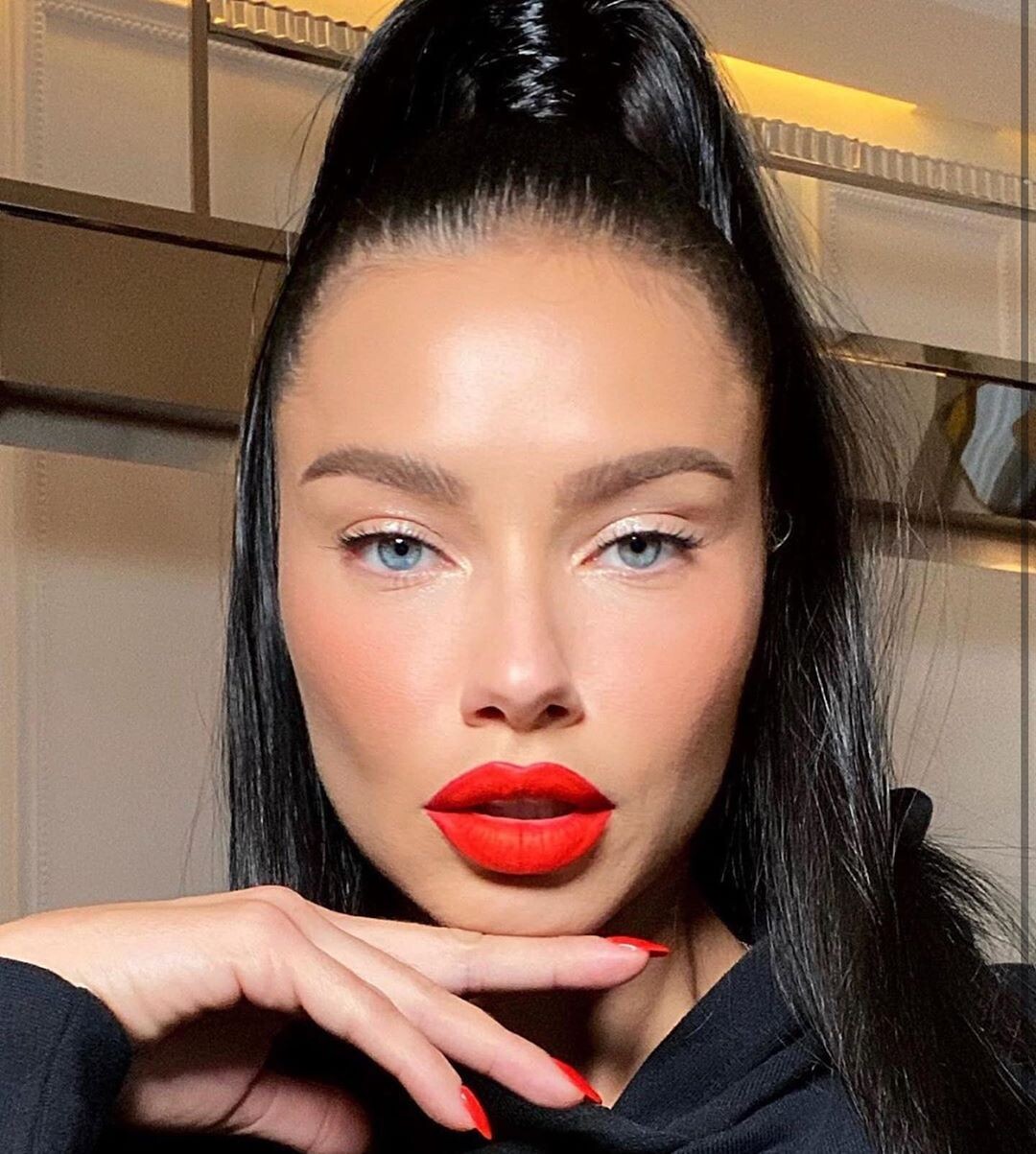
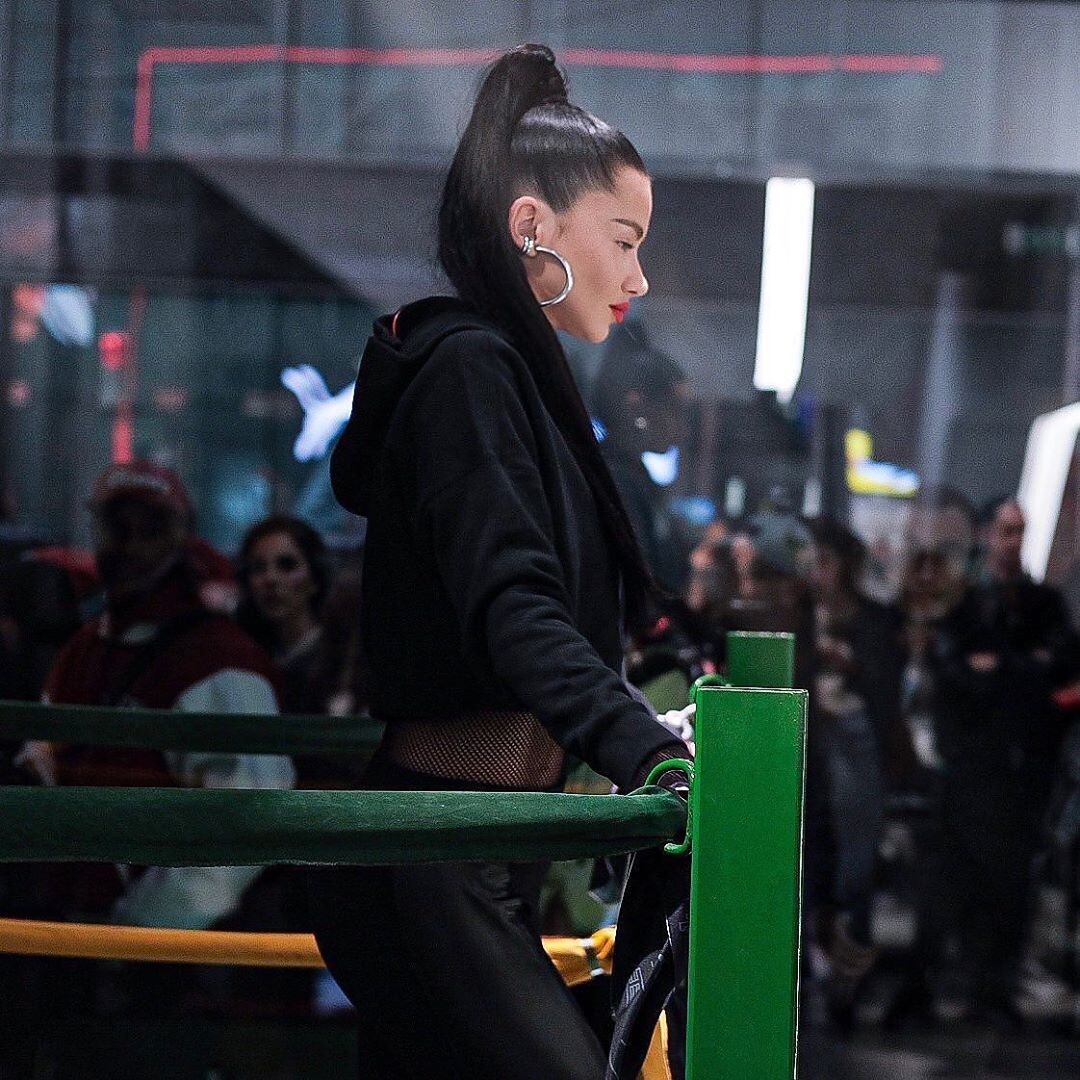
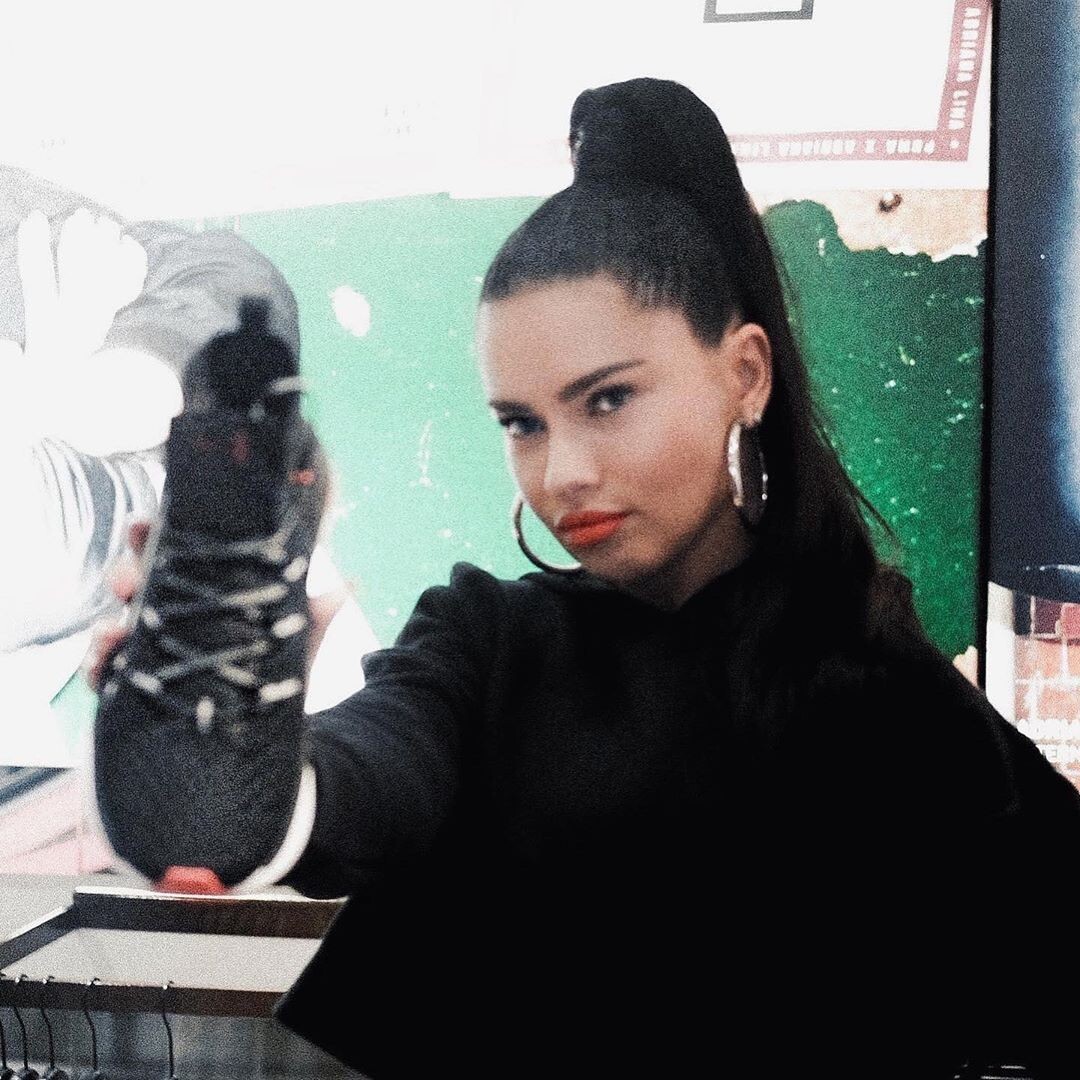
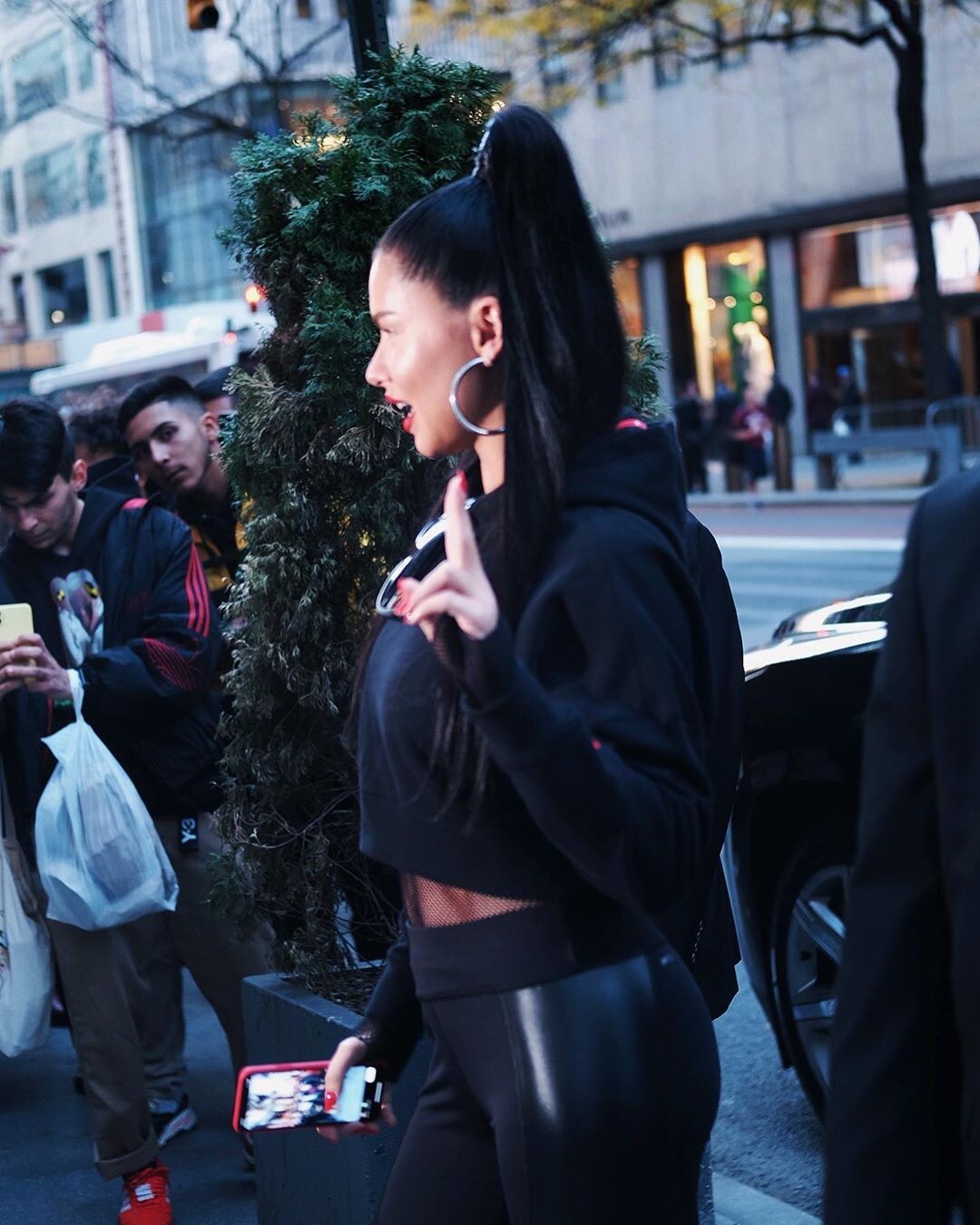
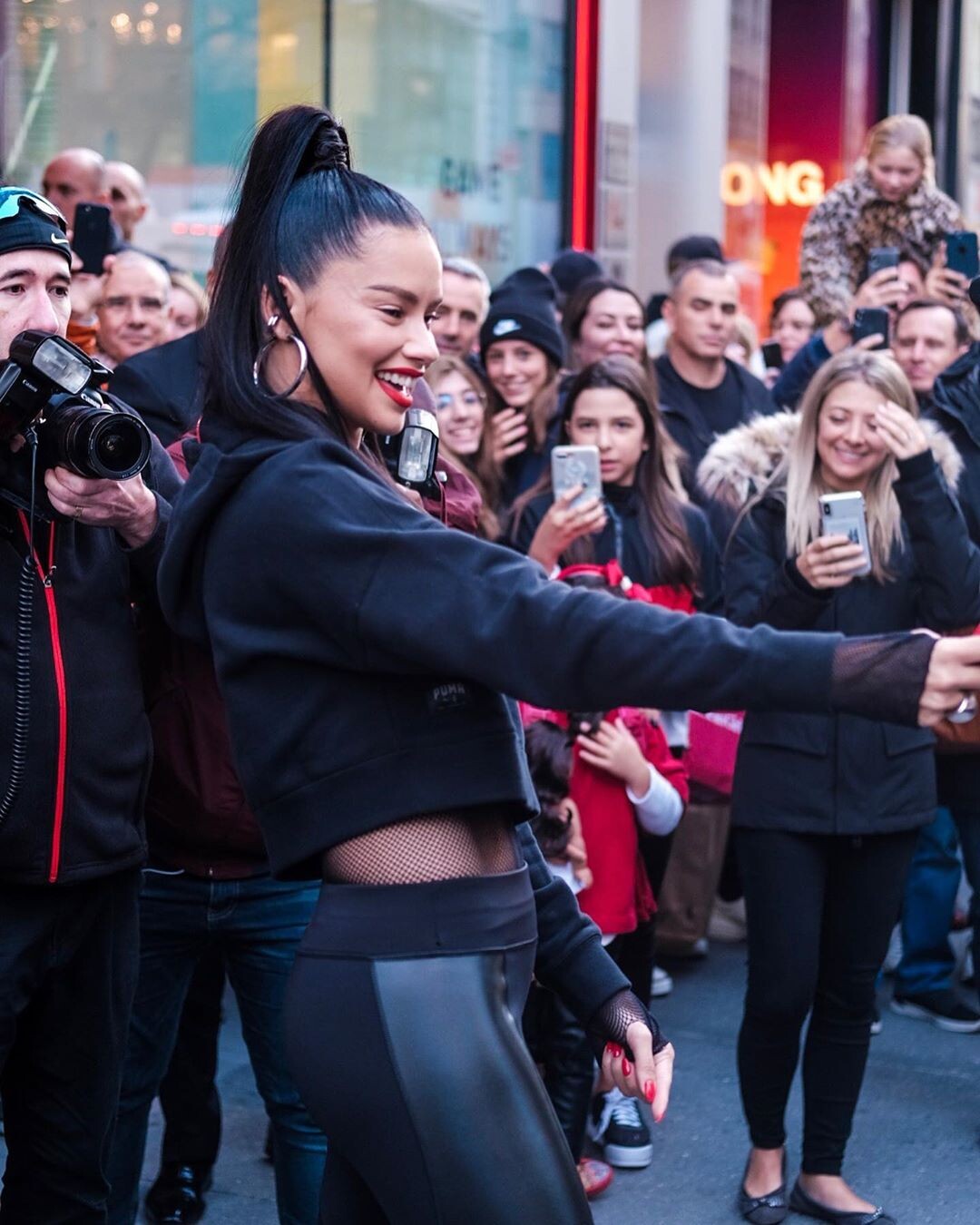
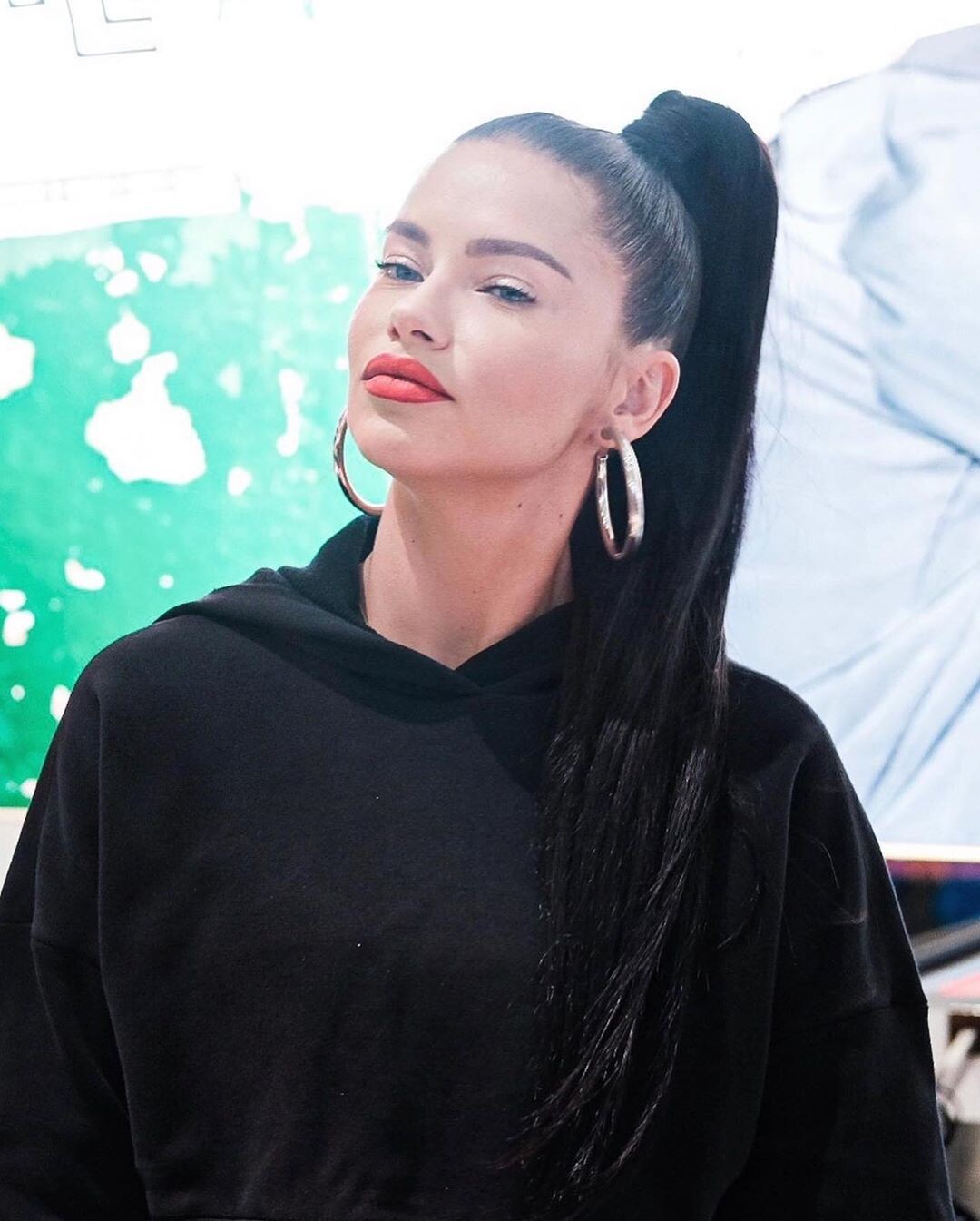
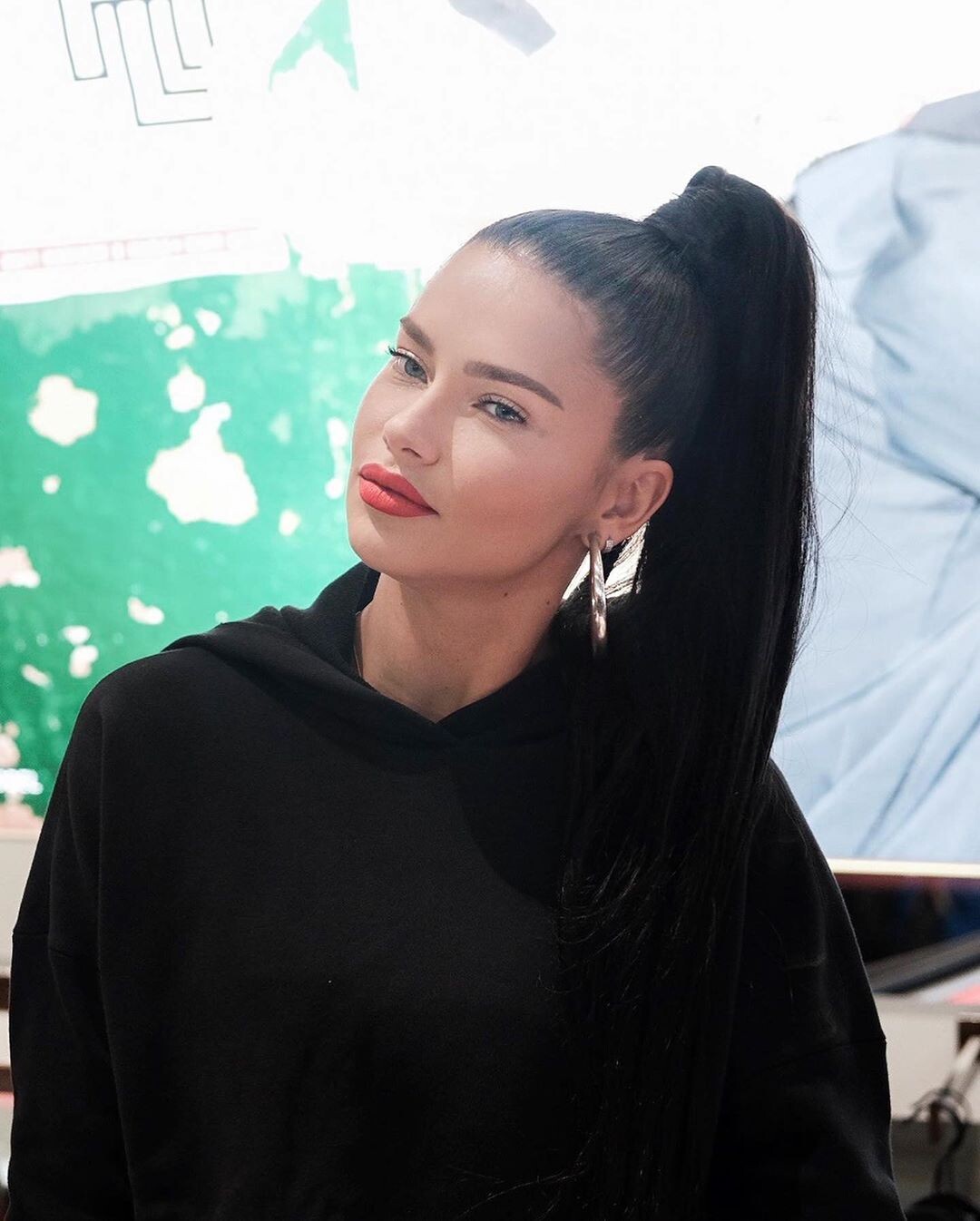
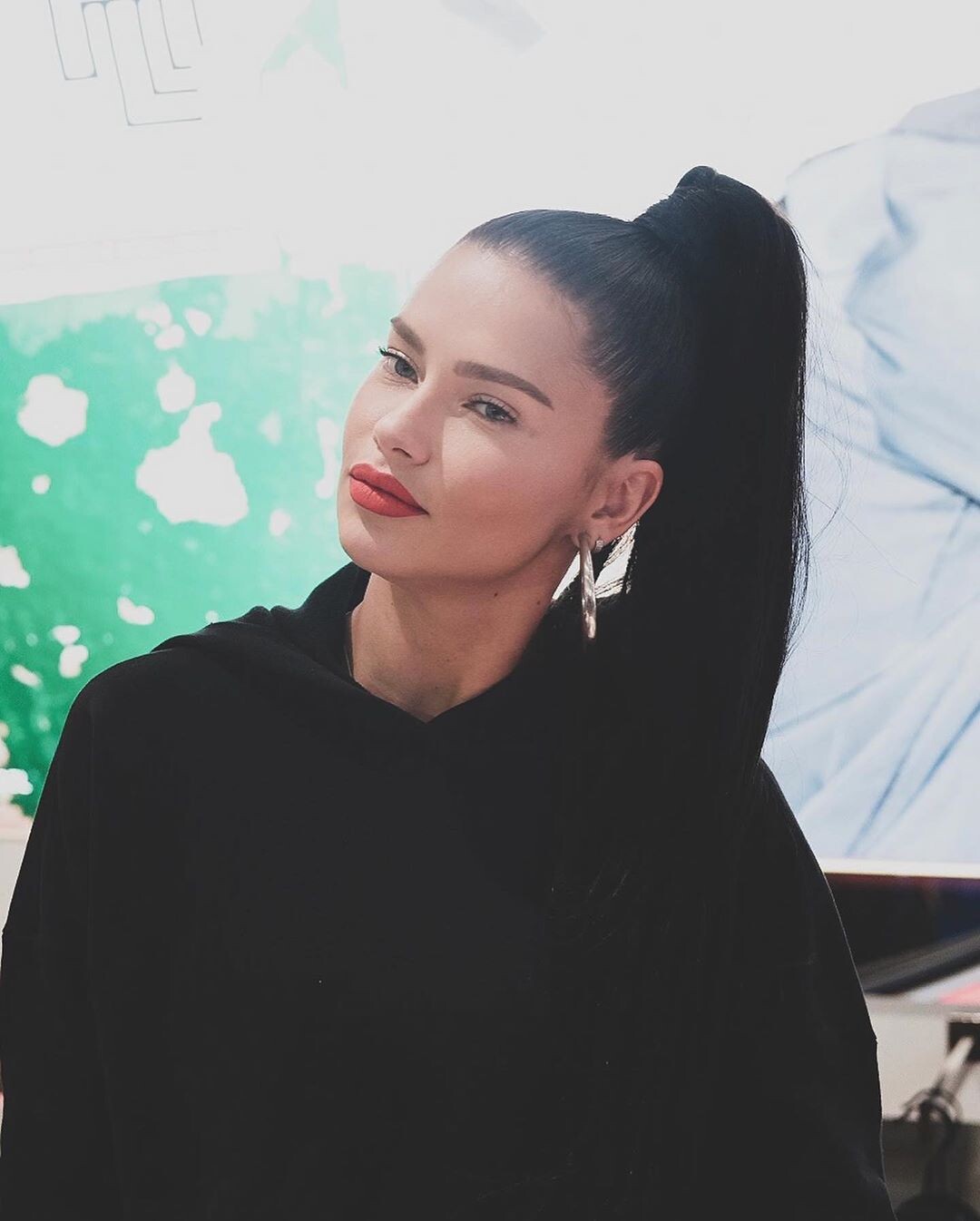
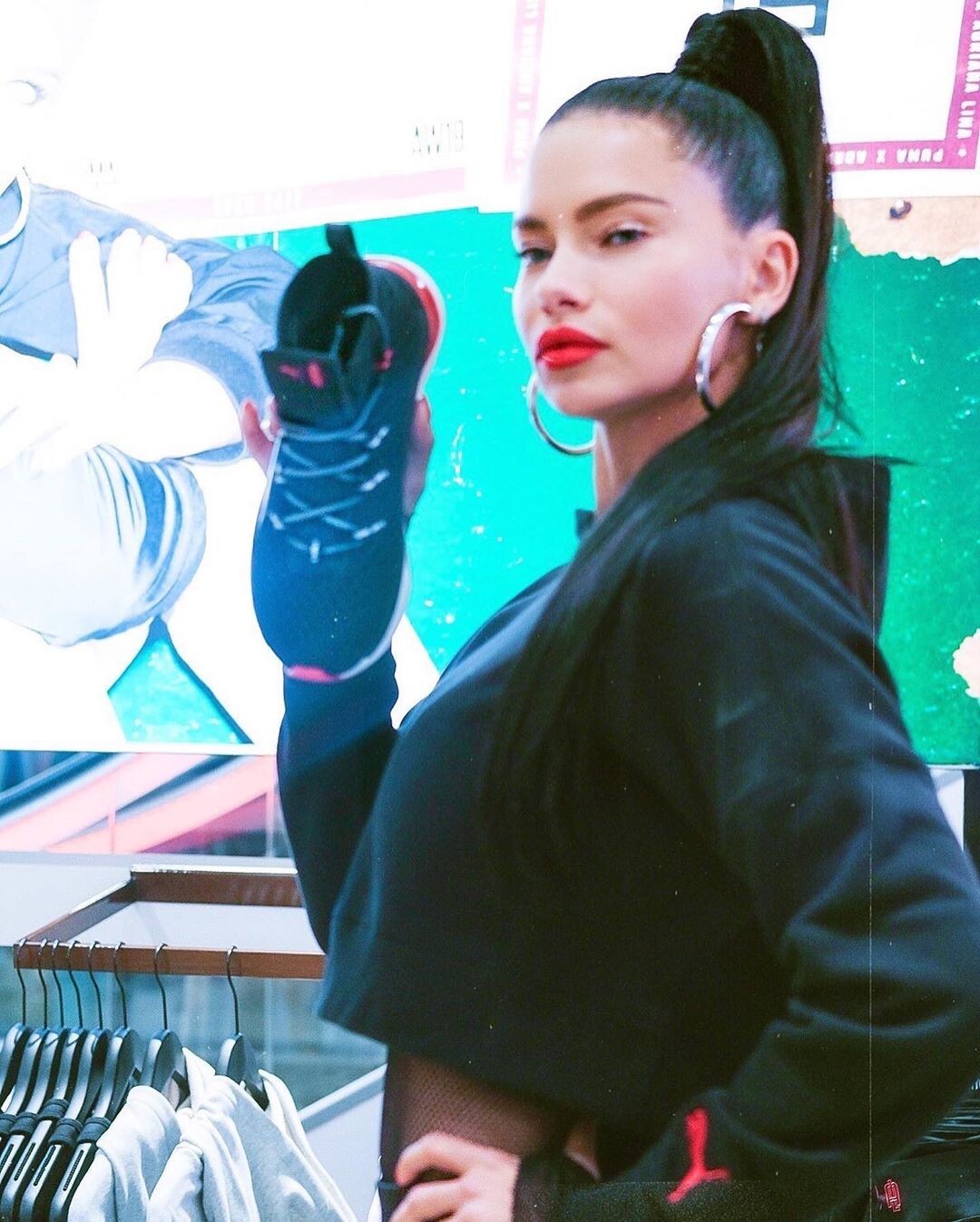
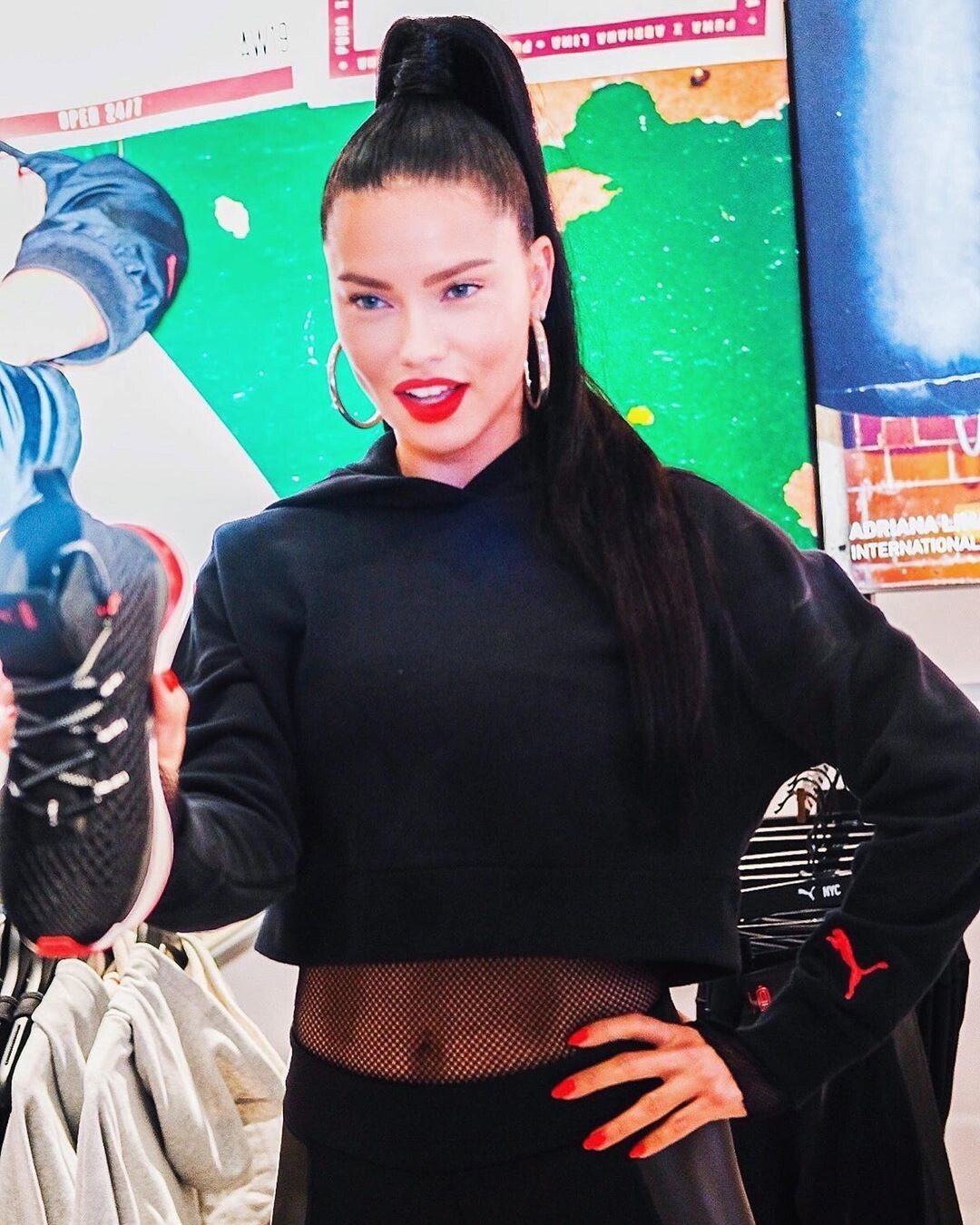
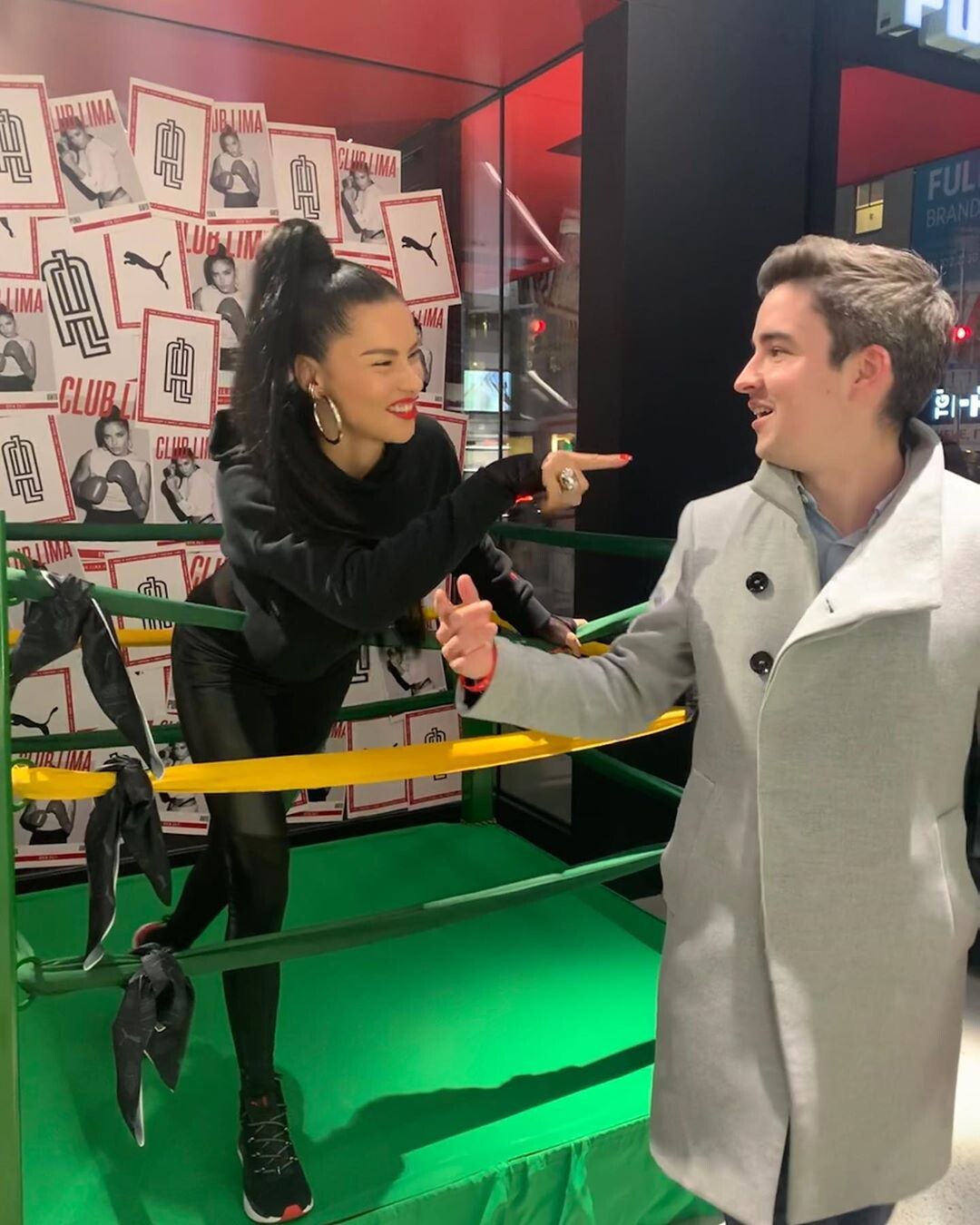
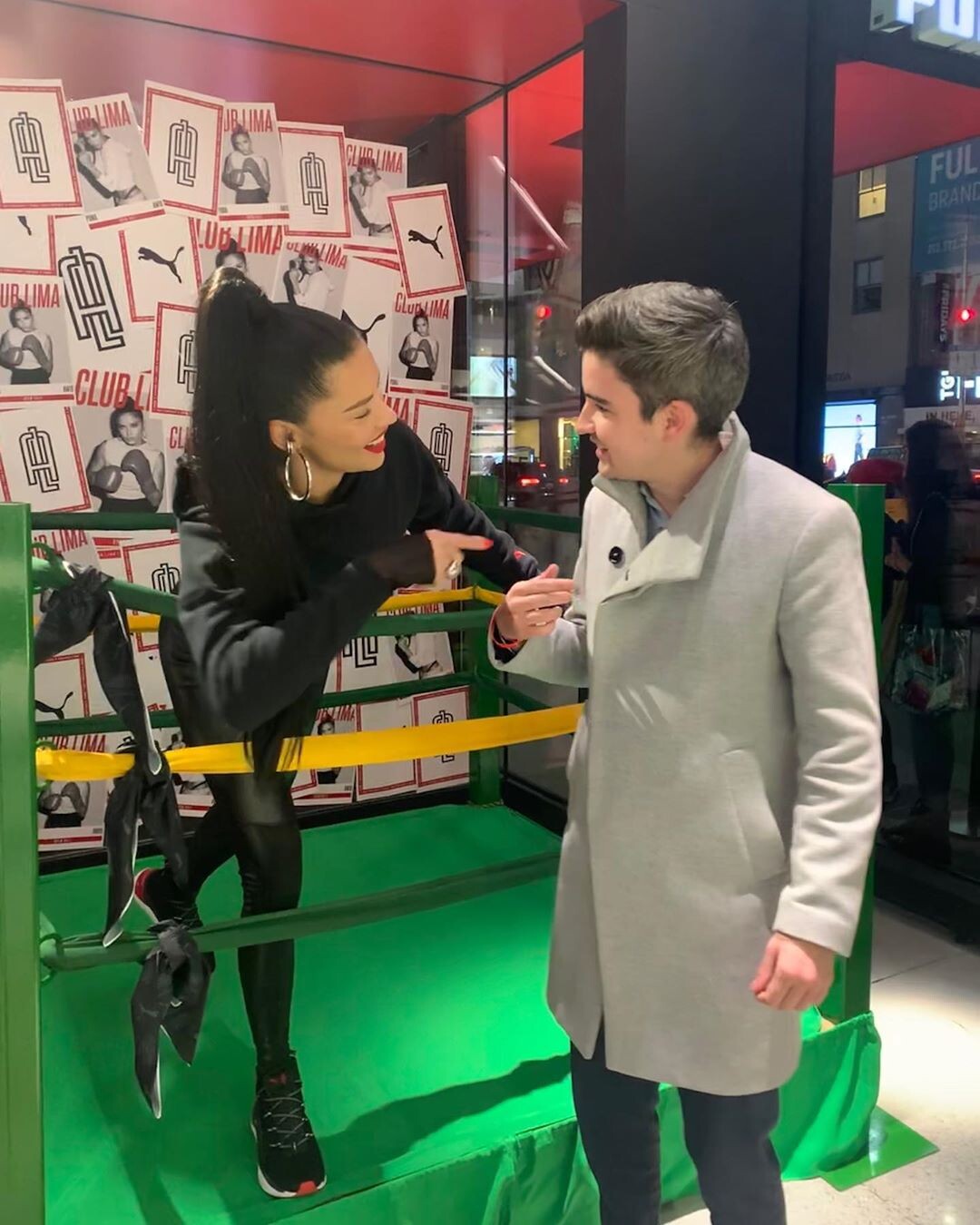
Yes, that's what I'm talking about when I say Patrick goes fab or disaster. Also the look lacks of color, with a dark dress like that she looks even pale. He used some sort of foundation that seems even yellowish, depending on the light from the photos. The Puma event makeup woudl ahve been SO much better, a red or a bright other color would have brought life to the ensamble.
He is very hit or miss for me tho: his makeup on her is either fenomenal or bad (like Haiti St Luke event overdrawn lips that seemed fake bad). He posts a bit of content each time, yes, but he is not my favourite for Adriana.
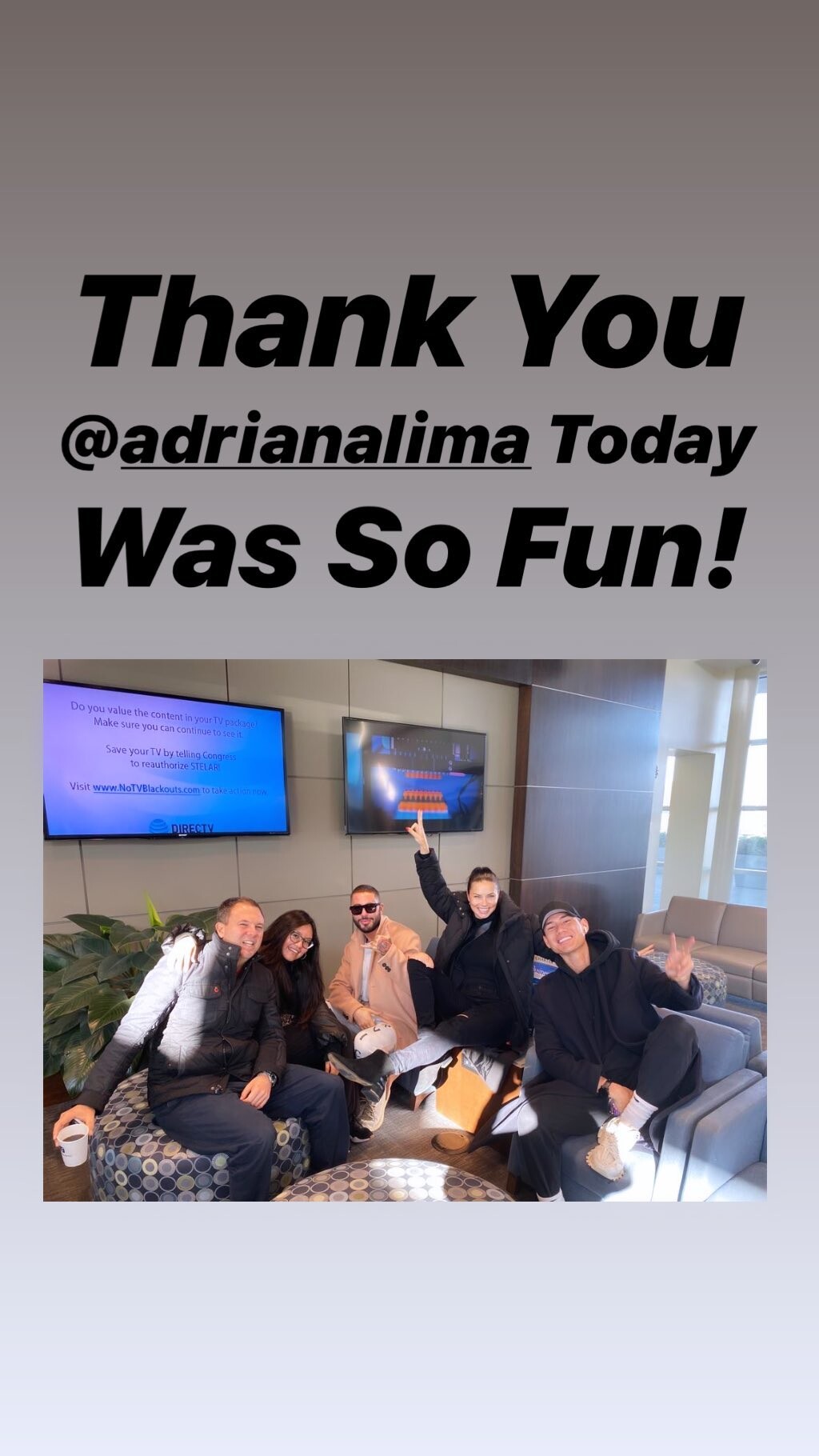
Andrew the hairstylist seems to be at the same airport, and in his stories I saw a guy in the back that seems Patrick Ta, so it's very likely her makeup tonight will be done by them. Damn West Coast time that is so late for me, I'll have to wait the lunch break tomorrow to see anything.
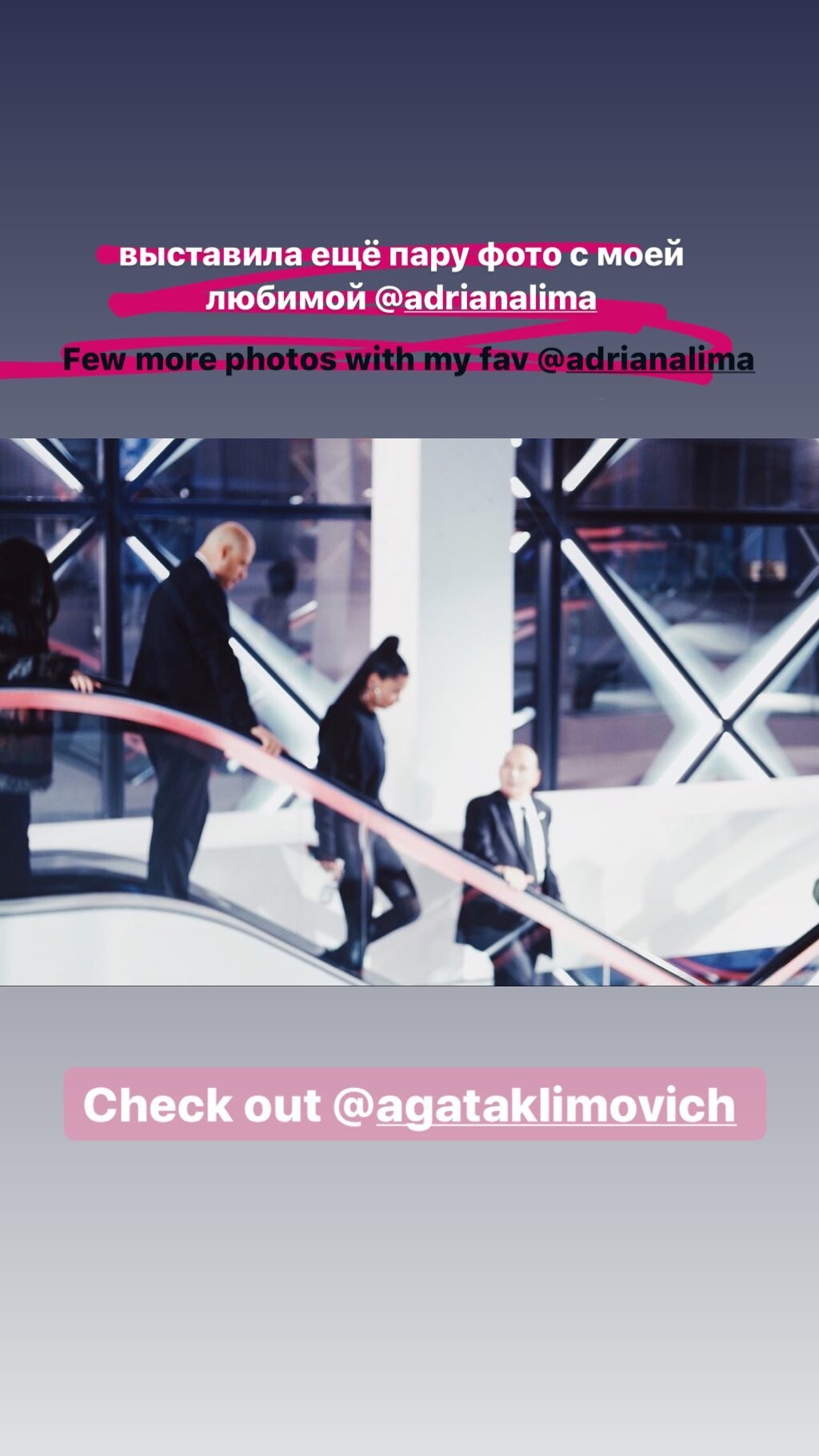
daniellepriano's ig stories
the purple shades are fab on her too, like at the Beautycon in La or in that Maybelline commercial, where it was almost blue.
Videos tagged from Getty. gettyimages-1185370295-640_adpp.mp4 gettyimages-1185336407-640_adpp.mp4
the baby pink dress was in Monte Carlo, as well as the Formula 1 race. It's in Europe, near France, not North Africa.
It could also be that beauty treatment she did for the vsfs 2018, with ultrasounds or what it was, I don't remeber well. She had similar puffier cheeks too then.
Thank you, now I corrected it, I wrote 1:14:27 instead of 1:40:27.
science.sam ig stories science.sam_73127859_445711362752284_3119878662237543900_n.mp4
She is at 59:30 and 1:03:00. Live the makeup doesn't look as bas an in pictures, I guess the flash has a part on downgrading it. still bad, bad not that horrible. She is also at 1:40:27
She is at the beginning and the end near Taraji.
dreavividor ig stories, reposted by her. dreavividor_73069263_230205164628209_3463465503078575736_n.mp4
Yes, that's what I'm talking about when I say Patrick goes fab or disaster. Also the look lacks of color, with a dark dress like that she looks even pale. He used some sort of foundation that seems even yellowish, depending on the light from the photos. The Puma event makeup woudl ahve been SO much better, a red or a bright other color would have brought life to the ensamble.
He is very hit or miss for me tho: his makeup on her is either fenomenal or bad (like Haiti St Luke event overdrawn lips that seemed fake bad). He posts a bit of content each time, yes, but he is not my favourite for Adriana.
Andrew the hairstylist seems to be at the same airport, and in his stories I saw a guy in the back that seems Patrick Ta, so it's very likely her makeup tonight will be done by them. Damn West Coast time that is so late for me, I'll have to wait the lunch break tomorrow to see anything.
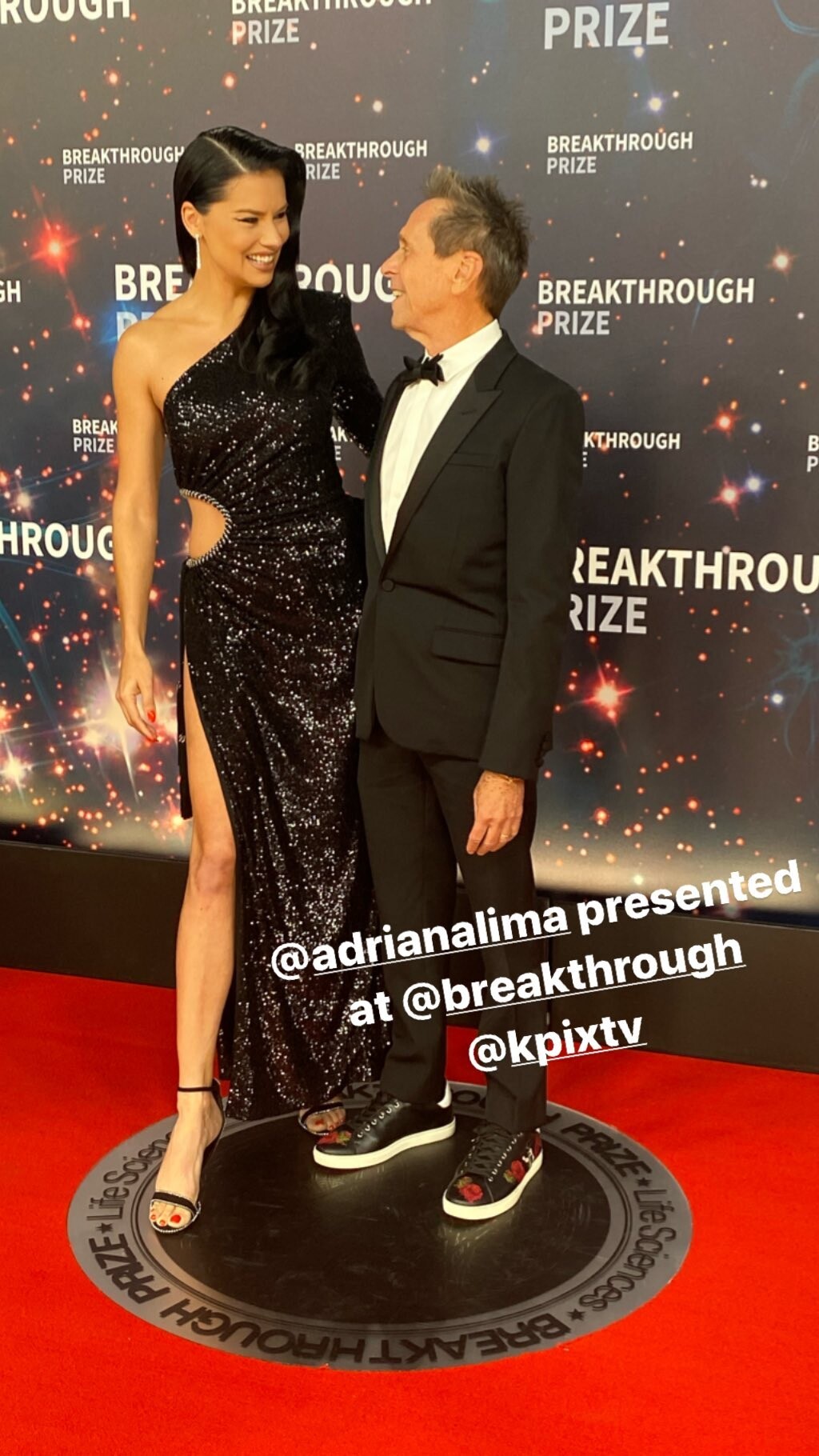
daniellepriano's ig stories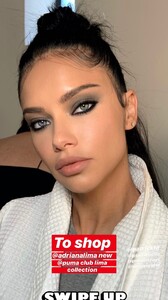 Her ig stories adrianalima_74722757_1051839351814181_6500392167180027805_n.mp4 adrianalima_74722757_1051839351814181_6500392167180027805_n.mp4 adrianalima_75681320_2393214064262438_7185575745576133642_n.mp4
Account
Navigation
Search
Configure browser push notifications
Chrome (Android)
- Tap the lock icon next to the address bar.
- Tap Permissions → Notifications.
- Adjust your preference.
Chrome (Desktop)
- Click the padlock icon in the address bar.
- Select Site settings.
- Find Notifications and adjust your preference.
Safari (iOS 16.4+)
- Ensure the site is installed via Add to Home Screen.
- Open Settings App → Notifications.
- Find your app name and adjust your preference.
Safari (macOS)
- Go to Safari → Preferences.
- Click the Websites tab.
- Select Notifications in the sidebar.
- Find this website and adjust your preference.
Edge (Android)
- Tap the lock icon next to the address bar.
- Tap Permissions.
- Find Notifications and adjust your preference.
Edge (Desktop)
- Click the padlock icon in the address bar.
- Click Permissions for this site.
- Find Notifications and adjust your preference.
Firefox (Android)
- Go to Settings → Site permissions.
- Tap Notifications.
- Find this site in the list and adjust your preference.
Firefox (Desktop)
- Open Firefox Settings.
- Search for Notifications.
- Find this site in the list and adjust your preference.