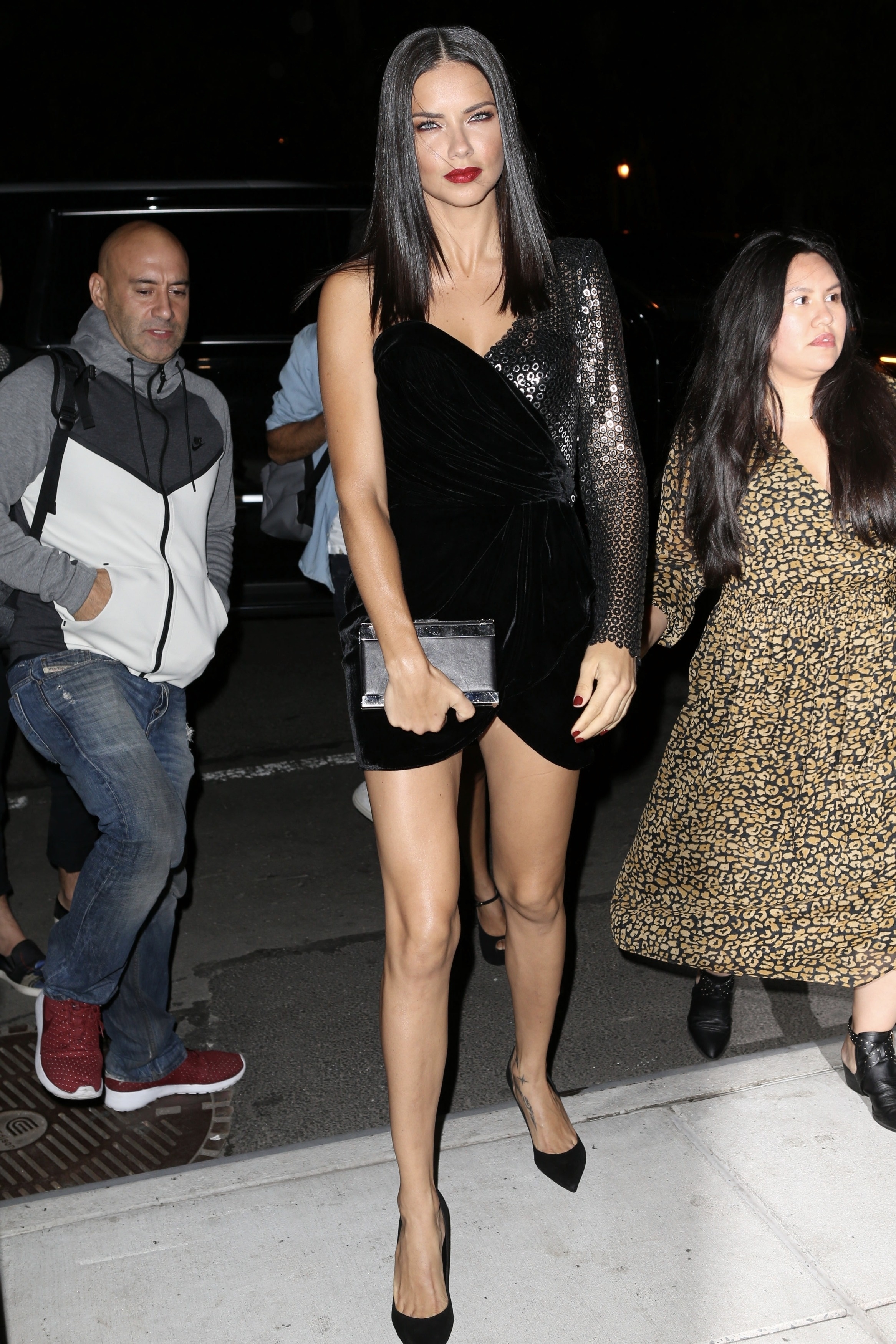
nhlovesadri
Members
-
Joined
-
Last visited
Everything posted by nhlovesadri
-

-
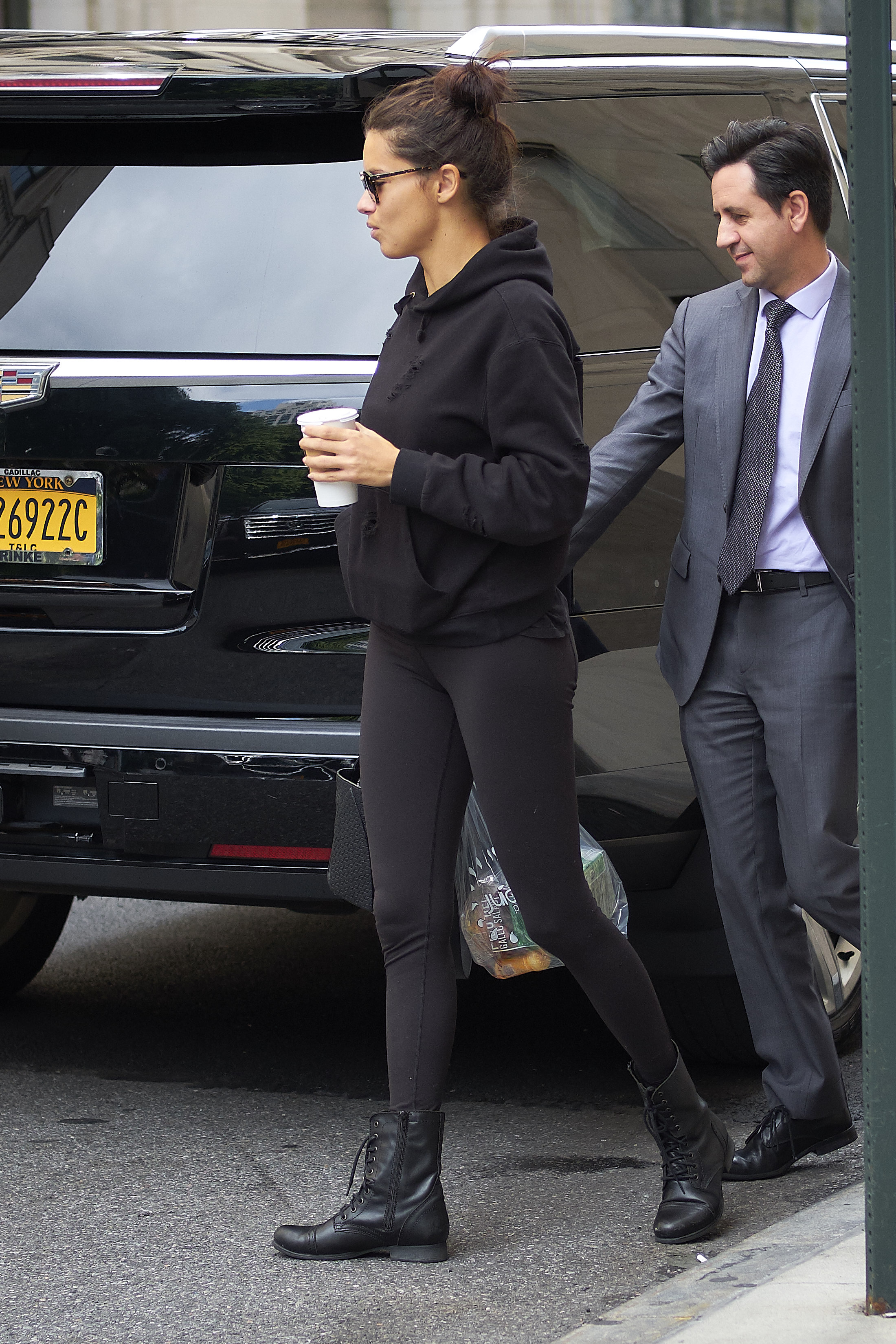
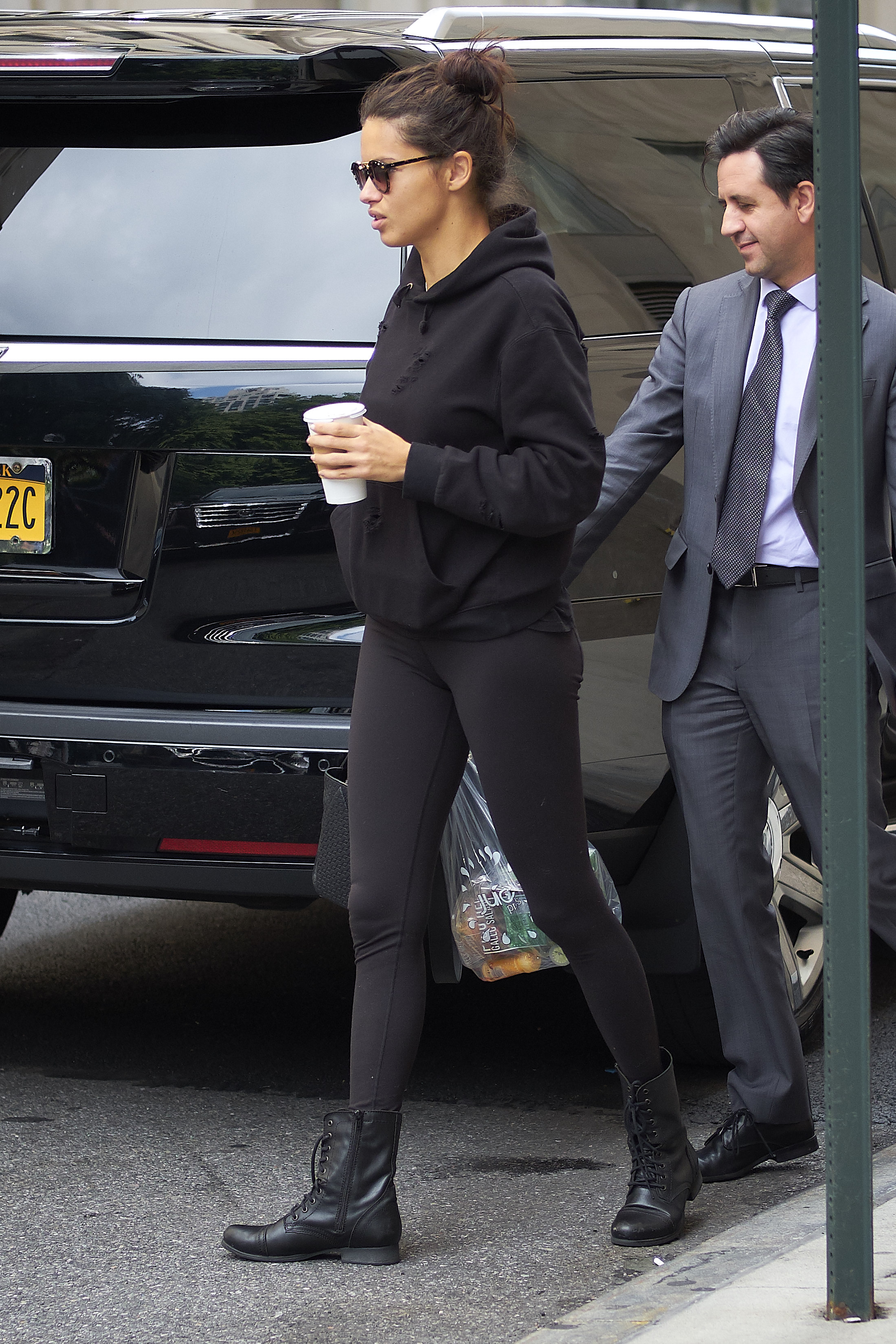
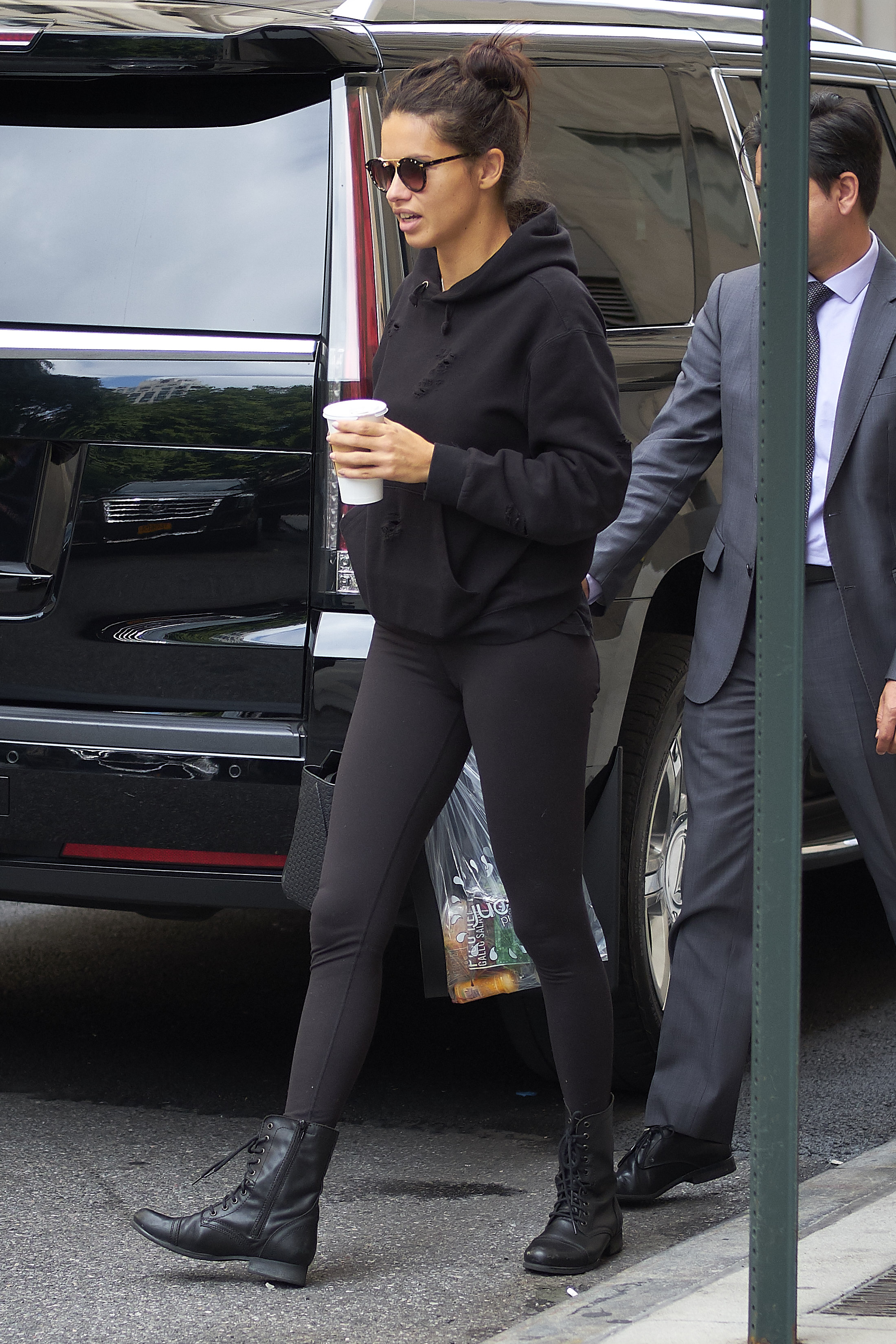
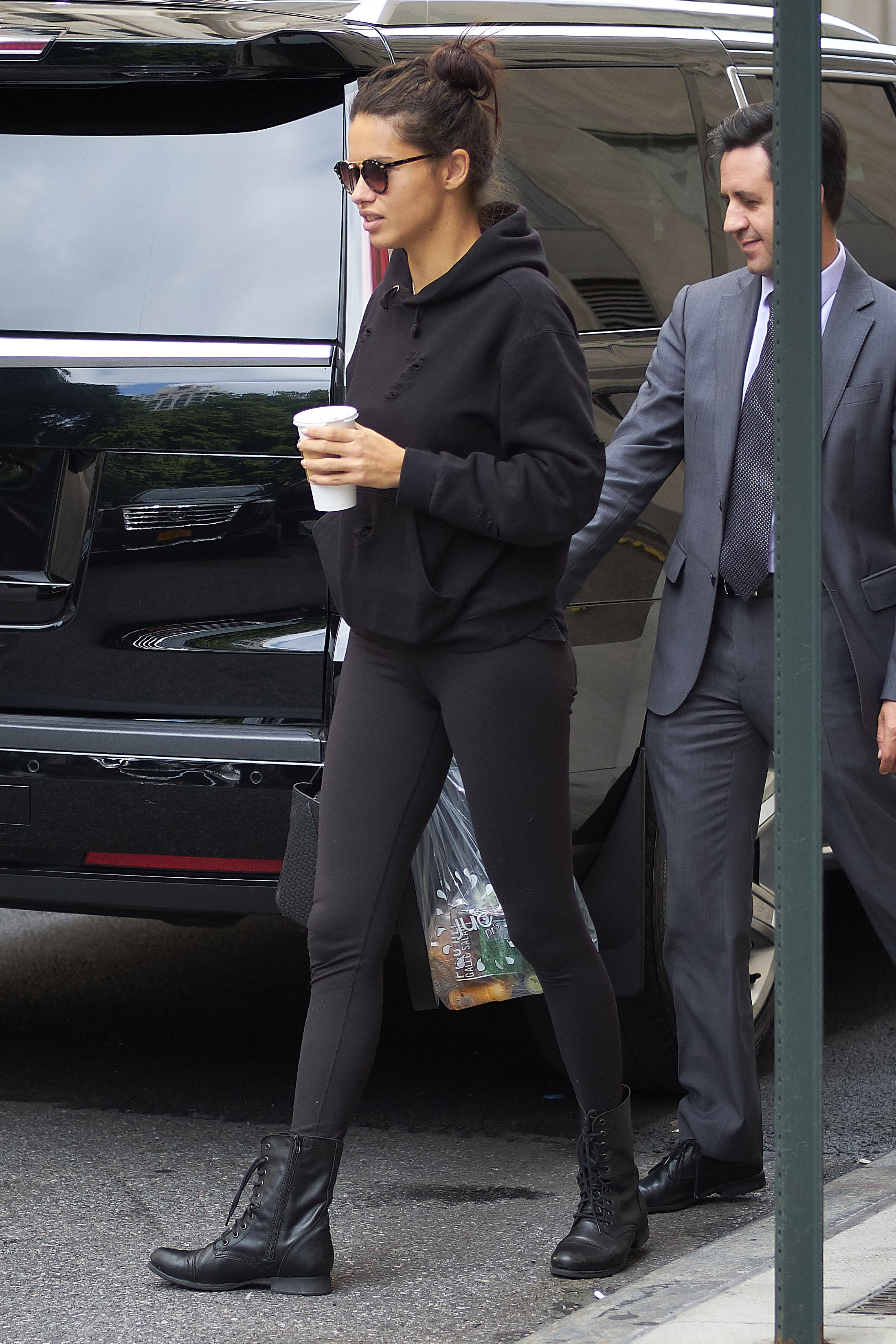
HQs from GodessAdriana.com








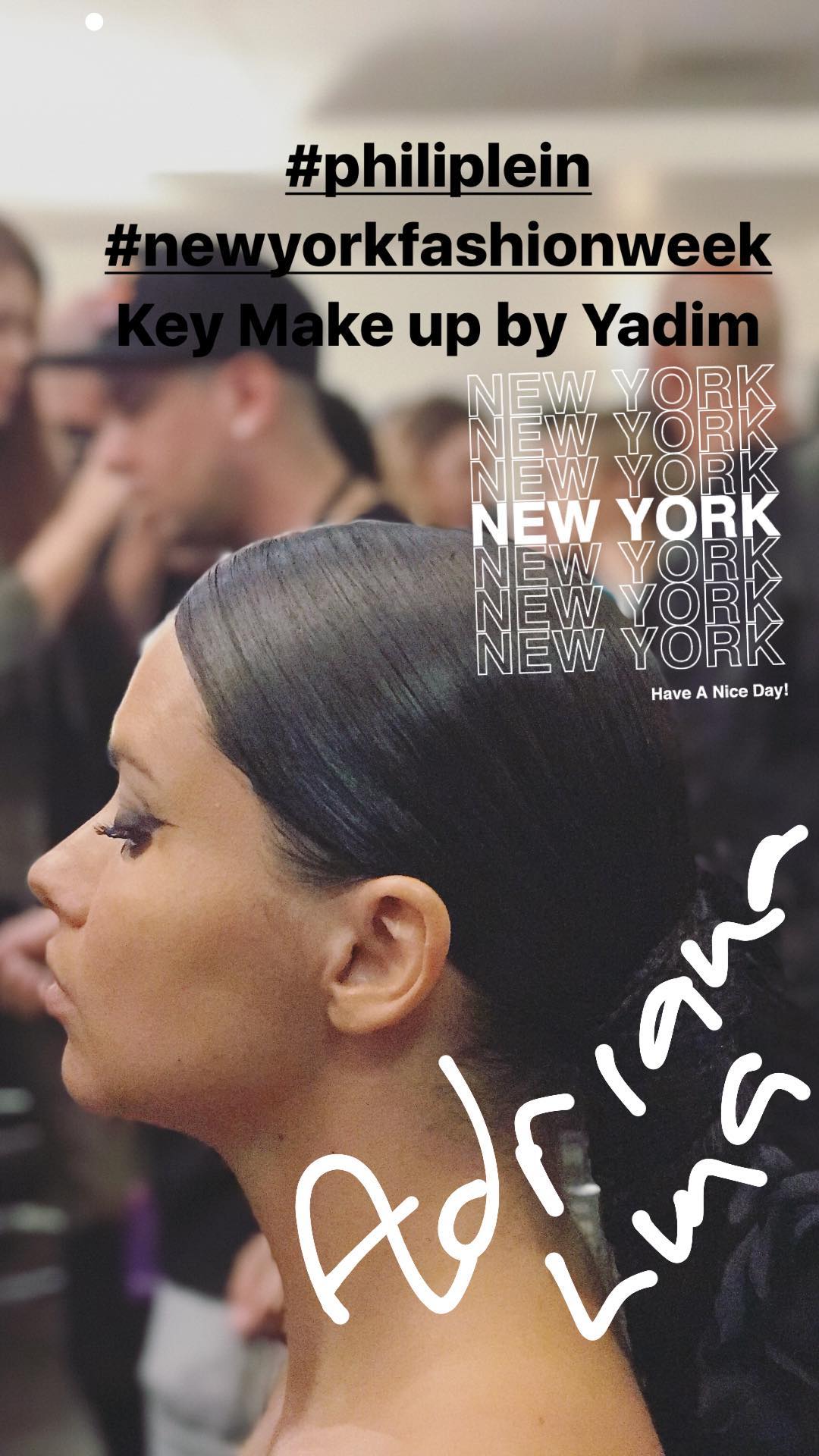
 ig stories from Adrielle, Nicki Minaj and others i forgot to keep note while downloading 13703465_1825694974387929_1124512683945623552_n.mp4 14158146_1107581256041835_7458047500746752_n.mp4 14280193_517128935293653_1289982110114775040_n.mp4 15974670_315288838937716_5282752152798756864_n.mp4 16424095_298207393992852_8479885877630205952_n.mp4 17332086_2017718838460272_5699475125674442752_n.mp4
ryanogilovy ig stories
ig stories from Adrielle, Nicki Minaj and others i forgot to keep note while downloading 13703465_1825694974387929_1124512683945623552_n.mp4 14158146_1107581256041835_7458047500746752_n.mp4 14280193_517128935293653_1289982110114775040_n.mp4 15974670_315288838937716_5282752152798756864_n.mp4 16424095_298207393992852_8479885877630205952_n.mp4 17332086_2017718838460272_5699475125674442752_n.mp4
ryanogilovy ig stories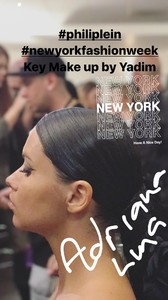 Arlenis Sosa's ig stories 17568791_163863600832324_3348240685873496064_n.mp4
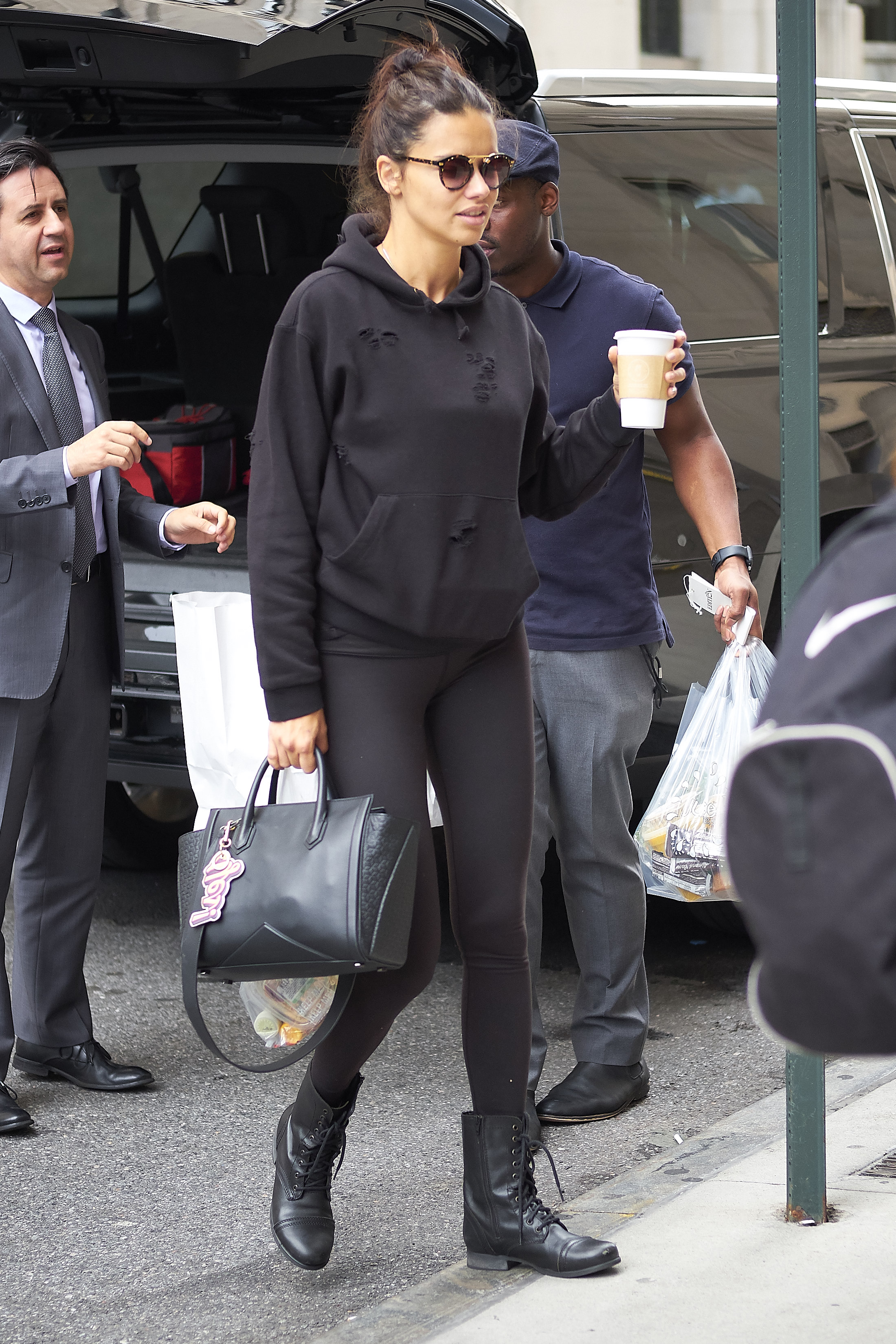
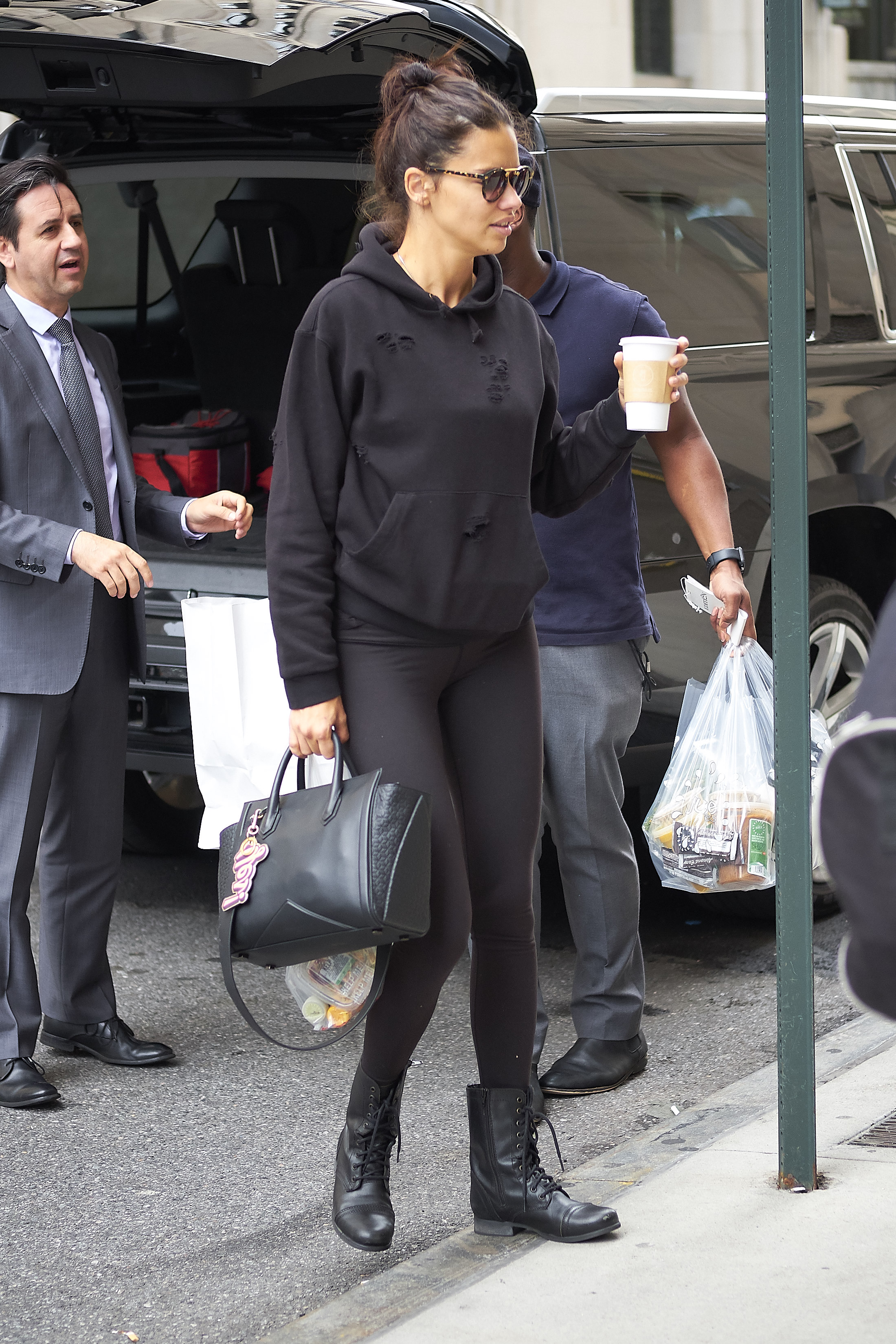
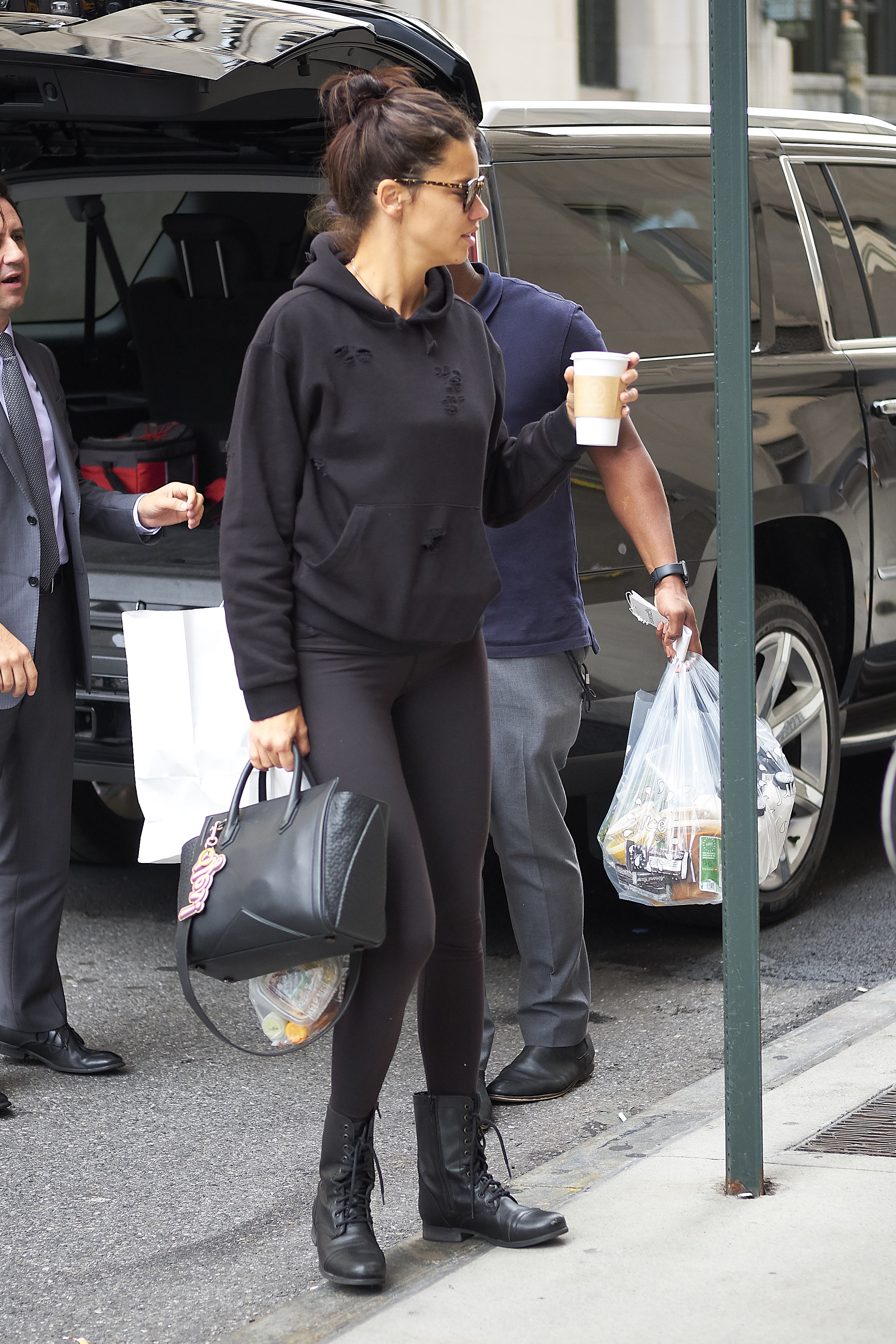
Going to the gym, HQs
Arlenis Sosa's ig stories 17568791_163863600832324_3348240685873496064_n.mp4
Going to the gym, HQs
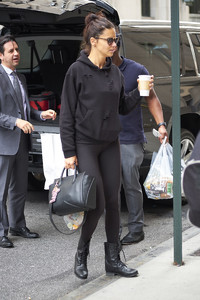
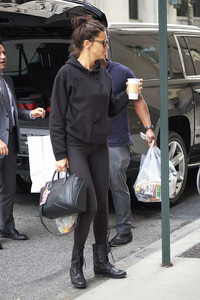
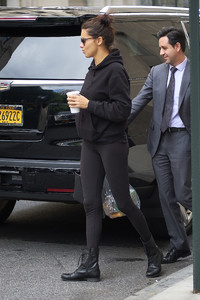
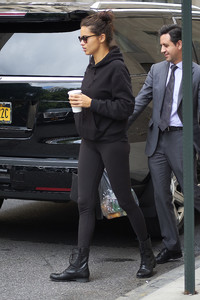

 More HQs from GoddessAdriana.com
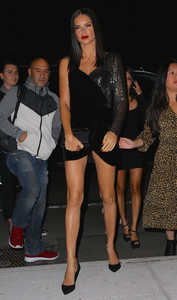

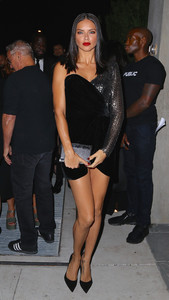
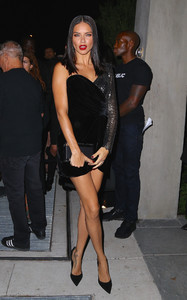

 From GoddessAdriana.com
















 From spice_bomb_'s ig stories
Account
Navigation
Search
Configure browser push notifications
Chrome (Android)
- Tap the lock icon next to the address bar.
- Tap Permissions → Notifications.
- Adjust your preference.
Chrome (Desktop)
- Click the padlock icon in the address bar.
- Select Site settings.
- Find Notifications and adjust your preference.
Safari (iOS 16.4+)
- Ensure the site is installed via Add to Home Screen.
- Open Settings App → Notifications.
- Find your app name and adjust your preference.
Safari (macOS)
- Go to Safari → Preferences.
- Click the Websites tab.
- Select Notifications in the sidebar.
- Find this website and adjust your preference.
Edge (Android)
- Tap the lock icon next to the address bar.
- Tap Permissions.
- Find Notifications and adjust your preference.
Edge (Desktop)
- Click the padlock icon in the address bar.
- Click Permissions for this site.
- Find Notifications and adjust your preference.
Firefox (Android)
- Go to Settings → Site permissions.
- Tap Notifications.
- Find this site in the list and adjust your preference.
Firefox (Desktop)
- Open Firefox Settings.
- Search for Notifications.
- Find this site in the list and adjust your preference.