

nhlovesadri
Members
-
Joined
-
Last visited
Everything posted by nhlovesadri
-
 She is on the Amfar snapchat, they sent me a screenshot. Somebody can get the video?
 -
She is leaving Cannes, there are airport pictures on Getty, so no more red carpets.
-
-
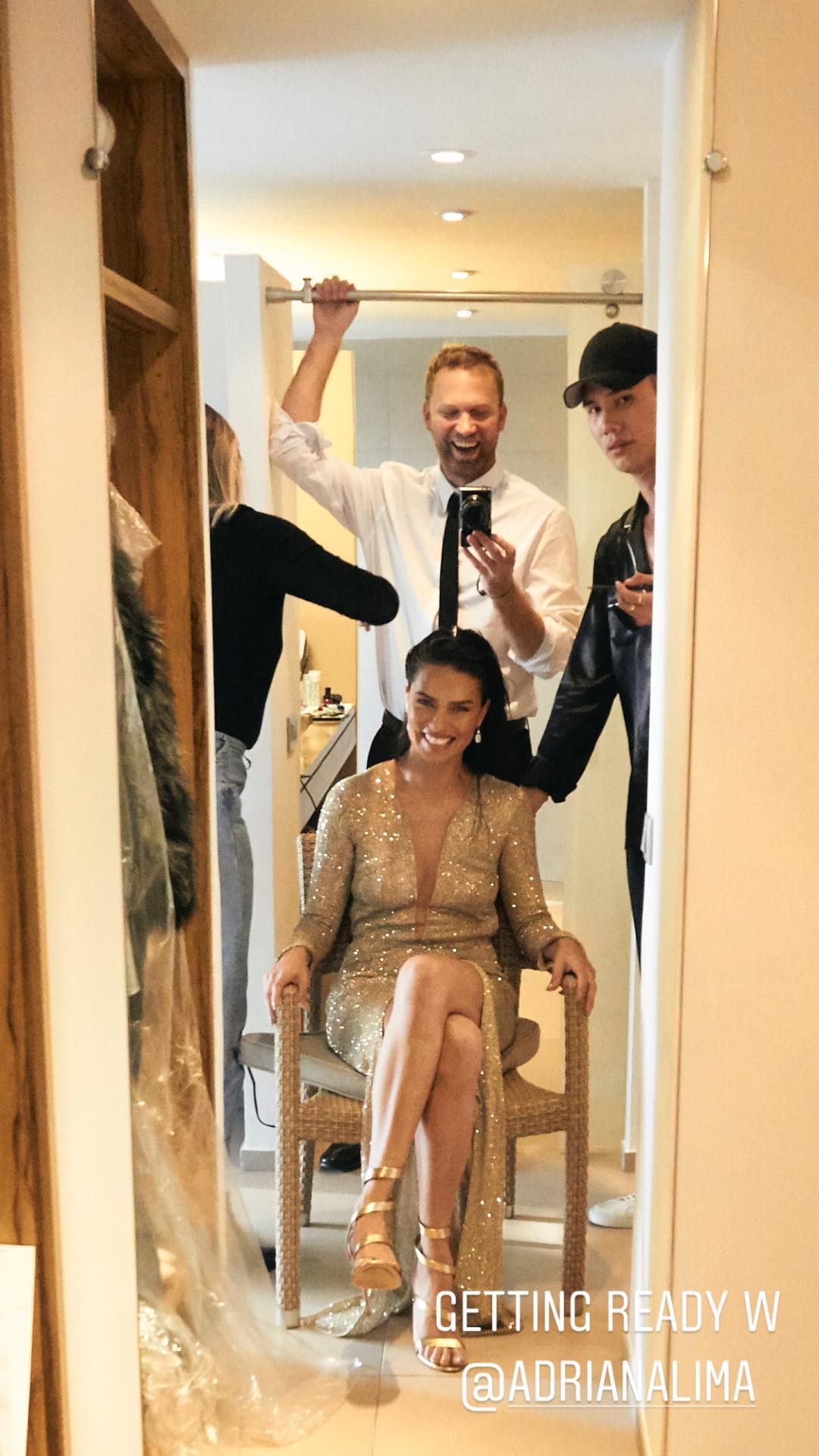
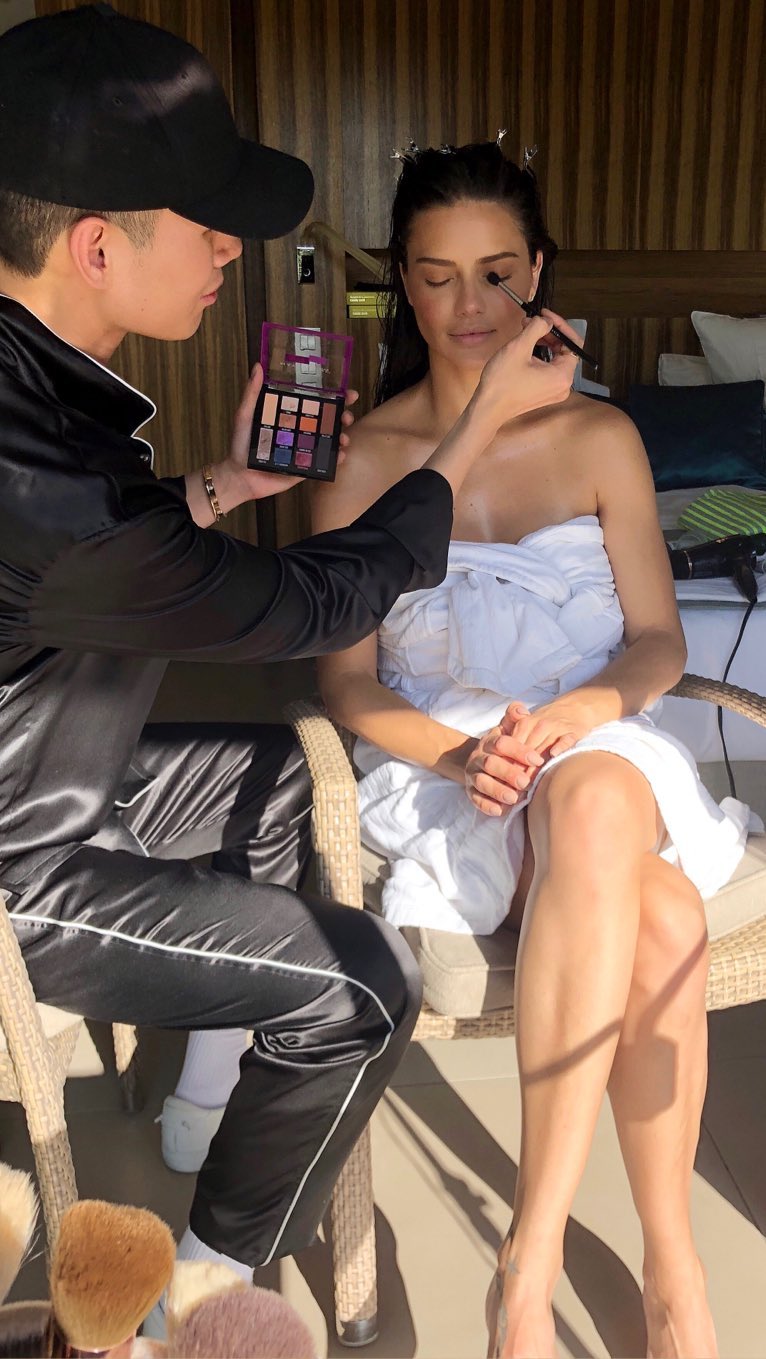
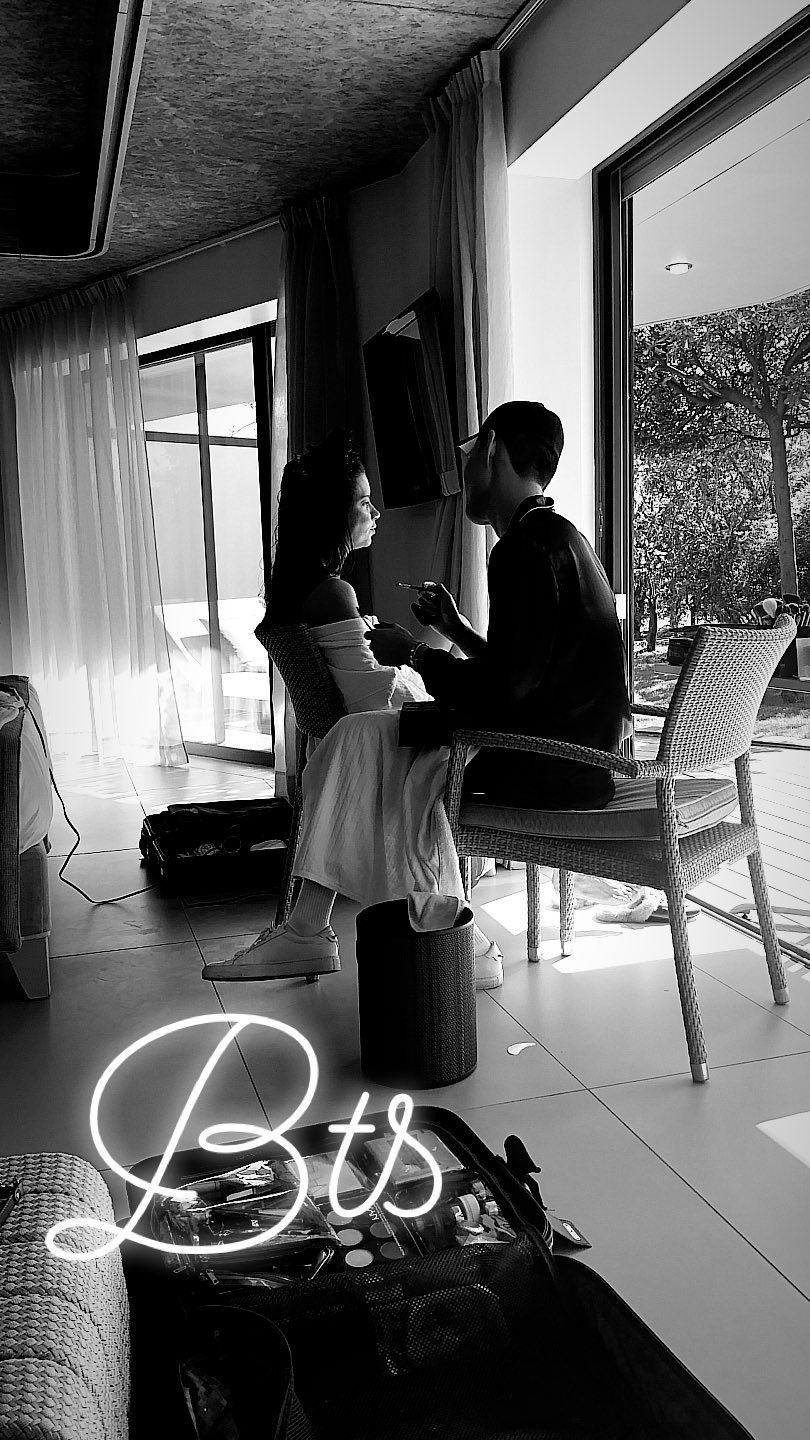
andrewdaystudio ig stories.

-
andrewdaystudio ig stories 32204394_2029507017376269_5900043410618991340_n.mp4 32279307_1655319934536609_7014927275665761804_n.mp4
More HQs from PicturePub, if somebody can embed them thanks https://pixhost.to/gallery/MSU5D
matmazzafera ig stories 32325314_2045738755644376_680220167644264742_n.mp4
michirici ig stories 32018666_184388145550959_8863002692792790026_n.mp4
laurapolko ig stories 32121409_193033687994347_5969956328943093904_n.mp4
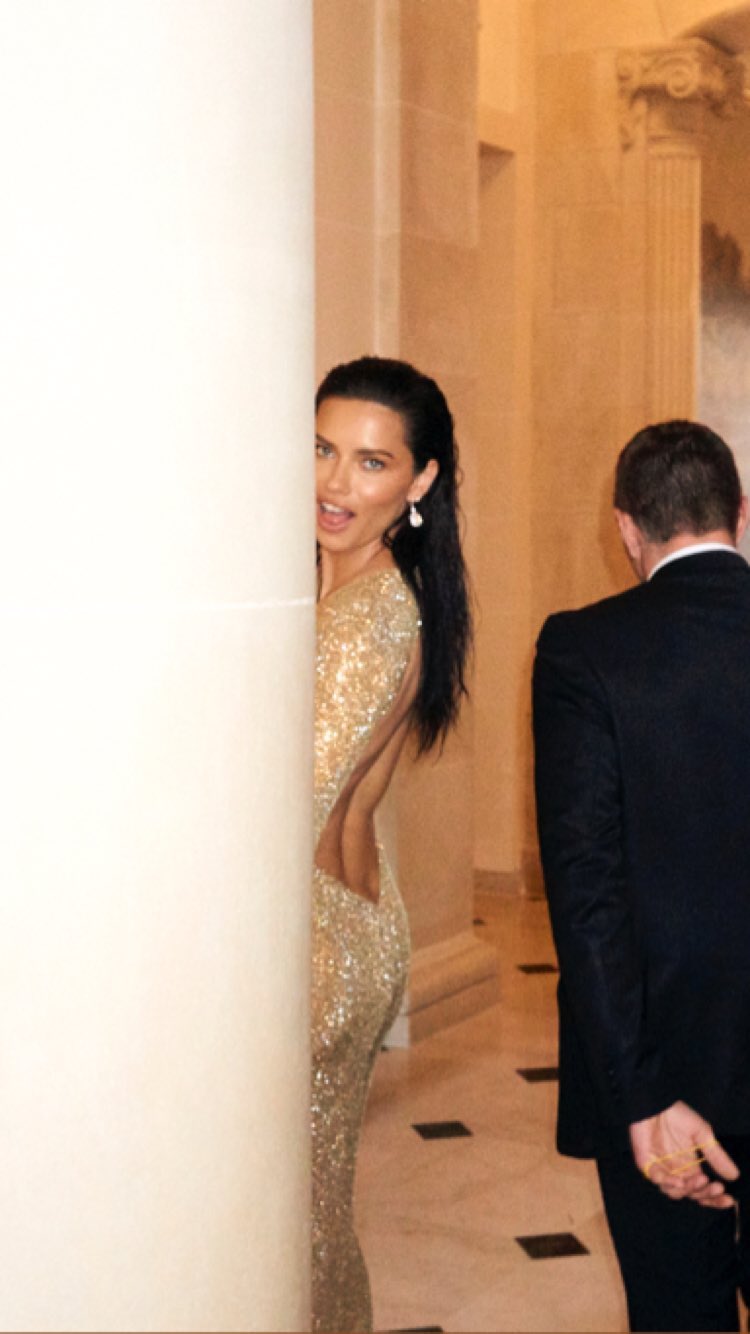
Amfar Red carpet, from Getty 960021508.mp4 960023712.mp4
ale_carnicella ig stories 32357039_591543477892421_6662722211540893696_n.mp4
trinidaddelanoi ig stories 32151612_133203000874628_7212107265724786086_n.mp4
@Miss Bathory of course not, thank you
alexandremaras ig stories 32767510_182160922614276_4585803604903854080_n.mp4
At Amfar from Vogue Globo


 duartebs ig stories 32062306_1667013570020429_4760660164021439010_n.mp4 Sorry I wrote the wrong ig username, now it is corrcet.
+ ig stories 32204691_338604879998116_6038950629240471552_n.mp4
Other HQs from PicturePub, if you could embed them please @misslonely https://pixhost.to/gallery/u0MTP
duartebs ig stories 32062306_1667013570020429_4760660164021439010_n.mp4 Sorry I wrote the wrong ig username, now it is corrcet.
+ ig stories 32204691_338604879998116_6038950629240471552_n.mp4
Other HQs from PicturePub, if you could embed them please @misslonely https://pixhost.to/gallery/u0MTP









Account
Navigation
Search
Configure browser push notifications
Chrome (Android)
- Tap the lock icon next to the address bar.
- Tap Permissions → Notifications.
- Adjust your preference.
Chrome (Desktop)
- Click the padlock icon in the address bar.
- Select Site settings.
- Find Notifications and adjust your preference.
Safari (iOS 16.4+)
- Ensure the site is installed via Add to Home Screen.
- Open Settings App → Notifications.
- Find your app name and adjust your preference.
Safari (macOS)
- Go to Safari → Preferences.
- Click the Websites tab.
- Select Notifications in the sidebar.
- Find this website and adjust your preference.
Edge (Android)
- Tap the lock icon next to the address bar.
- Tap Permissions.
- Find Notifications and adjust your preference.
Edge (Desktop)
- Click the padlock icon in the address bar.
- Click Permissions for this site.
- Find Notifications and adjust your preference.
Firefox (Android)
- Go to Settings → Site permissions.
- Tap Notifications.
- Find this site in the list and adjust your preference.
Firefox (Desktop)
- Open Firefox Settings.
- Search for Notifications.
- Find this site in the list and adjust your preference.