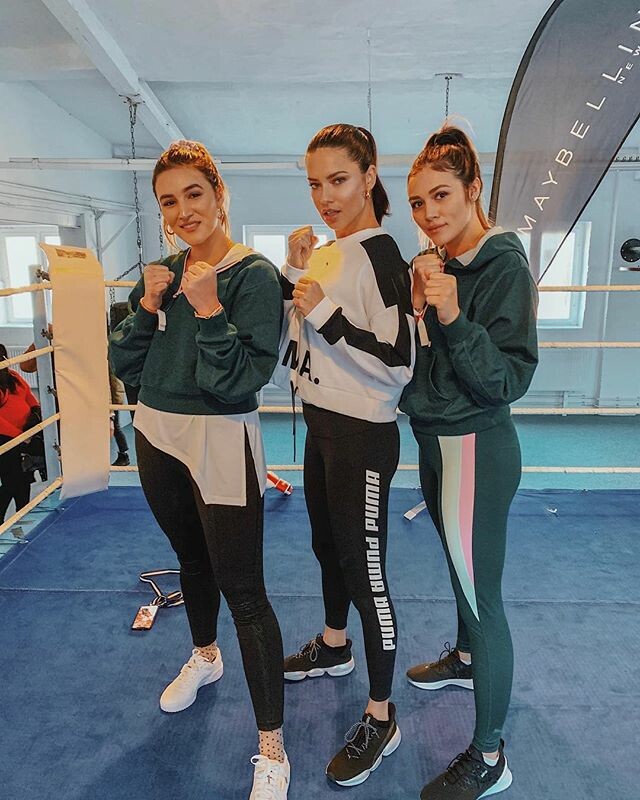
nhlovesadri
Members
-
Joined
-
Last visited
Everything posted by nhlovesadri
-
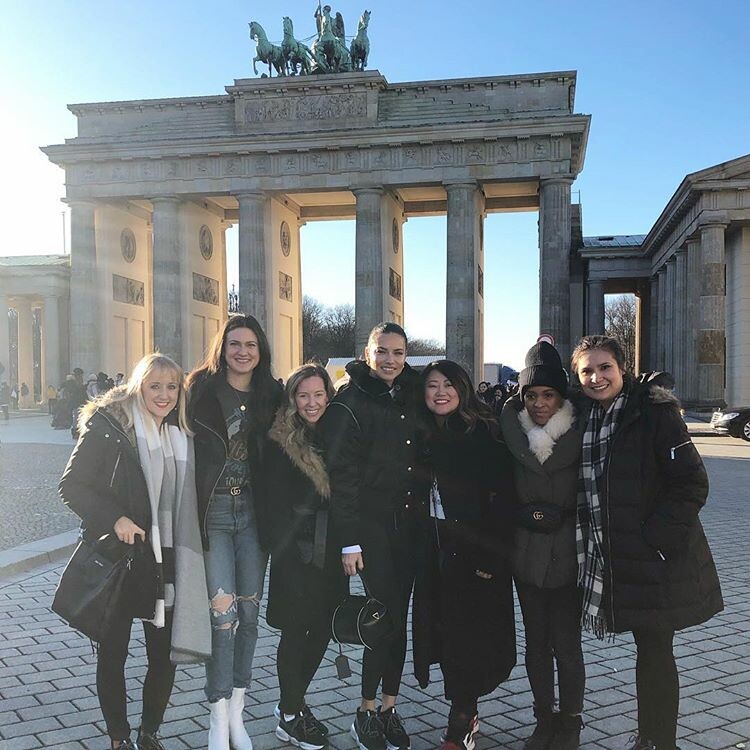
 She commented: adrianalima The greatest crew of all times!💖✨ Love you all✨

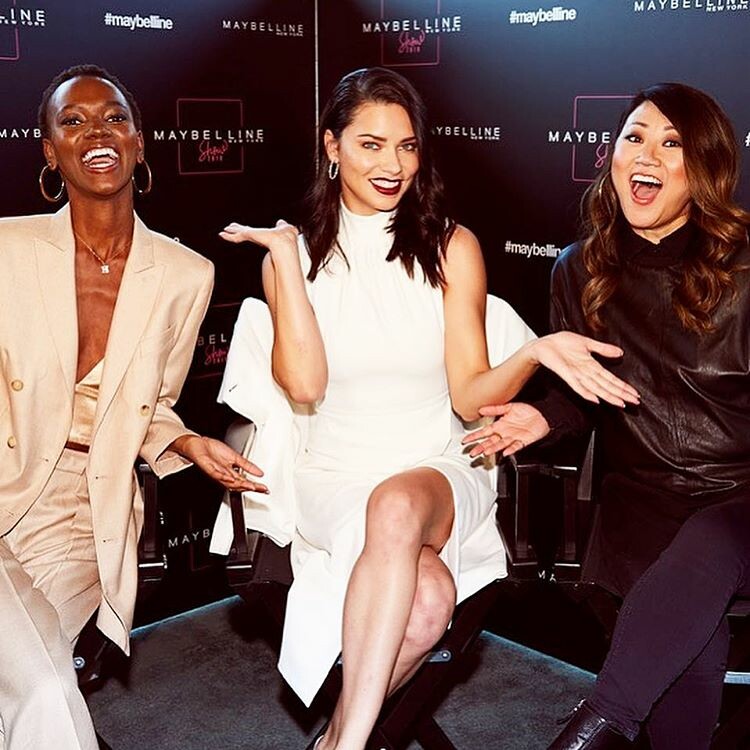
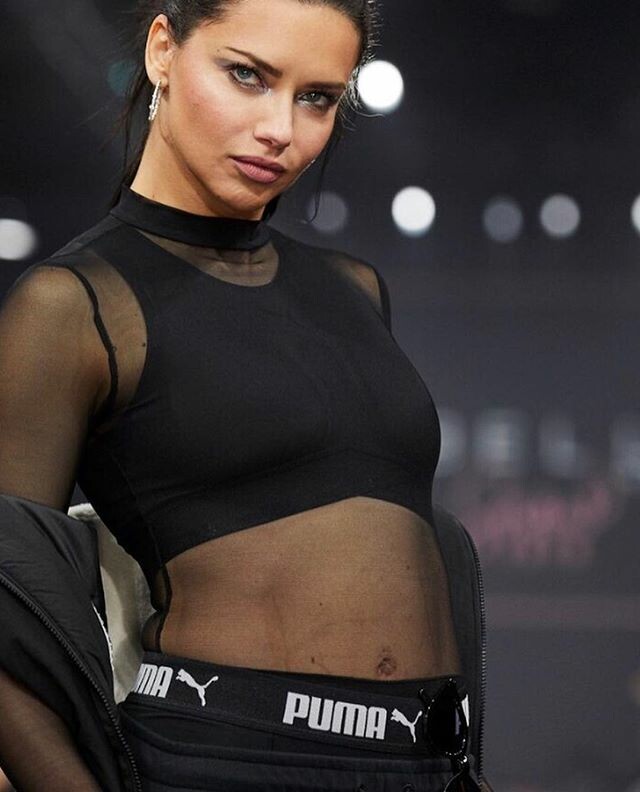
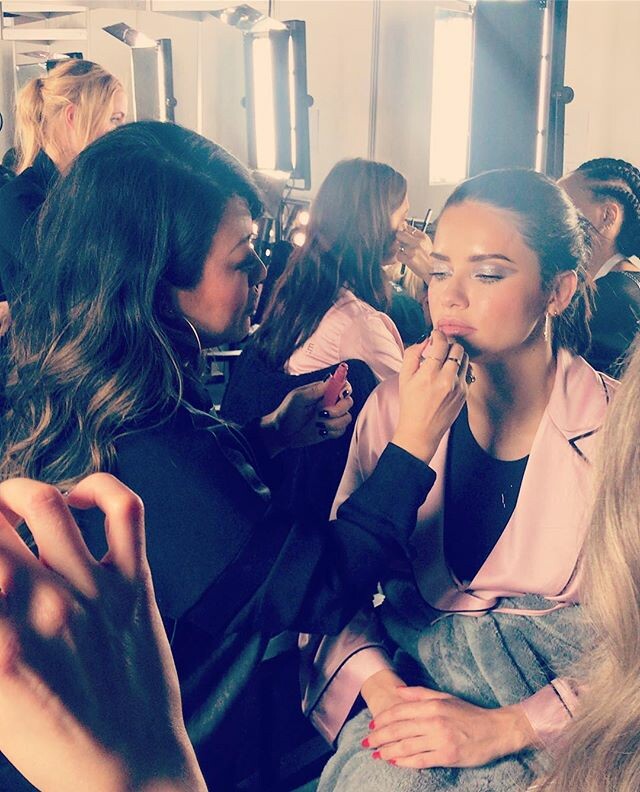
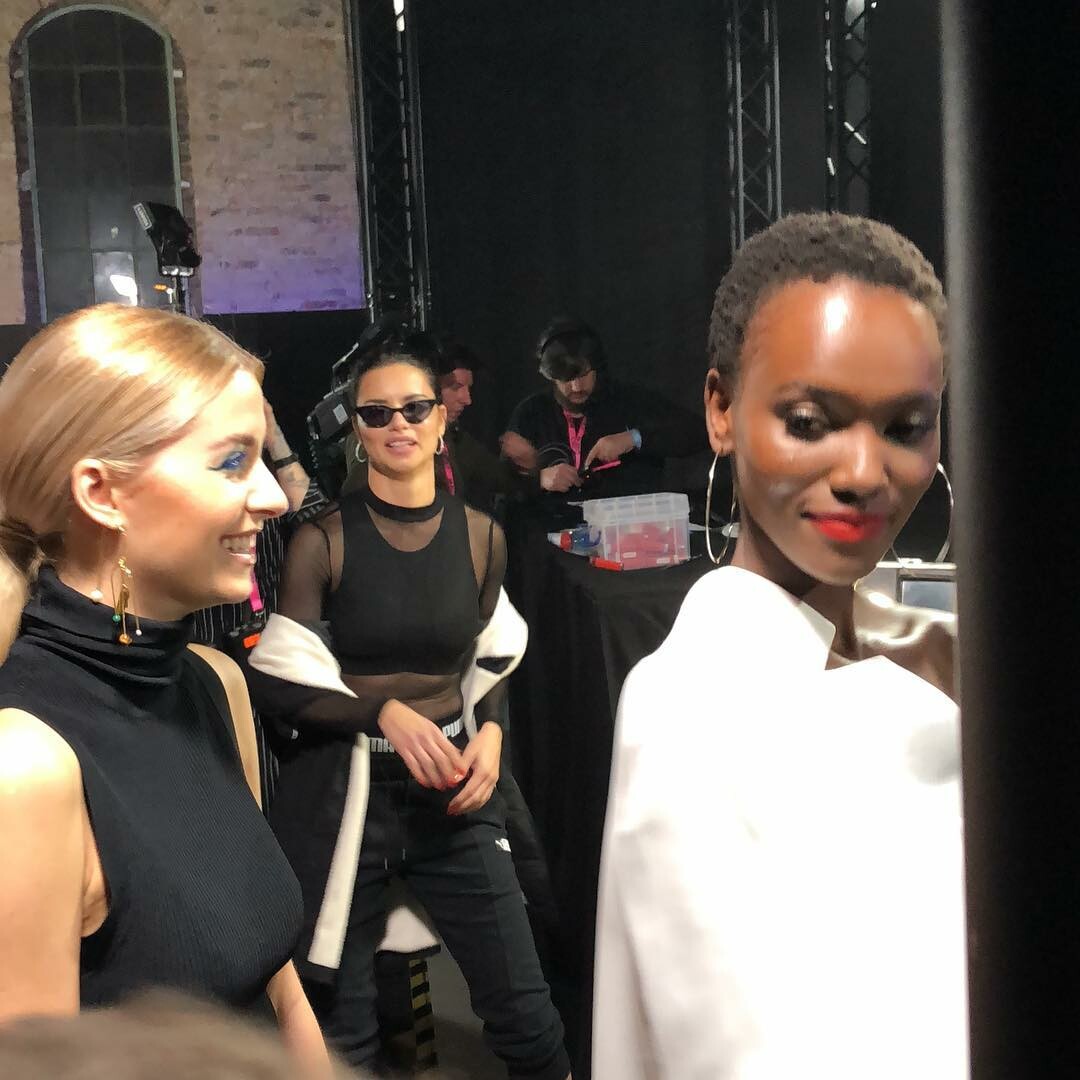
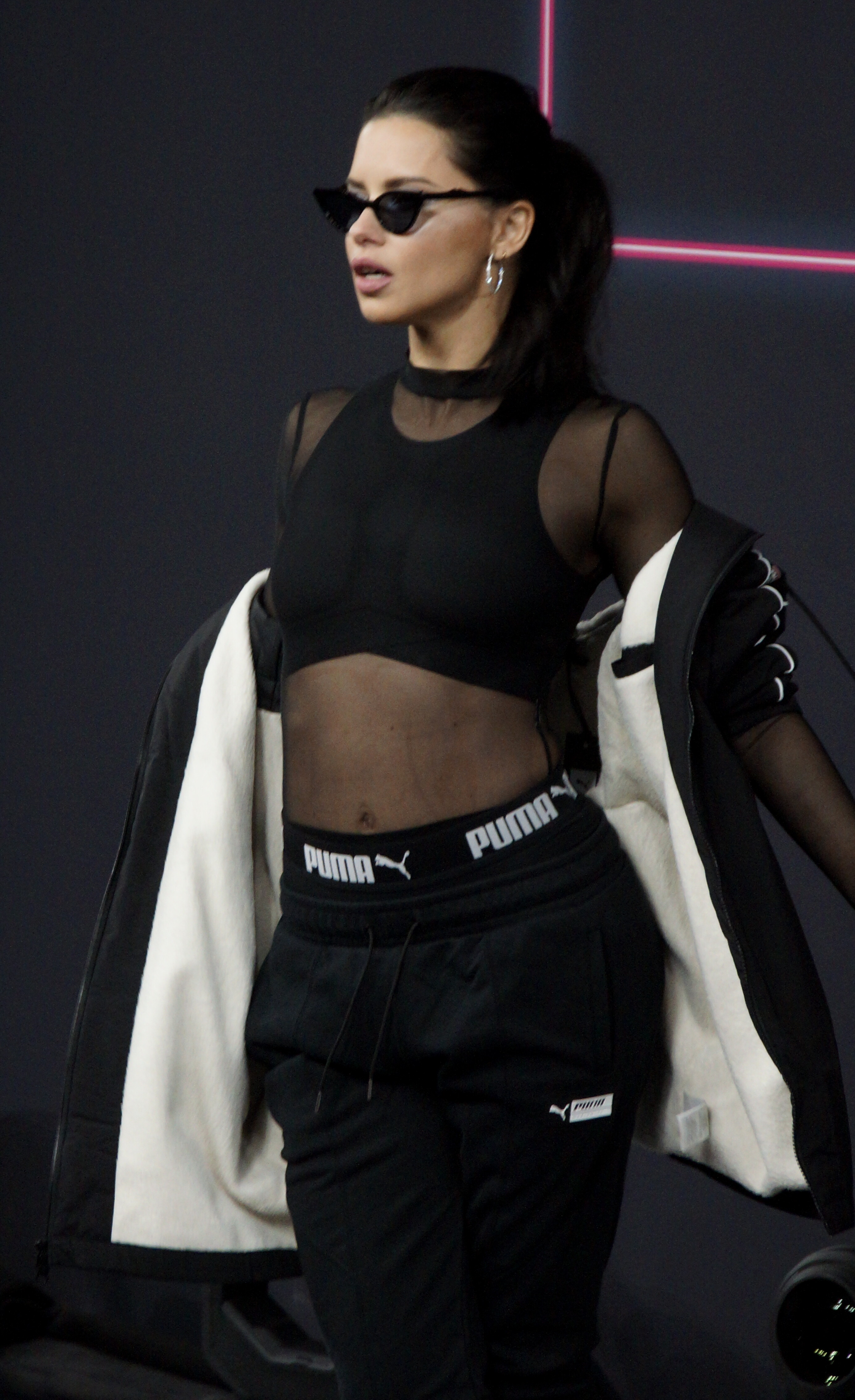
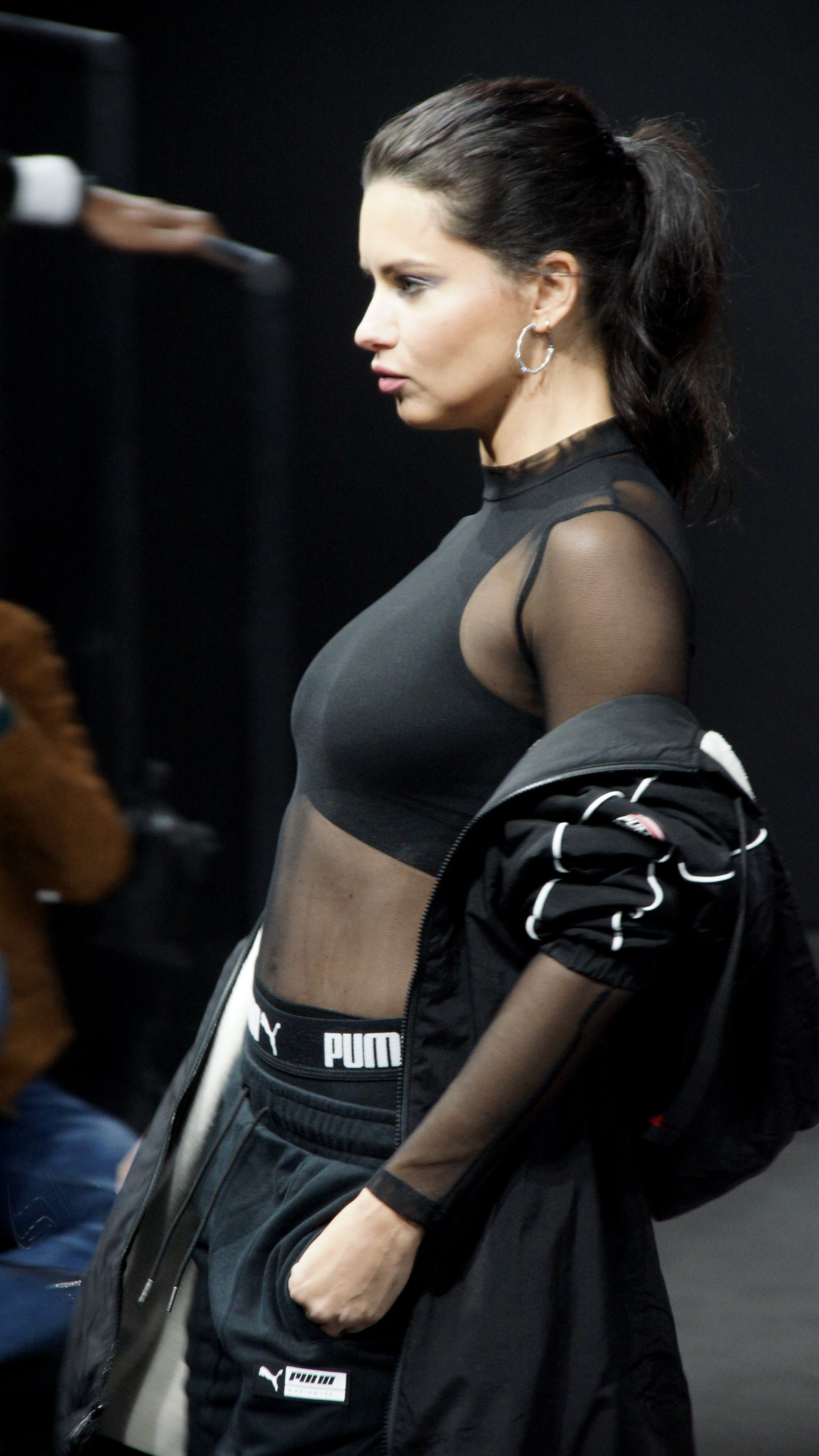
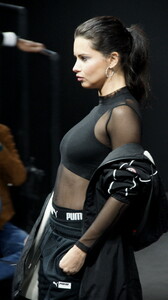
 247 HQs from the BFW Maybelline Puma show, from HQcelebcorner.com http://www.imagebam.com/gallery/l2myzoy84jl2tx2vqa72eotmn336t1je
A JEWELRY CAMPAIGN FOR CHOPARD!!!!!!!!! YES I wanted a jewelry campaign for her since so long!
247 HQs from the BFW Maybelline Puma show, from HQcelebcorner.com http://www.imagebam.com/gallery/l2myzoy84jl2tx2vqa72eotmn336t1je
A JEWELRY CAMPAIGN FOR CHOPARD!!!!!!!!! YES I wanted a jewelry campaign for her since so long! Adriana is at 7:20, at 8:54 she is seen in the screen showing the Maybelline anthem among the other Maybelline girls, at 9:25, and at 13.52 from the gym event.
Adriana is at 3:05 and 3:33.
A bit of the Maybelline anthem video, Adriana's walk is at 14:26
The last one is a tbt, I think from 2014
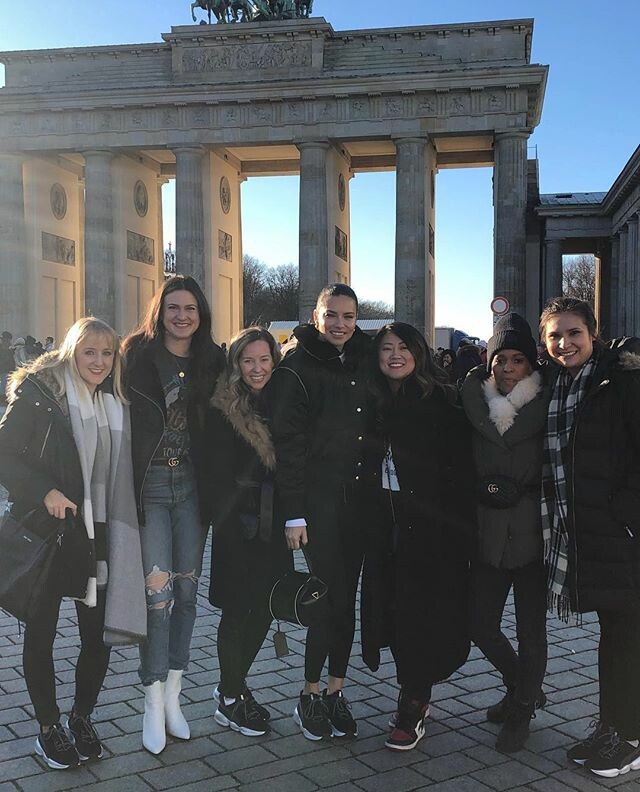
Exactly, she was fabolous, genuinely happy to be there and she got to do a little sight seeing of Berlin with the Maybelline crew after the show and press conferences. Nothing bad to say.
a video Maybelline does every year, with all their contract models. It's like an anthem of the Maybelline brand phylosophy. Sorry late reply but I was withot internet all day
UHQs from zeitblatt.com
Adriana is at 7:20, at 8:54 she is seen in the screen showing the Maybelline anthem among the other Maybelline girls, at 9:25, and at 13.52 from the gym event.
Adriana is at 3:05 and 3:33.
A bit of the Maybelline anthem video, Adriana's walk is at 14:26
The last one is a tbt, I think from 2014
Exactly, she was fabolous, genuinely happy to be there and she got to do a little sight seeing of Berlin with the Maybelline crew after the show and press conferences. Nothing bad to say.
a video Maybelline does every year, with all their contract models. It's like an anthem of the Maybelline brand phylosophy. Sorry late reply but I was withot internet all day
UHQs from zeitblatt.com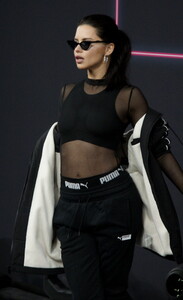
Account
Navigation
Search
Configure browser push notifications
Chrome (Android)
- Tap the lock icon next to the address bar.
- Tap Permissions → Notifications.
- Adjust your preference.
Chrome (Desktop)
- Click the padlock icon in the address bar.
- Select Site settings.
- Find Notifications and adjust your preference.
Safari (iOS 16.4+)
- Ensure the site is installed via Add to Home Screen.
- Open Settings App → Notifications.
- Find your app name and adjust your preference.
Safari (macOS)
- Go to Safari → Preferences.
- Click the Websites tab.
- Select Notifications in the sidebar.
- Find this website and adjust your preference.
Edge (Android)
- Tap the lock icon next to the address bar.
- Tap Permissions.
- Find Notifications and adjust your preference.
Edge (Desktop)
- Click the padlock icon in the address bar.
- Click Permissions for this site.
- Find Notifications and adjust your preference.
Firefox (Android)
- Go to Settings → Site permissions.
- Tap Notifications.
- Find this site in the list and adjust your preference.
Firefox (Desktop)
- Open Firefox Settings.
- Search for Notifications.
- Find this site in the list and adjust your preference.