

nhlovesadri
Members
-
Joined
-
Last visited
Everything posted by nhlovesadri
-
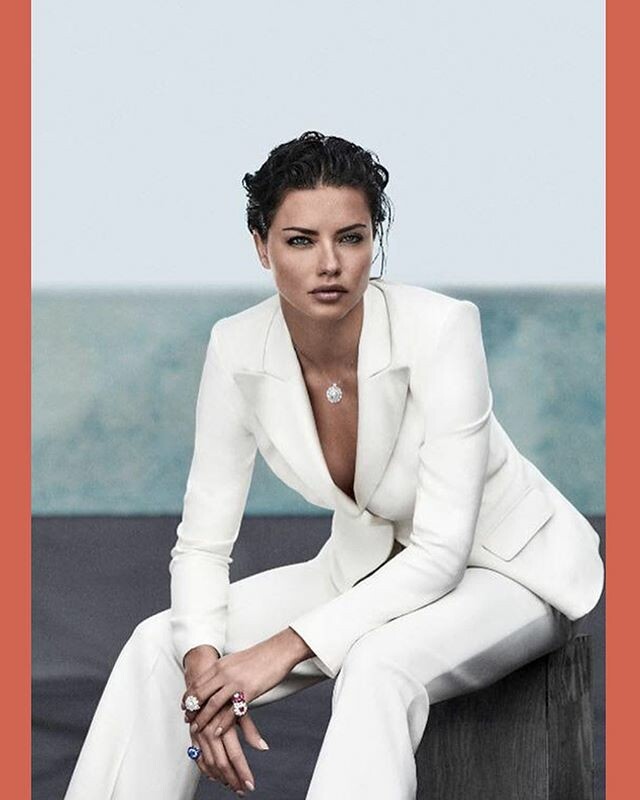
 http://www.premium-magazin.at/jewelry/chopard-magical

-
https://www.vogue.com.tw/fashion/special/content-45373.html A new picture

-
You're welcome Yes I LOVE it, too bad it was just a small birthday party and not an event, so we have only a few ig stories.
-
from November 2017, just found it now lol
-
Adriana's runway section starts at 20:96
mserinsita's ig stories. Adriana is seen briefly. 51217389_292998351399541_5866311229719836631_n.mp4 51591178_168074570822374_2354495525232413423_n.mp4
For Amazon, the others in the gallery were already posted.
The gallery's videos are in the Motion section
 The gallery's image is in the Motion section 51238473_246229289601738_2517770509175295075_n.mp4 51308022_2192416054407861_8788947217207811674_n.mp4 51454658_236022883942801_1720120564188286808_n.mp4
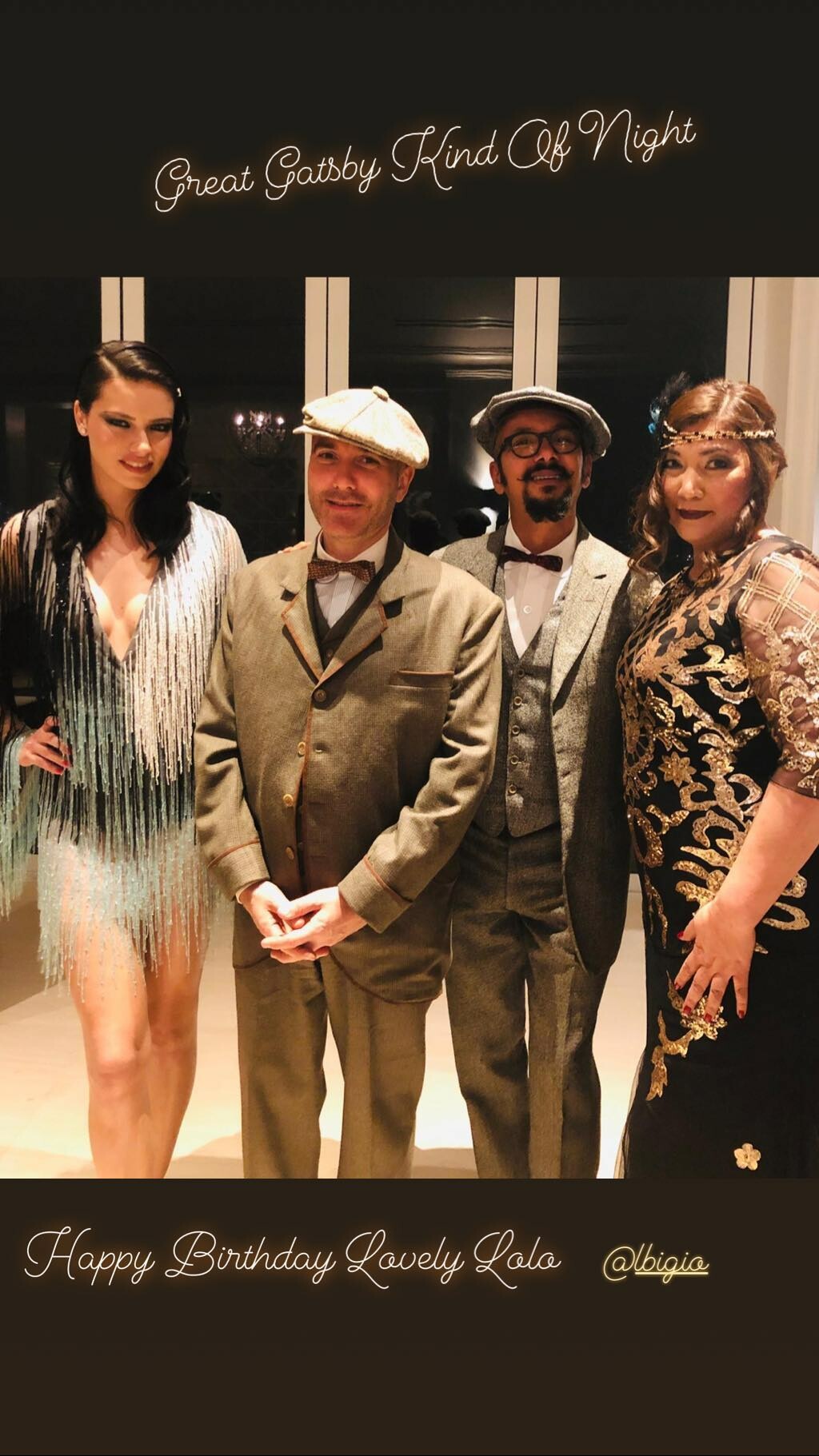
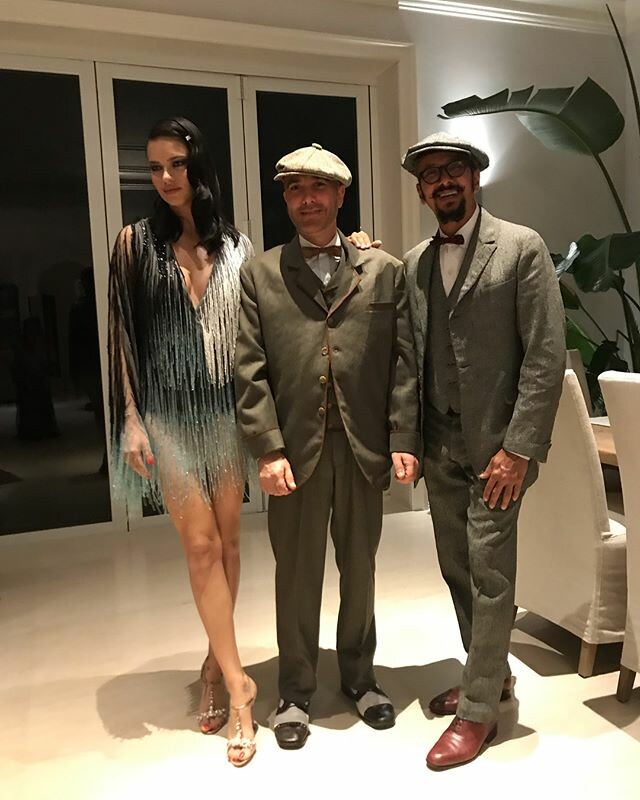
She was at a 20s - 30s inspired party in Miami last night. Love that look 😍 Ig stories from cristmac and dricaslima 51161140_325438141433358_7804564243656624562_n.mp4 51235846_2013381502076092_1388476075090159276_n.mp4 51390310_2267525100197450_6747055830896408658_n.mp4 51391319_1026211677562103_1939901901541887013_n.mp4 51437329_540142839821100_1395345338168108634_n.mp4
Somebody knows the name of the song palying in Adriana's walk at the Maybellien show? The original, not the rap they used on the officila video instead. You can haer it in this live video.
Adriana and Karolina for IWC 2017. There's a different view of Adriana from her solo video we already have.
They took their time but Fashionstock just released their video of the Philipp Plein show
Me neither if I did not read the quote after lol
The caption lol I guess nobody of us will complain as long as Grace keeps giving us these awesome pics
Adriana is at 2:38, 3:26 and from 7:05 in the taxi challenge.
She is from 7:53 to almost the end of the video
The gallery's image is in the Motion section 51238473_246229289601738_2517770509175295075_n.mp4 51308022_2192416054407861_8788947217207811674_n.mp4 51454658_236022883942801_1720120564188286808_n.mp4
She was at a 20s - 30s inspired party in Miami last night. Love that look 😍 Ig stories from cristmac and dricaslima 51161140_325438141433358_7804564243656624562_n.mp4 51235846_2013381502076092_1388476075090159276_n.mp4 51390310_2267525100197450_6747055830896408658_n.mp4 51391319_1026211677562103_1939901901541887013_n.mp4 51437329_540142839821100_1395345338168108634_n.mp4
Somebody knows the name of the song palying in Adriana's walk at the Maybellien show? The original, not the rap they used on the officila video instead. You can haer it in this live video.
Adriana and Karolina for IWC 2017. There's a different view of Adriana from her solo video we already have.
They took their time but Fashionstock just released their video of the Philipp Plein show
Me neither if I did not read the quote after lol
The caption lol I guess nobody of us will complain as long as Grace keeps giving us these awesome pics
Adriana is at 2:38, 3:26 and from 7:05 in the taxi challenge.
She is from 7:53 to almost the end of the video





Account
Navigation
Search
Configure browser push notifications
Chrome (Android)
- Tap the lock icon next to the address bar.
- Tap Permissions → Notifications.
- Adjust your preference.
Chrome (Desktop)
- Click the padlock icon in the address bar.
- Select Site settings.
- Find Notifications and adjust your preference.
Safari (iOS 16.4+)
- Ensure the site is installed via Add to Home Screen.
- Open Settings App → Notifications.
- Find your app name and adjust your preference.
Safari (macOS)
- Go to Safari → Preferences.
- Click the Websites tab.
- Select Notifications in the sidebar.
- Find this website and adjust your preference.
Edge (Android)
- Tap the lock icon next to the address bar.
- Tap Permissions.
- Find Notifications and adjust your preference.
Edge (Desktop)
- Click the padlock icon in the address bar.
- Click Permissions for this site.
- Find Notifications and adjust your preference.
Firefox (Android)
- Go to Settings → Site permissions.
- Tap Notifications.
- Find this site in the list and adjust your preference.
Firefox (Desktop)
- Open Firefox Settings.
- Search for Notifications.
- Find this site in the list and adjust your preference.