Jump to content
View in the app

A better way to browse. Learn more.

Bellazon

A full-screen app on your home screen with push notifications, badges and more.

To install this app on iOS and iPadOS
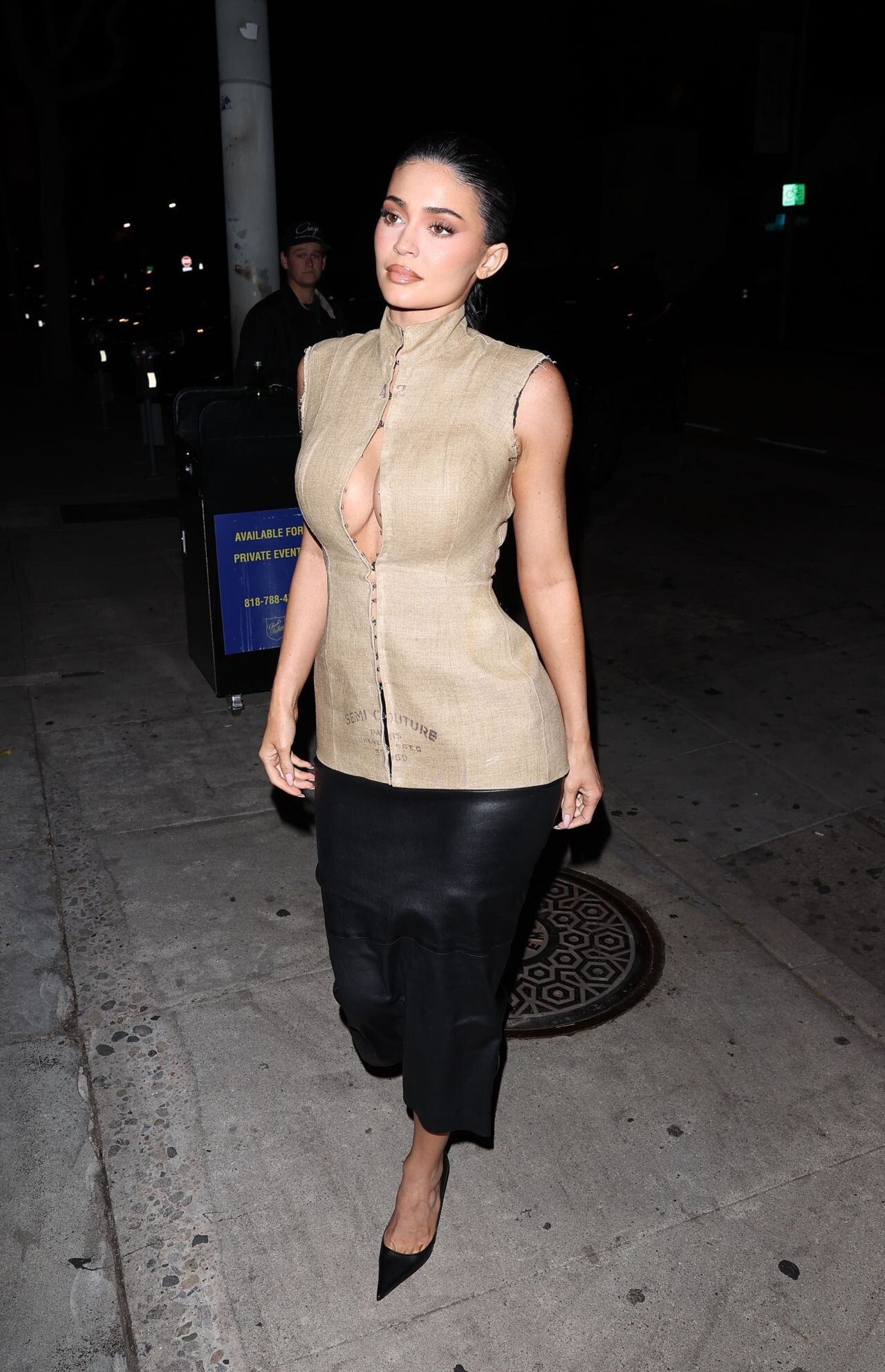
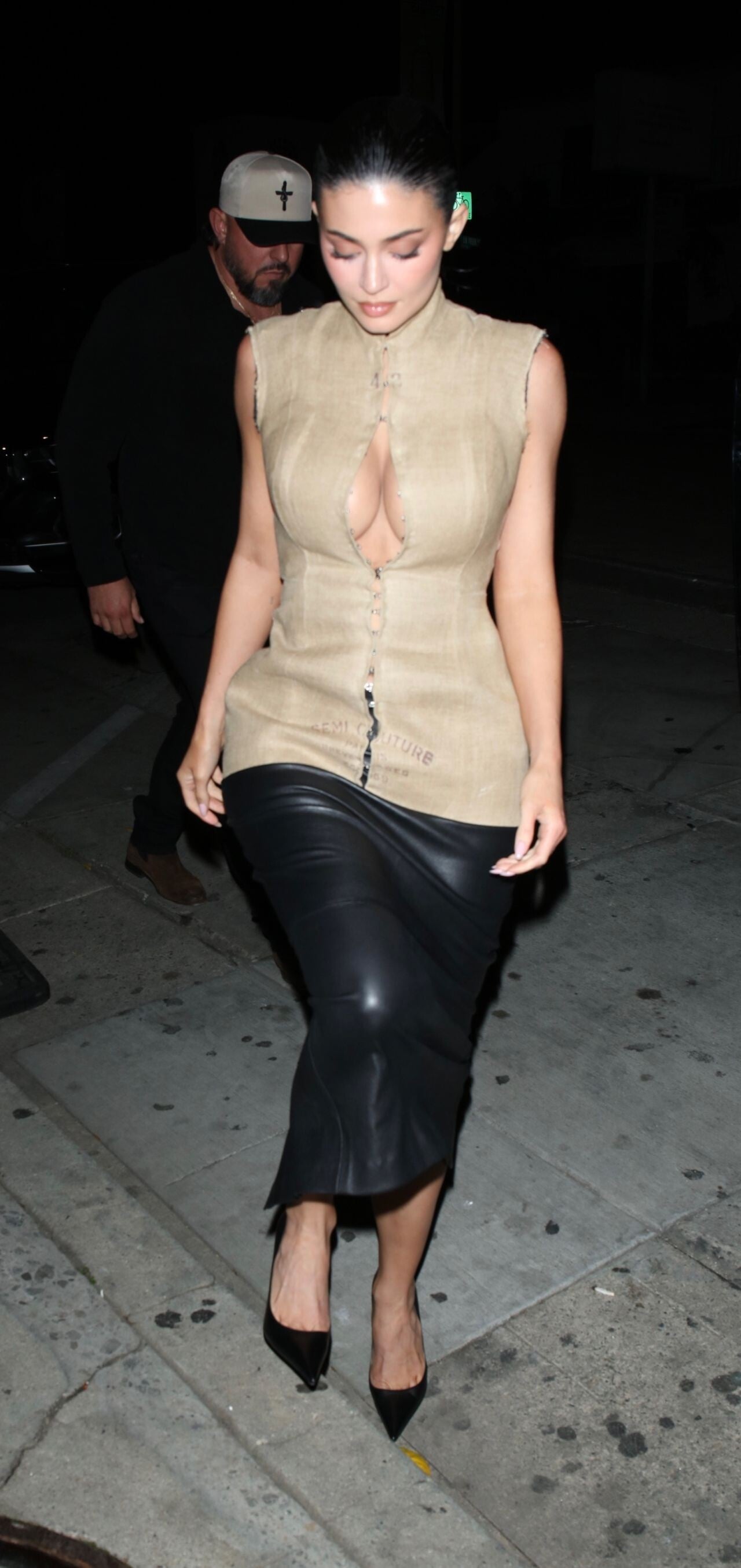
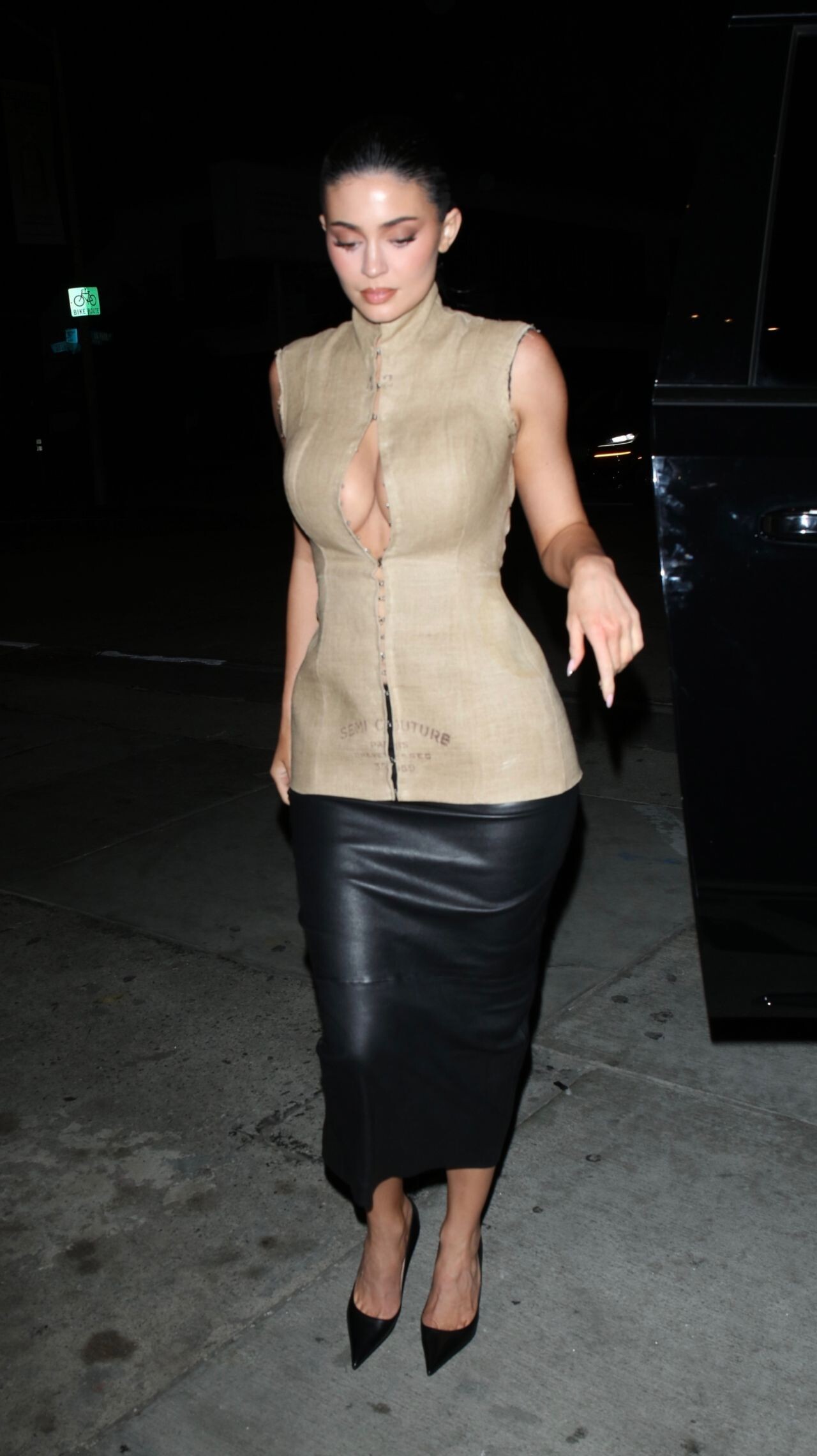
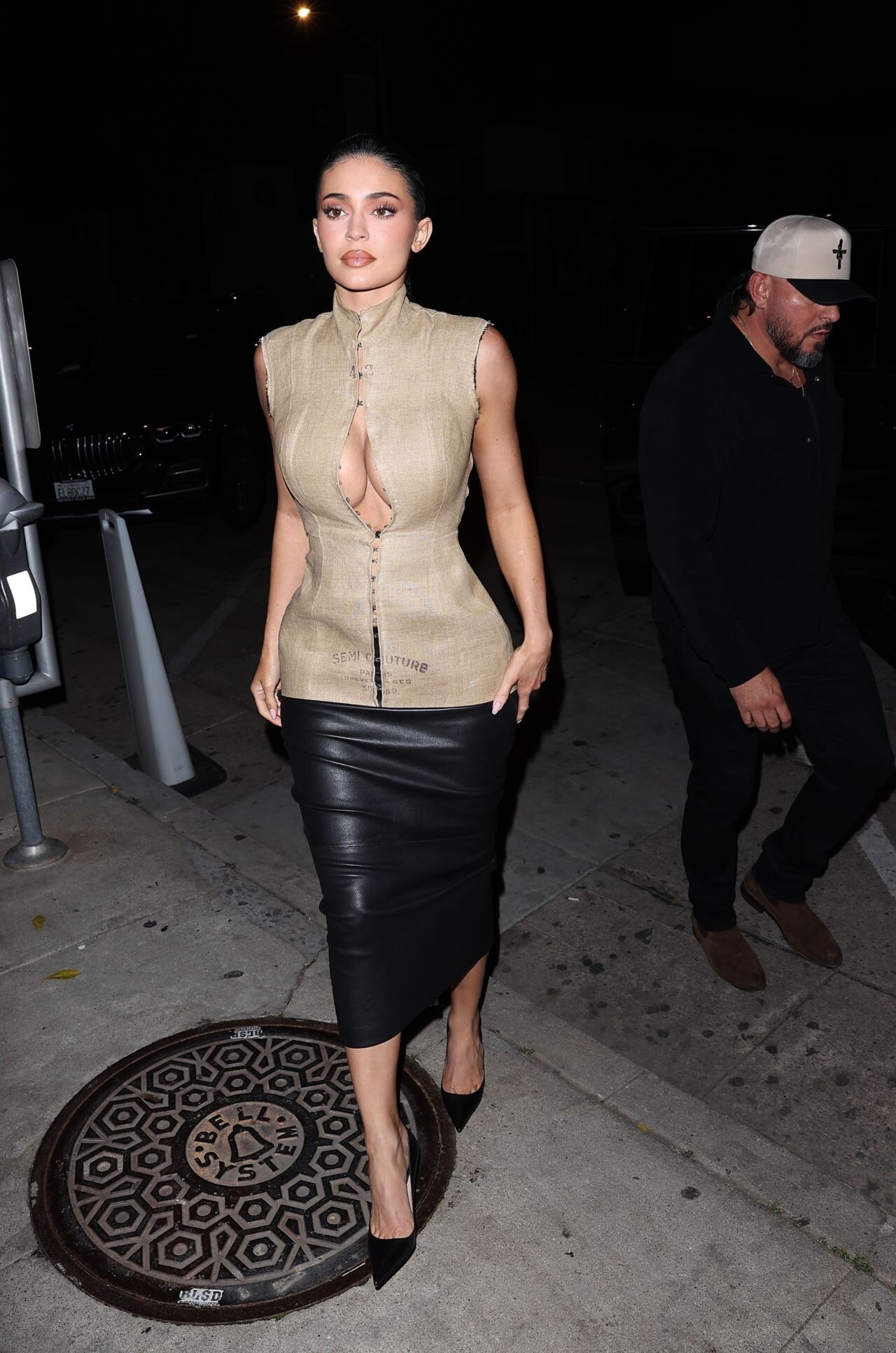
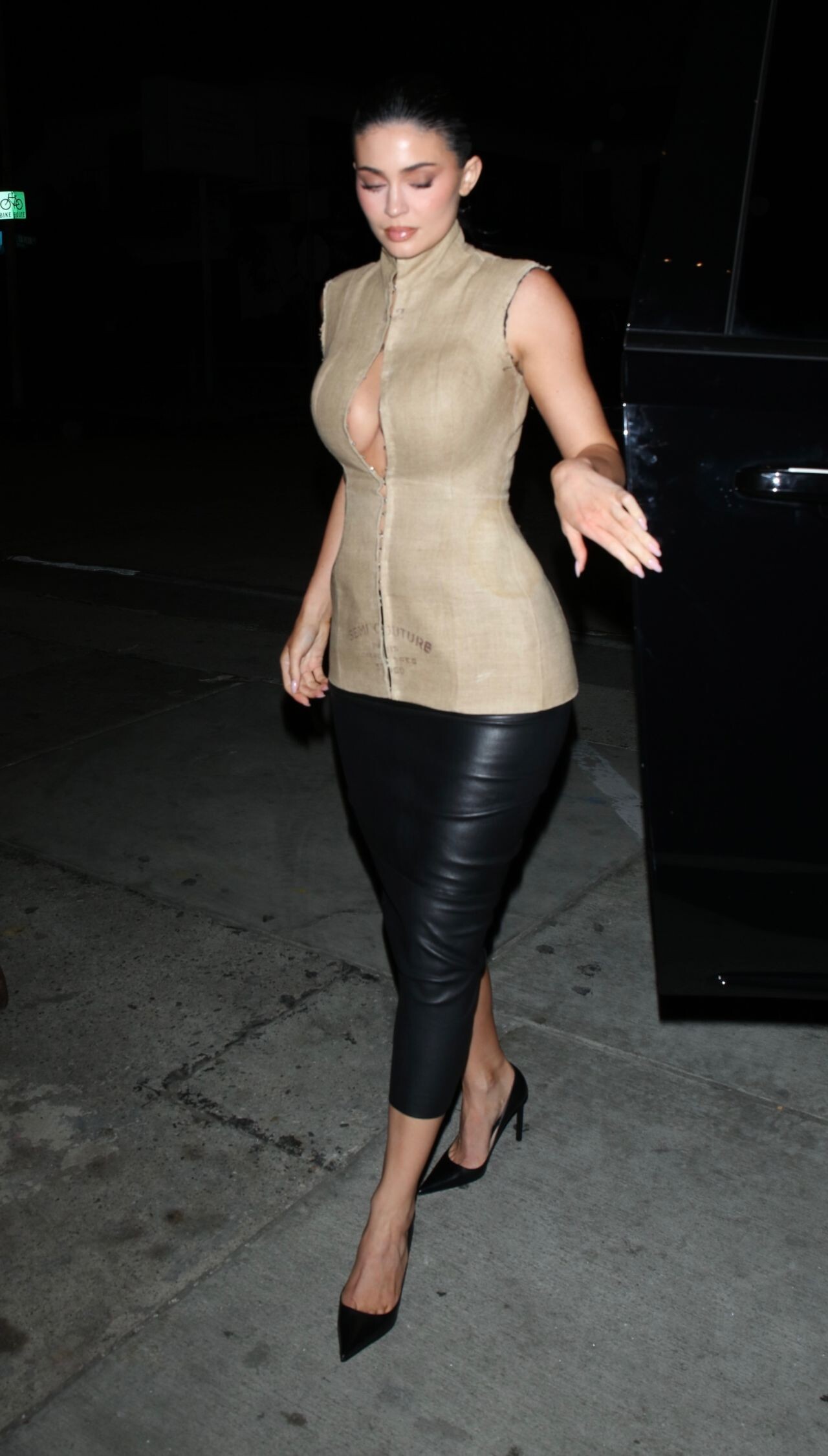
  1. Tap the Share icon in Safari
  2. Scroll the menu and tap Add to Home Screen.
  3. Tap Add in the top-right corner.
To install this app on Android
  1. Tap the 3-dot menu (⋮) in the top-right corner of the browser.
  2. Tap Add to Home screen or Install app.
  3. Confirm by tapping Install.

All Activity

This stream auto-updates

  1. Past hour
  2. 4 Dekota 3 Valeria 2 Lily 1 Anelia 0 Emily
  3. Freight Broker joined the community
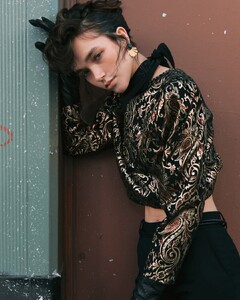
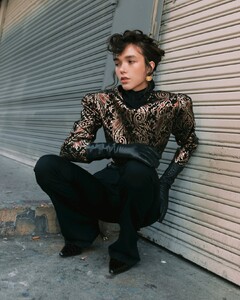
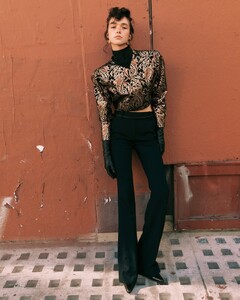
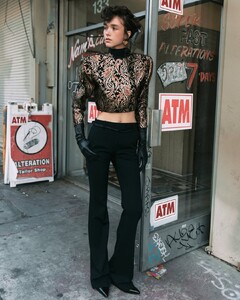
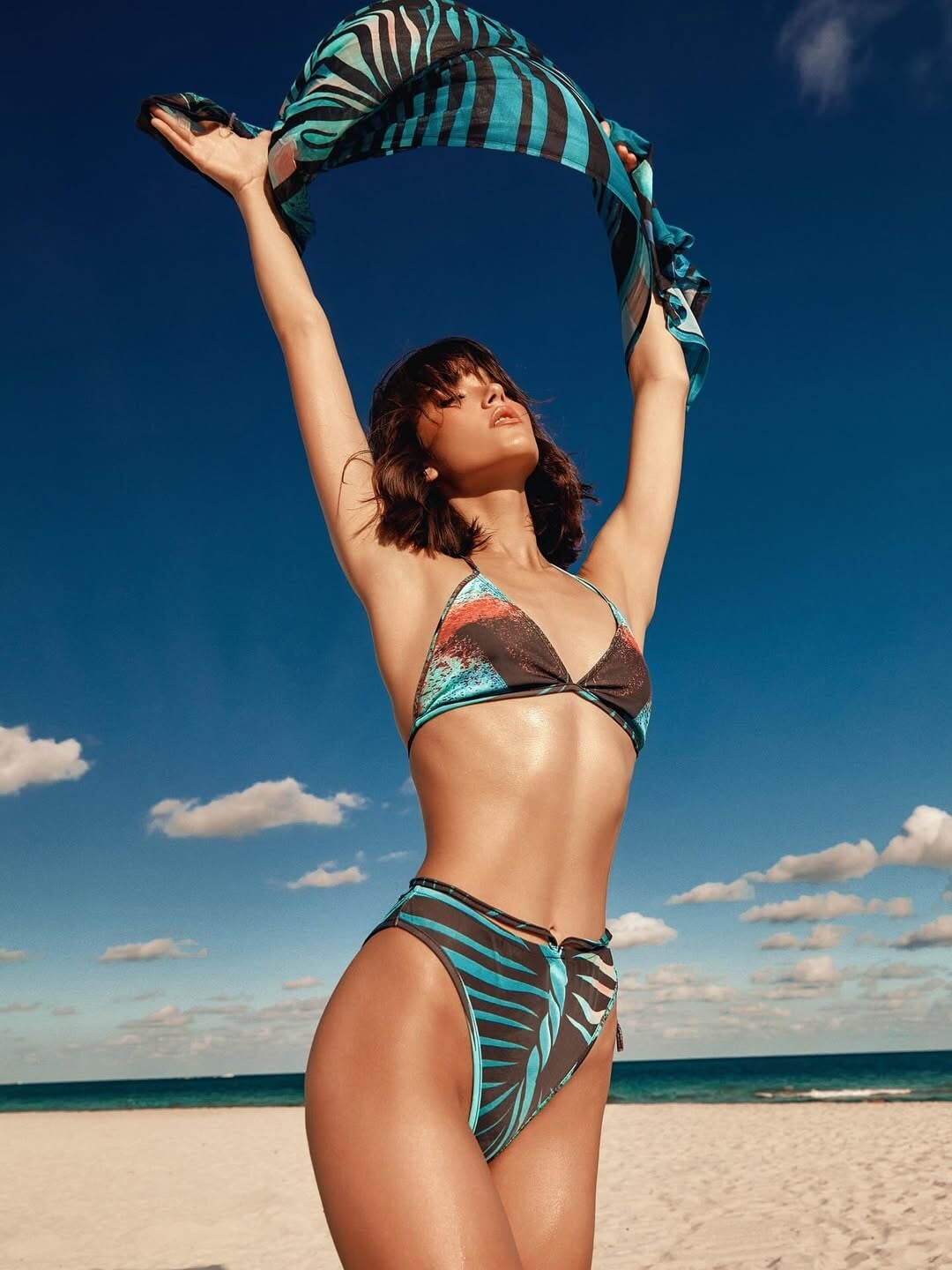
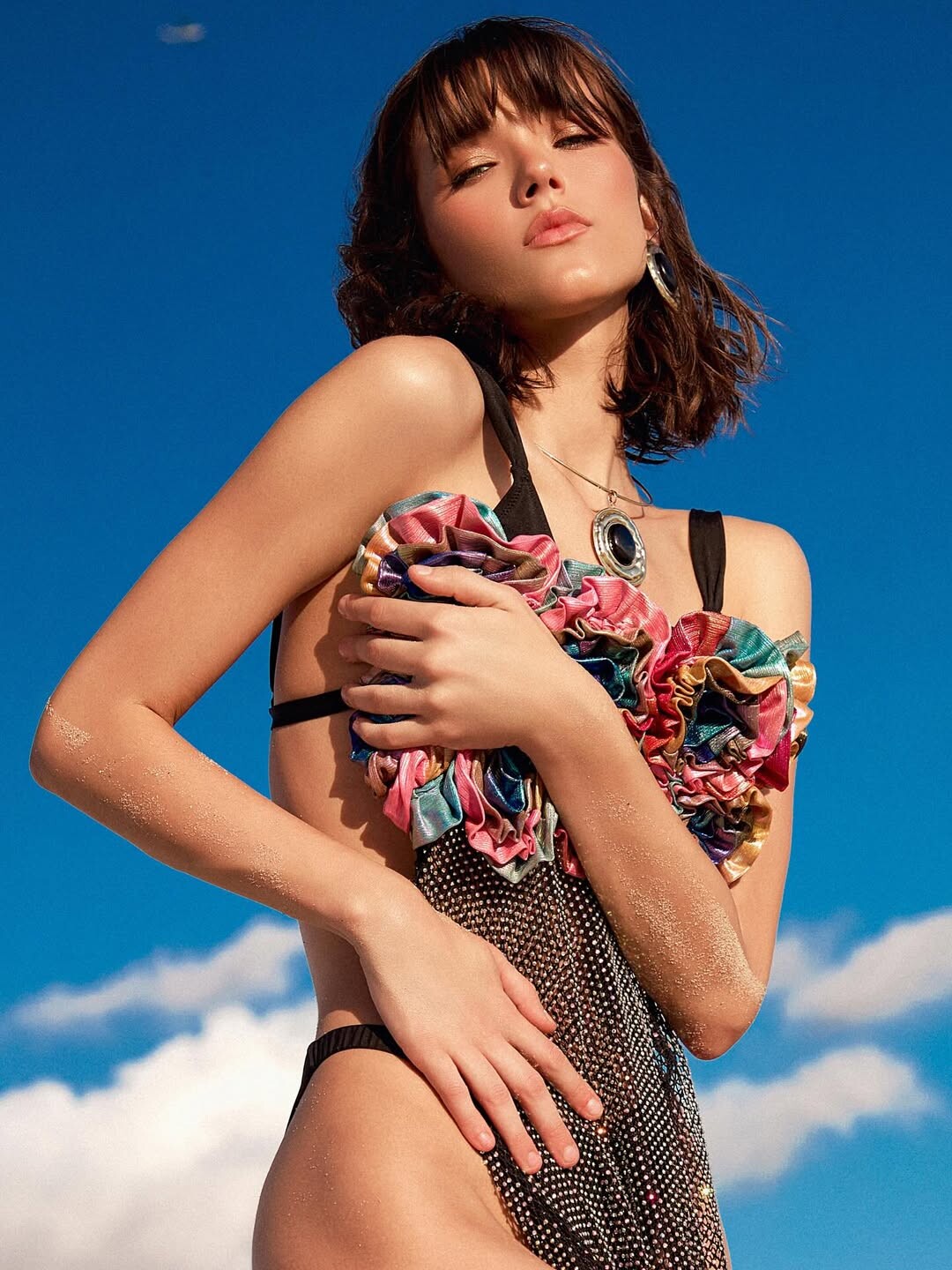
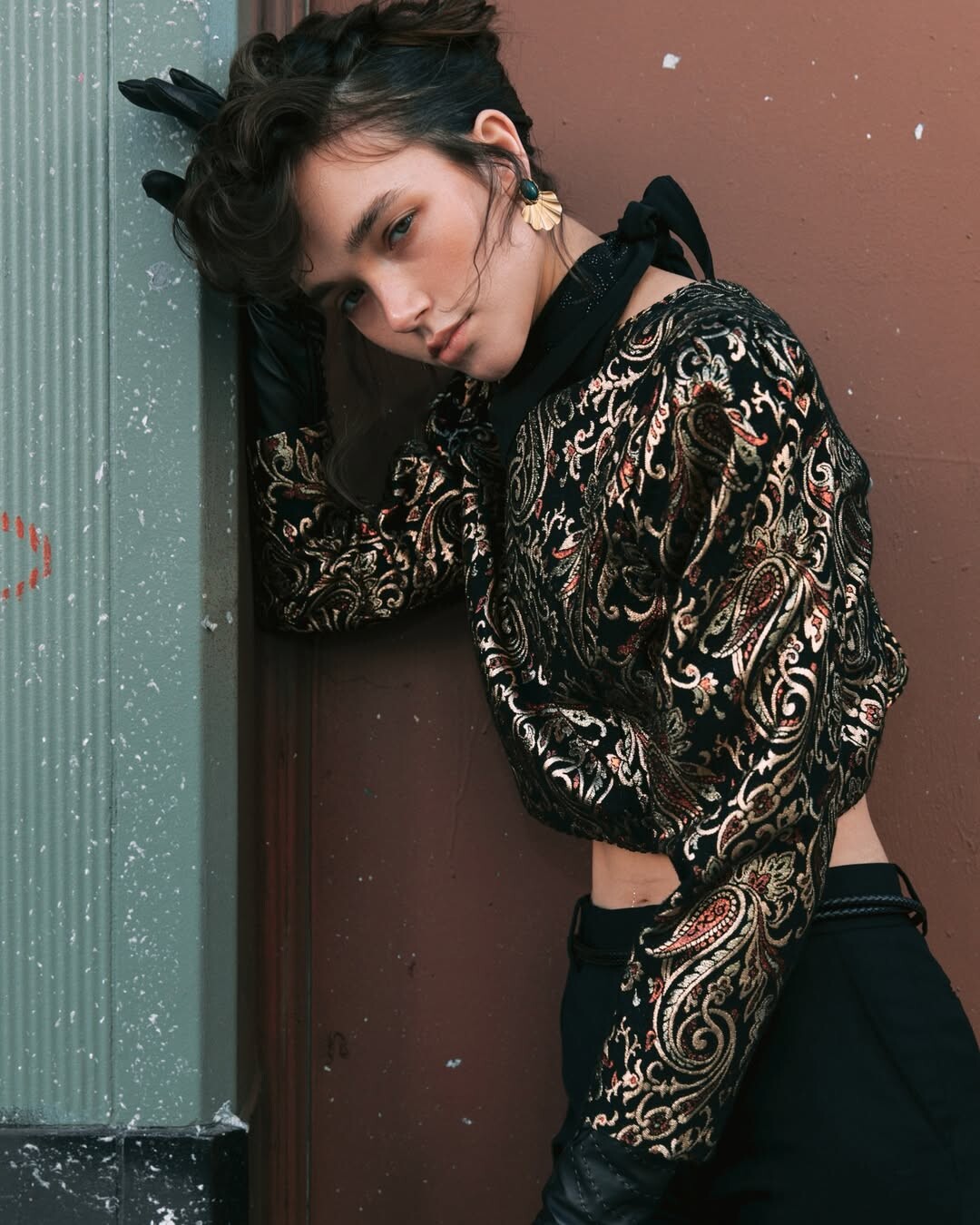
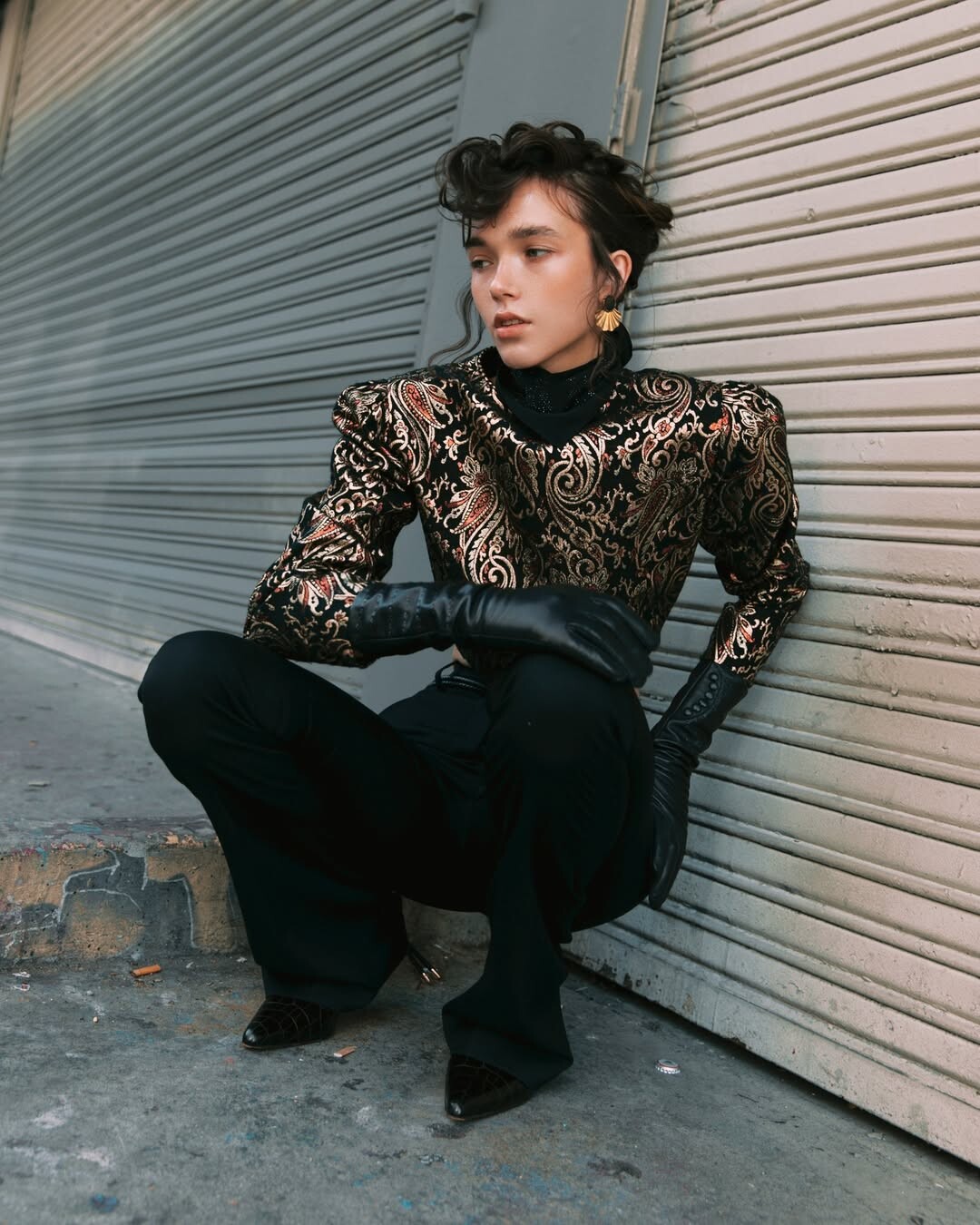
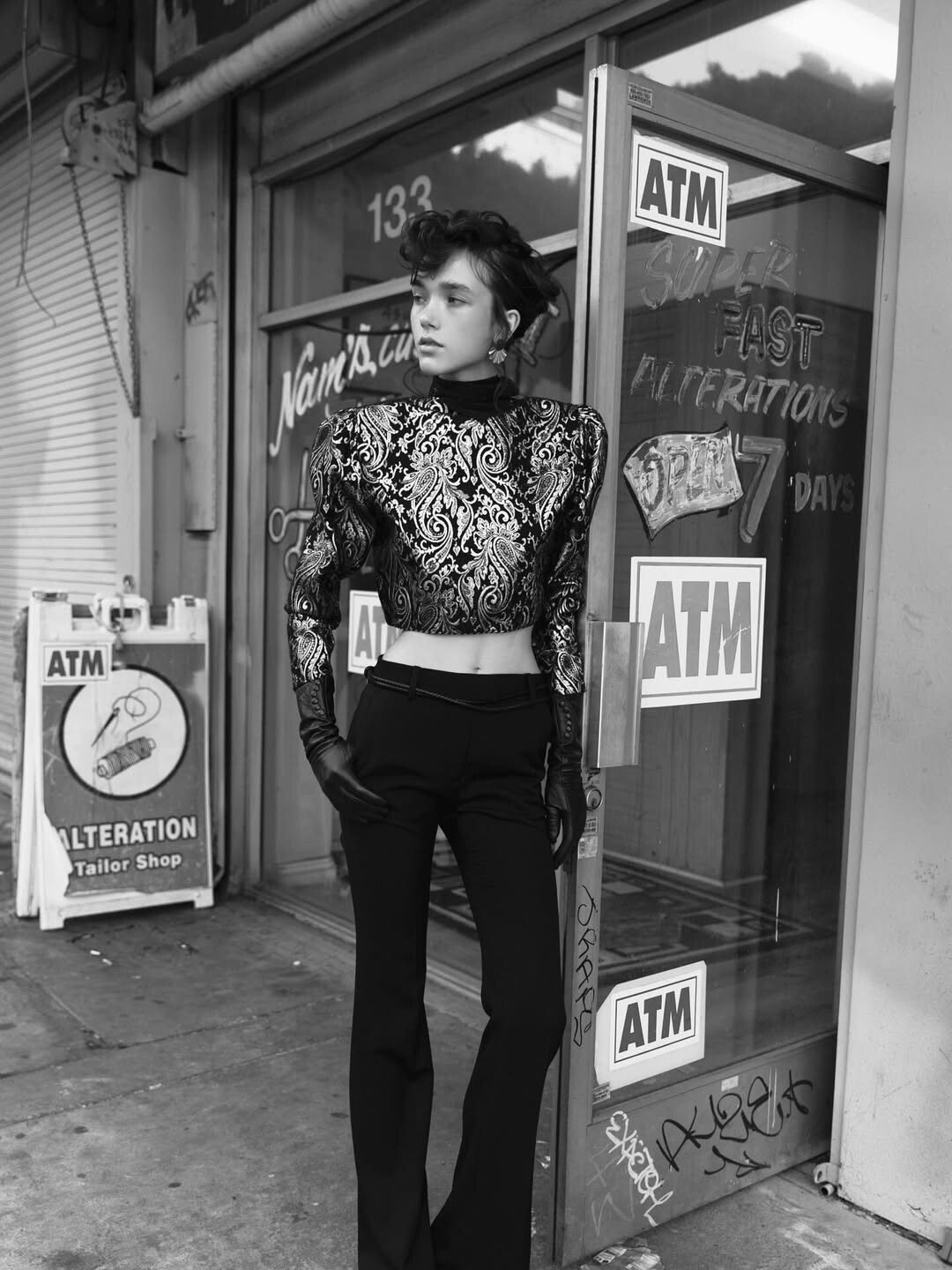
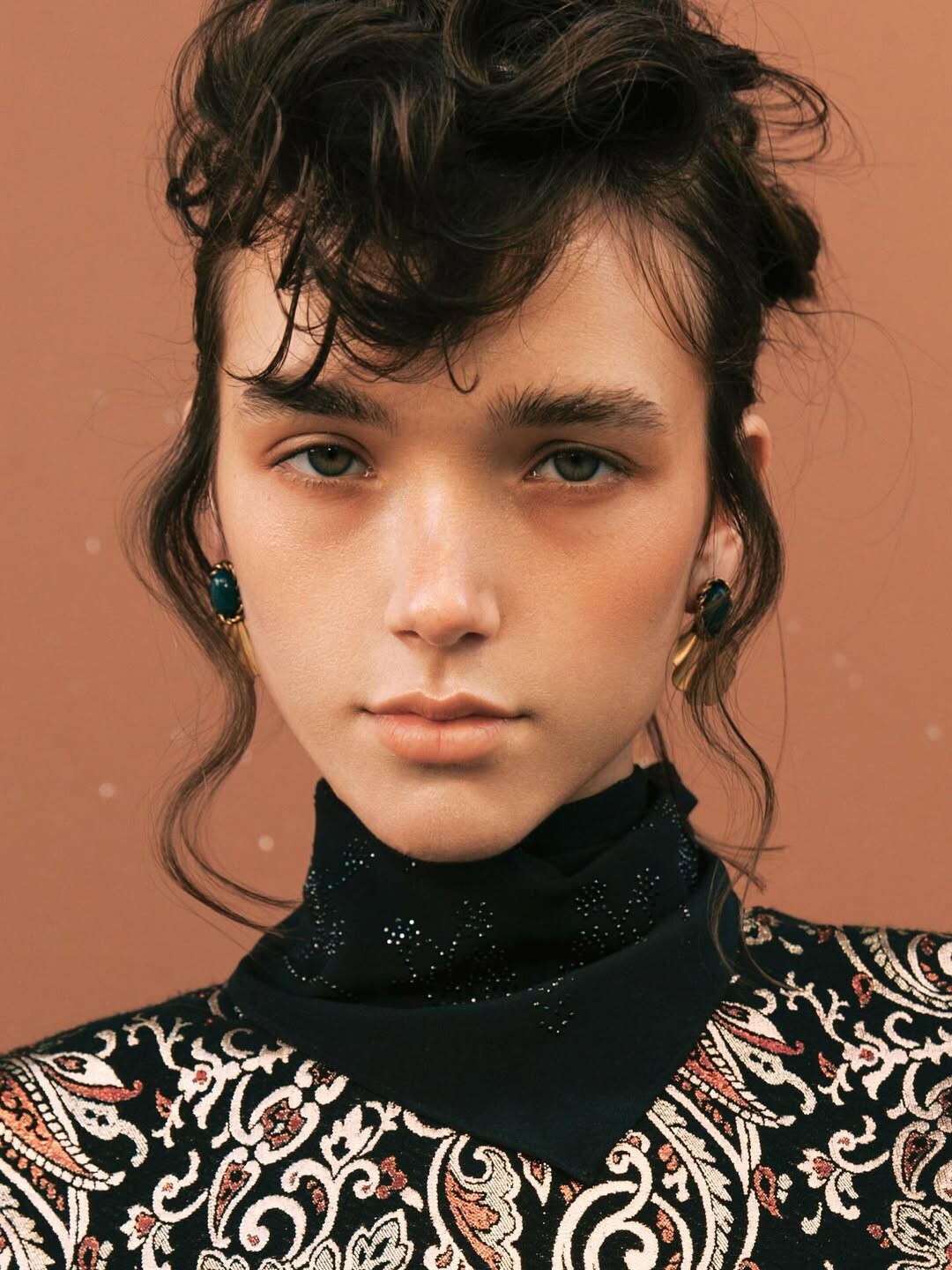
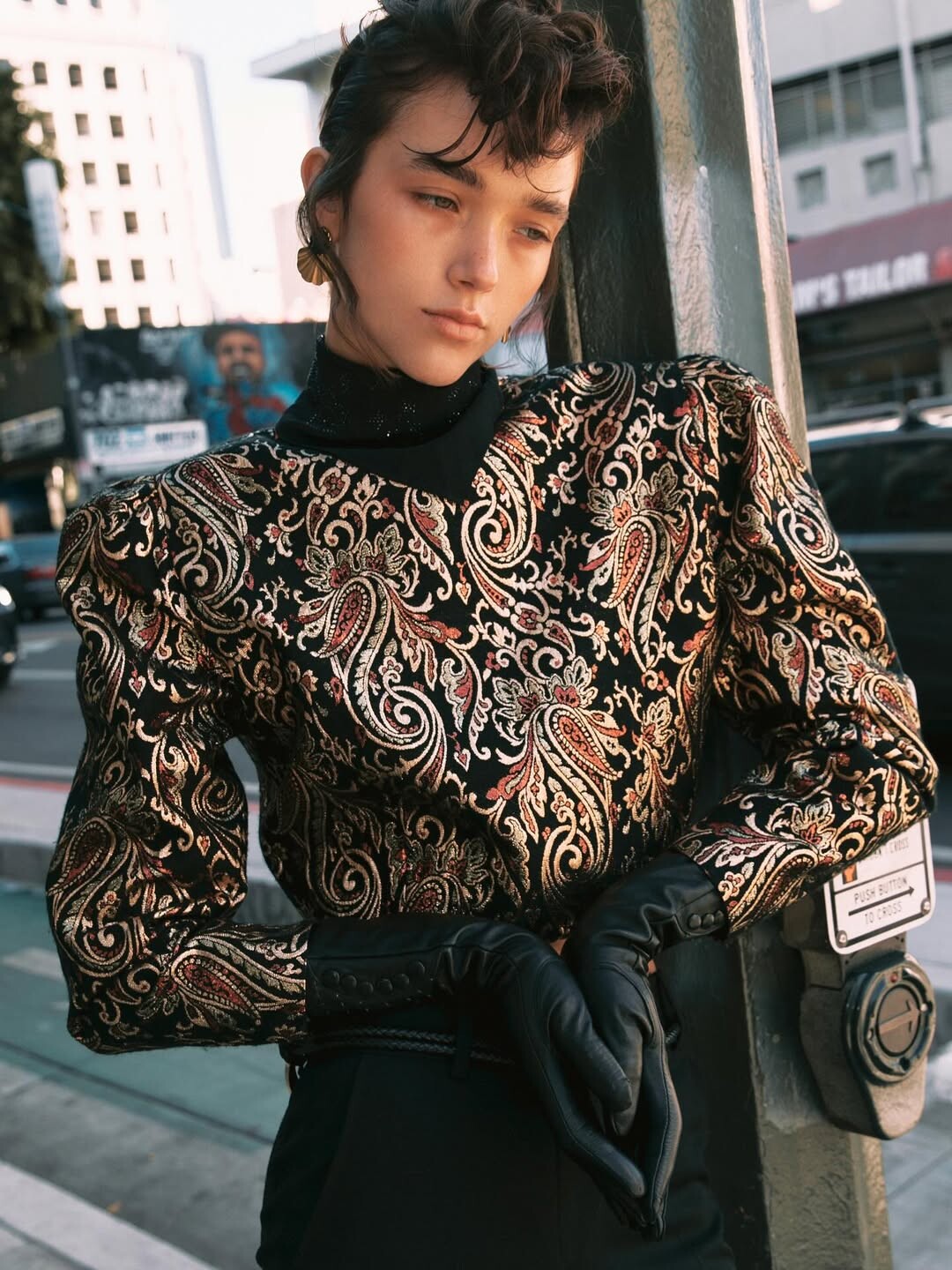
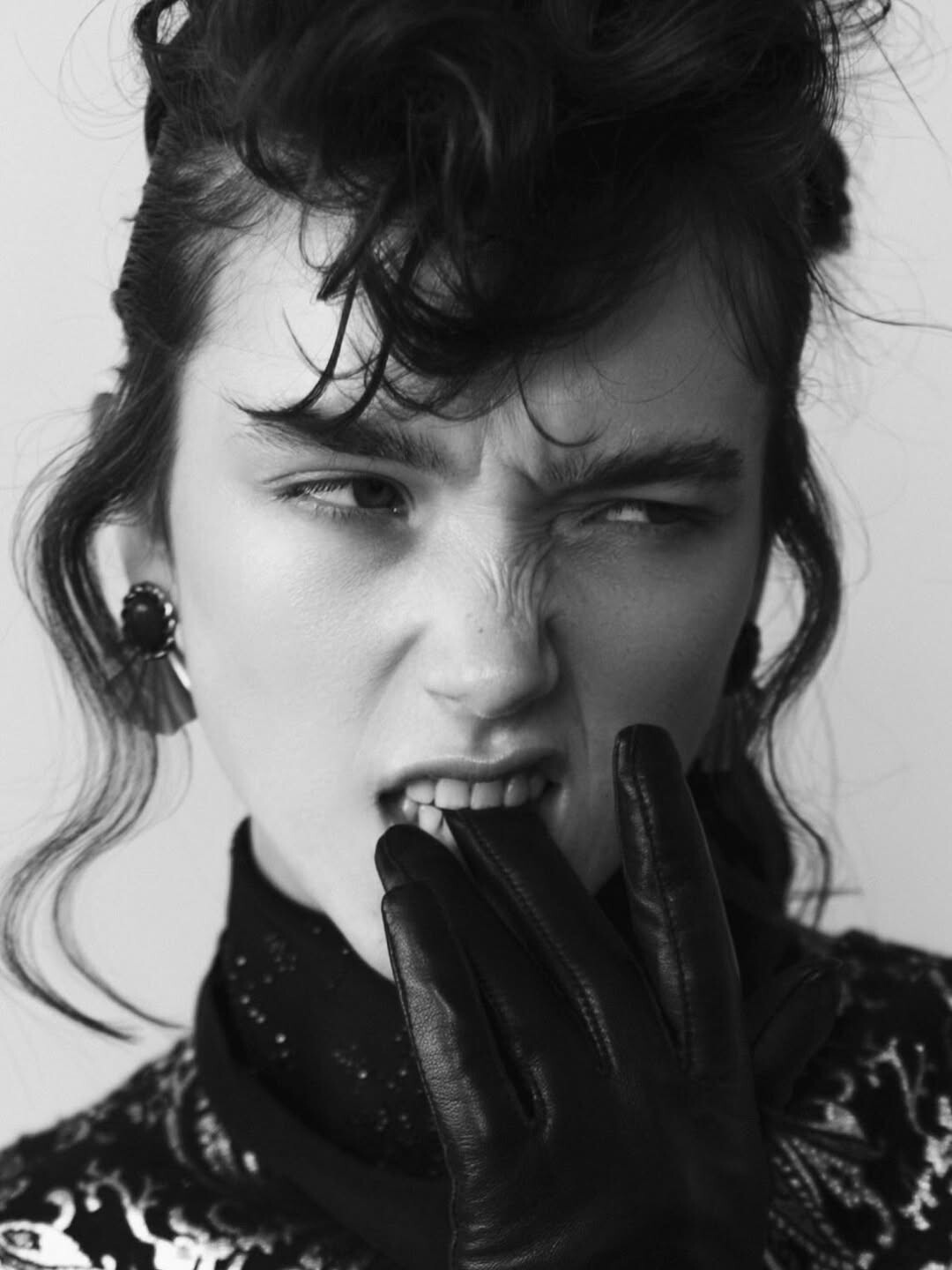
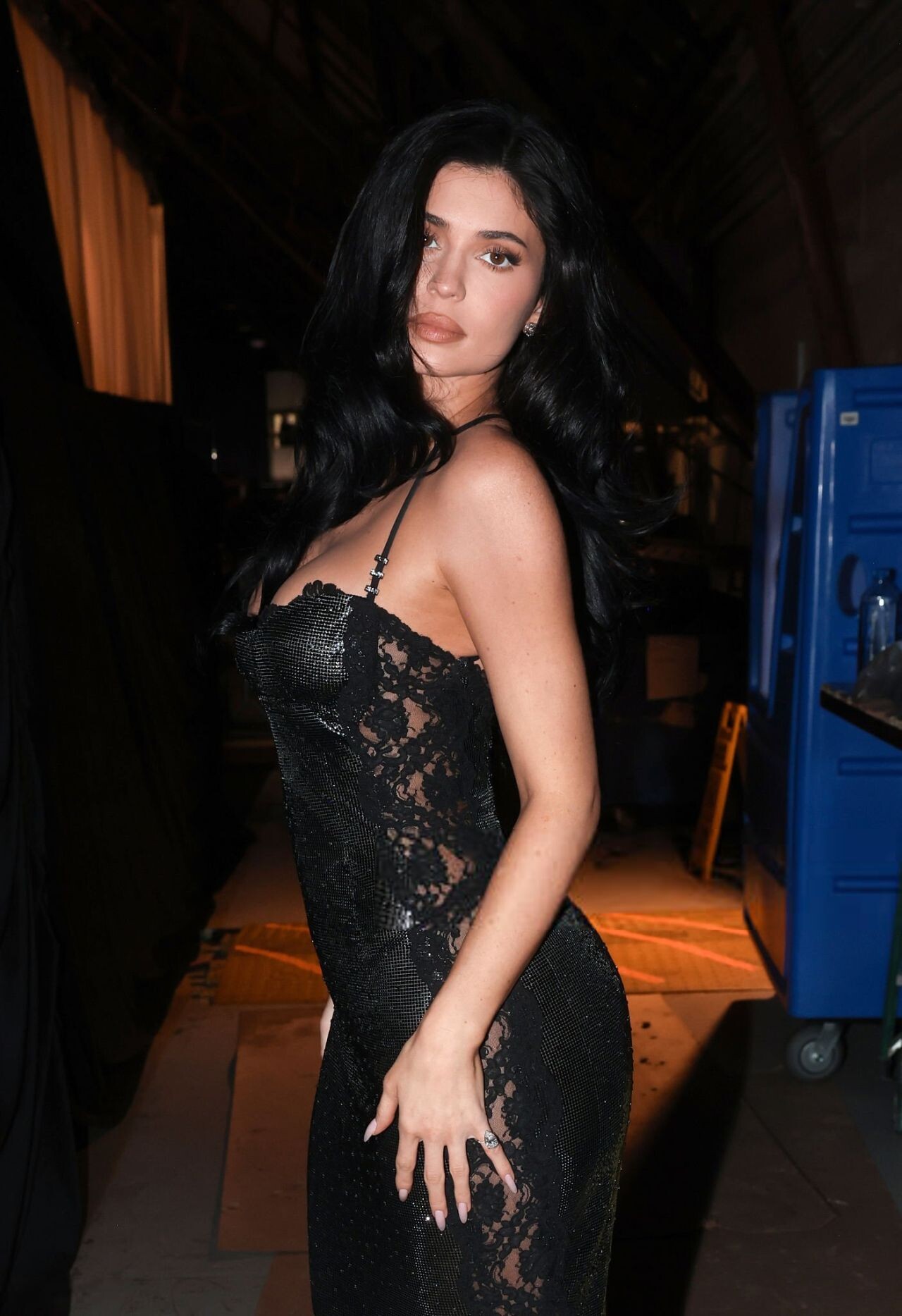
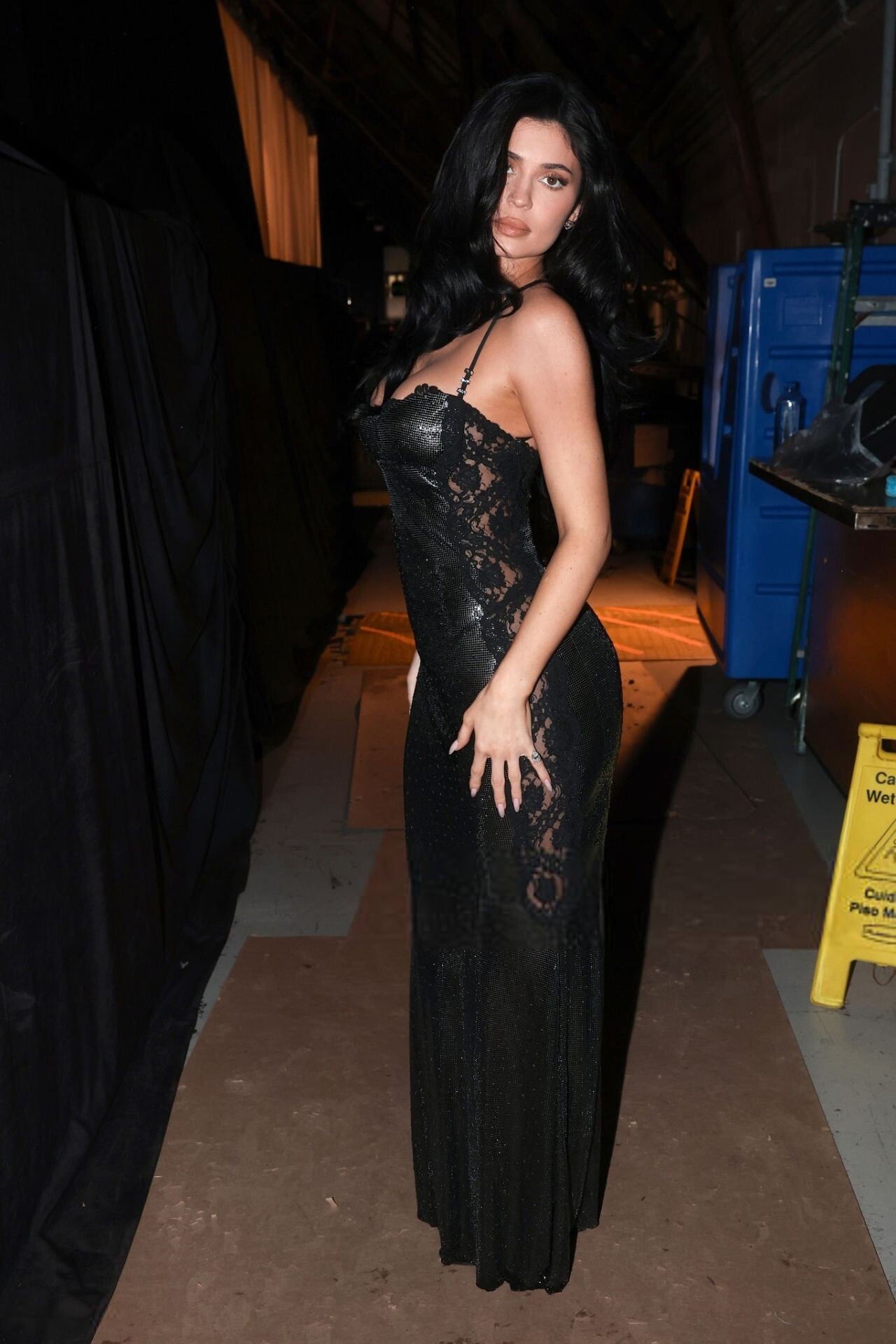
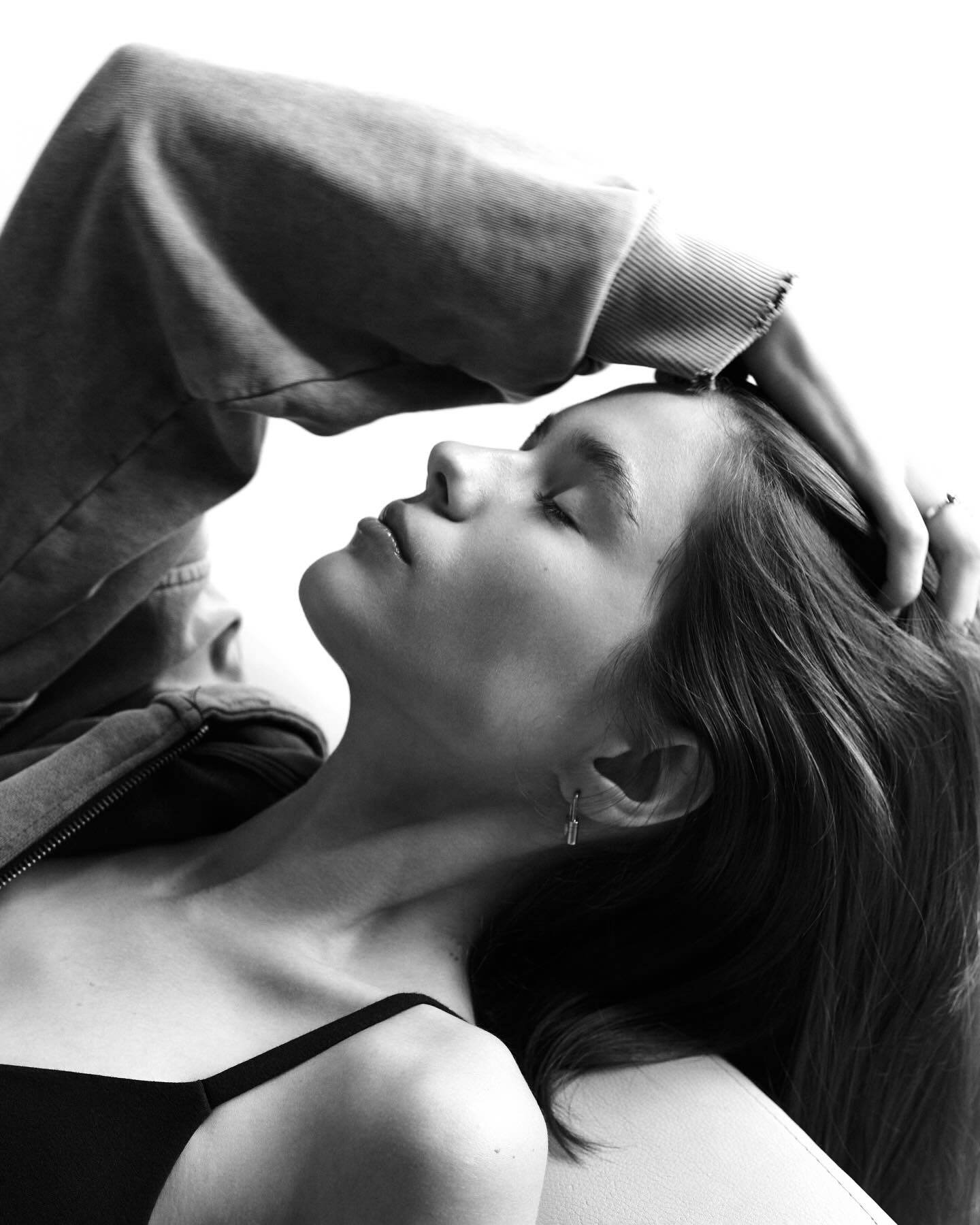
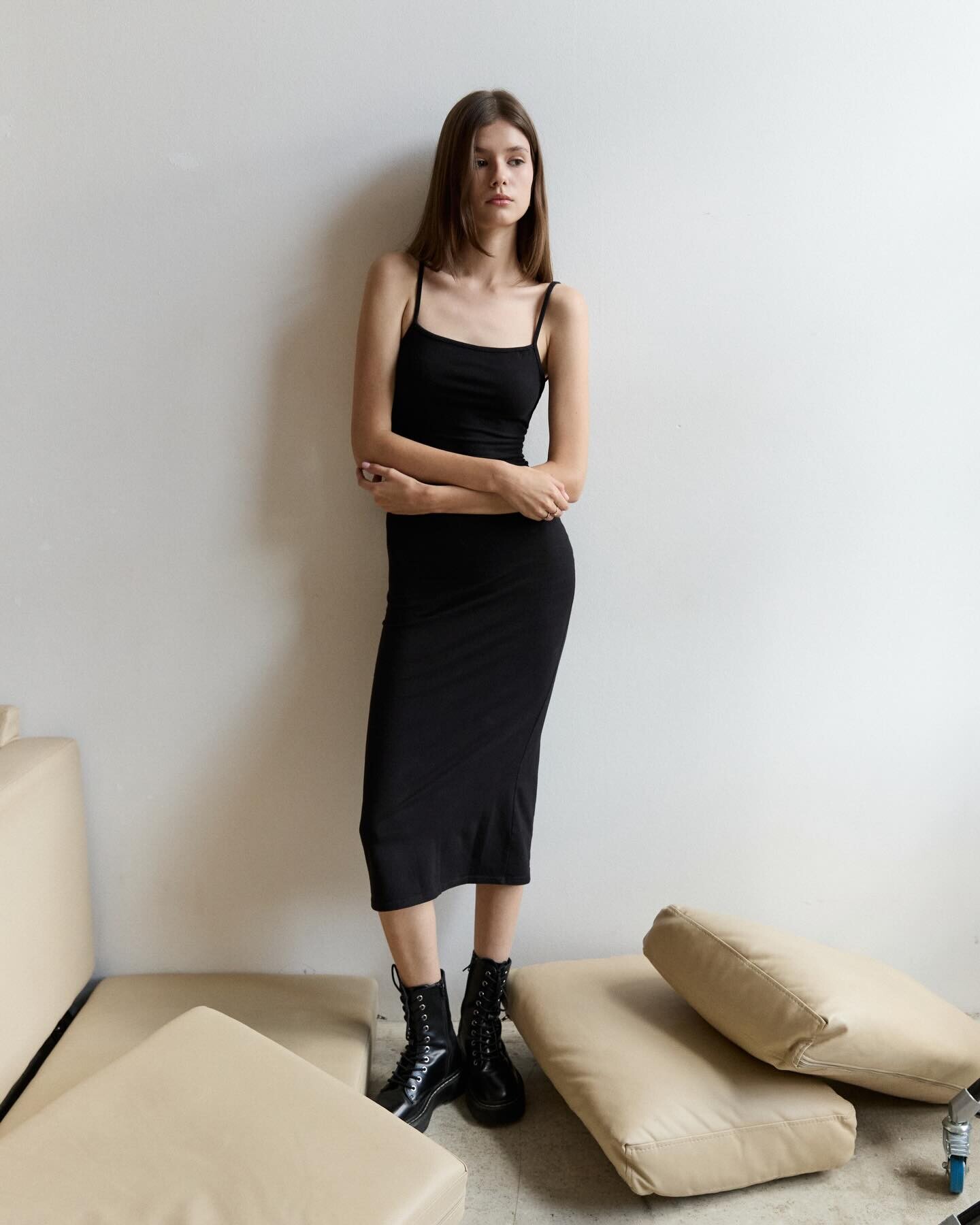
  4. Ph: Jessica Kobeissi first three are BTS

  5. sfactor started following Nicole Booker
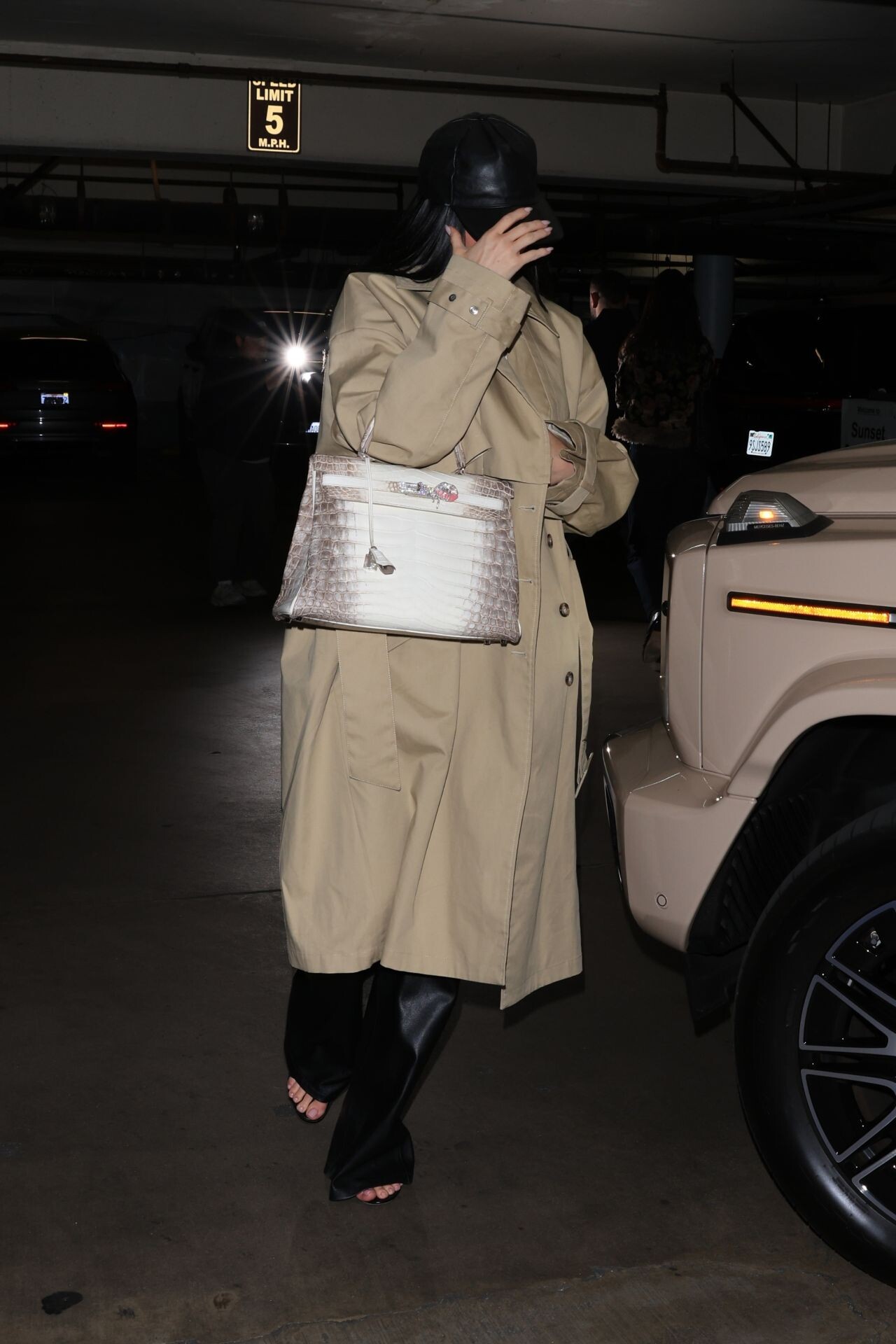
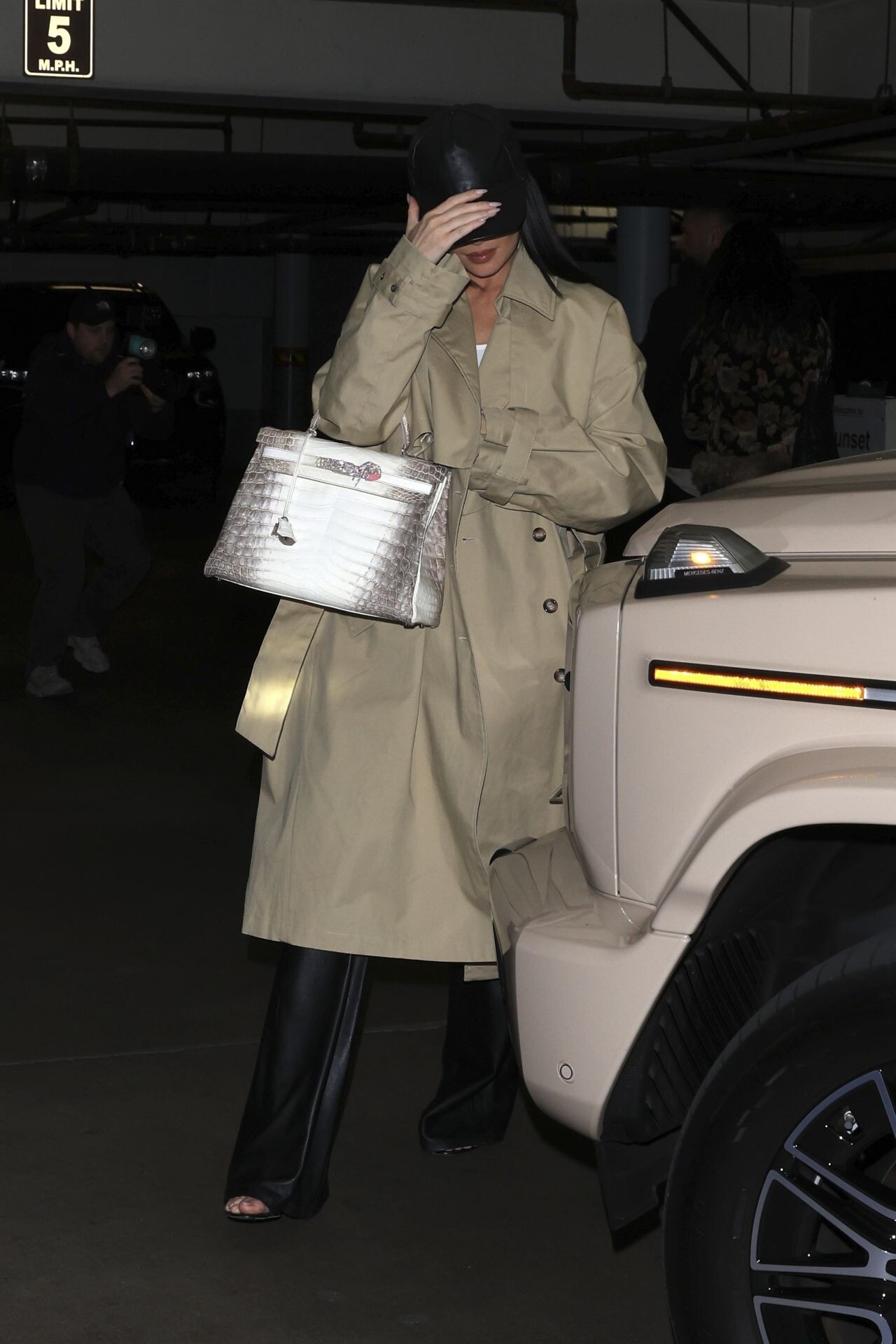
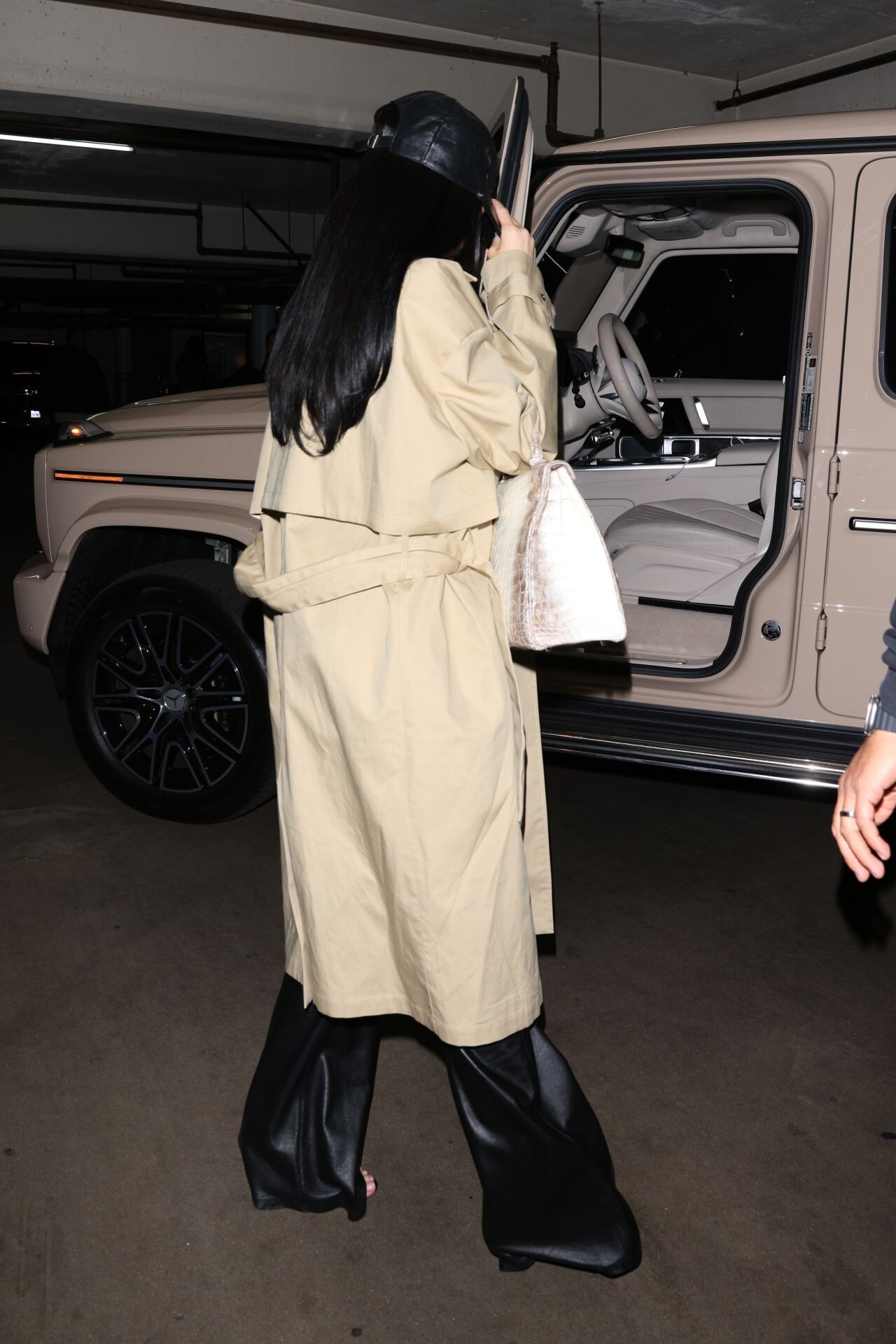
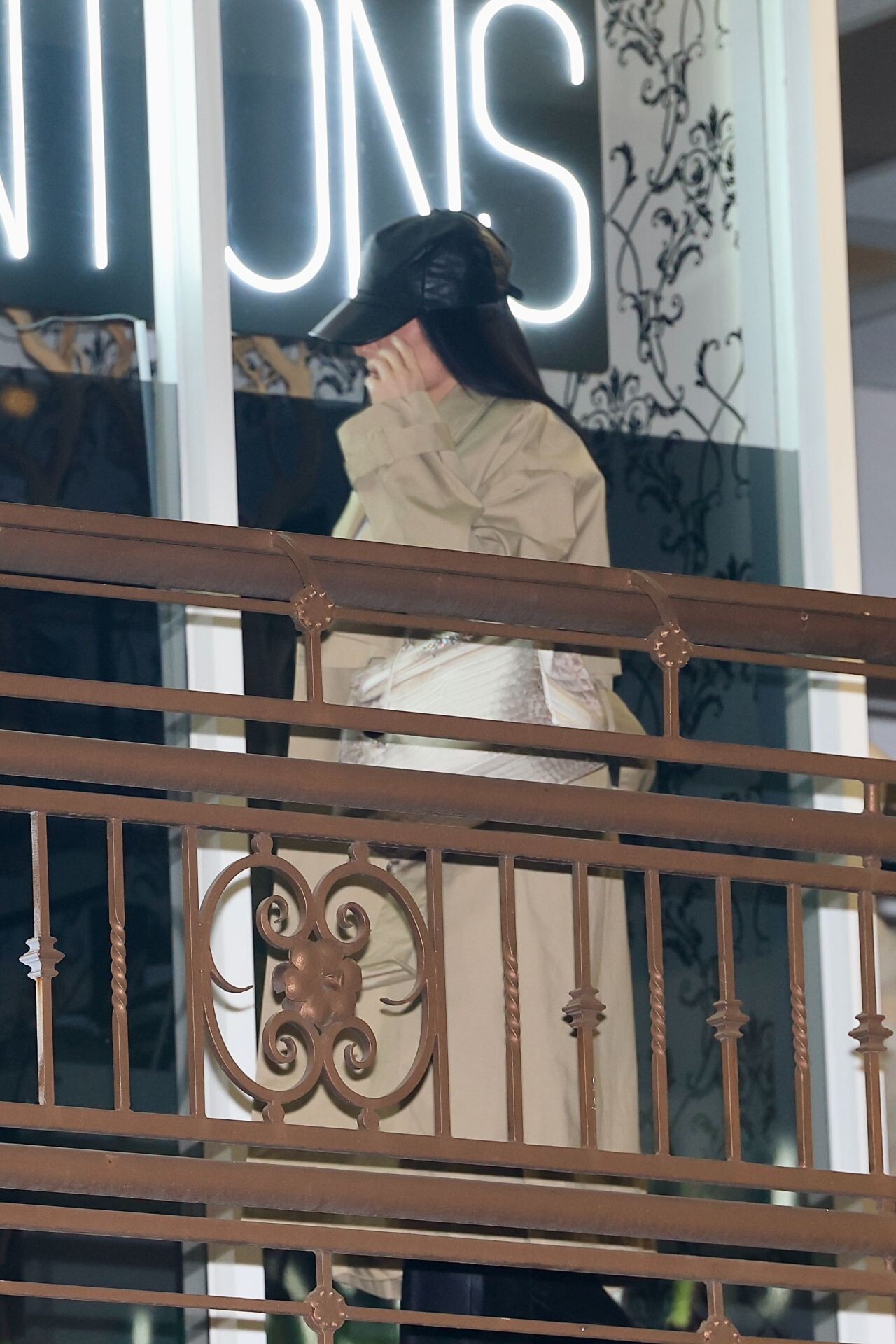
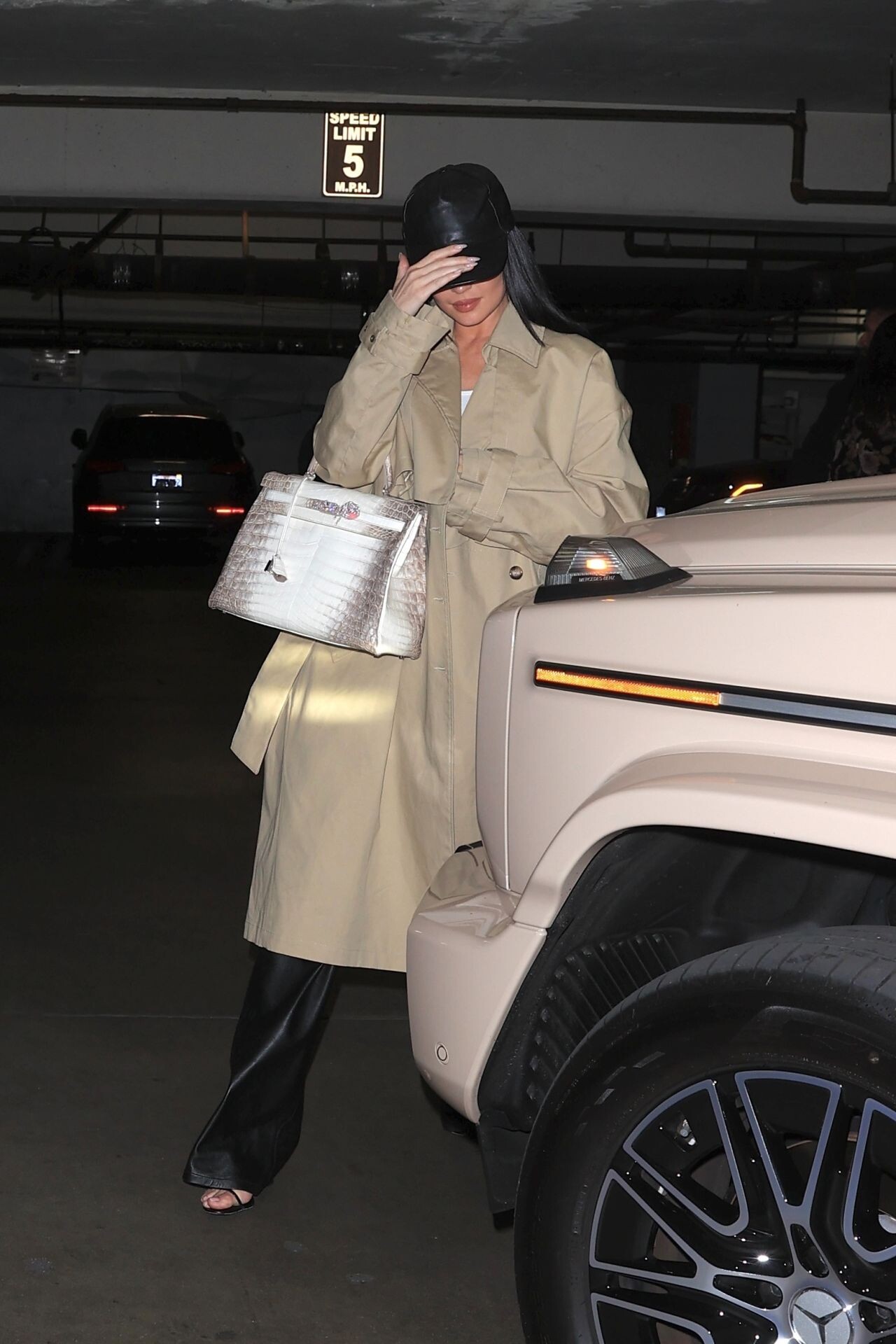
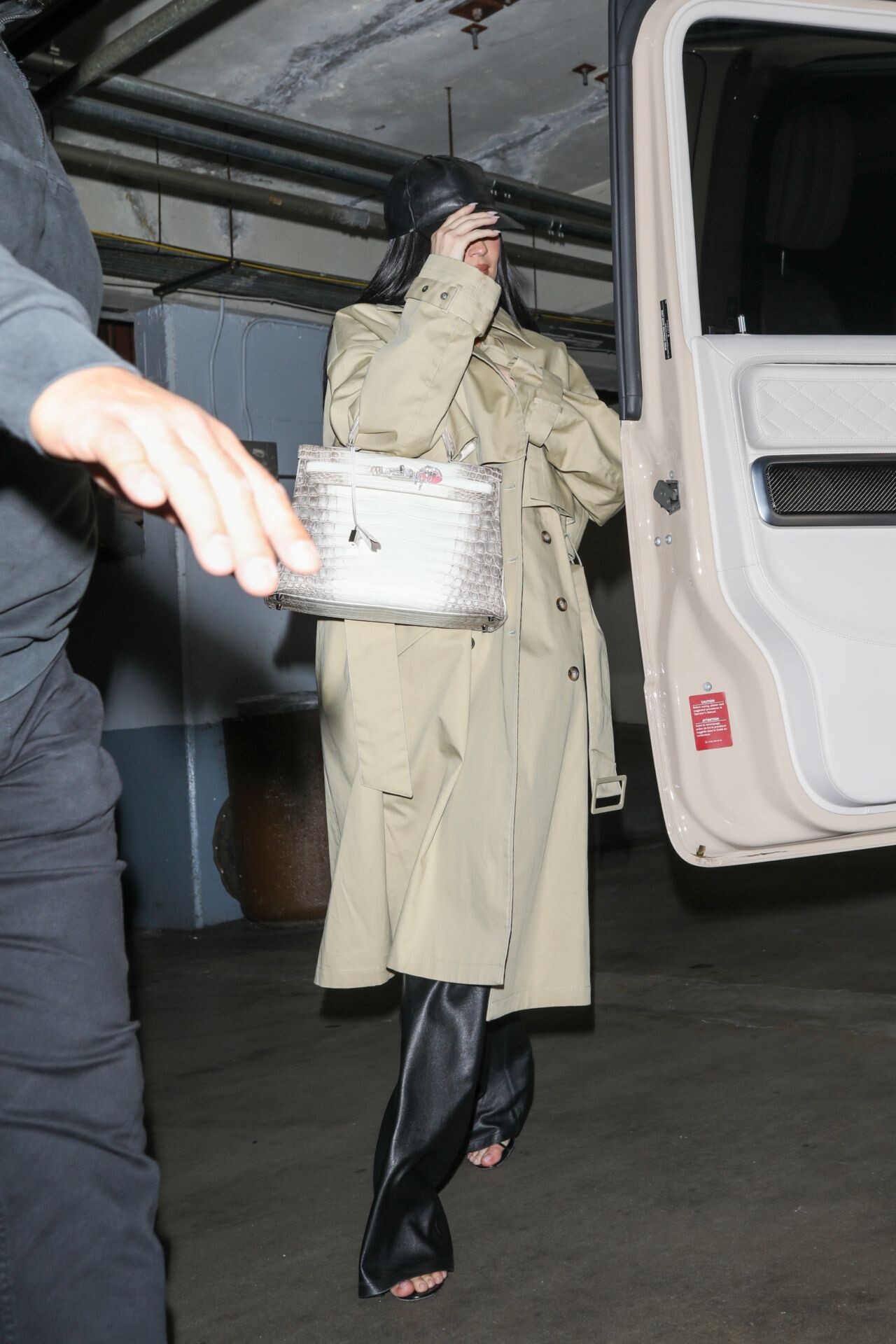
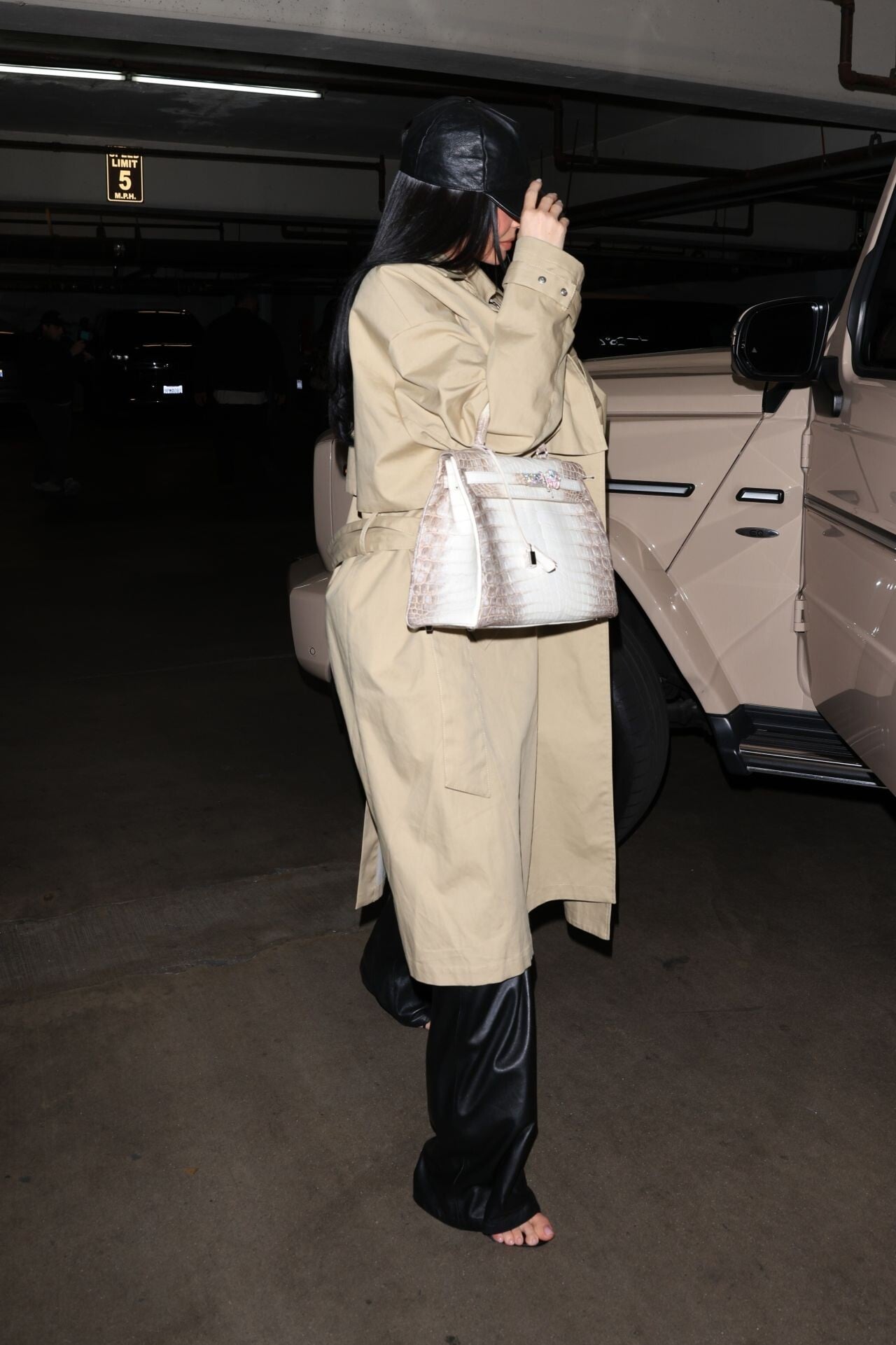
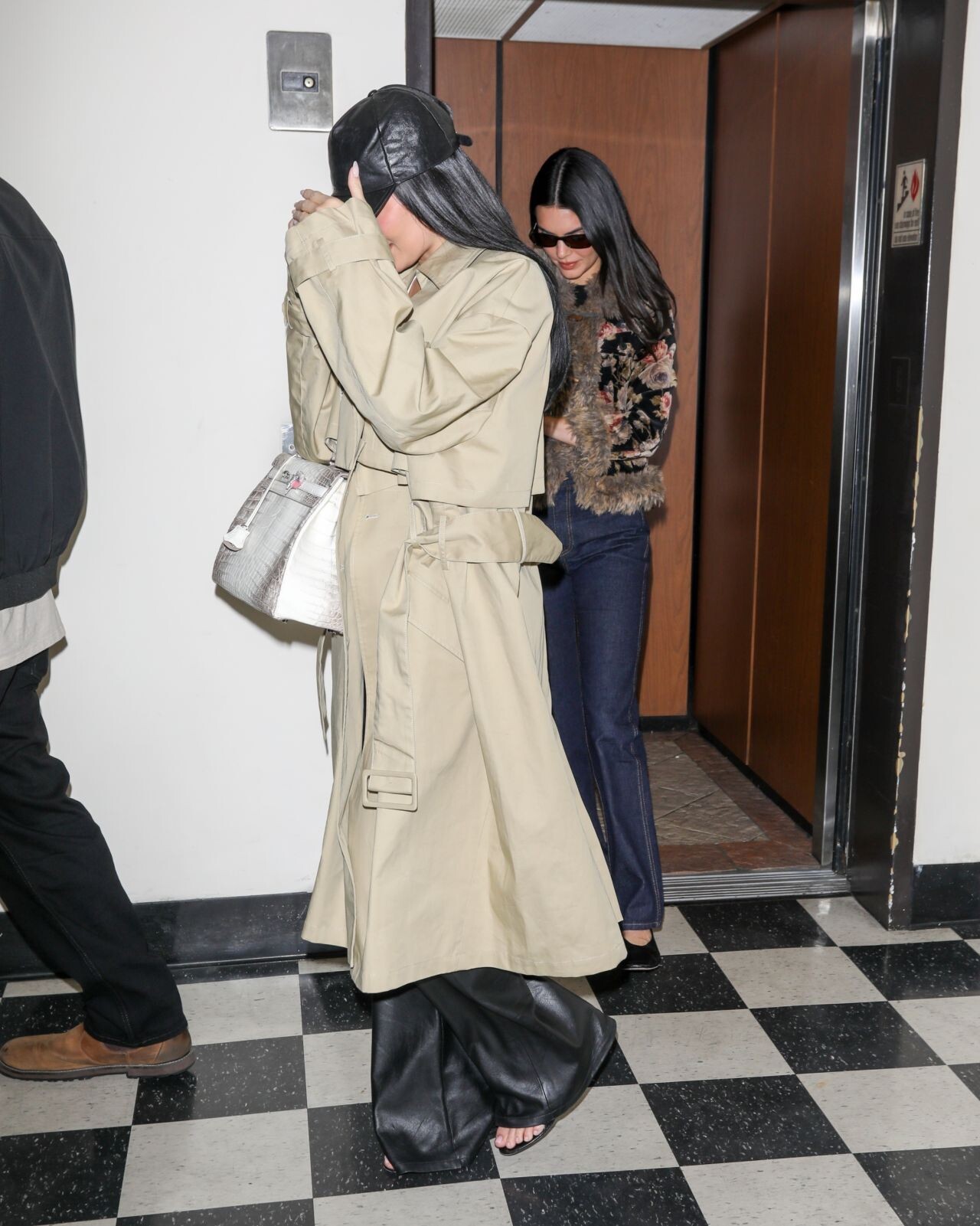
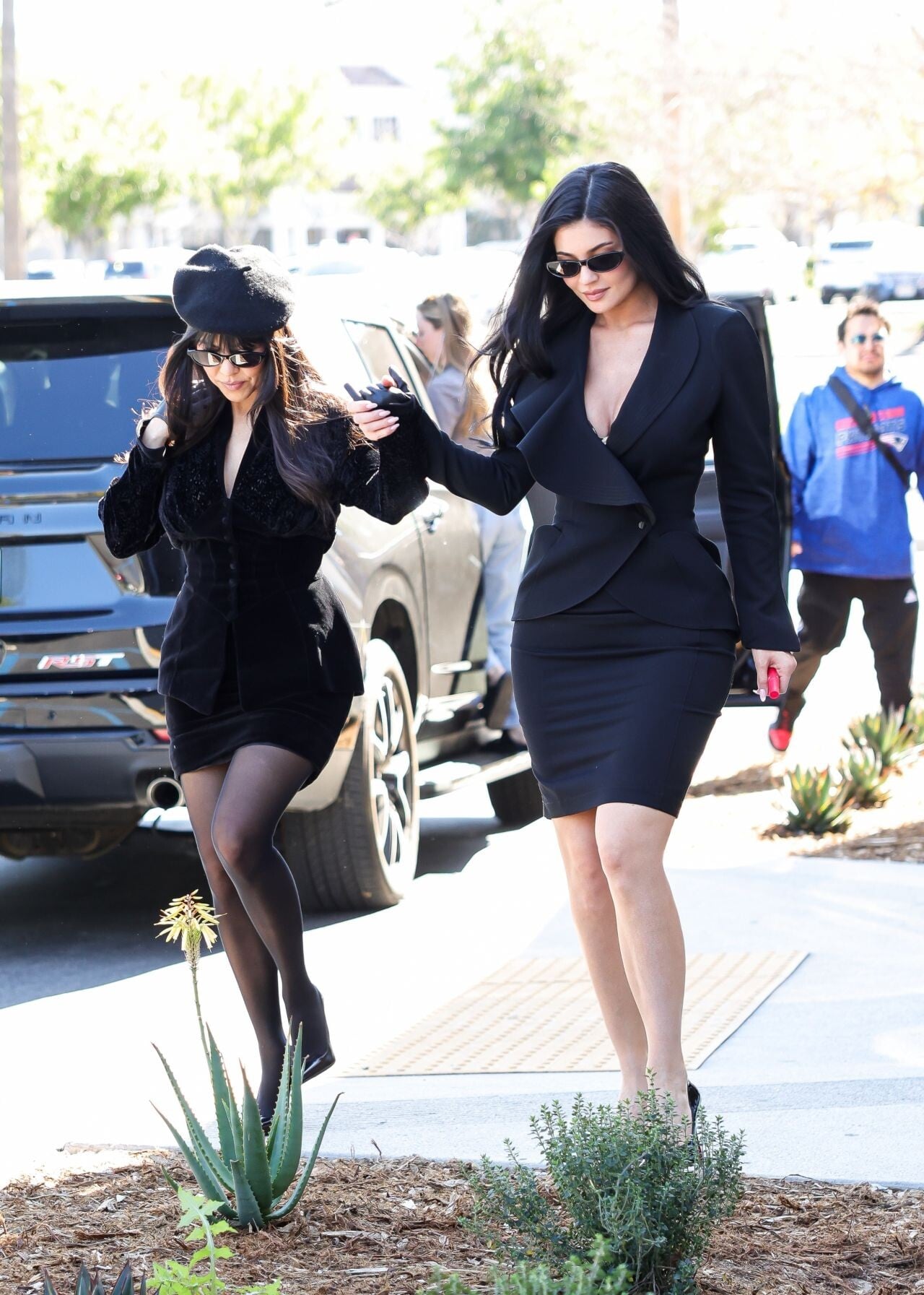
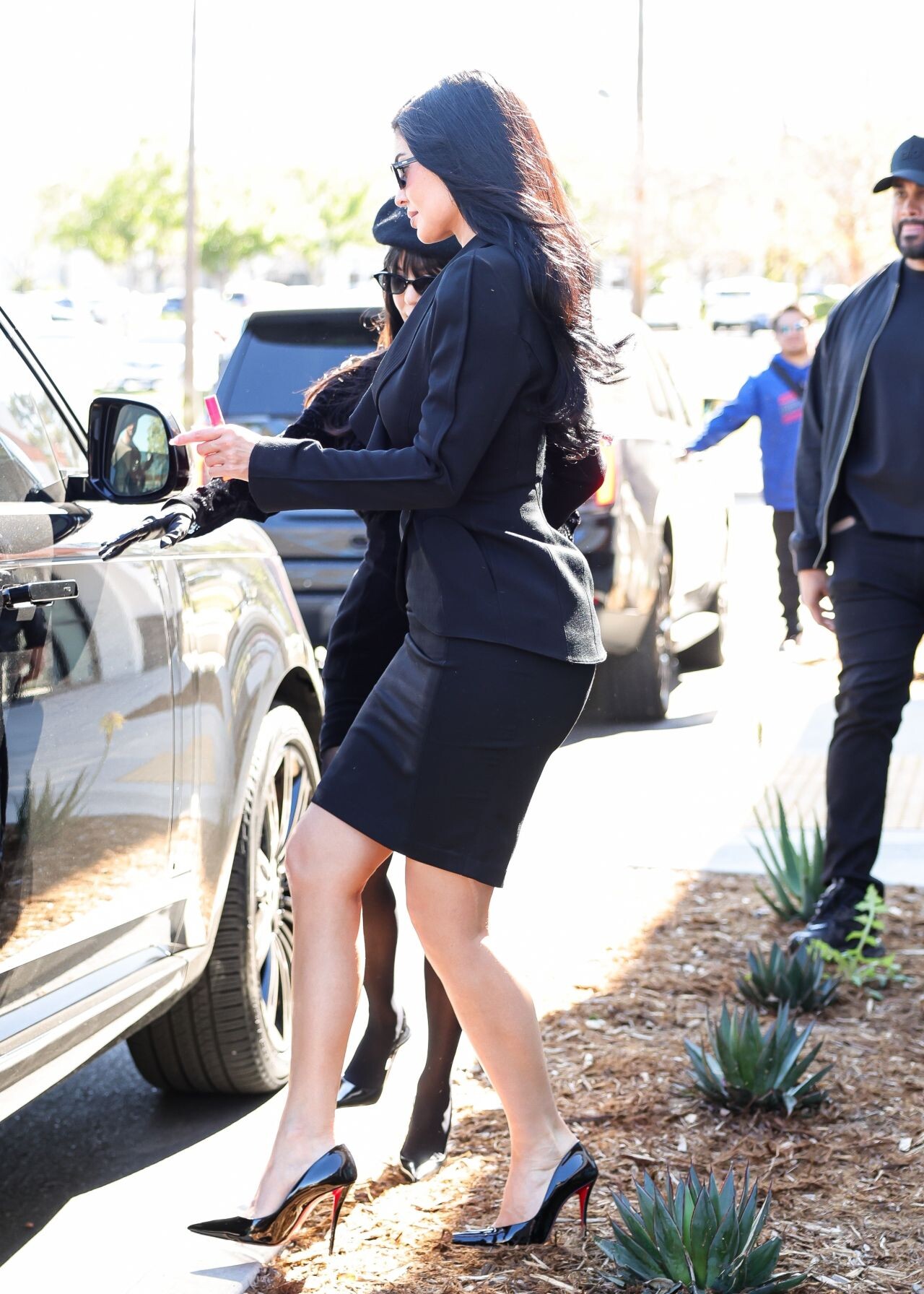
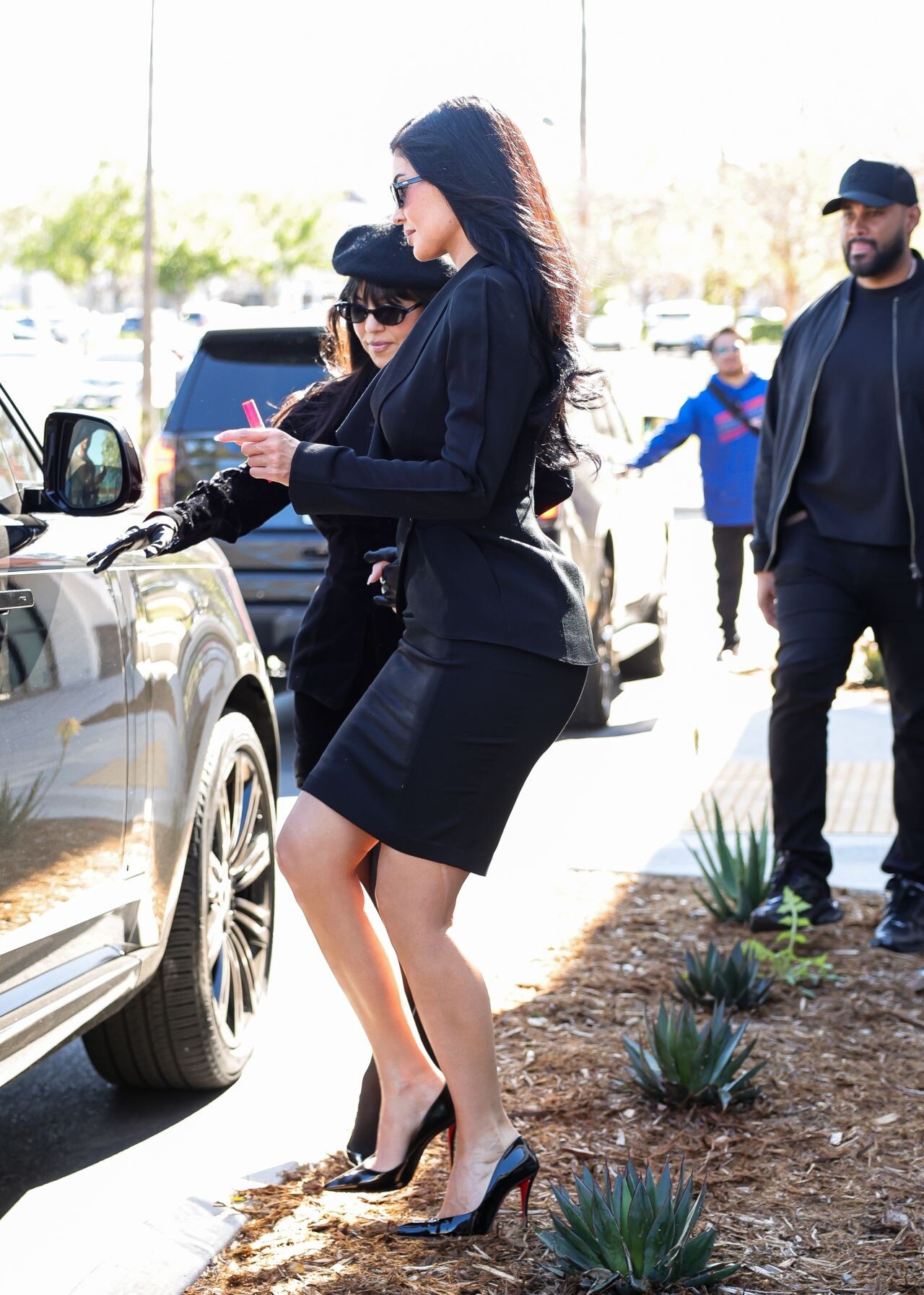
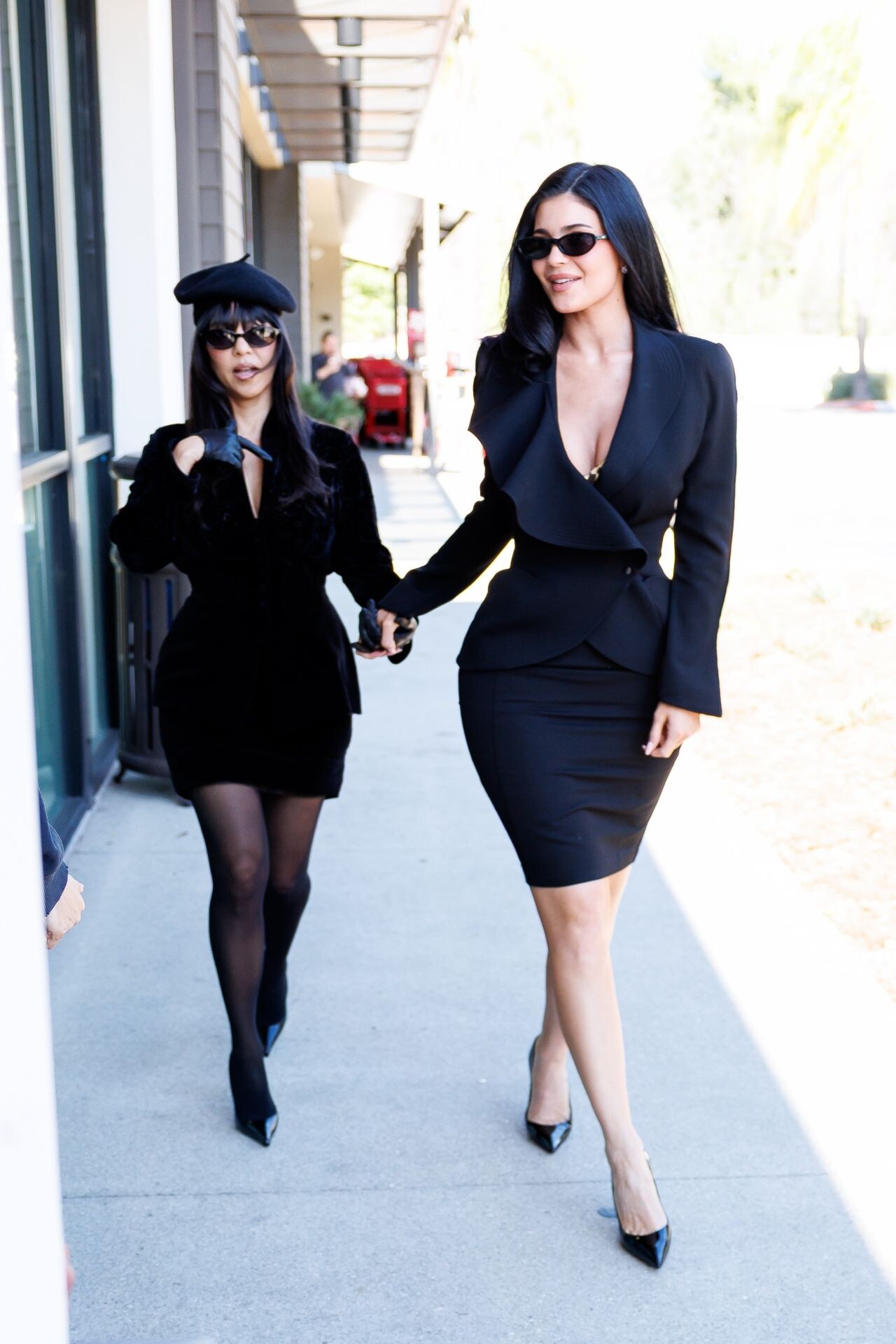
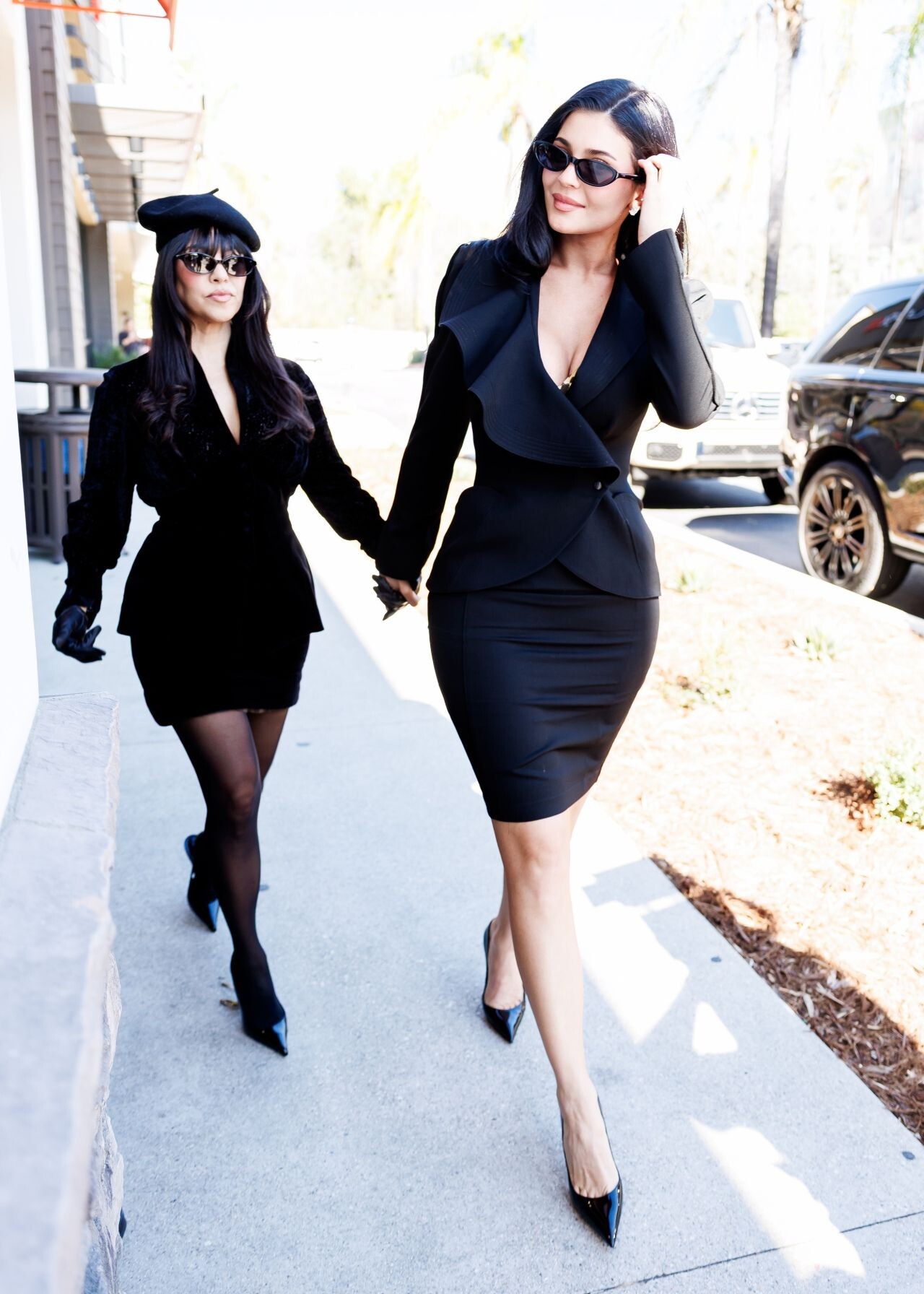
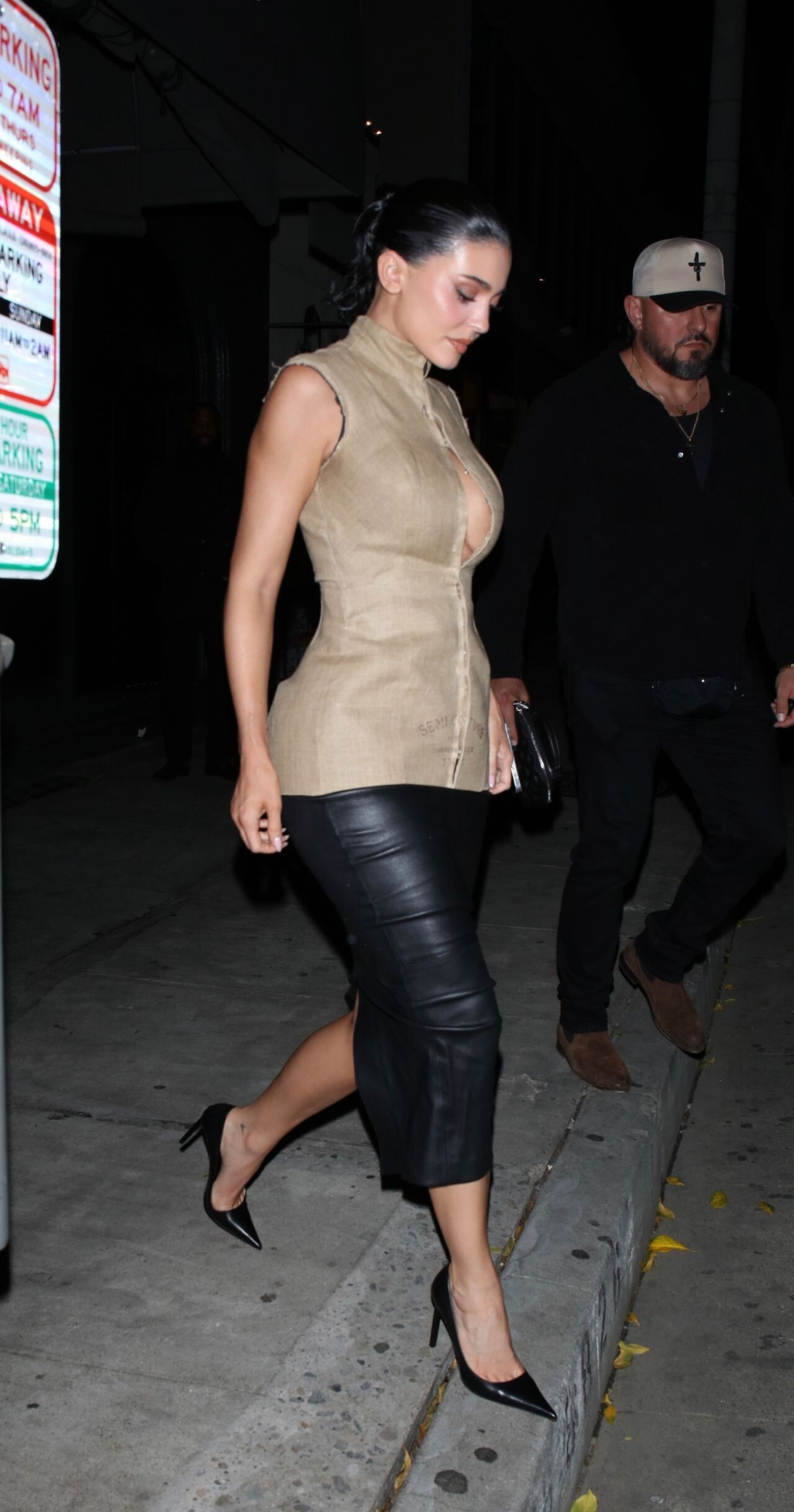
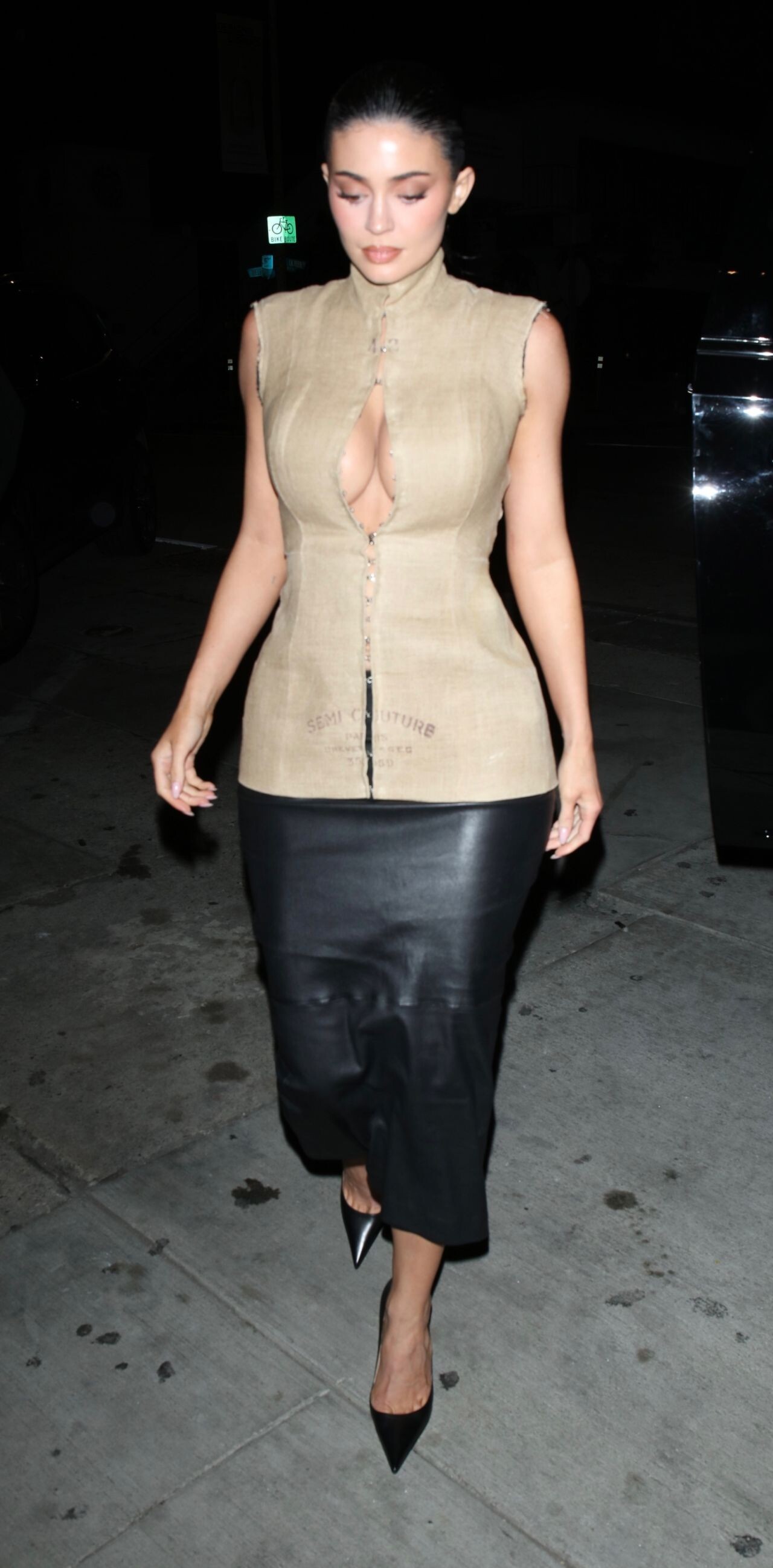
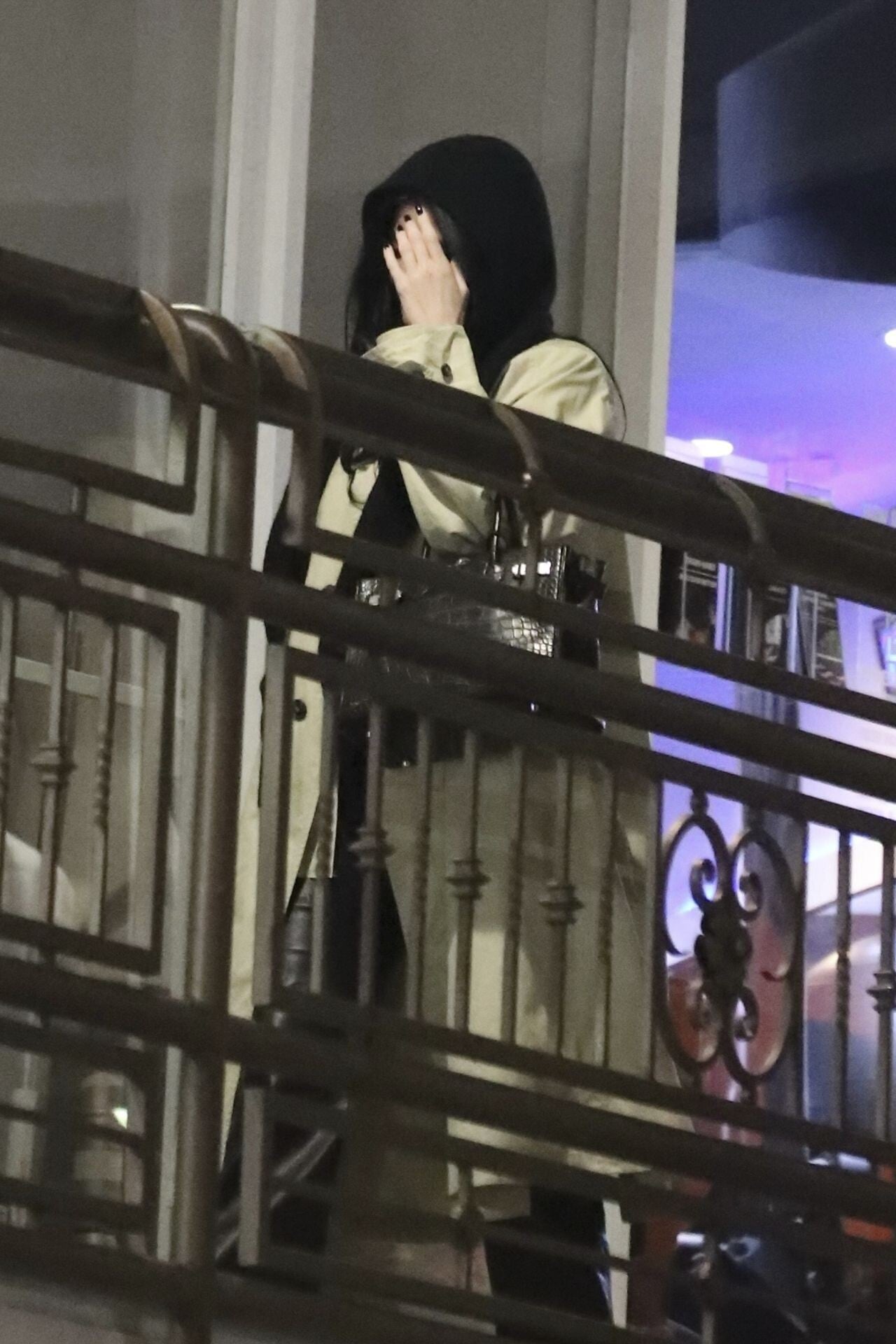
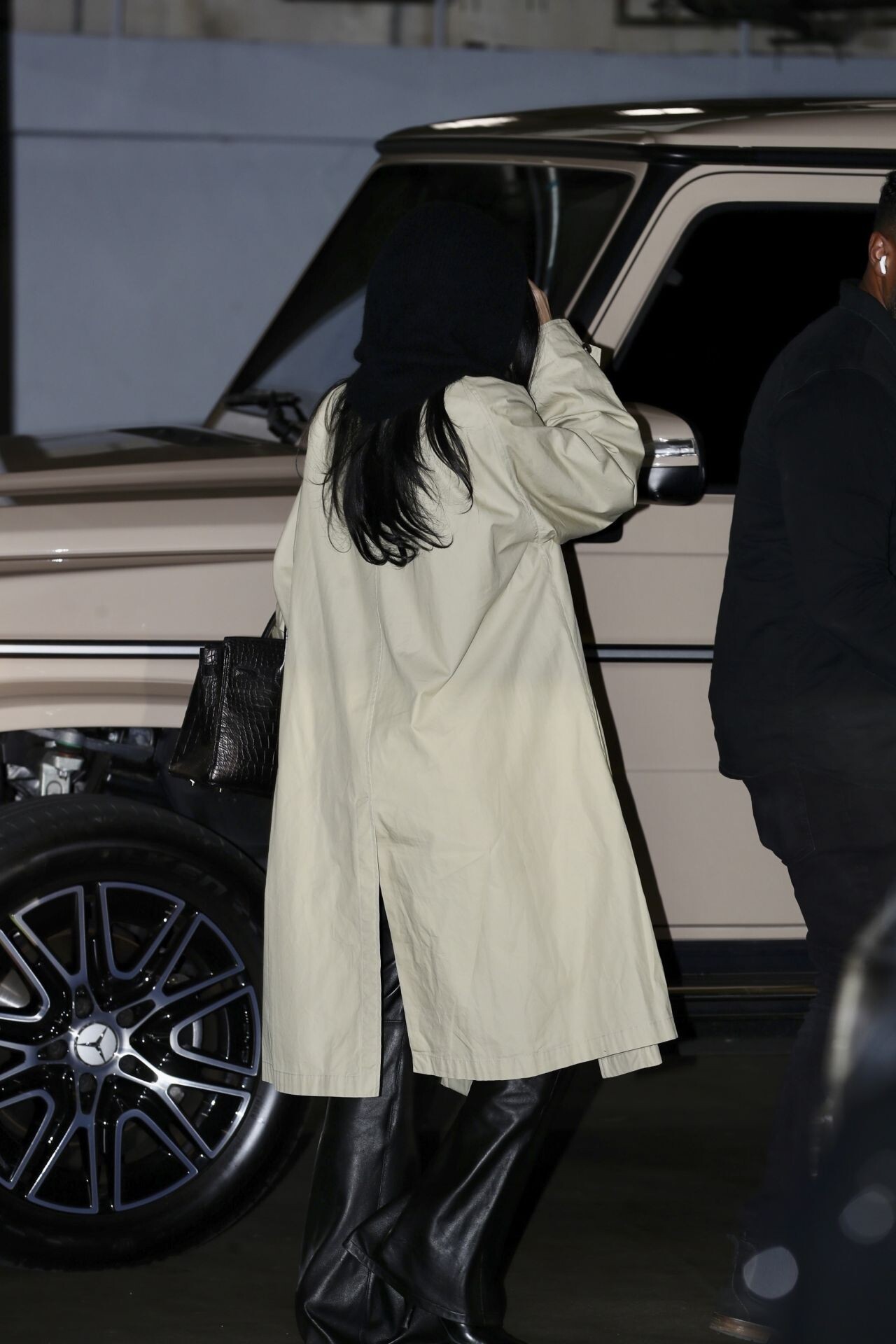
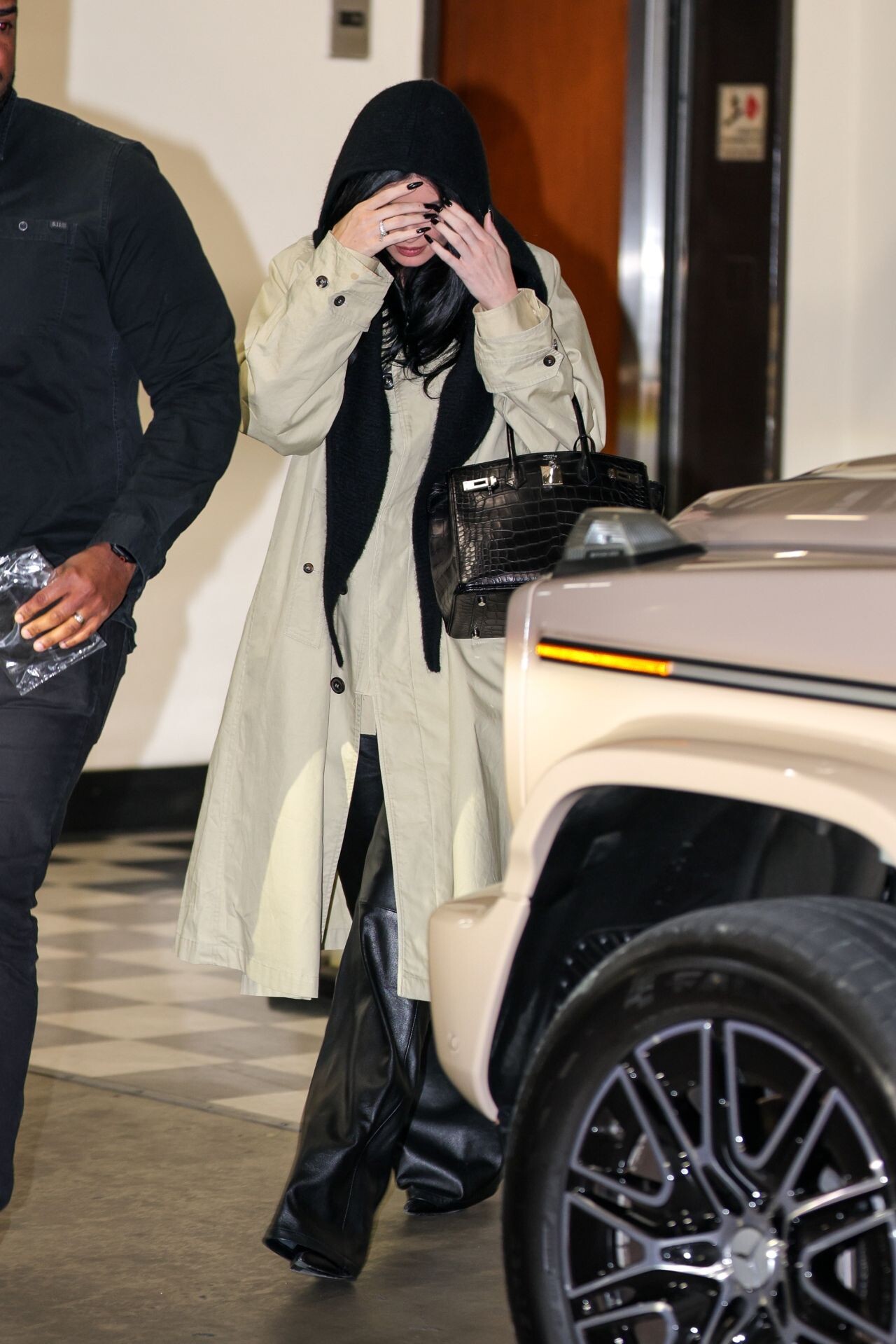
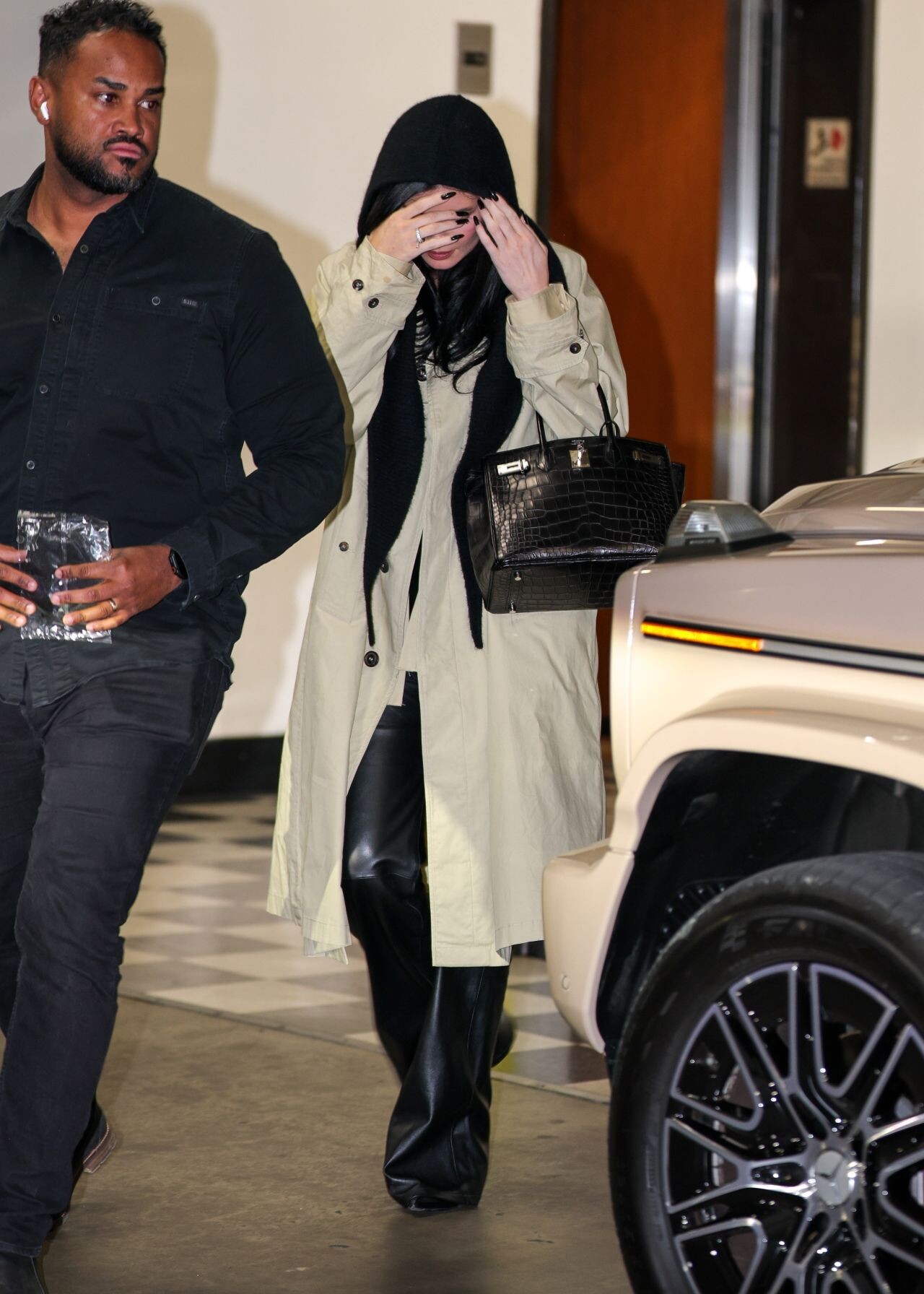
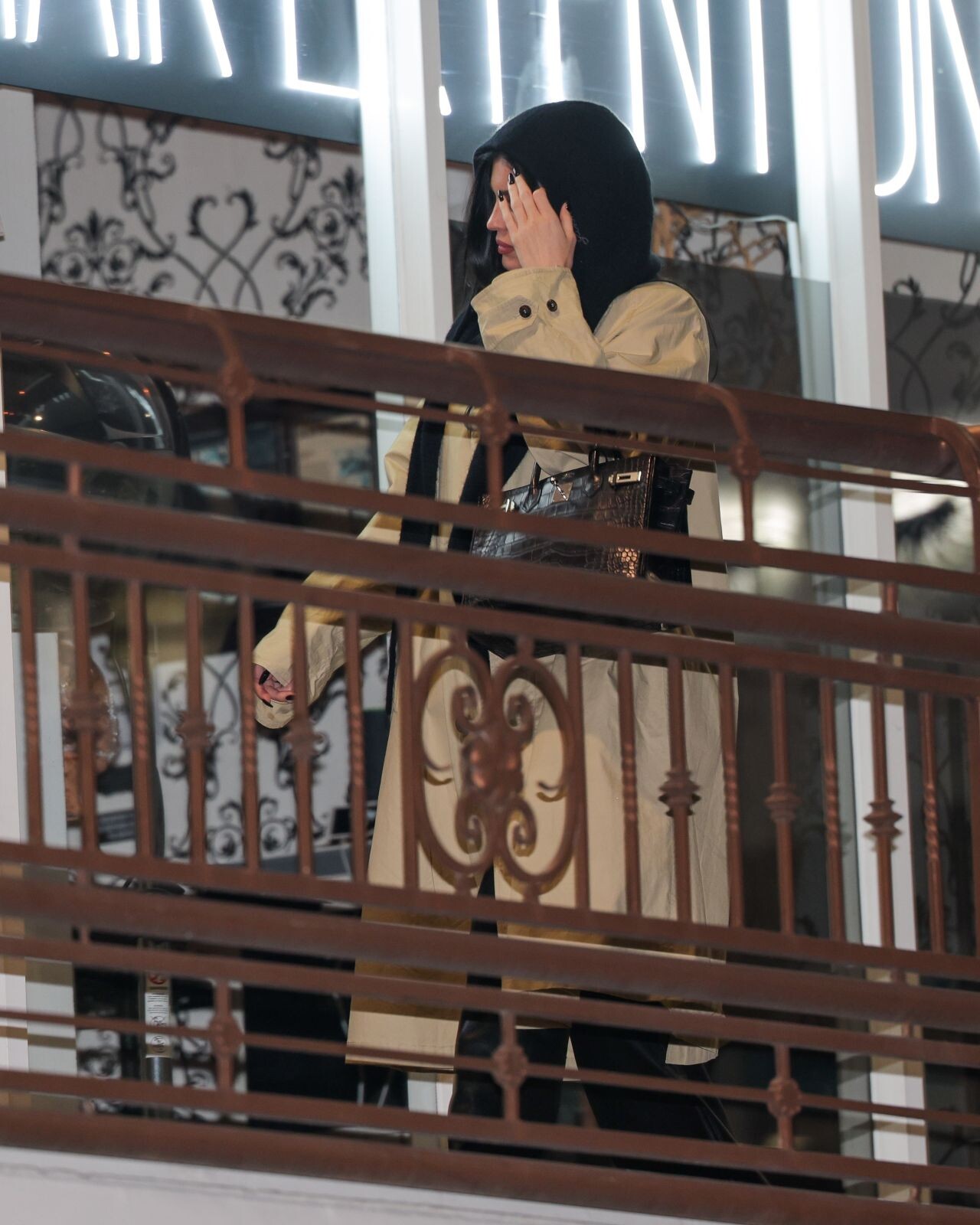
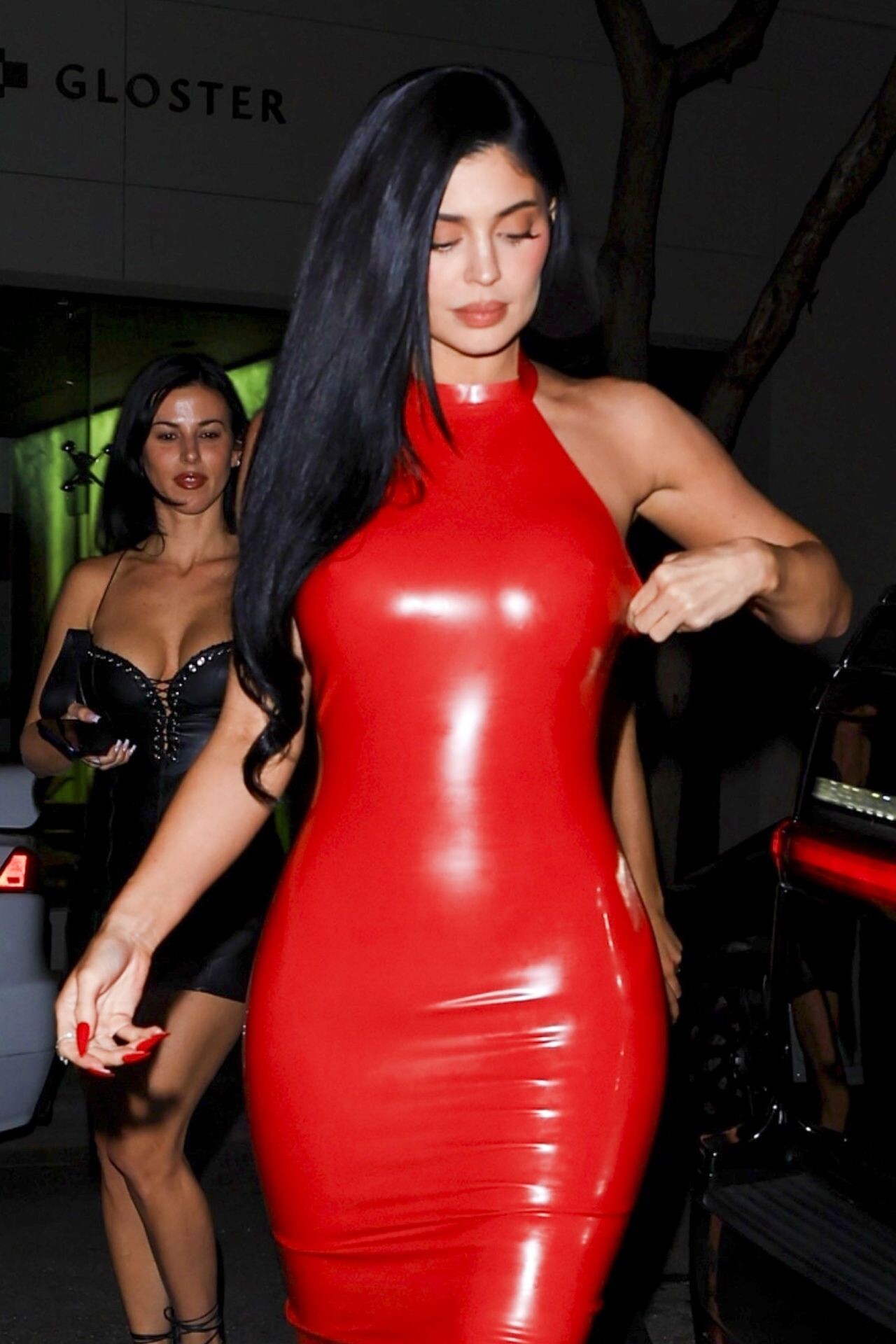
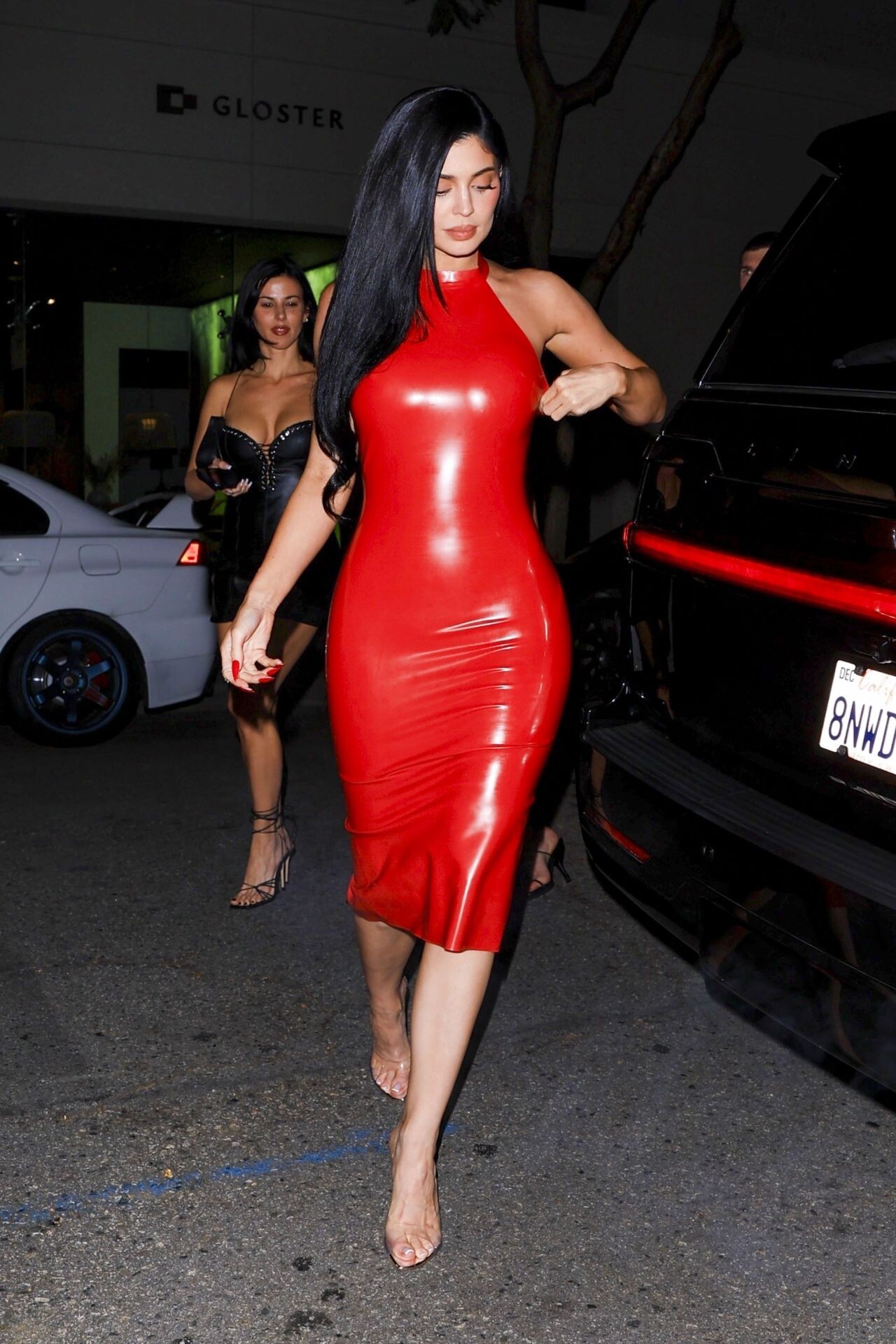
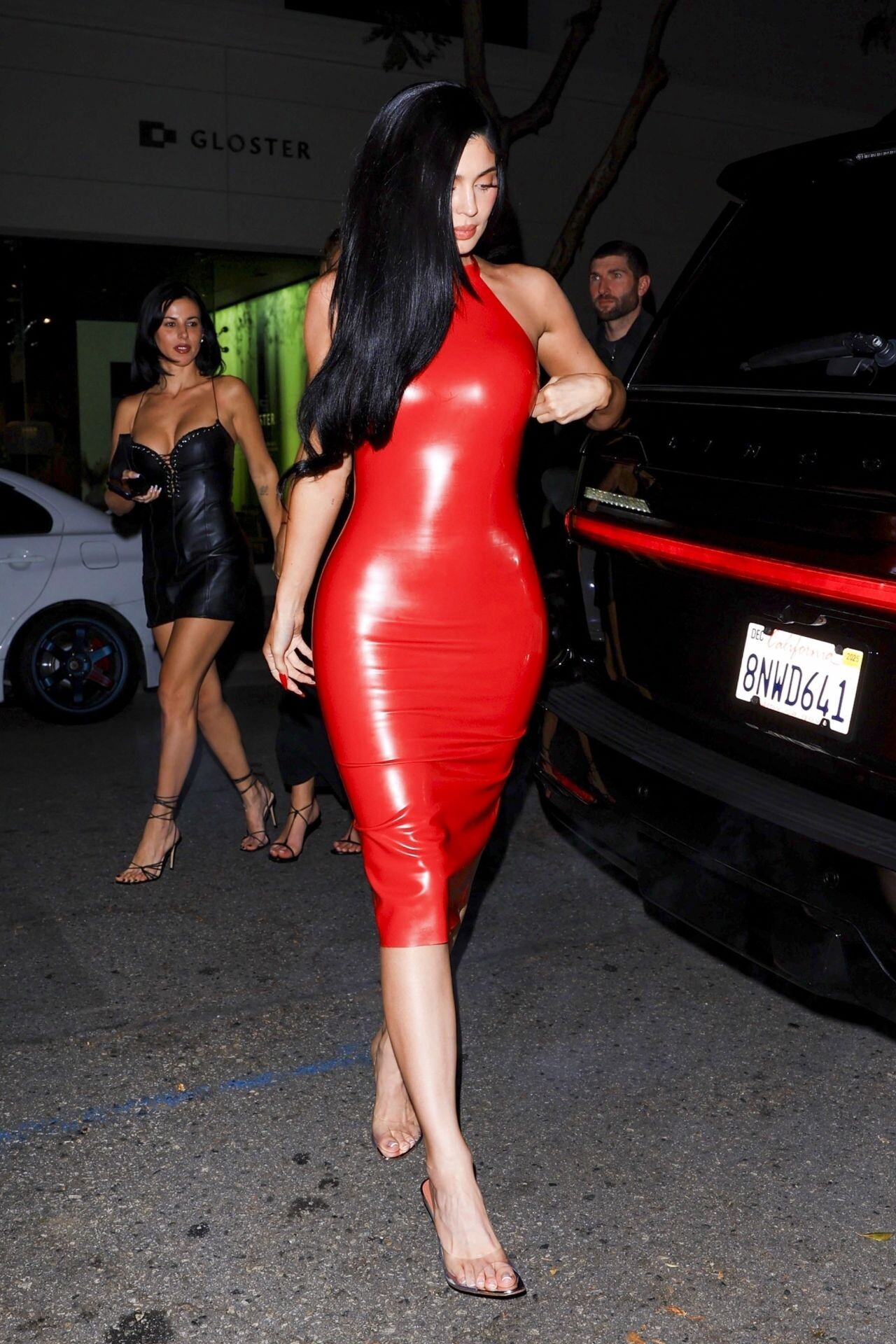
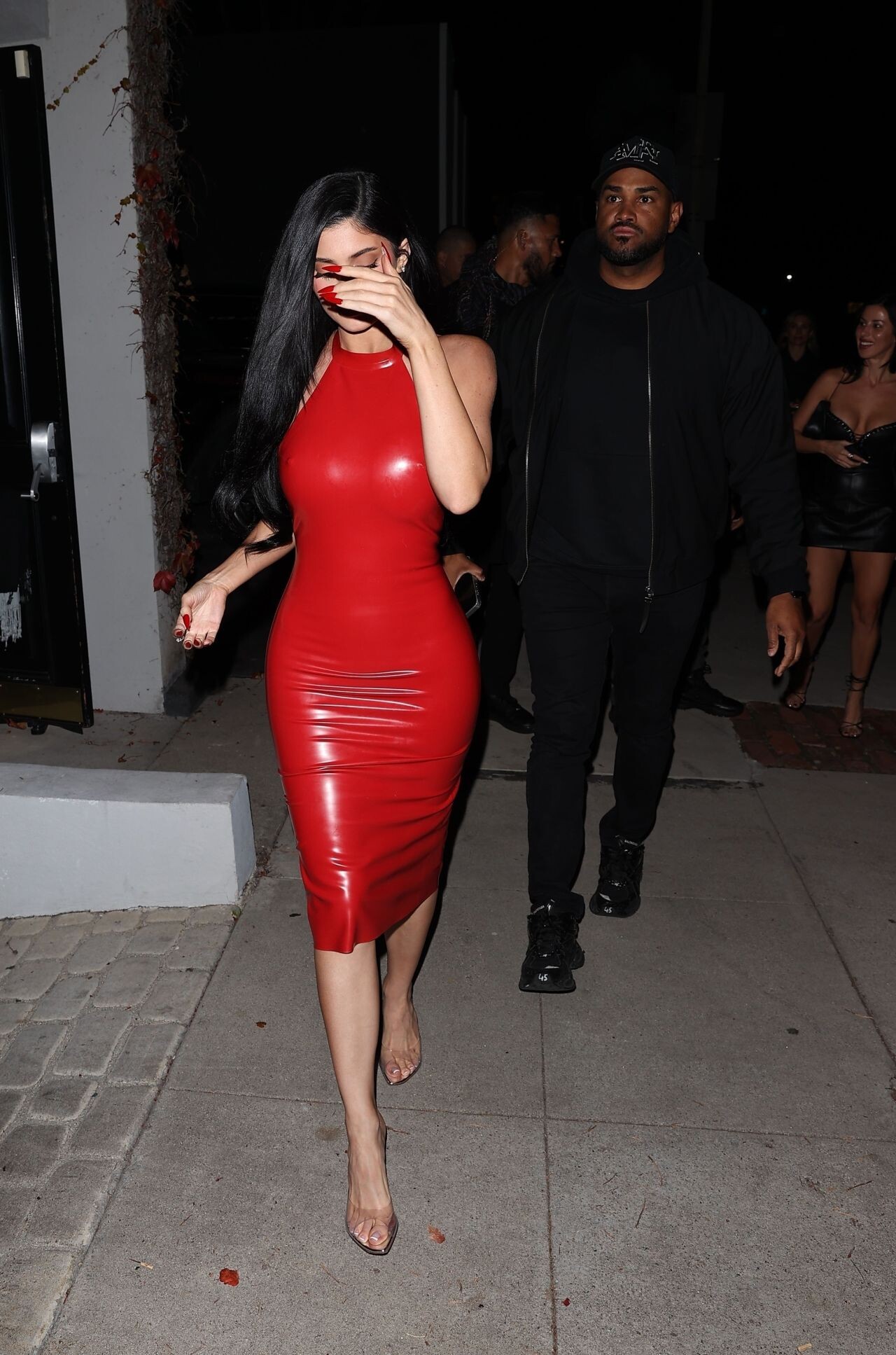
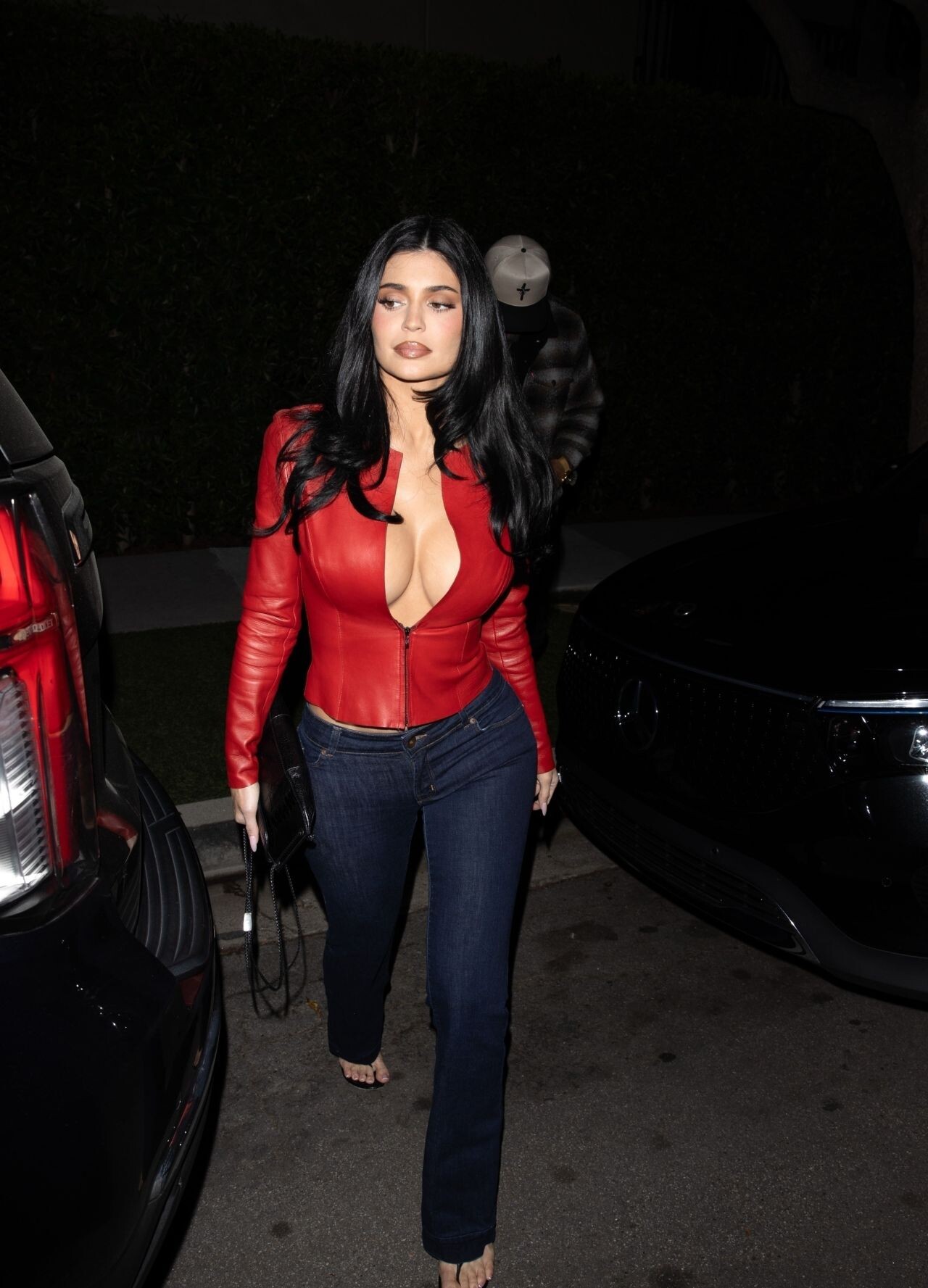
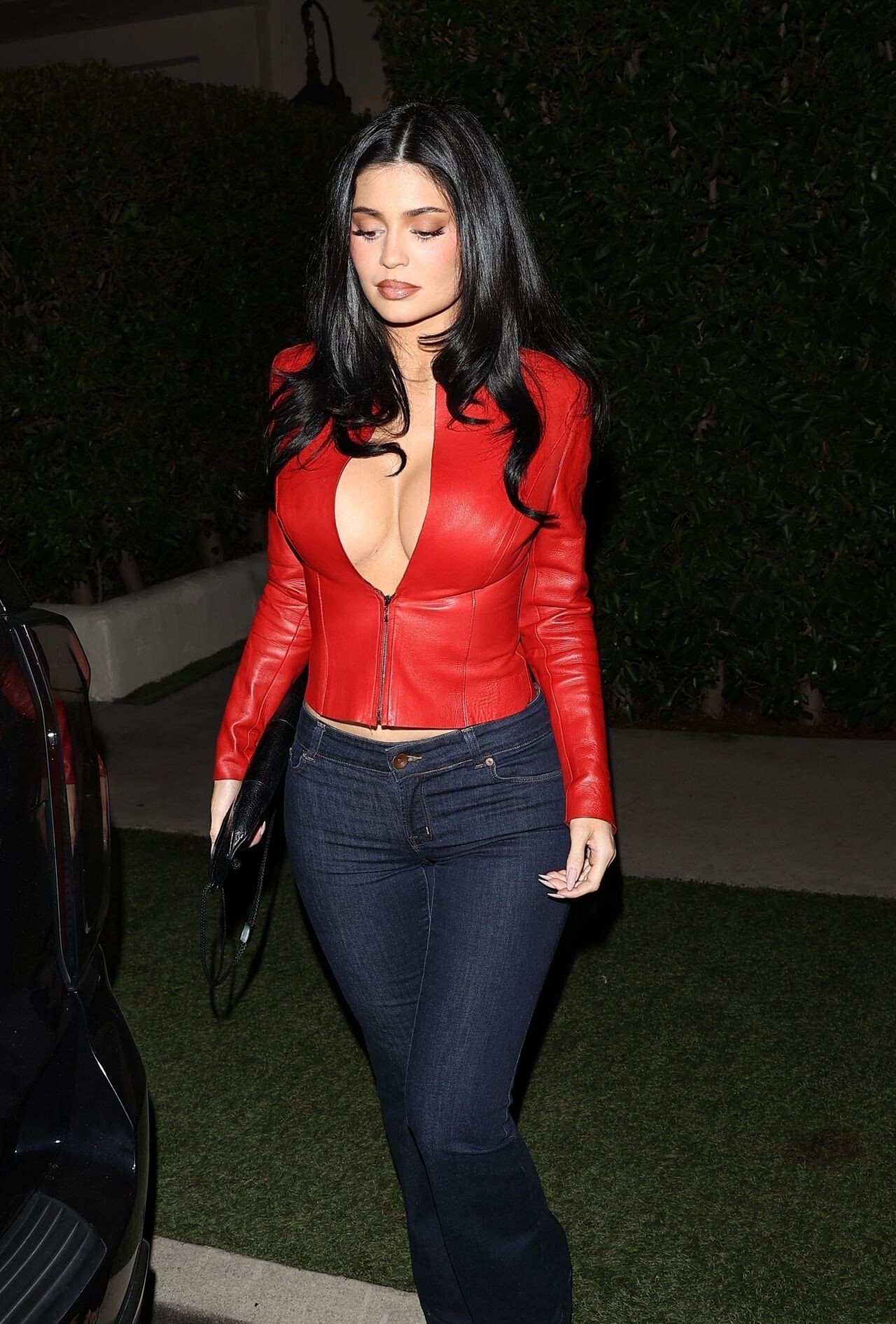
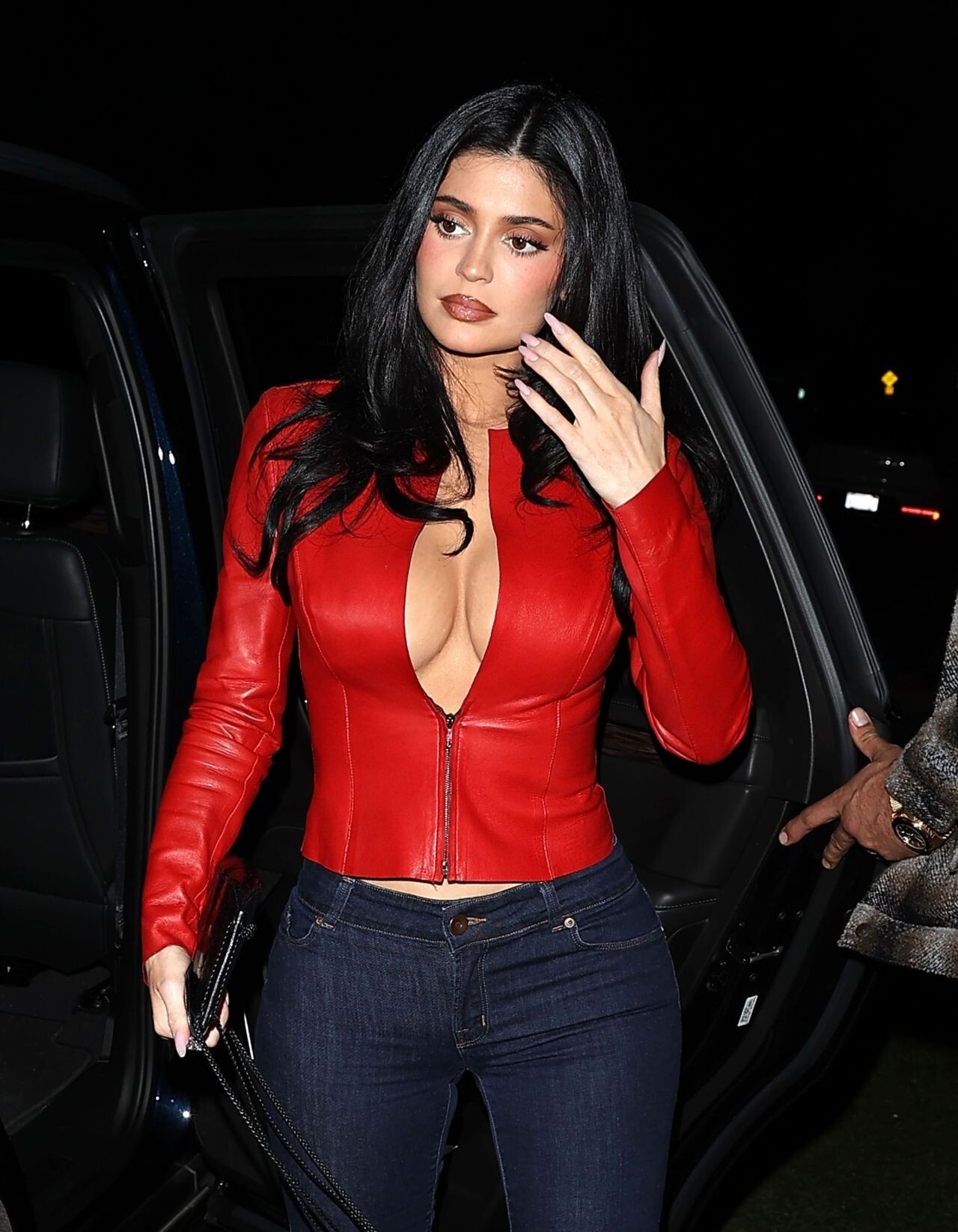
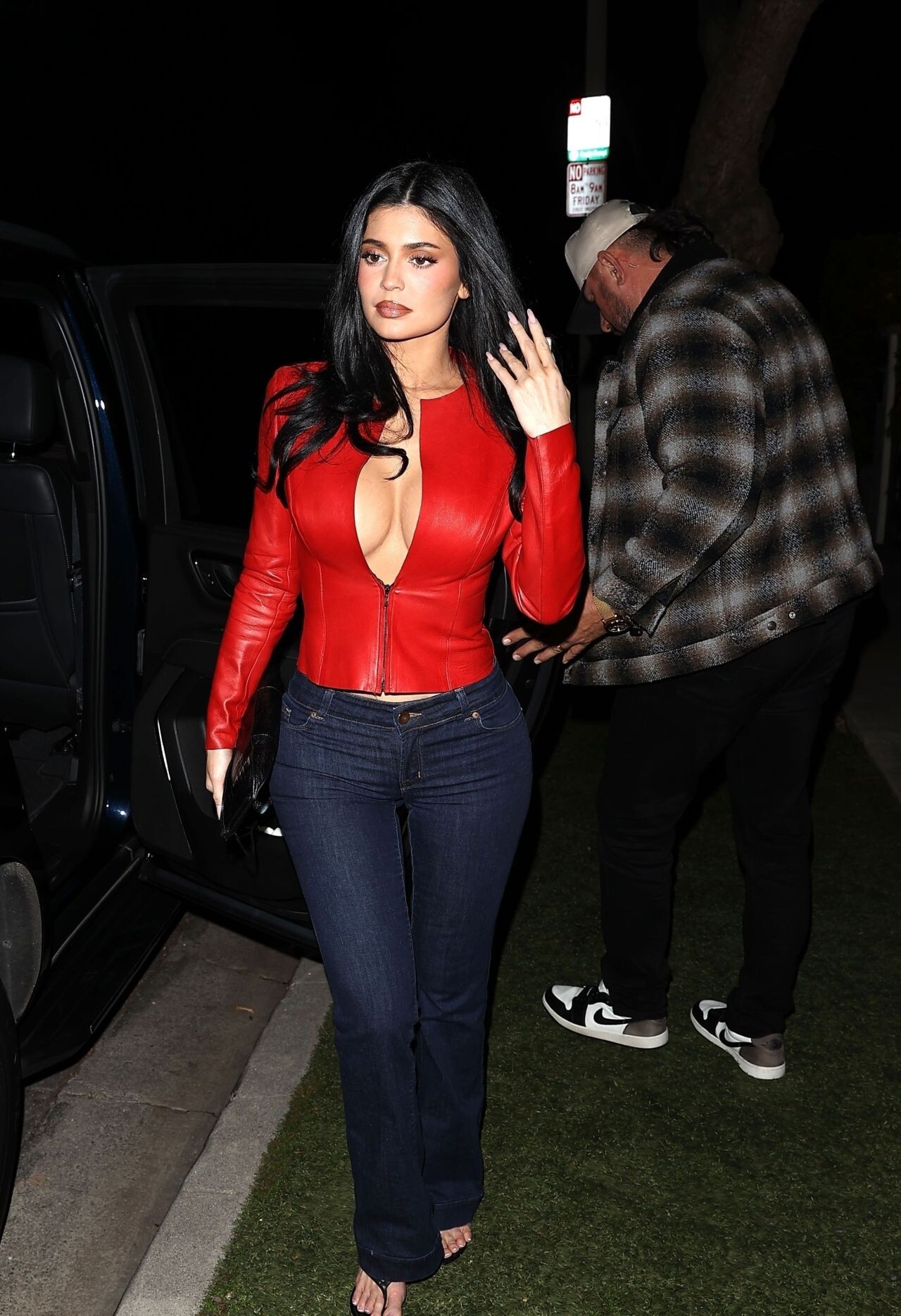
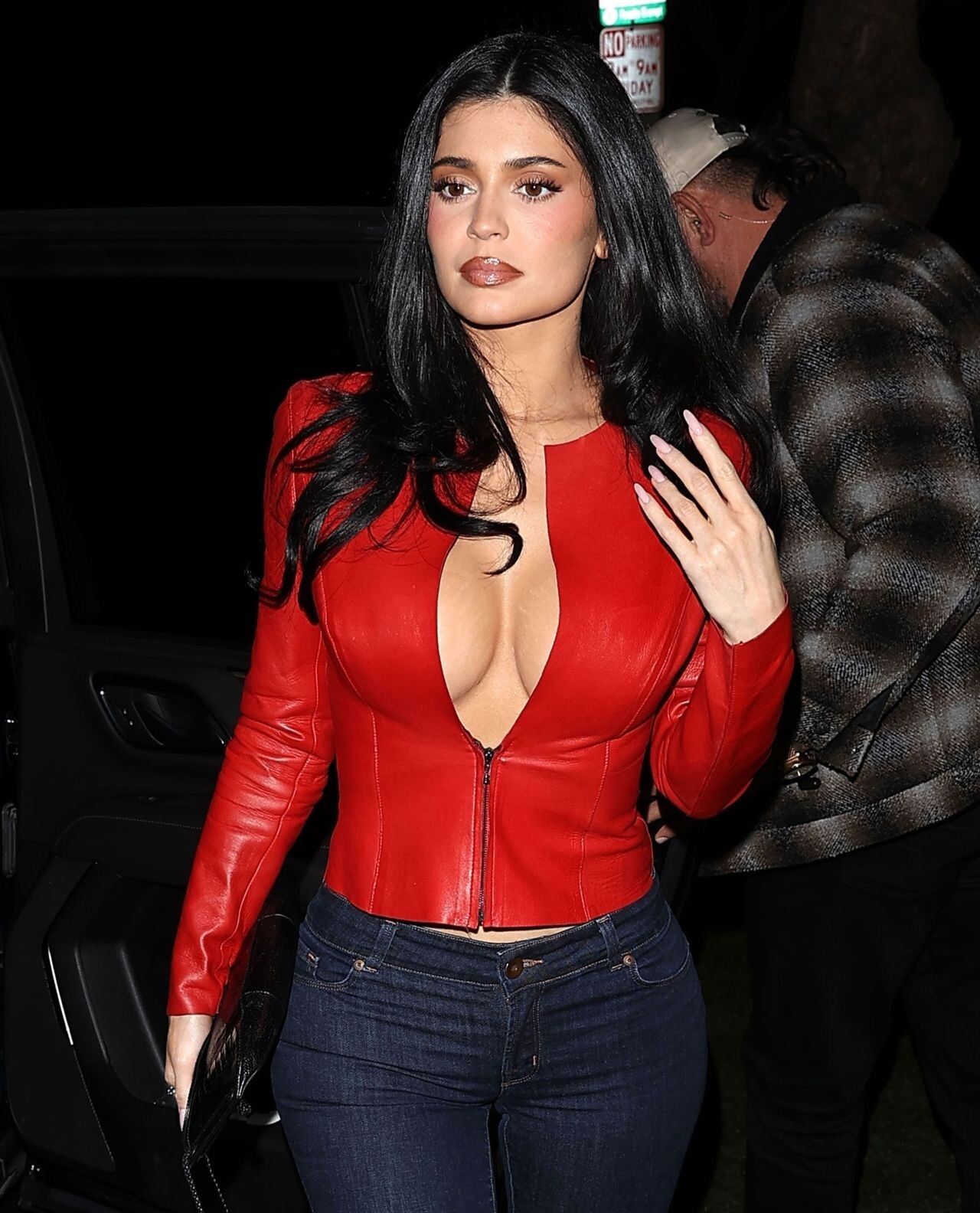
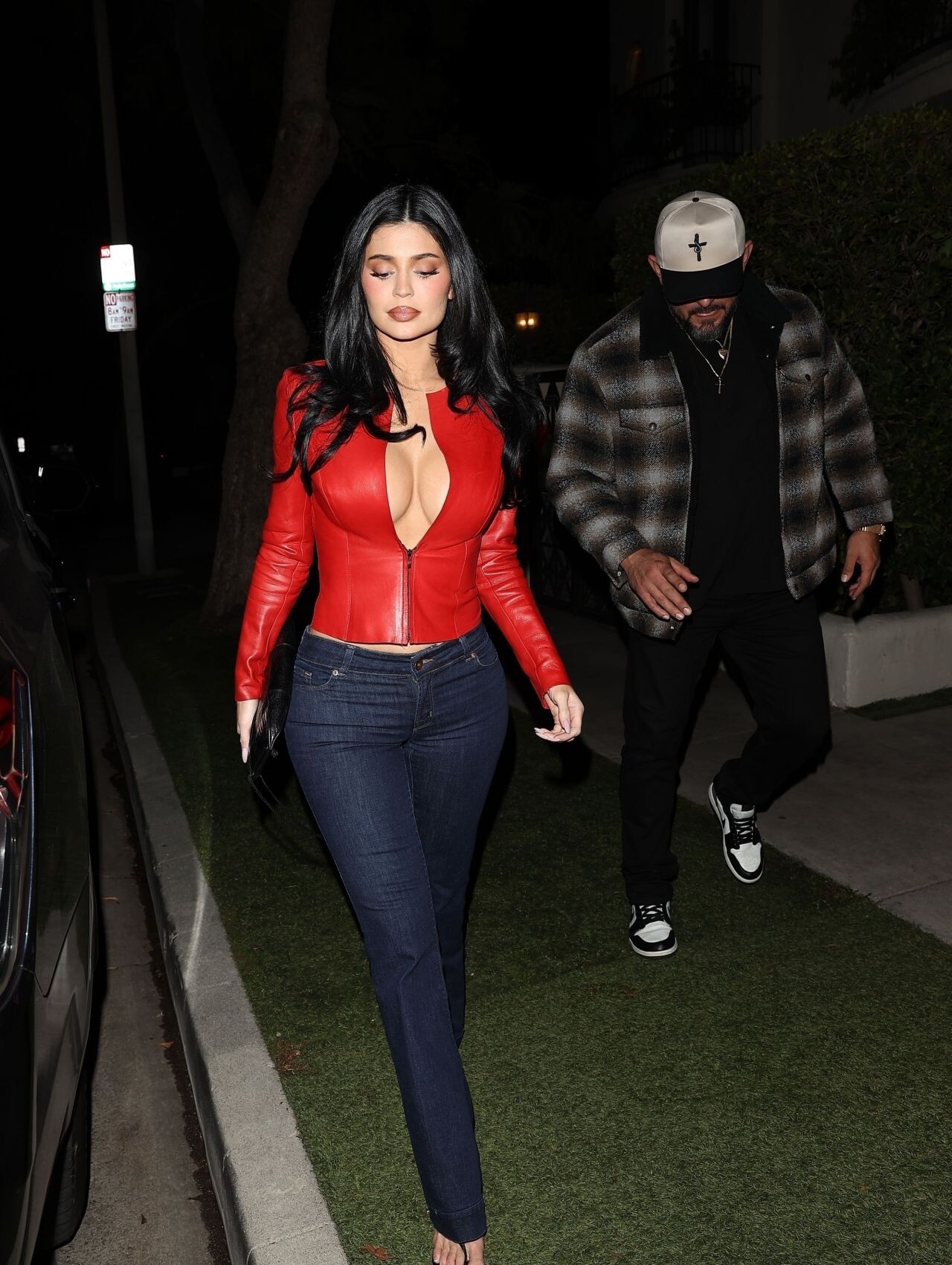
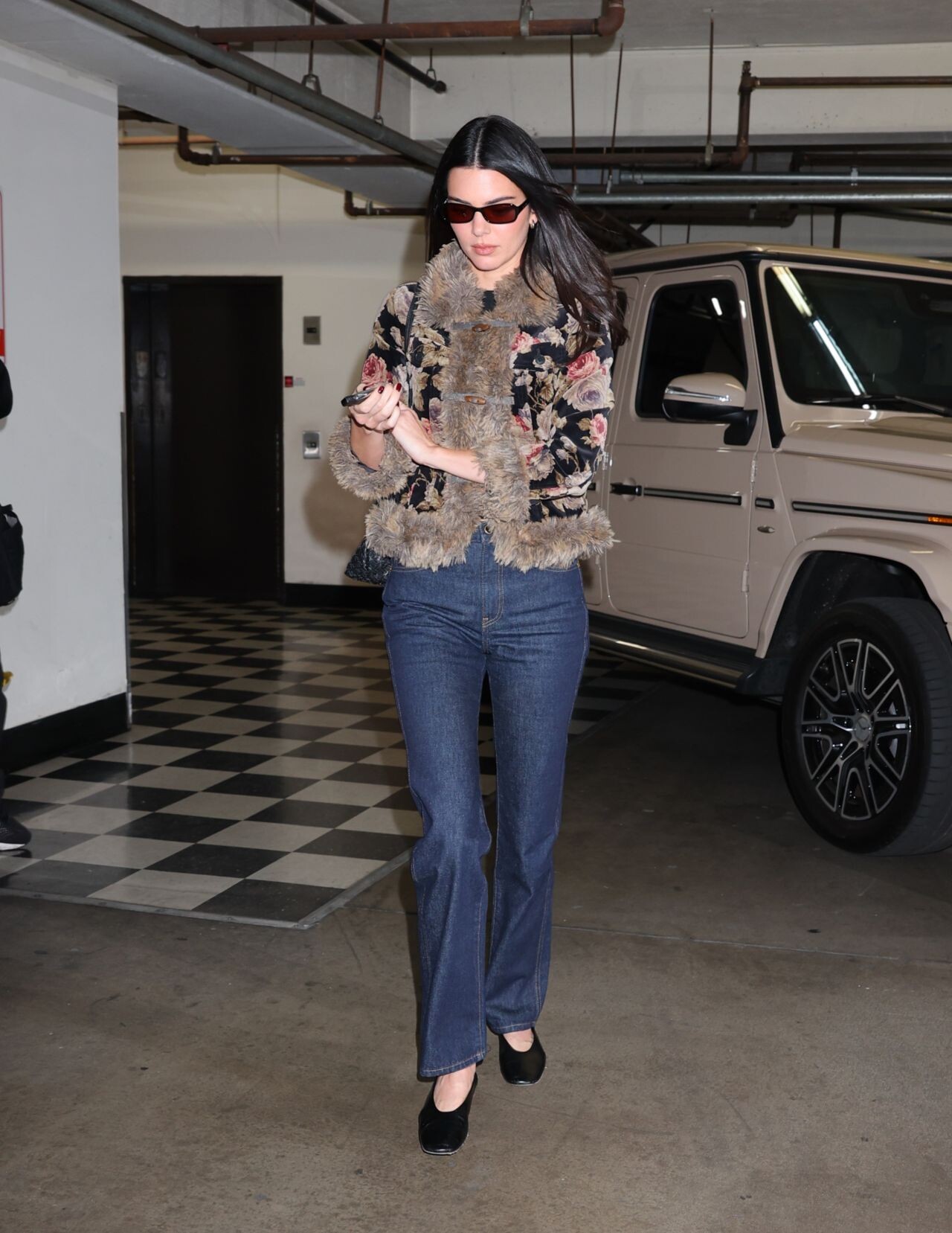
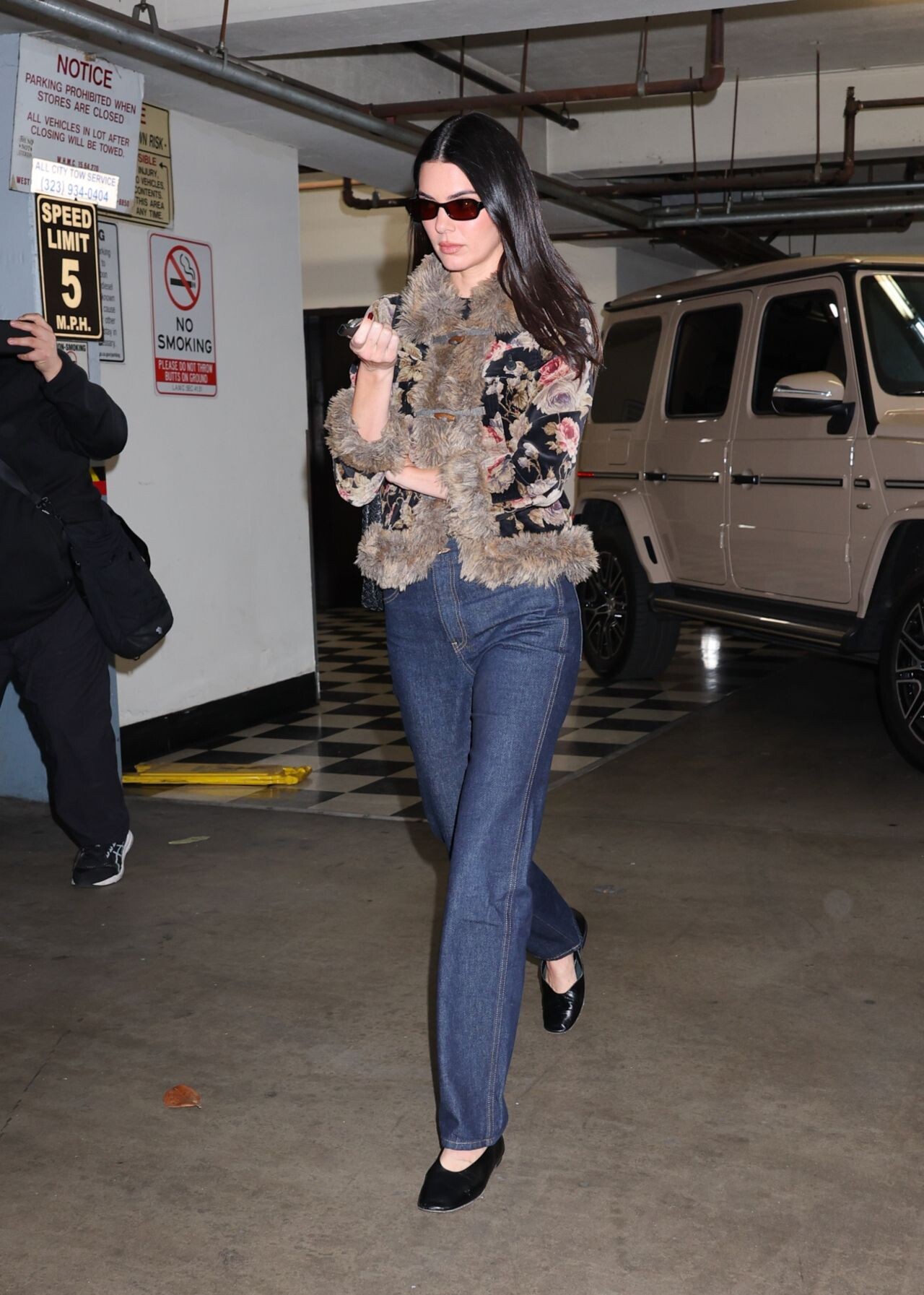
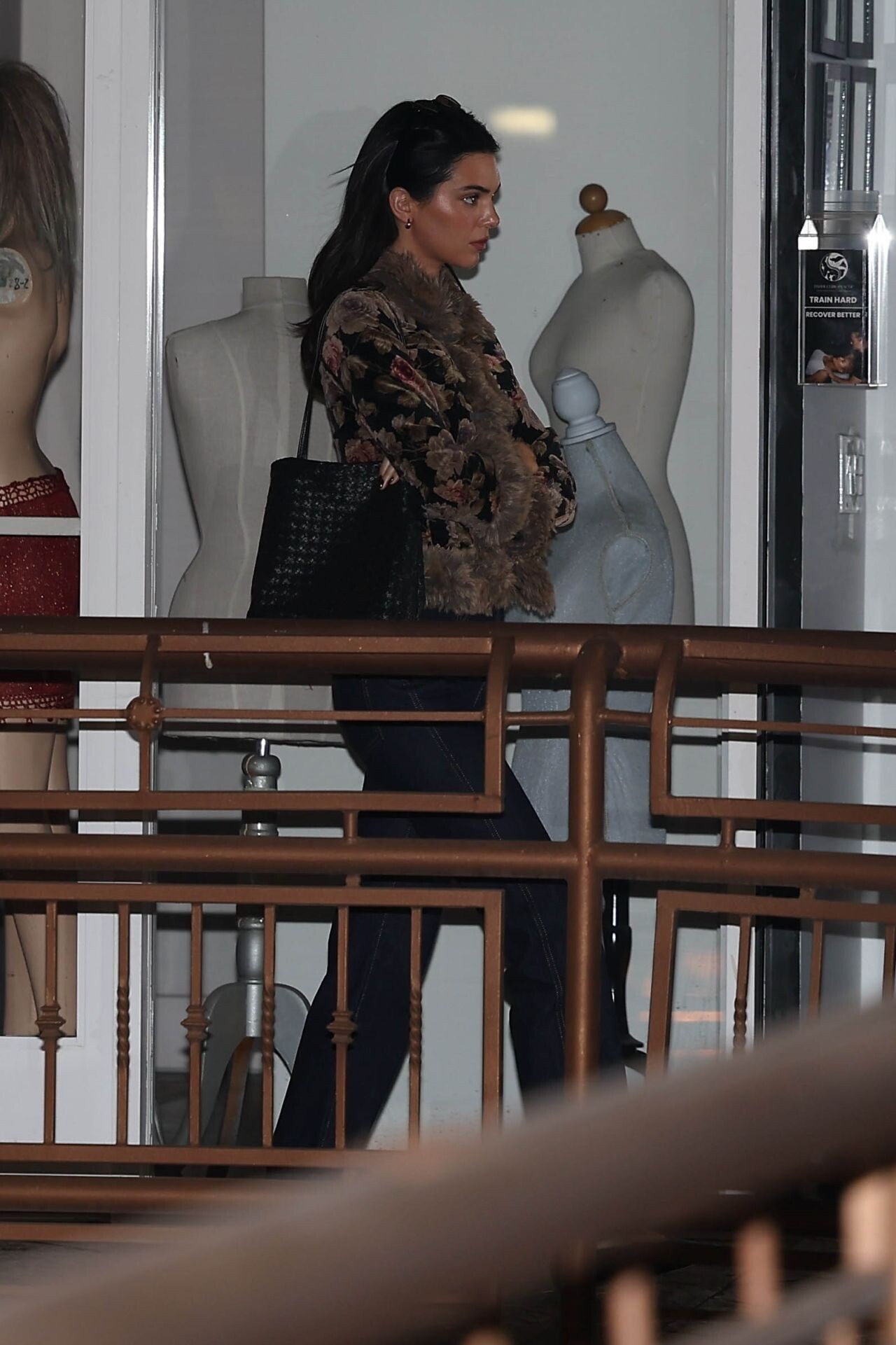
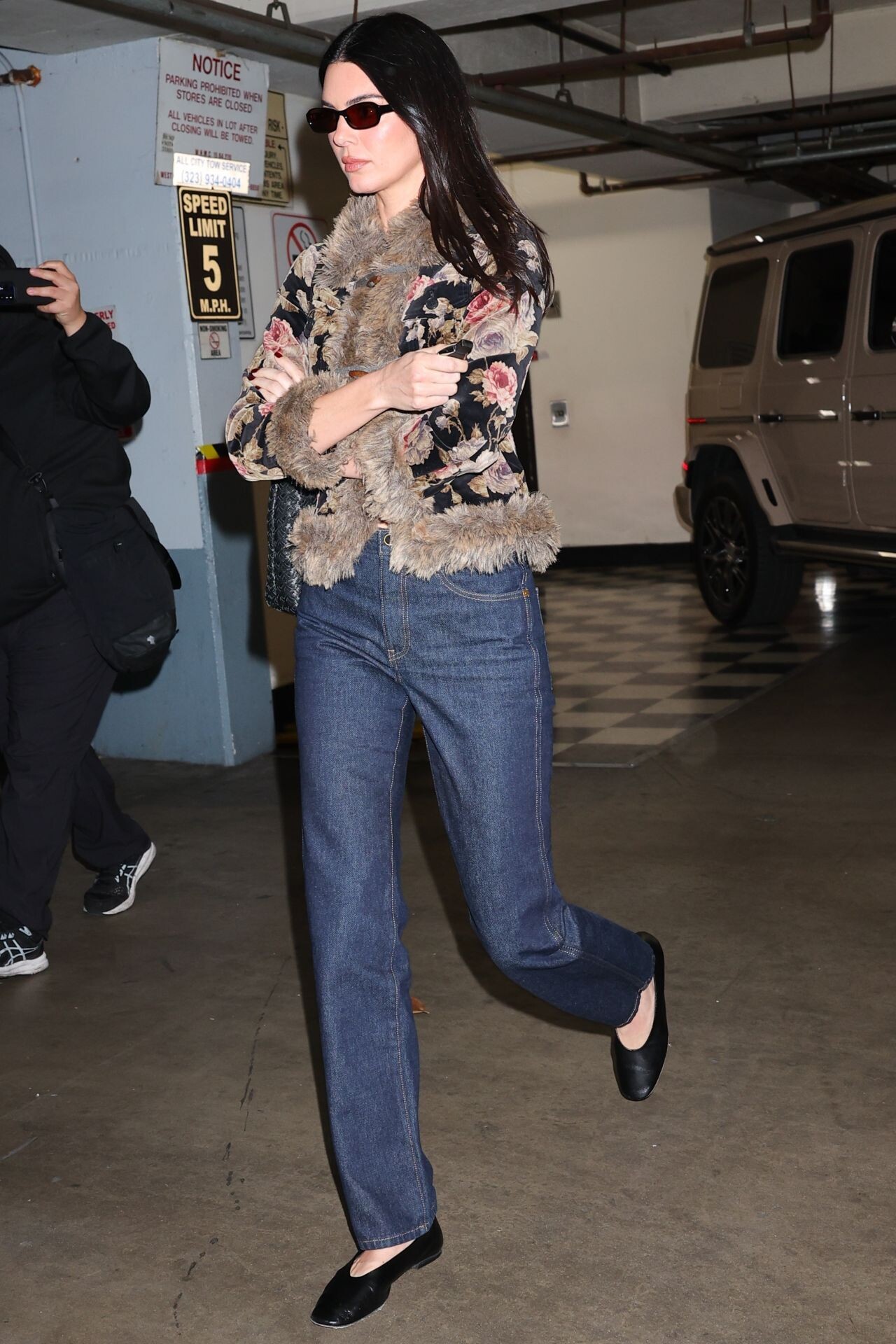
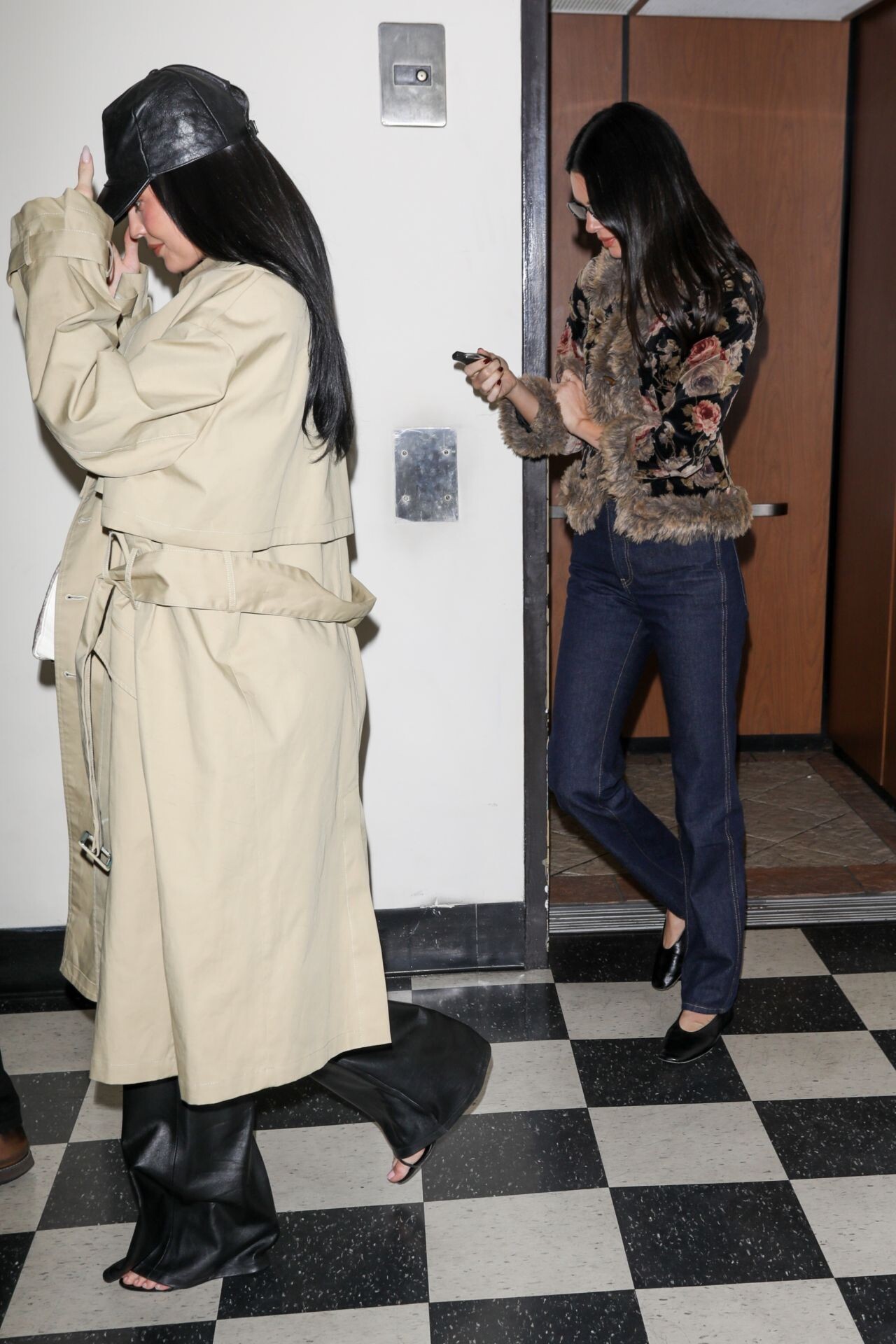
  6. out to dinner in LA on February 10, 2026.
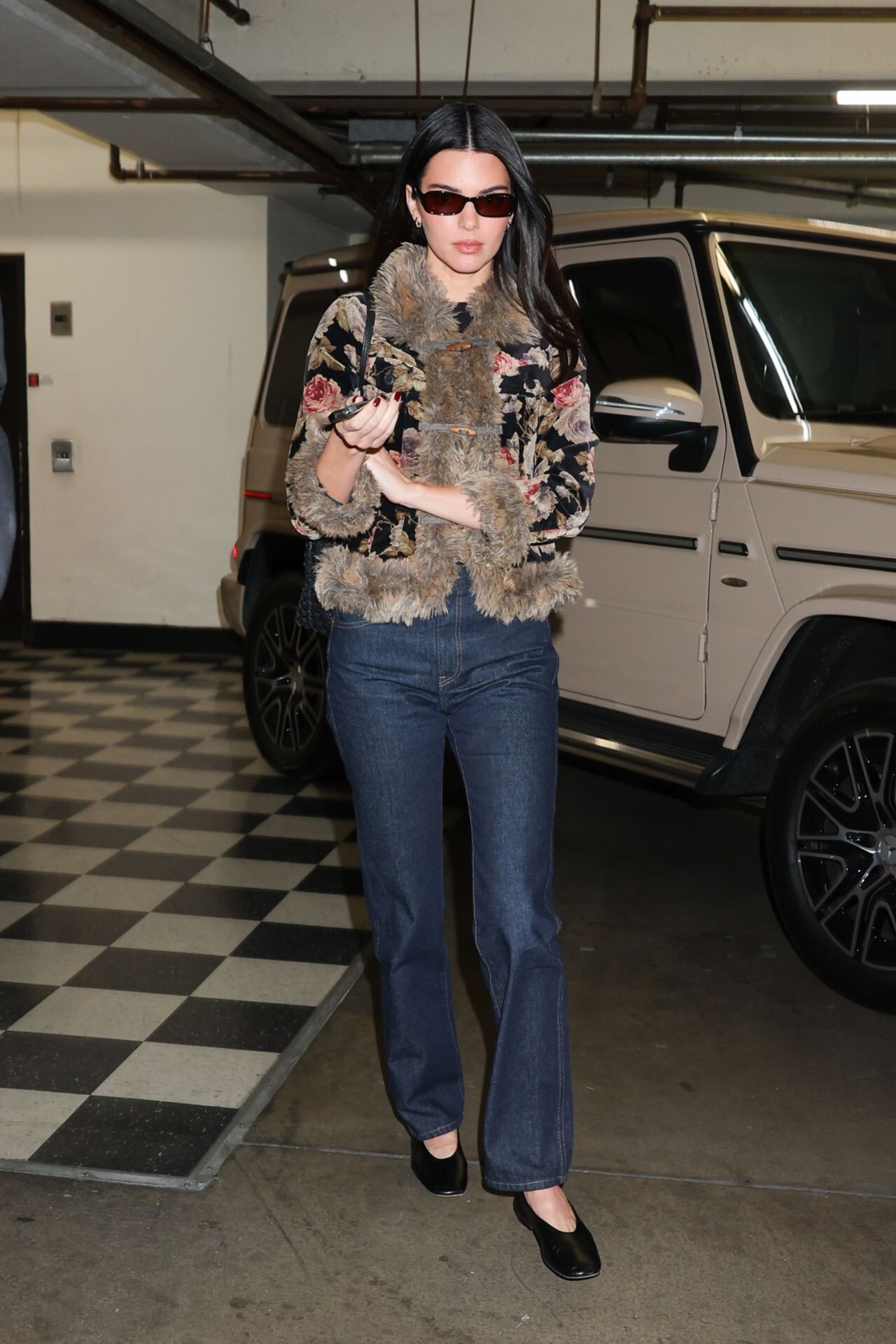
  7. at Ulta Beauty, Calabasas in February 2026.
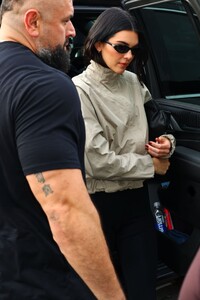
  8. West Hollywood on January 29, 2026.
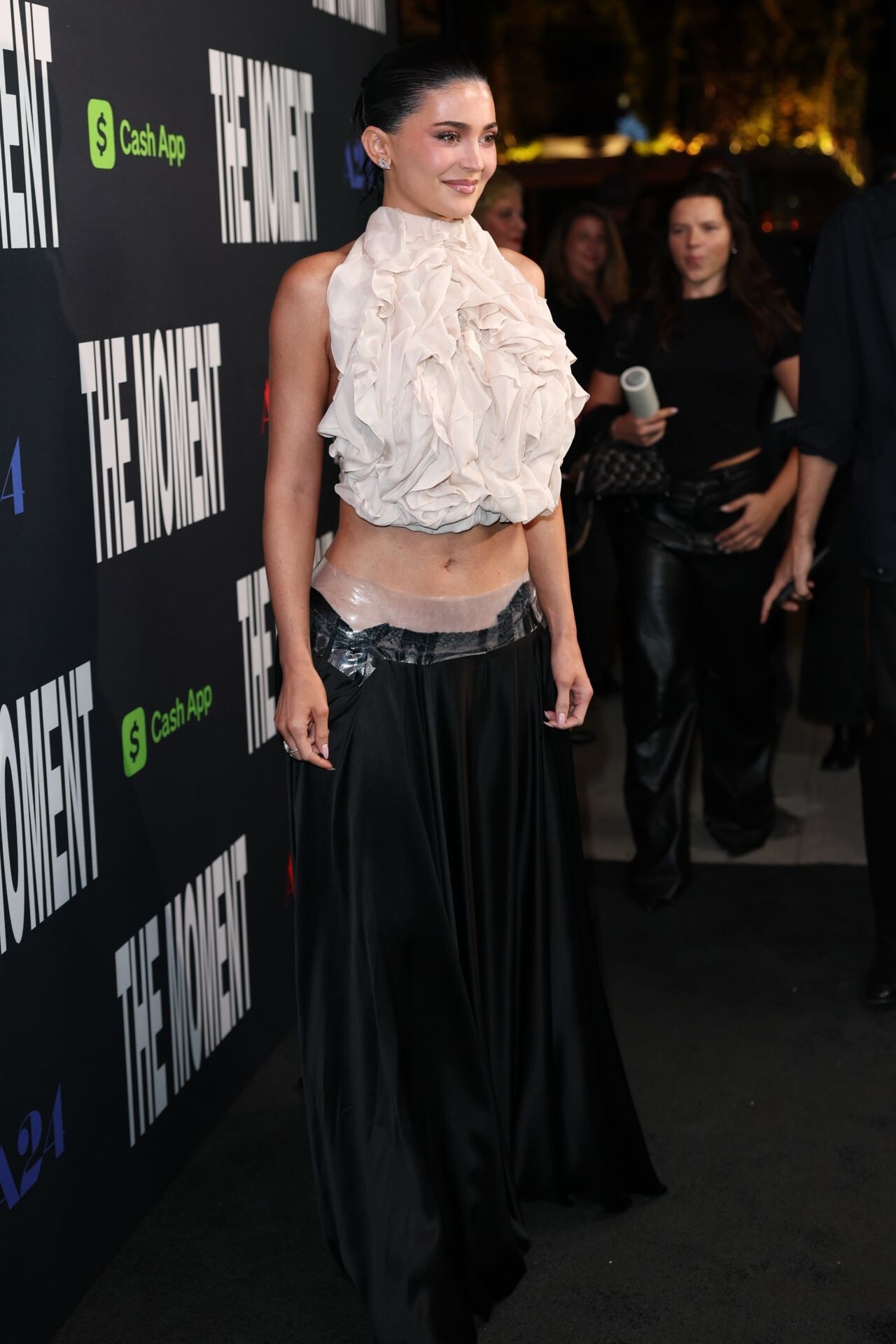
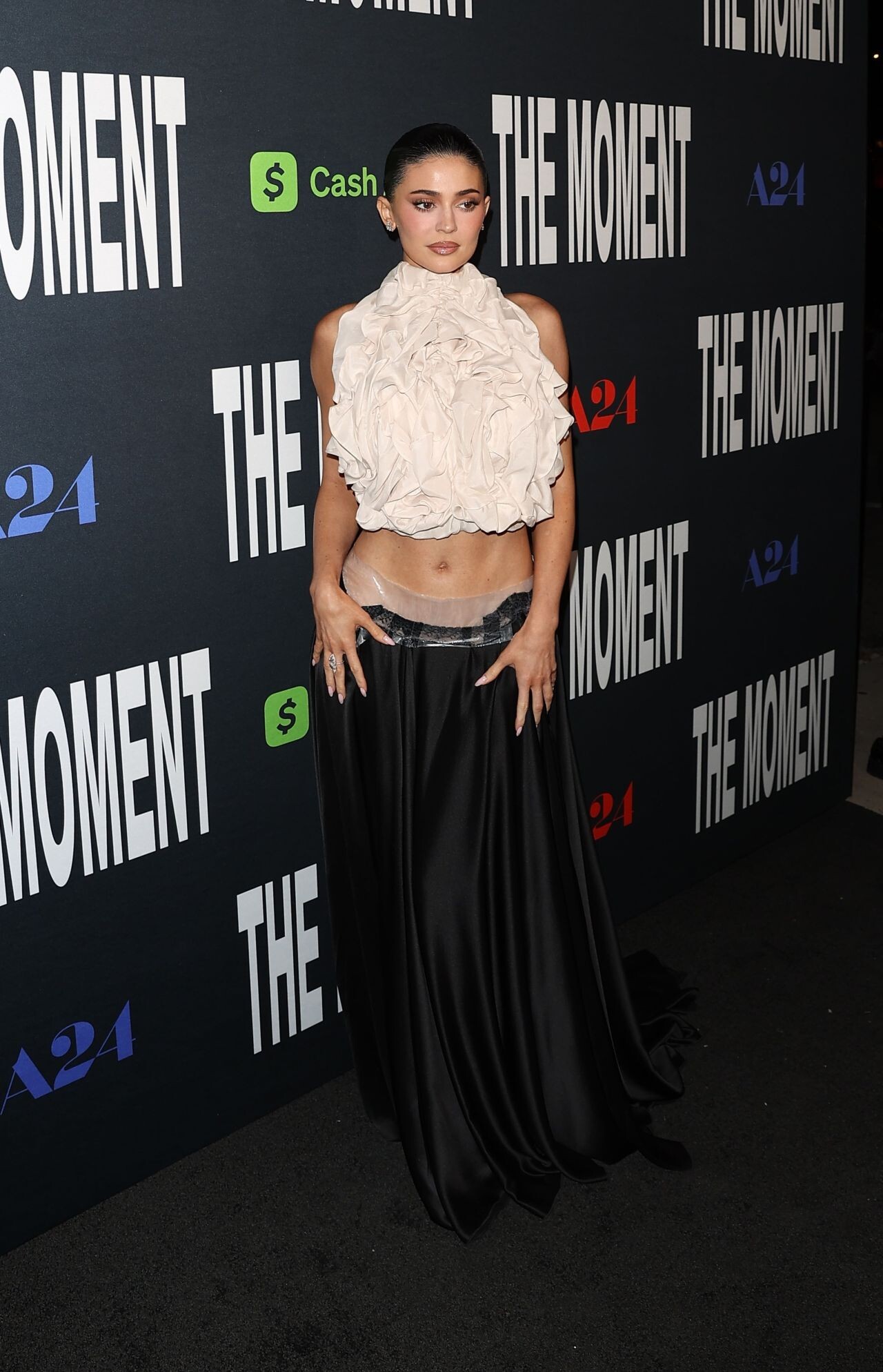
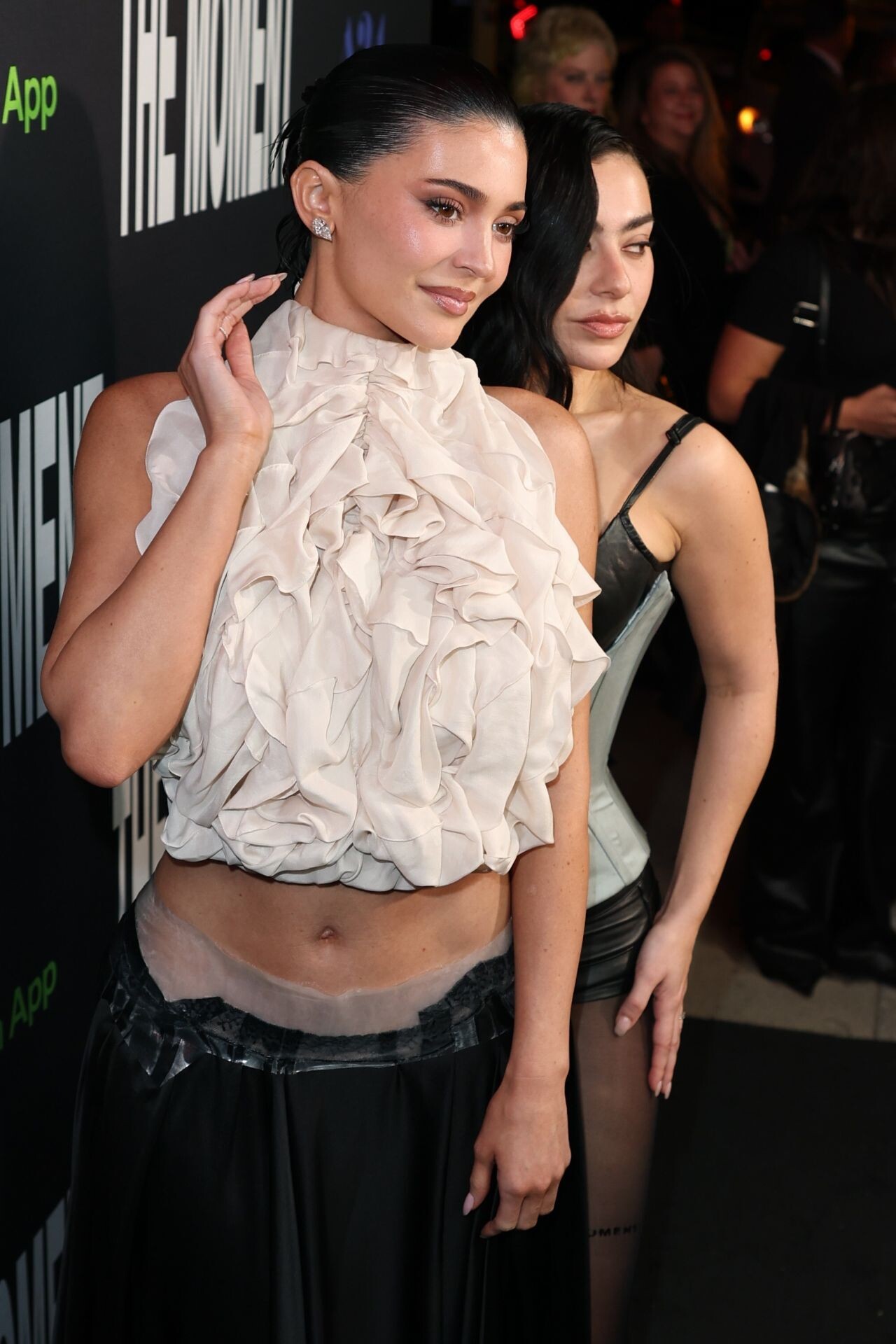
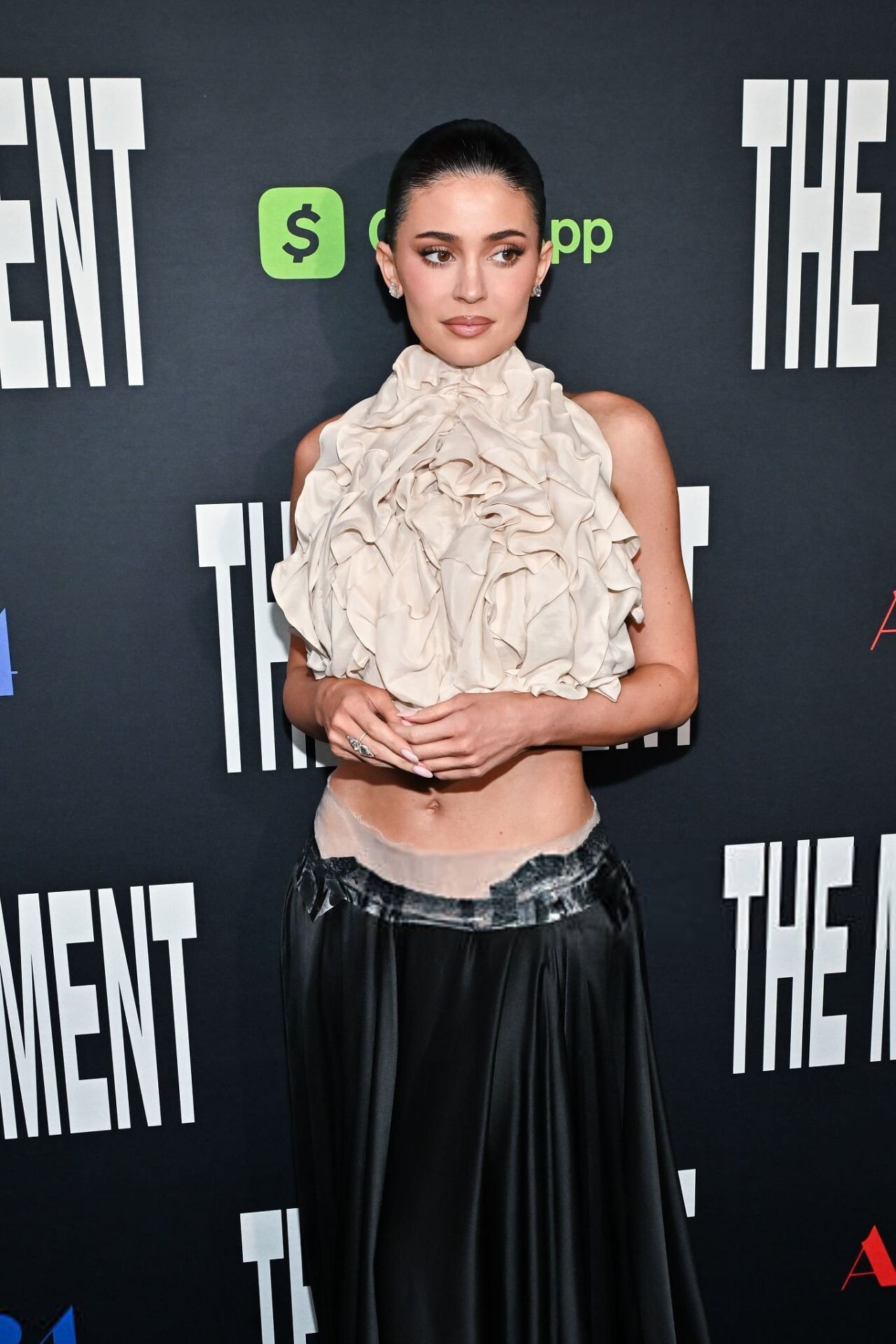
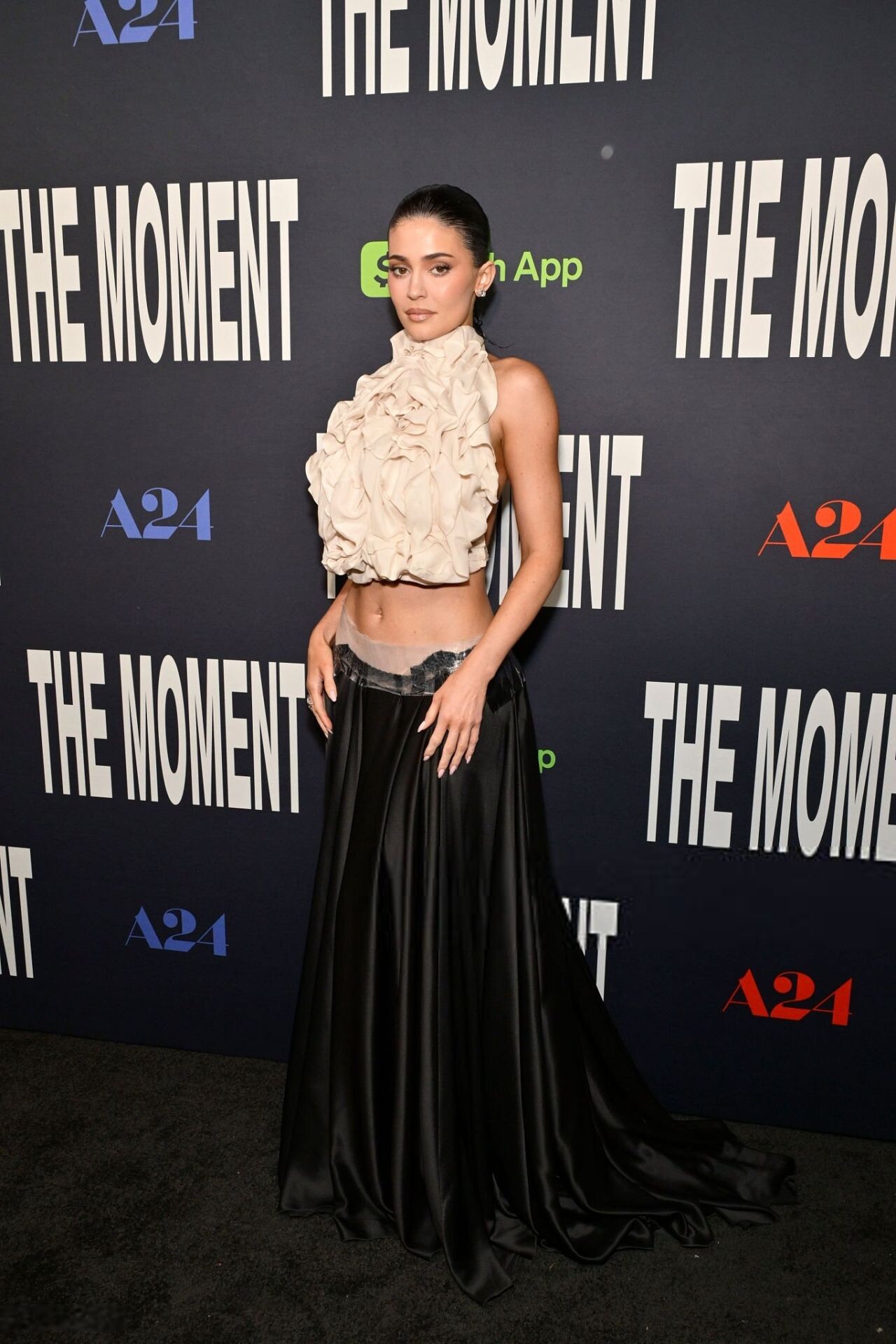
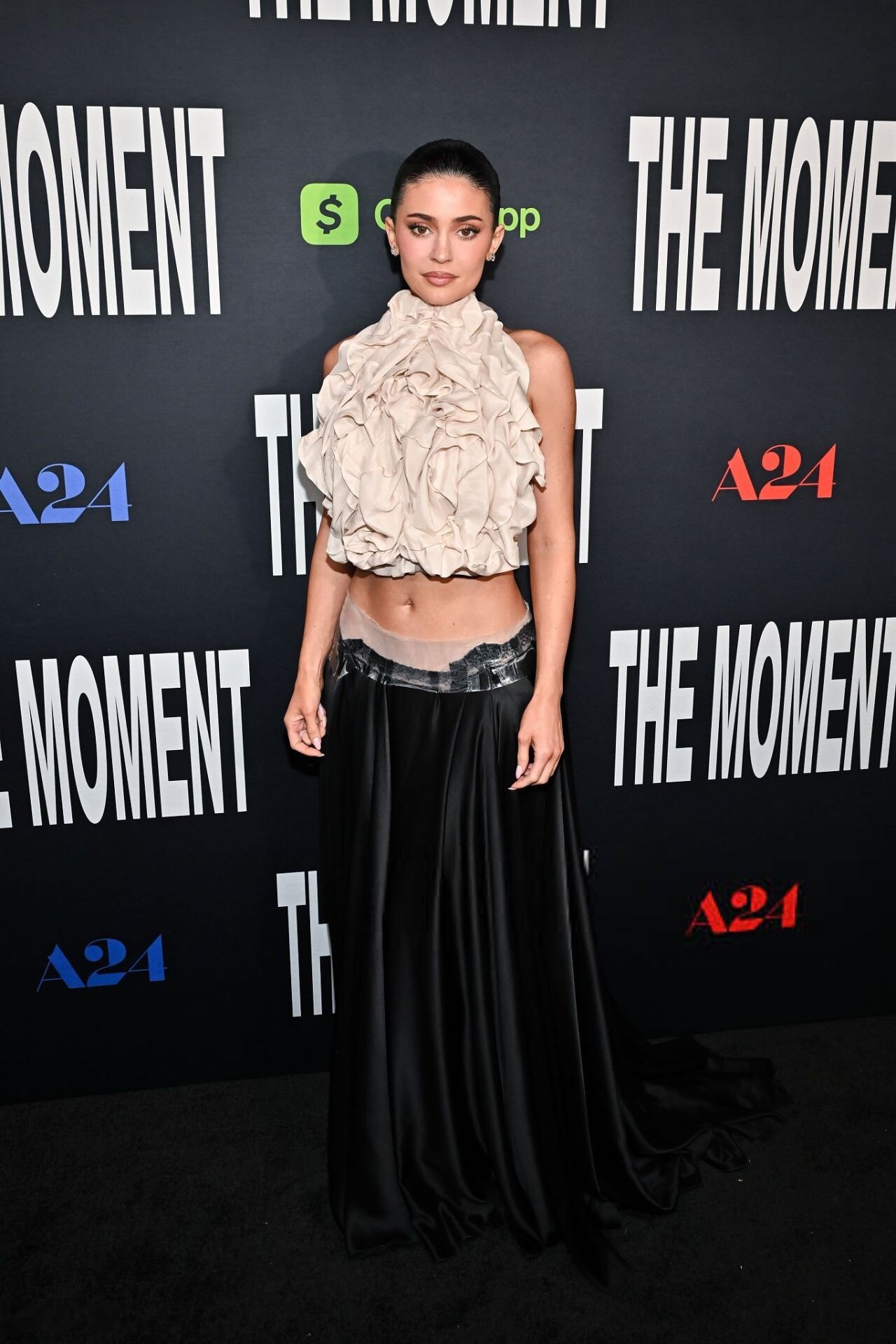
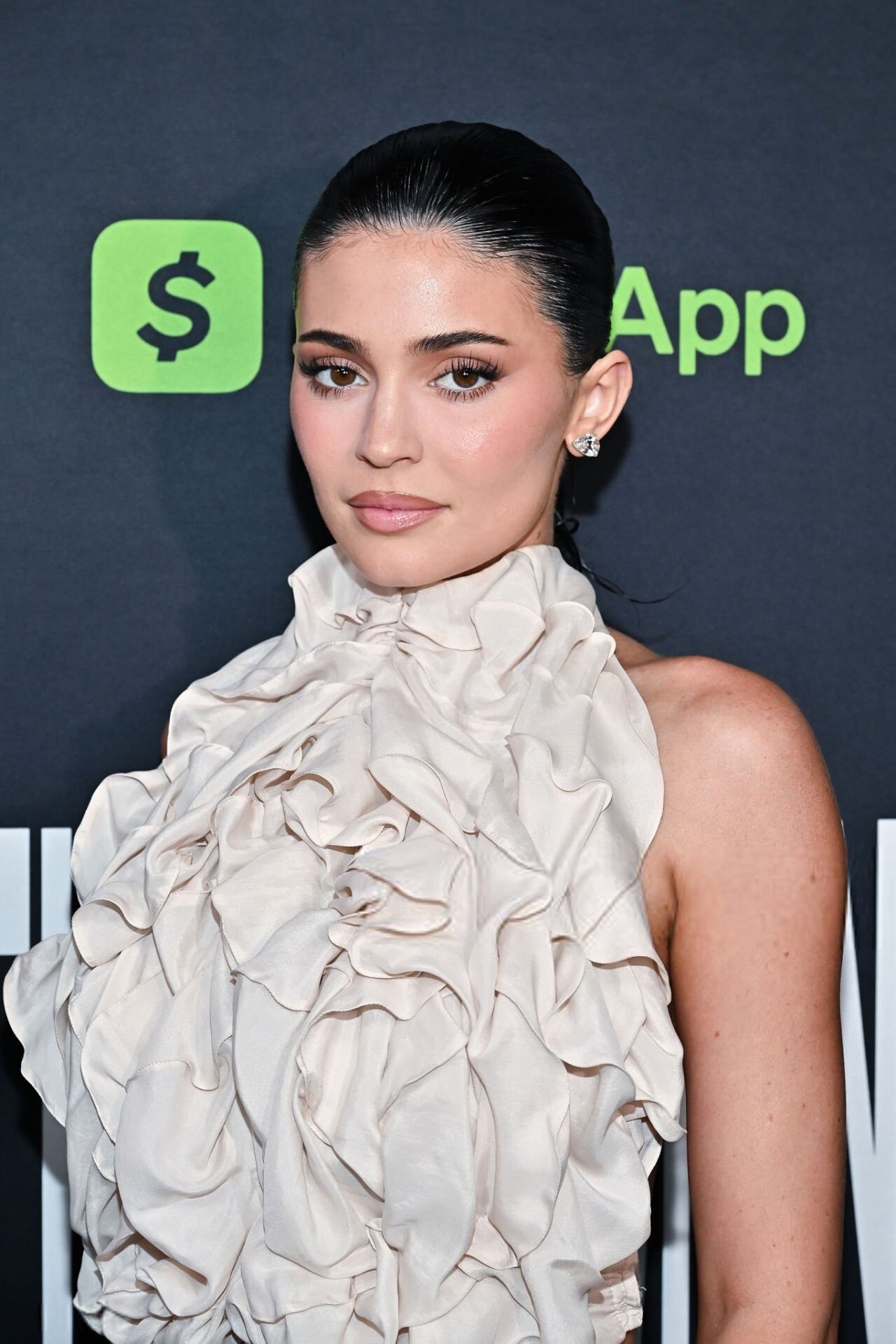
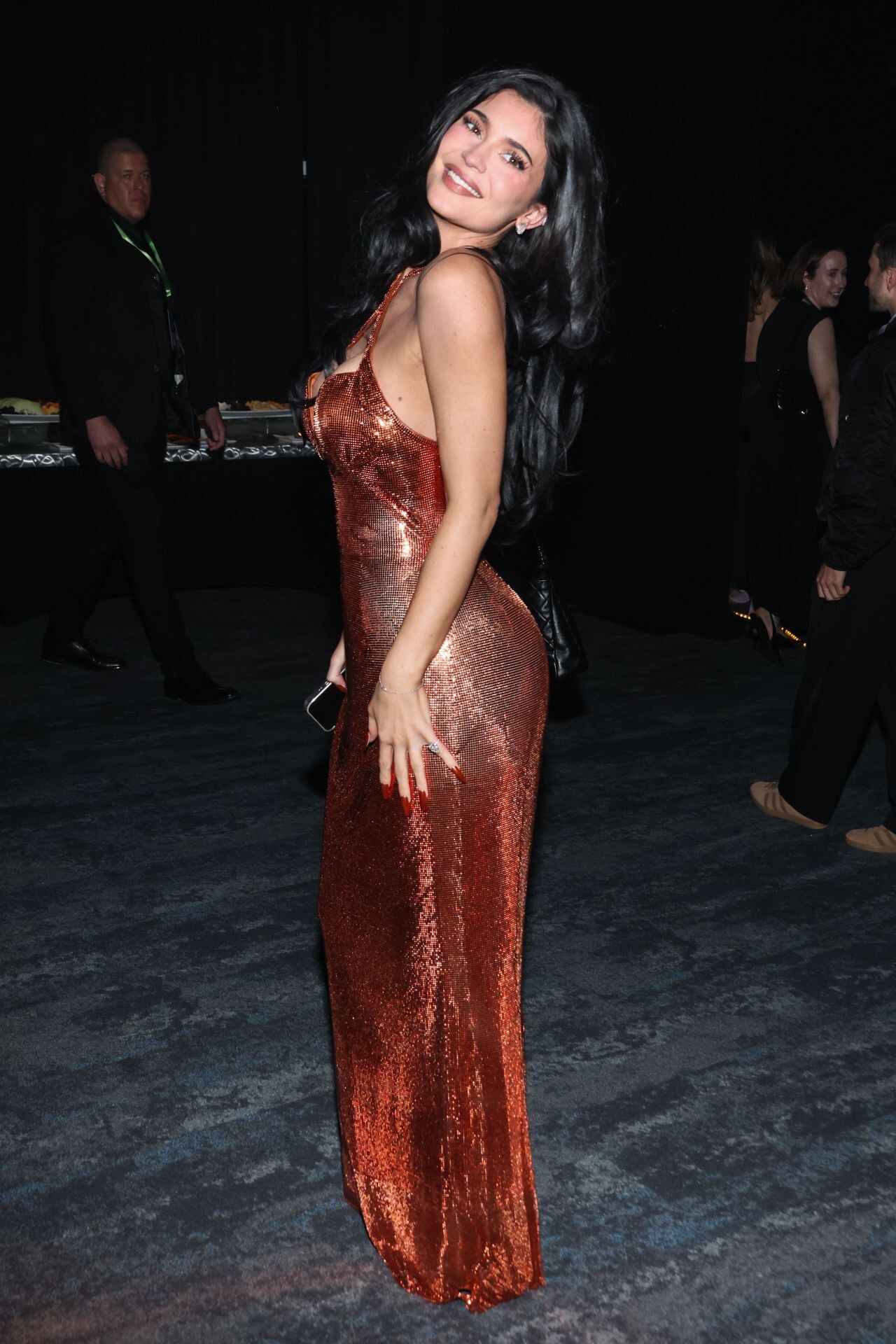
  9. The Moment premiere in Beverly Hills on January 29, 2026.
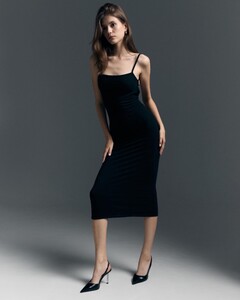
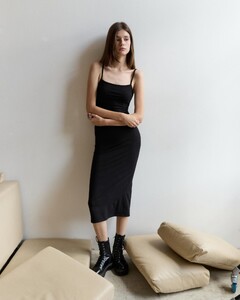
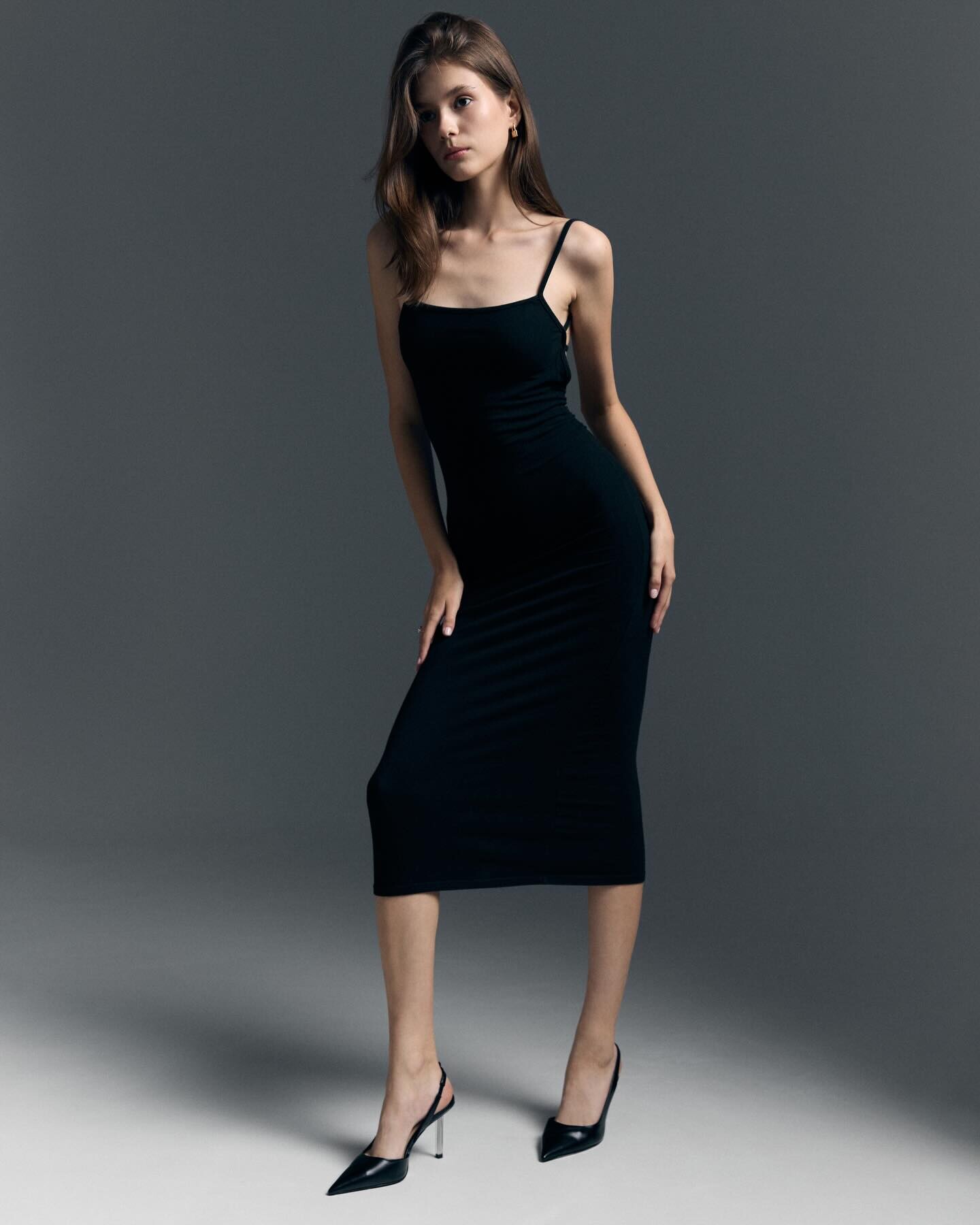
  10. Luisa Spagnoli ad
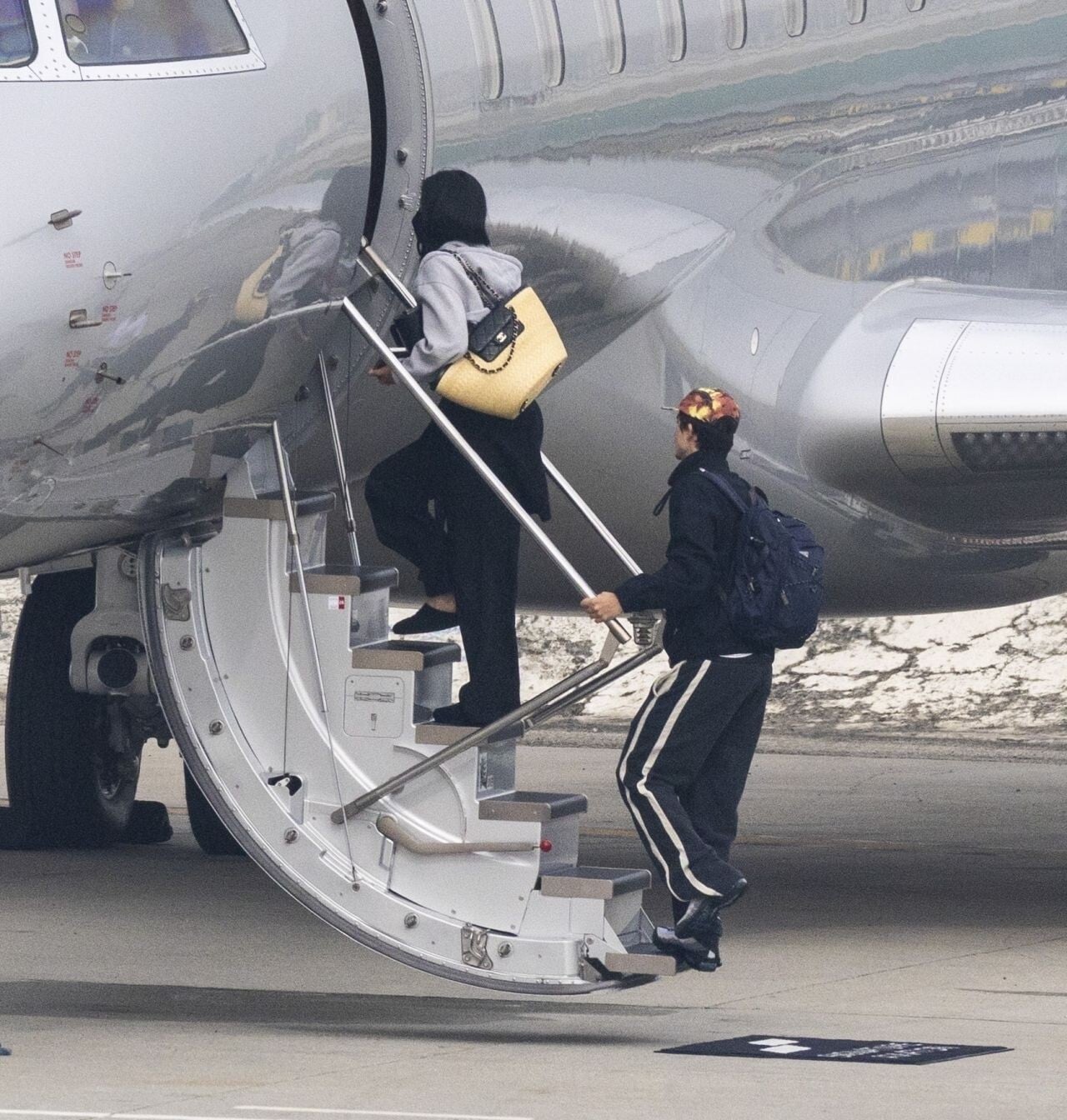
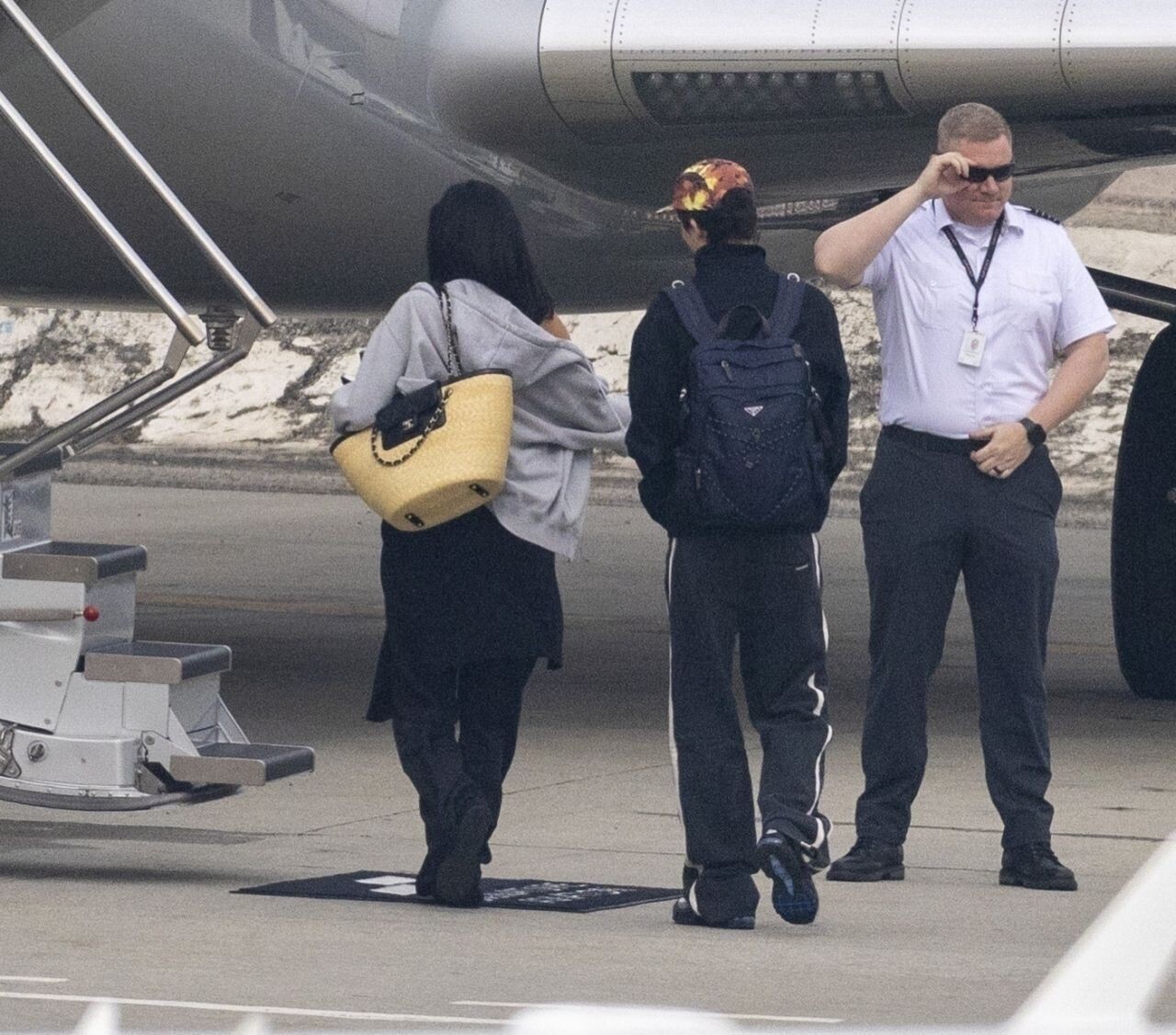
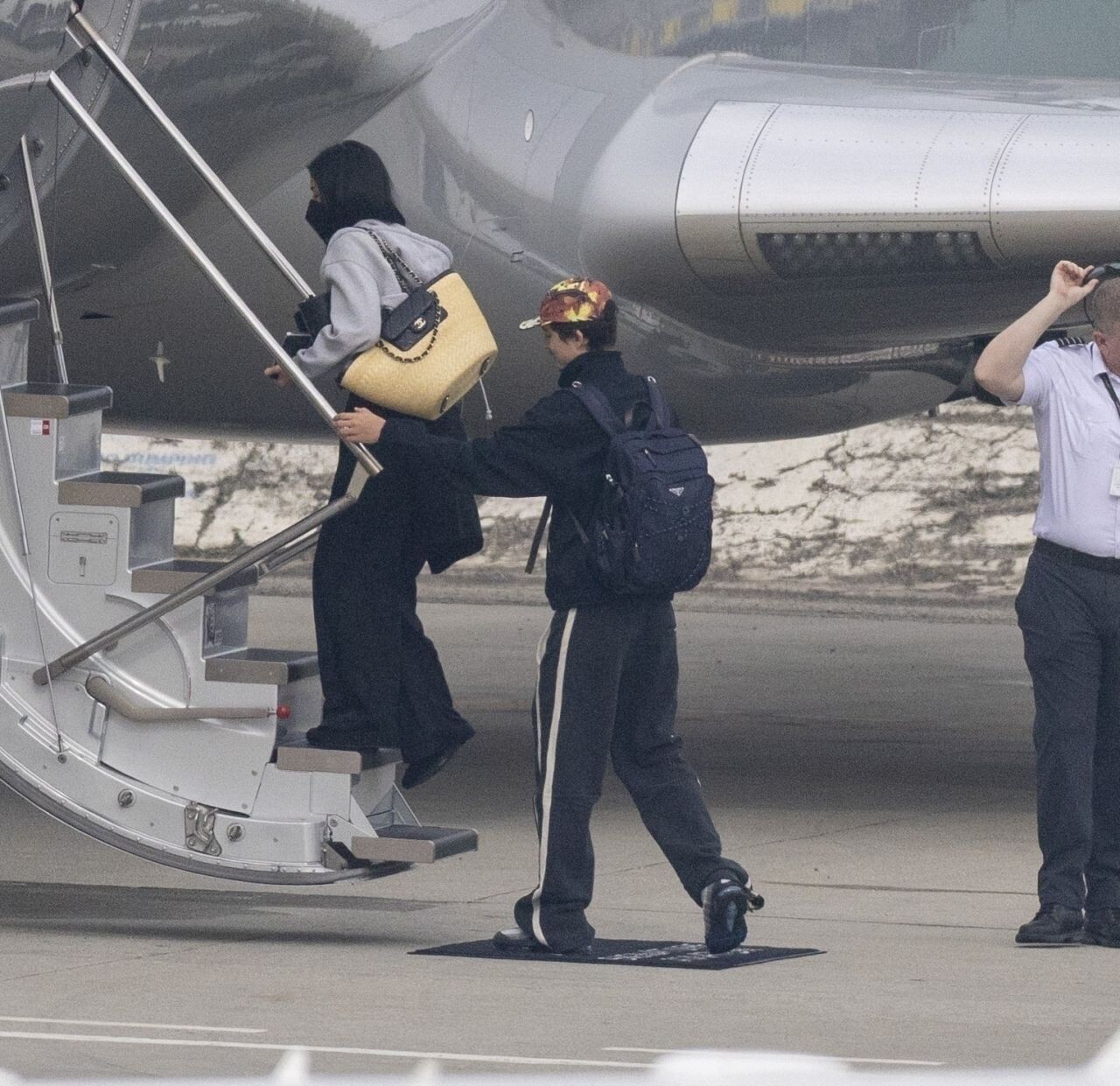
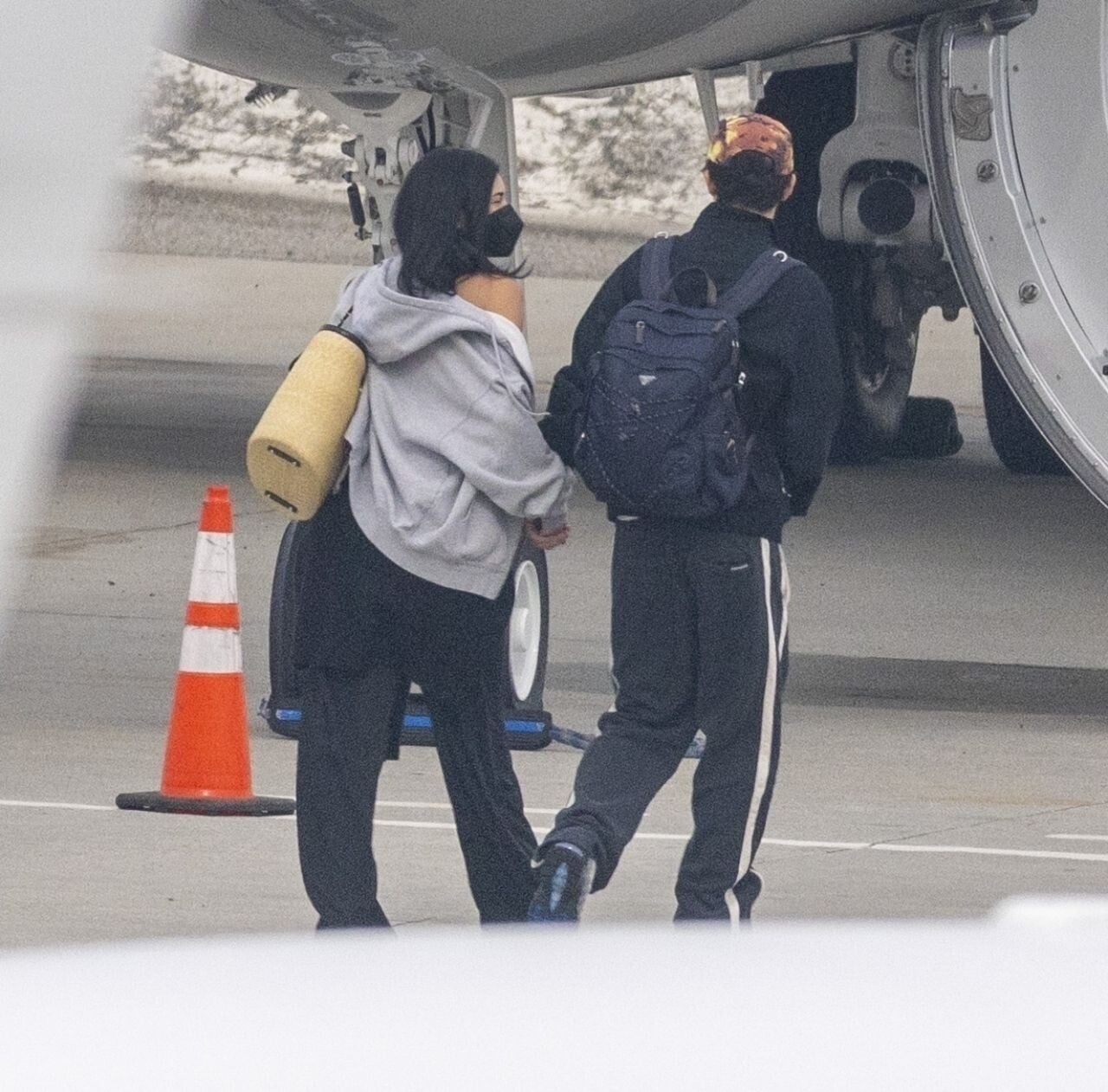
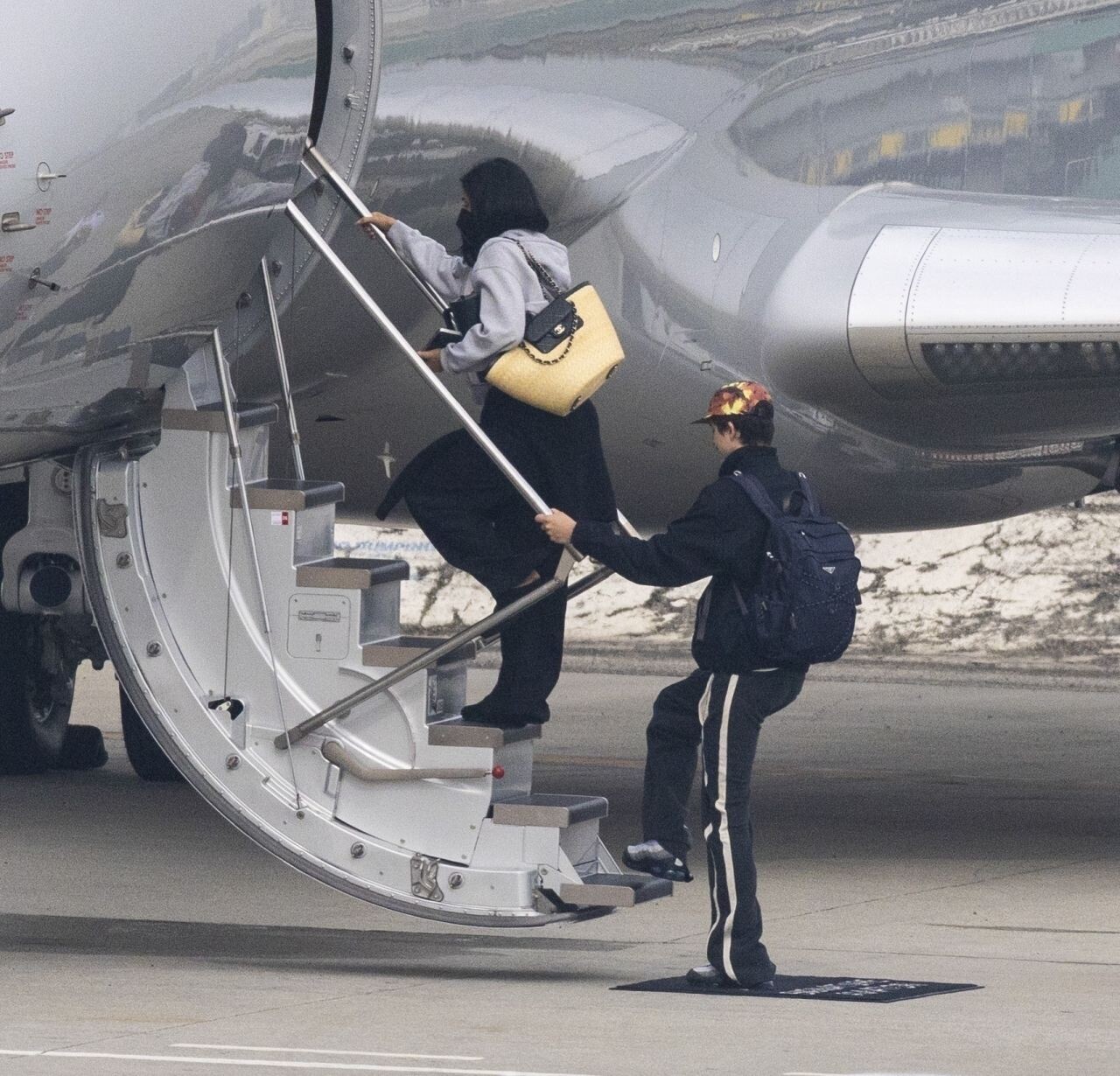
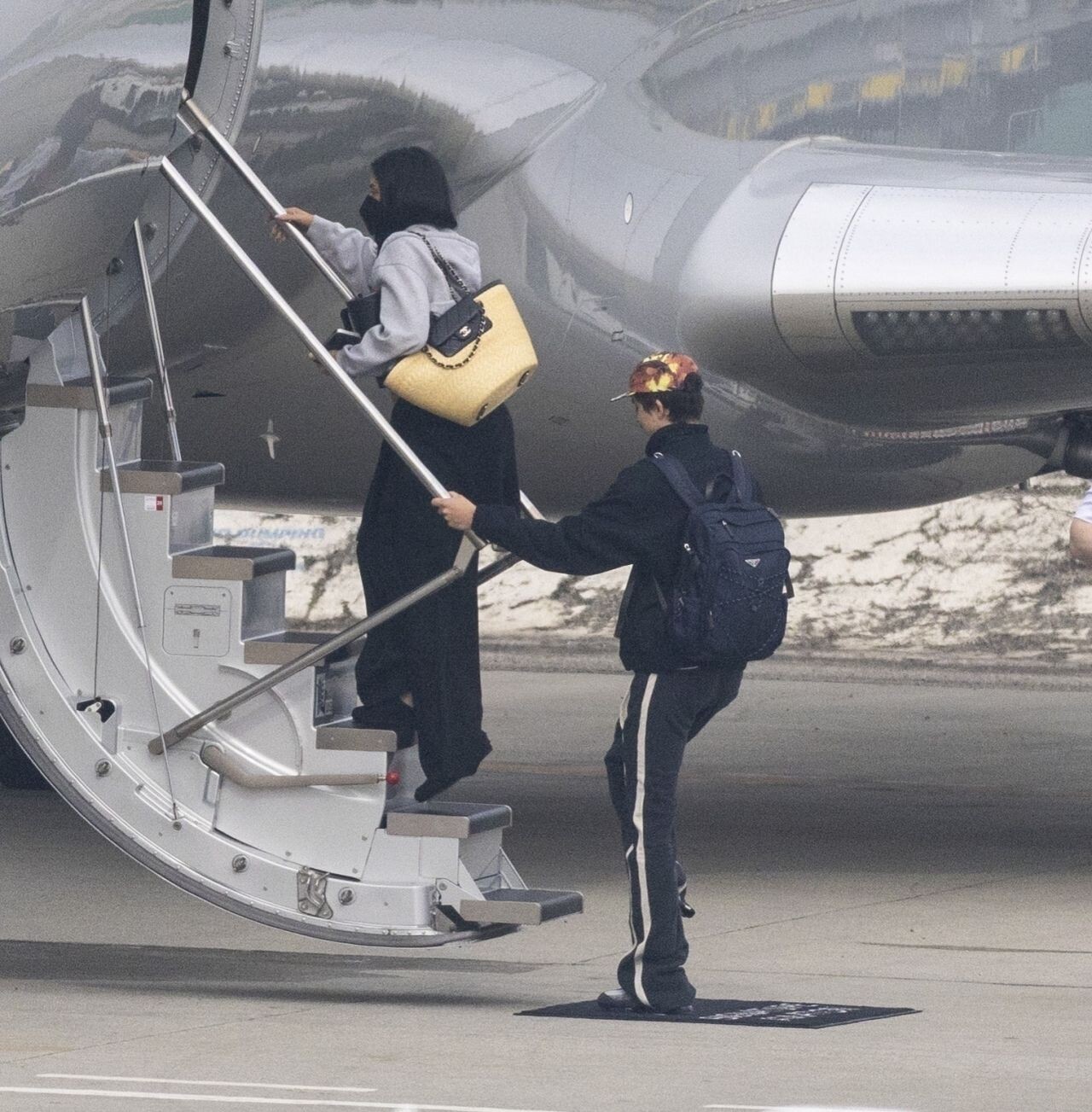
  11. boarding a jet in Los Angeles on January 21, 2026.
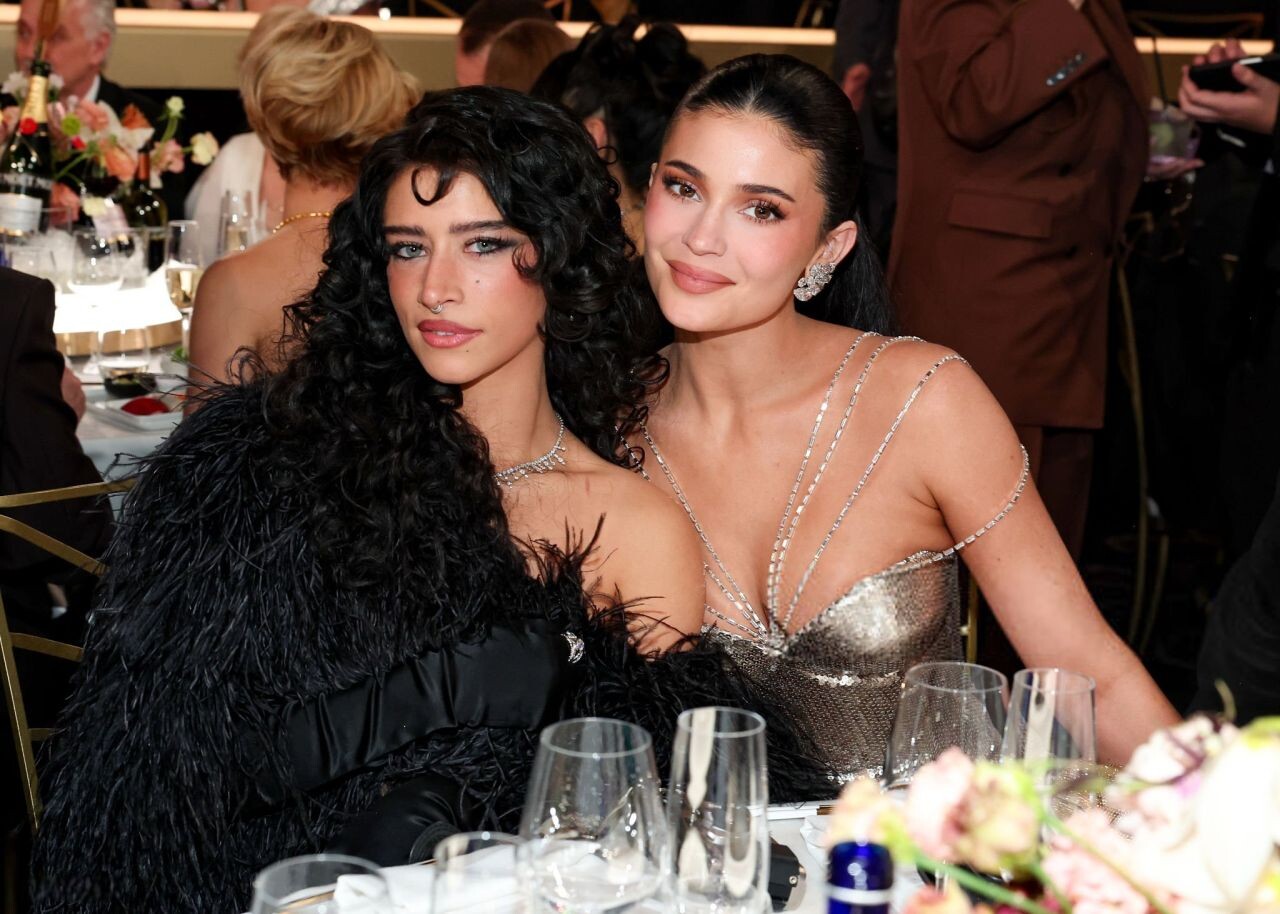
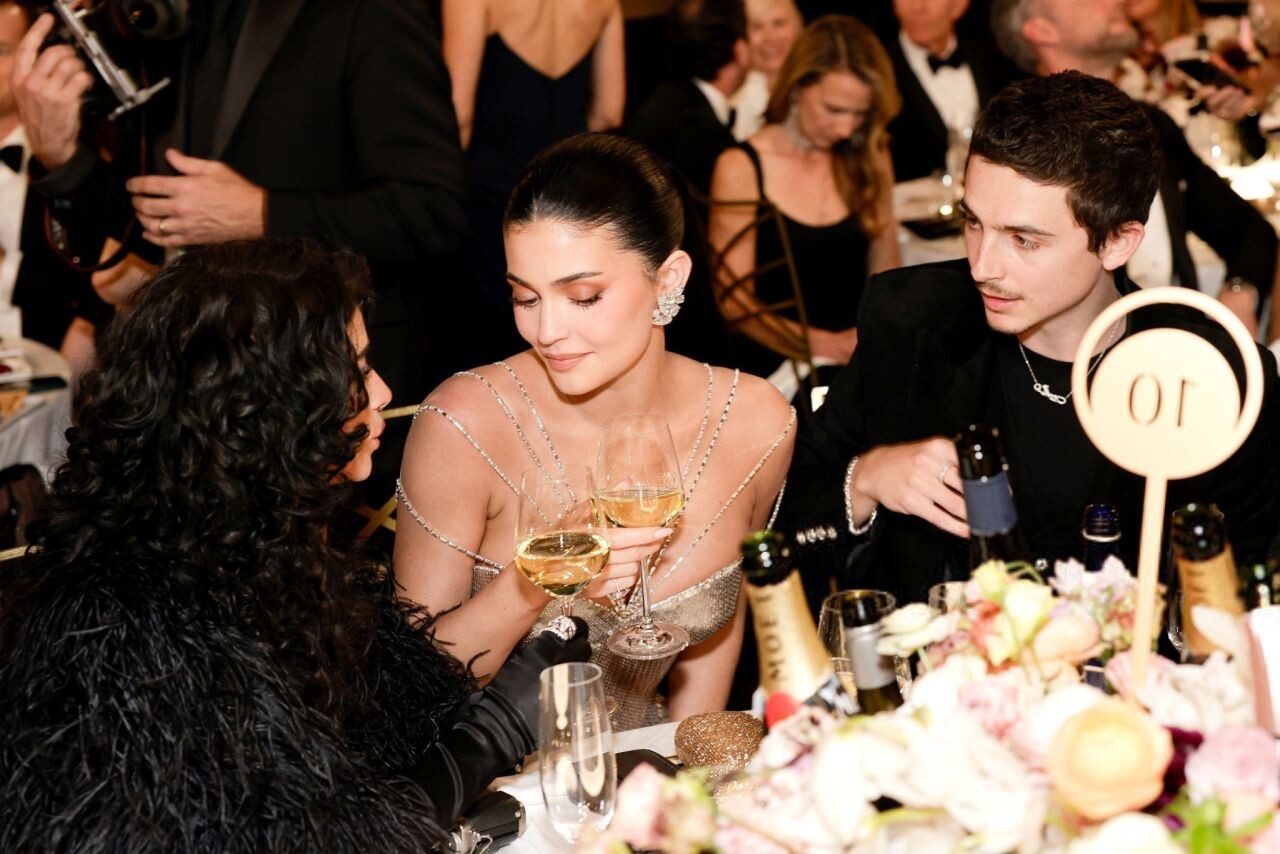
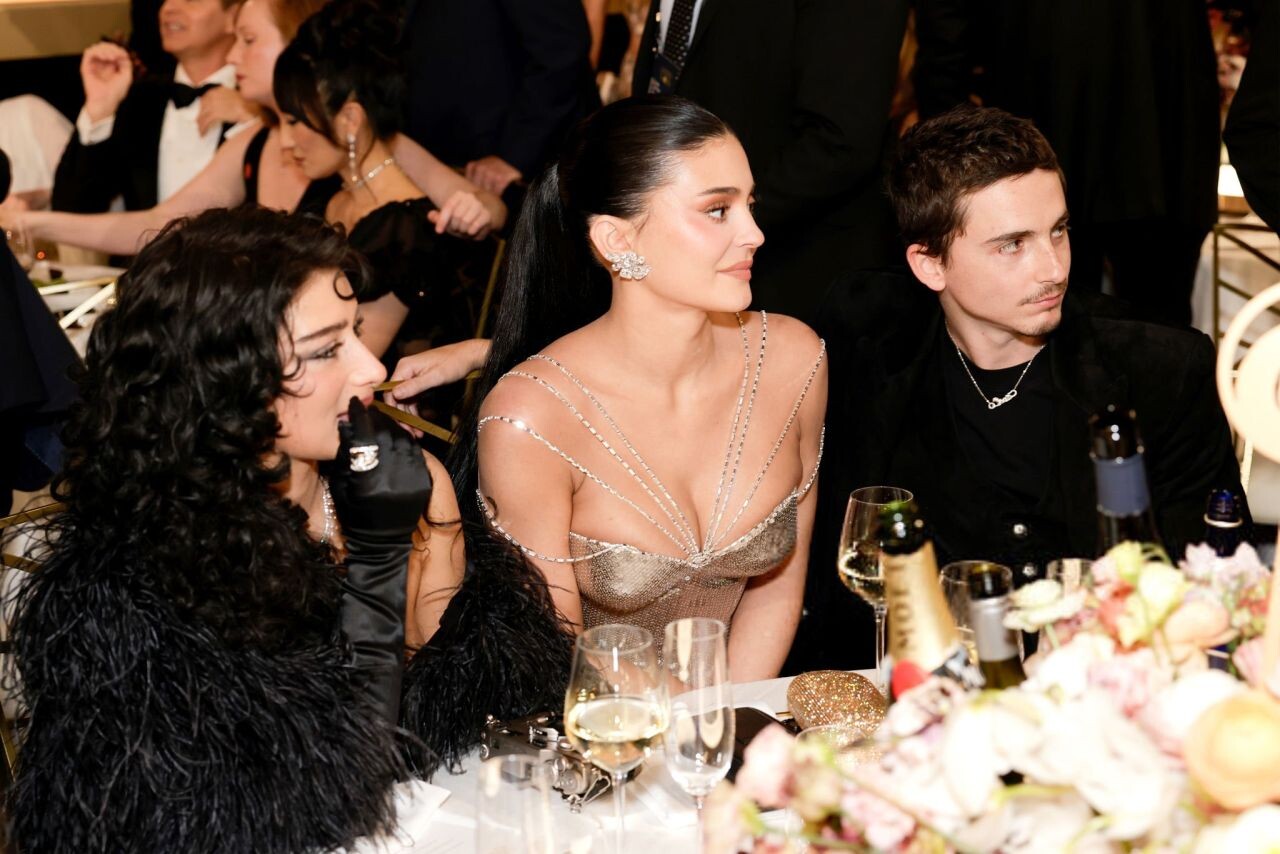
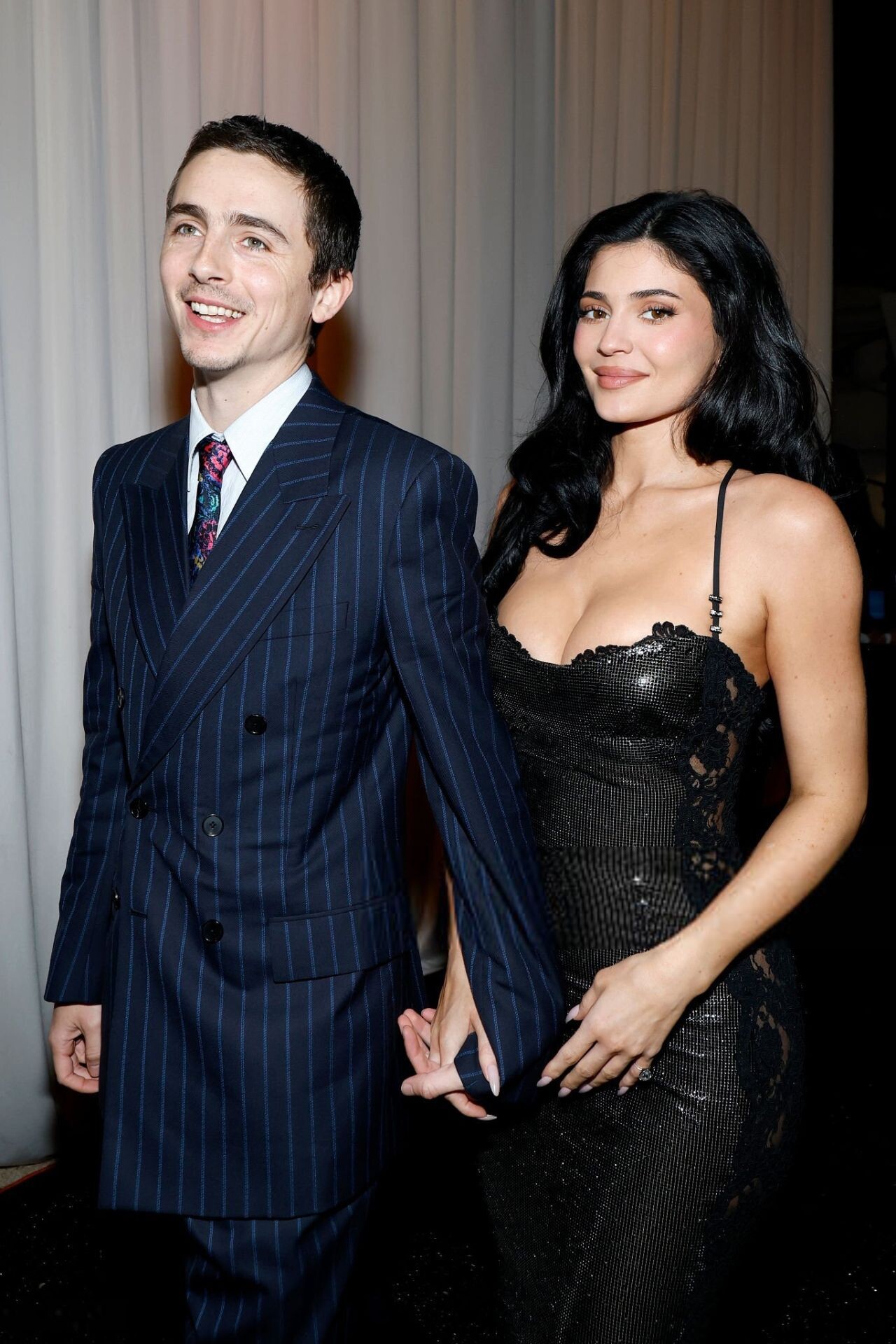
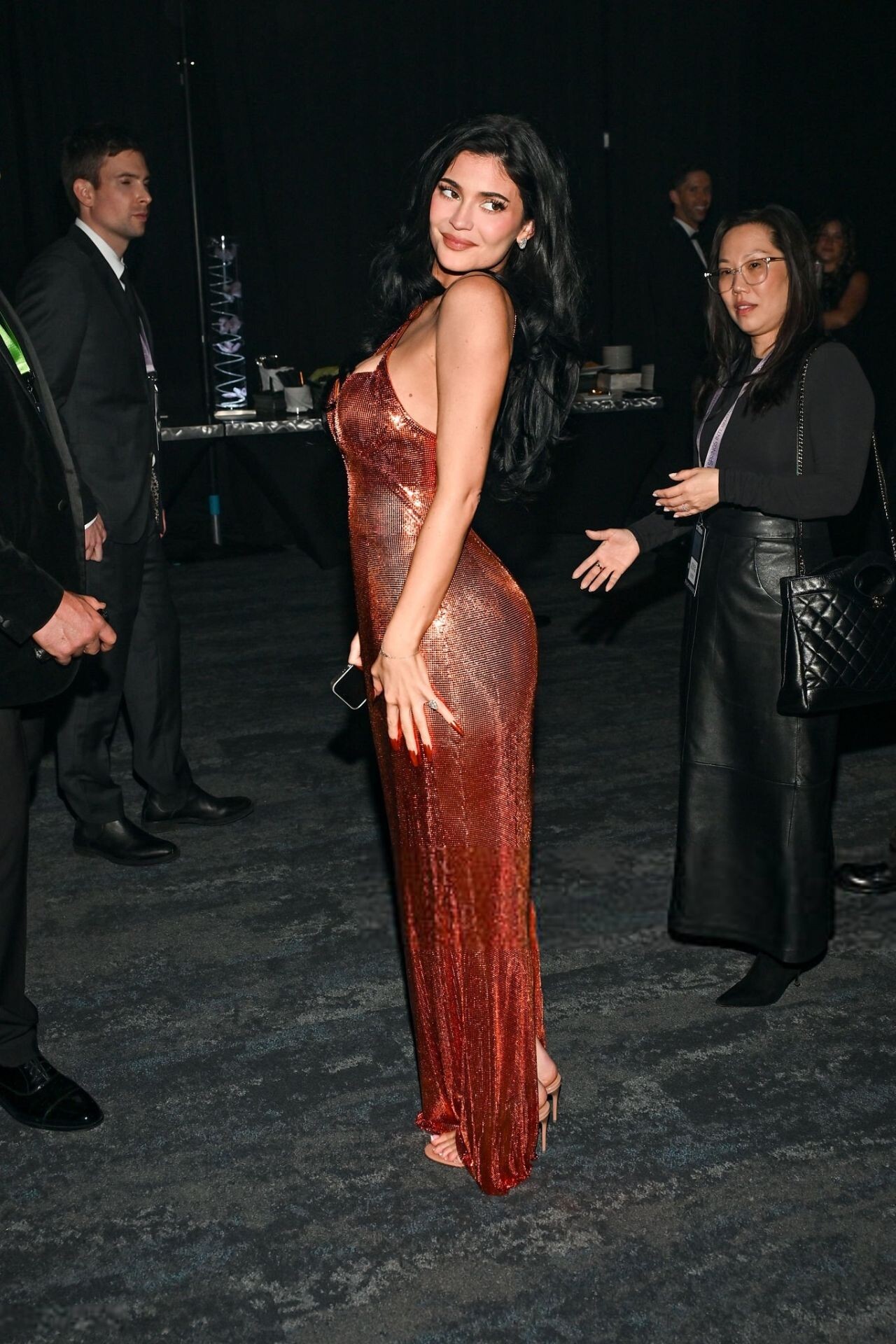
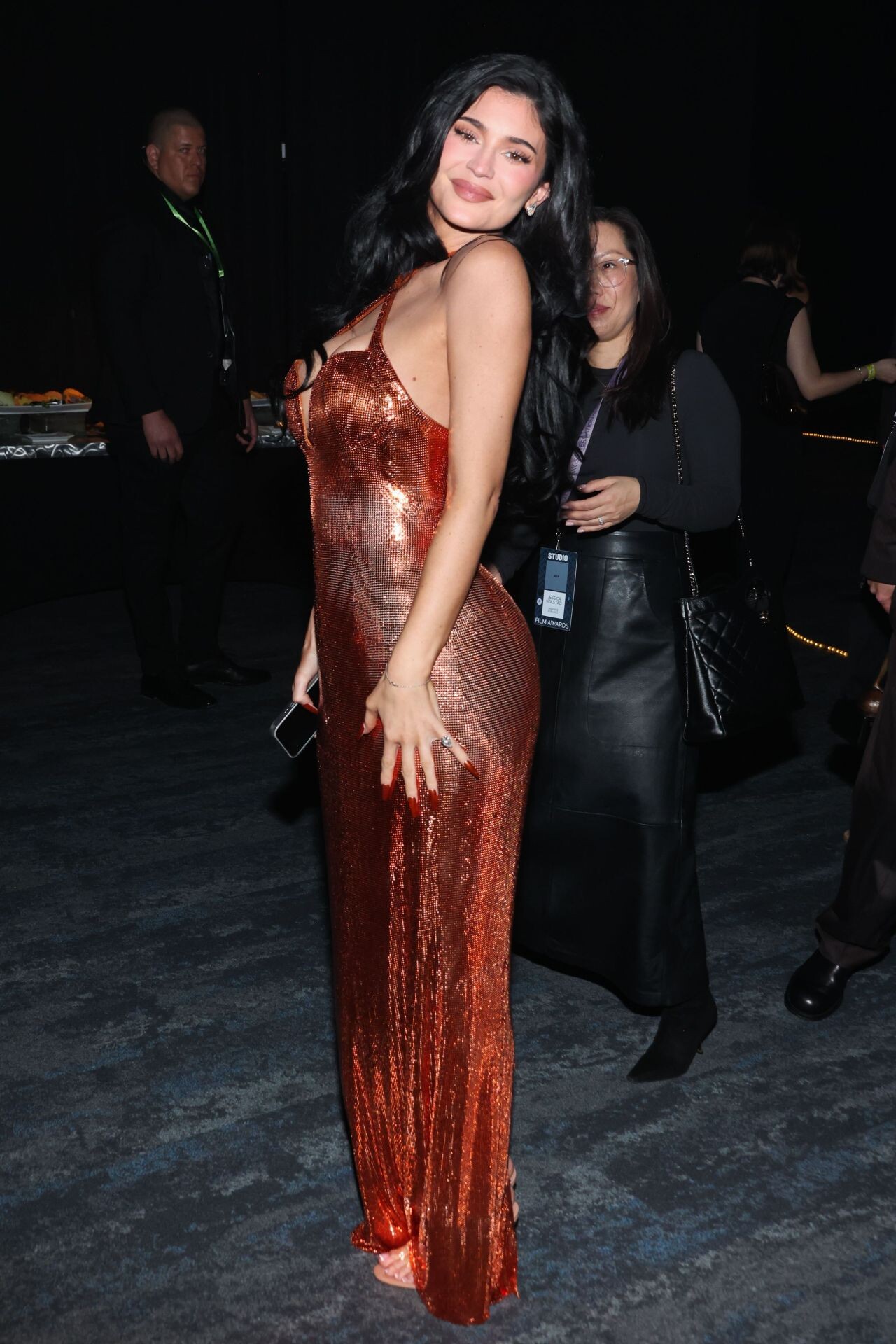
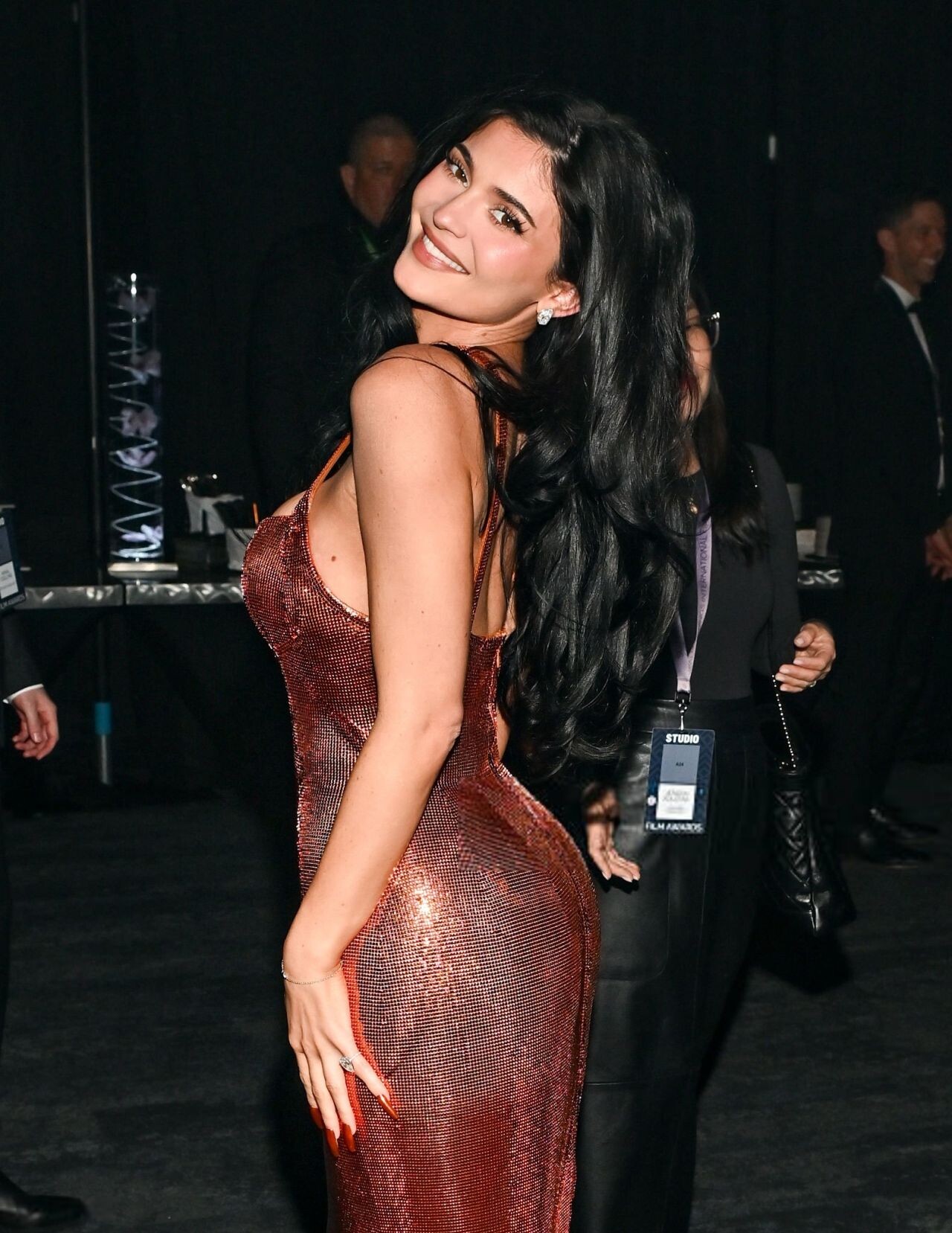
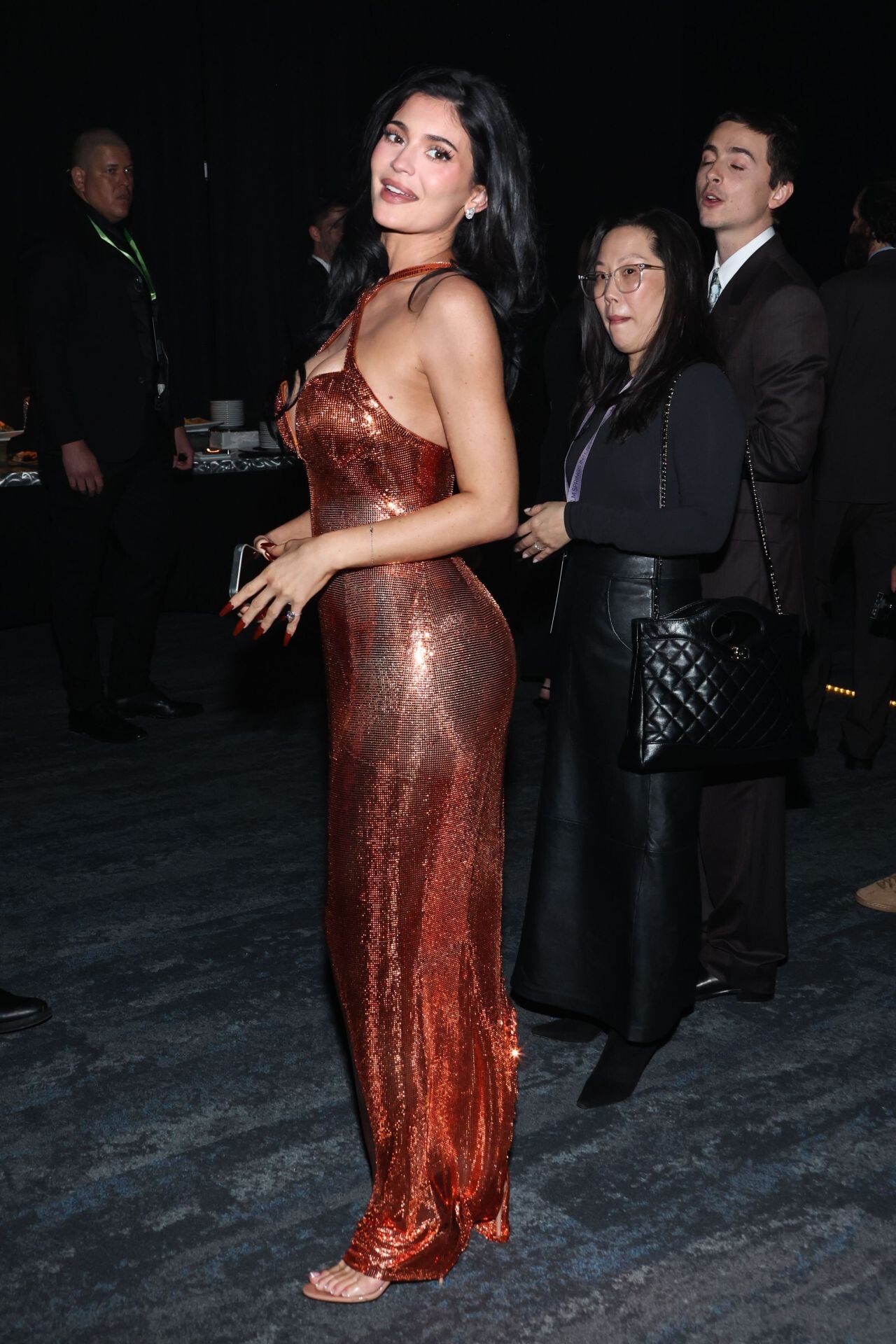
  12. 37th Annual Palm Springs International Film Festival Film Awards on January 3, 2026
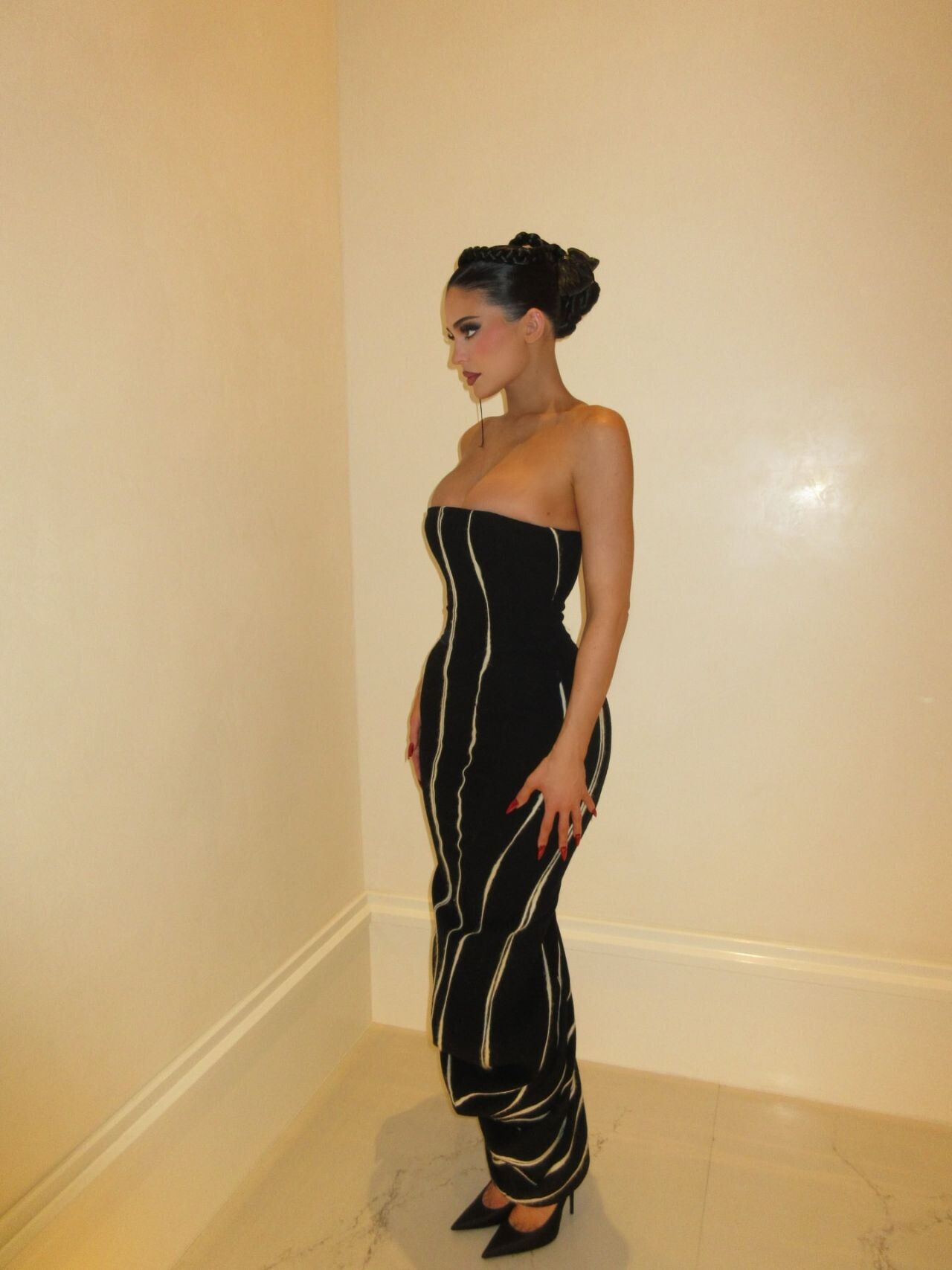
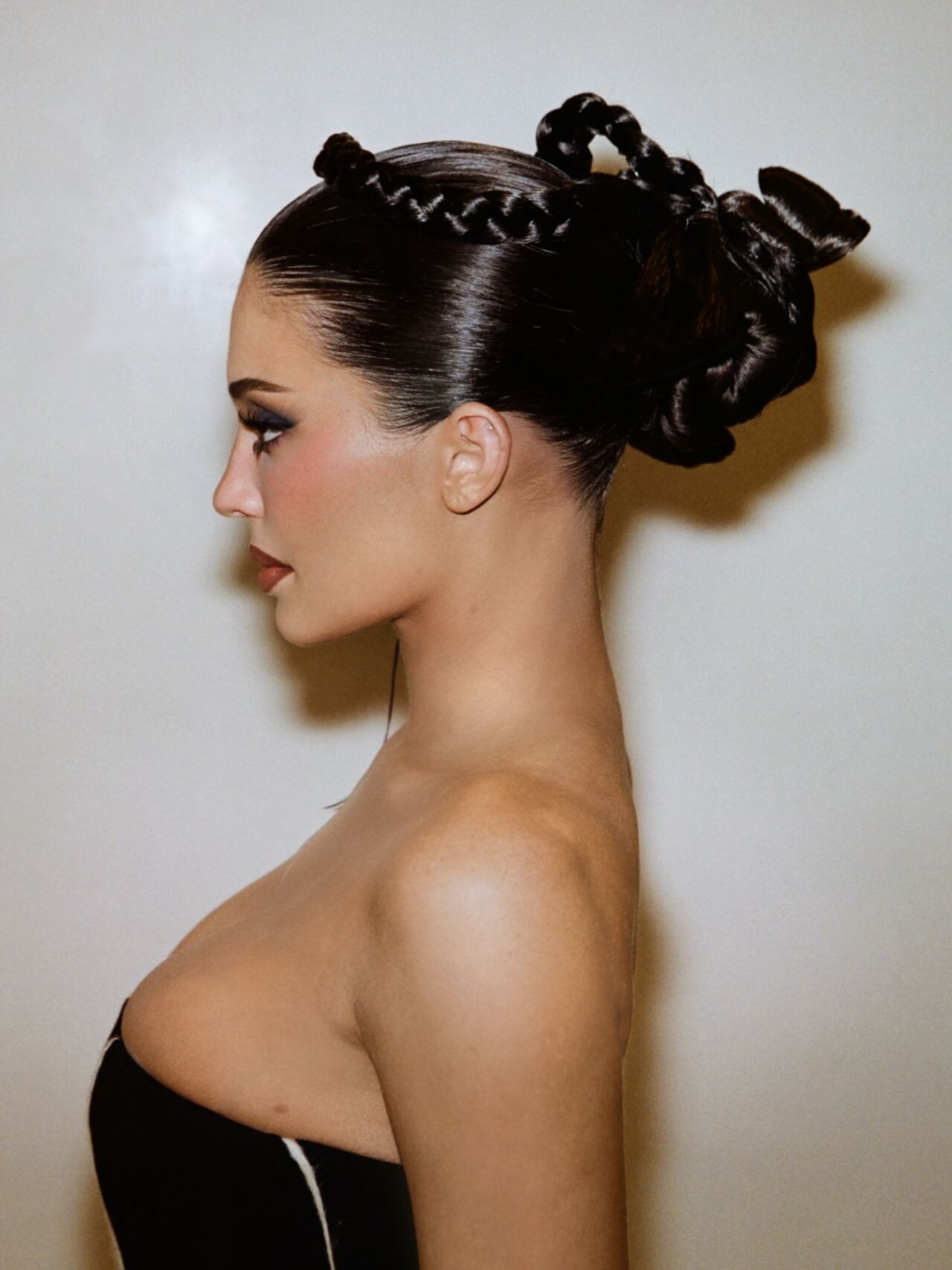
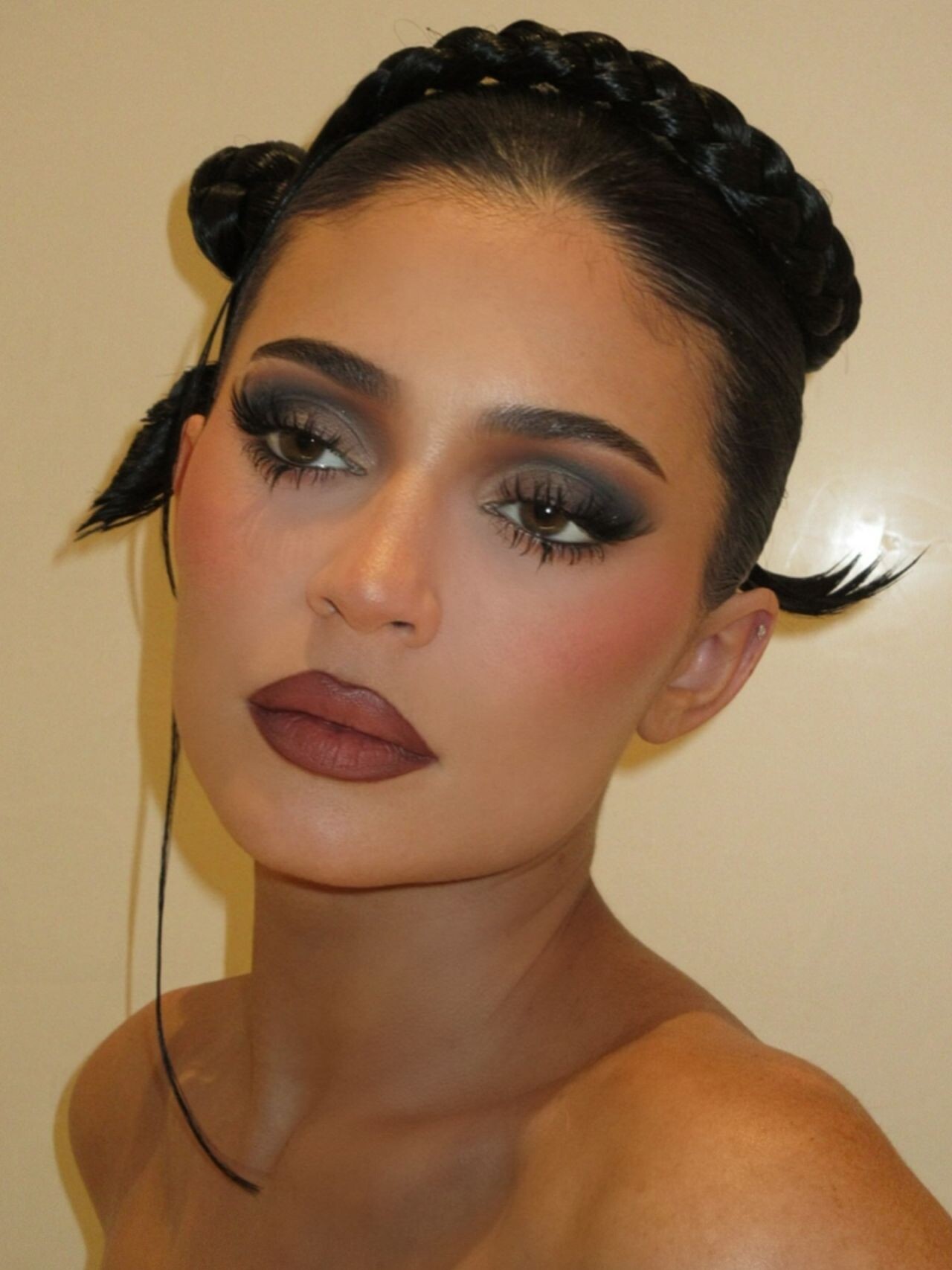
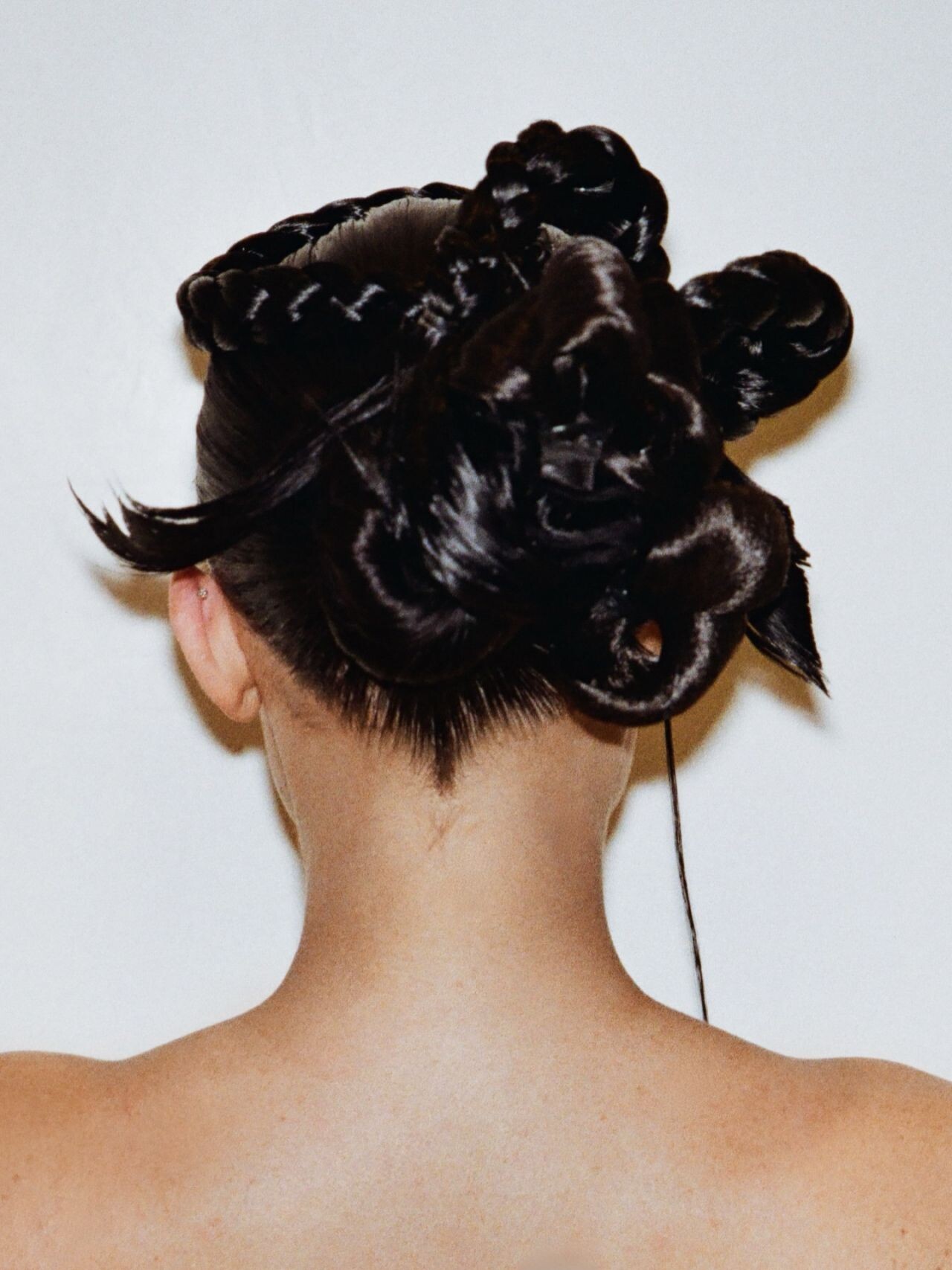
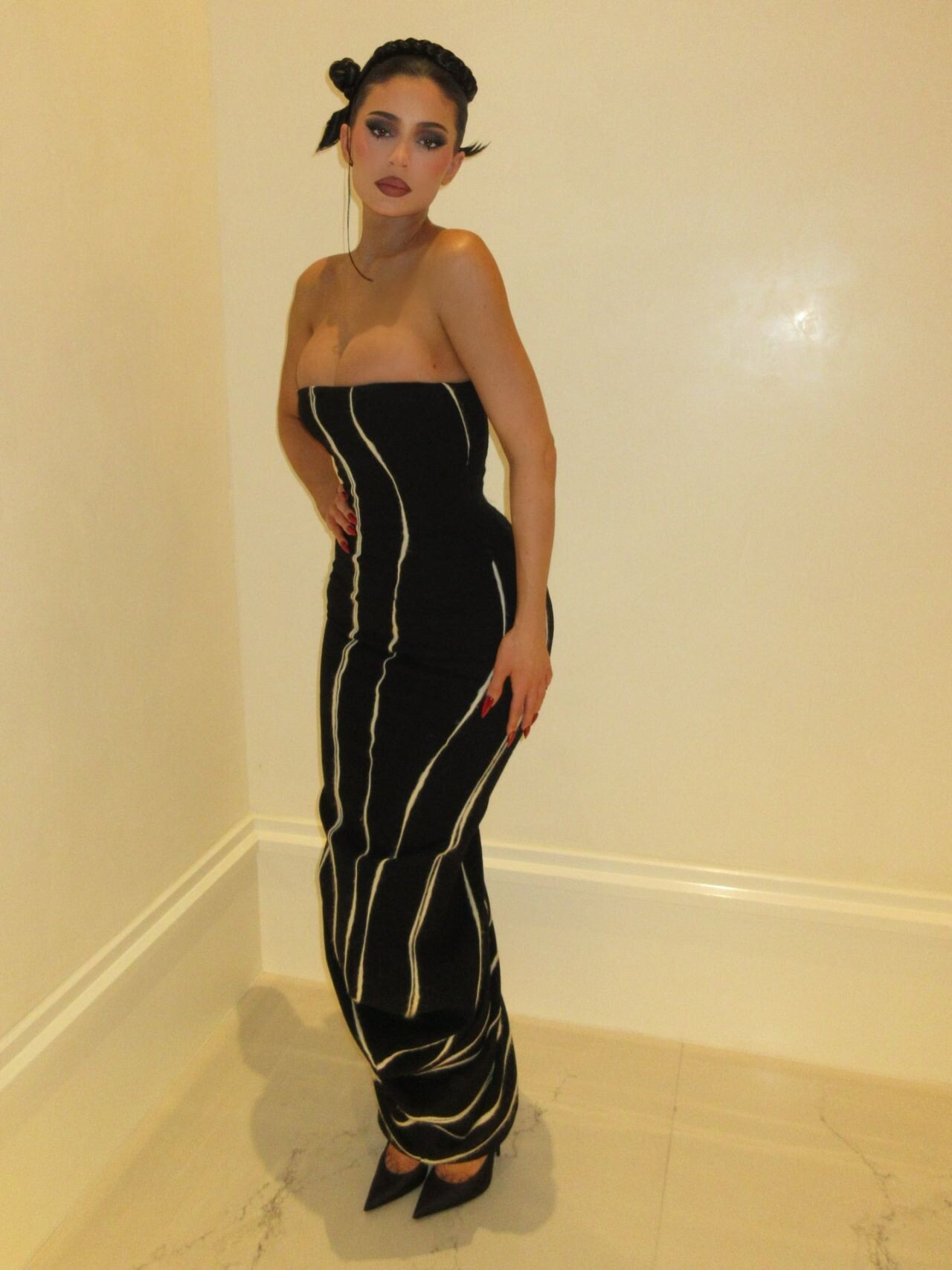
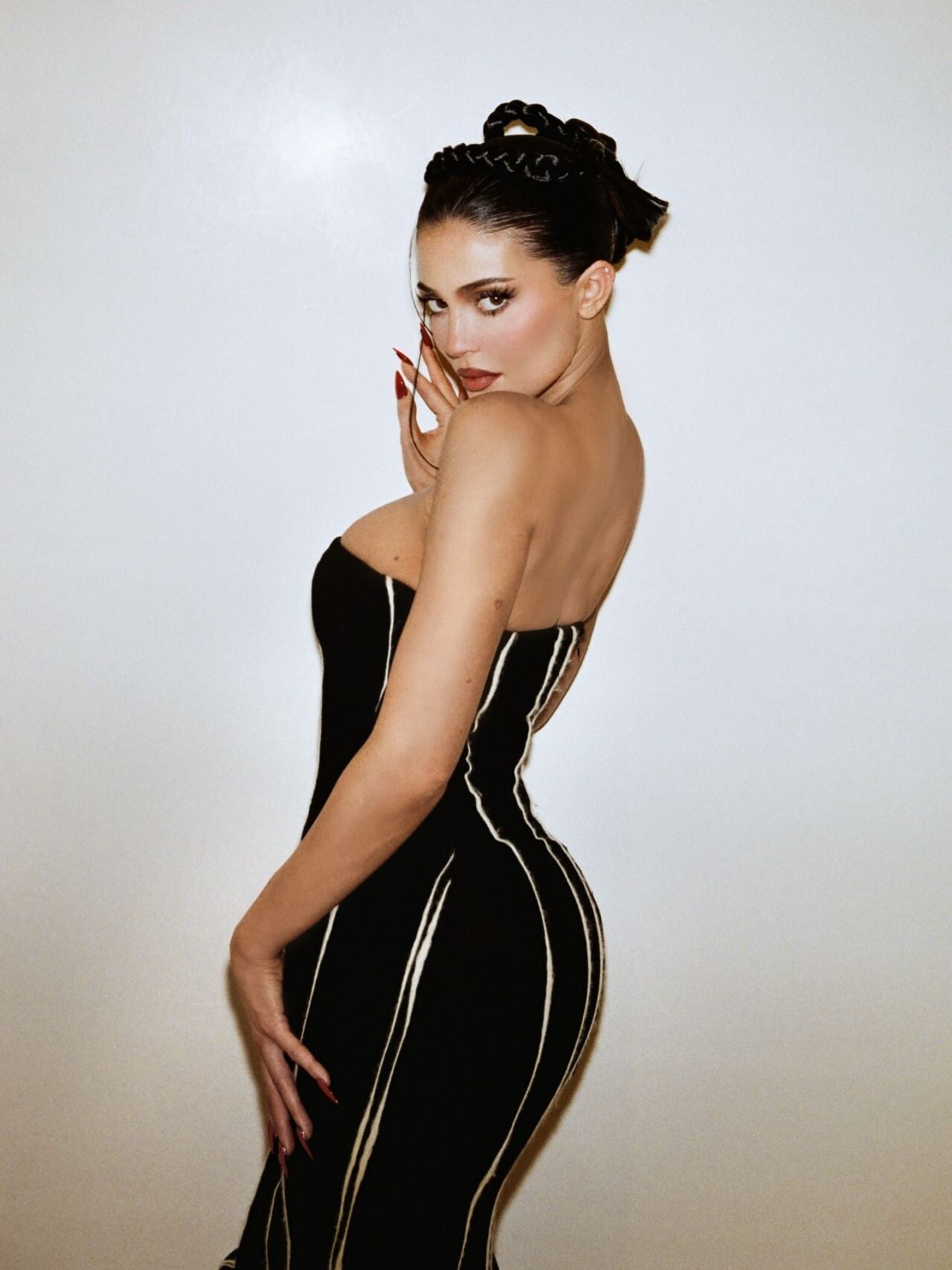
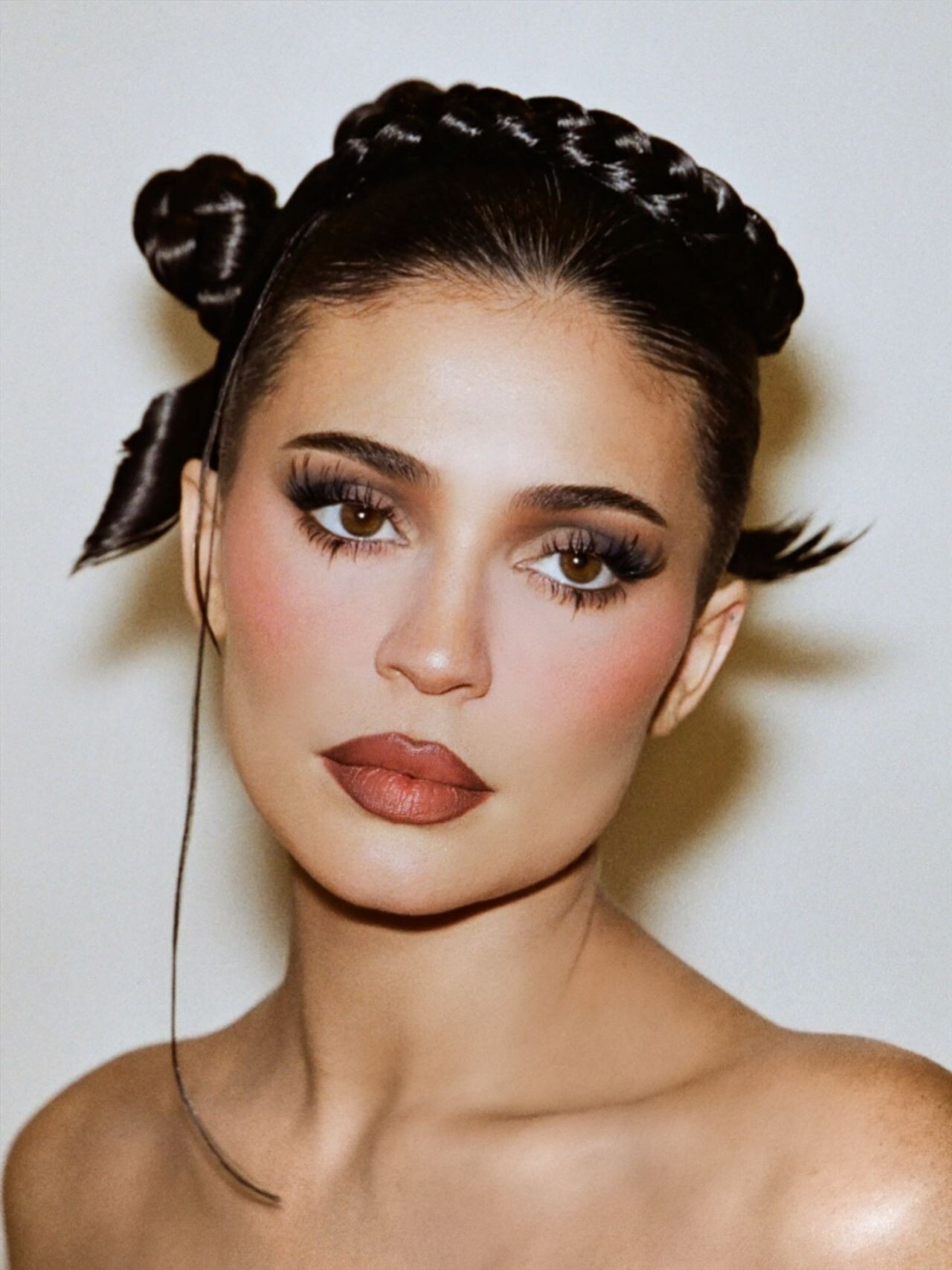
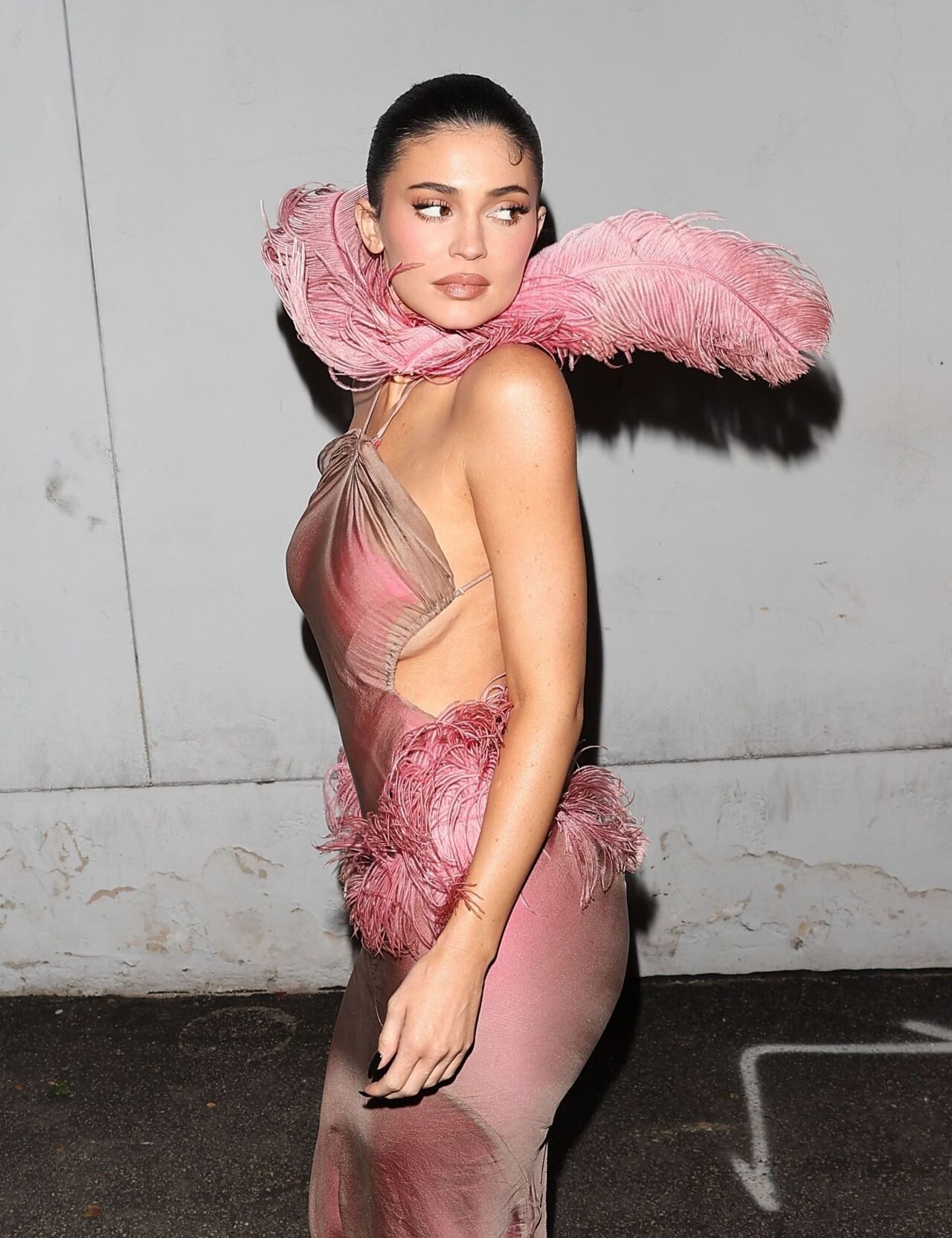
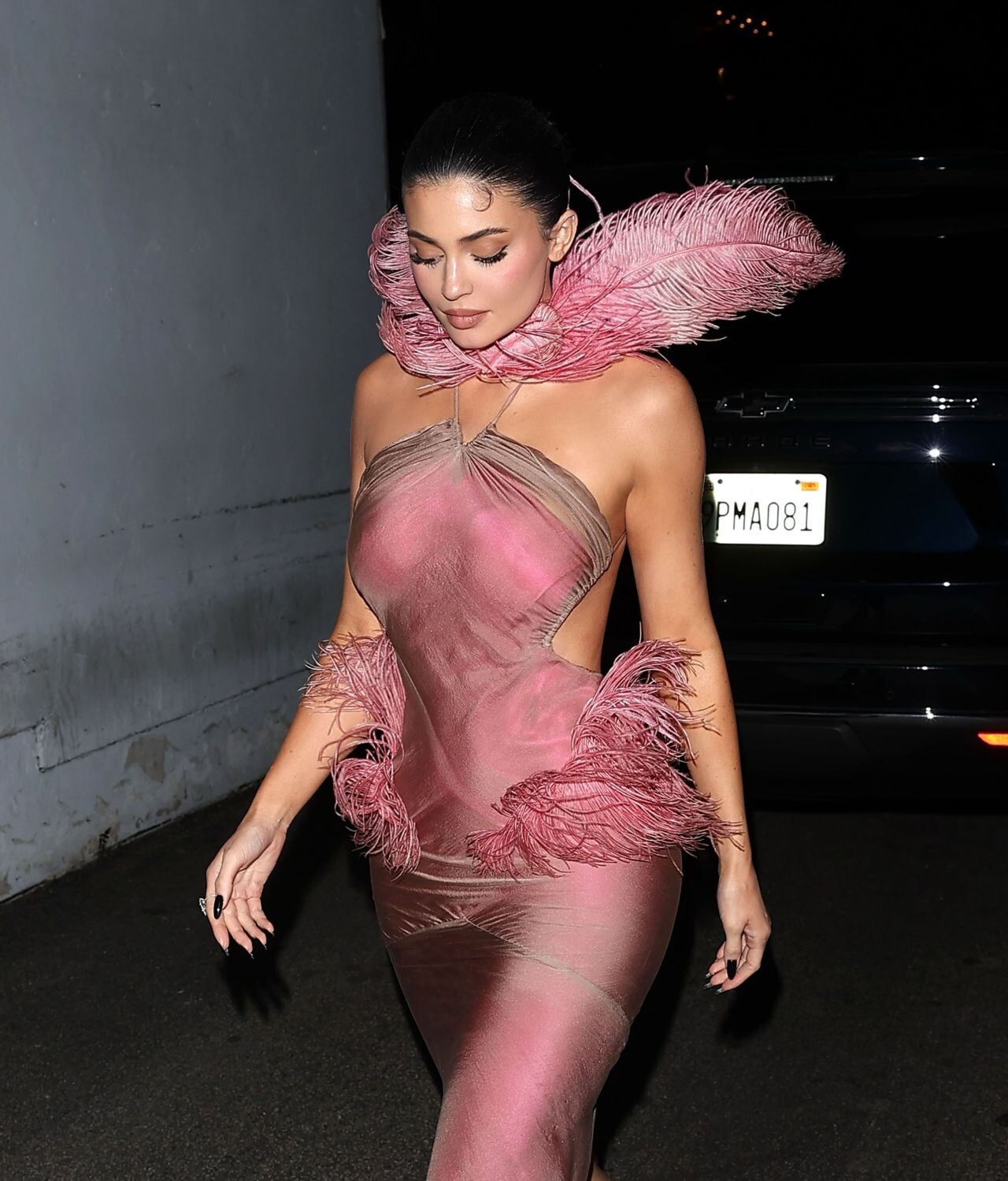
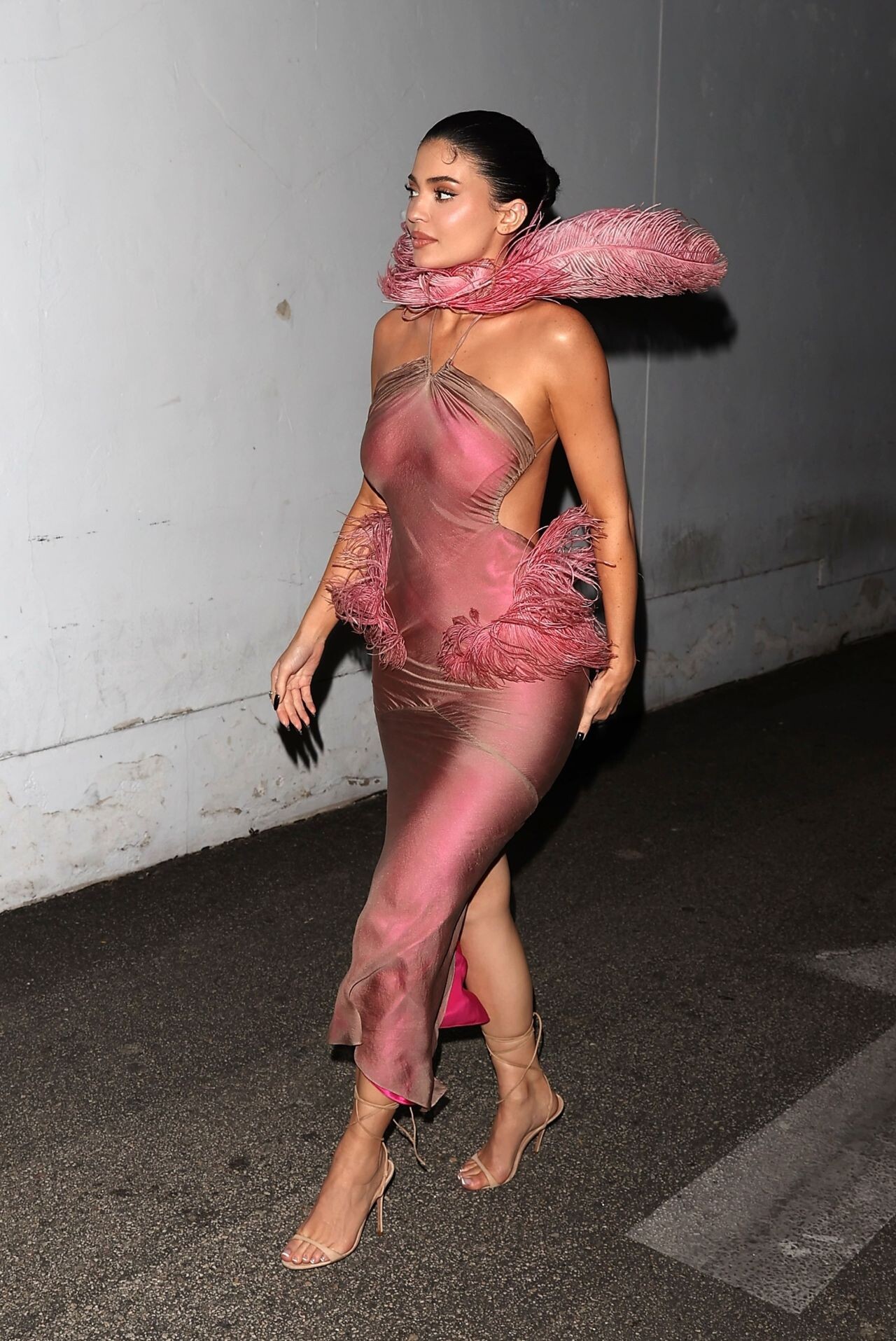
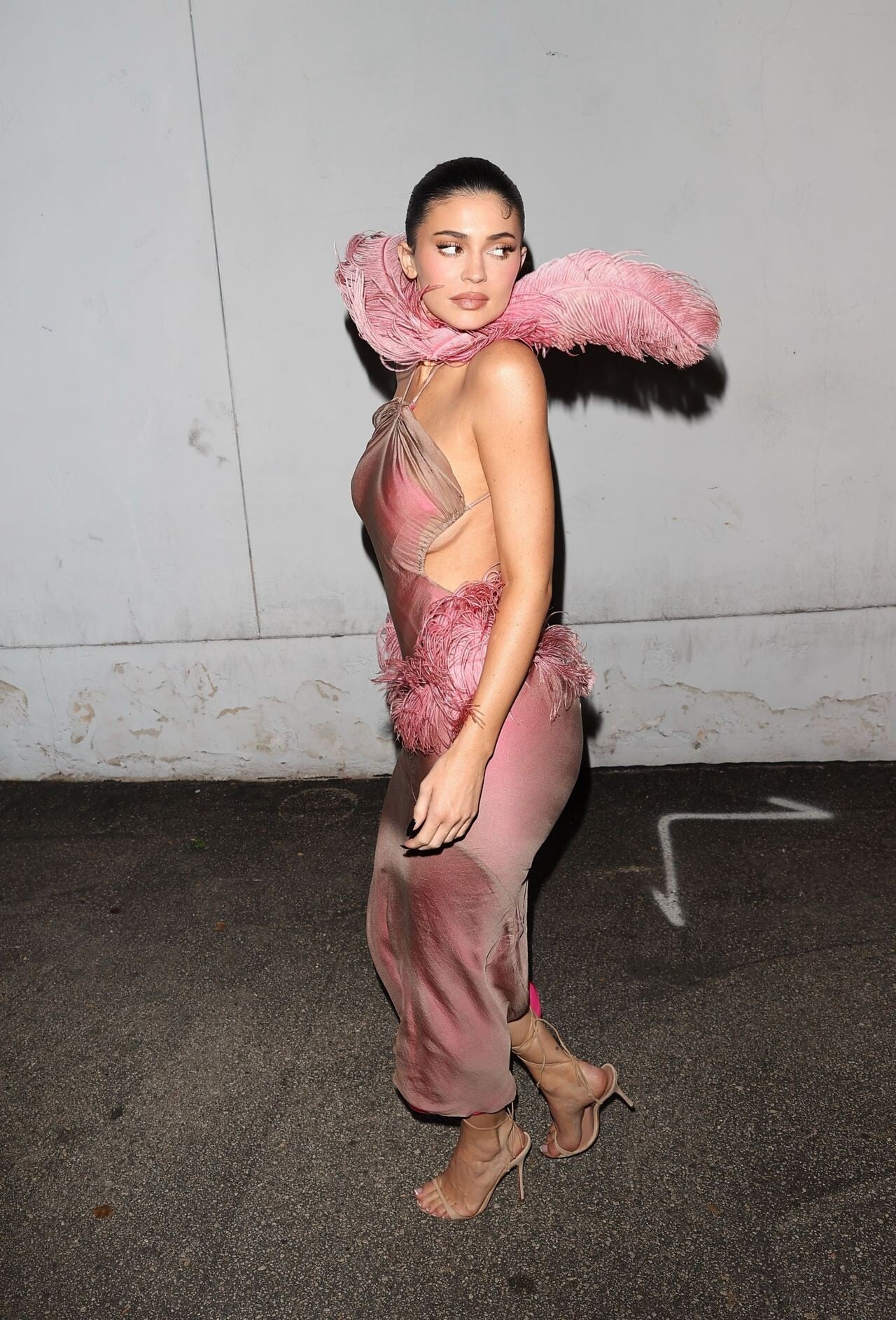
  13. Kylie Jenner wore a John Galliano strapless dress with Amina Muaddi pumps during a photoshoot on December 25, 2025.
  14. Marielle Macville https://www.bellazon.com/main/topic/51612-marielle-macville/
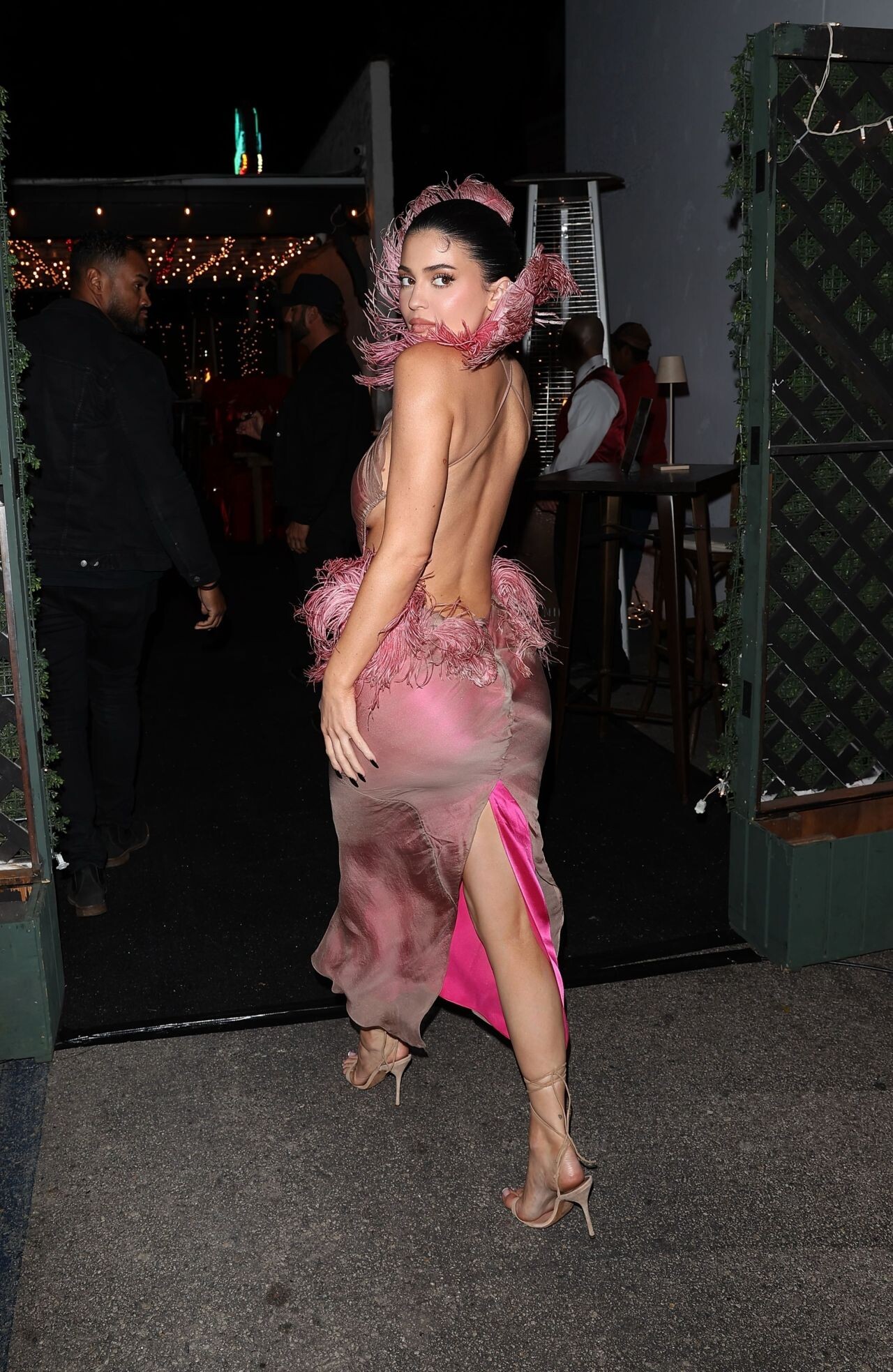
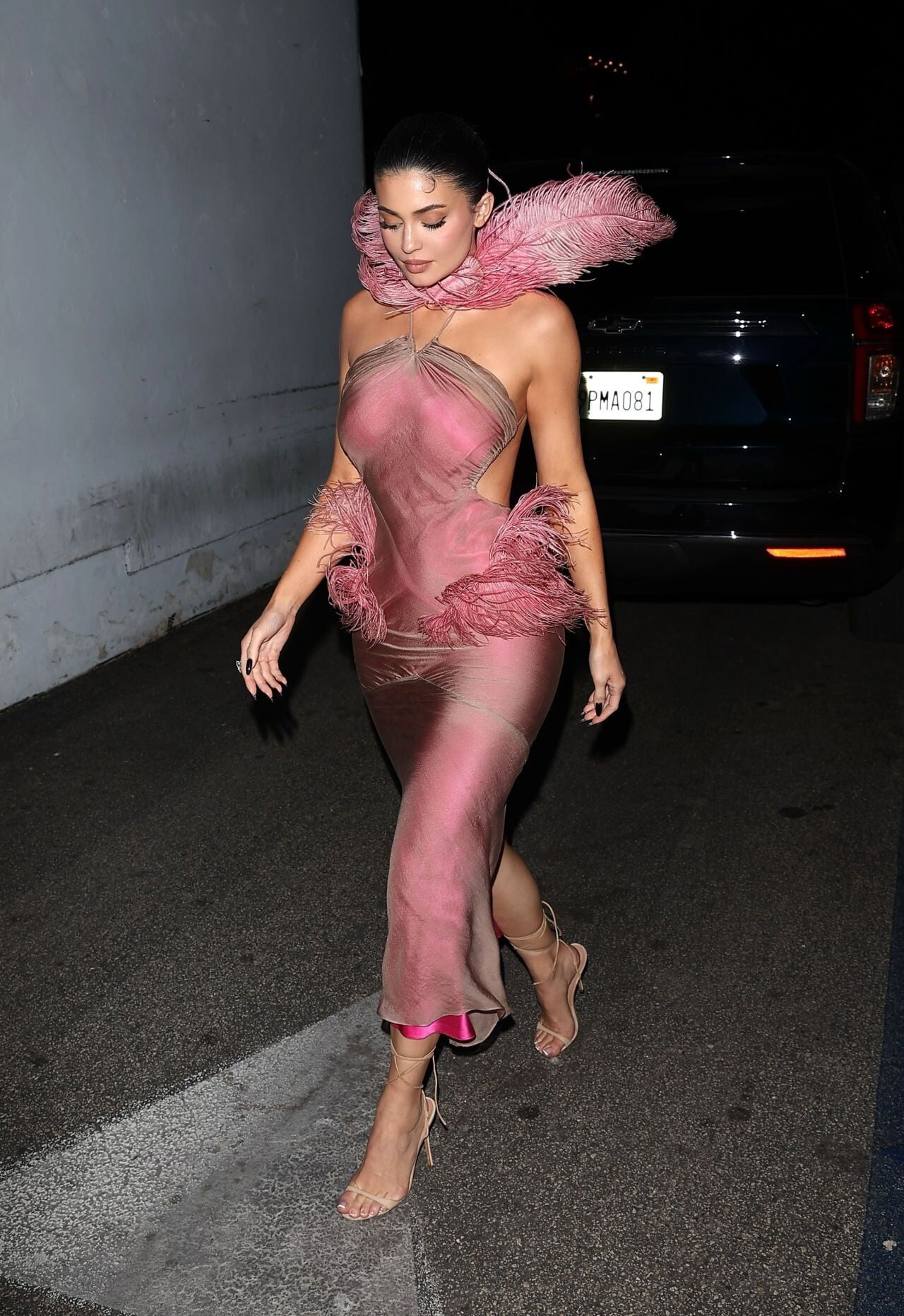
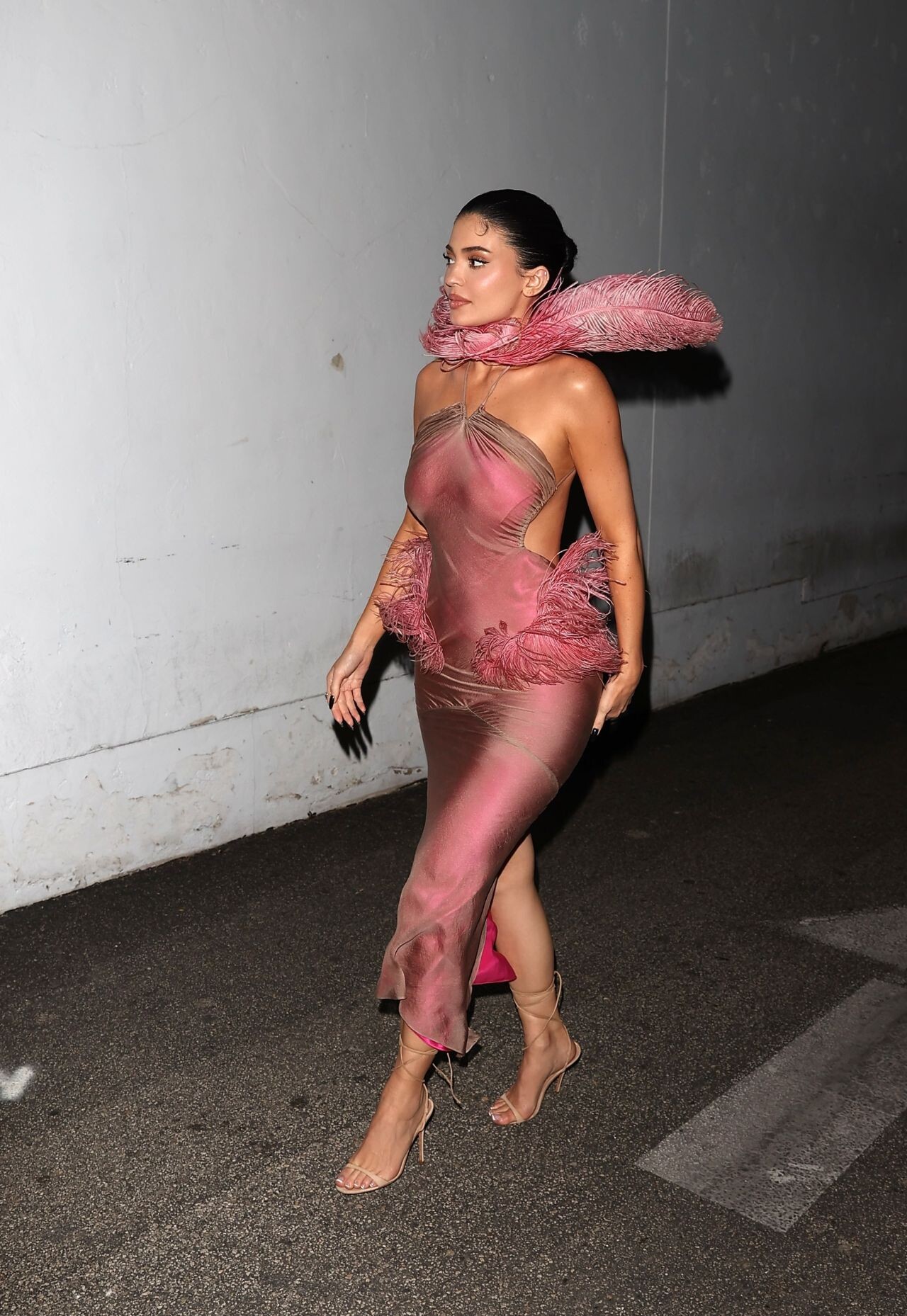
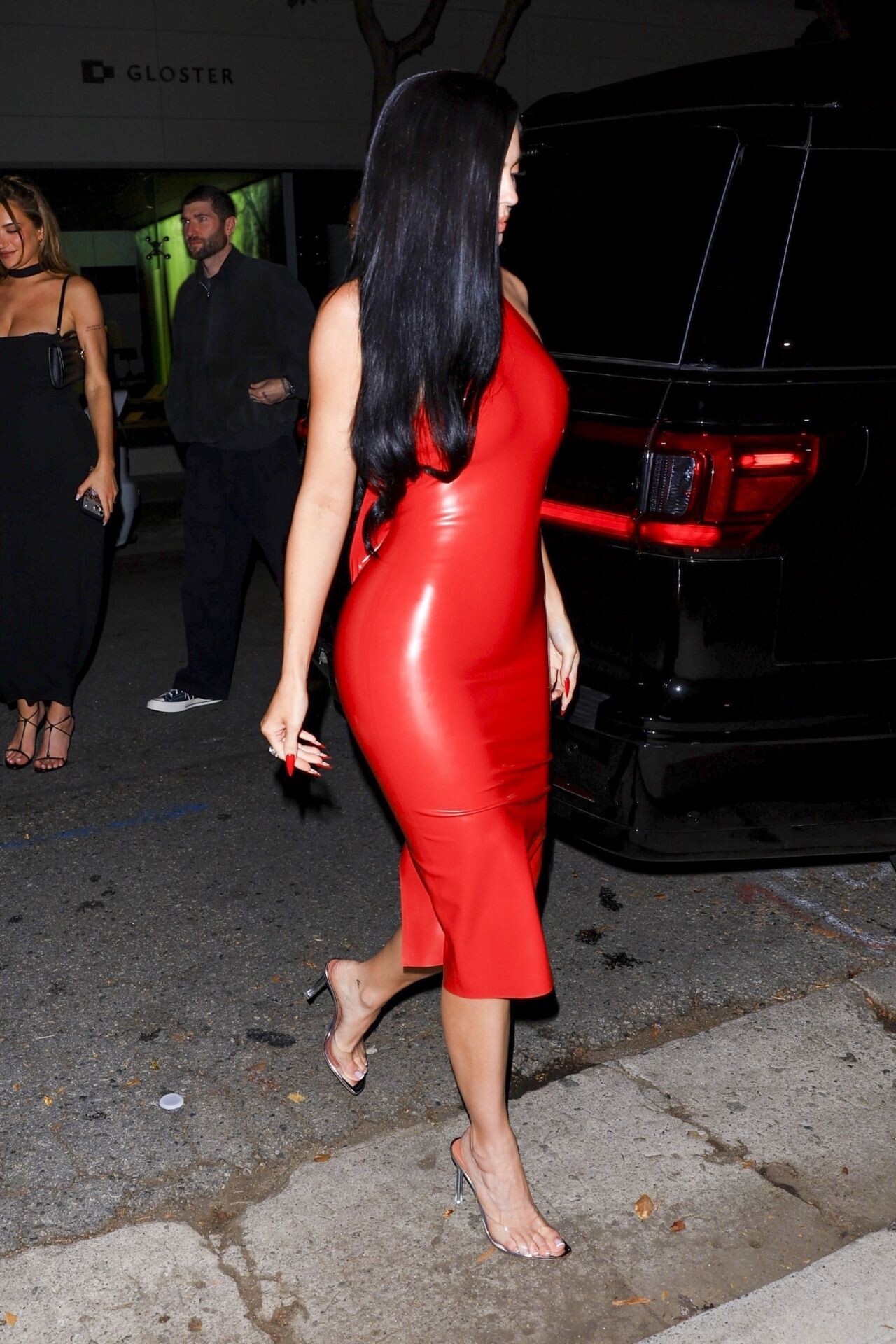
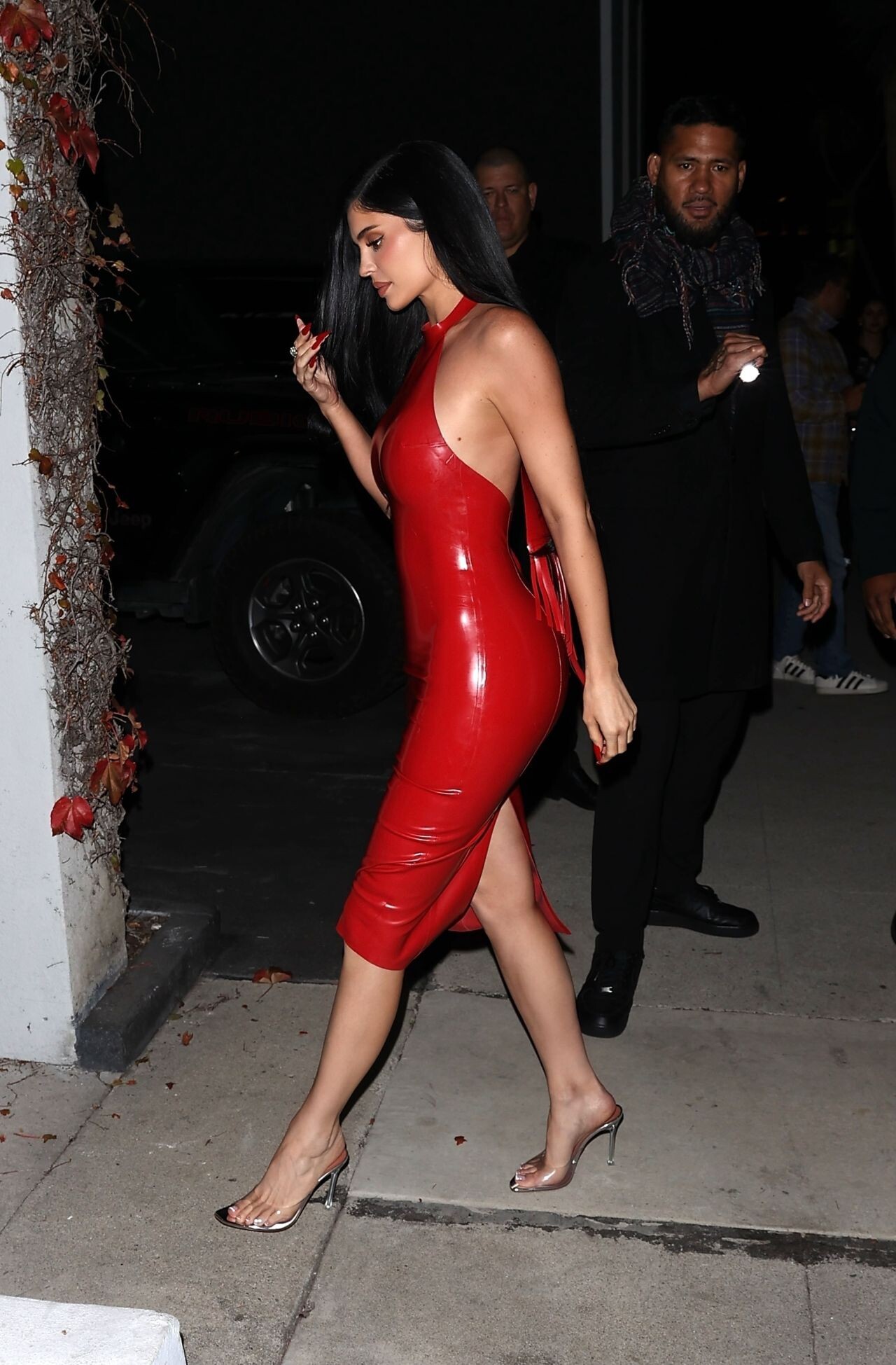
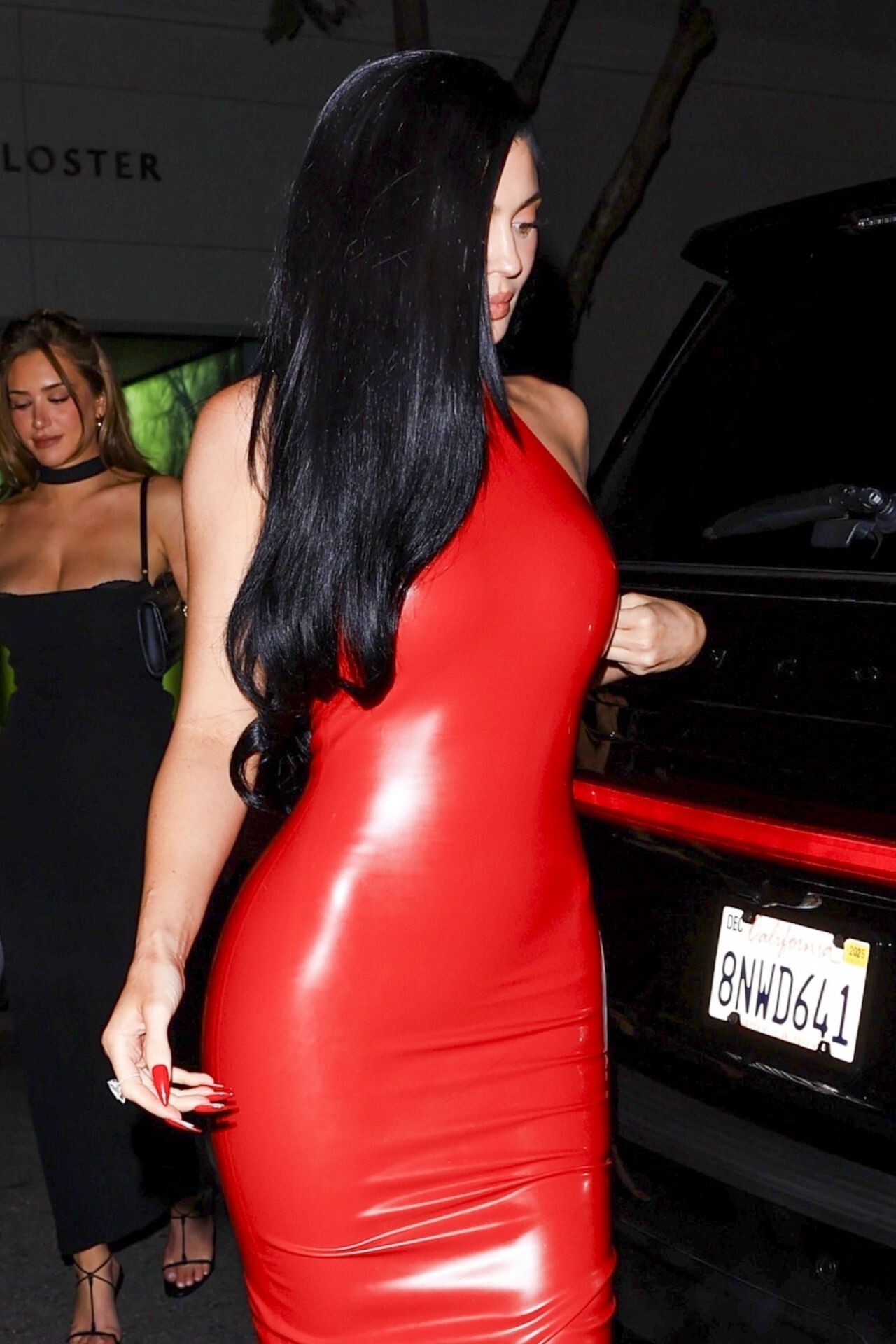
  15. Kylie Cosmetics Christmas party in Sherman Oaks.
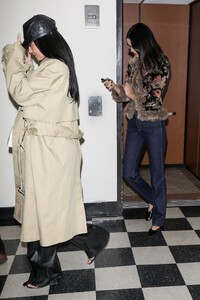
  16. exiting the Sushi Park restaurant in West Hollywood
  17. OBB Media holiday party on December 13, 2025.
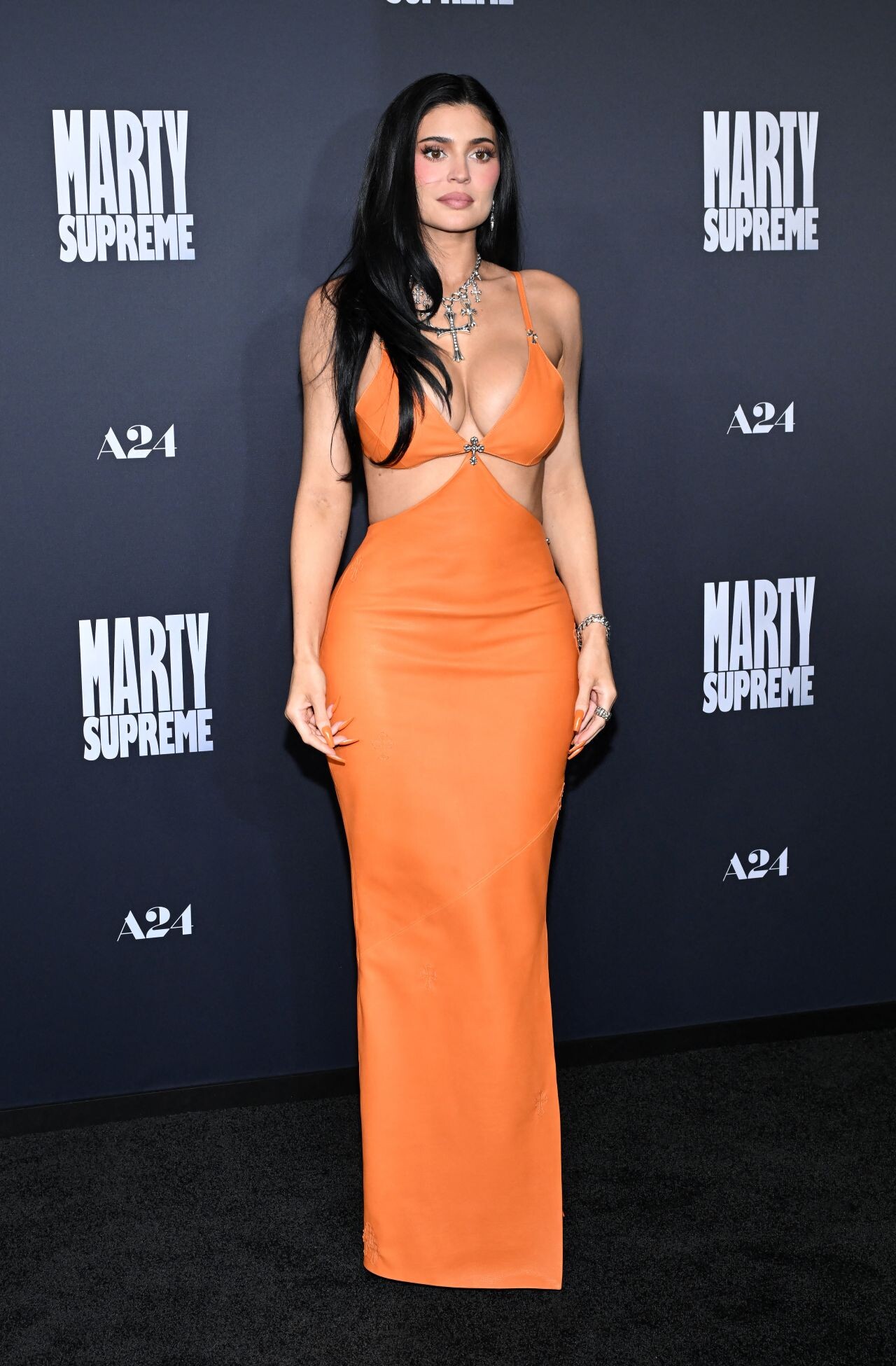
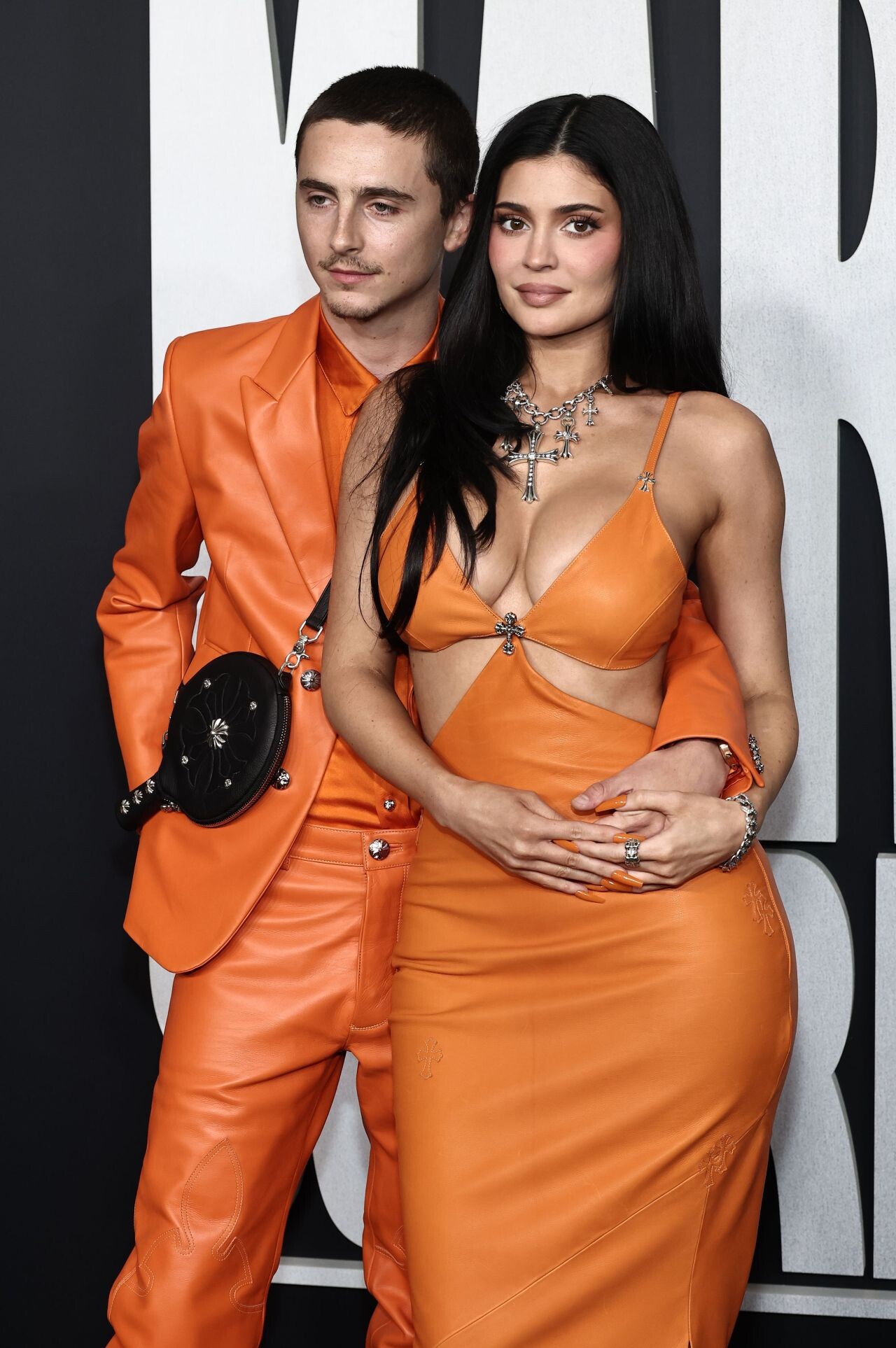
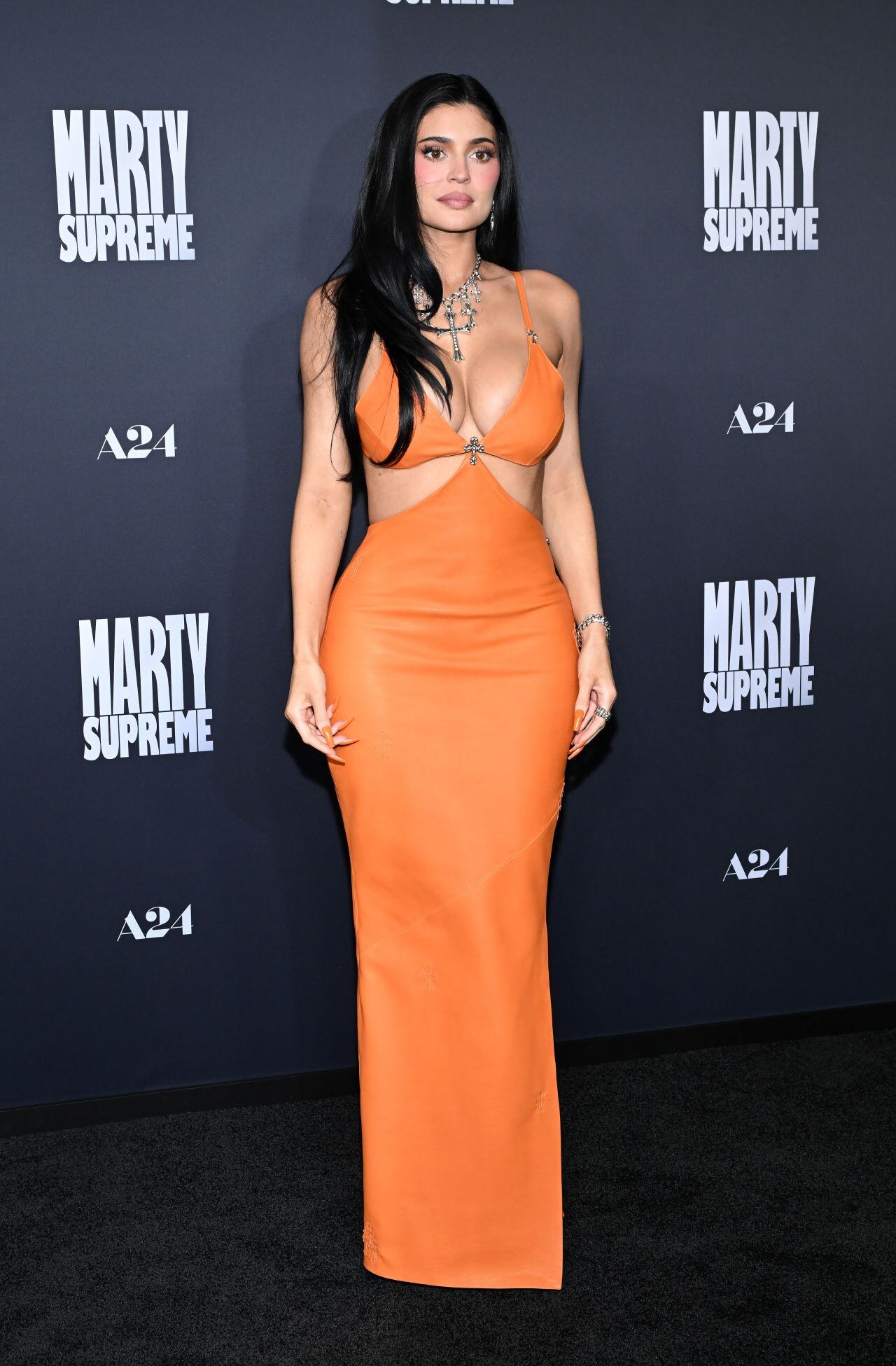
  18. attended the Los Angeles premiere of A24’s Marty Supreme at the Samuel Goldwyn Theater in Beverly Hills on December 8, 2025
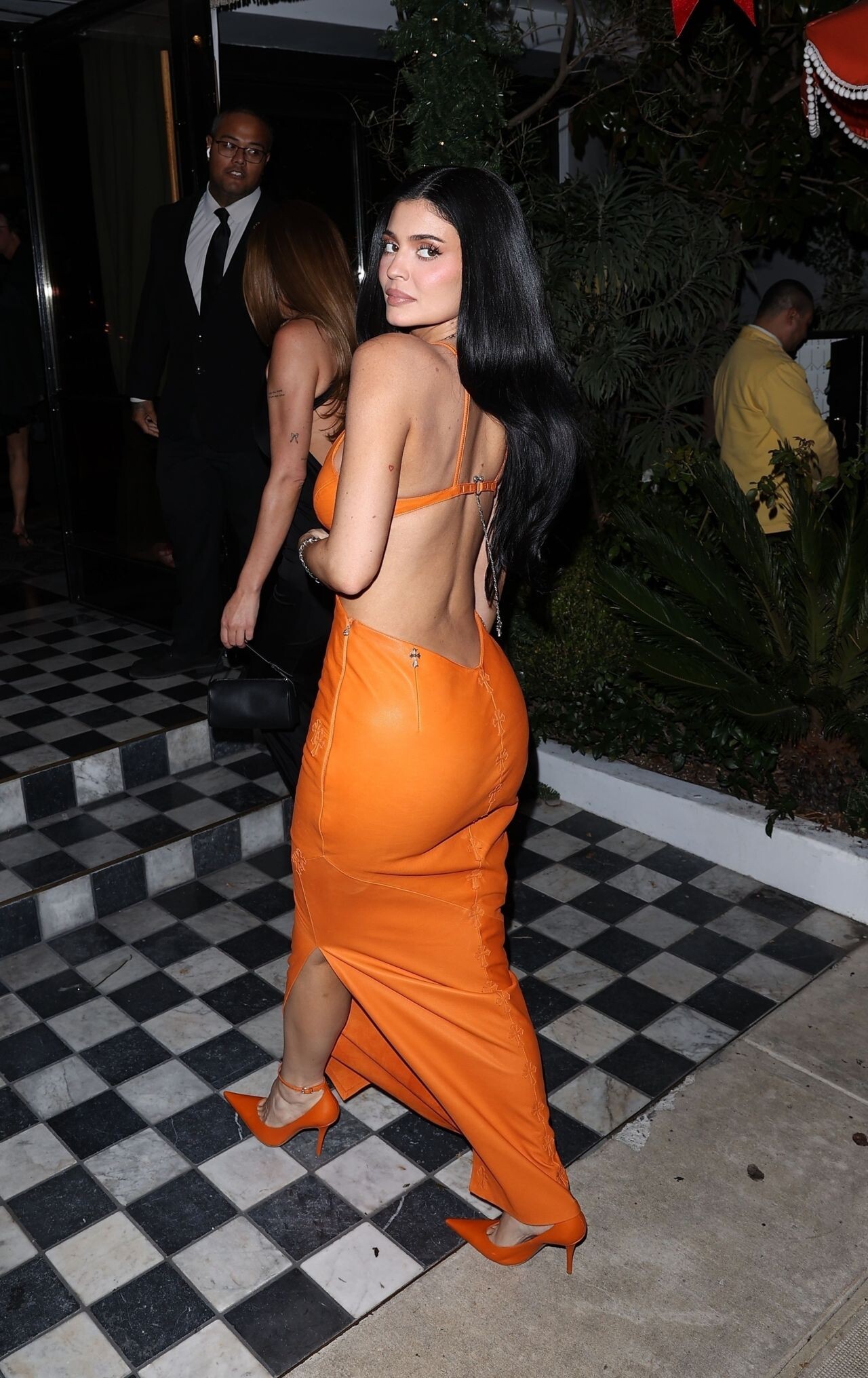
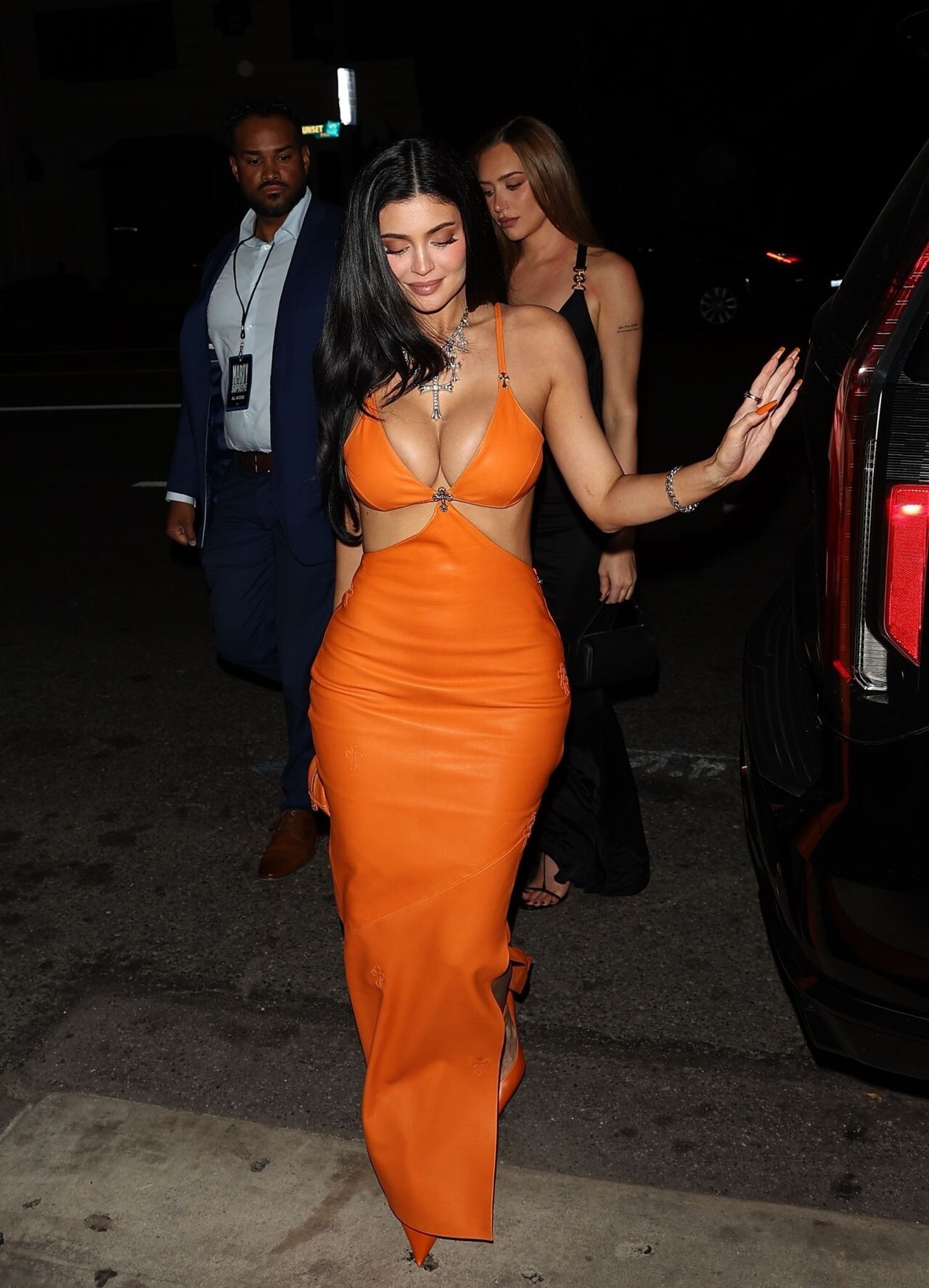
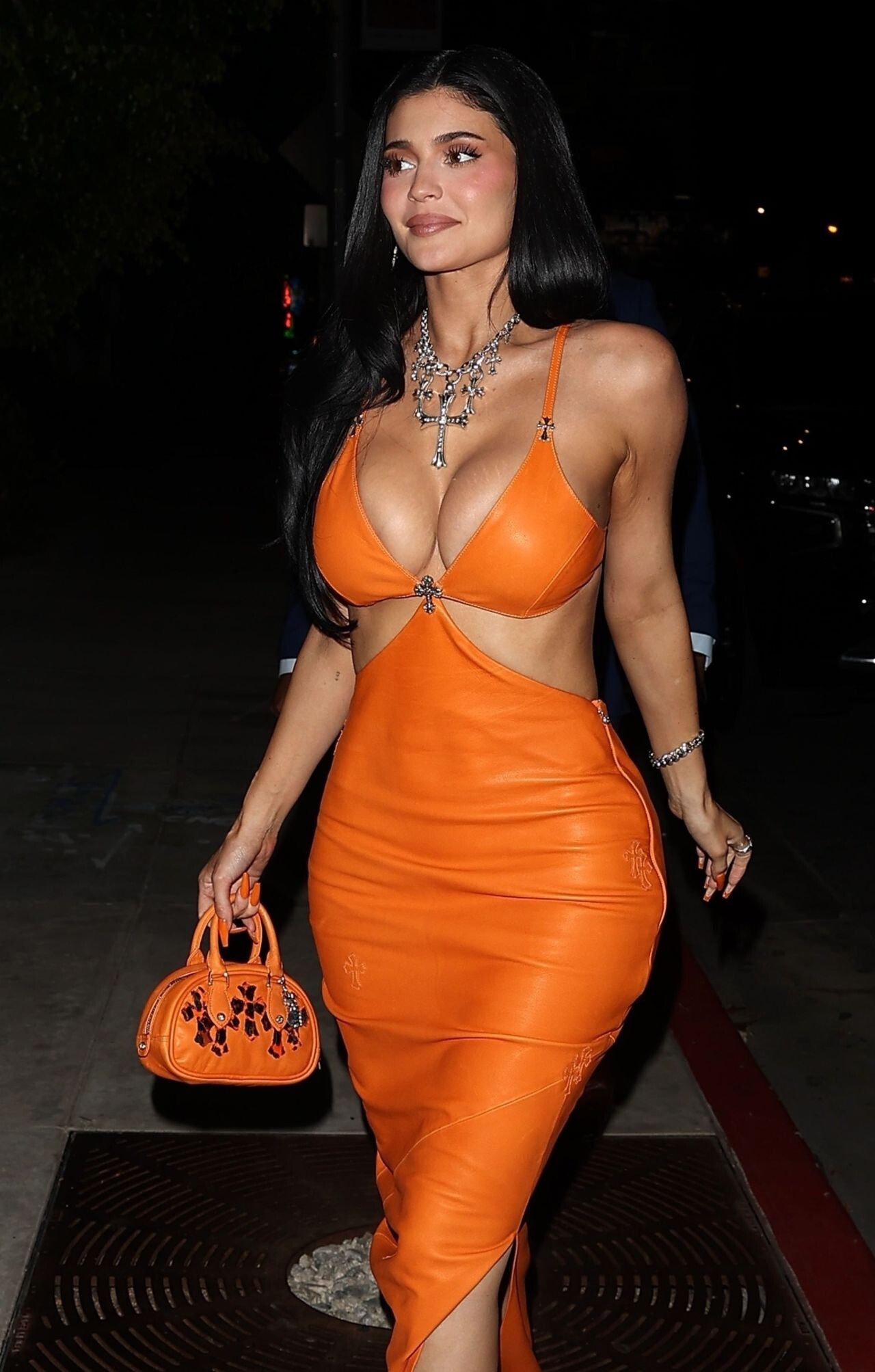
  19. Chrome Hearts private party in West Hollywood, California, on December 5, 2025
  20. at Sushi Park in West Hollywood on February 10, 2026.
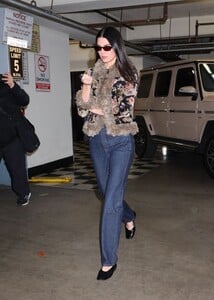
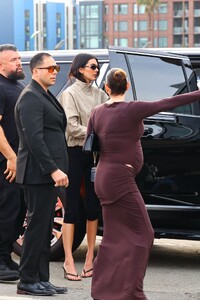
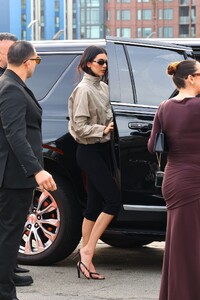
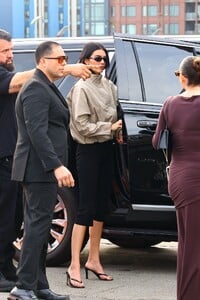
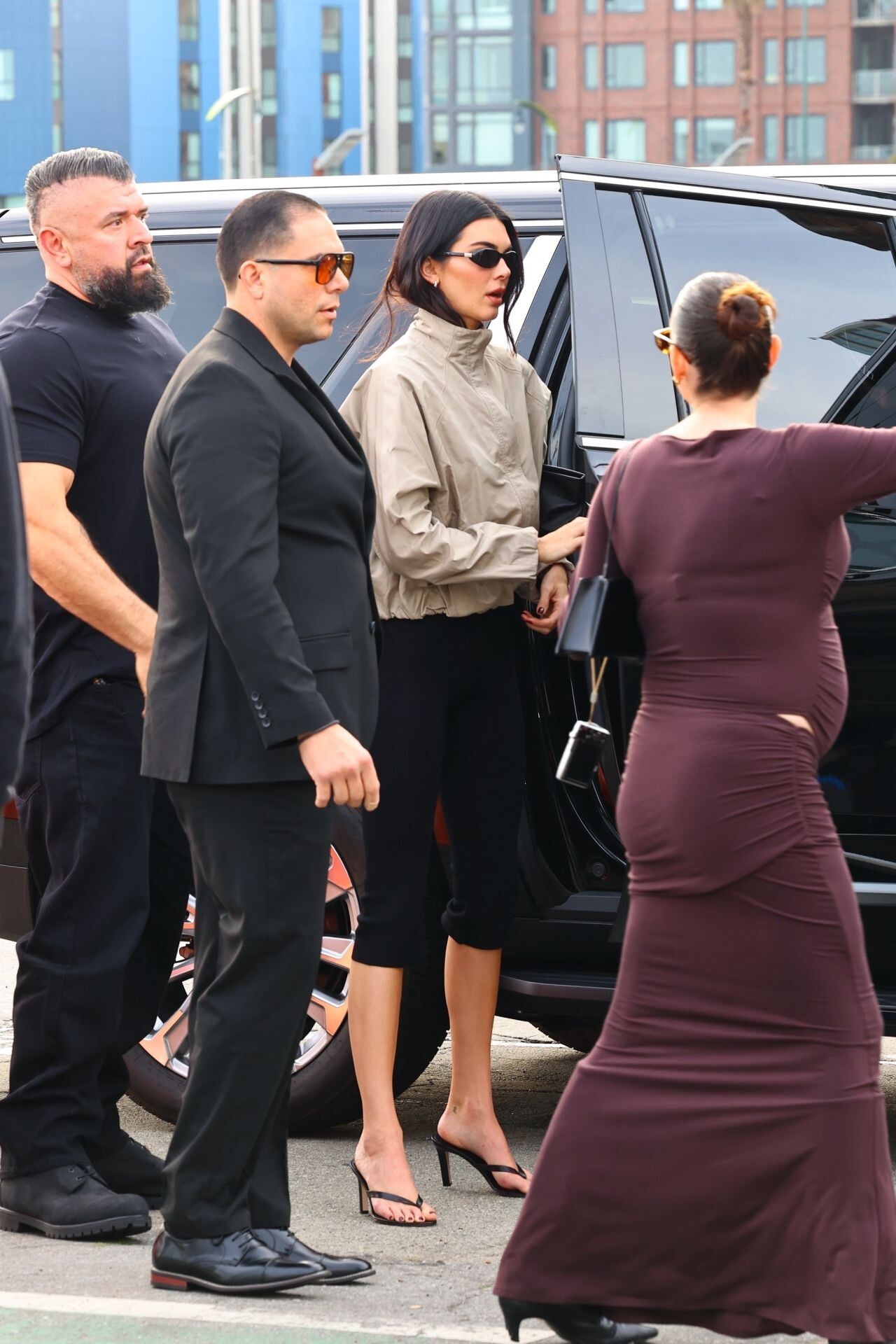
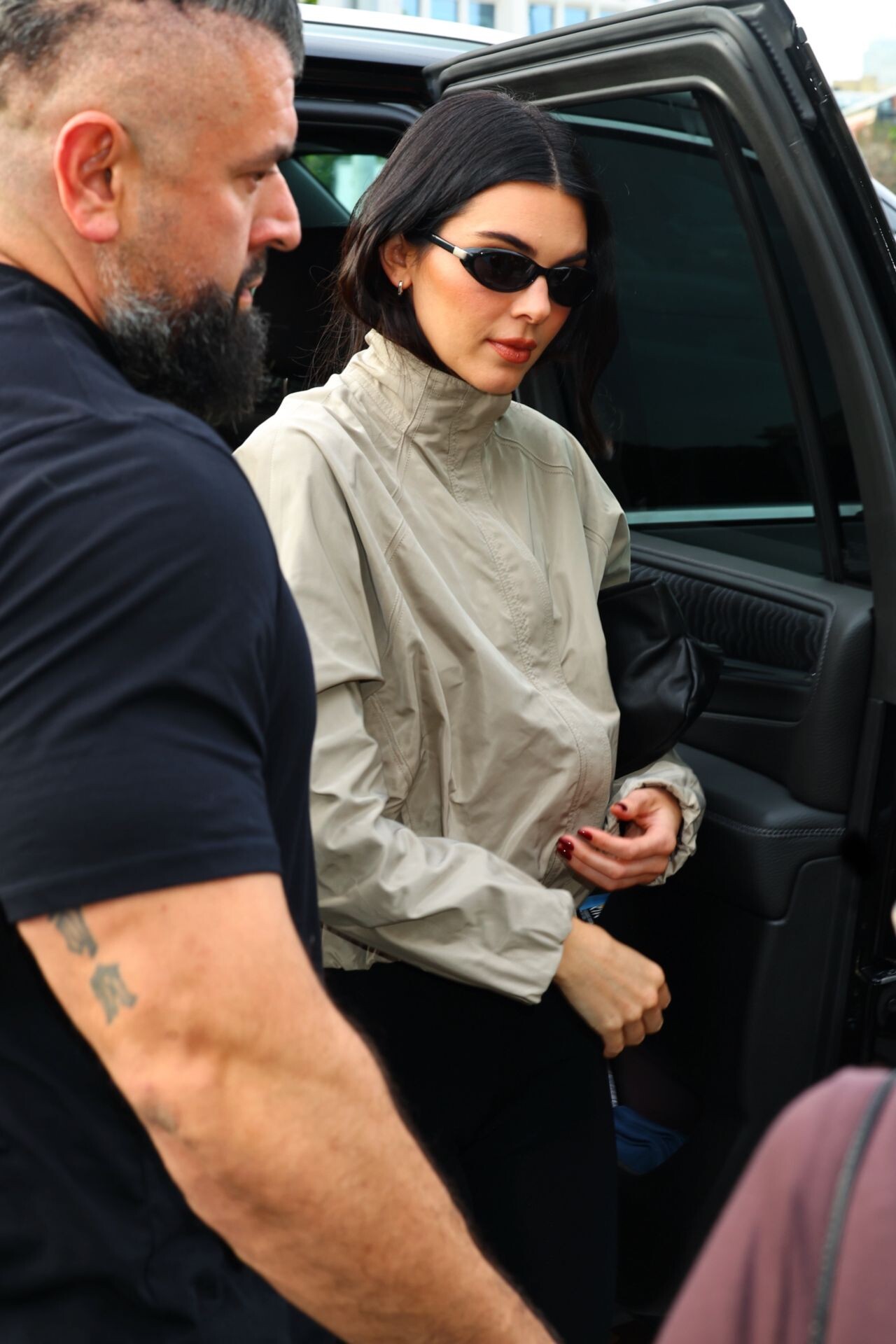
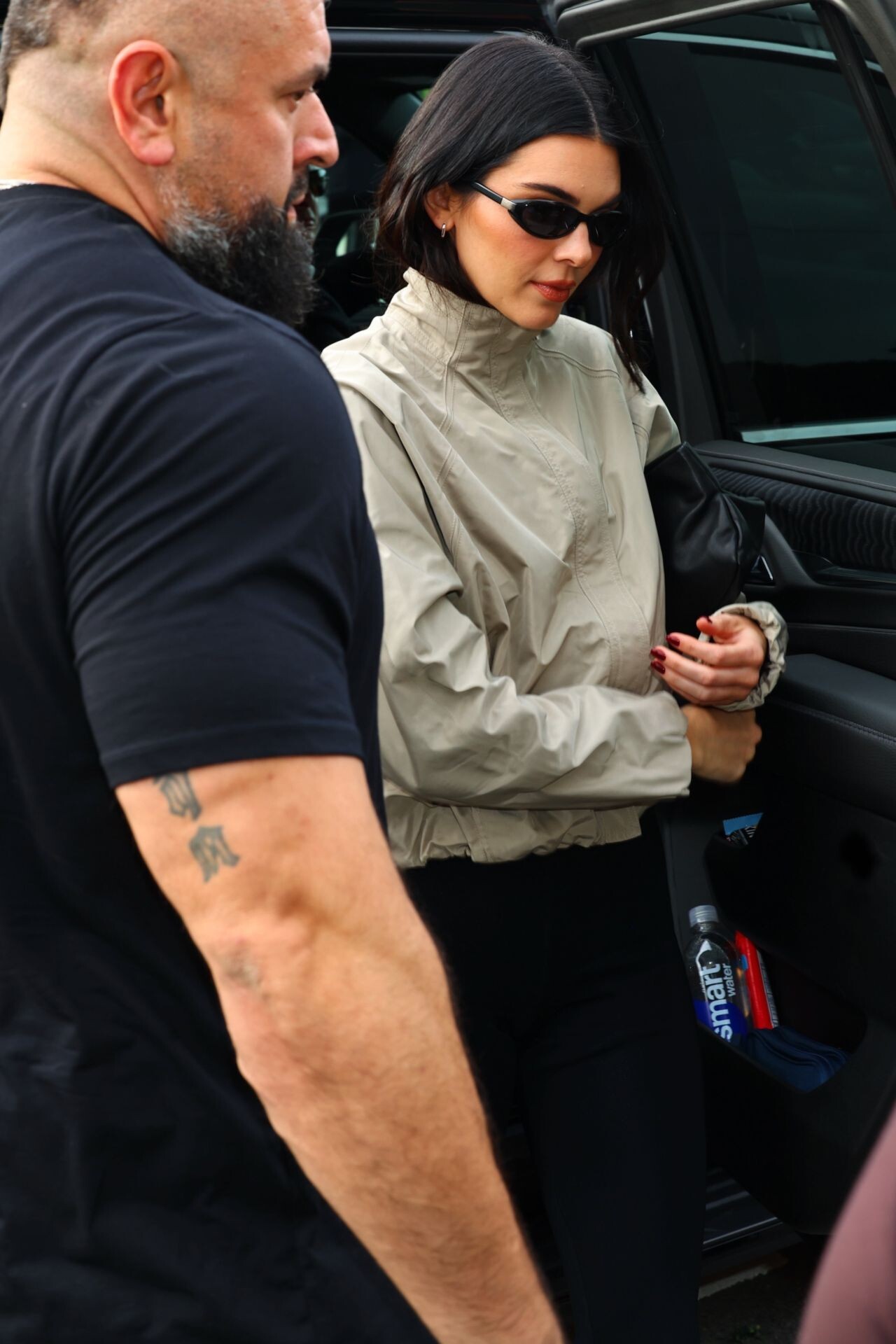
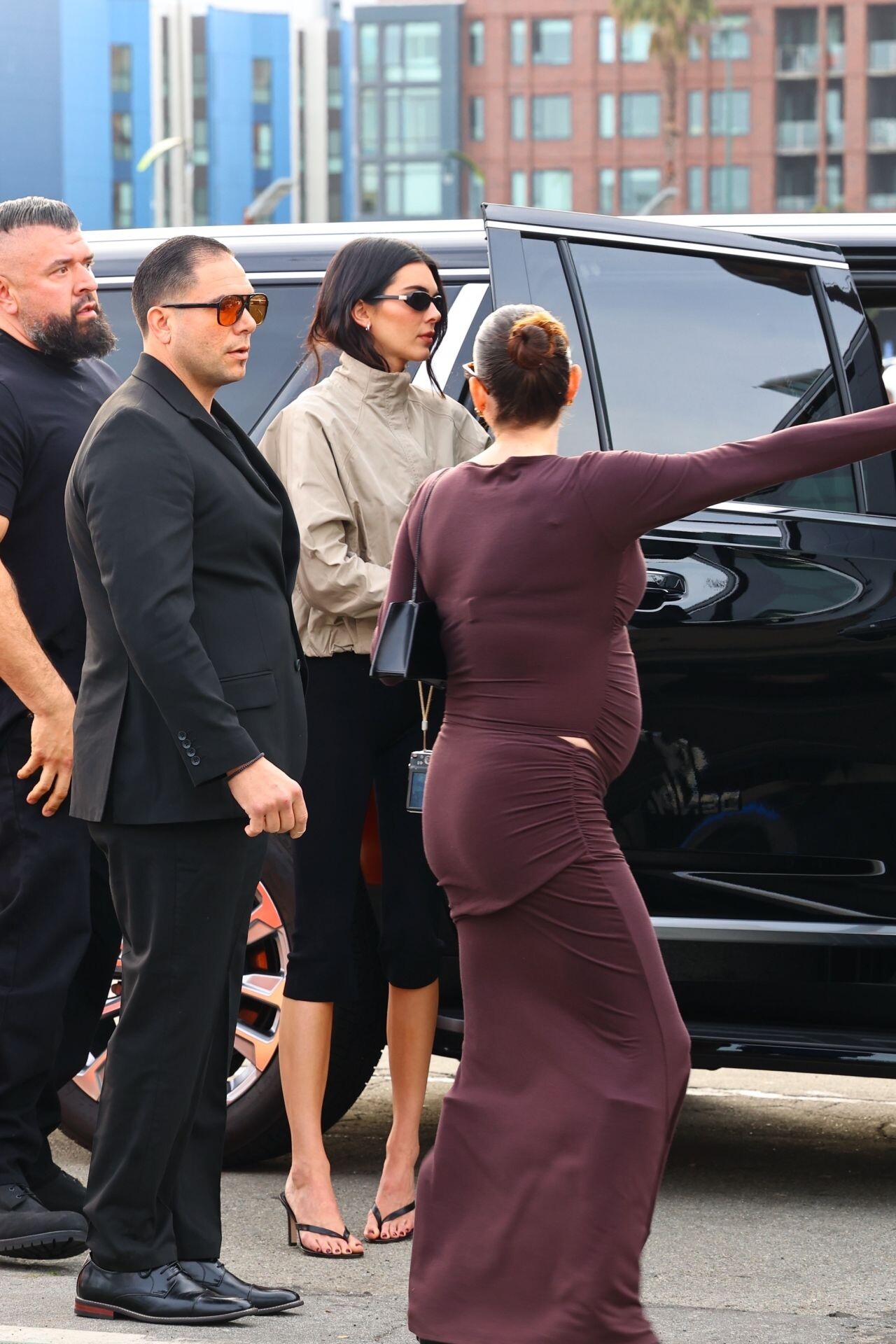
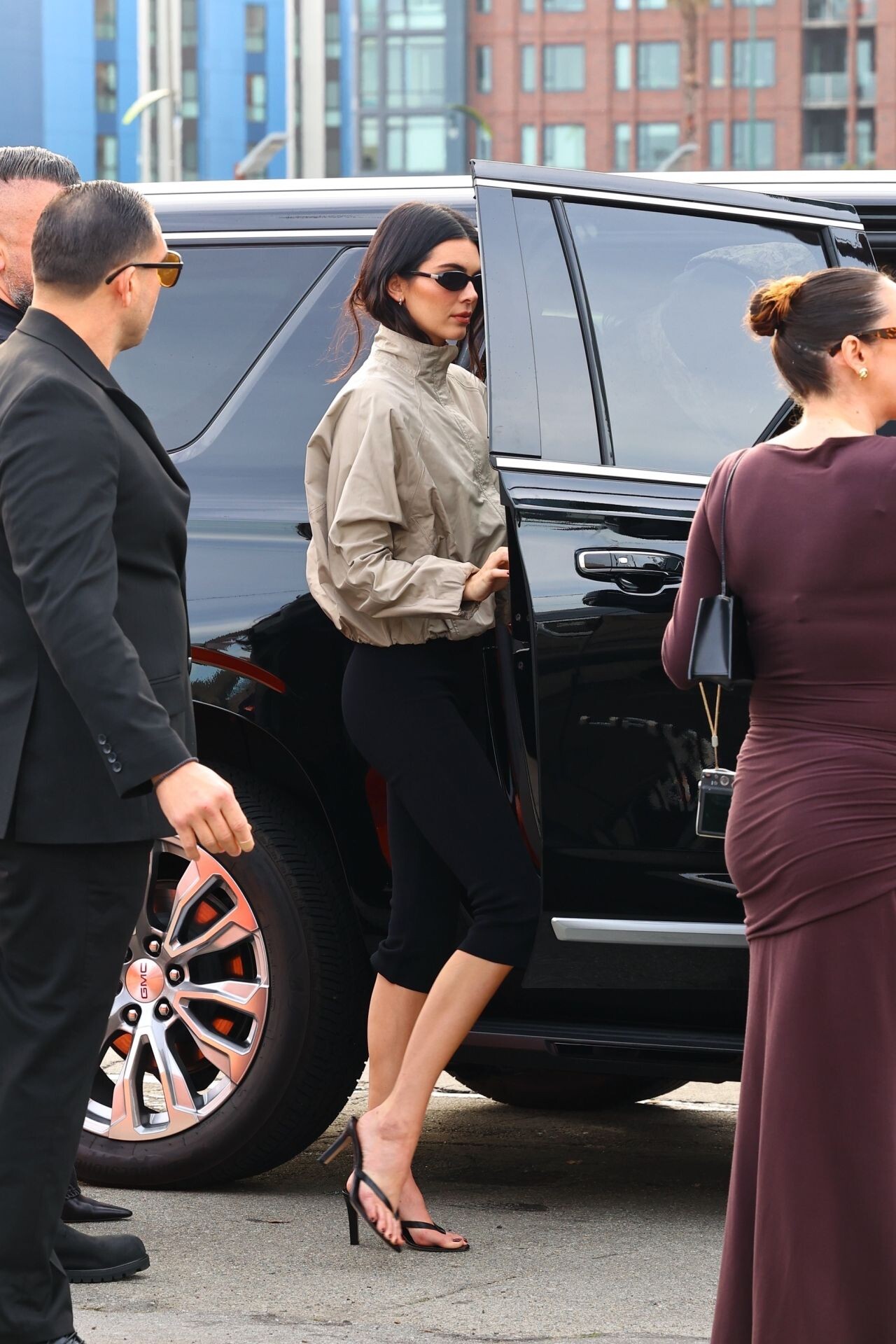
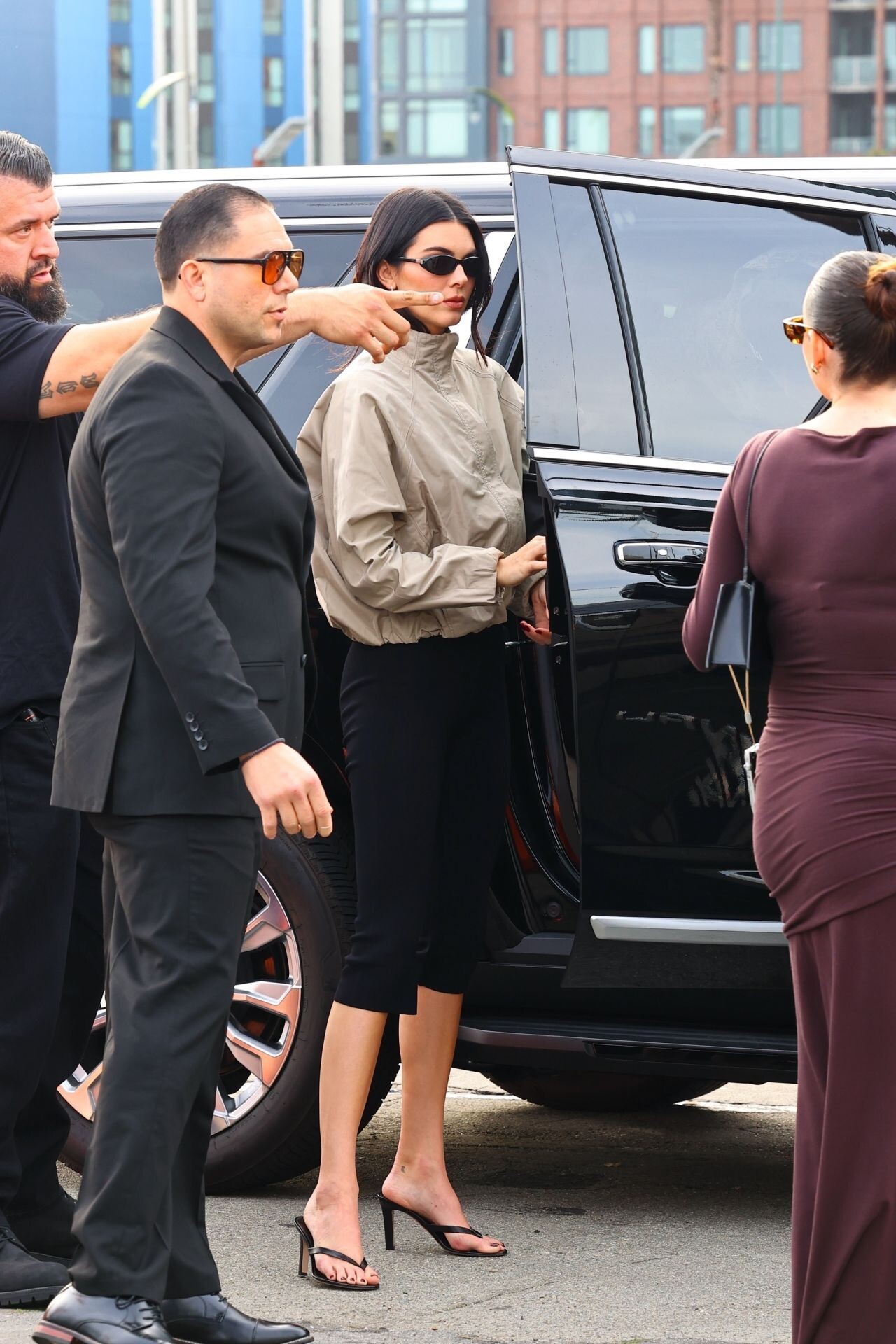
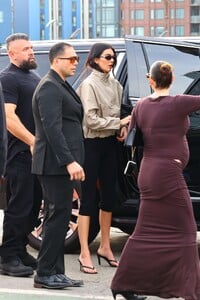
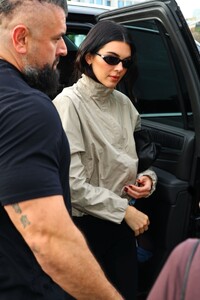
  21. arrived at the 2026 Fanatics Super Bowl Party at Pier 48 in San Francisco
Account

Navigation

Search

Configure browser push notifications

Chrome (Android)
  1. Tap the lock icon next to the address bar.

  2. Tap Permissions → Notifications.
  3. Adjust your preference.
Chrome (Desktop)
  1. Click the padlock icon in the address bar.
  2. Select Site settings.
  3. Find Notifications and adjust your preference.