All Activity
- Past hour
-

-
-
-
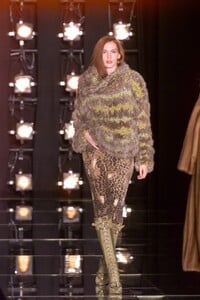
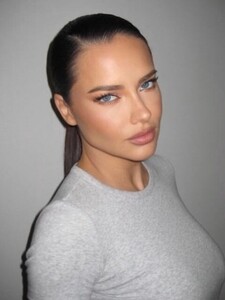
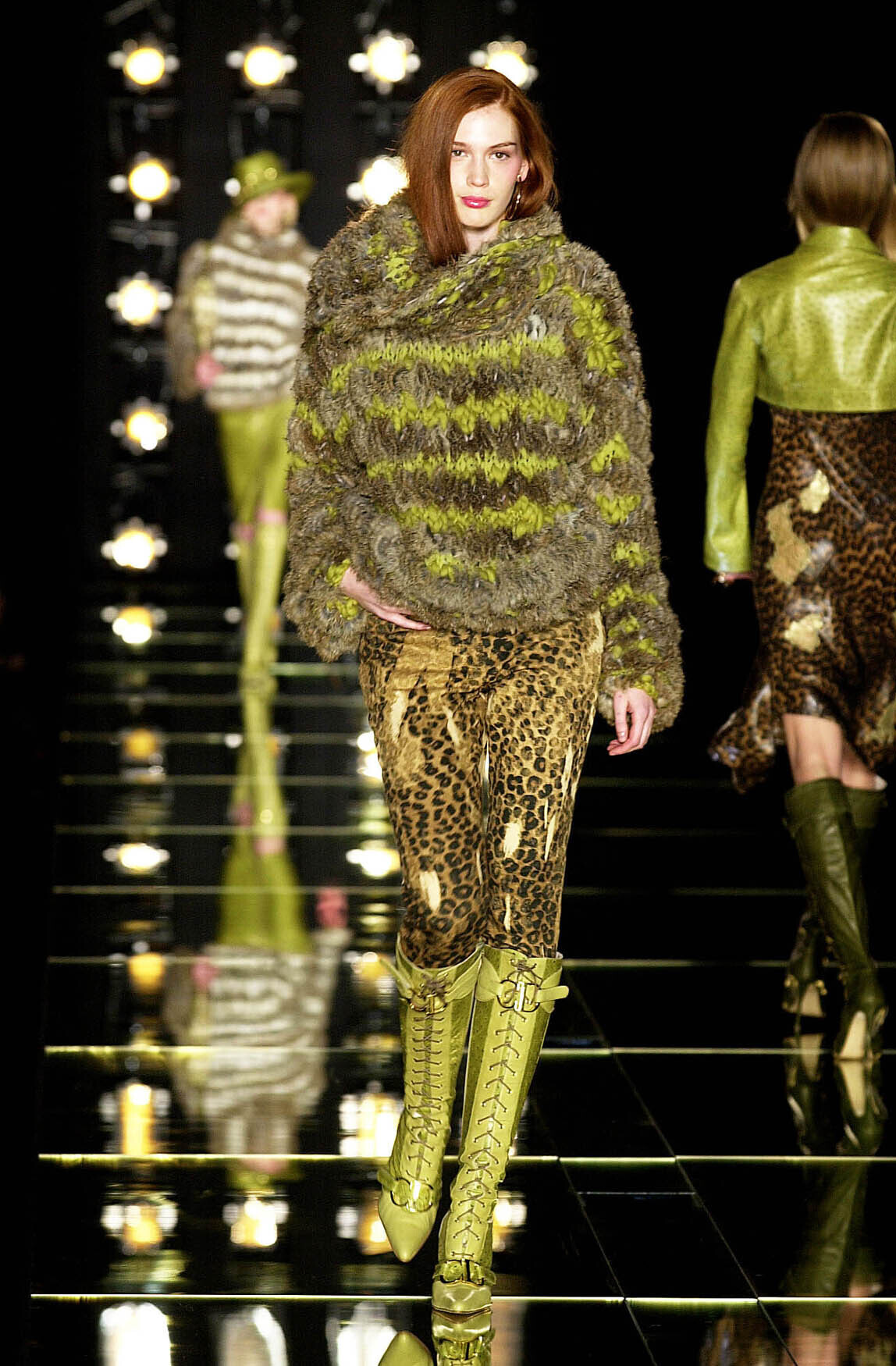
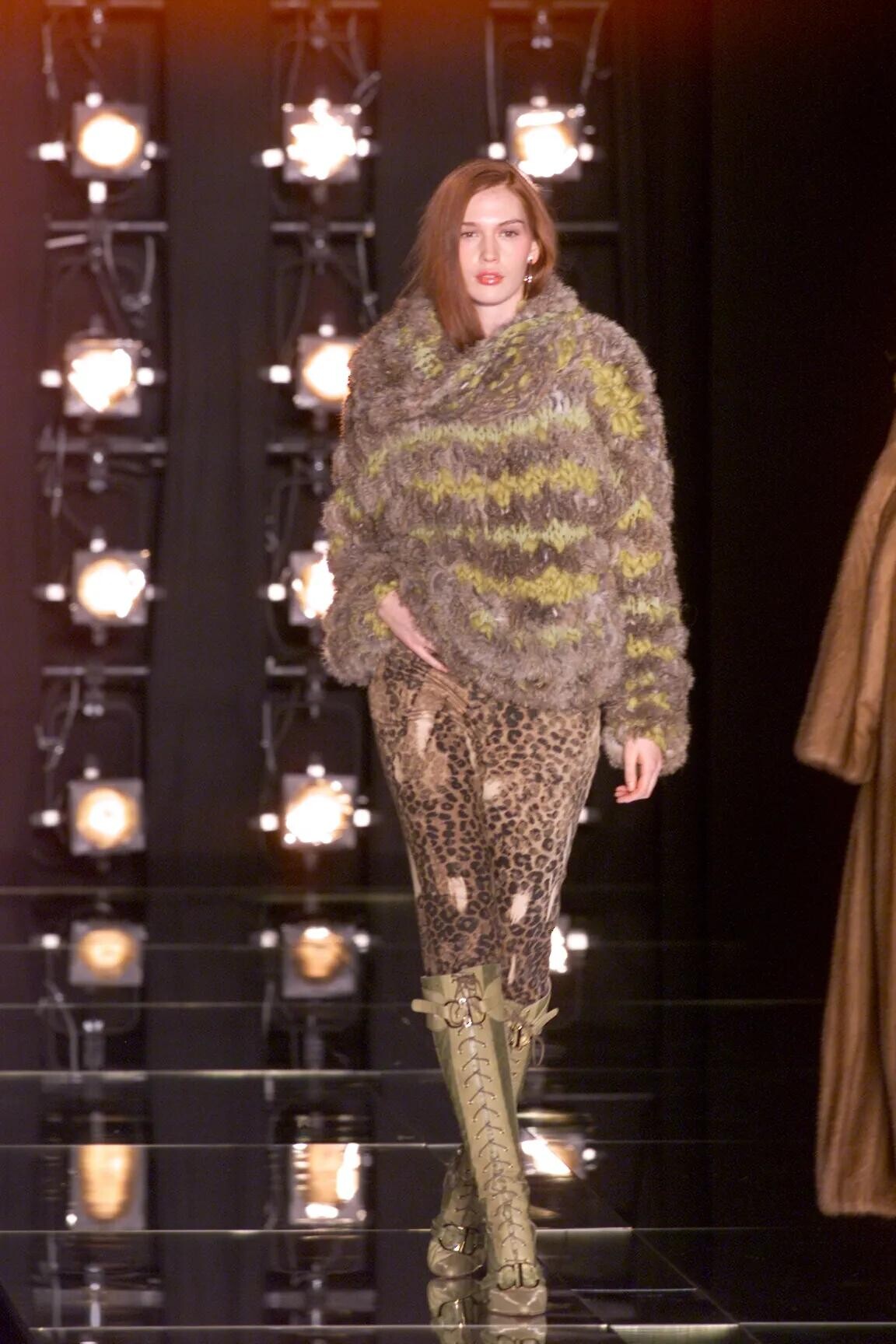
 Please correct me if I'm wrong, but I think that's her: Dior 2000 fall RTW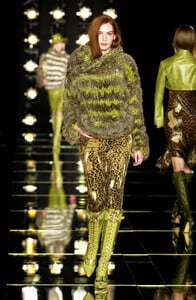
-
 I hope she attends some event with this look, if it’s for photoshoot they wouldn’t have shared on insta.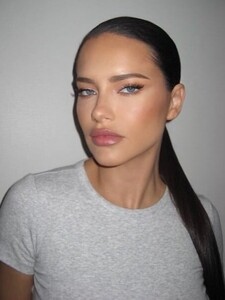
-
-
-
-
-
-
-
-
-
https://www.instagram.com/p/DVUMQLUEt3R/?igsh=MWMydWZpM3lxOGF5eA==
-
-
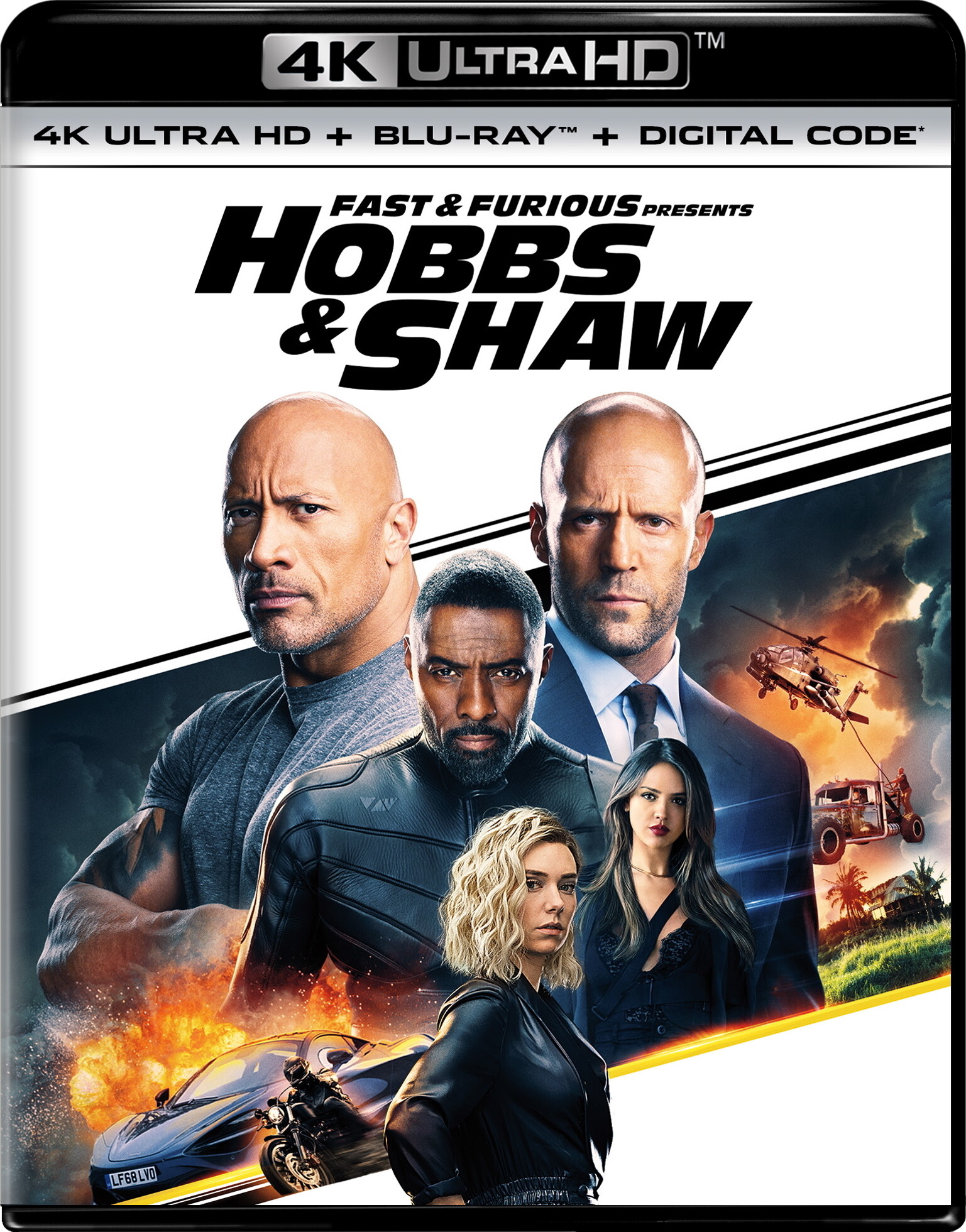
 Fast & Furious Presents: Hobbs & Shaw (2019) ★★★☆☆ Dolby Vision • Dolby Atmos IMDb Trailers Cinema Sins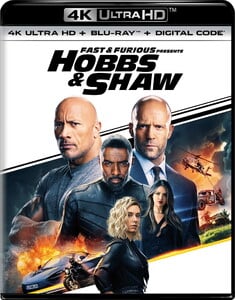
-
-

-
-
-
-
-
-
-
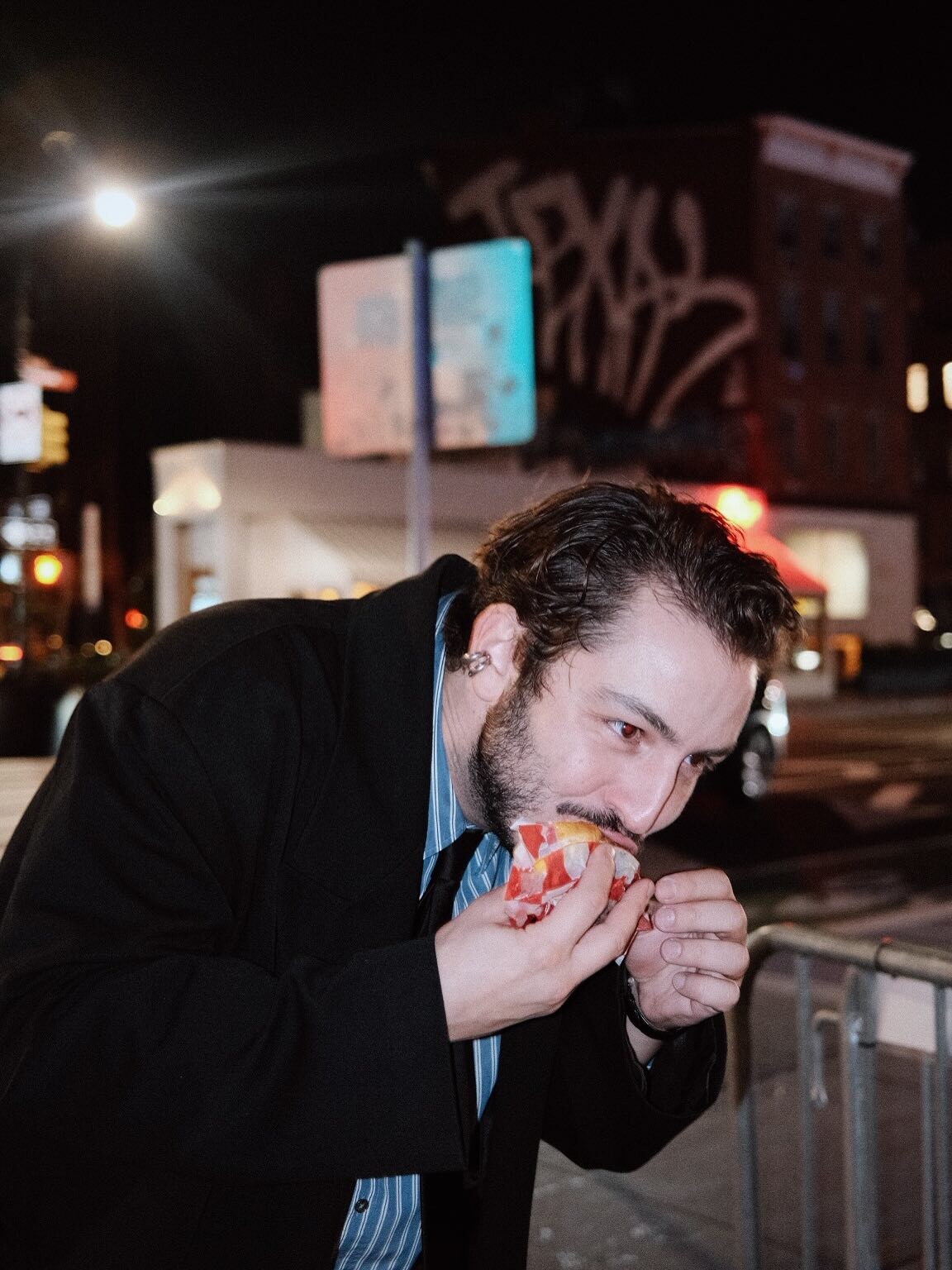
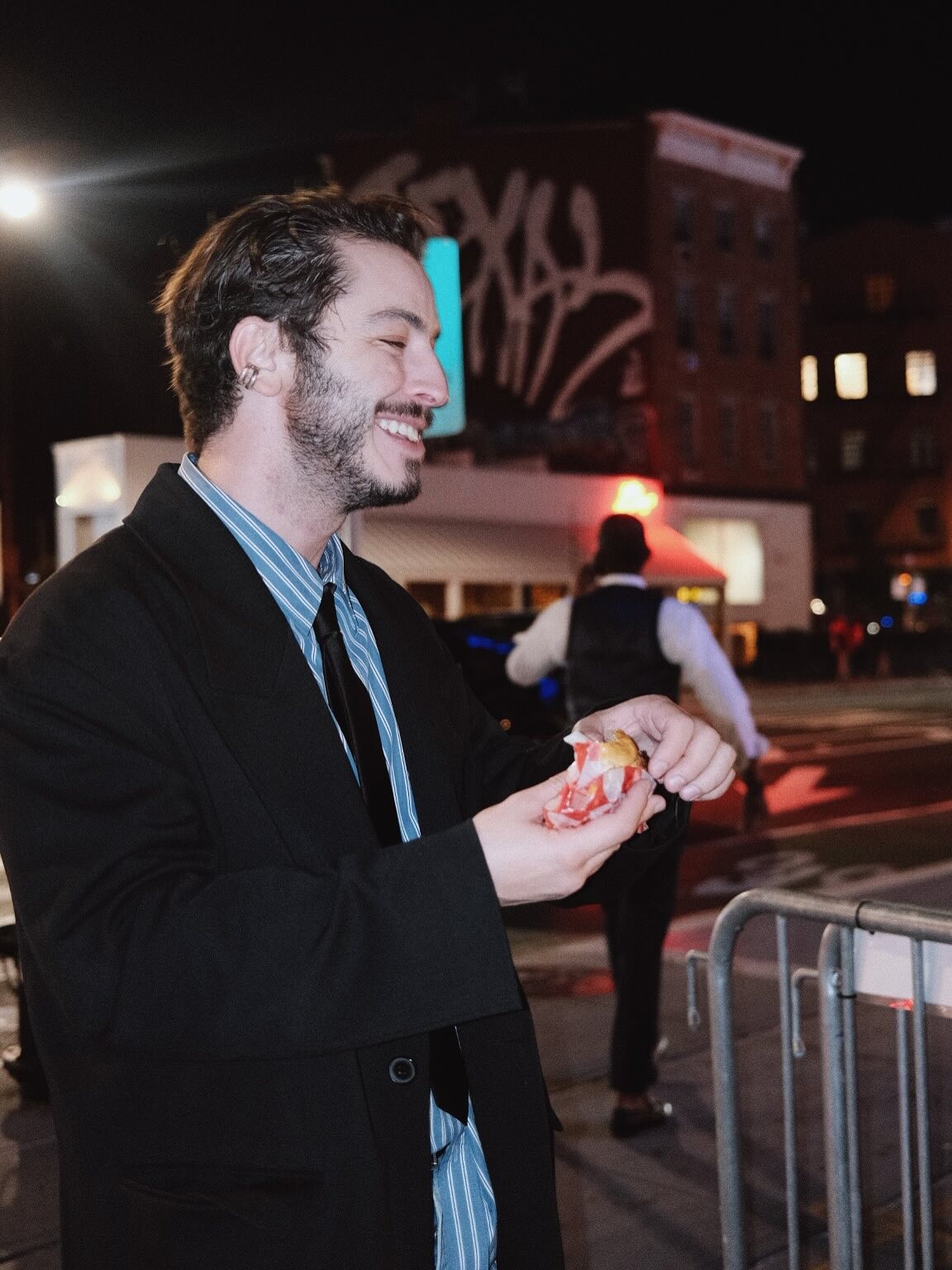
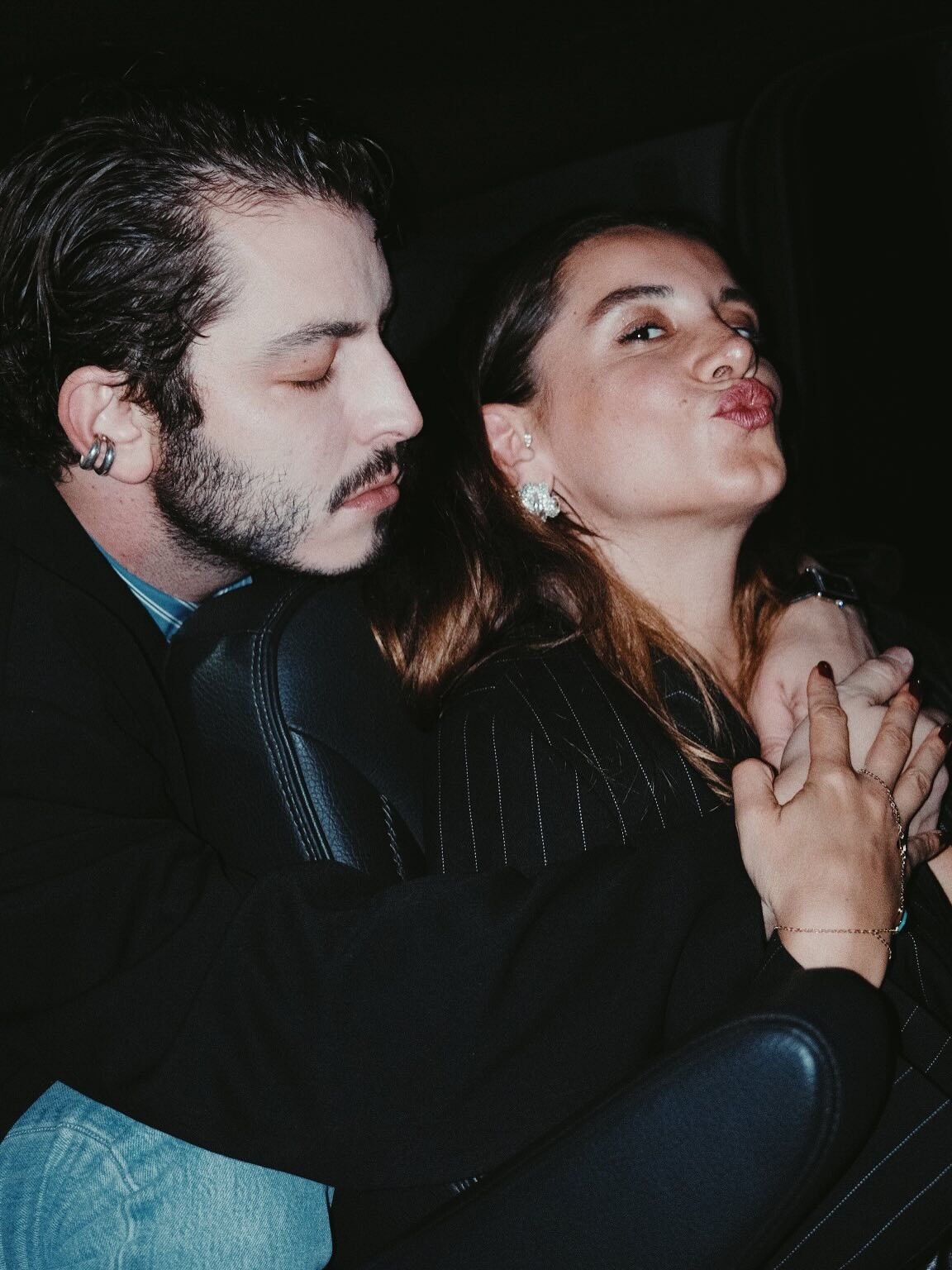
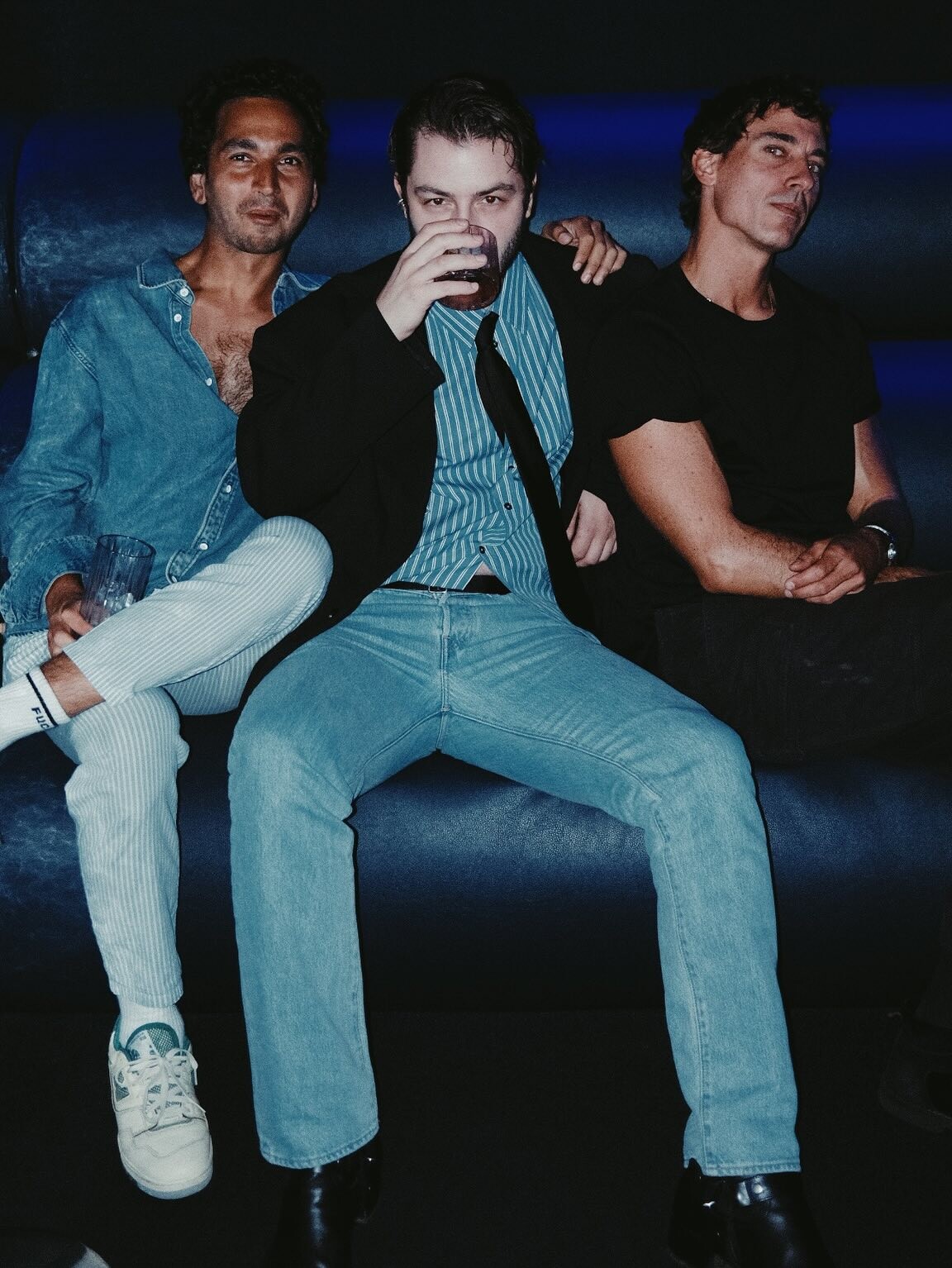

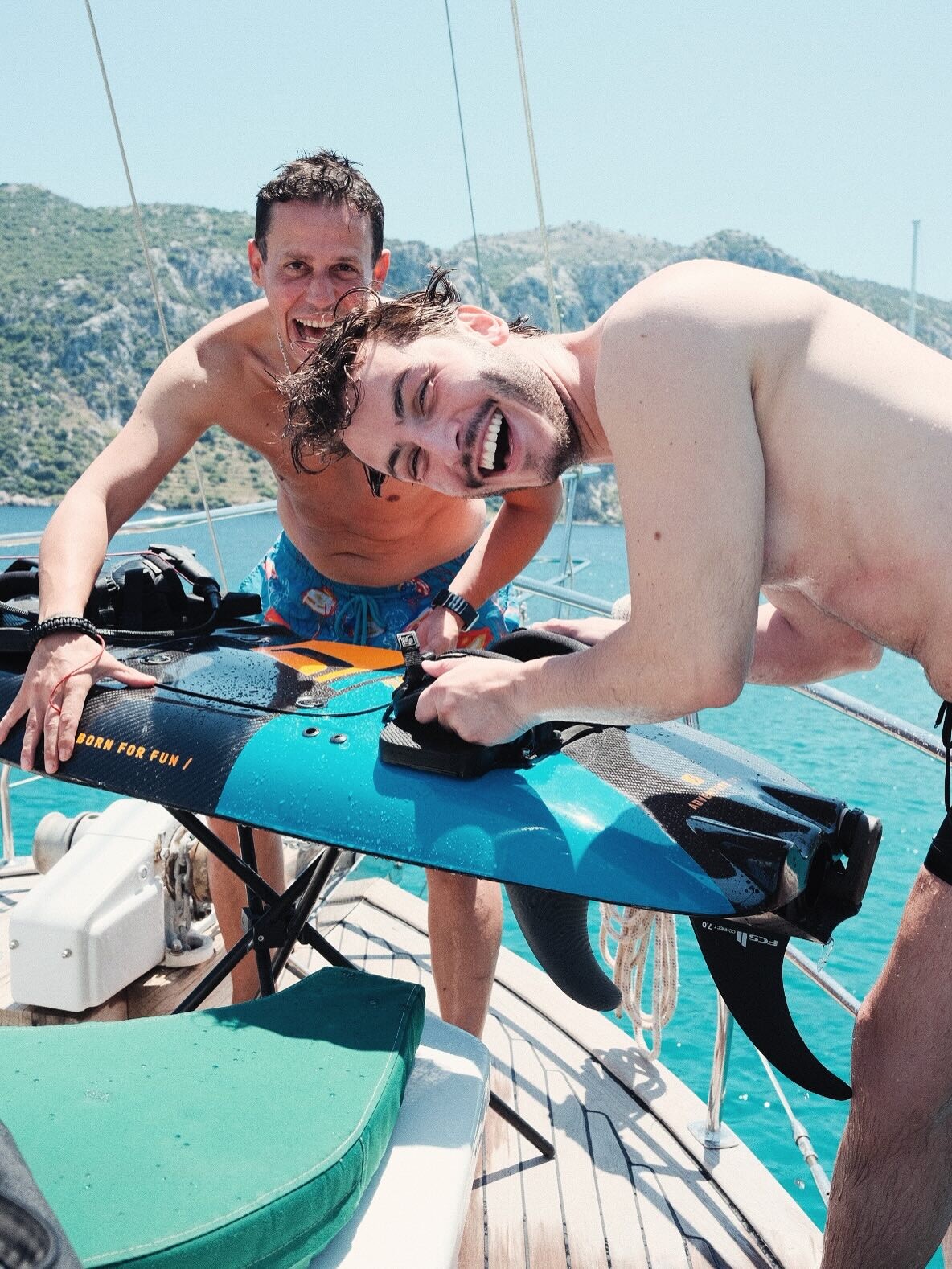
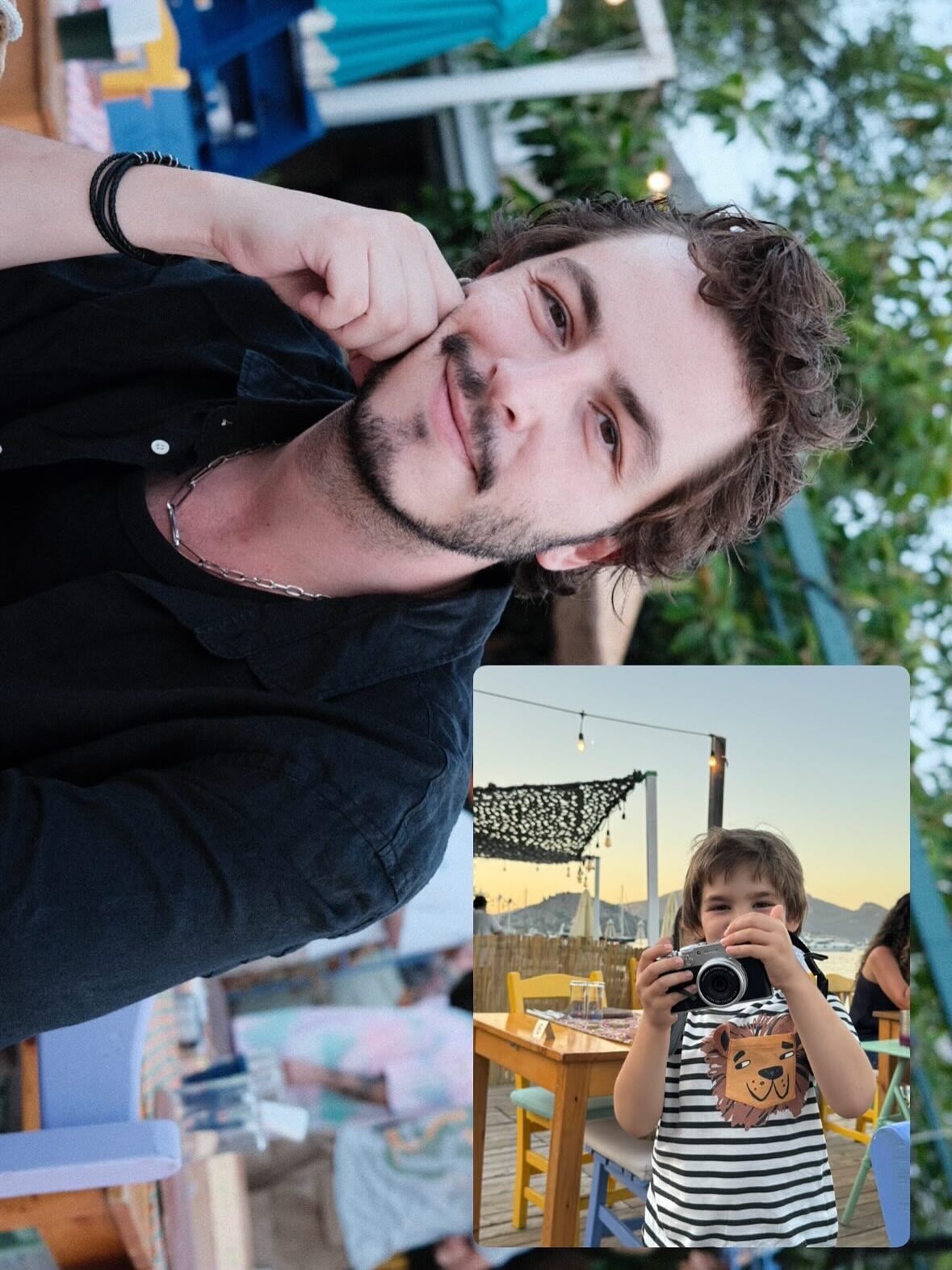
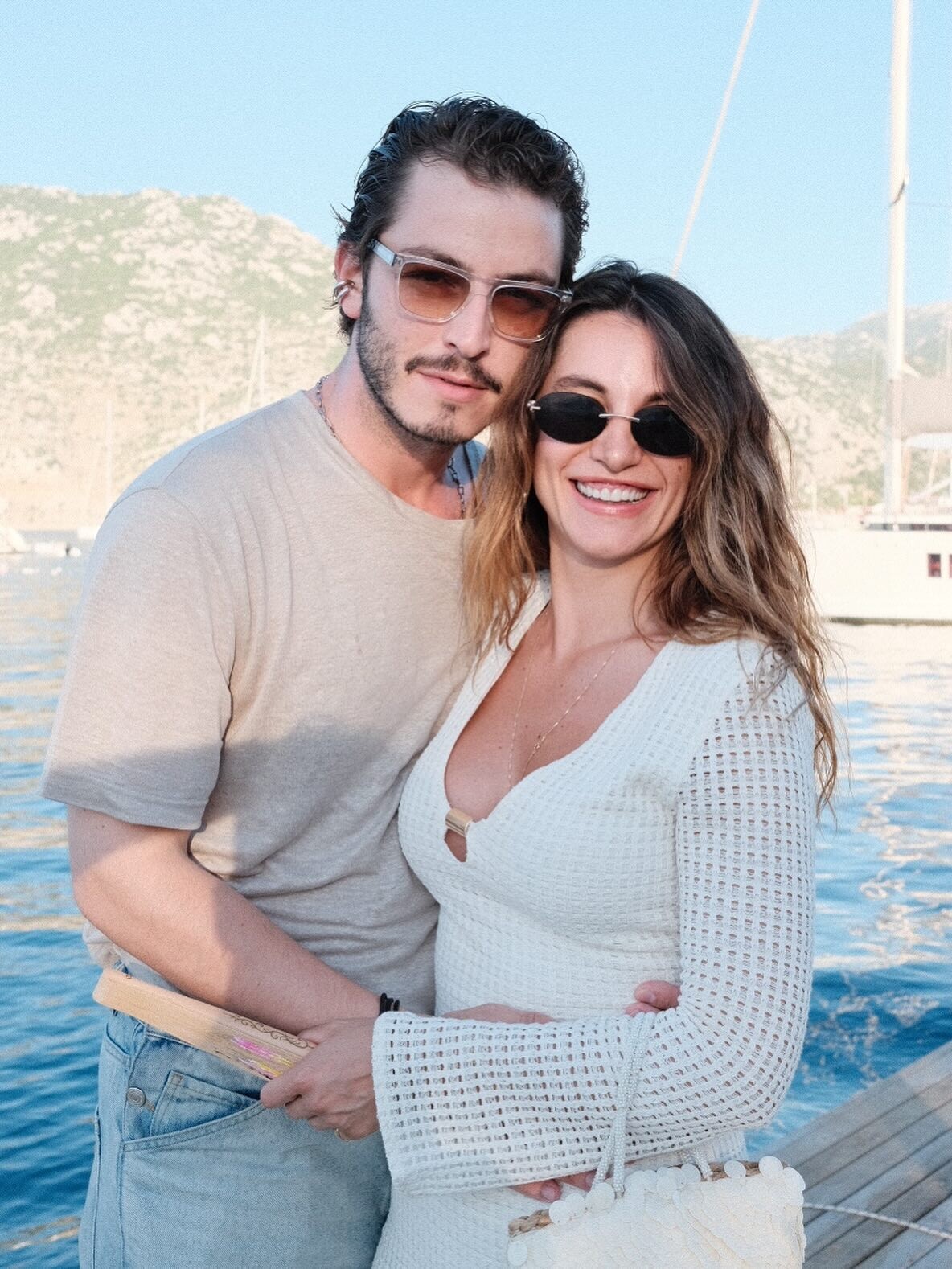


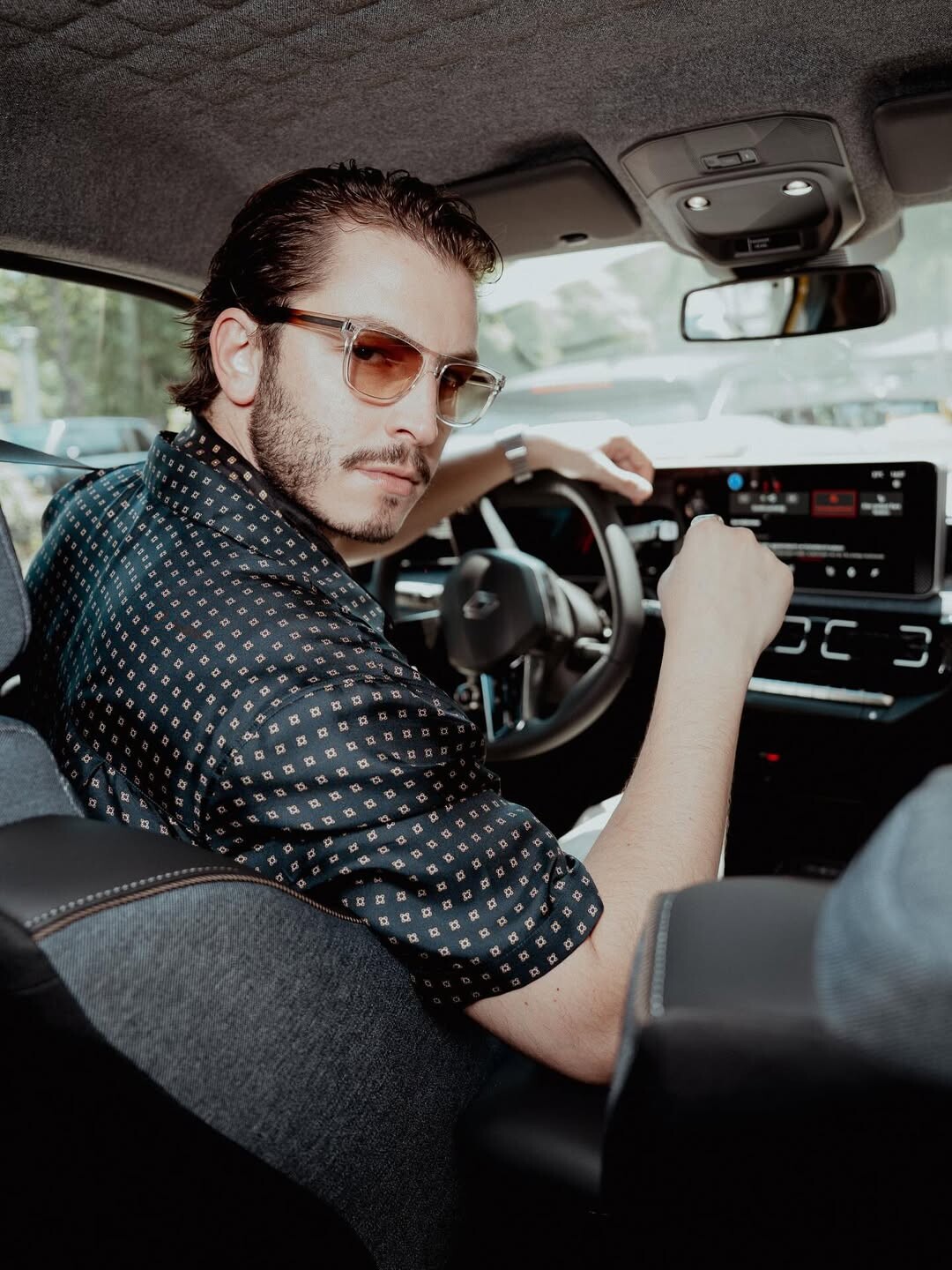
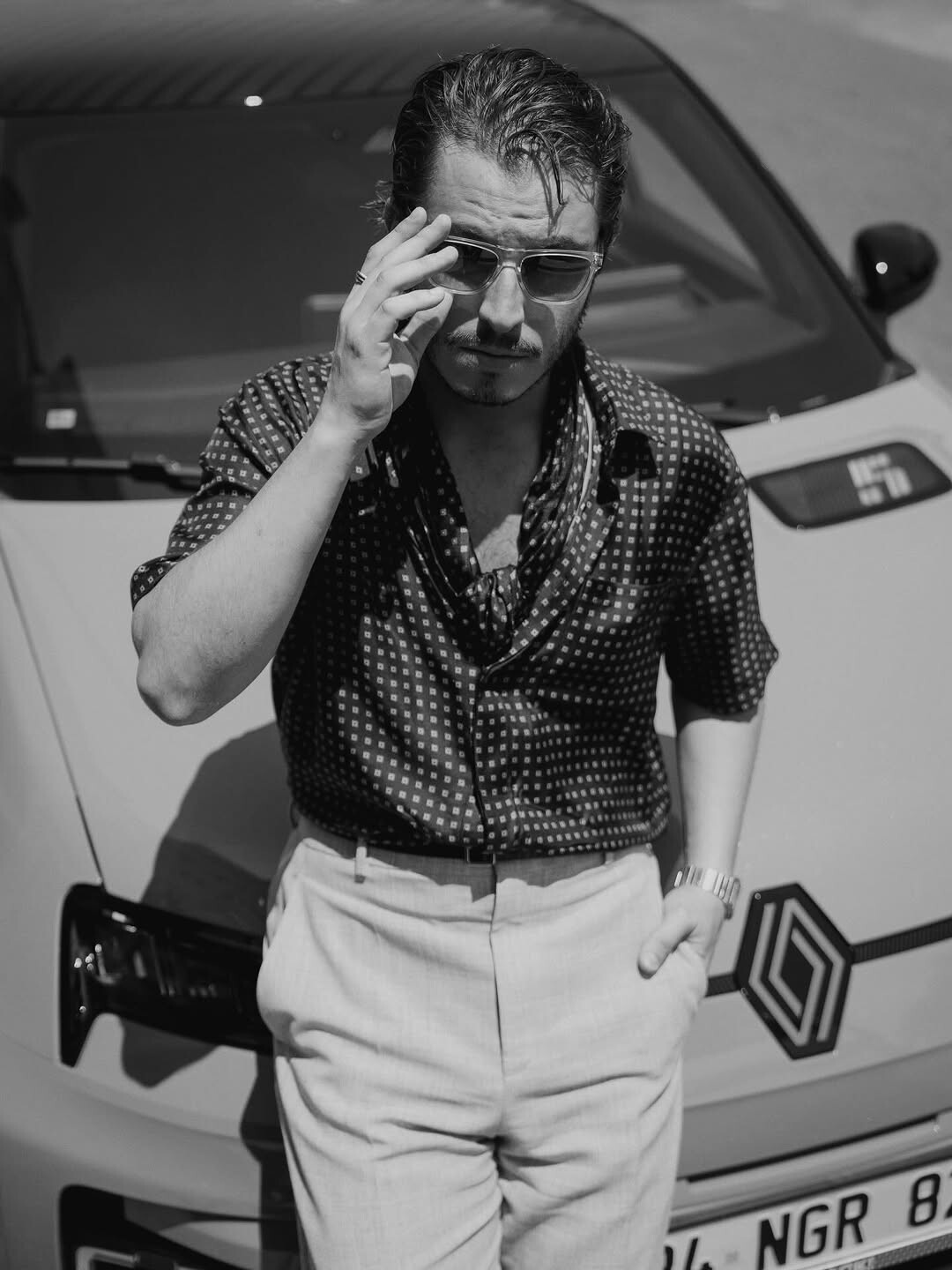
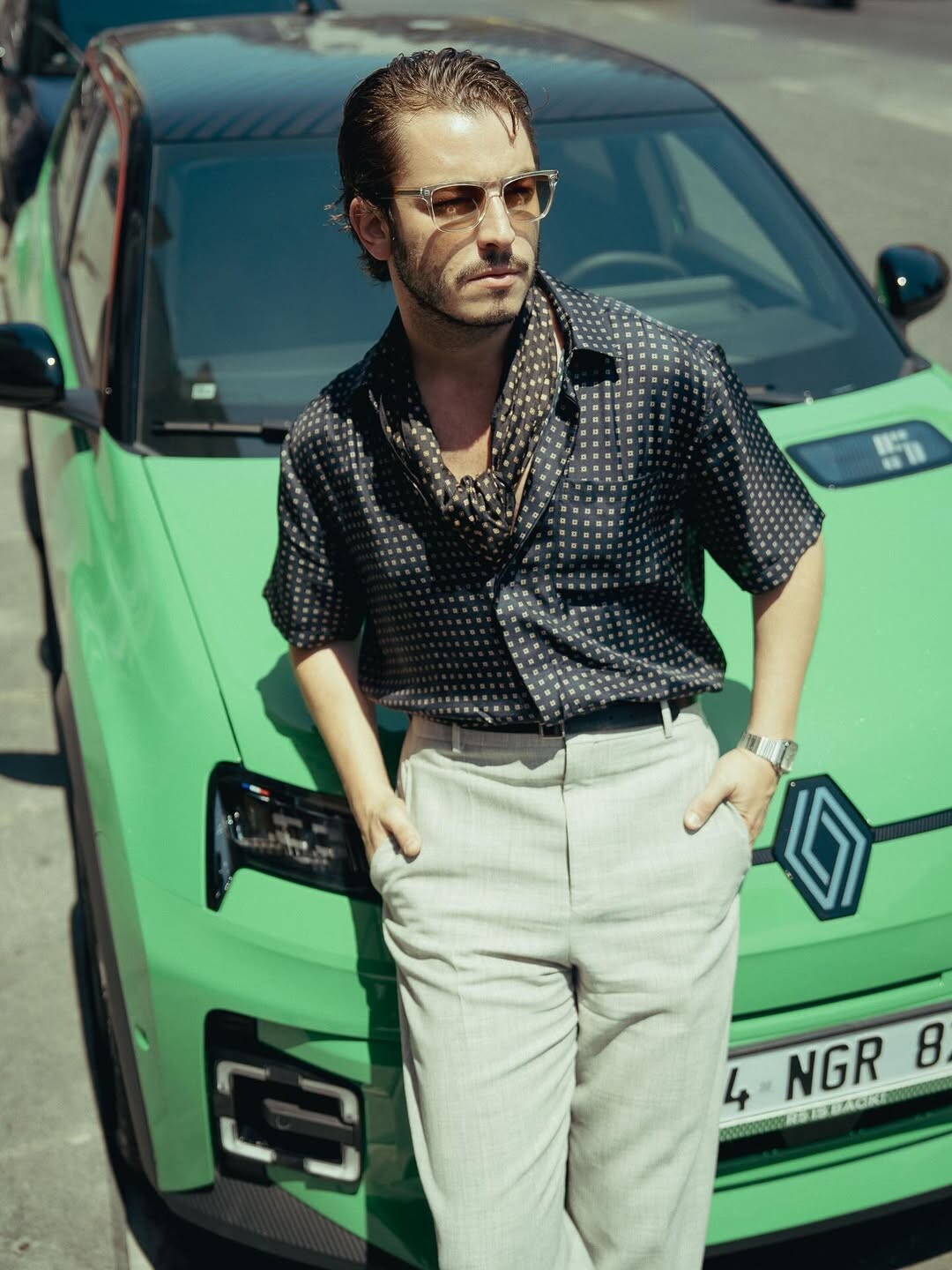
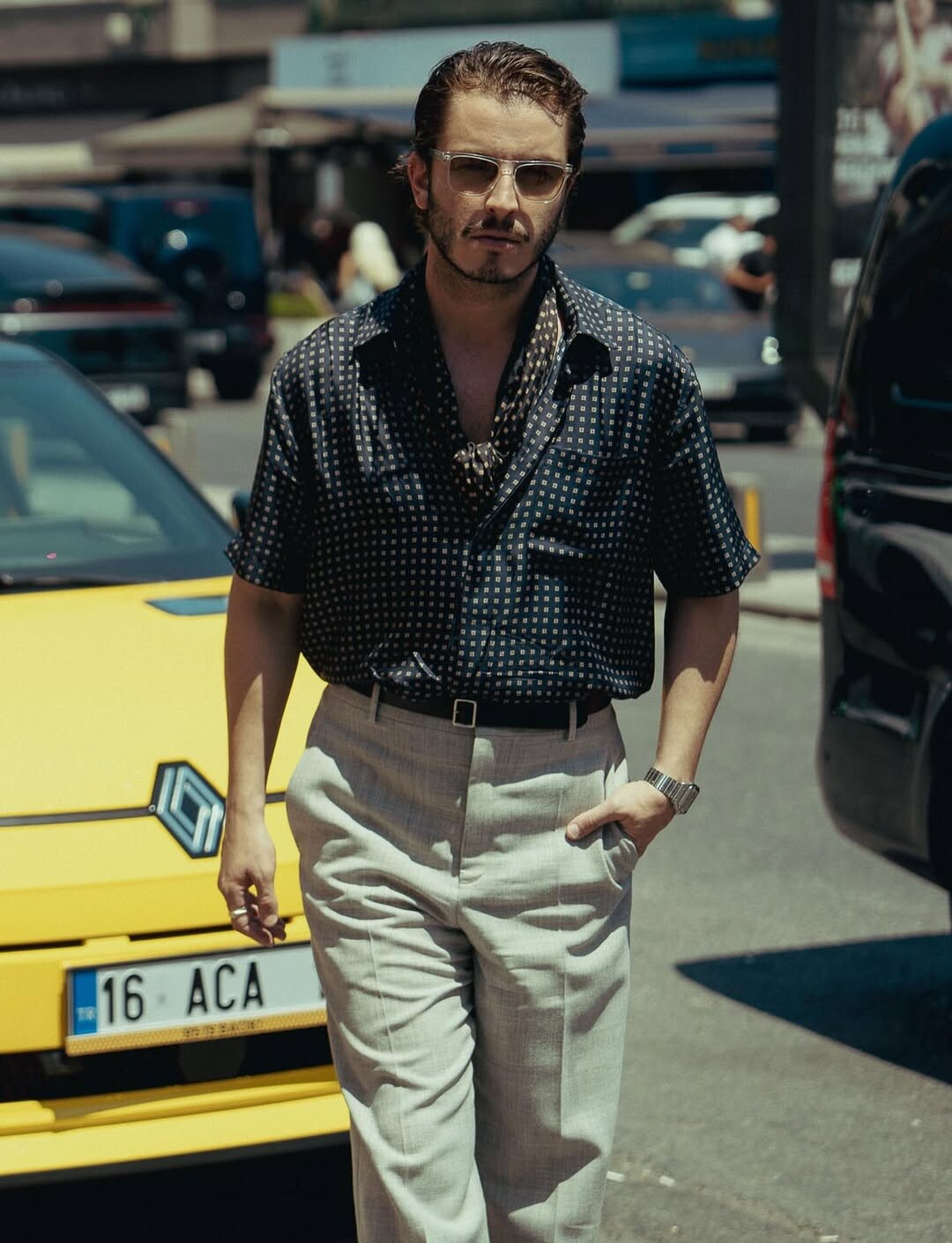
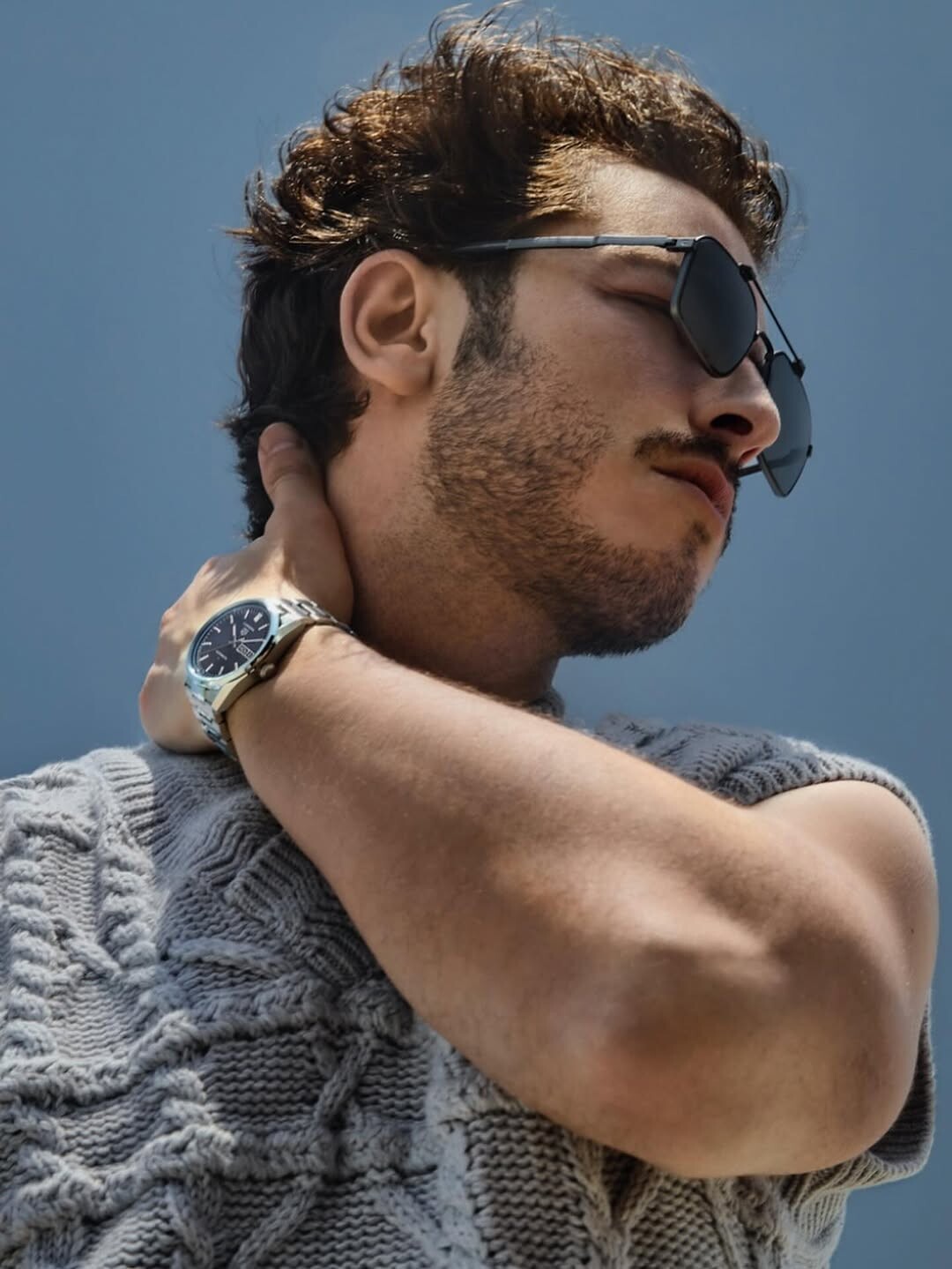
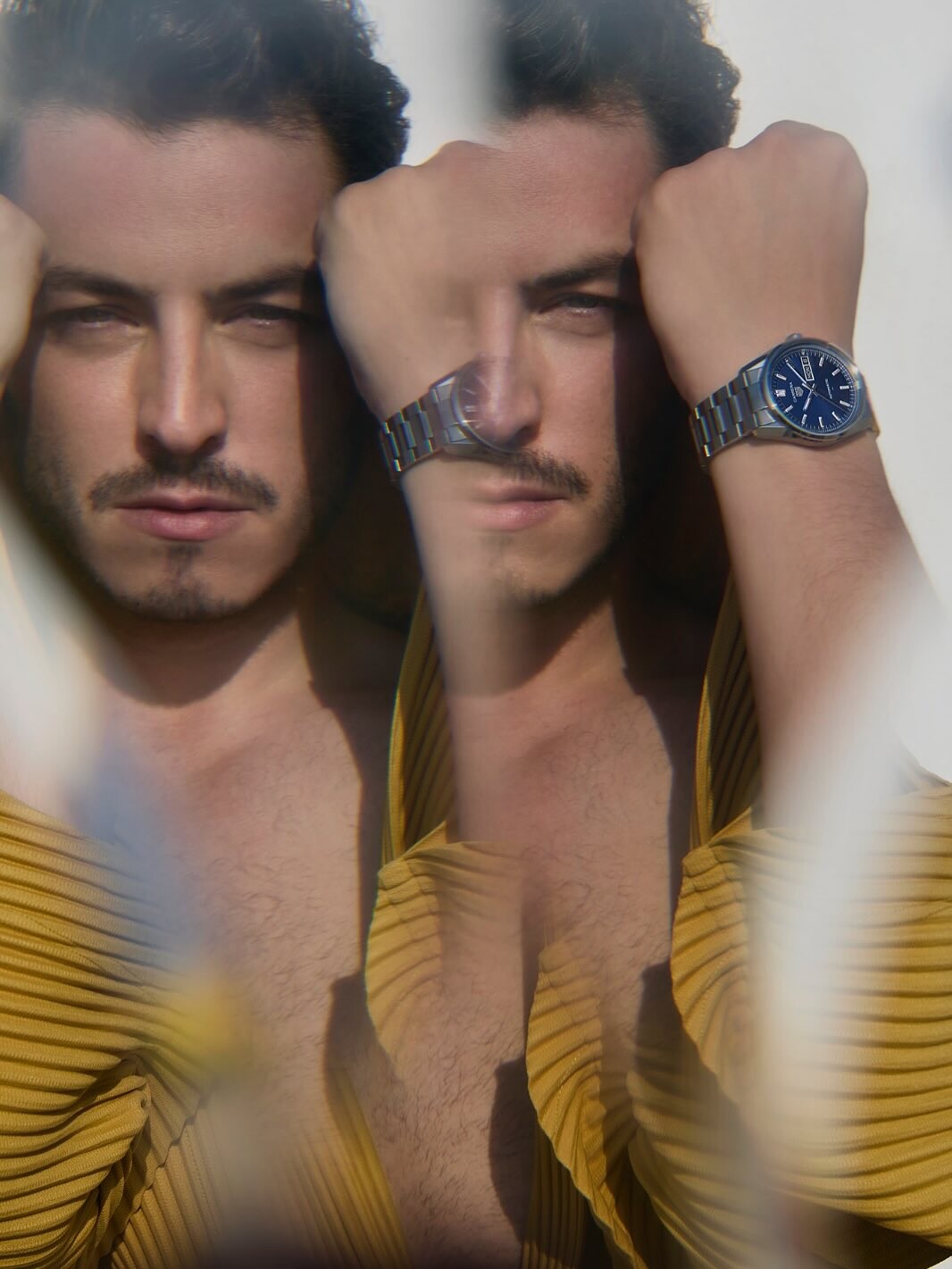
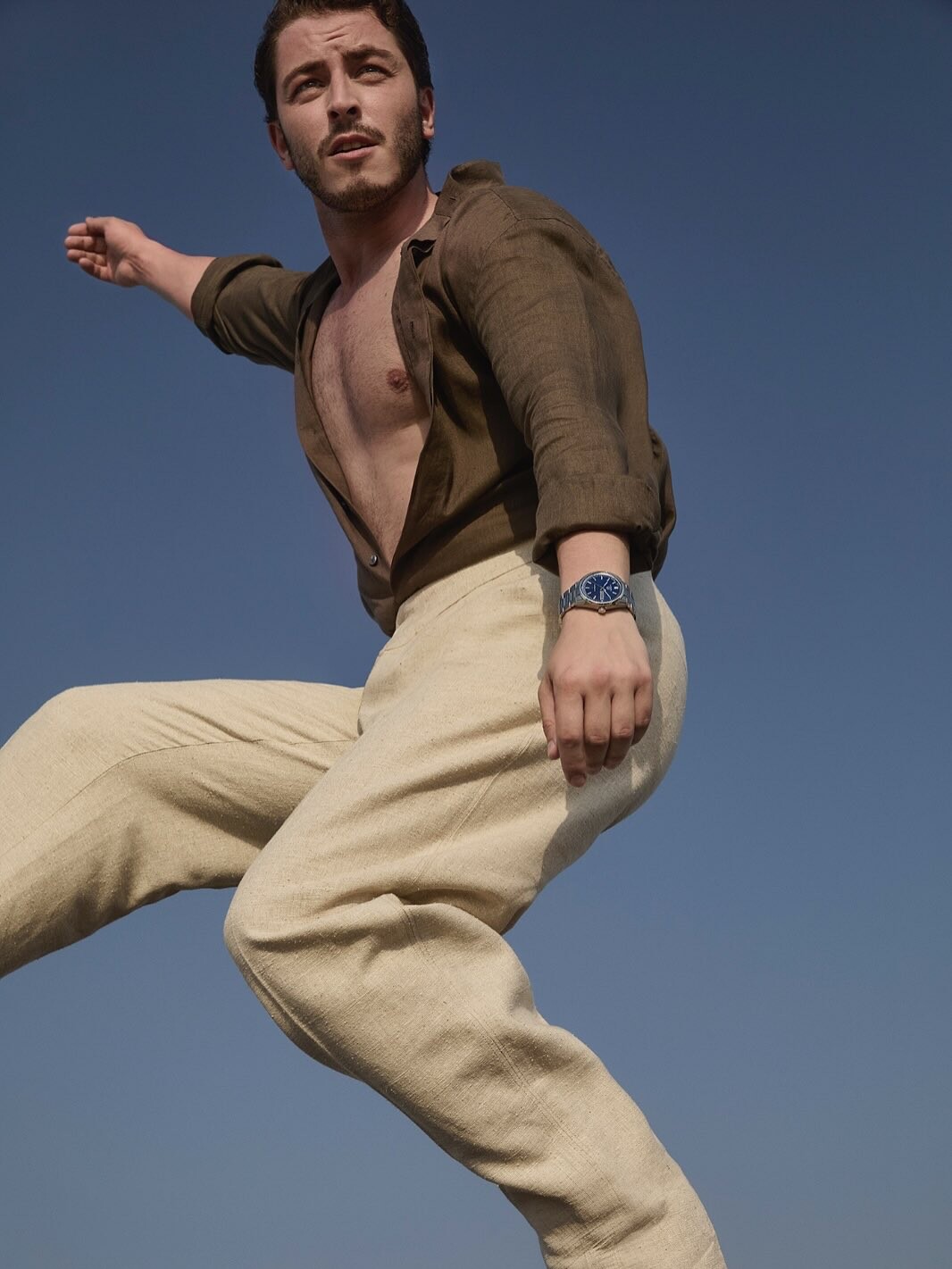
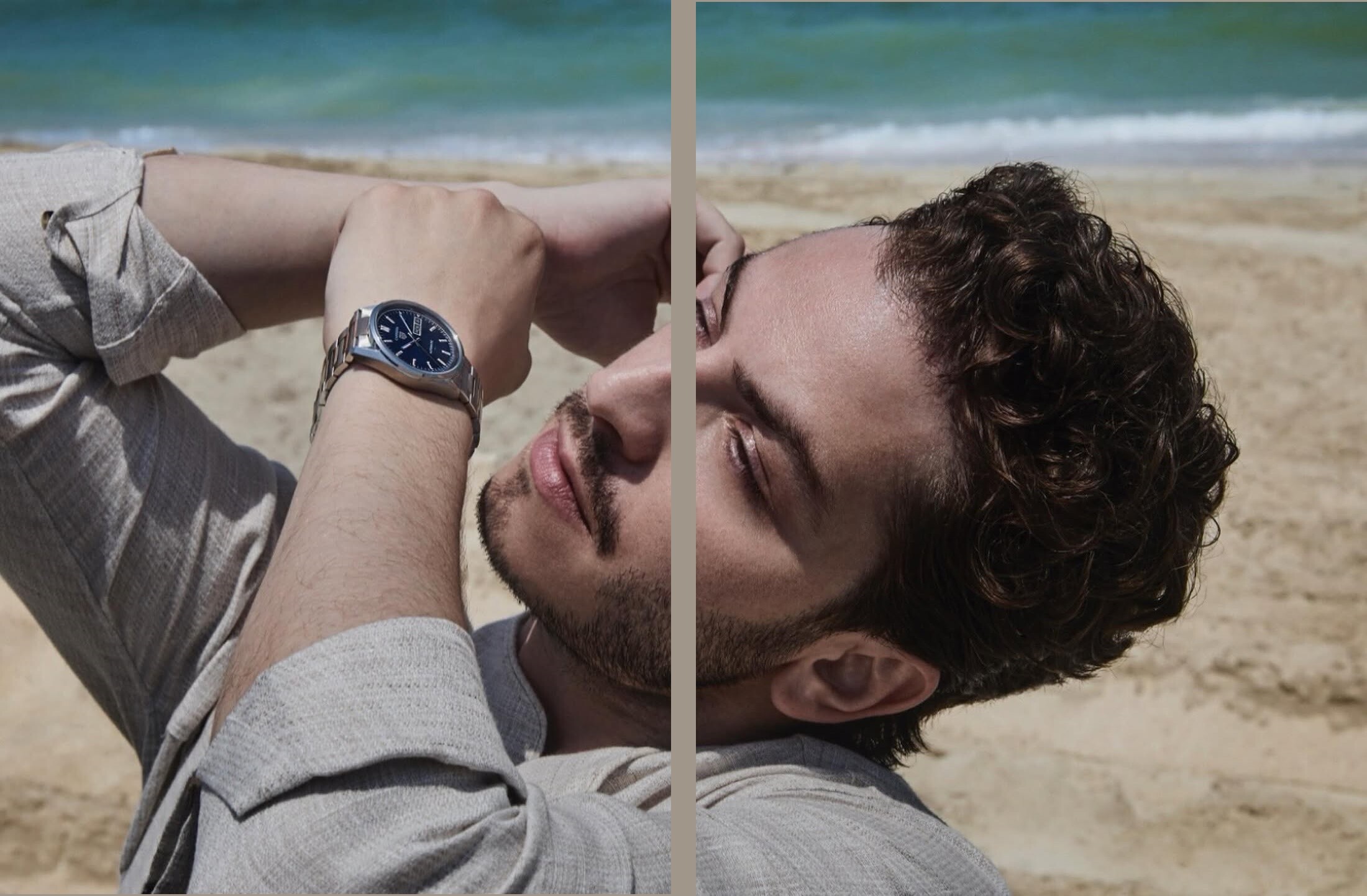
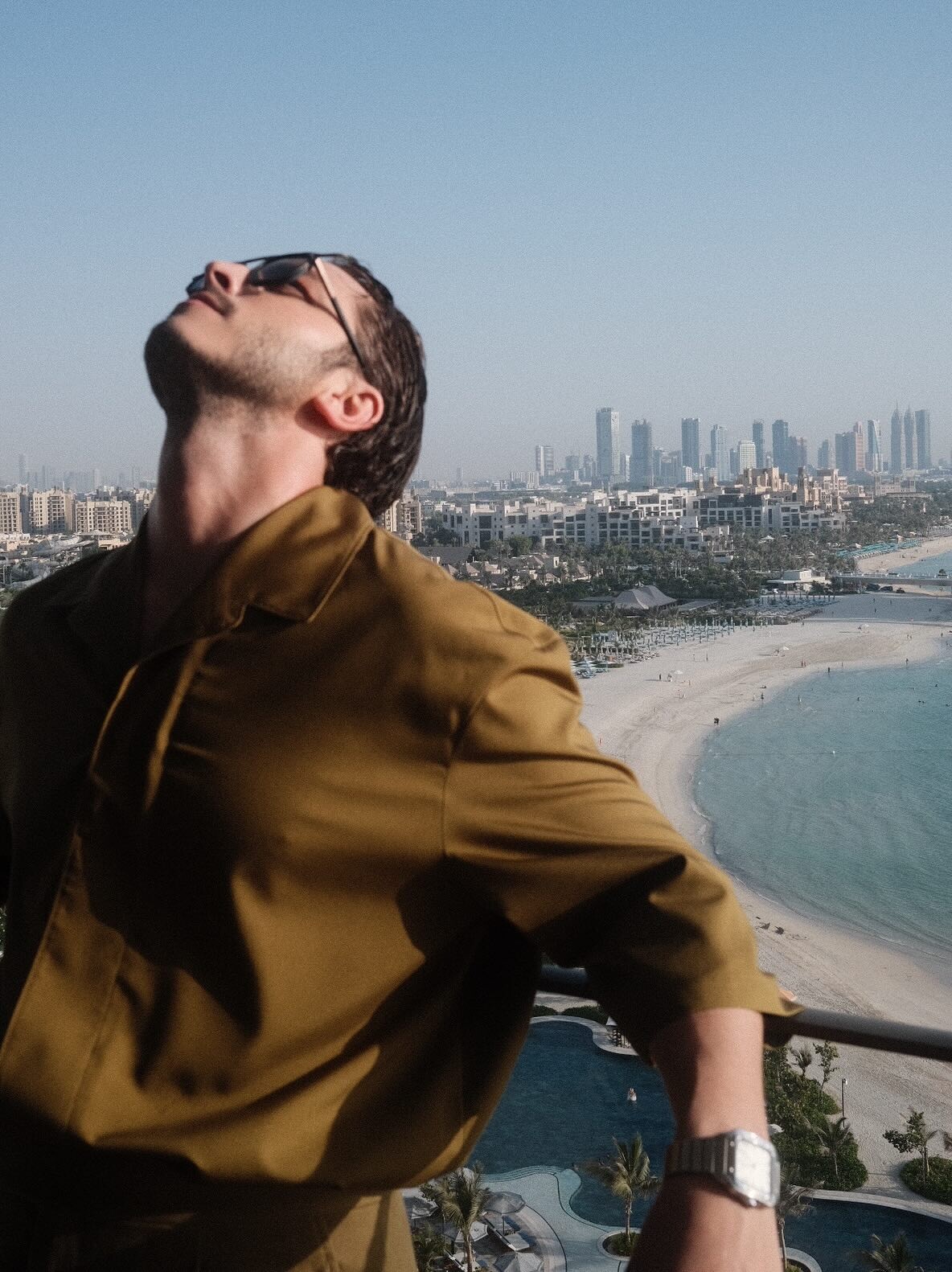
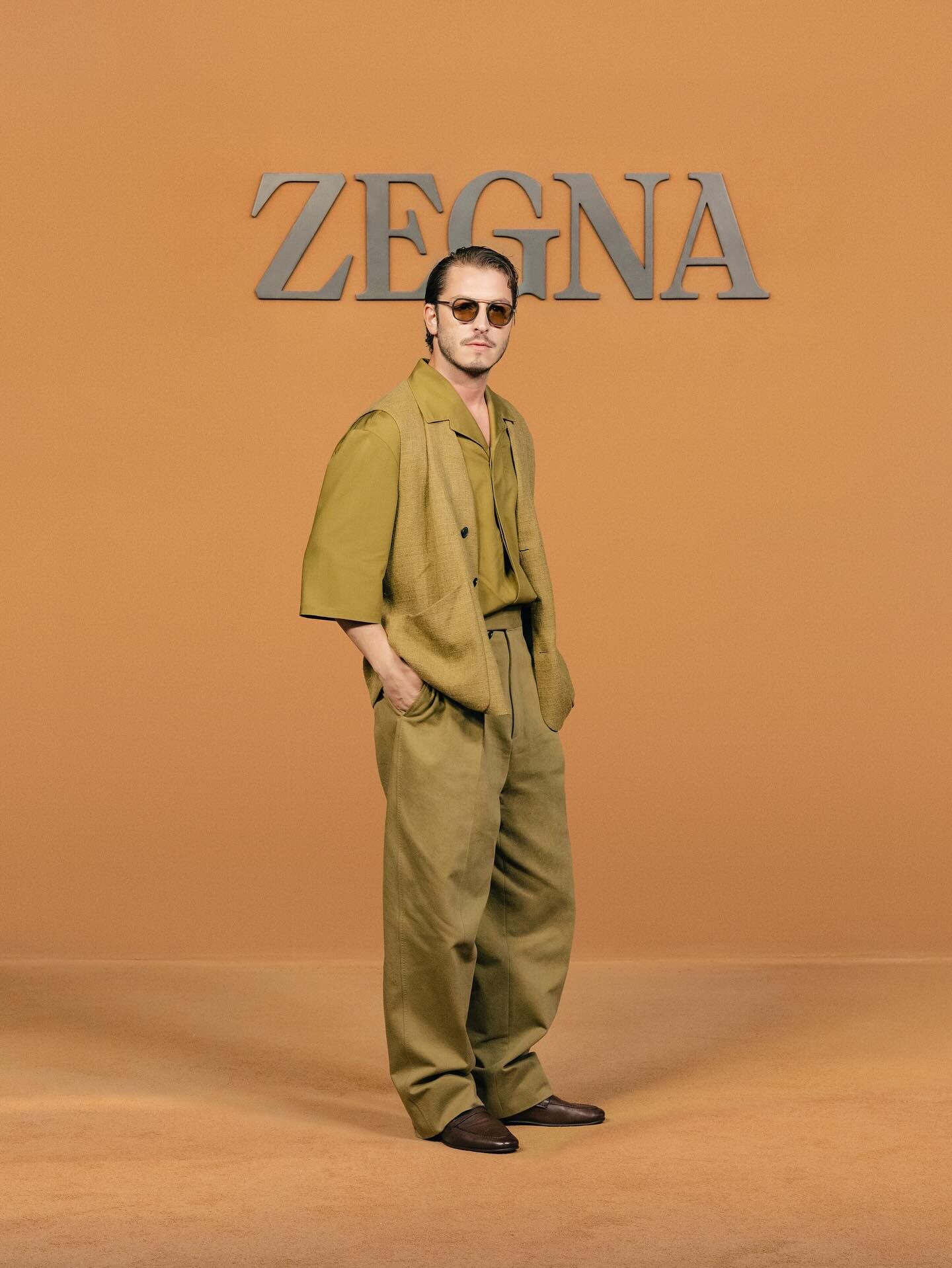
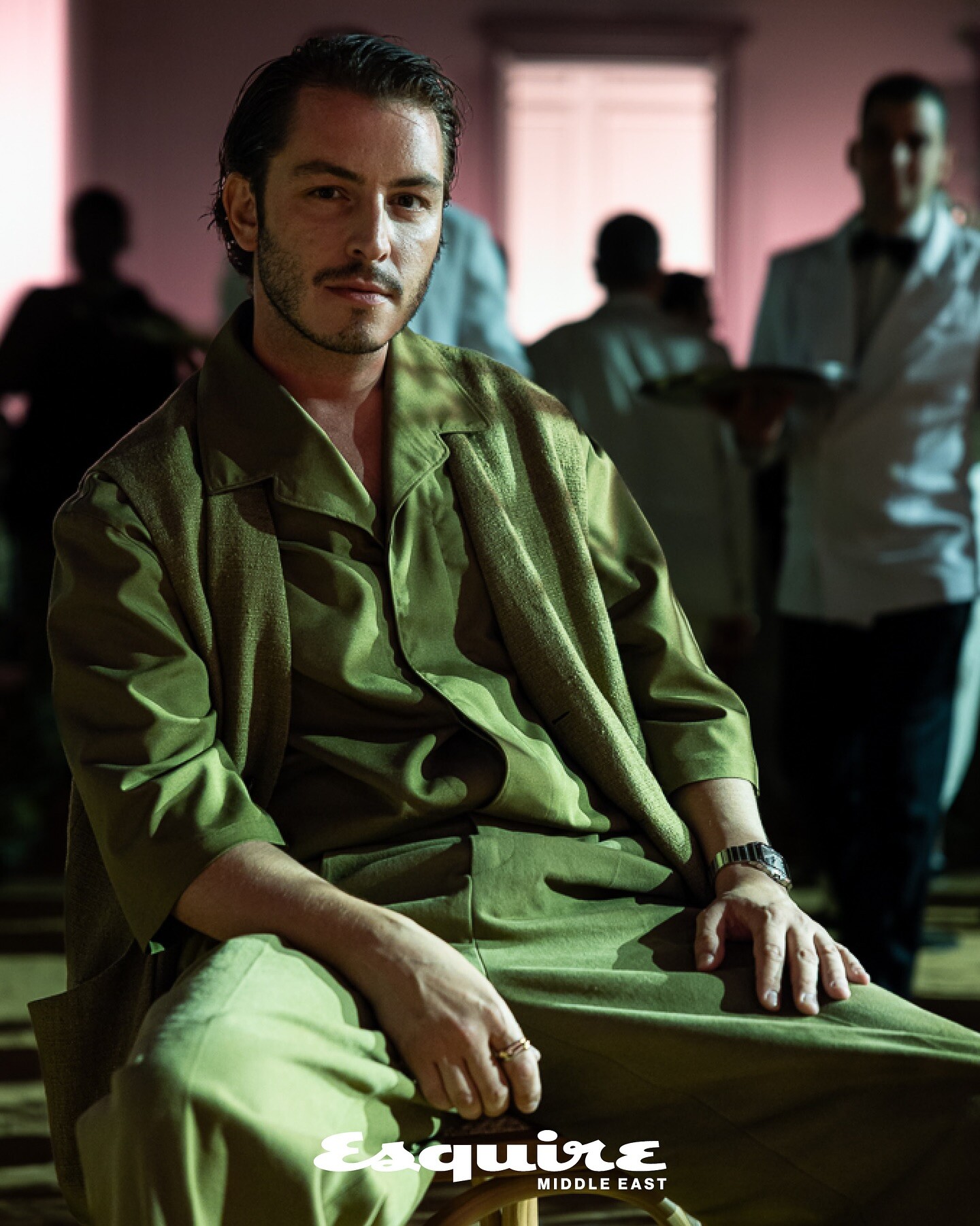

.jpg.a204d0332e228abfa92e9eb5c40e0954.jpg)
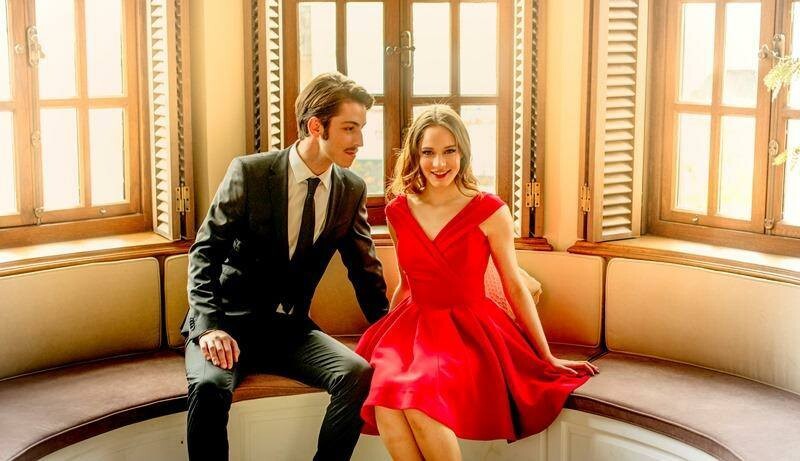
.jpg.9a3fe316503040f81079188e47bec67b.jpg)
.jpg.b785eeebaaef8fde3b064c8b6b41f83c.jpg)
.jpg.af8c79ad7e3cf428725800985a731f41.jpg)
.jpg.caca39546ae83ff80976b91d5dc3488b.jpg)

.jpg.2dae89701ae51098faa7f36ef1762386.jpg)