All Activity
- Past hour
-
 Yuh
not a fan but i would post smth
Yuh
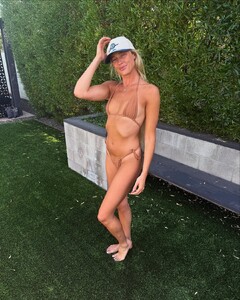
not a fan but i would post smth Instagram - Missouri
.thumb.jpg.f9e0c6ef0b308471a9aa34da57afb4cd.jpg)
.thumb.jpg.525dc84556da34c63b995a51cc36e661.jpg)
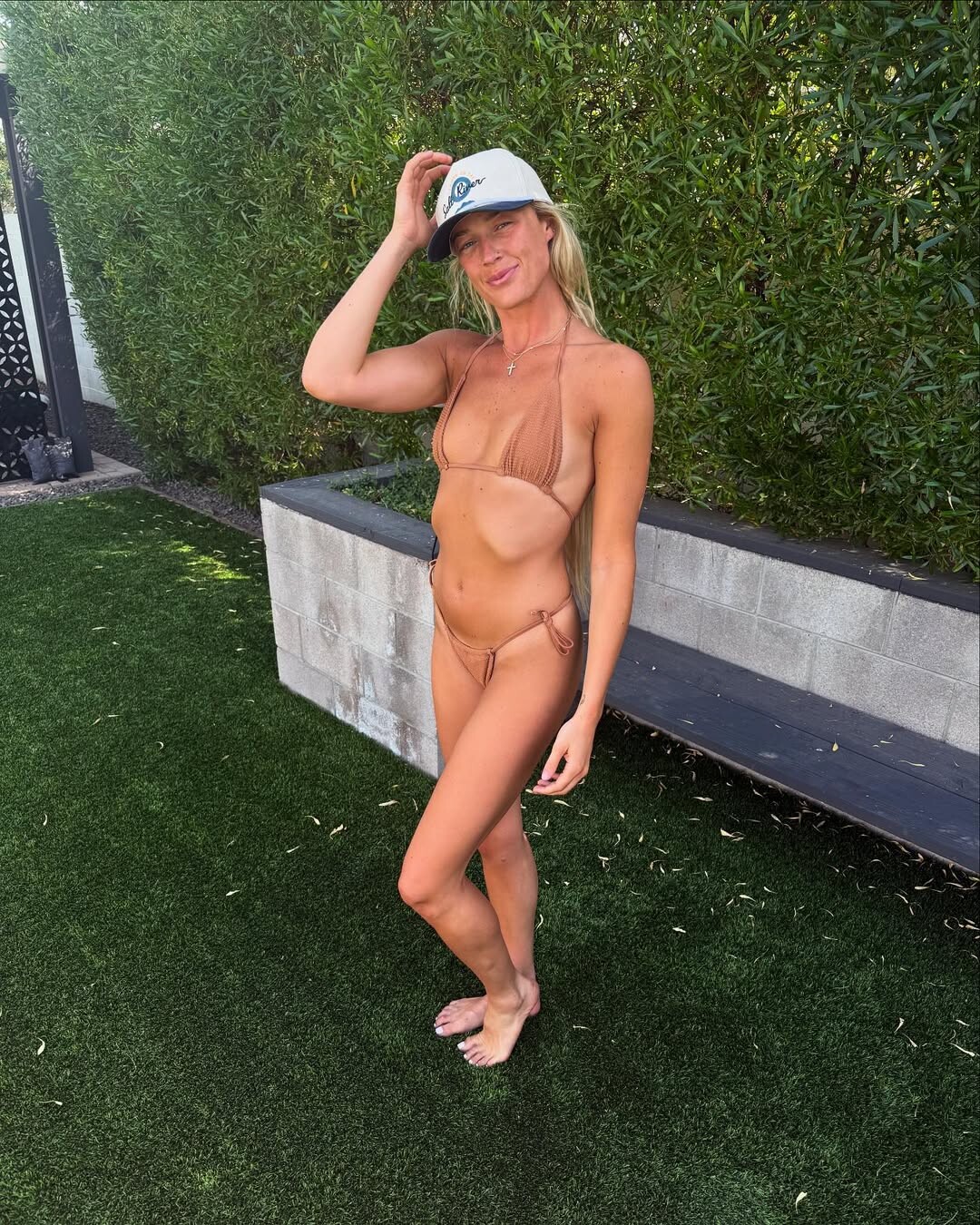
 Instagram - Phoenix, Arizona
.thumb.jpg.6da0b4f745cffd951096a13cb2eec3fb.jpg)
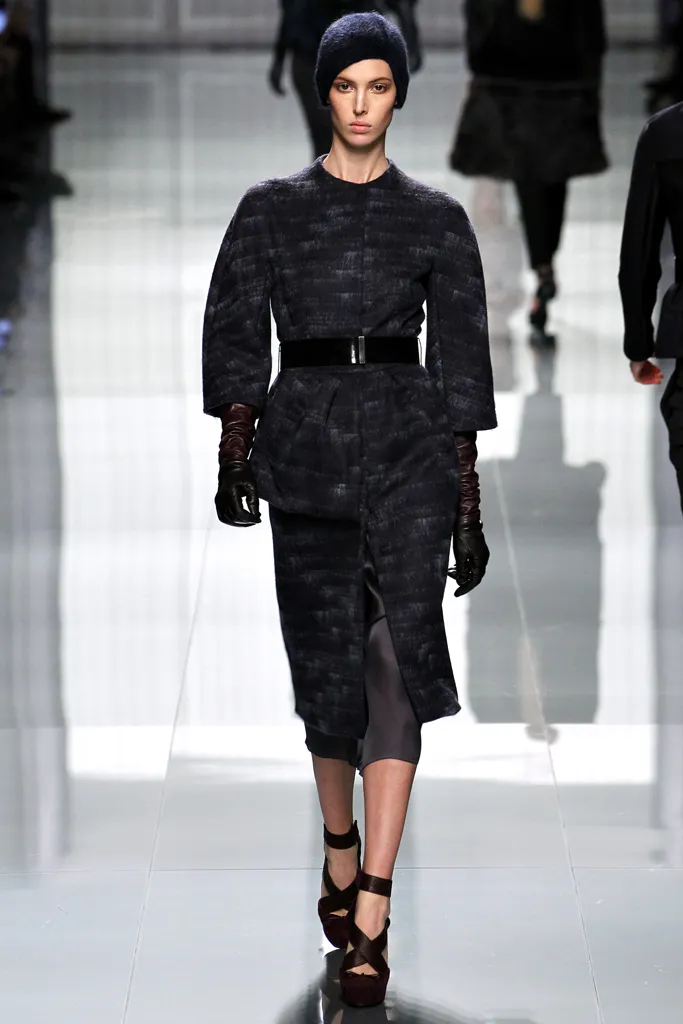
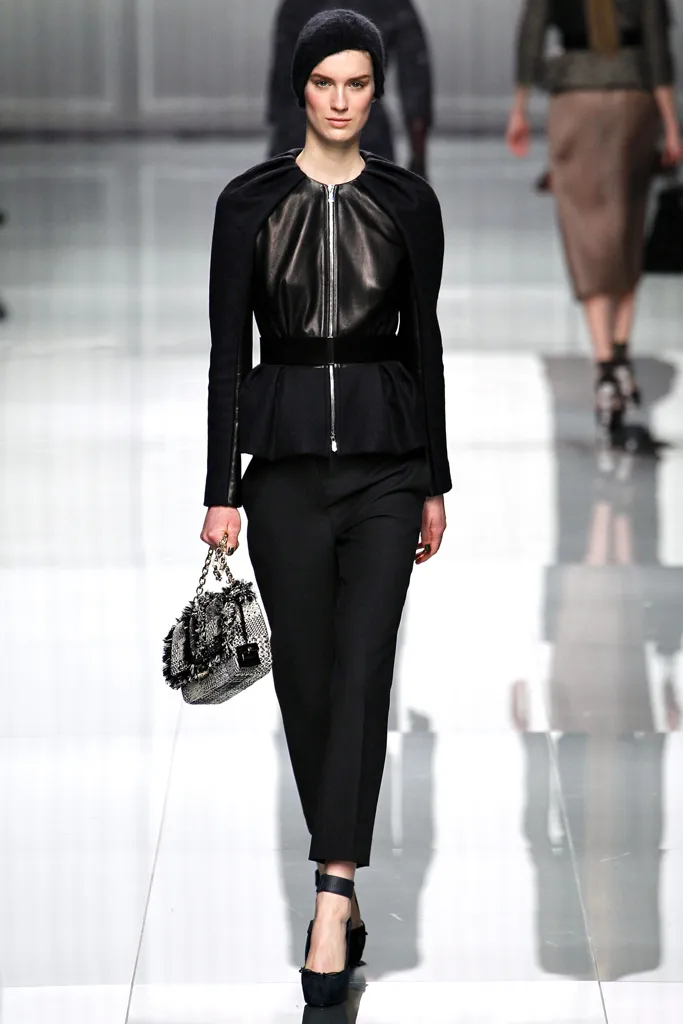
 dior fw2012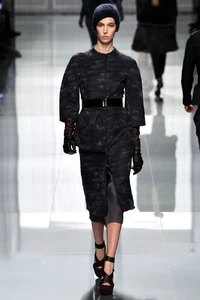
 Dakota Fink [Most Liked] Jasmine Tookes Taylor Hill Behati Prinsloo Sianie Aitken Bar Zoomer Omer Nudelman Priscilla Balanta [Least Liked]
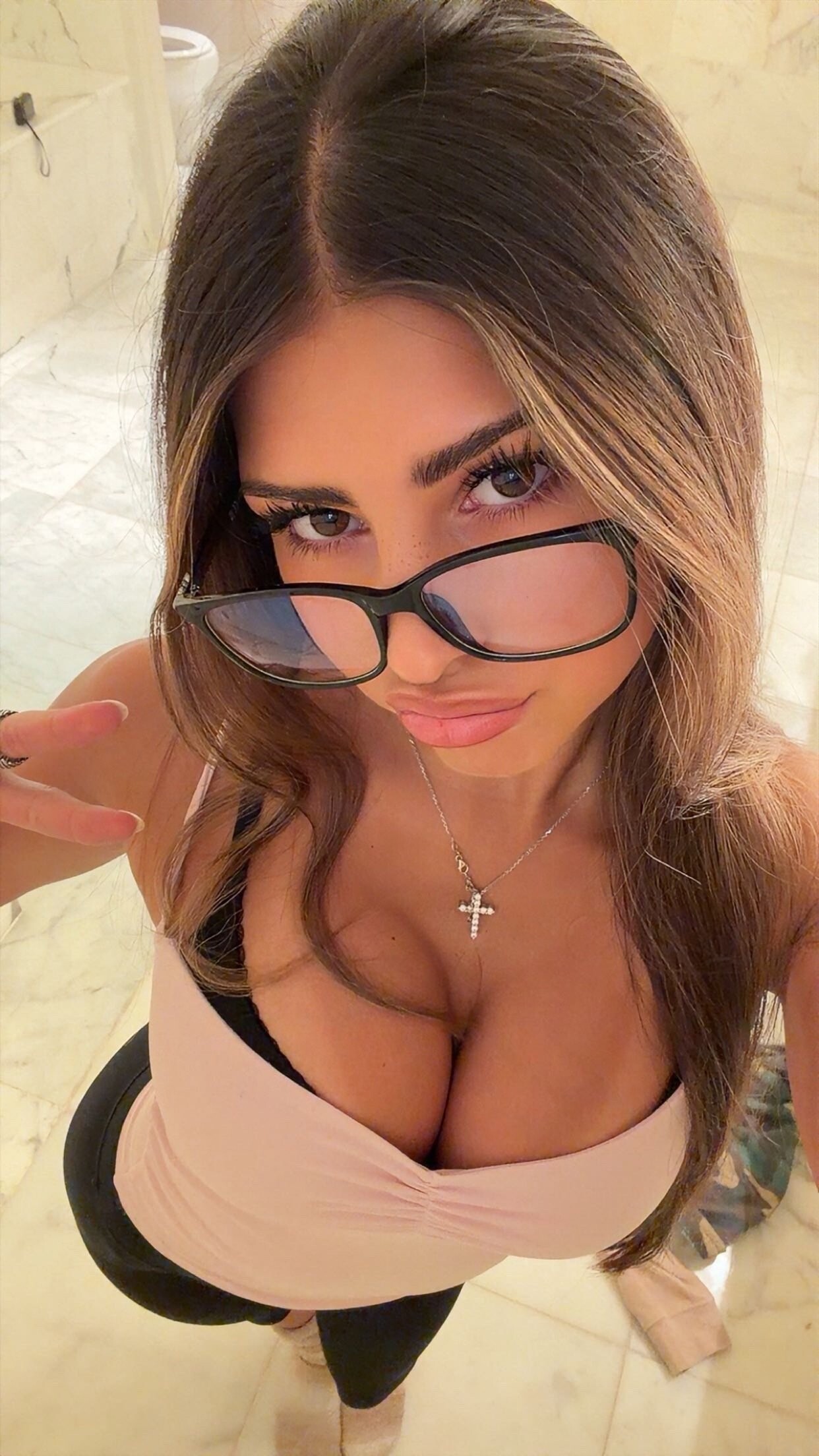
Cat Via Snapchat
Dakota Fink [Most Liked] Jasmine Tookes Taylor Hill Behati Prinsloo Sianie Aitken Bar Zoomer Omer Nudelman Priscilla Balanta [Least Liked]
Cat Via Snapchat



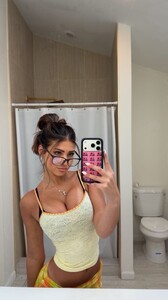


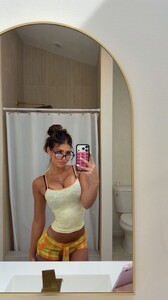

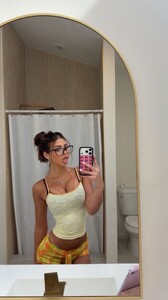
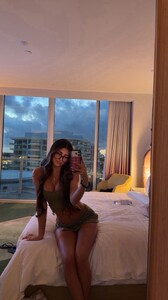


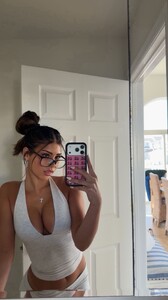

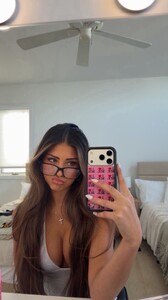

















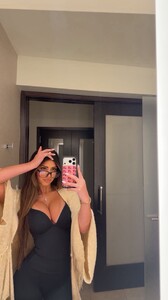
 Rachel Via Snapchat Videos












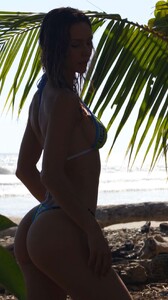 dior fw2012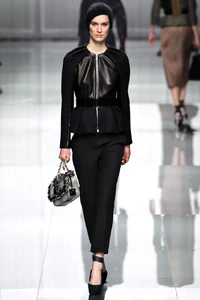
- Today
 I'm having major surgery at the VA Hospital on Thursday. Finally getting some of my long-term combat related injuries addressed. Hopefully all goes well but if you don't hear from me for awhile or at all......I hope you all are doing well and that this thread grows long enough to see Maggie modeling pregnant and as a beautiful mother. Hope you have an amazing weekend and week.
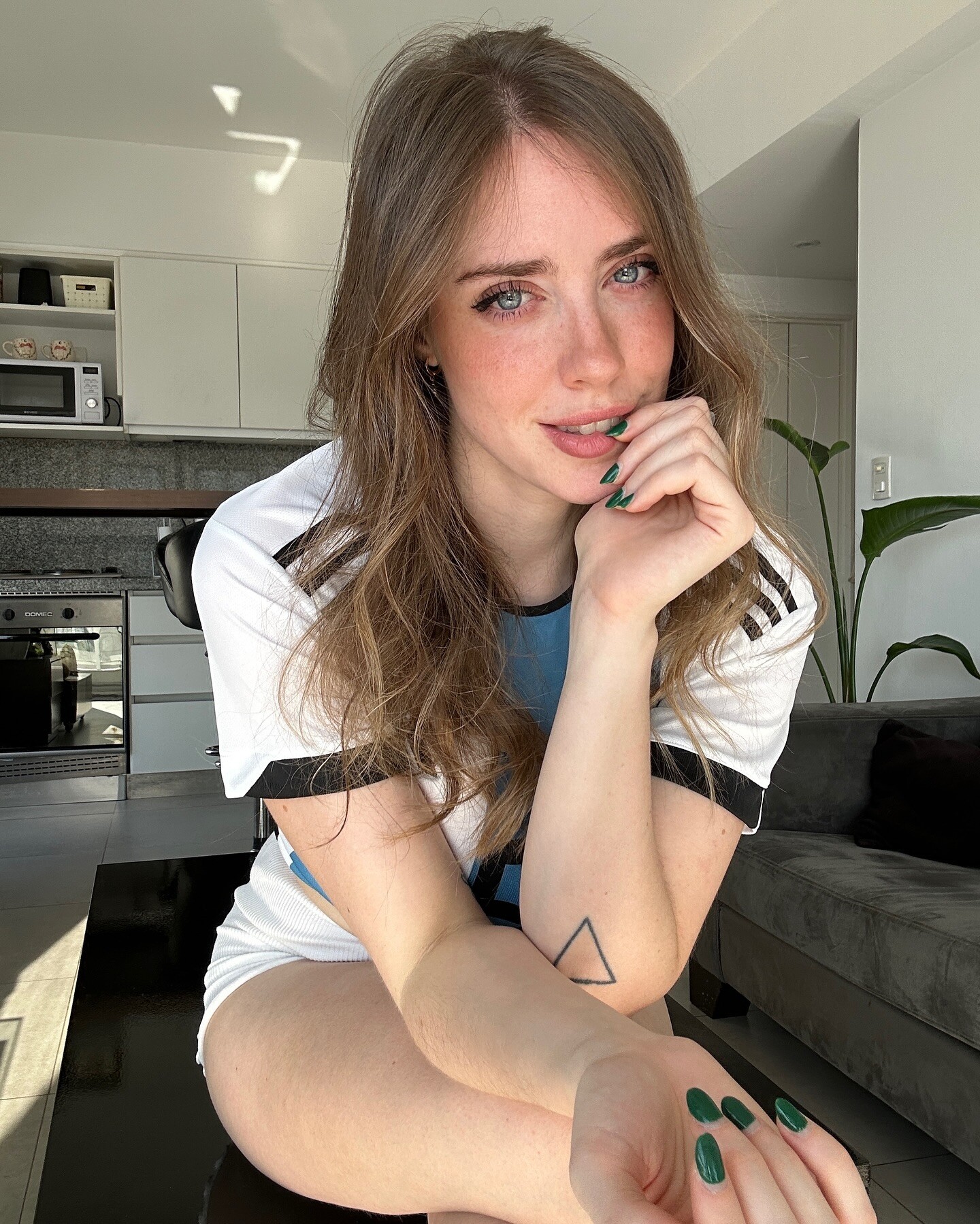
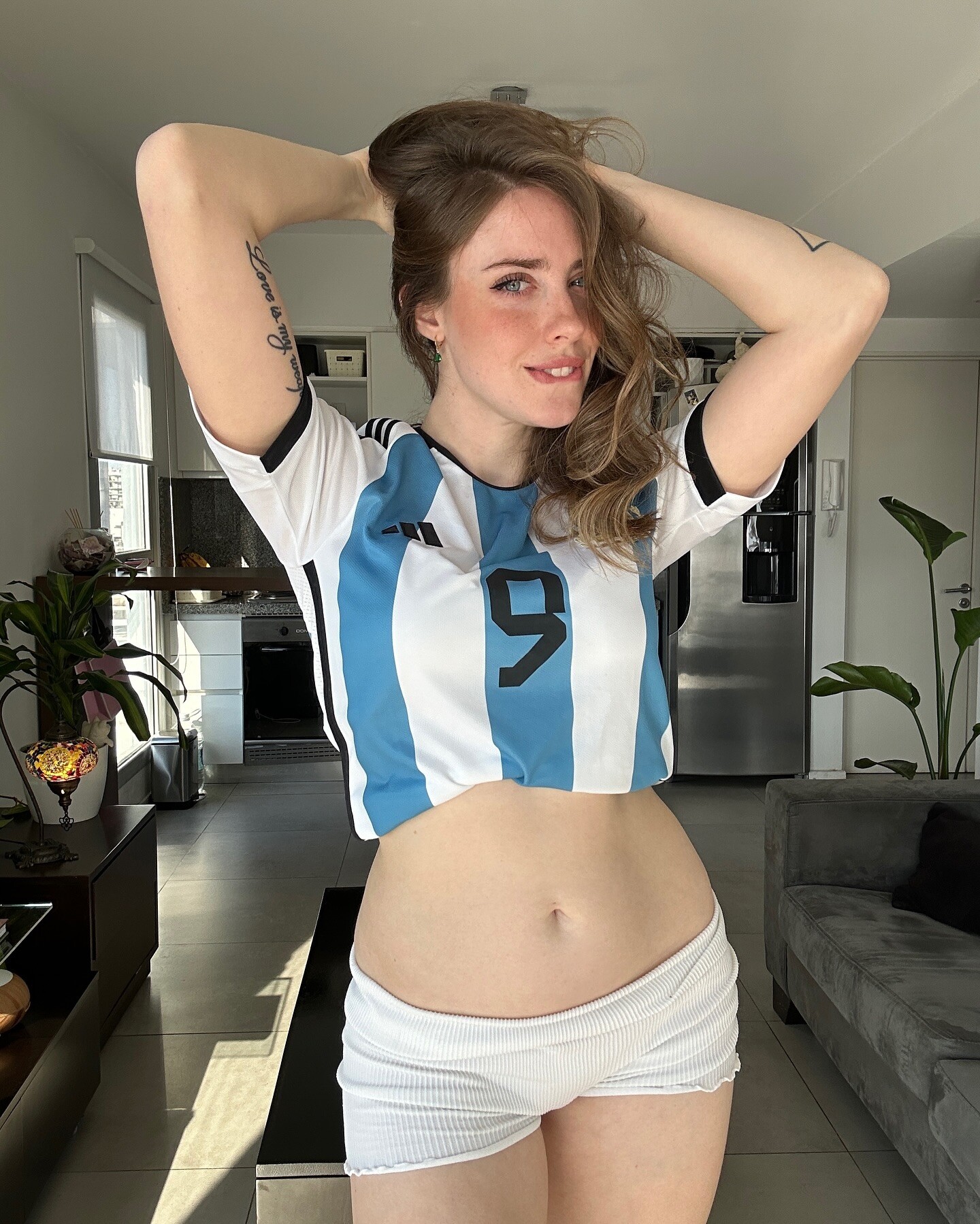
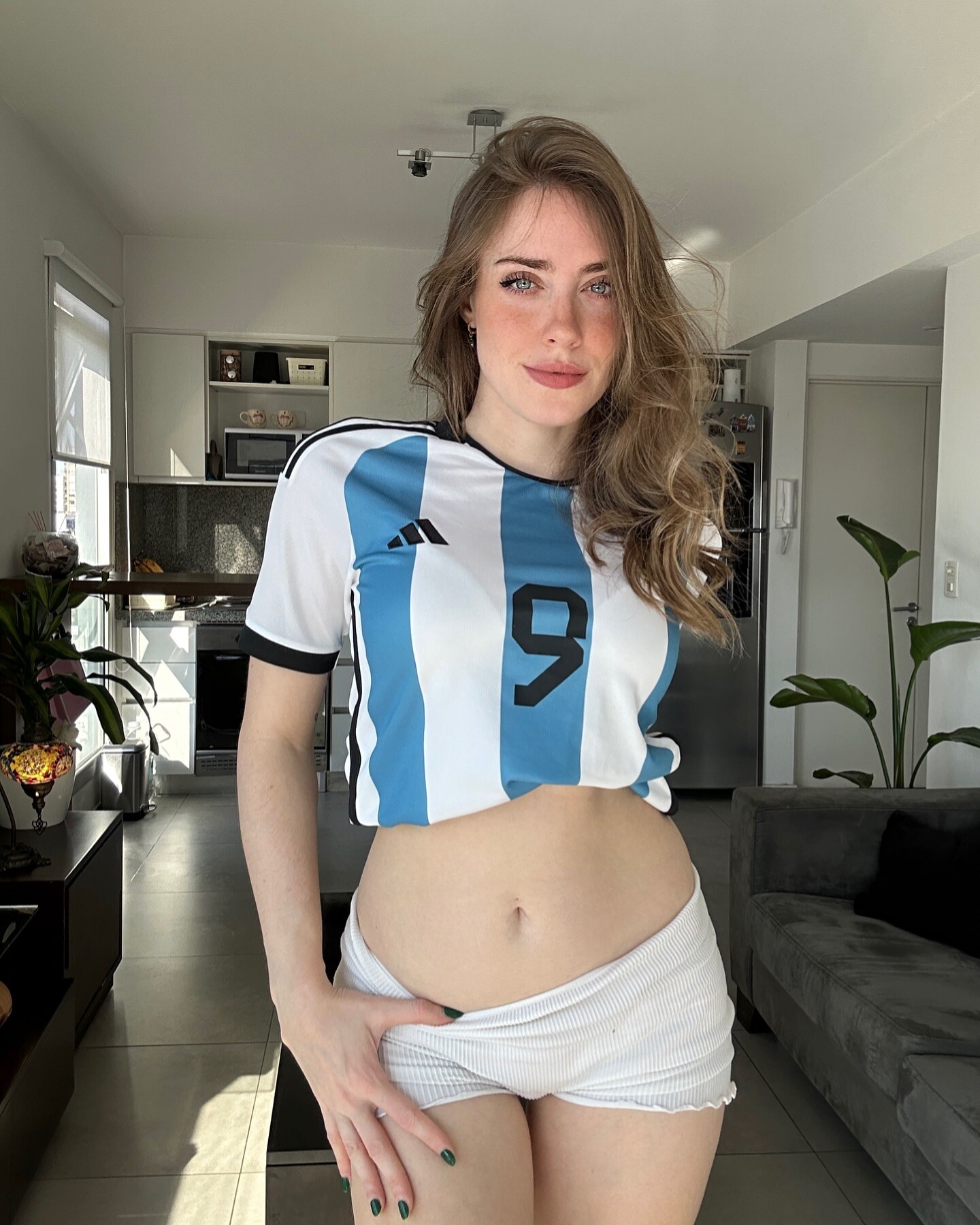
 Magui Ansuz


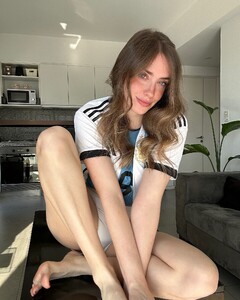
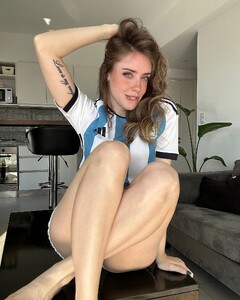
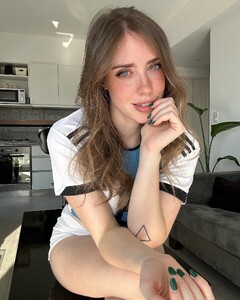


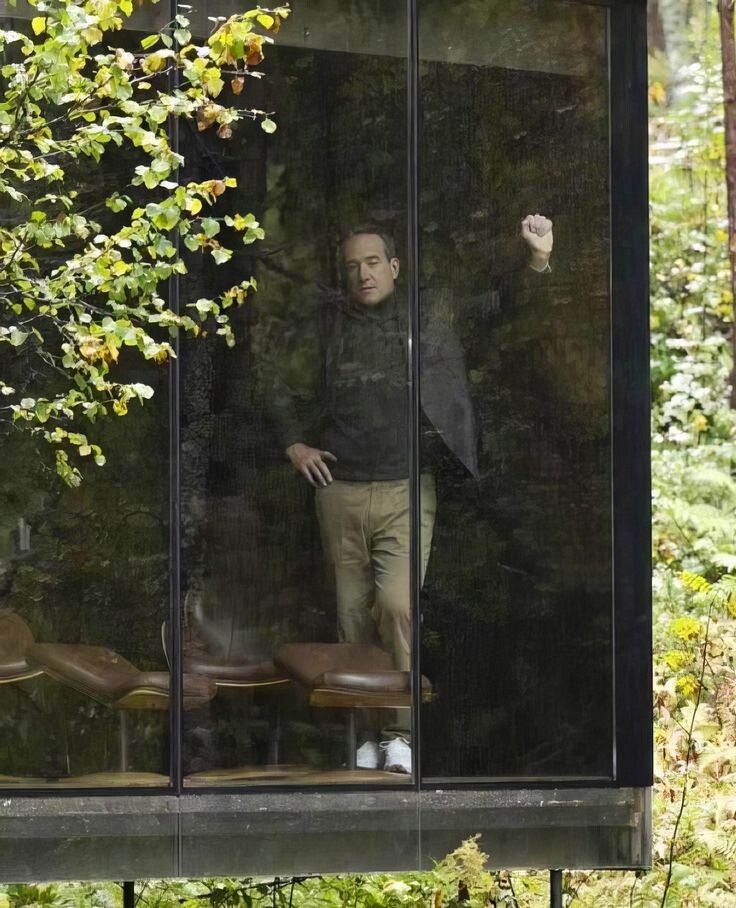
 Matthew Macfadyen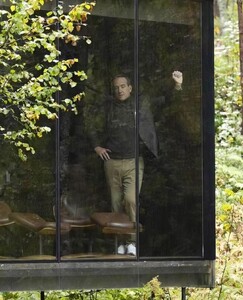

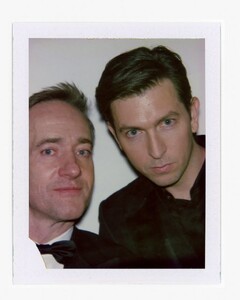
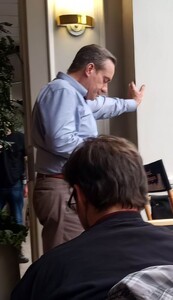
 Matthew Macfadyen
.thumb.jpg.027abf2df2703edb60221bbbb9d86e70.jpg)
.thumb.jpg.efc0f34f867b9ee19e706abdc6f84617.jpg) Matthew Macfadyen
Matthew Macfadyen.thumb.jpg.9cb28bdc5461ac61e3cfa37b2463a0d9.jpg)
.thumb.jpg.aa8a3ea3bad01c5963657a882f3af5e8.jpg)
.thumb.jpg.9ae9af247e3288175815ad802bd5d77d.jpg)
.thumb.jpg.e631226739a7408156271f3164deba09.jpg)
.thumb.jpg.0281ea24b1513fe6e457f82be1f989a1.jpg)
.thumb.jpg.37c839259f9dcf6061263a60a65a01c6.jpg)
 I would have guess early 90's
Matthew Macfadyen
I would have guess early 90's
Matthew Macfadyen.thumb.jpg.567b208ae089e00f50d15d1b75058fcc.jpg)
.thumb.jpg.7653643772a59af0ad8e9b7edce5fe17.jpg)
.thumb.jpg.d07dd60a51edf81cc40e06f9feb653f2.jpg)
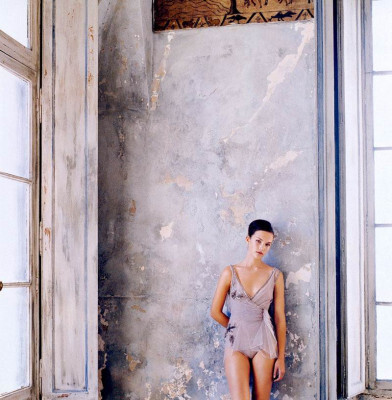
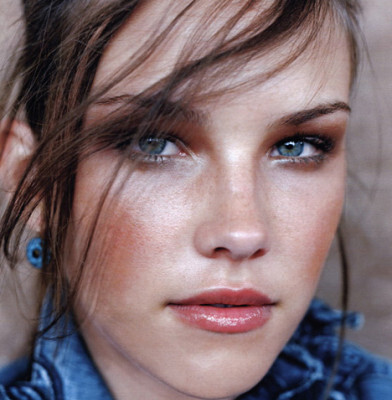
.jpg.886176895aff7c5168681fef350667e3.jpg)
.jpg.8d441b1172e9ab7528b1bf2d318f8cd7.jpg)

.jpg.ba1c18ee5cb1515e1b199dda905d4706.jpg)






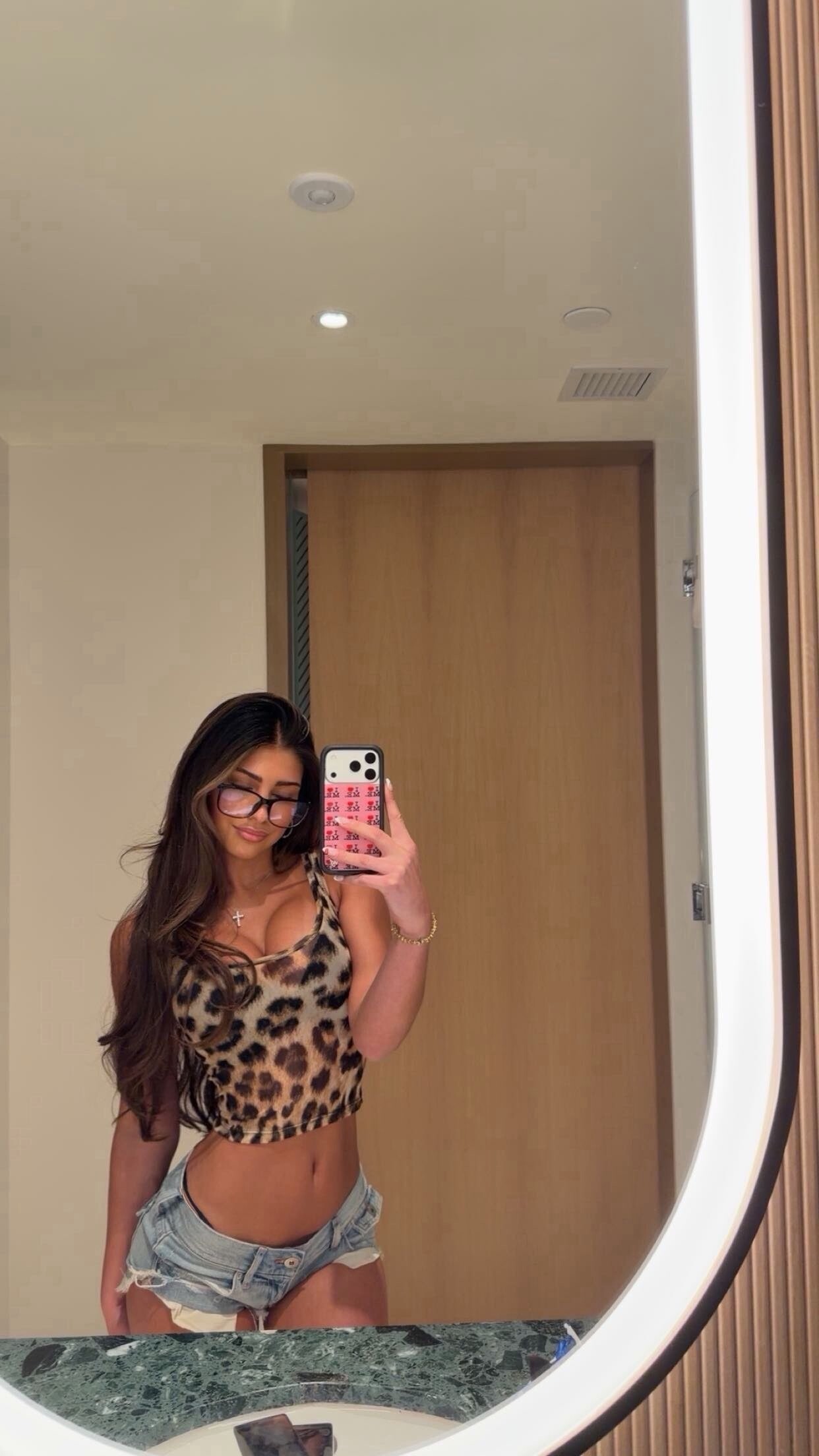



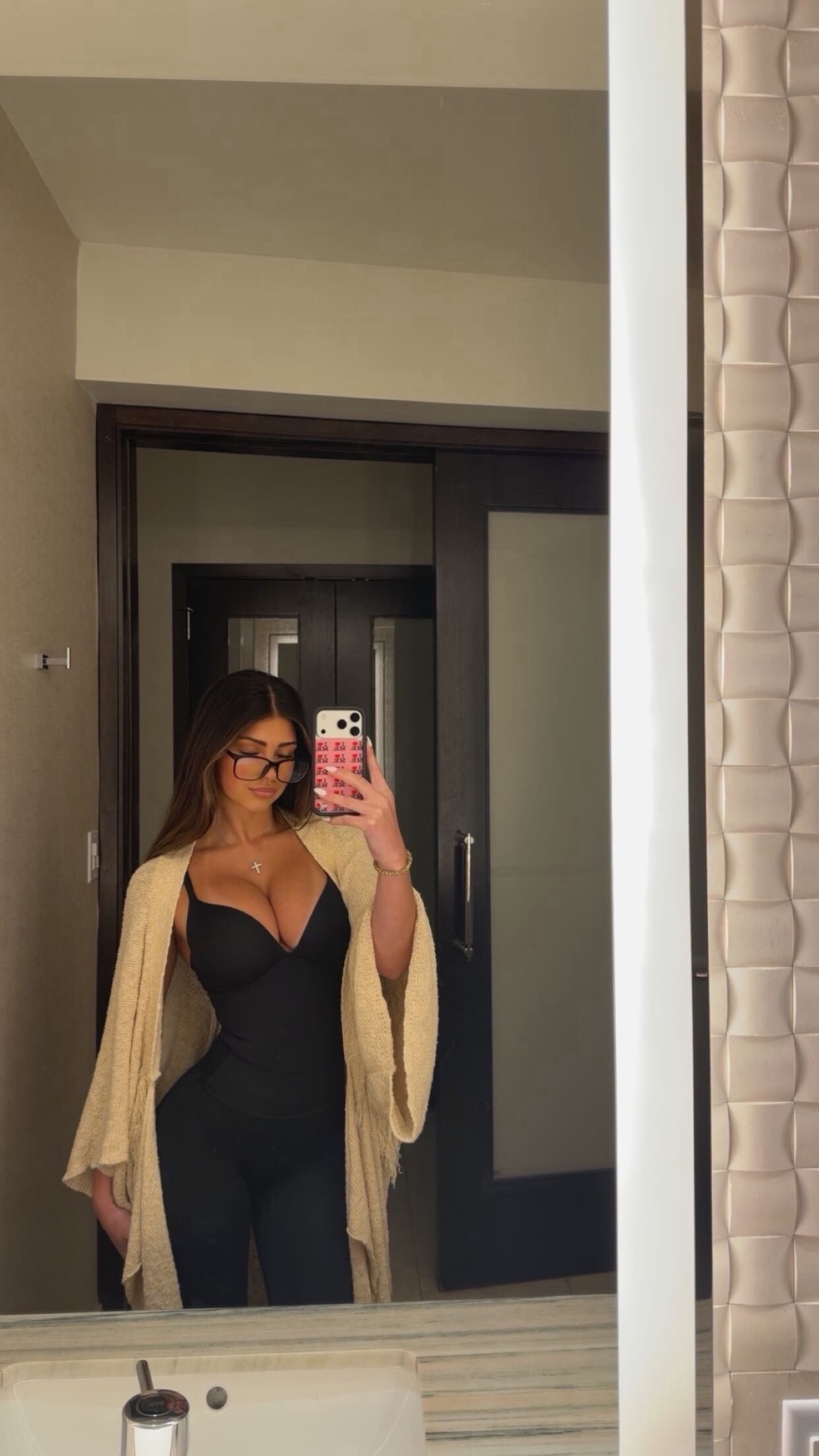



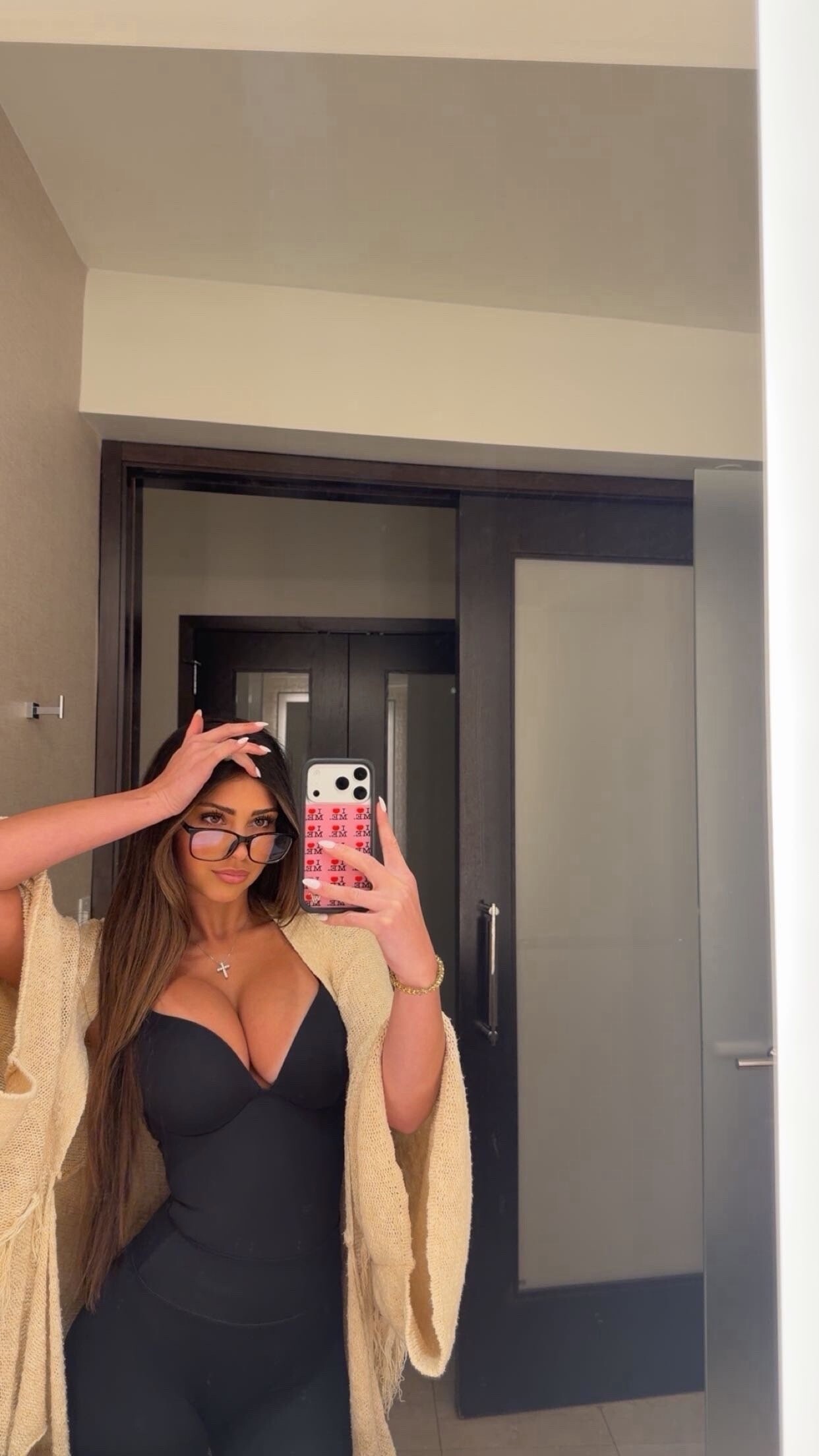
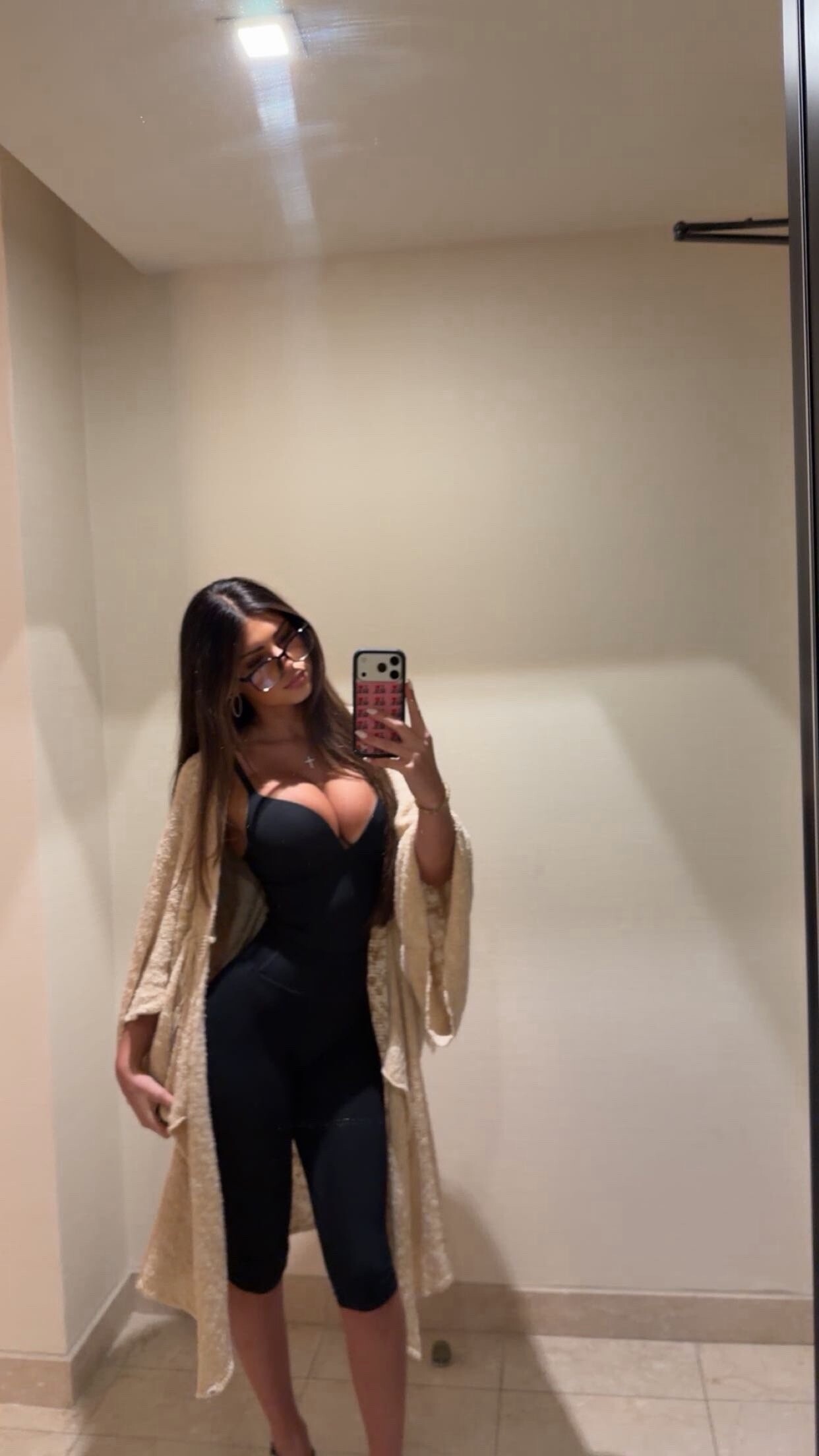
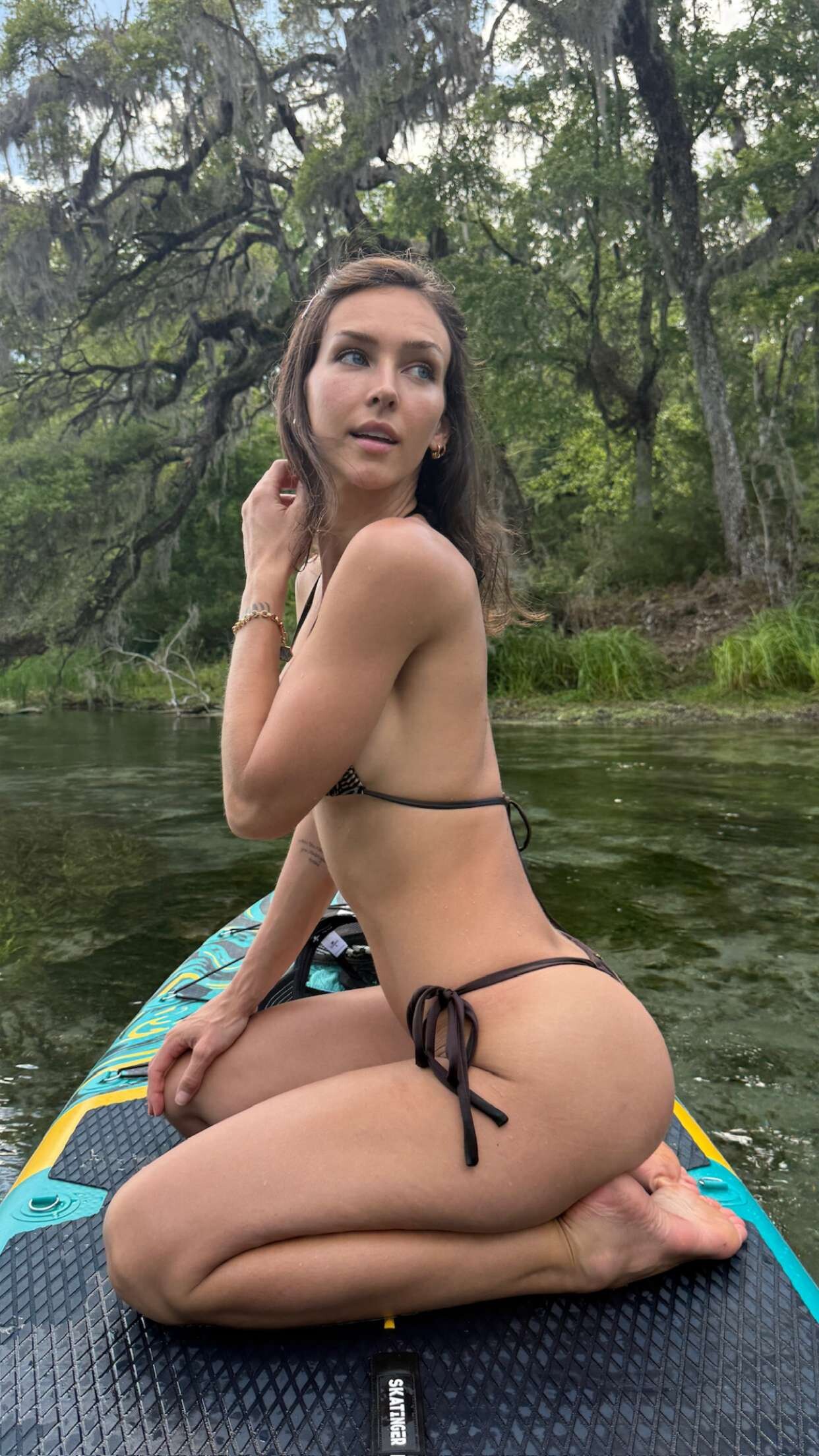
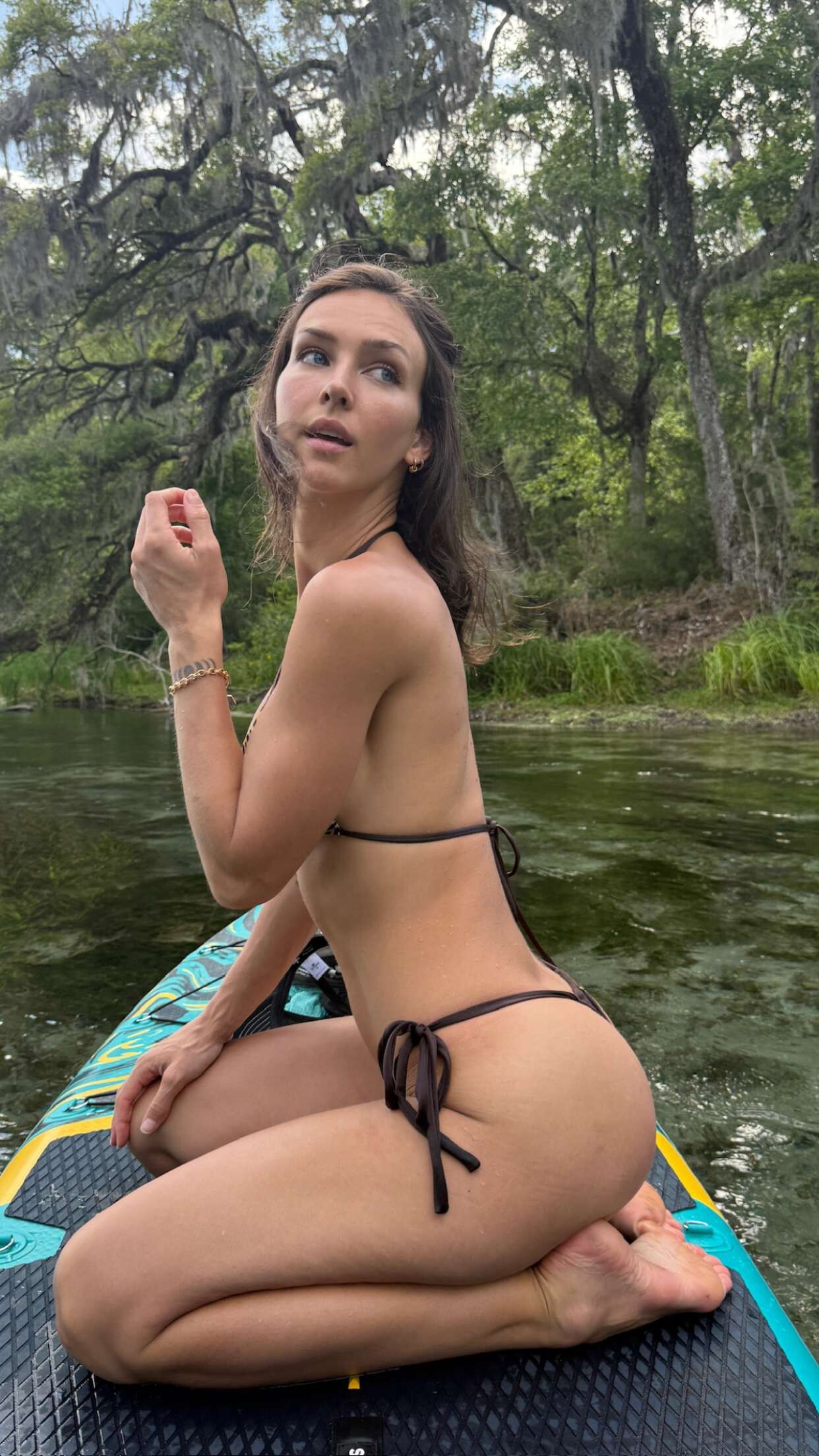
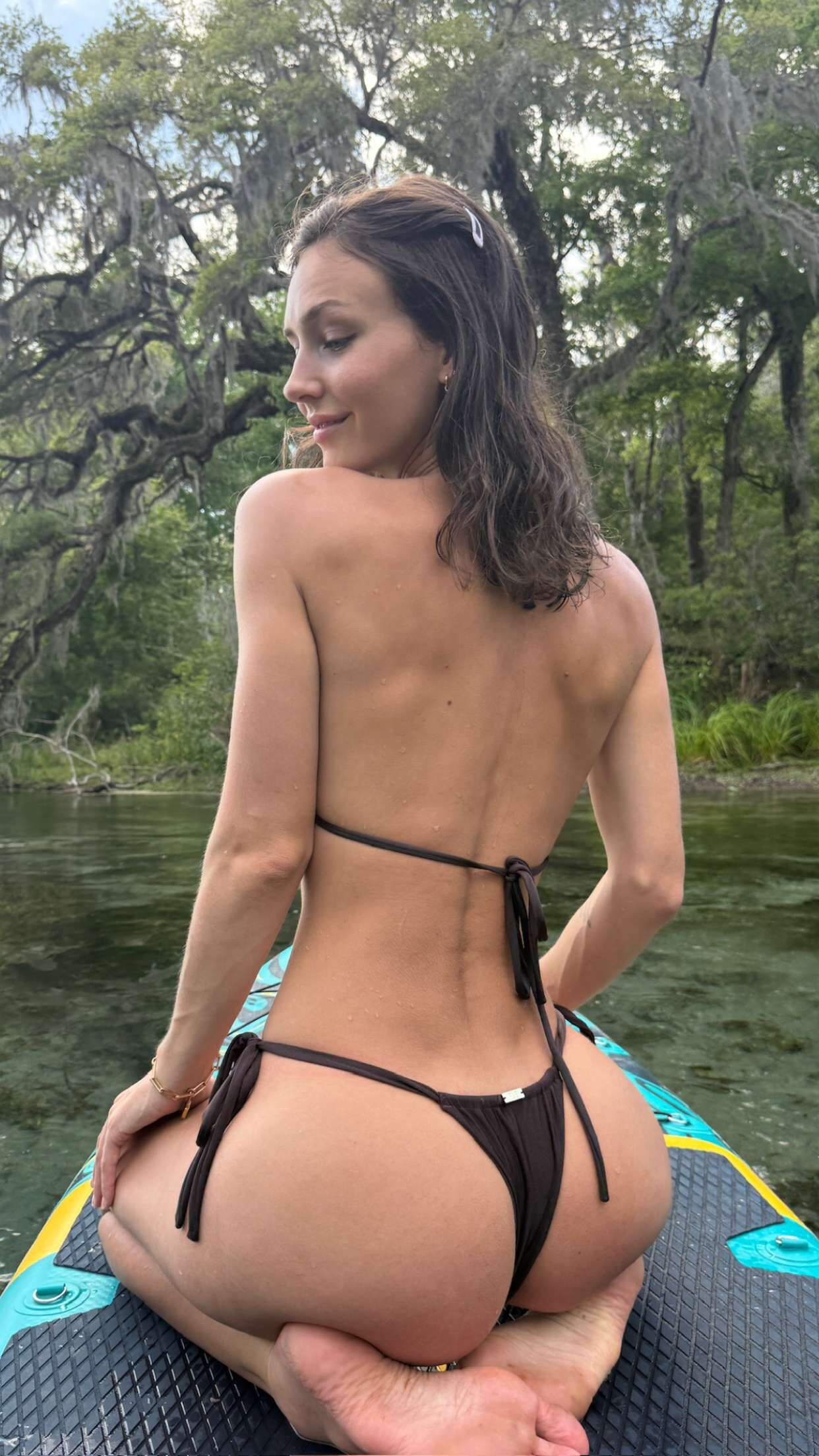
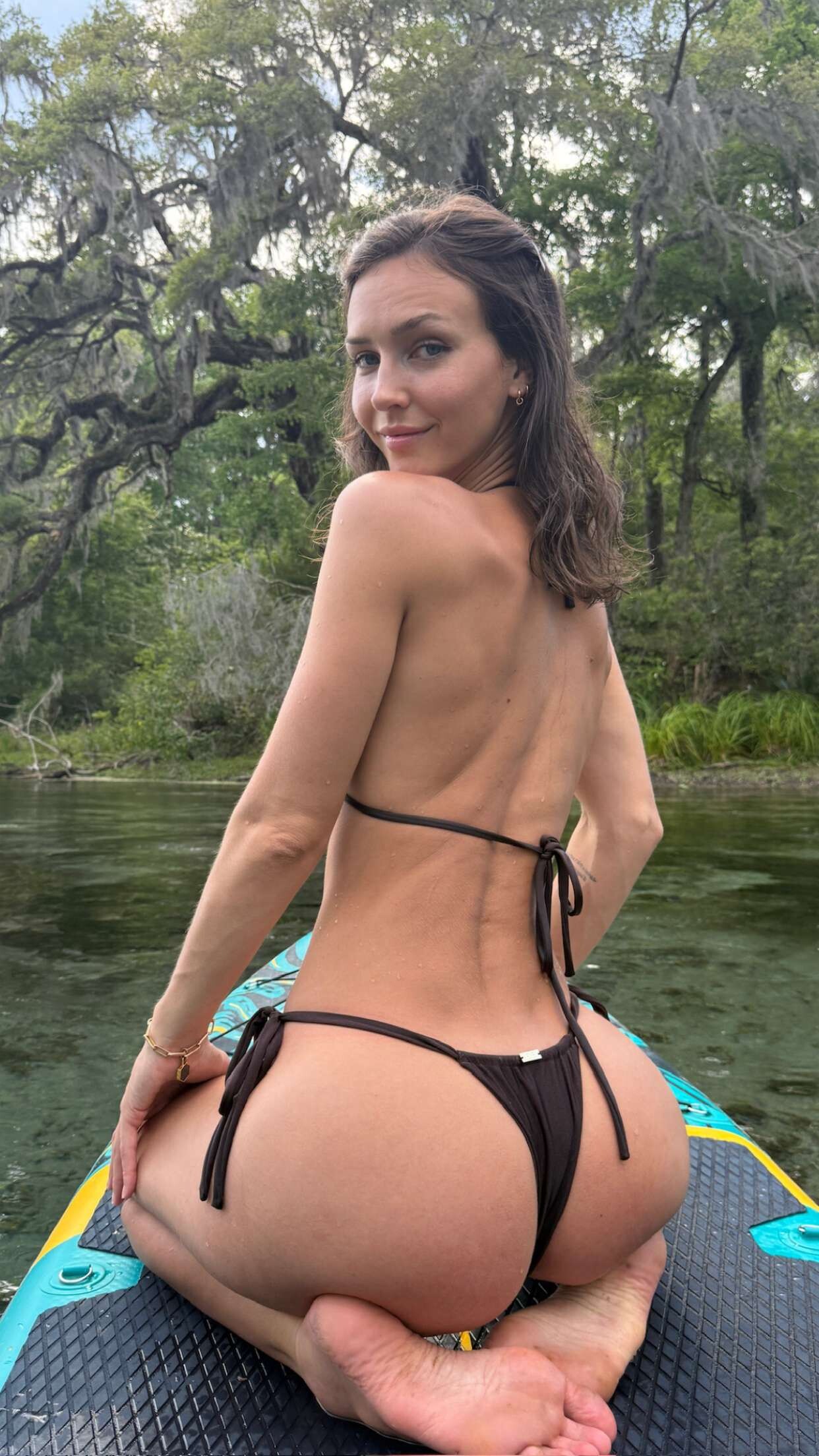


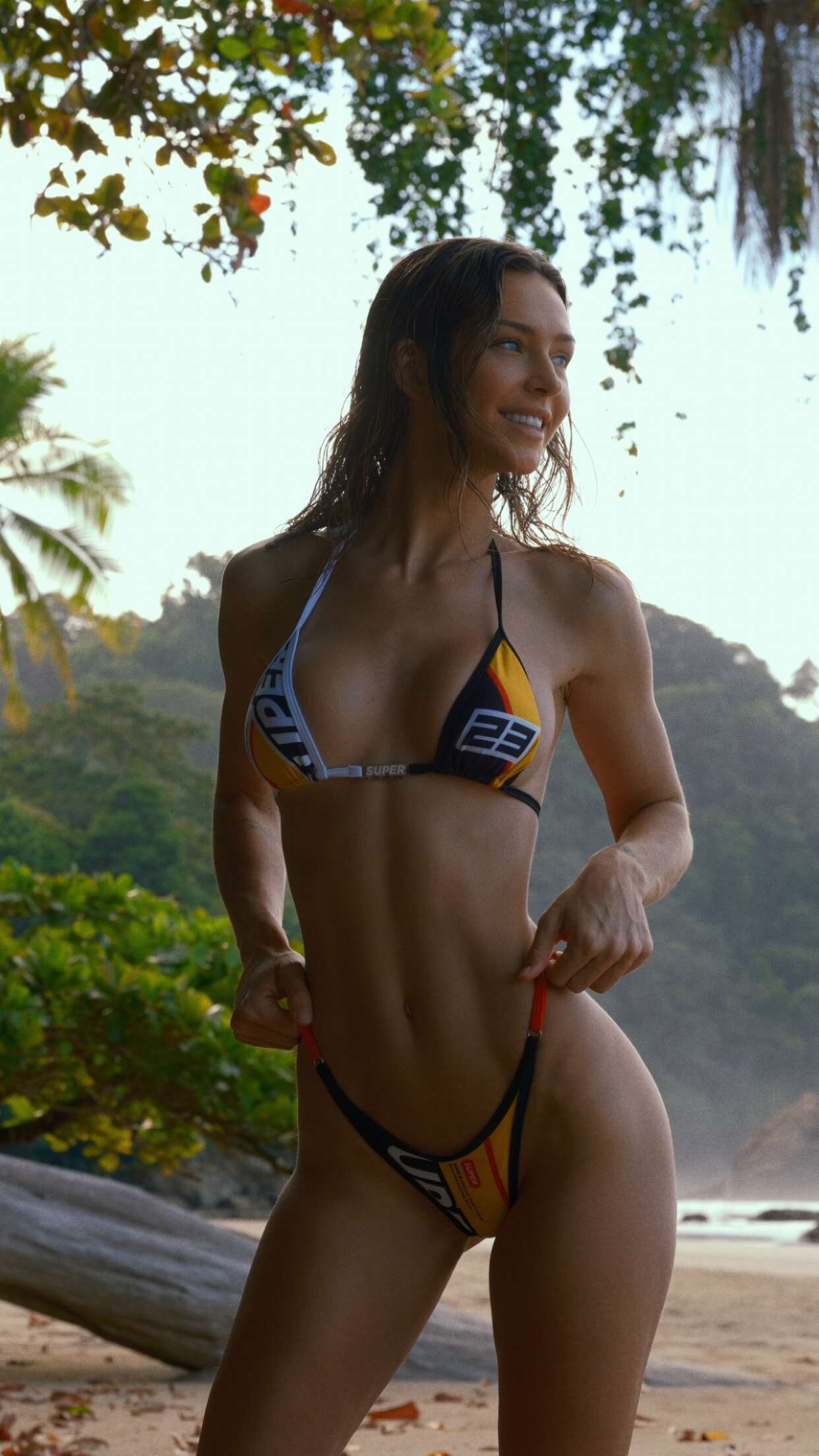


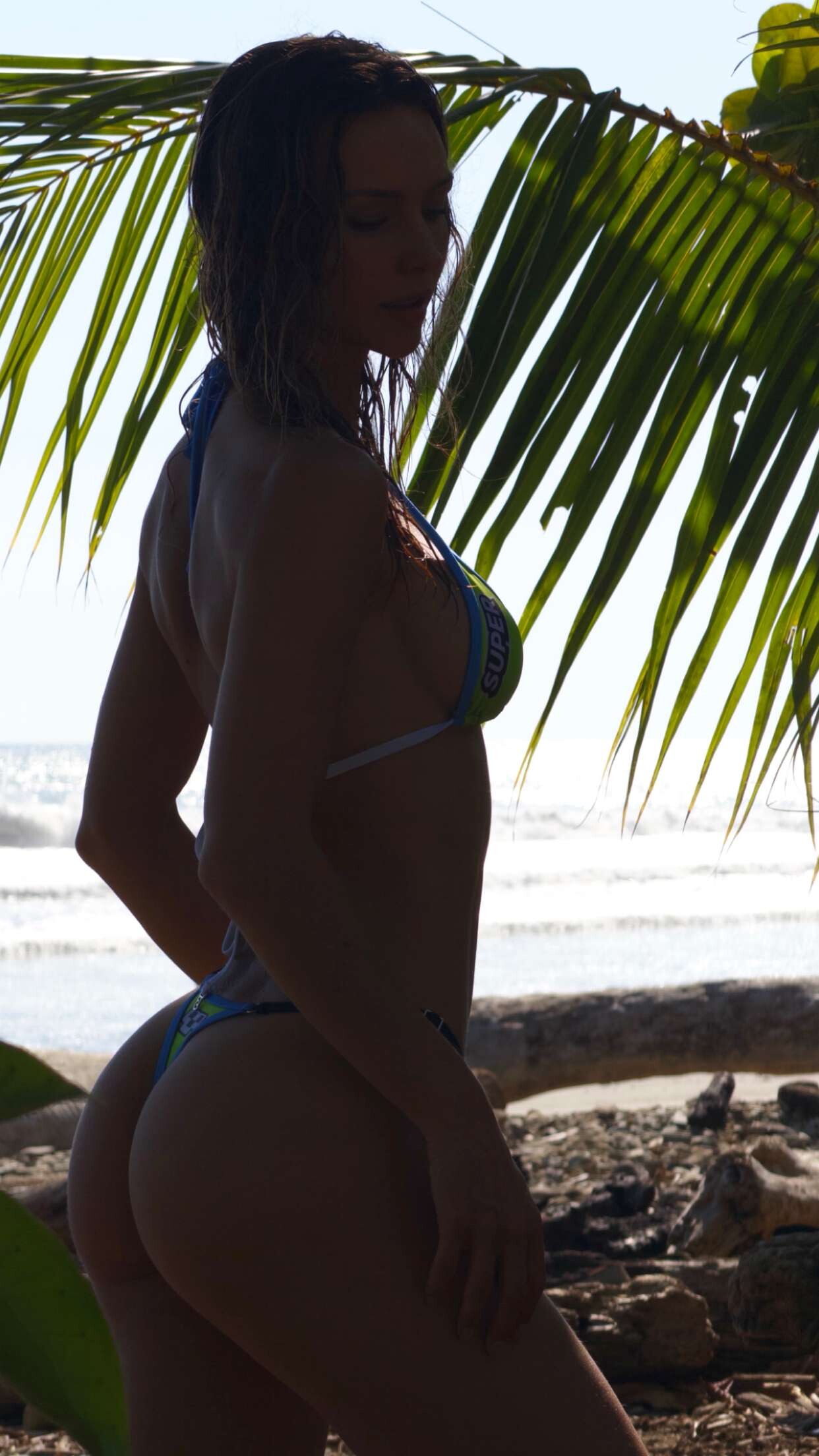
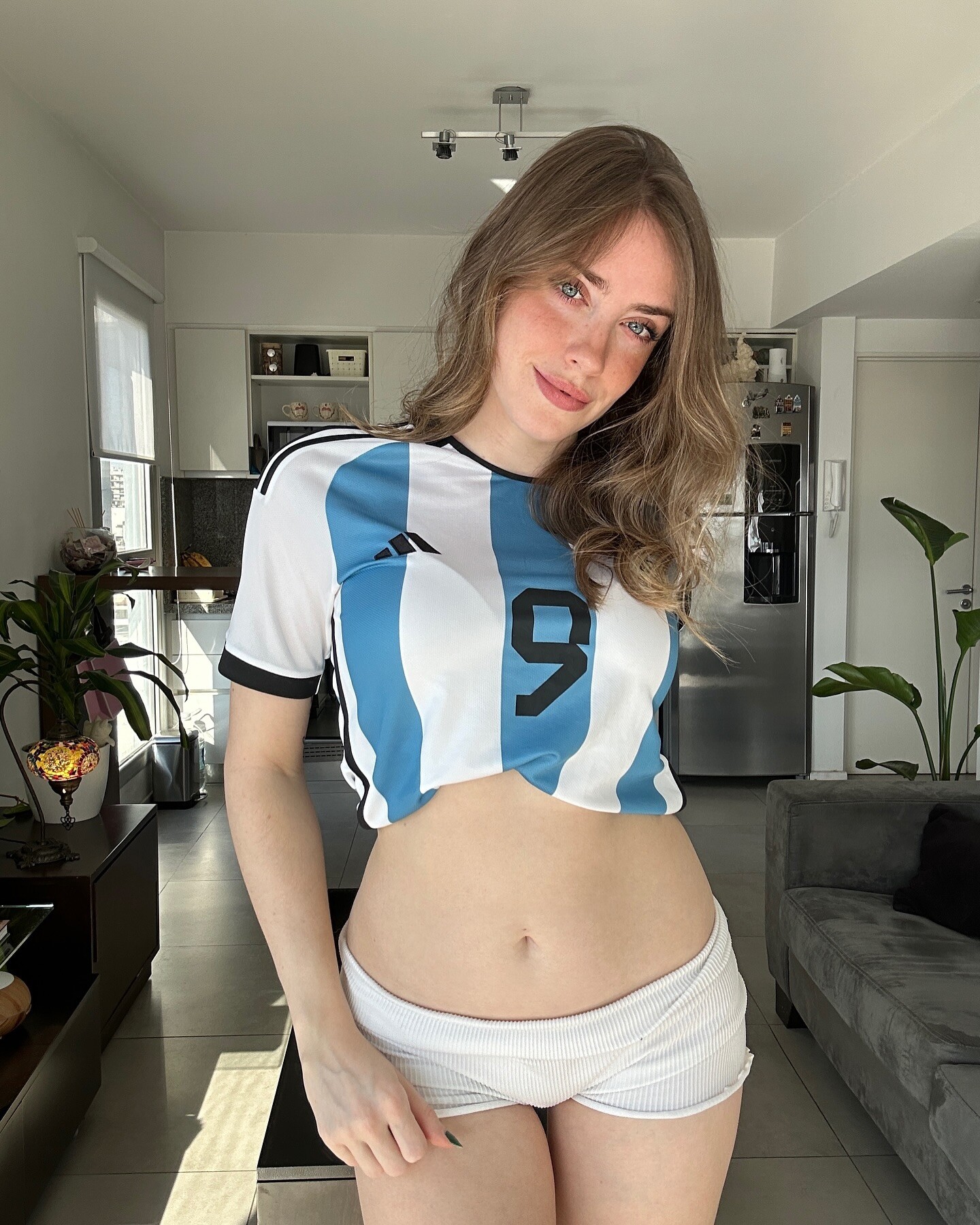
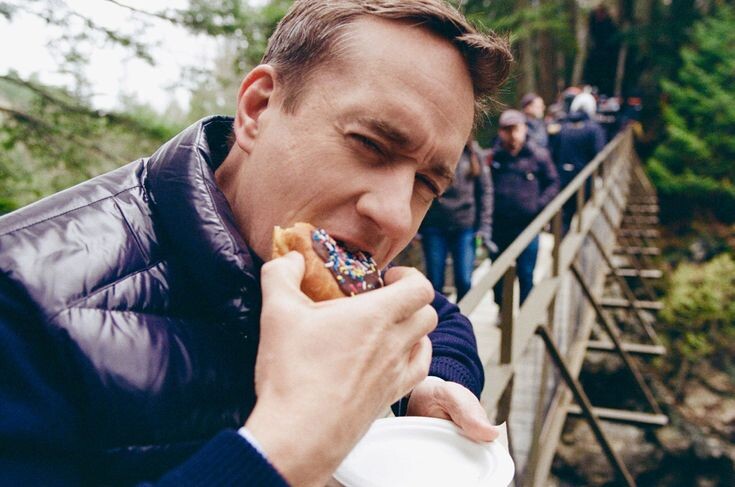
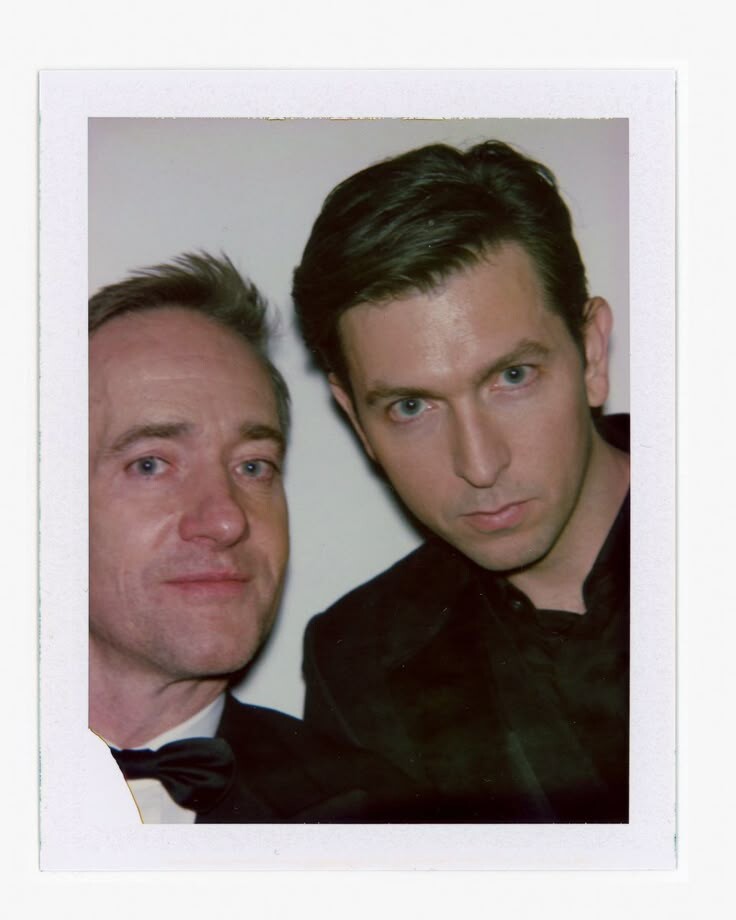
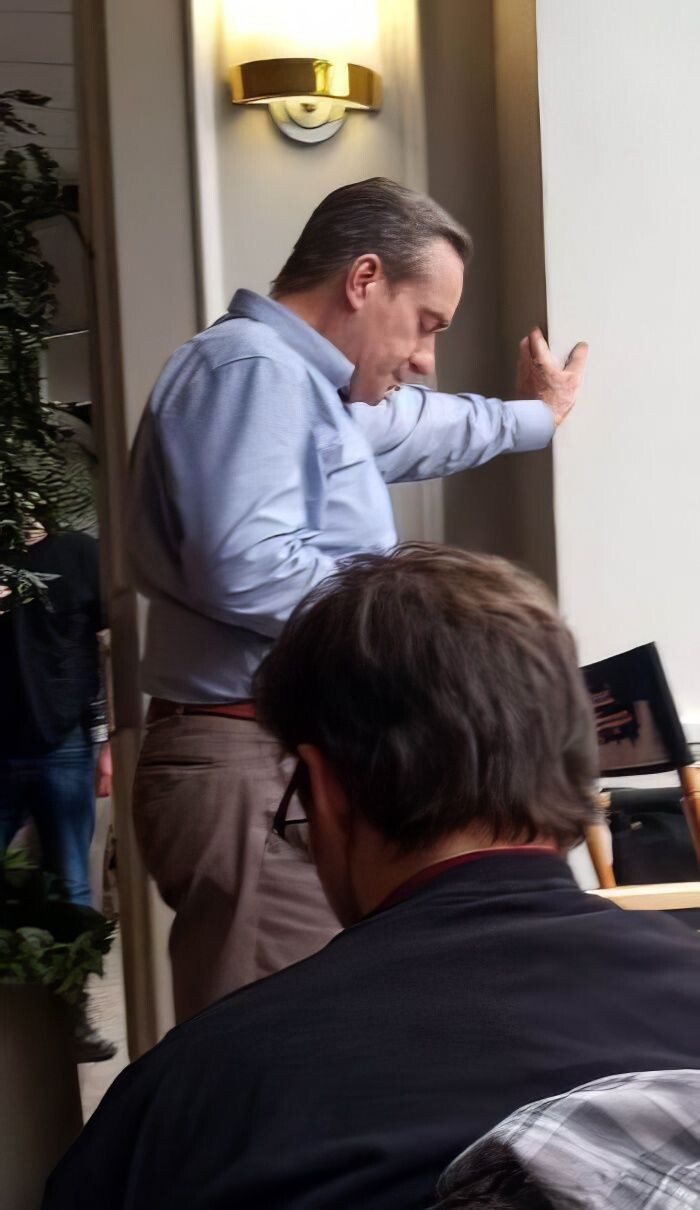
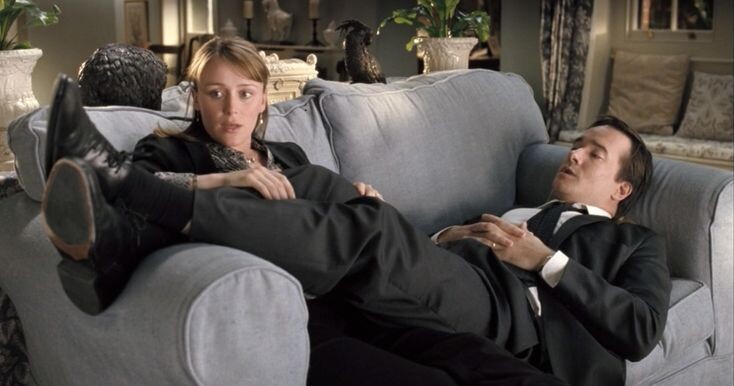

.jpg.3fd8e1ca135ac07f1e6127b5aeaaf0f9.jpg)
.jpg.3ed460ab0a54897a259ccb46add4d478.jpg)
.jpg.52eeb627f3683ed8b4705300d6077796.jpg)
.jpg.d8d41c1ab80689a9e89fb9cfd7c3ac62.jpg)
.jpg.53029641cc5f391f12f0b3ab0500d4c5.jpg)
.jpg.8012ad99010bd261b44550086993ce33.jpg)
.jpg.db7d3cc5004dbc2c24c22431e0273d07.jpg)
.jpg.c9f81184d40ca87c3a9dc713765a11e8.jpg)
.jpg.cbb914fcefc8d68e293670f0e70210c5.jpg)
.jpg.6ab1cd7425786b1800cd08457445a16a.jpg)
.jpg.132fe0c760c1c917c9d84ce89af87715.jpg)
Account
Navigation
Search
Configure browser push notifications
Chrome (Android)
- Tap the lock icon next to the address bar.
- Tap Permissions → Notifications.
- Adjust your preference.
Chrome (Desktop)
- Click the padlock icon in the address bar.
- Select Site settings.
- Find Notifications and adjust your preference.
Safari (iOS 16.4+)
- Ensure the site is installed via Add to Home Screen.
- Open Settings App → Notifications.
- Find your app name and adjust your preference.
Safari (macOS)
- Go to Safari → Preferences.
- Click the Websites tab.
- Select Notifications in the sidebar.
- Find this website and adjust your preference.
Edge (Android)
- Tap the lock icon next to the address bar.
- Tap Permissions.
- Find Notifications and adjust your preference.
Edge (Desktop)
- Click the padlock icon in the address bar.
- Click Permissions for this site.
- Find Notifications and adjust your preference.
Firefox (Android)
- Go to Settings → Site permissions.
- Tap Notifications.
- Find this site in the list and adjust your preference.
Firefox (Desktop)
- Open Firefox Settings.
- Search for Notifications.
- Find this site in the list and adjust your preference.