All Activity
- Past hour
-
 gdfgfdgxb joined the community
 -

-

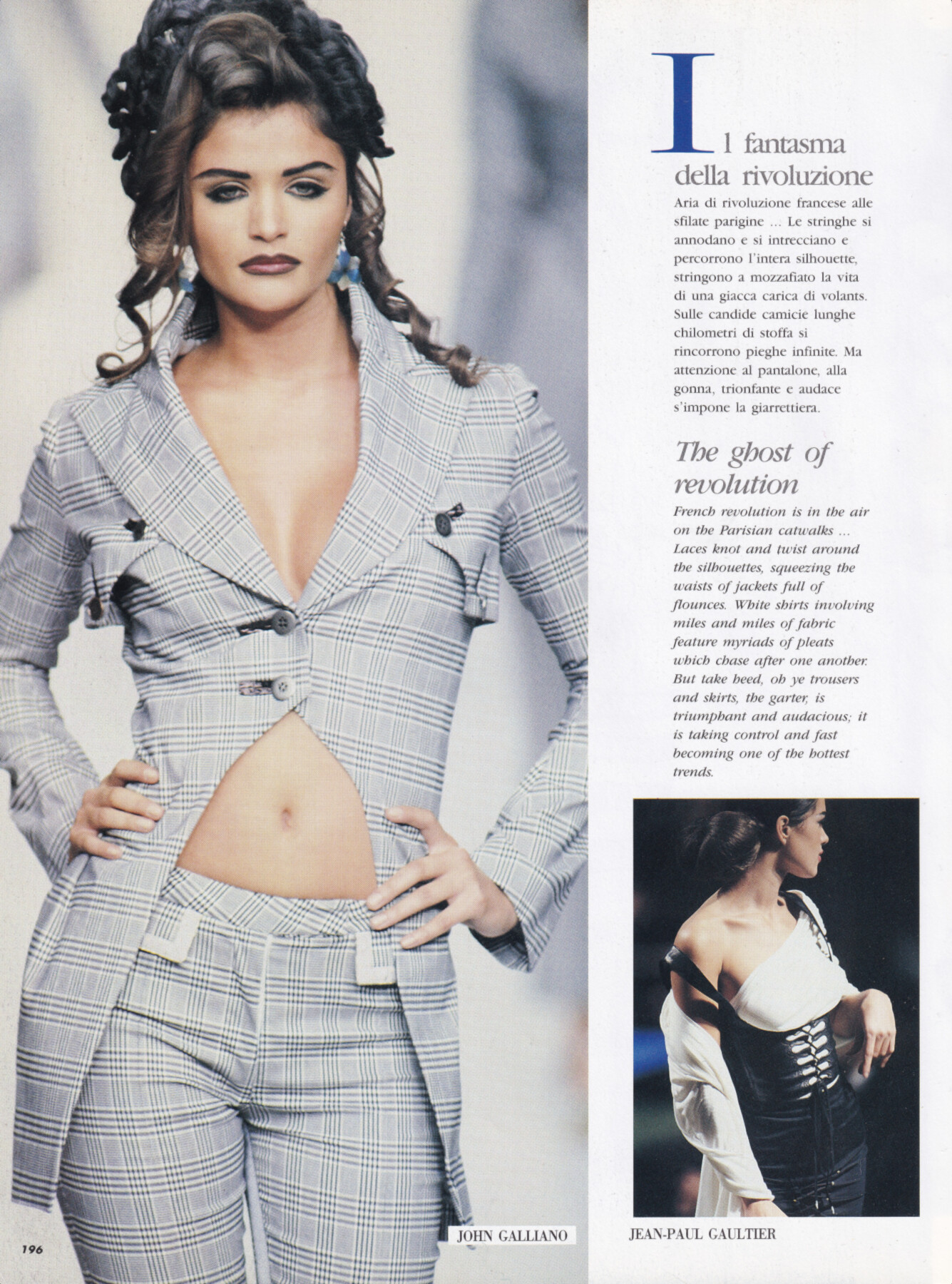
 Helena Christensen for John Galliano, ready-to-wear, spring/summer 1992 my scan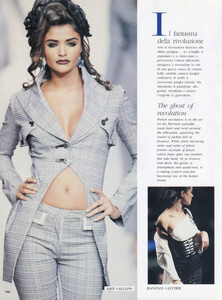
 Dryer Vent Cleaning joined the community
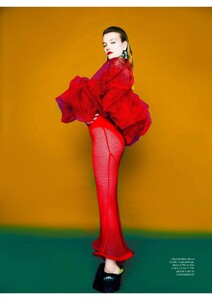
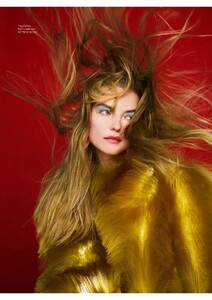
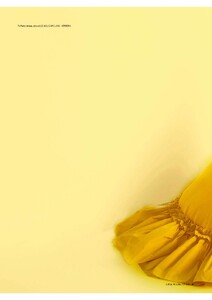
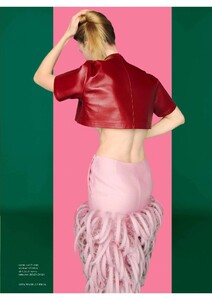
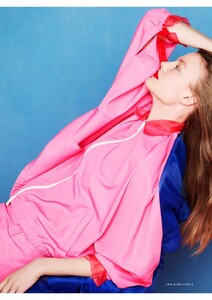
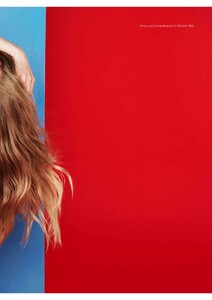
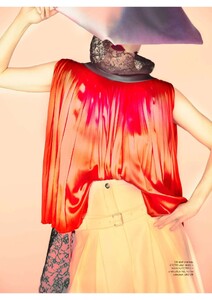
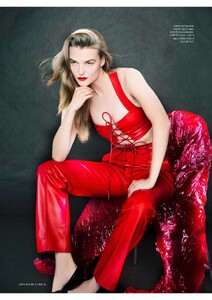
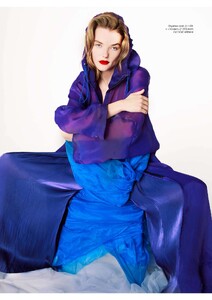
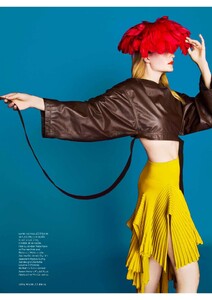
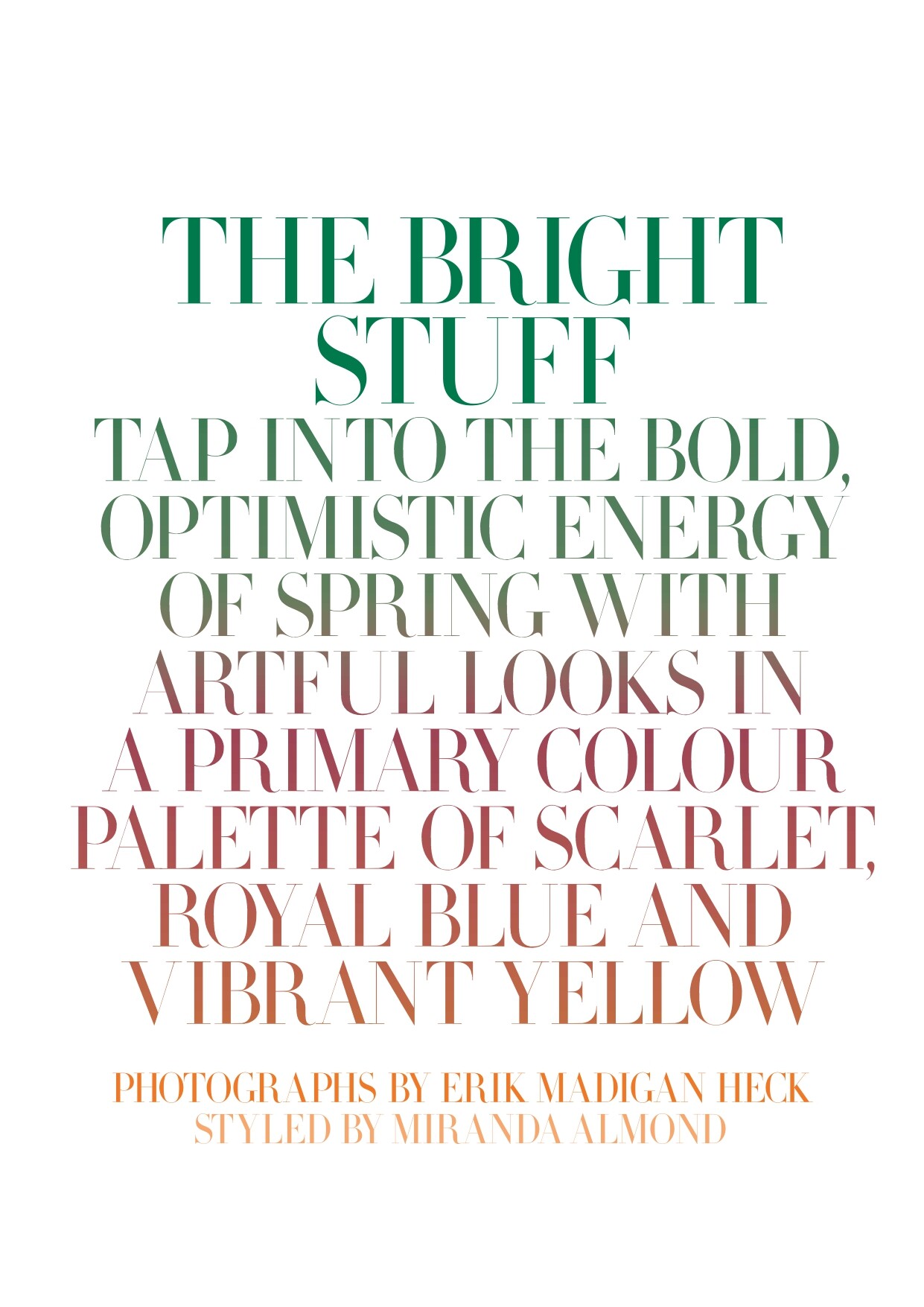
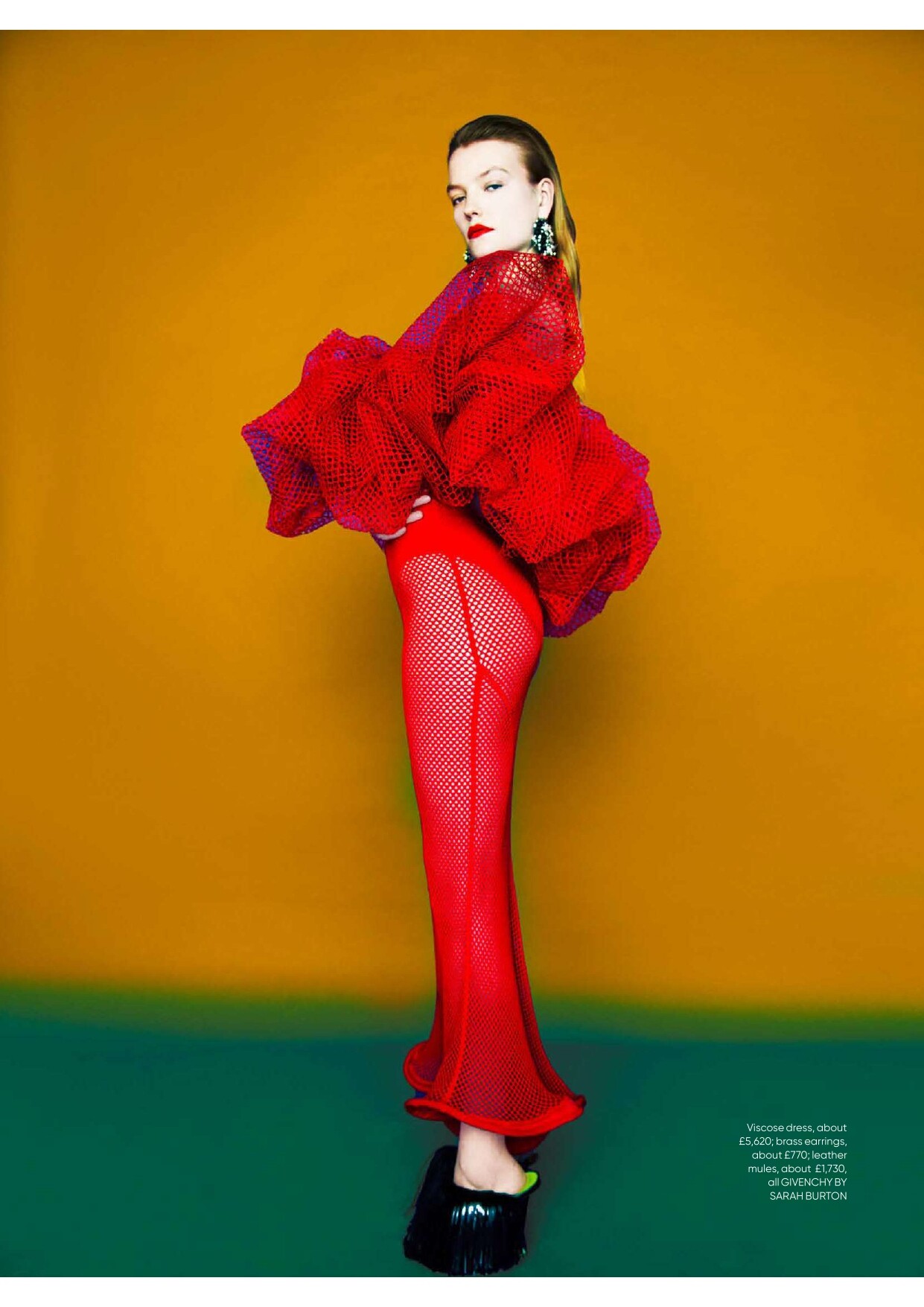
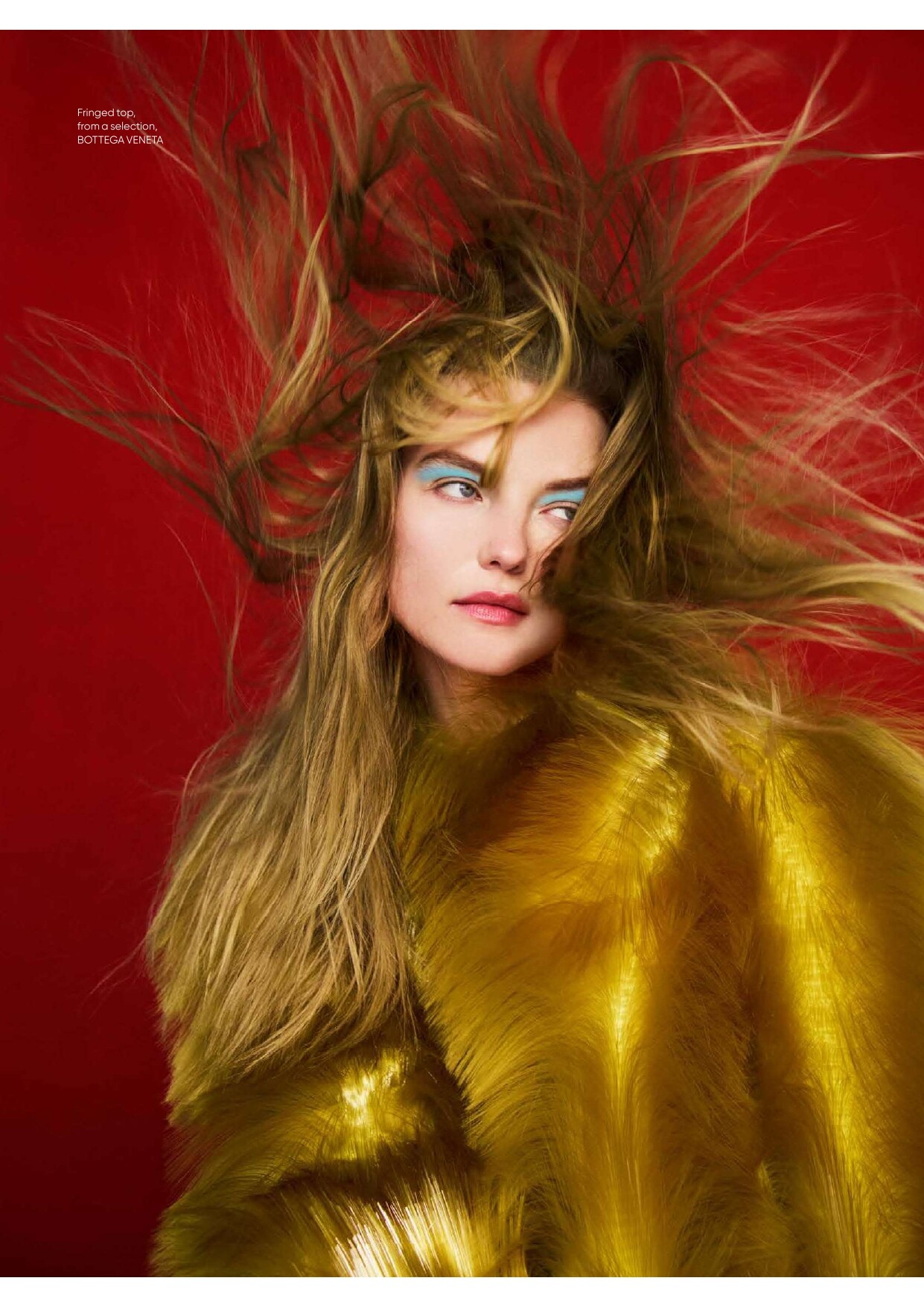
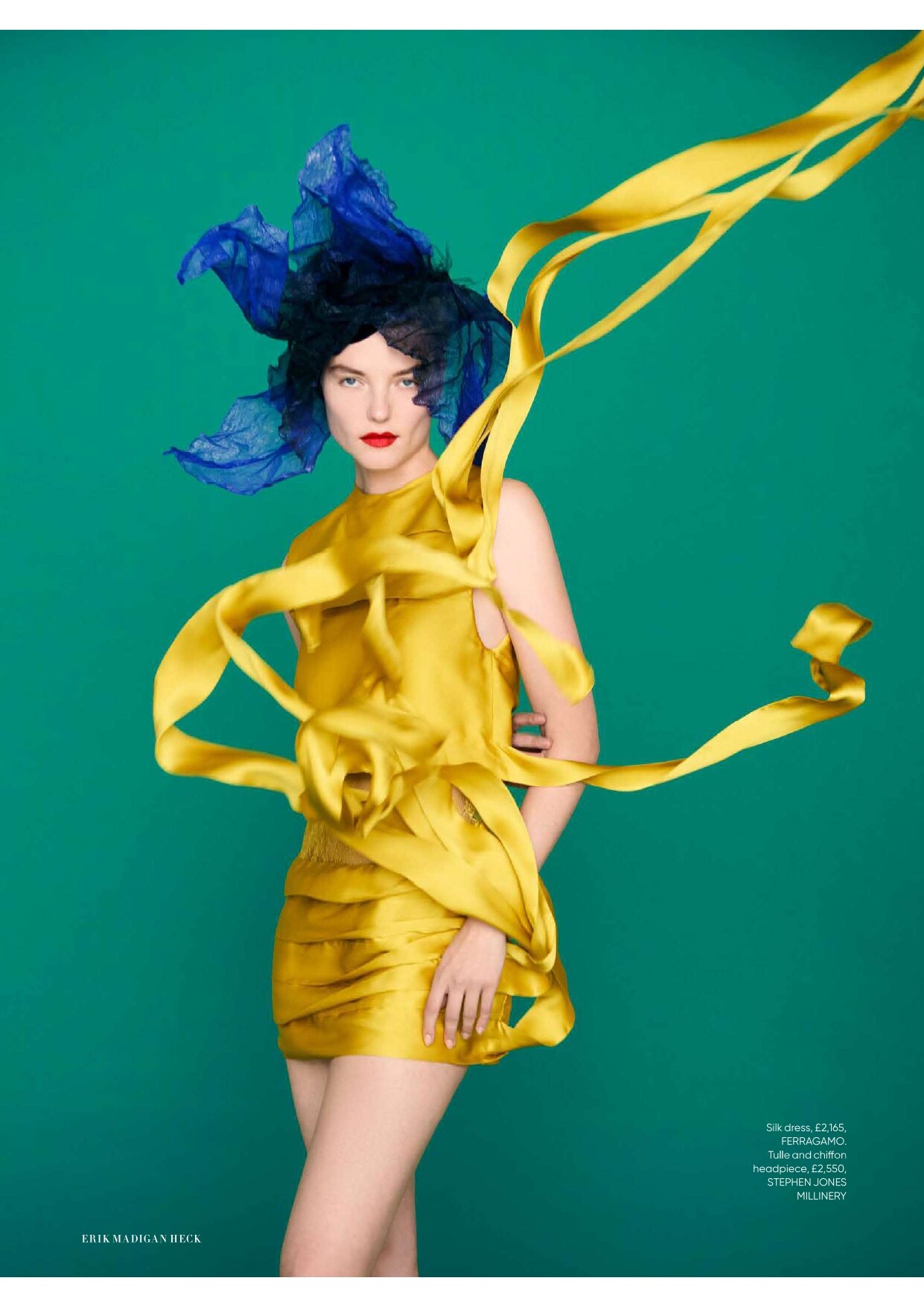
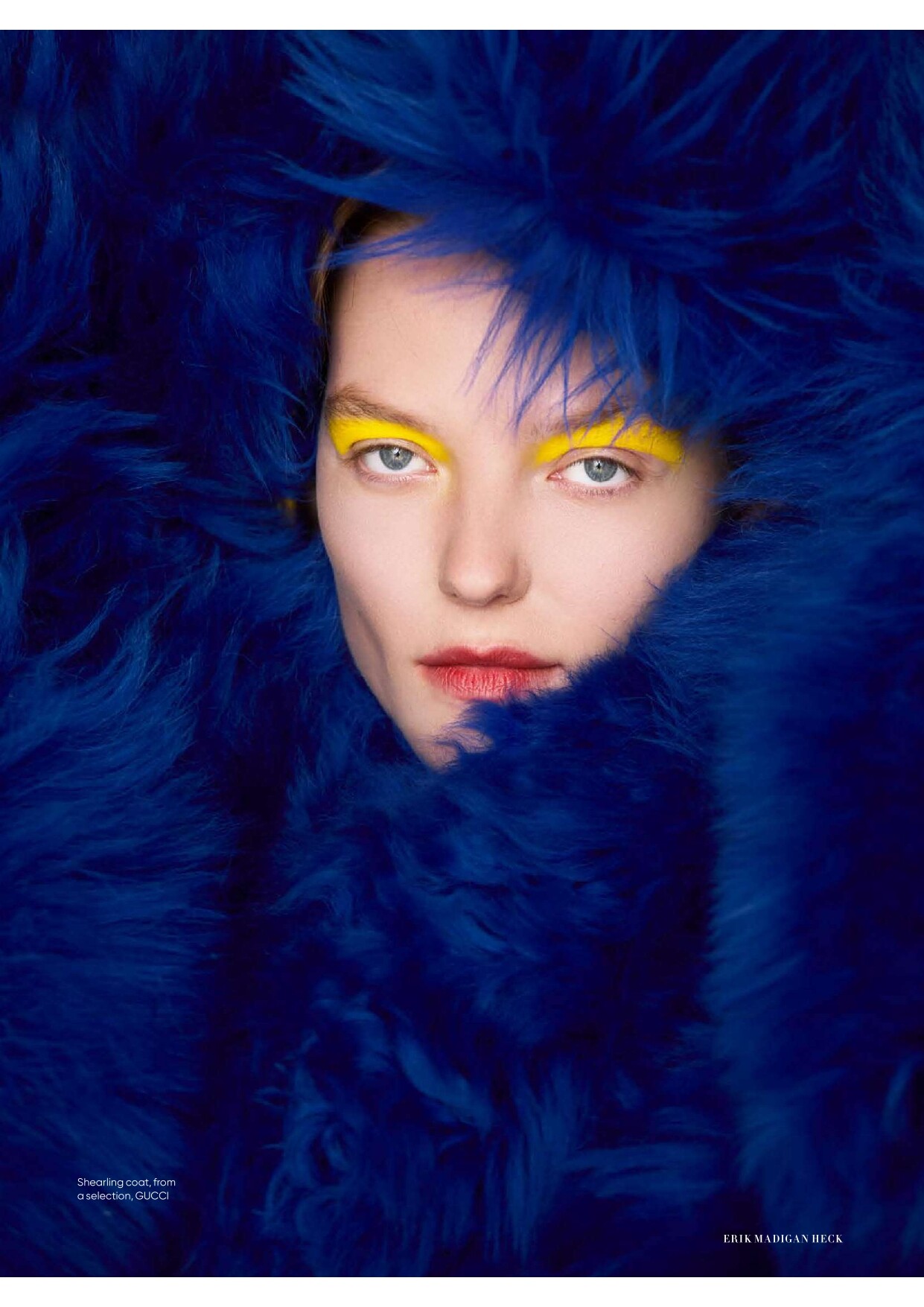
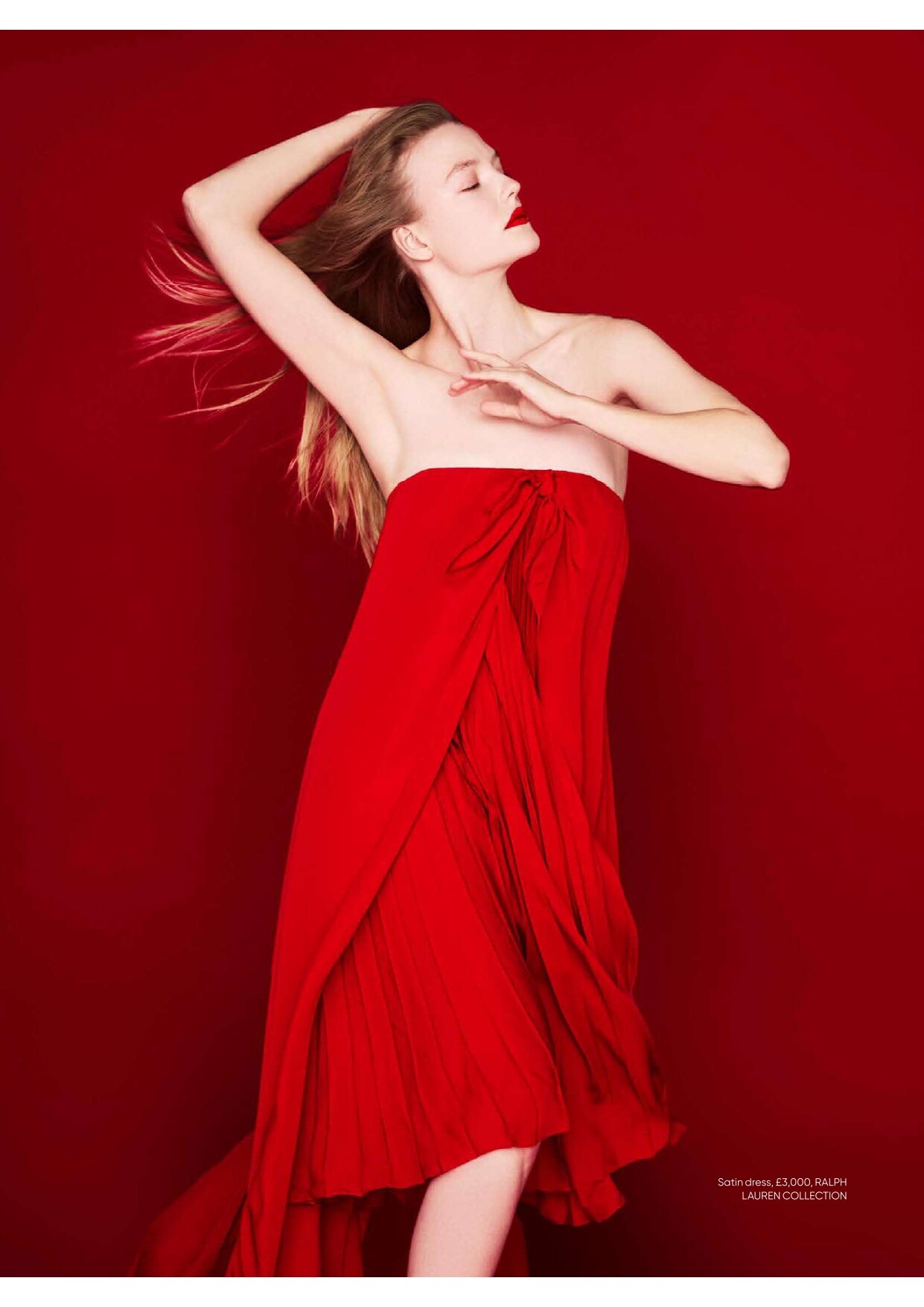
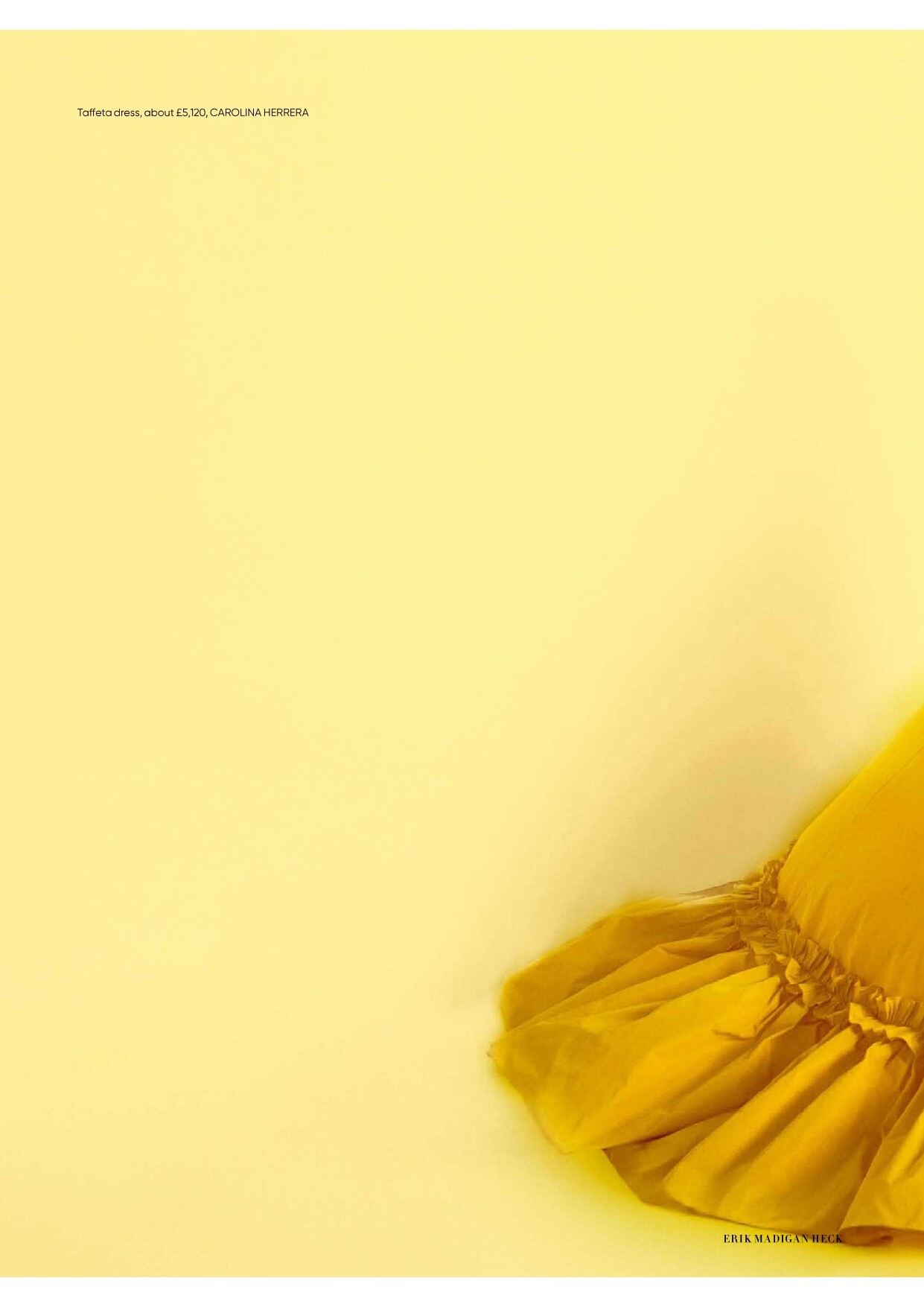
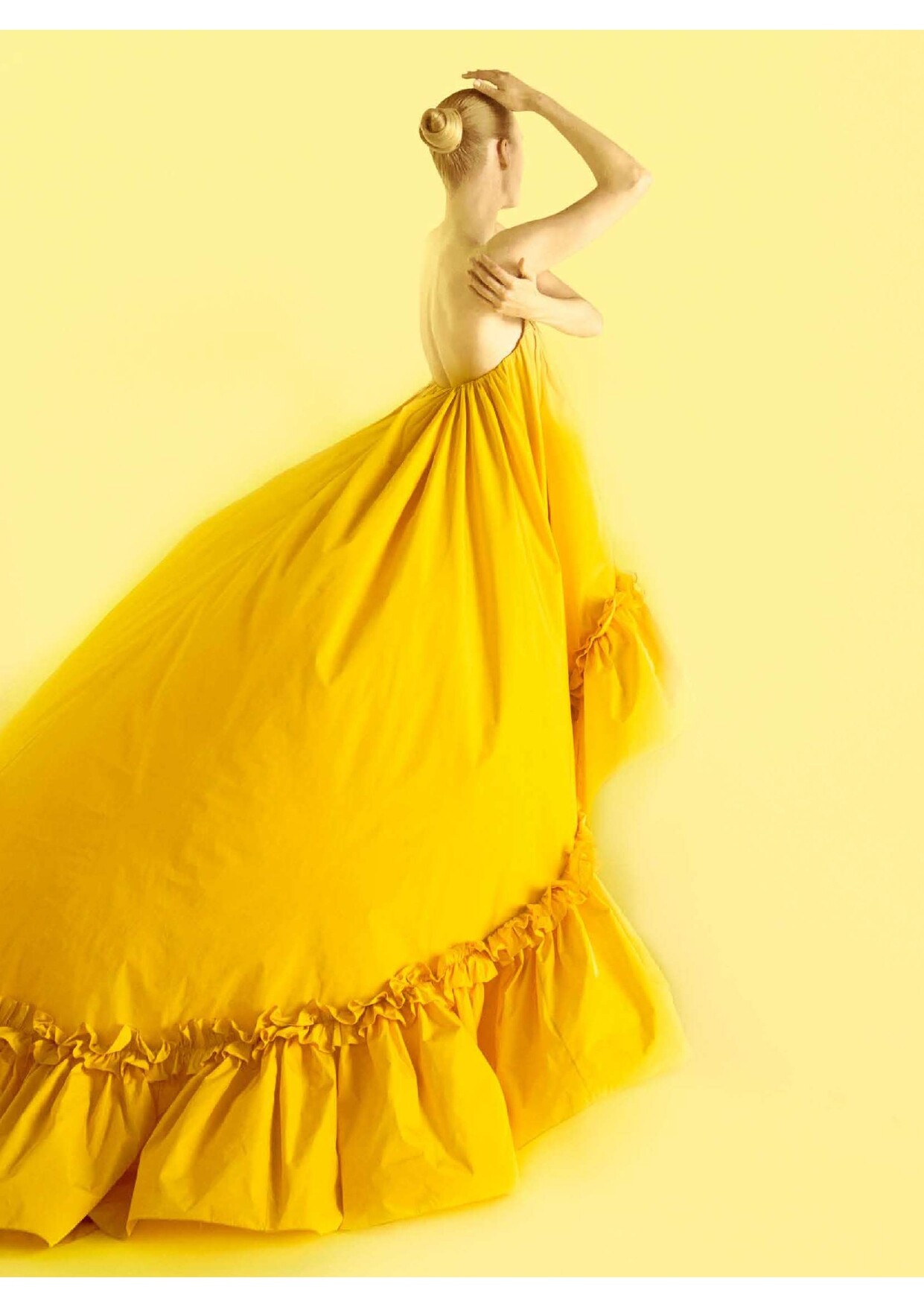
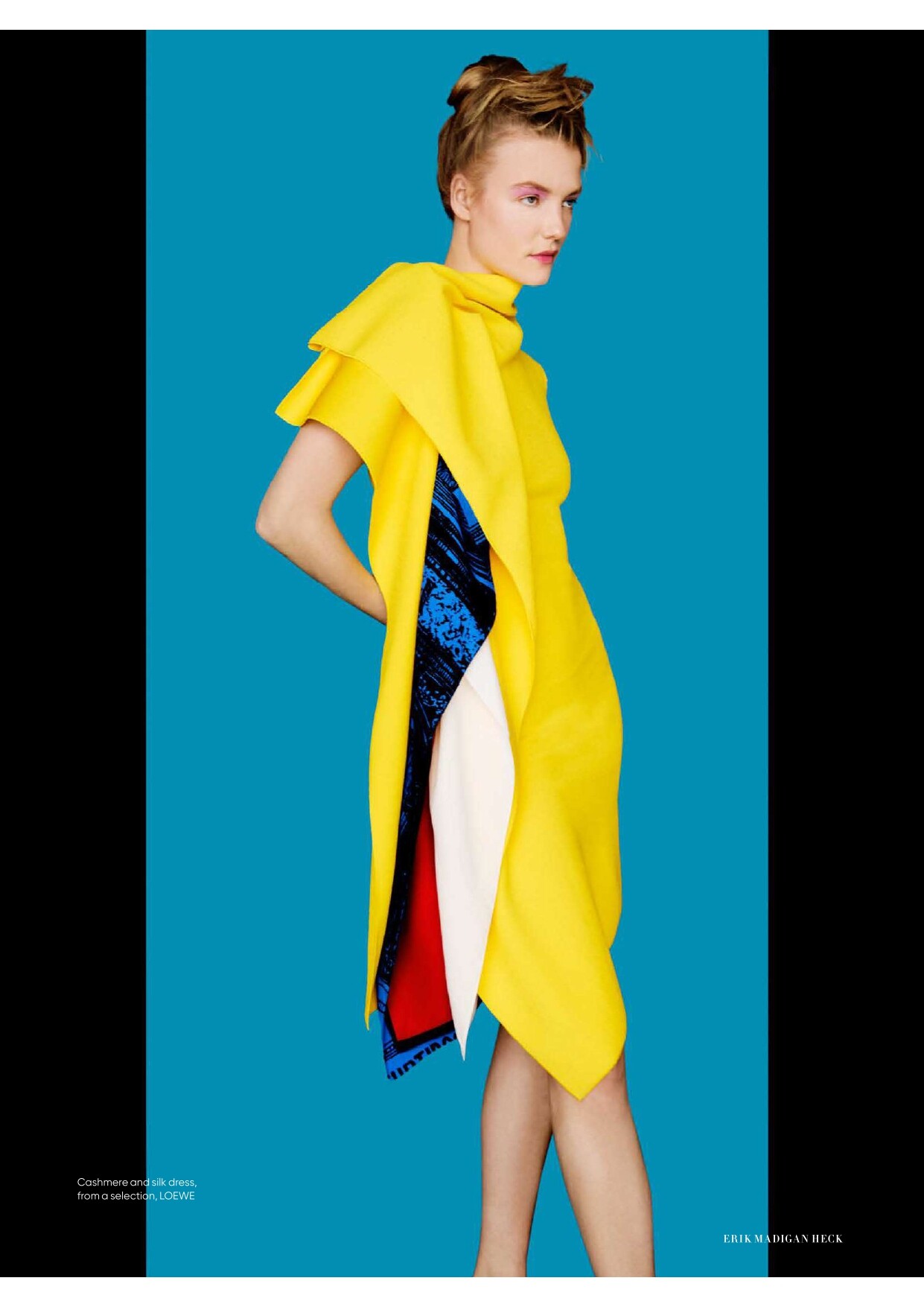
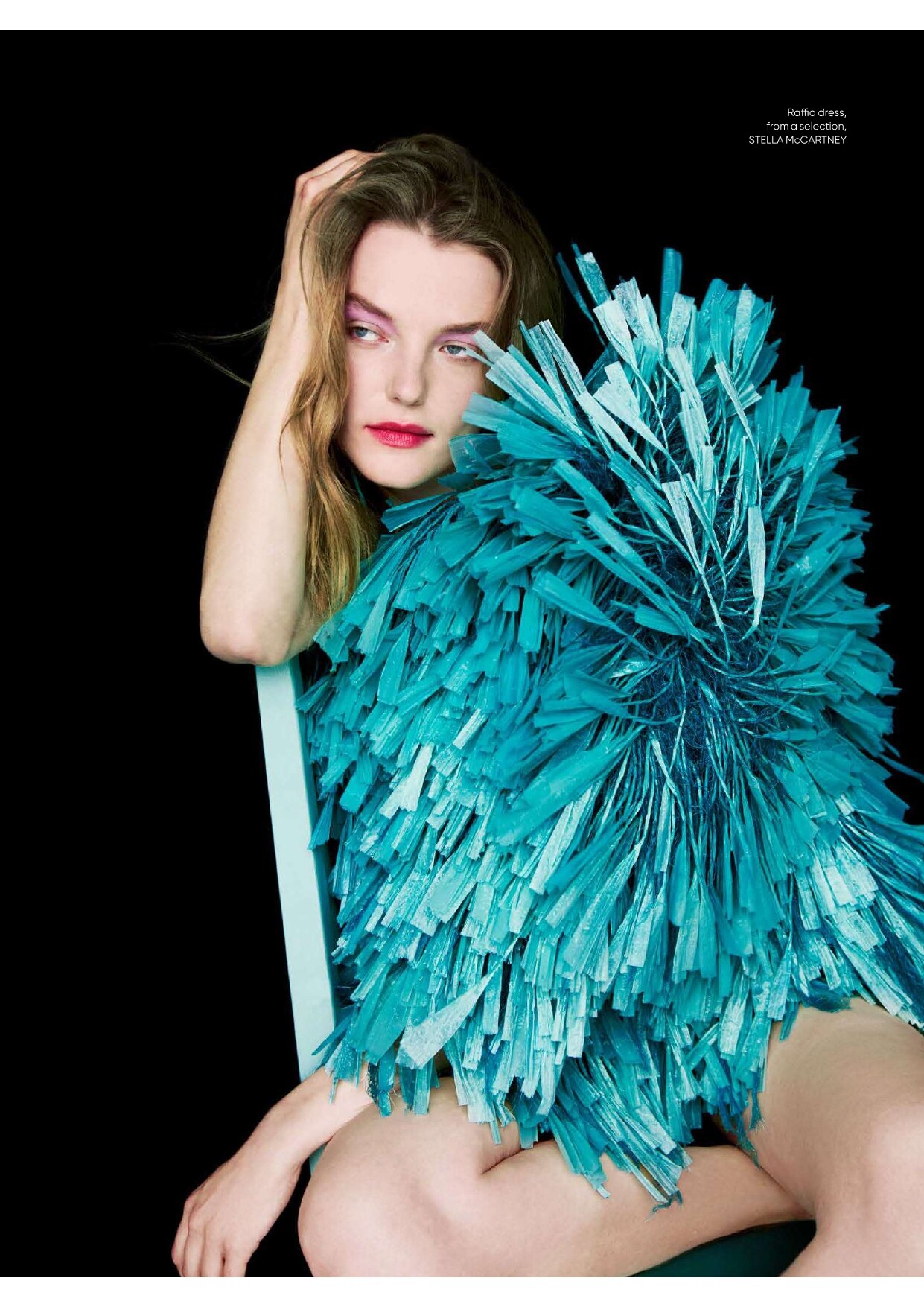
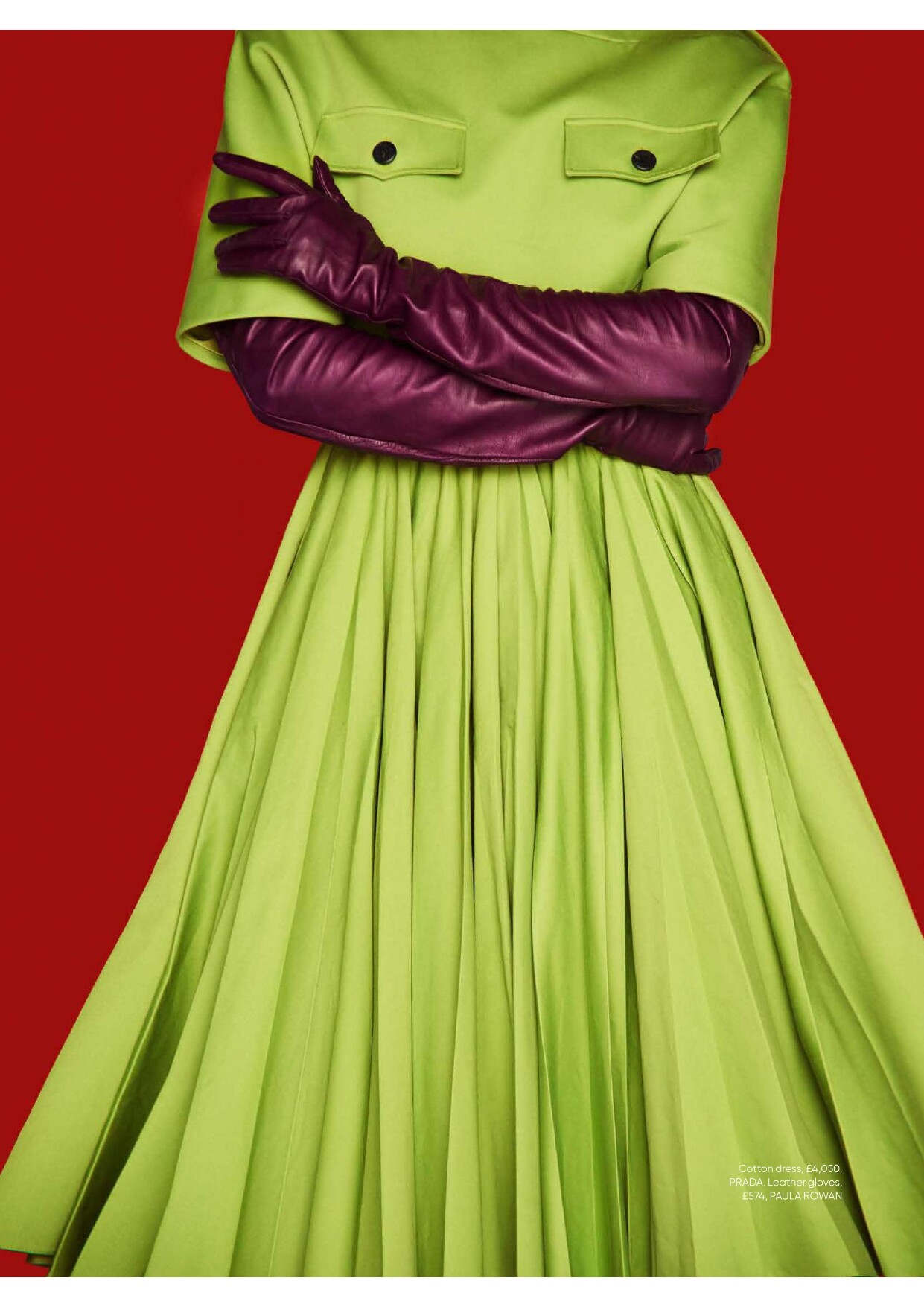
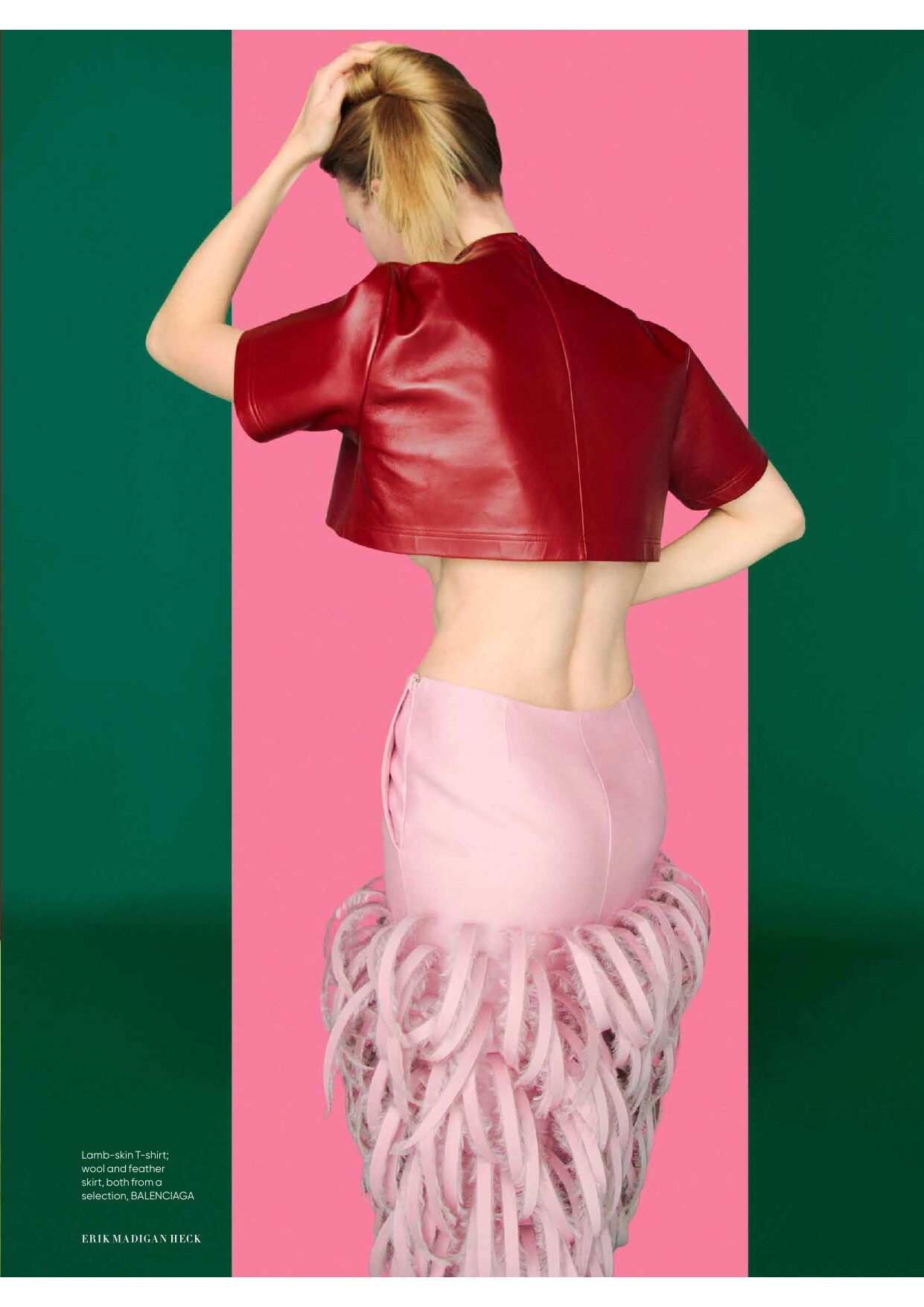
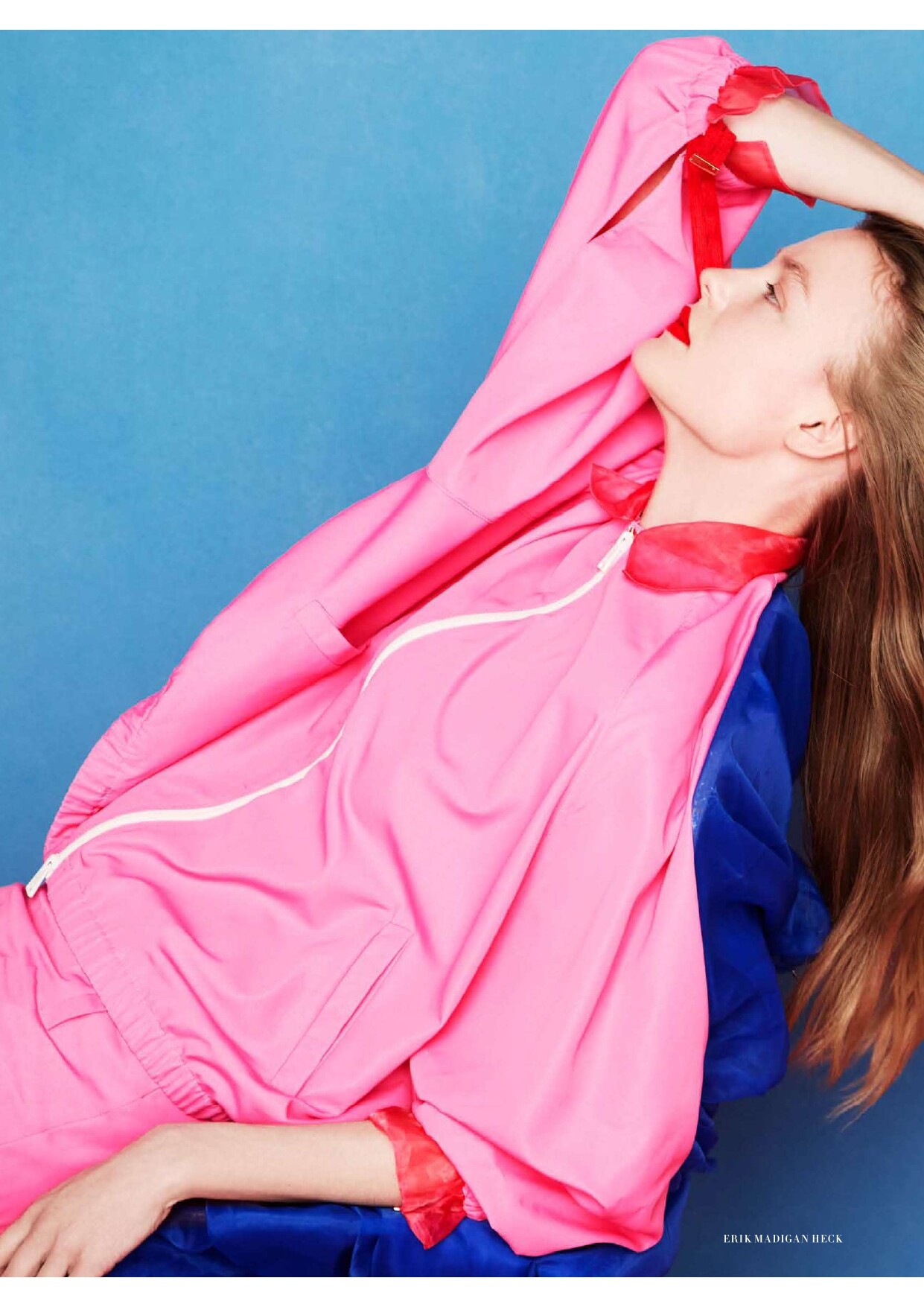
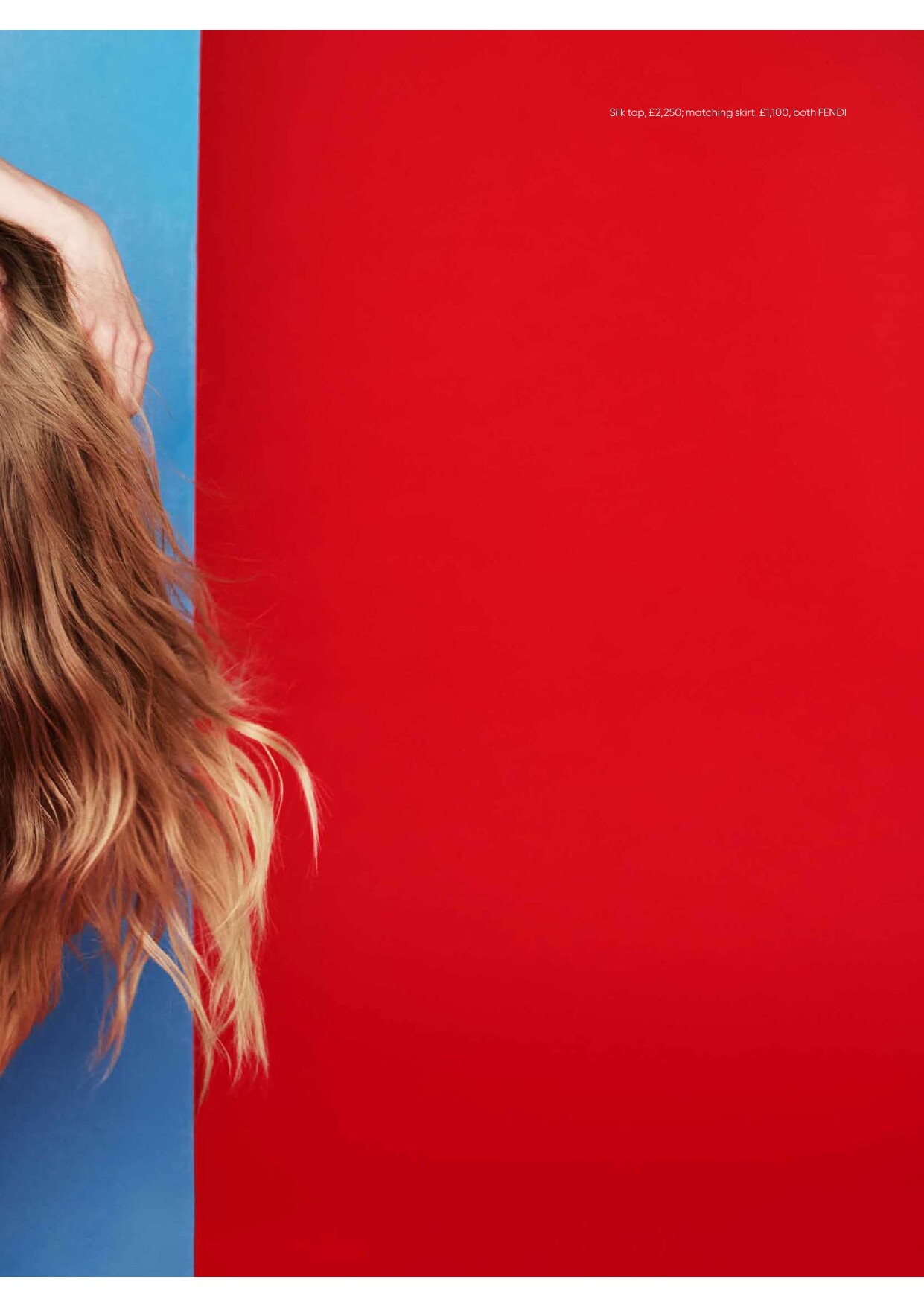
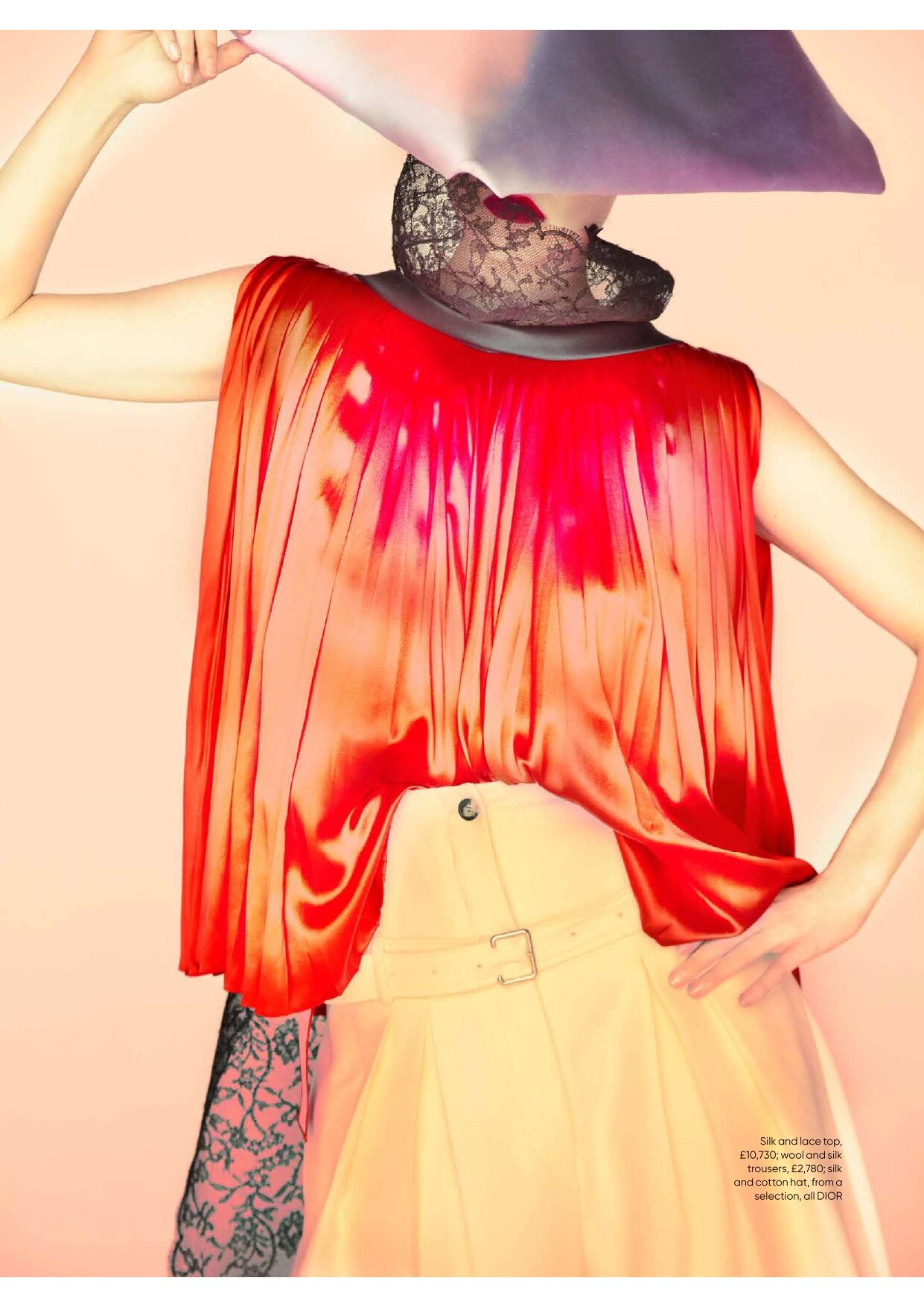
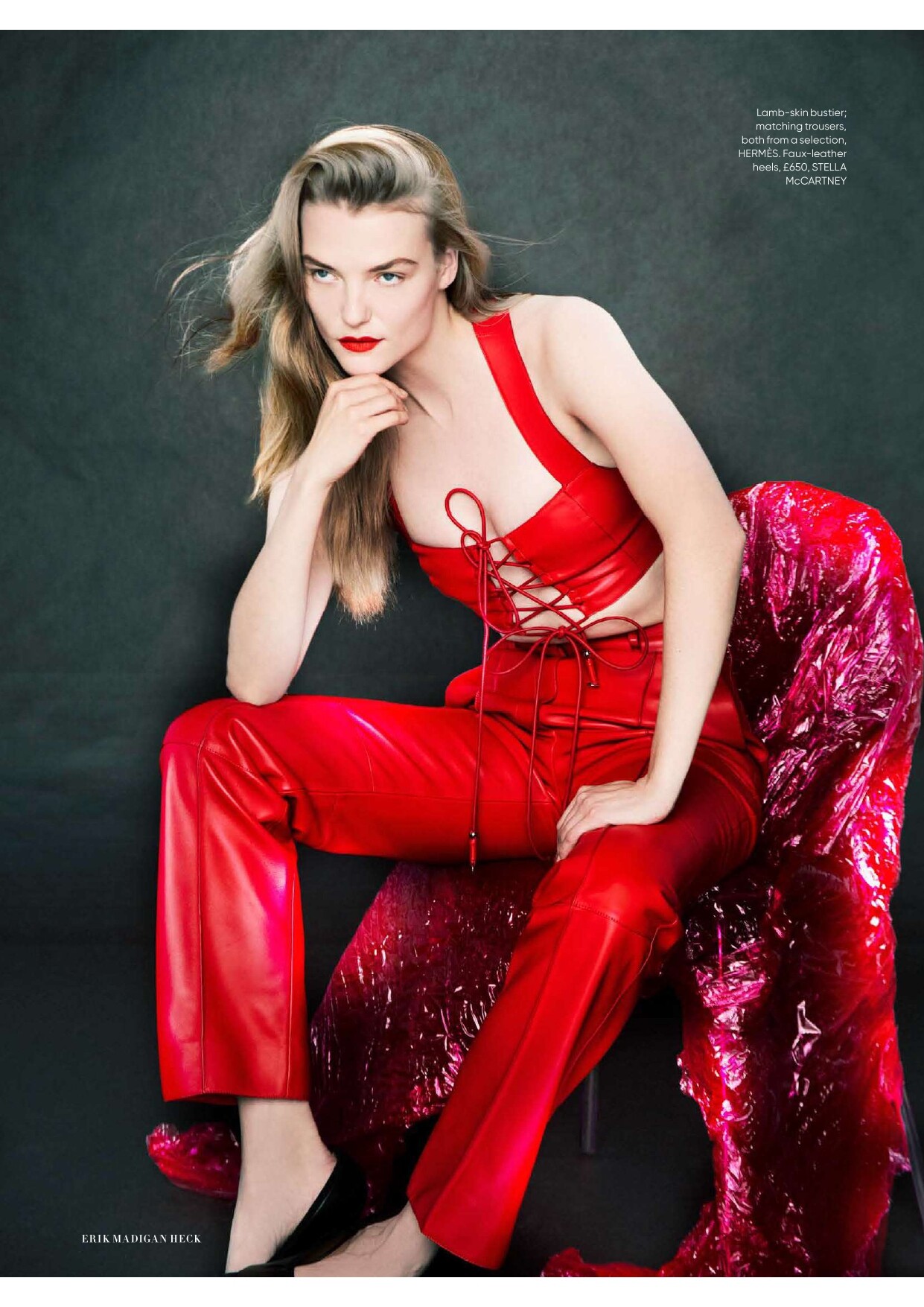
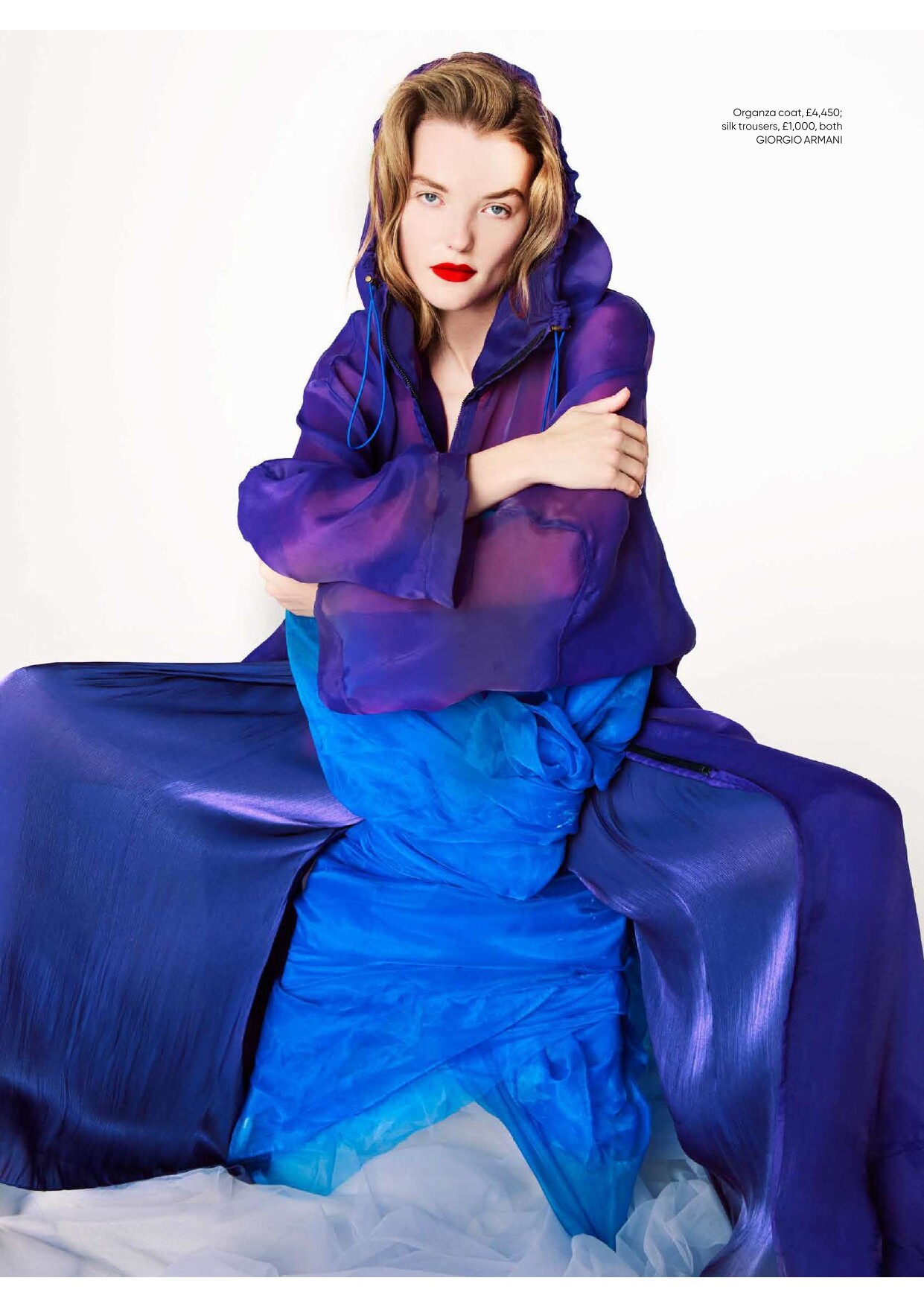
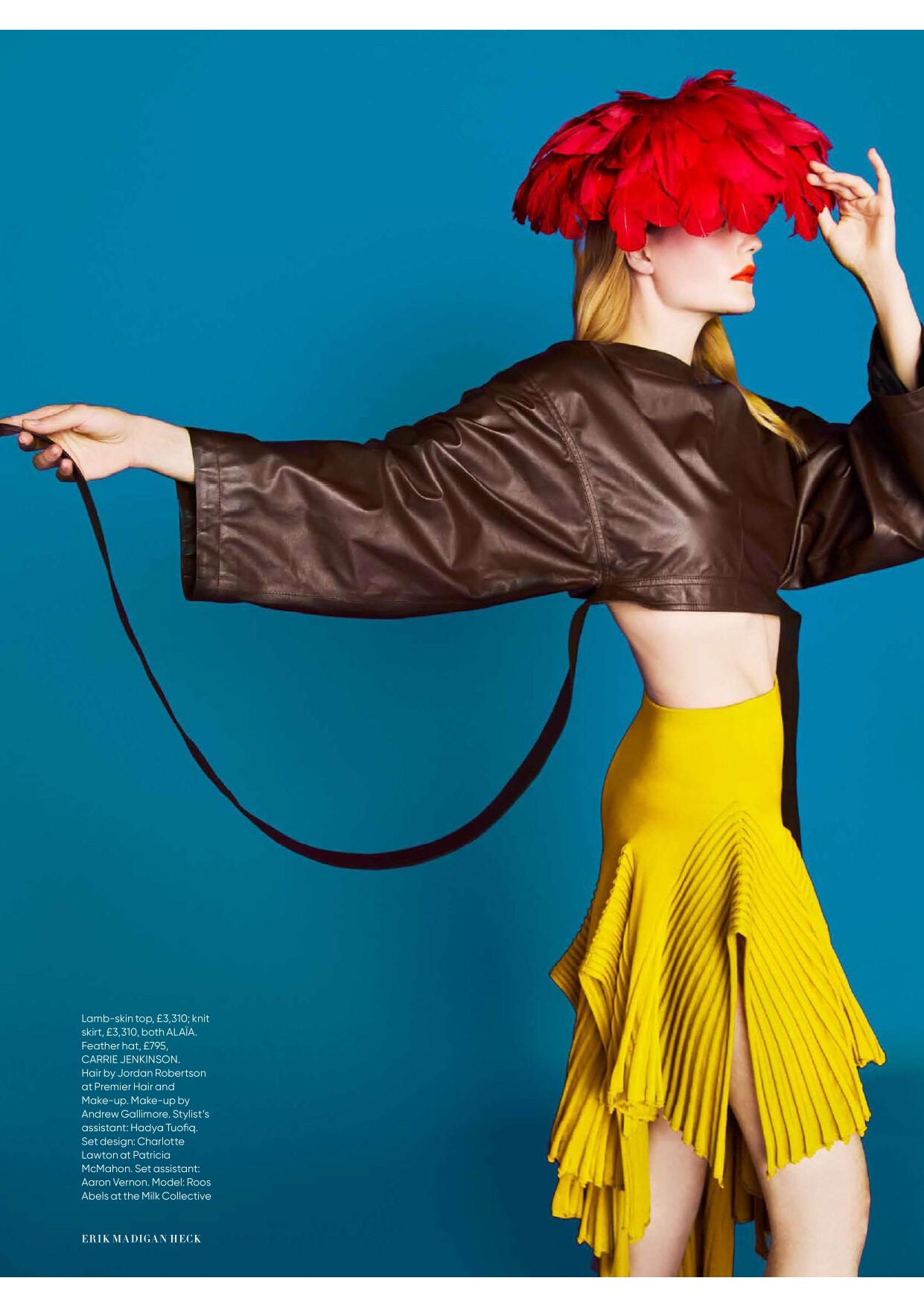
 Harper's Bazaar UK - April 2026 "The Bright Stuff" Photo : Erik Madigan Heck Styling : Miranda Almond Hair : Jordan Robertson Make-up : Andrew Gallimore Set design : Charlotte Lawton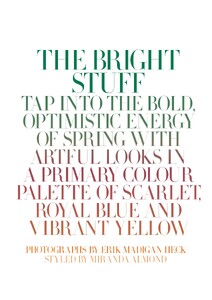
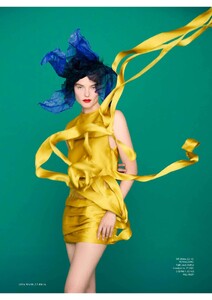
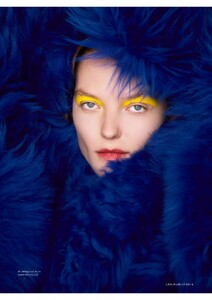
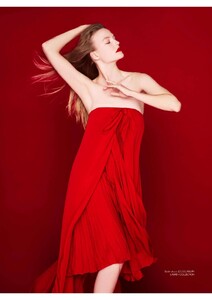
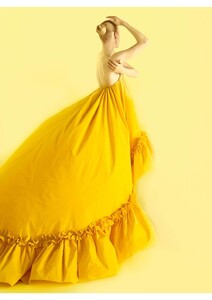
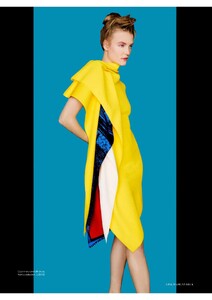
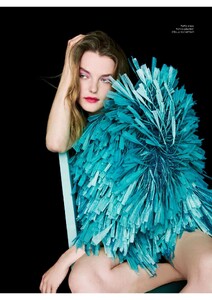
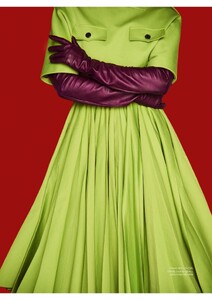
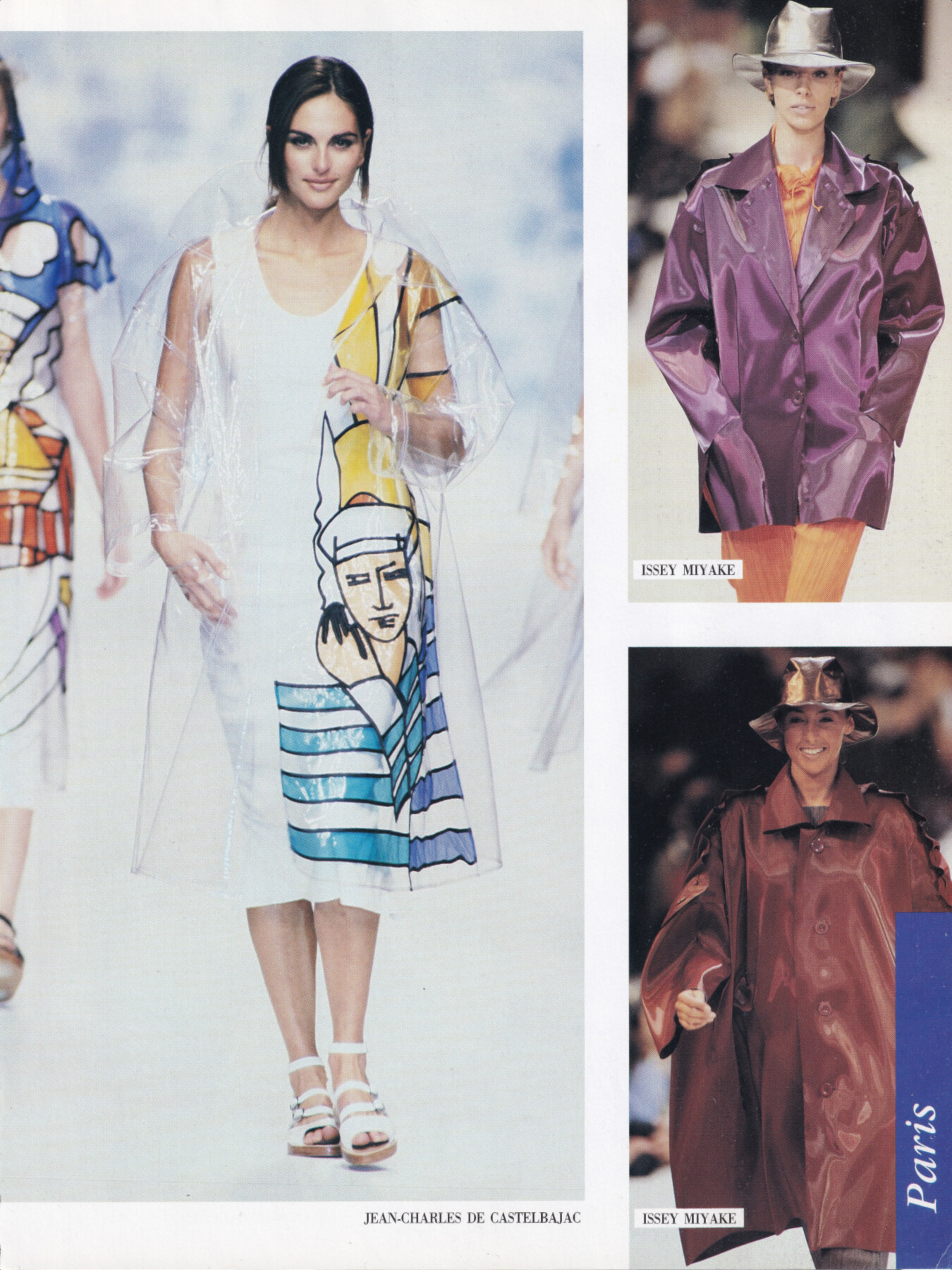
 Tasha De Vasconcelos for Jean Charles De Castelbajac, ready-to-wear, spring/summer 1992 my scan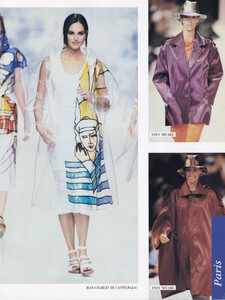

 Dreaming Eli SS26 Captivates London Screenrecording_20260310_163212.mp4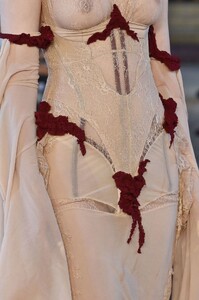
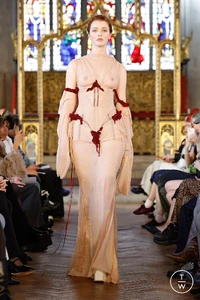
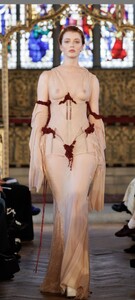
 There’s new stuff of her on the Lulu’s site. 😄
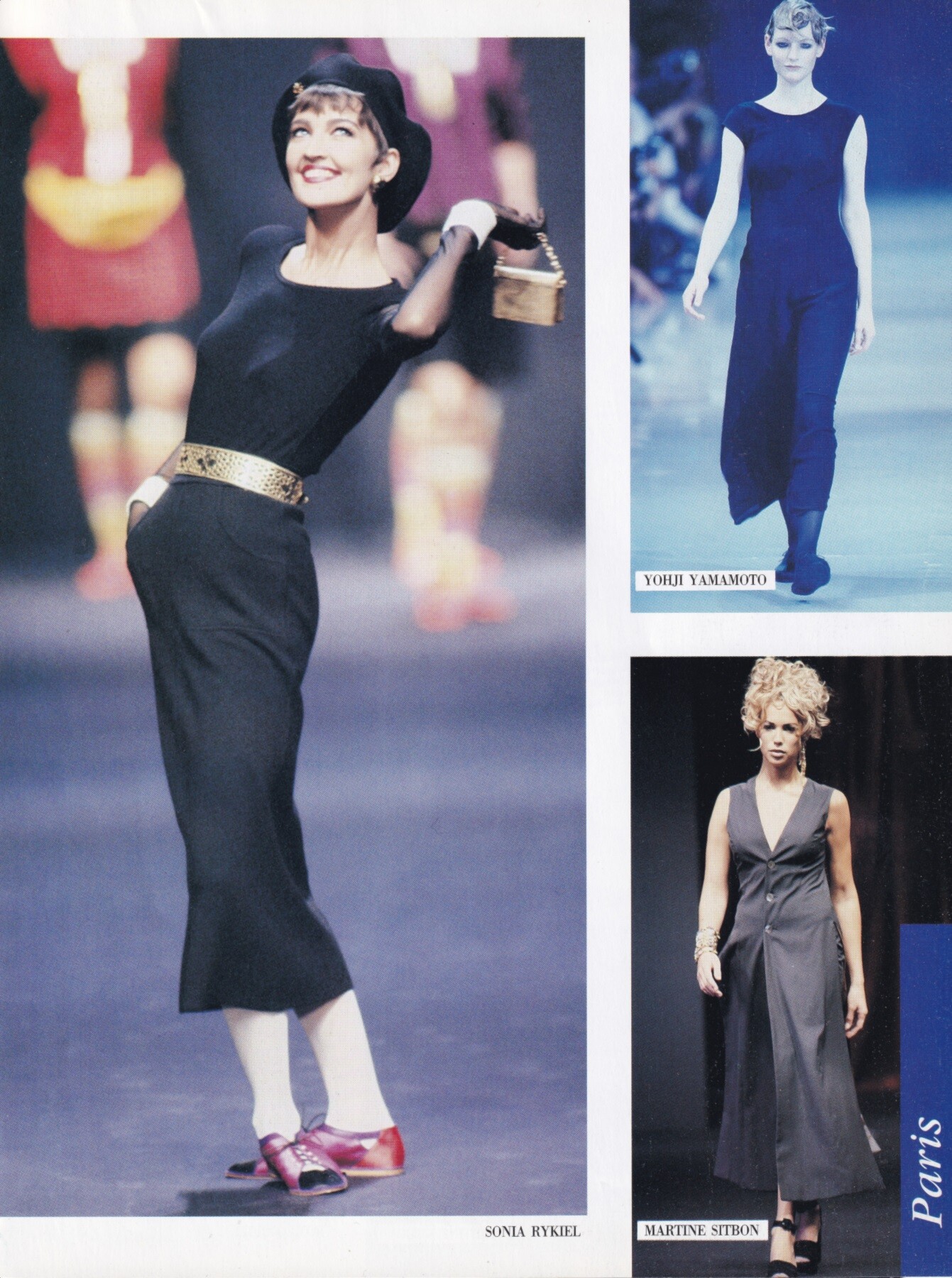
Claire Atkinson for Sonia Rykiel, ready-to-wear, spring/summer 1992 my scan
There’s new stuff of her on the Lulu’s site. 😄
Claire Atkinson for Sonia Rykiel, ready-to-wear, spring/summer 1992 my scan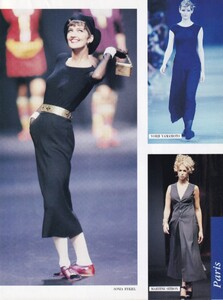 Spectacular! ❤️
 Self Service N°64 Spring/Summer 2026 Photography: Mark Kean Warning: Nudity (dnamodels.com)
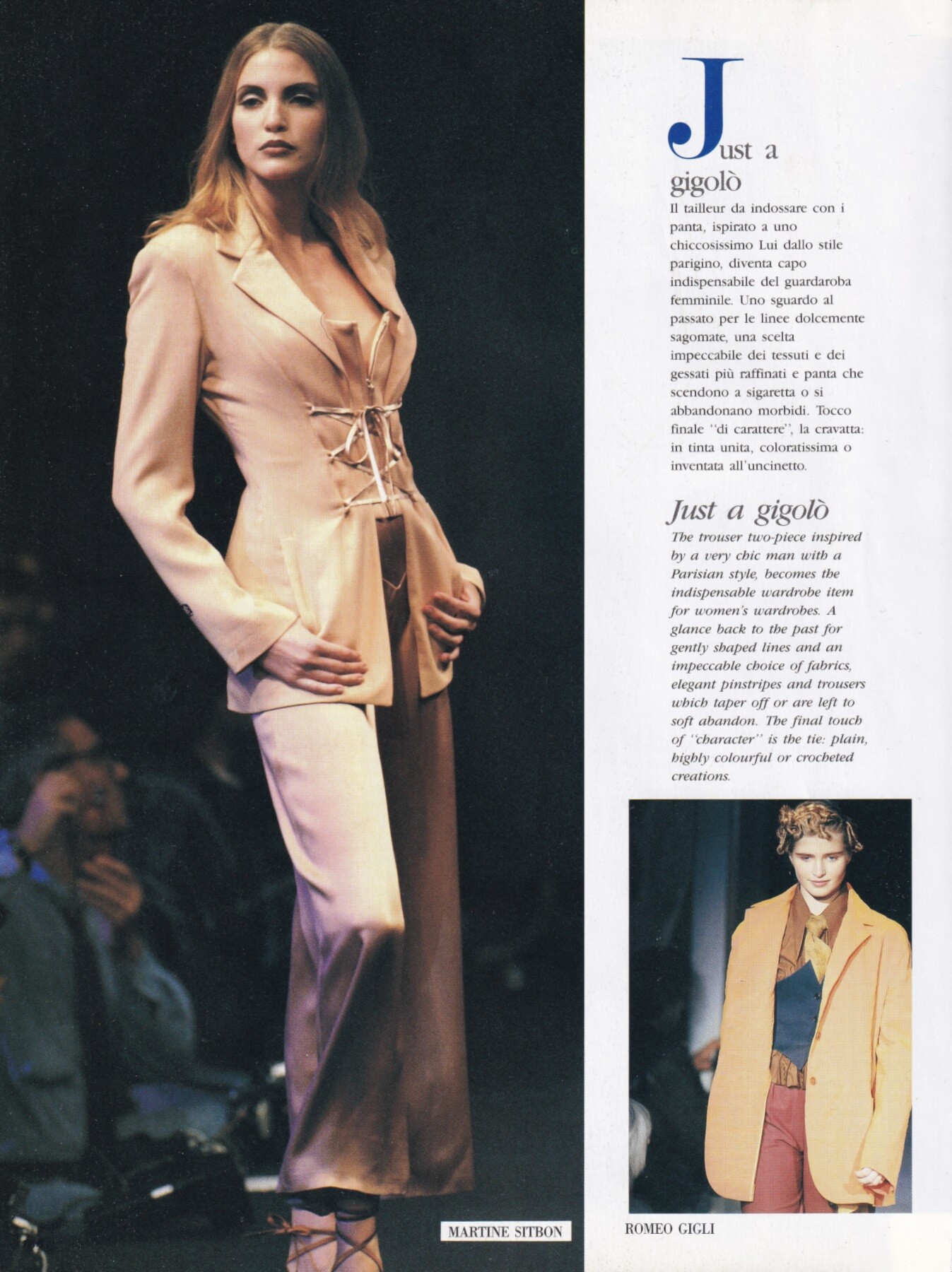
Nadja Auermann for Martine Sitbon, ready-to-wear, spring/summer 1992 my scan
Self Service N°64 Spring/Summer 2026 Photography: Mark Kean Warning: Nudity (dnamodels.com)
Nadja Auermann for Martine Sitbon, ready-to-wear, spring/summer 1992 my scan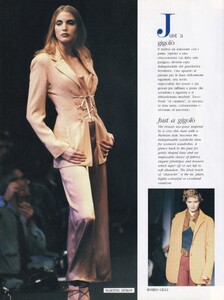 Siempre tuya Acapulco.
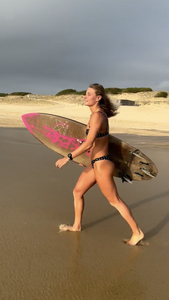
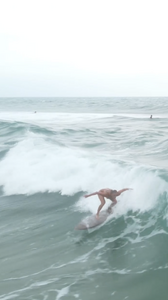
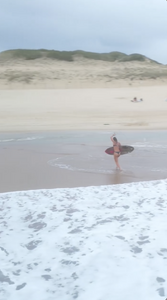
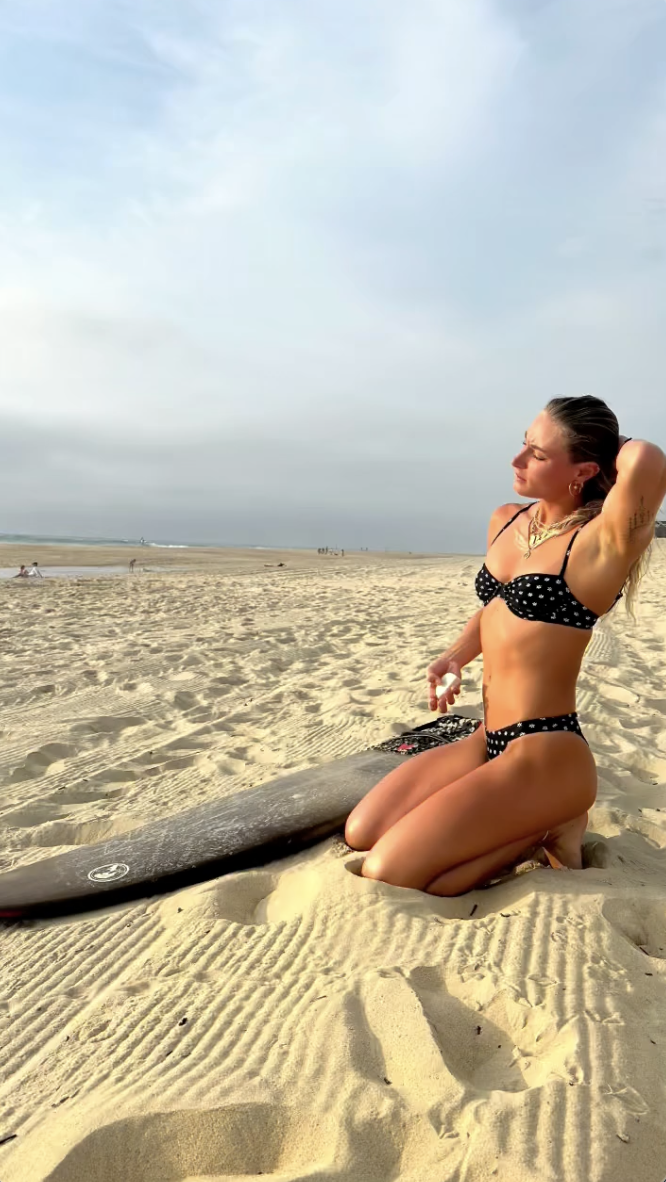
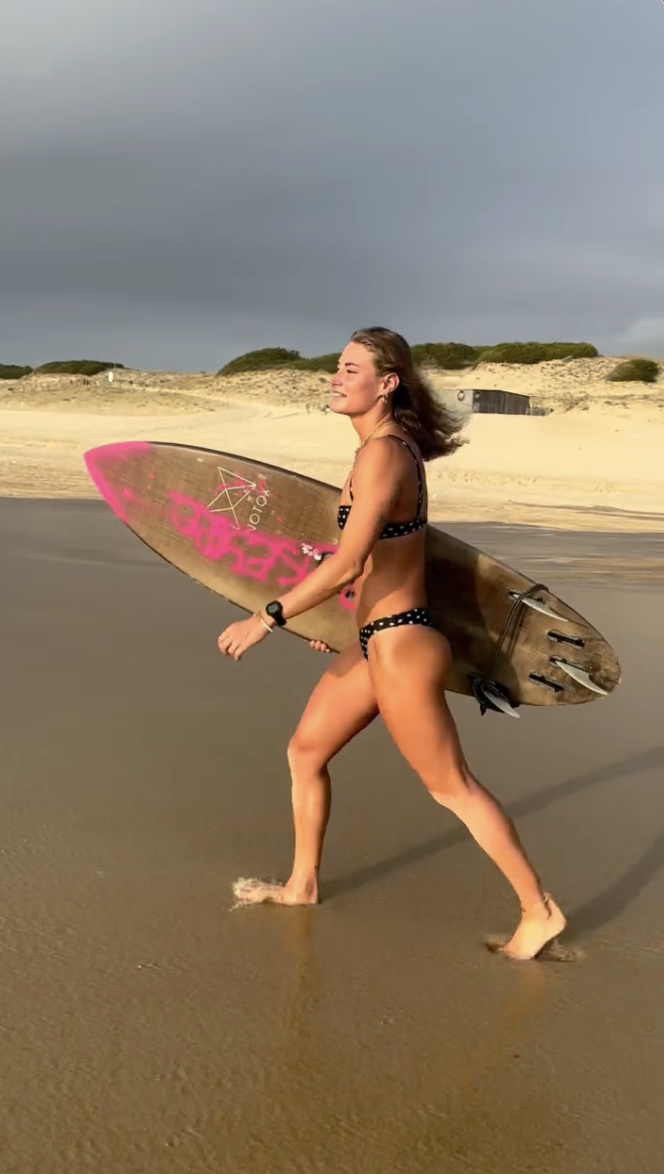
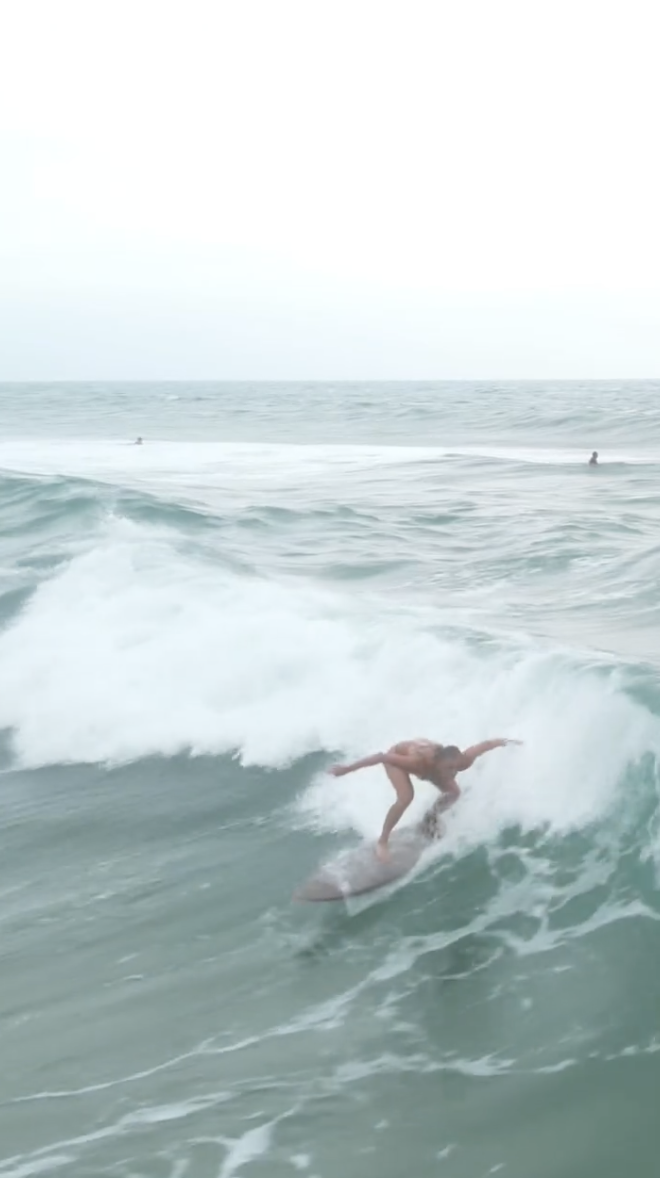
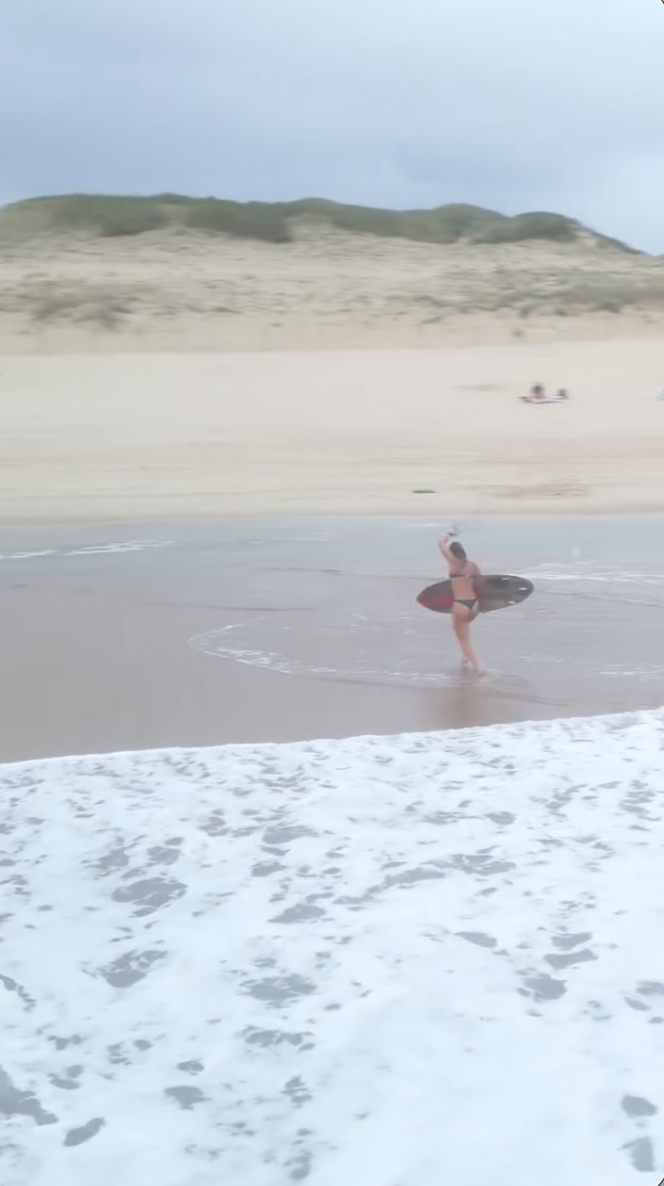
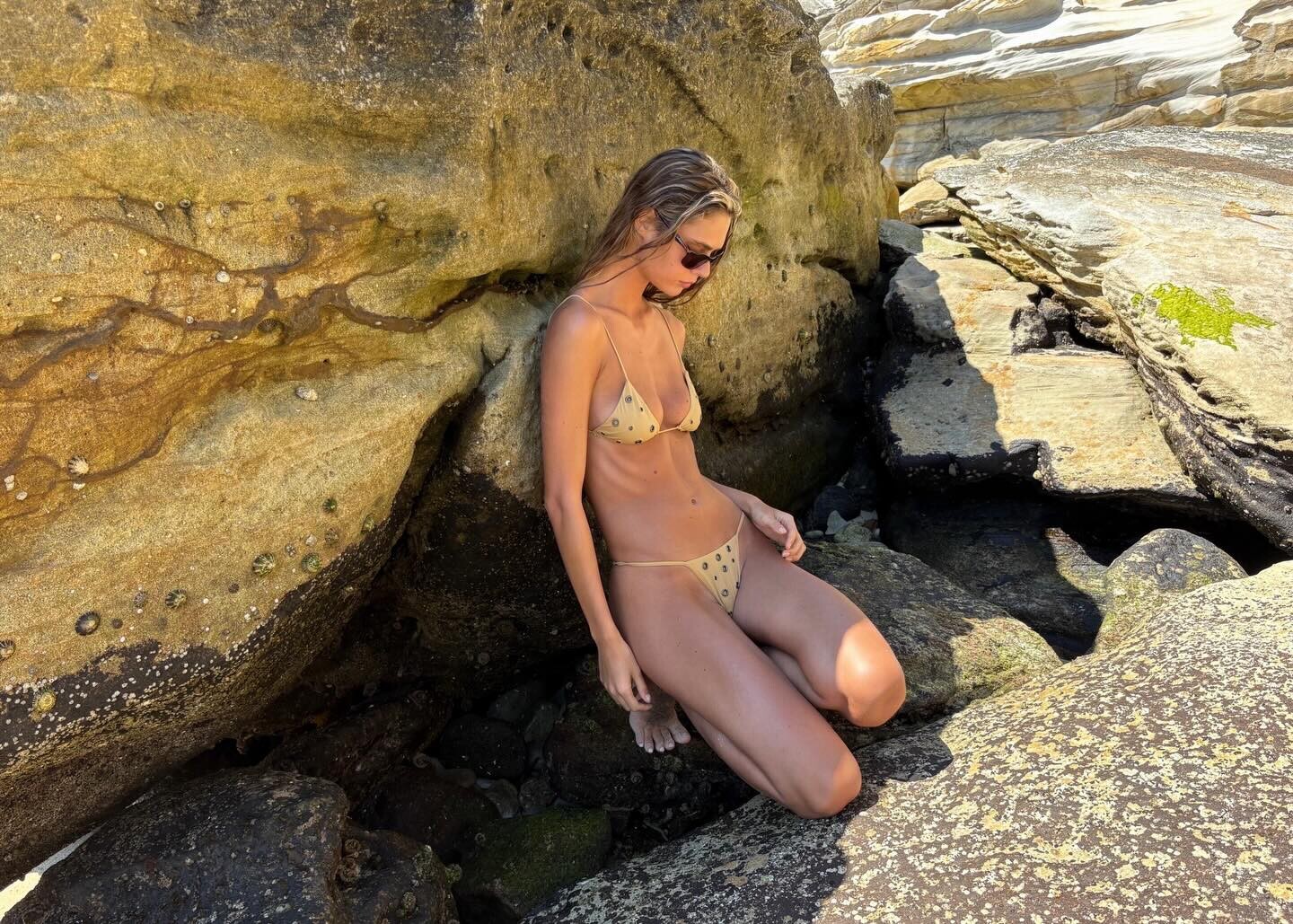
 surfin' (2026) anastasia_urbaniak Kopie.mp4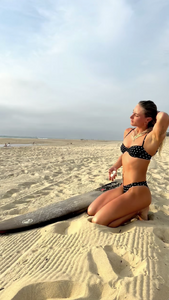
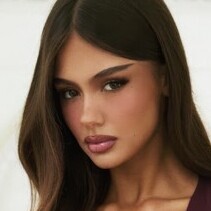 AngryDutchman changed their profile photo
- Today
 I think this is a great idea to keep the threads organized and consistent. Having a clear format not only makes it easier to find information, but it also helps the community stay on track with what’s known and what’s still missing. It’s especially helpful for newer members who might not know what kind of details are expected in a thread. I agree with the bolded terms being the minimum—those are the basics that anyone who’s following the model’s career should want to know. The extra details like ethnic background or social media links can definitely add to the profile, but the essentials should always be there. Having a standard format for new model threads will definitely keep everything neat and ensure that the information is as accurate as possible.
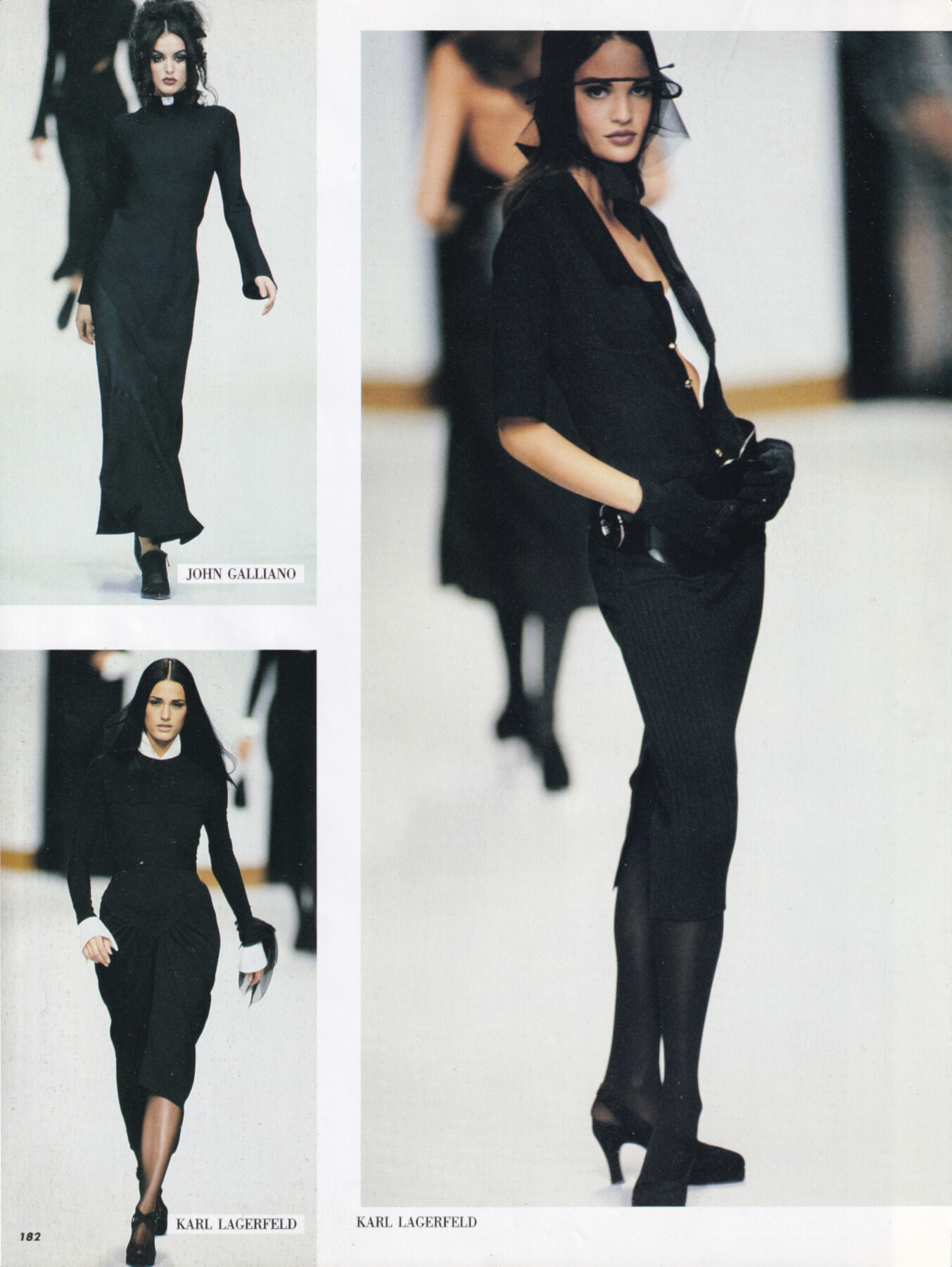
Claudia Mason for Karl Lagerfeld, ready-to-wear, spring/summer 1992 my scan
I think this is a great idea to keep the threads organized and consistent. Having a clear format not only makes it easier to find information, but it also helps the community stay on track with what’s known and what’s still missing. It’s especially helpful for newer members who might not know what kind of details are expected in a thread. I agree with the bolded terms being the minimum—those are the basics that anyone who’s following the model’s career should want to know. The extra details like ethnic background or social media links can definitely add to the profile, but the essentials should always be there. Having a standard format for new model threads will definitely keep everything neat and ensure that the information is as accurate as possible.
Claudia Mason for Karl Lagerfeld, ready-to-wear, spring/summer 1992 my scan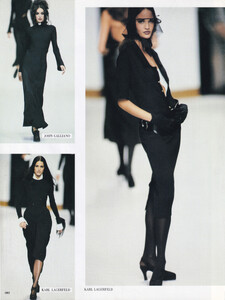 Vanessa Rhodes joined the community
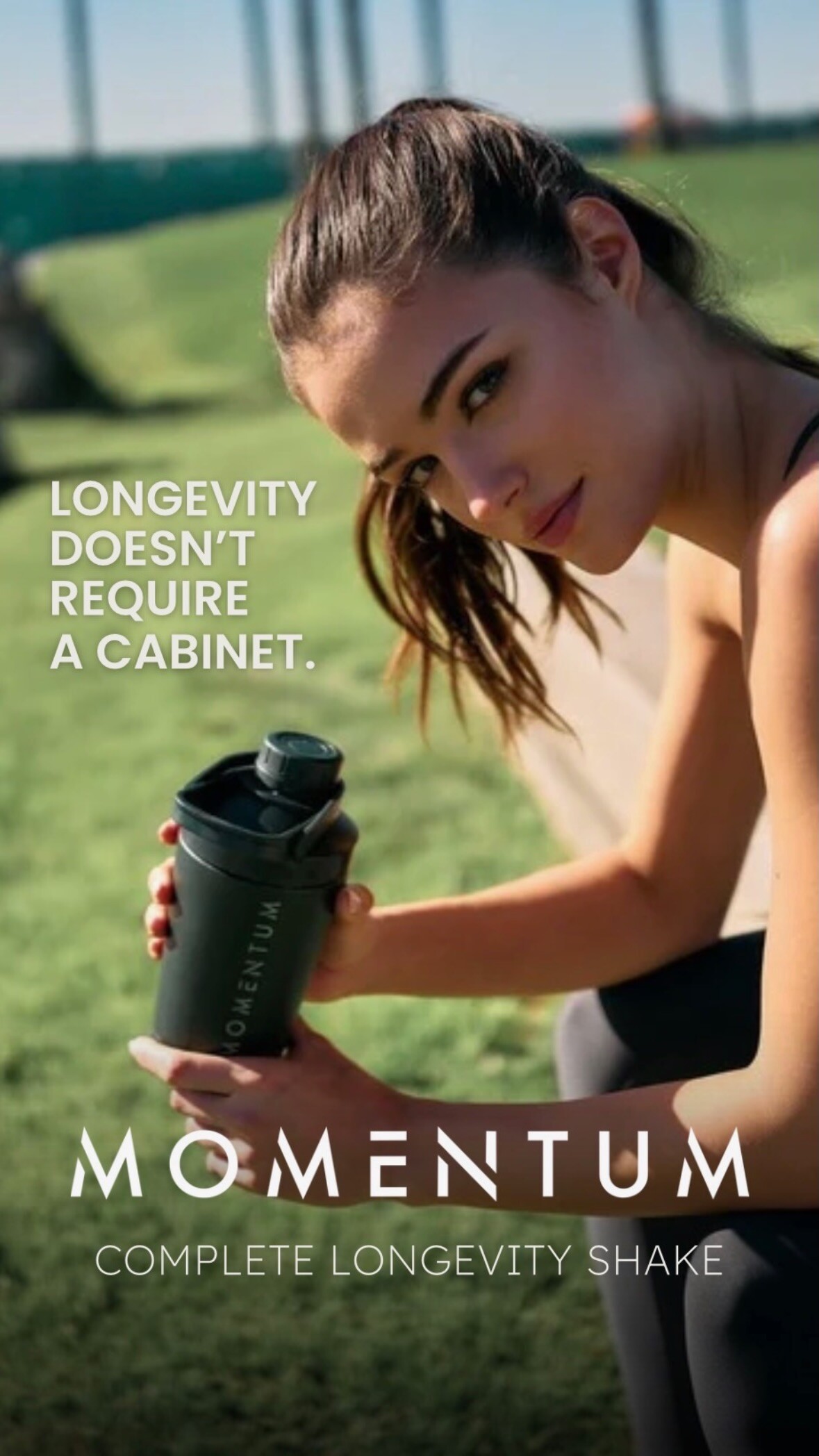
 Momentum Shake: stories
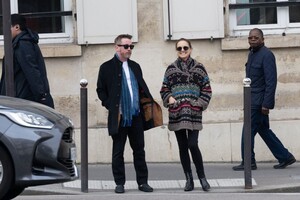
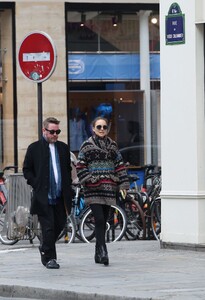
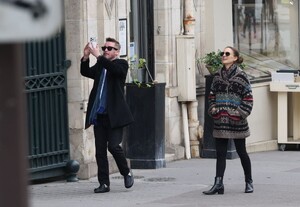
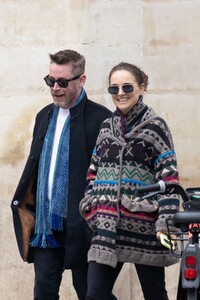
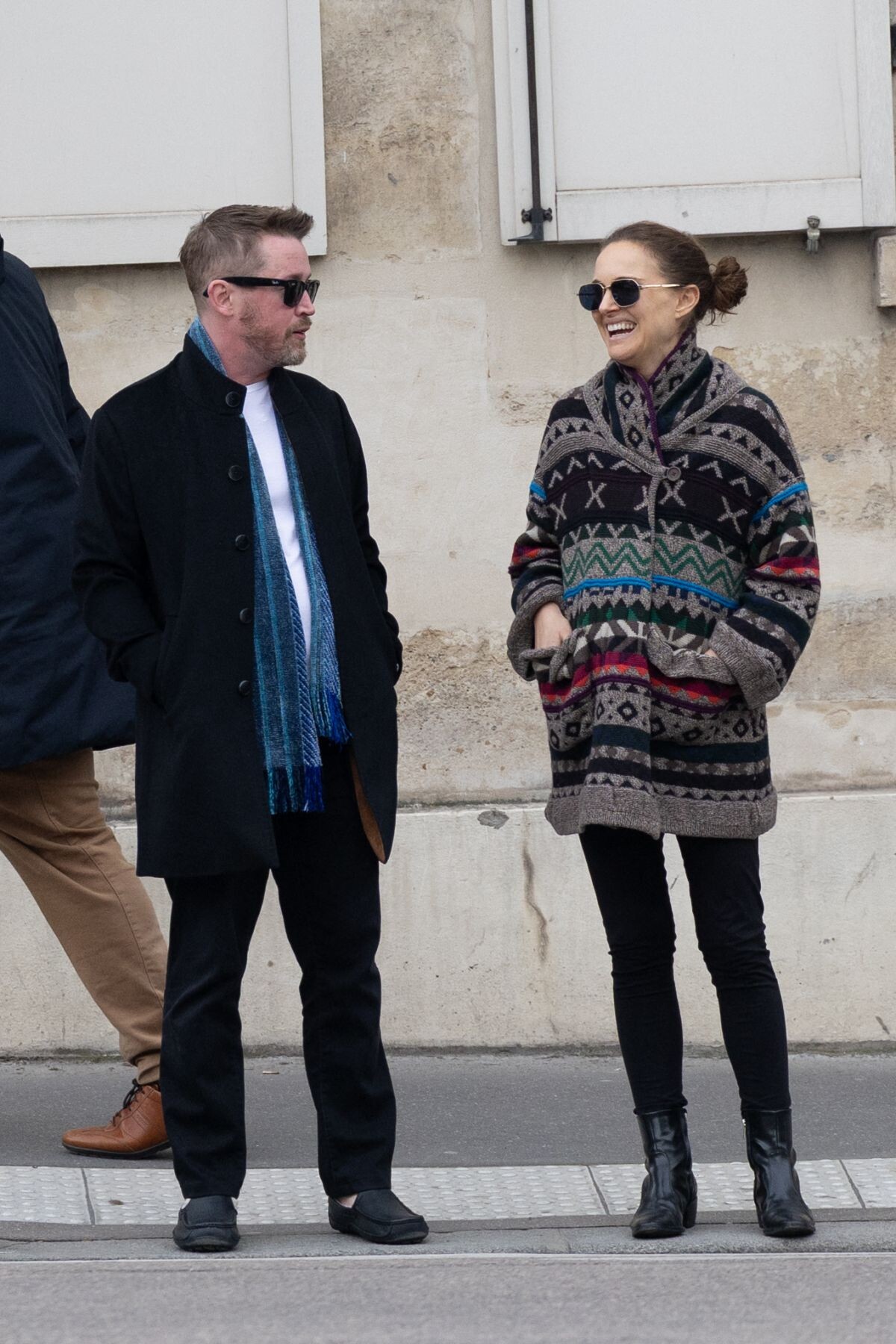
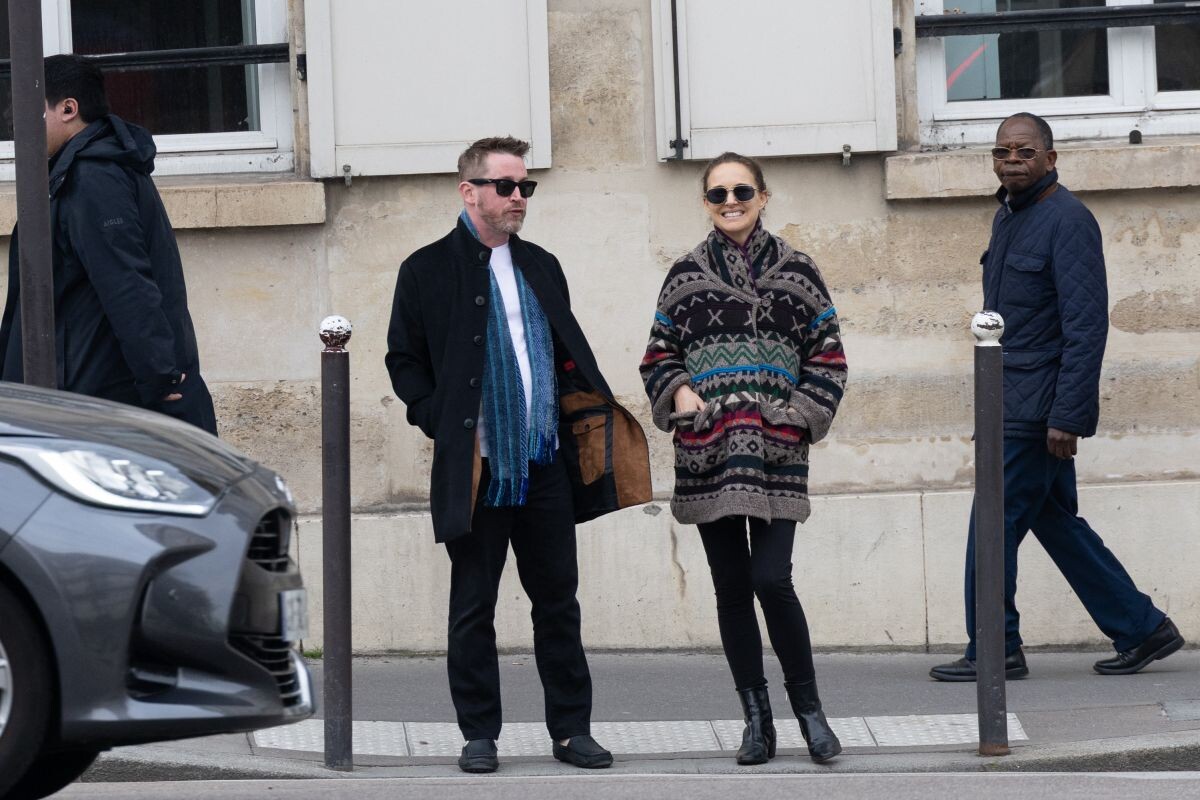
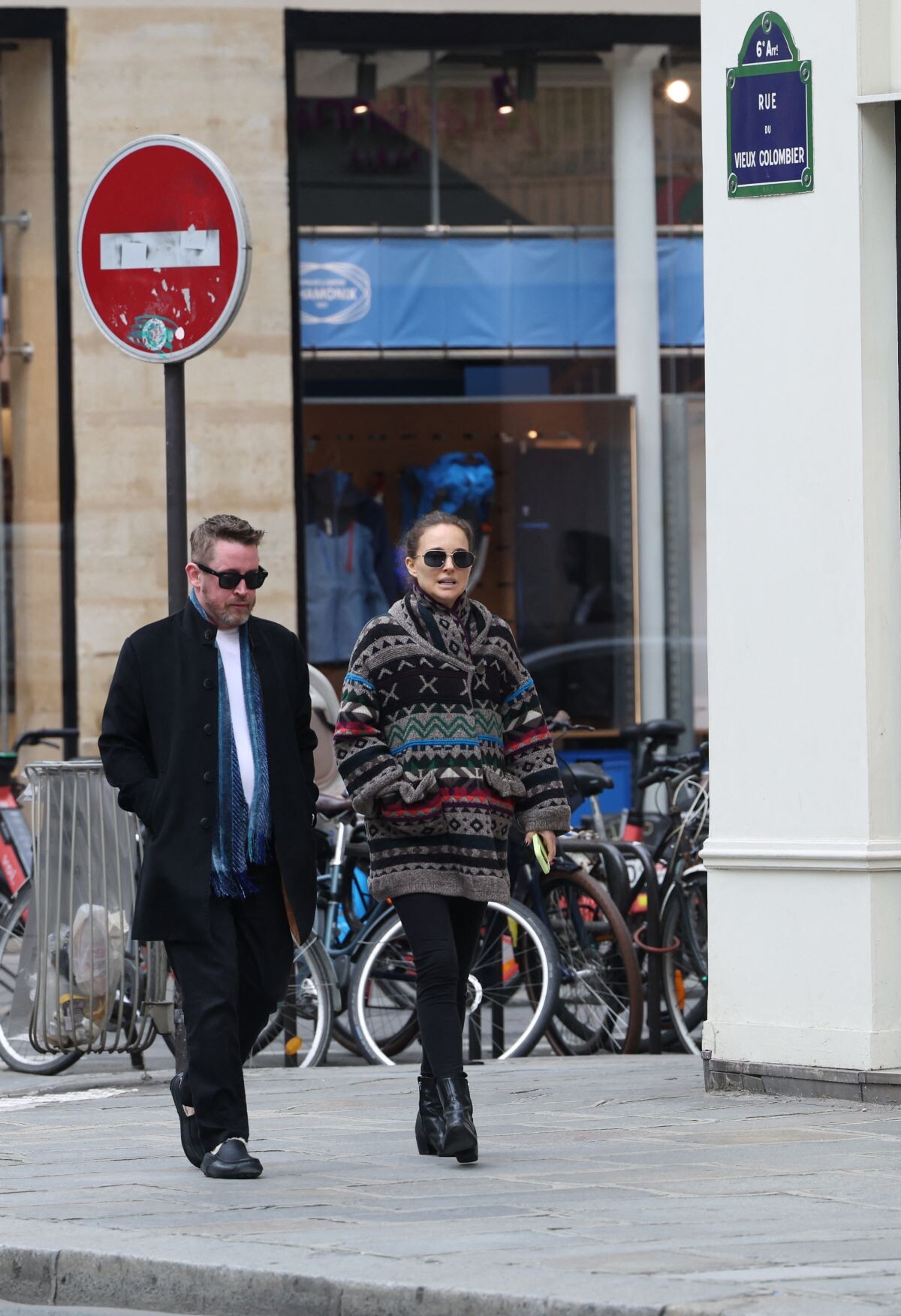
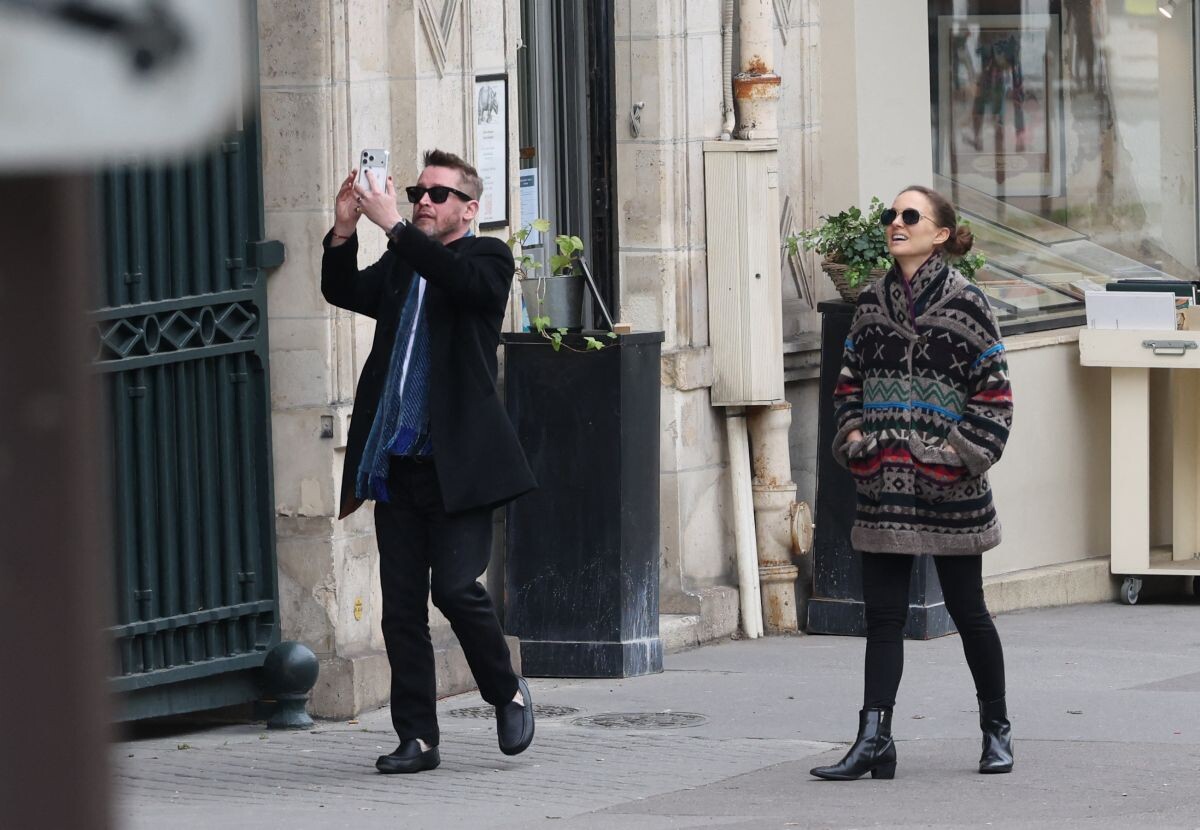
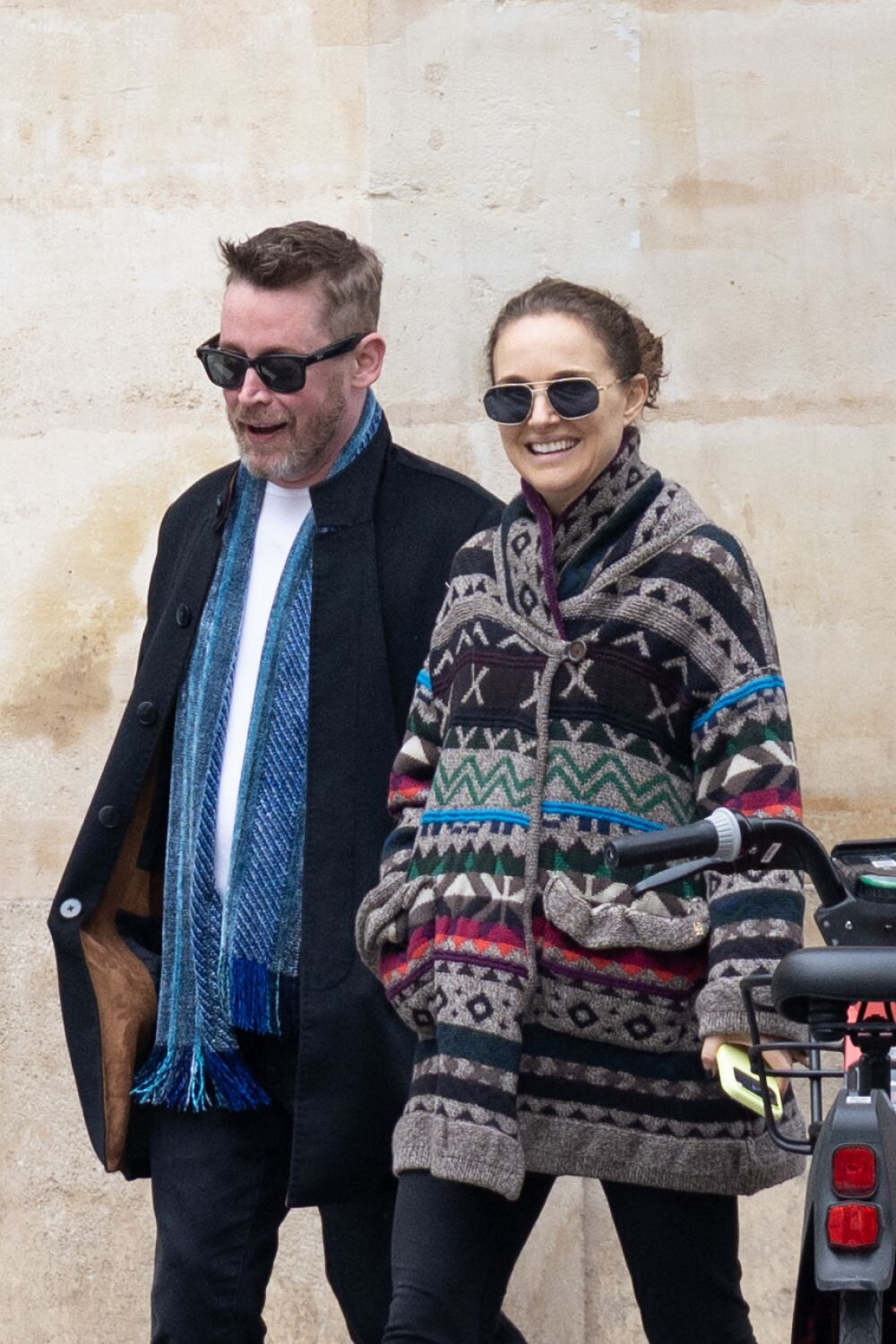
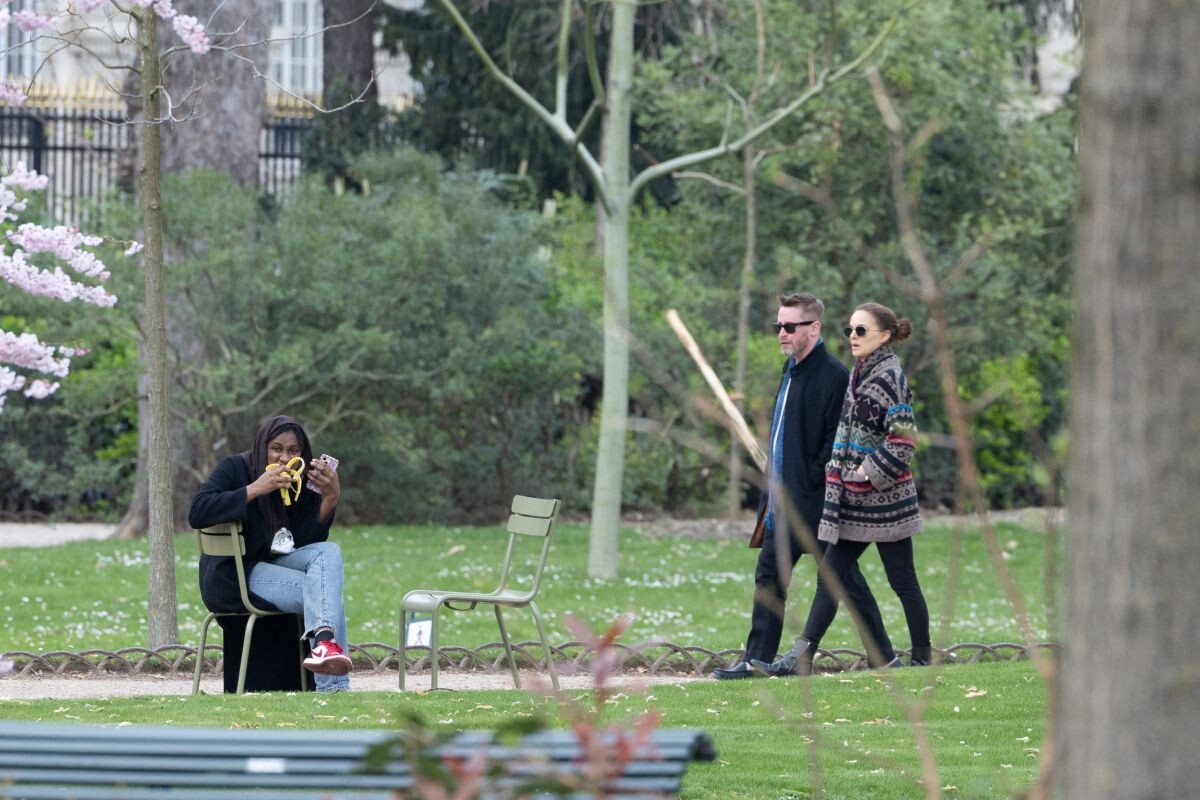
 Out in Paris on March 6, 2026, Natalie Portman stepped into street style mode in a patterned knit coat, slim black pants, and ankle boots — and the texture mix is worth a closer look.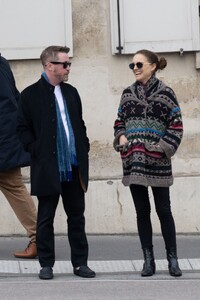
.thumb.jpg.7c6ef77debcba873bbac61bf4962dbee.jpg)
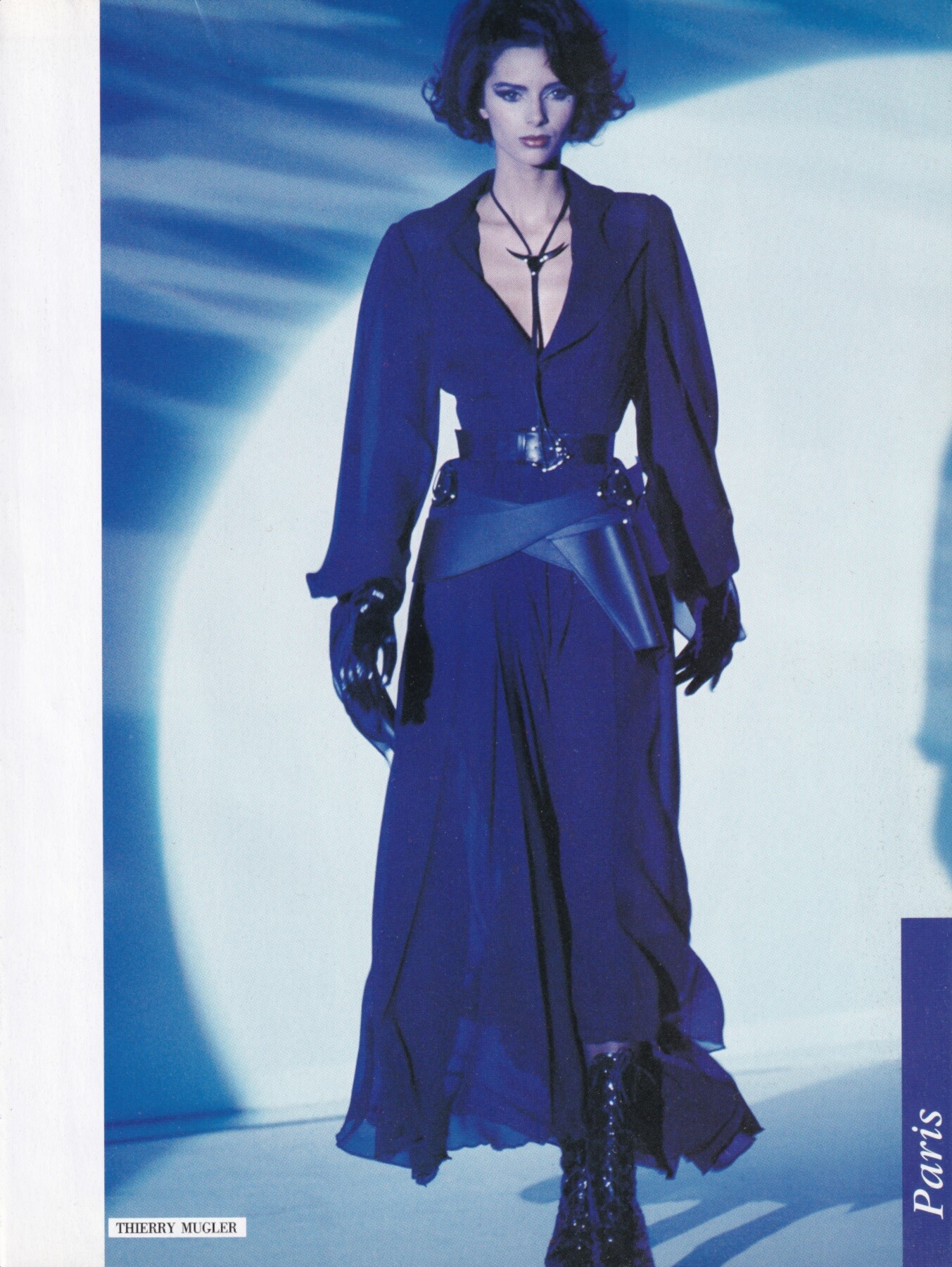
 Heather Stewart Whyte for Thierry Mugler, ready-to-wear, spring/summer 1992 my scan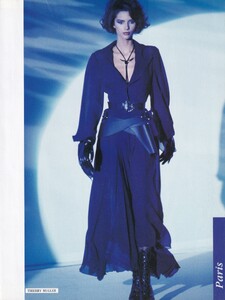

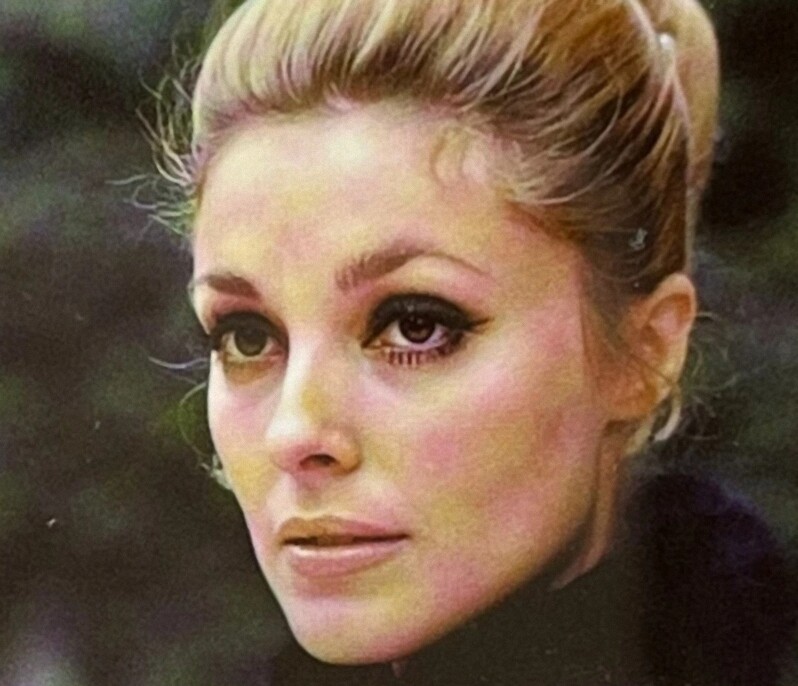
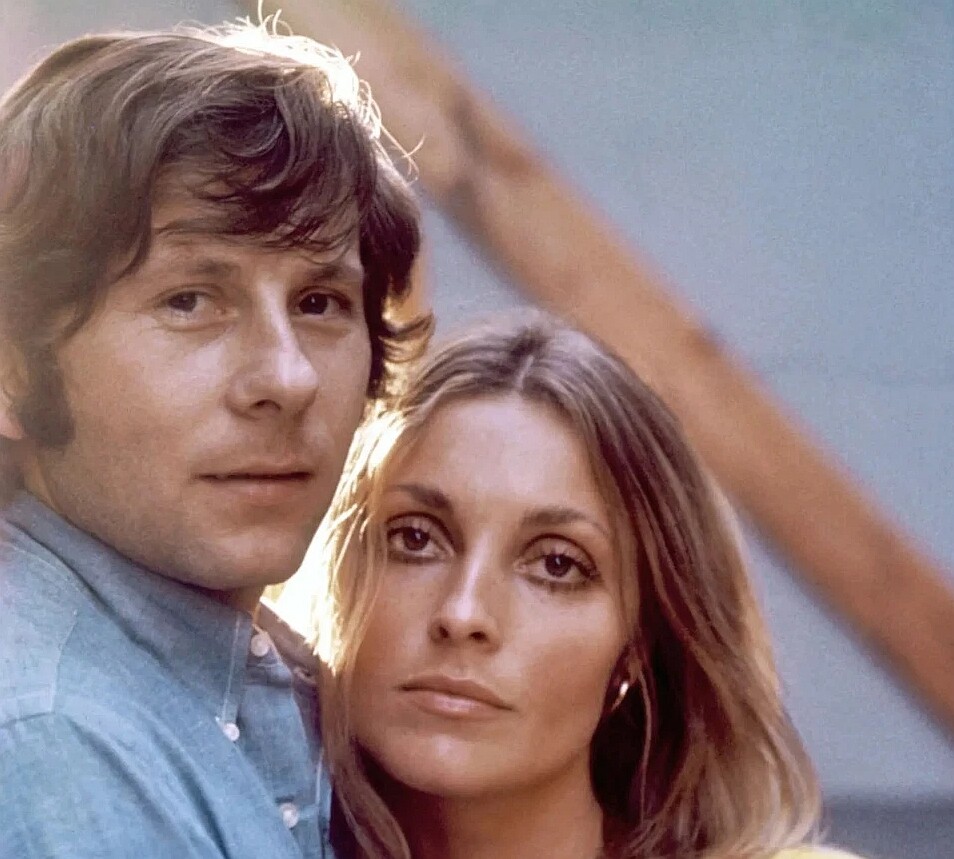
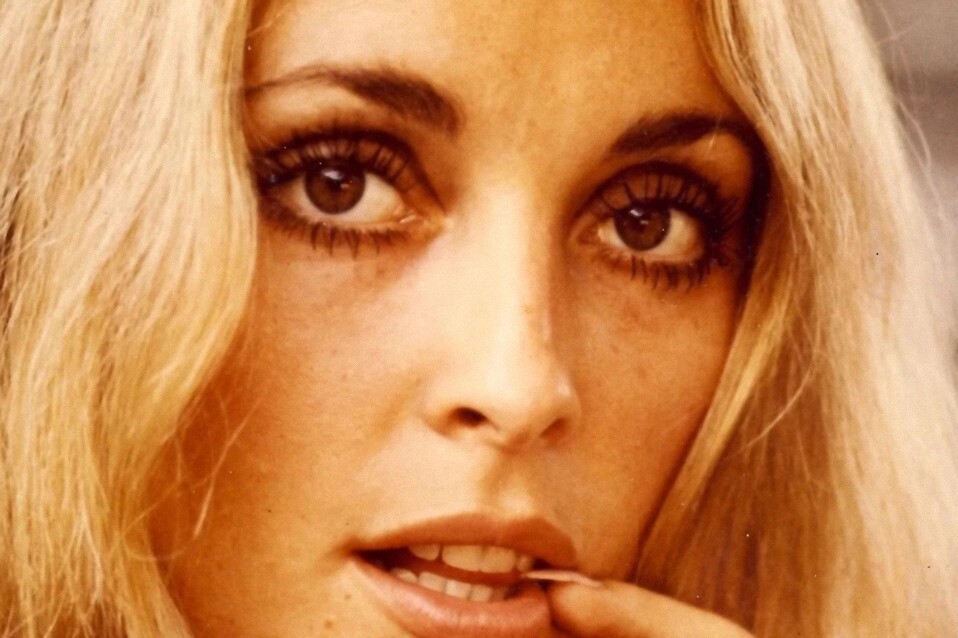
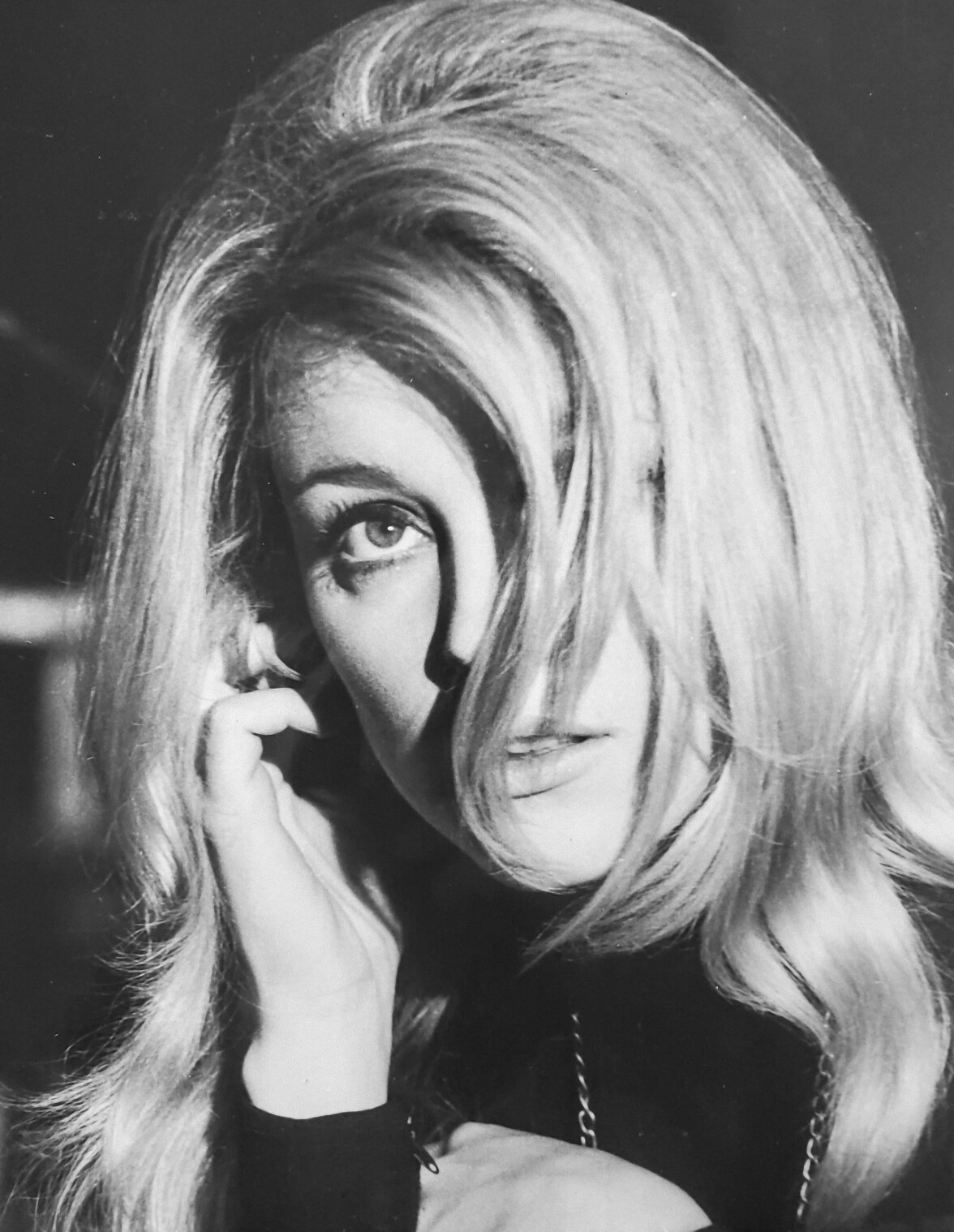
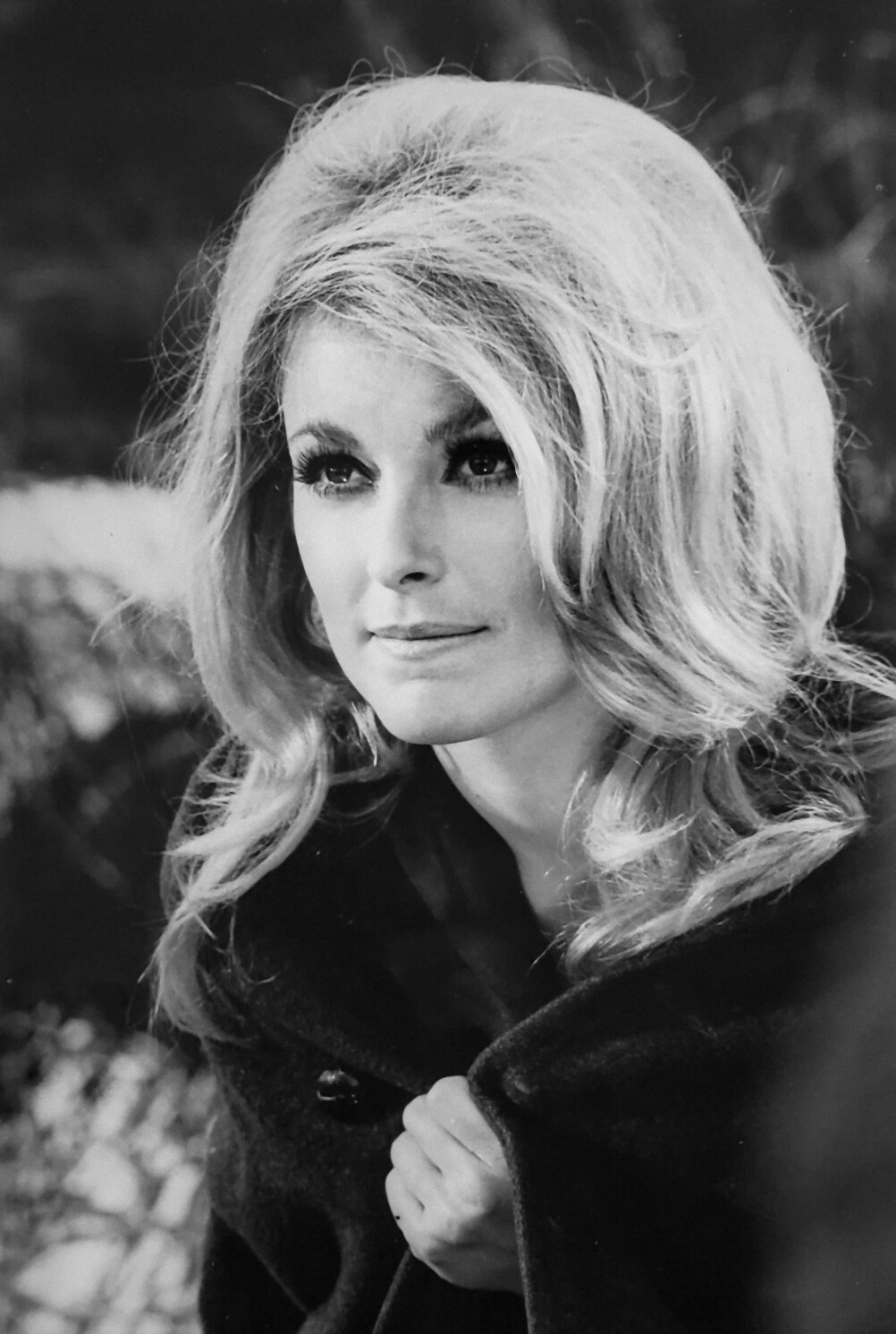
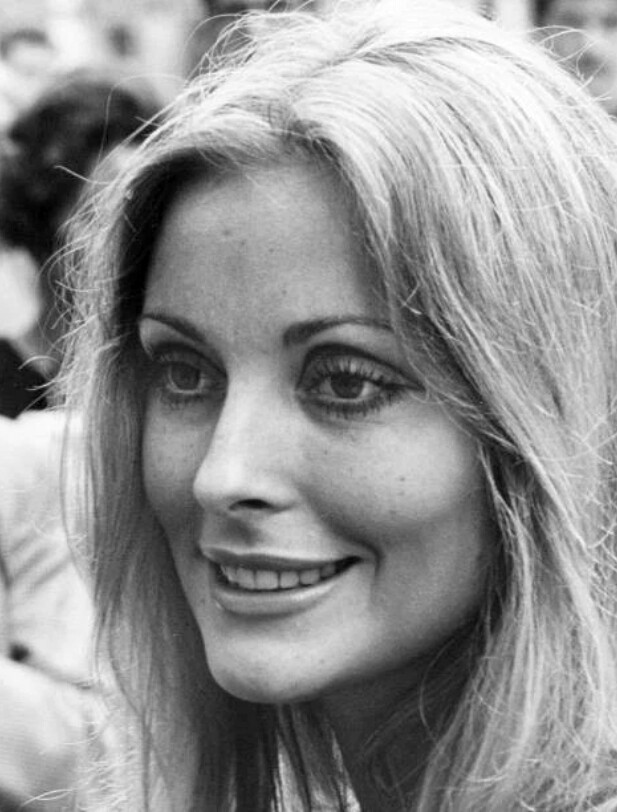
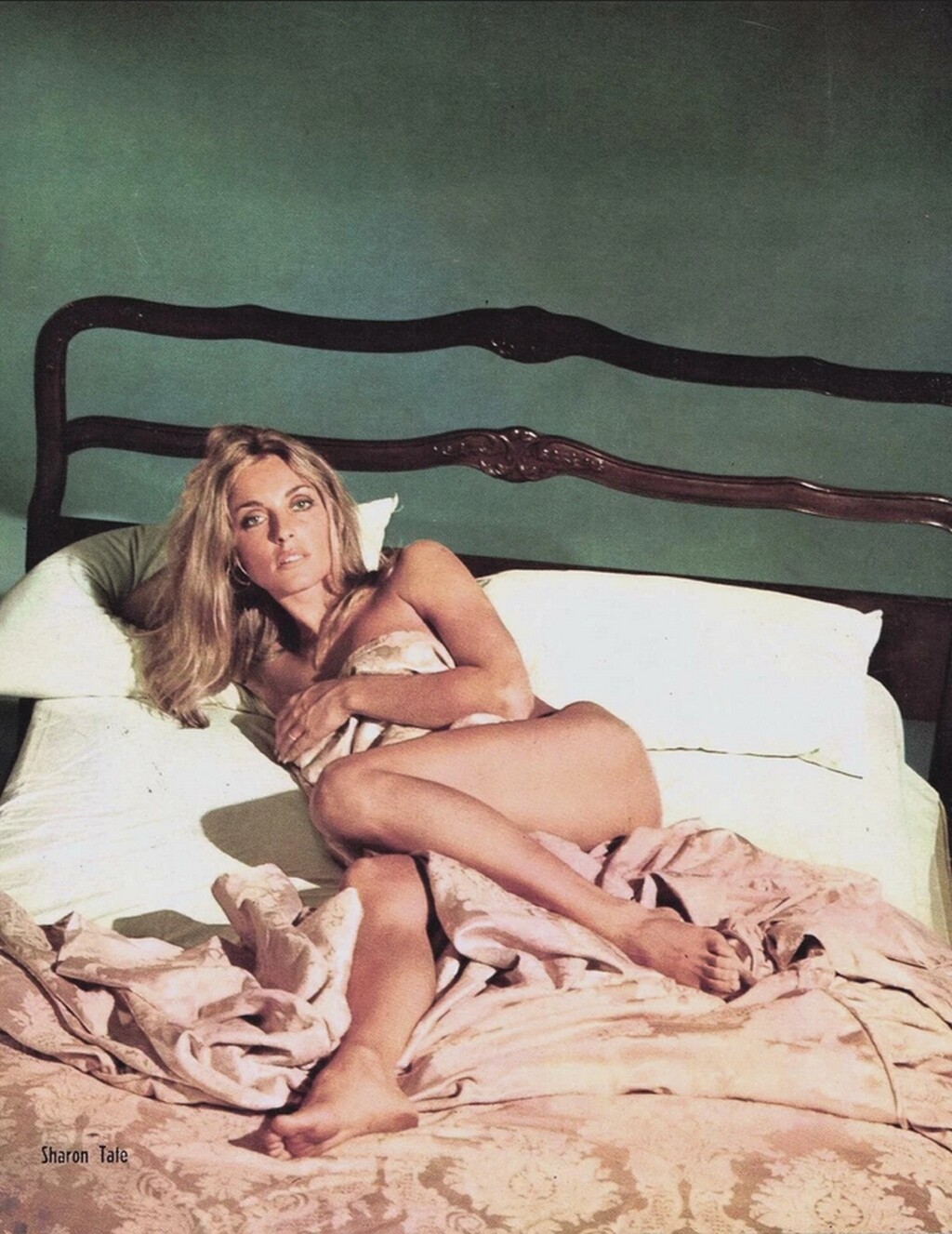
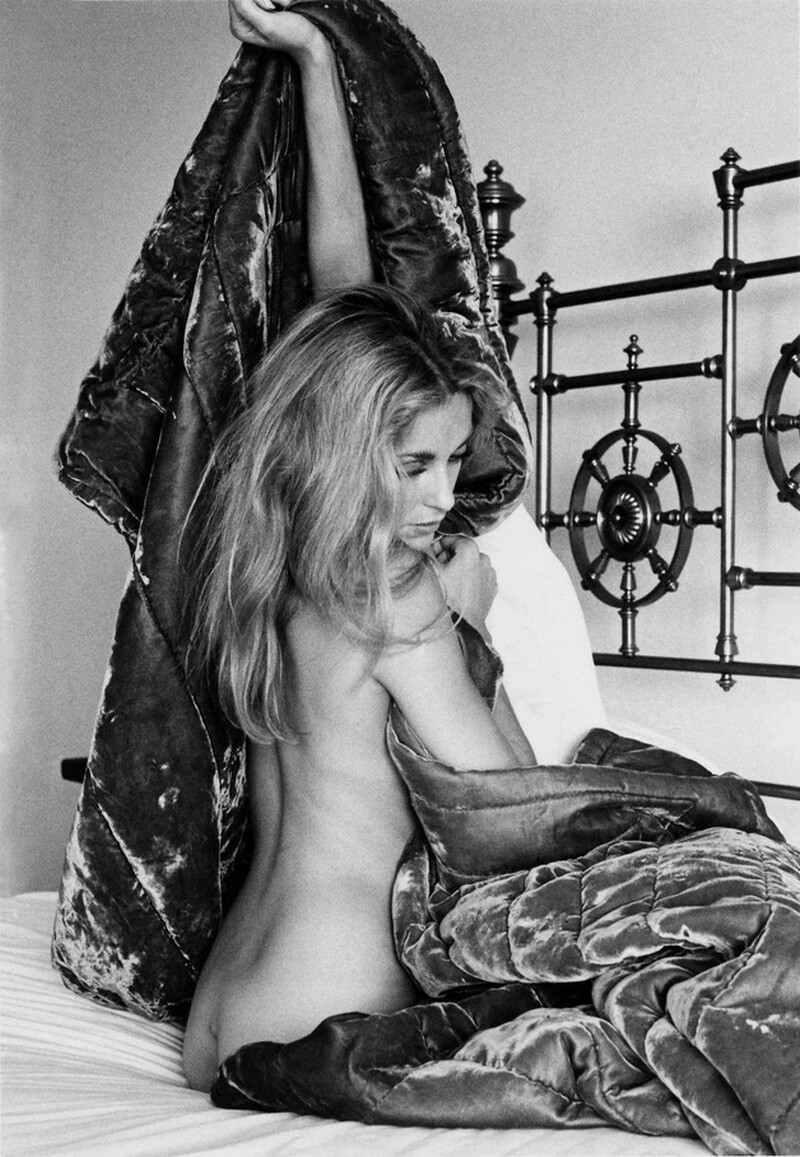

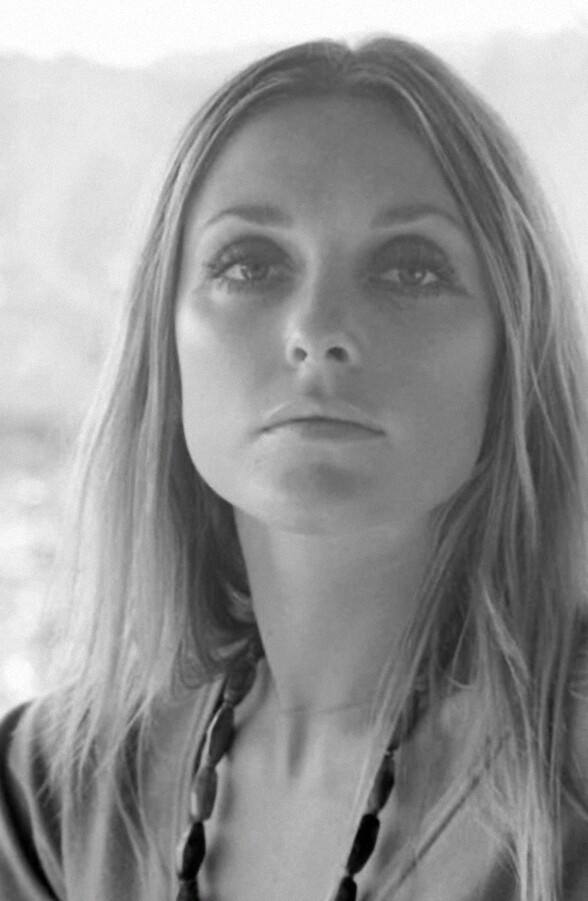
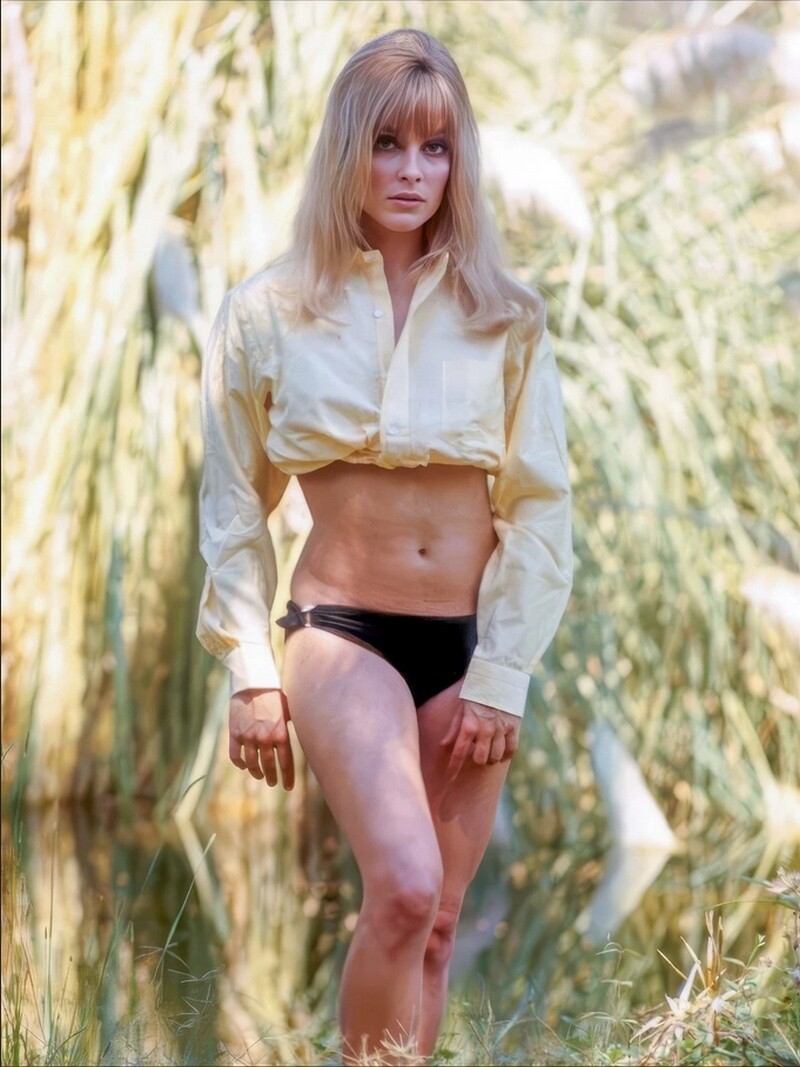
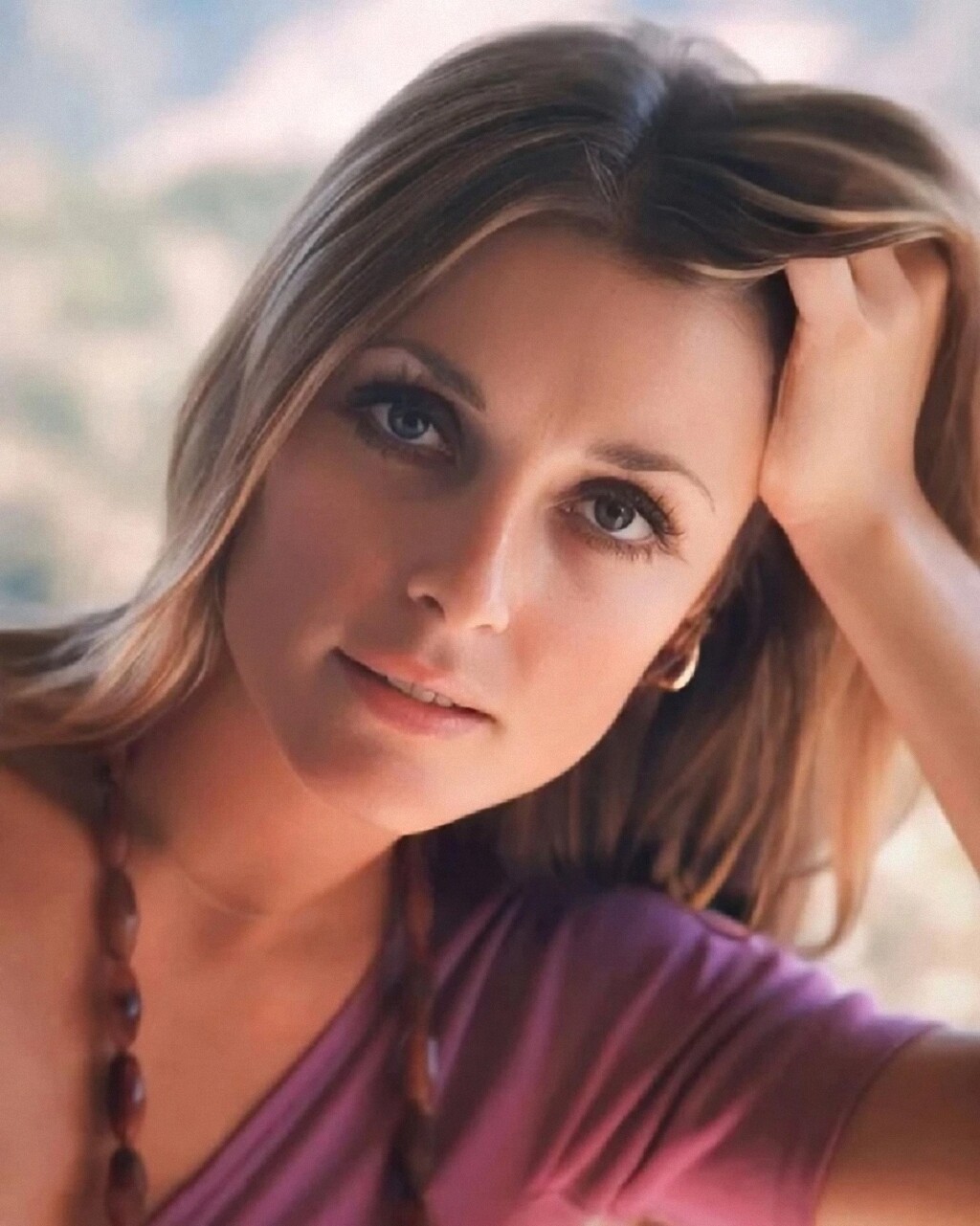
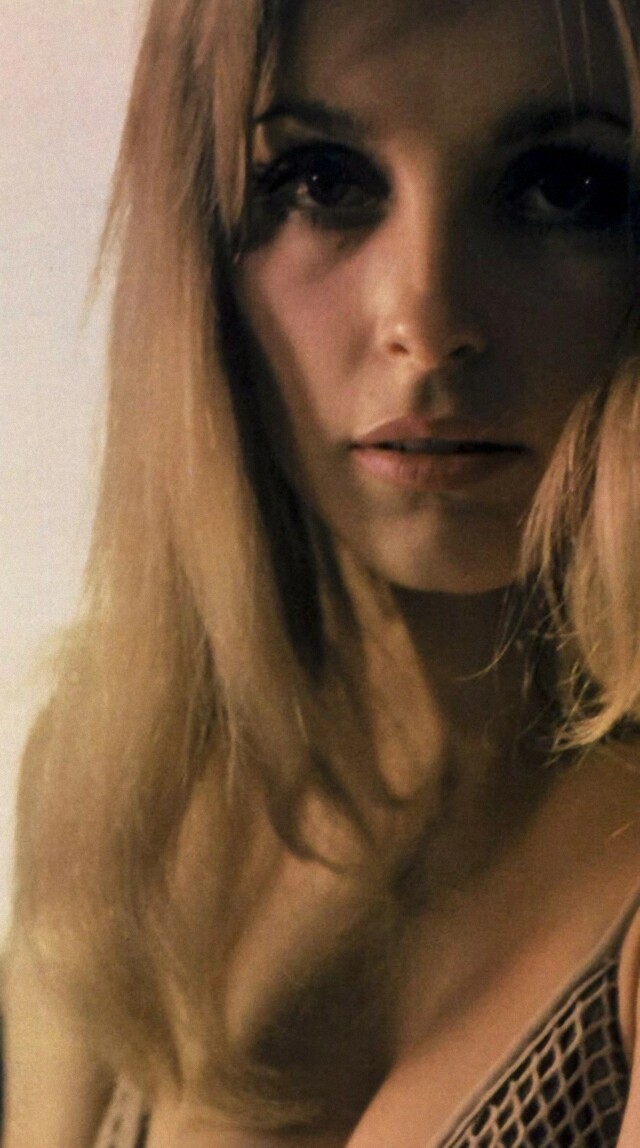
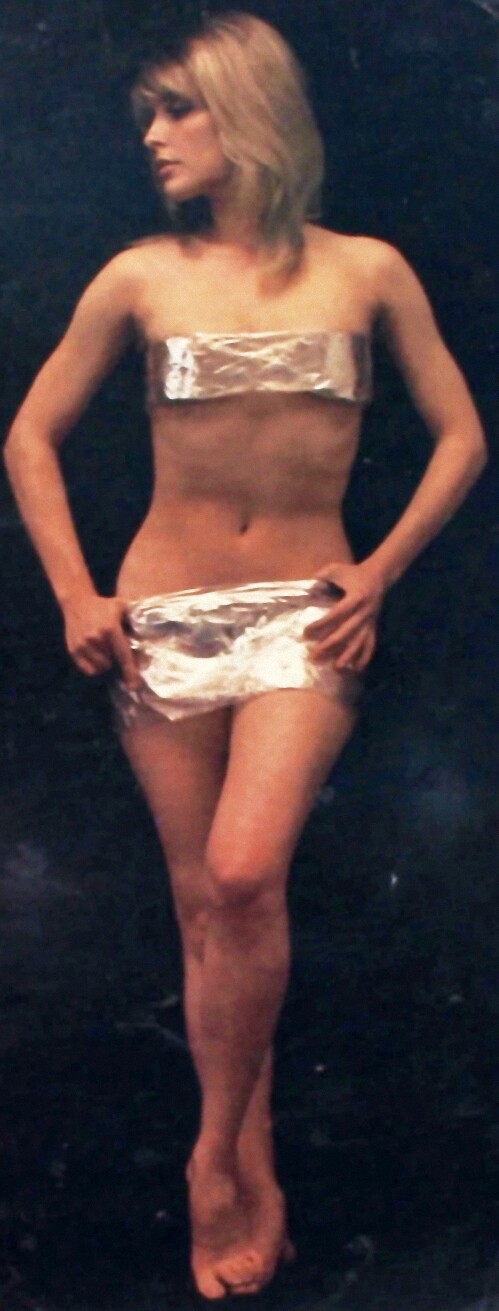
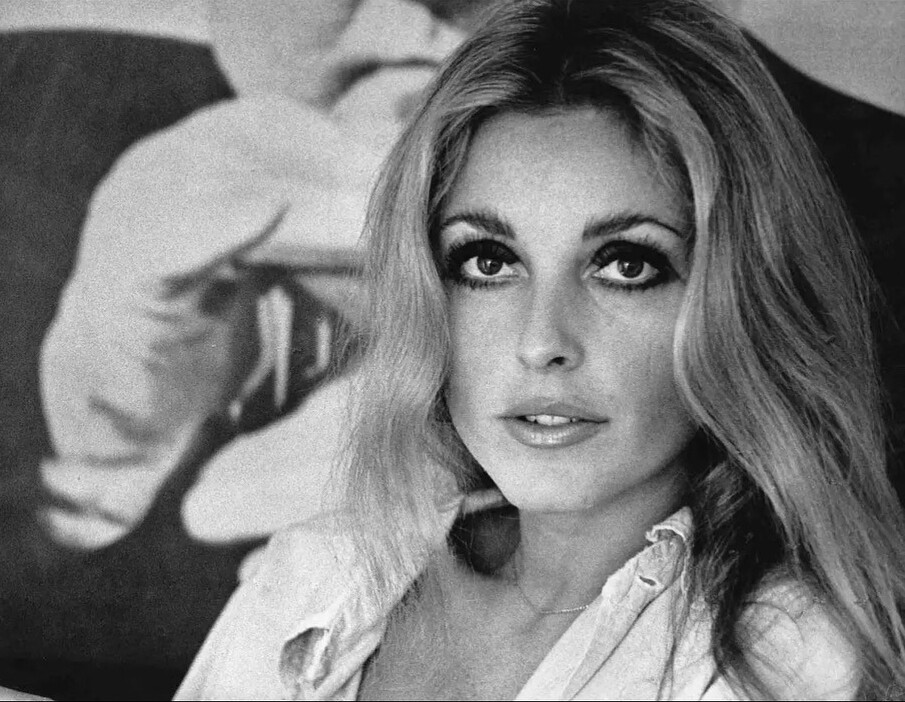
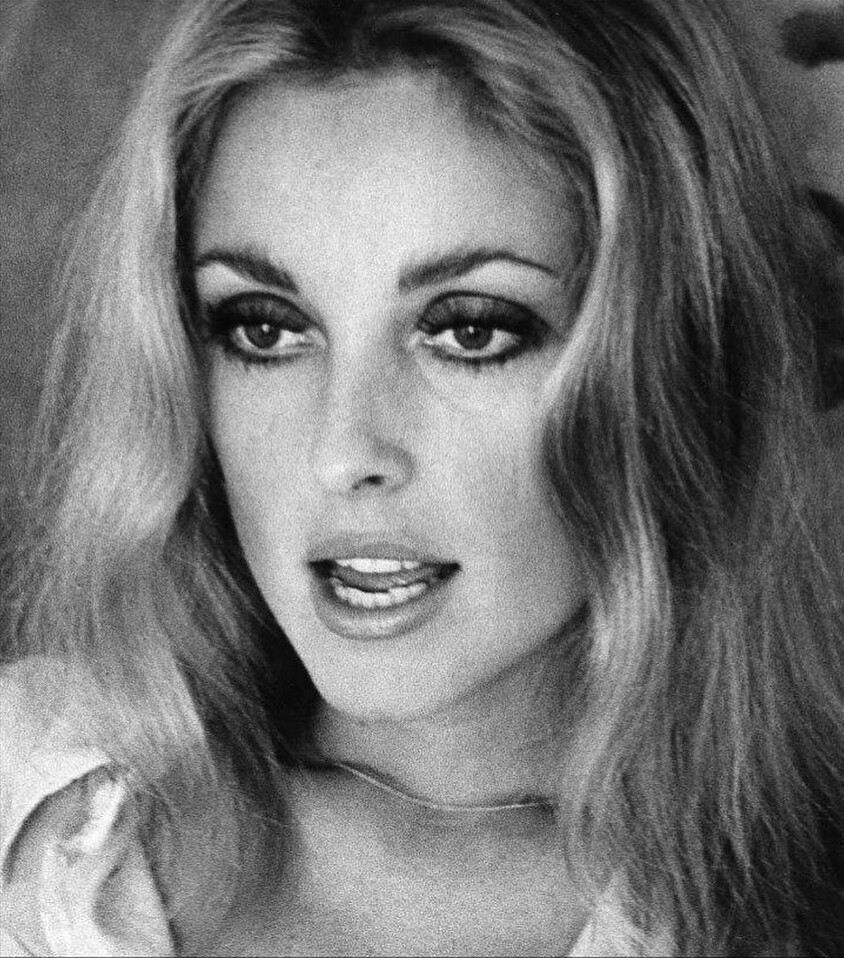
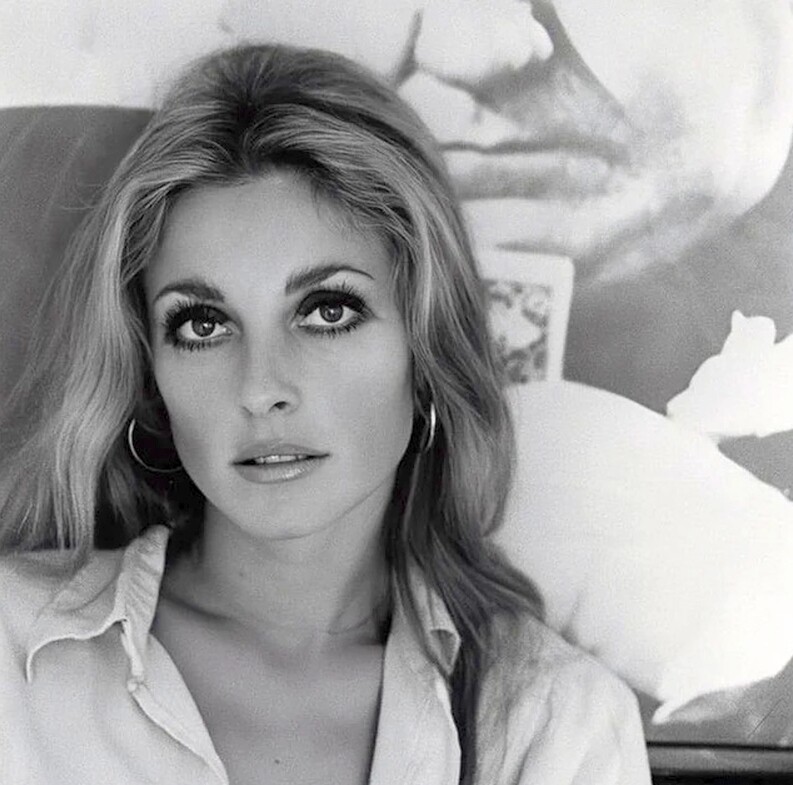




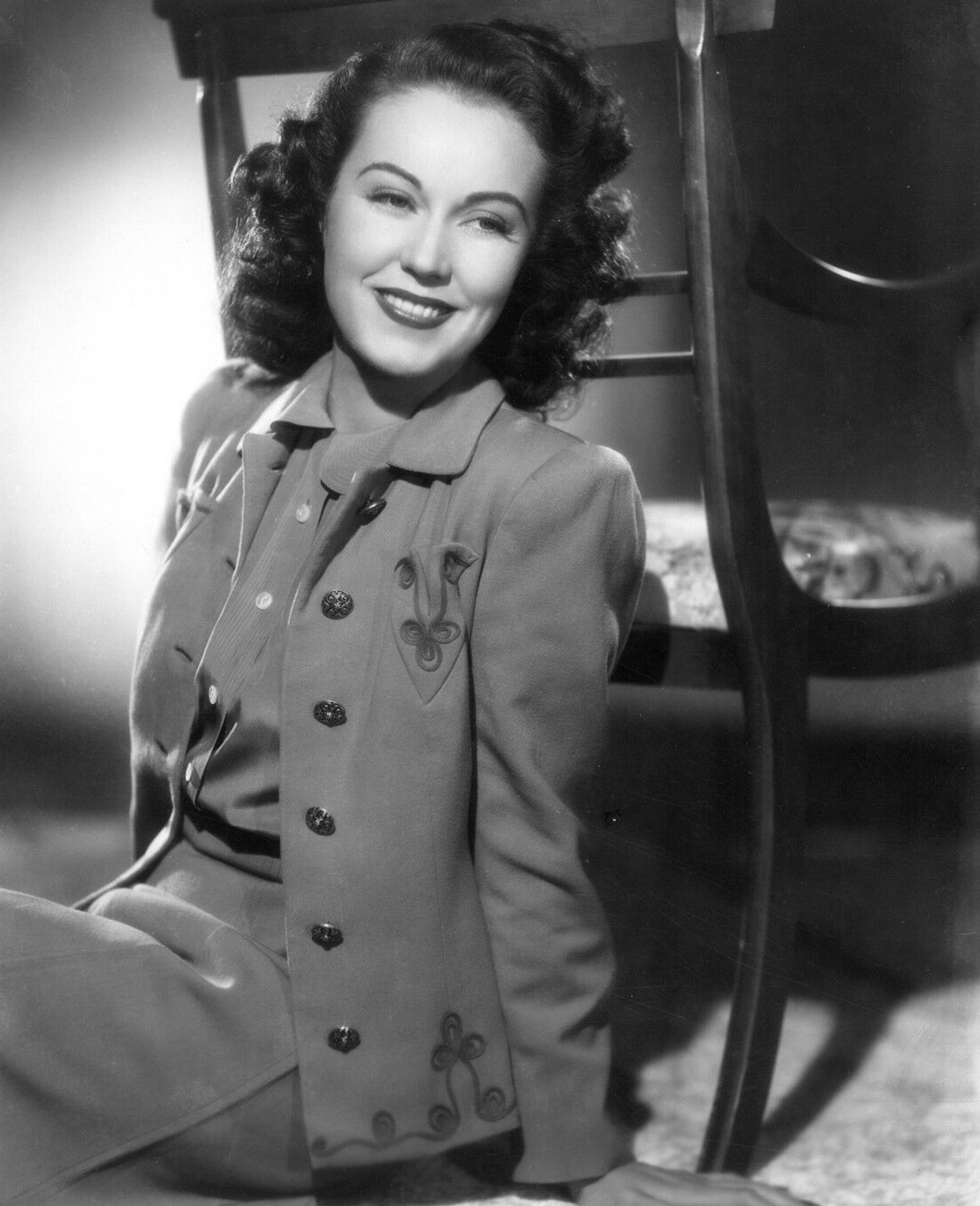
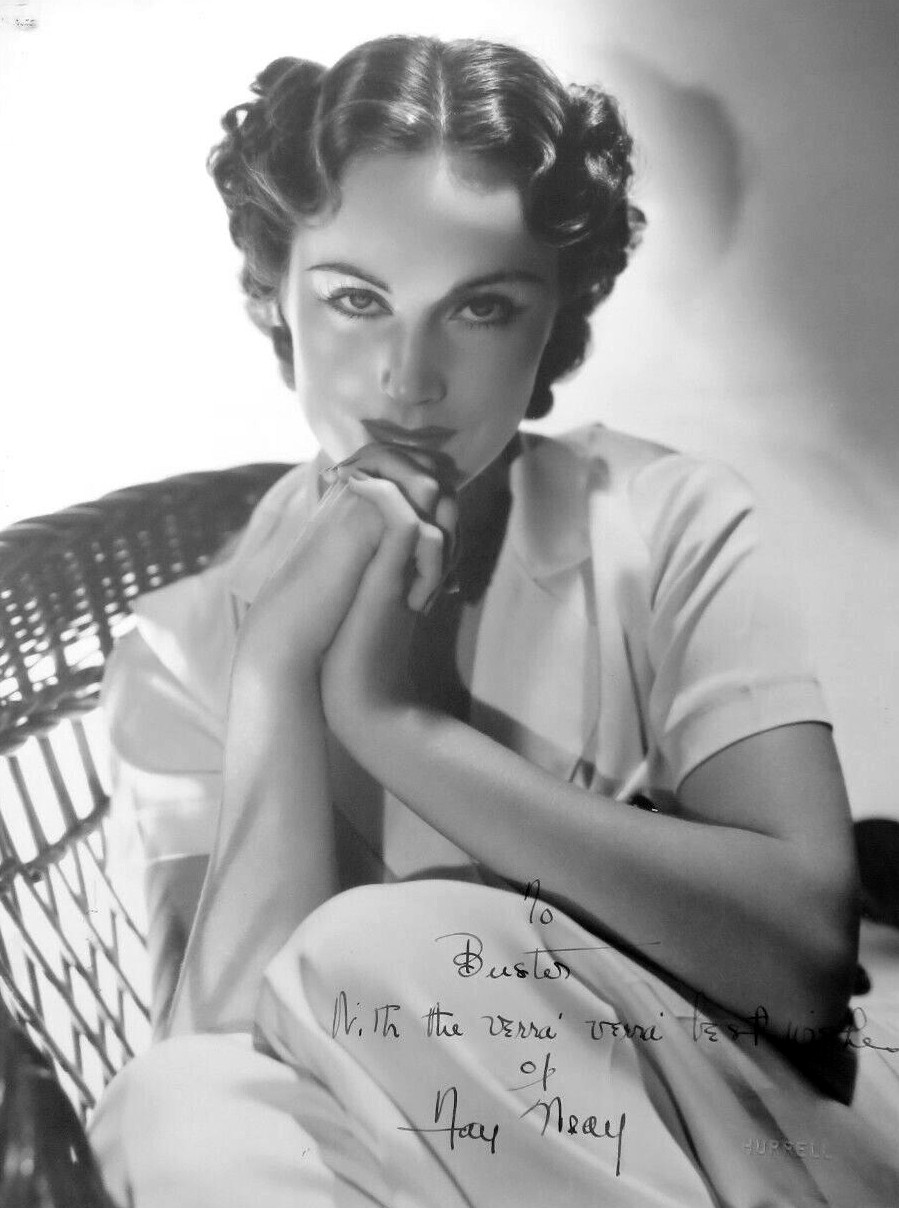

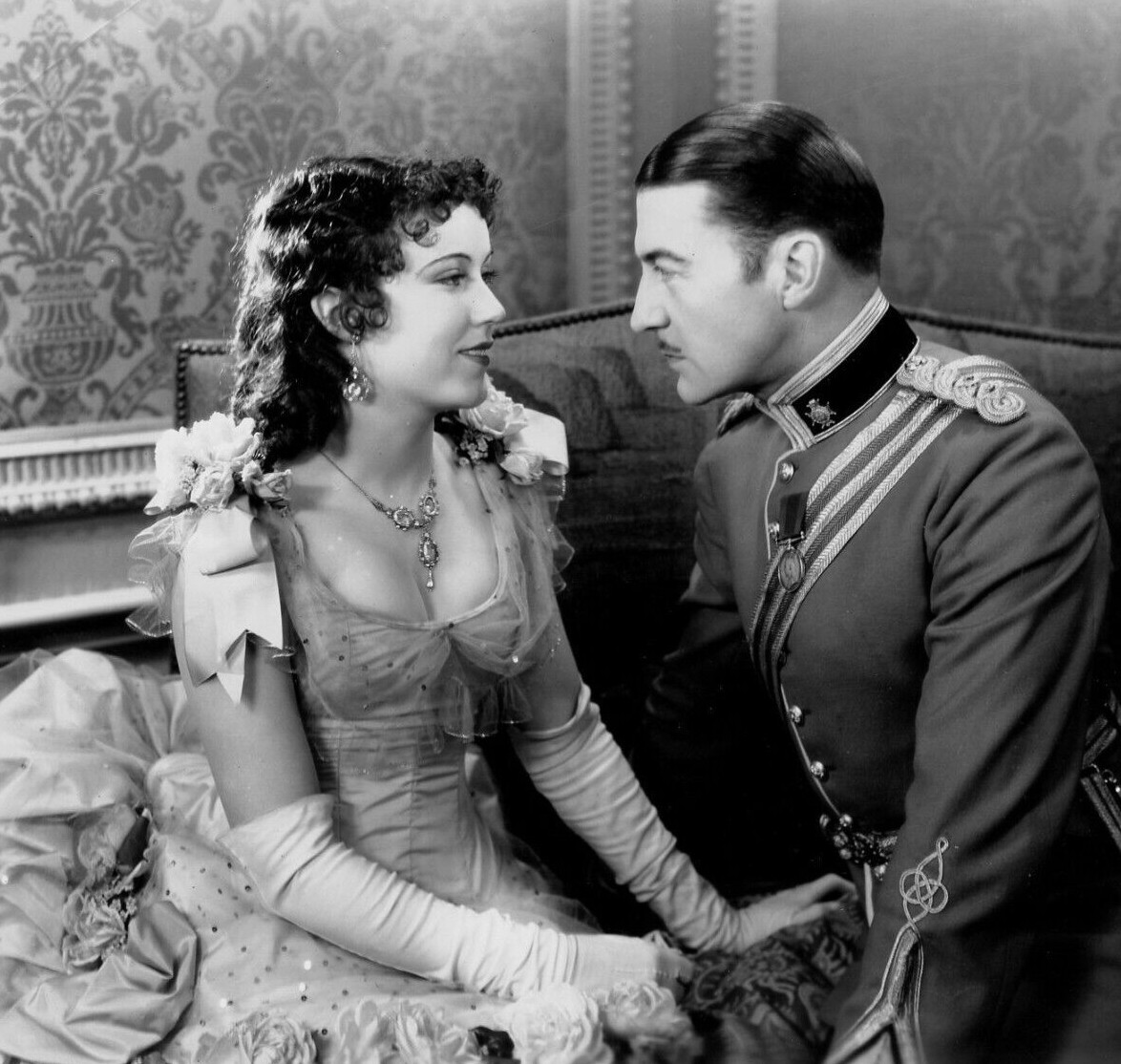
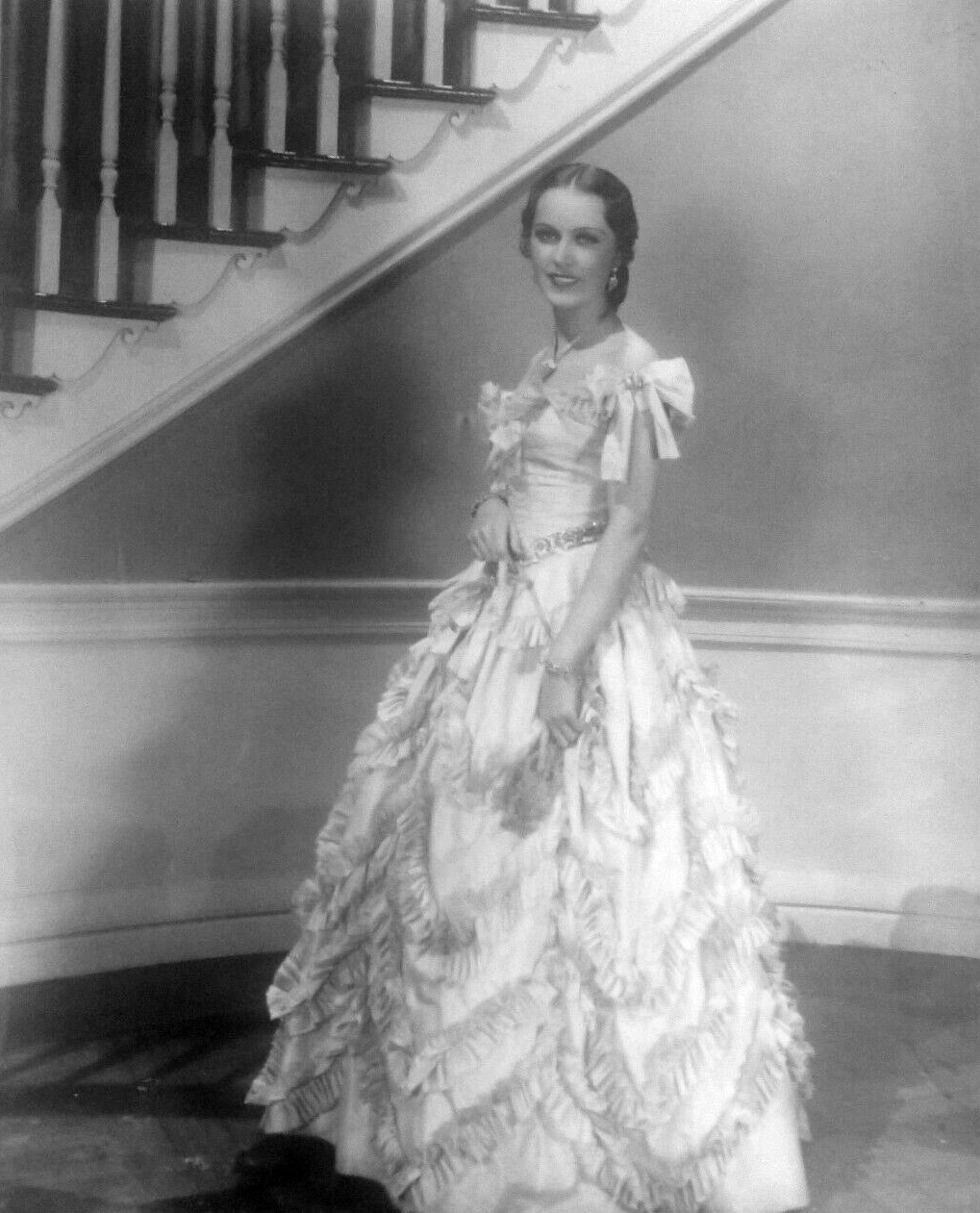

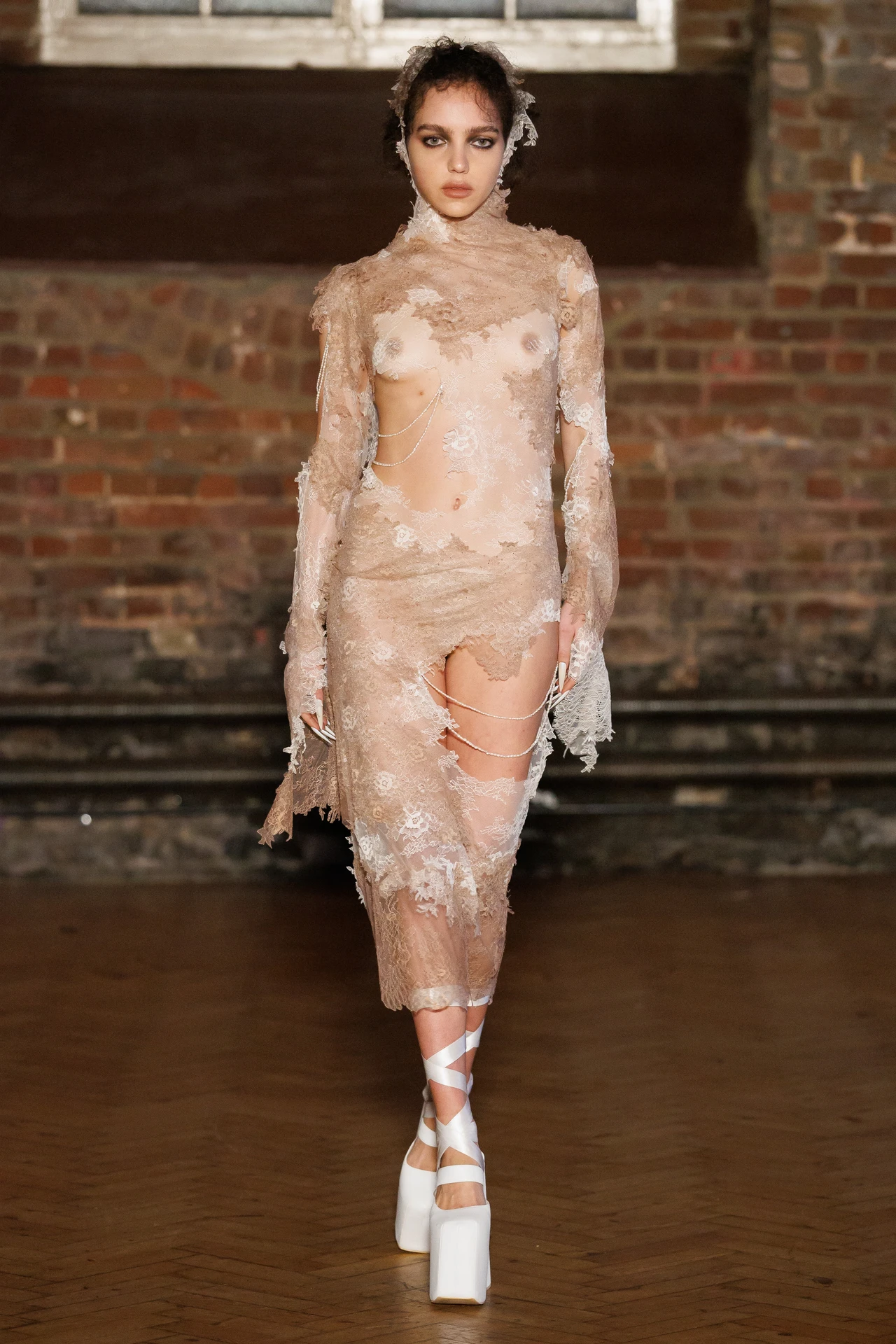
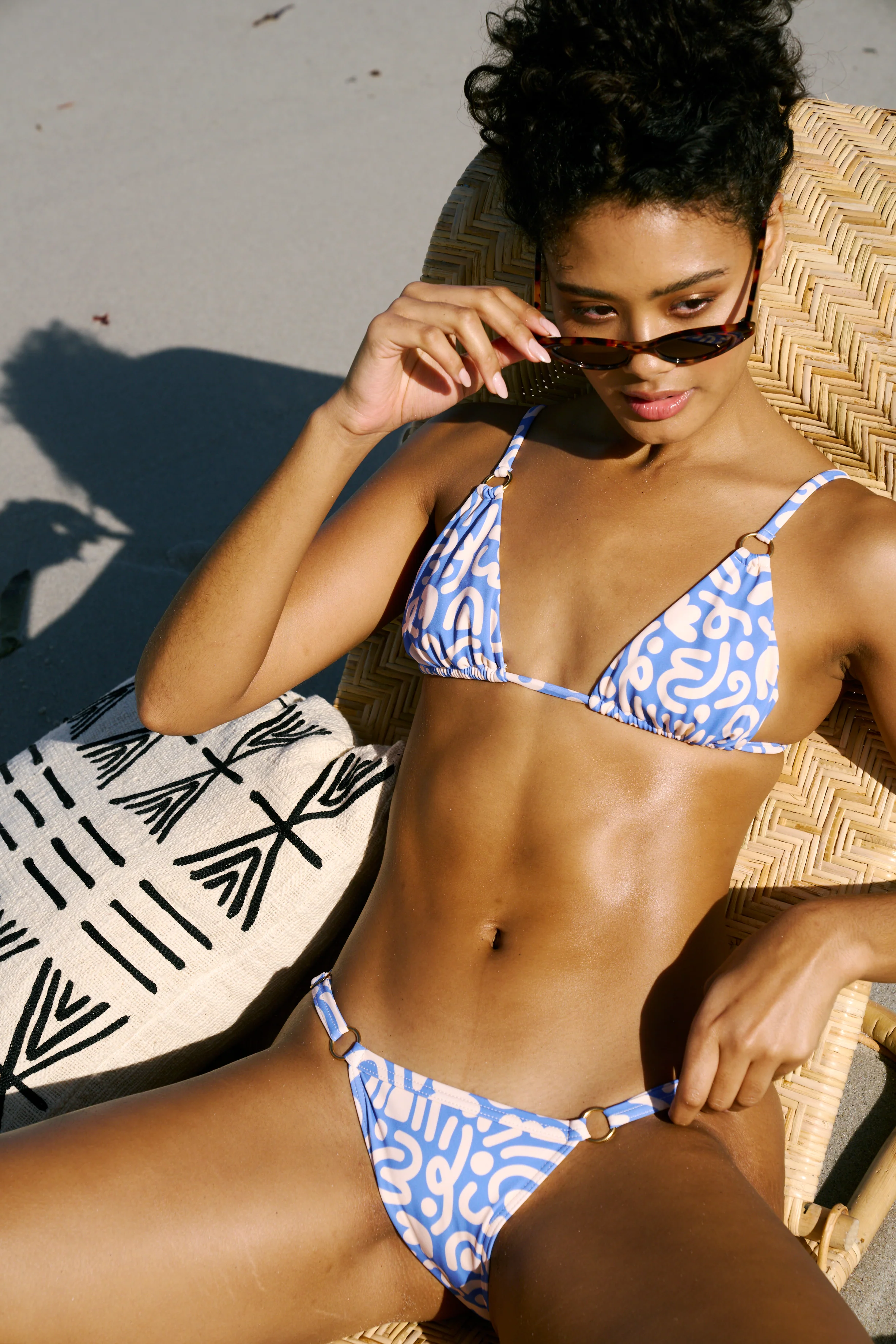
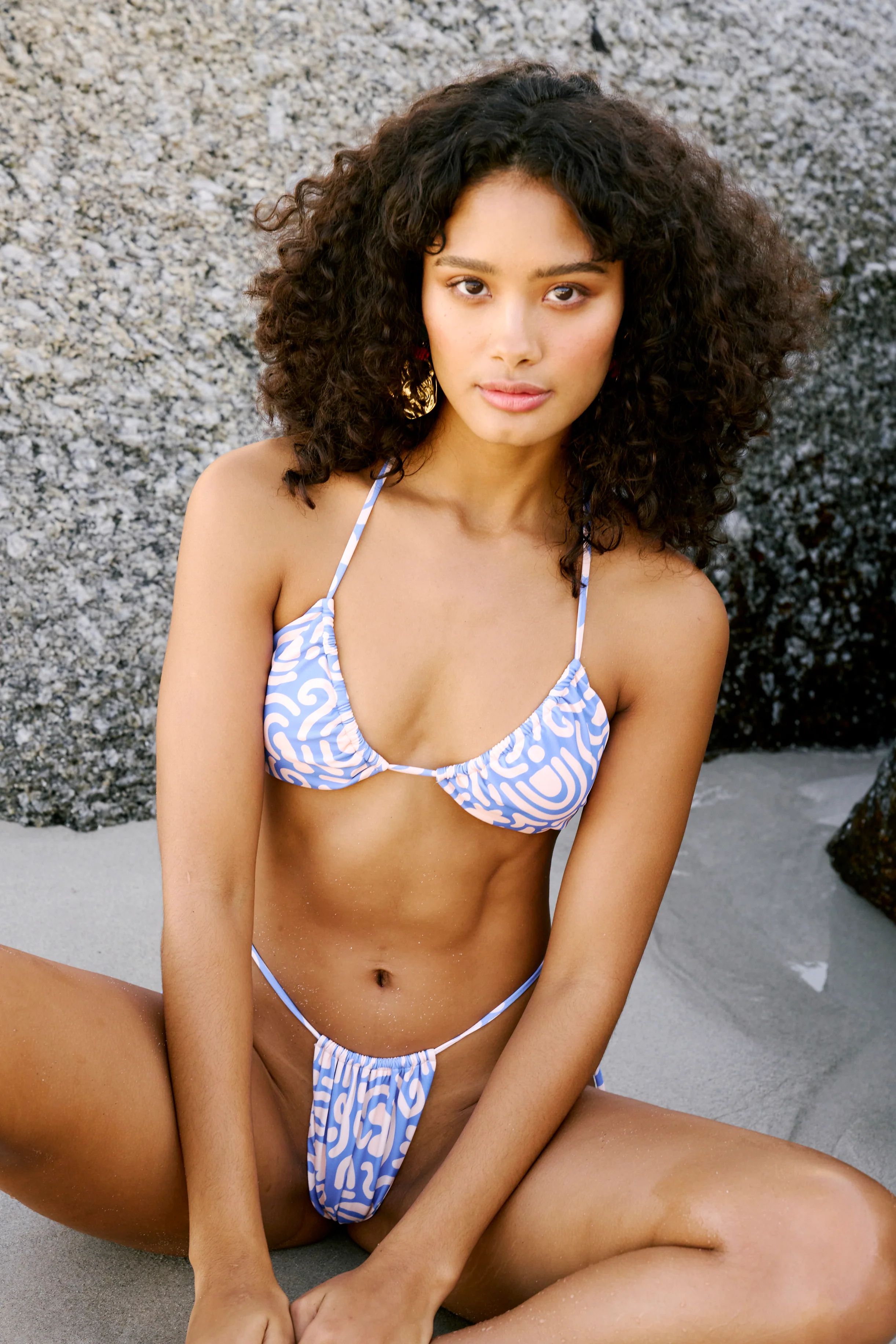
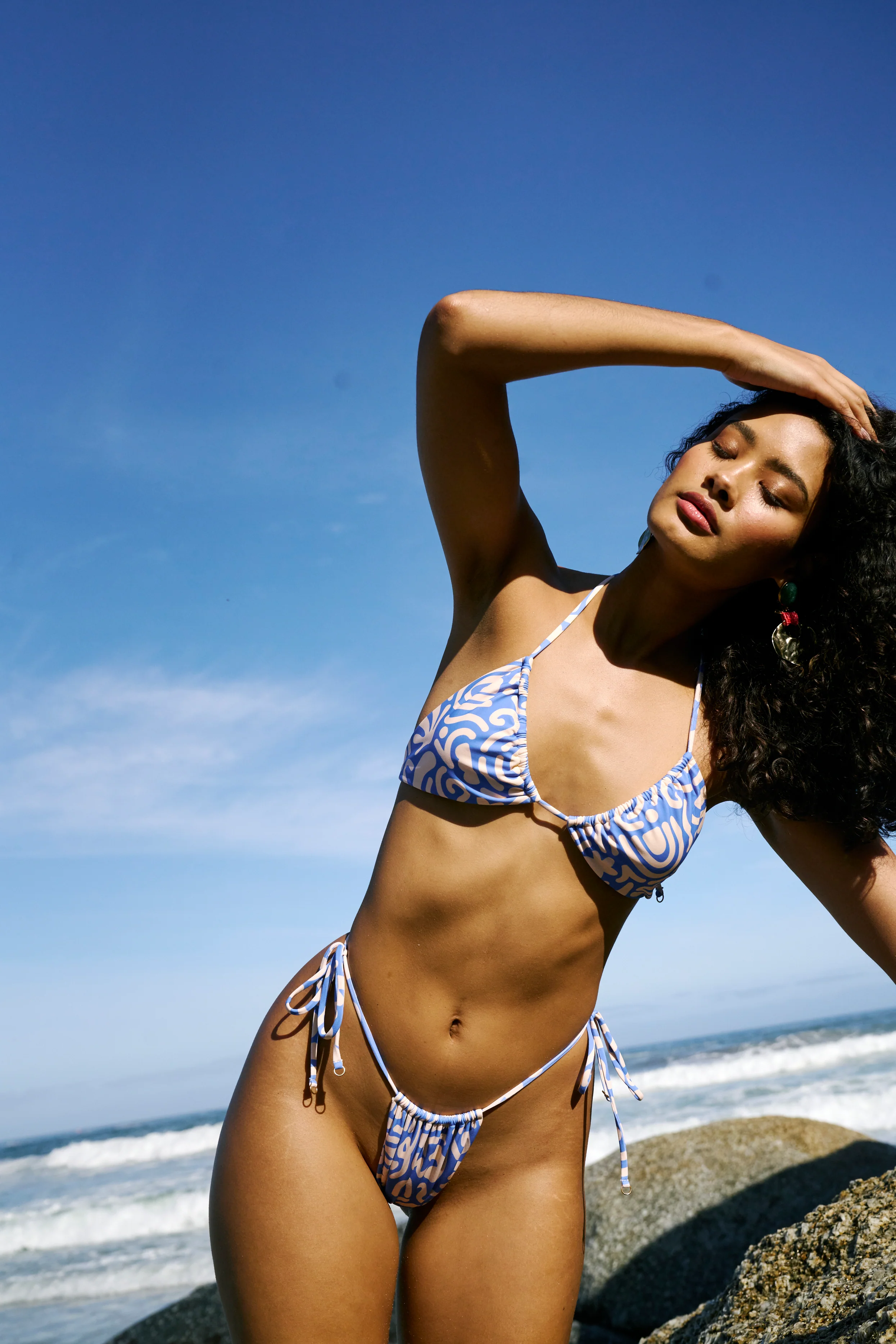
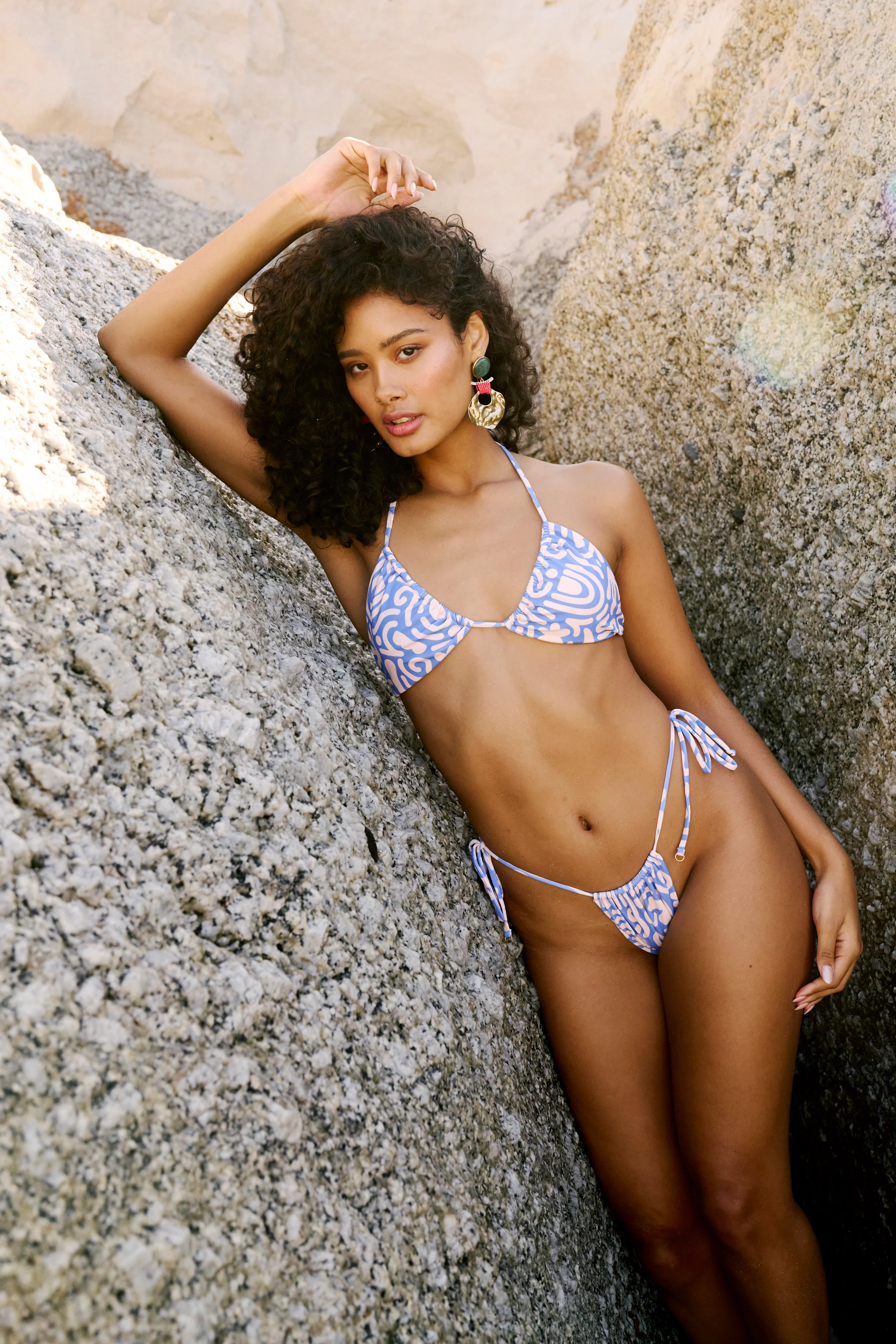
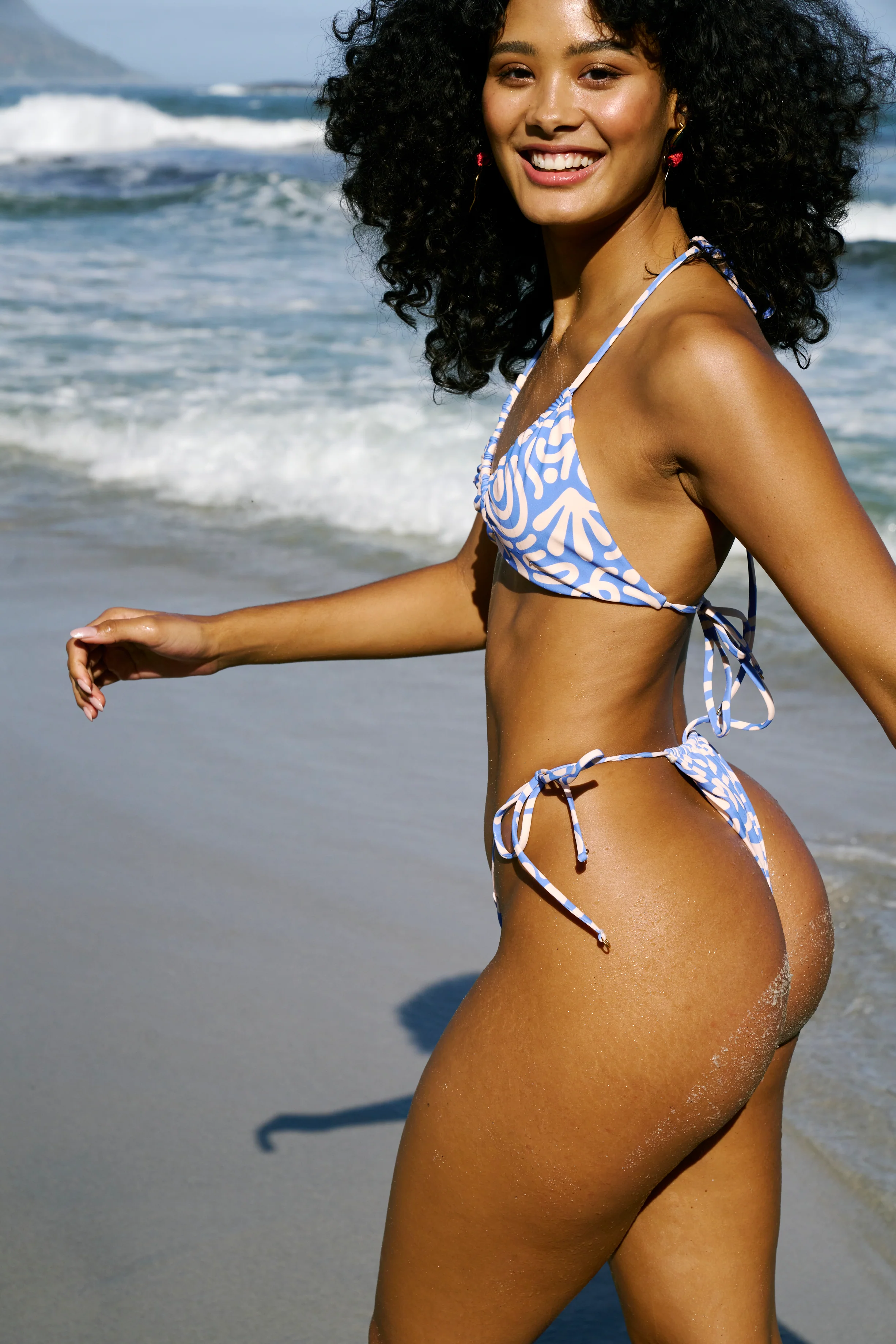
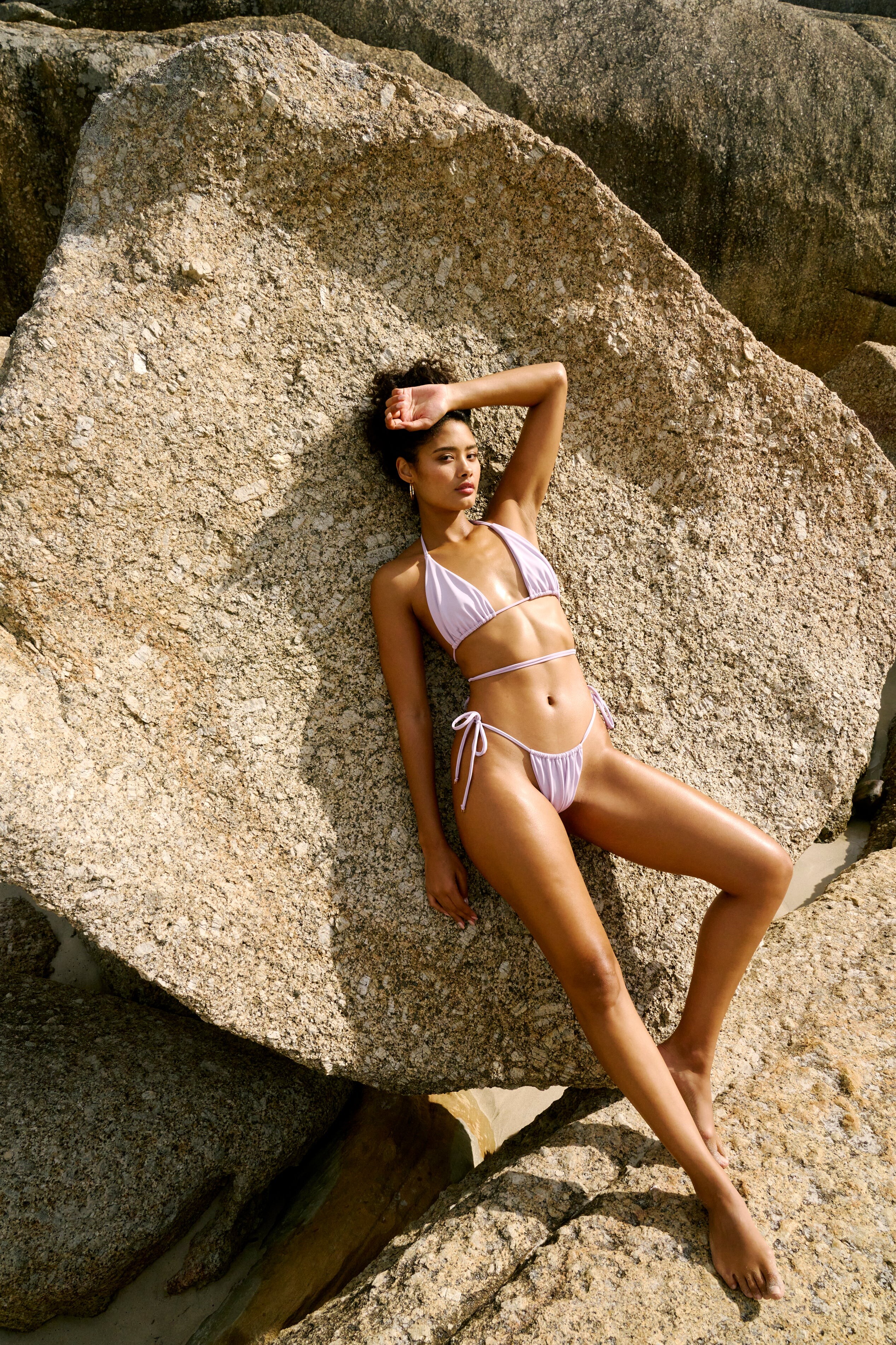
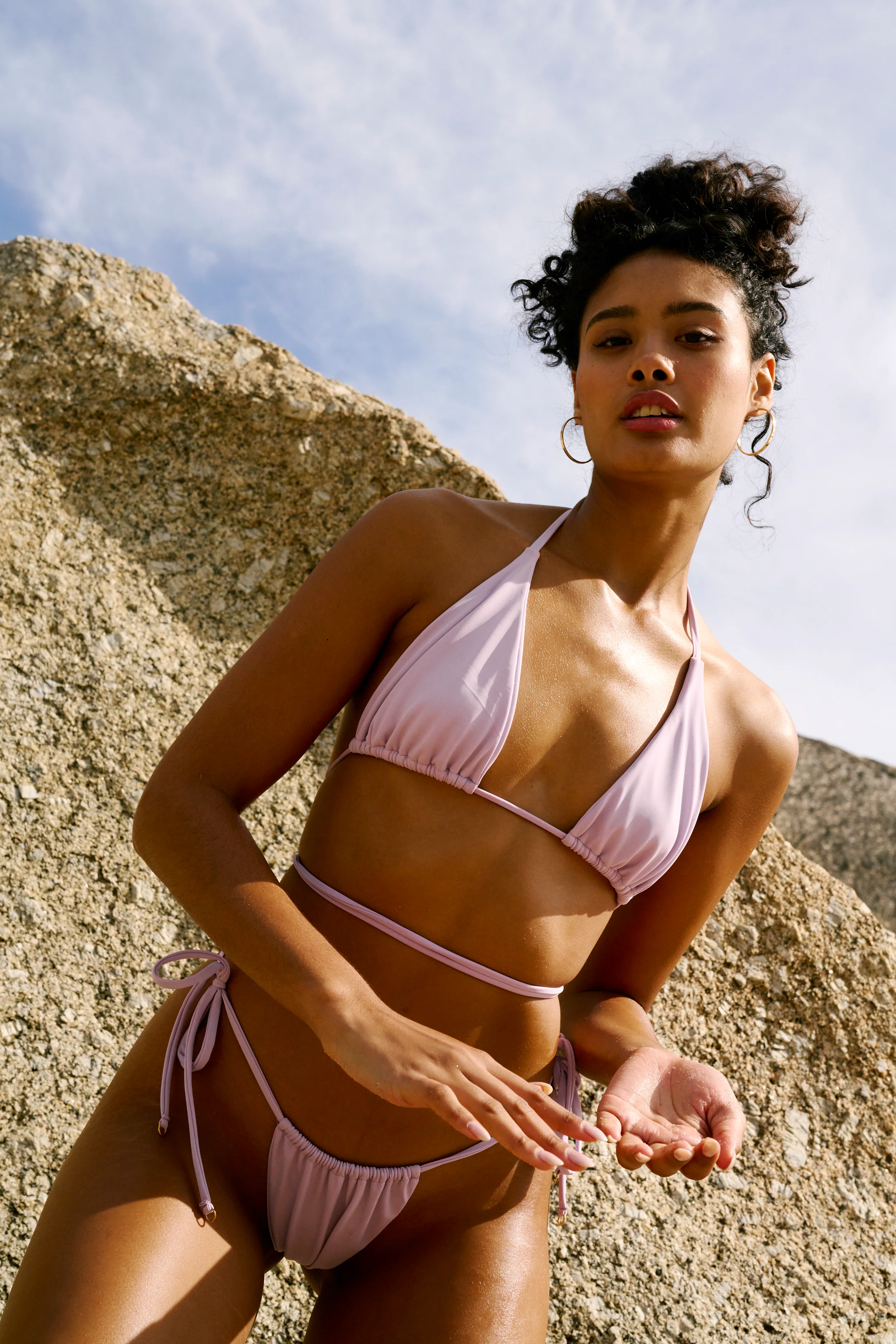
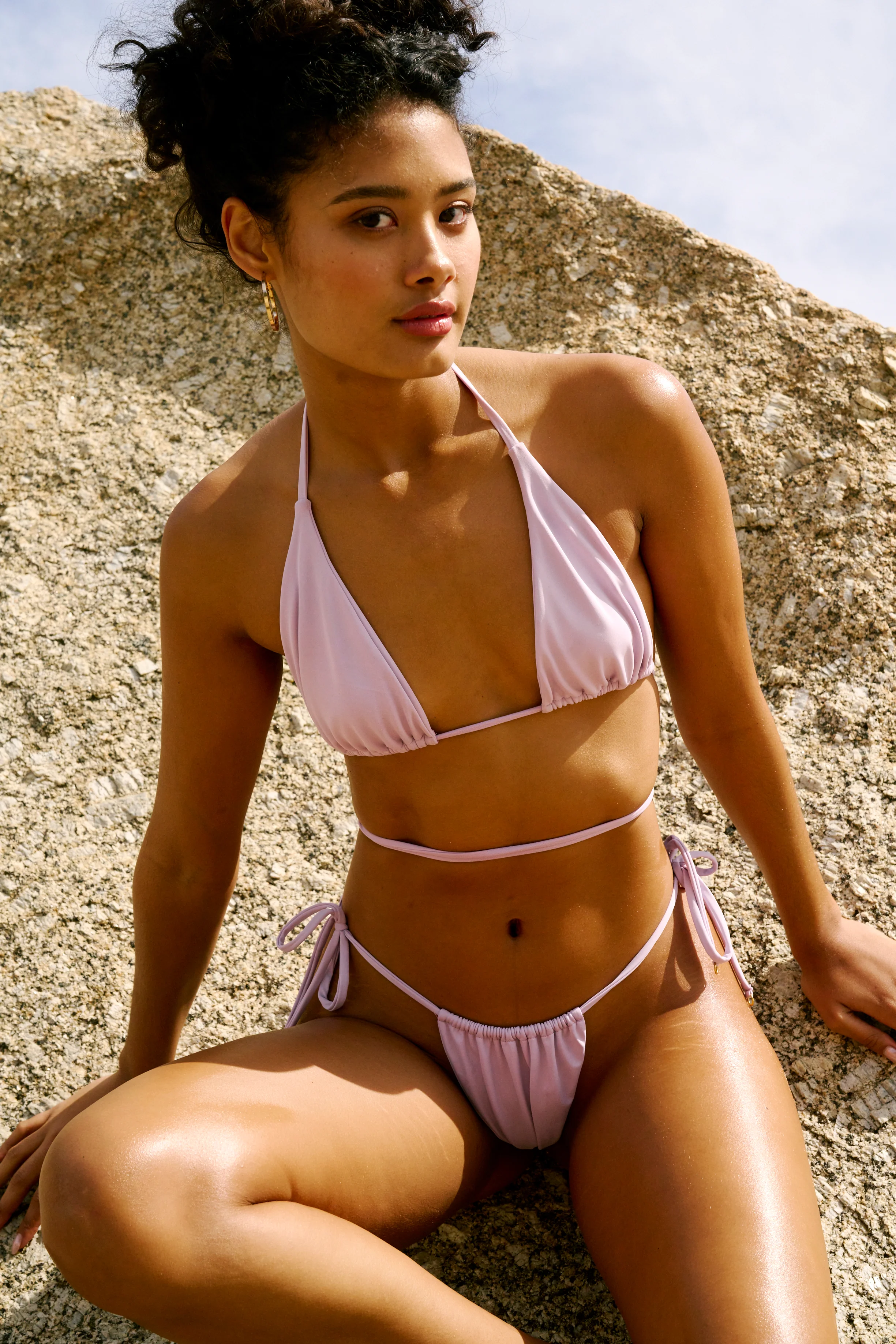
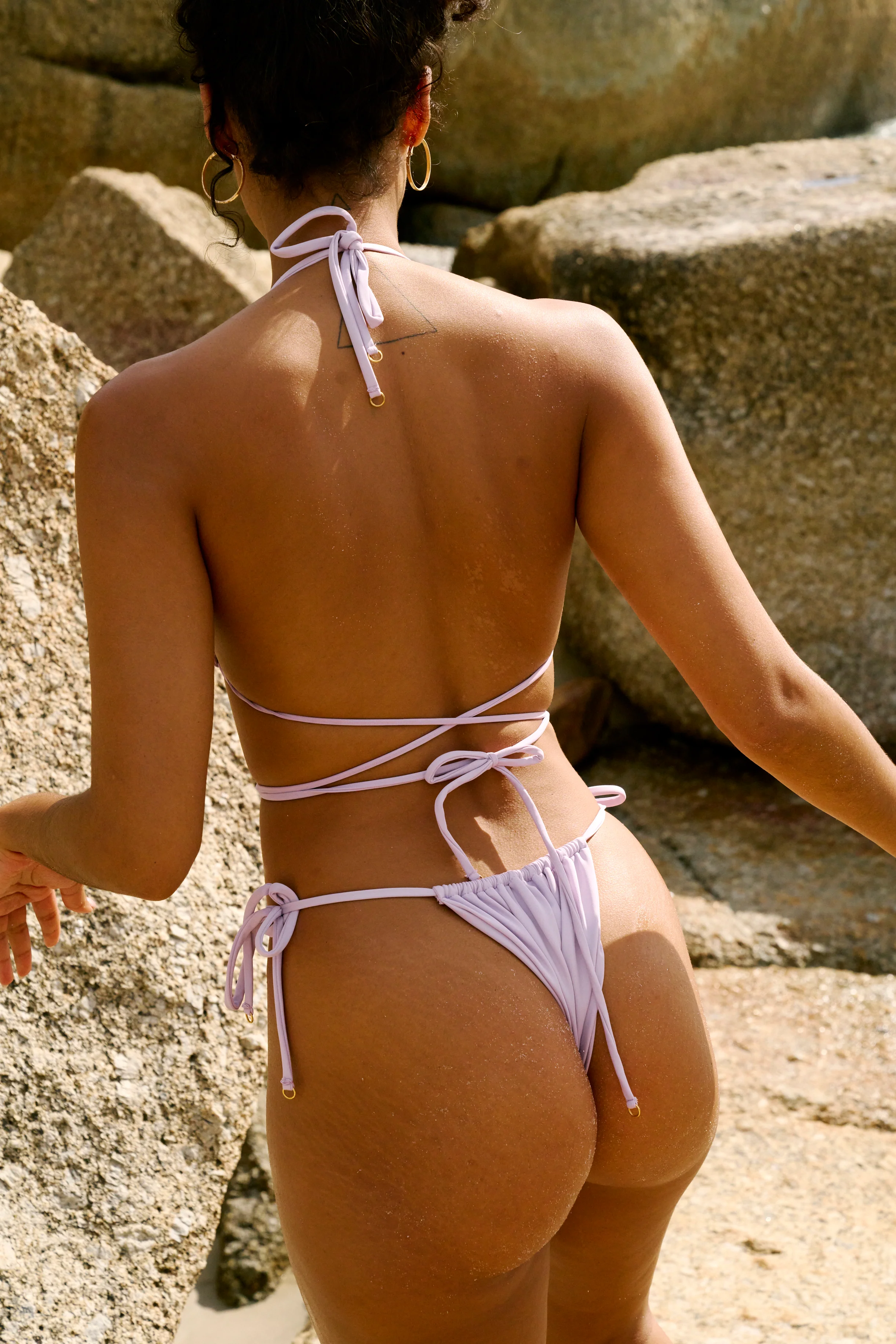
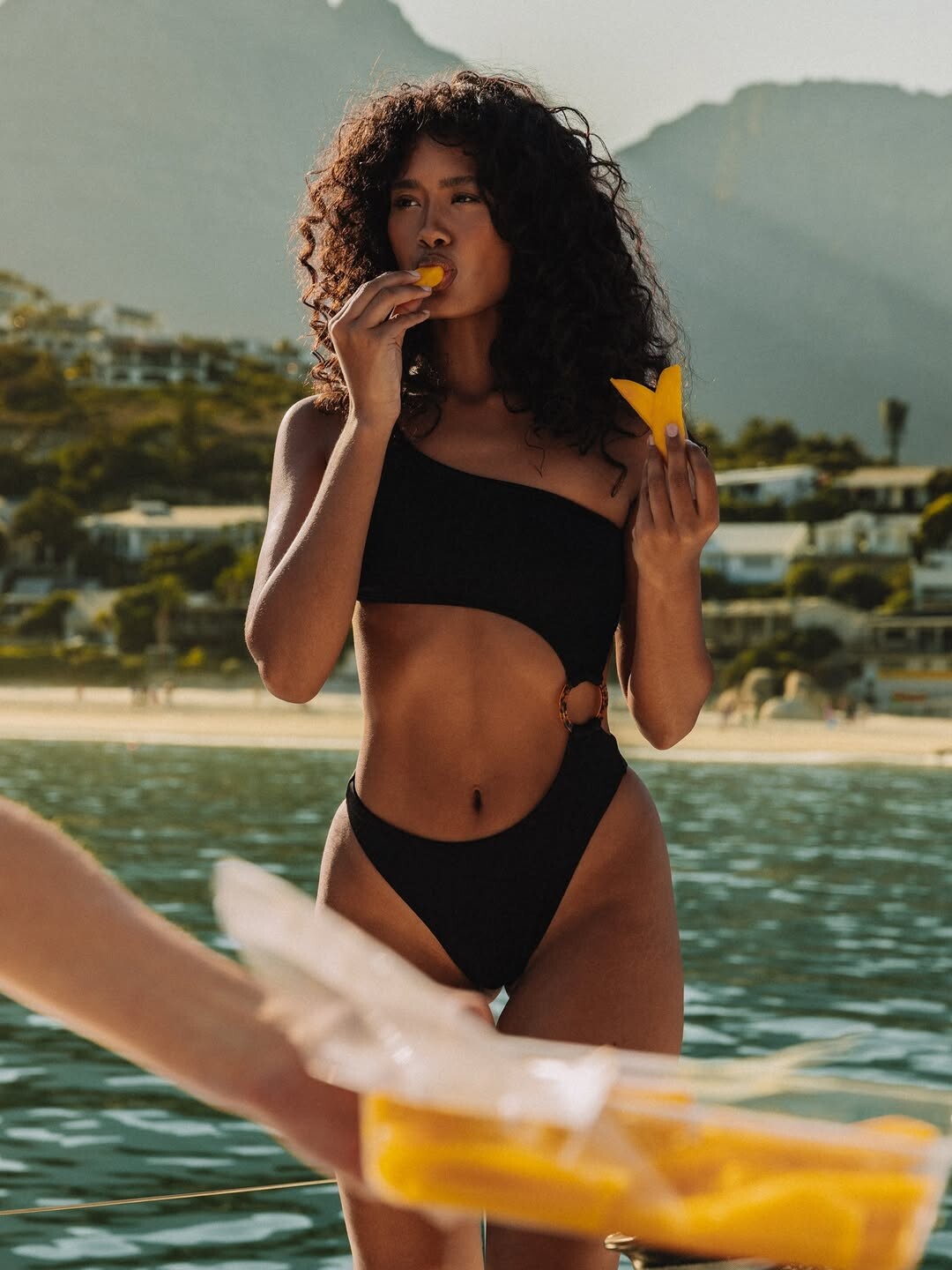
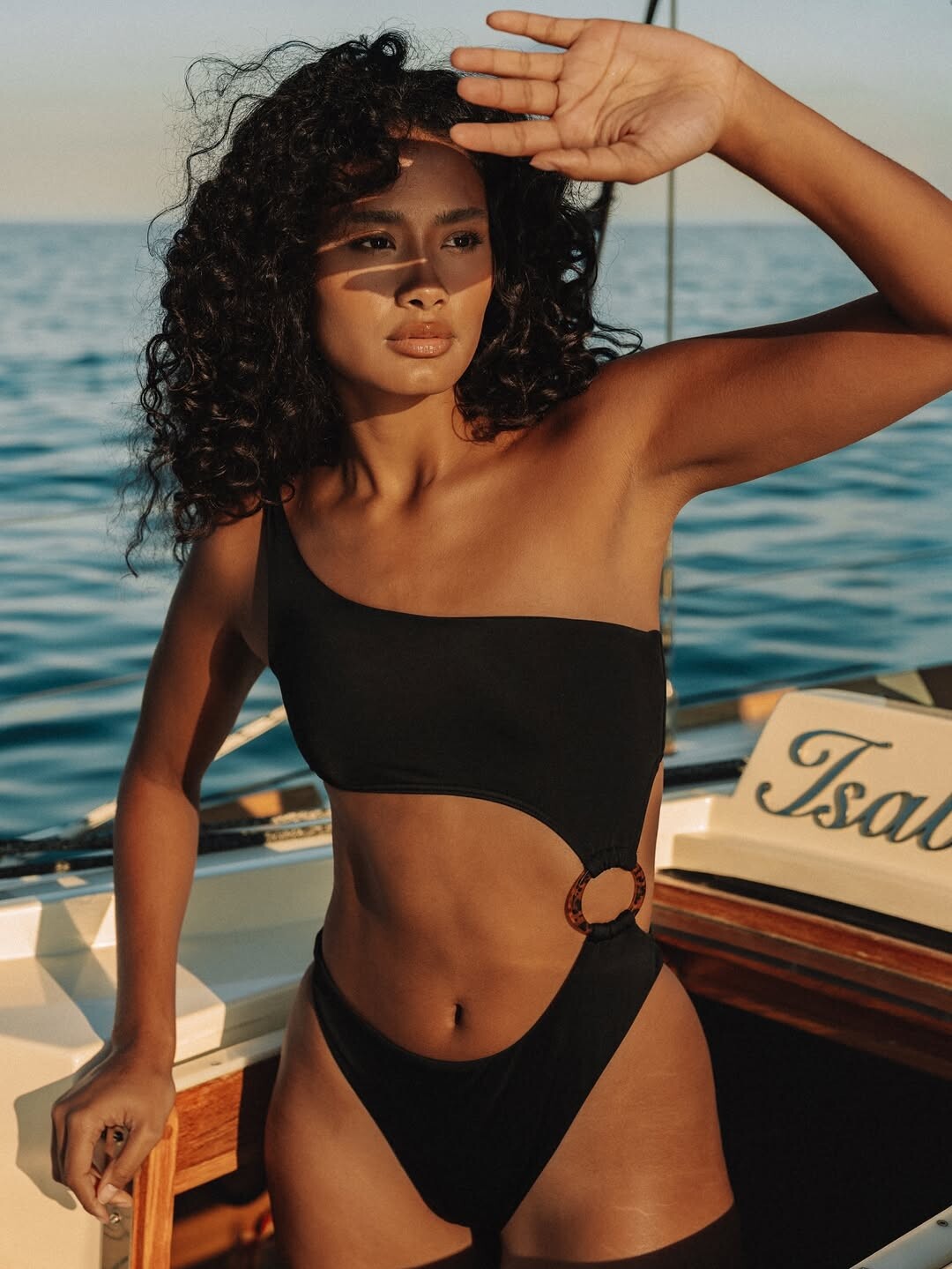

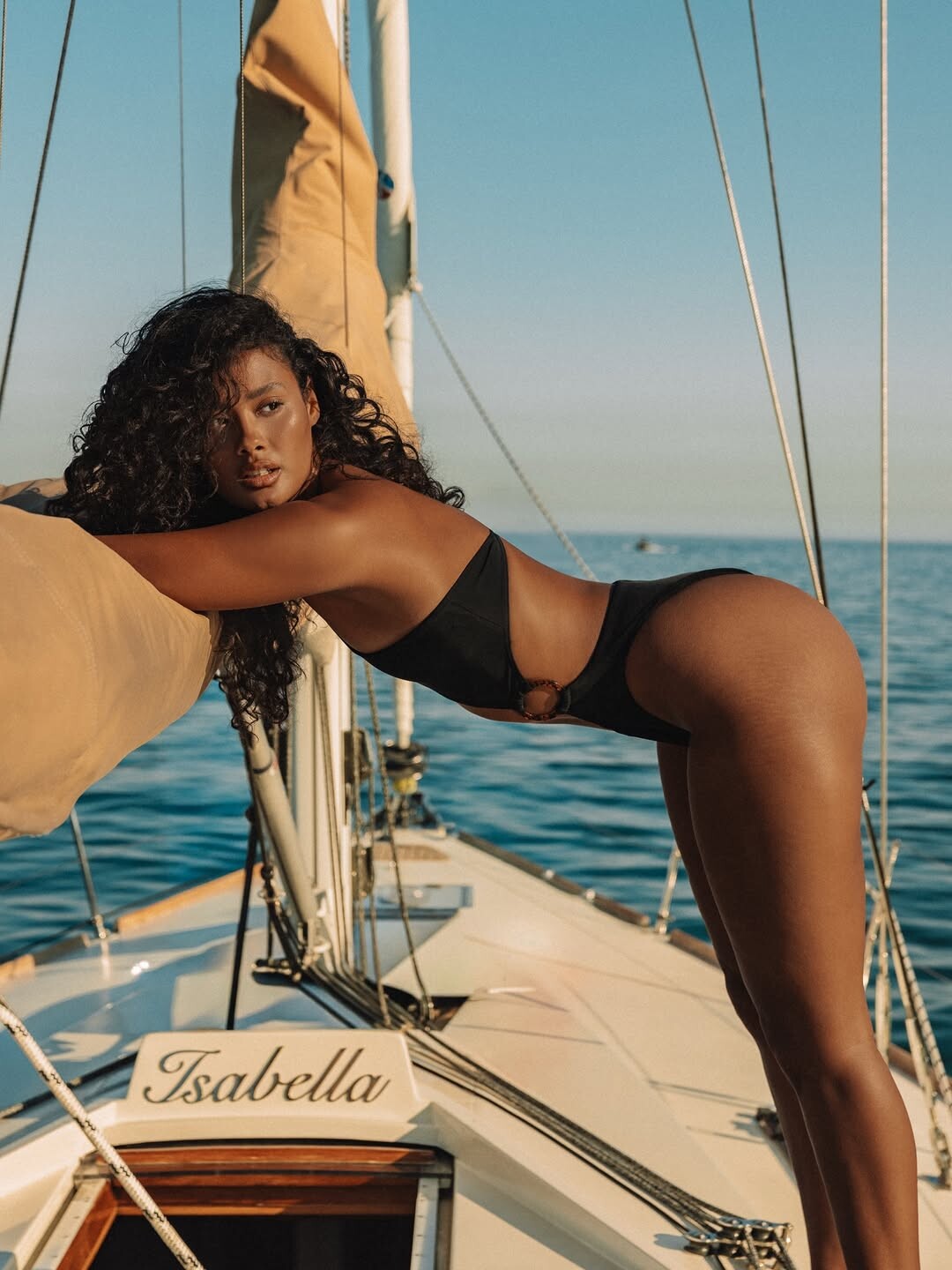
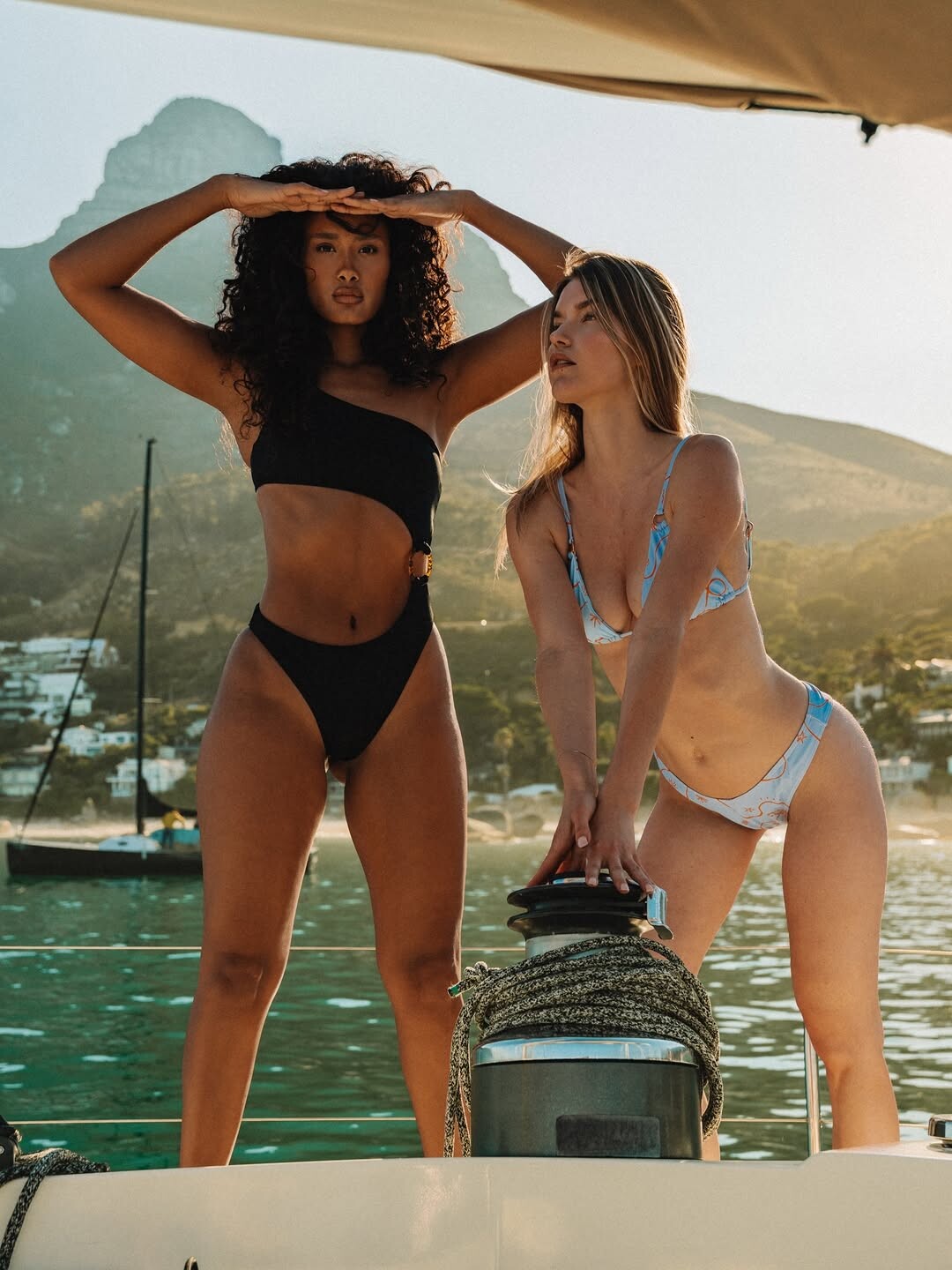
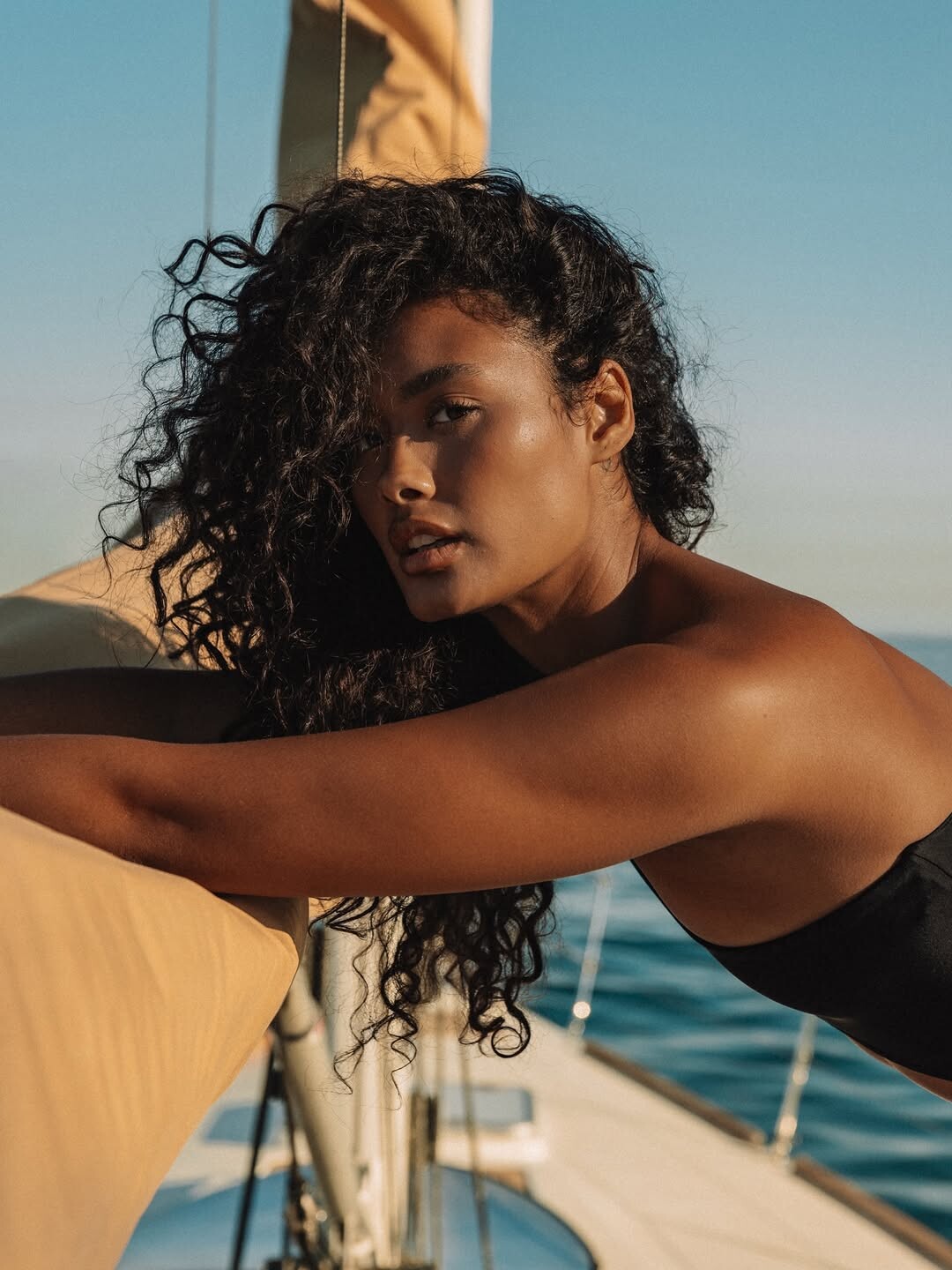
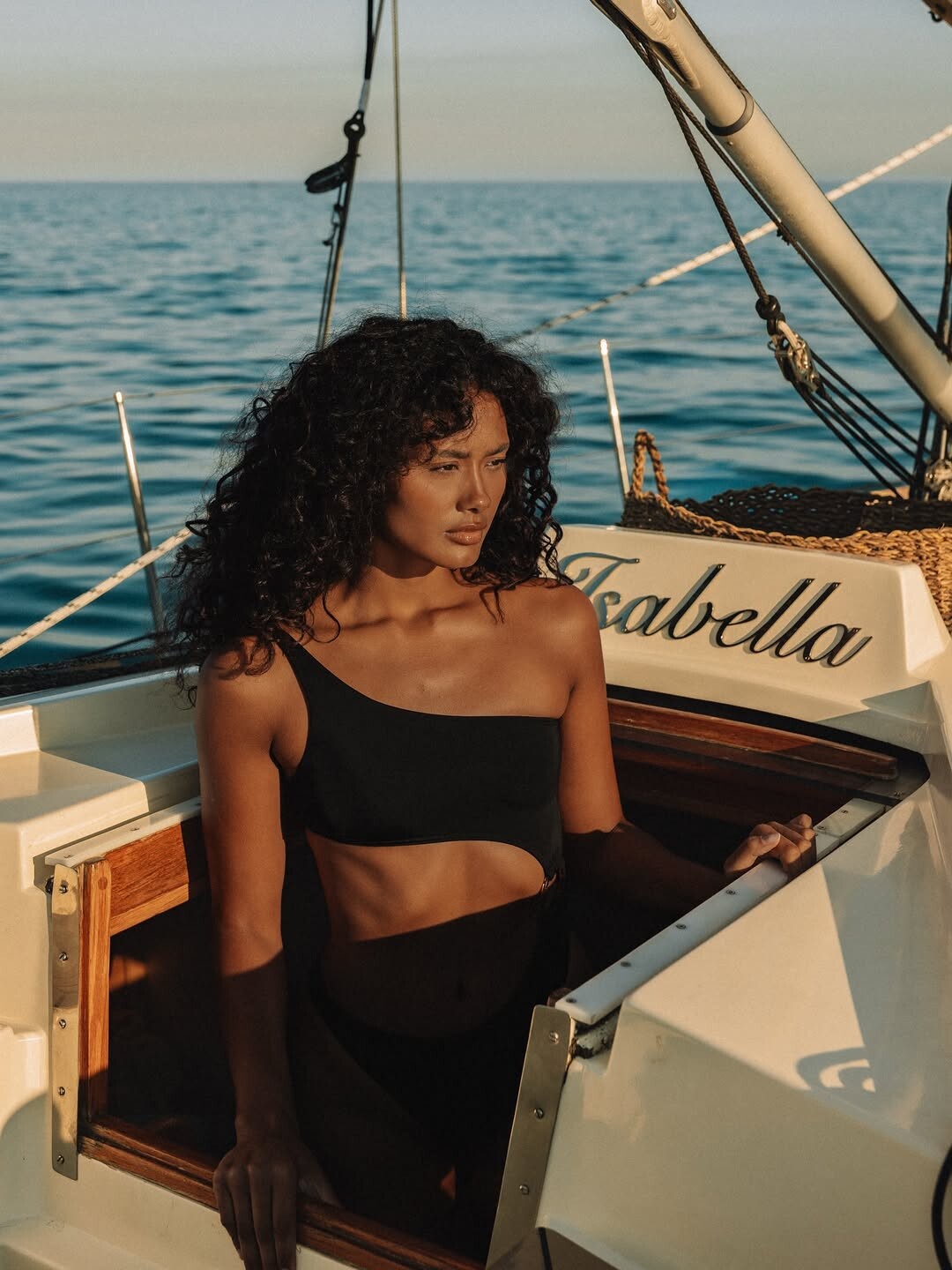

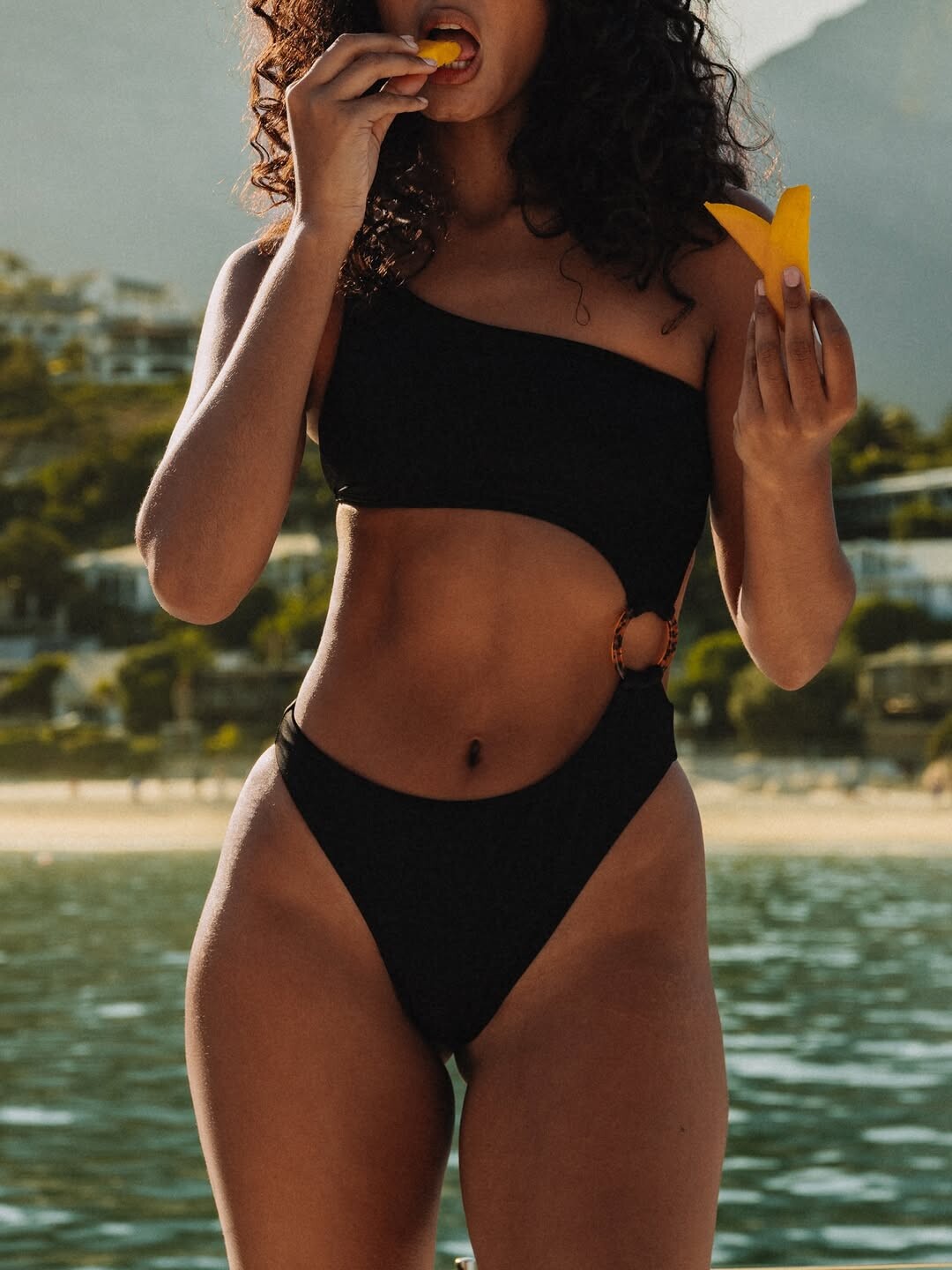
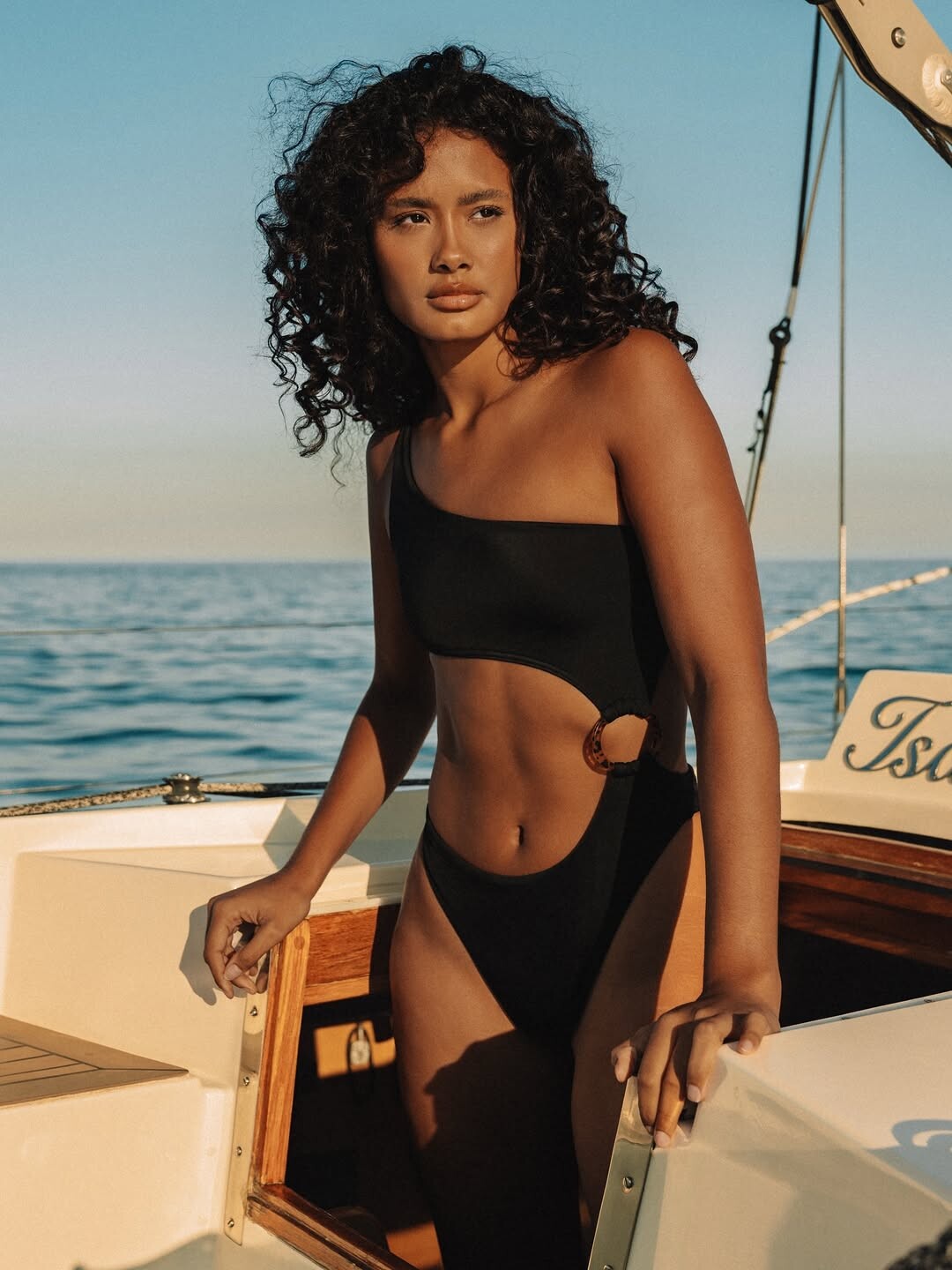
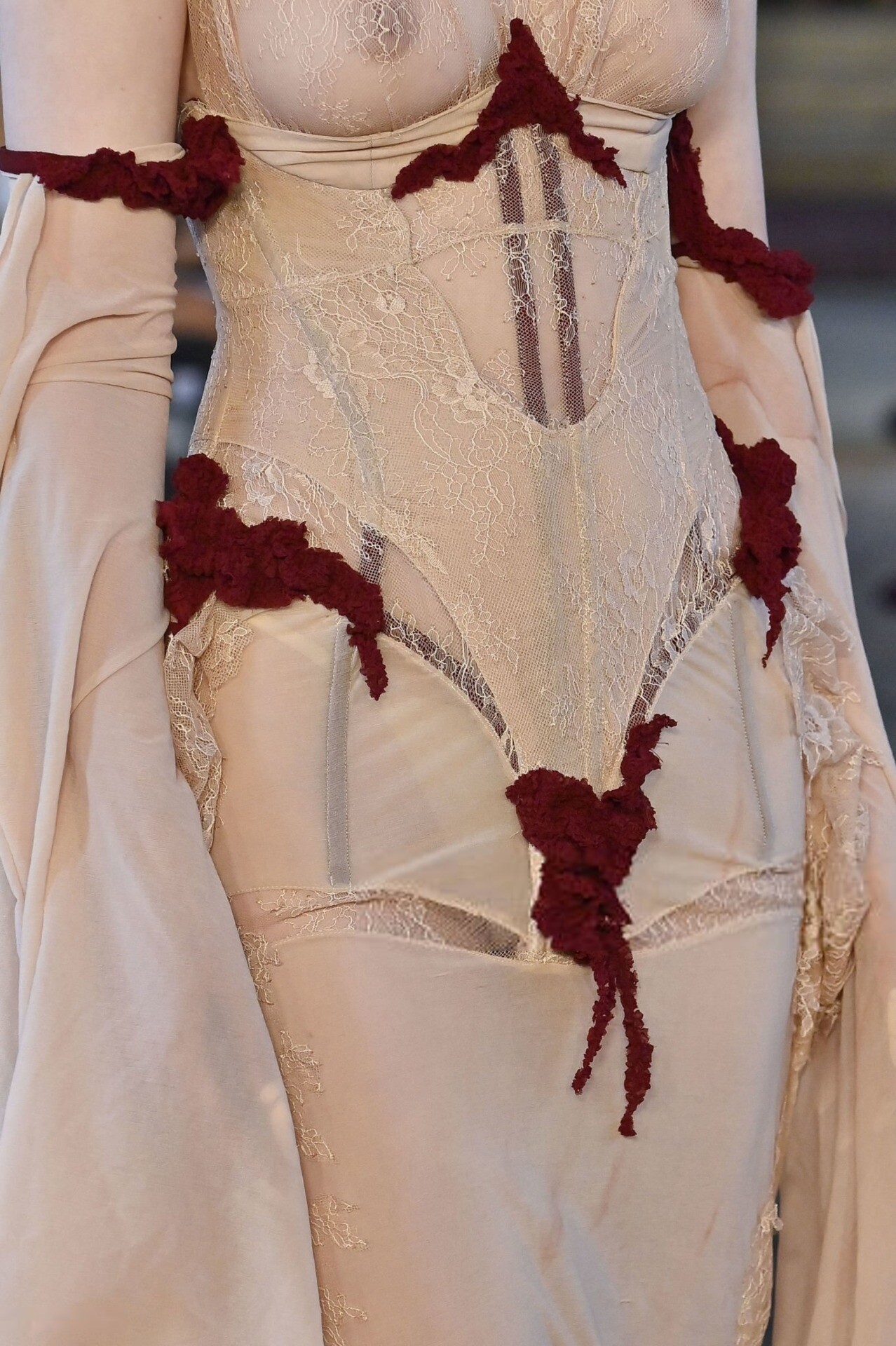
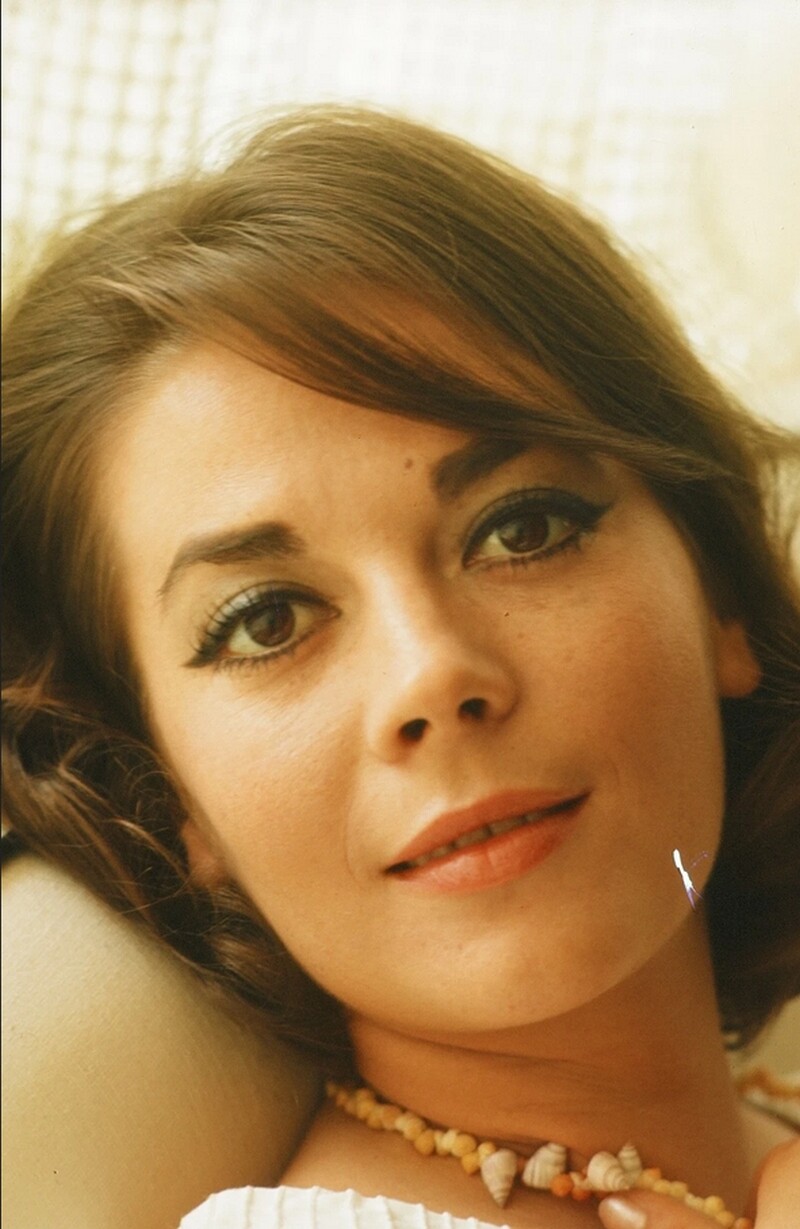
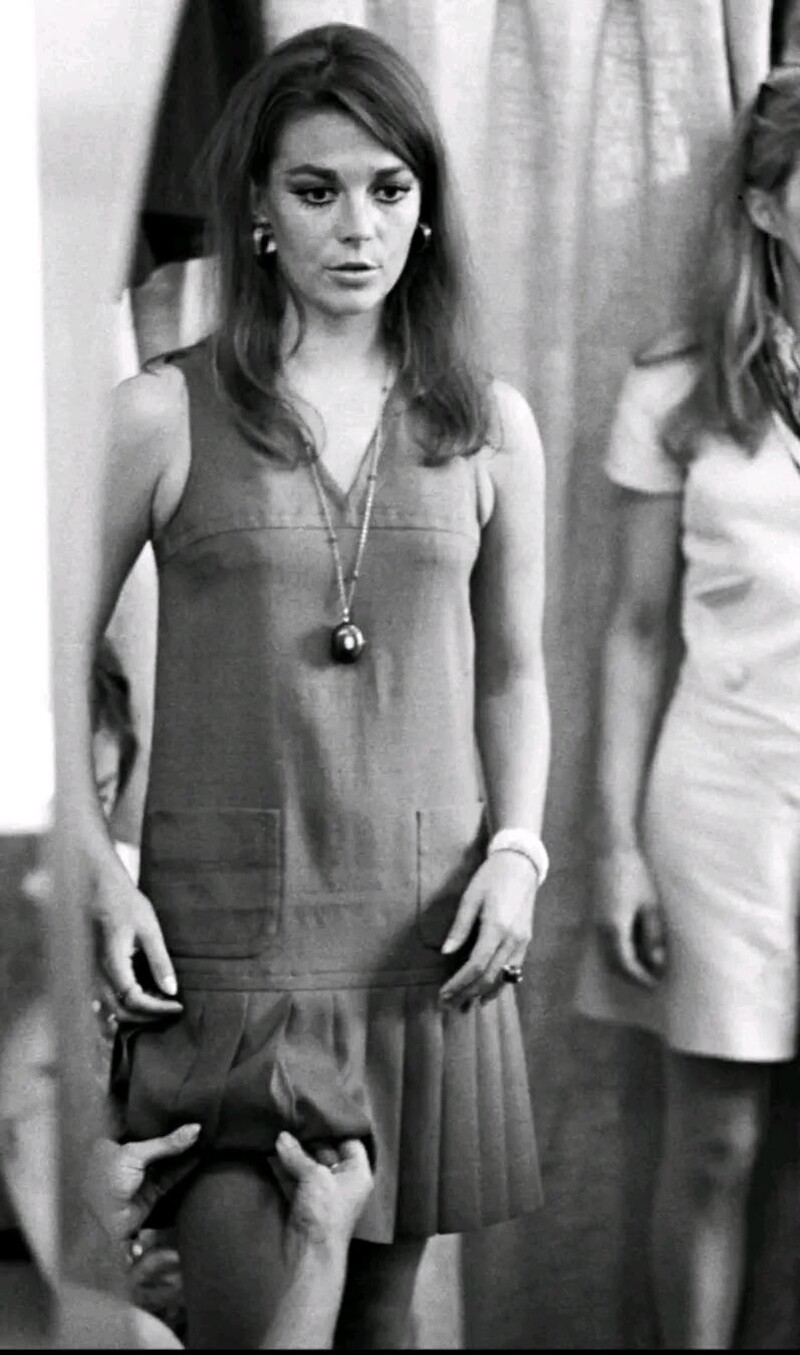
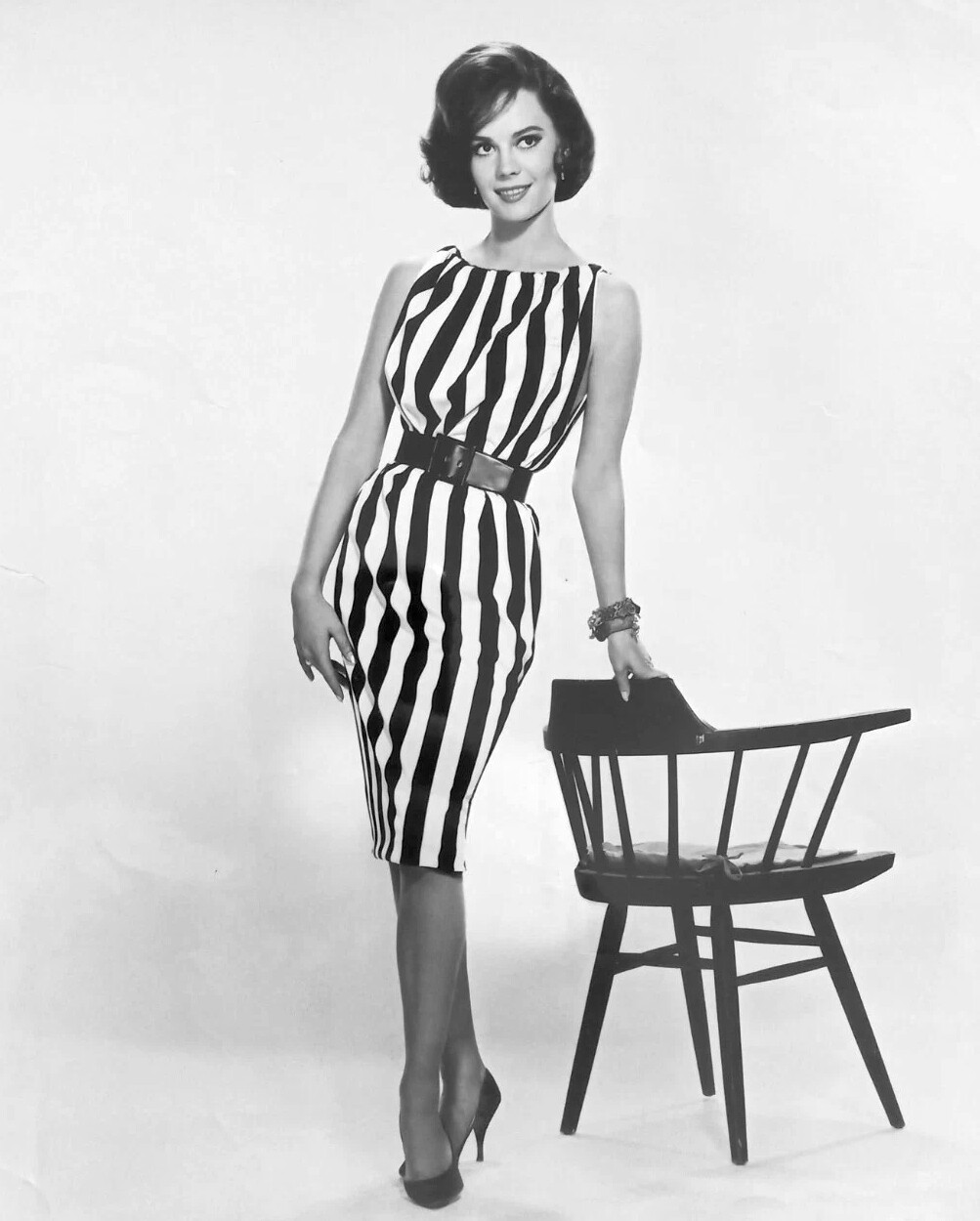
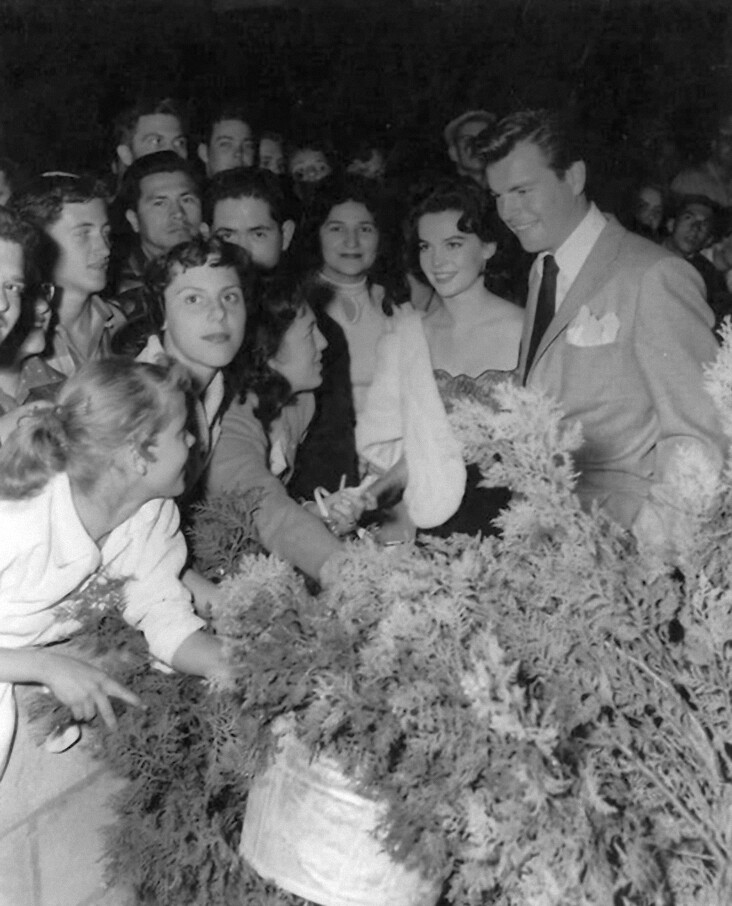




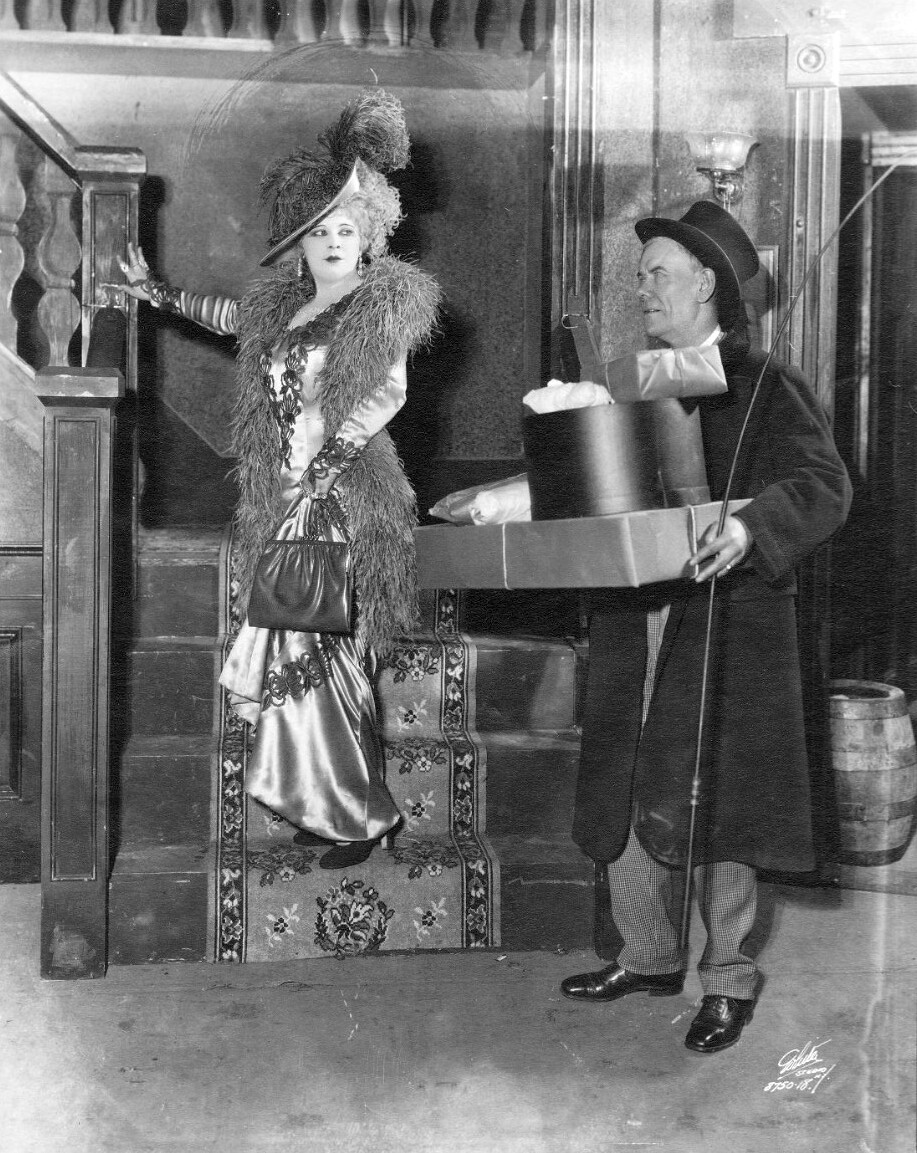
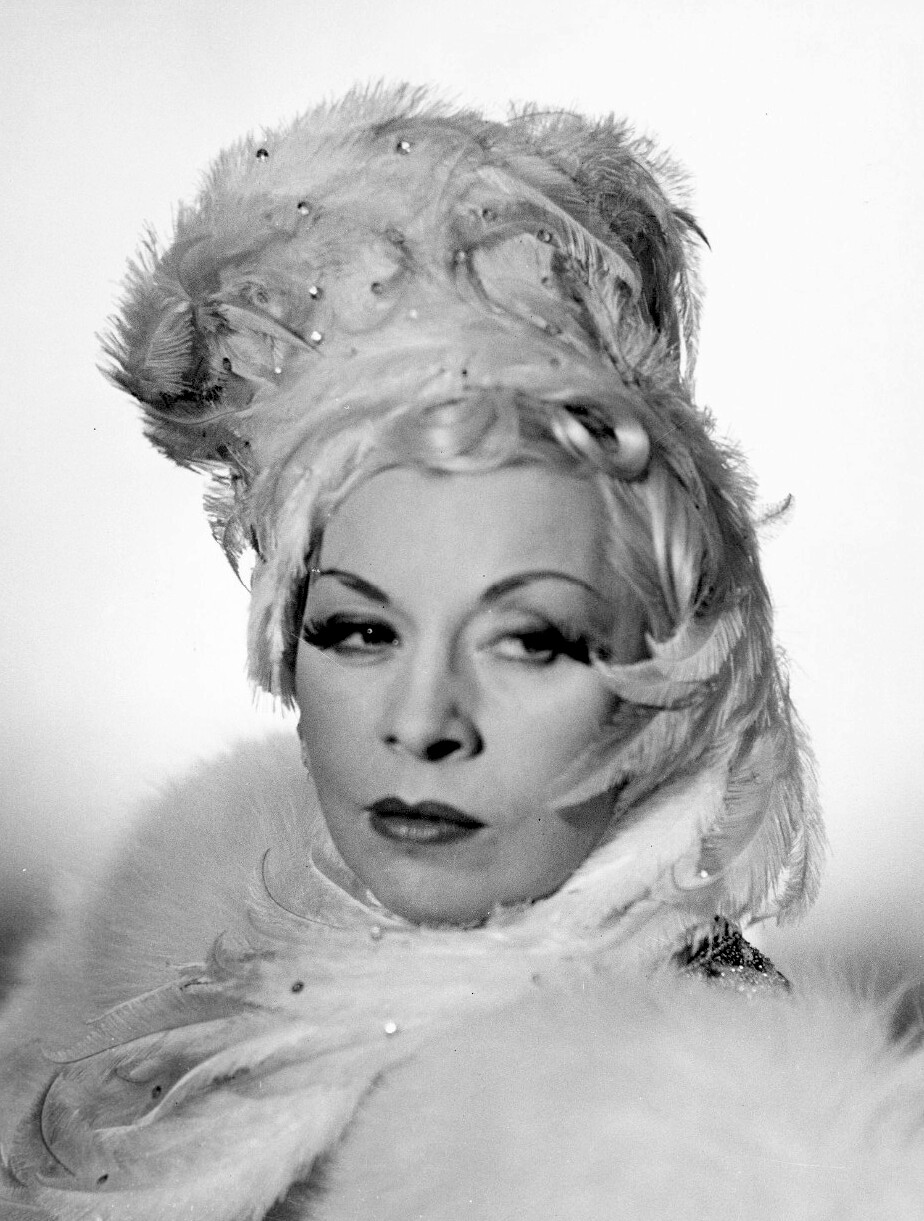
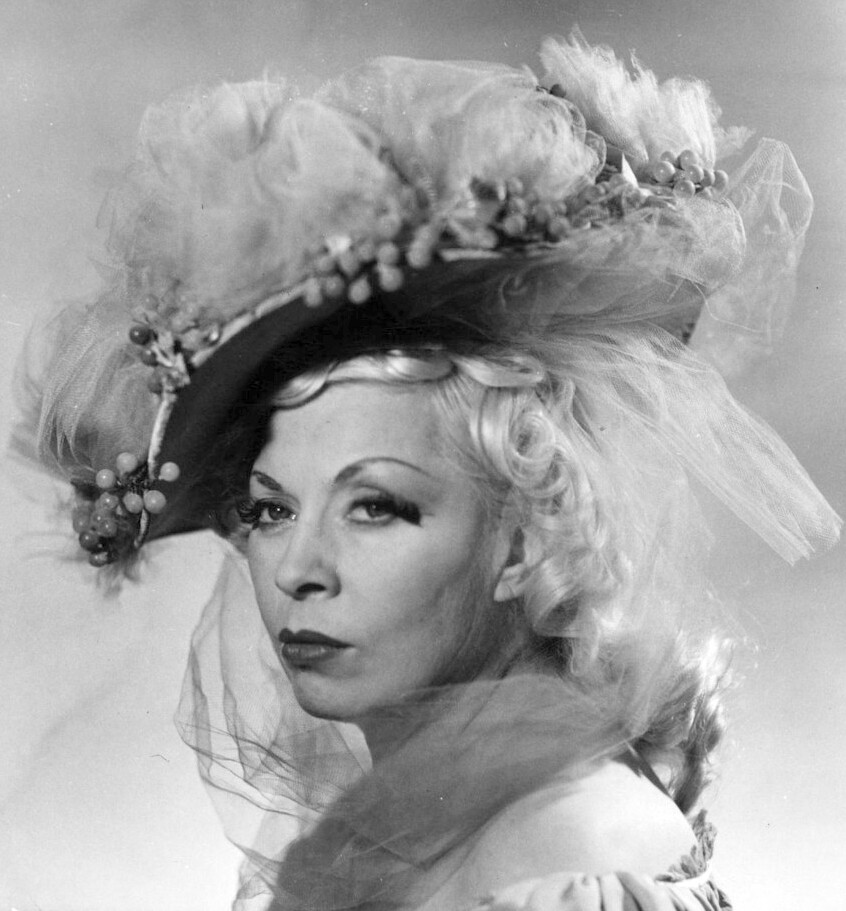
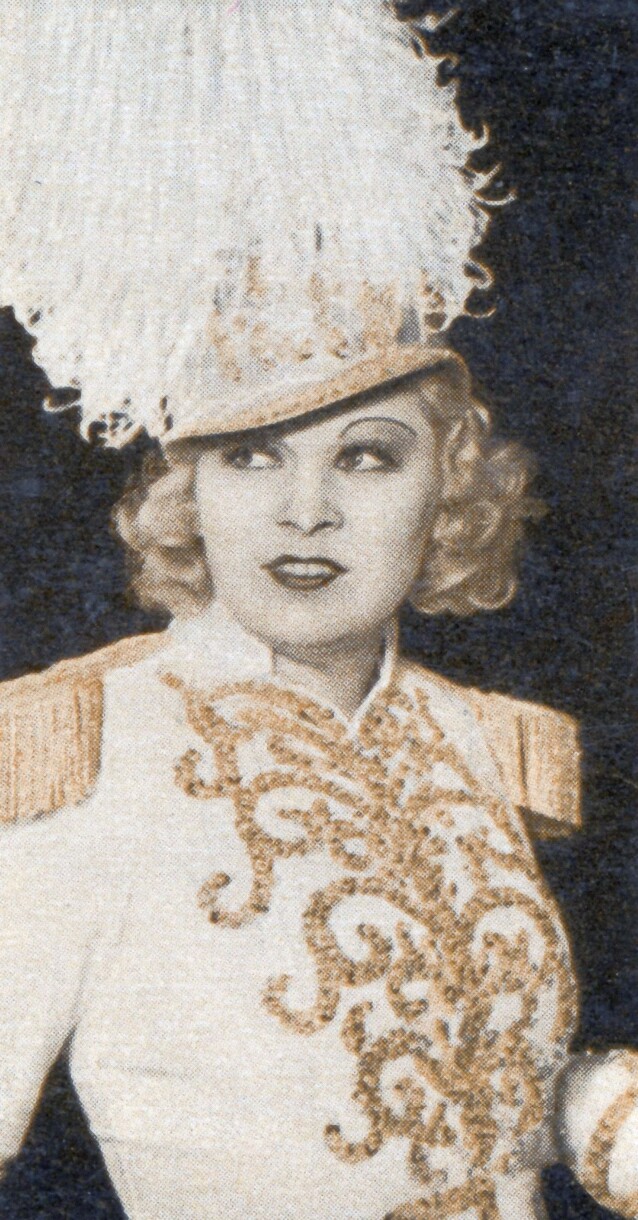
.jpg.b5f217384fa378e7010d1bf619e1e09c.jpg)
Account
Navigation
Search
Configure browser push notifications
Chrome (Android)
- Tap the lock icon next to the address bar.
- Tap Permissions → Notifications.
- Adjust your preference.
Chrome (Desktop)
- Click the padlock icon in the address bar.
- Select Site settings.
- Find Notifications and adjust your preference.
Safari (iOS 16.4+)
- Ensure the site is installed via Add to Home Screen.
- Open Settings App → Notifications.
- Find your app name and adjust your preference.
Safari (macOS)
- Go to Safari → Preferences.
- Click the Websites tab.
- Select Notifications in the sidebar.
- Find this website and adjust your preference.
Edge (Android)
- Tap the lock icon next to the address bar.
- Tap Permissions.
- Find Notifications and adjust your preference.
Edge (Desktop)
- Click the padlock icon in the address bar.
- Click Permissions for this site.
- Find Notifications and adjust your preference.
Firefox (Android)
- Go to Settings → Site permissions.
- Tap Notifications.
- Find this site in the list and adjust your preference.
Firefox (Desktop)
- Open Firefox Settings.
- Search for Notifications.
- Find this site in the list and adjust your preference.