All Activity
- Past hour
-

 Judit Masco for Blumarine, ready-to-wear, spring/summer 1992 my scan

 digitalboy447 joined the community
A dona do pedaco.
digitalboy447 joined the community
A dona do pedaco.





 Mike Matos: The Butterfly Effect or Migration (this’ll warm you up). Anywho, the wonderful @heylaurensummer (see you in April)





 Mike Matos: L in 3’s


 Lauren Sánchez Bezos: A sunny Sunday celebrating the launch of The Fly Who Flew Under the Sea 🌊 Ocean-themed activities for the kids, surrounded by fam + friends.
 Lauren Sánchez Bezos: A sunny Sunday celebrating the launch of The Fly Who Flew Under the Sea 🌊 Ocean-themed activities for the kids, surrounded by fam + friends.
- Today
wife core video 2006 >>> 2026 video
 ADHD & Dating: a timely topic that applies to many (including myself)! Good news- it ain't all bad! We might be a lil more passionate & spicy in relationships! 🌶️🌶️🌶️ but the research is lacking & I'm motivated to explore further! What questions, comments, thoughts, concerns do yall have about ADHD & dating!? video
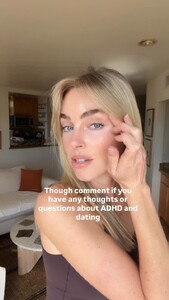 I ❤️ swtactive video
 Cowboy Kate video
 Peaceful morning bts marcellocassano video















.jpg.9b0fc50f465f7005350bc6420ab2e12f.jpg)







































































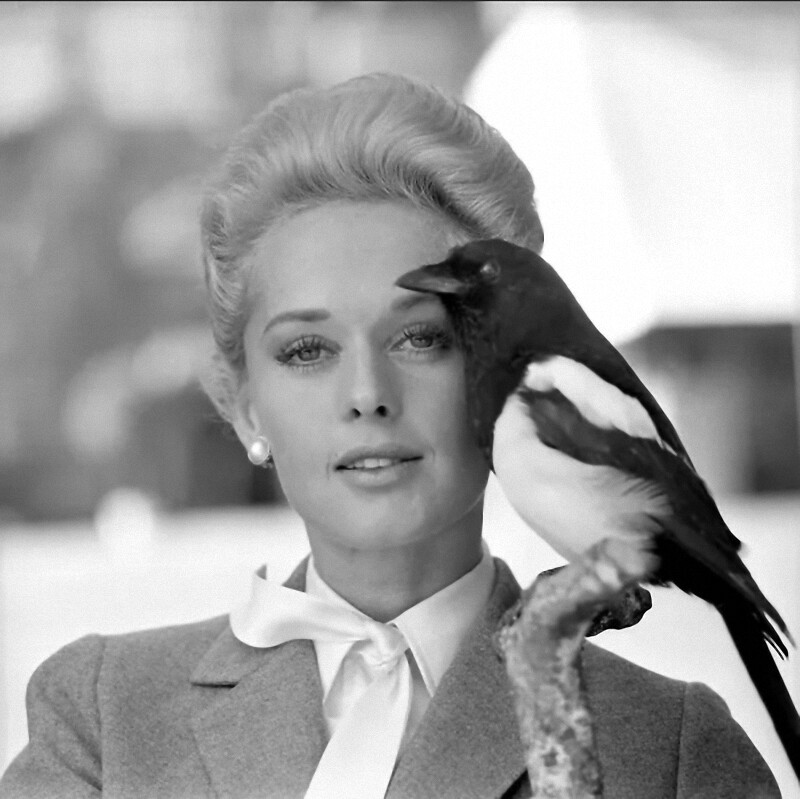
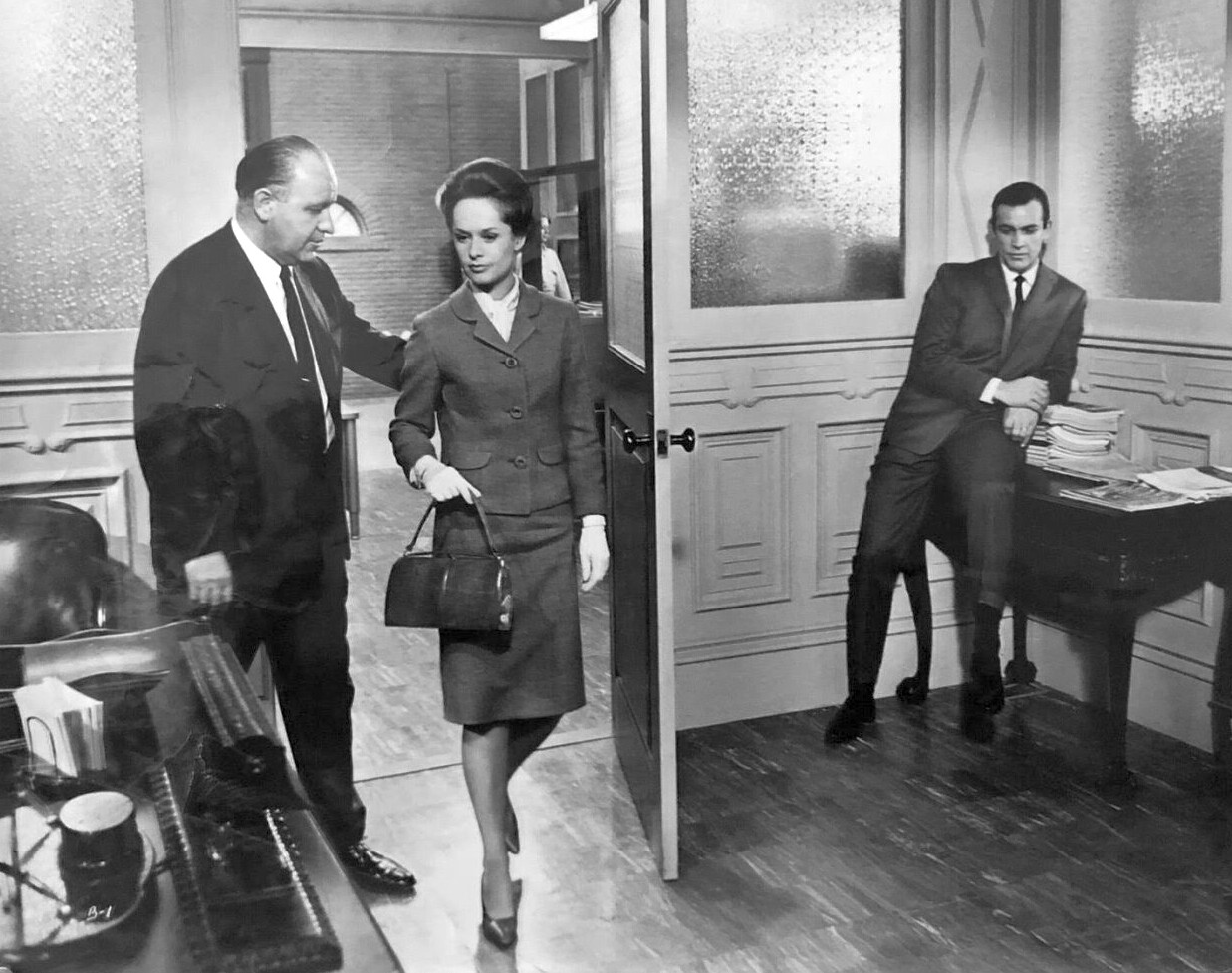









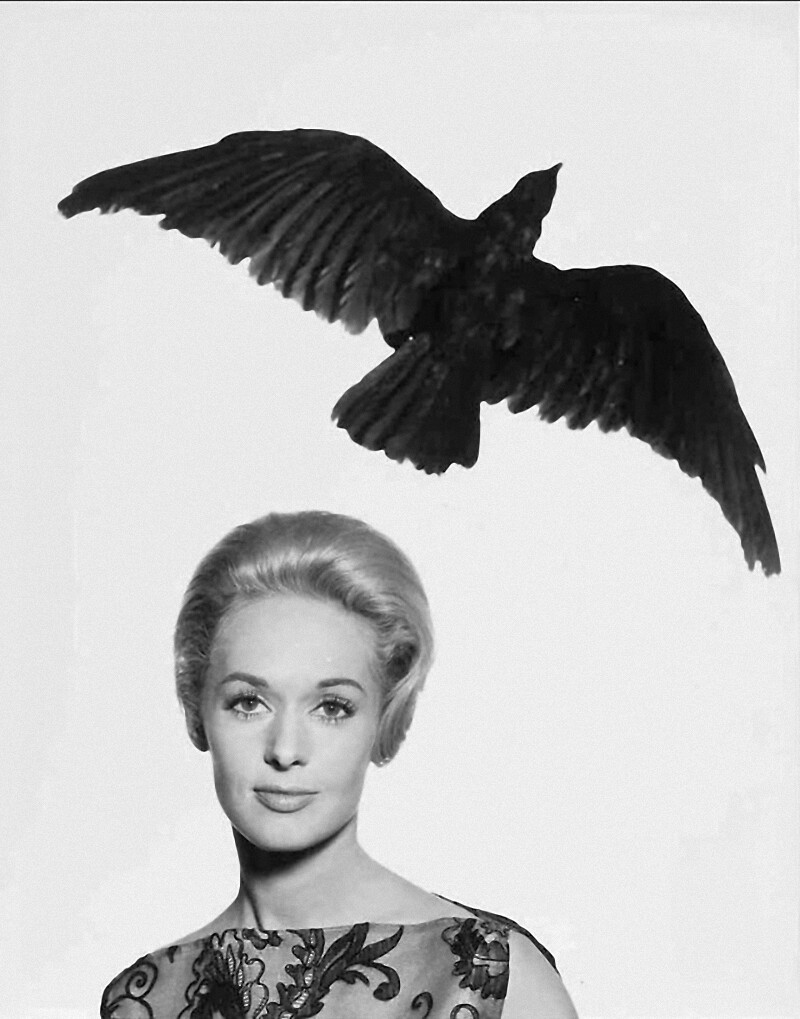




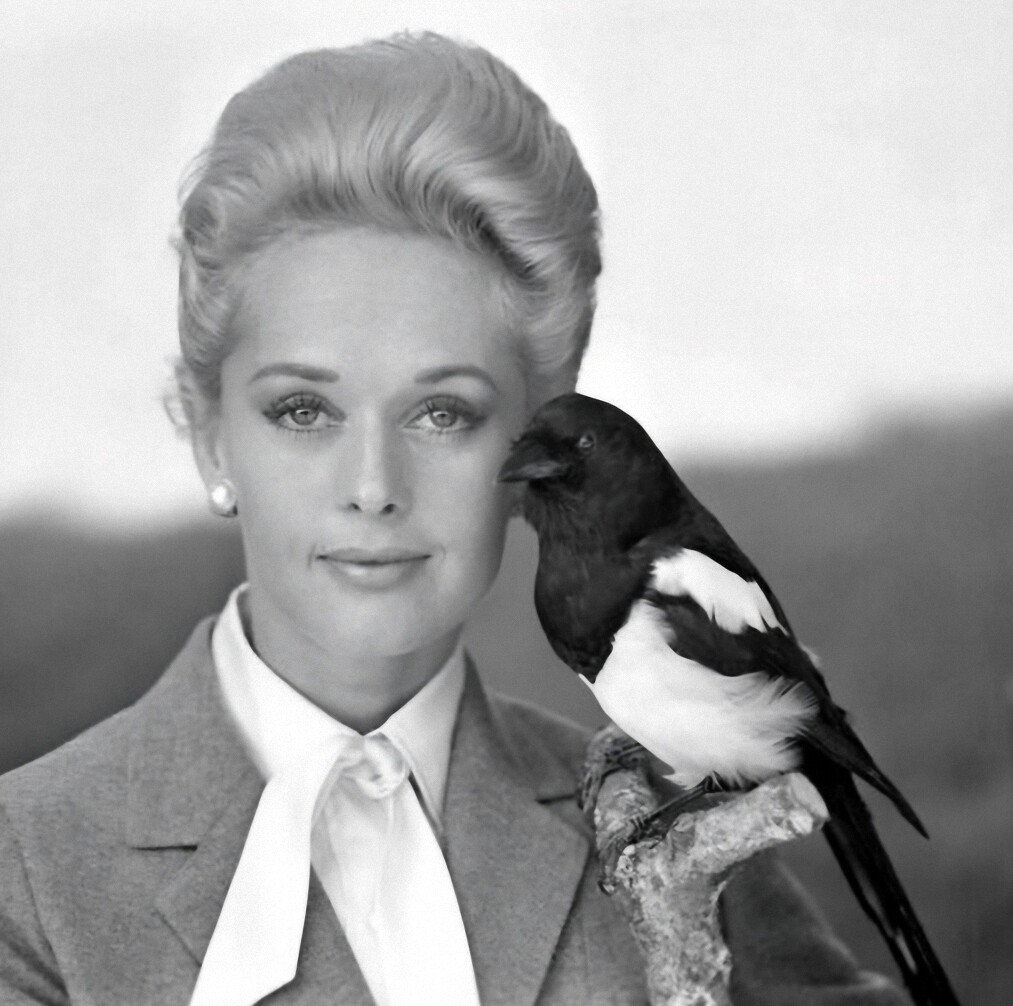


Account
Navigation
Search
Configure browser push notifications
Chrome (Android)
- Tap the lock icon next to the address bar.
- Tap Permissions → Notifications.
- Adjust your preference.
Chrome (Desktop)
- Click the padlock icon in the address bar.
- Select Site settings.
- Find Notifications and adjust your preference.
Safari (iOS 16.4+)
- Ensure the site is installed via Add to Home Screen.
- Open Settings App → Notifications.
- Find your app name and adjust your preference.
Safari (macOS)
- Go to Safari → Preferences.
- Click the Websites tab.
- Select Notifications in the sidebar.
- Find this website and adjust your preference.
Edge (Android)
- Tap the lock icon next to the address bar.
- Tap Permissions.
- Find Notifications and adjust your preference.
Edge (Desktop)
- Click the padlock icon in the address bar.
- Click Permissions for this site.
- Find Notifications and adjust your preference.
Firefox (Android)
- Go to Settings → Site permissions.
- Tap Notifications.
- Find this site in the list and adjust your preference.
Firefox (Desktop)
- Open Firefox Settings.
- Search for Notifications.
- Find this site in the list and adjust your preference.