All Activity
- Past hour
-

-
-

 nvm, found https://www.instagram.com/khefriii/ https://onemanagement.com/New-York/Women/Studio/KHEFRI-WILCOX/Portfolio
this is a link to her website https://tempgirl05.wixsite.com/pani-sabet
nvm, found https://www.instagram.com/khefriii/ https://onemanagement.com/New-York/Women/Studio/KHEFRI-WILCOX/Portfolio
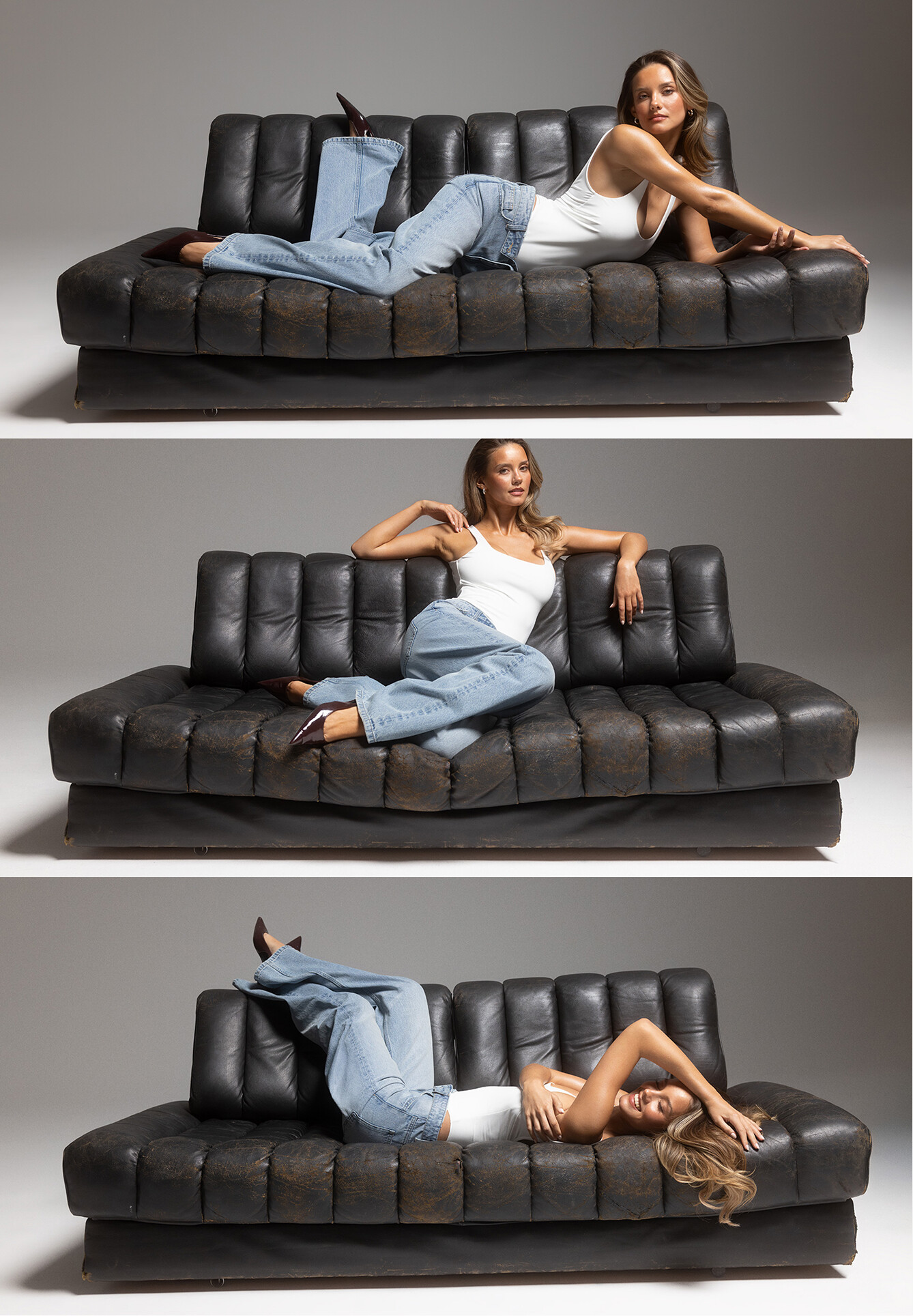
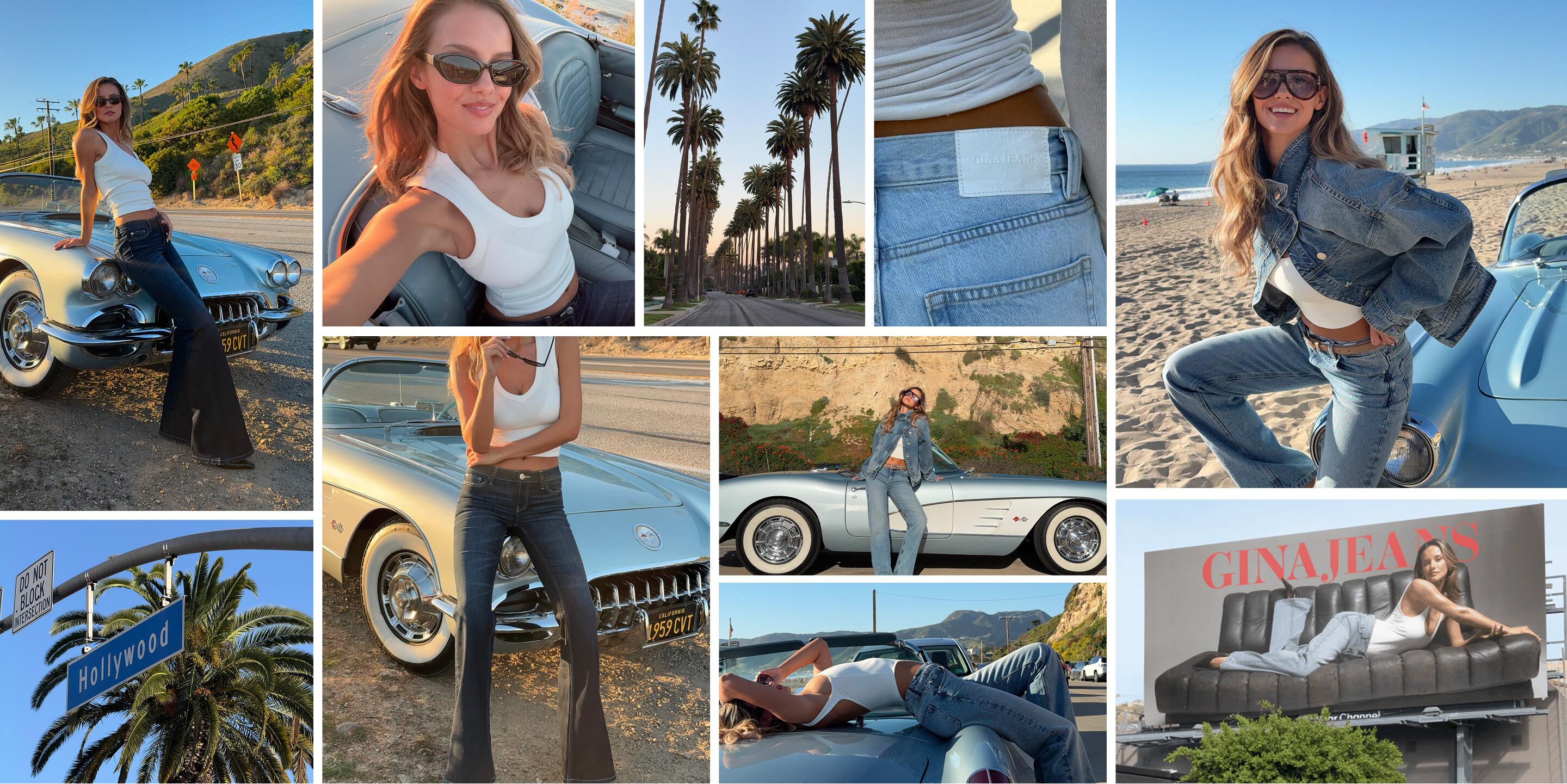
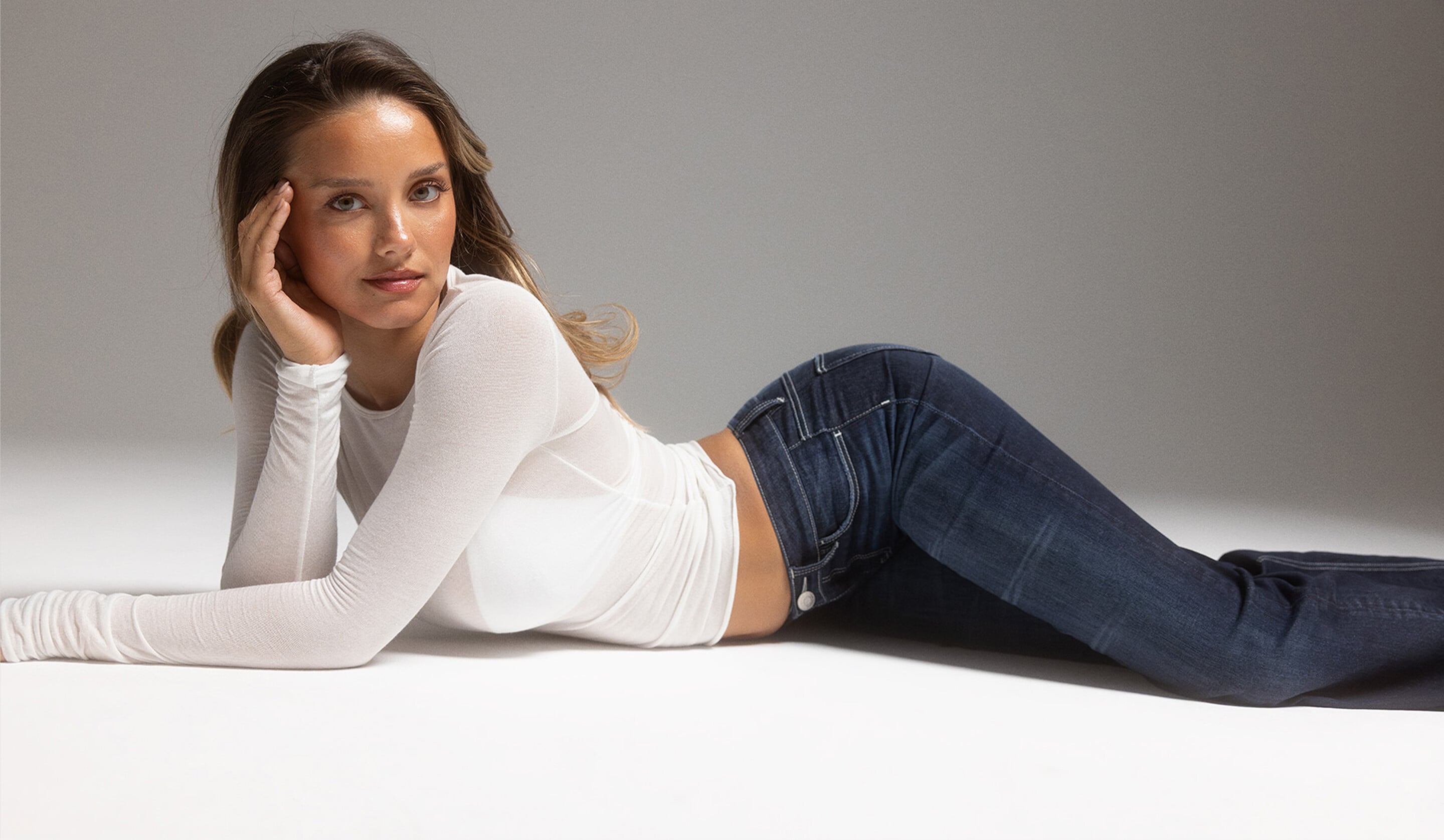
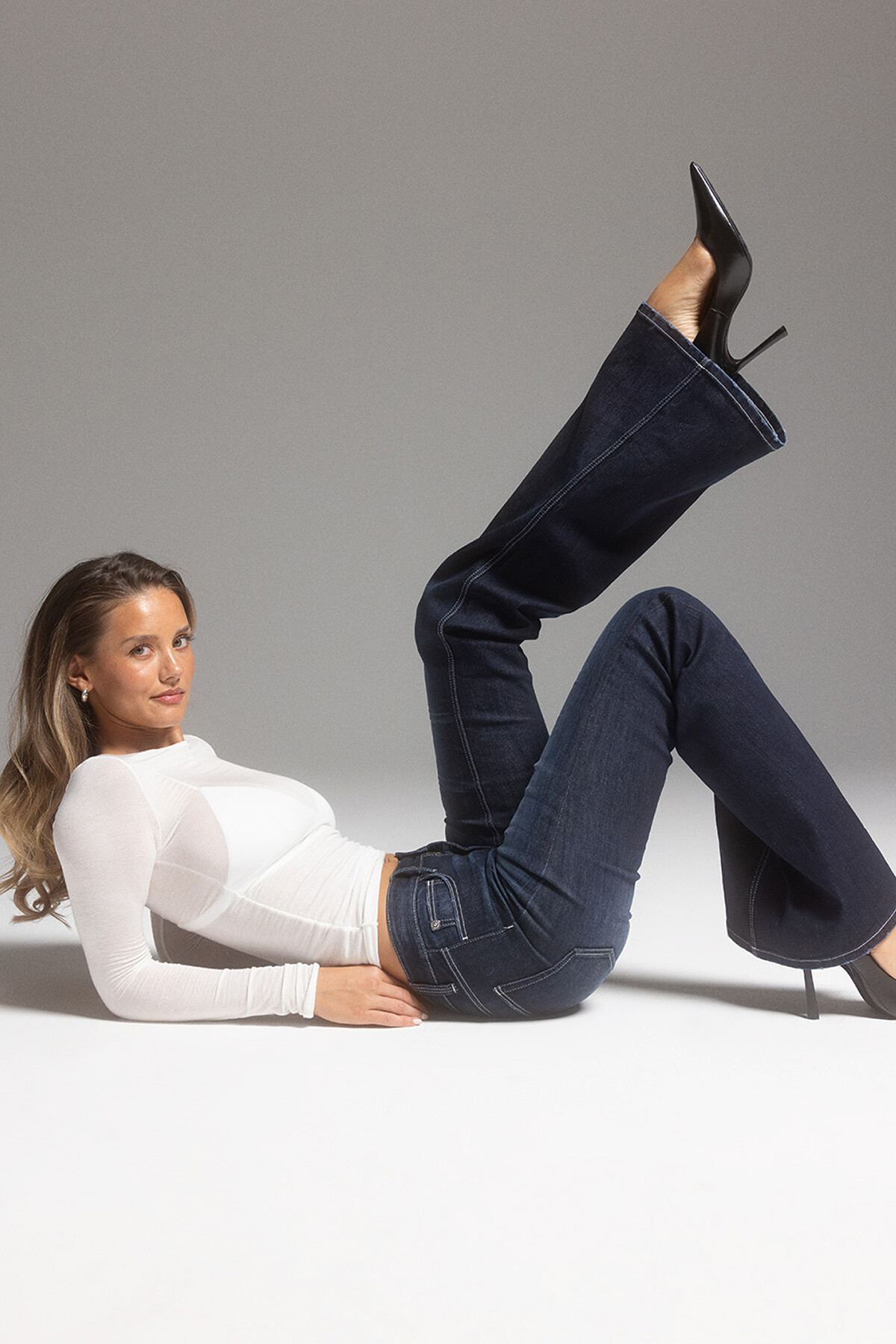
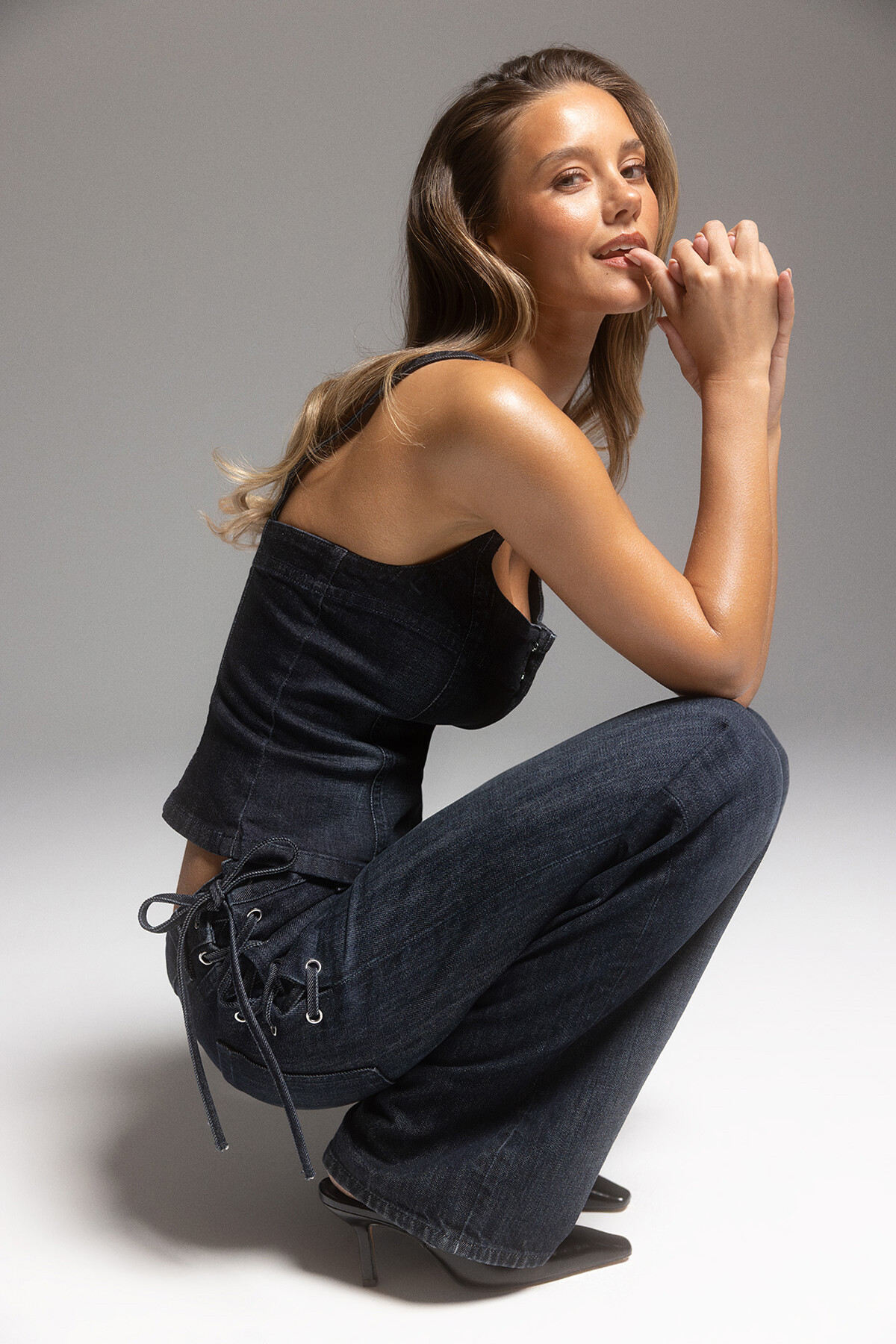
this is a link to her website https://tempgirl05.wixsite.com/pani-sabet More Gina Tricot. Some of these wide pics make for lovely profile cover photos. Apparently, the mobile version of the (studio) teaser video has no text overlay, but the desktop version does.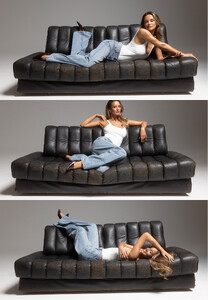










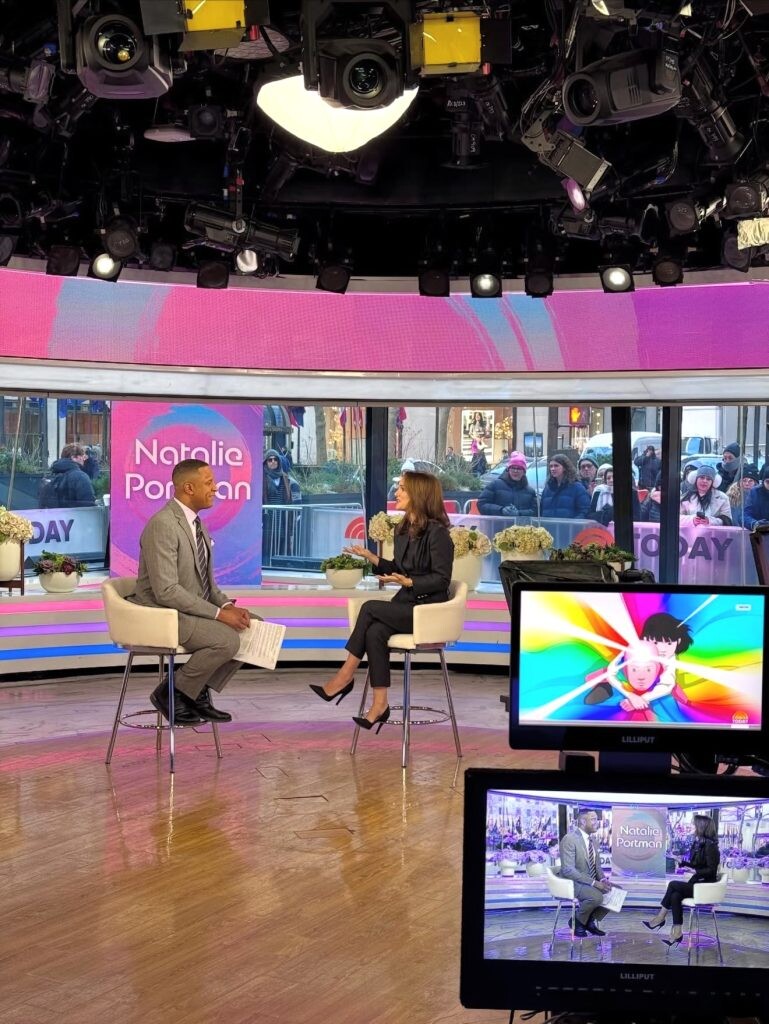
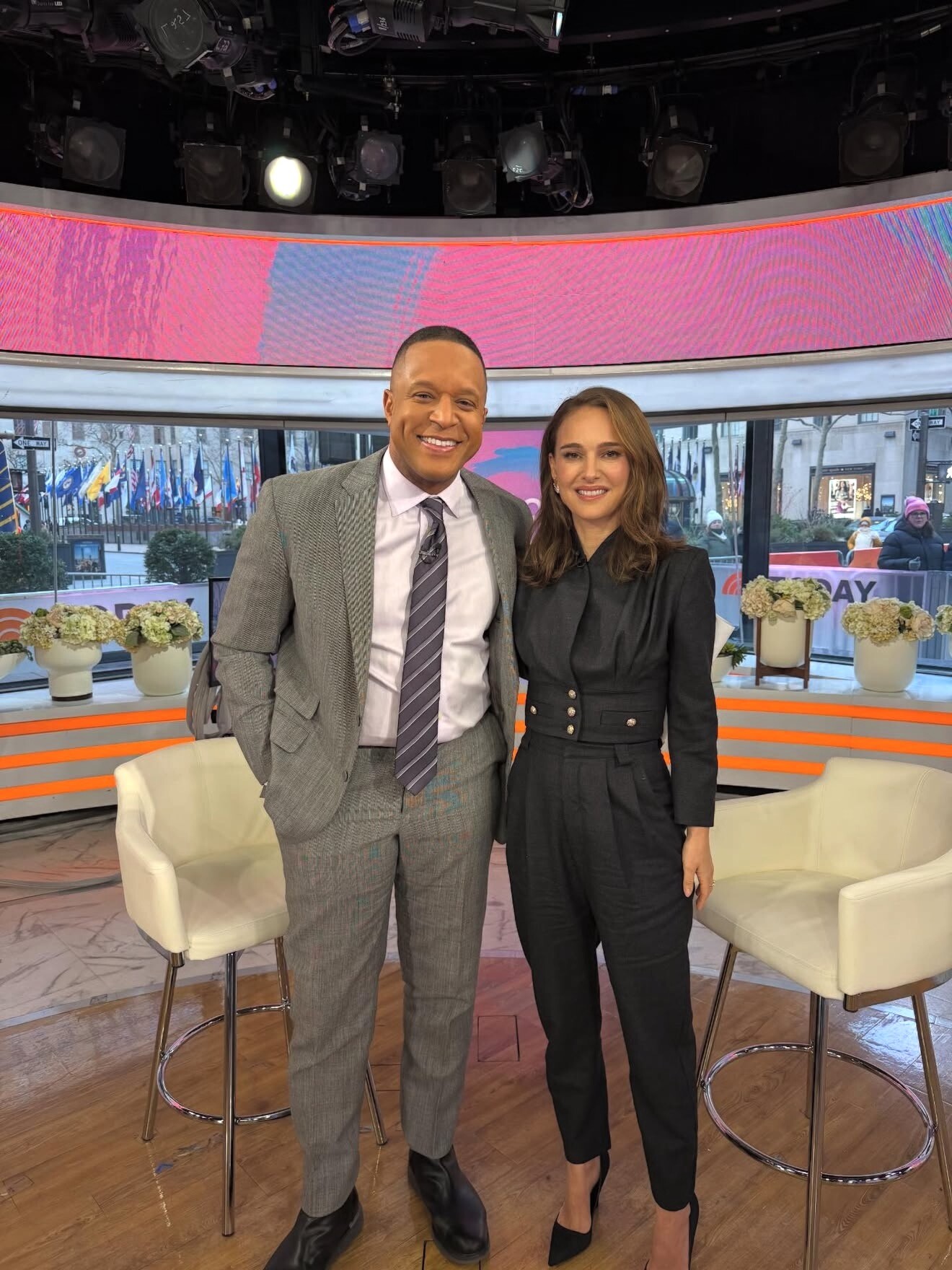
 Today ShowJanuary 21, 2026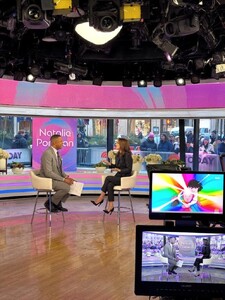
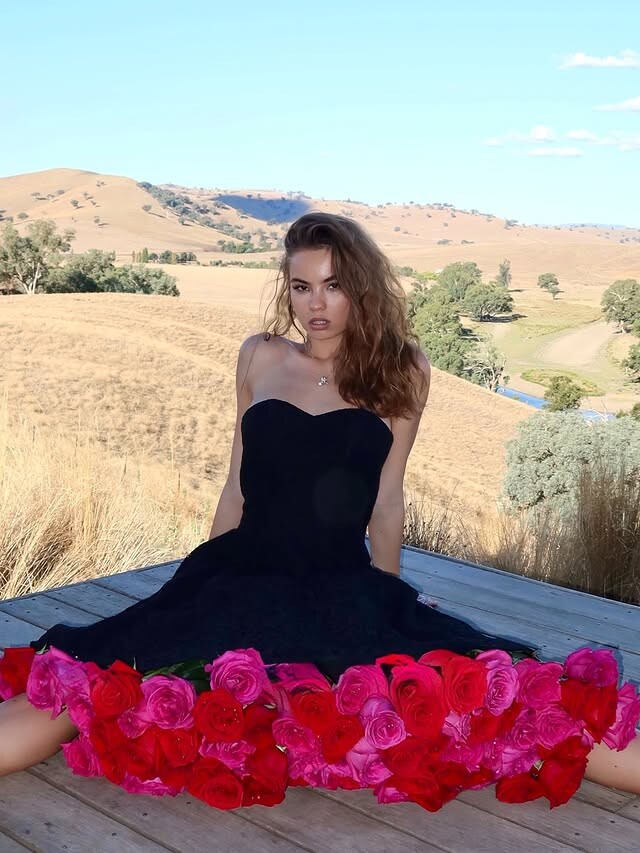
 her stats are Name : Pani Sabet Hair Color: Blonde Eyes Color: Blue Height: 175cm / 5’9” Bust: 89cm / 35” Waist: 65cm / 26” Hips: 97cm / 38” Shoe: 36 EU / 6.5
 for Avant Studio SnapInsta.to_AQNXhcTUTsN5IpCcLb2LQ6fX6U1XNYvzmcQzkjFY2XKYdtIscvwtrgV0CPgoLo8yPv0MiyoyZ7e-RLpkJBy1gKh5.mp4











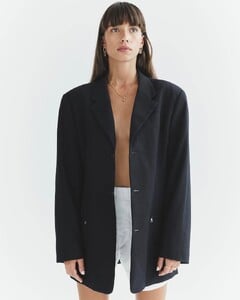





 Speaking of JLDavid.... Do you know what Vera's last name is? Truly a great mystery, I once knew about it but then I was unable to find the surname from my files. https://www.bellazon.com/main/topic/108930-vera/
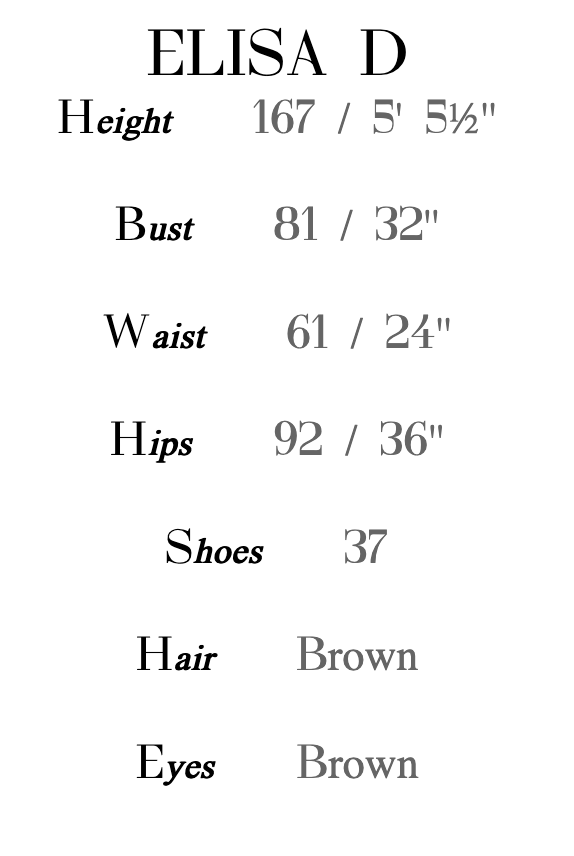
 https://www.hourra.net/women/13475-elisa-d/ https://elisadupuy.bookfolio.fr/ https://www.instagram.com/elisa_dpuy/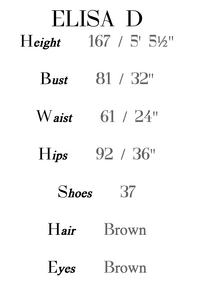








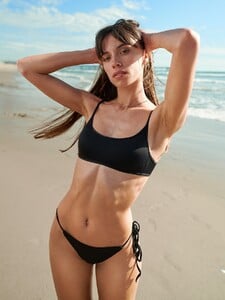









 notorppp joined the community
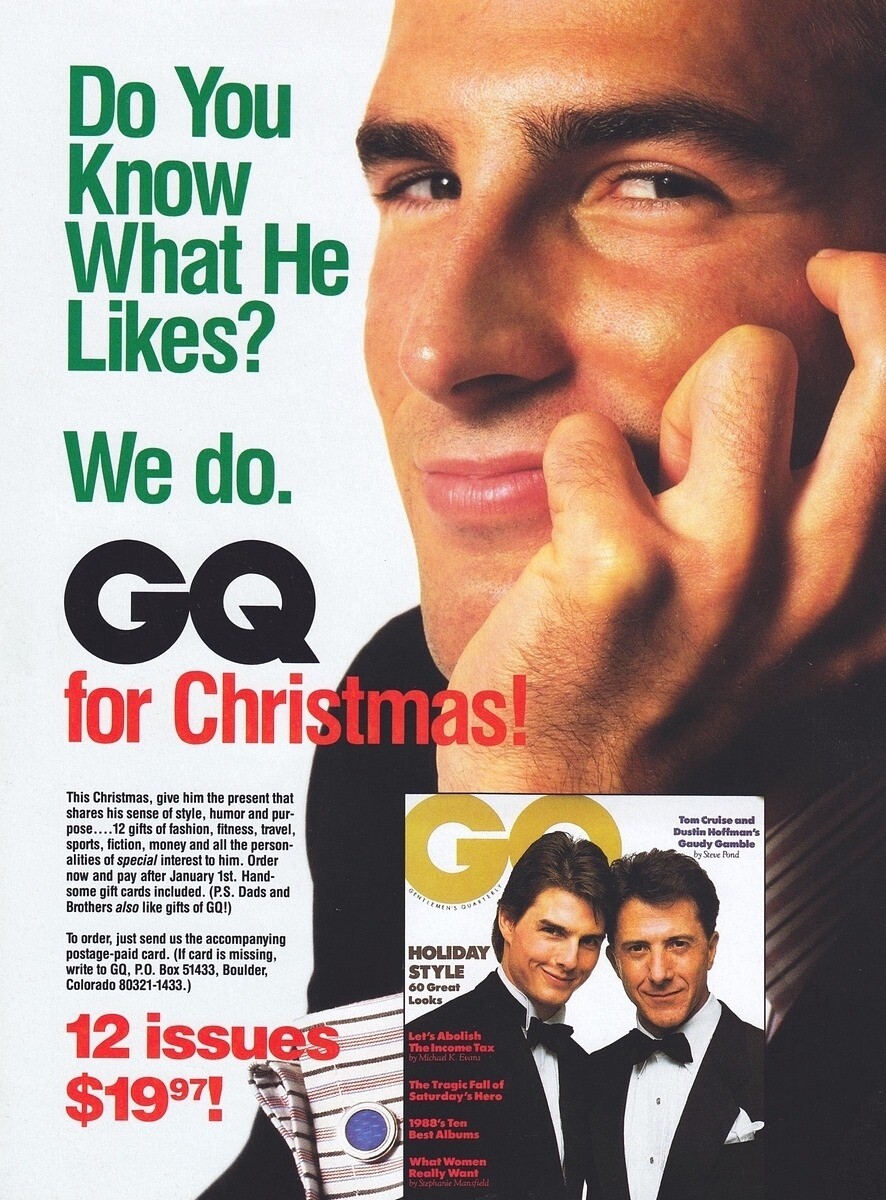
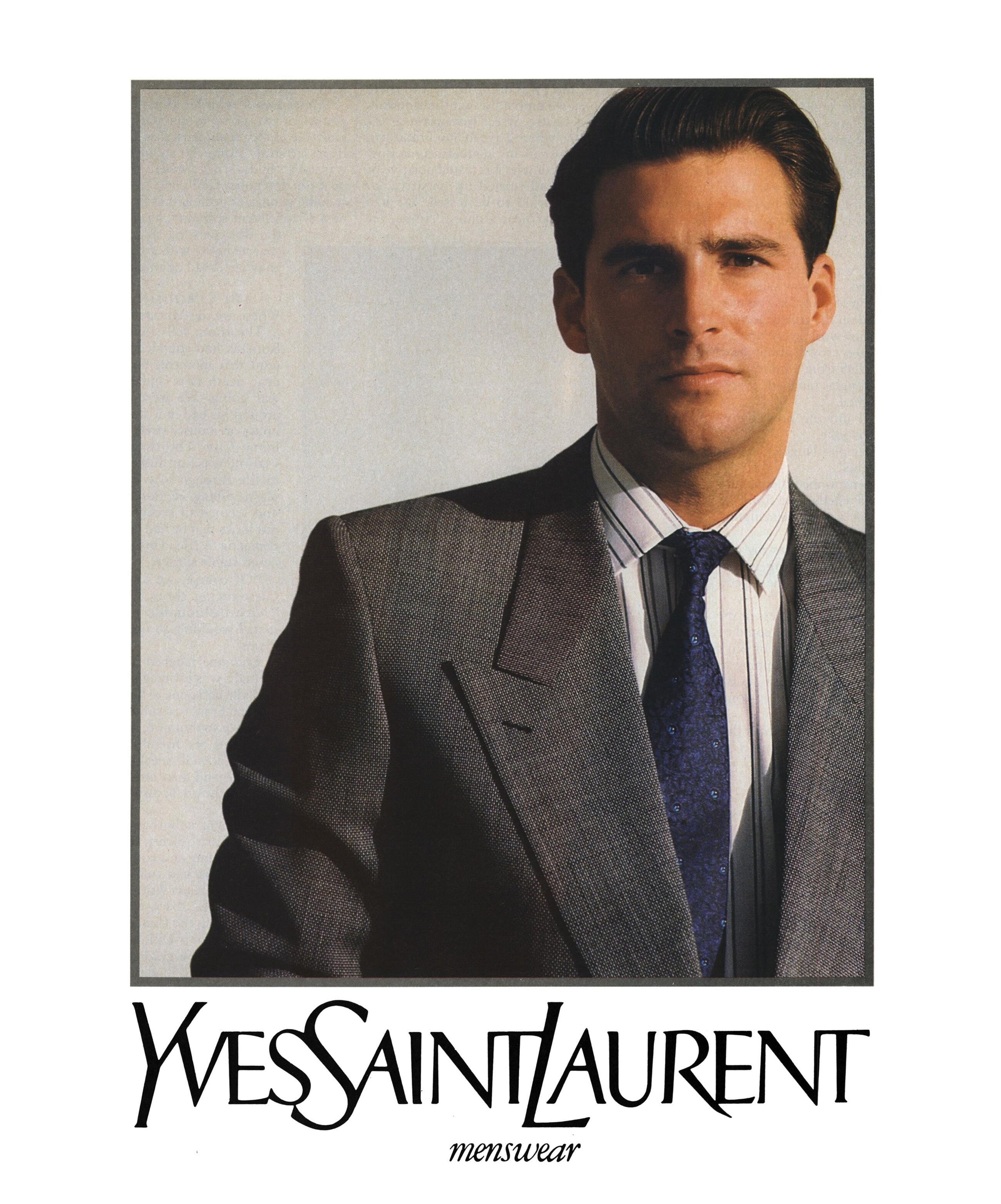
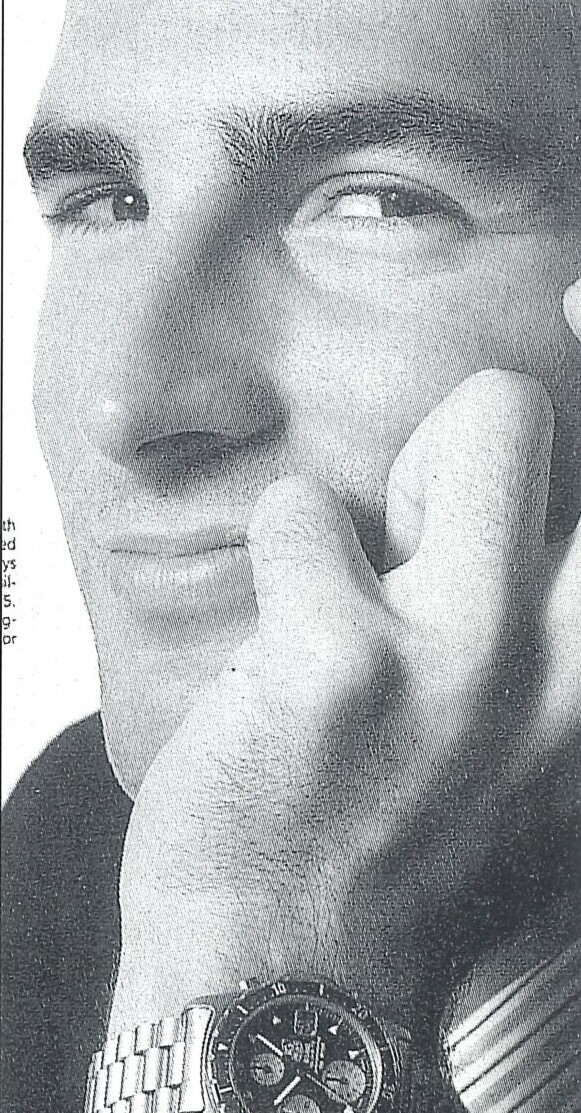
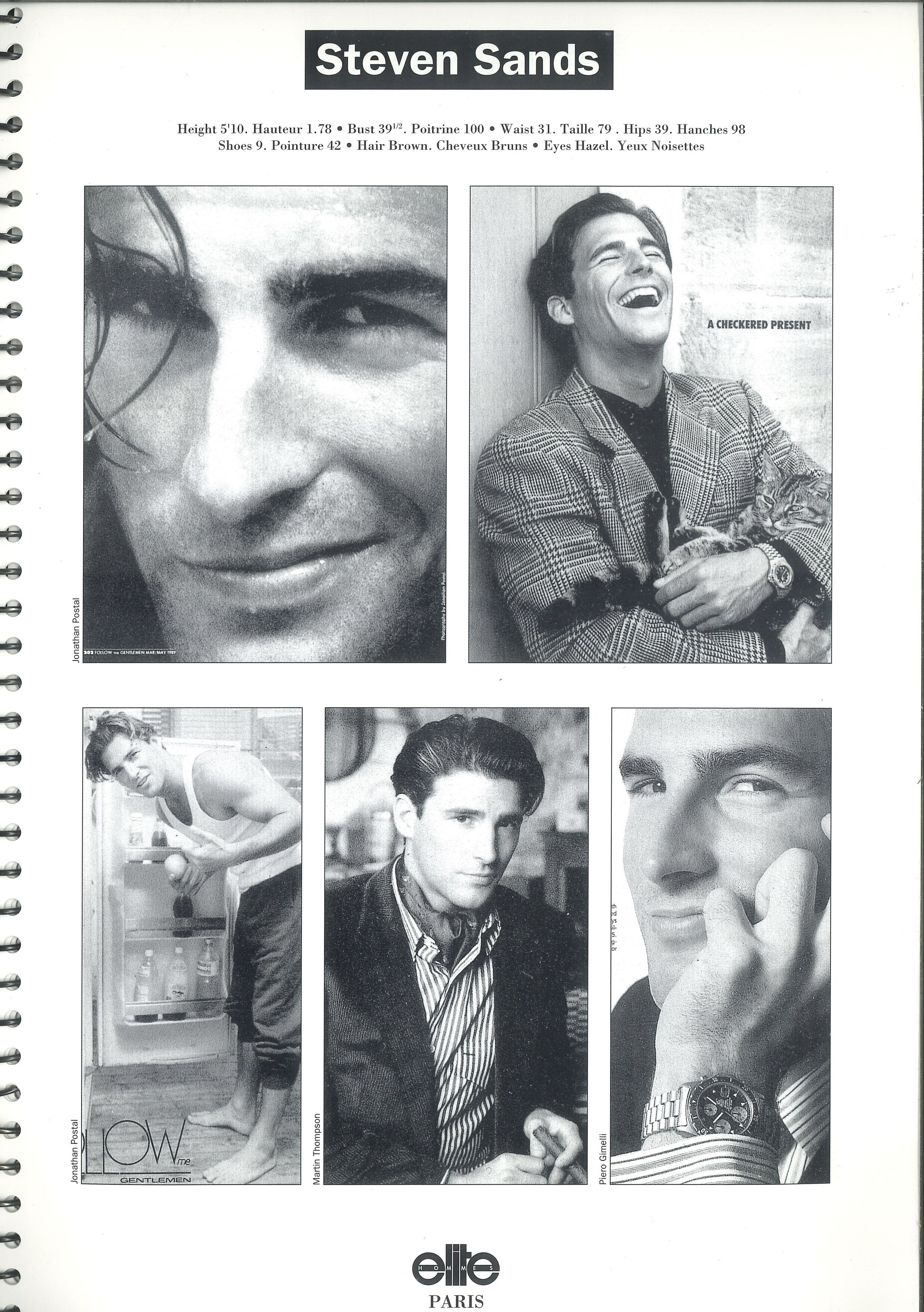
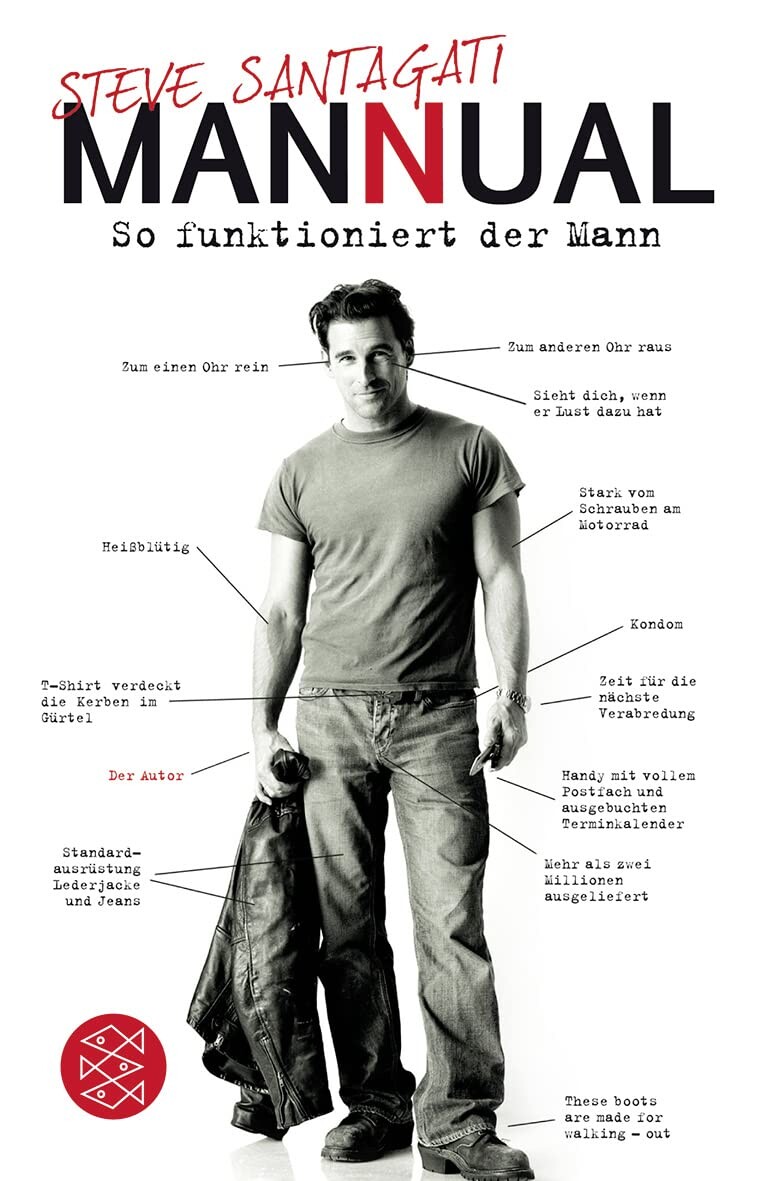
STEVEN SANDS aka STEVE SANTAGATI Steven Sands born Nov.3, 1963 is a former American male model that was active from around mid 1980s into the late 1990s. He also had a couple of TV appearances and worked as an author - both under his real name Steve Sangati. (ice ny composite 1980s / modelscomposites) Height: 1,78m / 5‘10 Hair: brown Eyes: hazel (elite europe agency book 1991 - my scans) Former Agencies: Elite Paris ICE NY TV Appearances: Celine Dion: Think Twice (1984) Drive Shaft (2003) Undateable(2010) Publications: The Manual: A true bad boy explains how men think, date and mate - and what women can do to come out on top (2008) german cover / amazon
notorppp joined the community
STEVEN SANDS aka STEVE SANTAGATI Steven Sands born Nov.3, 1963 is a former American male model that was active from around mid 1980s into the late 1990s. He also had a couple of TV appearances and worked as an author - both under his real name Steve Sangati. (ice ny composite 1980s / modelscomposites) Height: 1,78m / 5‘10 Hair: brown Eyes: hazel (elite europe agency book 1991 - my scans) Former Agencies: Elite Paris ICE NY TV Appearances: Celine Dion: Think Twice (1984) Drive Shaft (2003) Undateable(2010) Publications: The Manual: A true bad boy explains how men think, date and mate - and what women can do to come out on top (2008) german cover / amazon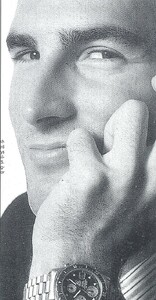



 Pazit Cohen Hardin https://www.bellazon.com/main/topic/66236-pazit-hardin/
 Masquerade 31.12.2025 Meruorah Komodo Labuan Bajo _____ Happy Belated Valentine's Day katya0904.mp4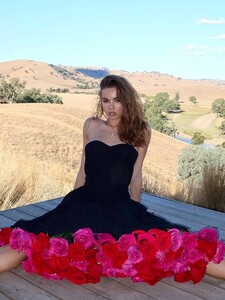
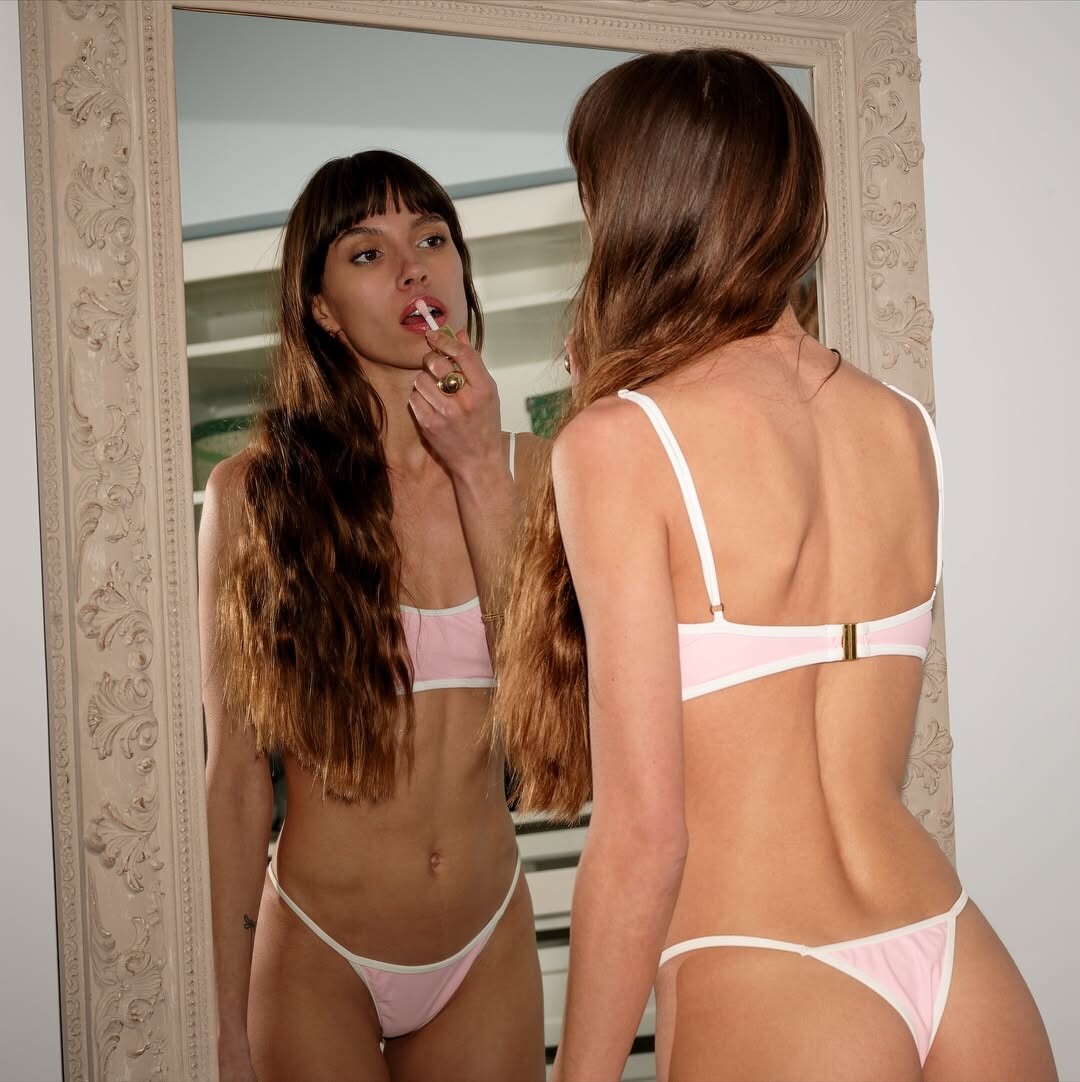
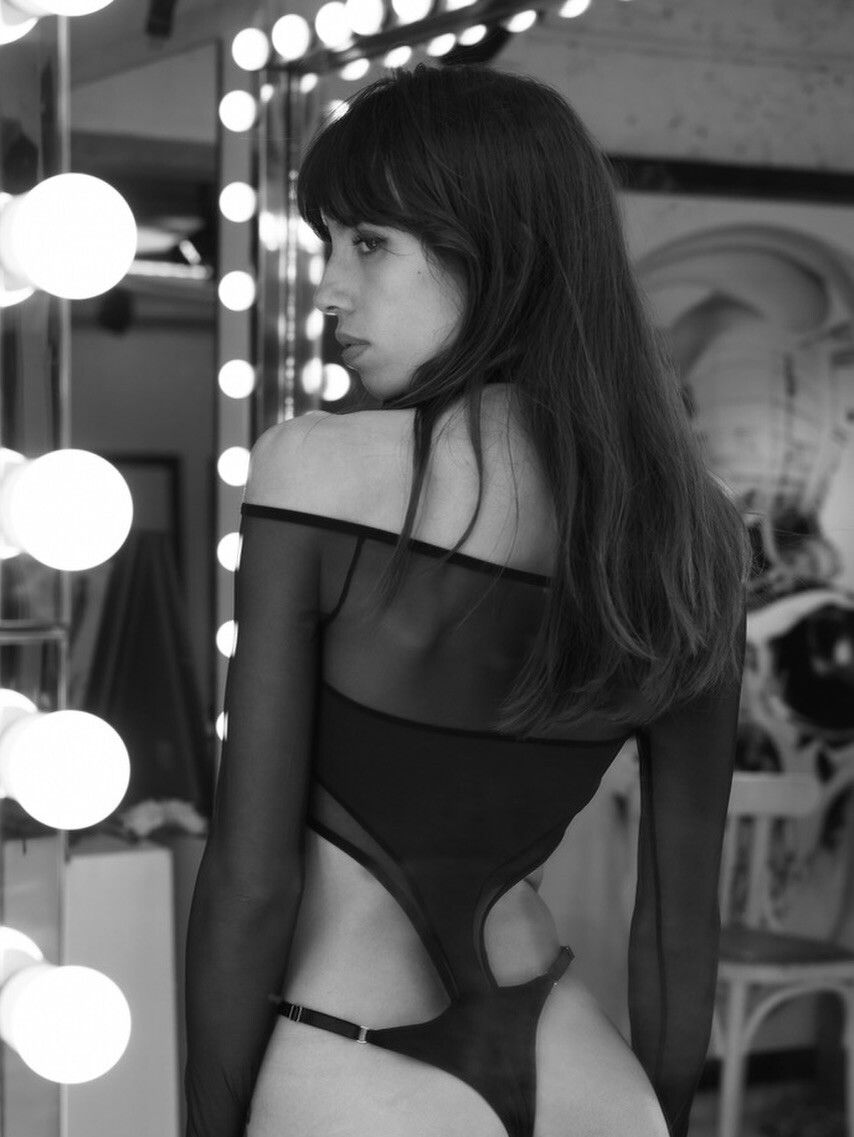
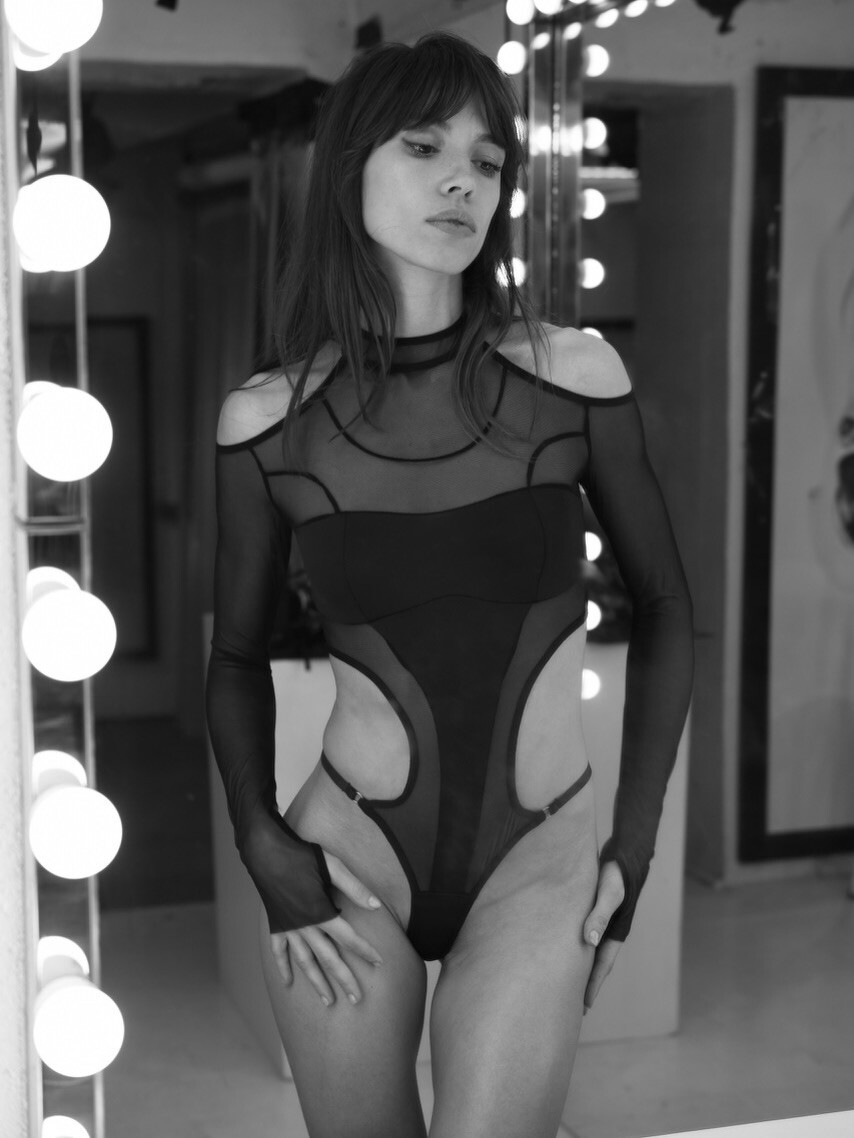
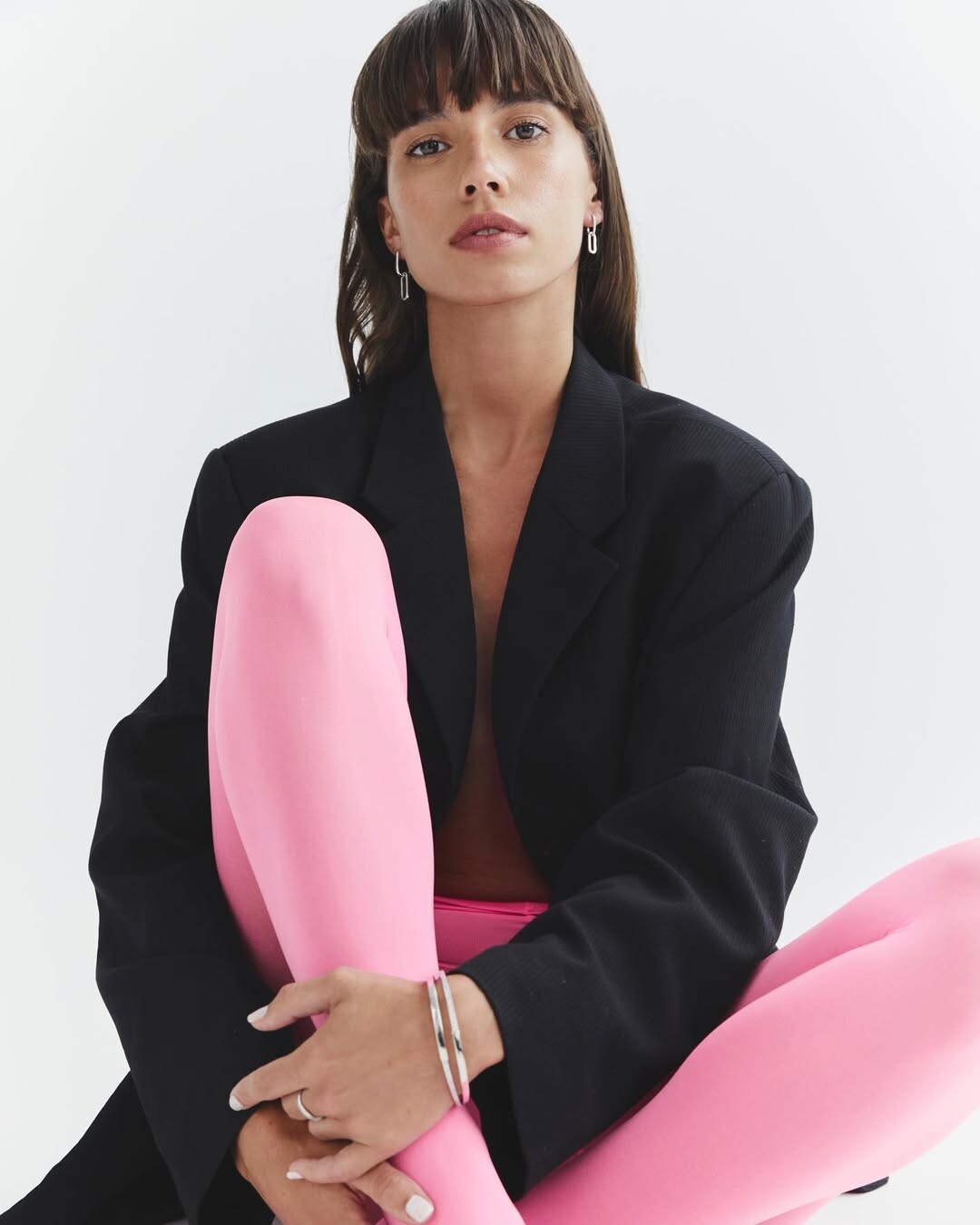
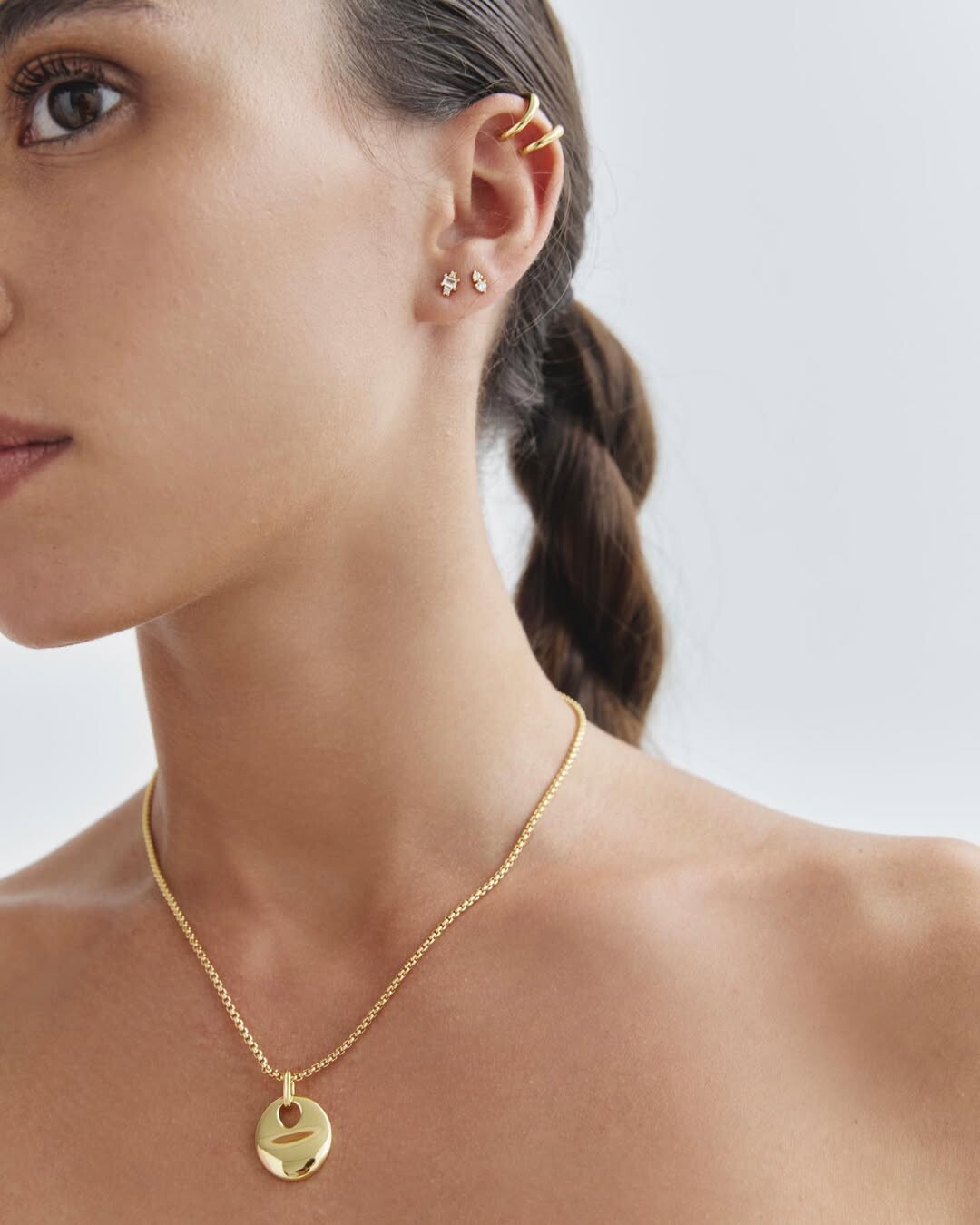
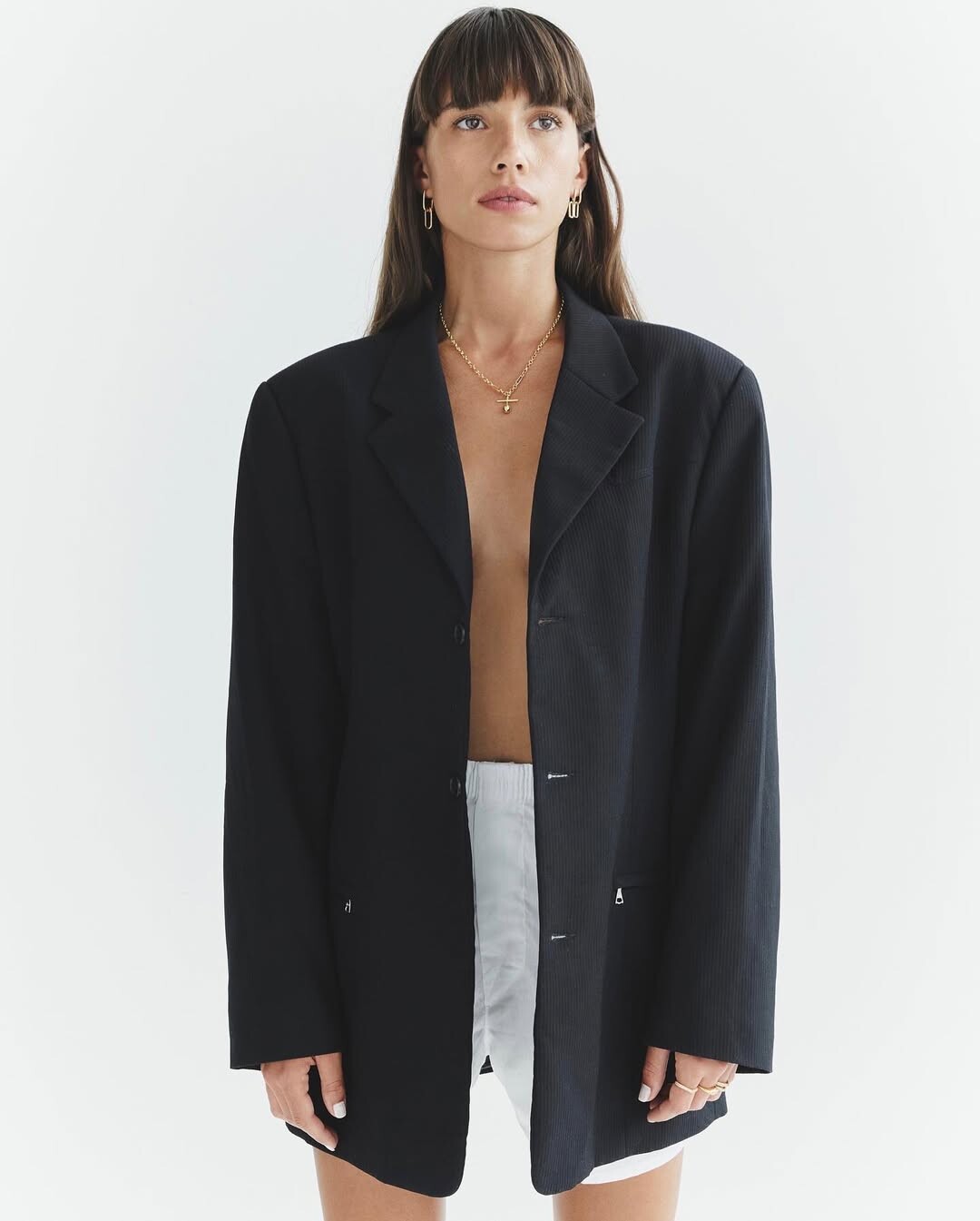
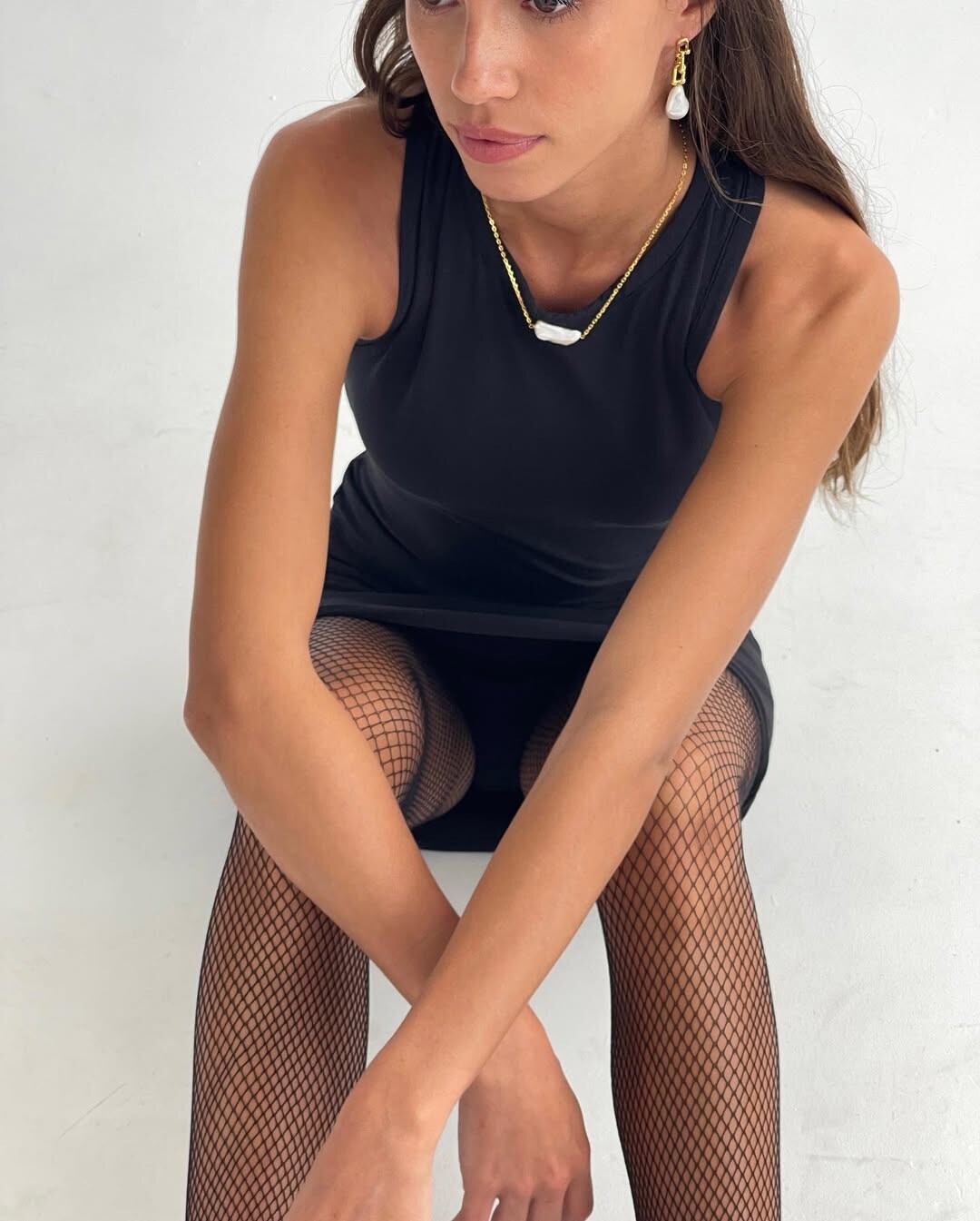
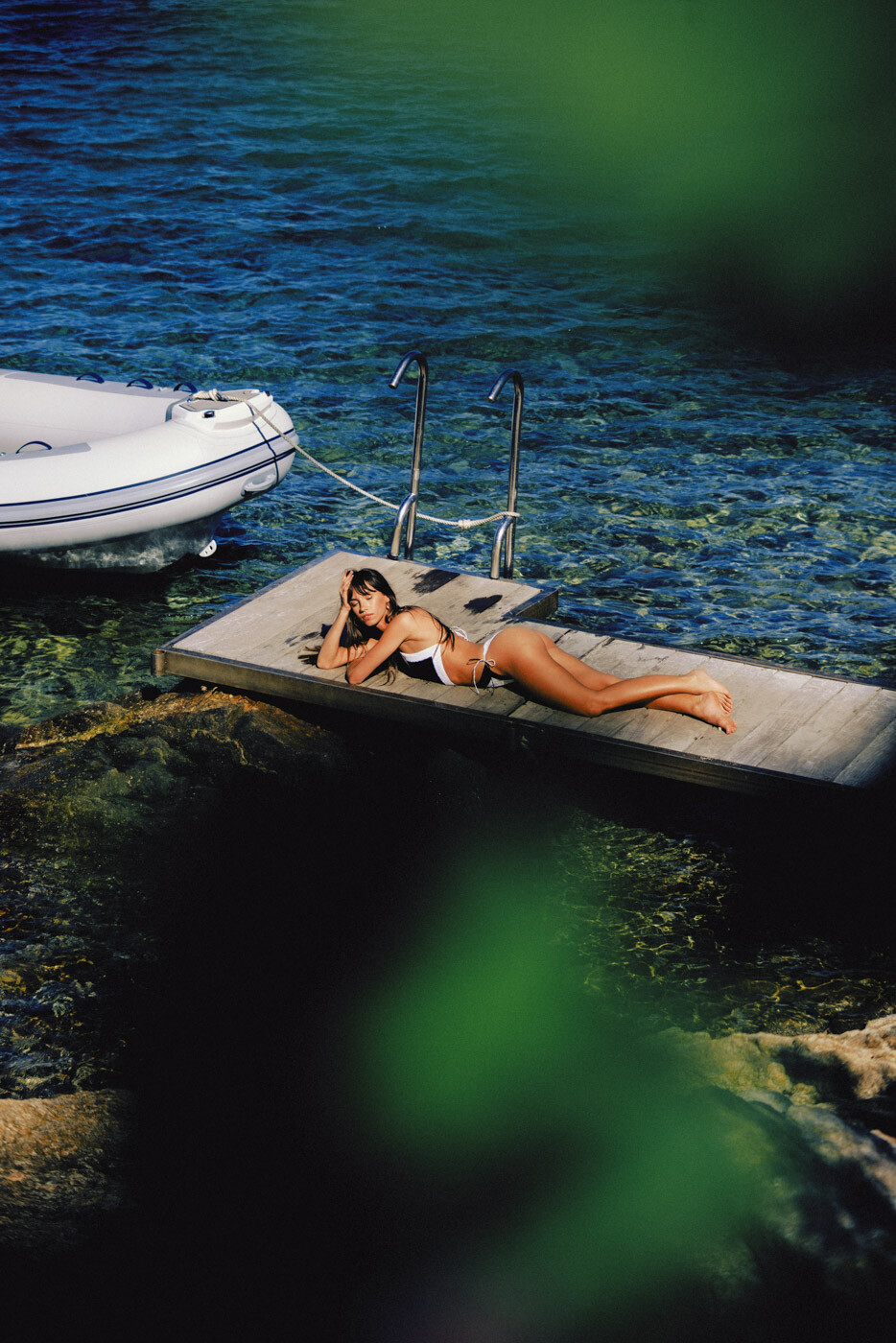
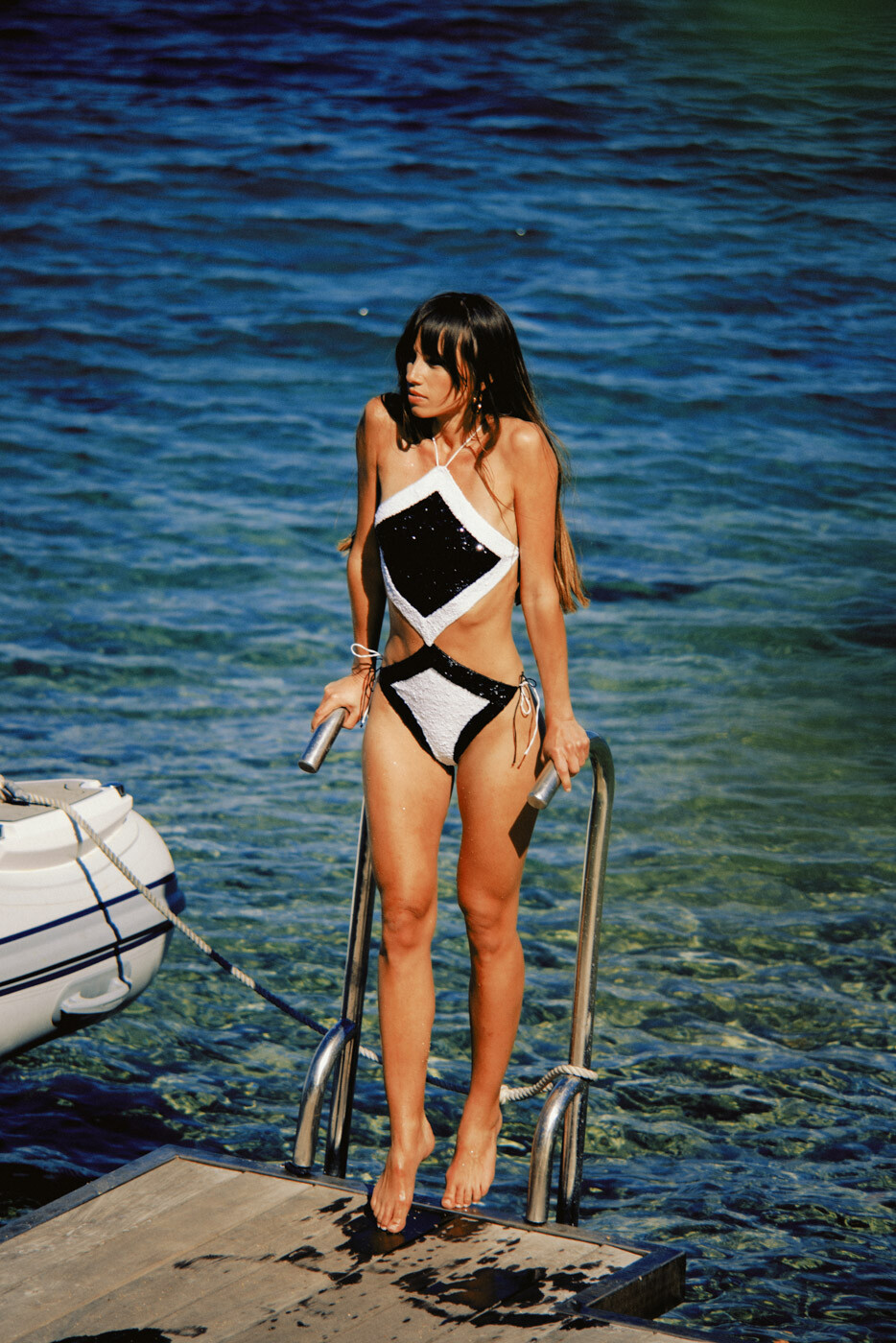
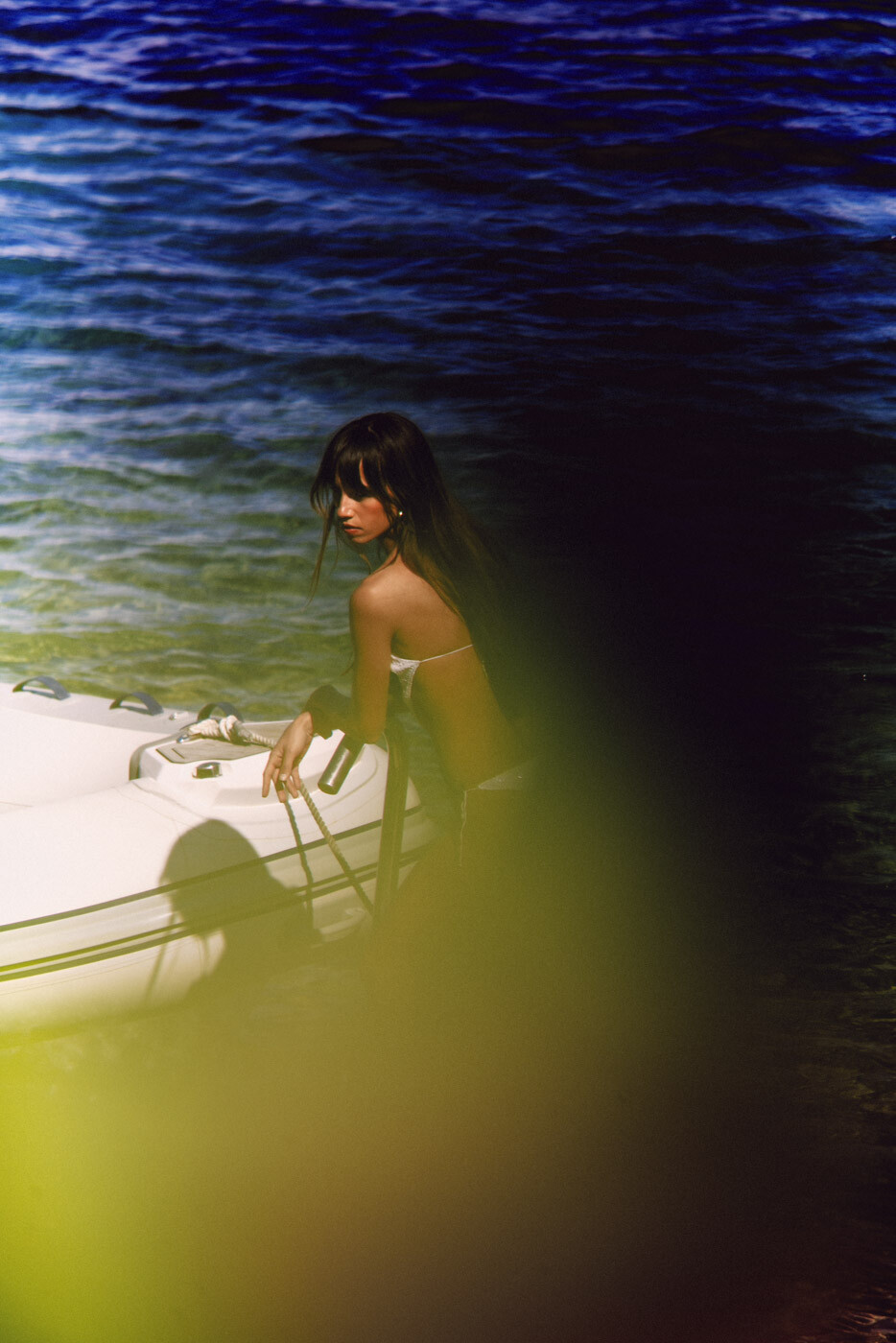
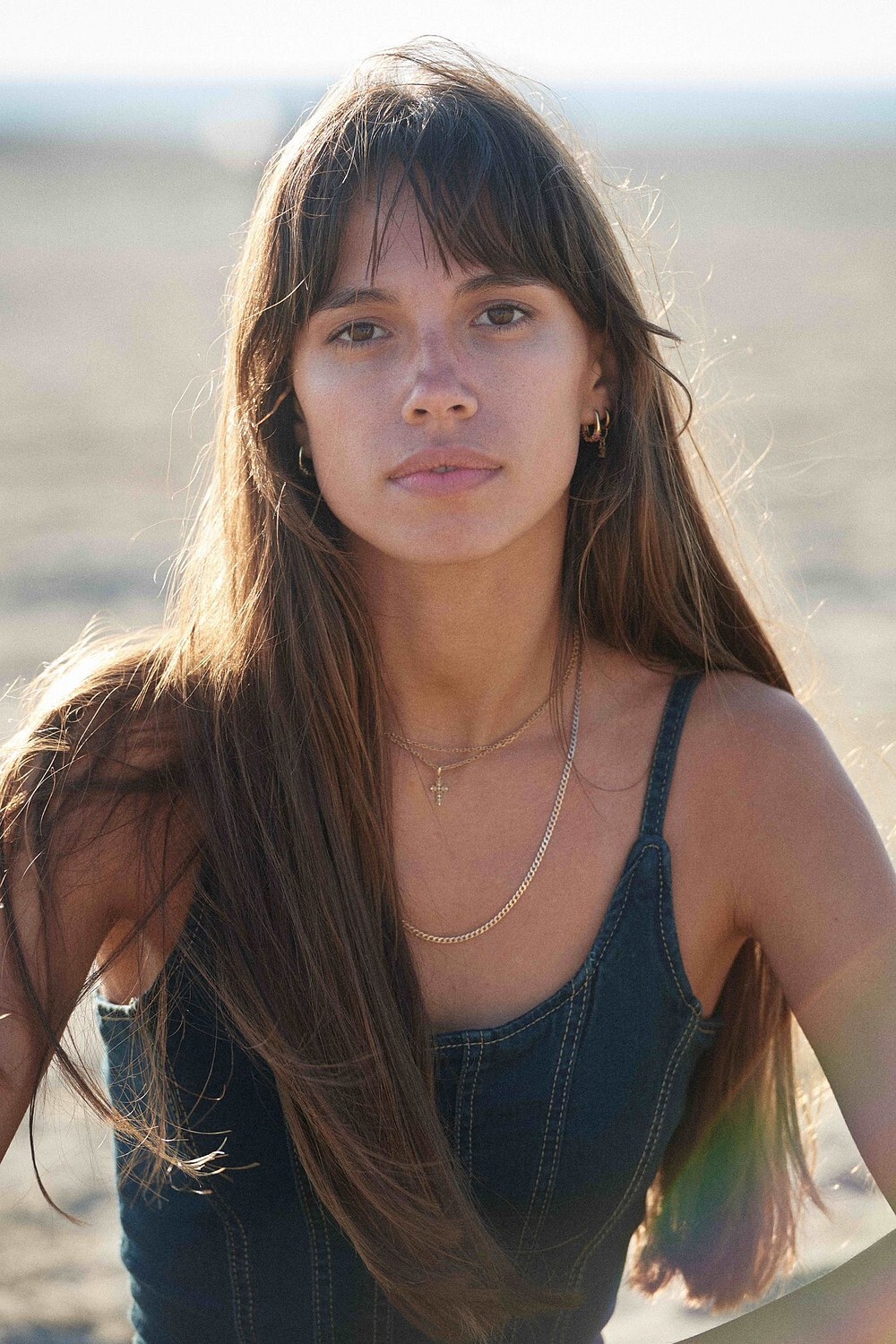
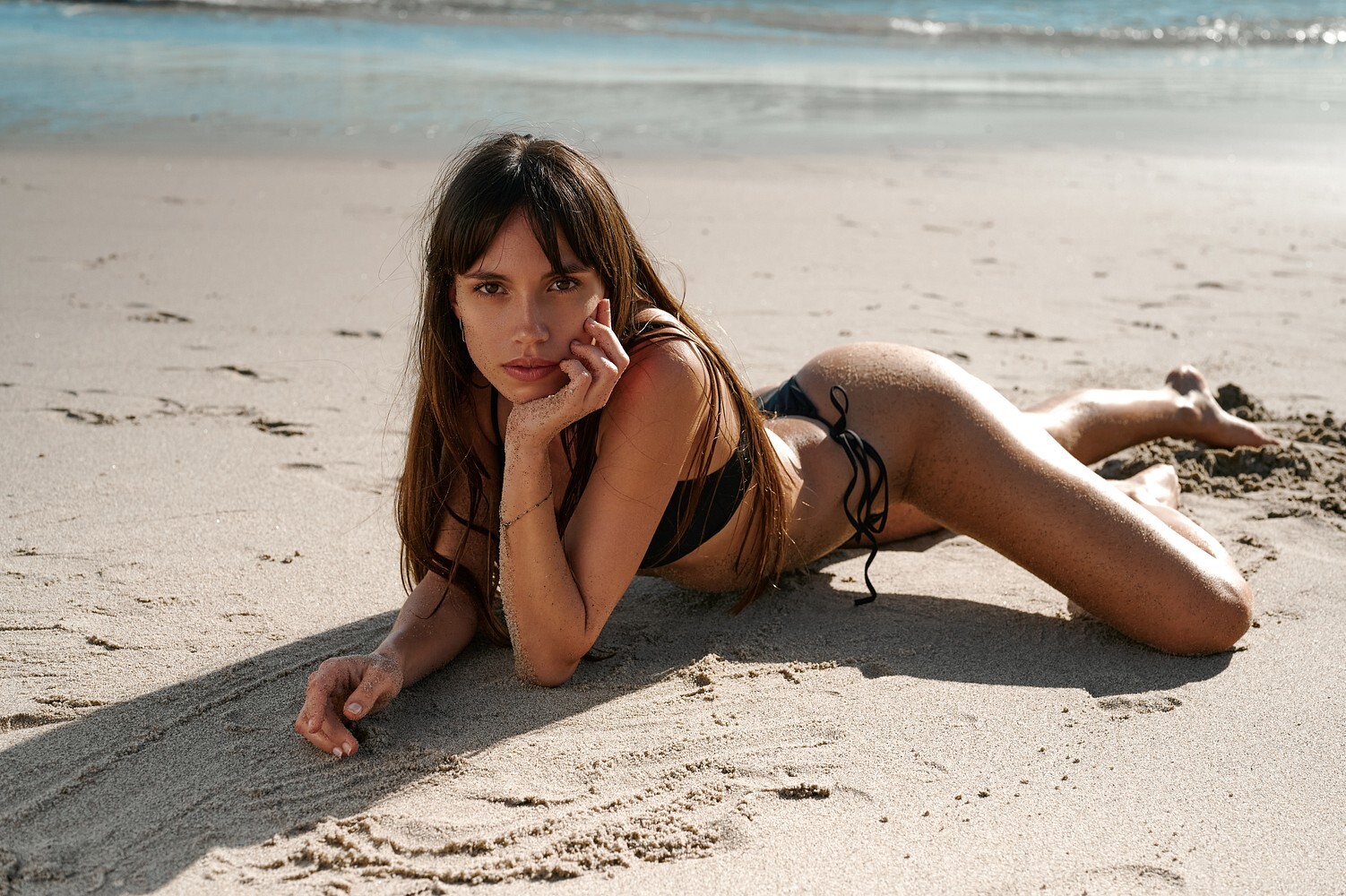
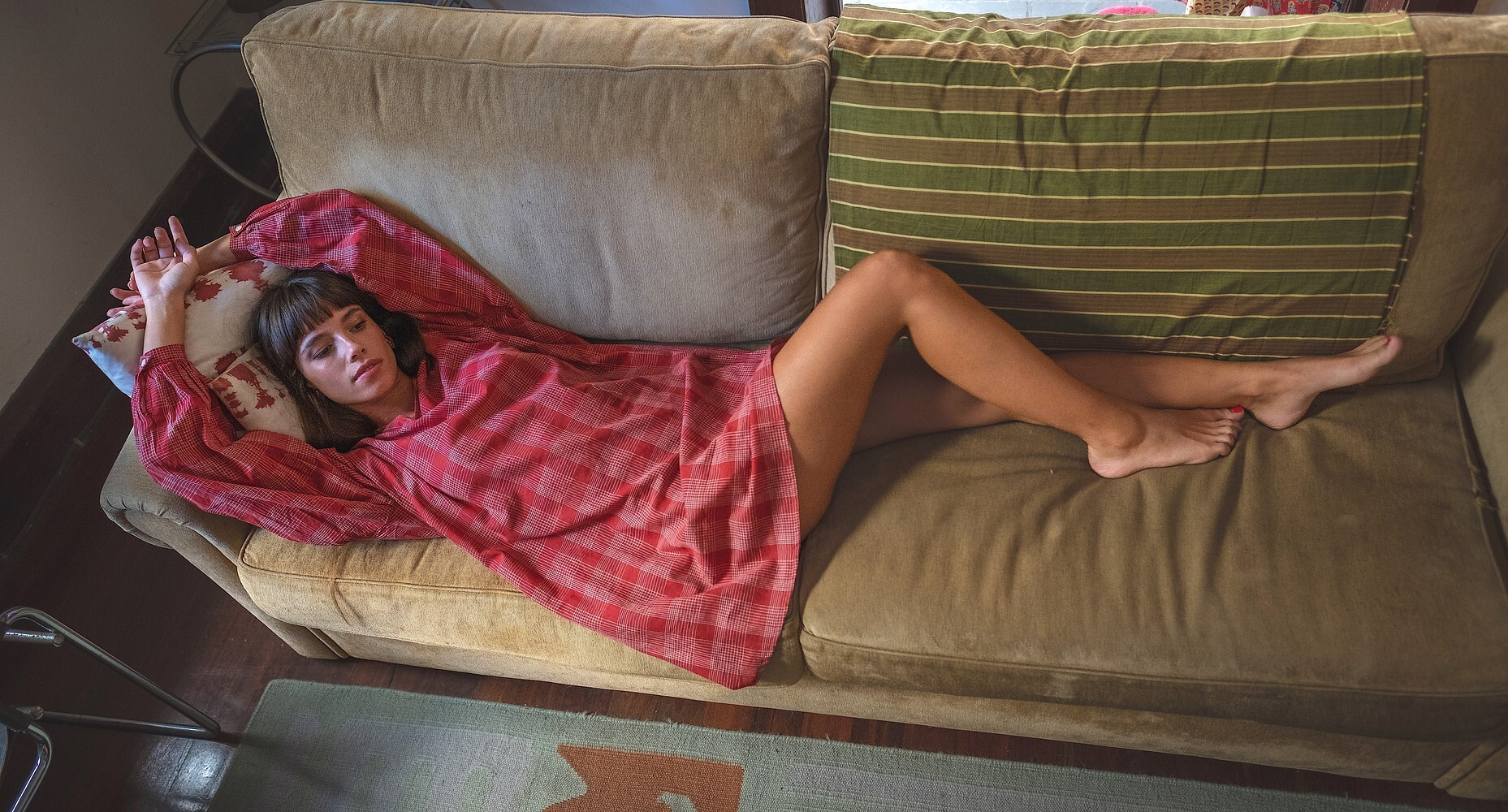
 Can anyone ID her?

.jpg.f9b4755acd628ab9cdbeeb45d4edfd36.jpg)










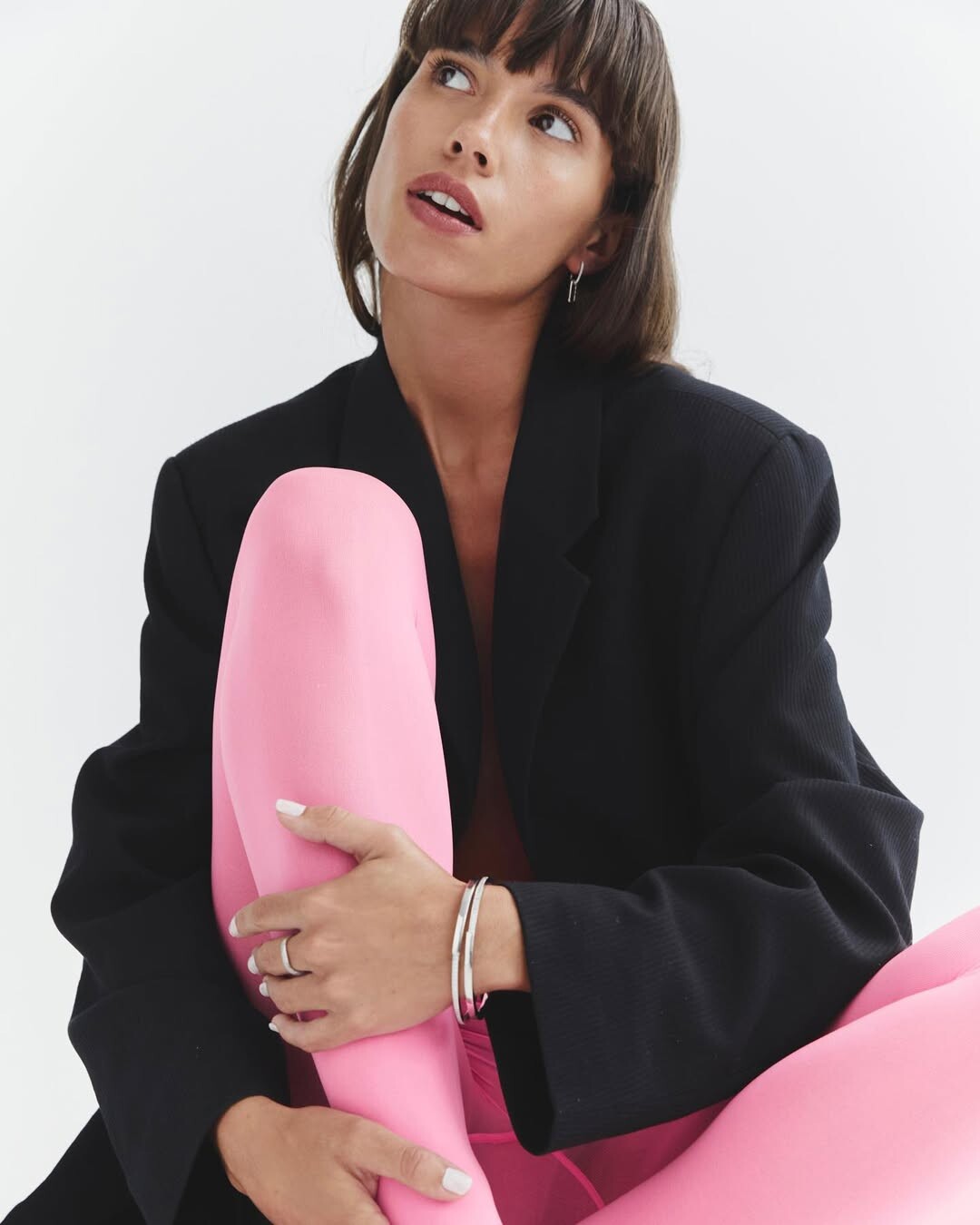
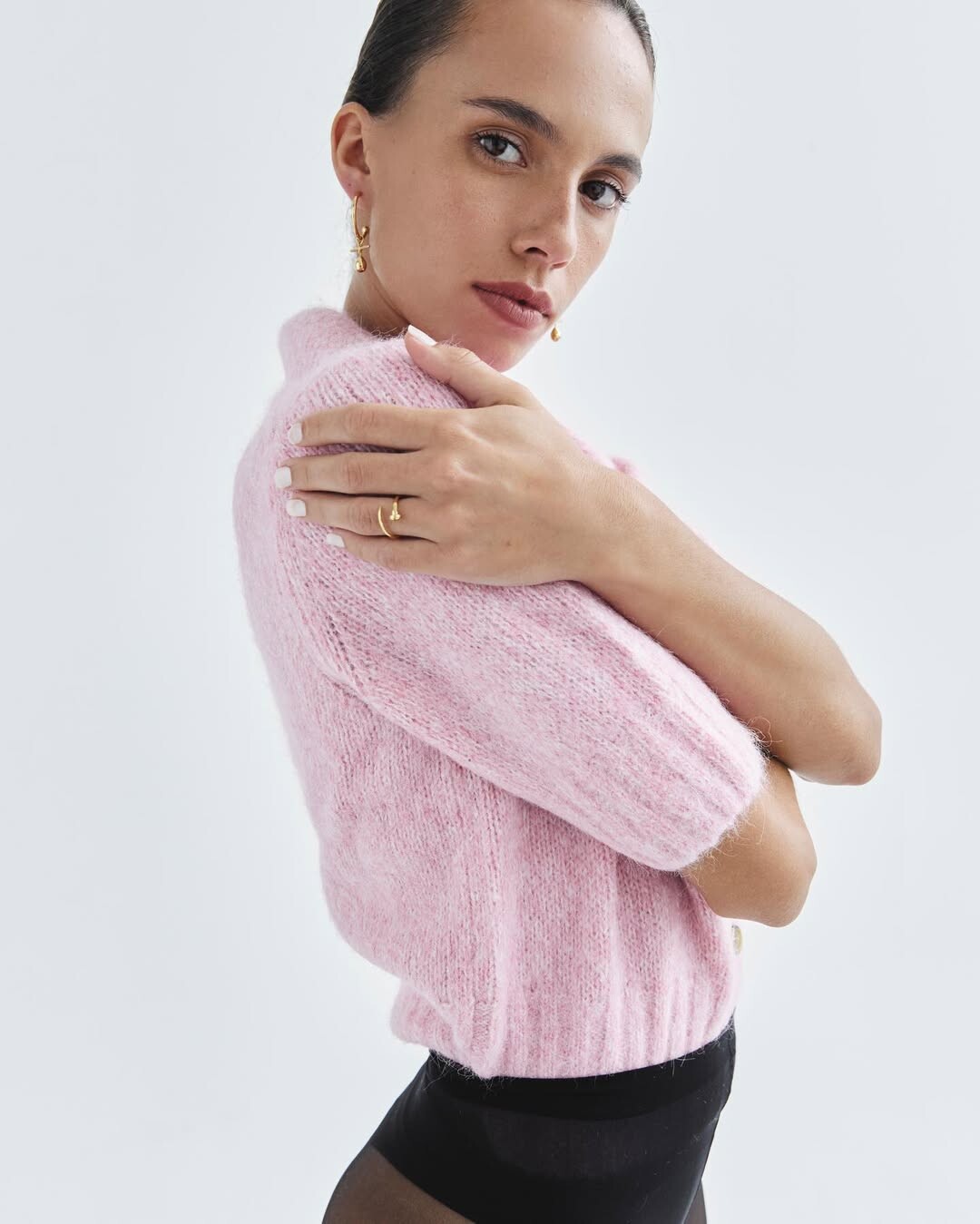

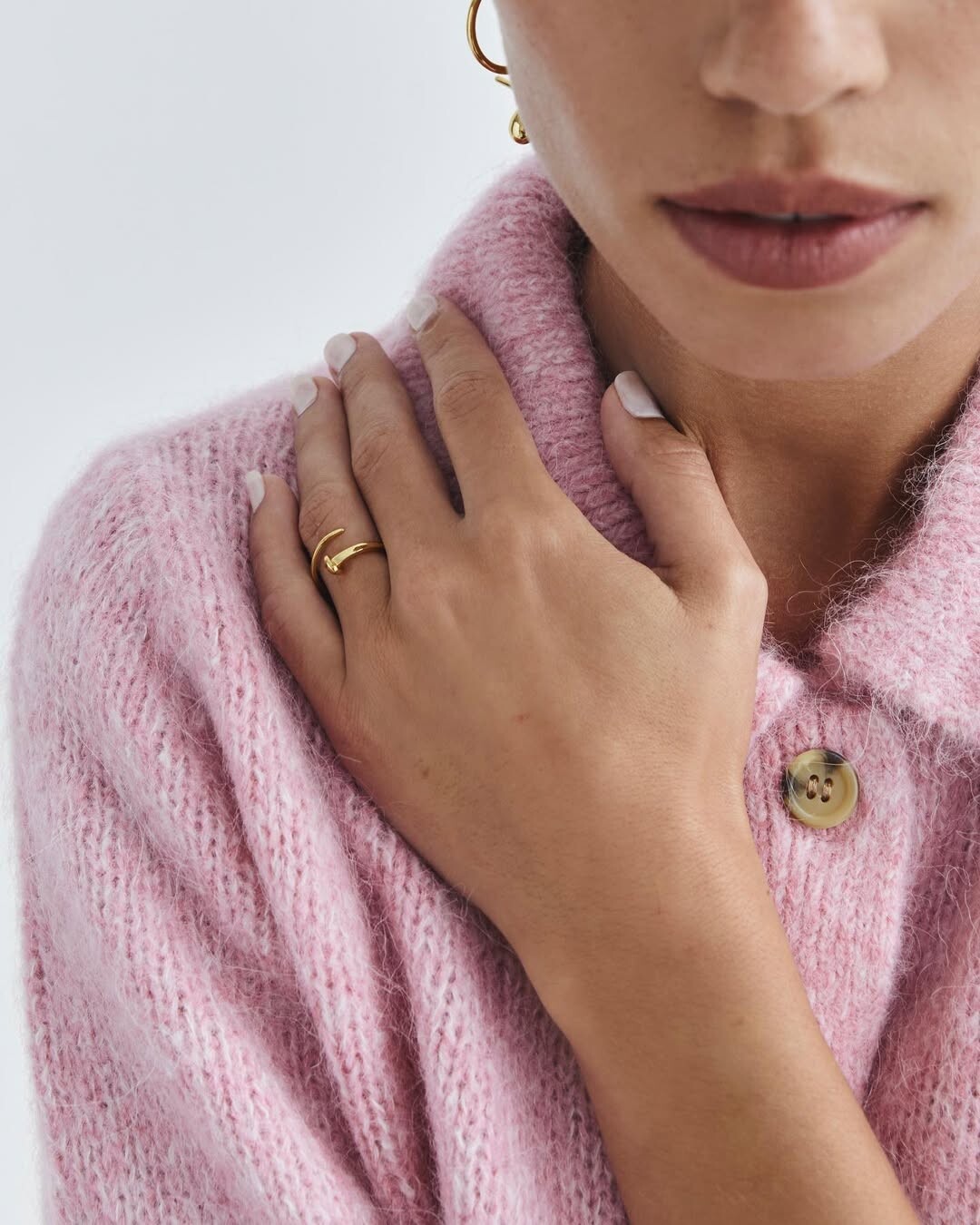
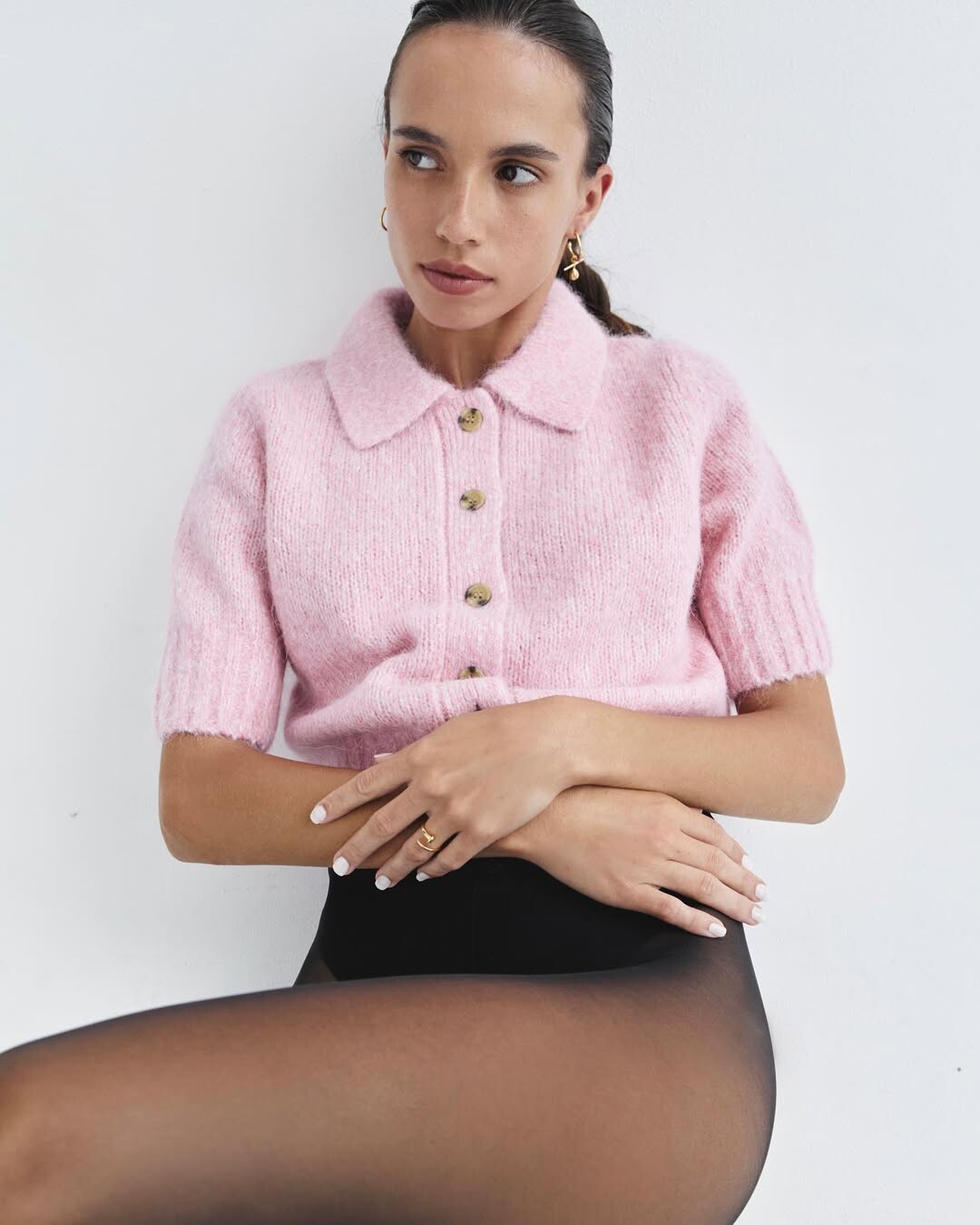












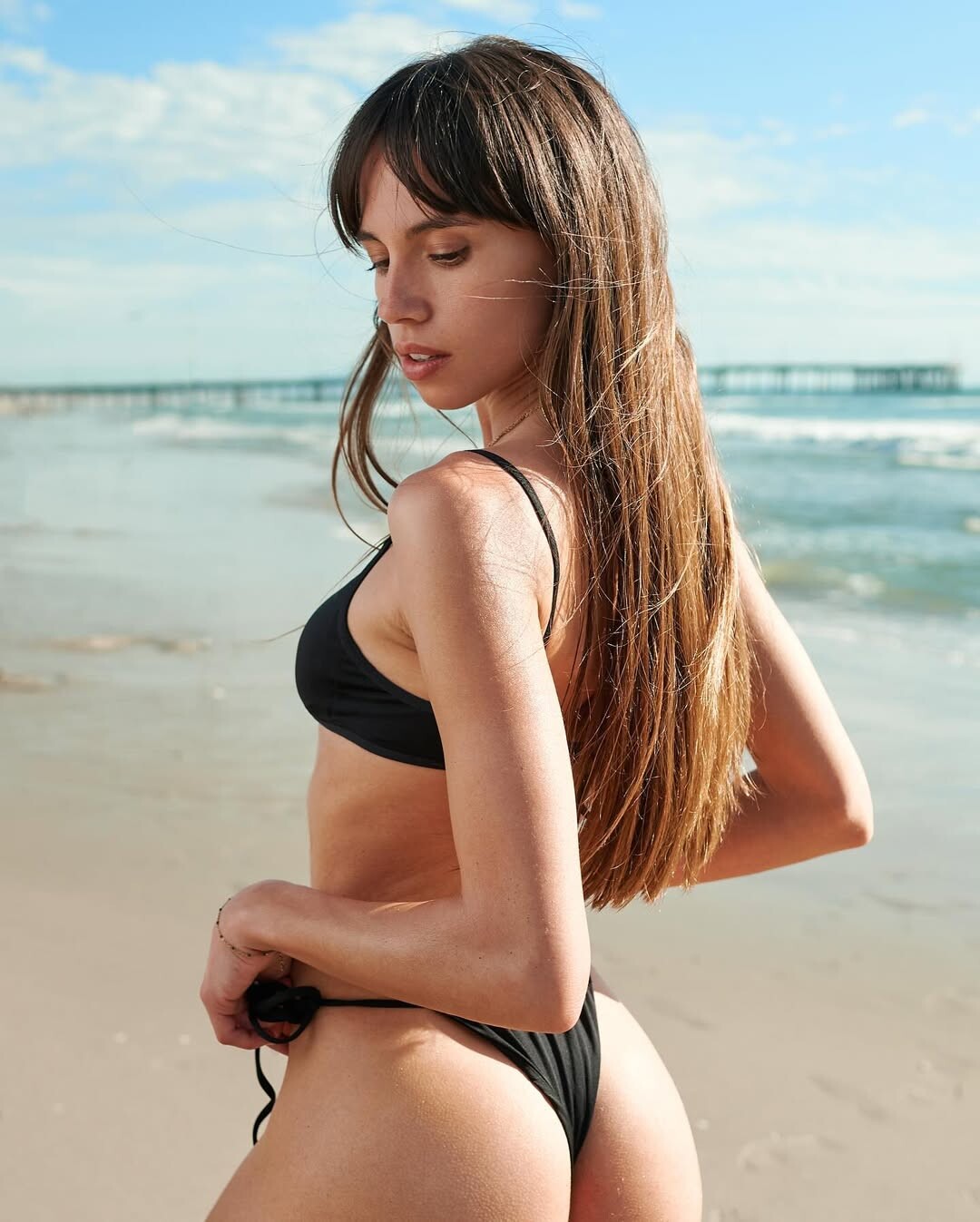
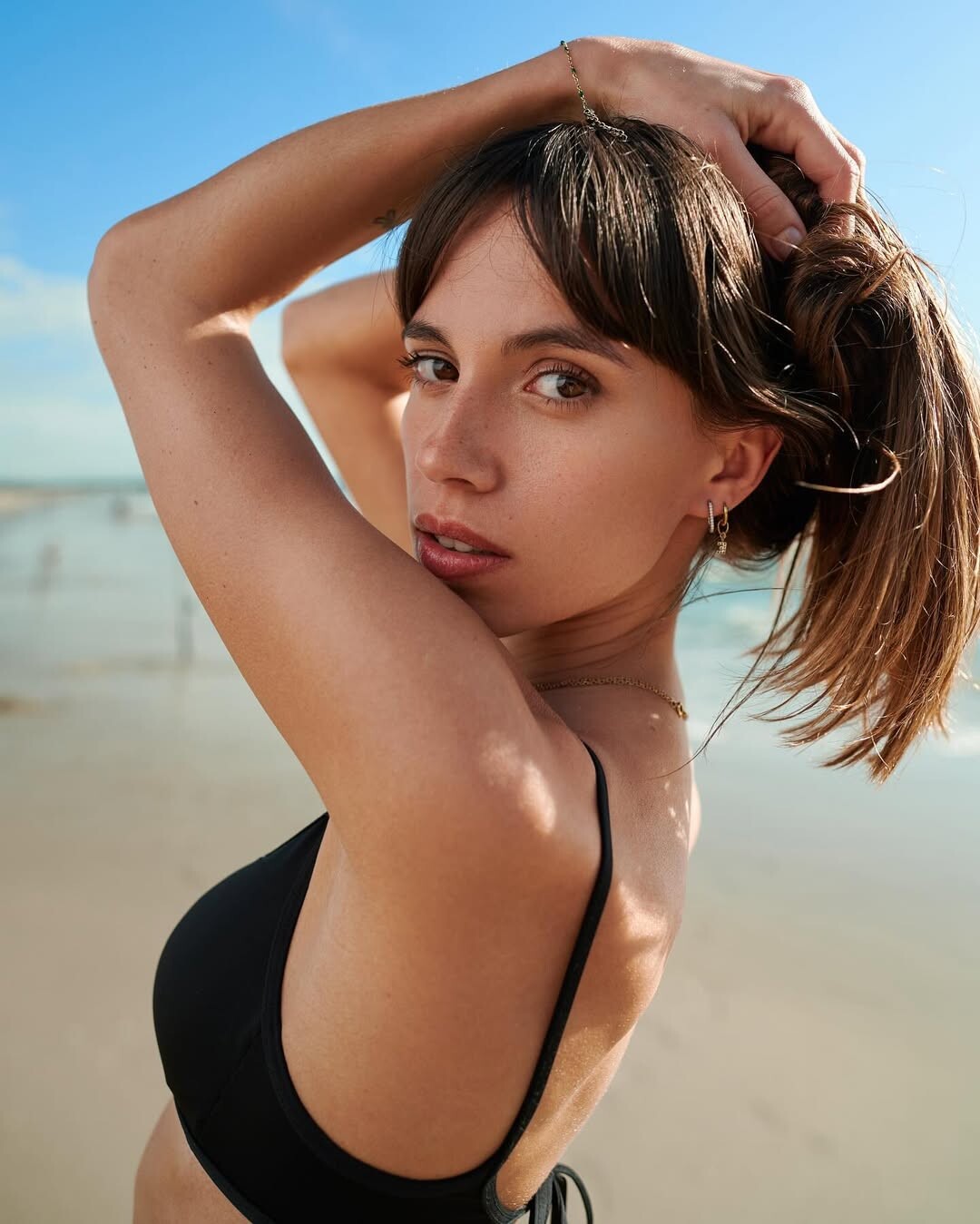
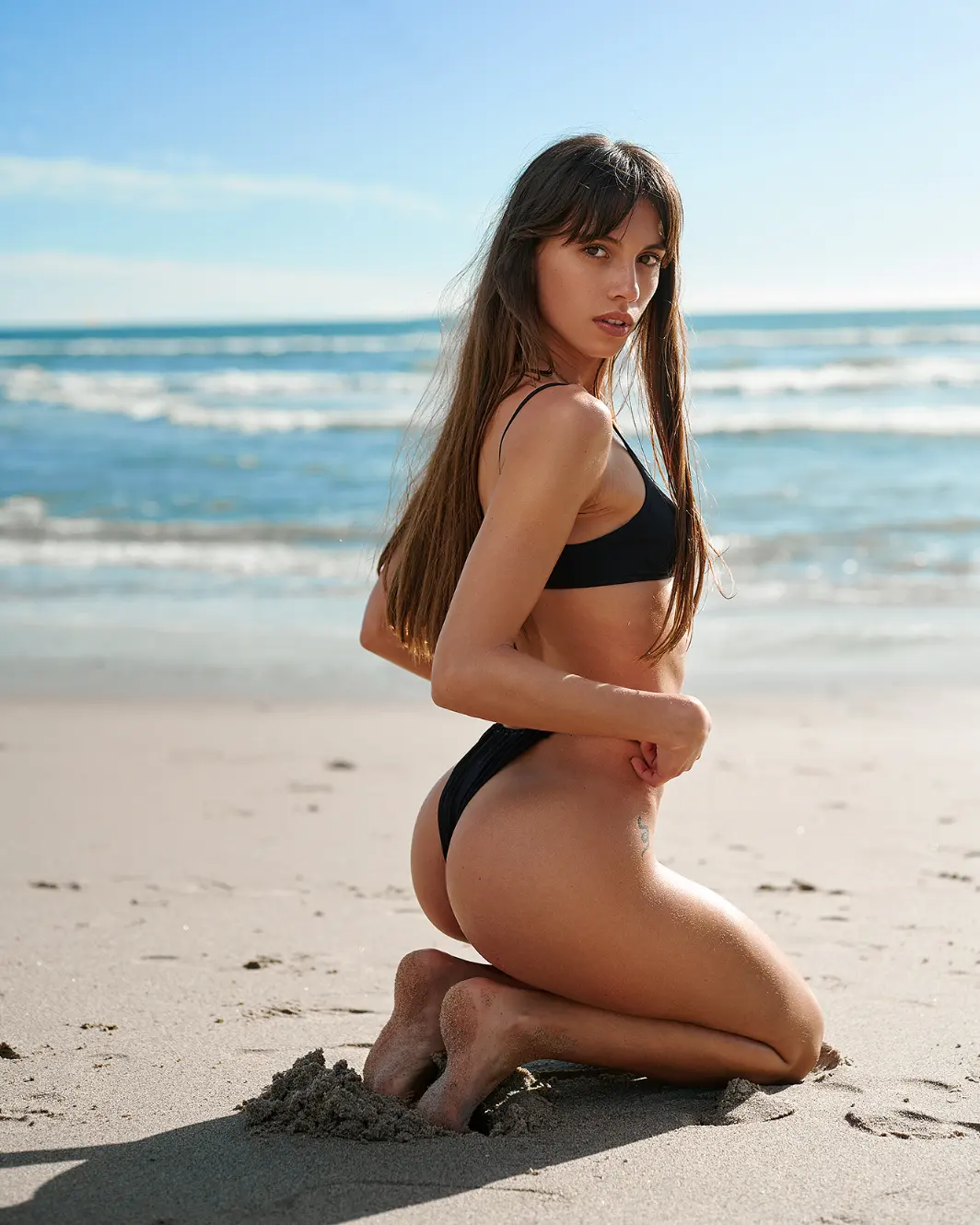
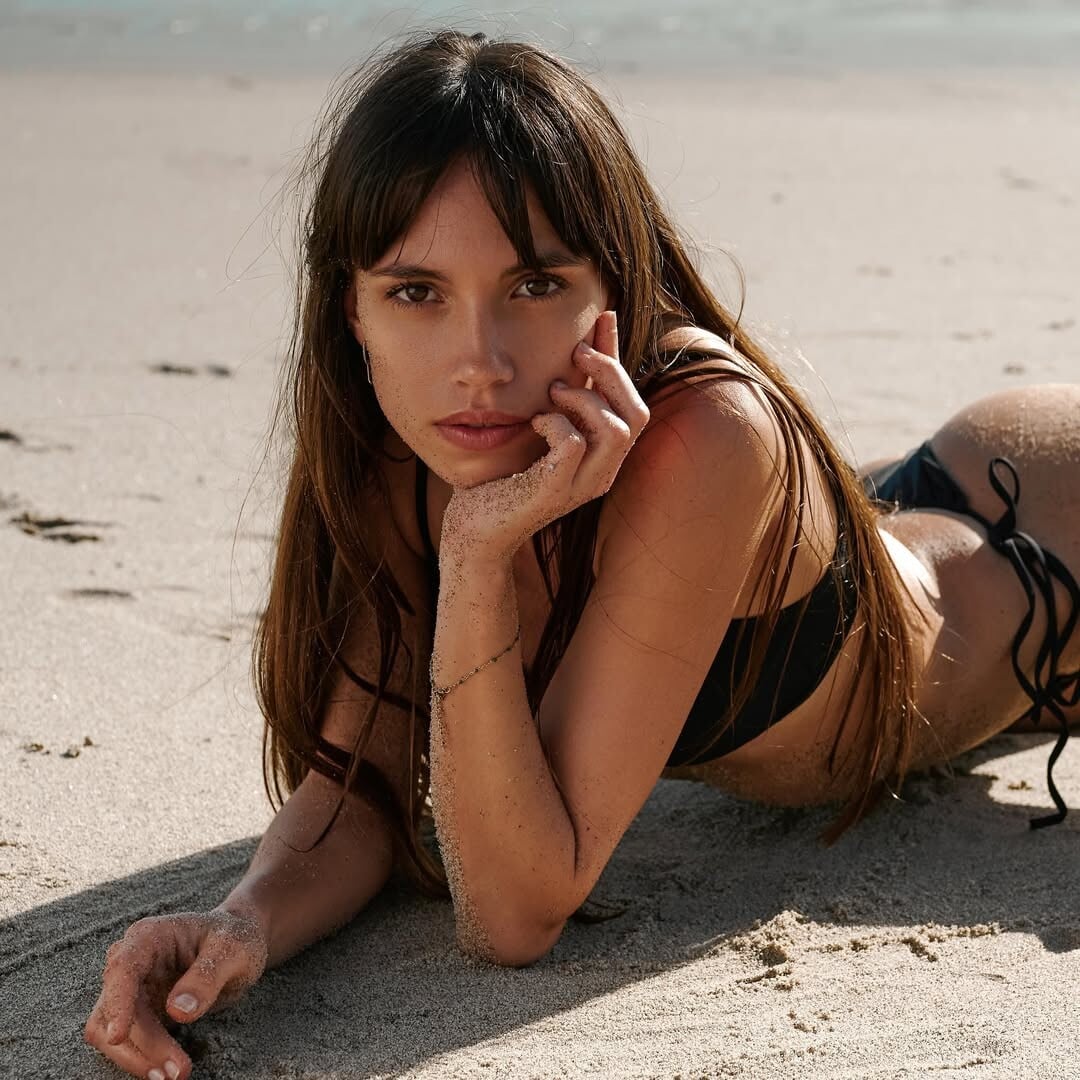
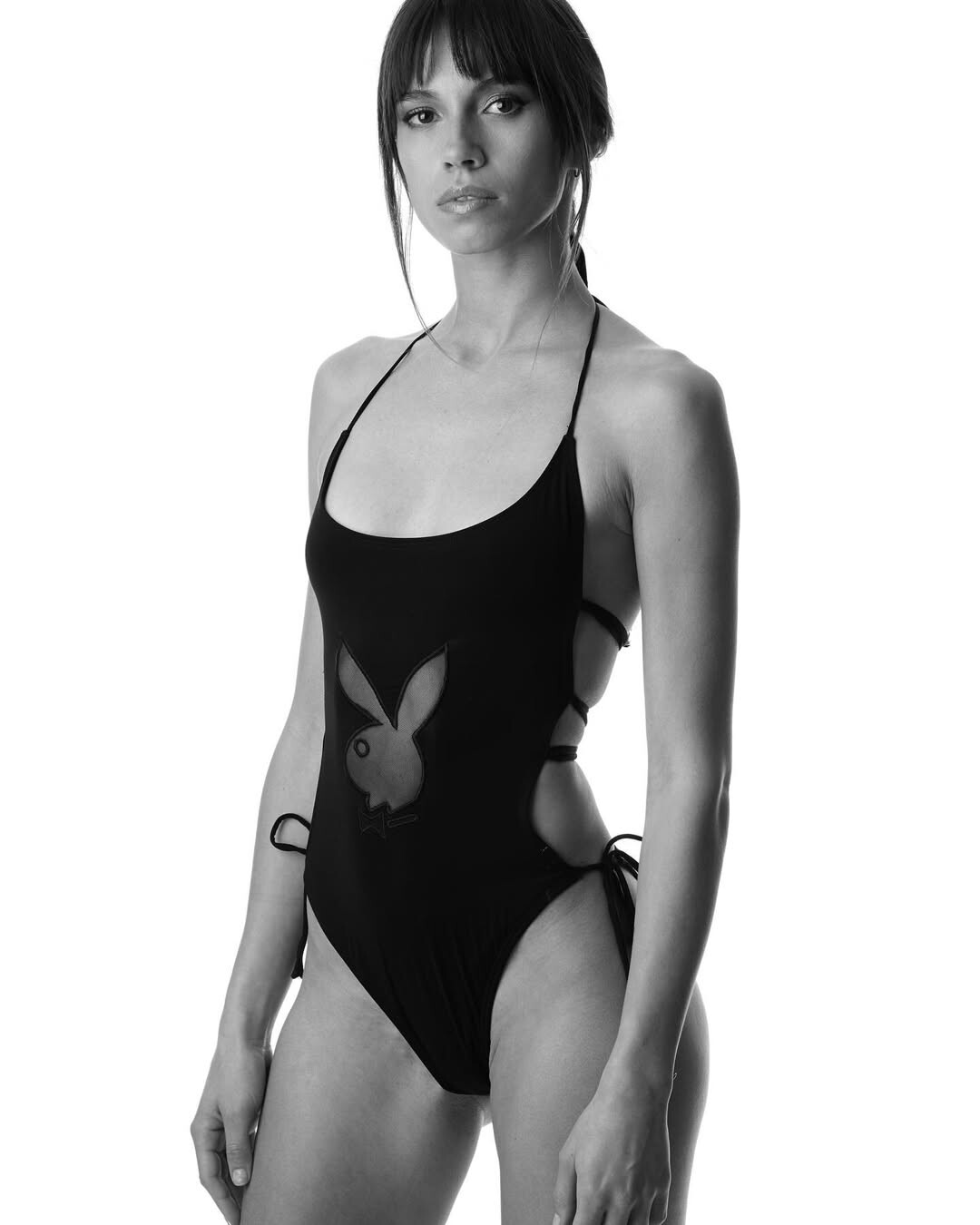
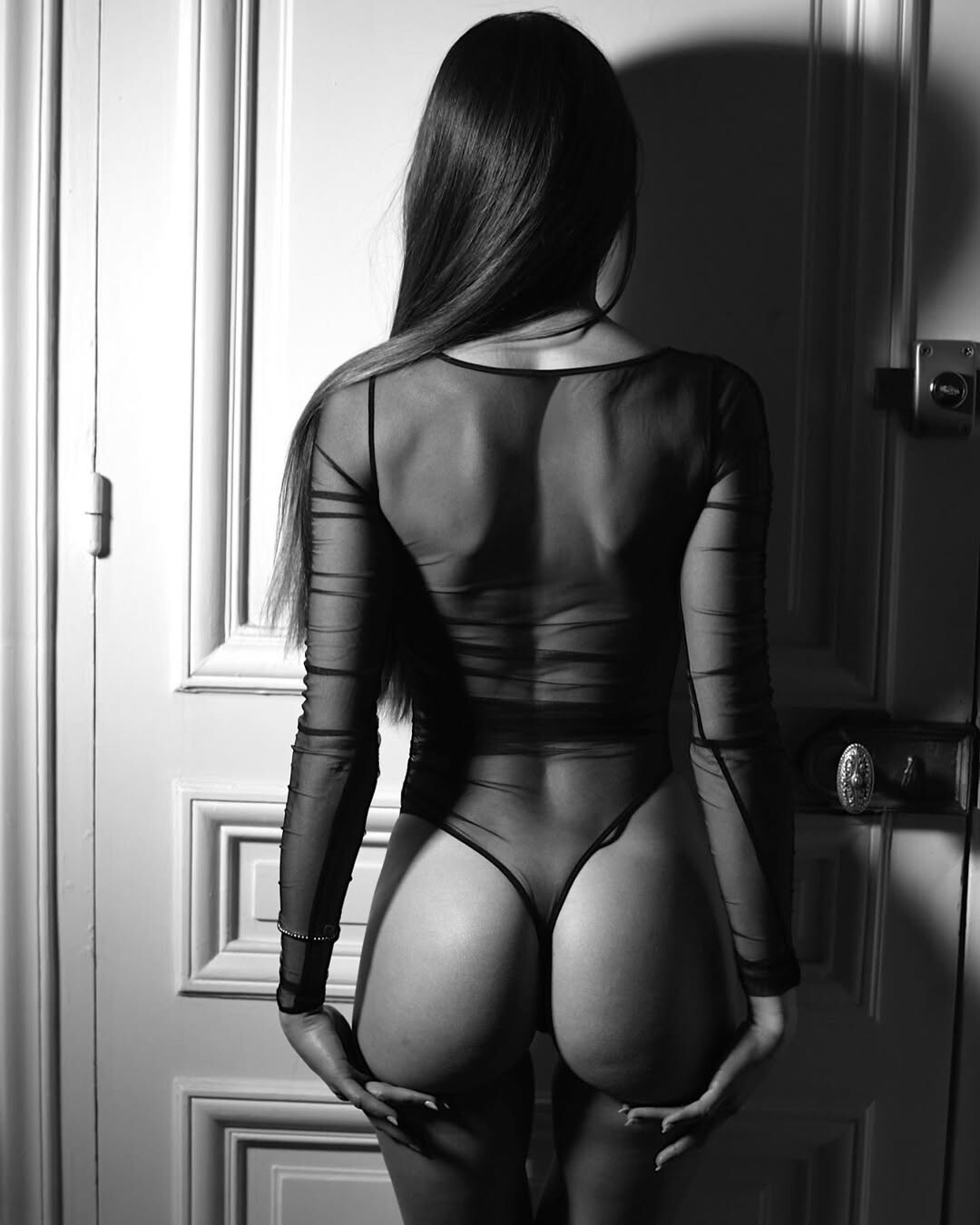

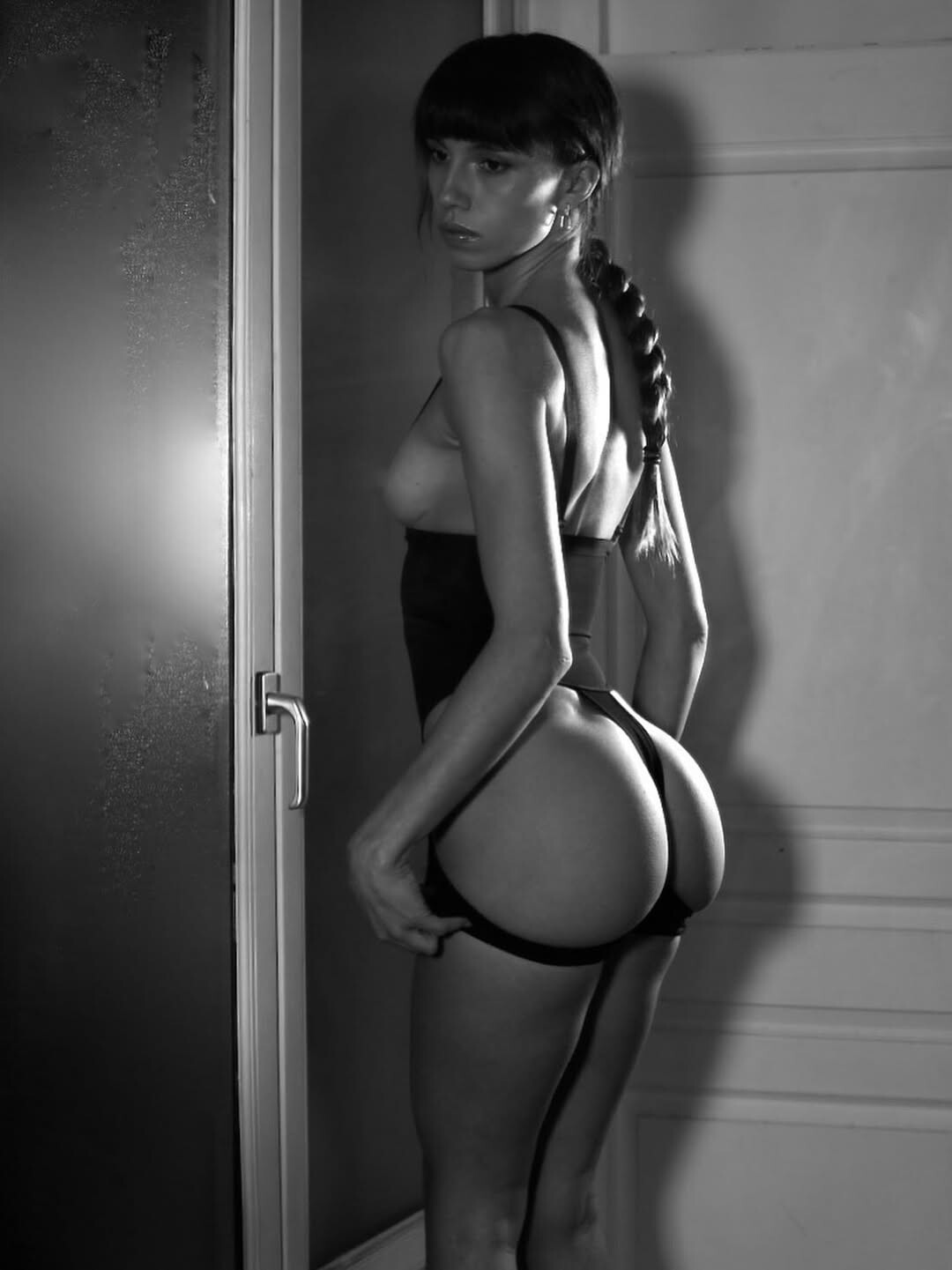
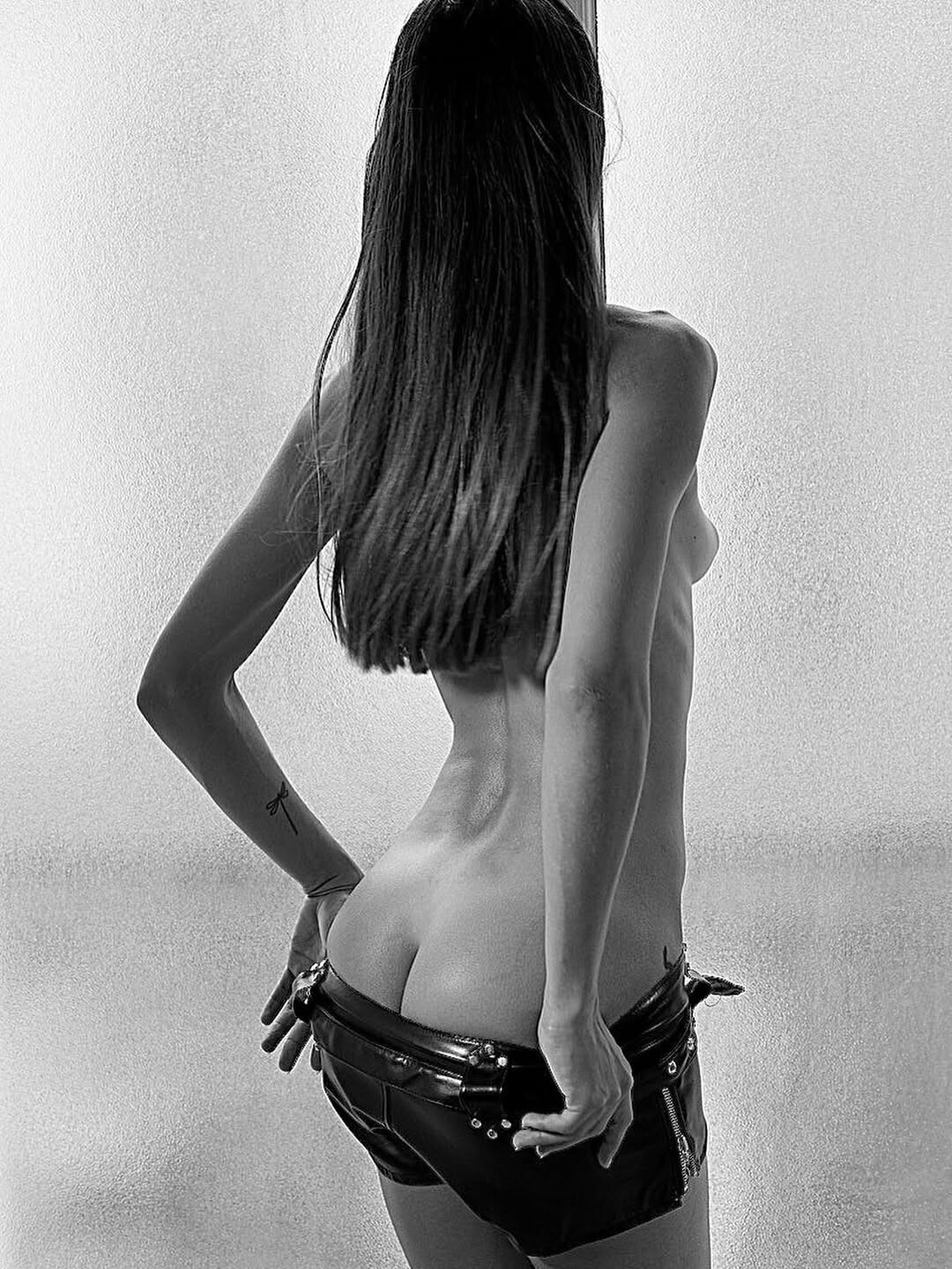

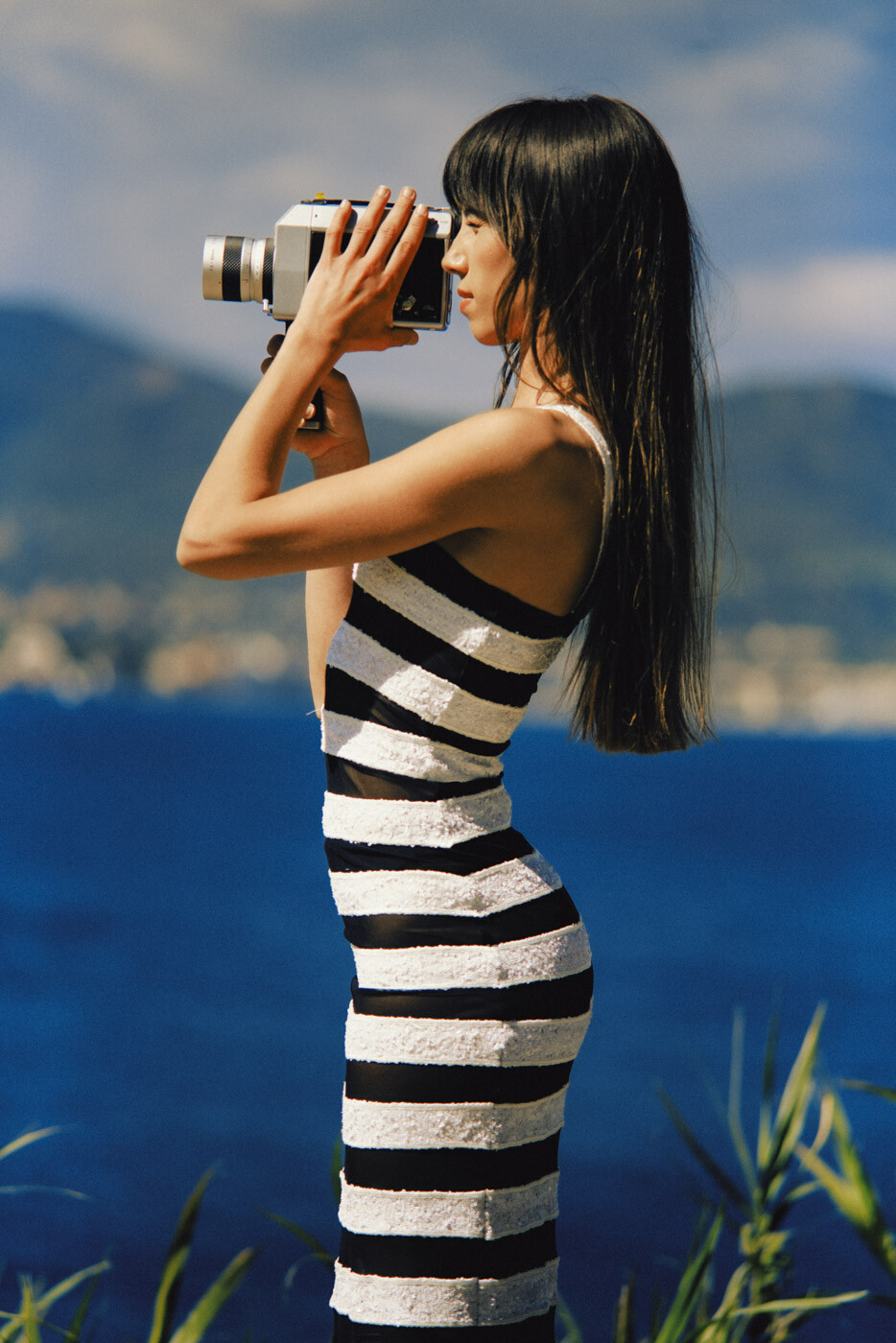
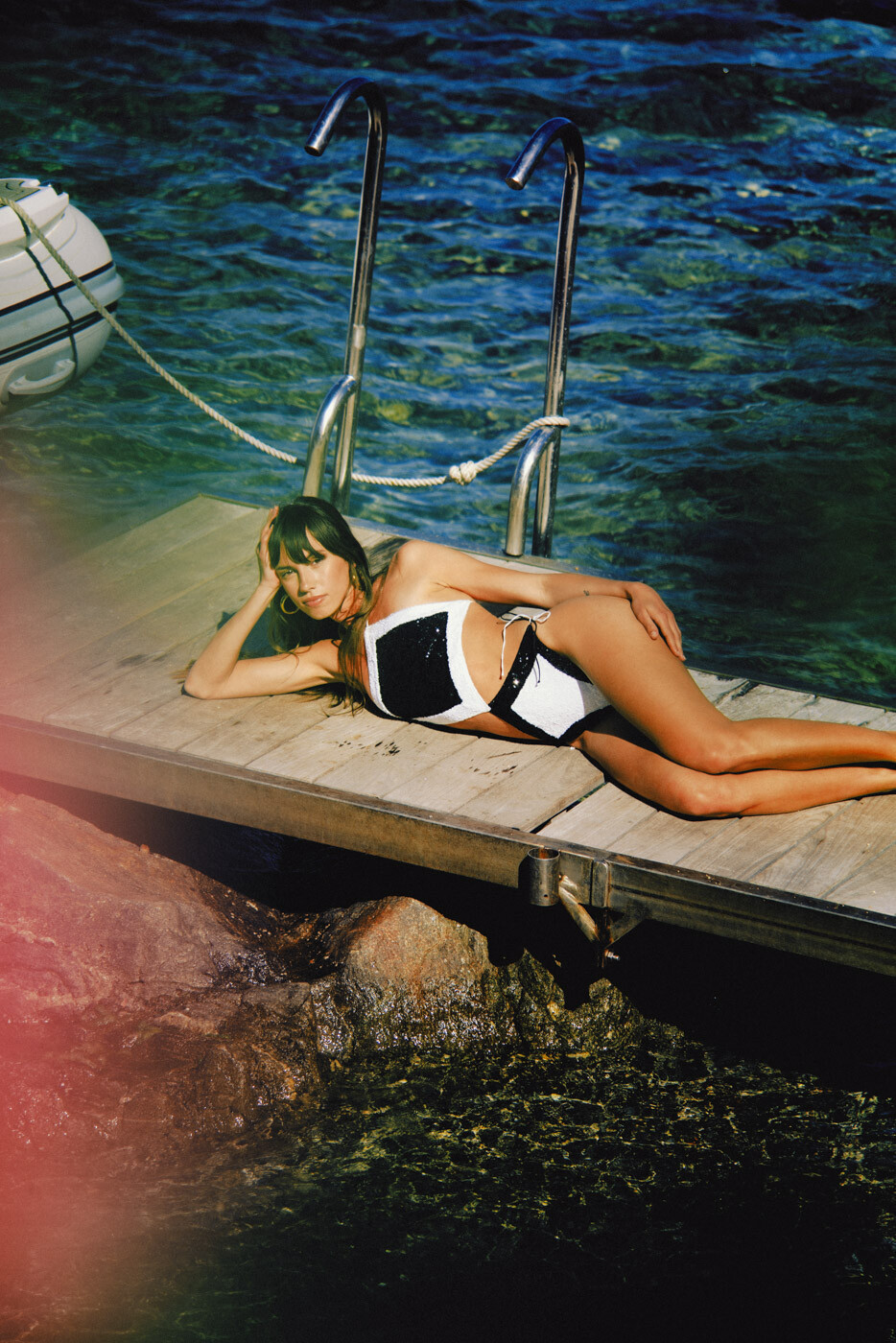
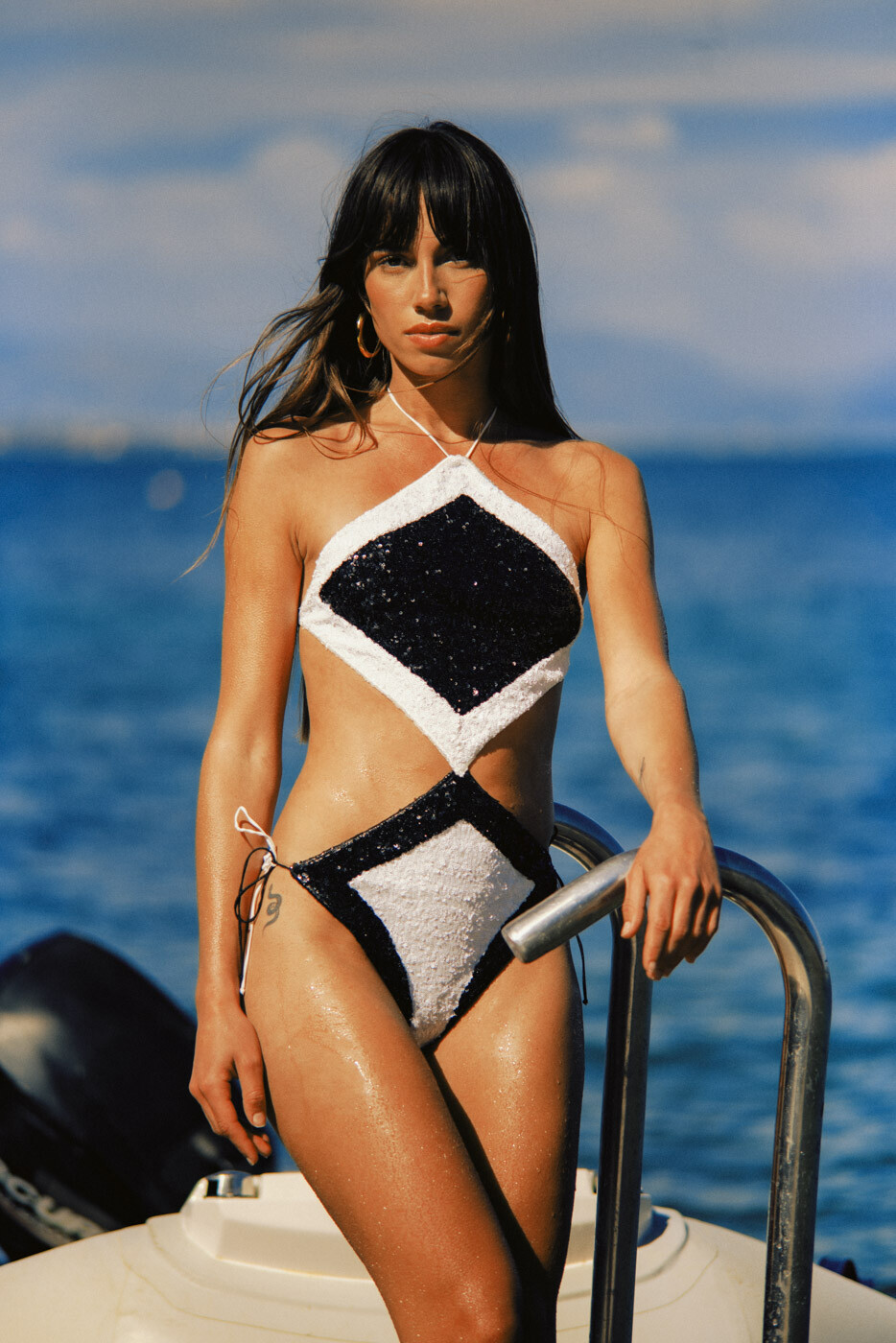
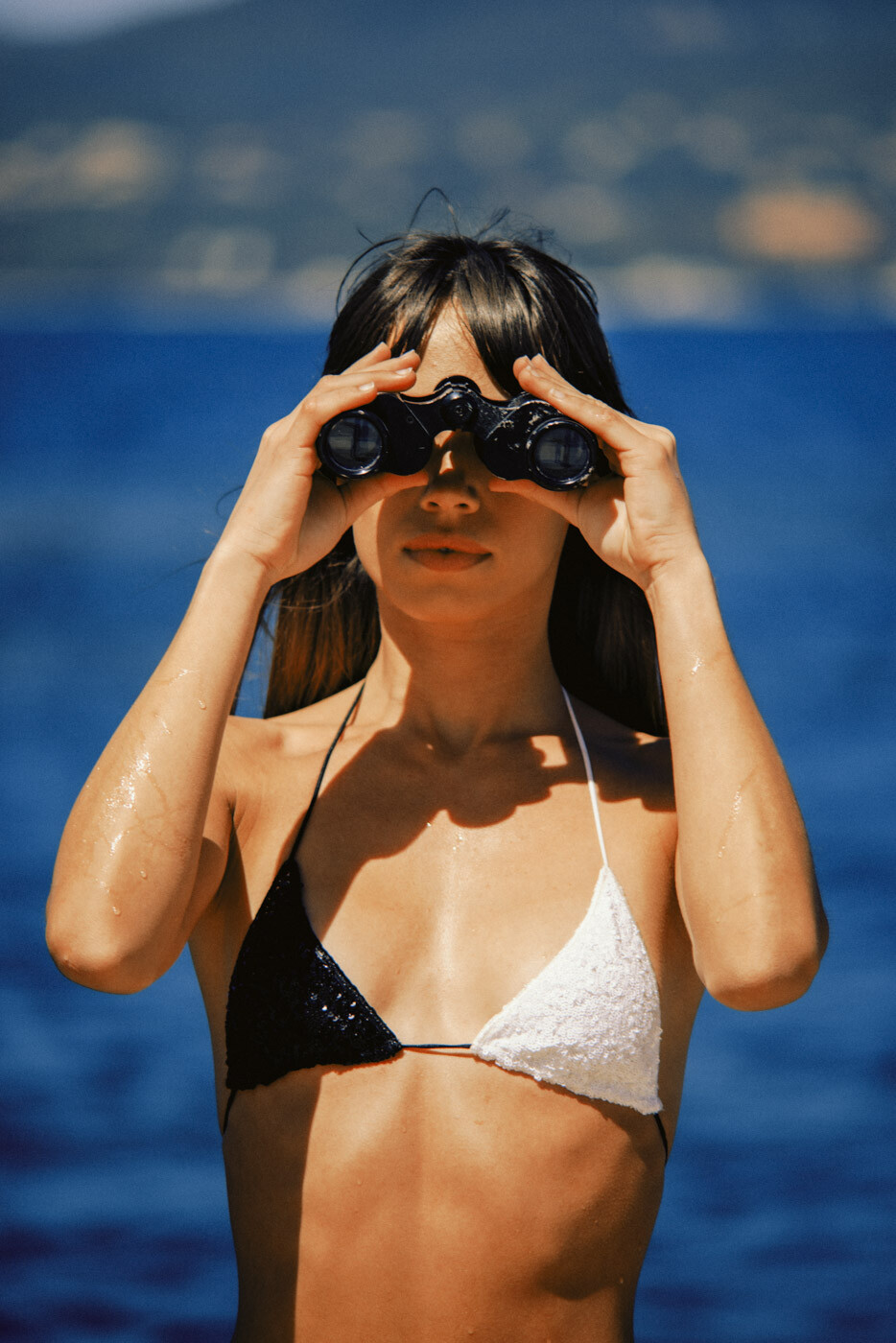
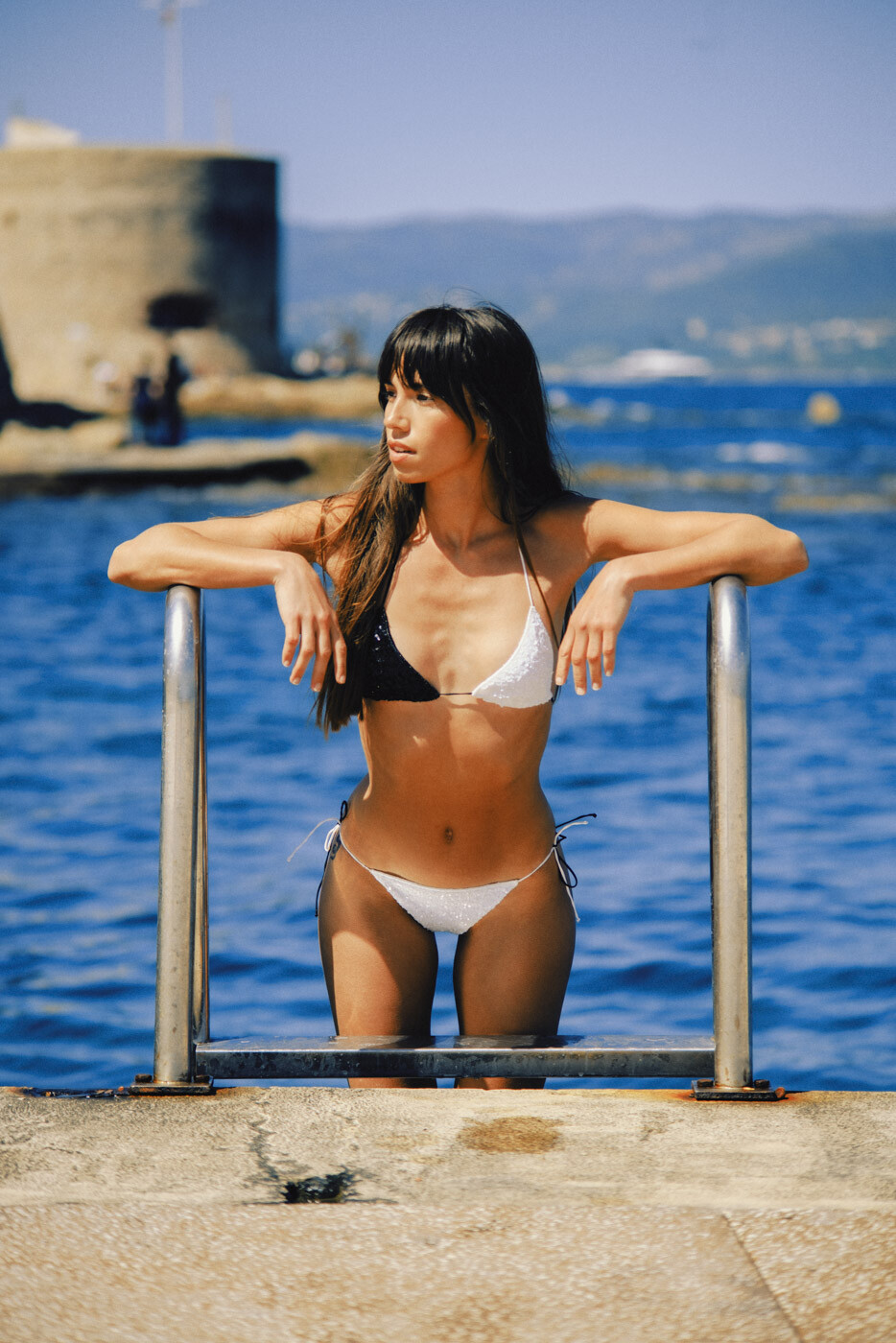
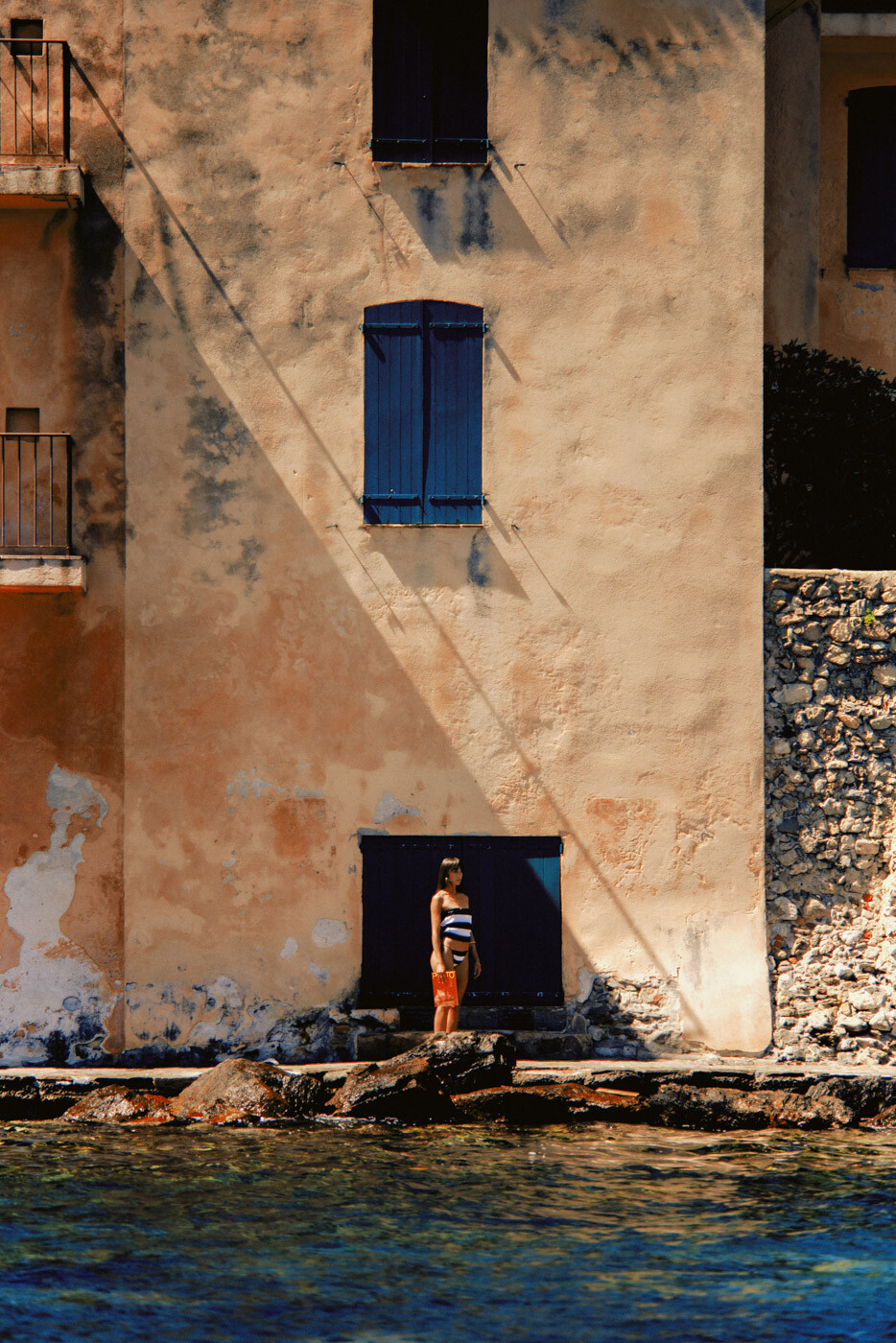
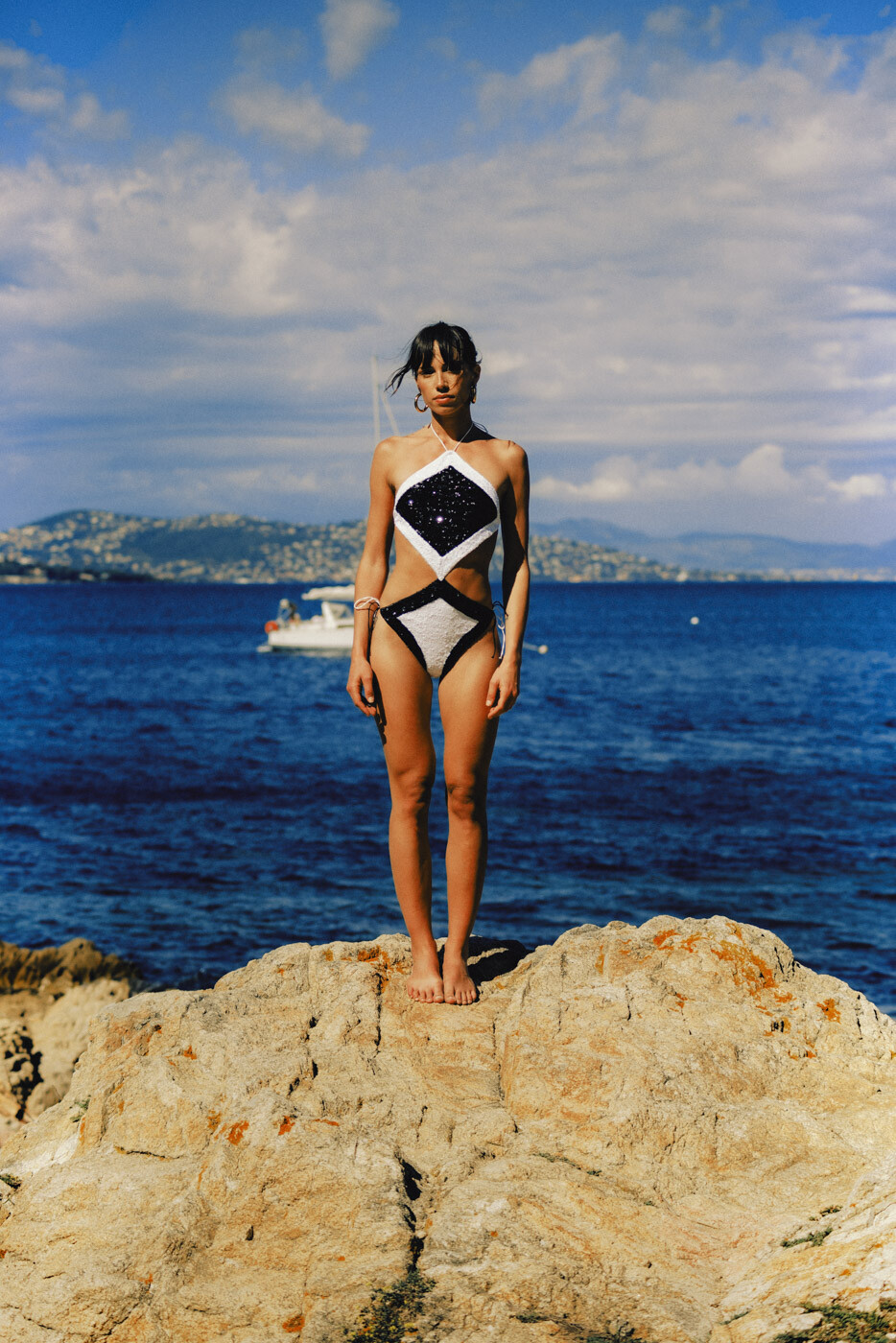
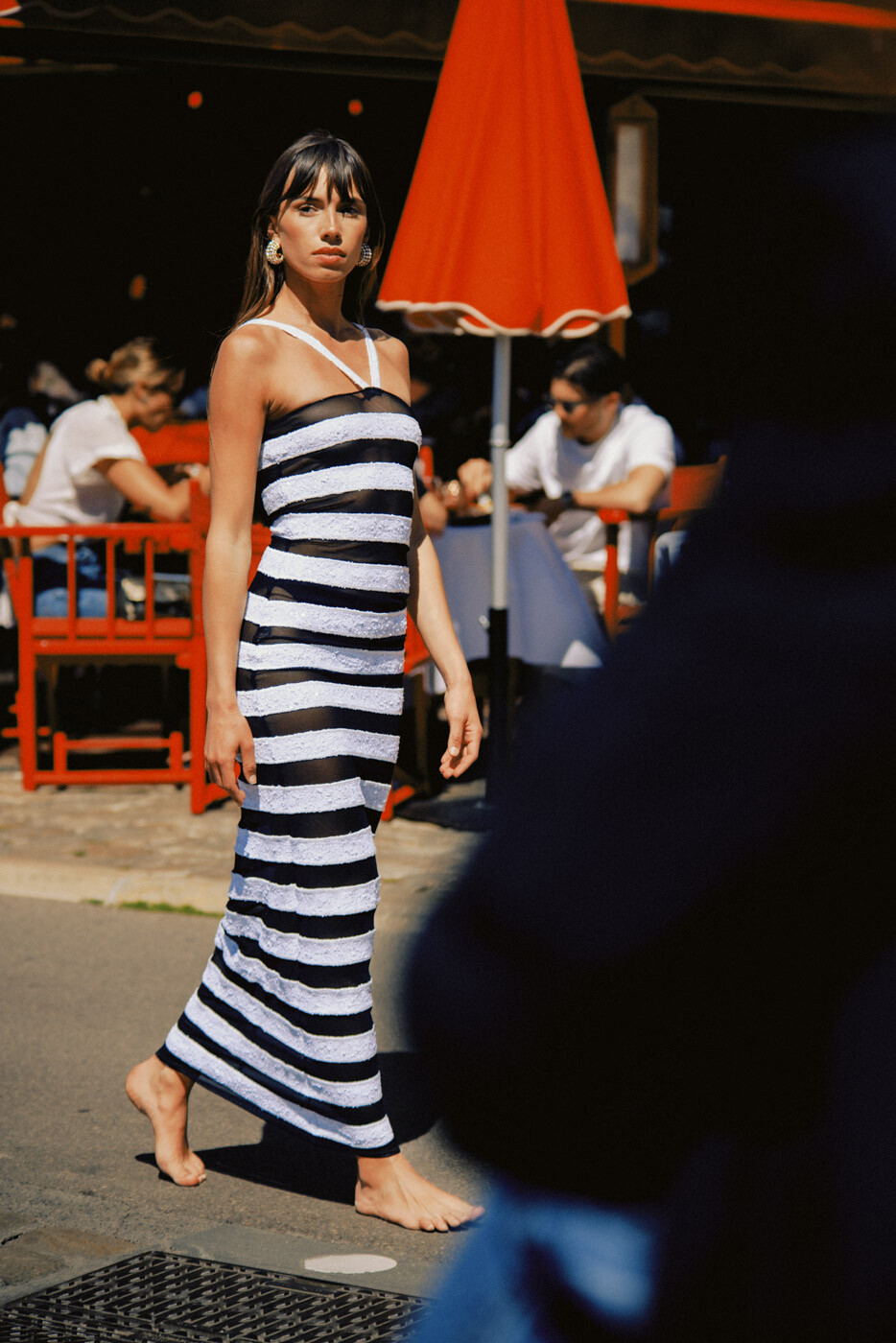
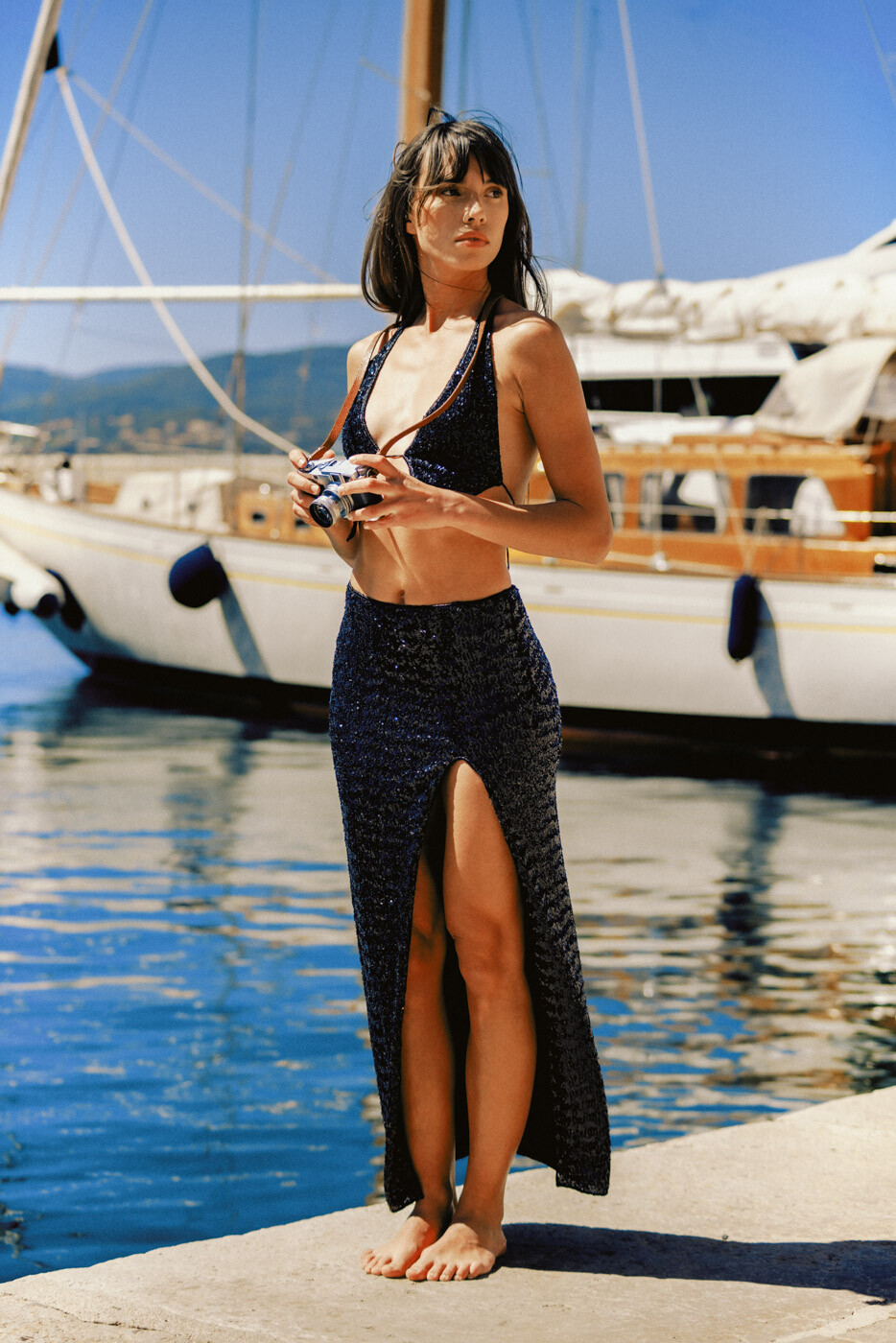
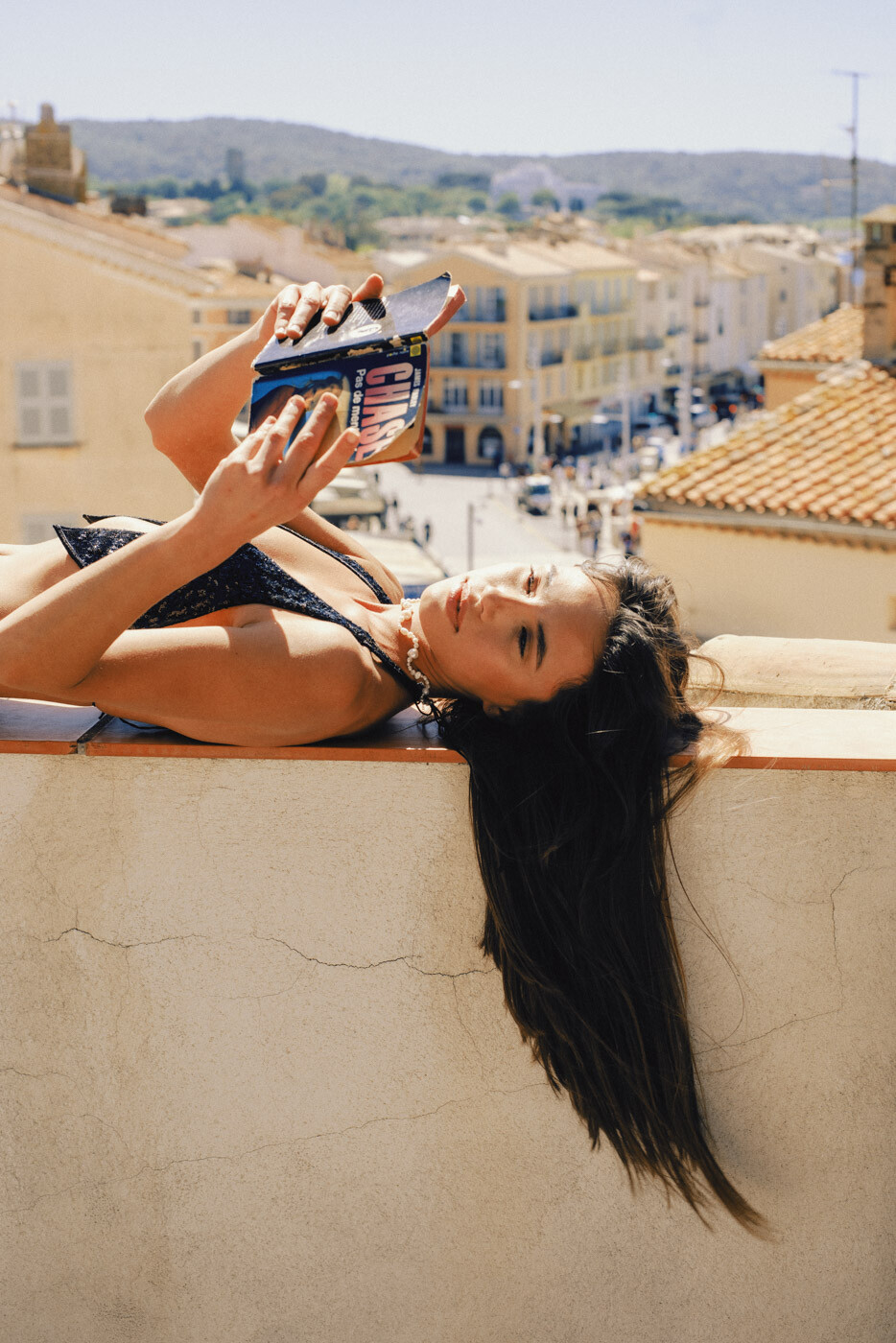
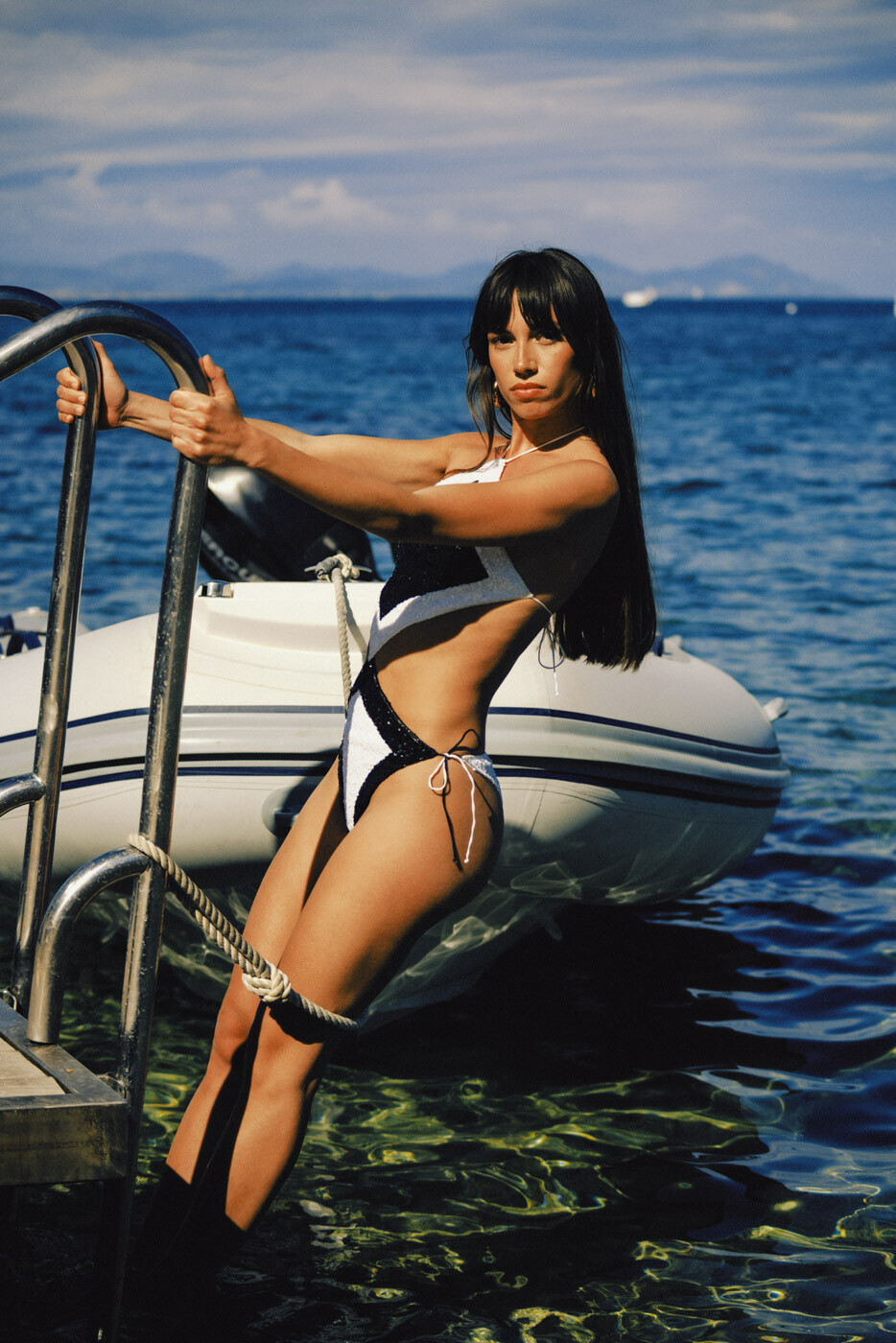
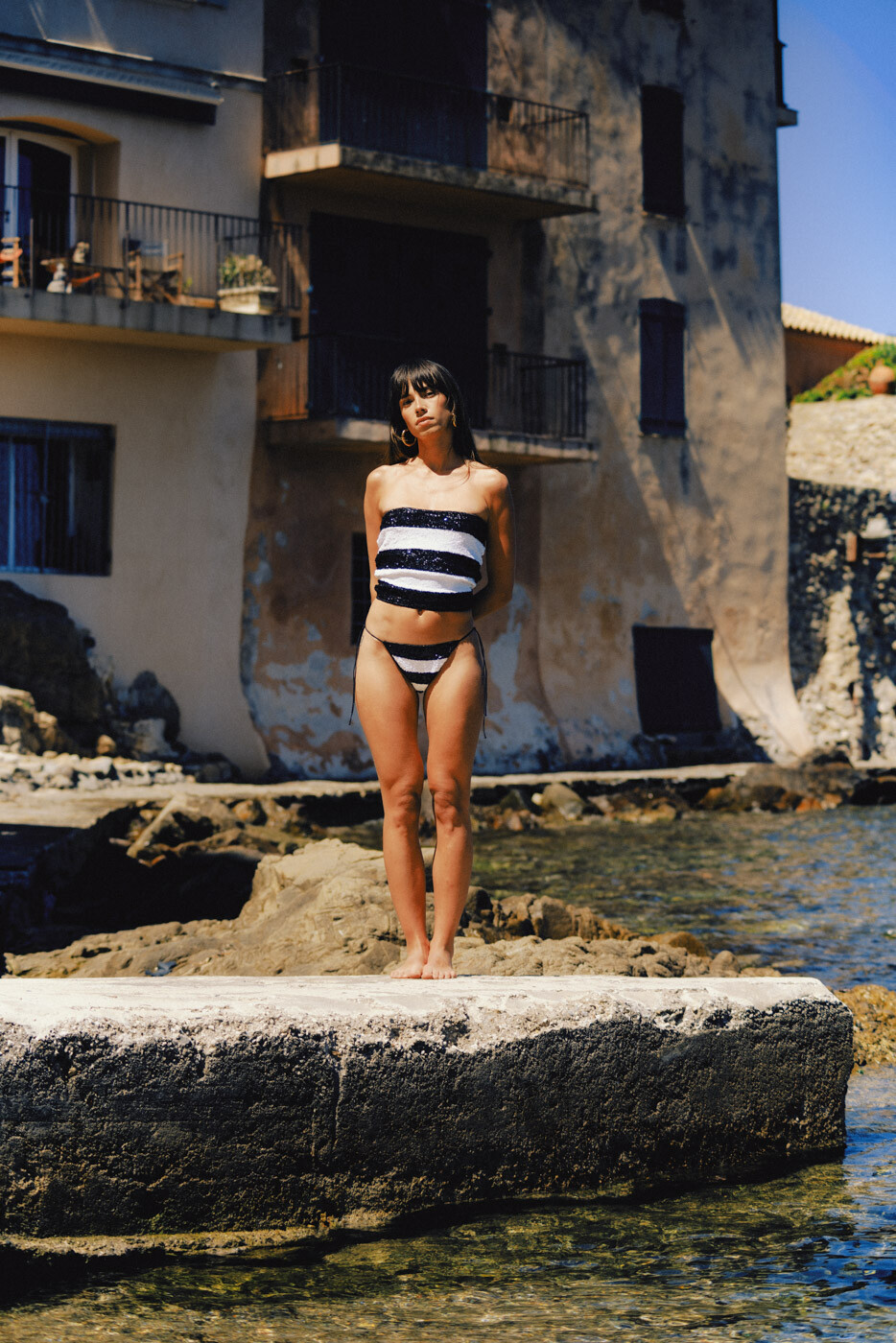




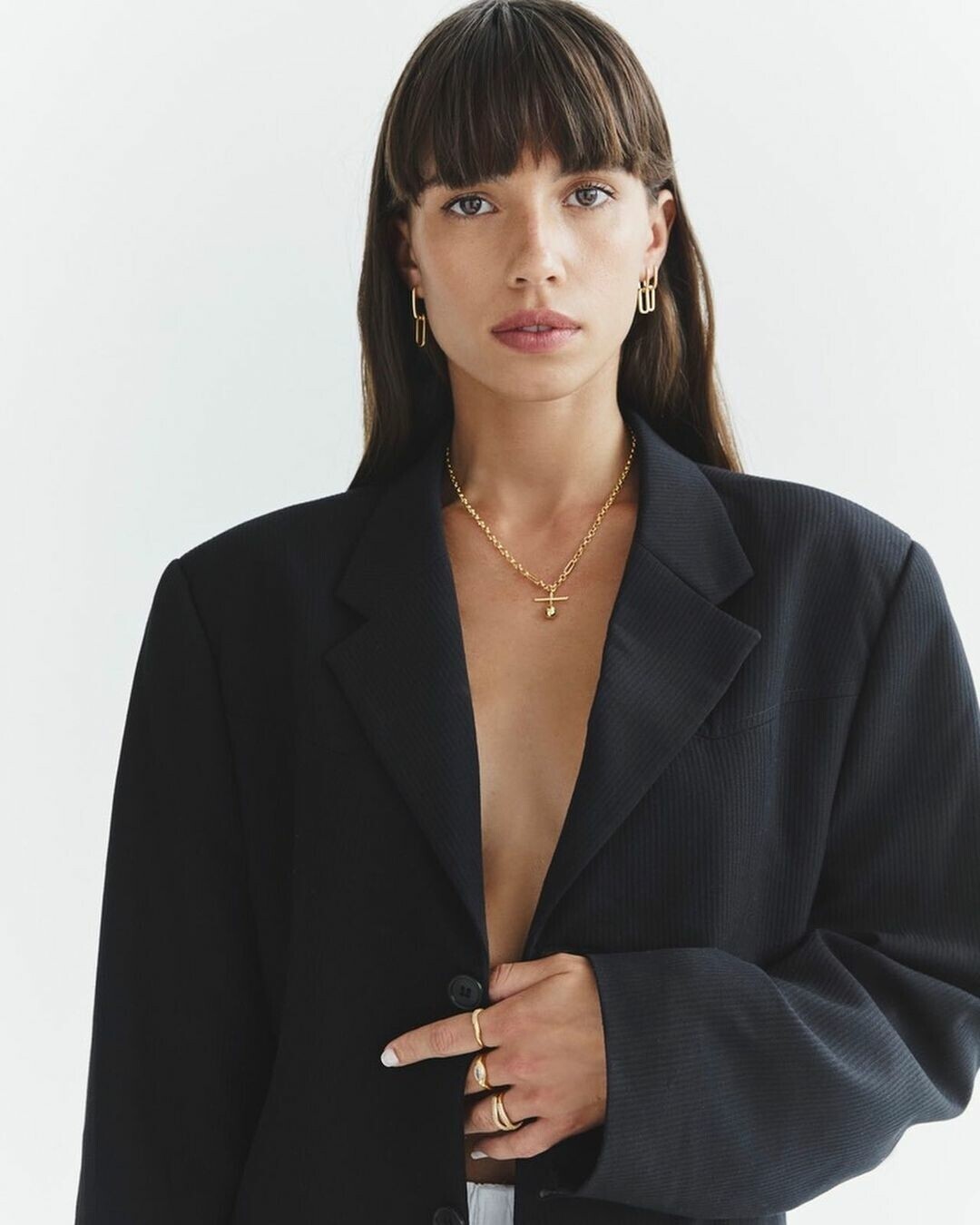

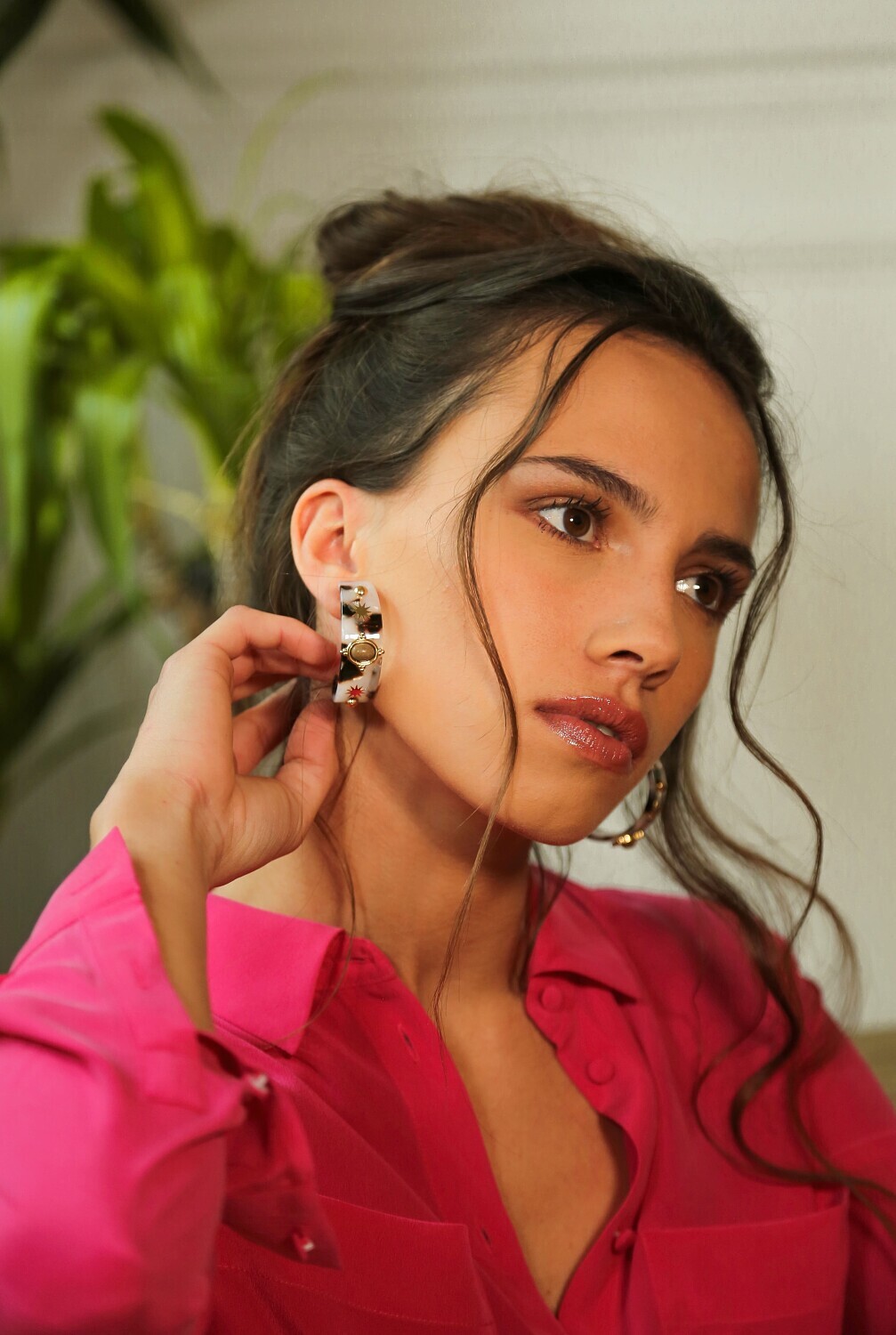

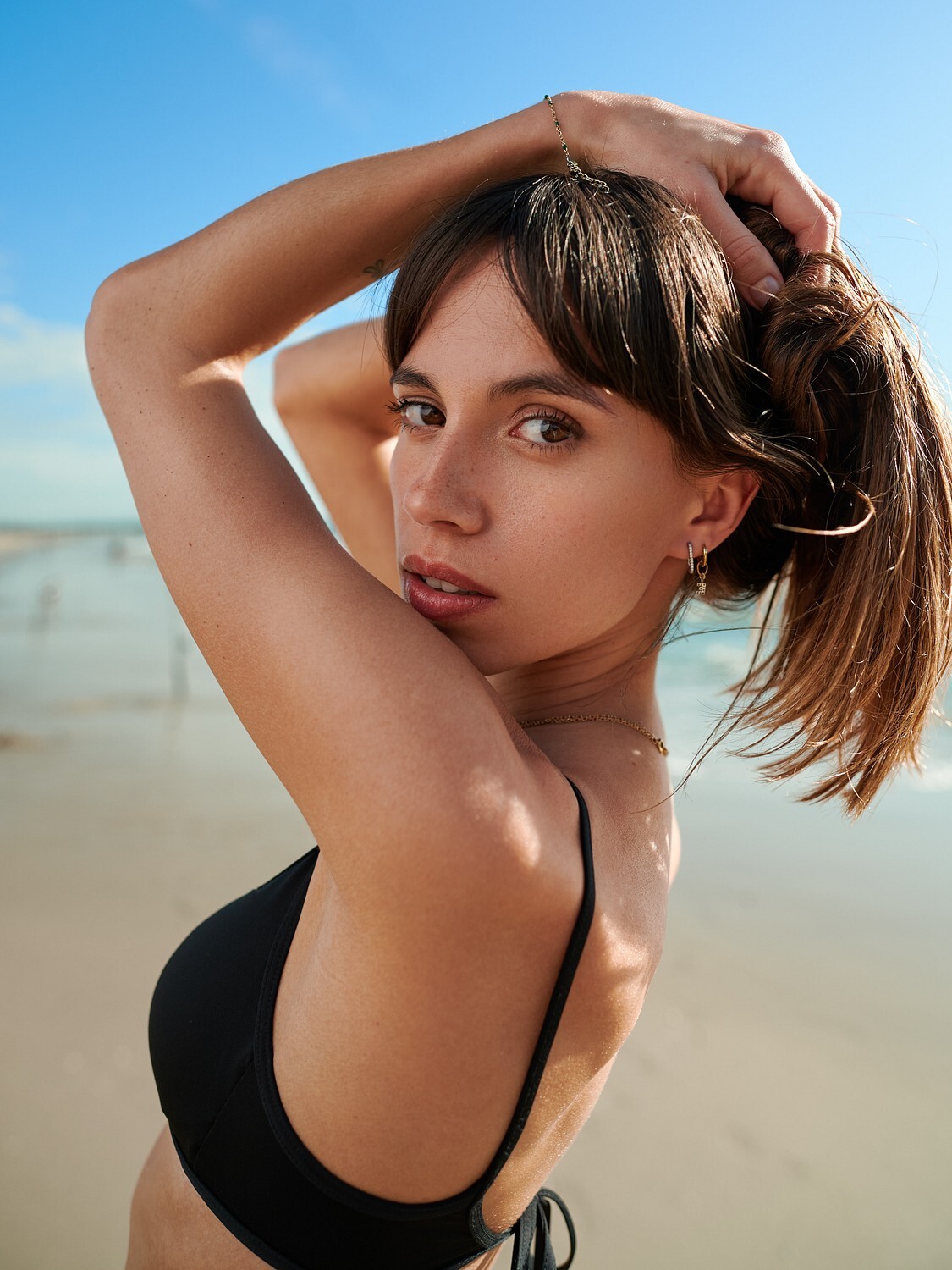
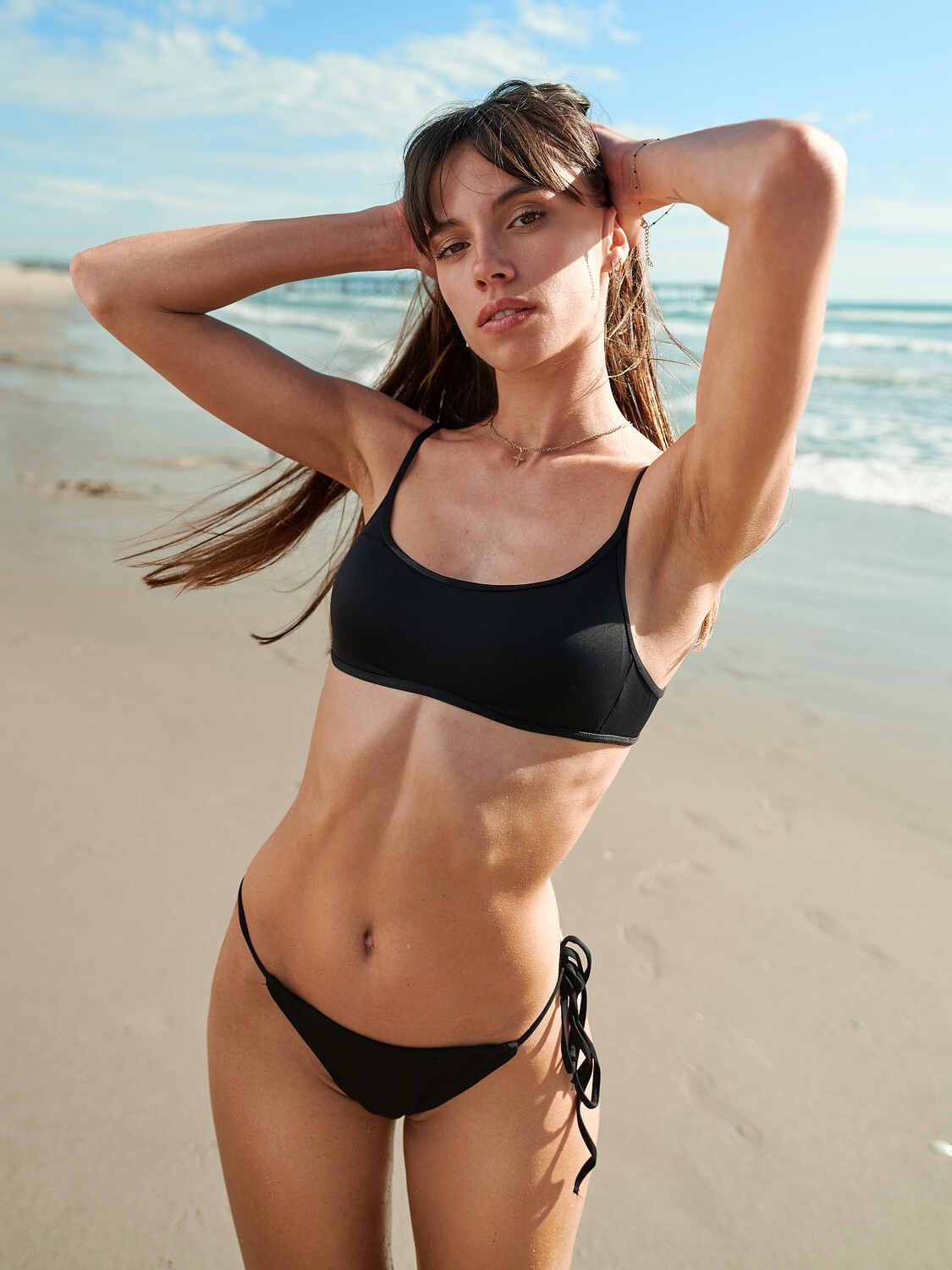











.jpg.e2a1df8543ecc4fe7b68fd9a91ef1561.jpg)

Account
Navigation
Search
Configure browser push notifications
Chrome (Android)
- Tap the lock icon next to the address bar.
- Tap Permissions → Notifications.
- Adjust your preference.
Chrome (Desktop)
- Click the padlock icon in the address bar.
- Select Site settings.
- Find Notifications and adjust your preference.
Safari (iOS 16.4+)
- Ensure the site is installed via Add to Home Screen.
- Open Settings App → Notifications.
- Find your app name and adjust your preference.
Safari (macOS)
- Go to Safari → Preferences.
- Click the Websites tab.
- Select Notifications in the sidebar.
- Find this website and adjust your preference.
Edge (Android)
- Tap the lock icon next to the address bar.
- Tap Permissions.
- Find Notifications and adjust your preference.
Edge (Desktop)
- Click the padlock icon in the address bar.
- Click Permissions for this site.
- Find Notifications and adjust your preference.
Firefox (Android)
- Go to Settings → Site permissions.
- Tap Notifications.
- Find this site in the list and adjust your preference.
Firefox (Desktop)
- Open Firefox Settings.
- Search for Notifications.
- Find this site in the list and adjust your preference.