All Activity
- Past hour
-
MARA HOFFMAN S/S2005

-
Helena Barquilla for Devota & Lomba, ready-to-wear, spring/summer 1993 my scan

-
Bridal Couture Series / Wedding Editorial Highlighting intricate embroidery and classic silhouettes

-
Gurmit Kaur for Devota & Lomba, ready-to-wear, spring/summer 1993 my scan

-
mara hoffman ss2005


-
mara hoffman ss 2005


-
a la disposition f/w 2005


-
Cat Via Snapchat



































-
Rachel Via Snapchat














-
Helena Barquilla for Angel Schlesser, ready-to-wear, spring/summer 1993 my scan

-
LathonyaKaylynnJayleenIrenaJudit Masco for Tocut, ready-to-wear, spring/summer 1993 my scan
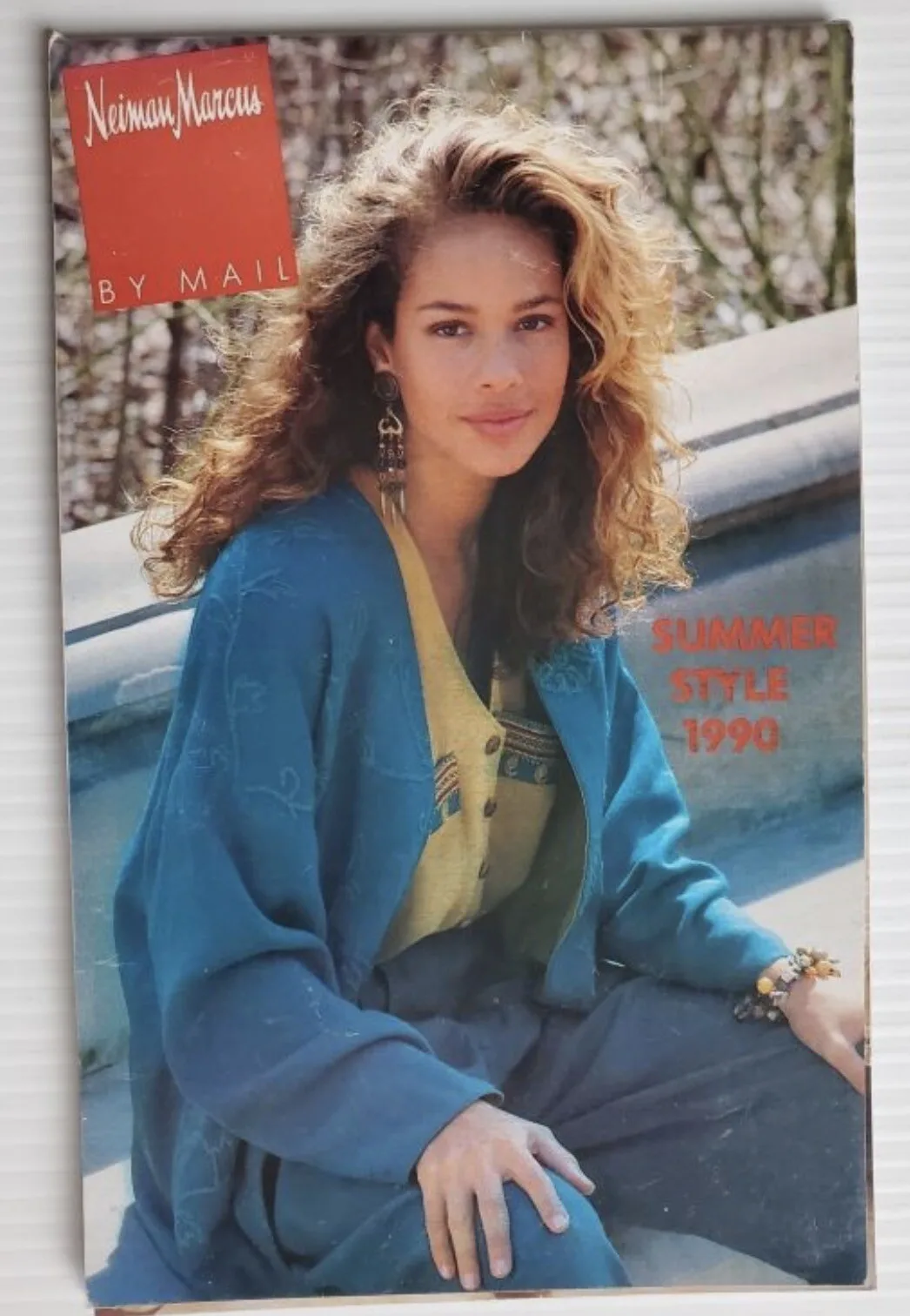
 Nieman Marcus Summer Style 1990
 Nieman Marcus Summer Style 1990
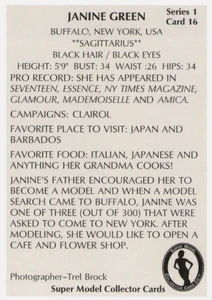
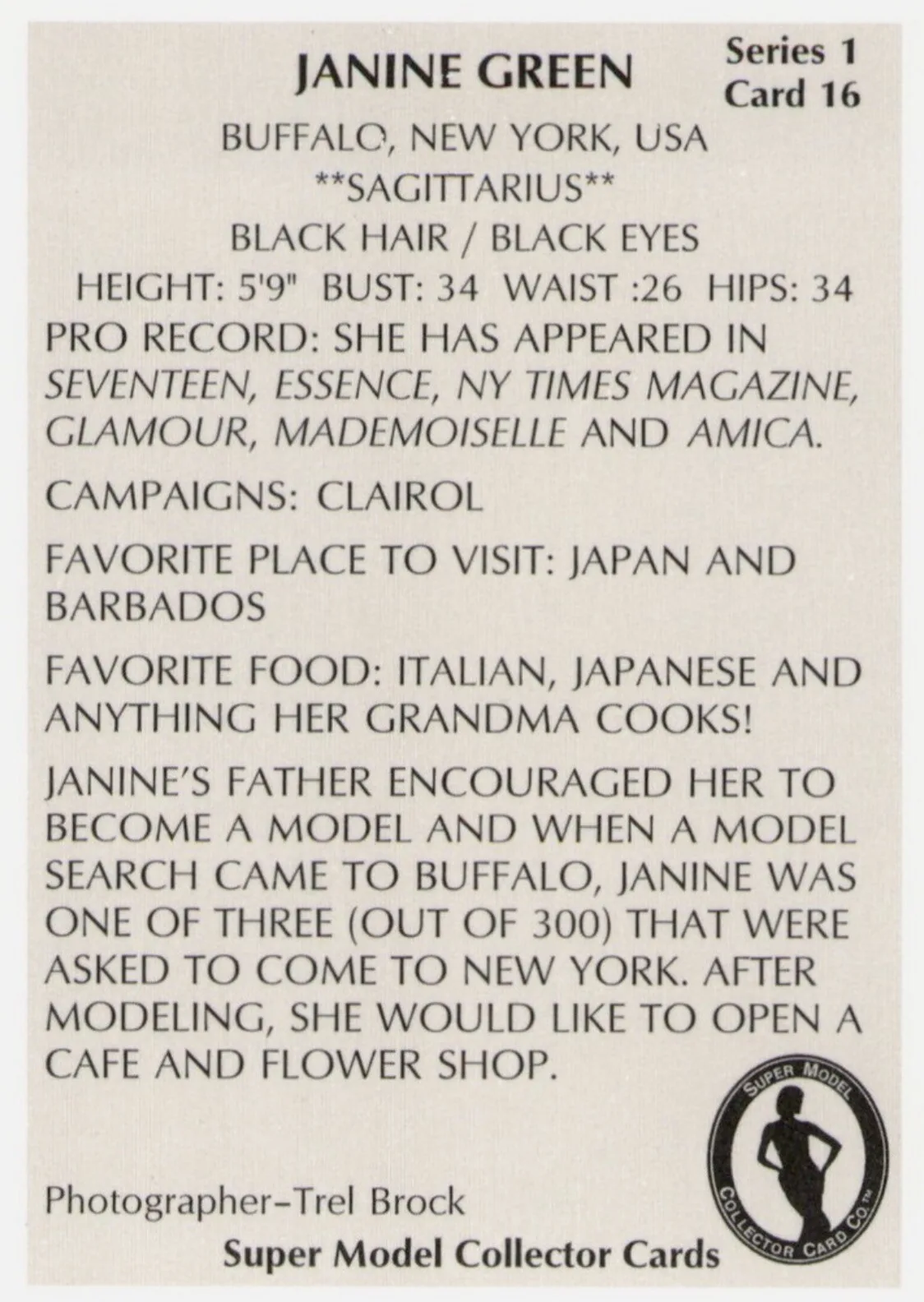
 Next Models collector card Photographer: Trel Brock
 Real Beauty magazine (Apr/May 1994) with Tanya Sweet
 Does anyone know who she is? Thank you in advance.



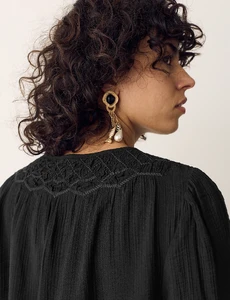
 Belly1967 changed their profile photoDagi Part 2





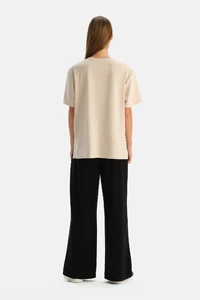




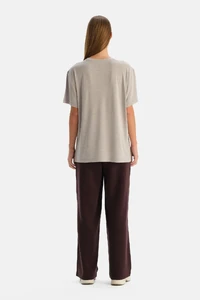












































































 Family Circle magazine (Nov 1993)





























































































































































Account
Navigation
Search
Configure browser push notifications
Chrome (Android)
- Tap the lock icon next to the address bar.
- Tap Permissions → Notifications.
- Adjust your preference.
Chrome (Desktop)
- Click the padlock icon in the address bar.
- Select Site settings.
- Find Notifications and adjust your preference.
Safari (iOS 16.4+)
- Ensure the site is installed via Add to Home Screen.
- Open Settings App → Notifications.
- Find your app name and adjust your preference.
Safari (macOS)
- Go to Safari → Preferences.
- Click the Websites tab.
- Select Notifications in the sidebar.
- Find this website and adjust your preference.
Edge (Android)
- Tap the lock icon next to the address bar.
- Tap Permissions.
- Find Notifications and adjust your preference.
Edge (Desktop)
- Click the padlock icon in the address bar.
- Click Permissions for this site.
- Find Notifications and adjust your preference.
Firefox (Android)
- Go to Settings → Site permissions.
- Tap Notifications.
- Find this site in the list and adjust your preference.
Firefox (Desktop)
- Open Firefox Settings.
- Search for Notifications.
- Find this site in the list and adjust your preference.