All Activity
- Past hour
-

 Tommy Scott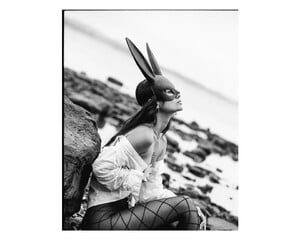
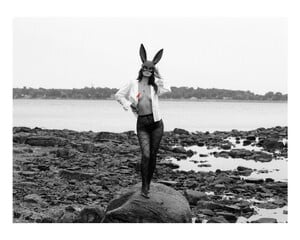
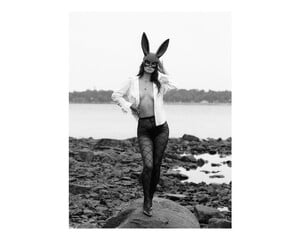
 @tmsproductions




 Sebastian Salinas











.thumb.jpg.b4a31c9f057db3b97214bbe6e84d7aca.jpg)














 Sebastian DeFrancesco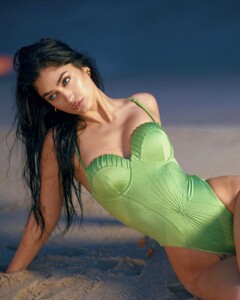










 @rudyxphoto











 Video AQOoB1EDv9_UpjTwL153DTZGNe-u2MHKe17saCZpHiVkDc6tBjnIKz05ky4KRlyzNaiDfBIrtE2U--55wpN2YpBVpAAIqubY-eMOJOg.mp4

 Richard Kissi






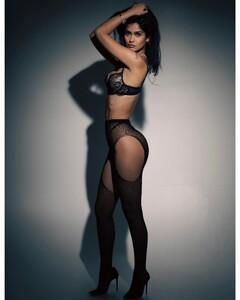

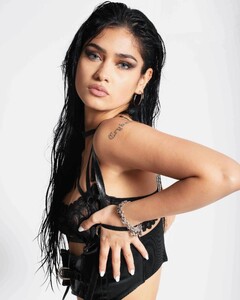
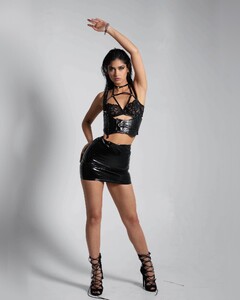

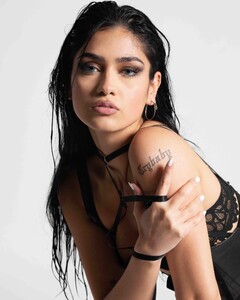

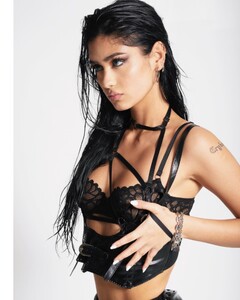

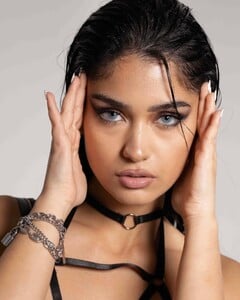

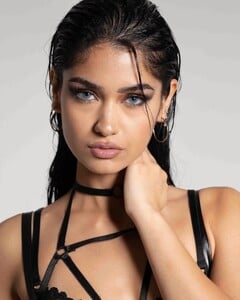
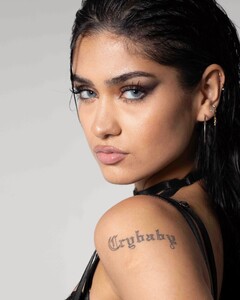
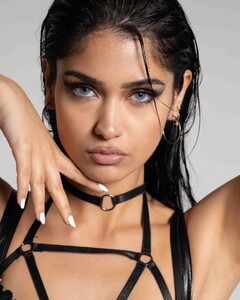






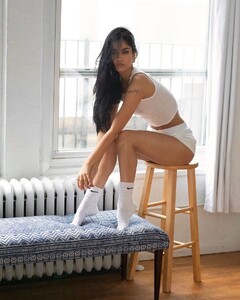






 @photographybyq



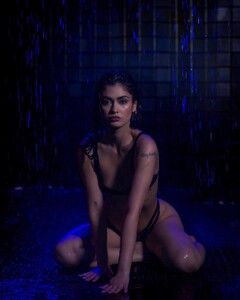 Nicola D’Orazio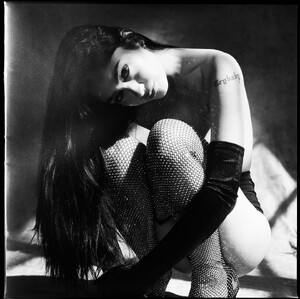
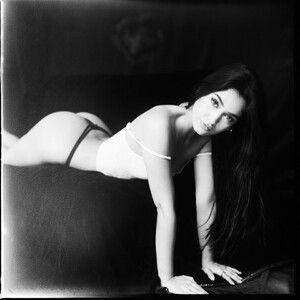

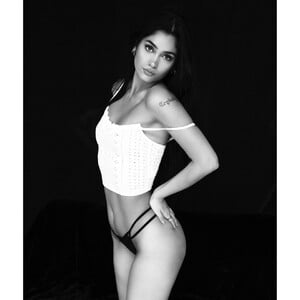
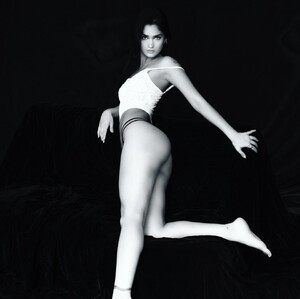

 Joshua Shafighi The hills have eyes.mp4





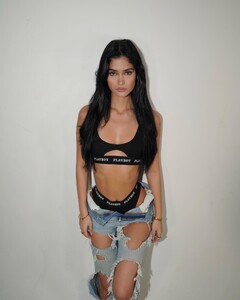
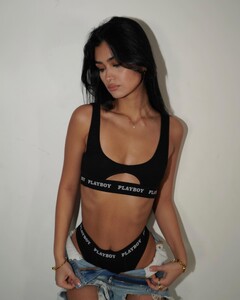
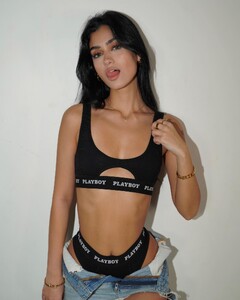
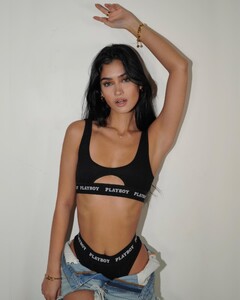
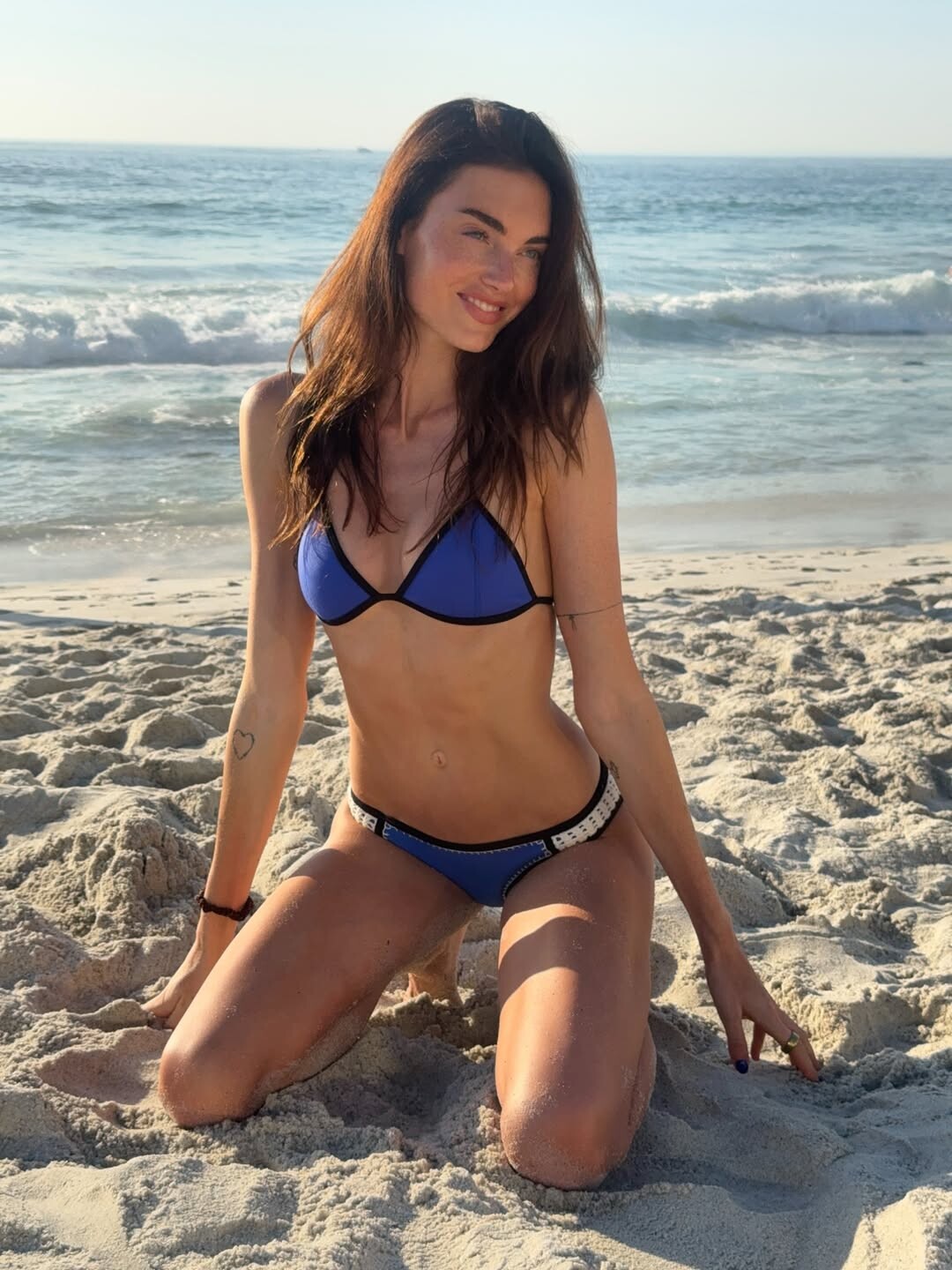
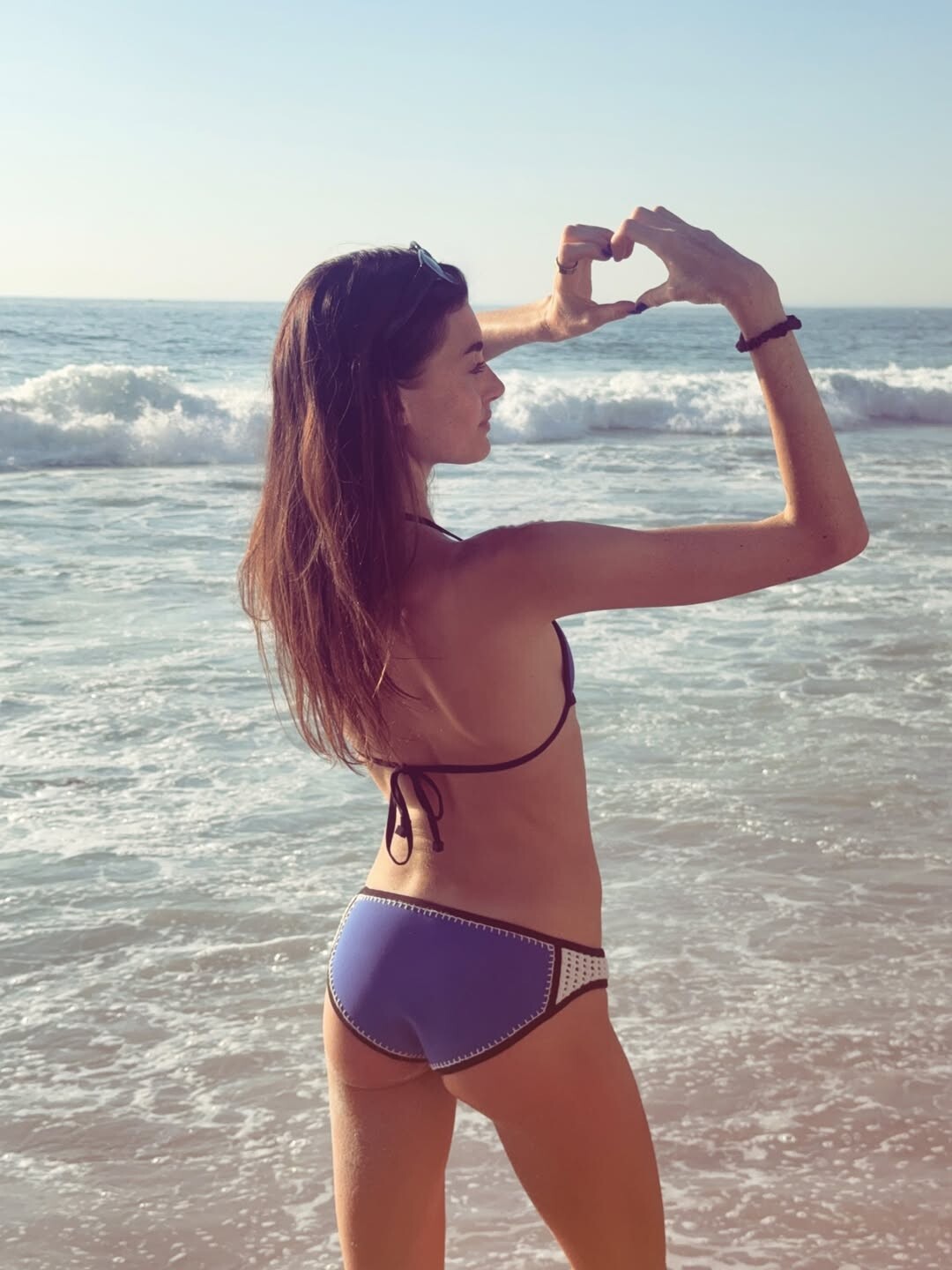
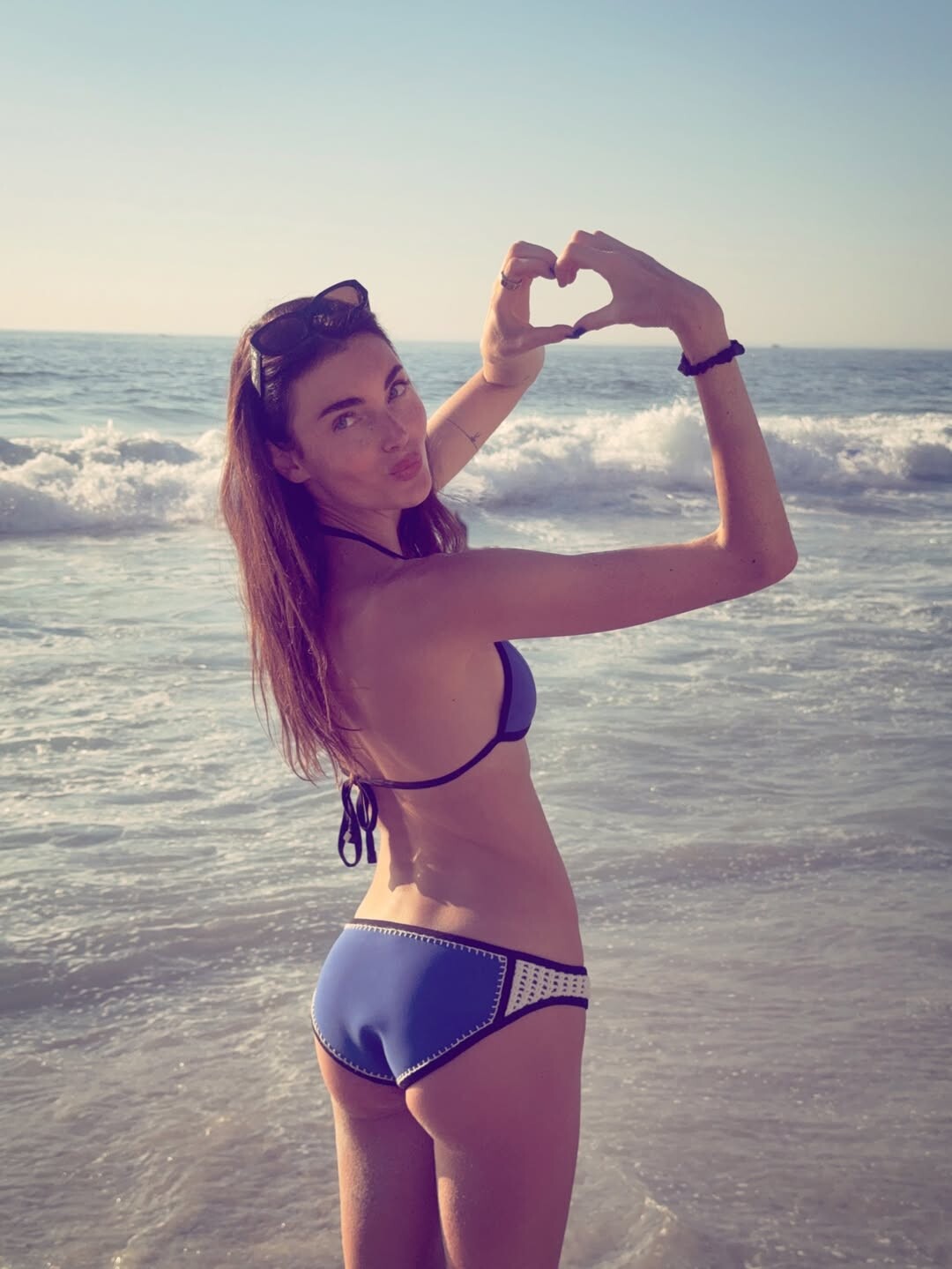
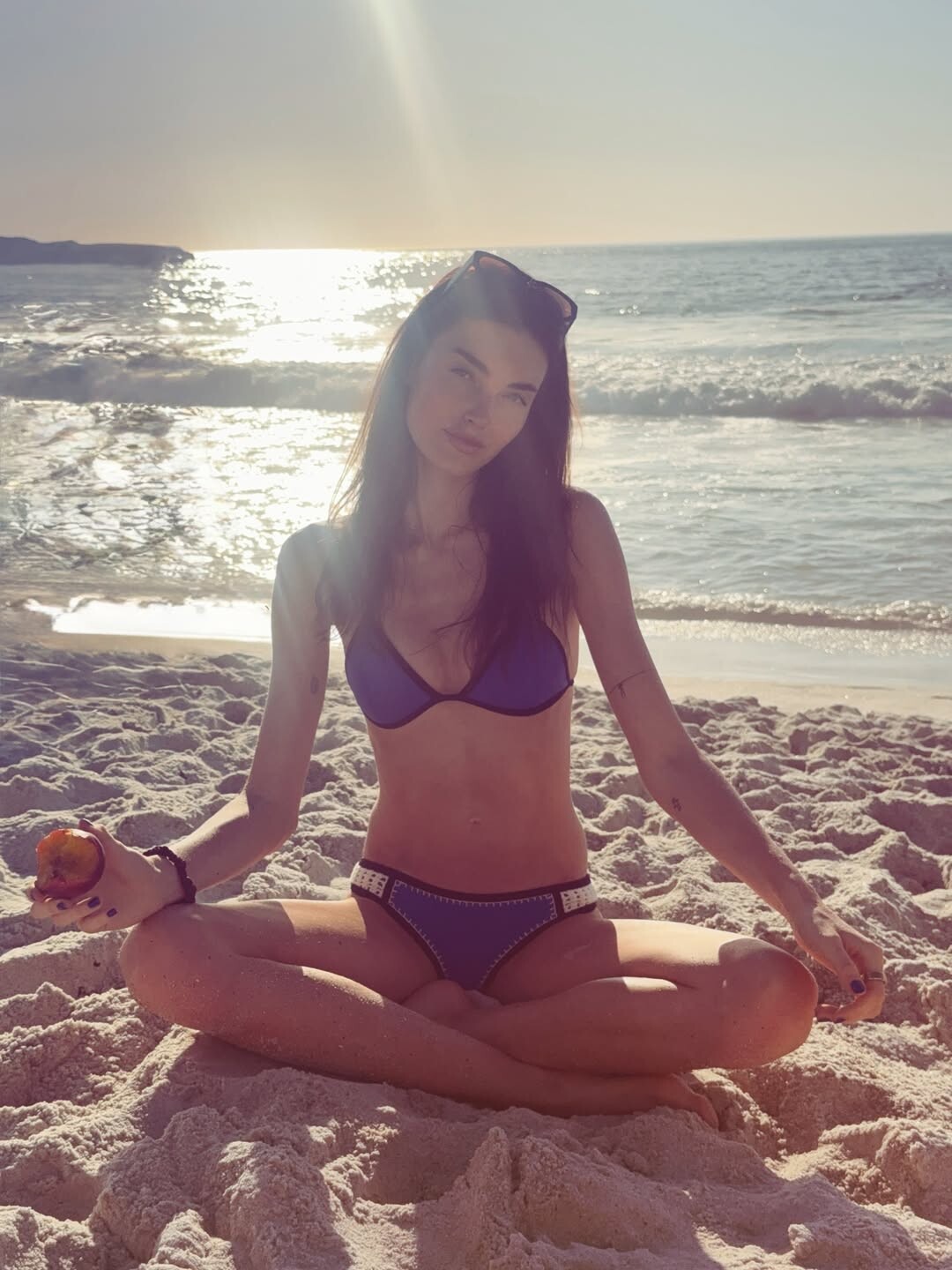
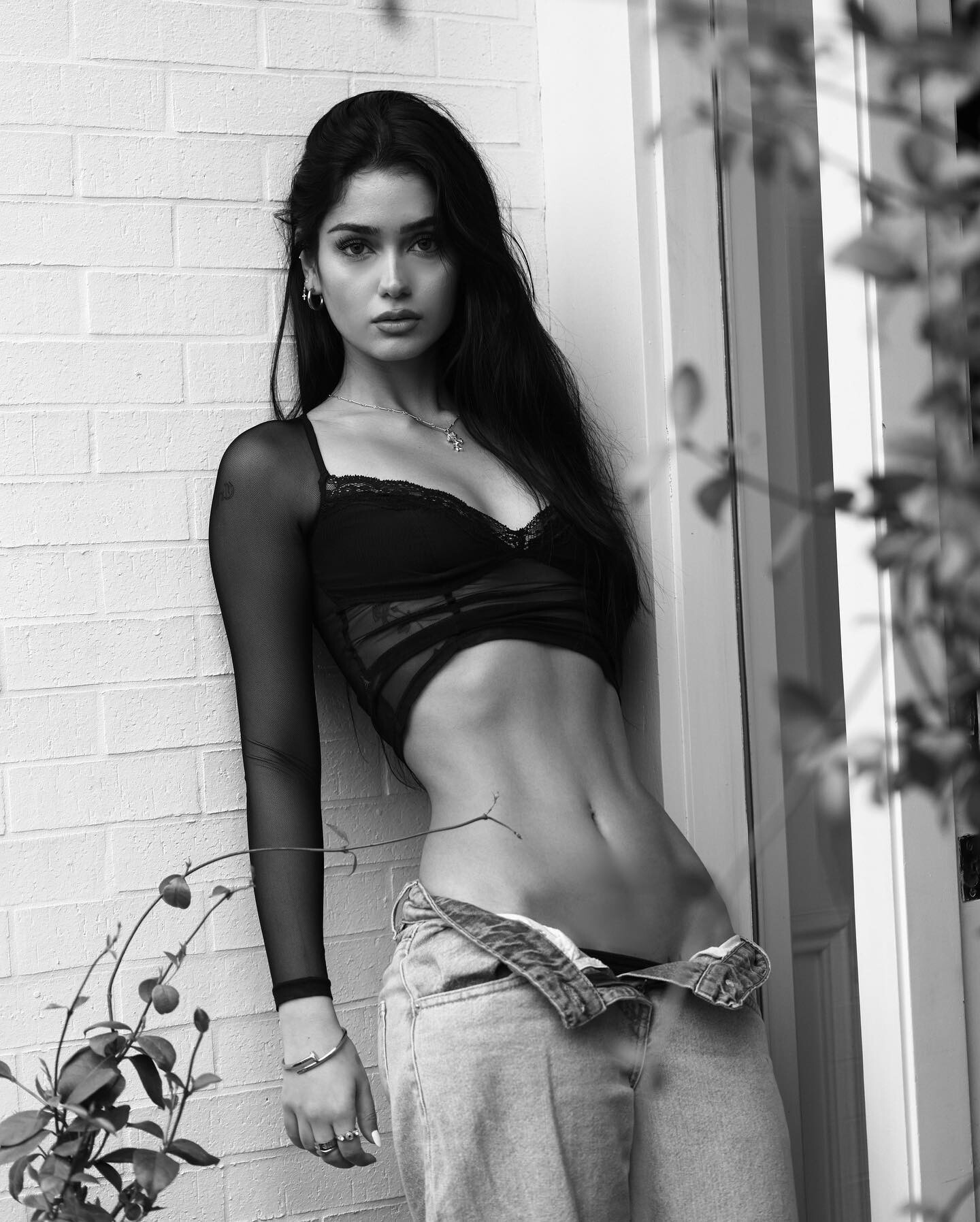
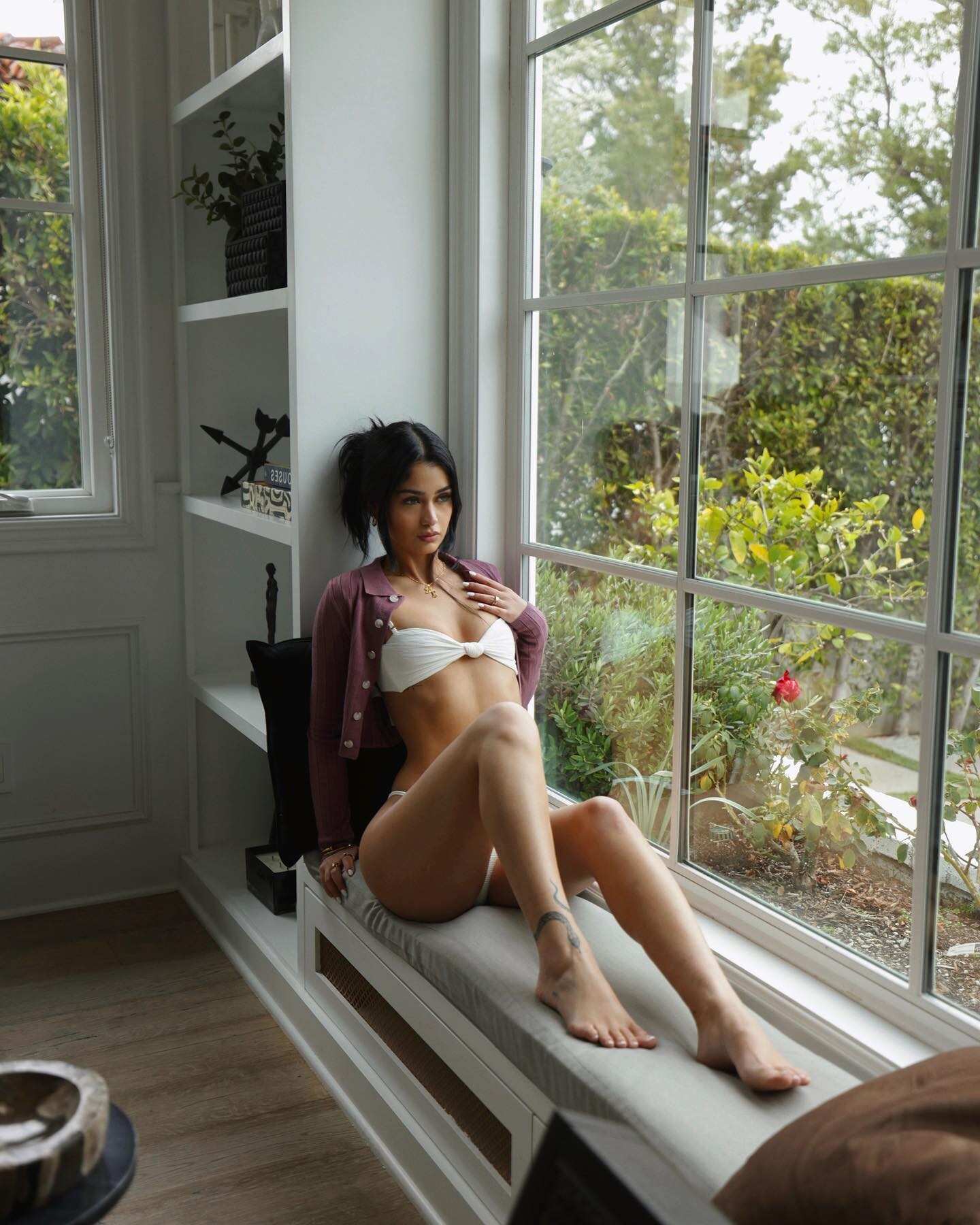
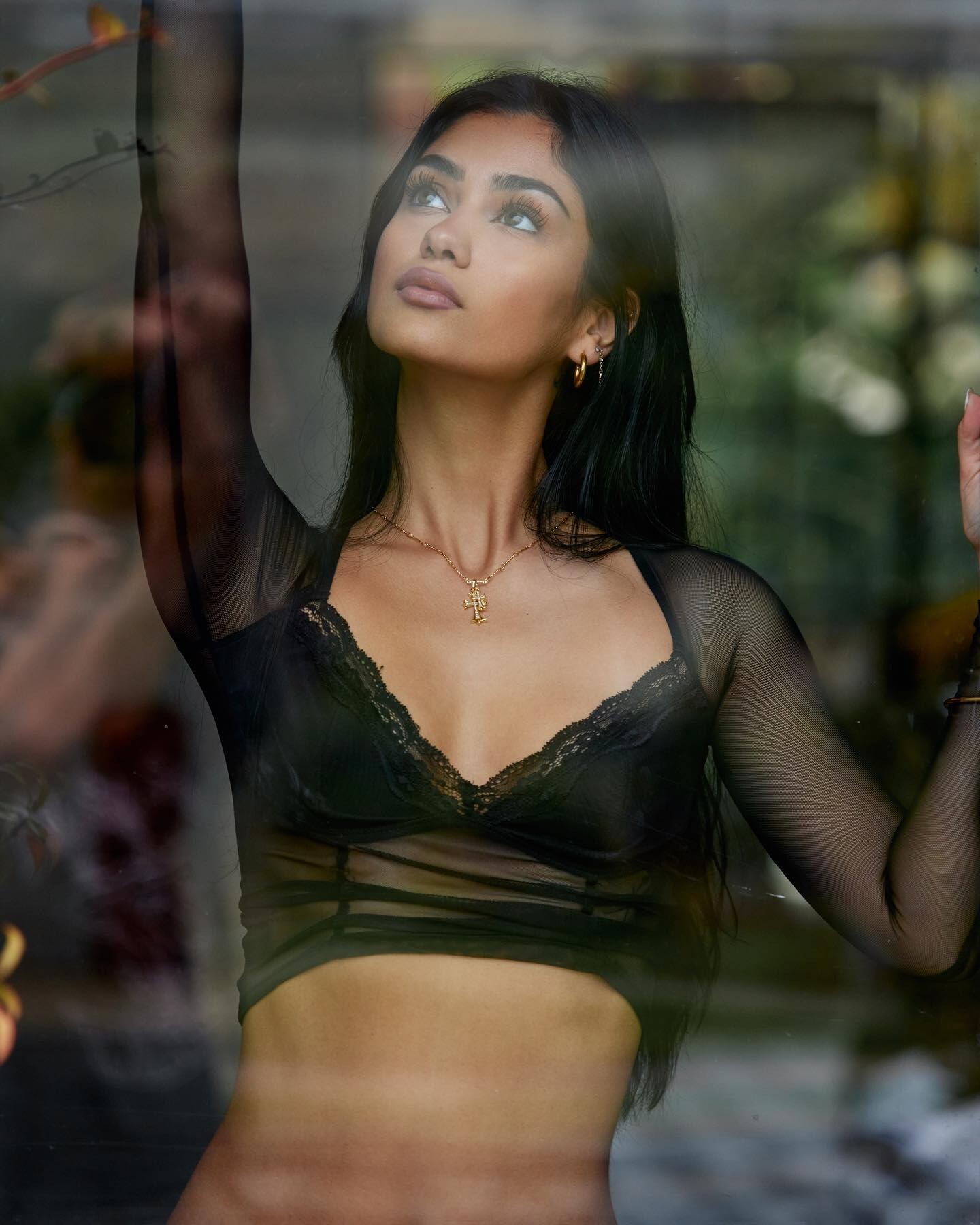
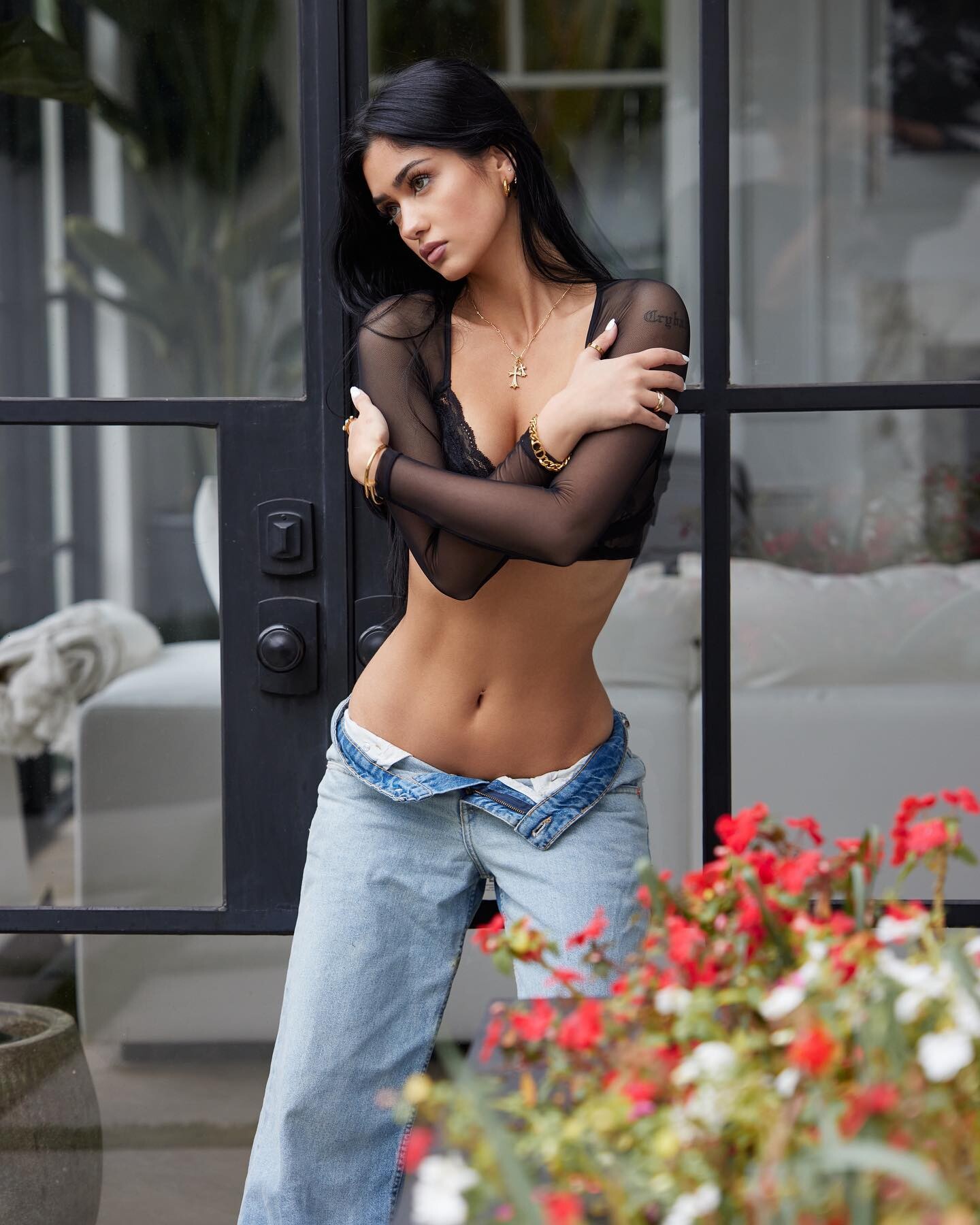
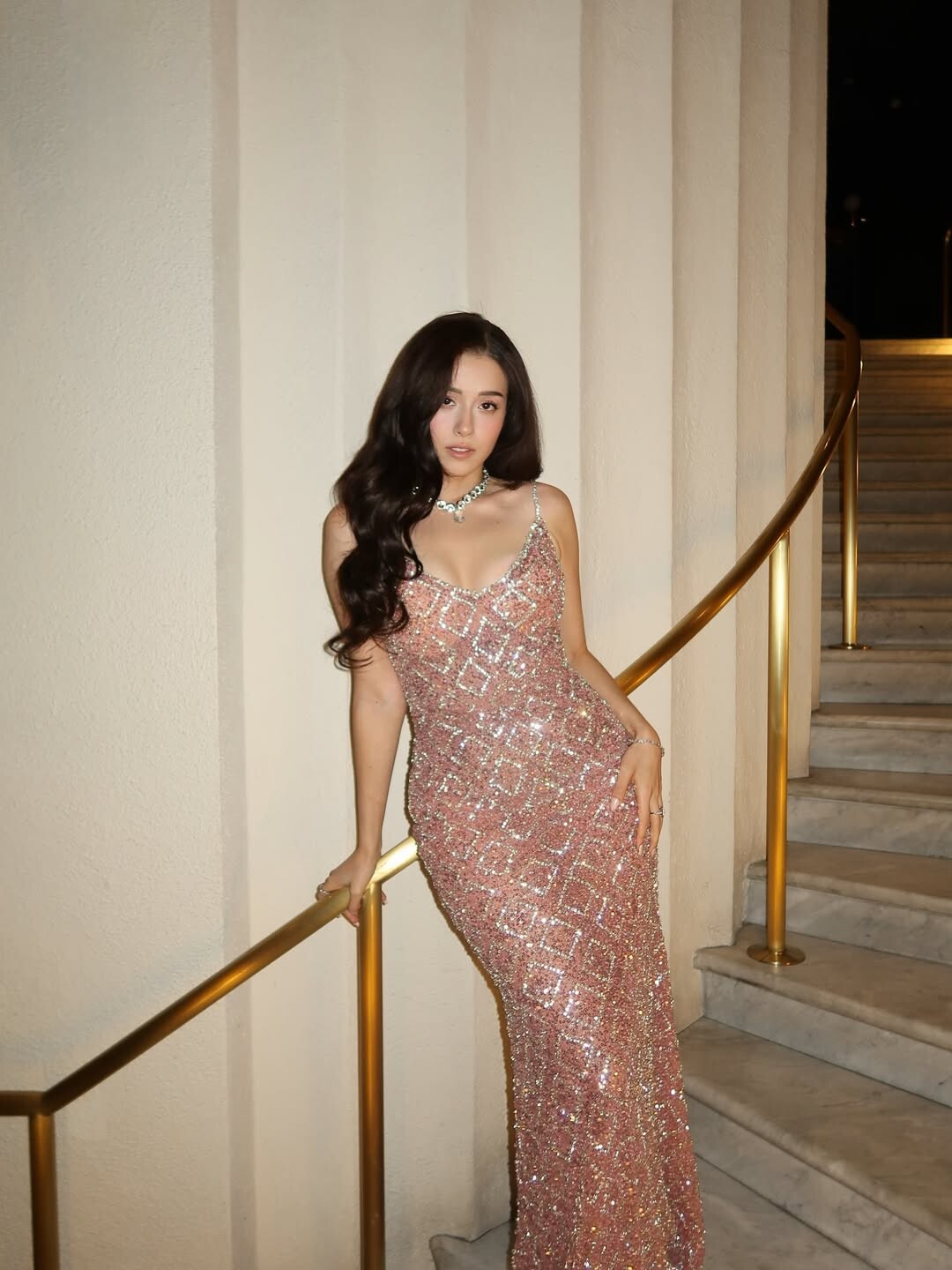
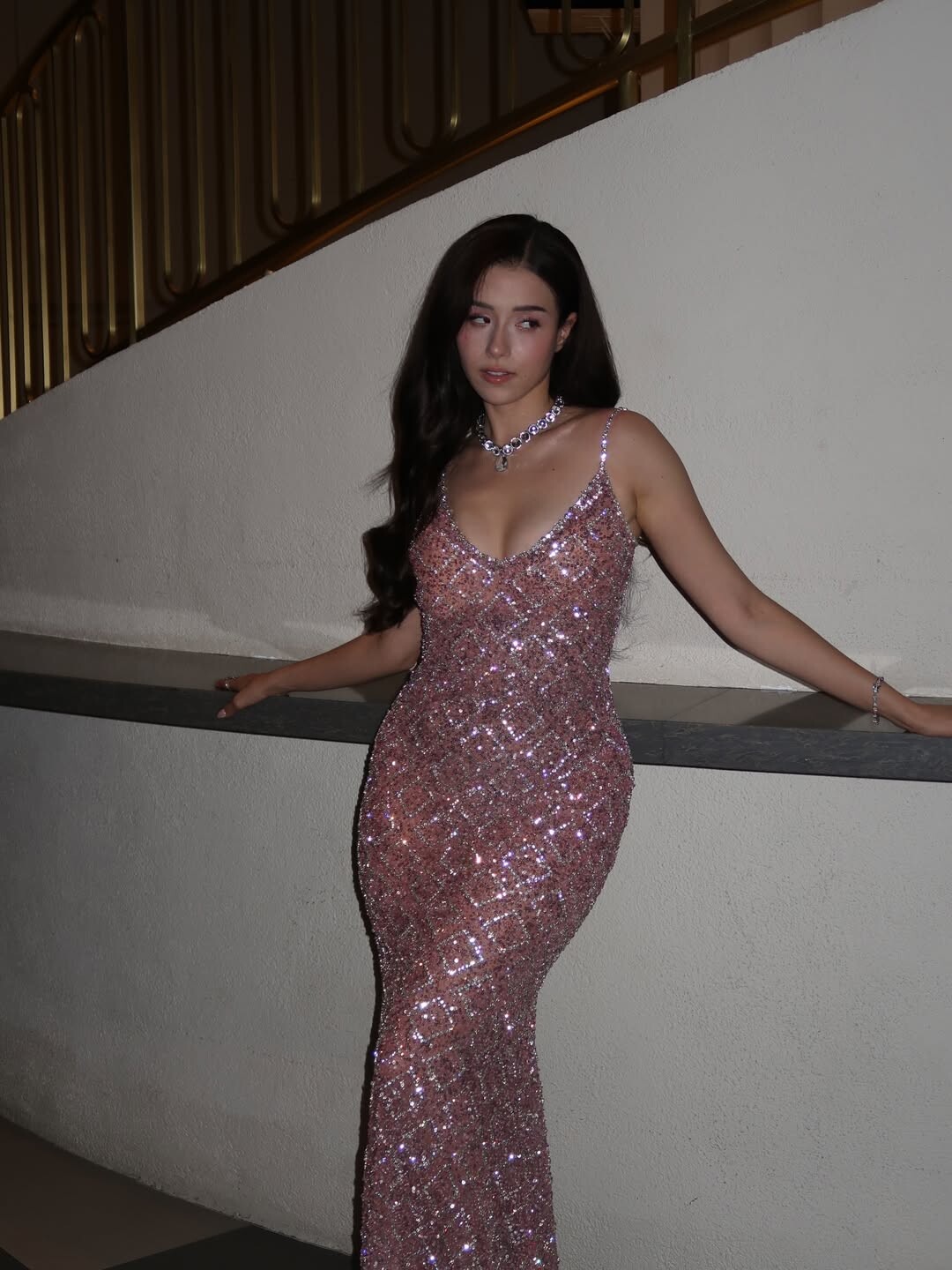
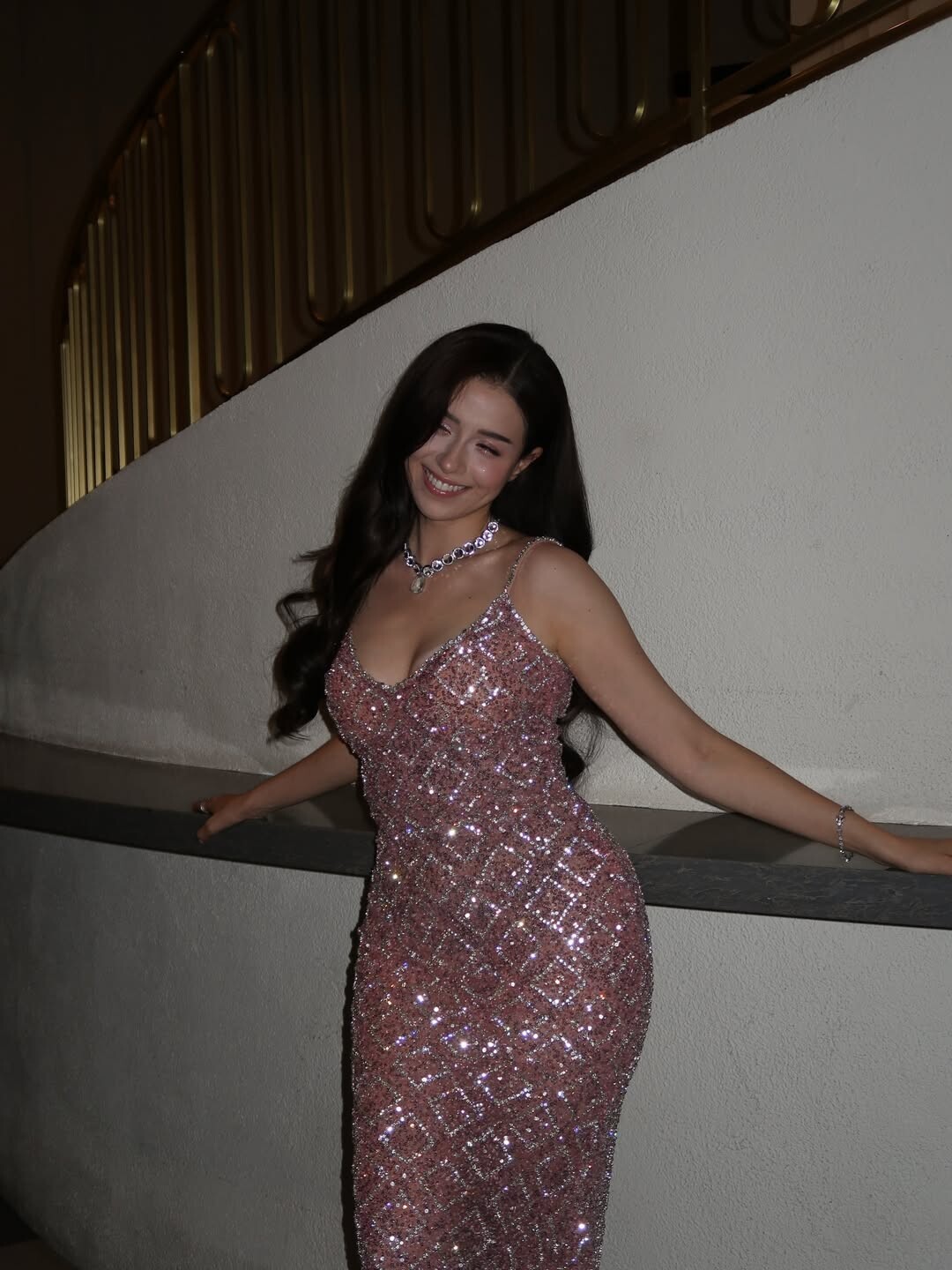
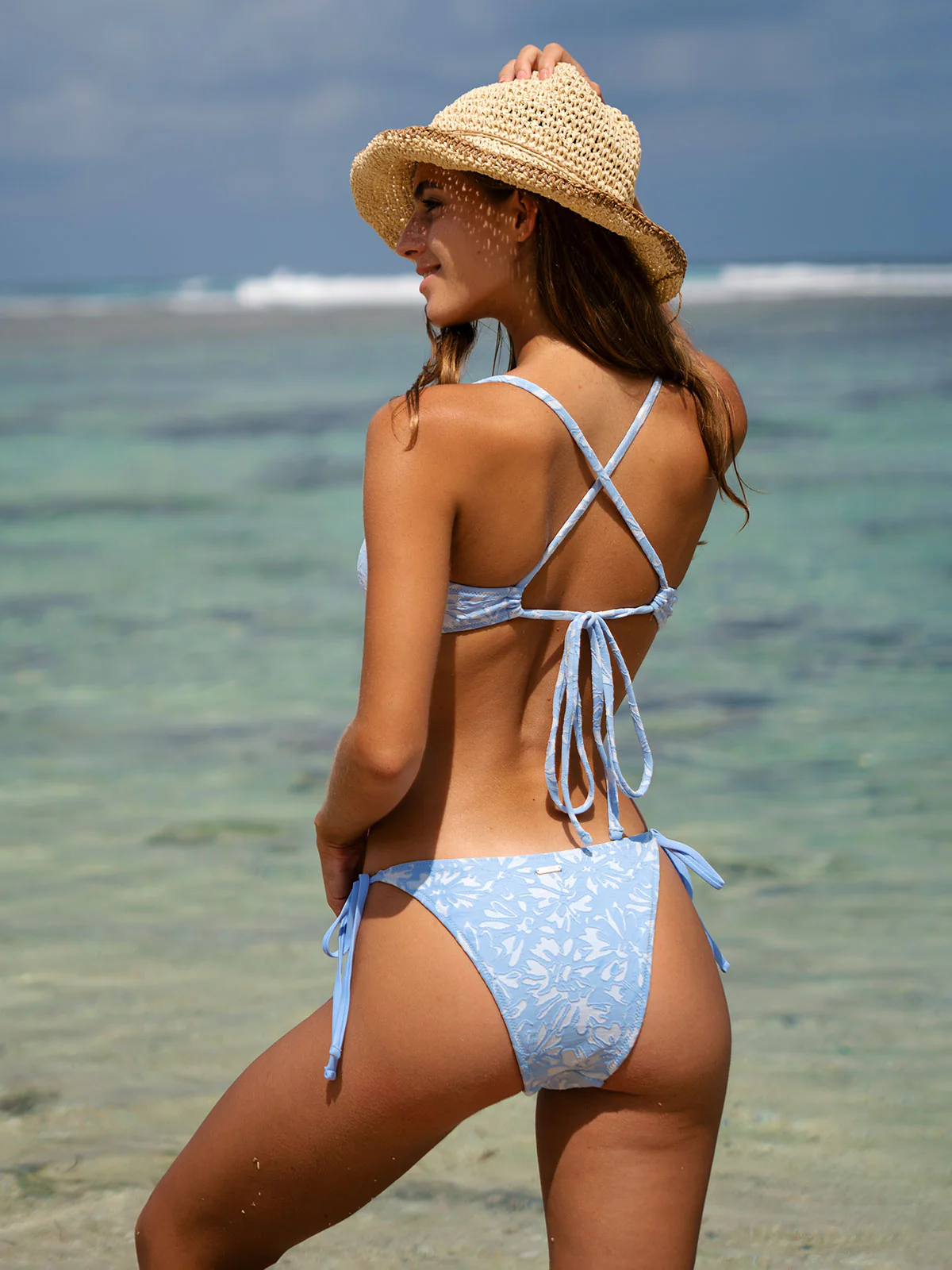
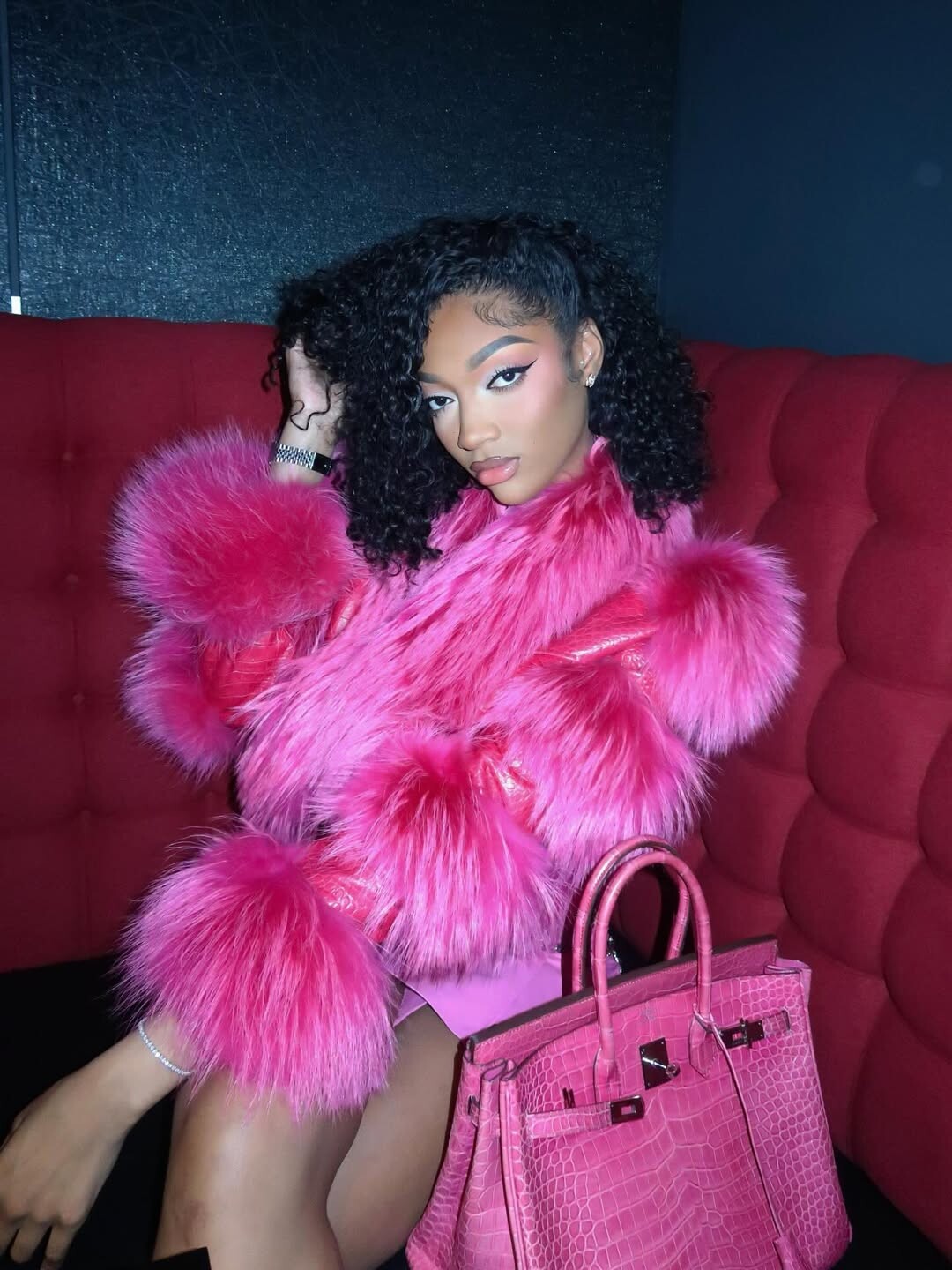
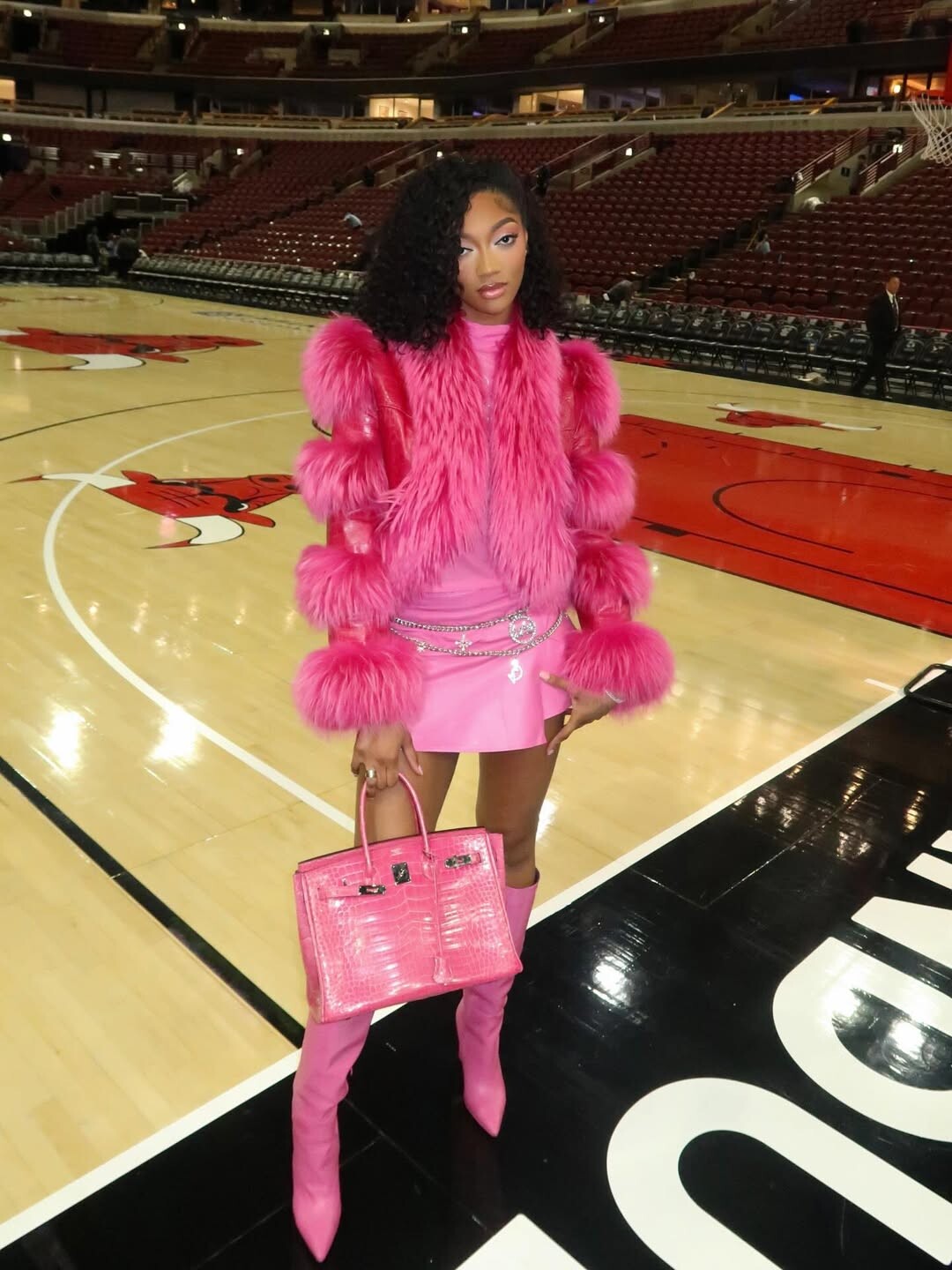
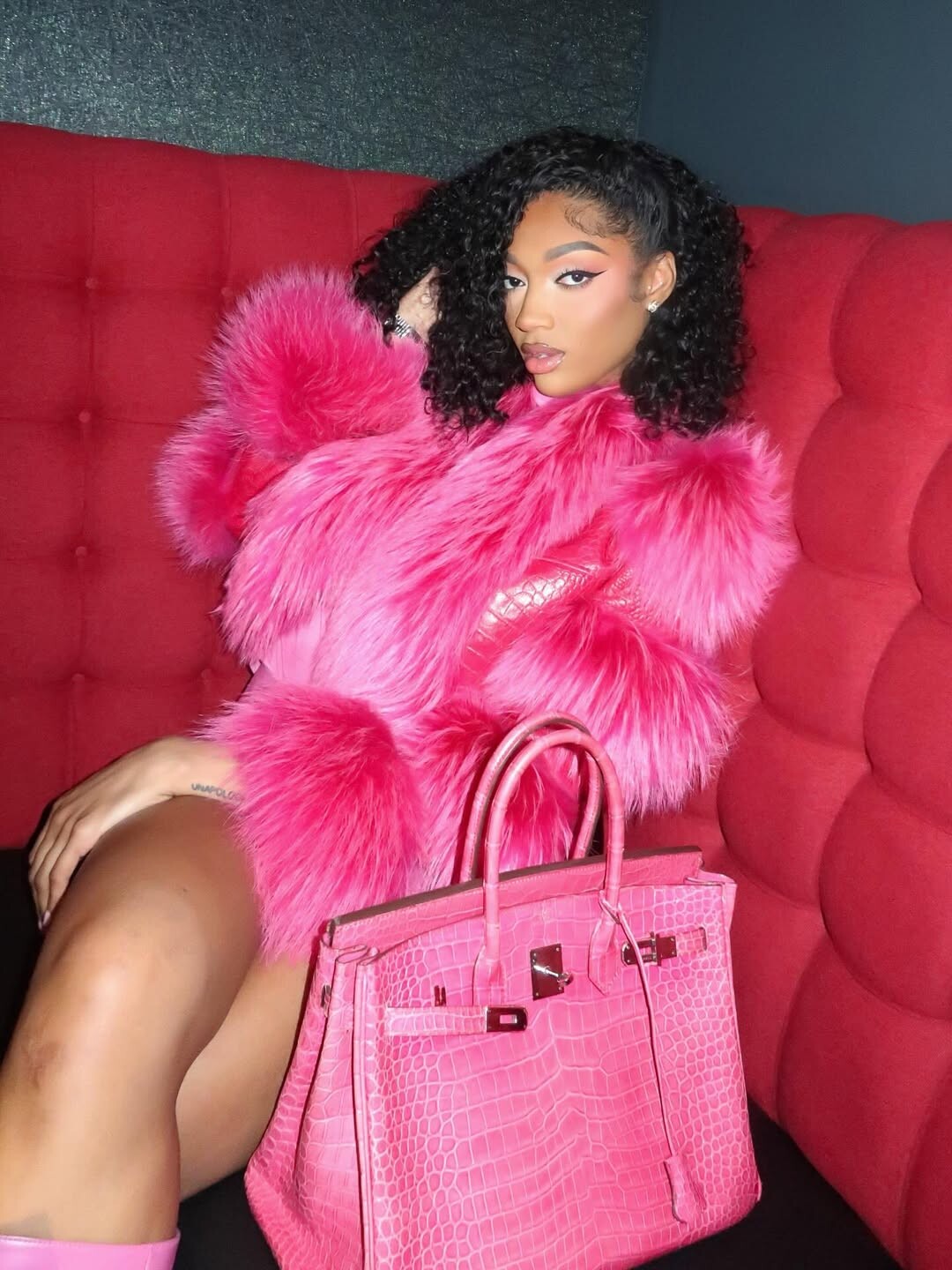
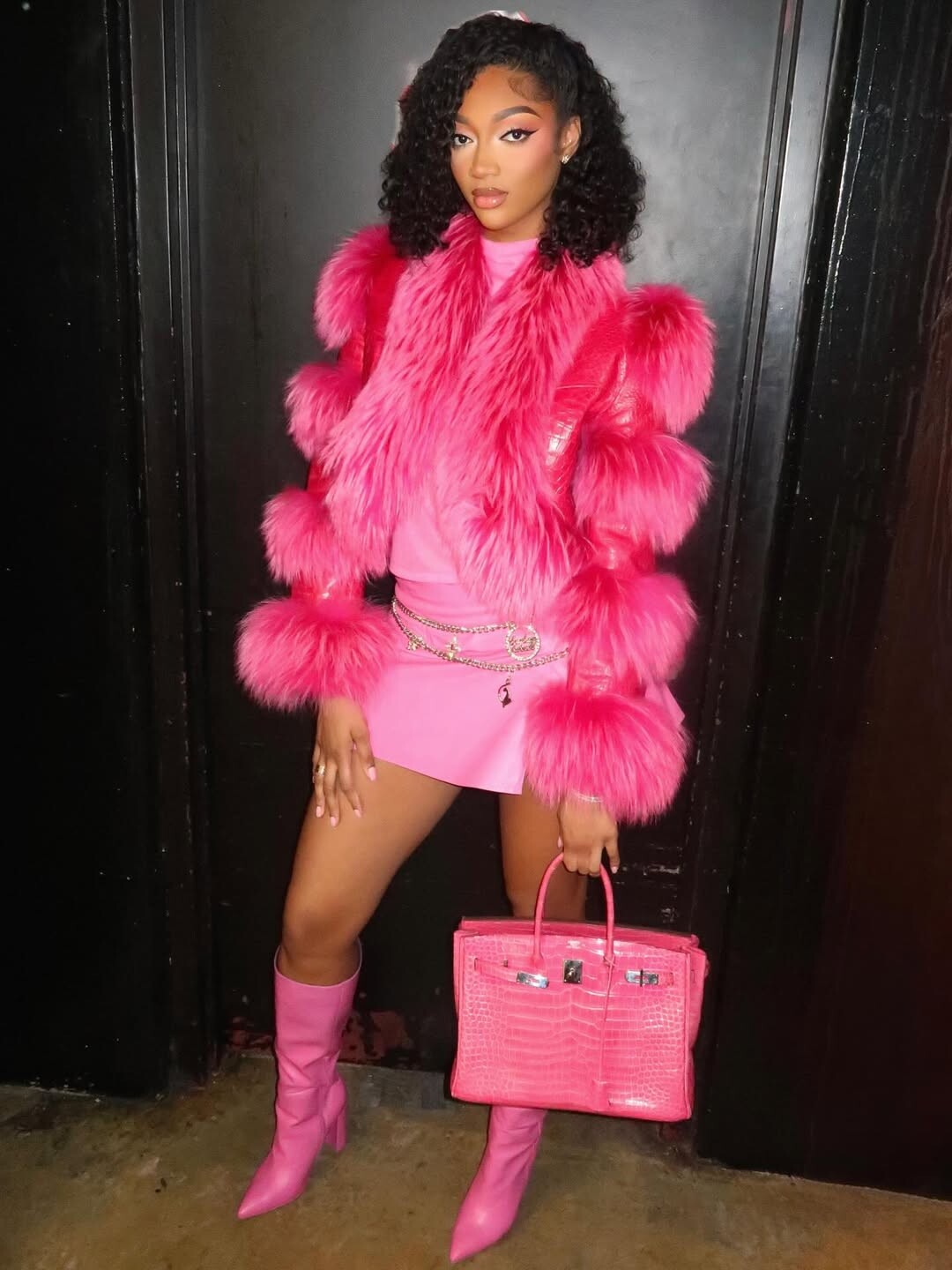
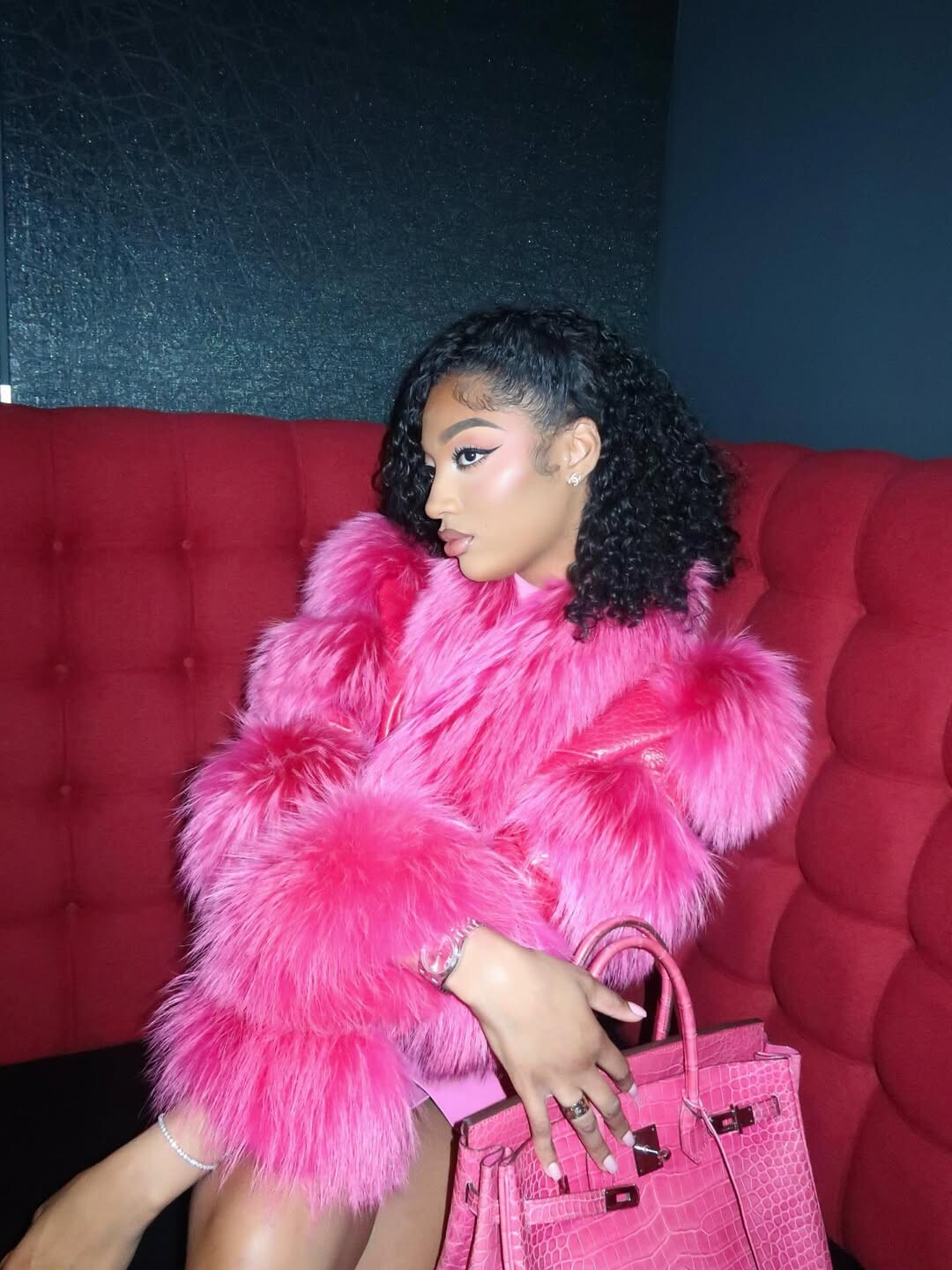
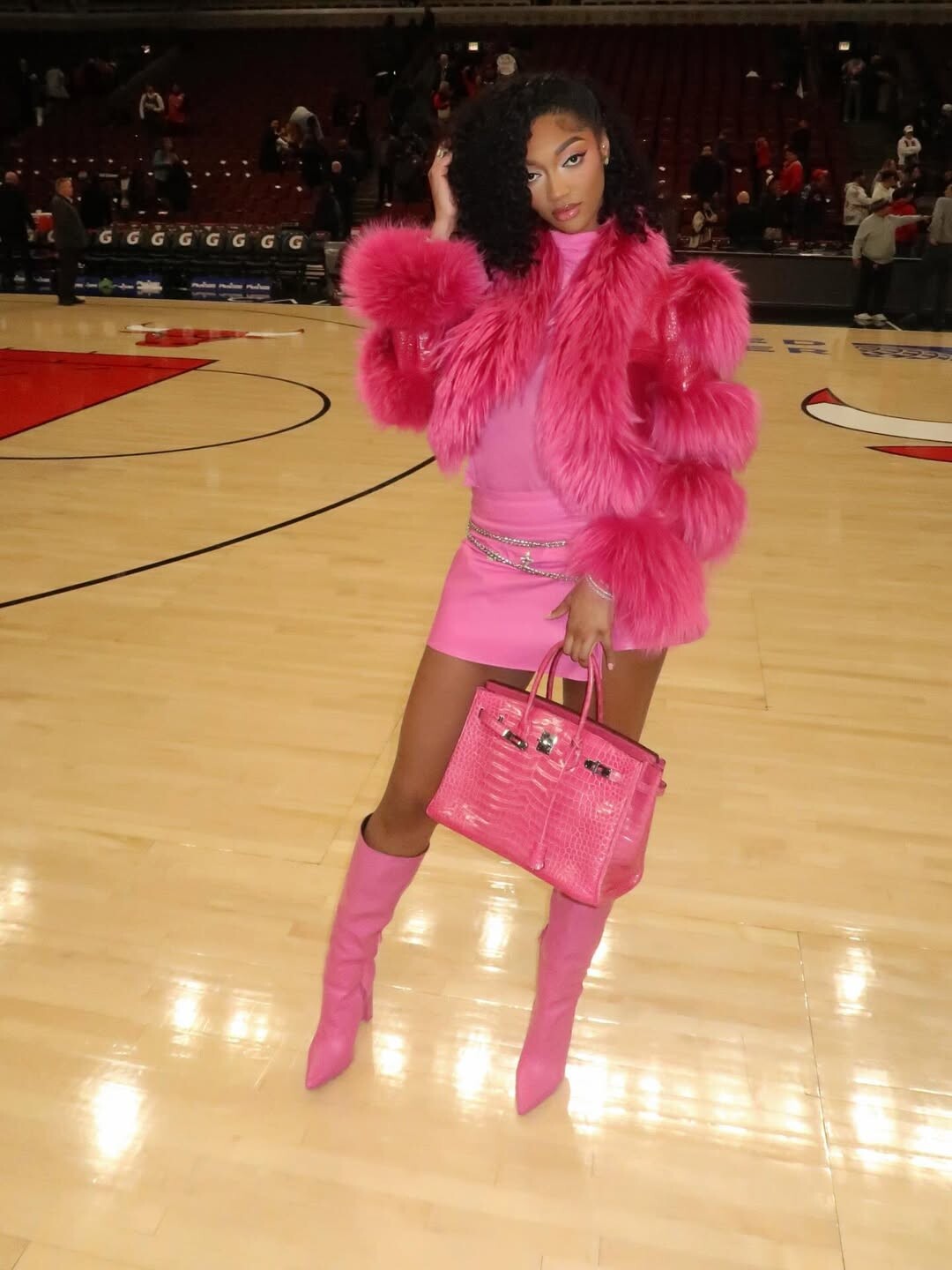
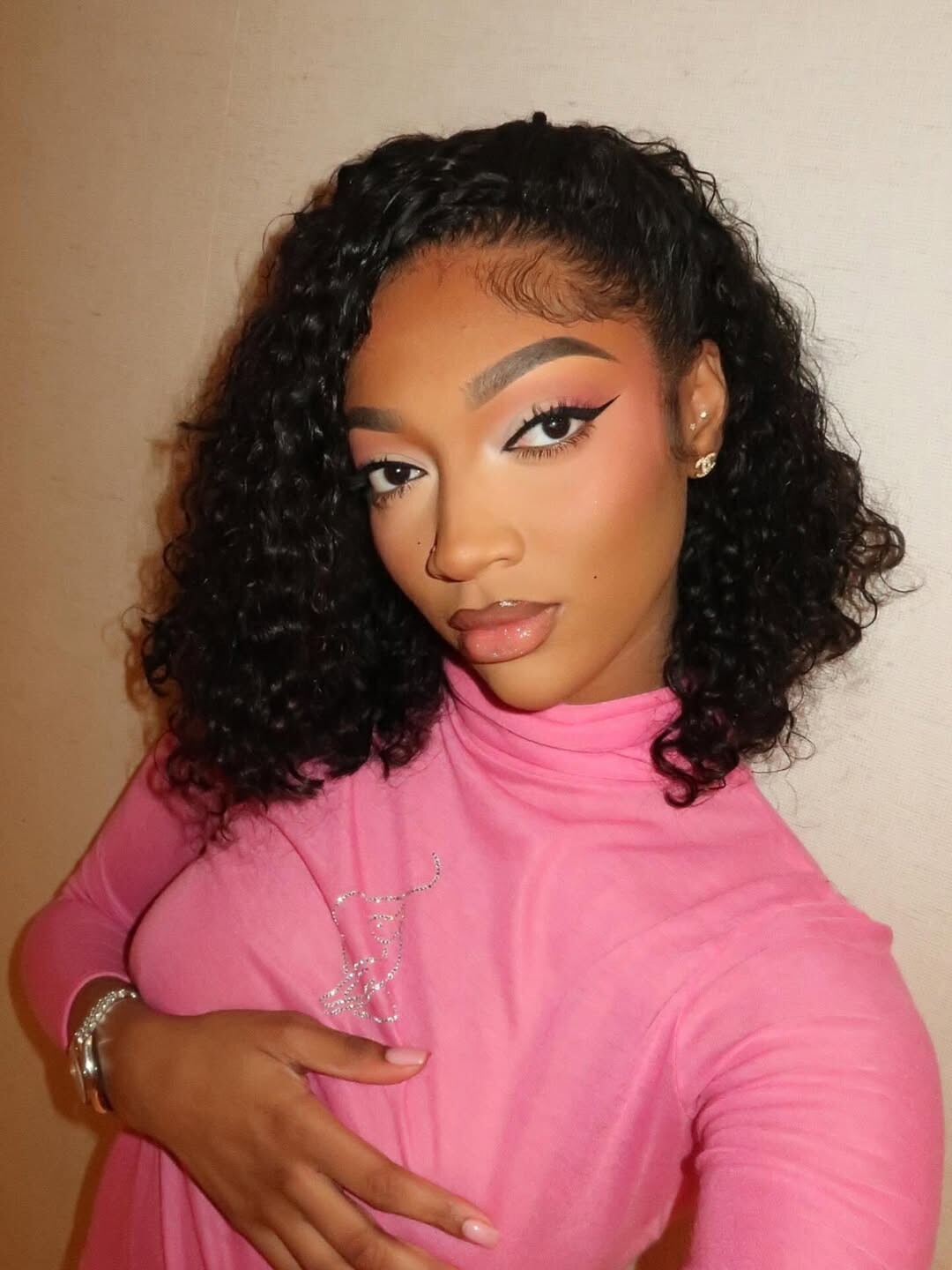
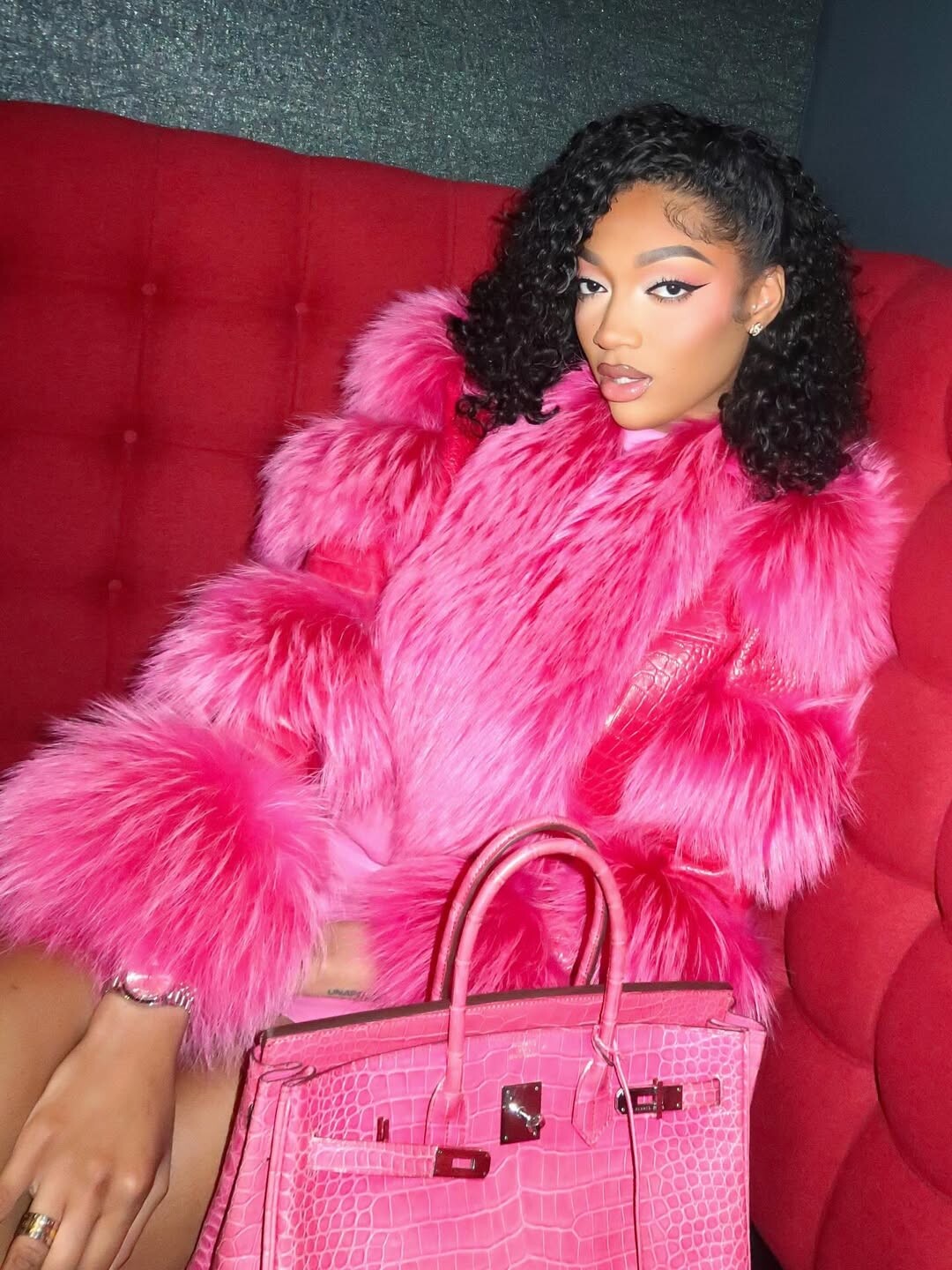
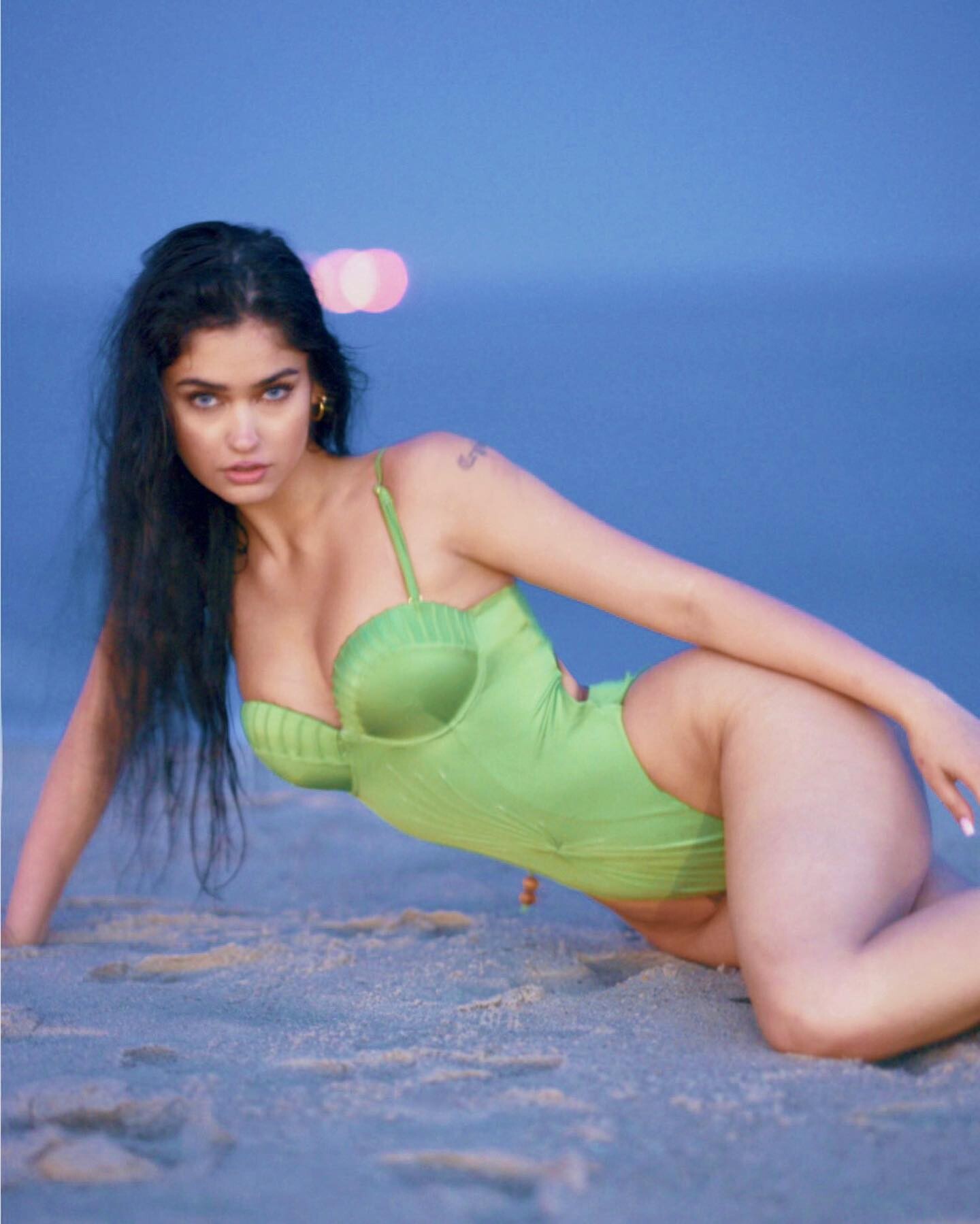
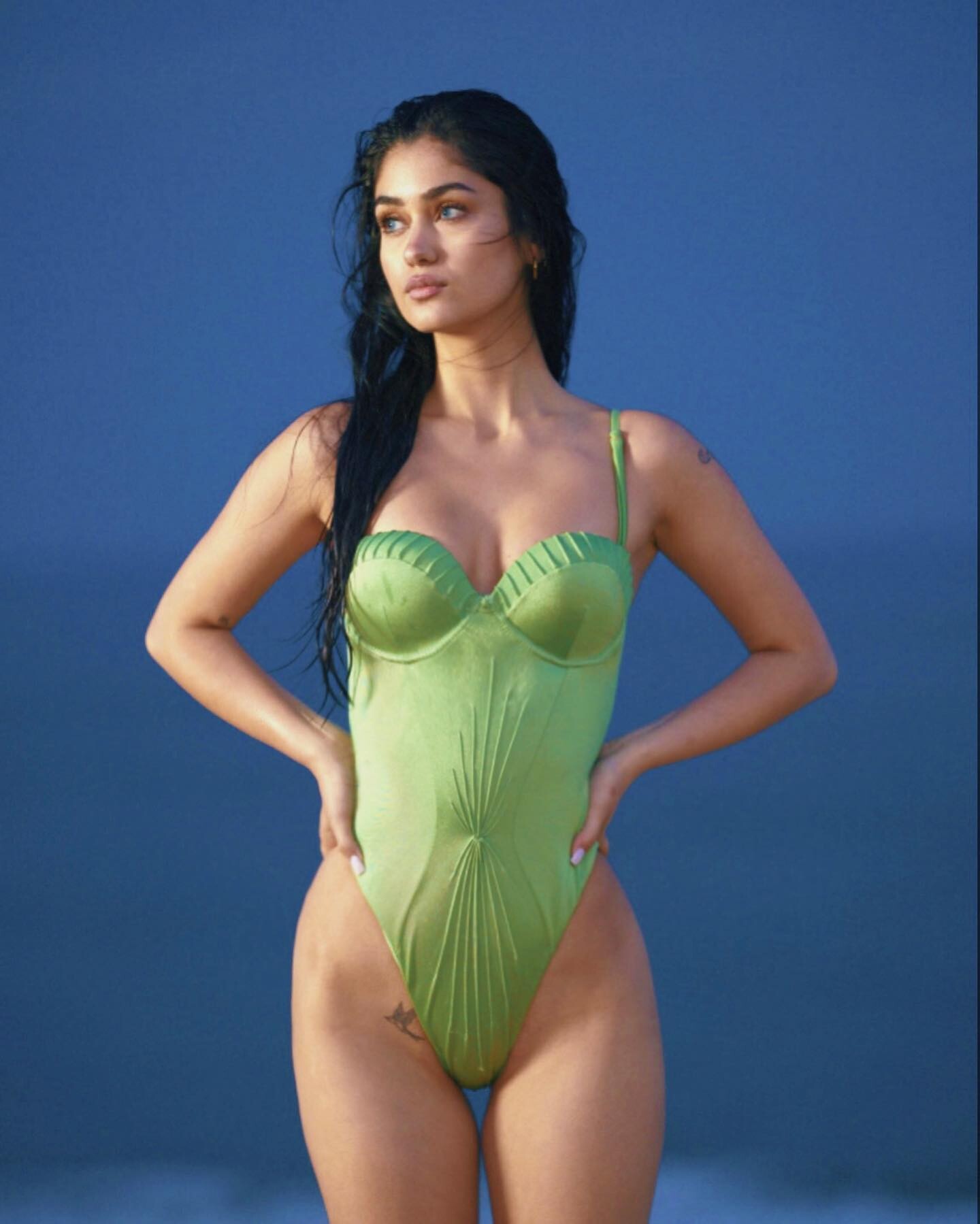
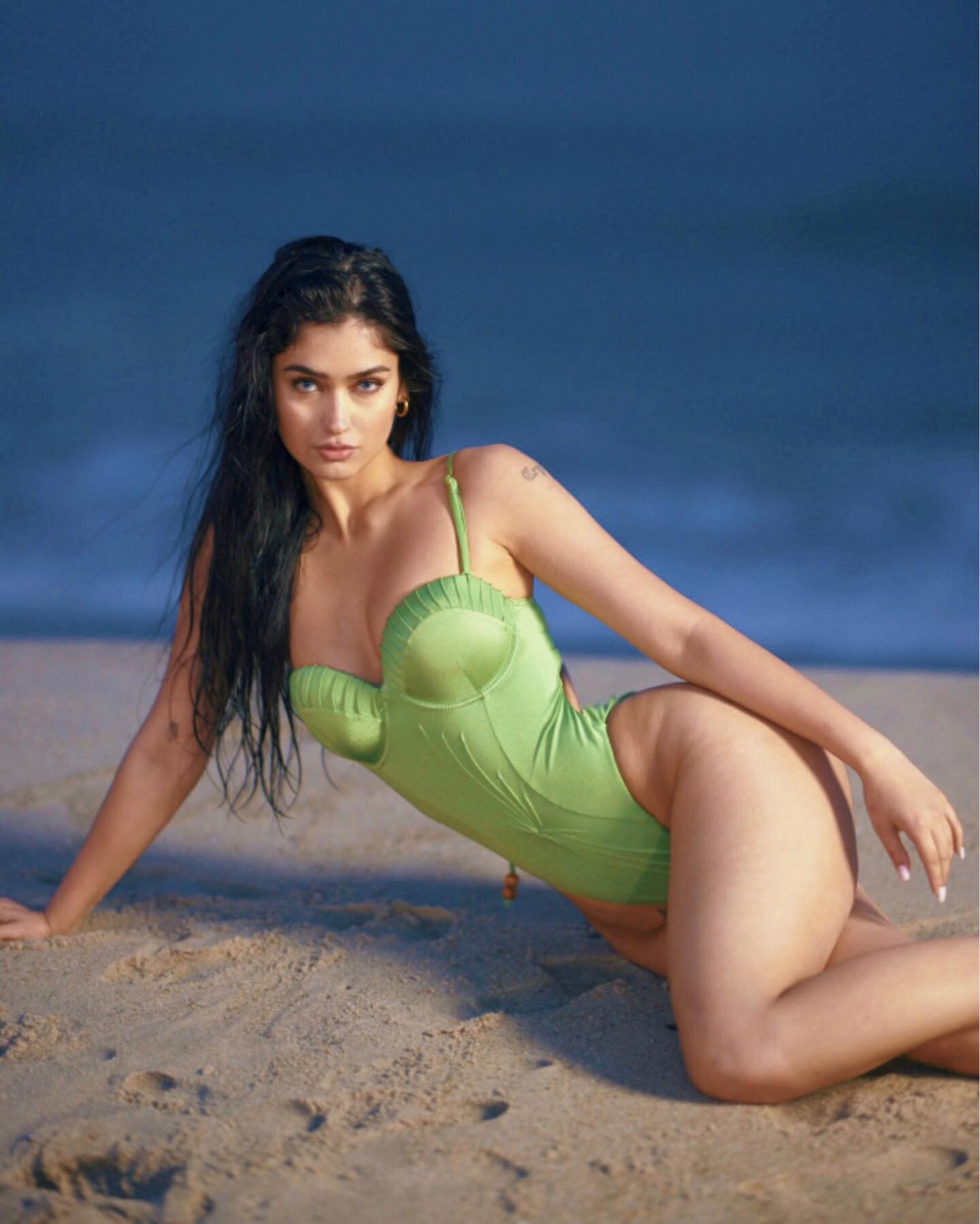
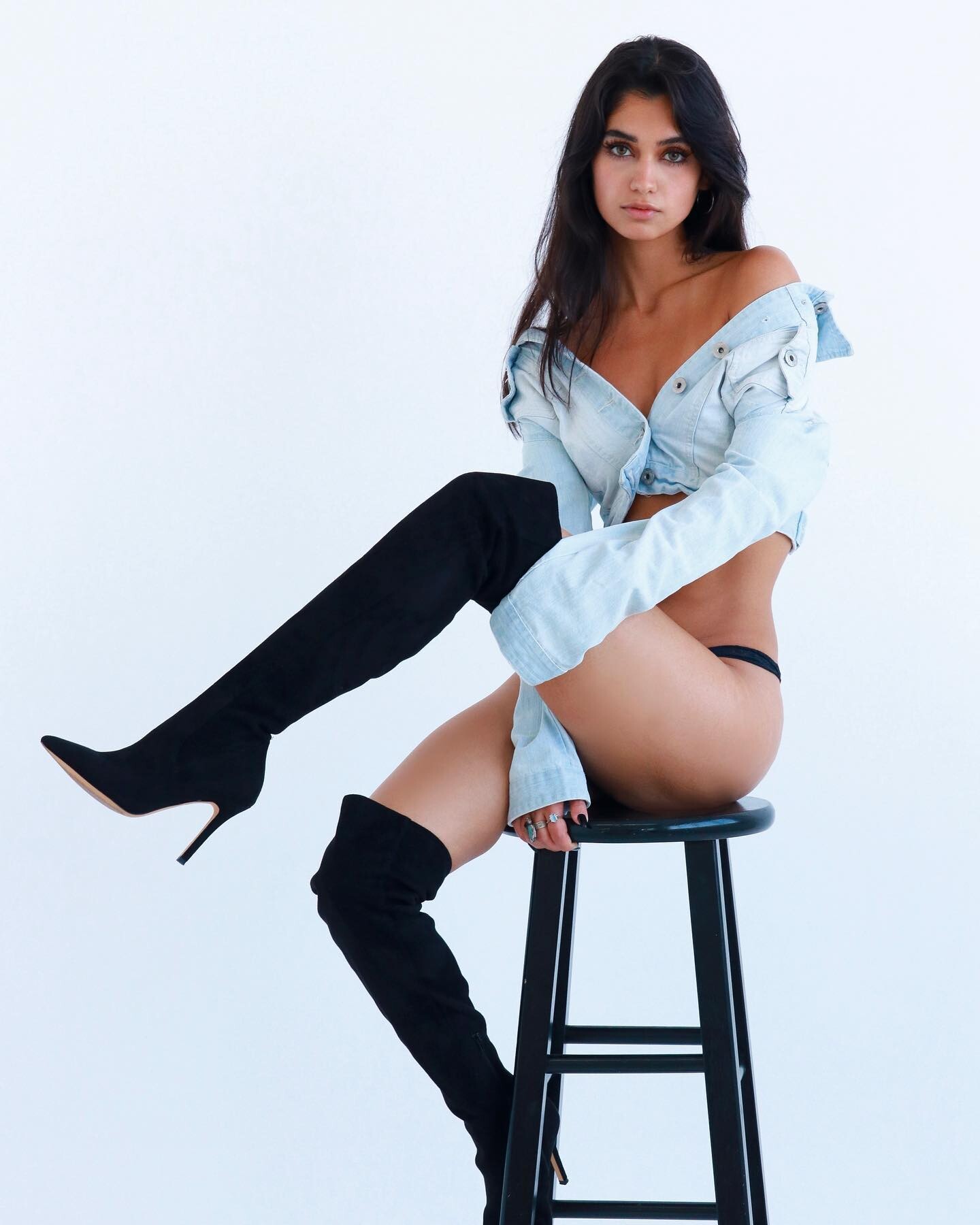
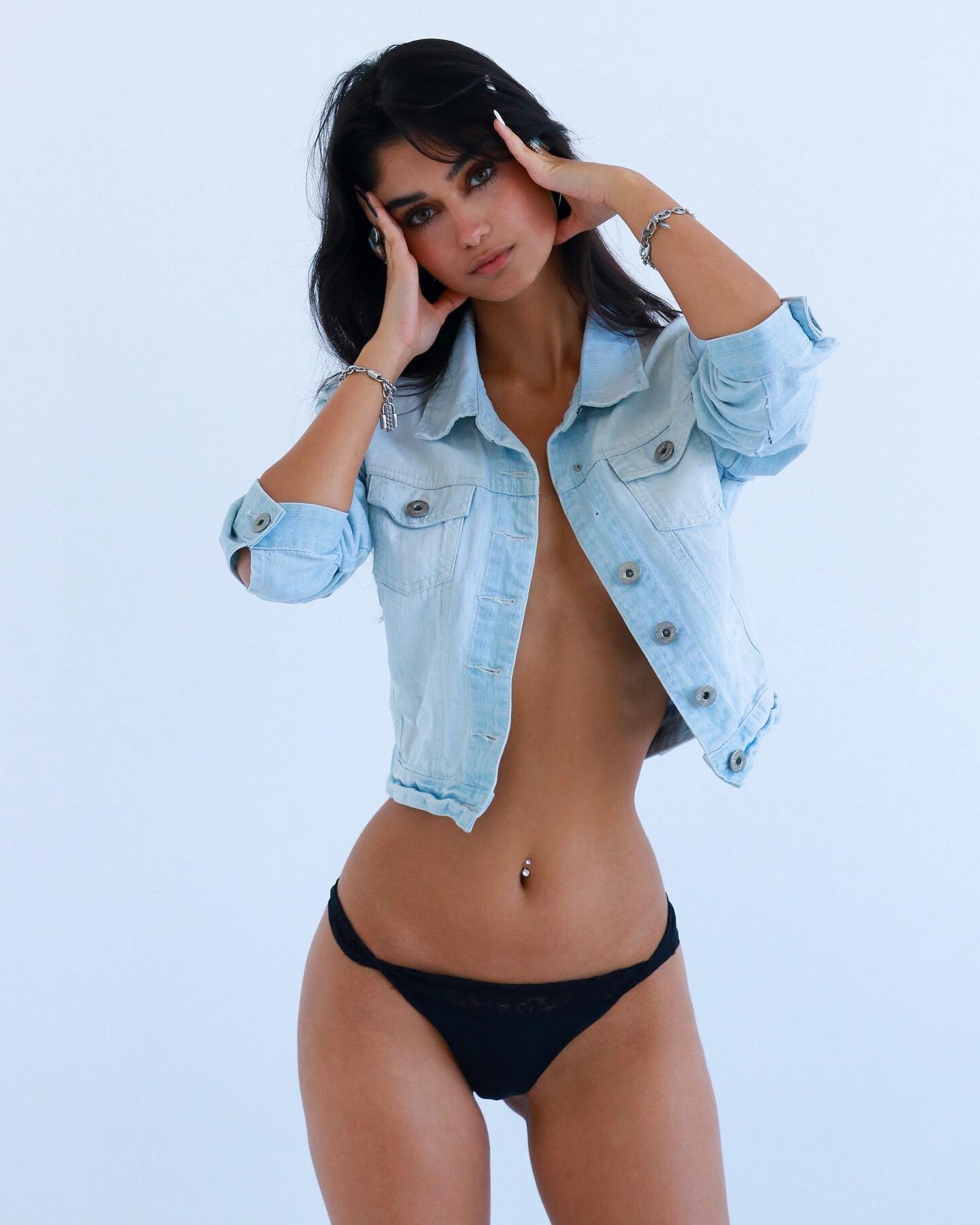
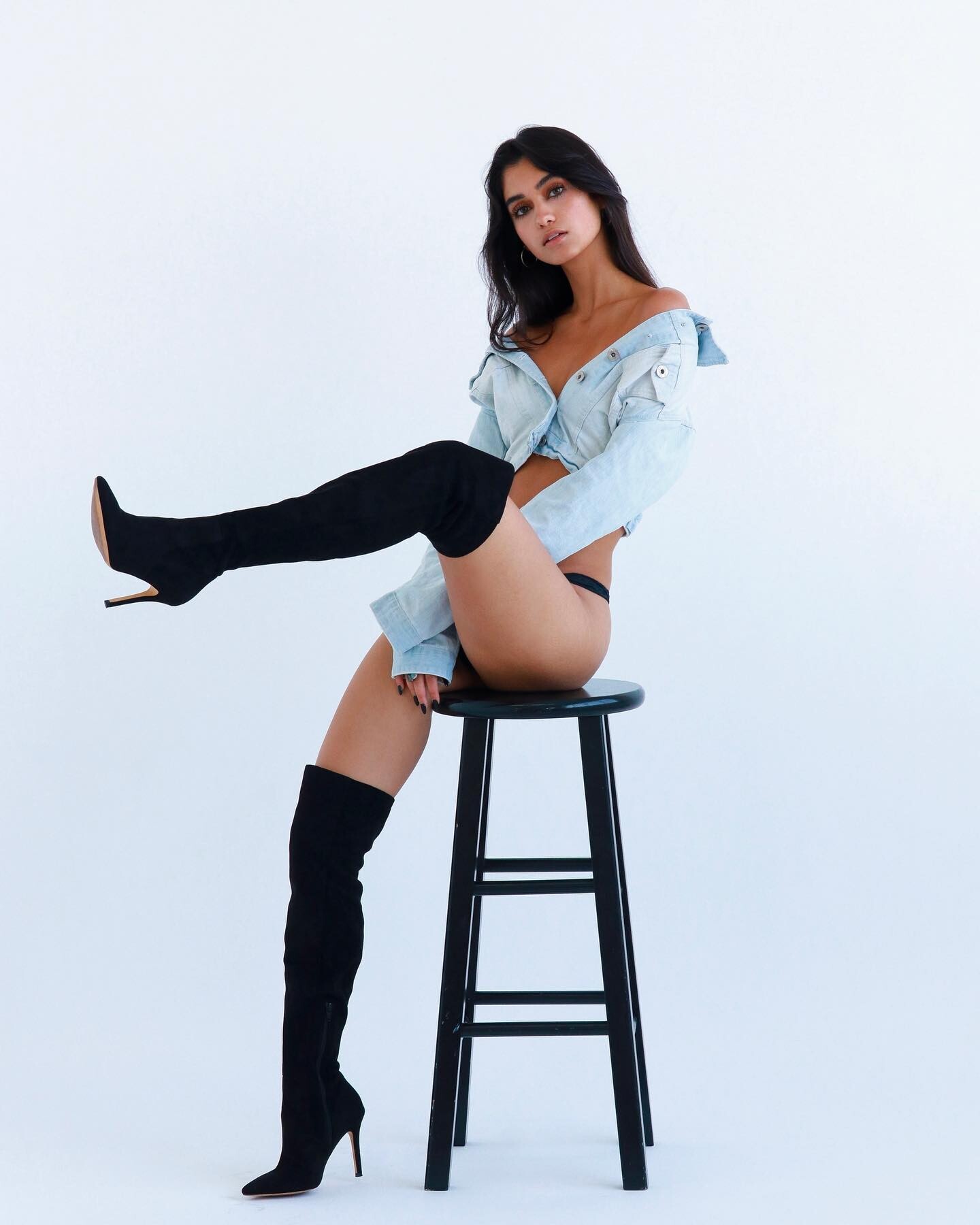
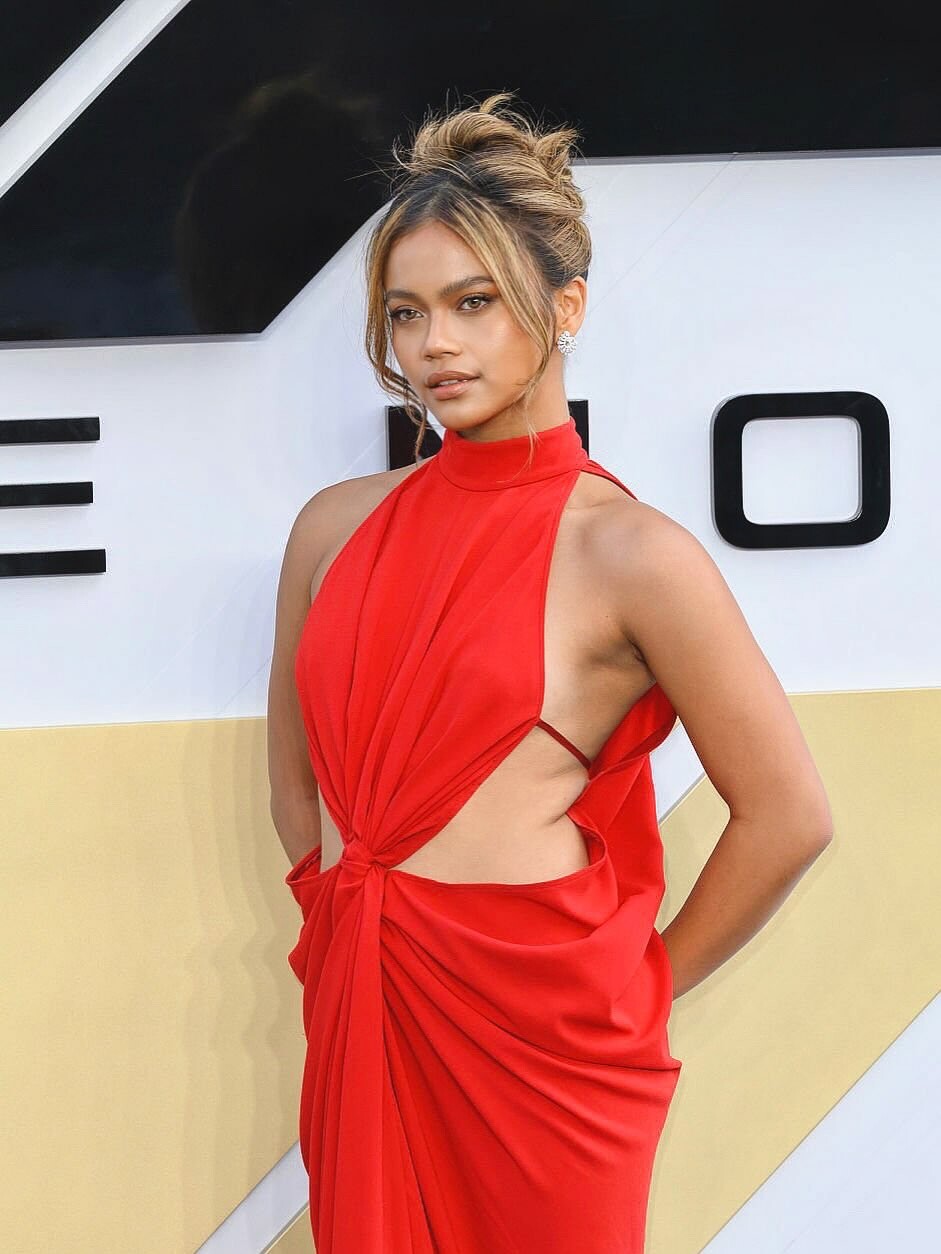
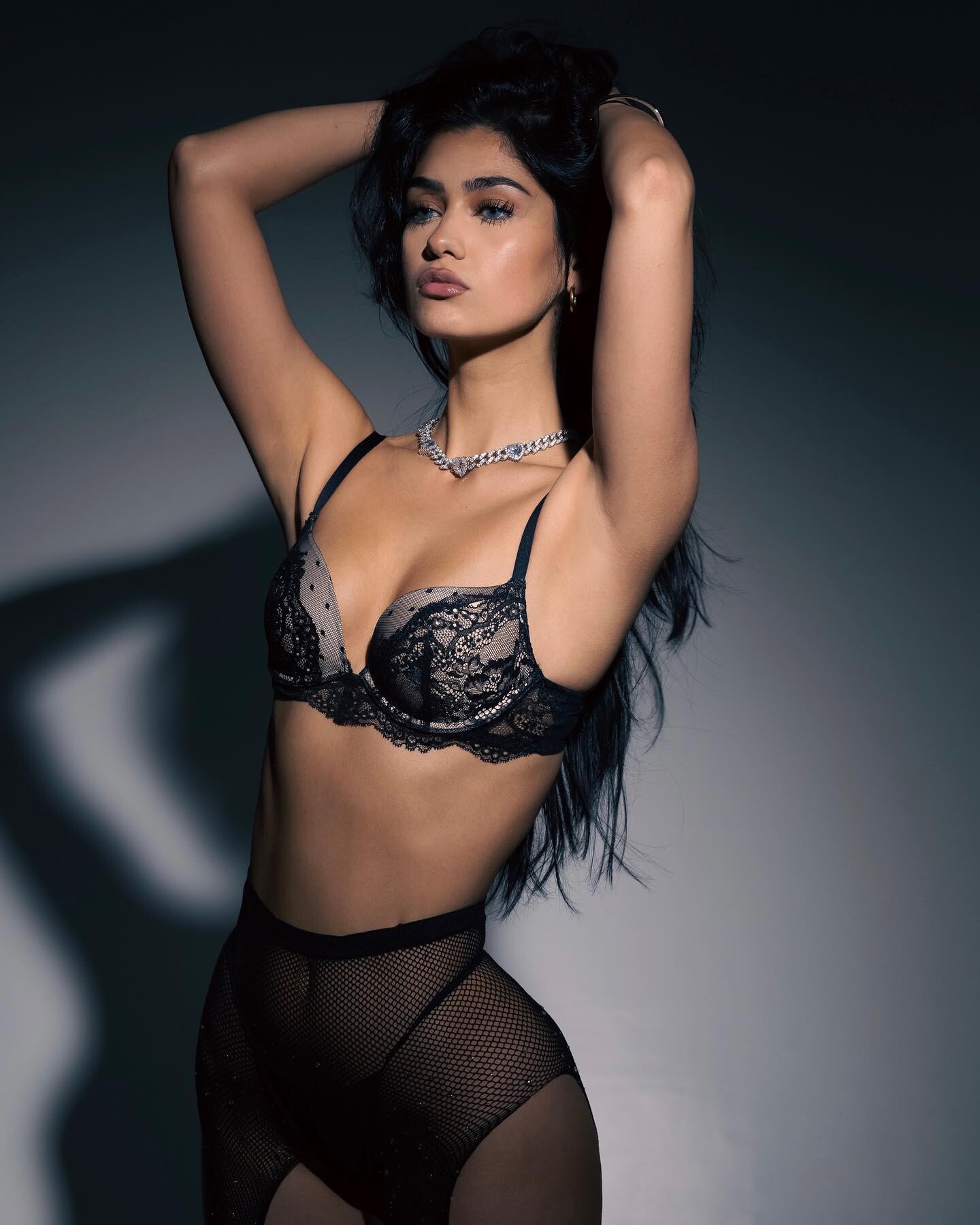
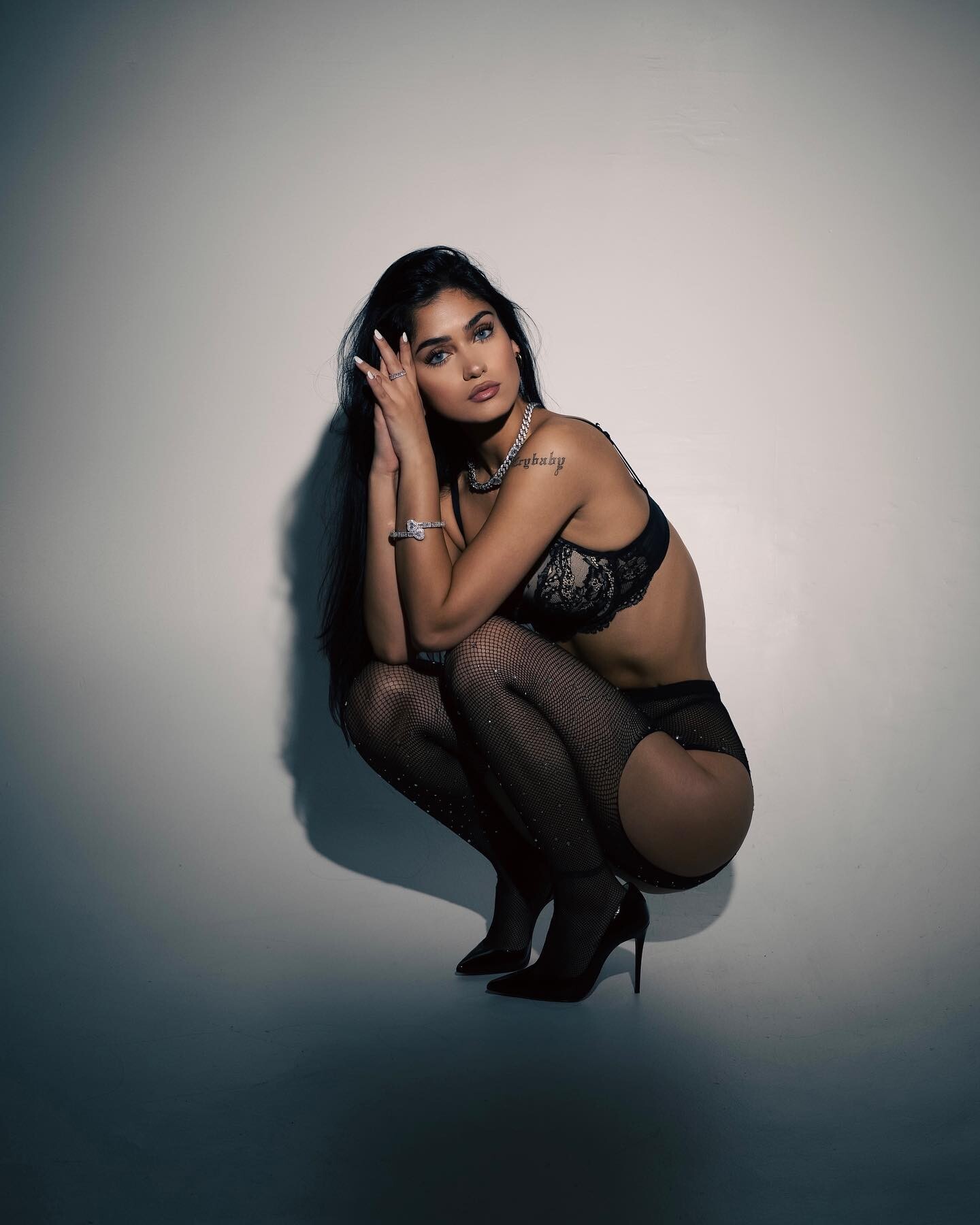
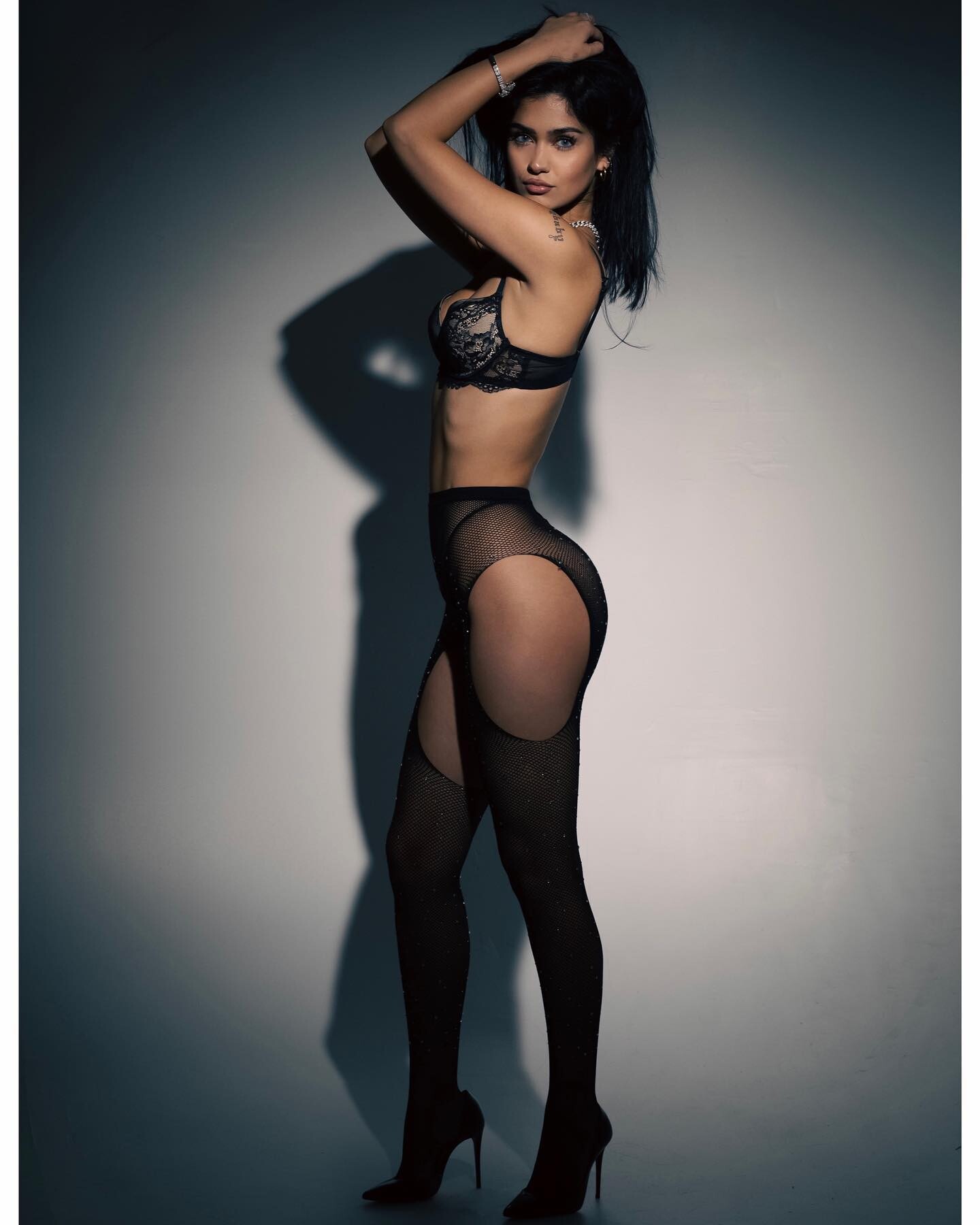
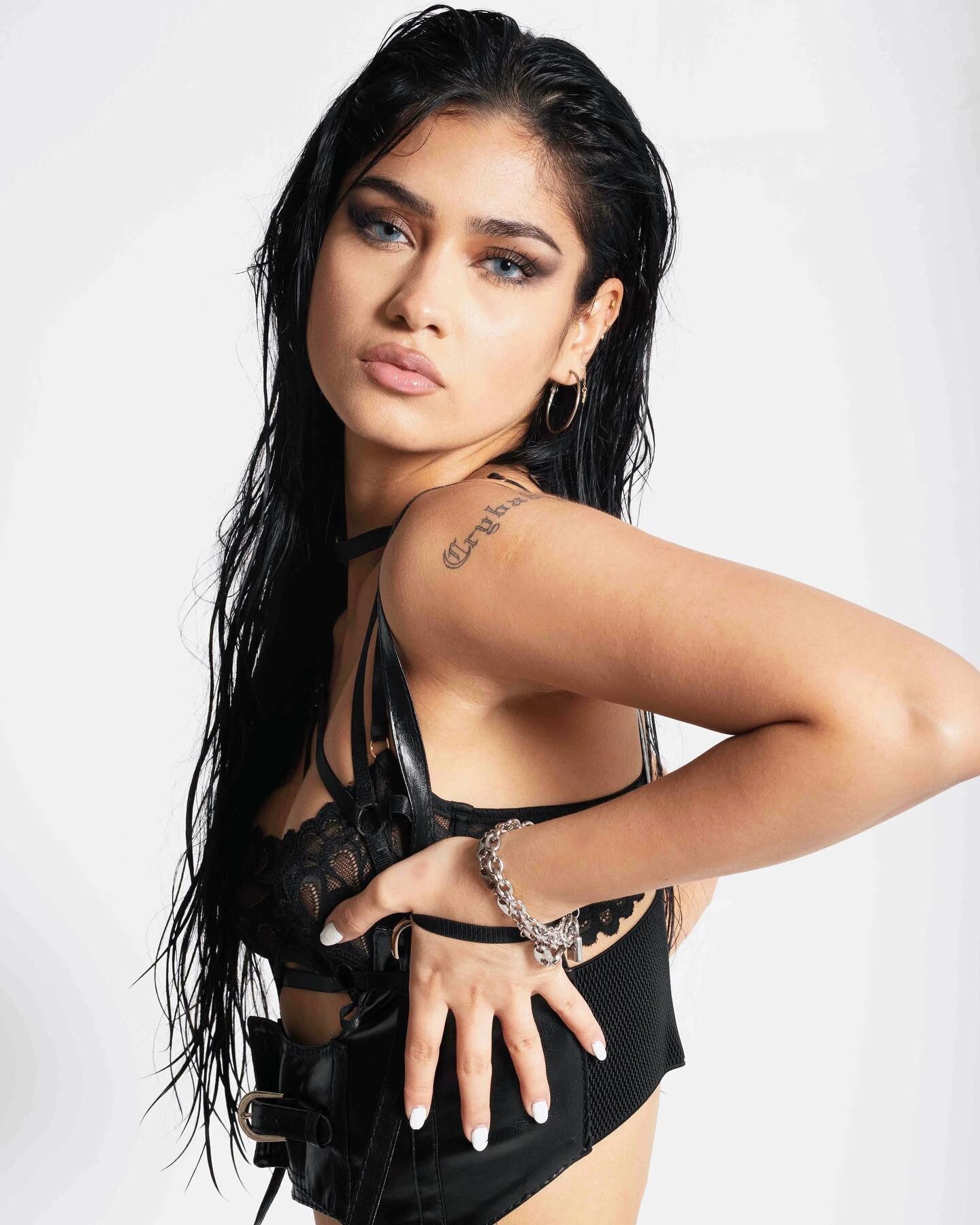
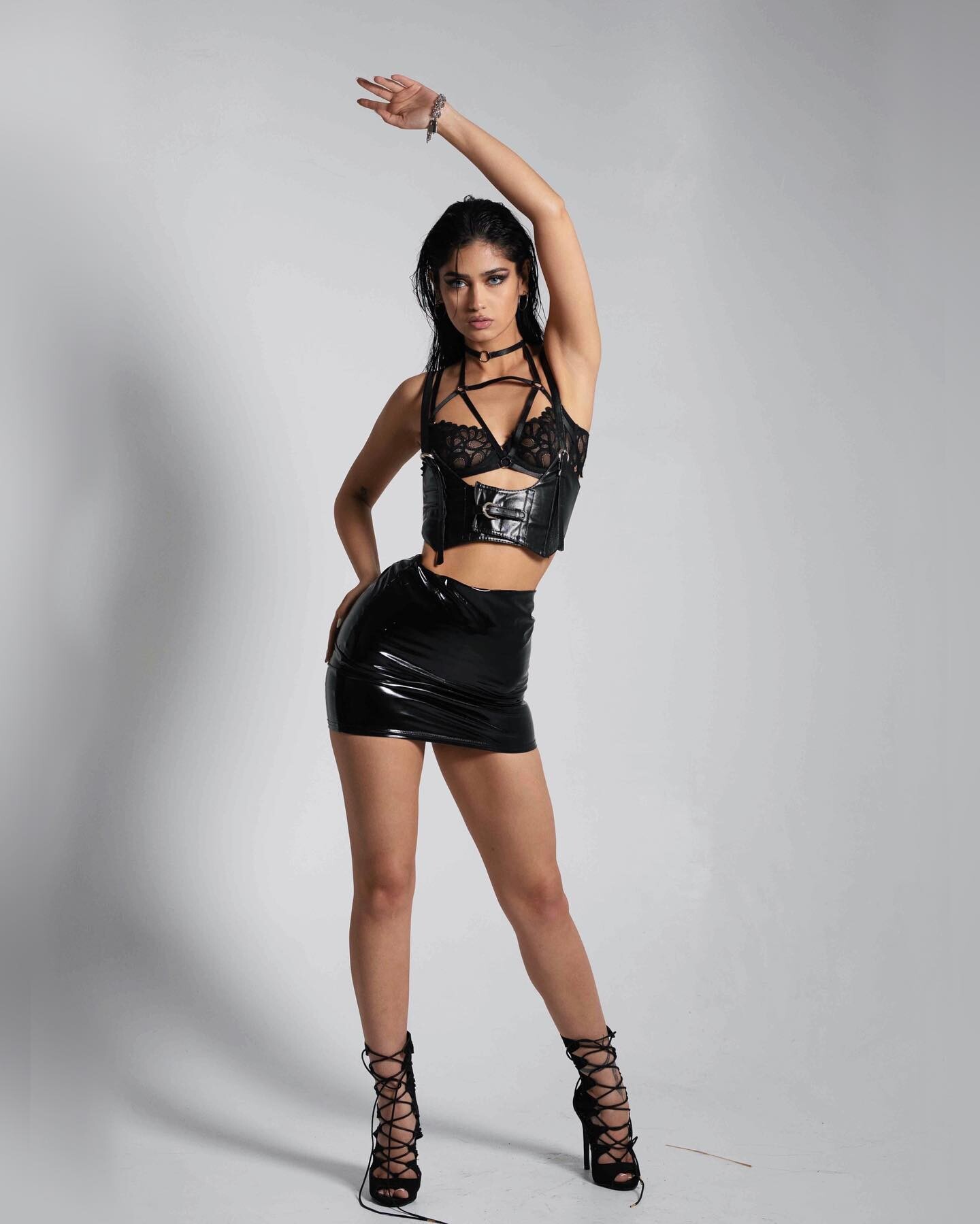
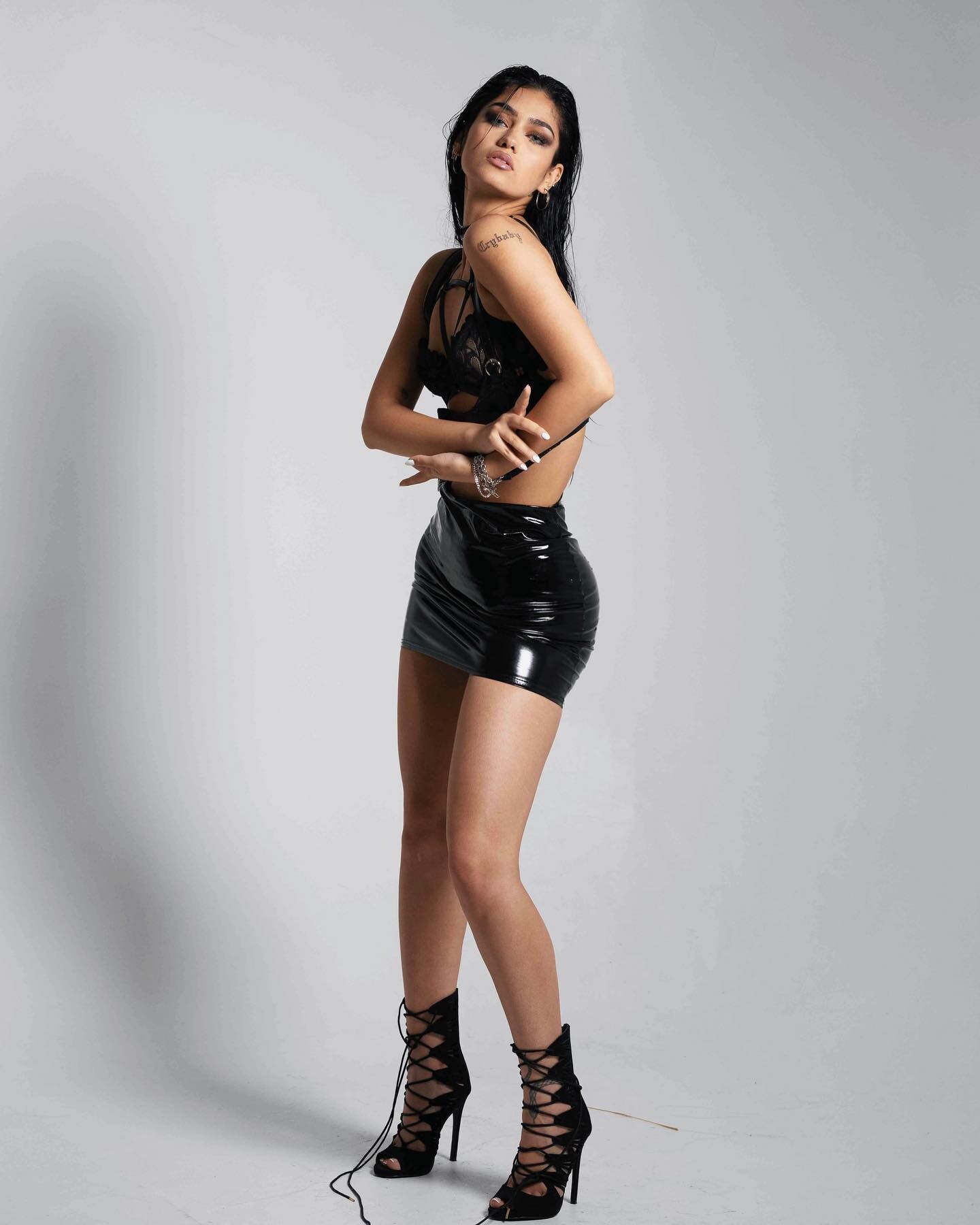
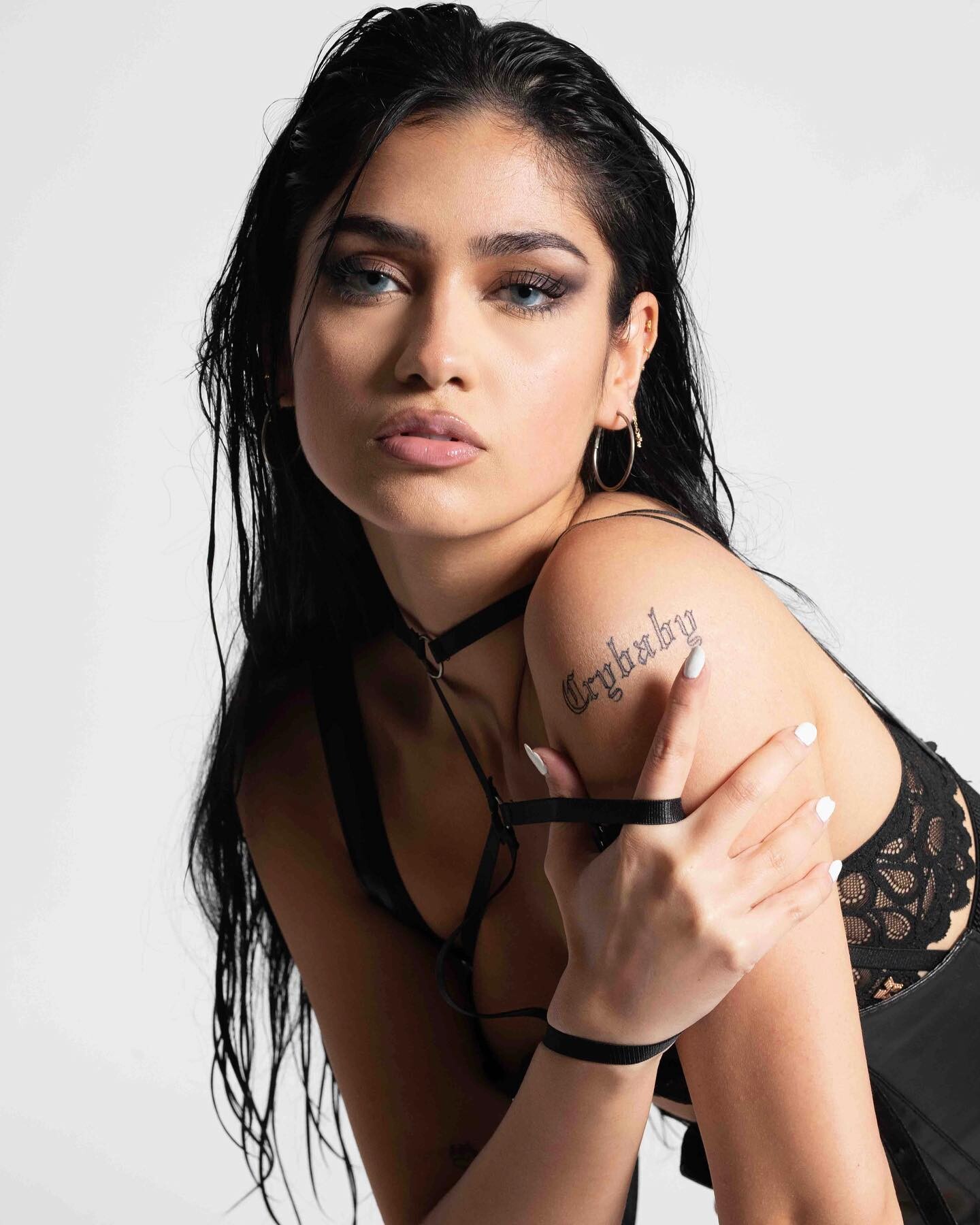
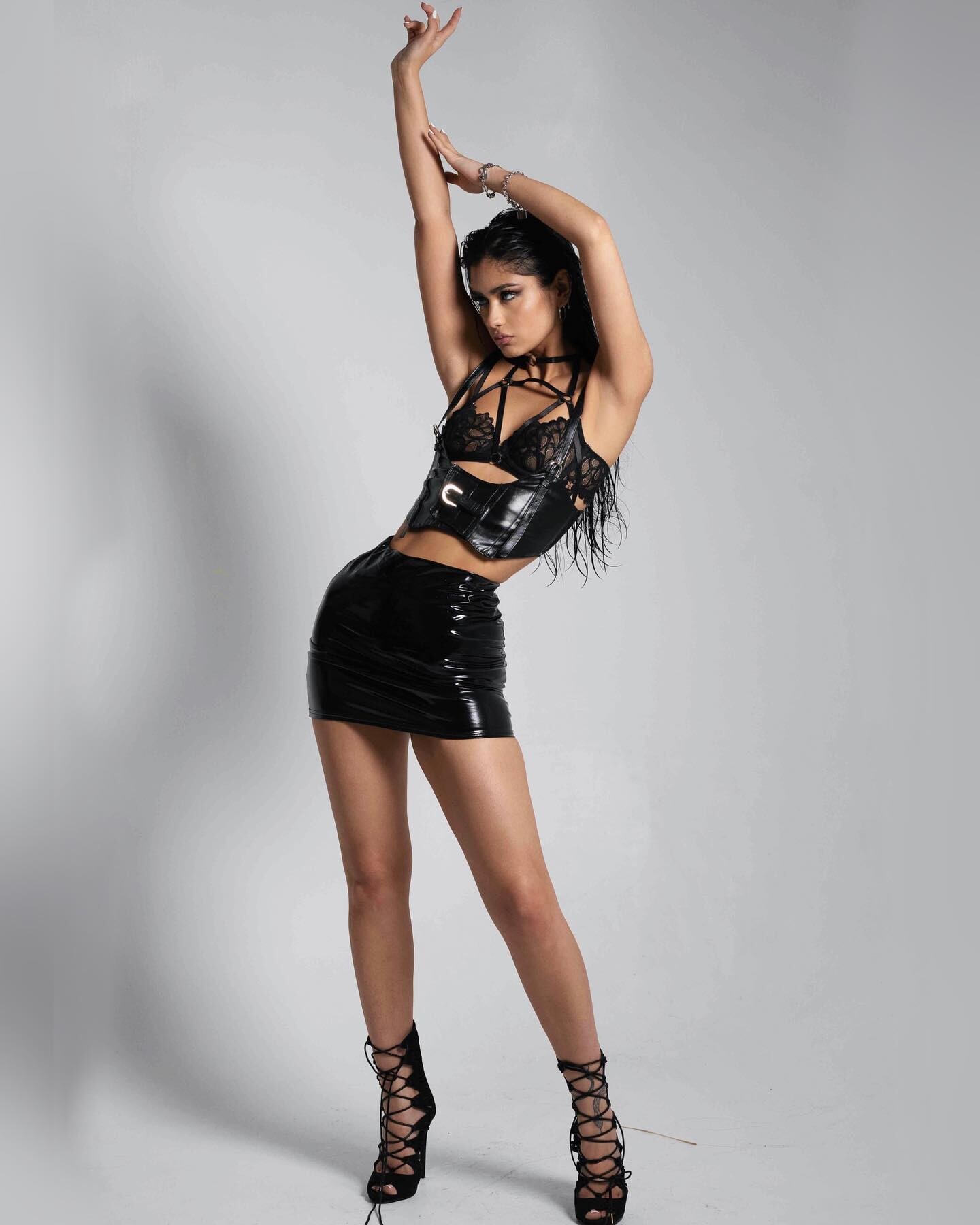
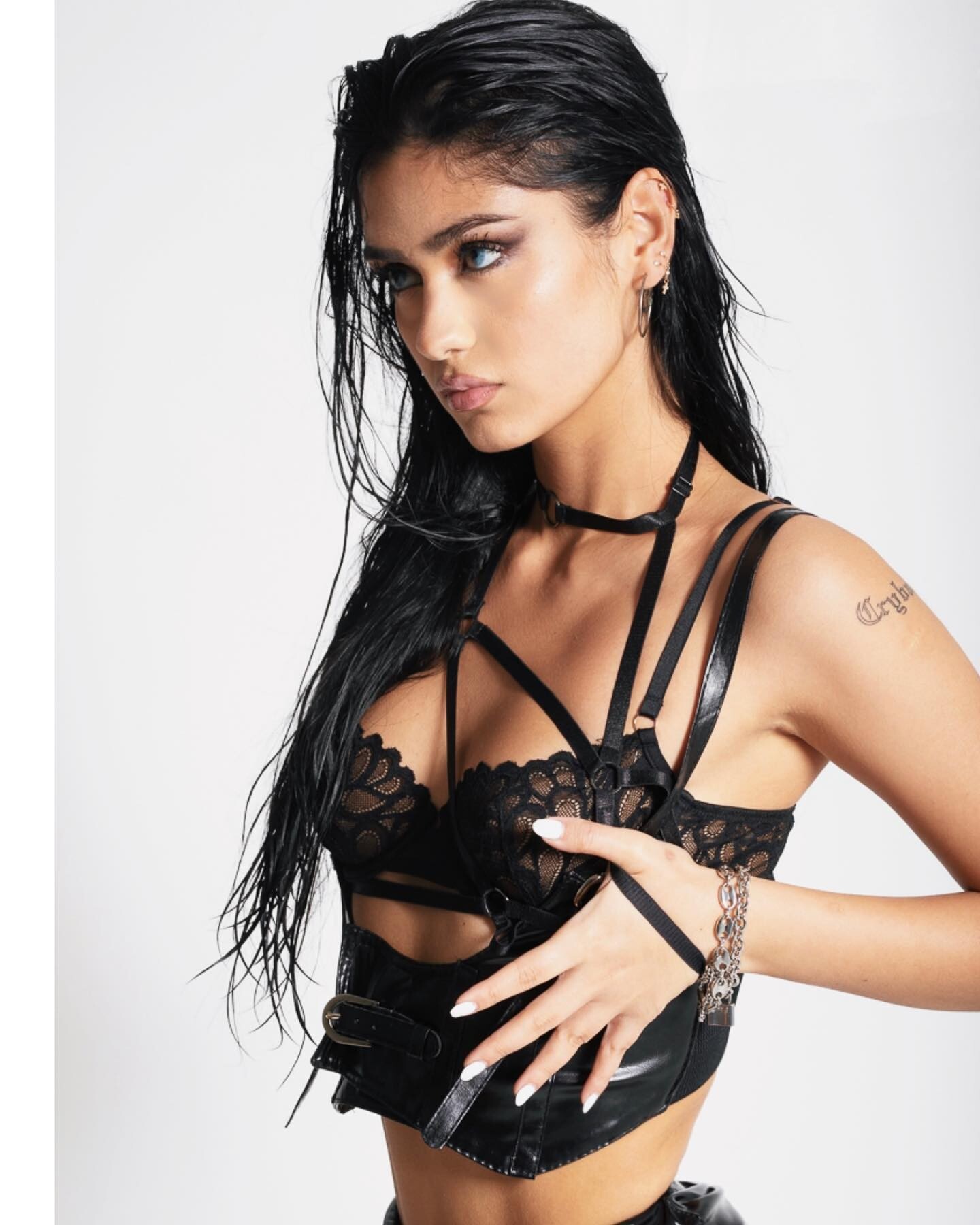
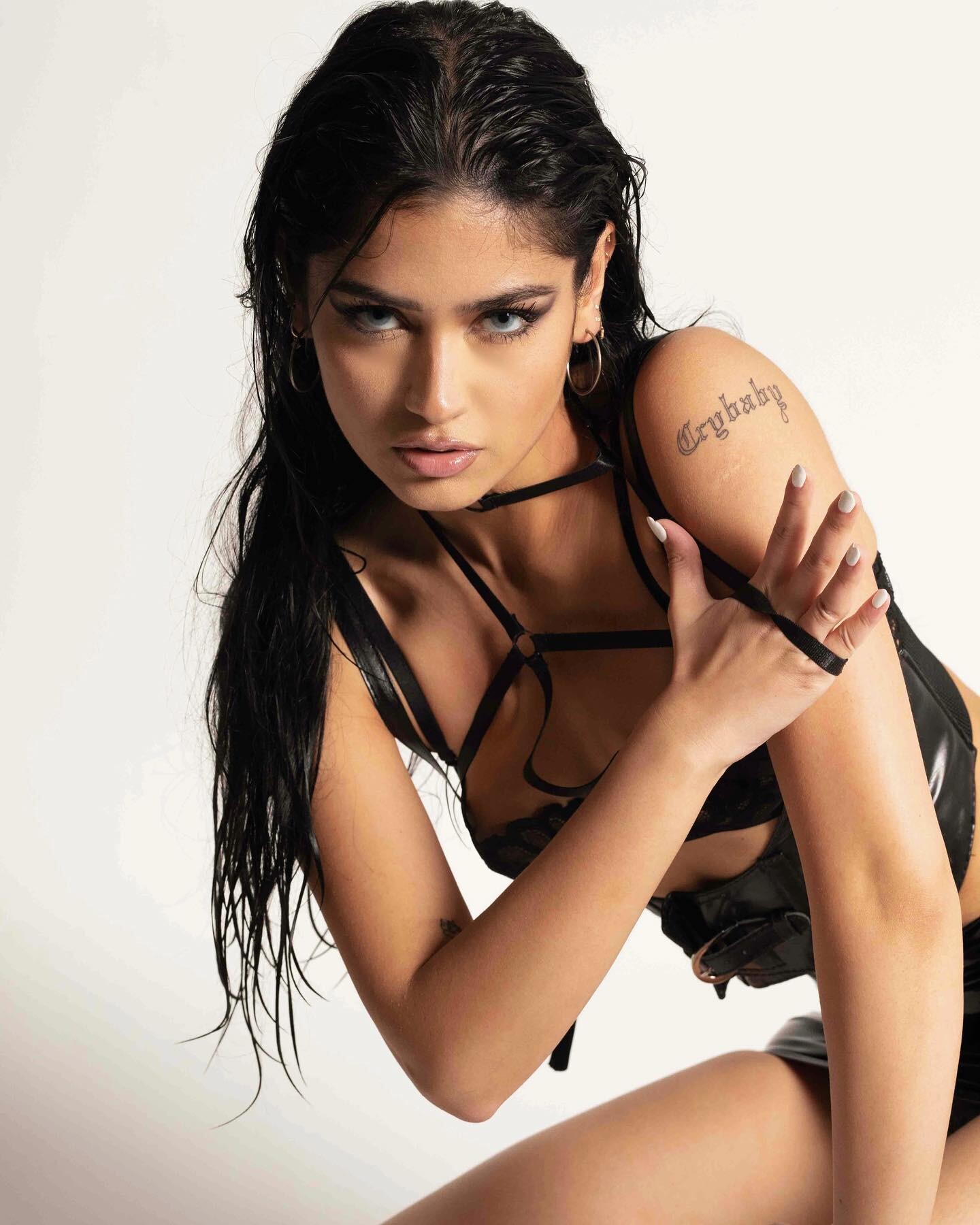
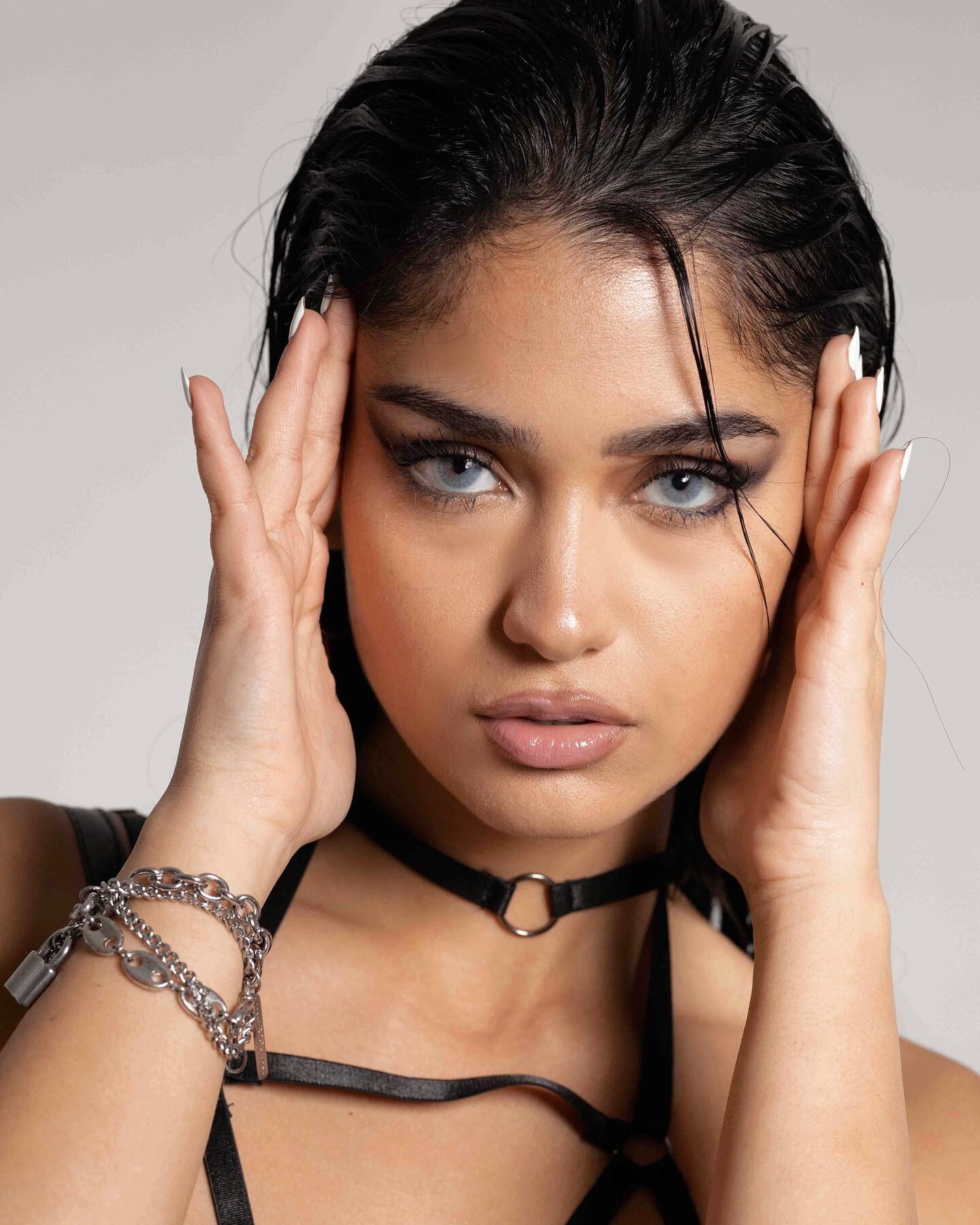
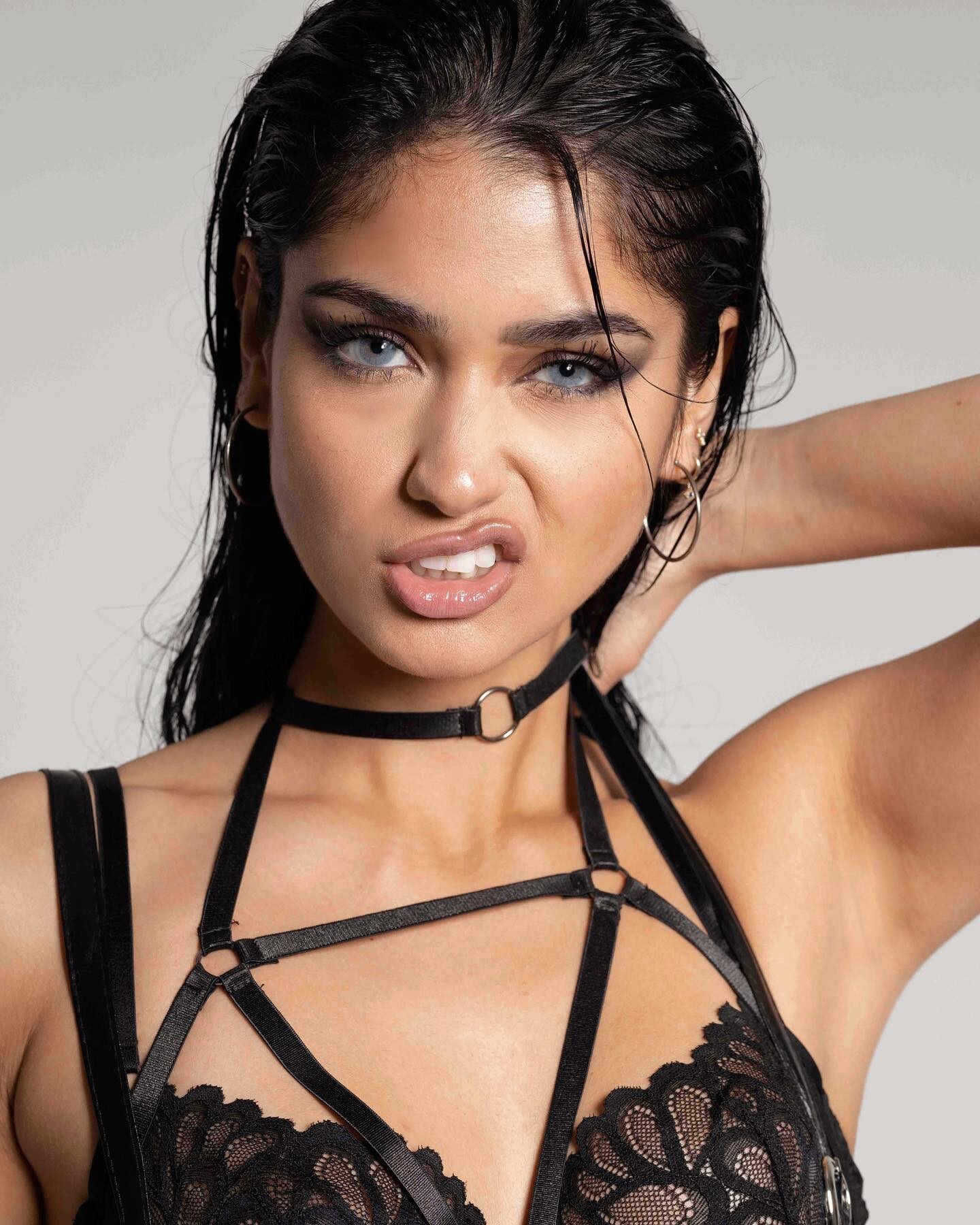
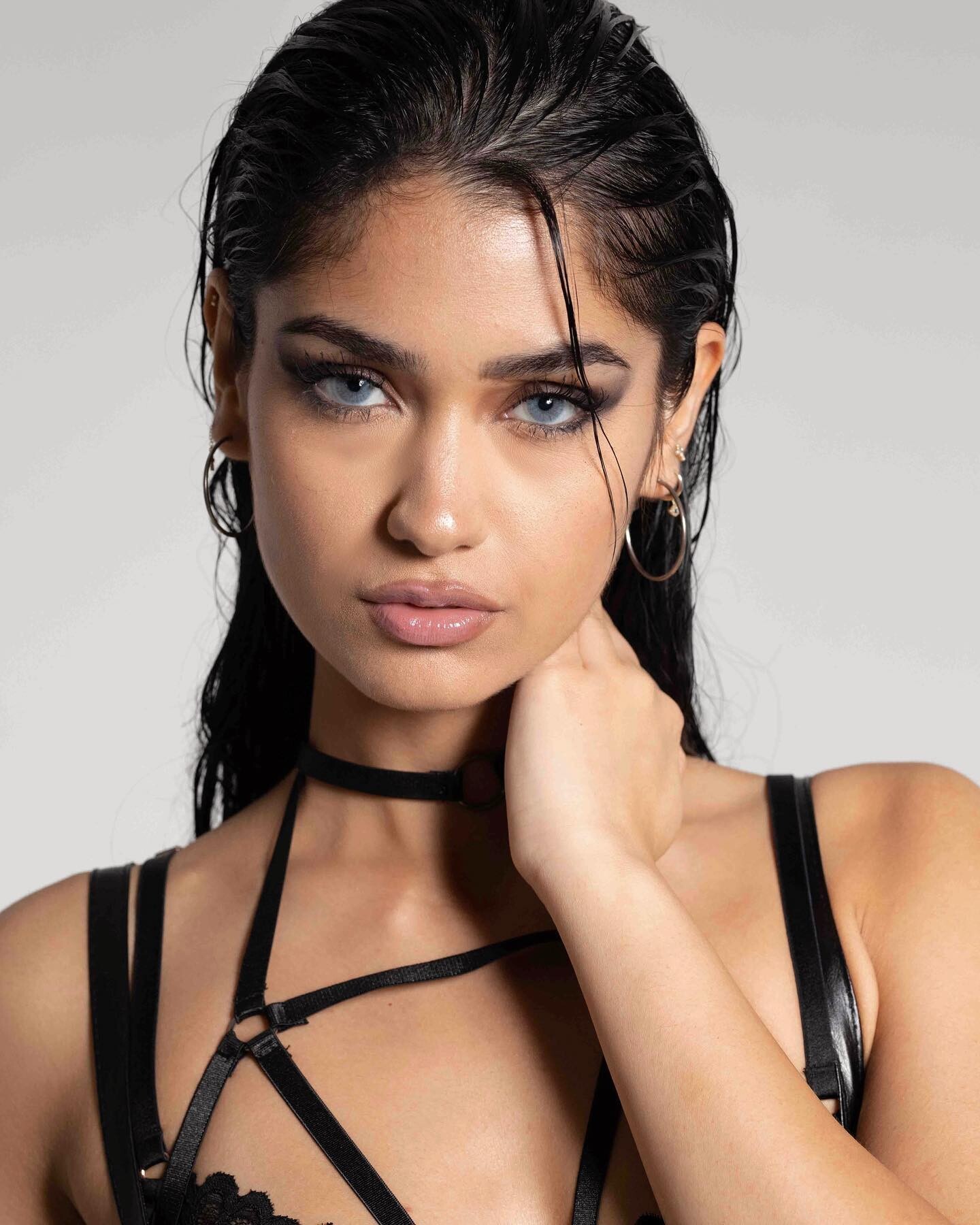
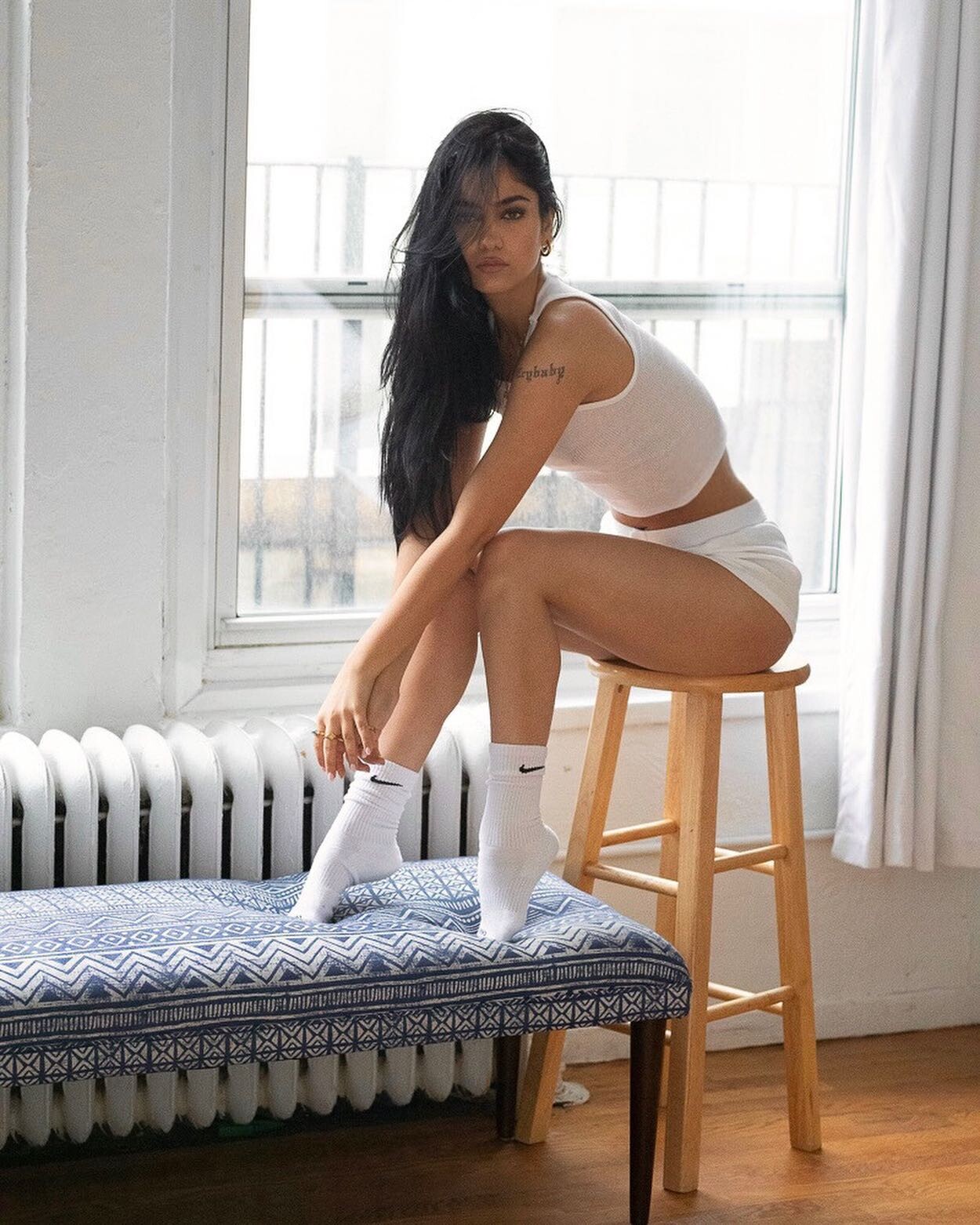
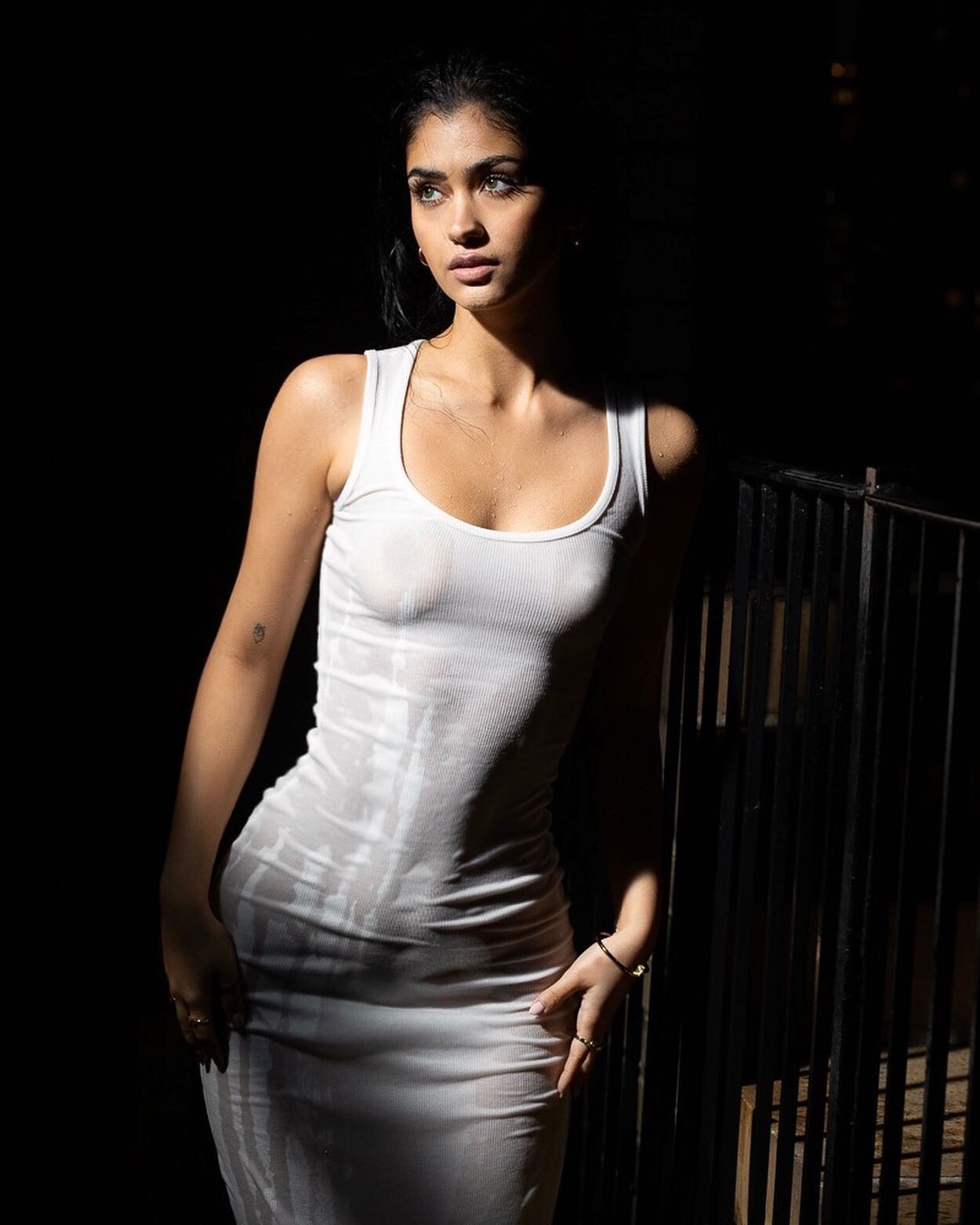
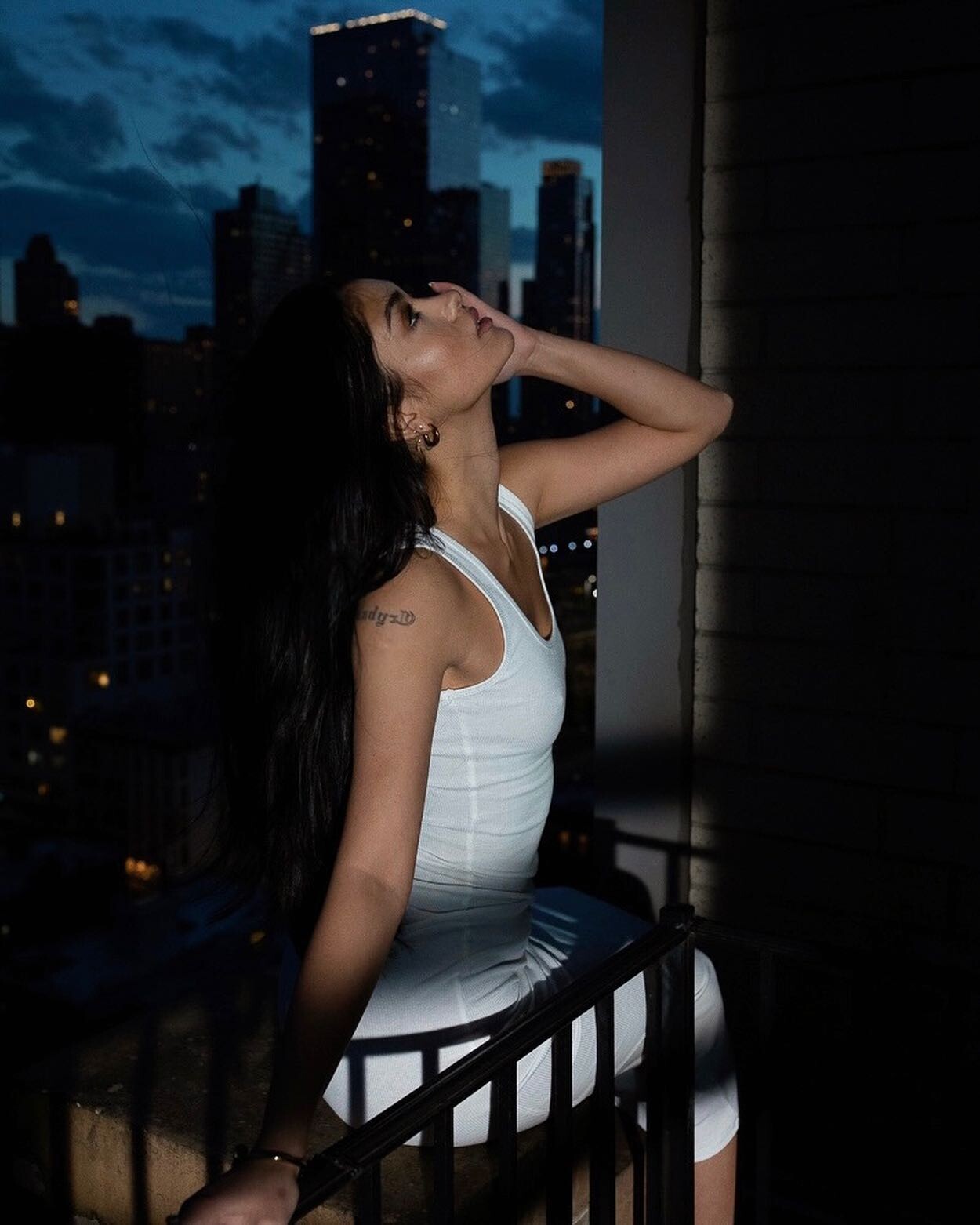
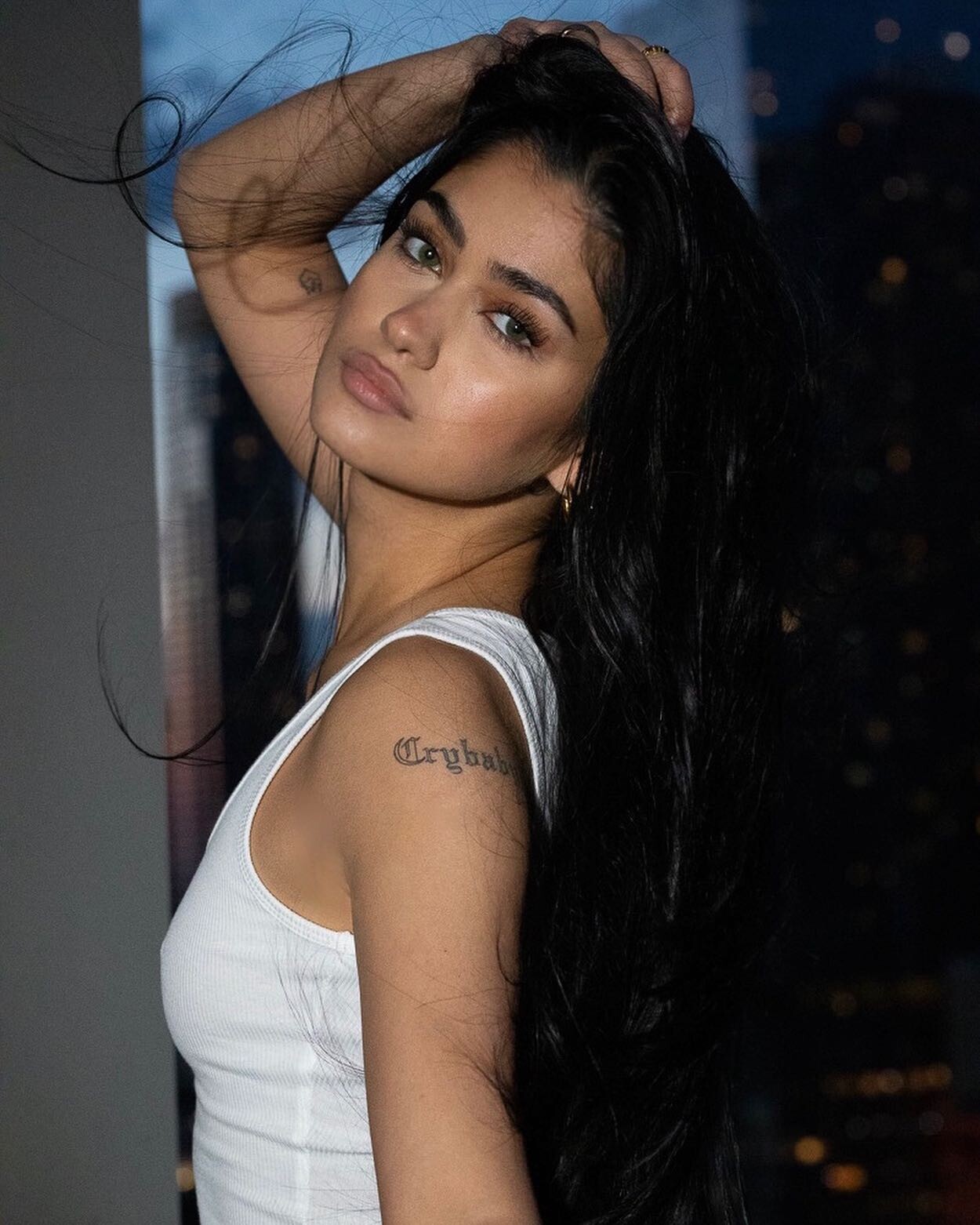
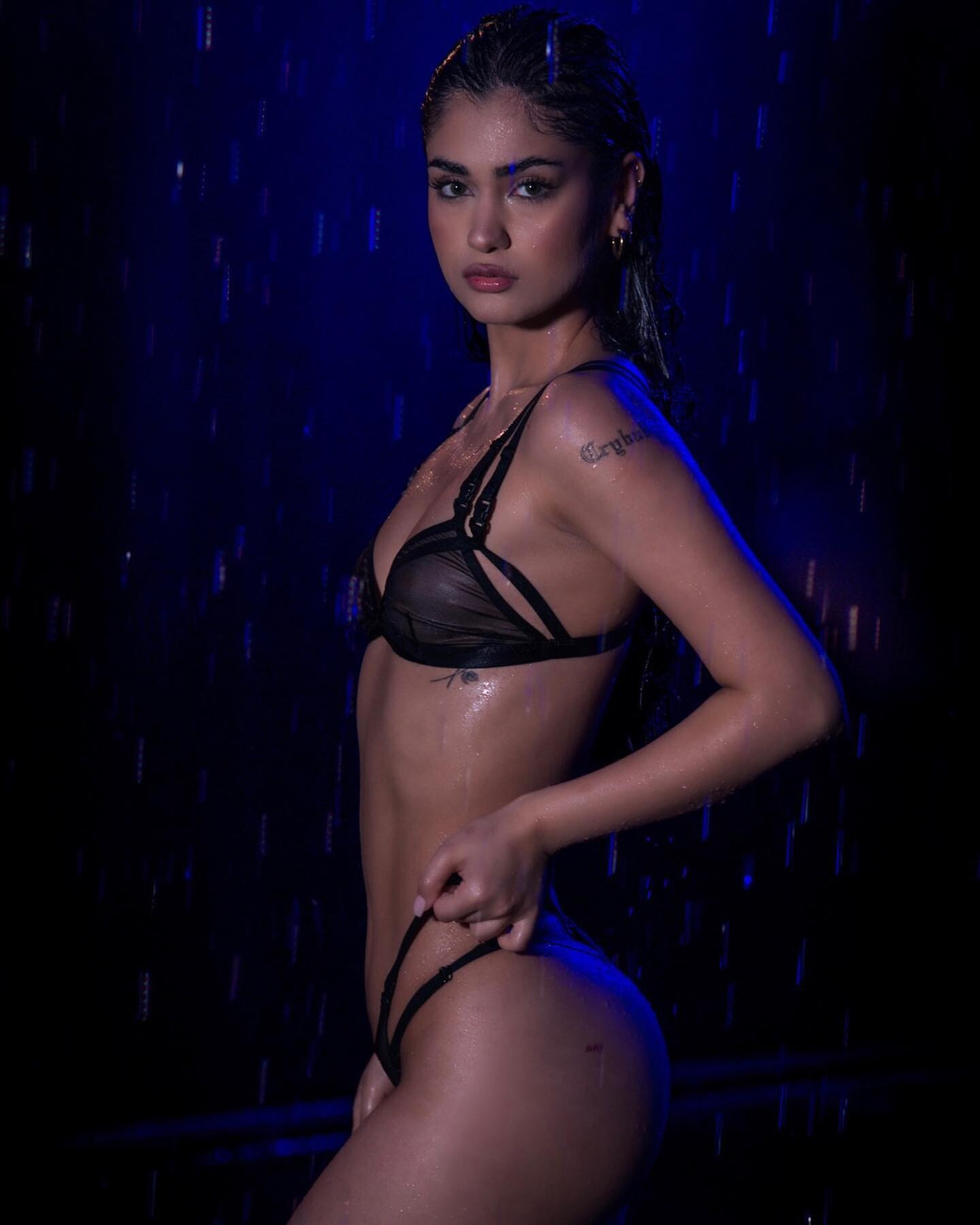
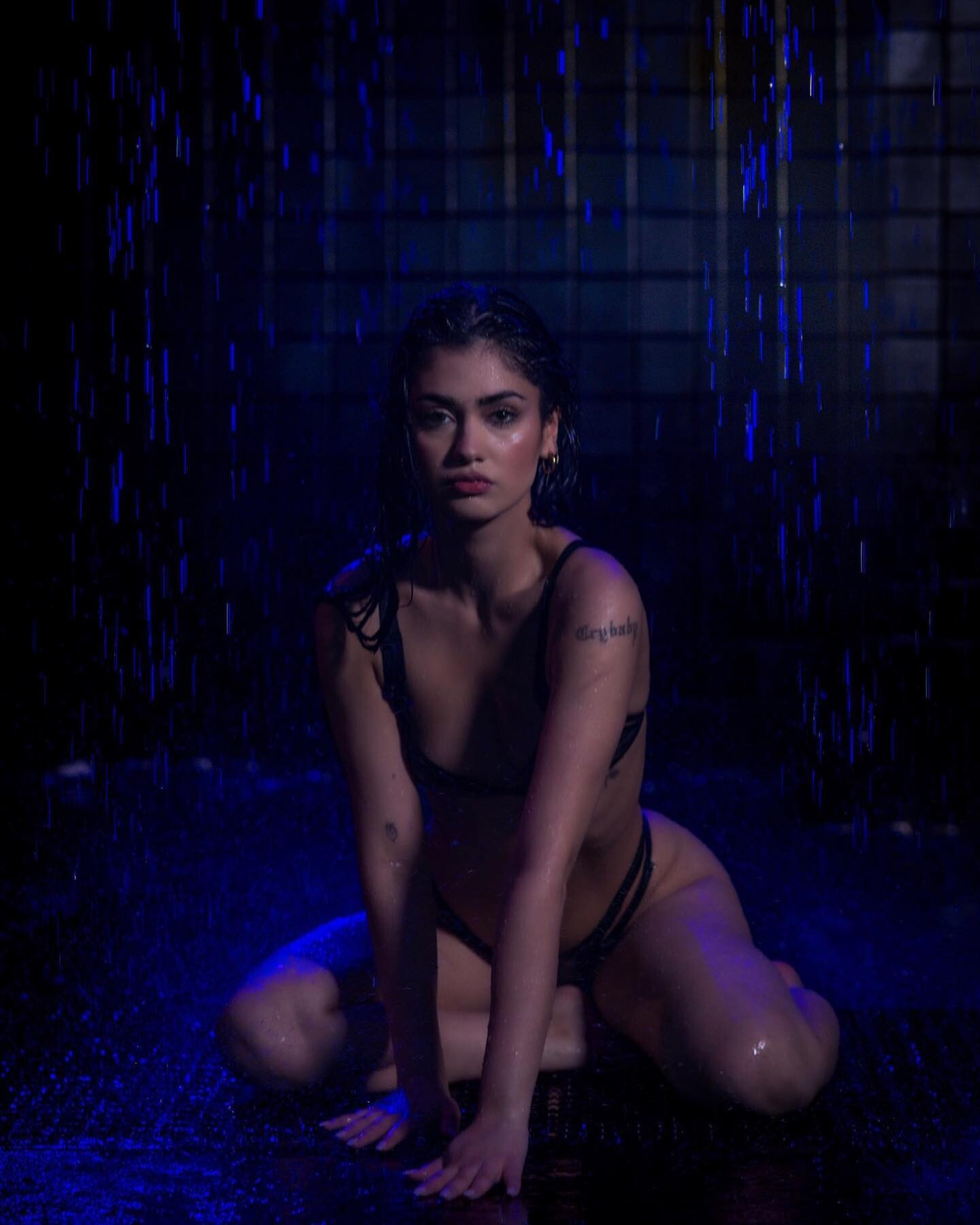
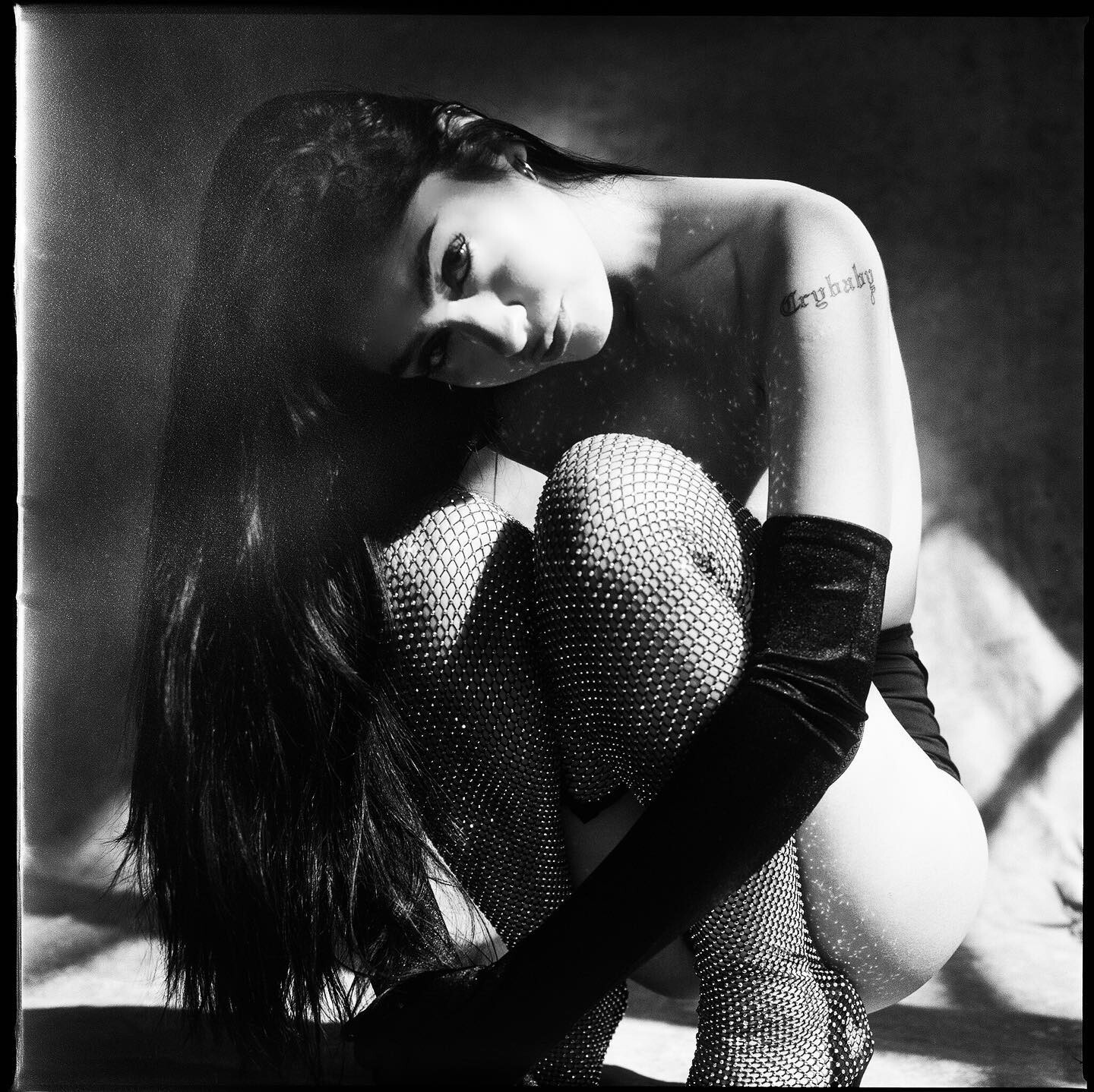
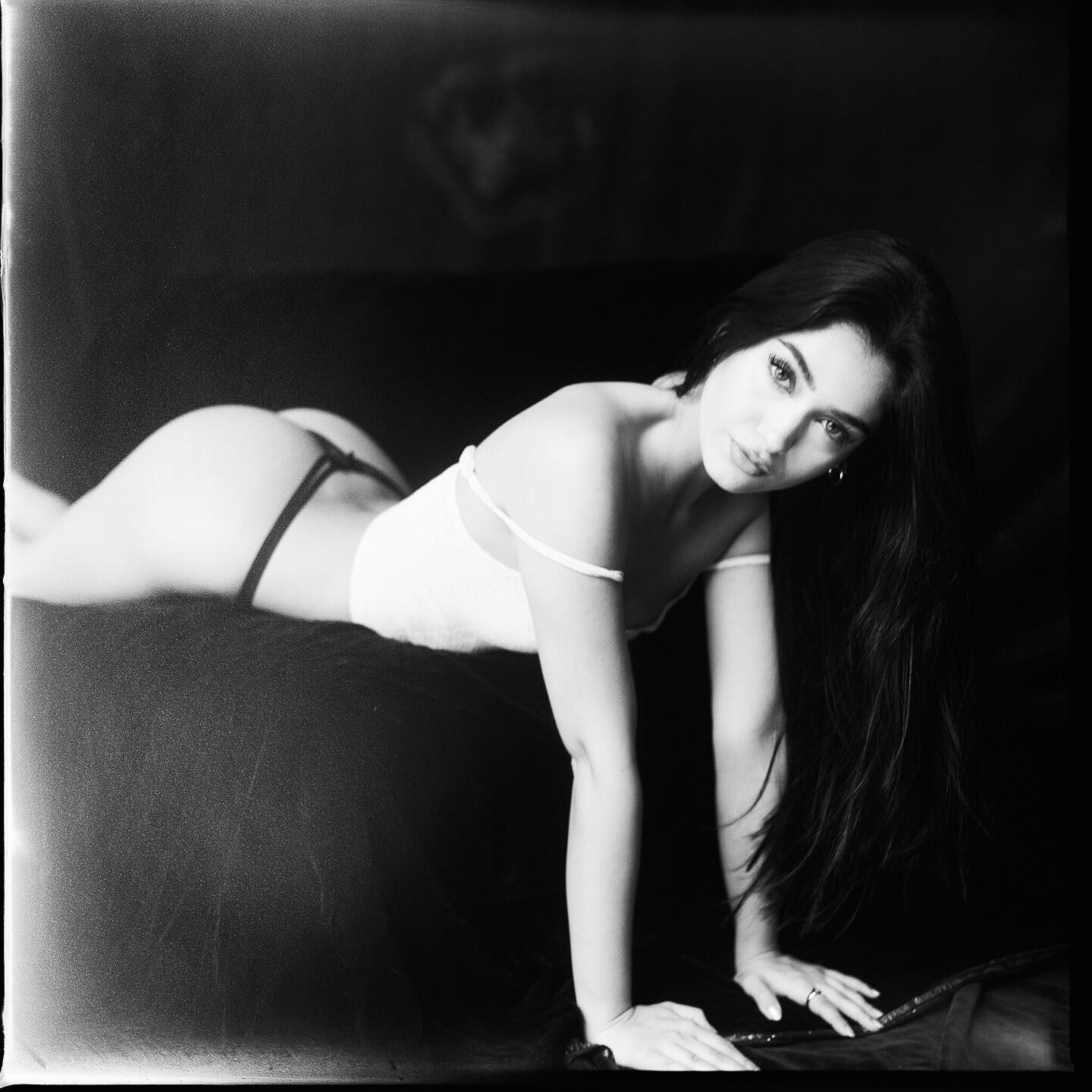
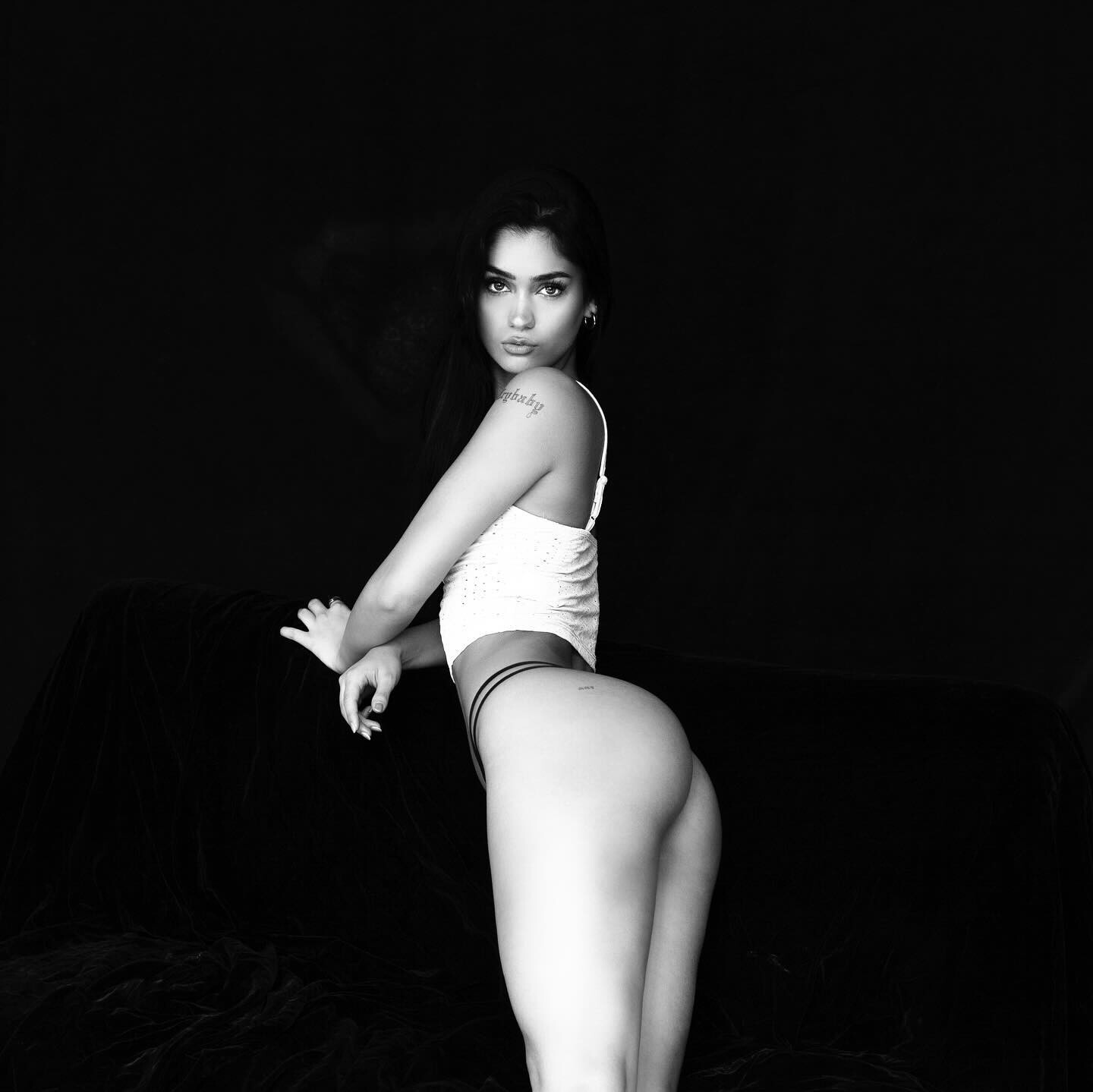
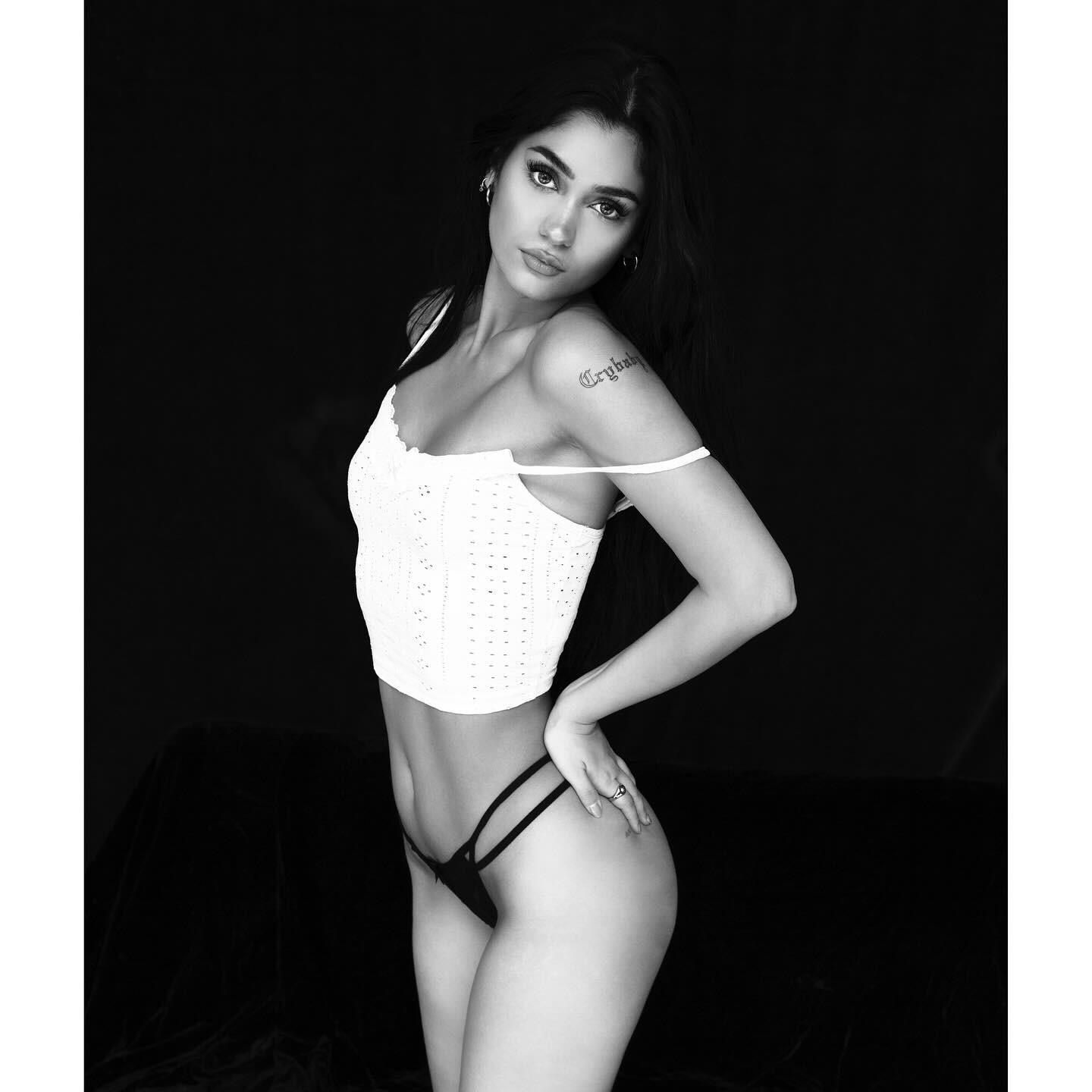
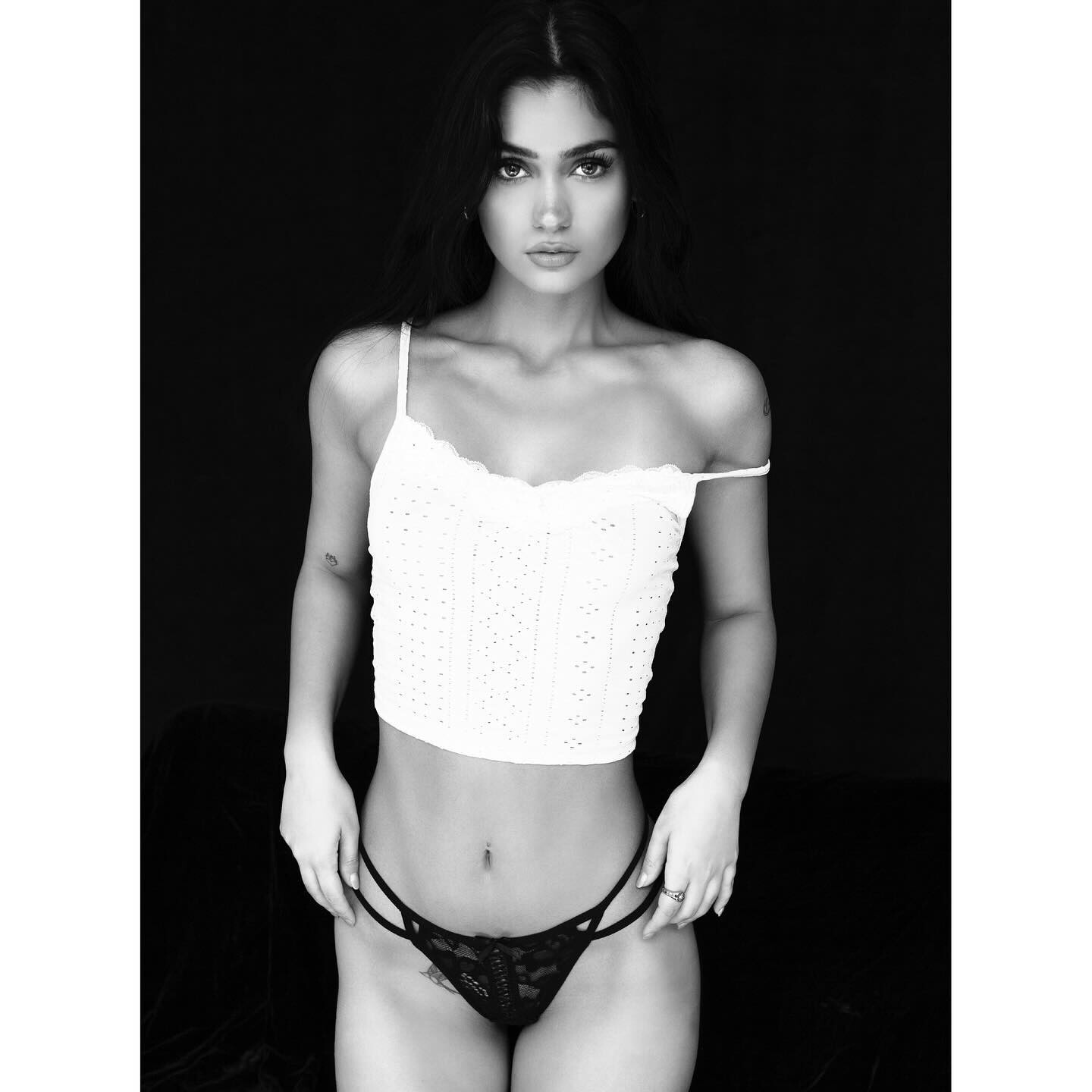
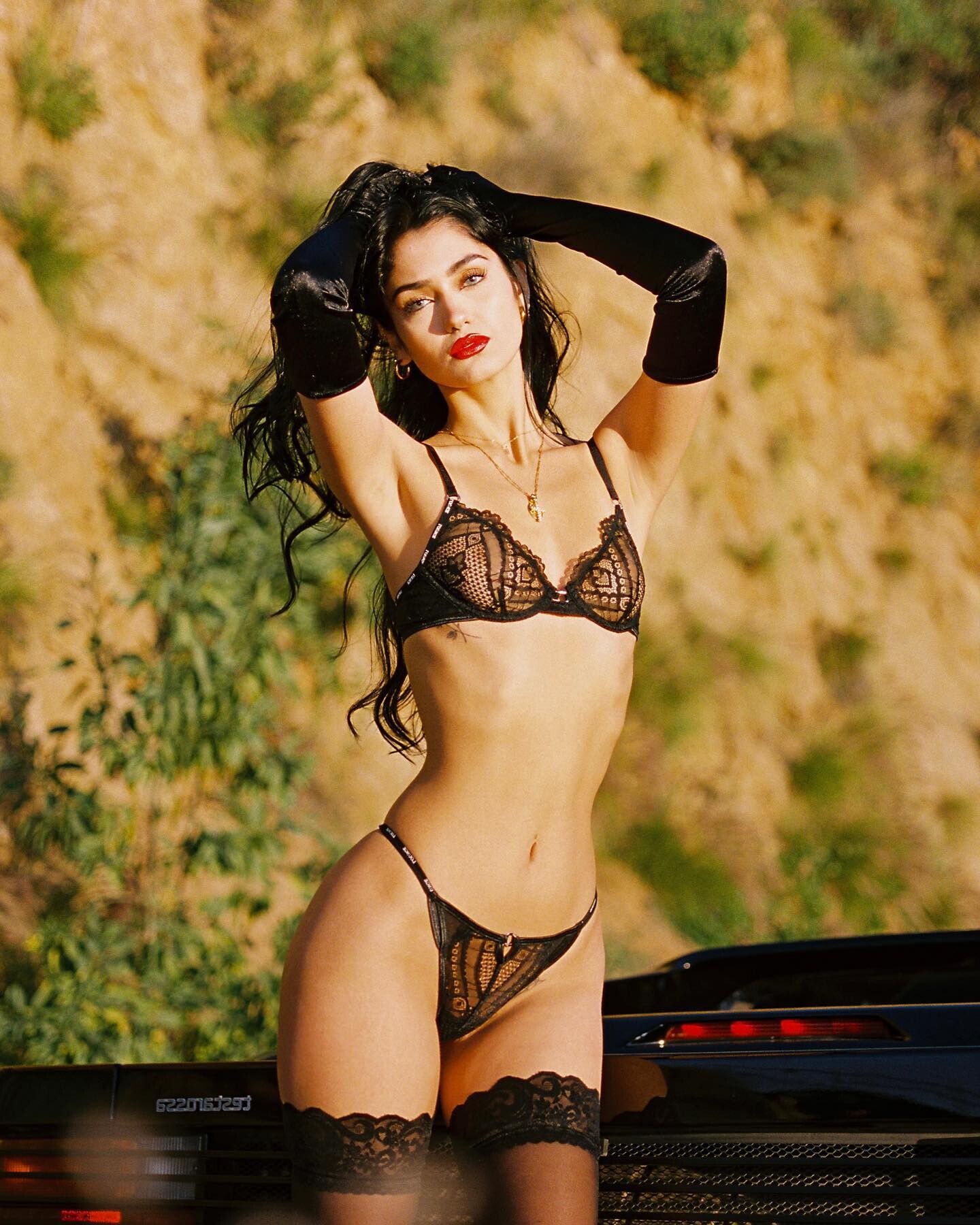
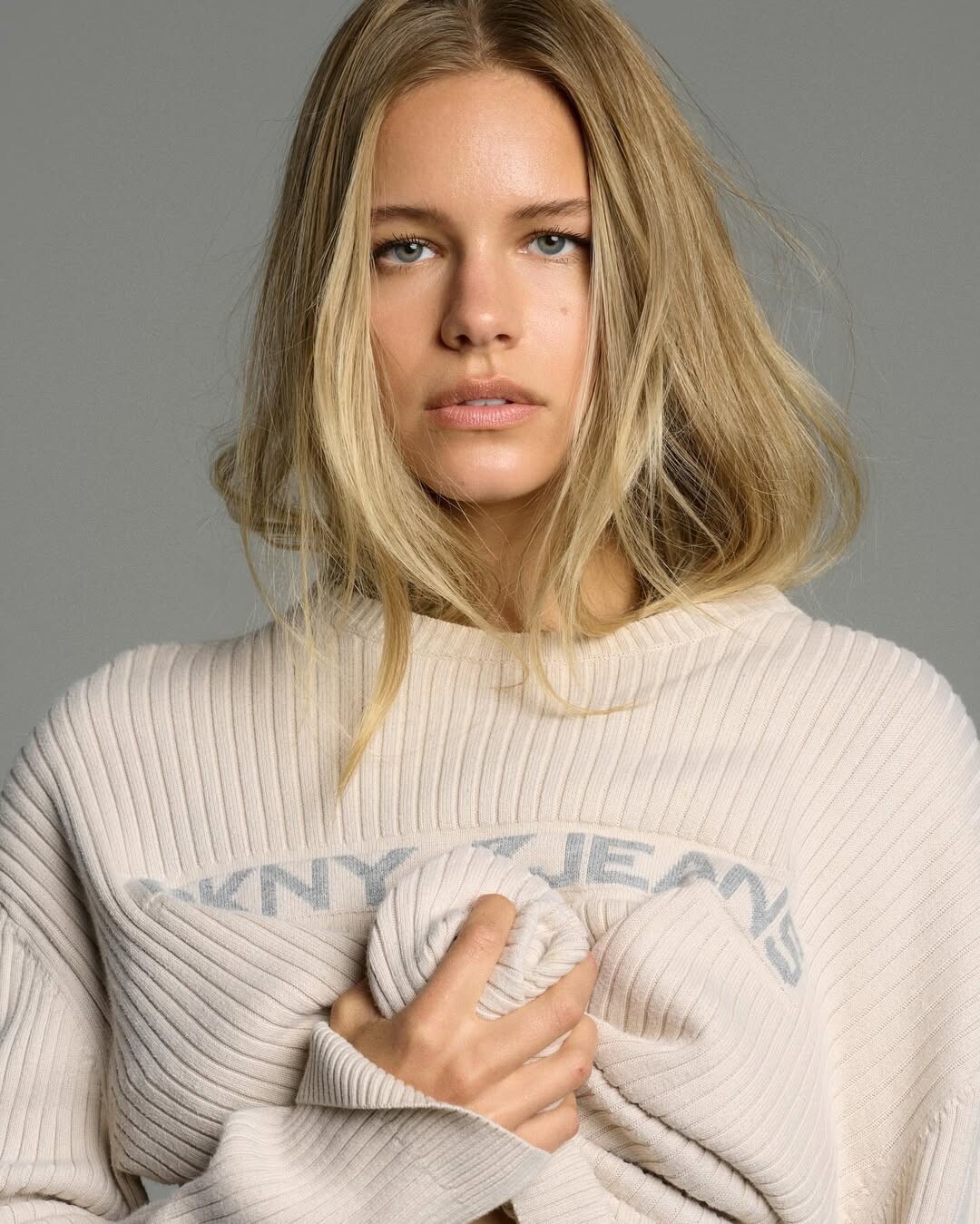
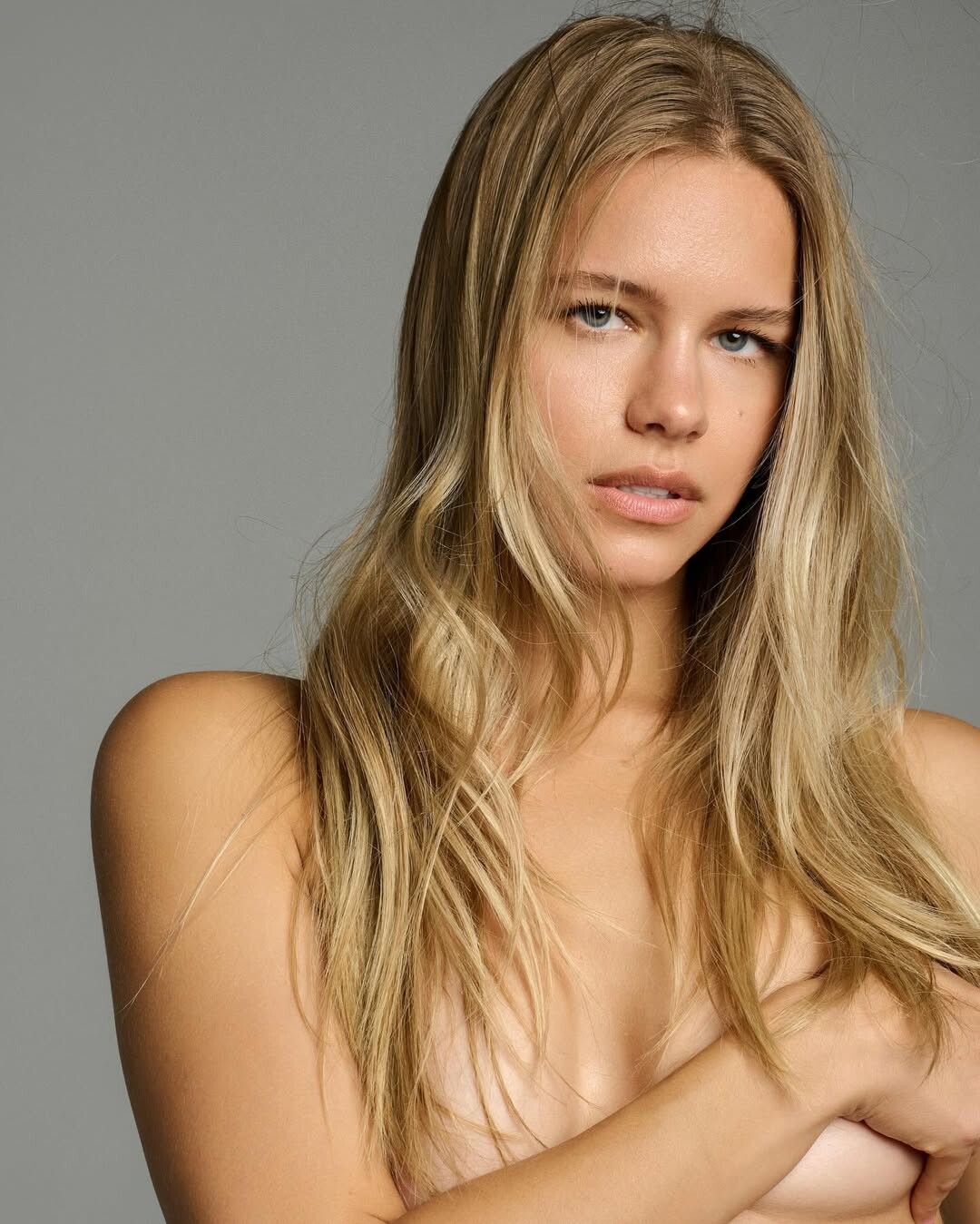
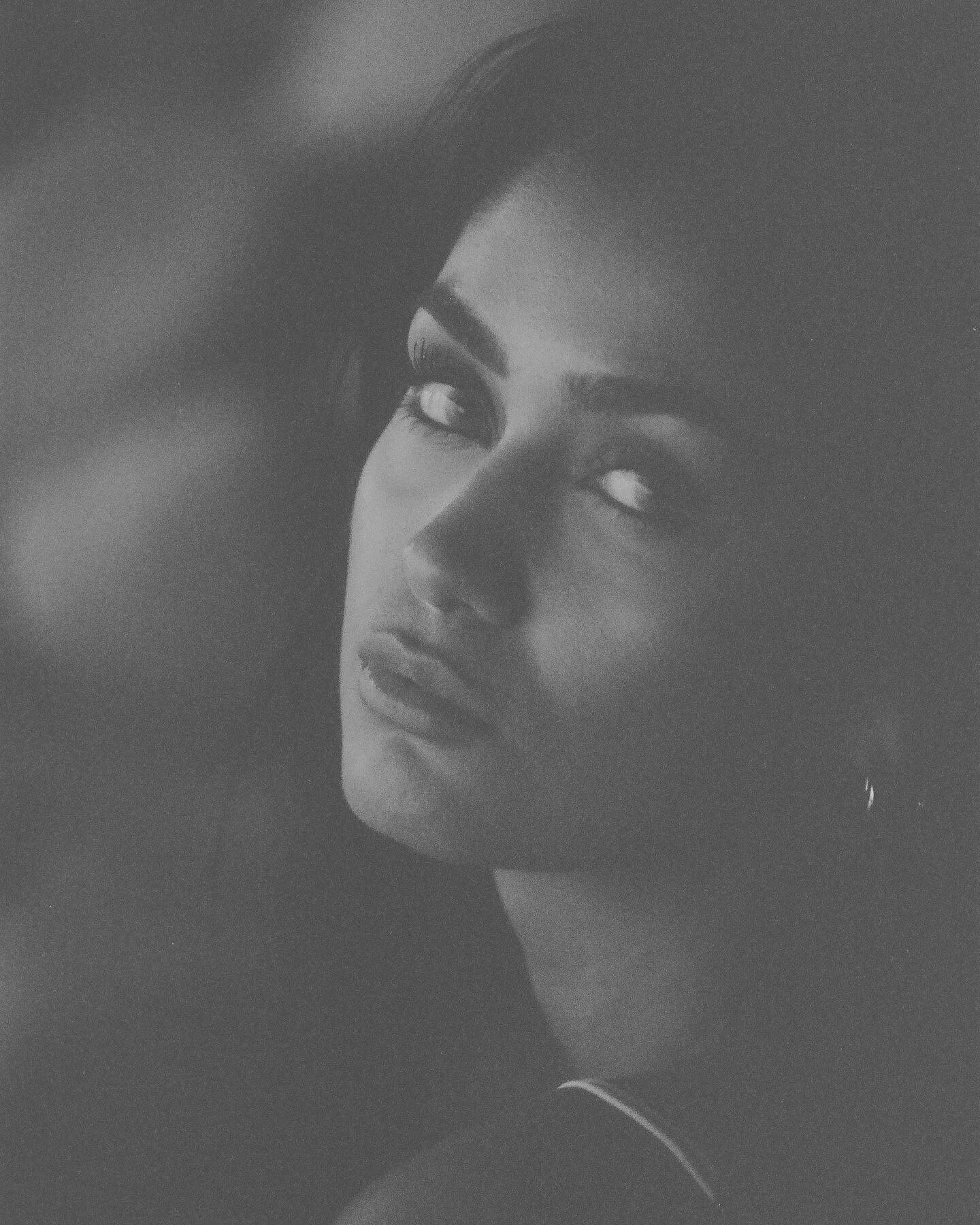
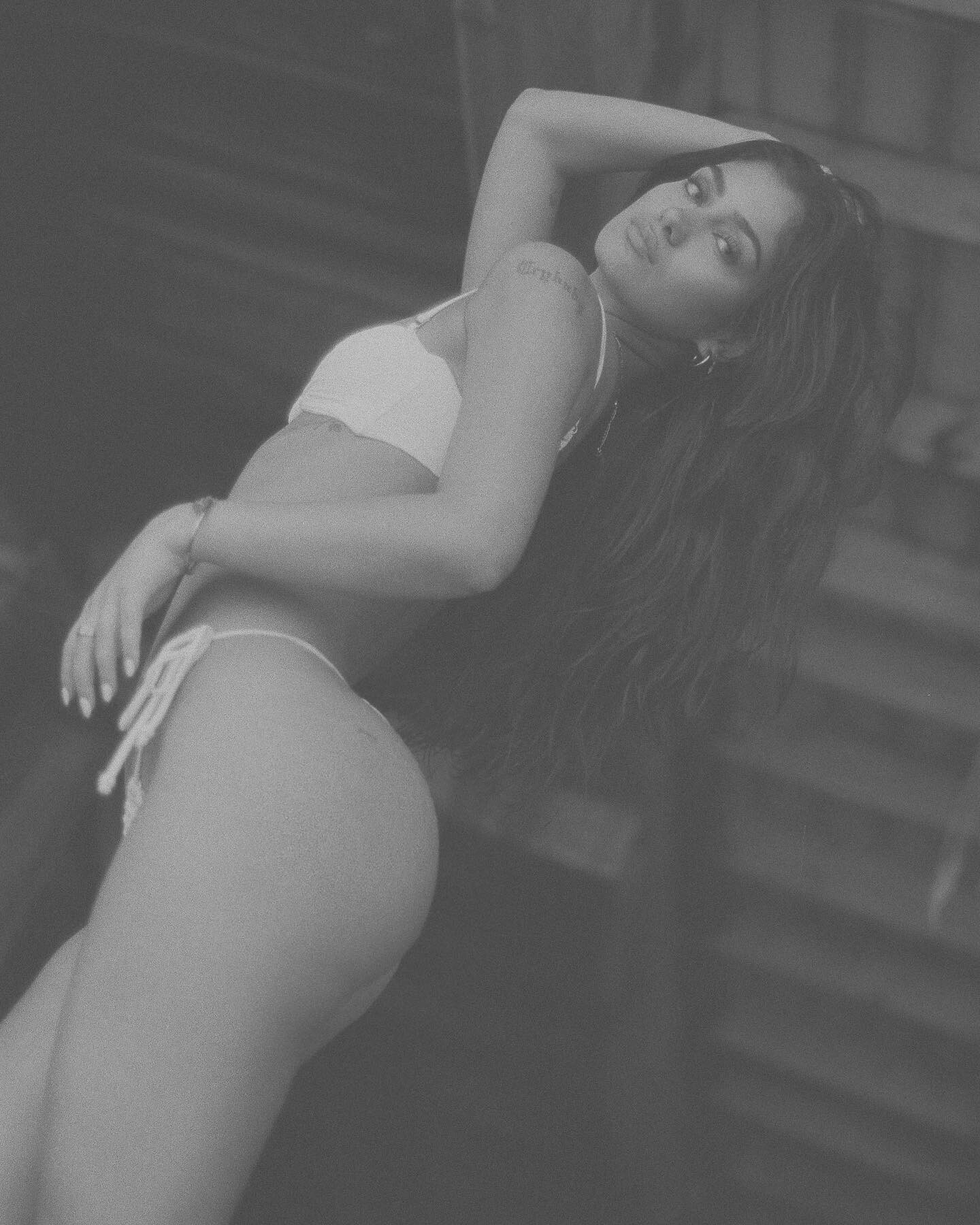
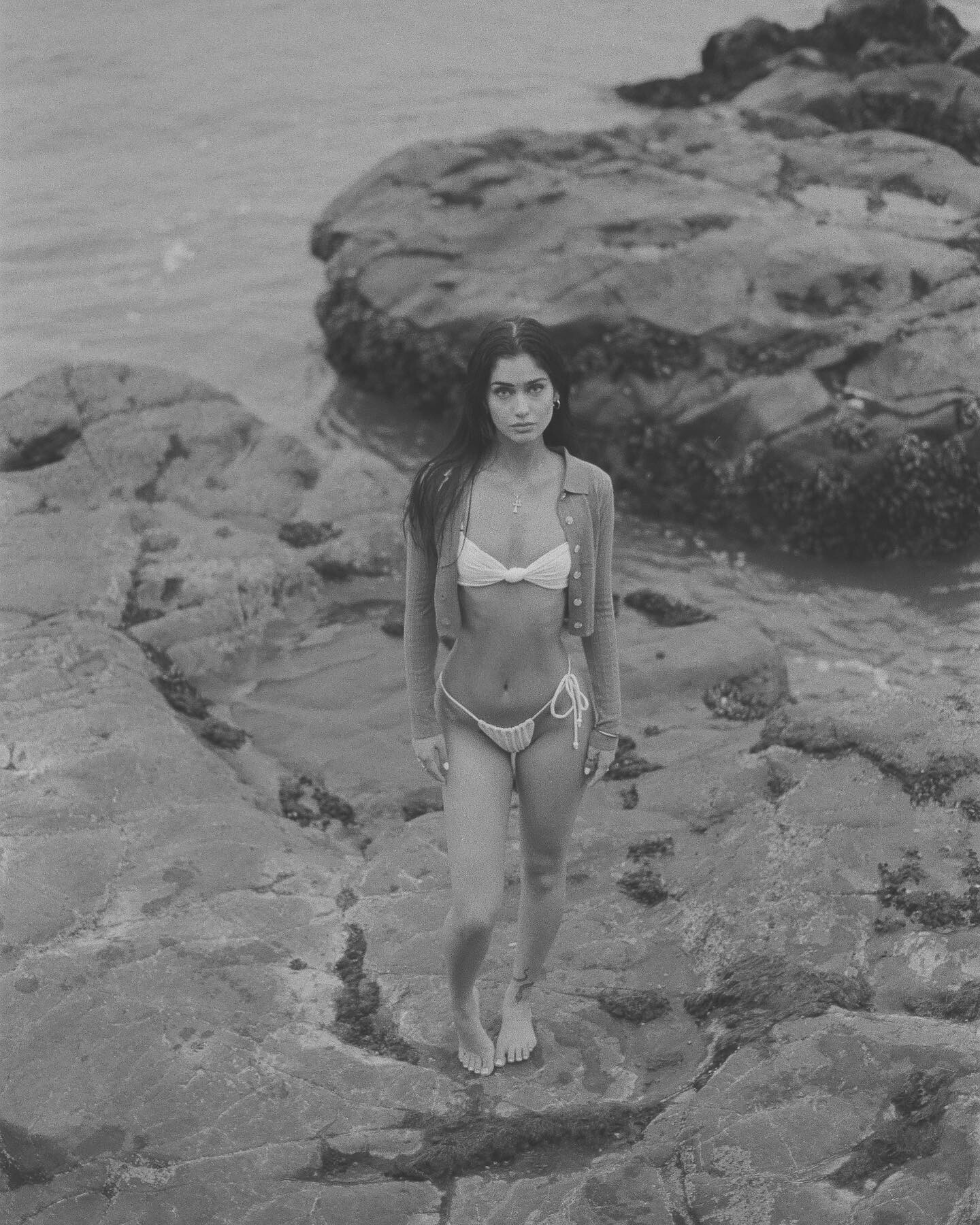
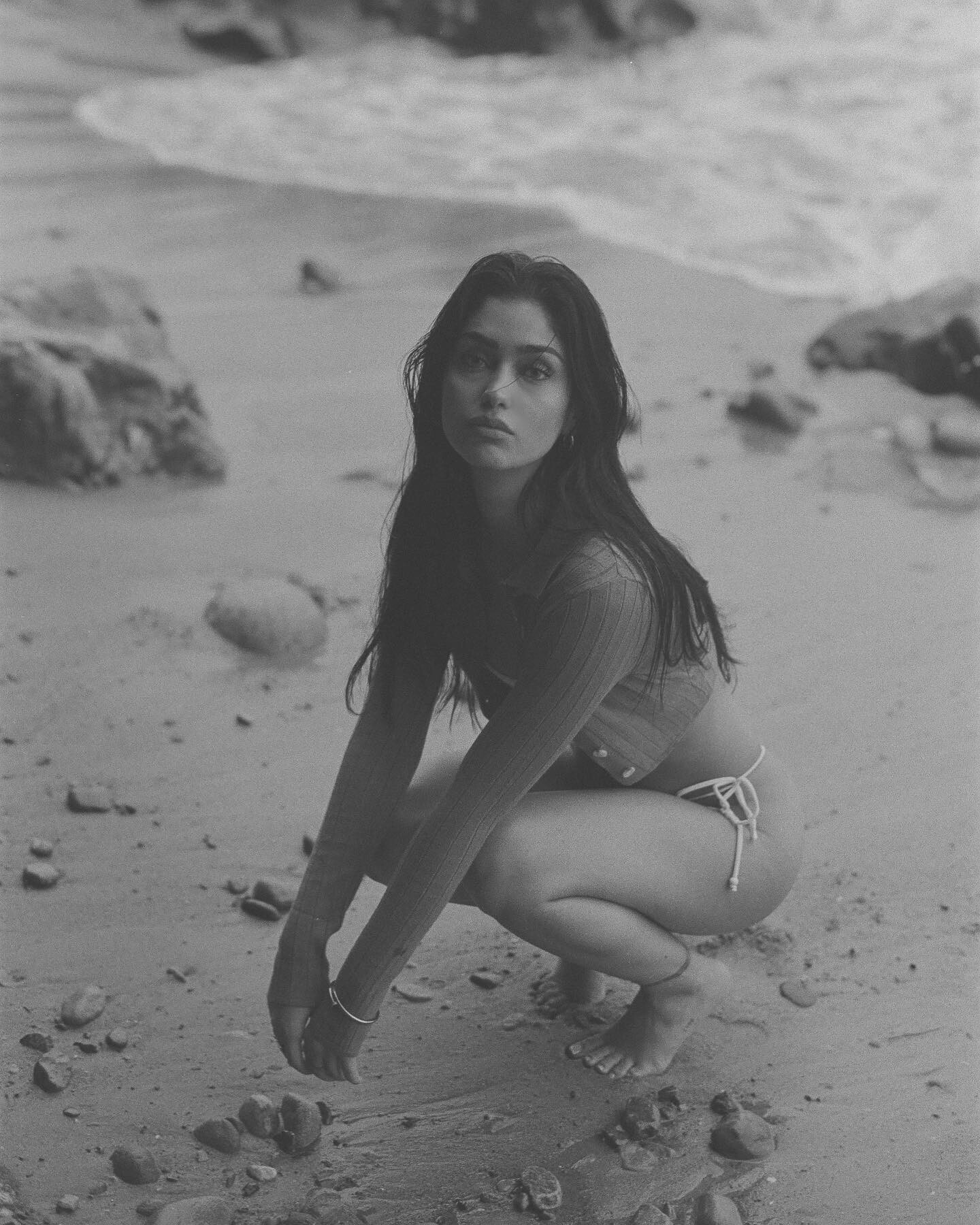
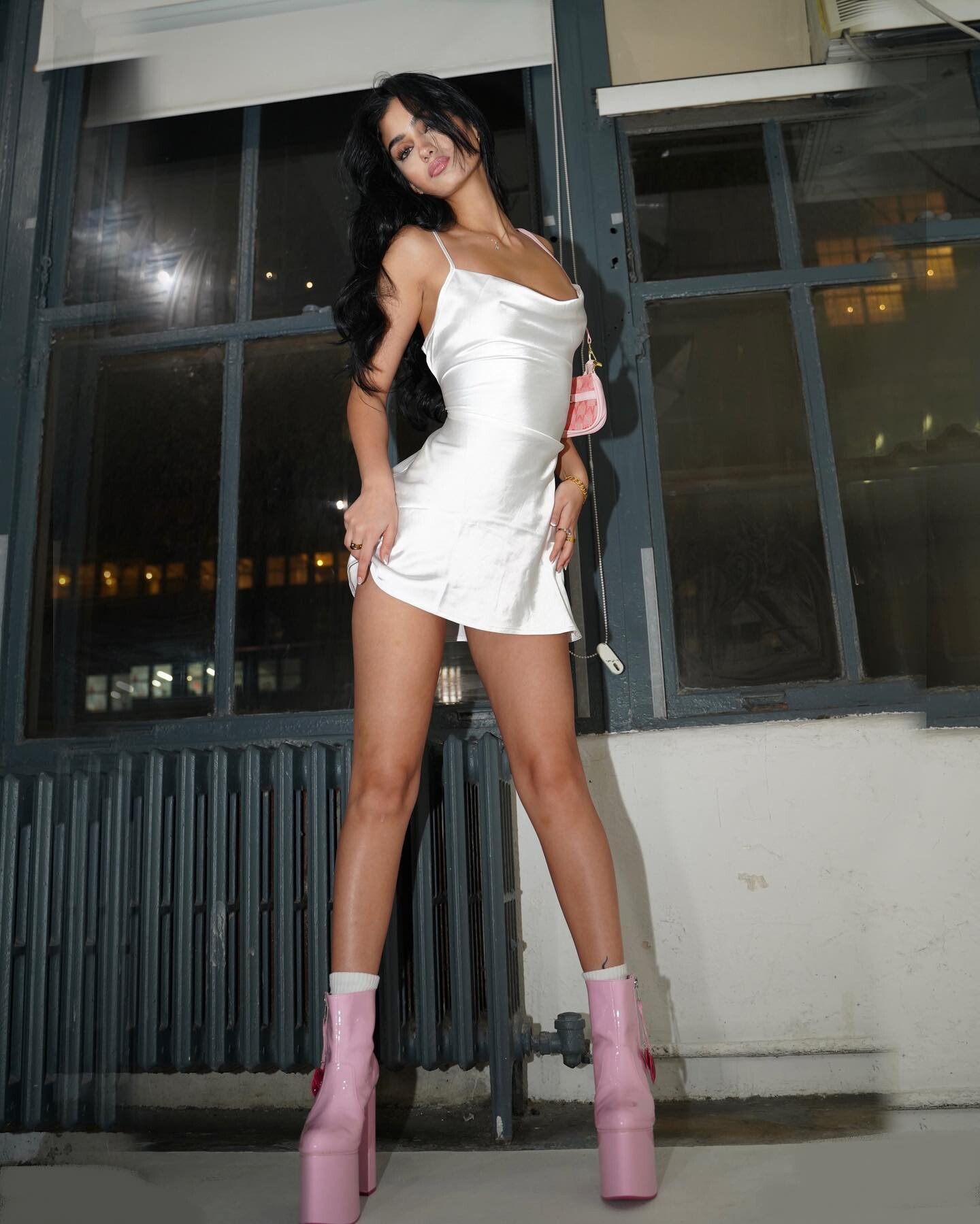
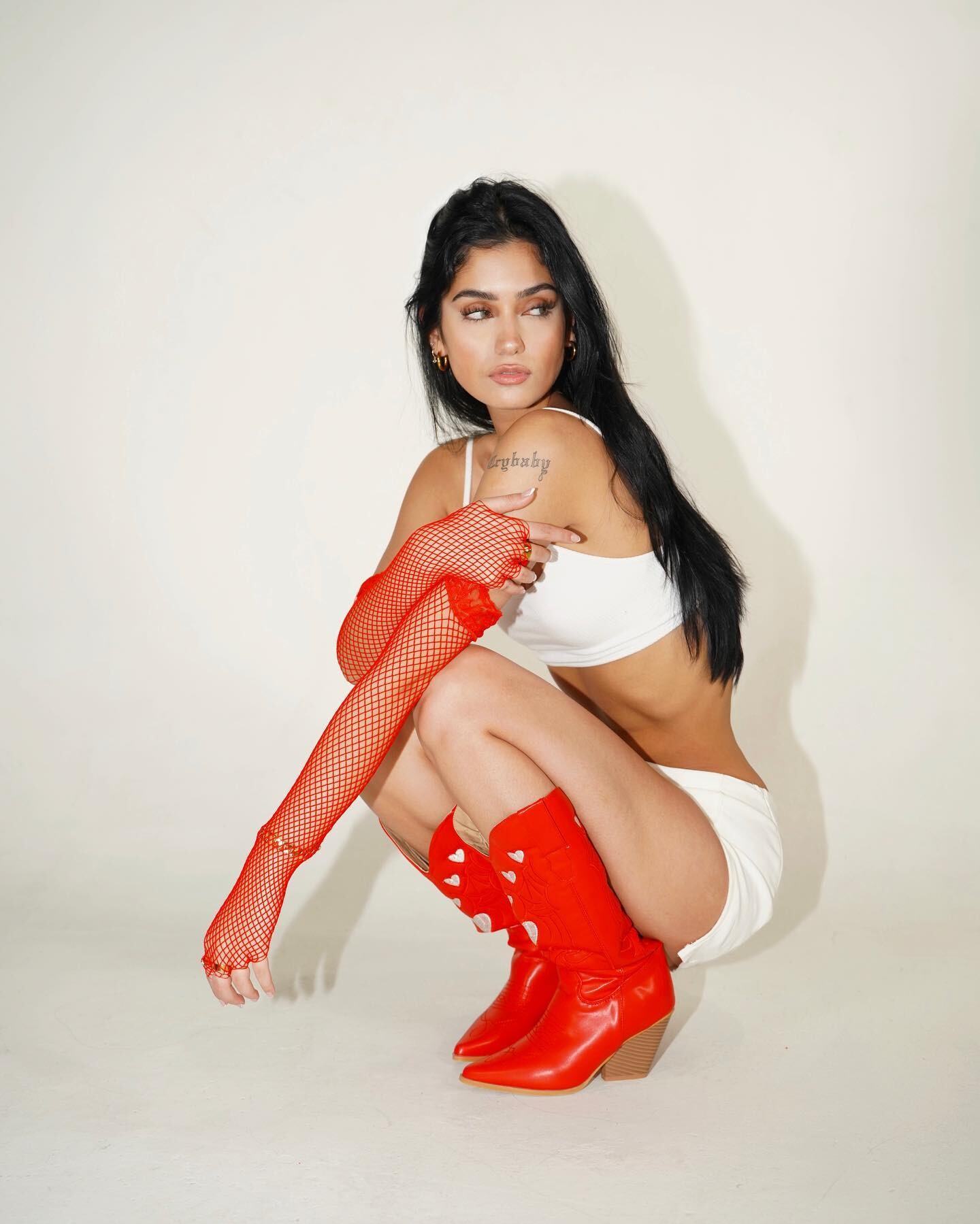
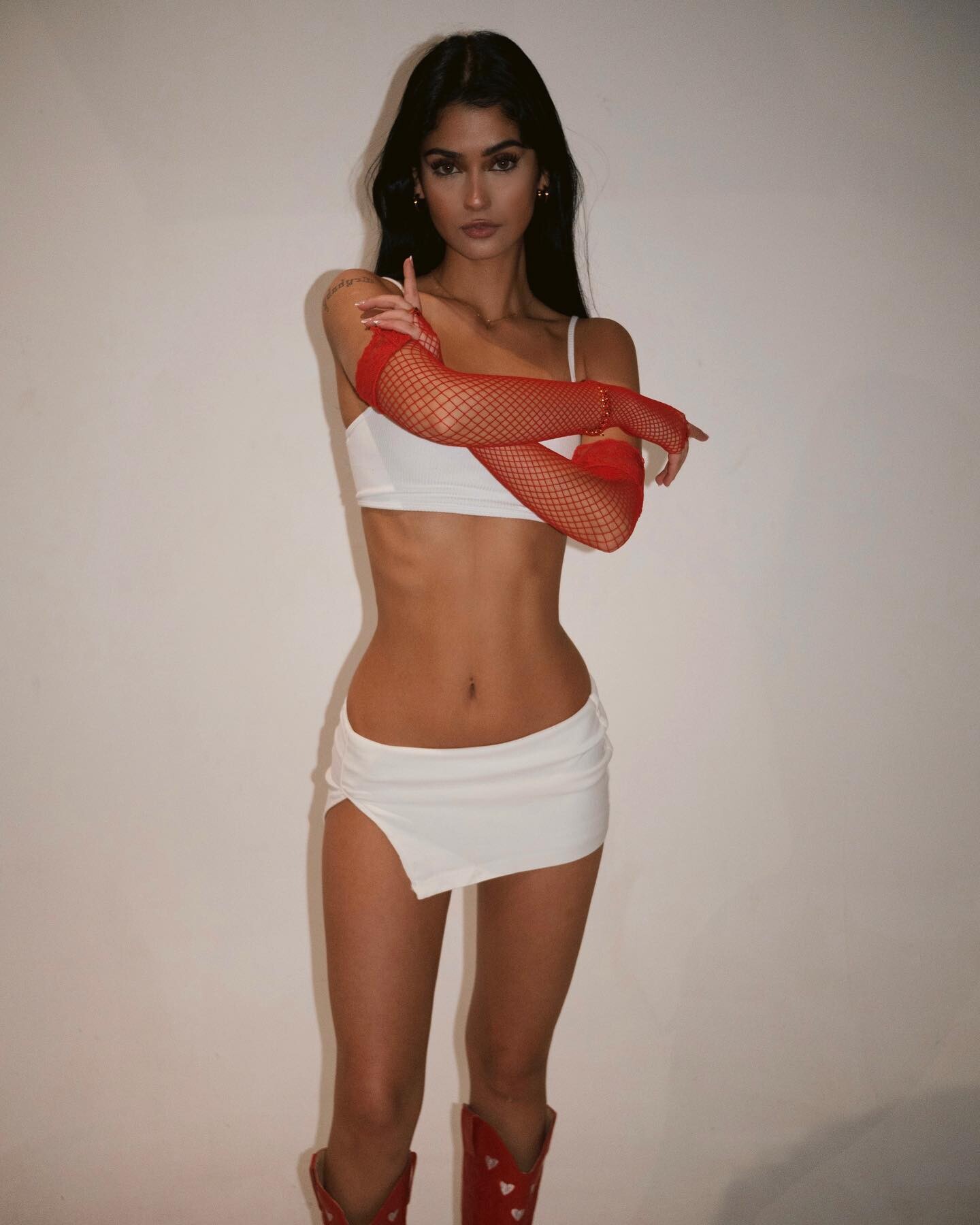
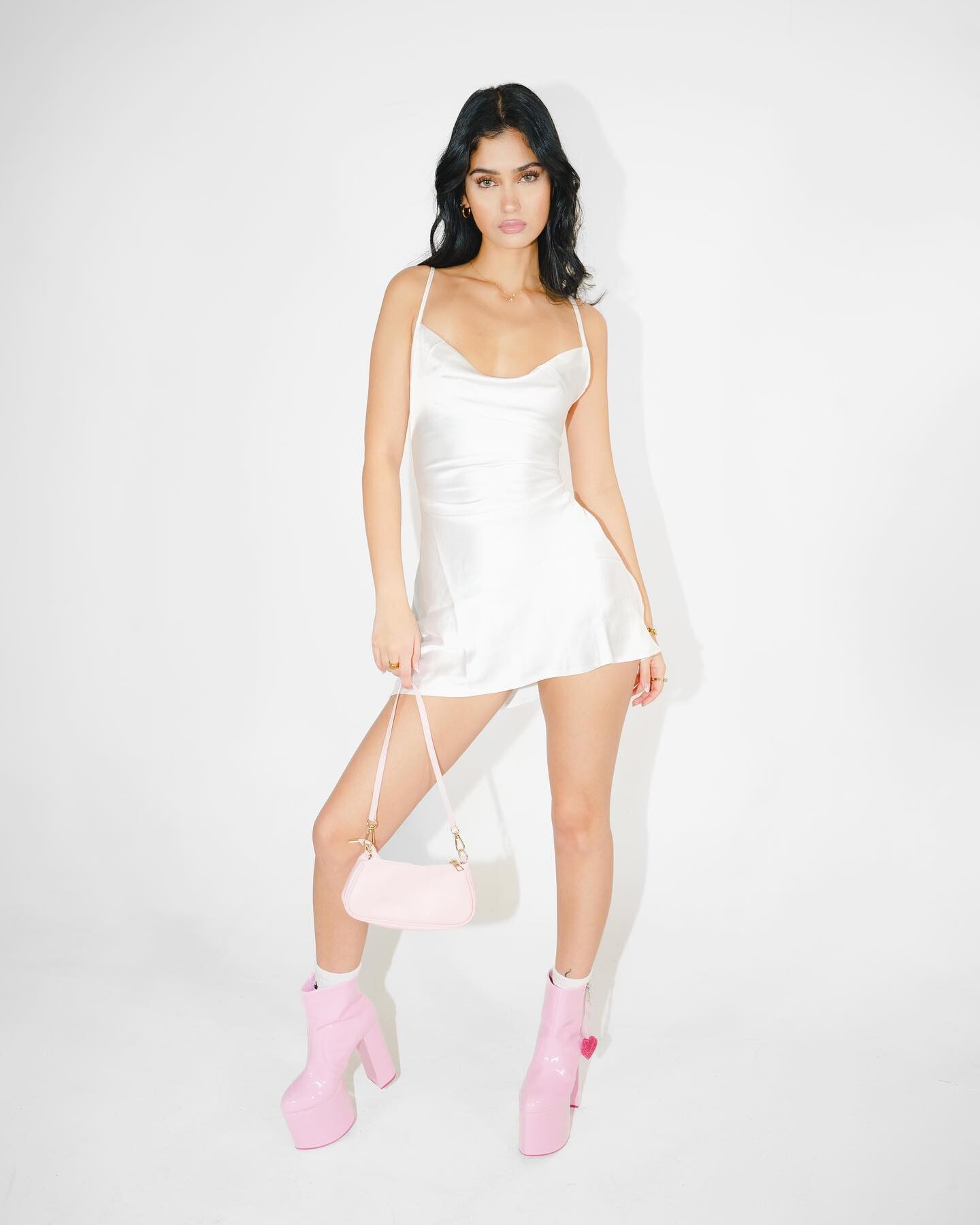
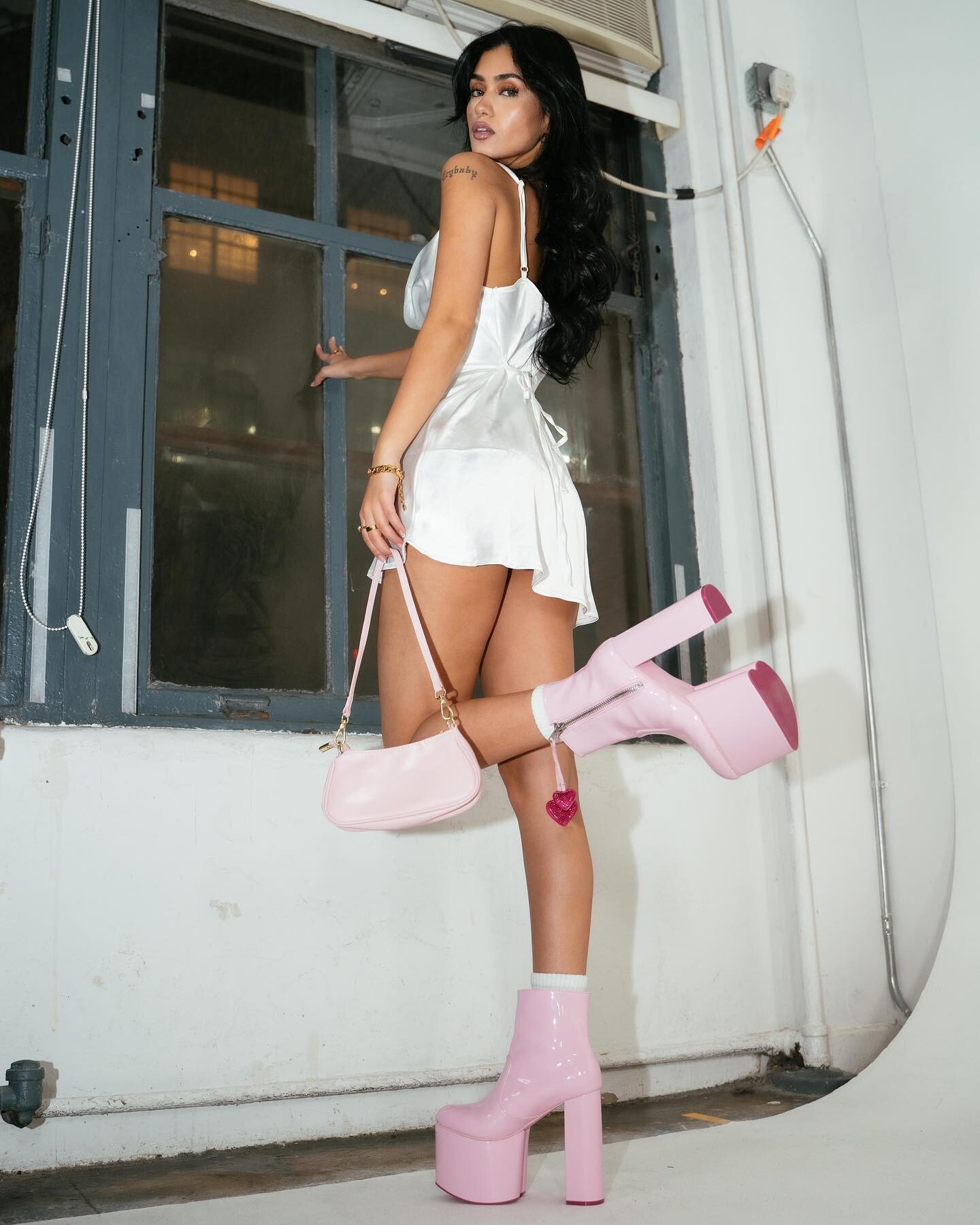
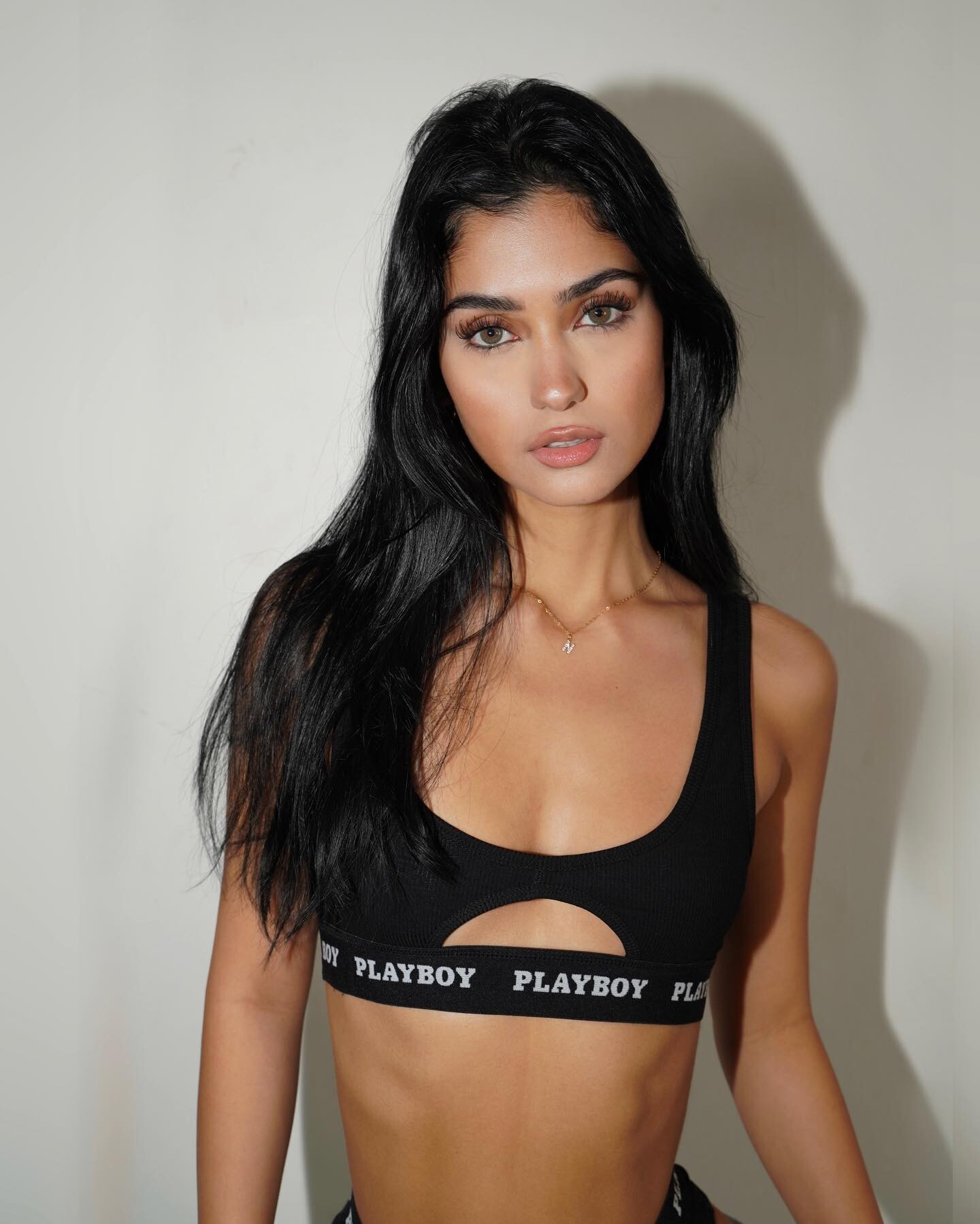
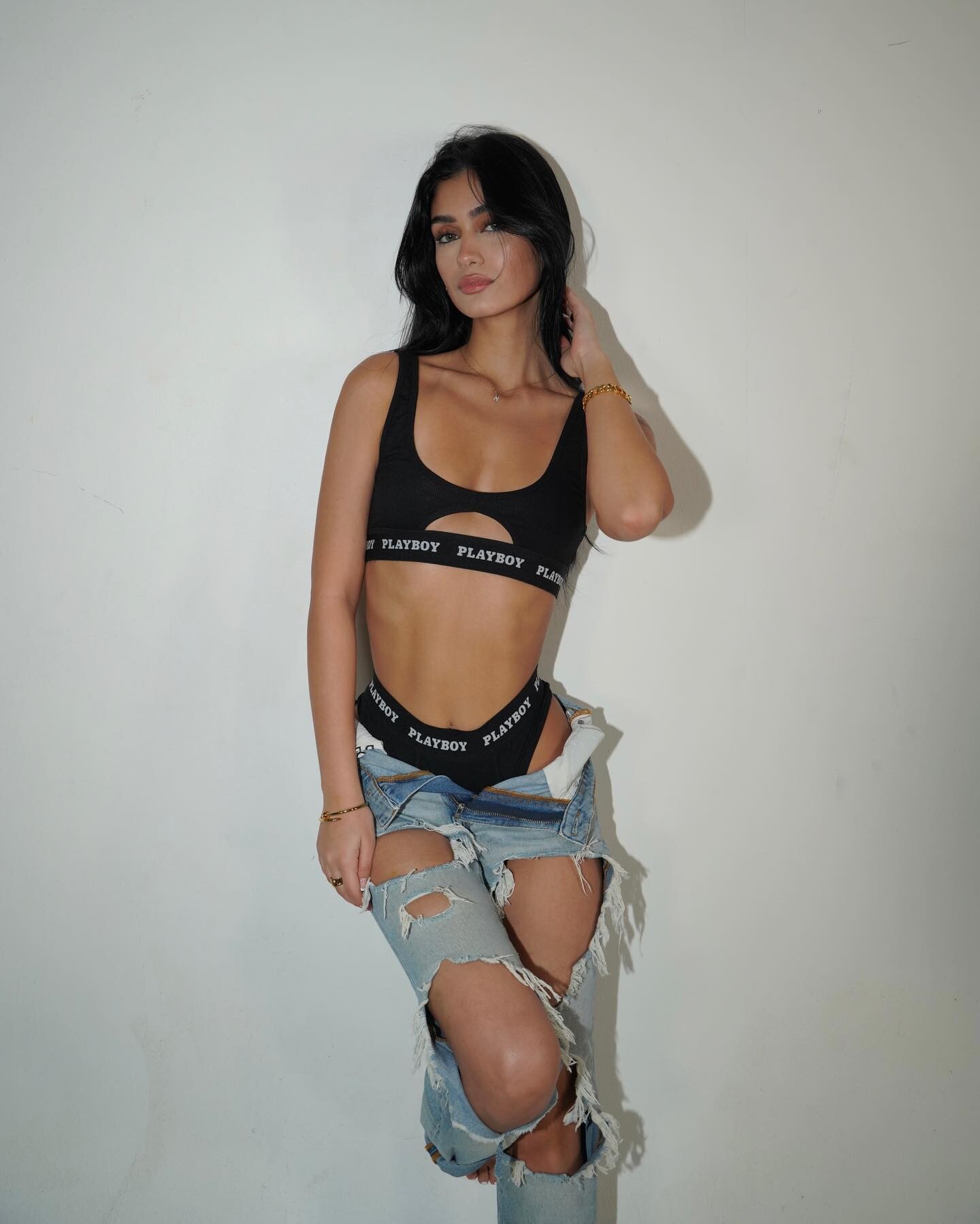
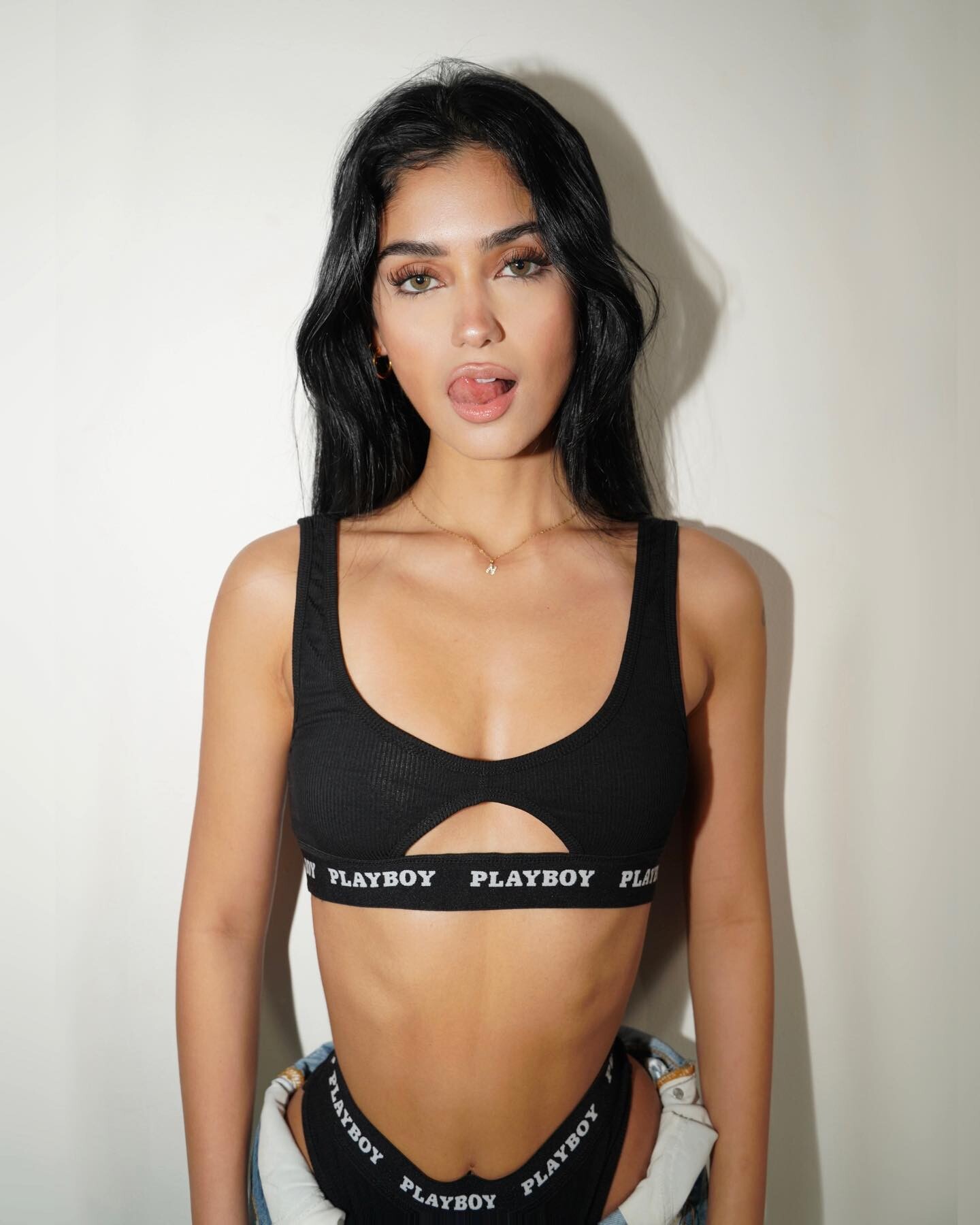
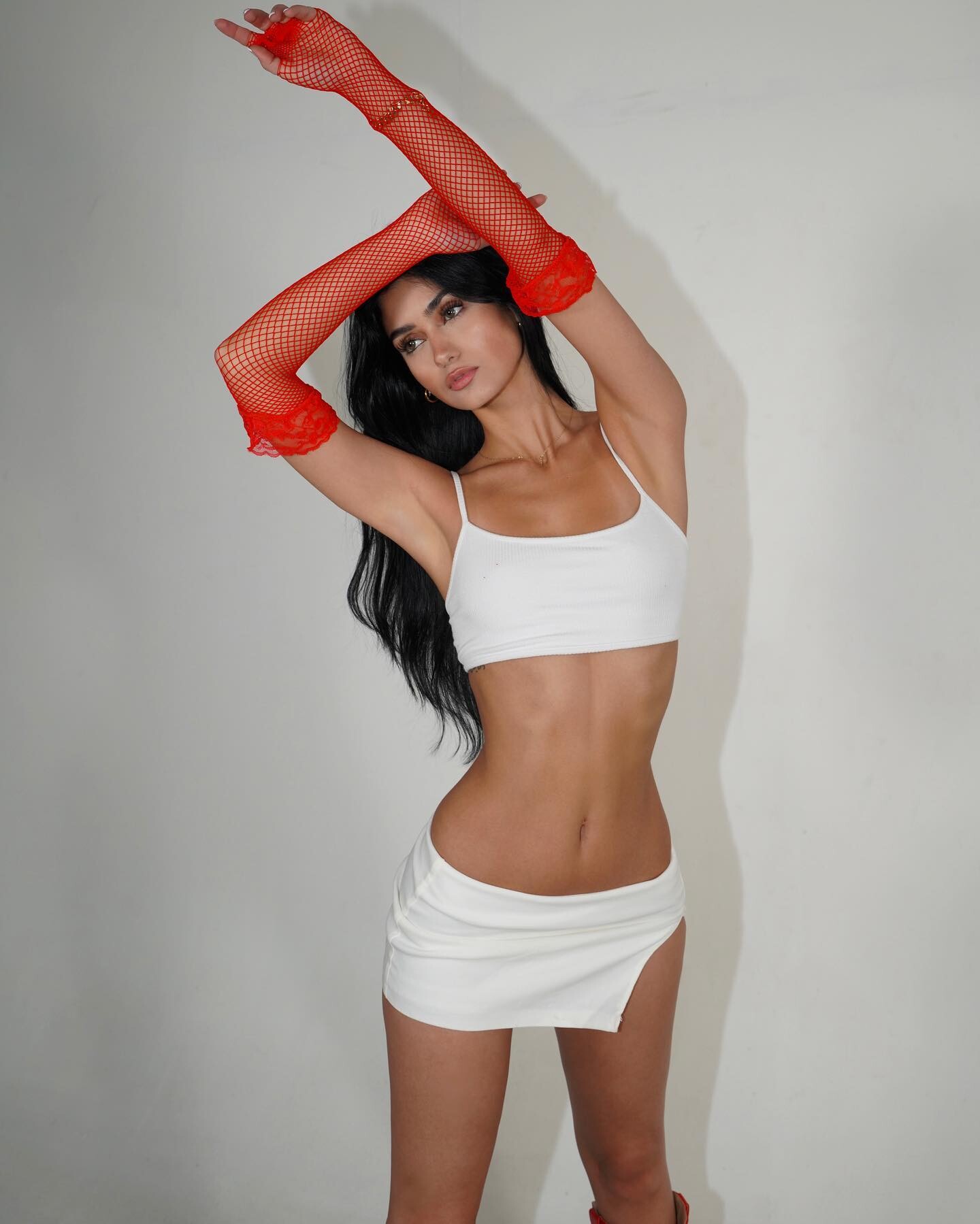
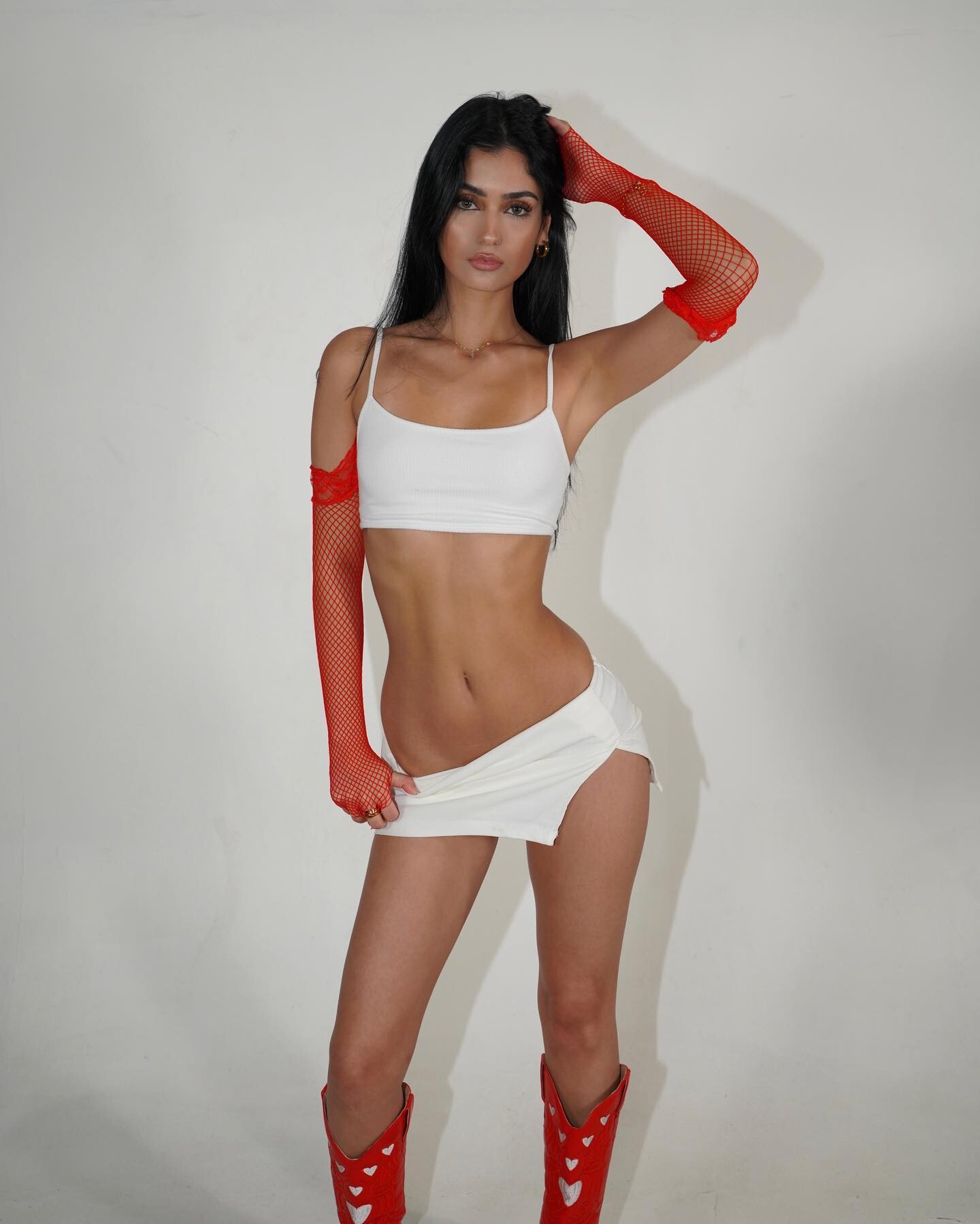
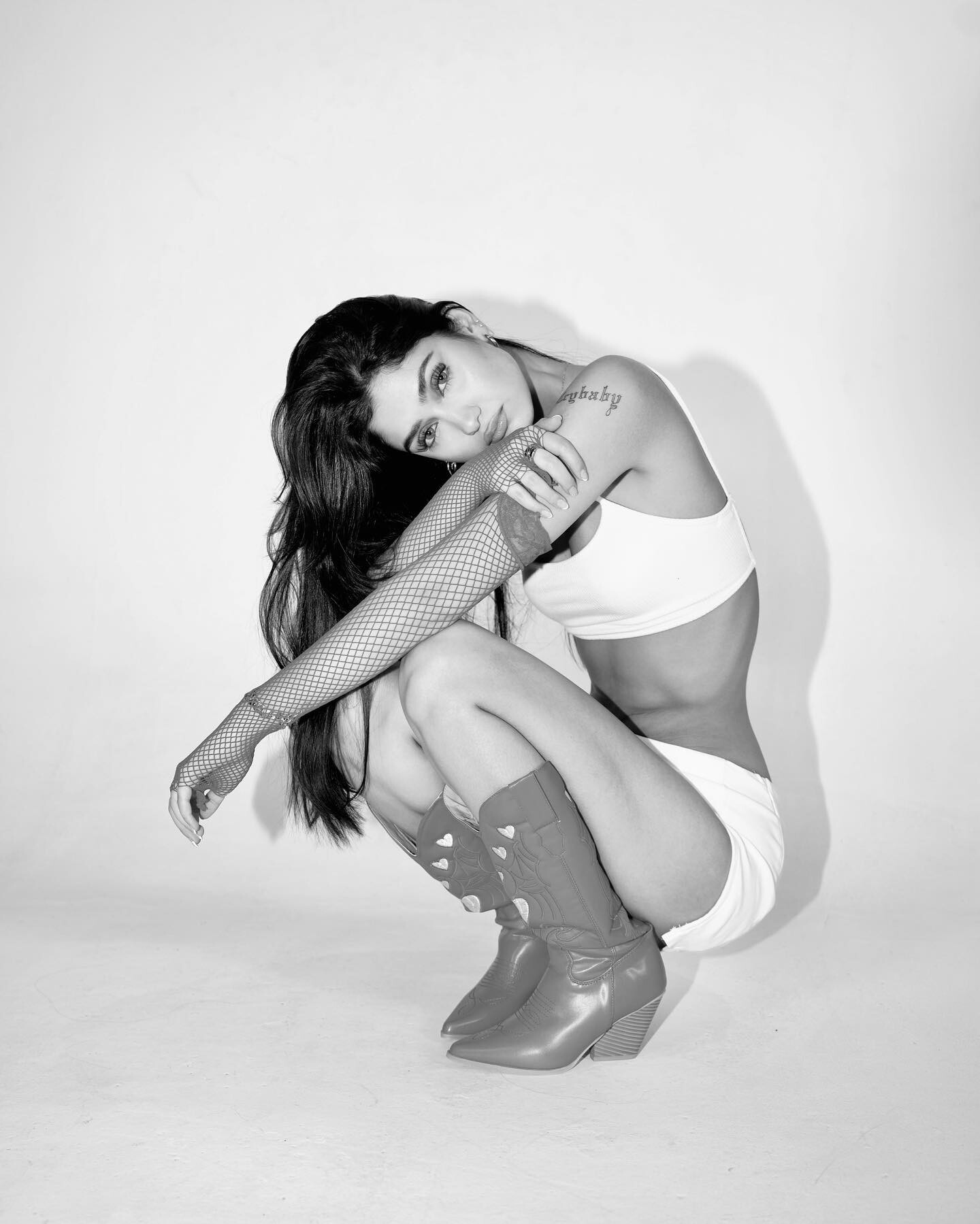
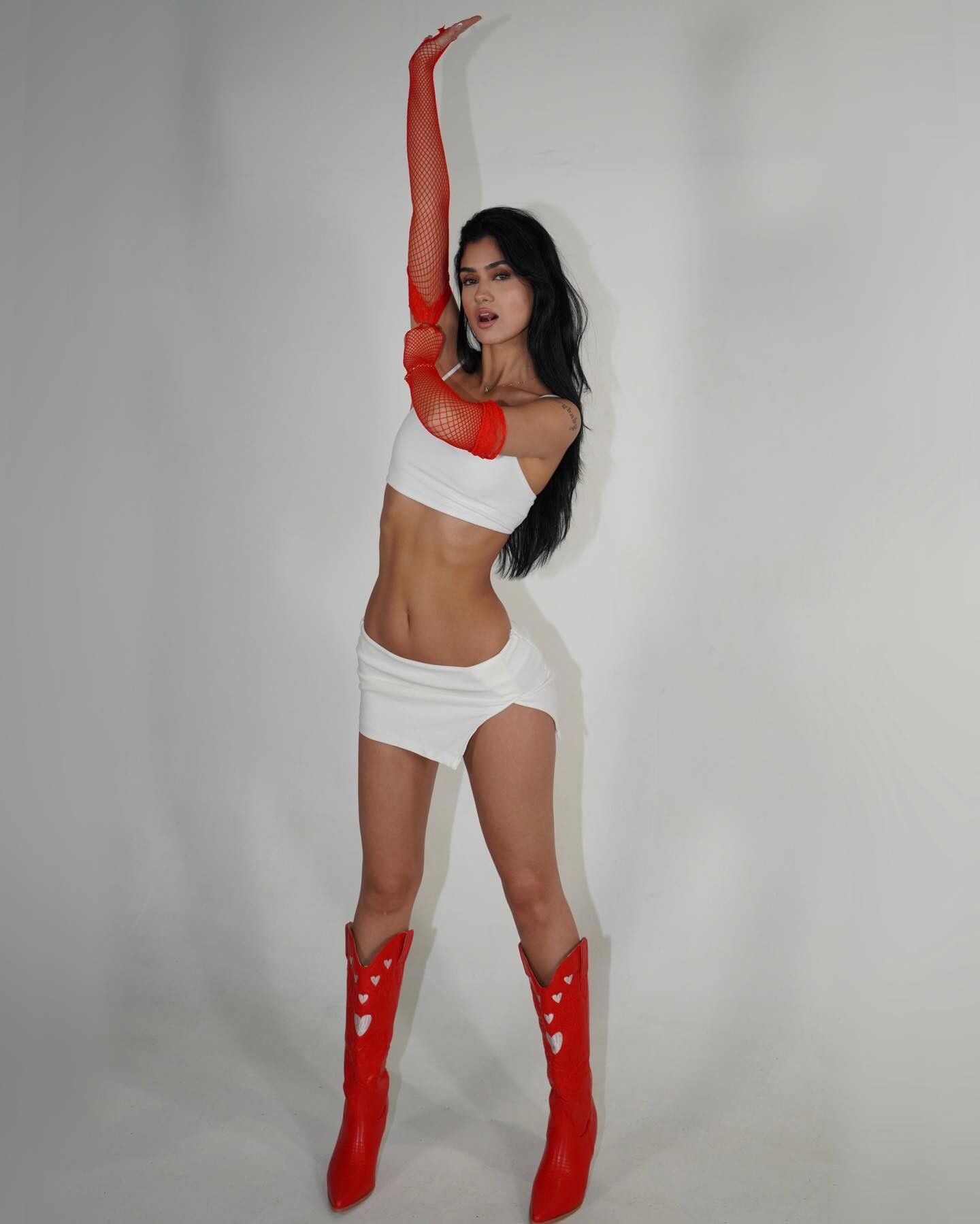
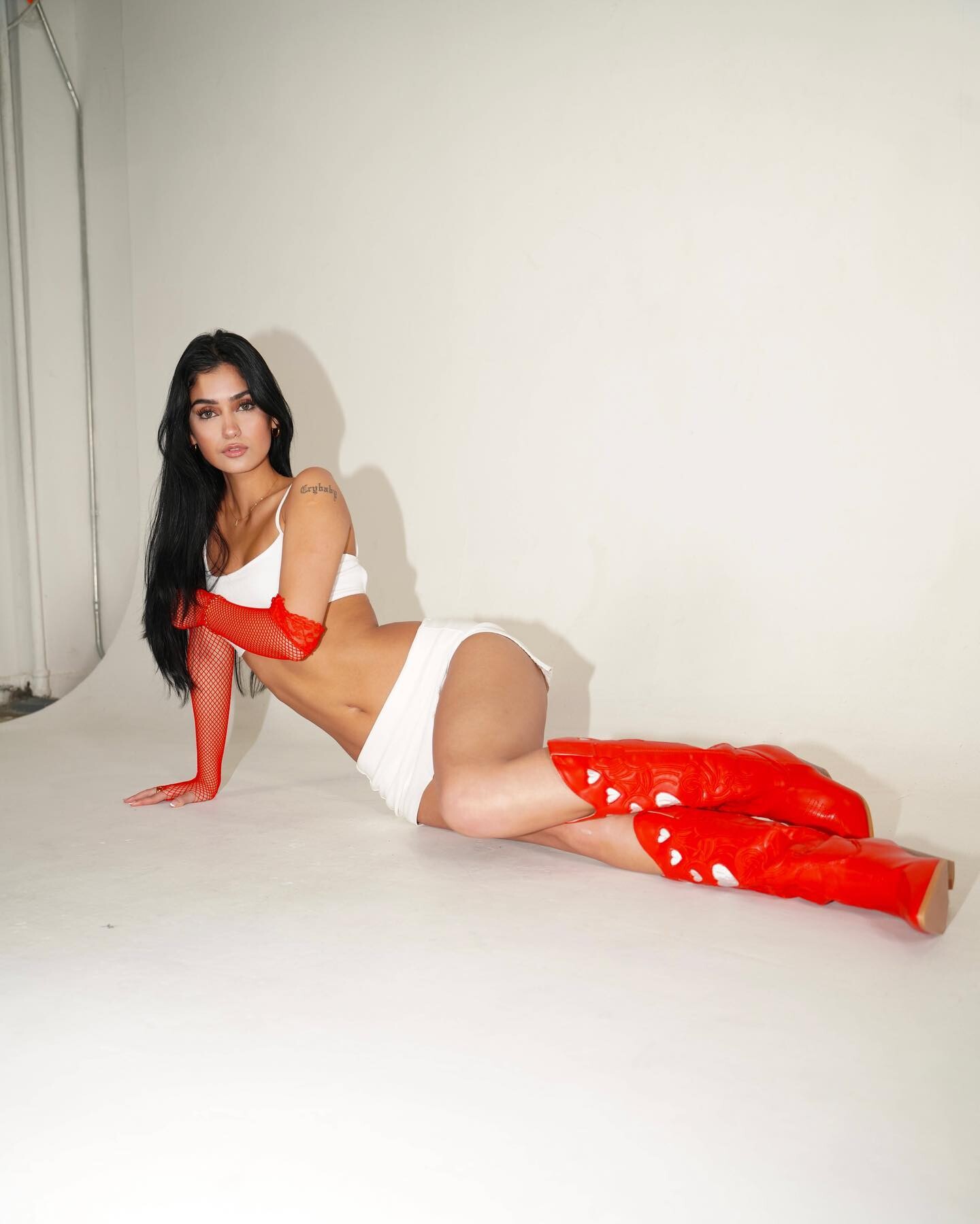
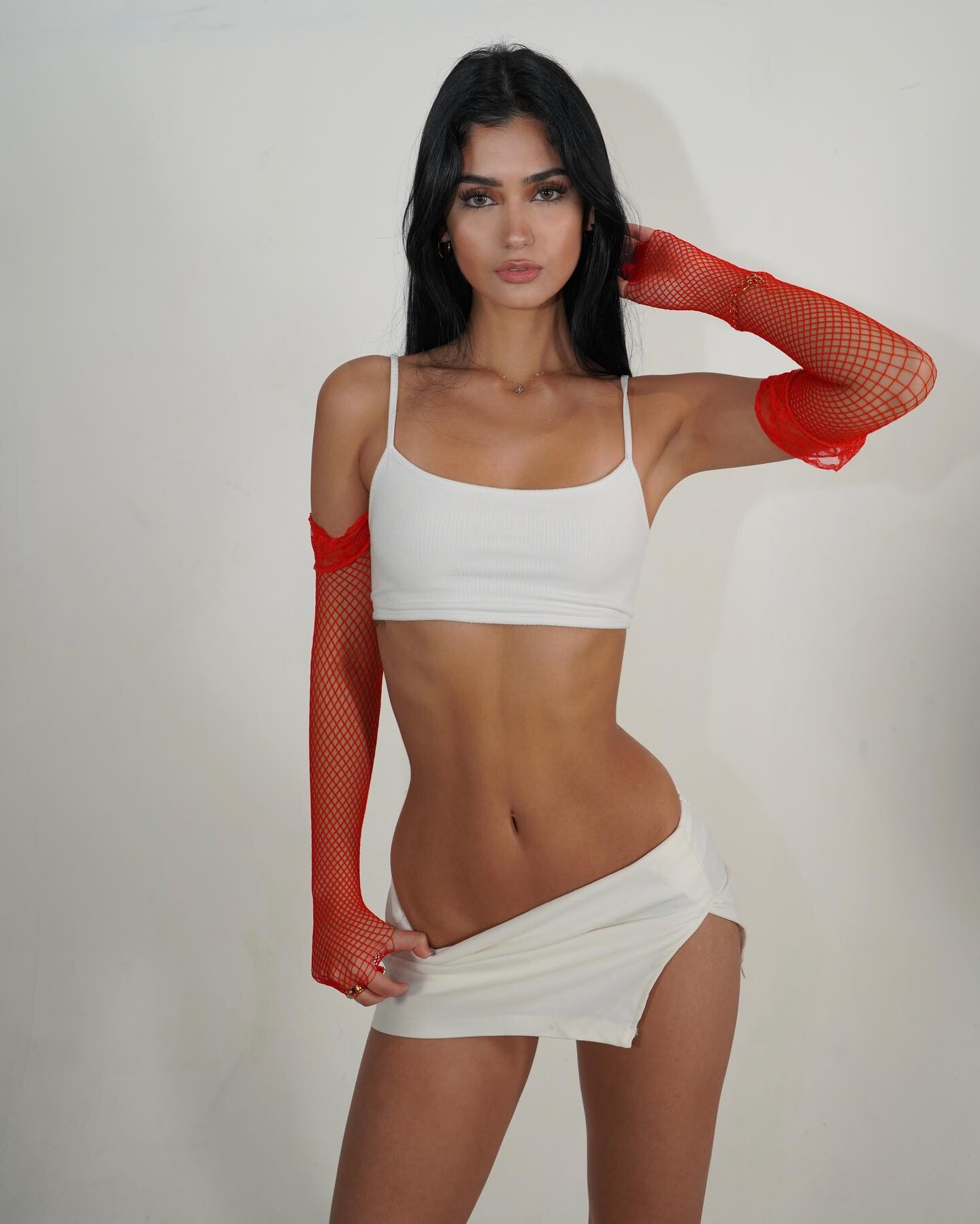
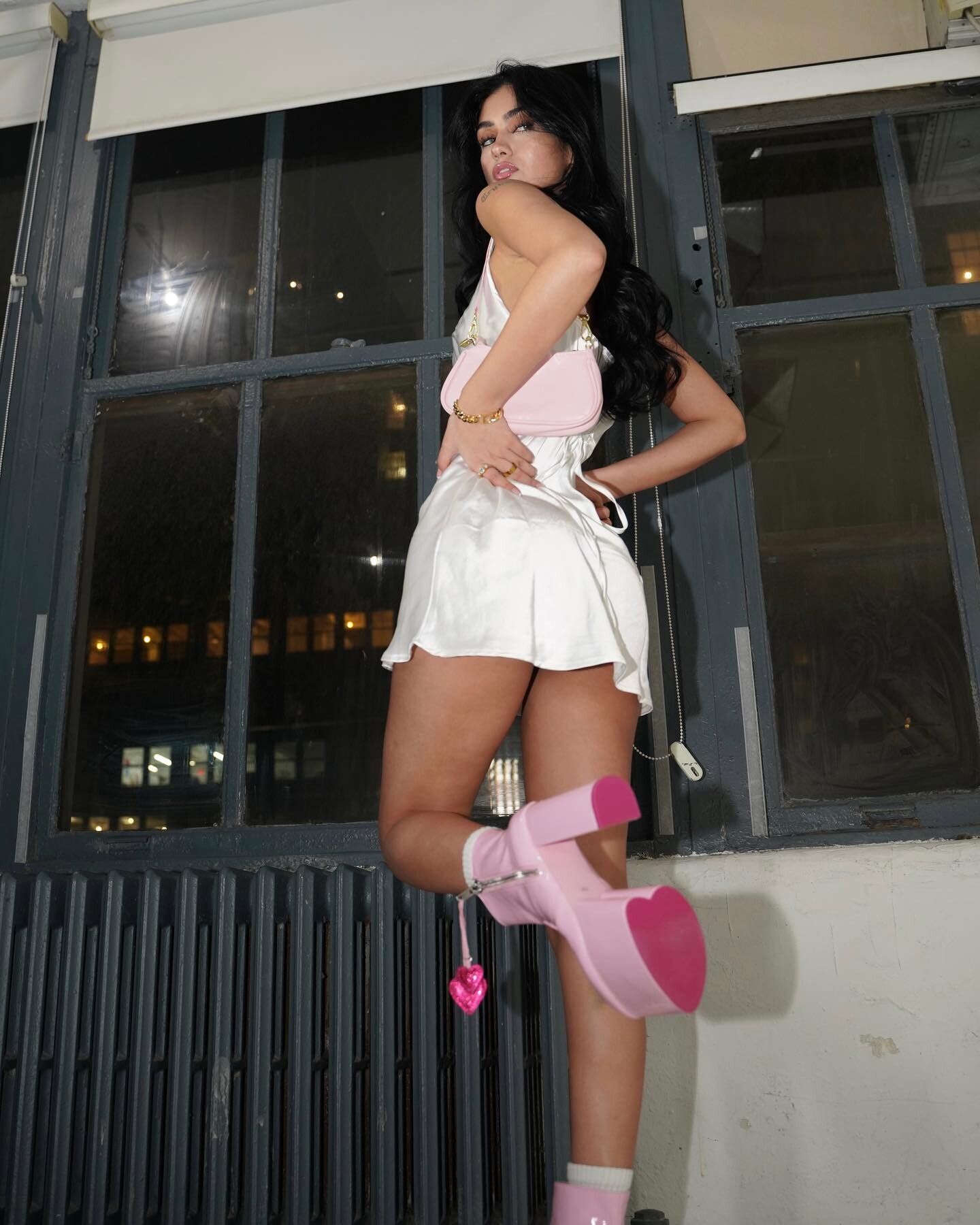
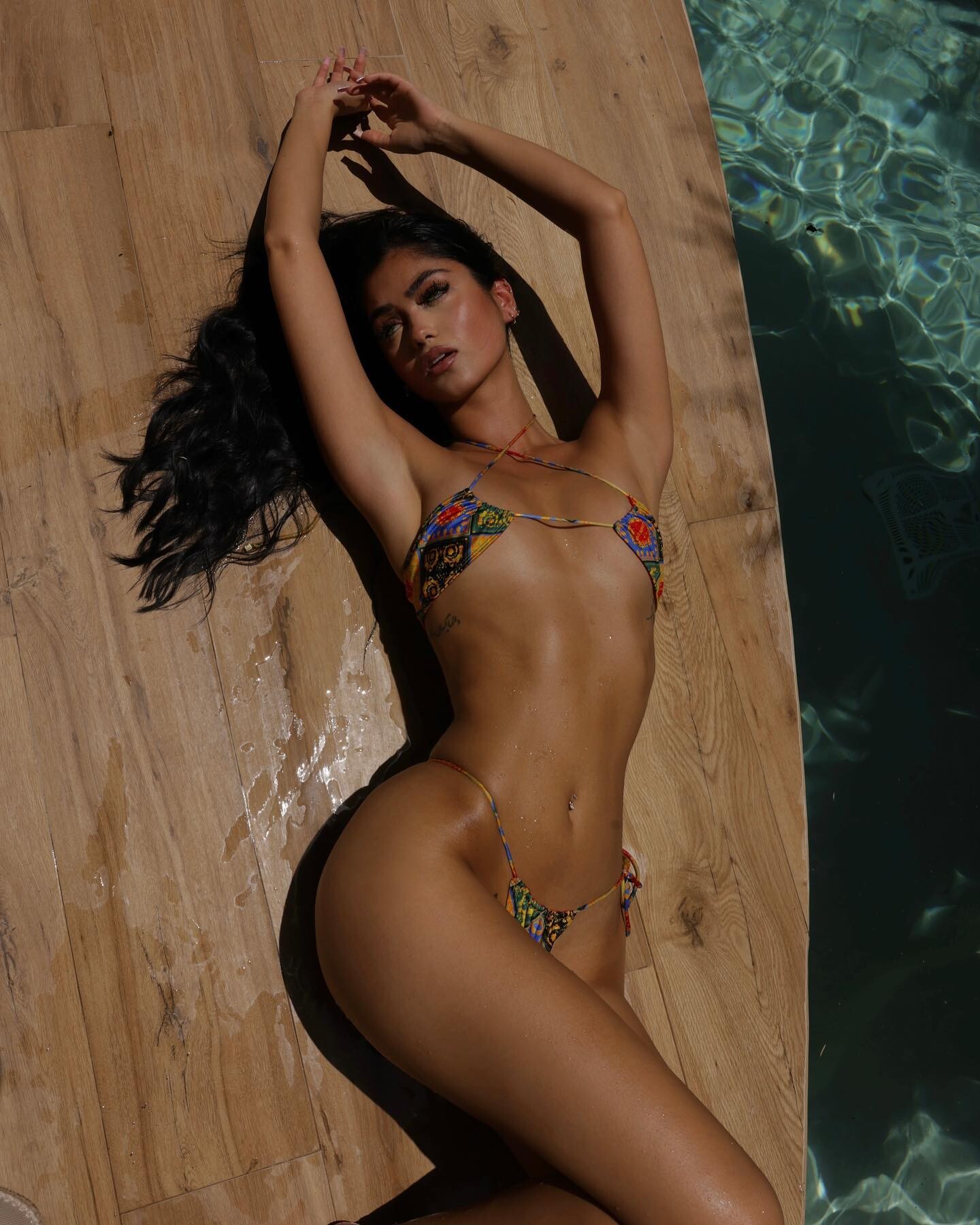
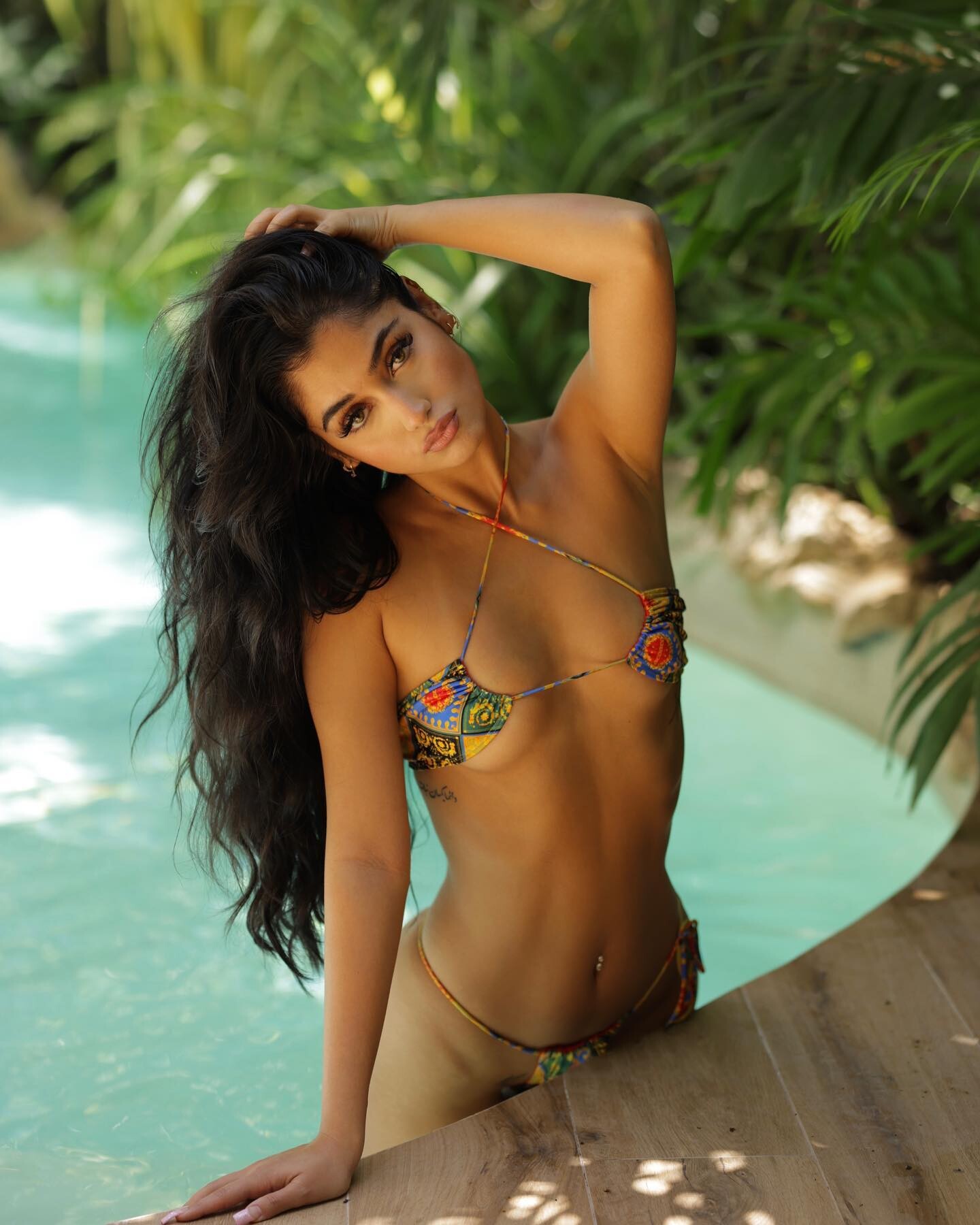
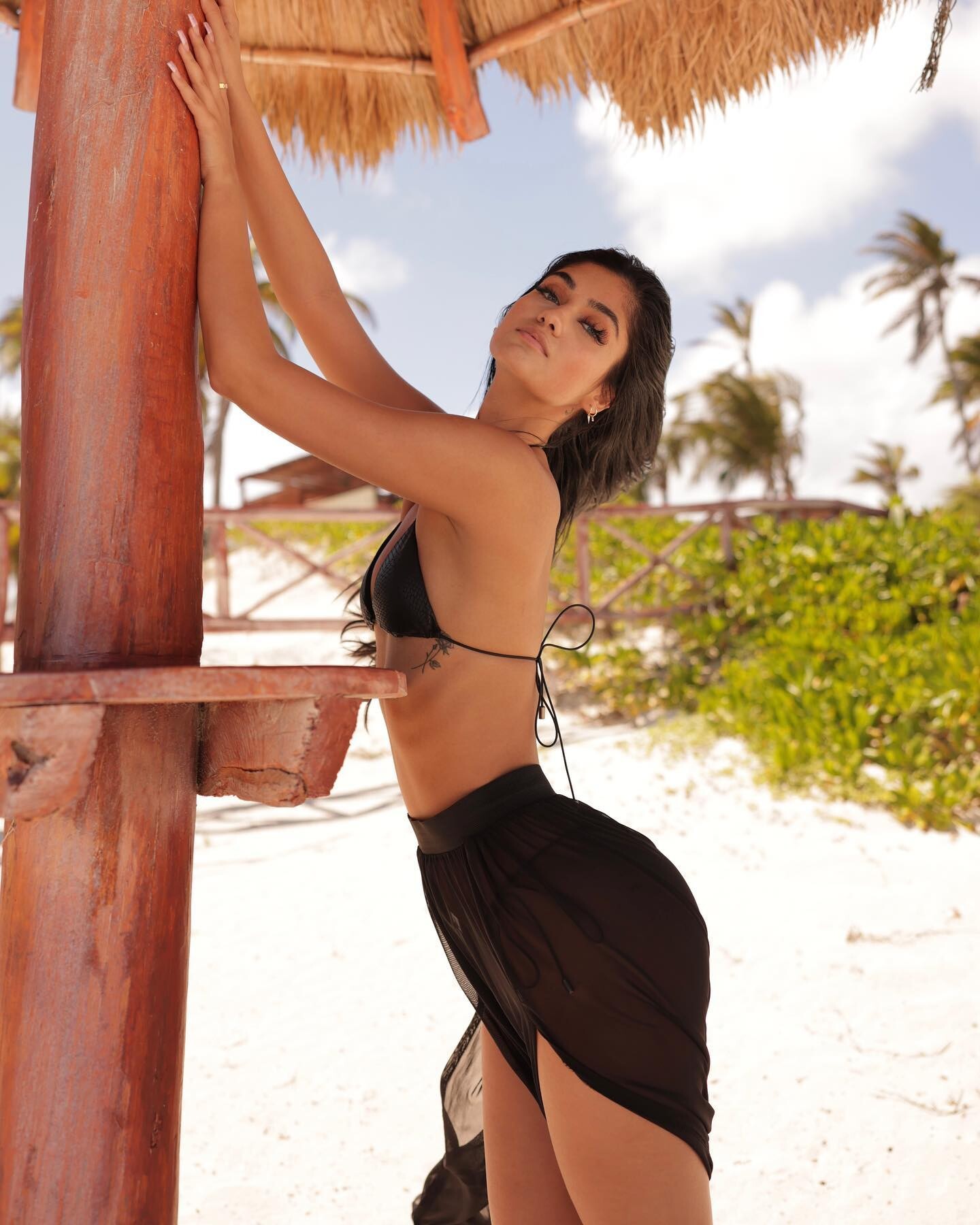
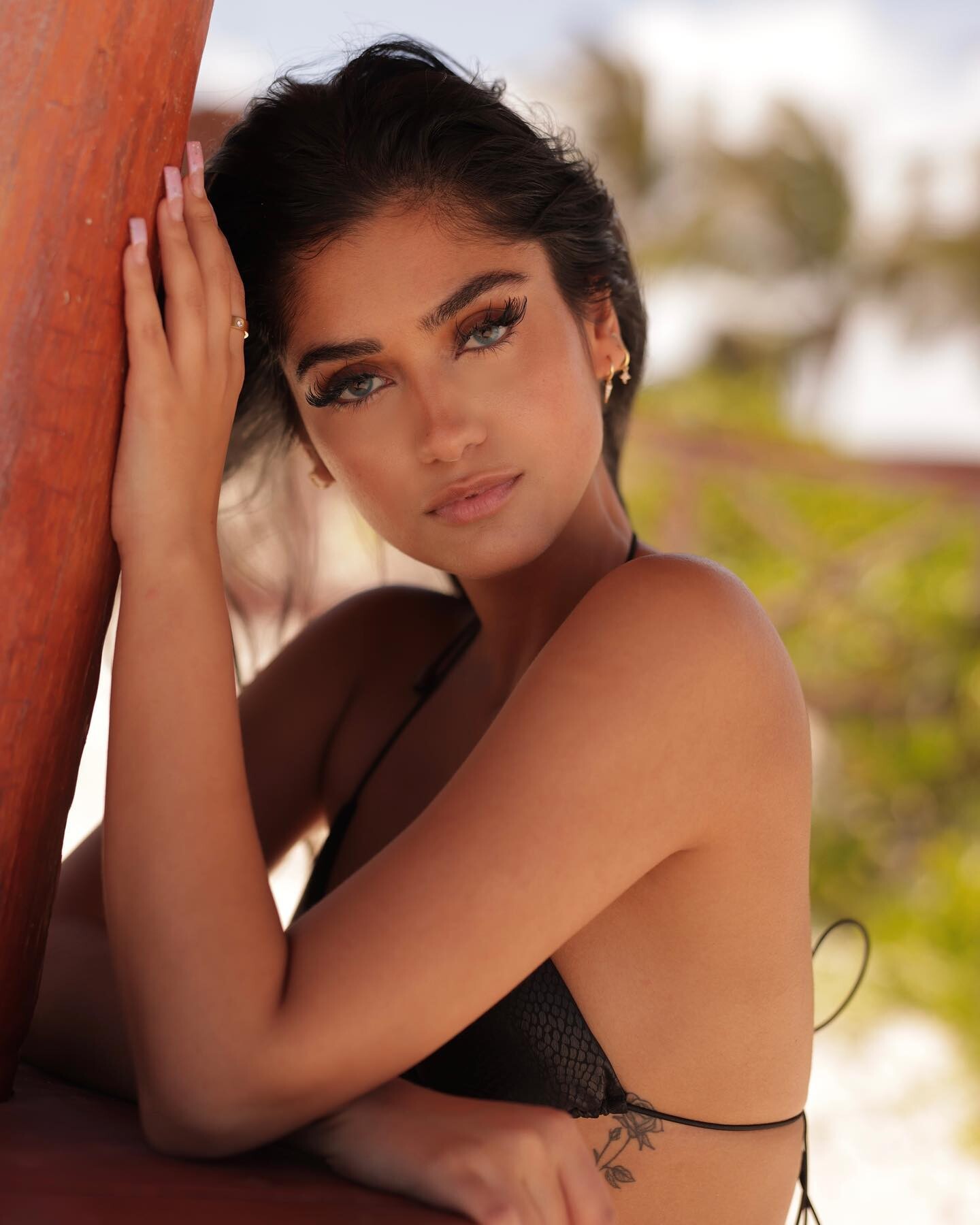
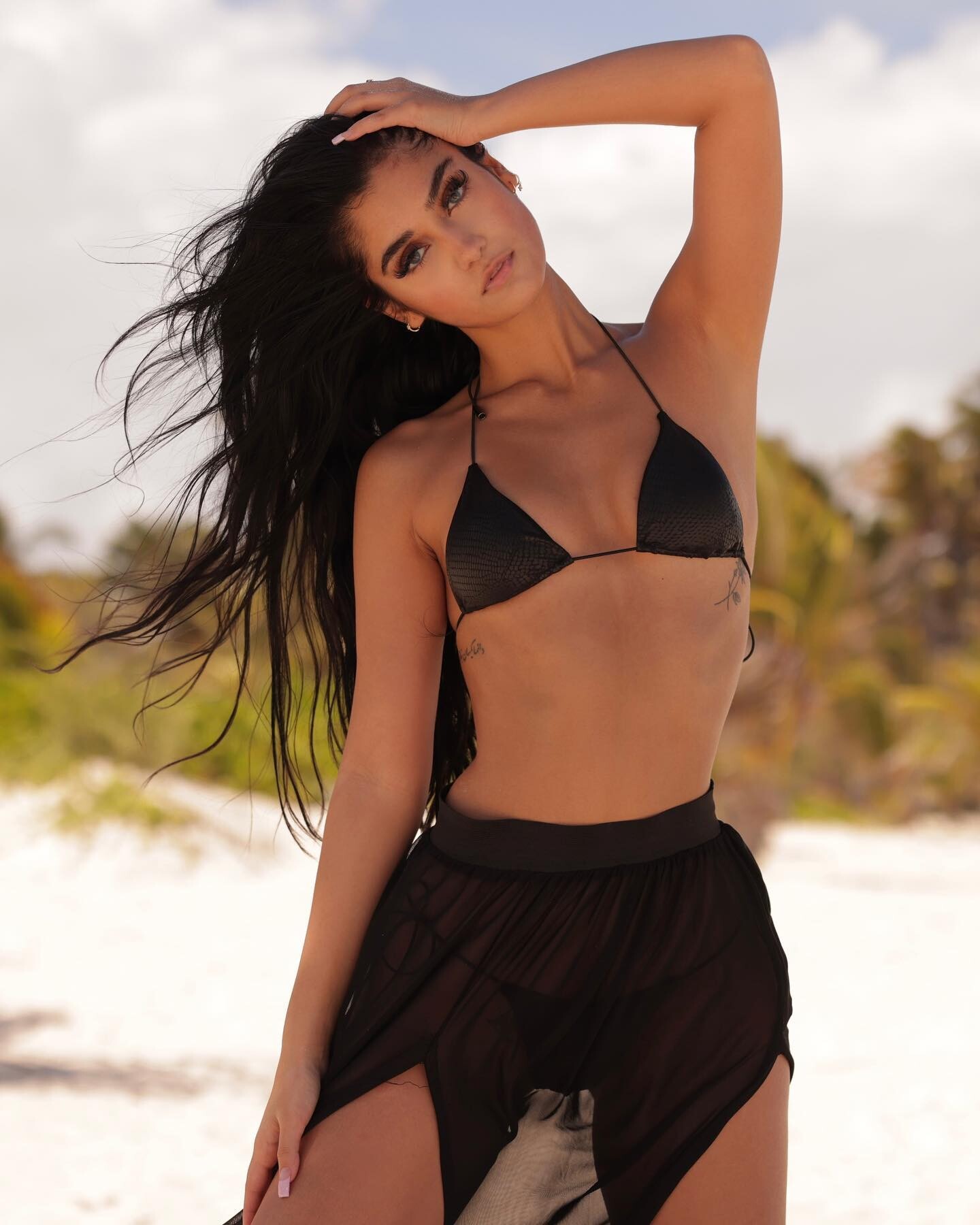
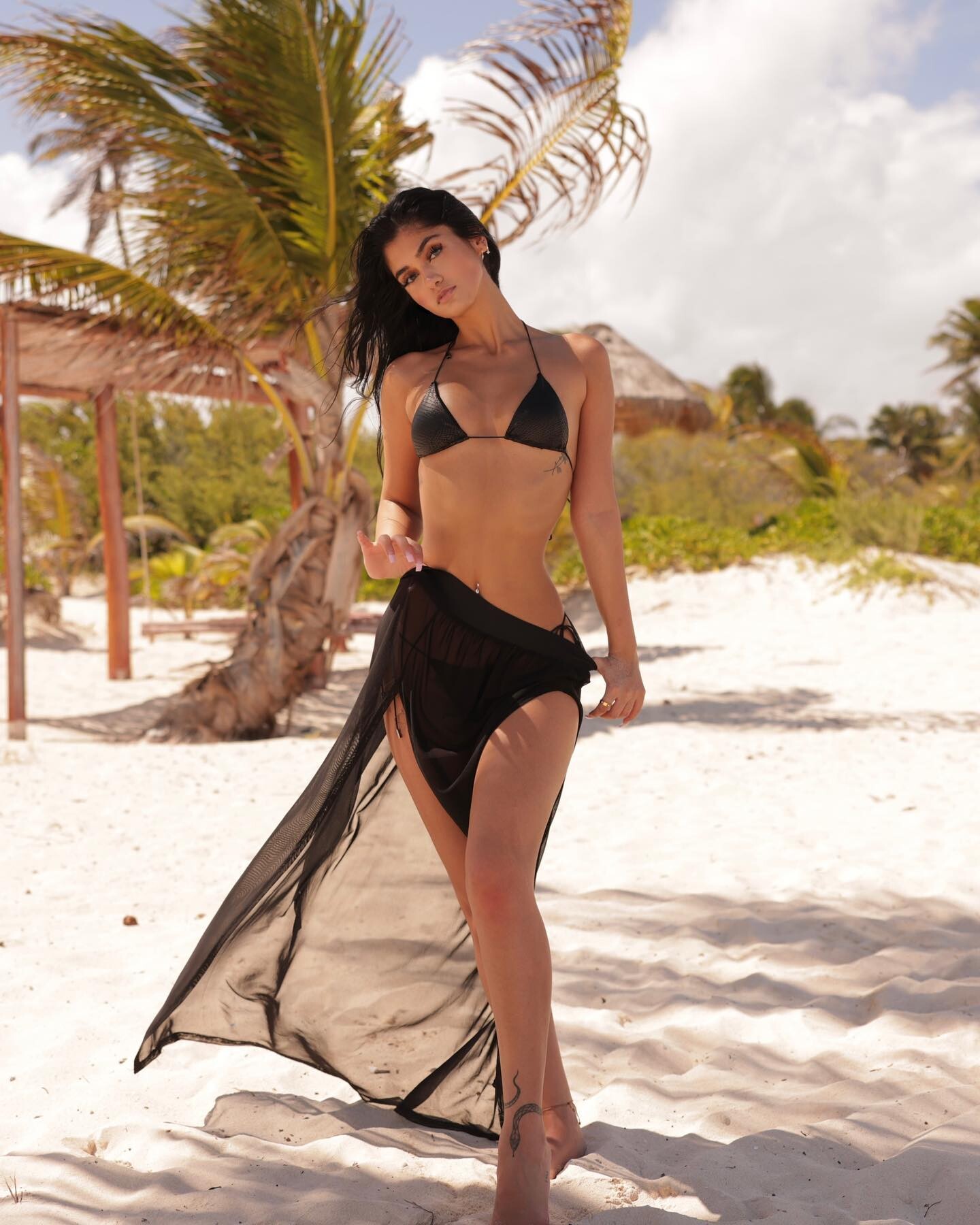
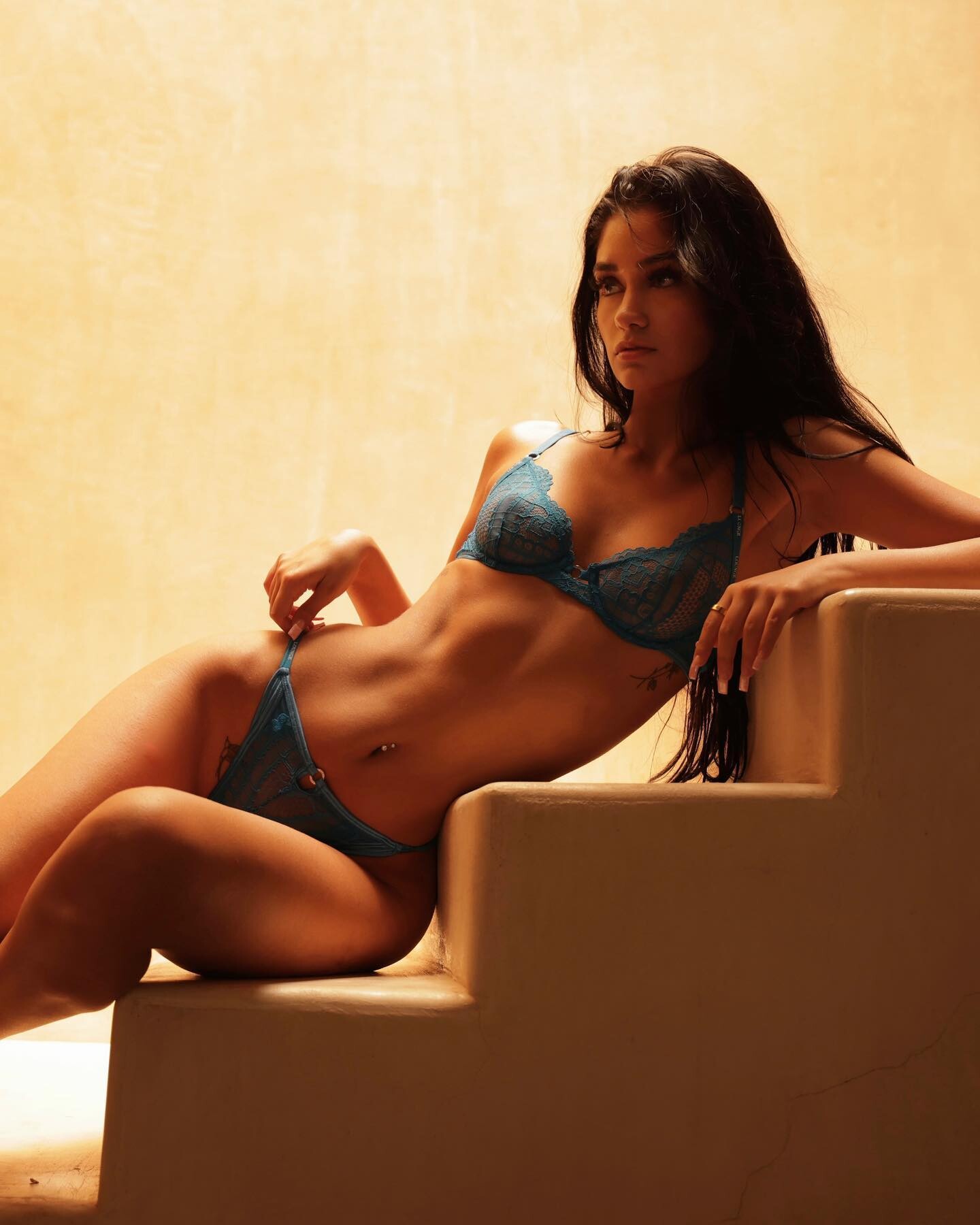
 Model, online content creator, social media personality, and TikTok star who has worked for a wide assortment of well-known brands and companies, including FILA and Elf Cosmetics. She has also appeared in a Bras N Things size expansion campaign called Big Boob Energy. She was represented by Wilhelmina Models. In January of 2024, she posted a TikTok video saying, "January needs to be recognized as a public safety hazard." She was one of Victoria's Secret's first curvy PINK models. She has amassed more than 120,000 followers on her isabellacarr Instagram account. Her mother is her style icon. She has a younger sister. Her TikTok videos feature music by artists like Nicki Minaj, Kodak Black, Lesley Gore, and Mariah Carey. Videos AQMLNU7f7Kz9UQUyMkPbjqIXAZuSIwMfR7Uhu6-zL4FzKvdKZJFvzIFpQP4ZvvheGMoJVLl3UcSZF78zqUwziMN7Y-Pw1jCjxsrwSuI.mp4AQN3tdQNy3d3YRMGcn7HMWVmoqv29VYQpnFk-GANTDYOROXg5V18iQRFKXWe8T9Vc001BqFFIlE6uib3Mz3u-ygZLw3jfrkWrAU53qc.mp4



 Jacob Frazer






 Freshh Anderson




 @dabbleinfocus Sweet <span class="ipsEmoji">❤️</span>_<span class="ipsEmoji">🔥</span>.mp4
























 Brendan Forbes



























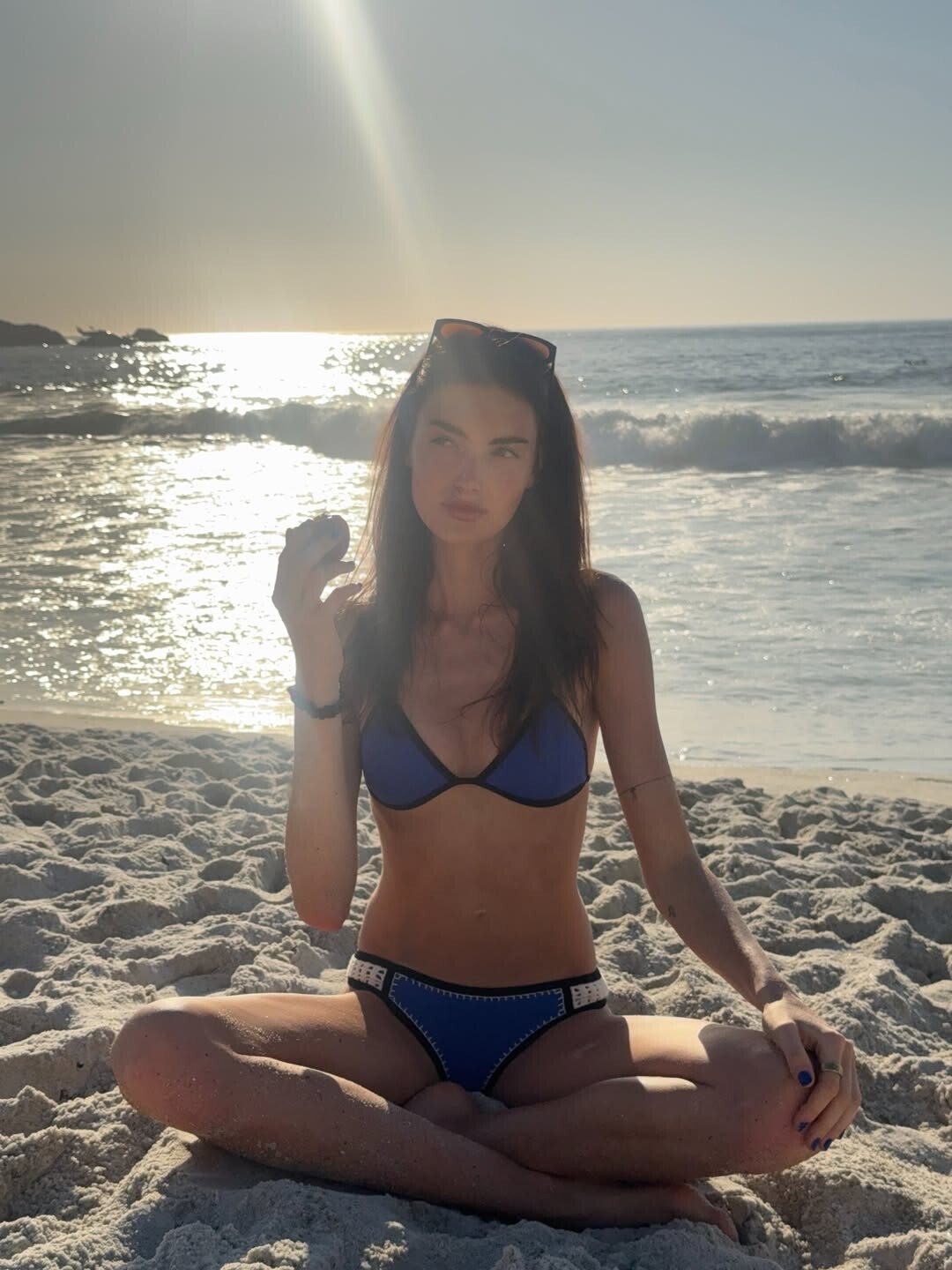
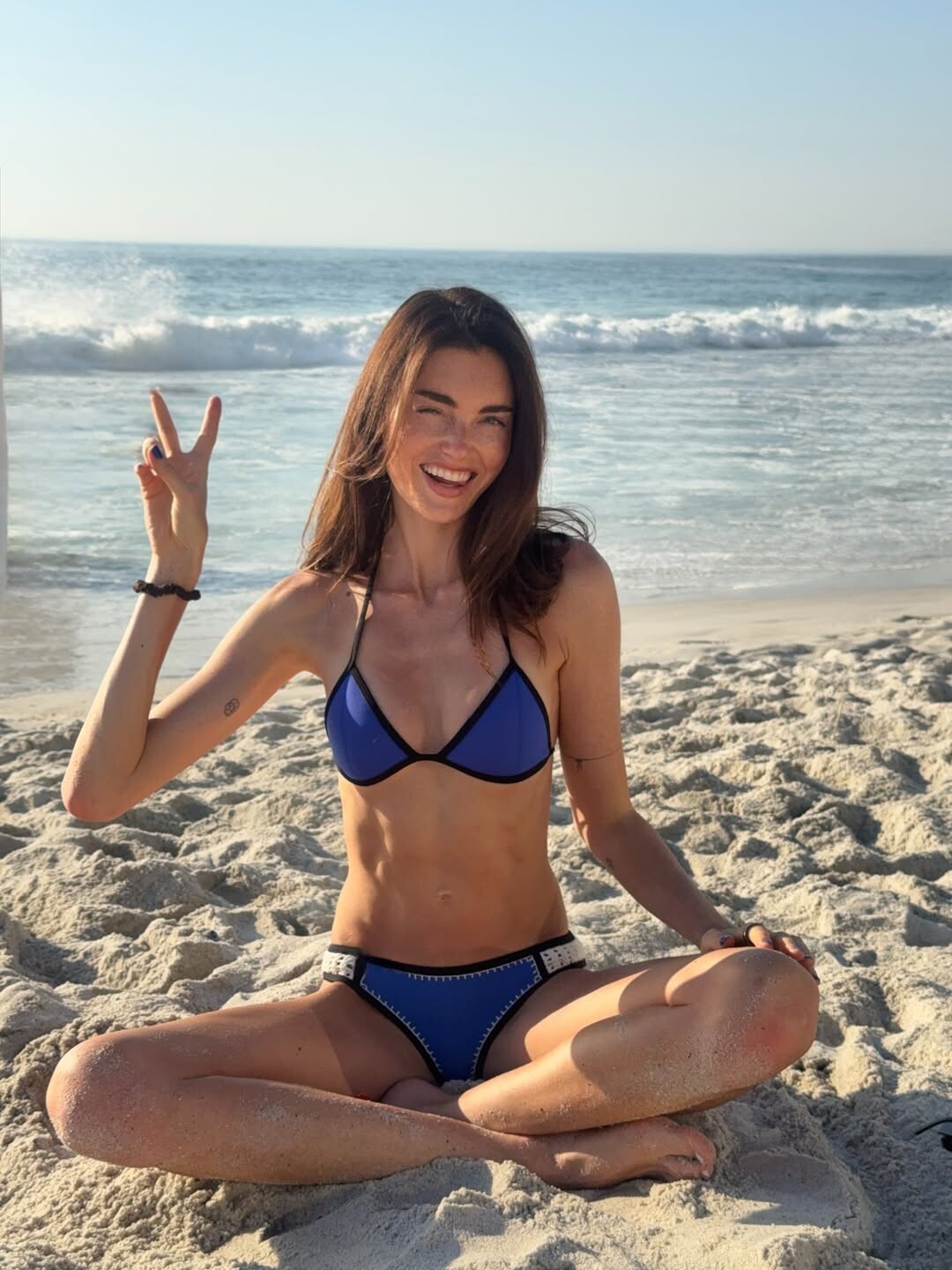
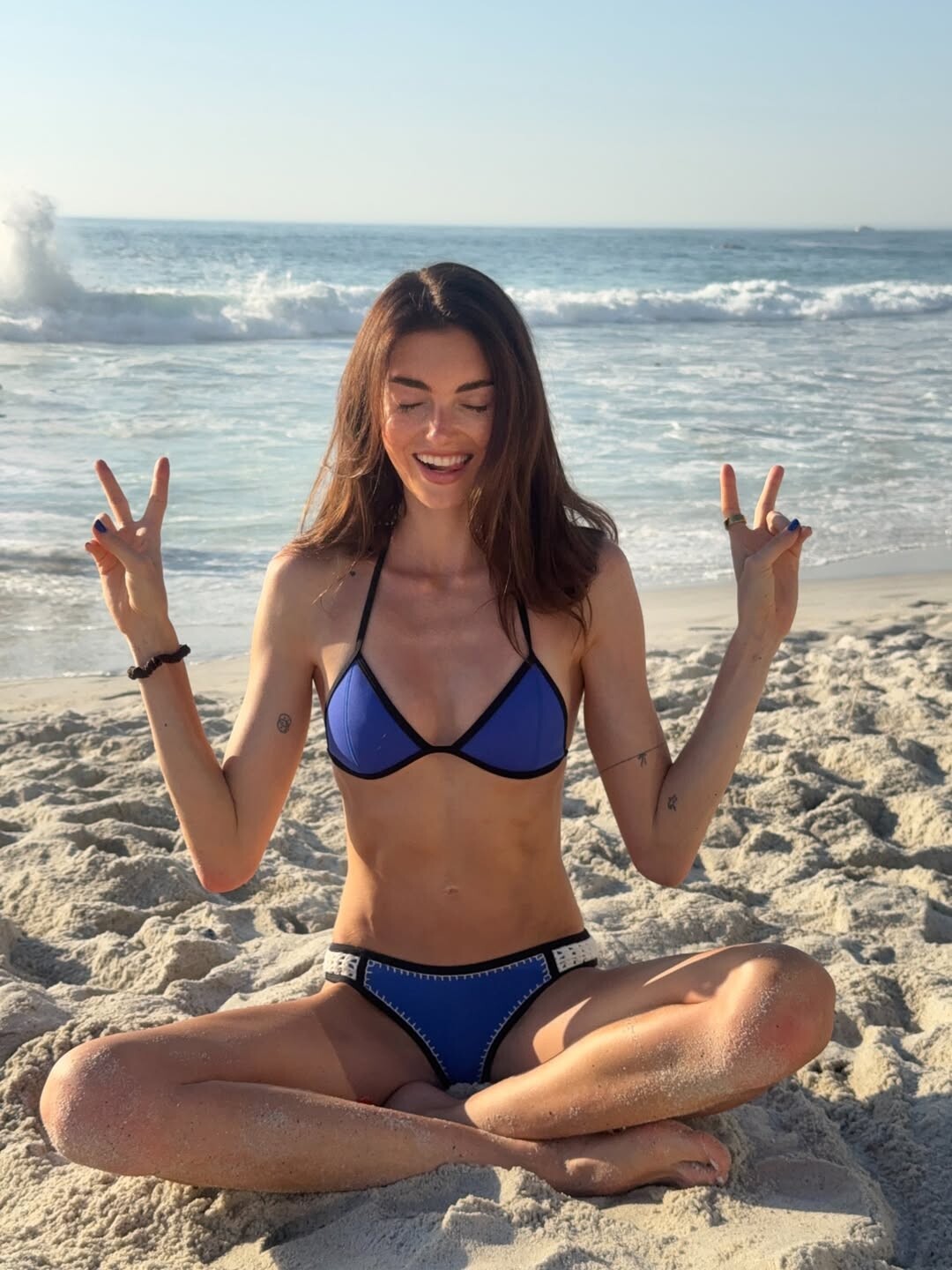
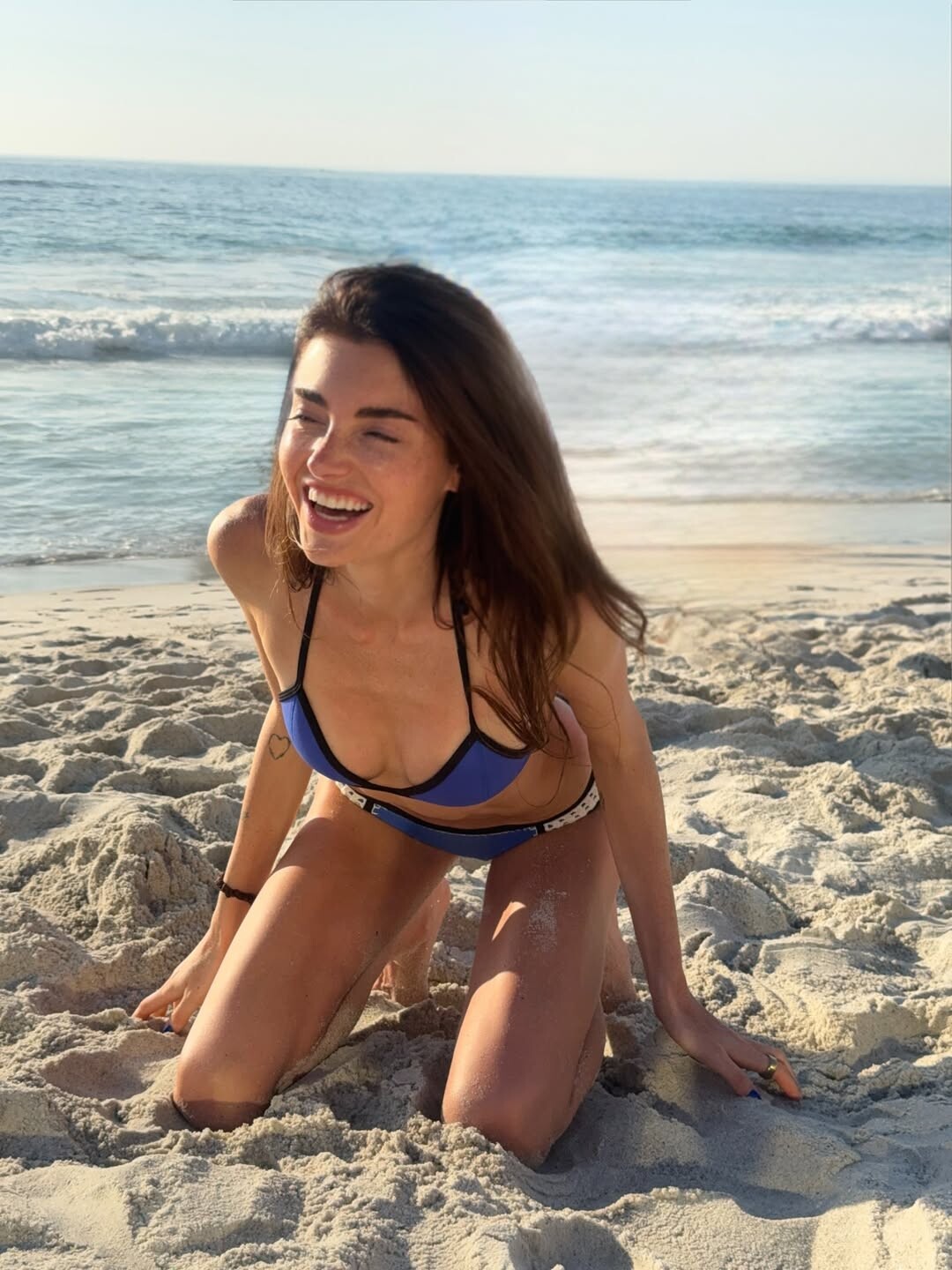

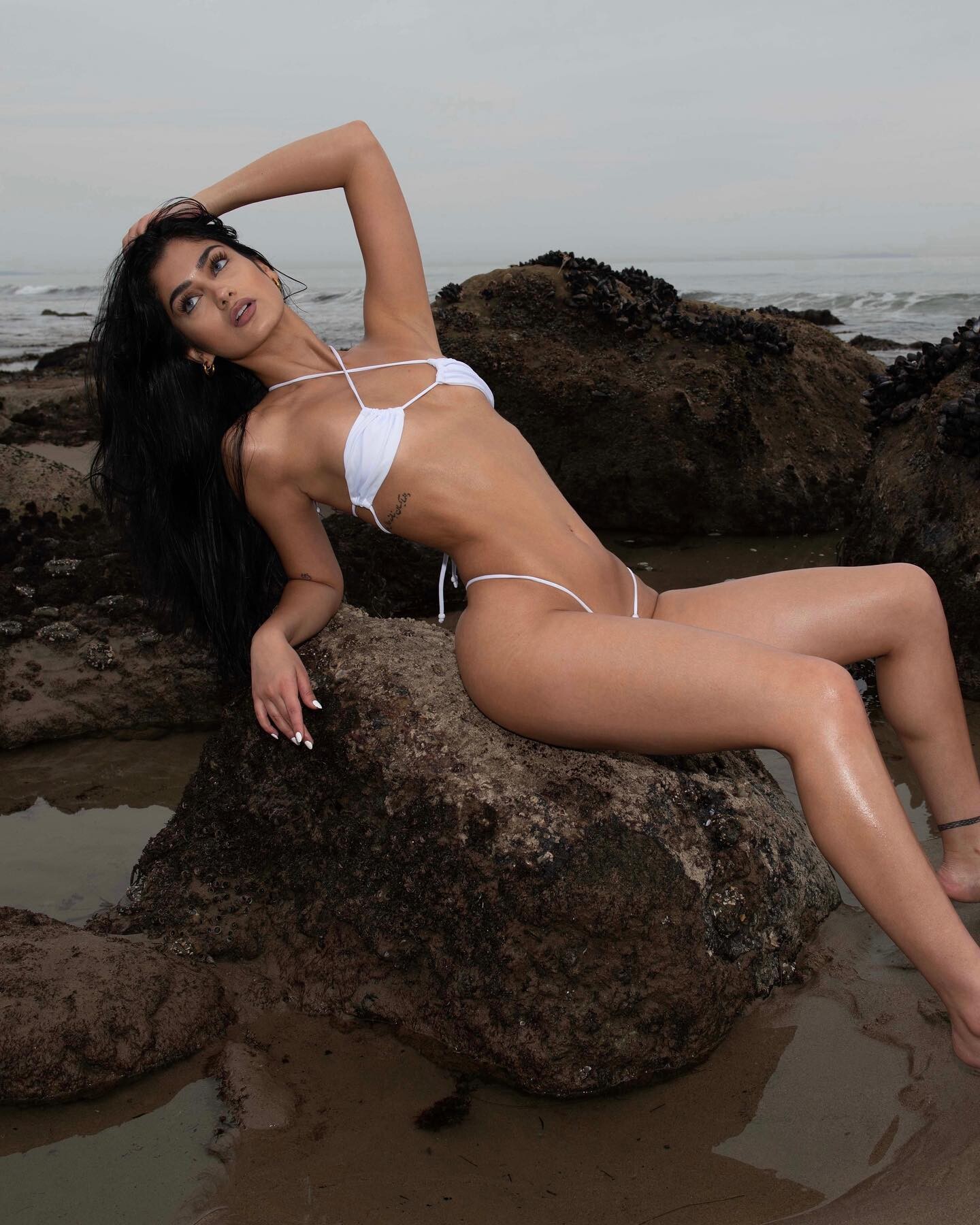
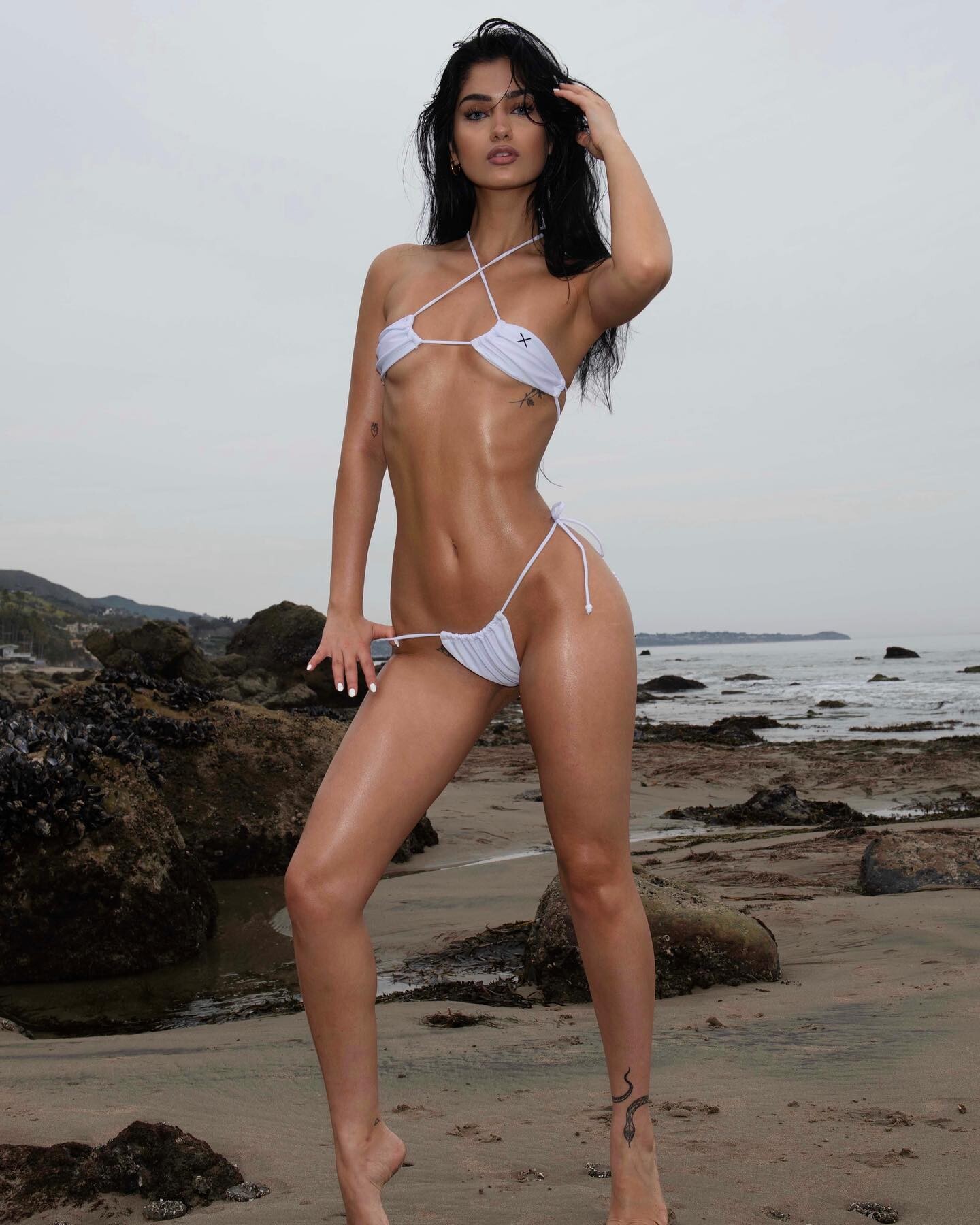

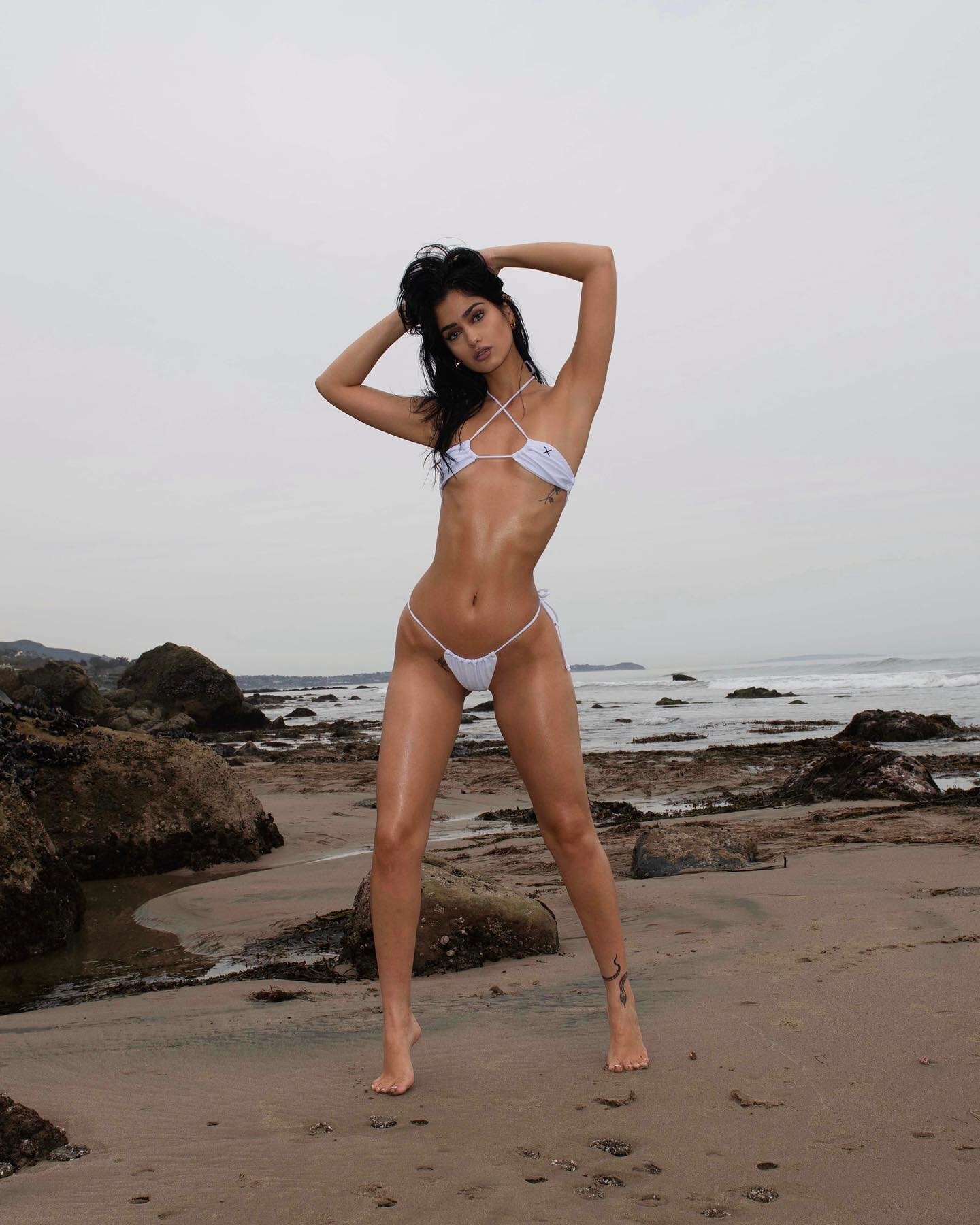
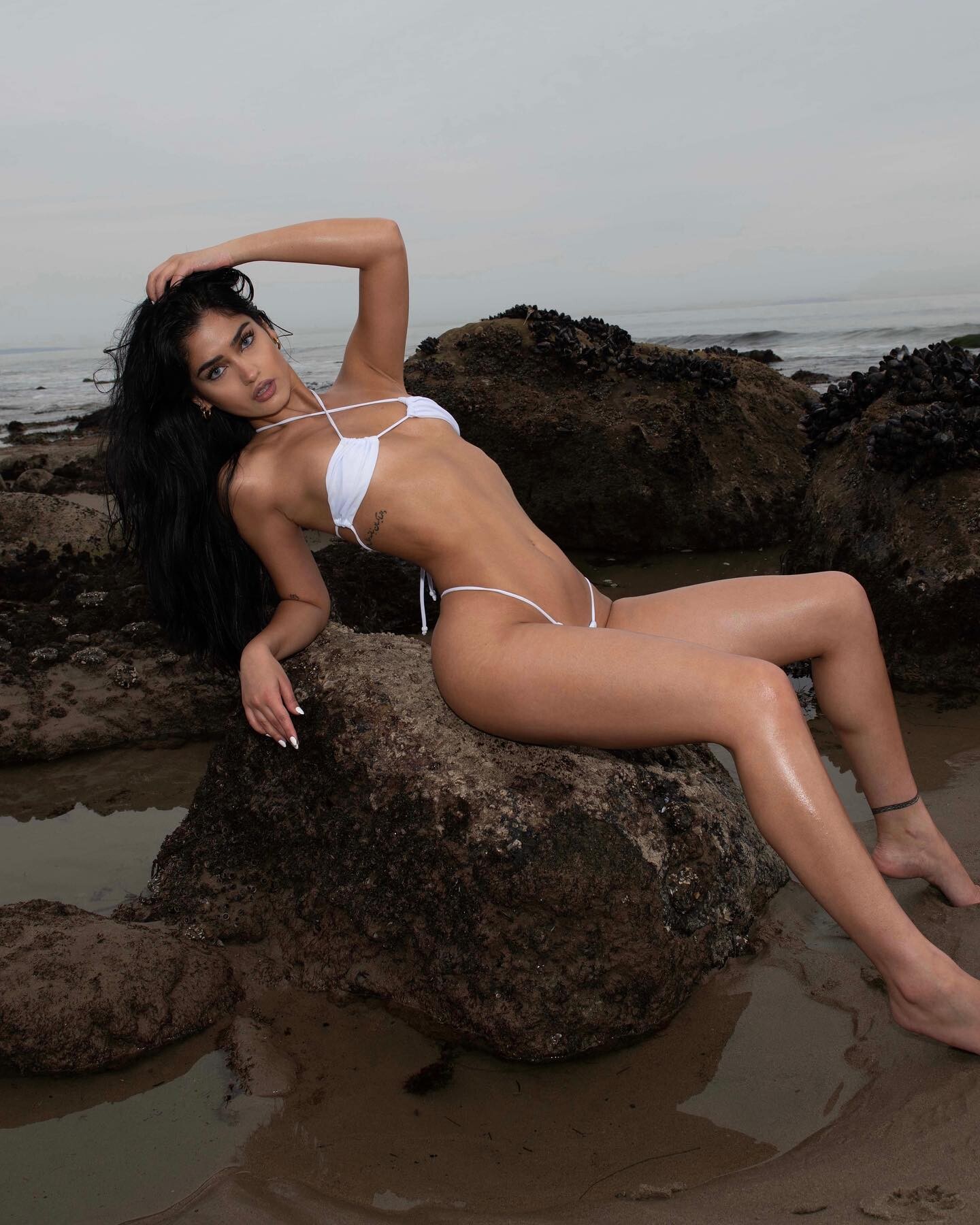










.jpg.bd2ceeffc11ba40c8d314acfcdac602a.jpg)

















































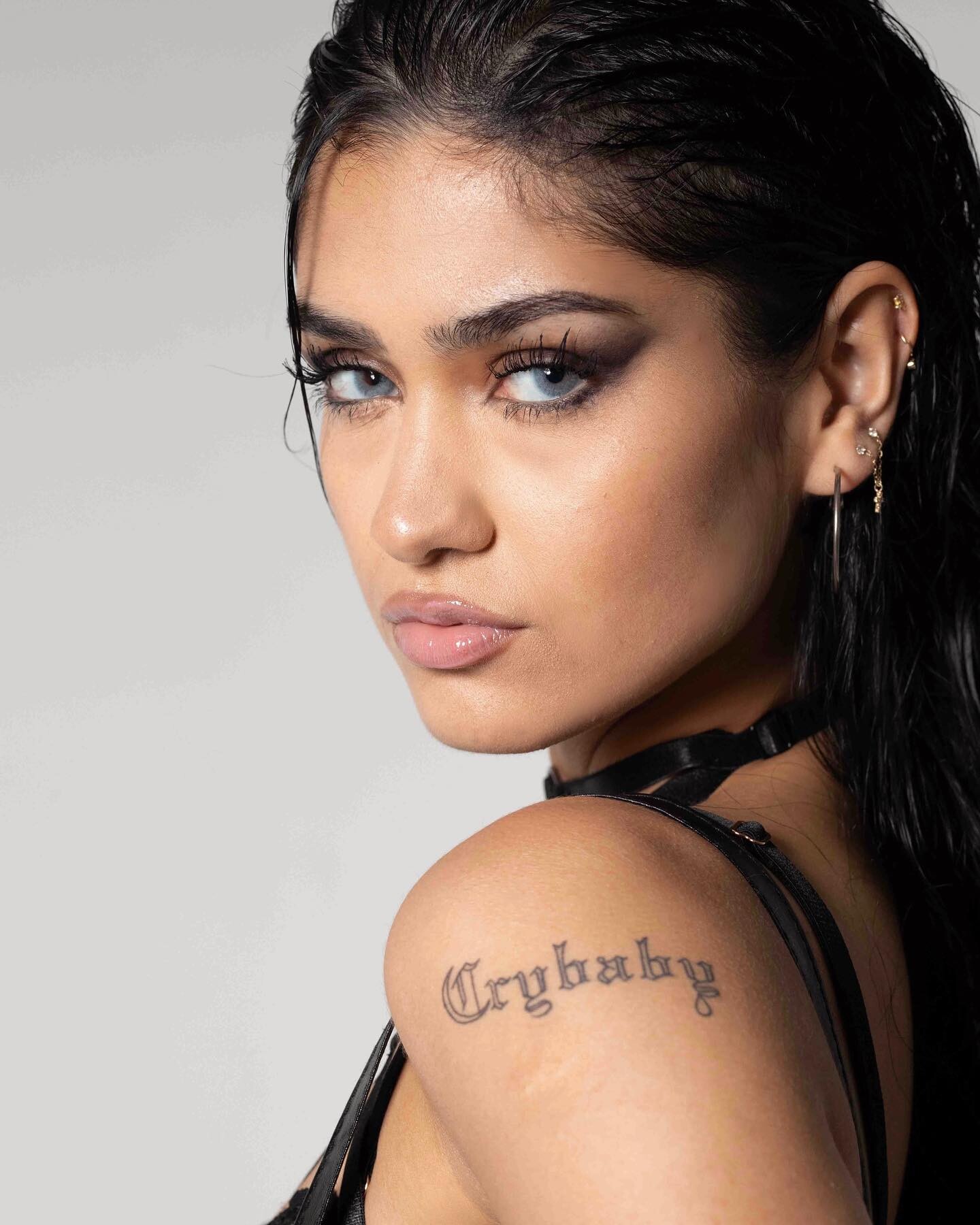
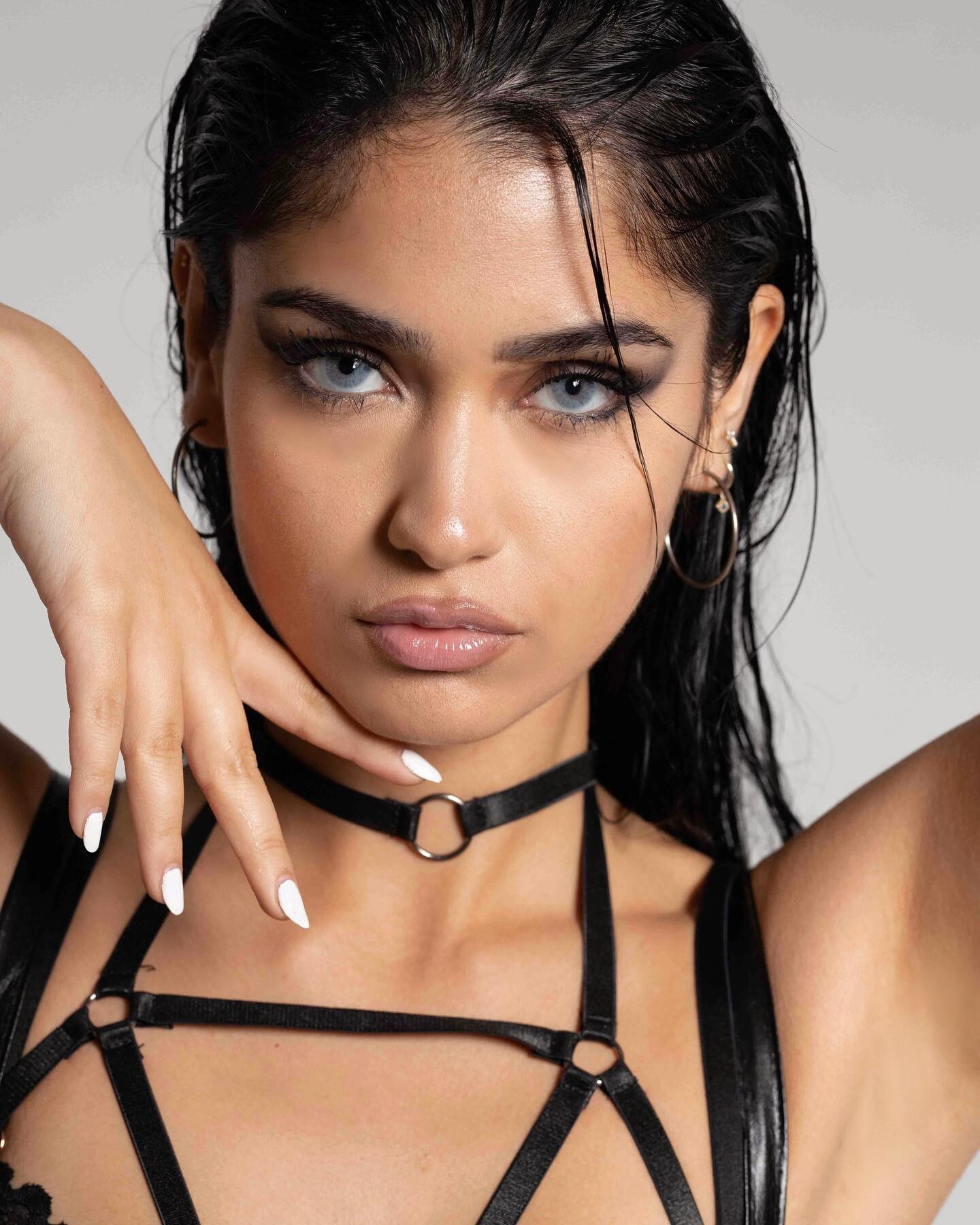



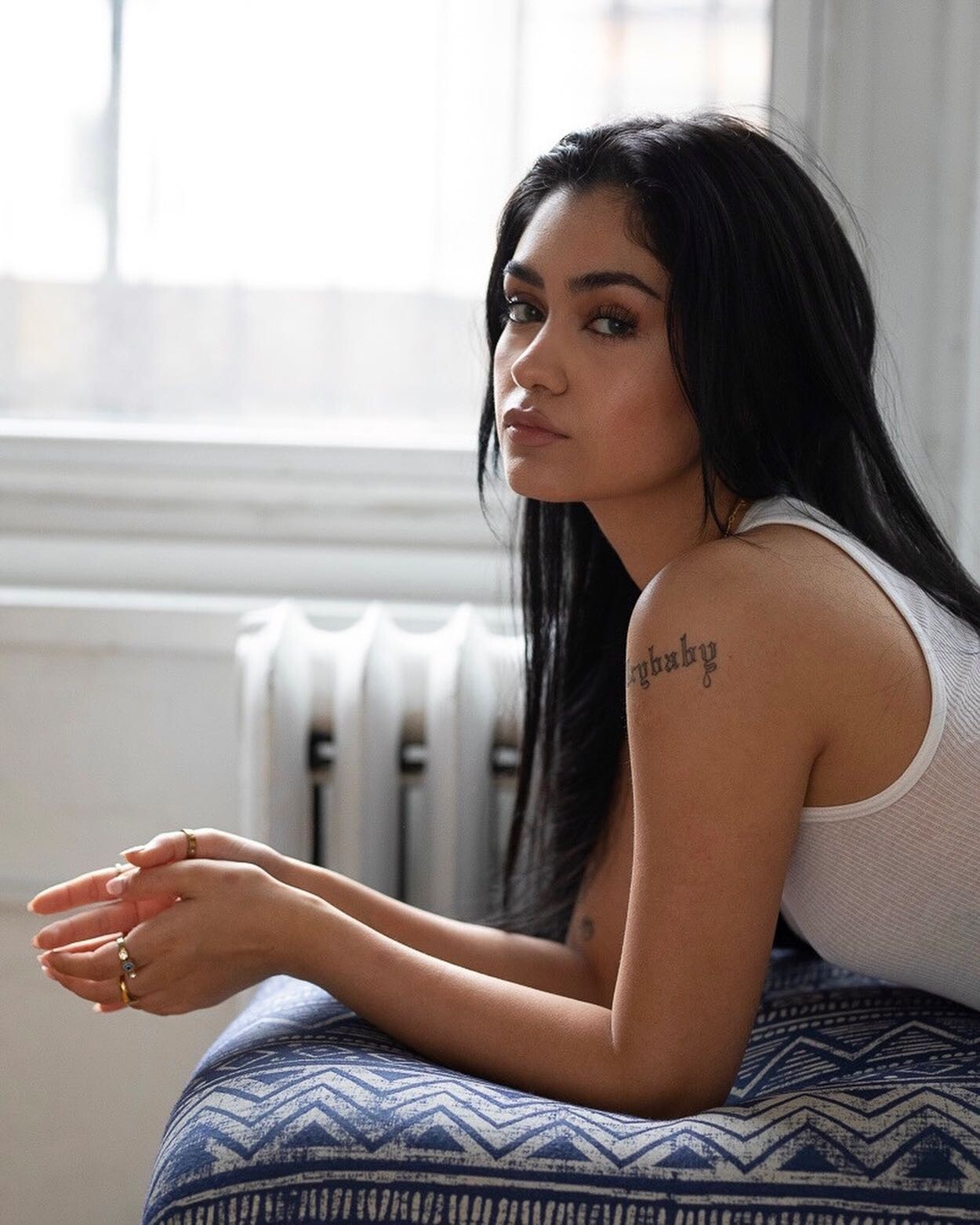
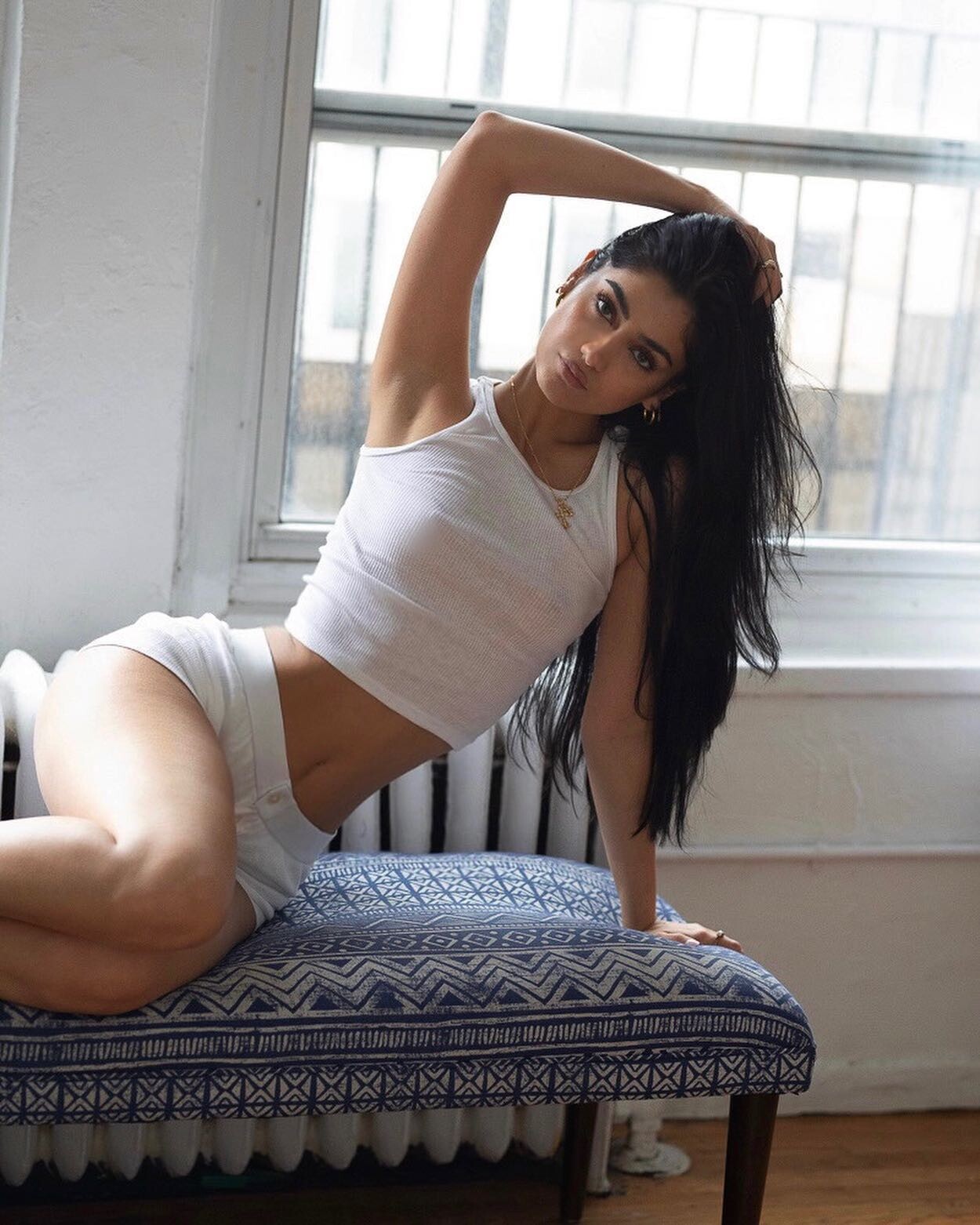














































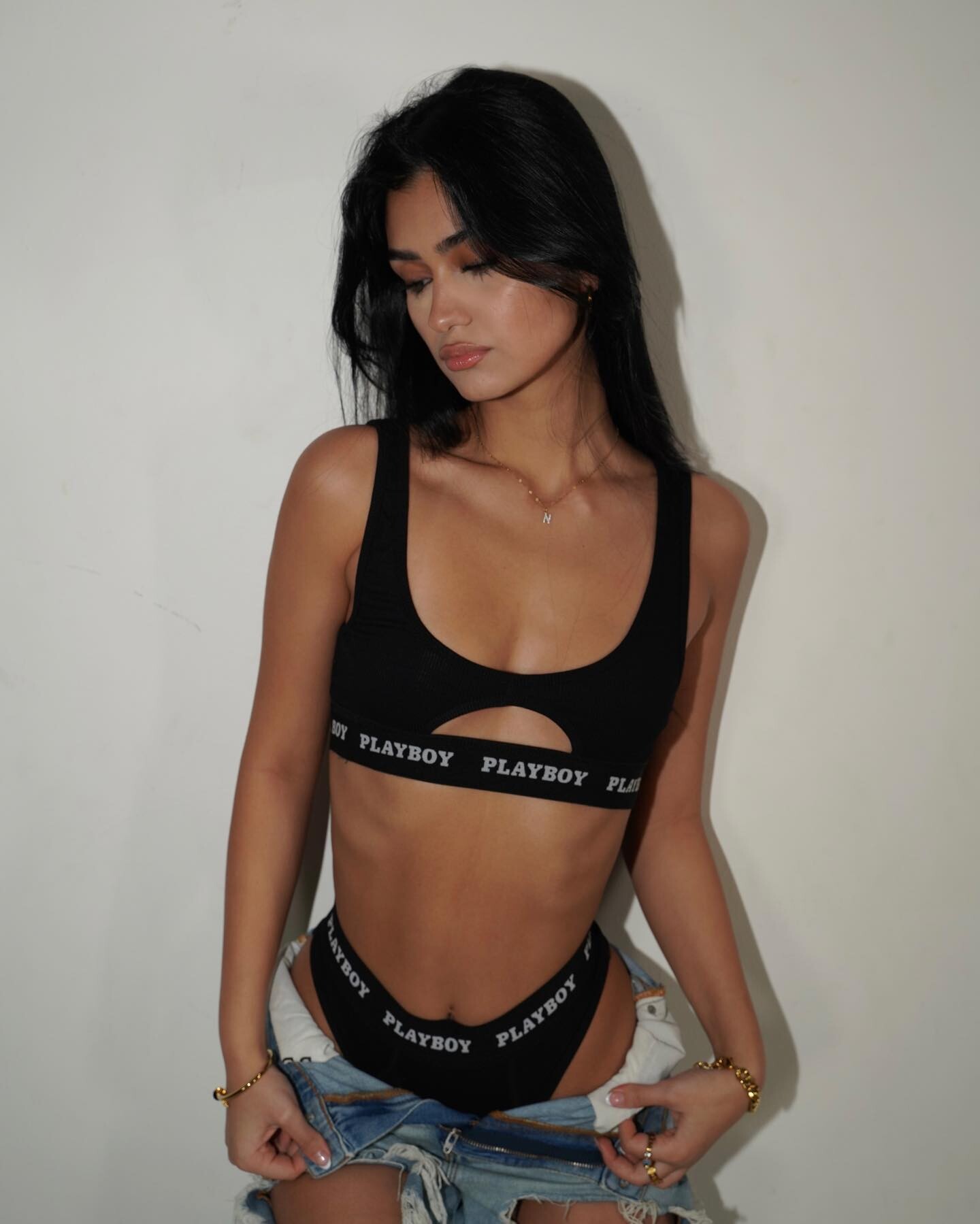
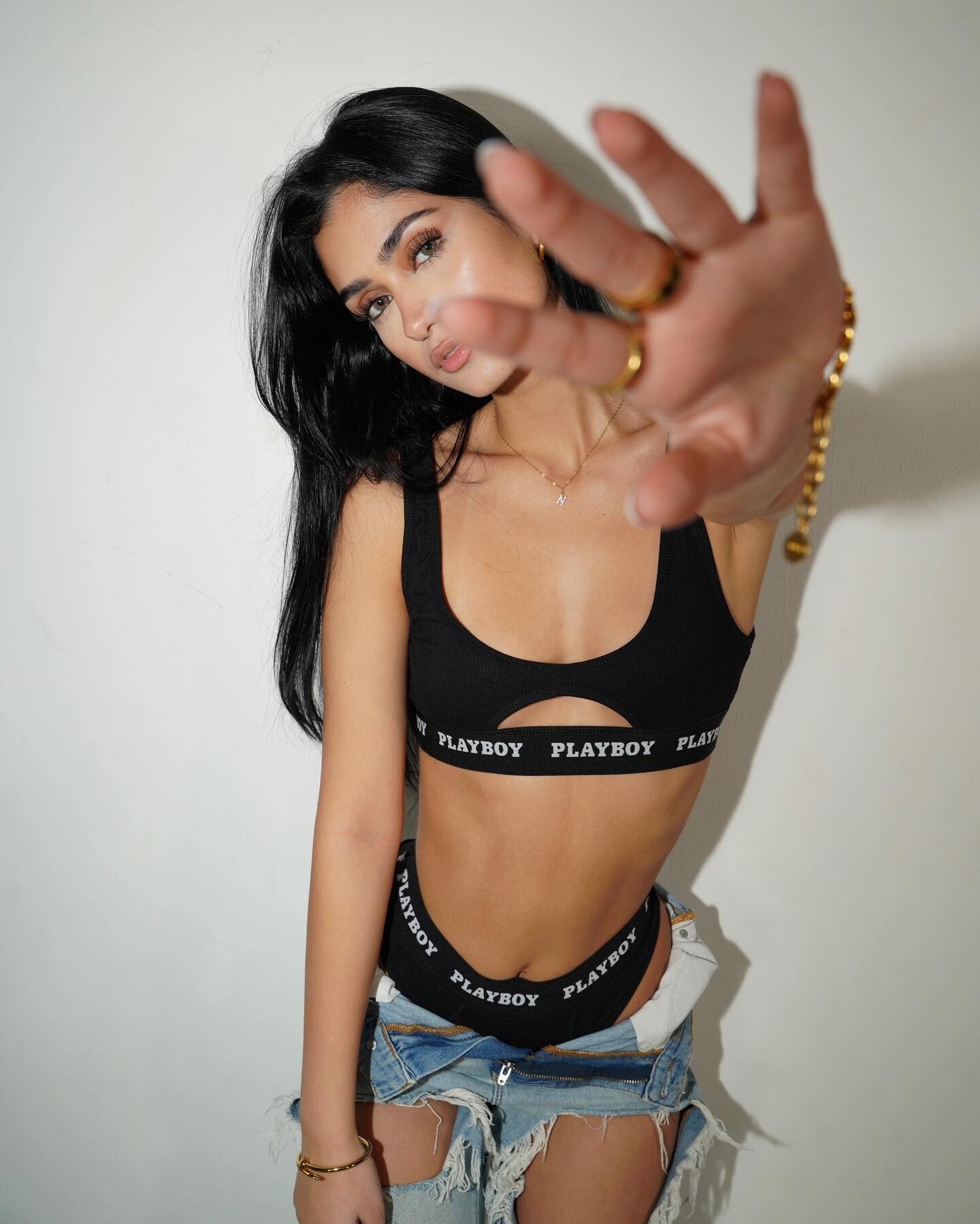
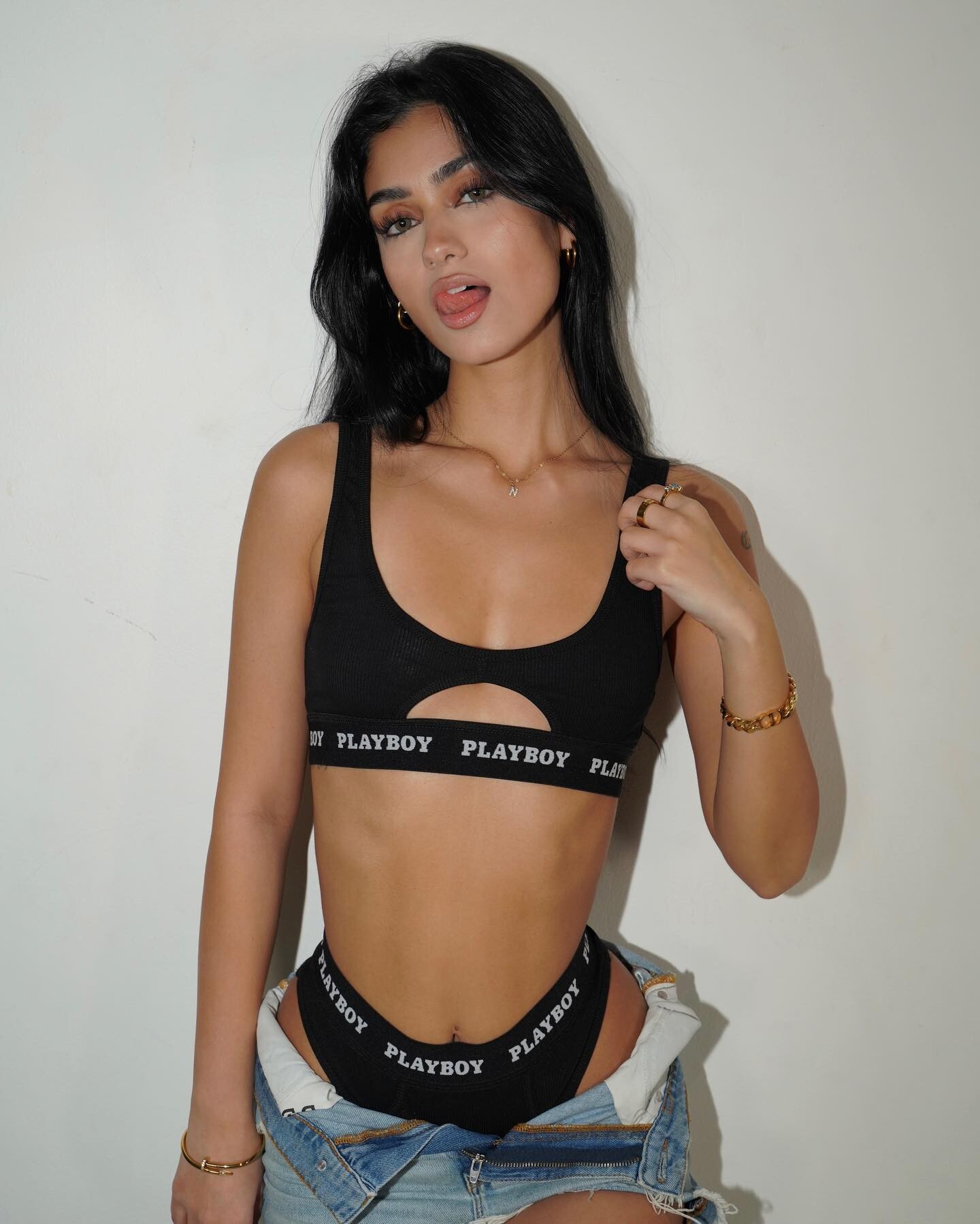
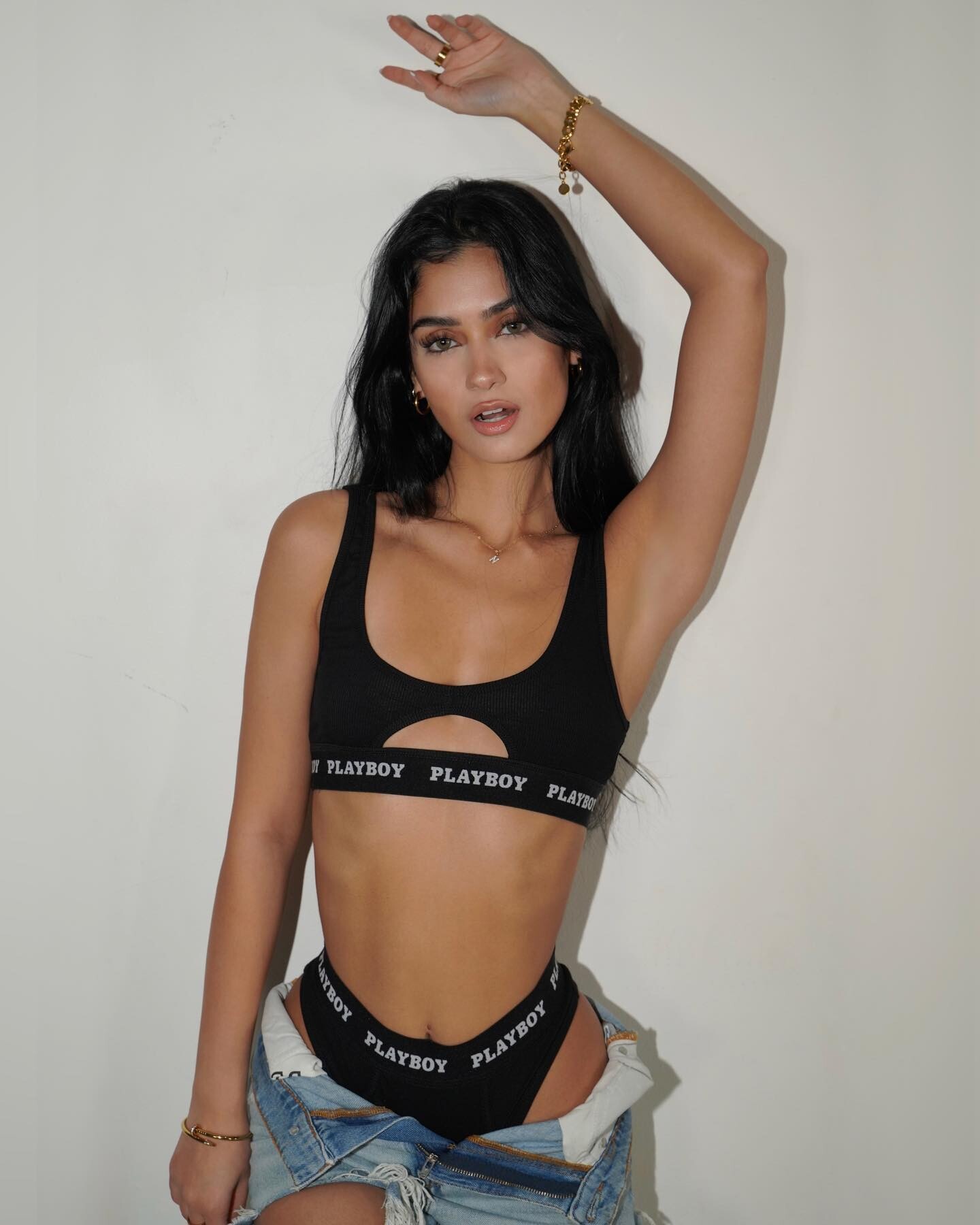

























Account
Search
Configure browser push notifications
Chrome (Android)
- Tap the lock icon next to the address bar.
- Tap Permissions → Notifications.
- Adjust your preference.
Chrome (Desktop)
- Click the padlock icon in the address bar.
- Select Site settings.
- Find Notifications and adjust your preference.
Safari (iOS 16.4+)
- Ensure the site is installed via Add to Home Screen.
- Open Settings App → Notifications.
- Find your app name and adjust your preference.
Safari (macOS)
- Go to Safari → Preferences.
- Click the Websites tab.
- Select Notifications in the sidebar.
- Find this website and adjust your preference.
Edge (Android)
- Tap the lock icon next to the address bar.
- Tap Permissions.
- Find Notifications and adjust your preference.
Edge (Desktop)
- Click the padlock icon in the address bar.
- Click Permissions for this site.
- Find Notifications and adjust your preference.
Firefox (Android)
- Go to Settings → Site permissions.
- Tap Notifications.
- Find this site in the list and adjust your preference.
Firefox (Desktop)
- Open Firefox Settings.
- Search for Notifications.
- Find this site in the list and adjust your preference.