All Activity
- Past hour
-
 • Melinda London • Laura Grassi • Ciana Parks • Alessia Sebastianelli • Omer Nudelman • Nissia Benghazi • Neta Alchimister • Amelia Stuart • Georgia-Grace Martin • Kimiya Hosseini • Rimma Schastlivaia
 -
 IG stories StorySaver.net-magui_corceiro-Video-1764977837010.mp4 StorySaver.net-magui_corceiro-Video-1764977822783.mp4
 -
 Topic déjà : https://www.bellazon.com/main/topic/45878-kayslee-collins/
 -
 ELLE AUSTRALIA 1992 - photo Paul Westlake One of Saira‘s first editorials at the age of 14 and produced on Bali. source instagram
-
 This is Lydia Loison 😜
 SIGURON GmbH joined the community
L‘OFFICIEL INDIA Vol.3 Jul./Aug.2006 - photo unknown source instagram
SIGURON GmbH joined the community
L‘OFFICIEL INDIA Vol.3 Jul./Aug.2006 - photo unknown source instagram
 INDIA TODAY MAR.27, 2006 source instagram
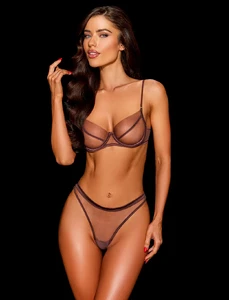
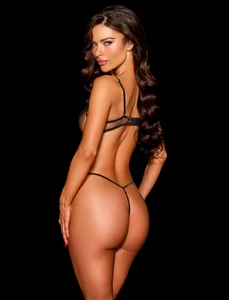
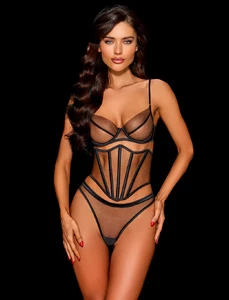
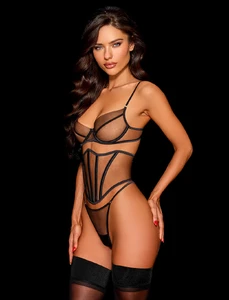
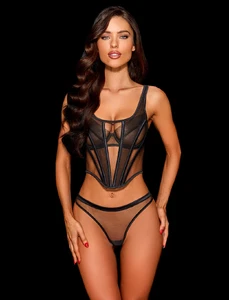
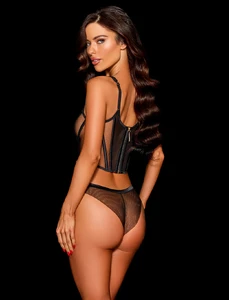
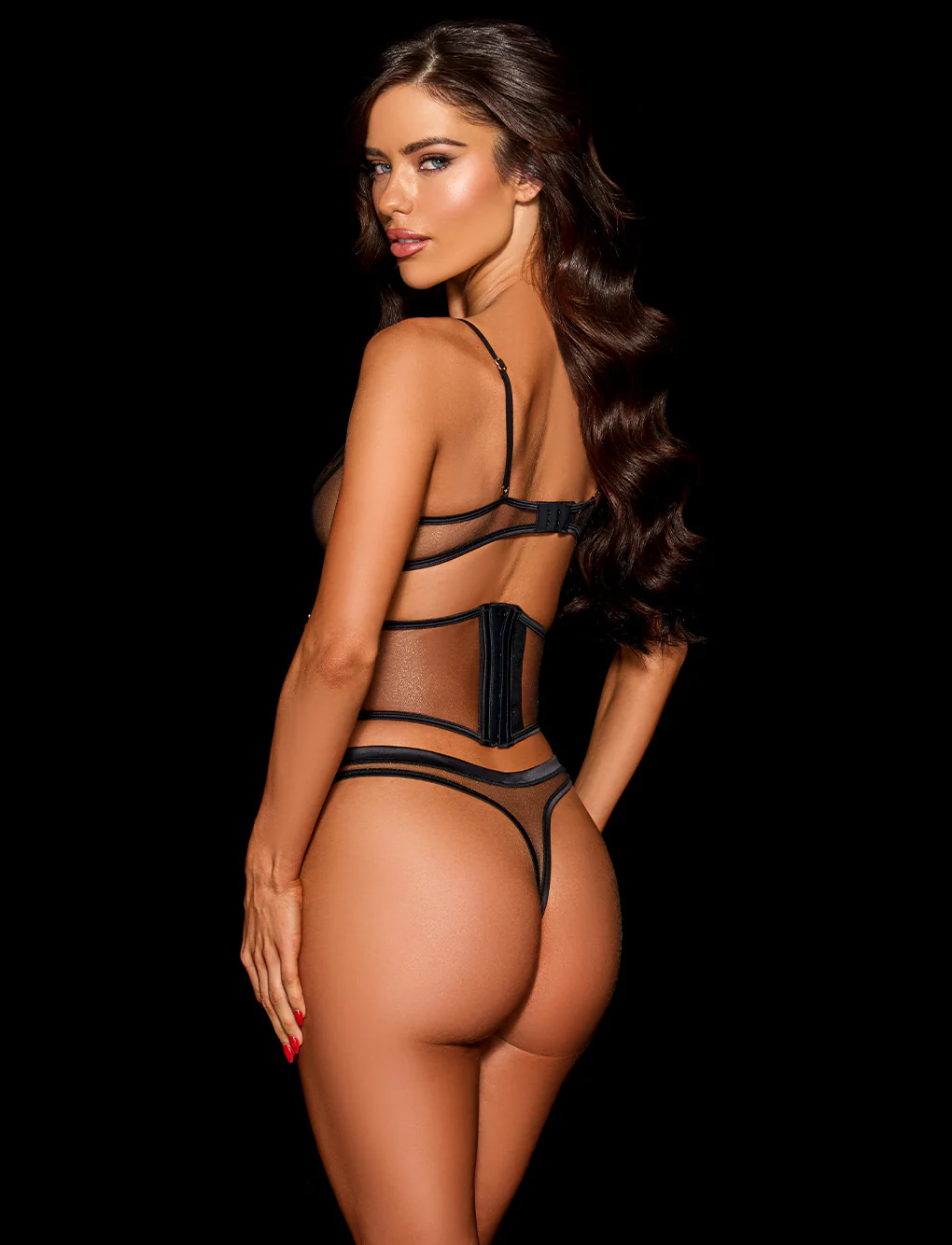
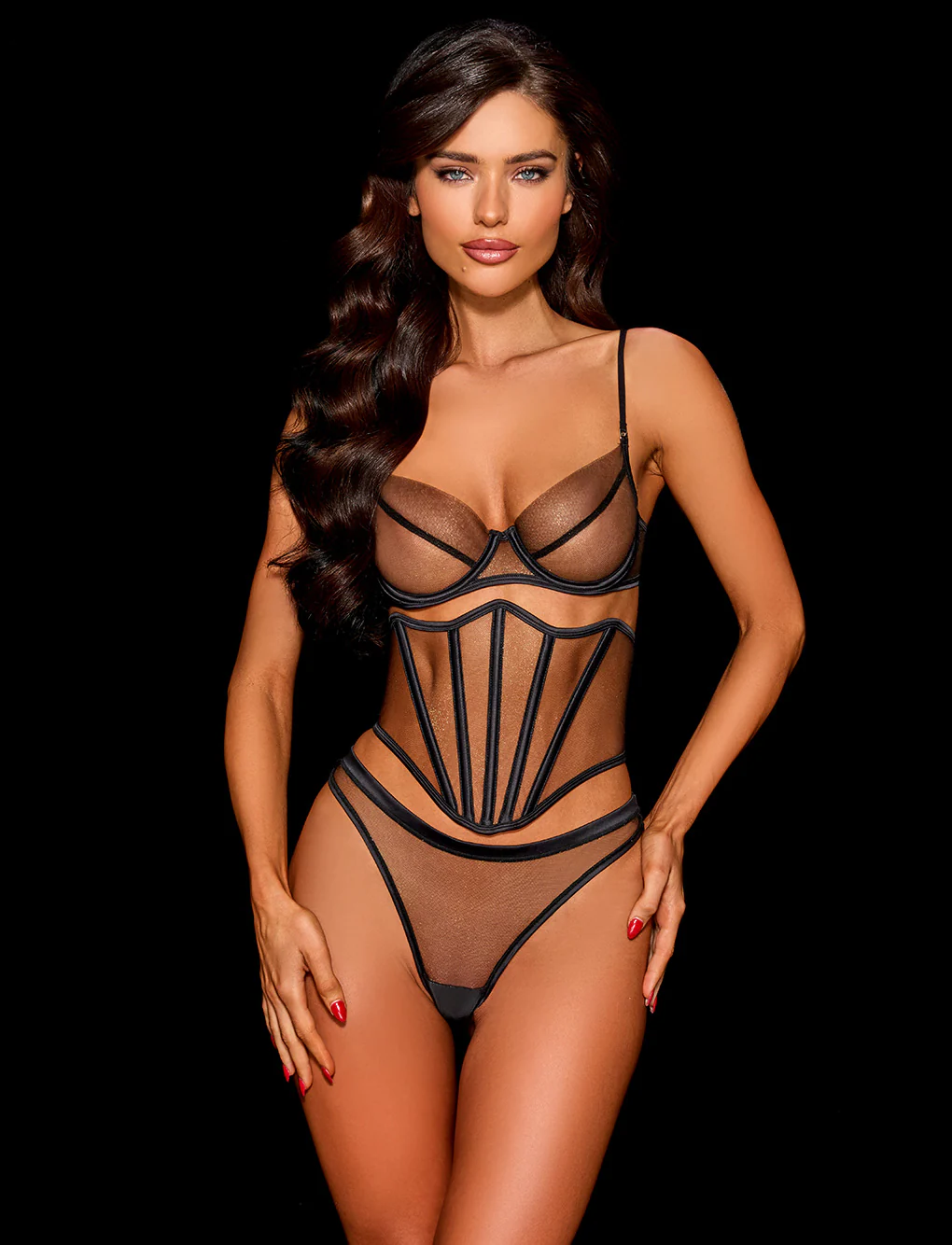
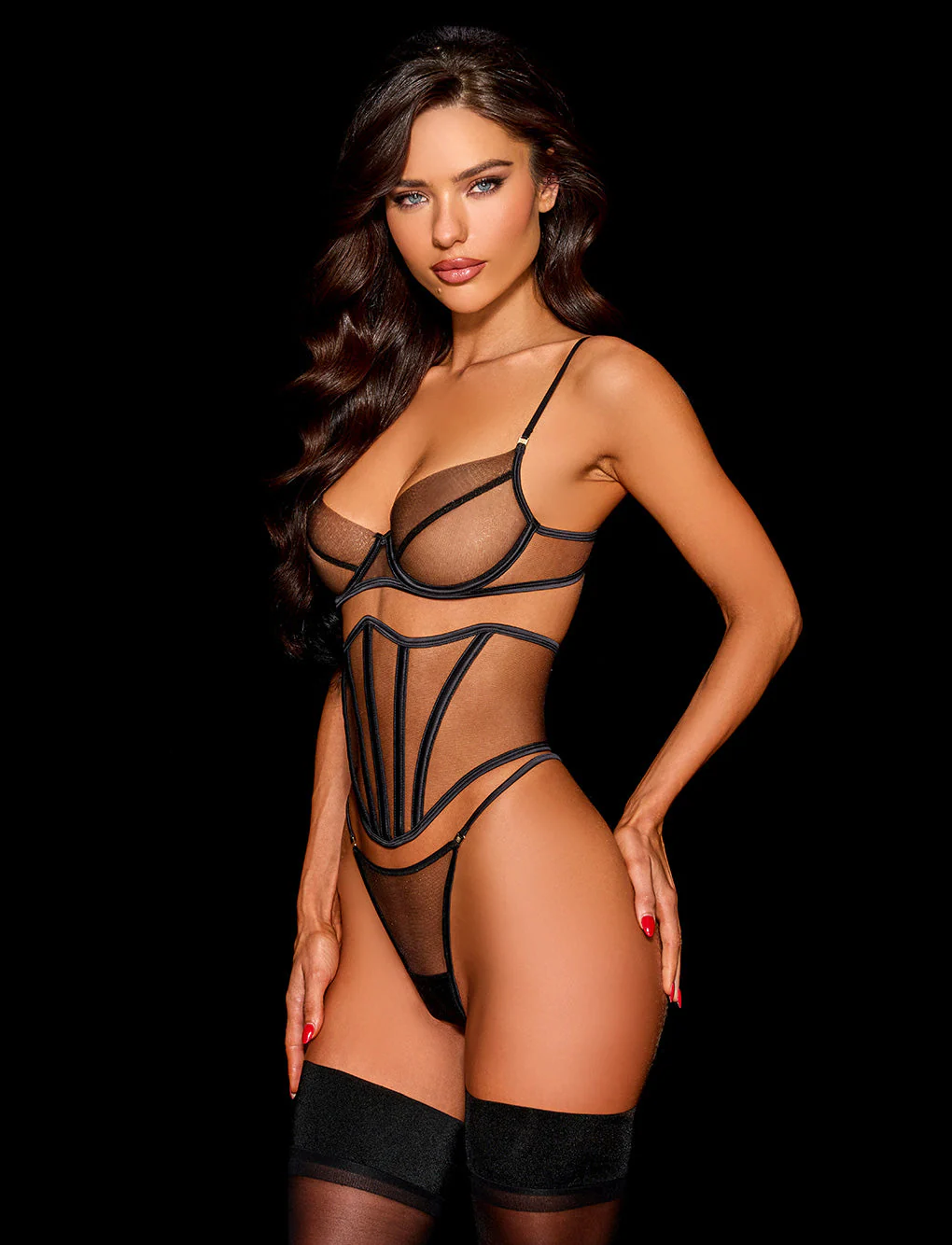
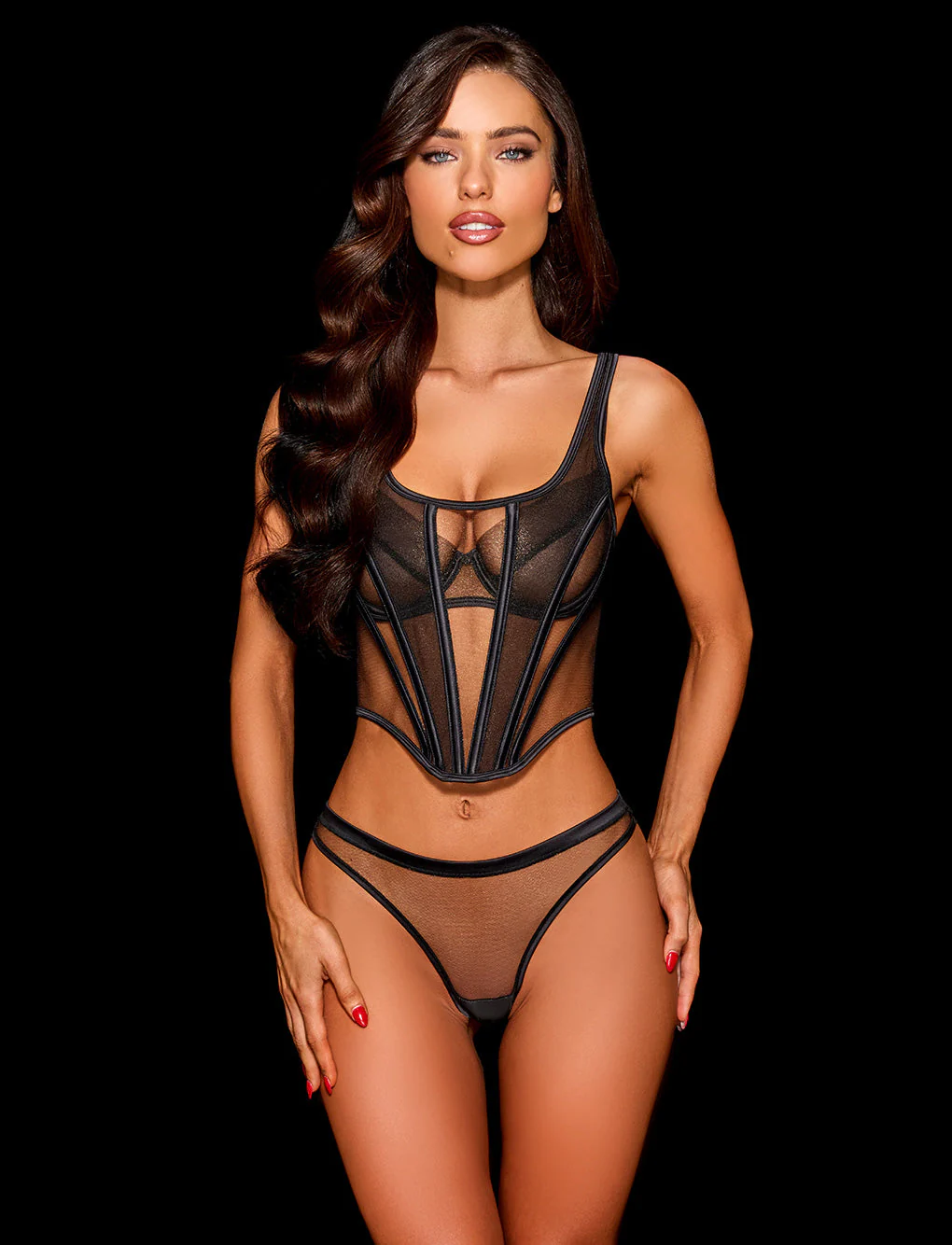
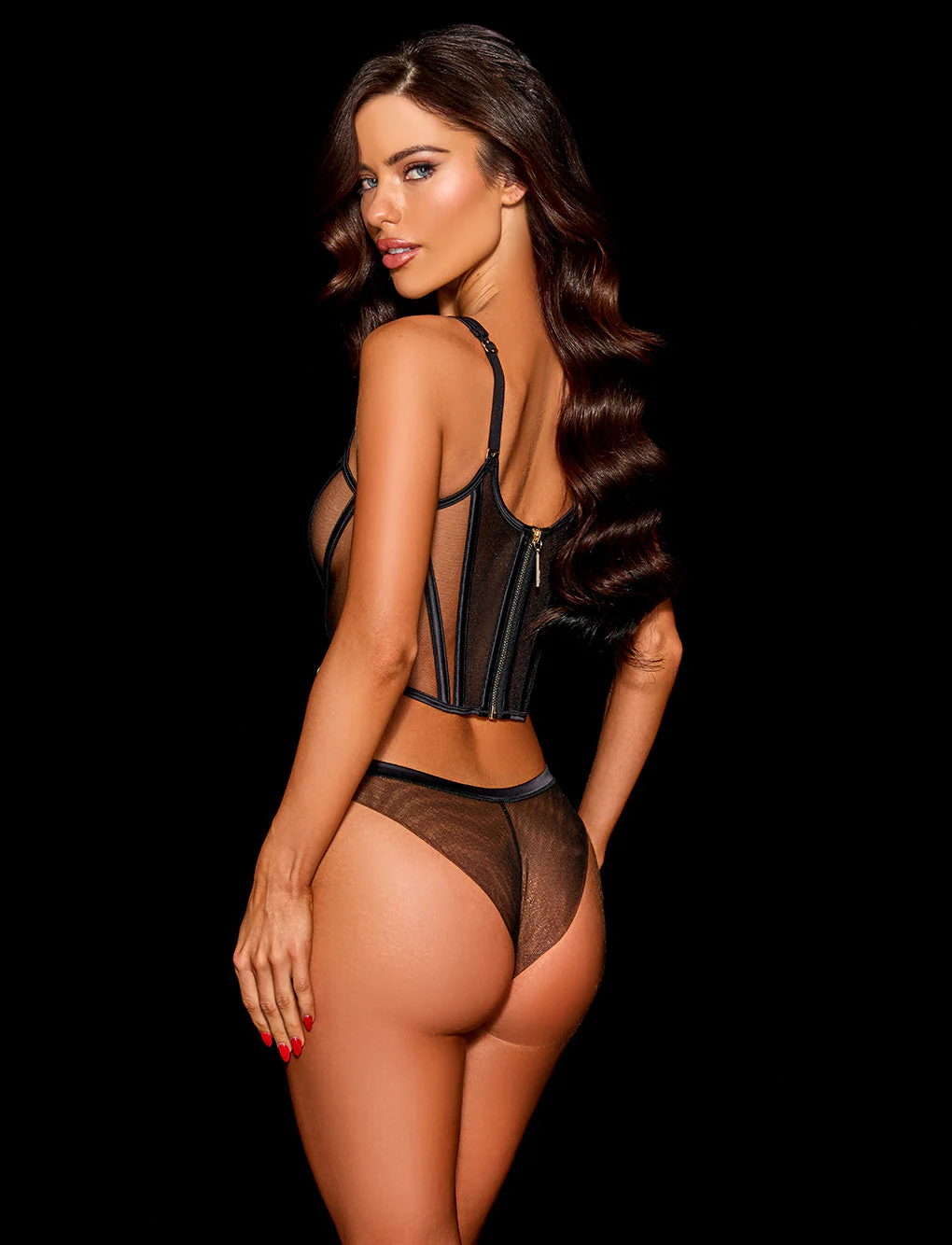
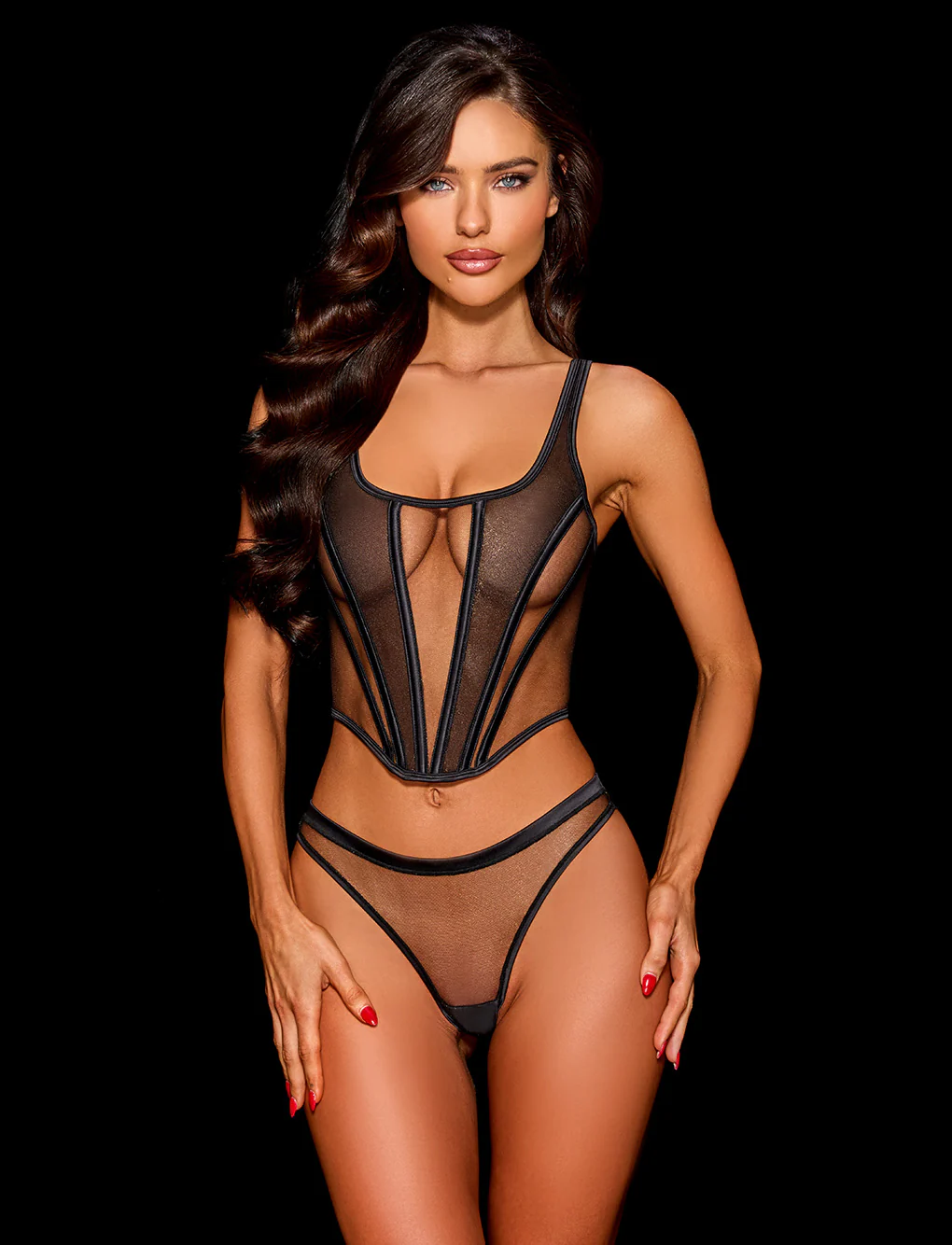
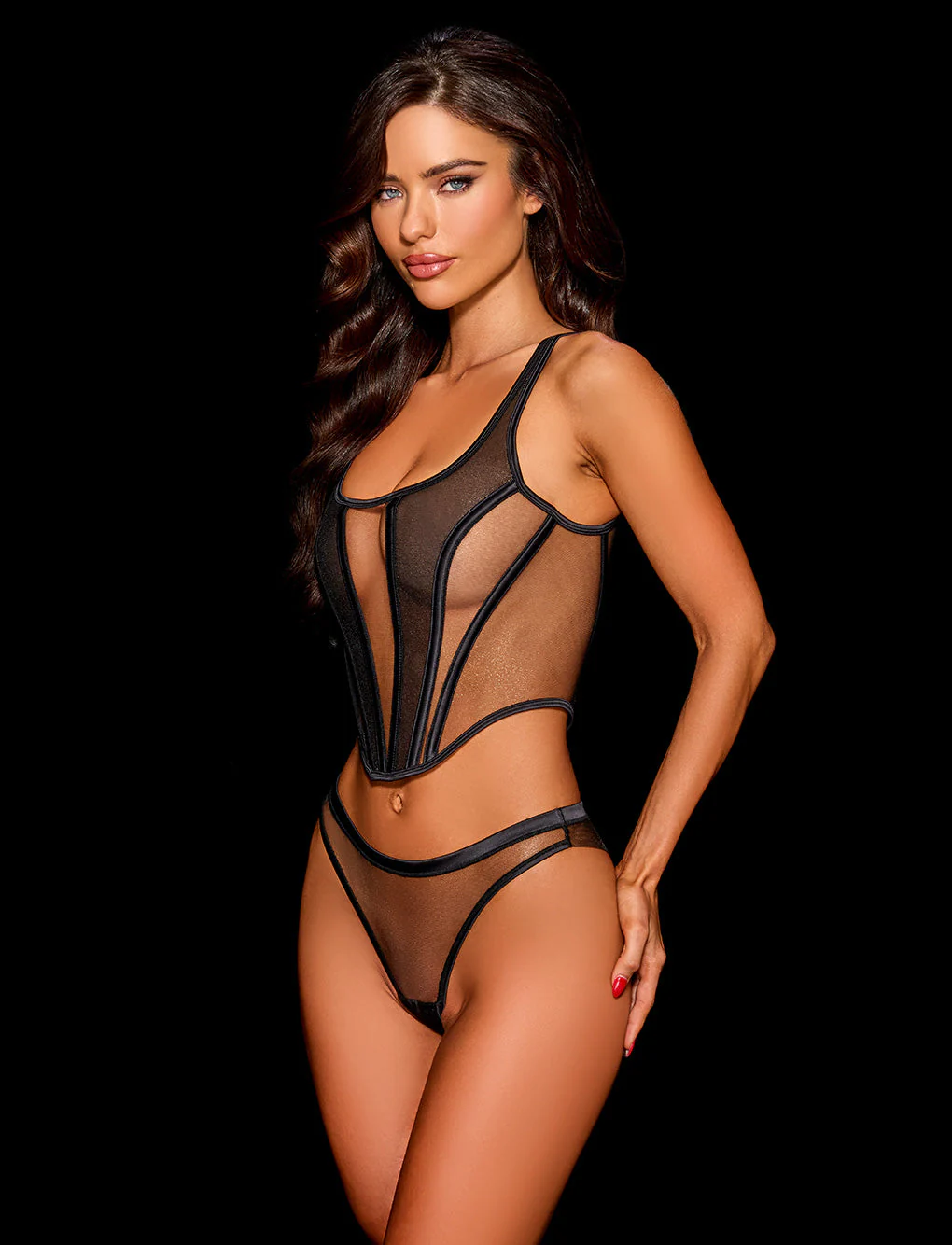
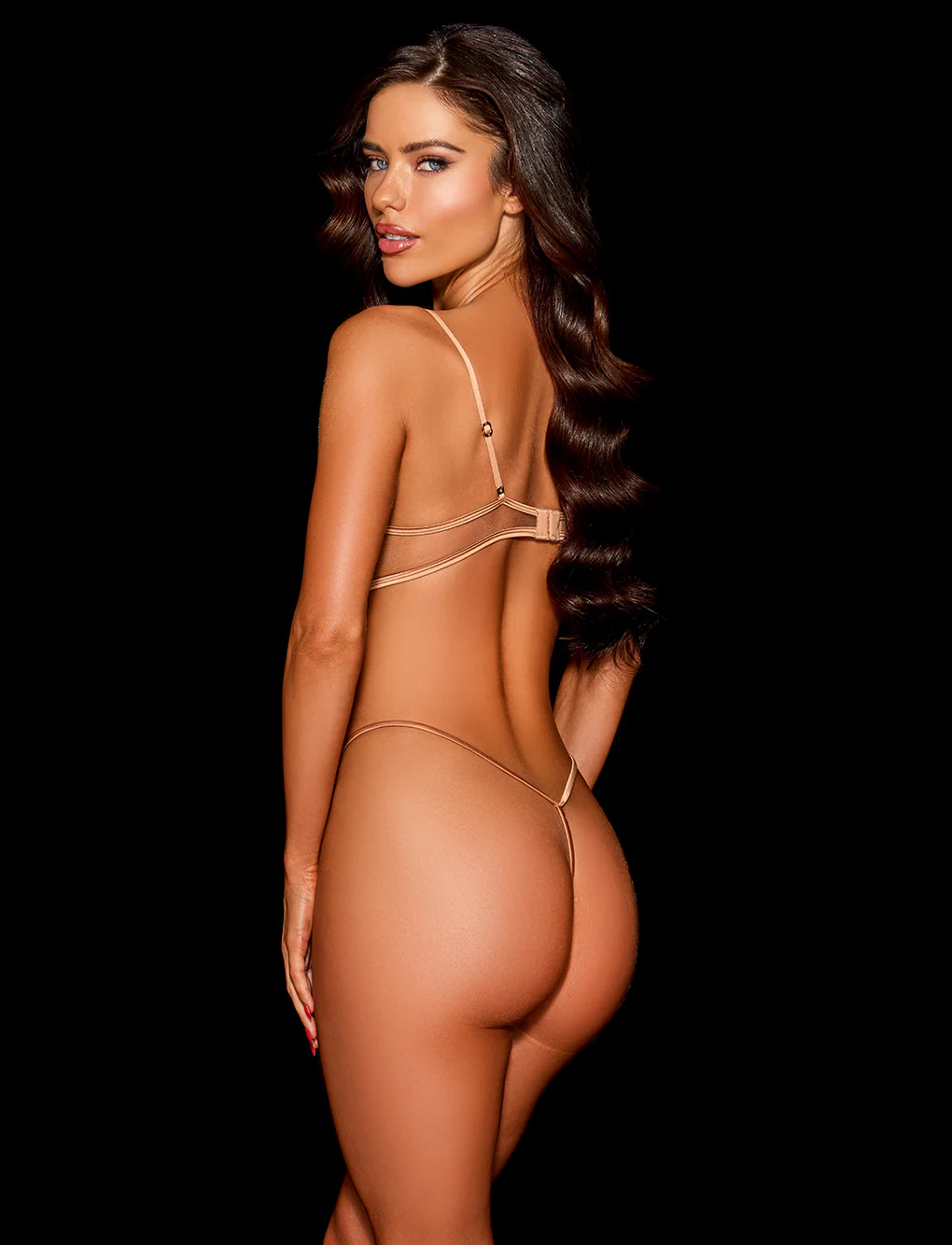
 Honey Birdette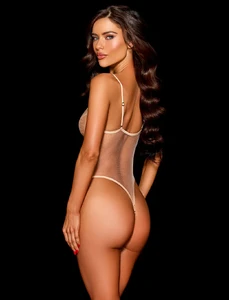



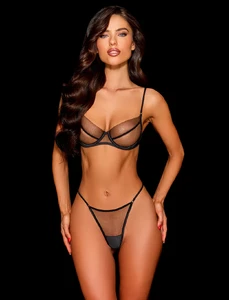
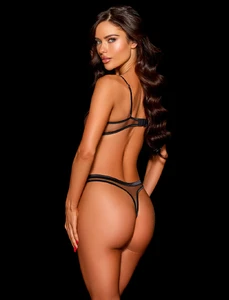
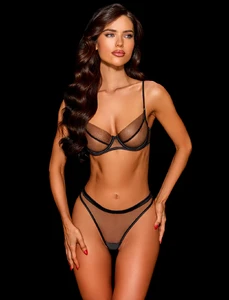

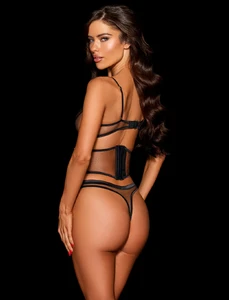
.thumb.webp.f844c9a65f3e31b43adb3fa17536d618.webp)
.thumb.webp.c8e74e46efa50db3c6678f139a13e310.webp)
.thumb.webp.8659003b92de011580fbe9305227034c.webp)
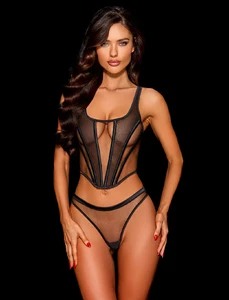
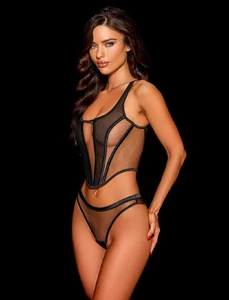


.thumb.webp.f7179e269127ccebe8f1729d5ff7ce60.webp) 10 years later….🤣…...Saira is not on this cover - just fyi 😊
• Laura Grassi • Melinda London (M) • Ciana Parks (L) • Omer Nudelman (M) • Neta Alchimister (3) • Alessia Sebastianelli (2) • Nissia Benghazi (L) • Amelia Stuart (M) • Georgia-Grace Martin (L) • Kimiya Hosseini (M) • Rimma Schastlivaia (L)
10 years later….🤣…...Saira is not on this cover - just fyi 😊
• Laura Grassi • Melinda London (M) • Ciana Parks (L) • Omer Nudelman (M) • Neta Alchimister (3) • Alessia Sebastianelli (2) • Nissia Benghazi (L) • Amelia Stuart (M) • Georgia-Grace Martin (L) • Kimiya Hosseini (M) • Rimma Schastlivaia (L) Donatella Salvatico

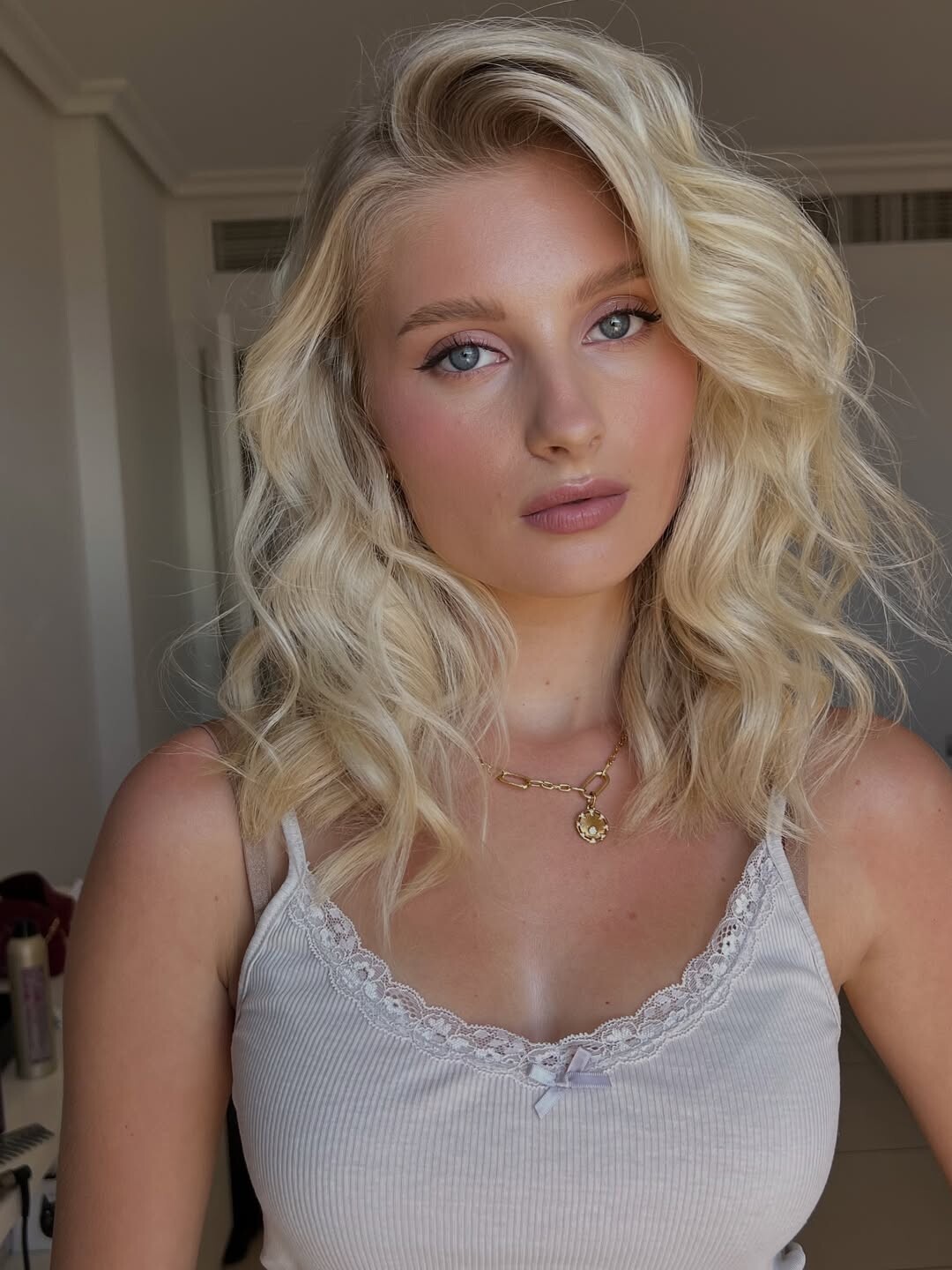
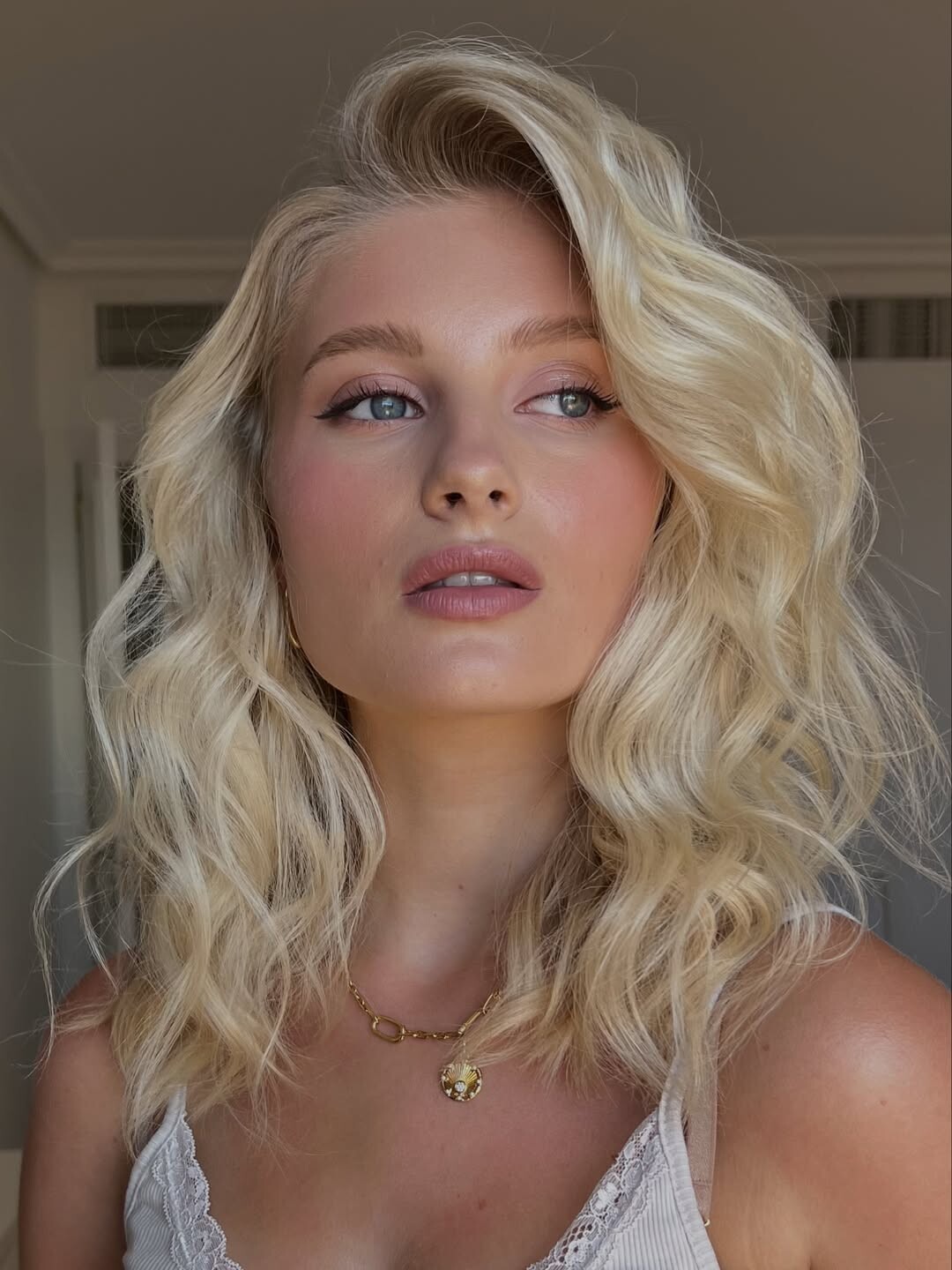
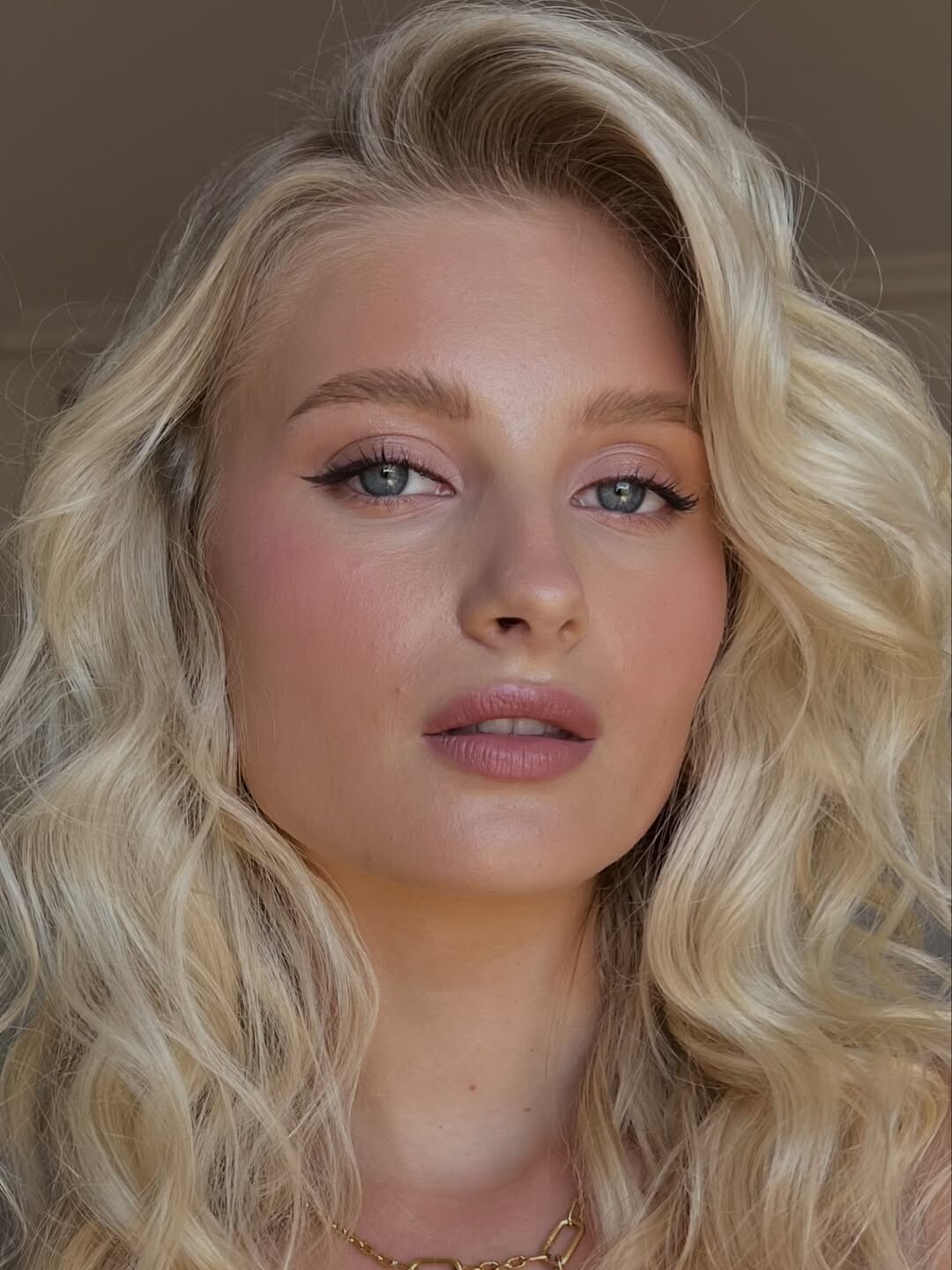
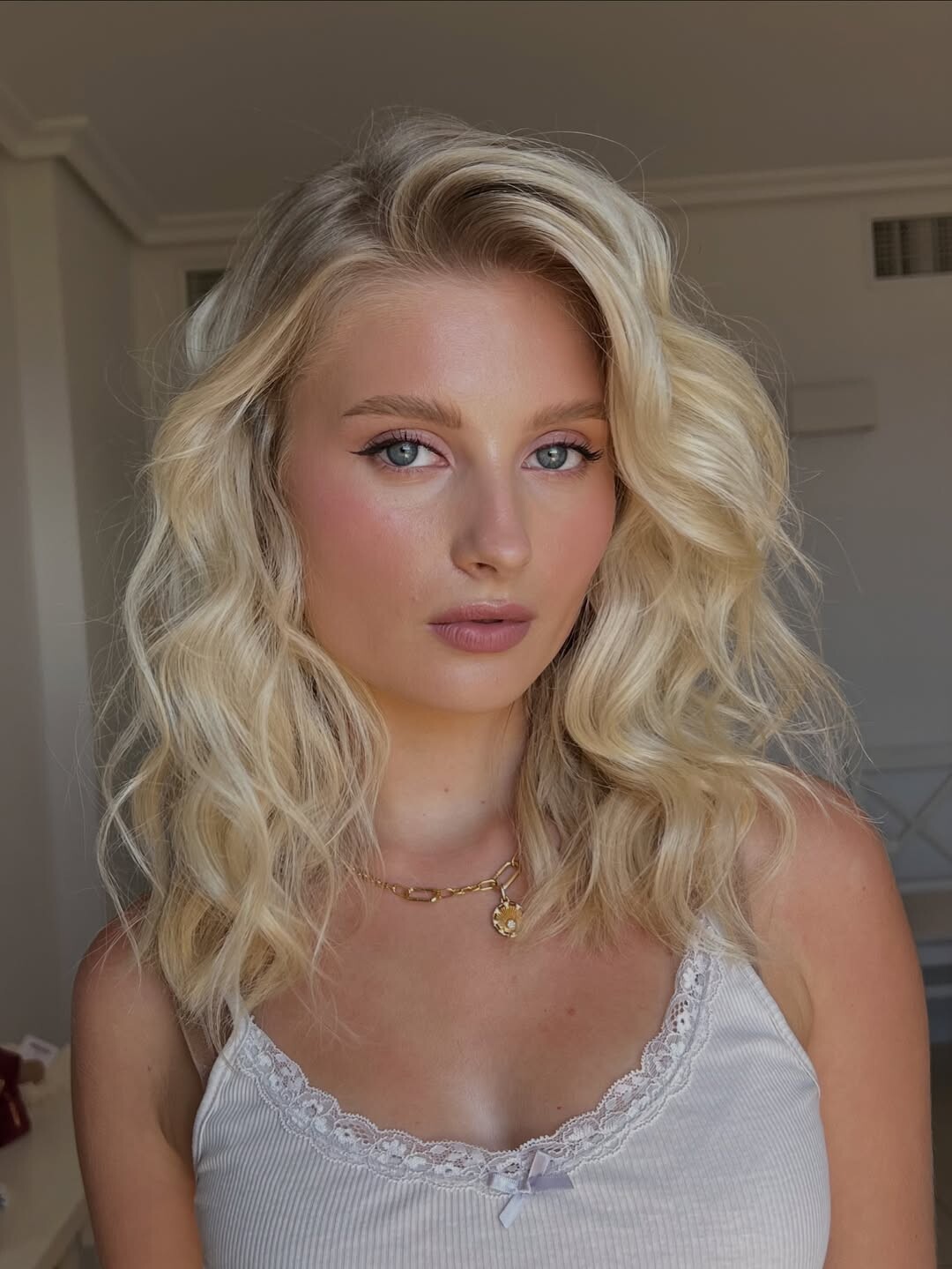






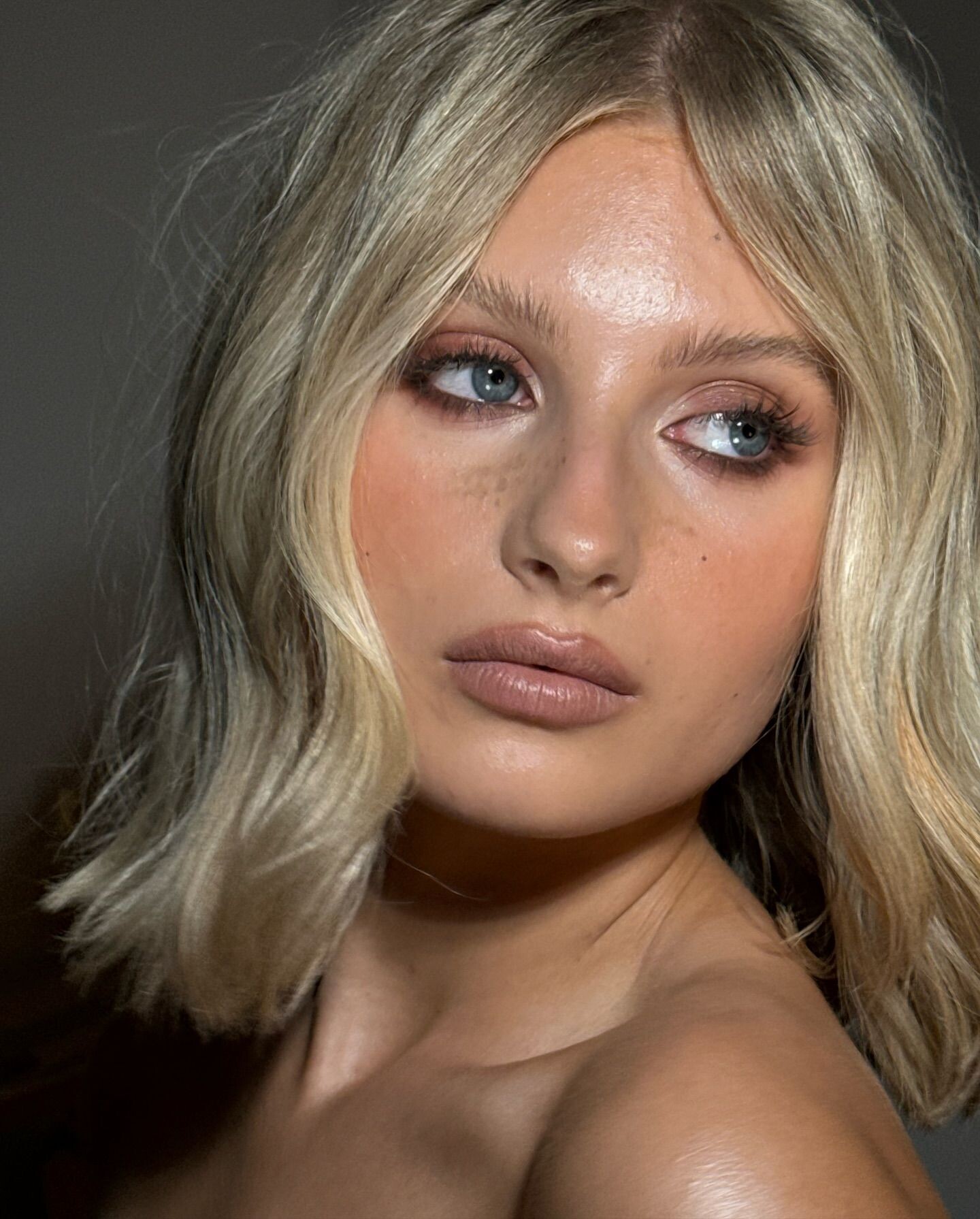
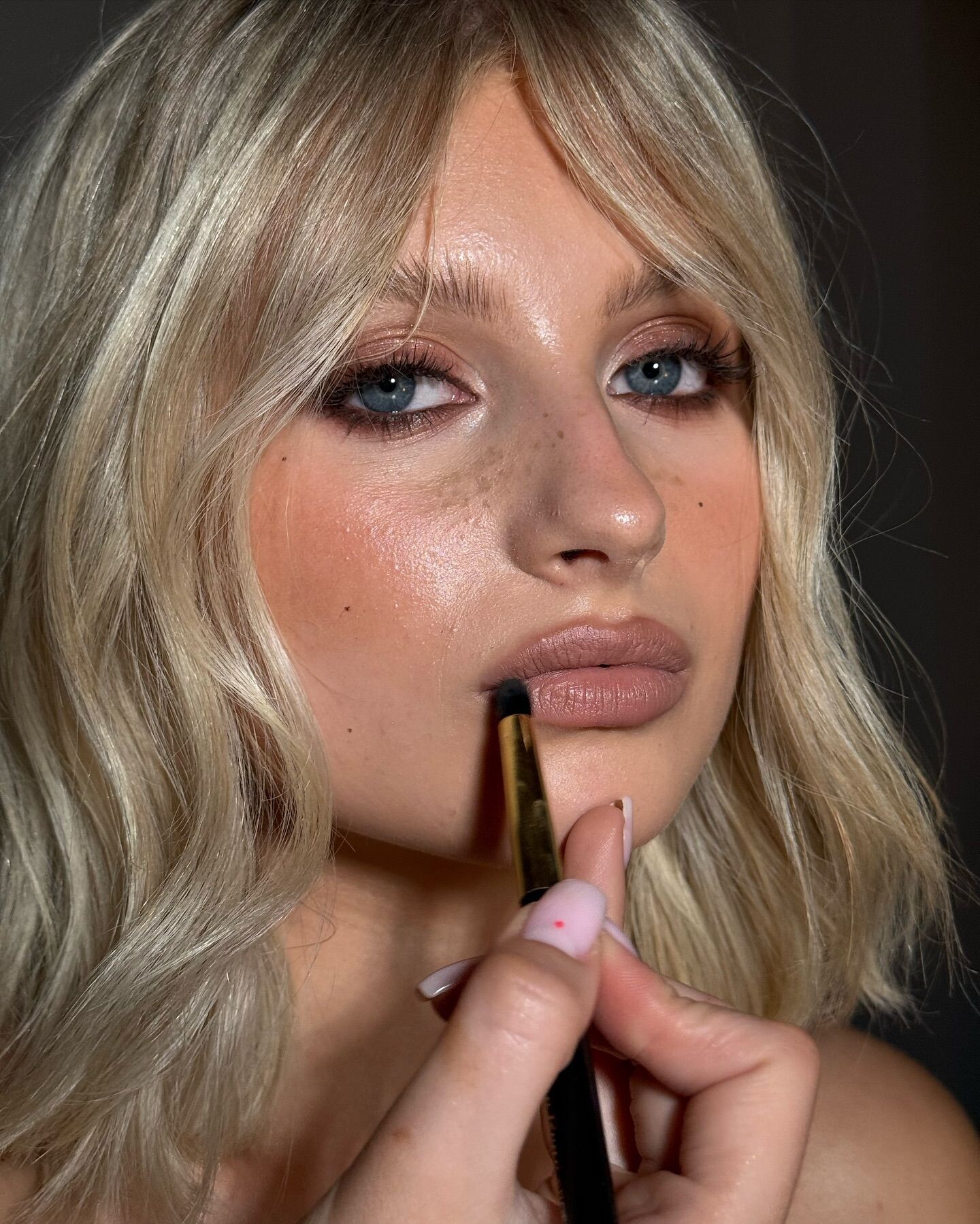
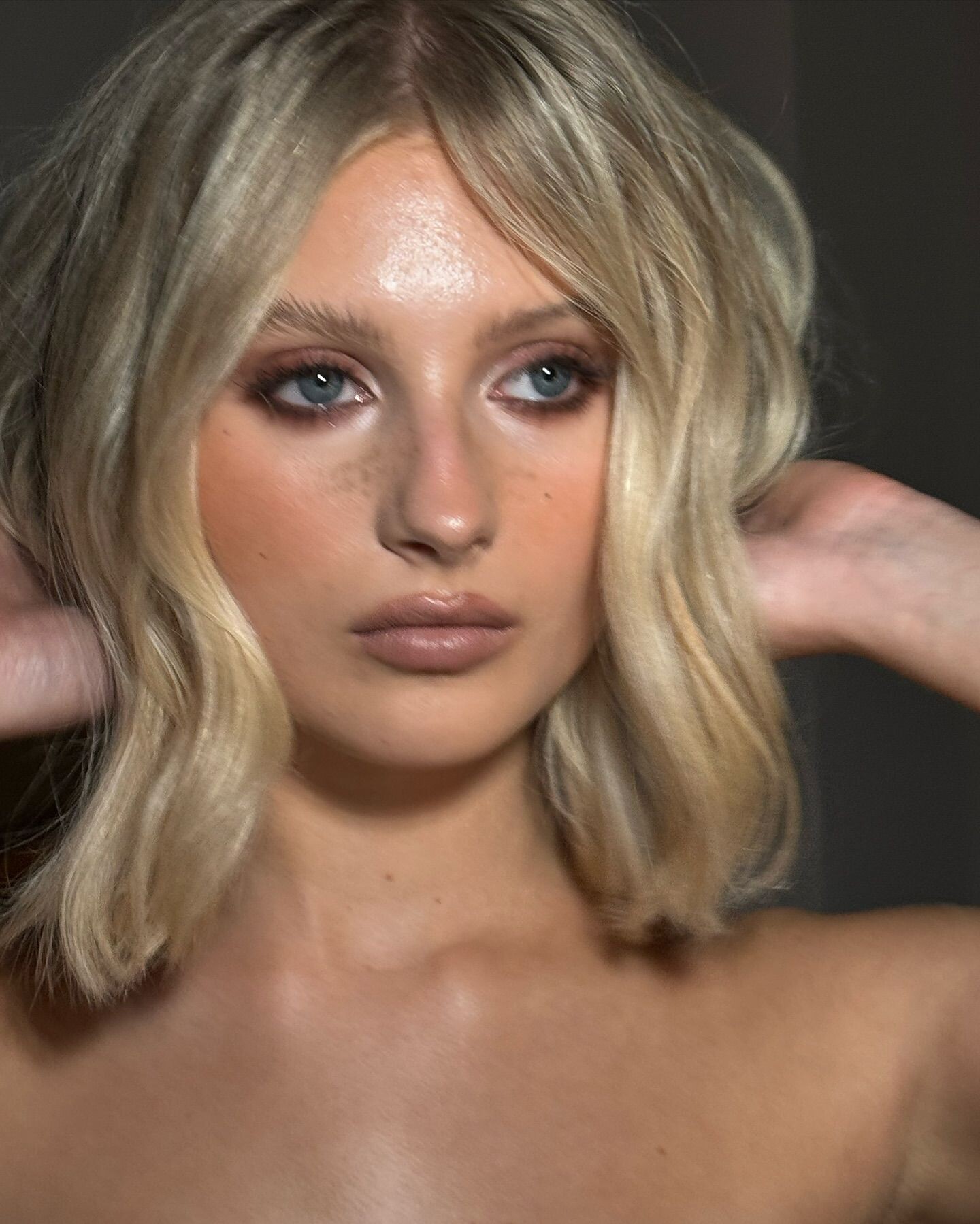
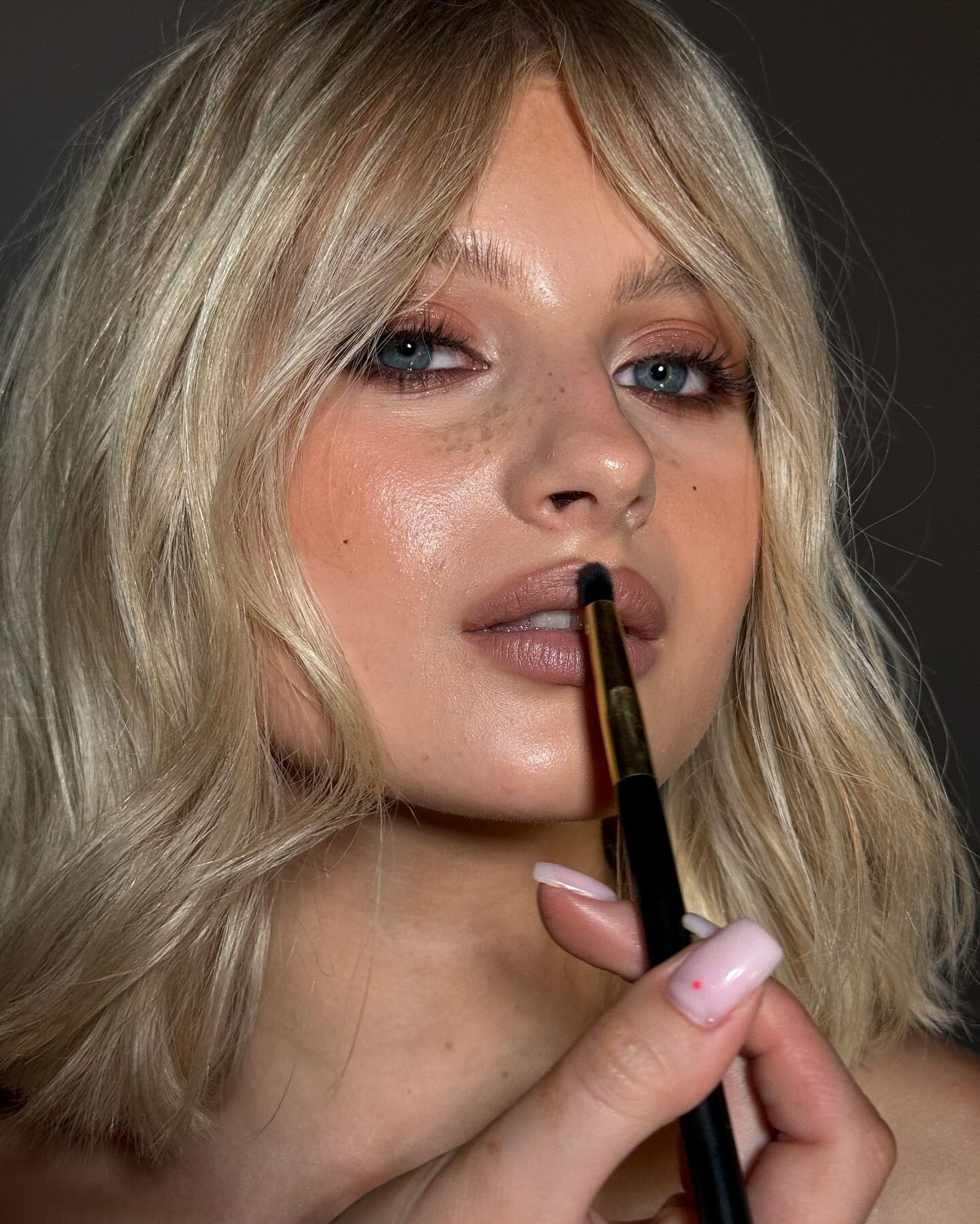
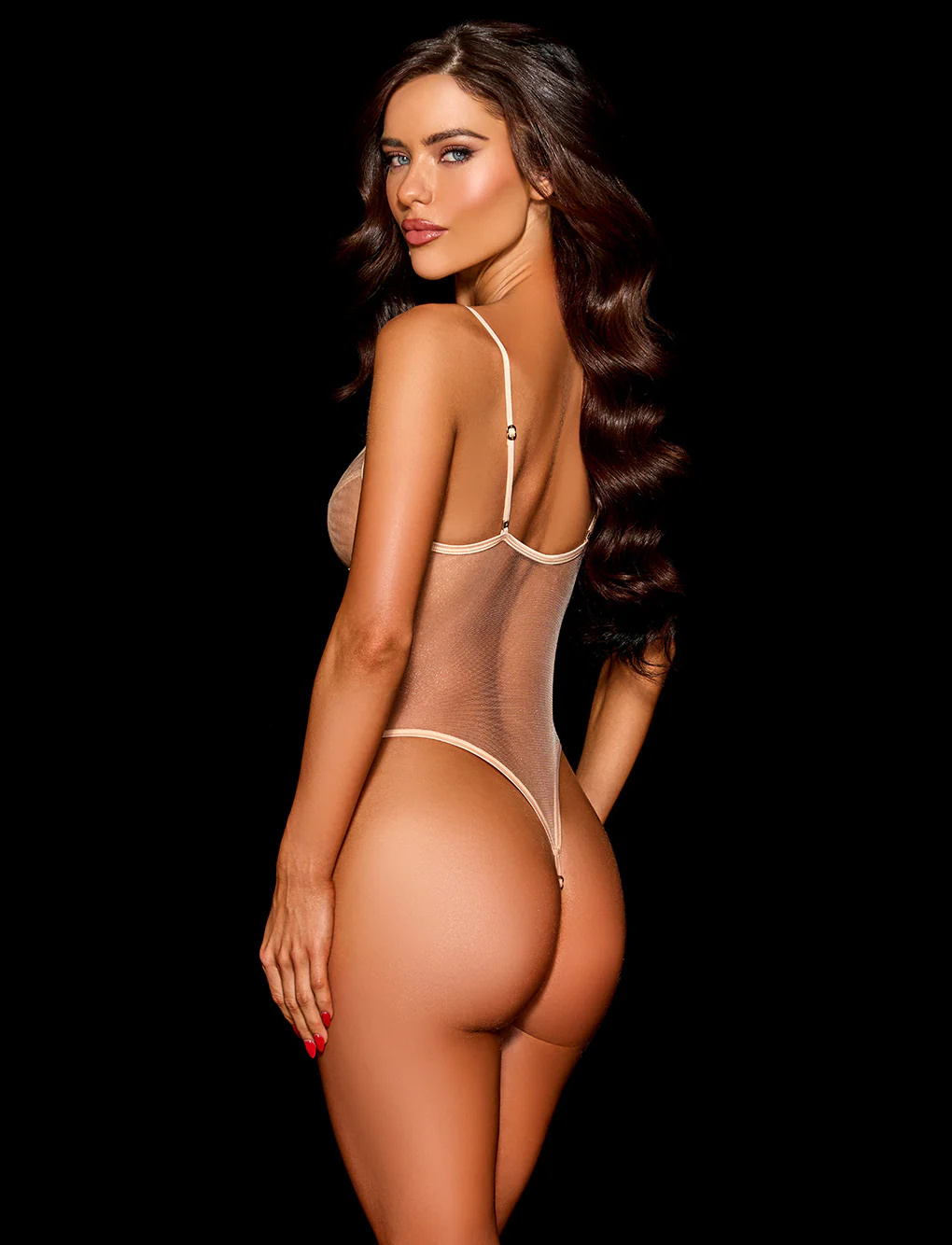
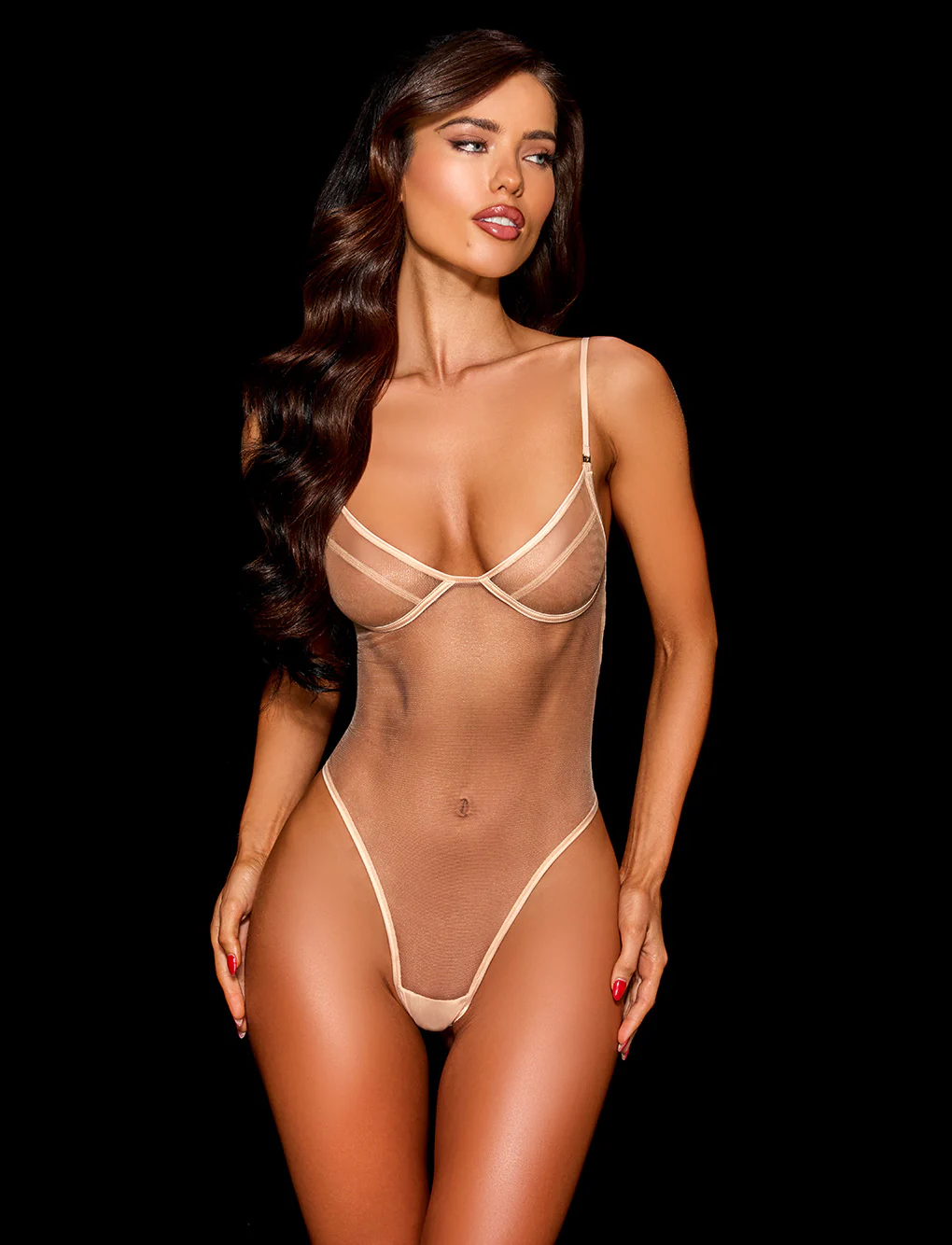
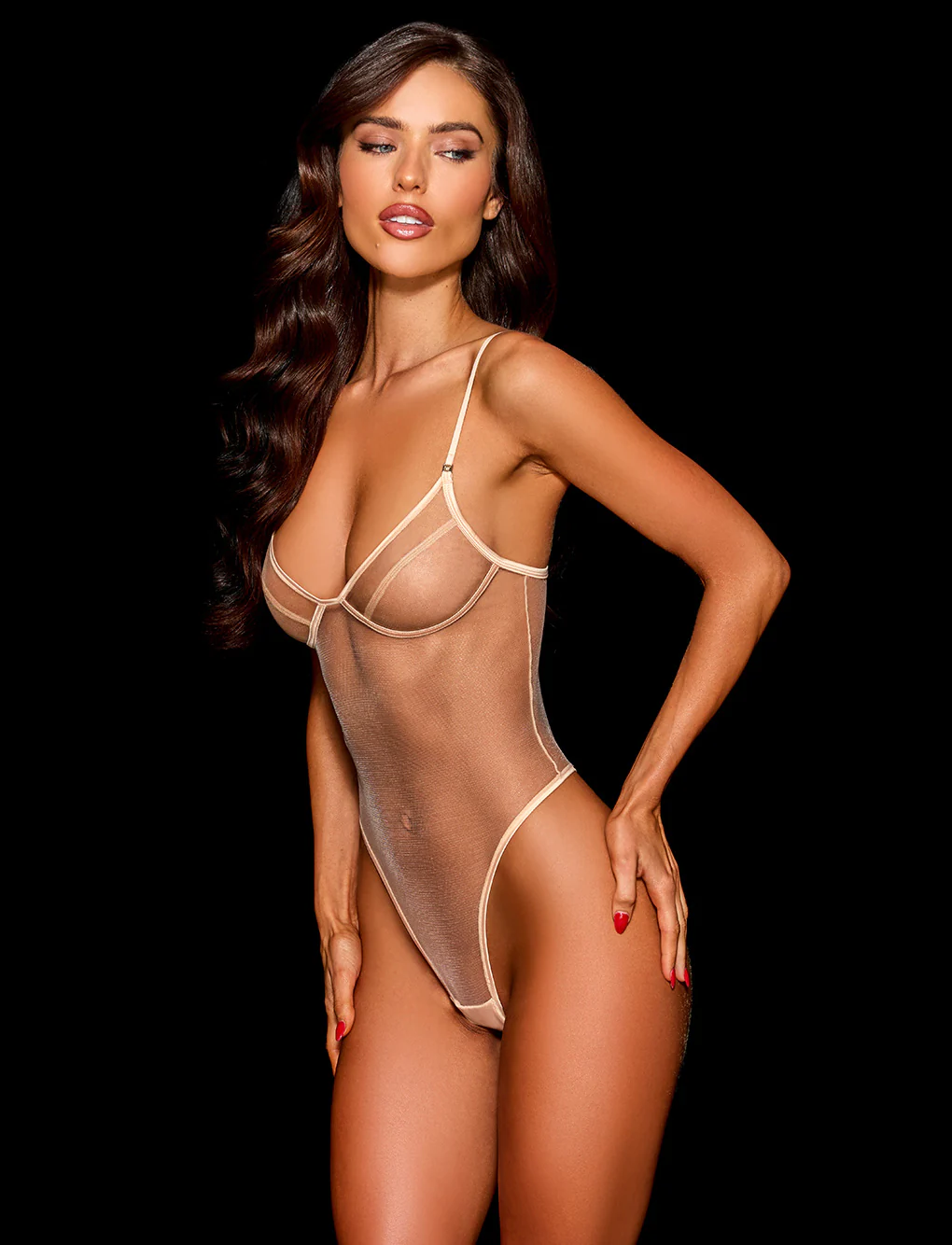
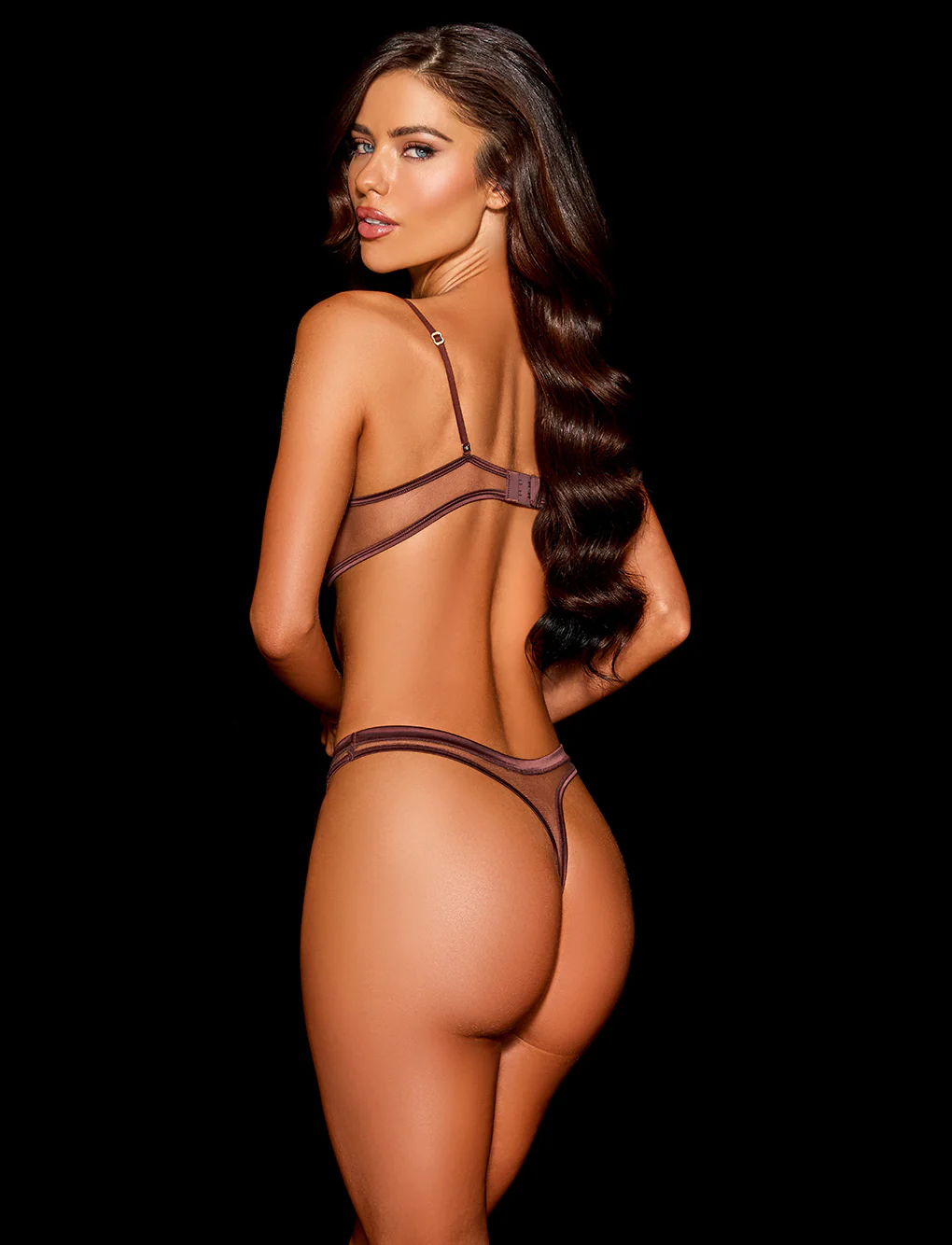
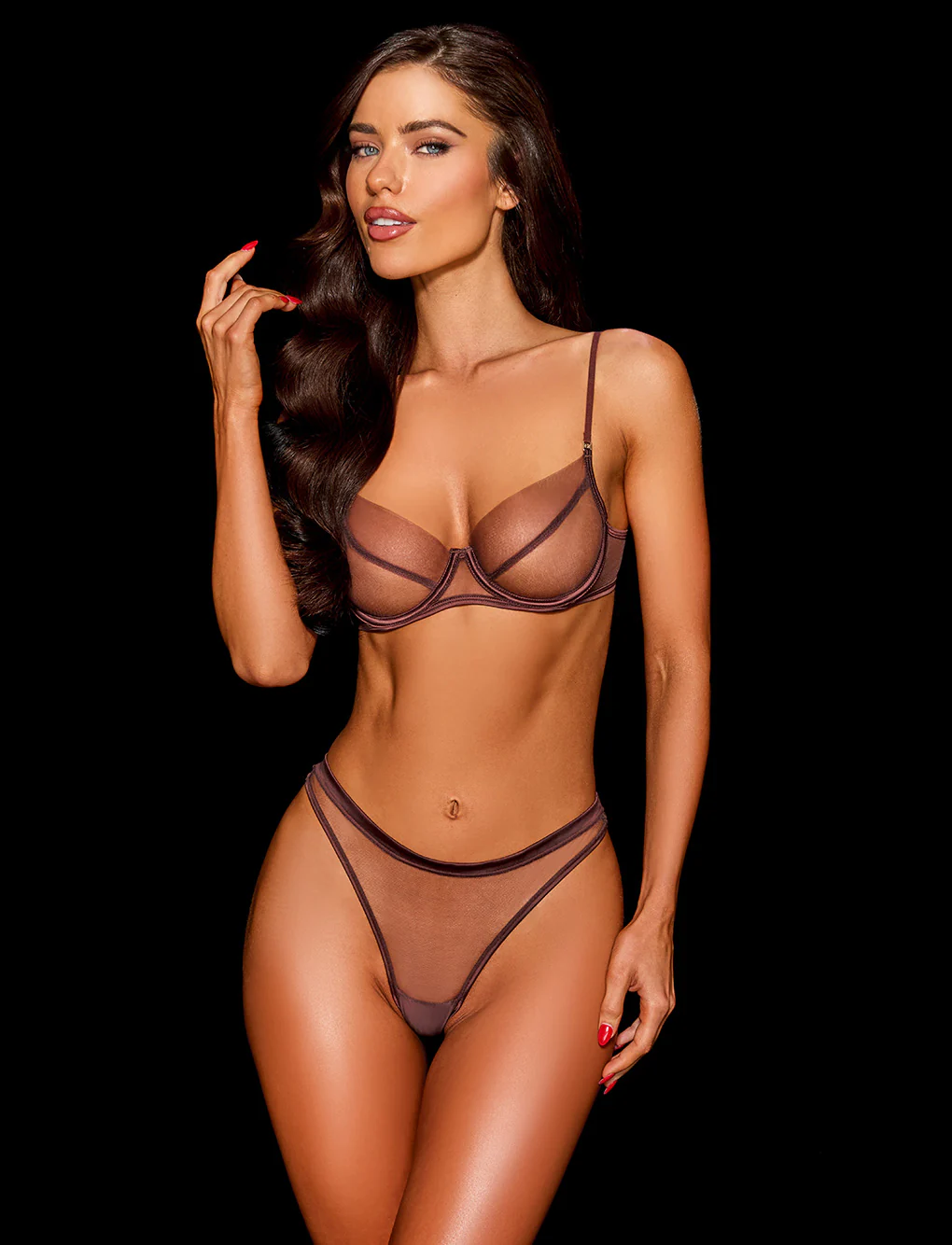
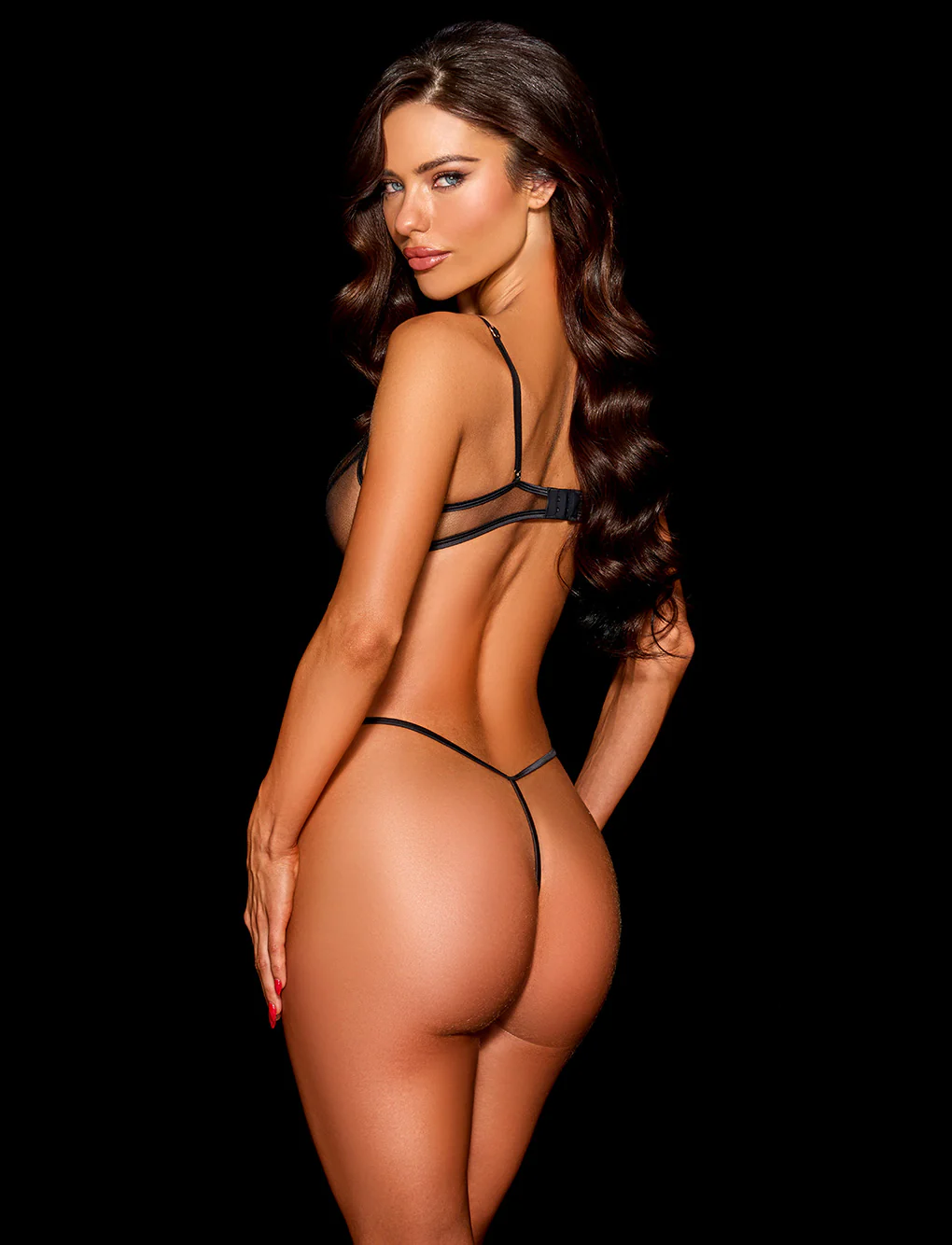
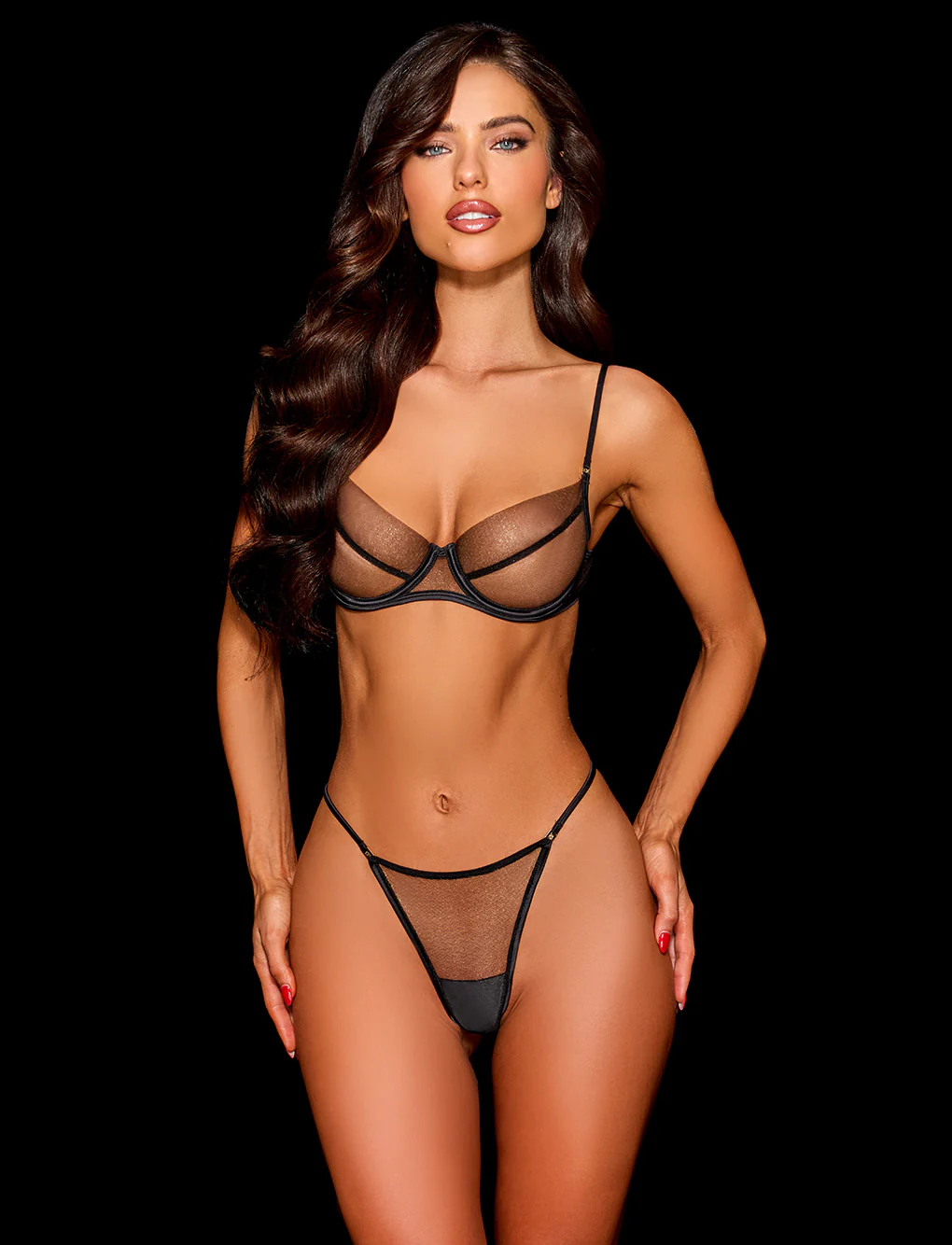
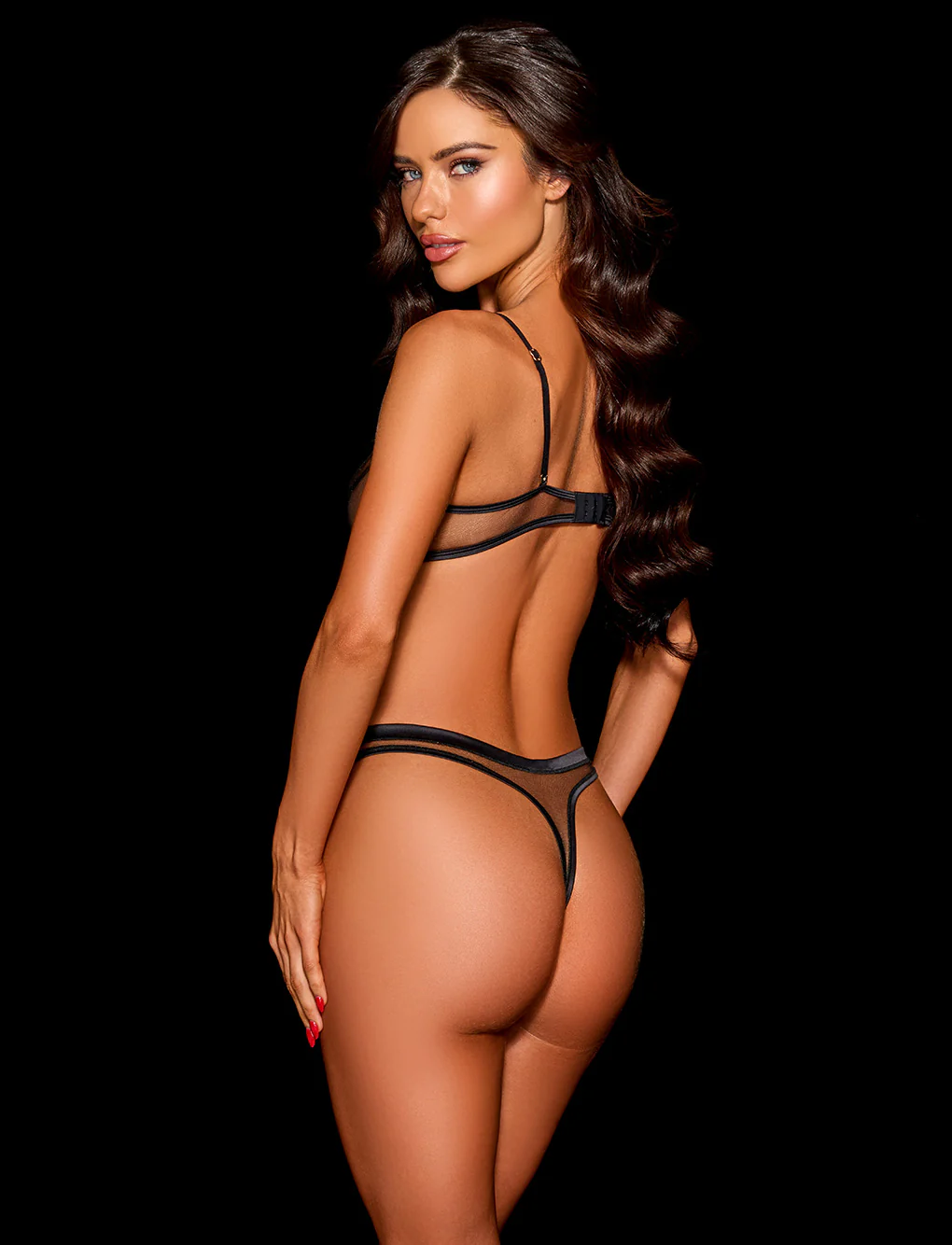
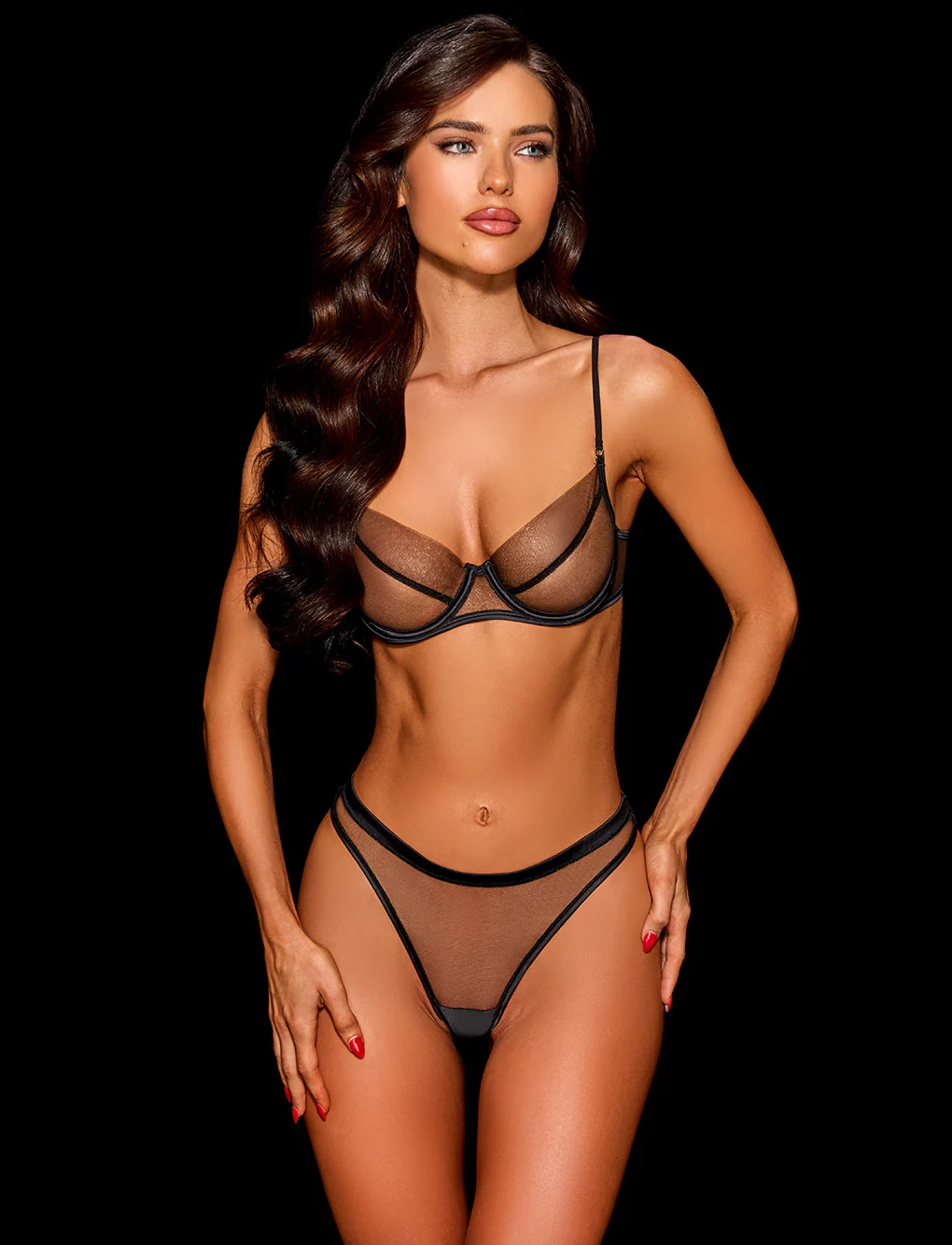
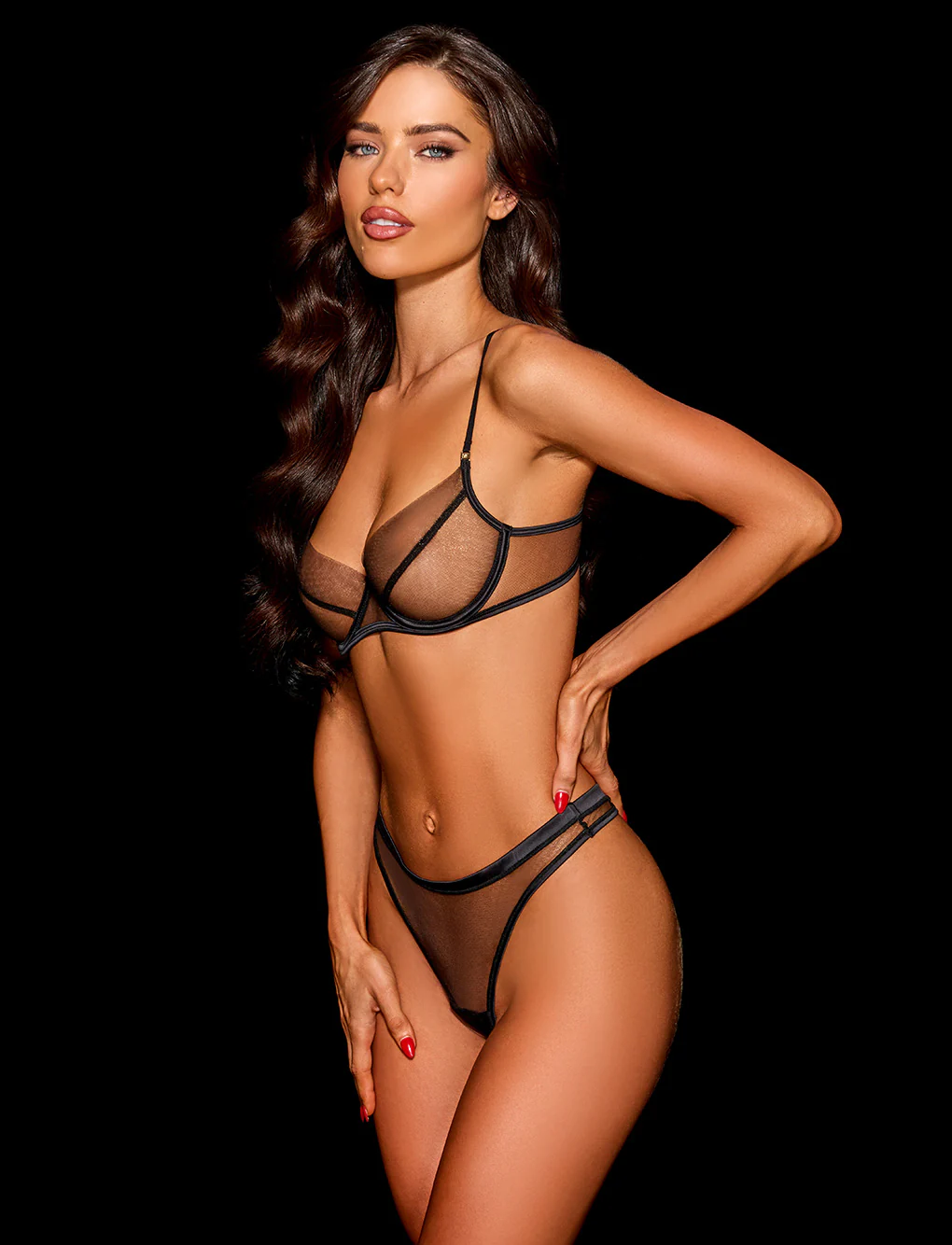
.webp.897d4a38dcac943a21642b853fe8ae06.webp)
.webp.fed2b22d4cde4d8665af0161a8b56907.webp)
.webp.4040354a3b2711dc8482b7044cb8b9d4.webp)

.webp.ec12147a2dfc04e1473a56191d505234.webp)
Account
Search
Configure browser push notifications
Chrome (Android)
- Tap the lock icon next to the address bar.
- Tap Permissions → Notifications.
- Adjust your preference.
Chrome (Desktop)
- Click the padlock icon in the address bar.
- Select Site settings.
- Find Notifications and adjust your preference.
Safari (iOS 16.4+)
- Ensure the site is installed via Add to Home Screen.
- Open Settings App → Notifications.
- Find your app name and adjust your preference.
Safari (macOS)
- Go to Safari → Preferences.
- Click the Websites tab.
- Select Notifications in the sidebar.
- Find this website and adjust your preference.
Edge (Android)
- Tap the lock icon next to the address bar.
- Tap Permissions.
- Find Notifications and adjust your preference.
Edge (Desktop)
- Click the padlock icon in the address bar.
- Click Permissions for this site.
- Find Notifications and adjust your preference.
Firefox (Android)
- Go to Settings → Site permissions.
- Tap Notifications.
- Find this site in the list and adjust your preference.
Firefox (Desktop)
- Open Firefox Settings.
- Search for Notifications.
- Find this site in the list and adjust your preference.