All Activity
- Past hour
-

-

-
-
Bts SaveVid.Net_AQMqNWQOPBbahoDfYltwotJPPD5RXrtp8uviOxg81v9JG51r2DzDkt2kv1XvQan39X9n_o6W823NsfELl_kRMbLst0YY_NLWcTaR5YY.mp4 SaveVid.Net_AQNE4tgPYkZJDN5pHUxo2cFBVf2bODXQfjjBg7MSEovGCRdAtKotefST92WmjJDgLVPevSDf0S1AD4G6bOiMFGVZpsIgiOcDwNct6tk.mp4





-

-
-
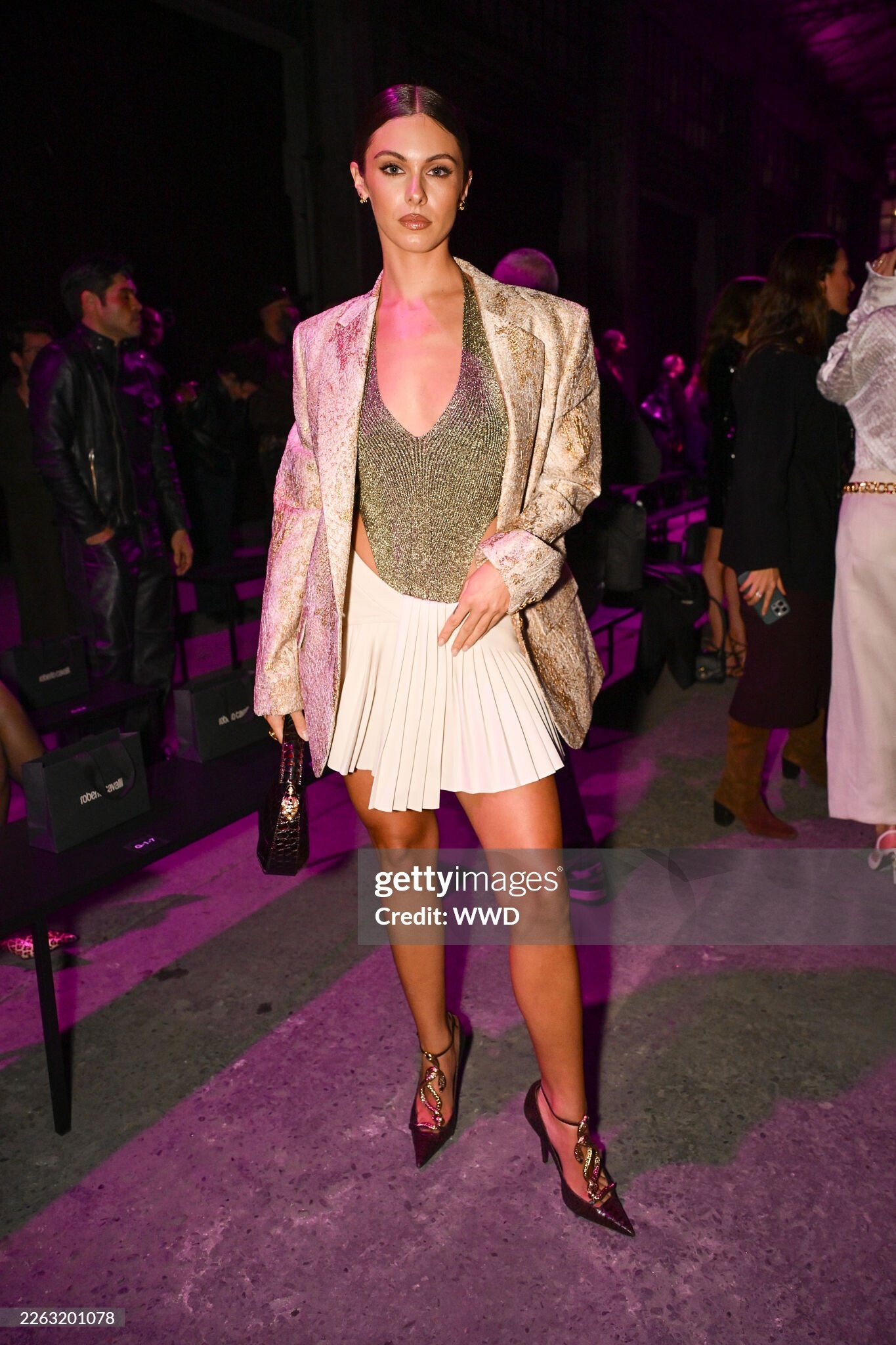
 Leah Lucia Halton (born January 6, 2001) is an Australian influencer, model, YouTuber, make-up artist and content creator. Early Life Halton was born in Melbourne, Australia to a Scottish-French mother and an English-Mauritian father.[1] She grew up surrounded by animals and often features her pets including her dogs Shiloh and Pablo, and her cat Prada in her posts.
 part 3 interview
part 2 interview
part 1 interview
part 3 interview
part 2 interview
part 1 interview Escada SS 1999 fashion show:
 looks better with long hair IMHO
Brioni FW26
looks better with long hair IMHO
Brioni FW26
















 Michael Kors FW 2007:


 Sonia Rykiel FW 2001:







































































































Account
Navigation
Search
Configure browser push notifications
Chrome (Android)
- Tap the lock icon next to the address bar.
- Tap Permissions → Notifications.
- Adjust your preference.
Chrome (Desktop)
- Click the padlock icon in the address bar.
- Select Site settings.
- Find Notifications and adjust your preference.
Safari (iOS 16.4+)
- Ensure the site is installed via Add to Home Screen.
- Open Settings App → Notifications.
- Find your app name and adjust your preference.
Safari (macOS)
- Go to Safari → Preferences.
- Click the Websites tab.
- Select Notifications in the sidebar.
- Find this website and adjust your preference.
Edge (Android)
- Tap the lock icon next to the address bar.
- Tap Permissions.
- Find Notifications and adjust your preference.
Edge (Desktop)
- Click the padlock icon in the address bar.
- Click Permissions for this site.
- Find Notifications and adjust your preference.
Firefox (Android)
- Go to Settings → Site permissions.
- Tap Notifications.
- Find this site in the list and adjust your preference.
Firefox (Desktop)
- Open Firefox Settings.
- Search for Notifications.
- Find this site in the list and adjust your preference.