All Activity
- Past hour
-

-

-
-
 Ph: Sarah Scott


-
Ph: Regan Norton



















-
-
Algo Bonito 3 clips AQPRvGvGt2aoZkLXYNqwwWU36mjjzamo3v420aFZzn__JcIouypjx7Nsbp_Wr3WpIwPbRjXosly7zS21lbY-fdkFC_1IUYvrIyFfqIo.mp4AQMyTQN9ByOznlxguKf6Su1RTV2BVDS-pBcW4MB_J5ZRmq-0CRoxz4Mb5HRsLUCis47D-sM1pVYhtDiTIHcg750ZBTv23Bde6Vc9Axk.mp4AQOsVZYu3C21ds8cRCGMz2HREm2Q1BXP40SoEg6T4hSy9sMiUYb3QzHeNg457KvwXX0-EuKwo3X10mCs3aTeeQAbPxZ8tEIrDaTRJDE.mp4











-

-
 summer 2025 sandra_rieder Kopie 2.mp4


- Today
-
-
 and more by Chris Northam















-
-
-
some more by Chris Northam











-
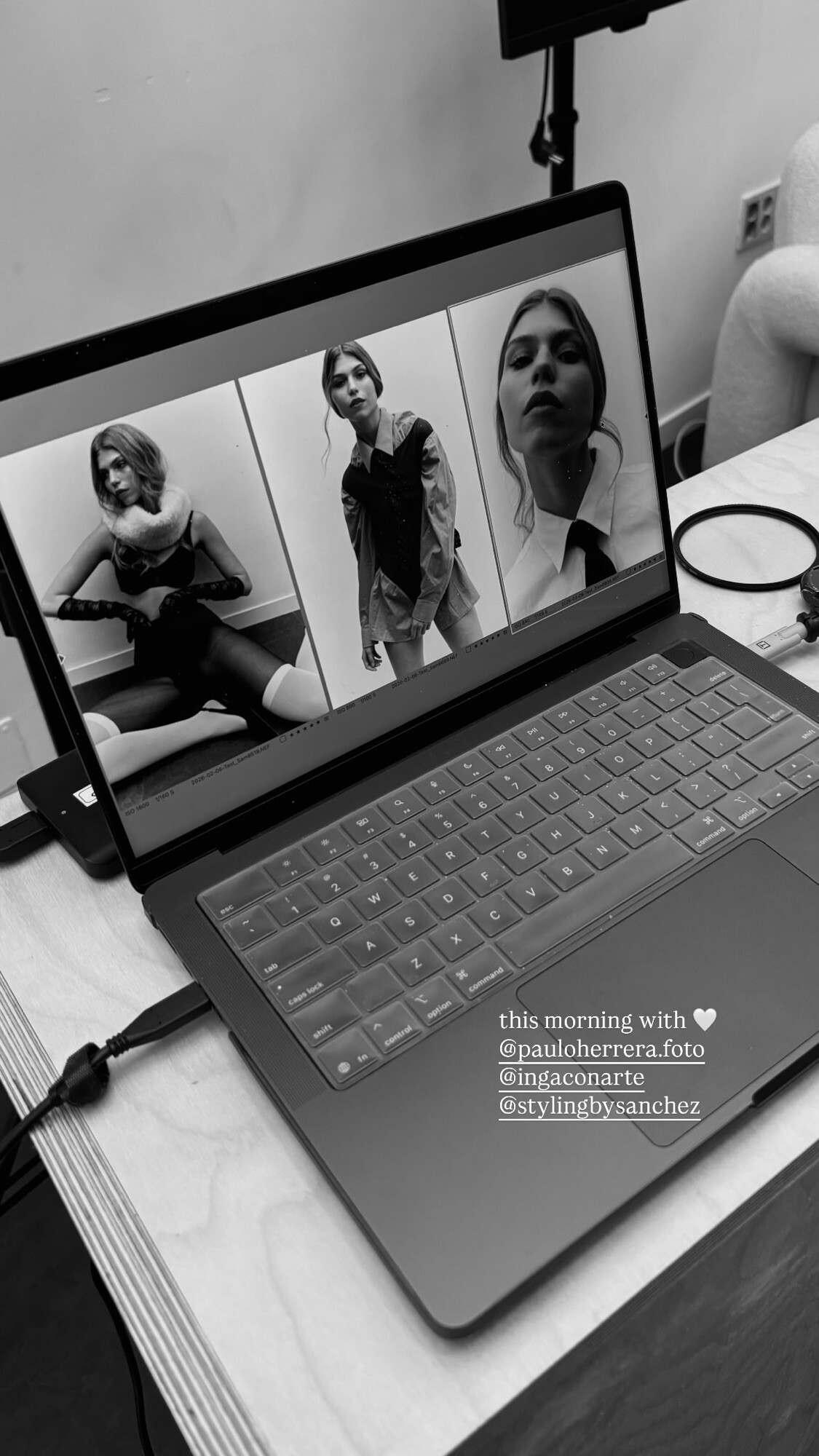
 Ph: Paulo Herrera BTS StorySaver.net-stylingbysanchez-Video-1770449169522.mp4 StorySaver.net-stylingbysanchez-Video-1770449056796.mp4


 Emily Via Everieswim's Instagram Story















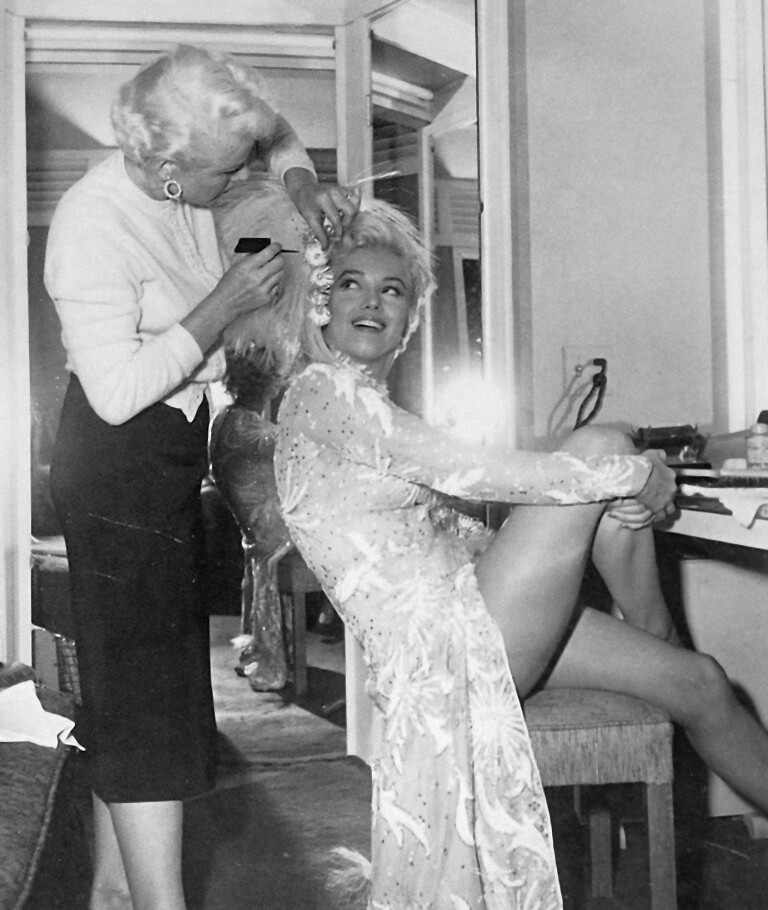




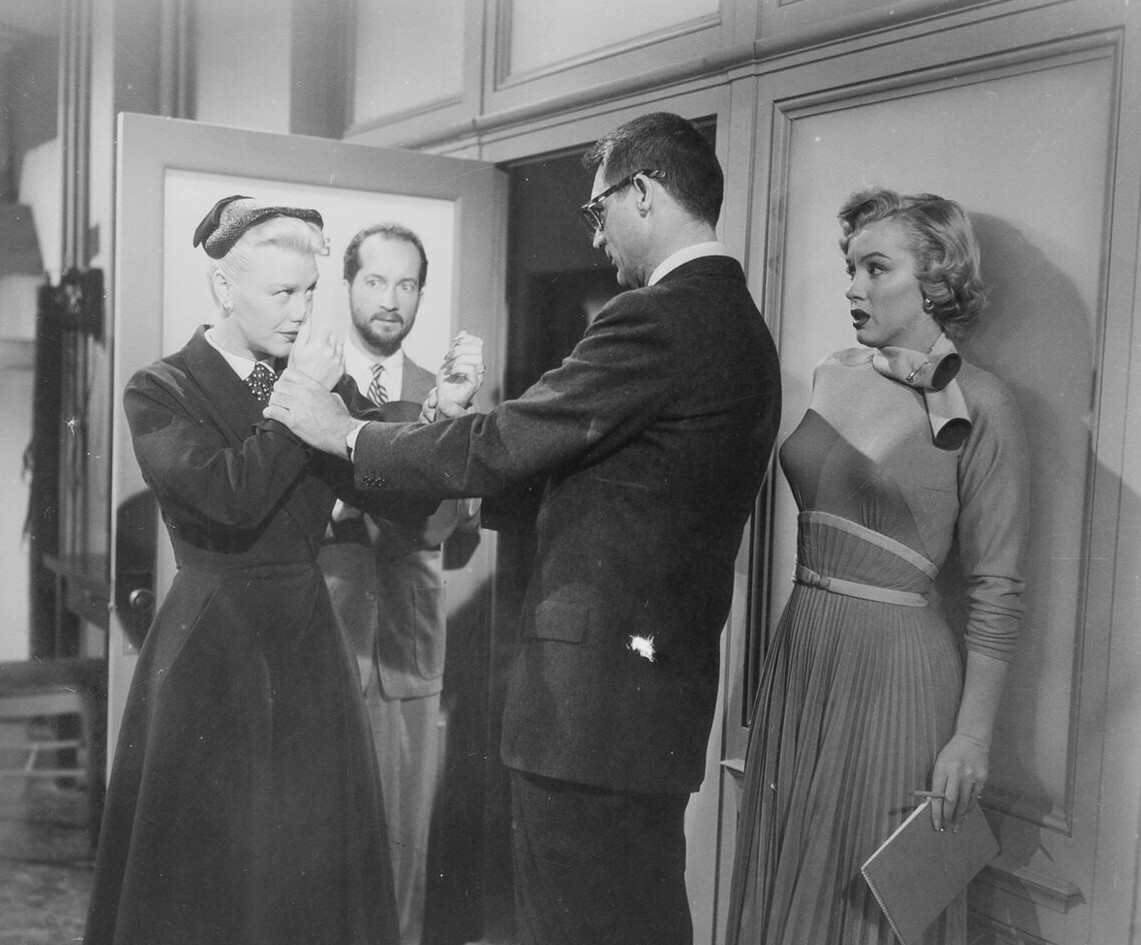




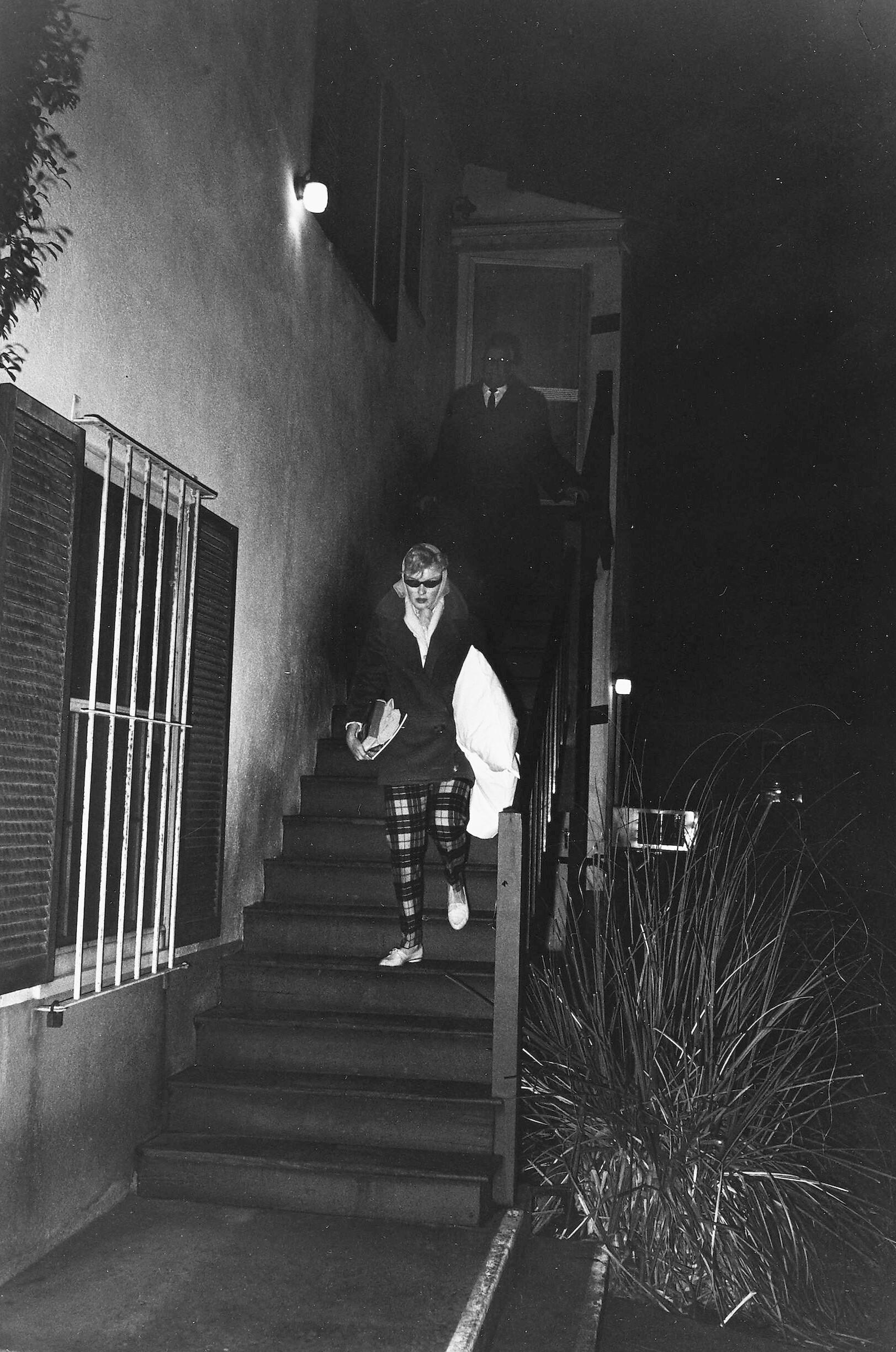









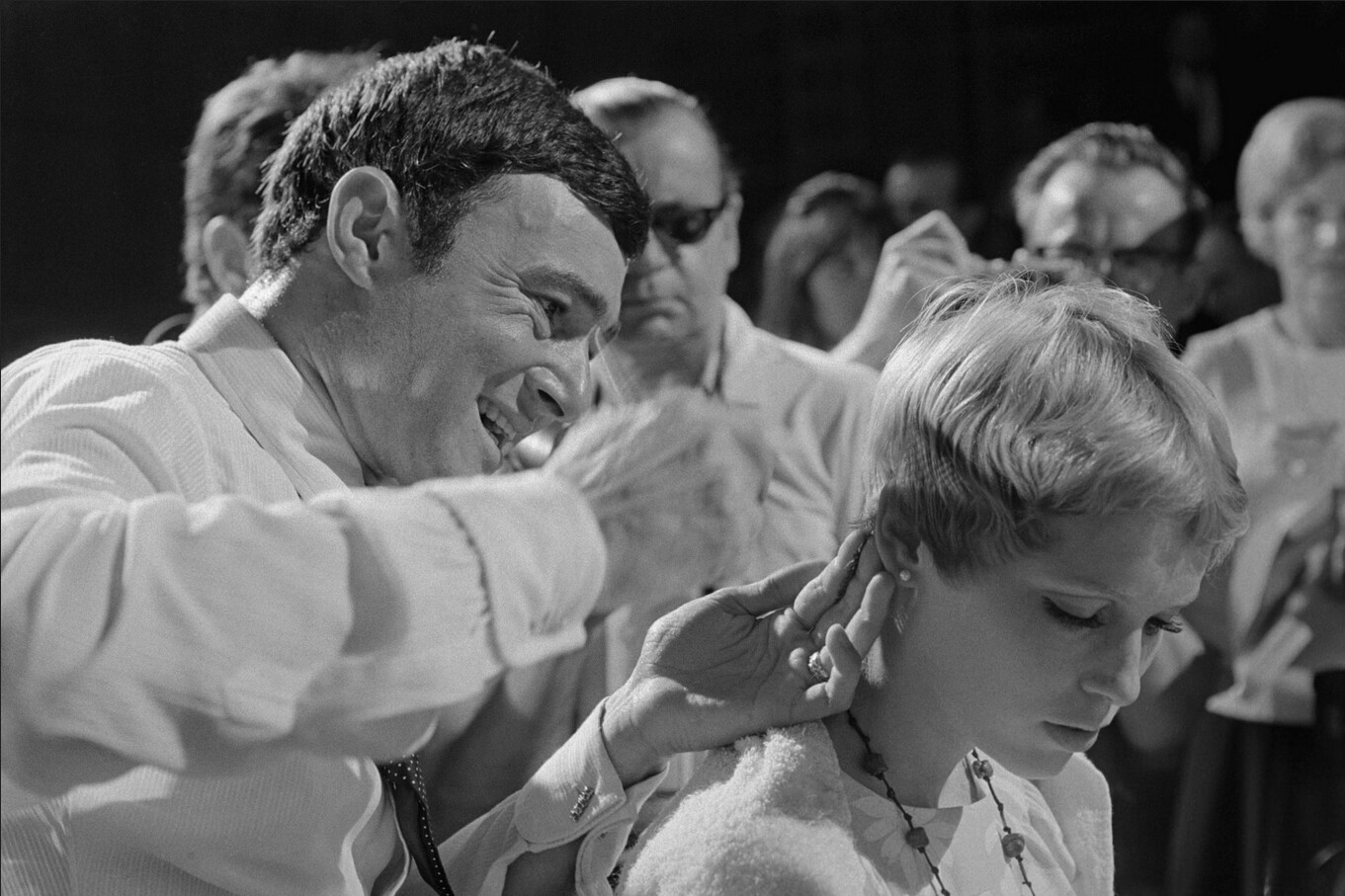














































































































































































































































.jpg.73450b386c5765ea8d0e0ae5a04f02ae.jpg)
.jpg.0a38b42043c4ce7ccc6309a517743297.jpg)
.jpg.aa254cca5b7bf257f358b026cd1e18f3.jpg)
.jpg.b763207f44dfff11658aab5e26c3053b.jpg)
.jpg.e4796e1b2224d392936a500b0eb0aa9e.jpg)







Account
Search
Configure browser push notifications
Chrome (Android)
- Tap the lock icon next to the address bar.
- Tap Permissions → Notifications.
- Adjust your preference.
Chrome (Desktop)
- Click the padlock icon in the address bar.
- Select Site settings.
- Find Notifications and adjust your preference.
Safari (iOS 16.4+)
- Ensure the site is installed via Add to Home Screen.
- Open Settings App → Notifications.
- Find your app name and adjust your preference.
Safari (macOS)
- Go to Safari → Preferences.
- Click the Websites tab.
- Select Notifications in the sidebar.
- Find this website and adjust your preference.
Edge (Android)
- Tap the lock icon next to the address bar.
- Tap Permissions.
- Find Notifications and adjust your preference.
Edge (Desktop)
- Click the padlock icon in the address bar.
- Click Permissions for this site.
- Find Notifications and adjust your preference.
Firefox (Android)
- Go to Settings → Site permissions.
- Tap Notifications.
- Find this site in the list and adjust your preference.
Firefox (Desktop)
- Open Firefox Settings.
- Search for Notifications.
- Find this site in the list and adjust your preference.