All Activity
- Past hour
-
 She’s very pretty! ❤️
 -
She’s beautiful! ❤️
-

 Instagram - Aveeno Commerical
.thumb.jpg.c94104eb9365455cec6b8d0b888e29fb.jpg)
.thumb.jpg.5ec2b574ce1a8e9d91325acffb7886d9.jpg)
.thumb.jpg.d86dd03287d6df821f84551b682485ac.jpg)
.thumb.jpg.8ea7eedddd11f2b5f04f99b31444885f.jpg)
 john galliano ss2002
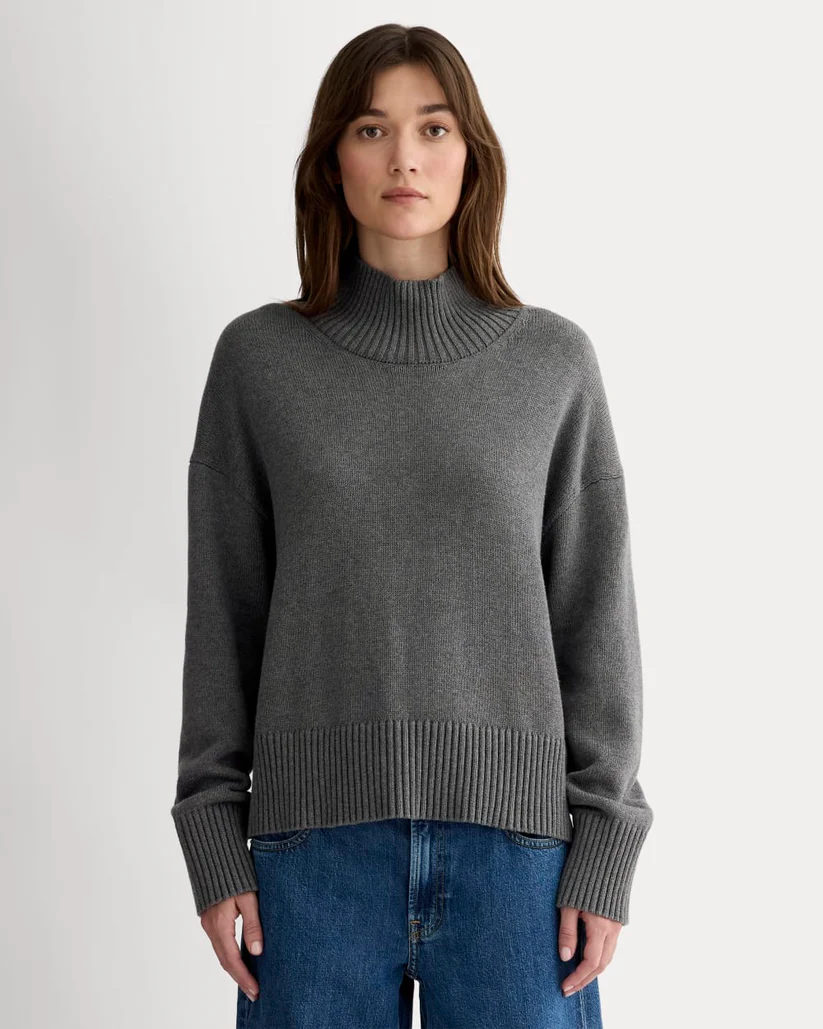
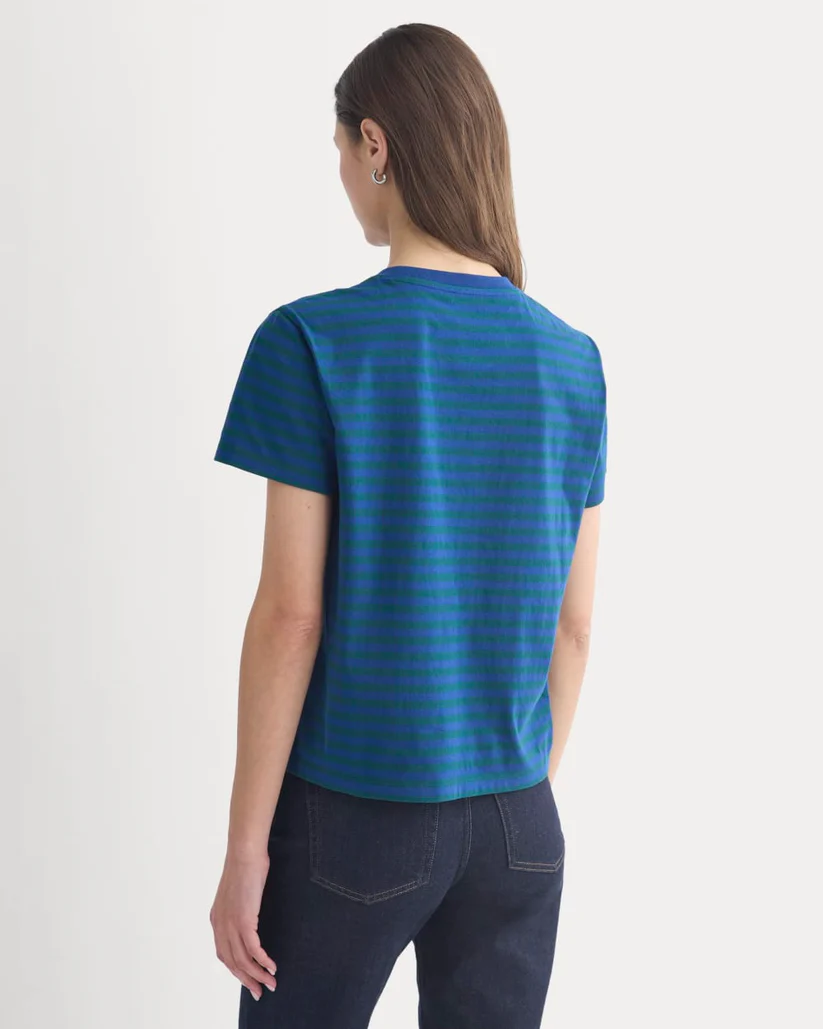
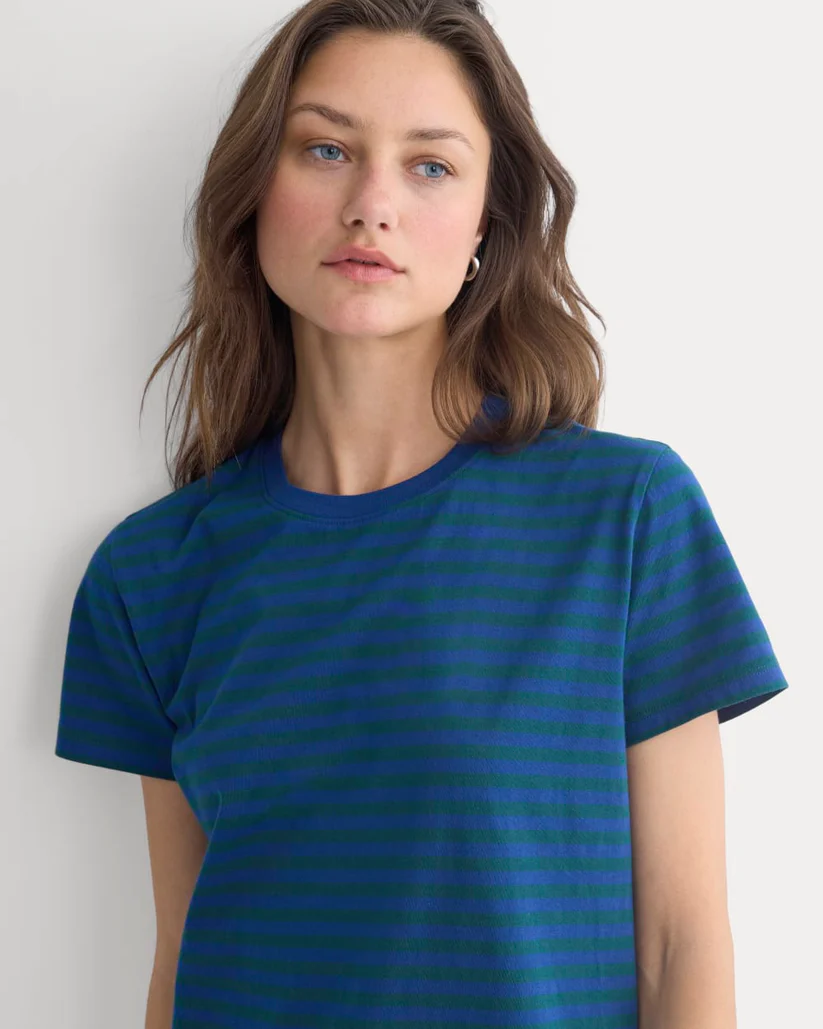
 Everlane



 Honey Birdette



 Out of this world
Everlane
Out of this world
Everlane





















 Odessa Zion Segall Adlon (/ˈædlɒn/ AD-lon; born June 17, 2000), known professionally as Odessa A'zion (/əˈzaɪɒn/ ə-ZY-on), is an American actress. On television, she is known for her roles in the CBS series Fam (2019), the Netflix series Grand Army (2020) and the HBO series I Love LA (2025). For her performance in the film Marty Supreme (2025), she was nominated for an Actor Award and a British Academy Film Award. Her other films include Hellraiser (2022), The Inhabitant (2022), Sitting in Bars with Cake (2023), Fresh Kills (2024) and Until Dawn (2025).
Account
Navigation
Search
Configure browser push notifications
Chrome (Android)
- Tap the lock icon next to the address bar.
- Tap Permissions → Notifications.
- Adjust your preference.
Chrome (Desktop)
- Click the padlock icon in the address bar.
- Select Site settings.
- Find Notifications and adjust your preference.
Safari (iOS 16.4+)
- Ensure the site is installed via Add to Home Screen.
- Open Settings App → Notifications.
- Find your app name and adjust your preference.
Safari (macOS)
- Go to Safari → Preferences.
- Click the Websites tab.
- Select Notifications in the sidebar.
- Find this website and adjust your preference.
Edge (Android)
- Tap the lock icon next to the address bar.
- Tap Permissions.
- Find Notifications and adjust your preference.
Edge (Desktop)
- Click the padlock icon in the address bar.
- Click Permissions for this site.
- Find Notifications and adjust your preference.
Firefox (Android)
- Go to Settings → Site permissions.
- Tap Notifications.
- Find this site in the list and adjust your preference.
Firefox (Desktop)
- Open Firefox Settings.
- Search for Notifications.
- Find this site in the list and adjust your preference.
.jpg.3d6e18d817d457300422b11746aad6cb.jpg)
.jpg.5cf862fecf9547554b4db397616634fc.jpg)
.jpg.559321289b02ce5aa231f37c841f4cc6.jpg)
.jpg.7d89507d2caeb7cdb77c0e0902a1aae4.jpg)