All Activity
- Past hour
-
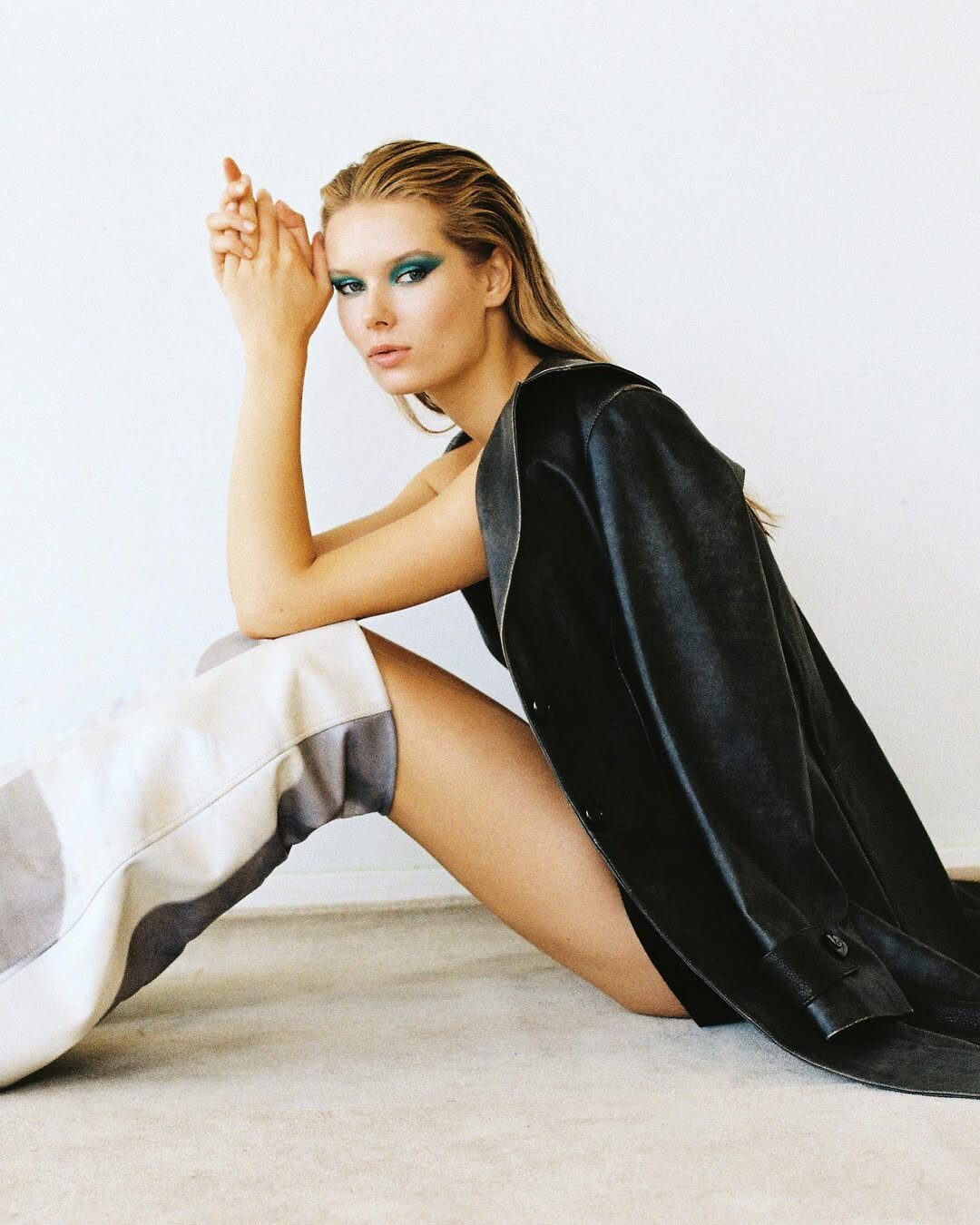
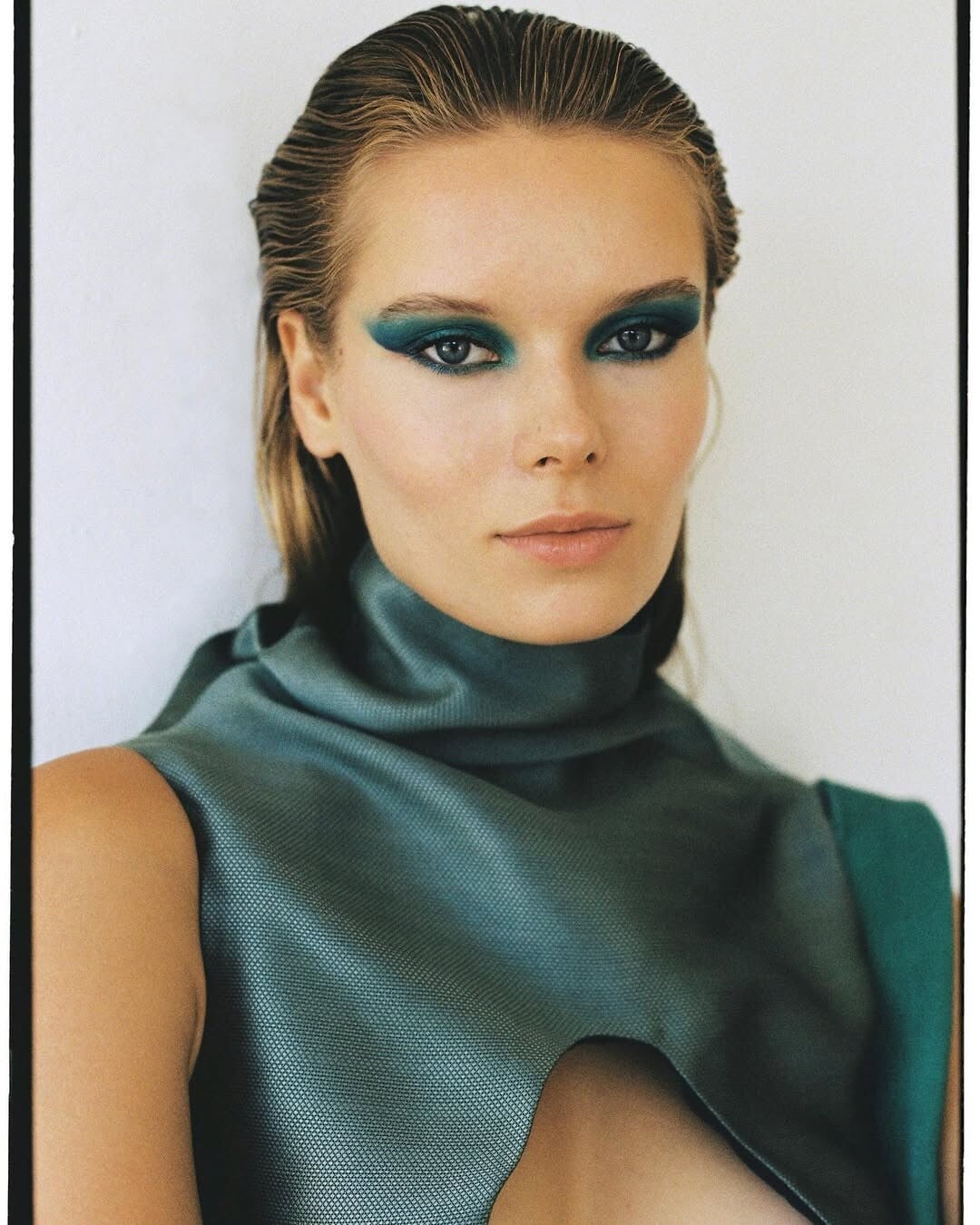
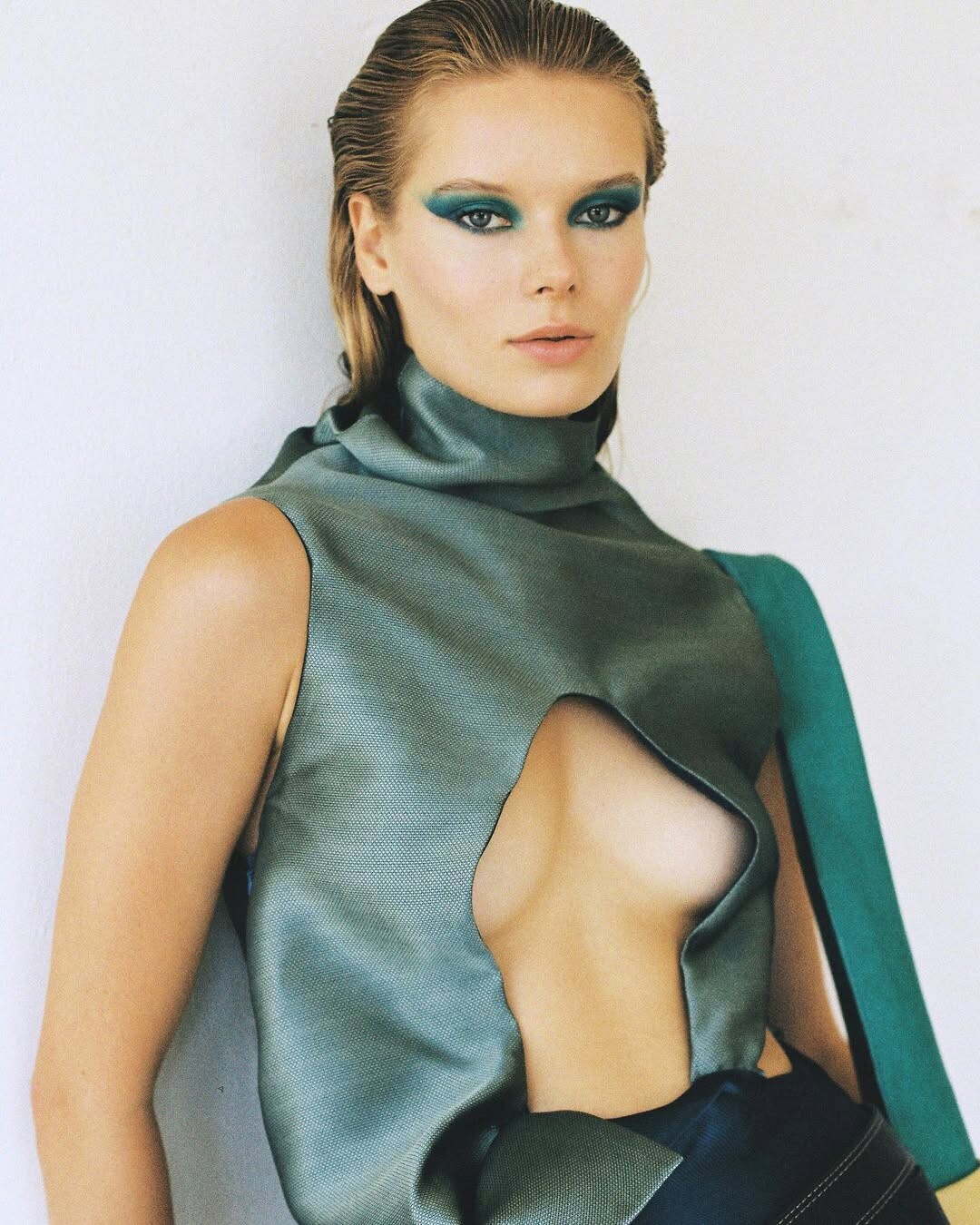
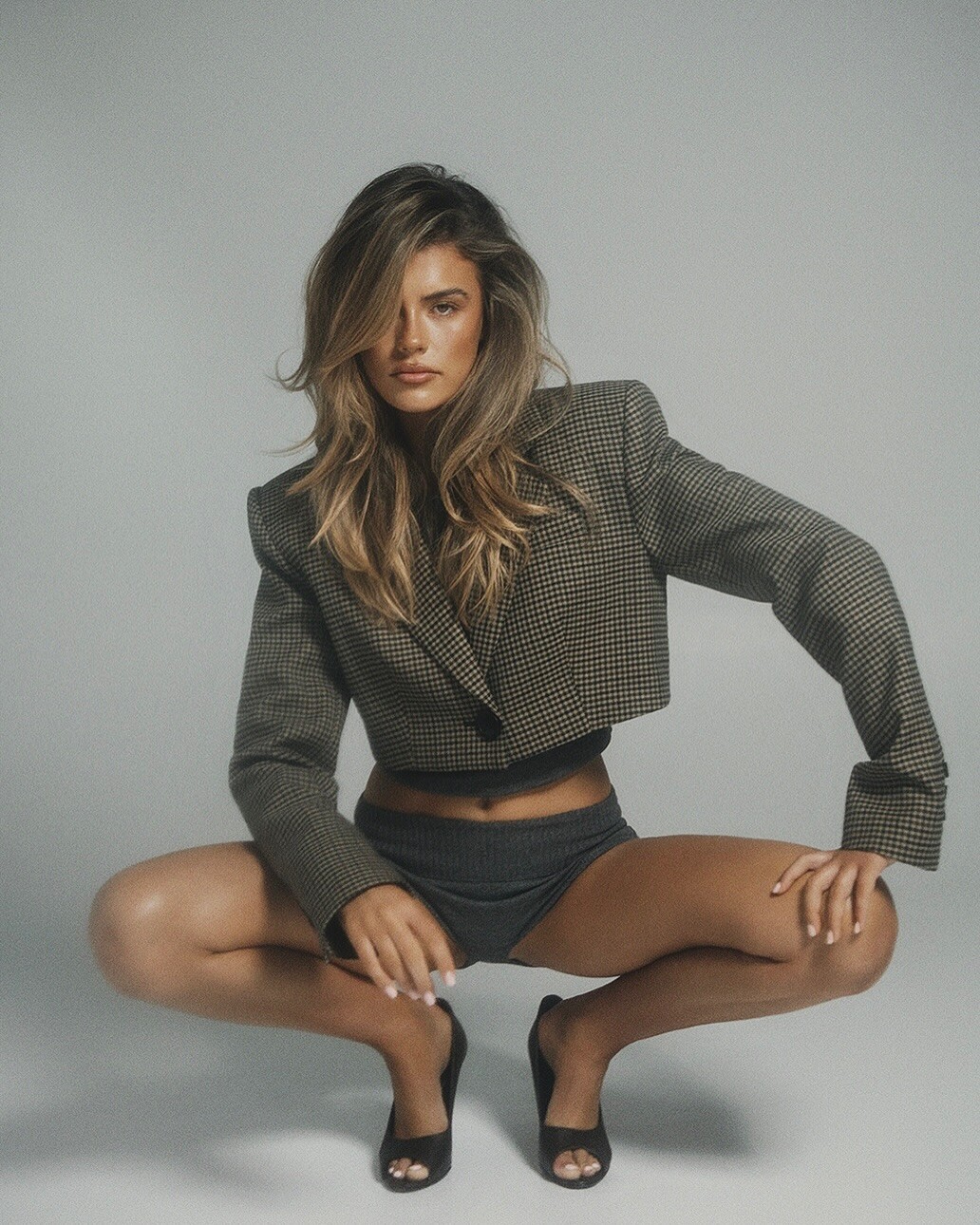
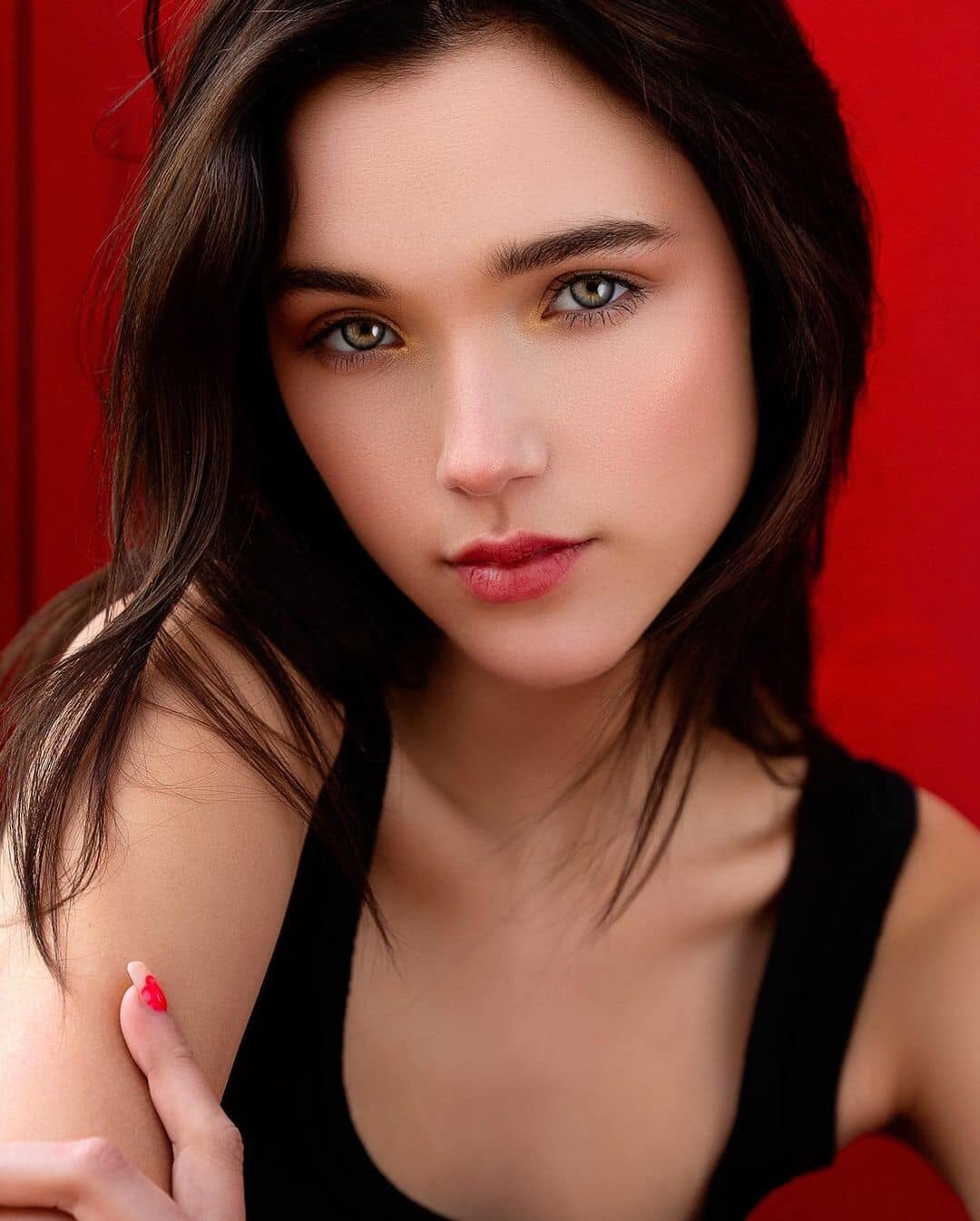
 Ph: @shannon___lloyd 2022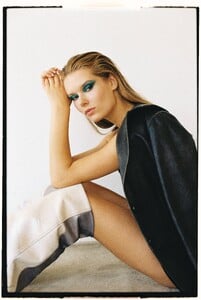


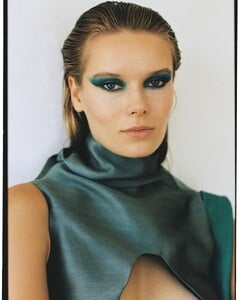

-

-
 Ph: Kasia Klimkowska 2019/20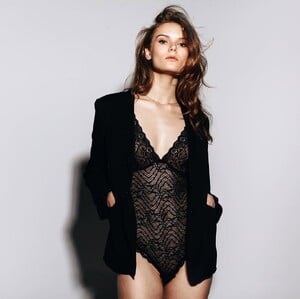






 Ph: Mark Sullivan Bradley


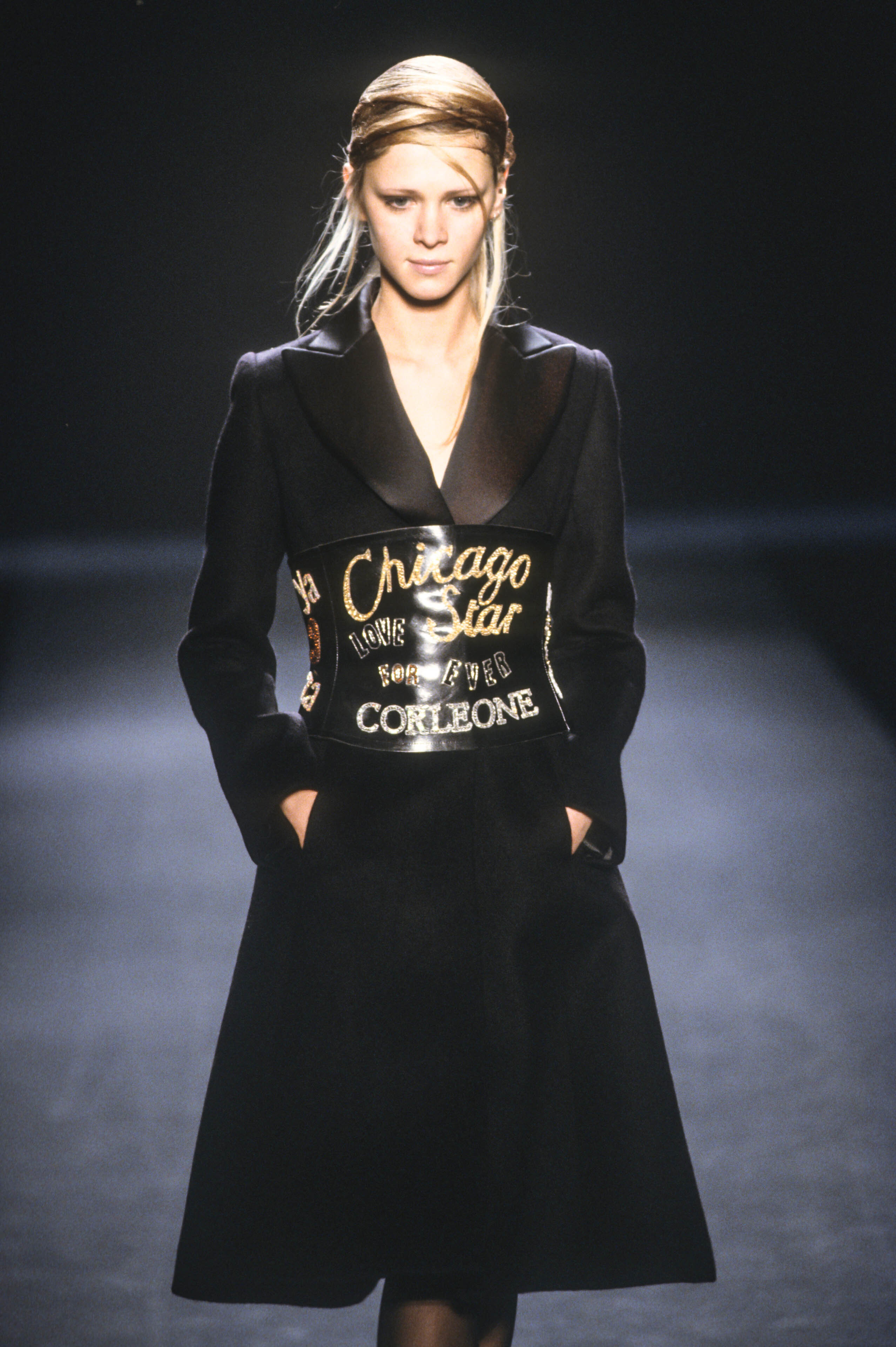
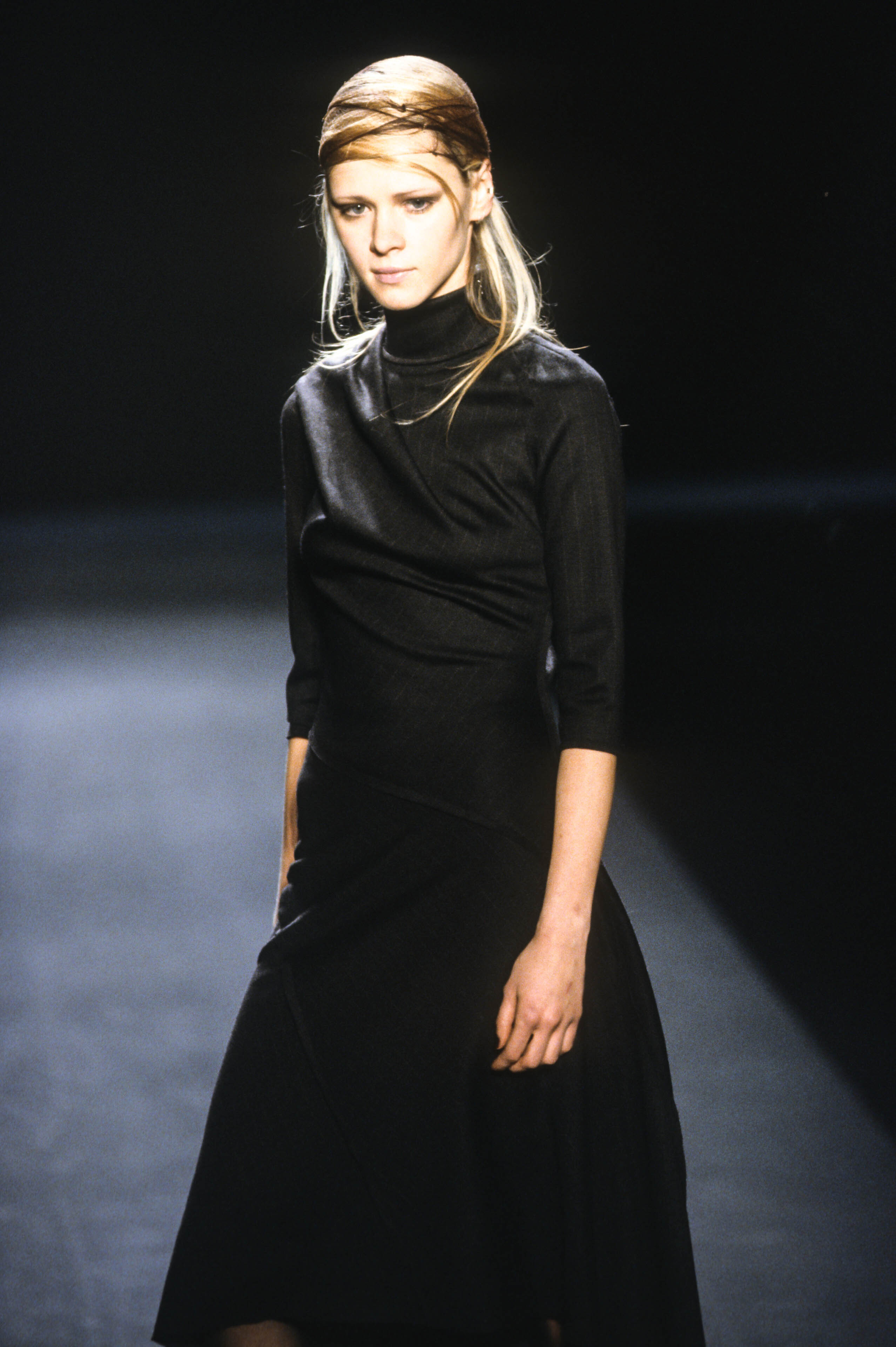
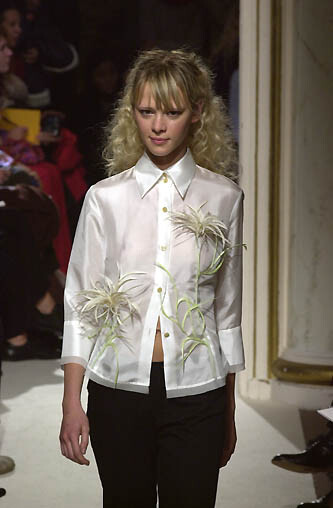
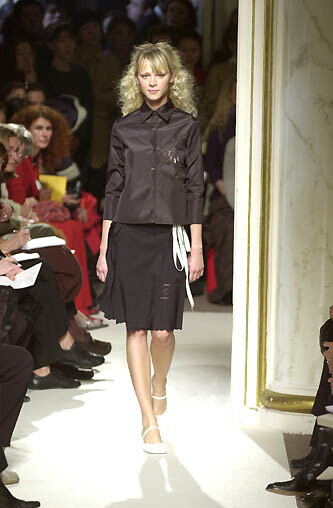
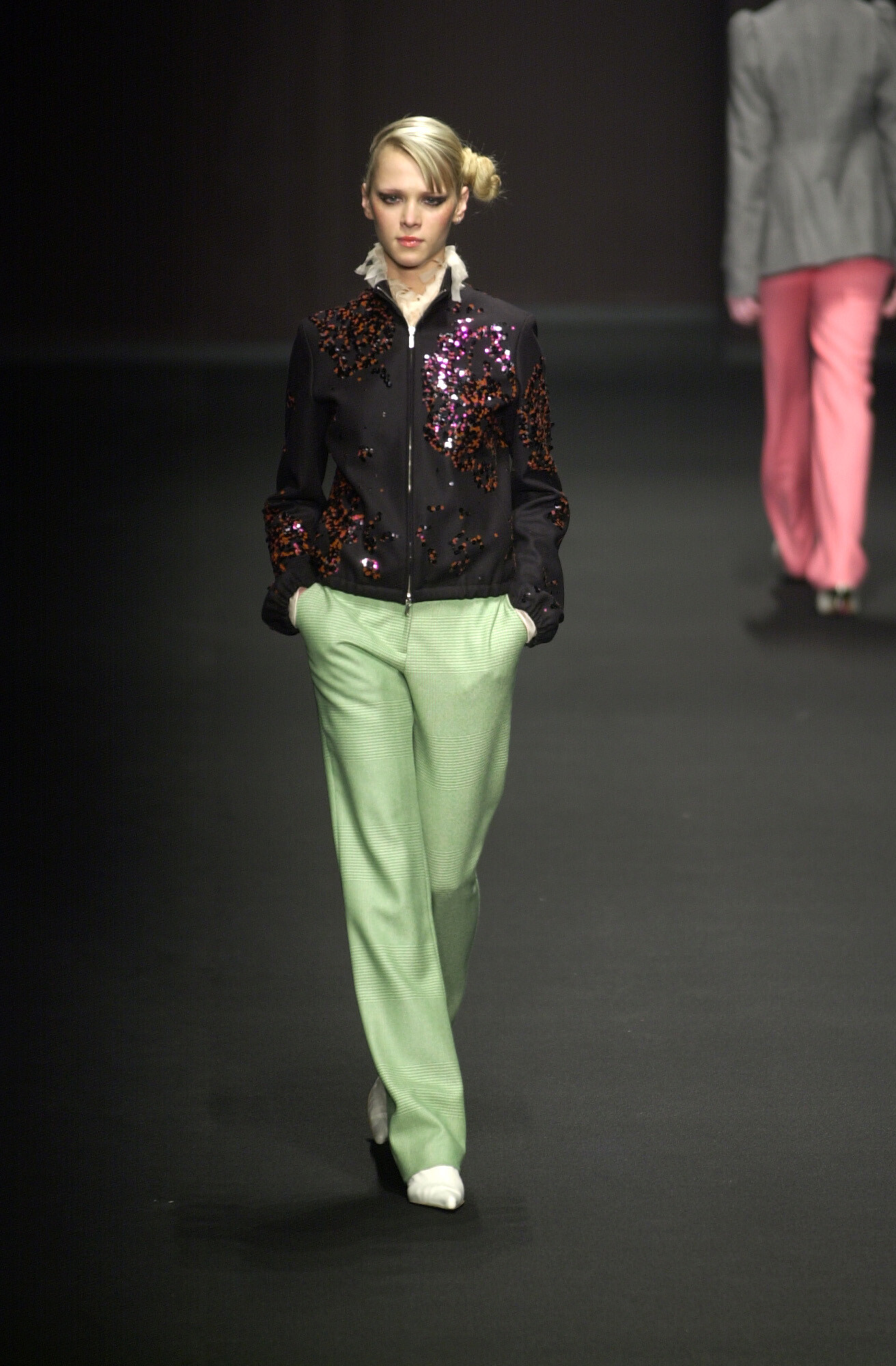
 dice kayek f/w 2001


 shin choi f/w 2002



 hiromichi nakano s/s 2001



 byblos f/w 2001 warning: sheer
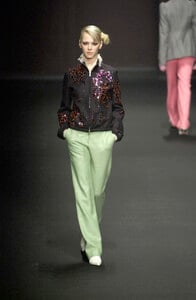 Ph: Niah Aldrich 2021









 I think she's Fátima Cuéllar
.thumb.jpg.bc7cc495086007005617080648d664bb.jpg) Thx for Steph! ❤️
this is actually Phoebe O'Brien, she did a few Galliano led shows in the late 90s, late into her career
i've seen this model at a lot of NYC fashion shows in 2000/01, i thought she was Rhea Henderson but it isnt her, she also resembles Lea Kelmann but it isnt her either. here she is again at carmen marc valvo f/w 2000
Thx for Steph! ❤️
this is actually Phoebe O'Brien, she did a few Galliano led shows in the late 90s, late into her career
i've seen this model at a lot of NYC fashion shows in 2000/01, i thought she was Rhea Henderson but it isnt her, she also resembles Lea Kelmann but it isnt her either. here she is again at carmen marc valvo f/w 2000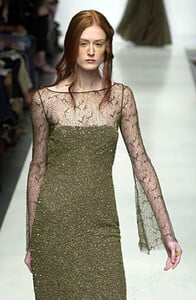
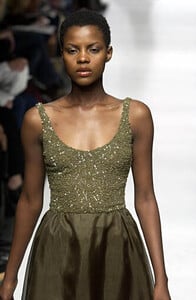
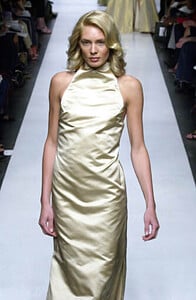
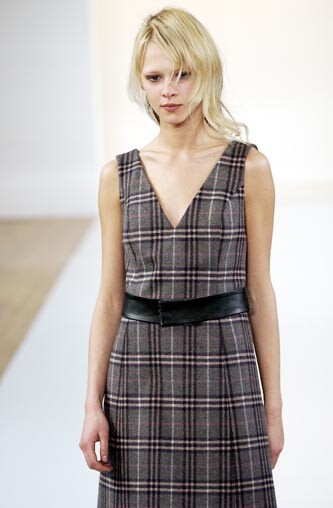
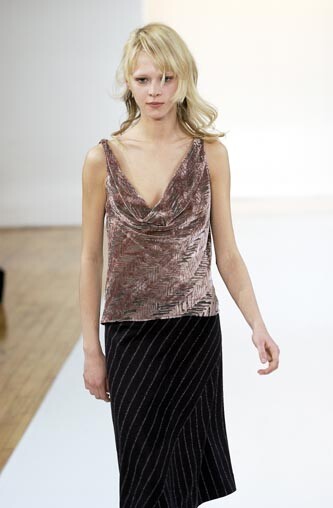
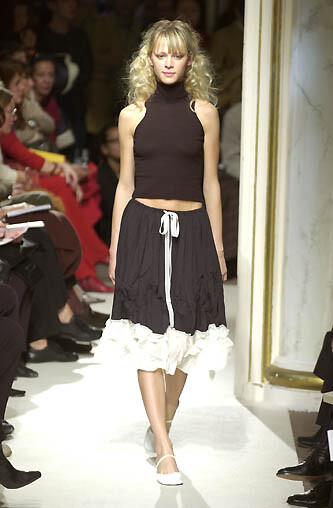
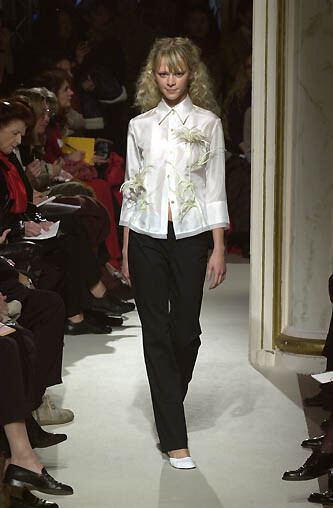
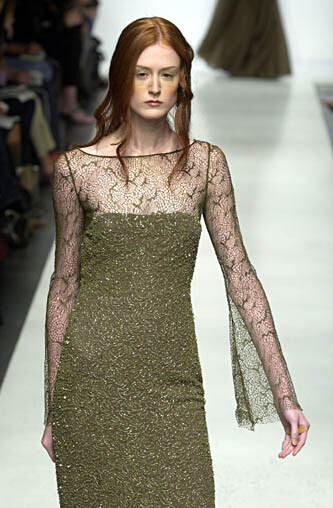
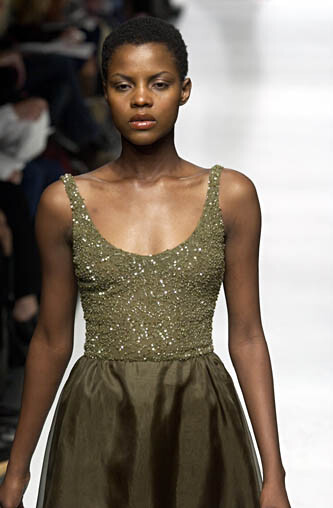
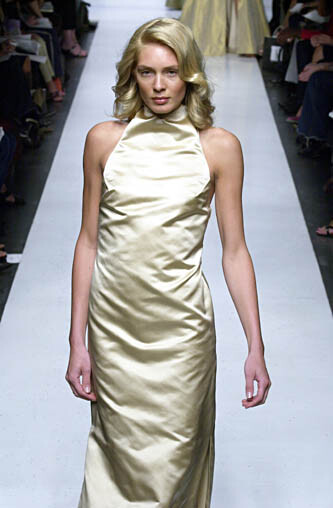
 5 LQ anne bowen s/s 2001 models? i thought #1 was Ksenia Knyazeva but the moles on this model do not match at all

 Please help ID the model standing next to Nora Ariffin in this Jean-Louis Faletta haute couture ad (1997)? Photographer: Dominique Silberstein
- Today
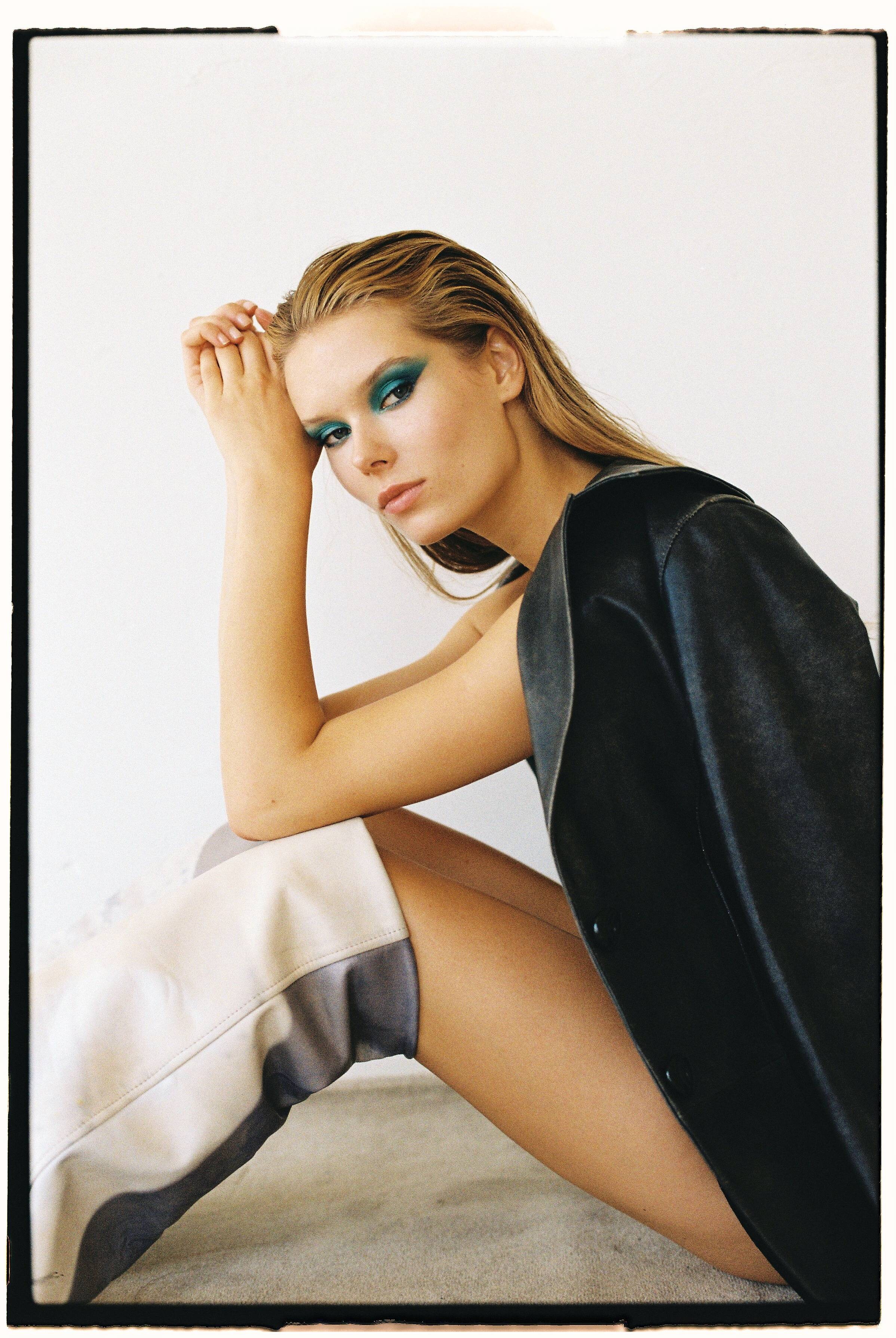
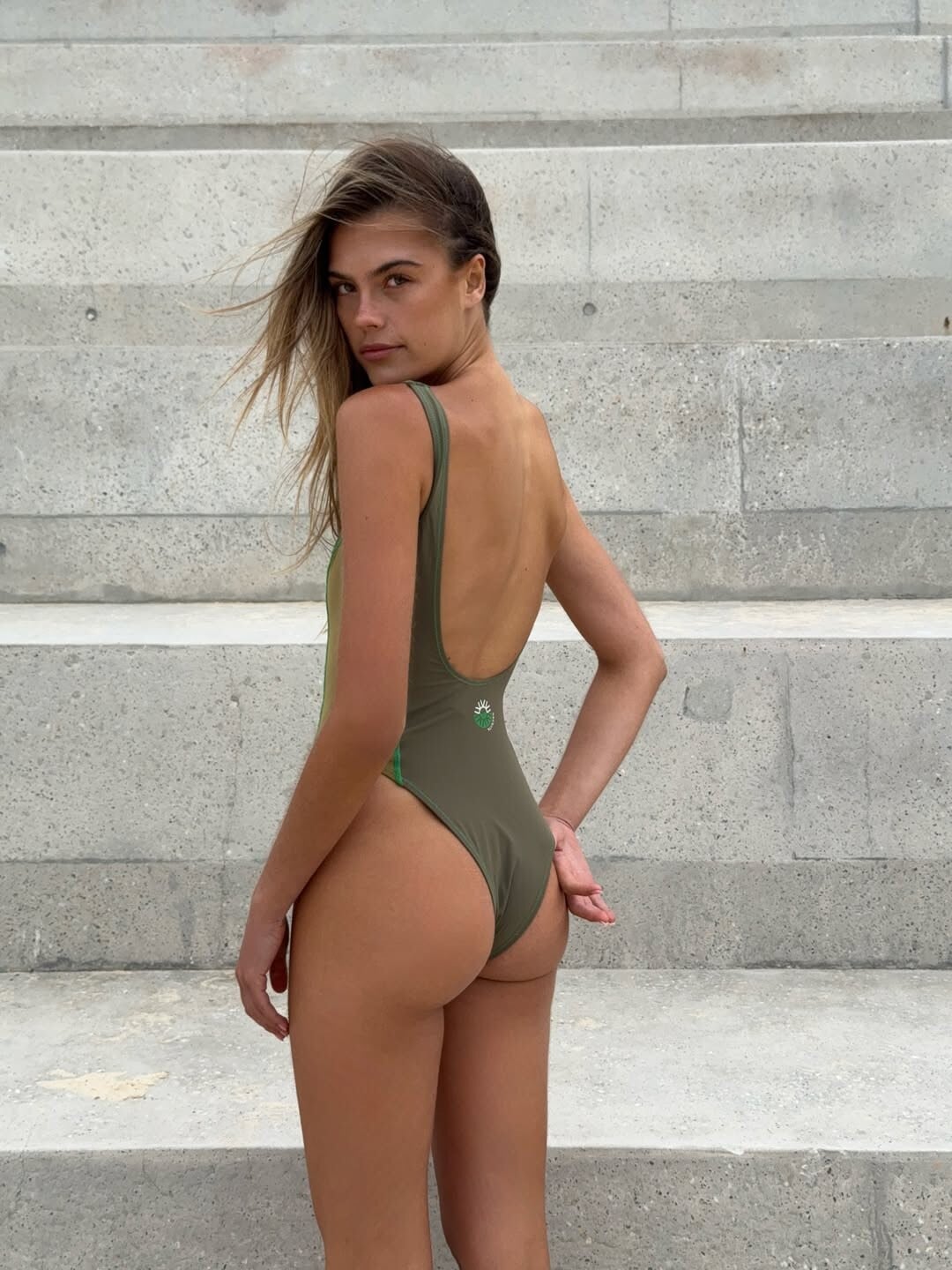
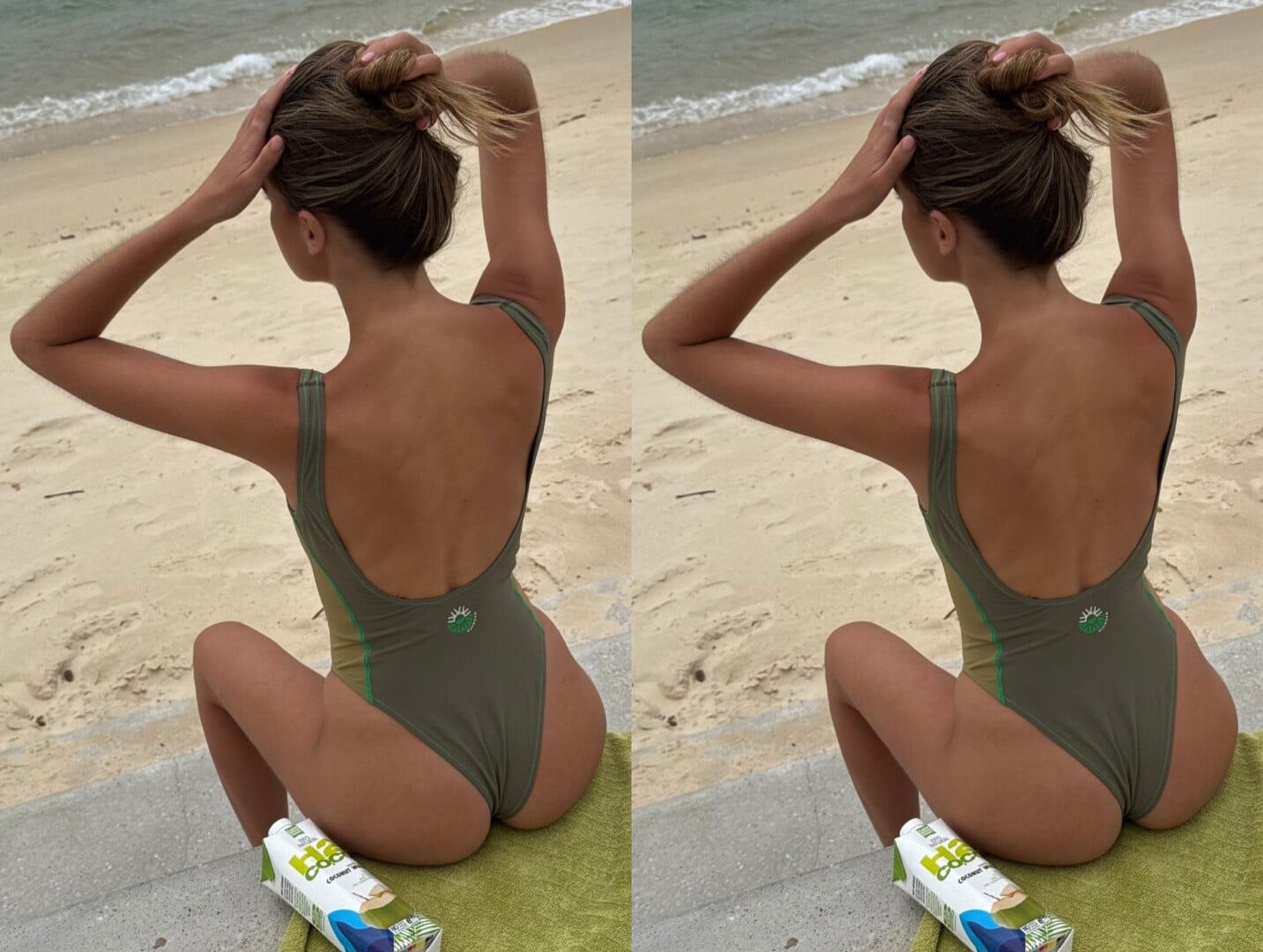
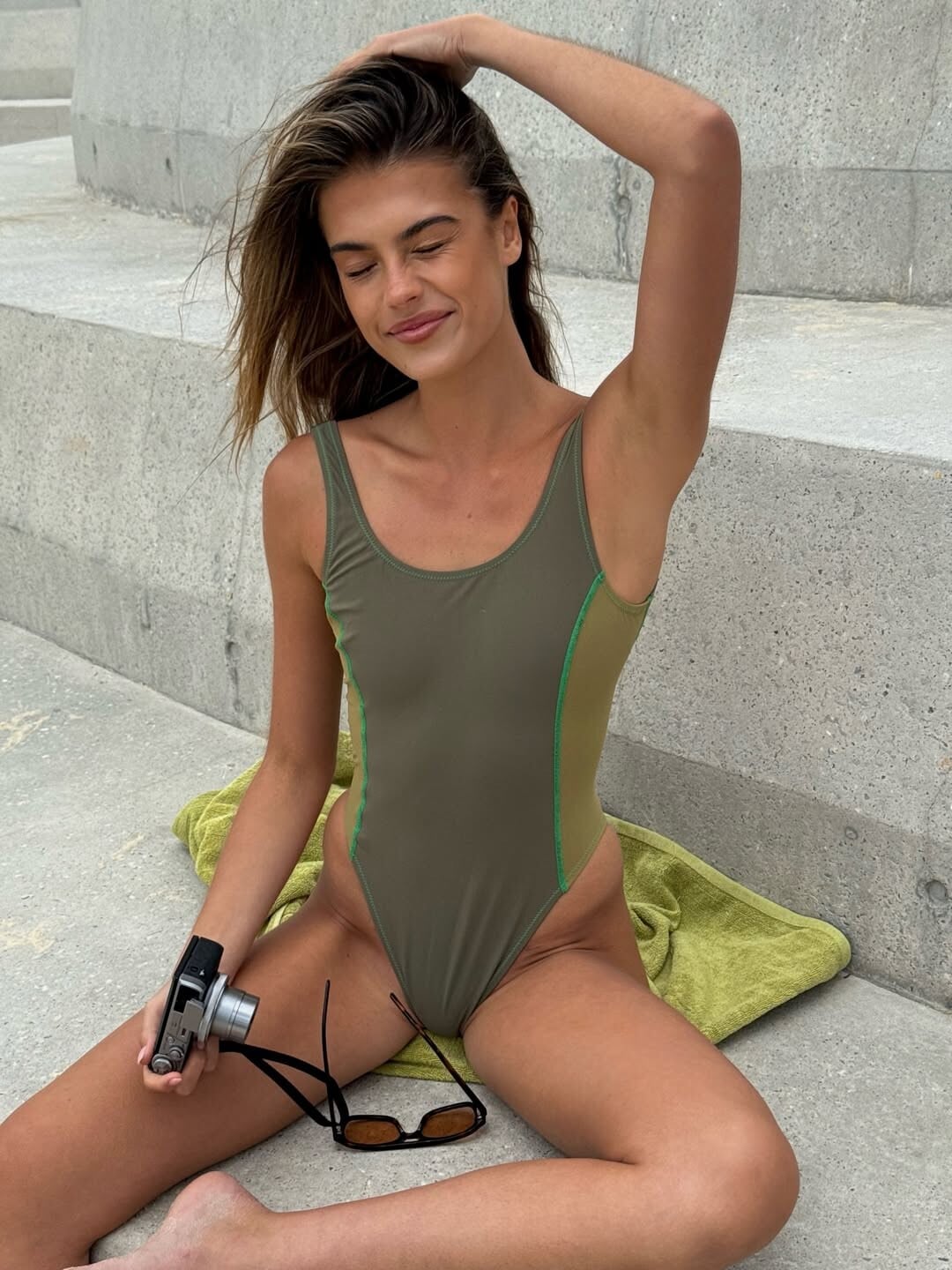
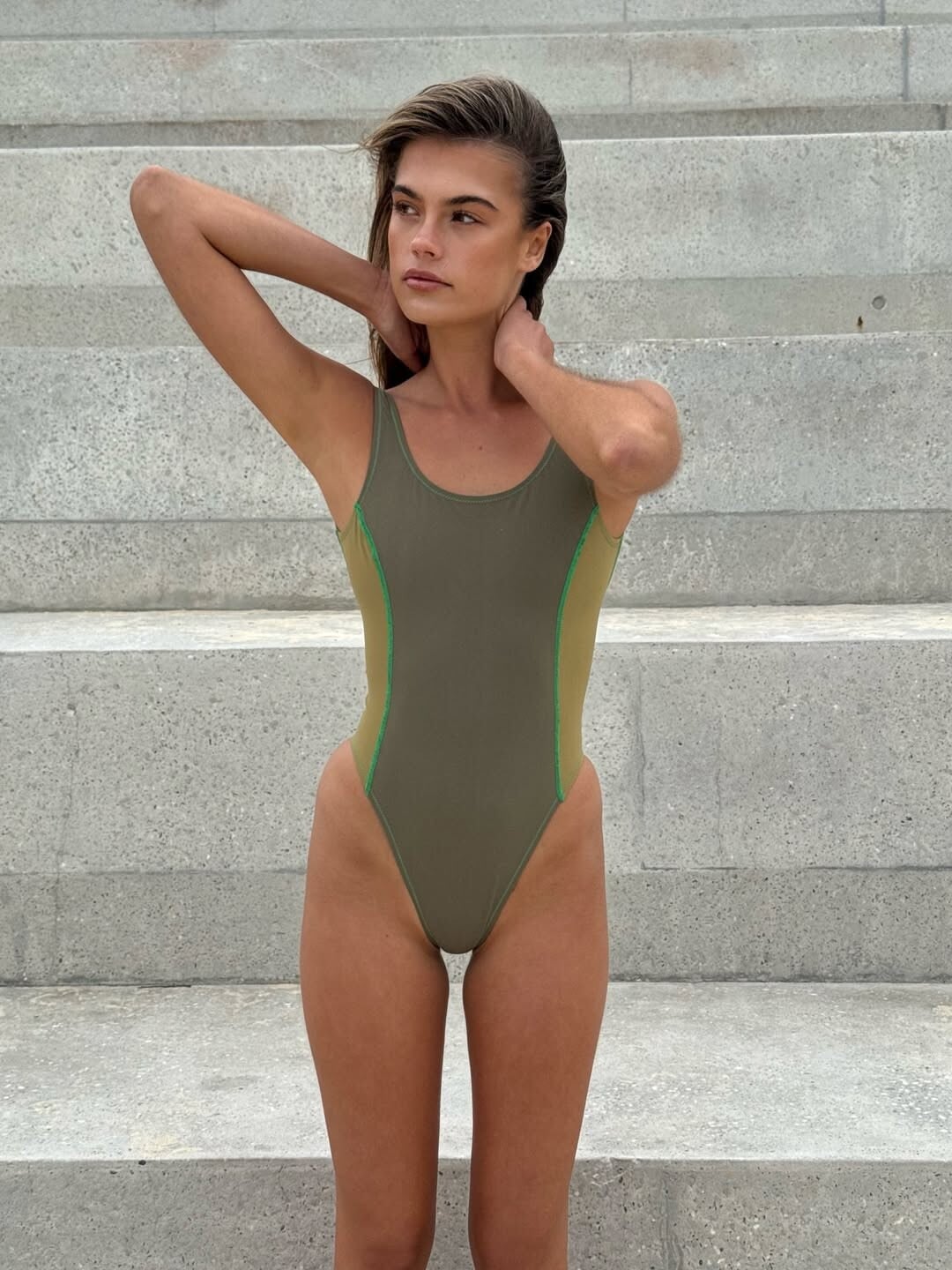
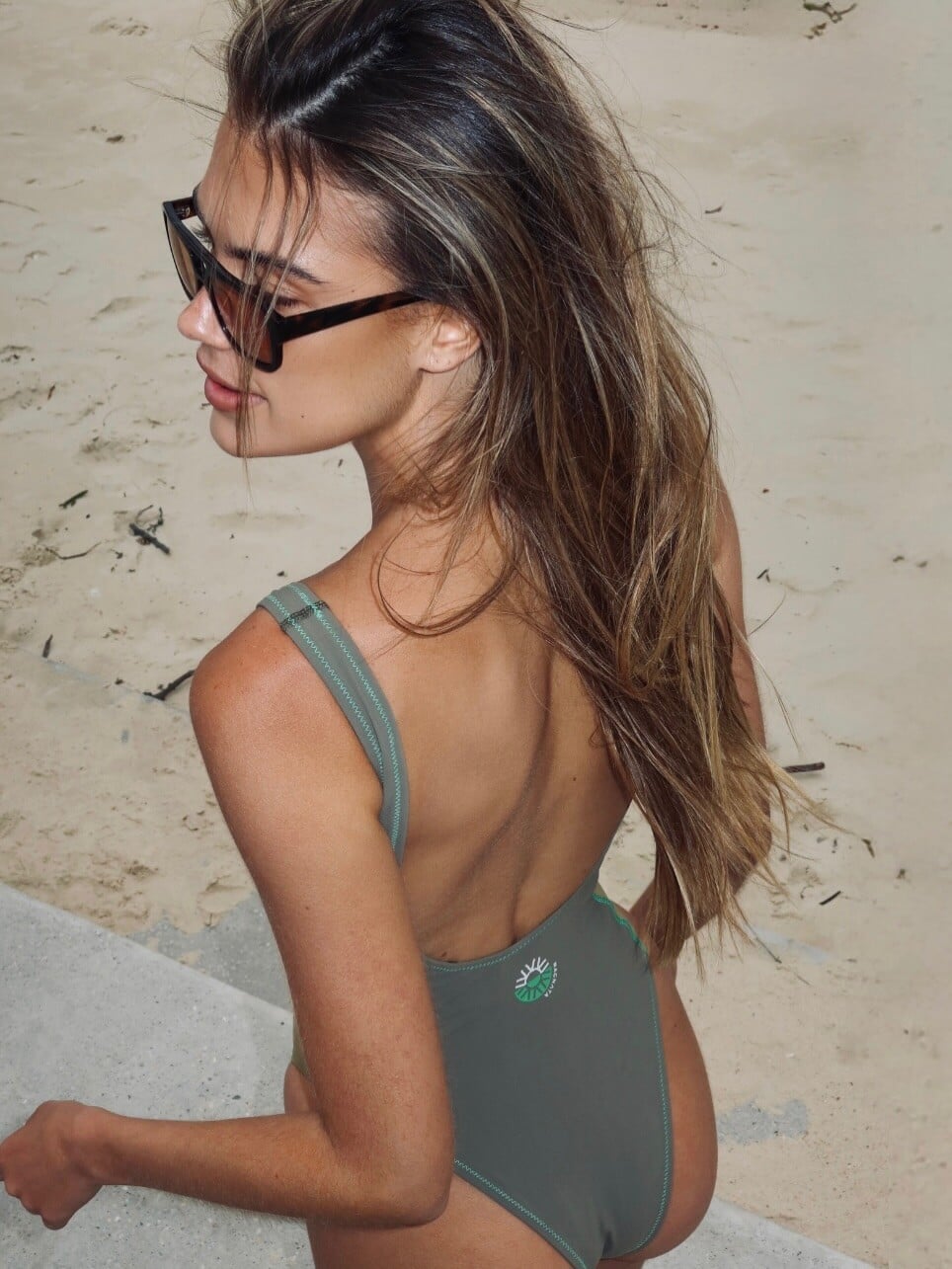
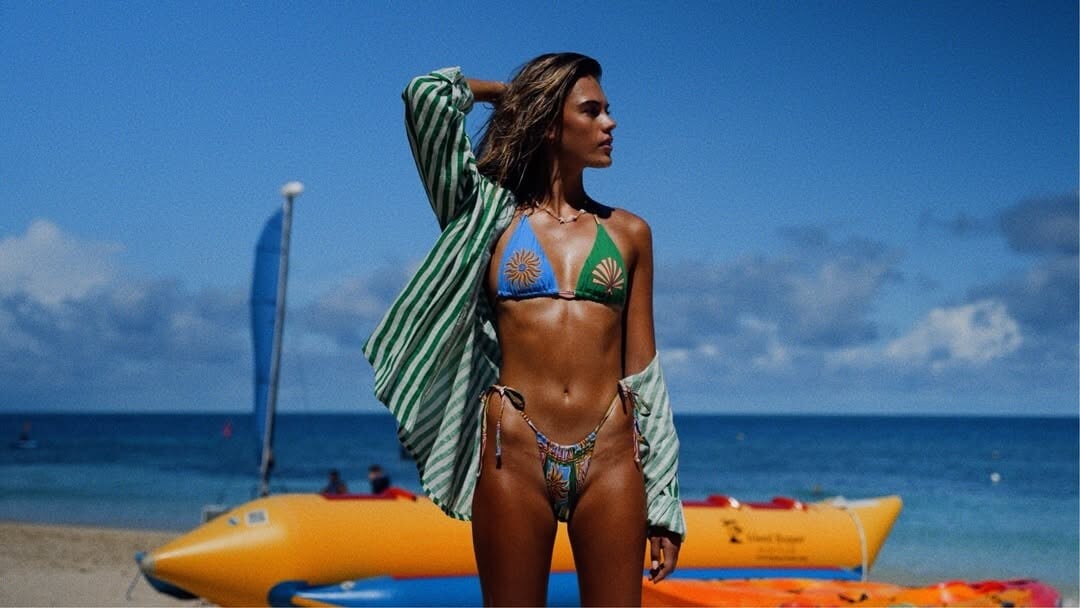
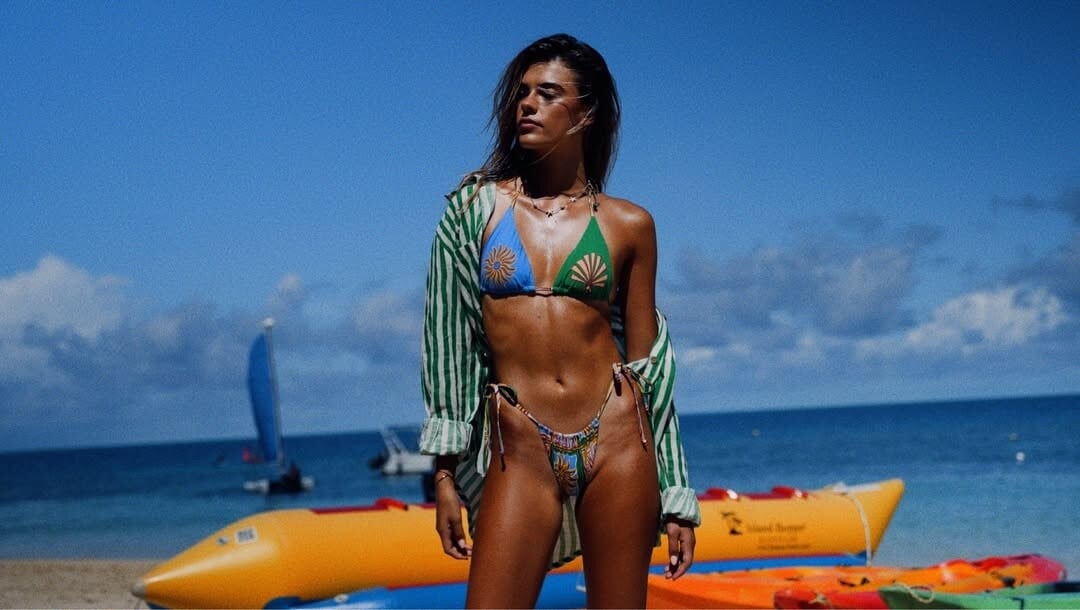
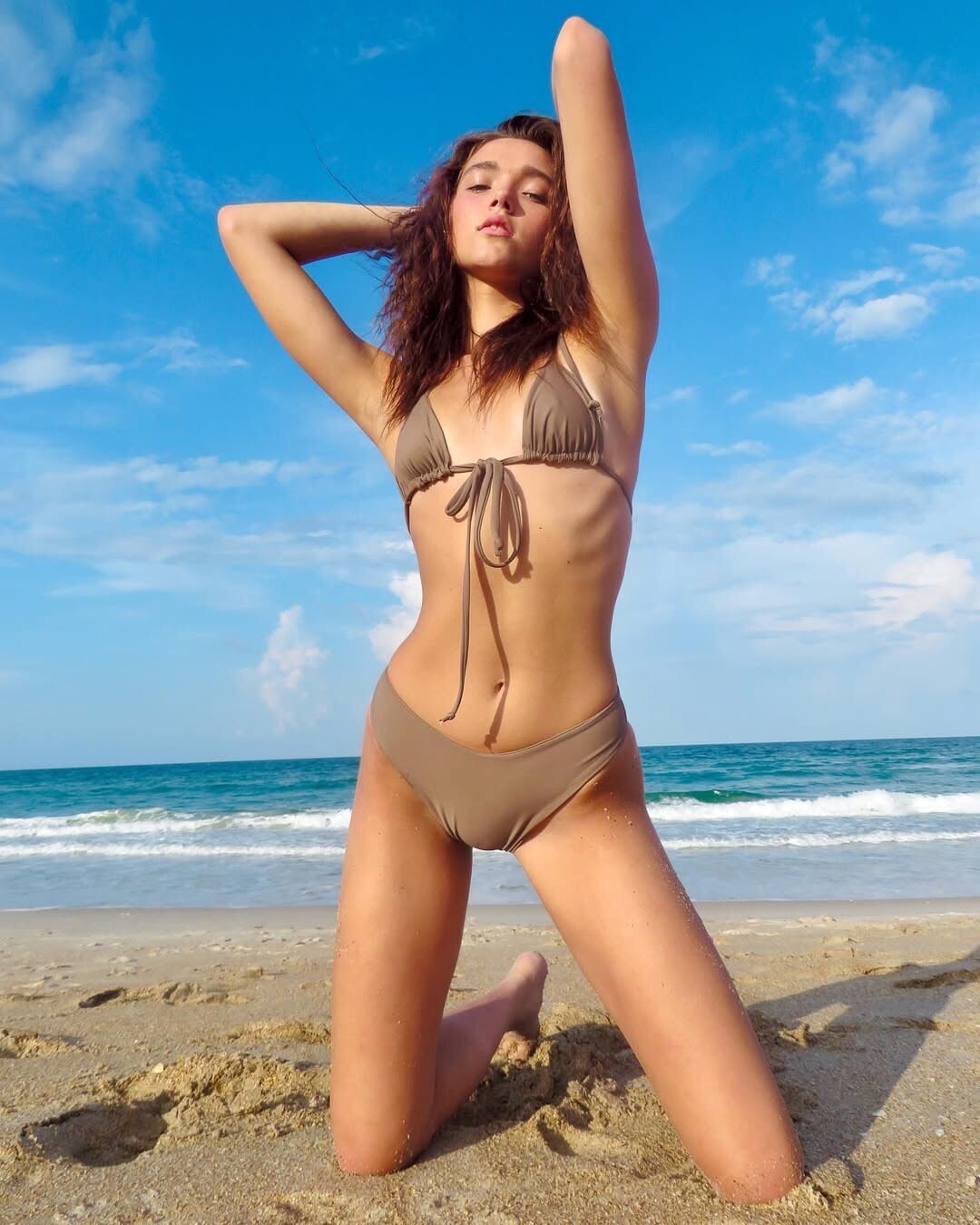
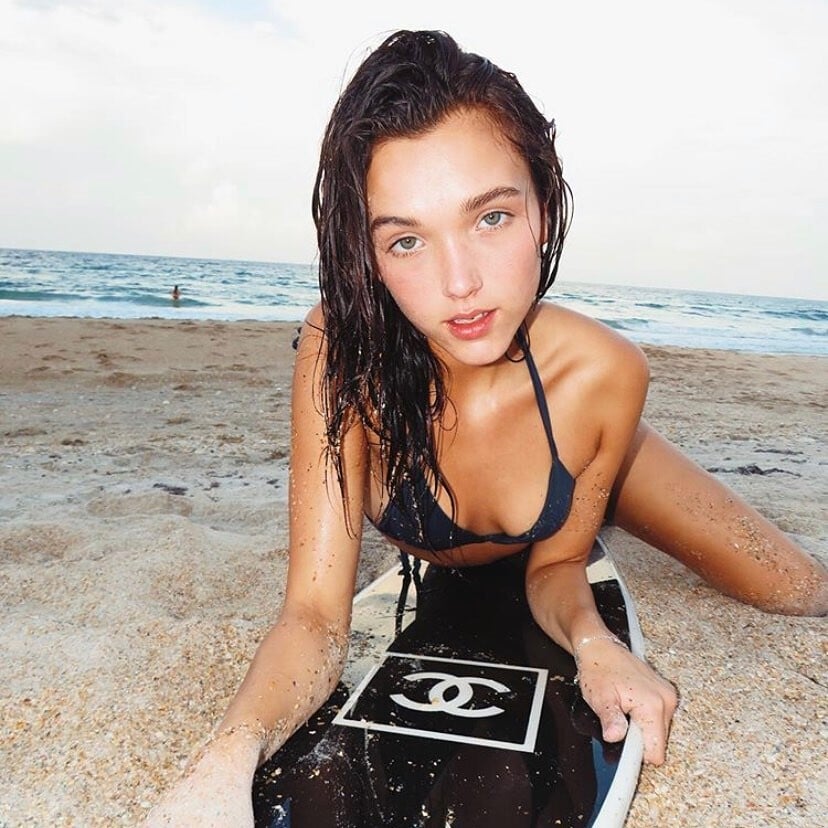
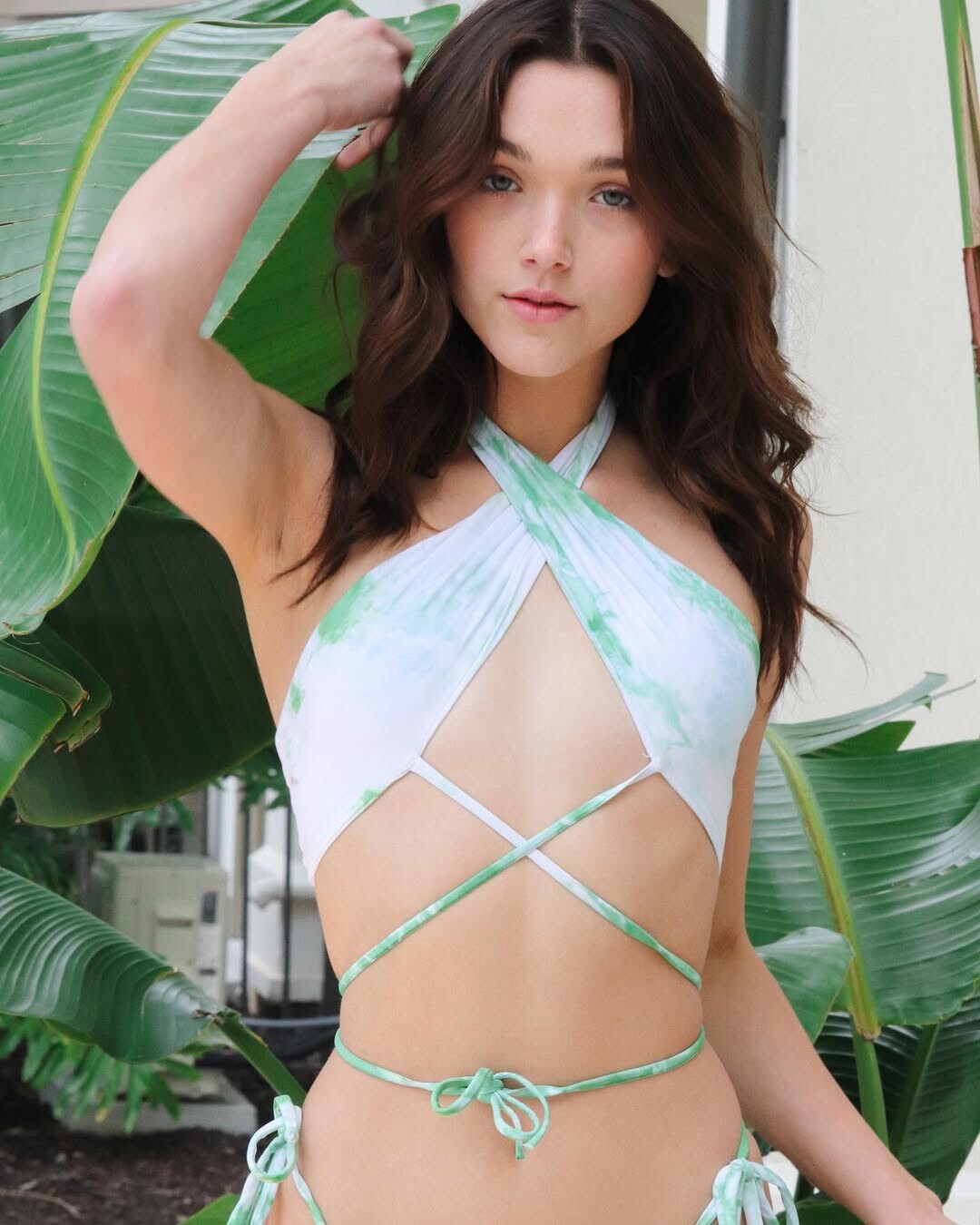
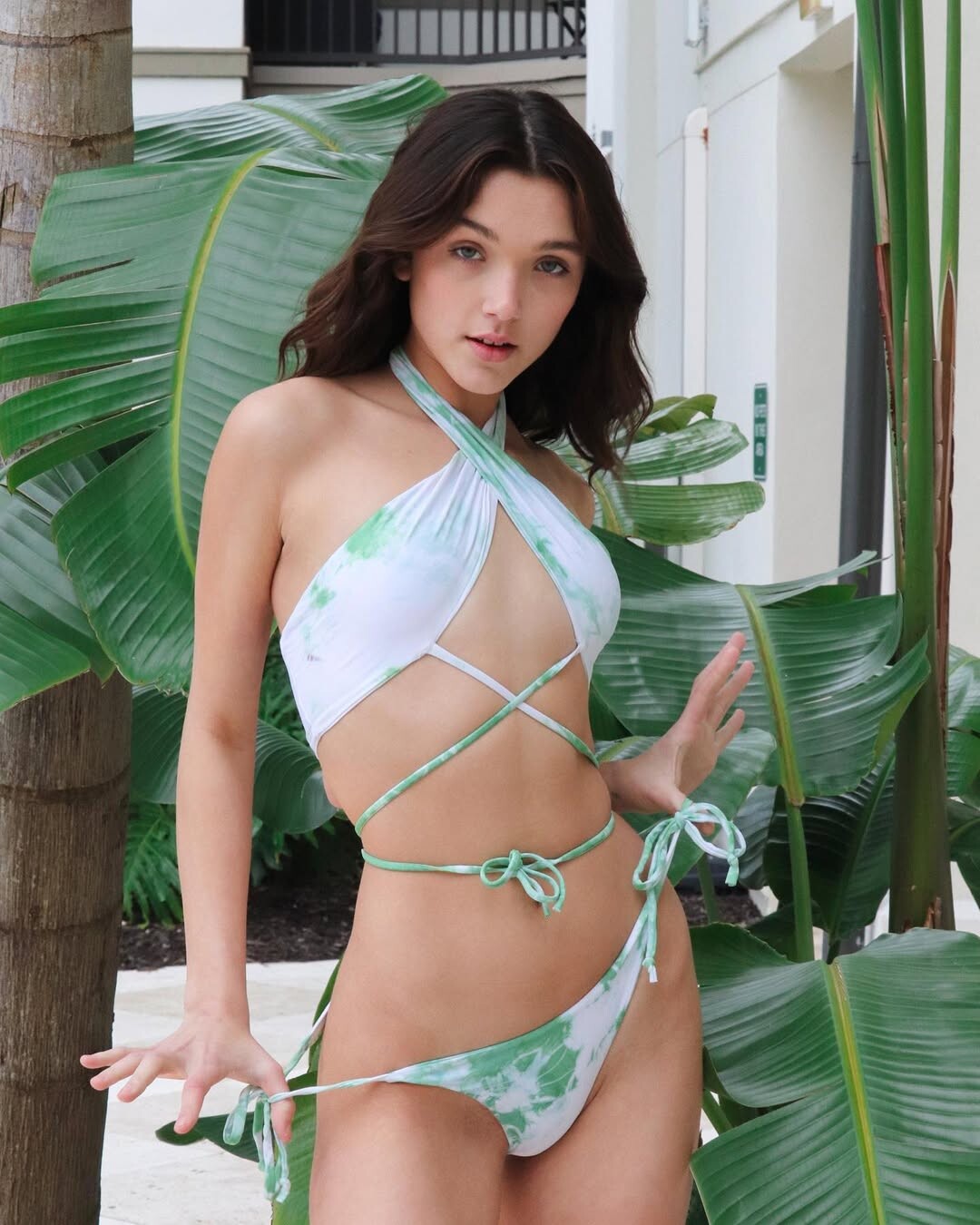
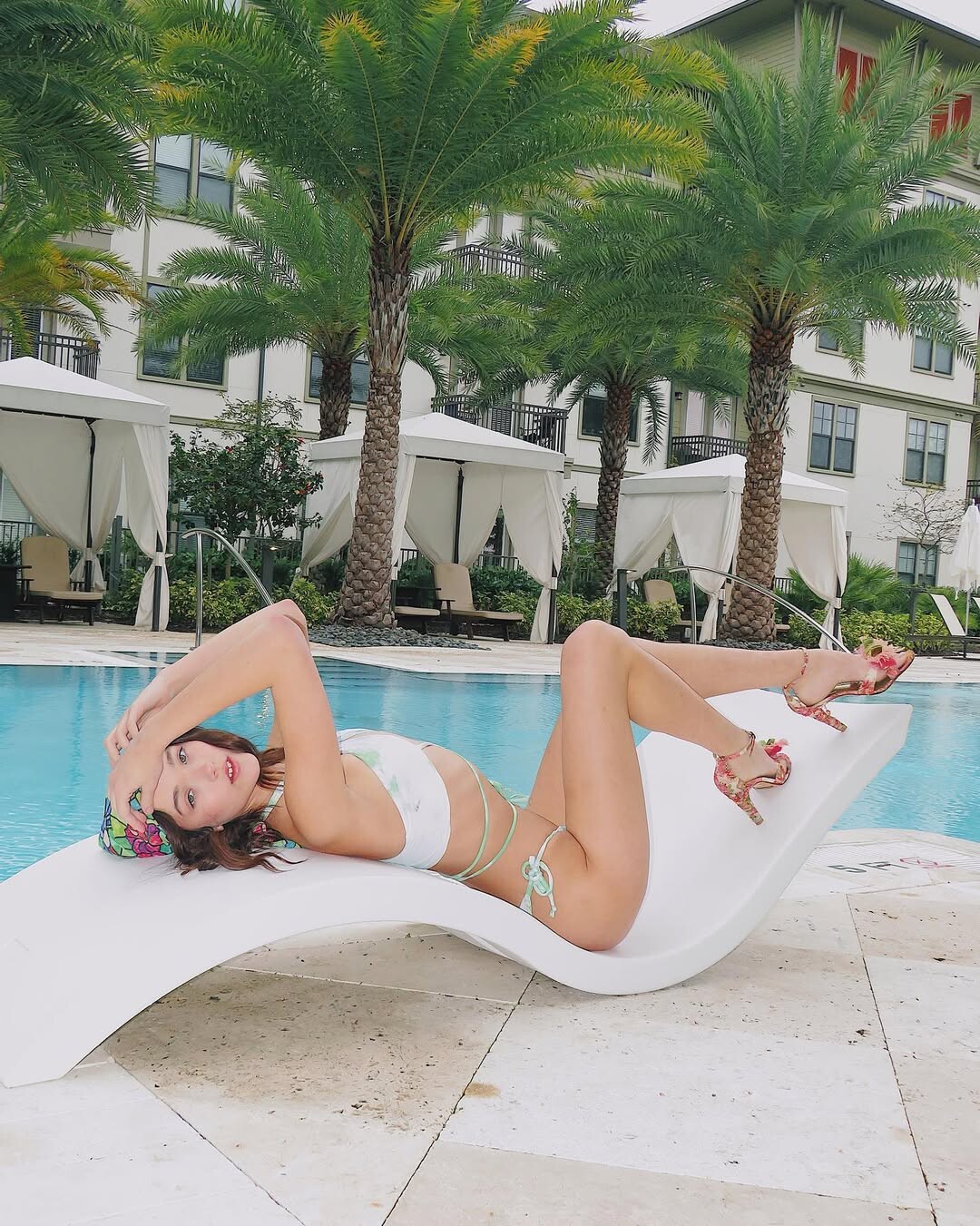
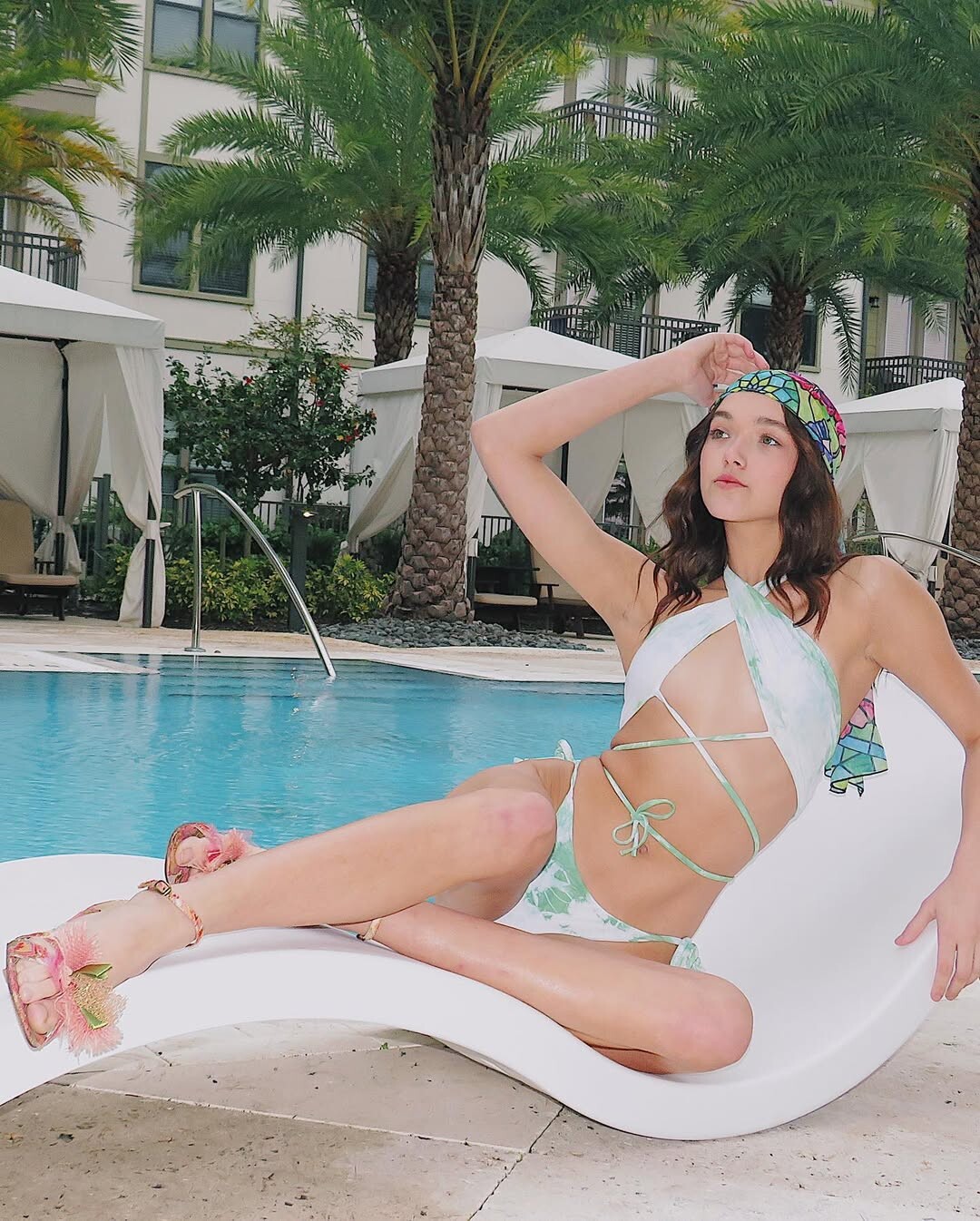
MADIBU SWIM 2020/21 Ph: @generationalll



































































































































Account
Search
Configure browser push notifications
Chrome (Android)
- Tap the lock icon next to the address bar.
- Tap Permissions → Notifications.
- Adjust your preference.
Chrome (Desktop)
- Click the padlock icon in the address bar.
- Select Site settings.
- Find Notifications and adjust your preference.
Safari (iOS 16.4+)
- Ensure the site is installed via Add to Home Screen.
- Open Settings App → Notifications.
- Find your app name and adjust your preference.
Safari (macOS)
- Go to Safari → Preferences.
- Click the Websites tab.
- Select Notifications in the sidebar.
- Find this website and adjust your preference.
Edge (Android)
- Tap the lock icon next to the address bar.
- Tap Permissions.
- Find Notifications and adjust your preference.
Edge (Desktop)
- Click the padlock icon in the address bar.
- Click Permissions for this site.
- Find Notifications and adjust your preference.
Firefox (Android)
- Go to Settings → Site permissions.
- Tap Notifications.
- Find this site in the list and adjust your preference.
Firefox (Desktop)
- Open Firefox Settings.
- Search for Notifications.
- Find this site in the list and adjust your preference.