All Activity
- Past hour
-

 ph Alfred Marroquin







 Kimberly Marler? https://www.bellazon.com/main/topic/123390-kimberly-marler/
 Peacocks (2026)




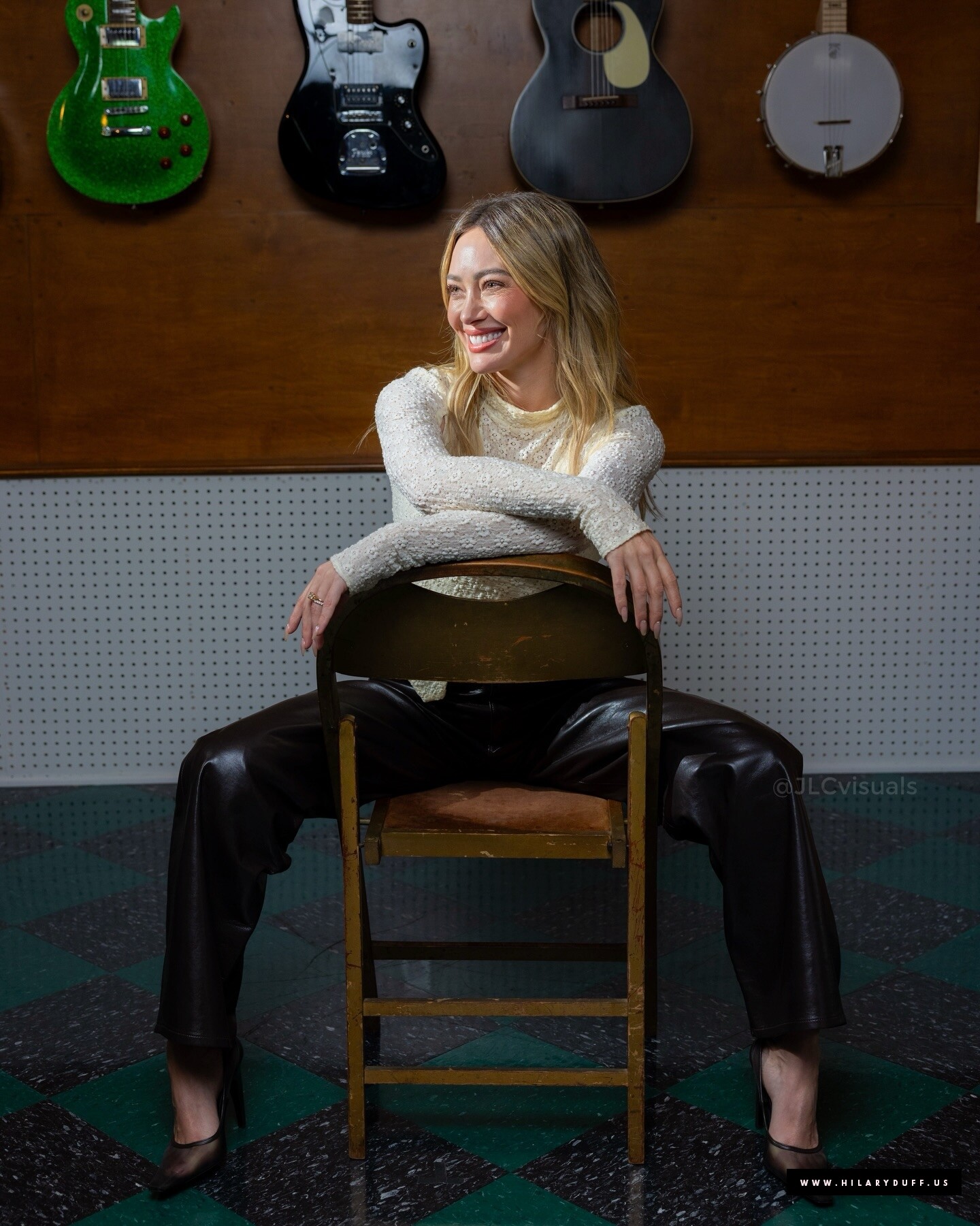
 L.A. Times hilaryduff.us






 Change (2026)














 Glamour USA hilaryduff.us
 Luck…or Something hilaryduff.us











 stories
 Hilary Duff: Life & Love After Lizzie
Interview Magazine emimoore at picturepub
Hilary Duff: Life & Love After Lizzie
Interview Magazine emimoore at picturepub ph Morgan Maher brian44 at picturepub
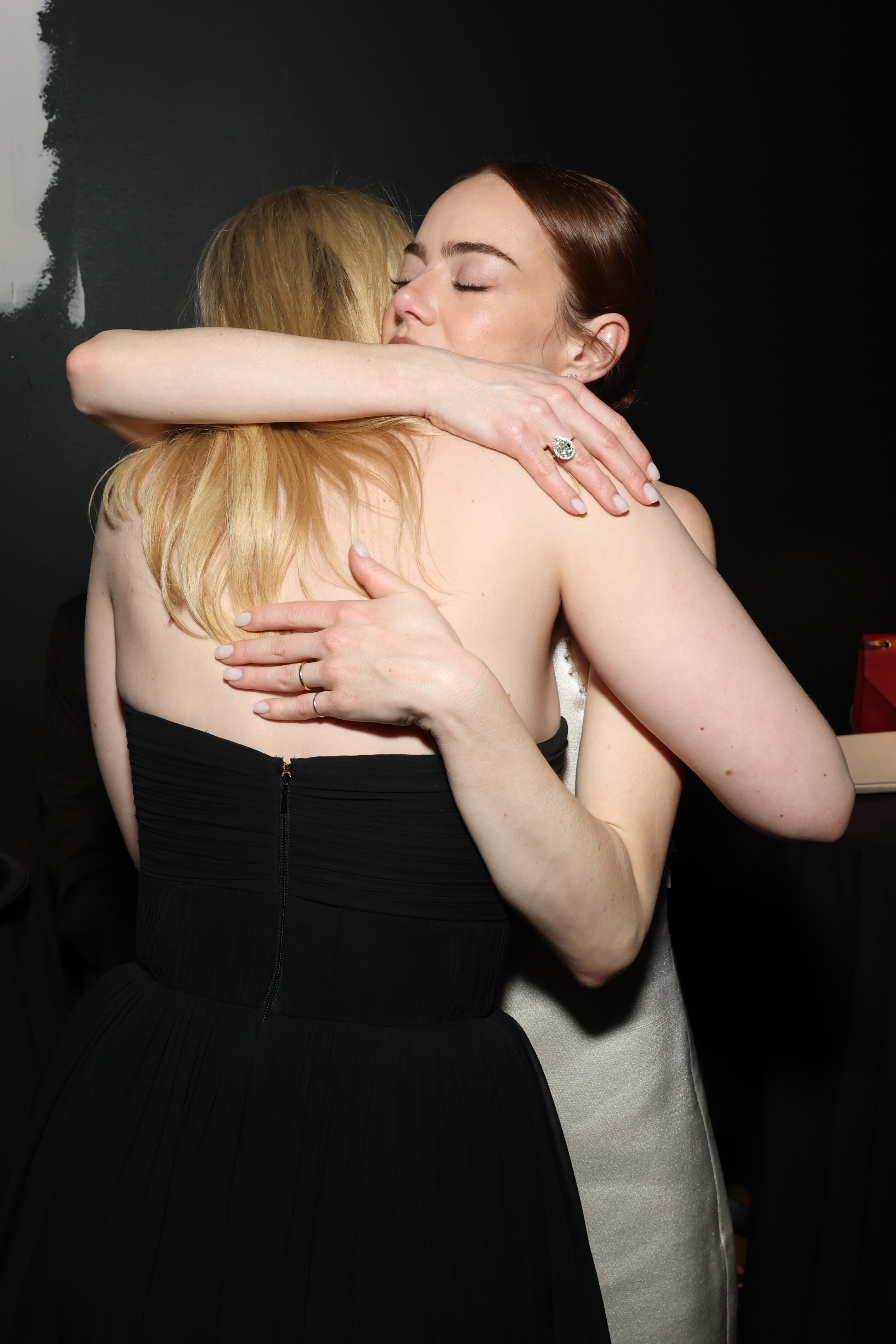
 37th Annual Producers Guild Awards, Los Angeles CA - February 28, 2026 Karas at picturepub






































































 TOP MODEL Mexico cover Stephanie Seymour by Gilles Bensimon

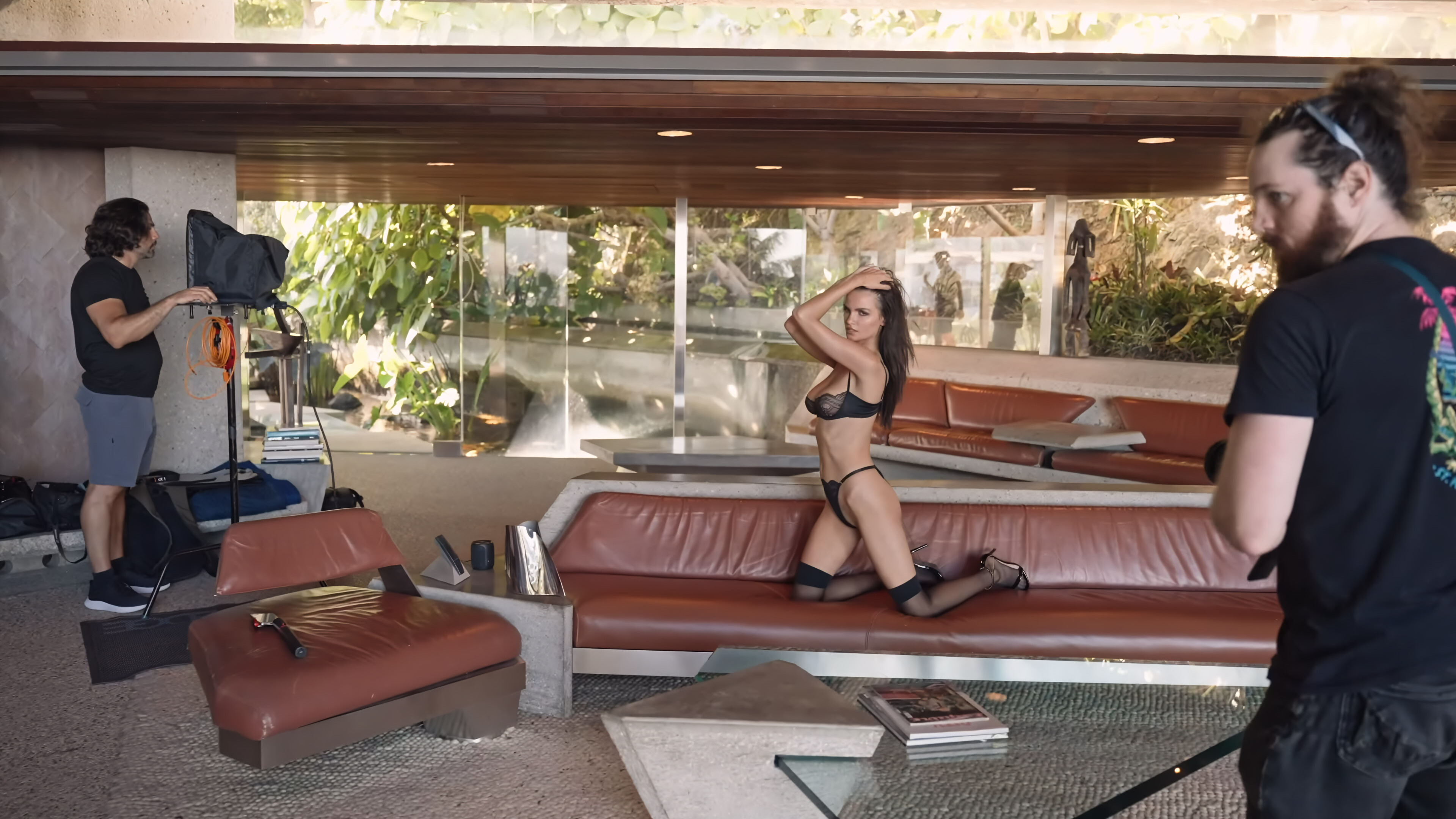
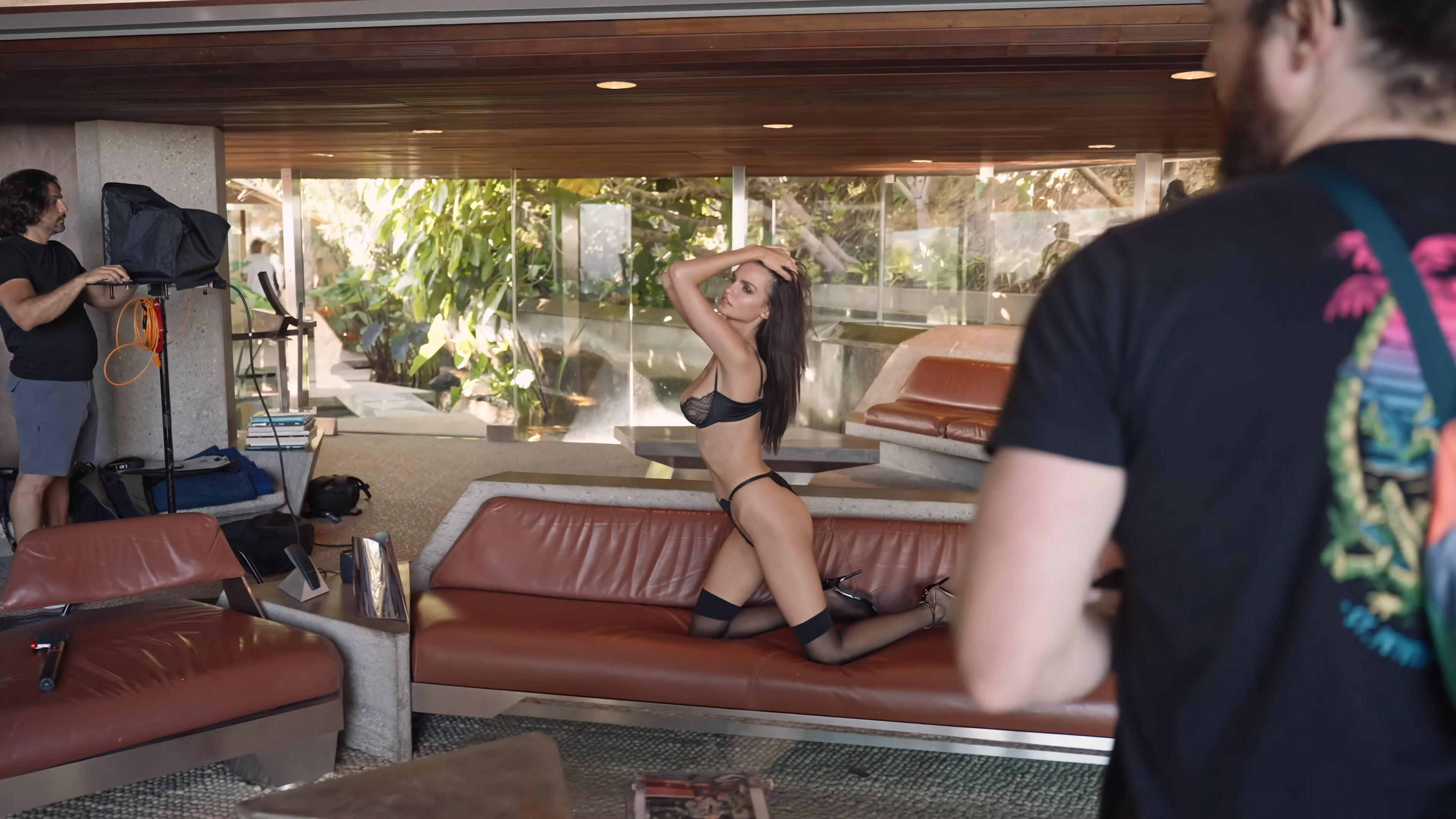
 There is a Wild Set Free YT channel 4k video of Alexis at the Sheats-Goldstein house in Beverly Hills (build in 1963), but I cannot get it to embed. Direct Link. Video captures that I applied a few bulk tweaks to:






























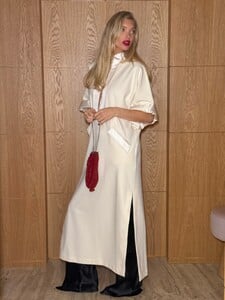
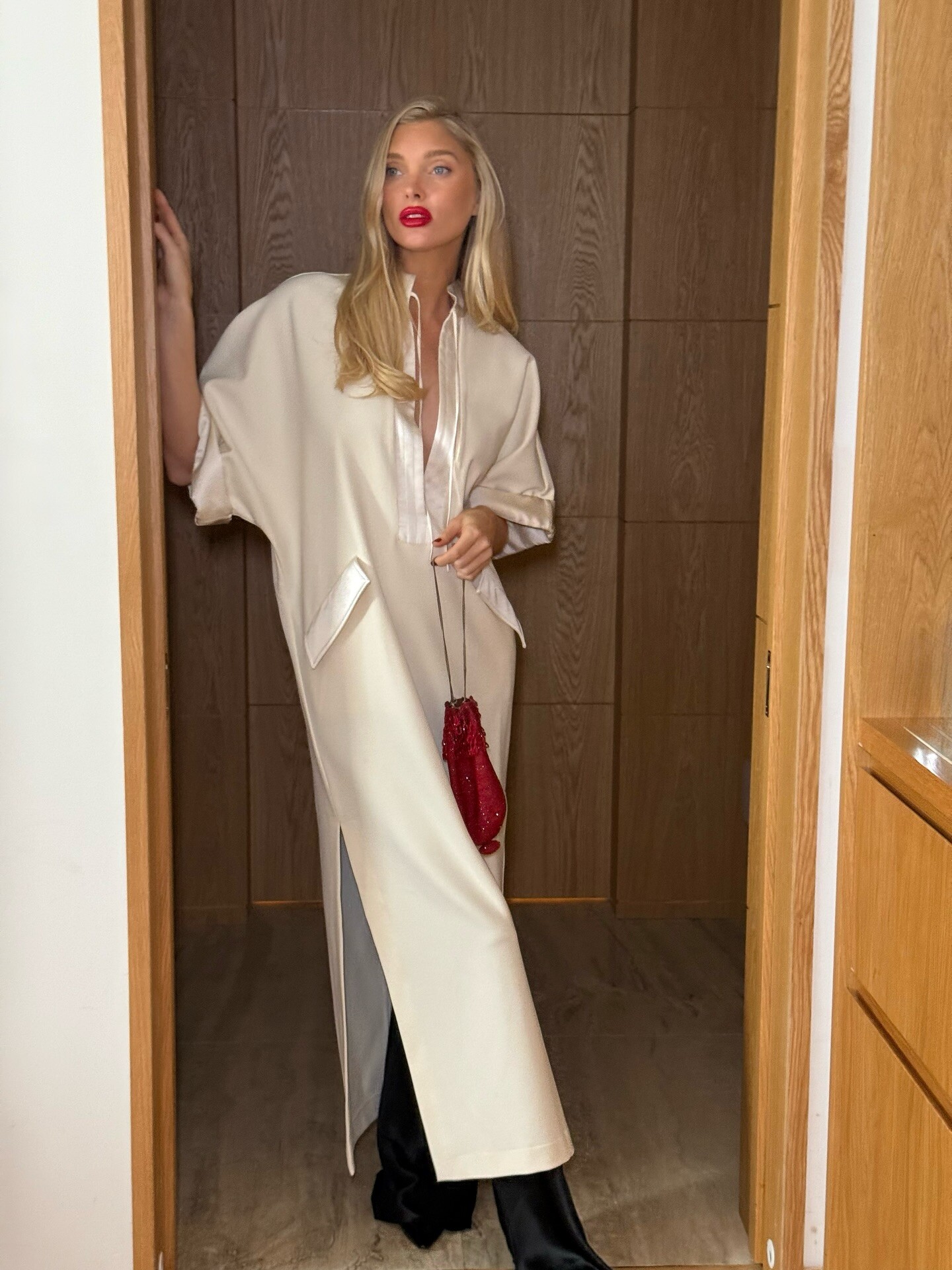
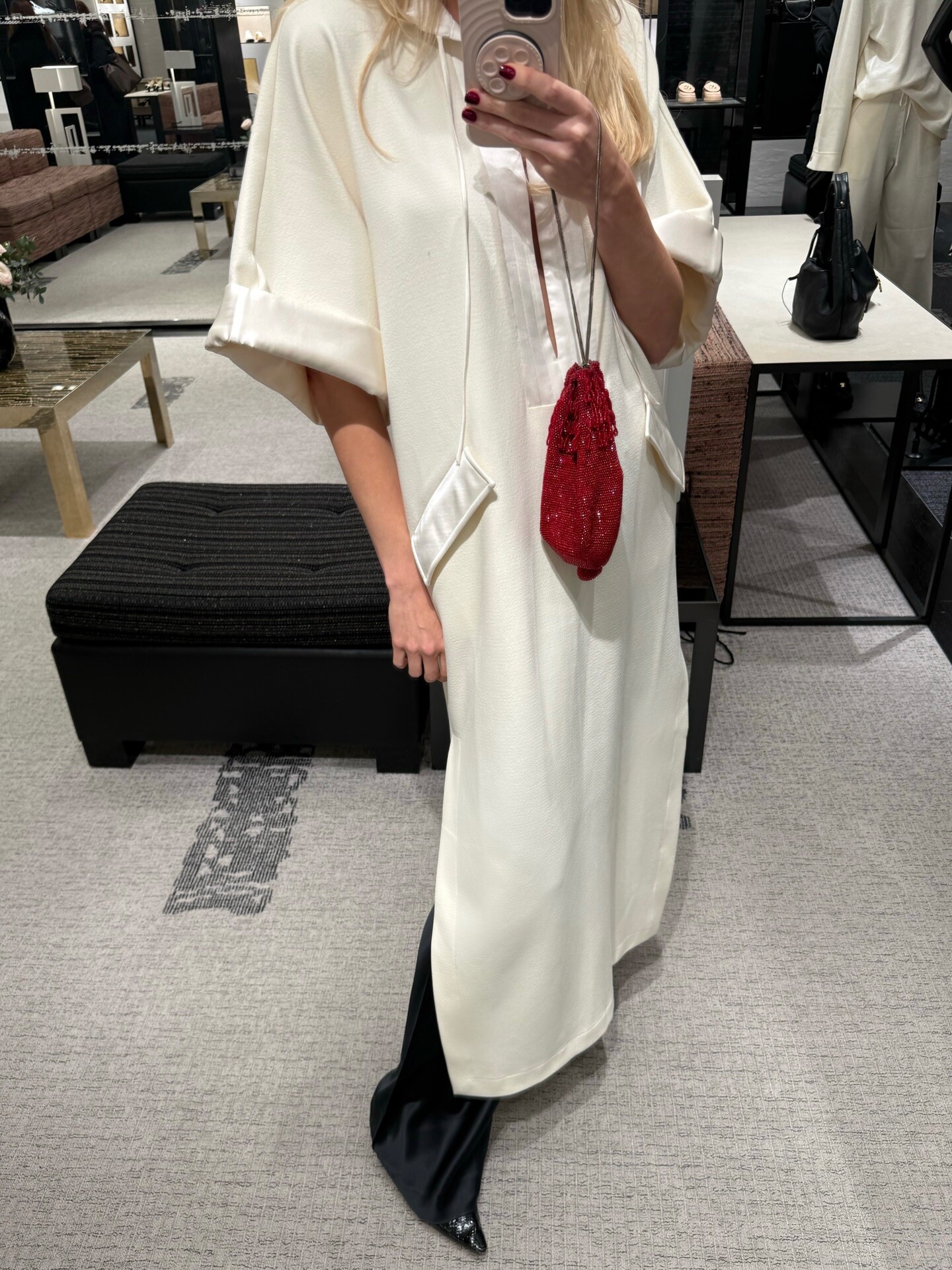
 The CBK vibe in London❤️ in helsastudio avaliable on fwrd & revolve ✨









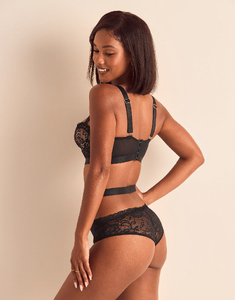
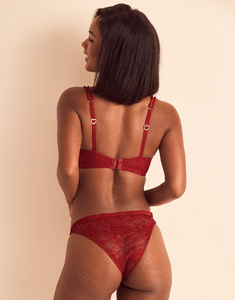
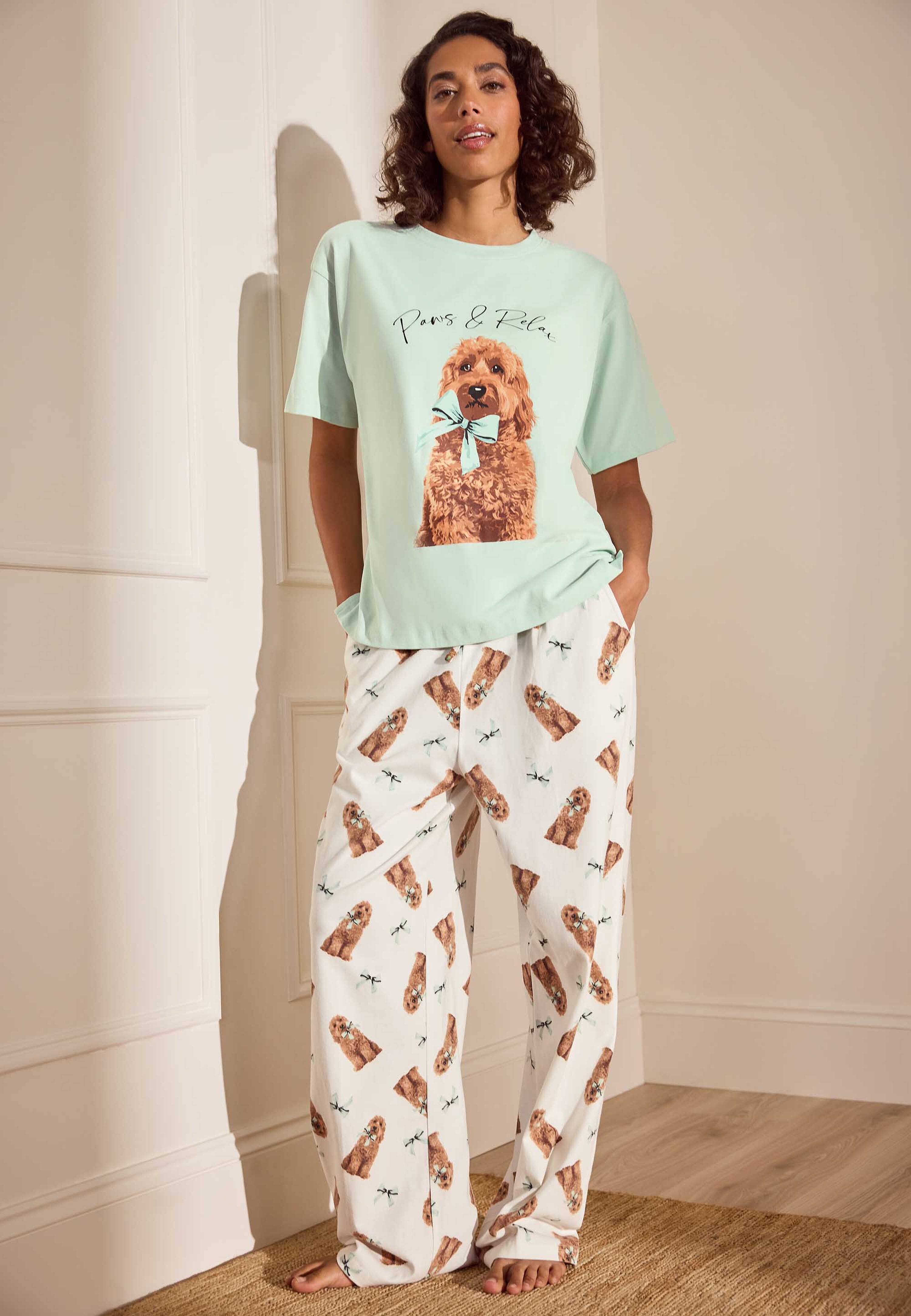
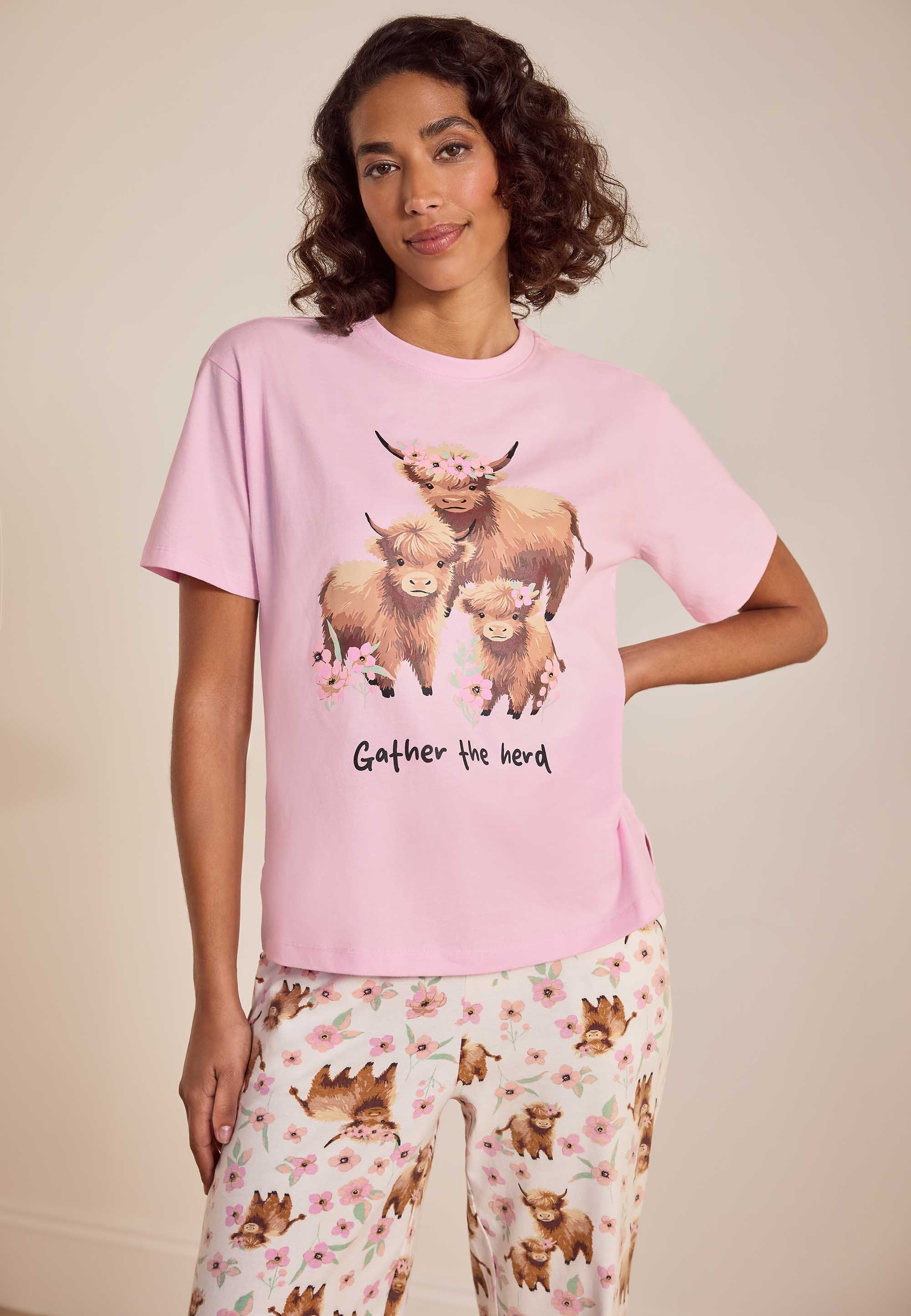
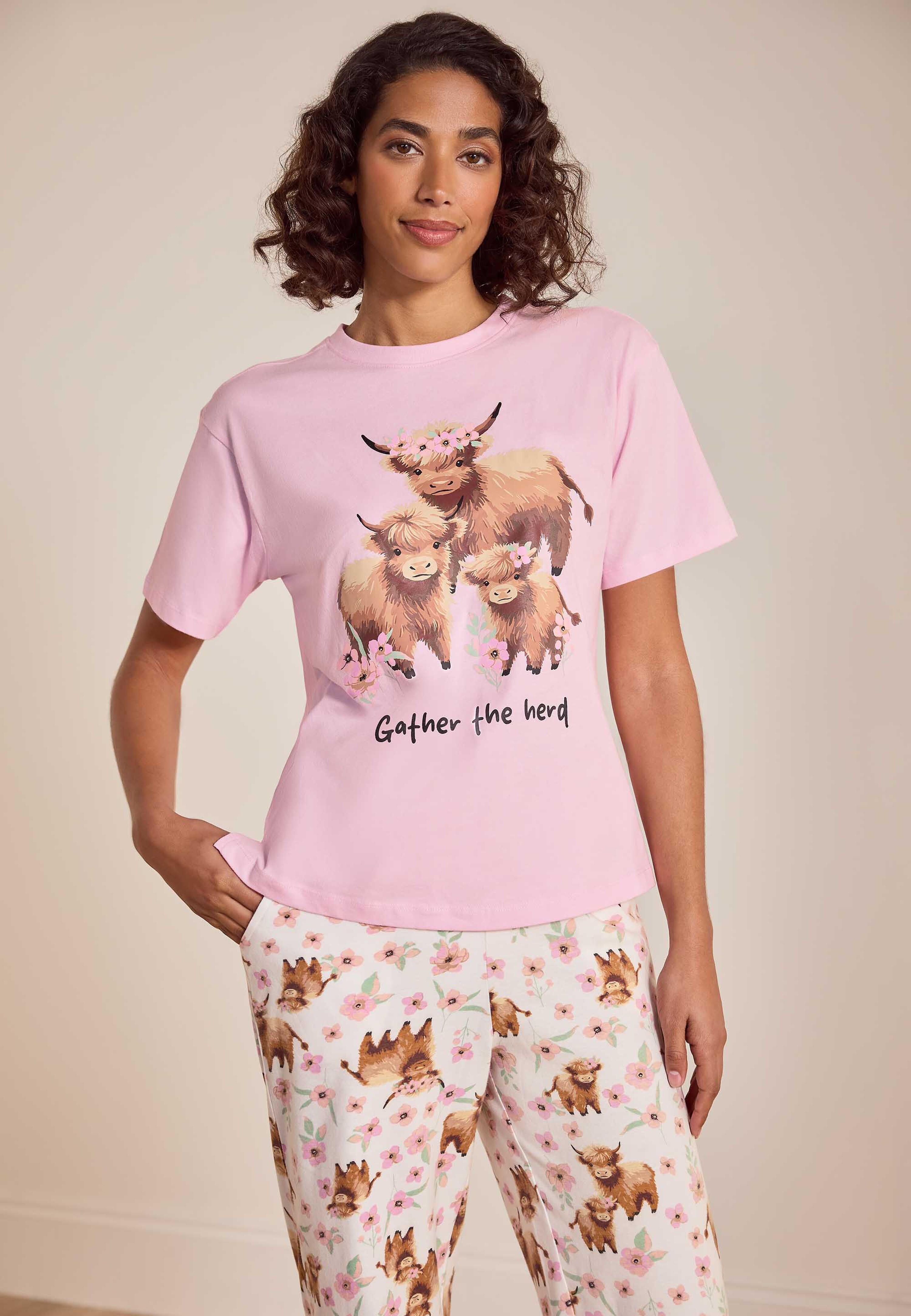
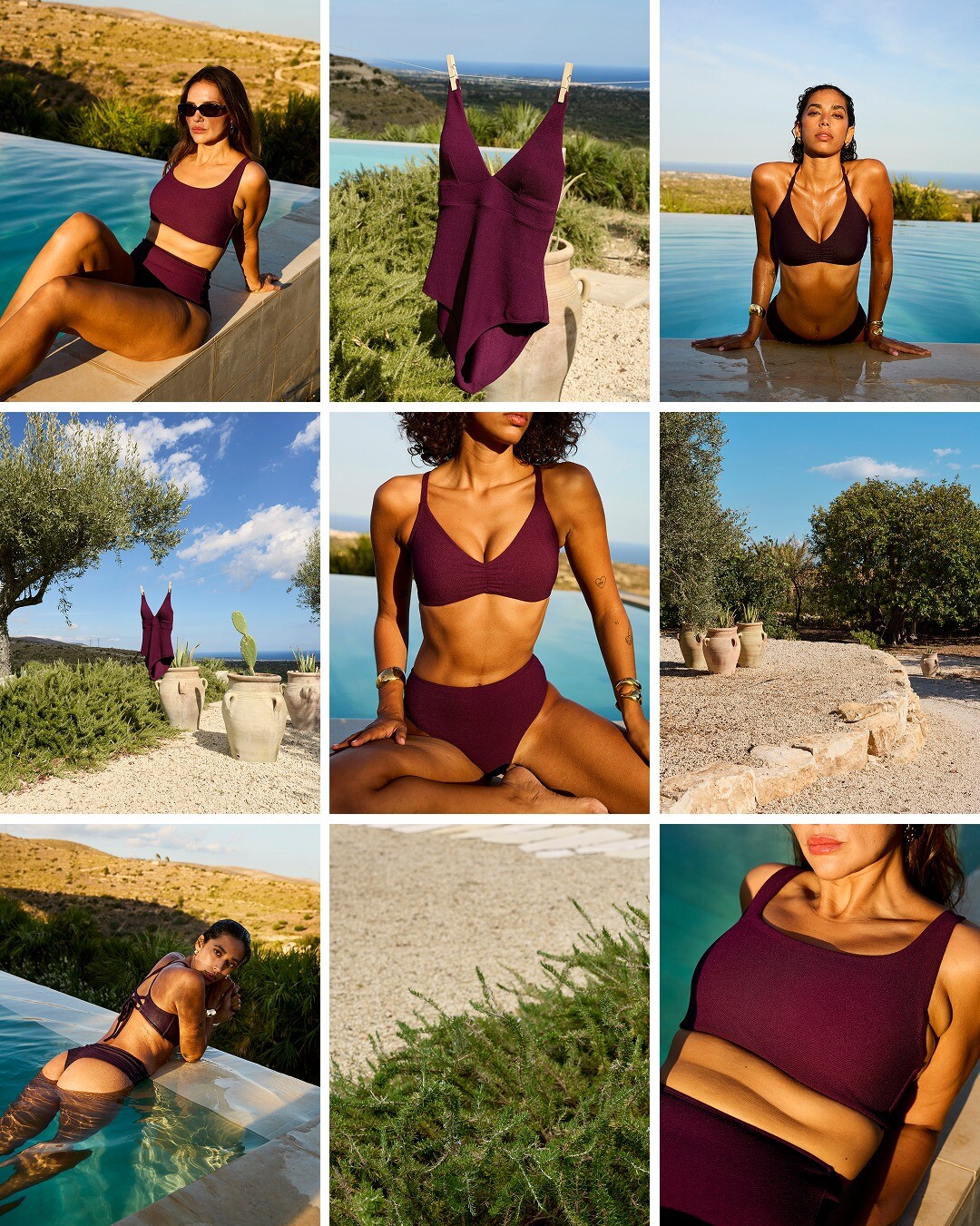
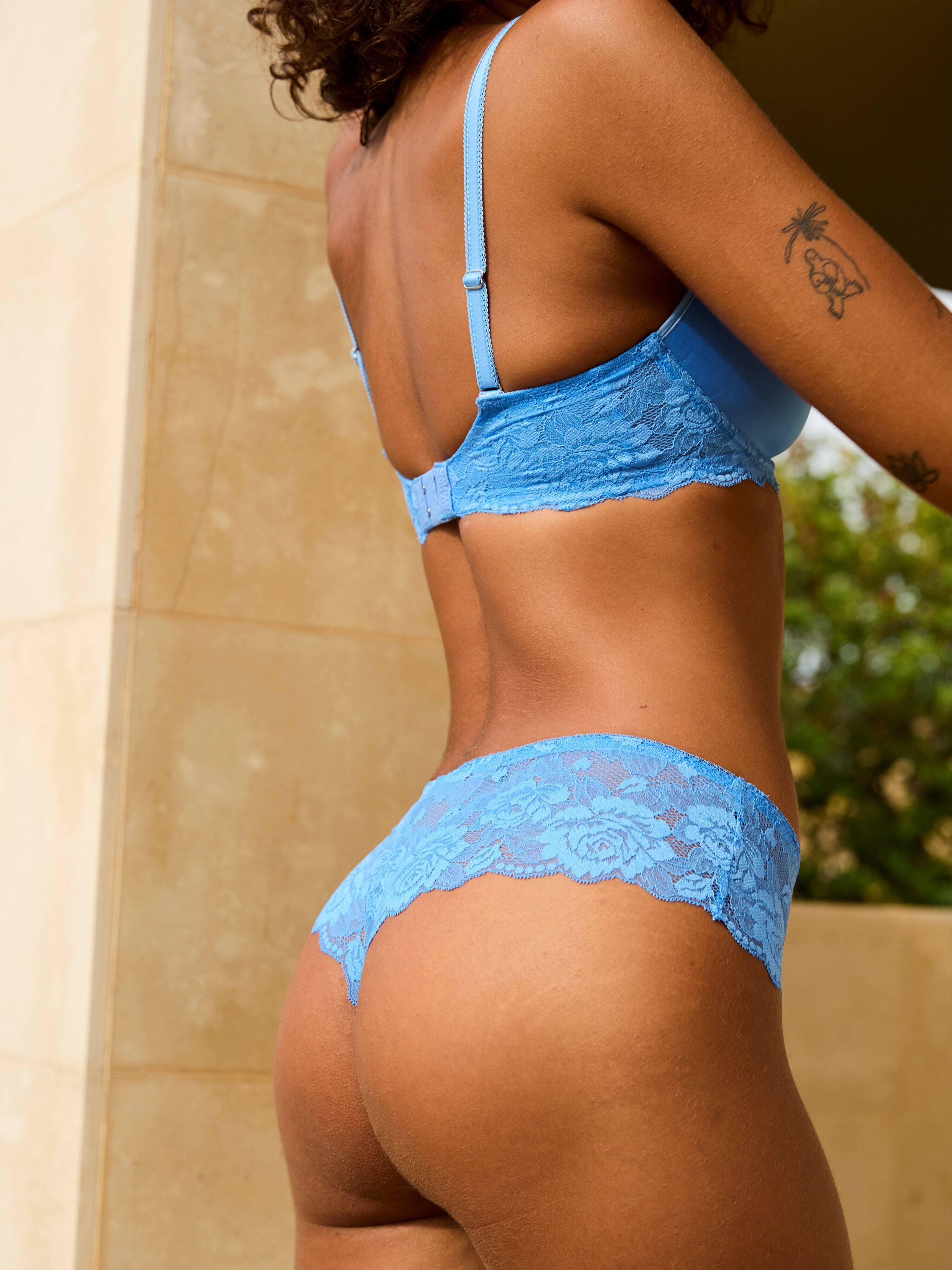
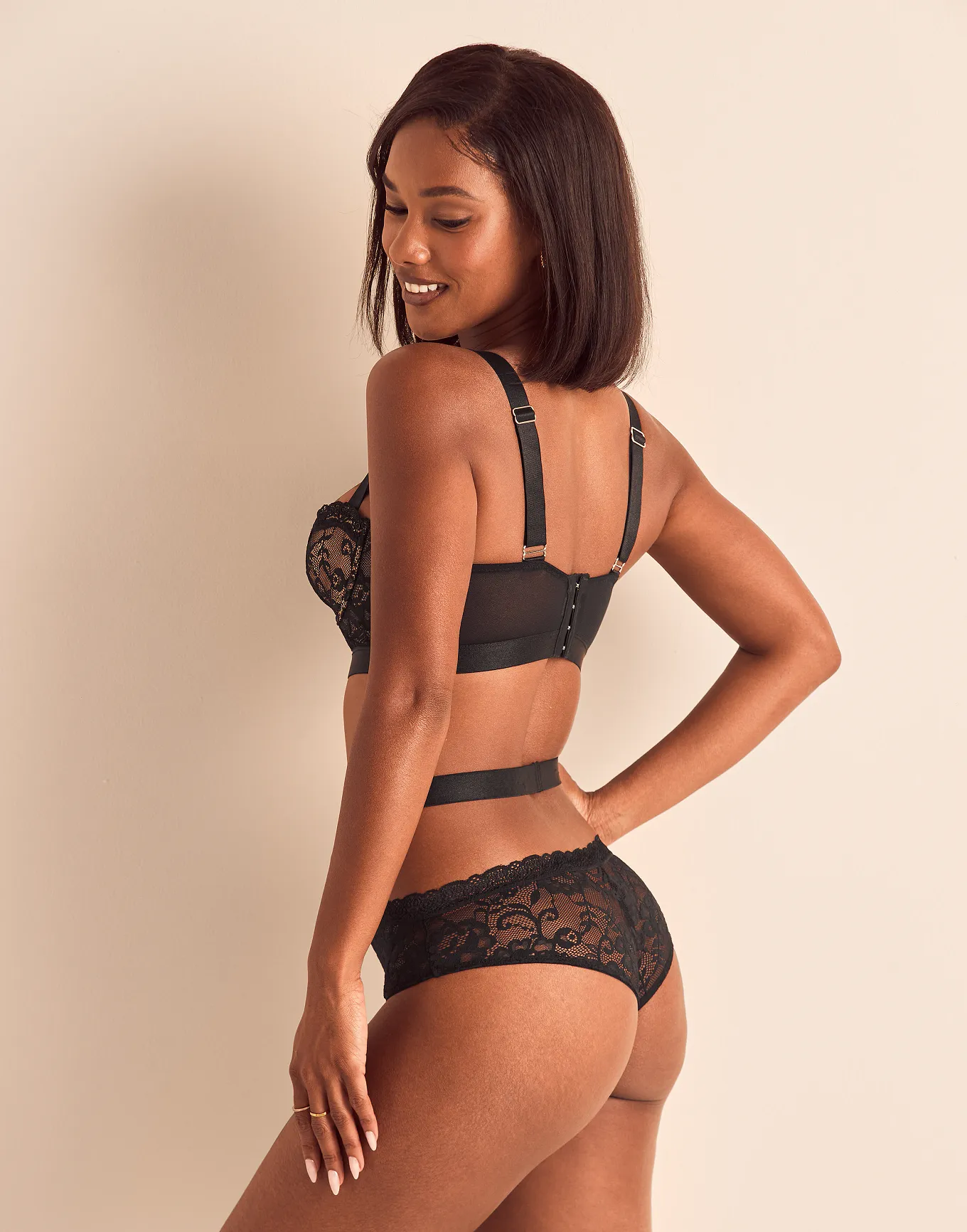
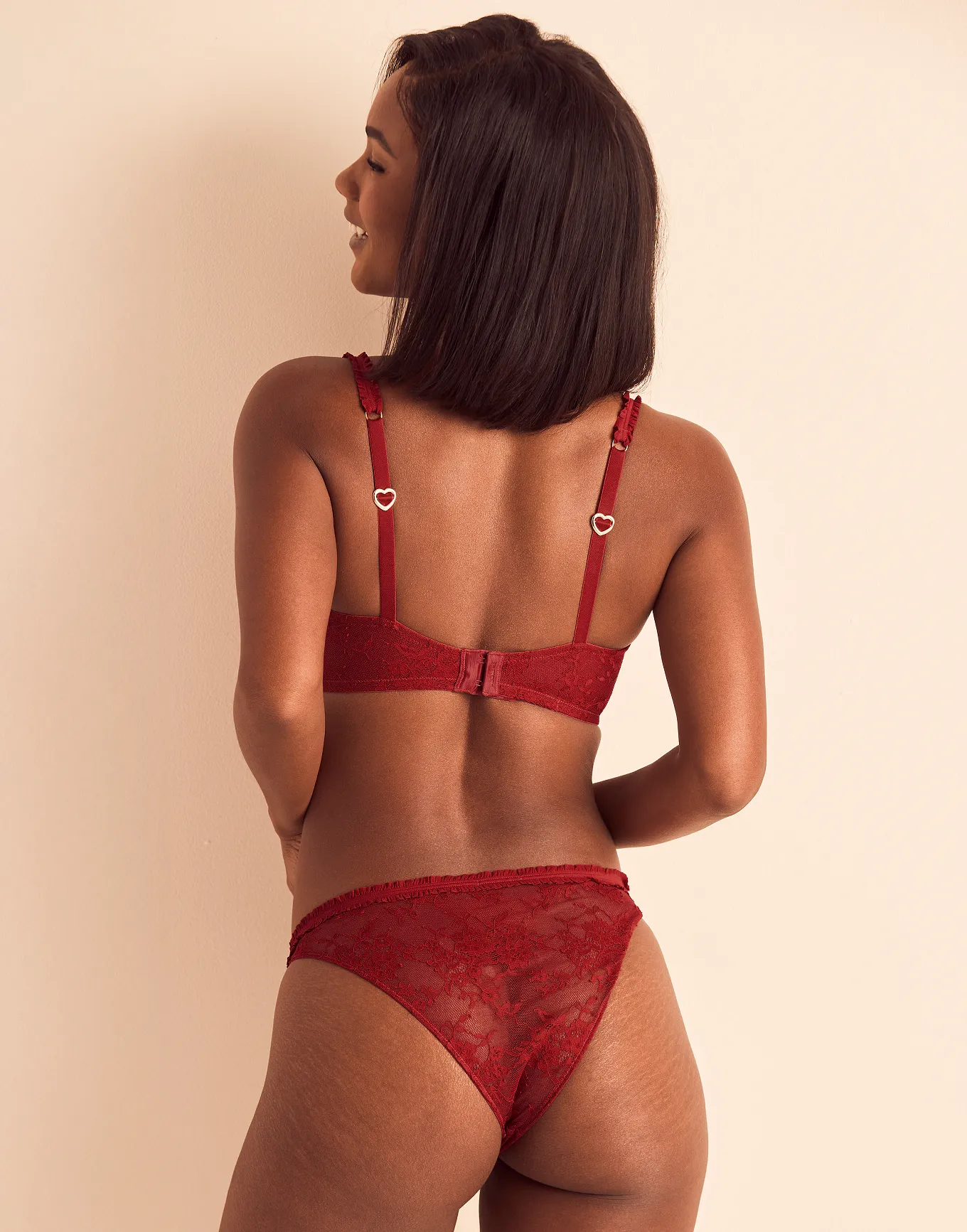
 AdoreMe (AB 3-1-26)

 Hudson Williams (born February 13, 2001) is a Canadian actor. He is known for his breakout role as Shane Hollander in the Crave original television series Heated Rivalry (2025–present). Early life Williams was born on February 13, 2001, in Kelowna, British Columbia, Canada.His mother, an interior designer, is Korean, and his father, a mechanical engineer, is of British and Dutch descent.












































































































































































Account
Navigation
Search
Configure browser push notifications
Chrome (Android)
- Tap the lock icon next to the address bar.
- Tap Permissions → Notifications.
- Adjust your preference.
Chrome (Desktop)
- Click the padlock icon in the address bar.
- Select Site settings.
- Find Notifications and adjust your preference.
Safari (iOS 16.4+)
- Ensure the site is installed via Add to Home Screen.
- Open Settings App → Notifications.
- Find your app name and adjust your preference.
Safari (macOS)
- Go to Safari → Preferences.
- Click the Websites tab.
- Select Notifications in the sidebar.
- Find this website and adjust your preference.
Edge (Android)
- Tap the lock icon next to the address bar.
- Tap Permissions.
- Find Notifications and adjust your preference.
Edge (Desktop)
- Click the padlock icon in the address bar.
- Click Permissions for this site.
- Find Notifications and adjust your preference.
Firefox (Android)
- Go to Settings → Site permissions.
- Tap Notifications.
- Find this site in the list and adjust your preference.
Firefox (Desktop)
- Open Firefox Settings.
- Search for Notifications.
- Find this site in the list and adjust your preference.