All Activity
- Past hour
-
 ❤️ https://www.instagram.com/p/DOeDTA4DZAR/ https://www.youtube.com/@carlienicole25 https://www.tiktok.com/@carlienicole.1?_r=1&_t=ZT-93z7LxoUzy2&utm_source=hoobe&utm_medium=social
 -
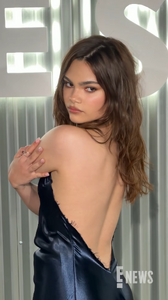
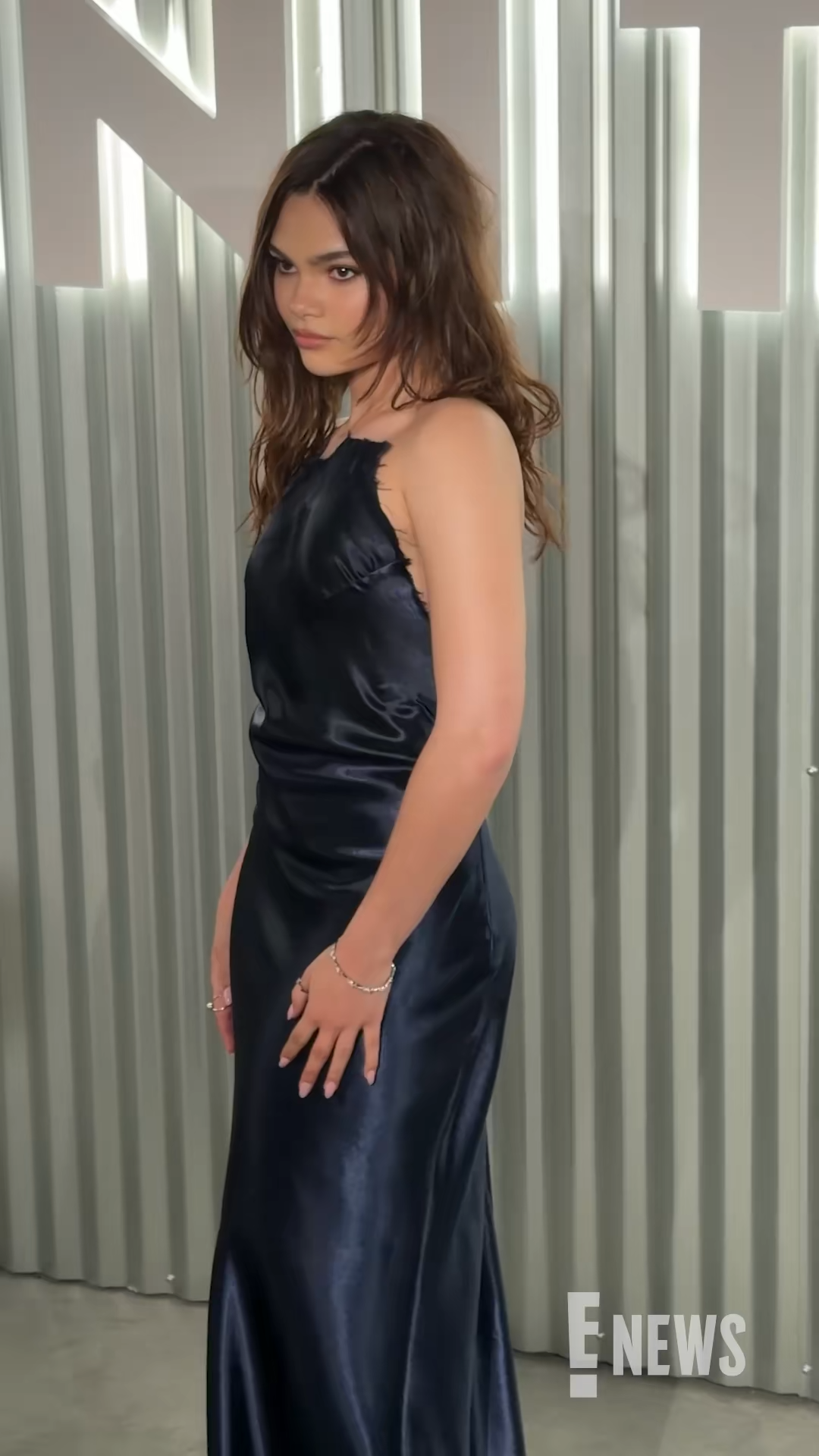
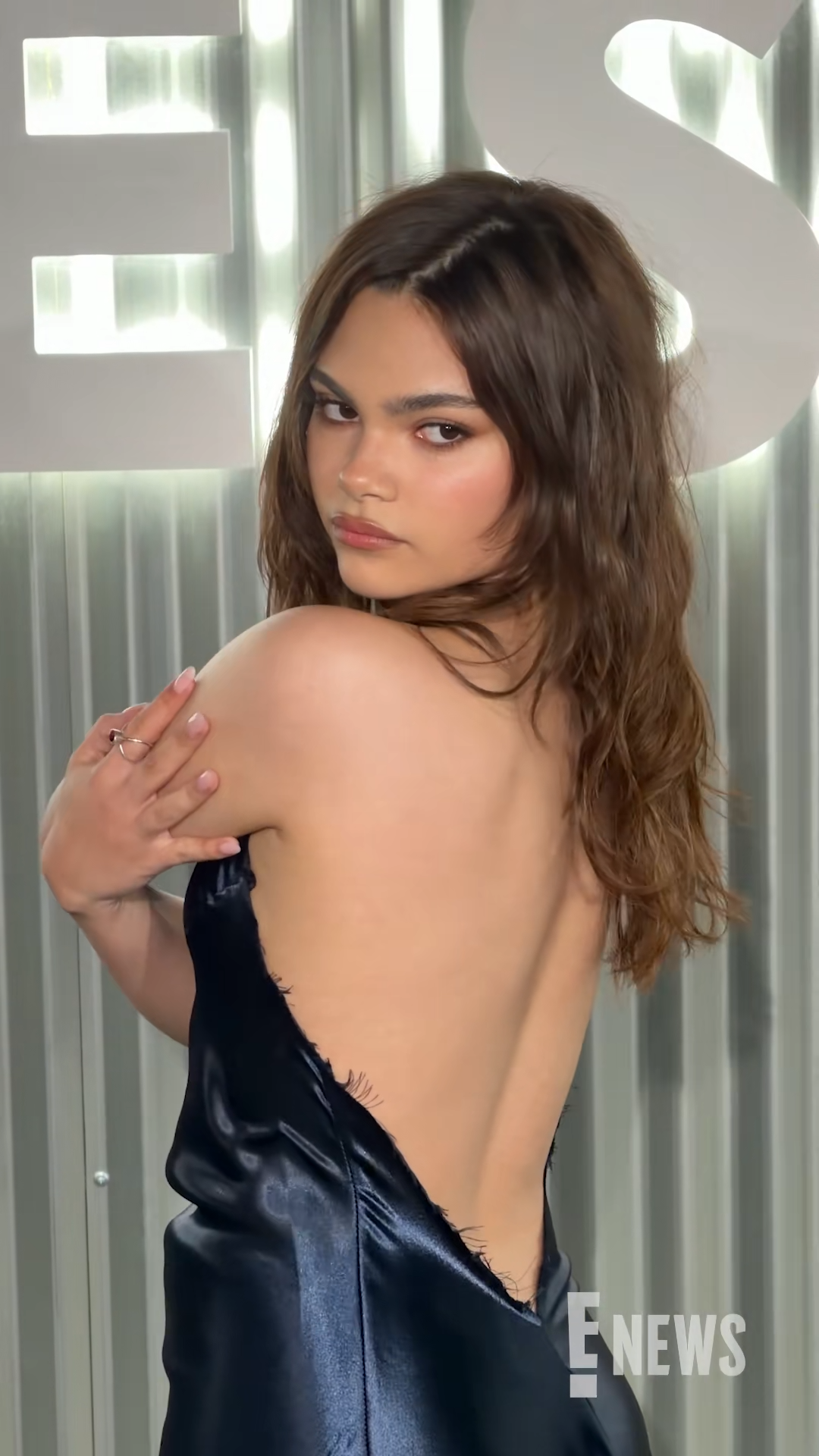
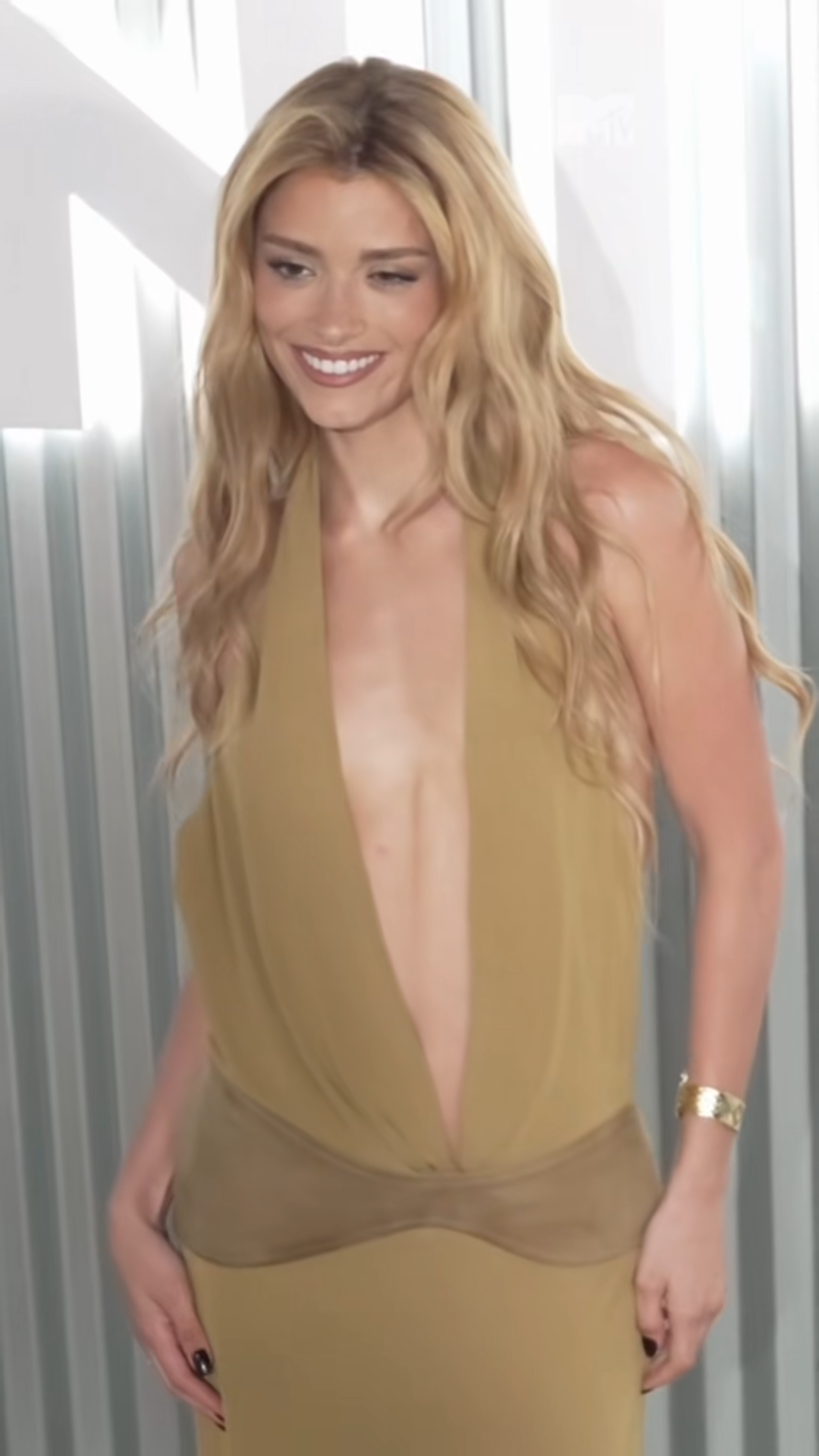
 TikTok | enews Ariana Greenblatt stuns in a strapless dress at the 2026 Vanities Party. Video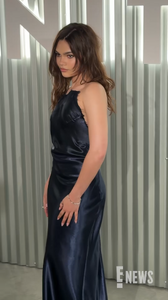
-

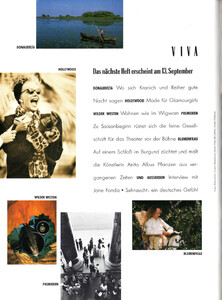
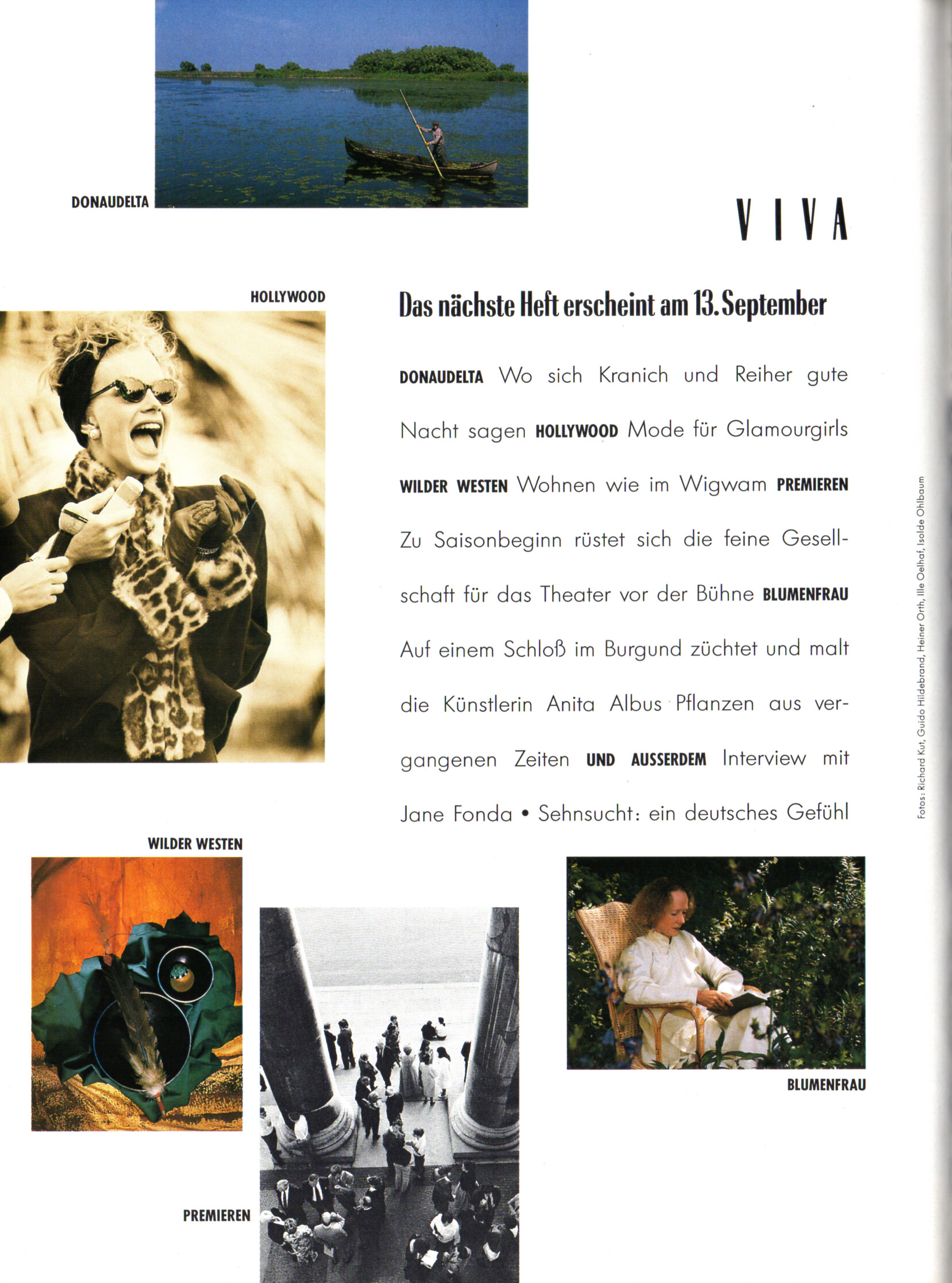
 preview - VIVA Germany September 1989
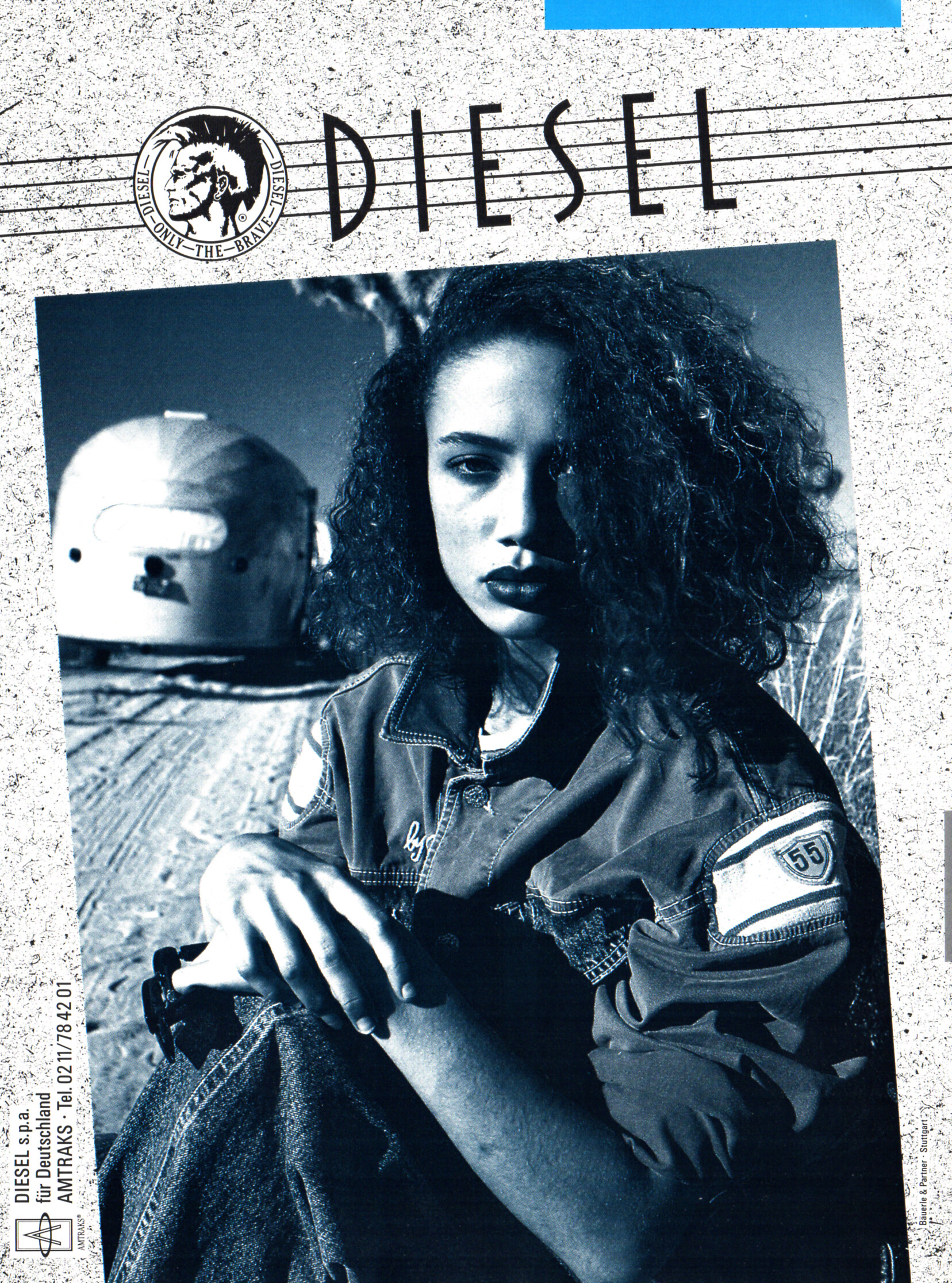
 DIESEL advertisement - VIVA Germany September 1989
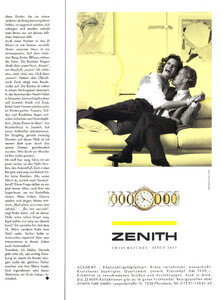
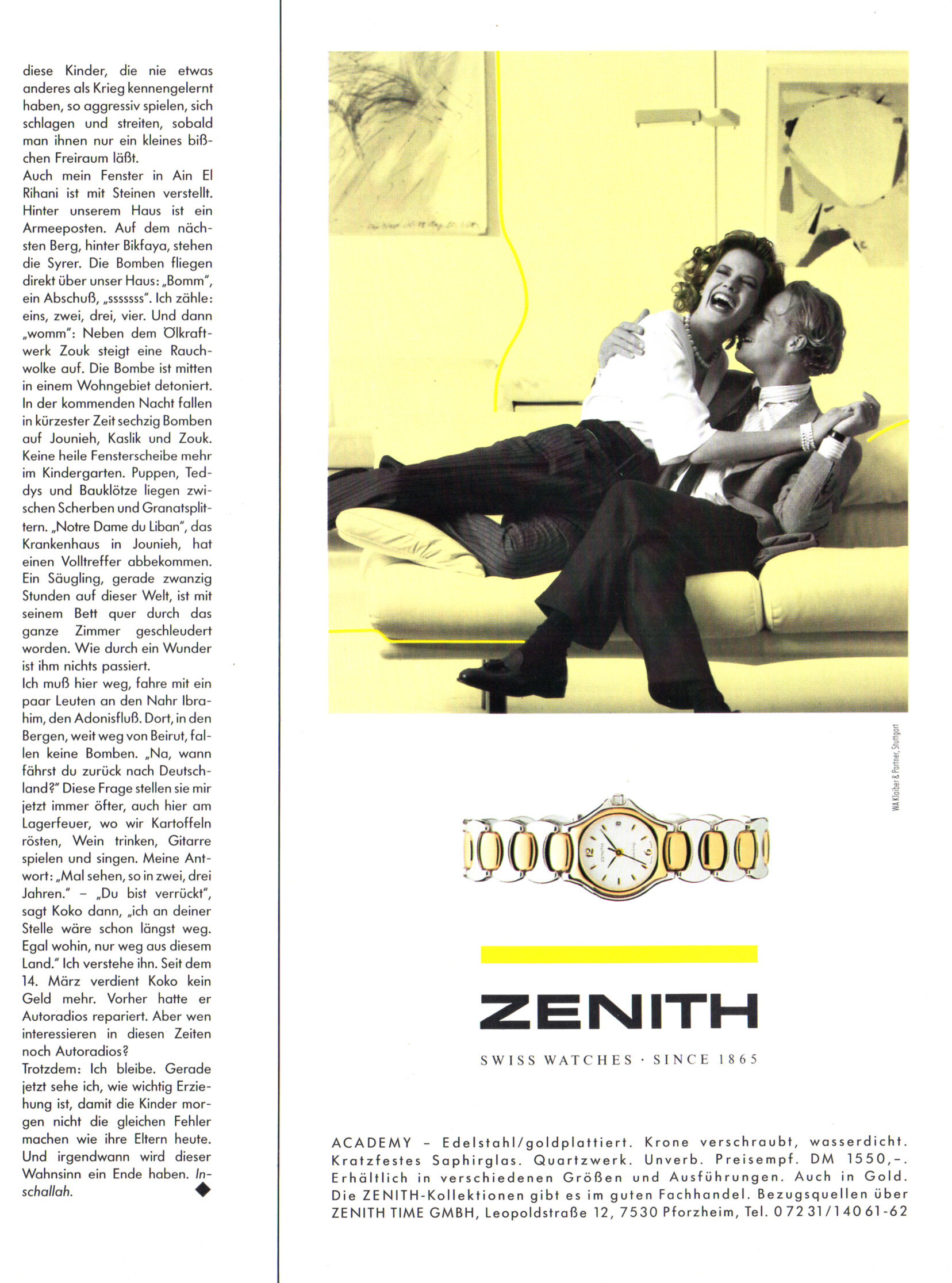
 ZENITH advertisement - VIVA Germany September 1989
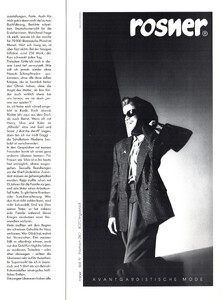
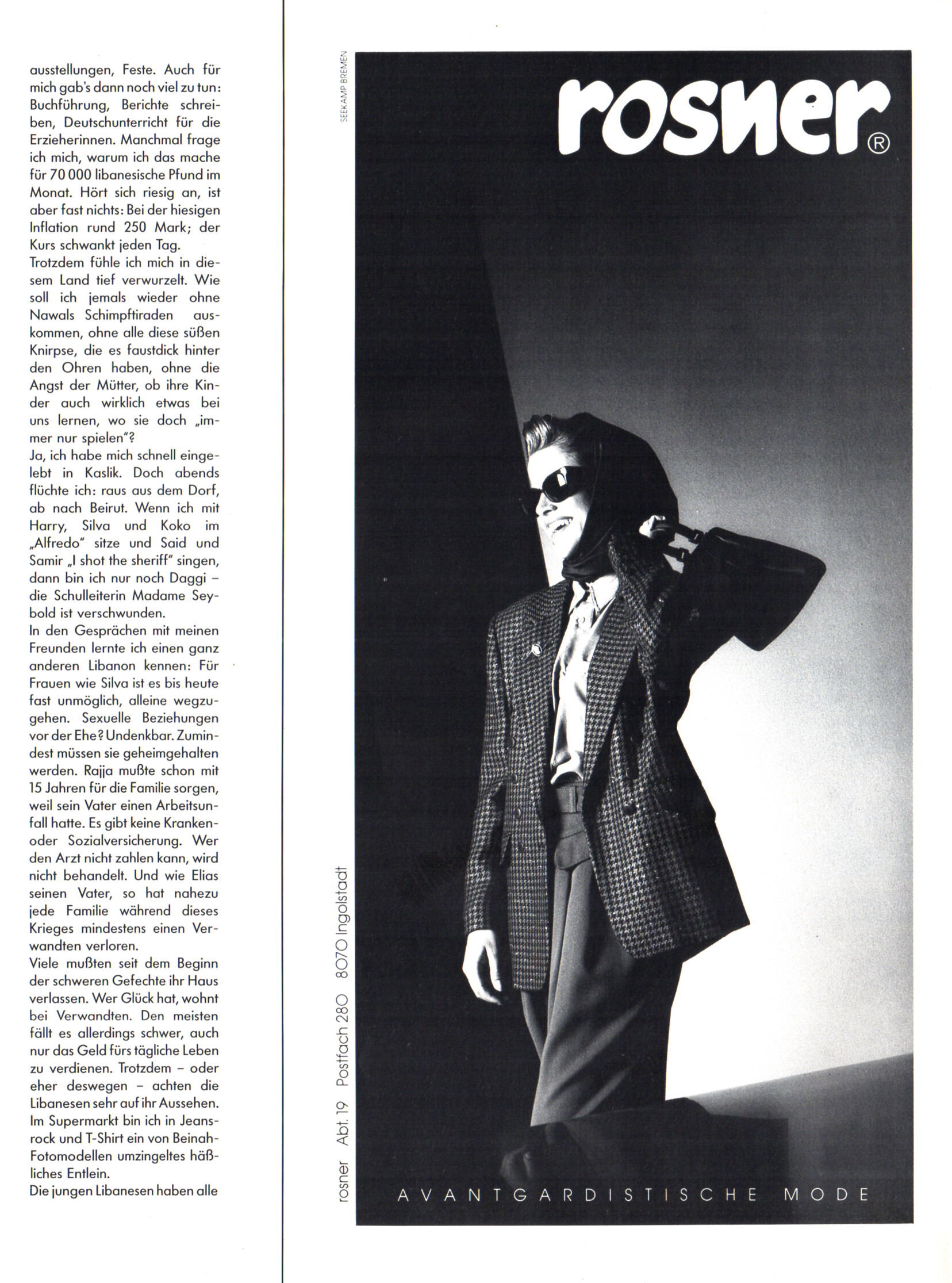
 rosner advertisement - VIVA Germany September 1989
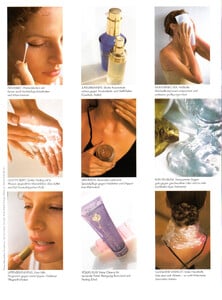
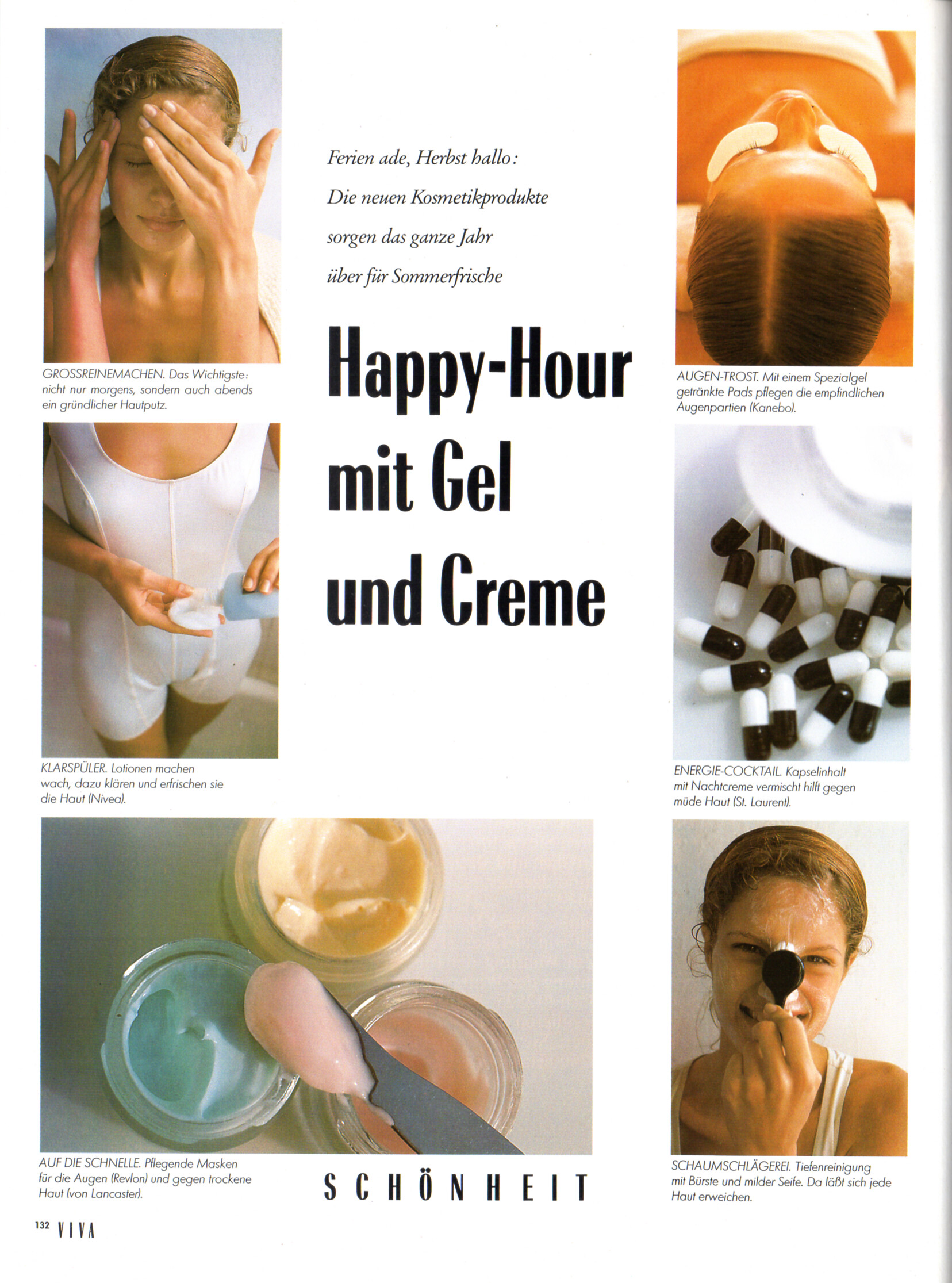
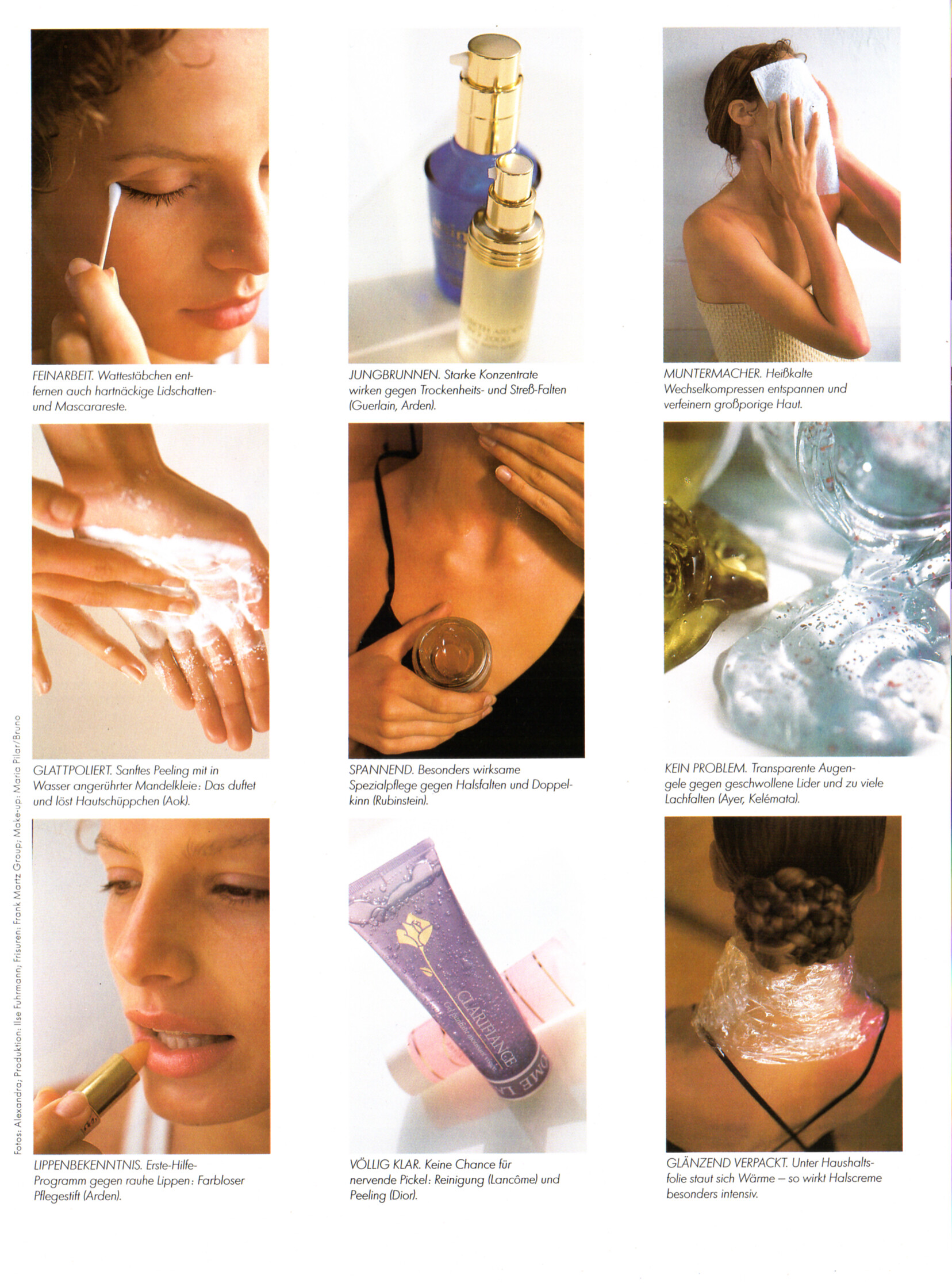
 "Happy-Hour mit Gel und Creme" - VIVA Germany September 1989 by Alexandra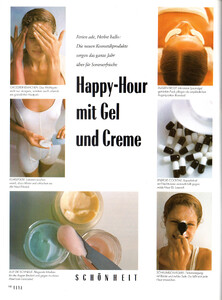
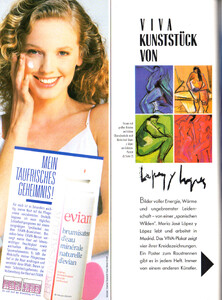
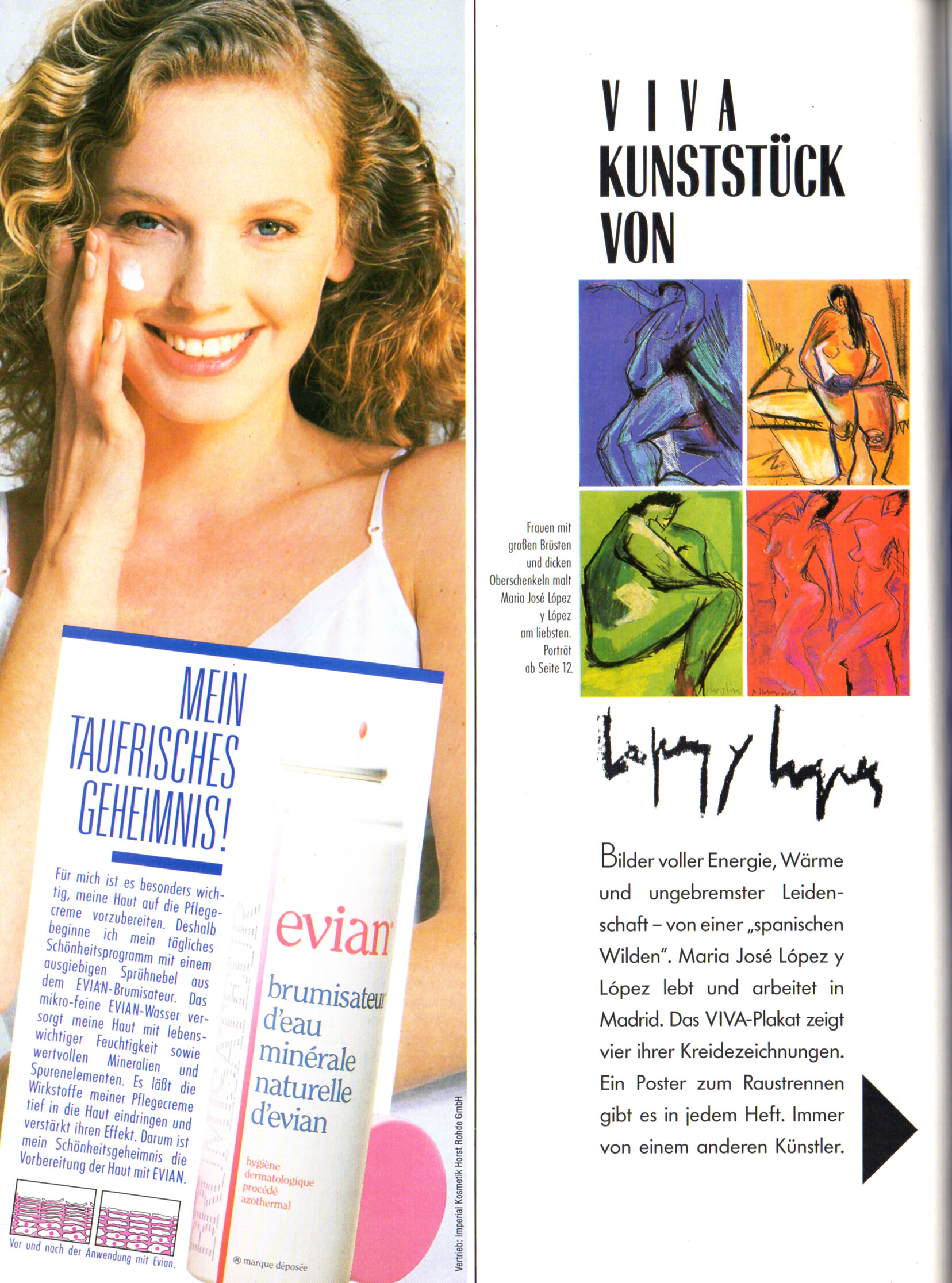
 evian advertisement - VIVA Germany September 1989
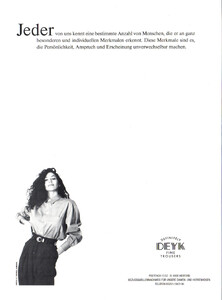
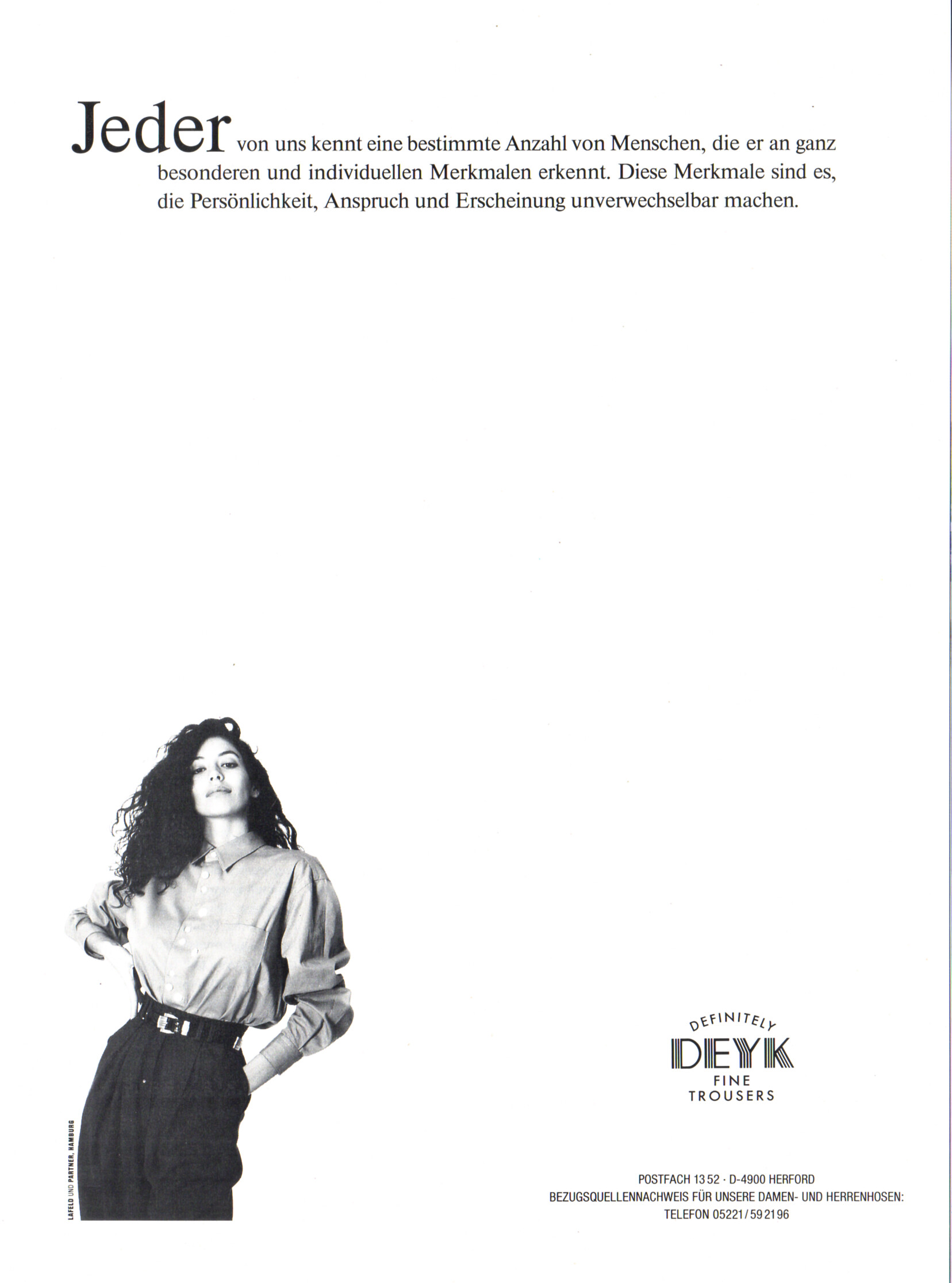
 DEYK advertisement - VIVA Germany September 1989
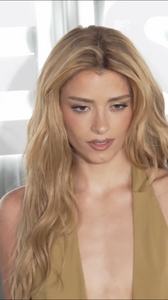
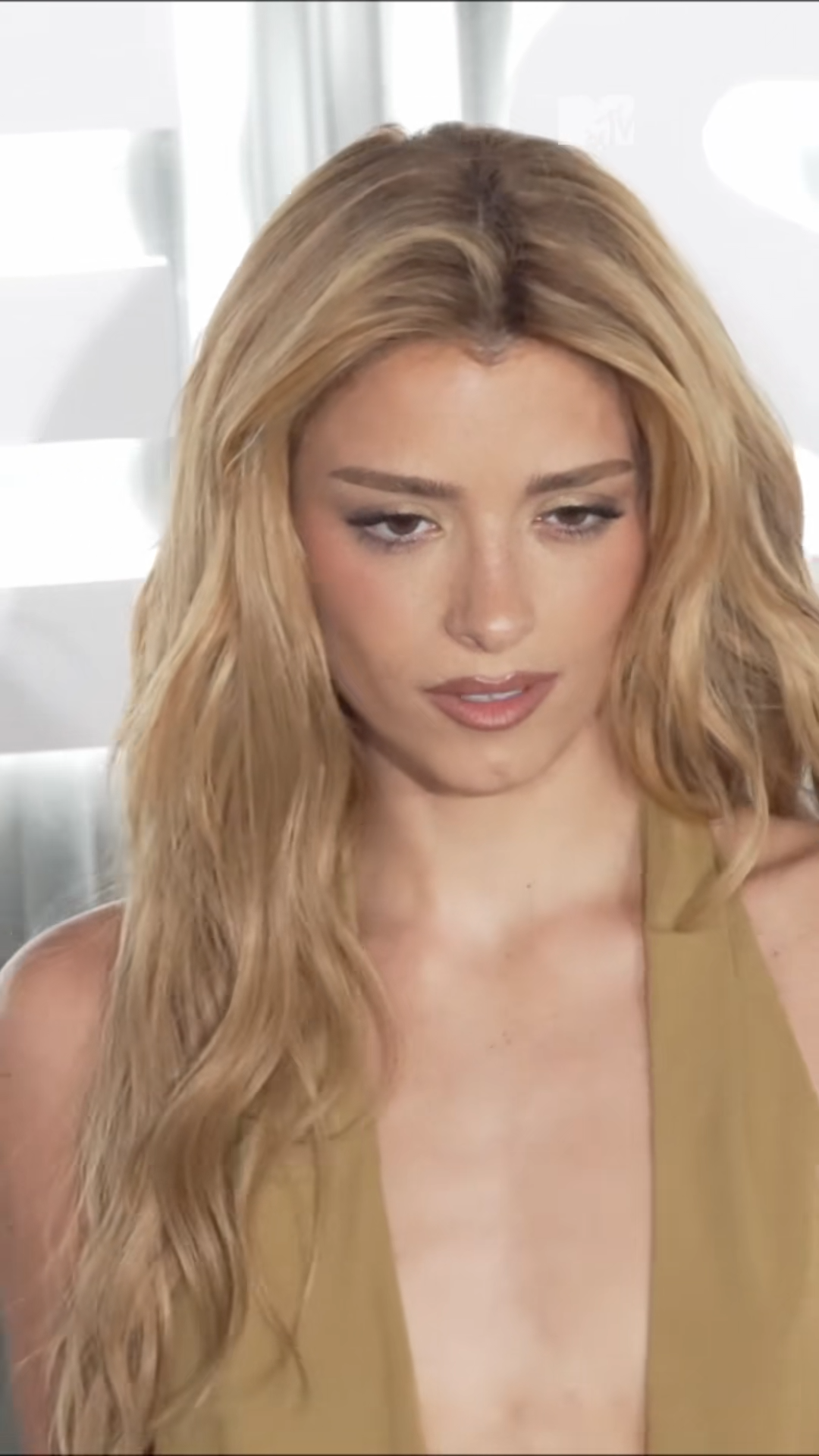
 TikTok | mtvuk Dixie D’Amelio looks stunning at Vanity Fair’s event, Vanities: A Night For Young Hollywood ✨ Video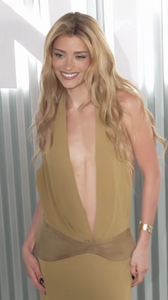
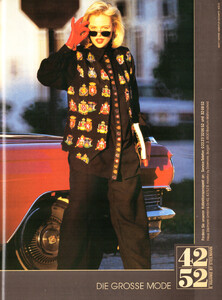
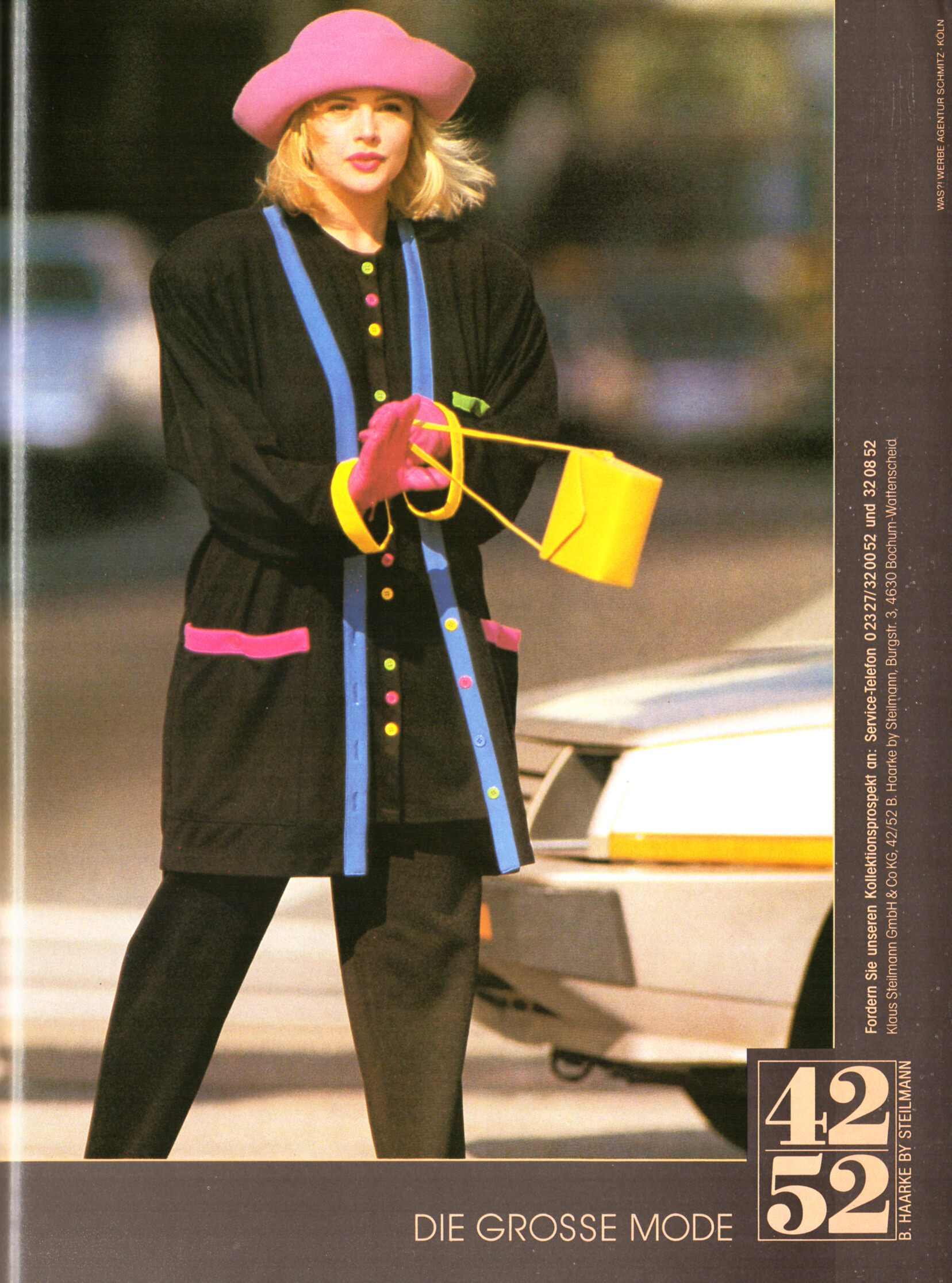
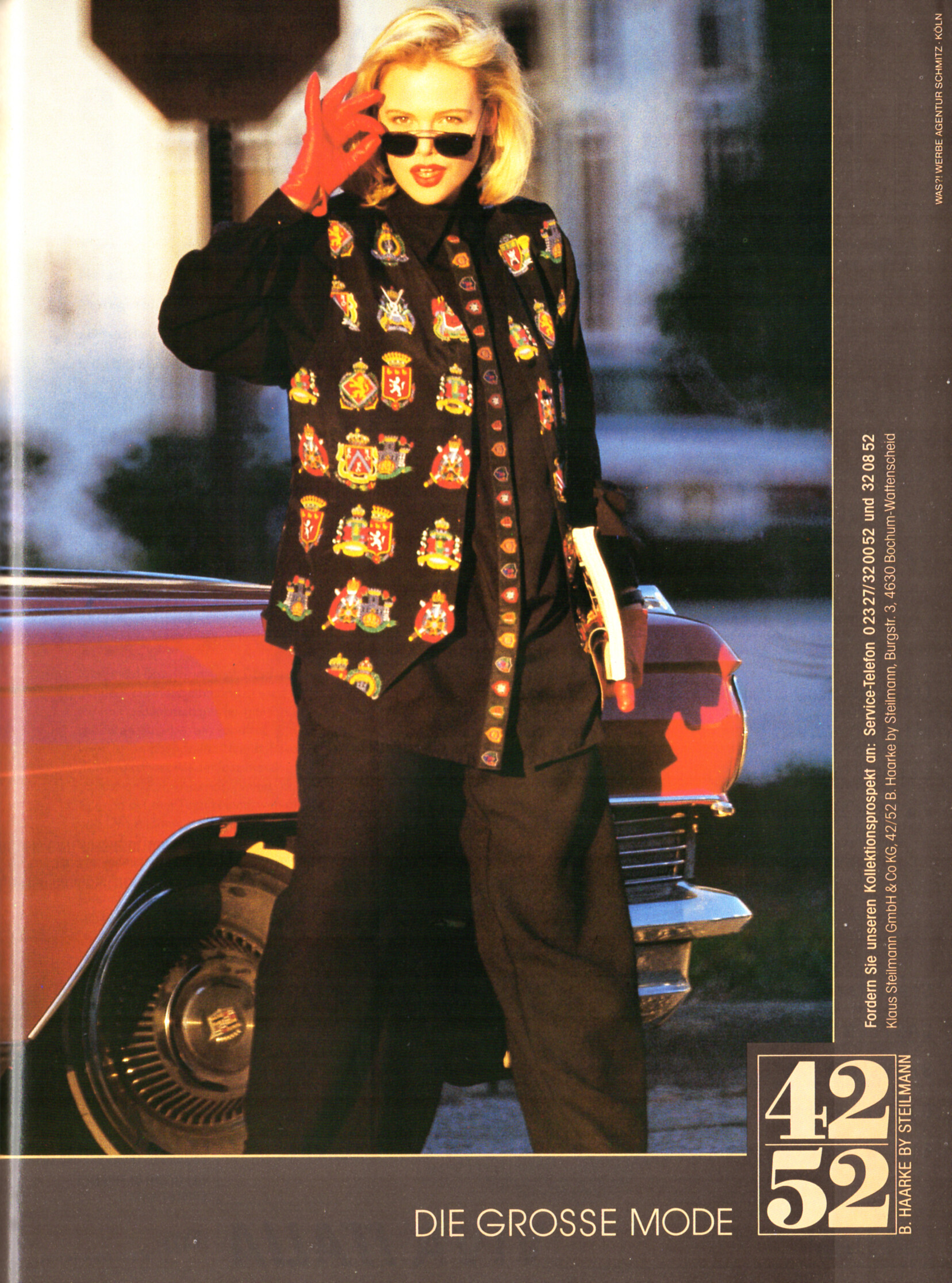
 42/52 B. HAARKE by Steilmann advertisement - VIVA Germany September 1989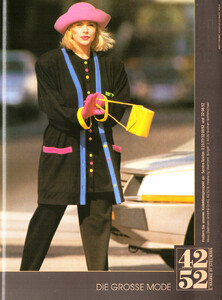
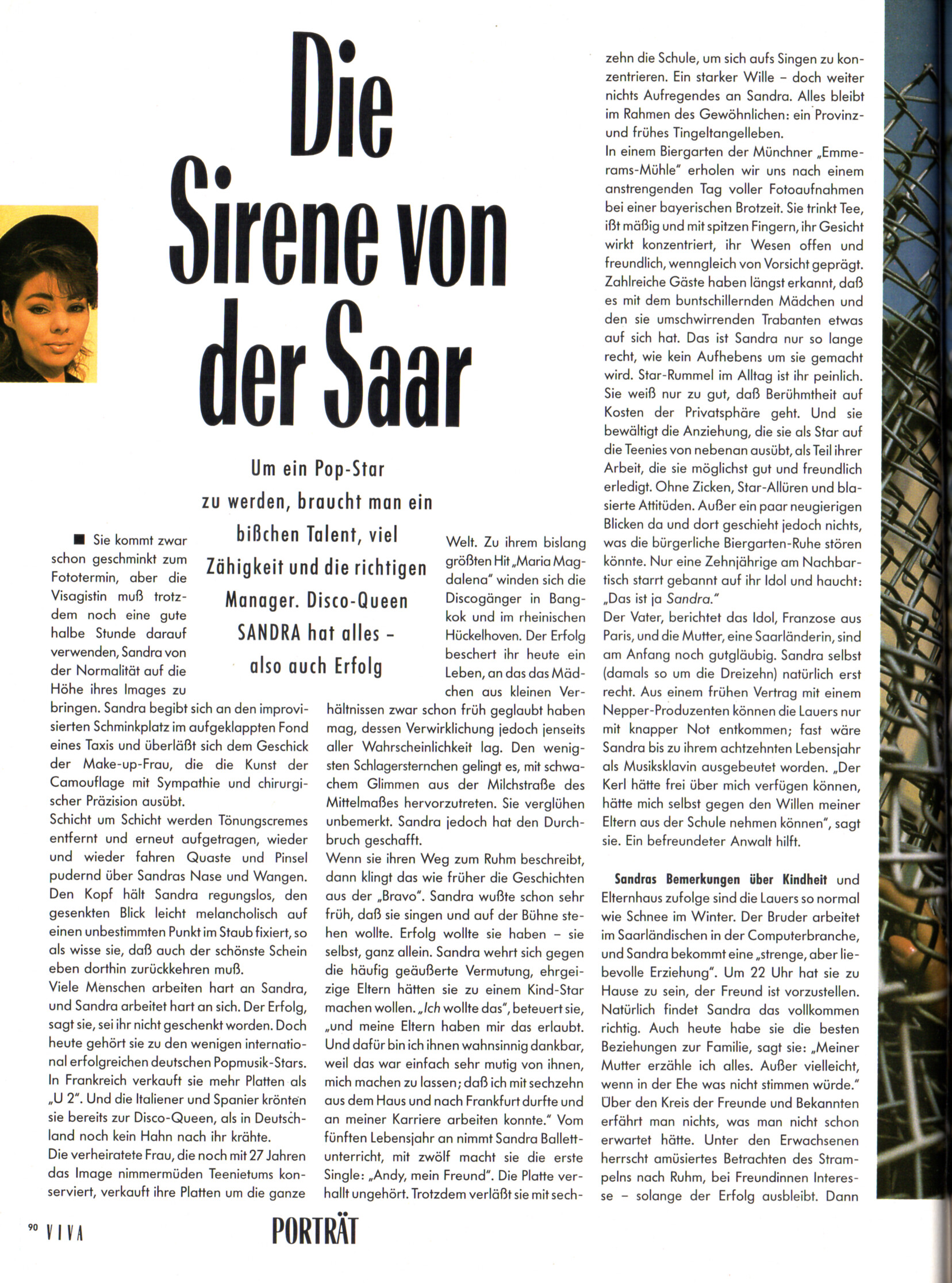
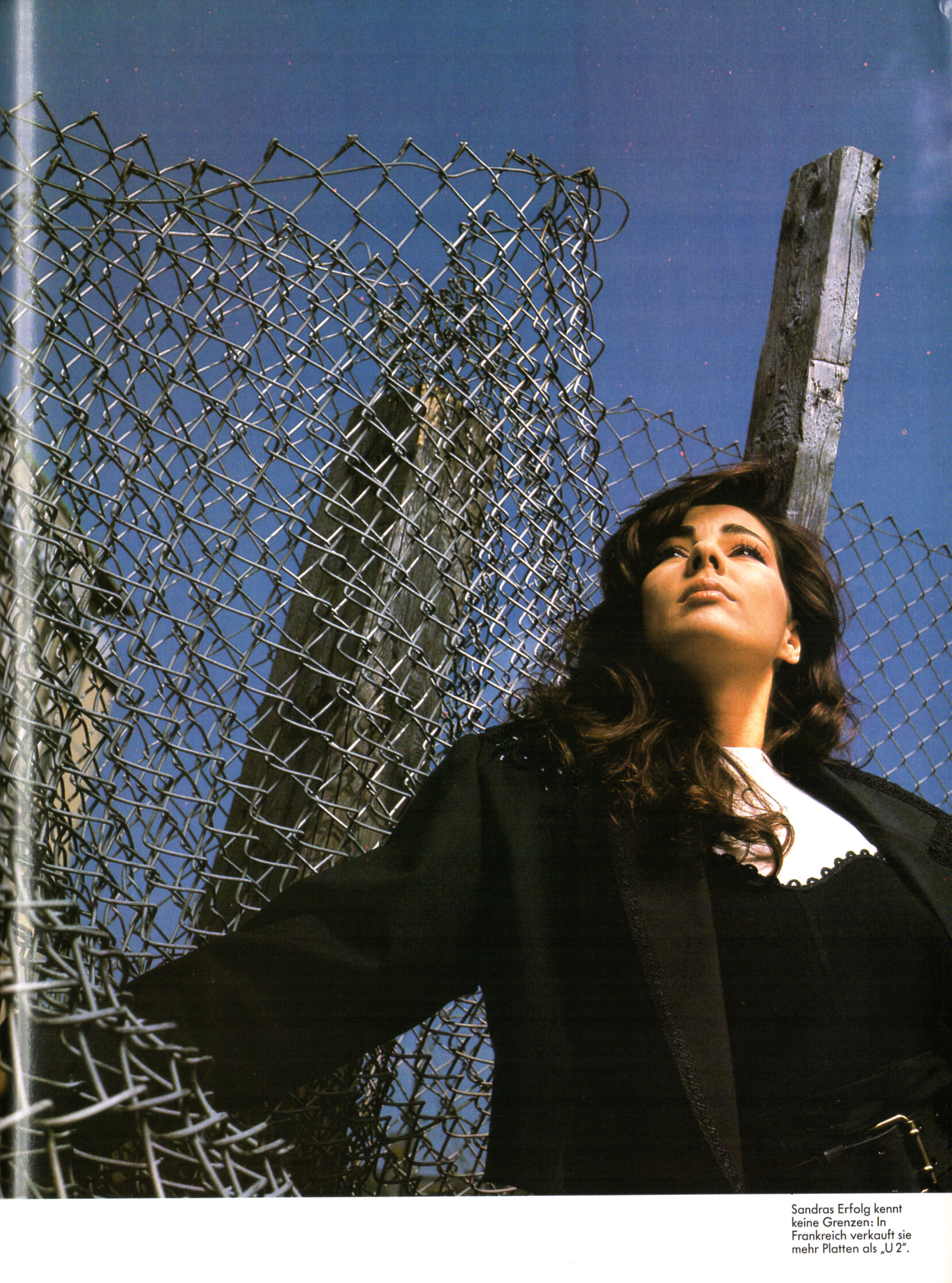
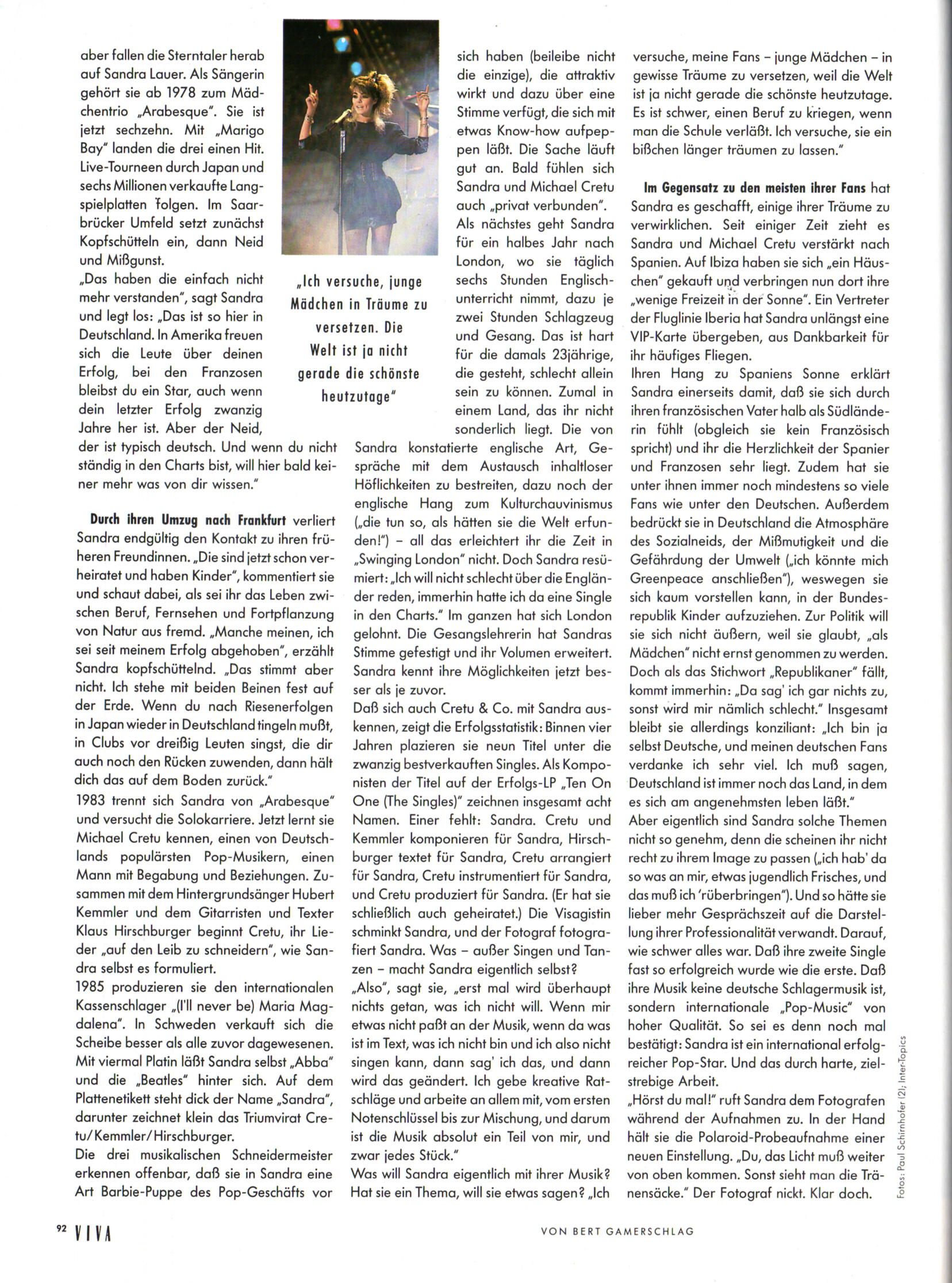
 "Die Sirene von der Saar" - VIVA Germany September 1989 by Paul Schirnhofer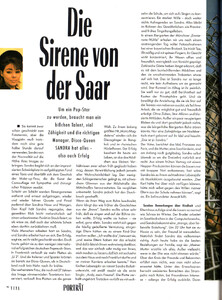
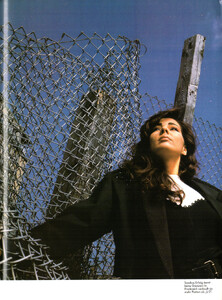
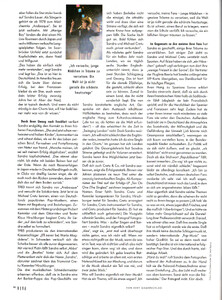
 Danielst changed their profile photo
Instagram I LOVE BOOSTERS sxsw premiere in vintage ysl Video
Danielst changed their profile photo
Instagram I LOVE BOOSTERS sxsw premiere in vintage ysl Video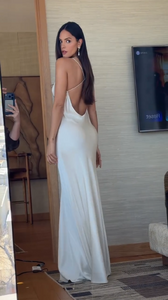

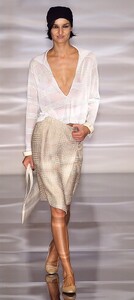
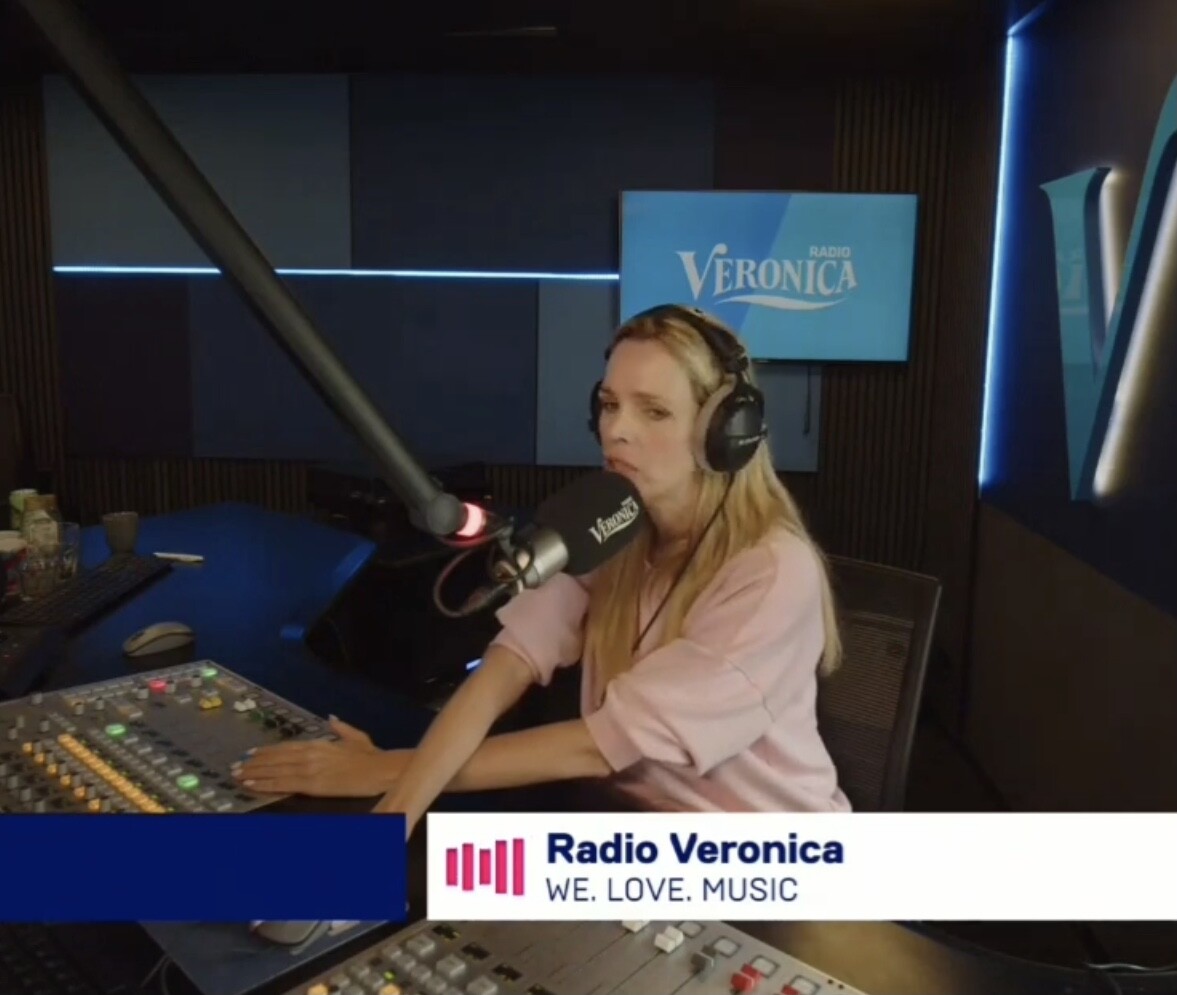
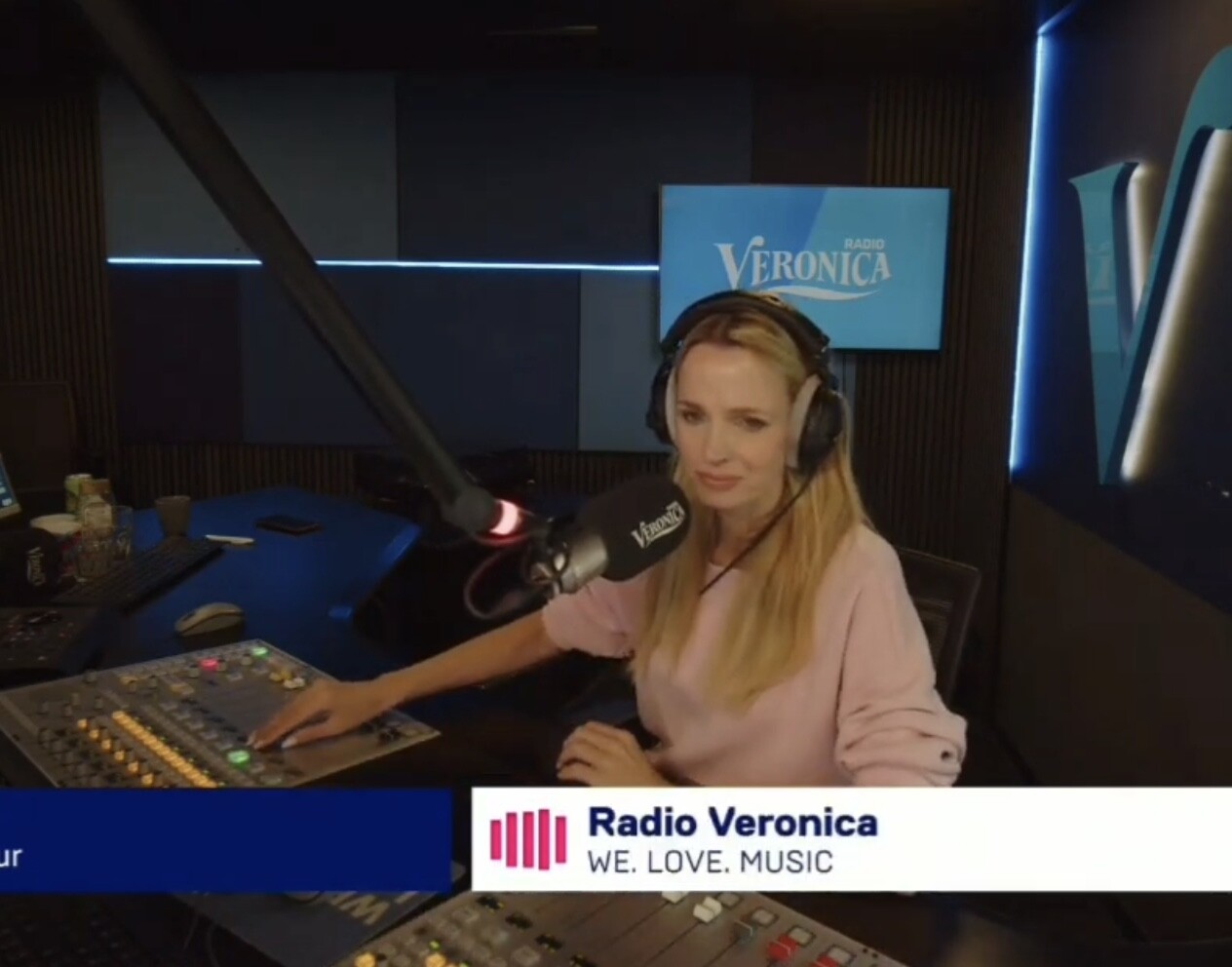
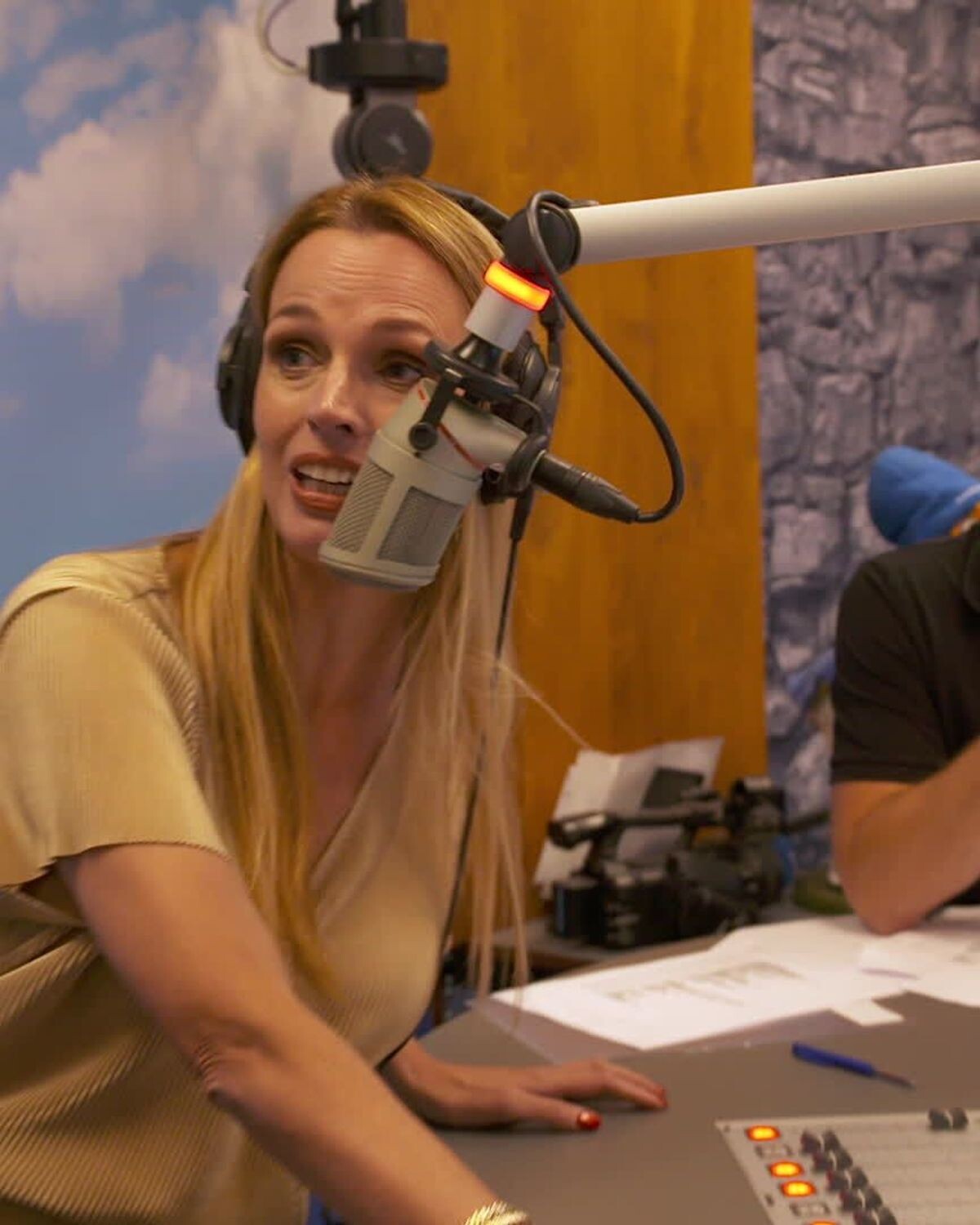
 Veronica Ruck, found by Argendior here

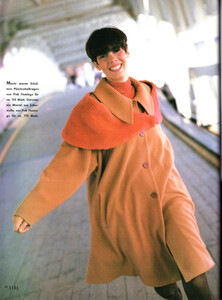
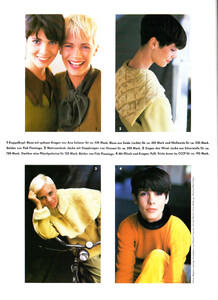
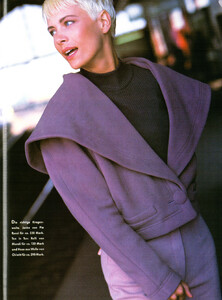
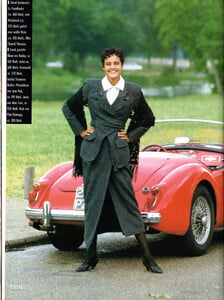
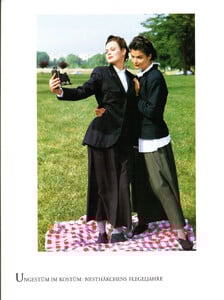
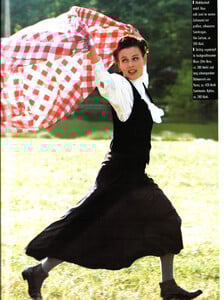
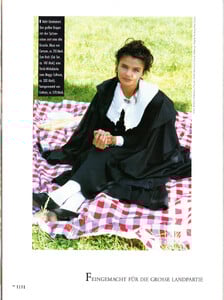
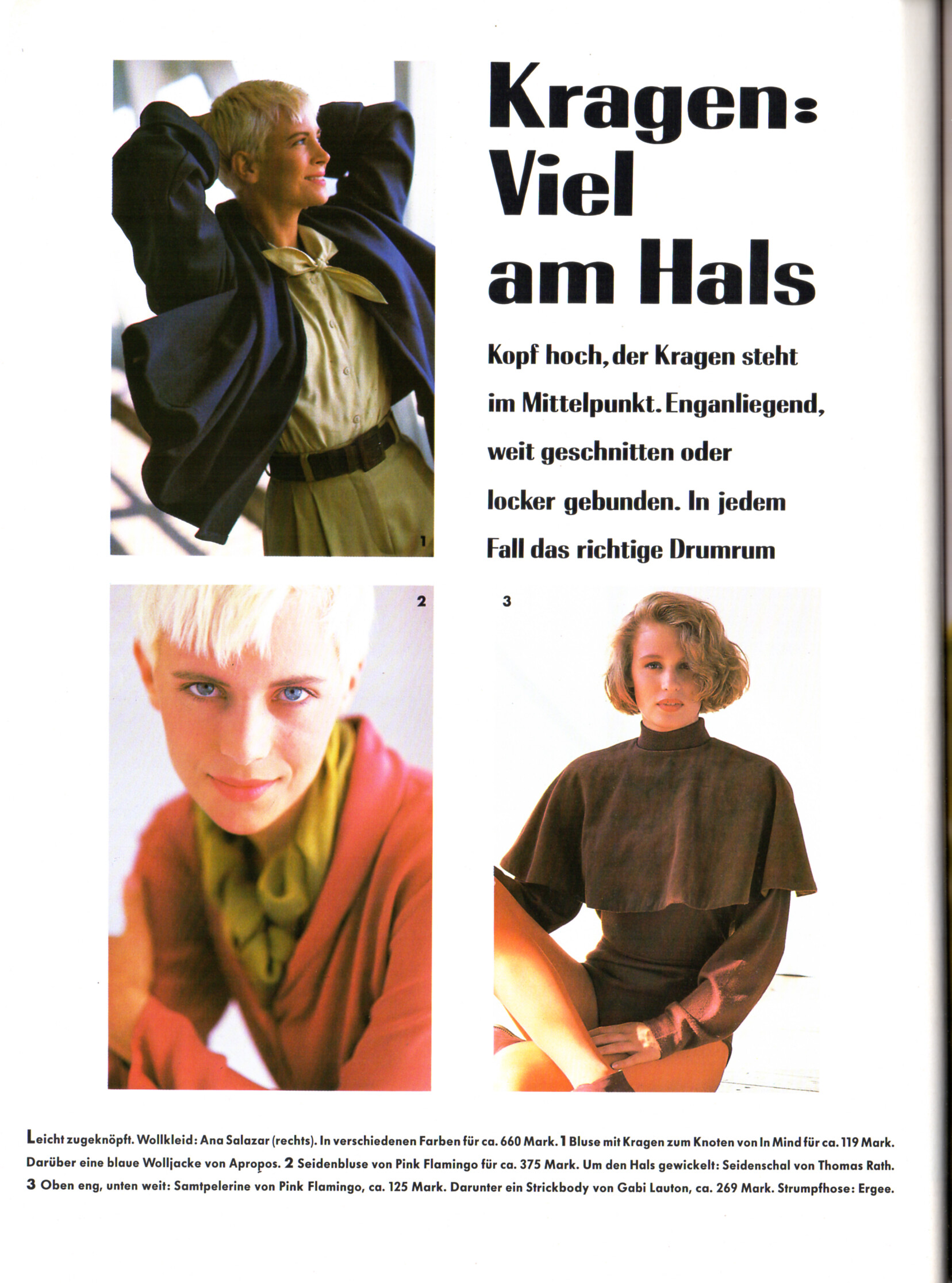
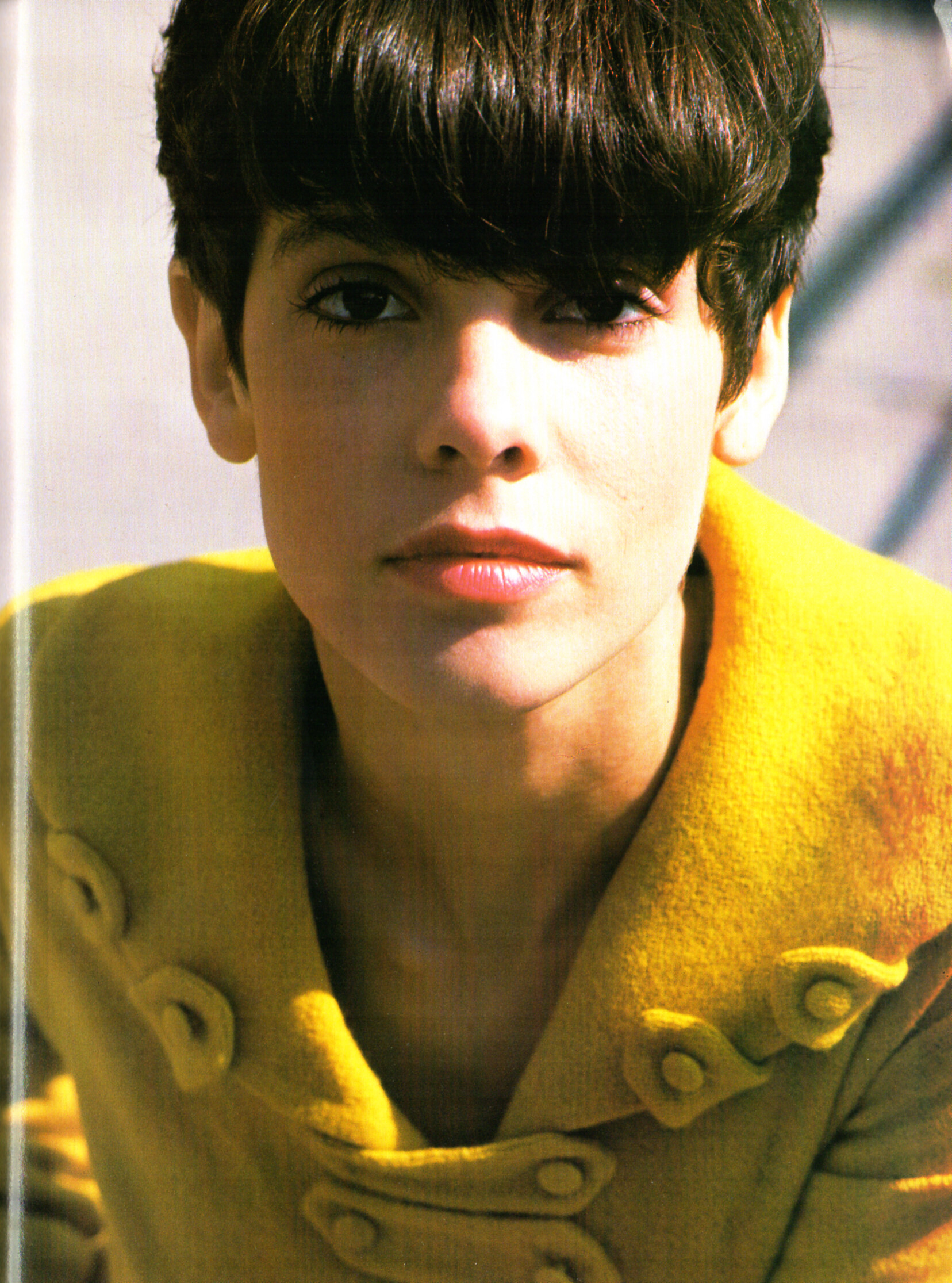
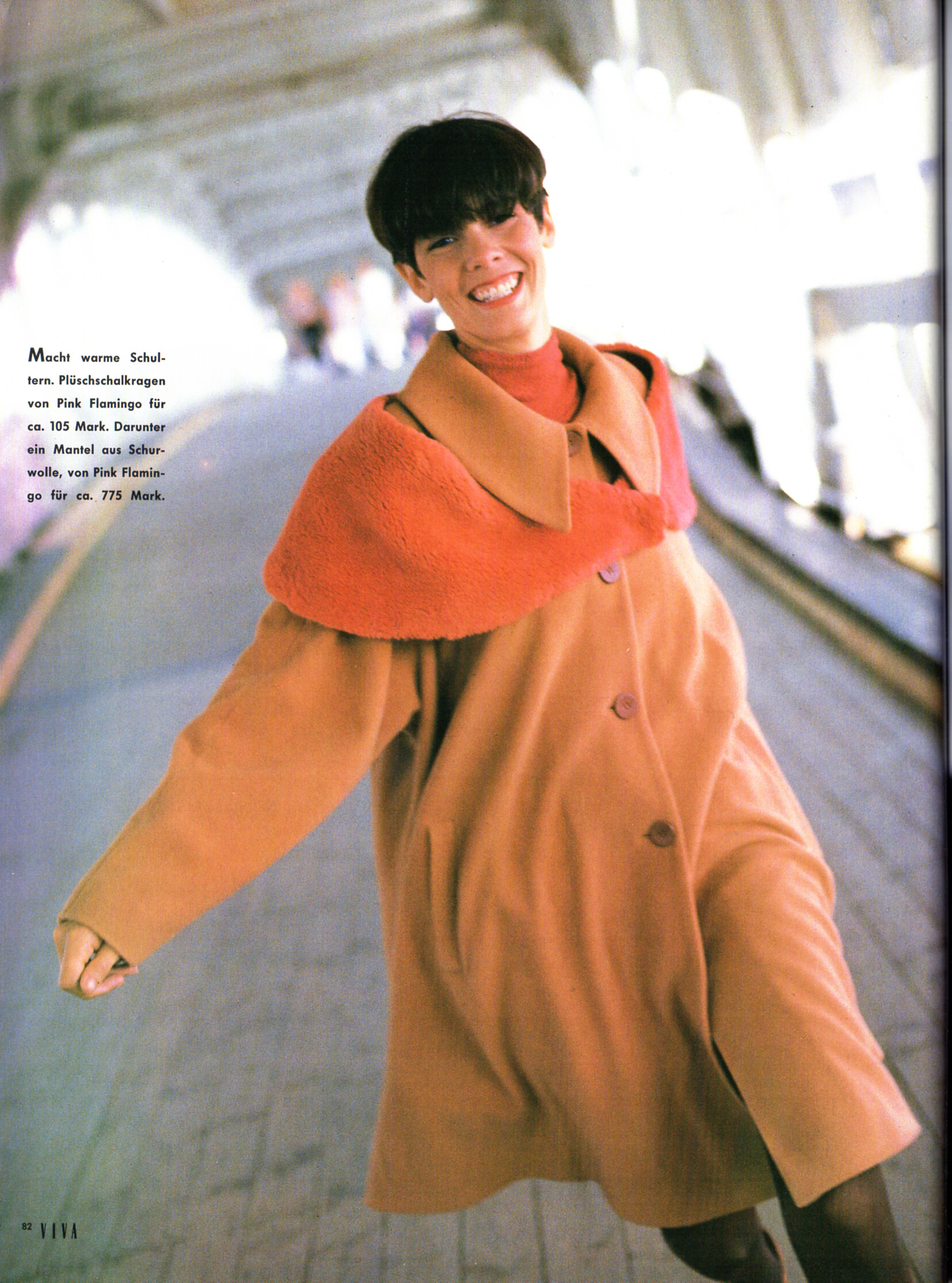
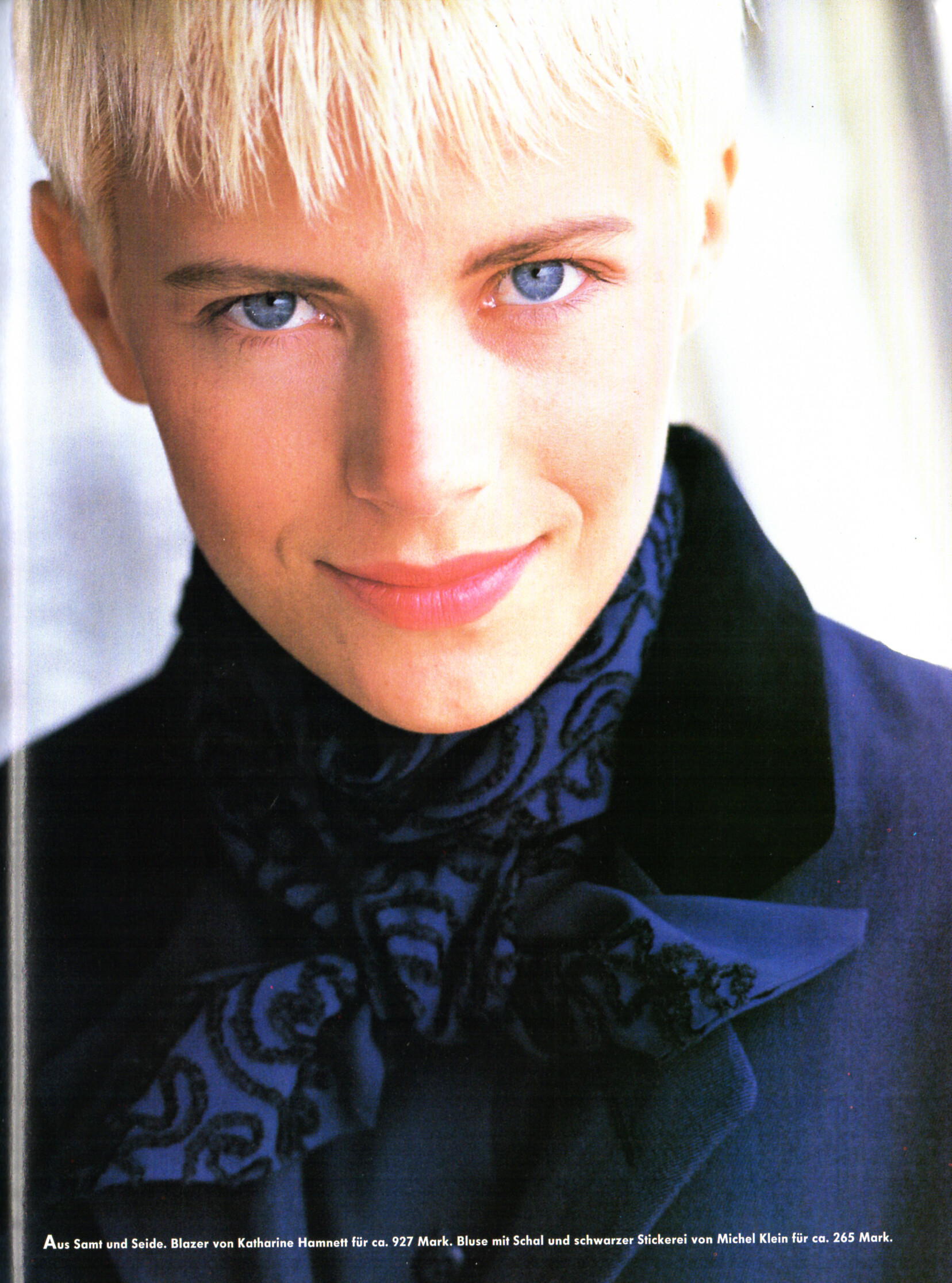
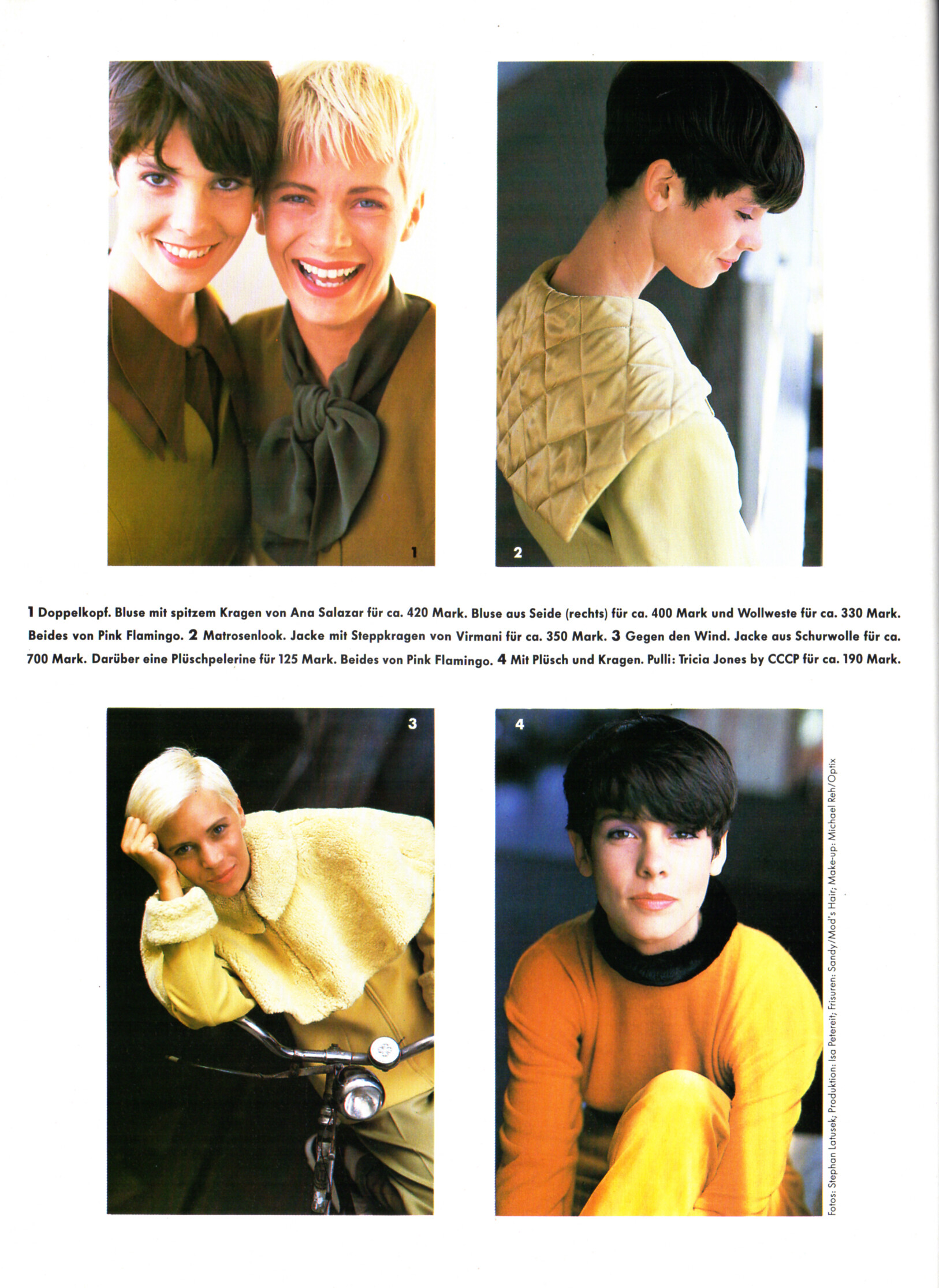
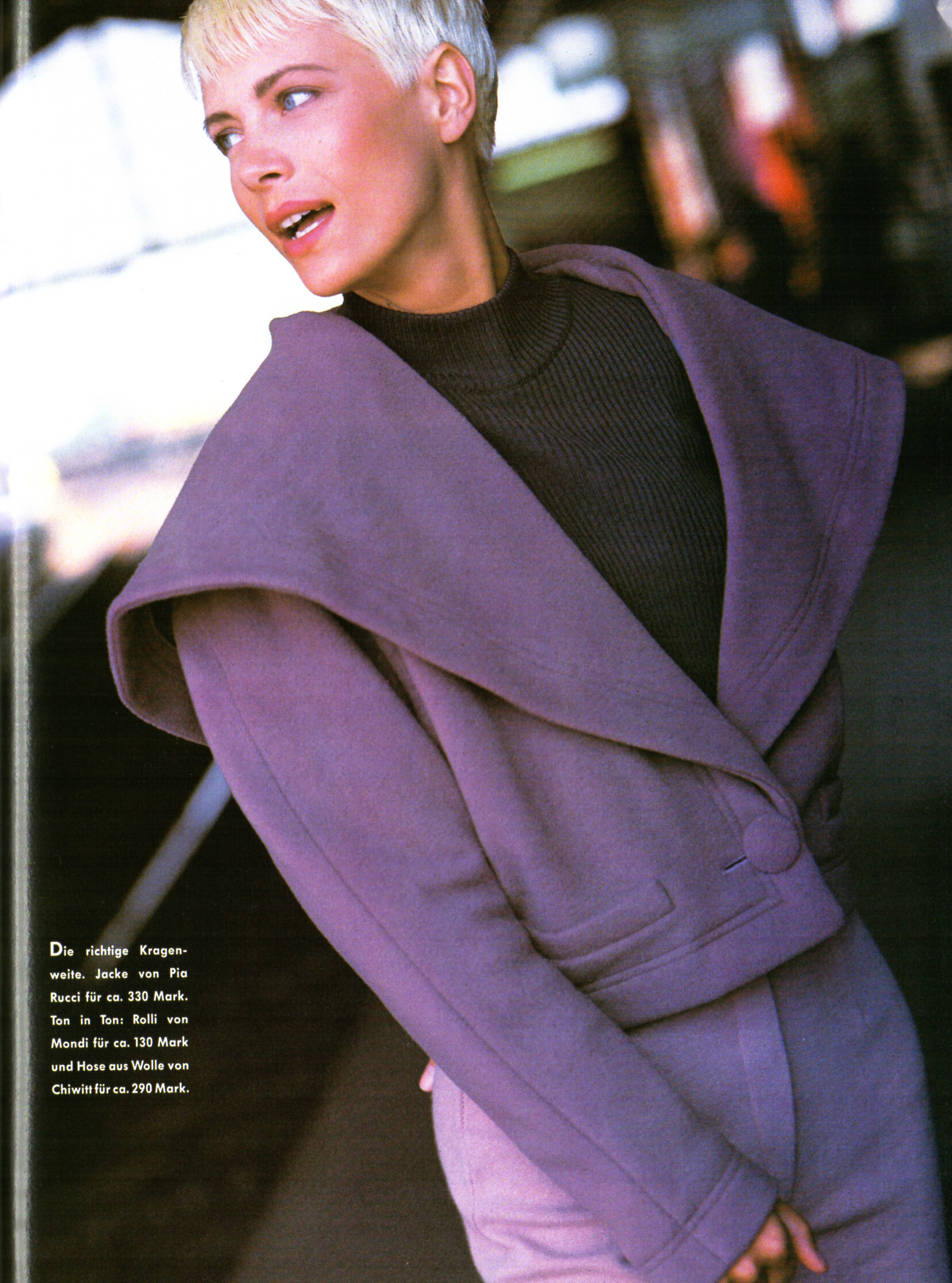
 "Kragen: Viel am Hals" - VIVA Germany September 1989 by Stephan Latusek Angie Hill, Samantha Smith and the brunette is...?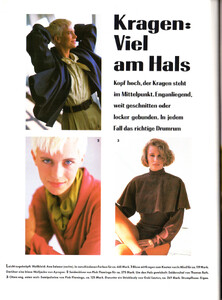


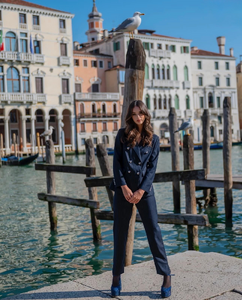
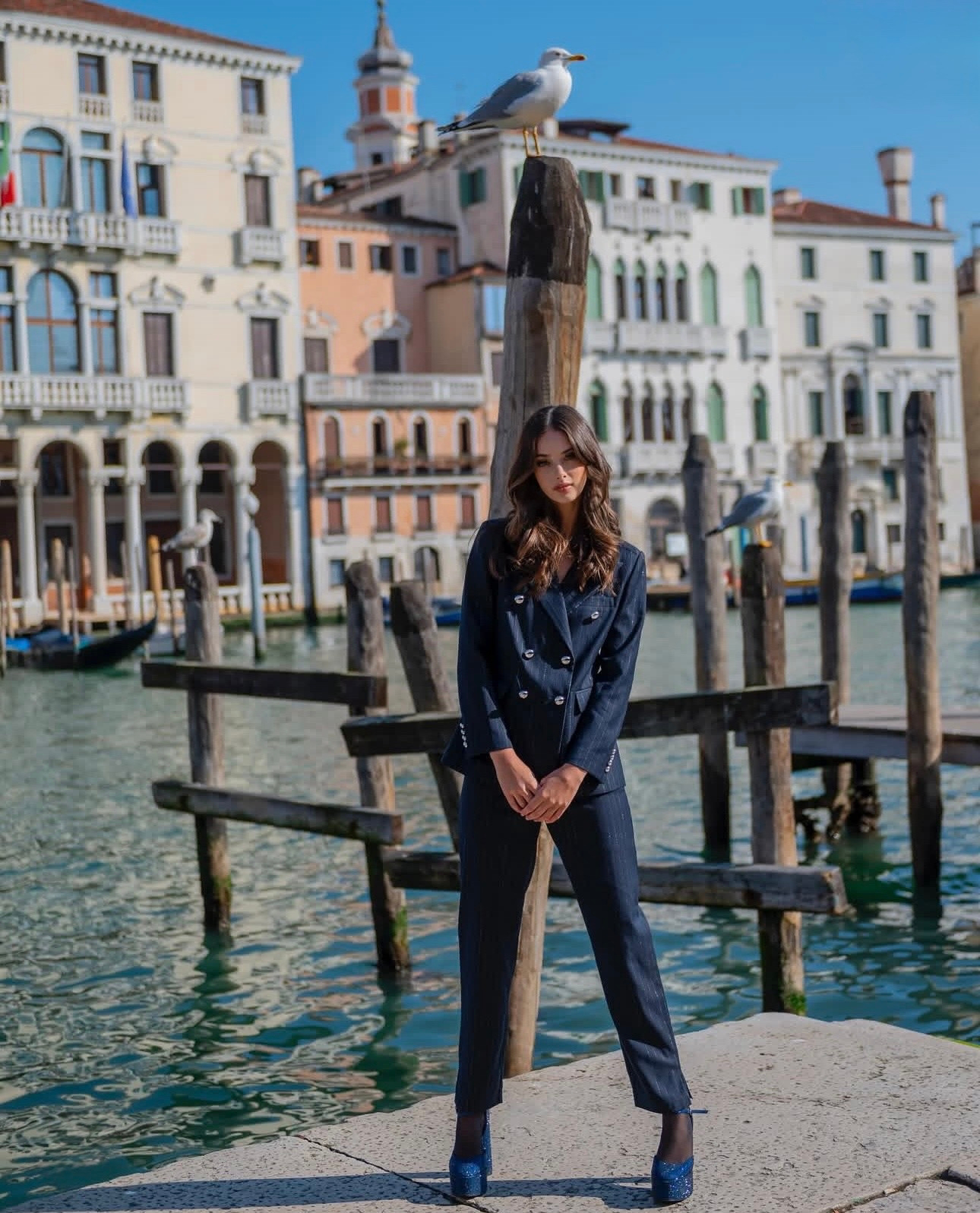
 Viktoria Kolesnikova for a fashion editorial in Venice, Italy. This stunning shot captures the model posing in a classic black suit against the iconic backdrop of the Venetian canals. A perfect blend of high-fashion elegance and historic architecture. Captured during the golden hour to highlight the sophisticated look and cinematic atmosphere.
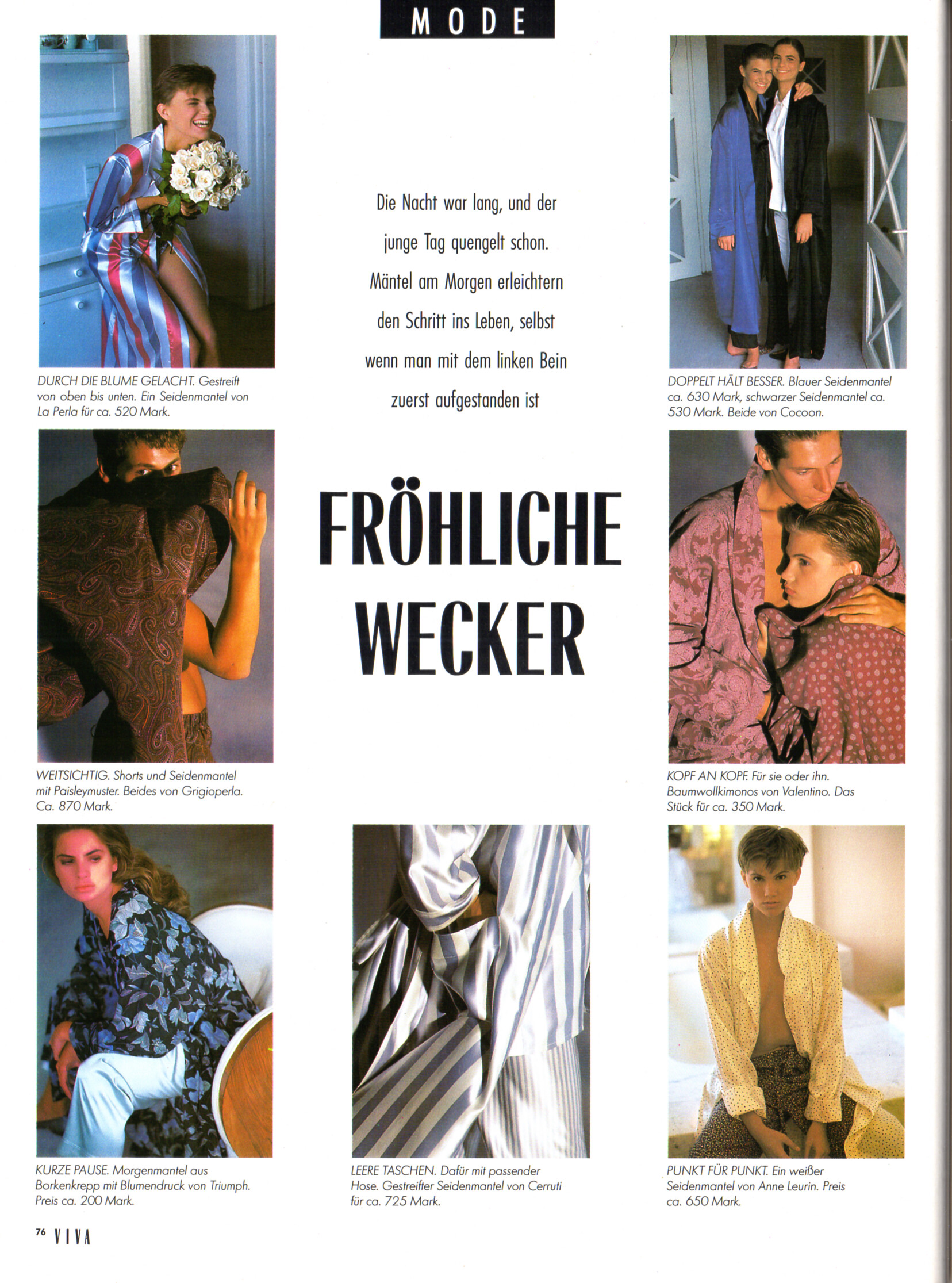
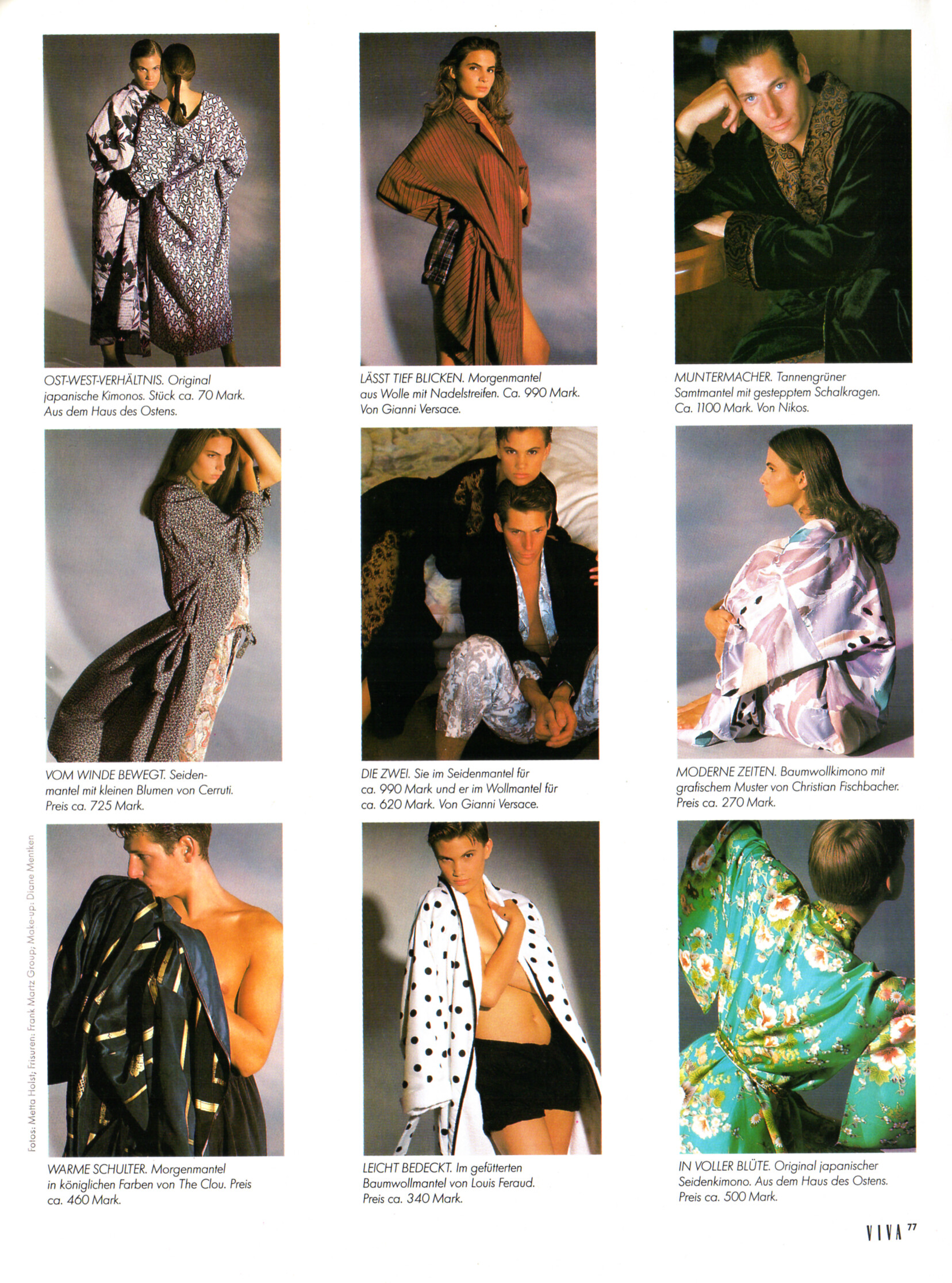
 "FRÖHLICHE WECKER" - VIVA Germany September 1989 by Metta Holst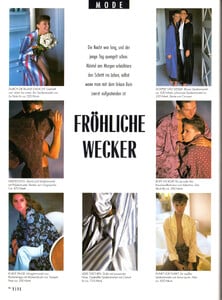
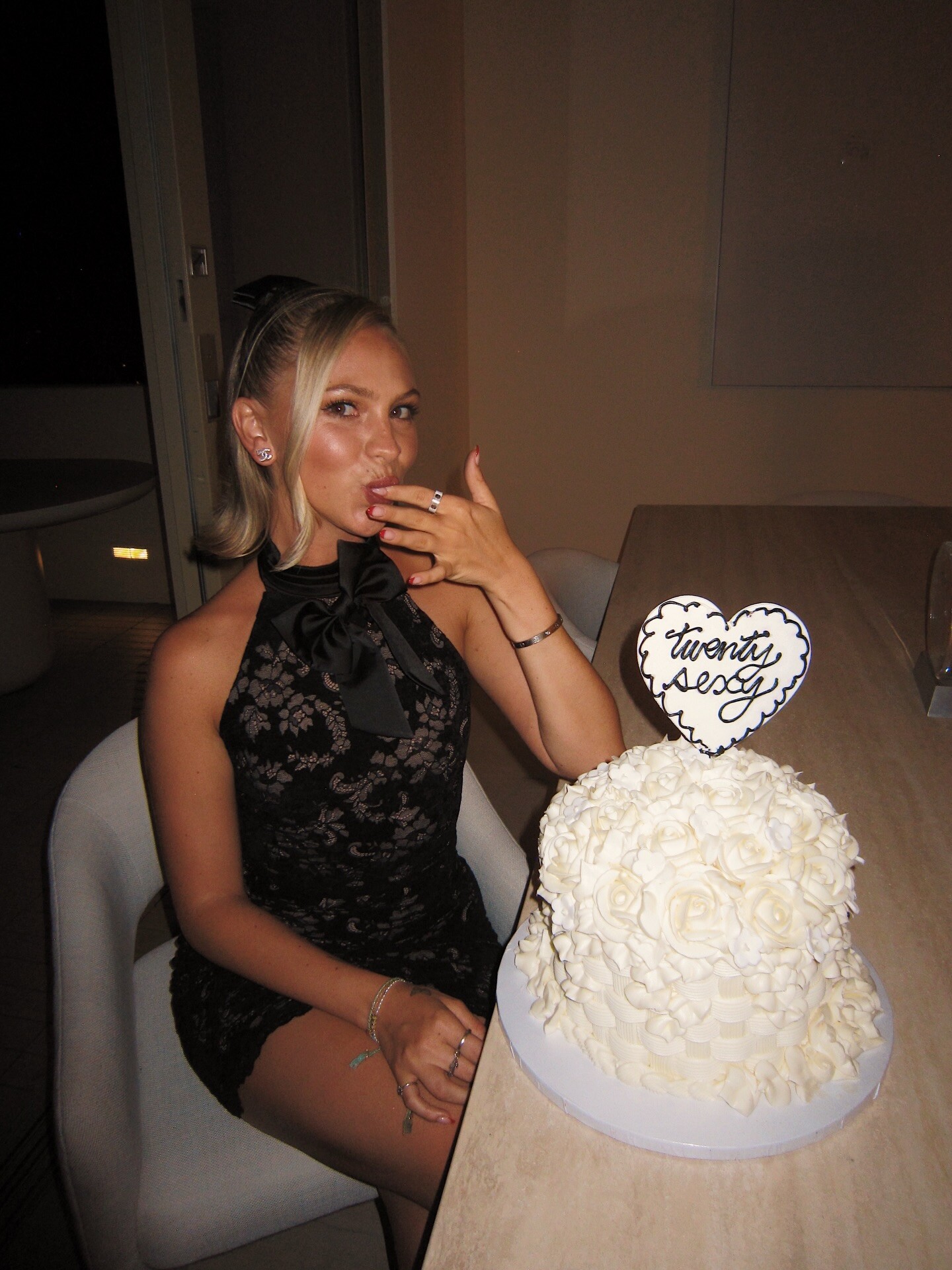
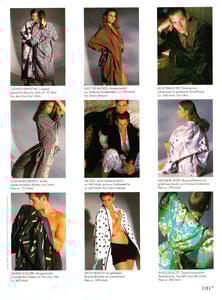 Instagram ♓️♓️♓️♓️♓️ 26 !!!!!!!! Video






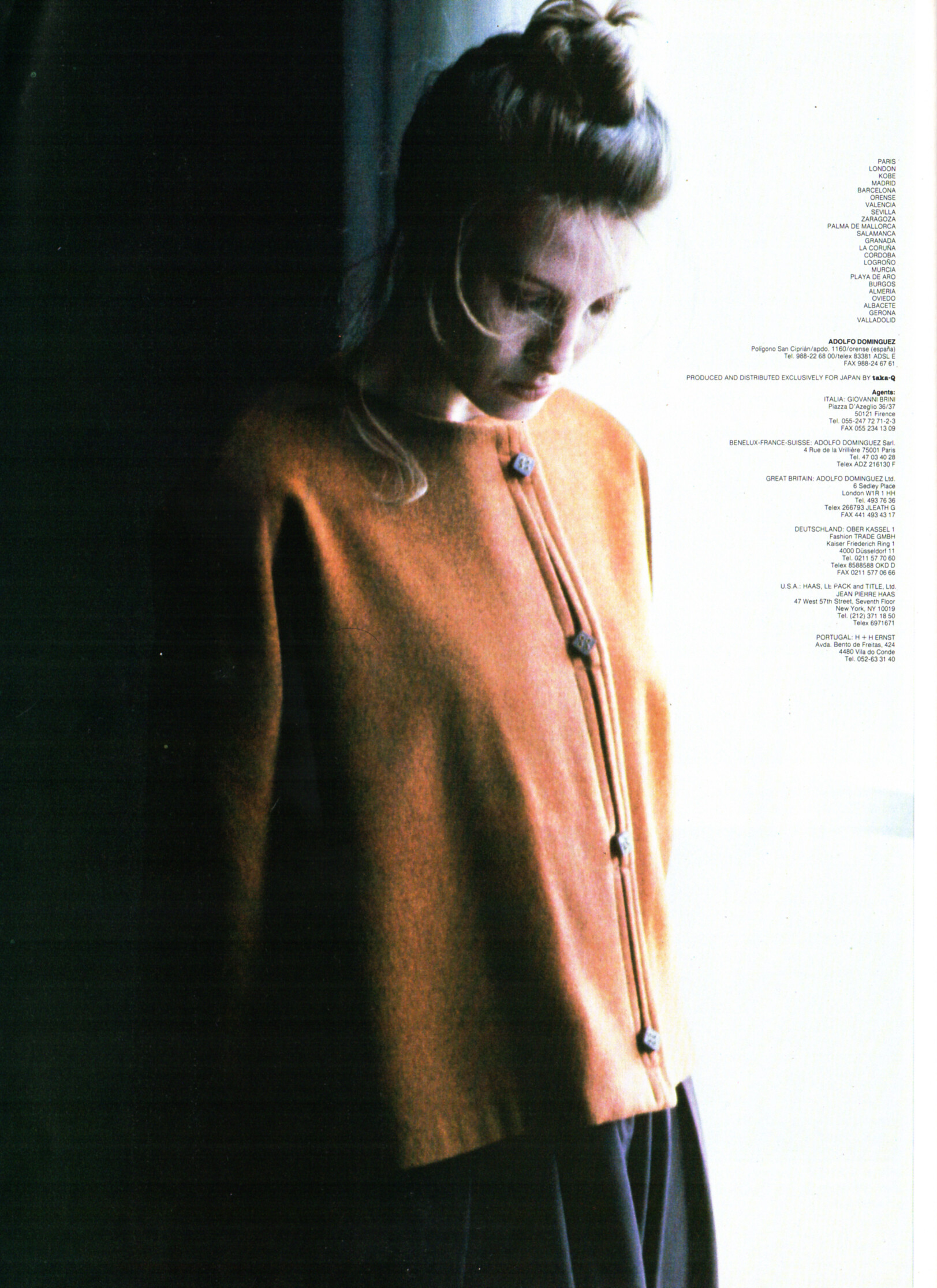
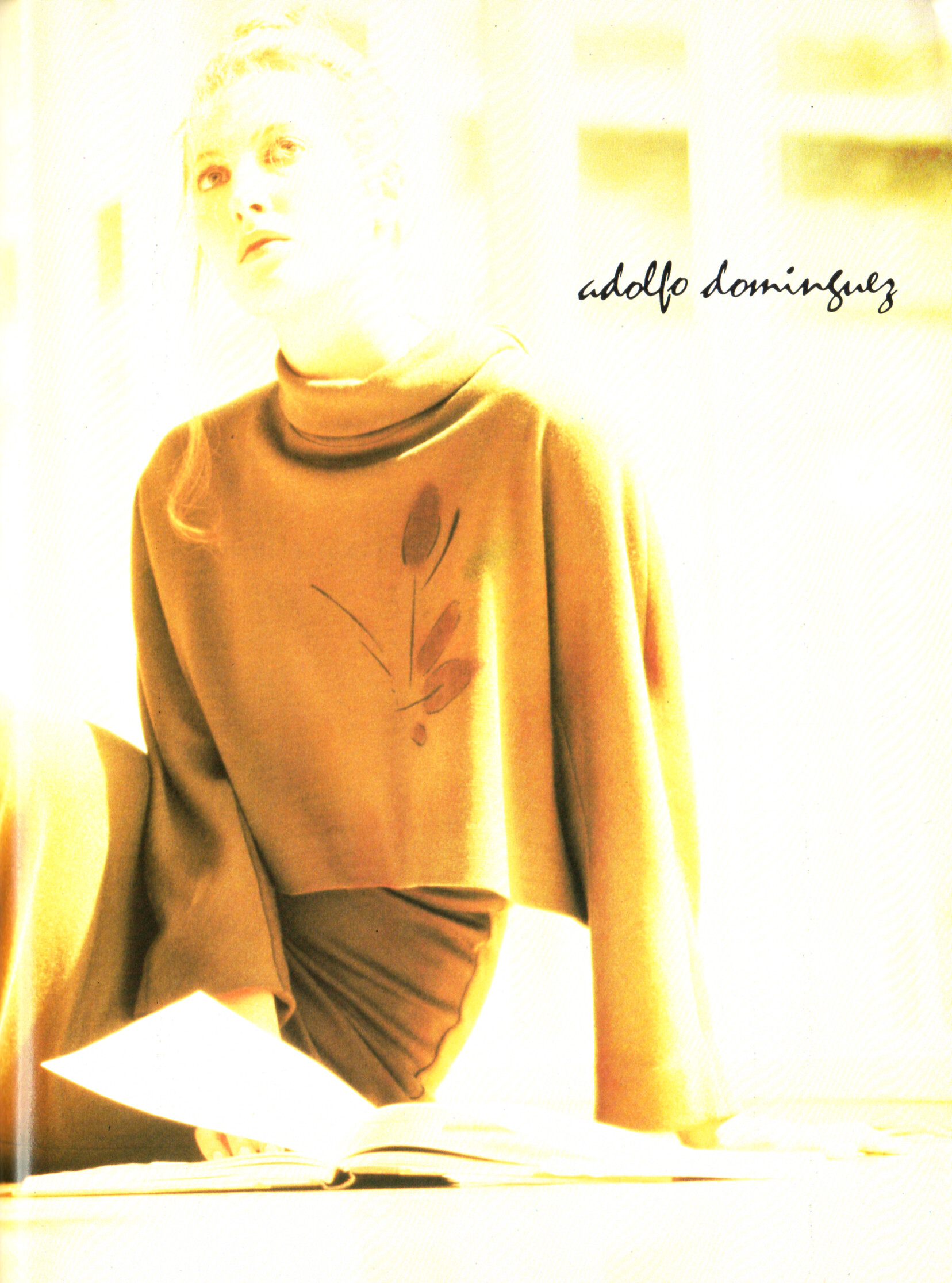
 adolfo dominguez advertisement - VIVA Germany September 1989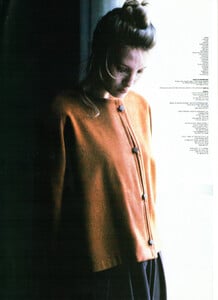
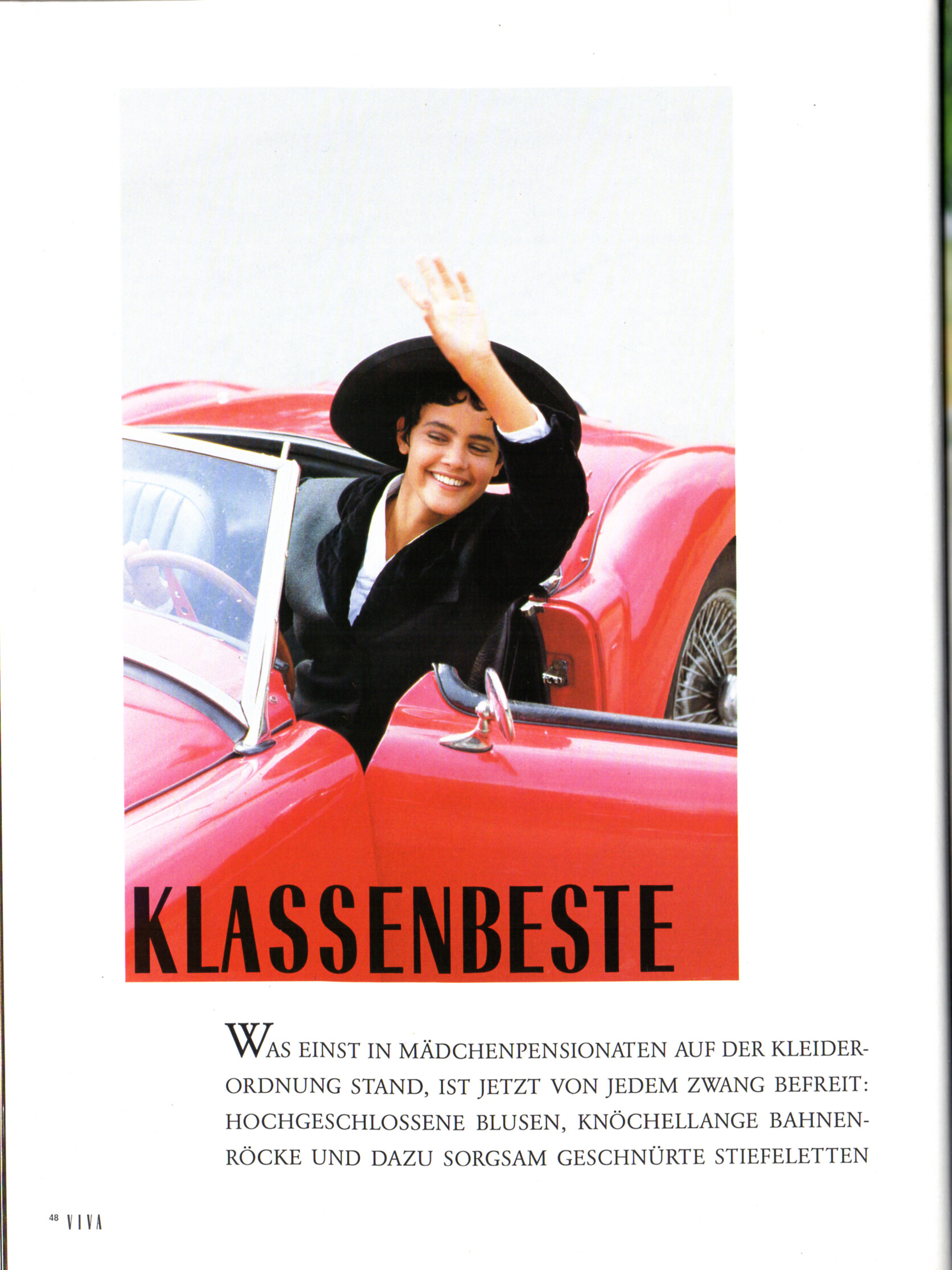
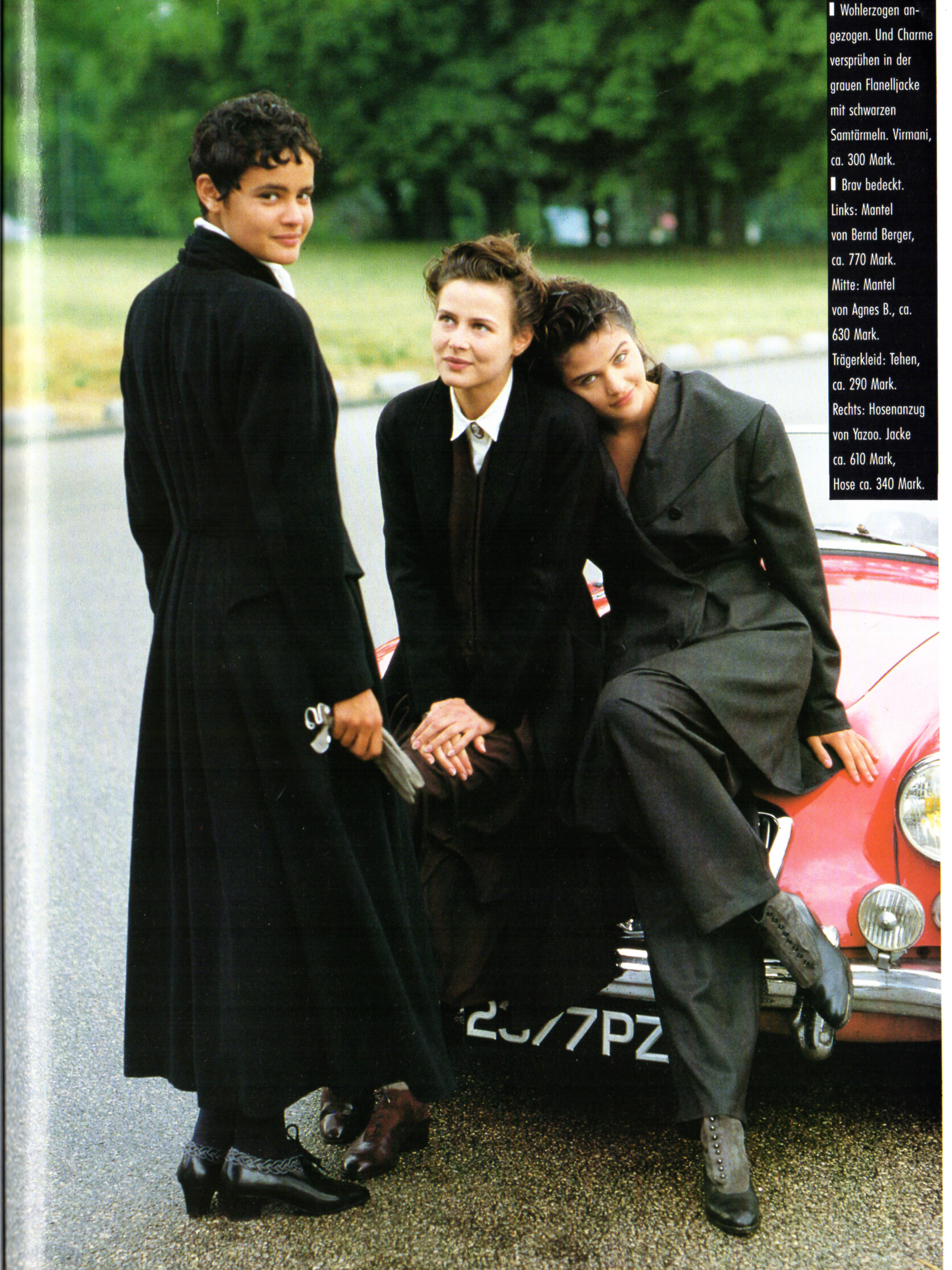
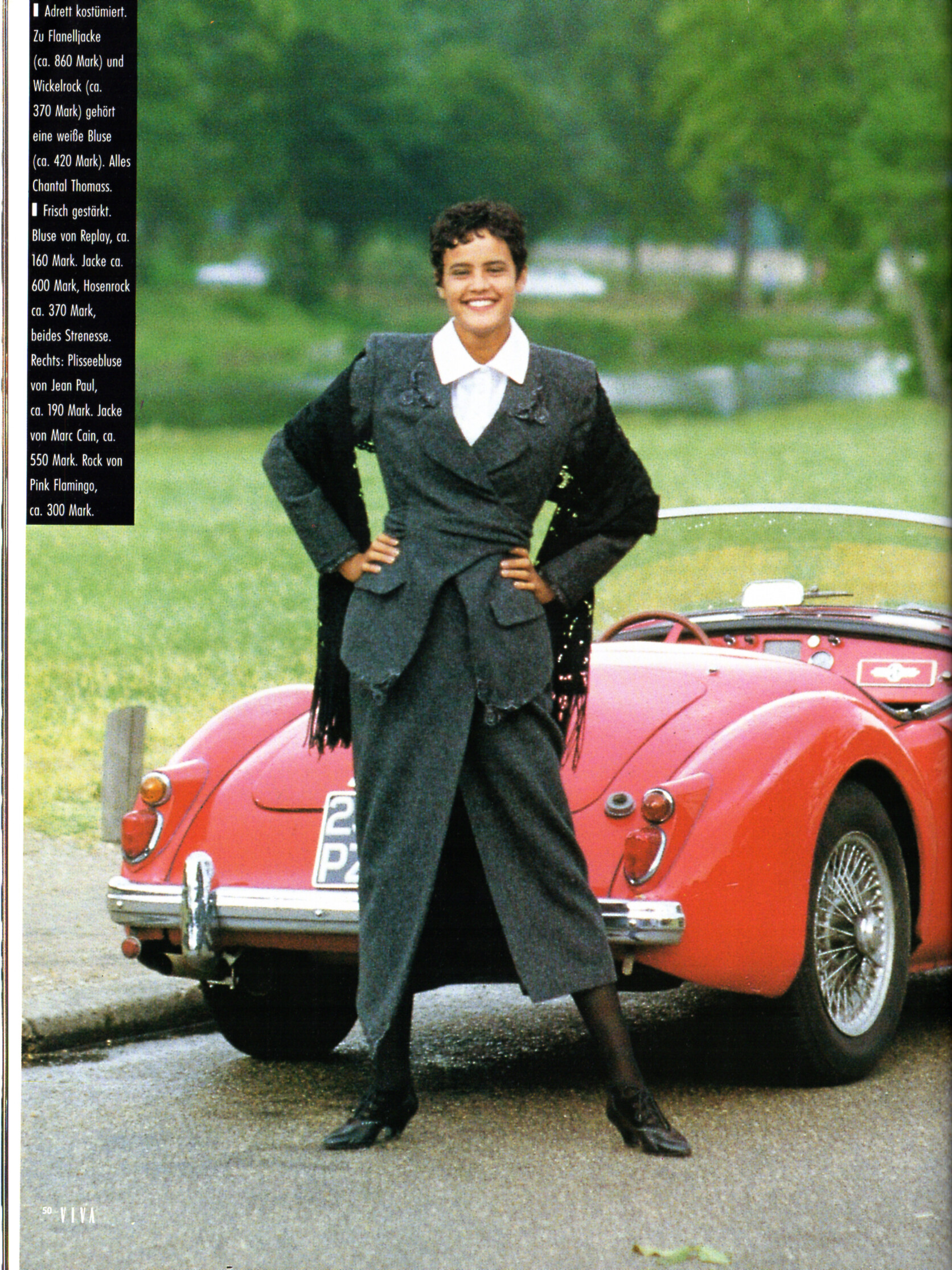
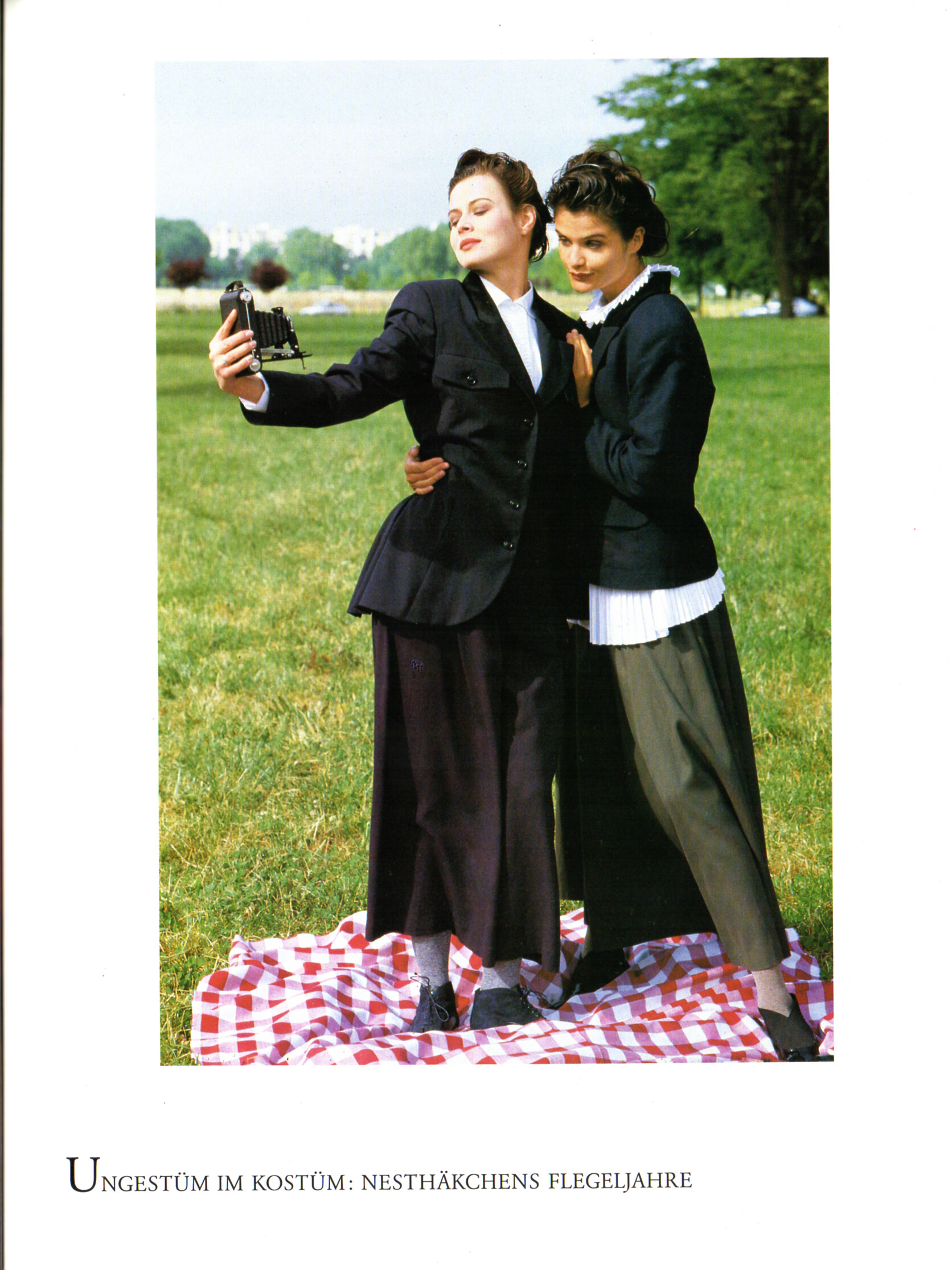
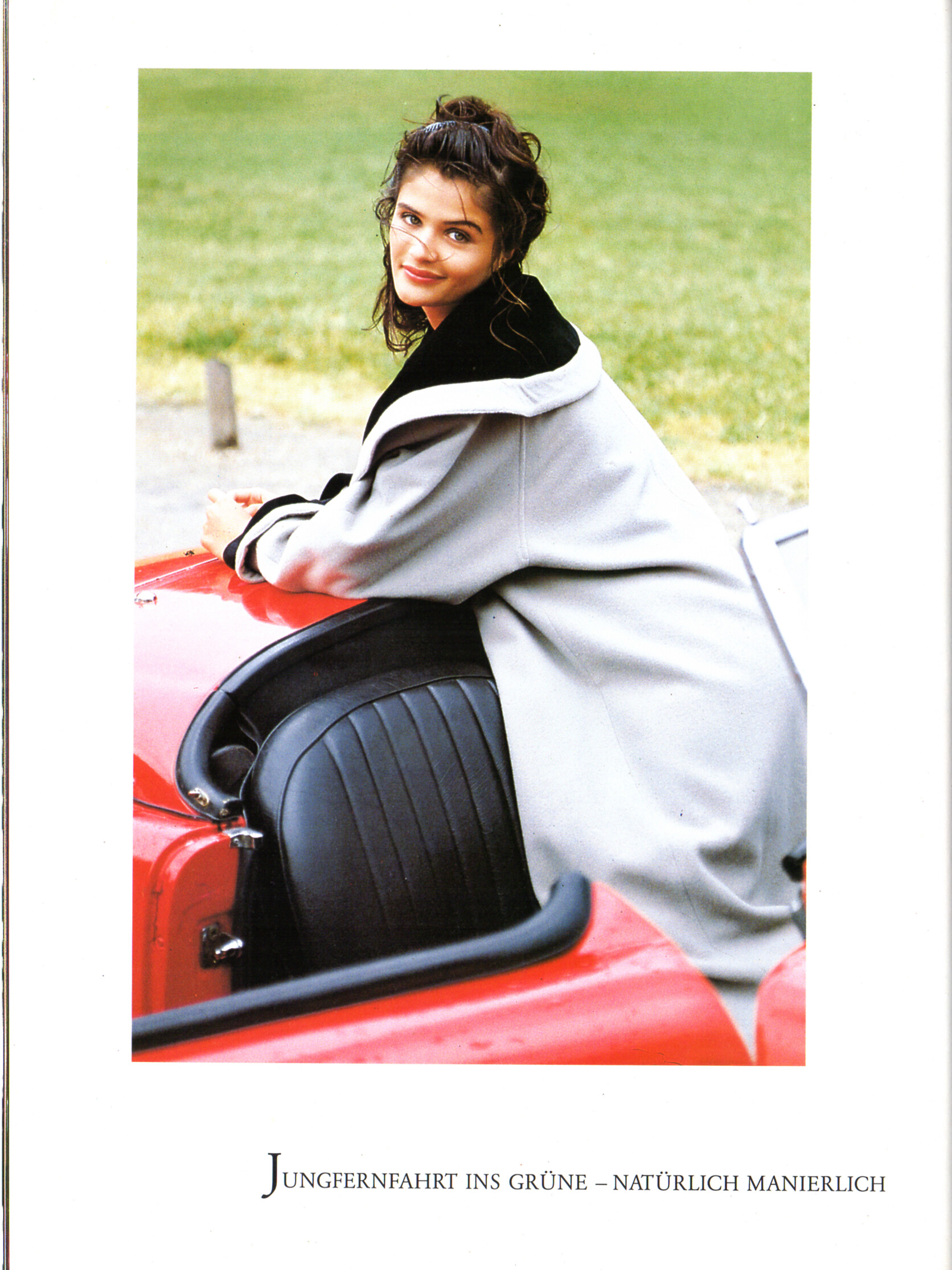
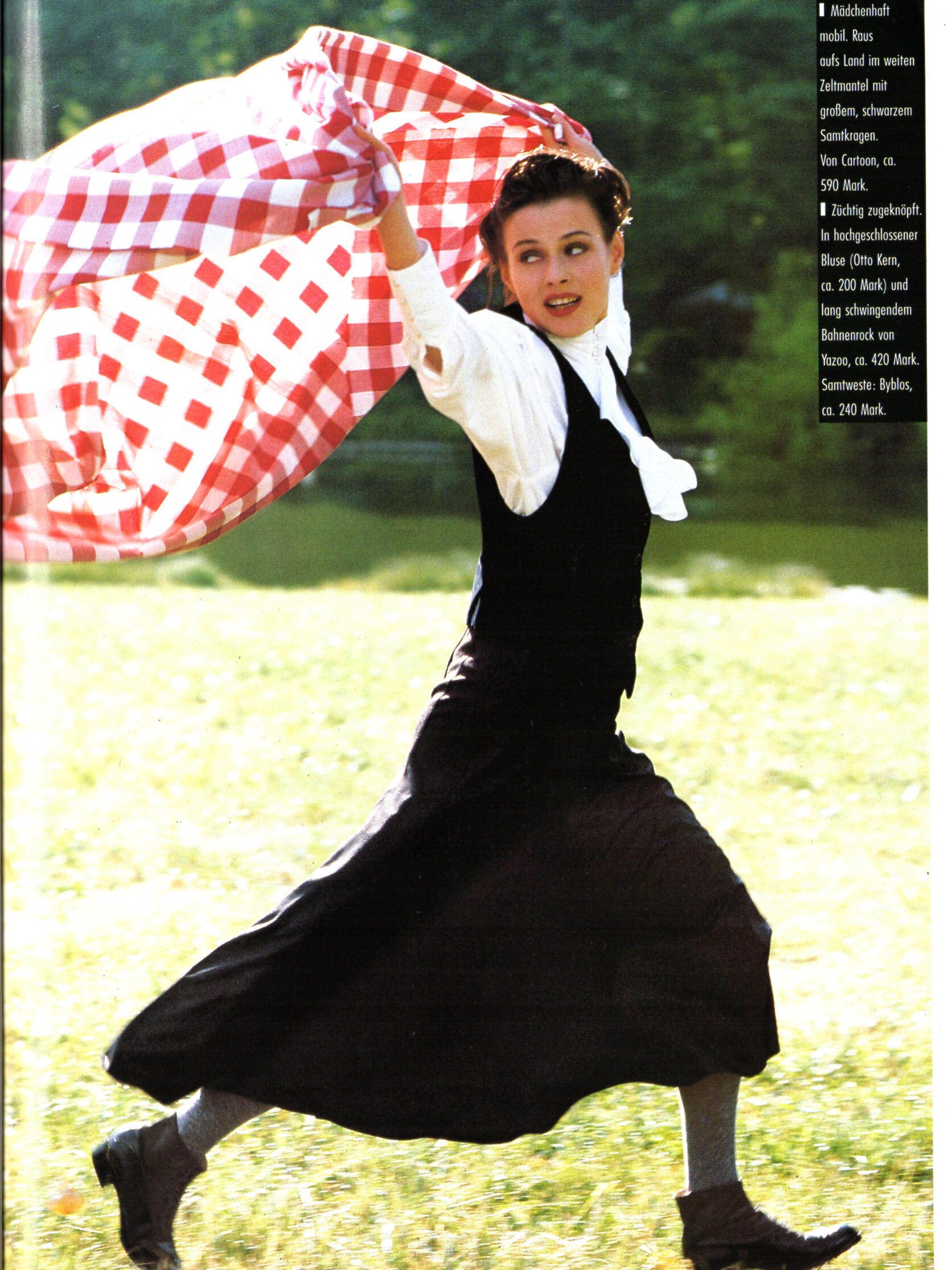
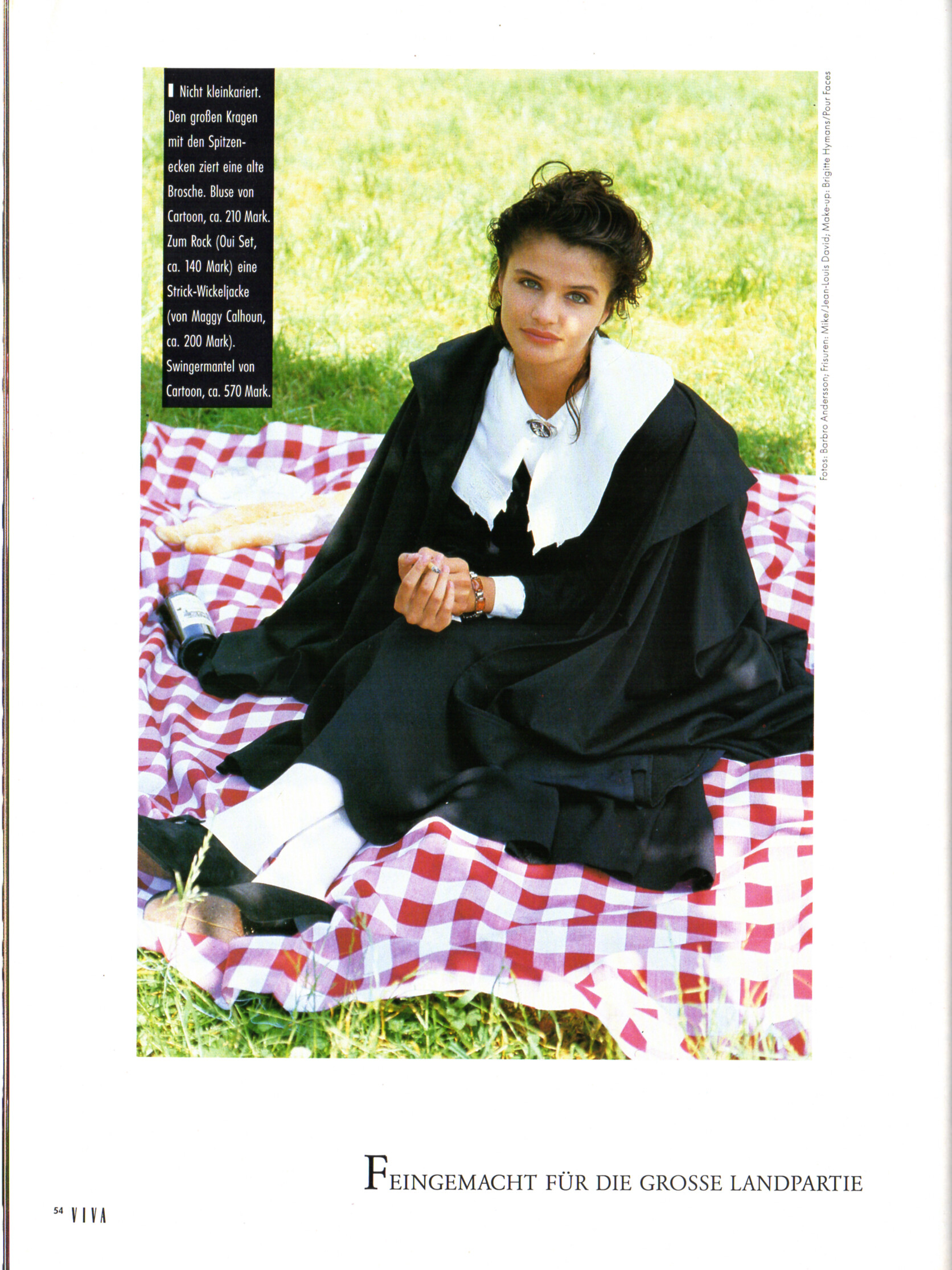
 "KLASSENBESTE" - VIVA Germany September 1989 by Barbro Andersson I can ID Nadege and Helena Christensen.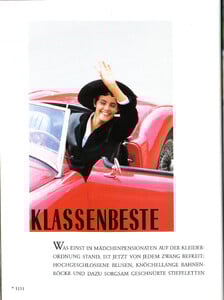
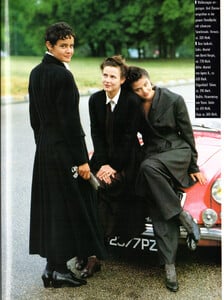

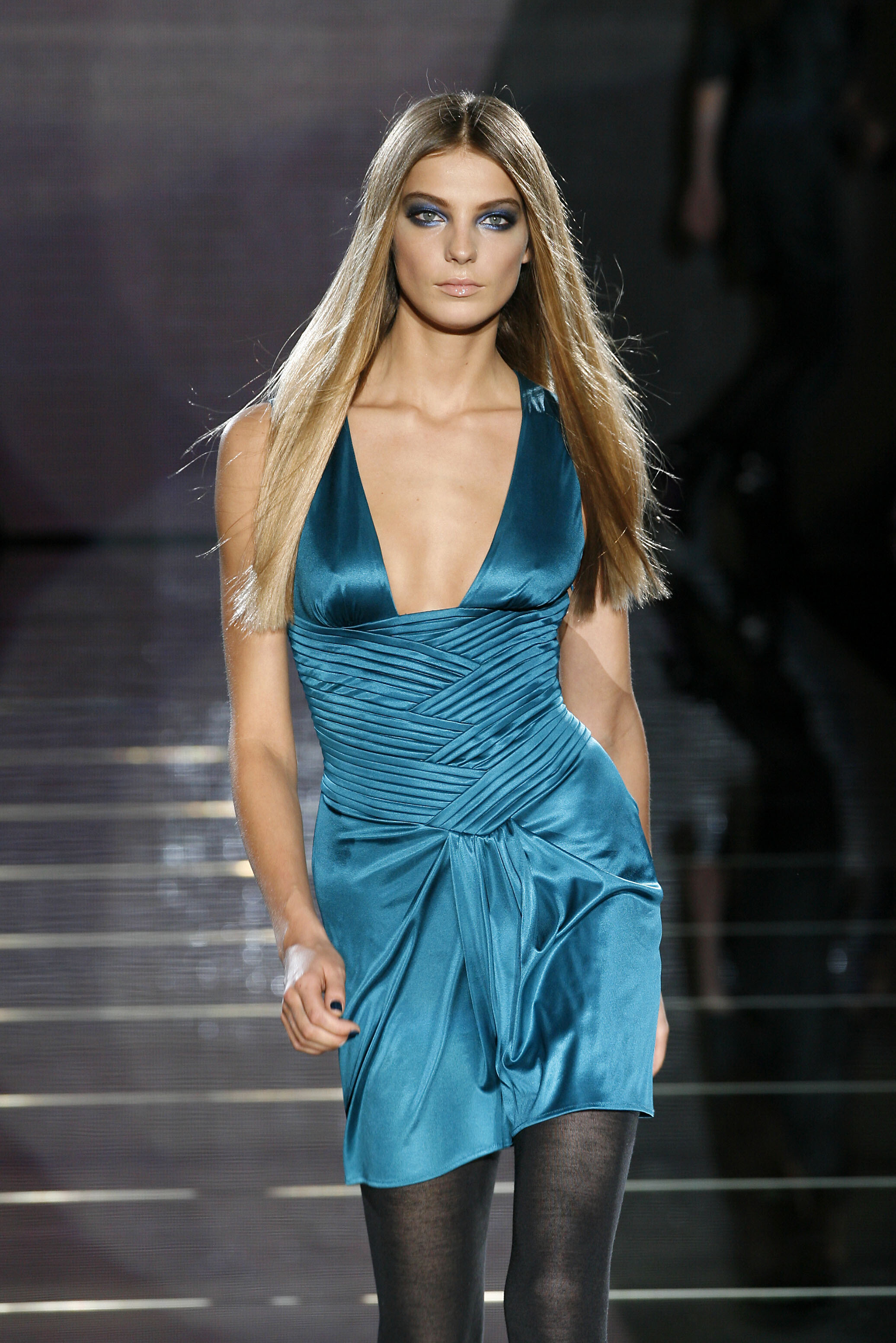
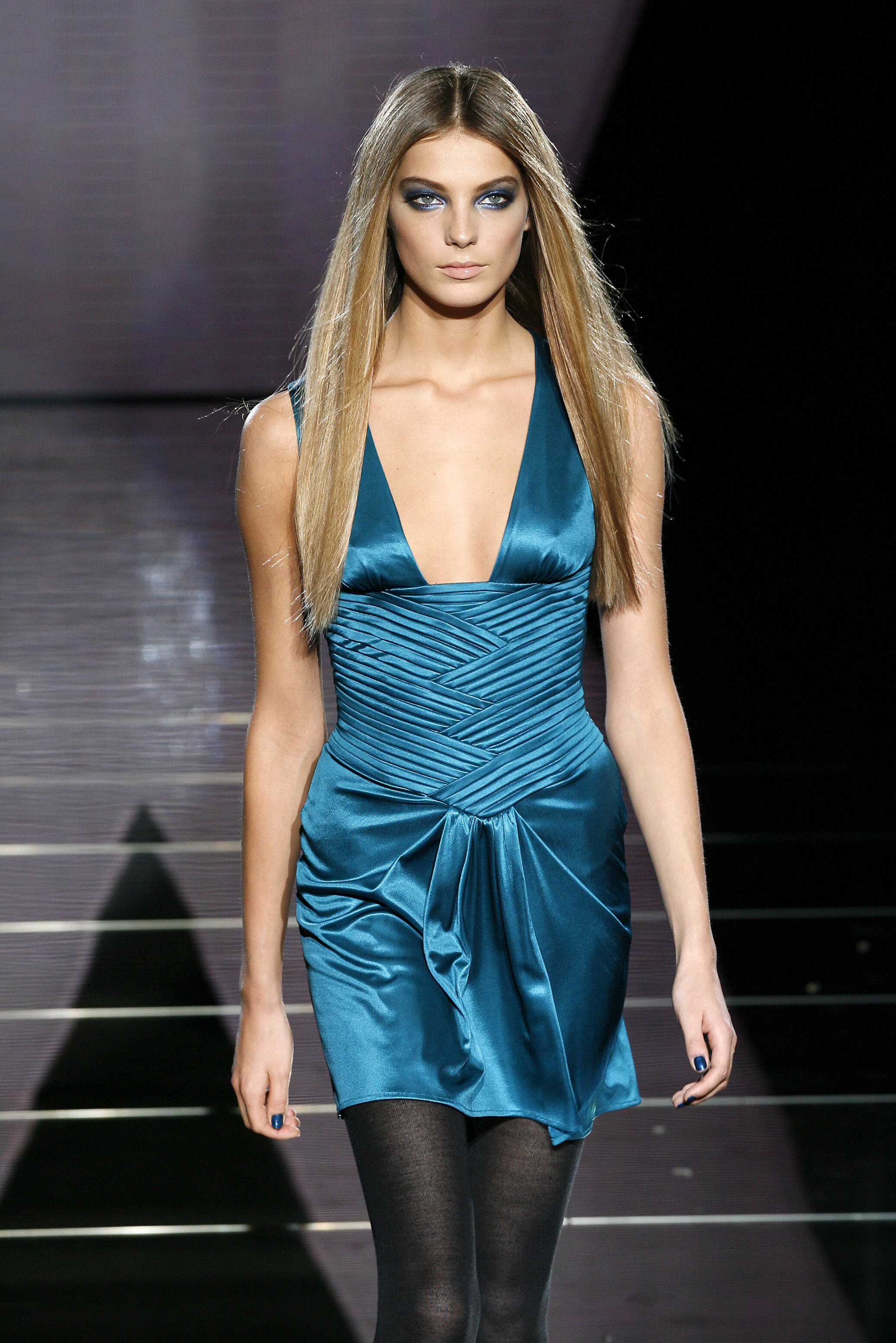
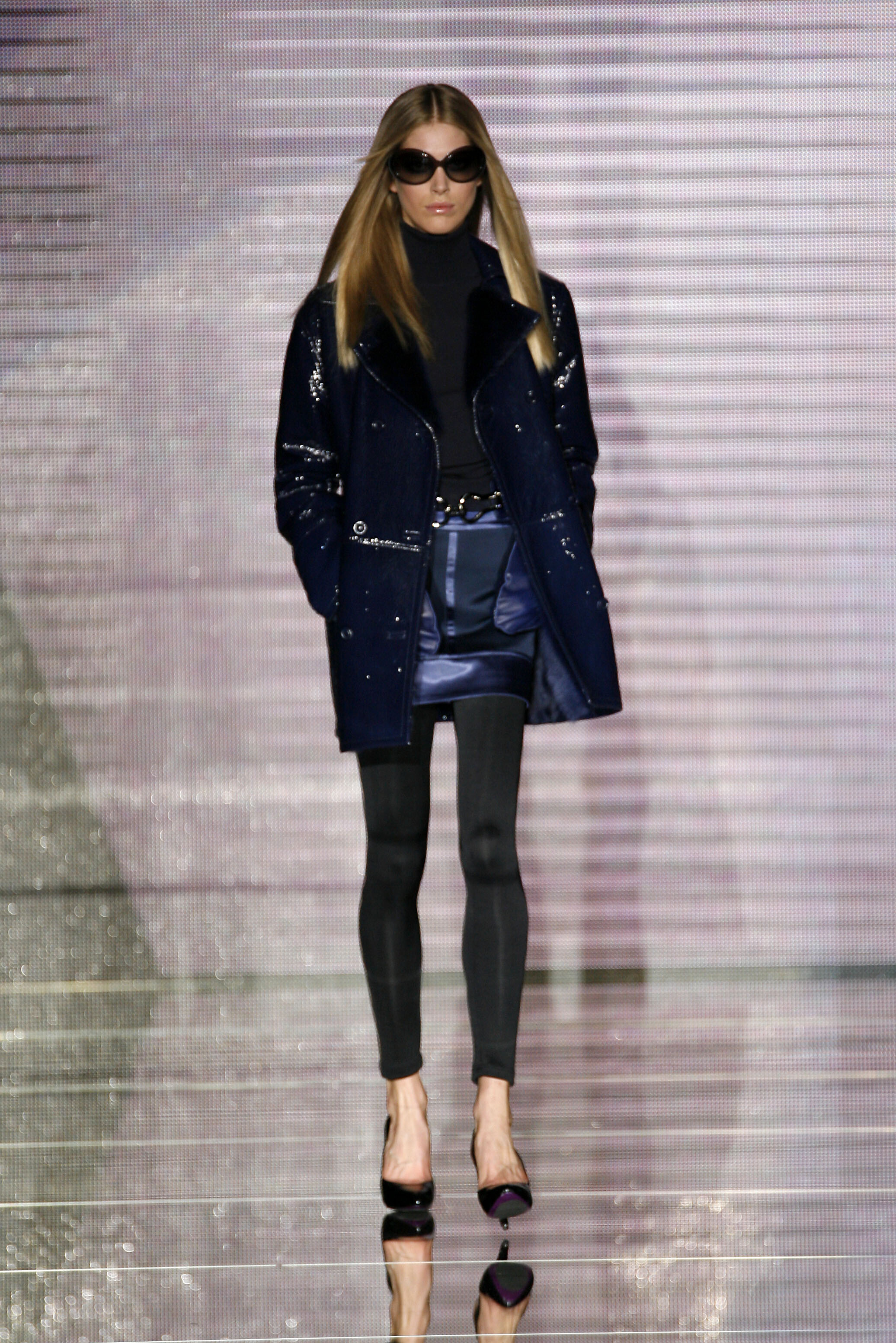
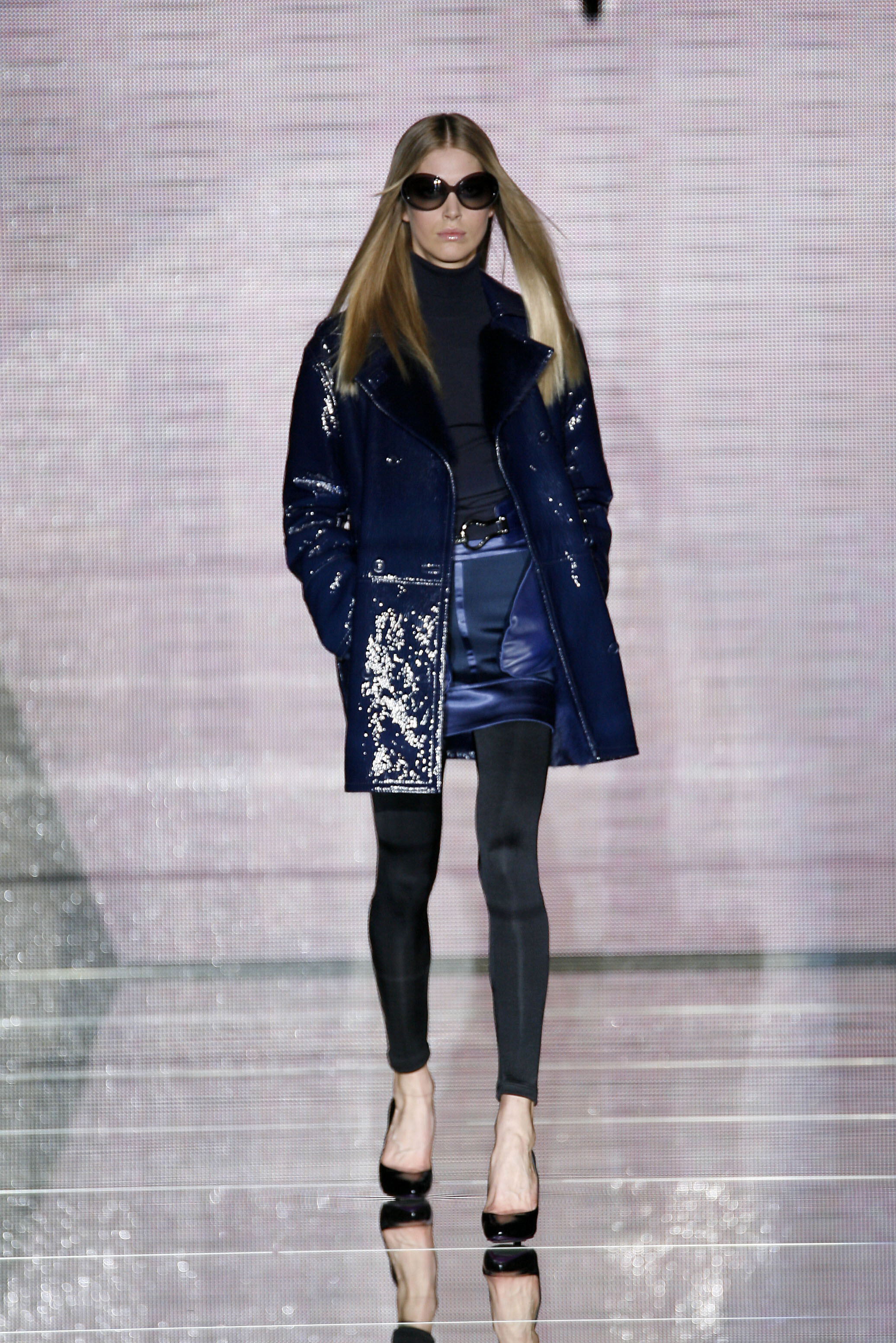
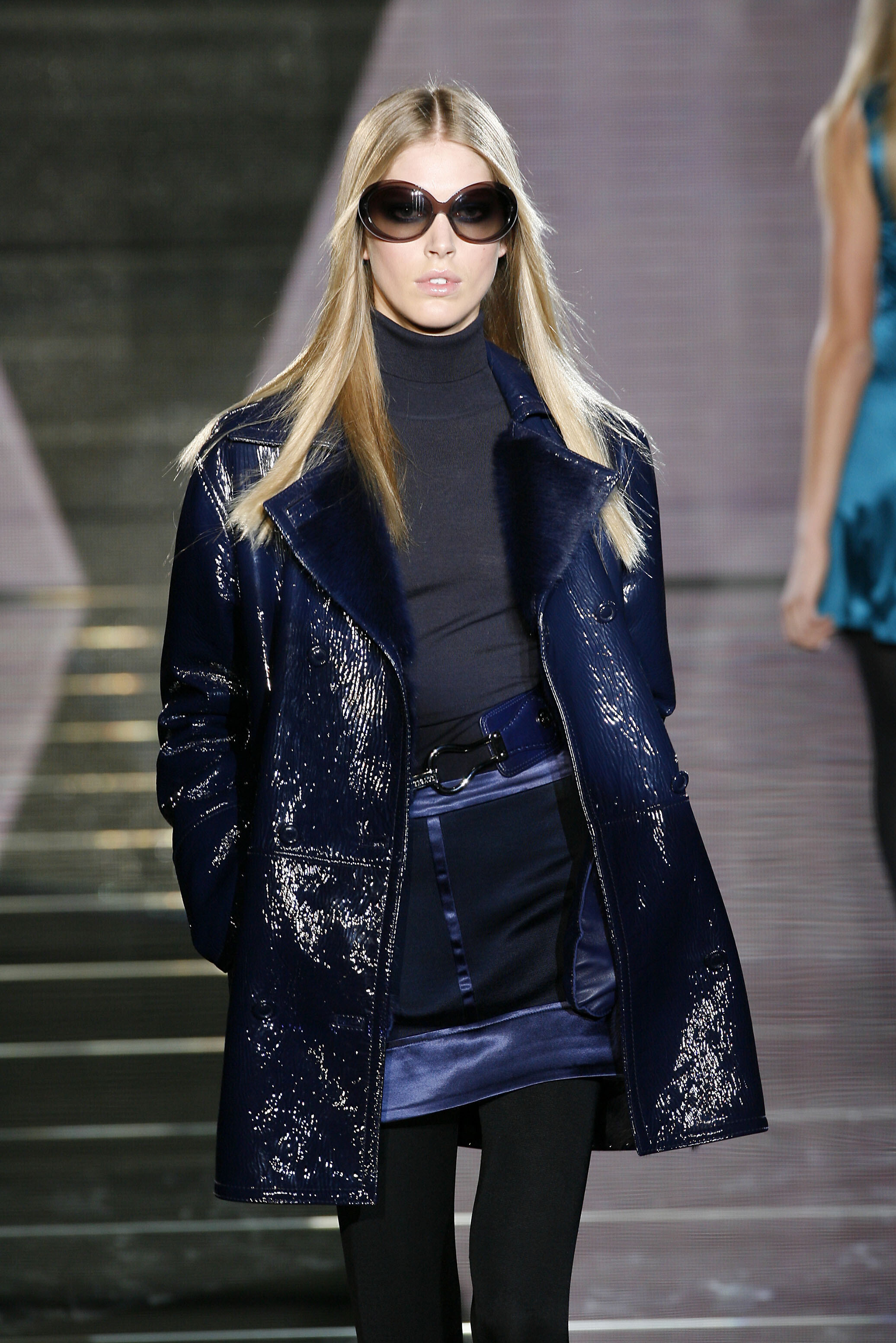
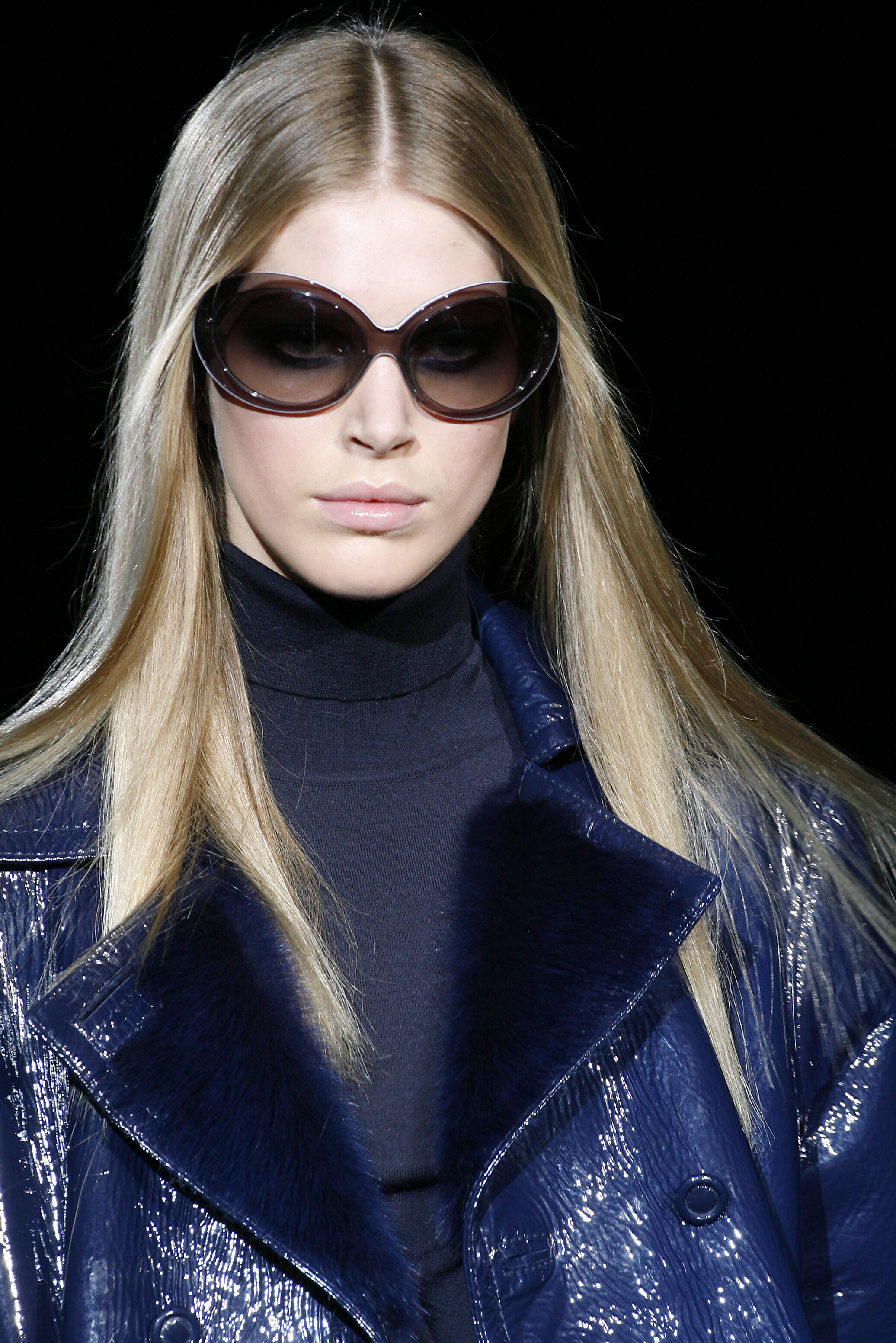
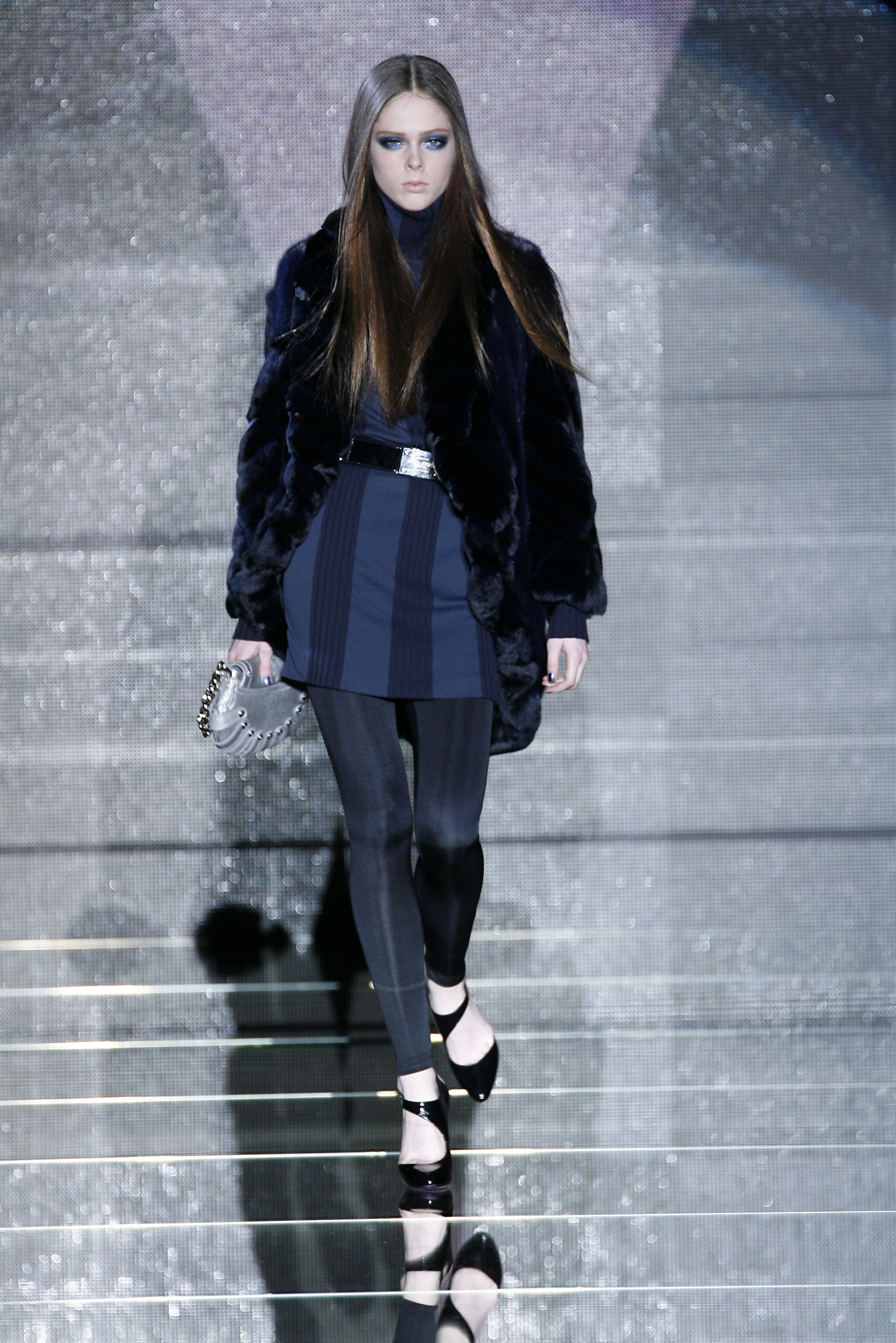
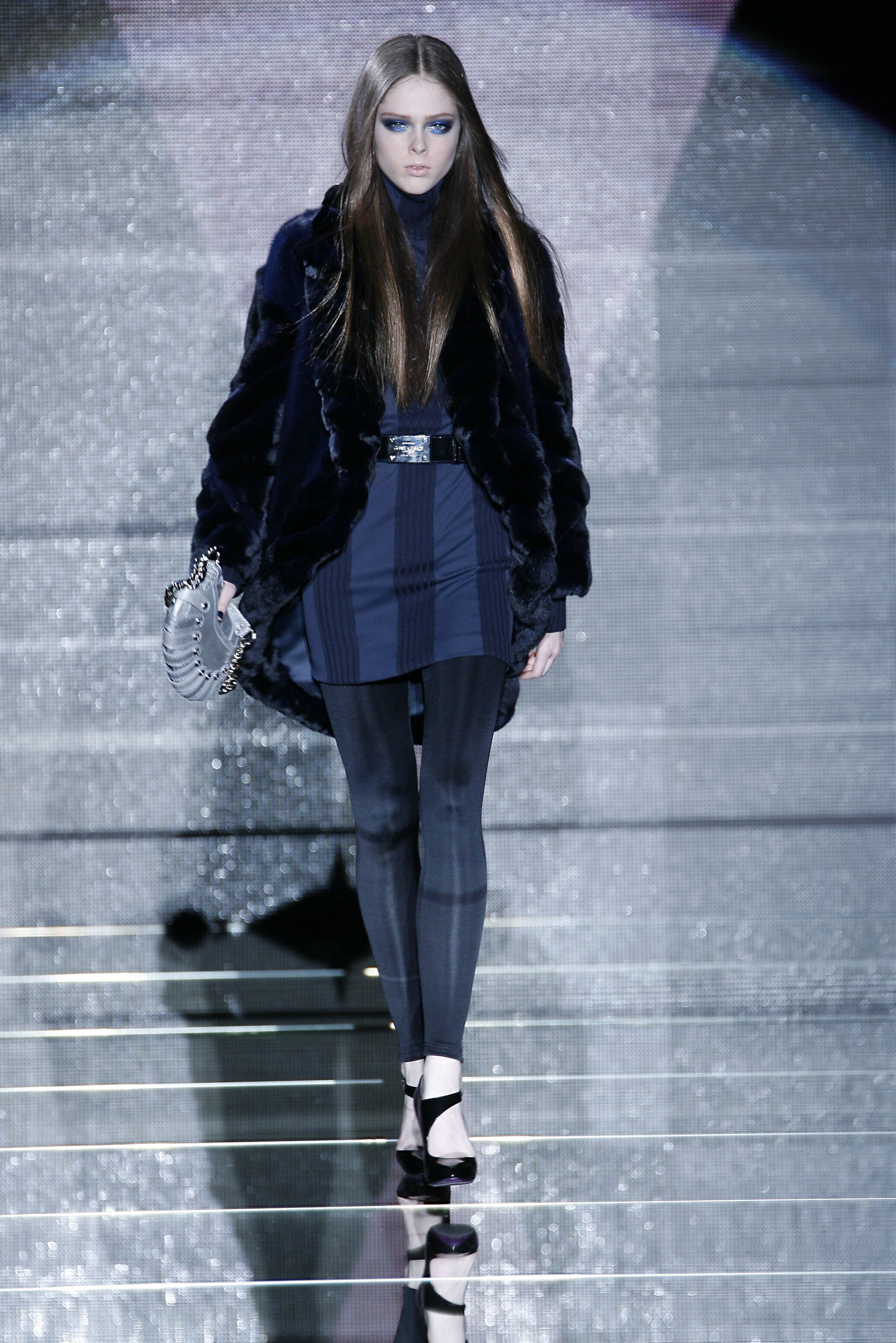
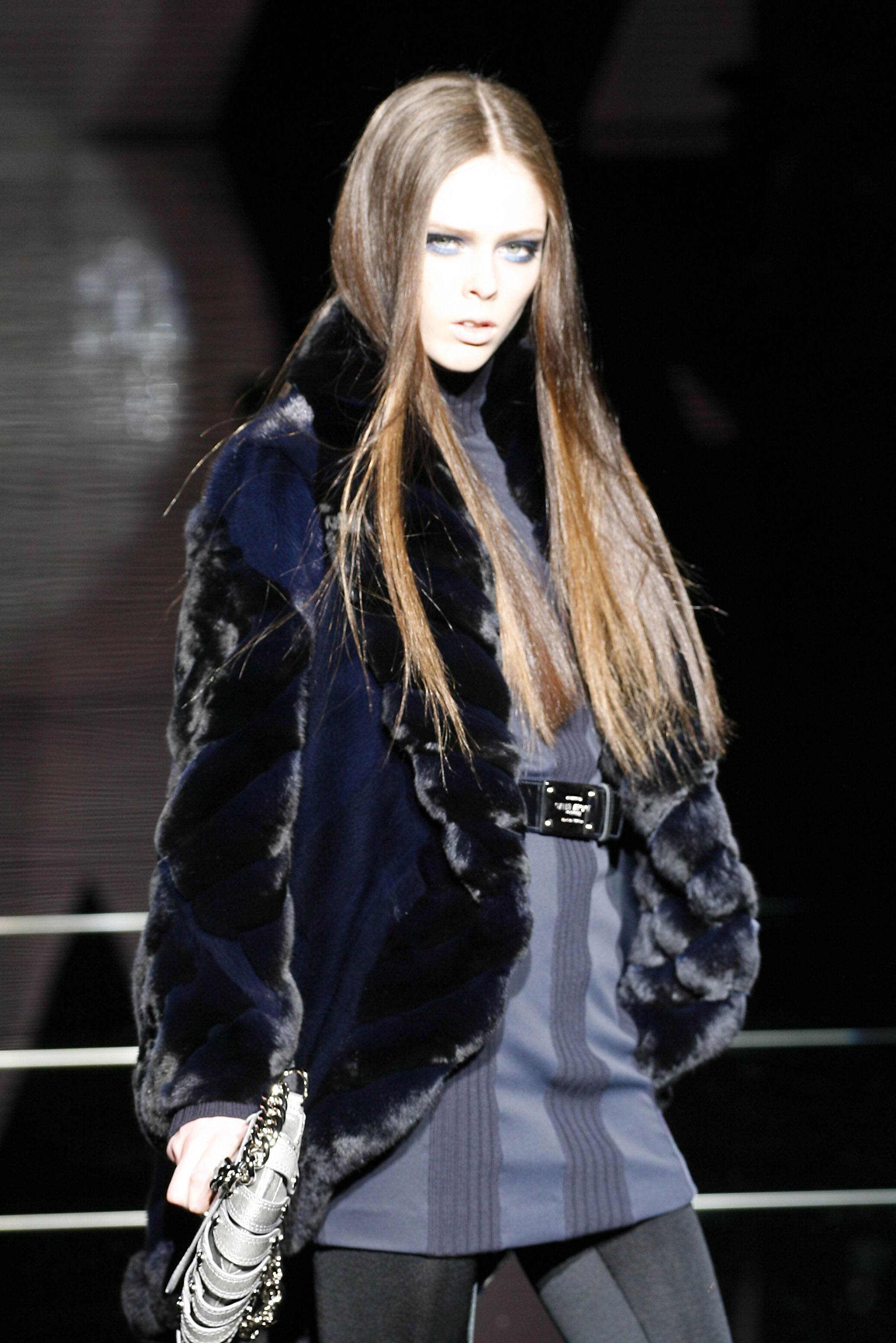
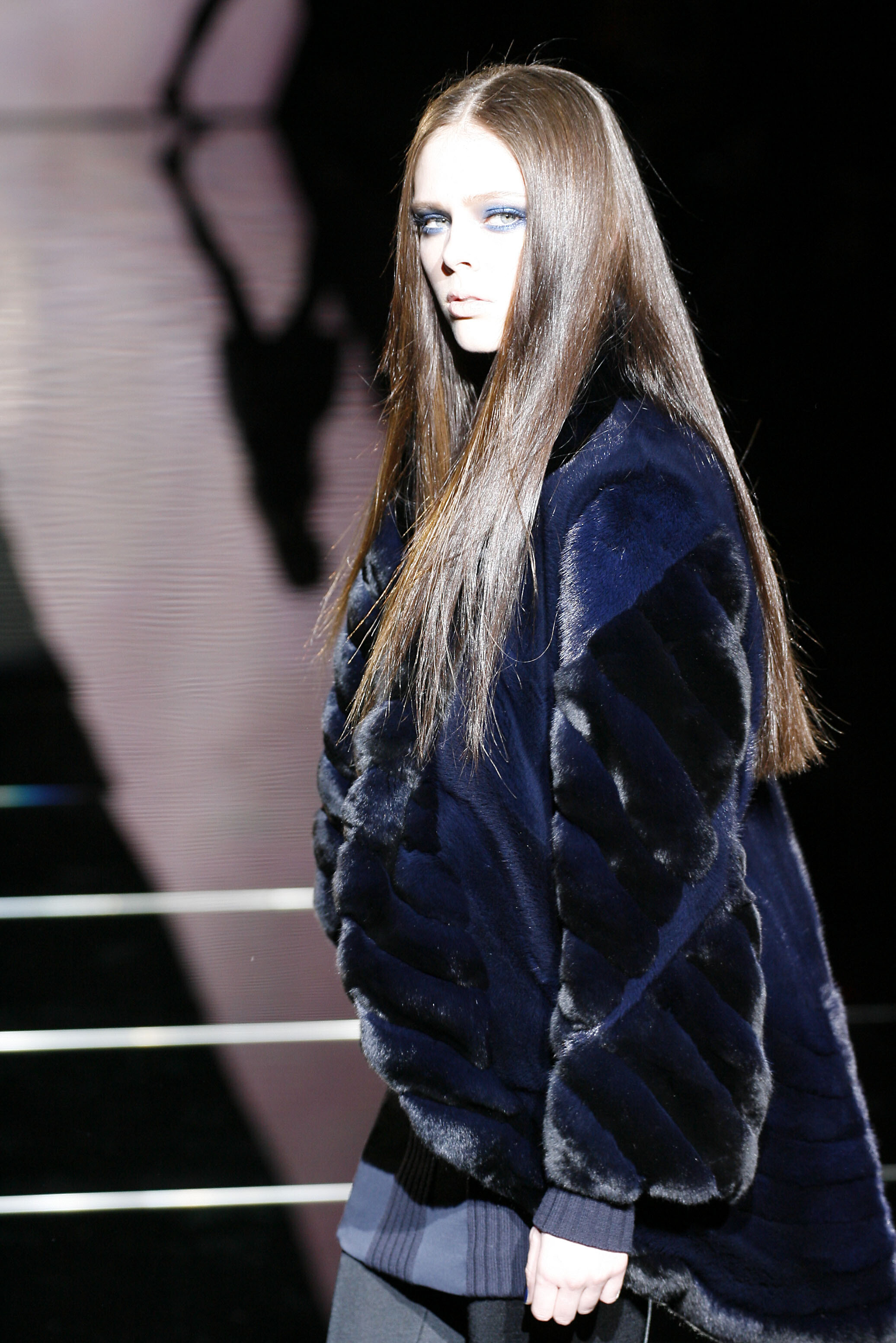
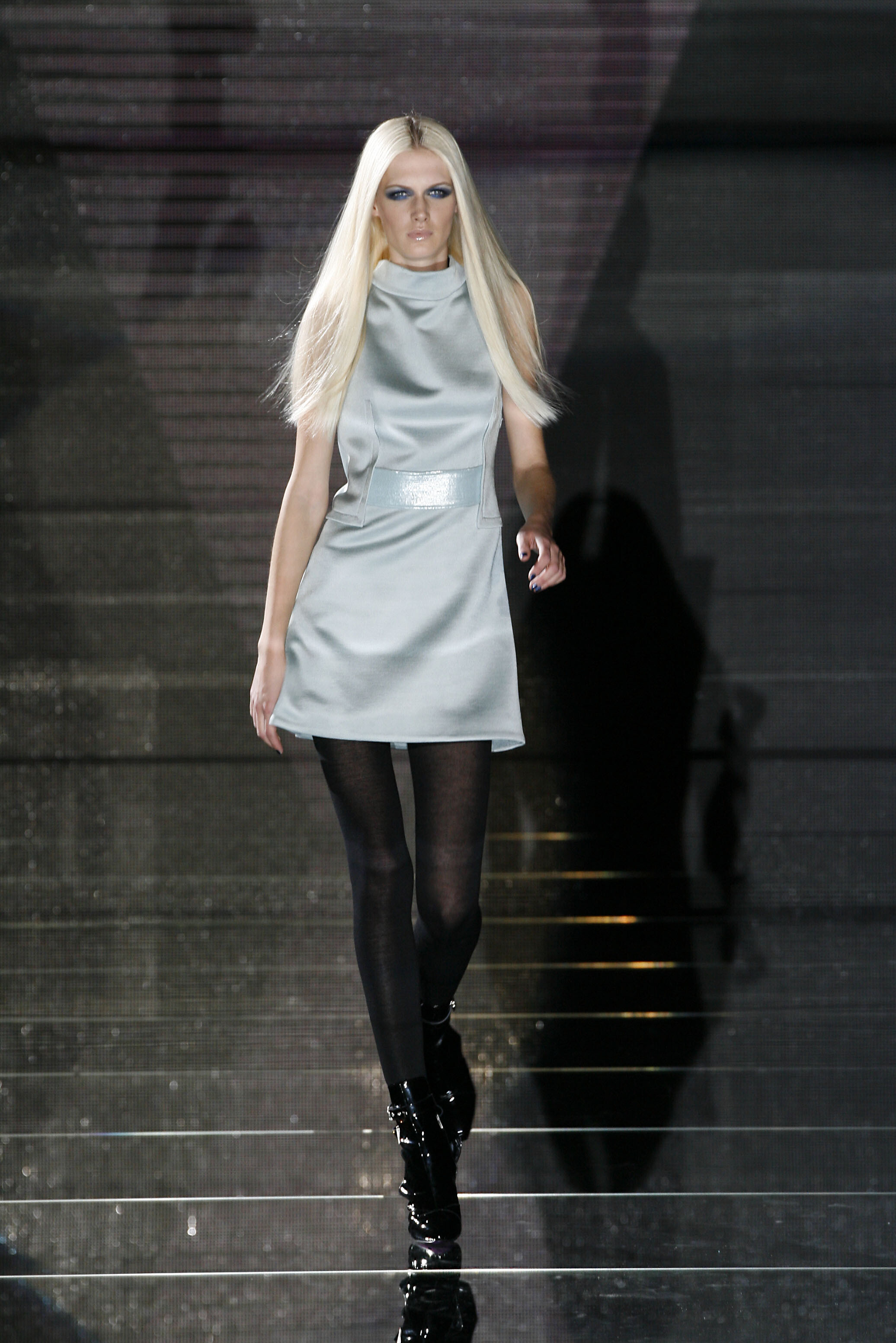
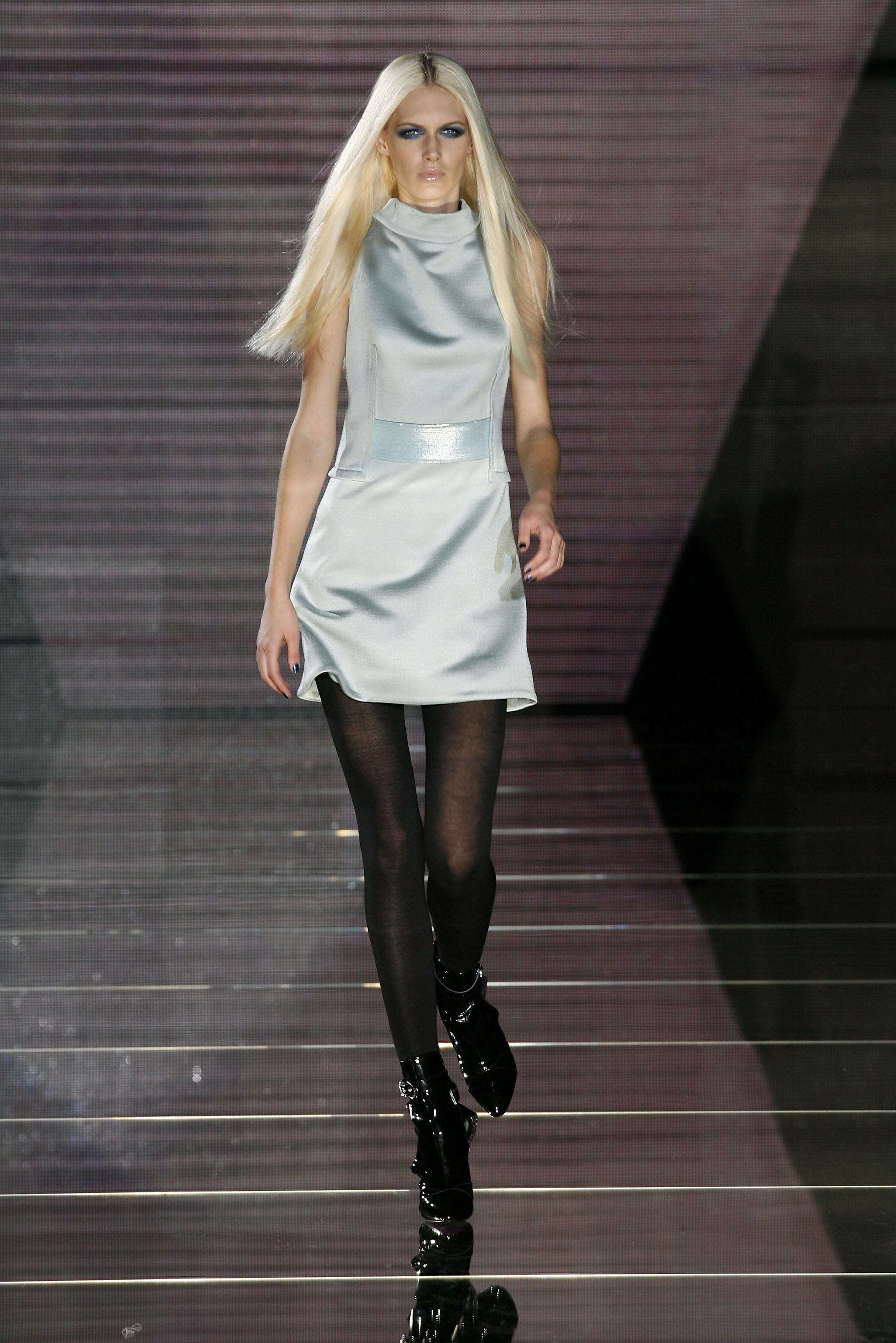
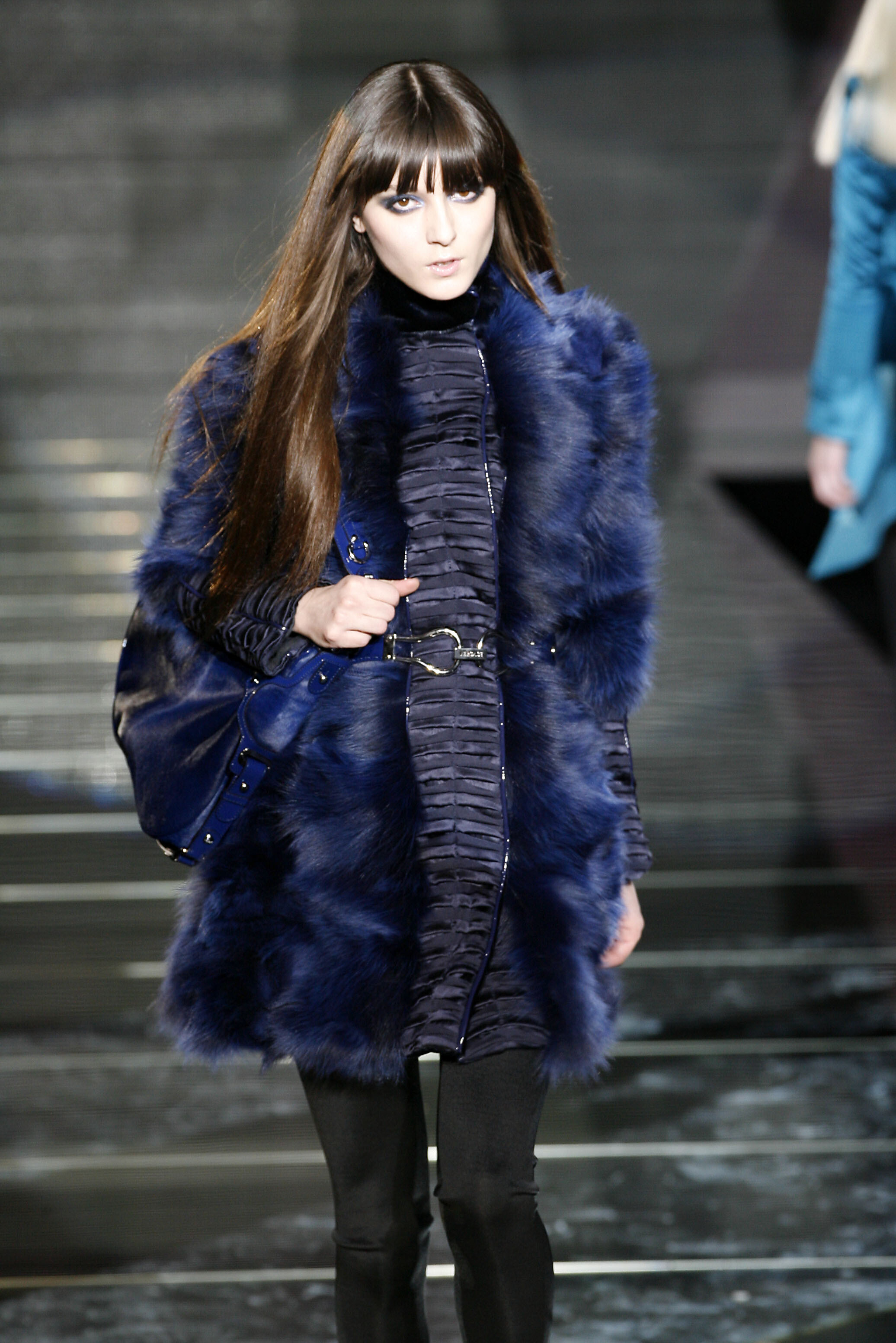
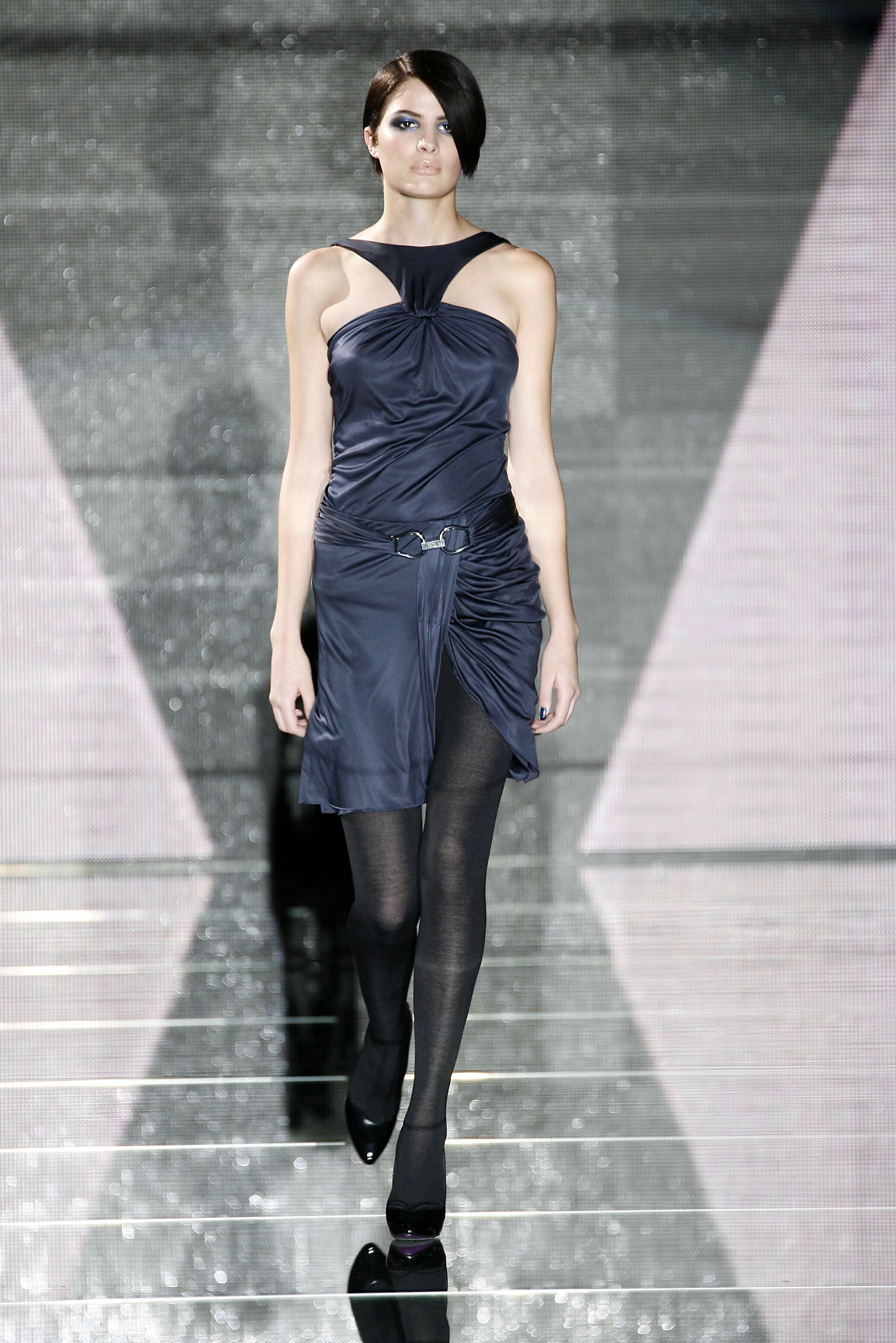
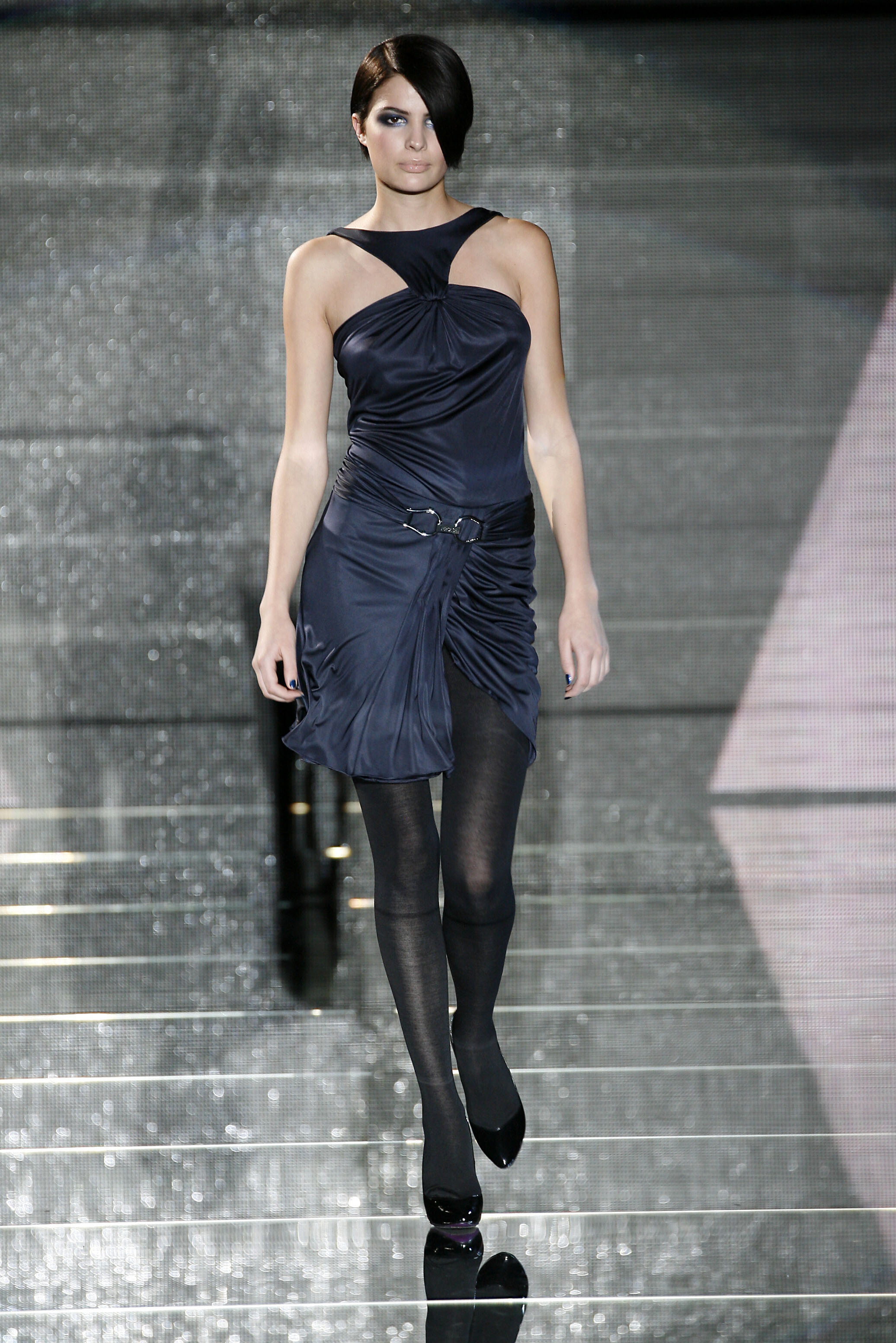
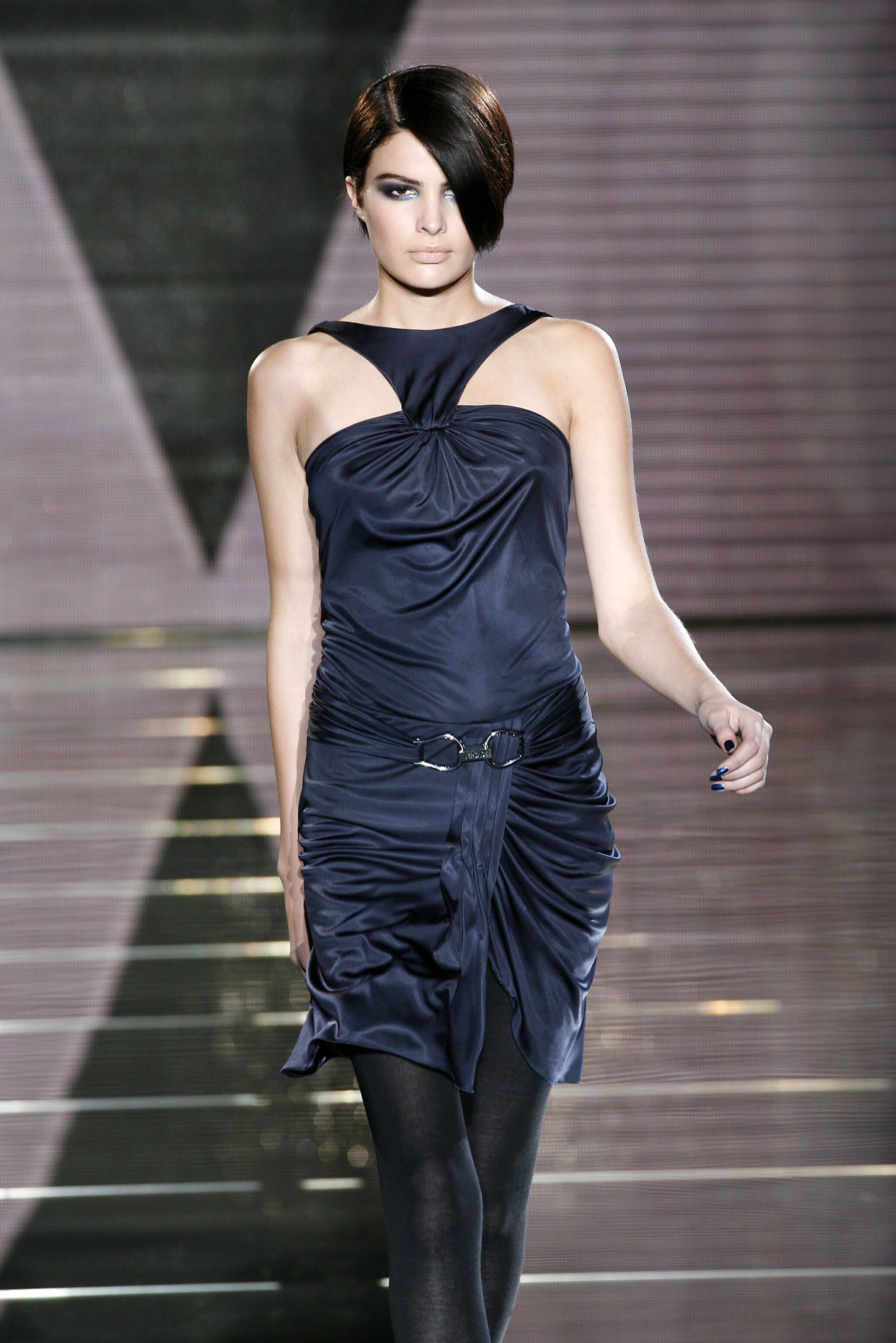
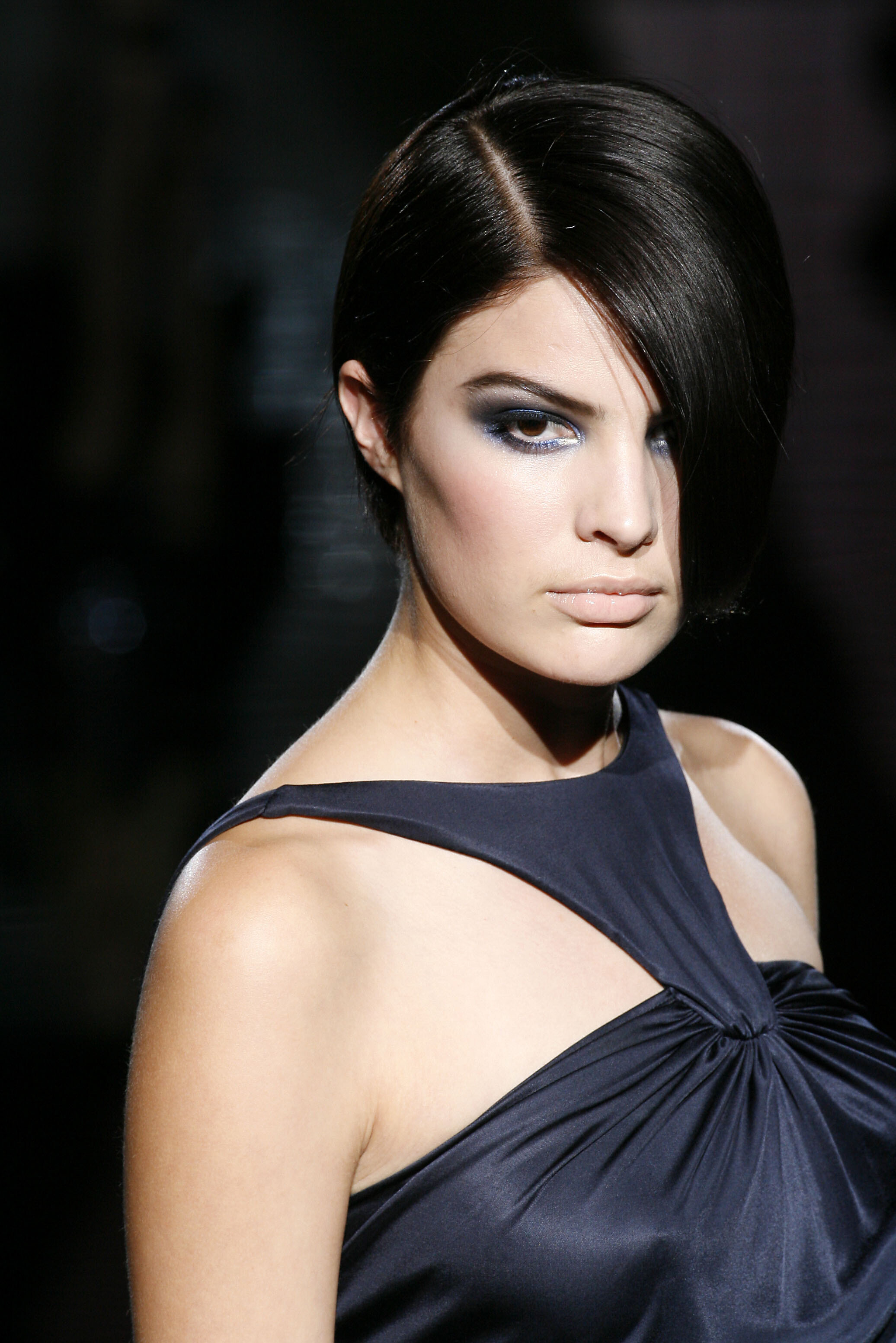
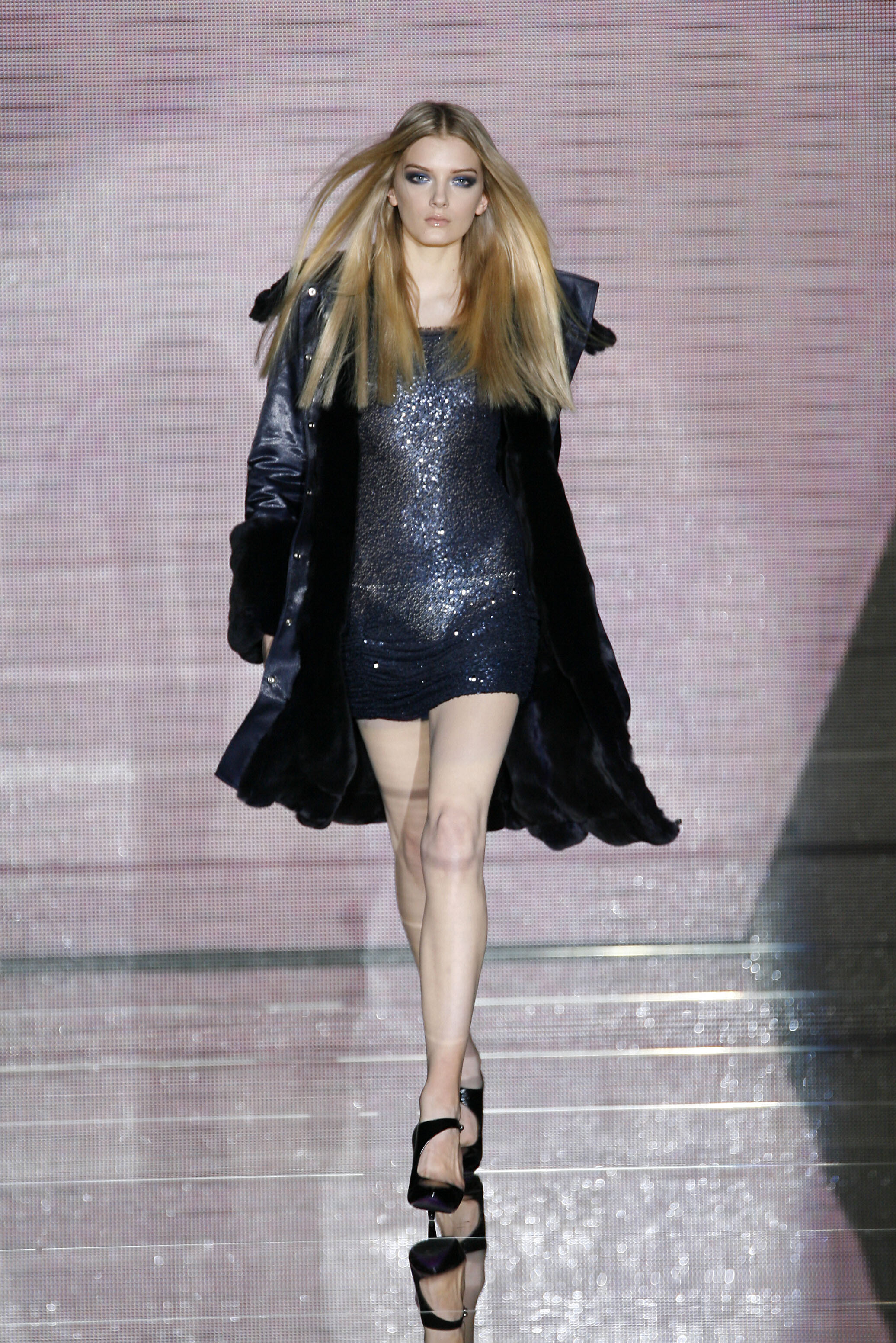
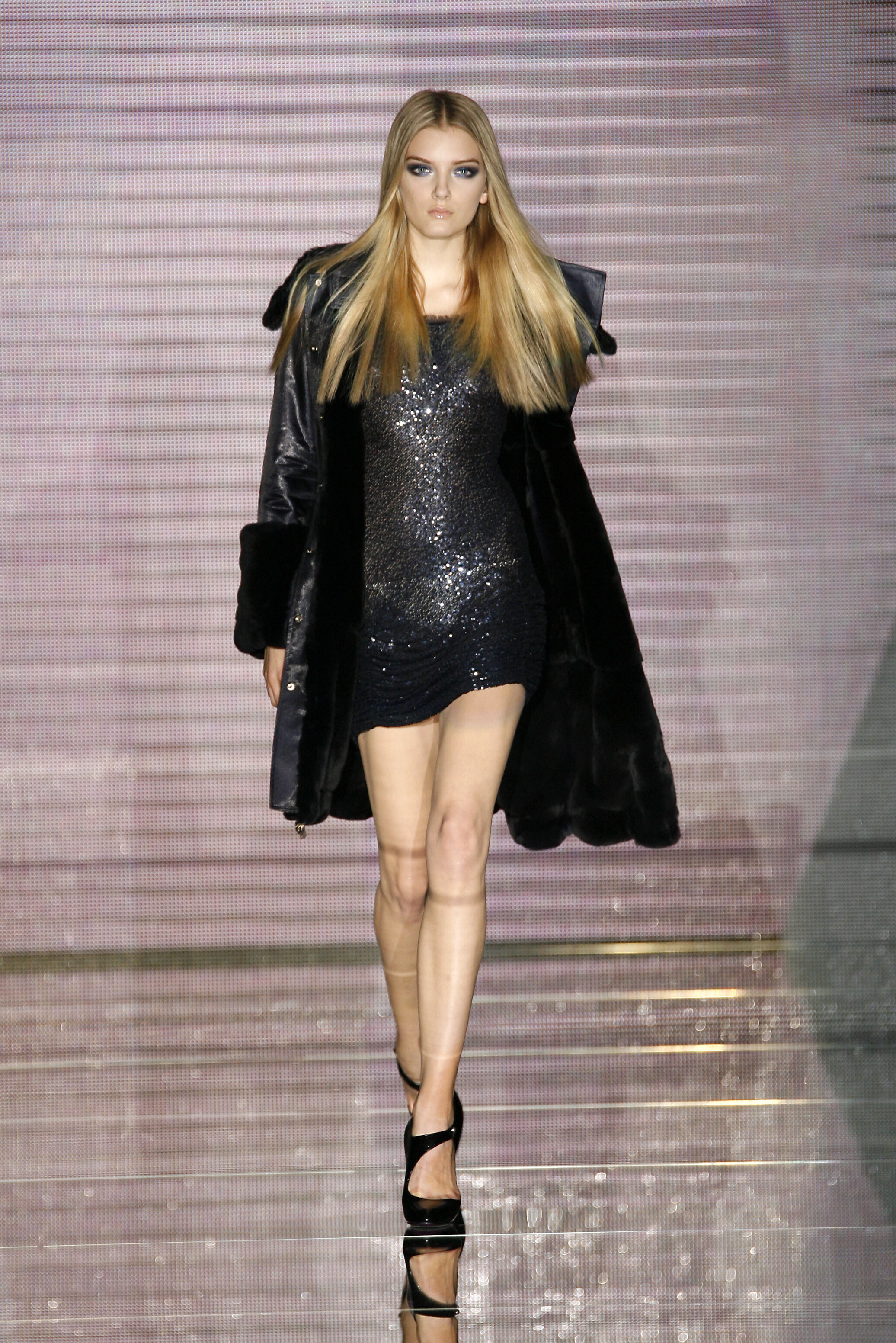
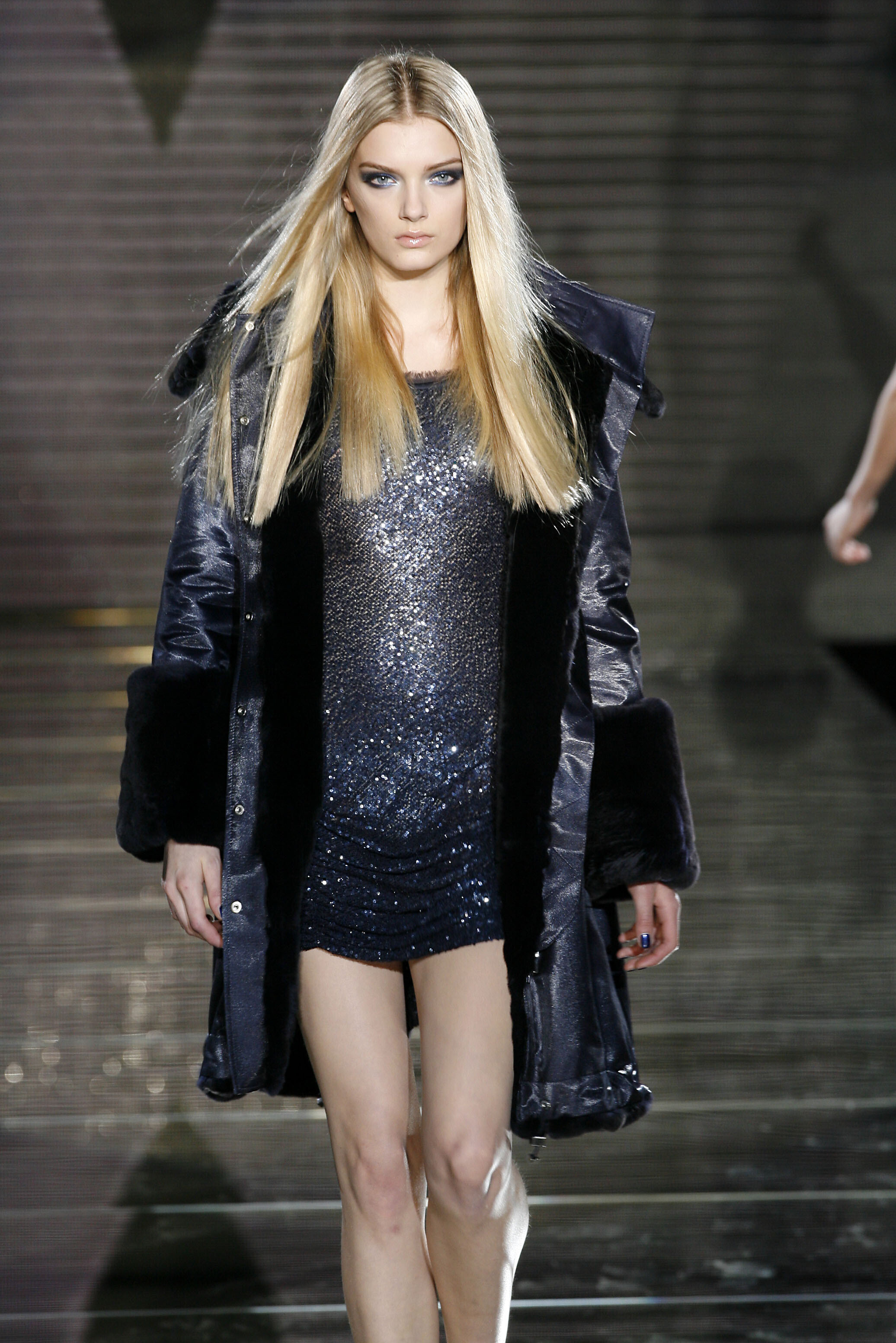
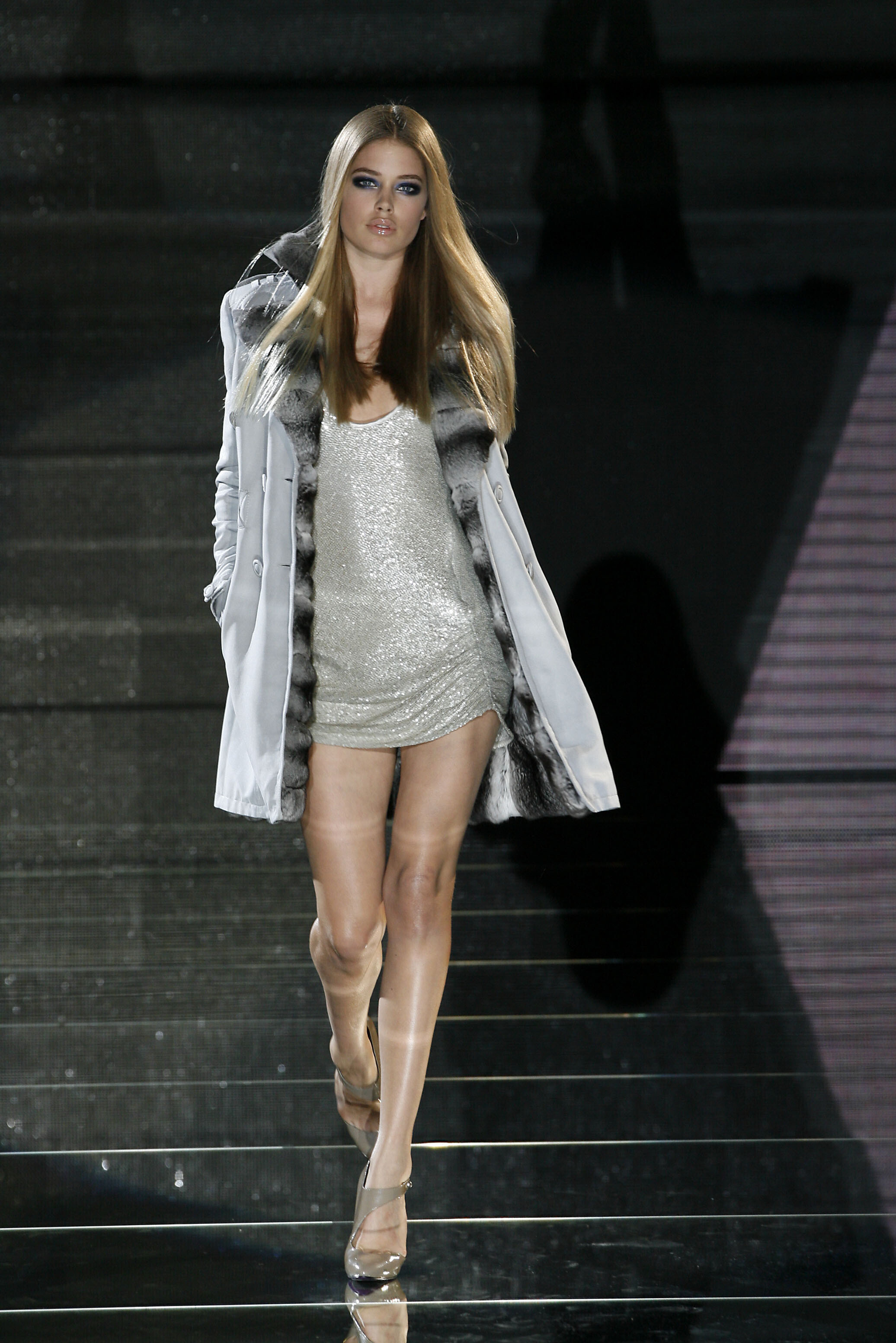
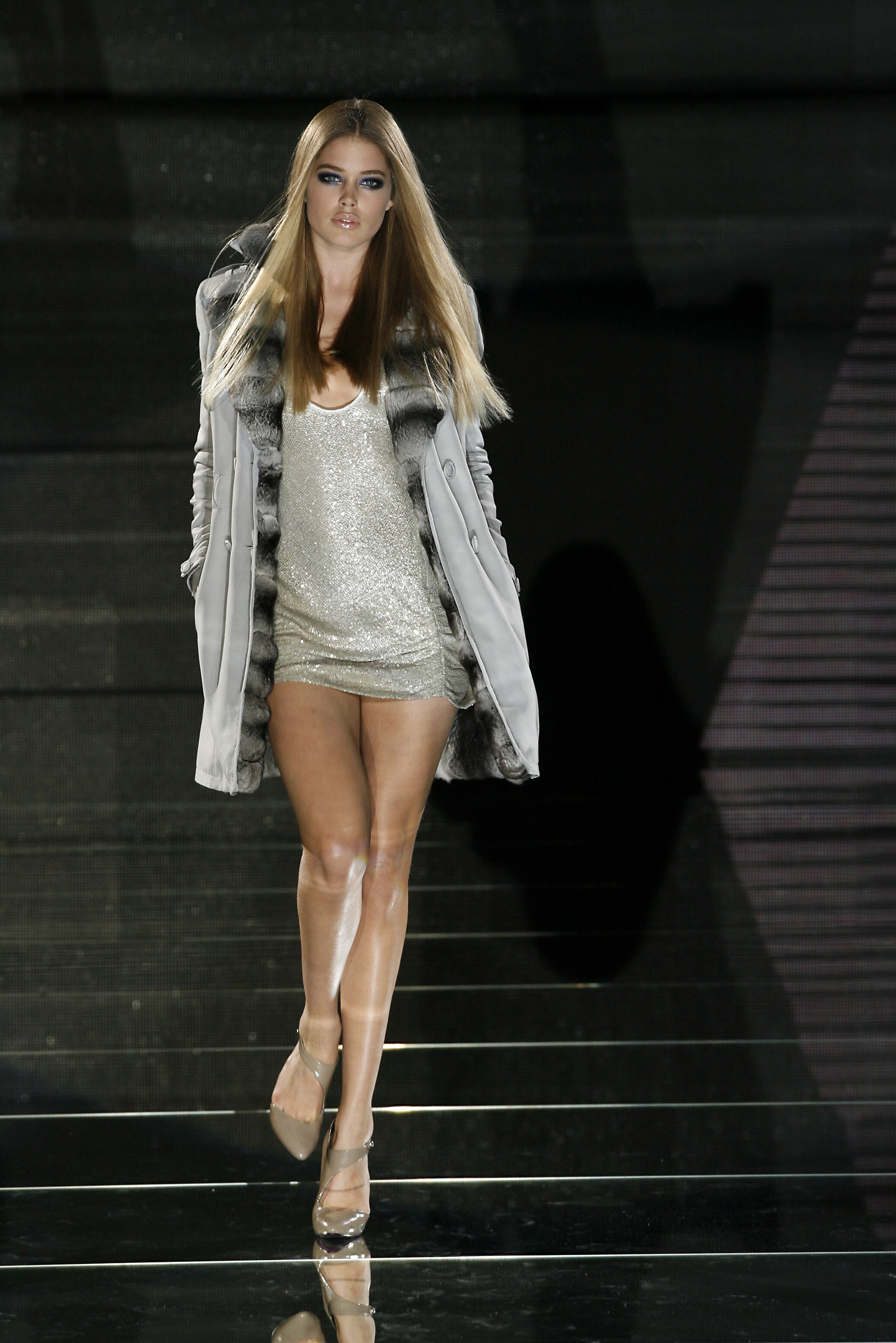
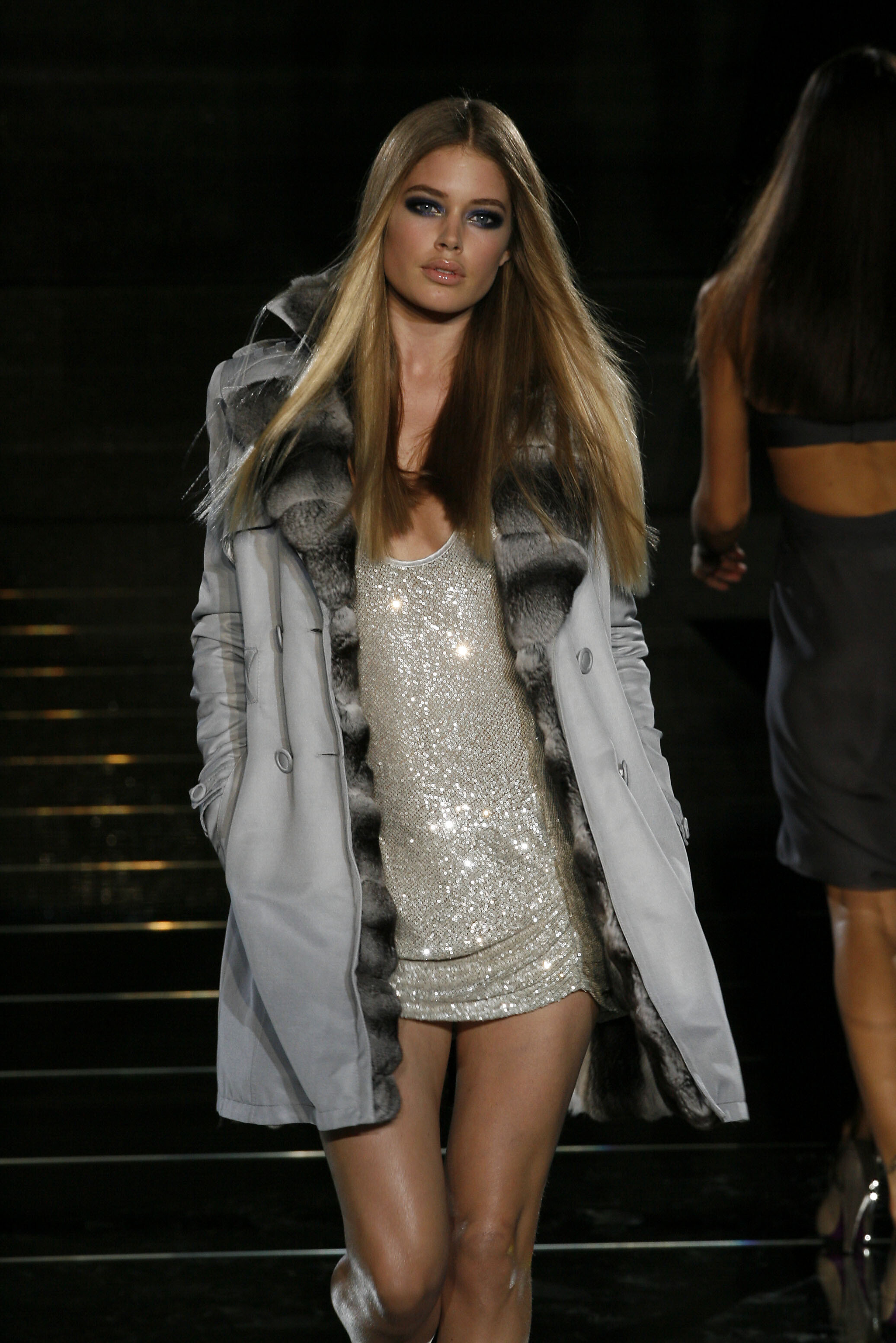
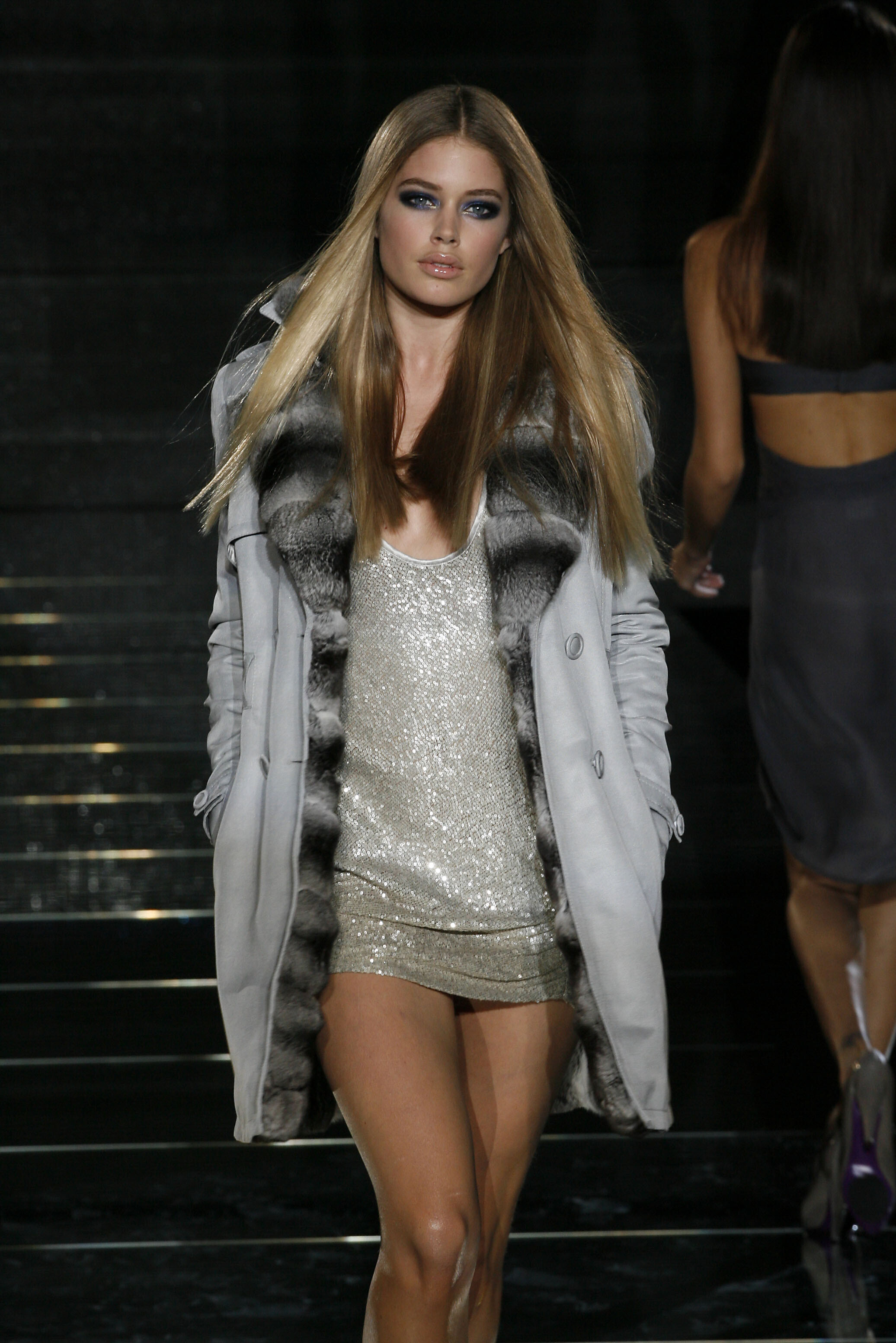
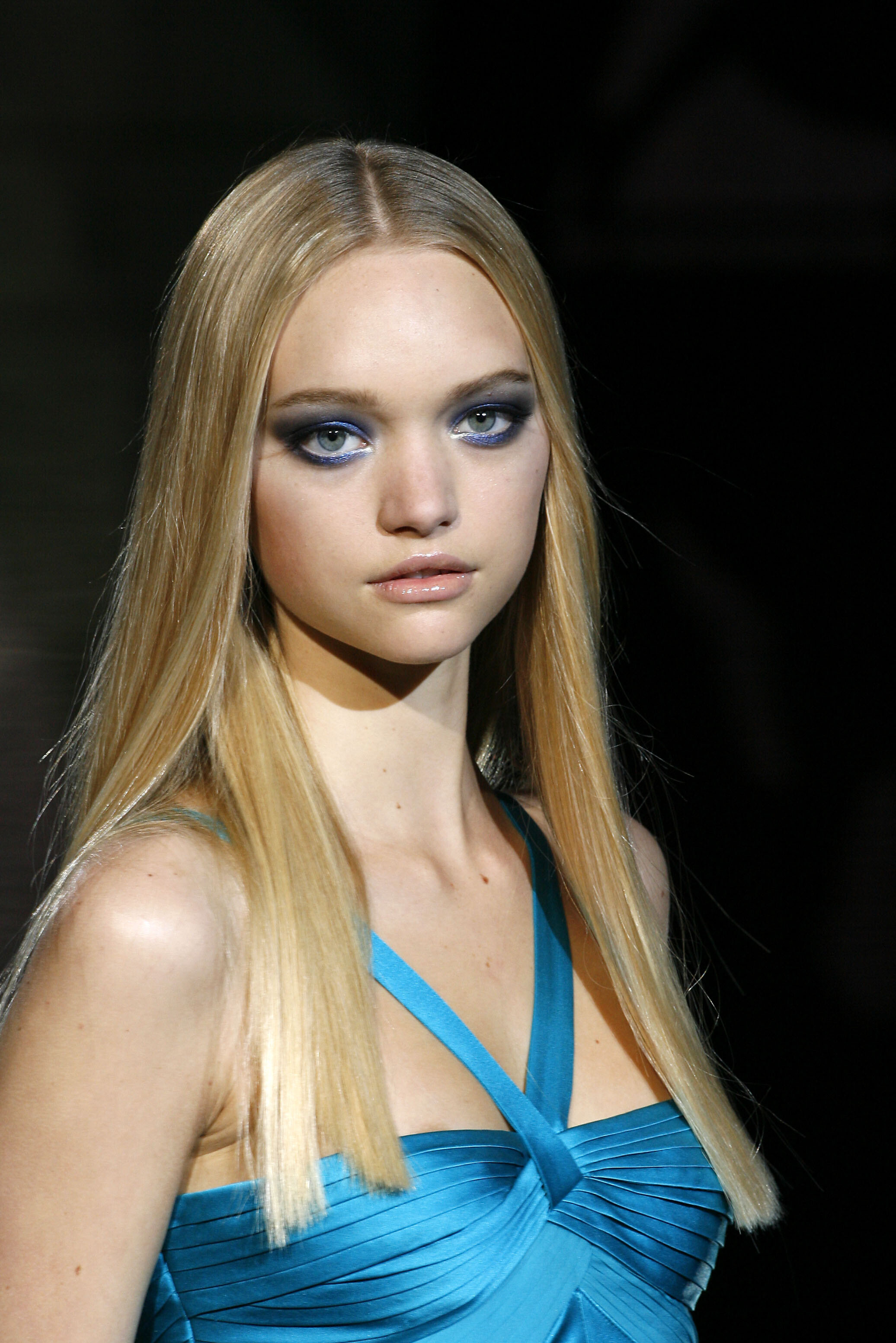
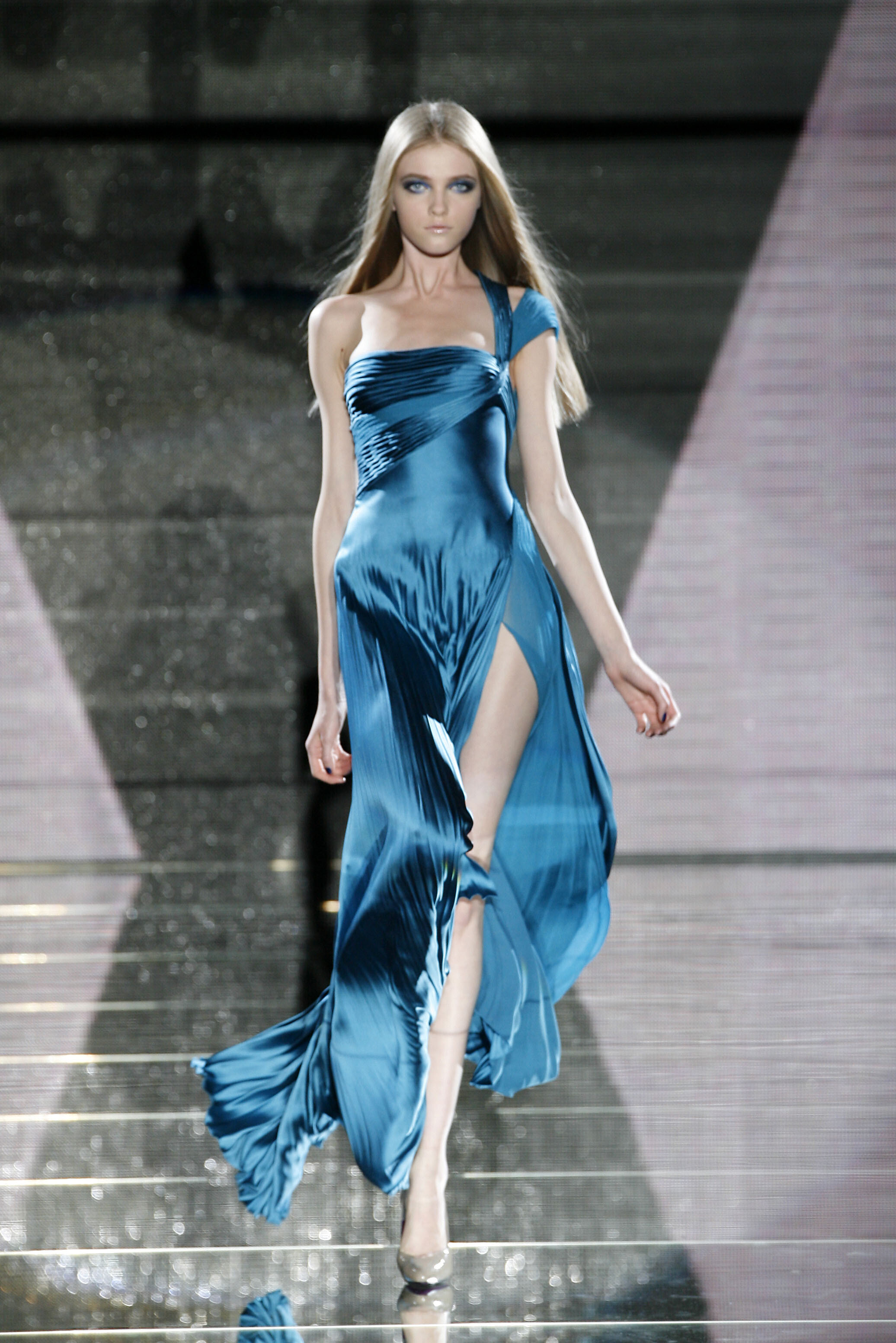
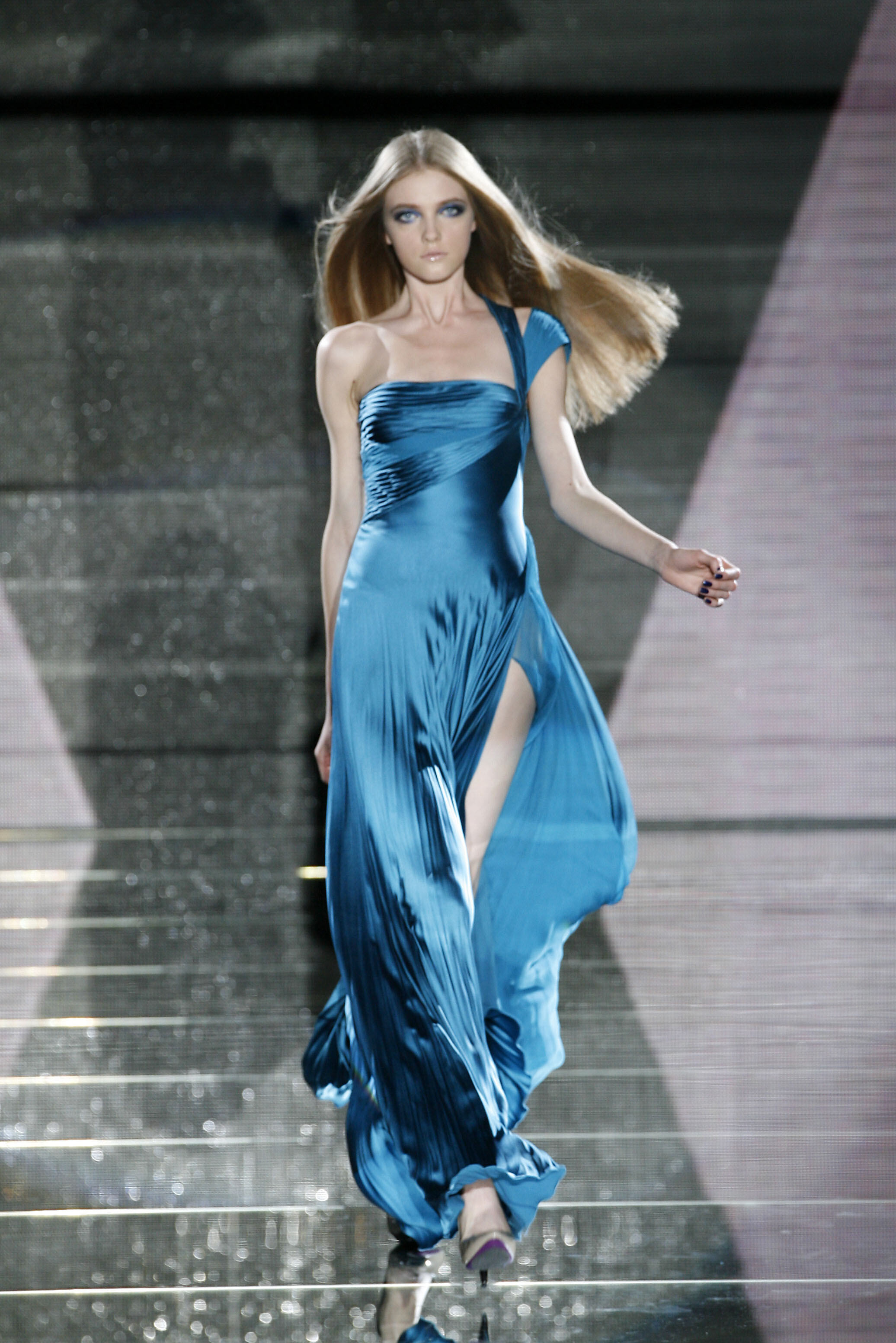
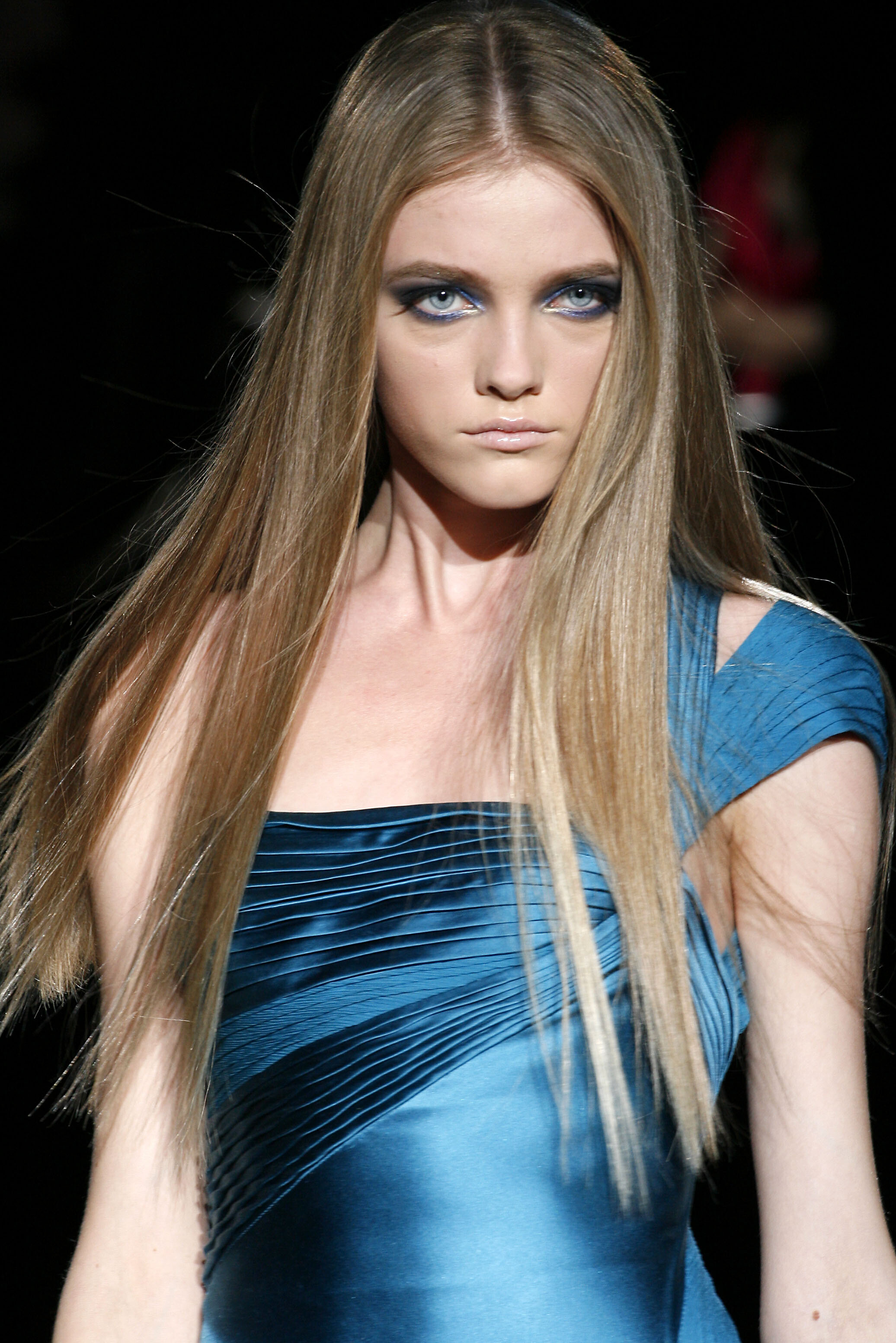
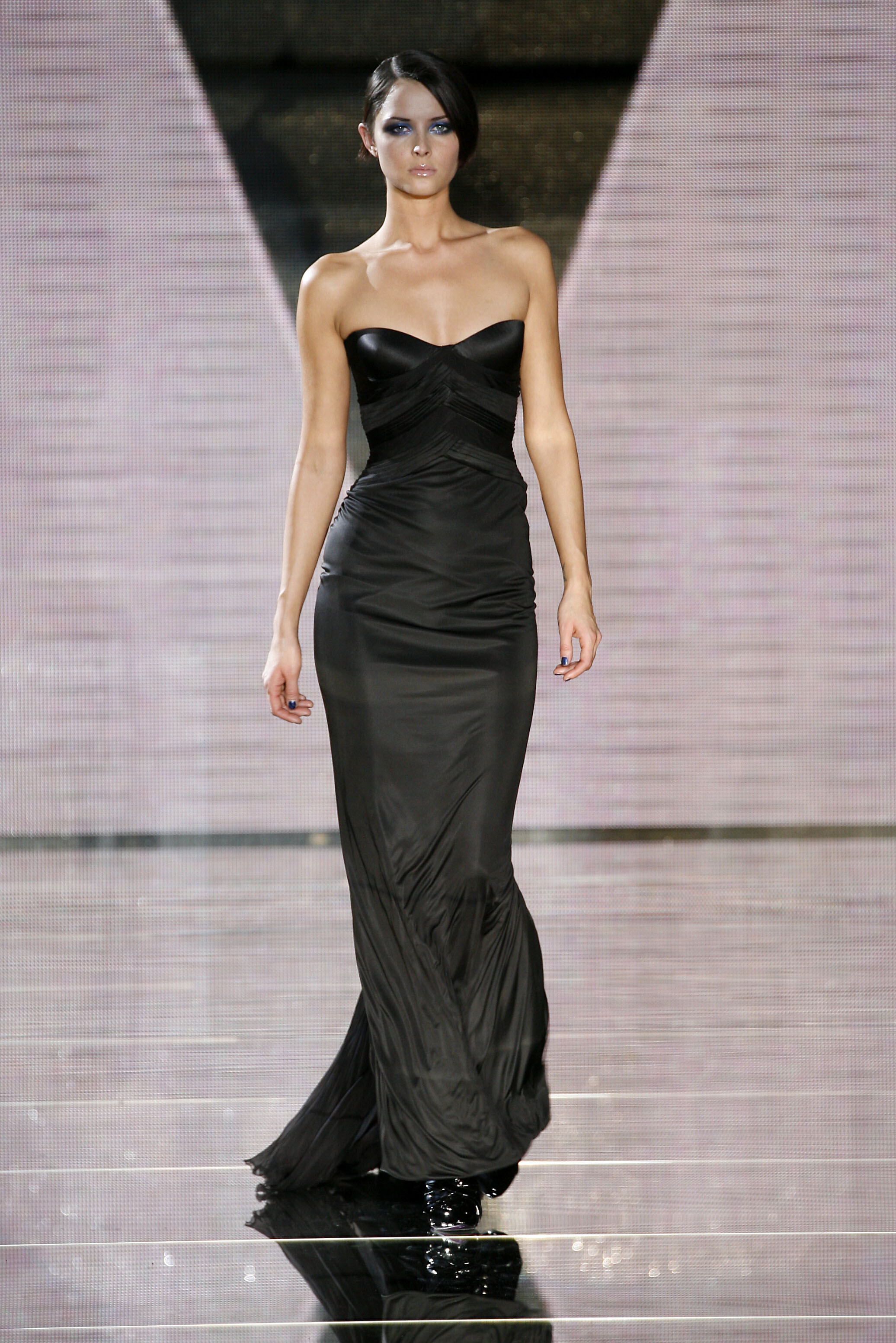
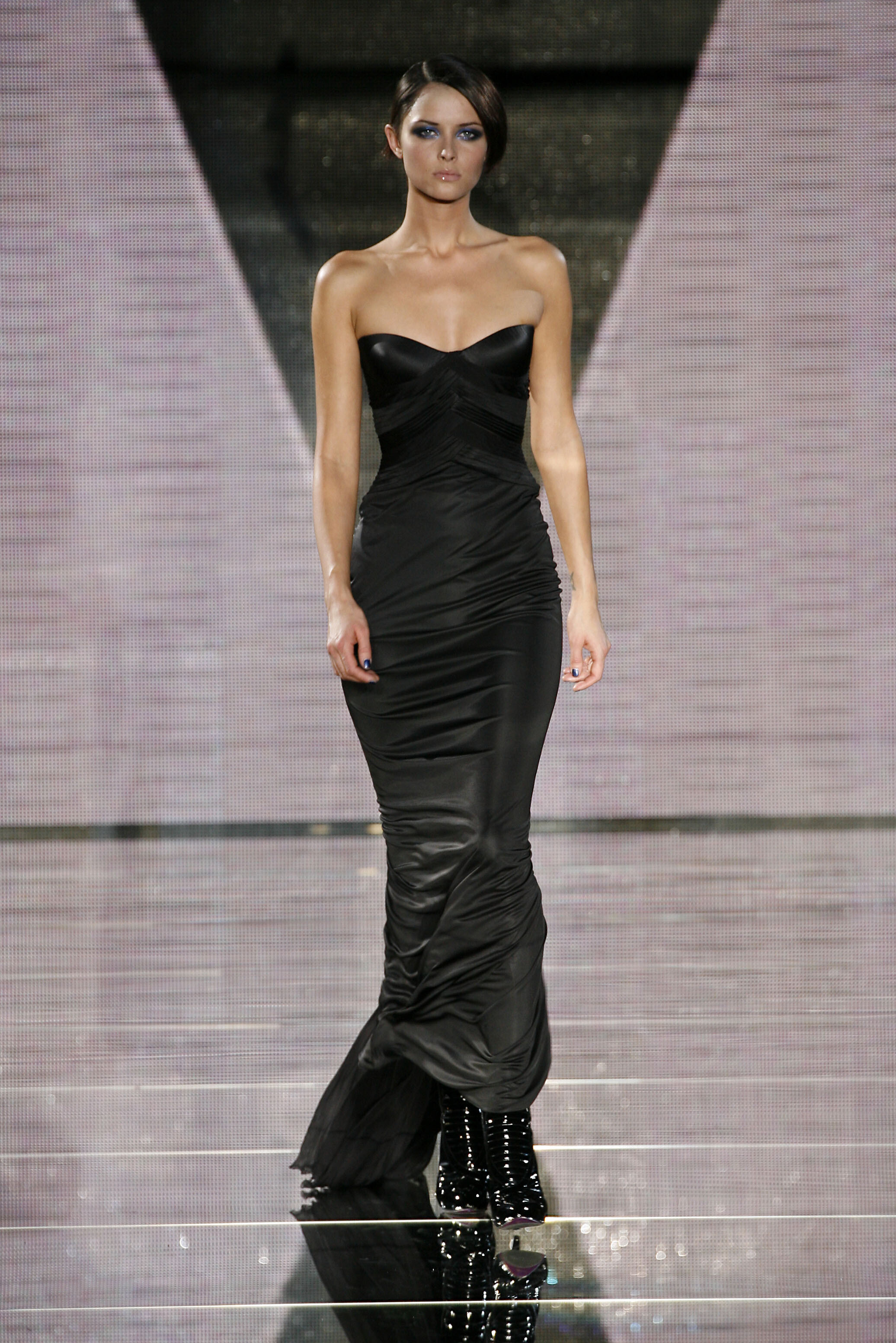
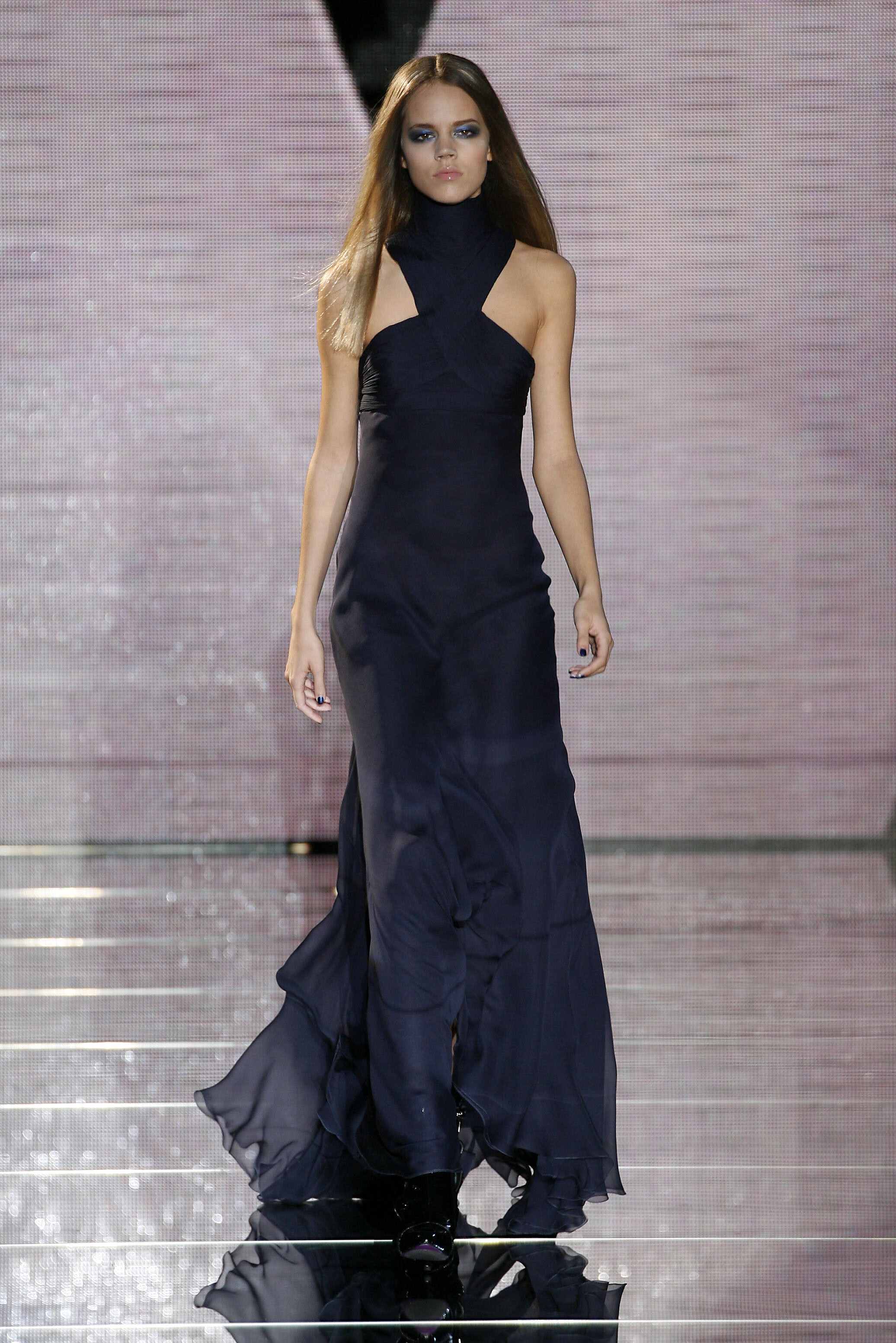
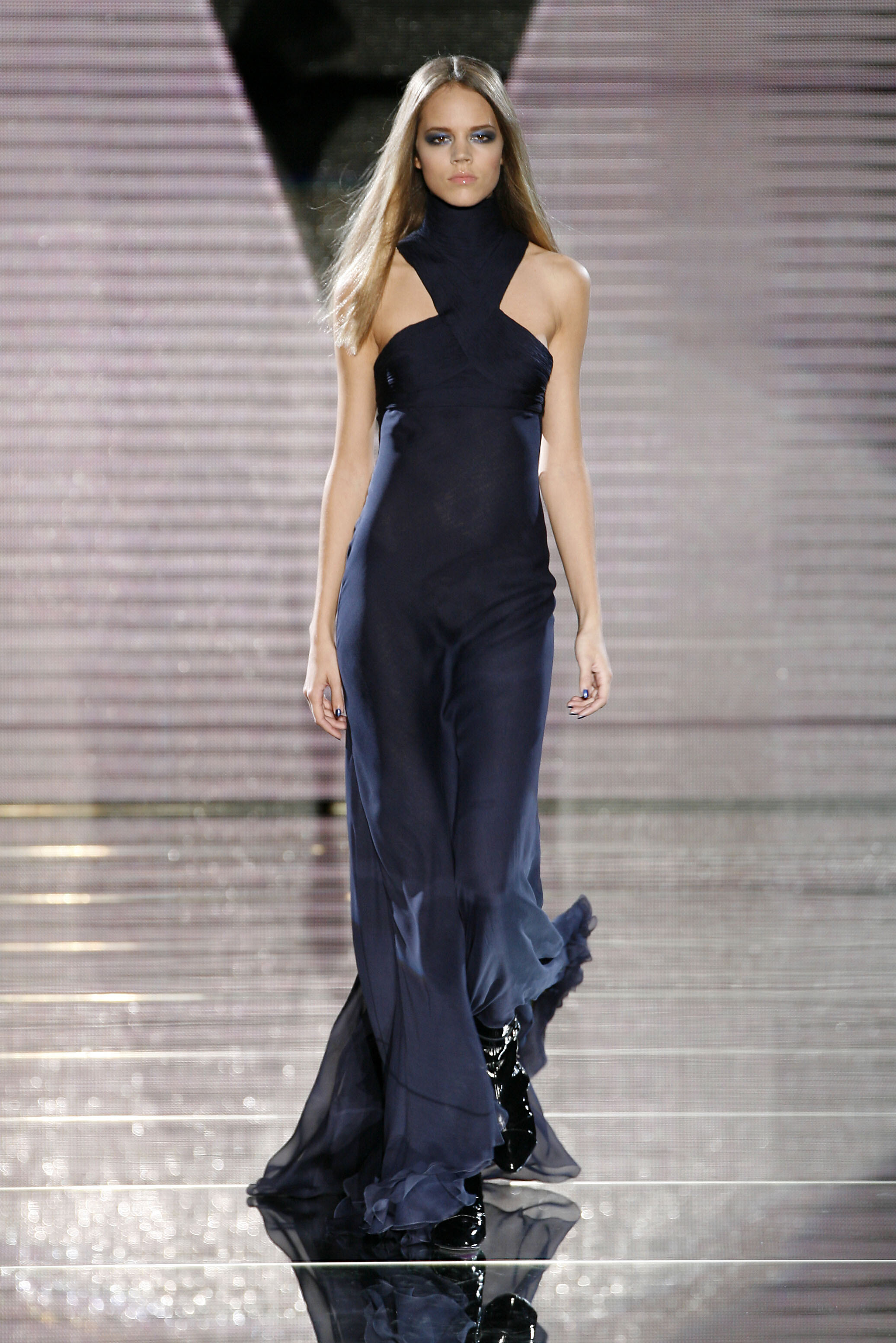
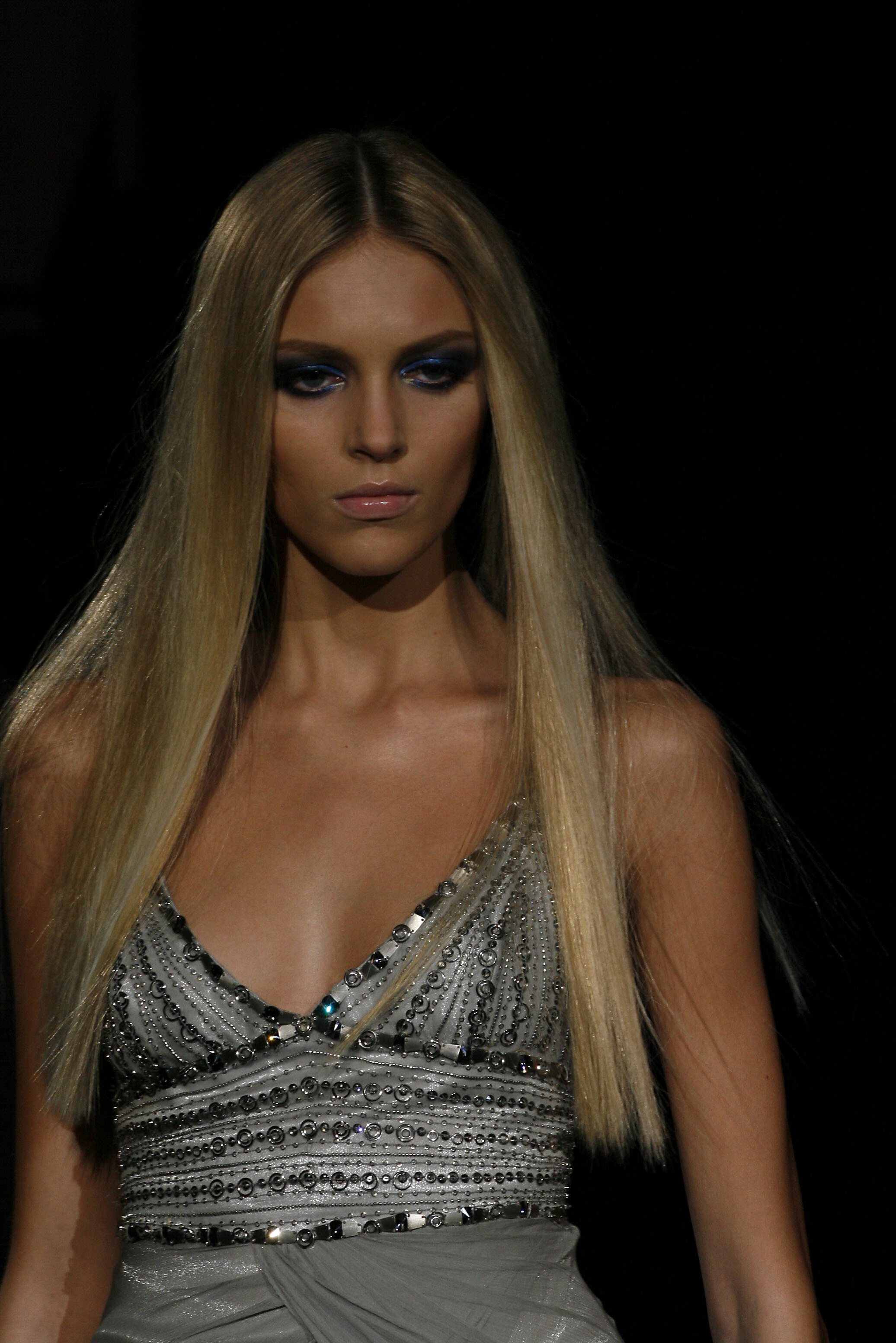
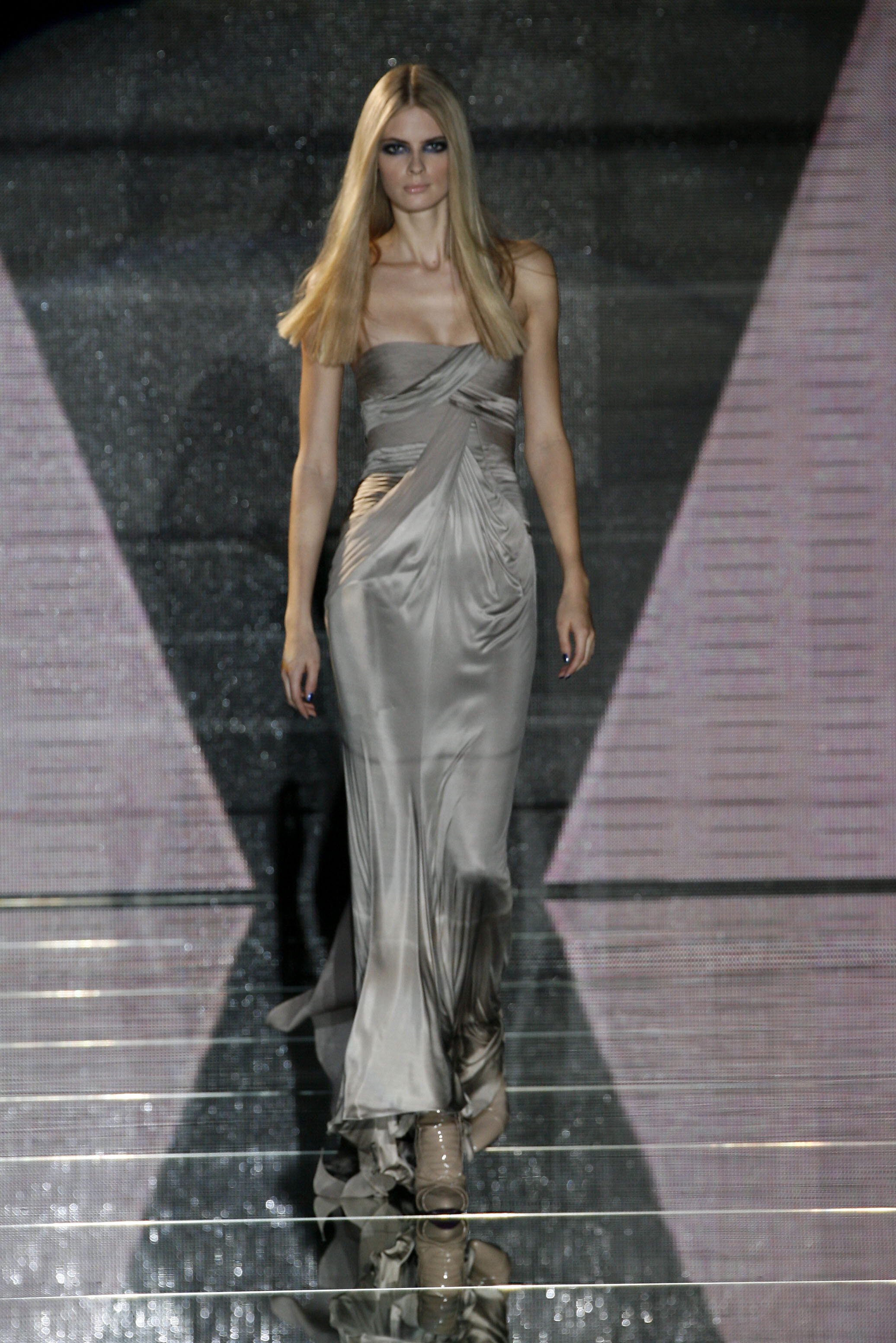
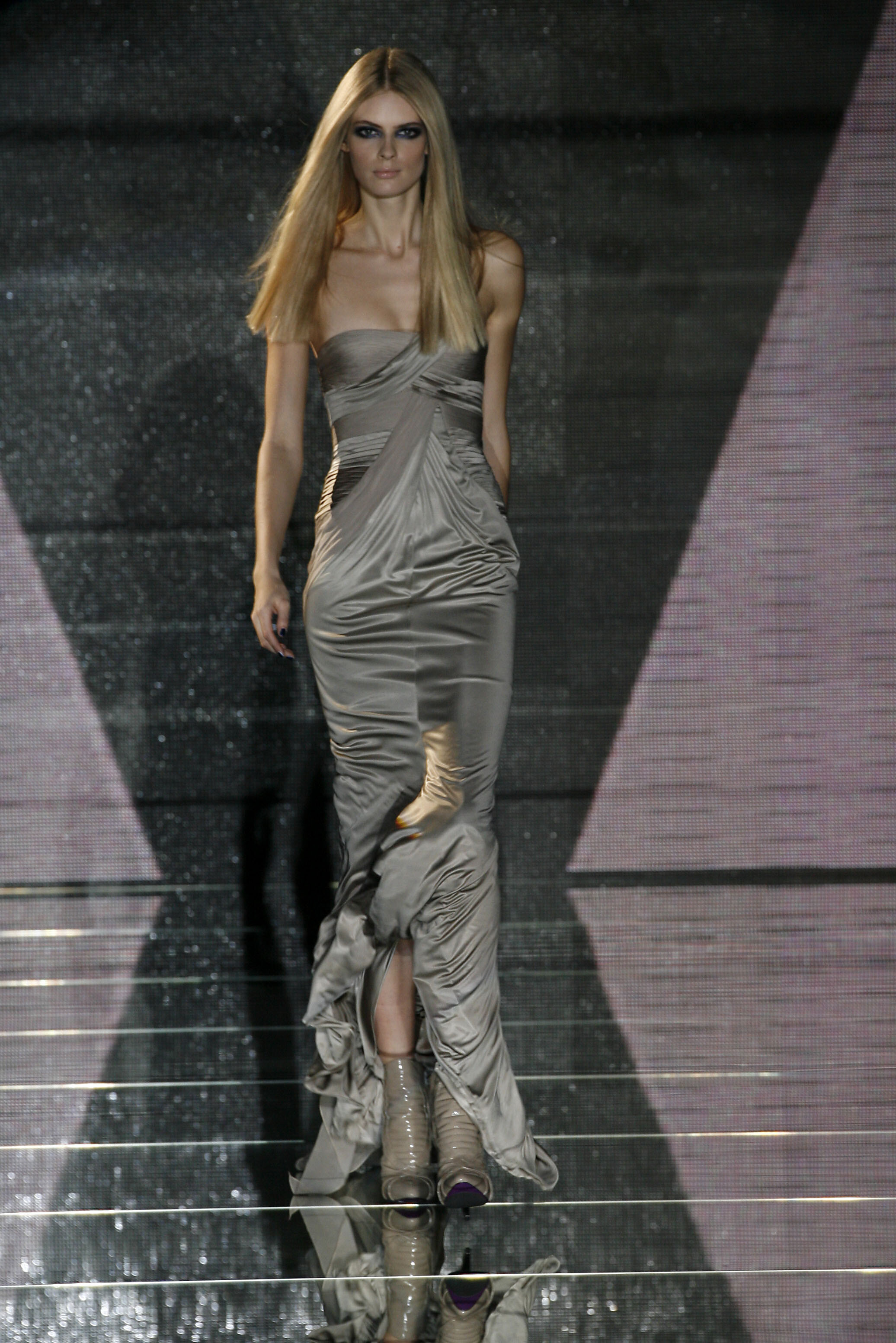
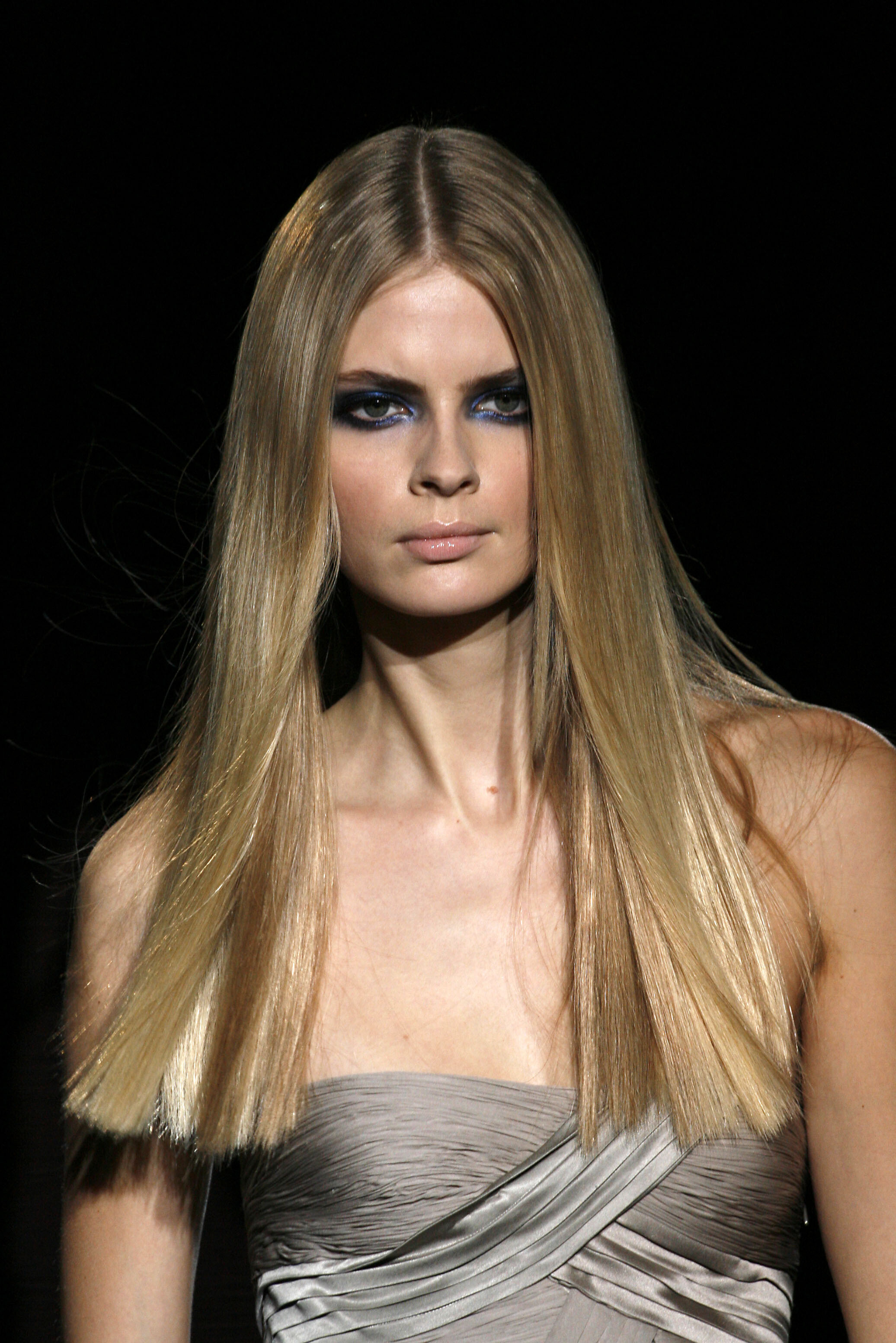
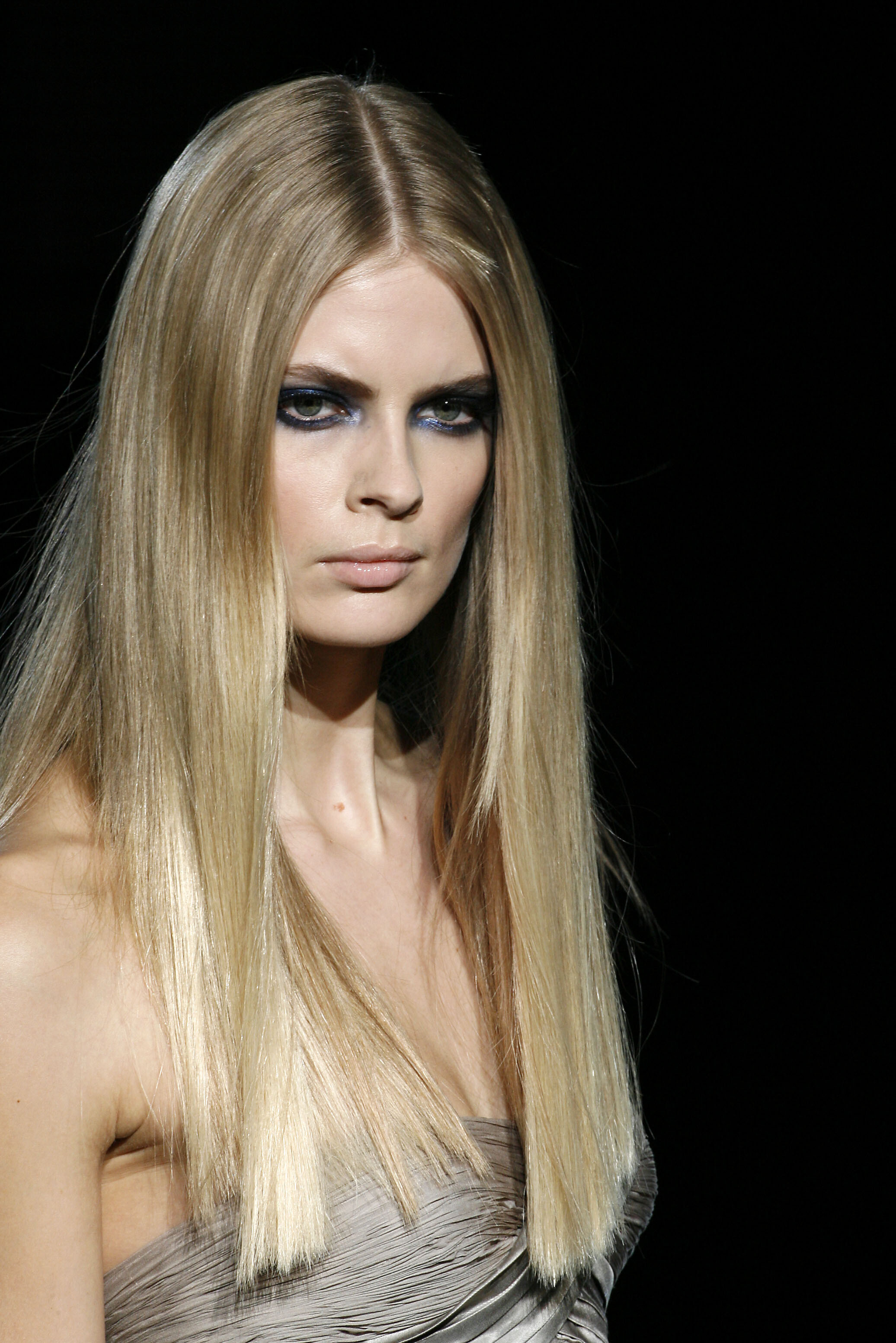
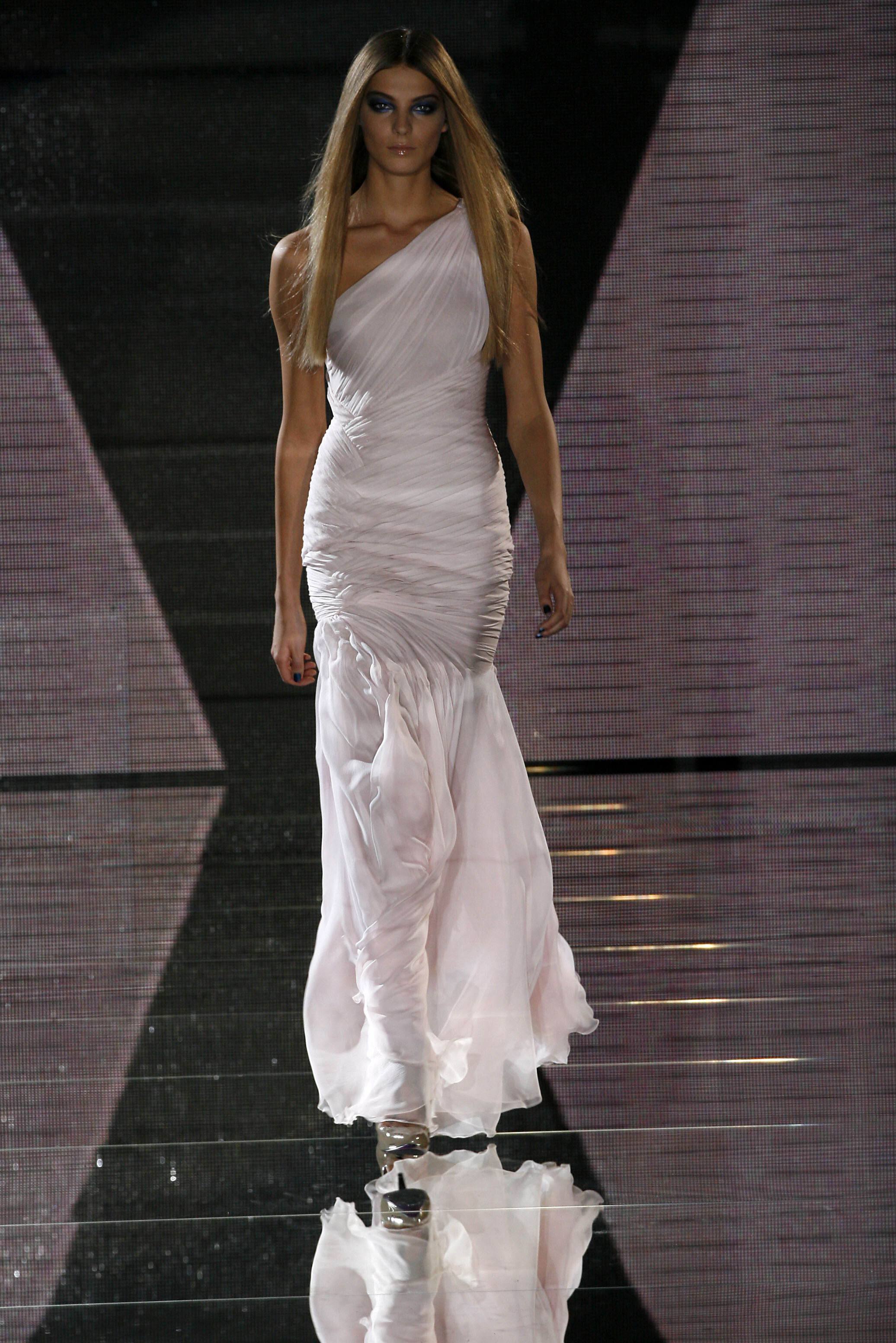
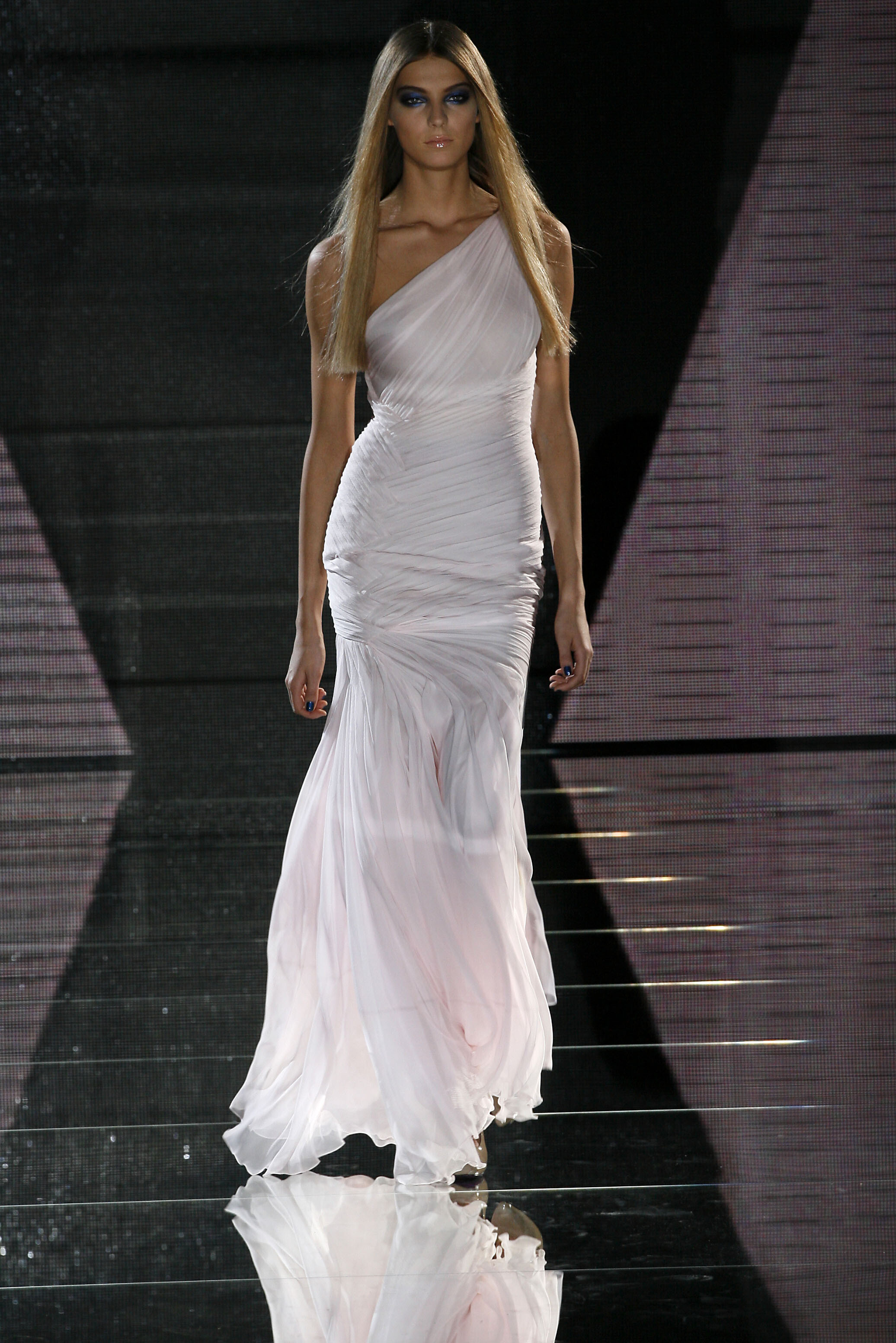
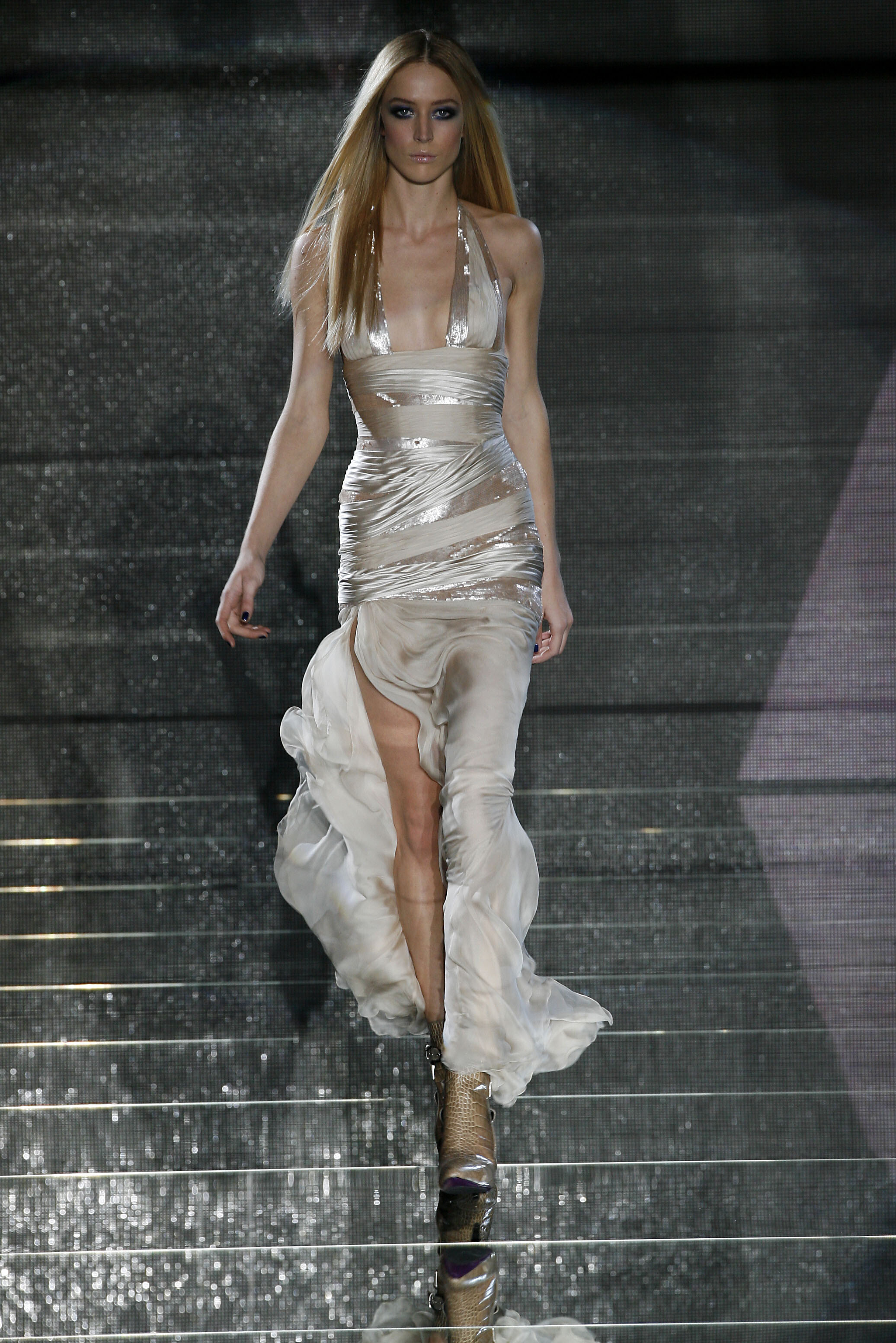
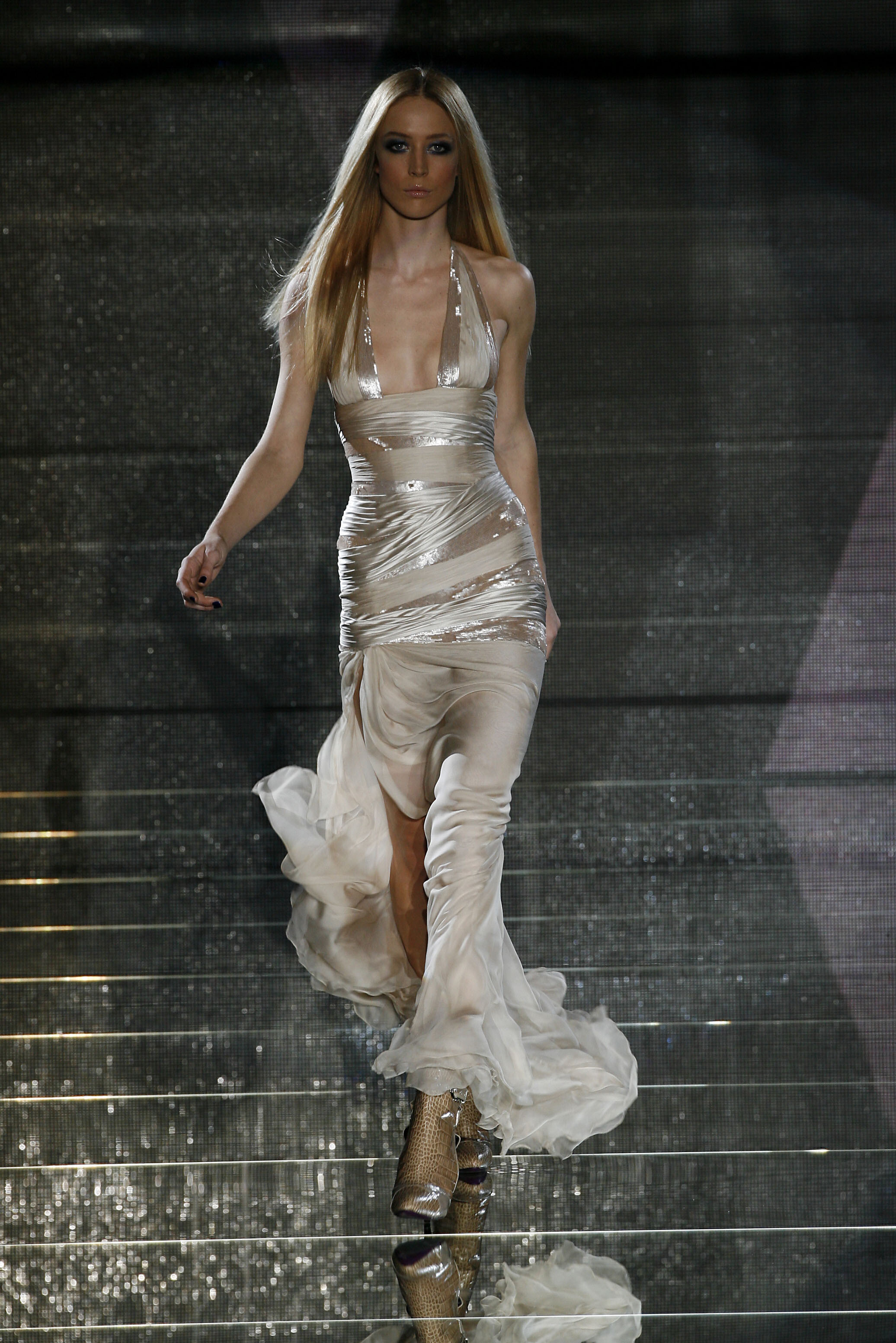
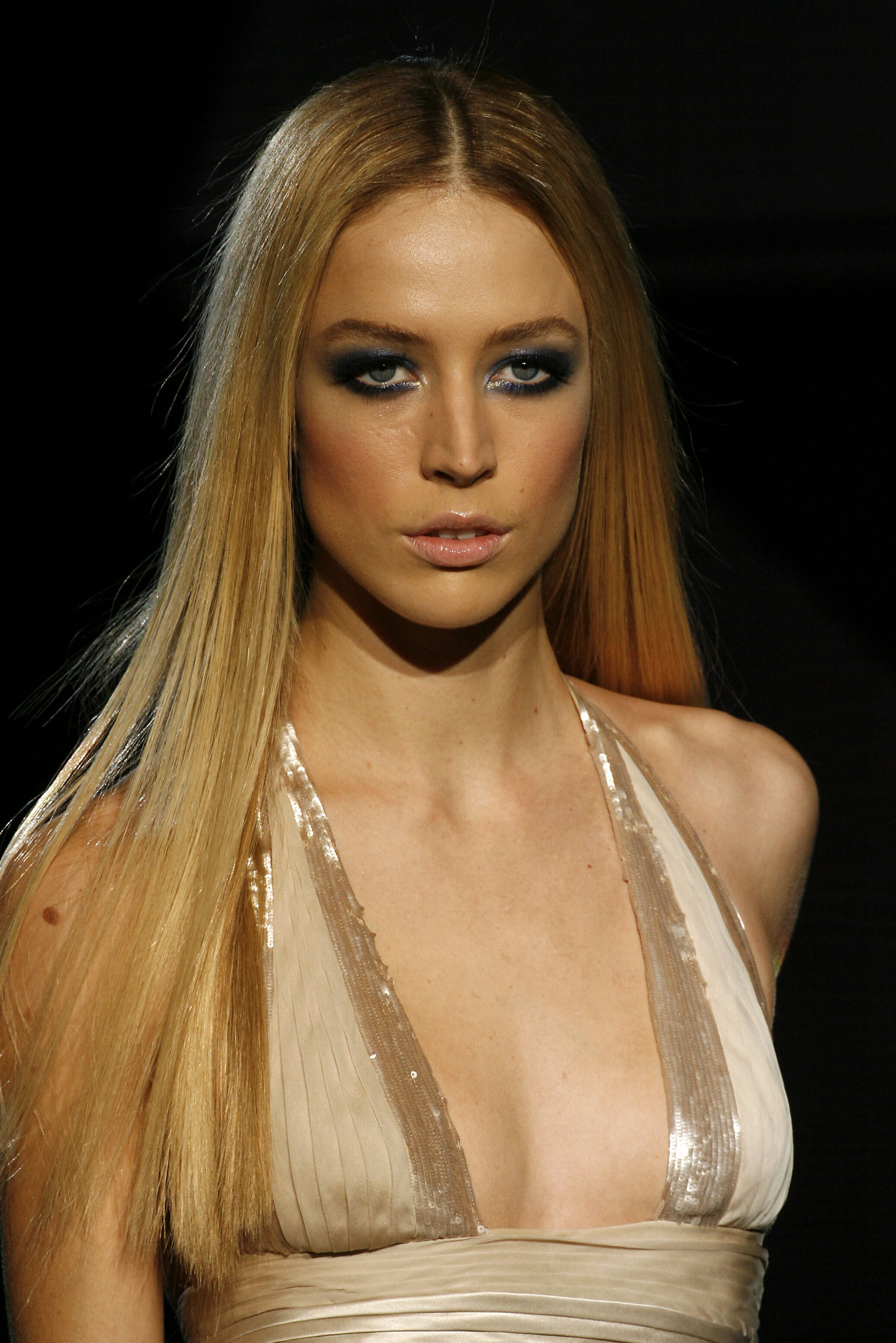
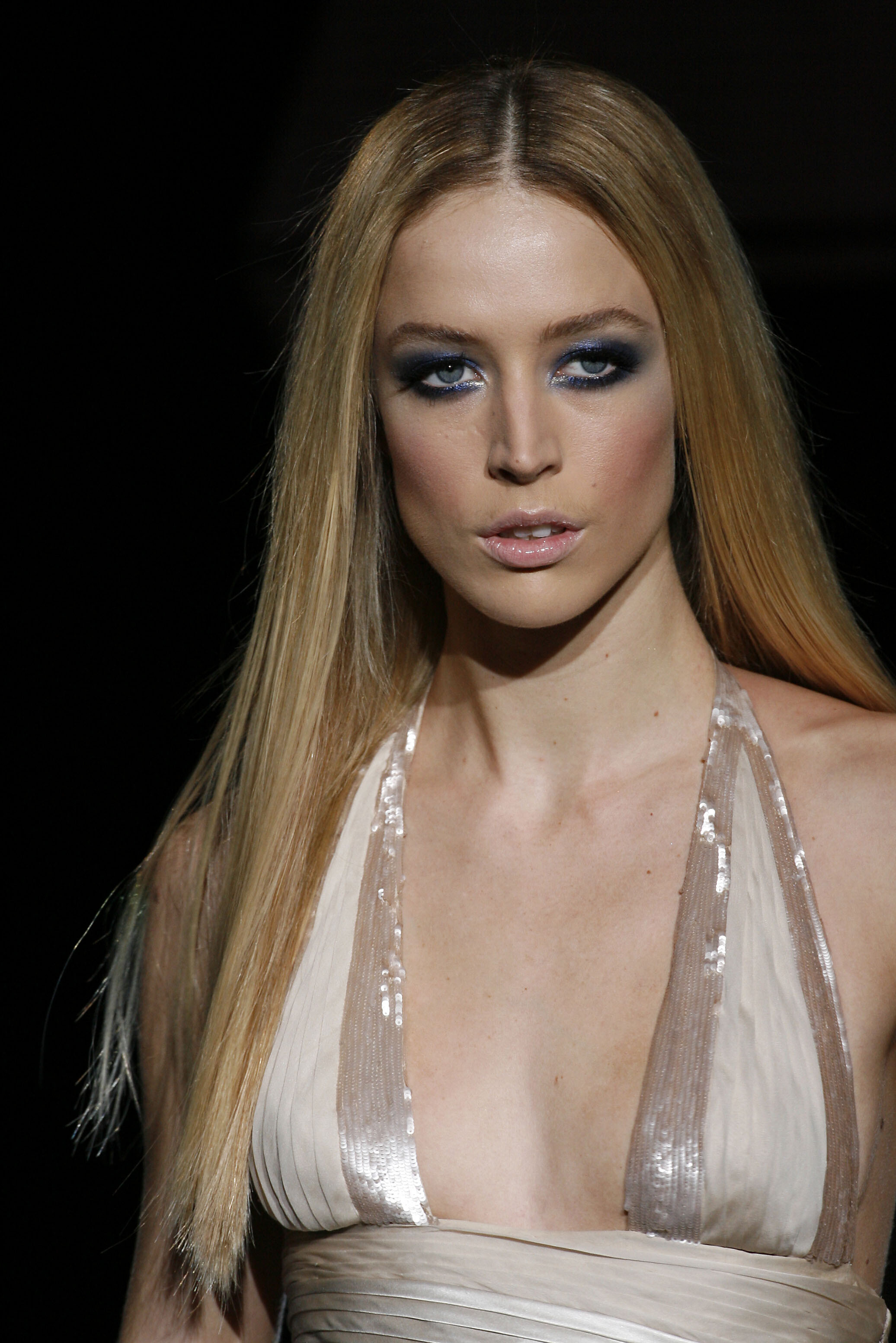
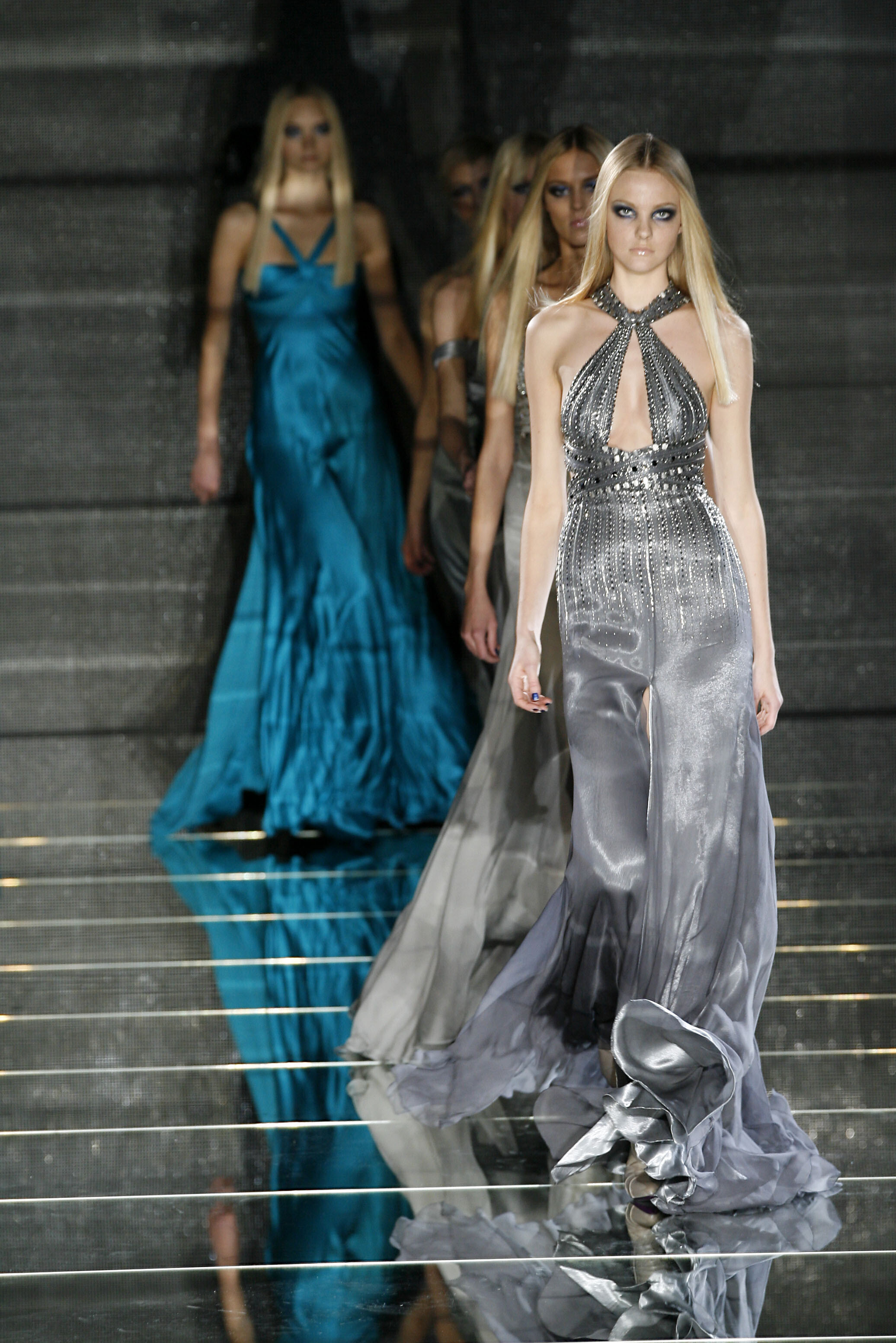
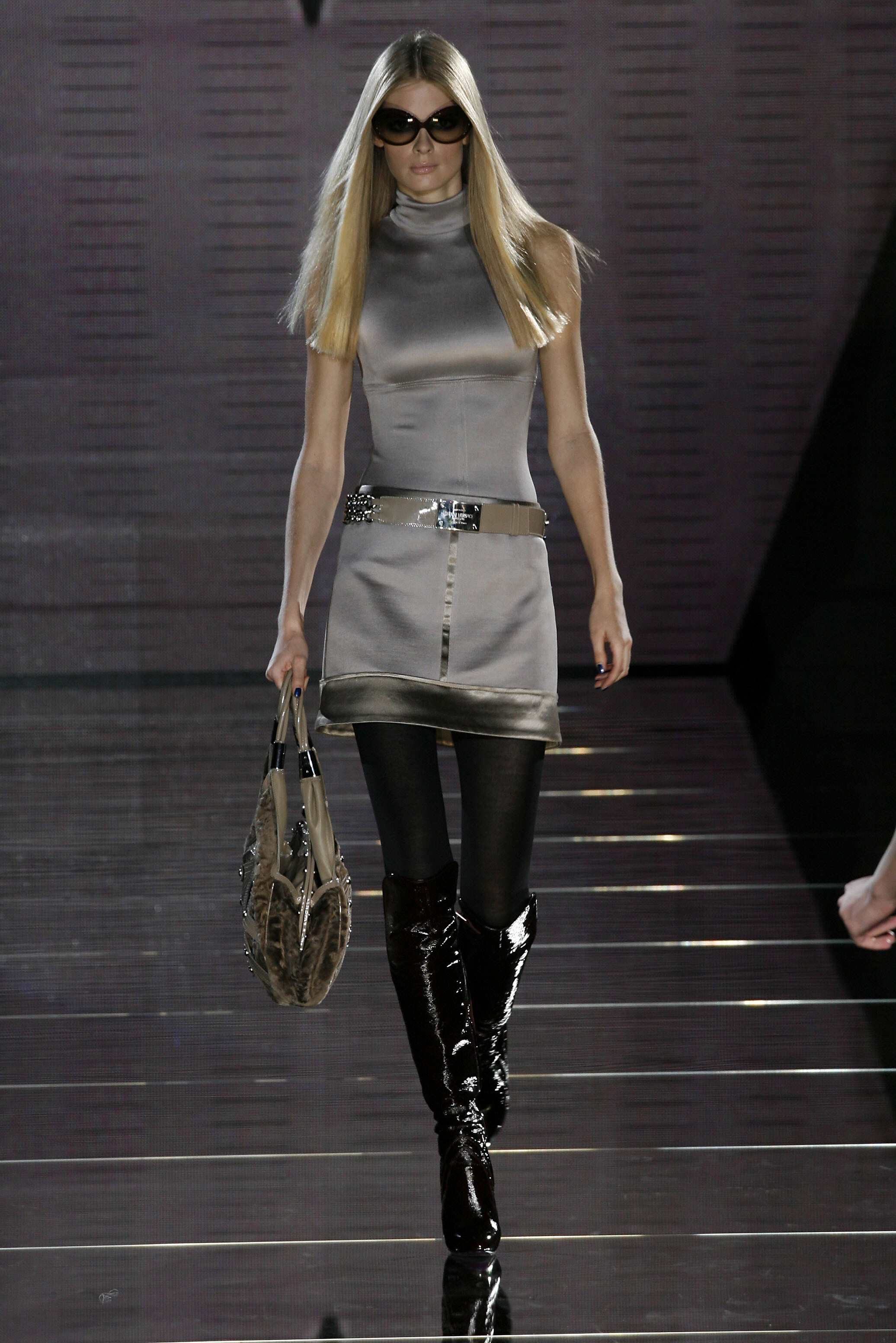
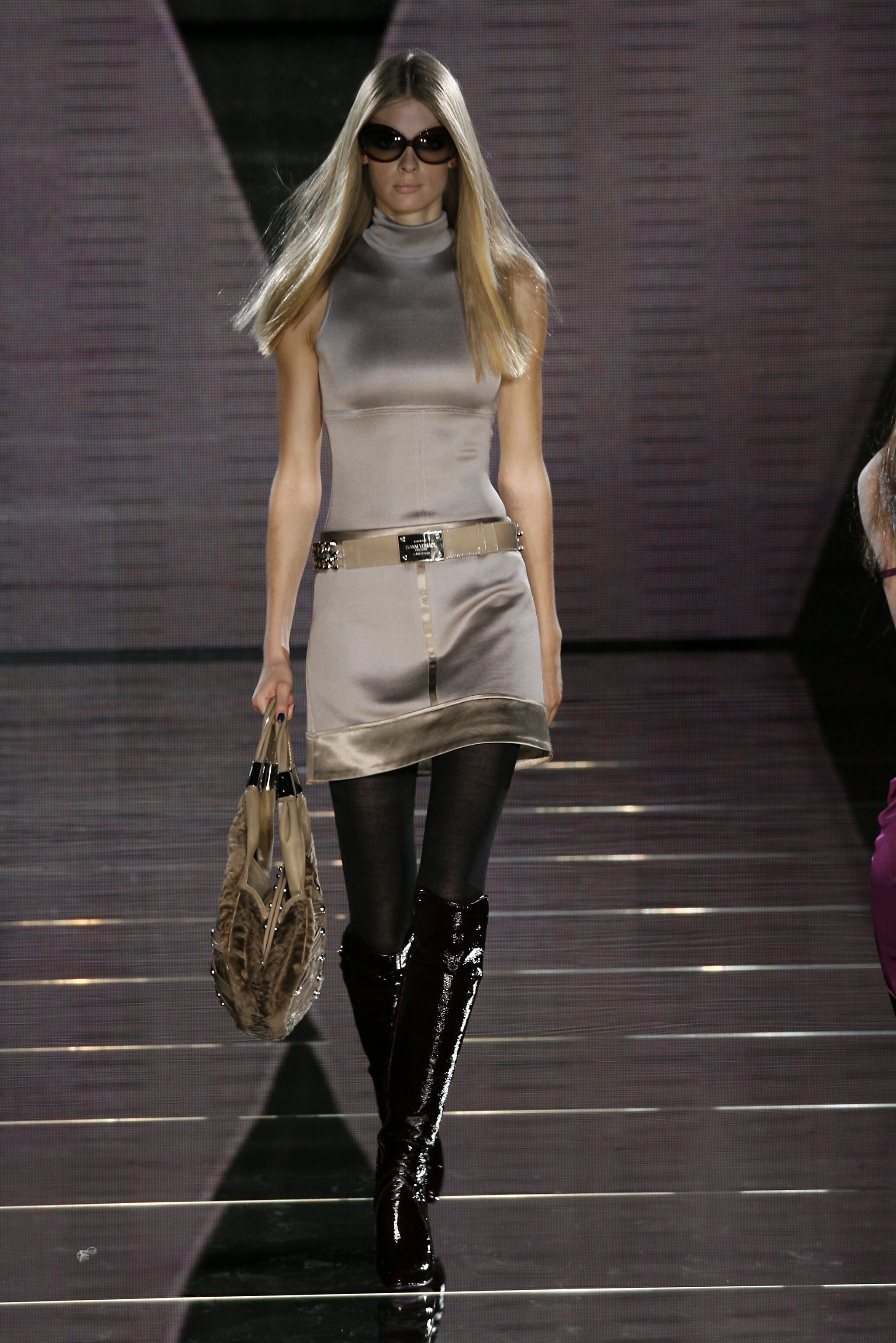
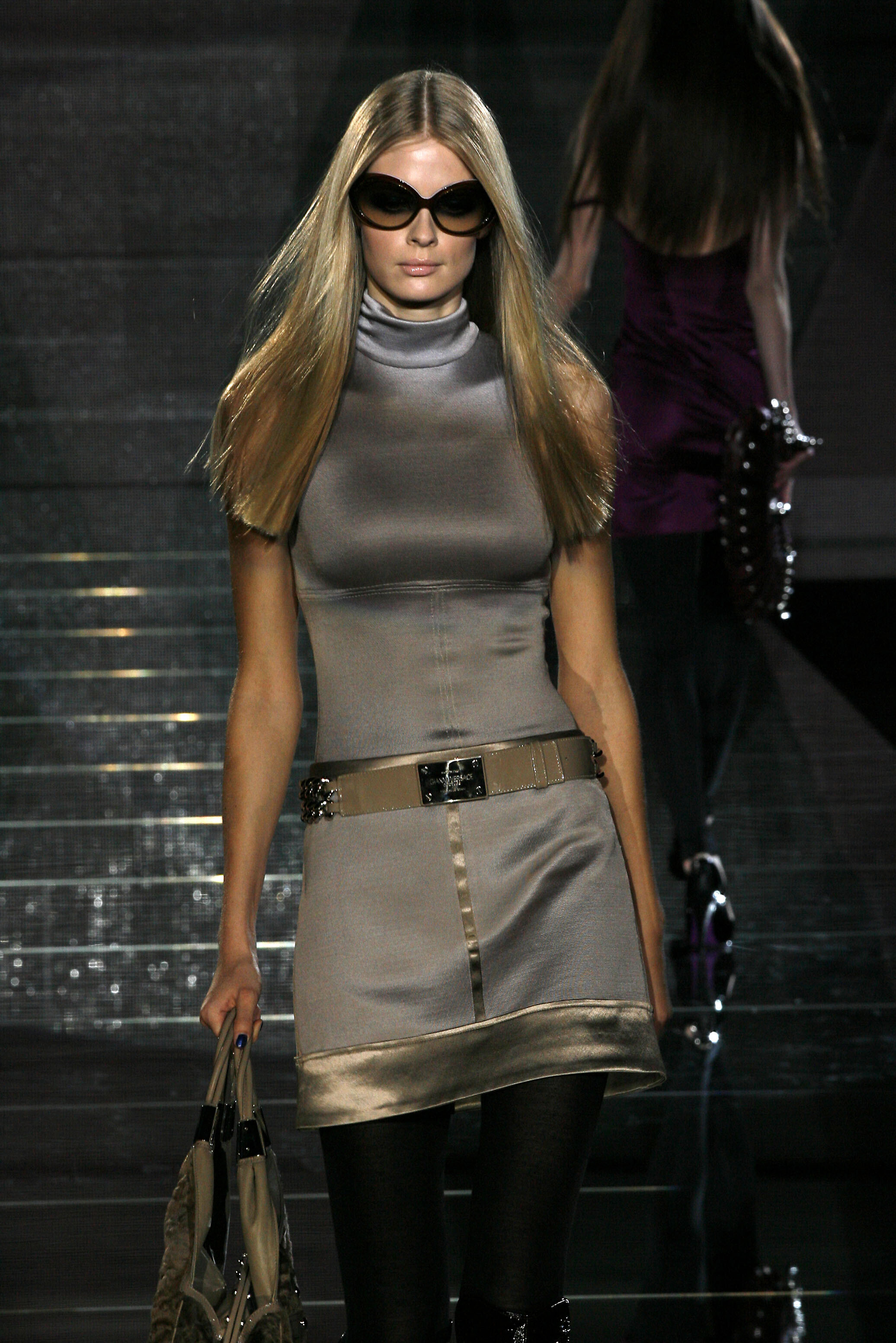
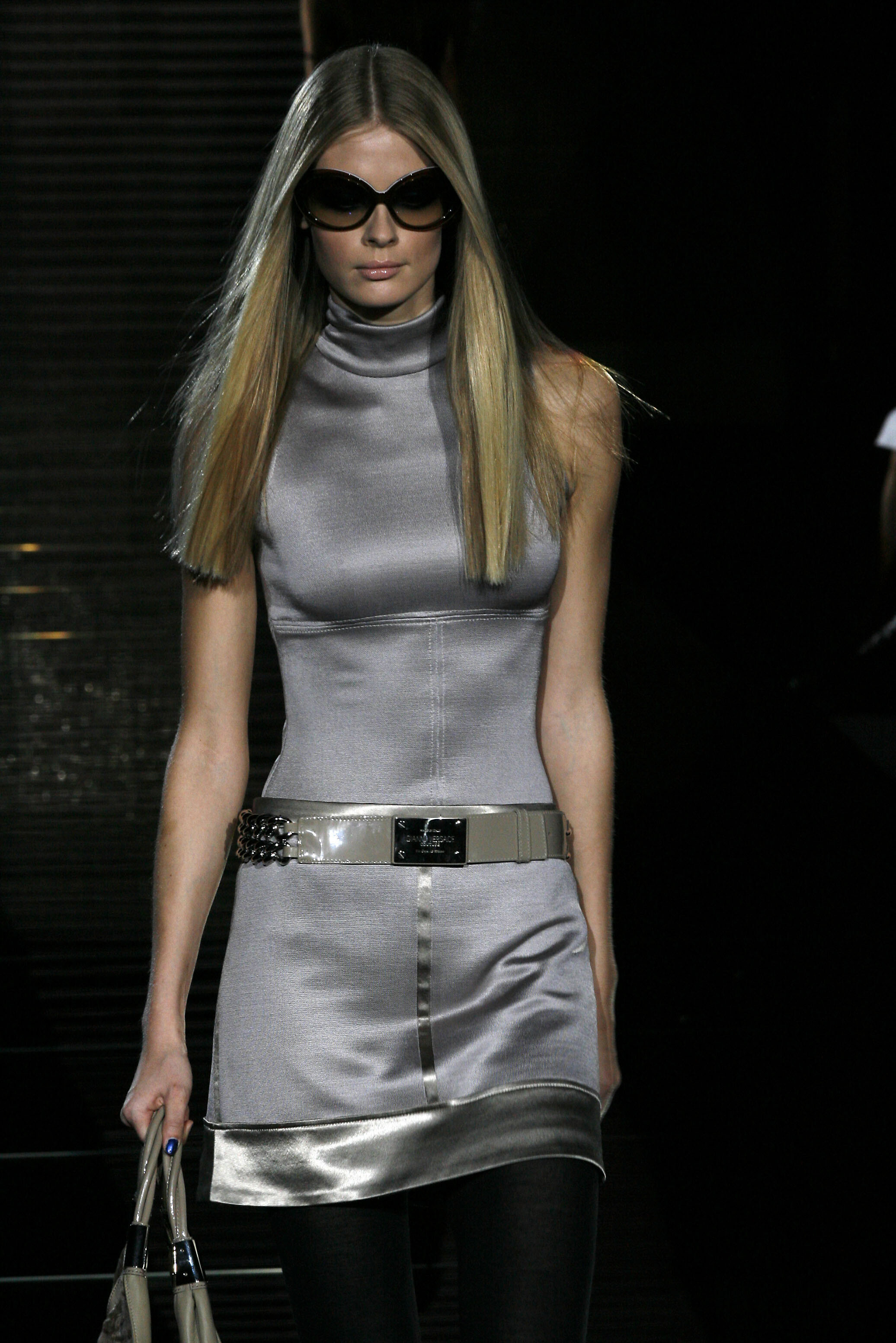
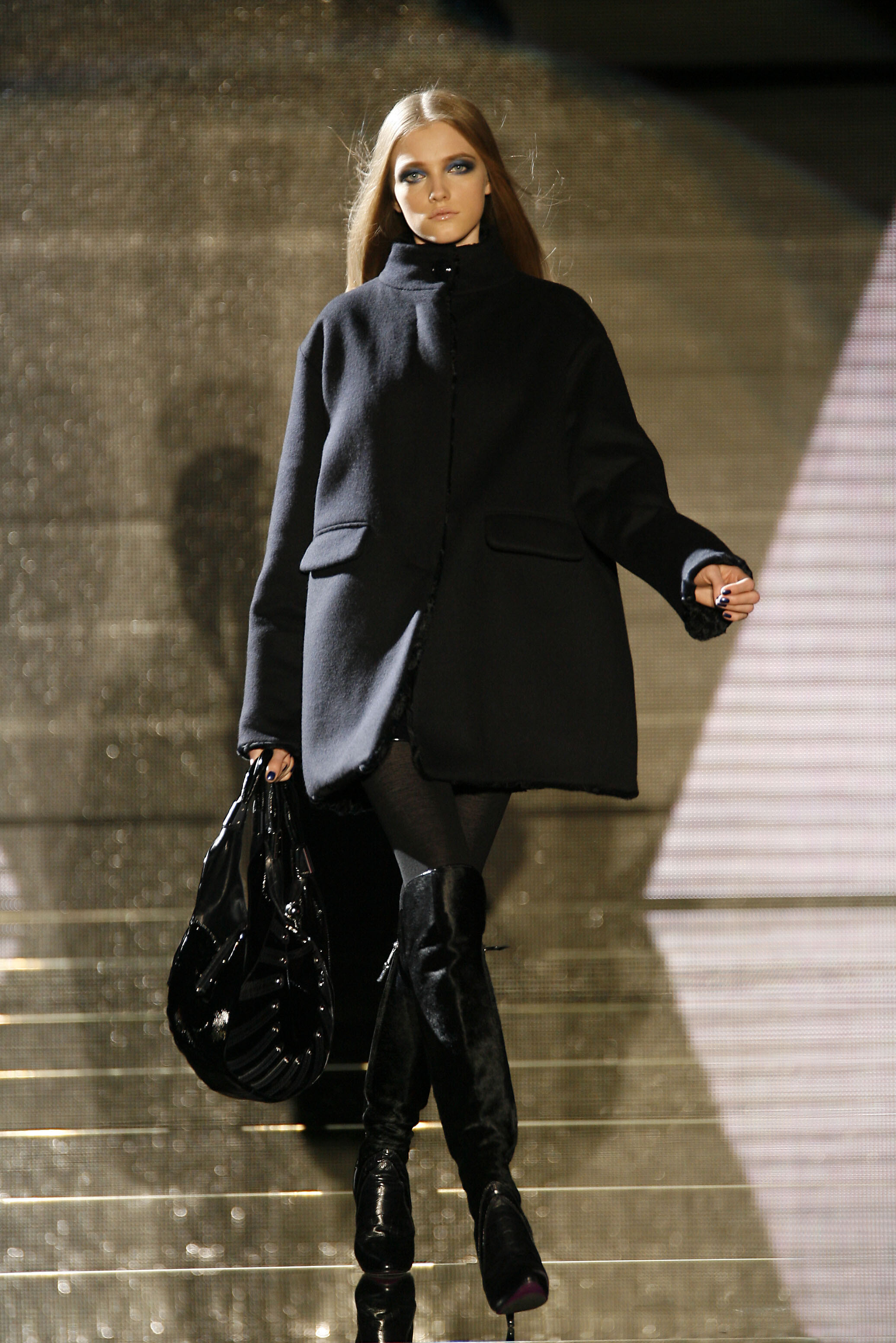
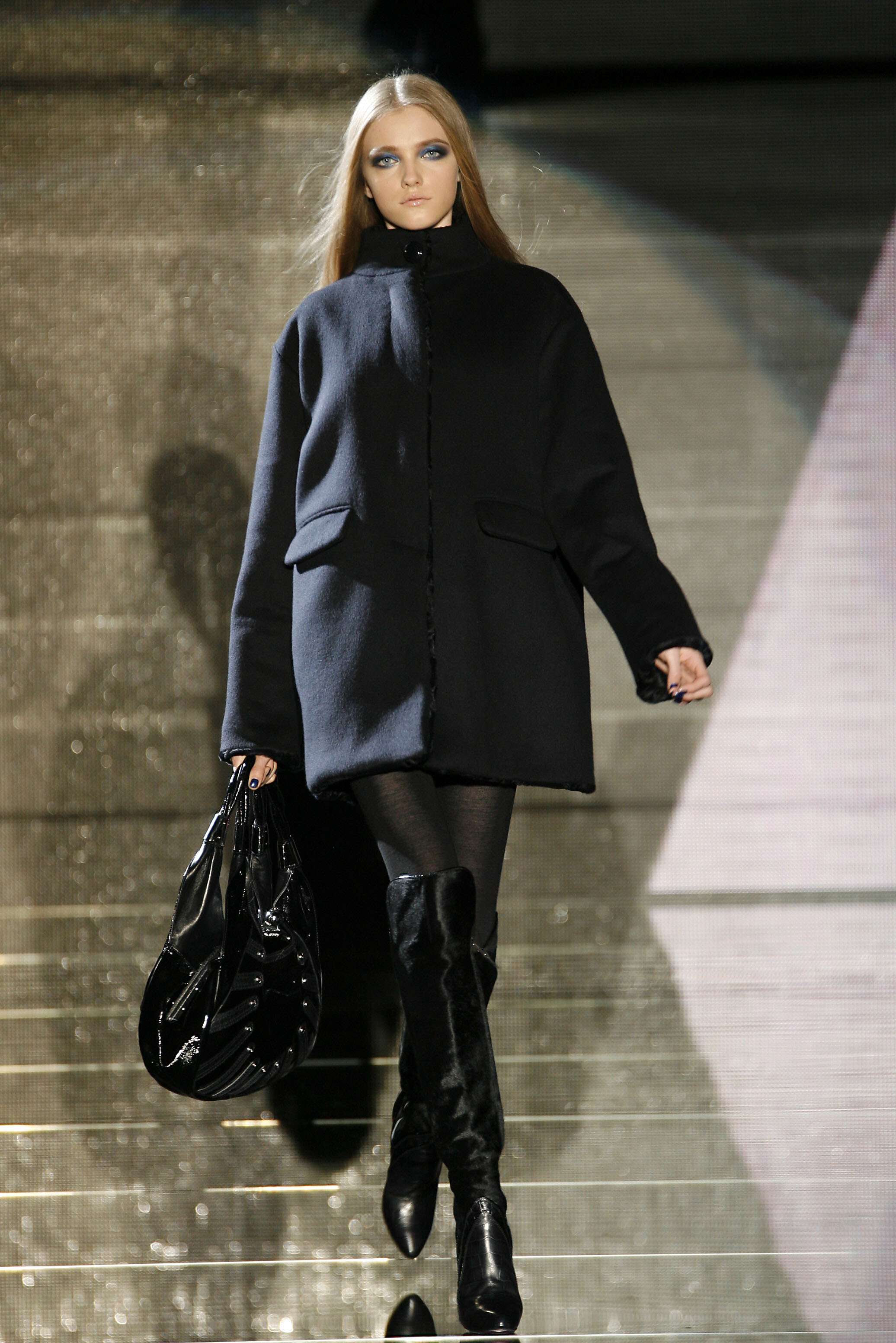
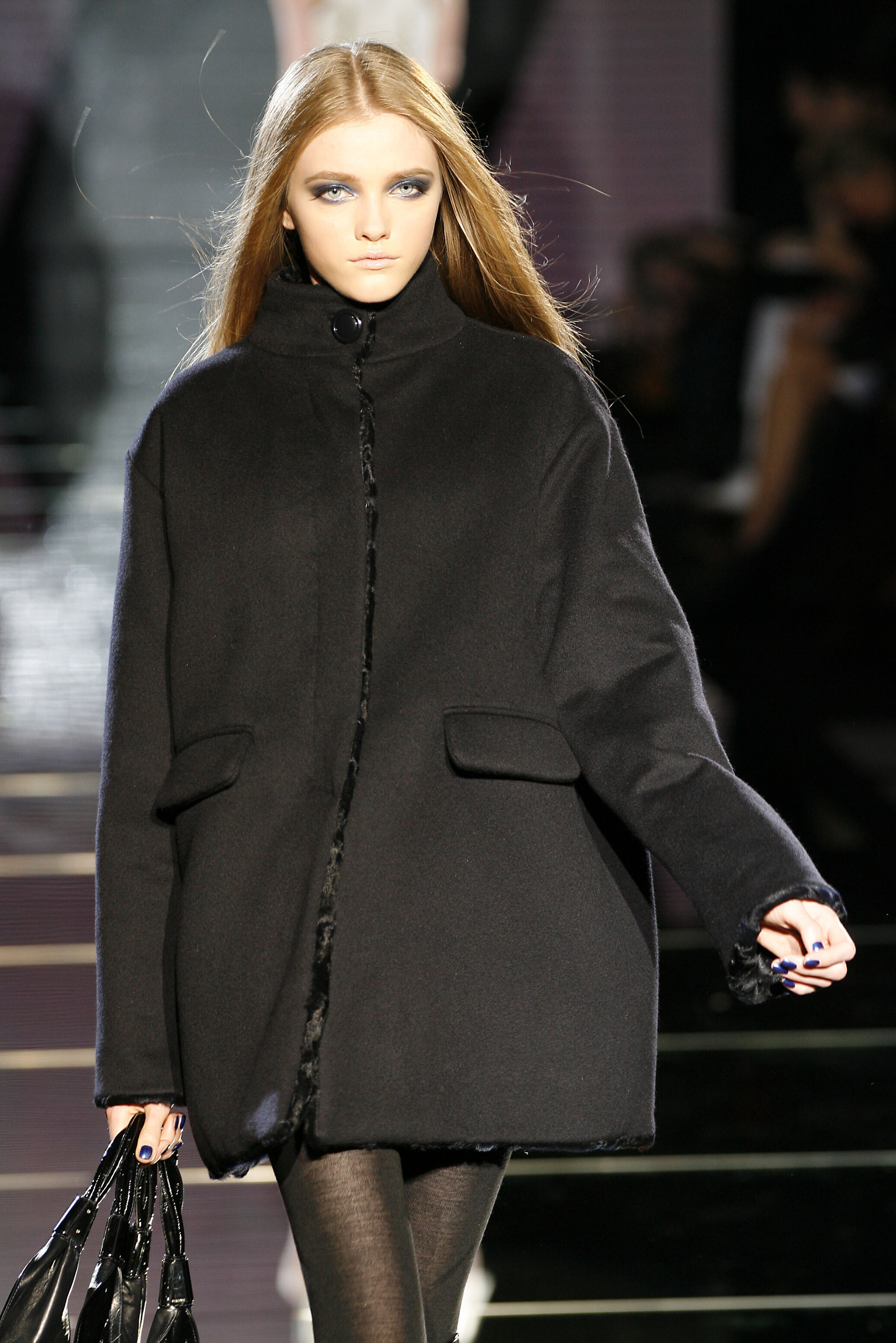
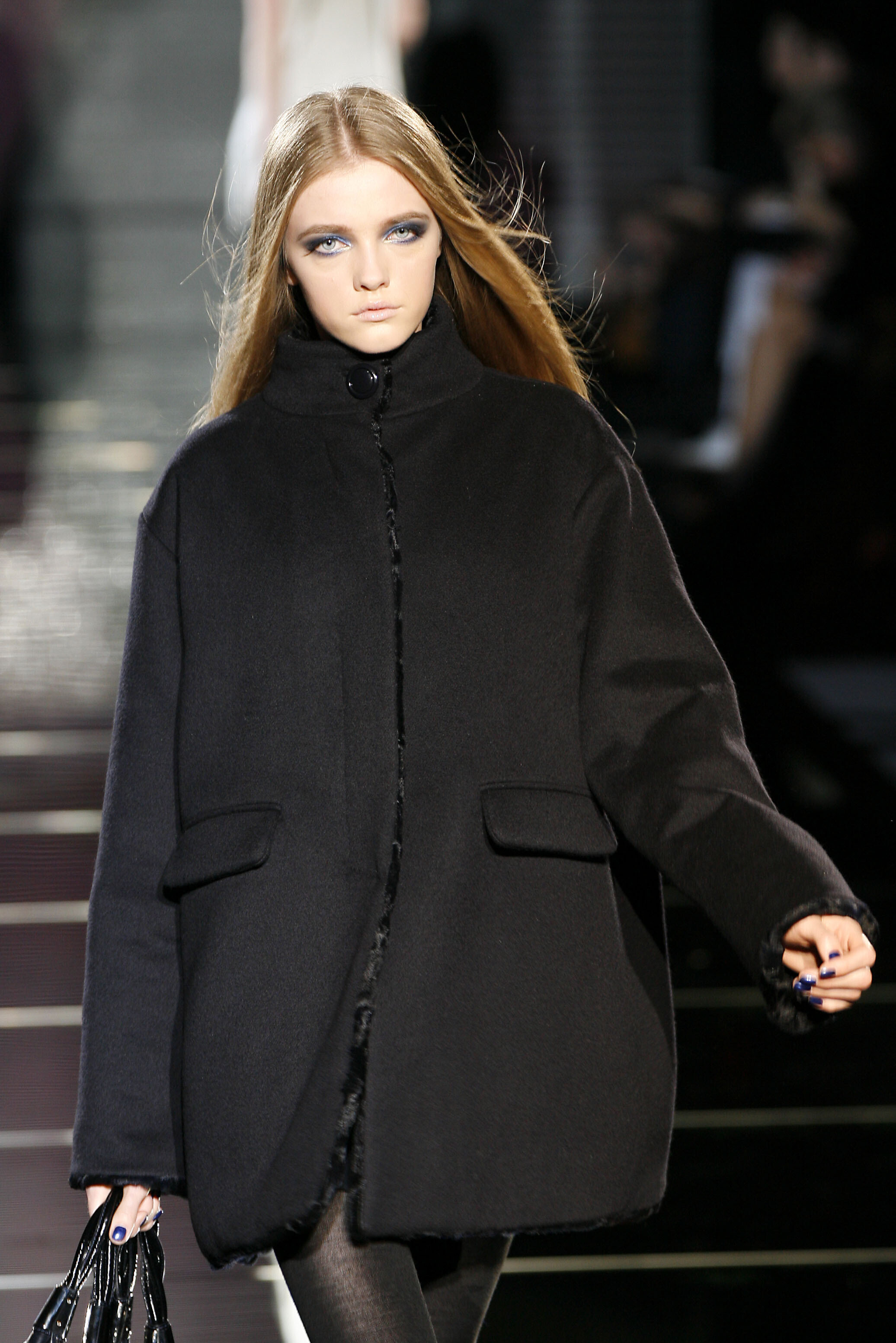
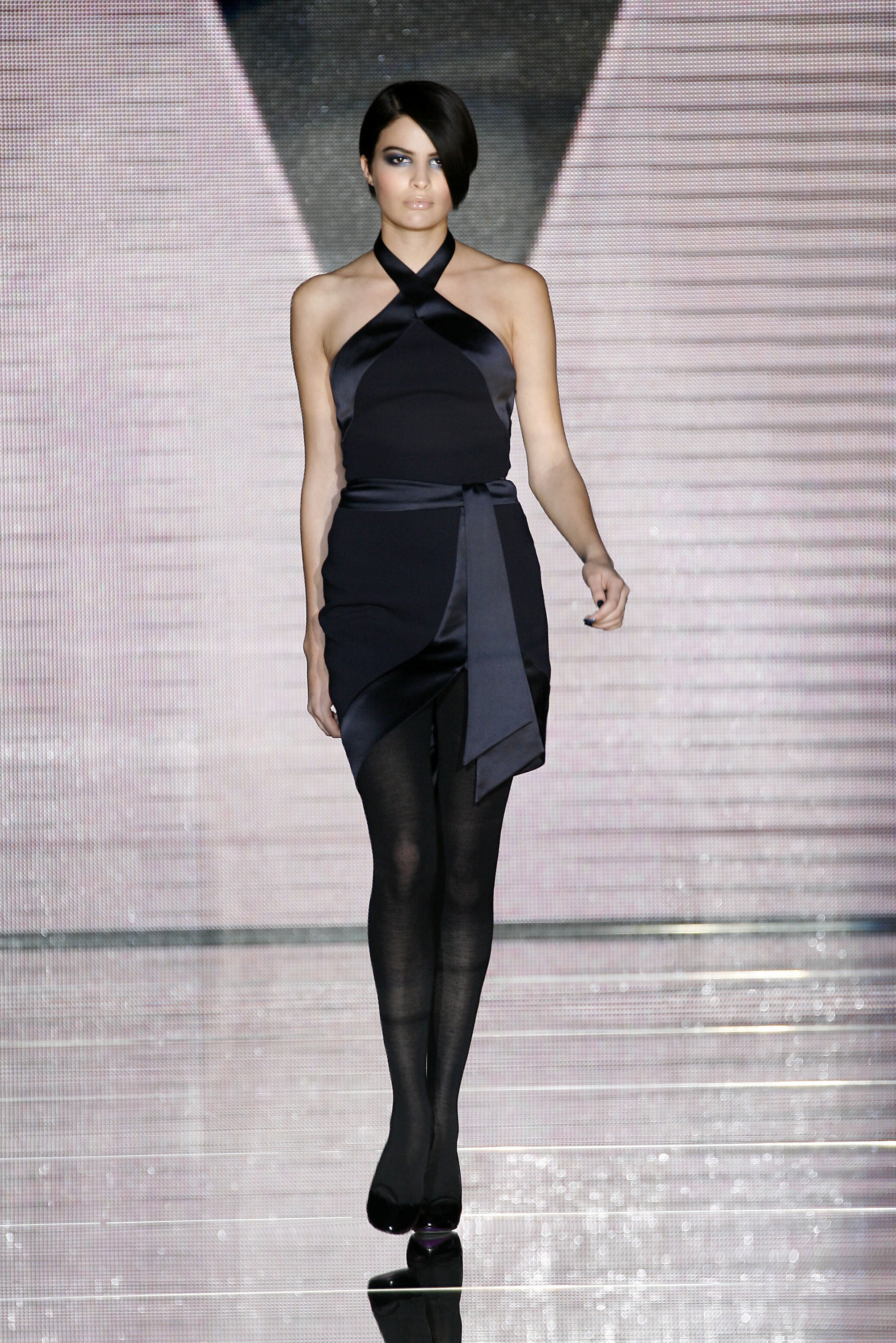
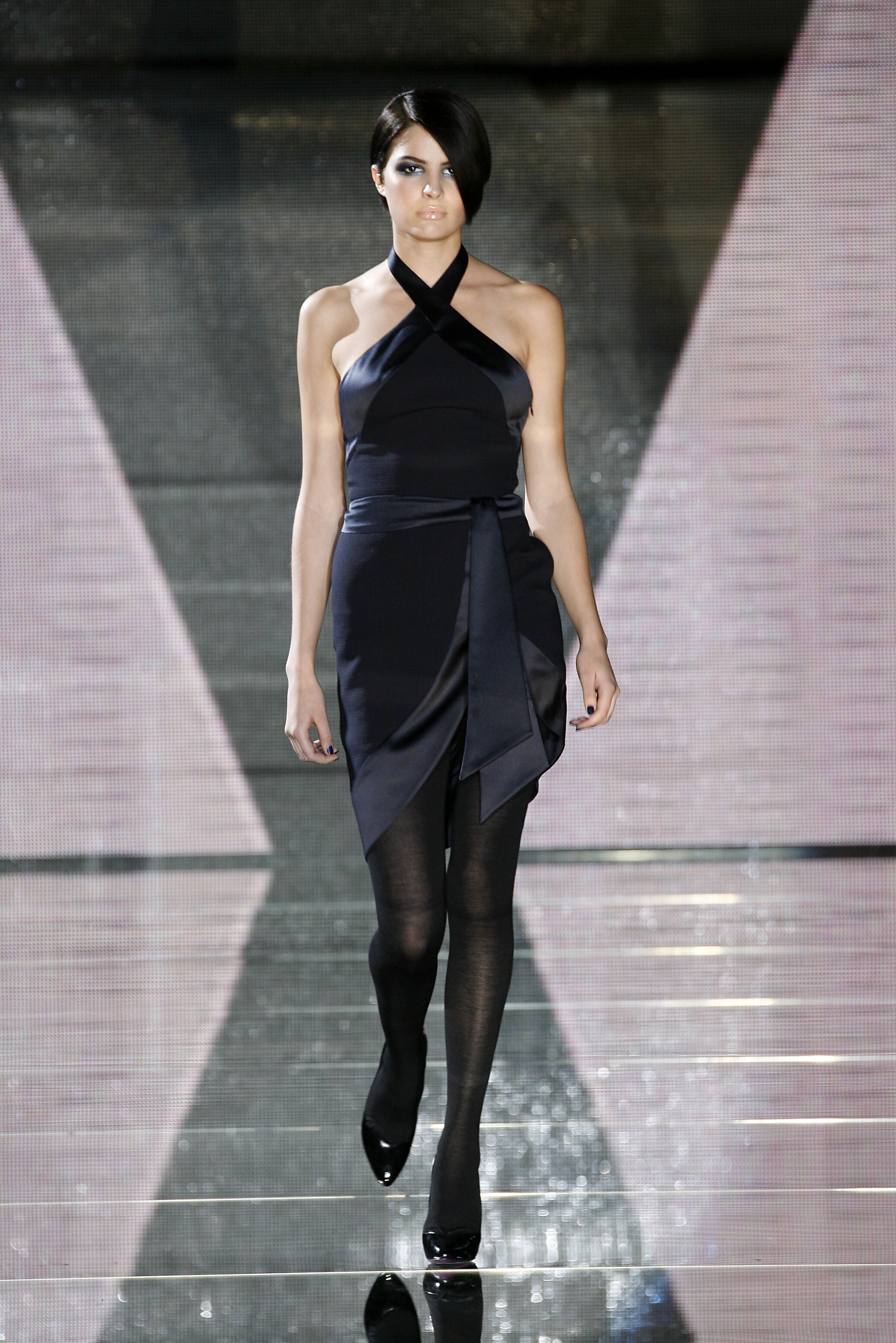
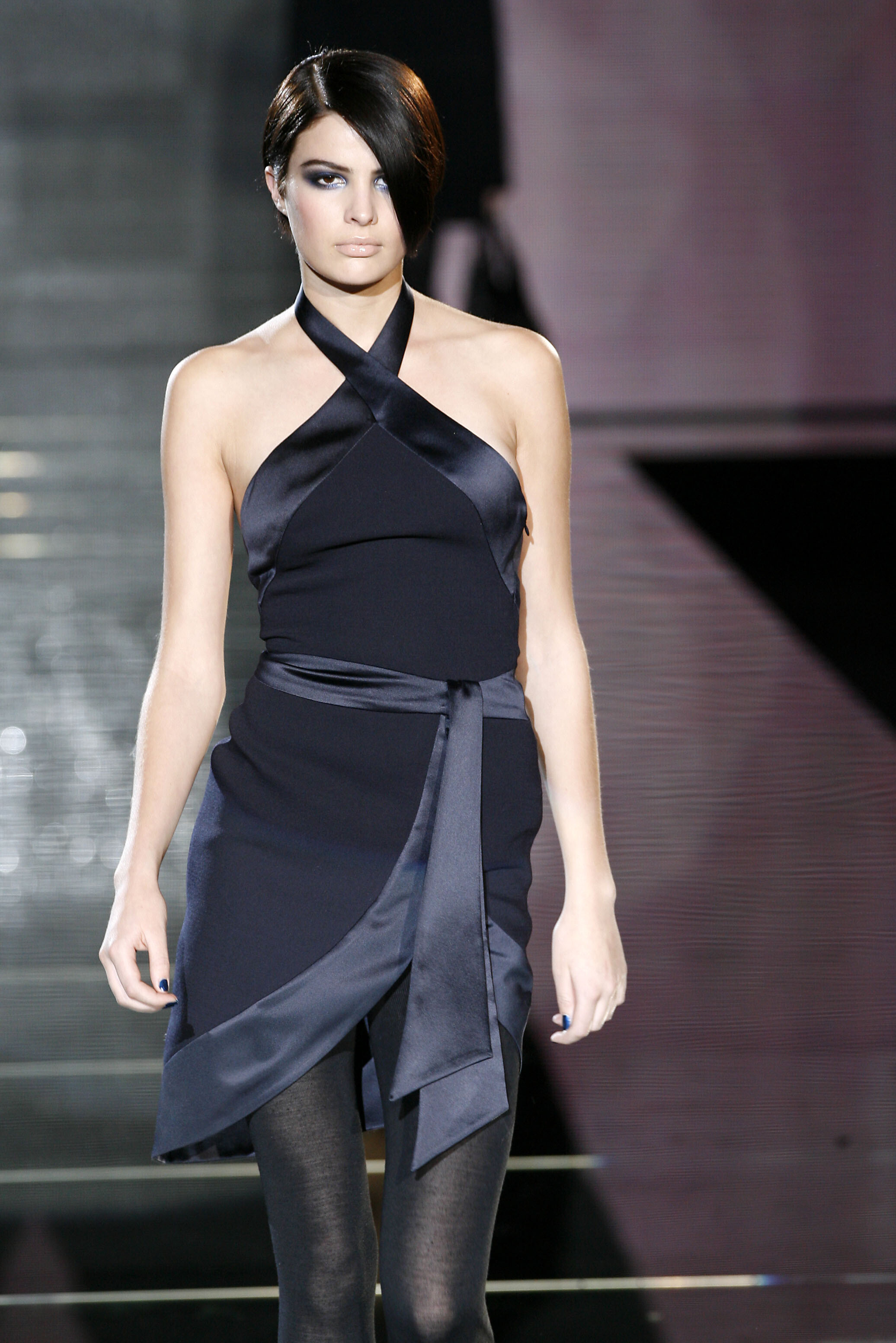
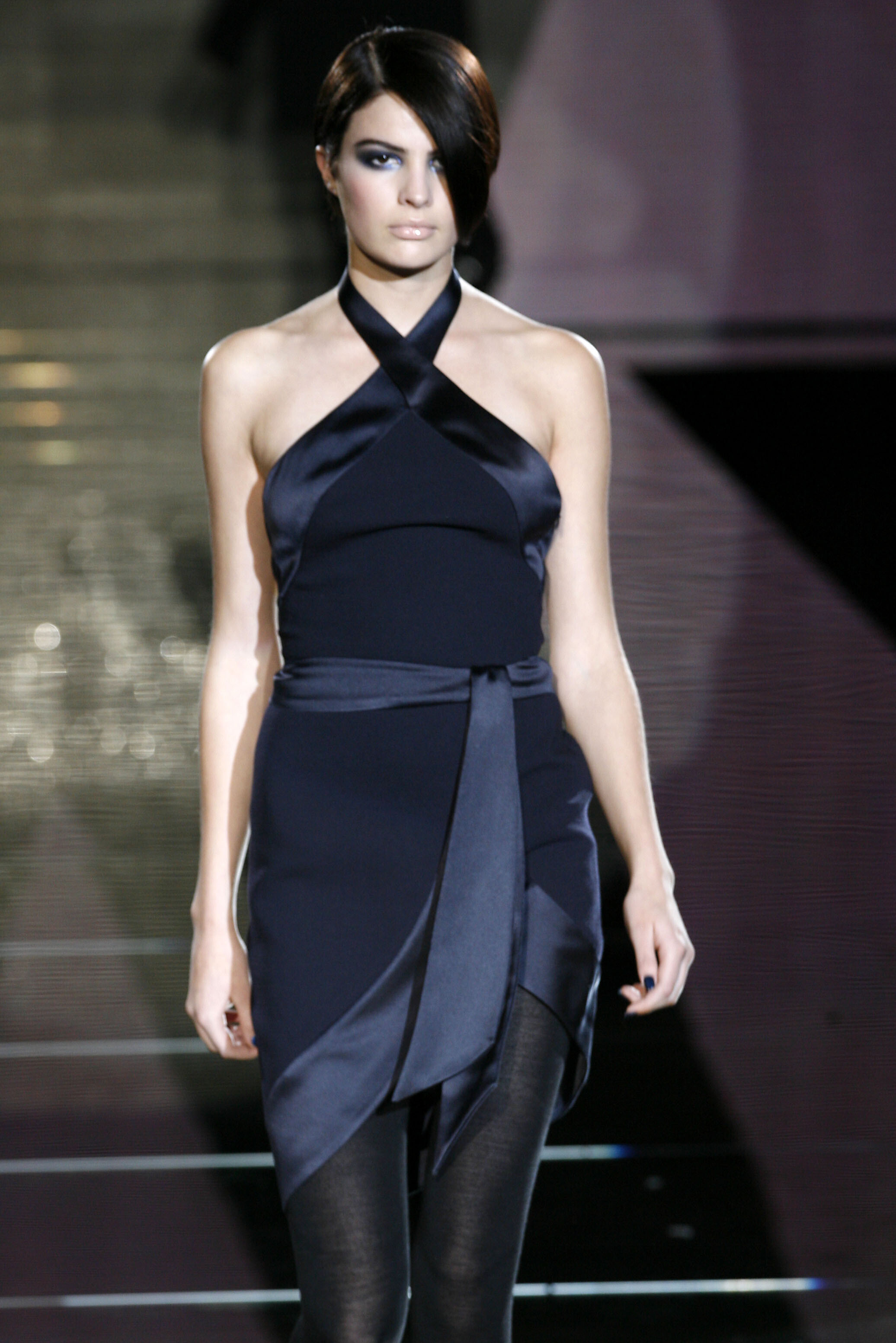
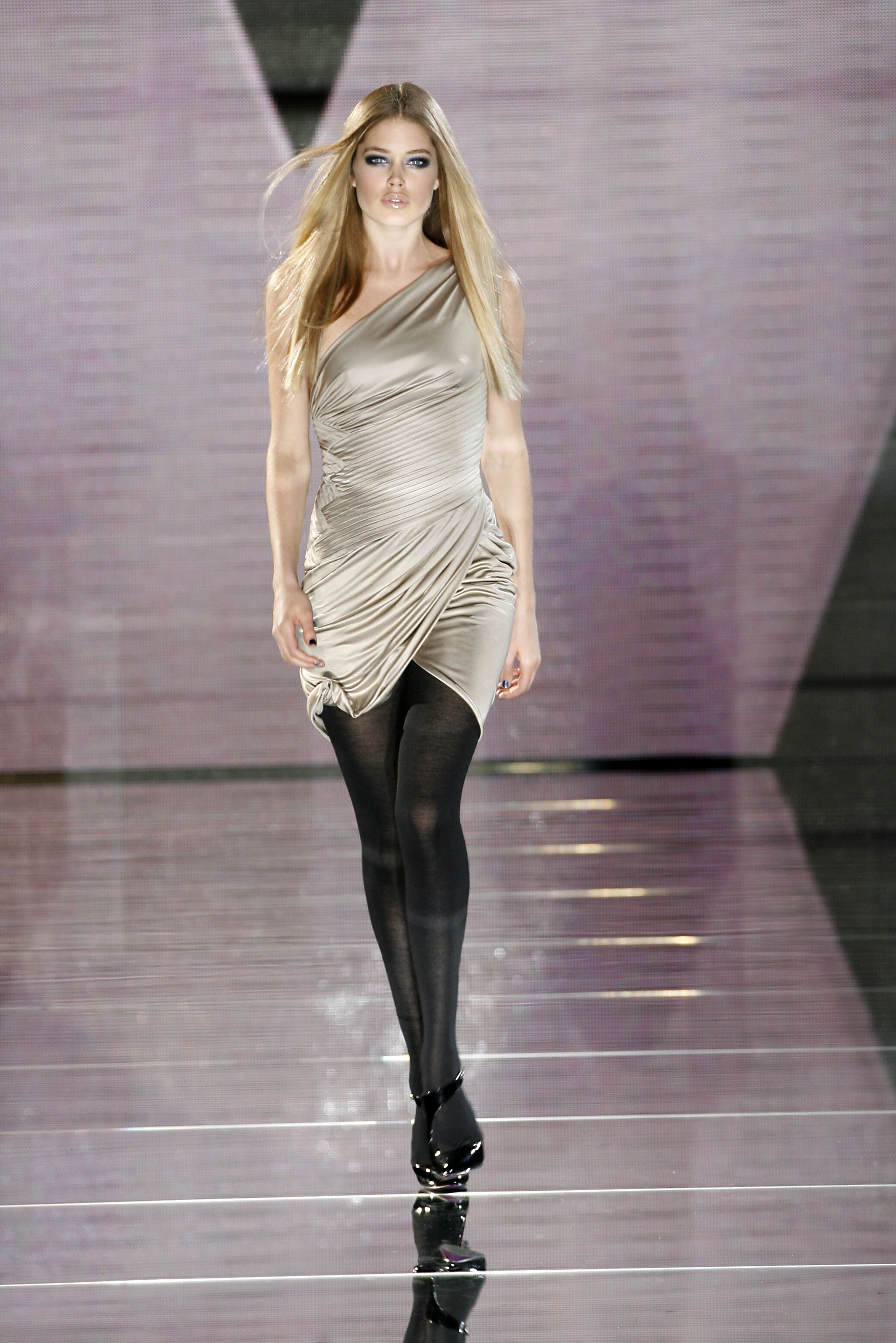
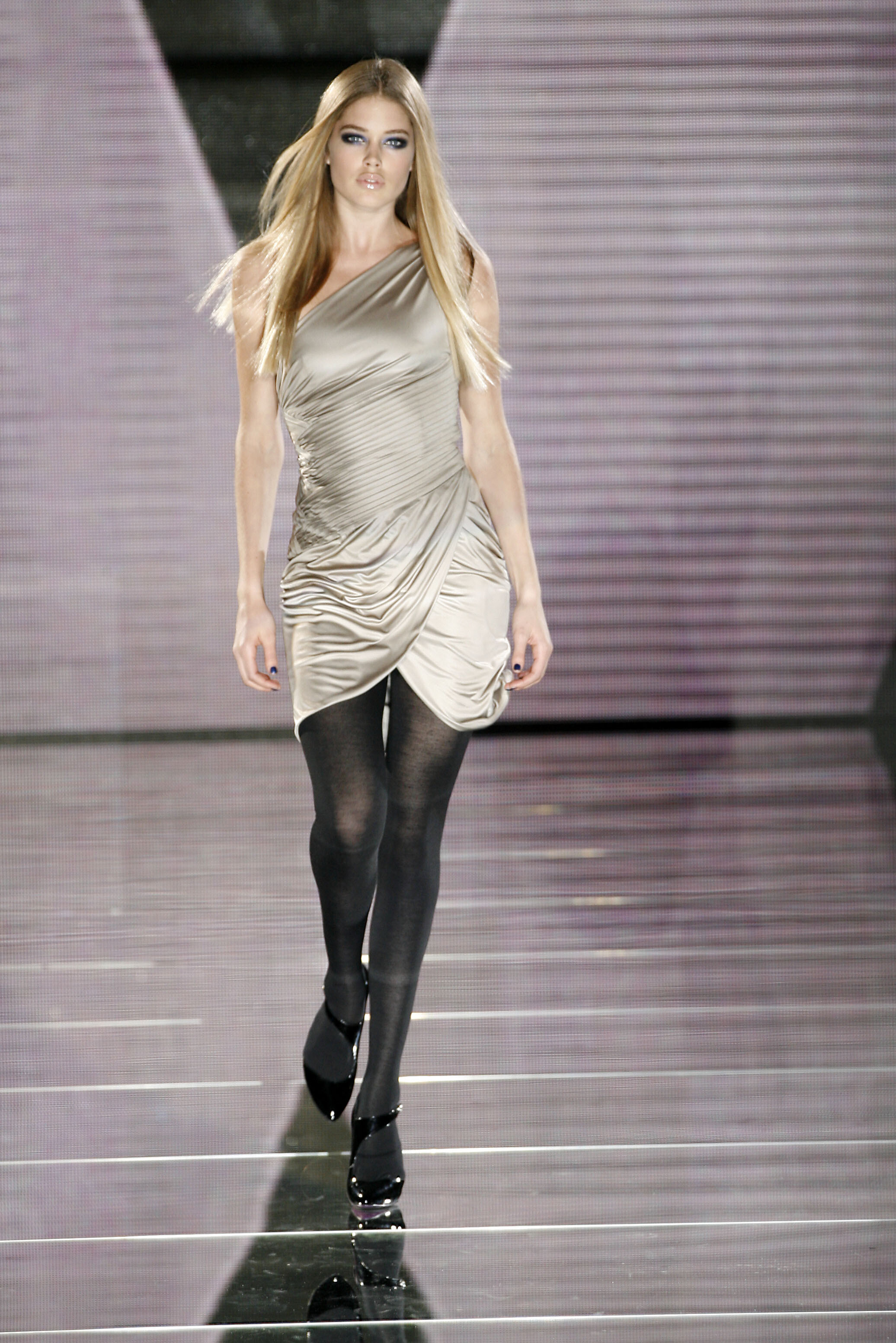
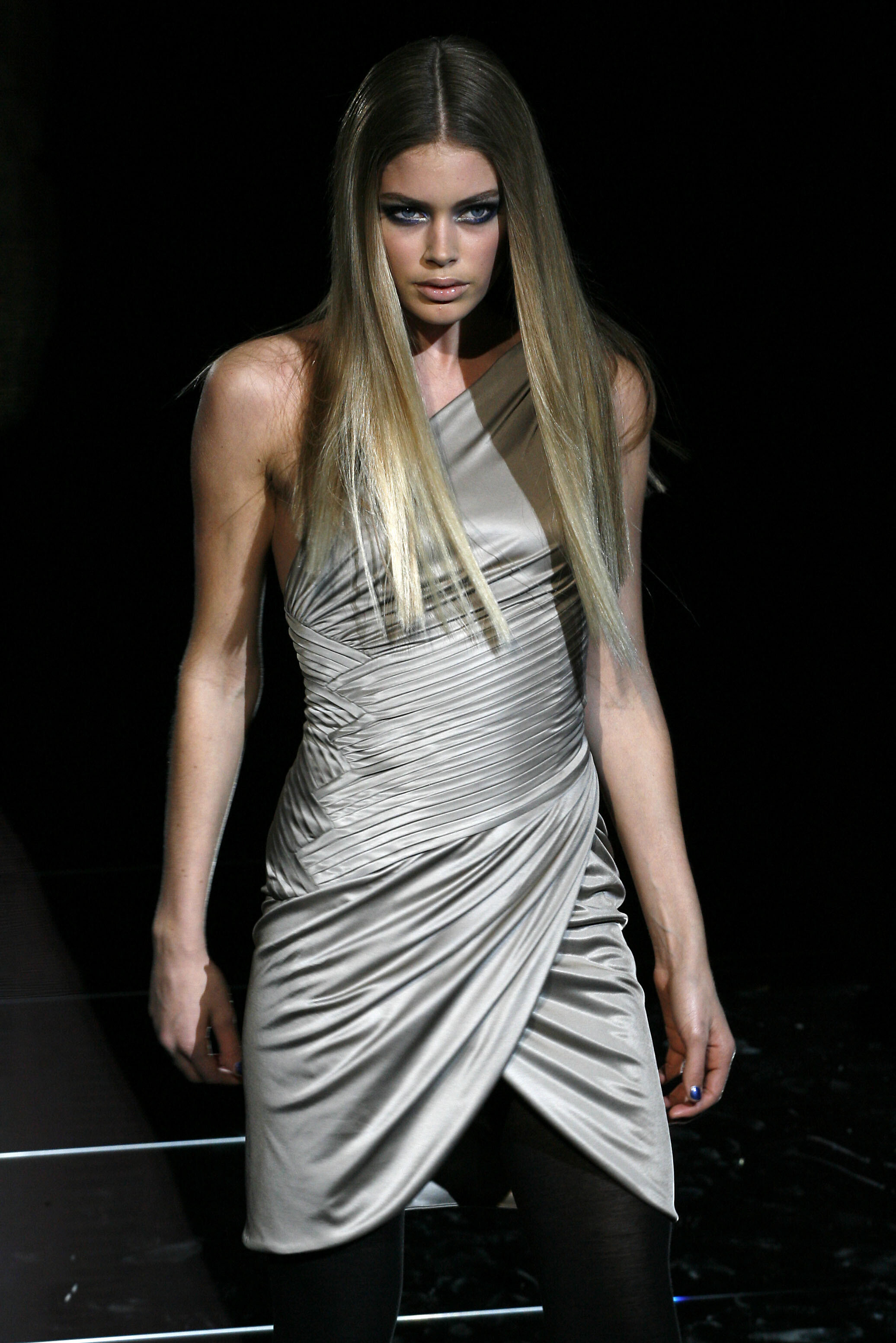
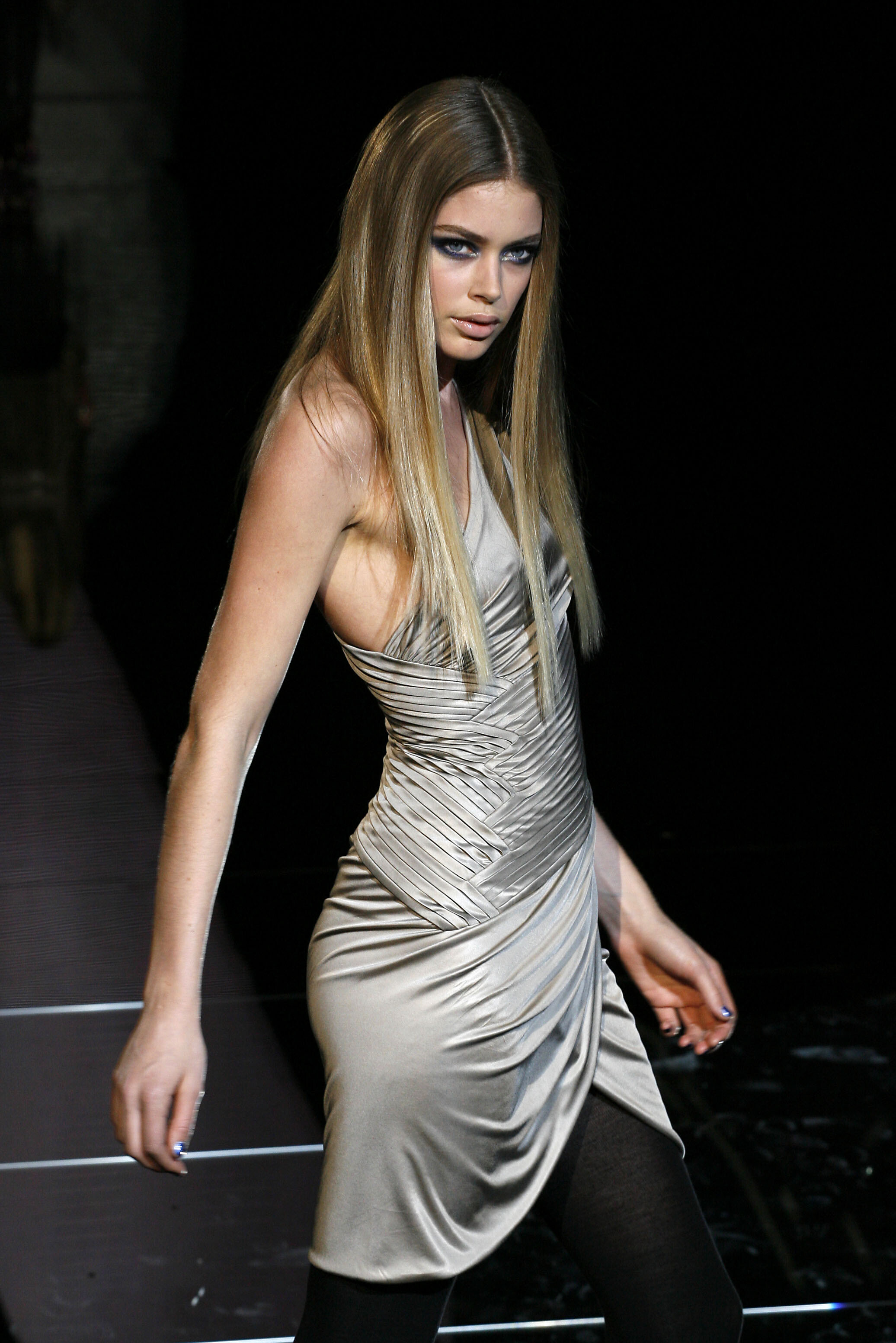
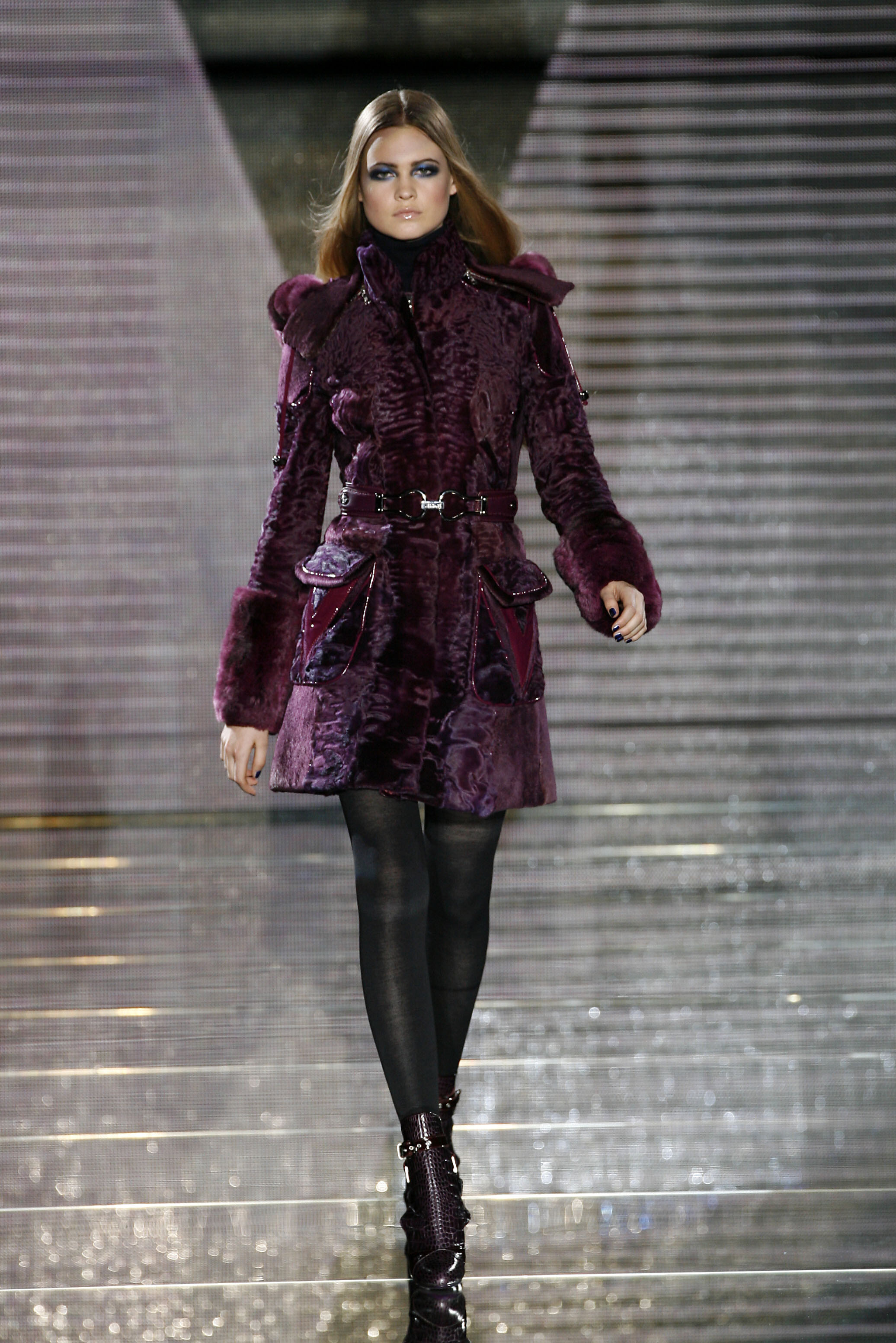
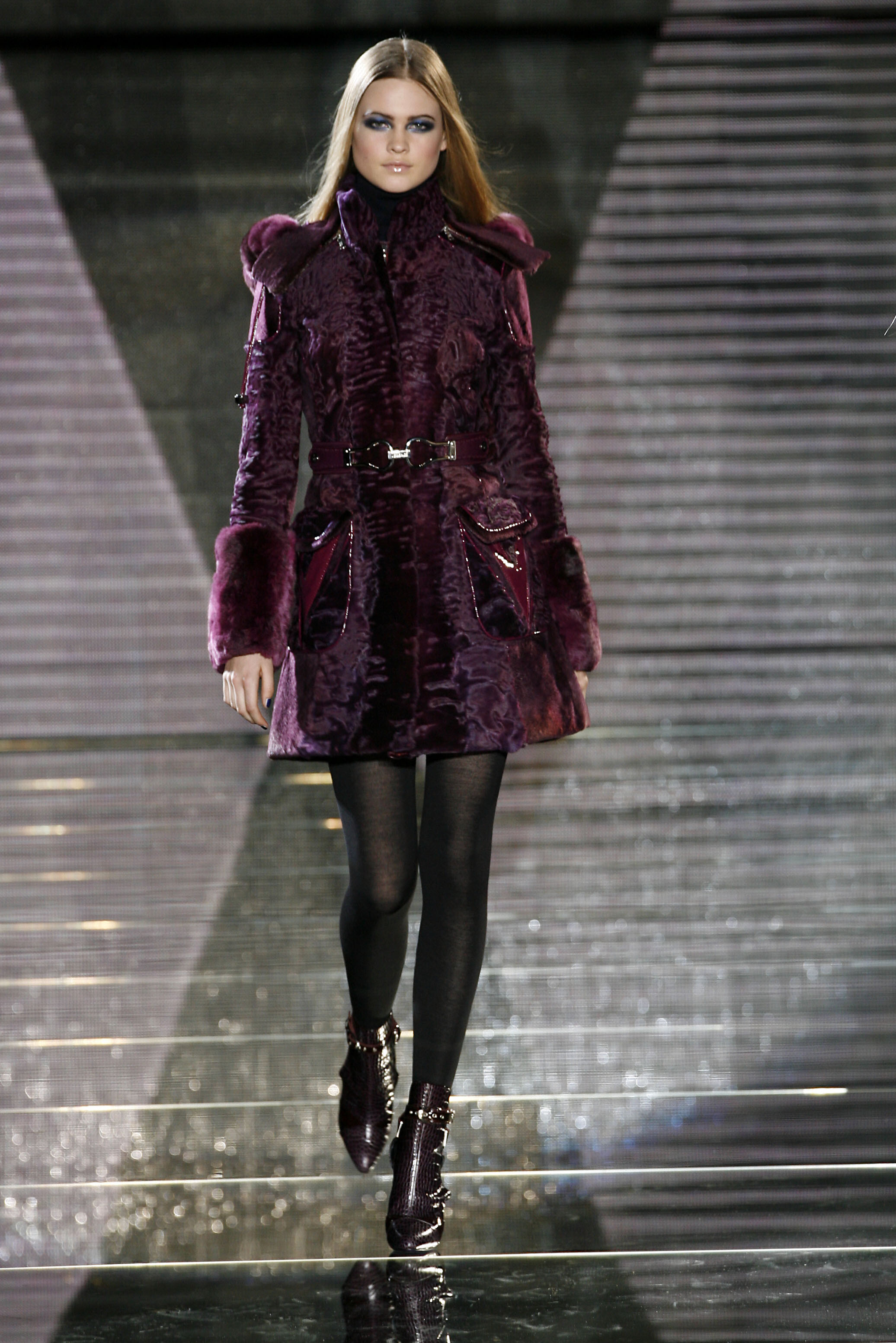
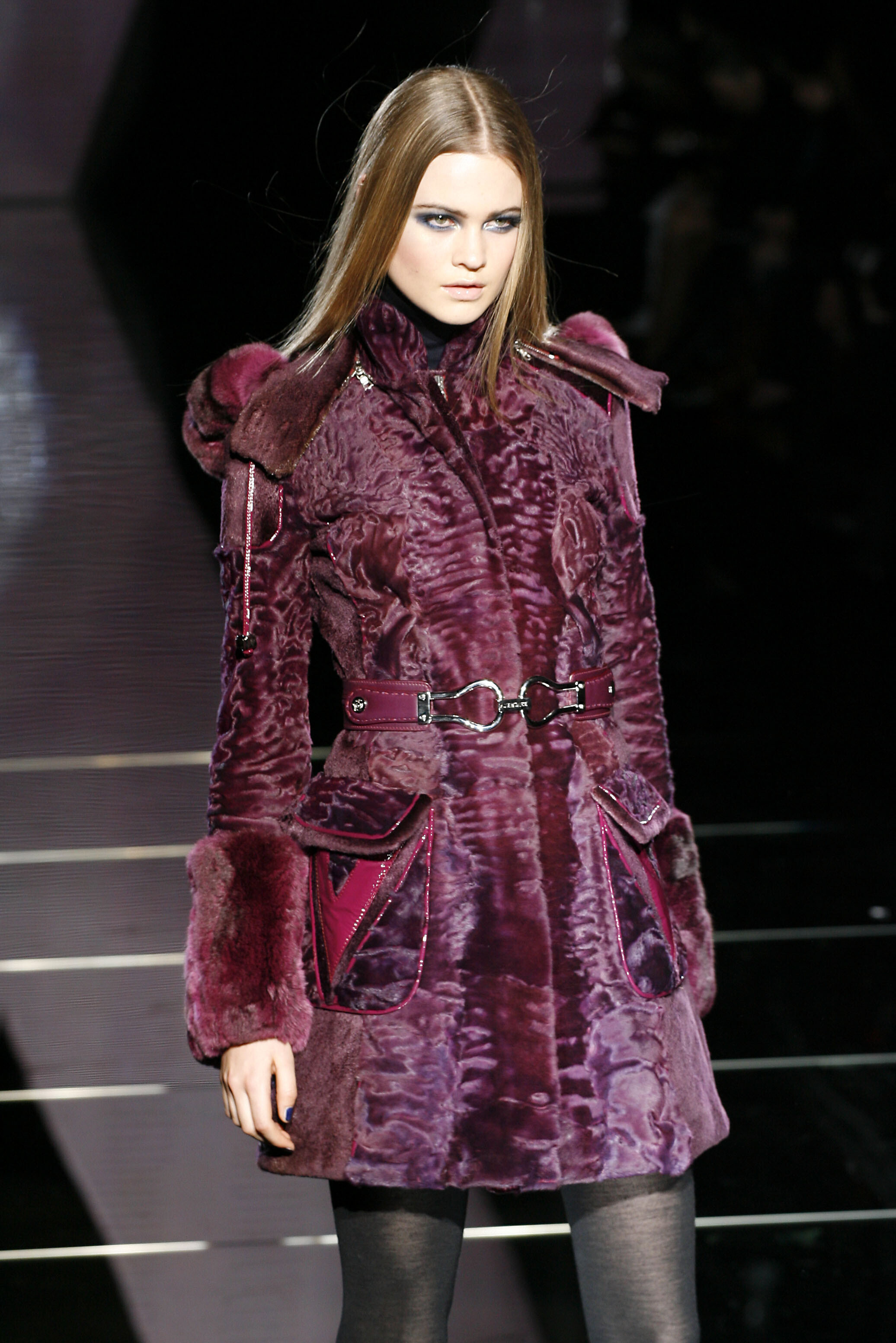
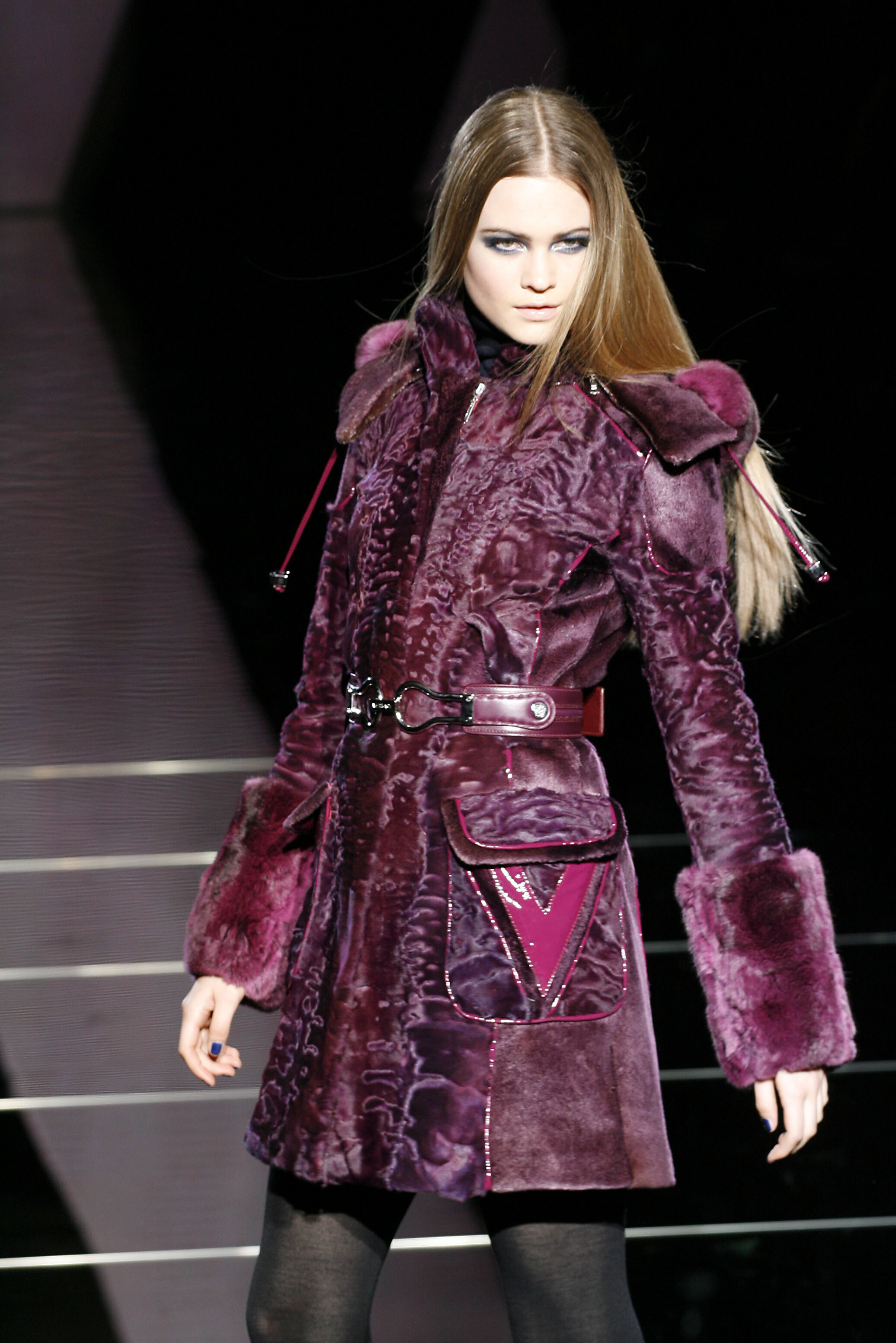

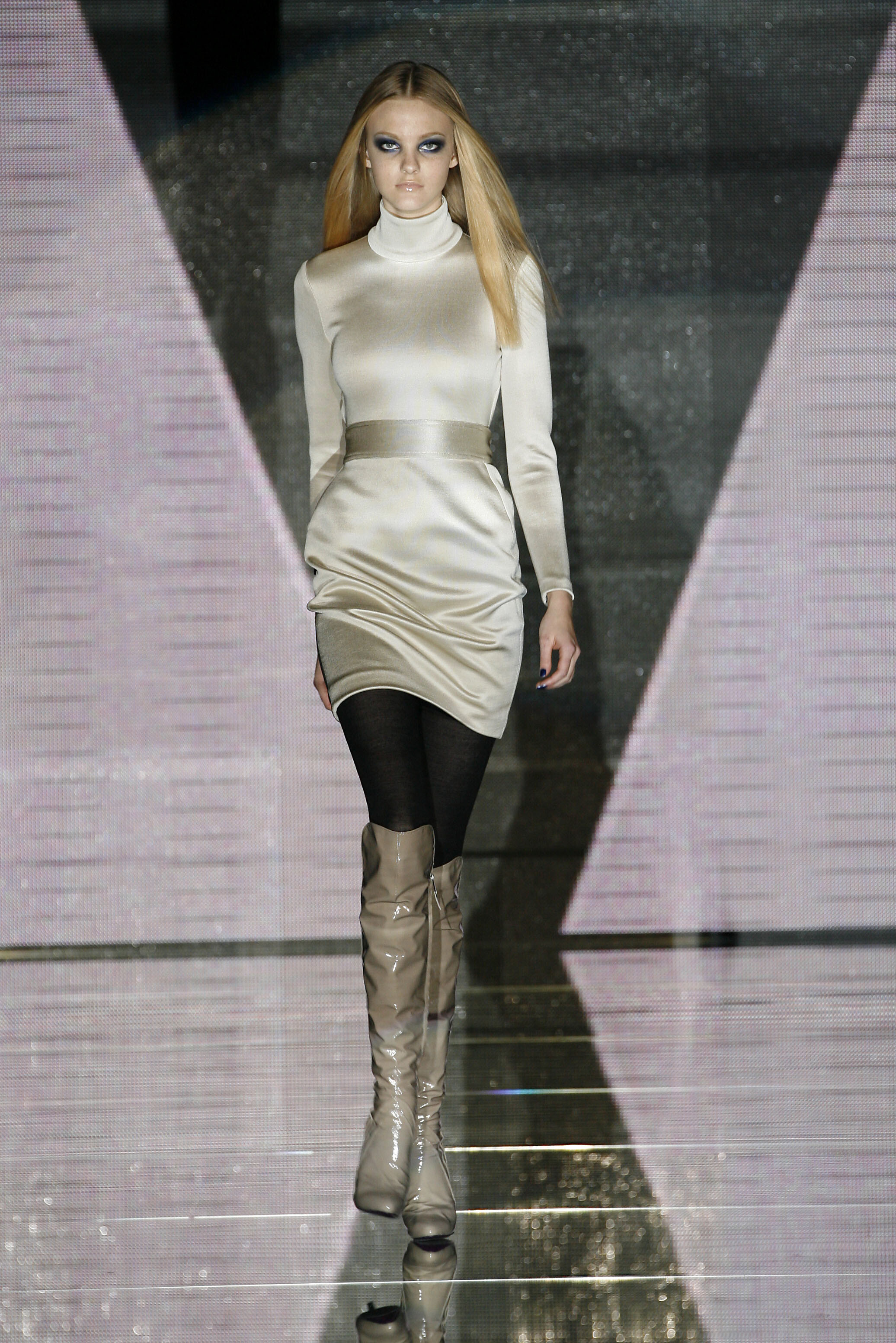
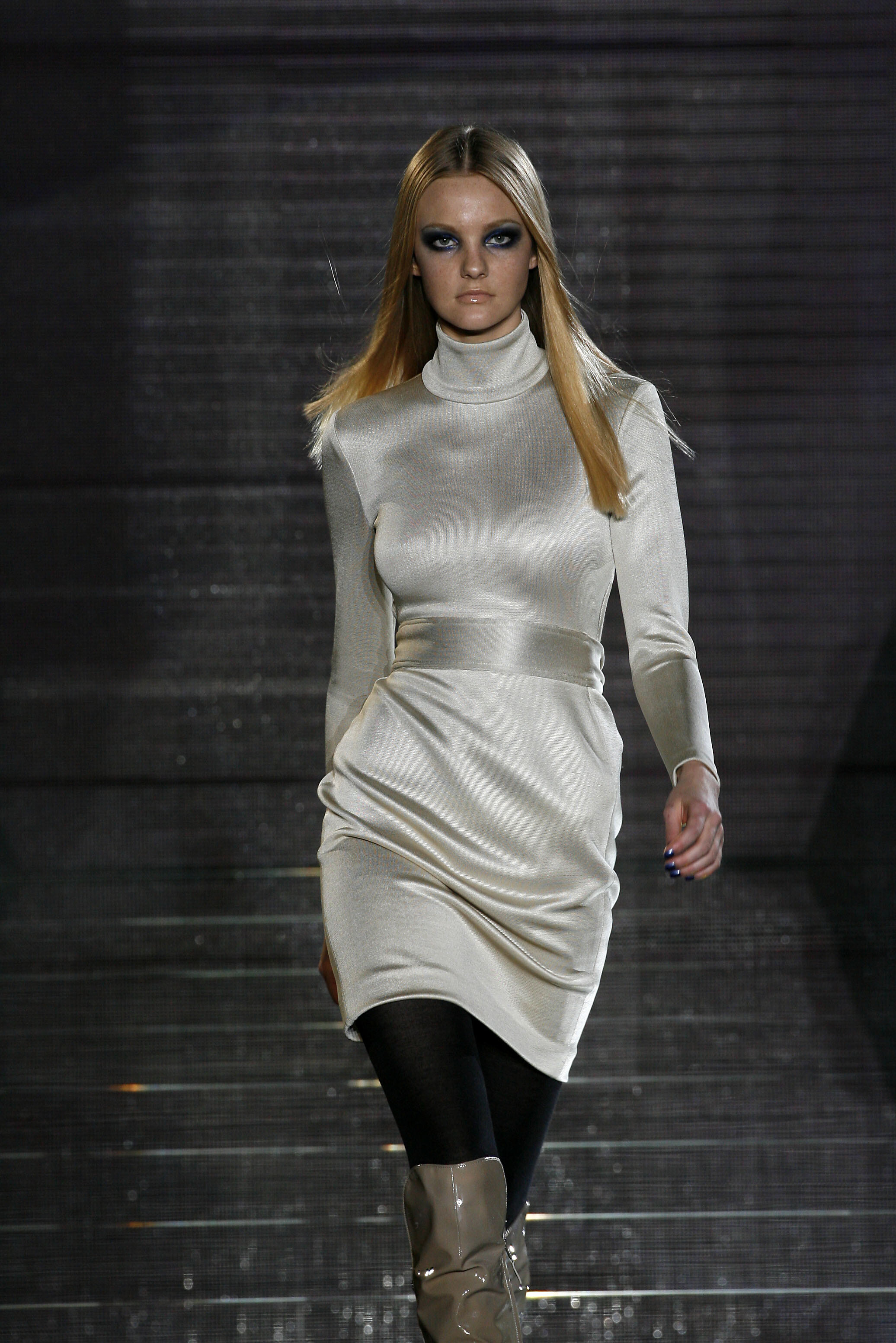
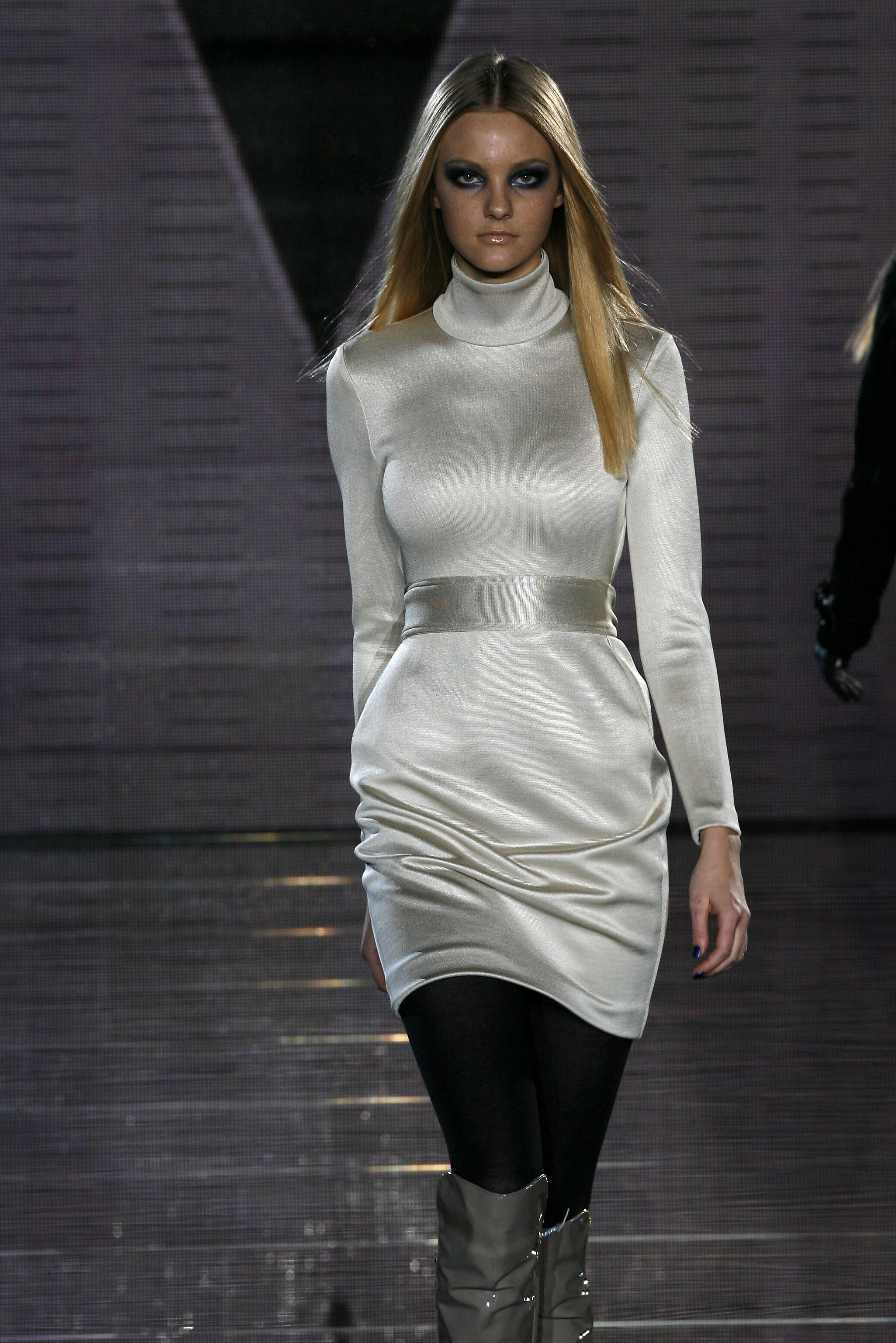
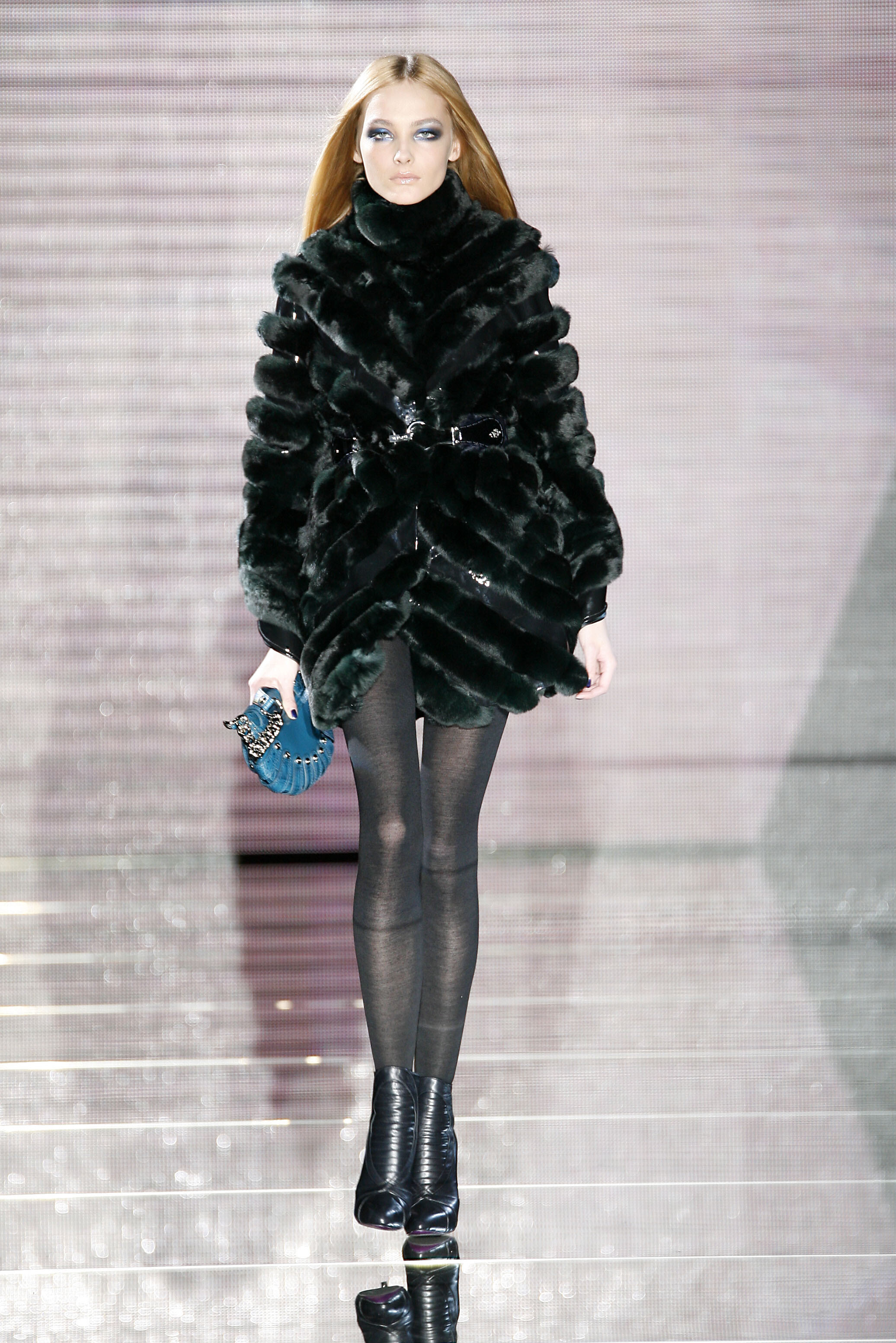
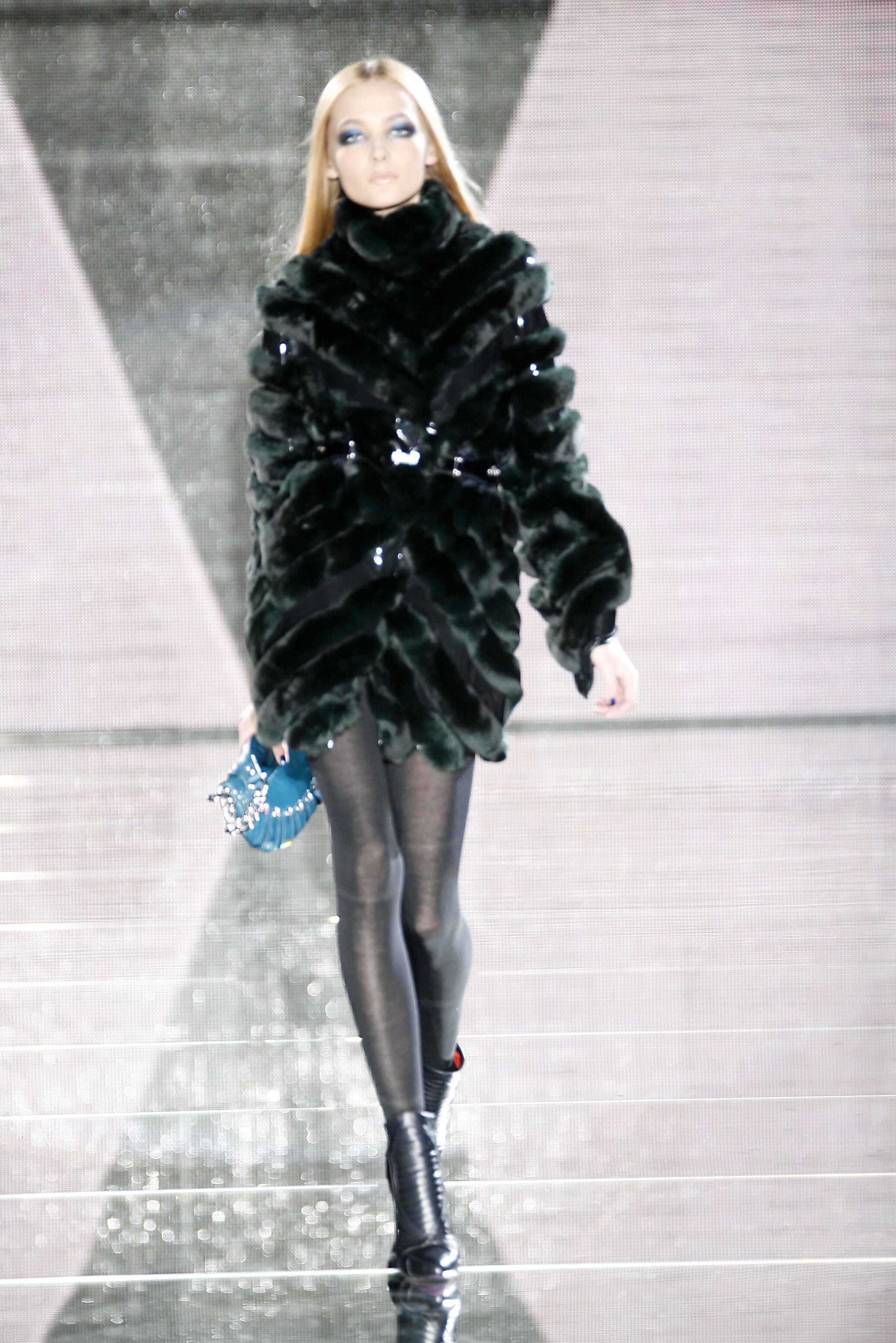
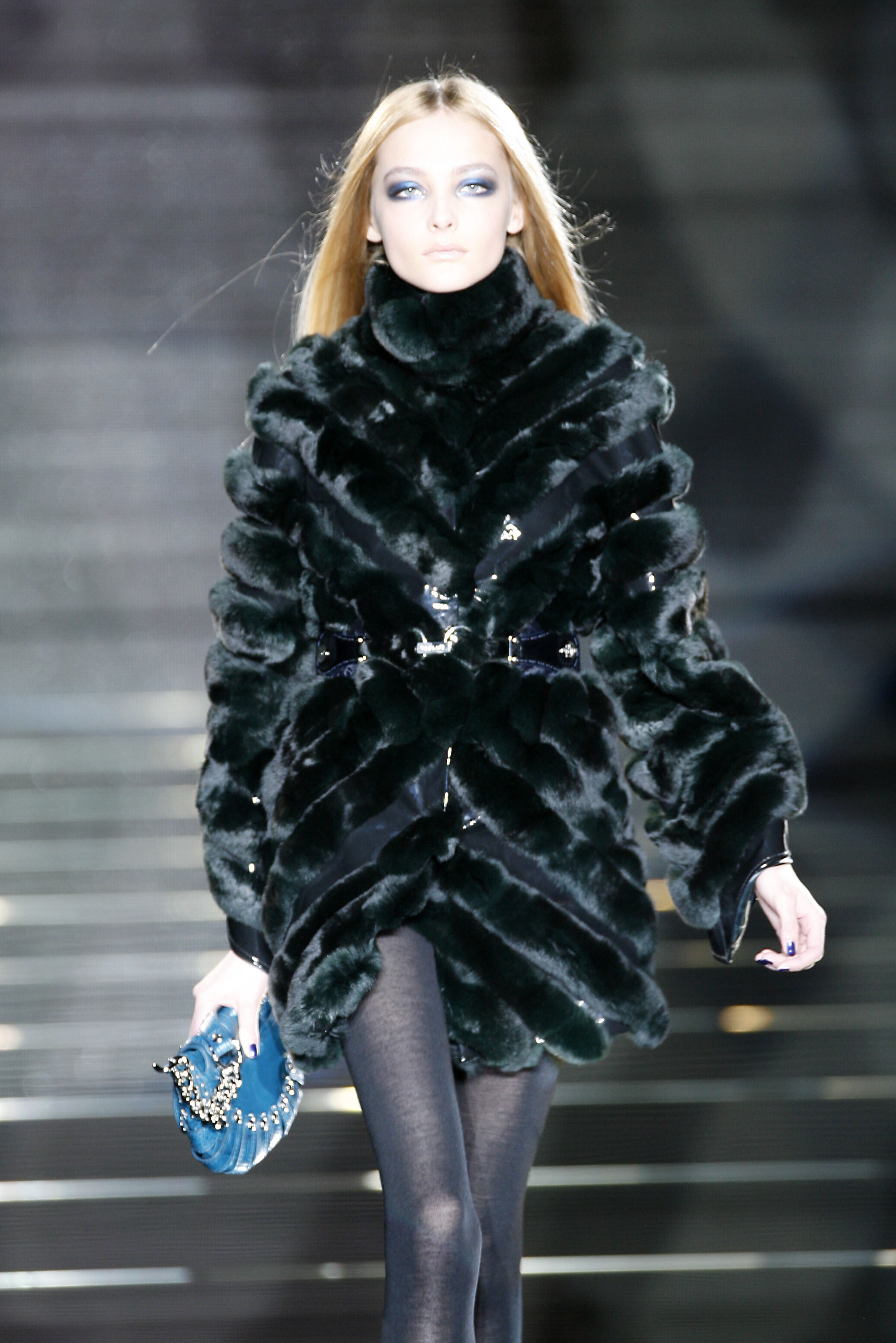
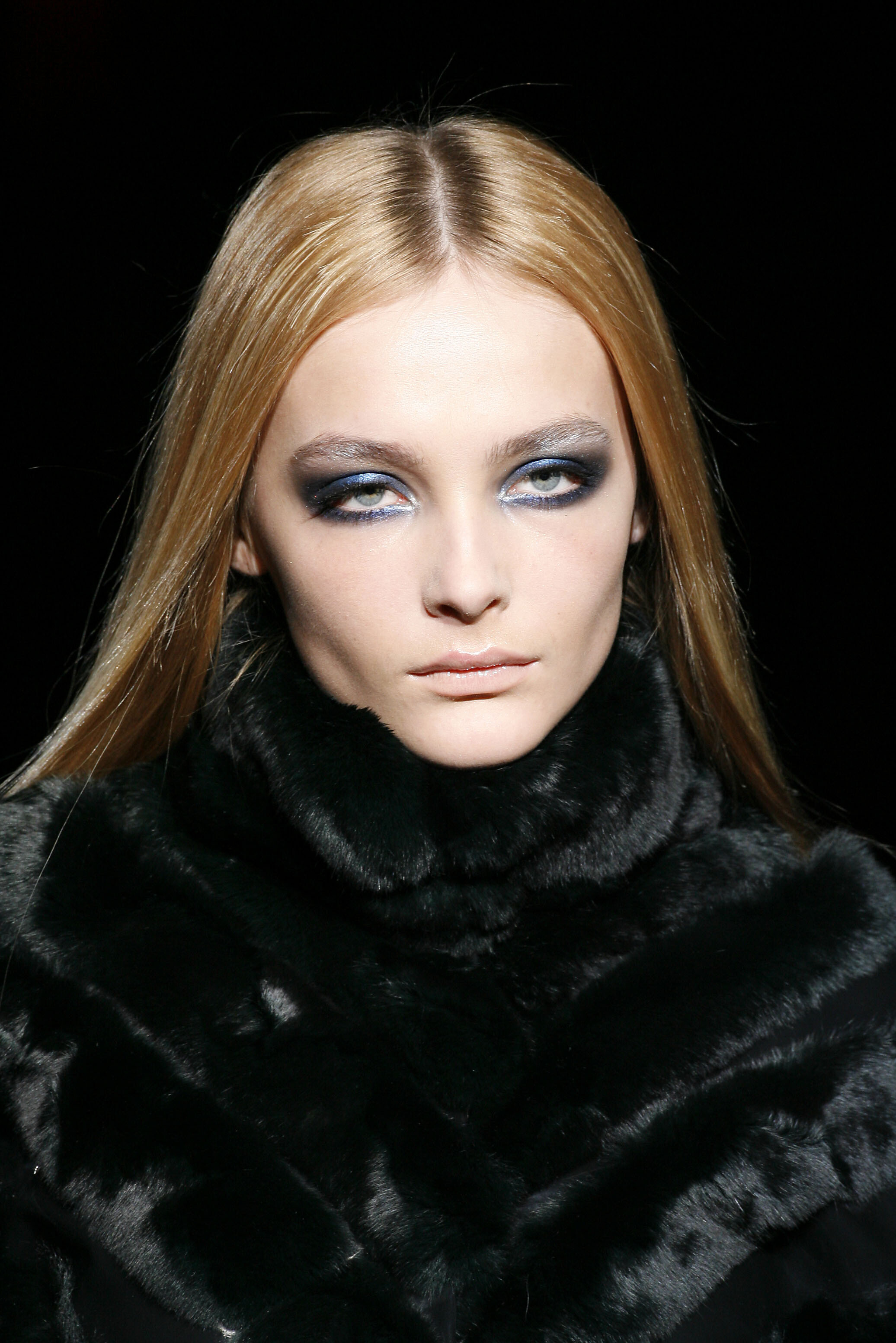




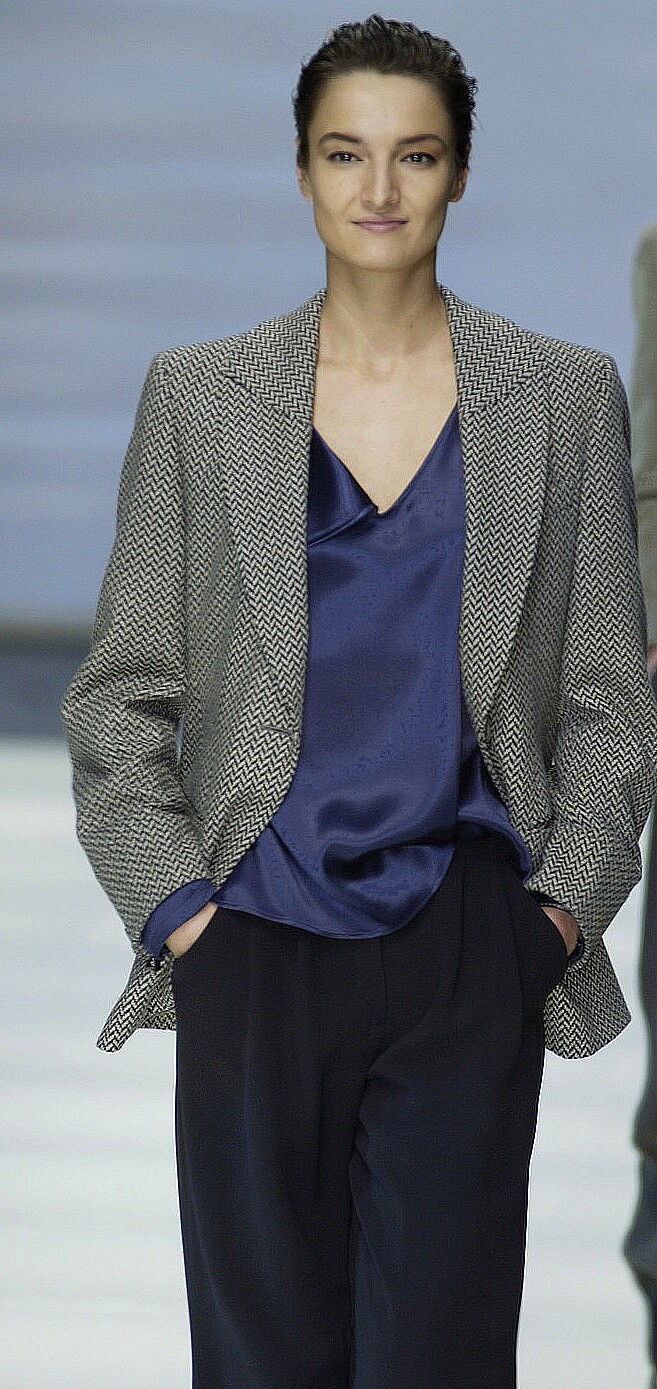
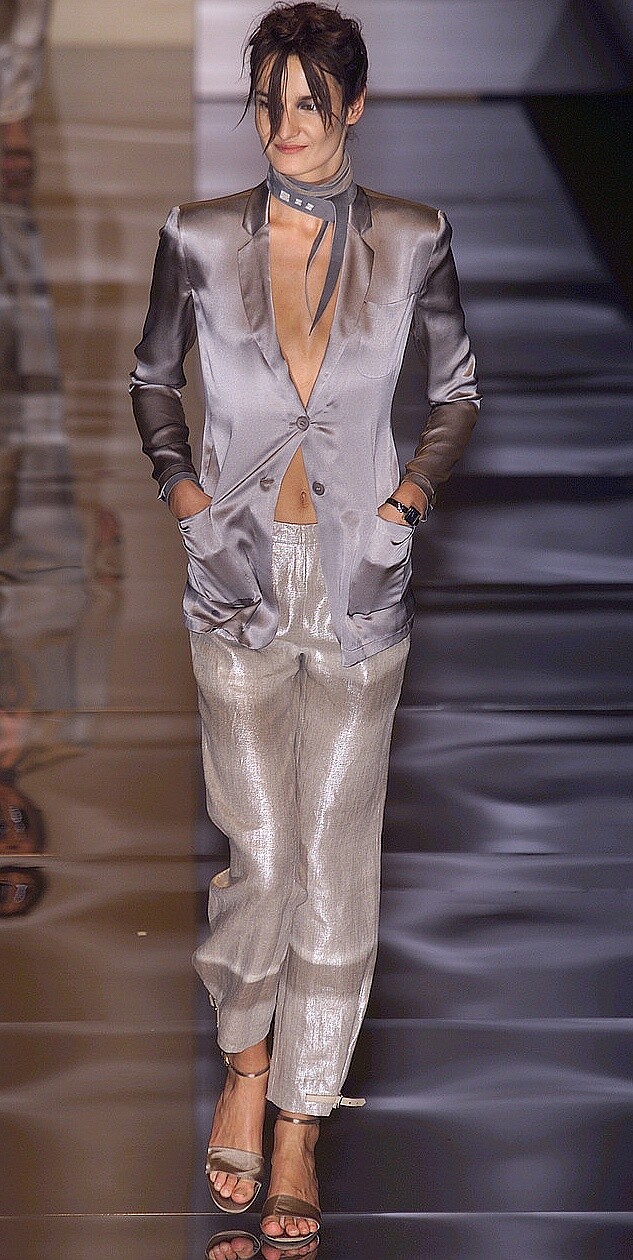
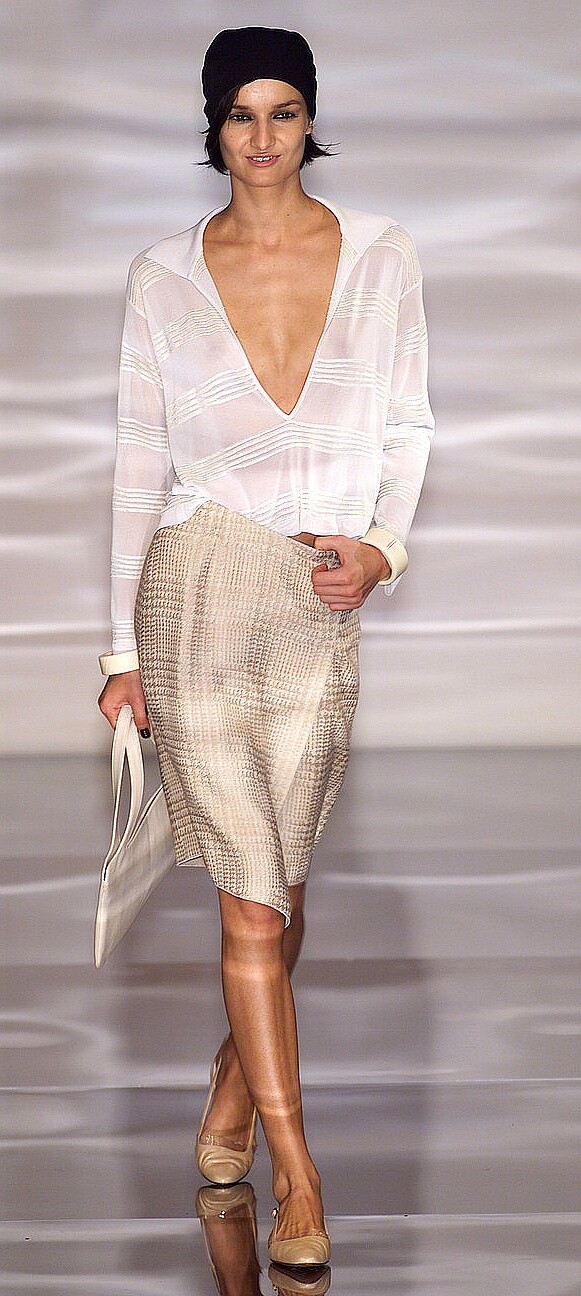
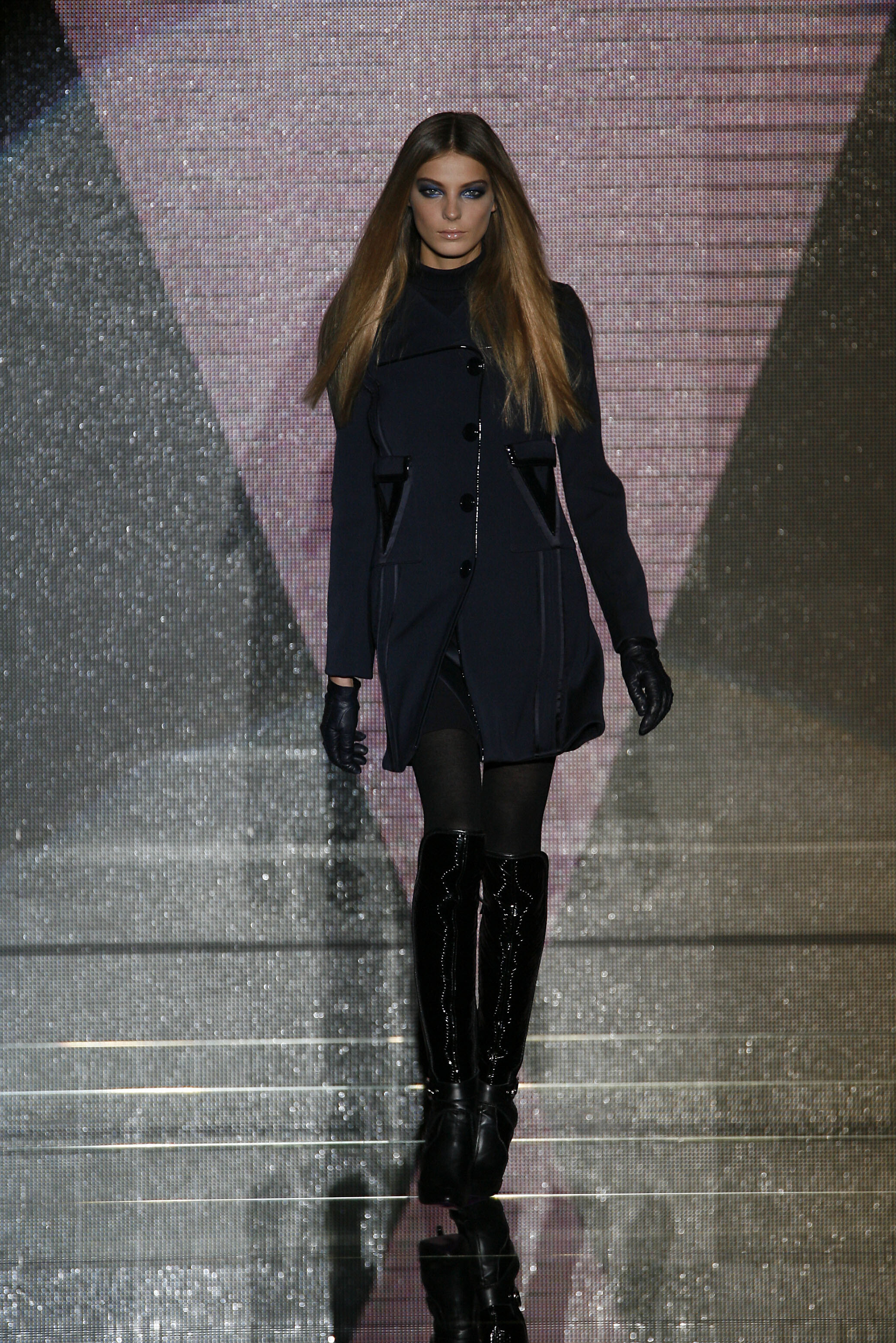
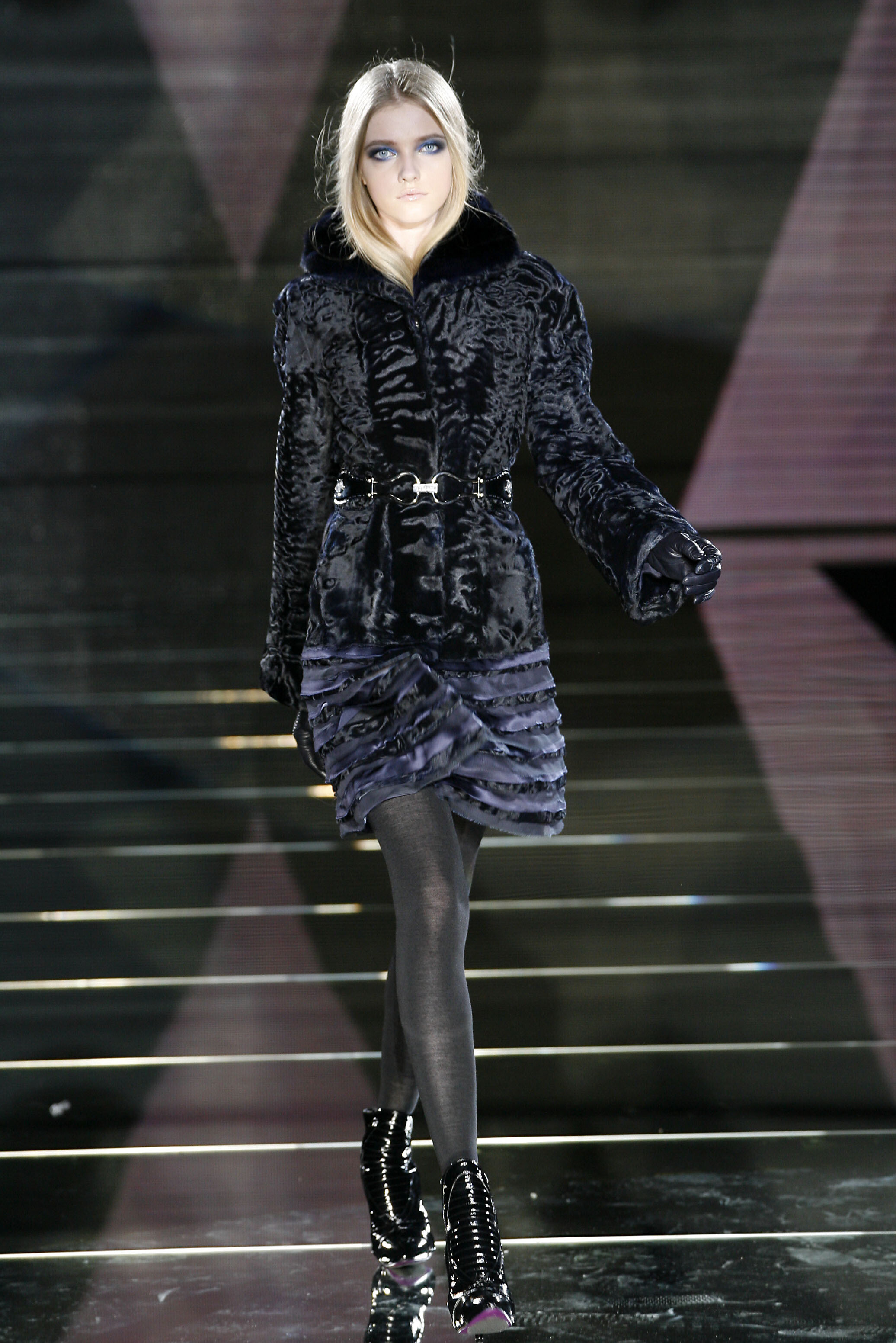
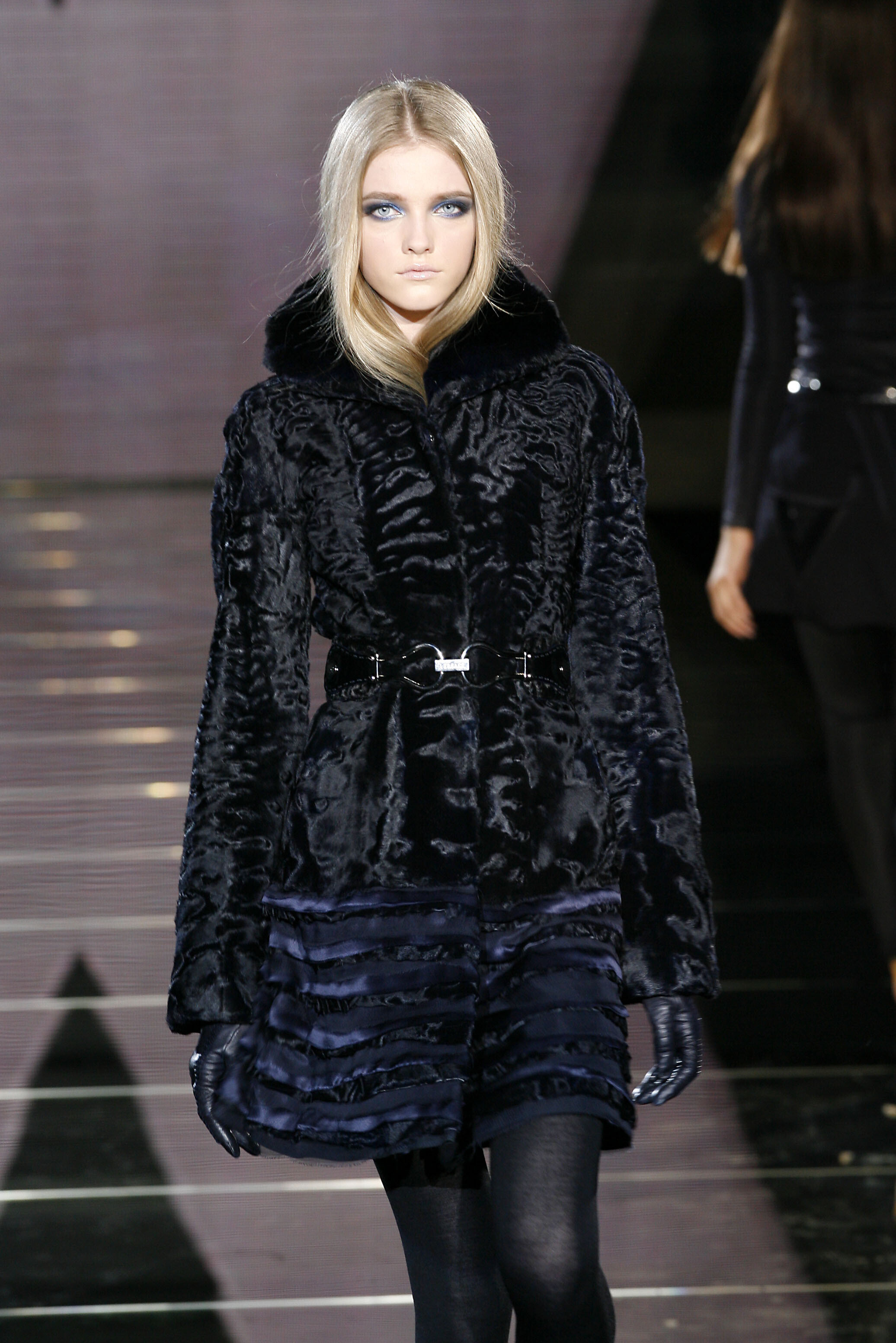
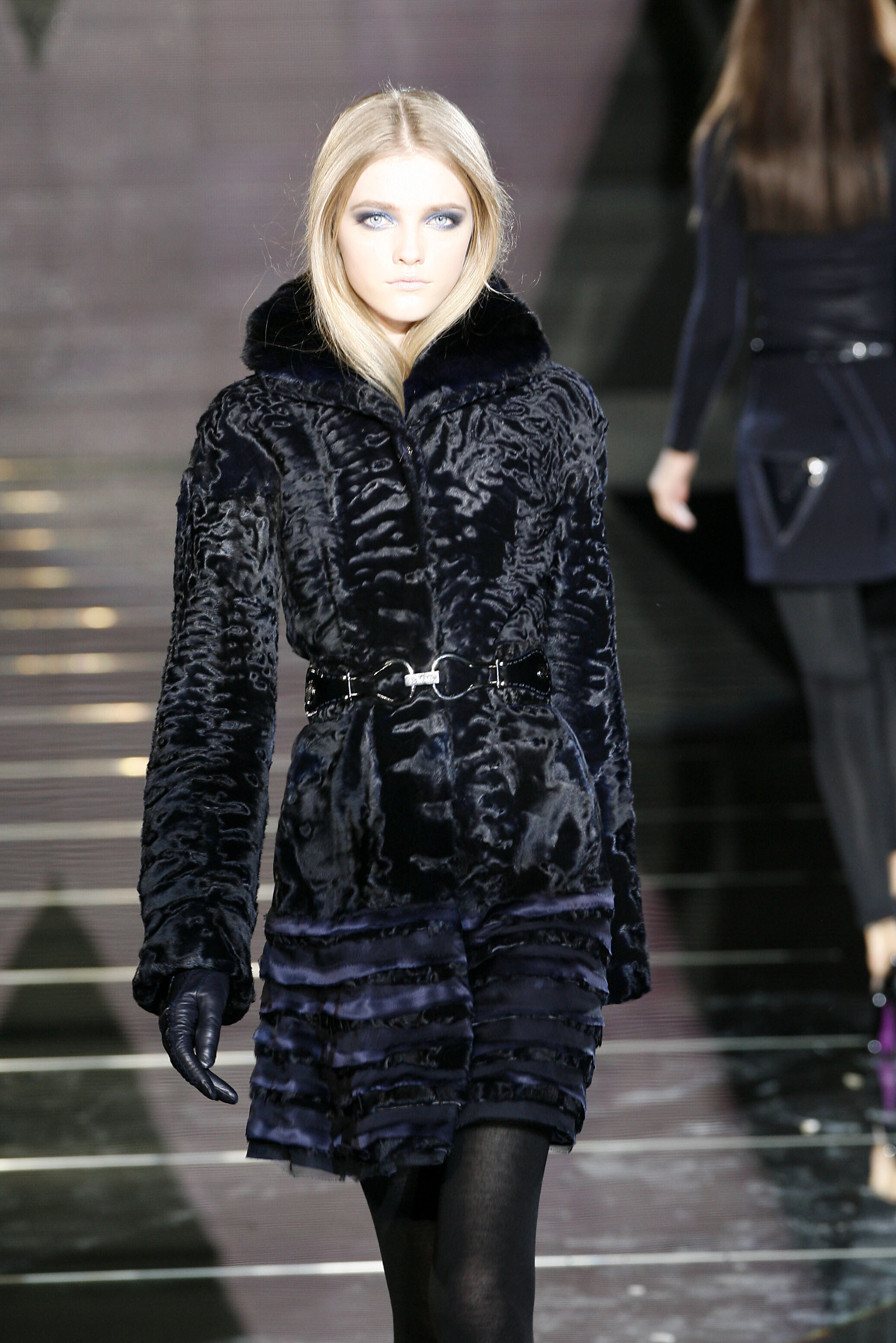
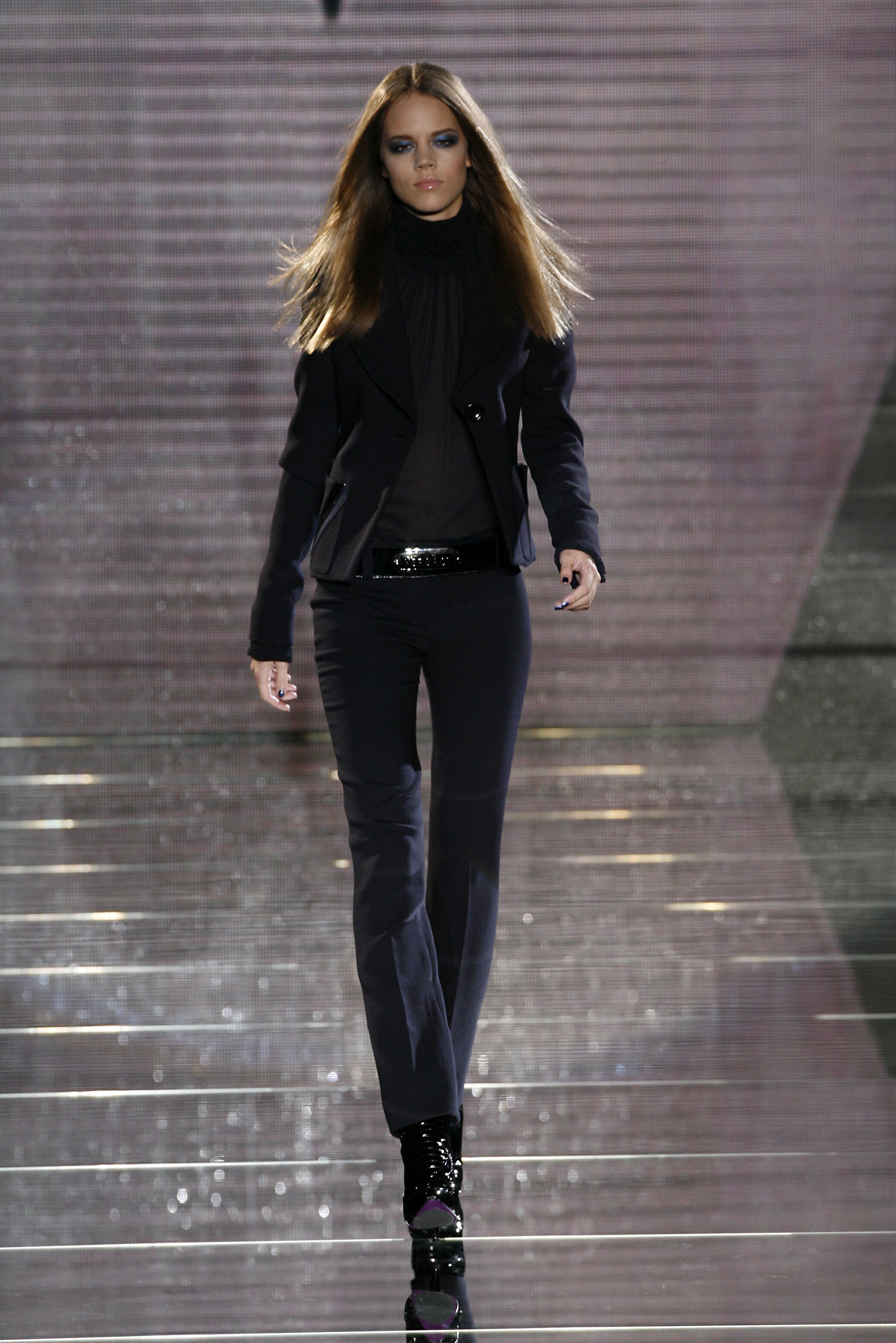
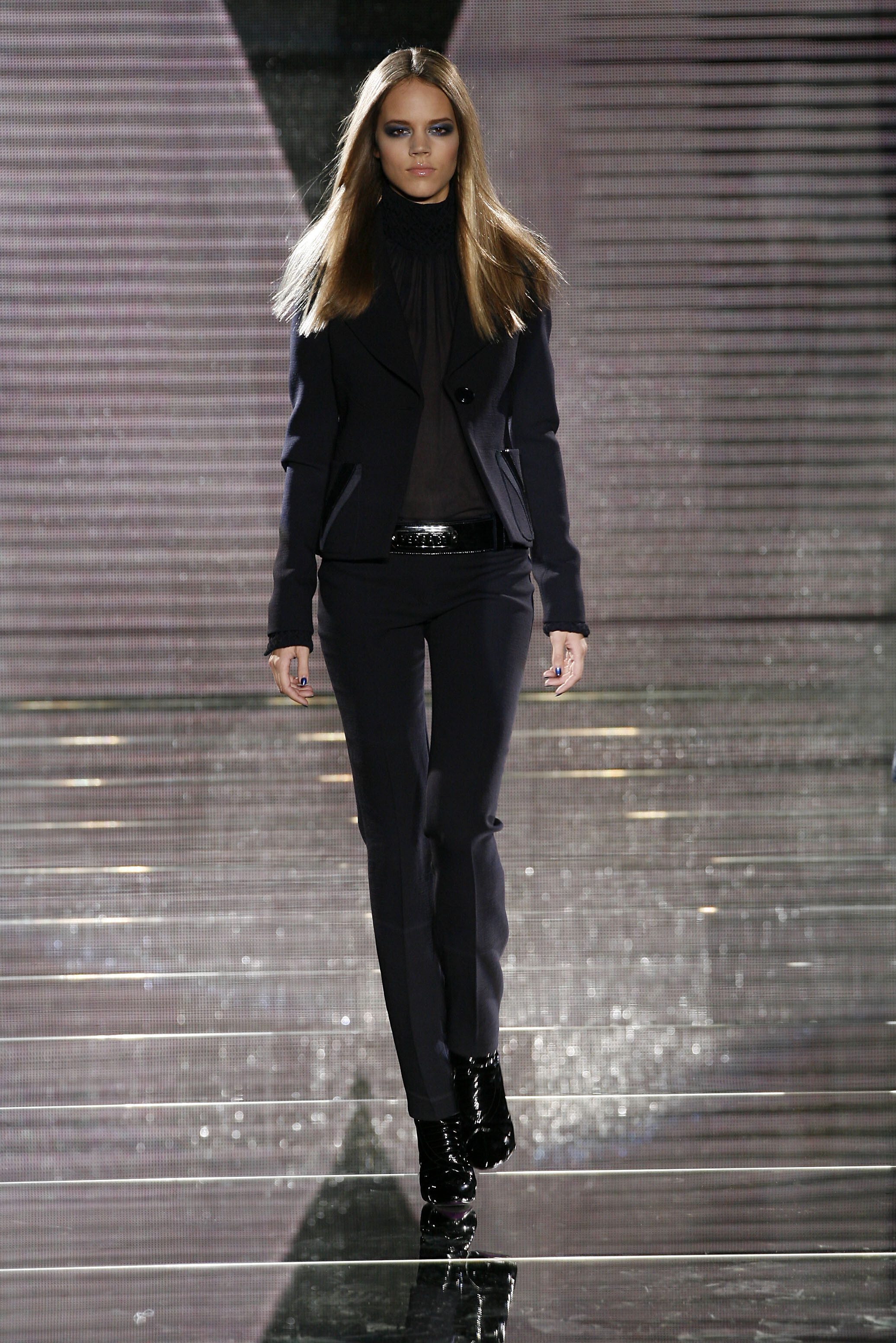
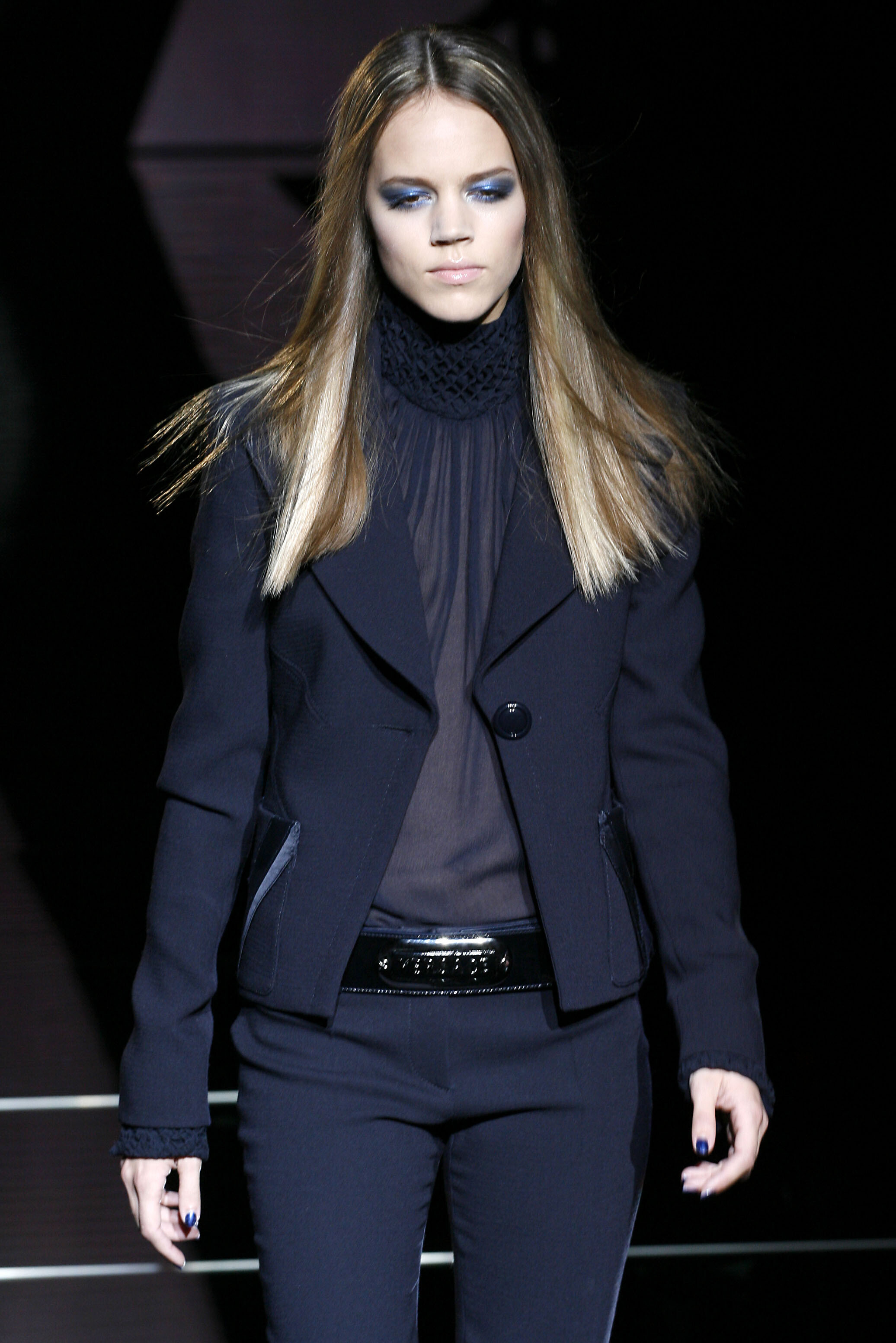
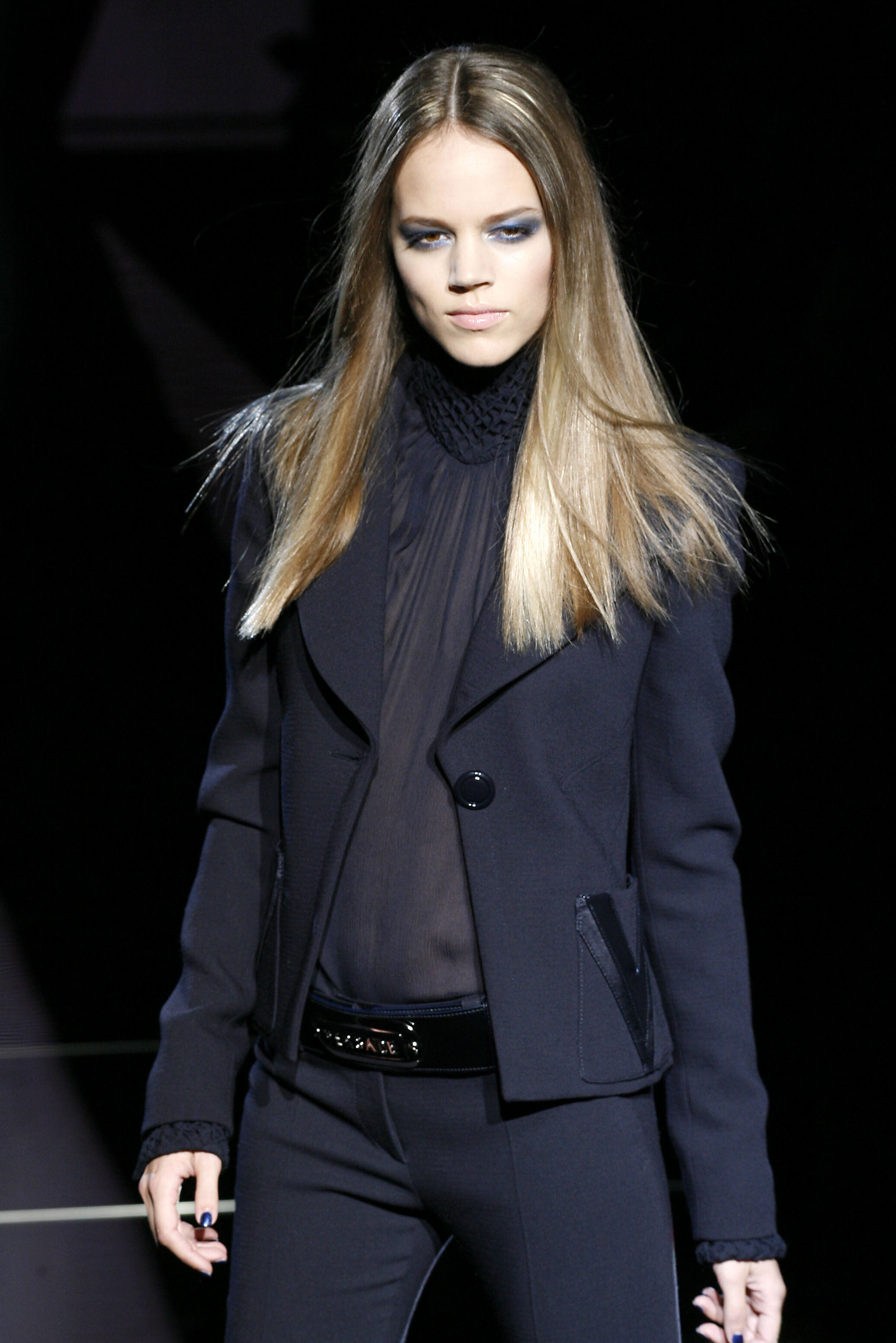
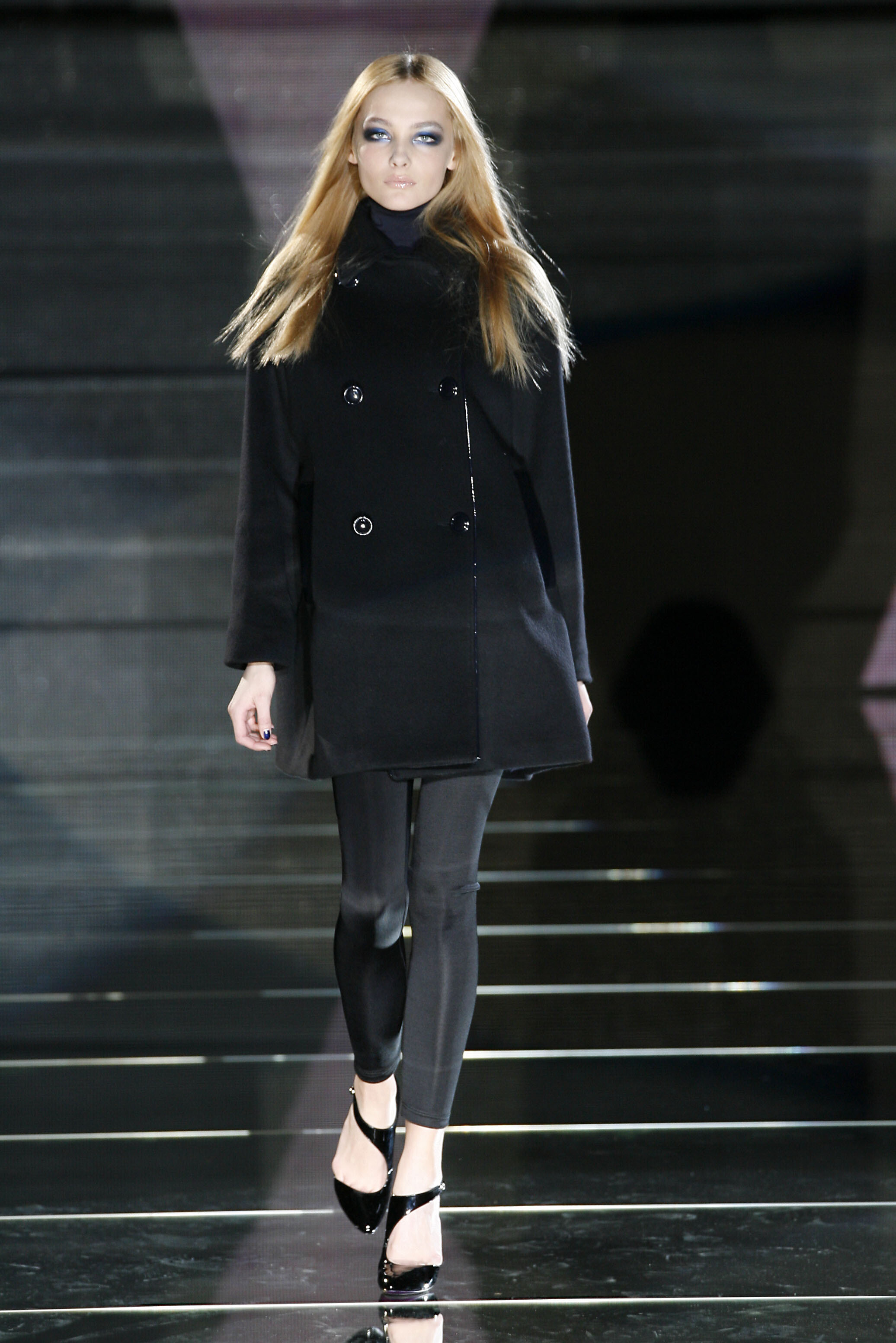
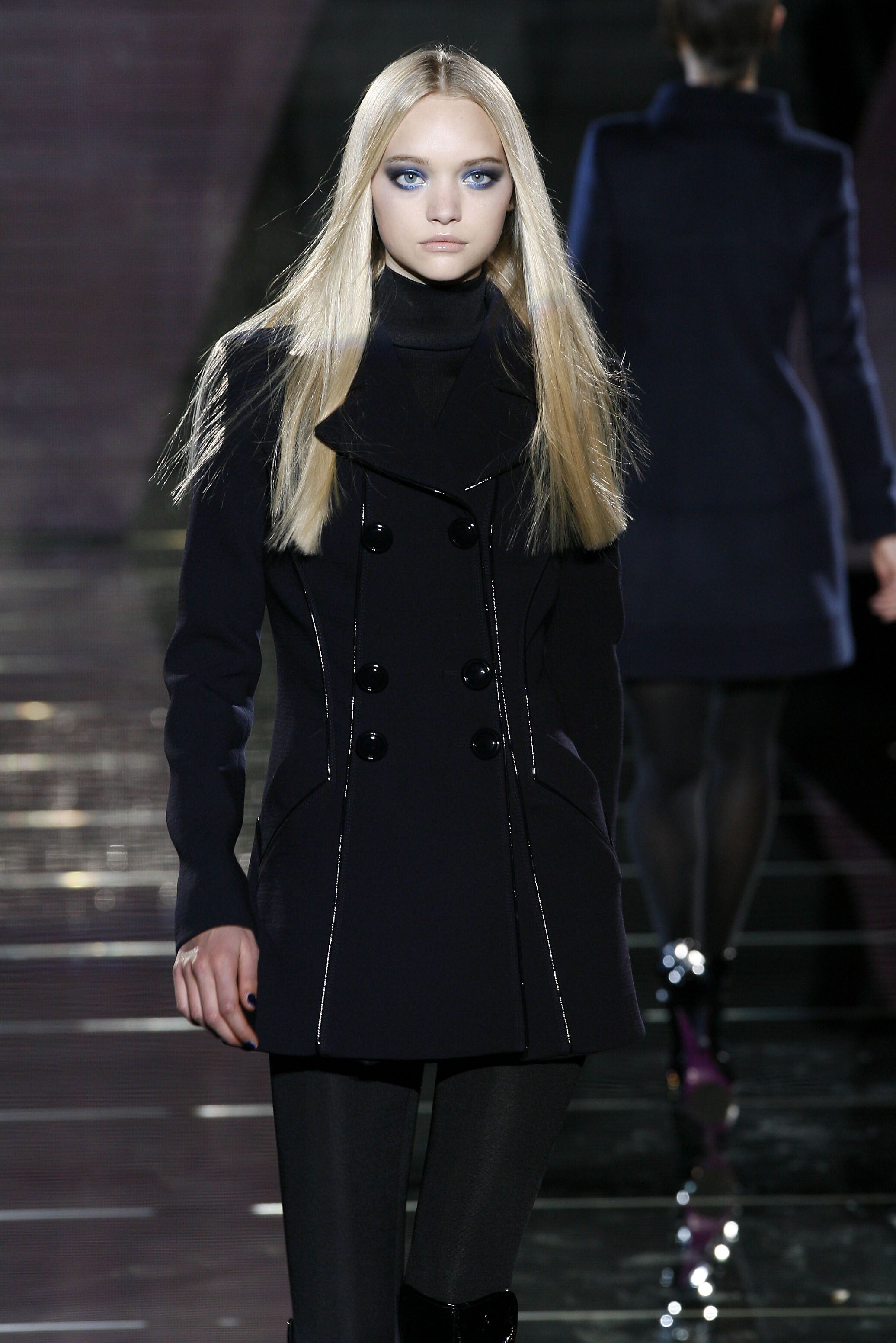
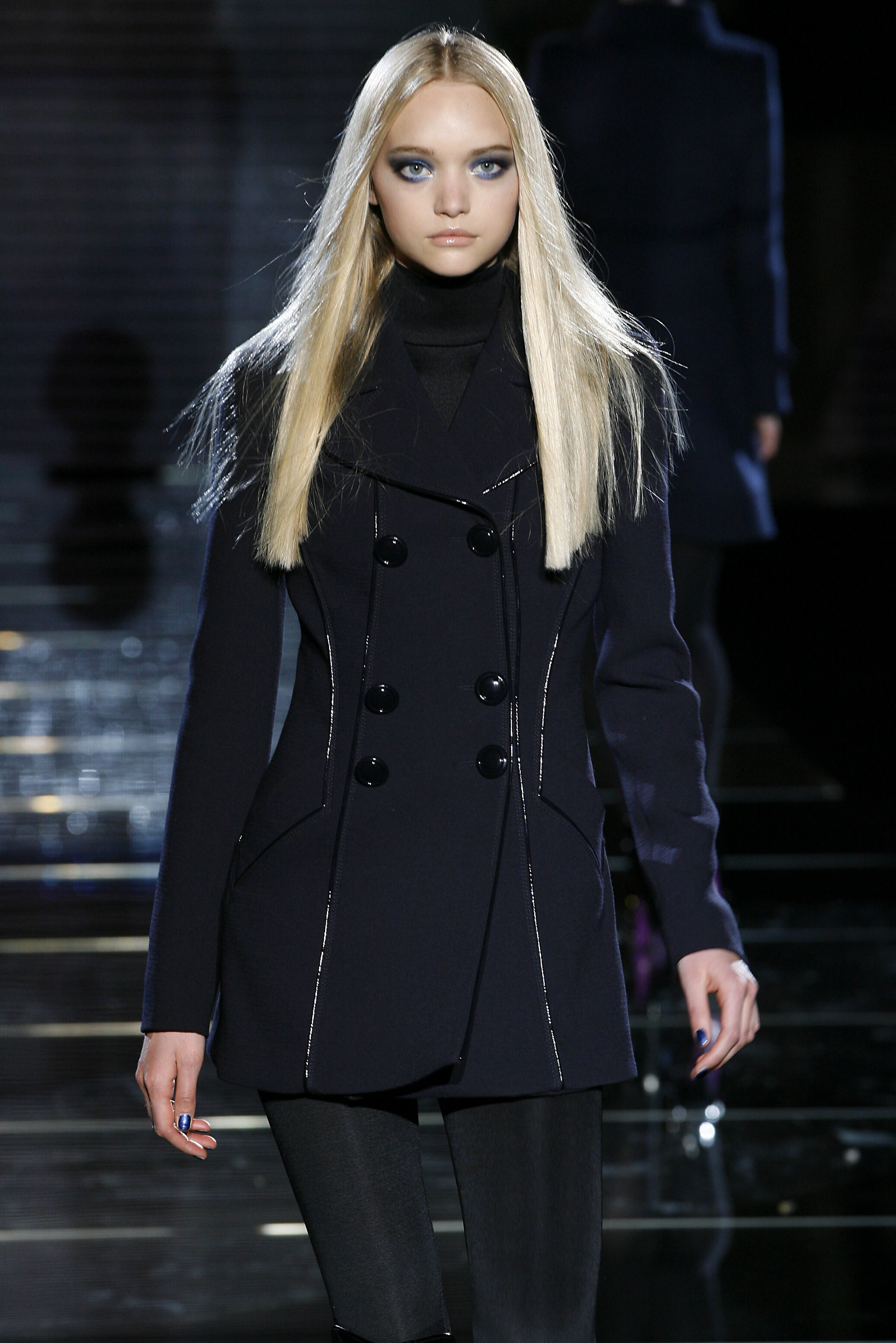
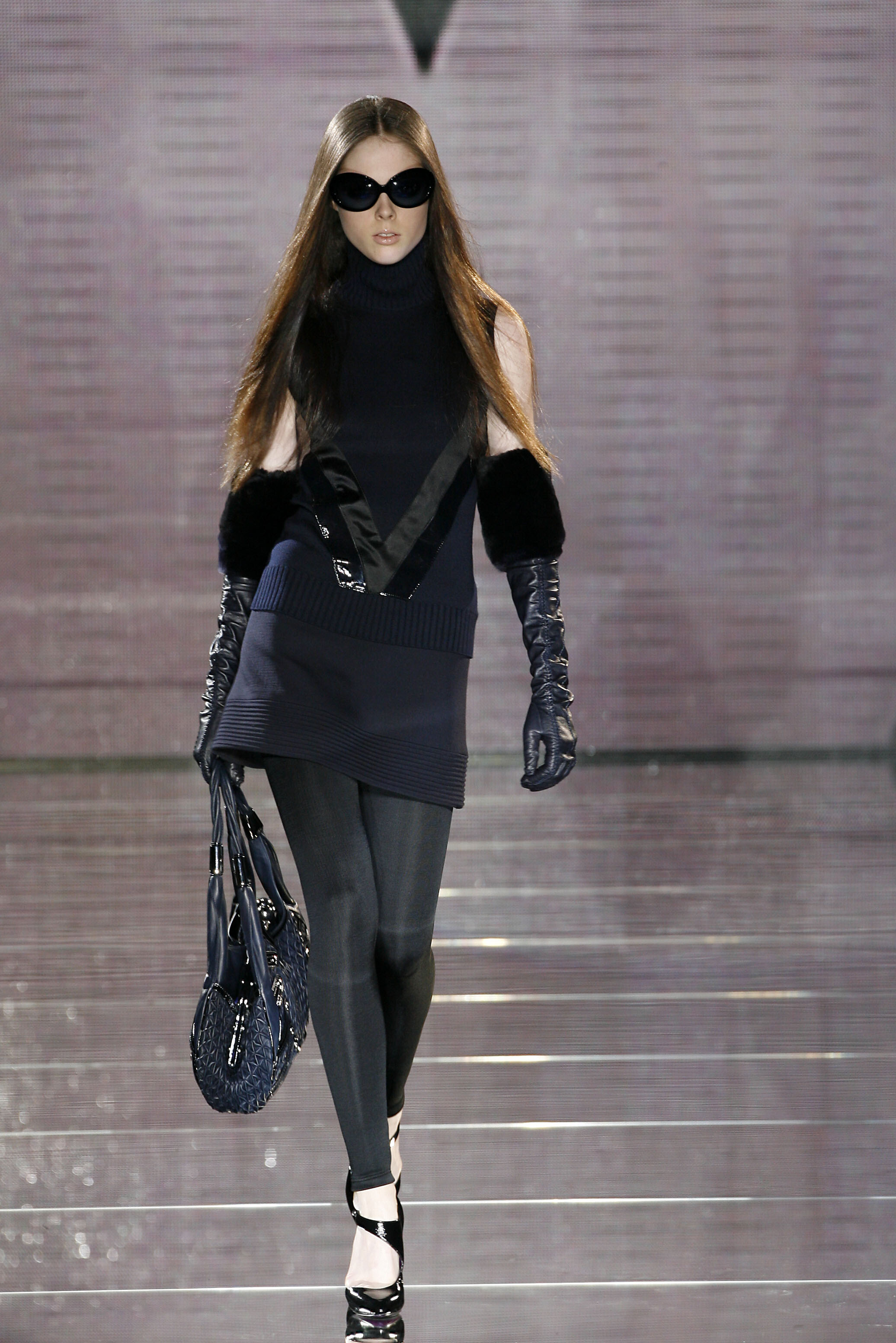
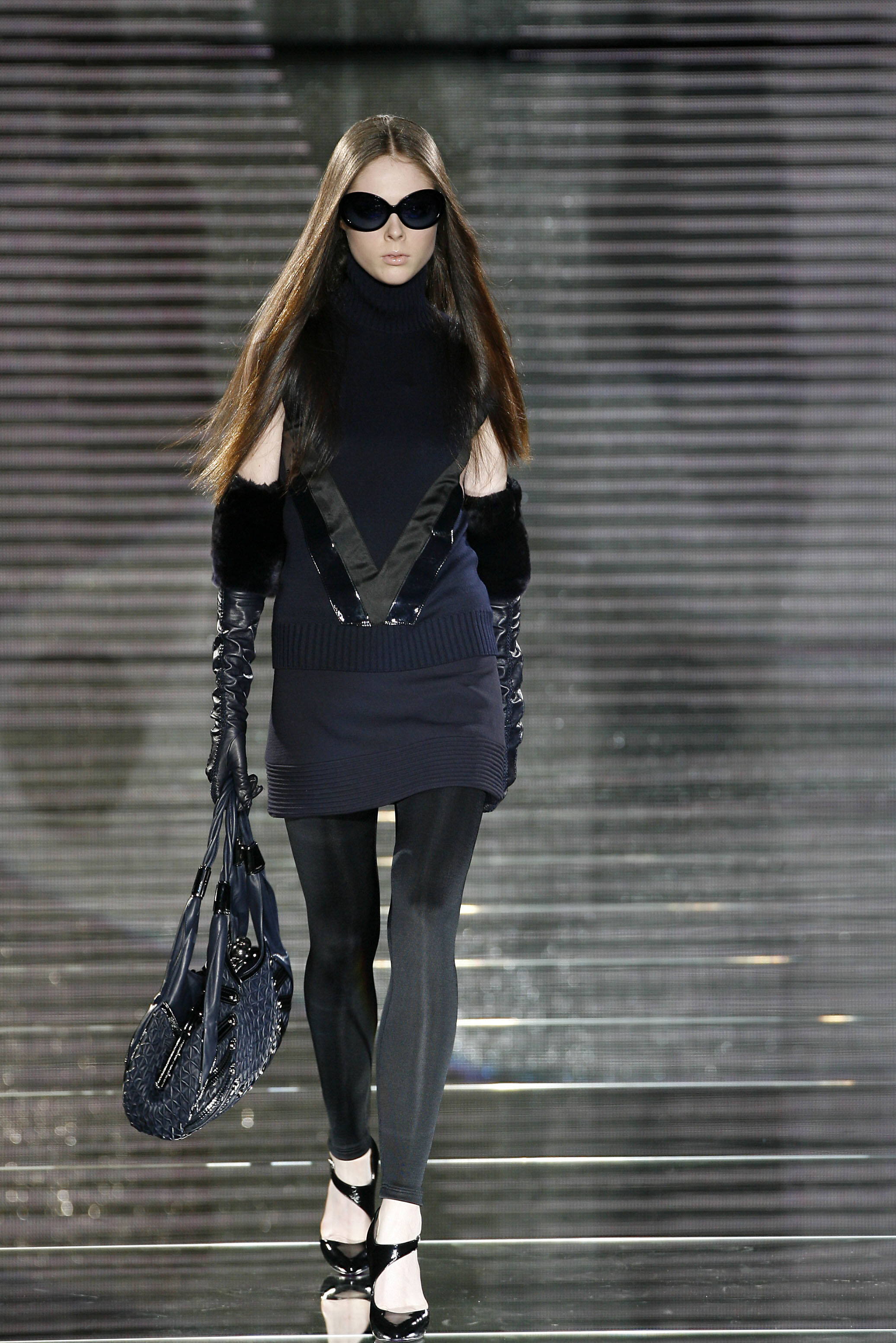
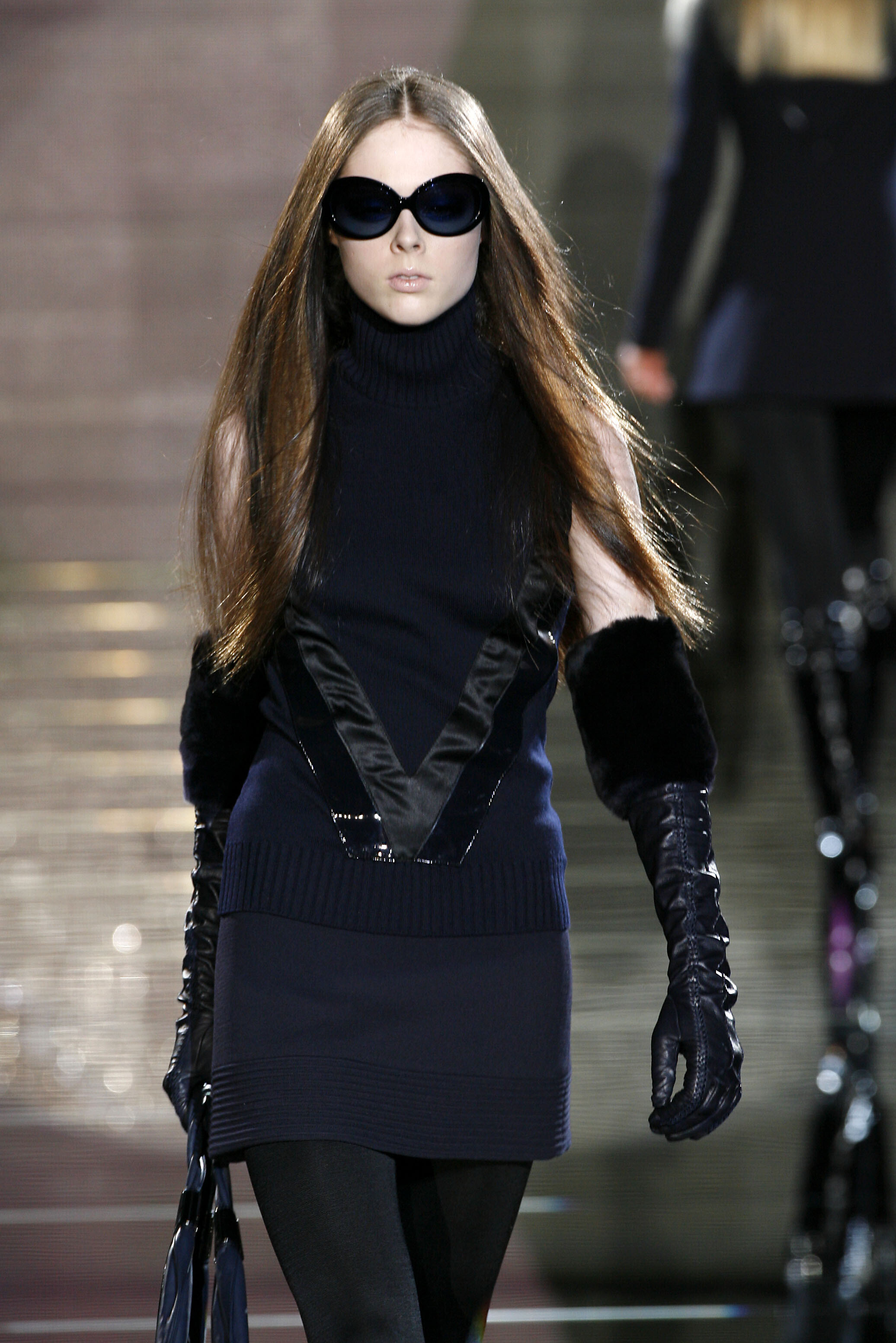
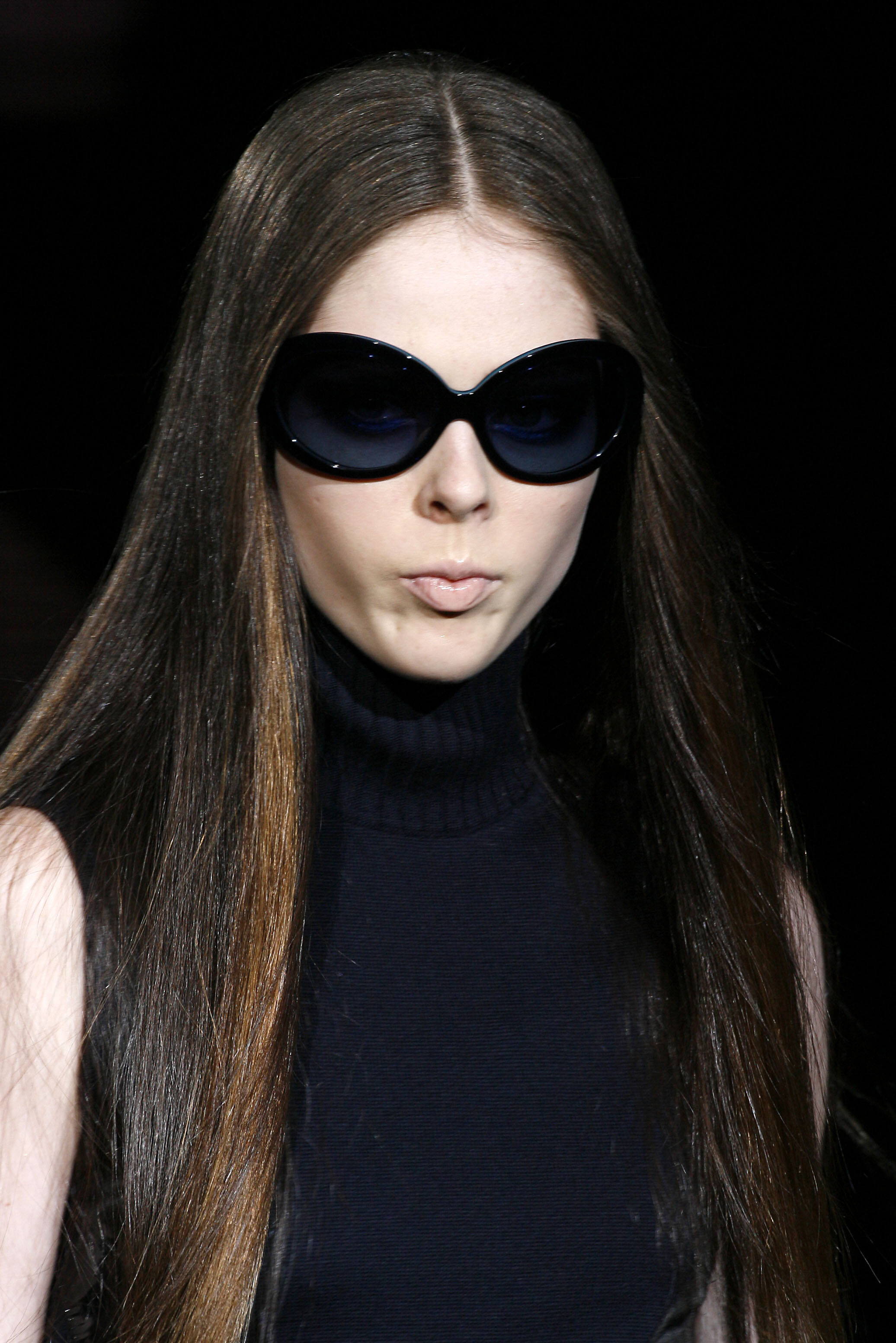
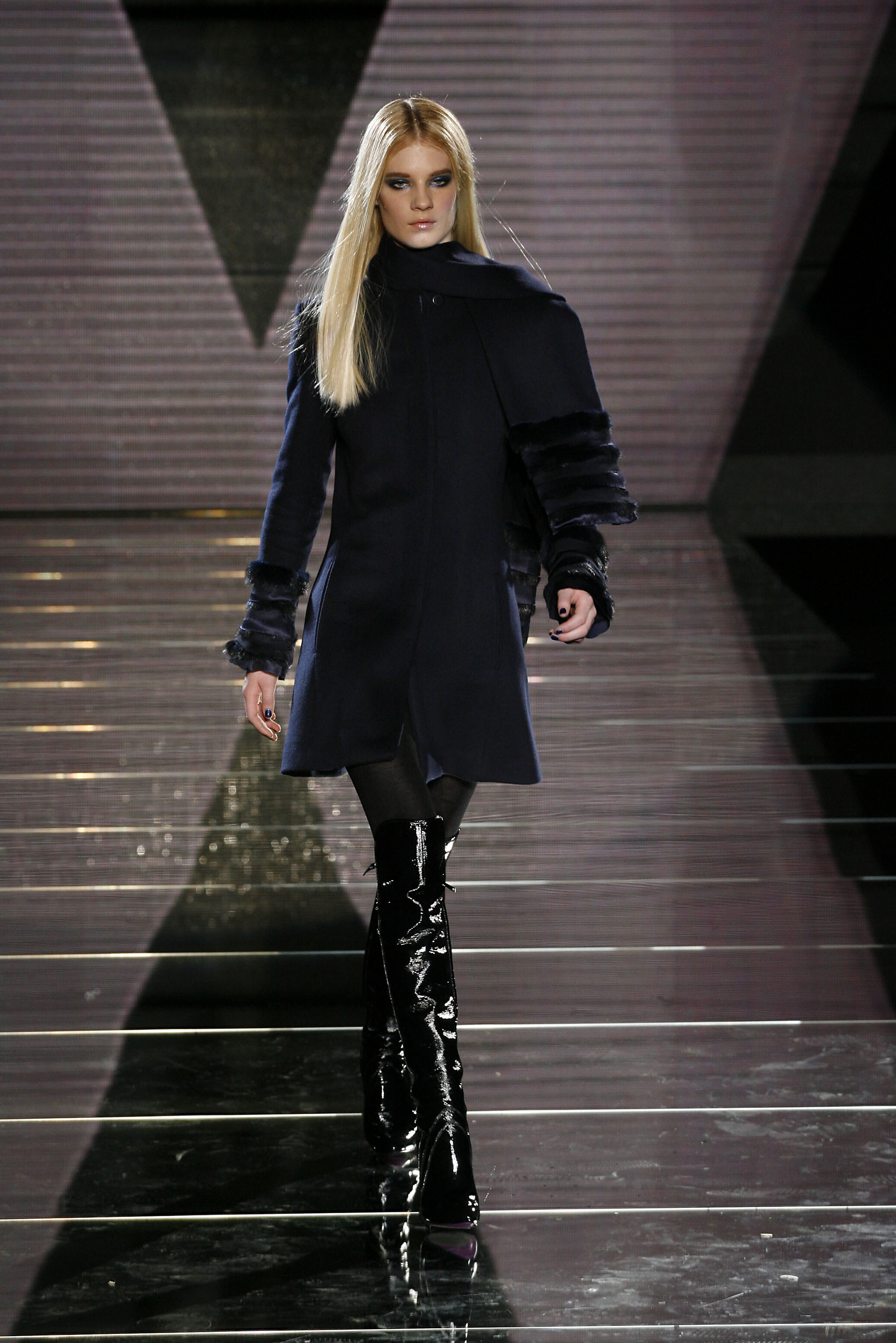
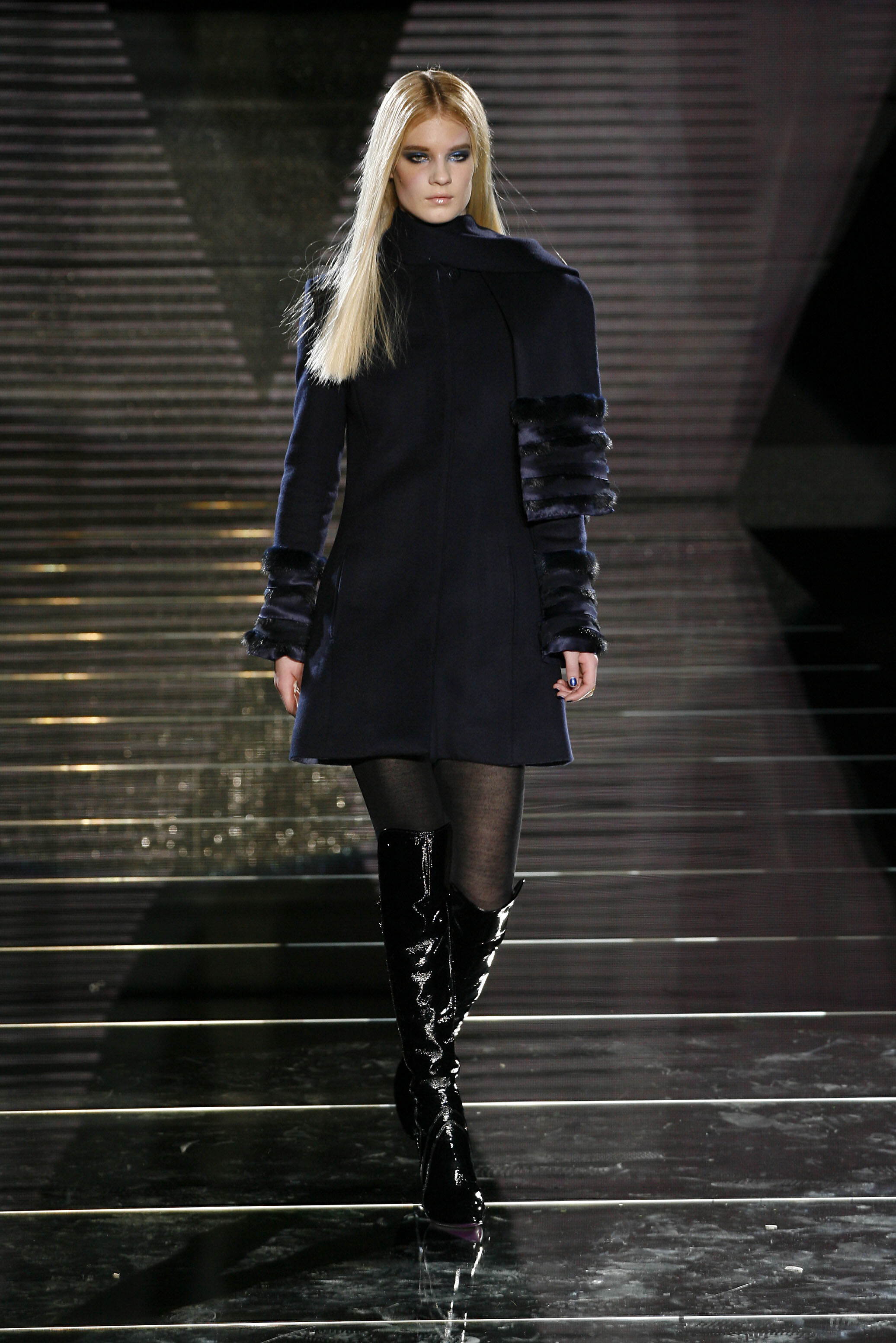
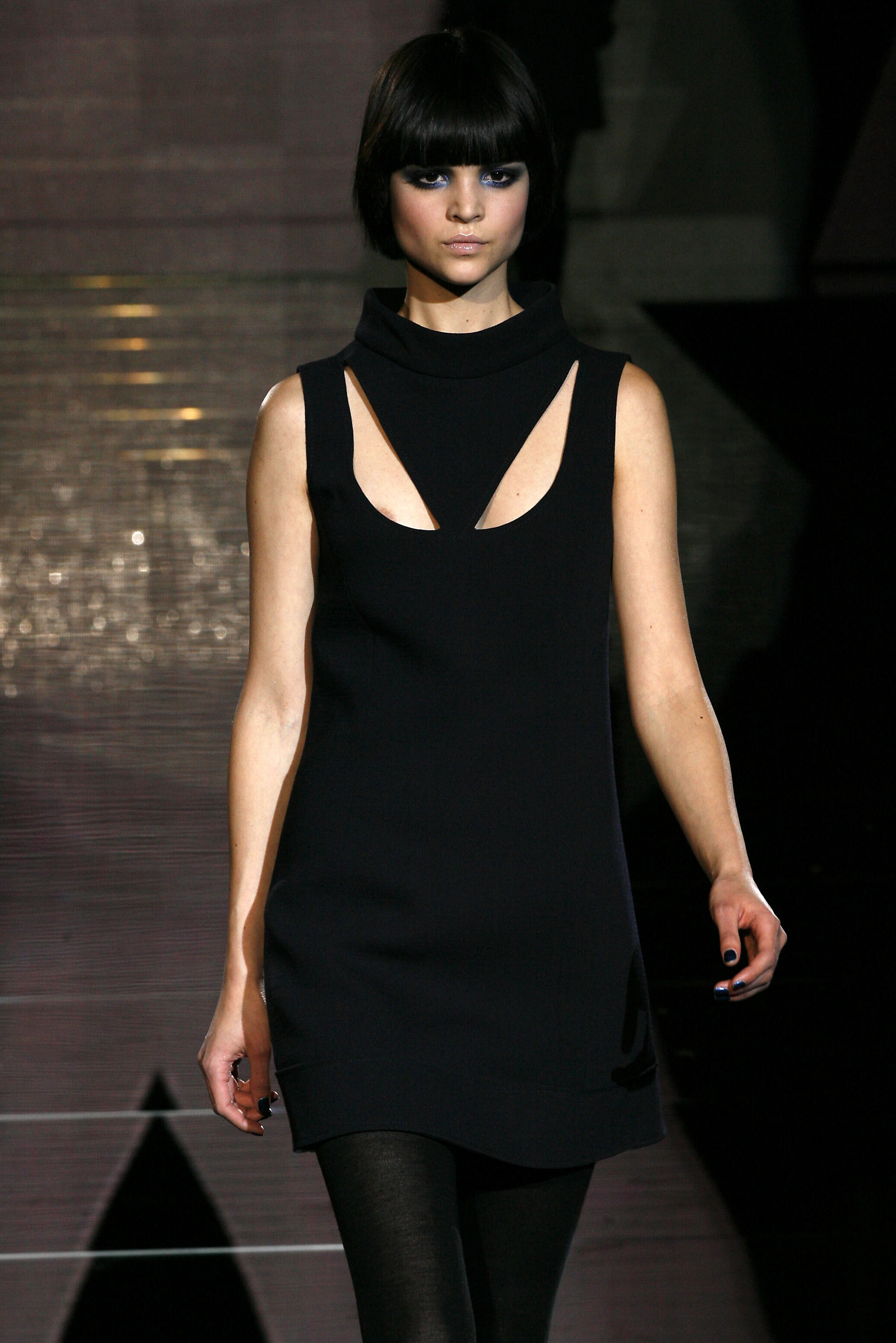
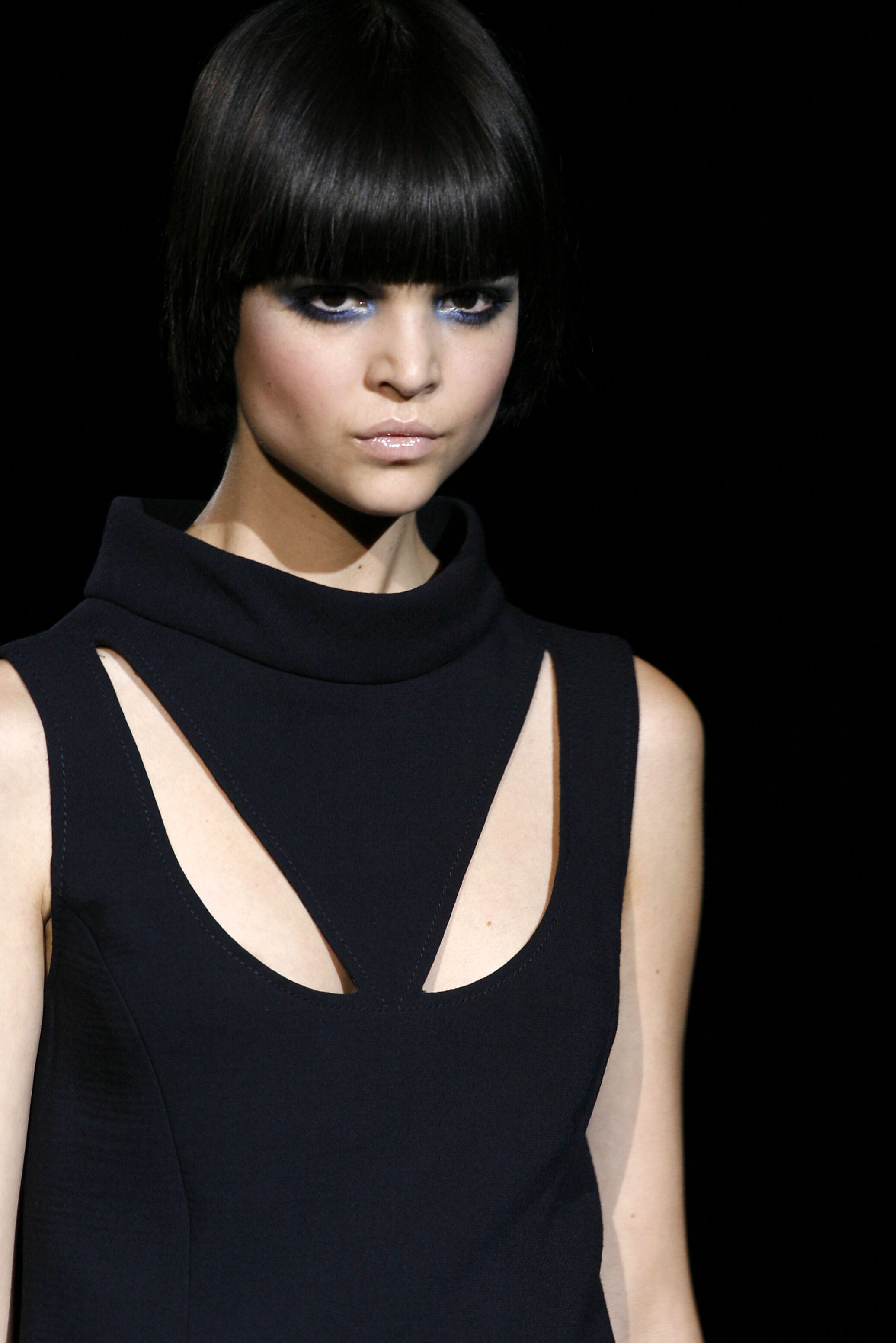
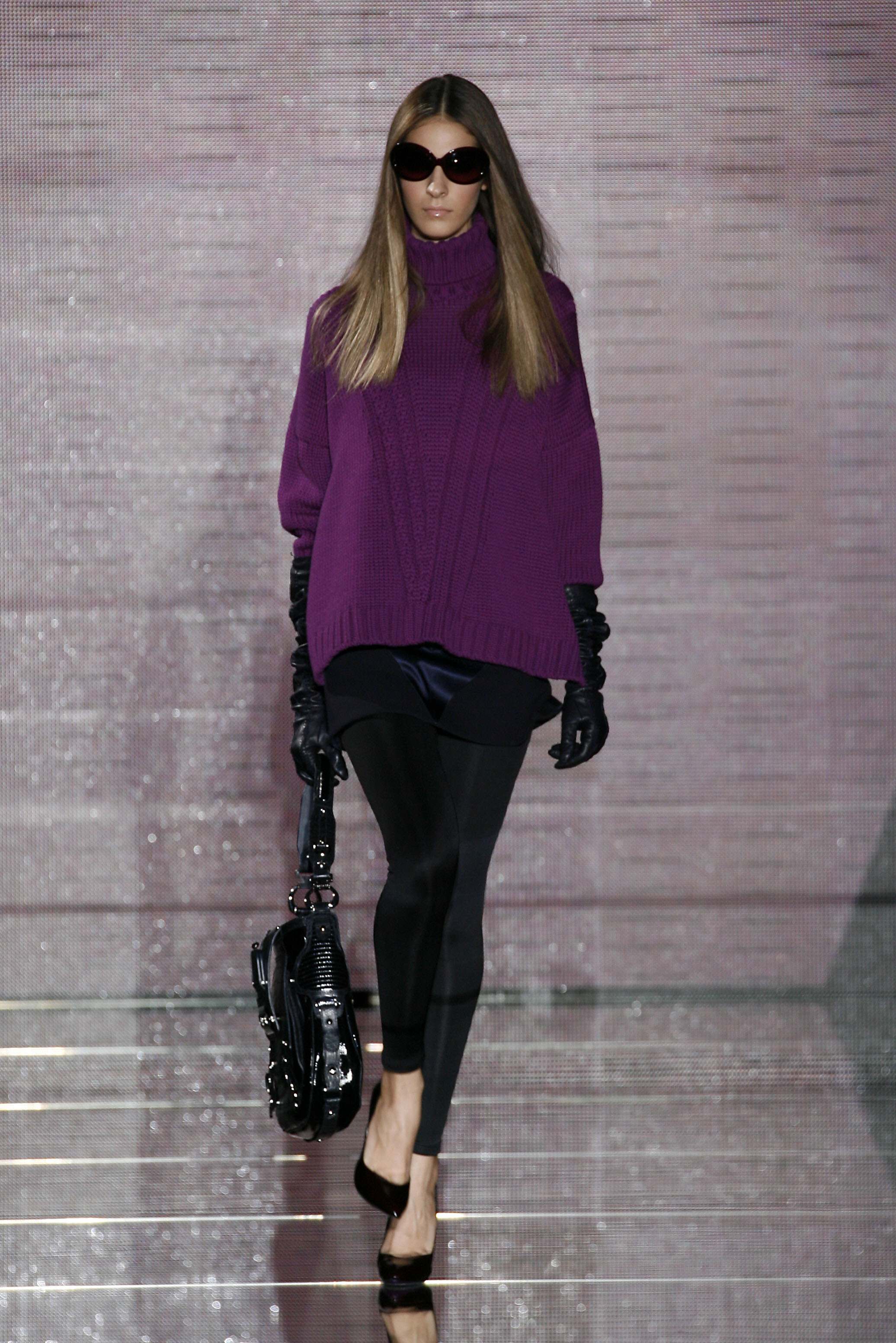
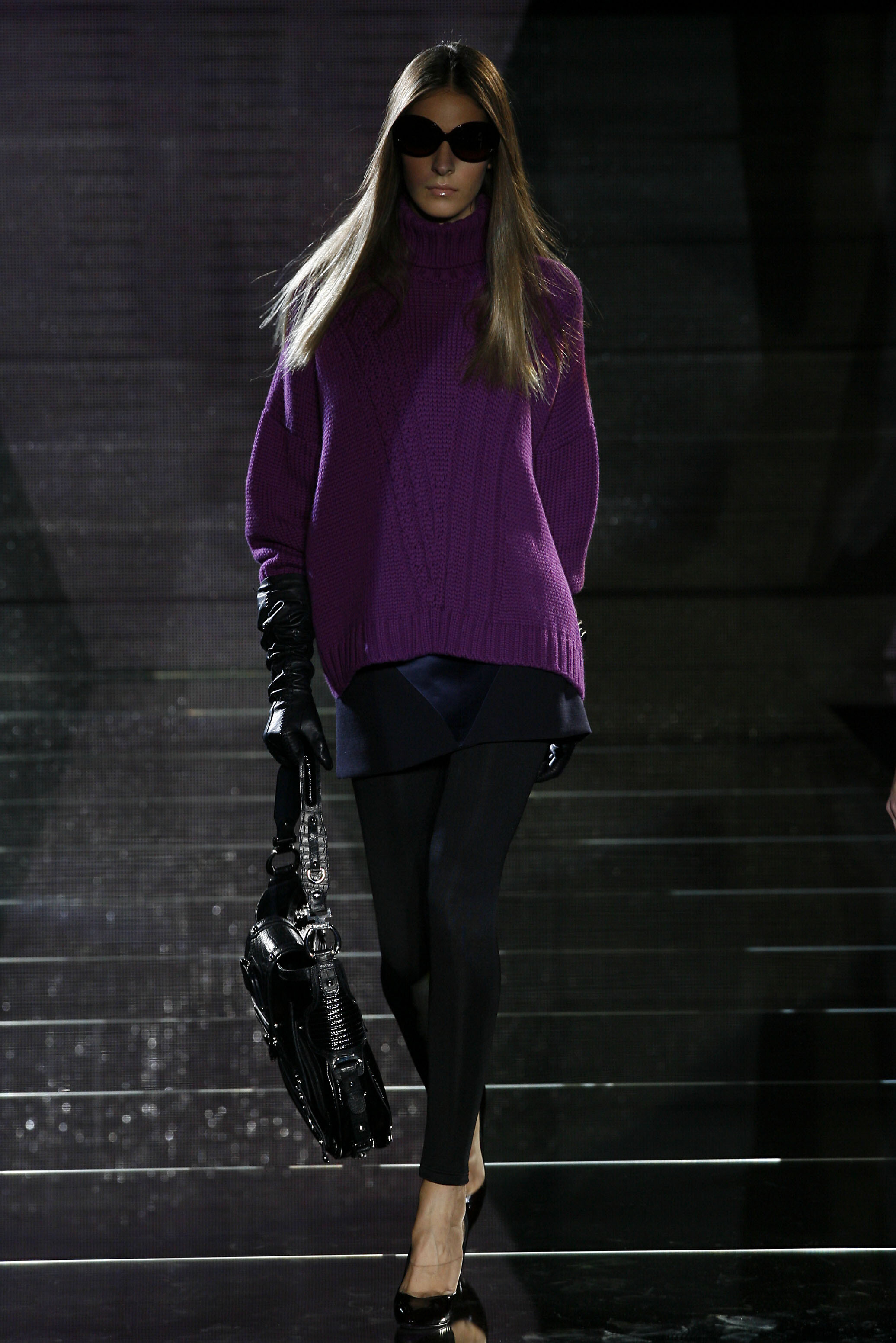
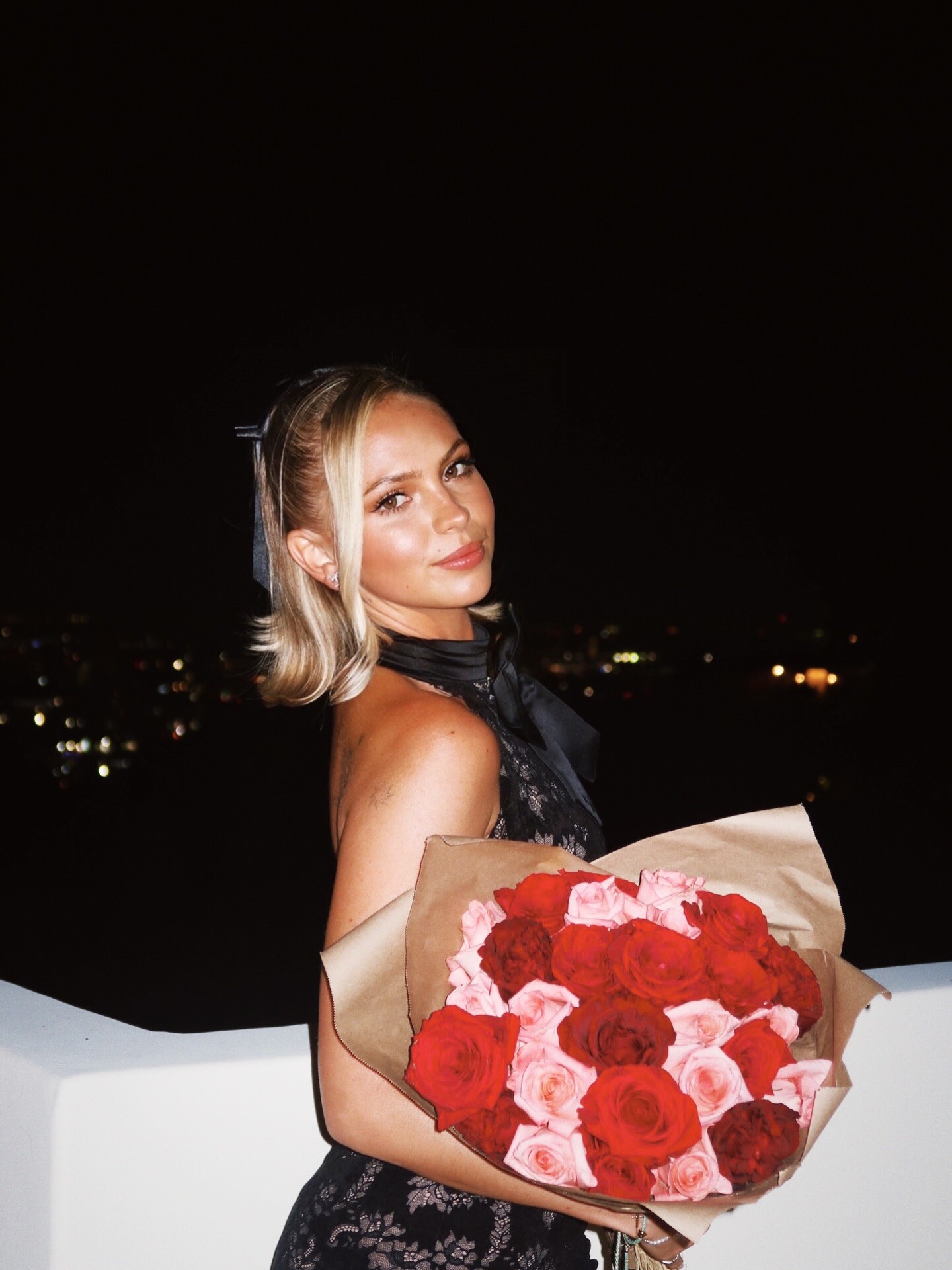
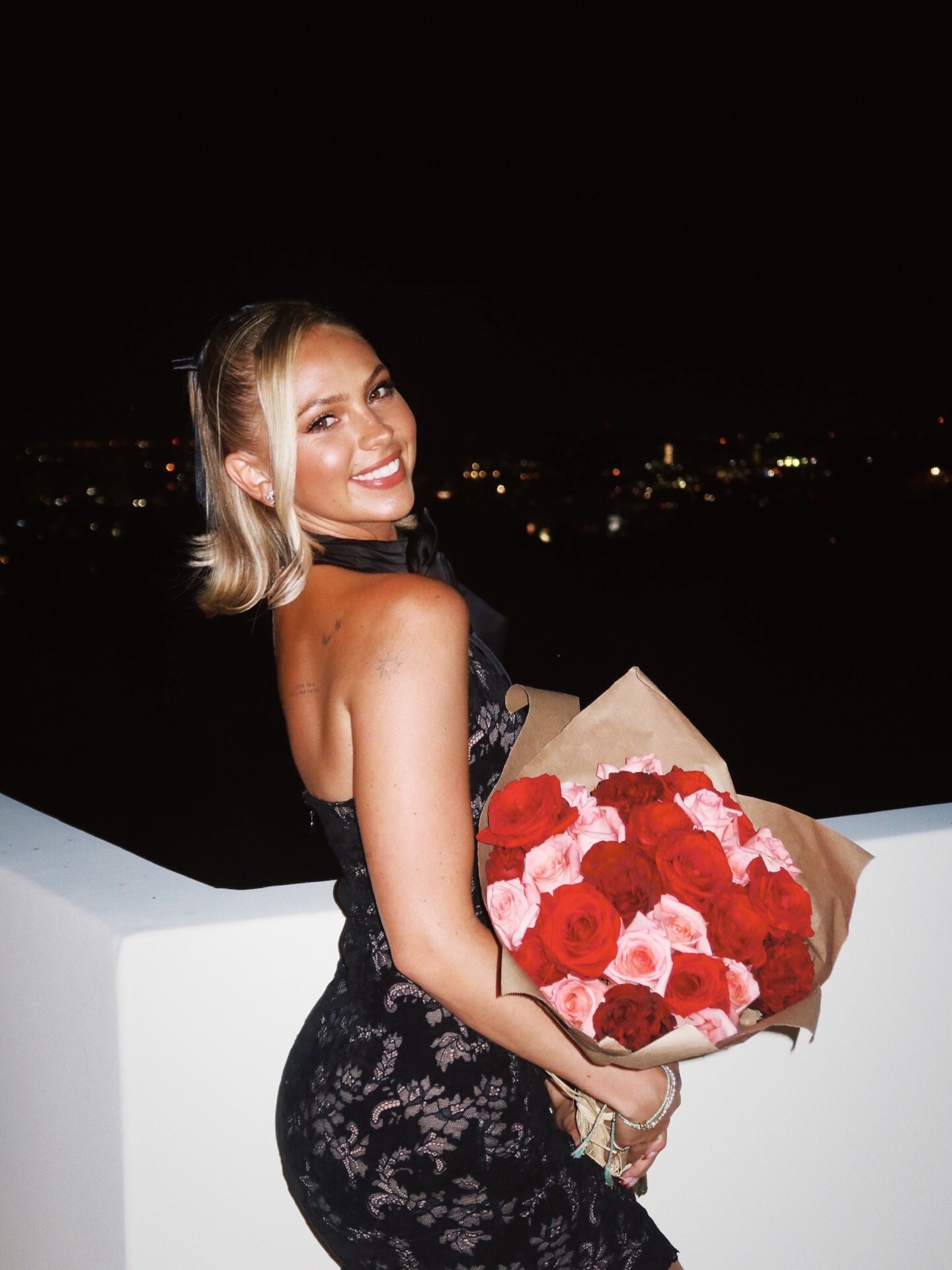
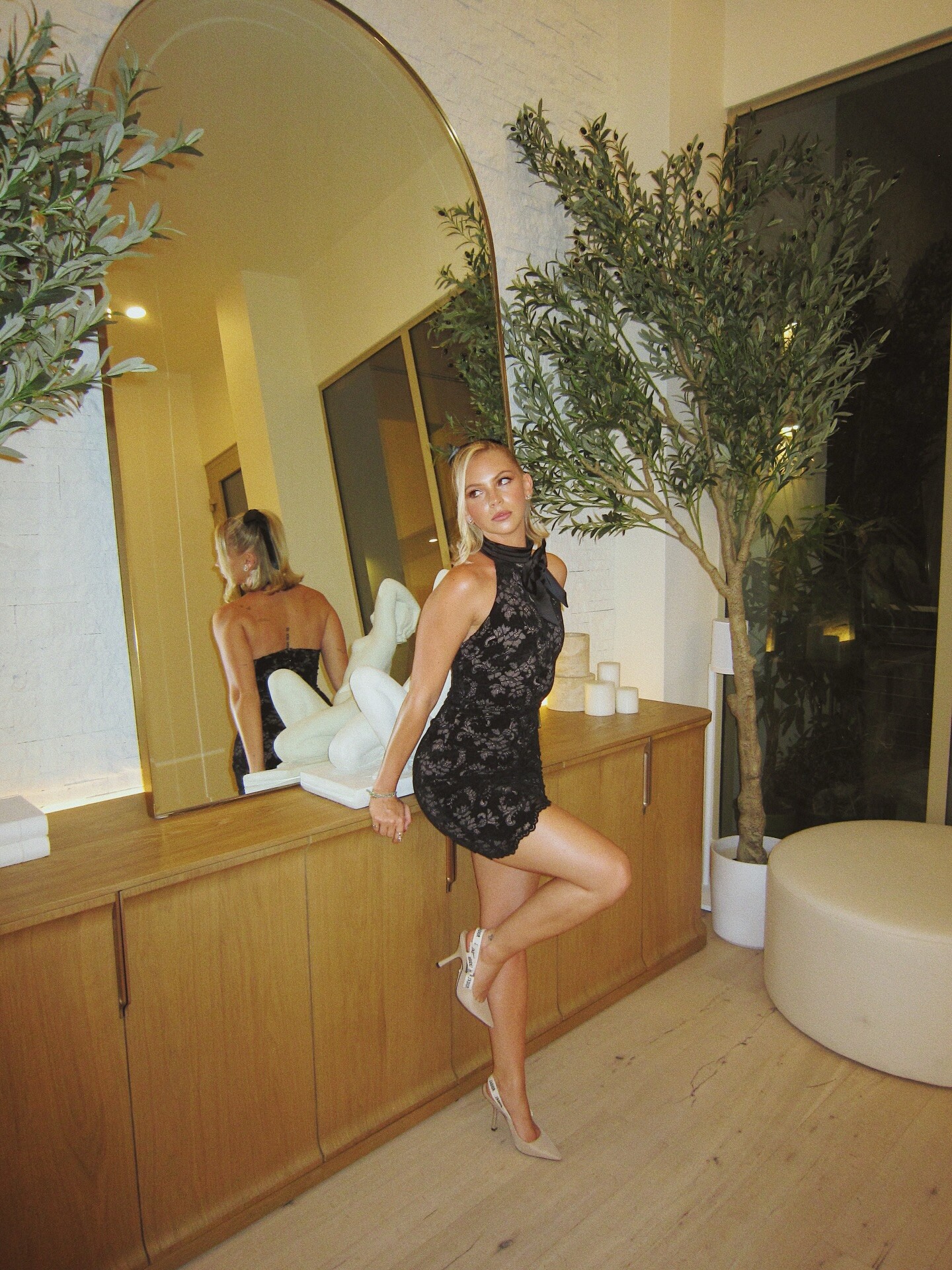
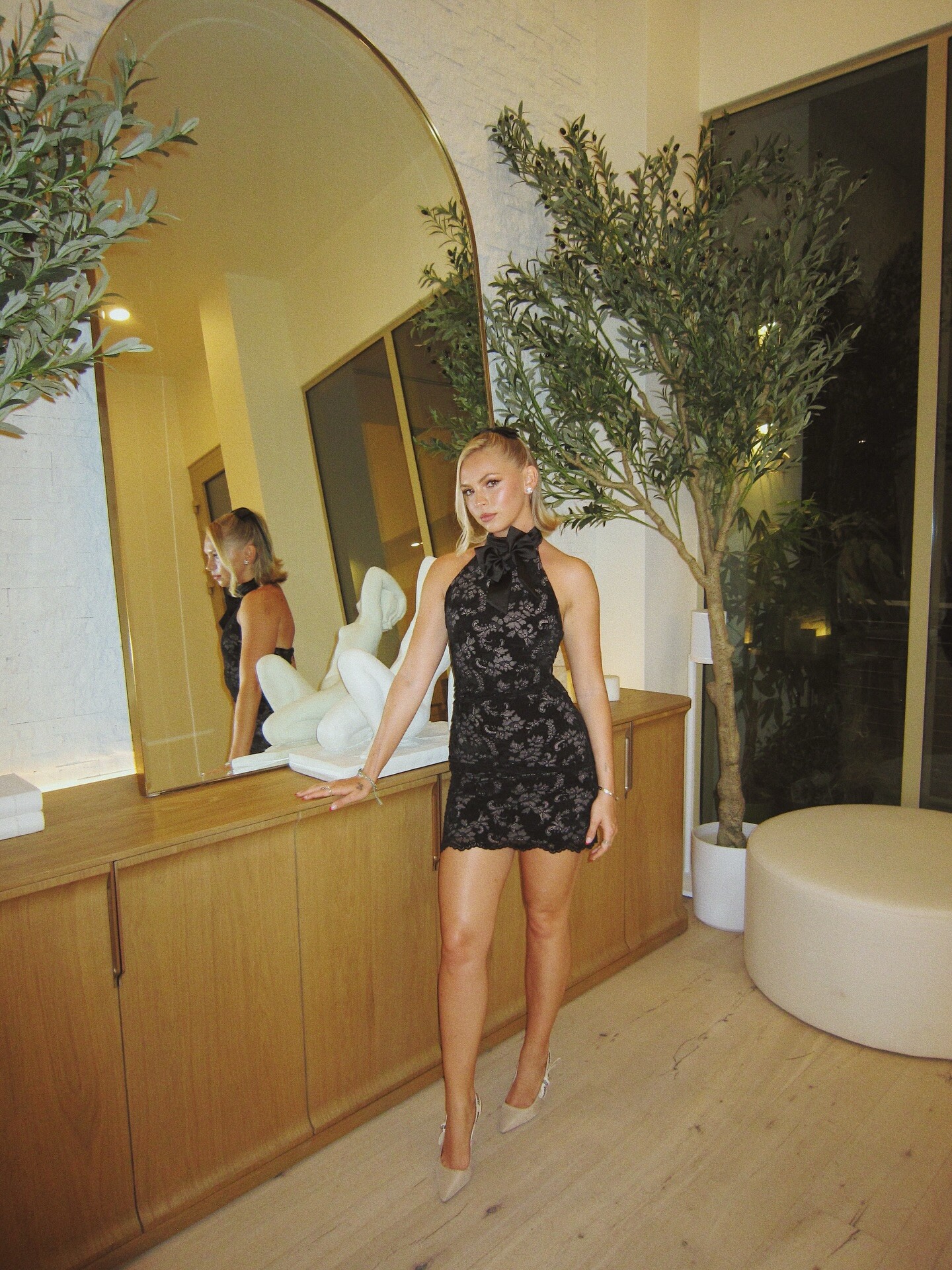
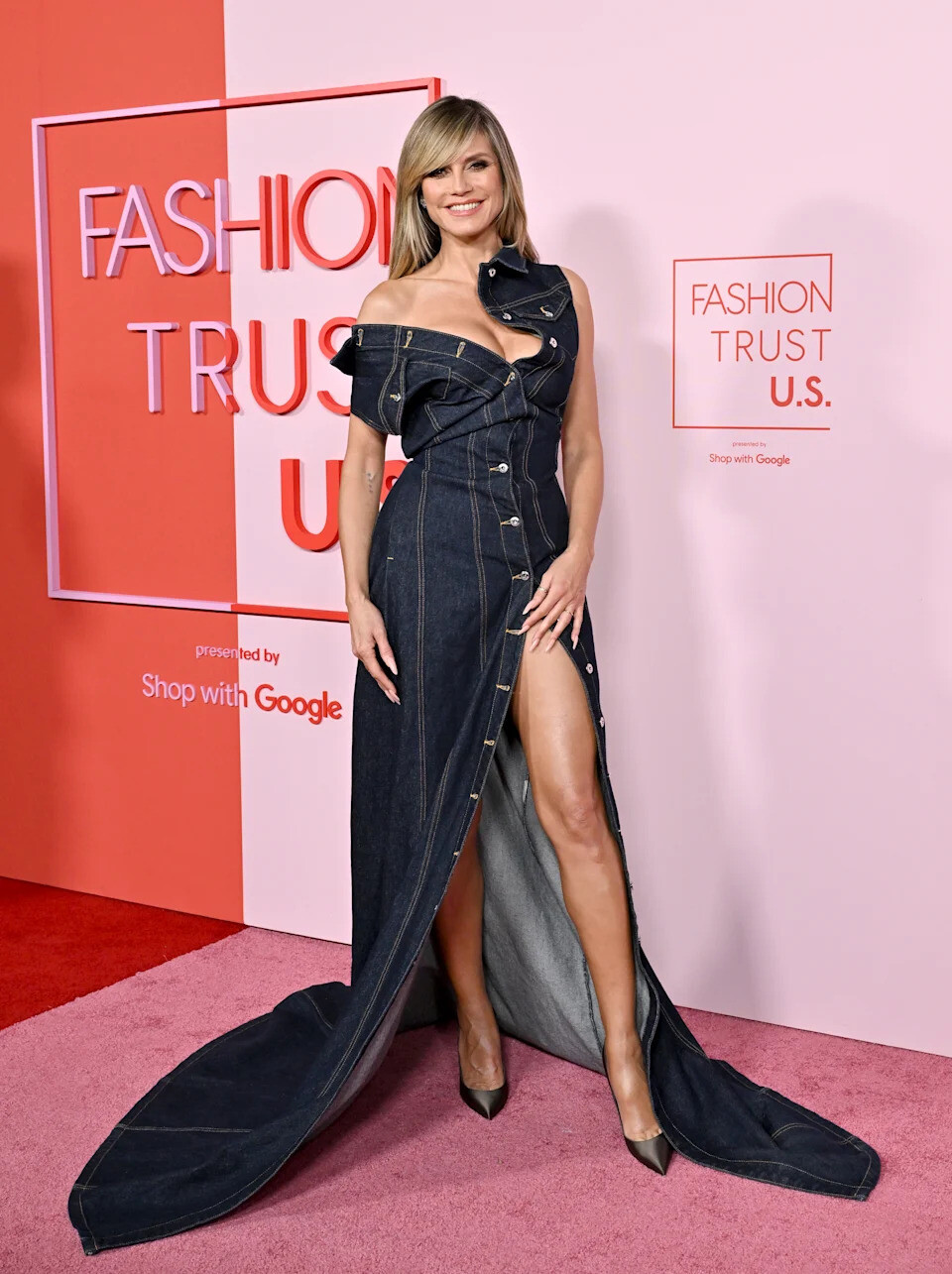
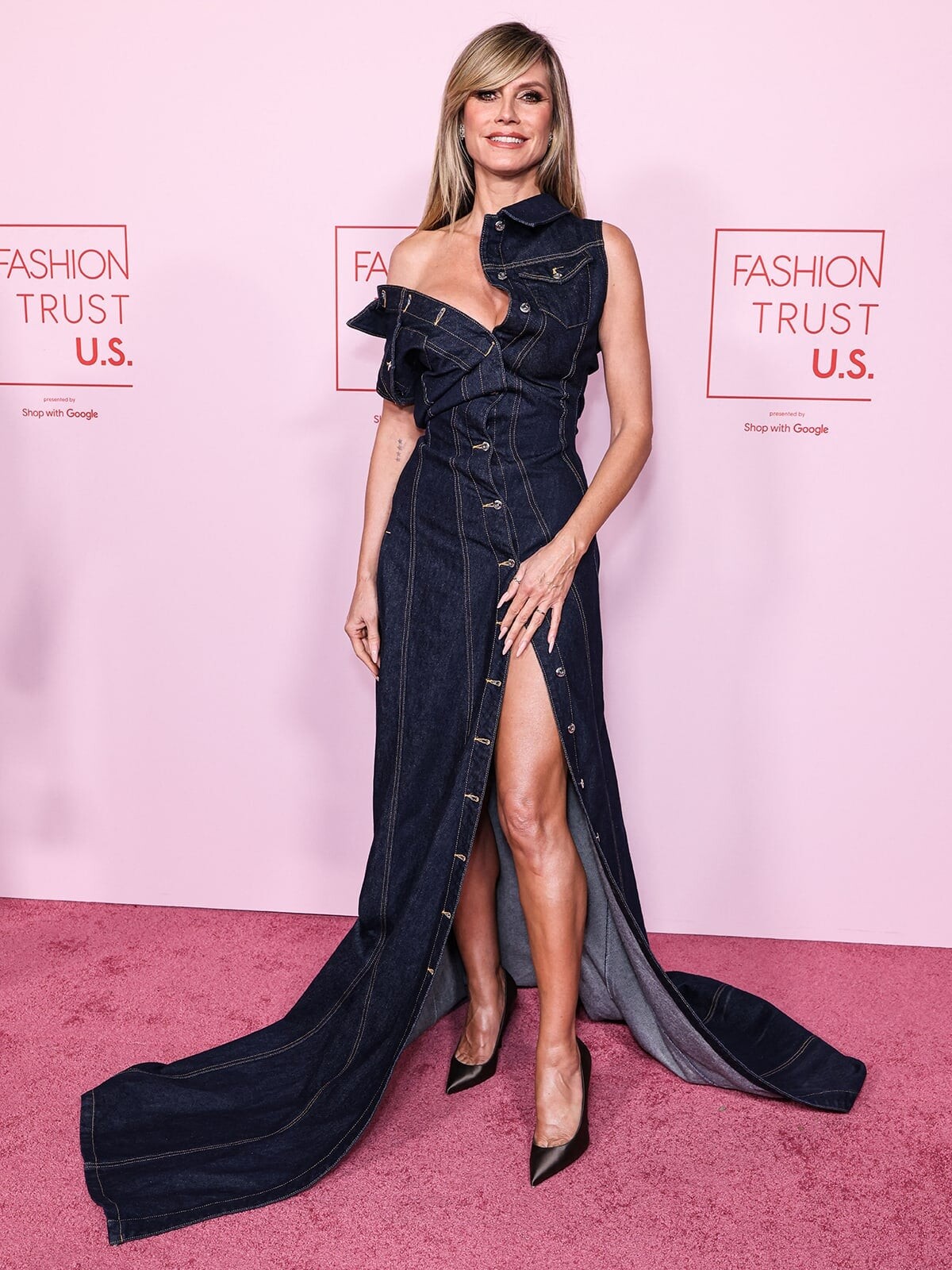
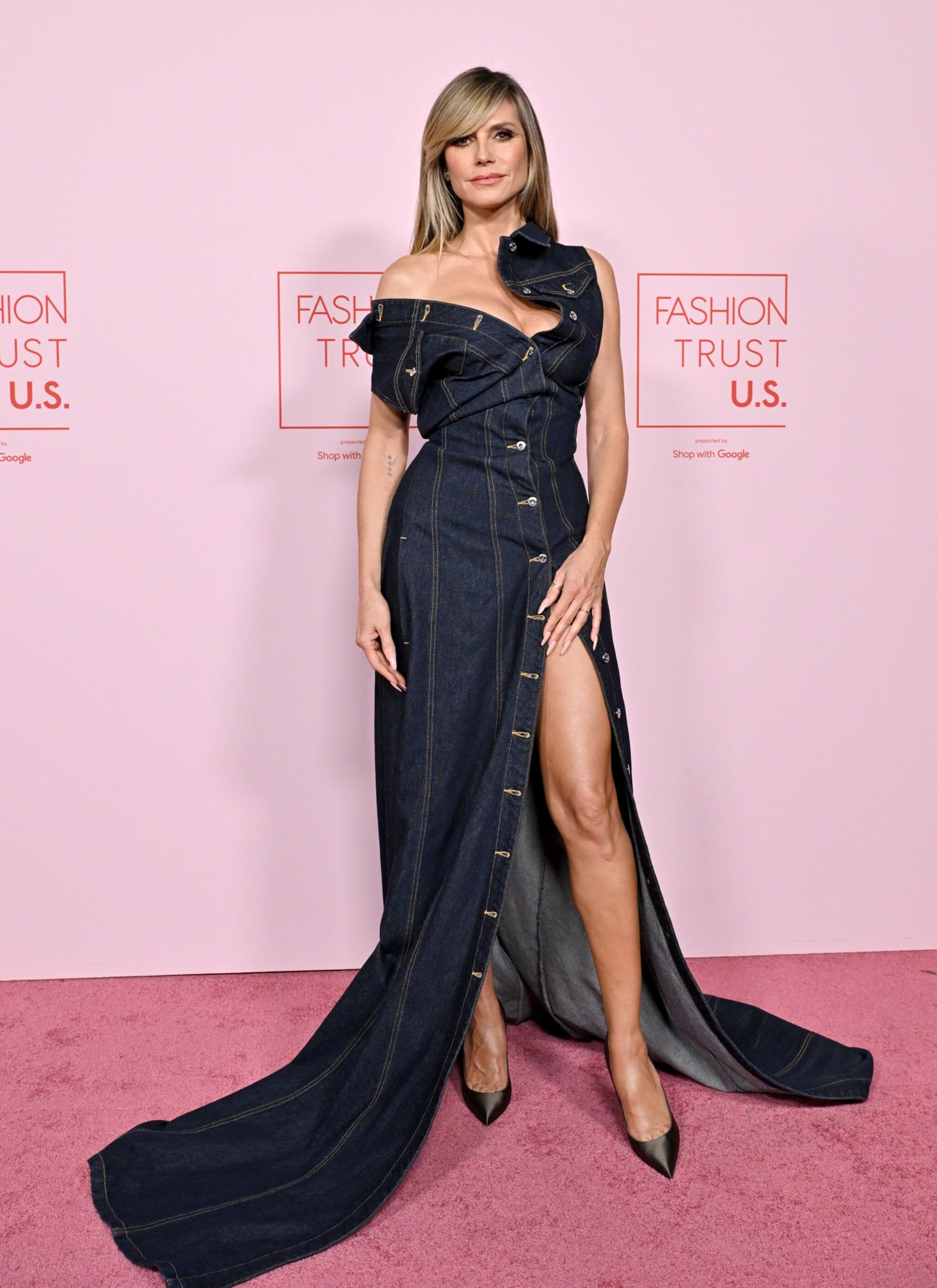


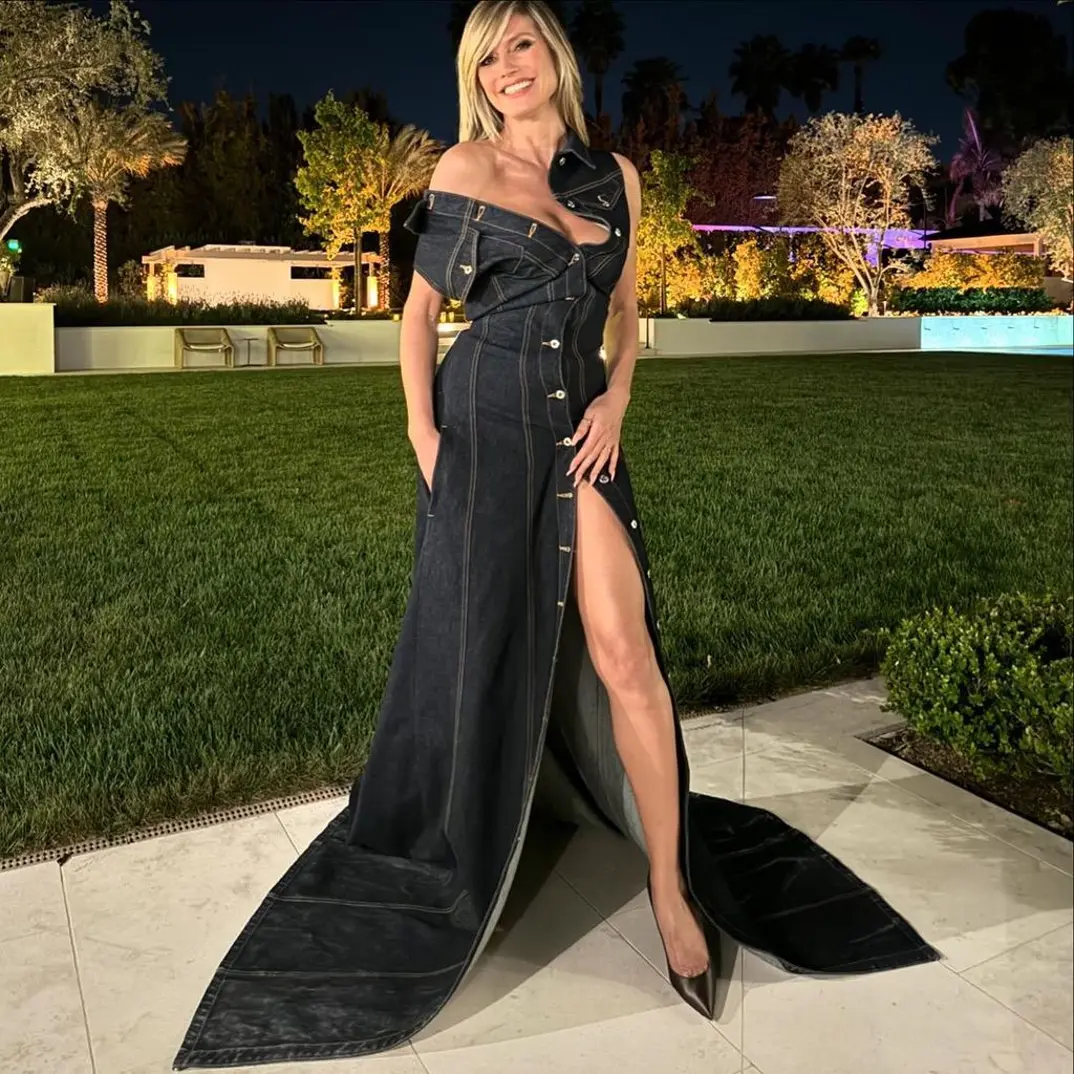
Account
Navigation
Search
Configure browser push notifications
Chrome (Android)
- Tap the lock icon next to the address bar.
- Tap Permissions → Notifications.
- Adjust your preference.
Chrome (Desktop)
- Click the padlock icon in the address bar.
- Select Site settings.
- Find Notifications and adjust your preference.
Safari (iOS 16.4+)
- Ensure the site is installed via Add to Home Screen.
- Open Settings App → Notifications.
- Find your app name and adjust your preference.
Safari (macOS)
- Go to Safari → Preferences.
- Click the Websites tab.
- Select Notifications in the sidebar.
- Find this website and adjust your preference.
Edge (Android)
- Tap the lock icon next to the address bar.
- Tap Permissions.
- Find Notifications and adjust your preference.
Edge (Desktop)
- Click the padlock icon in the address bar.
- Click Permissions for this site.
- Find Notifications and adjust your preference.
Firefox (Android)
- Go to Settings → Site permissions.
- Tap Notifications.
- Find this site in the list and adjust your preference.
Firefox (Desktop)
- Open Firefox Settings.
- Search for Notifications.
- Find this site in the list and adjust your preference.