All Activity
- Past hour
-
 center: Stephanie Janes https://www.bellazon.com/main/topic/14030-stephanie-janes/
 -
 Virginia Wark https://www.bellazon.com/main/topic/92612-virginia-wark/
Difficult. I'm leaning towards Tia, also because she's from Hawaii...
So is Christina,probably...
Virginia Wark https://www.bellazon.com/main/topic/92612-virginia-wark/
Difficult. I'm leaning towards Tia, also because she's from Hawaii...
So is Christina,probably...
 Cover : BAZAR Country : Yugoslavia Year: 1987
 Coiffure de Paris no.1016 - jul-aug 1997 - my scans -
.thumb.png.4b8c26d875b908d4490cb0c6ca4acc24.png)
.thumb.png.1eb3971c2df03fa640485fd1fa89281a.png) Tromsø girls Nina Erdahl, Marlen Bakke and Inger Lise Ebeltoft nordlys
Tromsø girls Nina Erdahl, Marlen Bakke and Inger Lise Ebeltoft nordlys
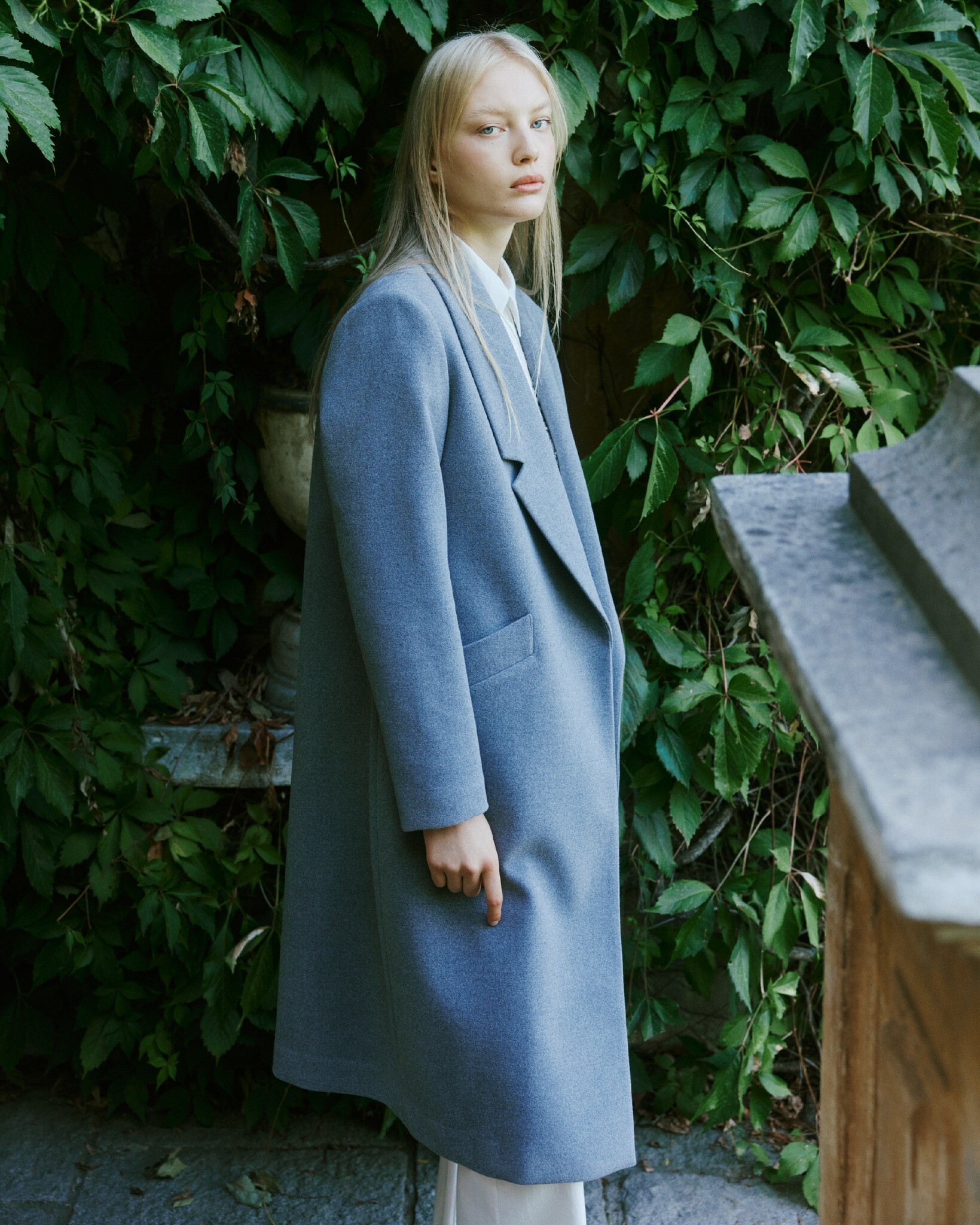
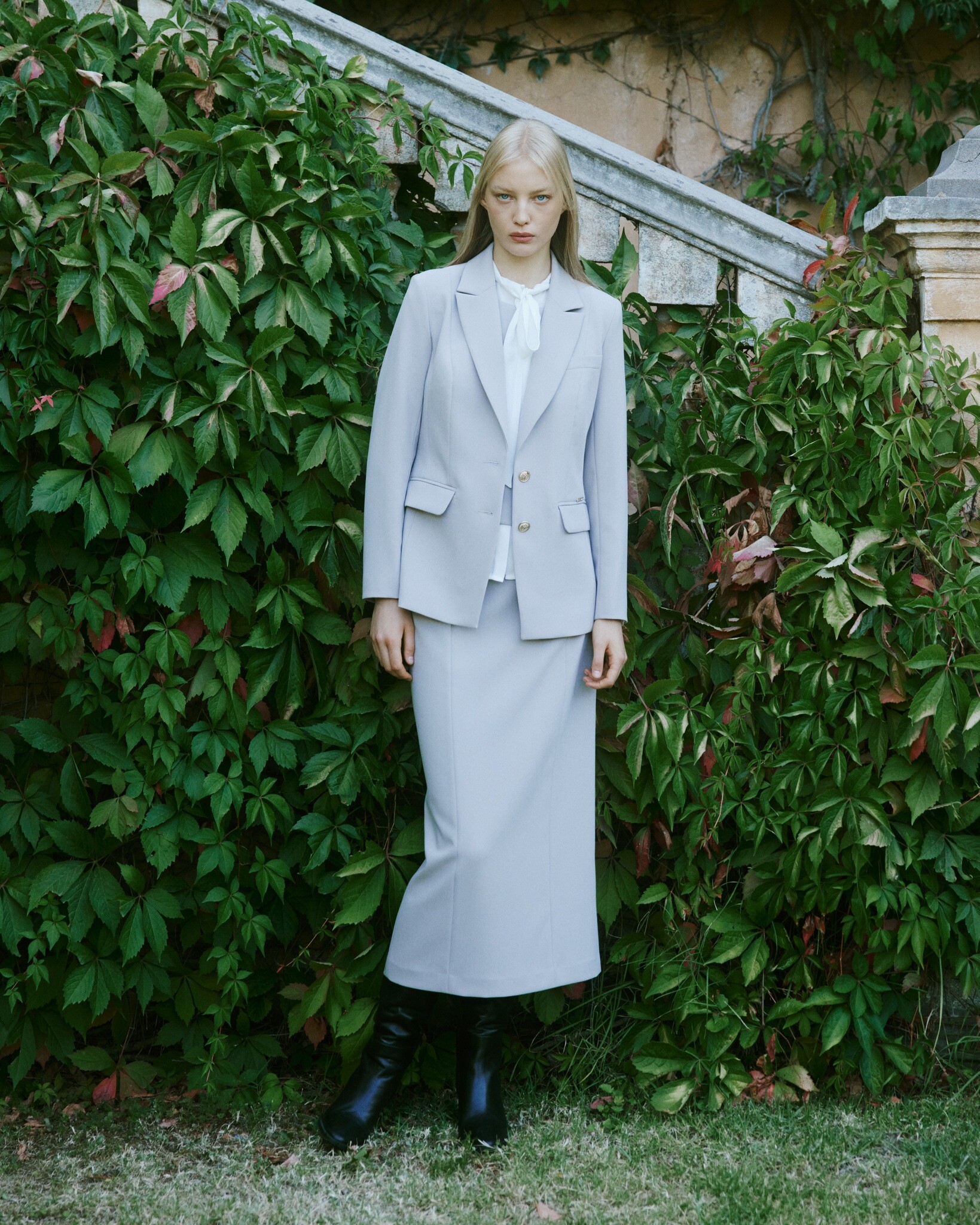
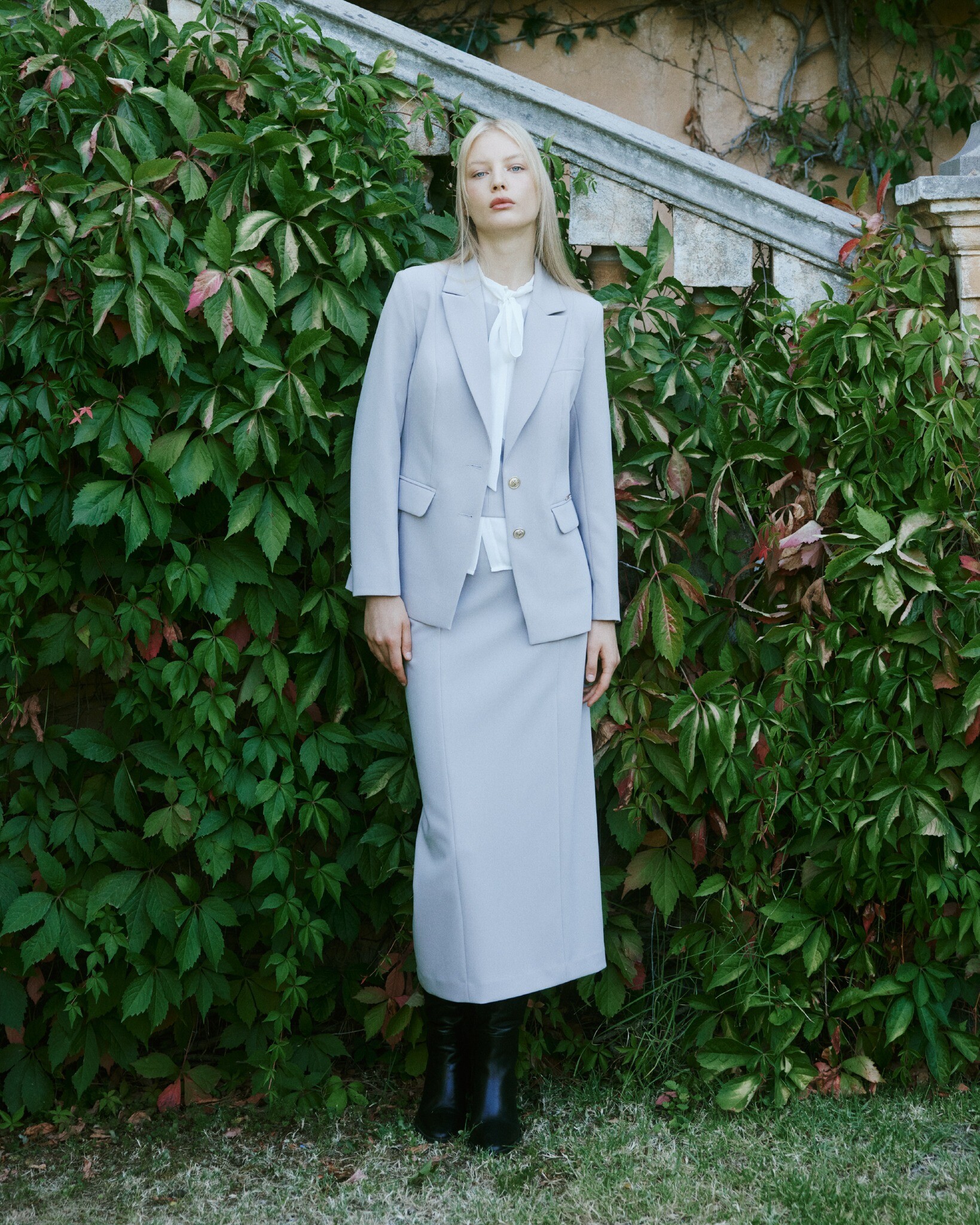
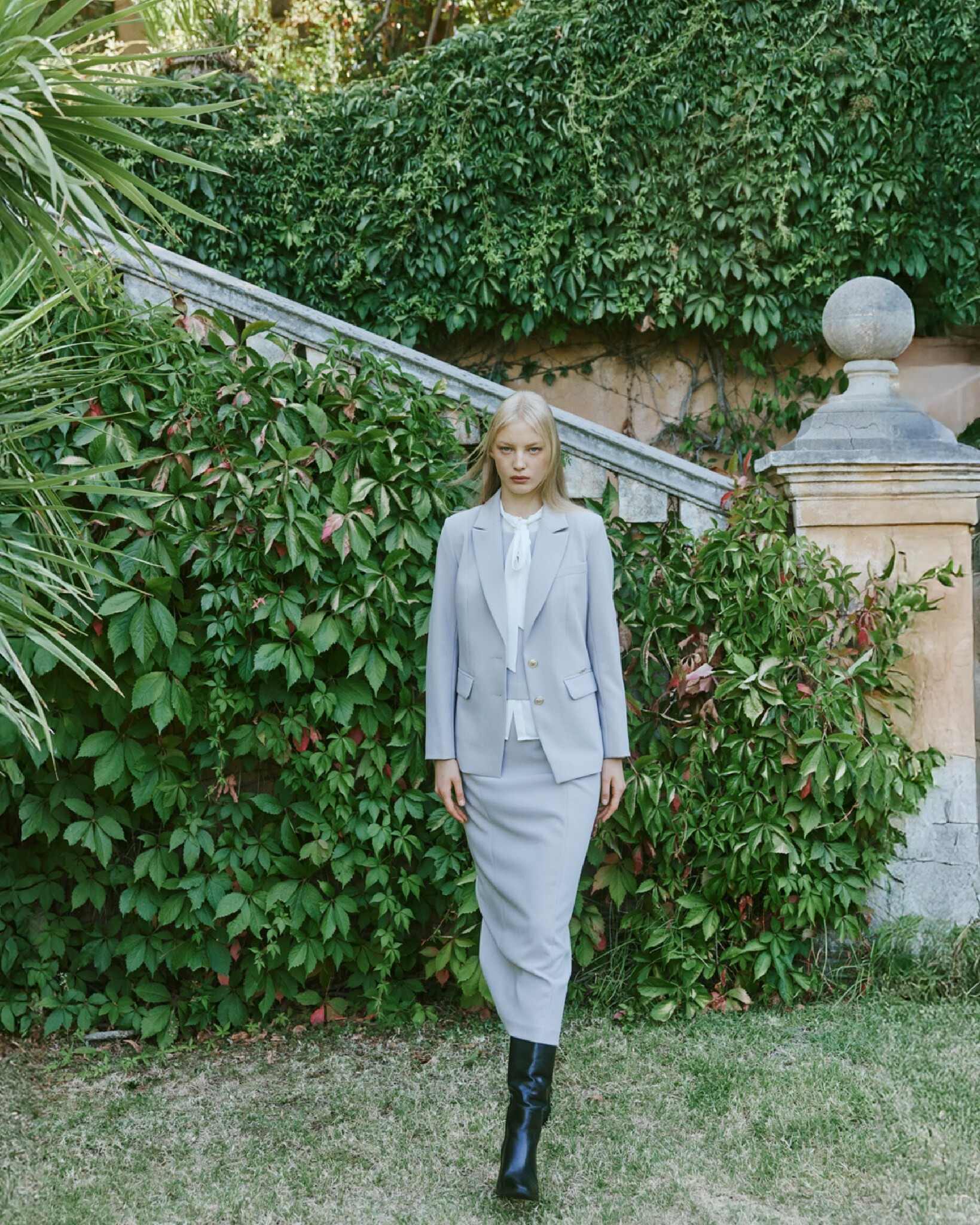
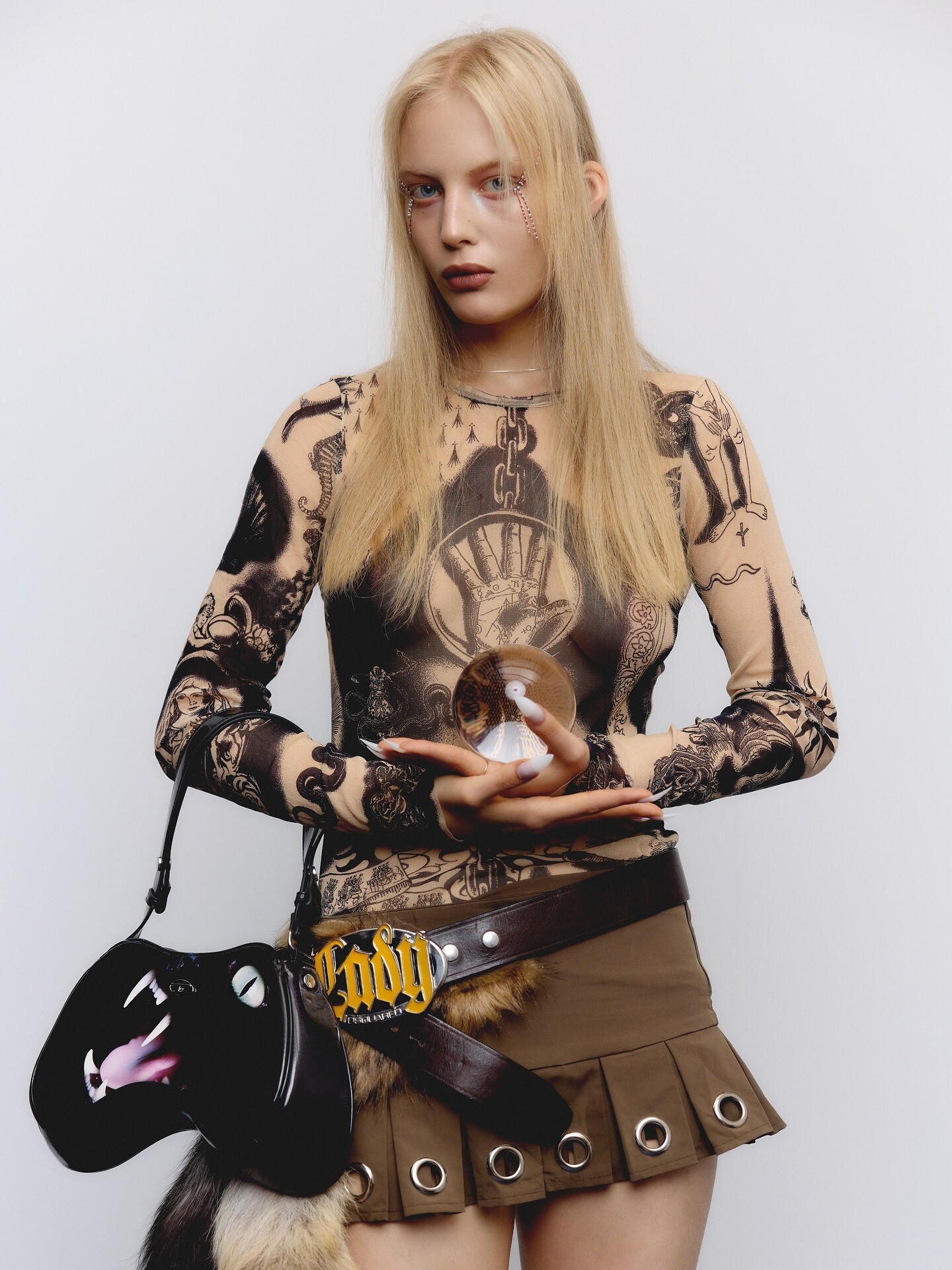
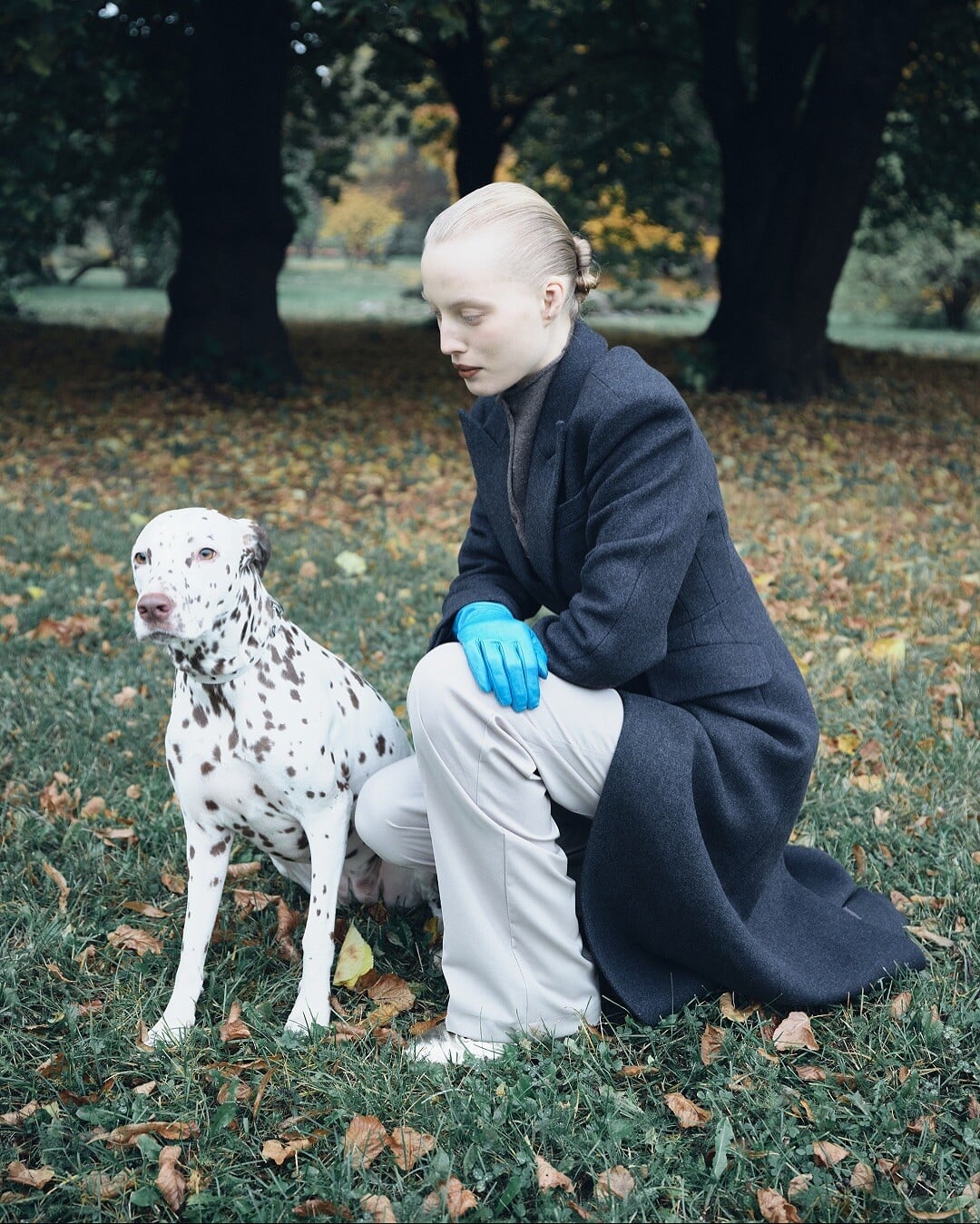
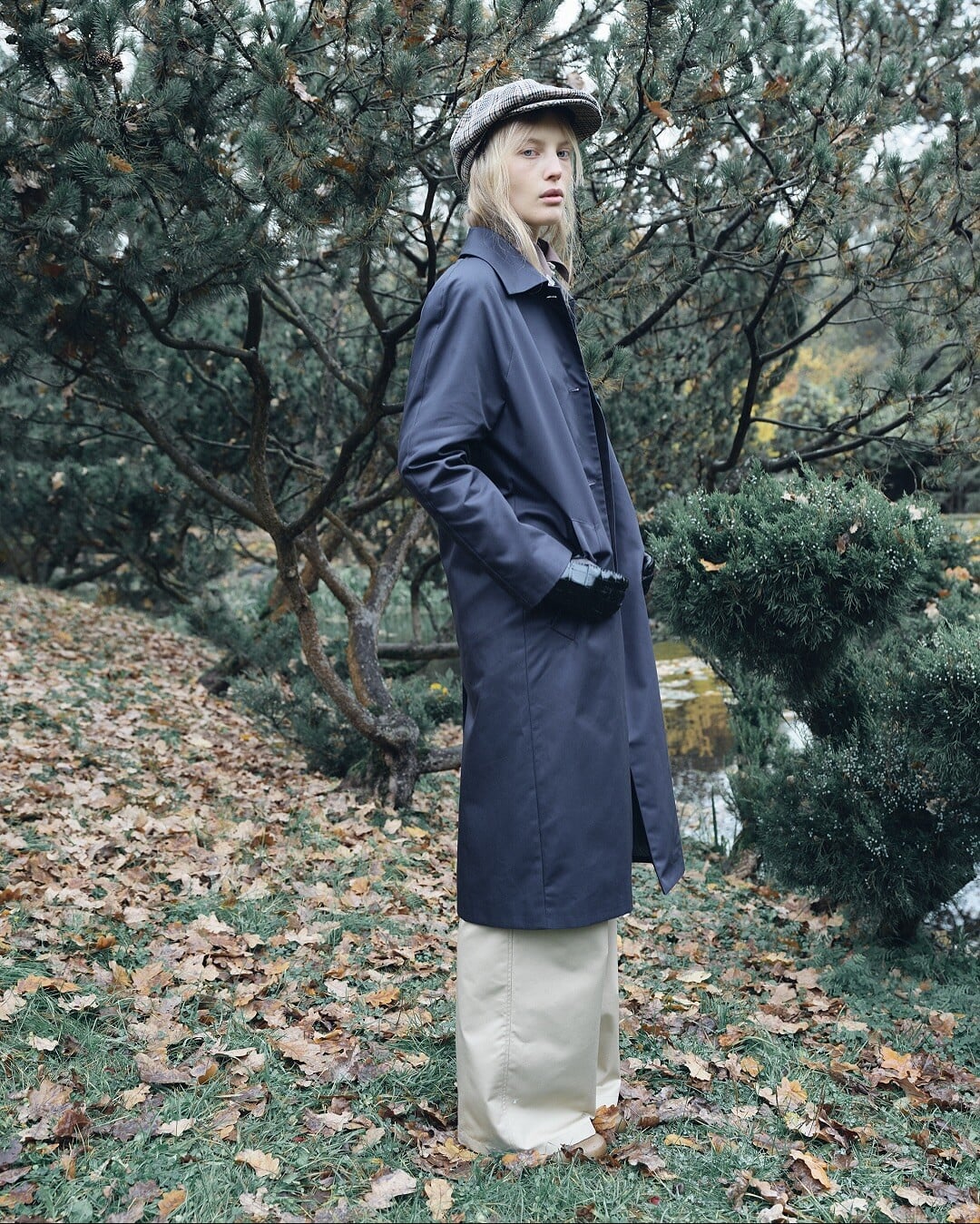
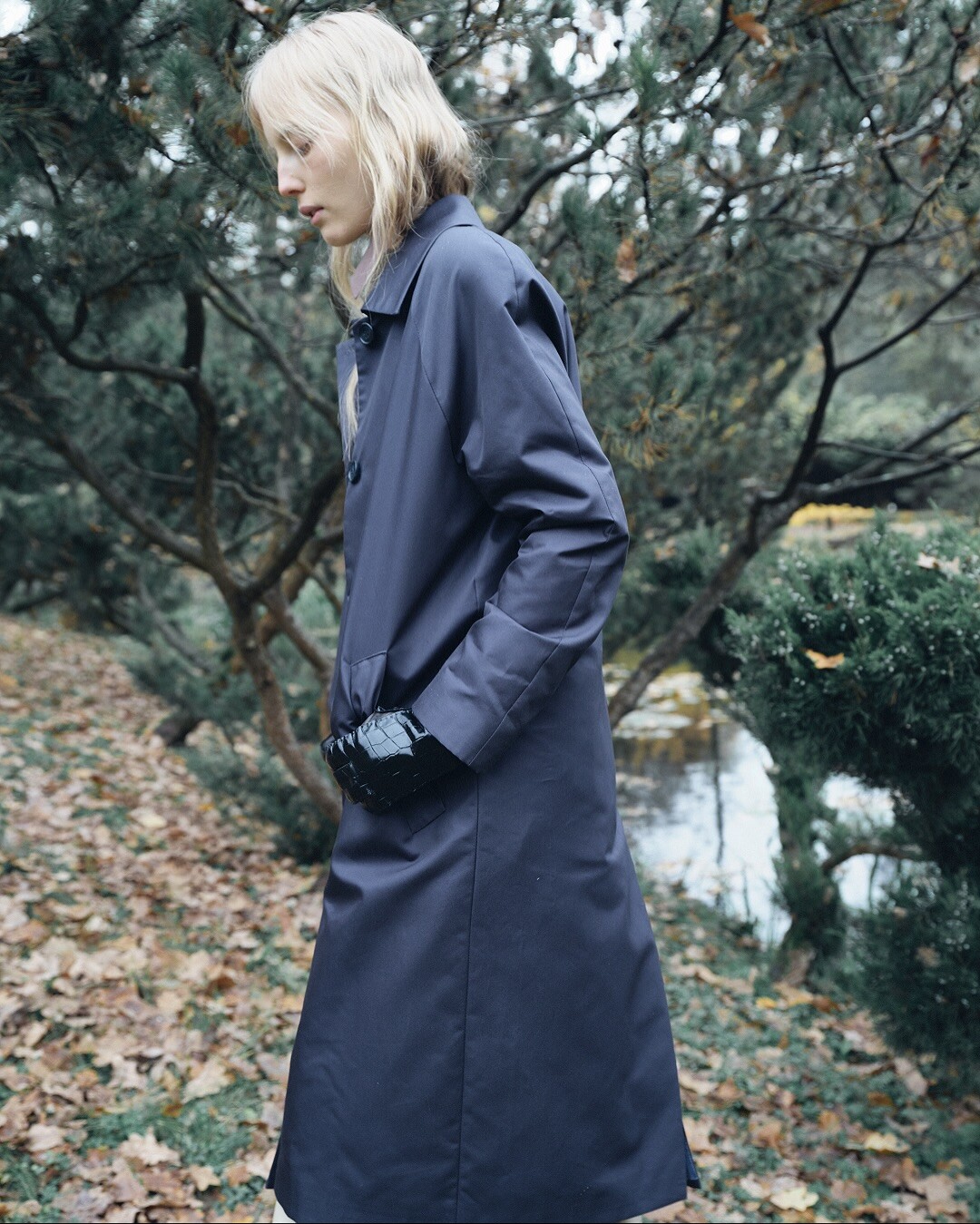
 Lio La Official FW25
























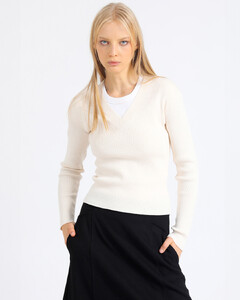
 L’Space b02a81a7477740f8a72c7f70ecda313b.mp4
Lio La Official FW25
L’Space b02a81a7477740f8a72c7f70ecda313b.mp4
Lio La Official FW25





































 nordlys
 ...living in and model in New York. October 2001. Photo: Lasse Jangås nordlys.no
 Ph. Anna Ekomasova
 Ph. Carlos Sales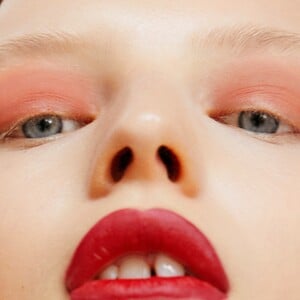
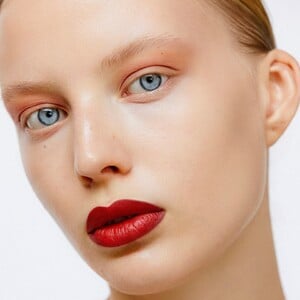 Inger Lise Ebeltoft when she won Miss Norway. nordlys.no
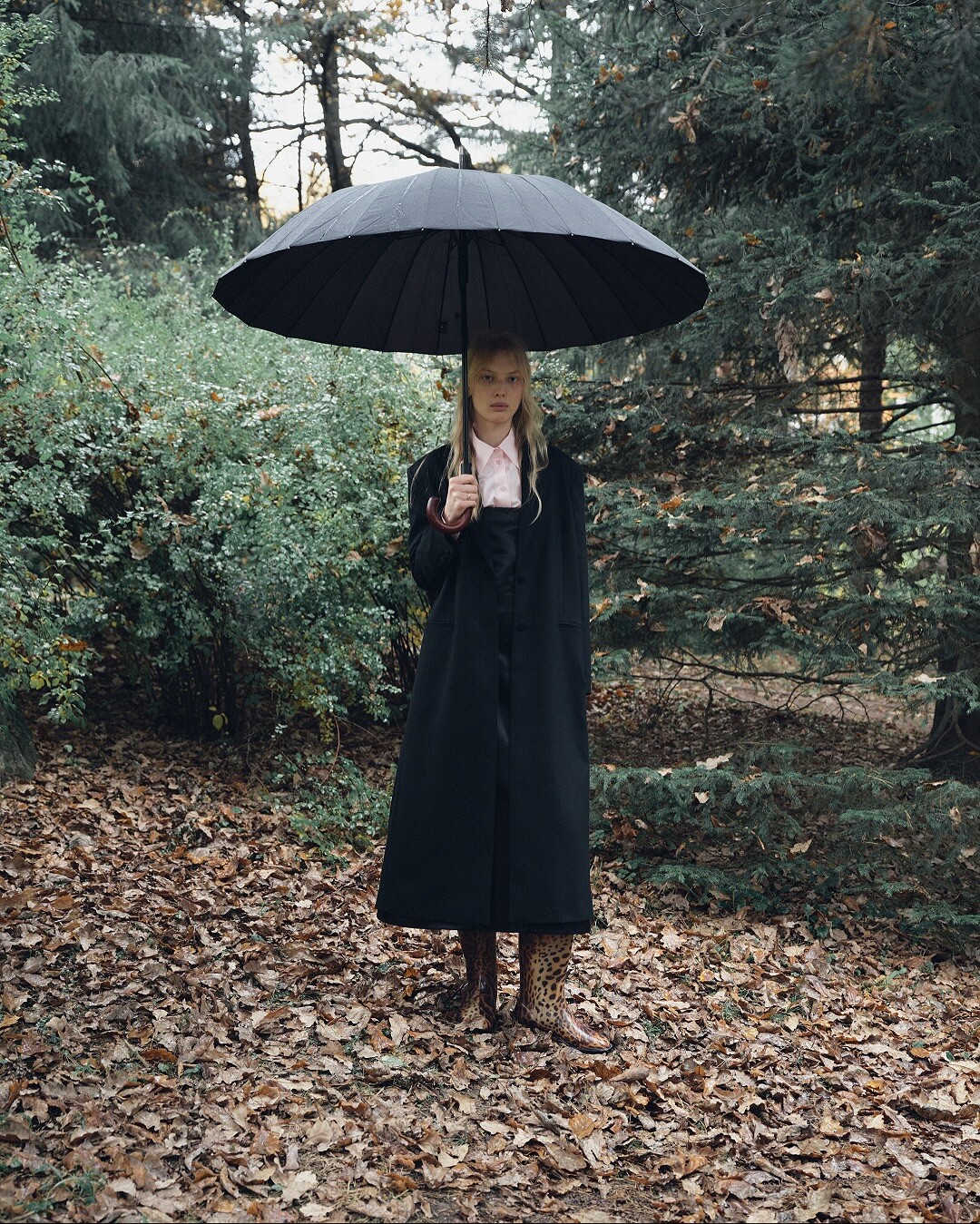
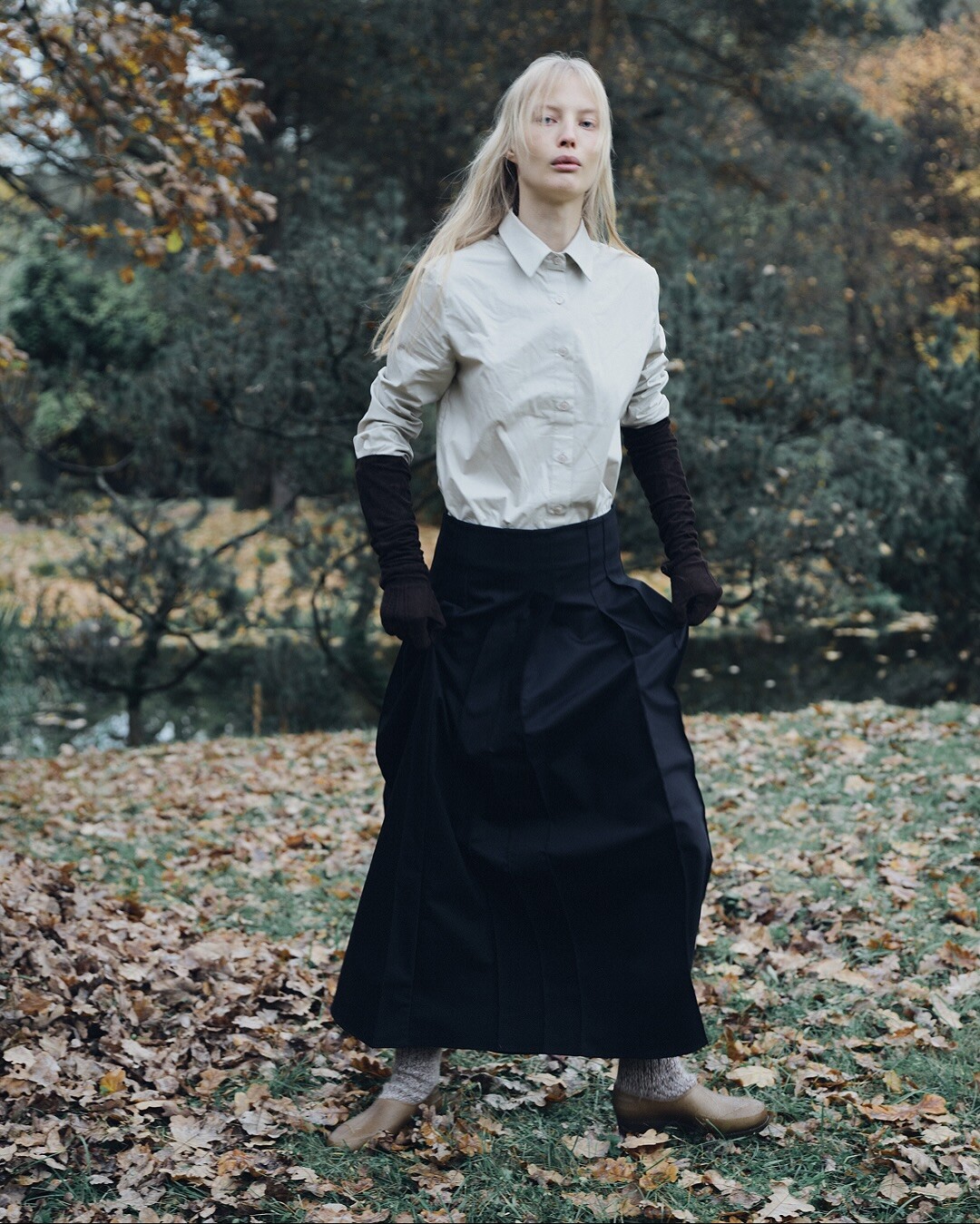
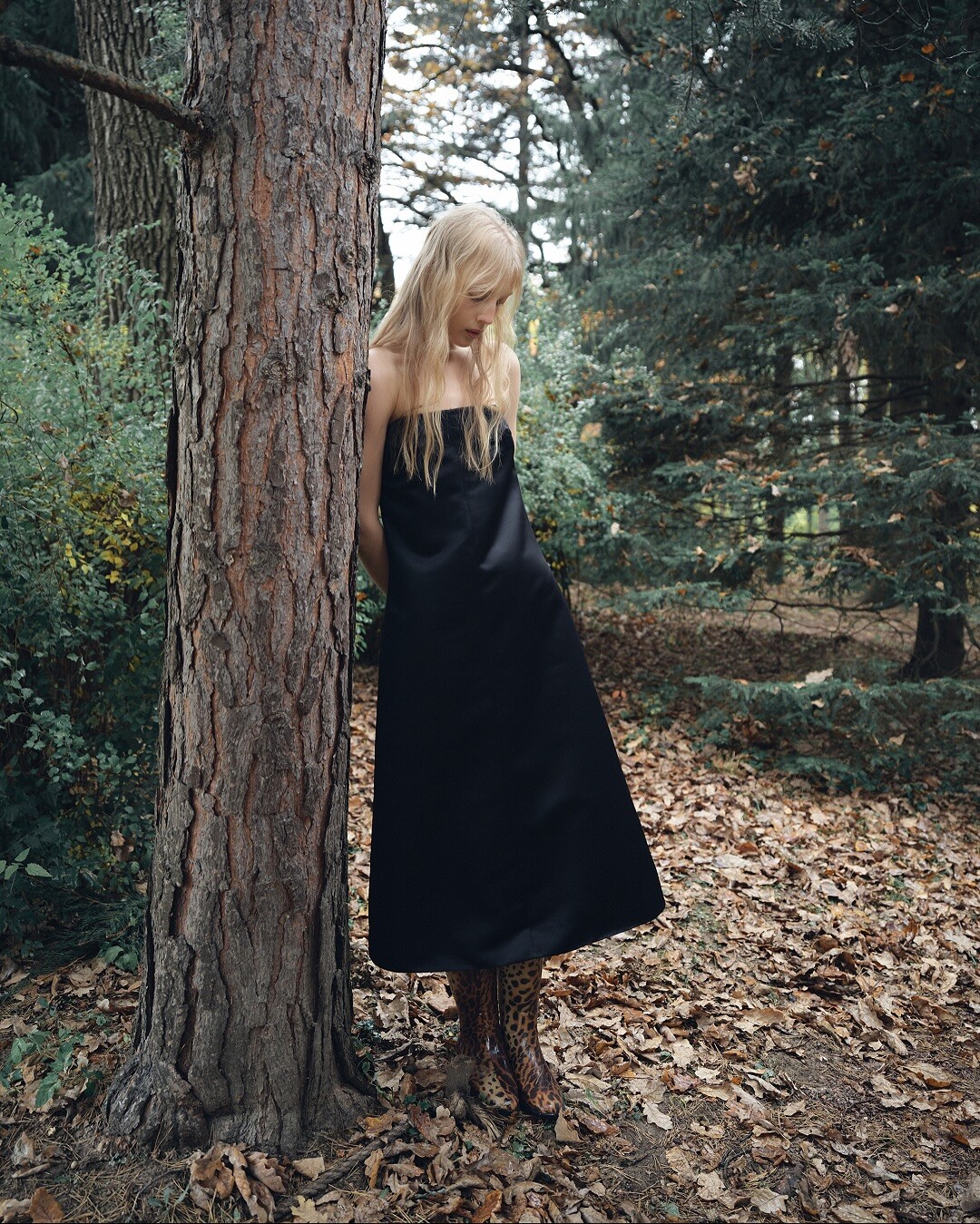
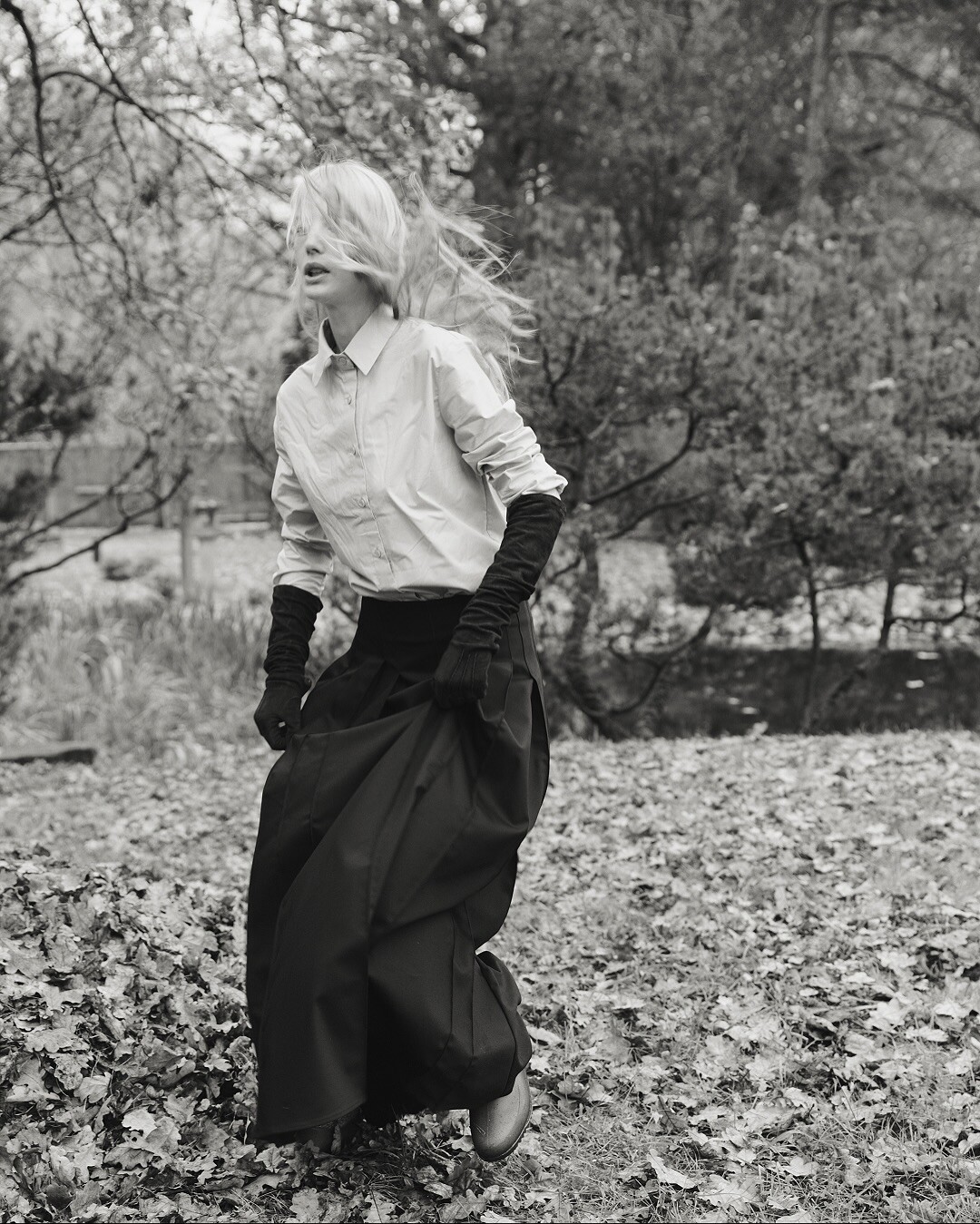
 Ph. Katrina Akimova


 Schön Magazine June 2025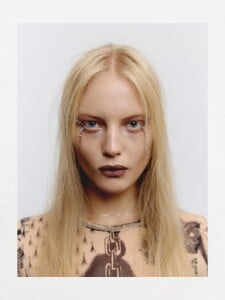
 The Super Official




 Inger Lise Ebeltoft was born in Tromsø, Norway. She participated in Miss World 1995. nordlys
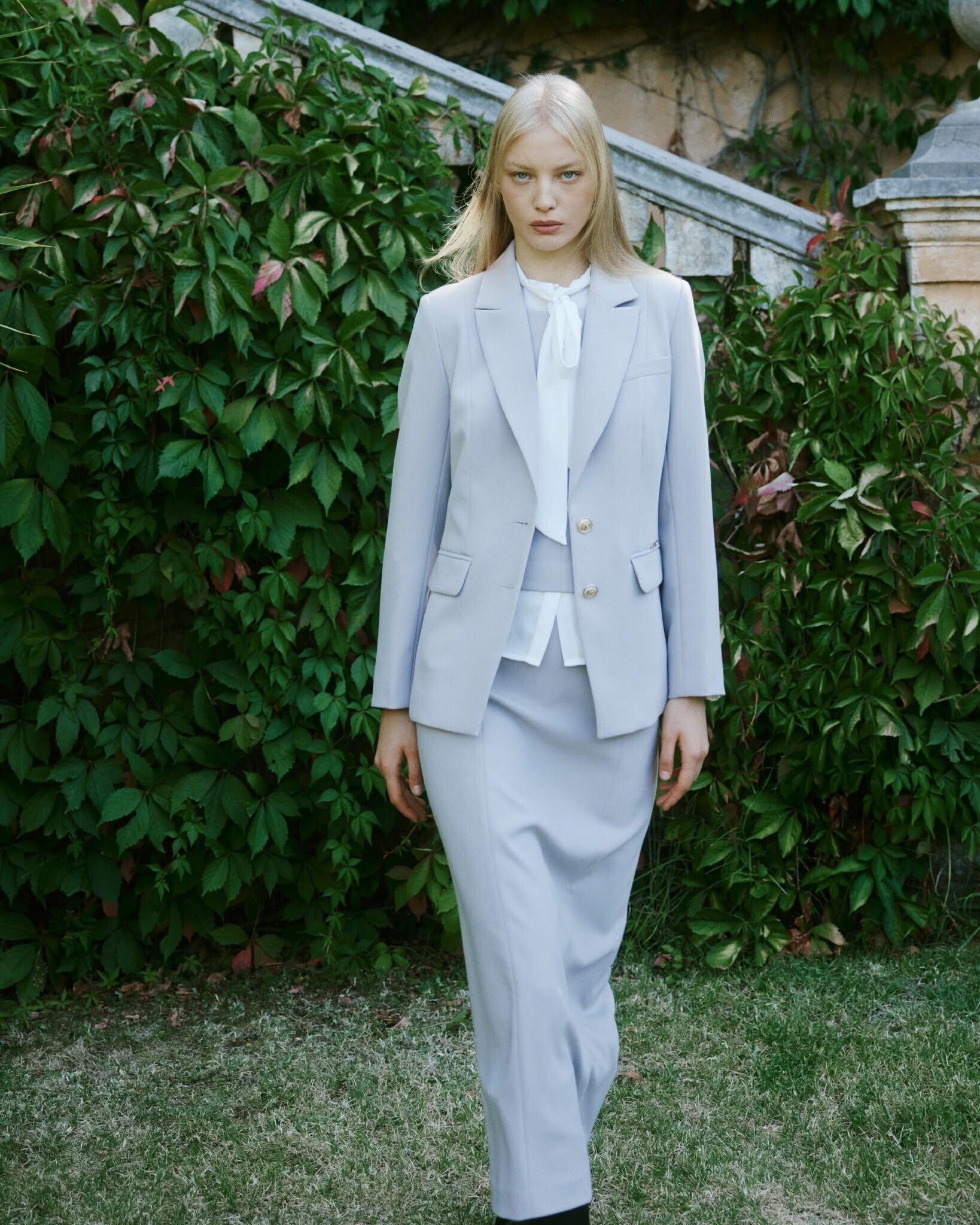
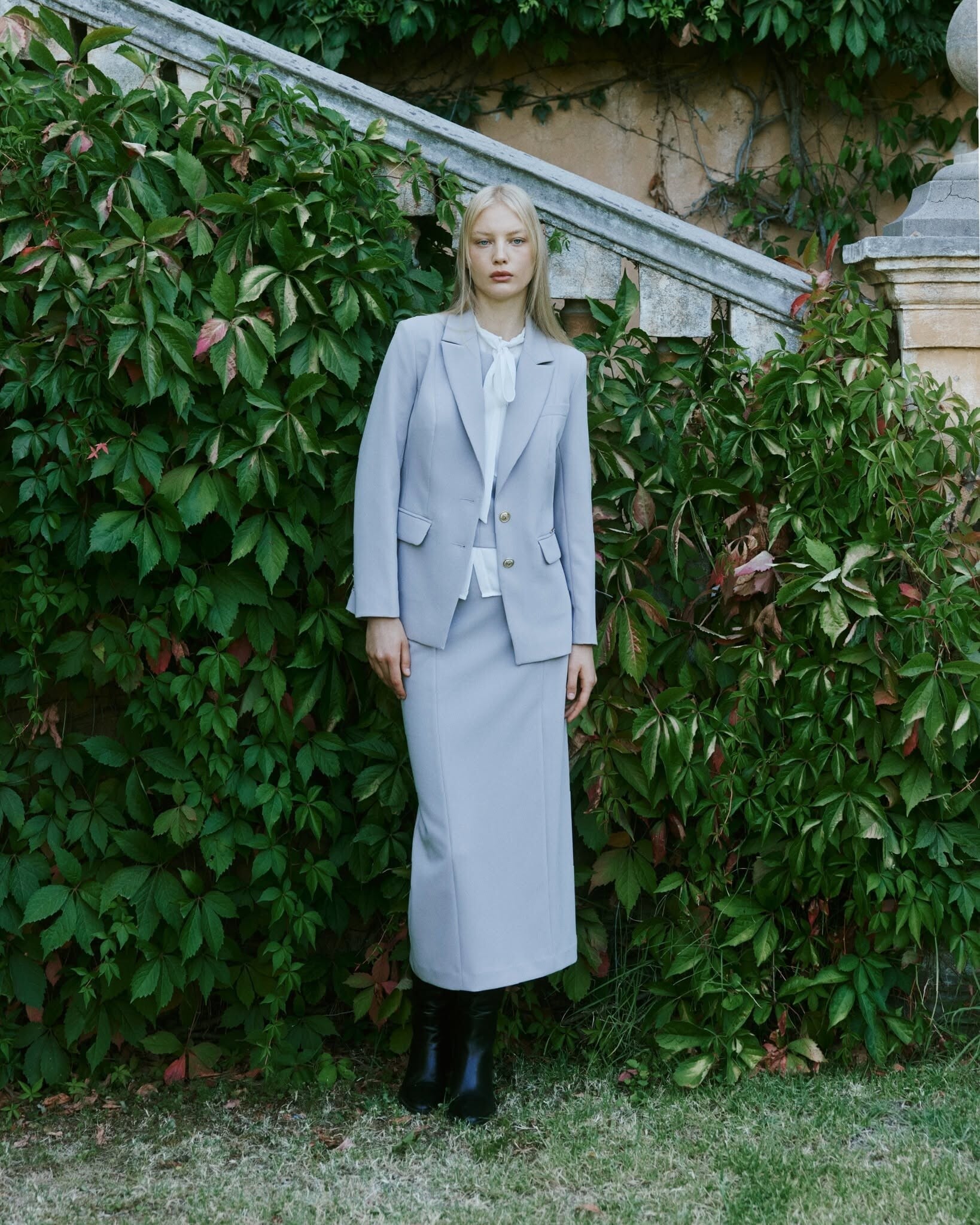
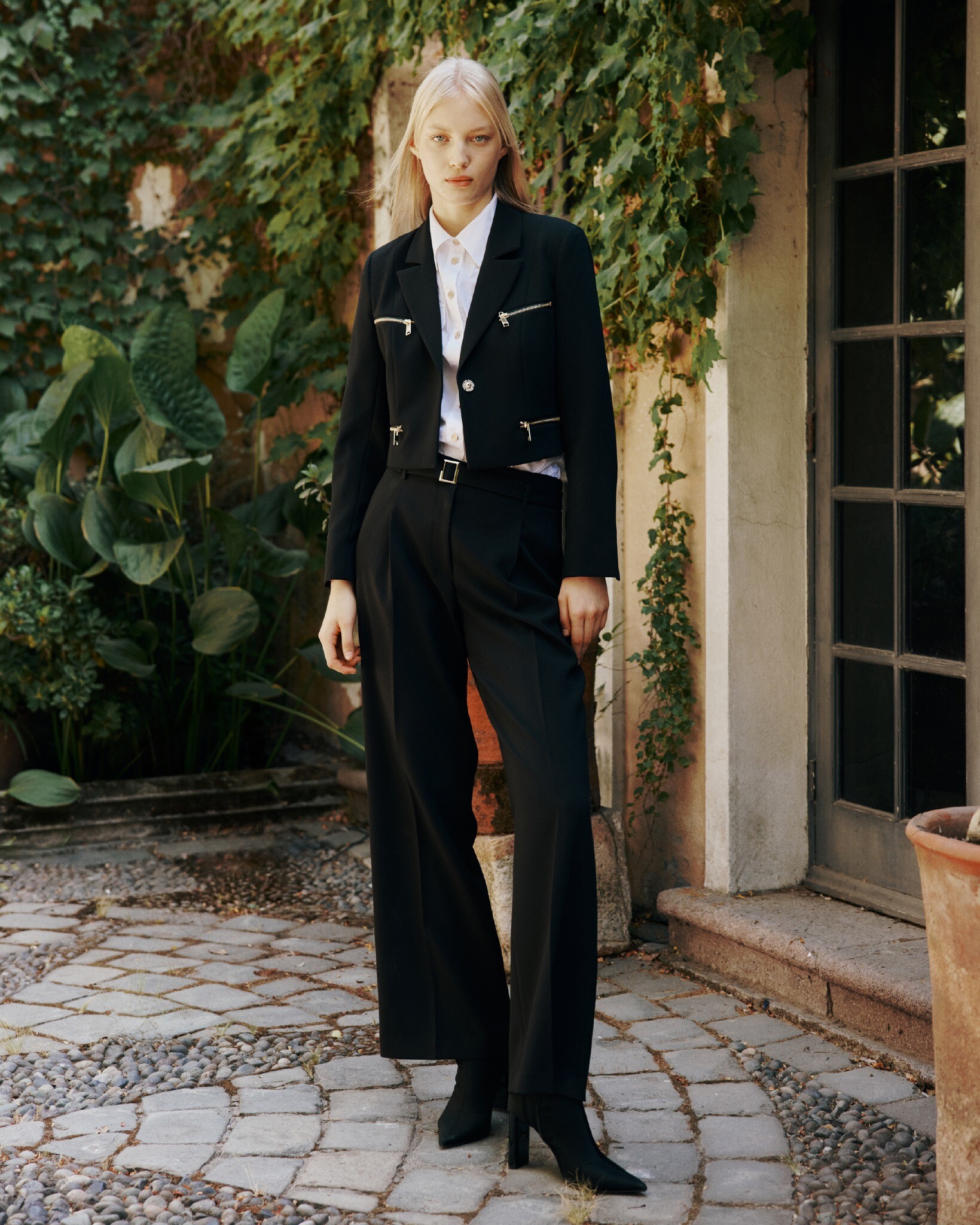
 STYLEME FW26






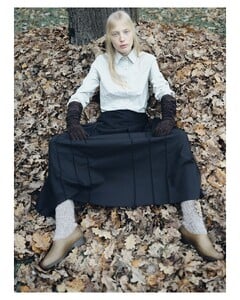











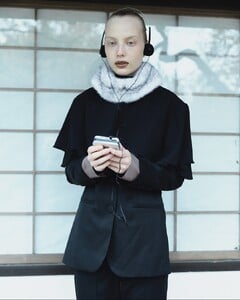
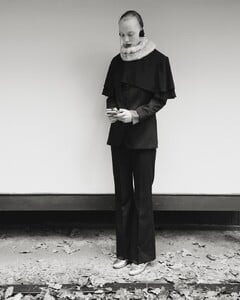


 NEREJA FW26



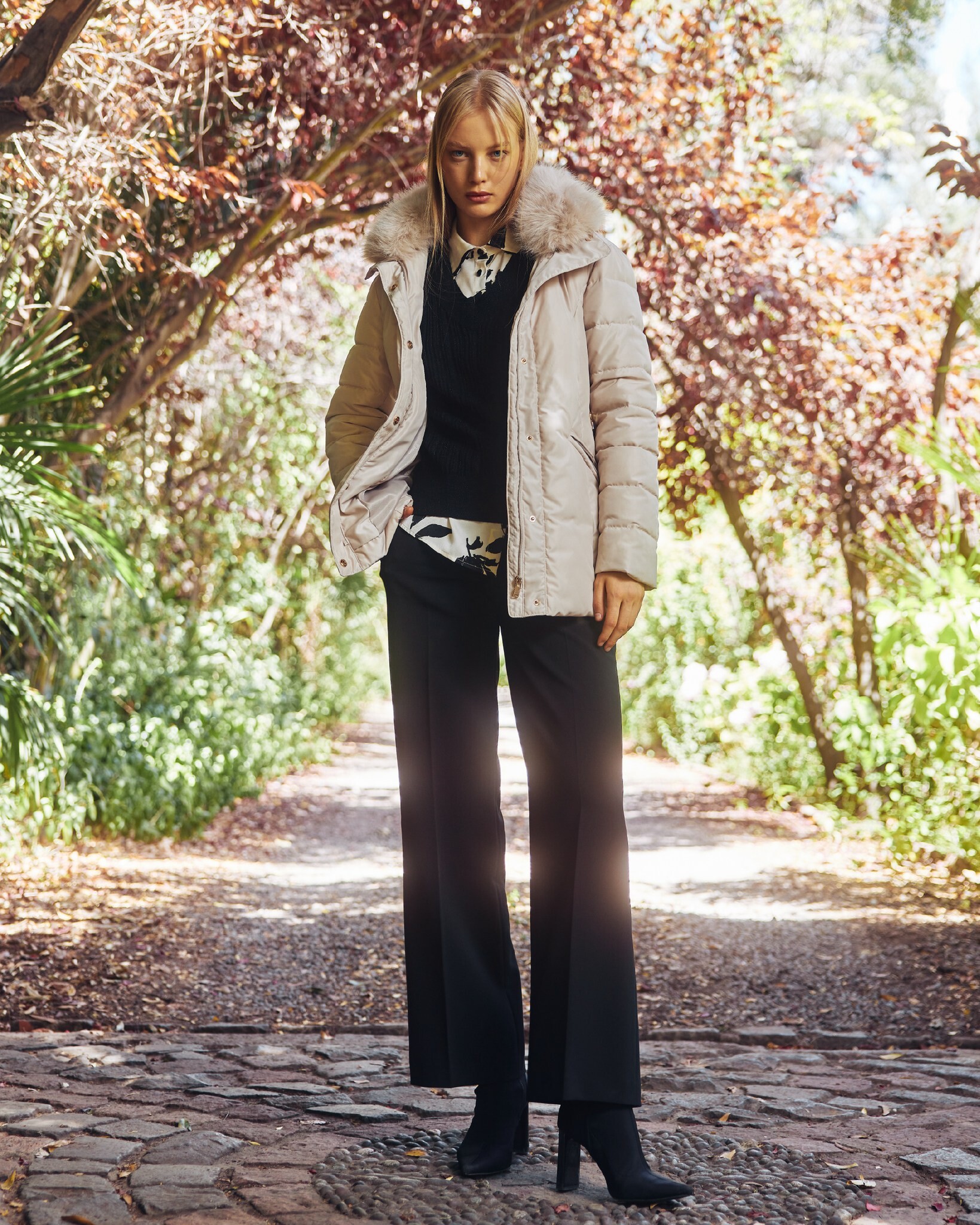
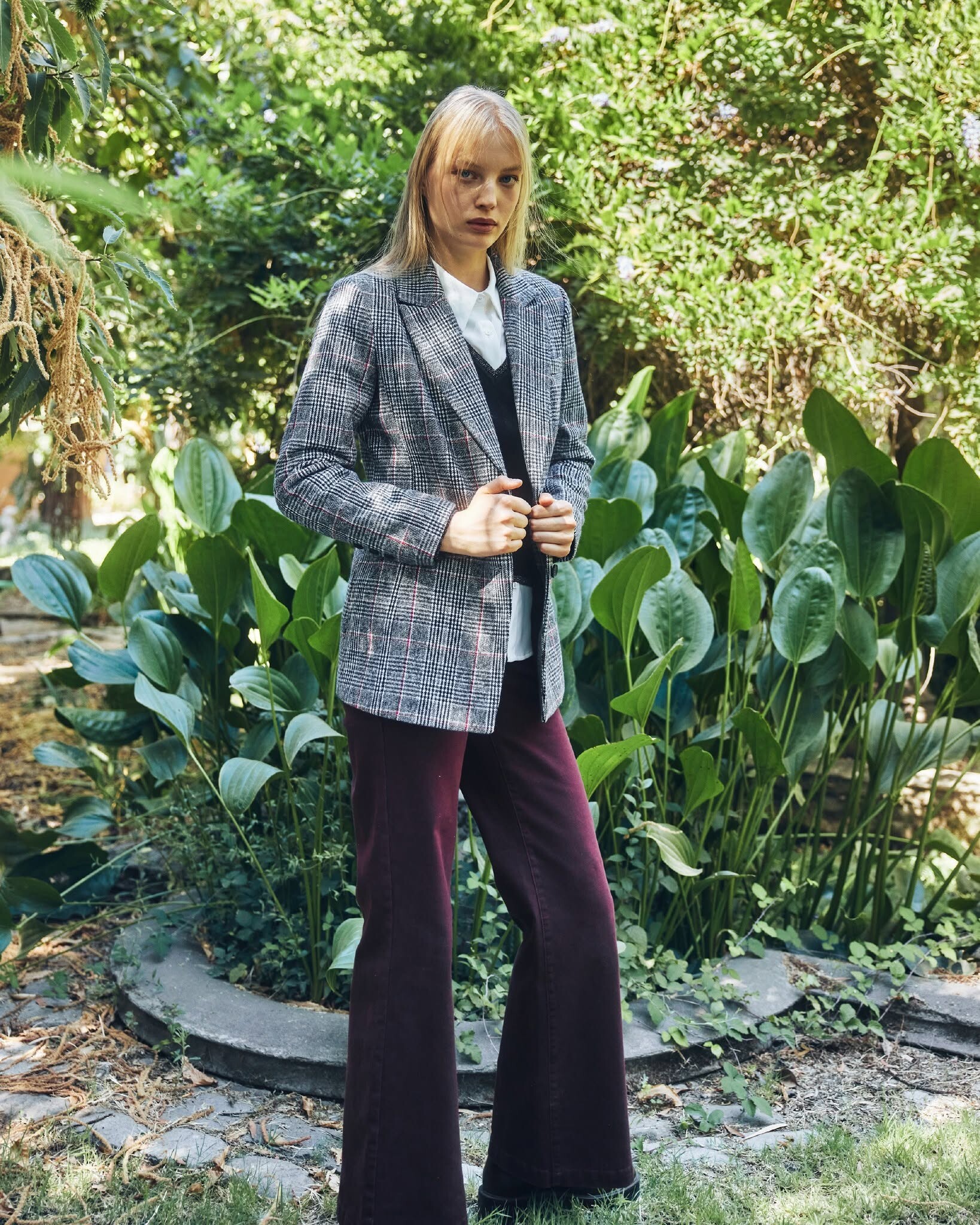
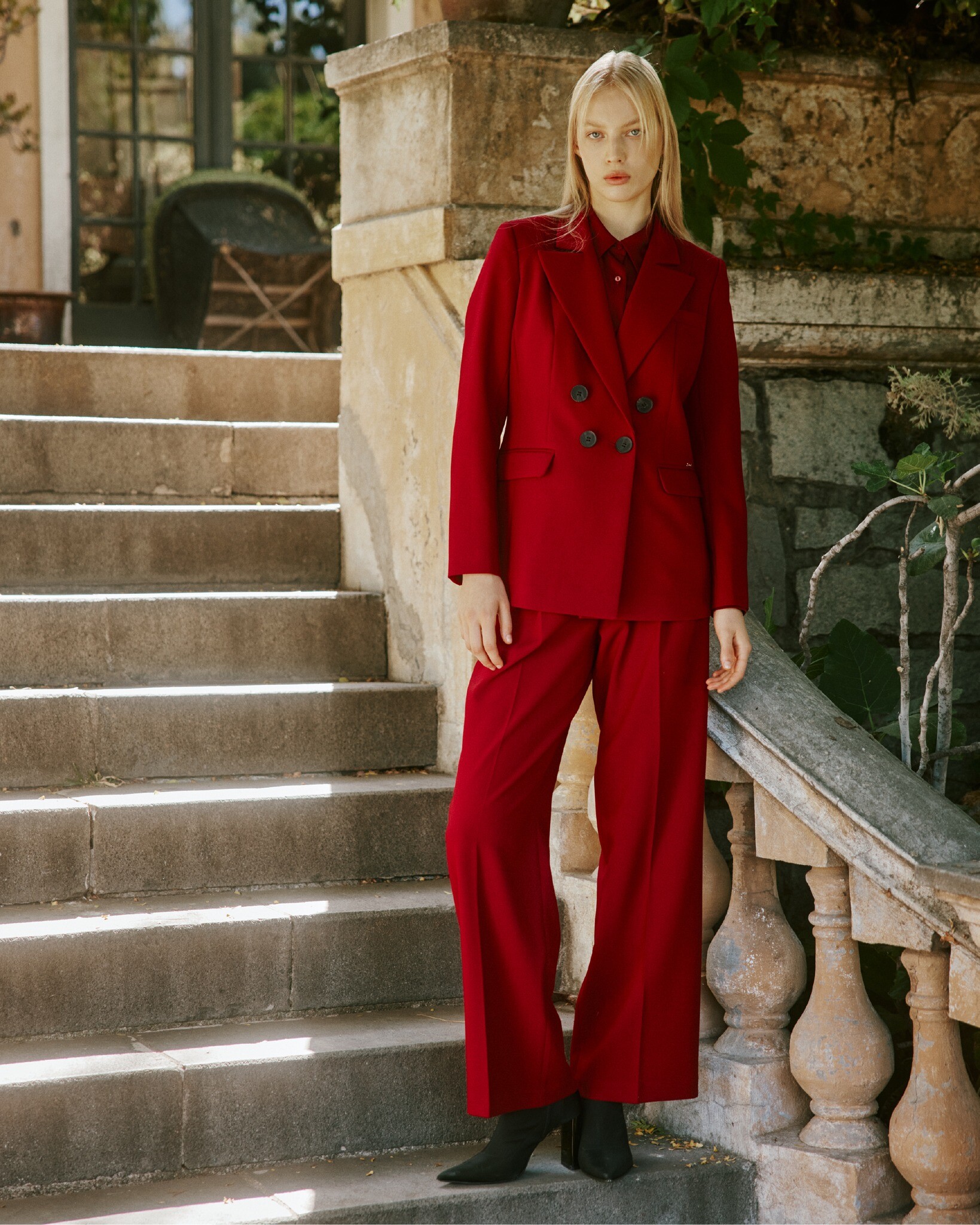
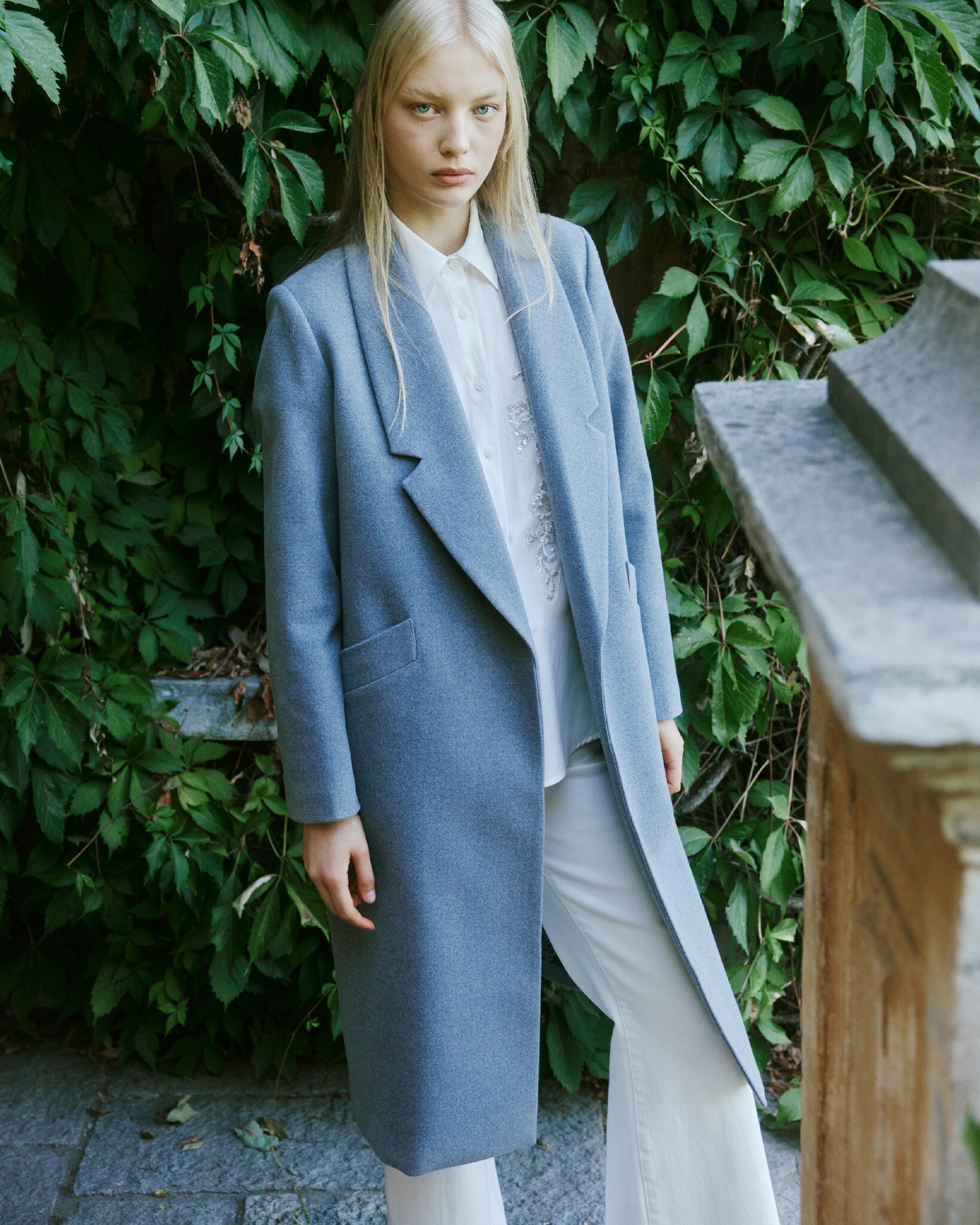
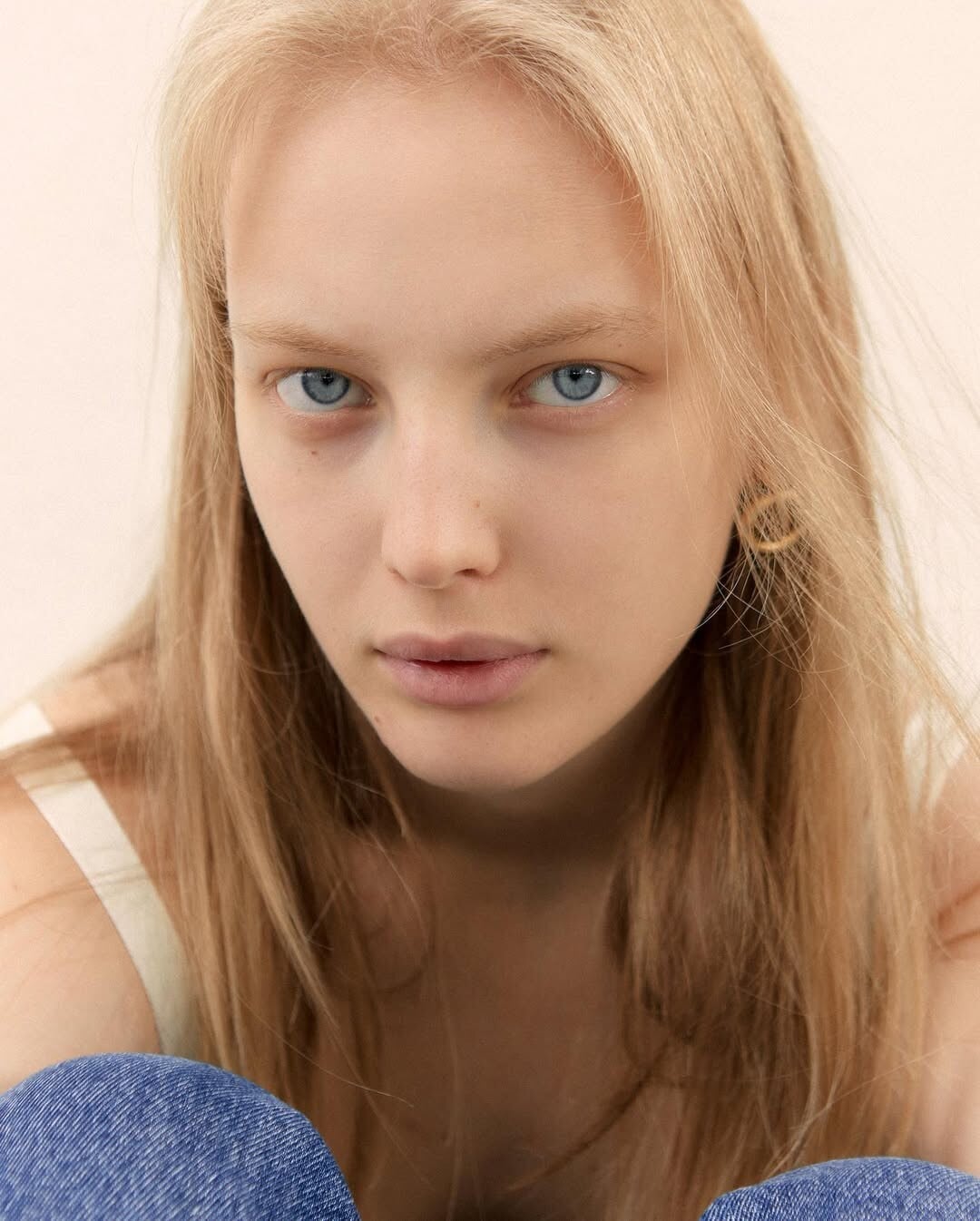
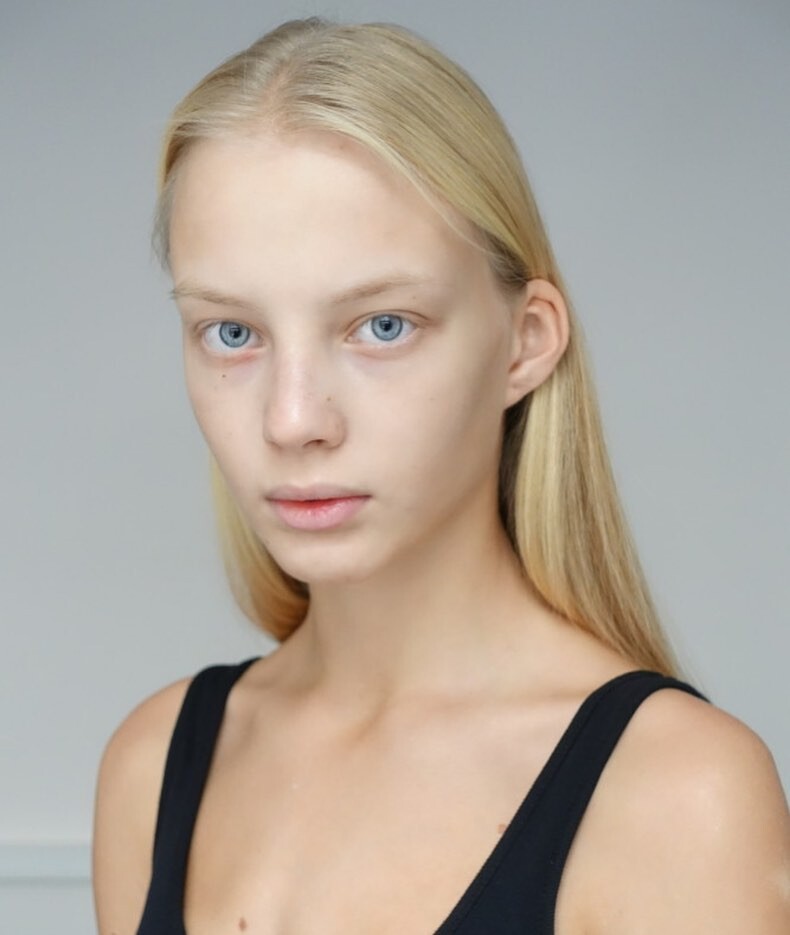
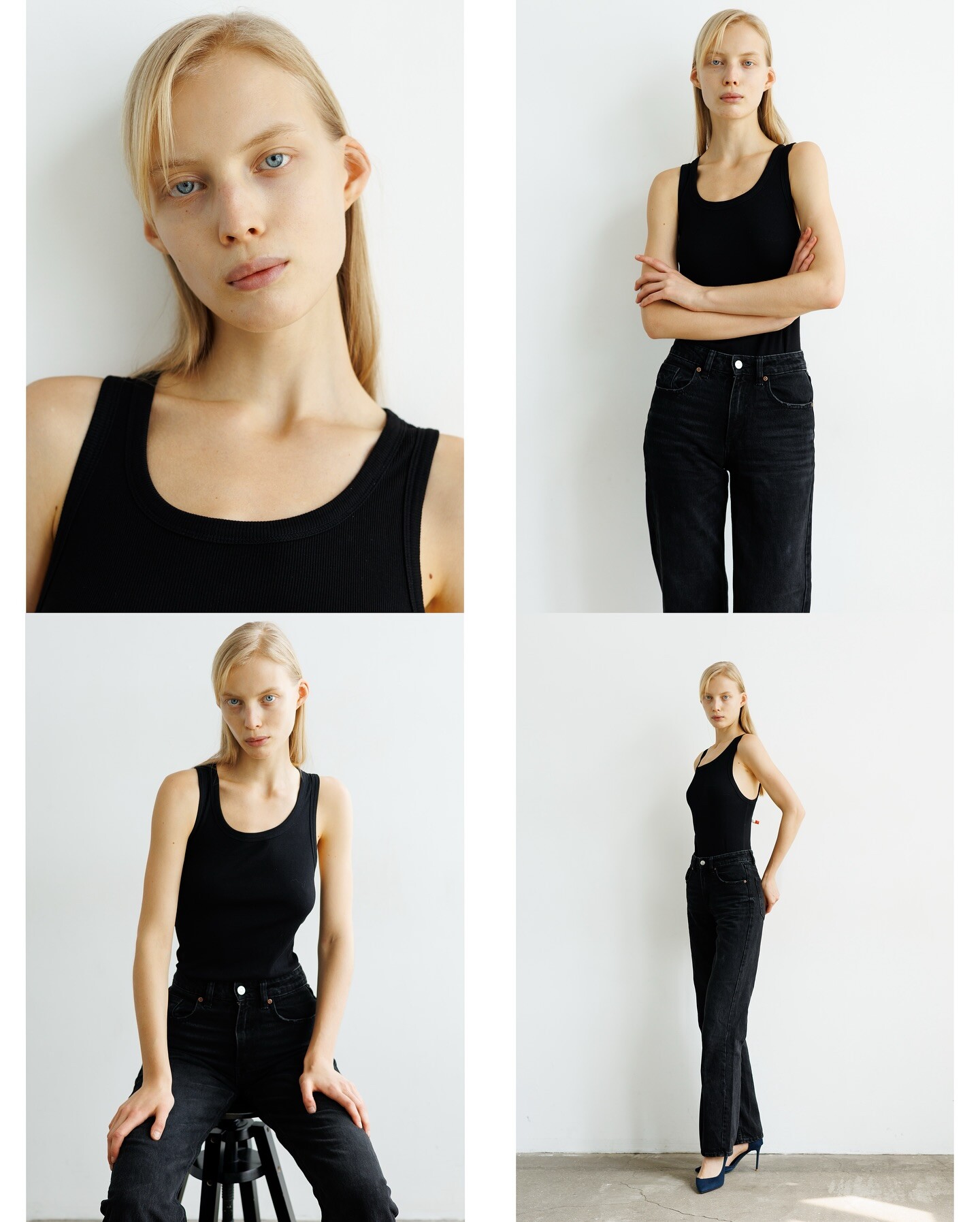
 Polaroids
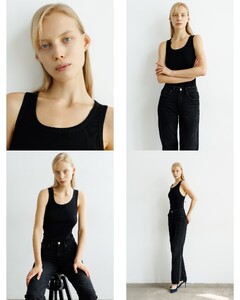

.png.97766d9dc1df683e72ceb6271972fc5b.png)
.png.bd1c43ee0fd3c61cc2aefa45fd80fdfd.png)


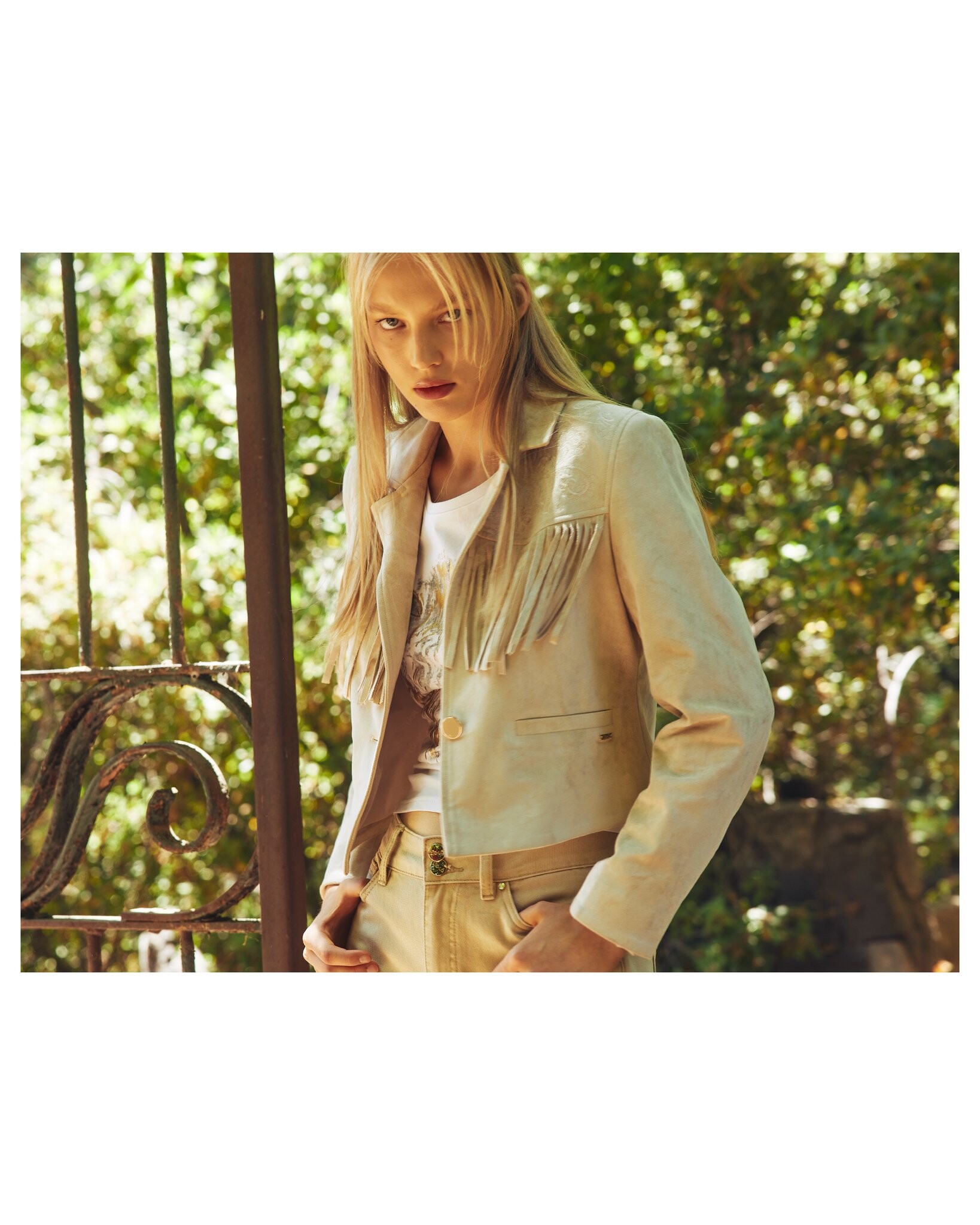

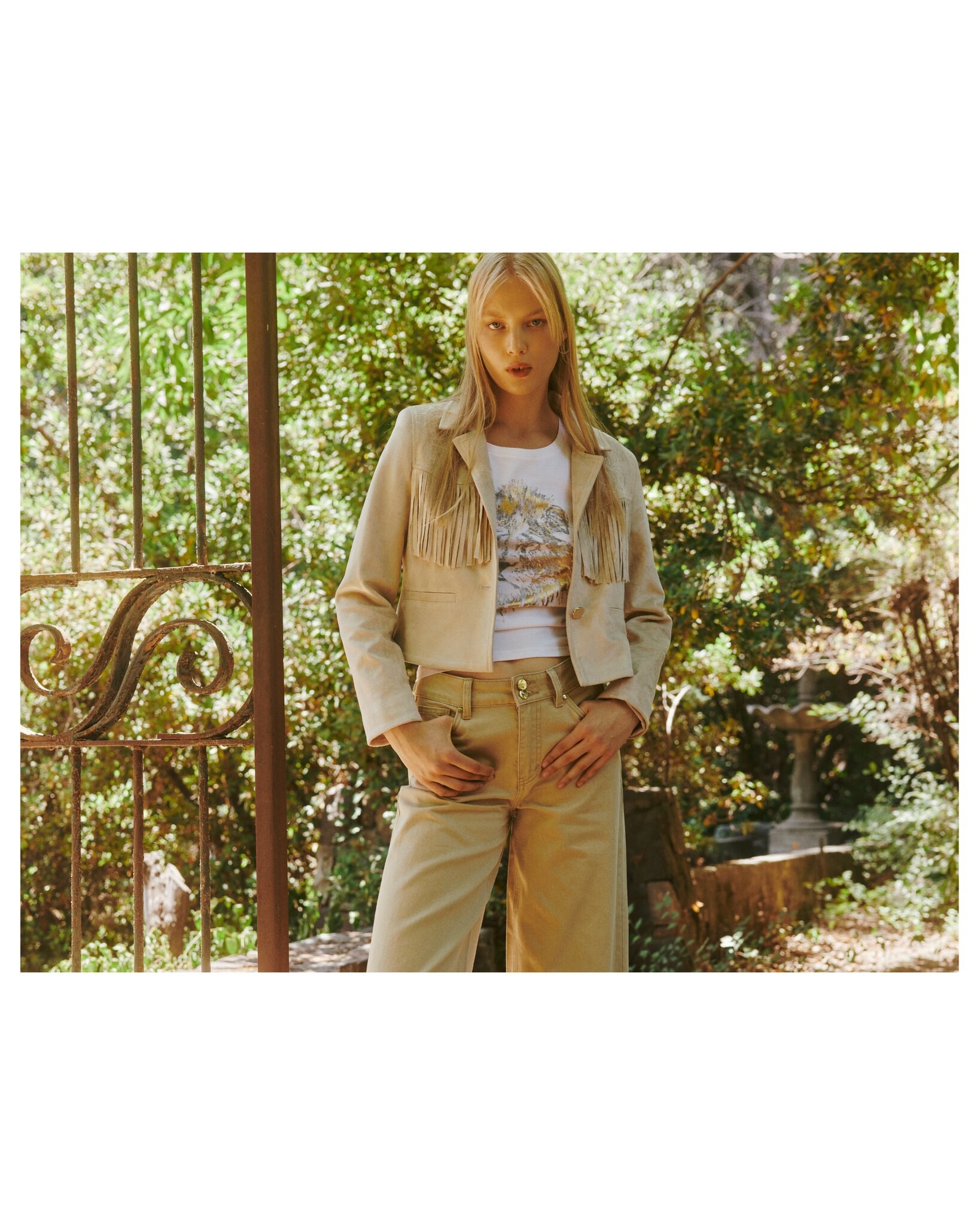












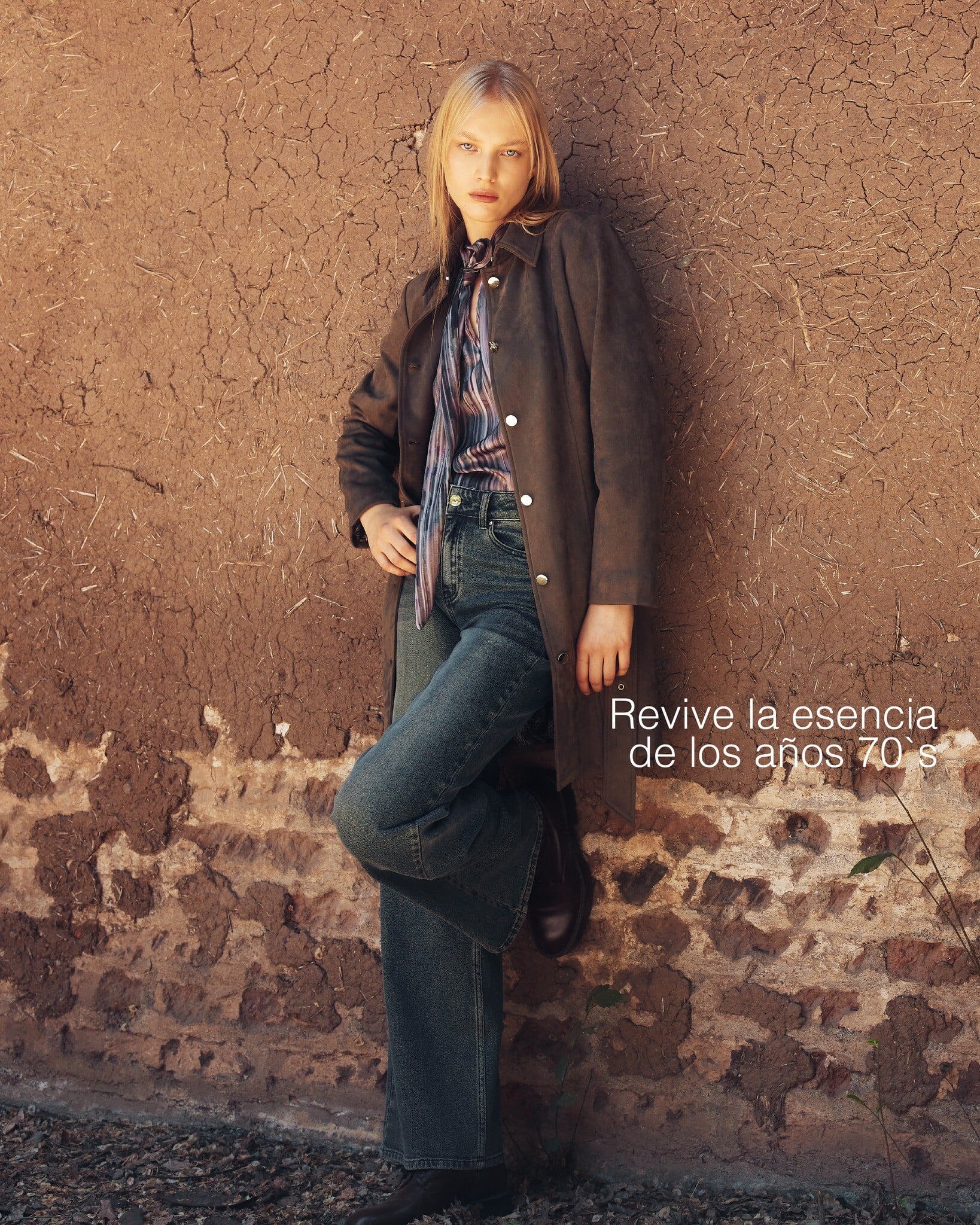








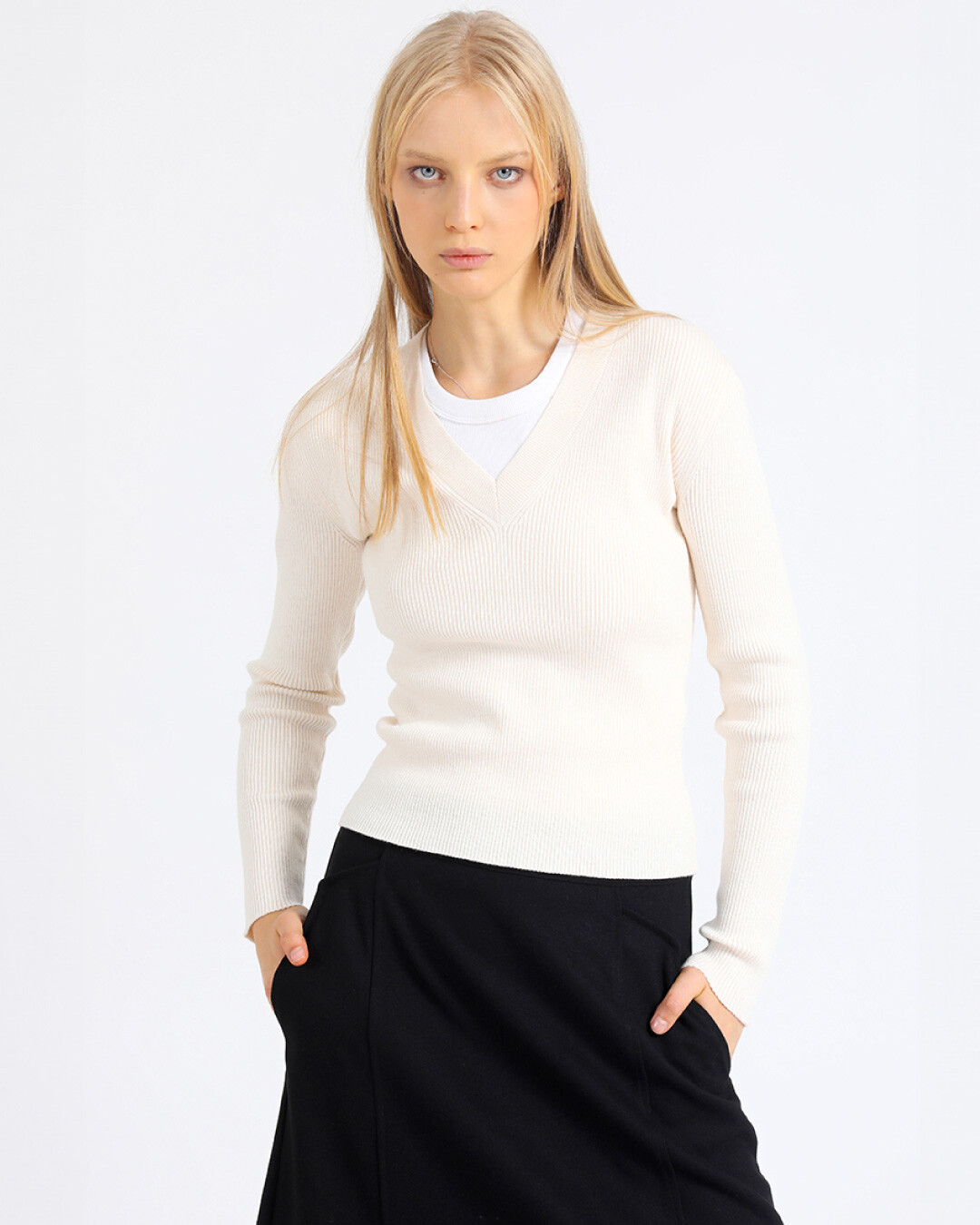



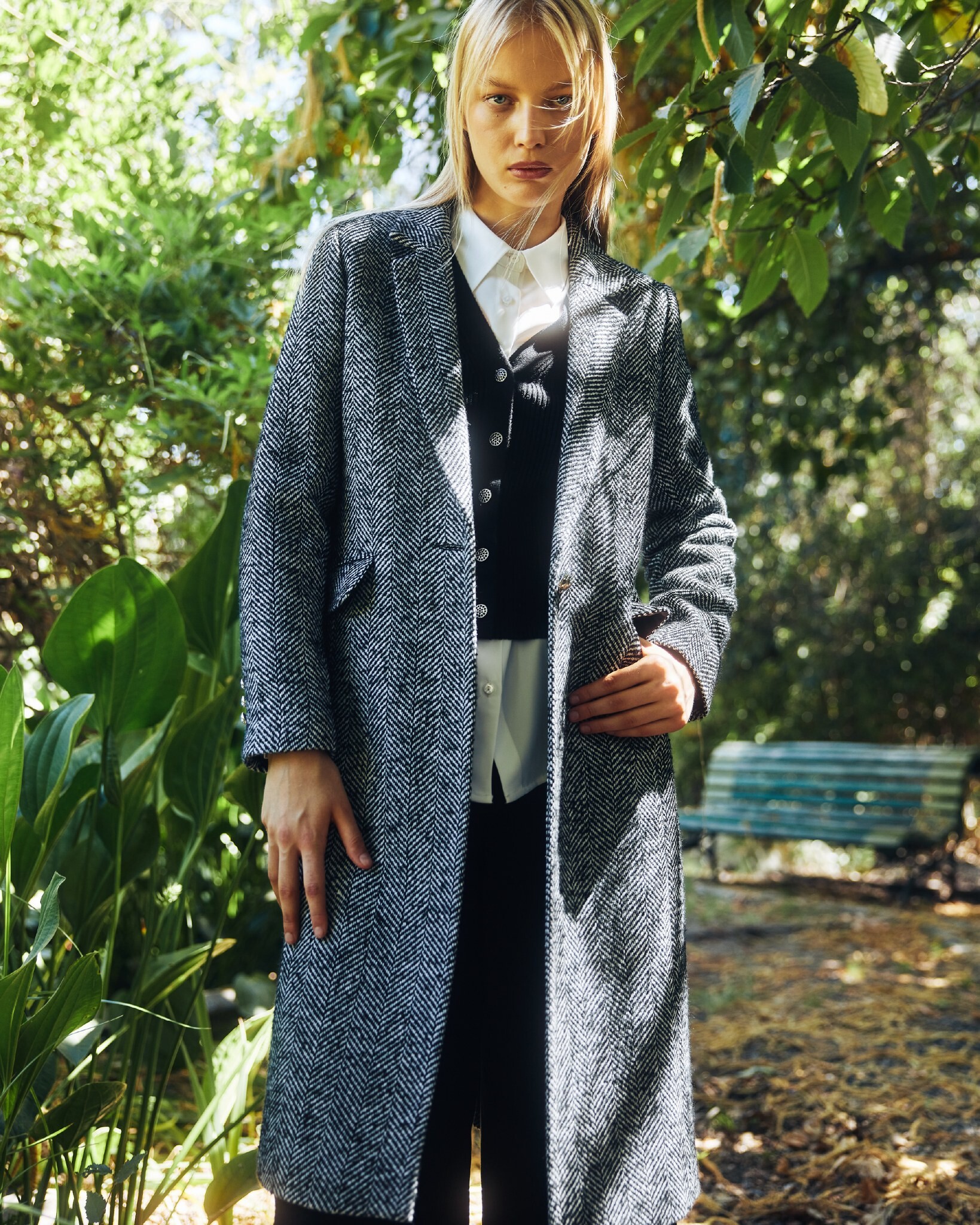
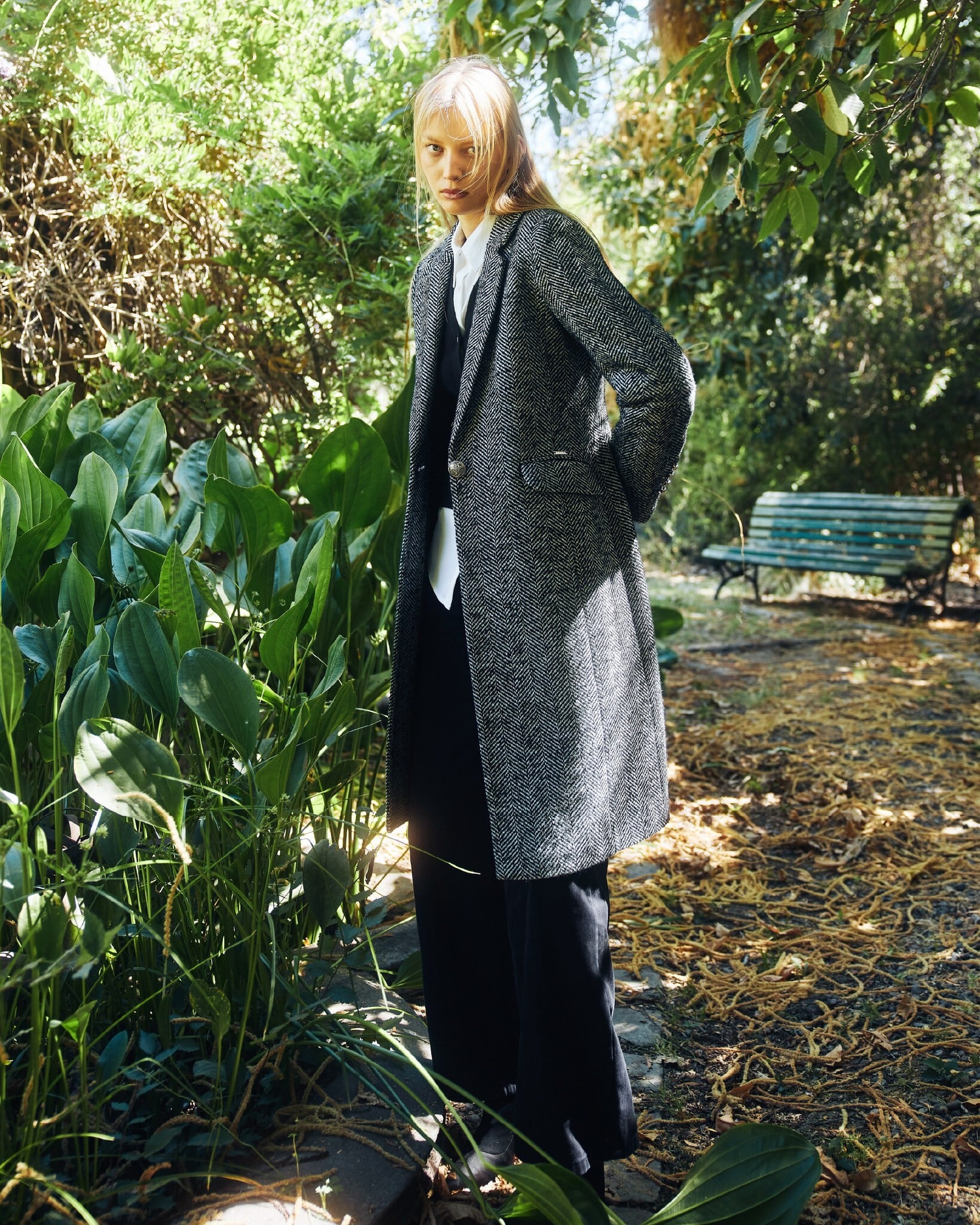





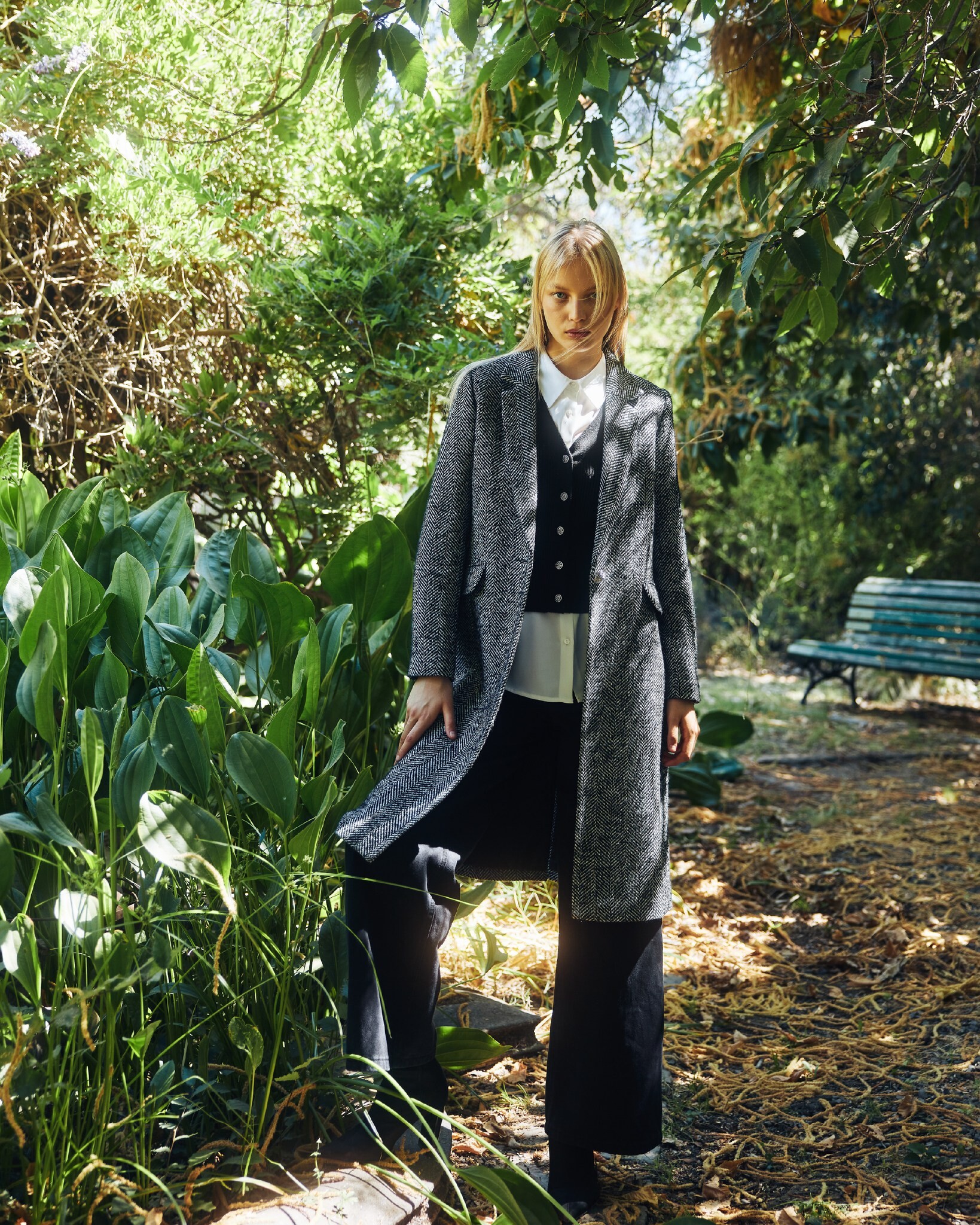
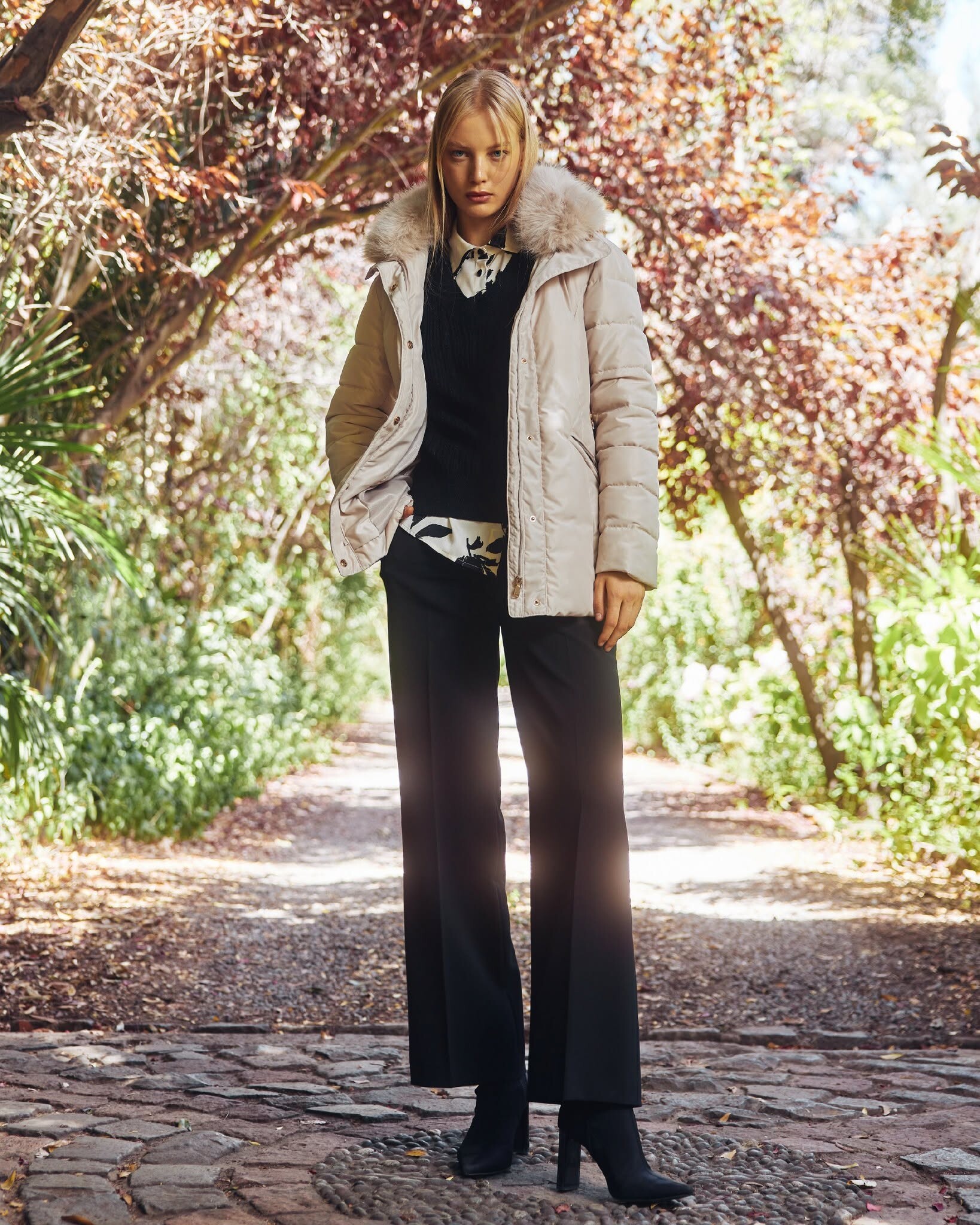































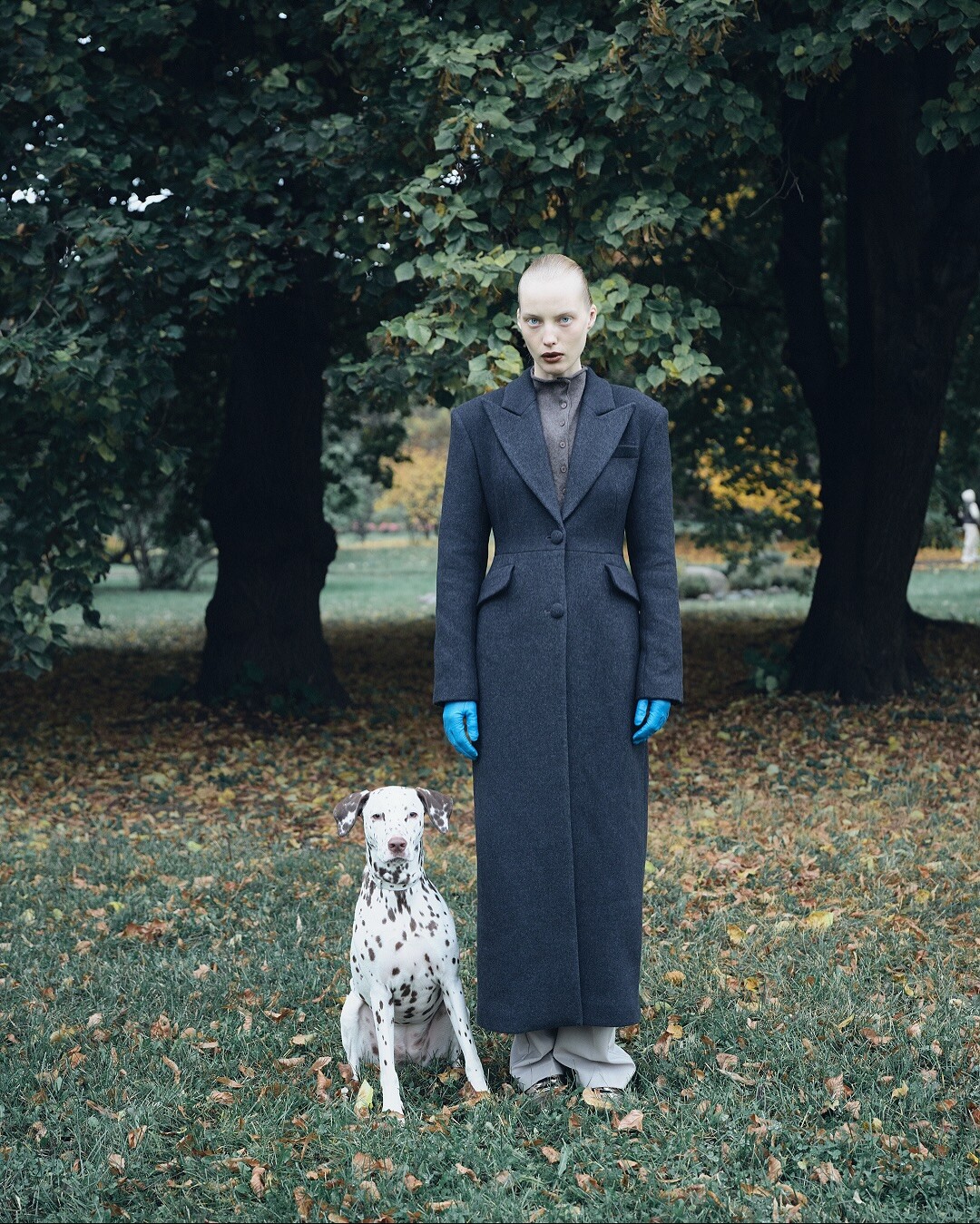

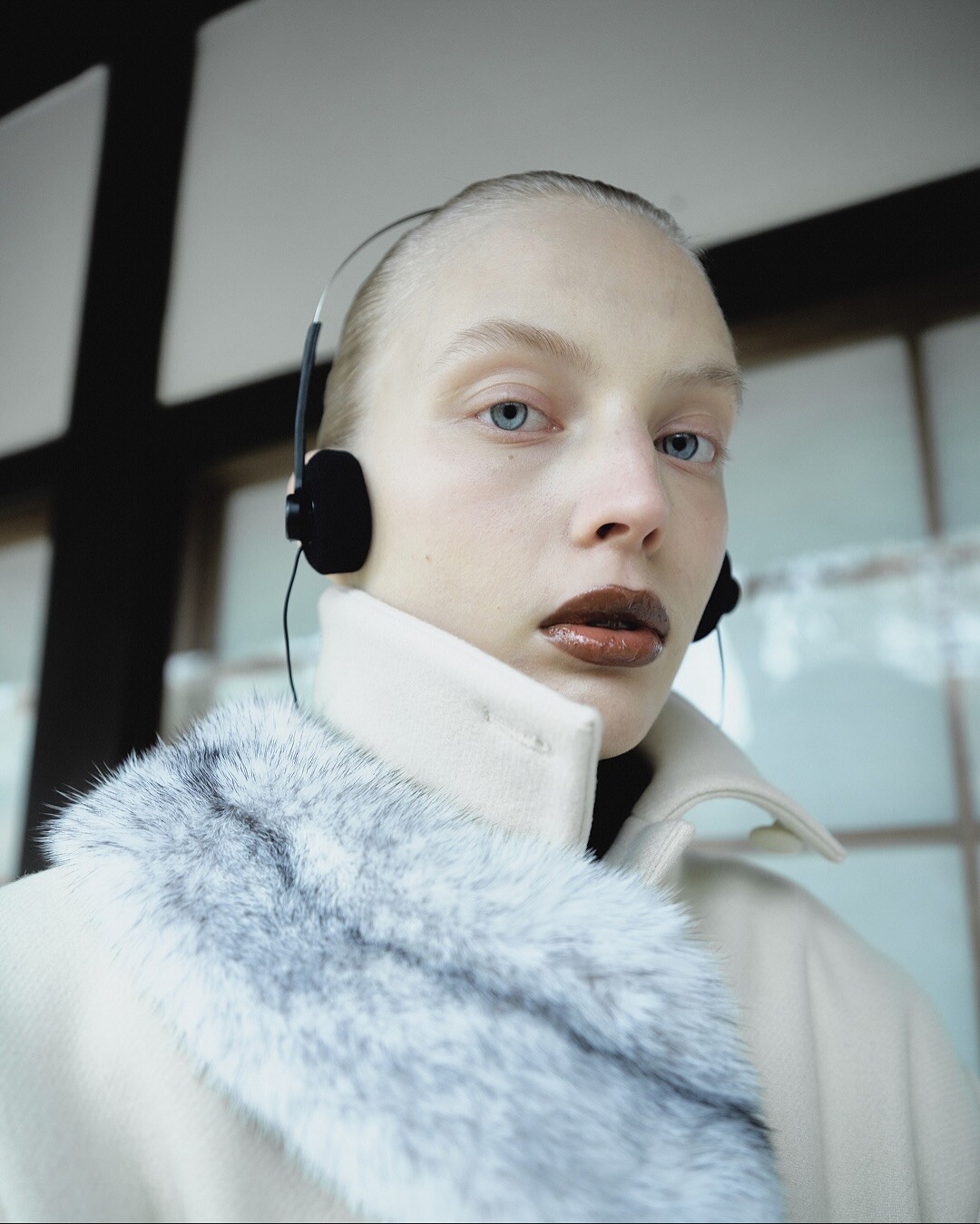
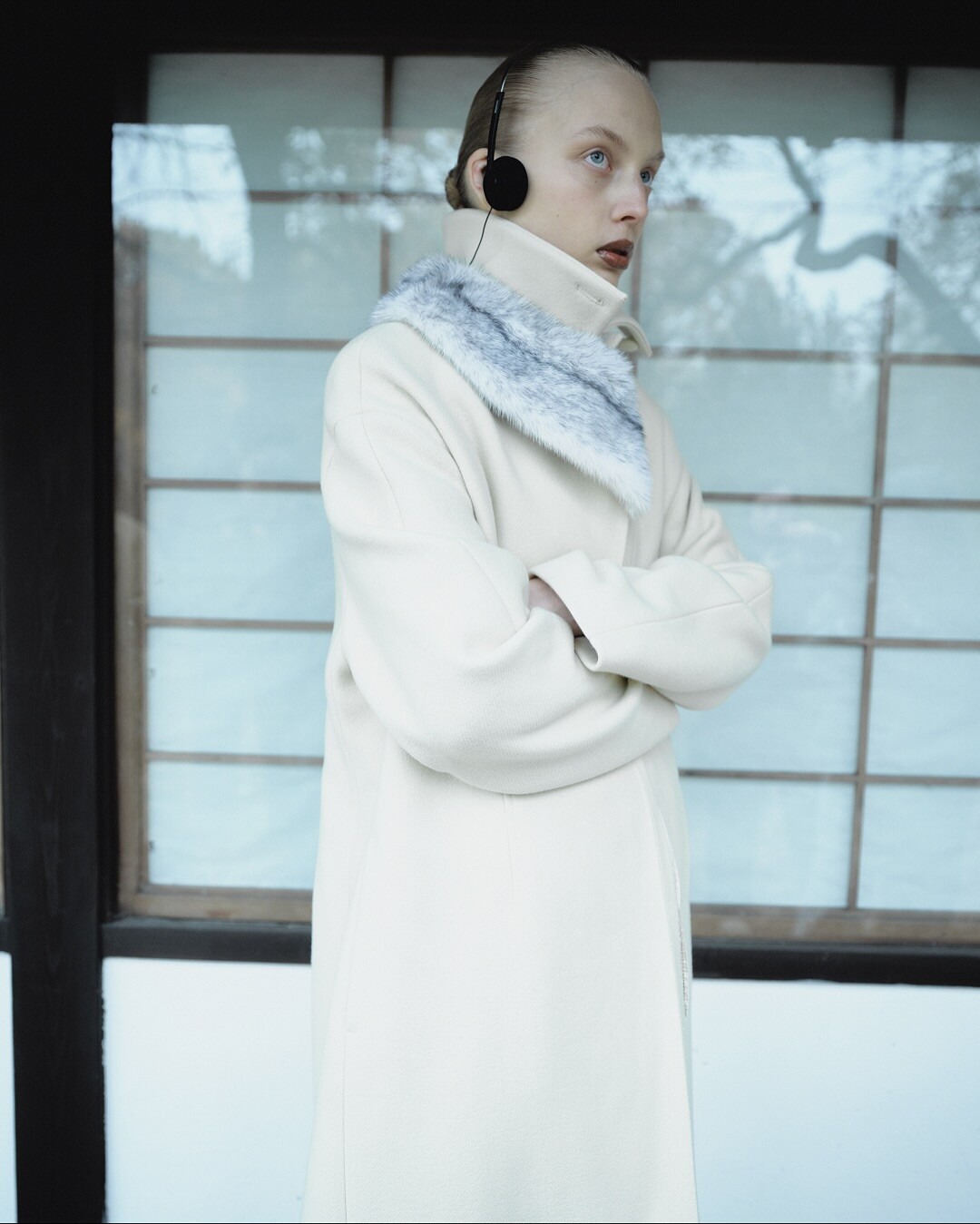
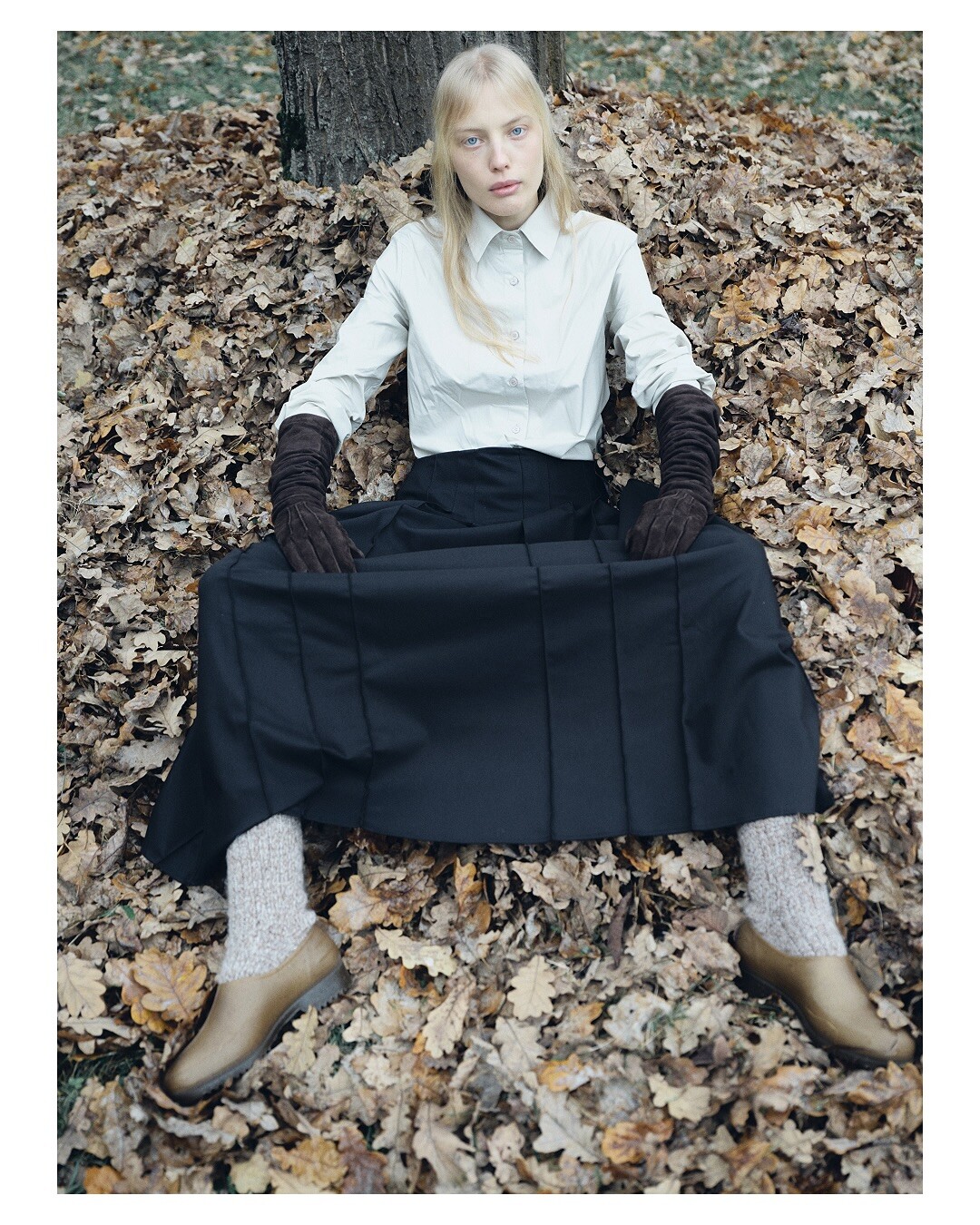


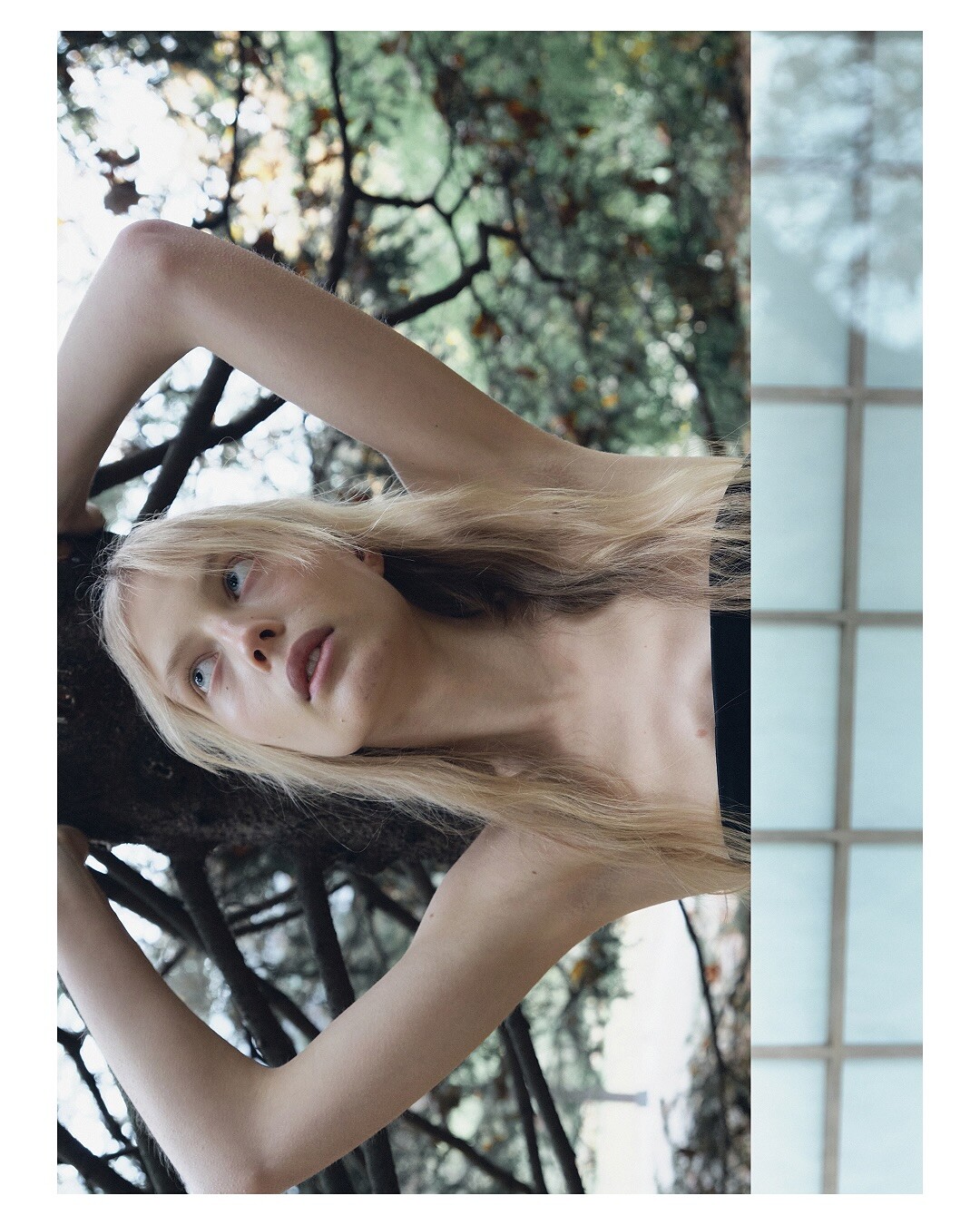
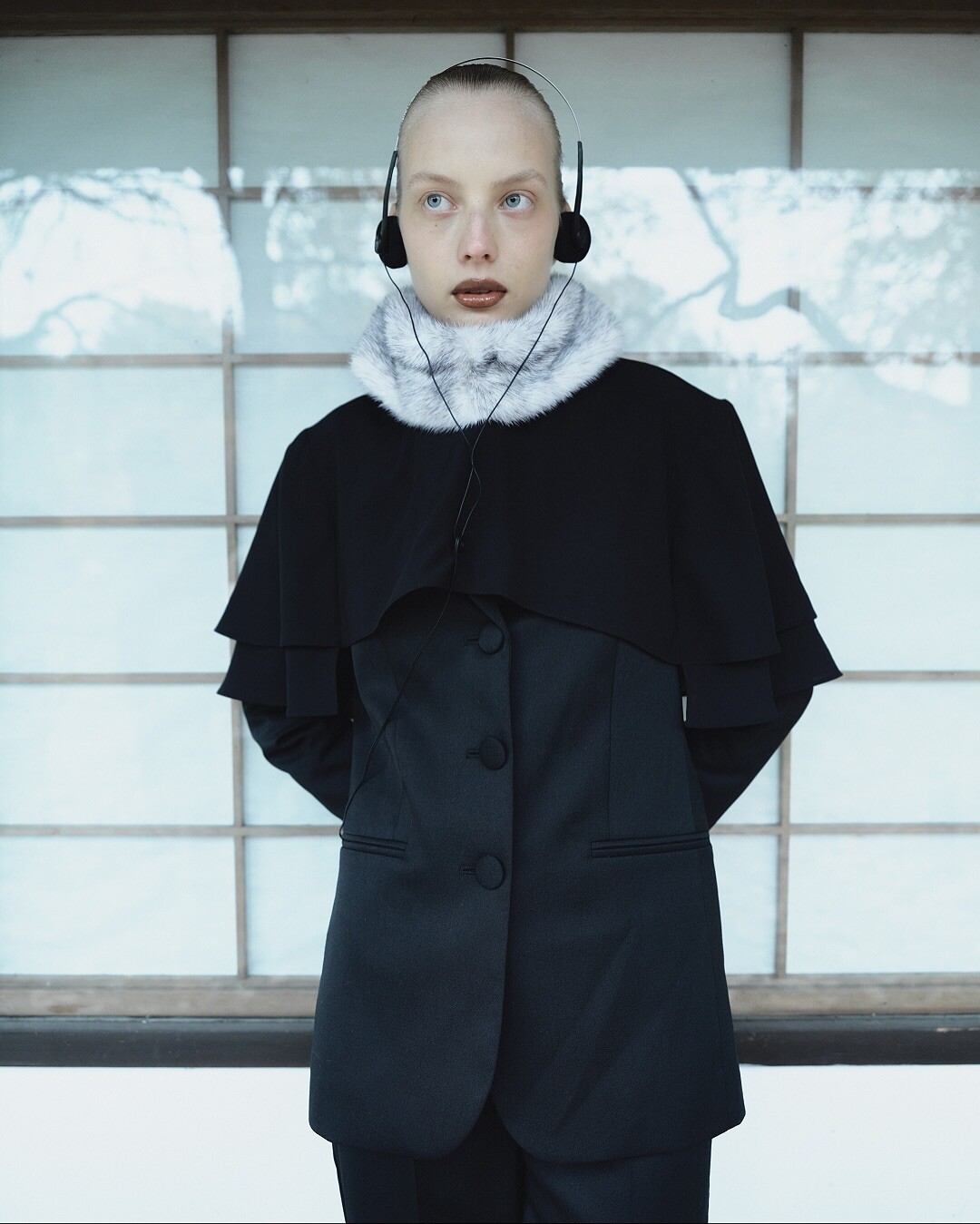
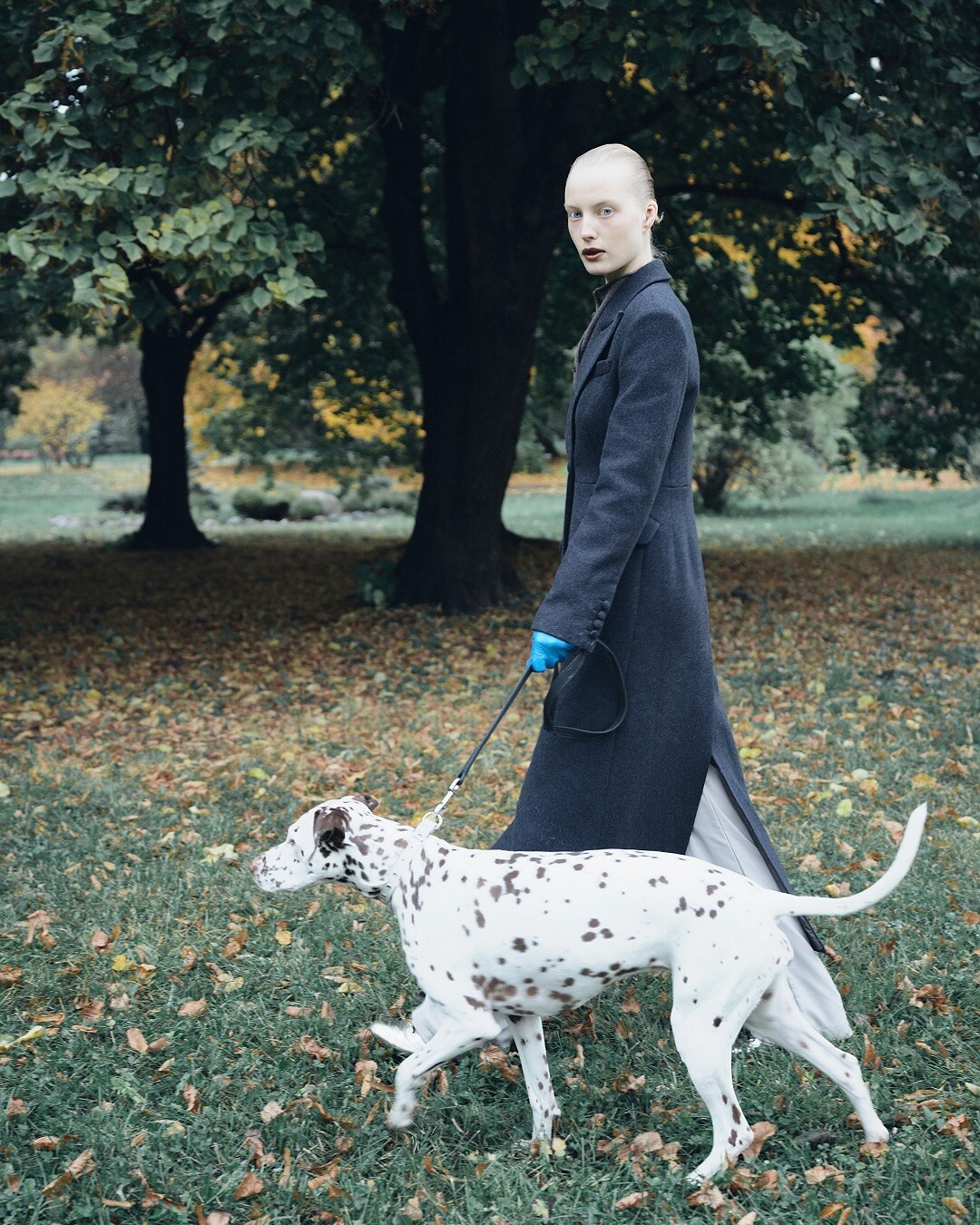
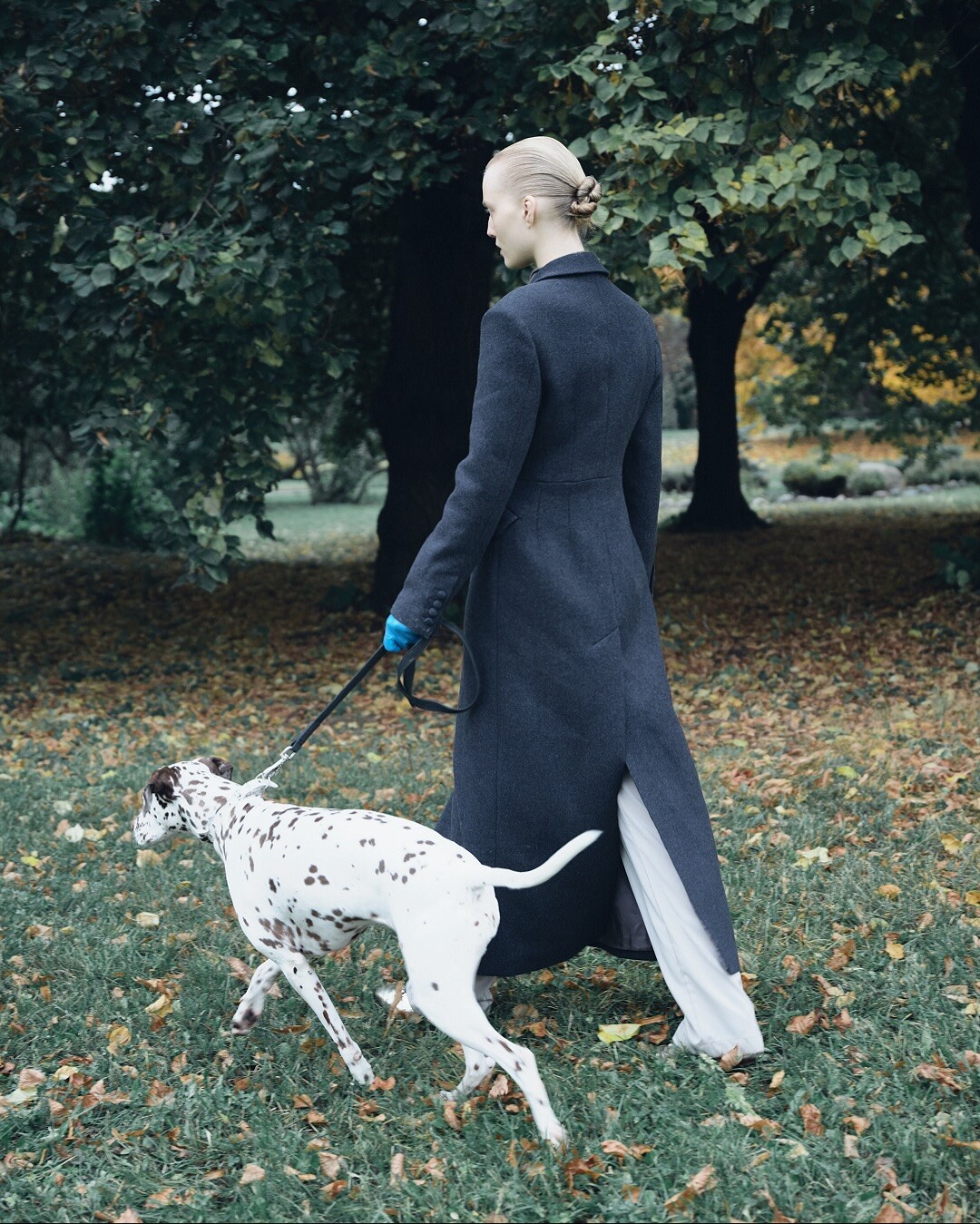

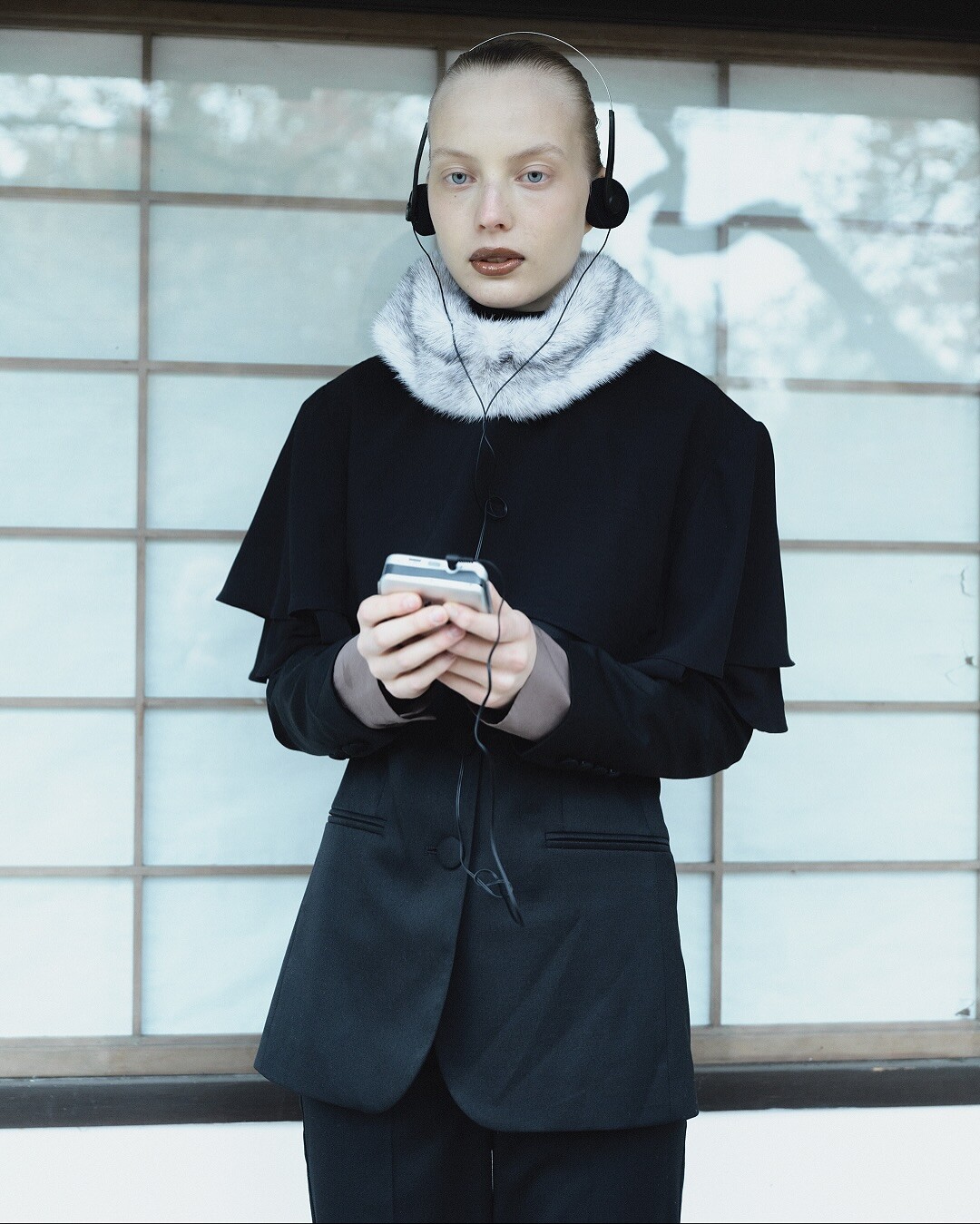
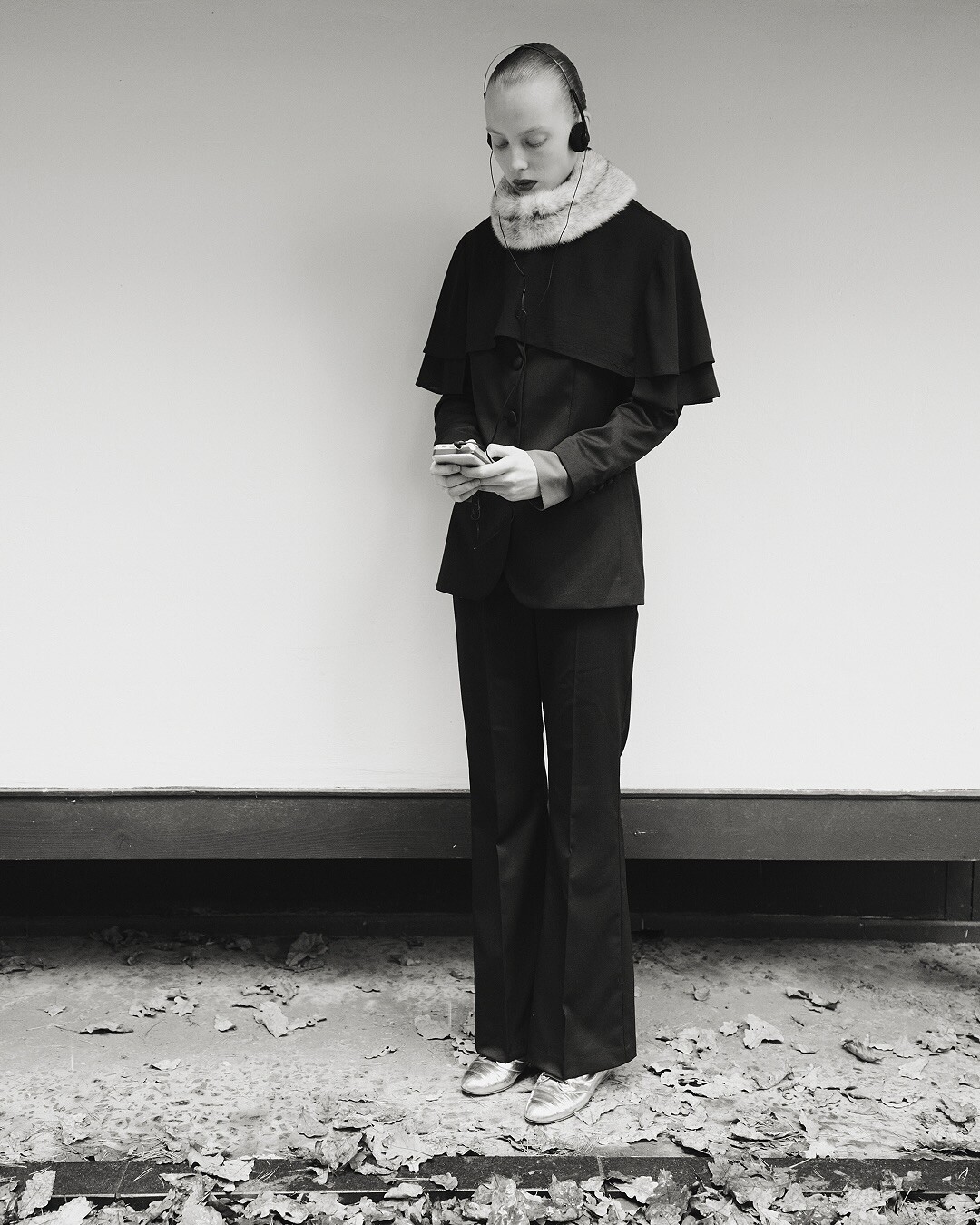
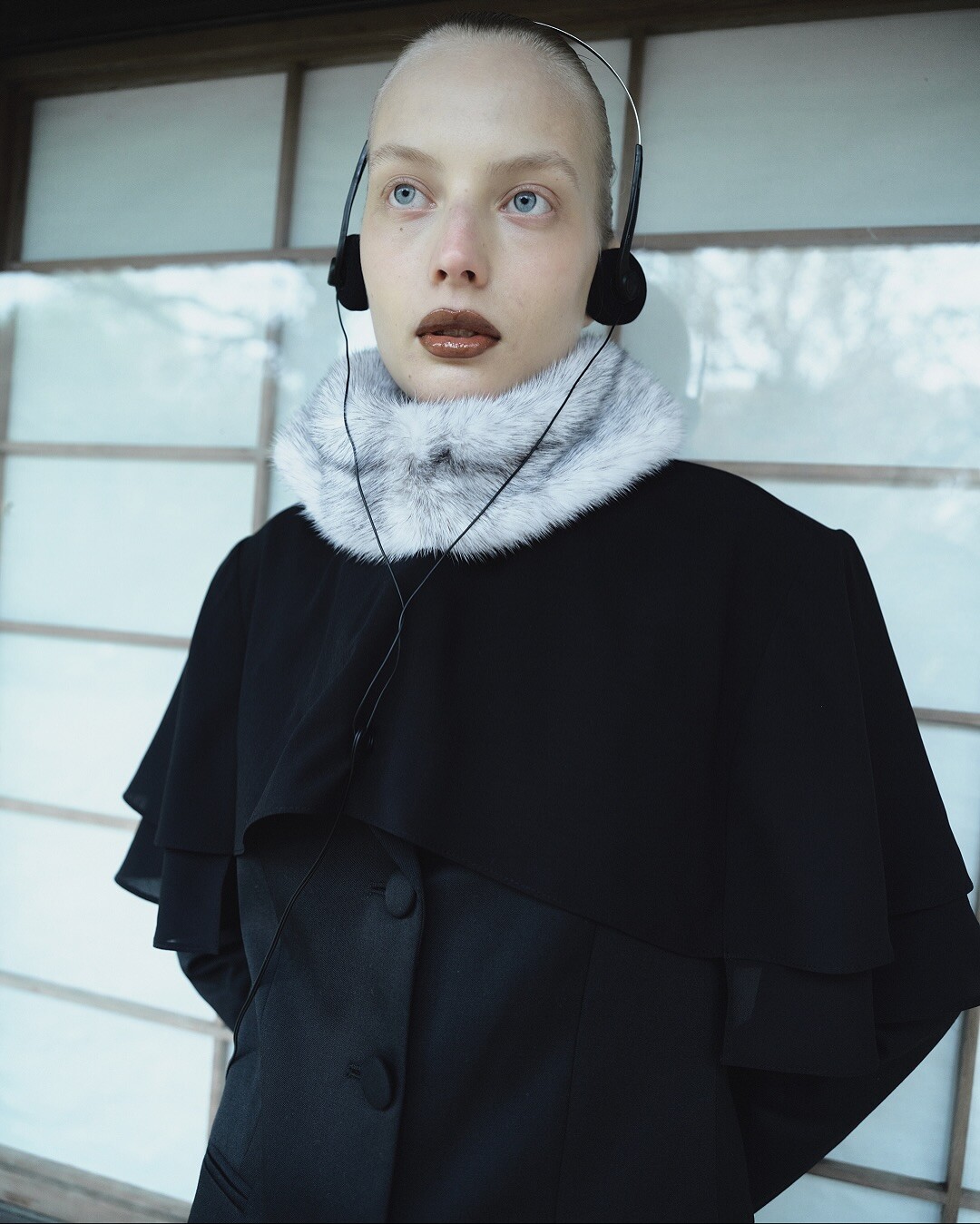
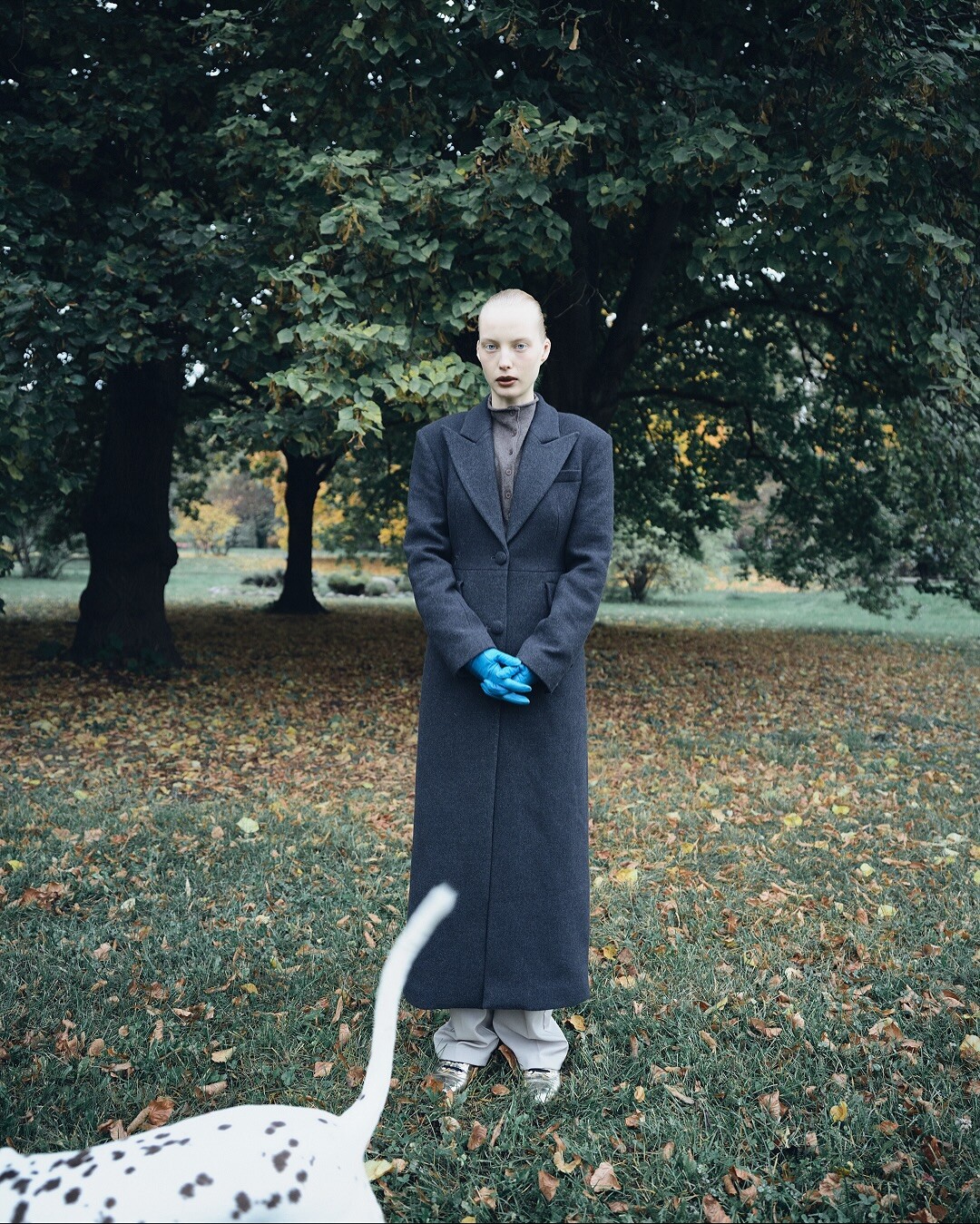






Account
Navigation
Search
Configure browser push notifications
Chrome (Android)
- Tap the lock icon next to the address bar.
- Tap Permissions → Notifications.
- Adjust your preference.
Chrome (Desktop)
- Click the padlock icon in the address bar.
- Select Site settings.
- Find Notifications and adjust your preference.
Safari (iOS 16.4+)
- Ensure the site is installed via Add to Home Screen.
- Open Settings App → Notifications.
- Find your app name and adjust your preference.
Safari (macOS)
- Go to Safari → Preferences.
- Click the Websites tab.
- Select Notifications in the sidebar.
- Find this website and adjust your preference.
Edge (Android)
- Tap the lock icon next to the address bar.
- Tap Permissions.
- Find Notifications and adjust your preference.
Edge (Desktop)
- Click the padlock icon in the address bar.
- Click Permissions for this site.
- Find Notifications and adjust your preference.
Firefox (Android)
- Go to Settings → Site permissions.
- Tap Notifications.
- Find this site in the list and adjust your preference.
Firefox (Desktop)
- Open Firefox Settings.
- Search for Notifications.
- Find this site in the list and adjust your preference.