All Activity
- Past hour
-
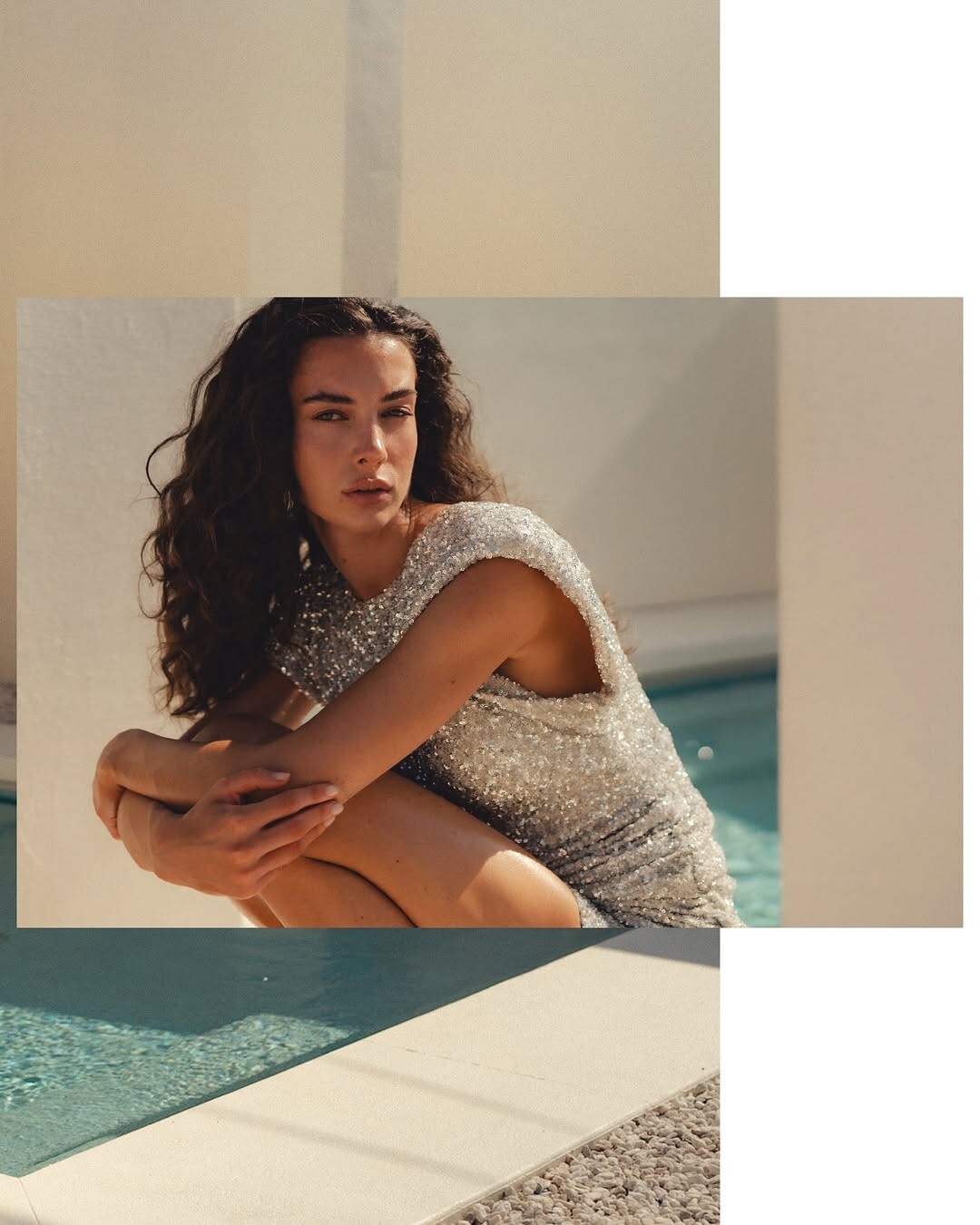
 Algo Bonito 3 clips AQPRvGvGt2aoZkLXYNqwwWU36mjjzamo3v420aFZzn__JcIouypjx7Nsbp_Wr3WpIwPbRjXosly7zS21lbY-fdkFC_1IUYvrIyFfqIo.mp4AQMyTQN9ByOznlxguKf6Su1RTV2BVDS-pBcW4MB_J5ZRmq-0CRoxz4Mb5HRsLUCis47D-sM1pVYhtDiTIHcg750ZBTv23Bde6Vc9Axk.mp4AQOsVZYu3C21ds8cRCGMz2HREm2Q1BXP40SoEg6T4hSy9sMiUYb3QzHeNg457KvwXX0-EuKwo3X10mCs3aTeeQAbPxZ8tEIrDaTRJDE.mp4










-

-
 summer 2025 sandra_rieder Kopie 2.mp4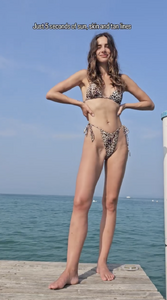
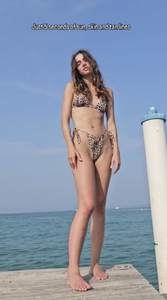
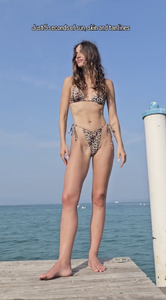
-

-
 and more by Chris Northam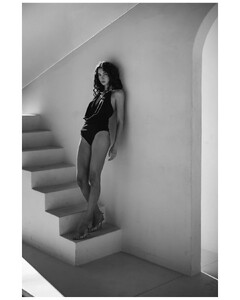






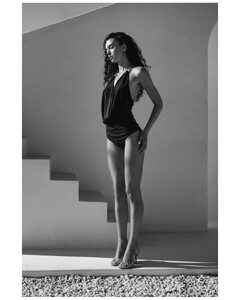



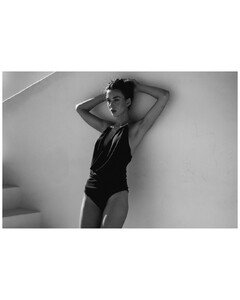
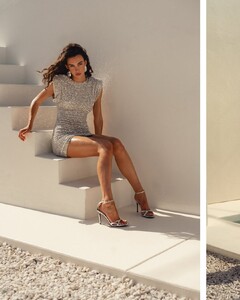


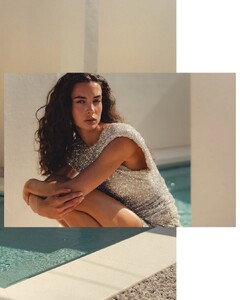
-
-
-
some more by Chris Northam


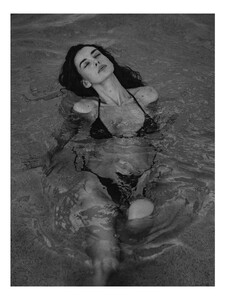
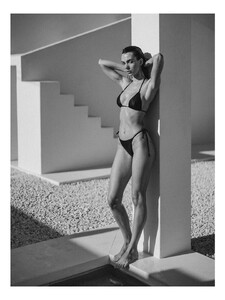


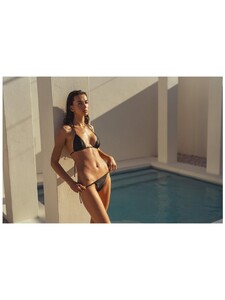




-
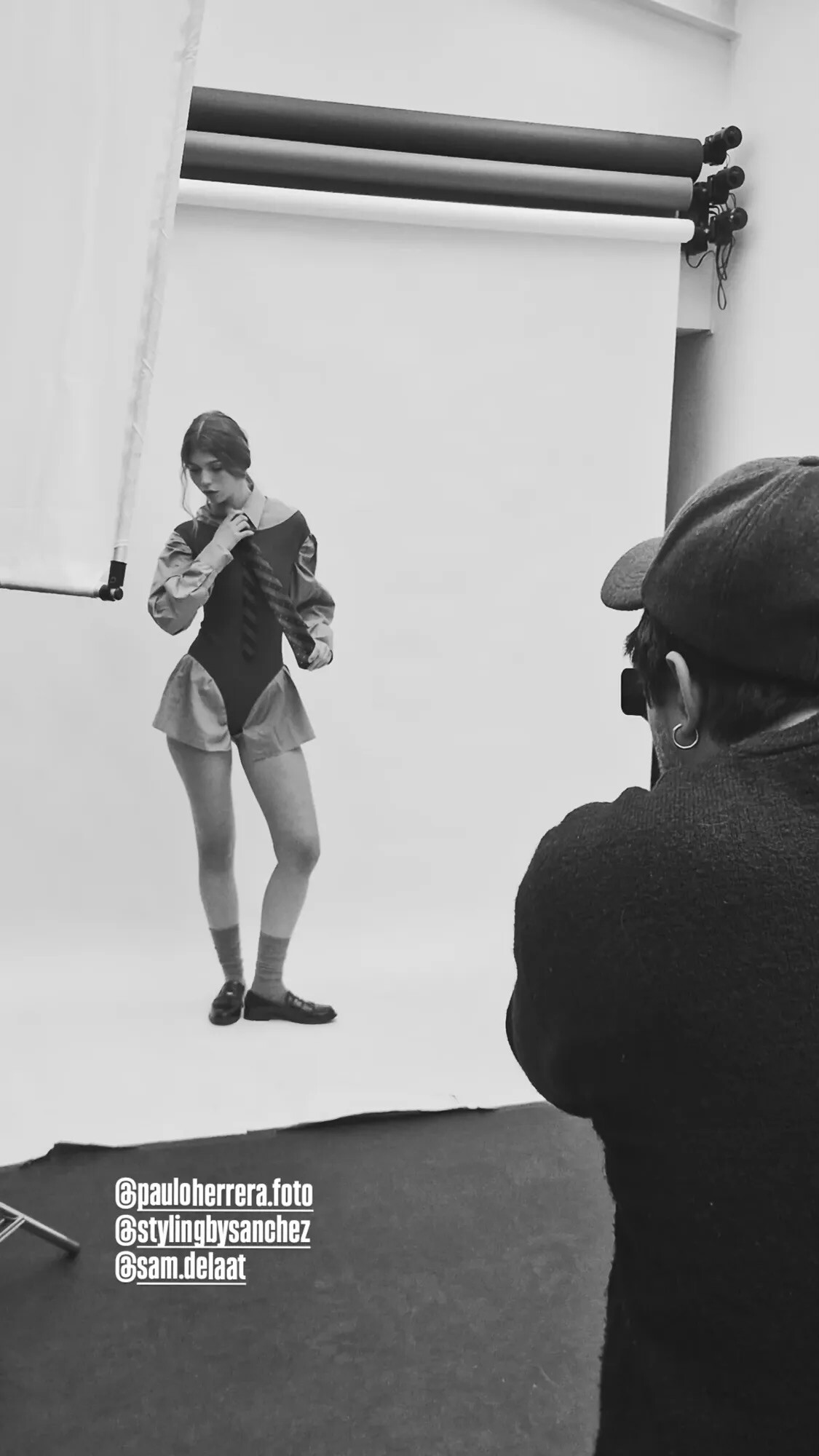
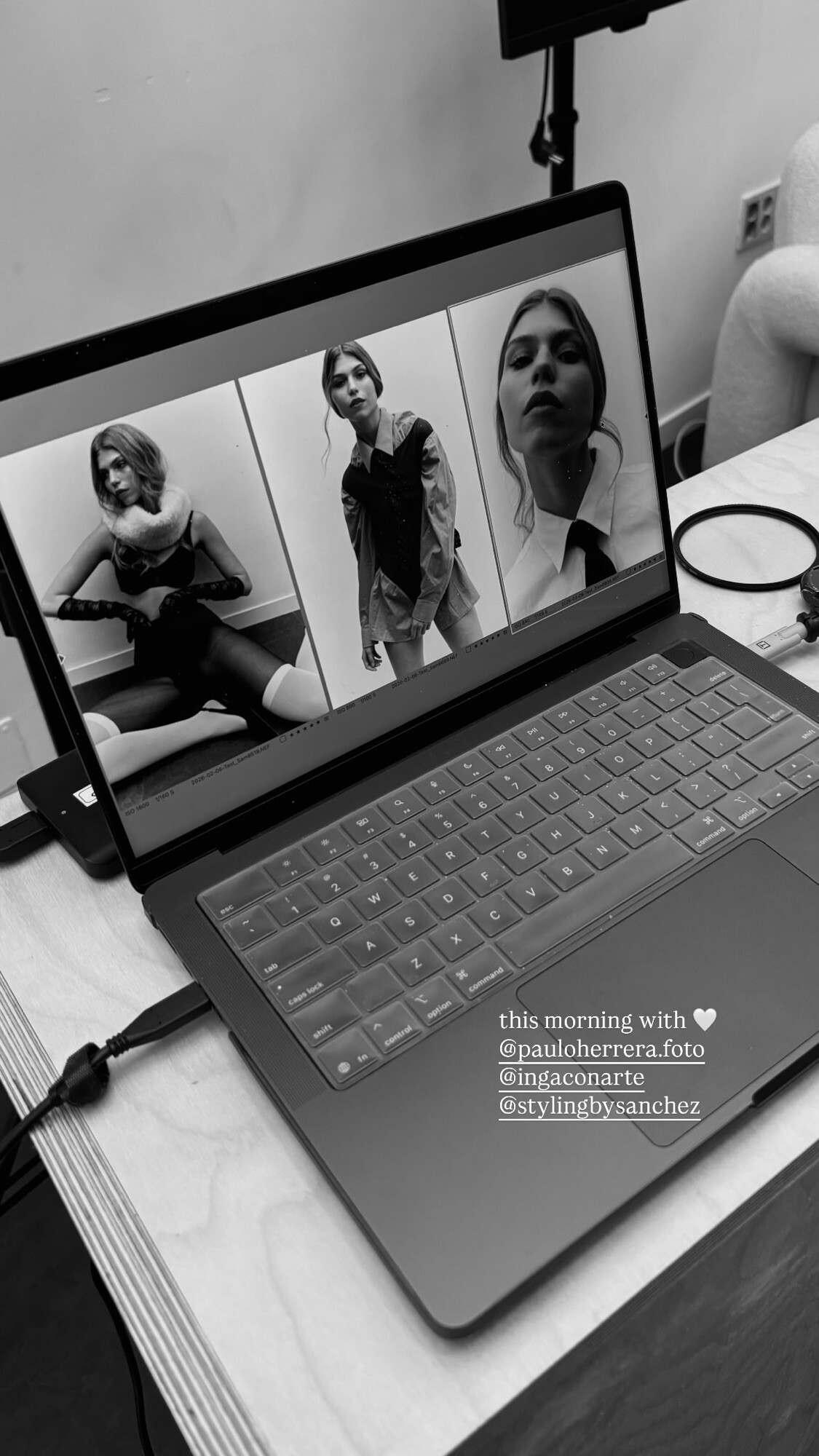
 Ph: Paulo Herrera BTS StorySaver.net-stylingbysanchez-Video-1770449169522.mp4 StorySaver.net-stylingbysanchez-Video-1770449056796.mp4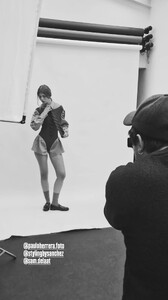
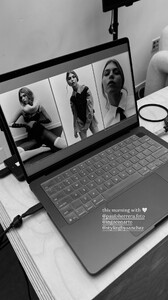

- Today
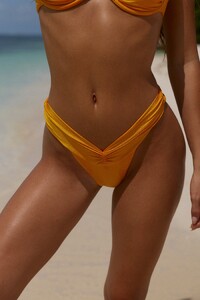
 Emily Via Everieswim's Instagram Story
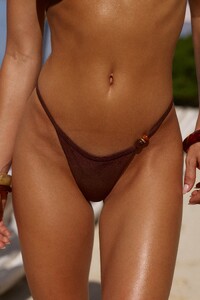
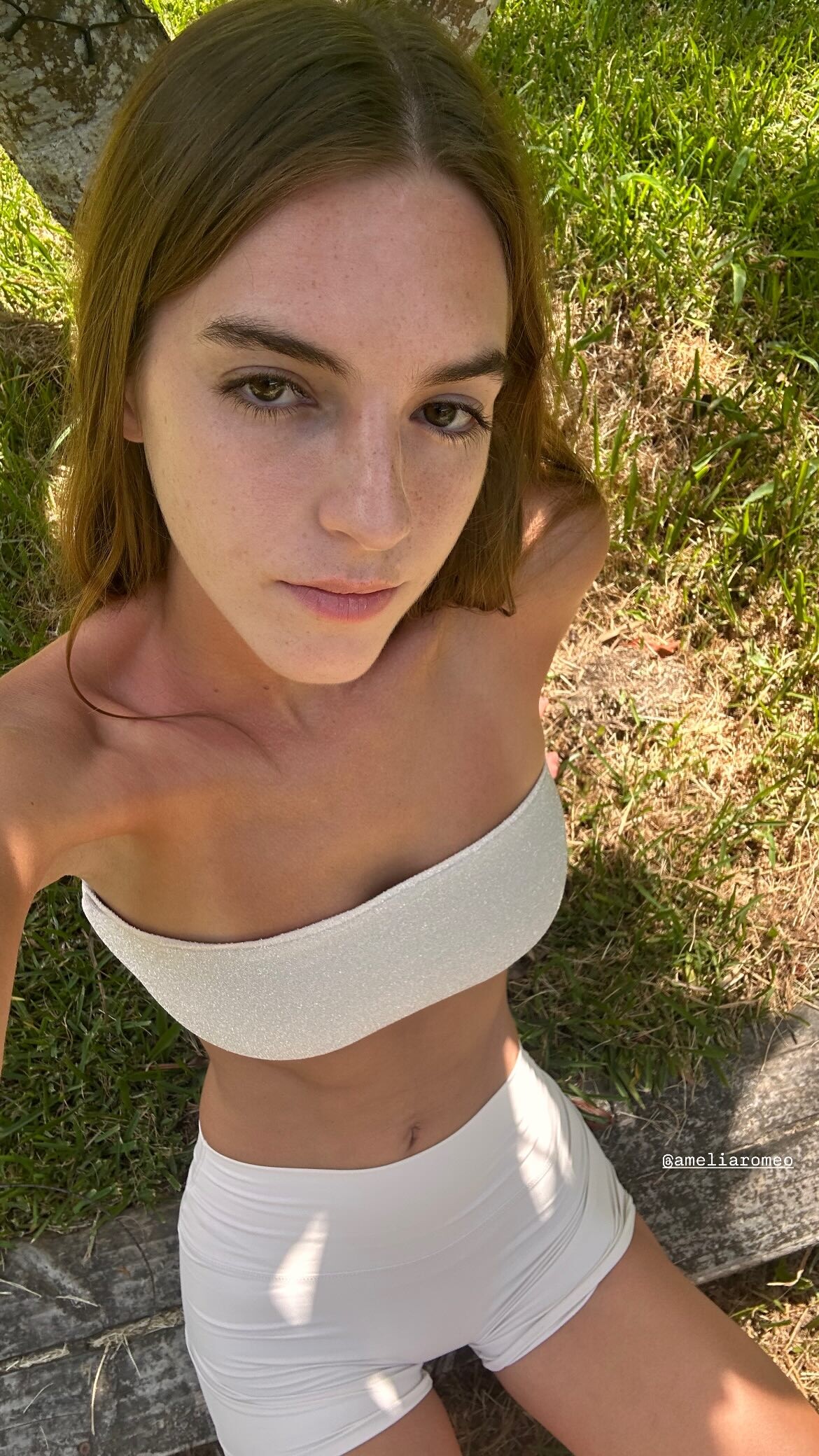
 Emily via Instagram story
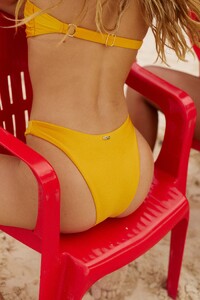
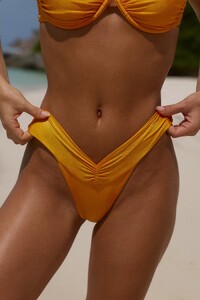
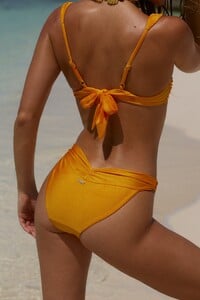
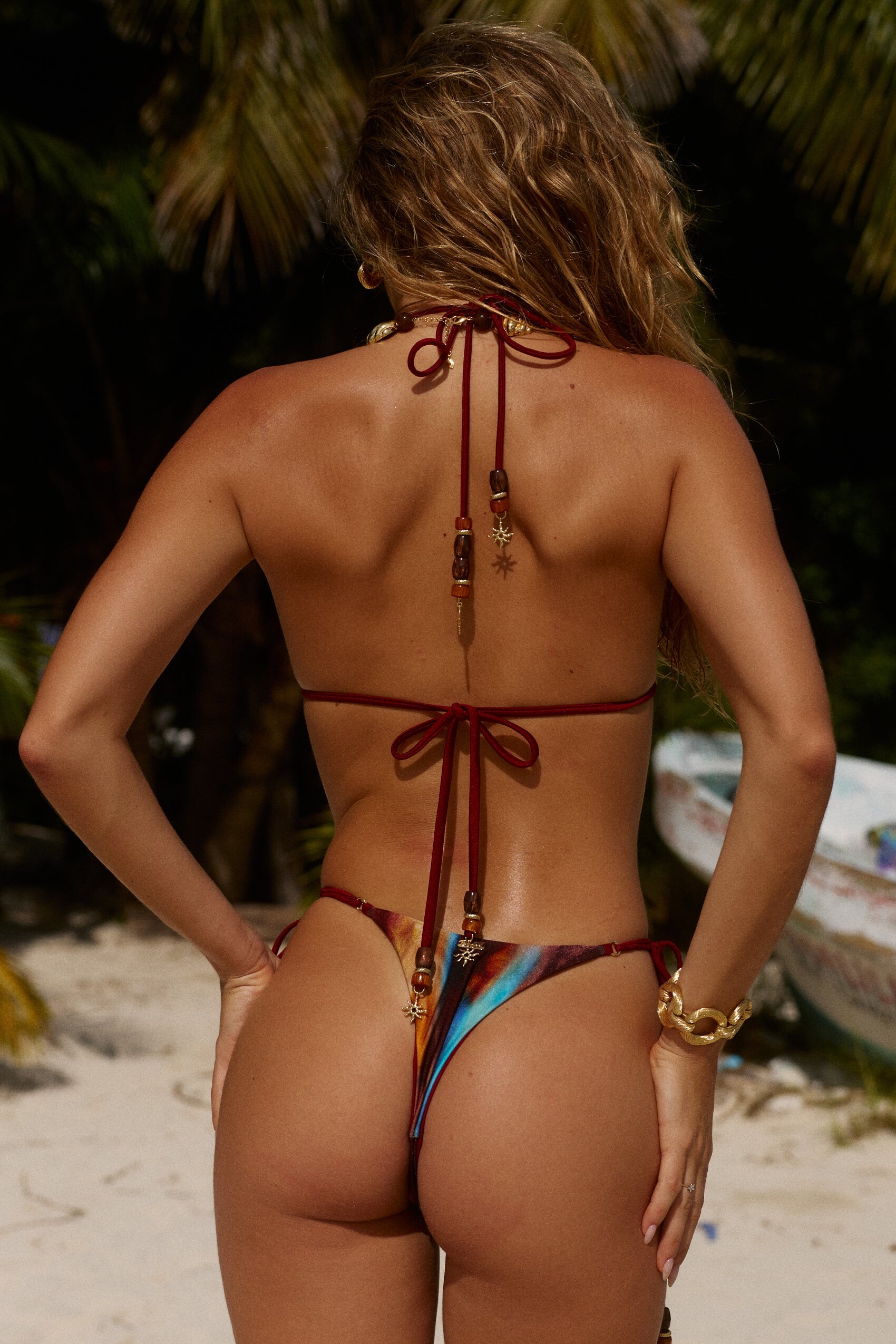
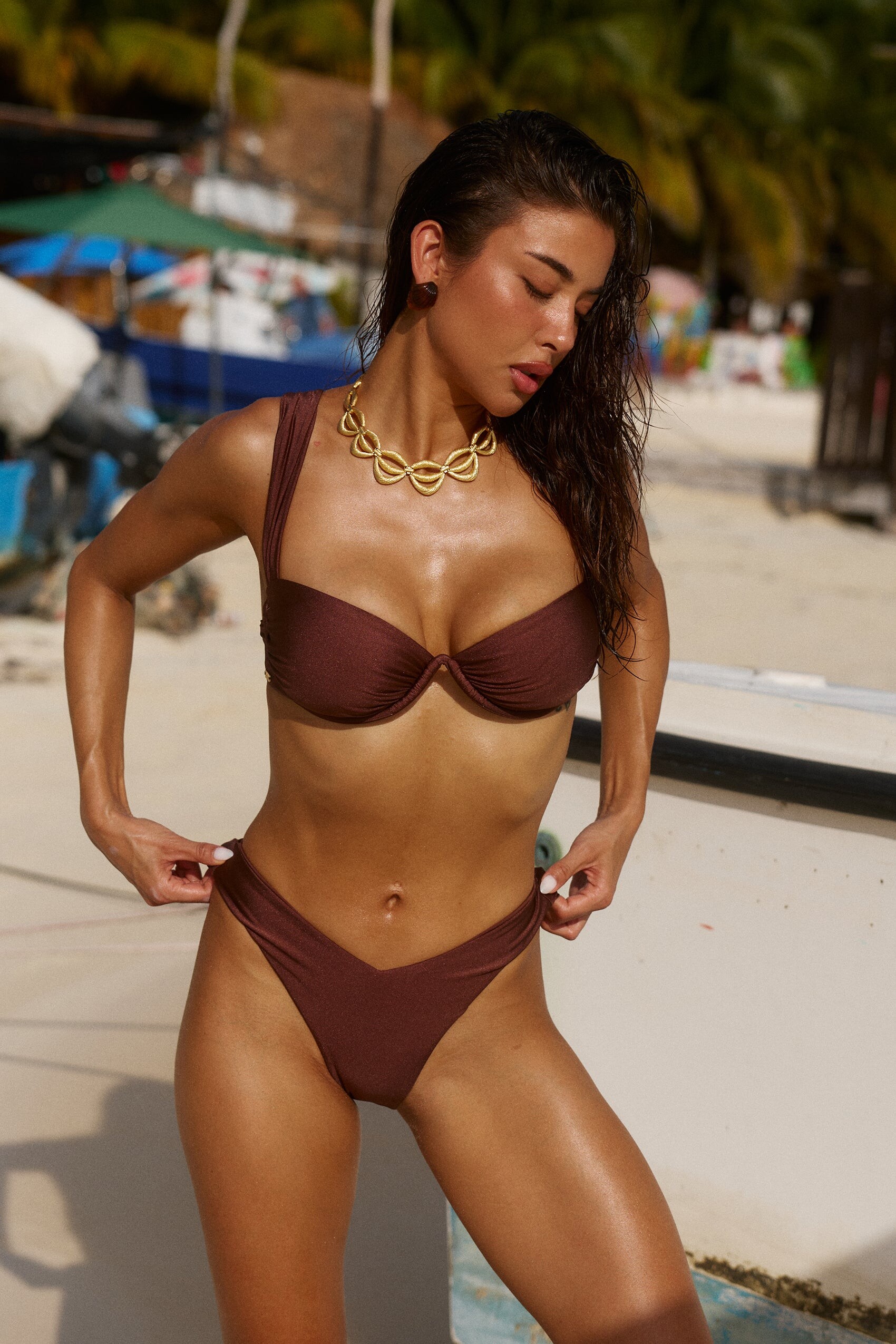
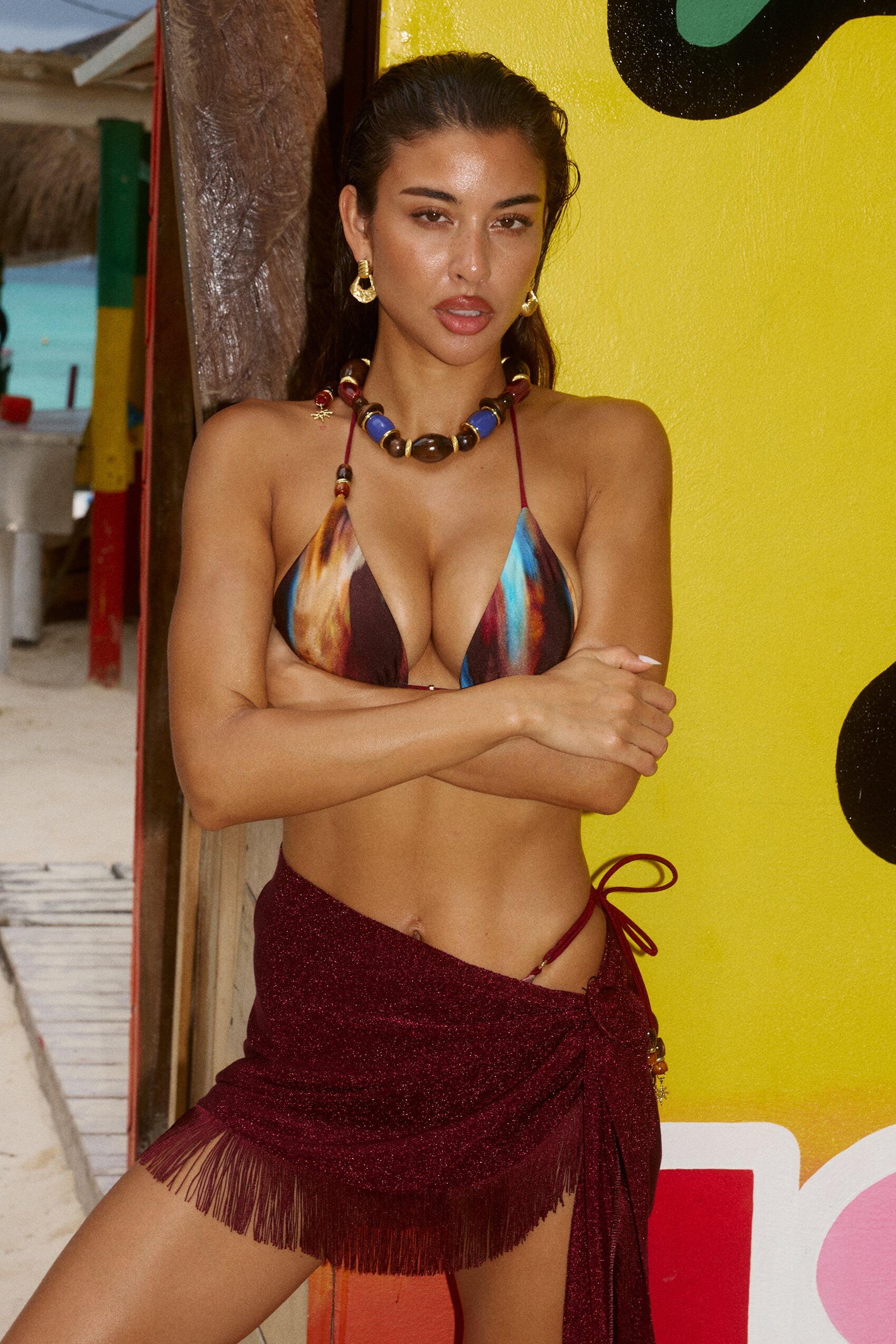
 The last of the Bydee images (I missed some because her face was cropped out or looking away from the camera) 4 social media (Helena Busch is the model in the center): Promotional videos: Saskia - Bydee - 2026-01-21_1080x1920 (Saskia)_8.mp4 Saskia - Bydee - 2026-01-28_1080x1920 (Saskia)_9.mp4 With an old Walkman portable cassette player (Isla Mujeres is painted in blue on the side of the boat) Saskia - Bydee - 2026-01-14_1440x1080 (Saskia)_1.mp4 The Teleporting Trio 🪄🧙♀️🔮 Saskia - Bydee - 2026-01-22_1080x1920 (Saskia)_3.mp4 5 more videos Saskia - Bydee - 2026-01-26_1080x1920 (Saskia)_6.mp4Saskia - Bydee - 2026-01-18_1080x1920 (Saskia)_5.mp4Saskia - Bydee - 2026-01-23_1080x1920 (Saskia)_2.mp4Saskia - Bydee - 2026-01-25_1080x1920 (Saskia)_4.mp4Saskia - Bydee - 2026-01-28_1440x1080 (Saskia)_7.mp4















_1.thumb.jpg.e42390ee5367eadfe38051c4eef84d8f.jpg)
_2.thumb.jpg.c5ae5d792052441492041eafb2c326fe.jpg)
_3.thumb.jpg.763d77fa15f7c7ce3e1d716b9651750a.jpg)
_4.thumb.jpg.963e7d1dd5c4a5f7bc3495962fd58043.jpg)

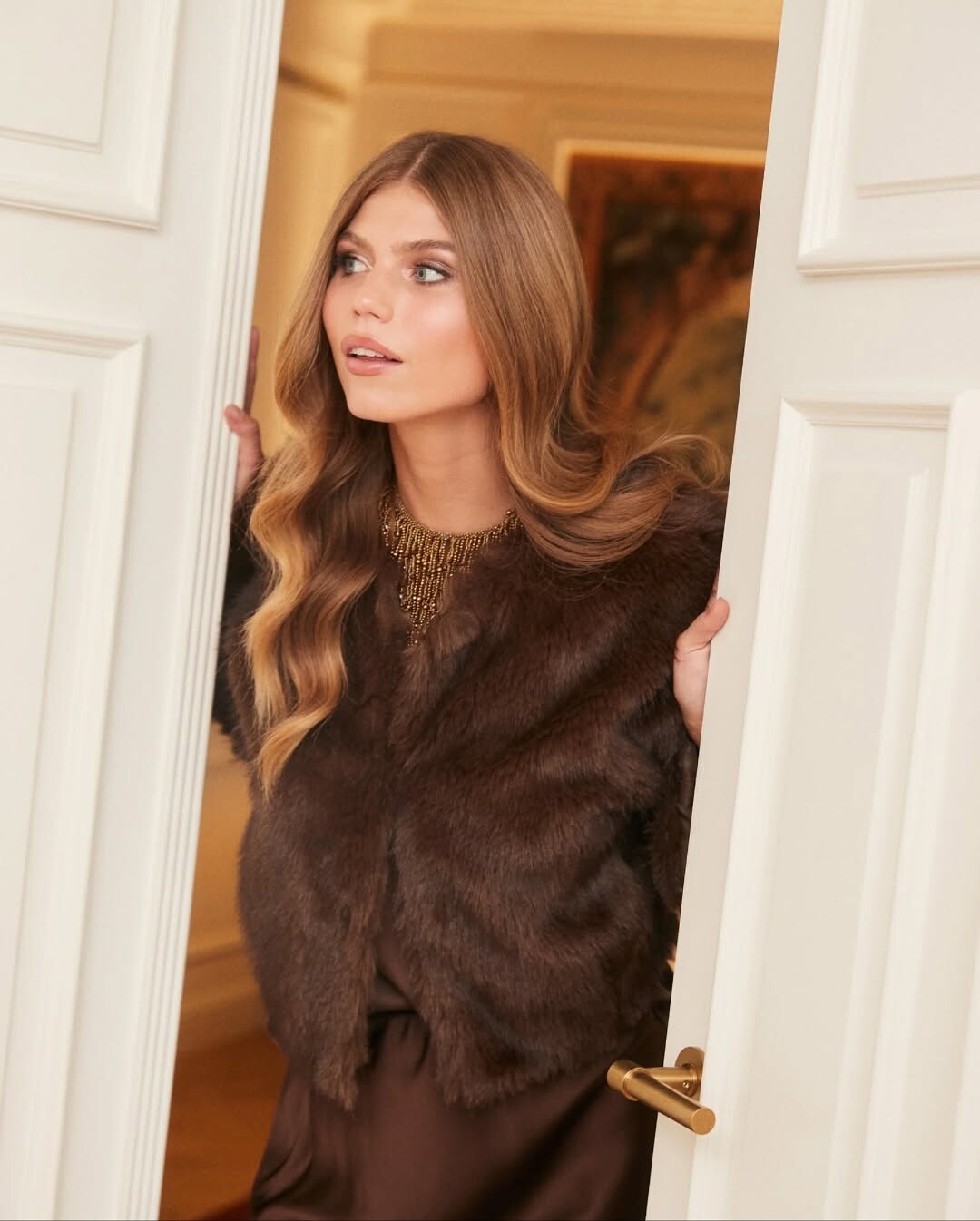




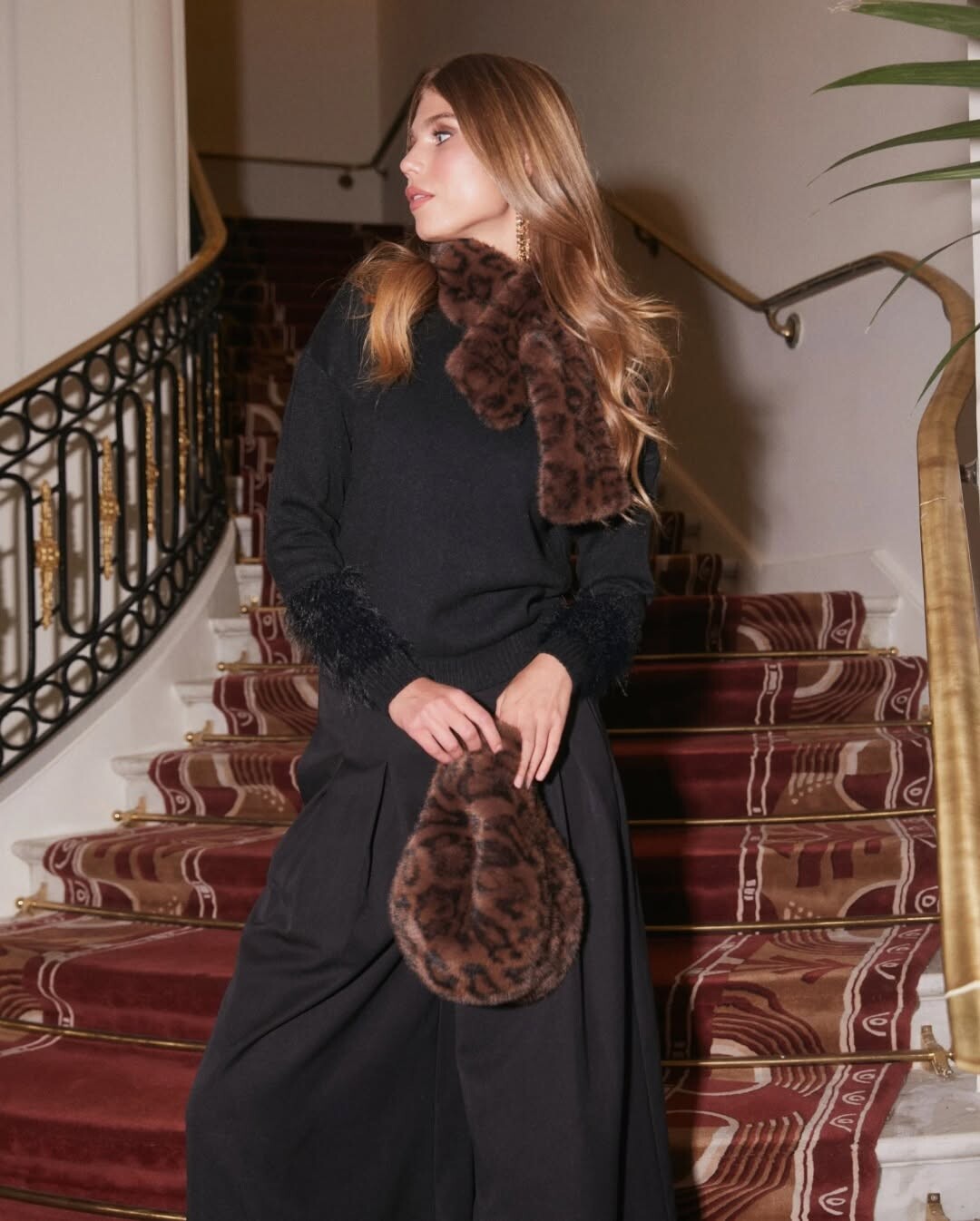
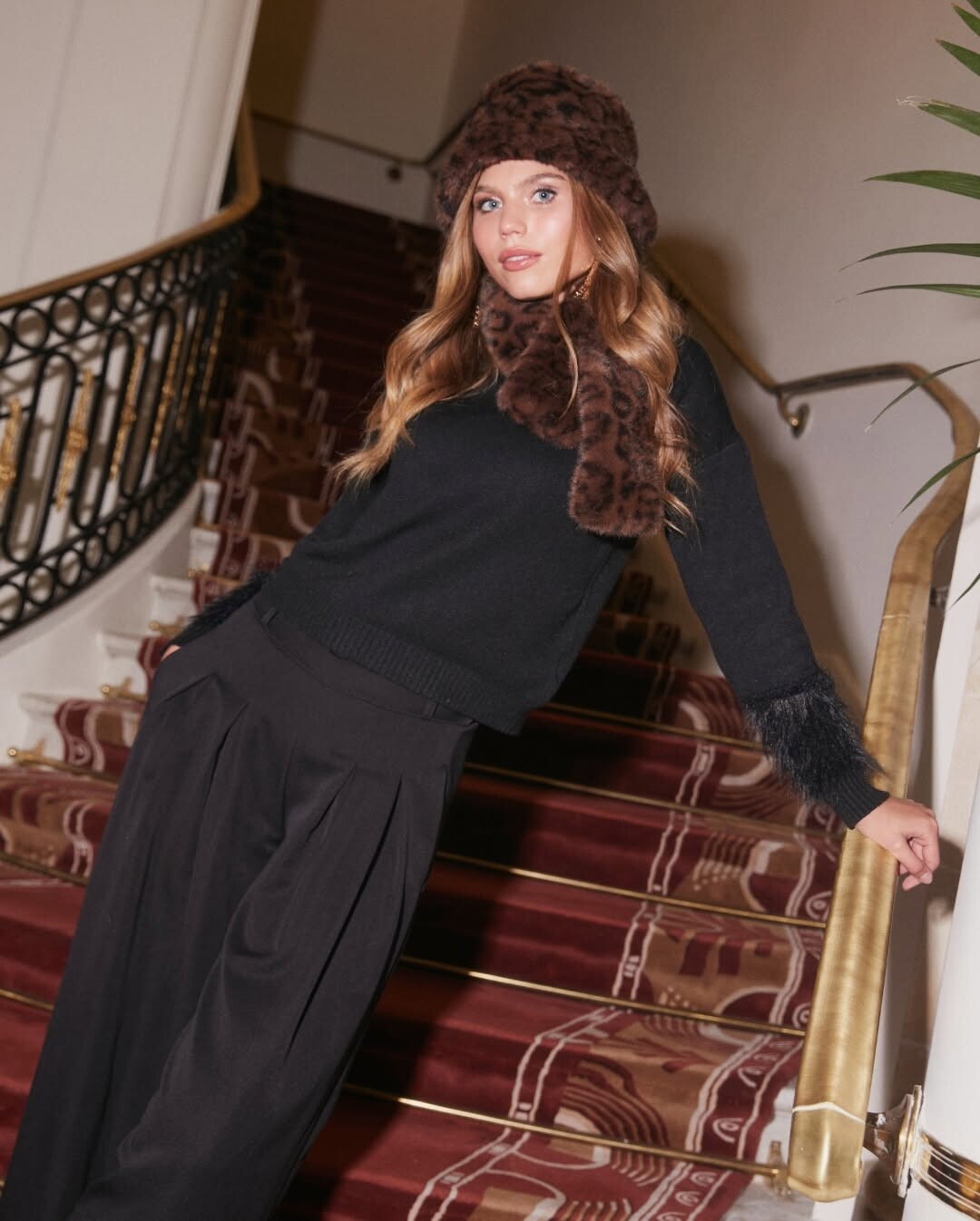


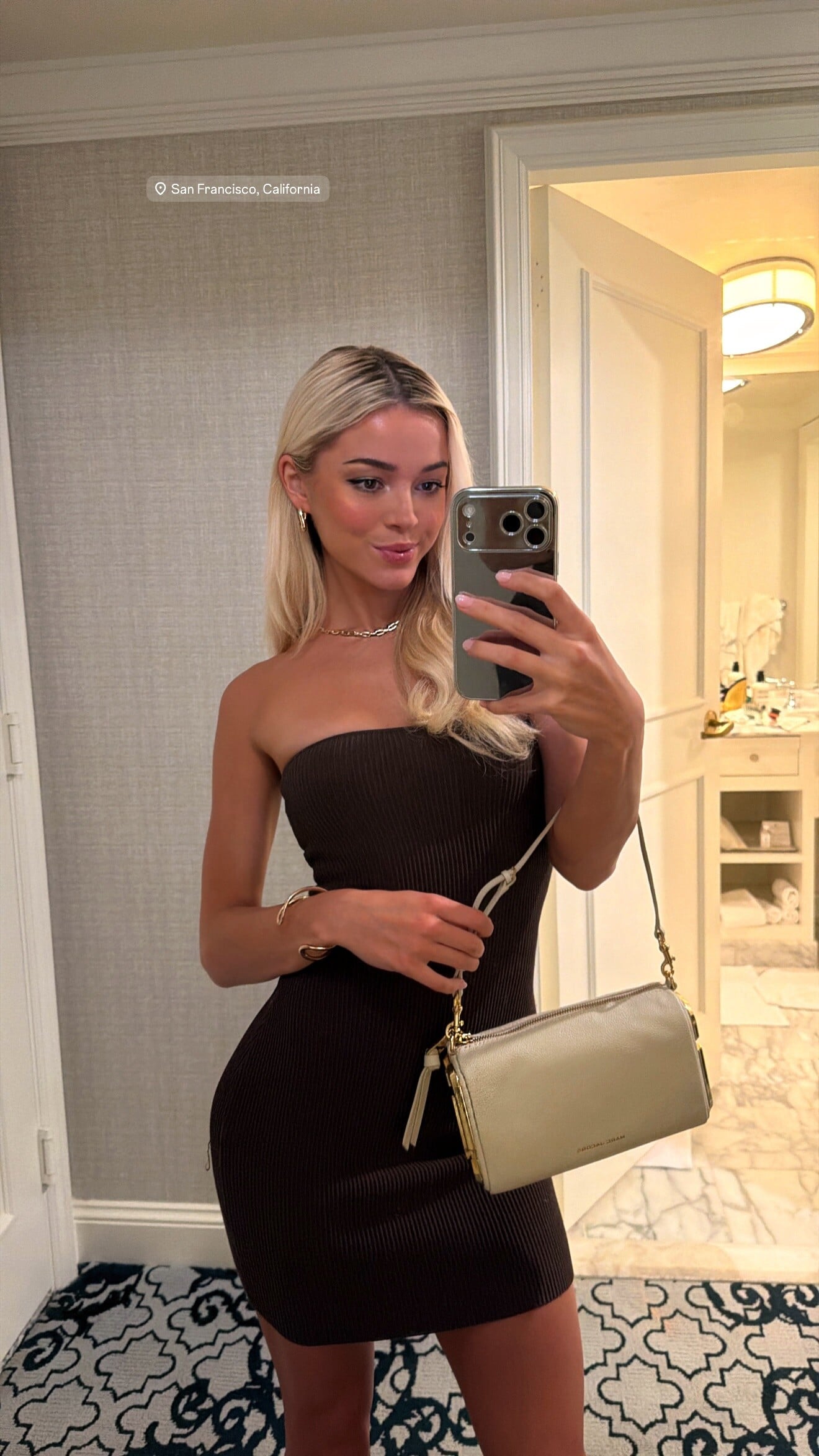


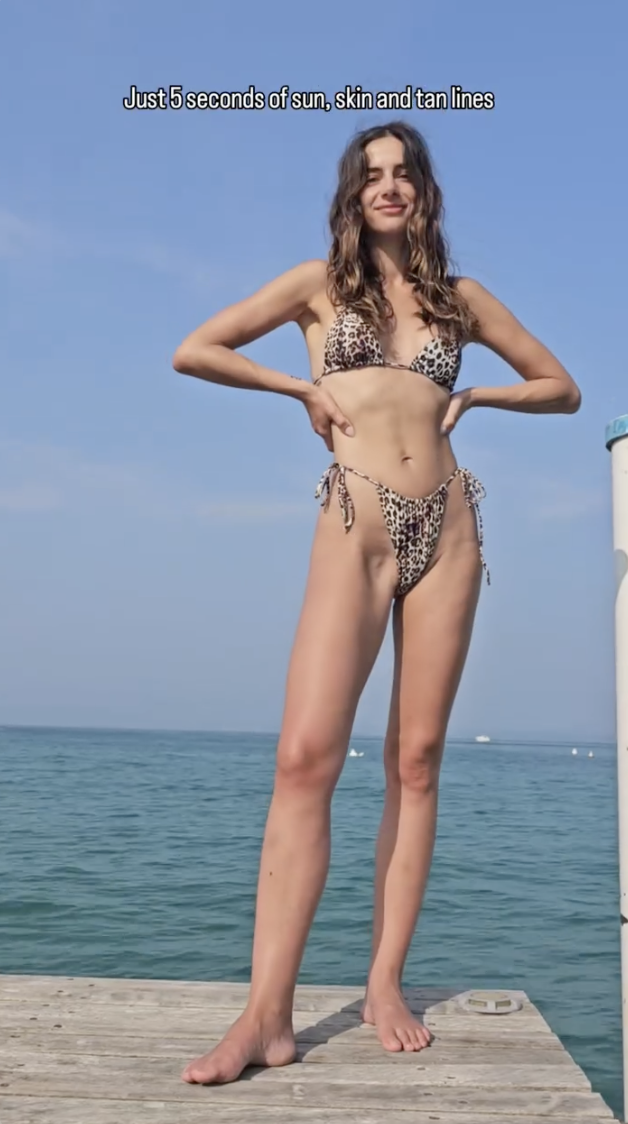
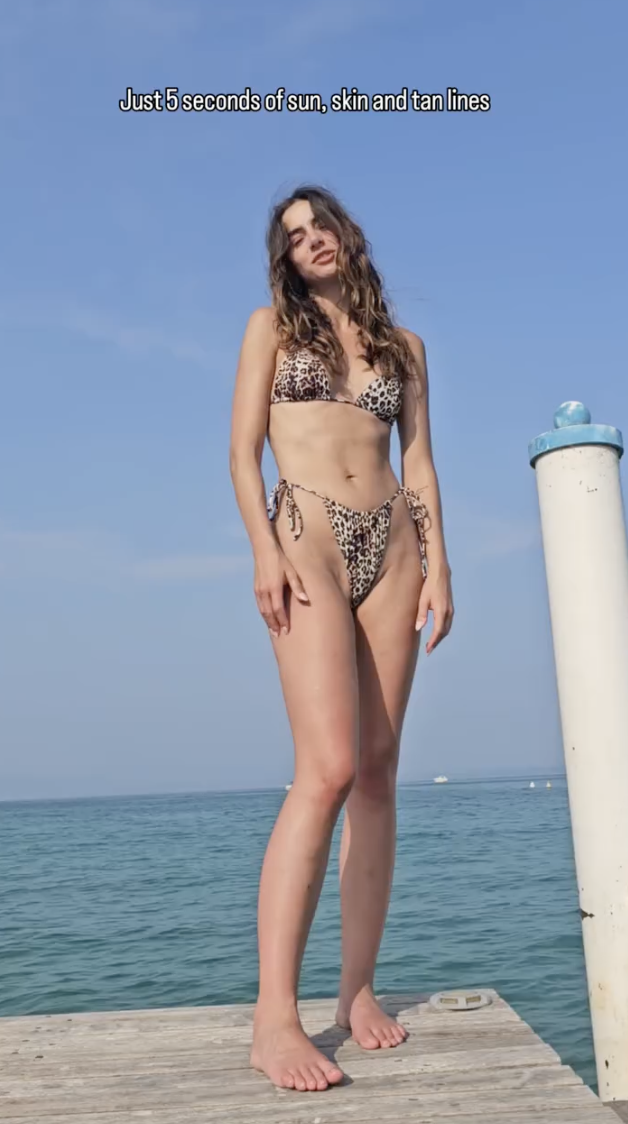
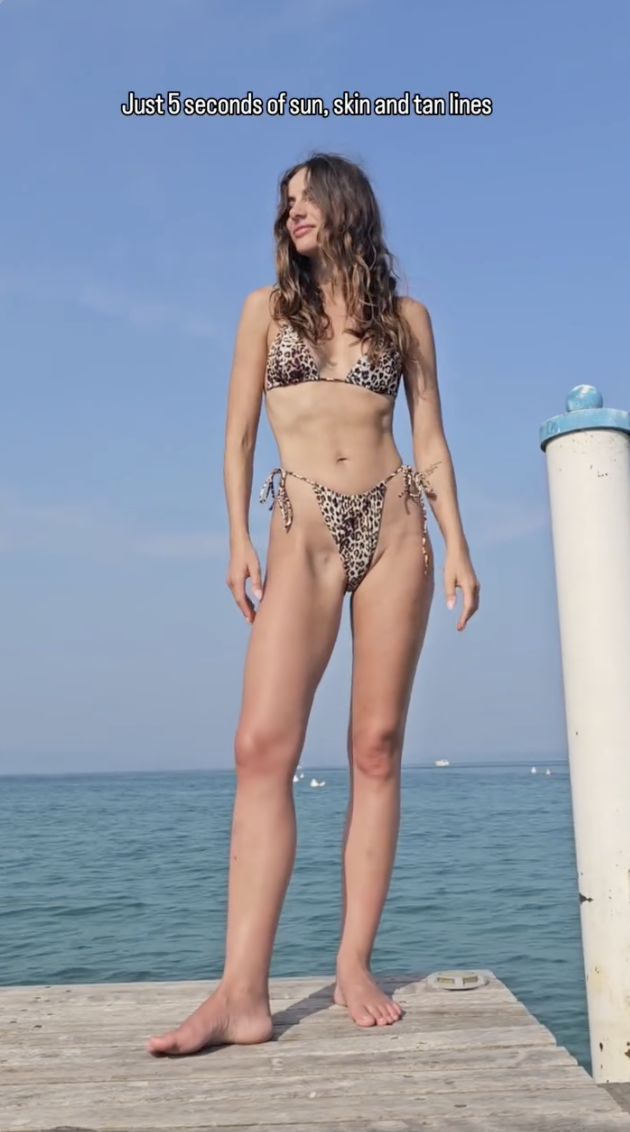















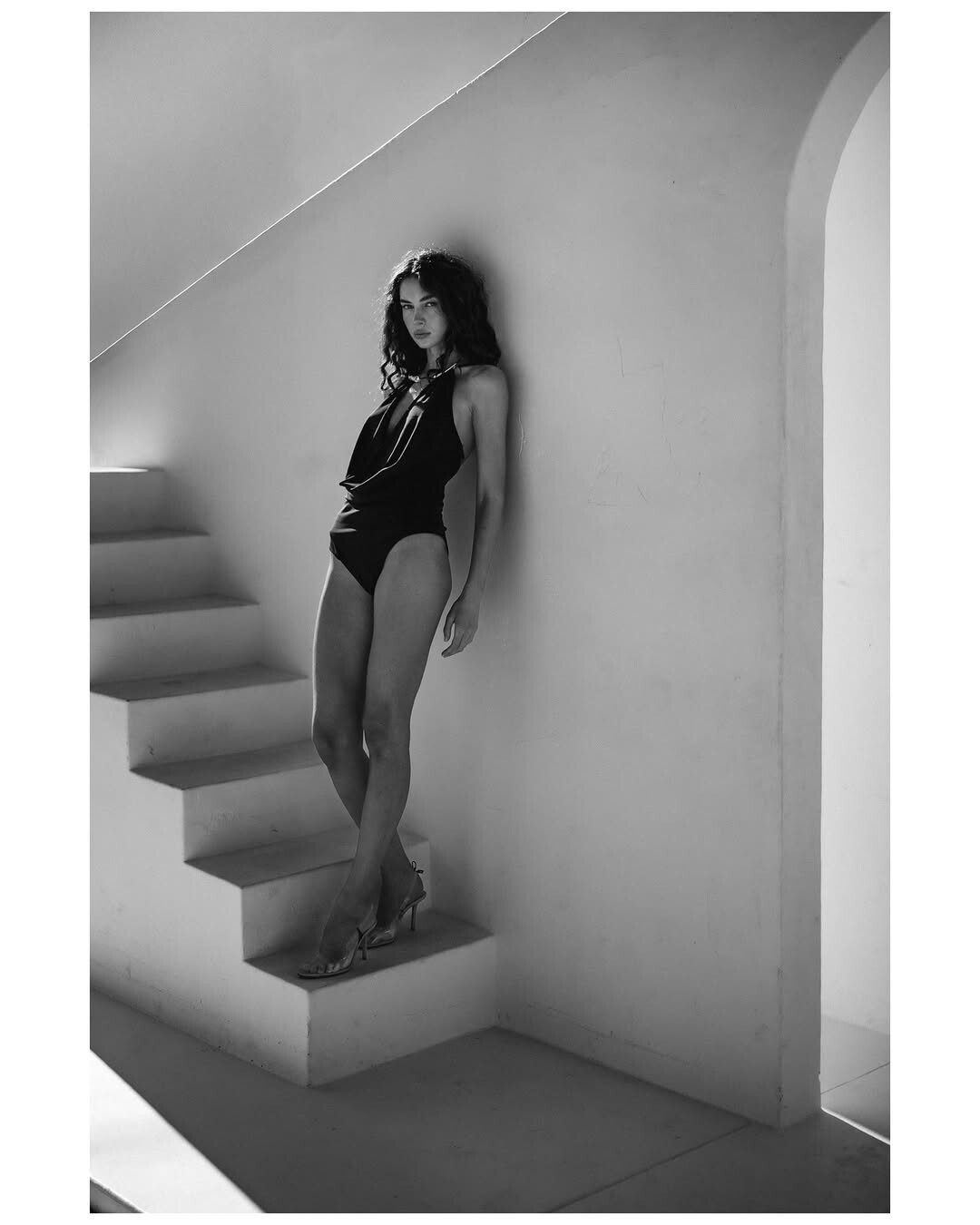
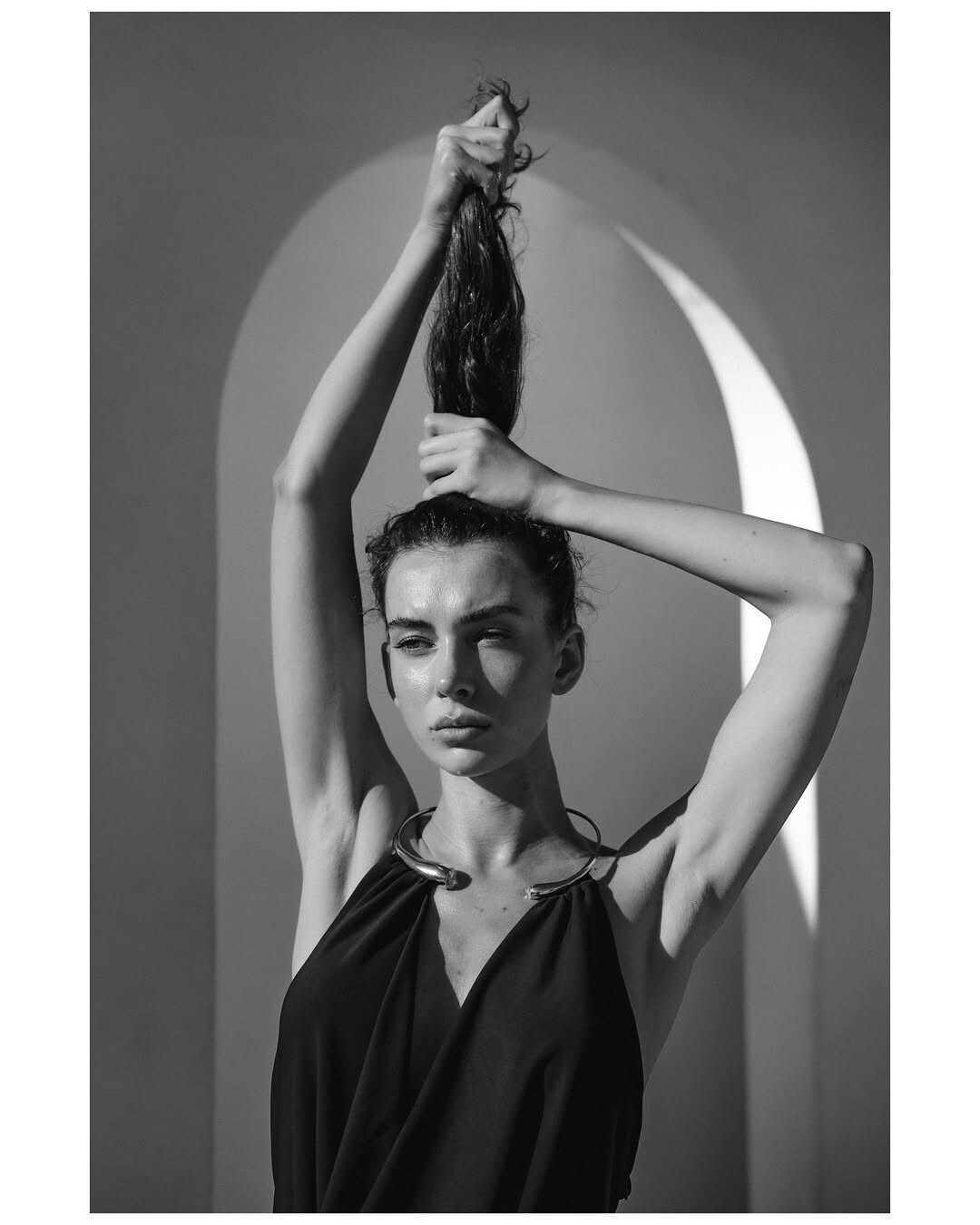





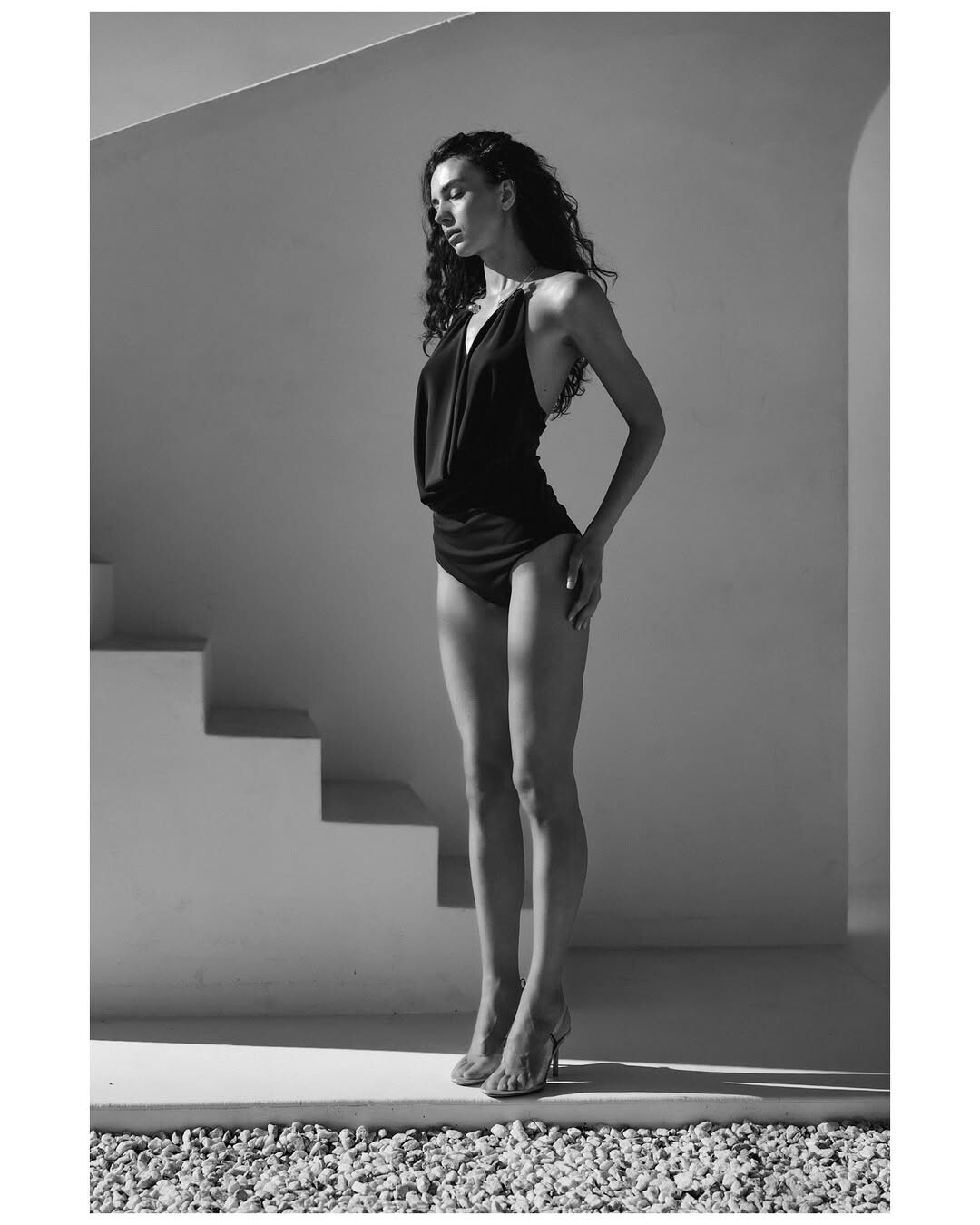
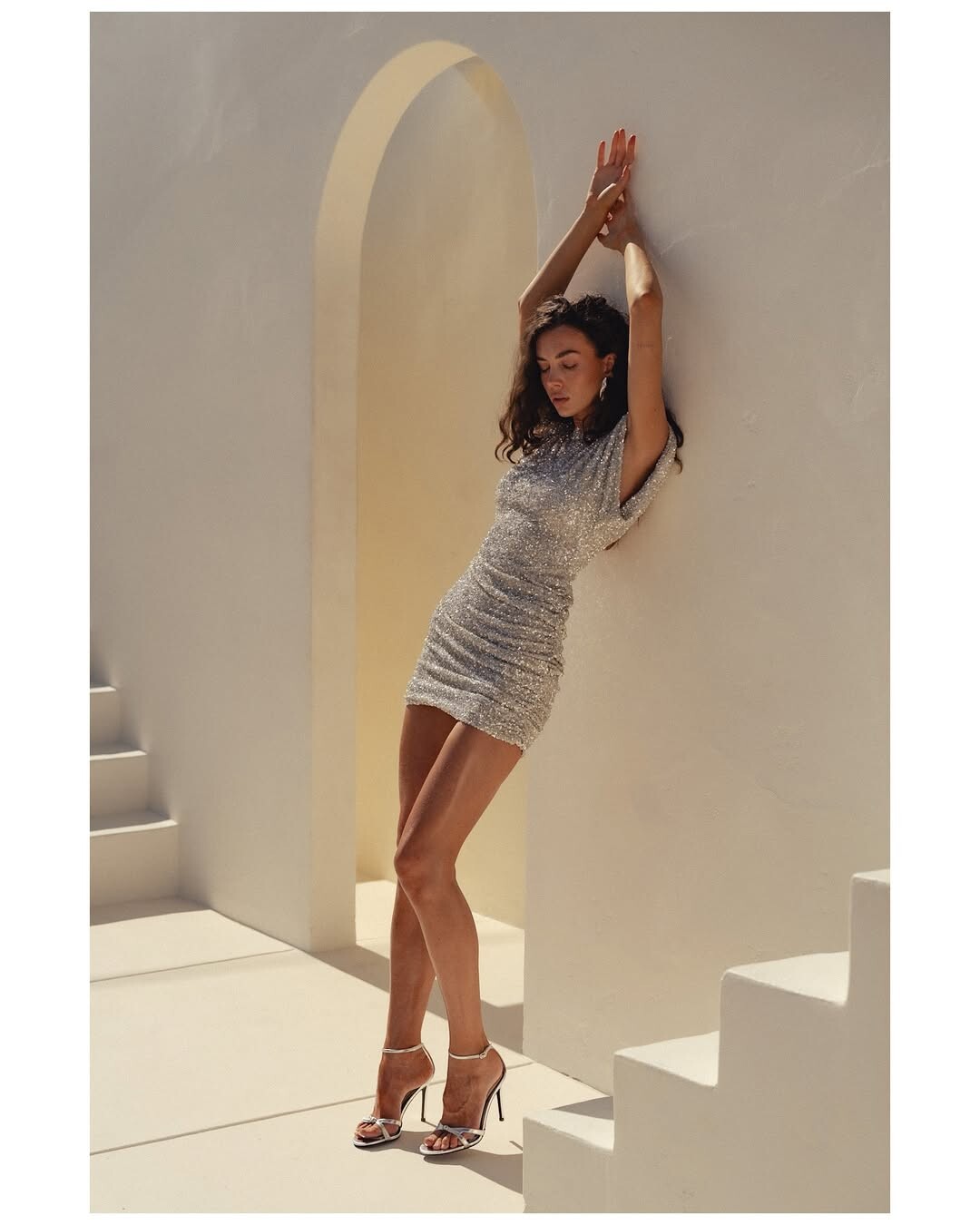


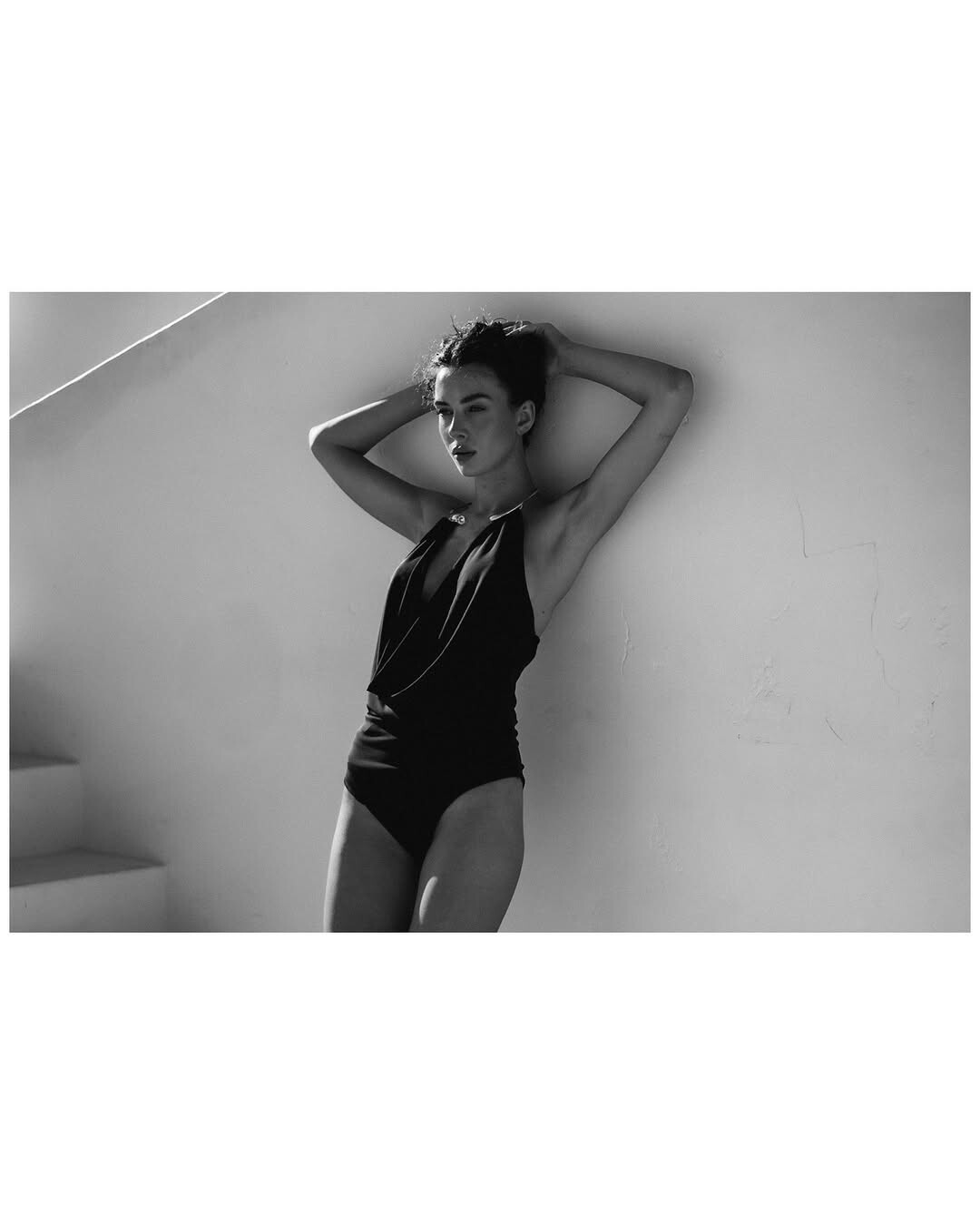
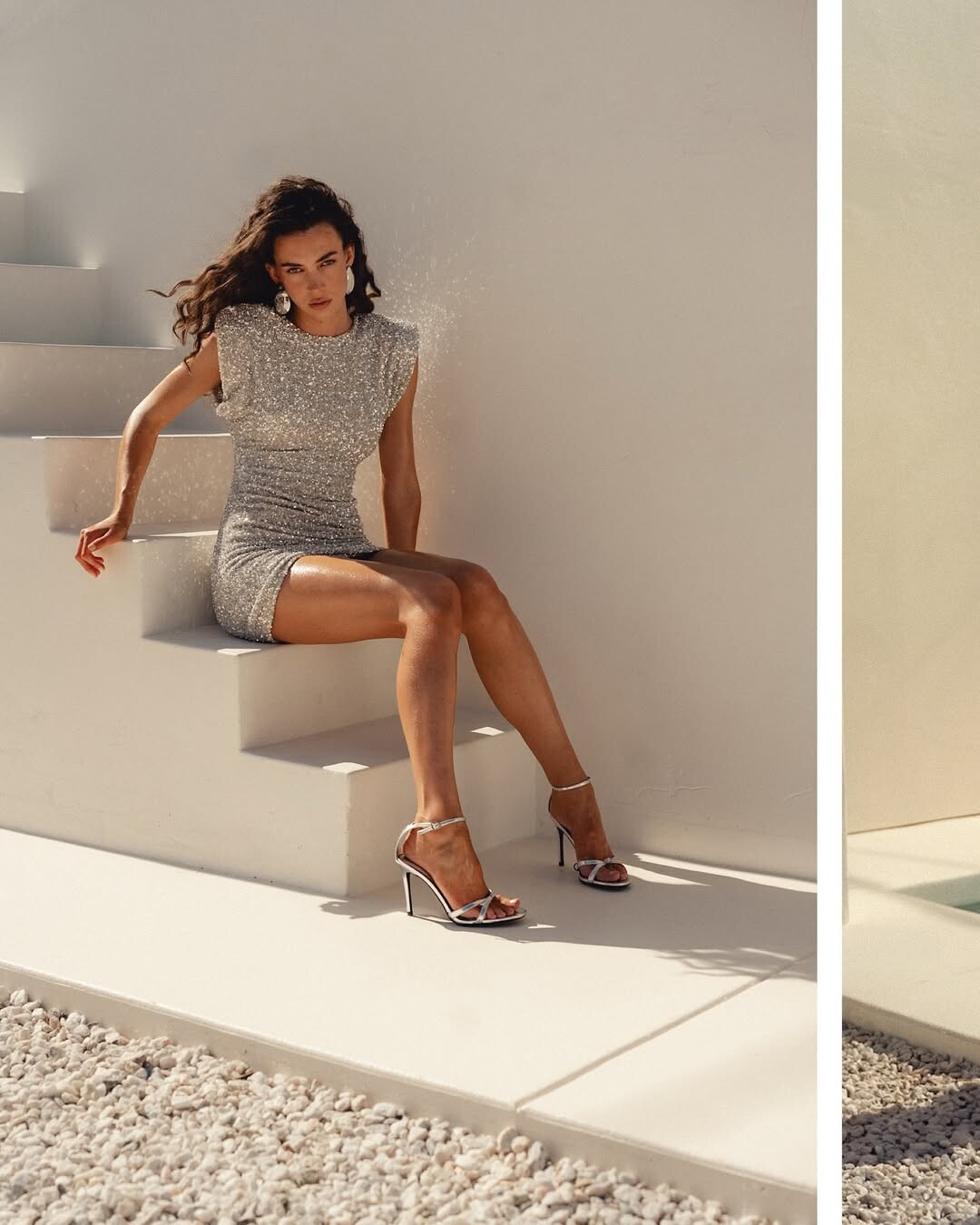
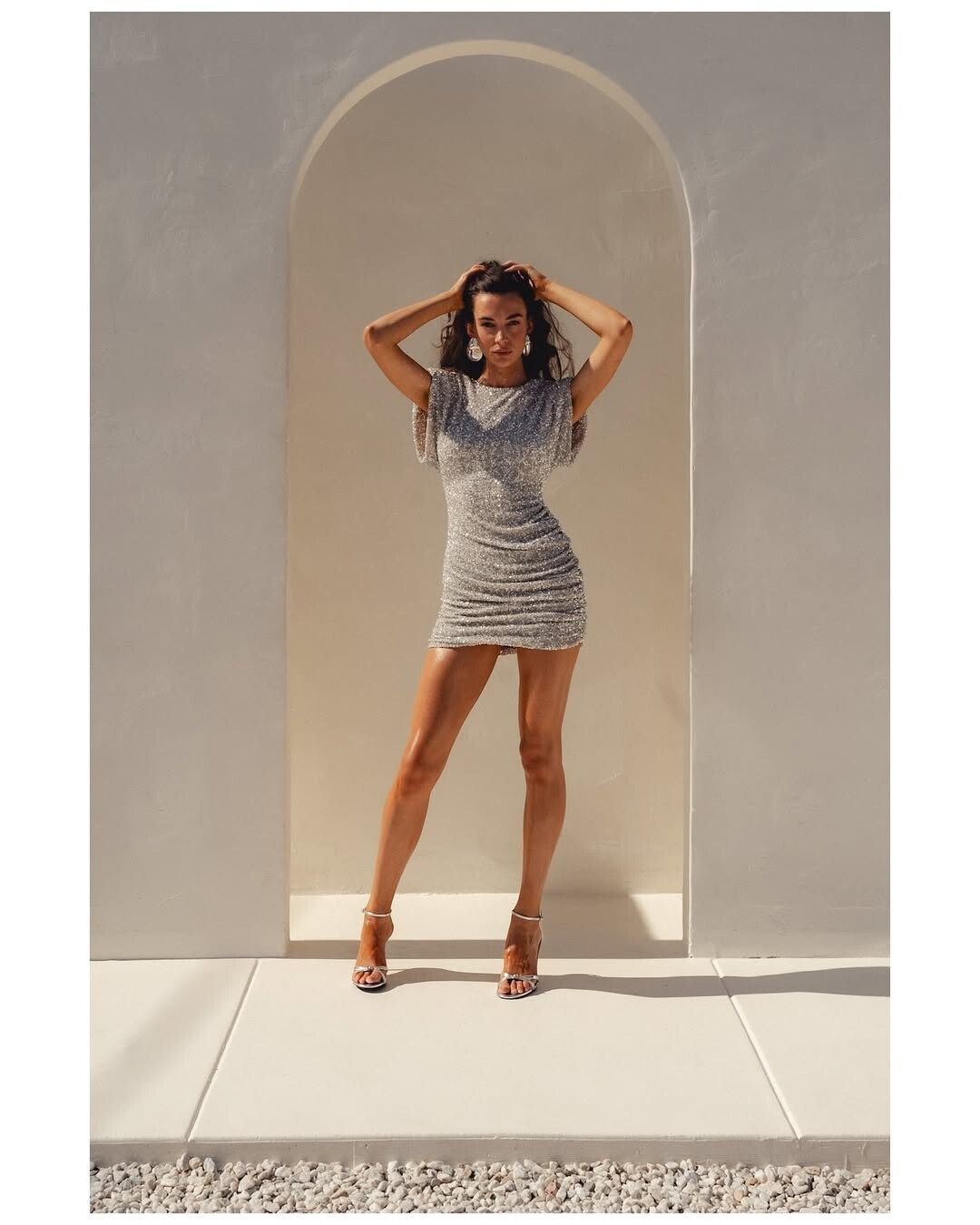
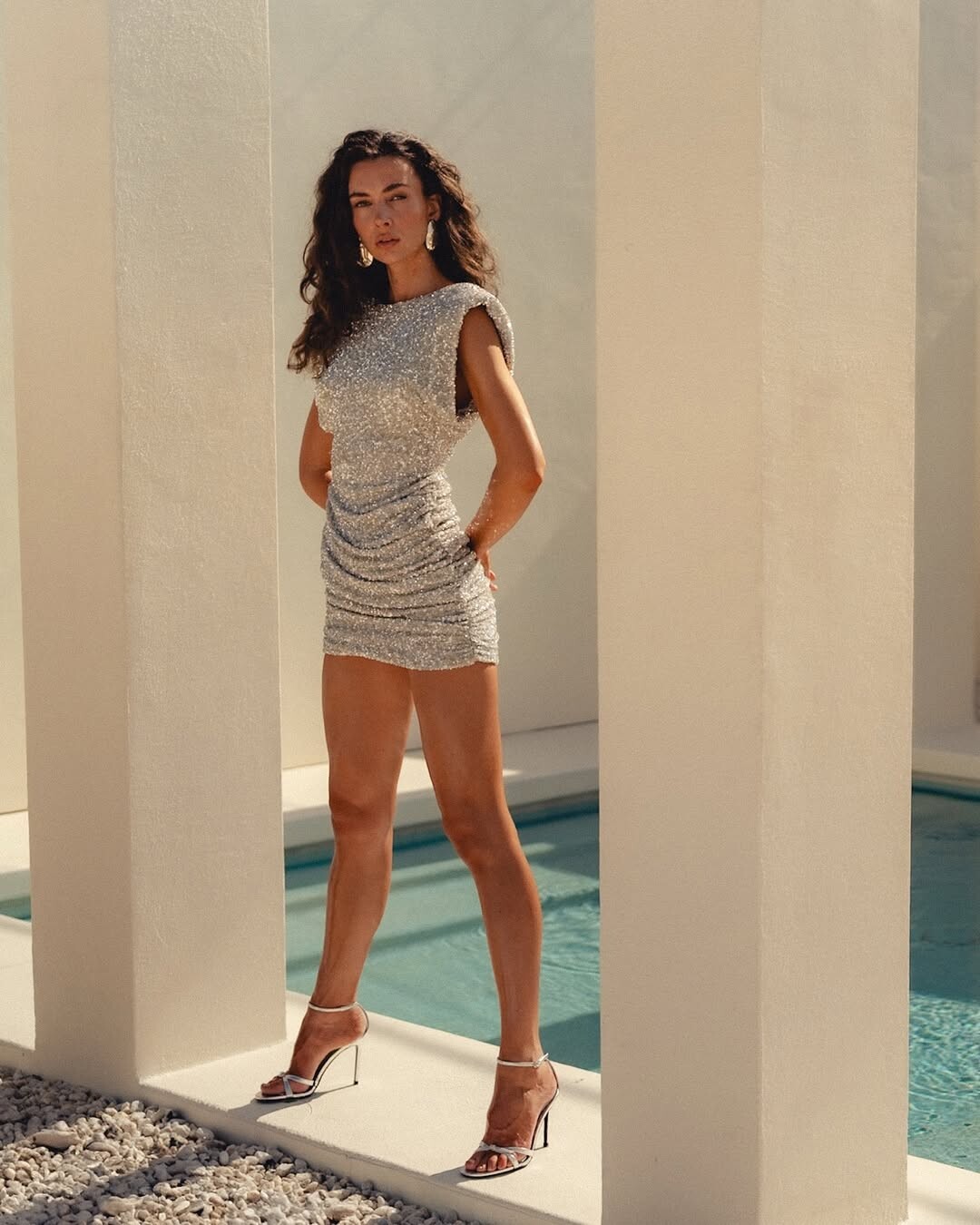







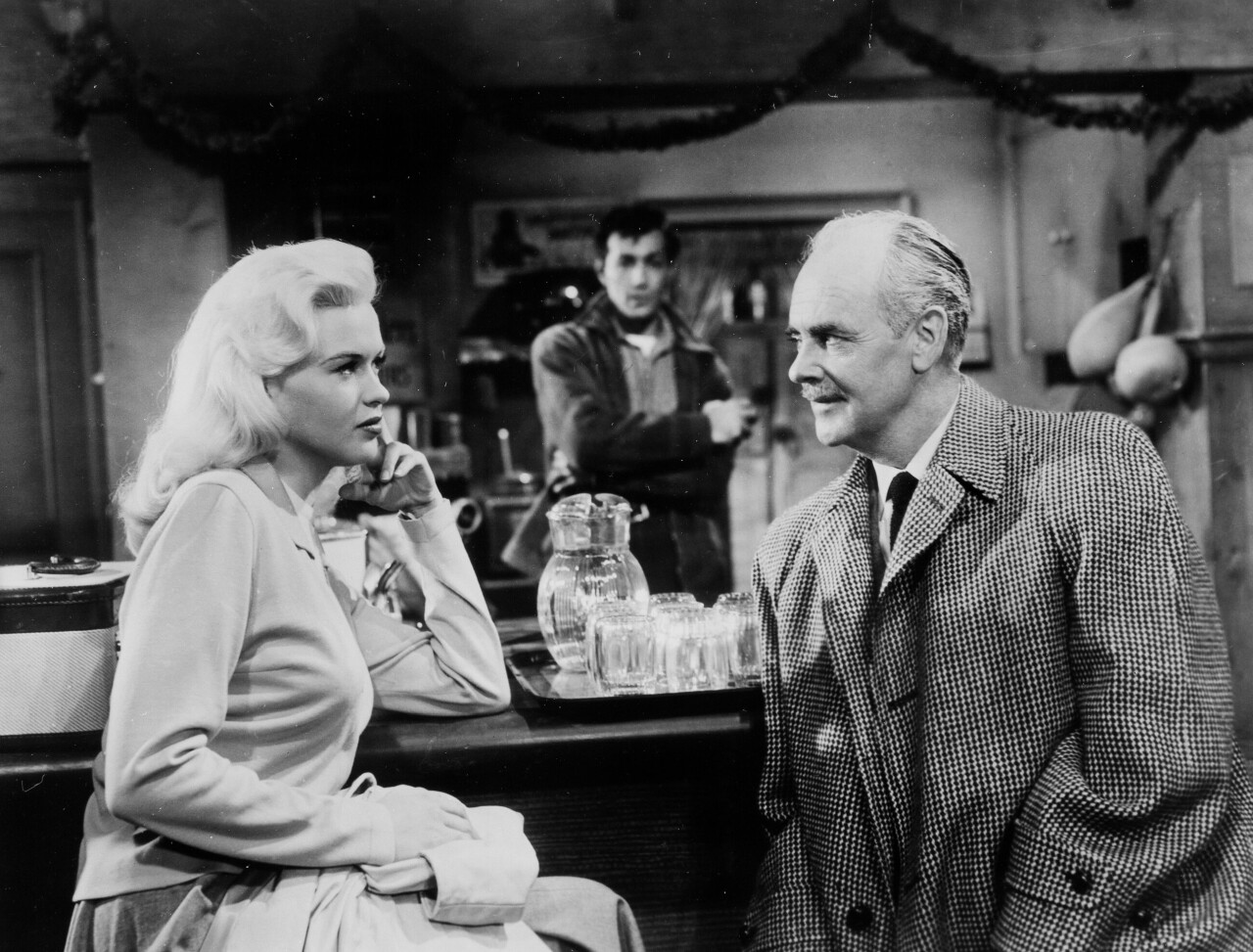



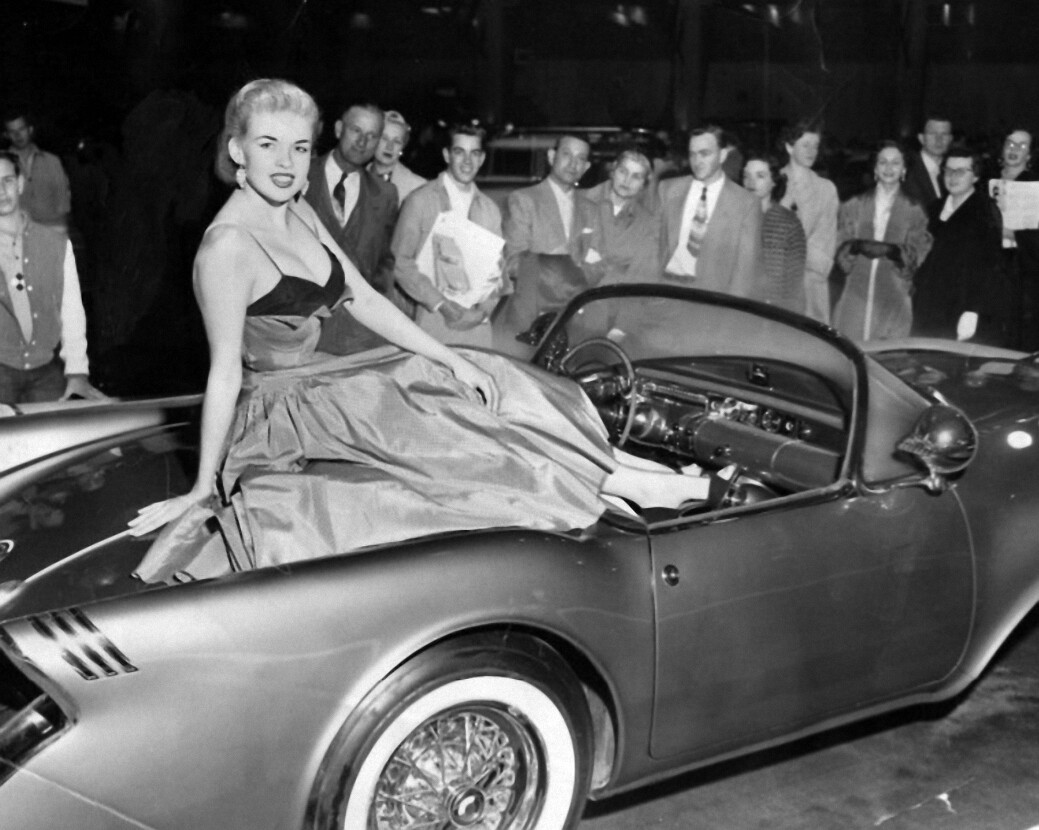

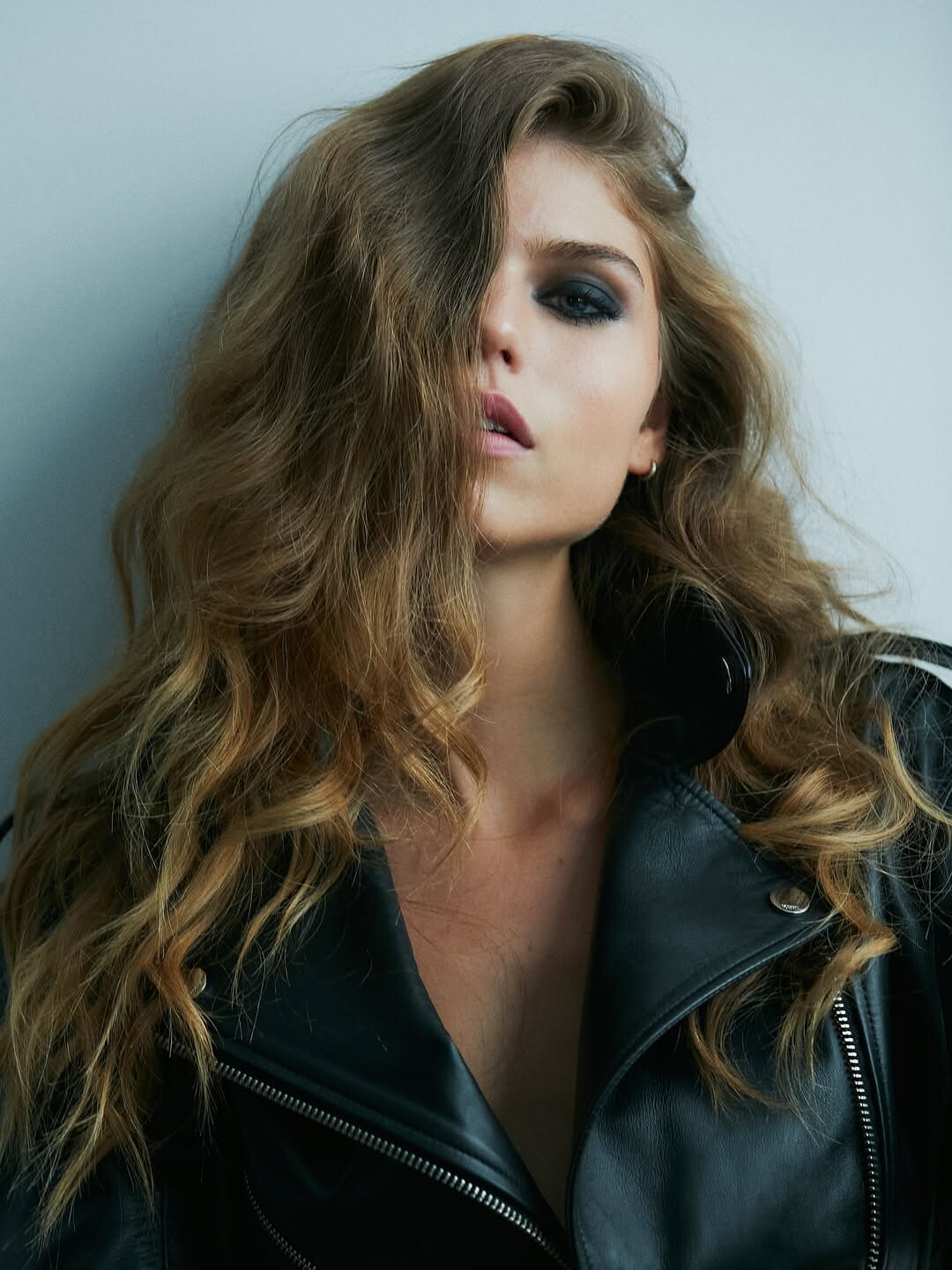
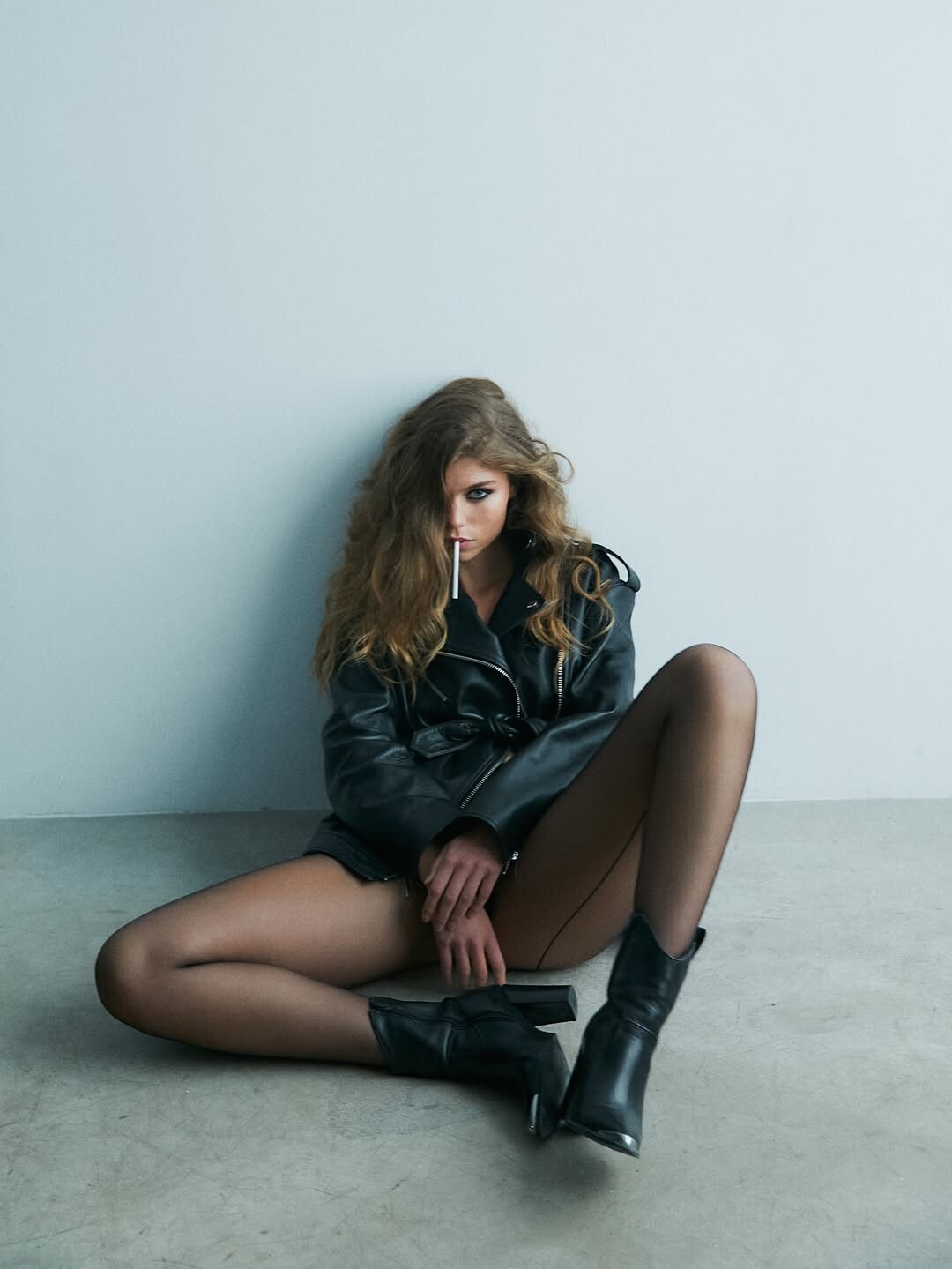
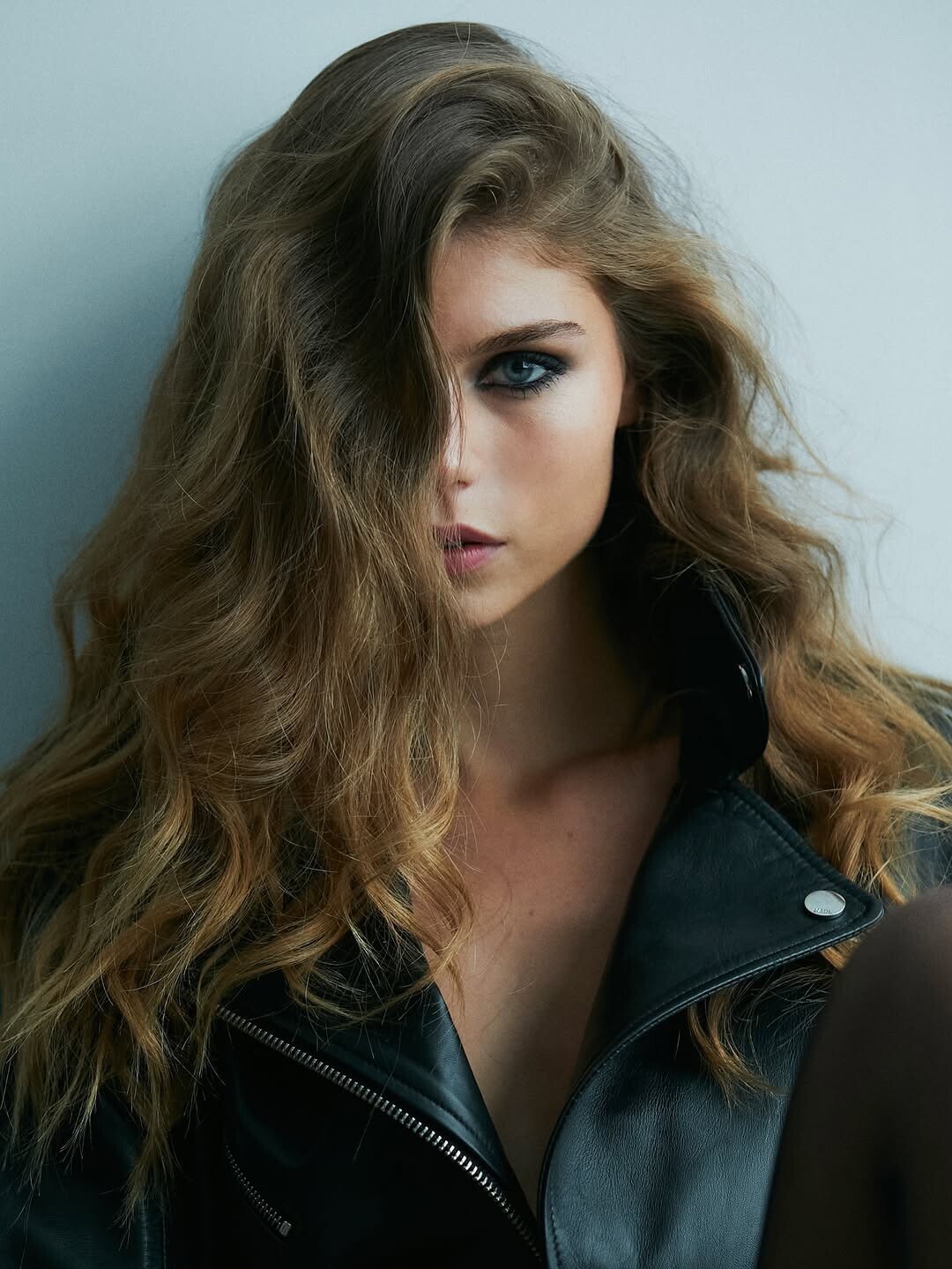

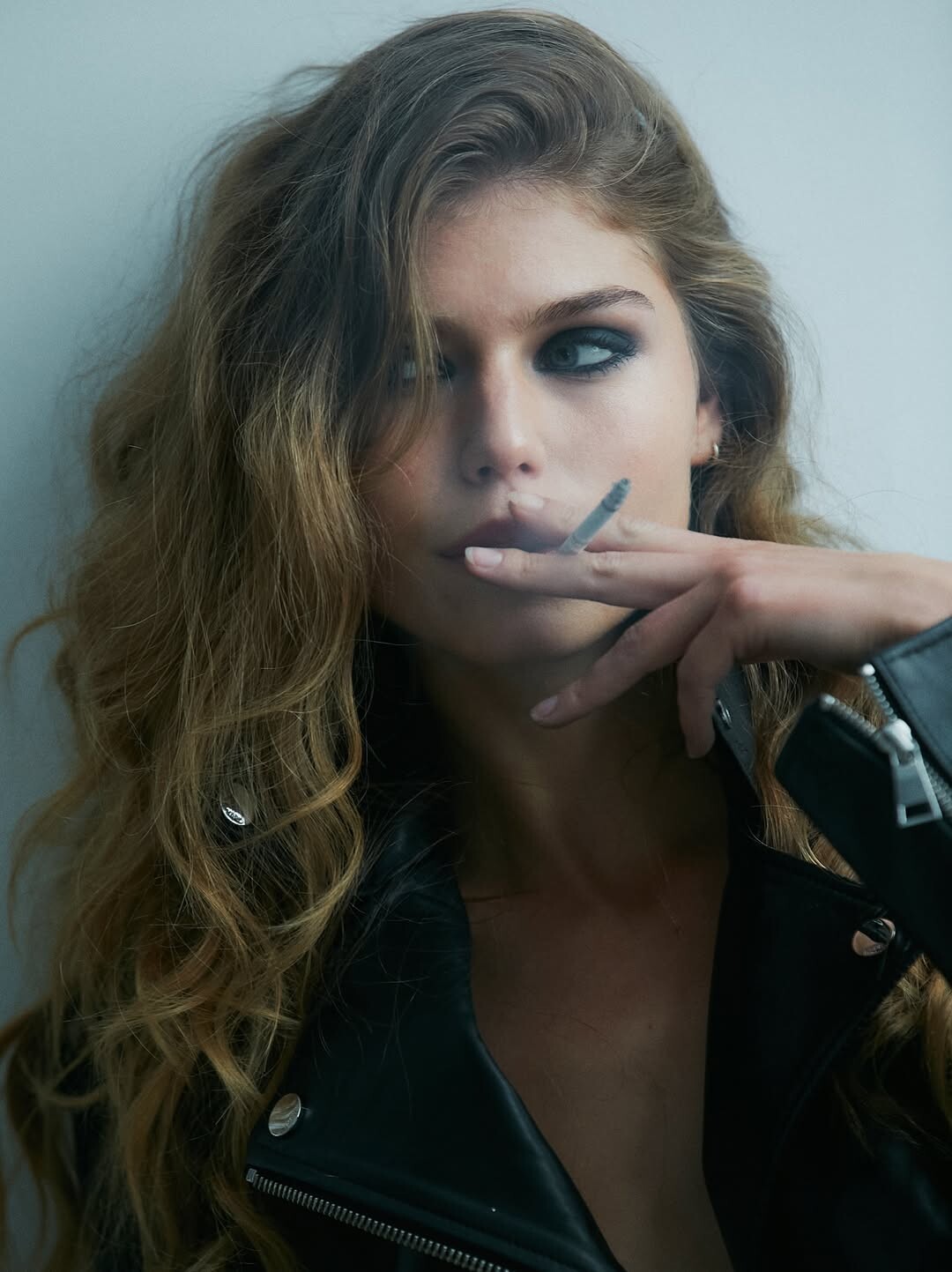
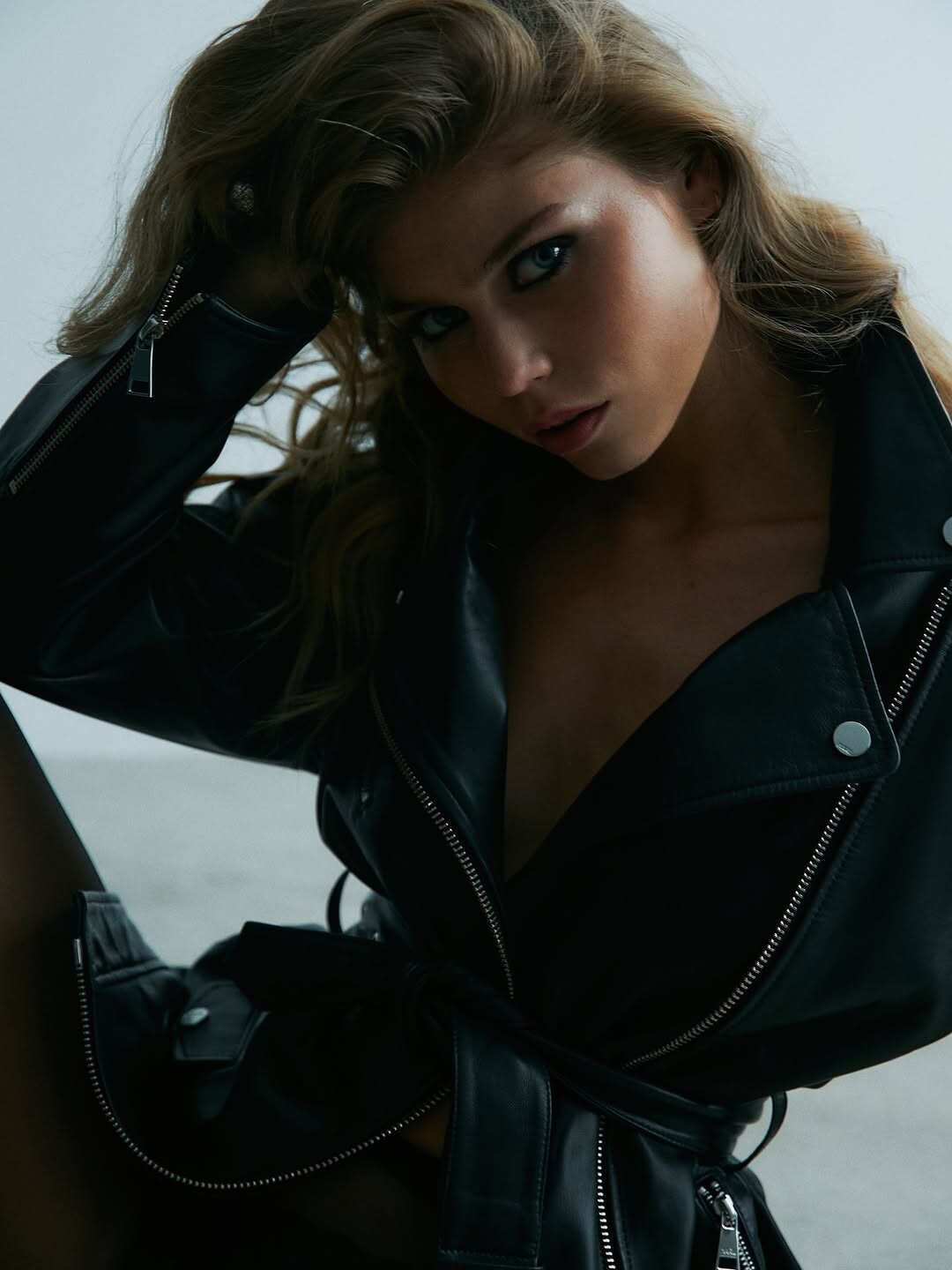

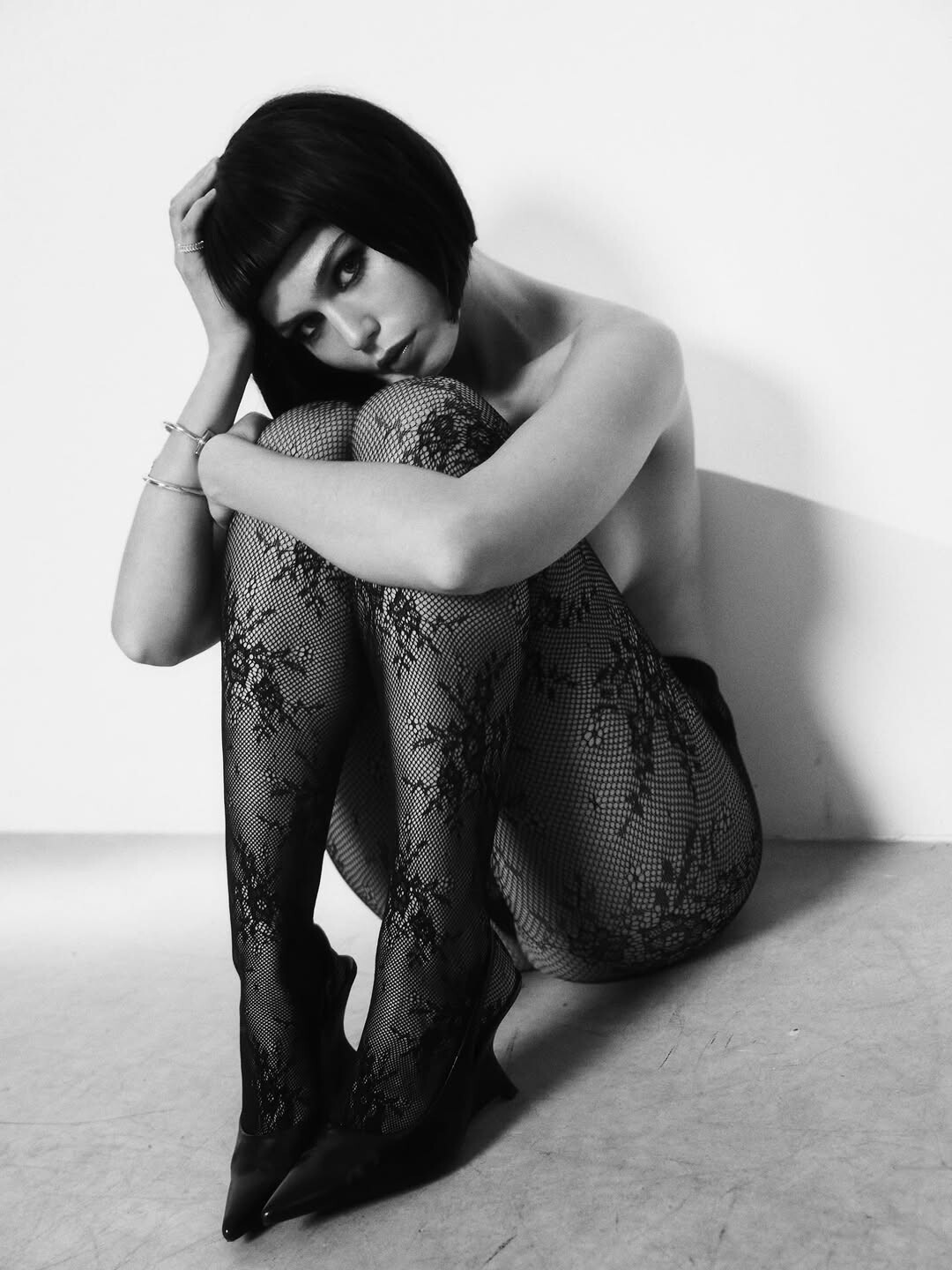







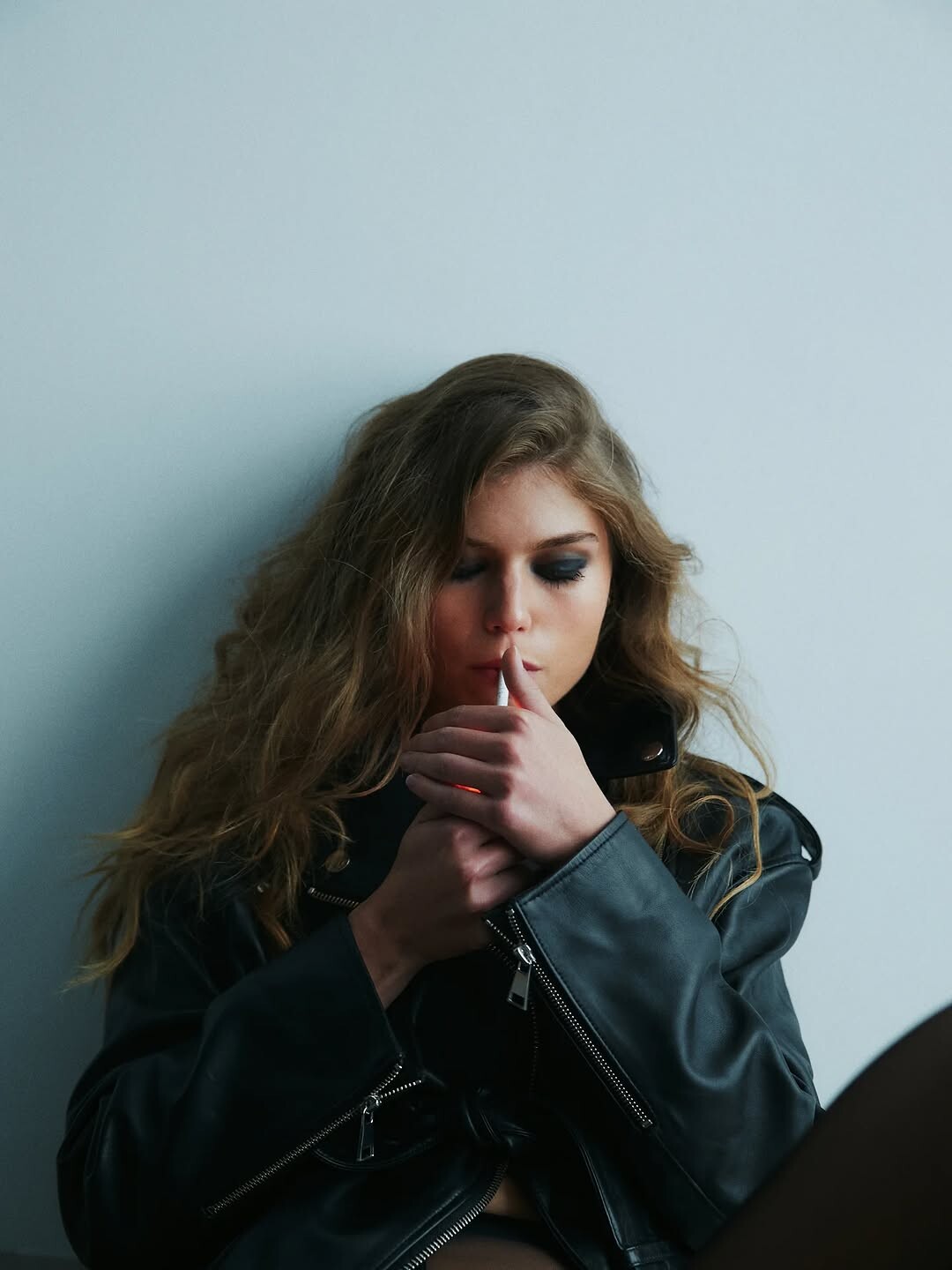
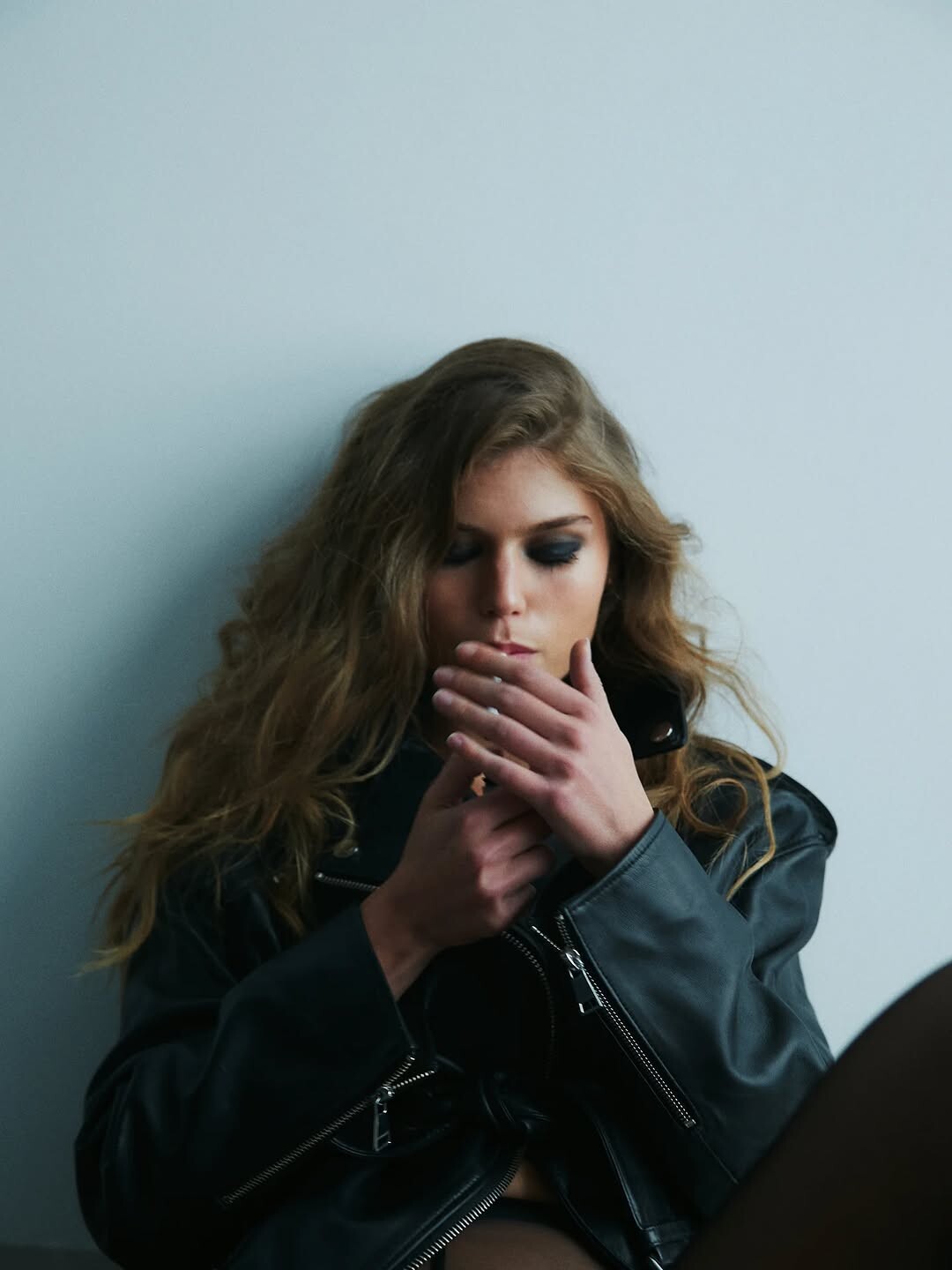
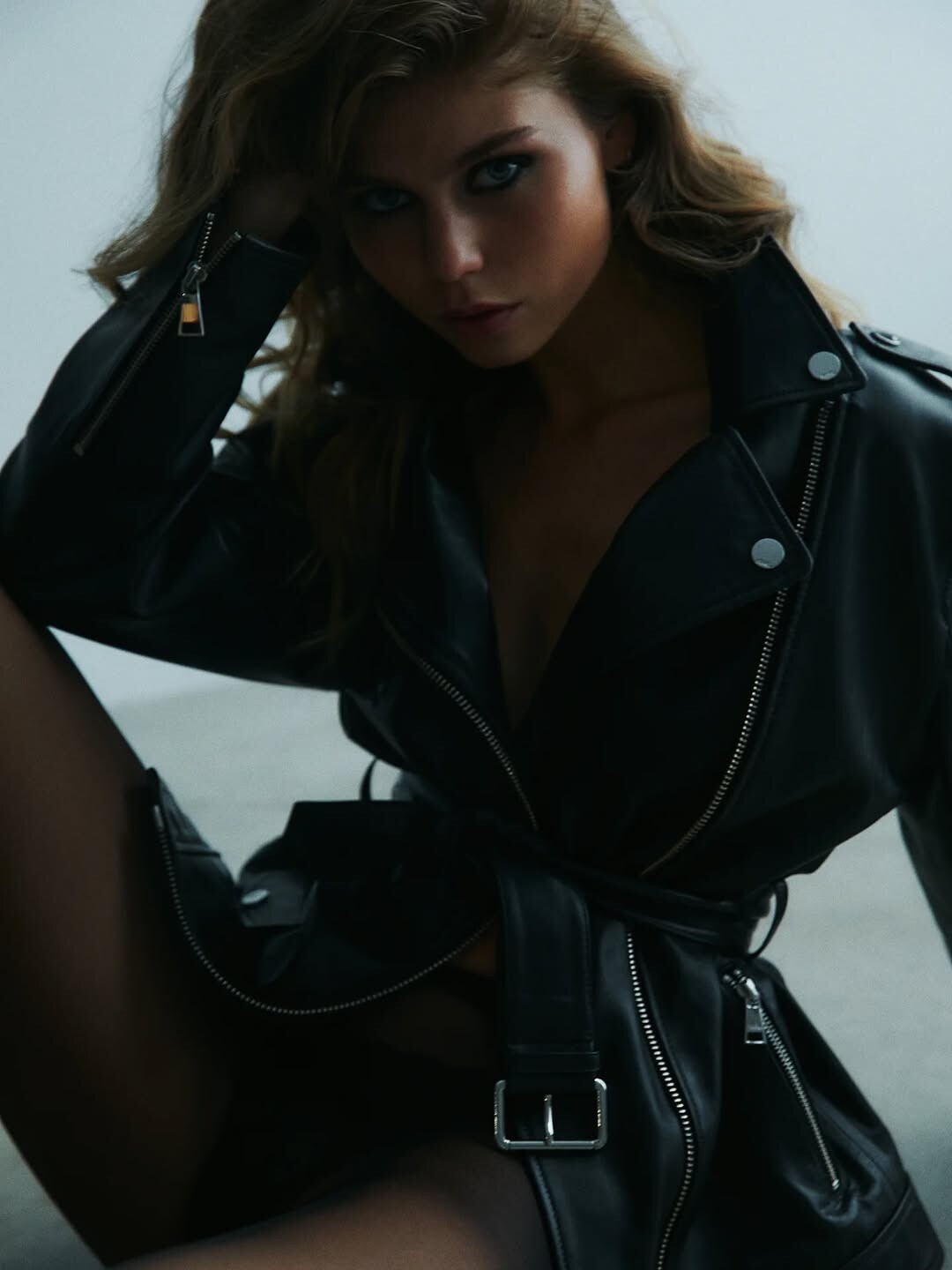


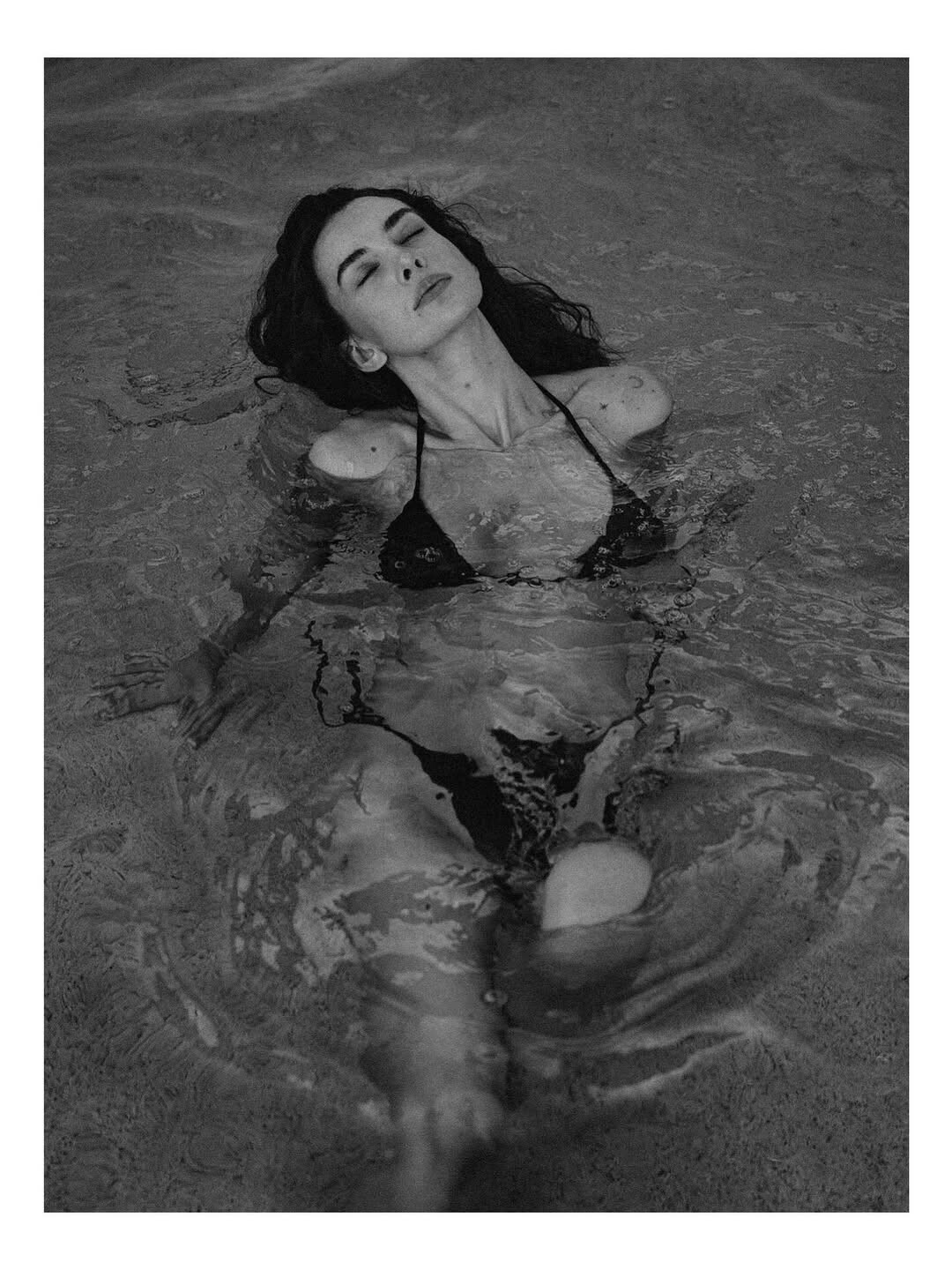
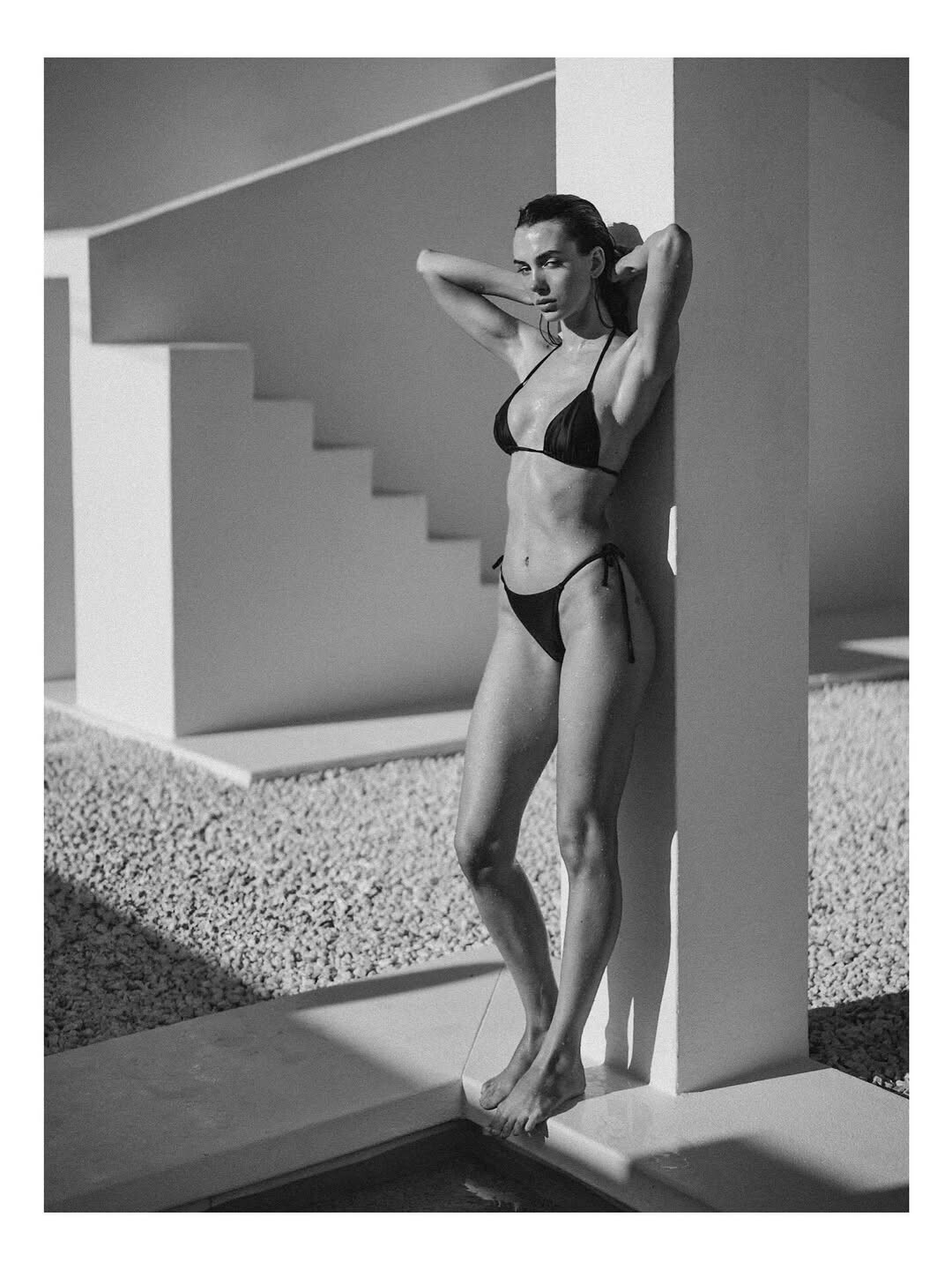


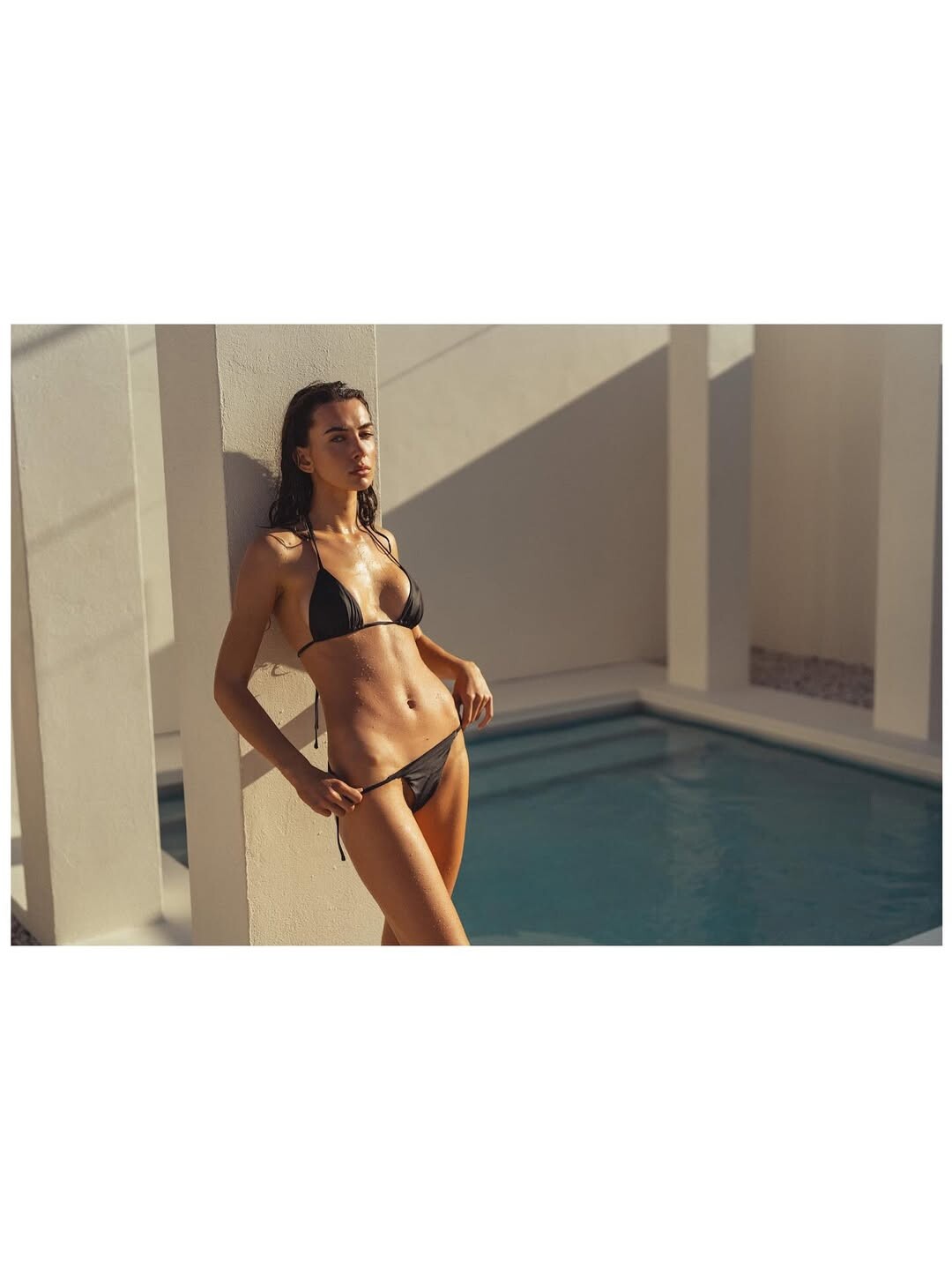
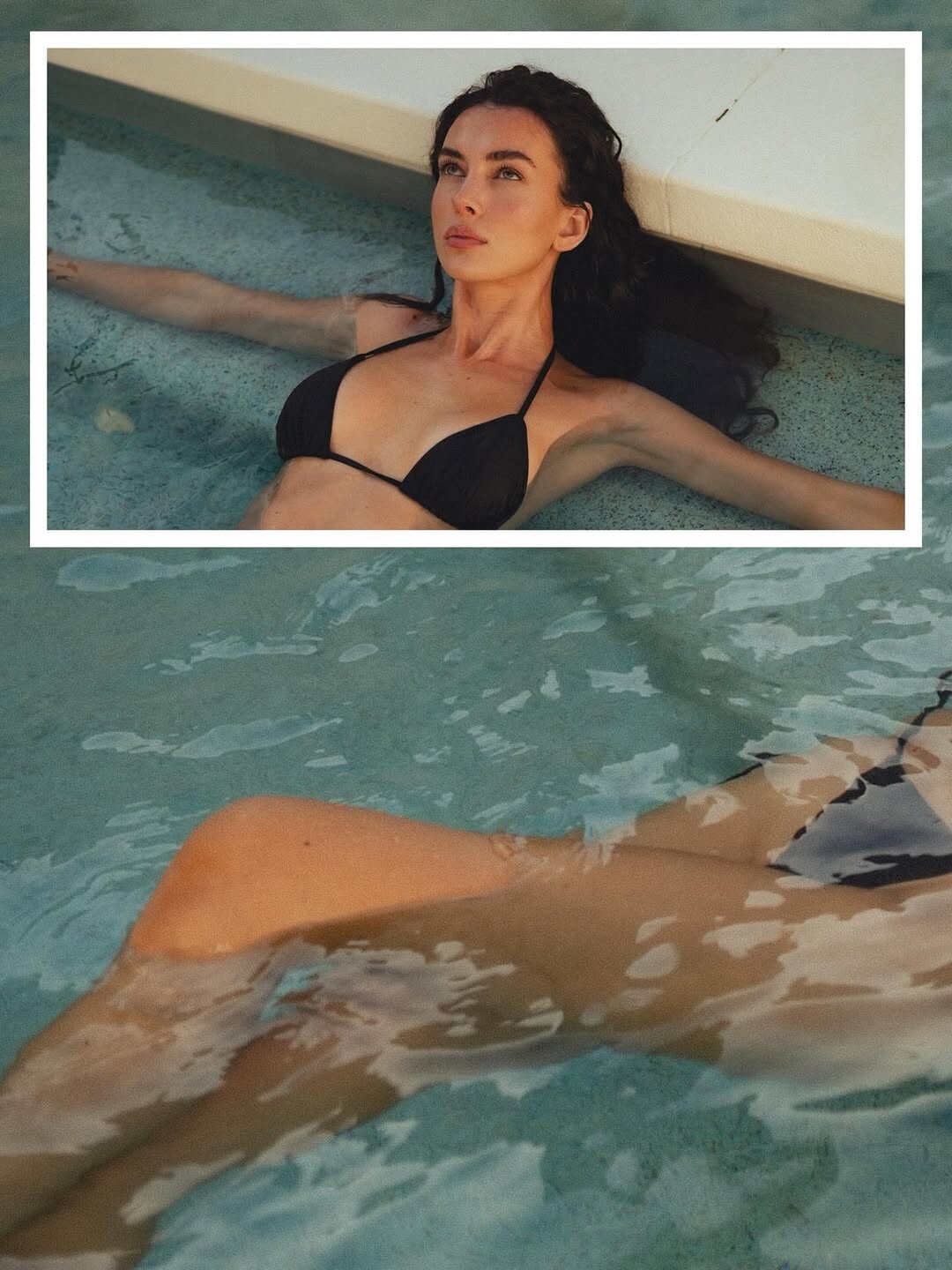

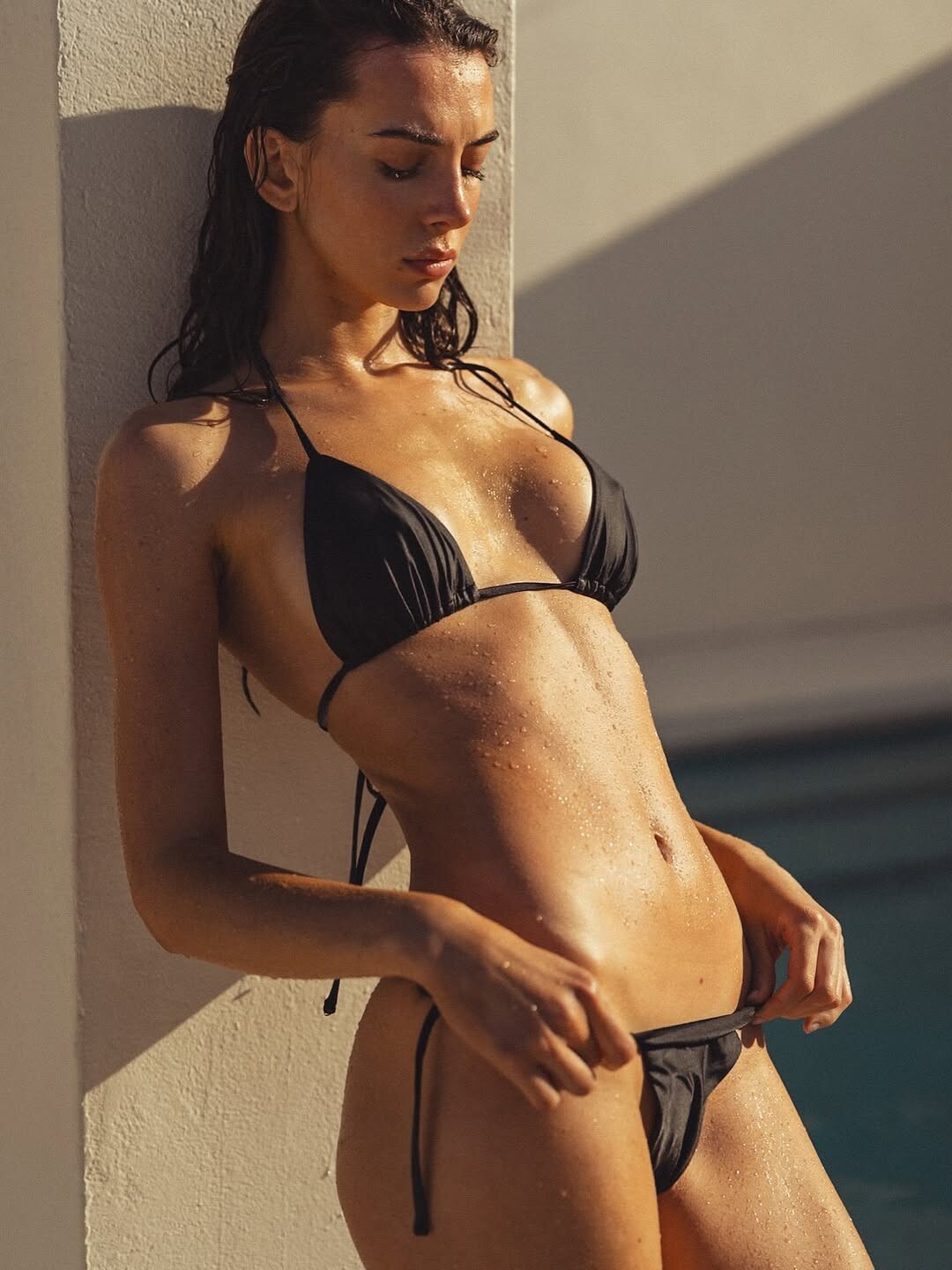










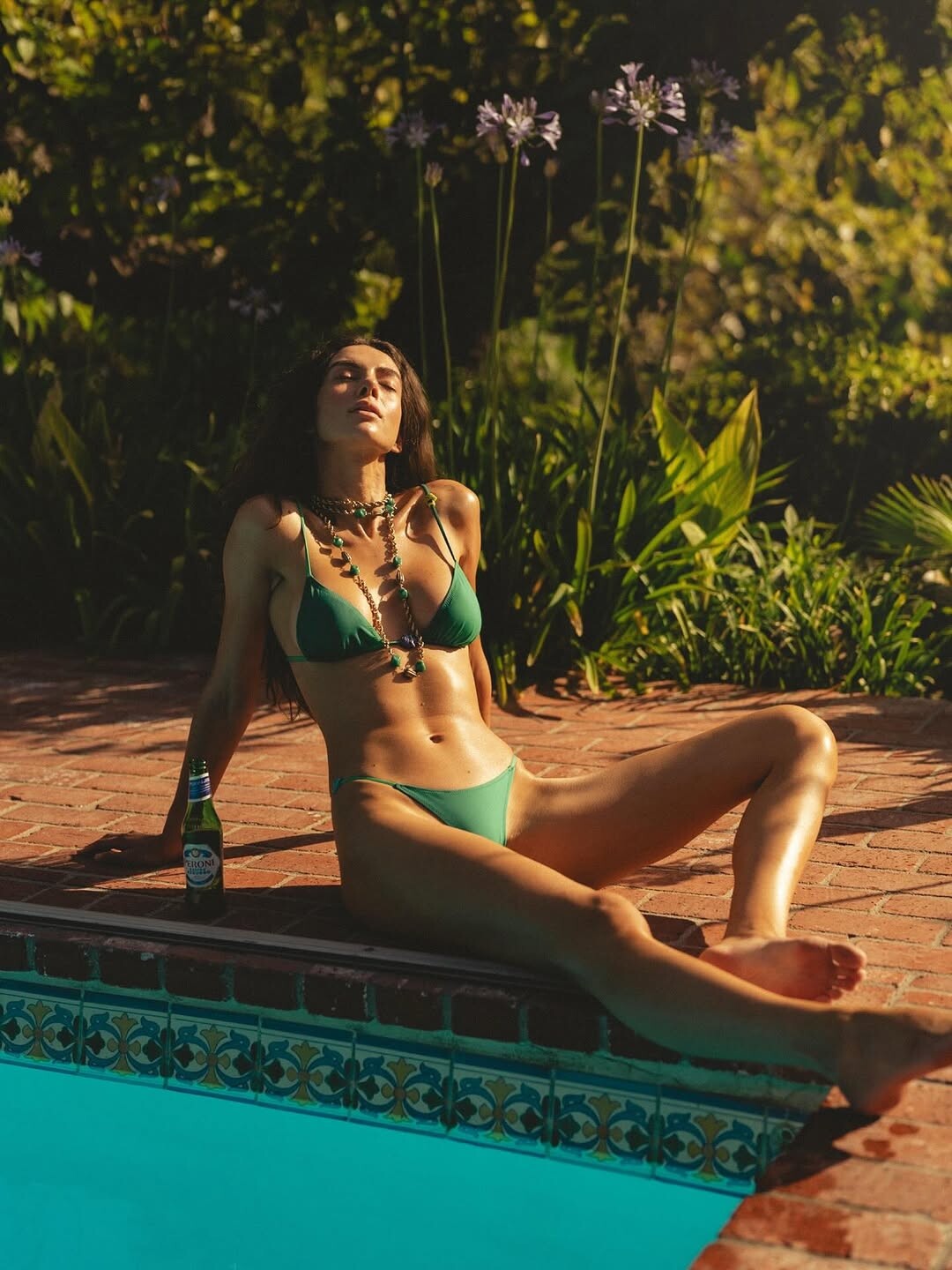
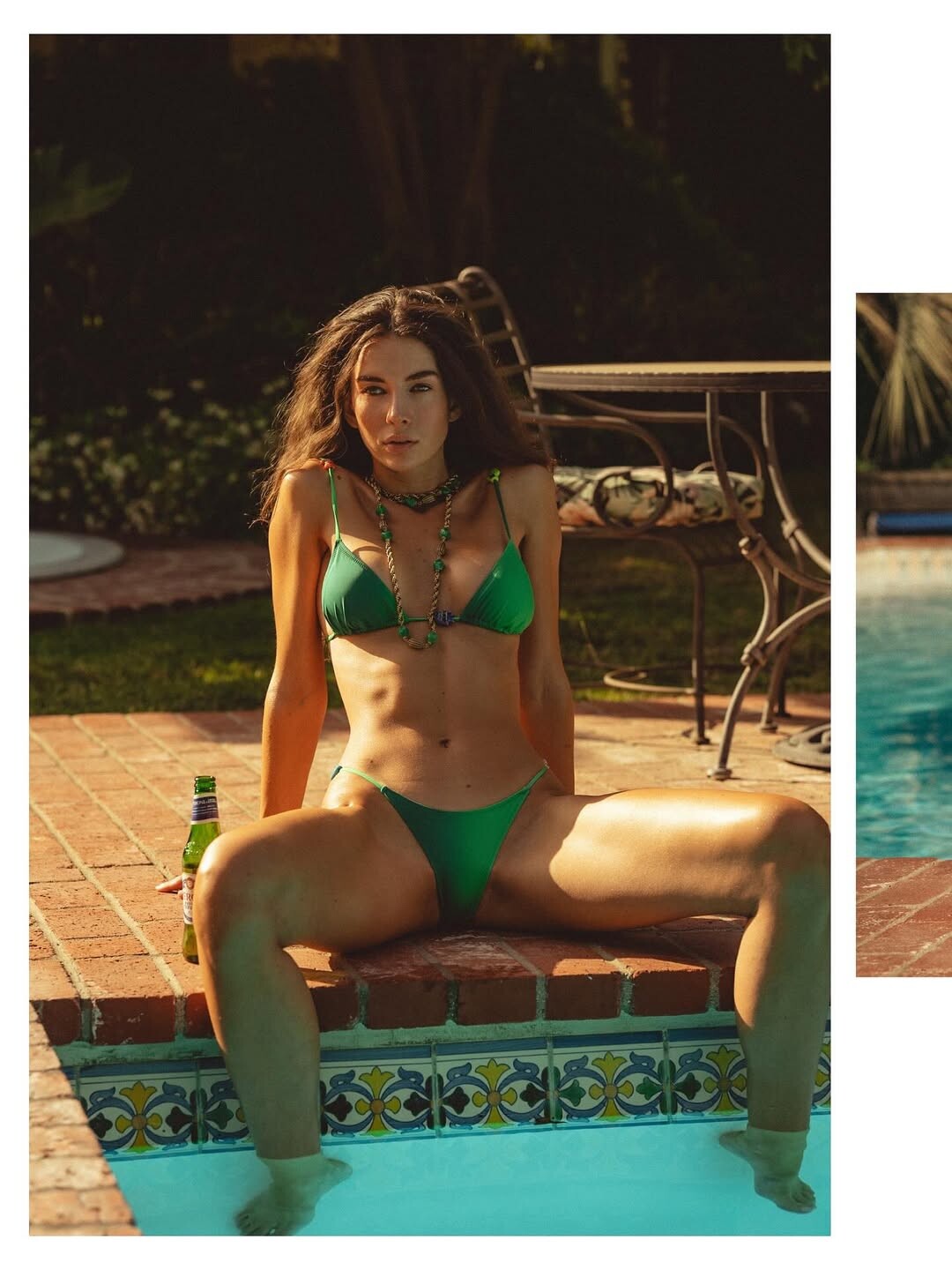
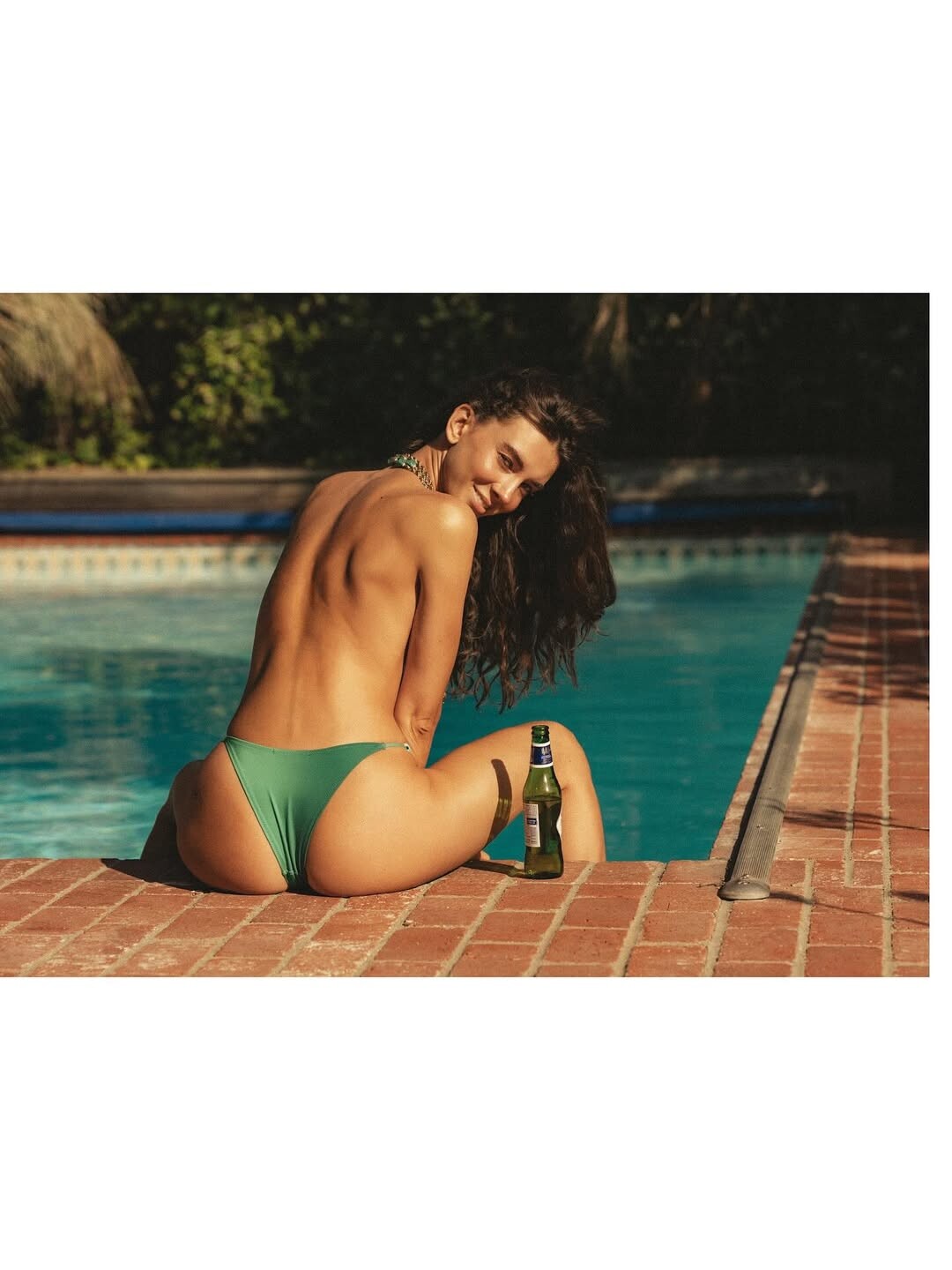
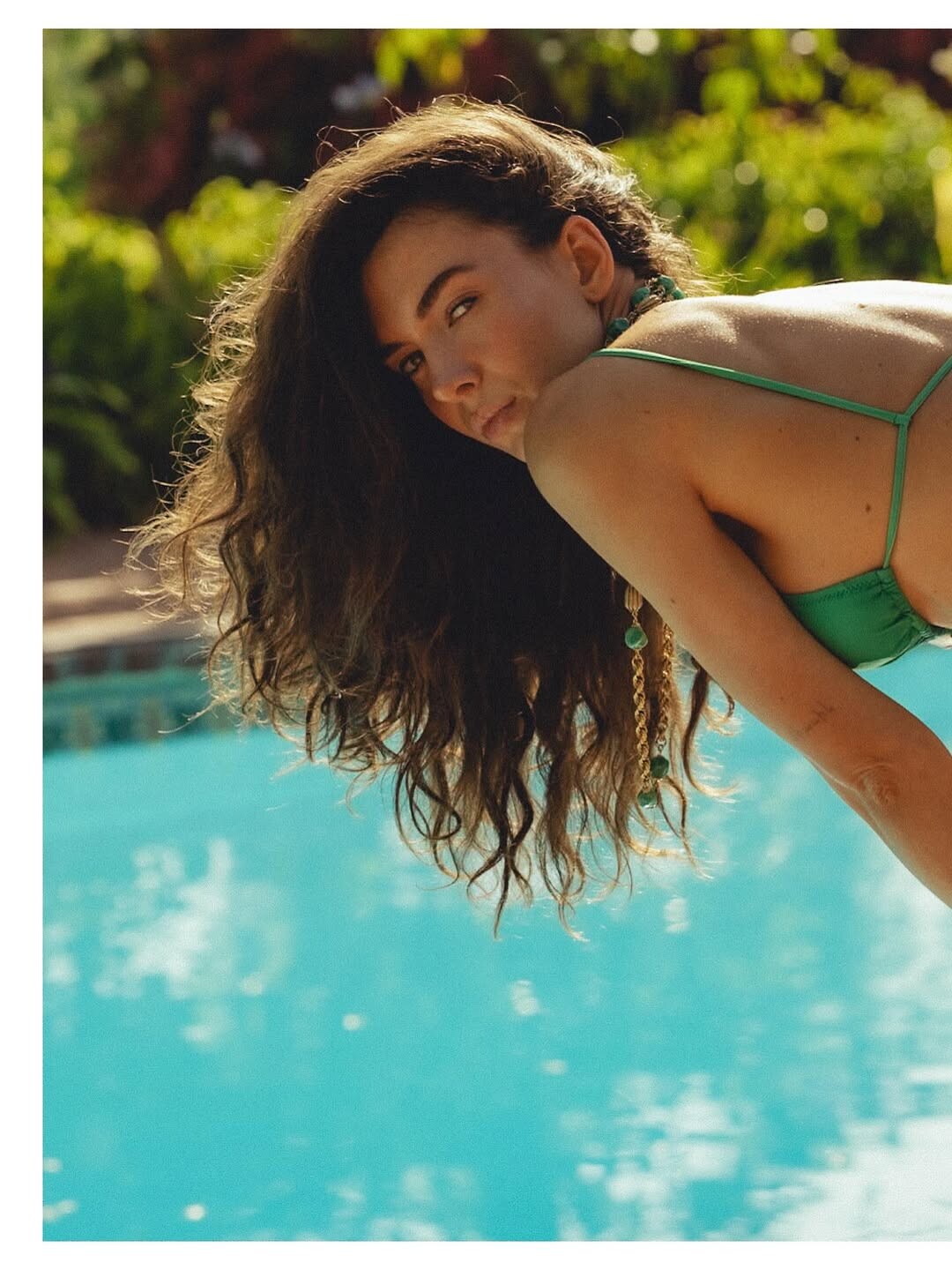
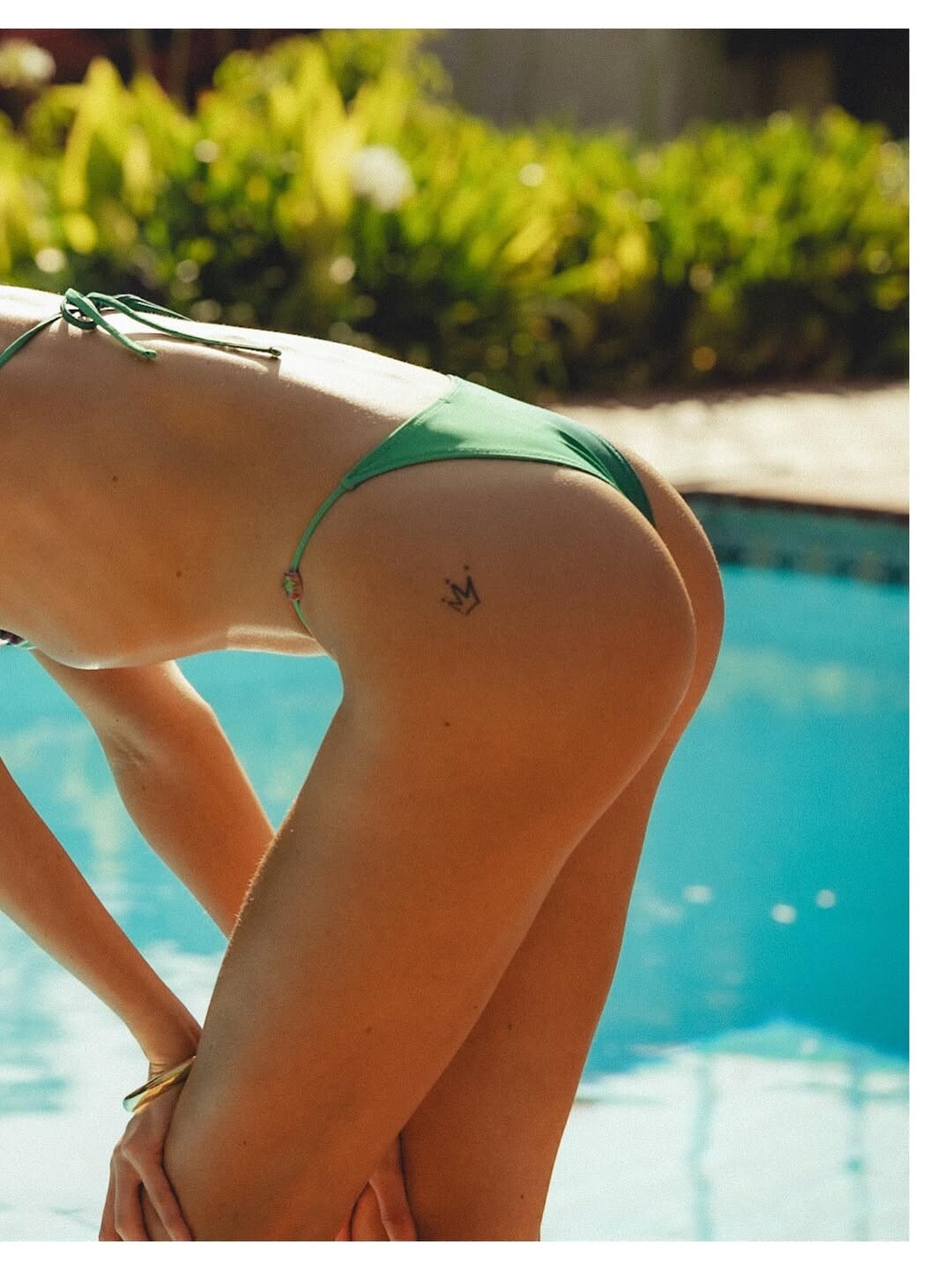
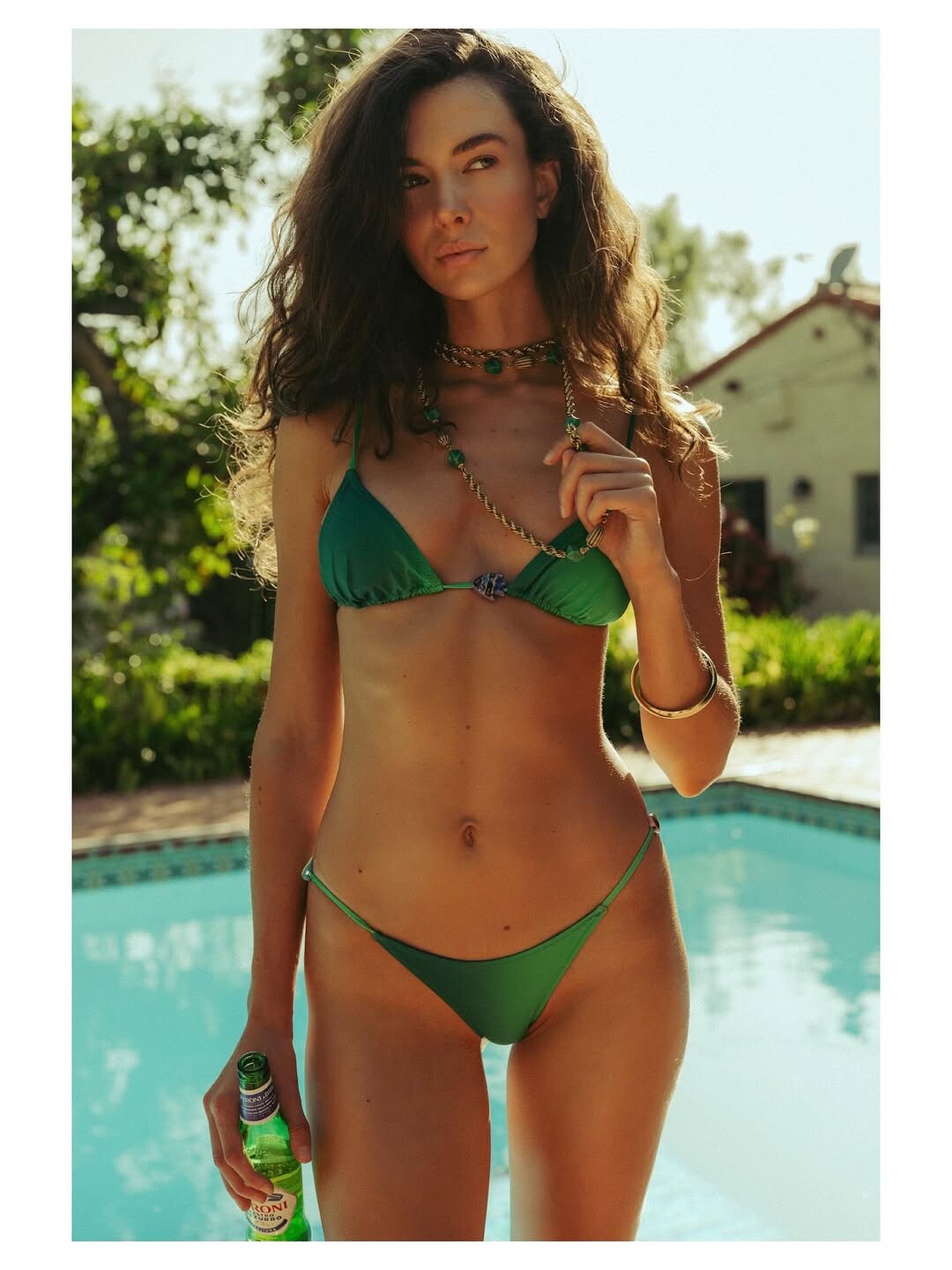
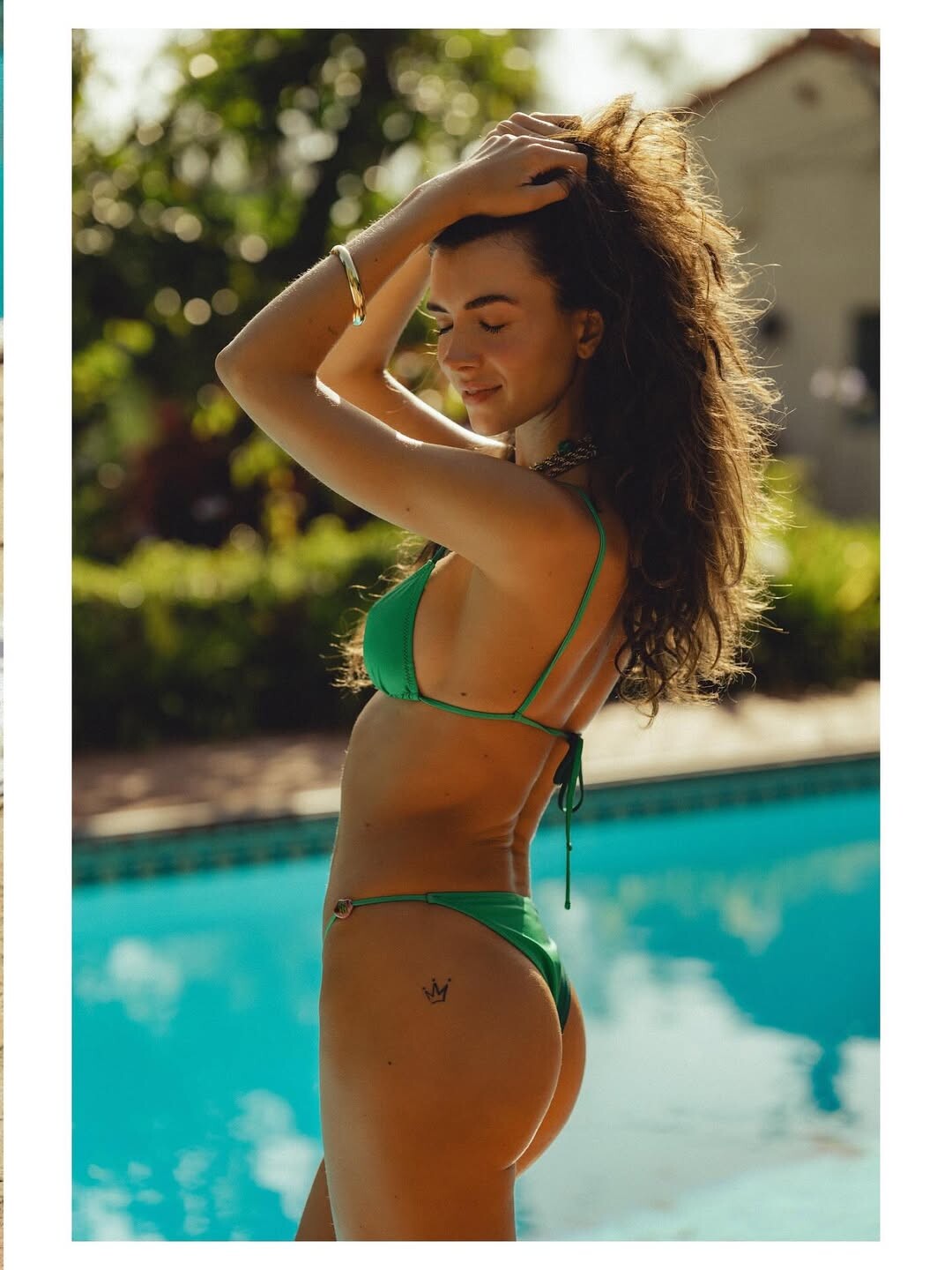















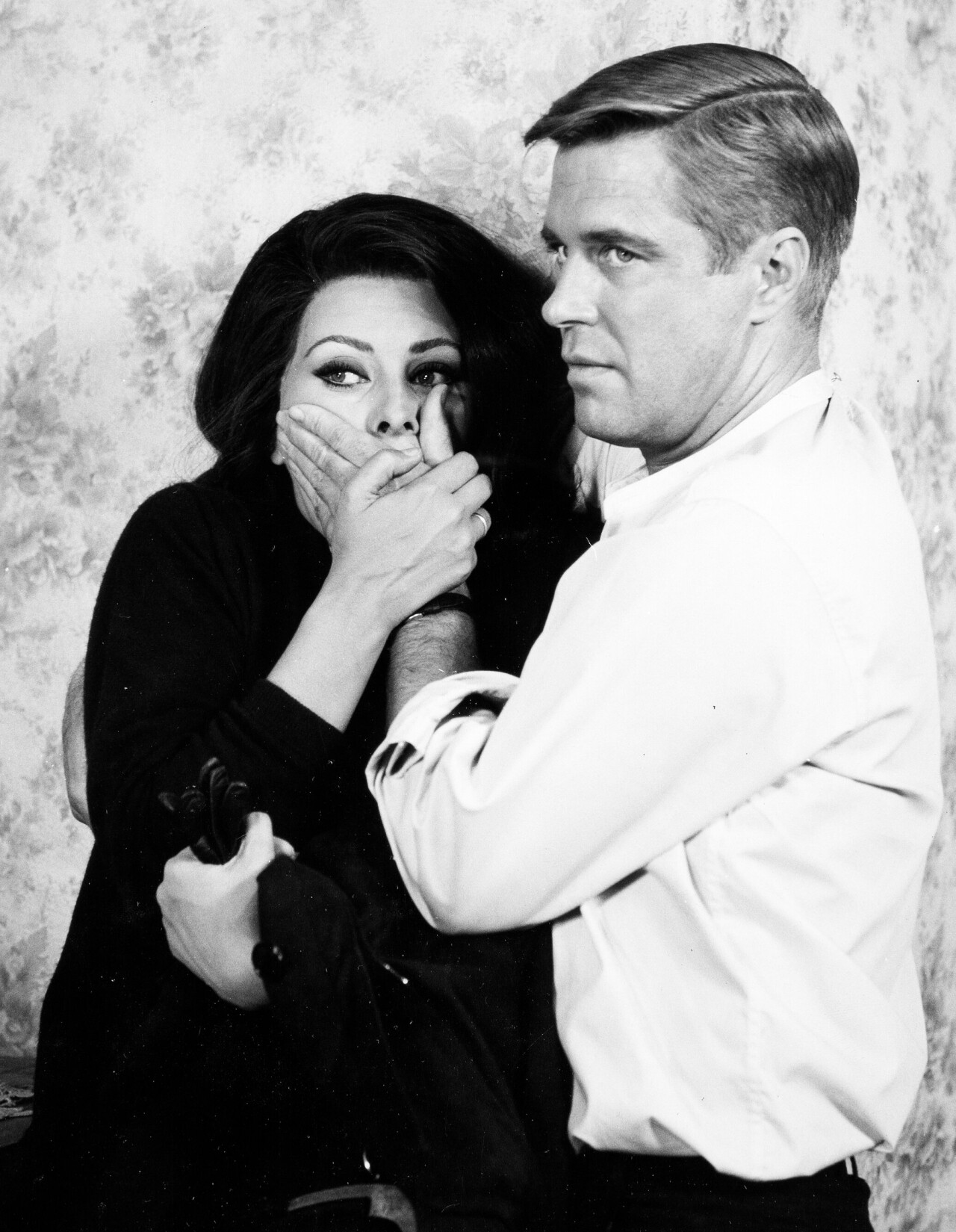
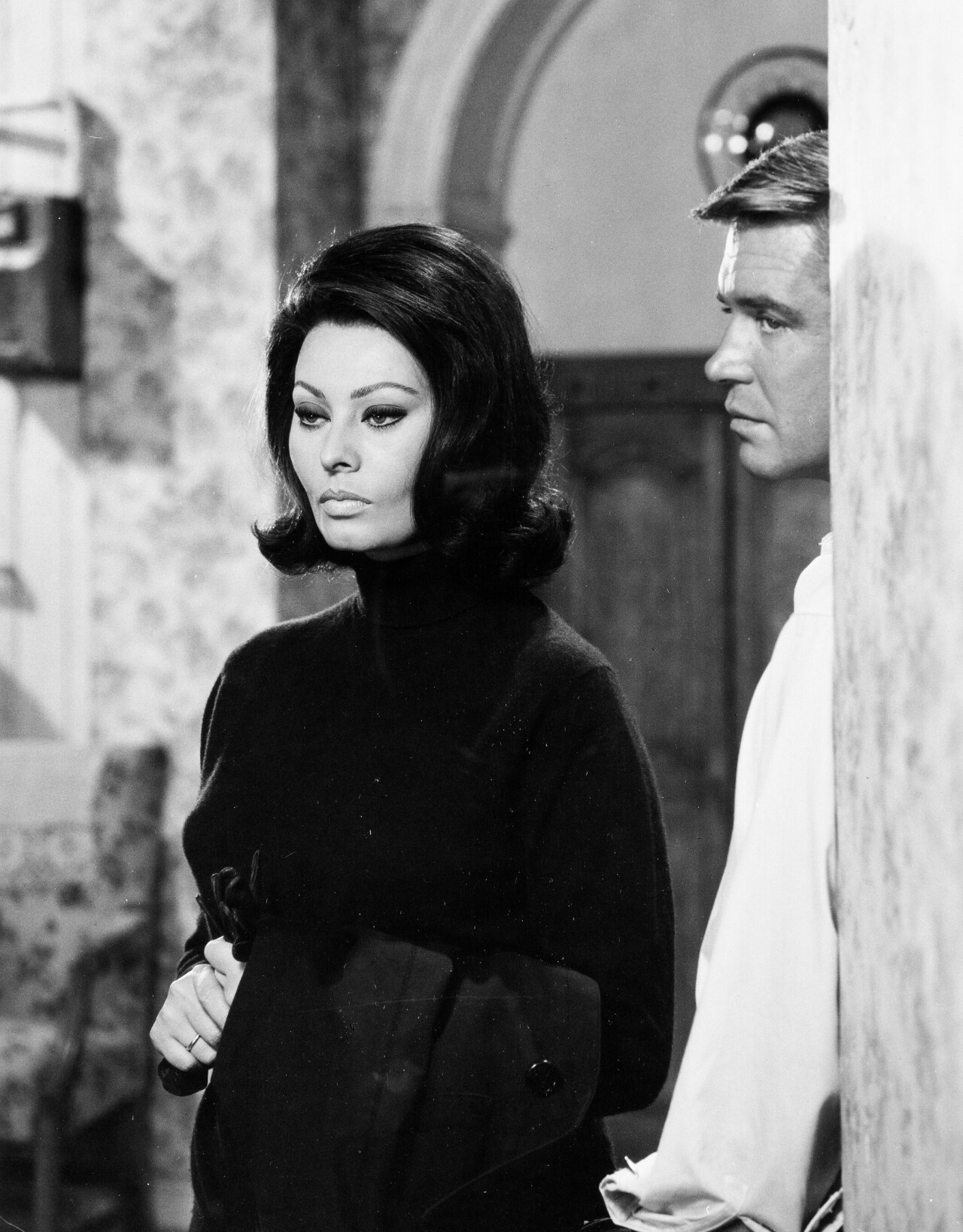
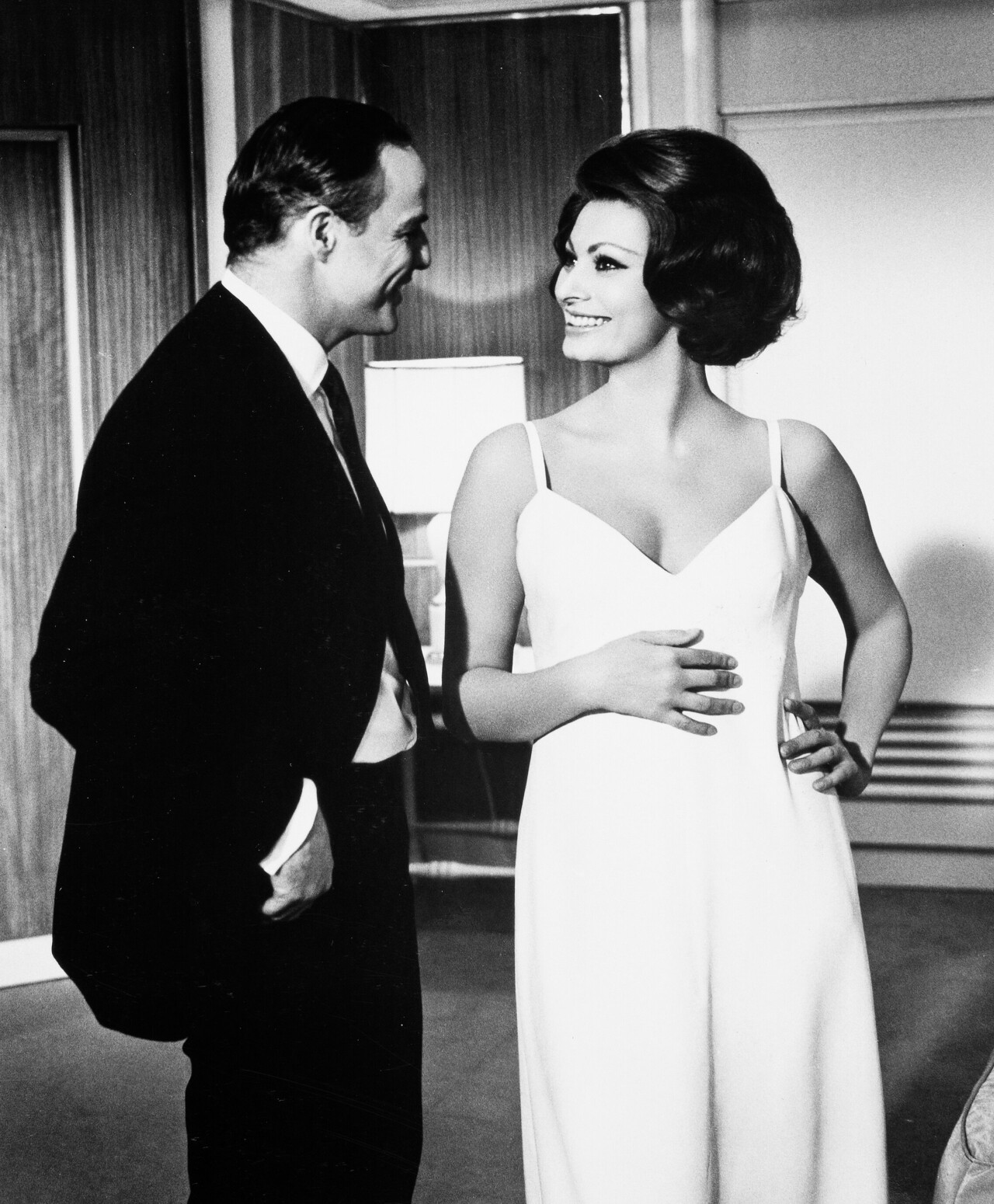





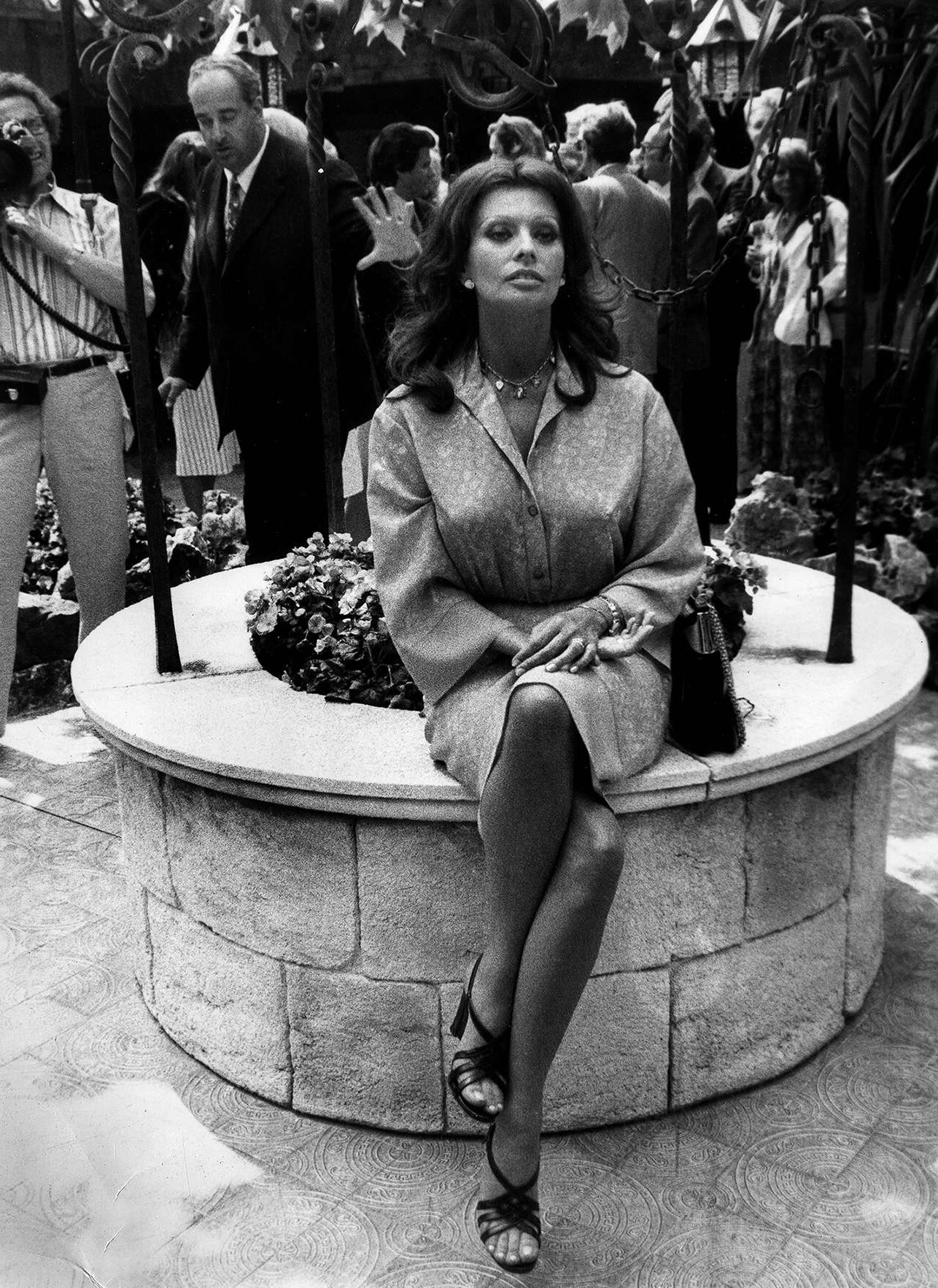

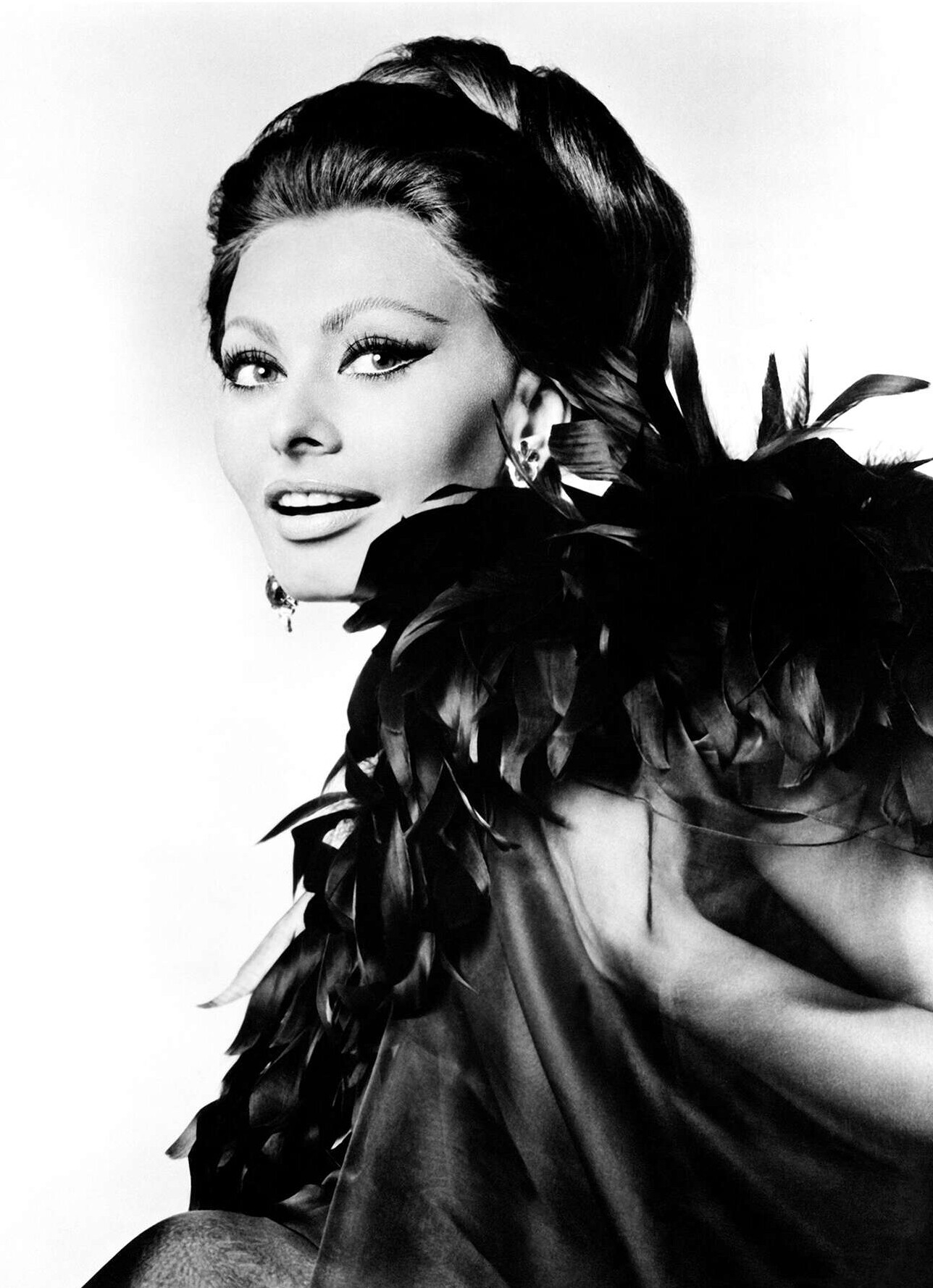
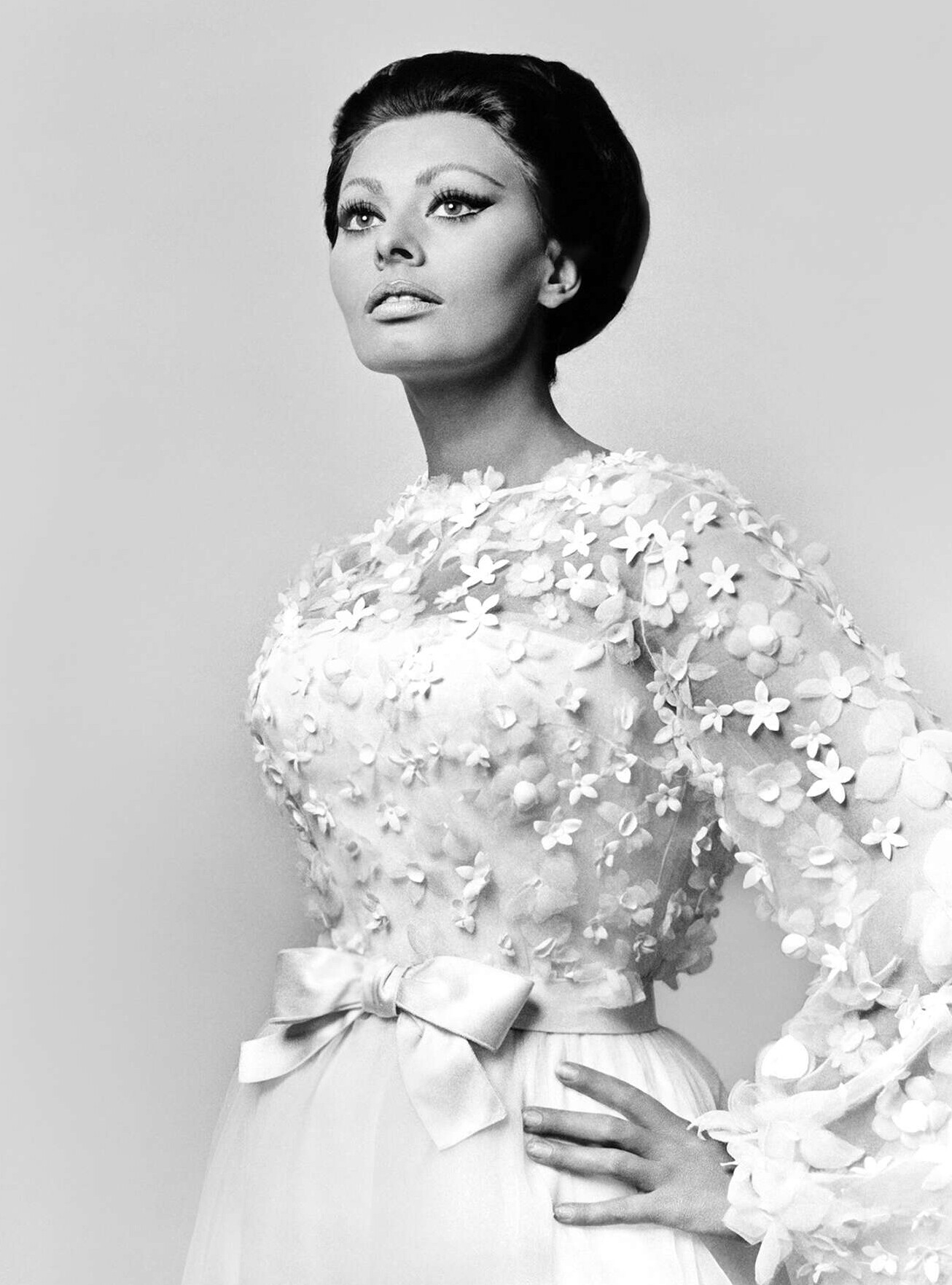



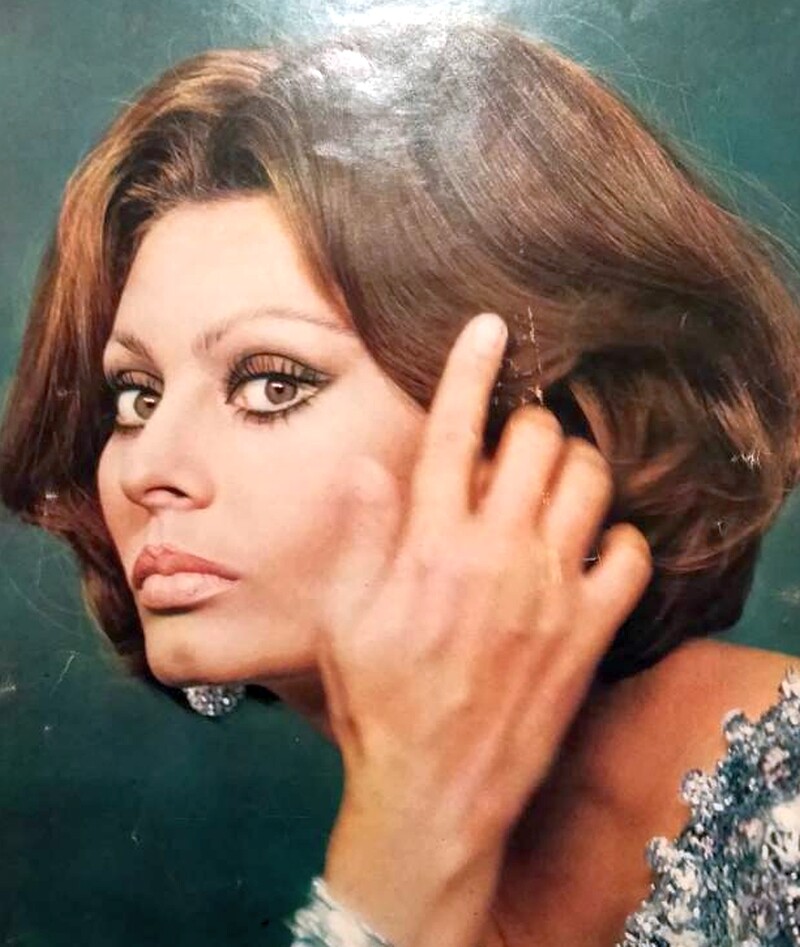




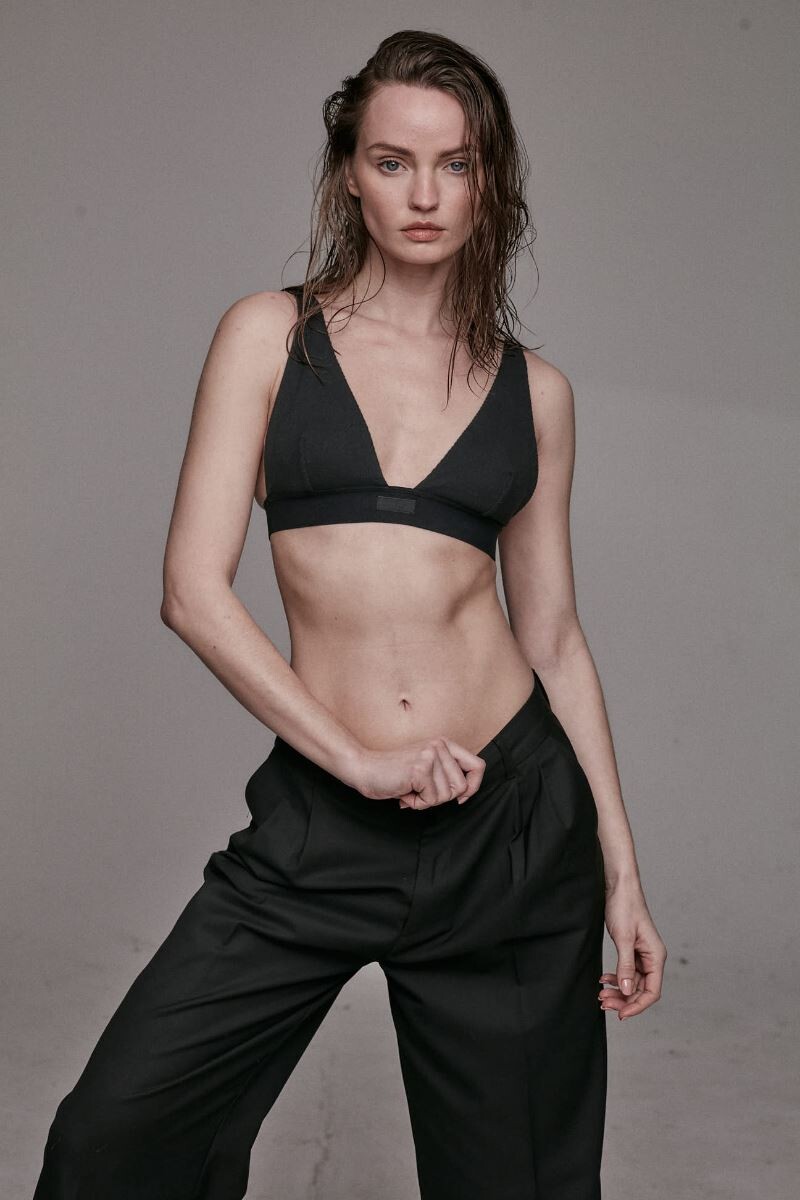
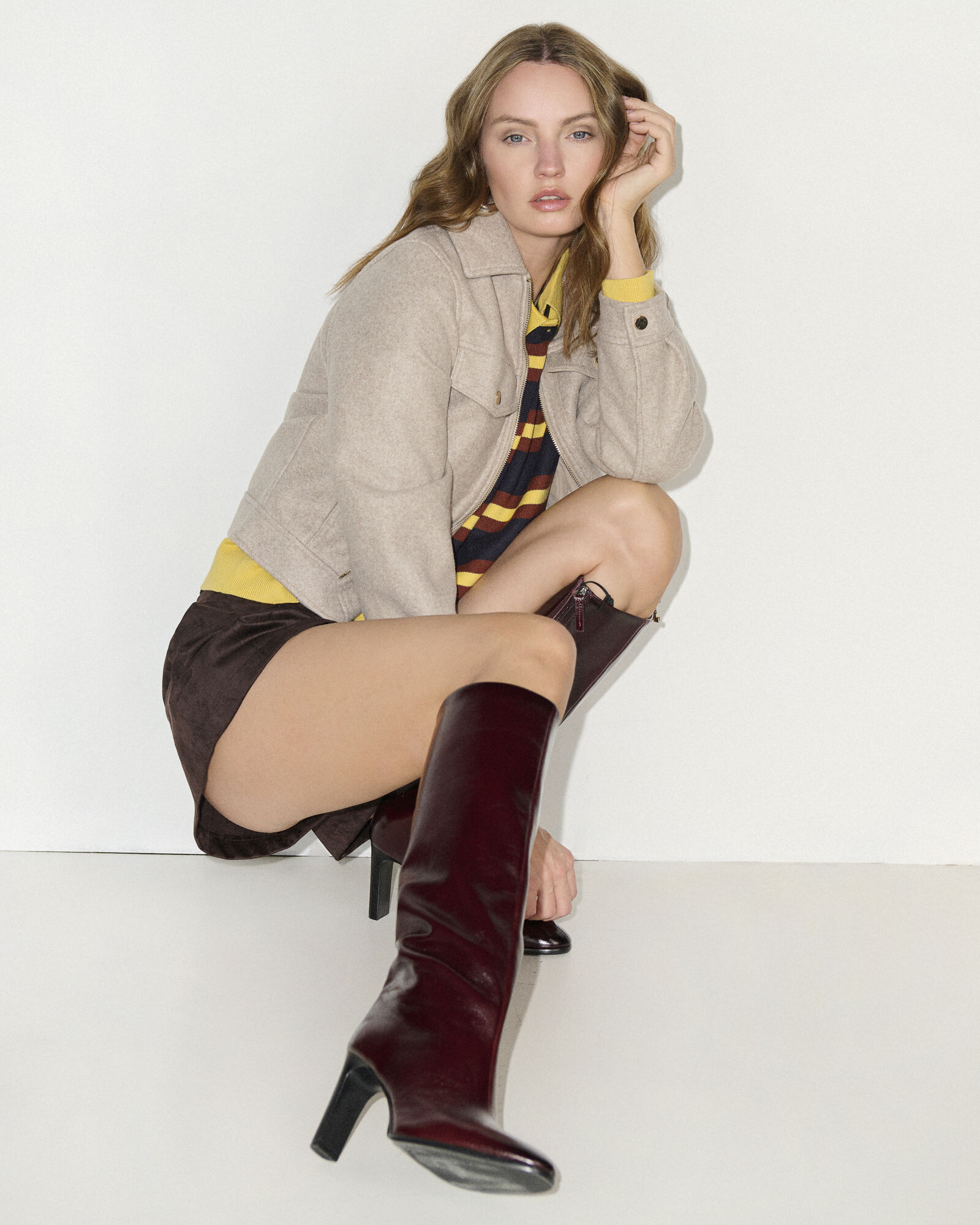

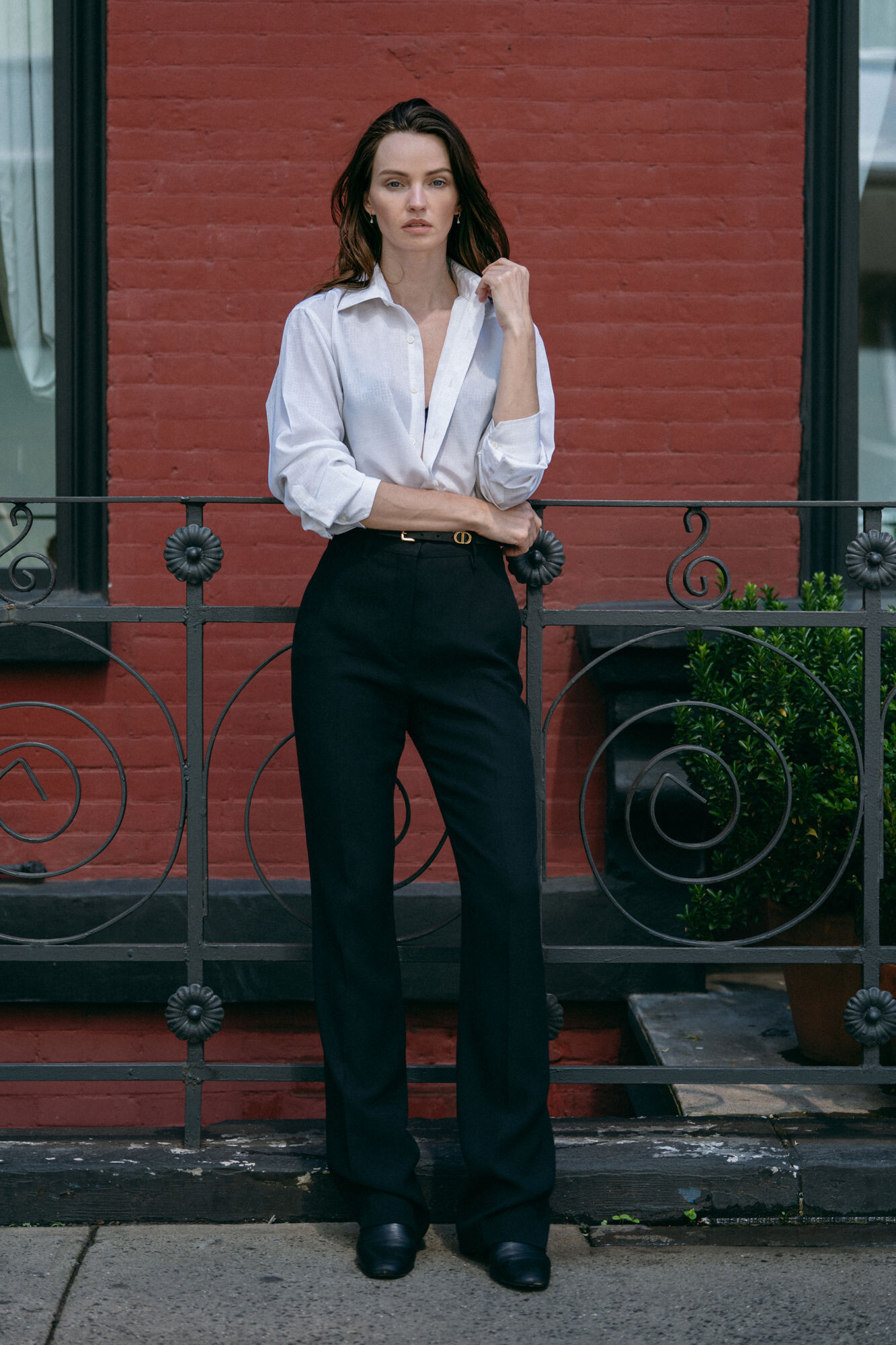
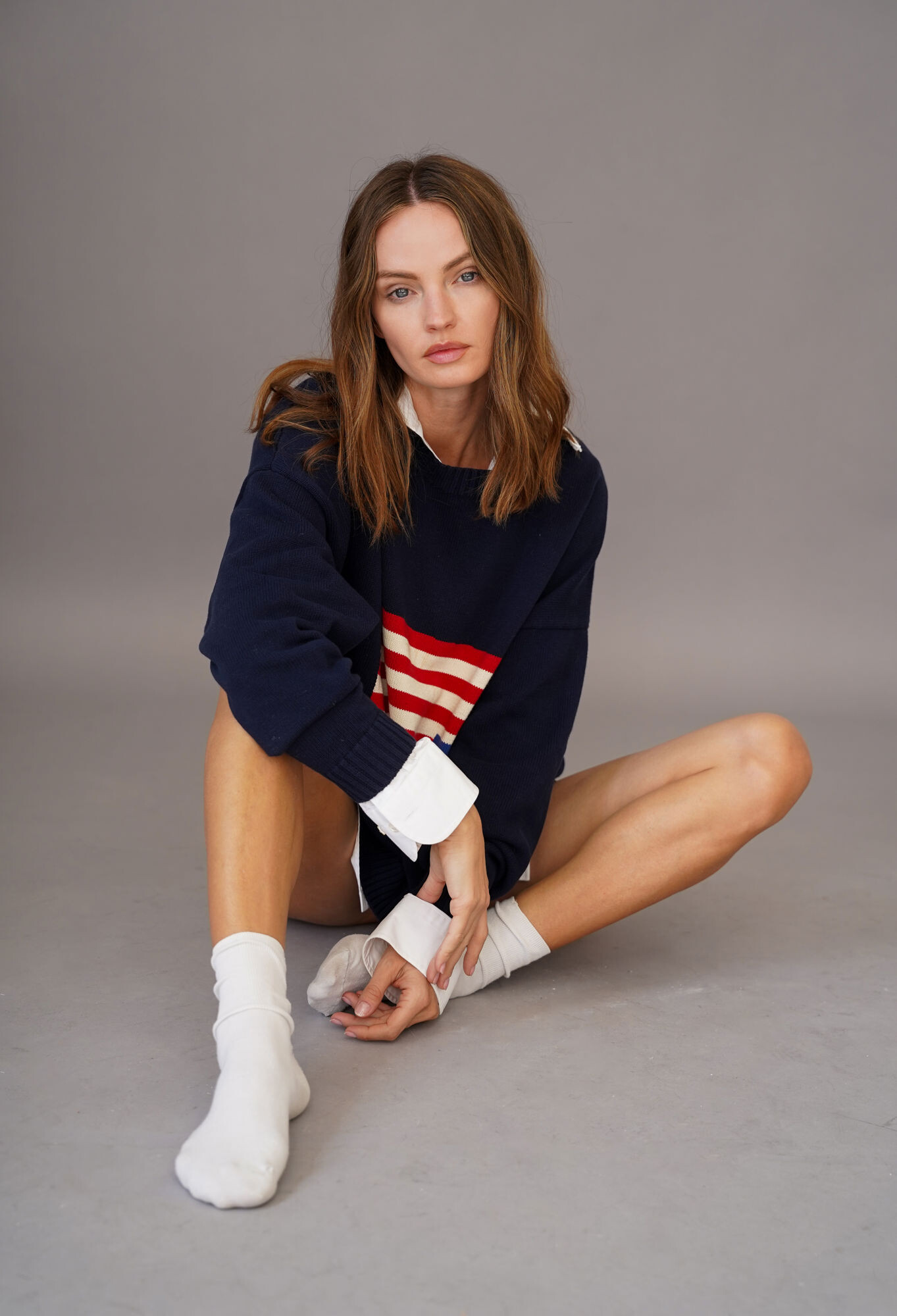
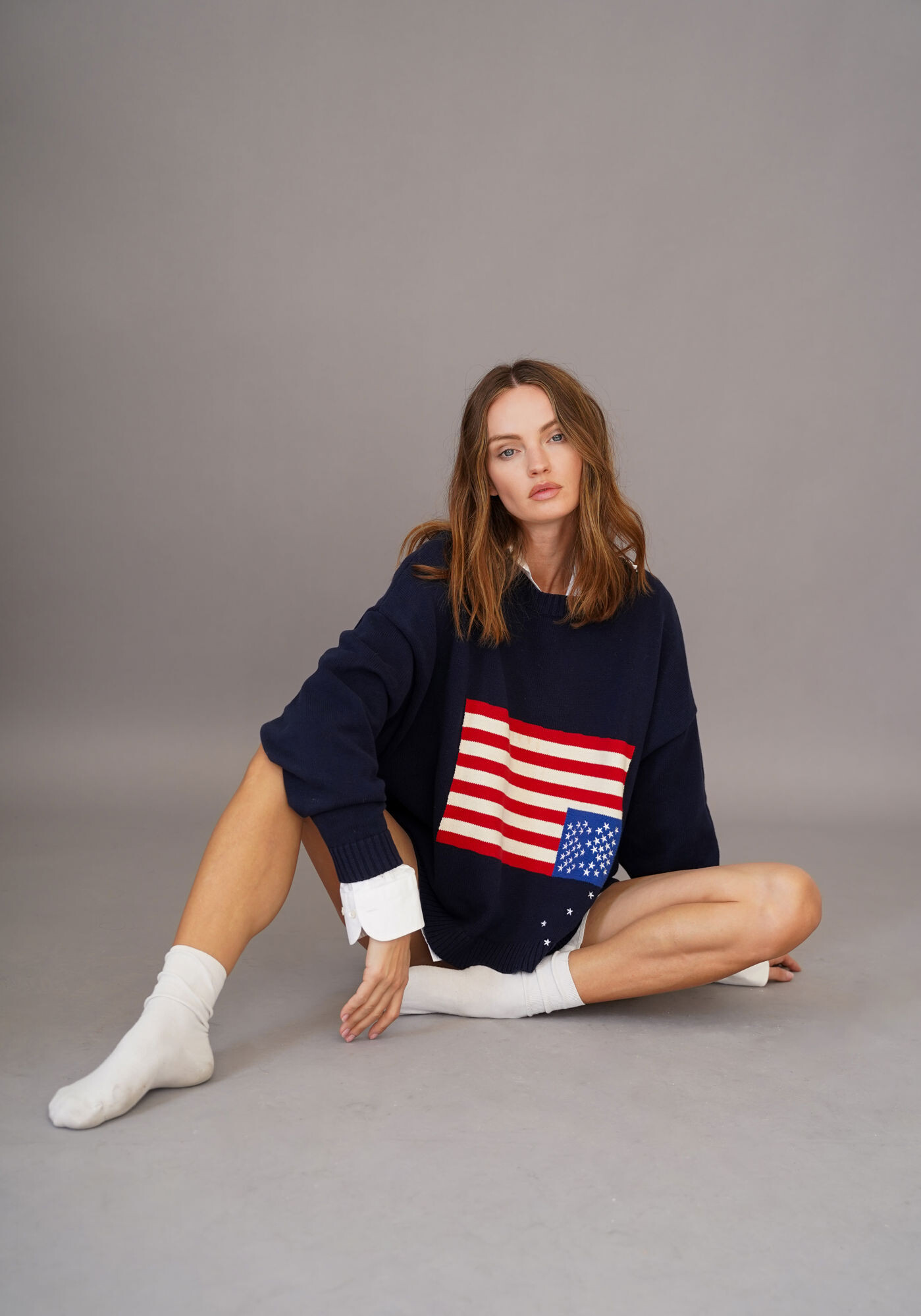
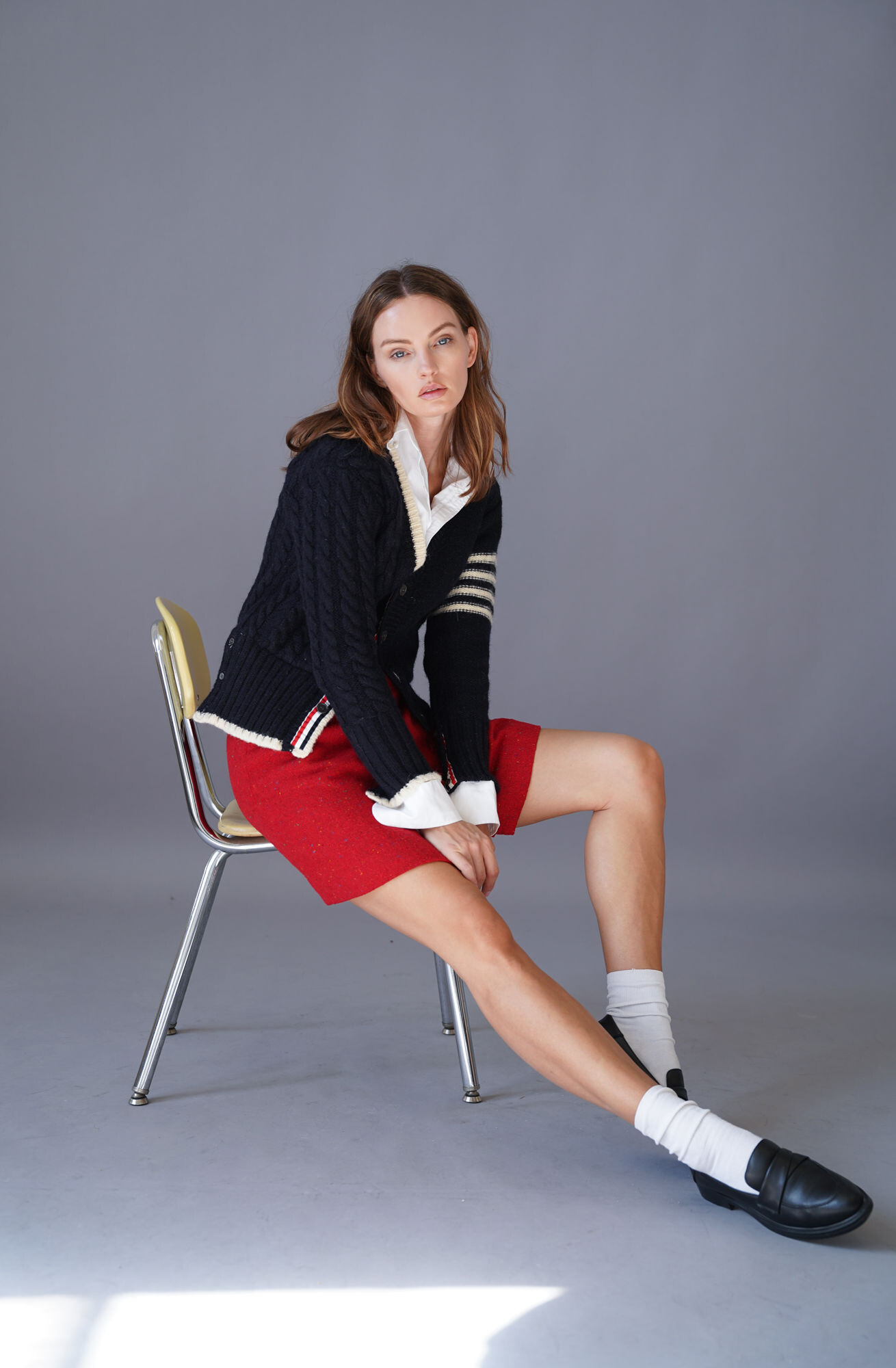
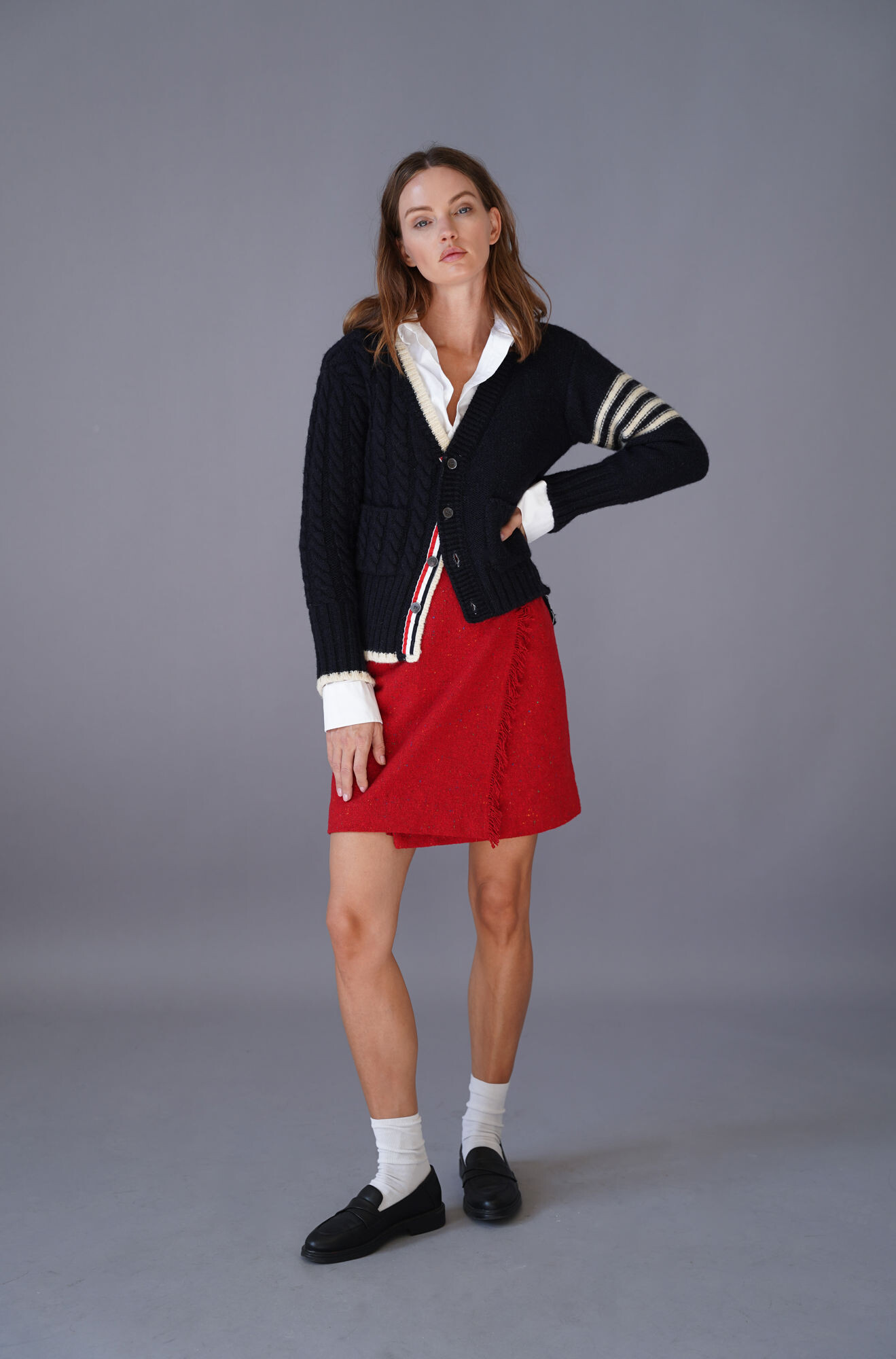
.jpg.73450b386c5765ea8d0e0ae5a04f02ae.jpg)
.jpg.0a38b42043c4ce7ccc6309a517743297.jpg)
.jpg.aa254cca5b7bf257f358b026cd1e18f3.jpg)
.jpg.b763207f44dfff11658aab5e26c3053b.jpg)
.jpg.e4796e1b2224d392936a500b0eb0aa9e.jpg)
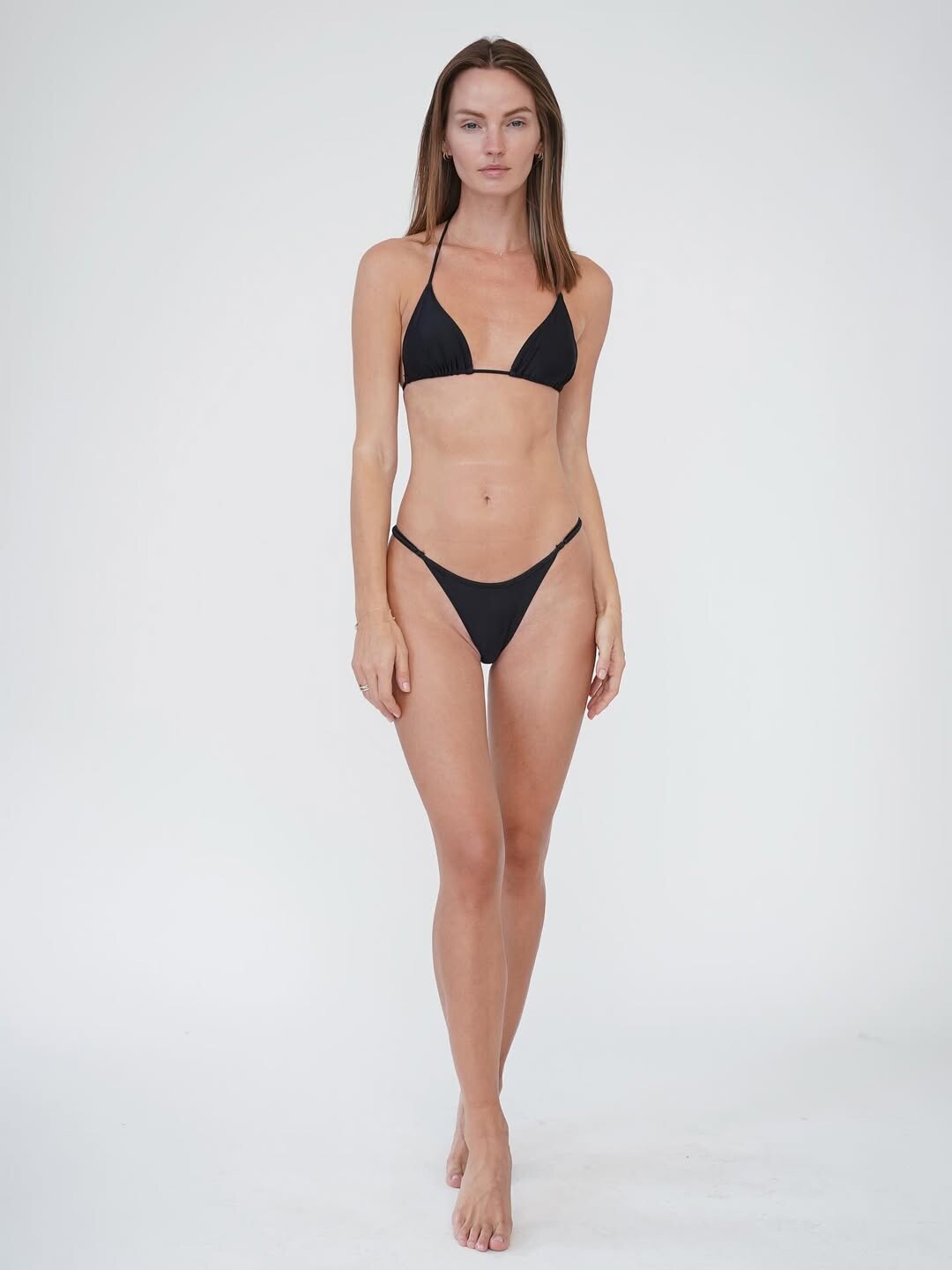
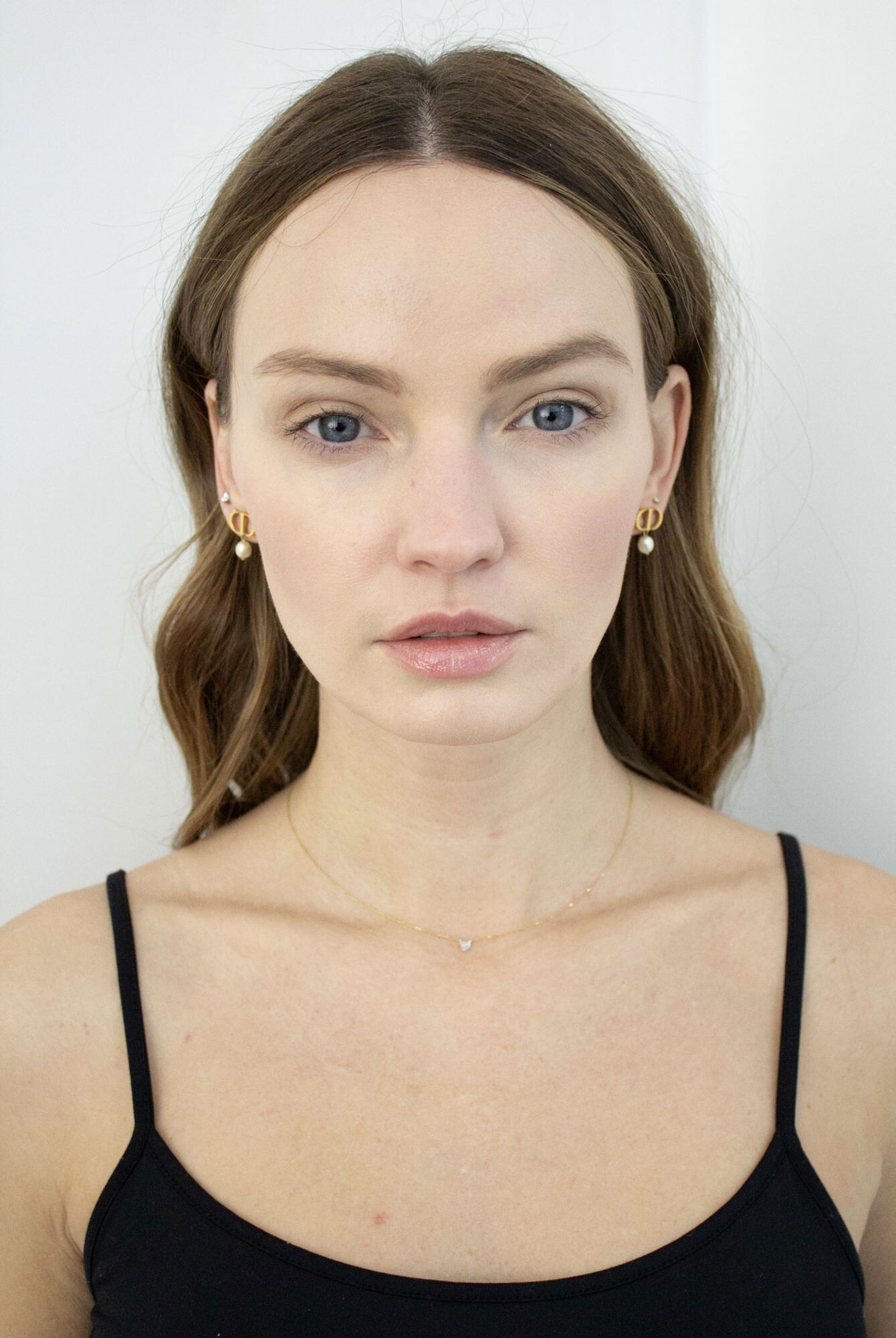
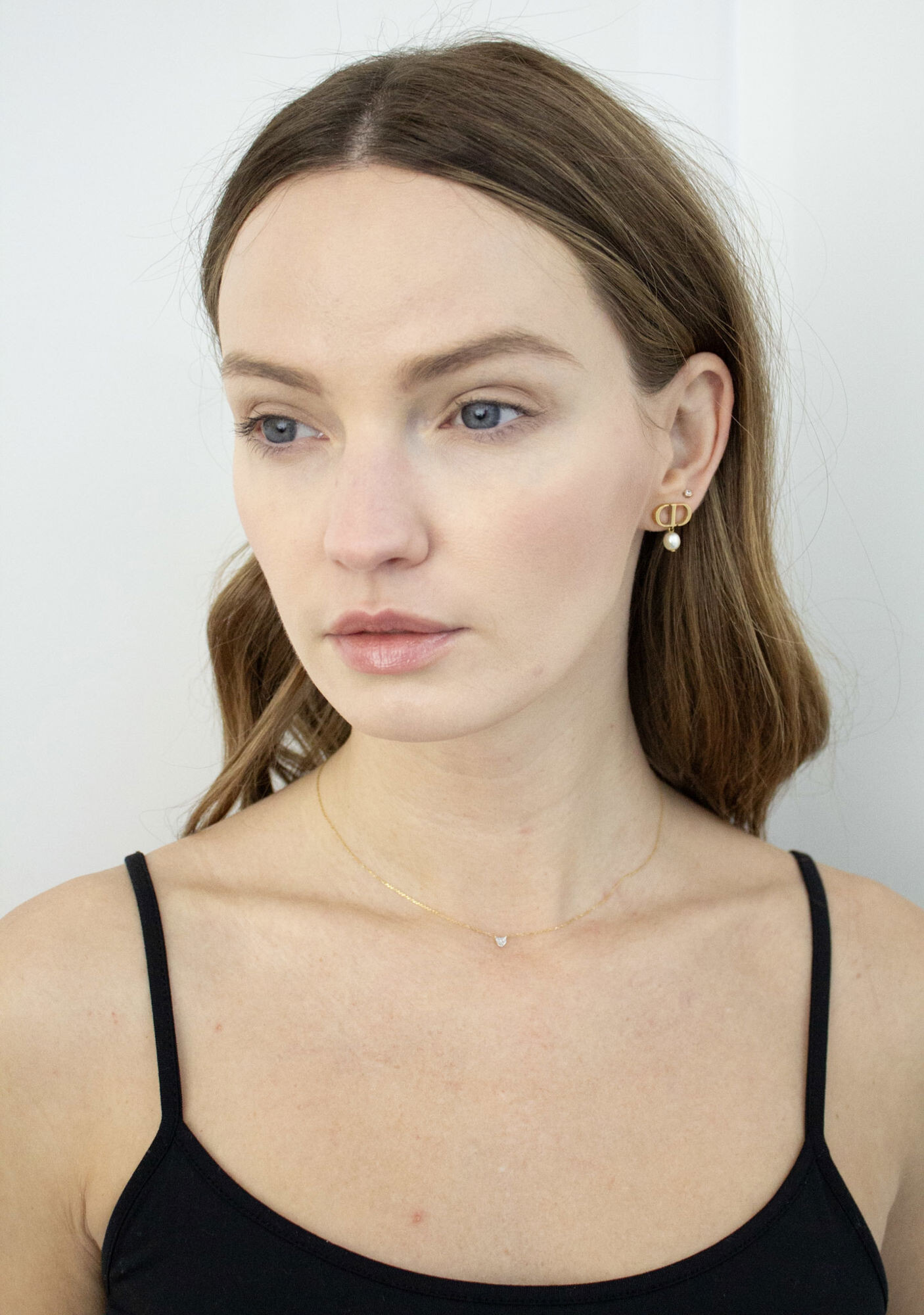
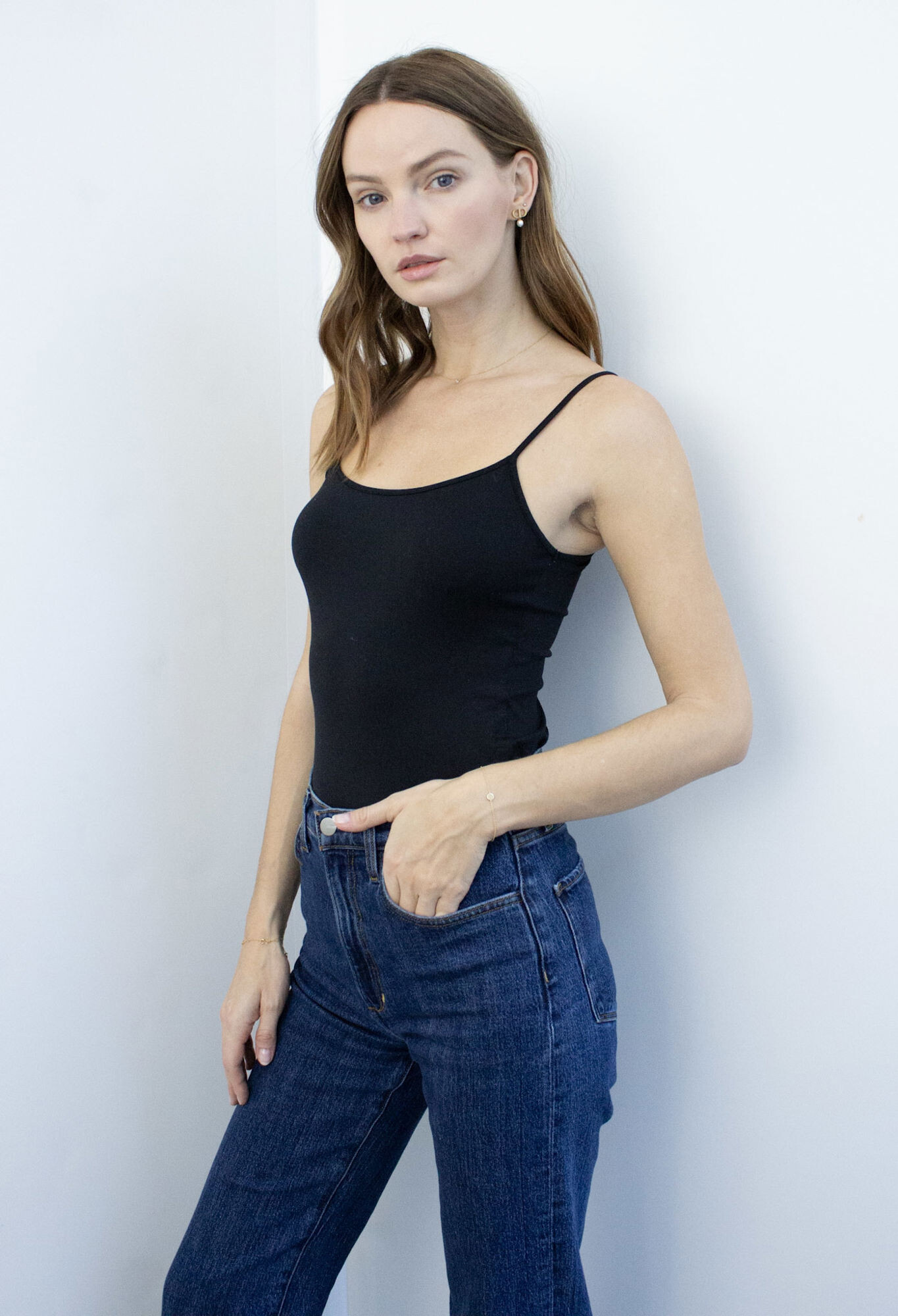
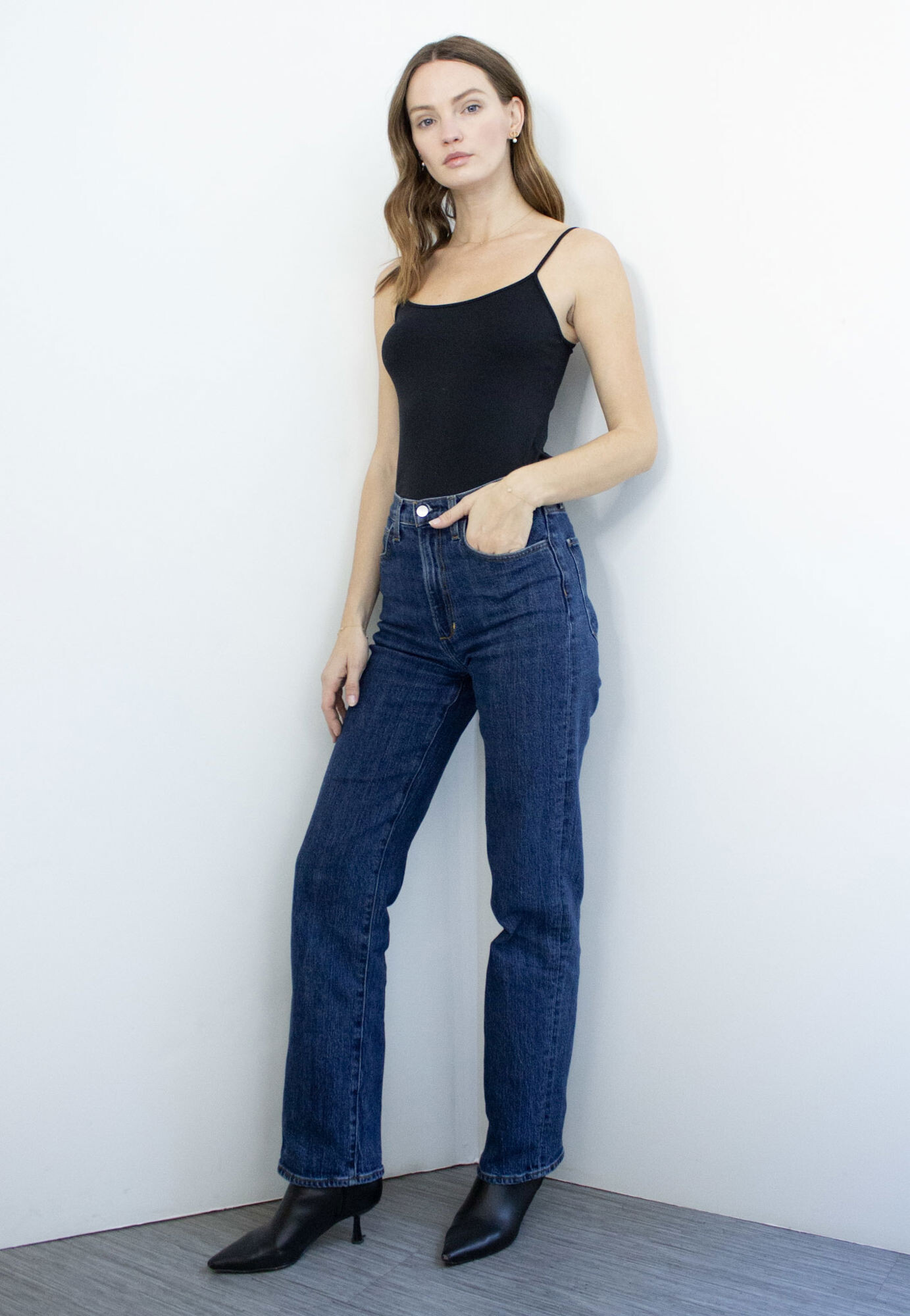
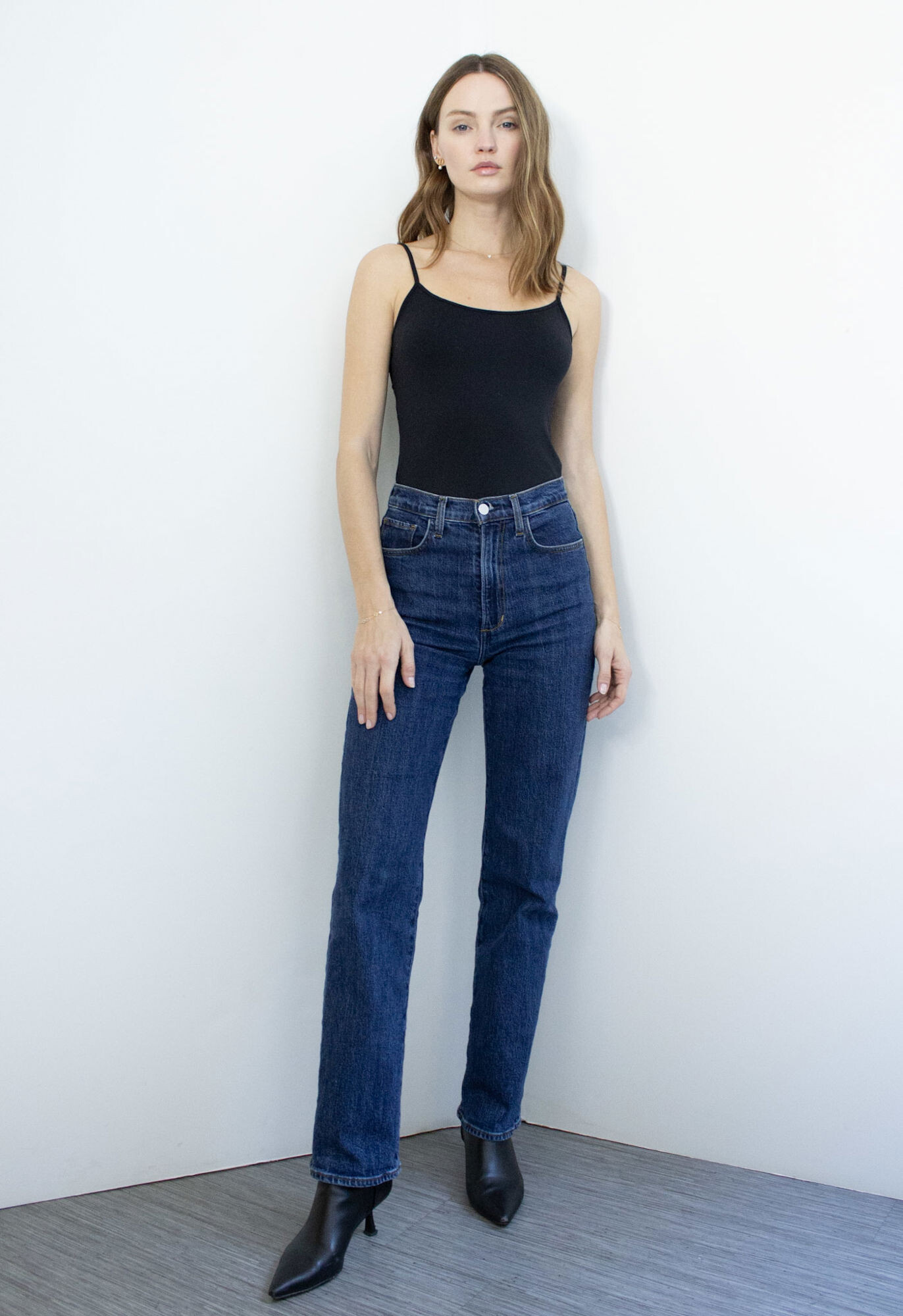
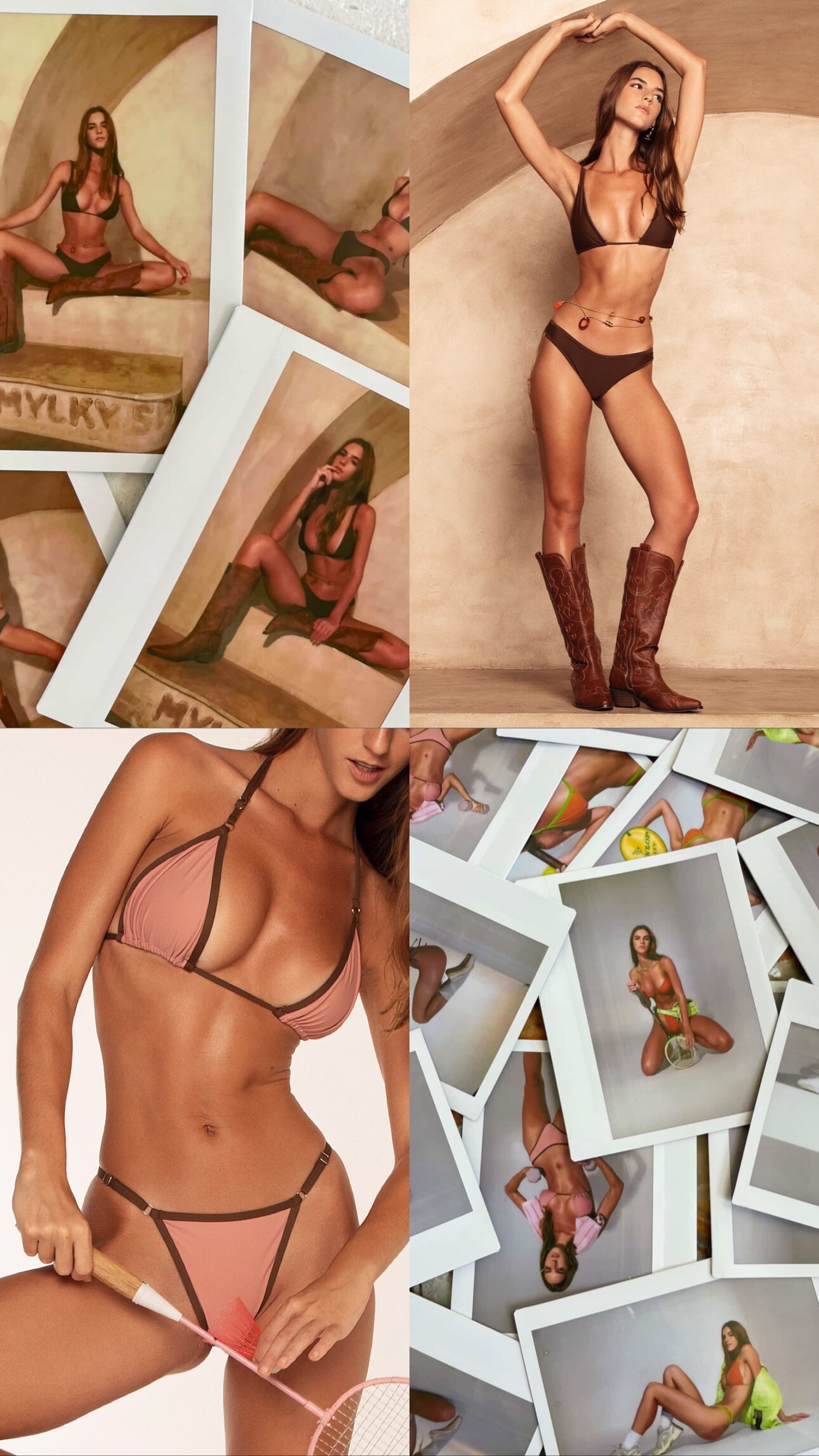
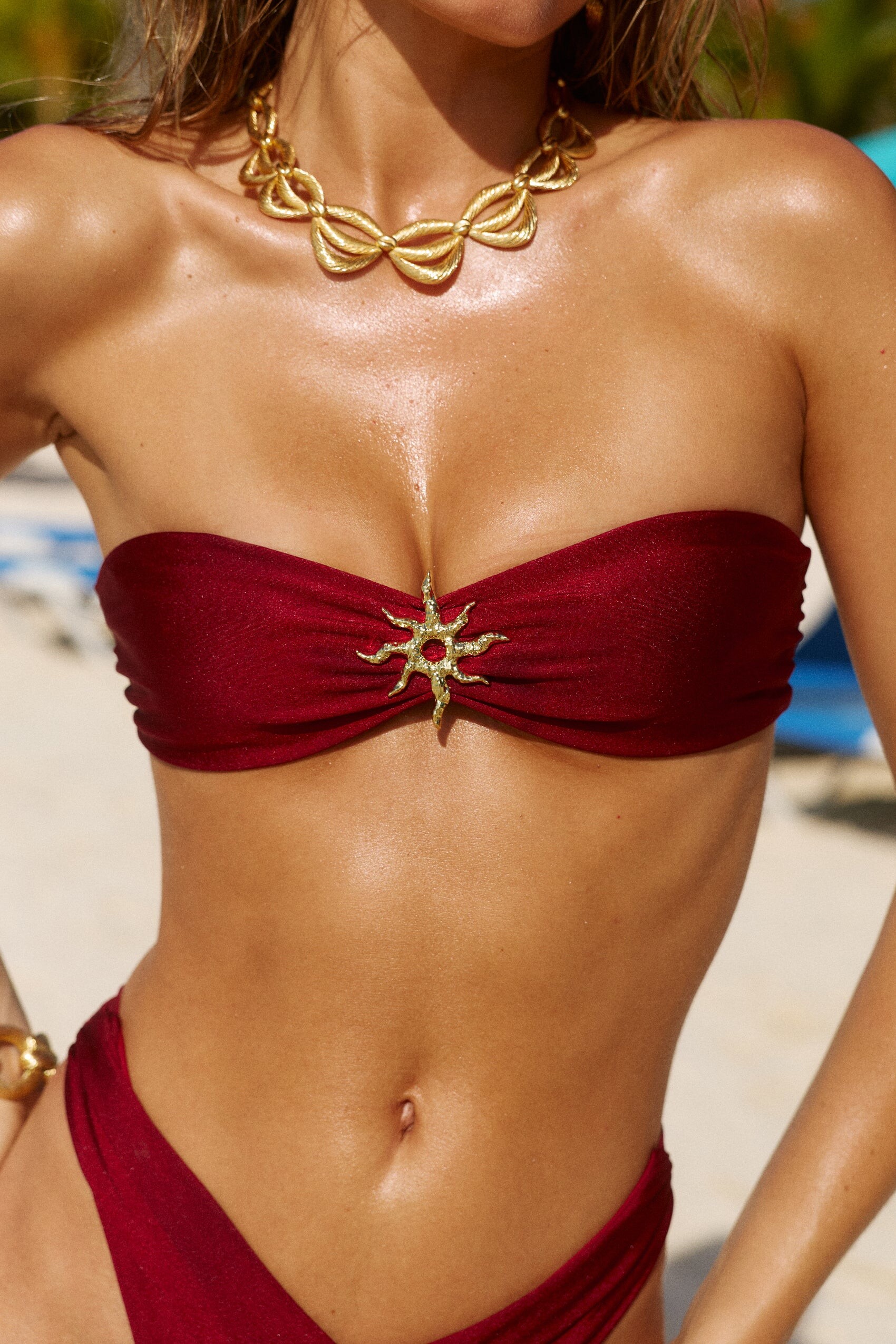
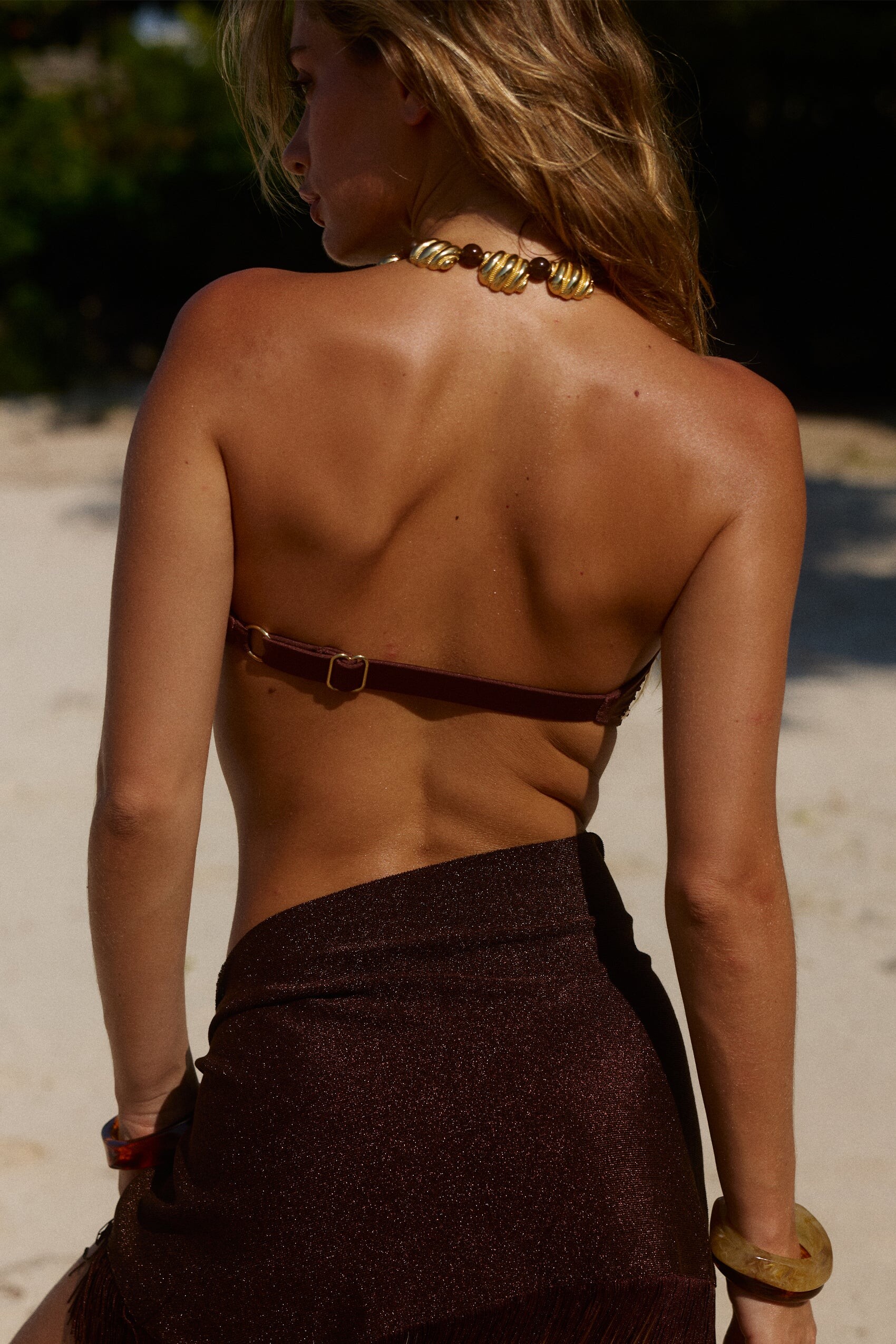
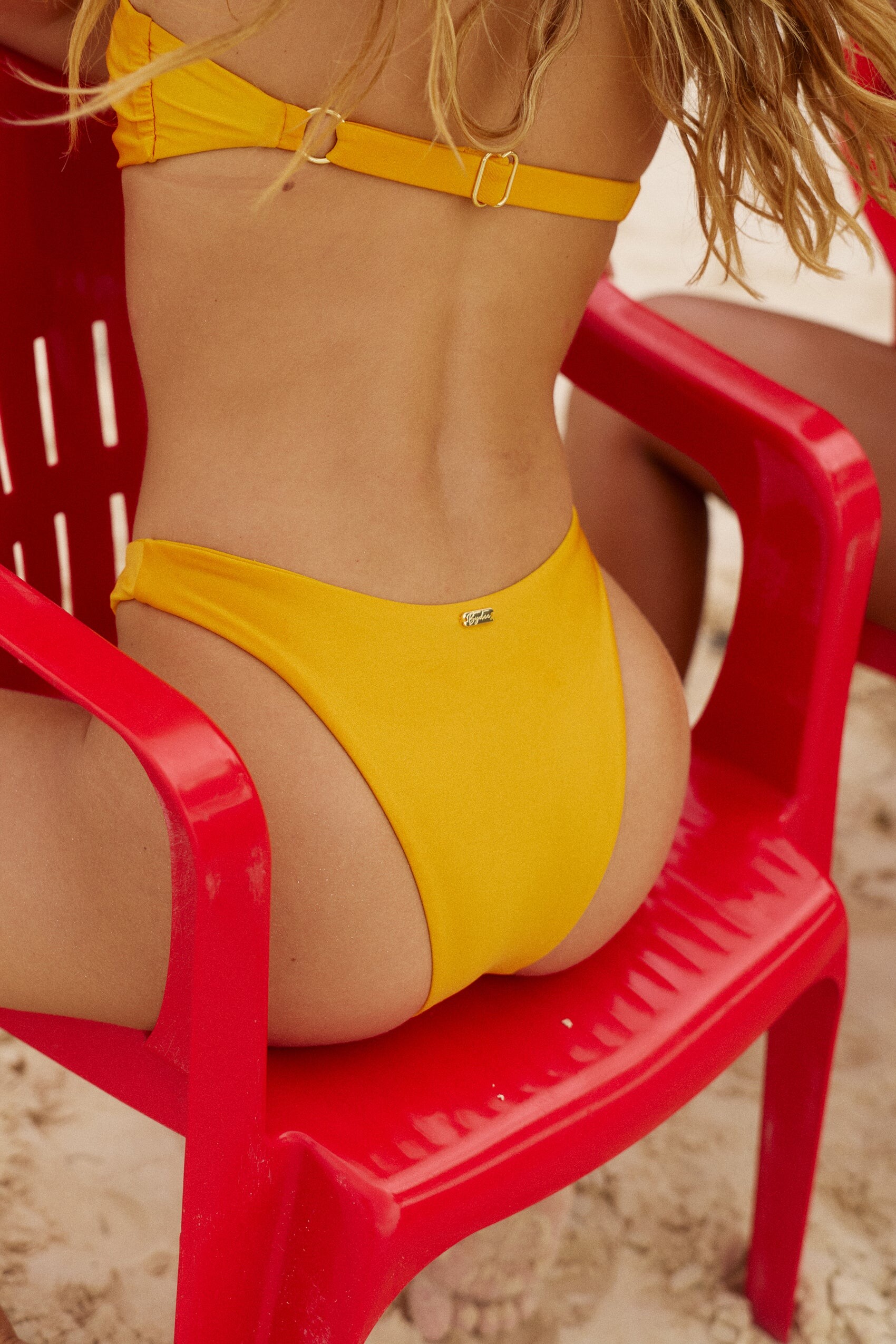
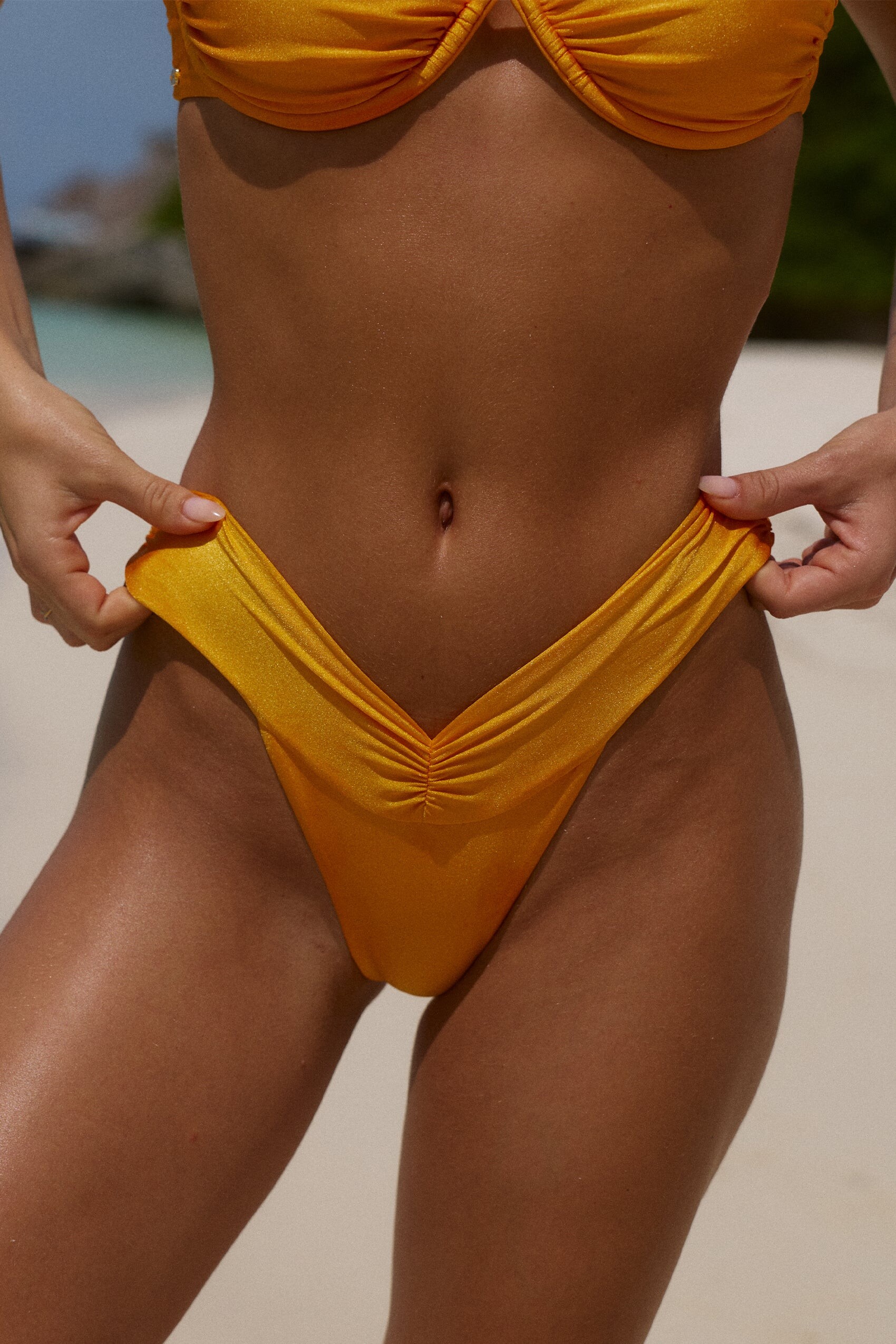
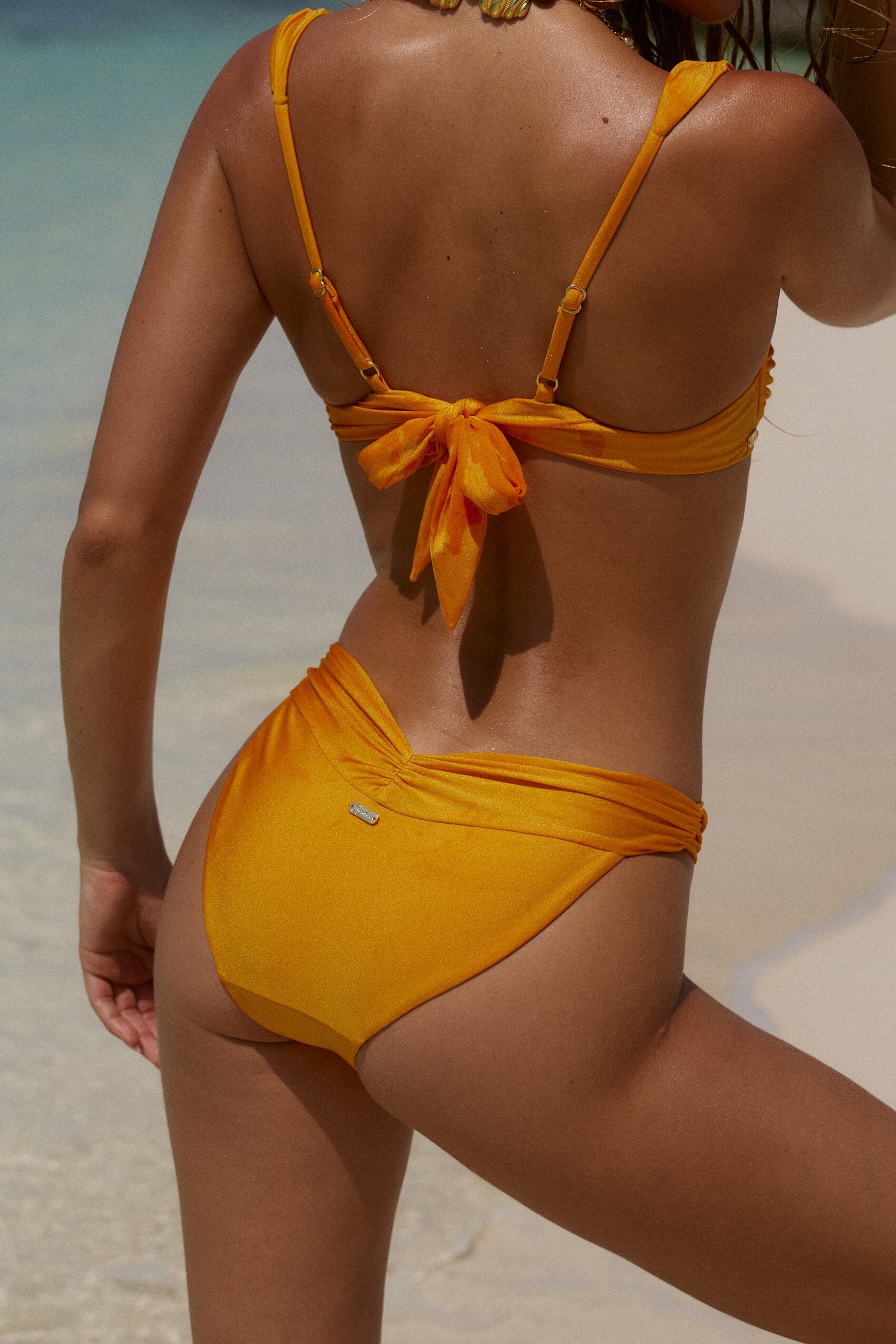
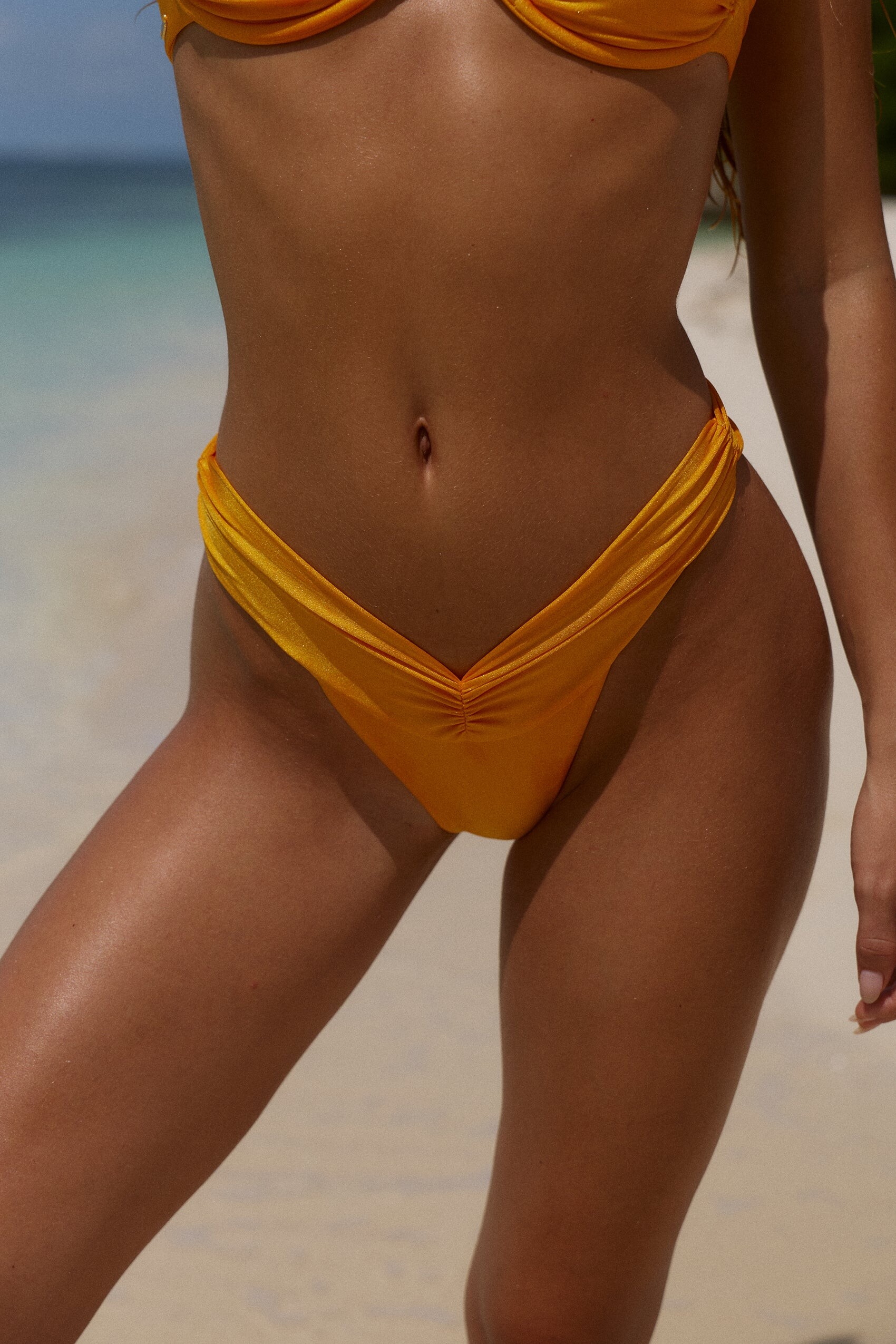

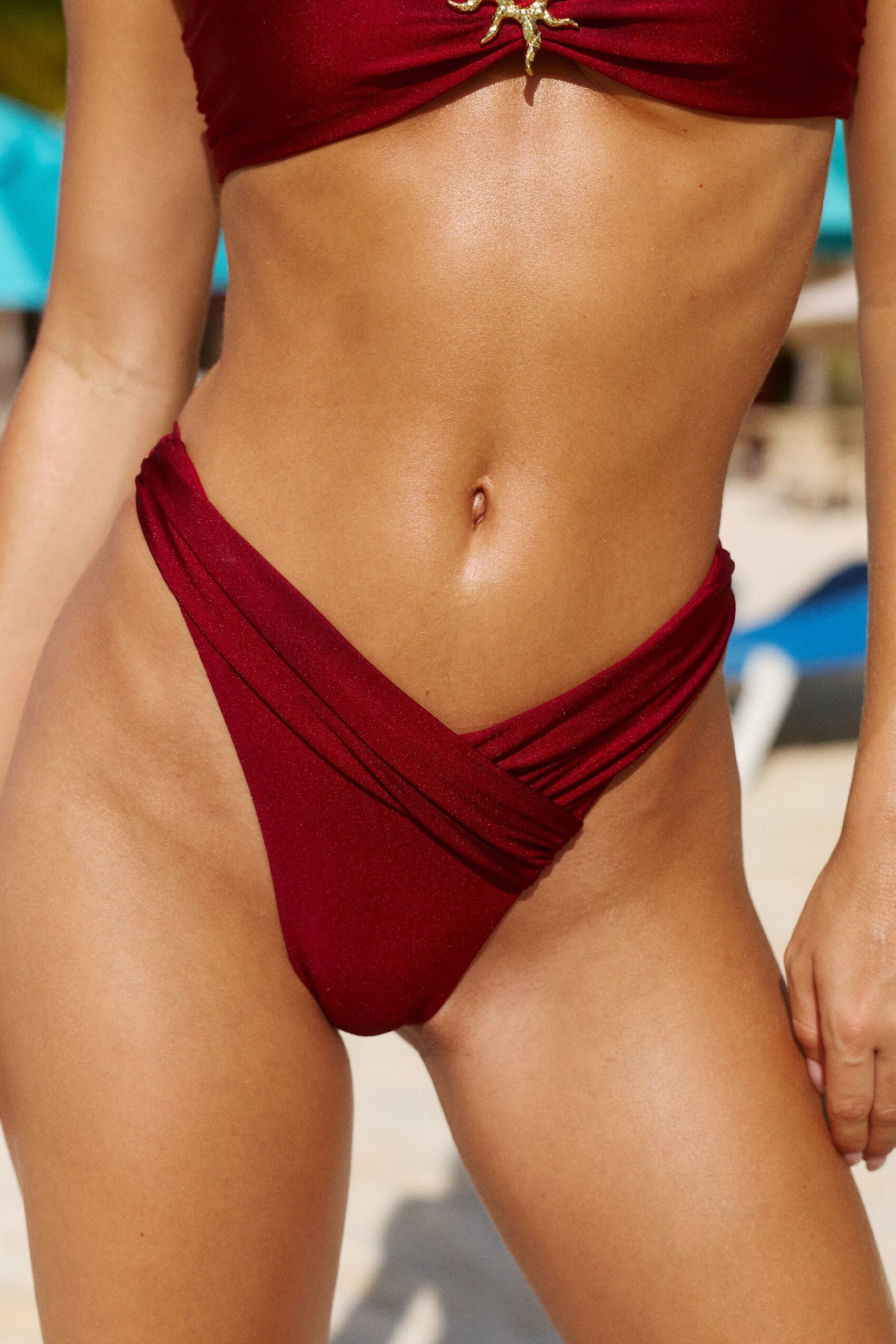
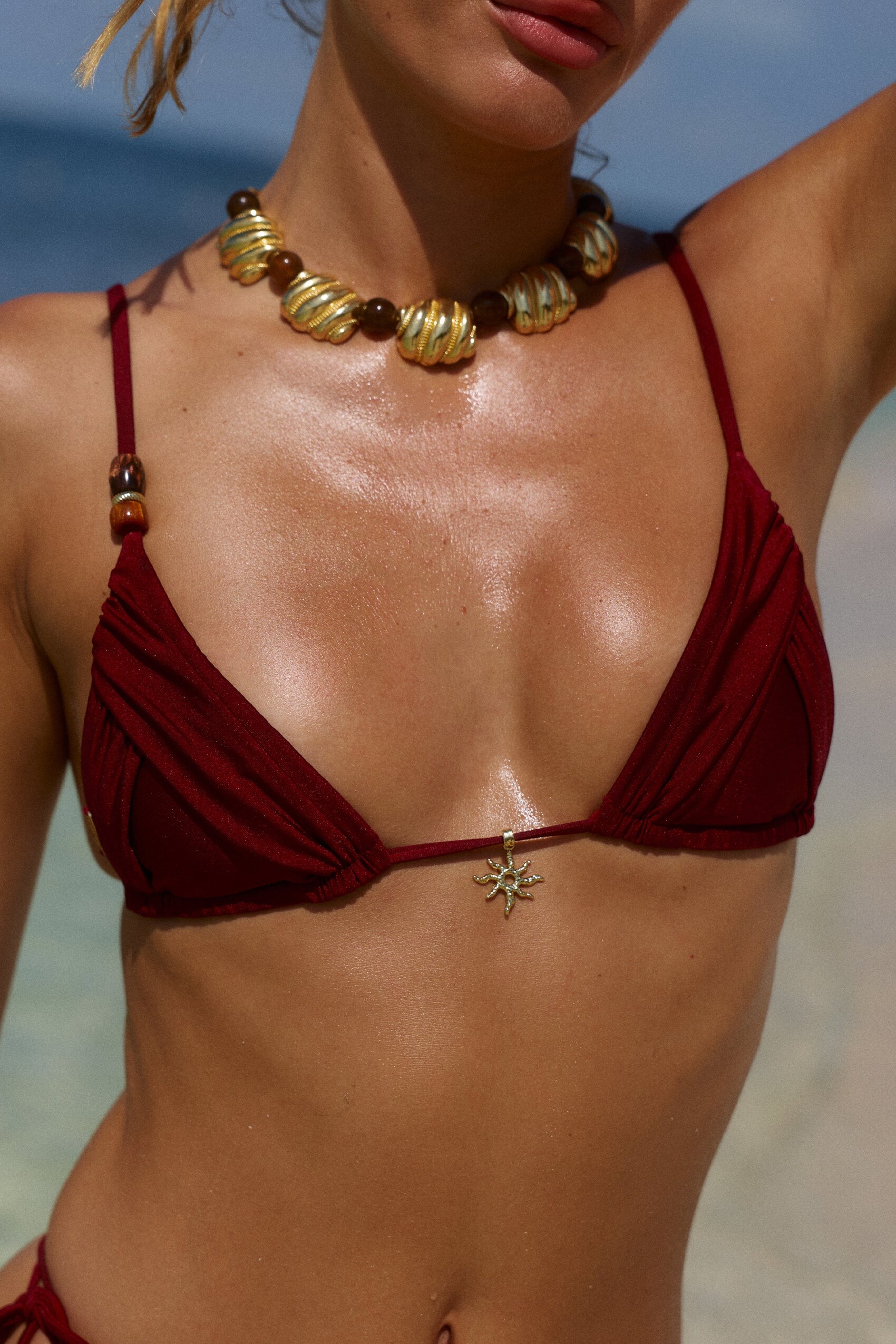

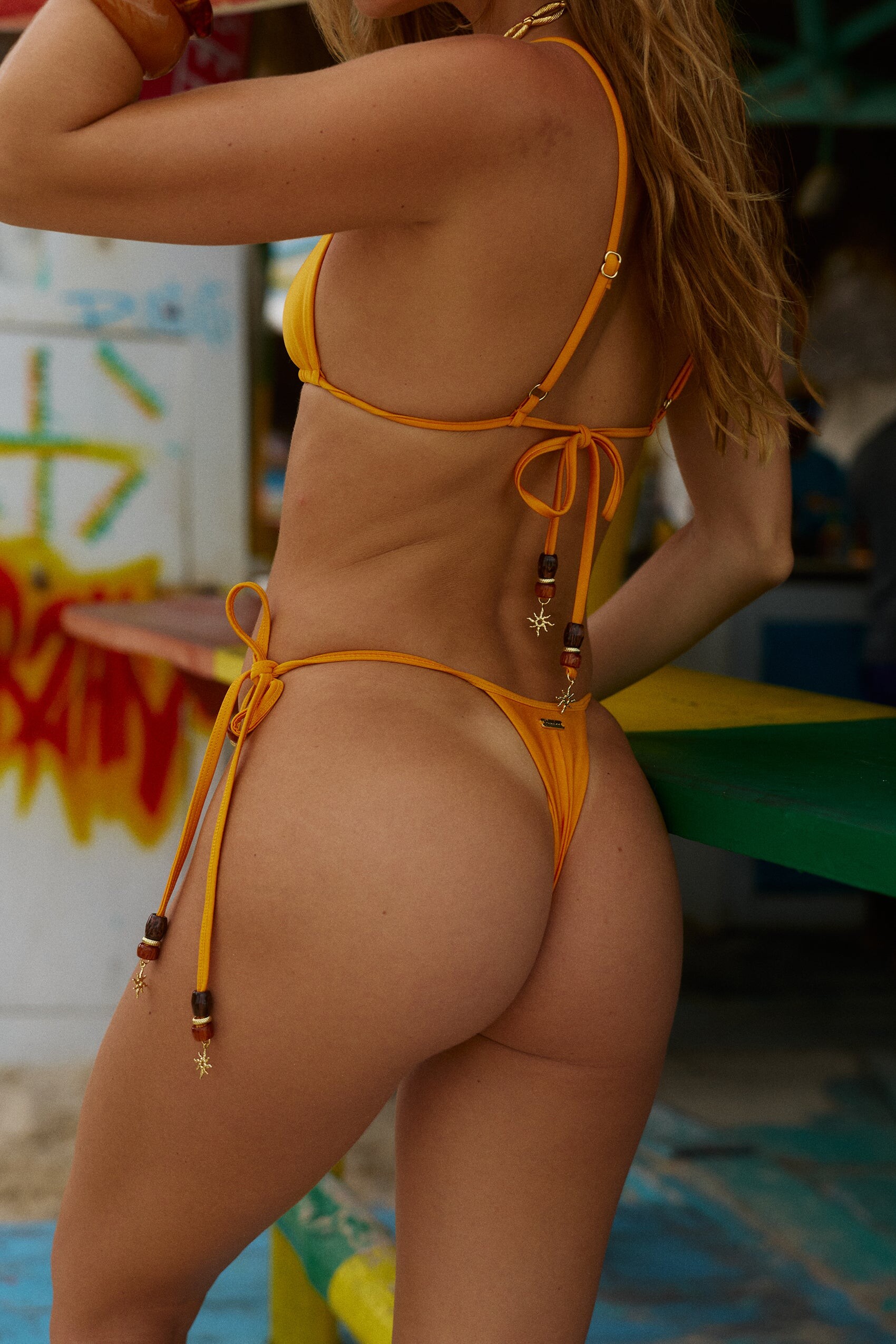
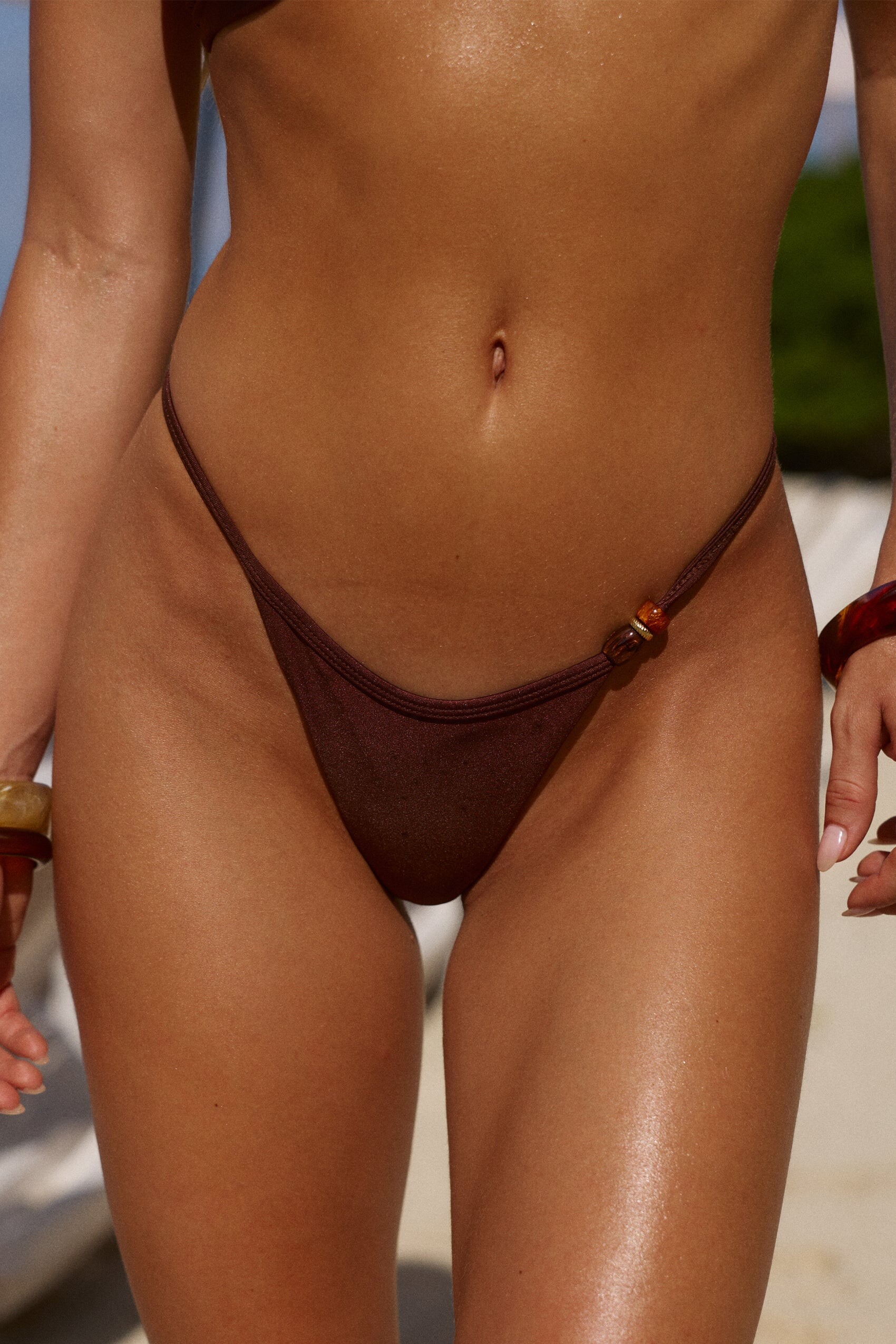
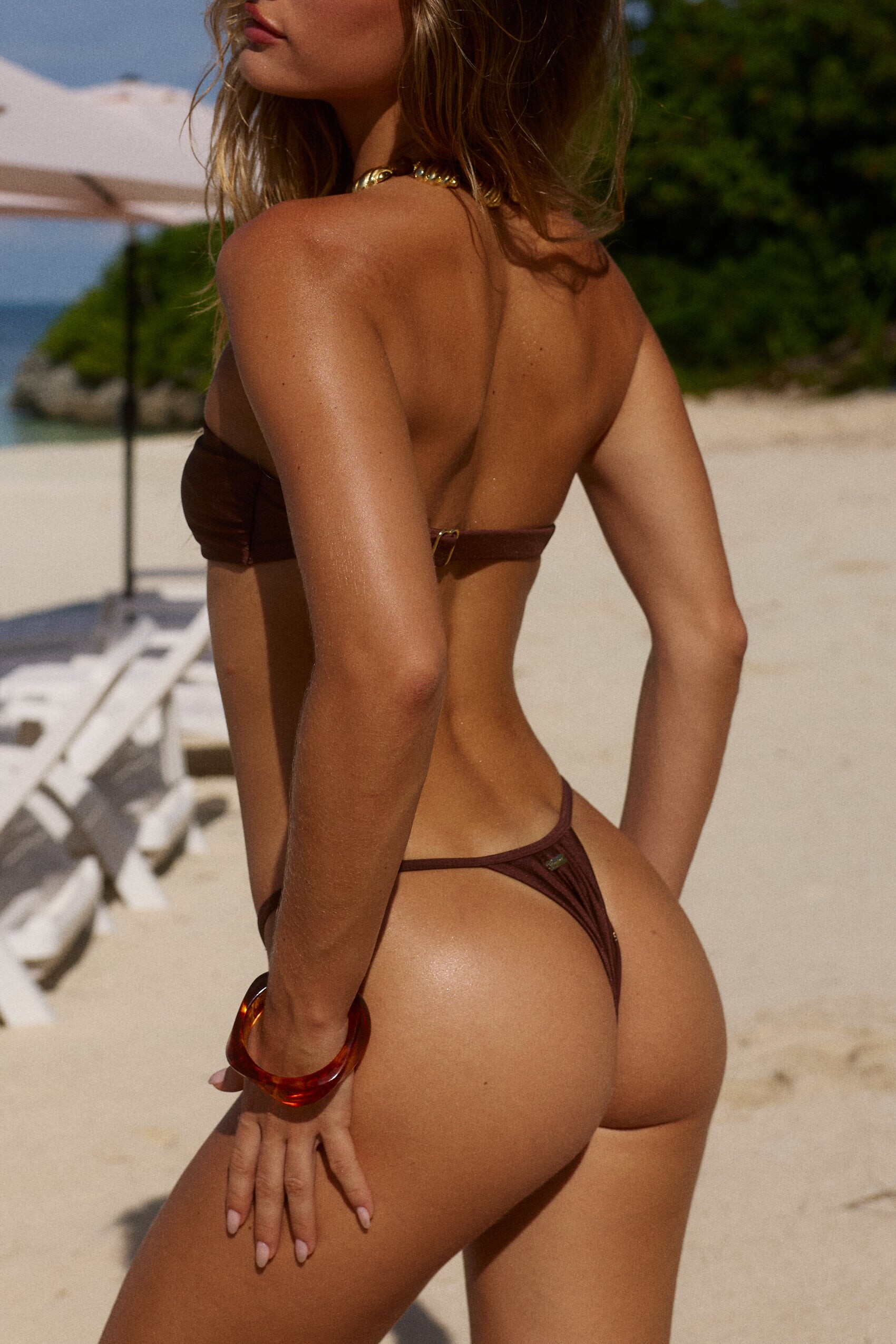
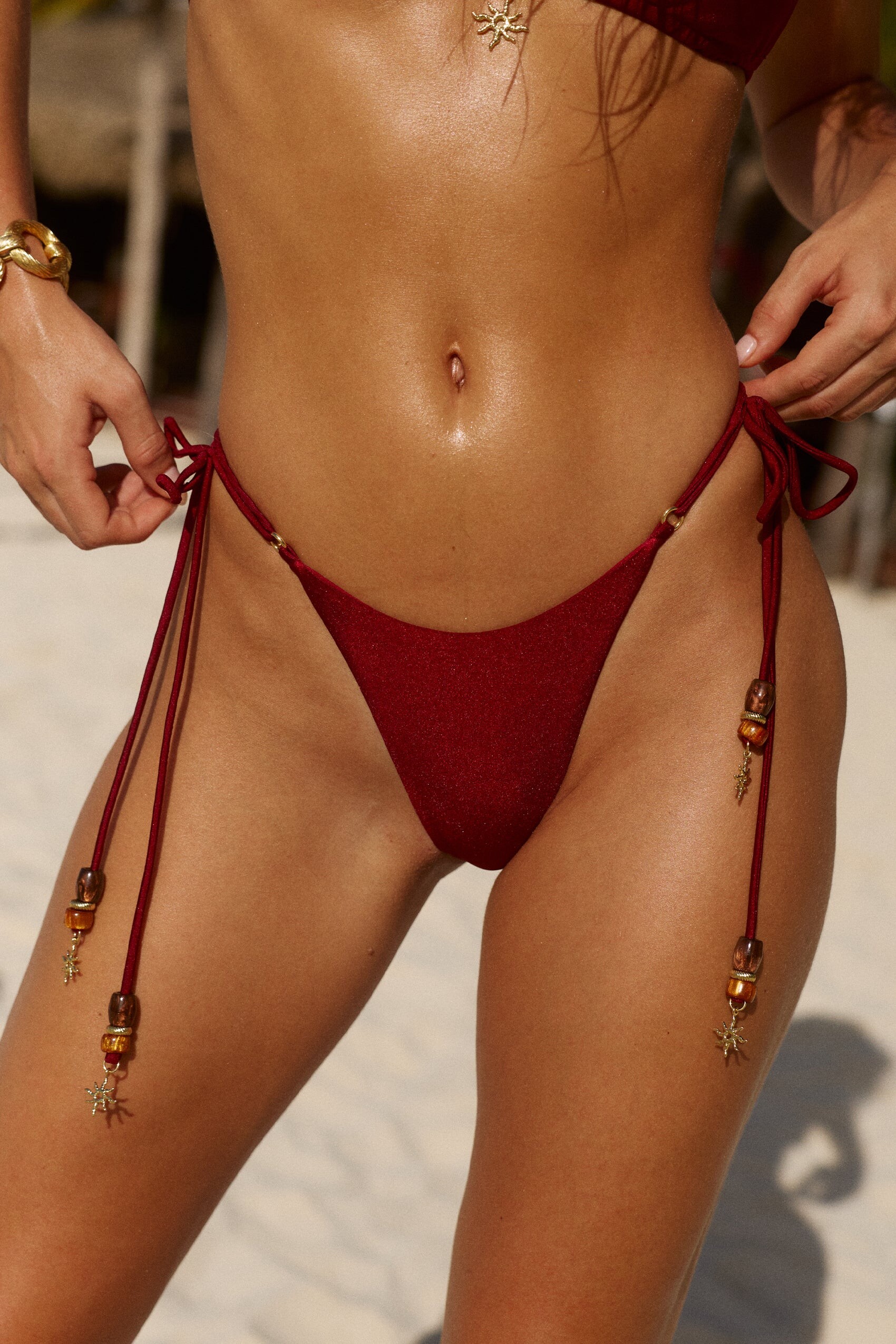
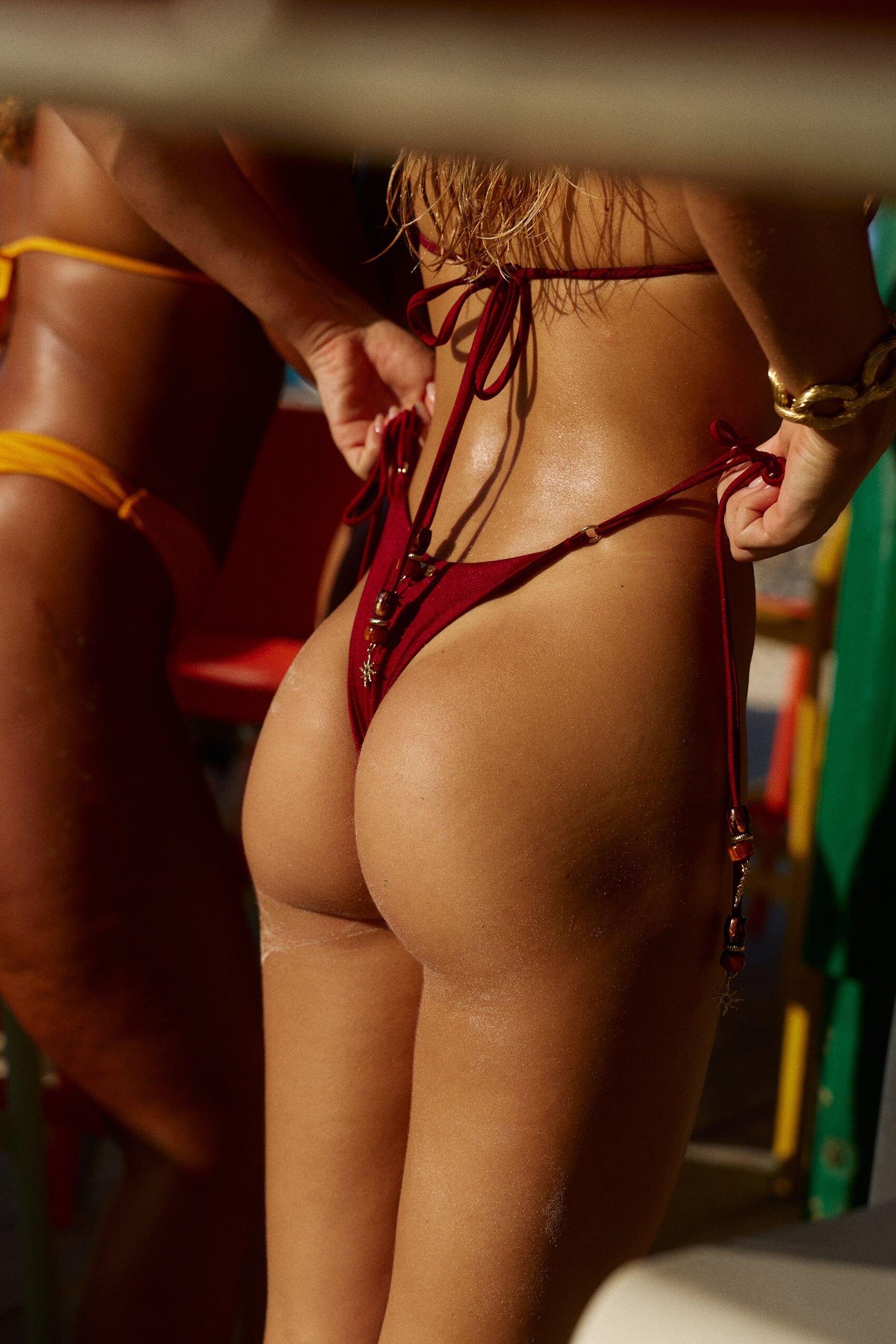
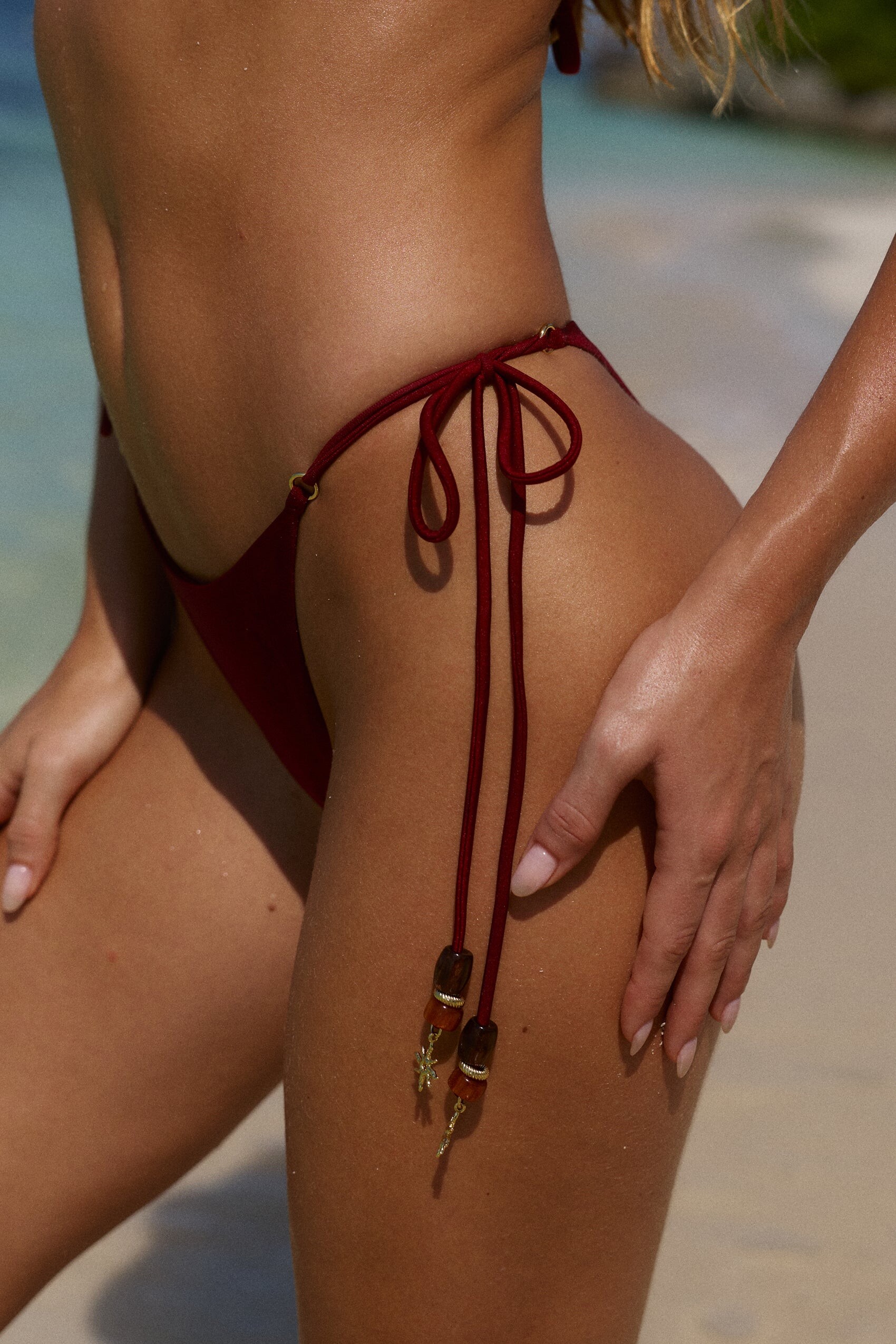
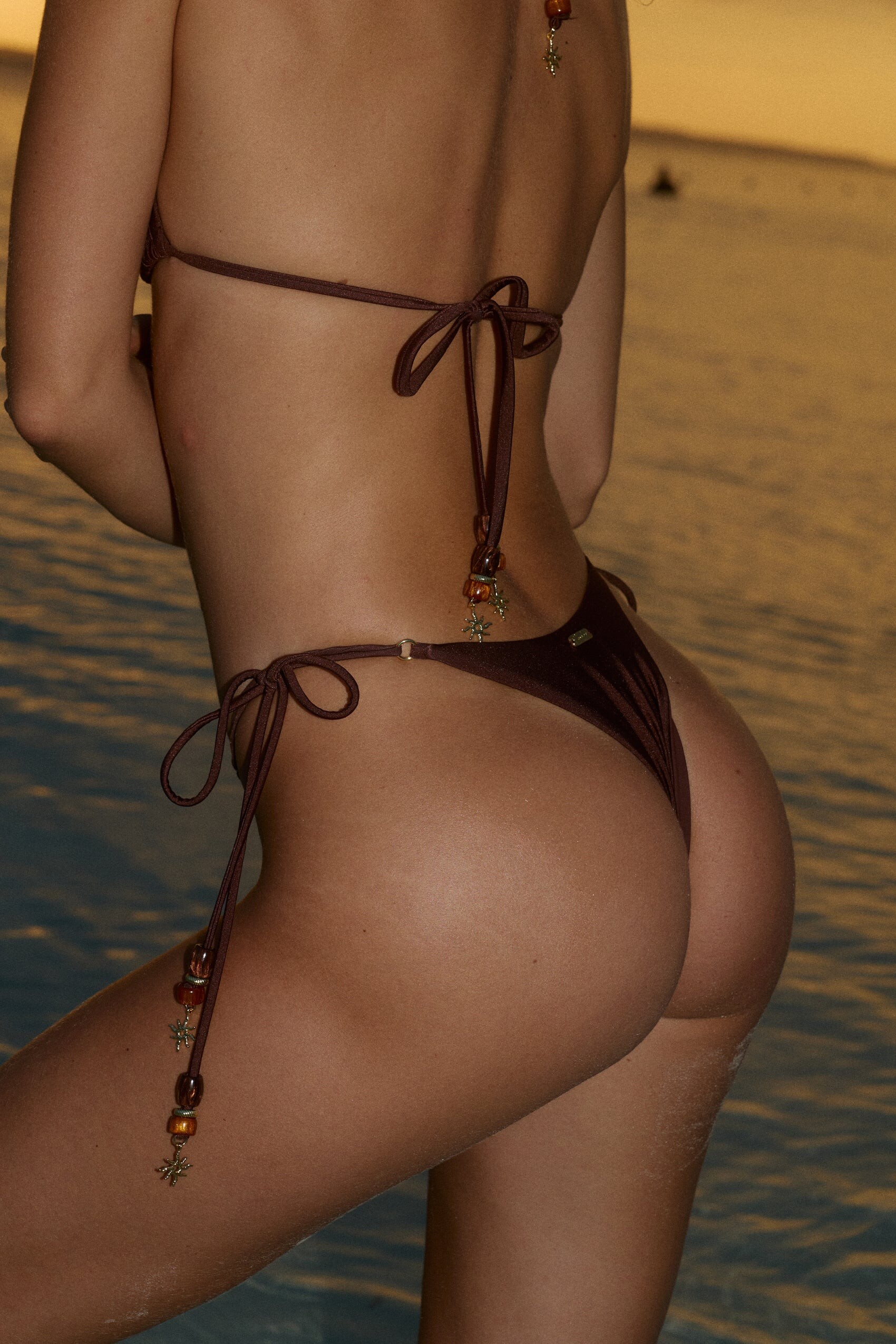
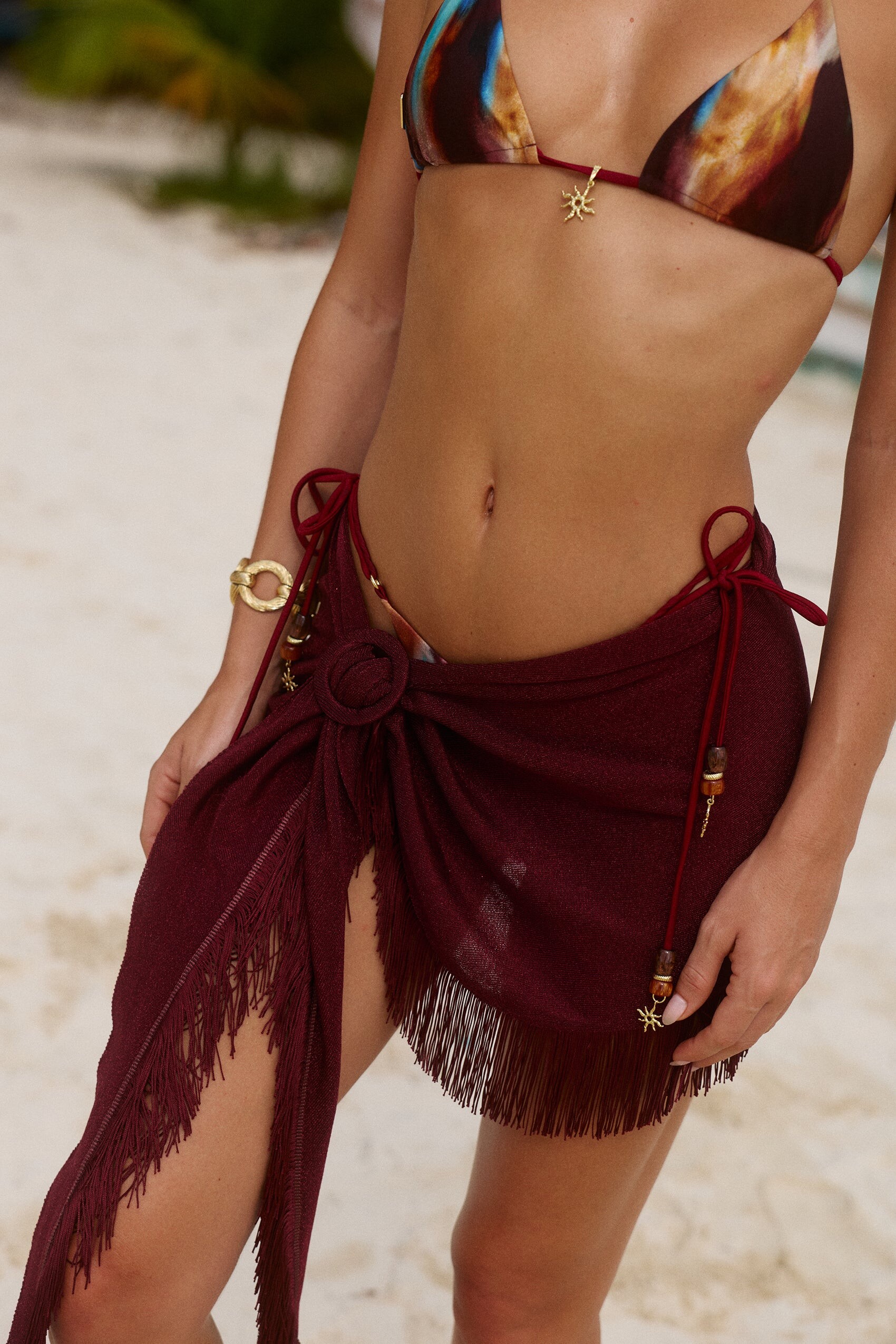
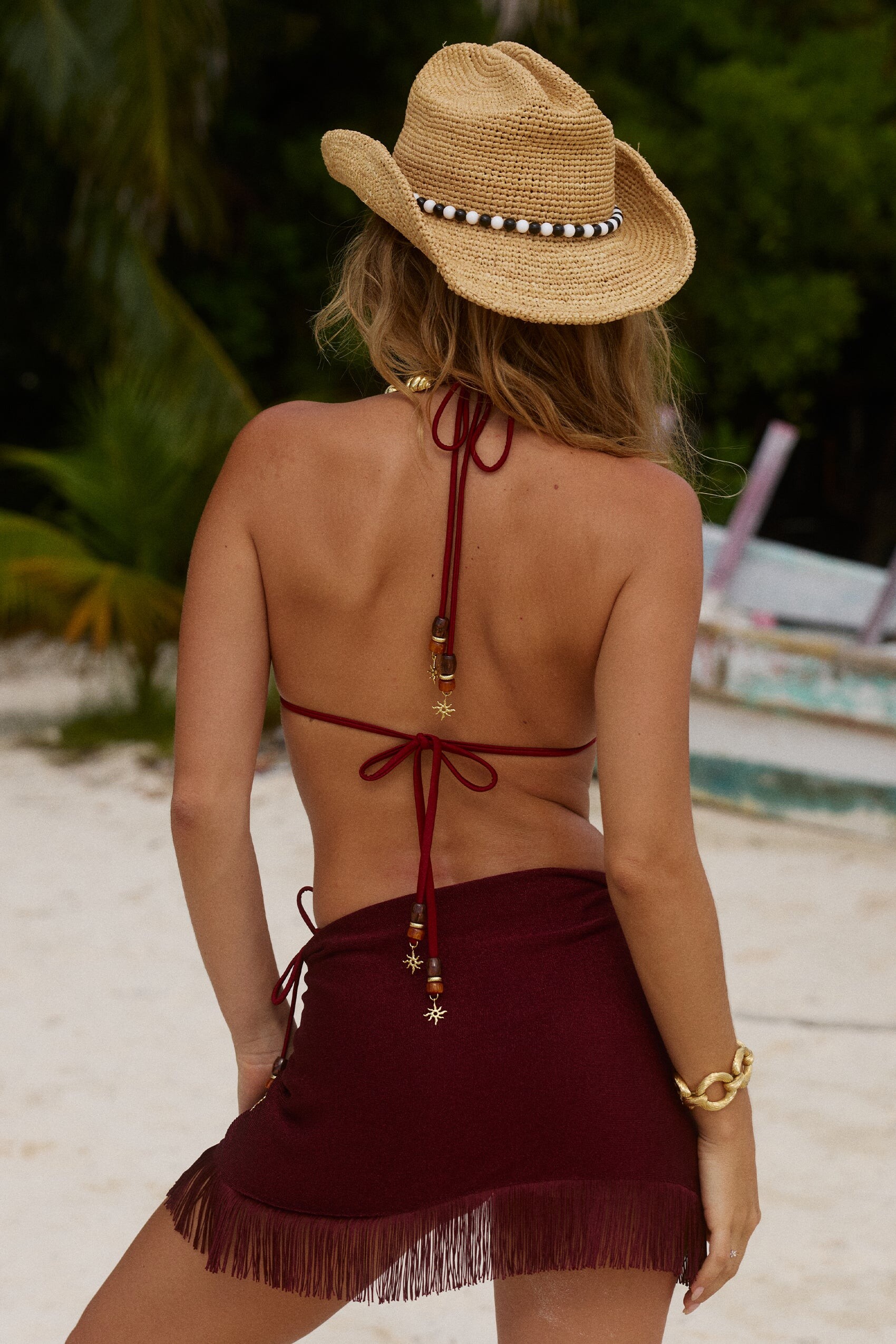

_1.jpg.ba0eb405e46d46cd8a1b654680232403.jpg)
_2.jpg.96685bea5bf5d5cc3231ff3ecf7e7a1d.jpg)
_3.jpg.34f312bd192bd9e811ceac976478e0ad.jpg)
_4.jpg.968bc4c547088d6078ffd55d1e21097a.jpg)
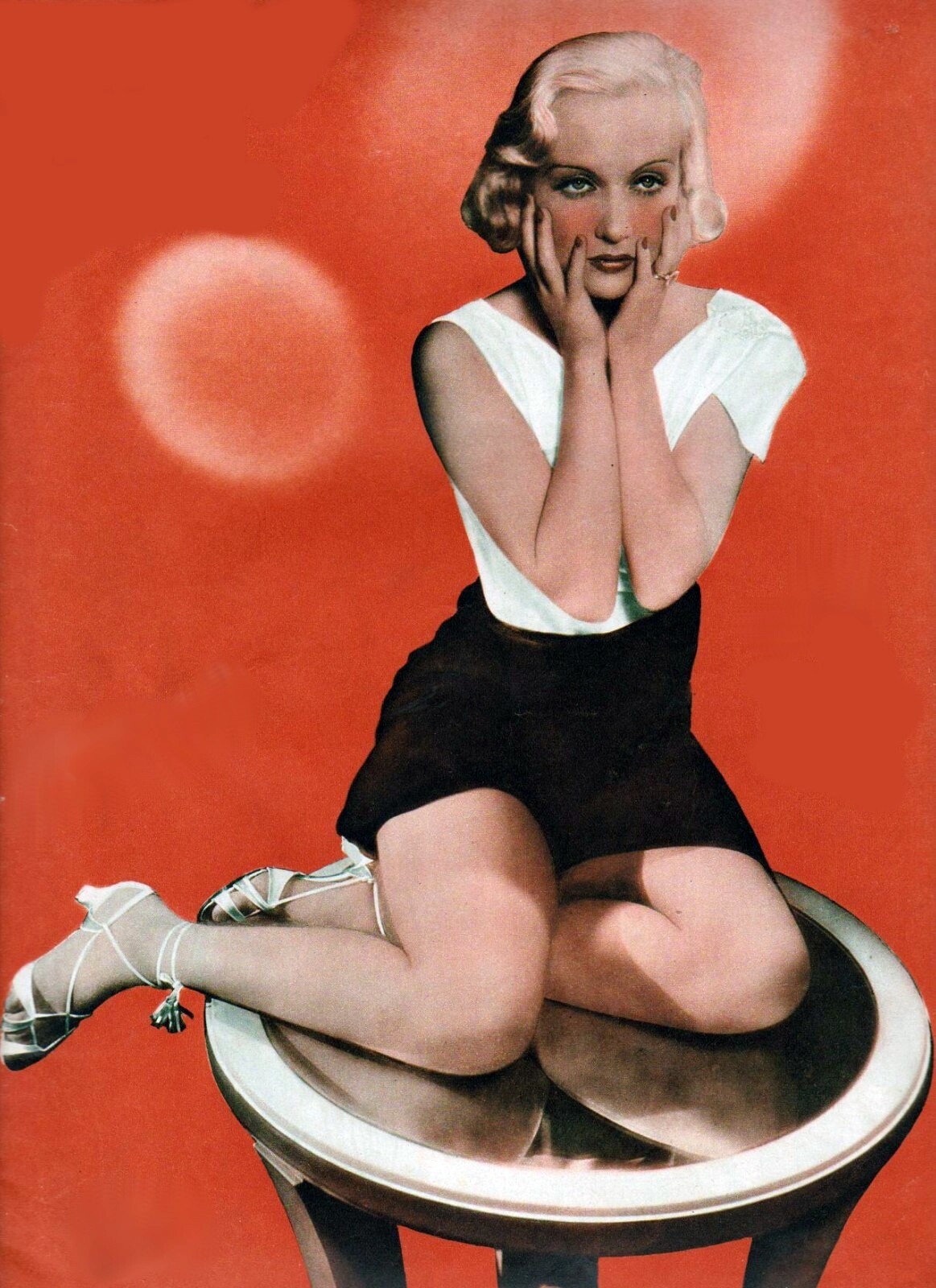





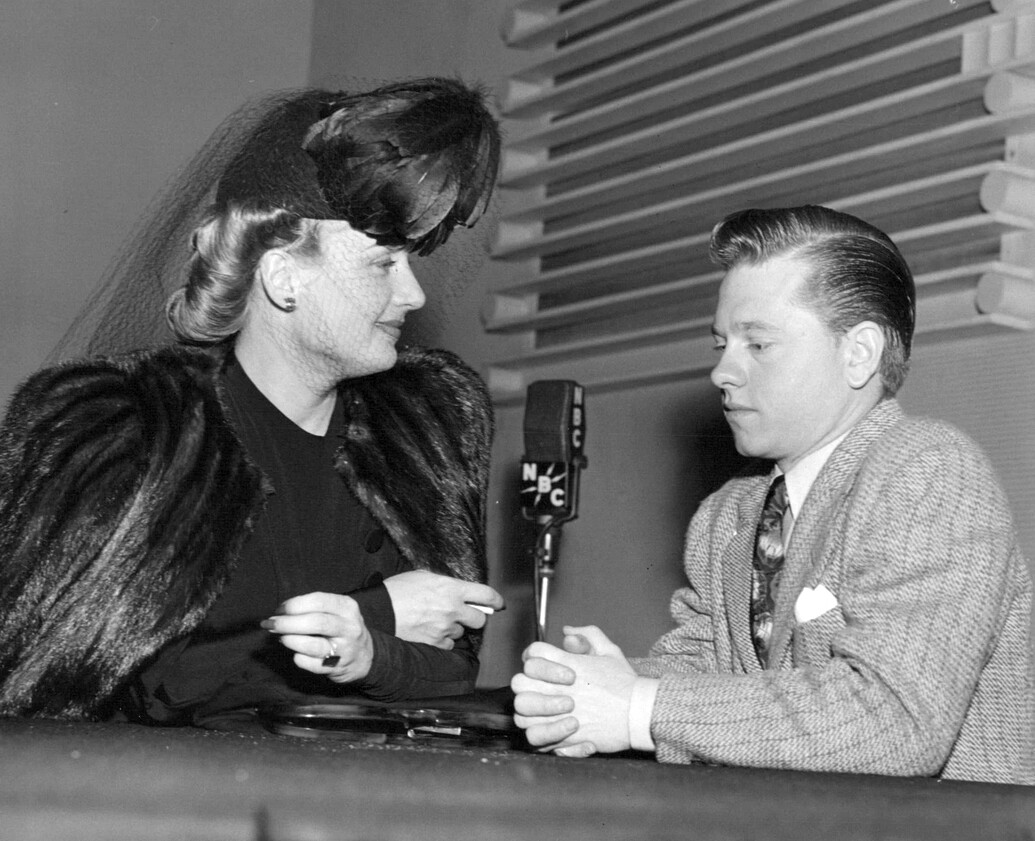

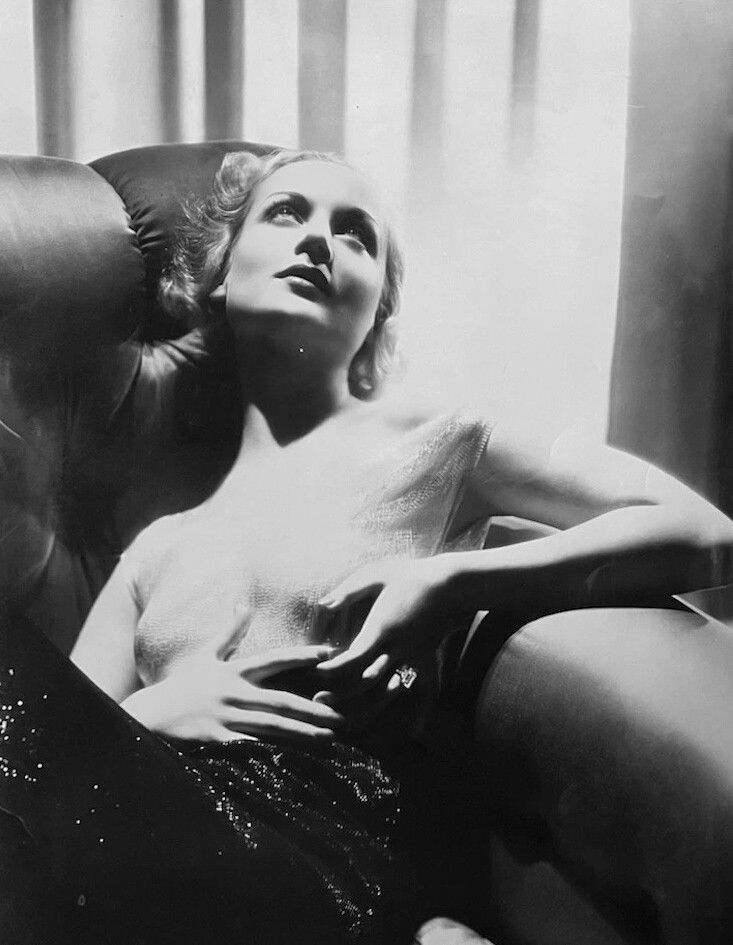











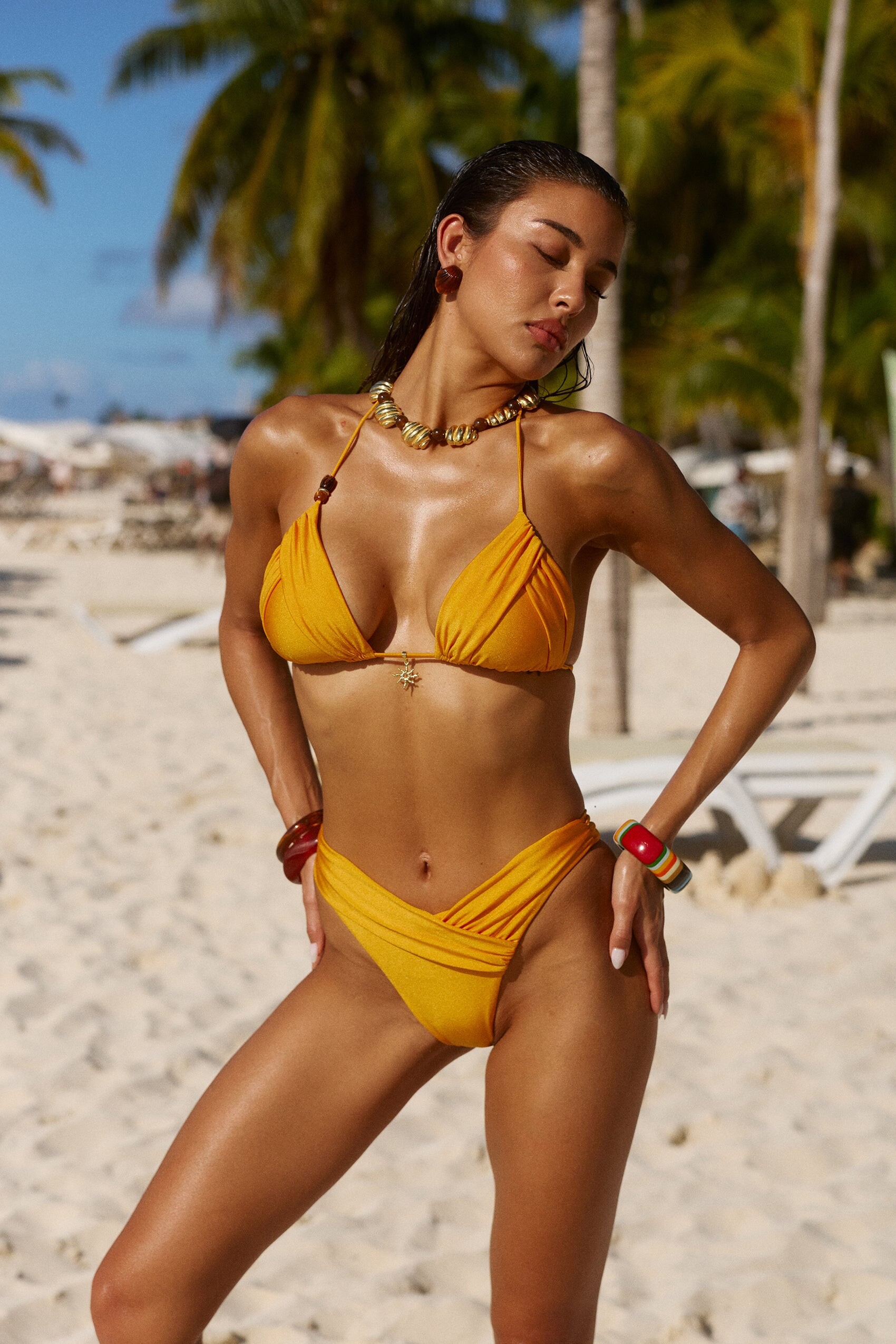


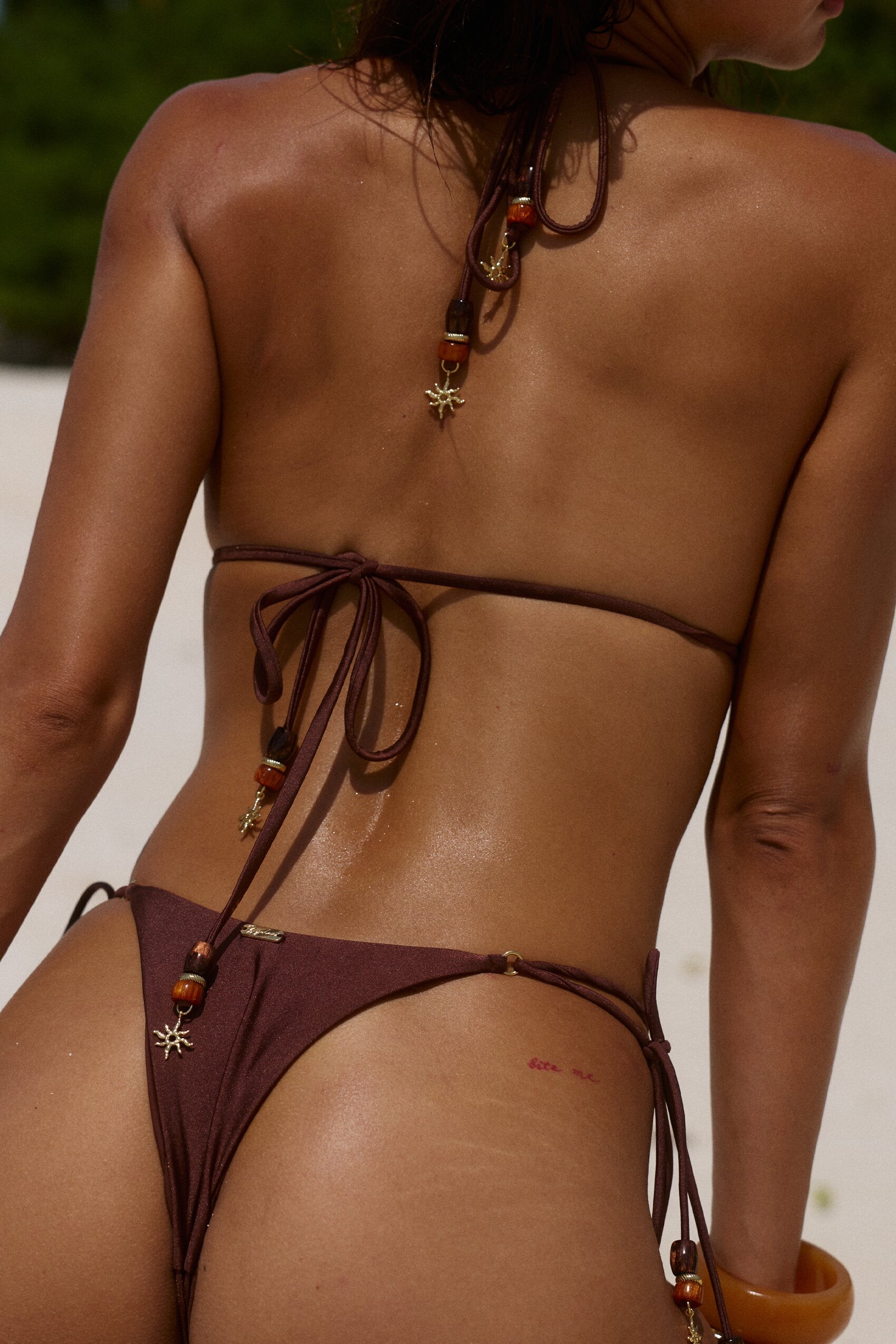


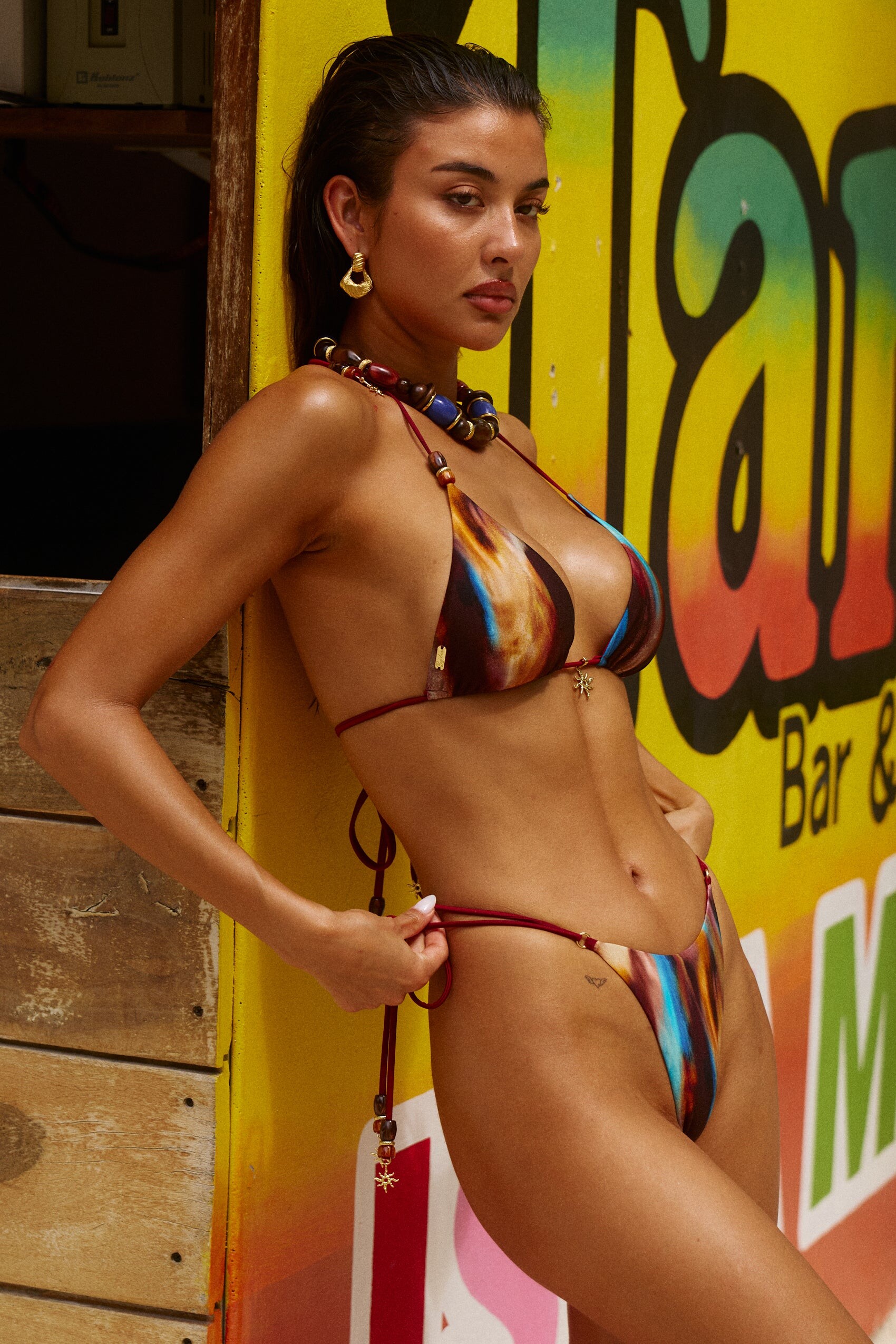

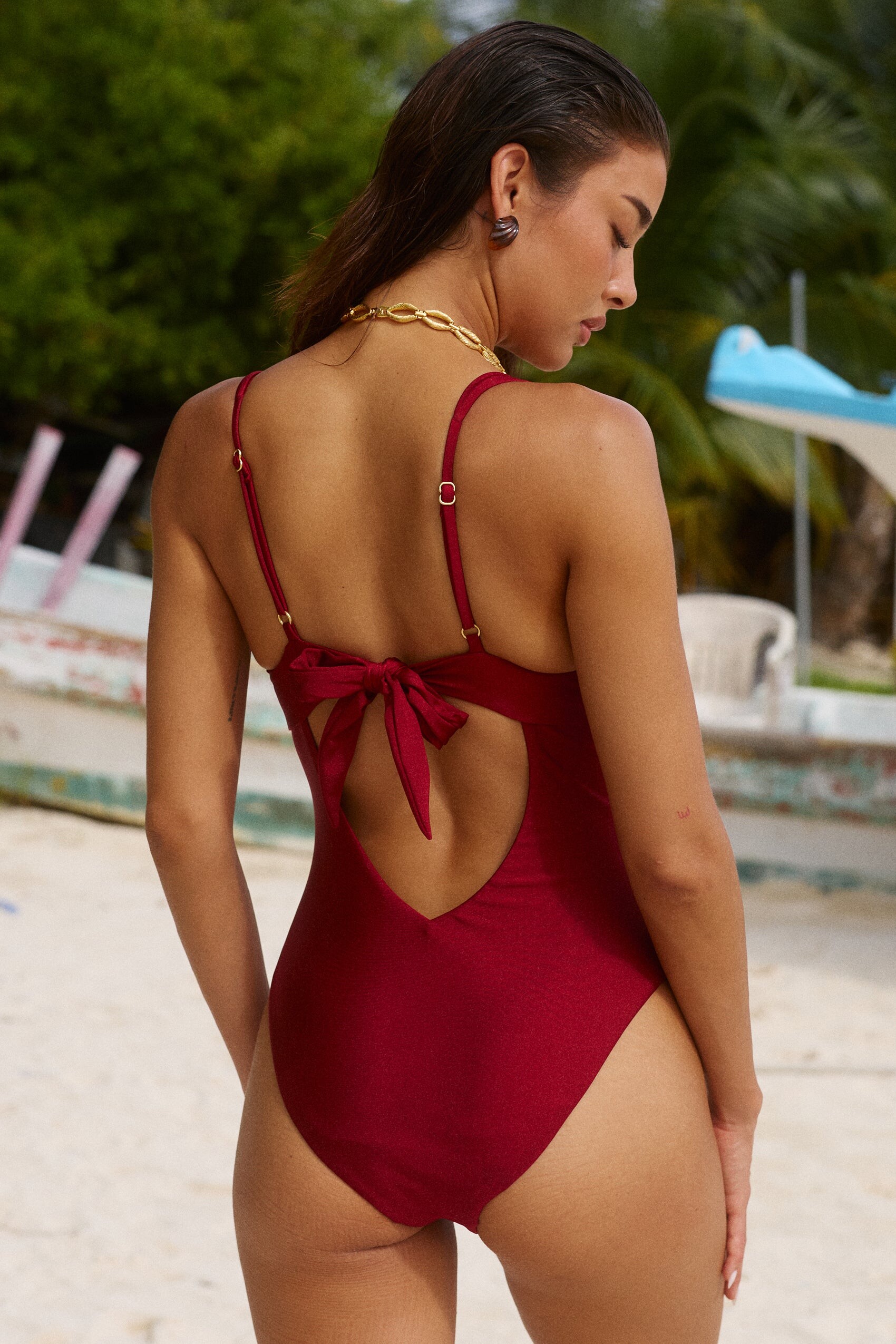



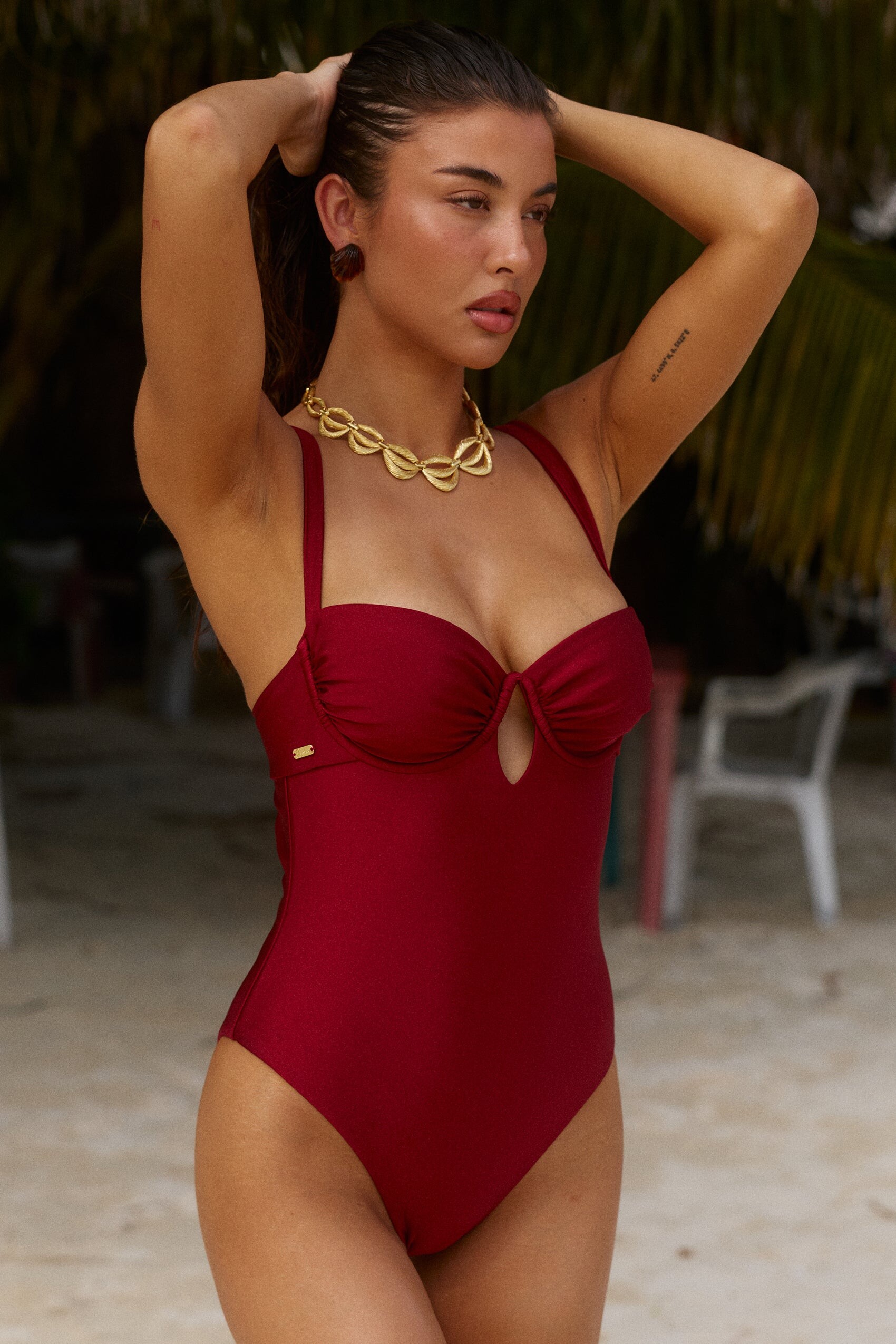
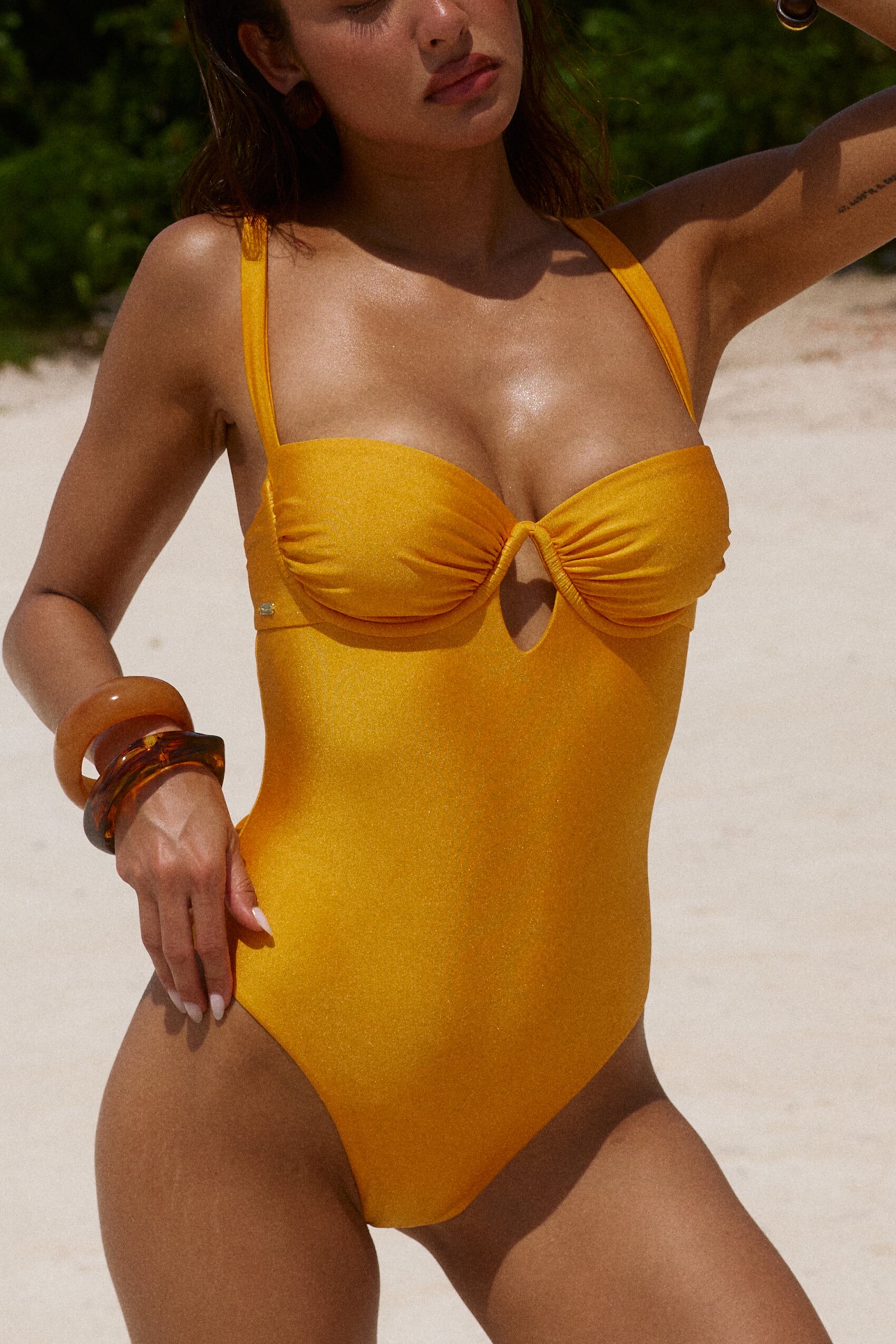
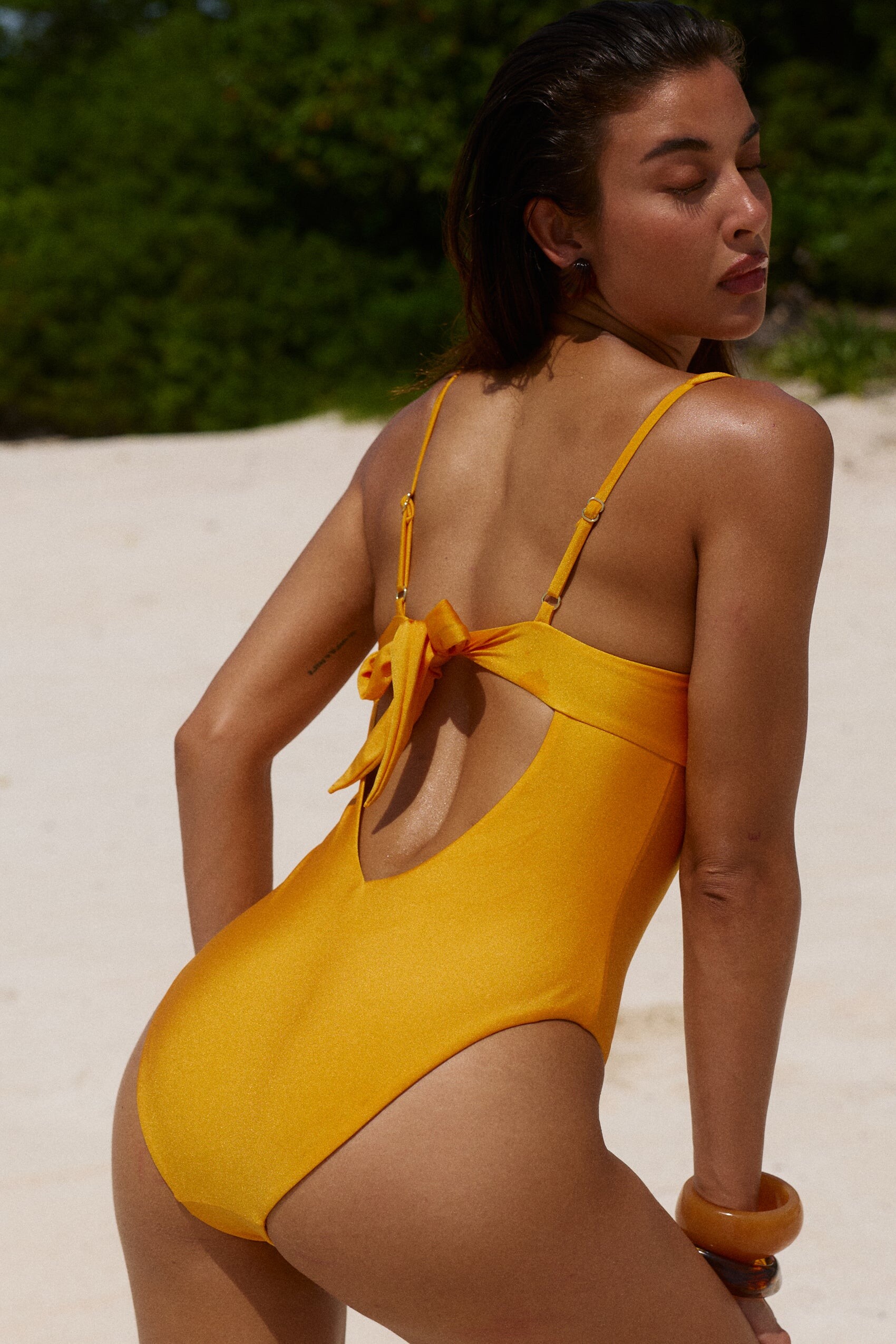

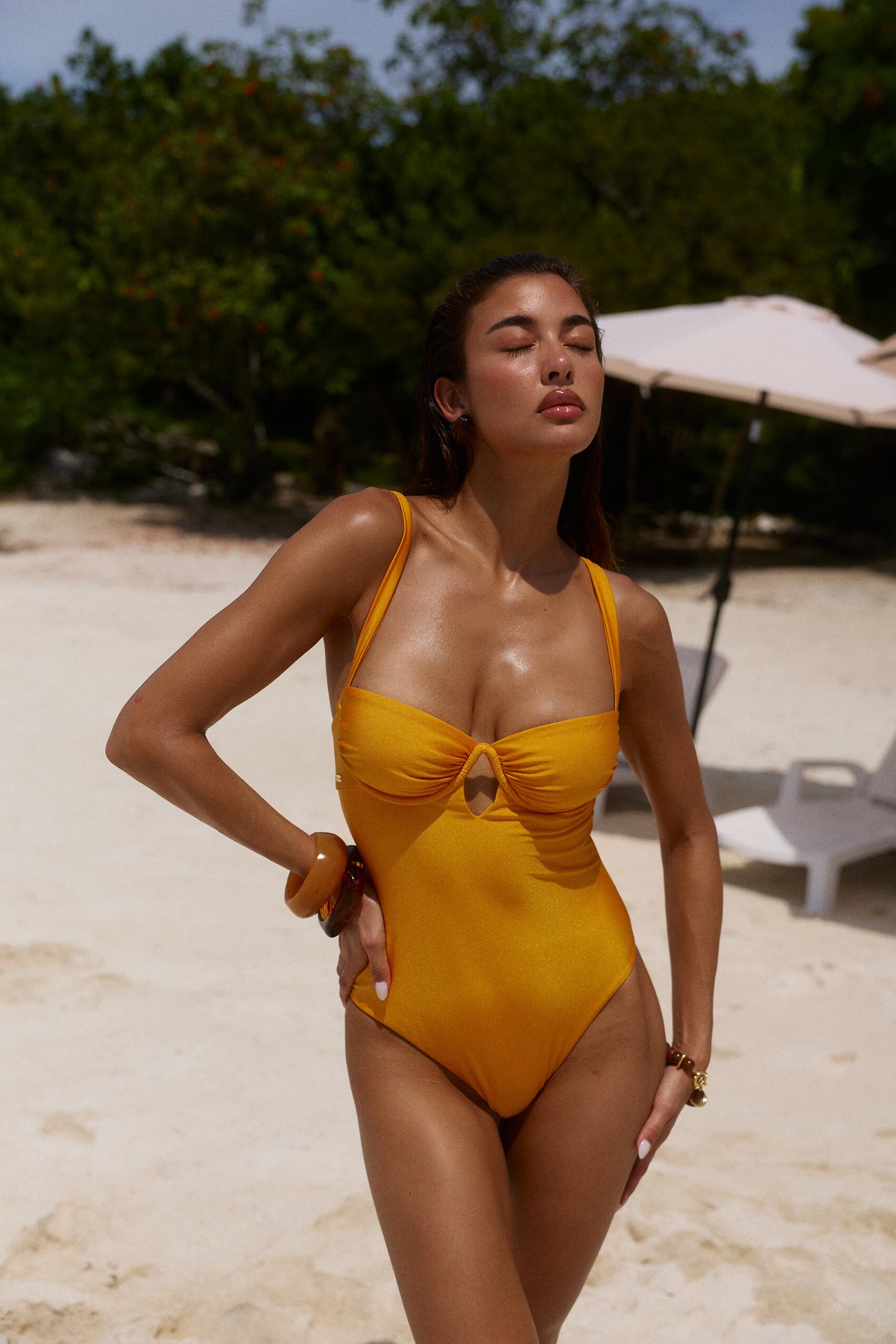



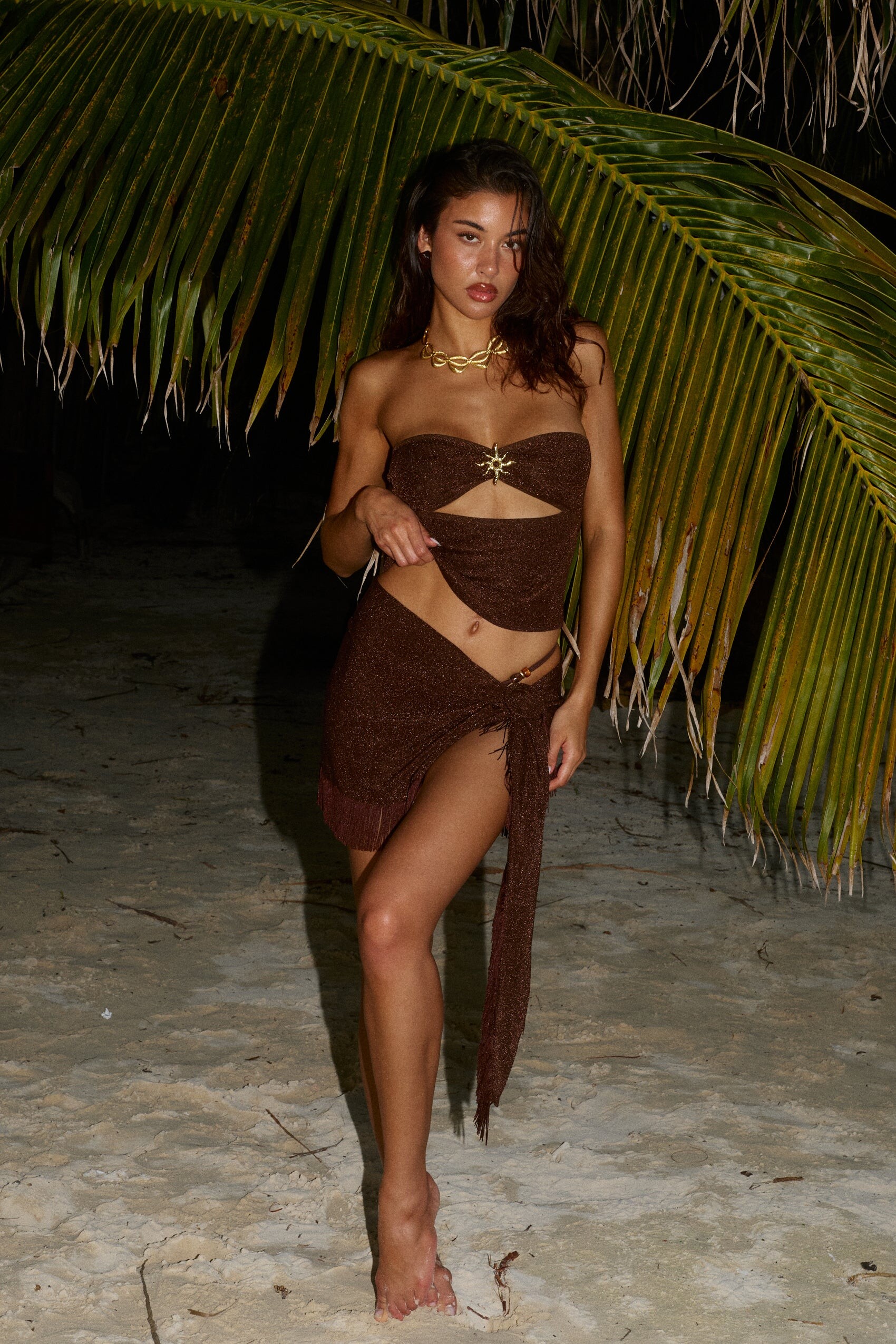
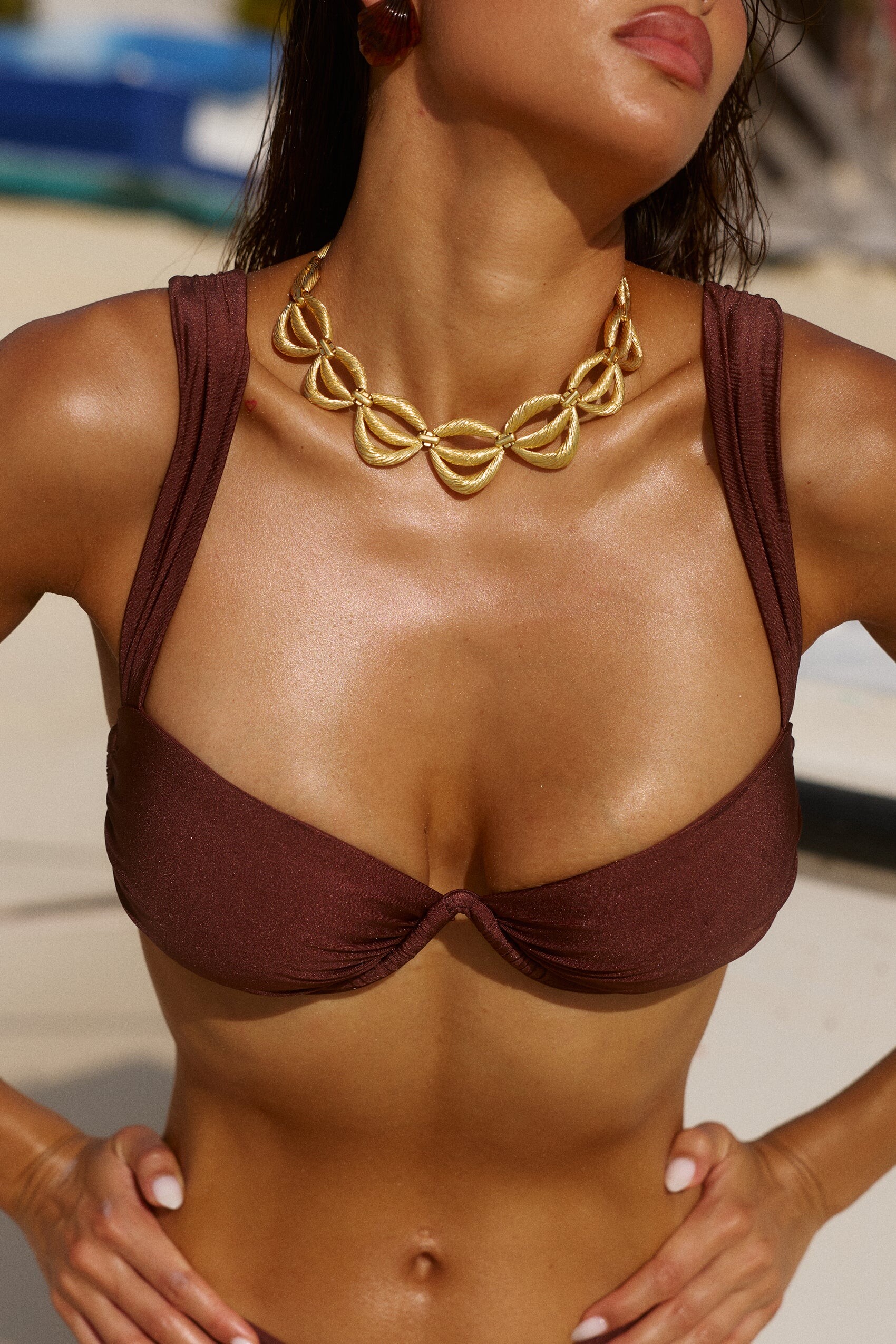

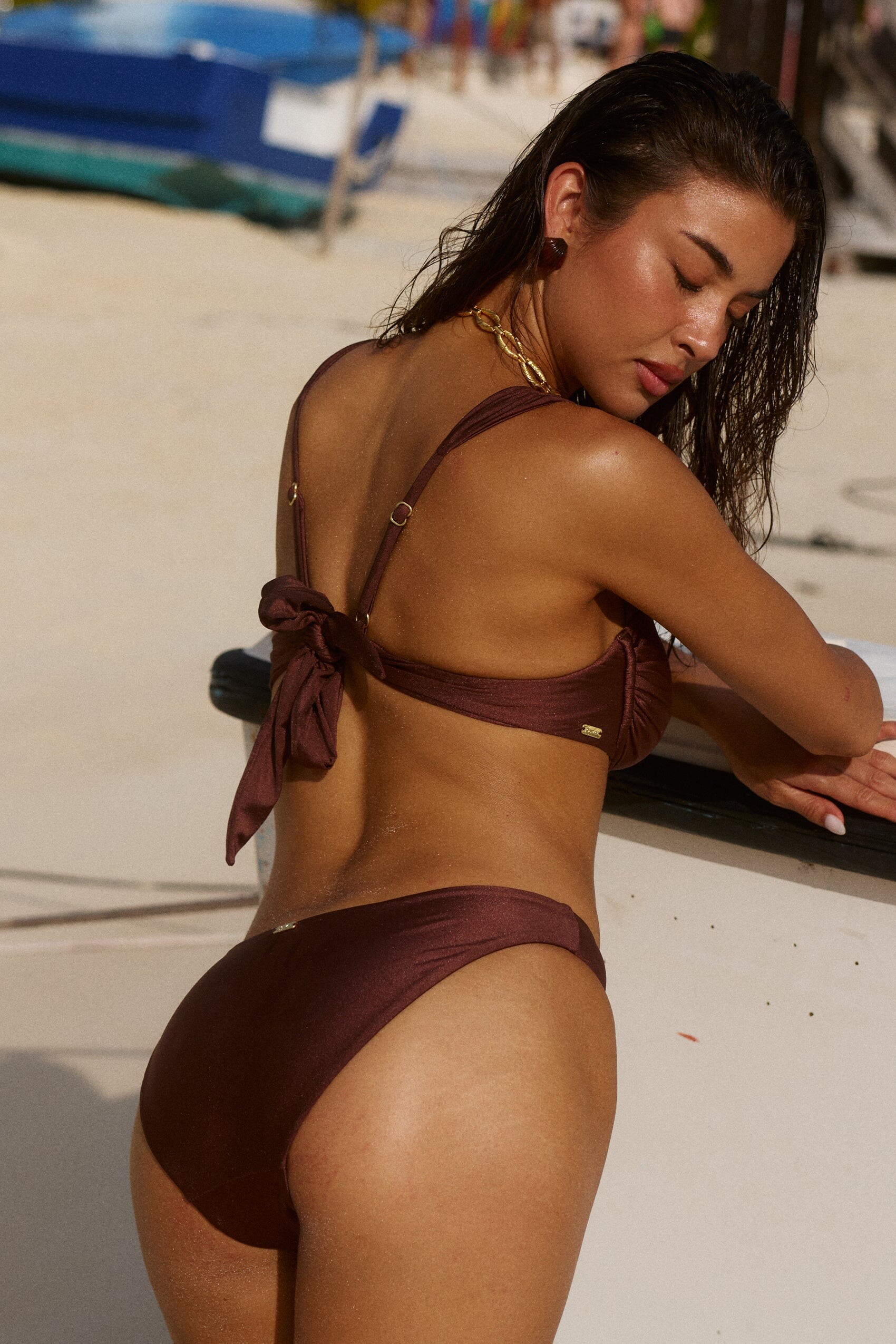







.jpg.a43380cf636968983528947027f9c943.jpg)
.jpg.05b1a69536cb5411d7be670879a9d25c.jpg)
.jpg.e38fefe2c5444351d84d36f40112abb0.jpg)



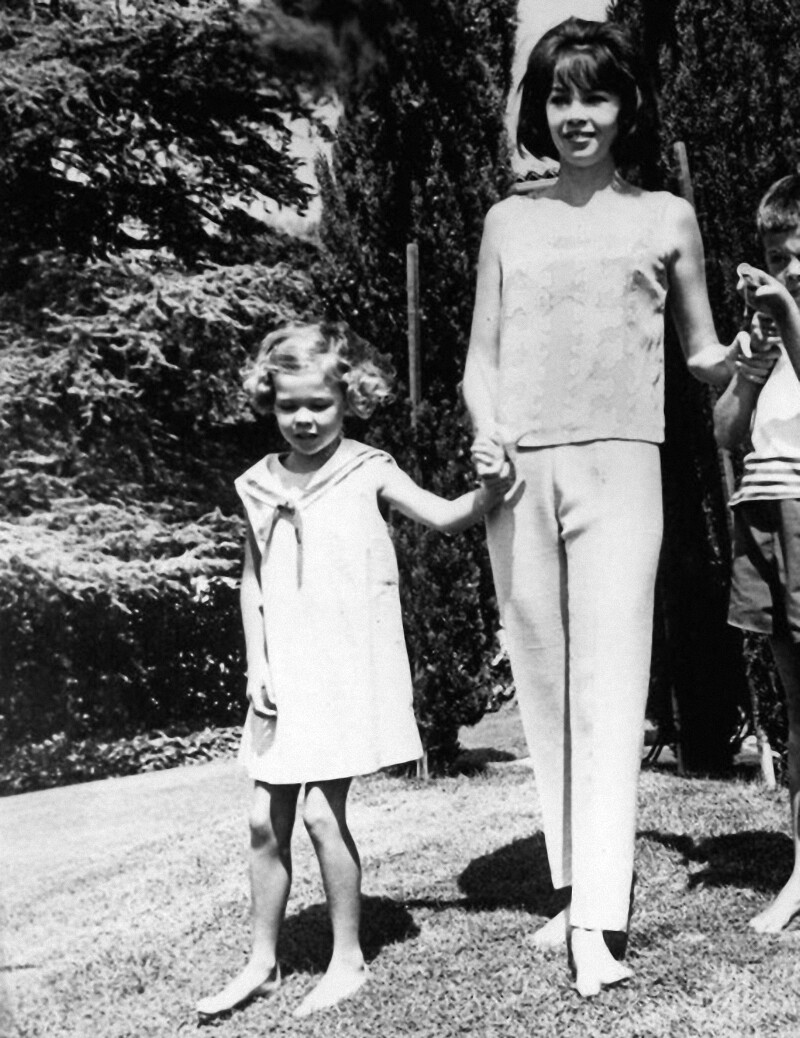


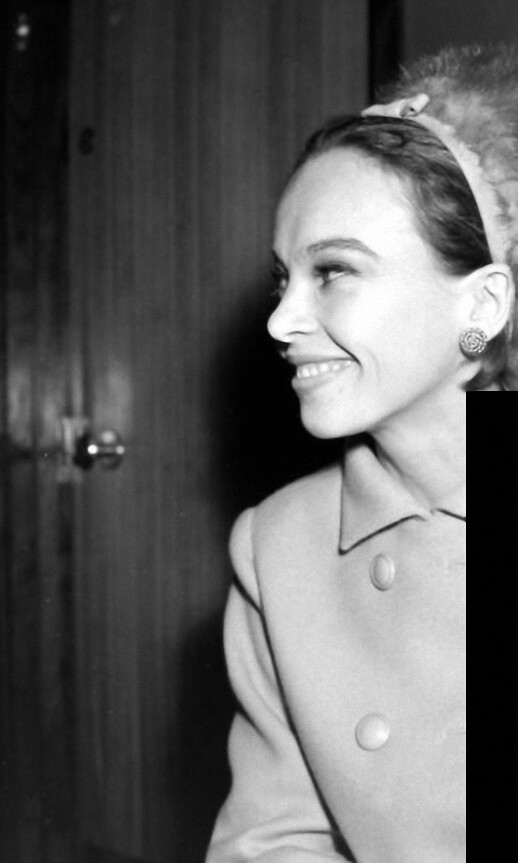
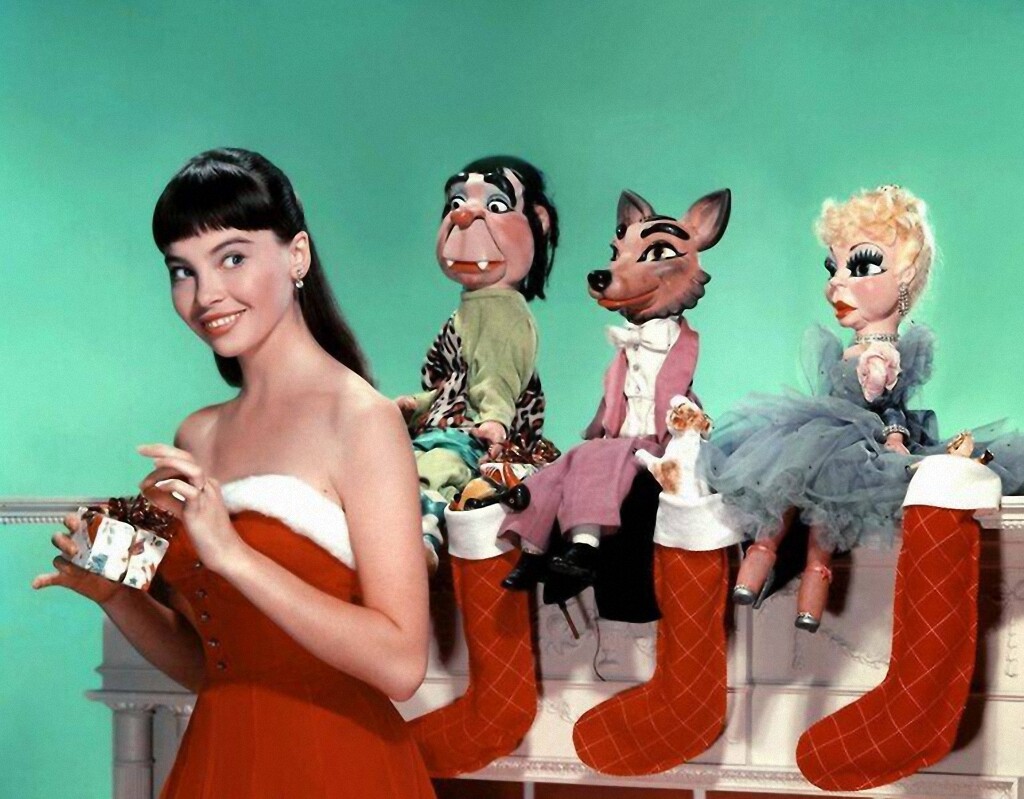

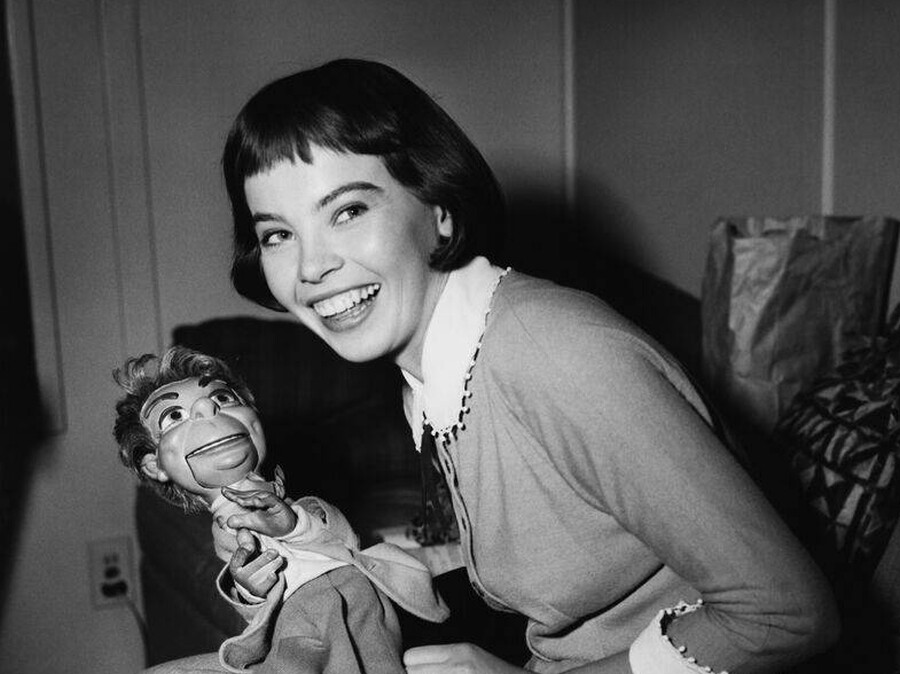

Account
Search
Configure browser push notifications
Chrome (Android)
- Tap the lock icon next to the address bar.
- Tap Permissions → Notifications.
- Adjust your preference.
Chrome (Desktop)
- Click the padlock icon in the address bar.
- Select Site settings.
- Find Notifications and adjust your preference.
Safari (iOS 16.4+)
- Ensure the site is installed via Add to Home Screen.
- Open Settings App → Notifications.
- Find your app name and adjust your preference.
Safari (macOS)
- Go to Safari → Preferences.
- Click the Websites tab.
- Select Notifications in the sidebar.
- Find this website and adjust your preference.
Edge (Android)
- Tap the lock icon next to the address bar.
- Tap Permissions.
- Find Notifications and adjust your preference.
Edge (Desktop)
- Click the padlock icon in the address bar.
- Click Permissions for this site.
- Find Notifications and adjust your preference.
Firefox (Android)
- Go to Settings → Site permissions.
- Tap Notifications.
- Find this site in the list and adjust your preference.
Firefox (Desktop)
- Open Firefox Settings.
- Search for Notifications.
- Find this site in the list and adjust your preference.