All Activity
- Past hour
-
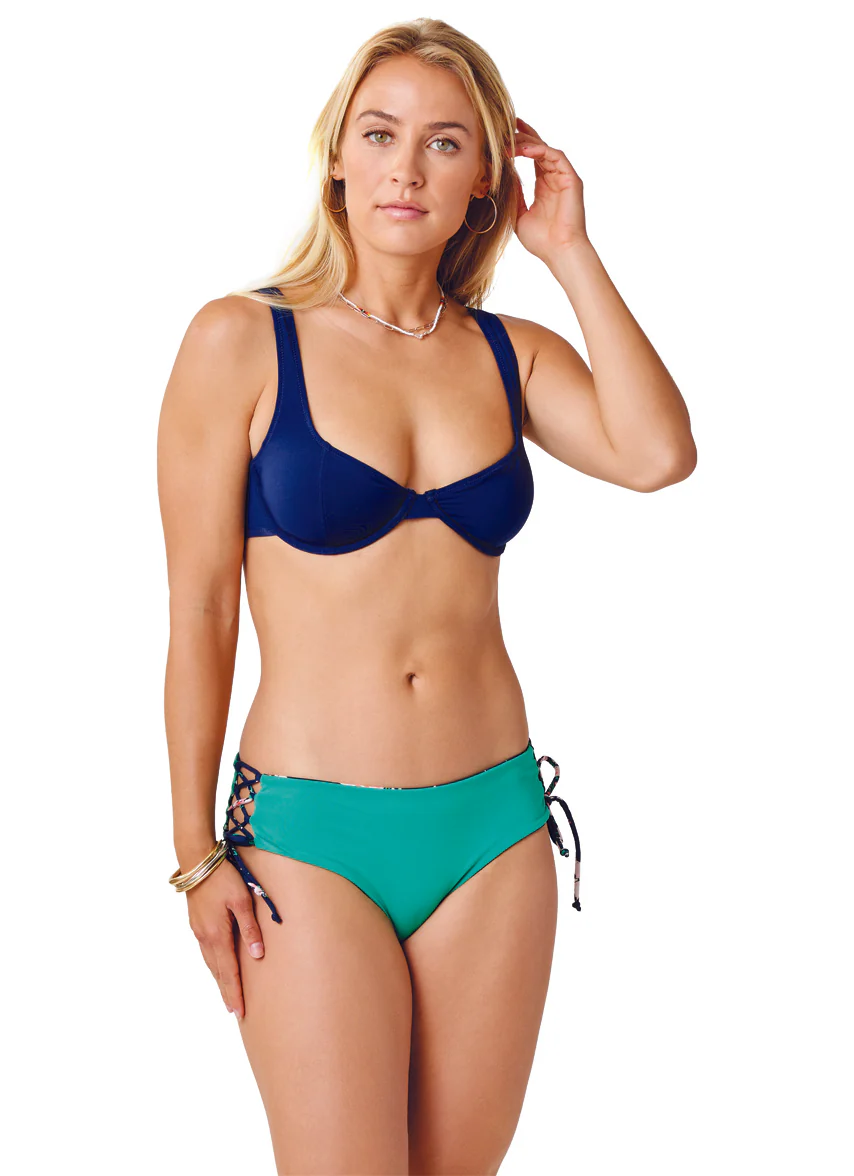
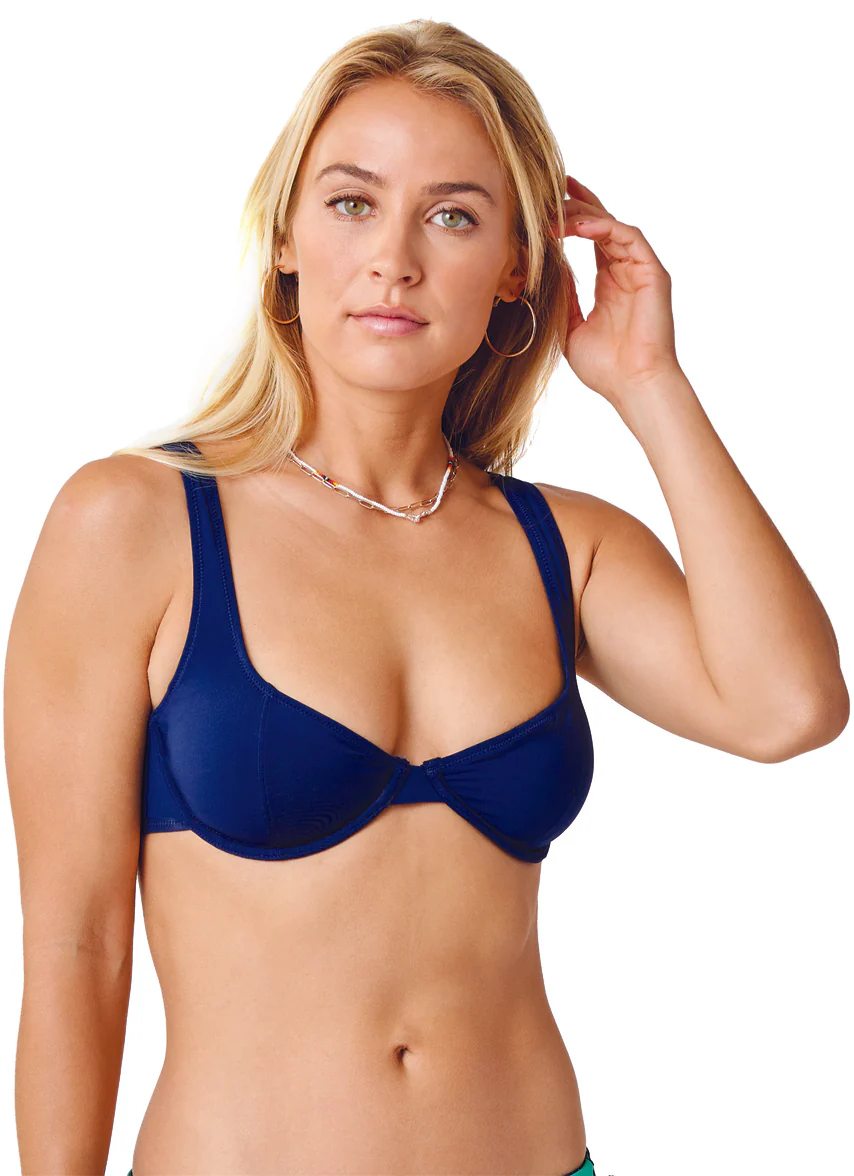
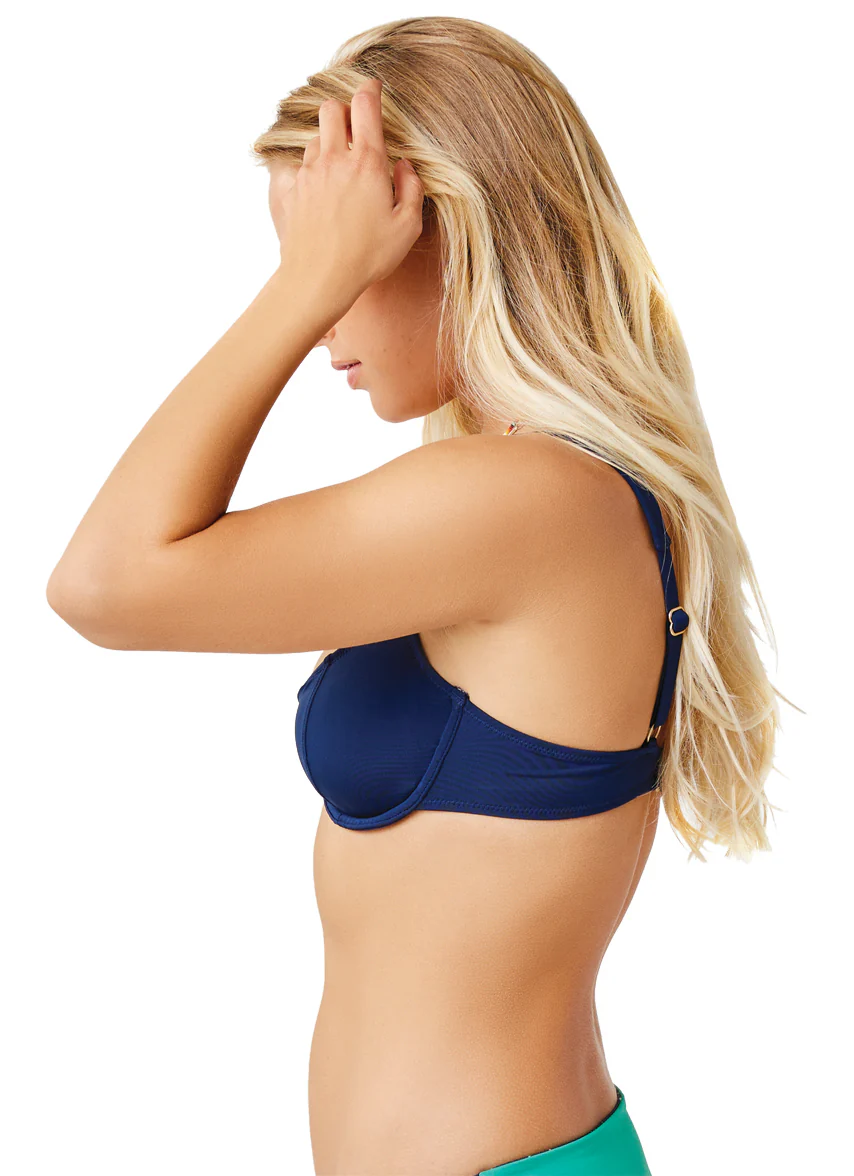
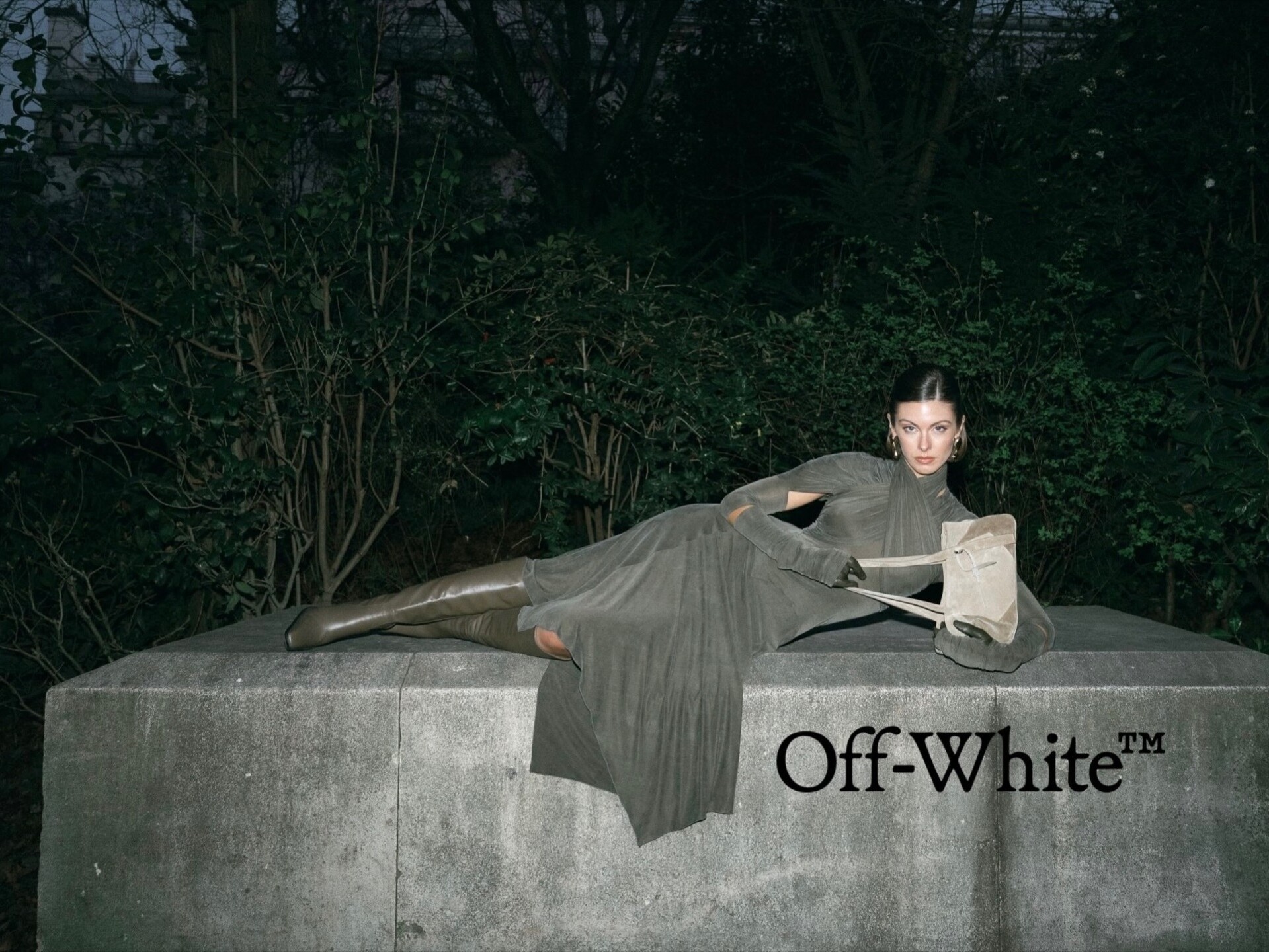
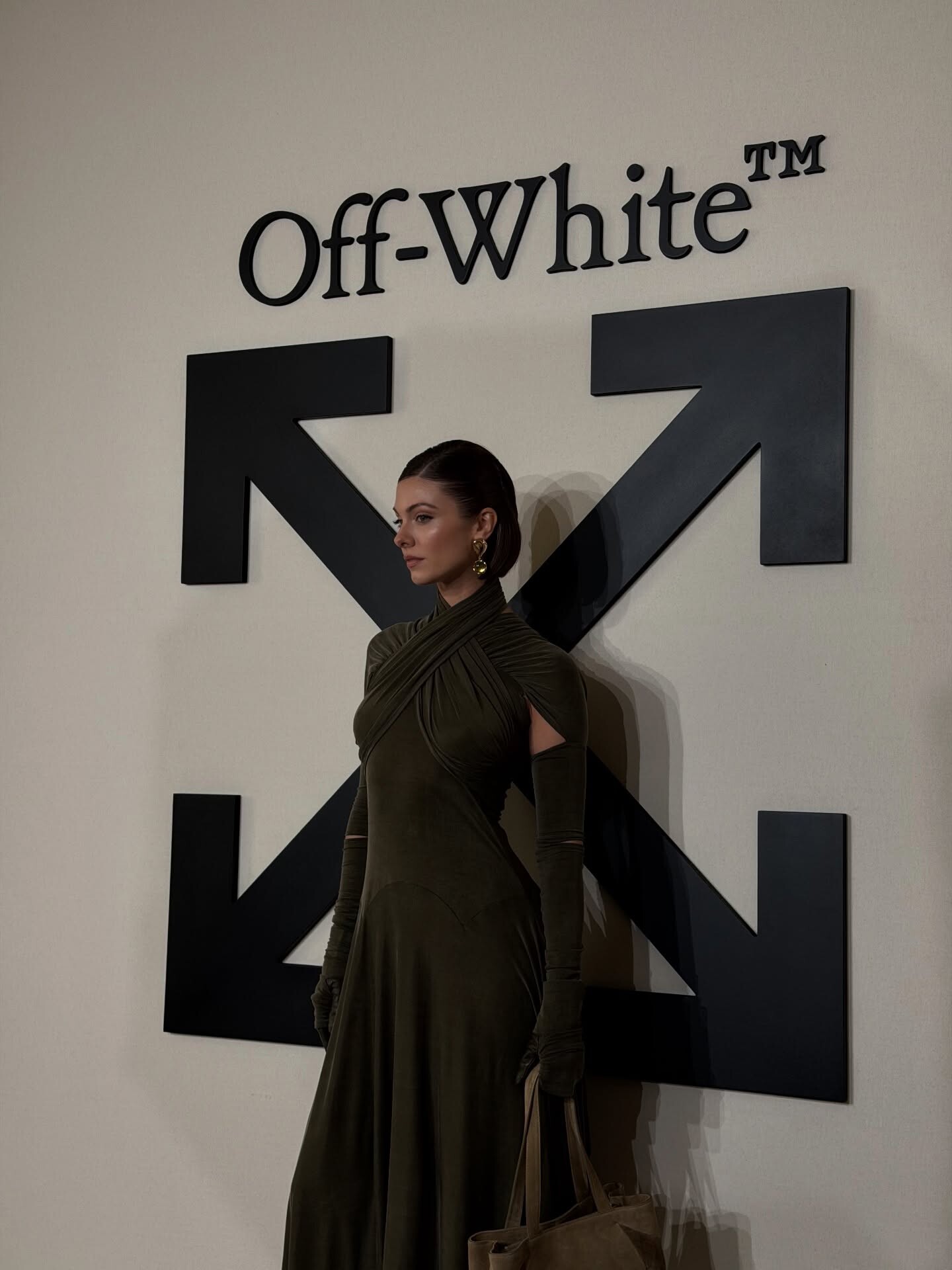
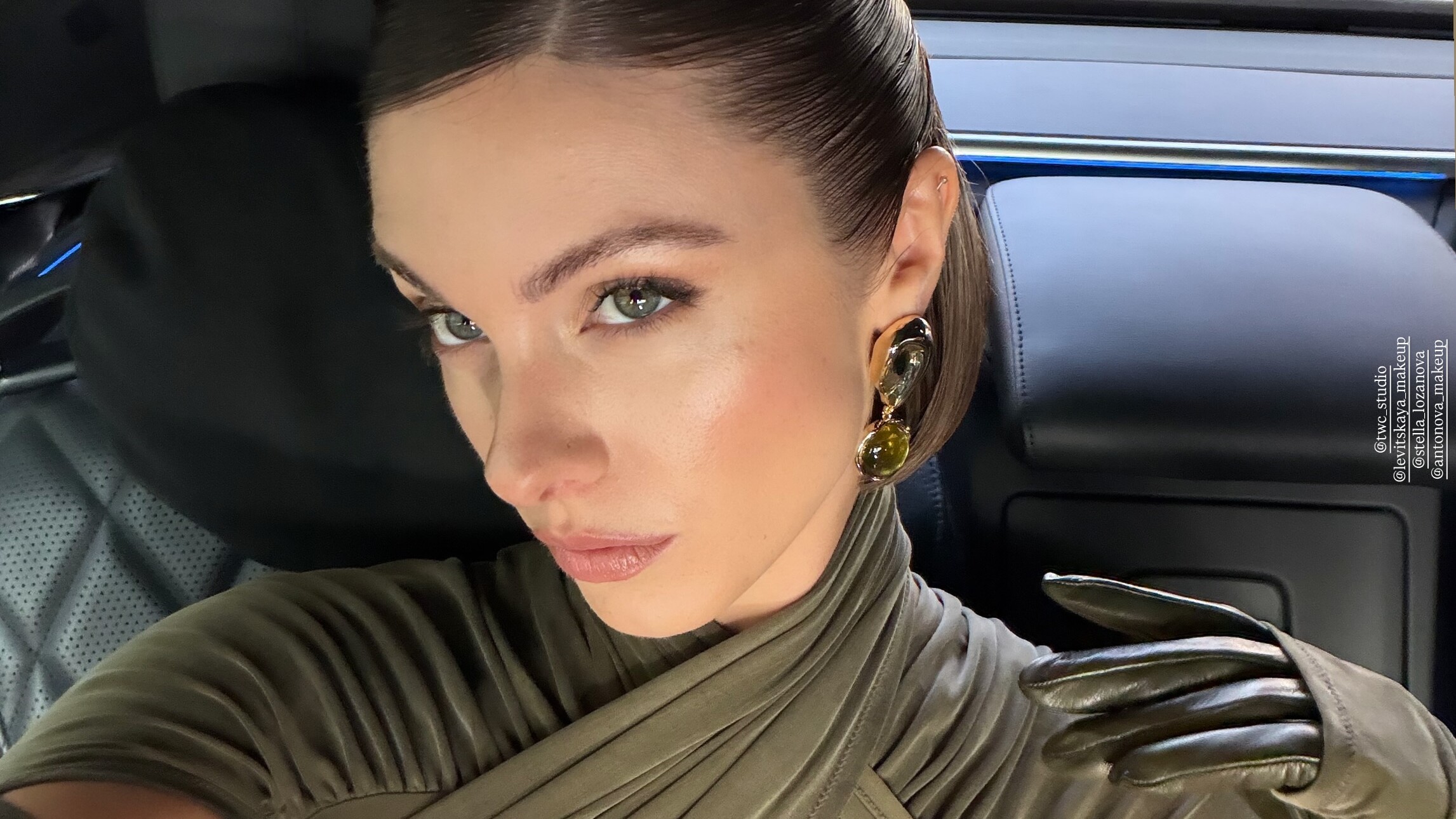
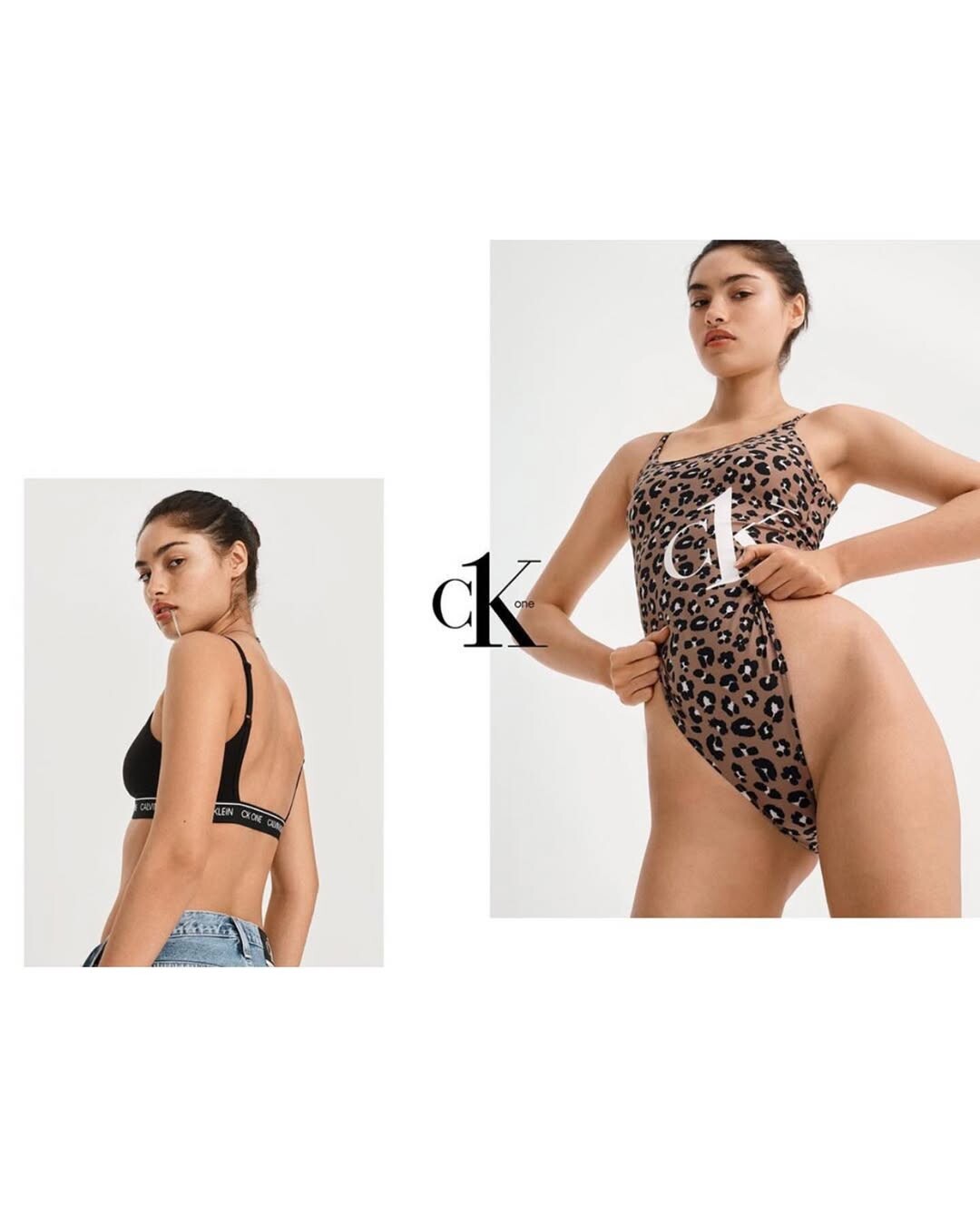
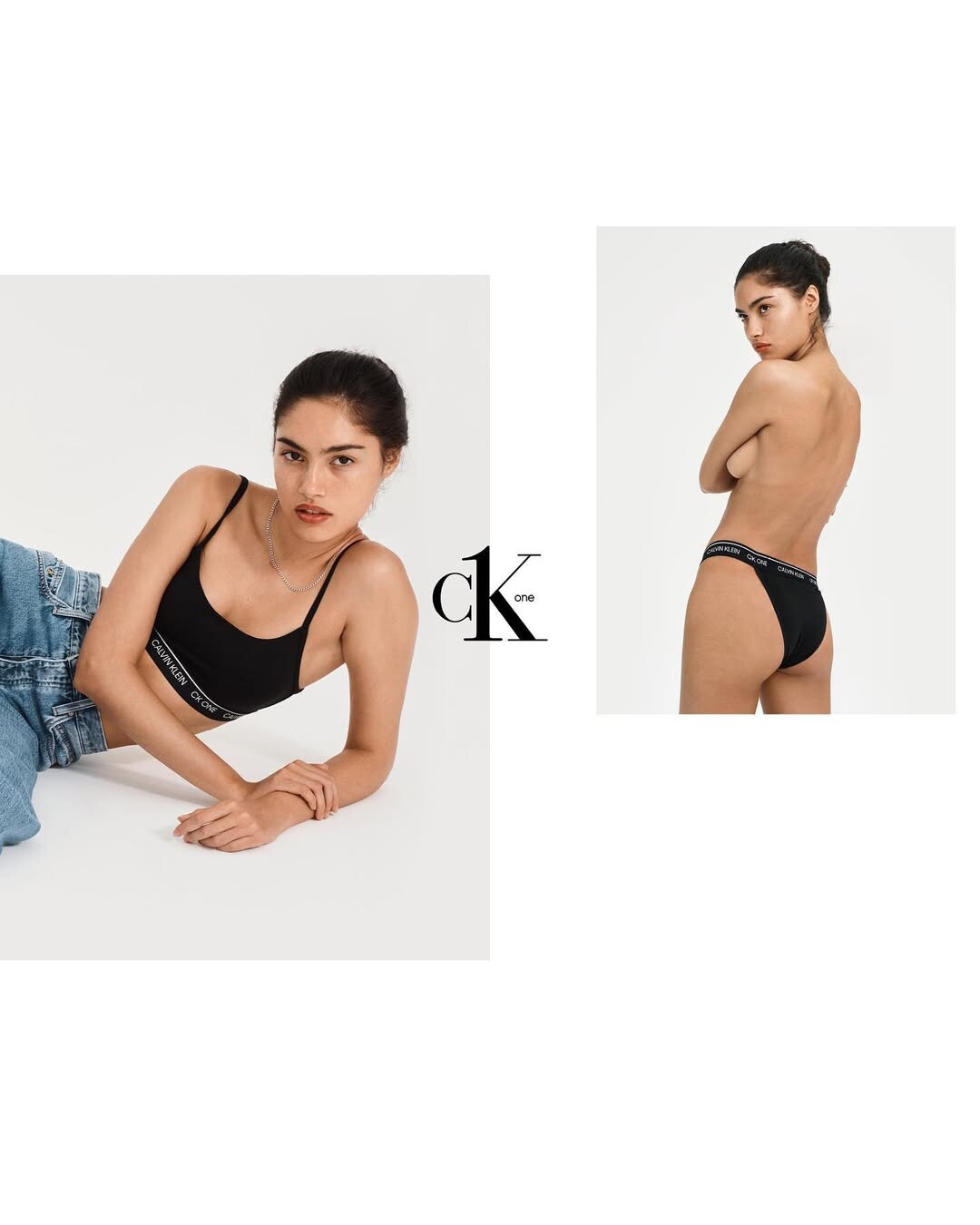
 Russian model in Spain Model & Sales assistant Carolina Alexandrova | LinkedIn CAROLINA ALEXANDROVA • Instagram CAROLINA ALEXANDROVA || Uniko Models Carolina Alexandrova | TikTok Carolina Alexandrova Height : 170cm Bustt : 89cm Waist : 68cm Hips : 91cm Shoes : 7us Eyes : Brown Hair : Brown https://www.iconicmodels.eu/post/carolina-alexandrova




-

 https://www.instagram.com/alexandramalenaleclerc/p/DVY6-AQDJOC/
https://www.instagram.com/p/DVY2WqMCMZ2/?img_index=1
https://www.instagram.com/alexandramalenaleclerc/p/DVY6-AQDJOC/
https://www.instagram.com/p/DVY2WqMCMZ2/?img_index=1

 37th Annual GLAAD Media Awards in Beverly Hills March 5, 2026 wtr1023 at picturepub





































































 Late Night with Seth Meyers
 Luis Angel joined the community
Viktoriya Sekrieknovich
stories video
Luis Angel joined the community
Viktoriya Sekrieknovich
stories video



 She was in world cup 1998 ....
SunsolveMD: A night to remember 🤍 We celebrated the launch of our LipidRestore Volumize range at harrods with hoskelsa and the creators who have been part of our journey. video
She was in world cup 1998 ....
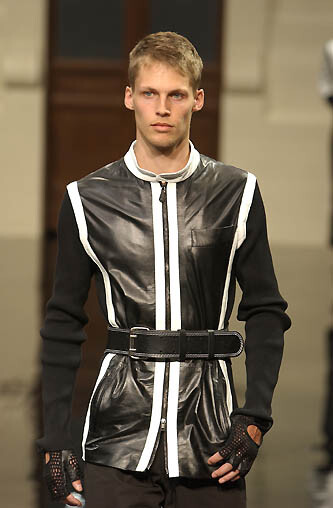
SunsolveMD: A night to remember 🤍 We celebrated the launch of our LipidRestore Volumize range at harrods with hoskelsa and the creators who have been part of our journey. video GF BY GIANFRACO FERRE MENSWEAR SS02
 Fashion is our profession ✨ video
 gff by gianfraco ferre f/w 2001


Account
Navigation
Search
Configure browser push notifications
Chrome (Android)
- Tap the lock icon next to the address bar.
- Tap Permissions → Notifications.
- Adjust your preference.
Chrome (Desktop)
- Click the padlock icon in the address bar.
- Select Site settings.
- Find Notifications and adjust your preference.
Safari (iOS 16.4+)
- Ensure the site is installed via Add to Home Screen.
- Open Settings App → Notifications.
- Find your app name and adjust your preference.
Safari (macOS)
- Go to Safari → Preferences.
- Click the Websites tab.
- Select Notifications in the sidebar.
- Find this website and adjust your preference.
Edge (Android)
- Tap the lock icon next to the address bar.
- Tap Permissions.
- Find Notifications and adjust your preference.
Edge (Desktop)
- Click the padlock icon in the address bar.
- Click Permissions for this site.
- Find Notifications and adjust your preference.
Firefox (Android)
- Go to Settings → Site permissions.
- Tap Notifications.
- Find this site in the list and adjust your preference.
Firefox (Desktop)
- Open Firefox Settings.
- Search for Notifications.
- Find this site in the list and adjust your preference.





























































































.webp.f28d564f37a08a58b857daa676645e7c.webp)