All Activity
- Past hour
-
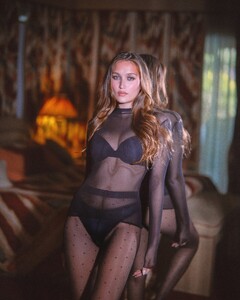
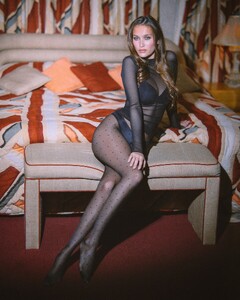
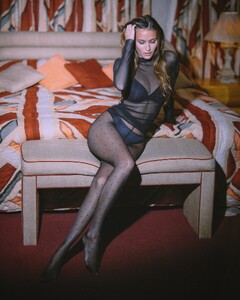
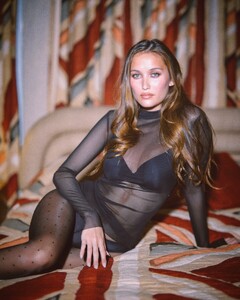
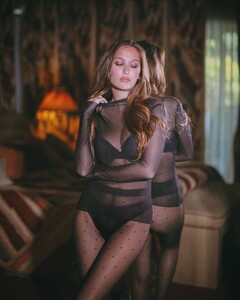
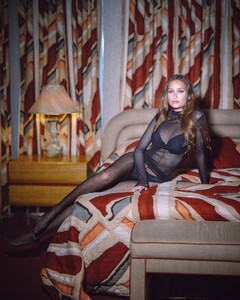
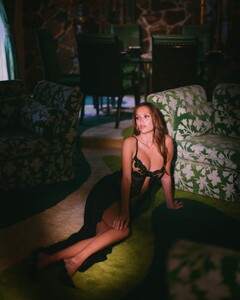
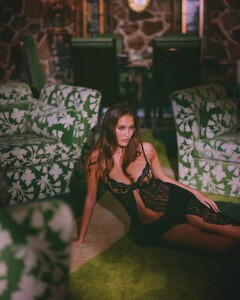
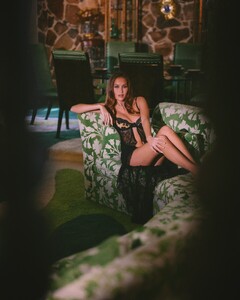
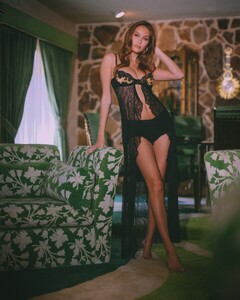
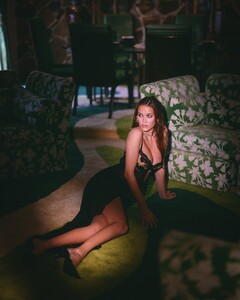
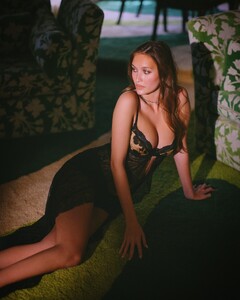
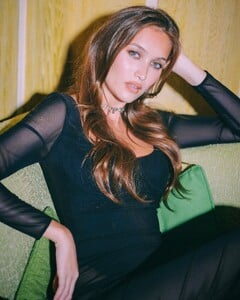
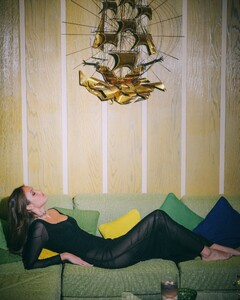
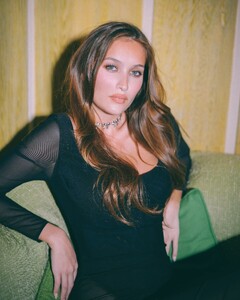
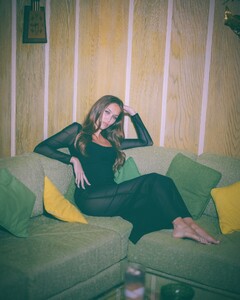
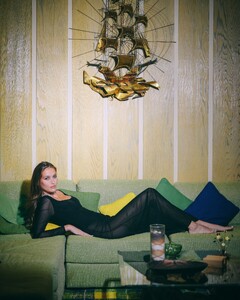
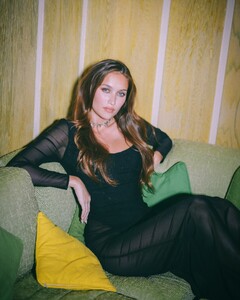
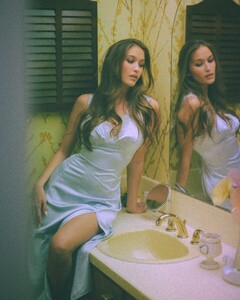
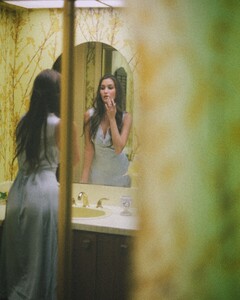
 @frorojas videos frorojas_AQMDniHdbZUZ3TZqA1sr1qPeoyso1XBLofe_fO-6zK4lWIPAc42h1pWAmuVtxNvXN94K-o6mLk_nRc8IbFHkunaWfxN9PBU-9apXaCA.mp4closetrichh_AQMjykSJR1HafHyxE2LNSugQF3weFJy_upJwX--Oak1tRDdQOjcLwpVa6tgr2aSa9Wi9P7qZ8-3ZuM3qY4HWvcqYgVmBJQ-VfSwgs-0.mp4closetrichh_AQNnPpl7aDo_jGMhkdCUW6iRHg-hjmr_HShSyO2THYxN_sY52XKYLh4qOaS4uHGPg8P7e-dYMt7SDroc4fvtTC1Kiul3bNaPgB1O2bU.mp4frorojas_AQOI1IlKlwJ4vIyQyVx8eYVZ9kqY5e5e81orzhl_4qa7MUmeAk6V4FoLXiM8mUx4Jew09bZsSlT__0ya6mV6OXktG4CGSUquPXdLa1Y.mp4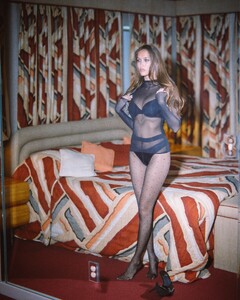
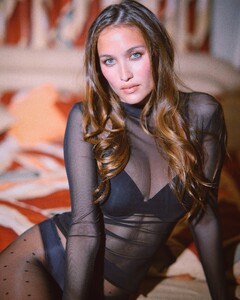
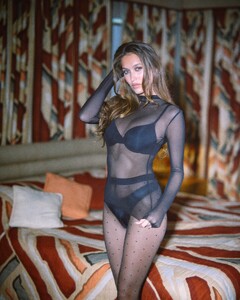
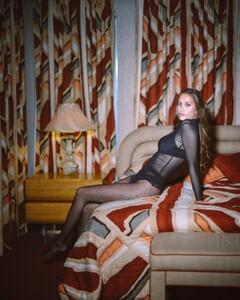
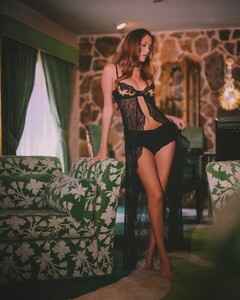
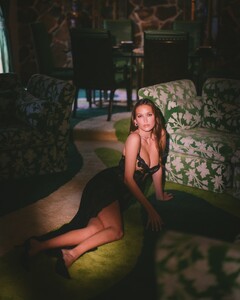
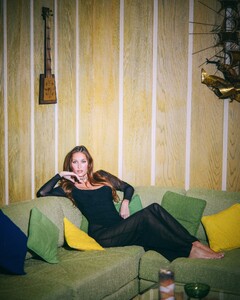
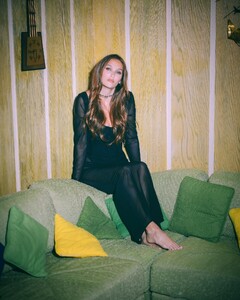
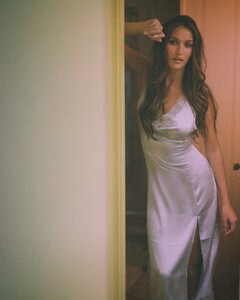
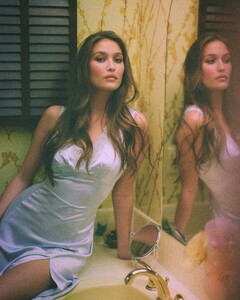
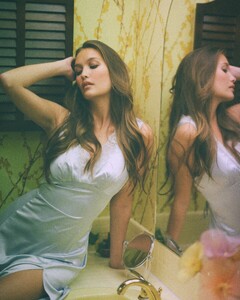
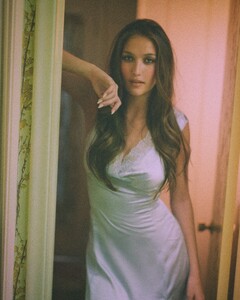

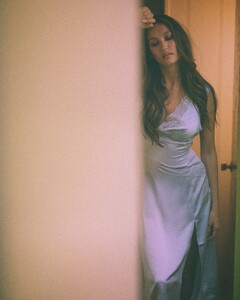
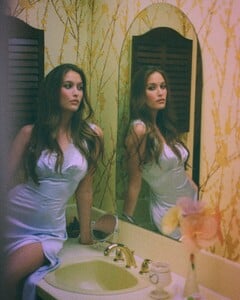
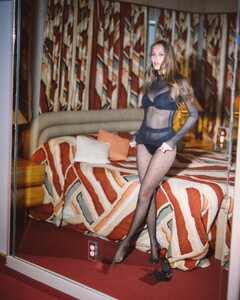
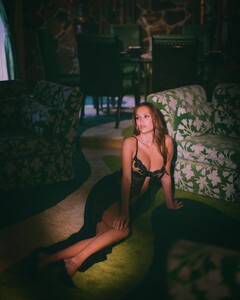
-
 evgenijtopik1 joined the community
 -
-

 Most recent
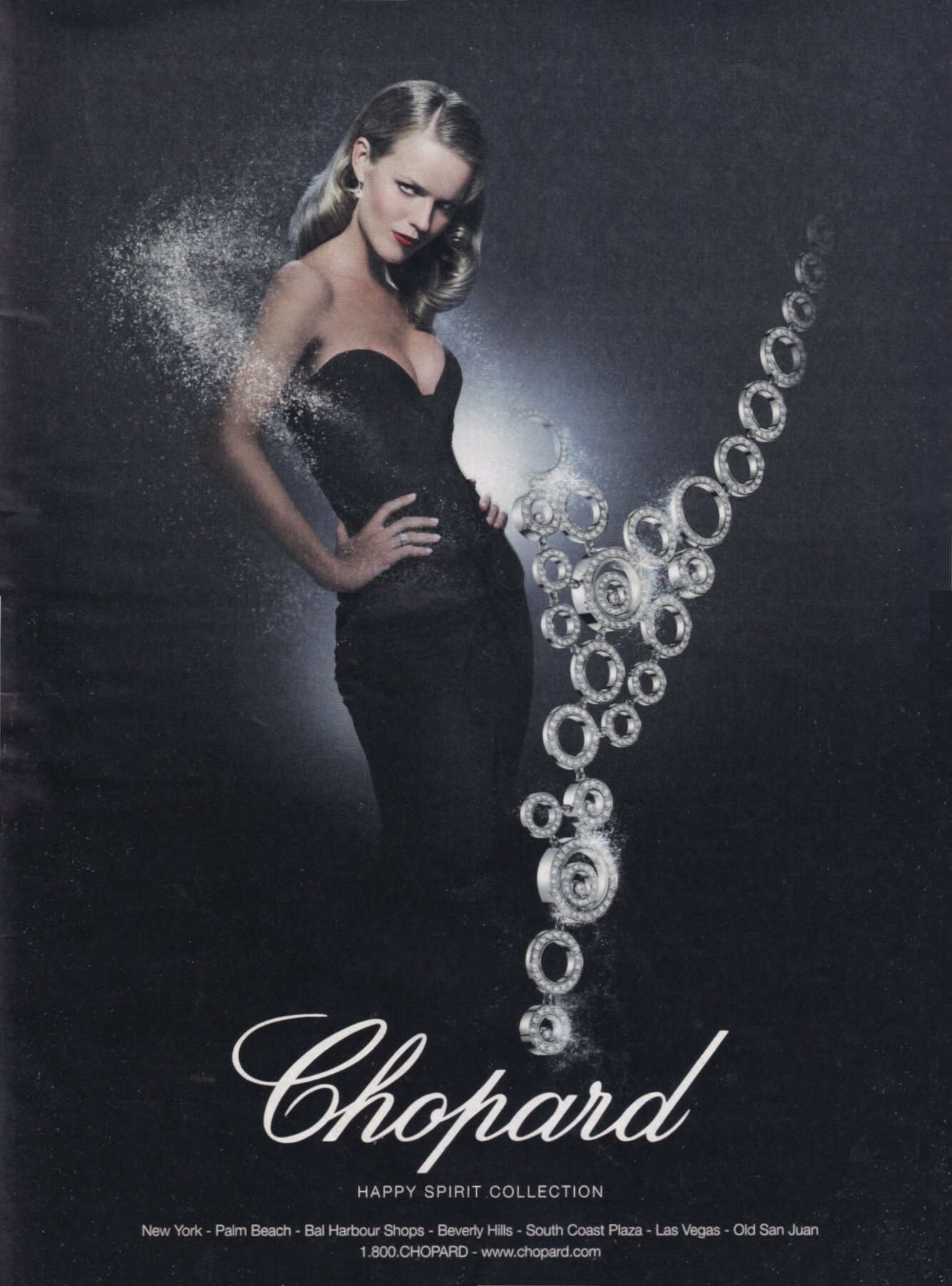
 Eva Herzigova for Chopard, 2006 my scan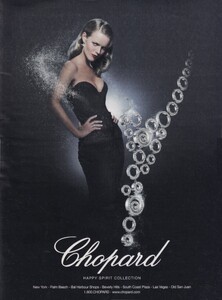
 stéphanie janes
gabriella dufwa
stéphanie janes
gabriella dufwa- Today

 voiddemon joined the community
 AQPQZkU3nxerk4p6hi-JvIAc1oZXgjhf59icUWcvxCF6owlIK3szBTYyQe5ZTOBiXvmHGT4BFRDAaW3fKgI-MnF6iL2_TmlE.mp4AQOv2Nl0rDSLgcS_UD2ERBWDl1owVroaElNbdf55RoKaKg437YgmlzaKVSxm8htRy826J5x6Pub1bjWE8xPh0DLk4h5I_JpL.mp4AQOYf2GKiUtYbkqs-p_x8oku8YxfifnppE31gnDNwEndvBqBeAB4ppTDQKu5jkK0lxz_6woQ5WIvdDEX2FHH6kZxnpAz8vt0.mp4
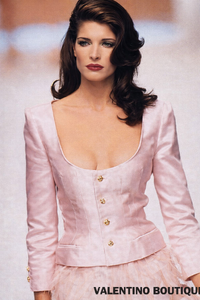
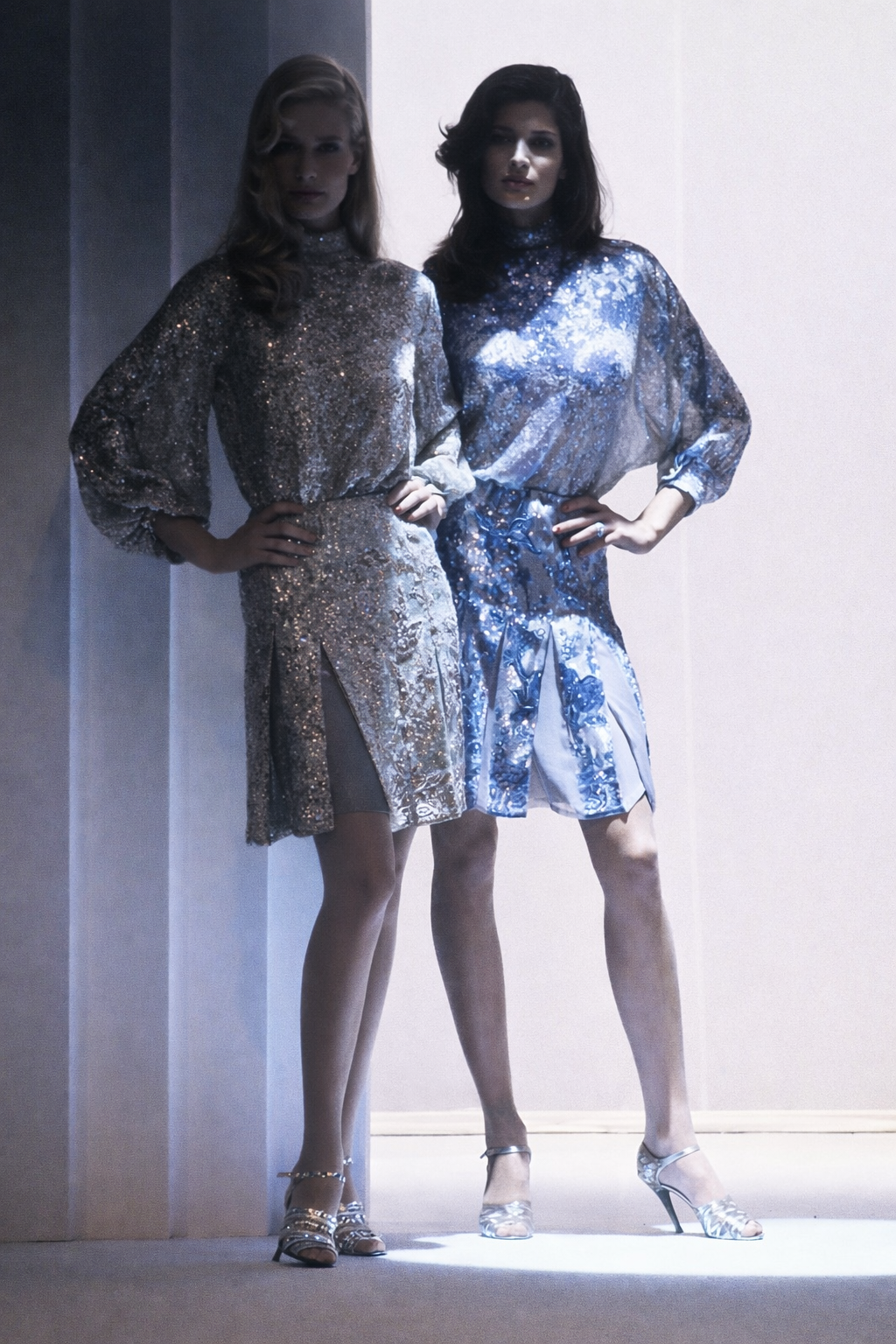
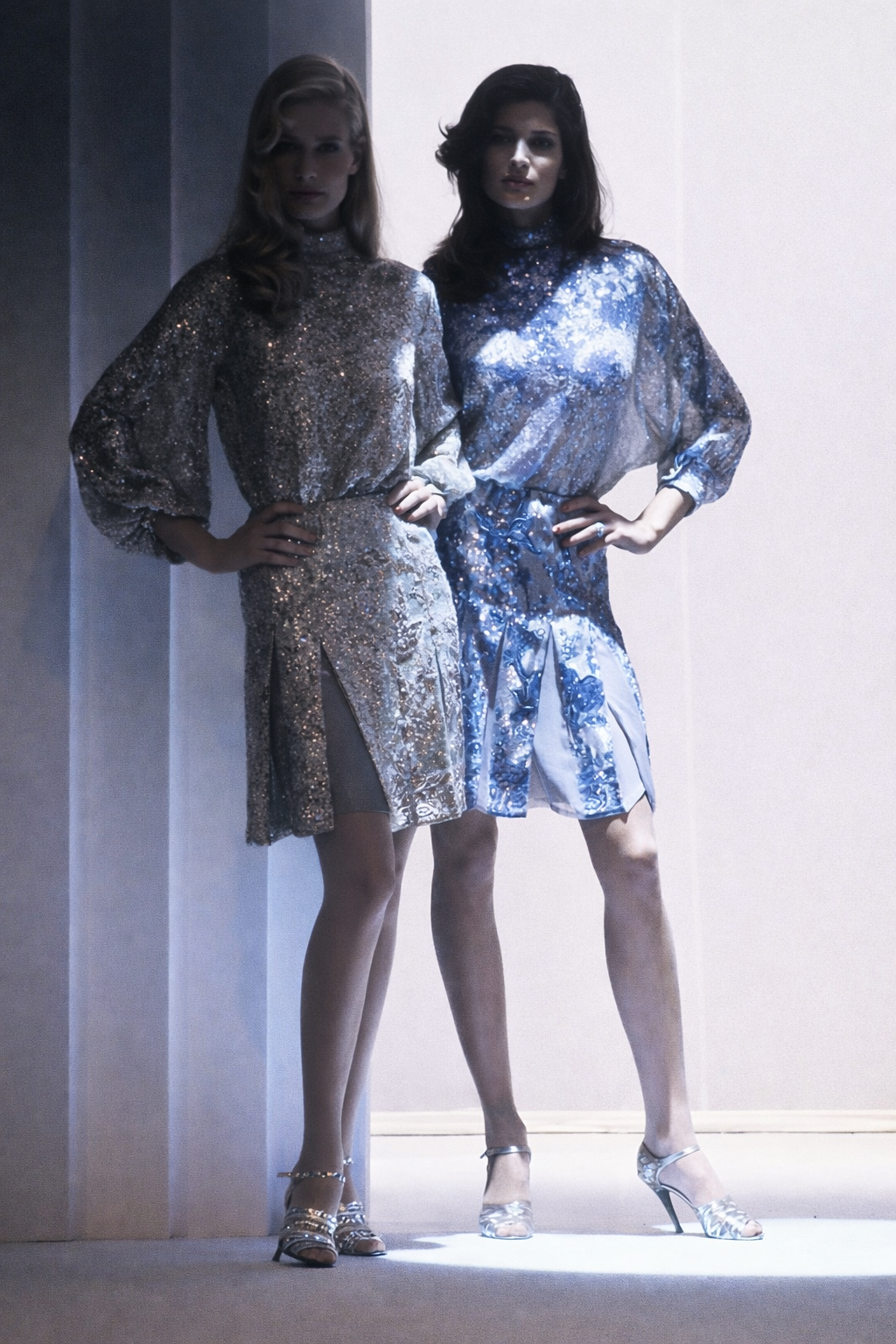
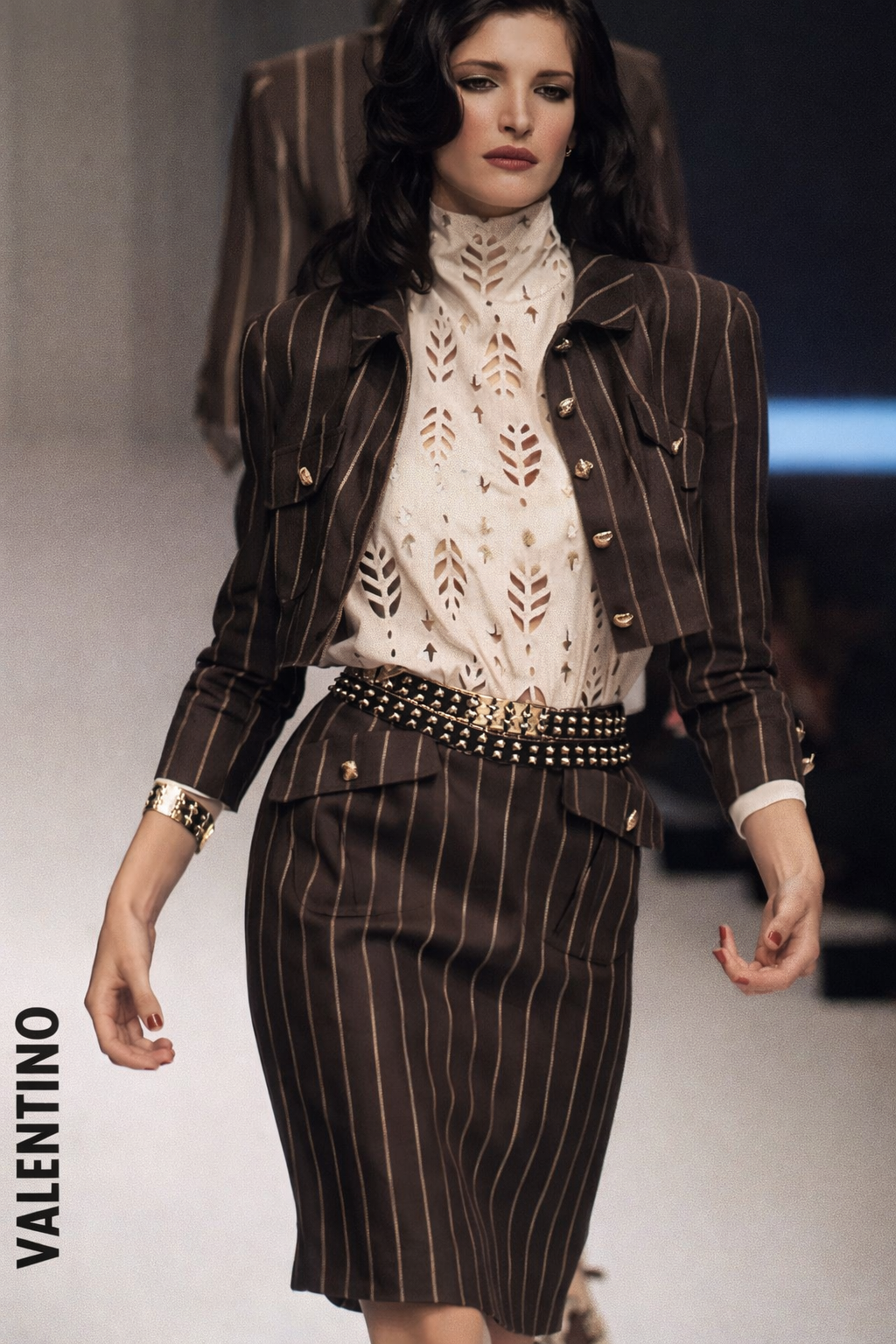
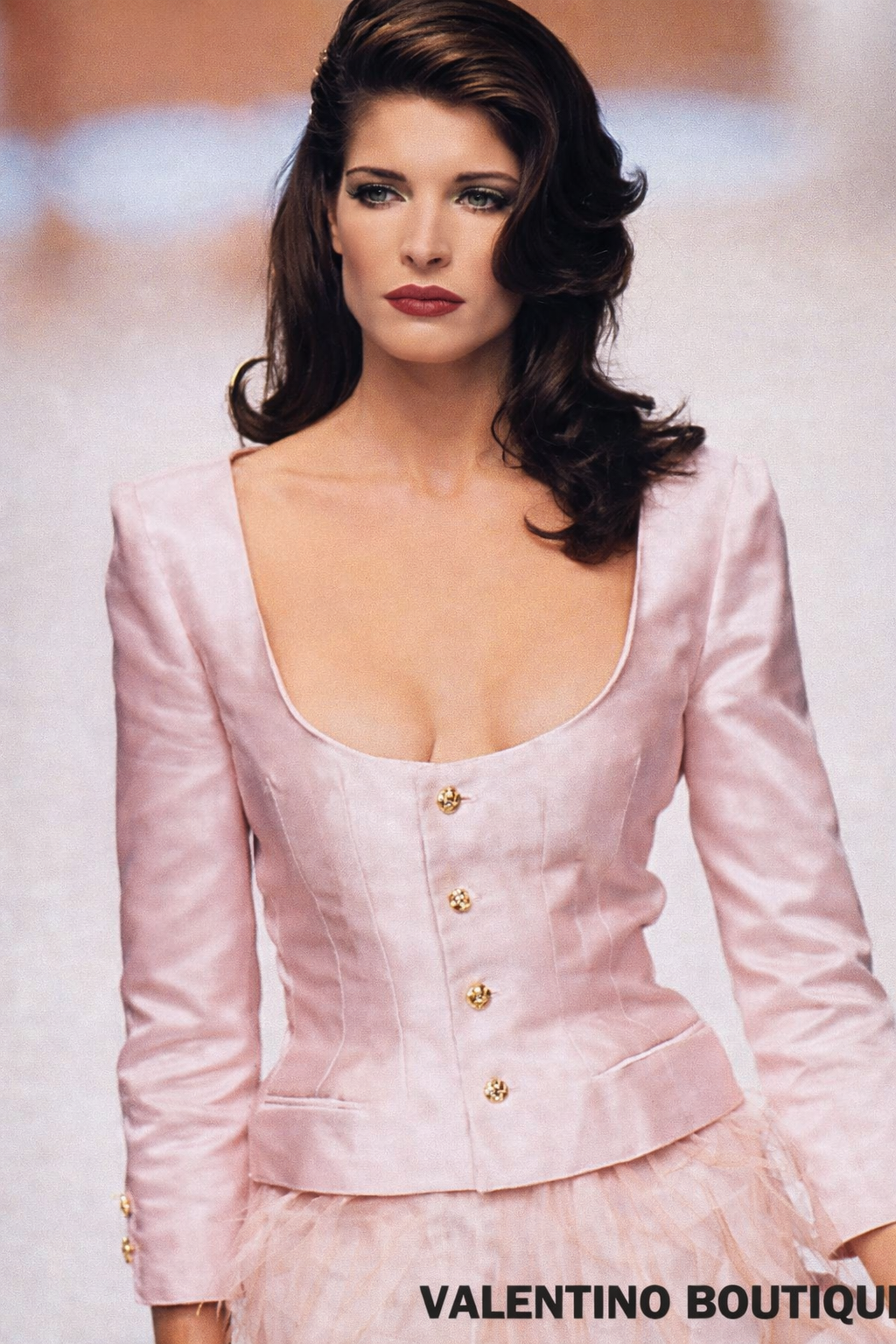
Karen Mulder & Stephanie Seymour for Valentino, ready-to-wear, spring/summer 1995
AQPQZkU3nxerk4p6hi-JvIAc1oZXgjhf59icUWcvxCF6owlIK3szBTYyQe5ZTOBiXvmHGT4BFRDAaW3fKgI-MnF6iL2_TmlE.mp4AQOv2Nl0rDSLgcS_UD2ERBWDl1owVroaElNbdf55RoKaKg437YgmlzaKVSxm8htRy826J5x6Pub1bjWE8xPh0DLk4h5I_JpL.mp4AQOYf2GKiUtYbkqs-p_x8oku8YxfifnppE31gnDNwEndvBqBeAB4ppTDQKu5jkK0lxz_6woQ5WIvdDEX2FHH6kZxnpAz8vt0.mp4
Karen Mulder & Stephanie Seymour for Valentino, ready-to-wear, spring/summer 1995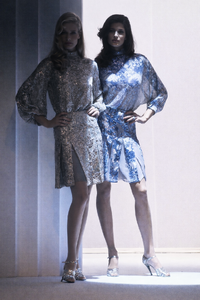

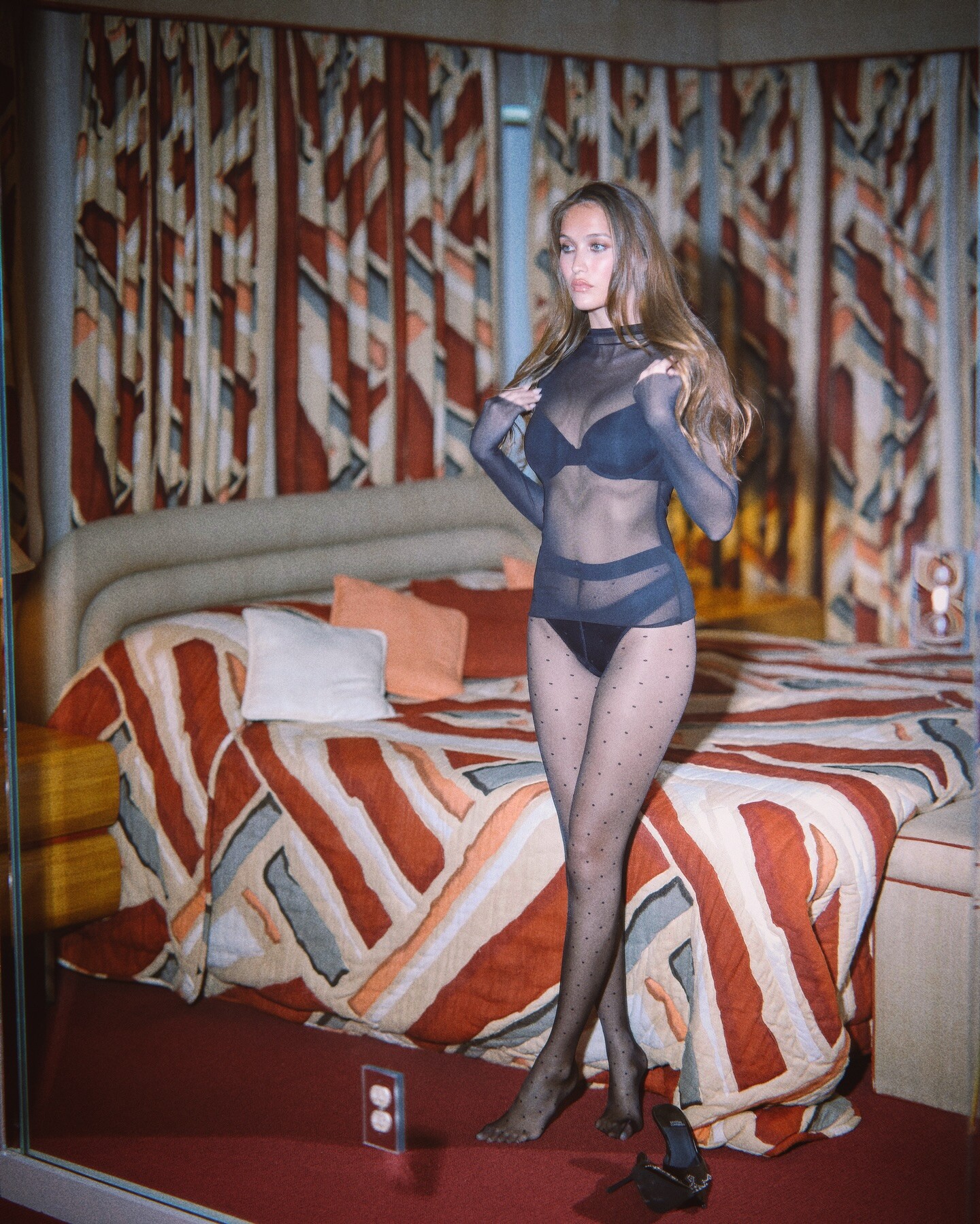
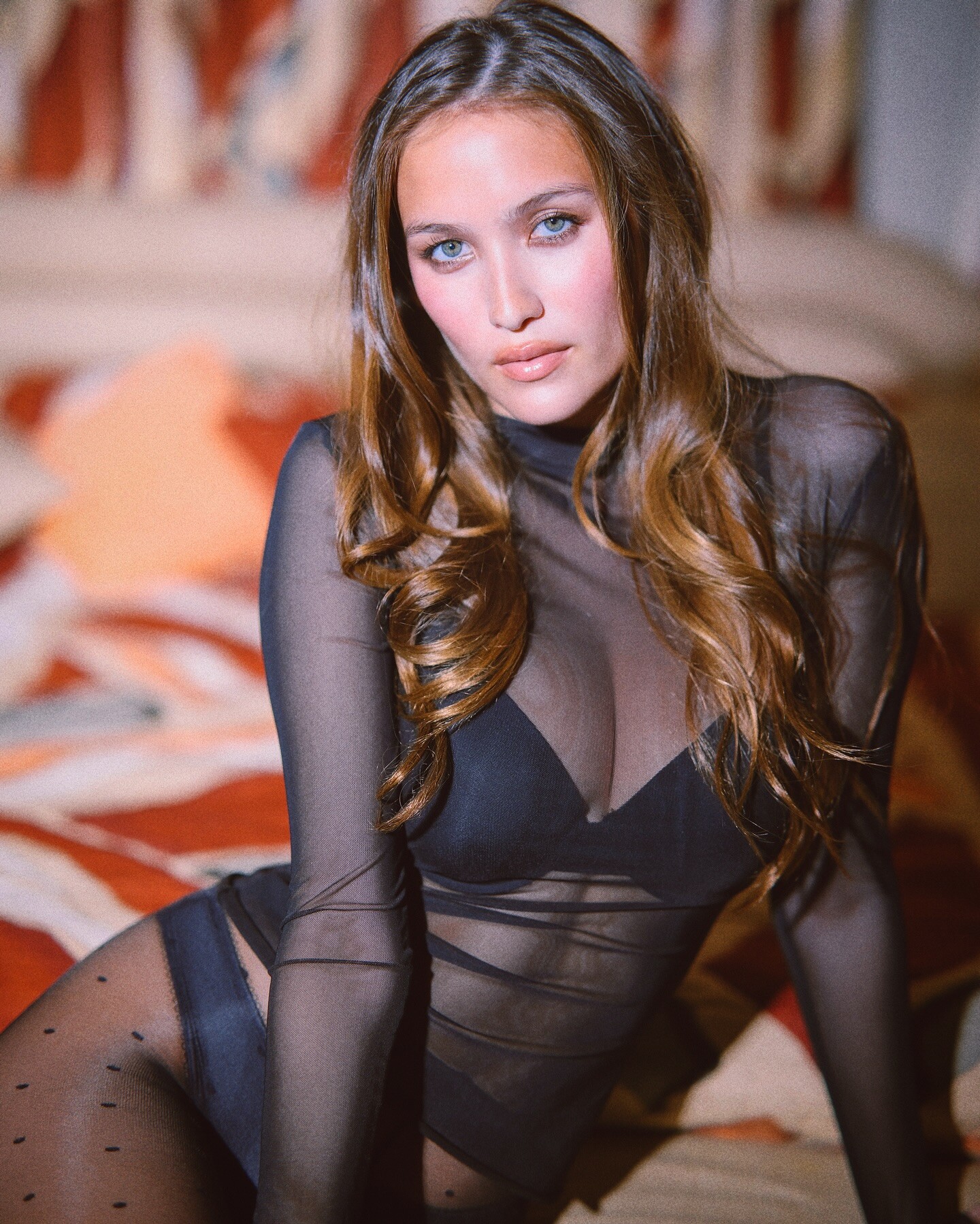
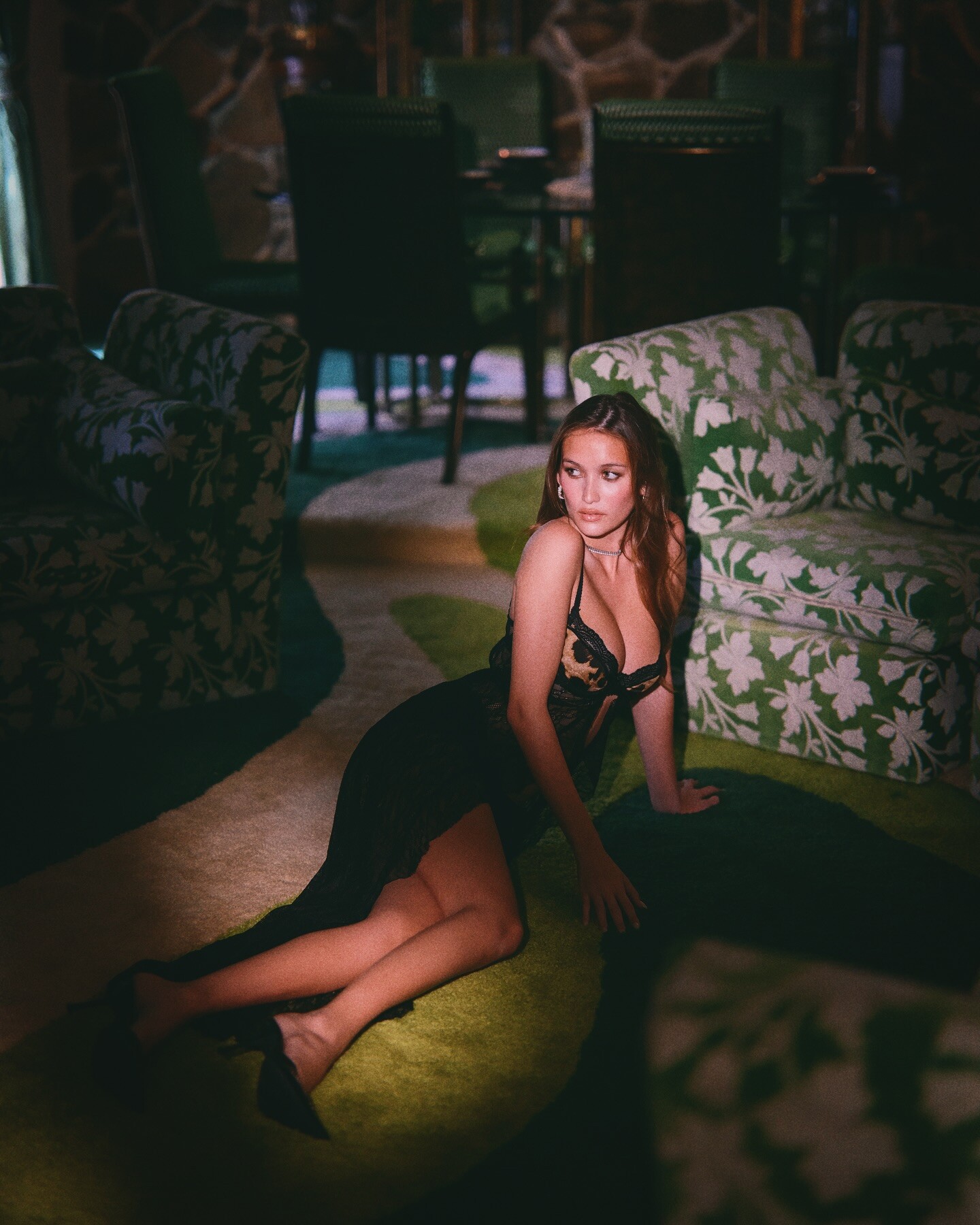
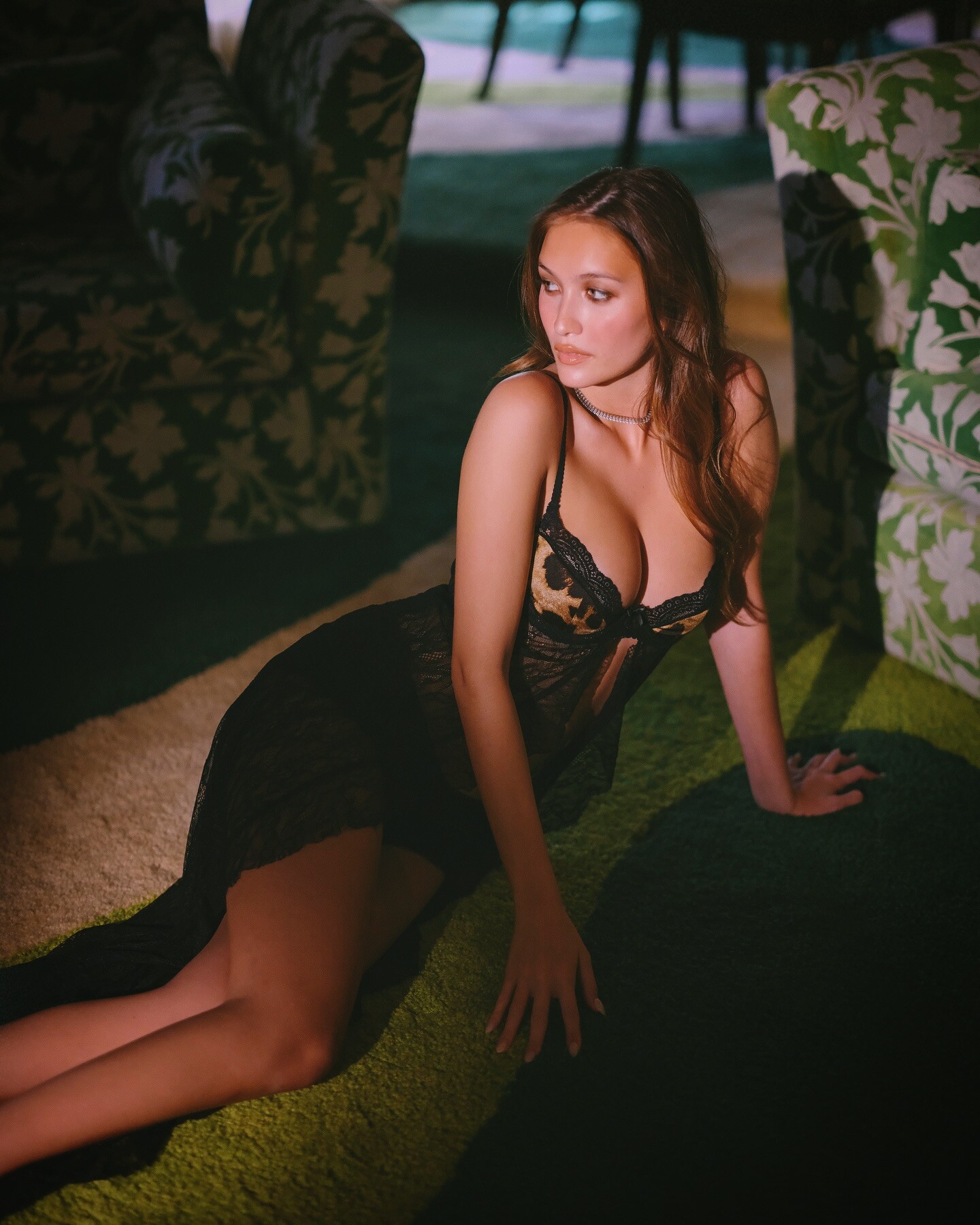
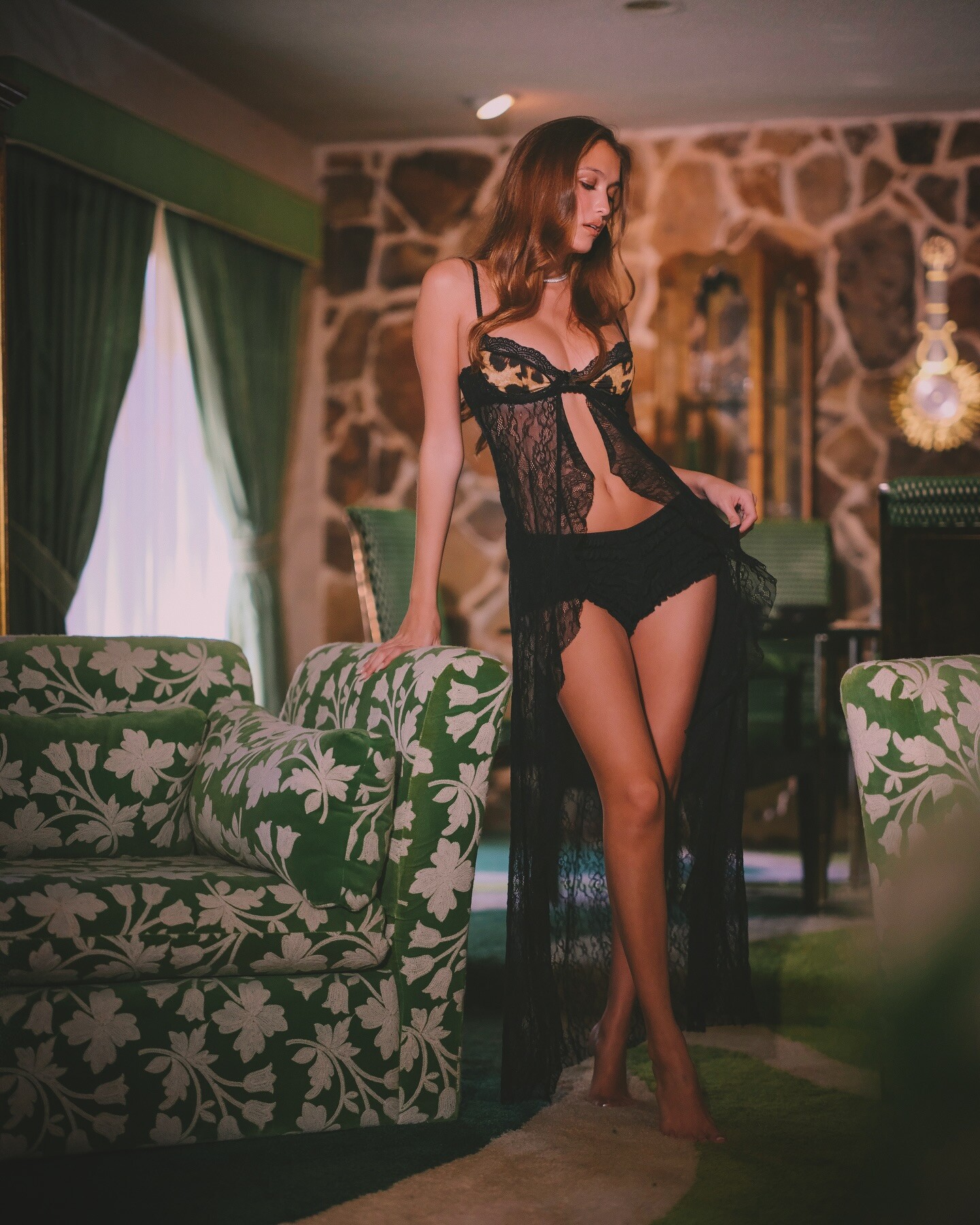
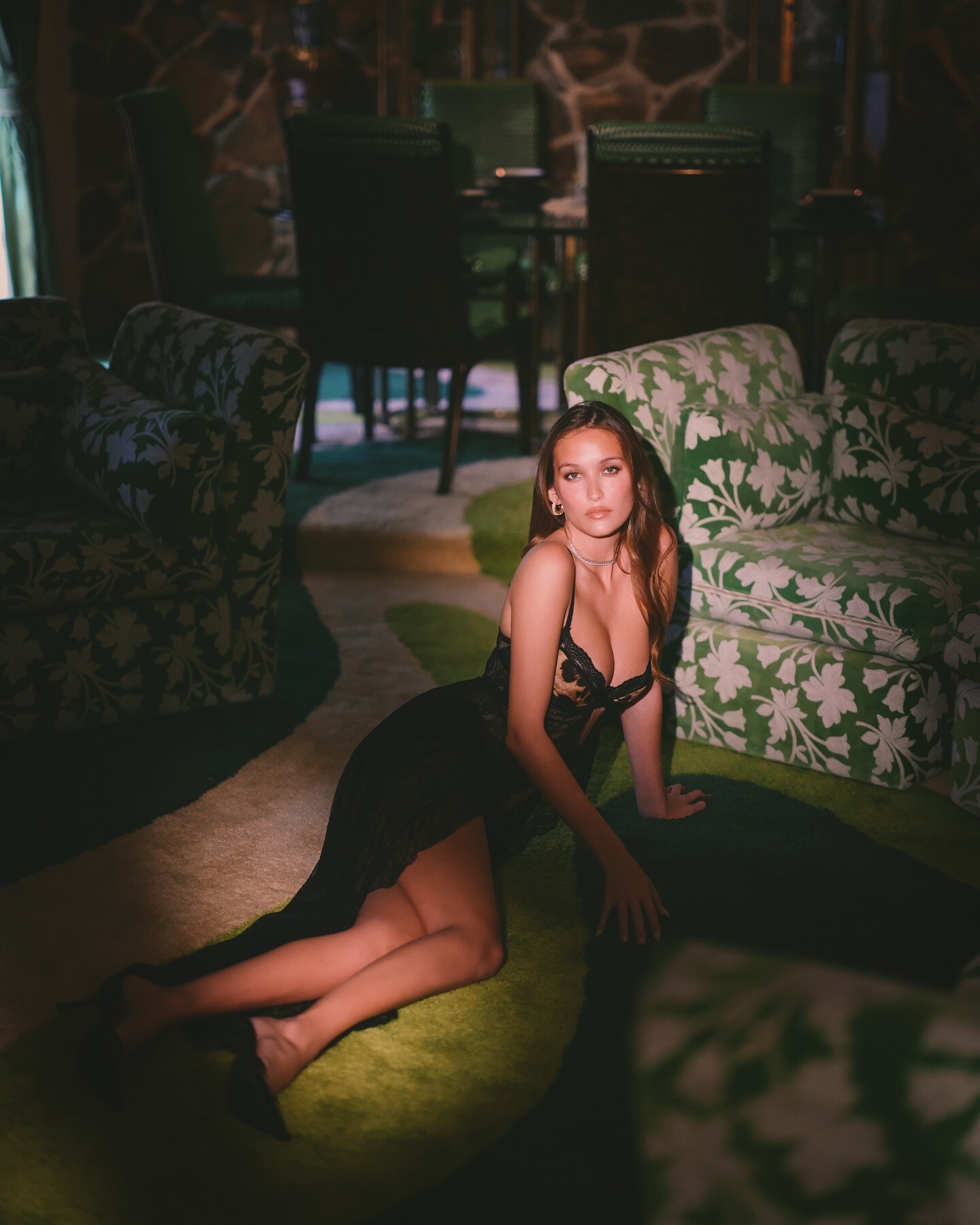
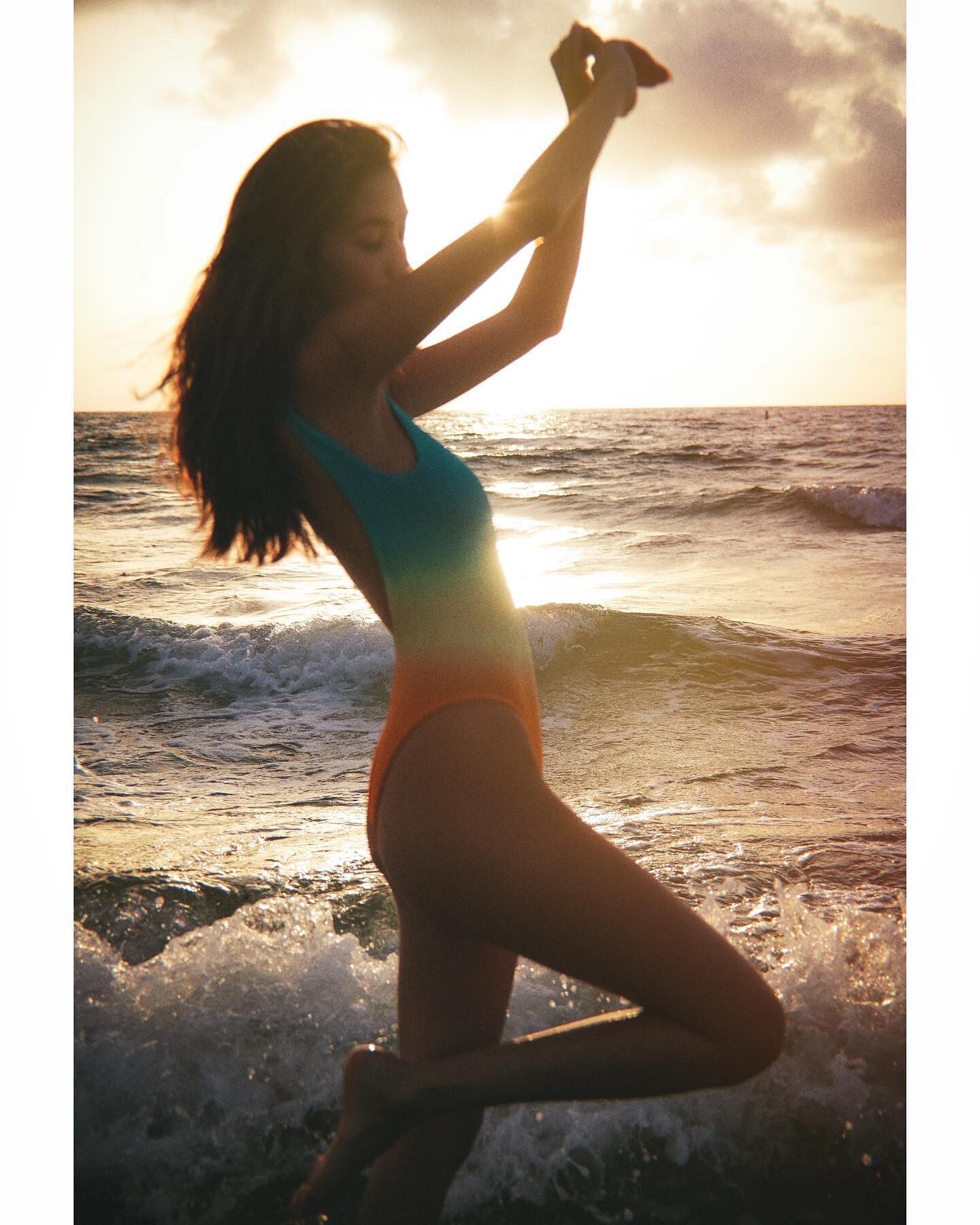
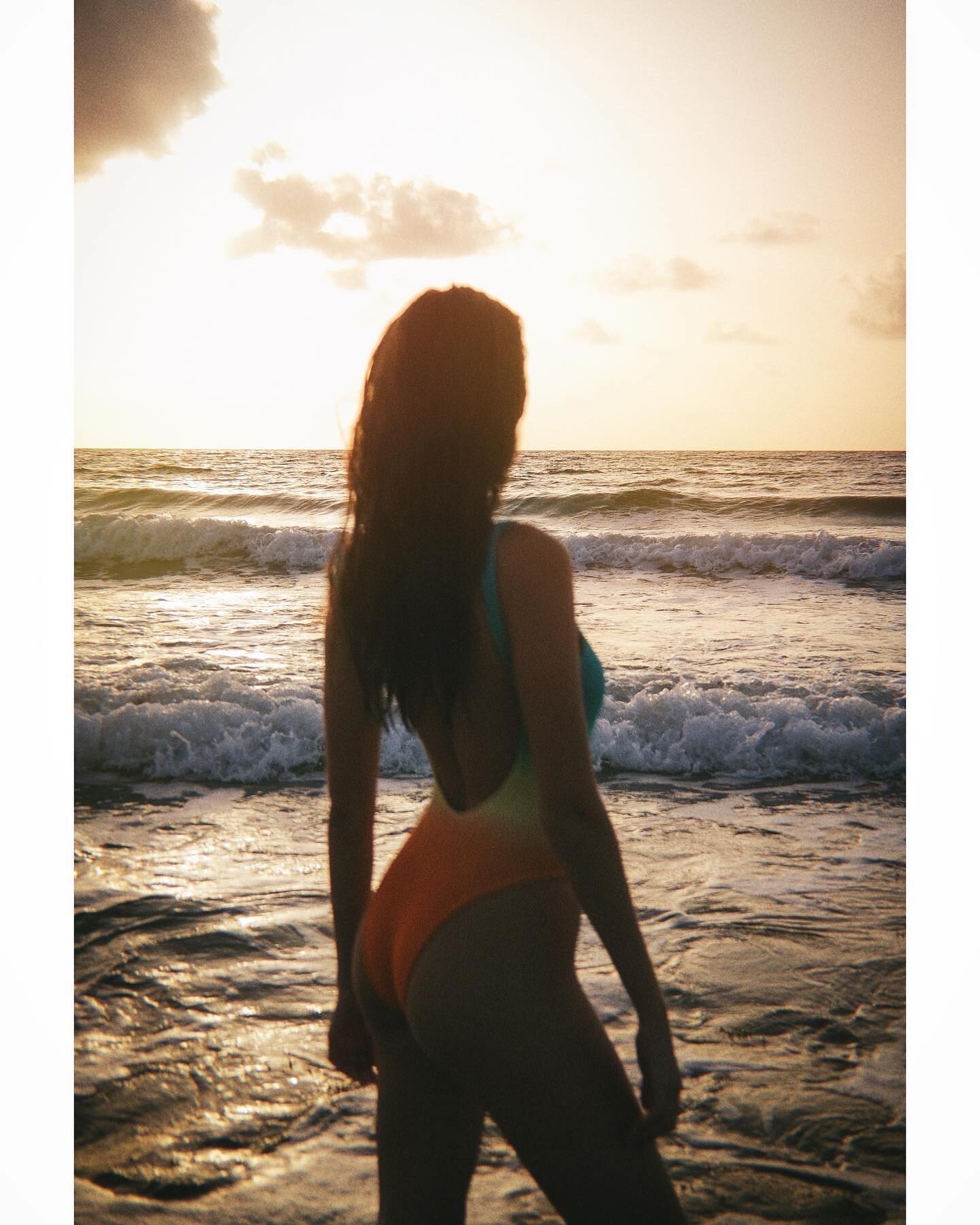
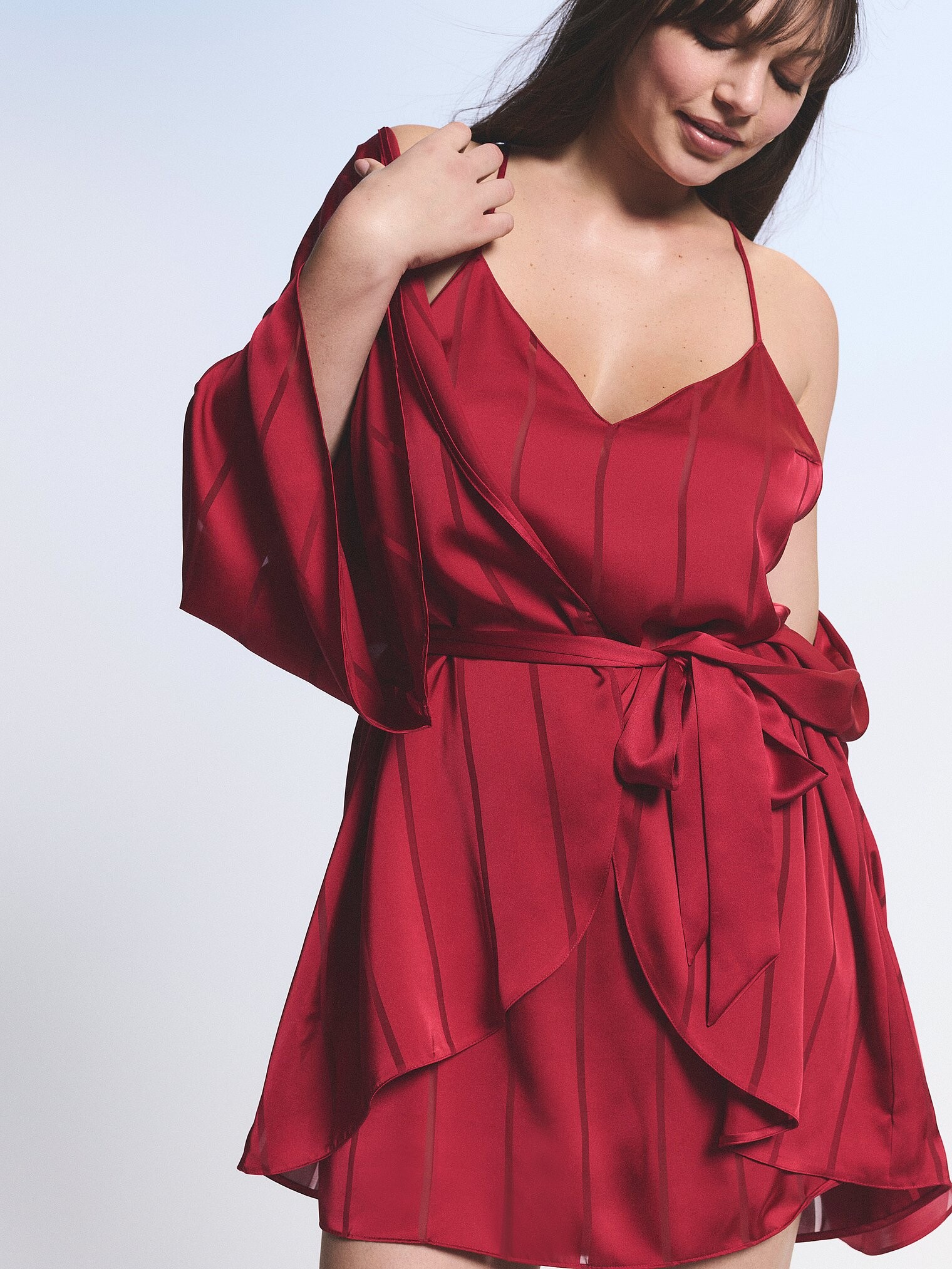
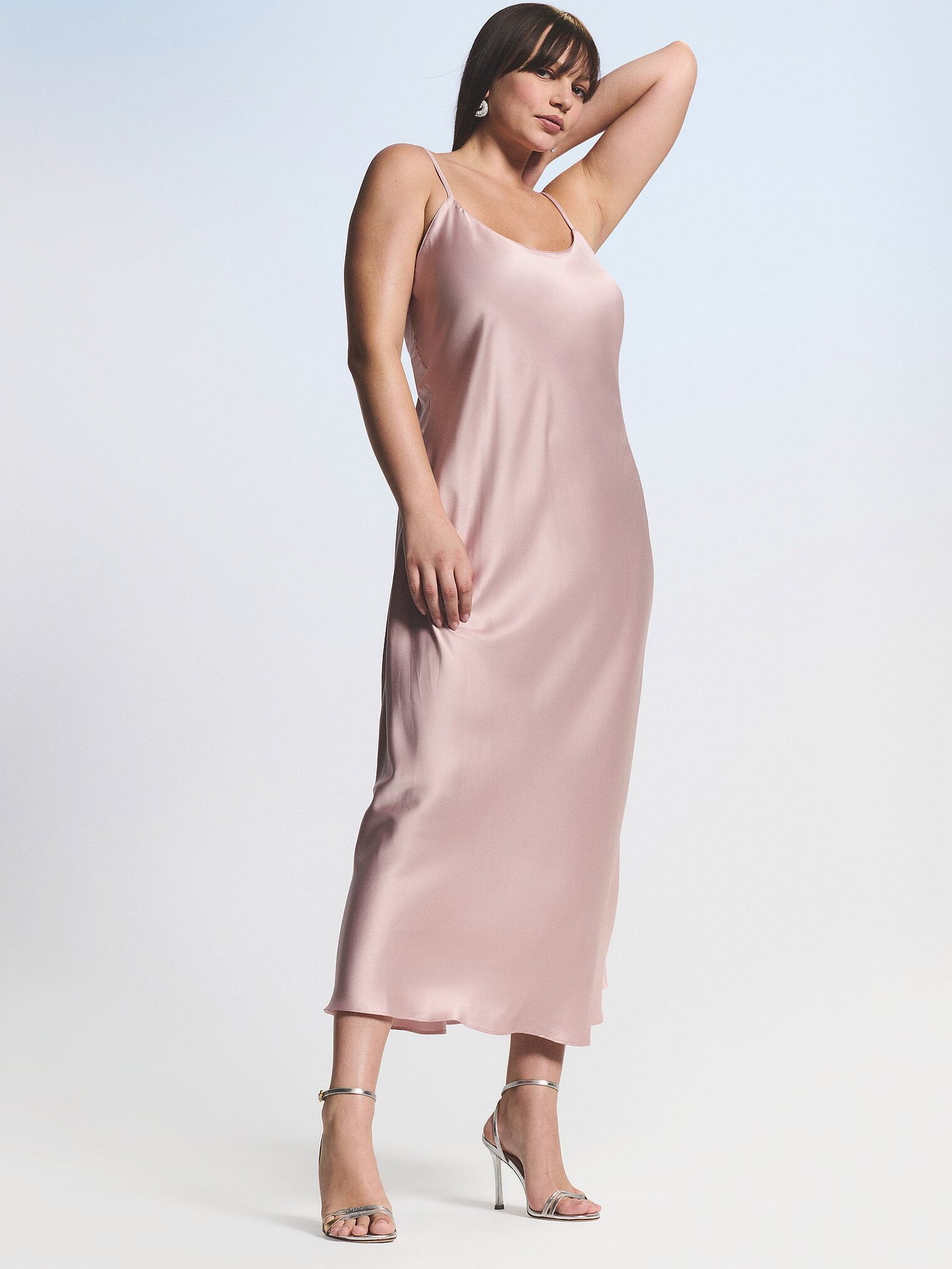
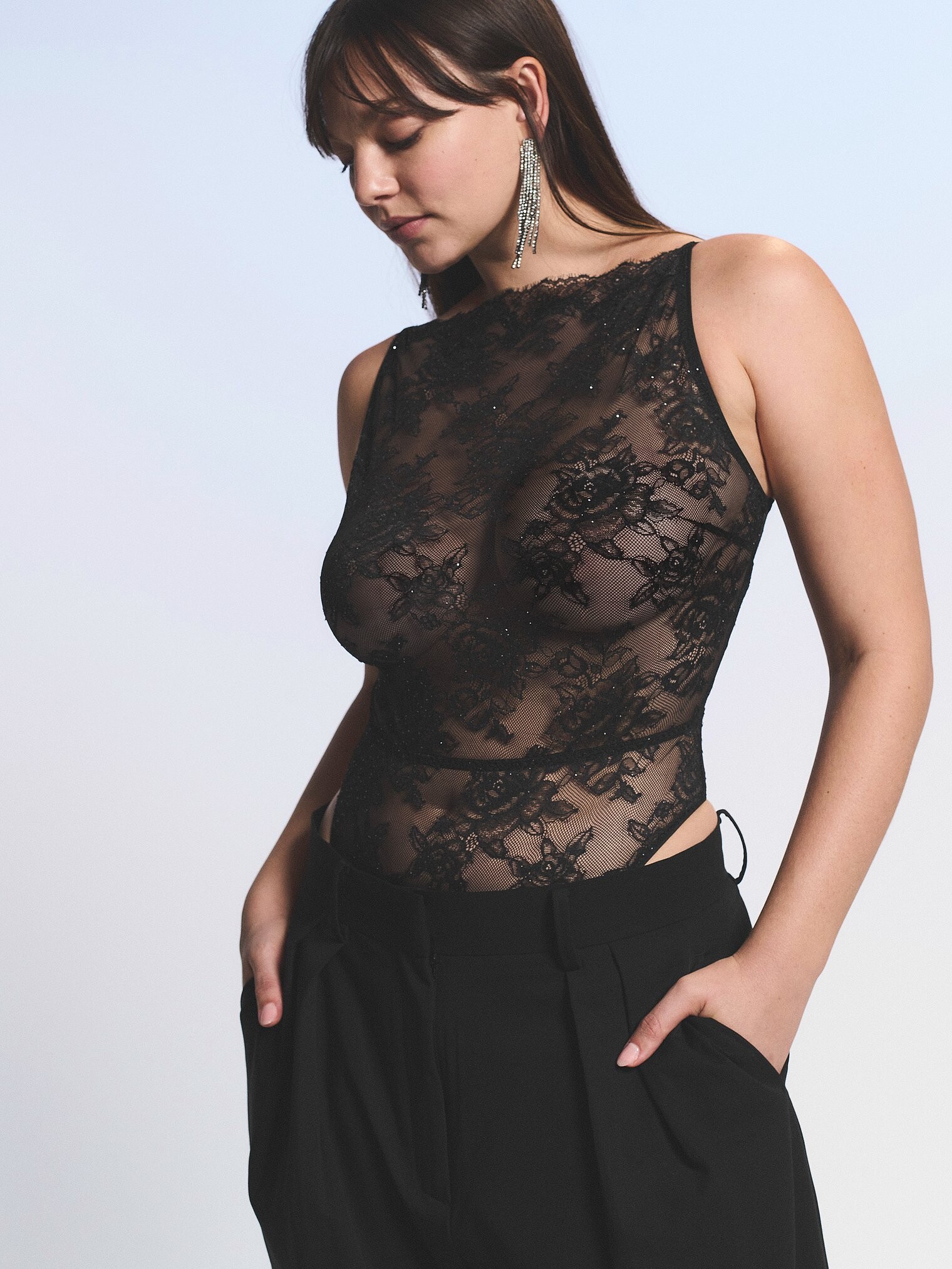
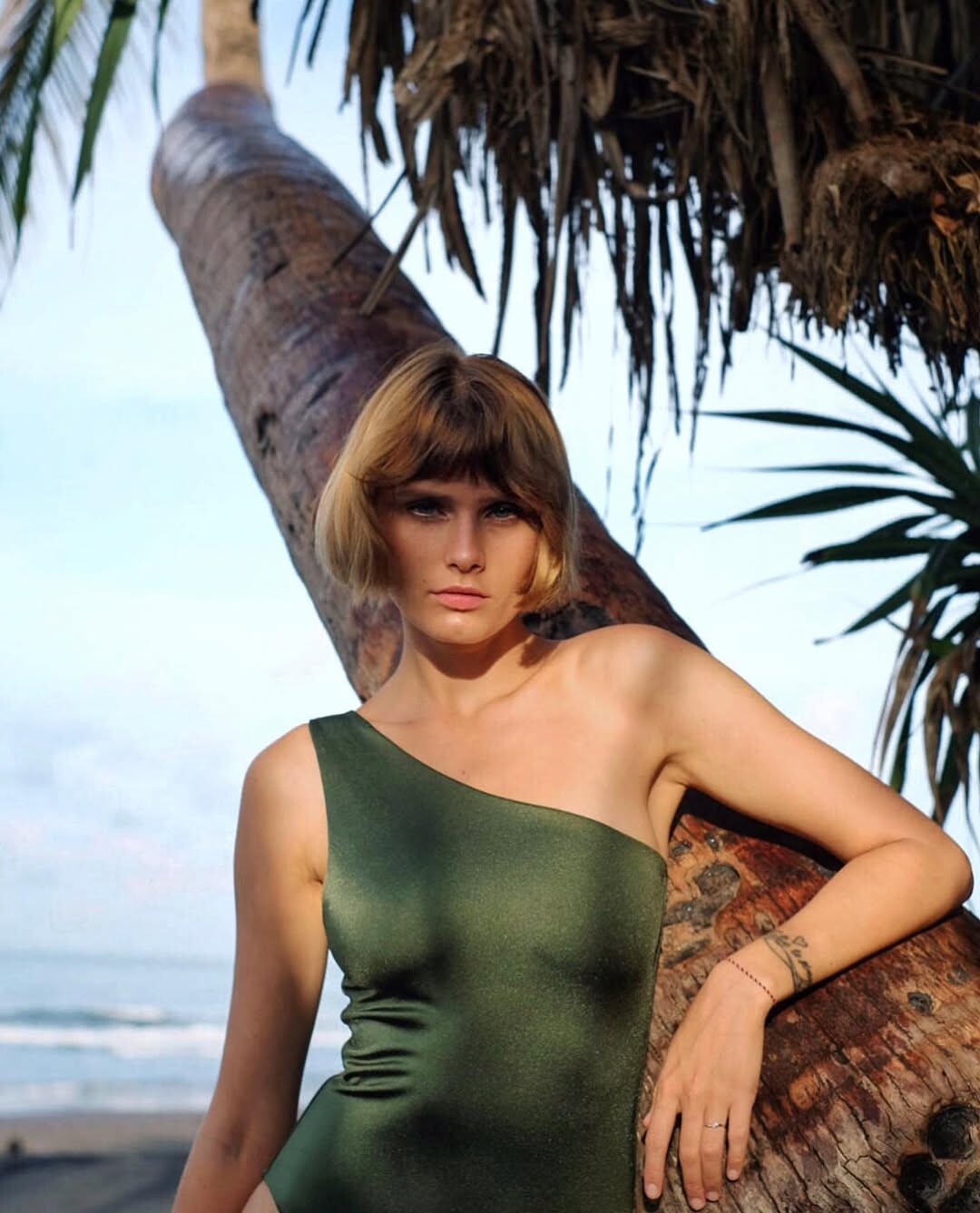
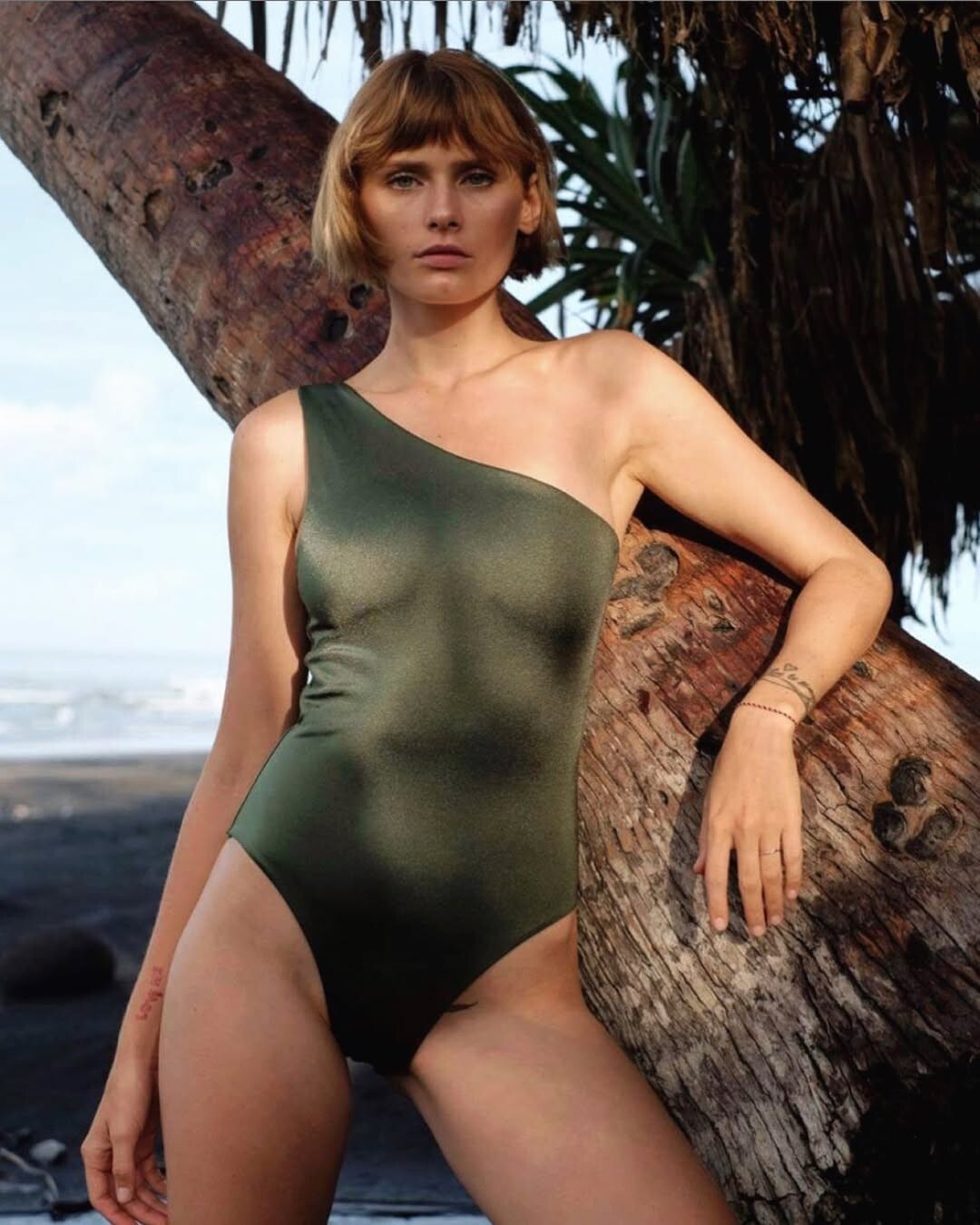
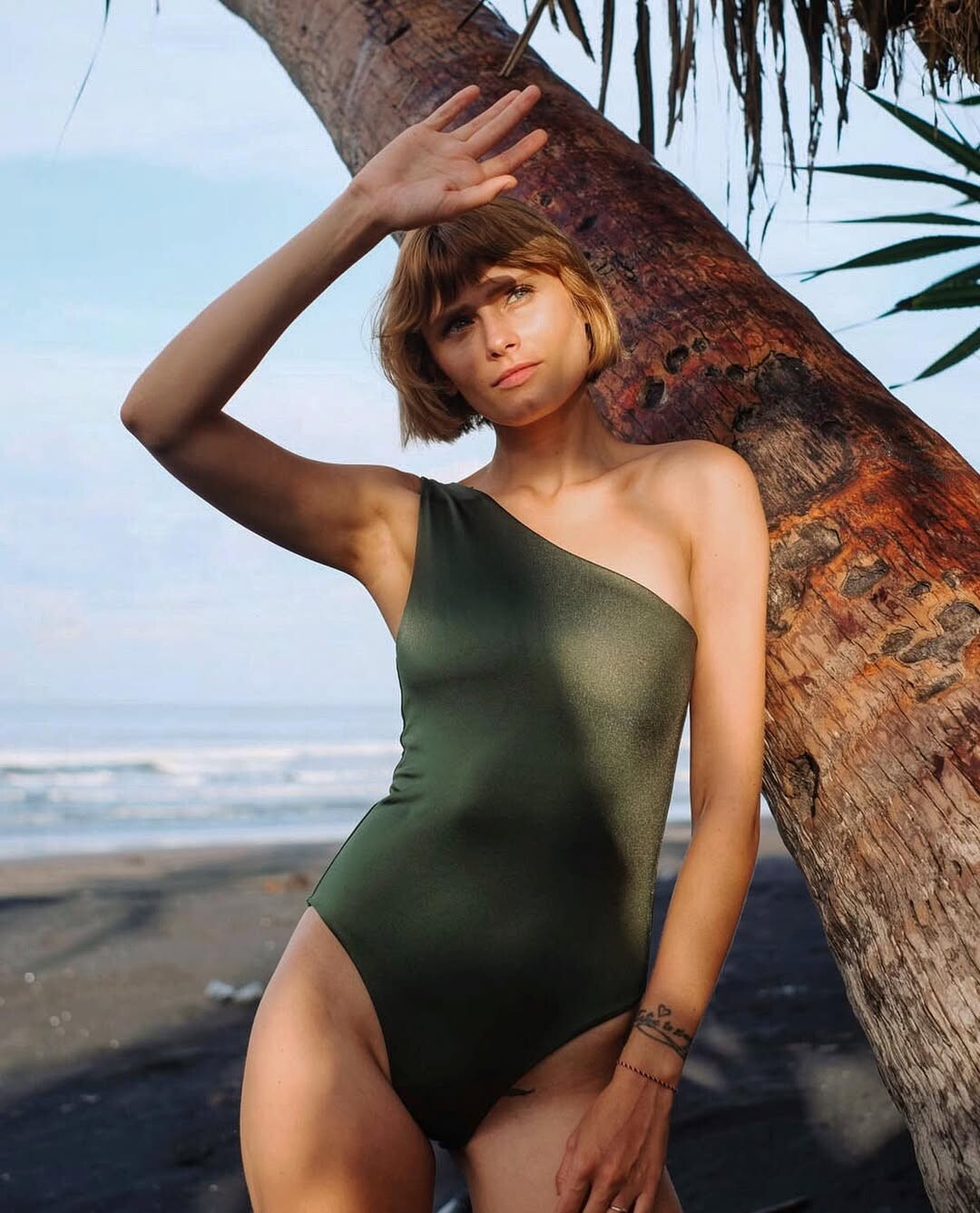
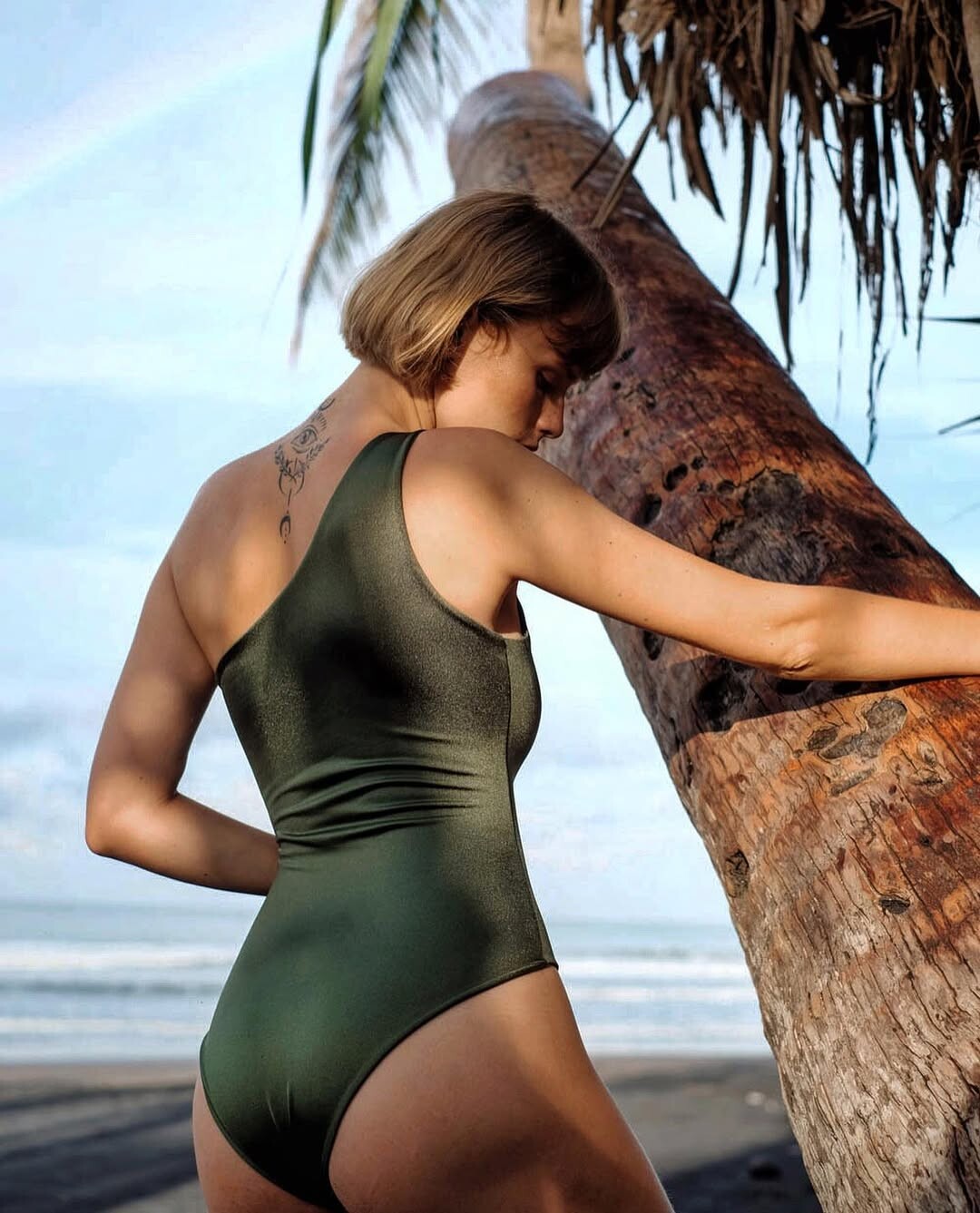
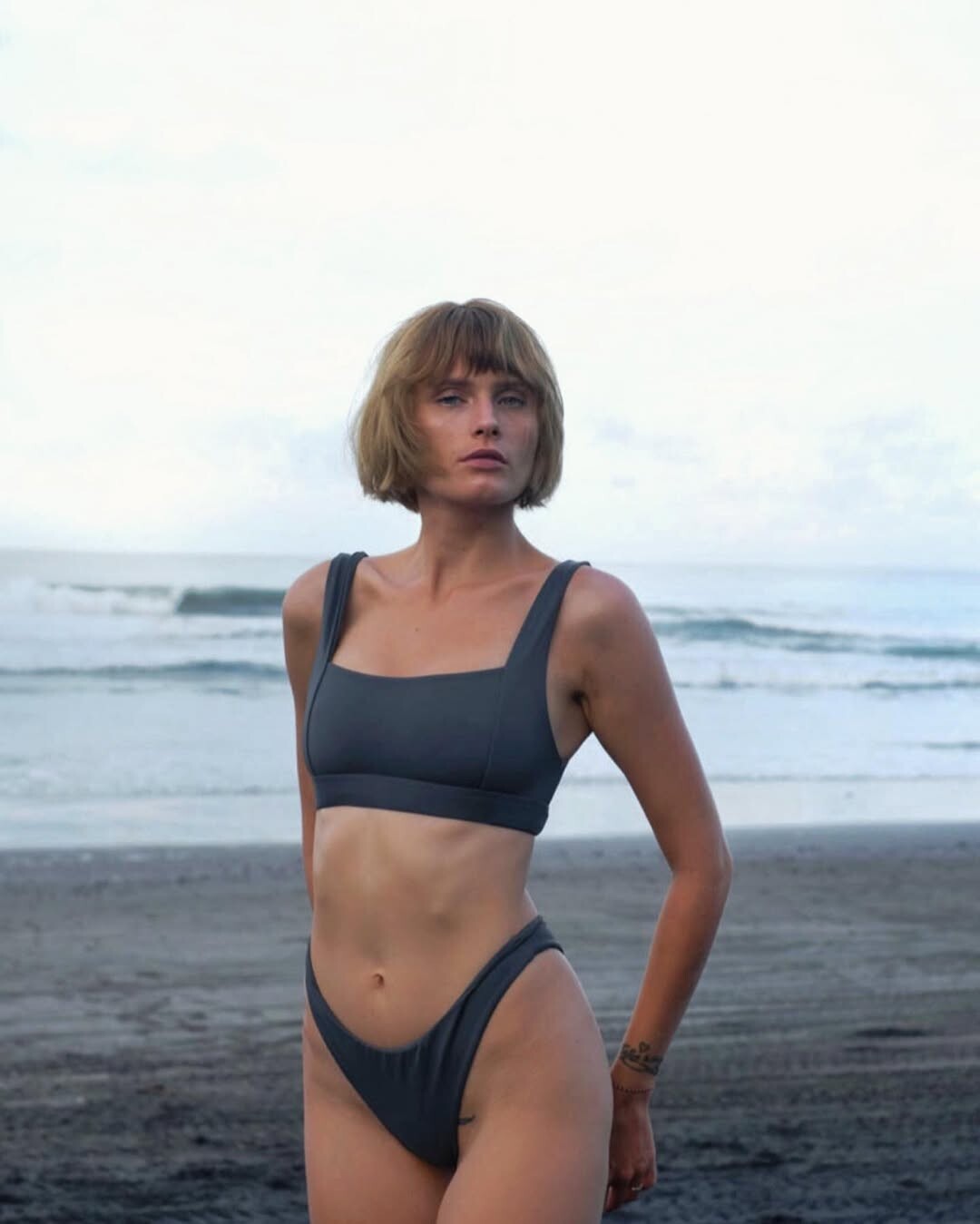
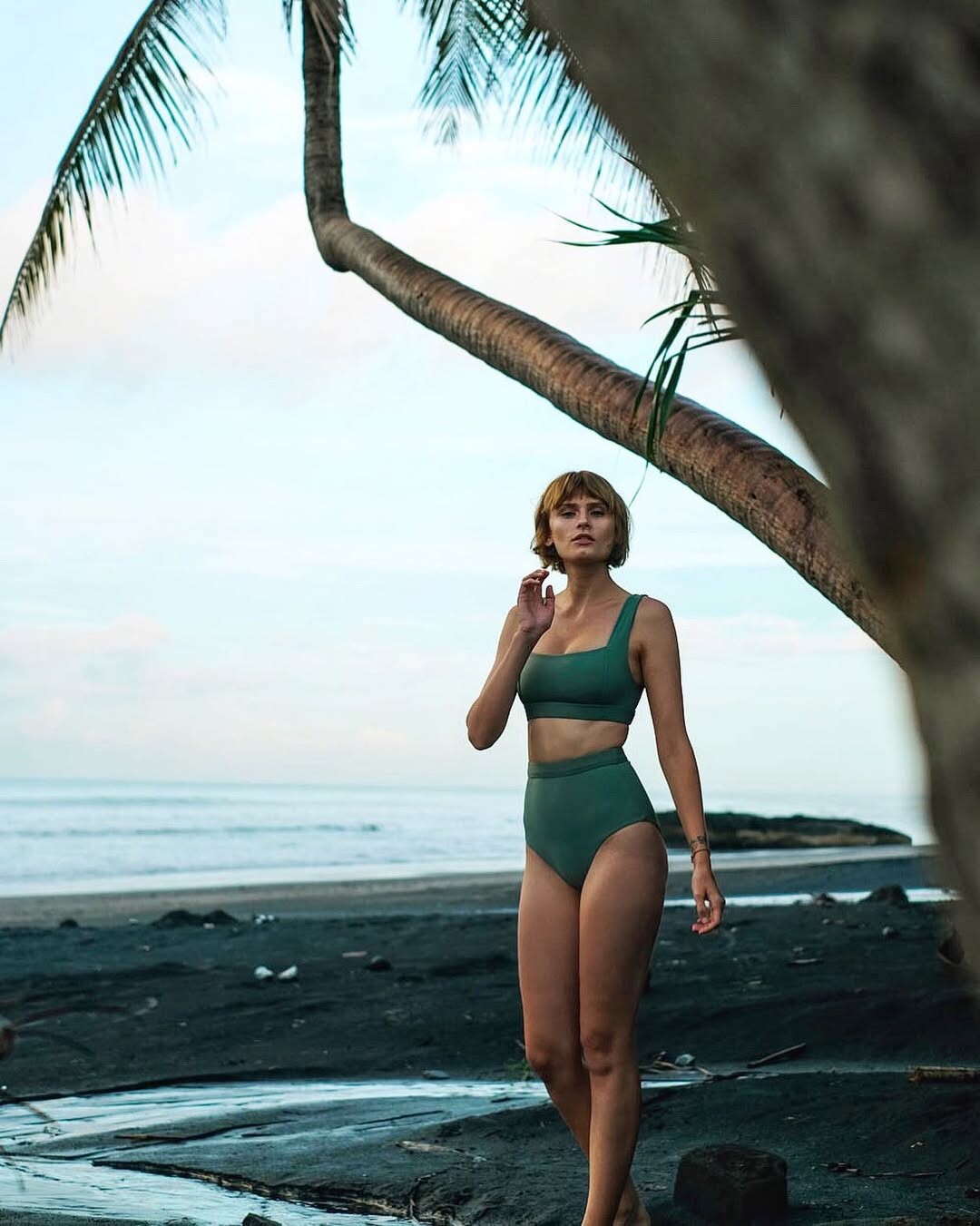
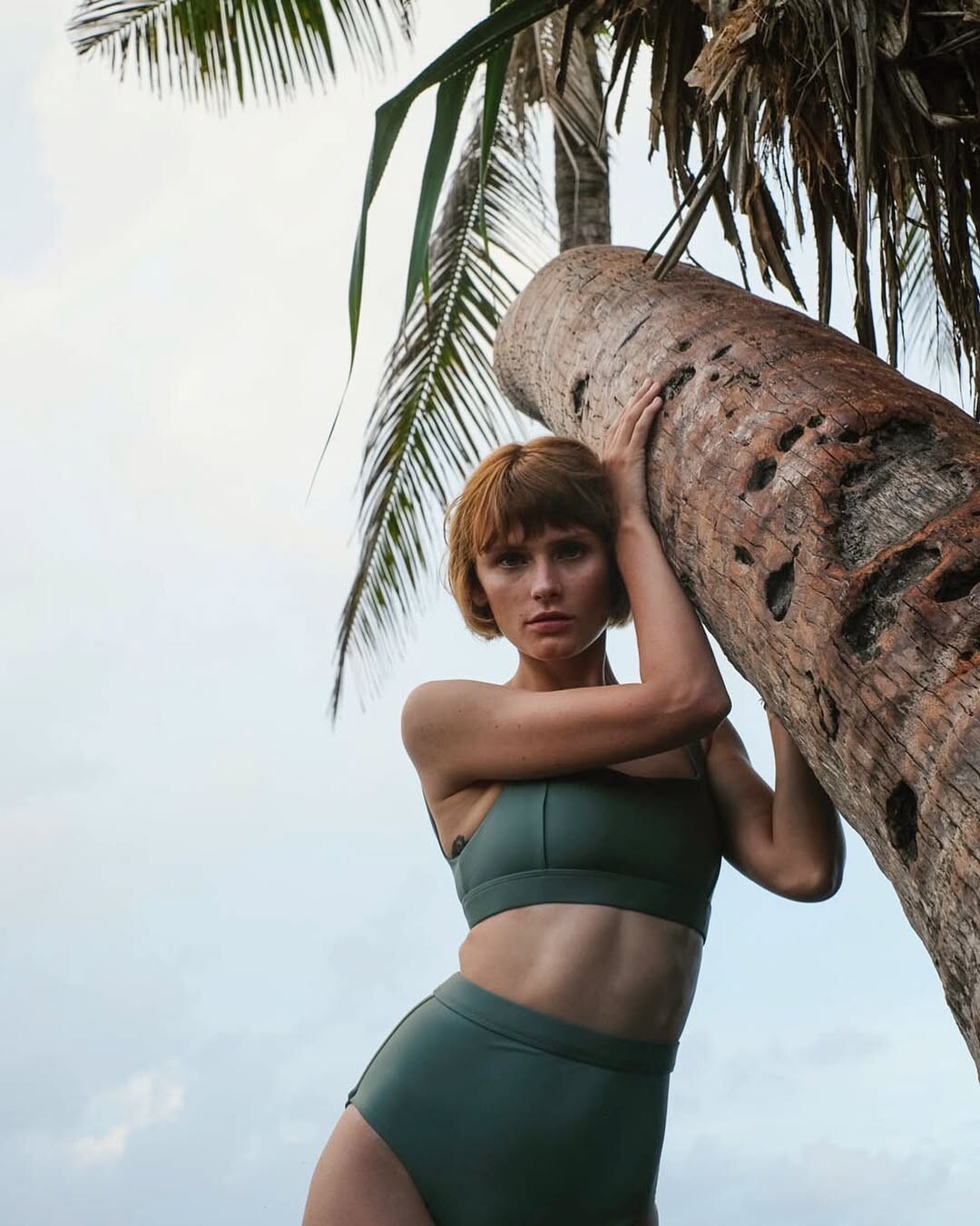
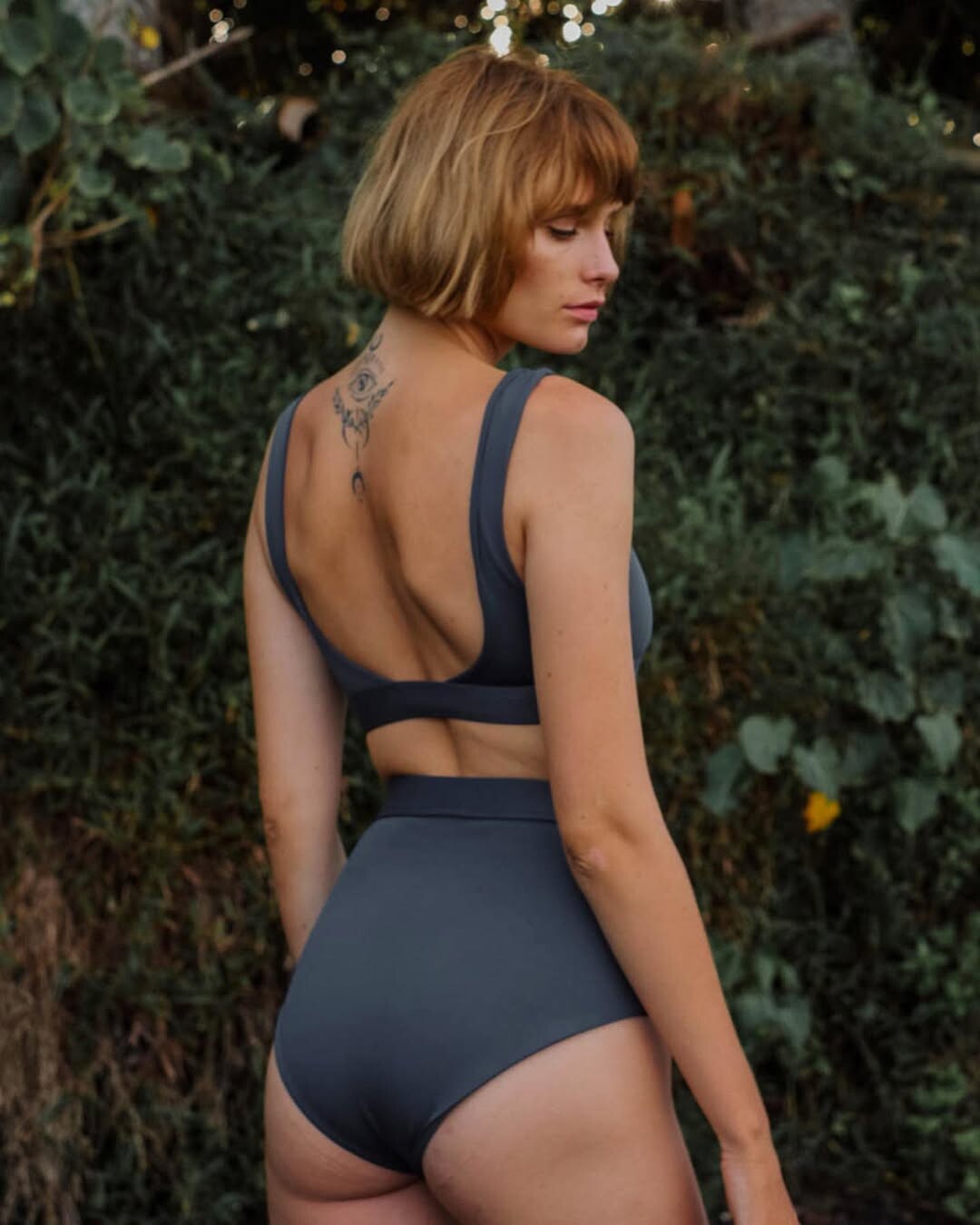
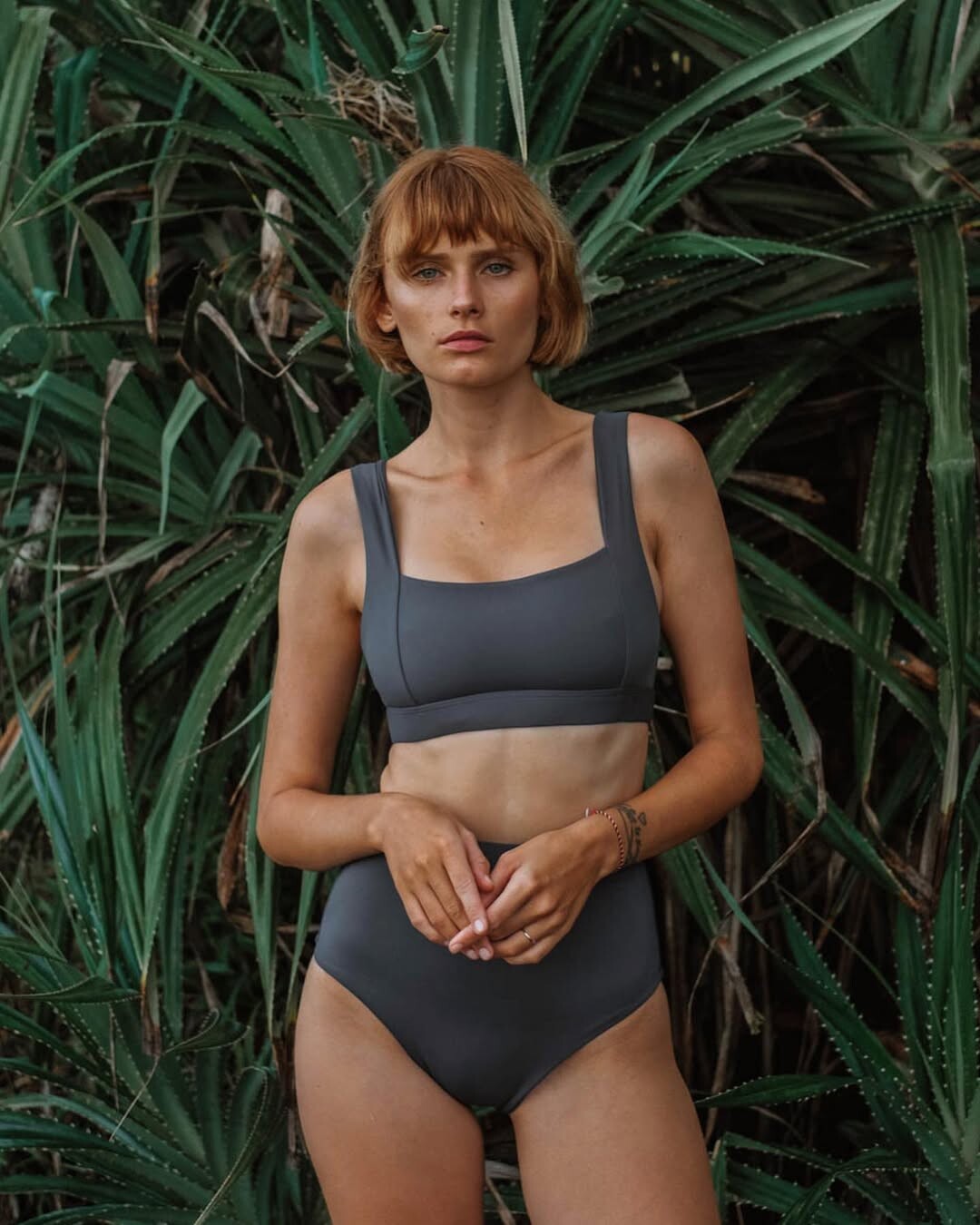
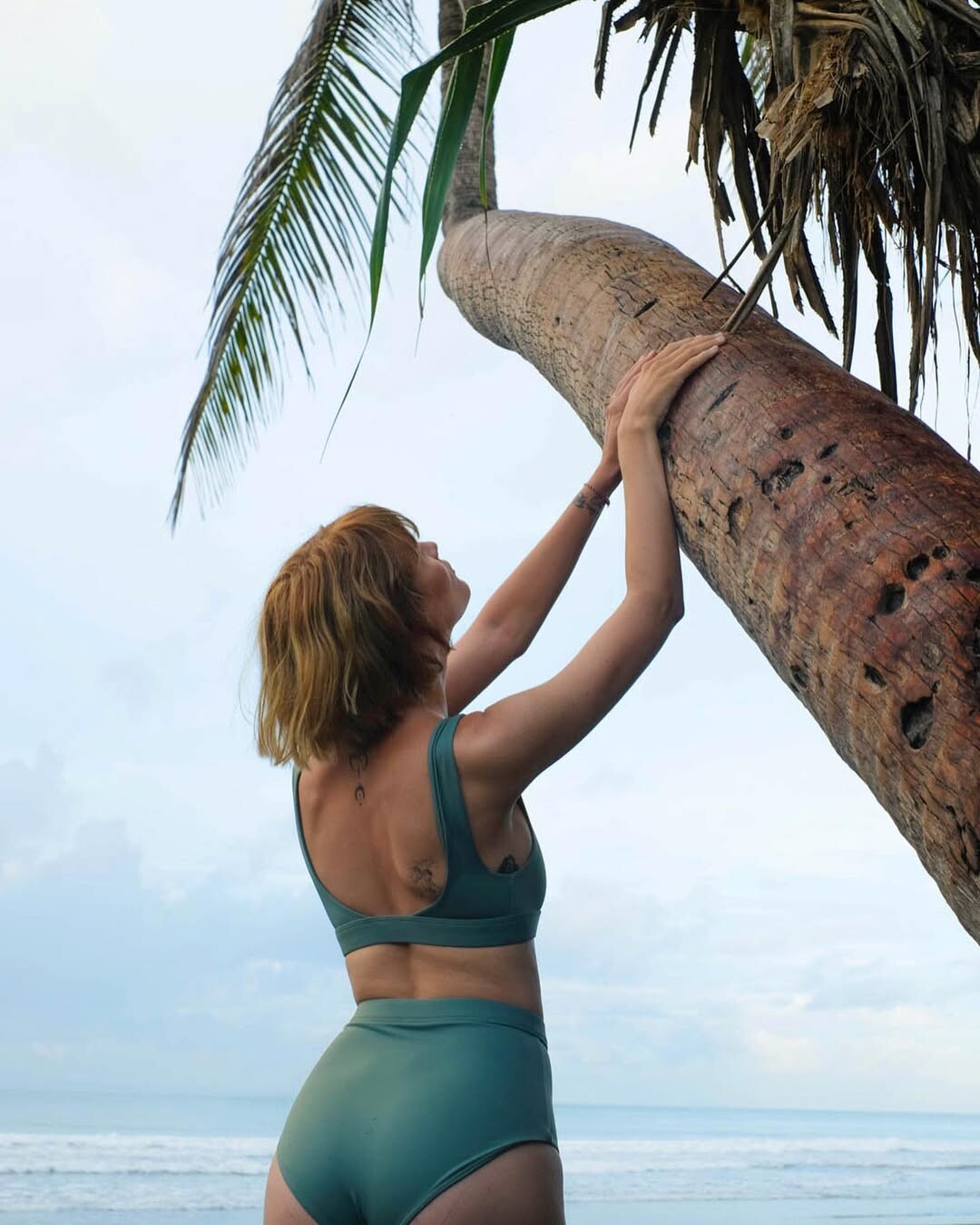
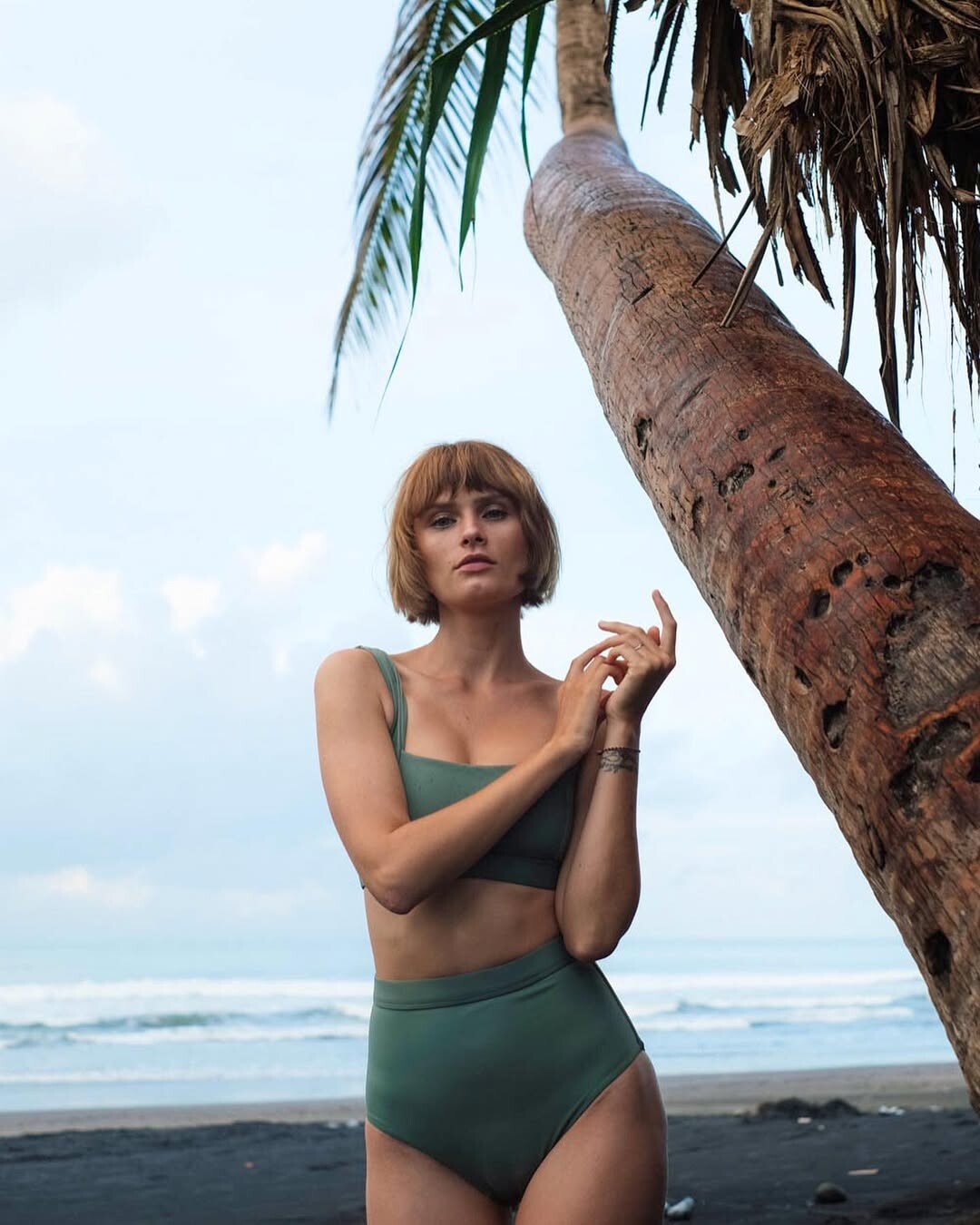
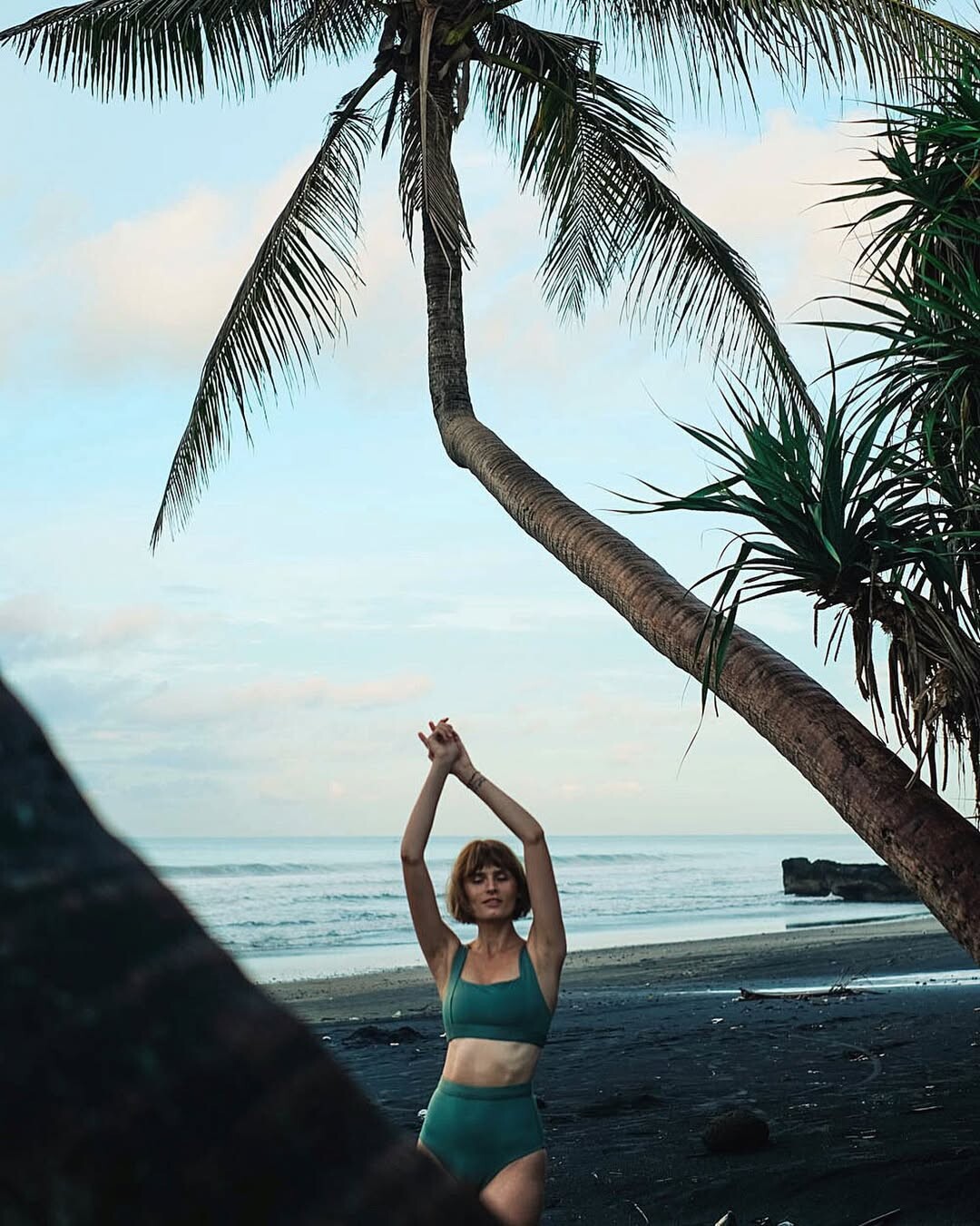
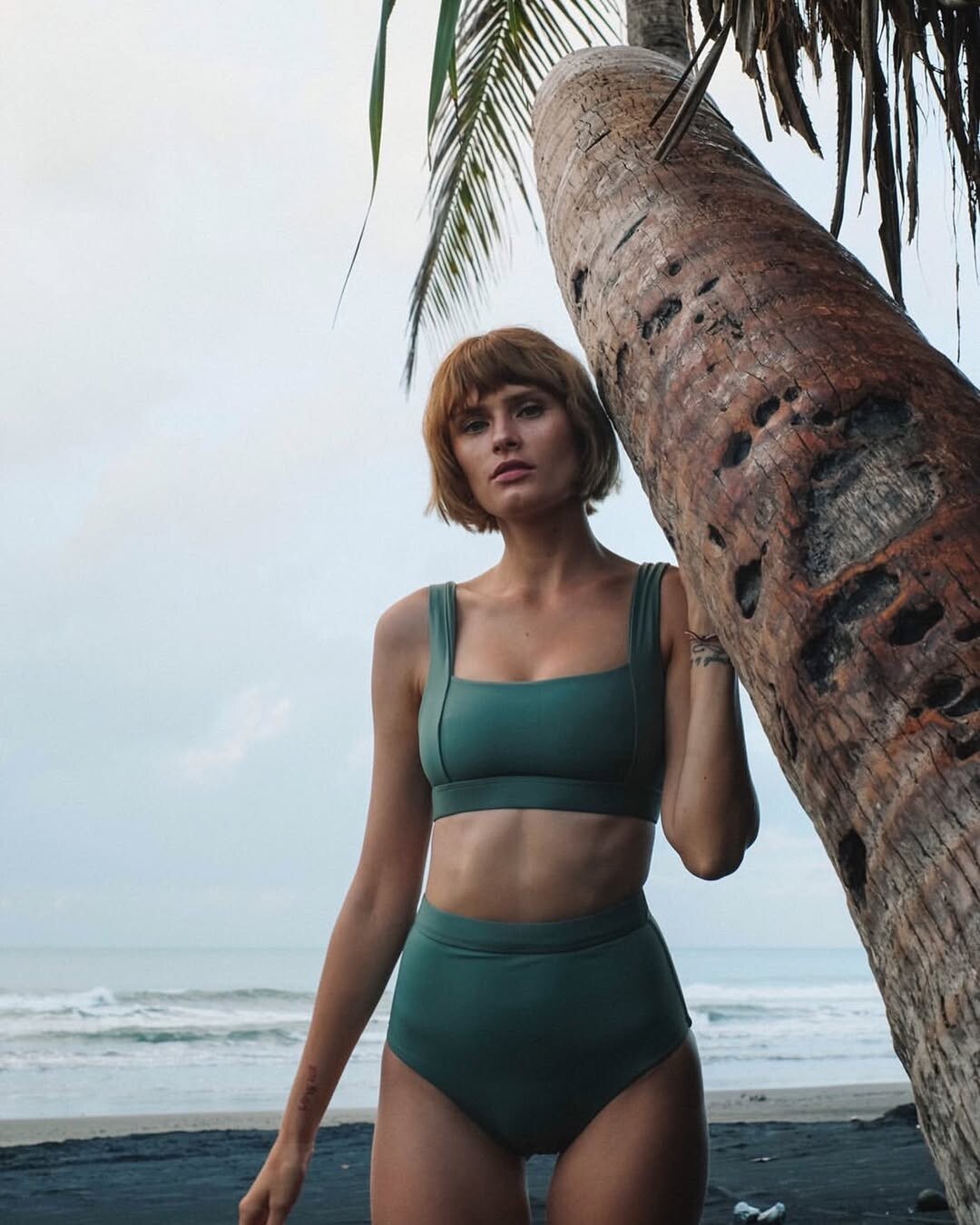
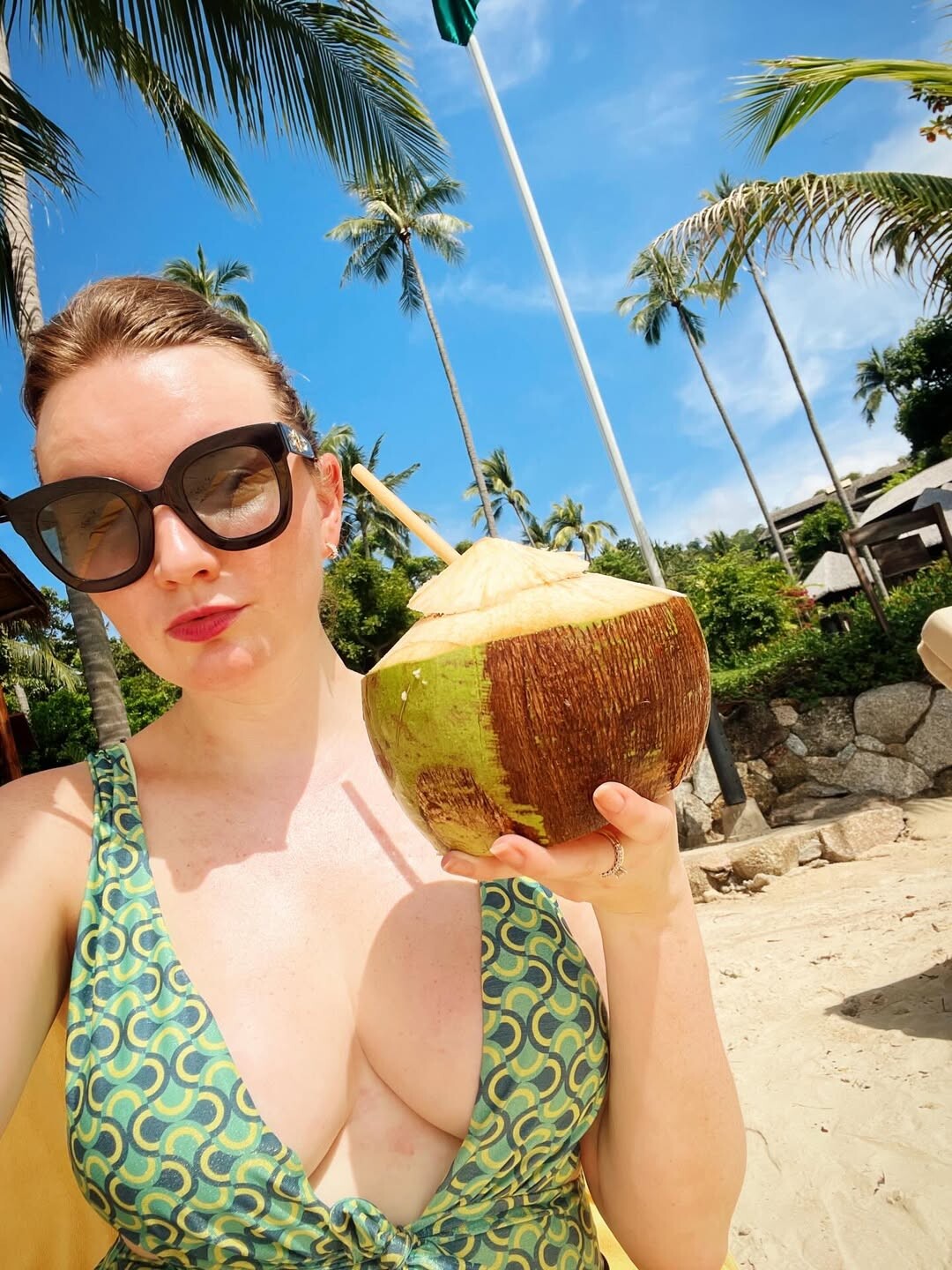
 for lahlahthelabel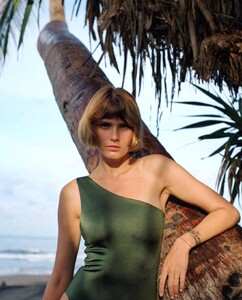
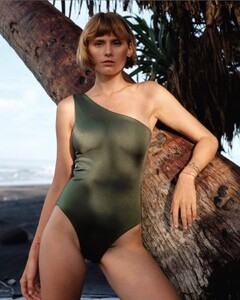
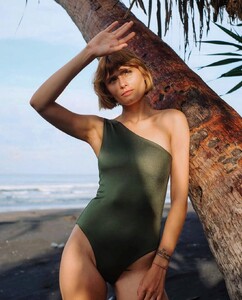
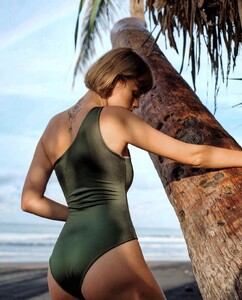
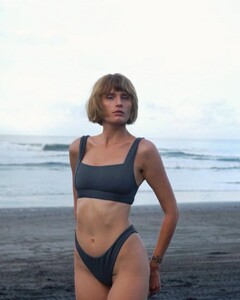
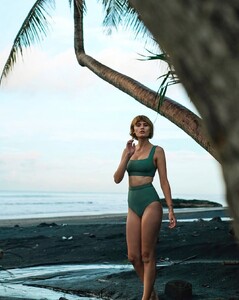
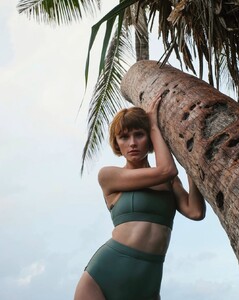
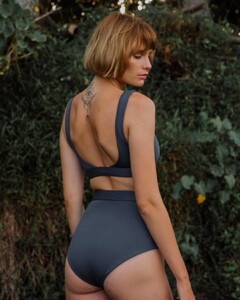
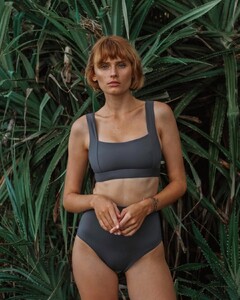
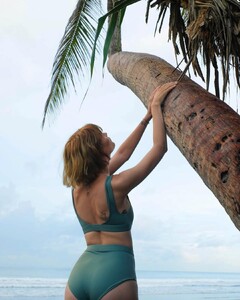
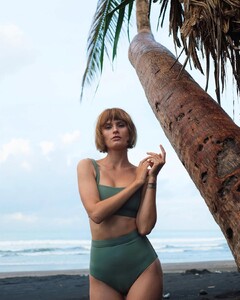
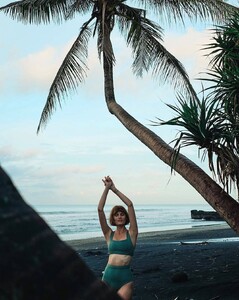
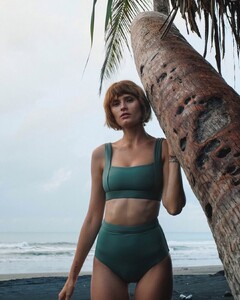
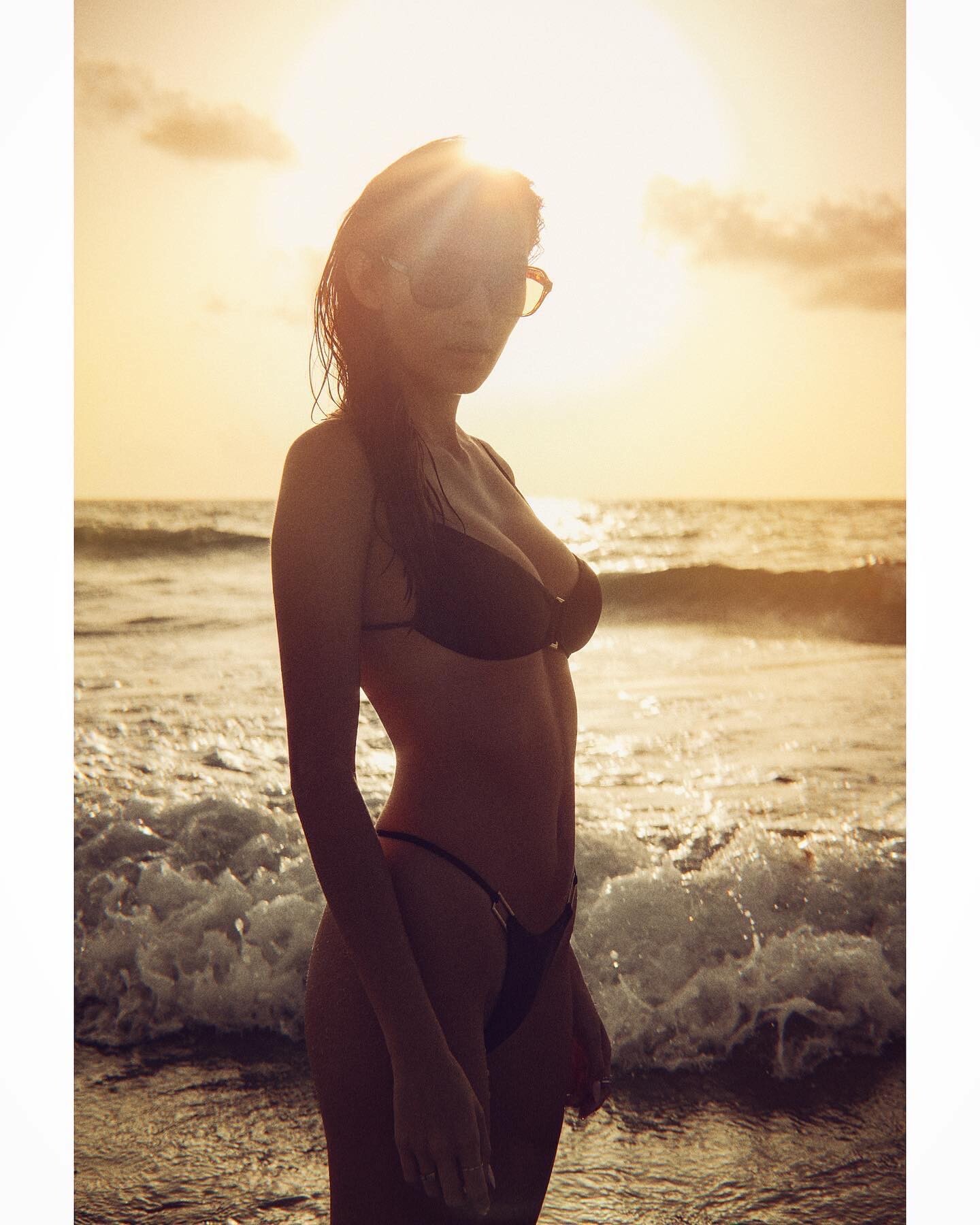
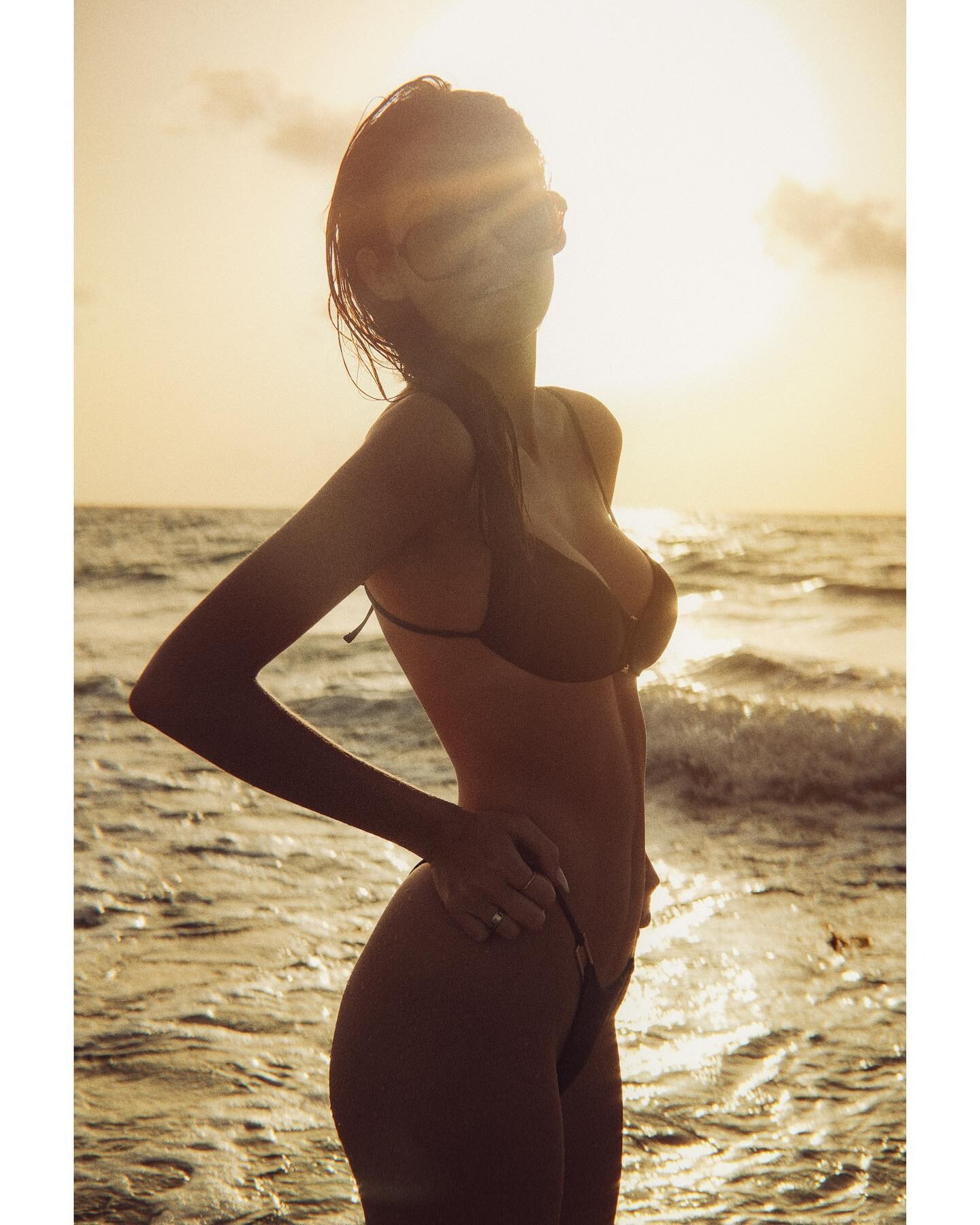
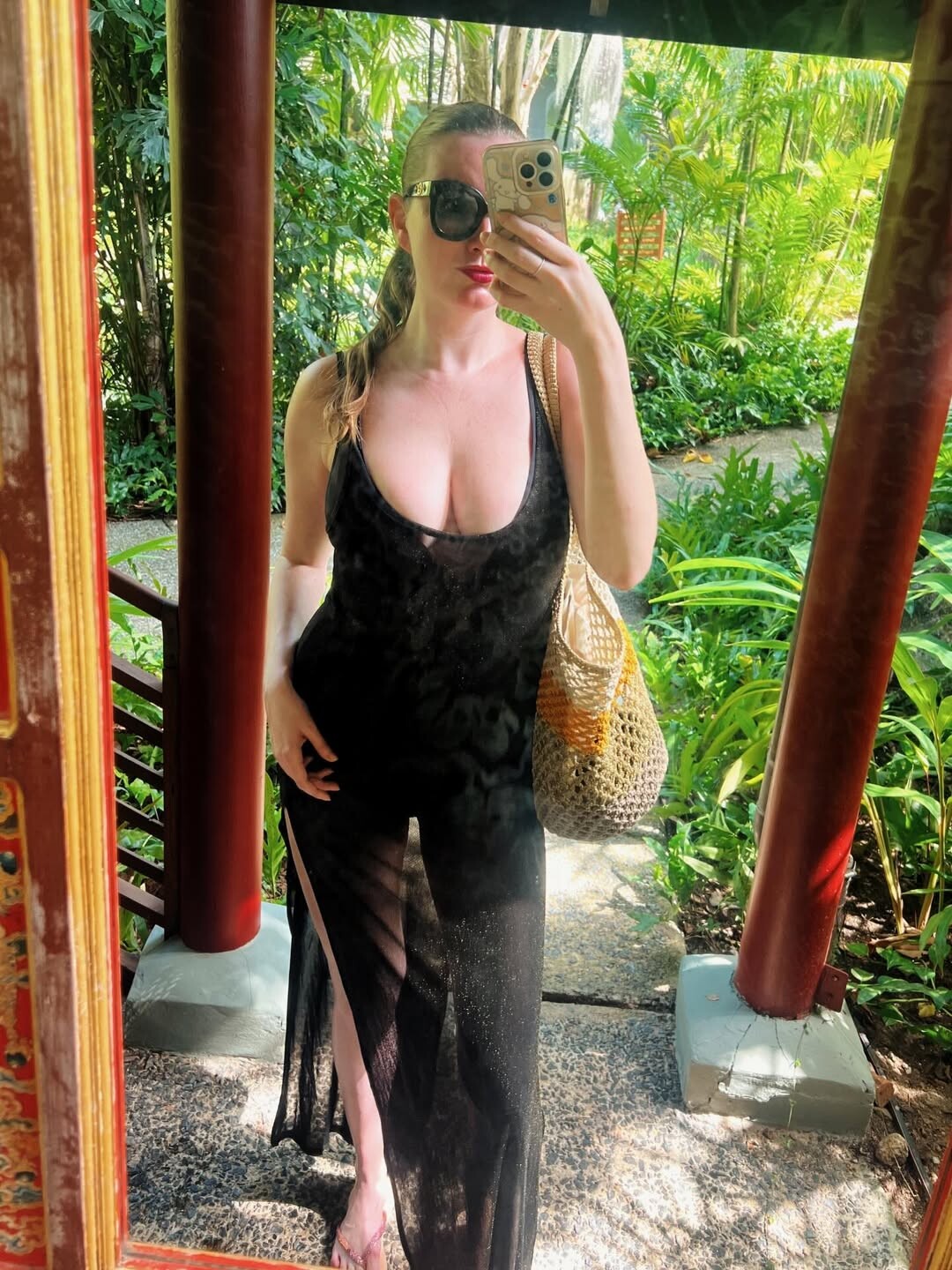
 vacation 2025
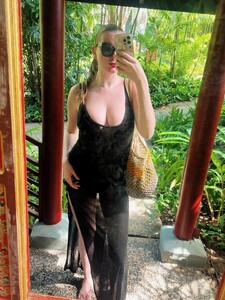
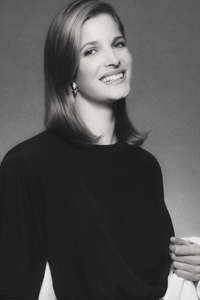
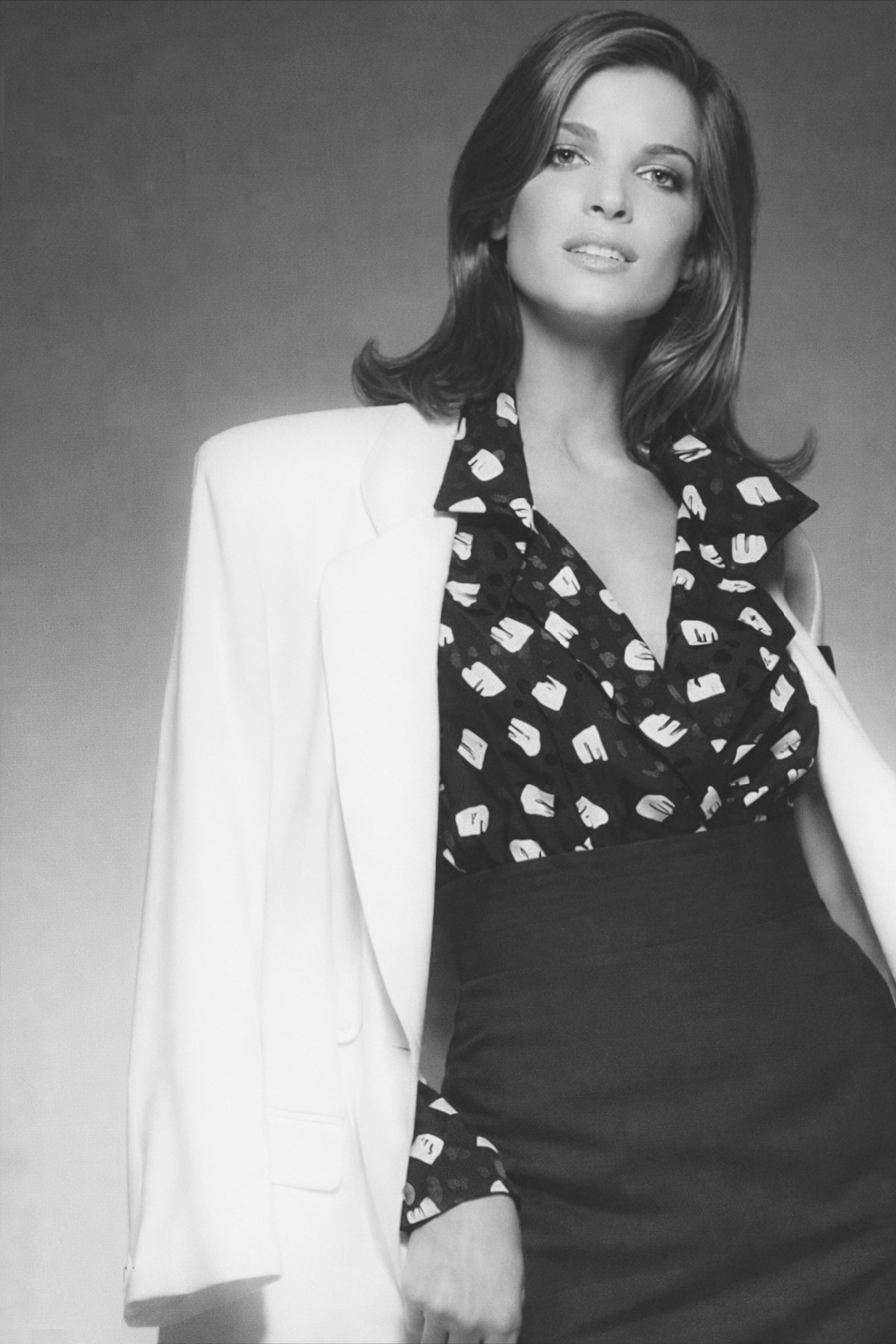
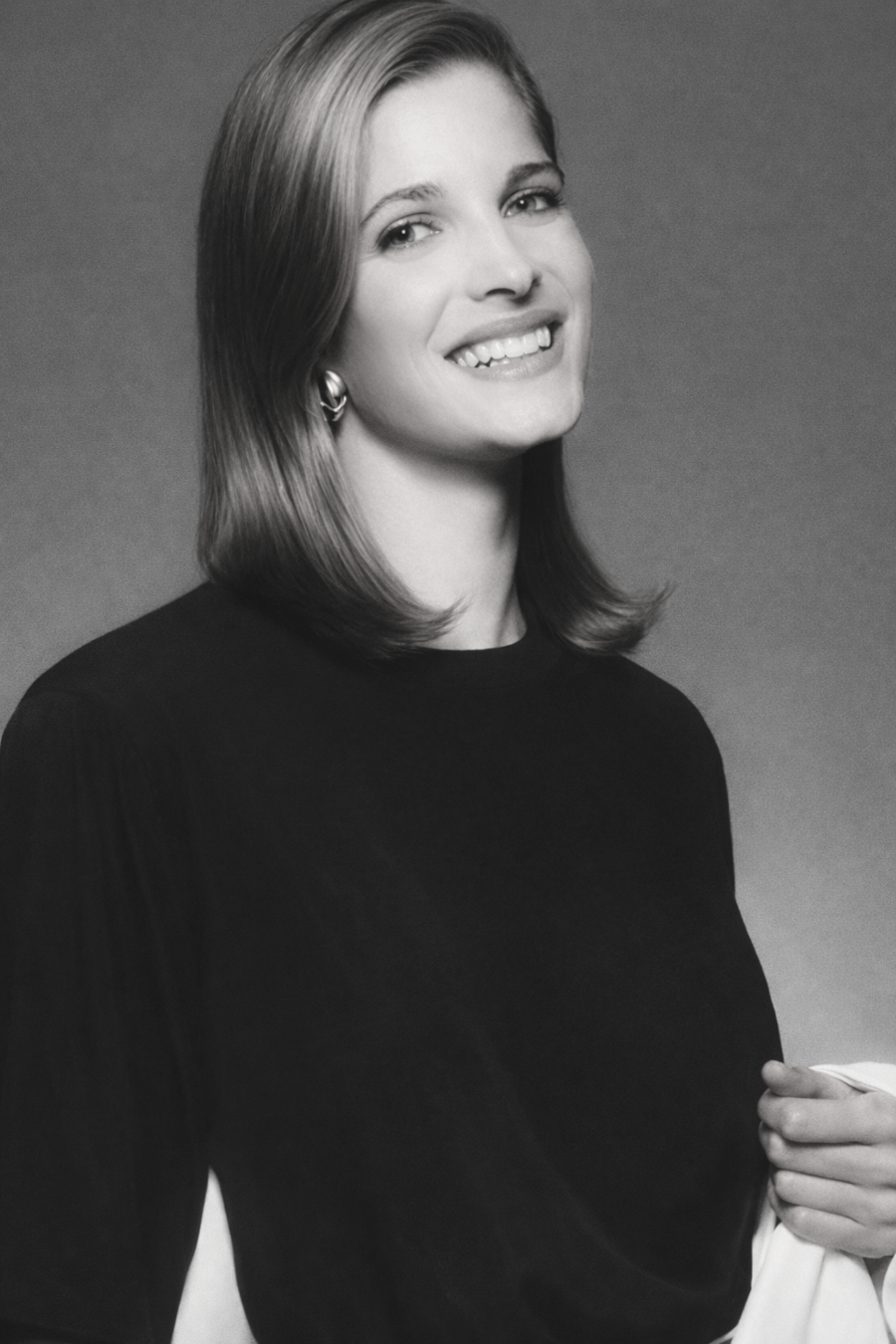
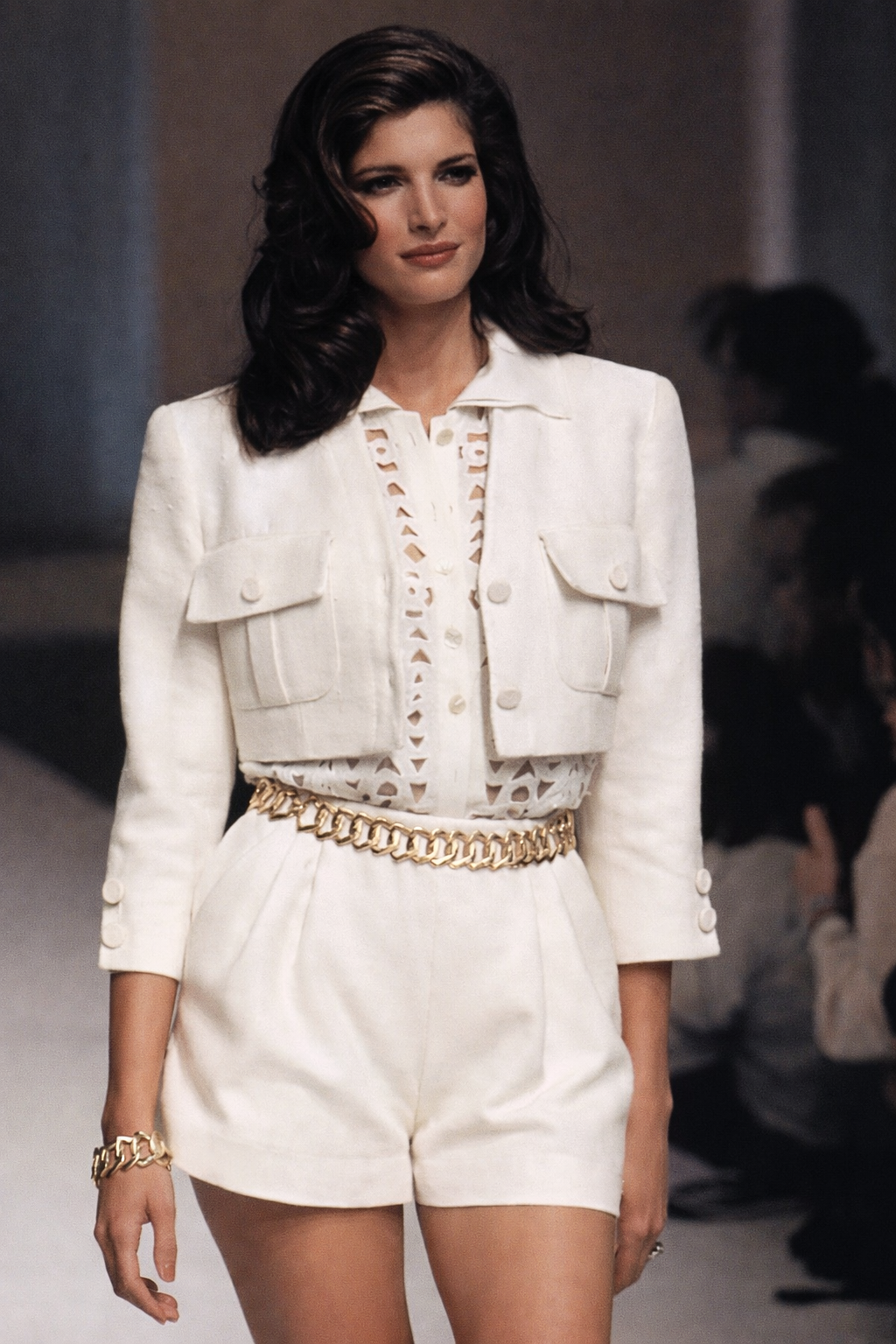
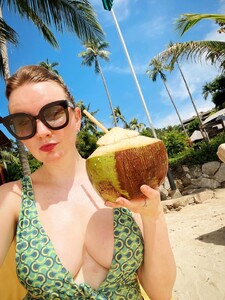 Stephanie Seymour for Anne Klein, 1990
b1350.thumb.png.fc1e003299b148d39788377bc47bcc07.png)
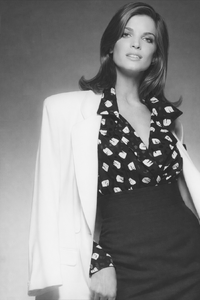
 Stephanie Seymour for Valentino, ready-to-wear, spring/summer 1995, with Karen Mulder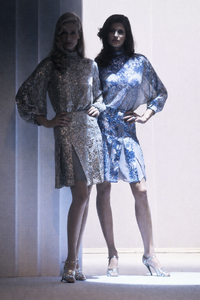
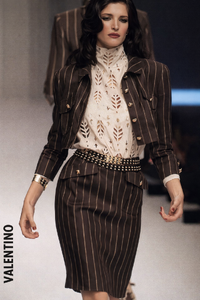
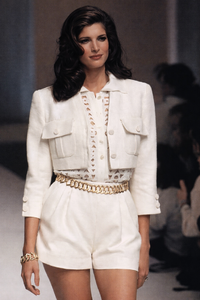
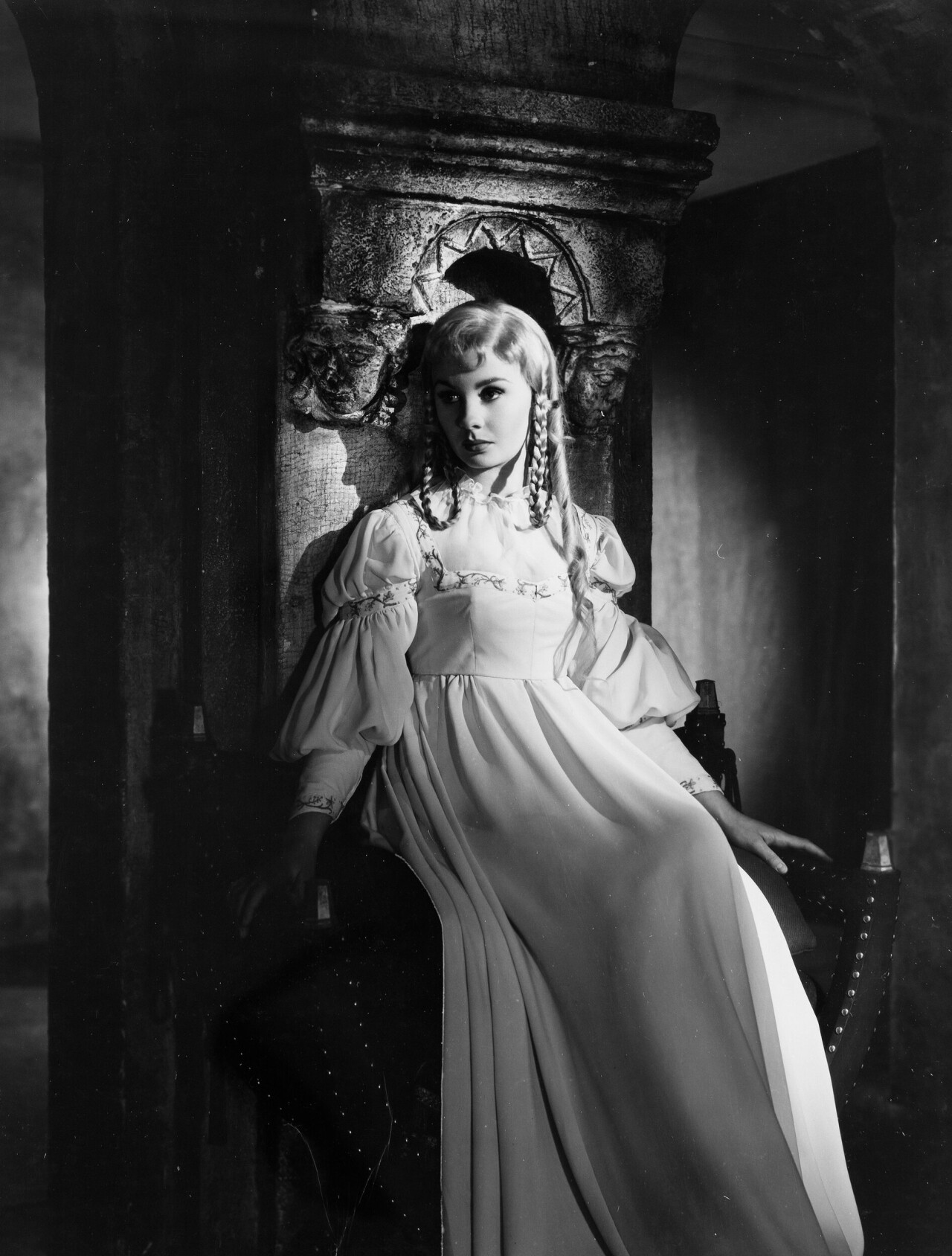
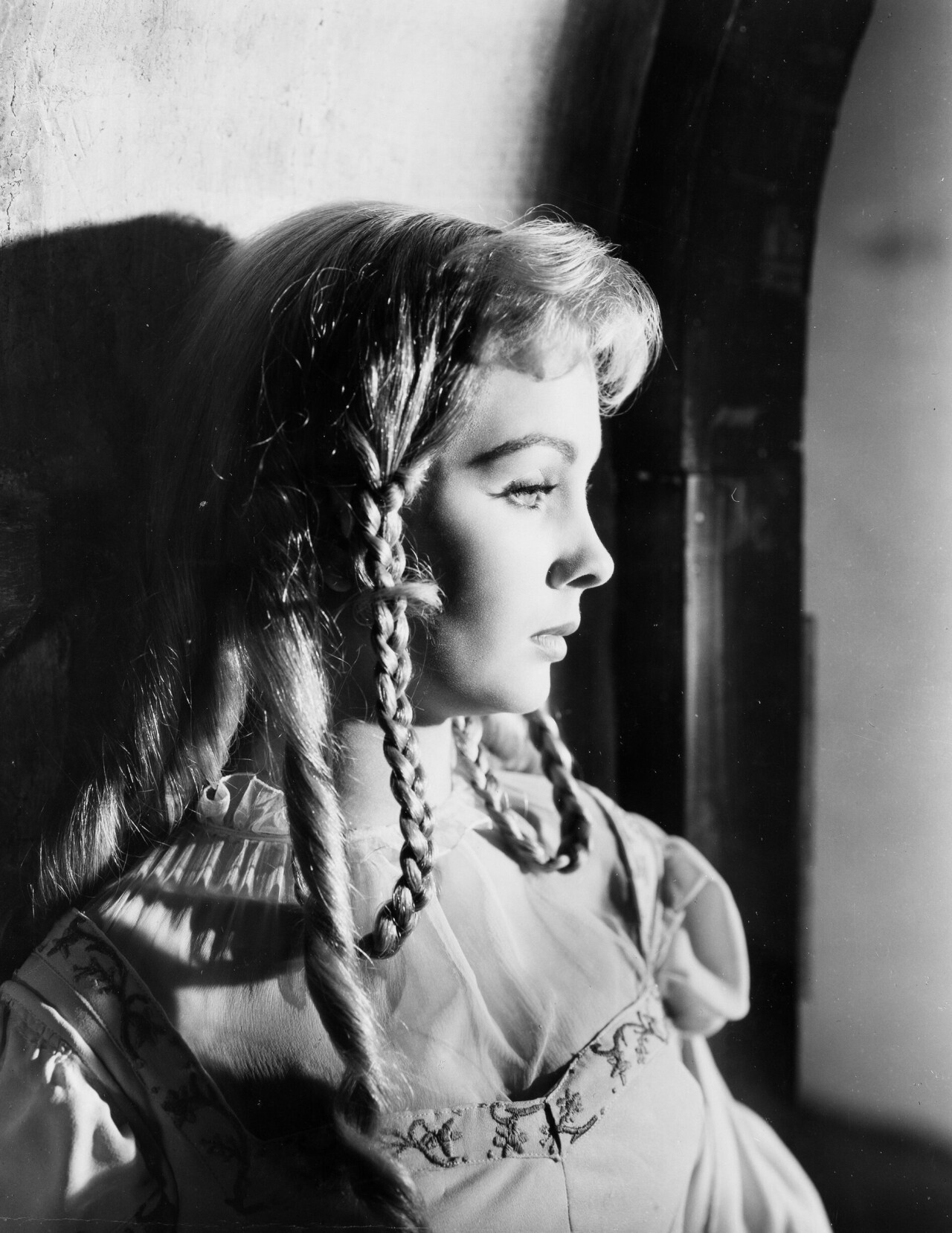
 Well... I guess it's a matter of taste, but I think the editorial in Women's magazine is awful... besides, that blonde wig looks terrible on her.
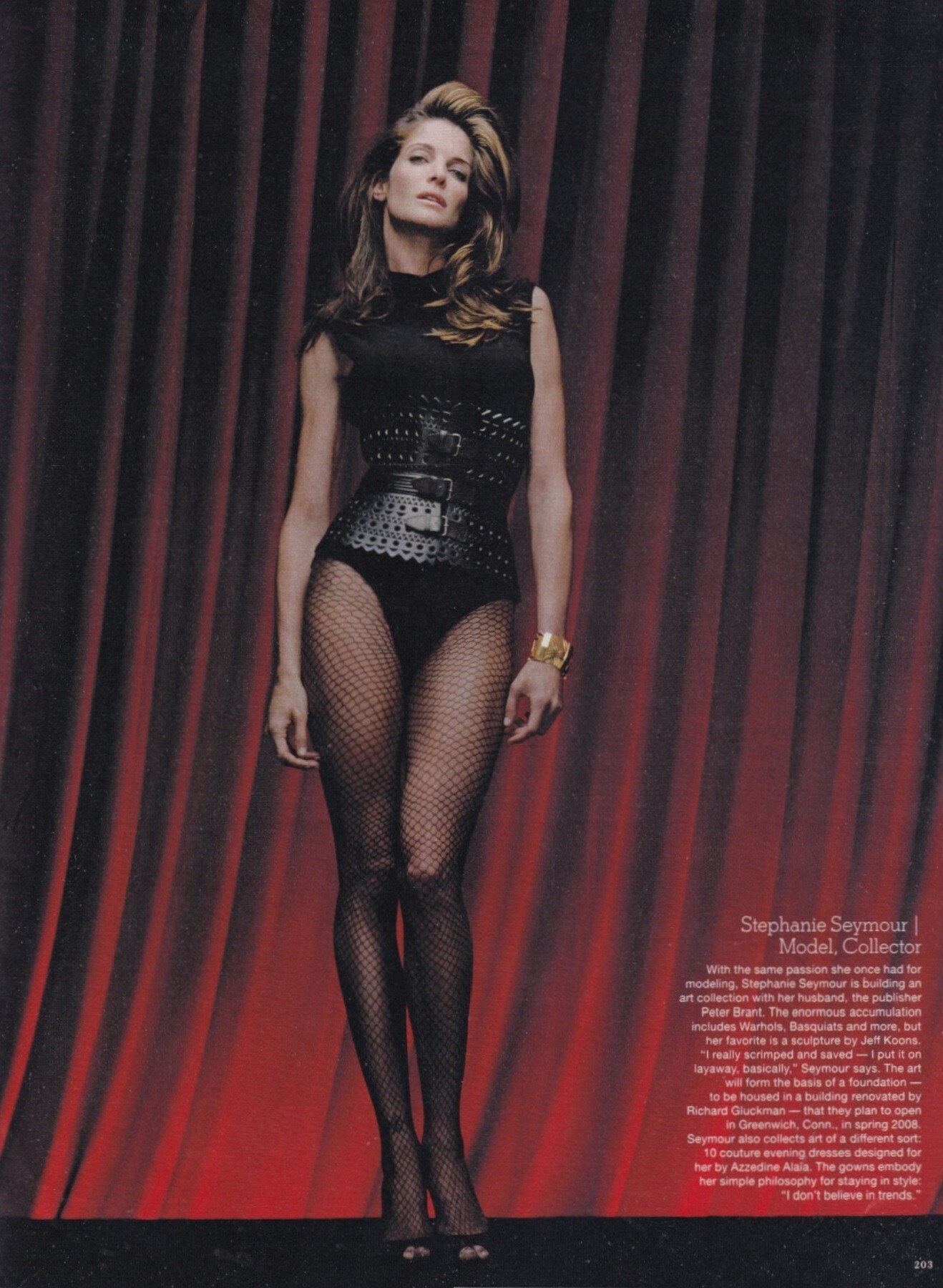
"The originals", The New York Times Style Magazine, holiday 2006 Stephanie Seymour by Robert Maxwell, in Azzedine Alaia my scan
Well... I guess it's a matter of taste, but I think the editorial in Women's magazine is awful... besides, that blonde wig looks terrible on her.
"The originals", The New York Times Style Magazine, holiday 2006 Stephanie Seymour by Robert Maxwell, in Azzedine Alaia my scan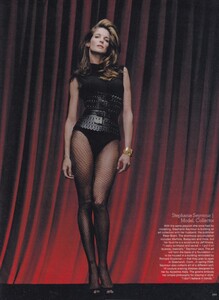
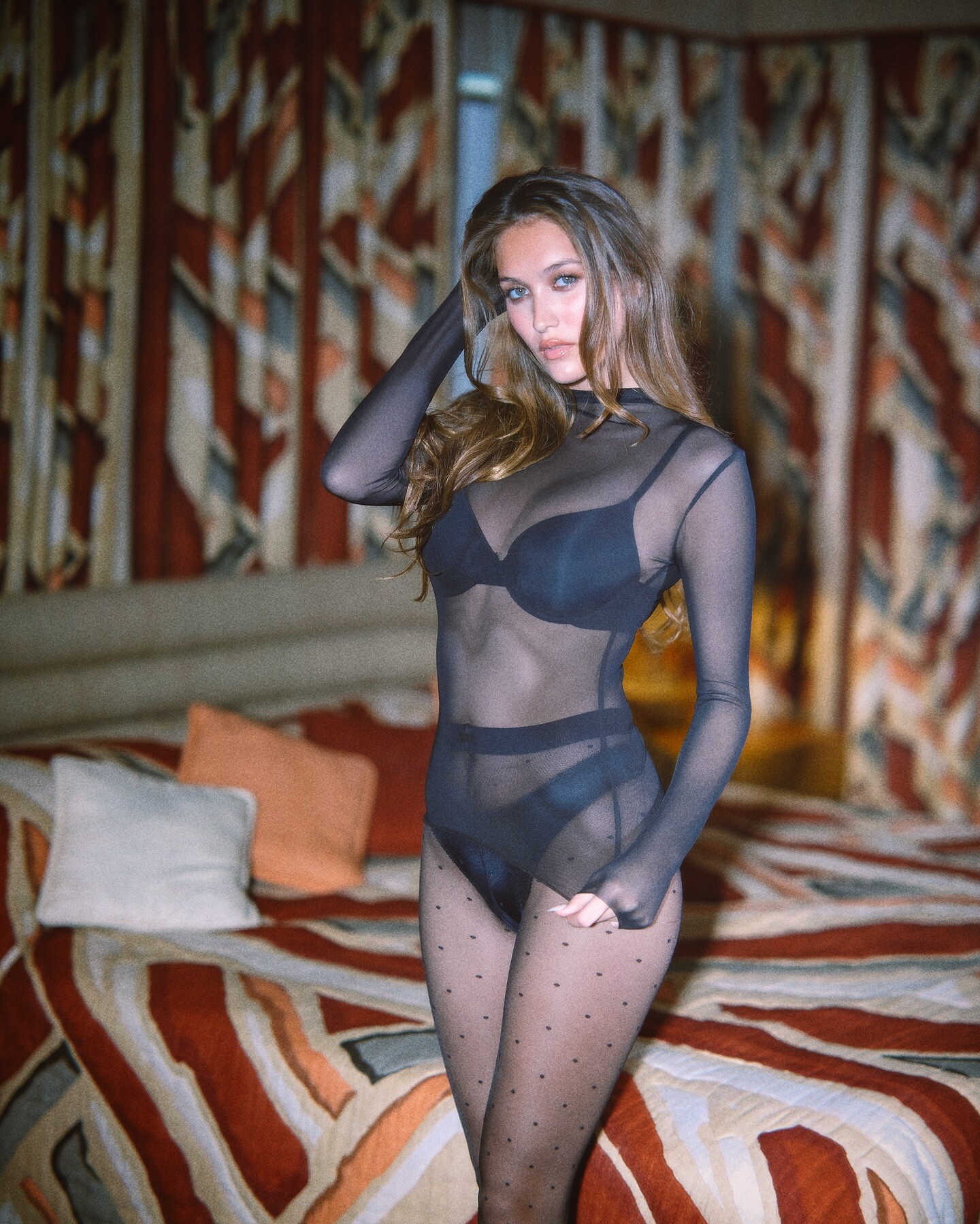
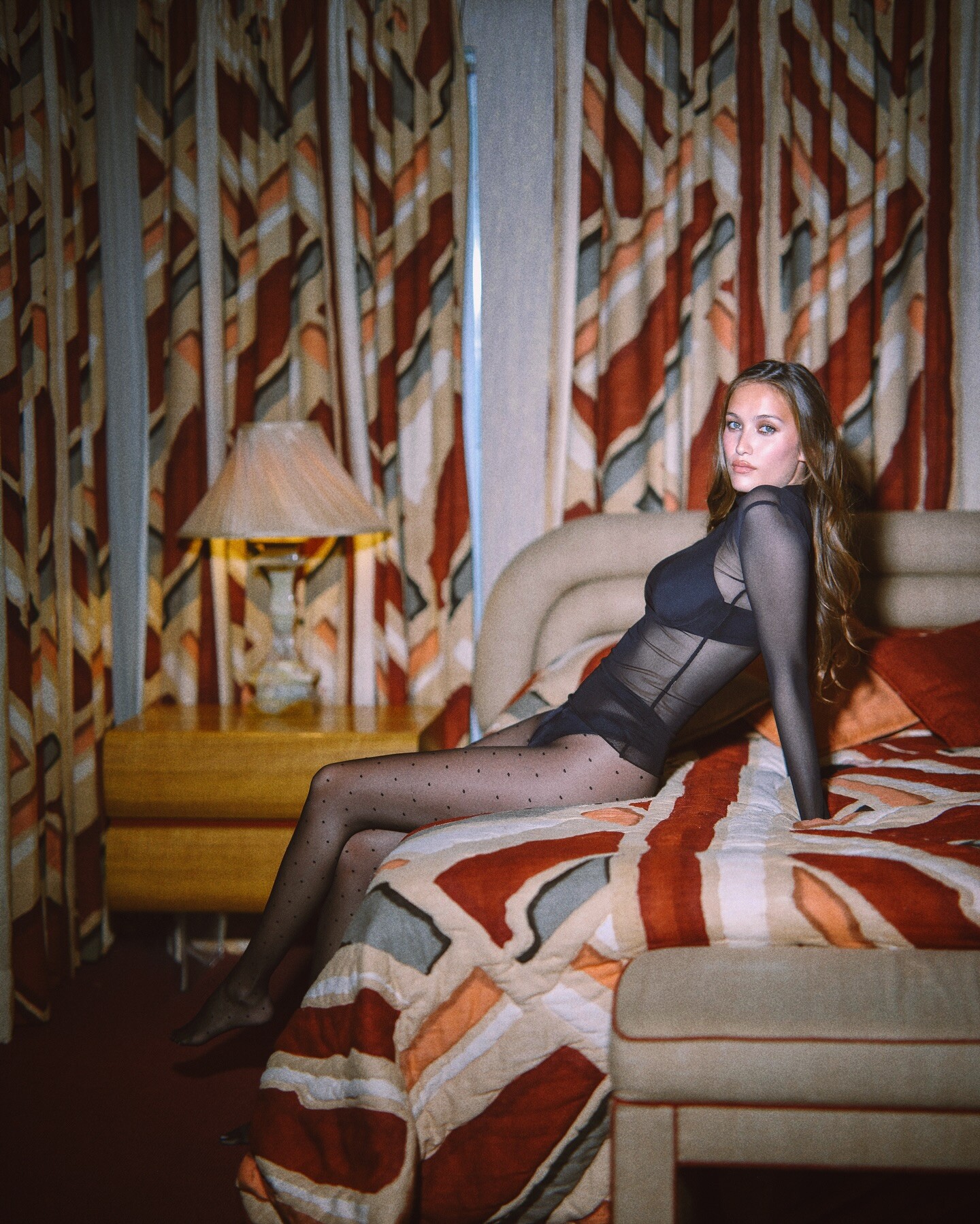
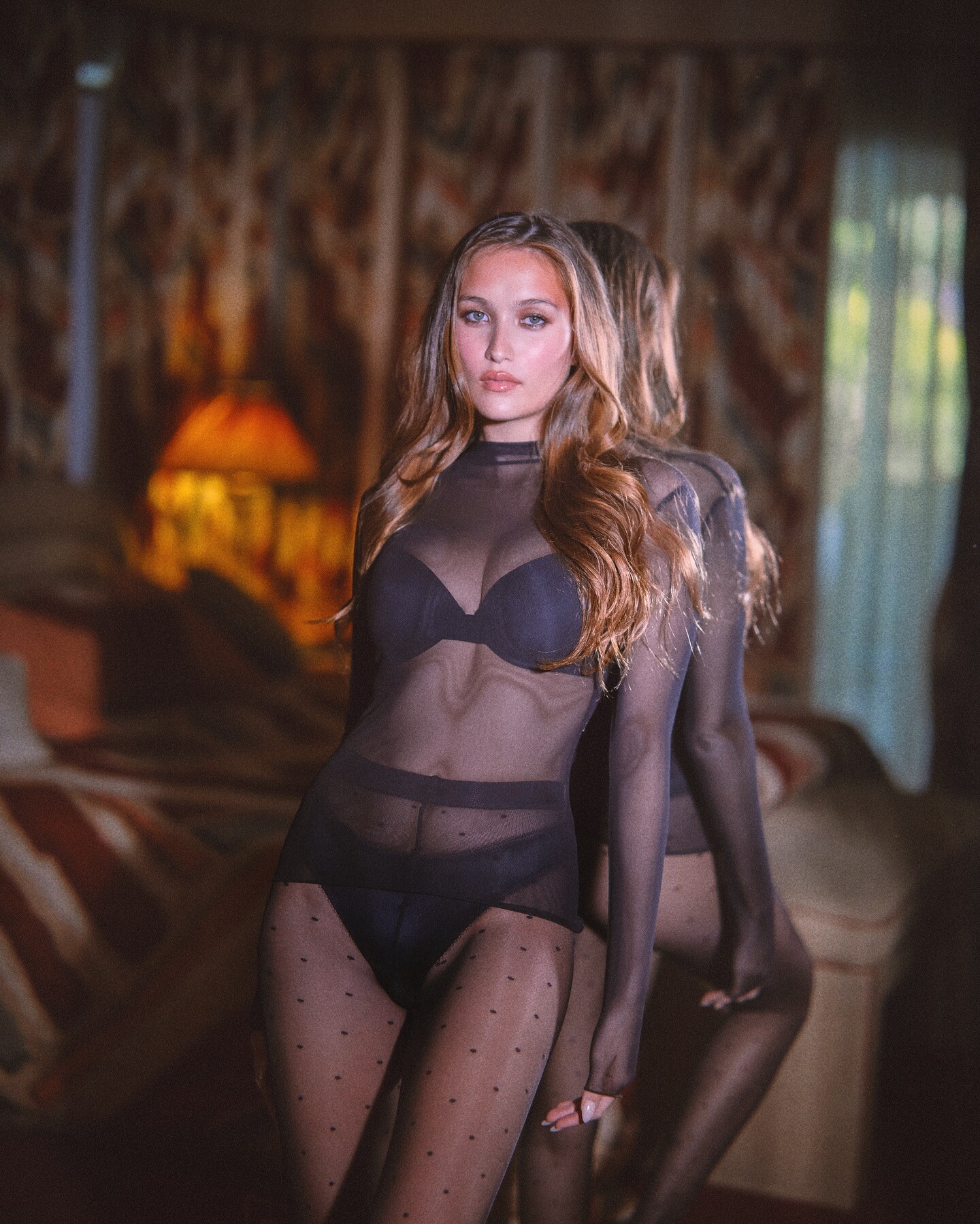
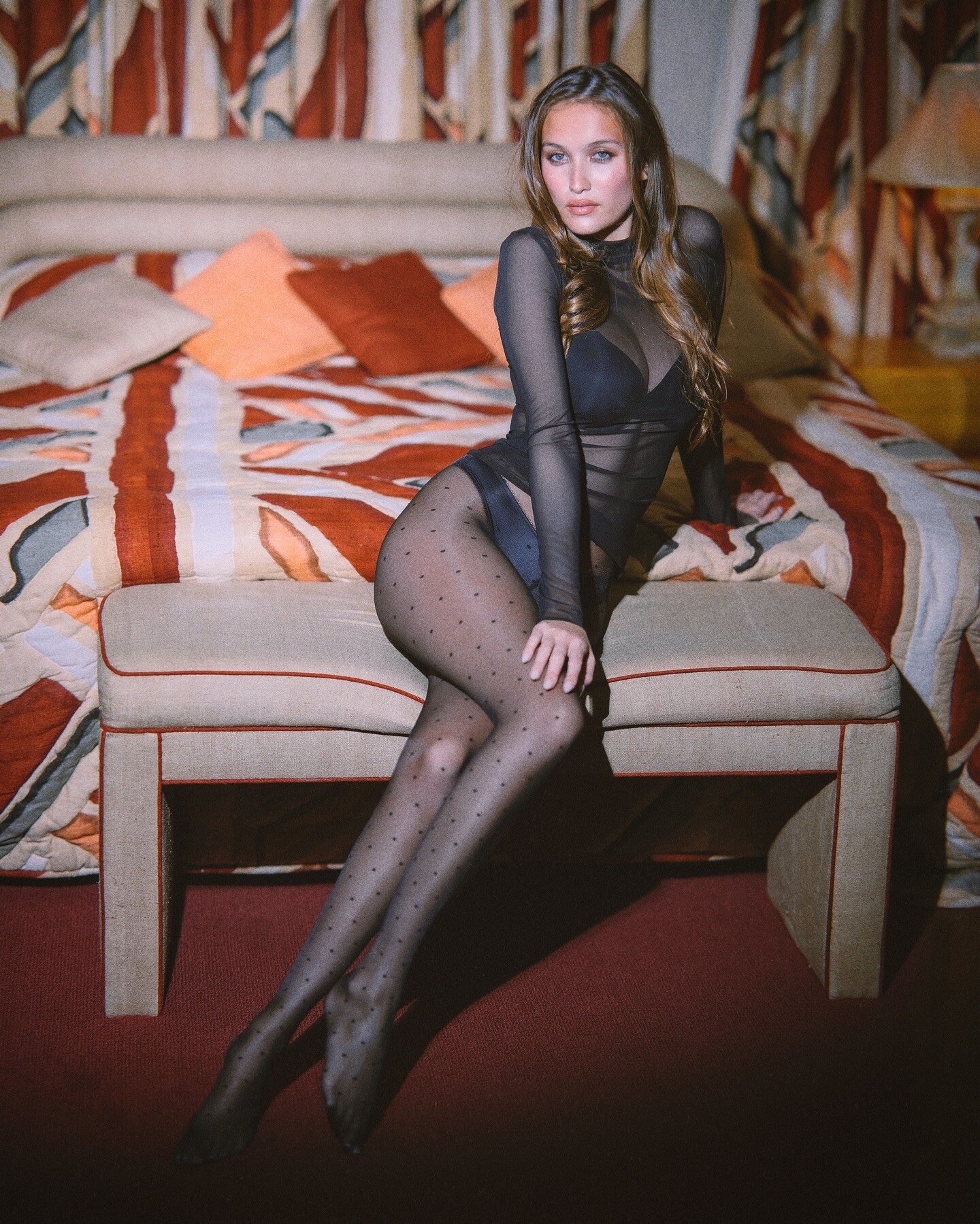
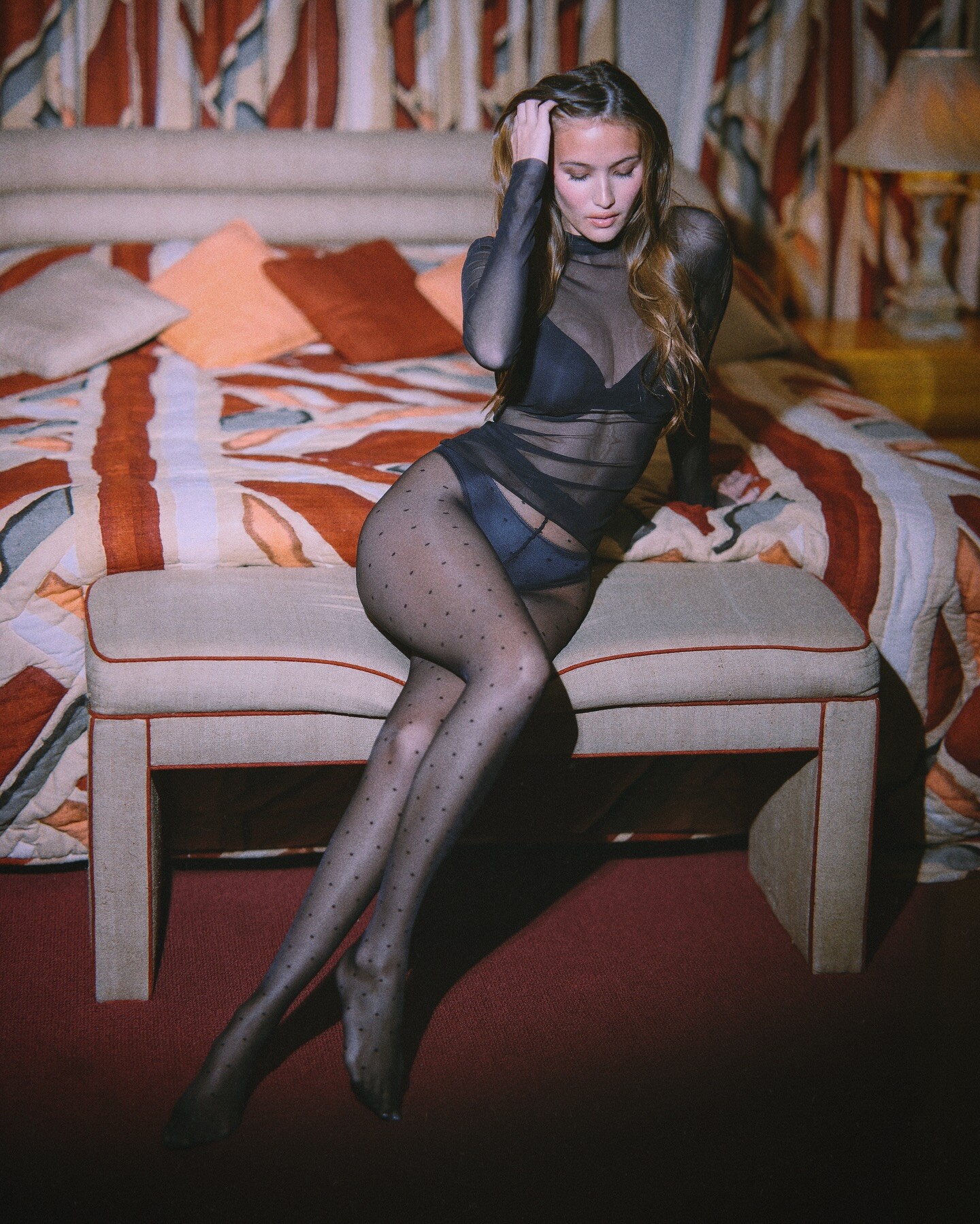
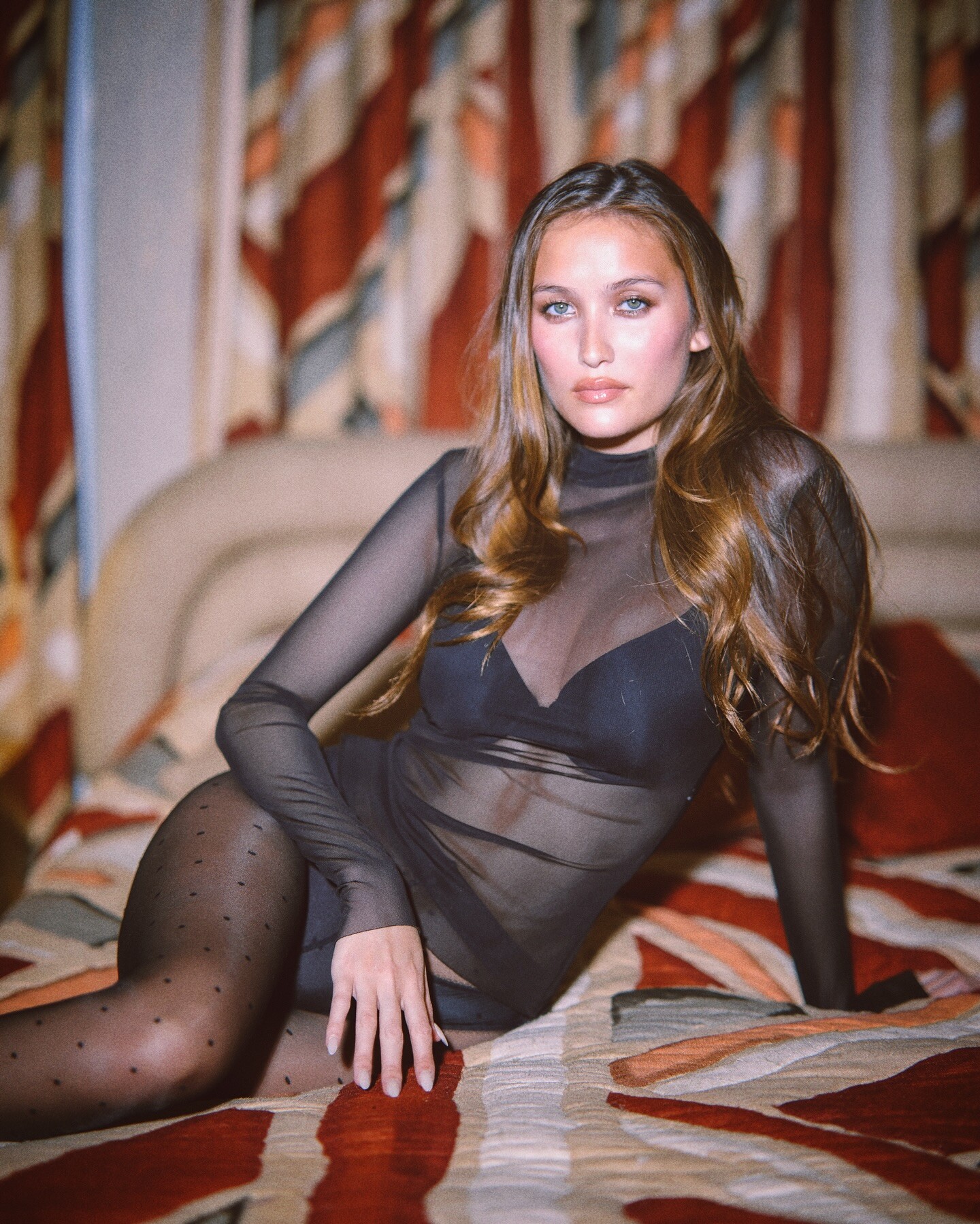
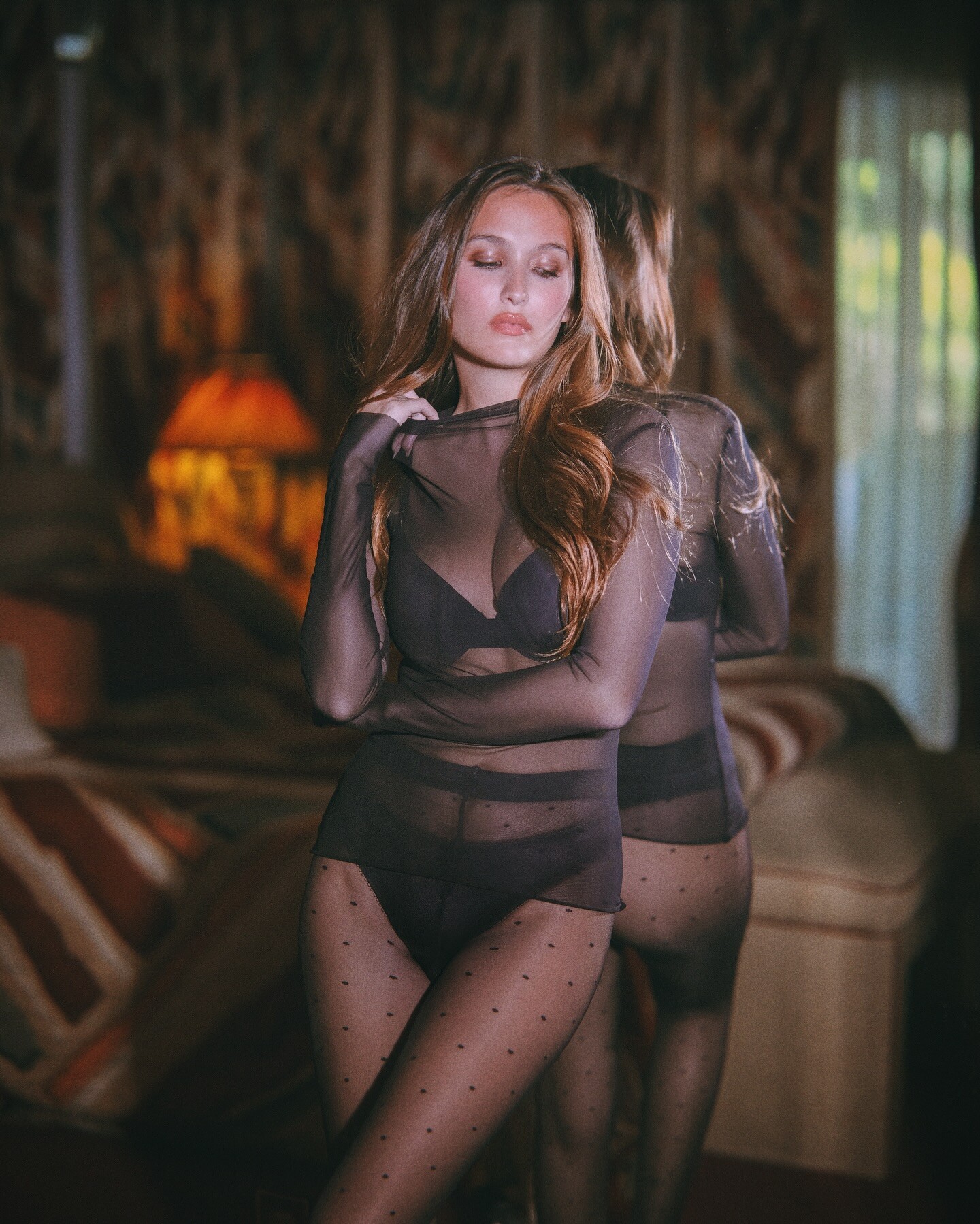
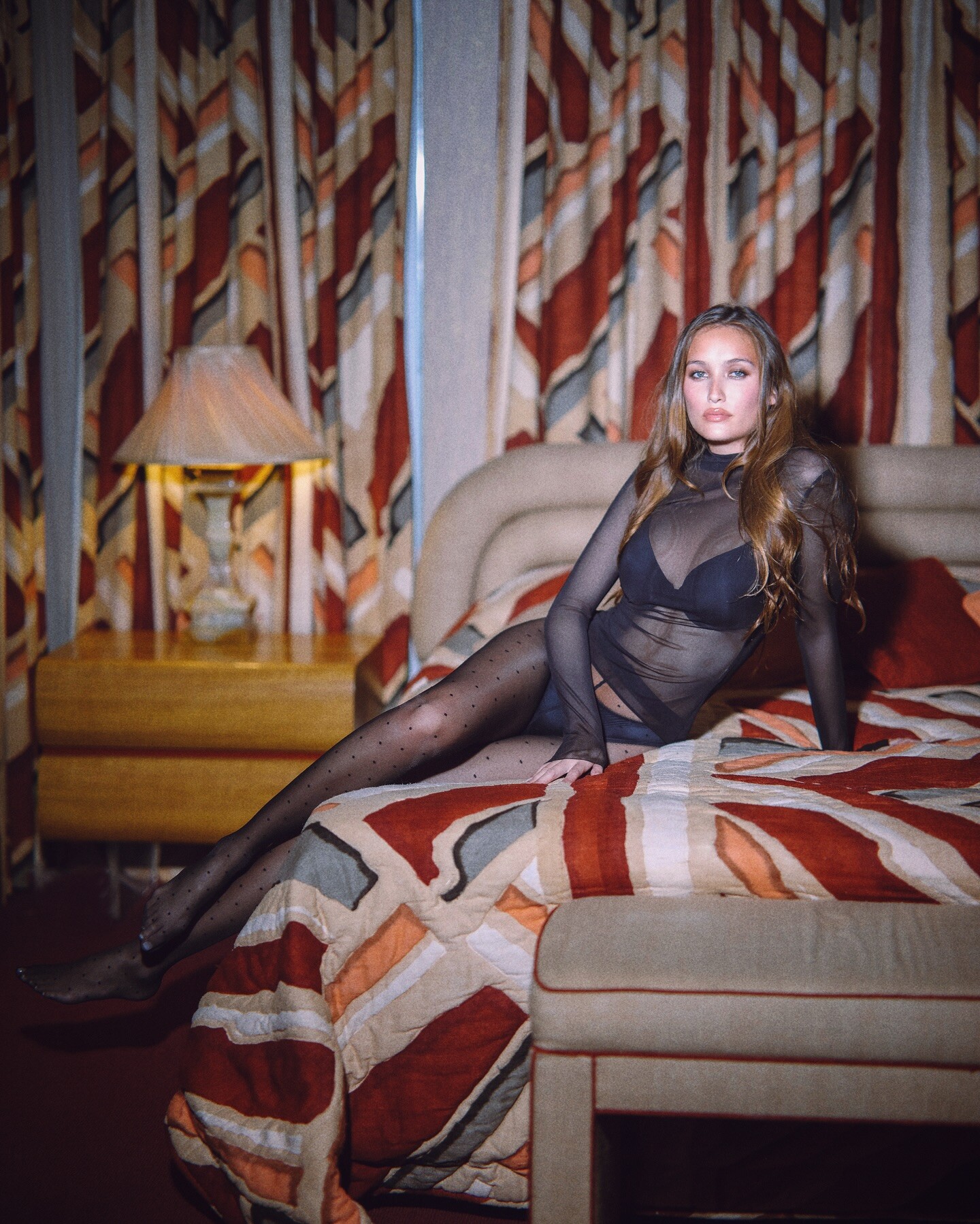
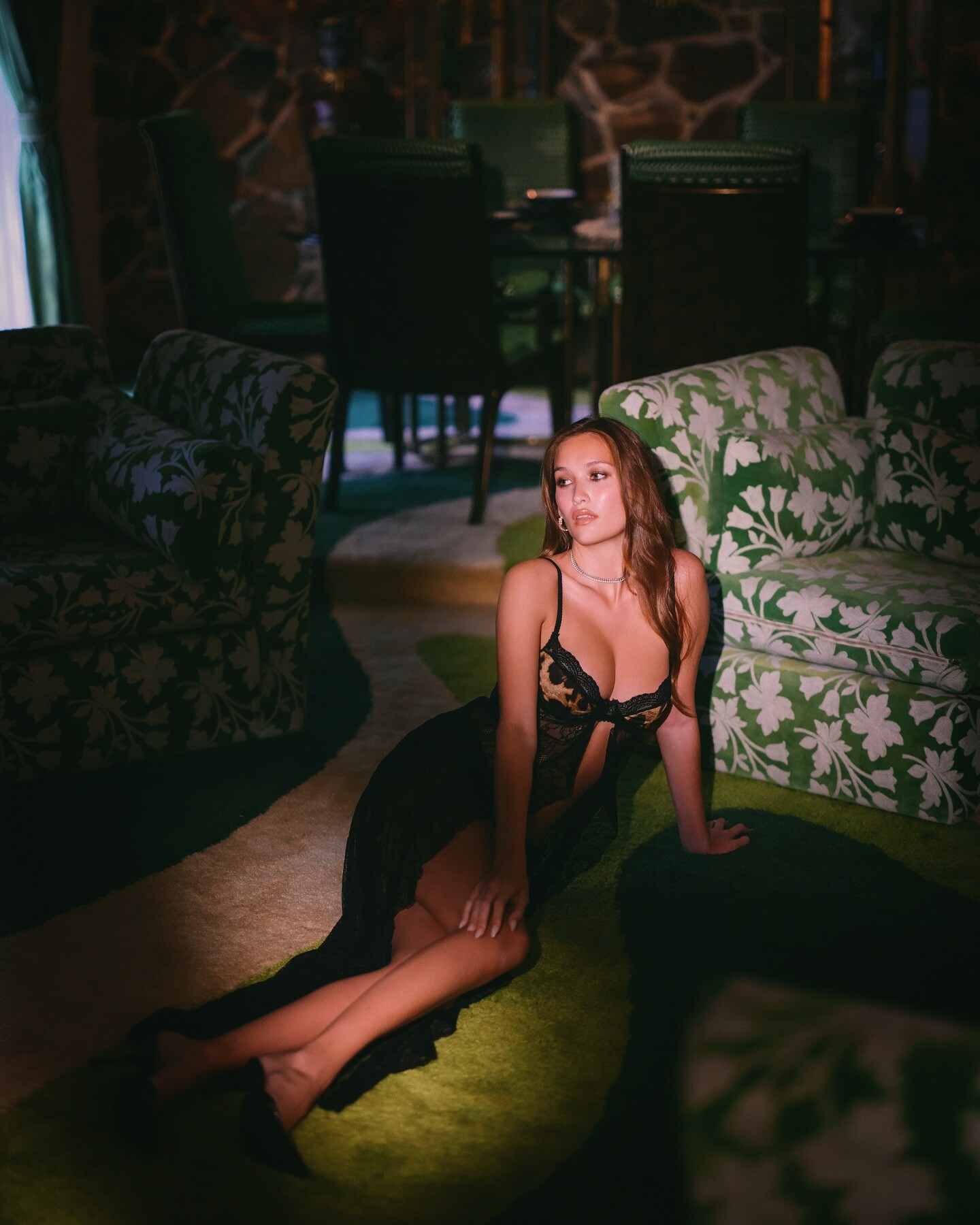
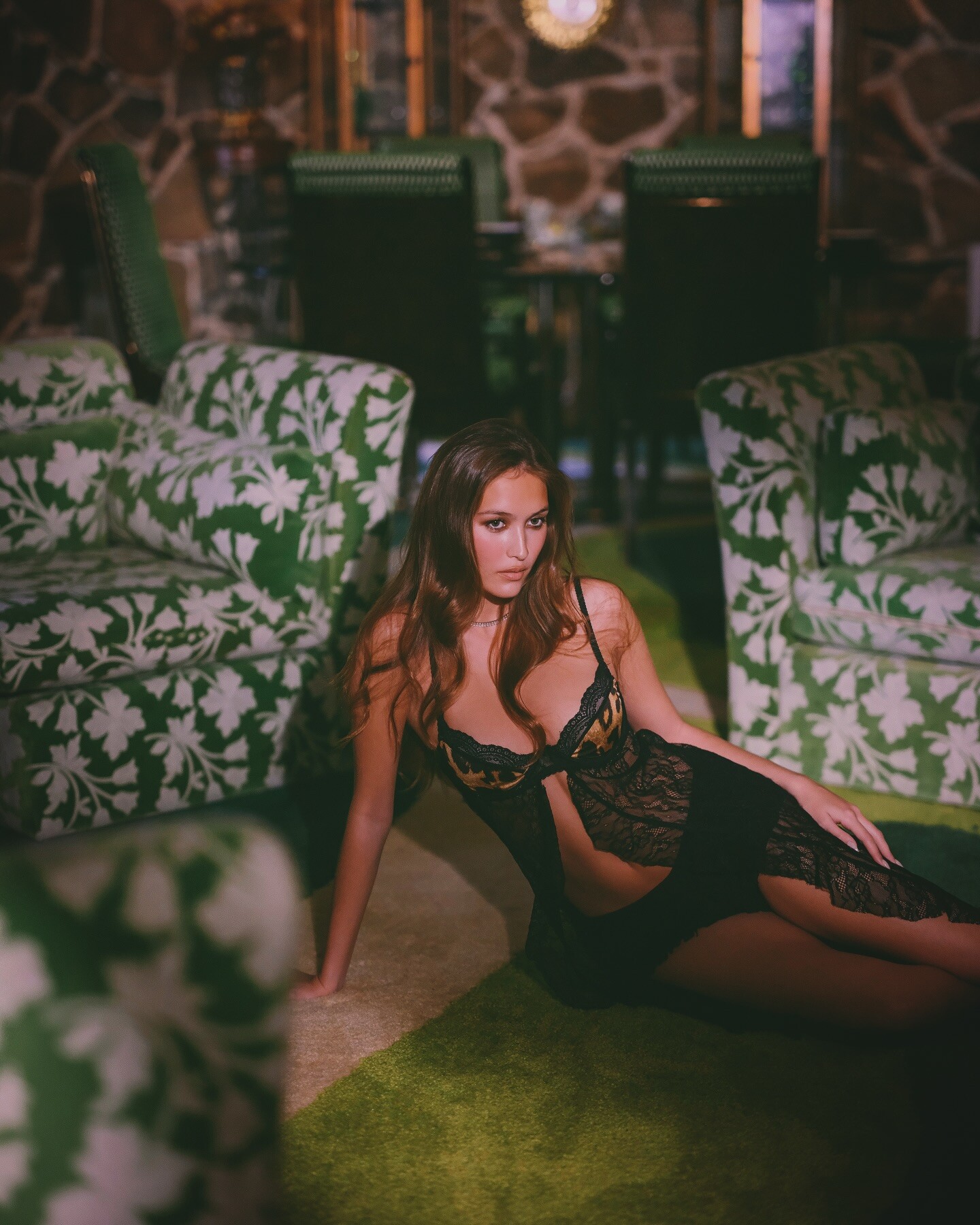
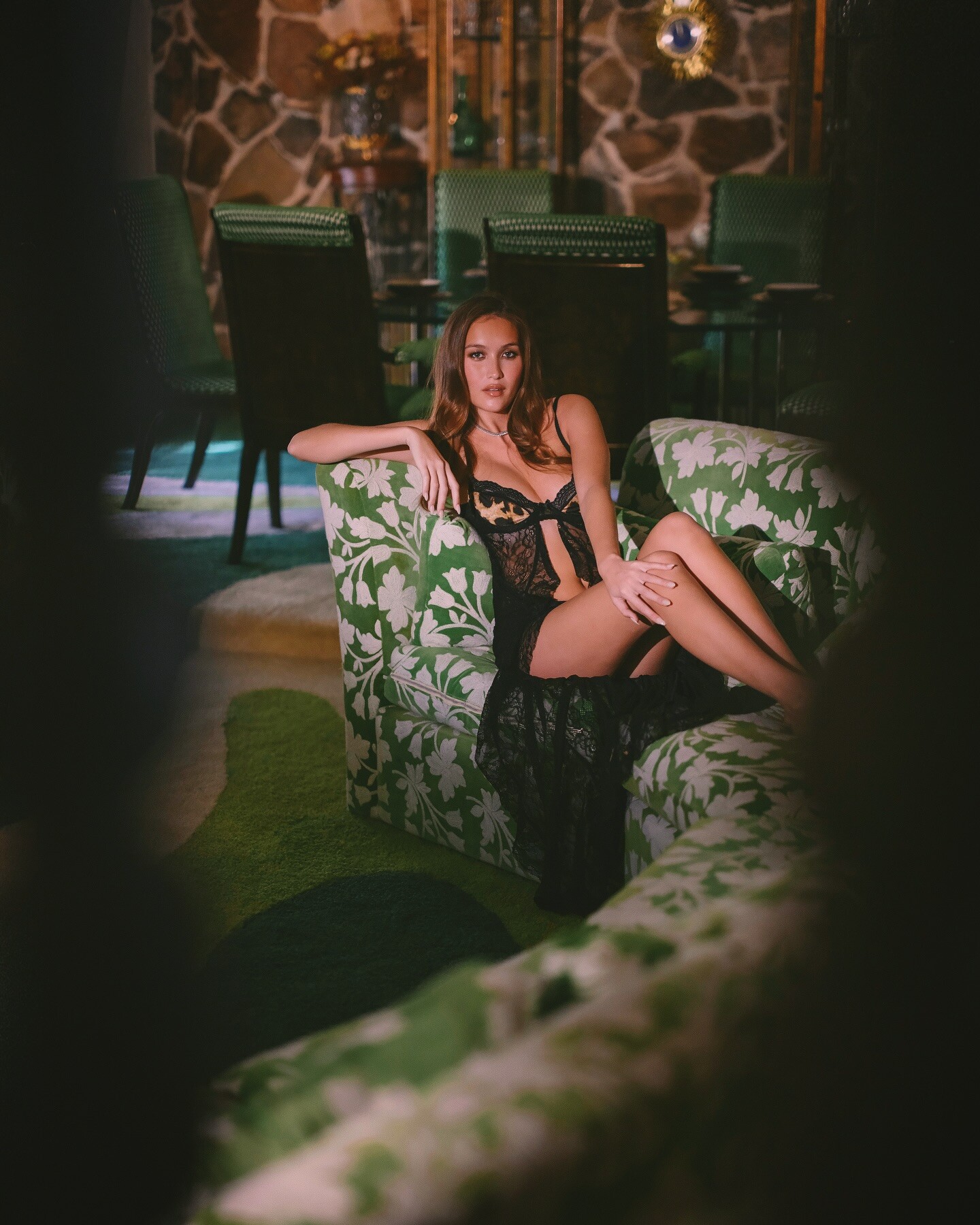
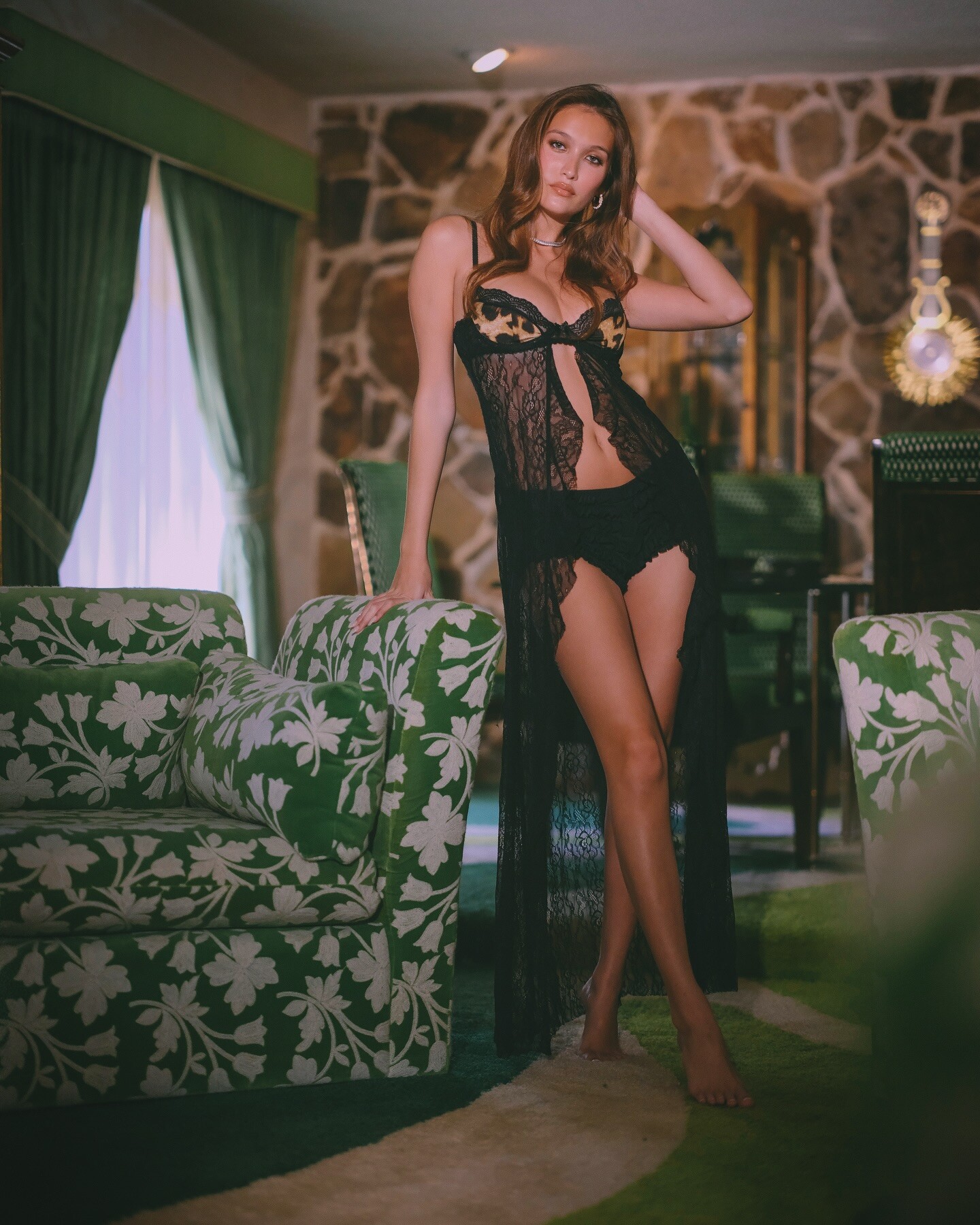
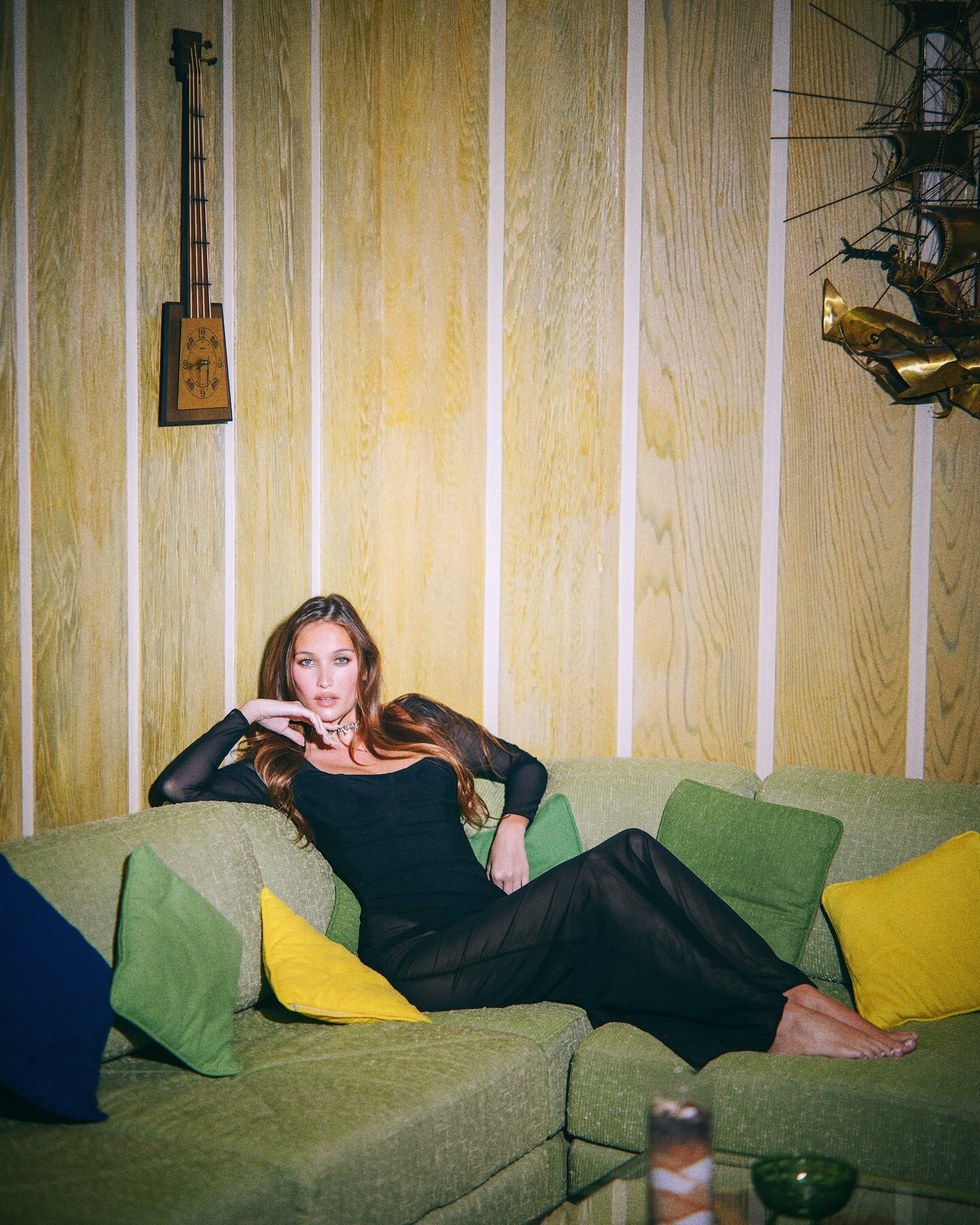
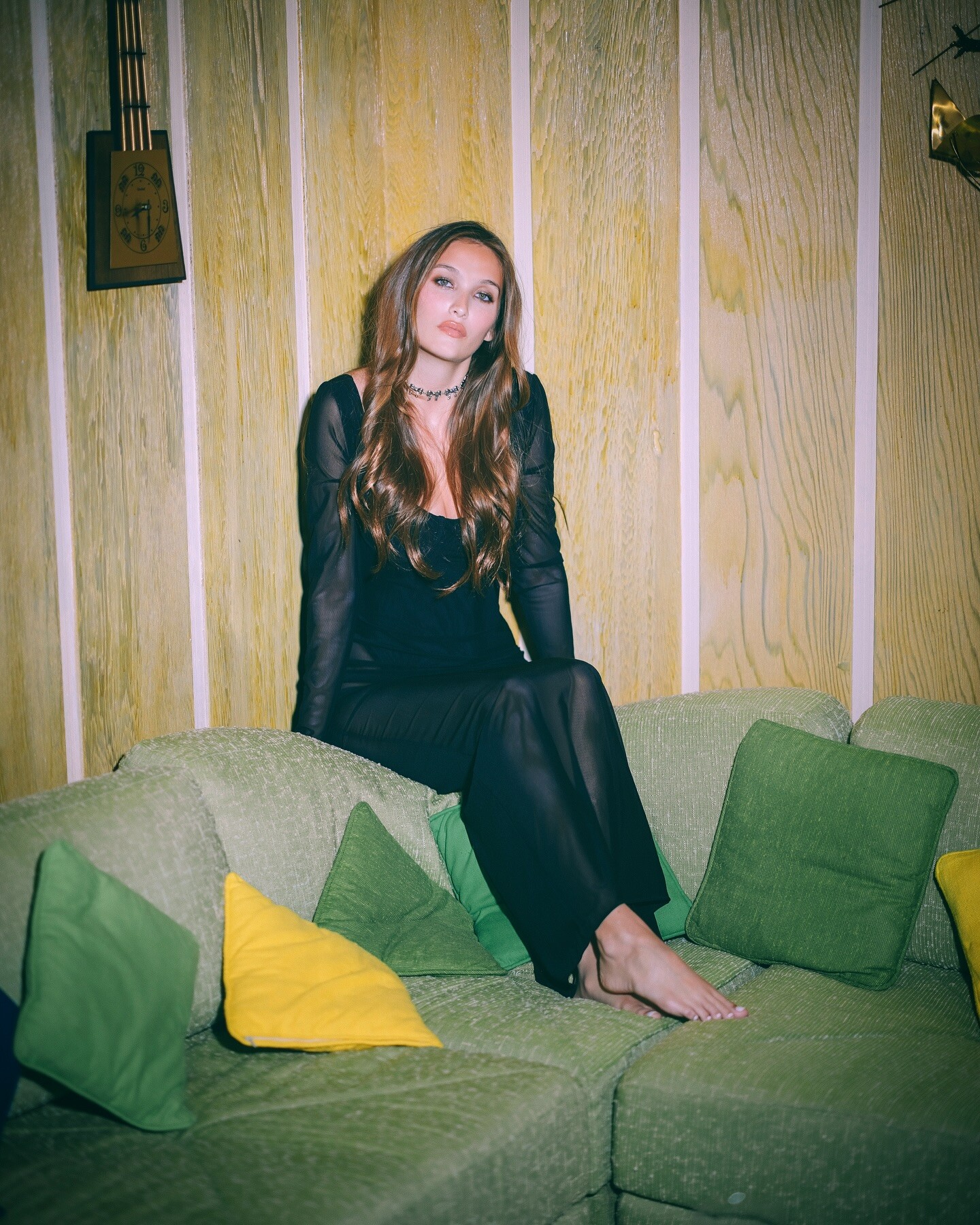
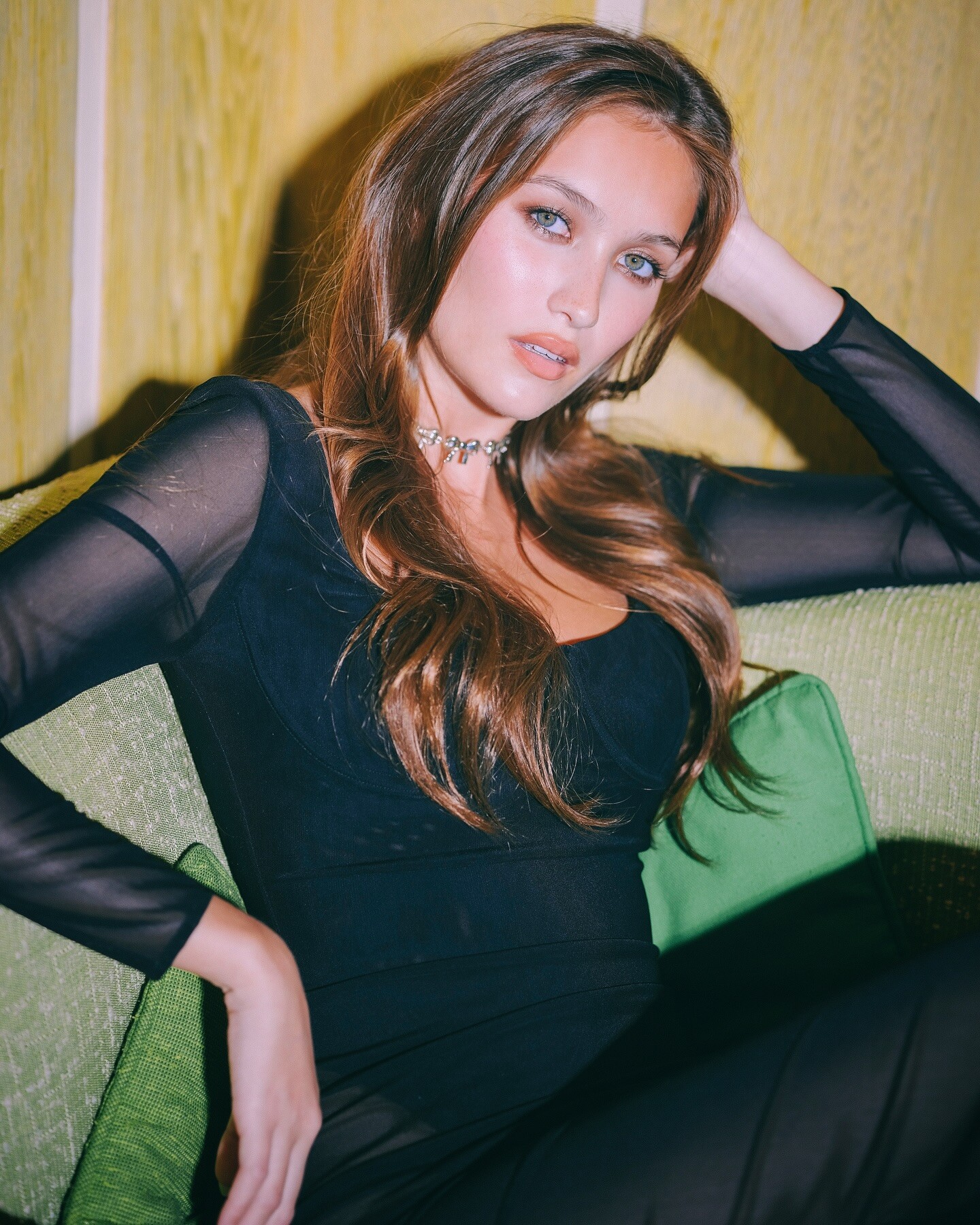
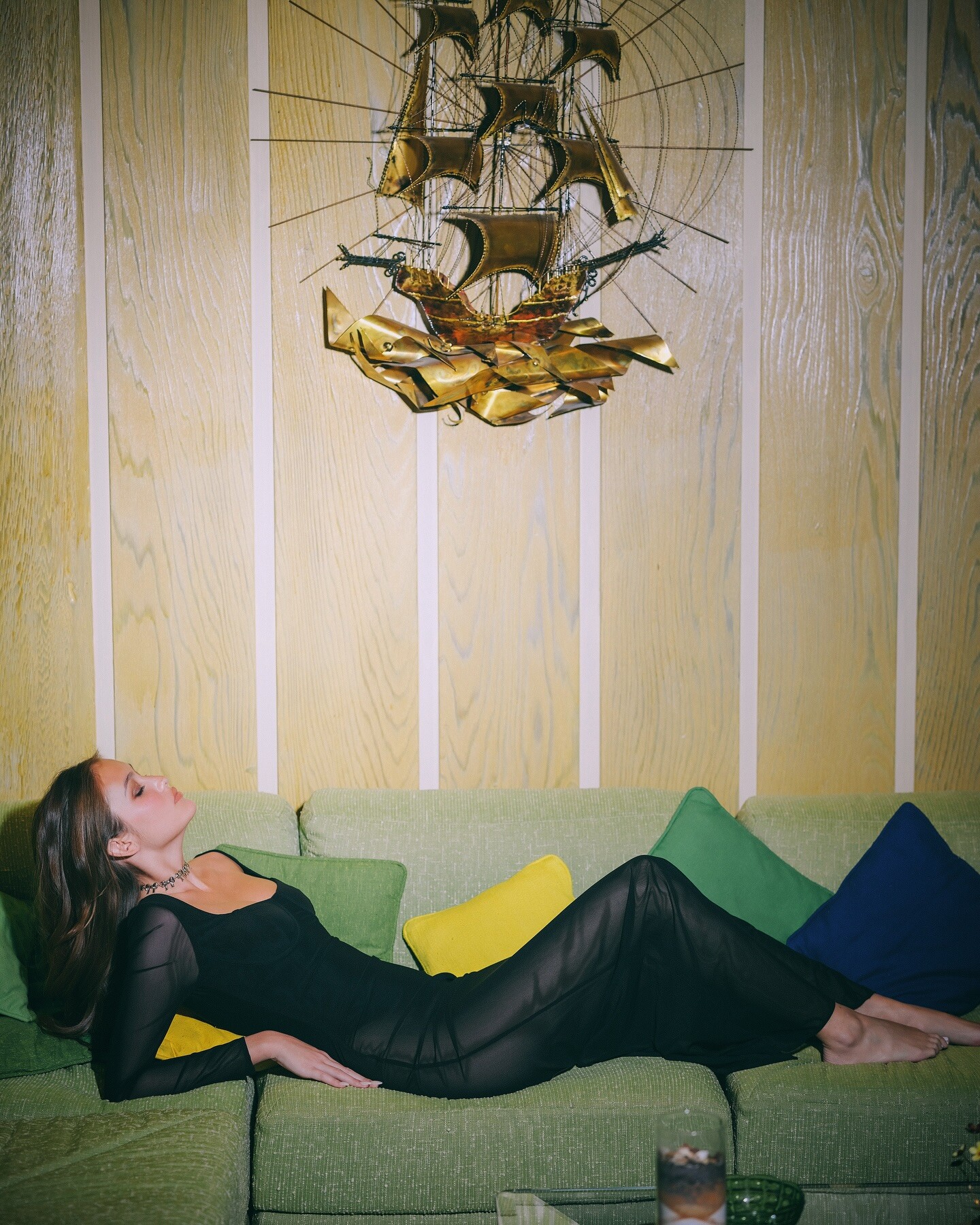
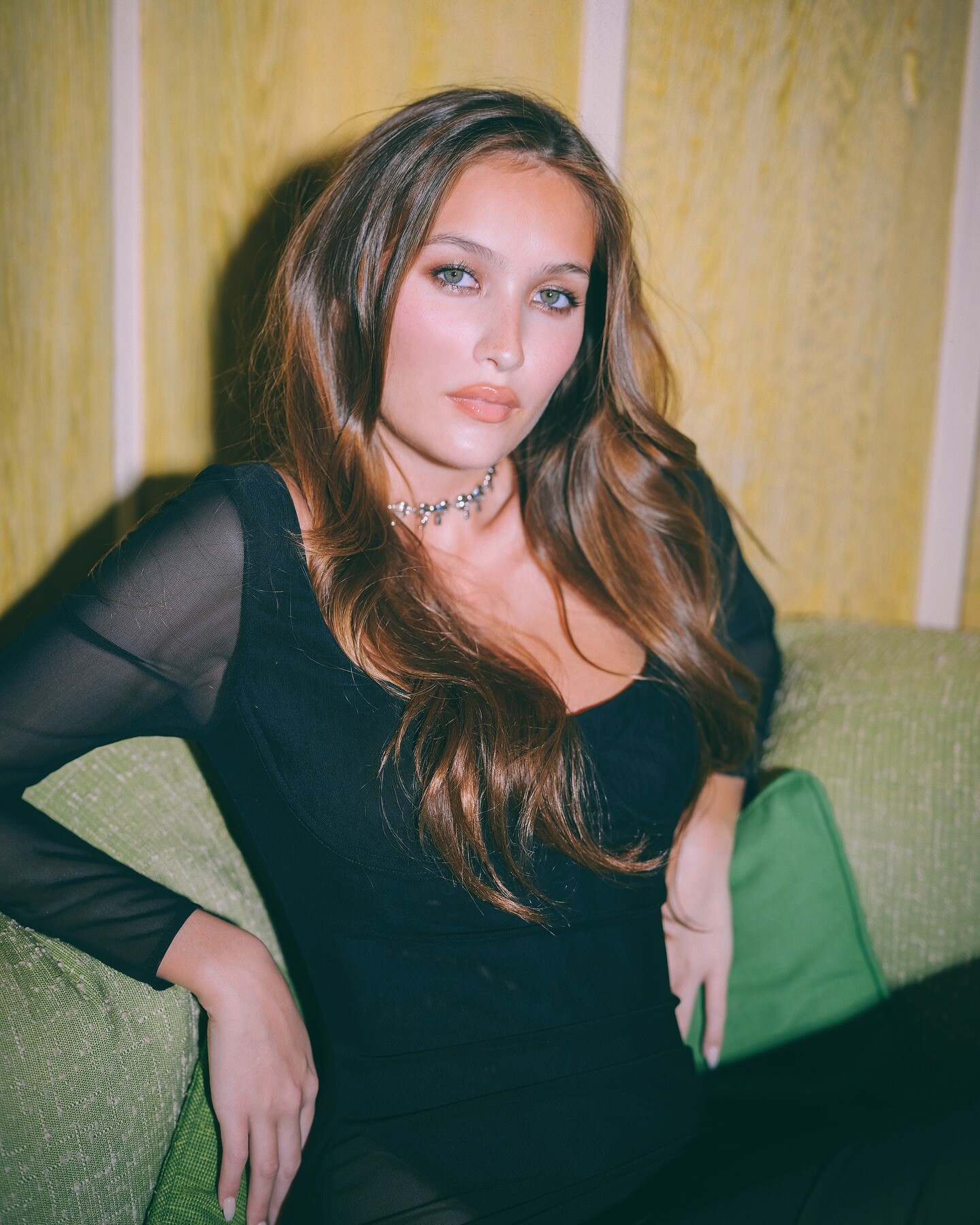
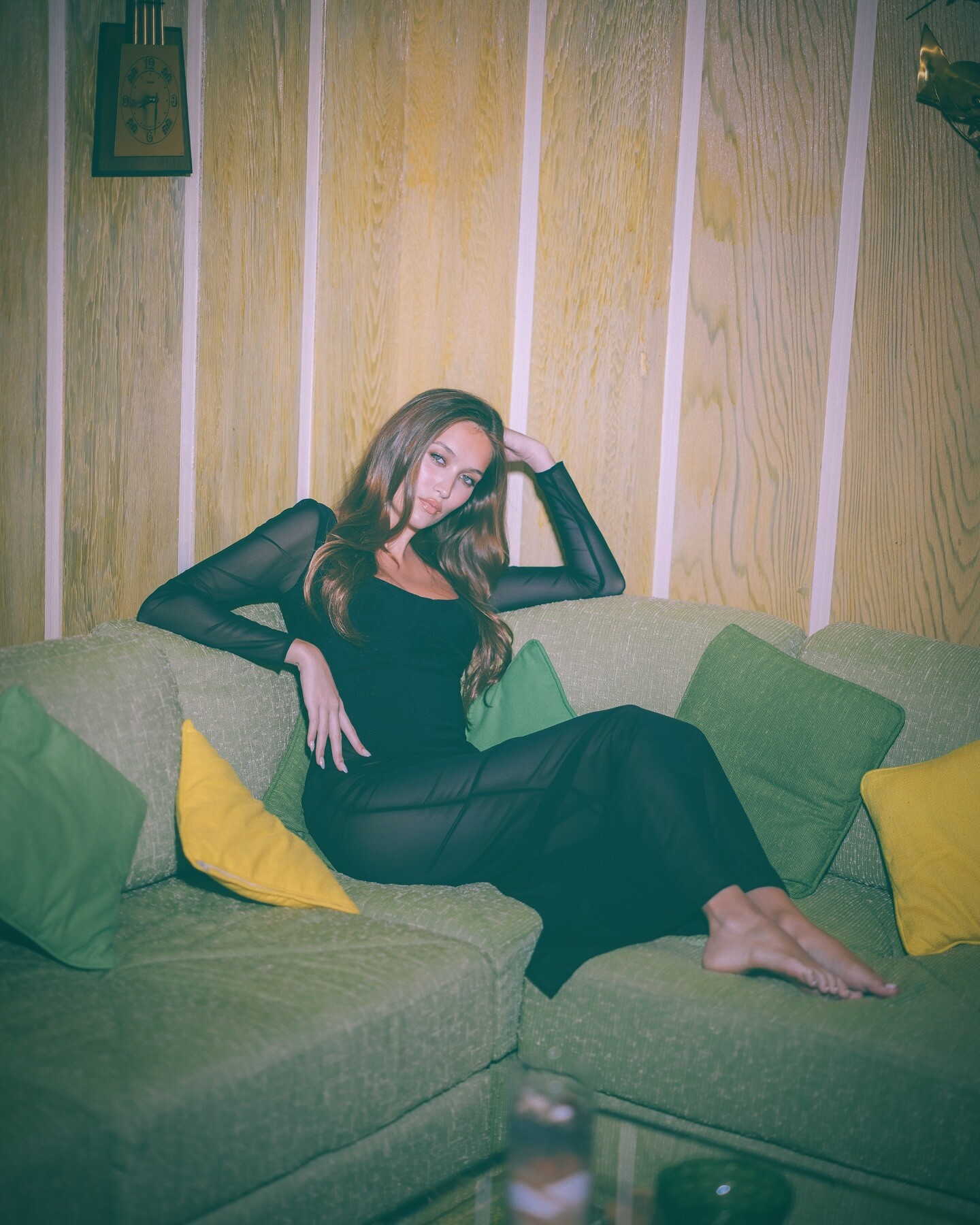
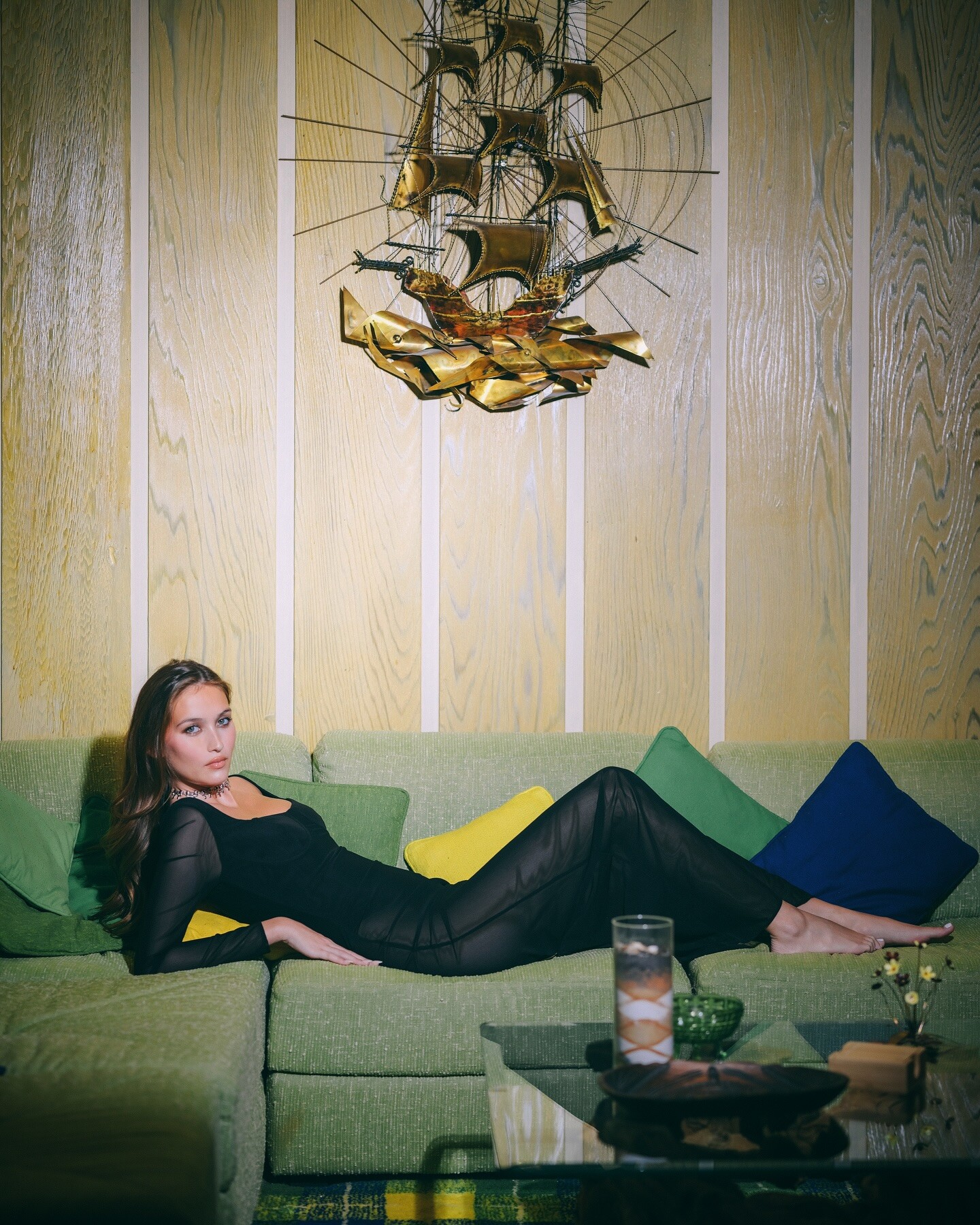
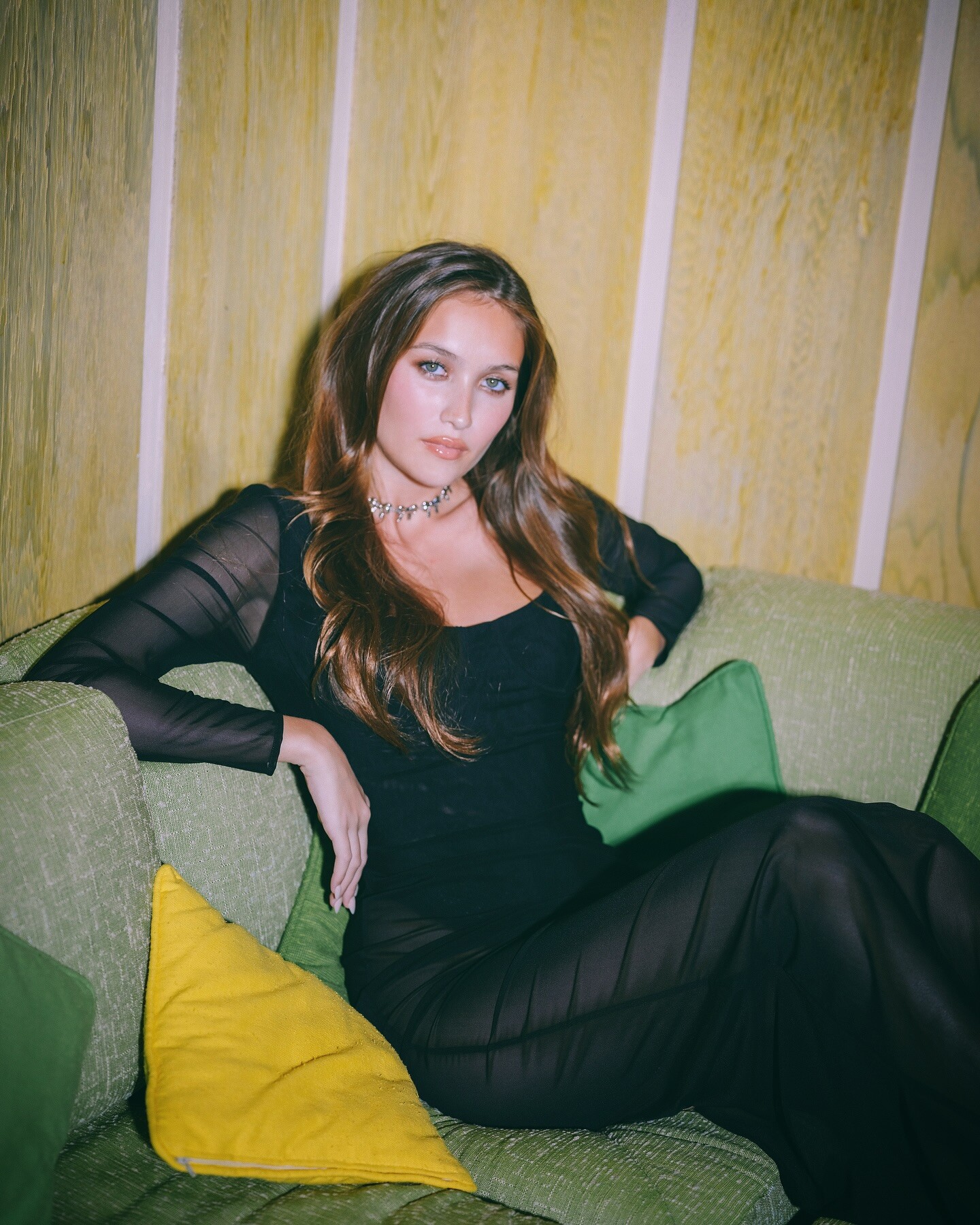
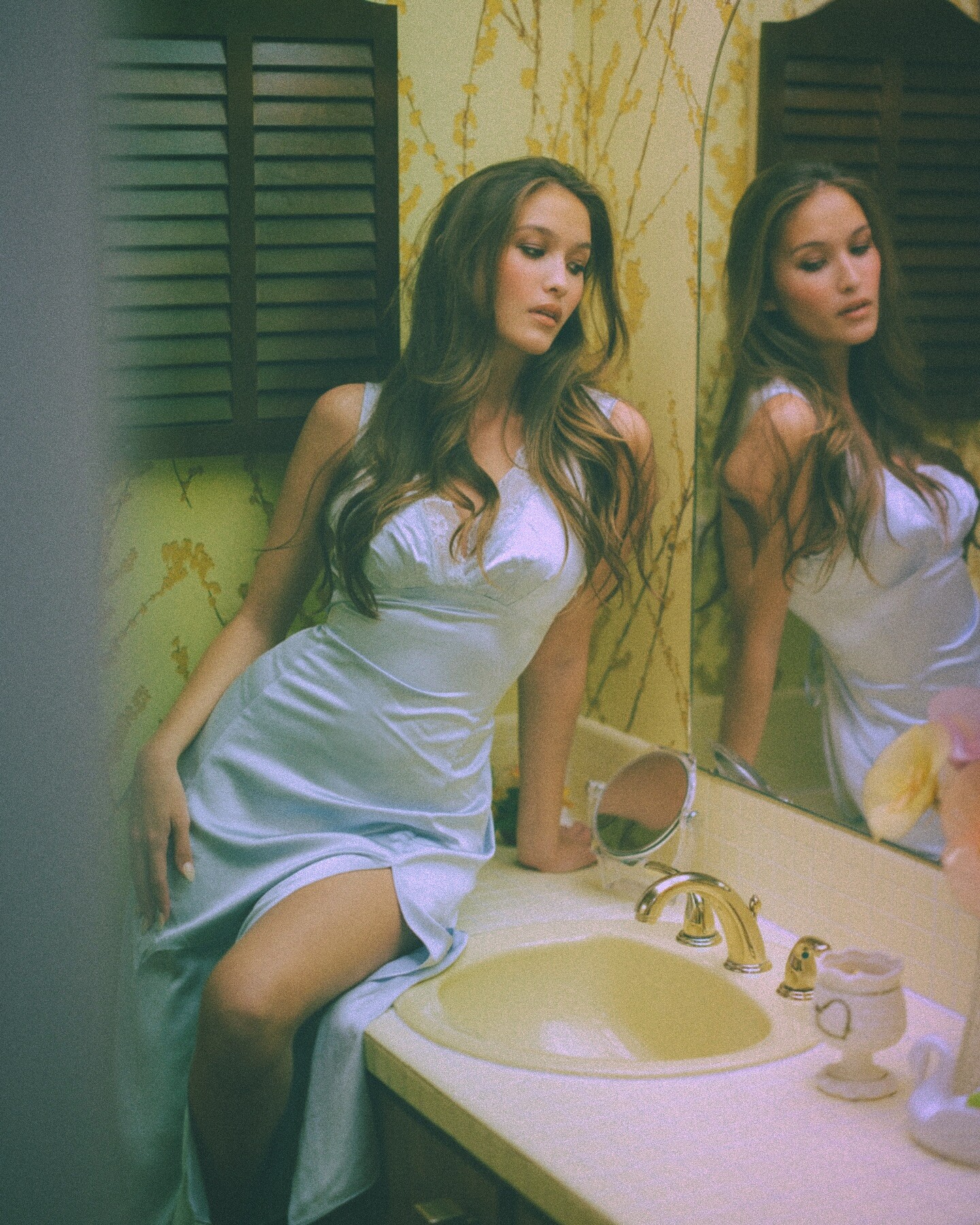
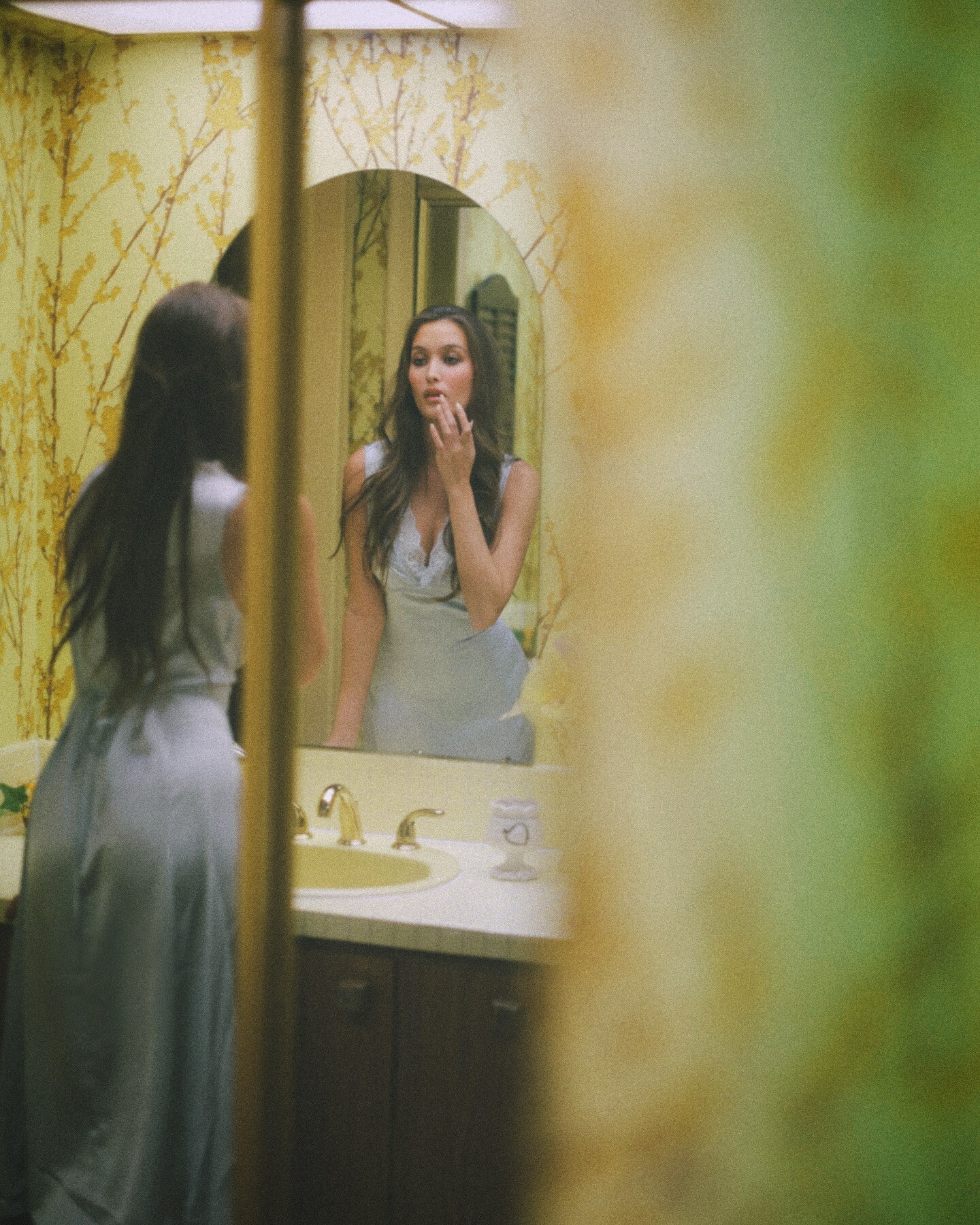
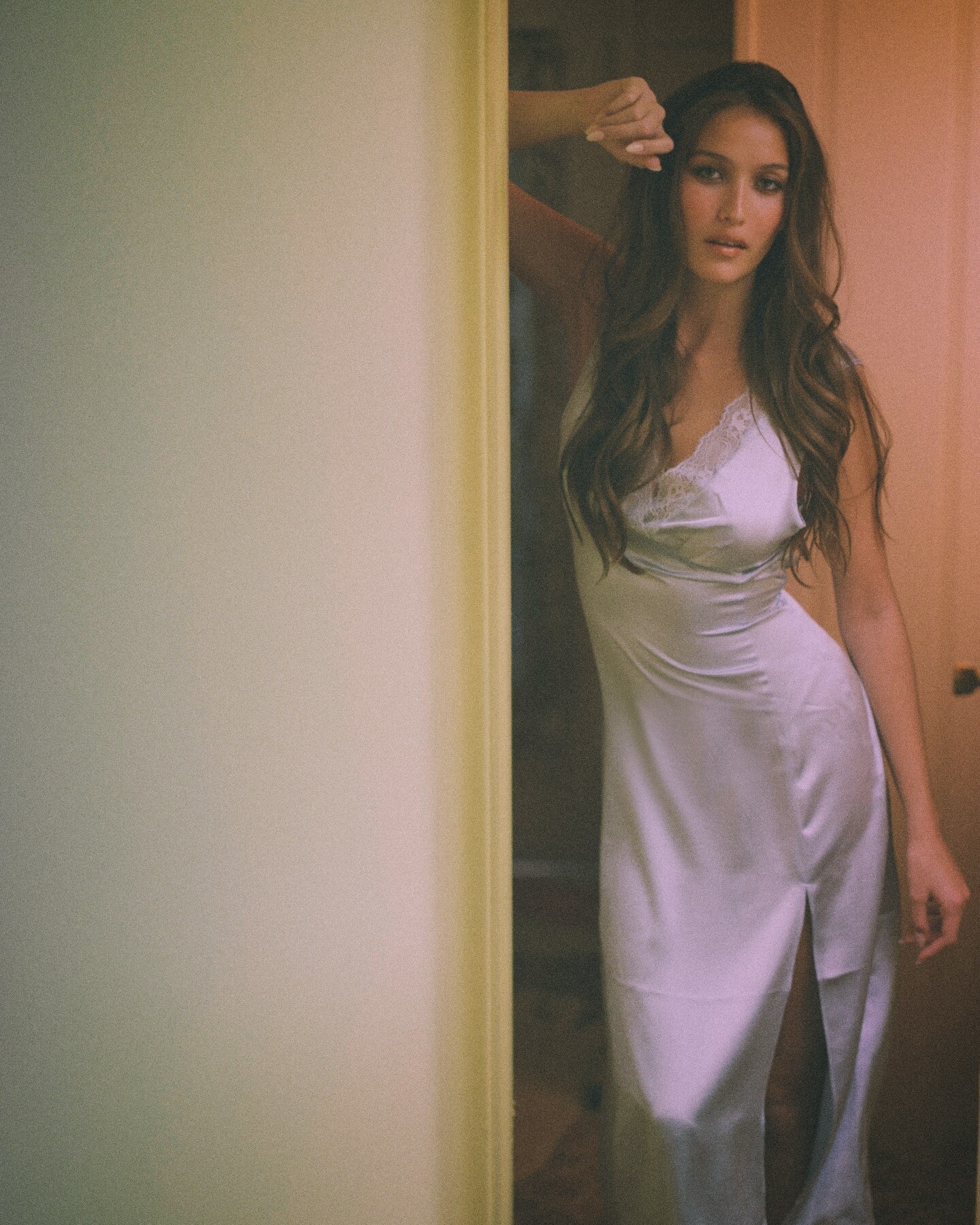
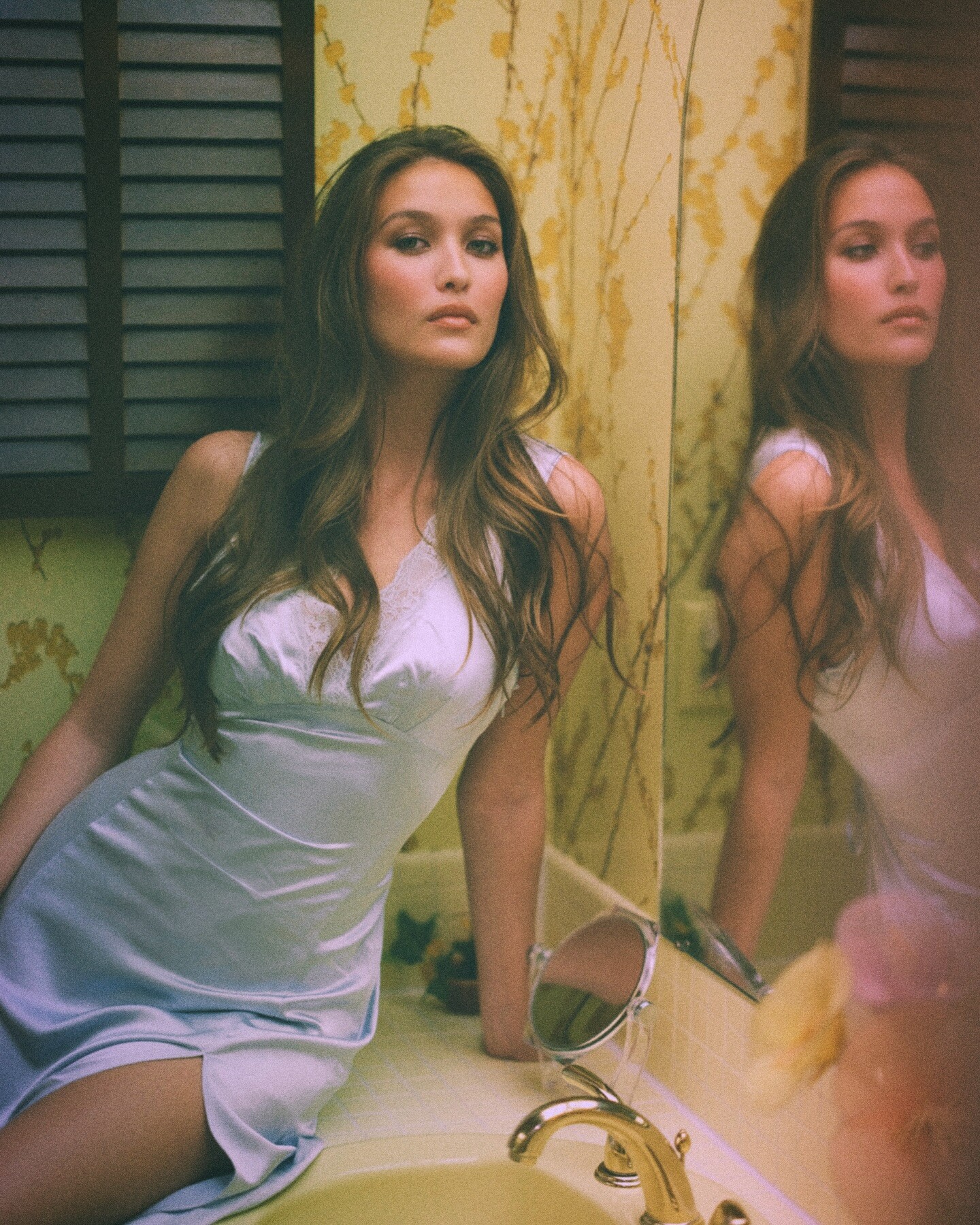
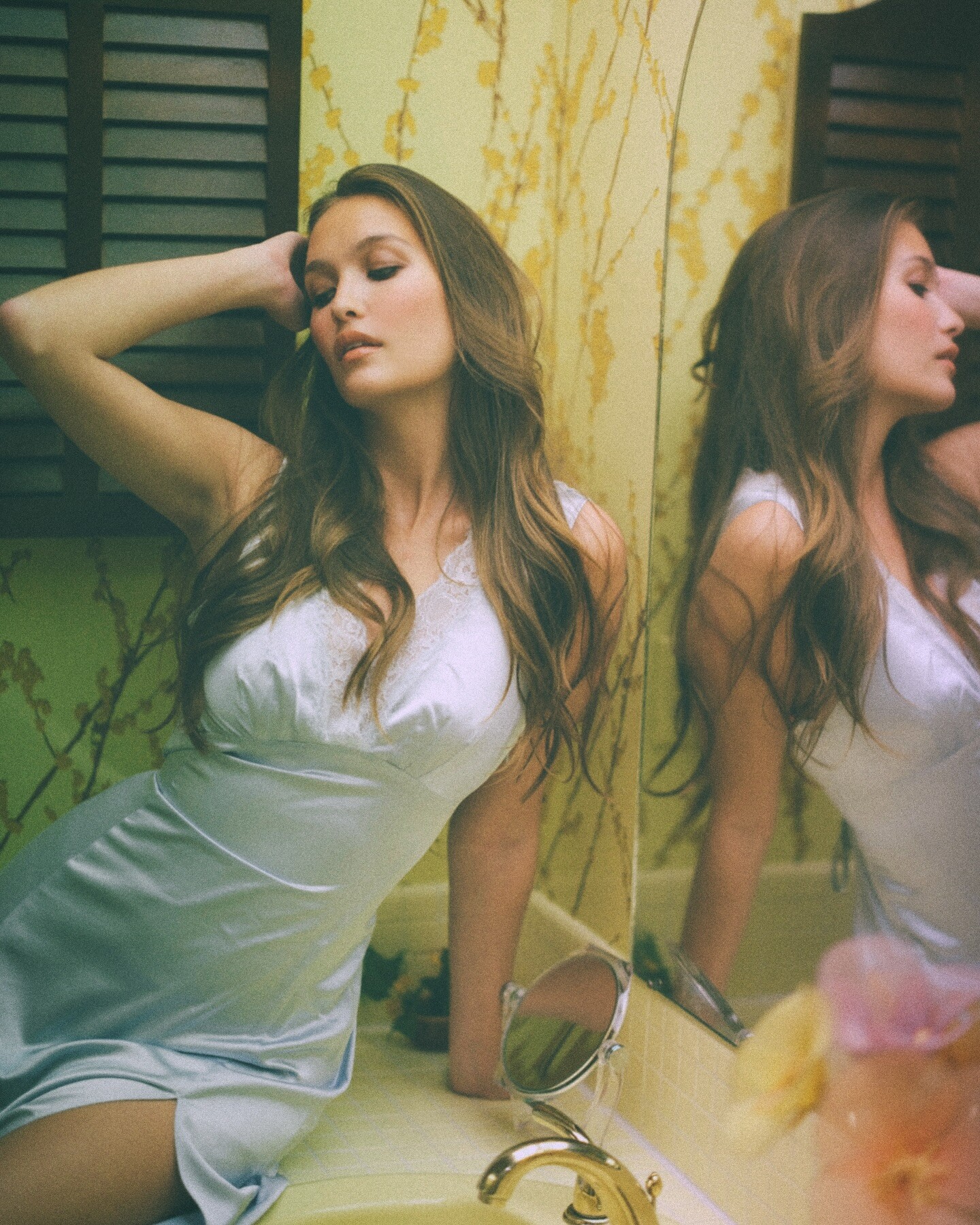
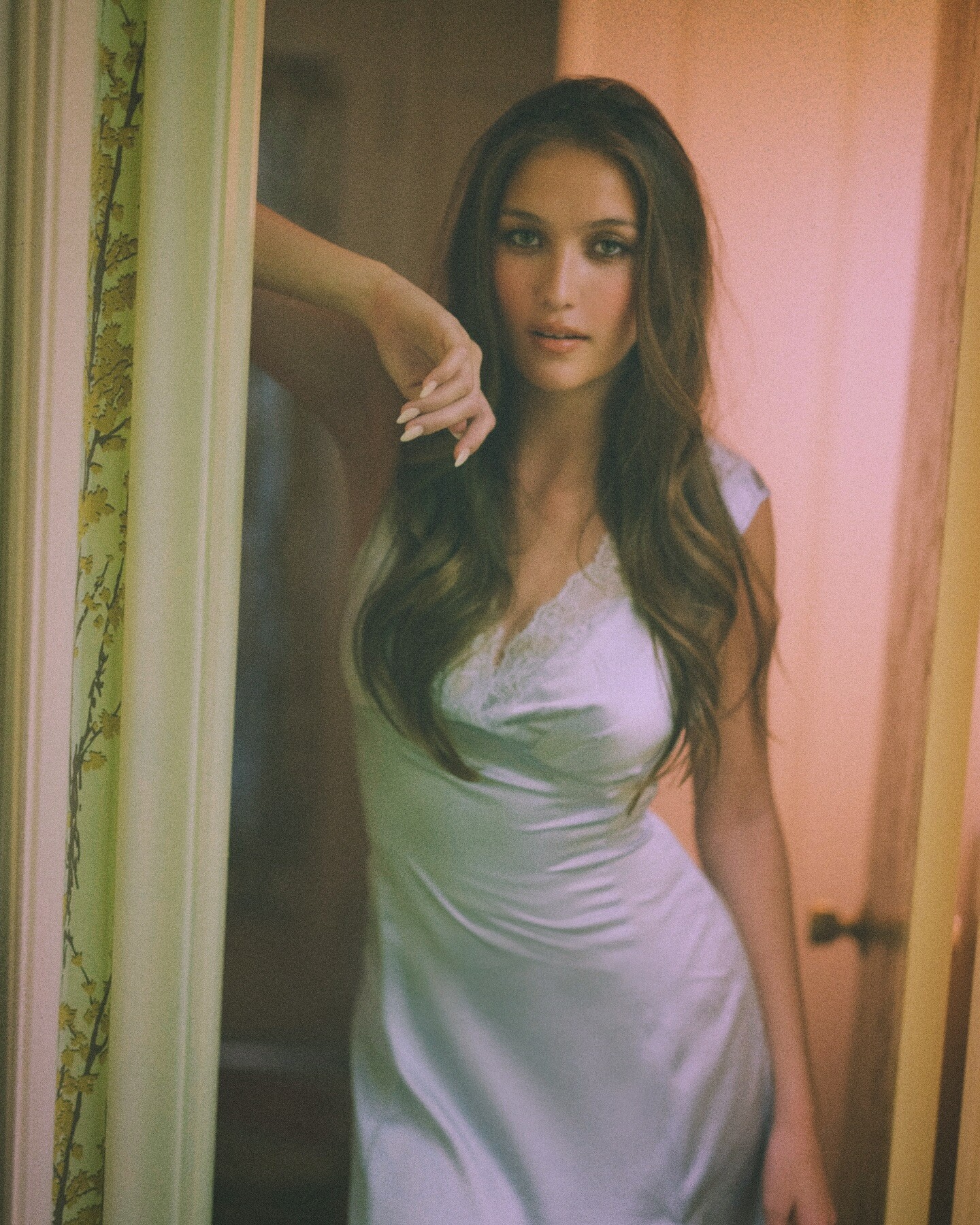
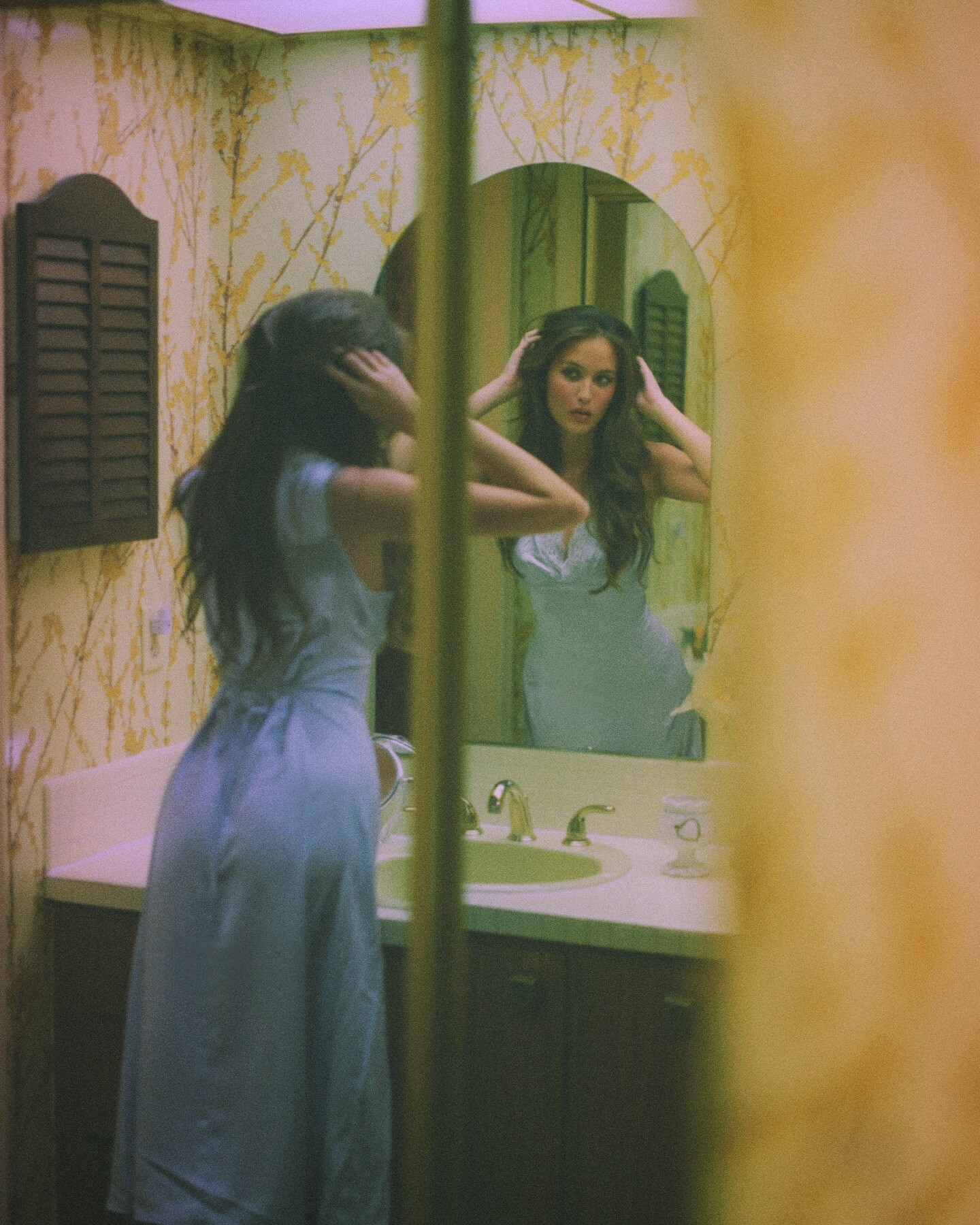
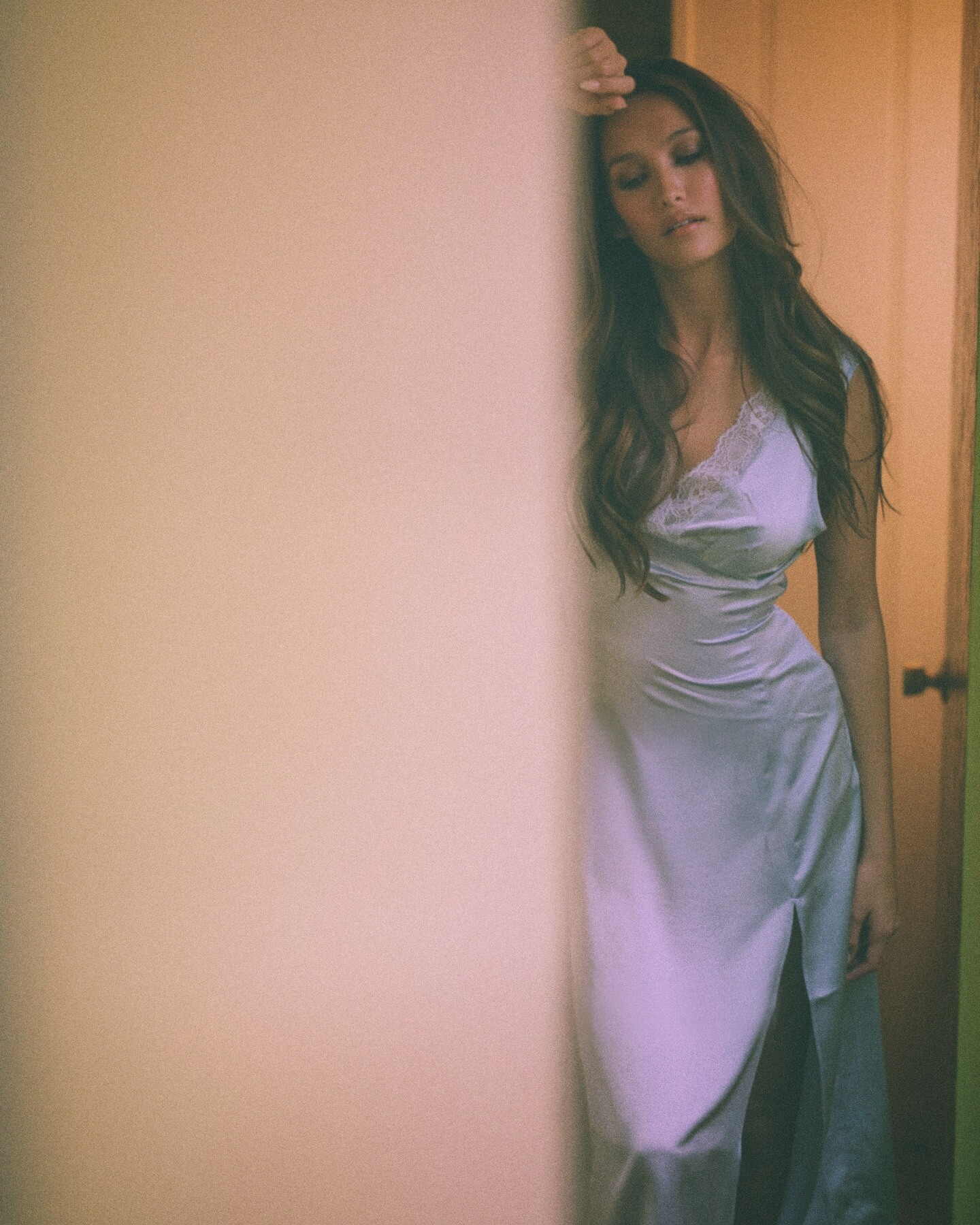
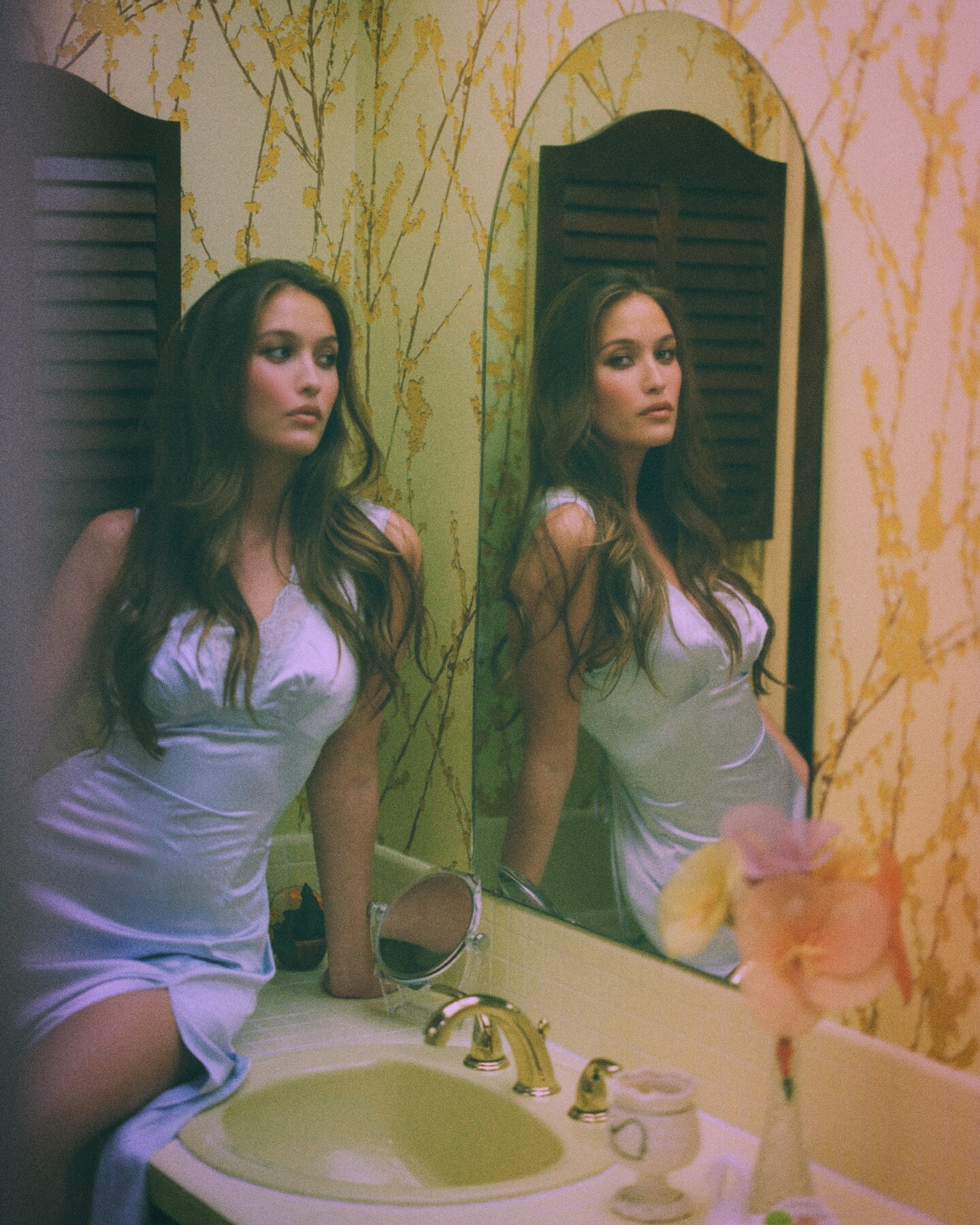
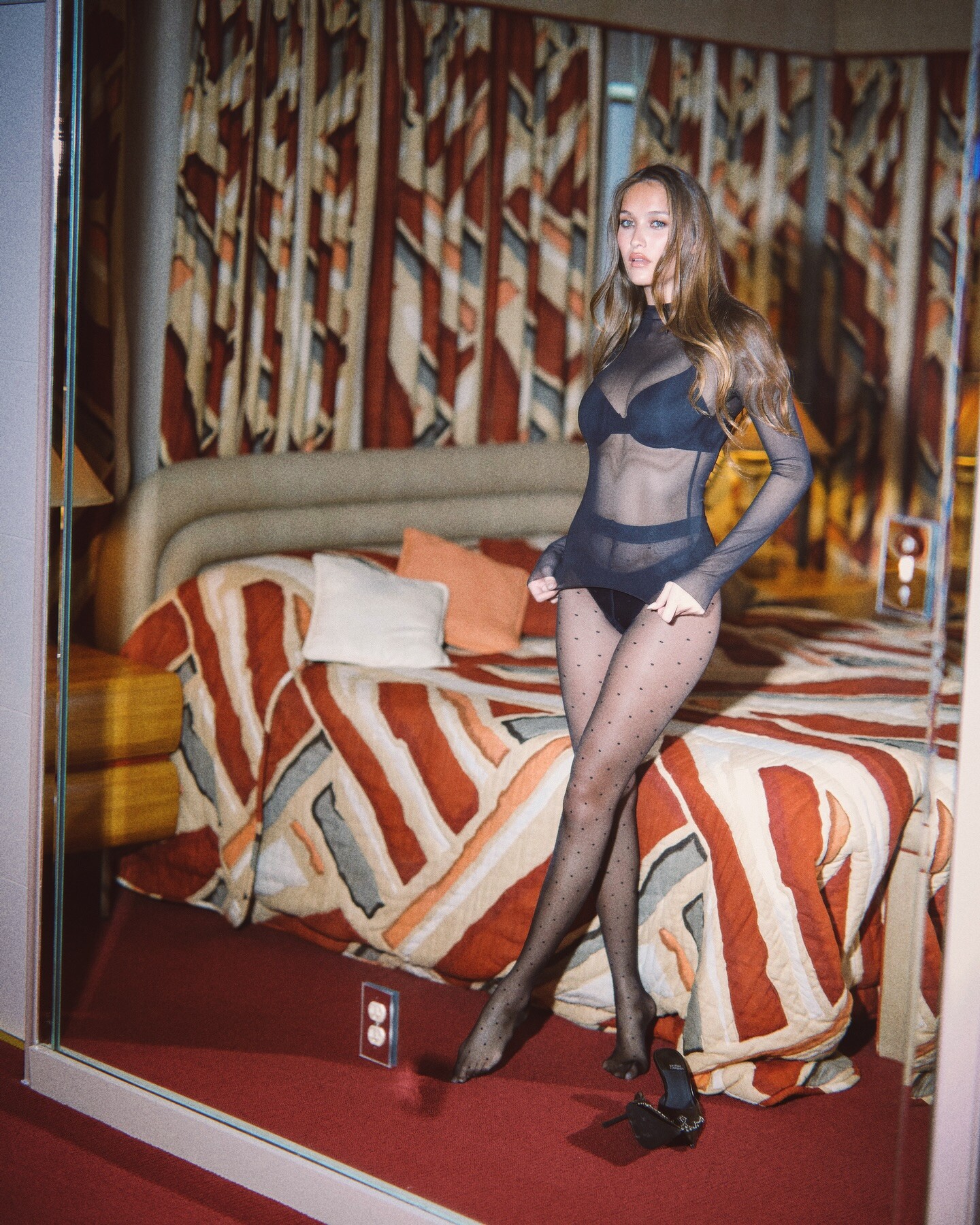
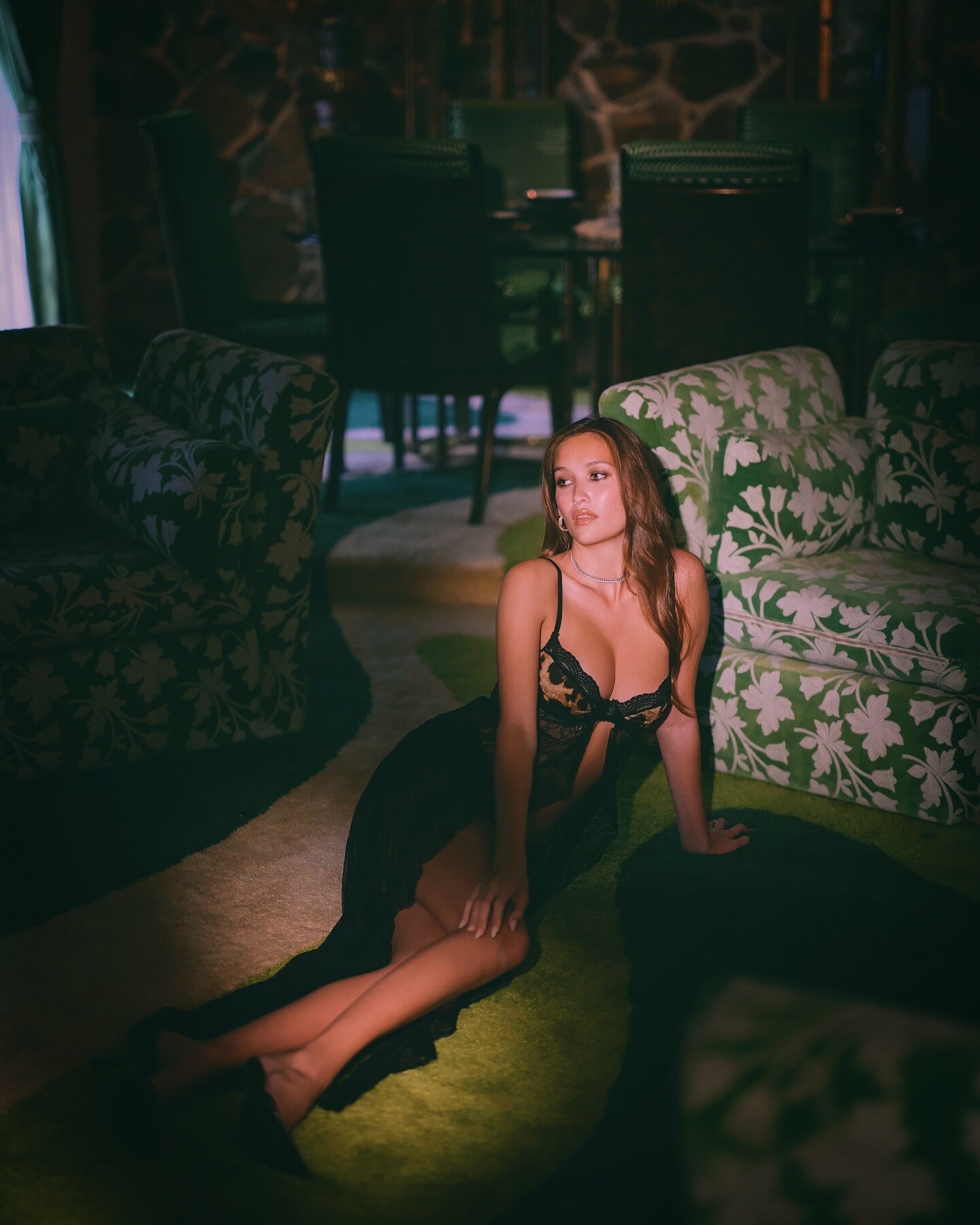
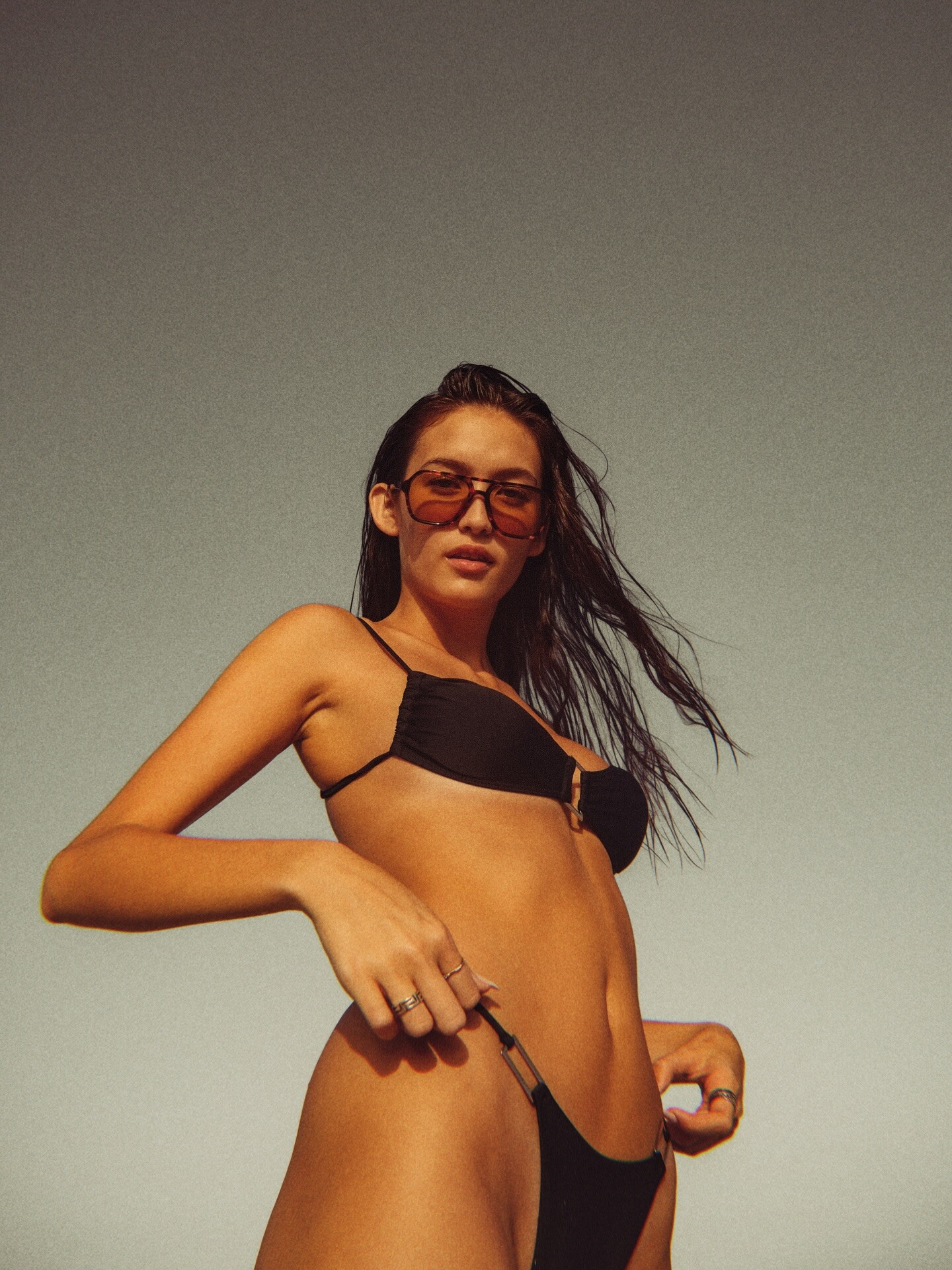

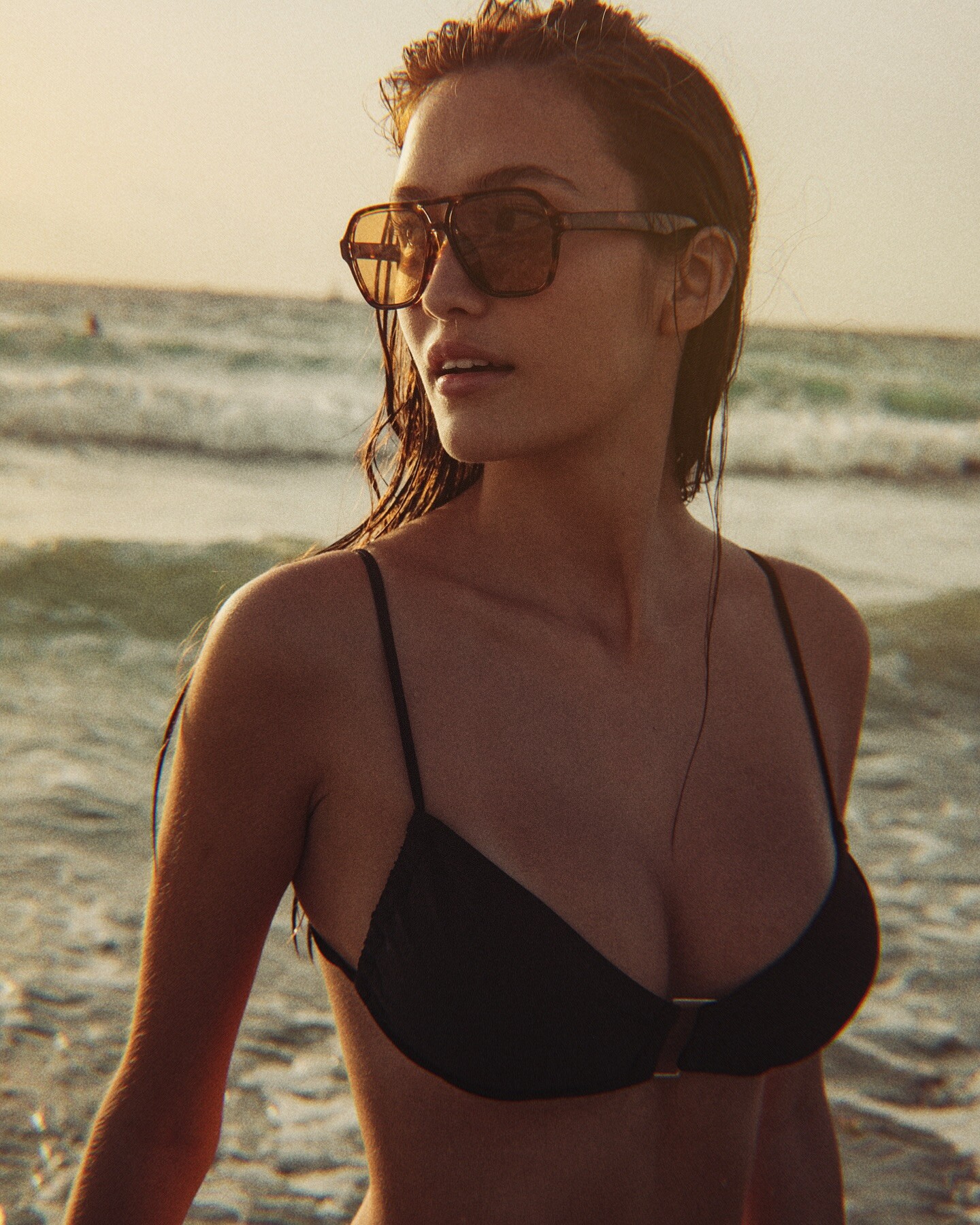
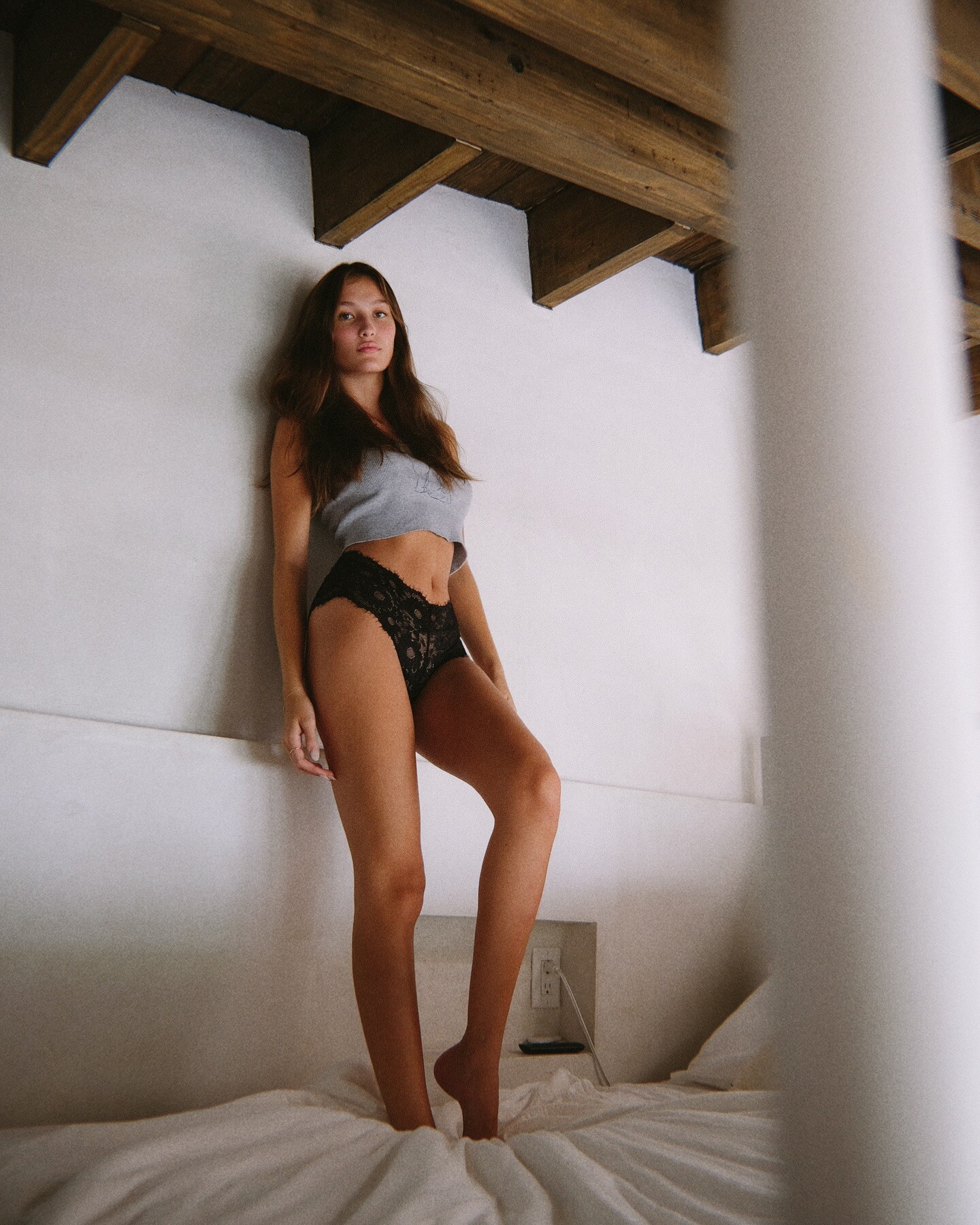
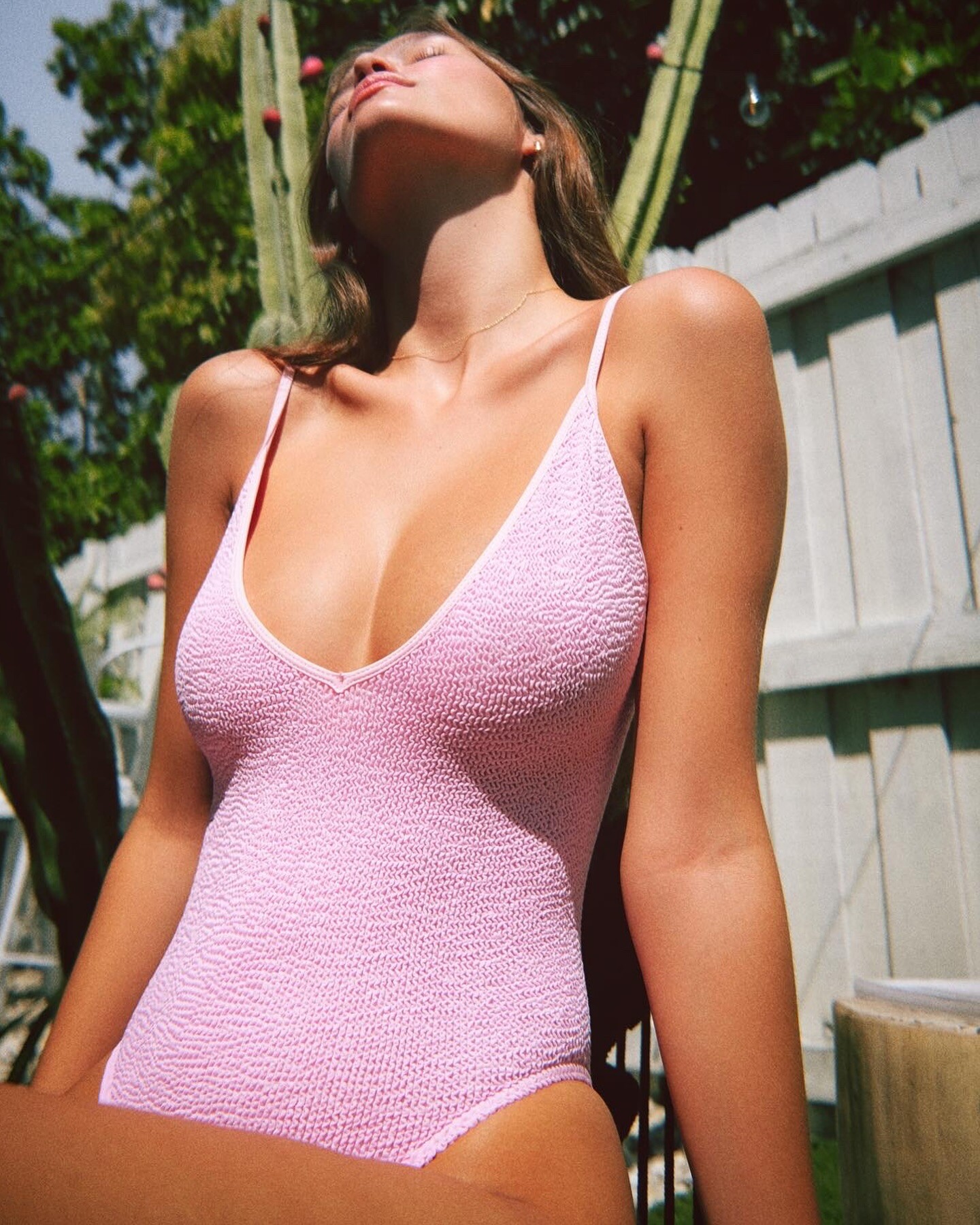
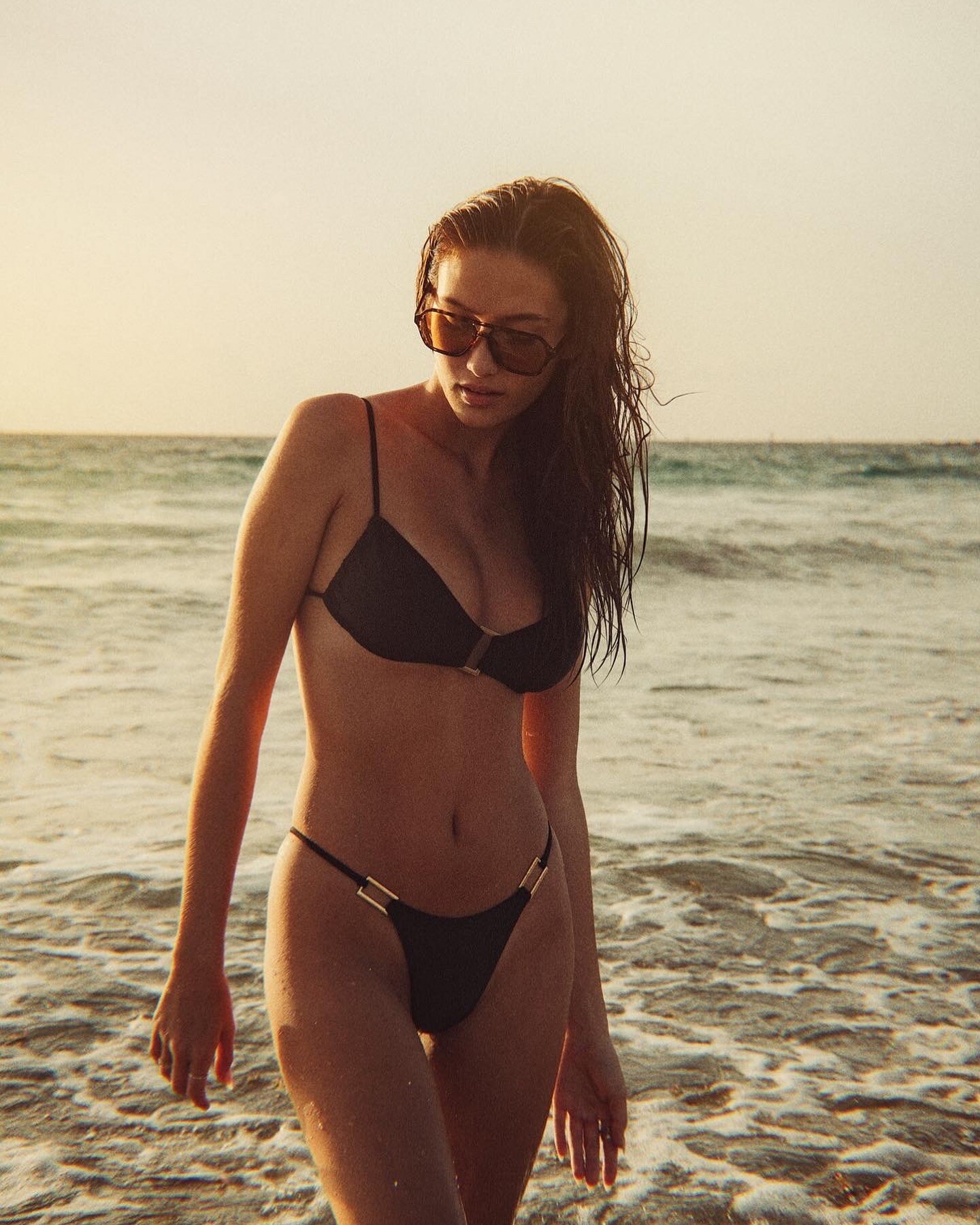
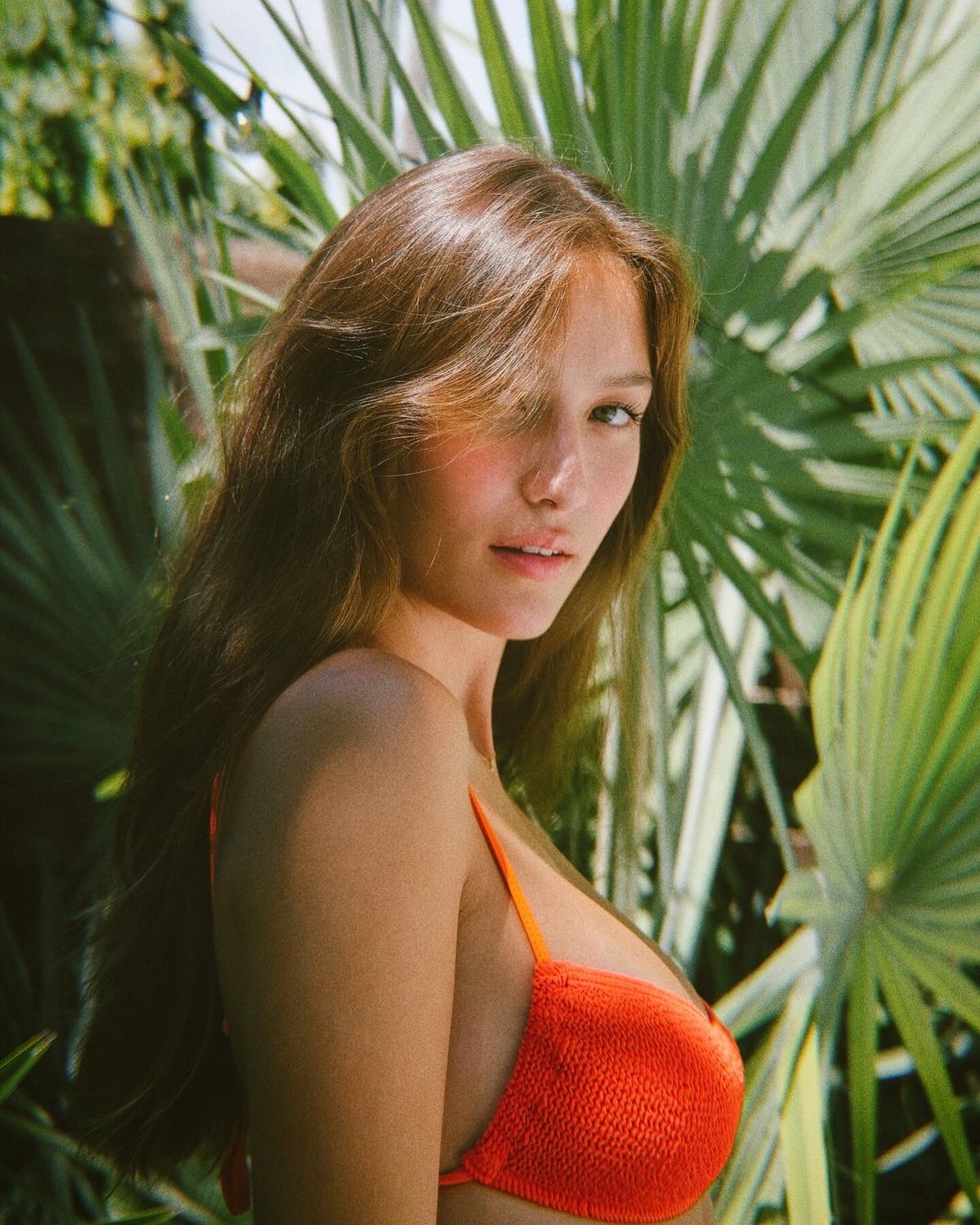
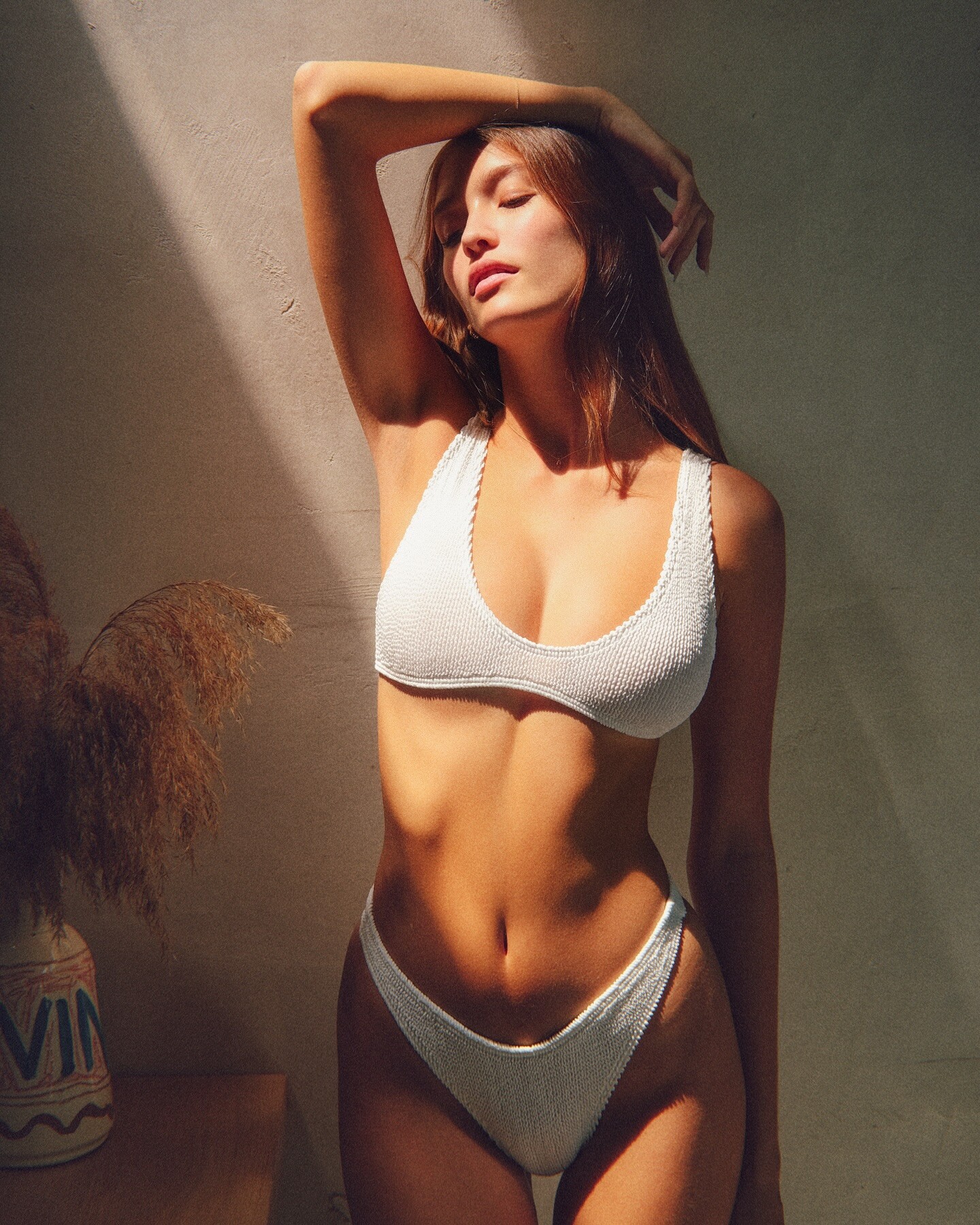
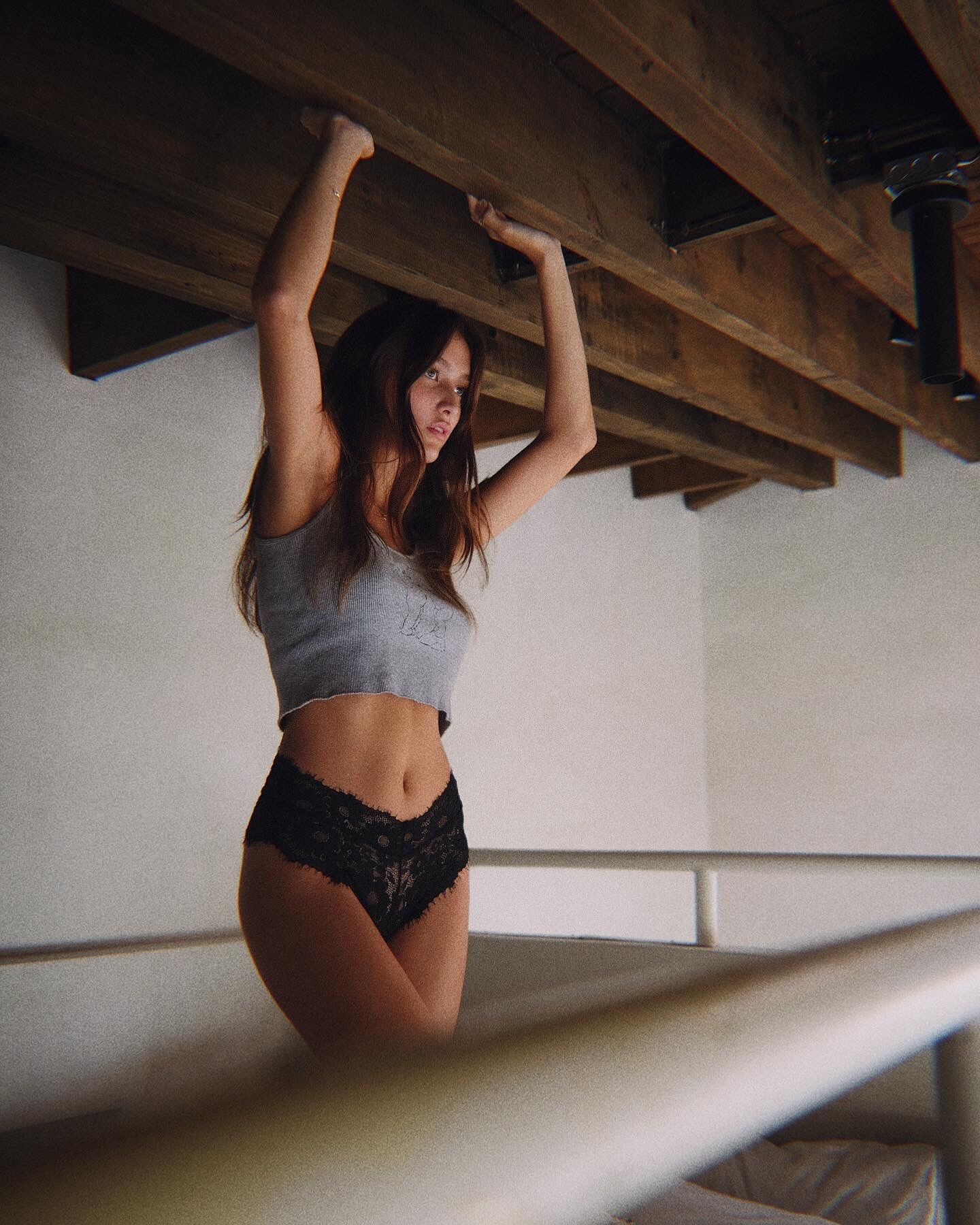
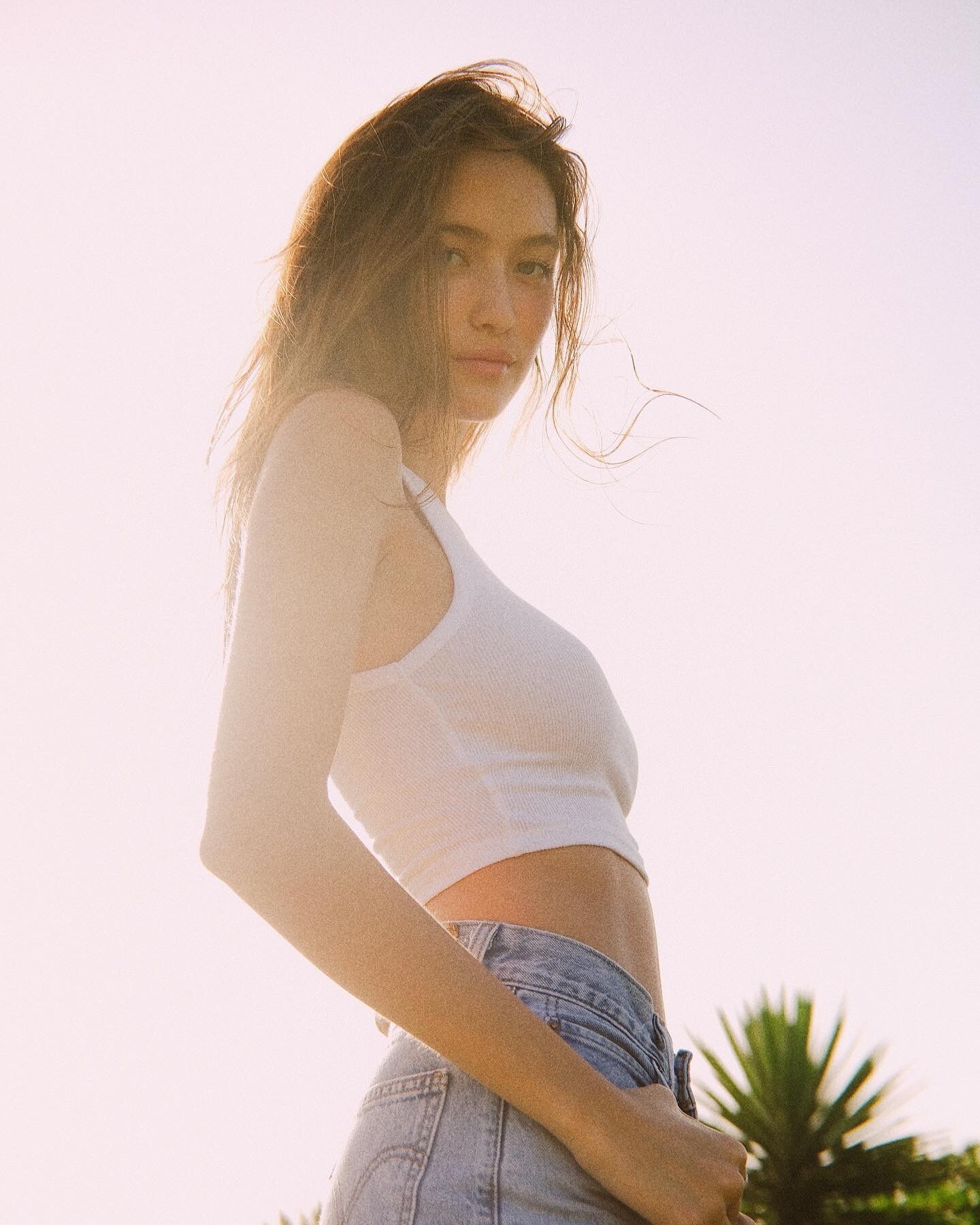
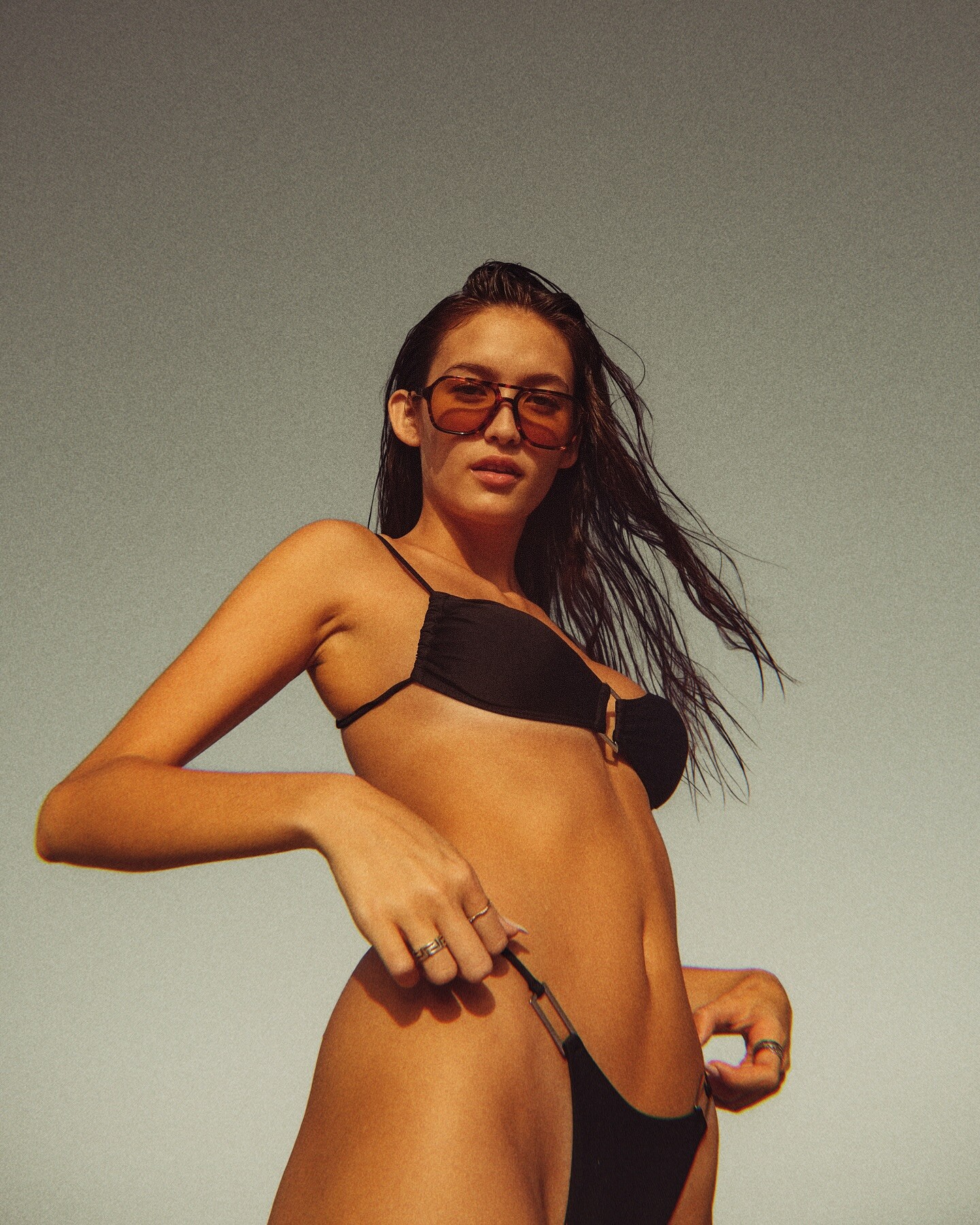
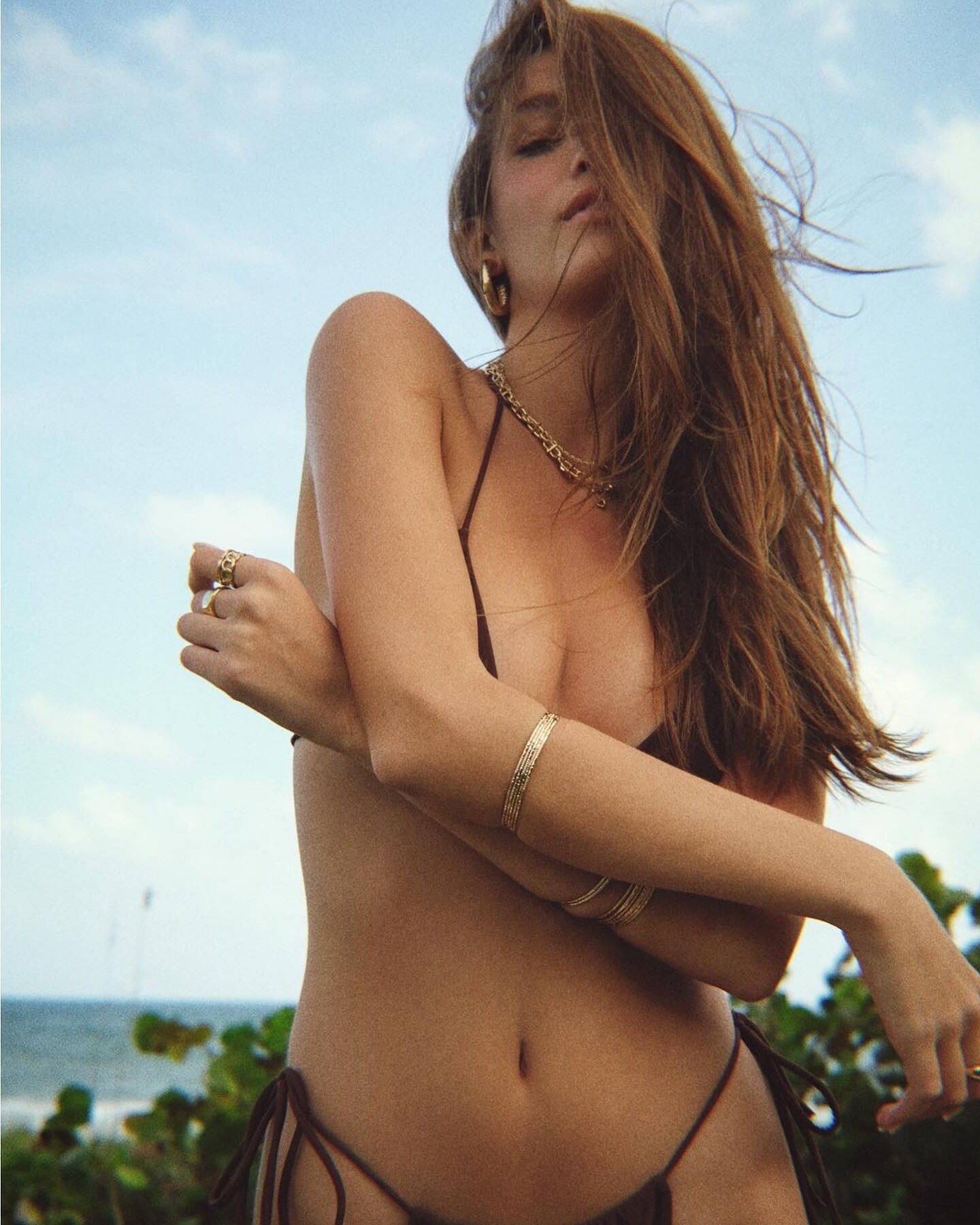
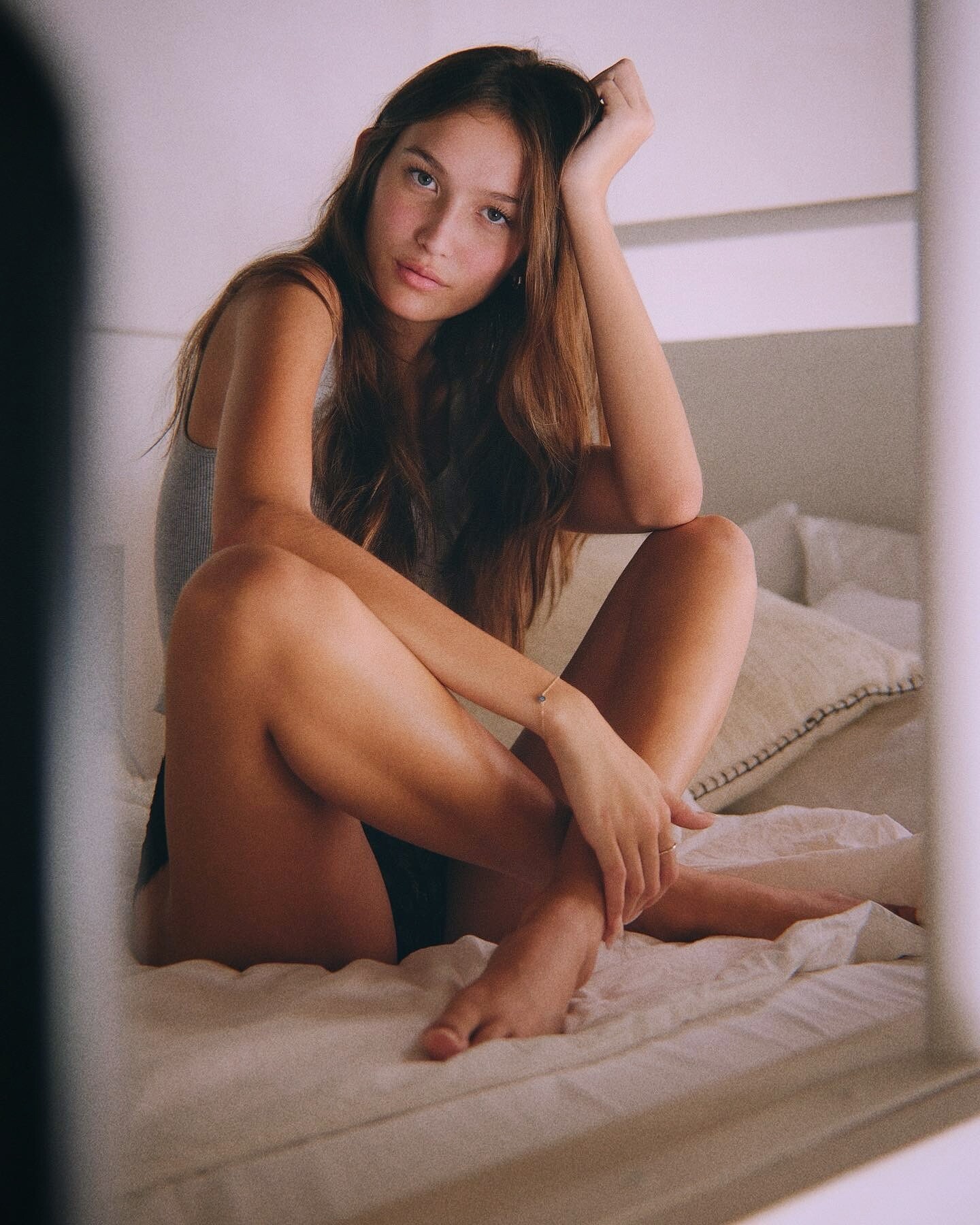
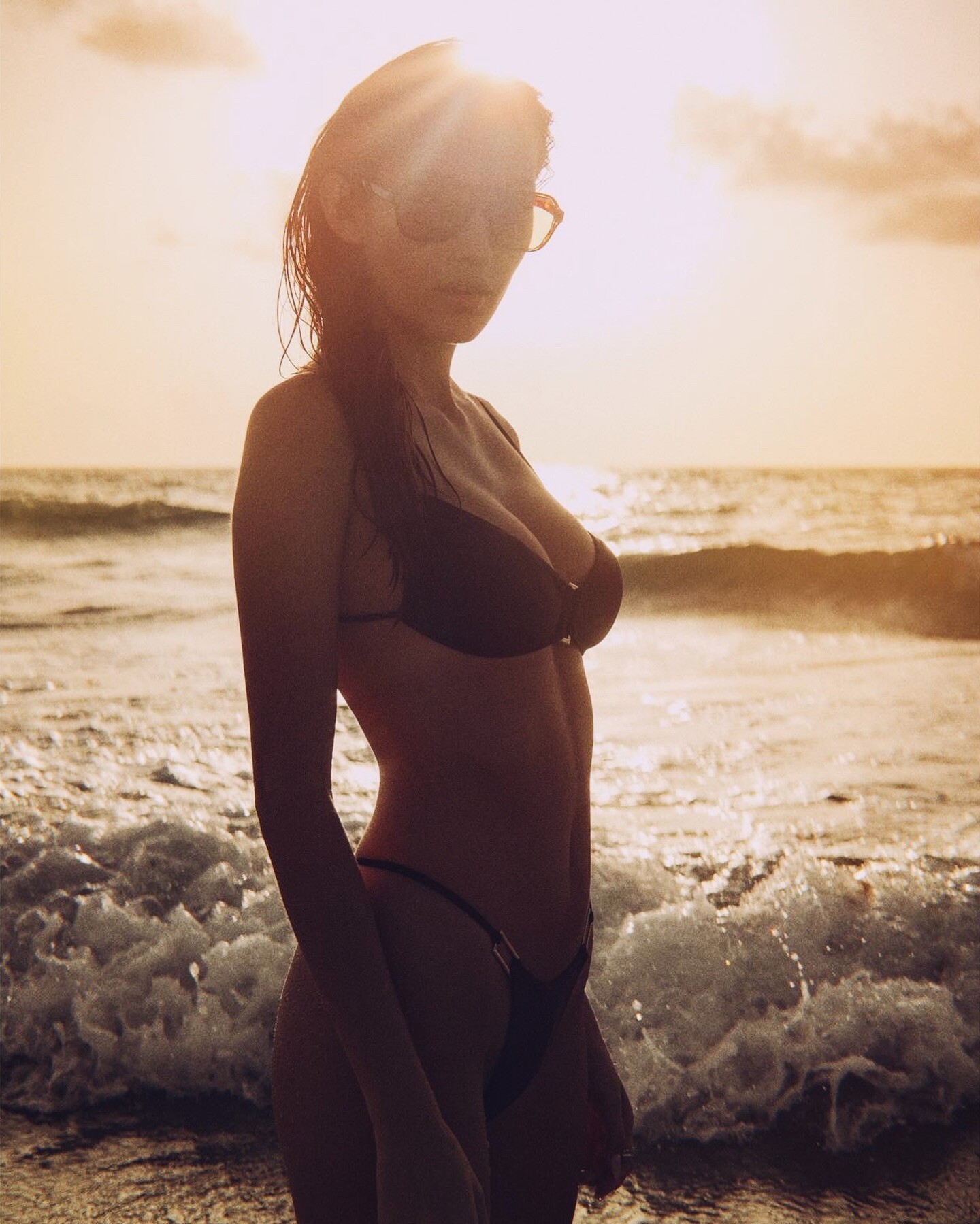
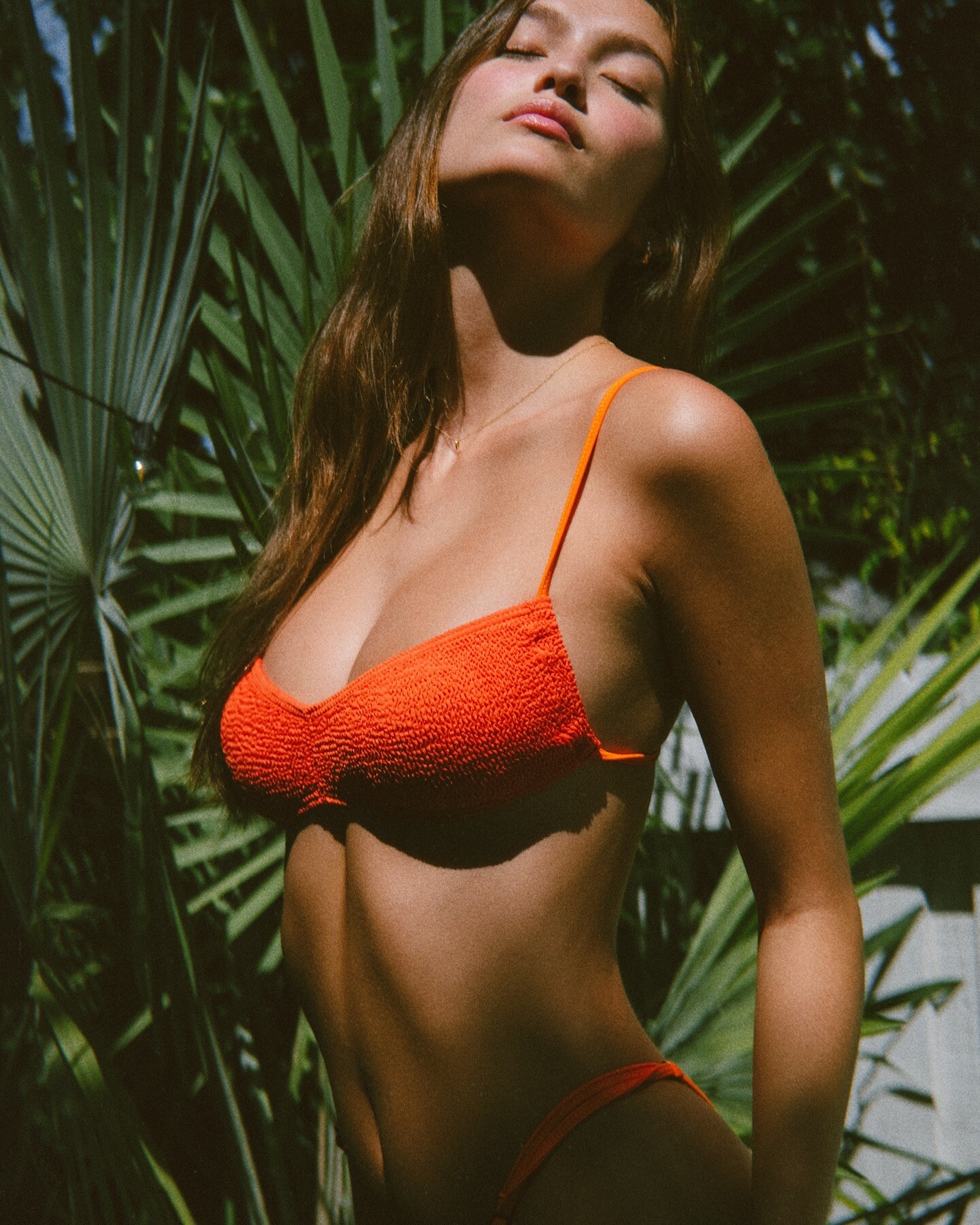
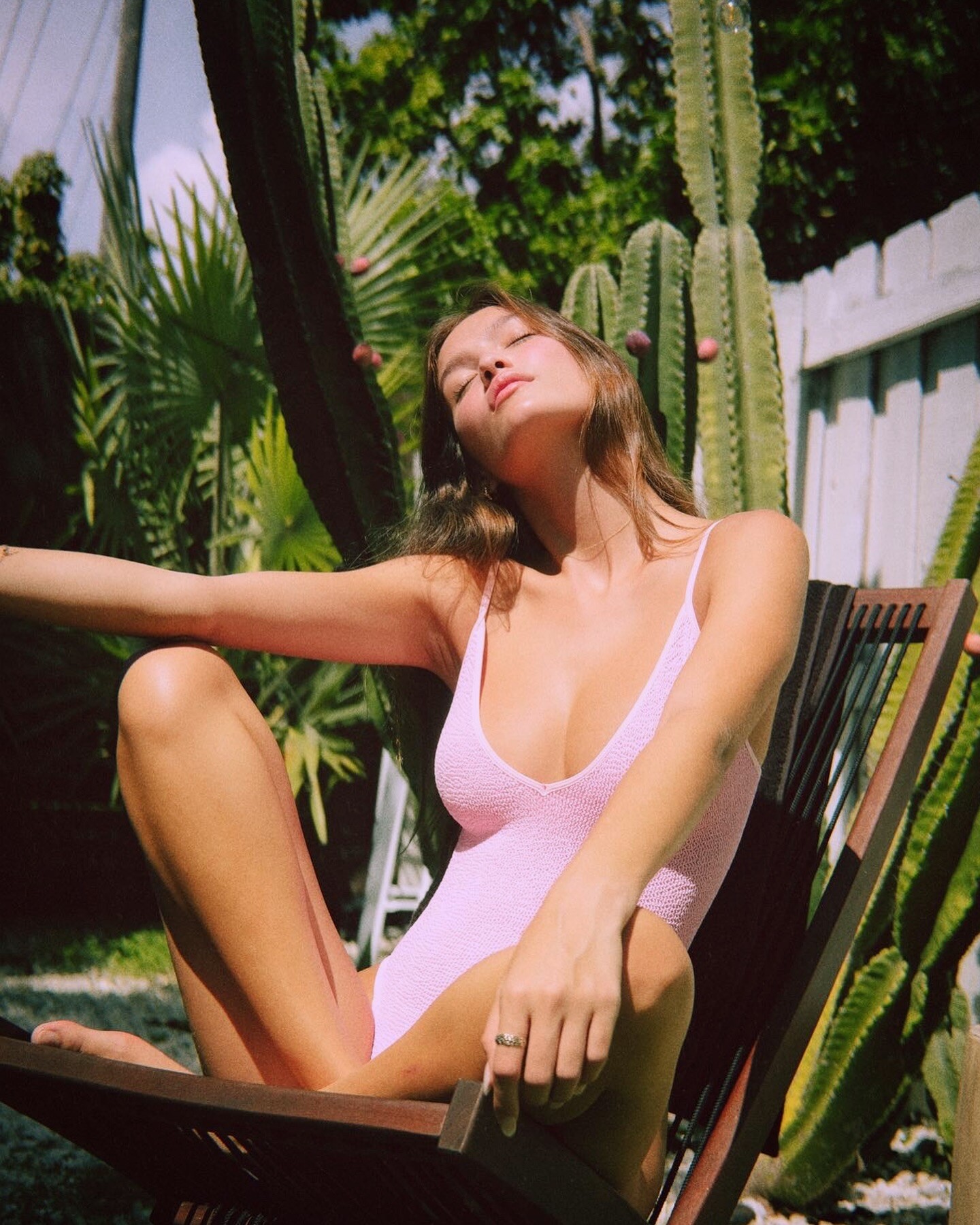
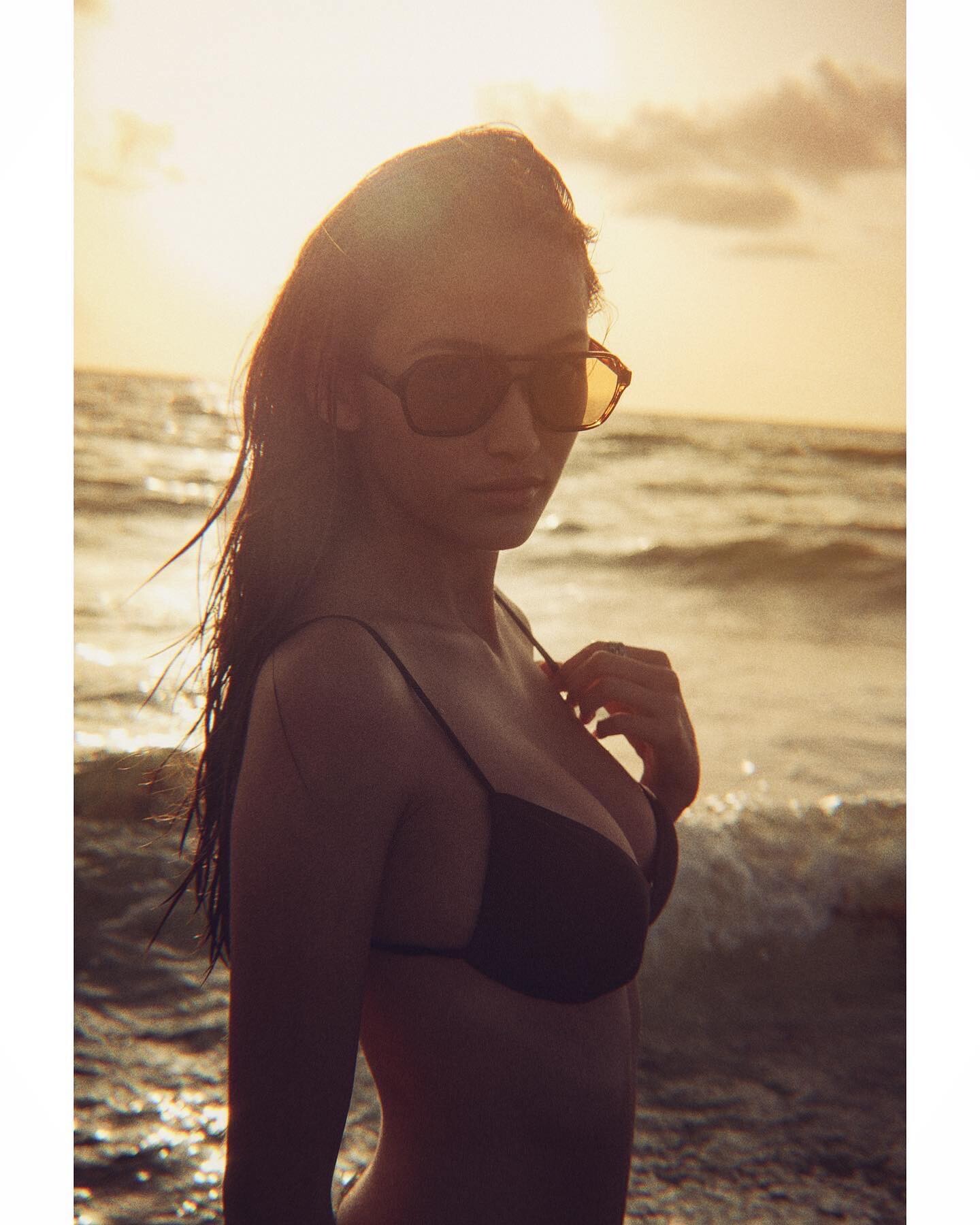
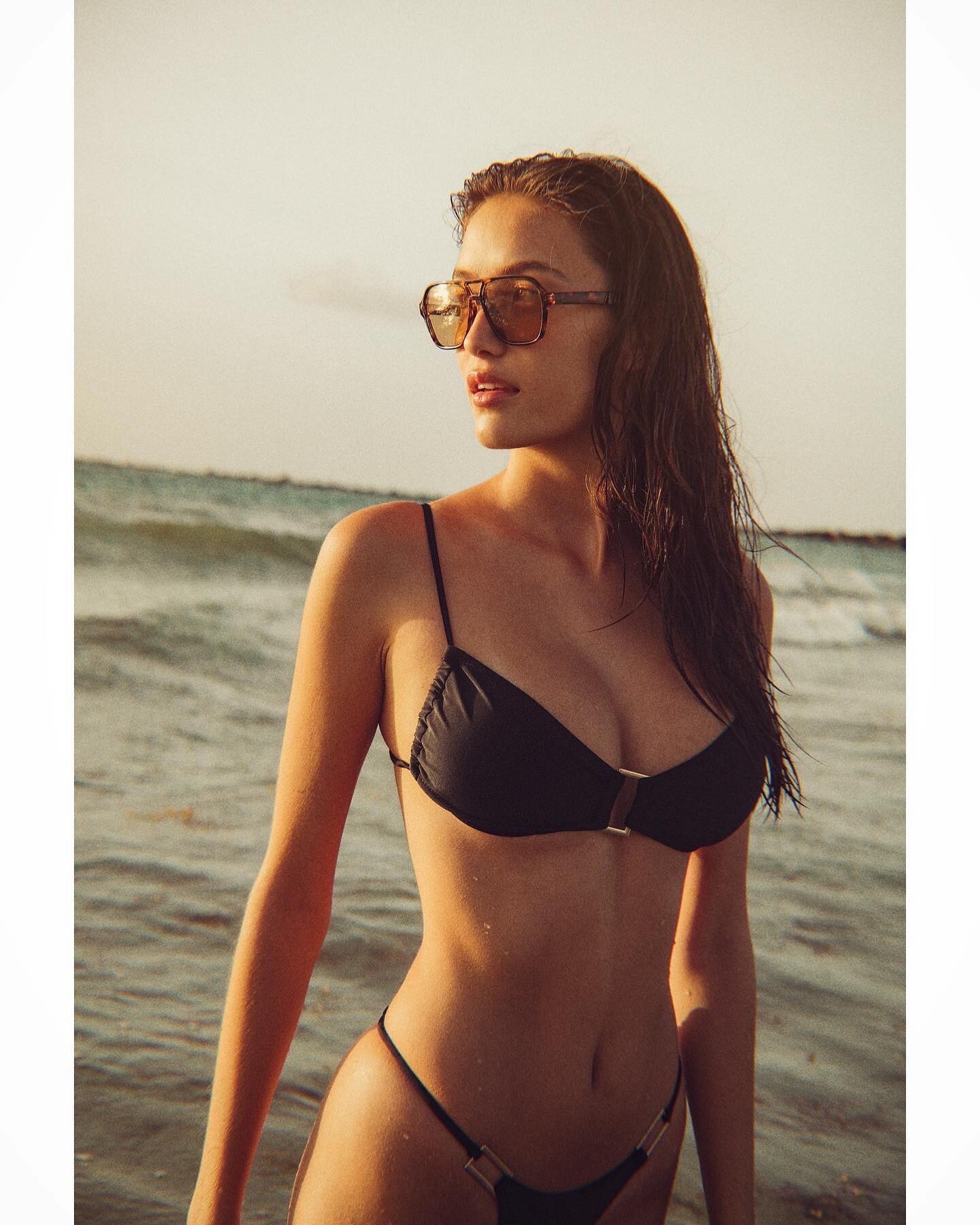
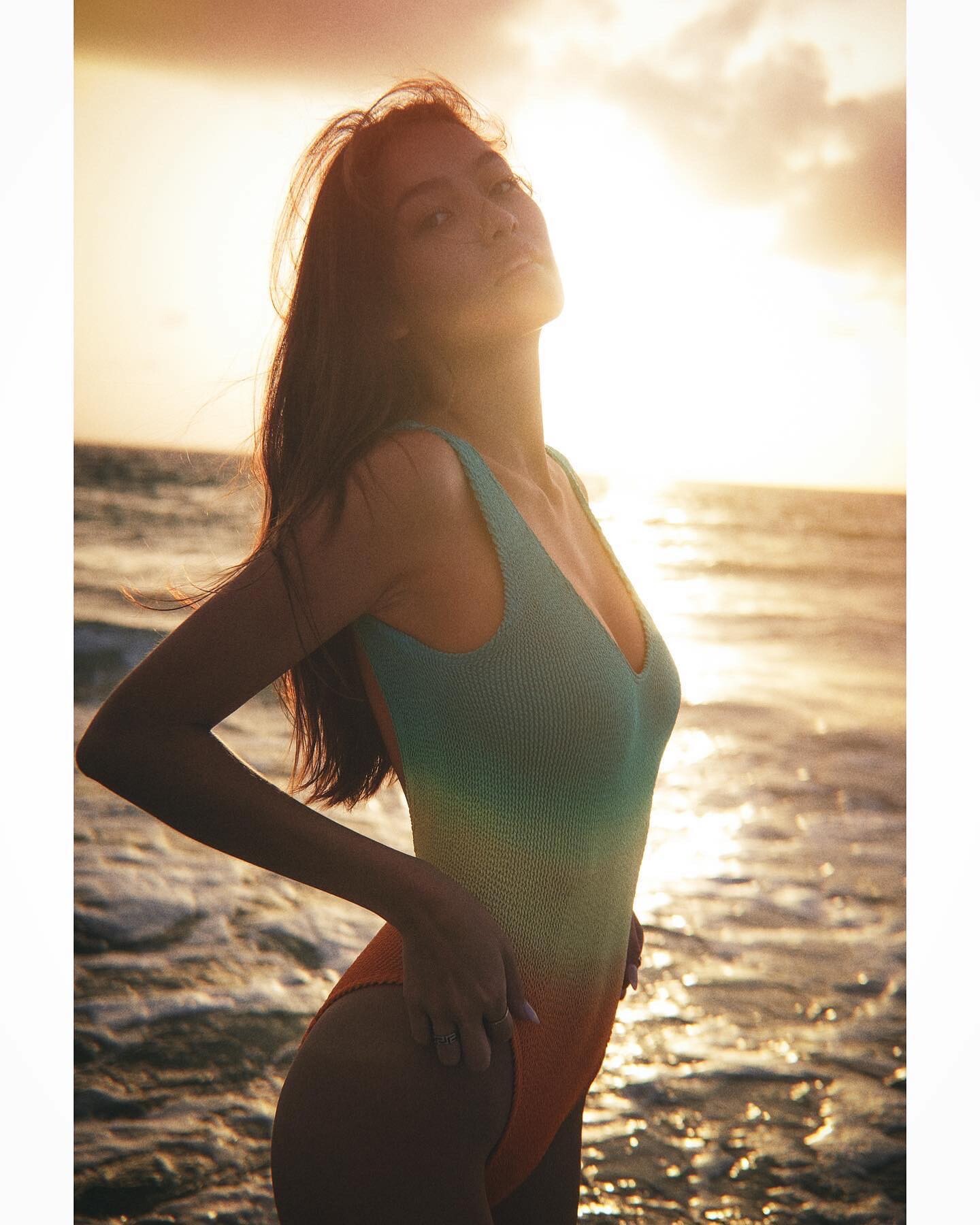
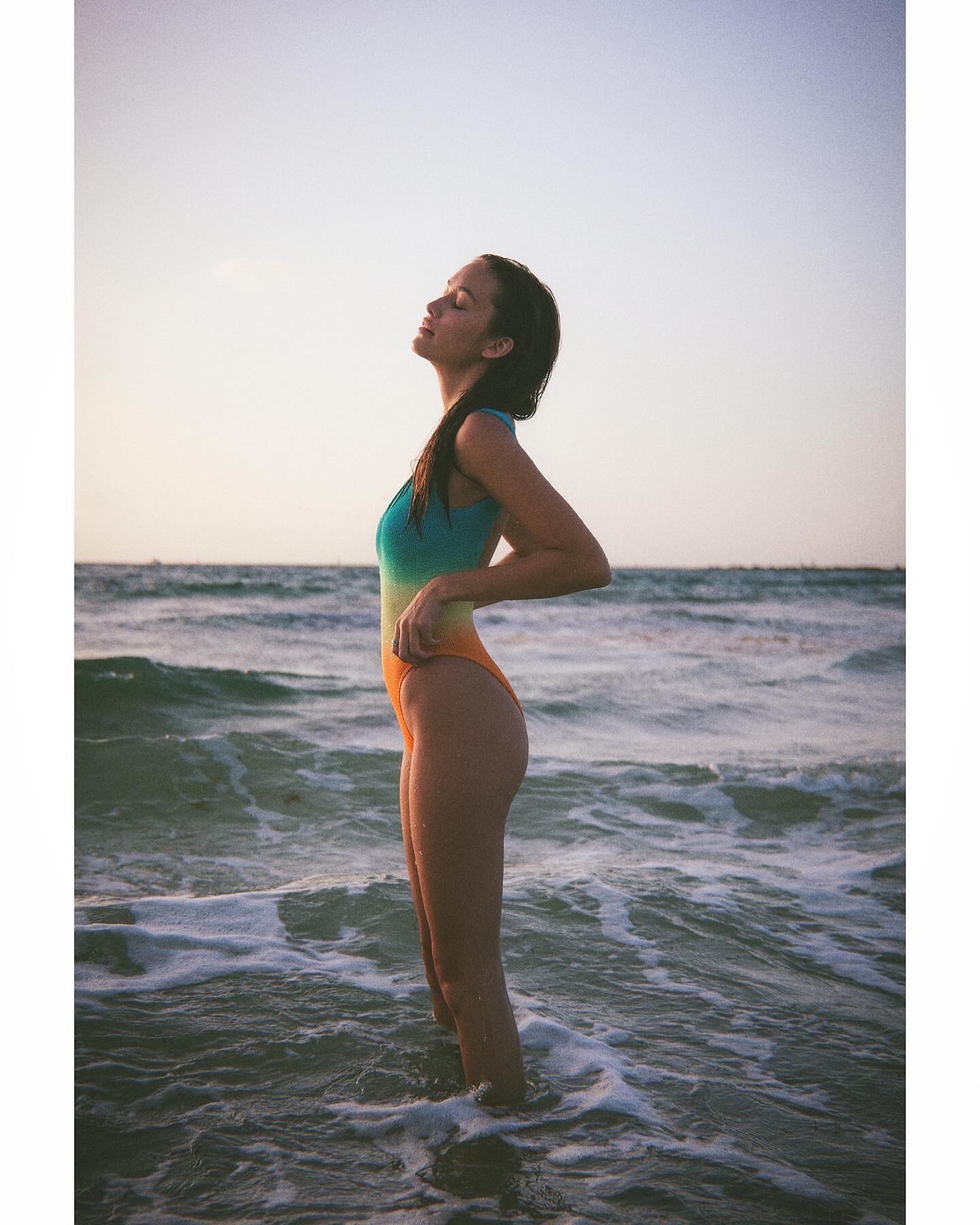
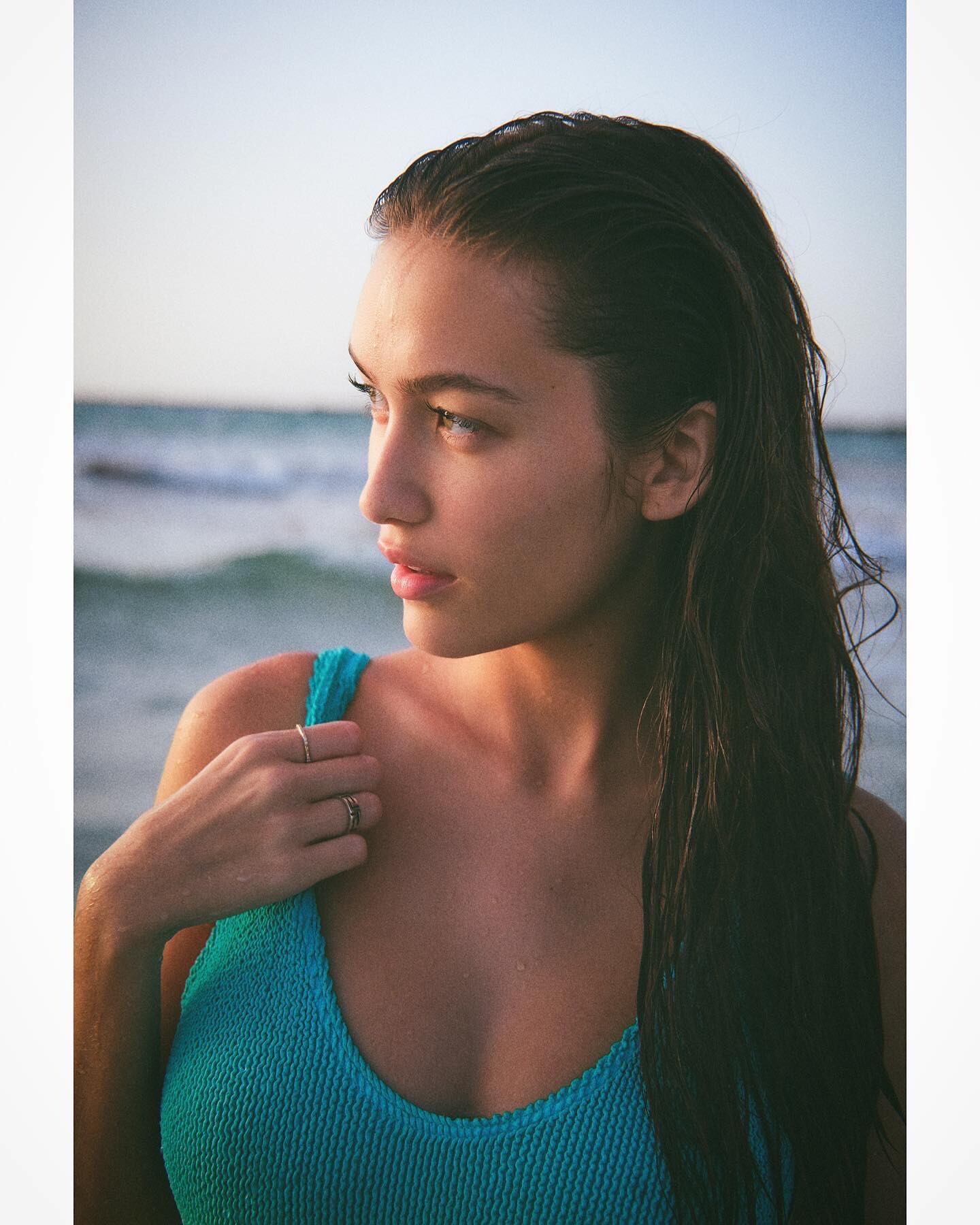
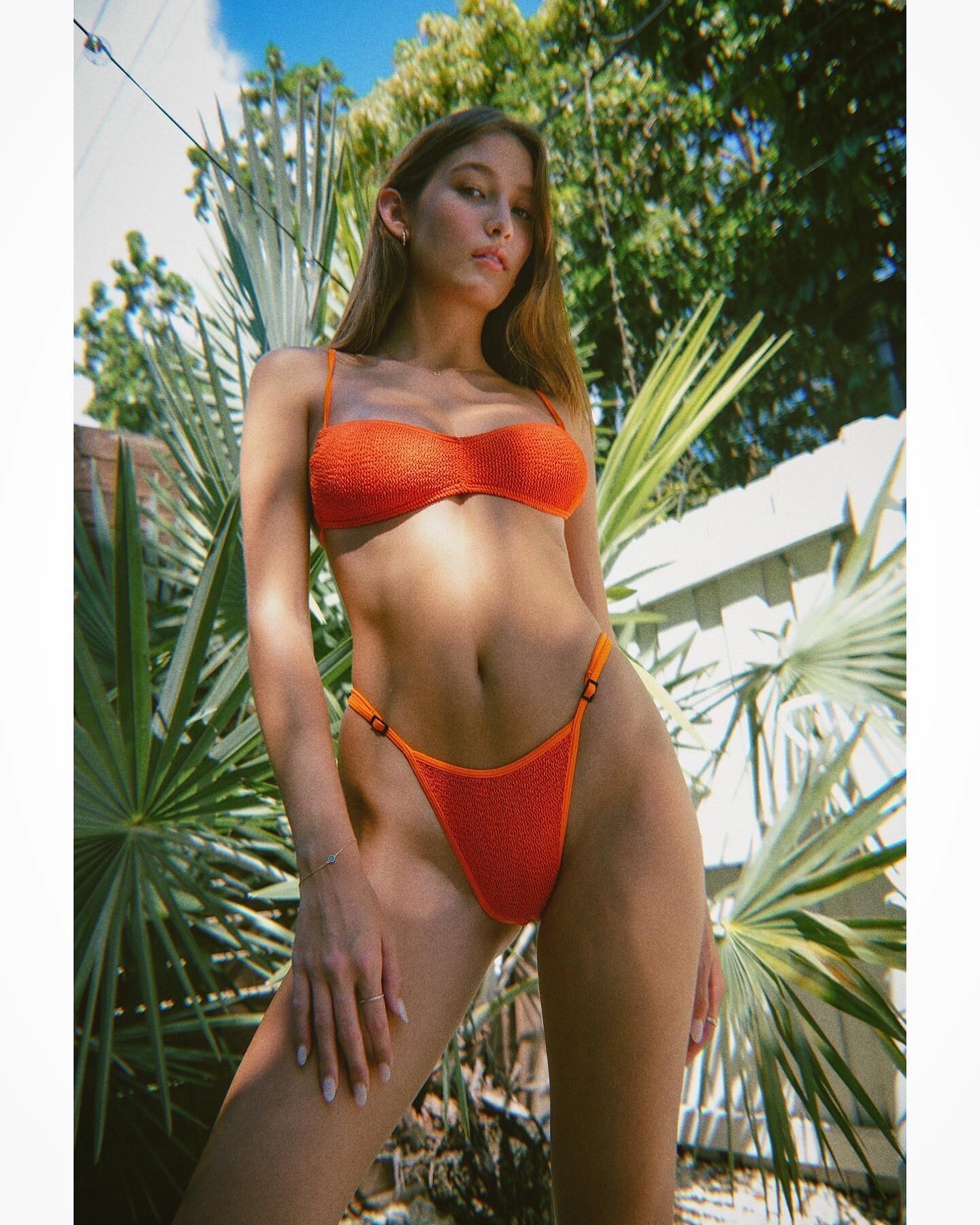
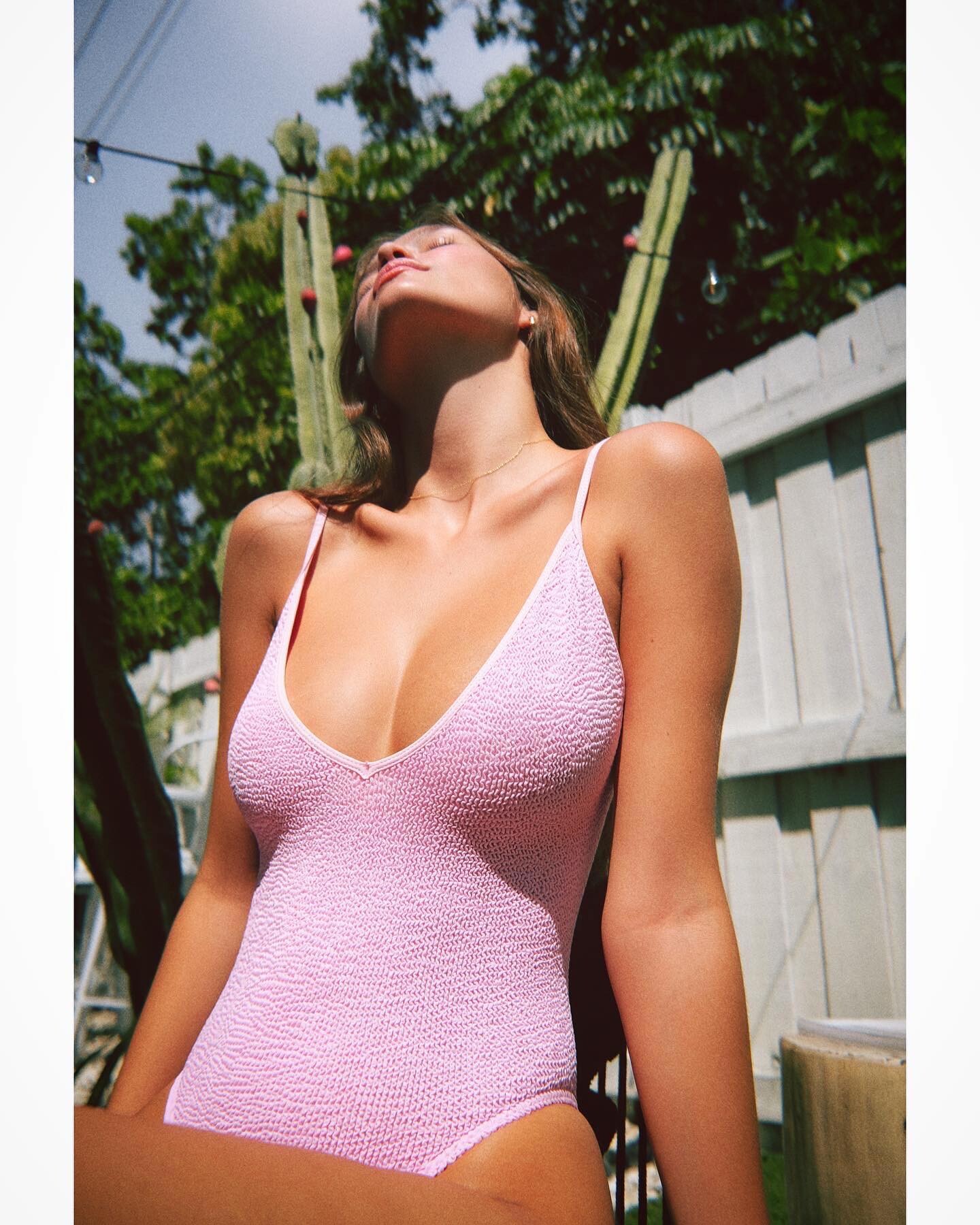
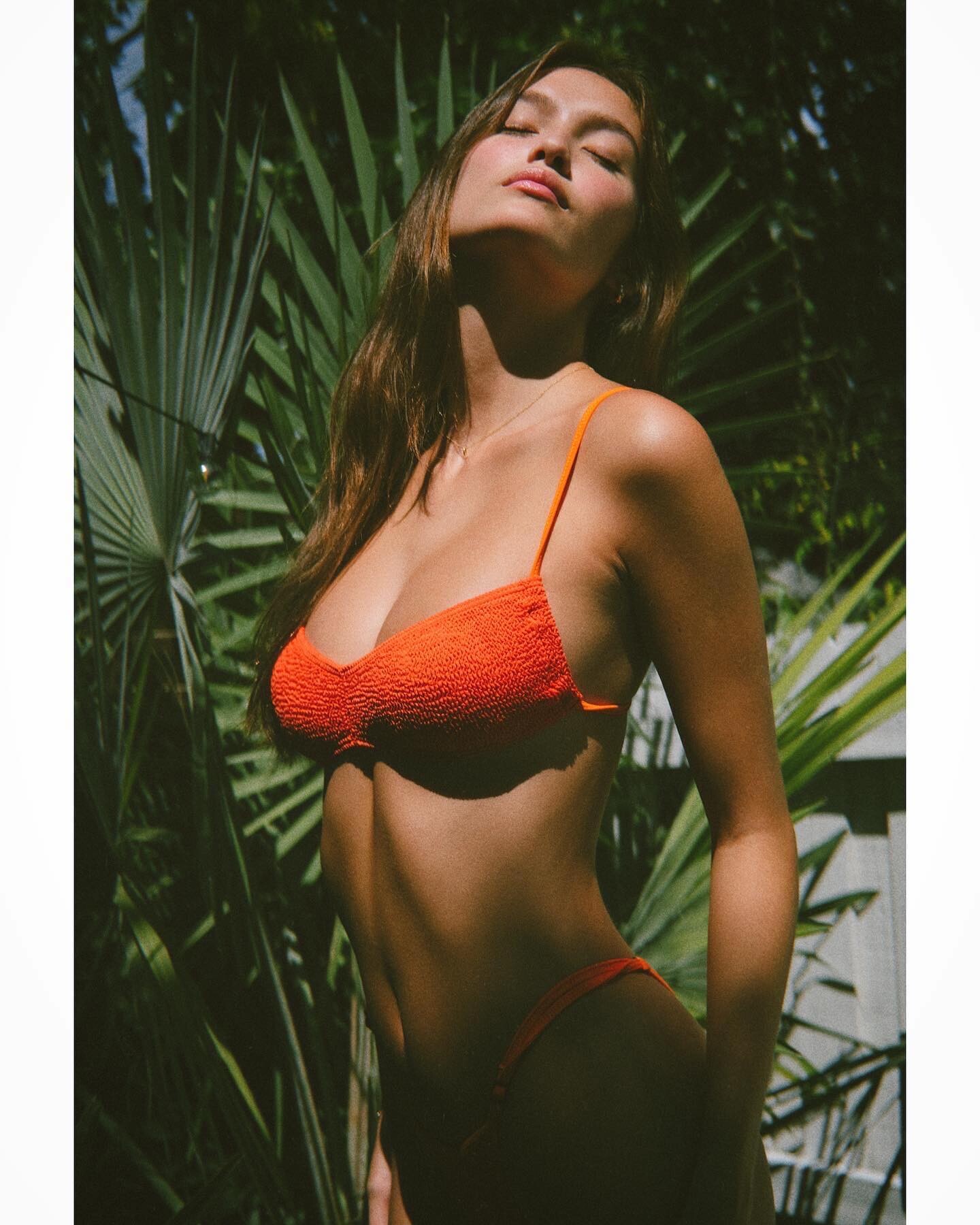
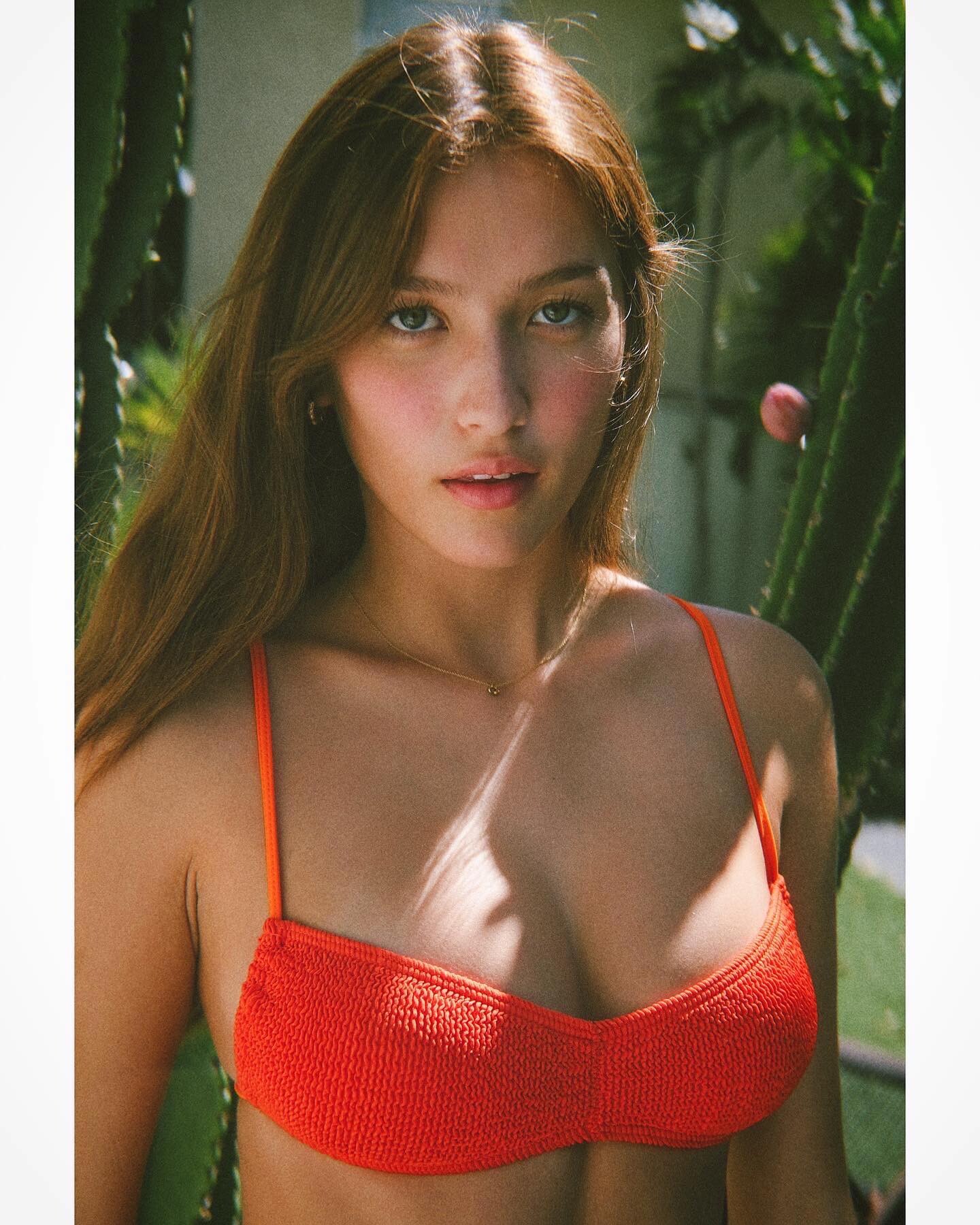
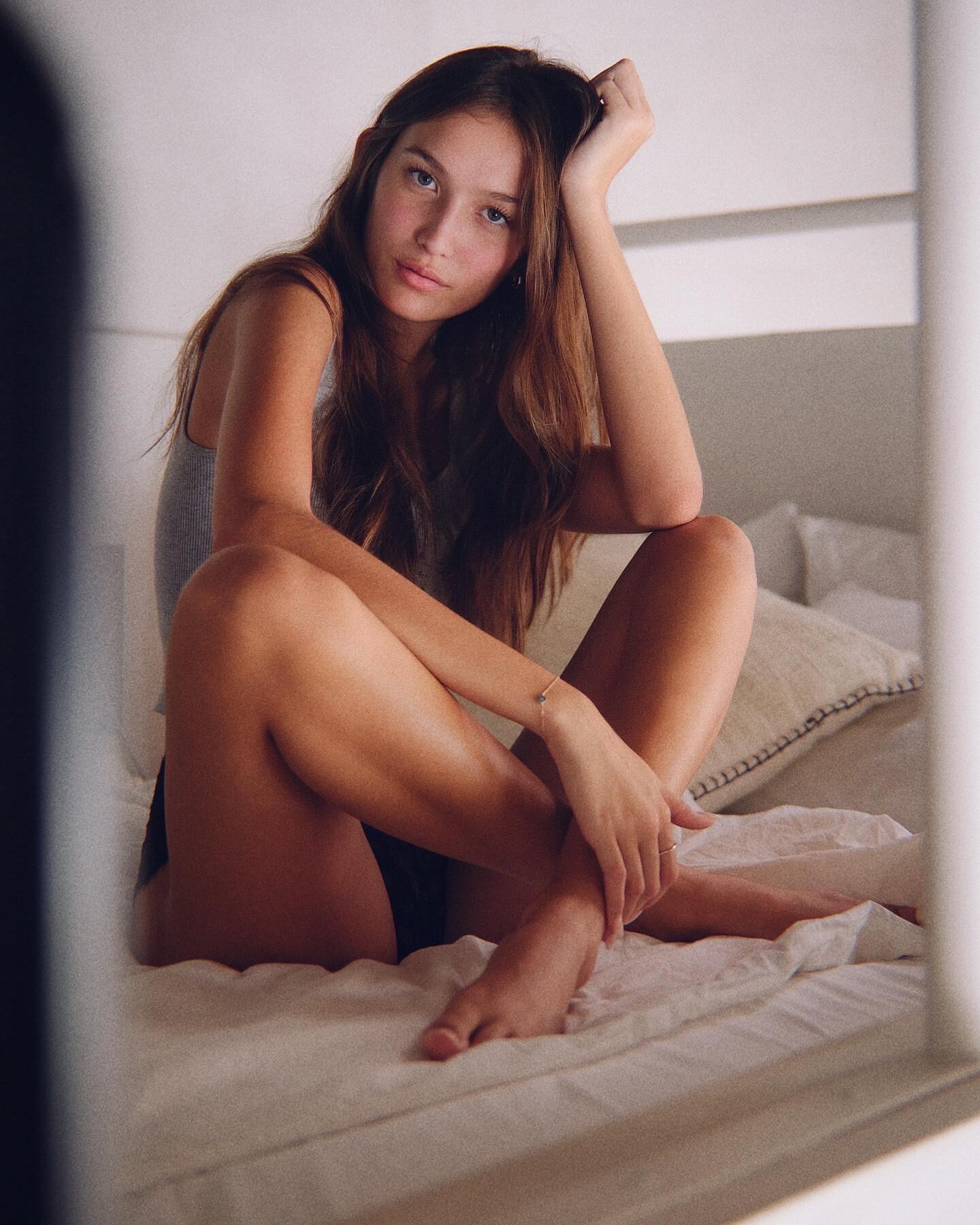
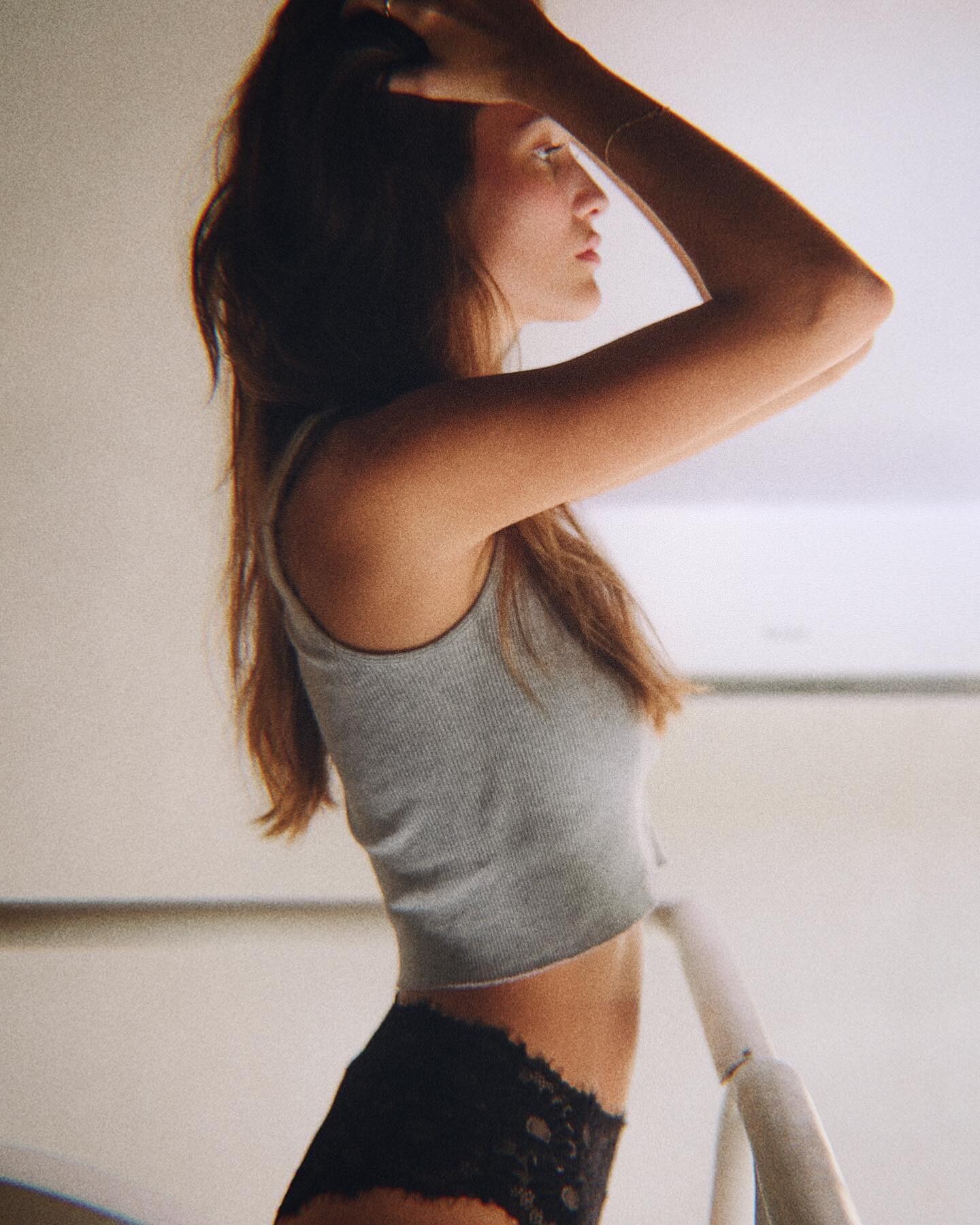
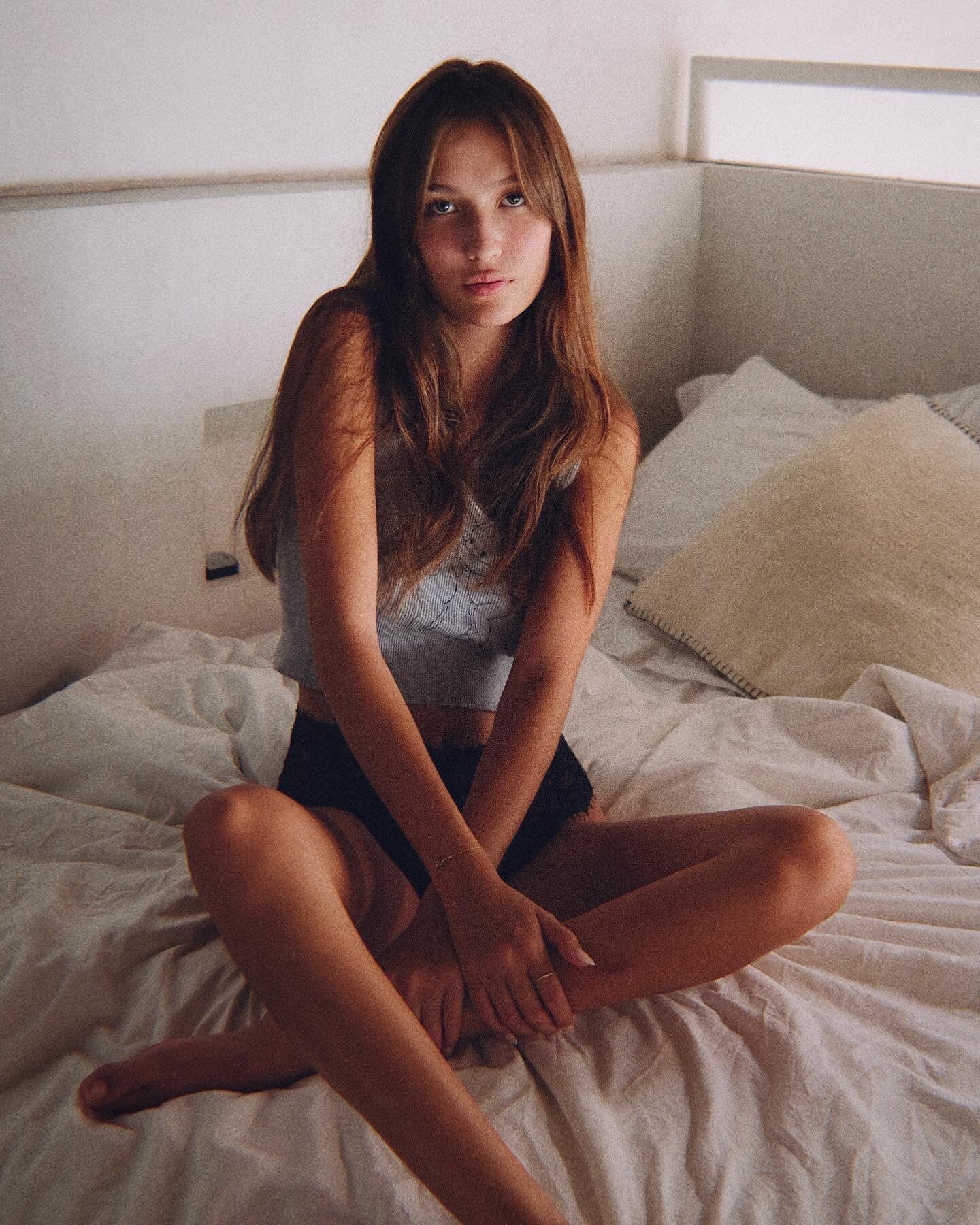
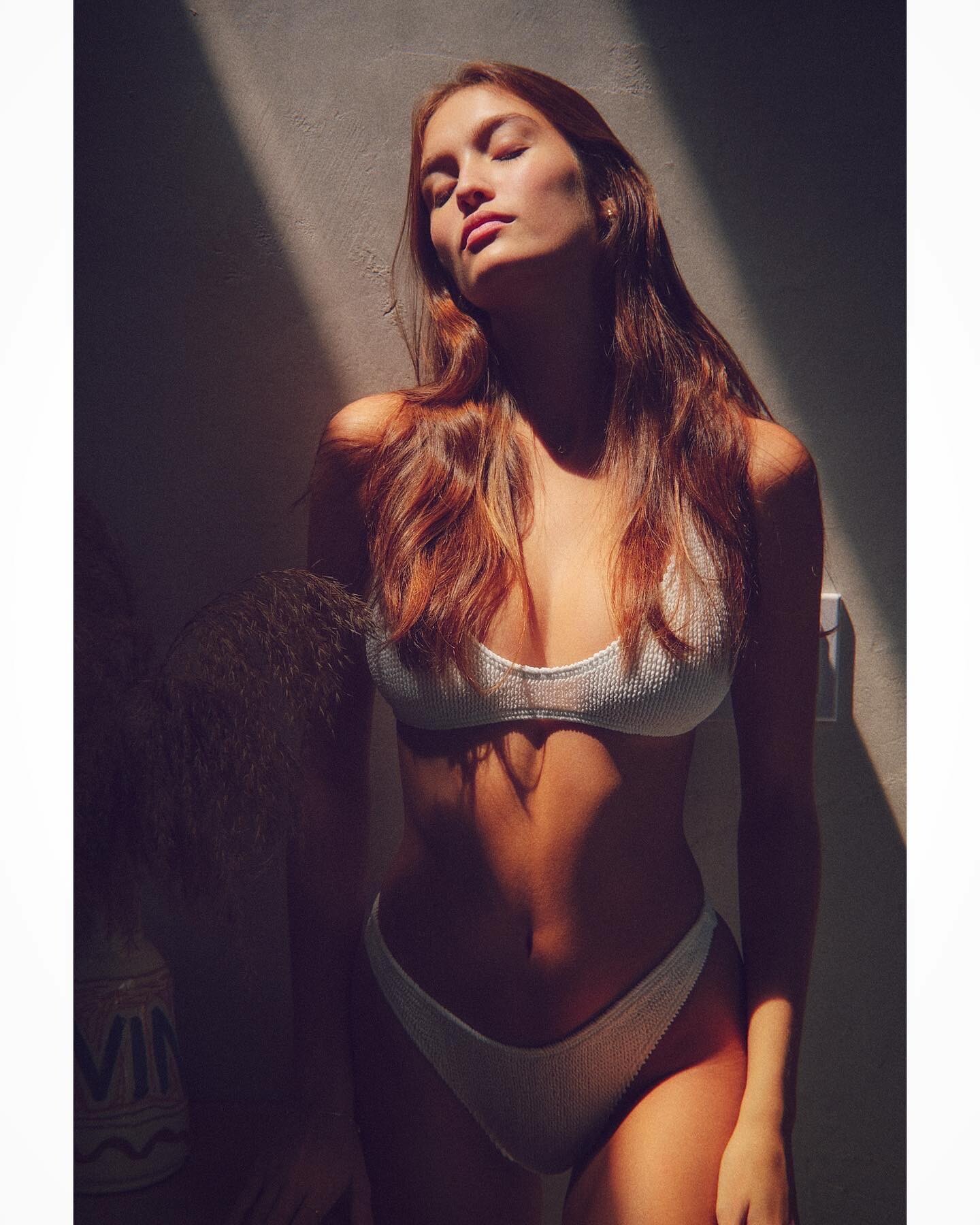
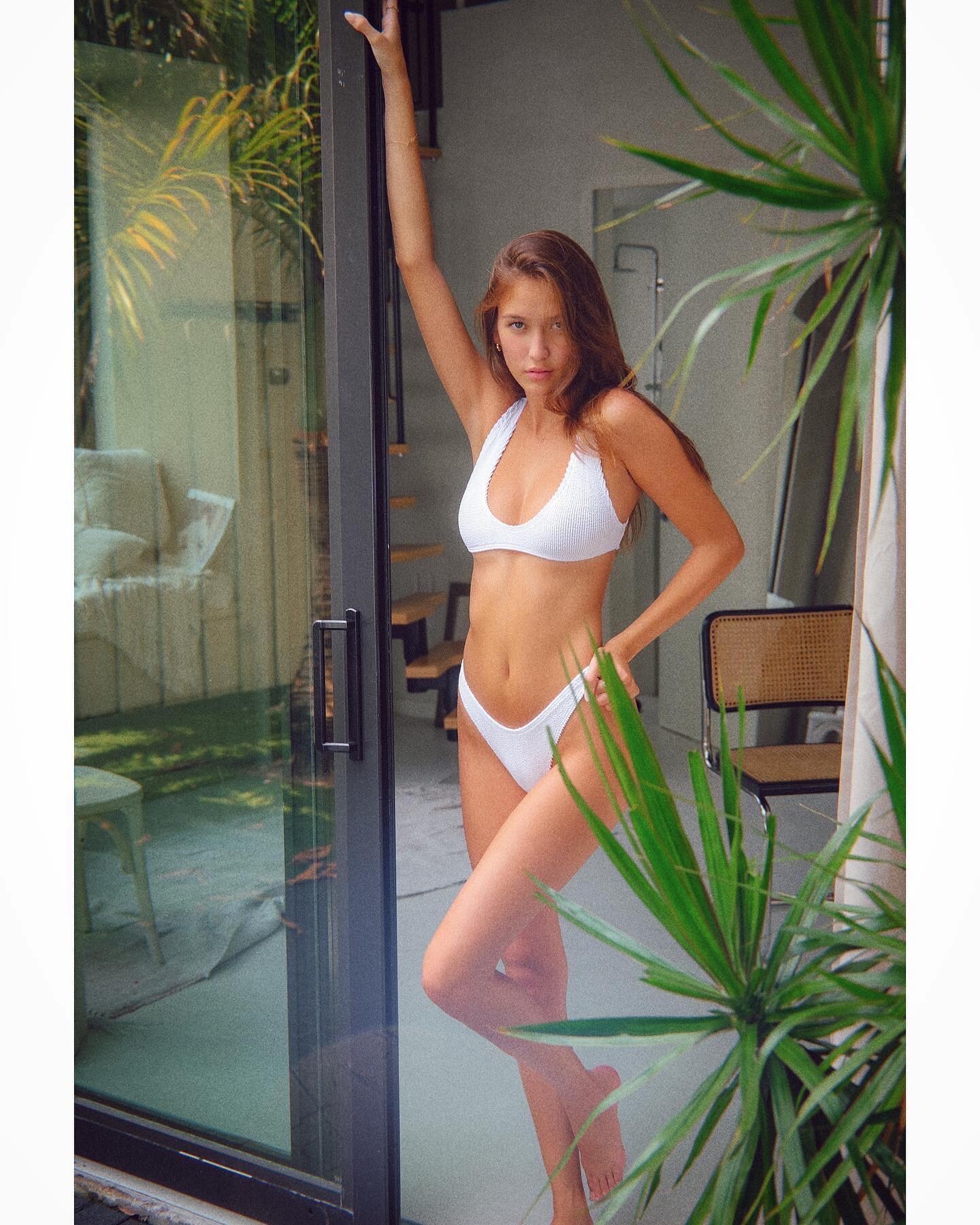
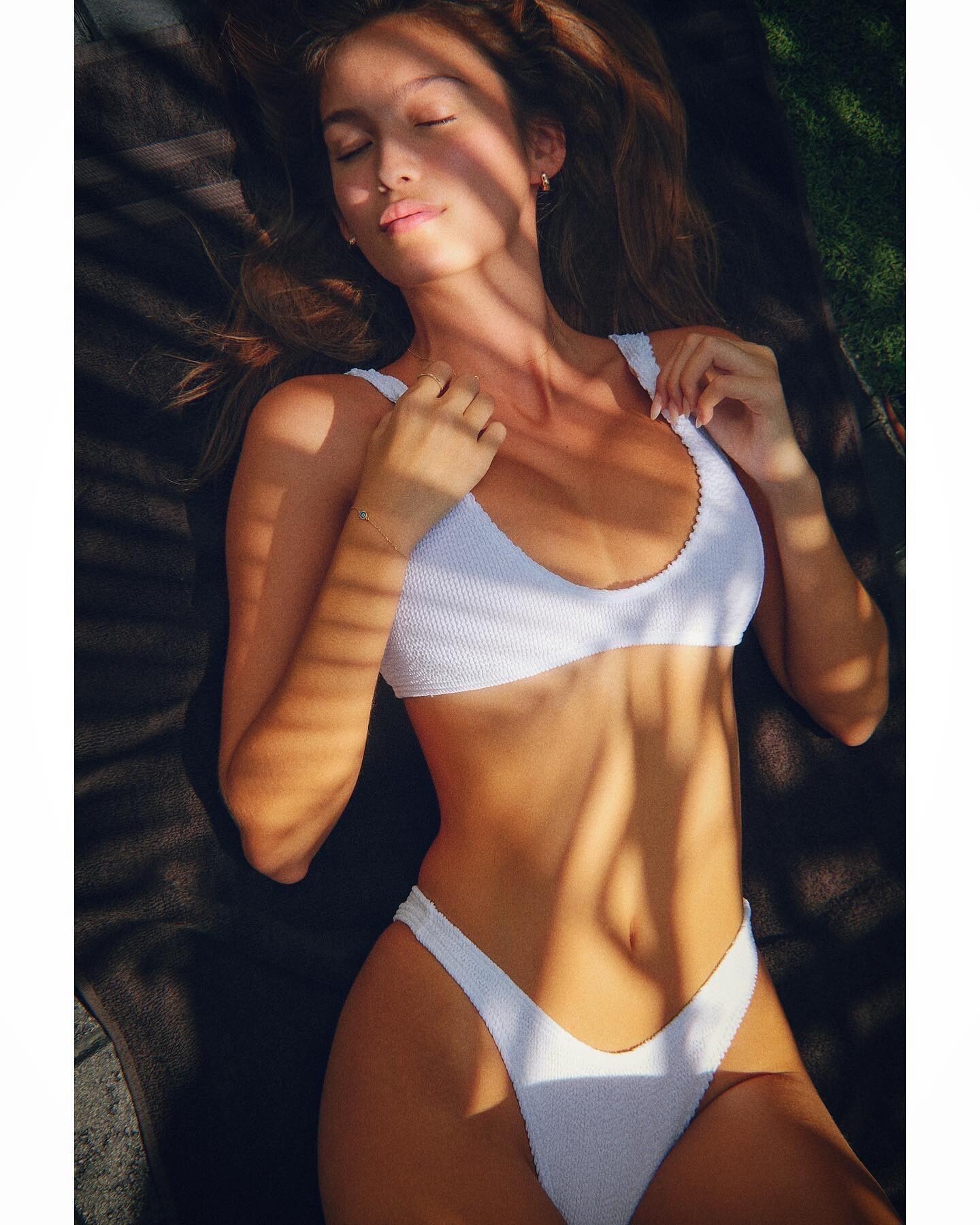
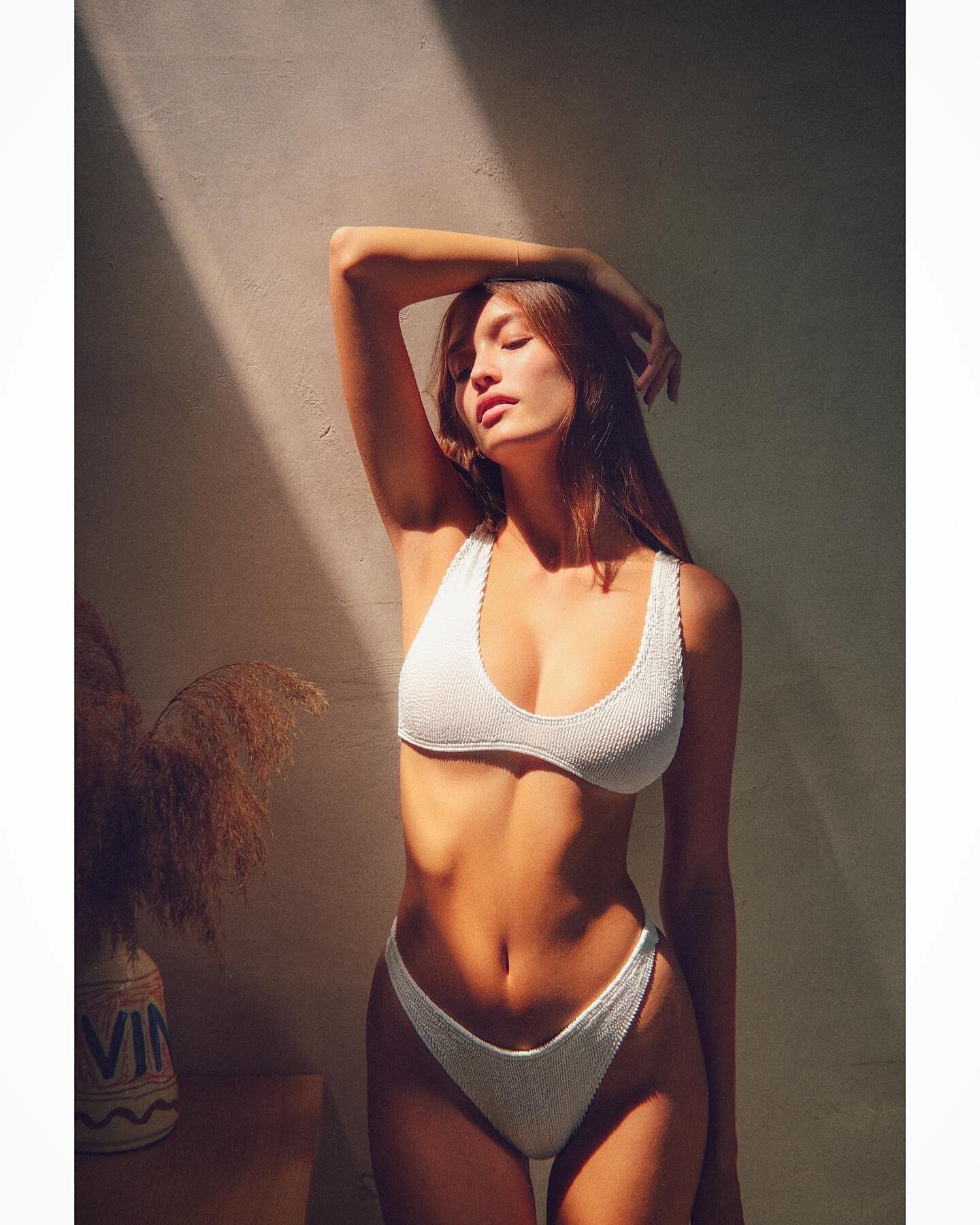
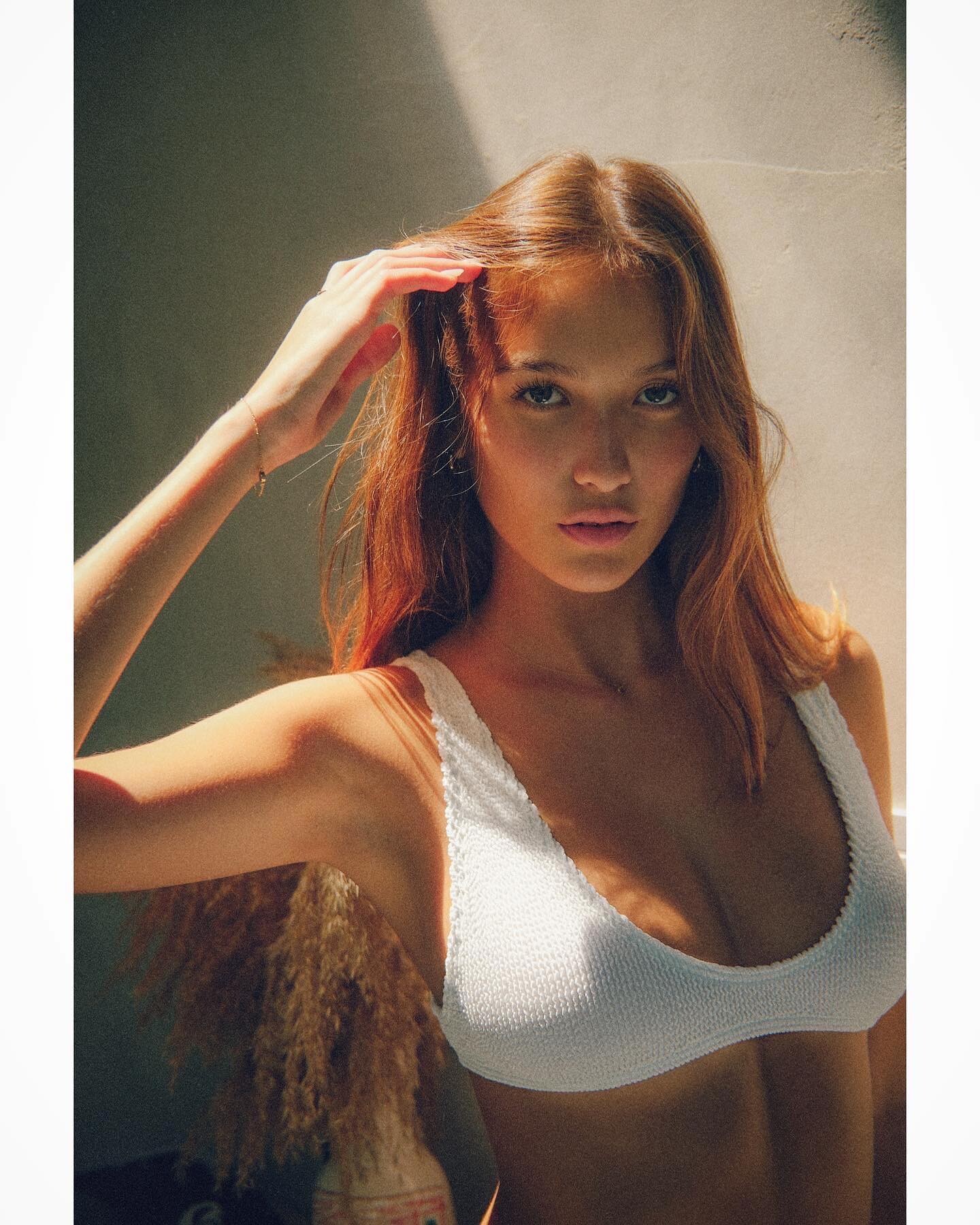
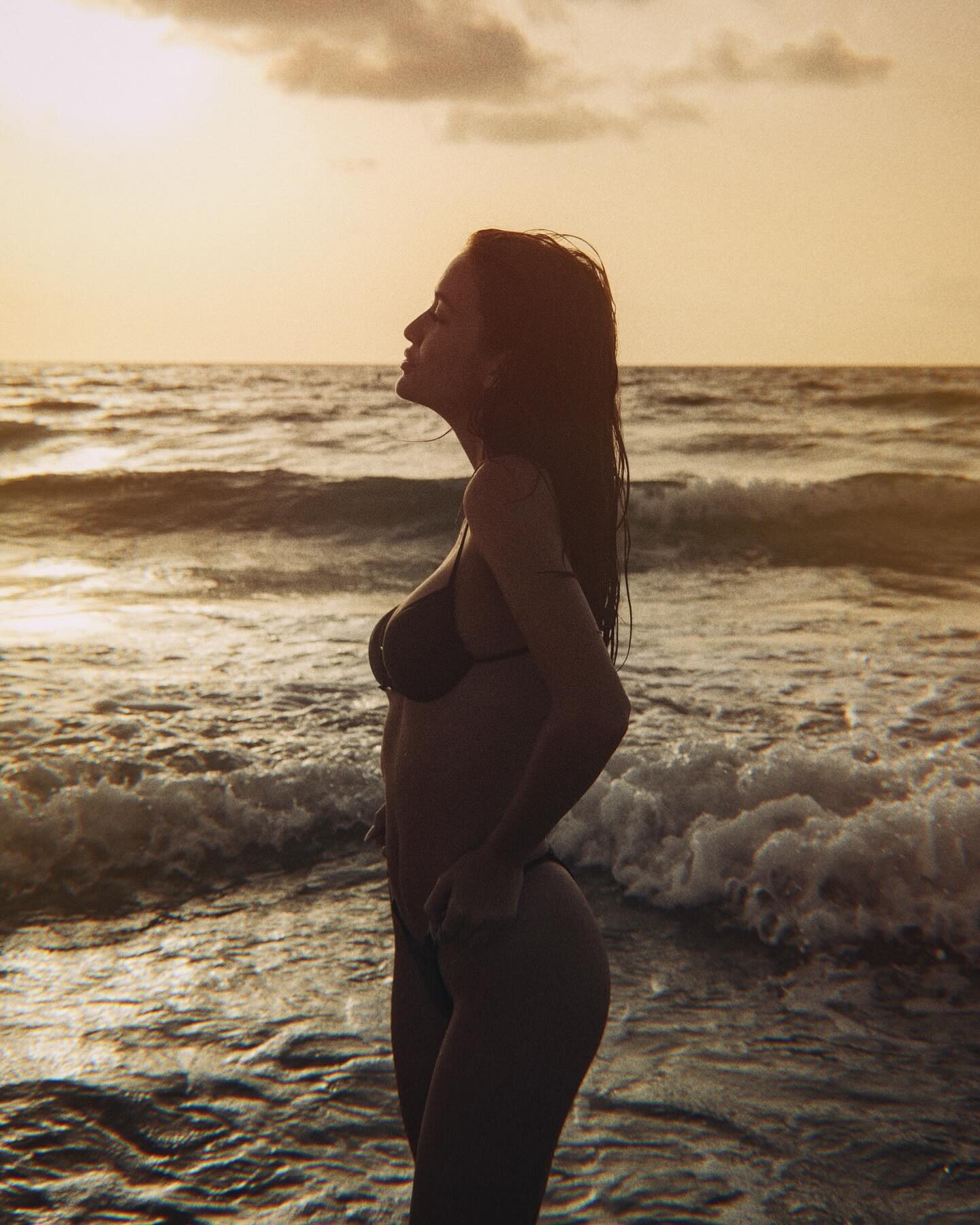

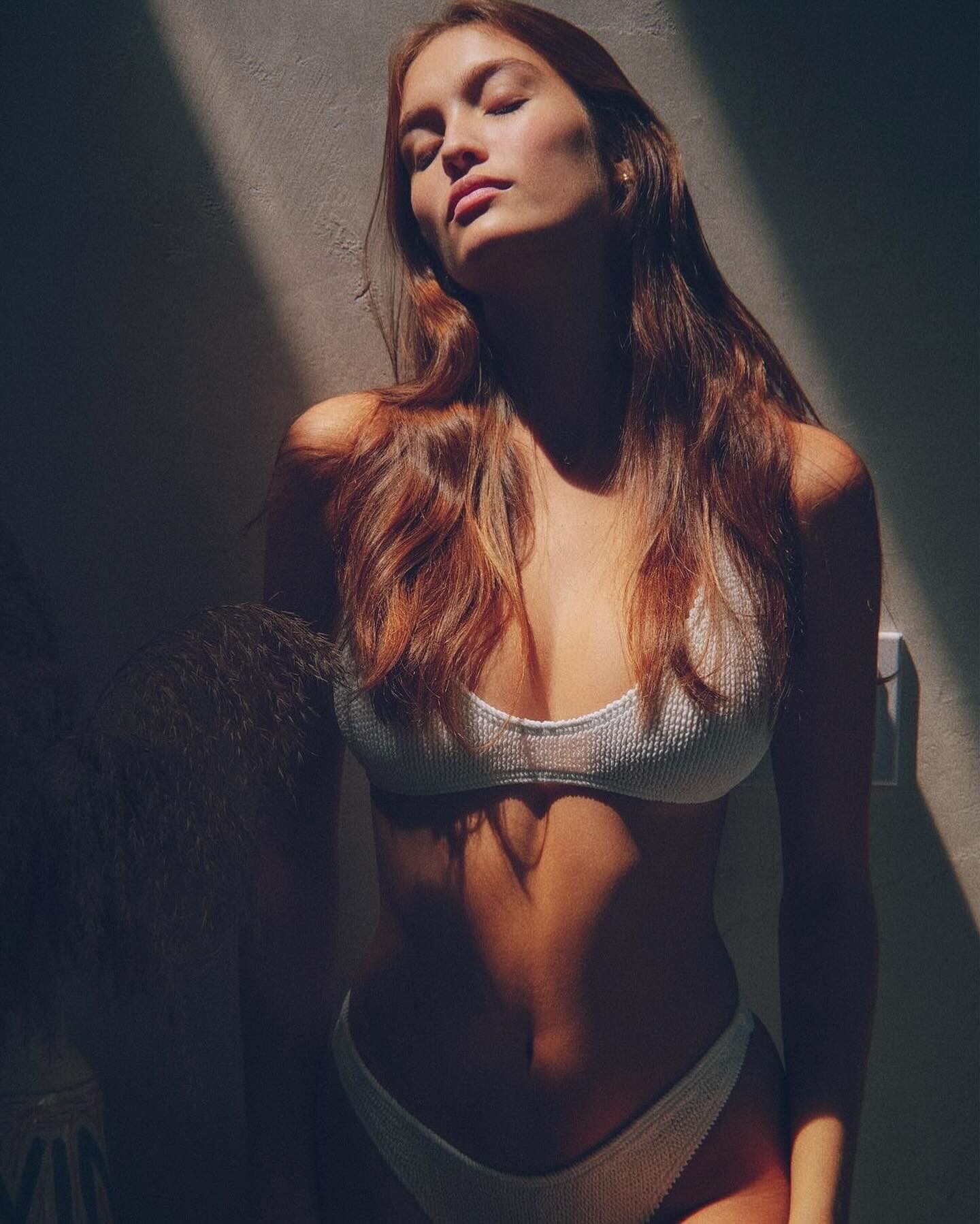
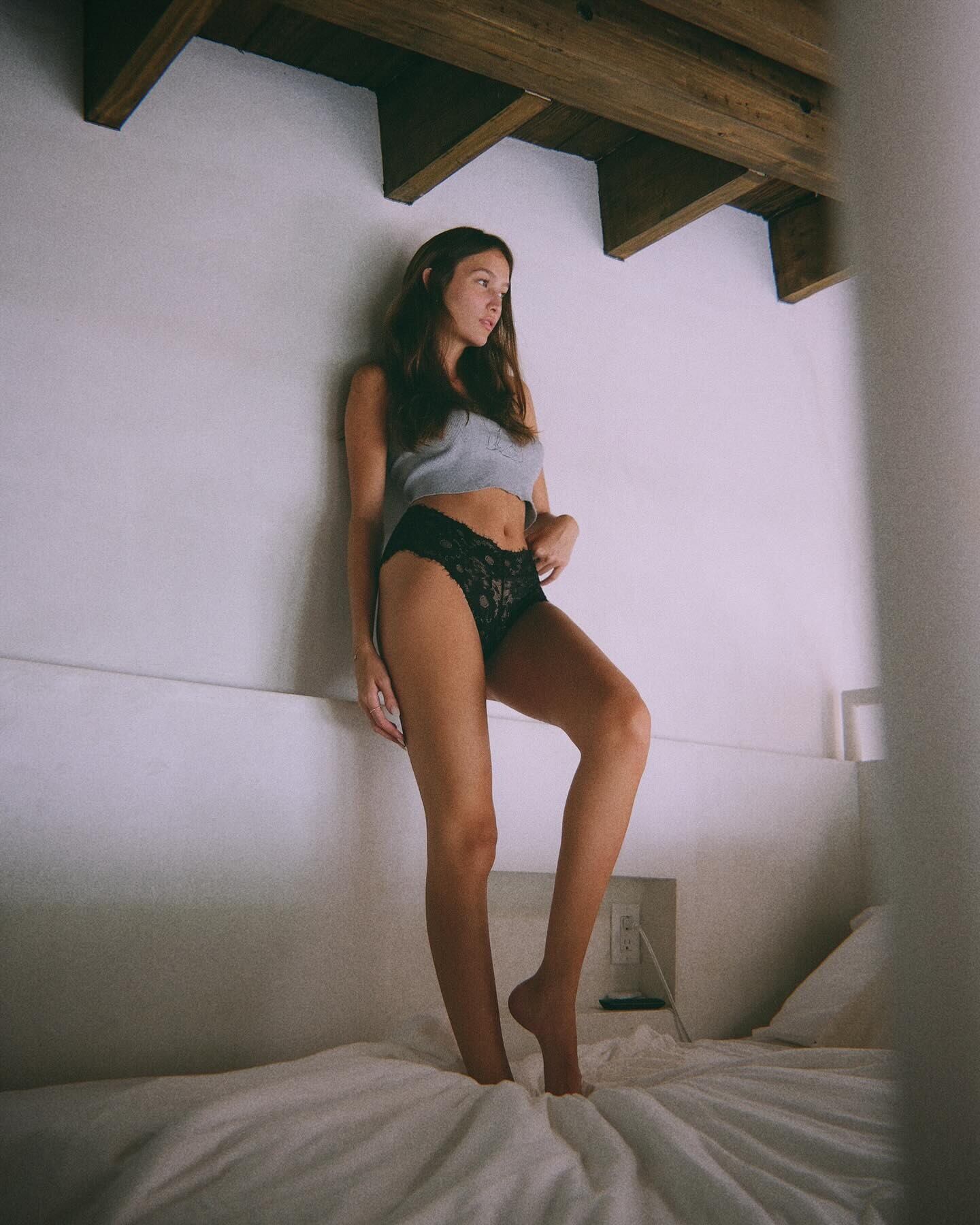
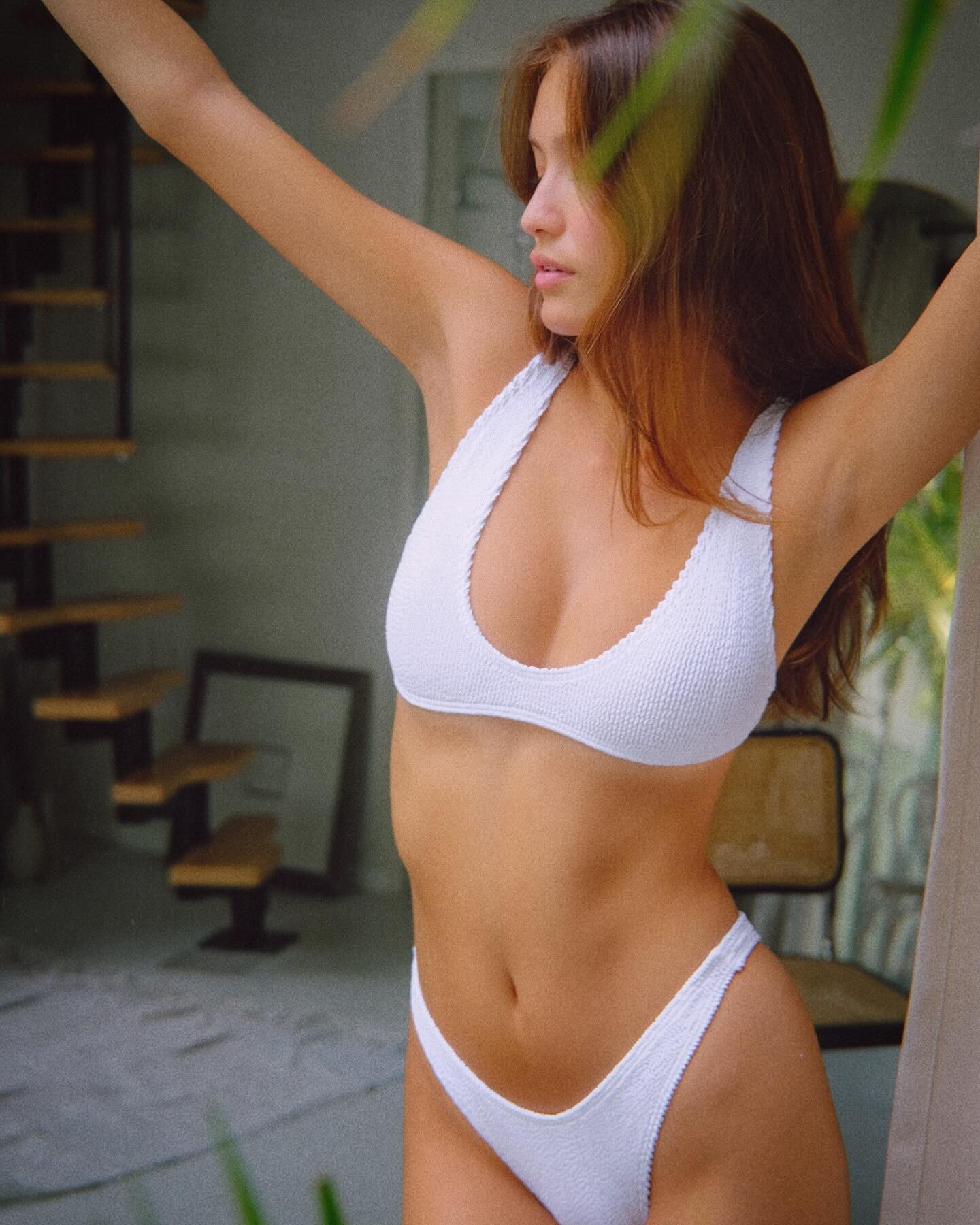
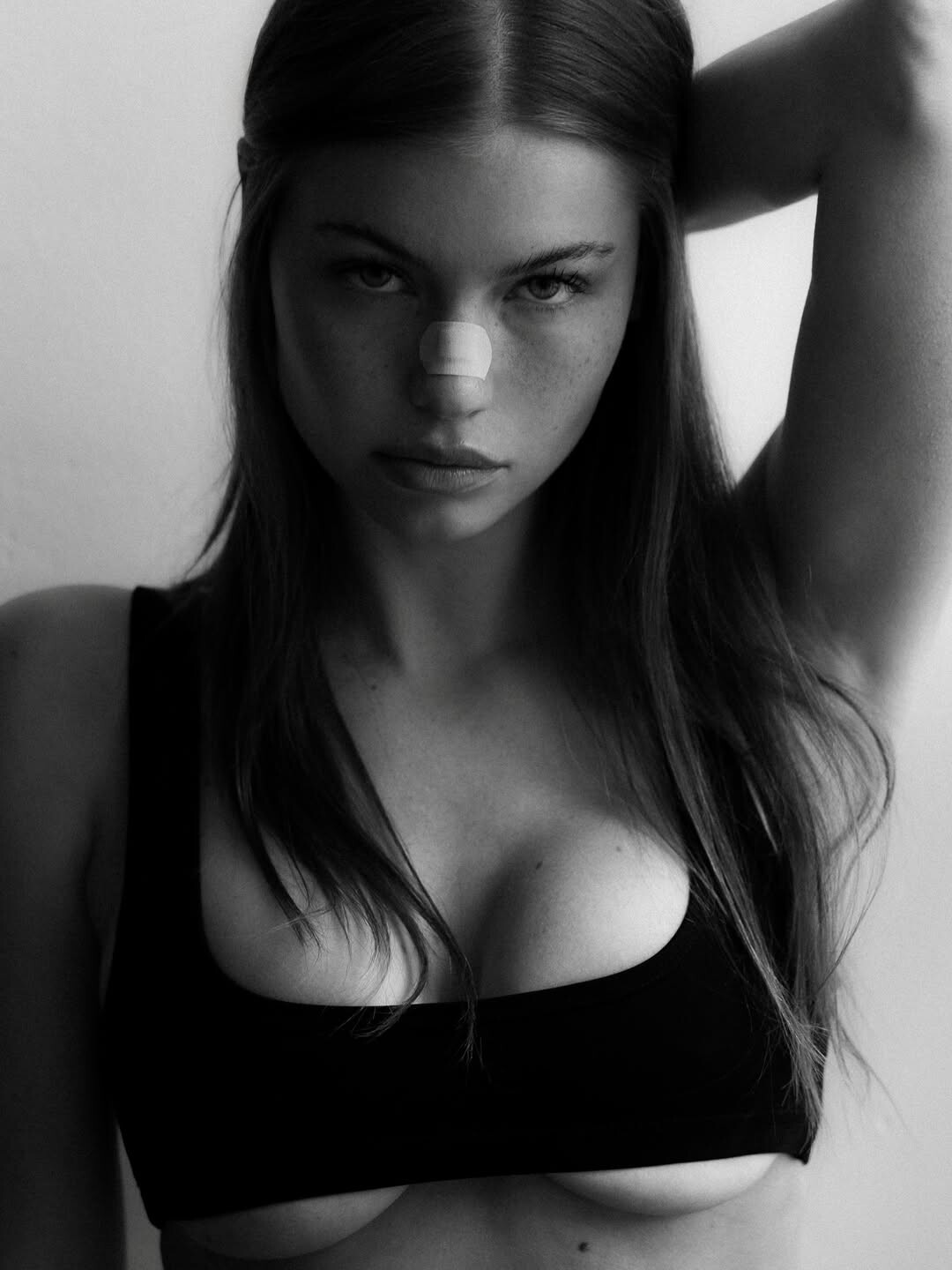
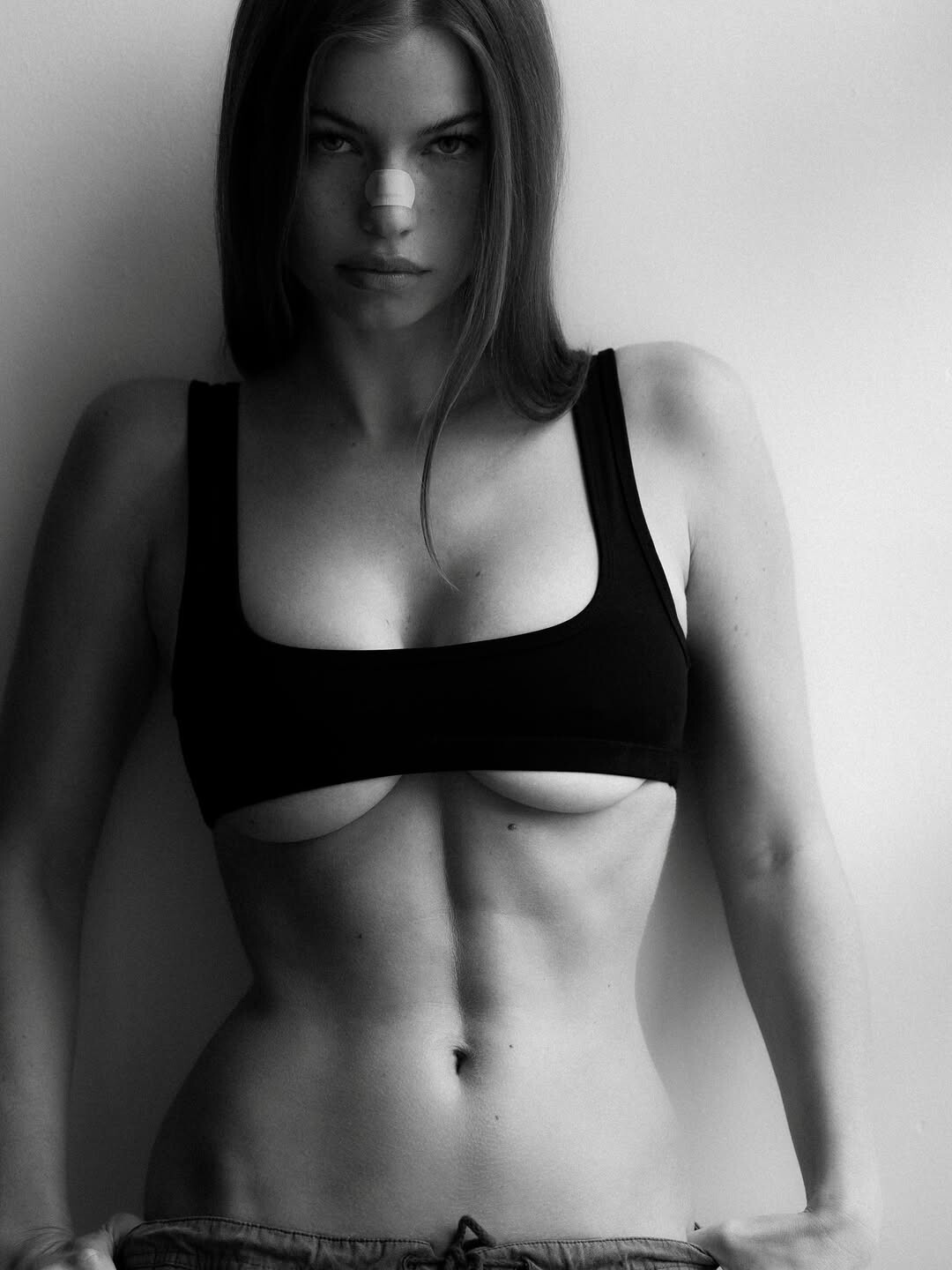
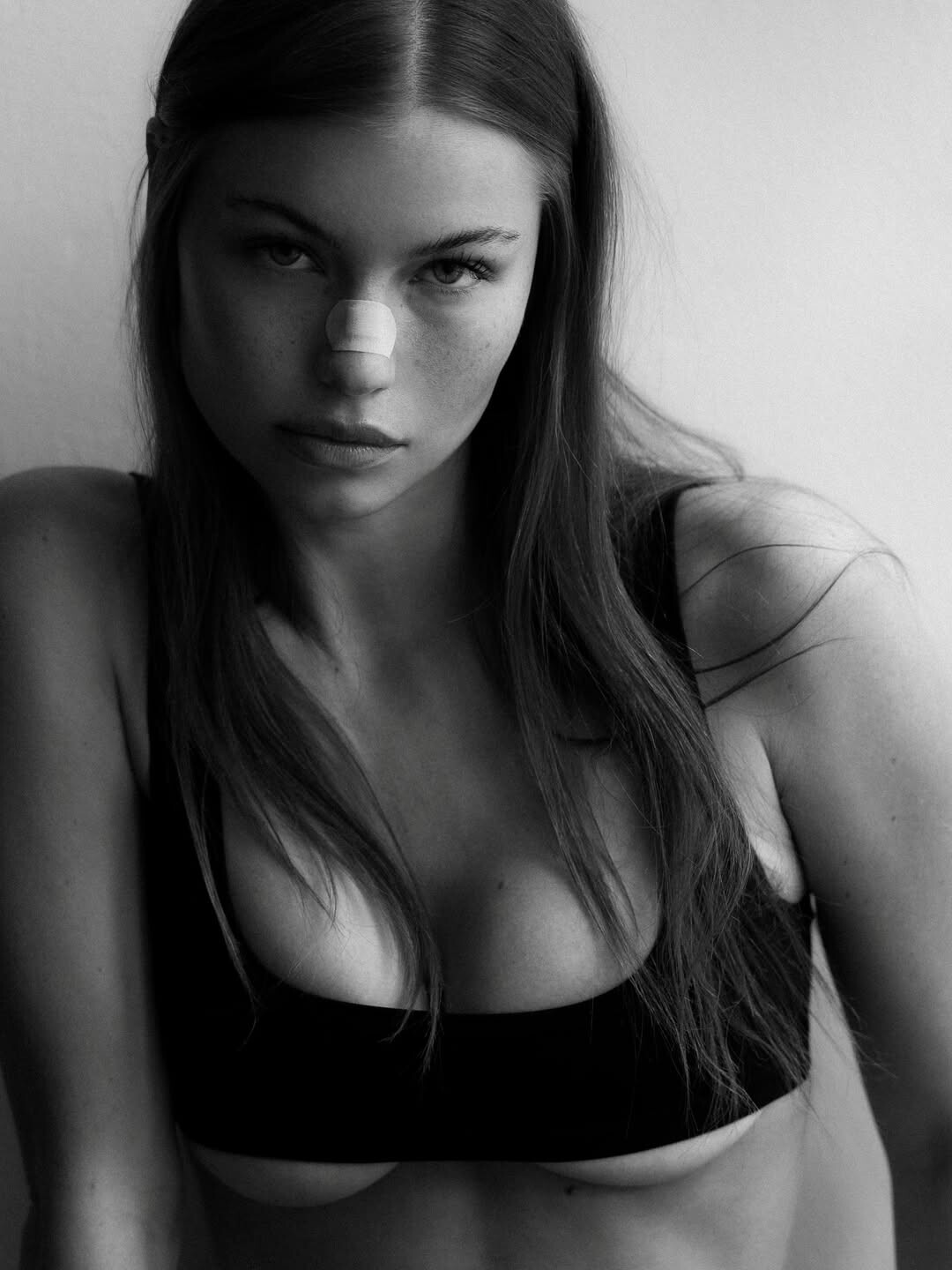
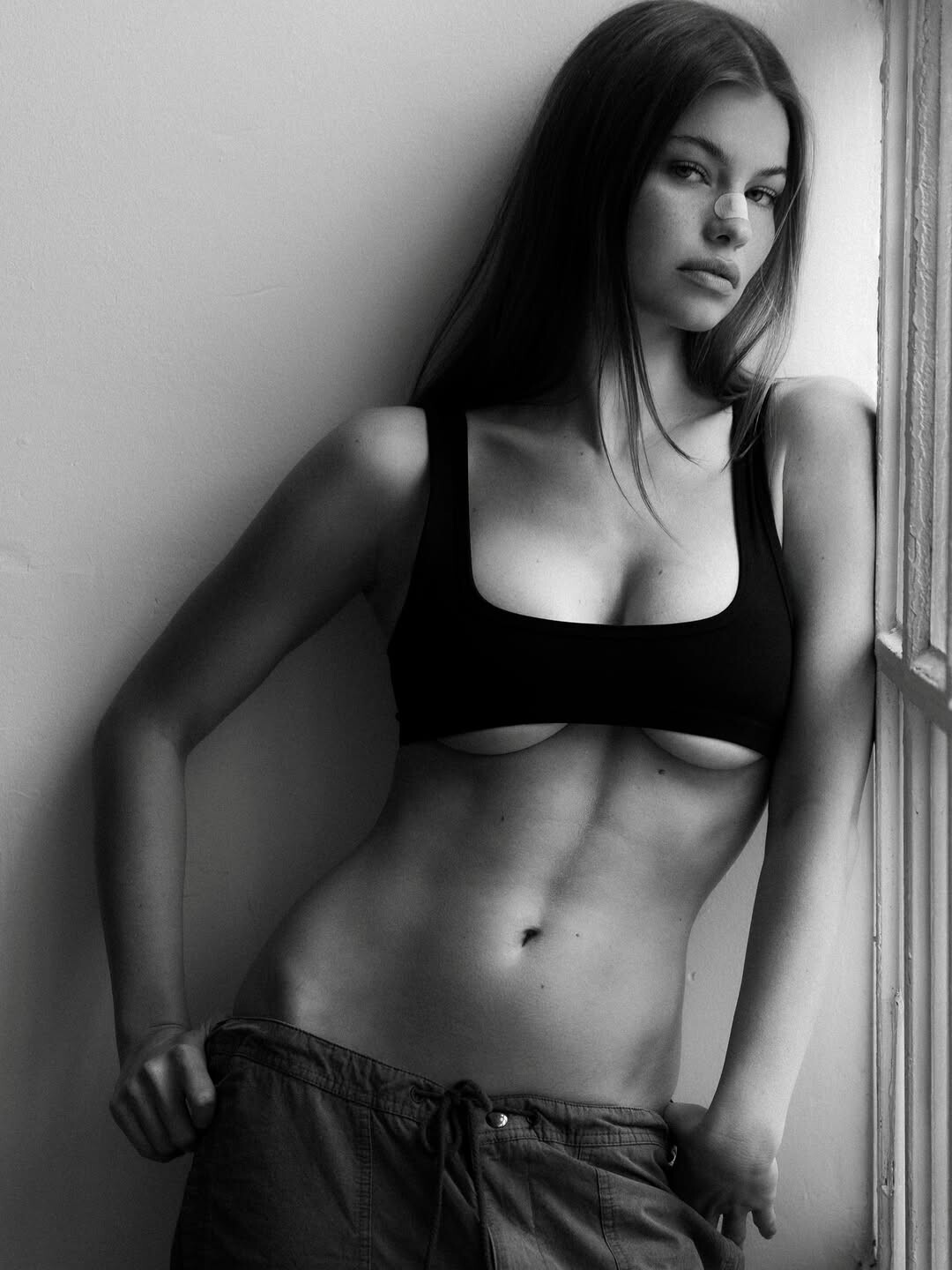

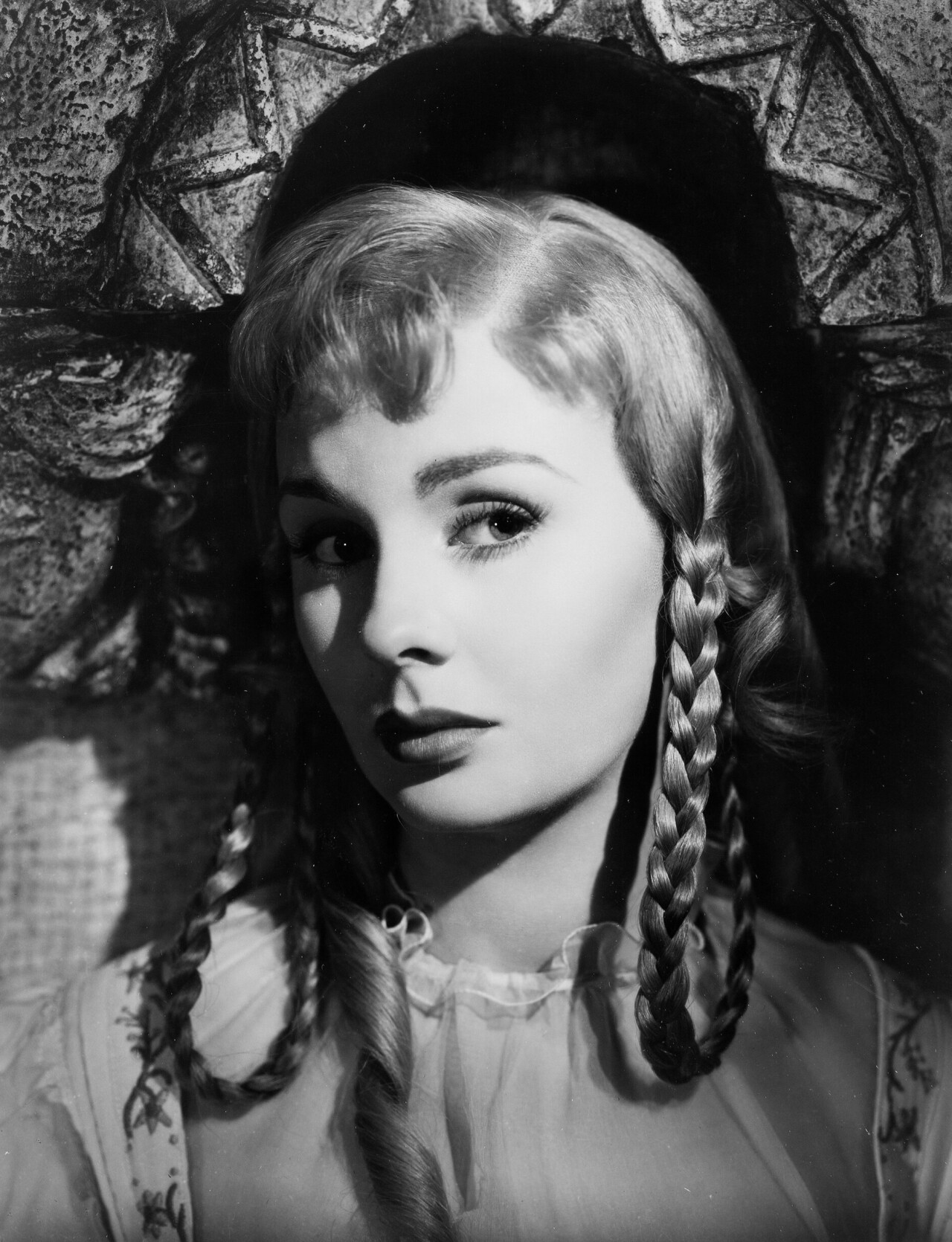
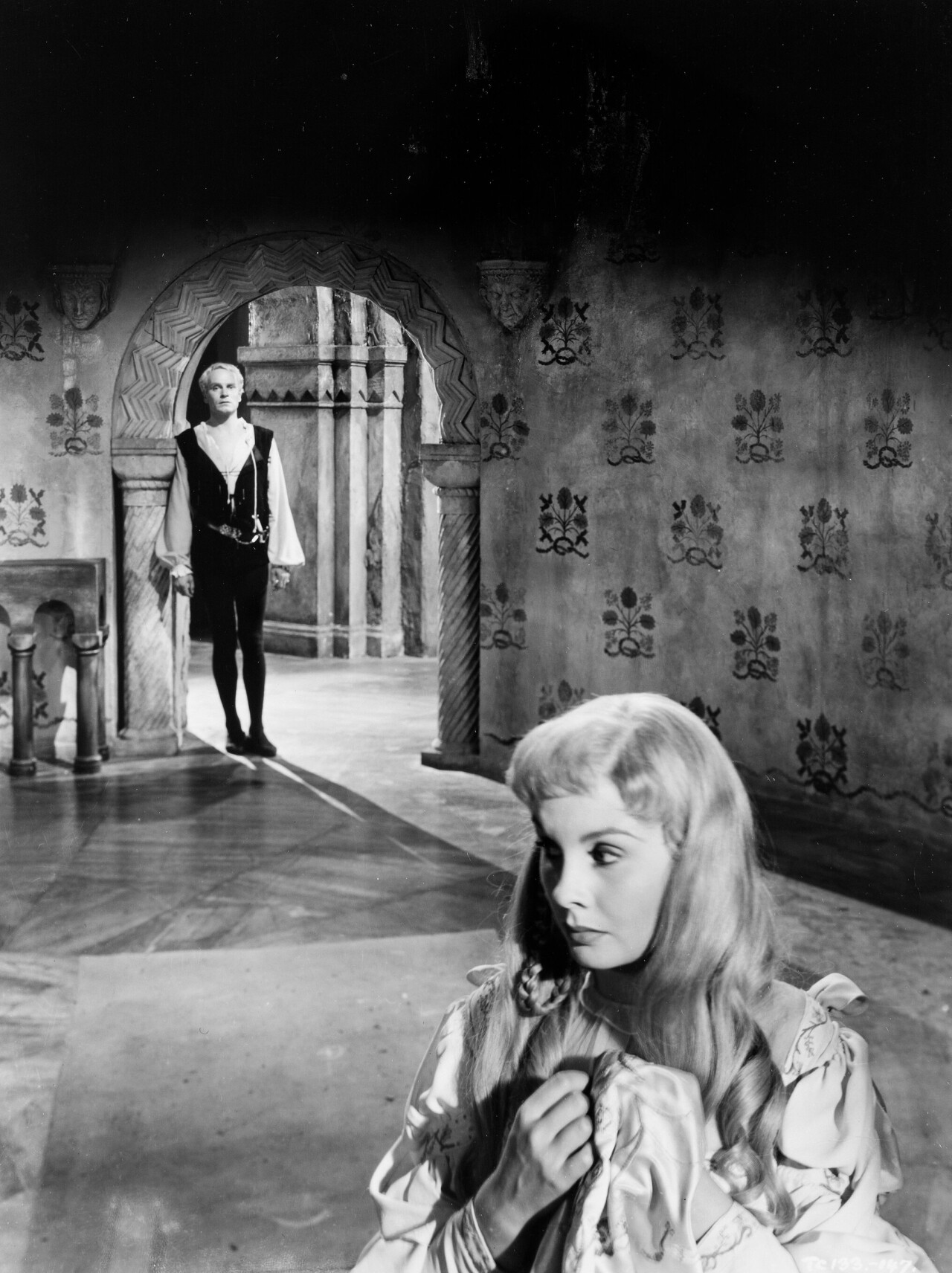

b1350.png.0aae8fca461824d7e6170ed91053ce58.png)


Account
Search
Configure browser push notifications
Chrome (Android)
- Tap the lock icon next to the address bar.
- Tap Permissions → Notifications.
- Adjust your preference.
Chrome (Desktop)
- Click the padlock icon in the address bar.
- Select Site settings.
- Find Notifications and adjust your preference.
Safari (iOS 16.4+)
- Ensure the site is installed via Add to Home Screen.
- Open Settings App → Notifications.
- Find your app name and adjust your preference.
Safari (macOS)
- Go to Safari → Preferences.
- Click the Websites tab.
- Select Notifications in the sidebar.
- Find this website and adjust your preference.
Edge (Android)
- Tap the lock icon next to the address bar.
- Tap Permissions.
- Find Notifications and adjust your preference.
Edge (Desktop)
- Click the padlock icon in the address bar.
- Click Permissions for this site.
- Find Notifications and adjust your preference.
Firefox (Android)
- Go to Settings → Site permissions.
- Tap Notifications.
- Find this site in the list and adjust your preference.
Firefox (Desktop)
- Open Firefox Settings.
- Search for Notifications.
- Find this site in the list and adjust your preference.