All Activity
- Past hour
-
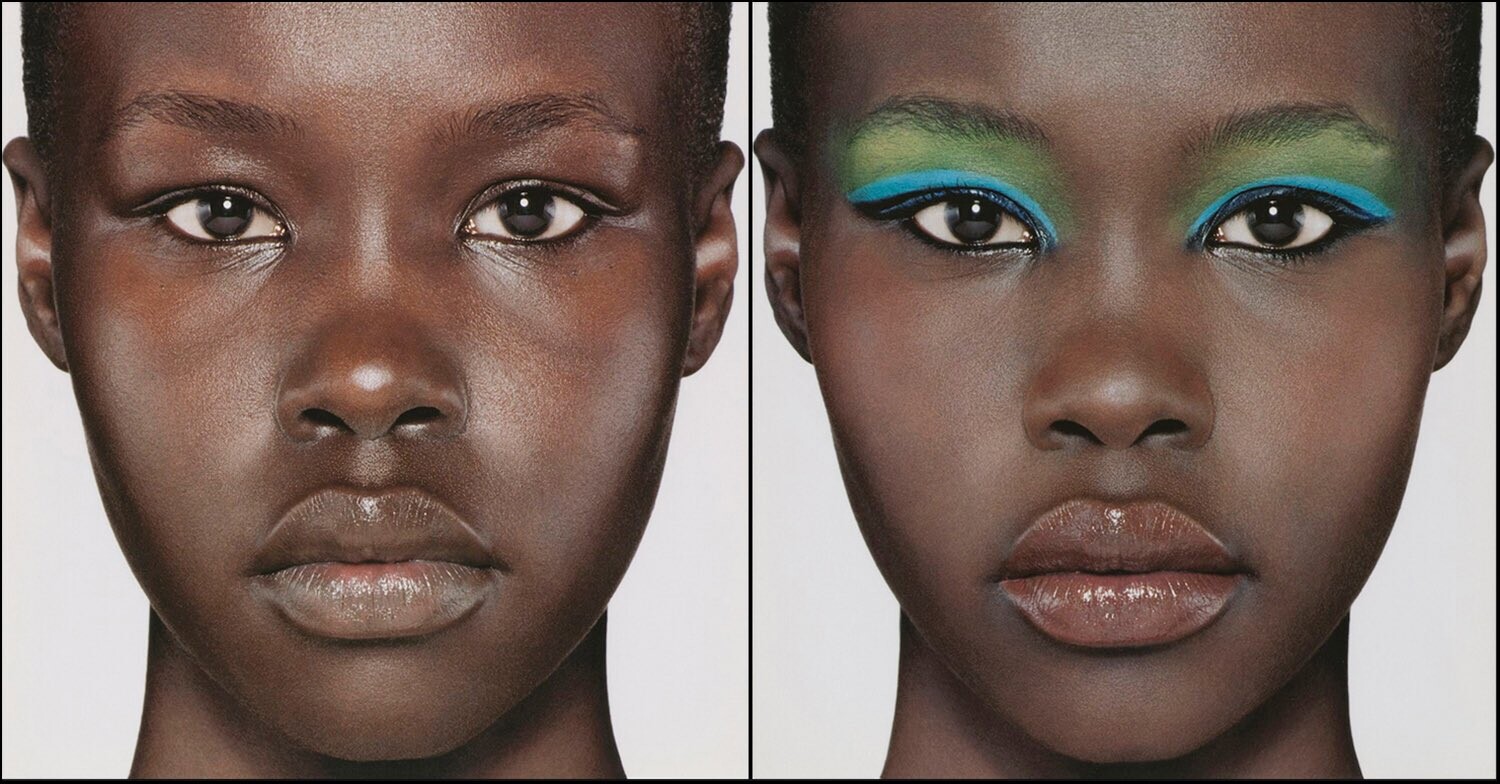
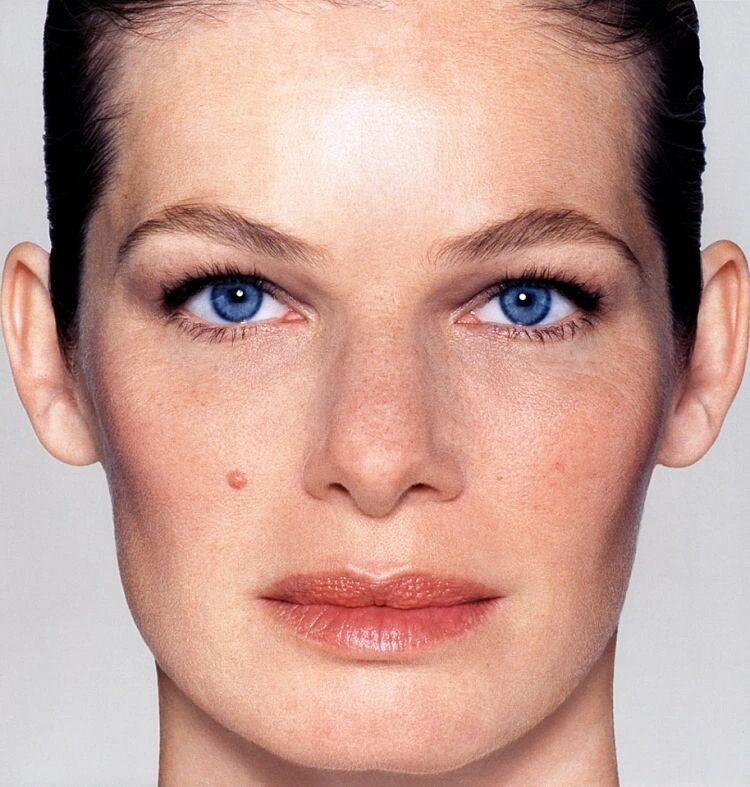
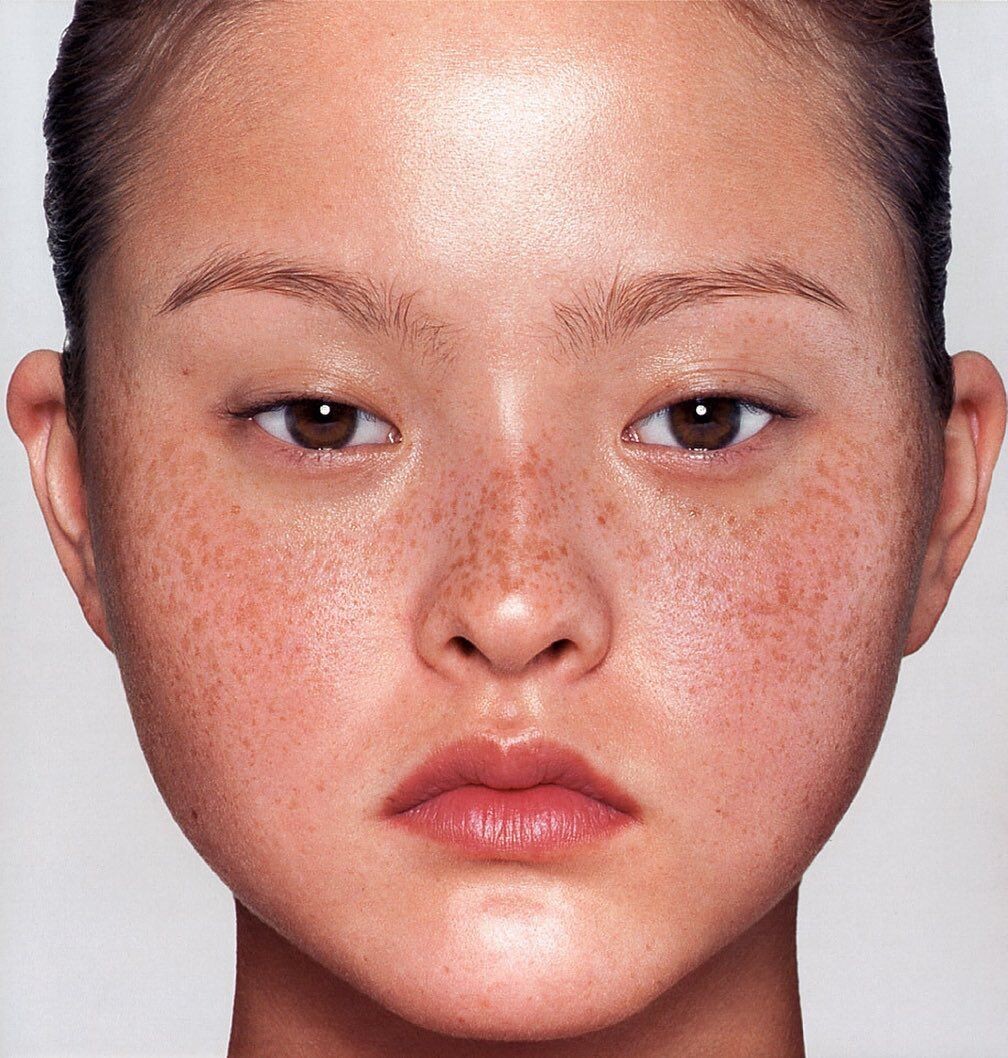
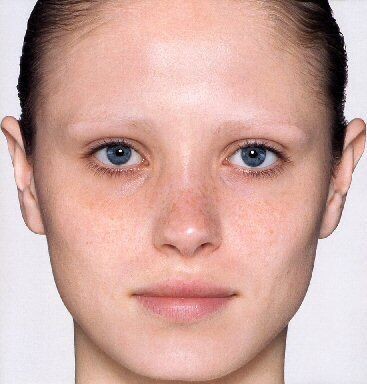
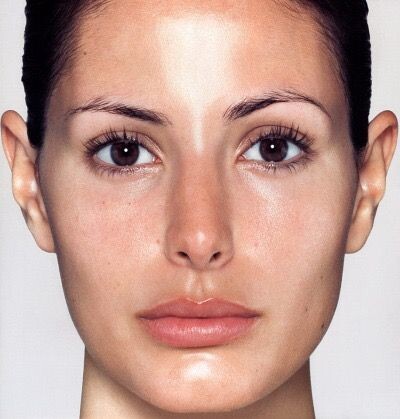
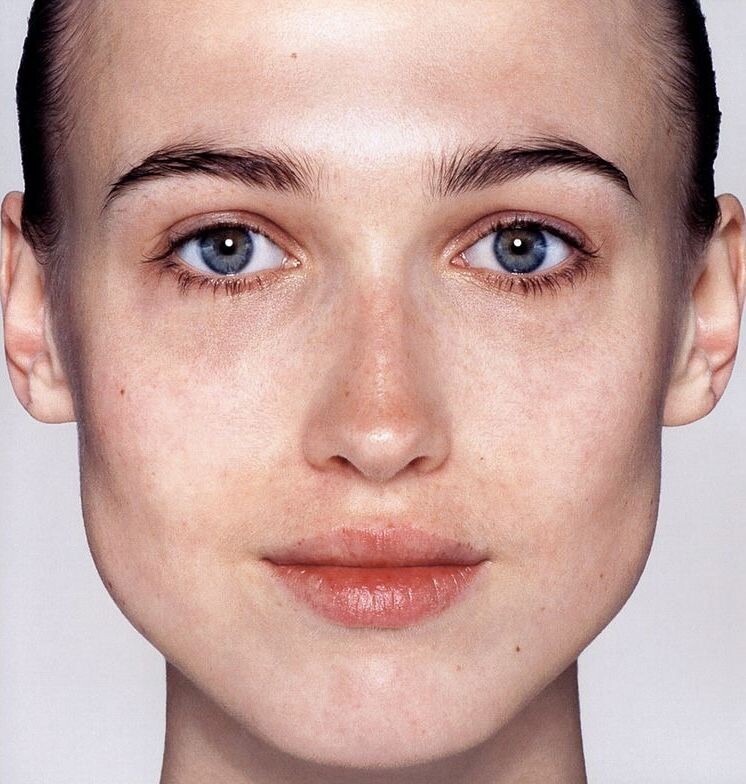
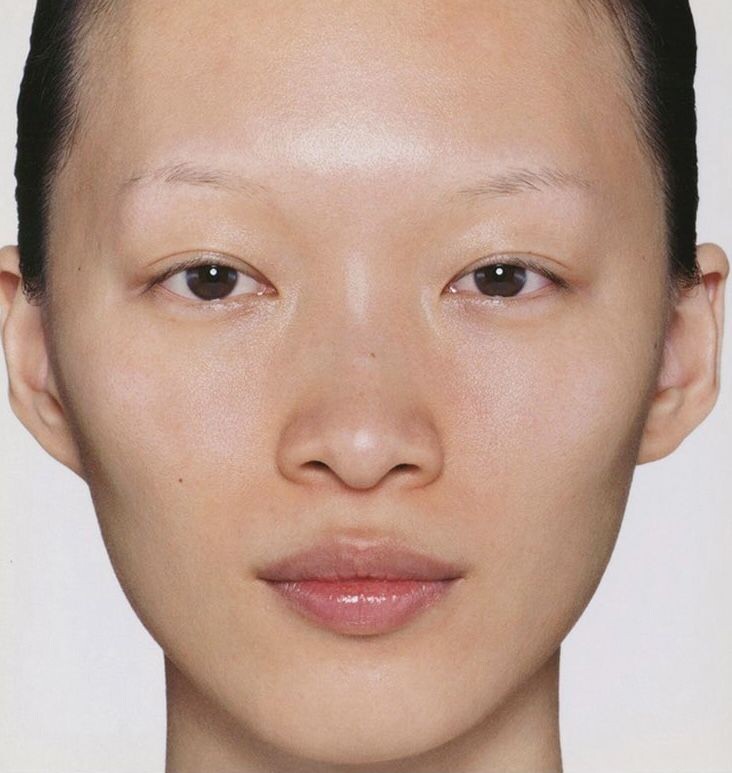
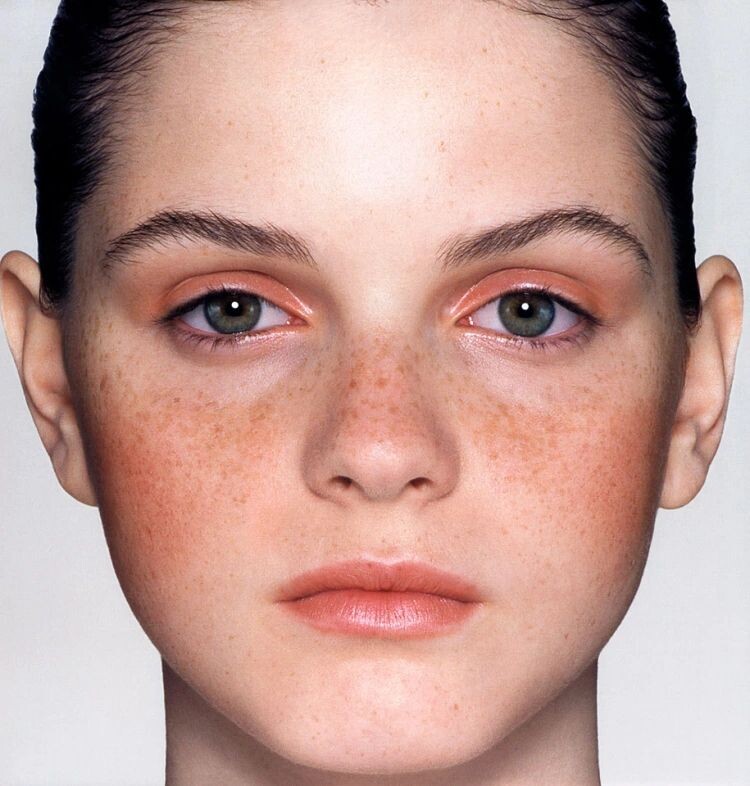
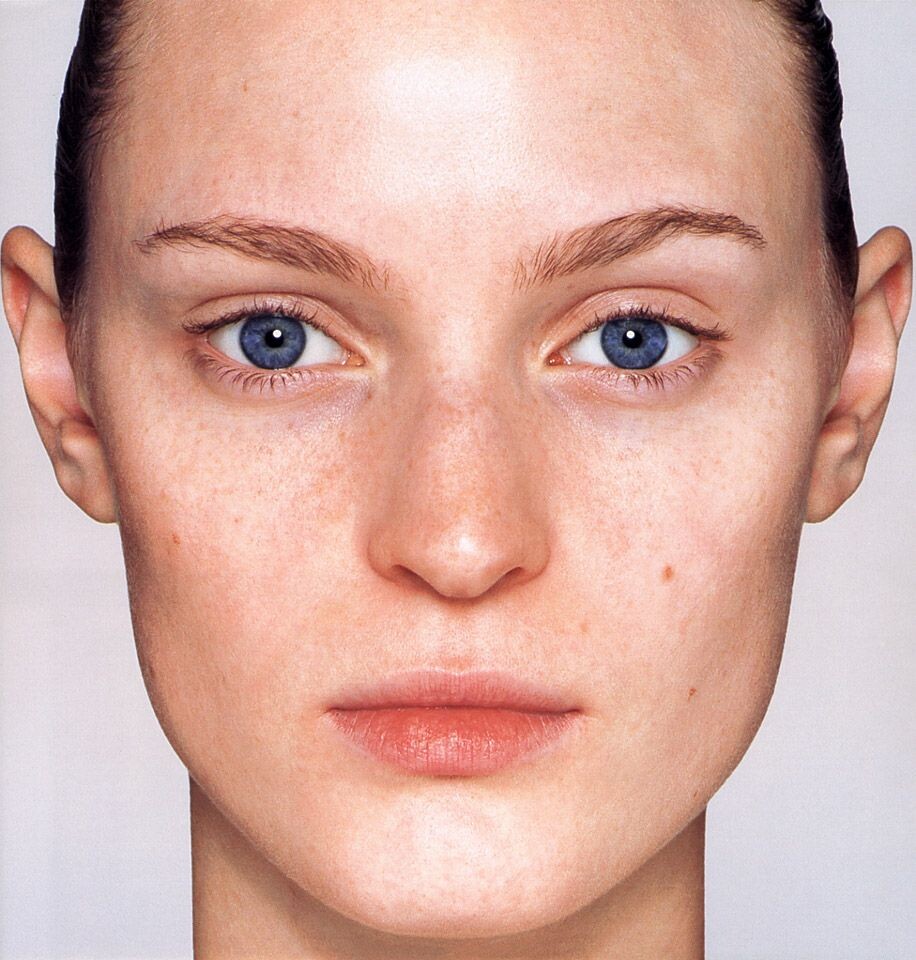
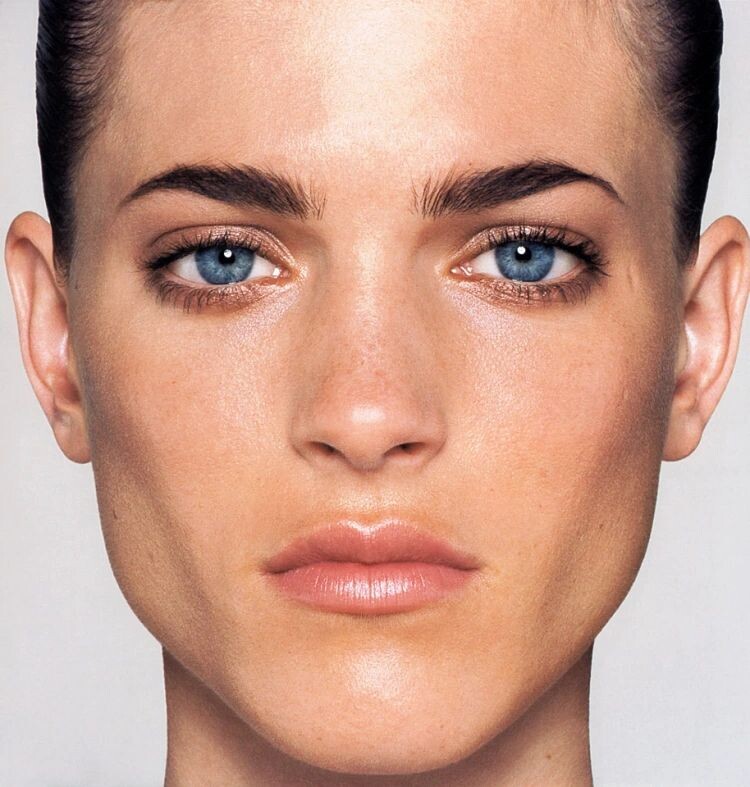
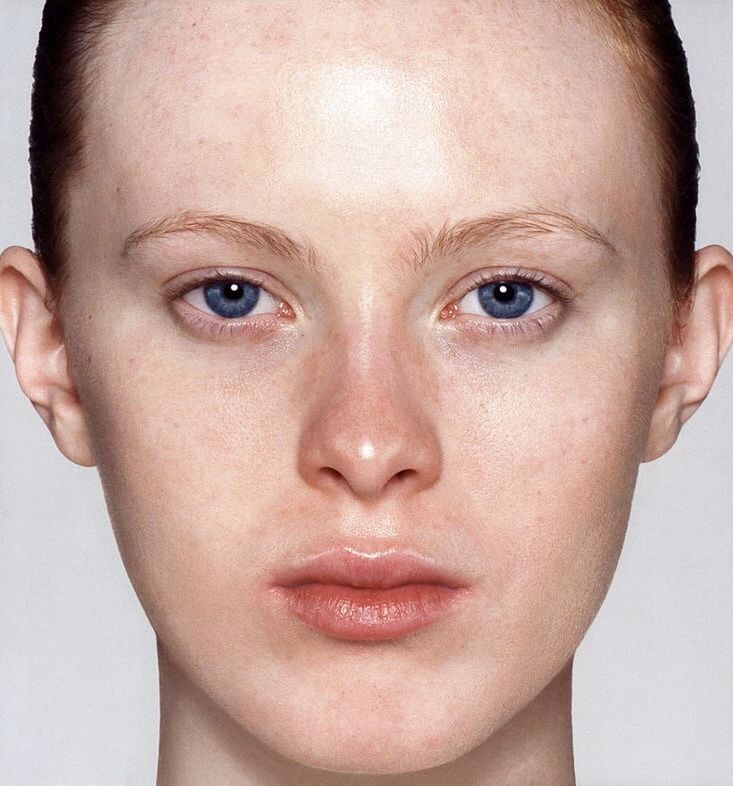
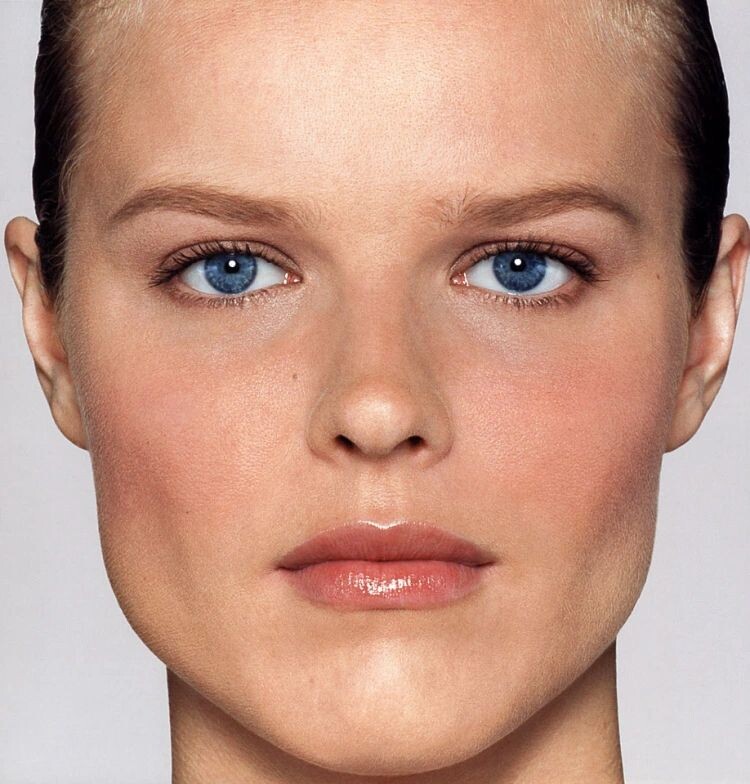
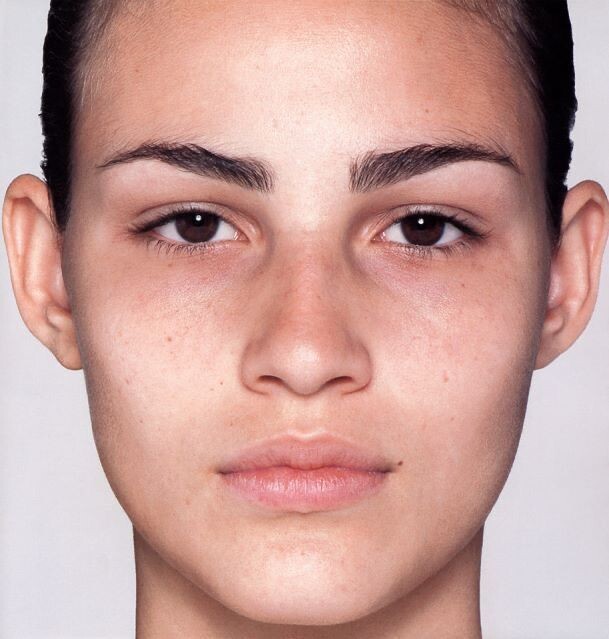
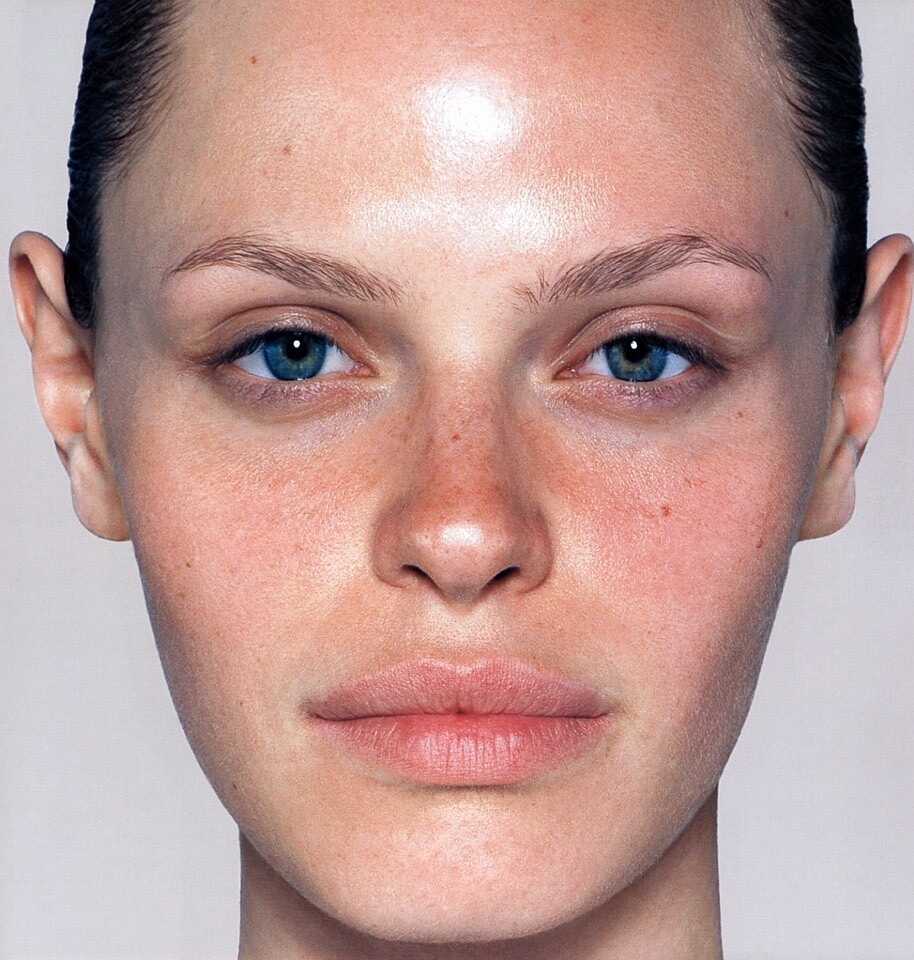
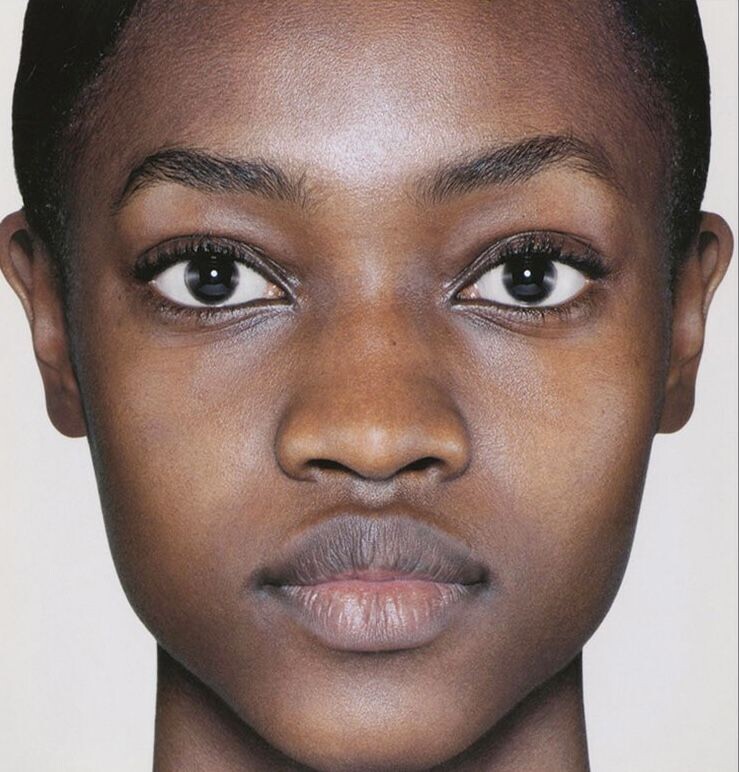
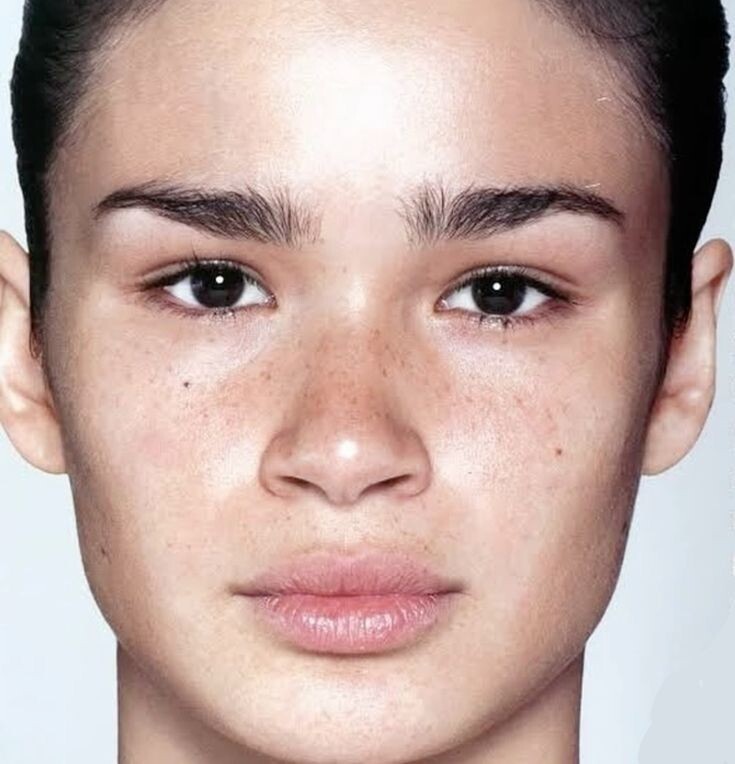
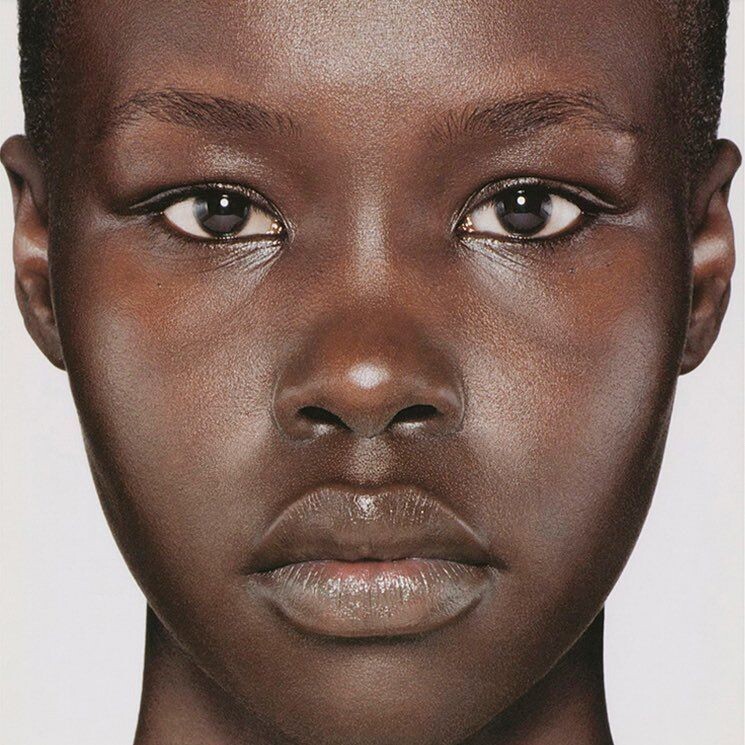
 makeup your mind (2001) francois nars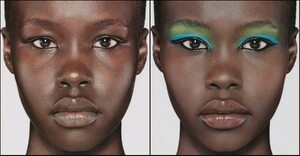
-

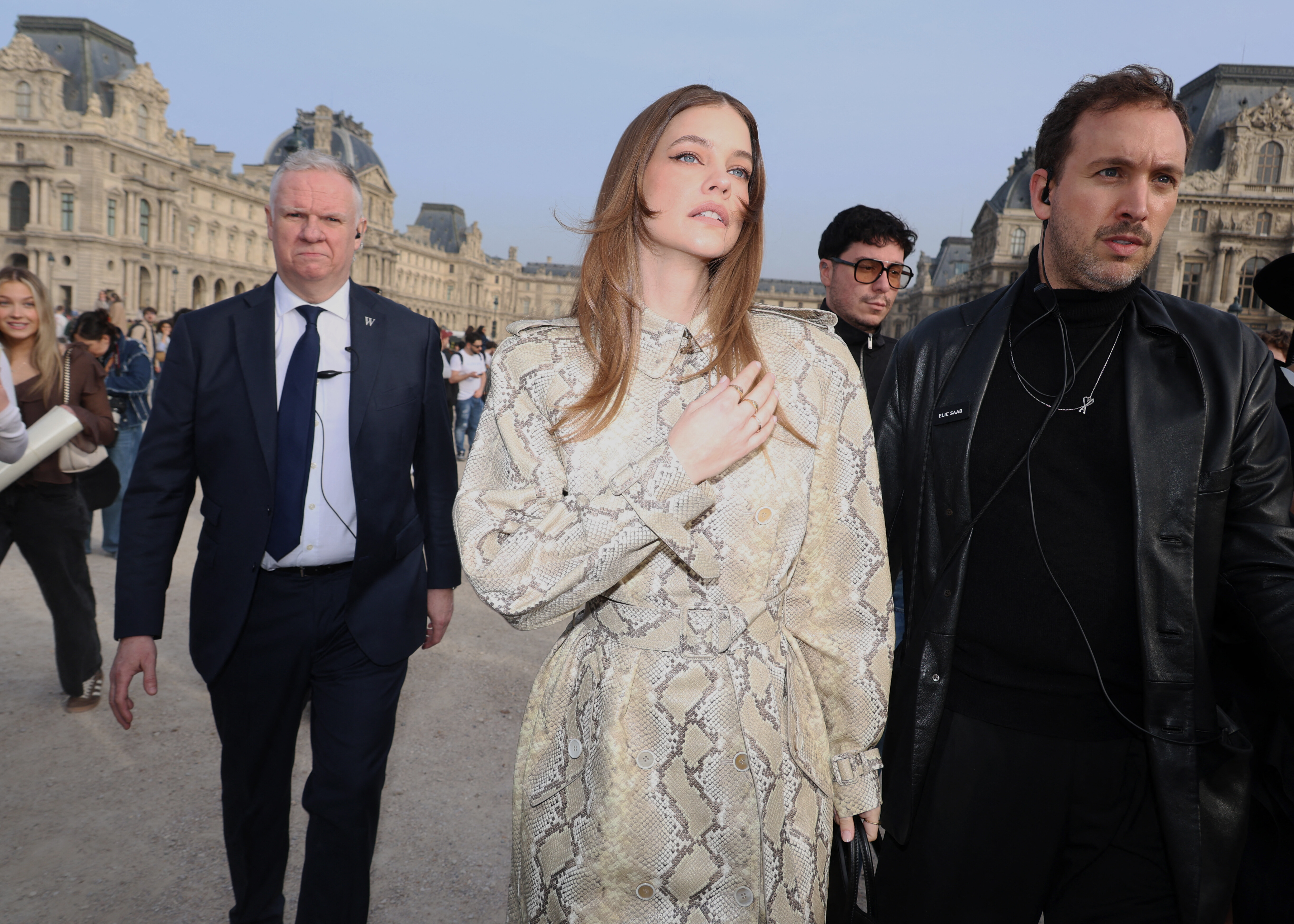
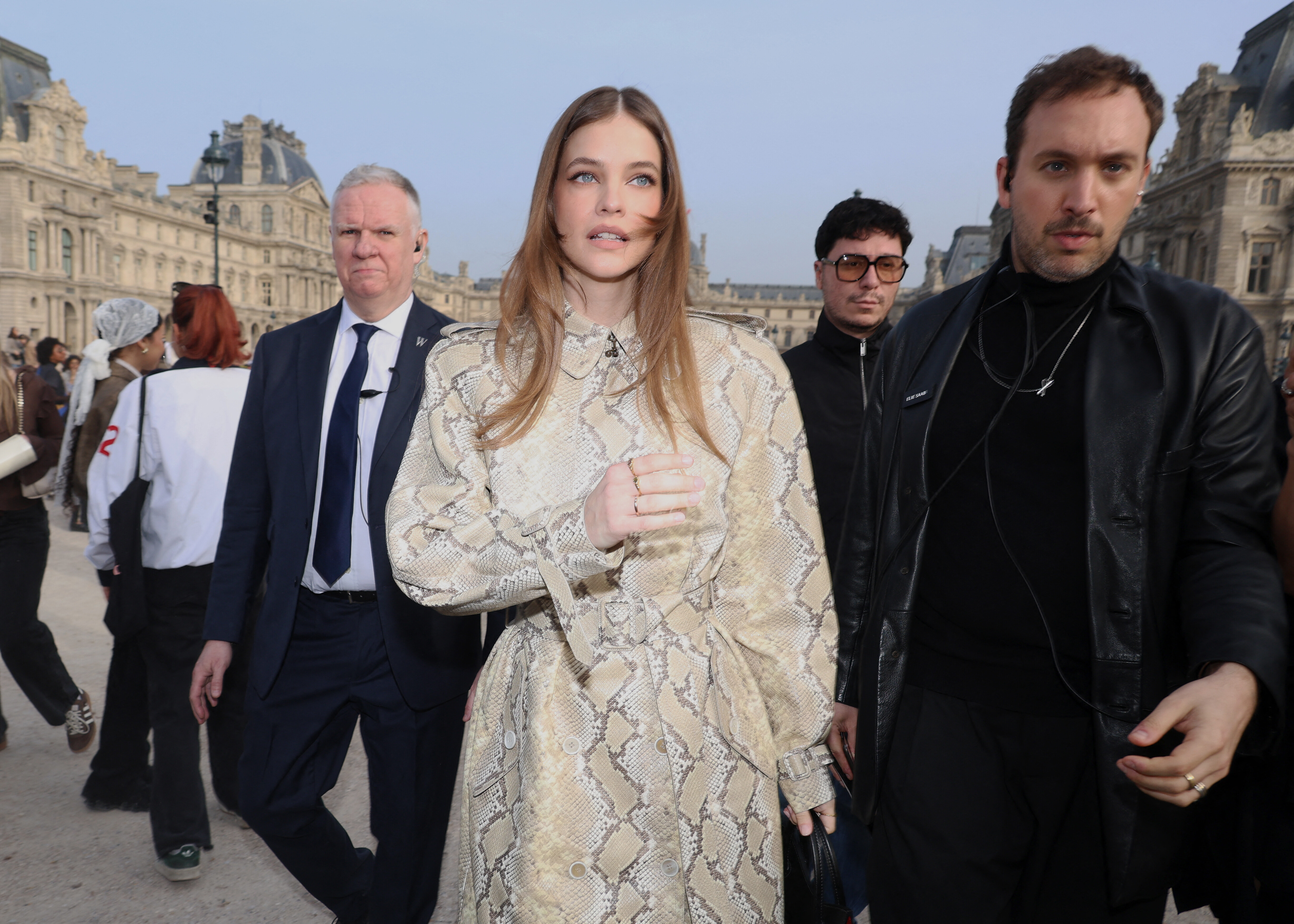
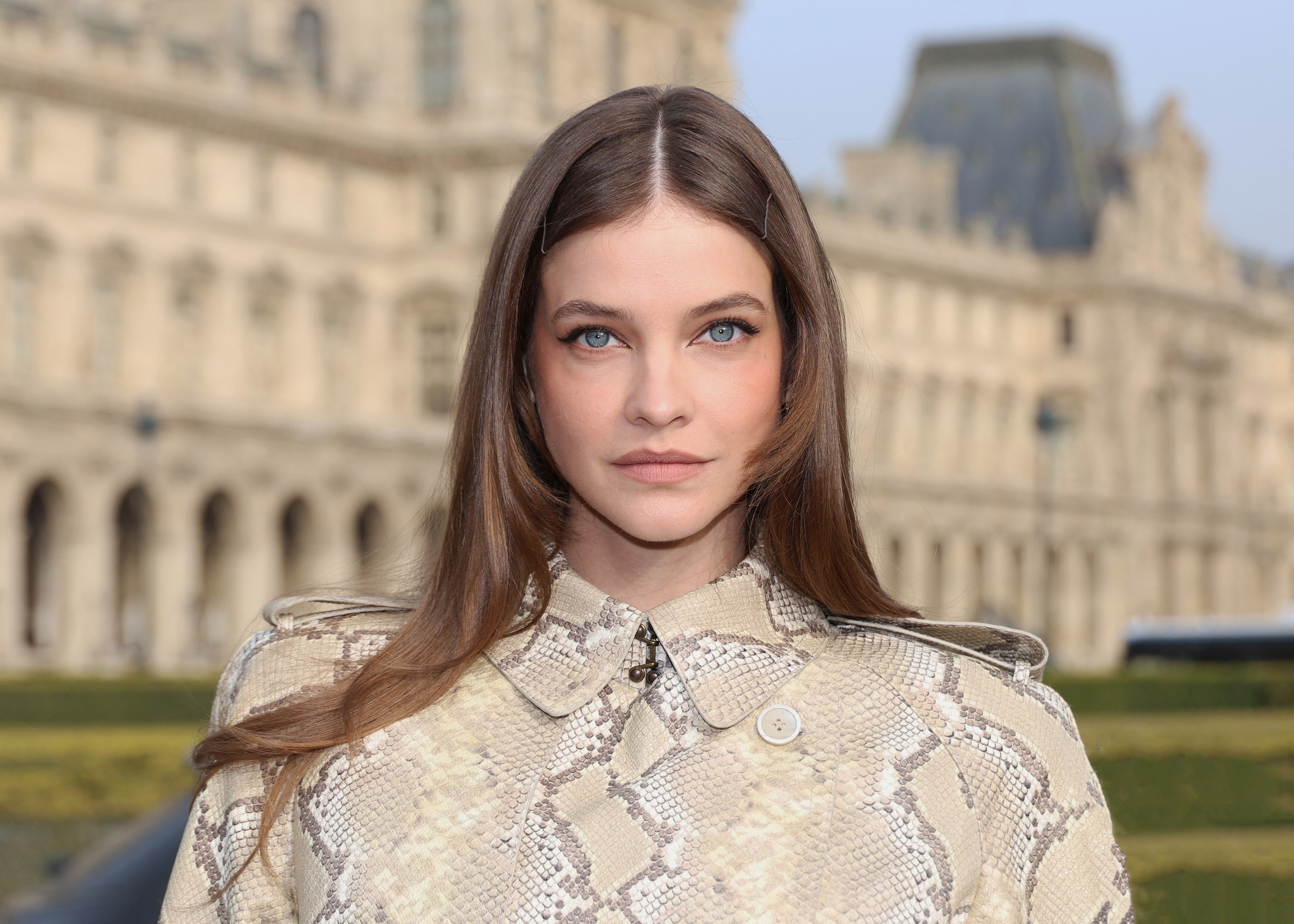
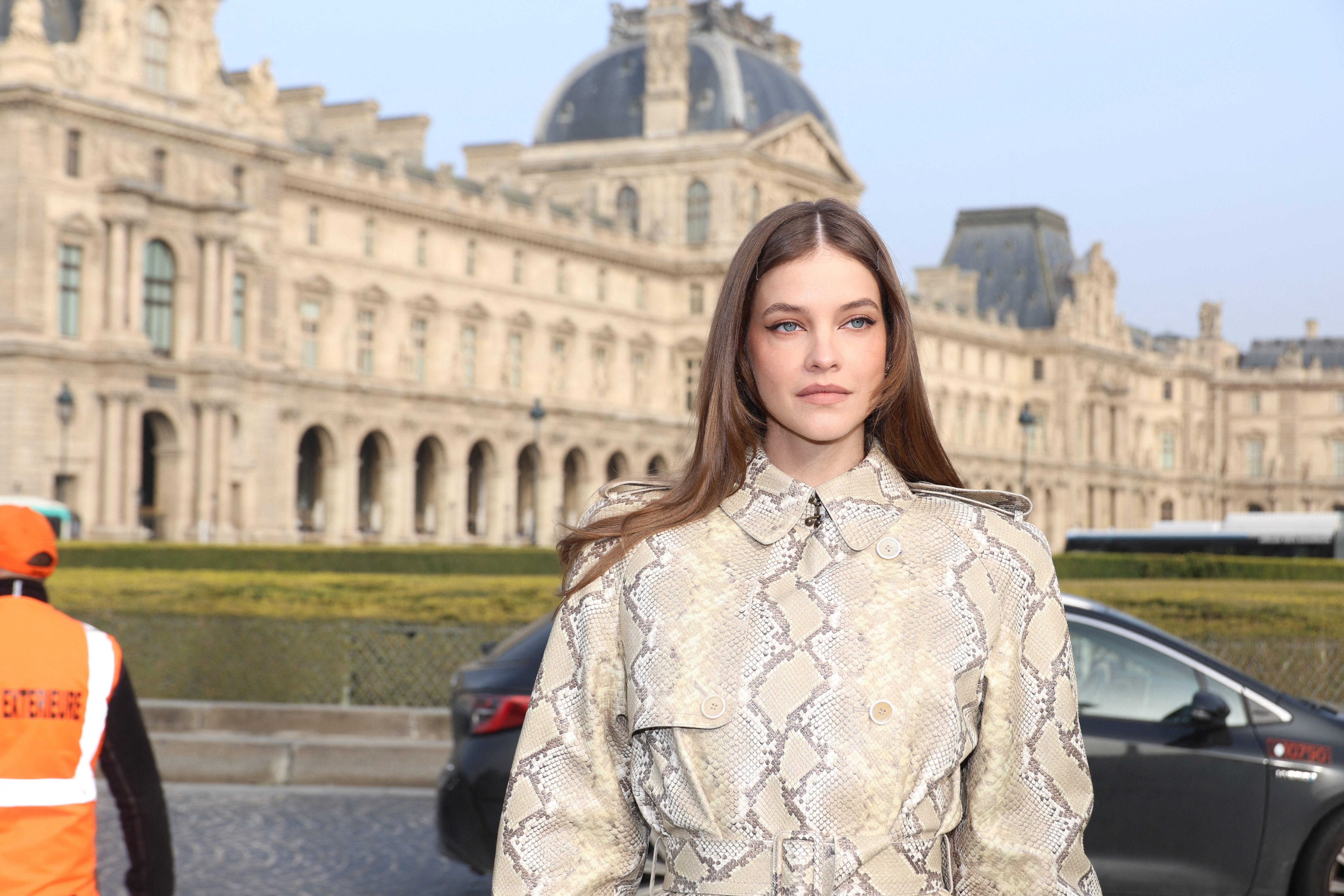
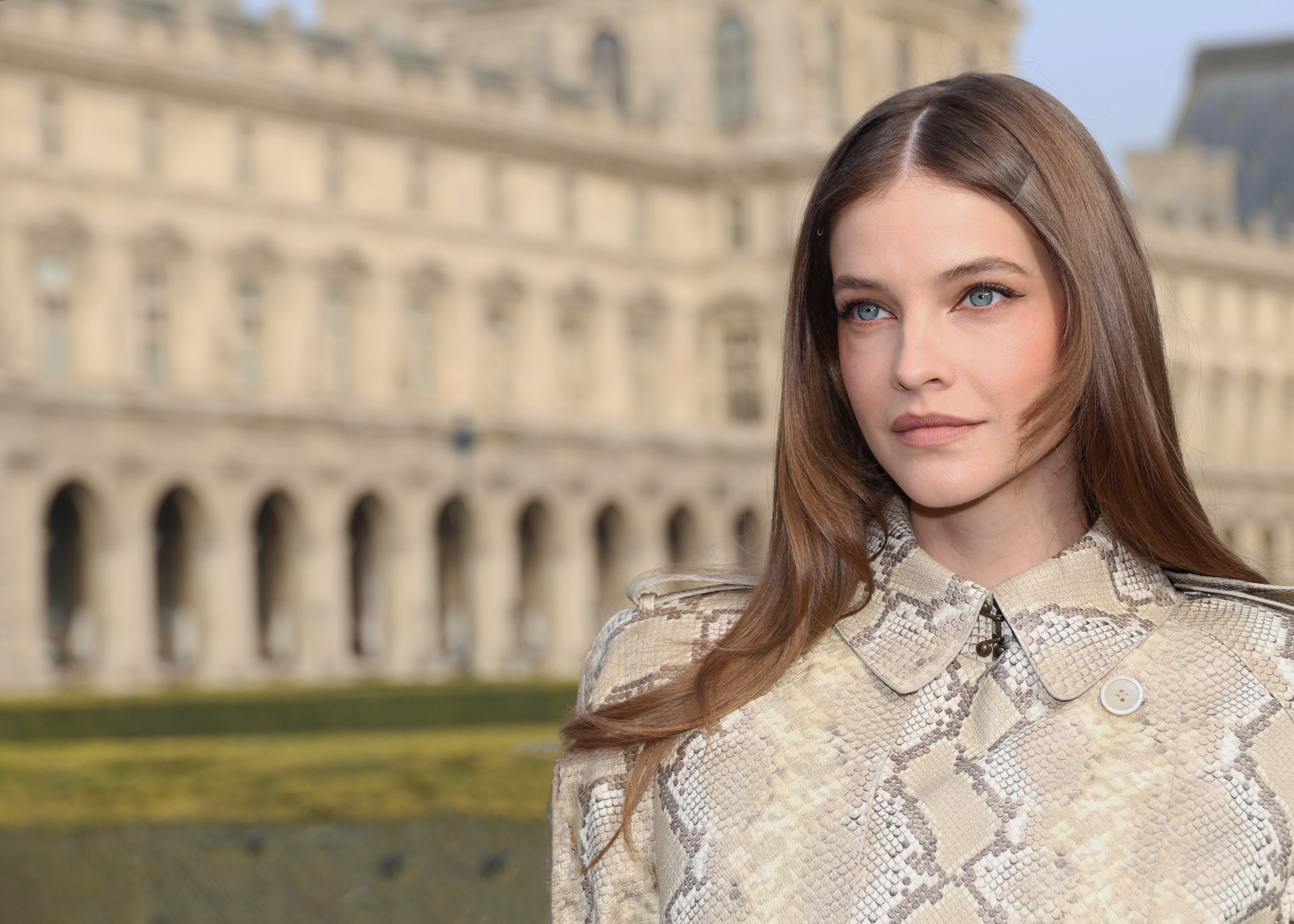
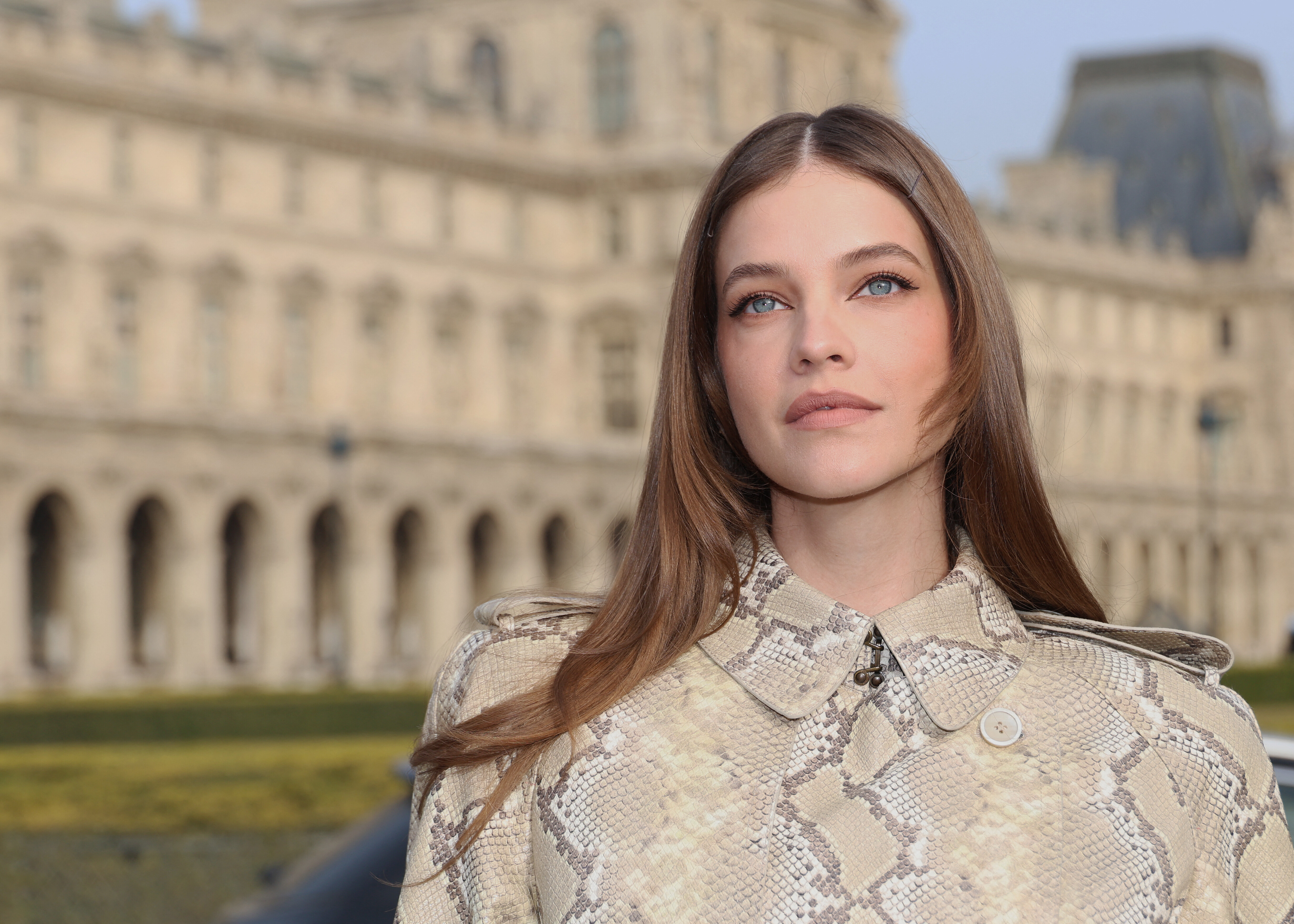
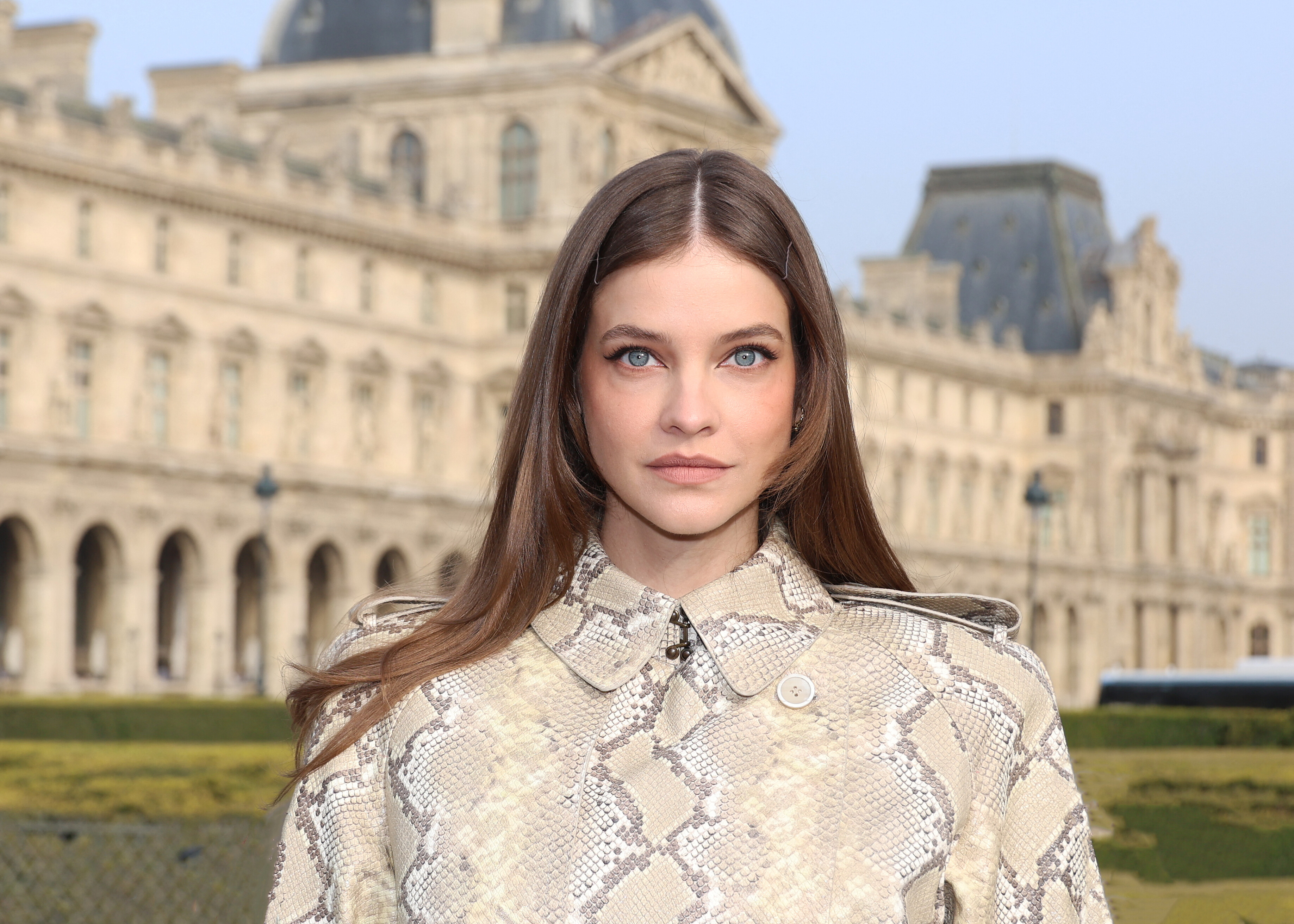
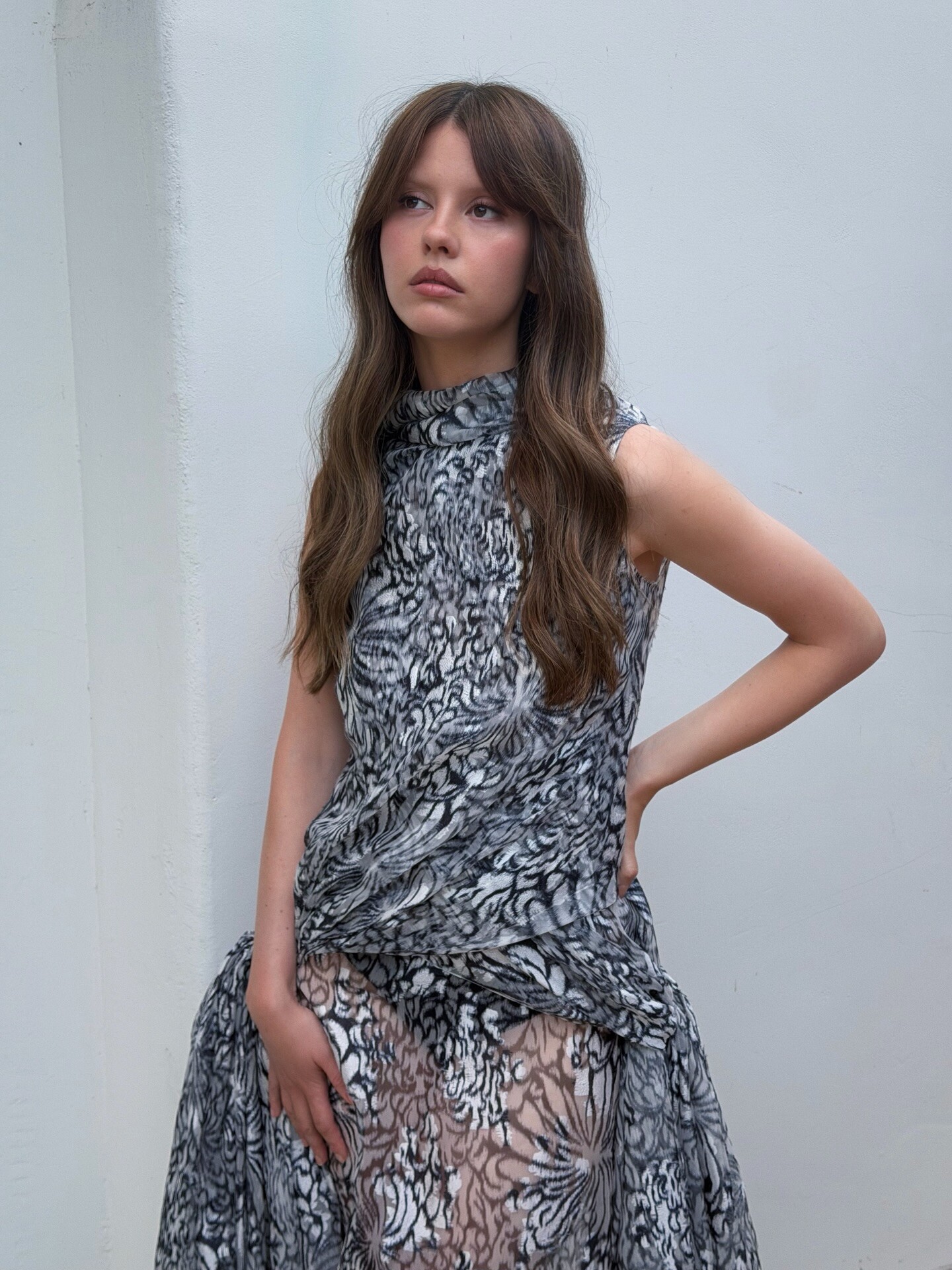
 Elie Saab - Paris Fashion Week 2026 - Womenswear F/W 2026-2027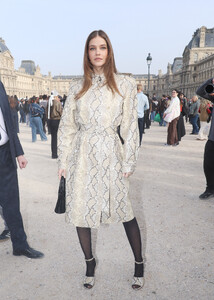
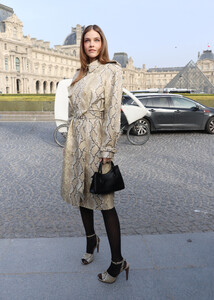
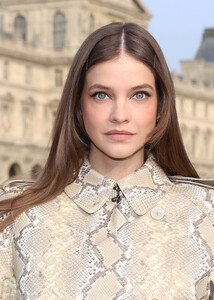

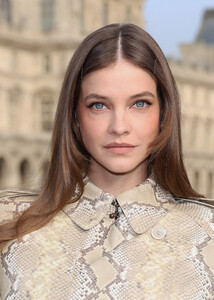
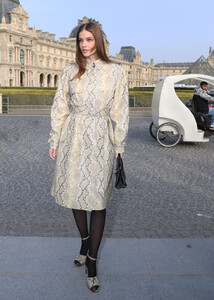

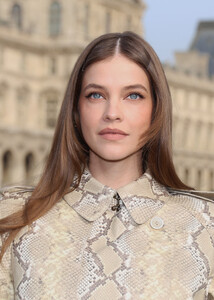
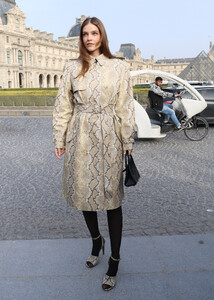

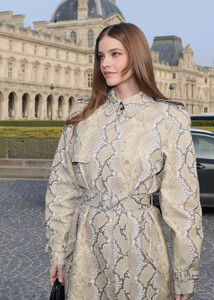
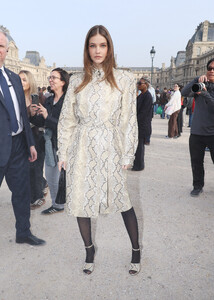

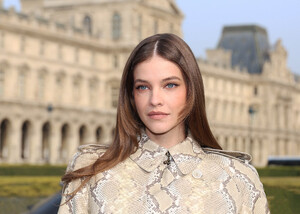

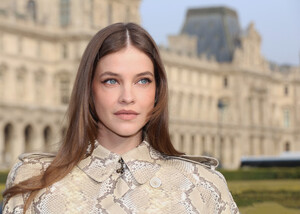
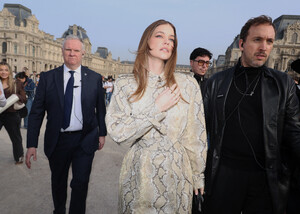

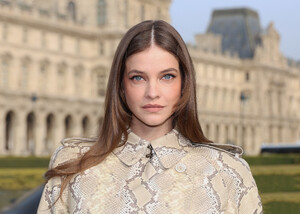
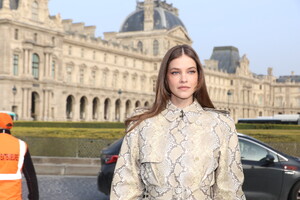
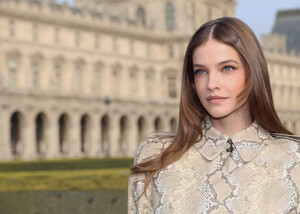

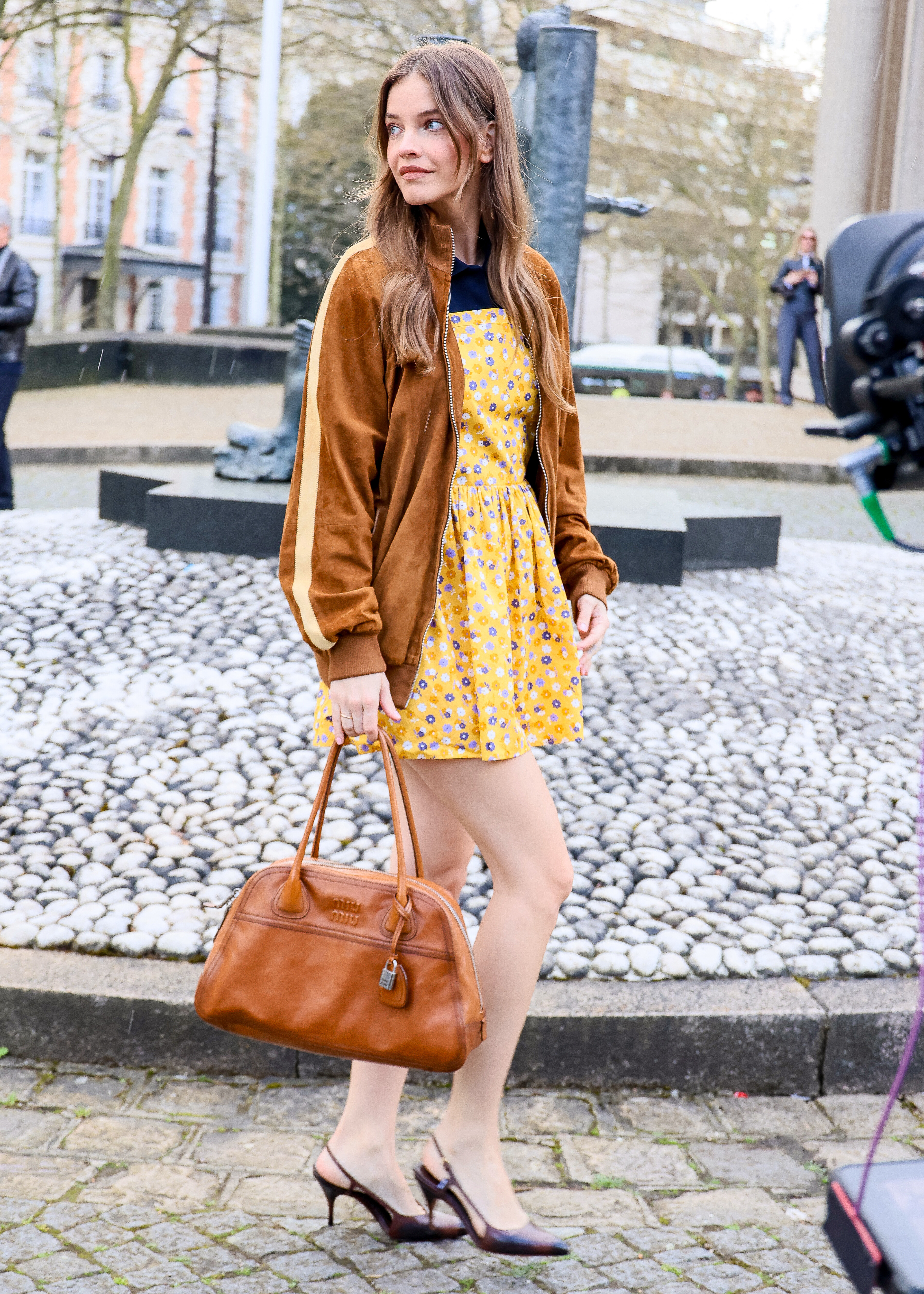
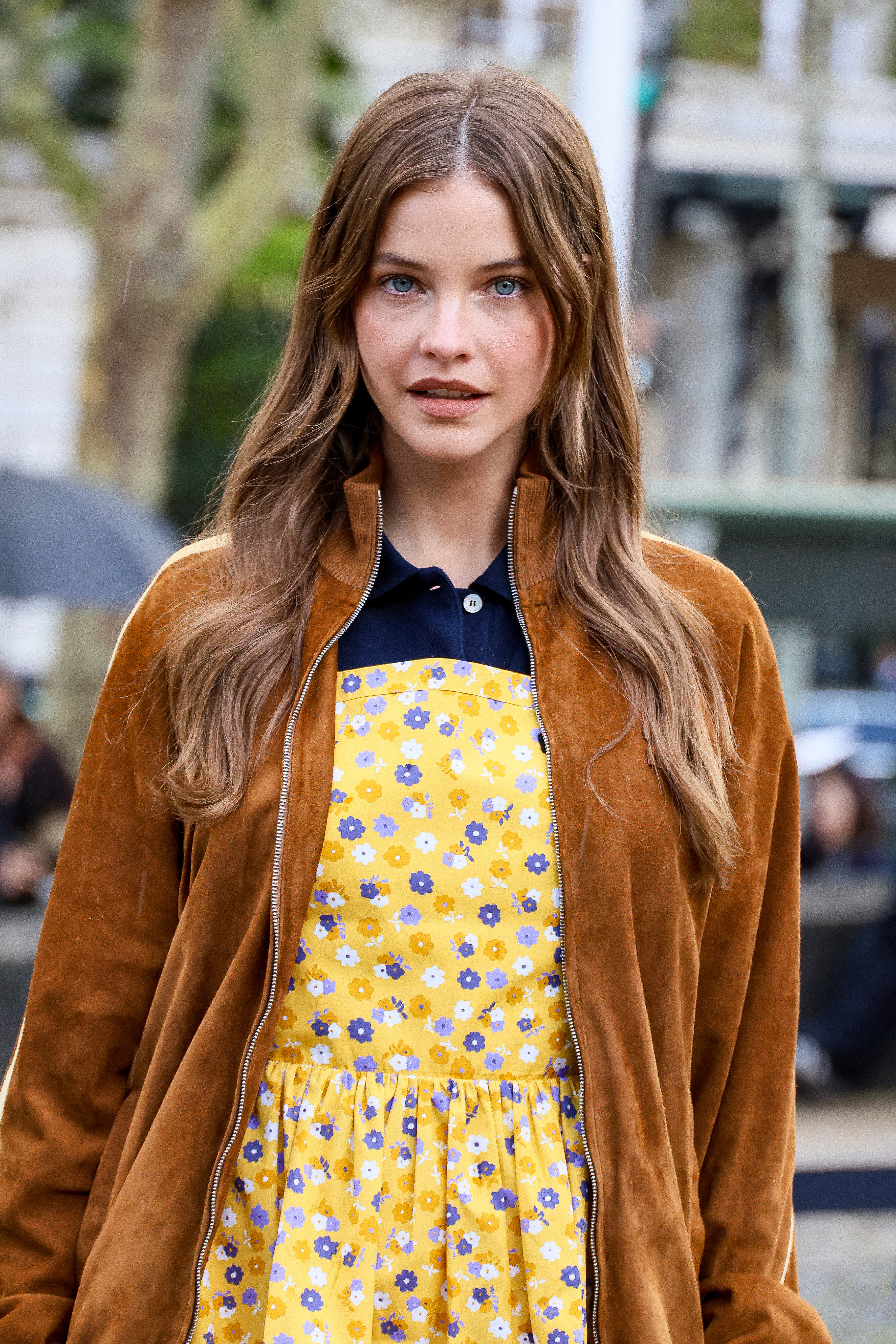
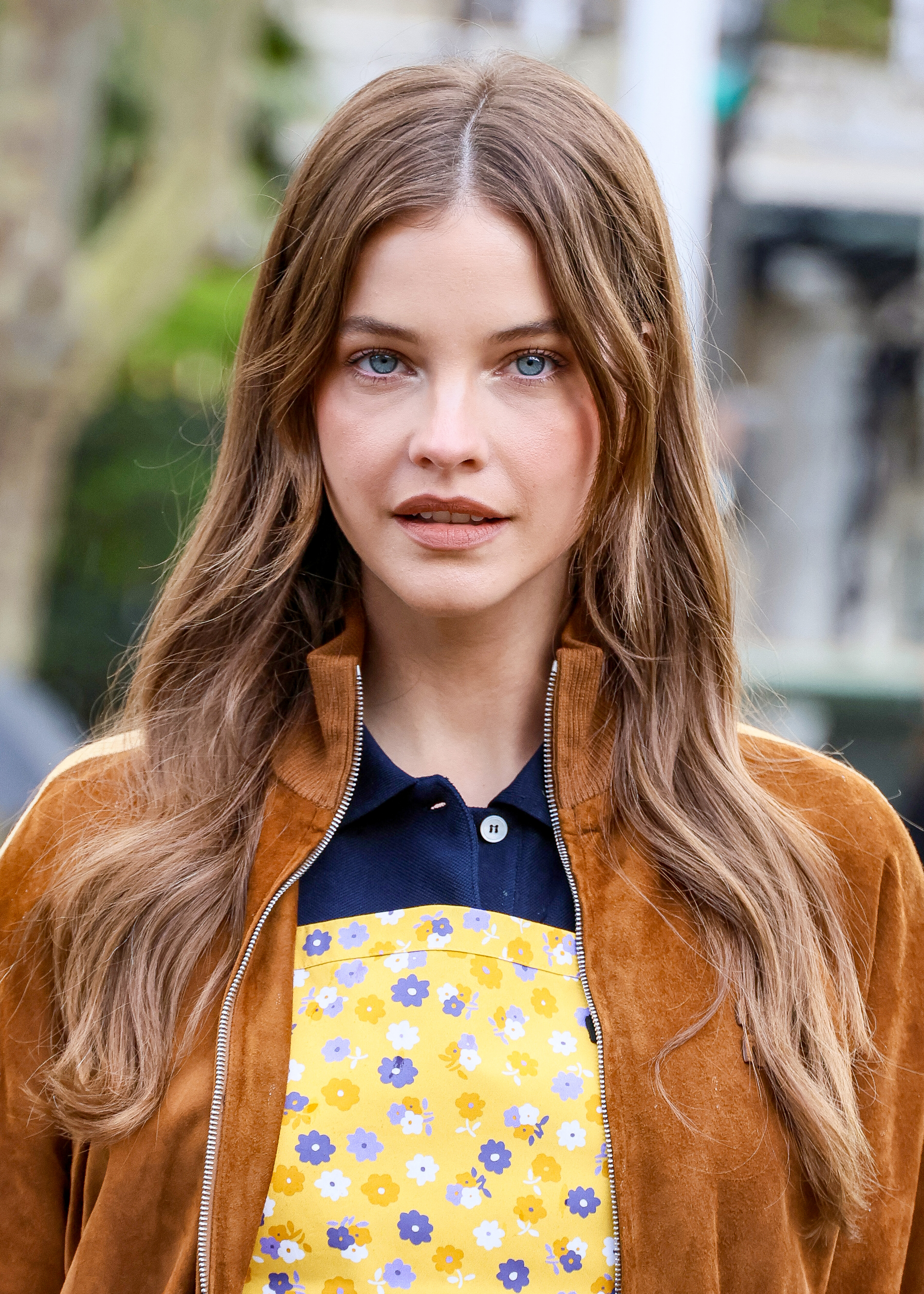
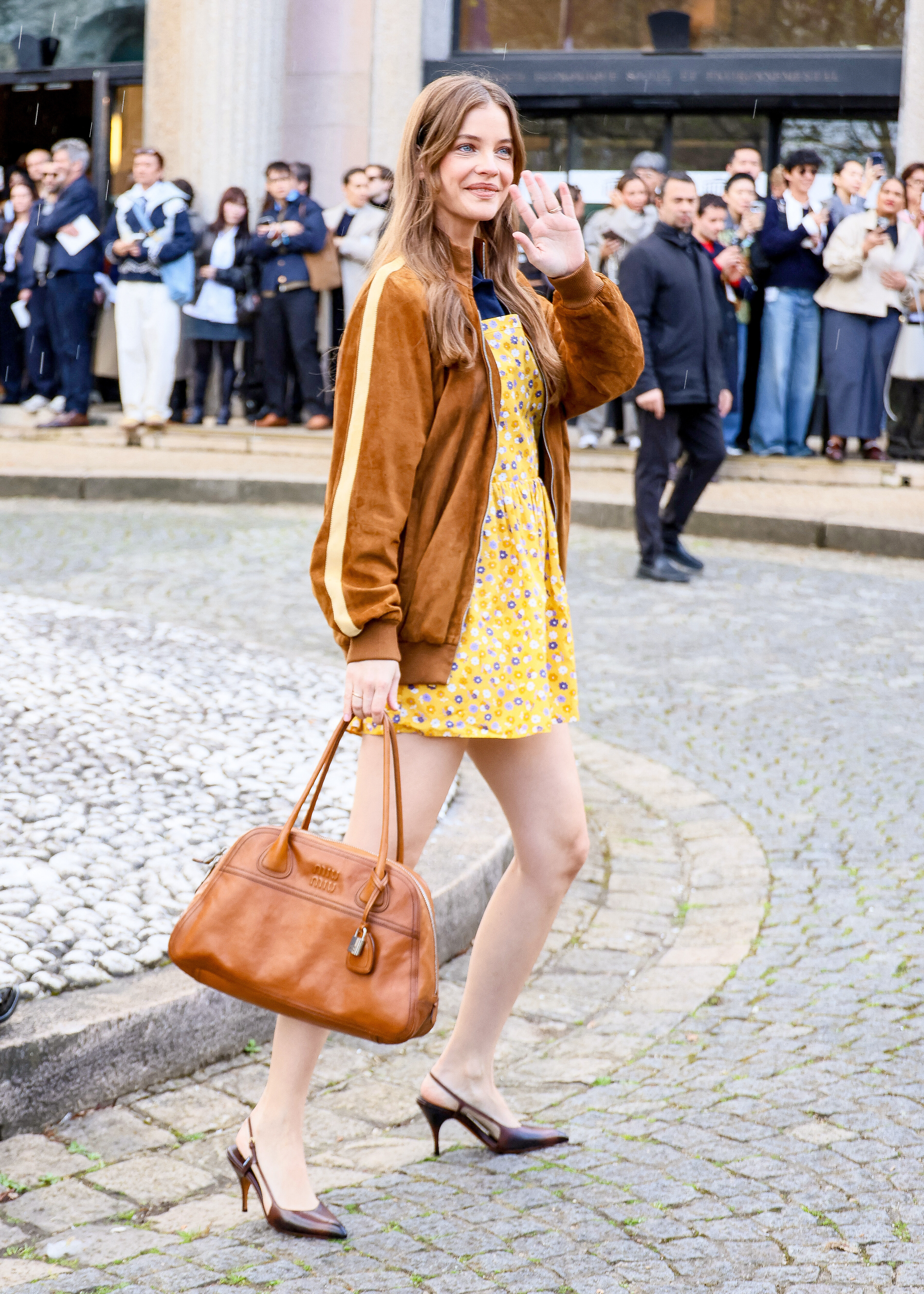
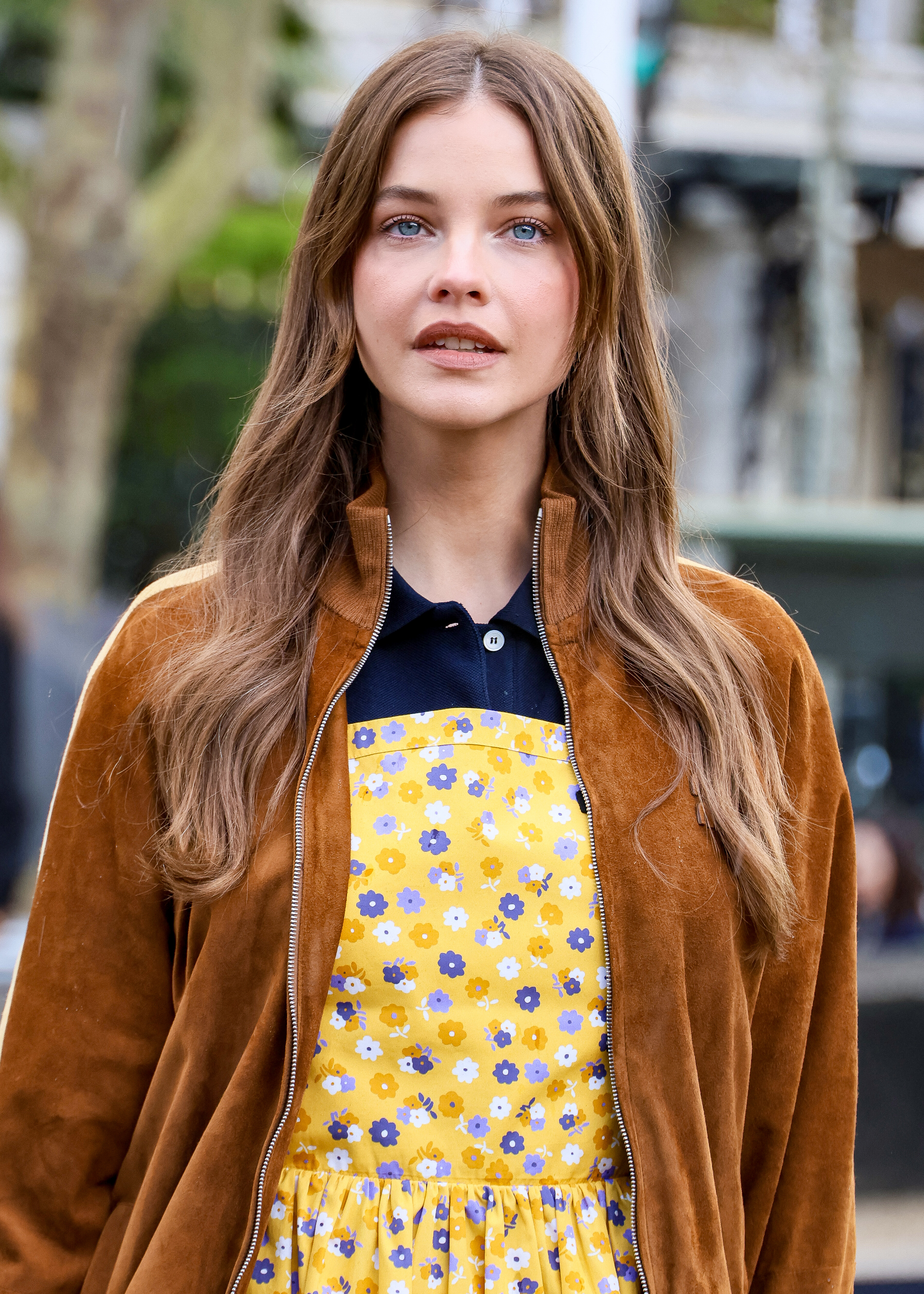
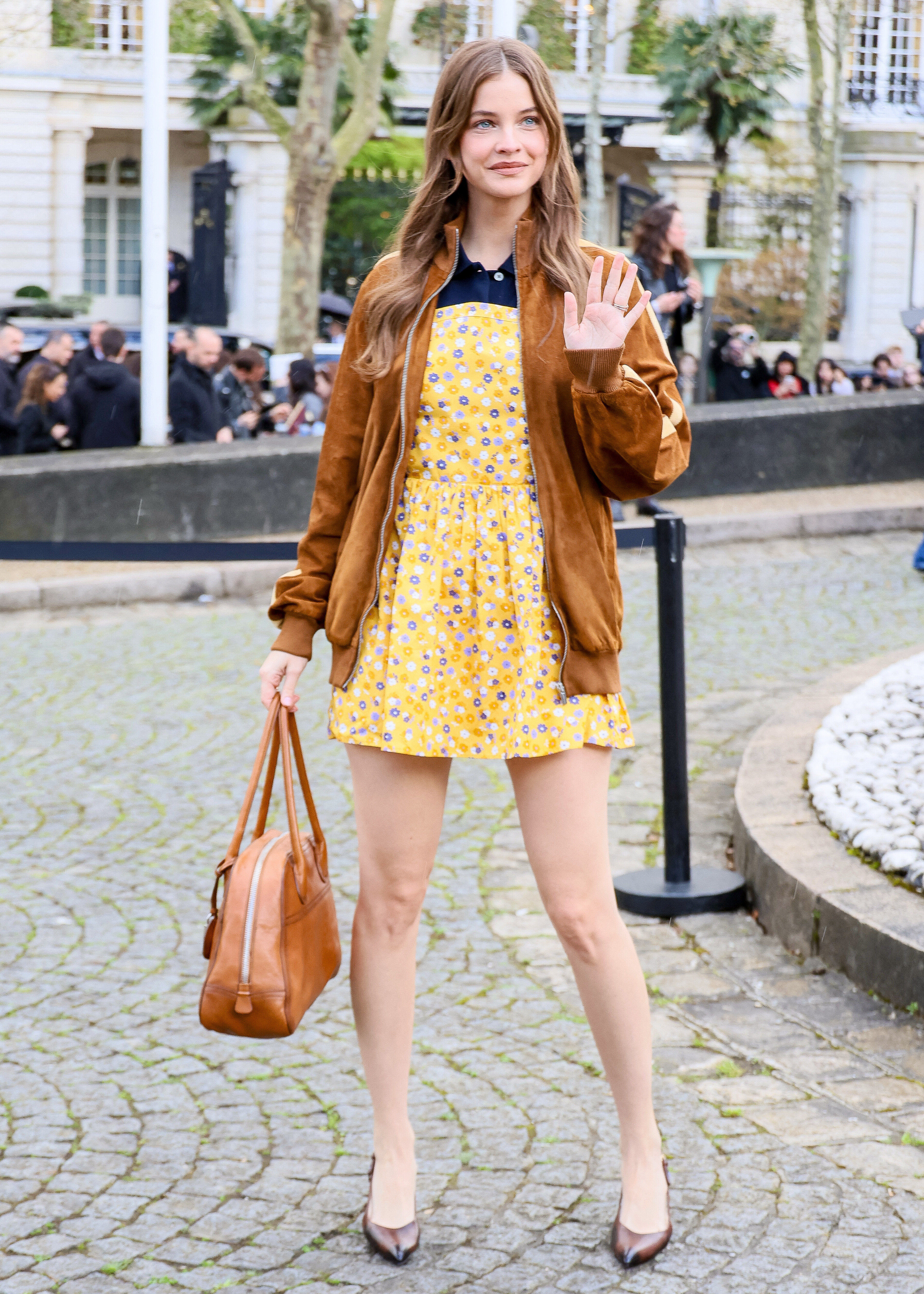
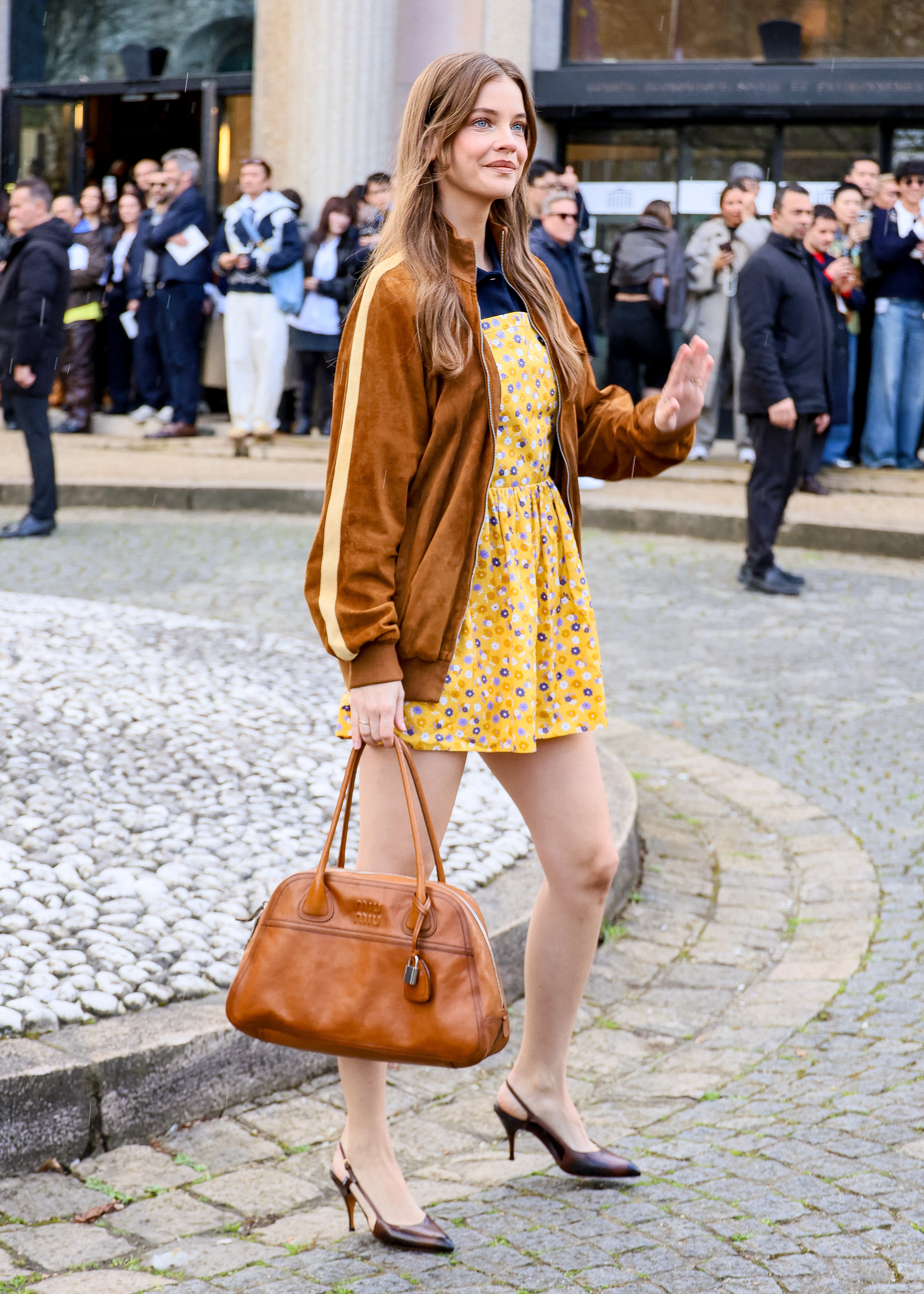
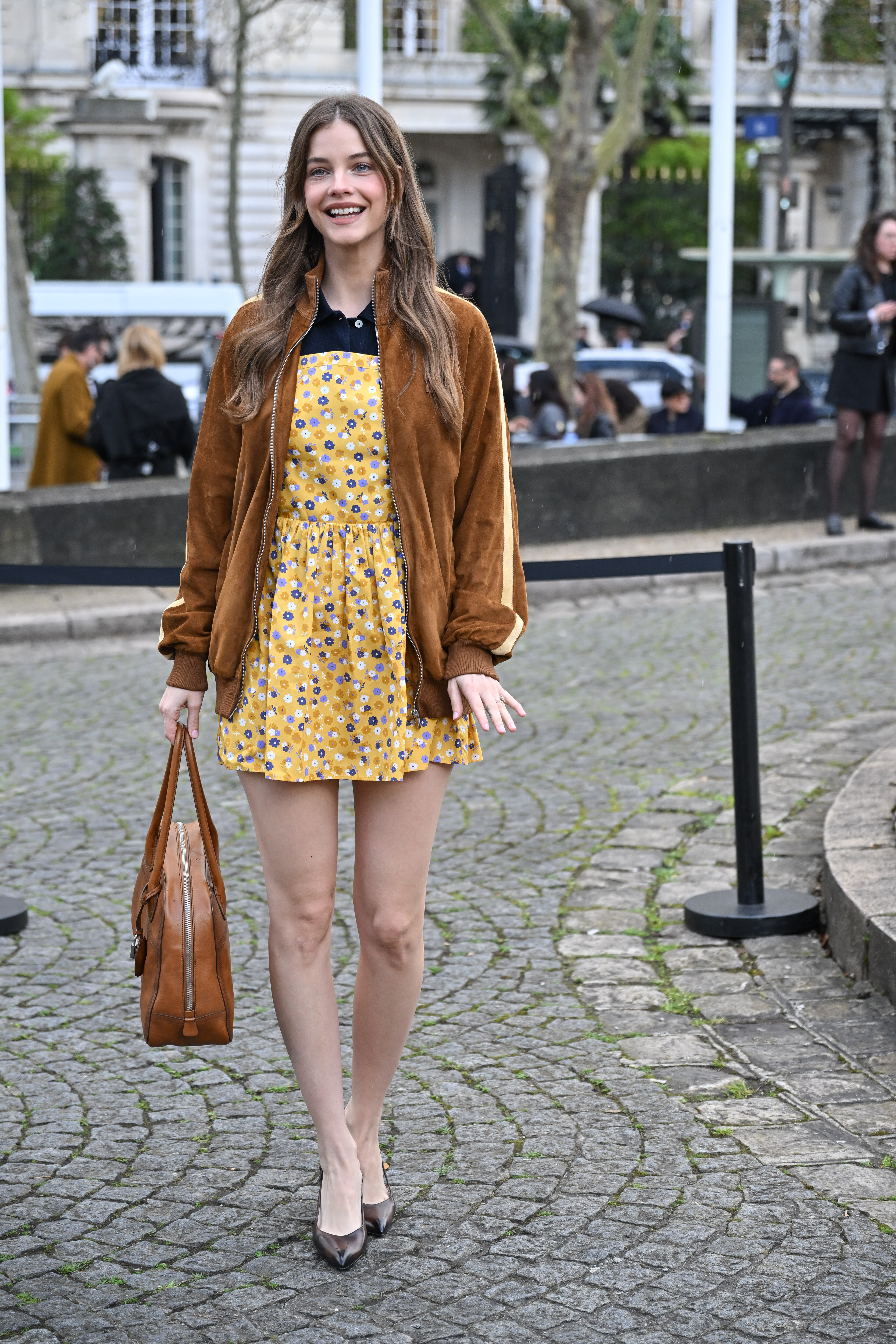
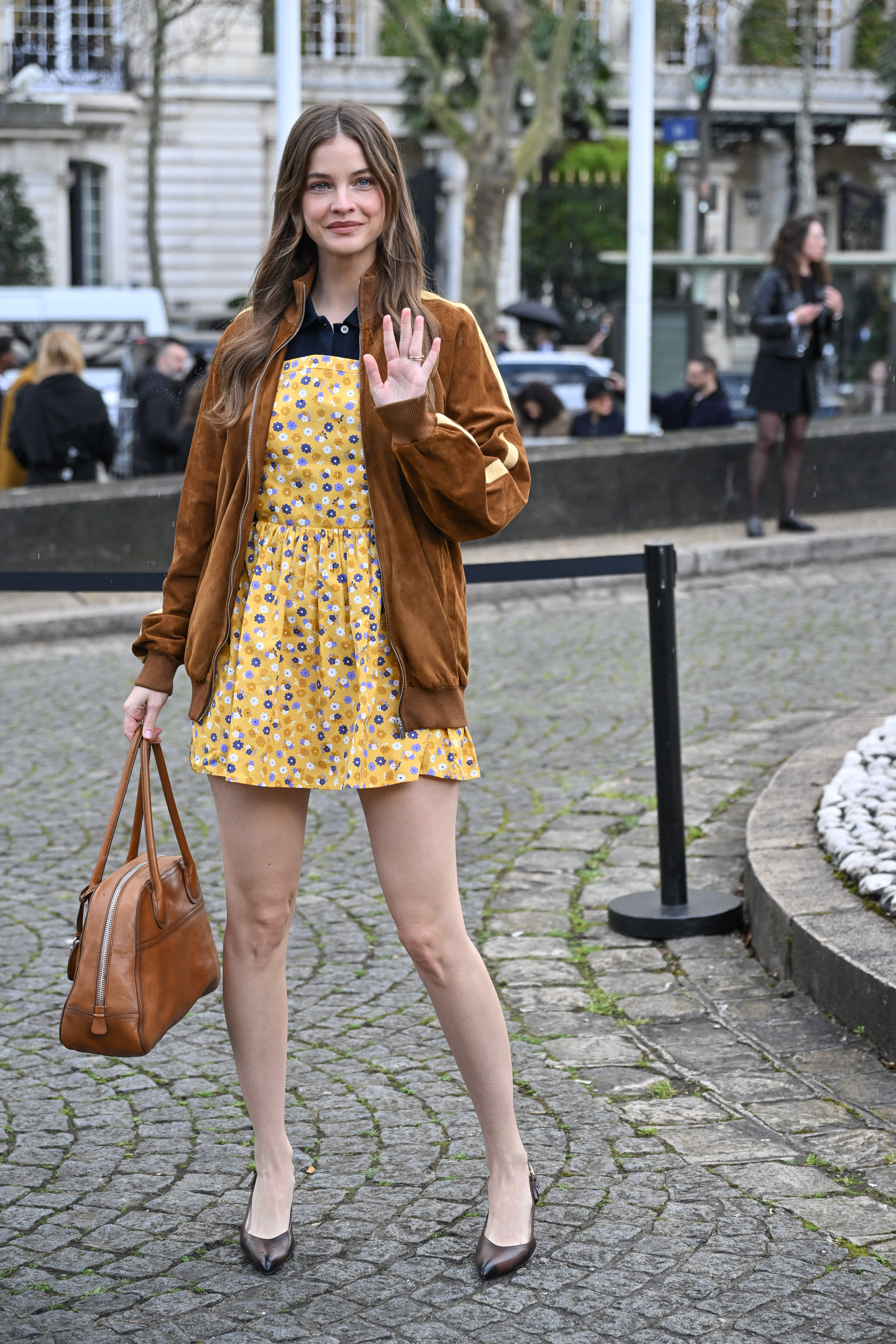
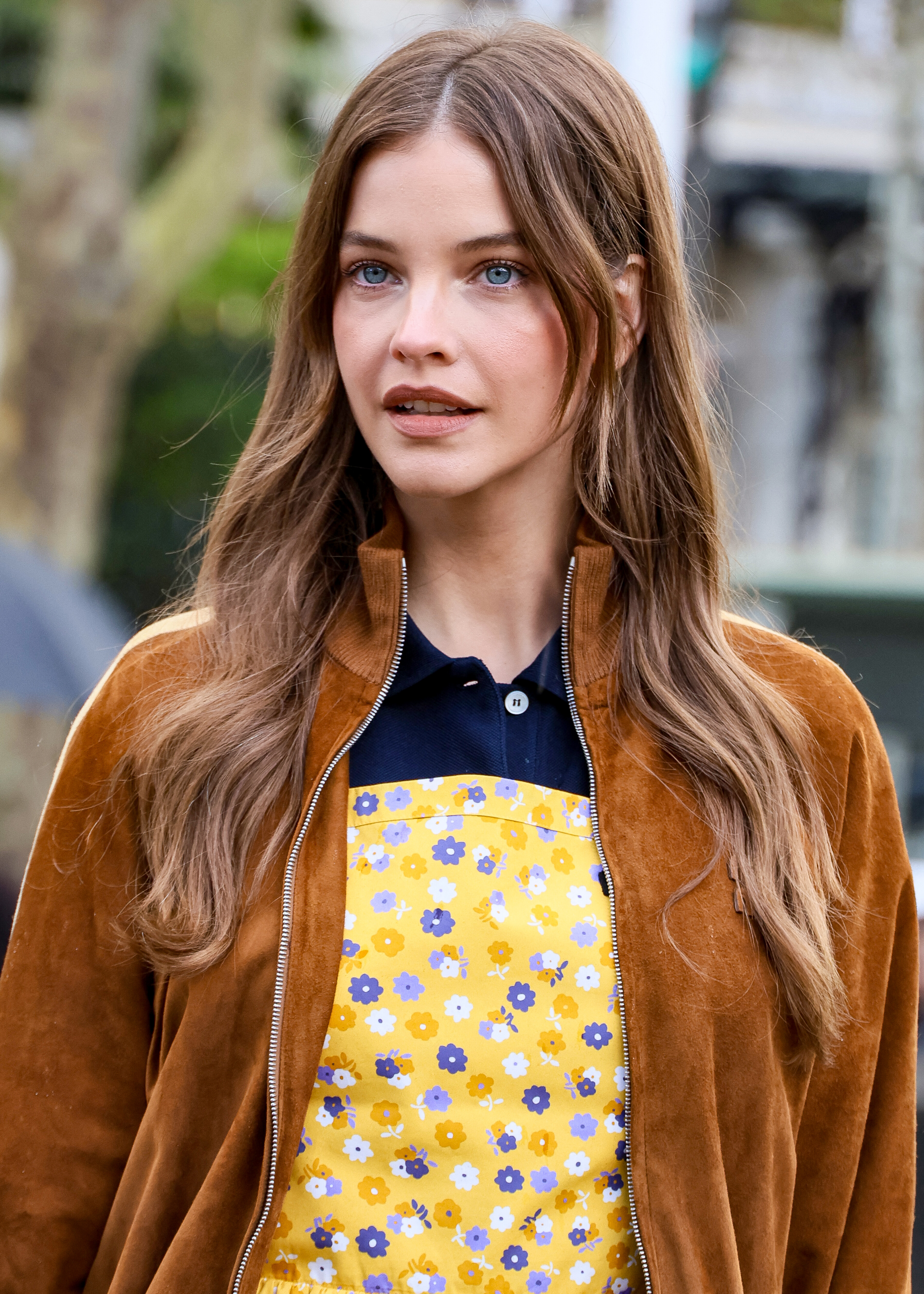
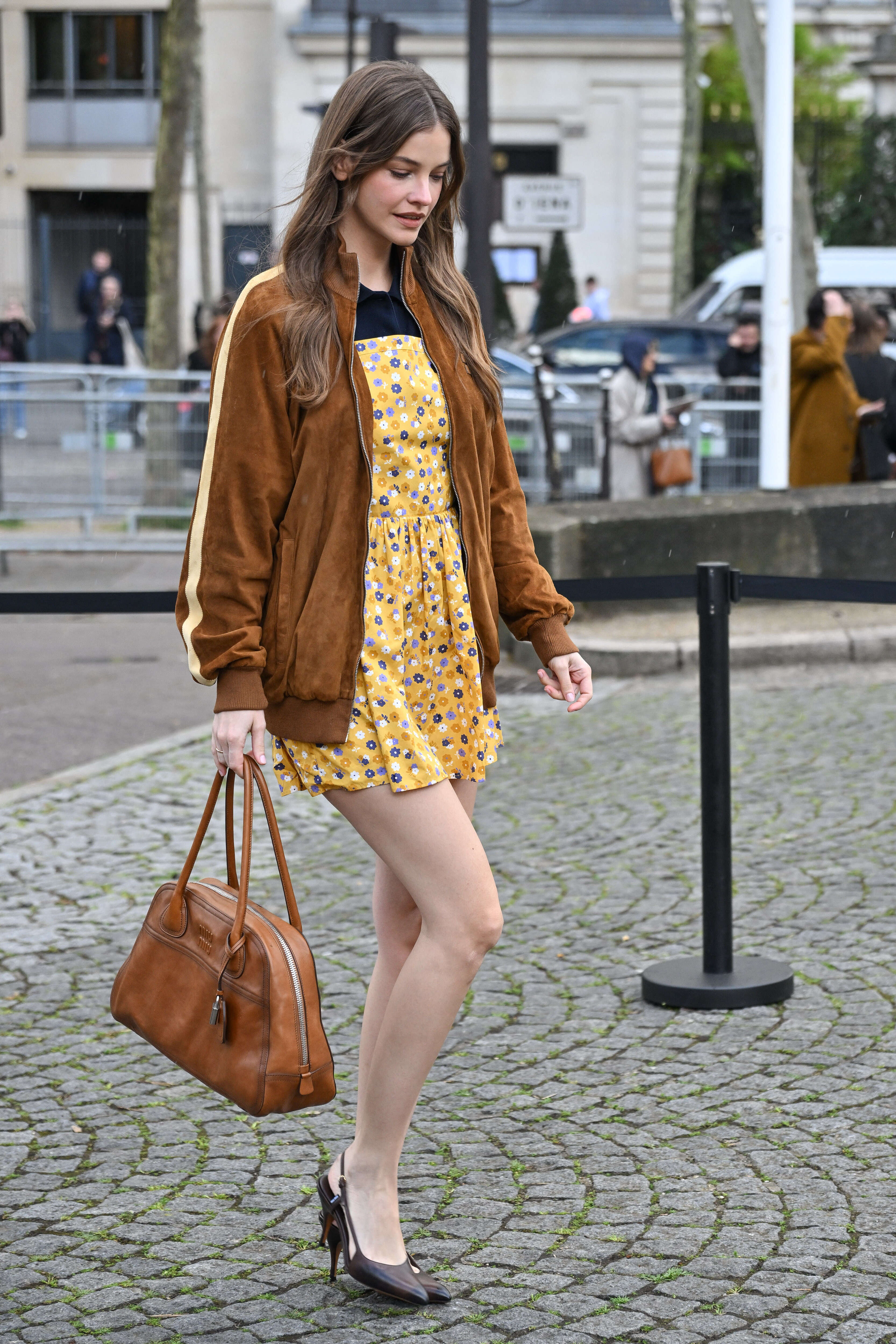
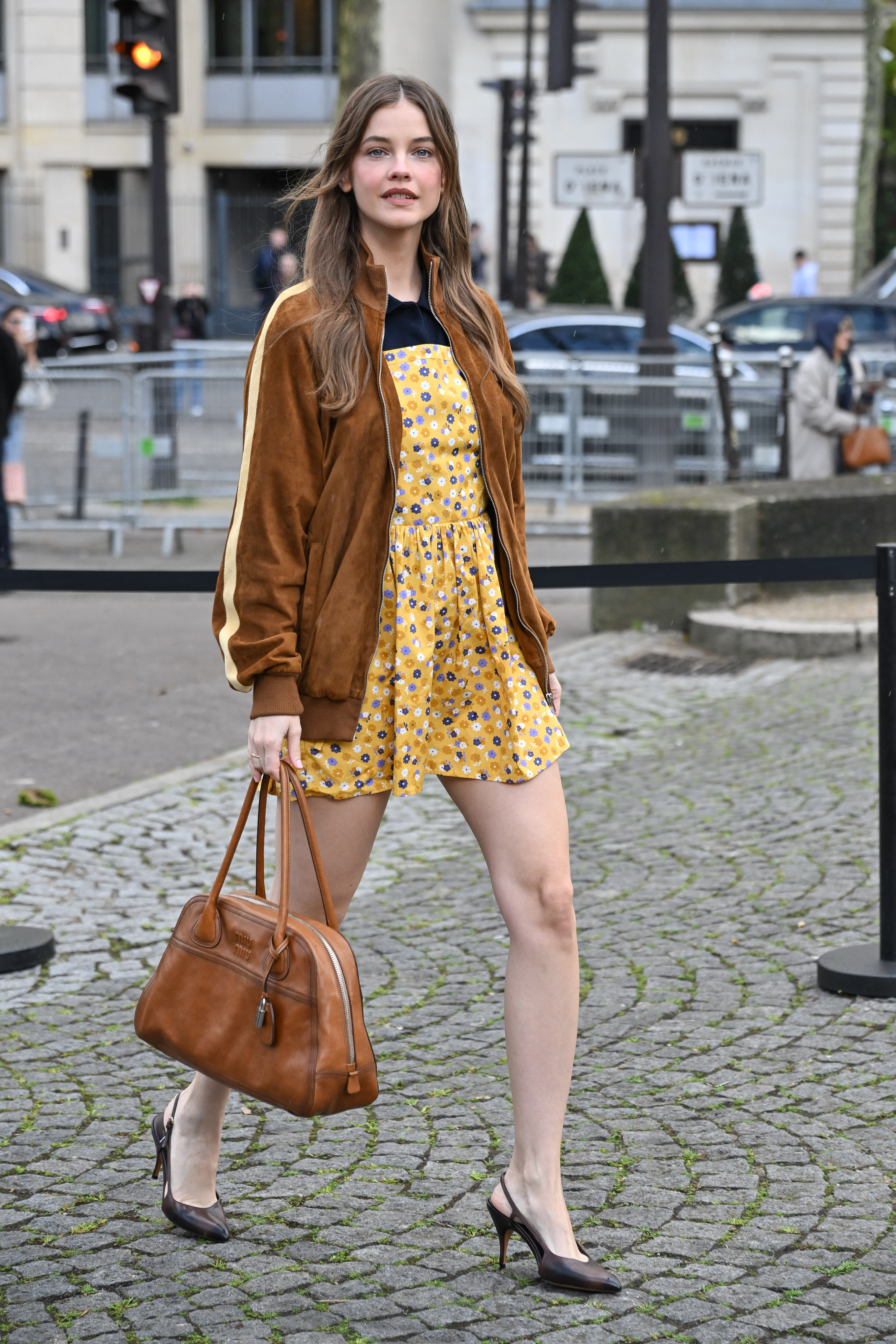
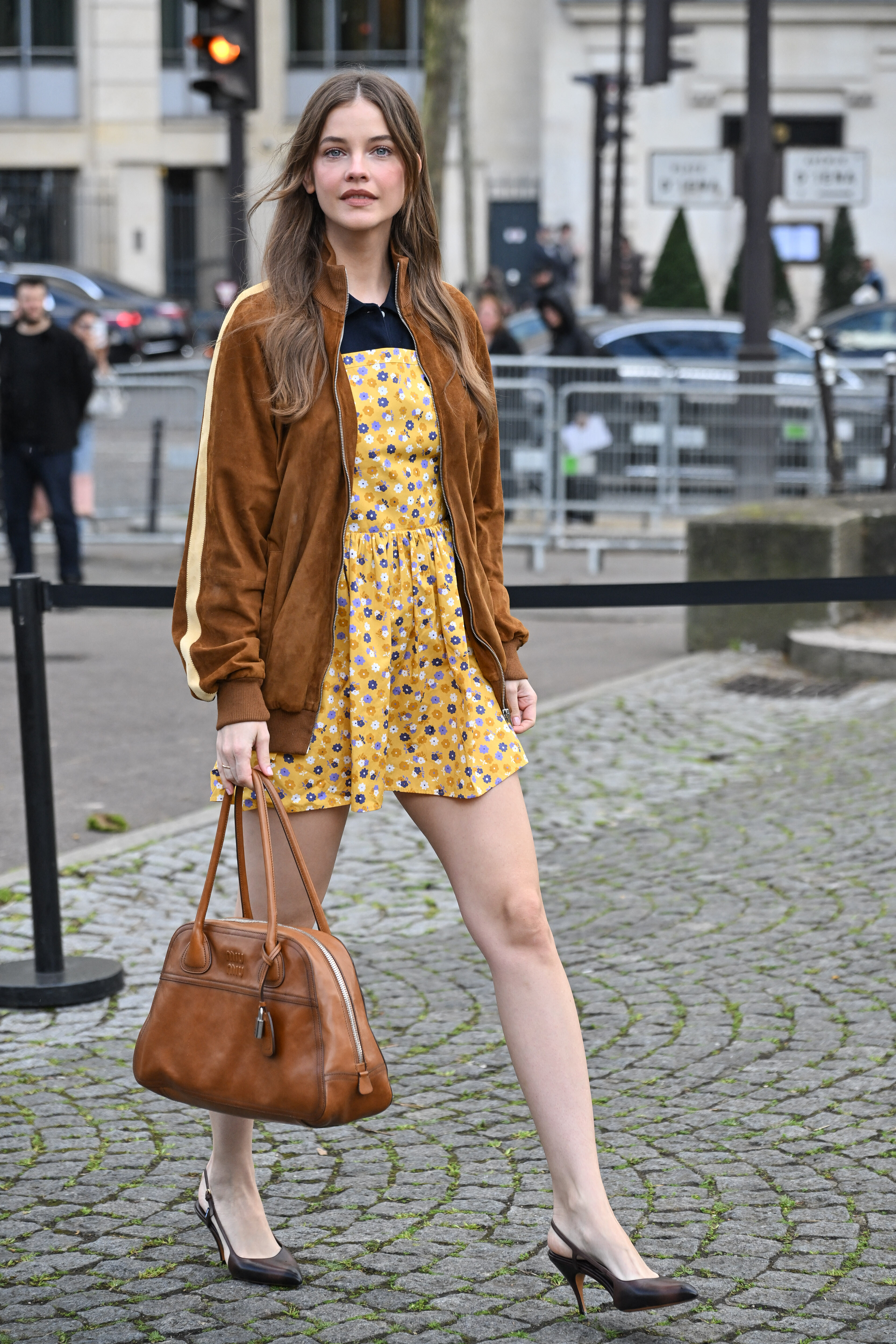
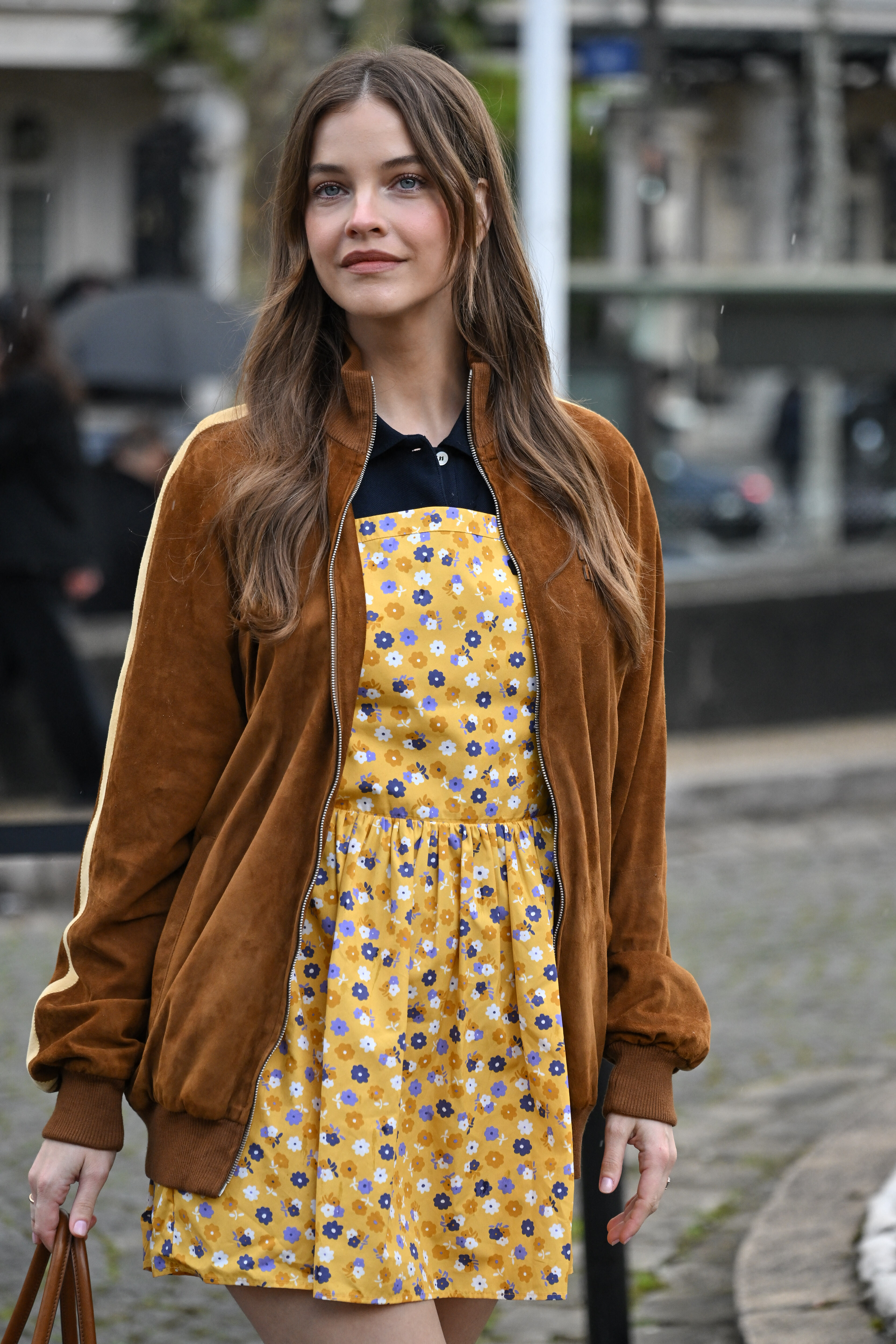
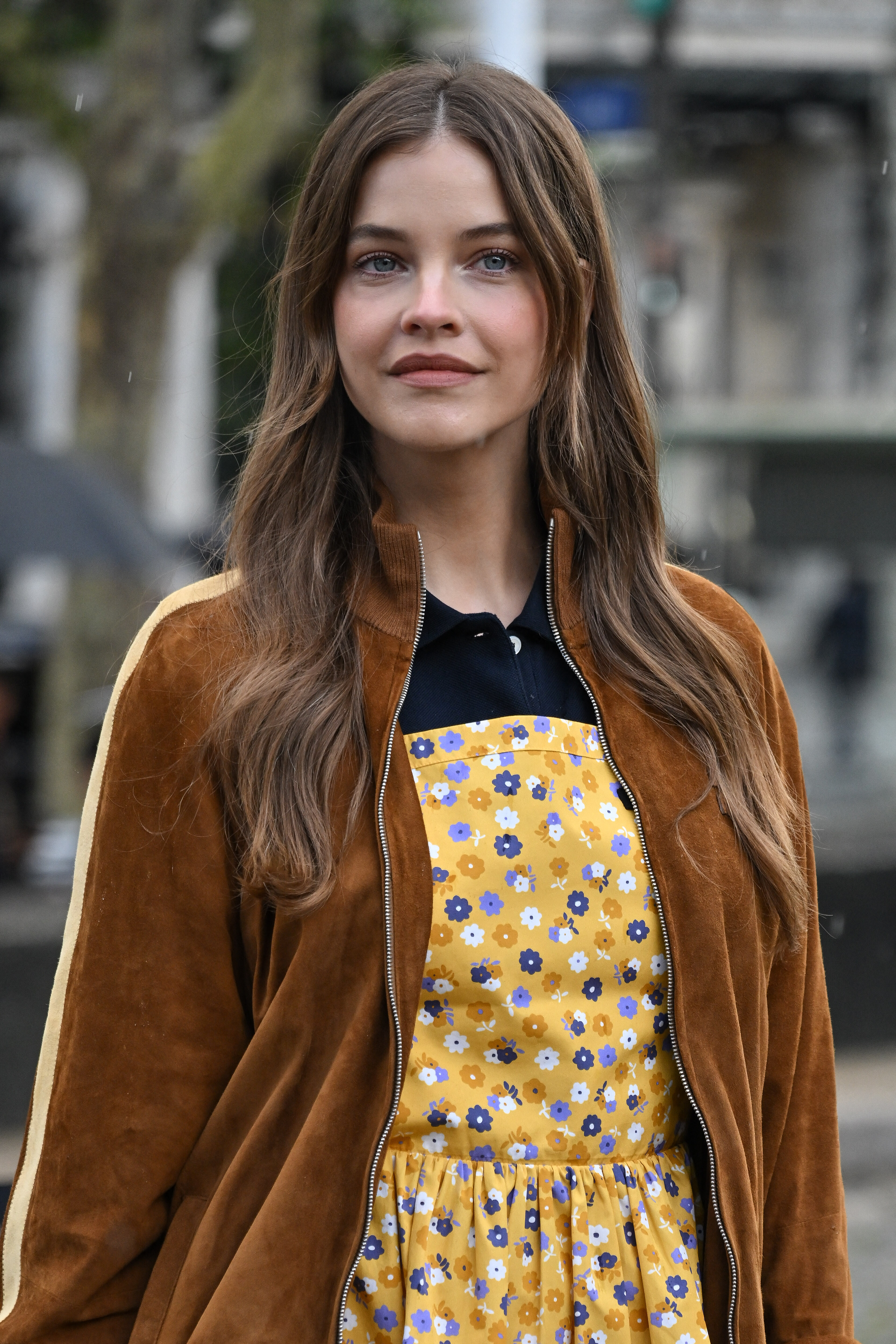
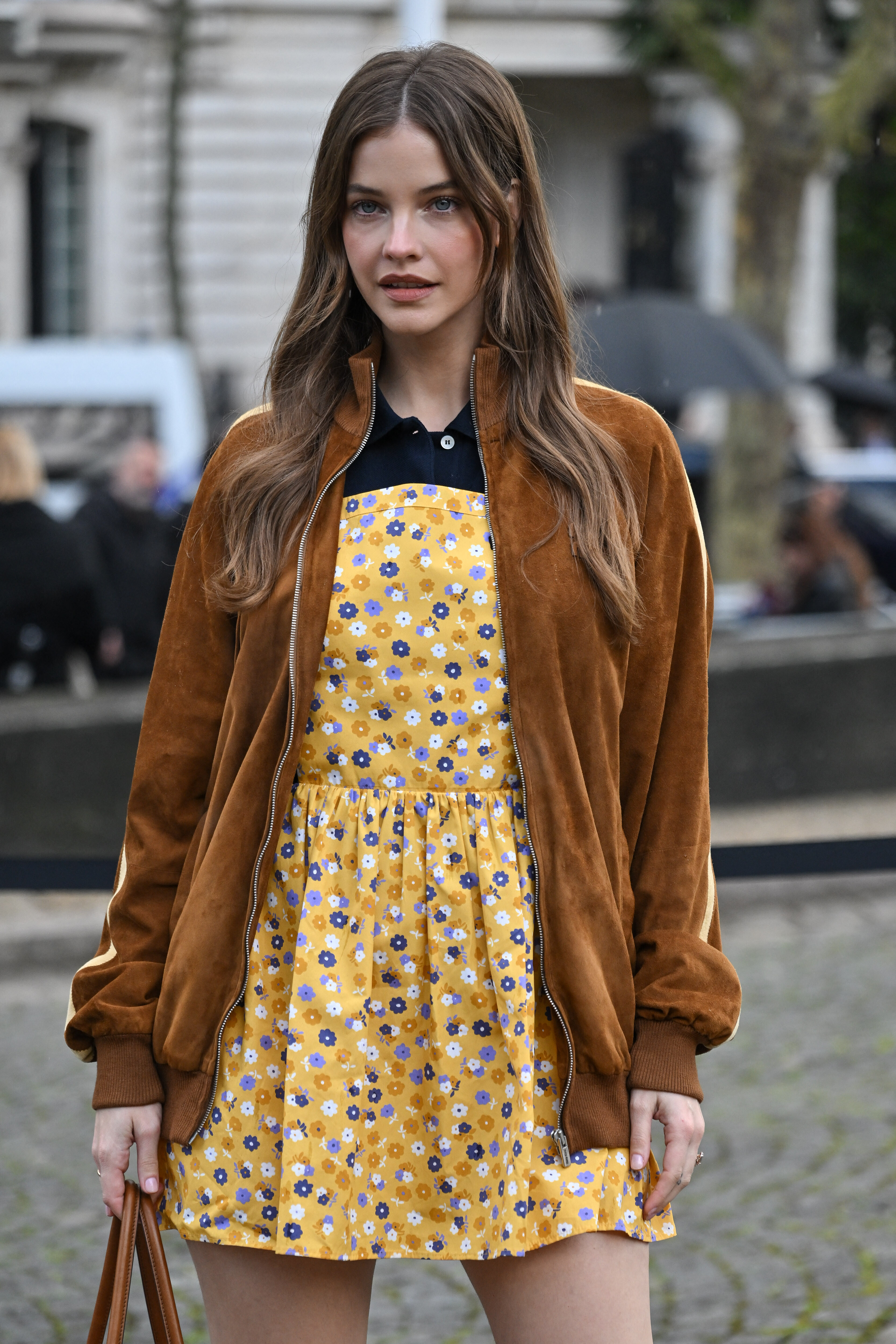
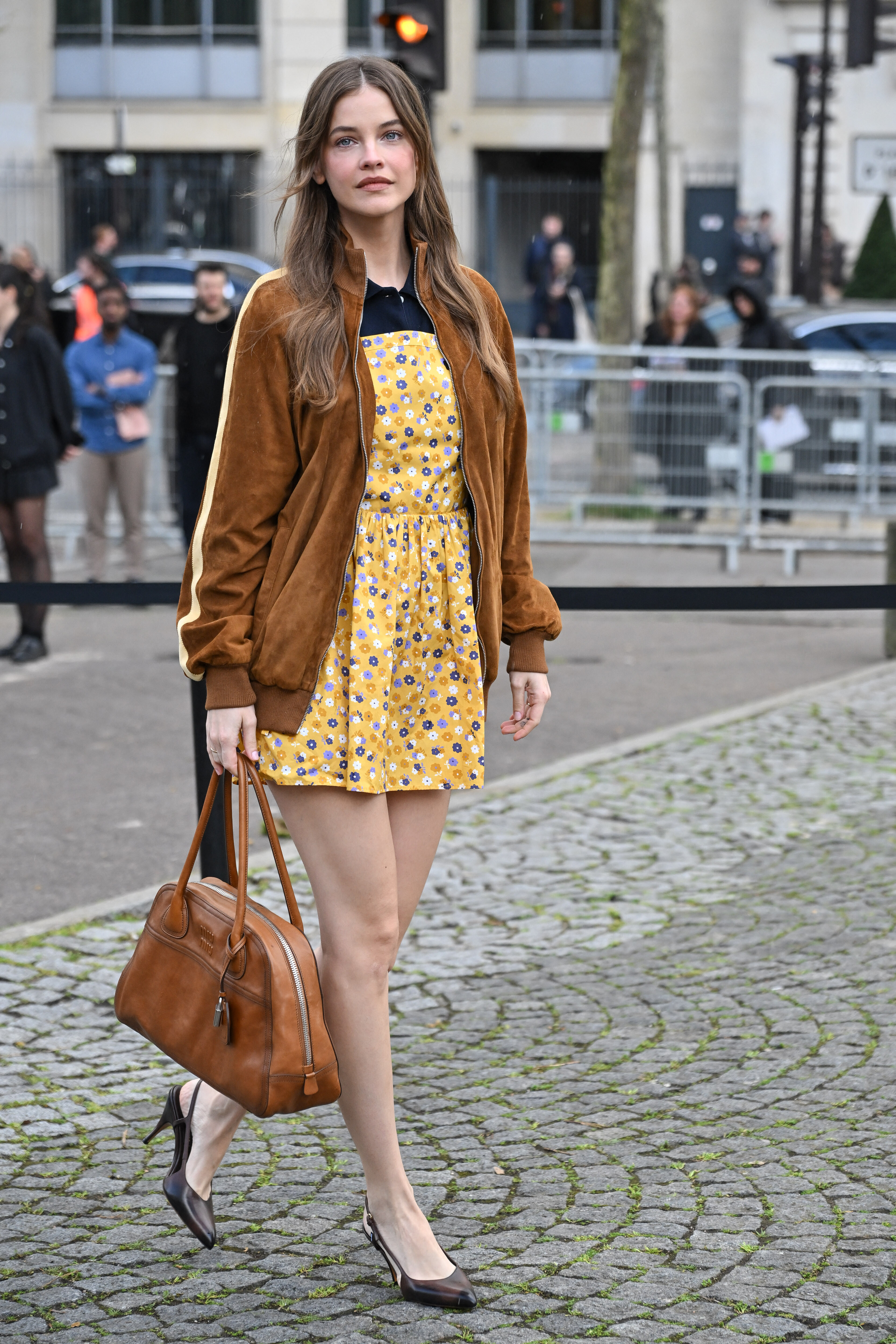
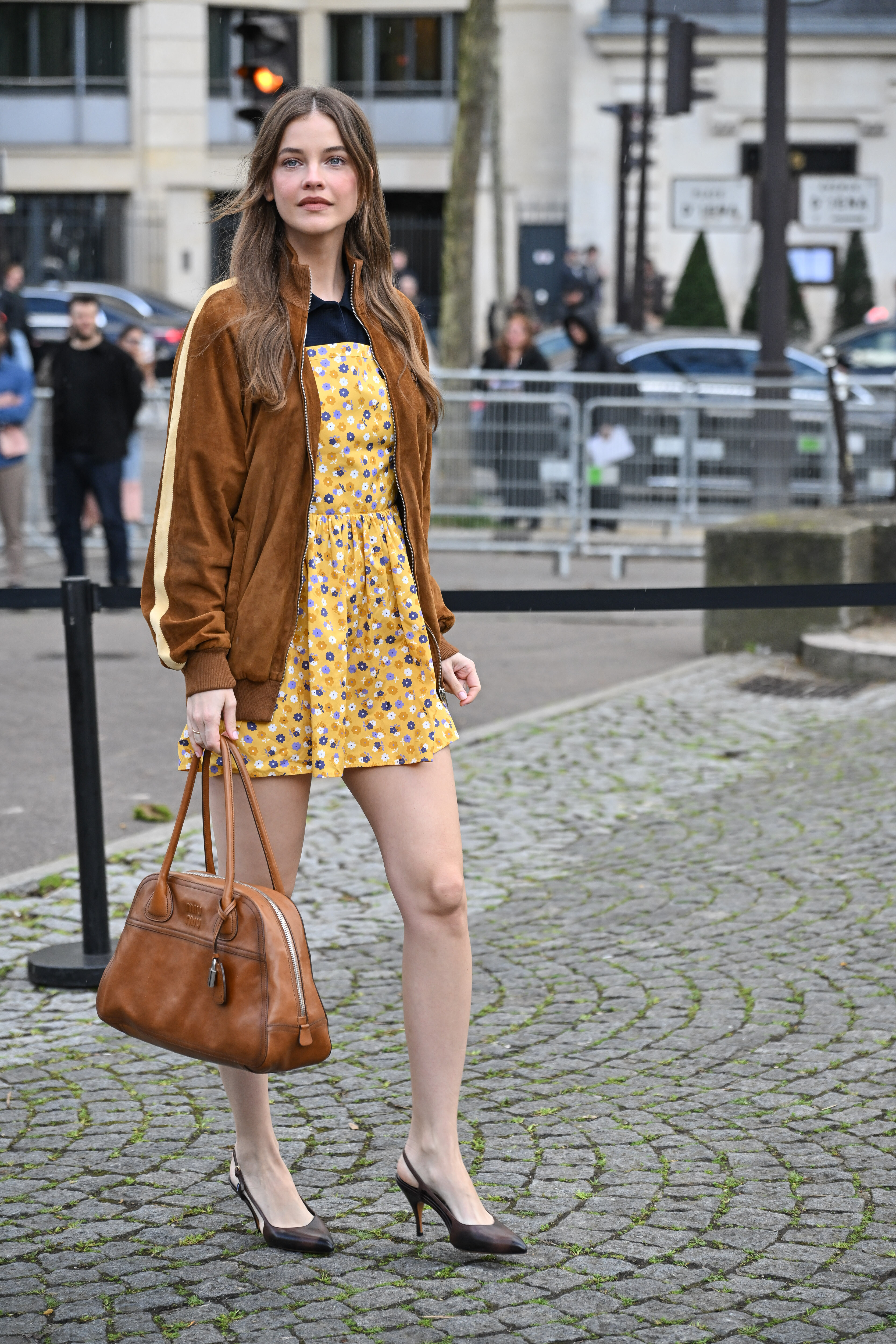
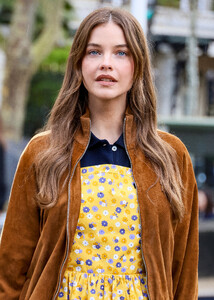
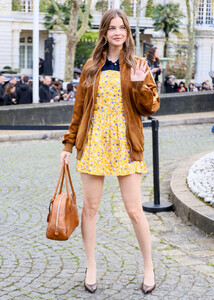
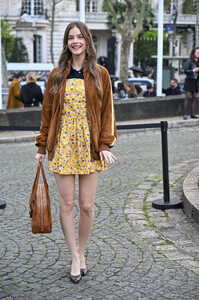
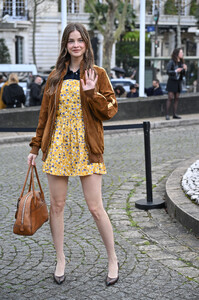
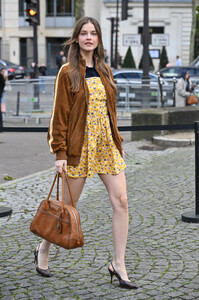
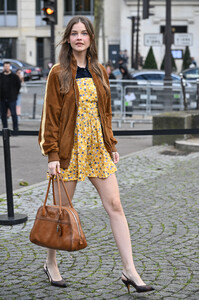
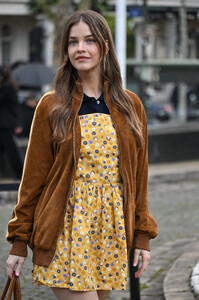
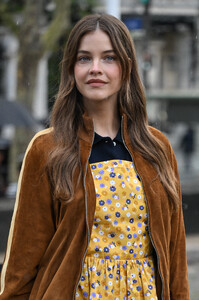
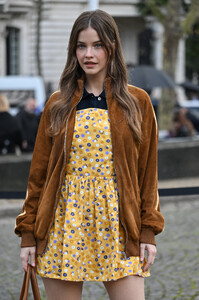
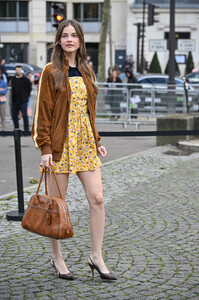
 Miu Miu - Paris Fashion Week 2026 - Womenswear F/W 2026-2027

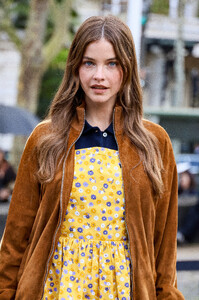






- Yesterday
ThoUght she WAs British 😲
https://www.youtube.com/@anythinggoeswithemma
https://www.youtube.com/@emmachamberlain
Emma Frances Chamberlain (born May 22, 2001) is an American influencer,podcaster, businesswoman, and model. She won the 2018 Streamy Award for Breakout Creator. In 2019, Time magazine included her on its Time 100 Next list,[4] and its list of The 25 Most Influential People On The Internet, writing that "Chamberlain pioneered an approach to vlogging that shook up YouTube's unofficial style guide
Ts Pretty!
WOW!!!
W Magazine x Dior pre-Oscars celebration via ninapark Clip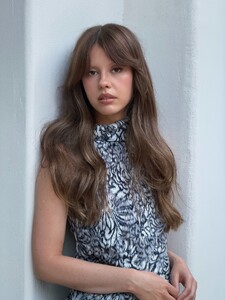
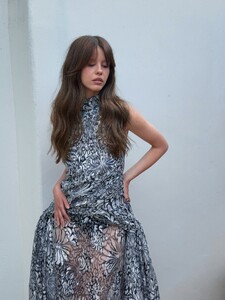
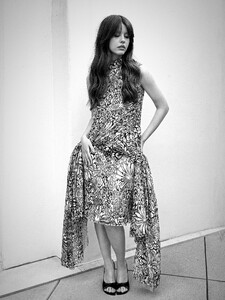
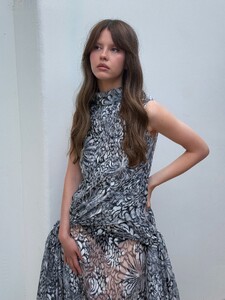 via ninapark @Jade Bahr just in case the tweet gets removed
 AI?
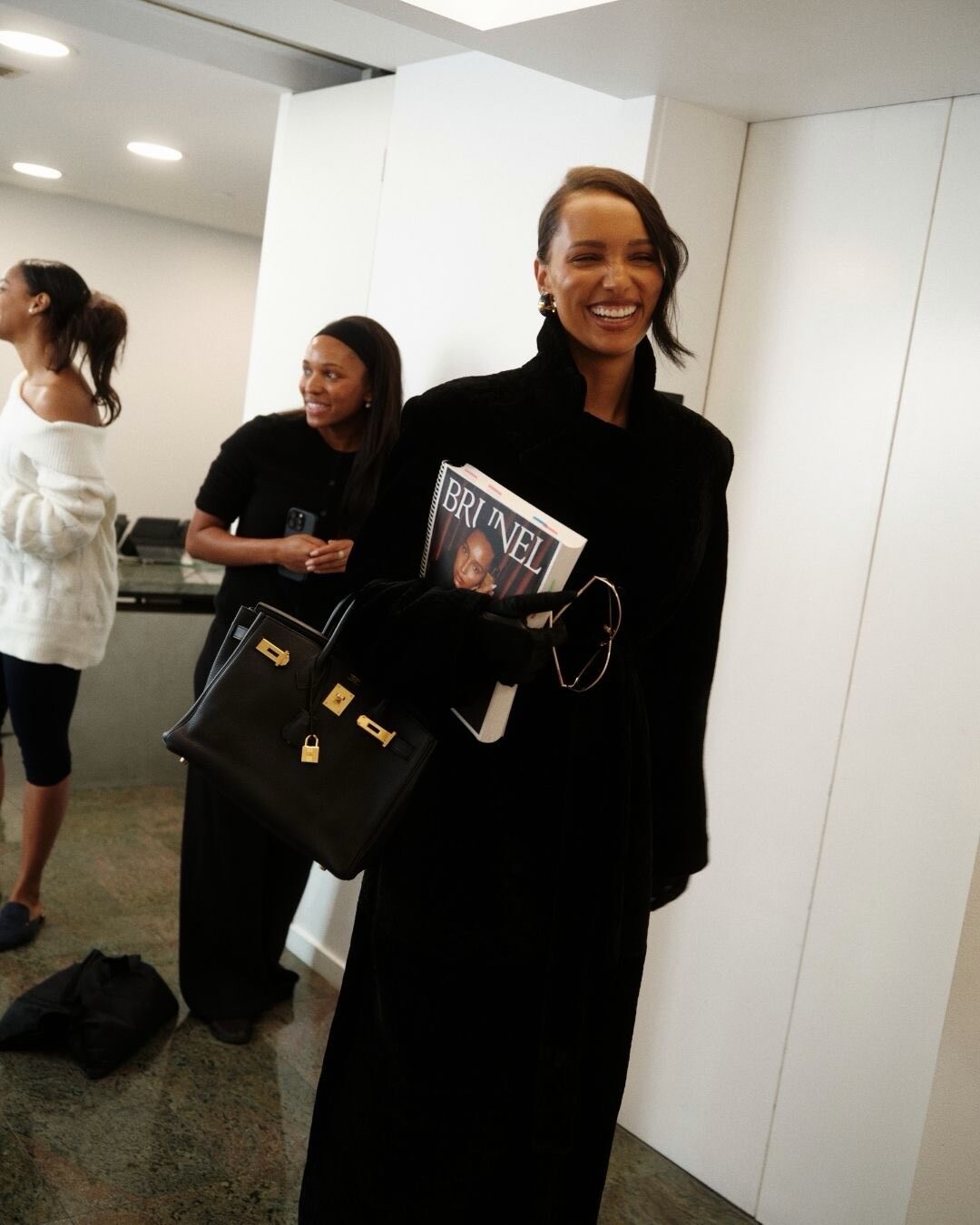
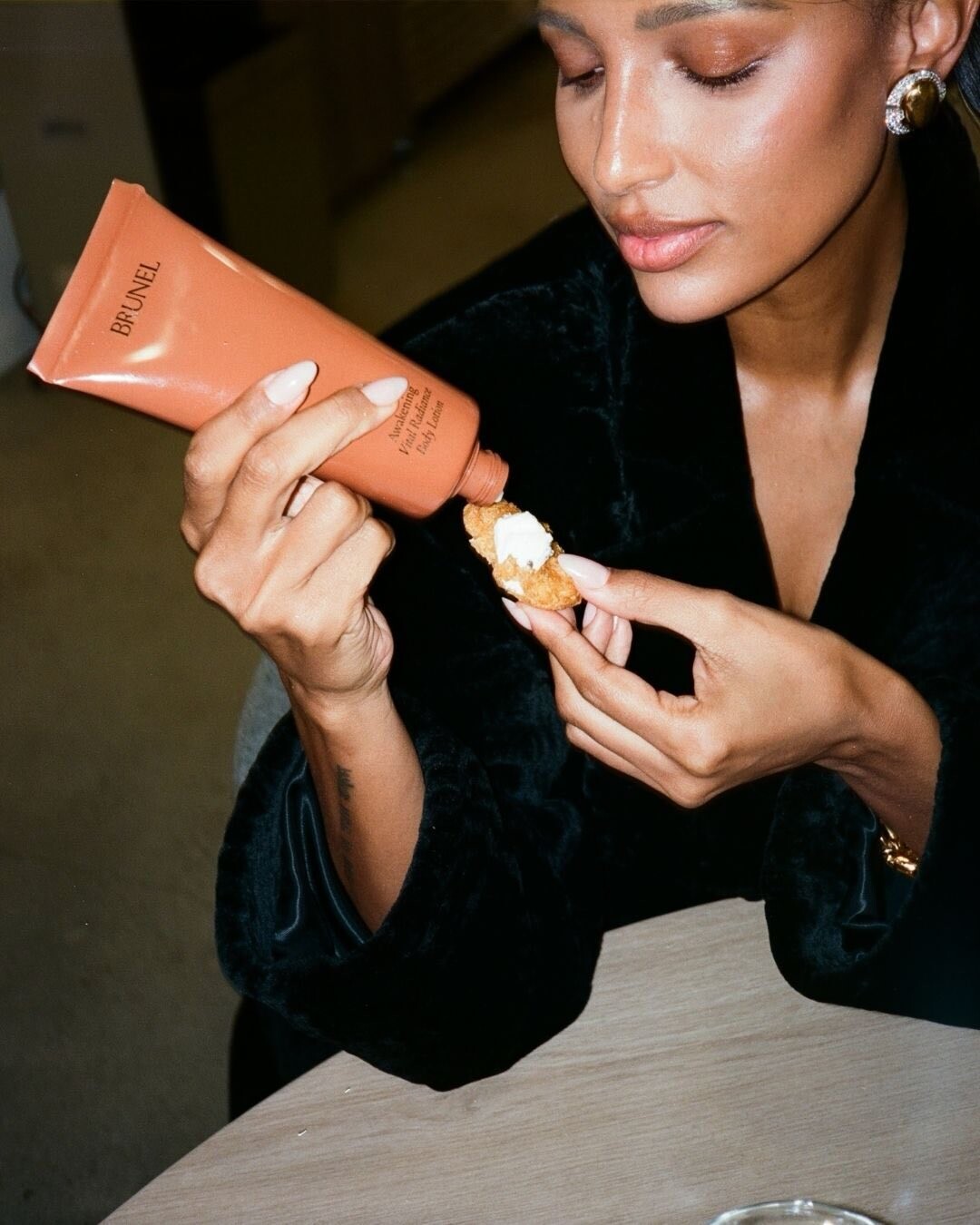
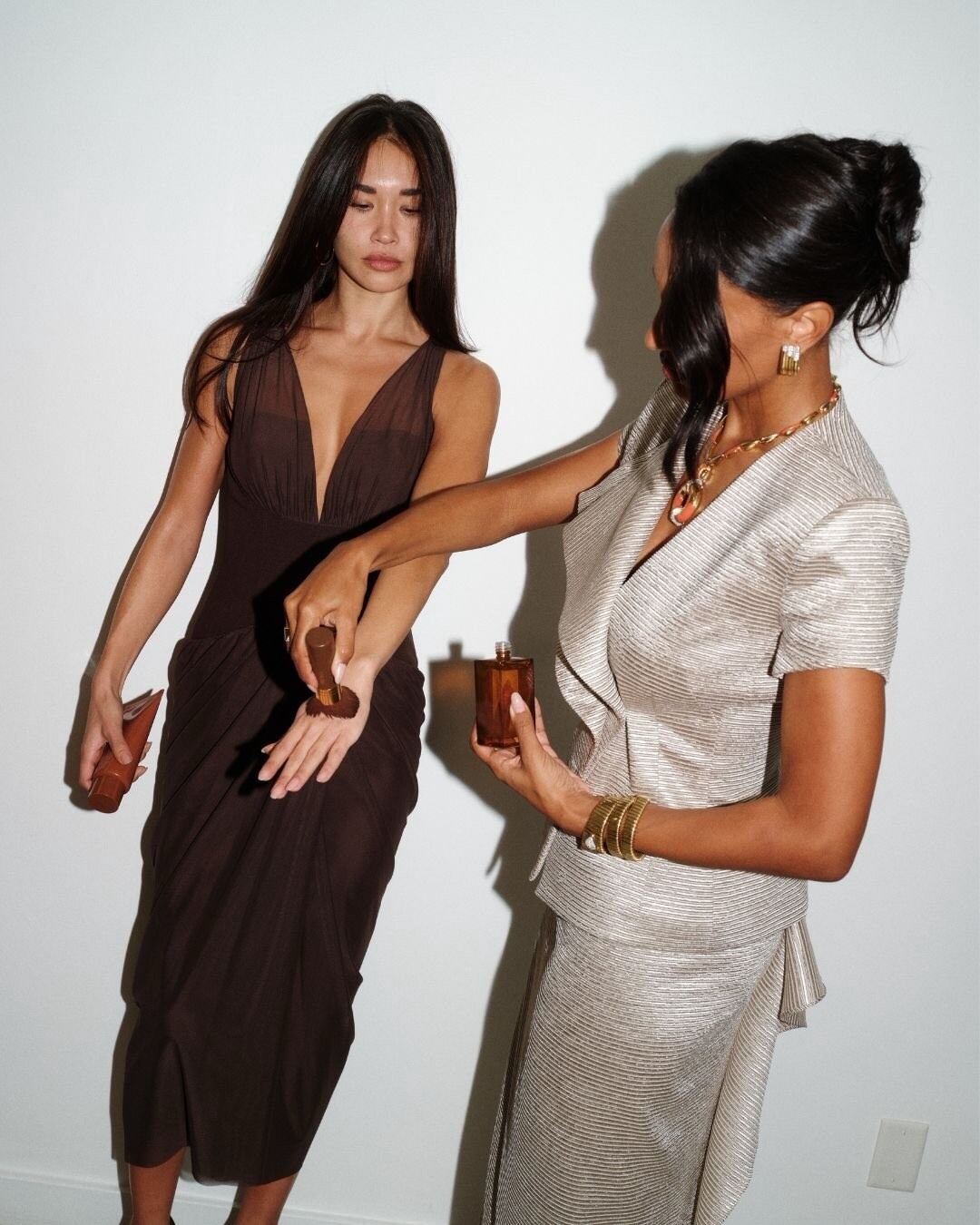
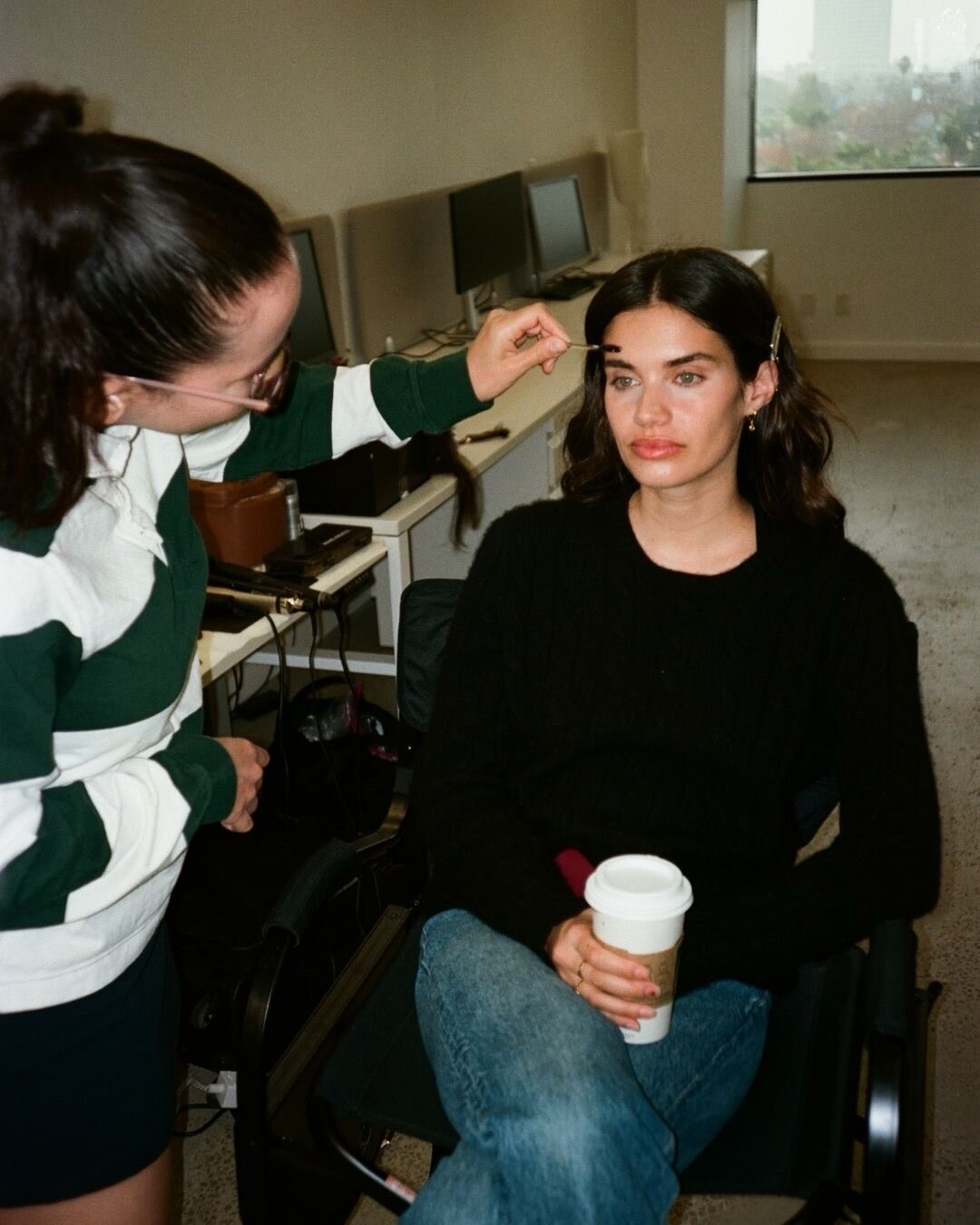
AI? Brunel: Moments behind the scenes of filming Angels Wear Brunel for the new Brunel Body Lotion videos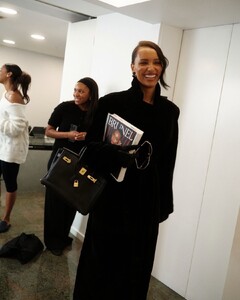


 Brunel: Moments behind the scenes of filming Angels Wear Brunel for the new Brunel Body Lotion video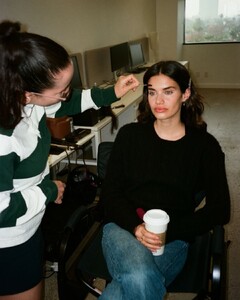
Account
Navigation
Search
Configure browser push notifications
Chrome (Android)
- Tap the lock icon next to the address bar.
- Tap Permissions → Notifications.
- Adjust your preference.
Chrome (Desktop)
- Click the padlock icon in the address bar.
- Select Site settings.
- Find Notifications and adjust your preference.
Safari (iOS 16.4+)
- Ensure the site is installed via Add to Home Screen.
- Open Settings App → Notifications.
- Find your app name and adjust your preference.
Safari (macOS)
- Go to Safari → Preferences.
- Click the Websites tab.
- Select Notifications in the sidebar.
- Find this website and adjust your preference.
Edge (Android)
- Tap the lock icon next to the address bar.
- Tap Permissions.
- Find Notifications and adjust your preference.
Edge (Desktop)
- Click the padlock icon in the address bar.
- Click Permissions for this site.
- Find Notifications and adjust your preference.
Firefox (Android)
- Go to Settings → Site permissions.
- Tap Notifications.
- Find this site in the list and adjust your preference.
Firefox (Desktop)
- Open Firefox Settings.
- Search for Notifications.
- Find this site in the list and adjust your preference.







.jpg.c9e4fb5ea7087283e23a9fb4e2c7bf8f.jpg)