All Activity
- Past hour
-
 vetements
-


 Hotness ❤️😻
 Dunes: Something New strategic nudity
.thumb.jpg.1c412ead61f395869f3905d3d392e5e8.jpg)

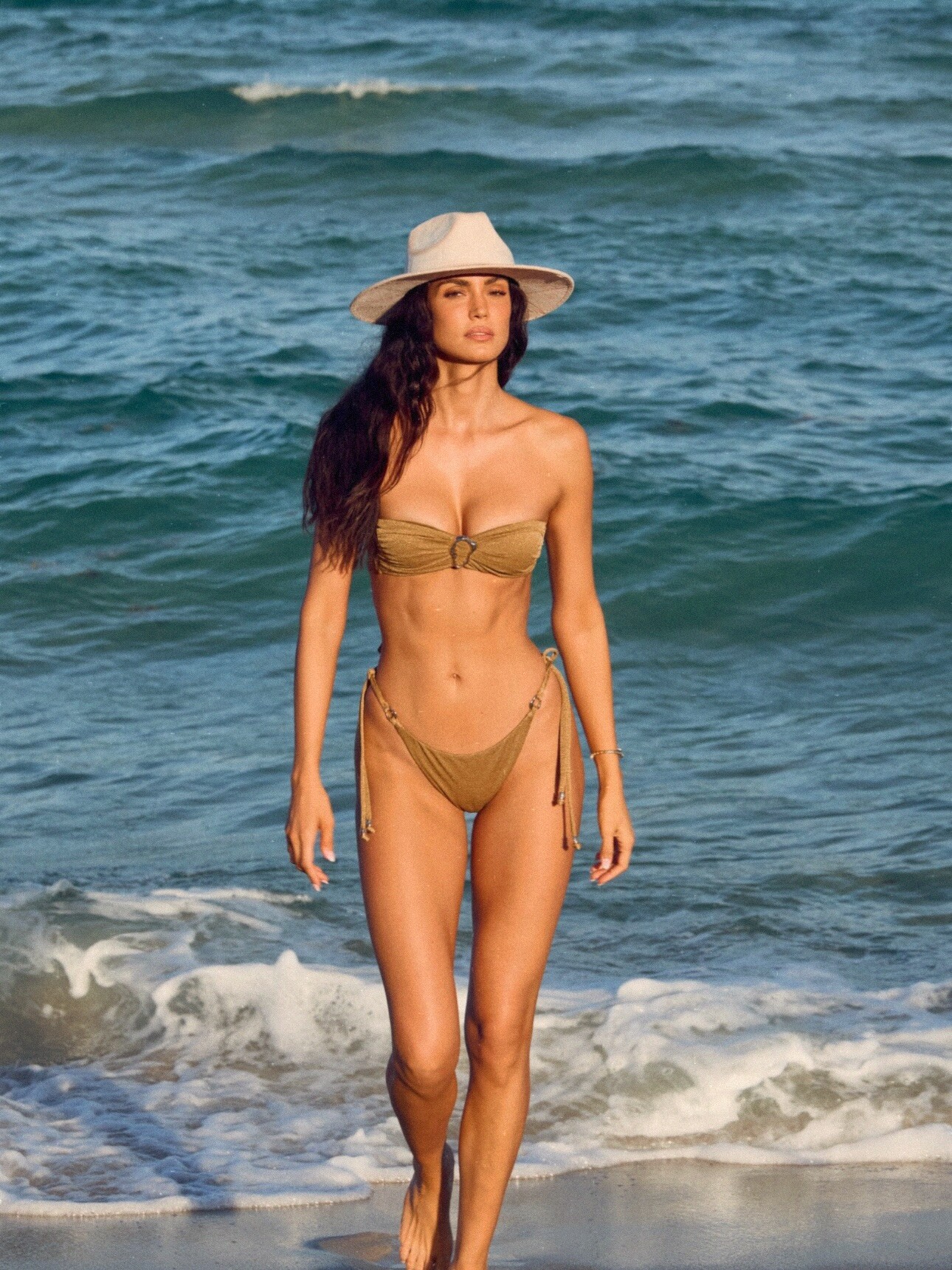
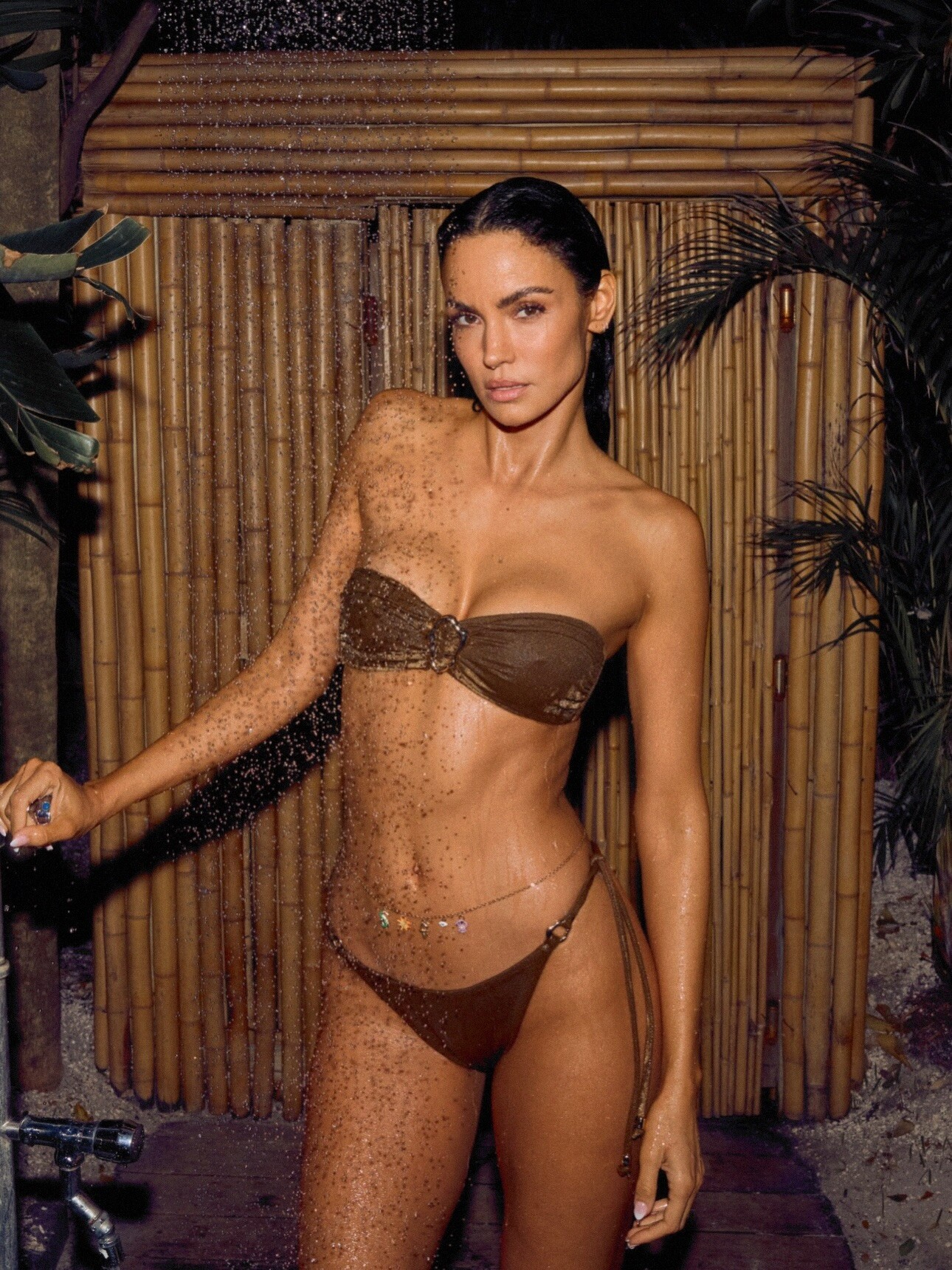
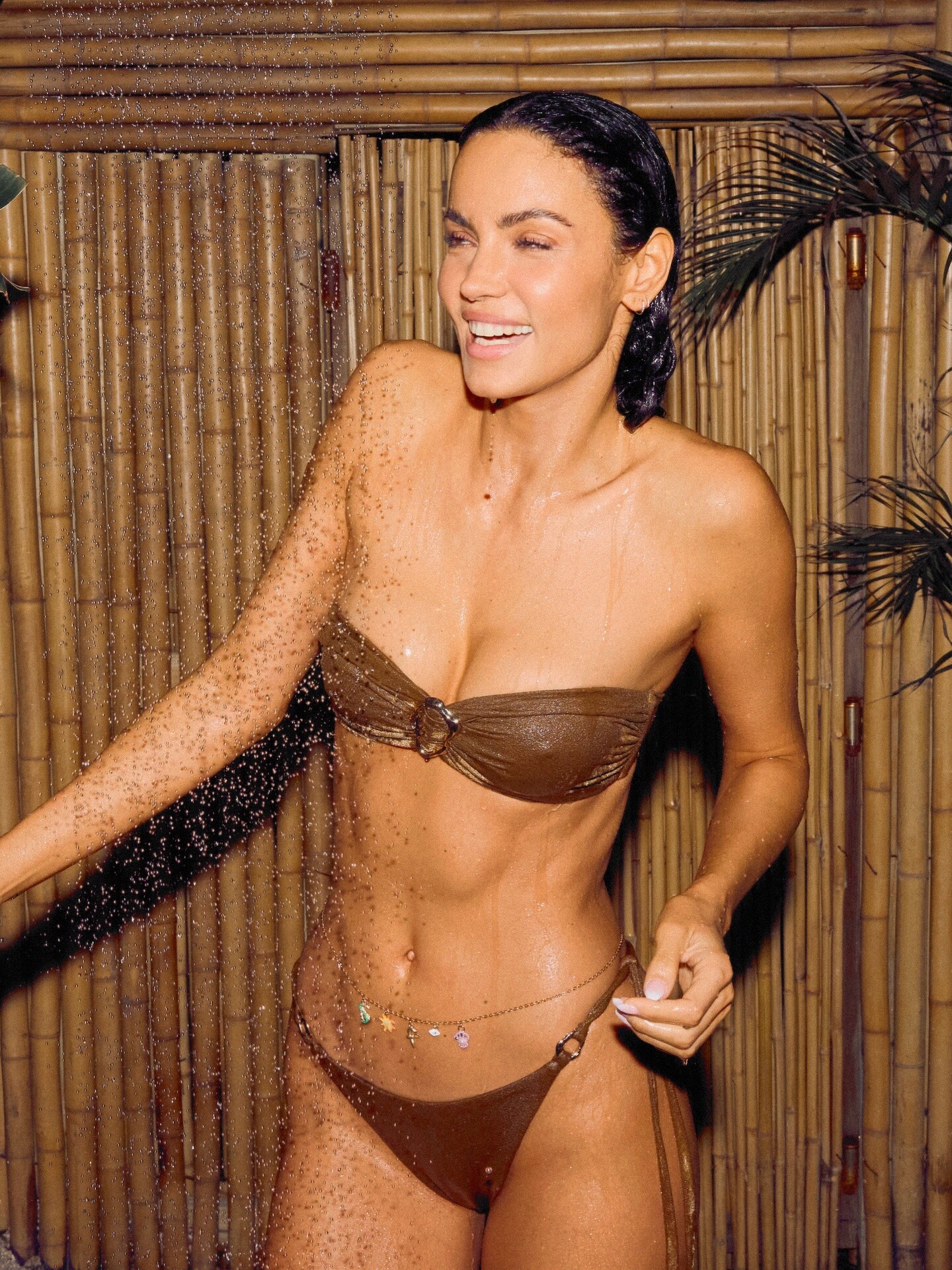
 excited to be back in Miami with @Calzedonia for the launch of their Sunkissed Radiance Collection✨







 From Elby


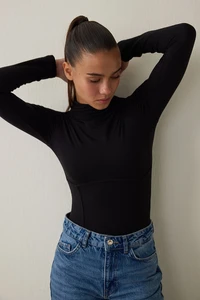
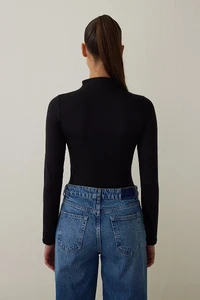
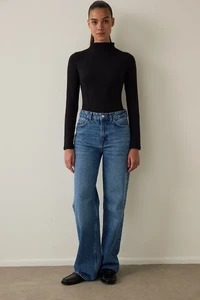
 Deadline: Fox is loading up its ‘Baywatch’ reboot with social media stars. The latest is former competitive gymnast and model Livvy Dunne who has landed the recurring role of Grace, a highly enthusiastic junior lifeguard. It marks the professional acting debut of the former Louisiana State University gymnast who recently revealed that she had been taking acting lessons.
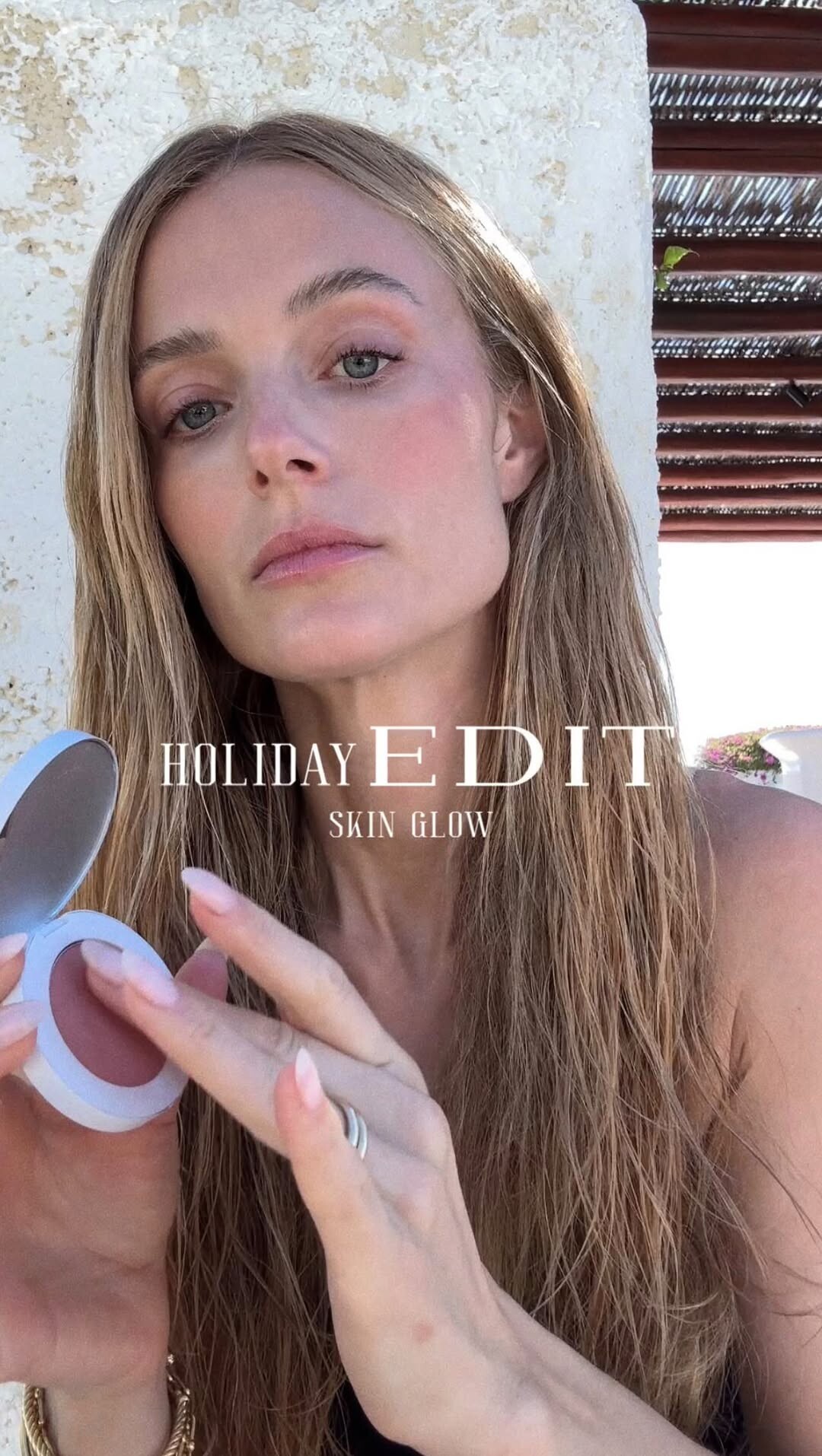
 The Ellóryn Edit: New favorite blush … LOADING. The girls have been talking and this is the what we’re obsessing over !! video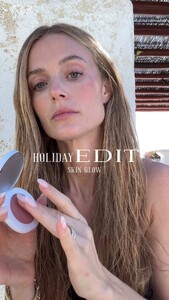
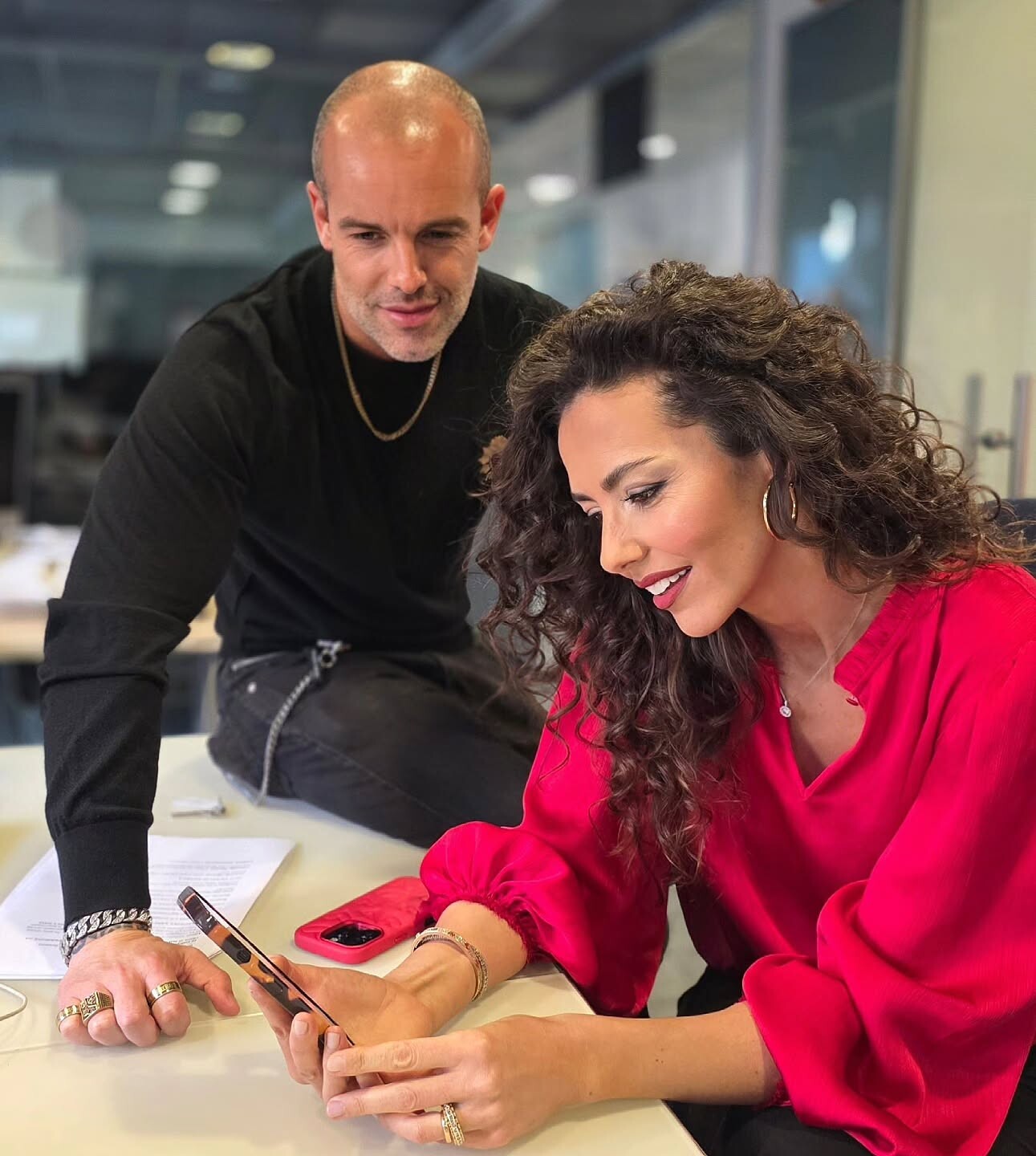
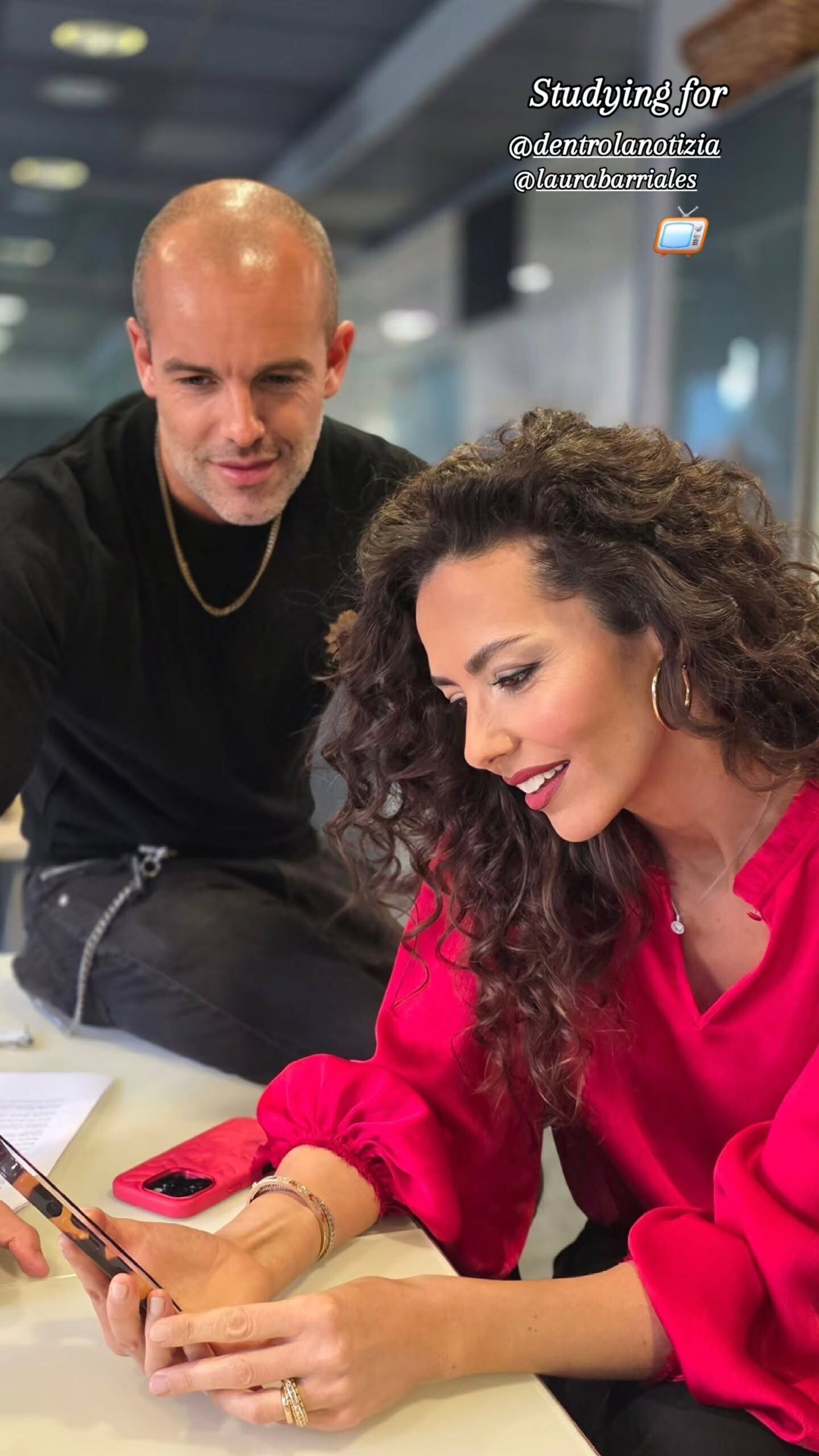
 Davide Scalmani: Studying for dentrolanotizia 📺 laurabarriales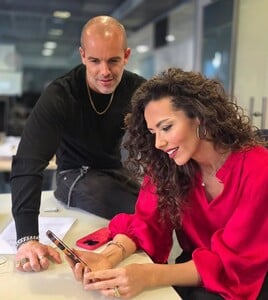

- Today
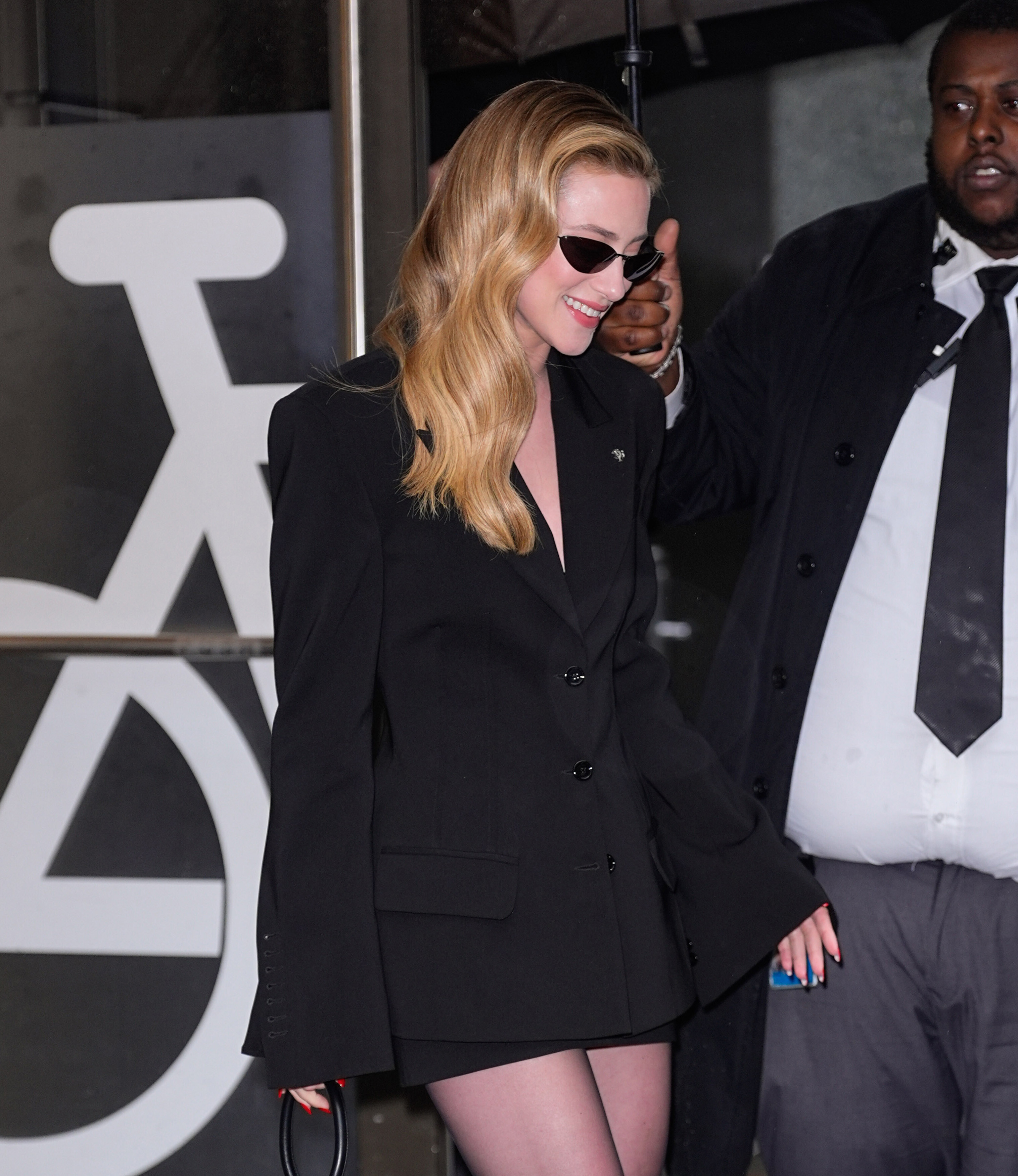
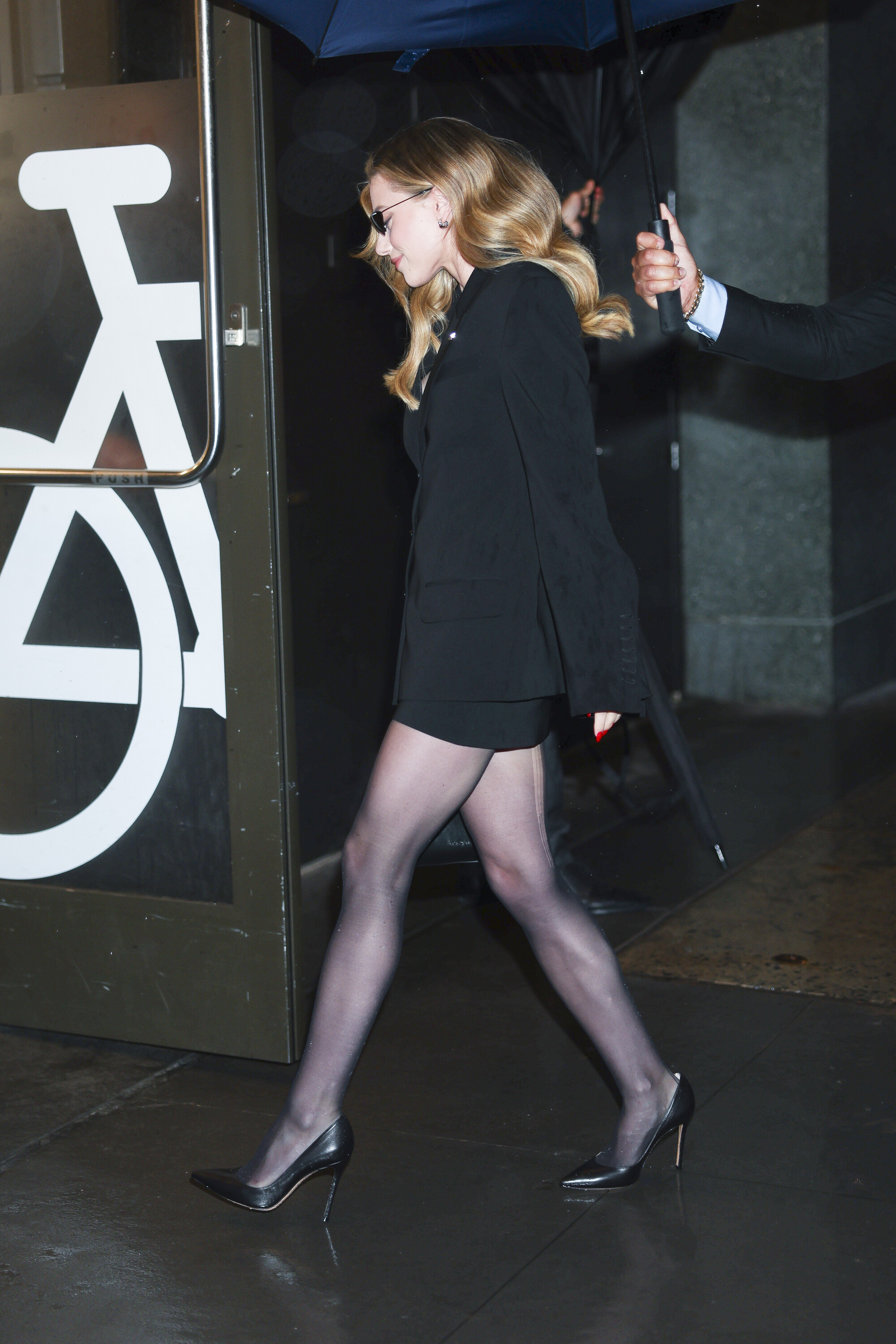
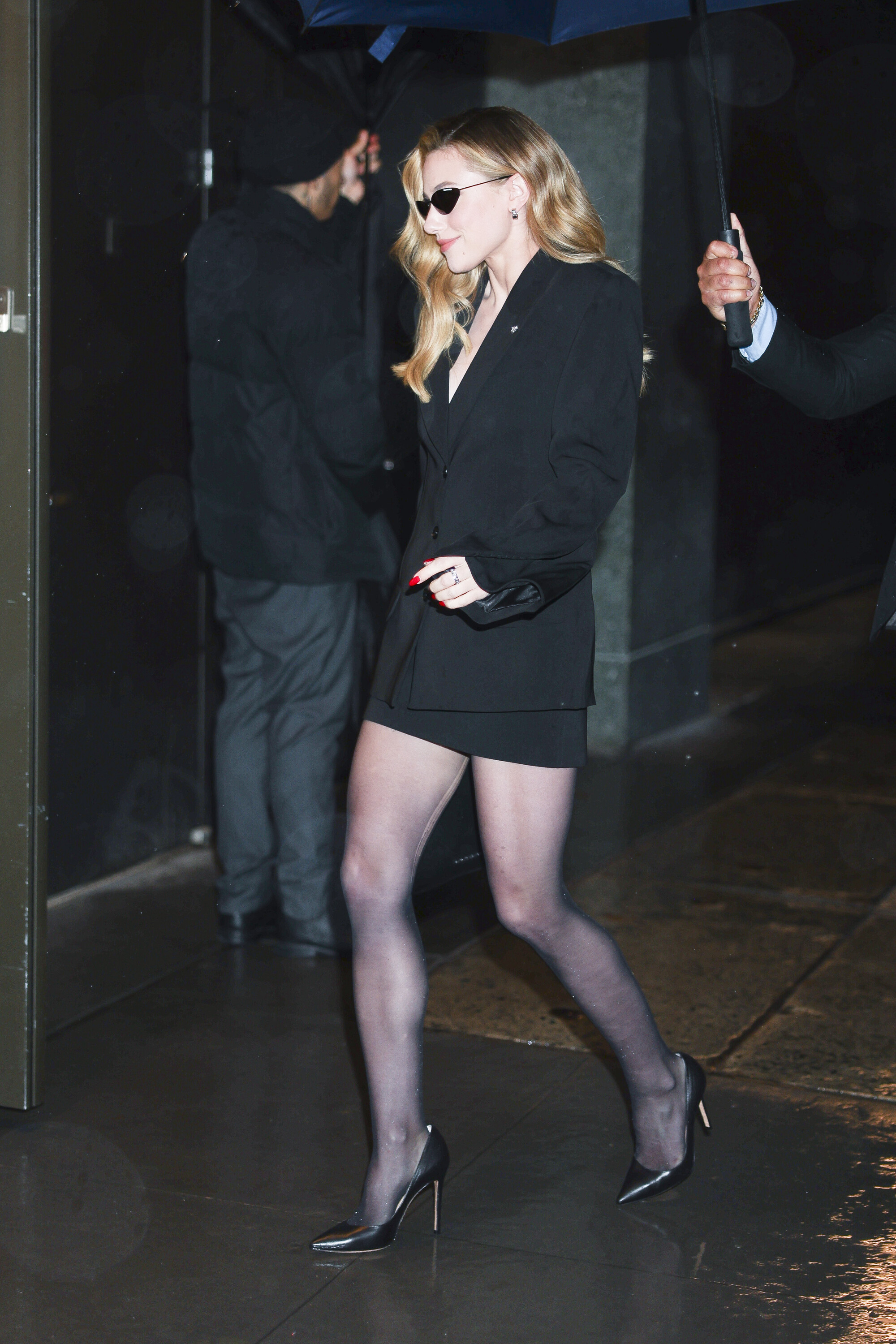
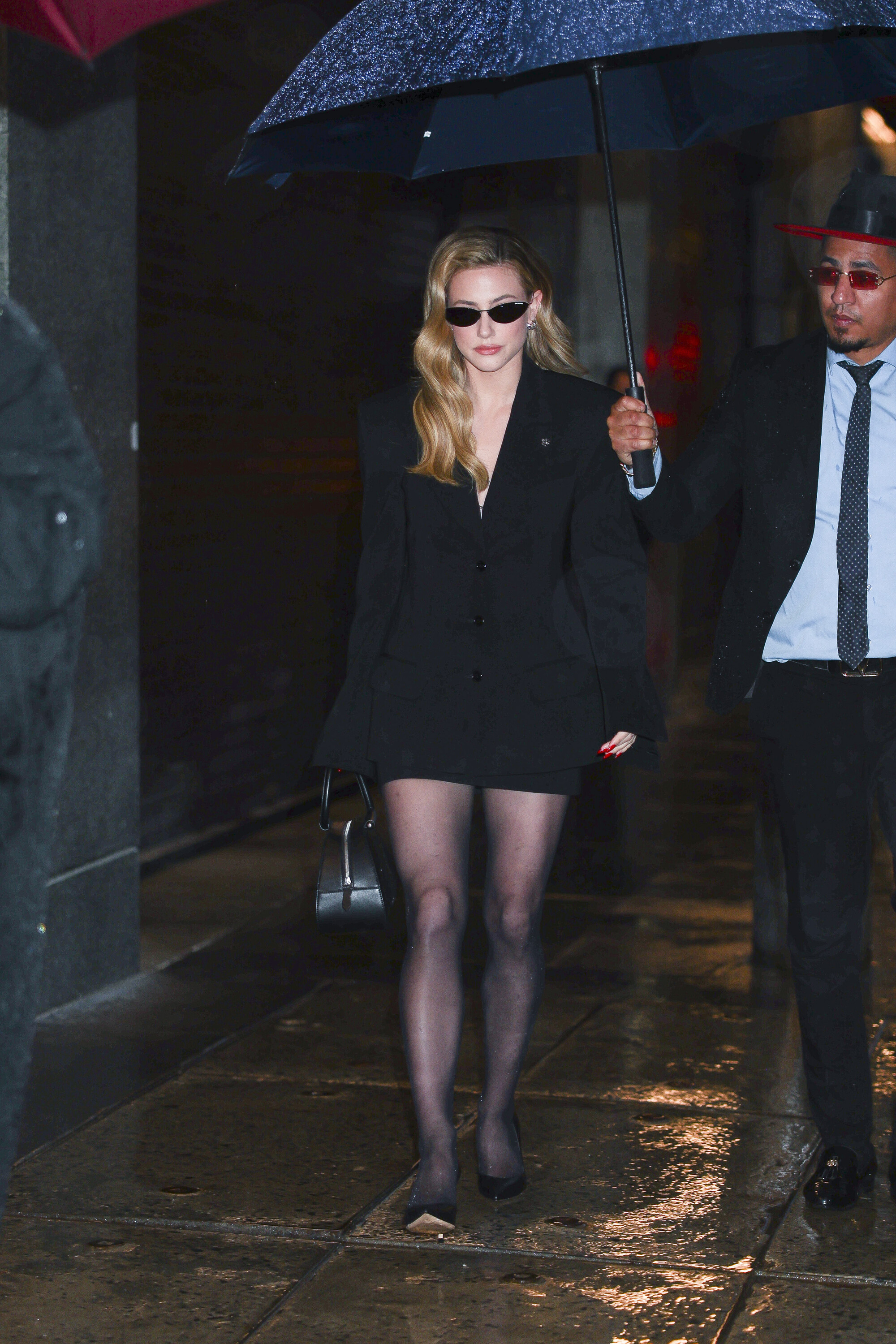
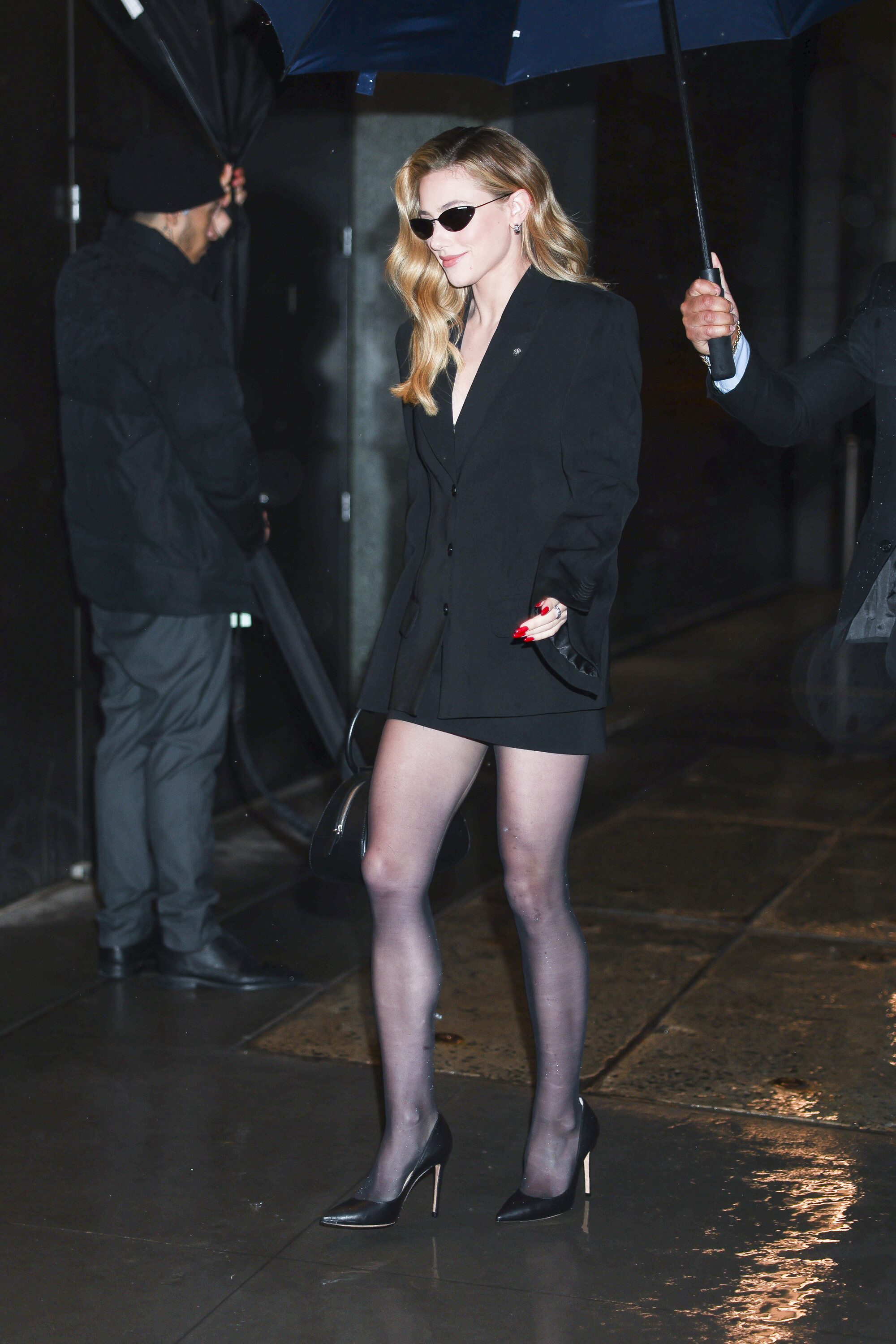
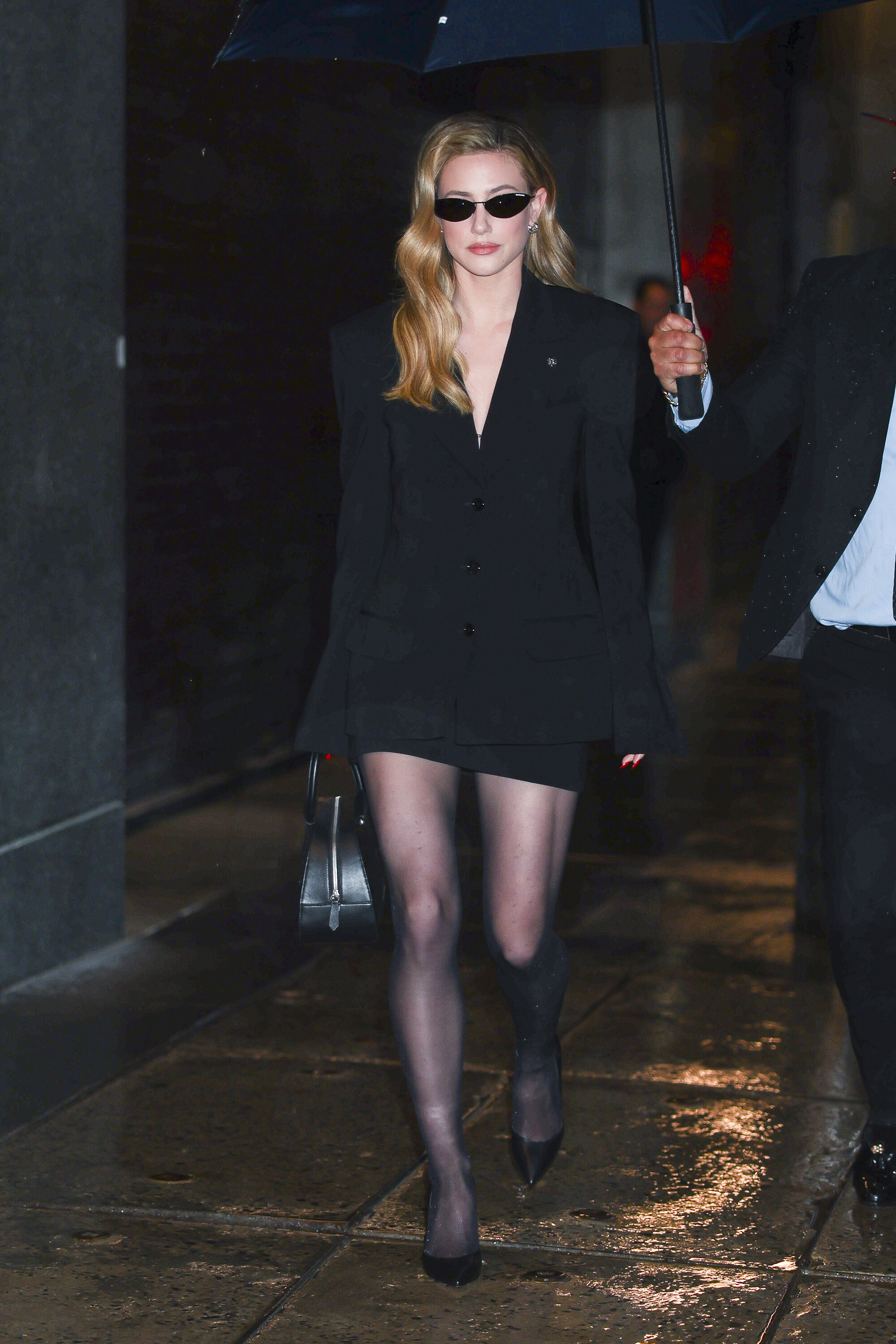
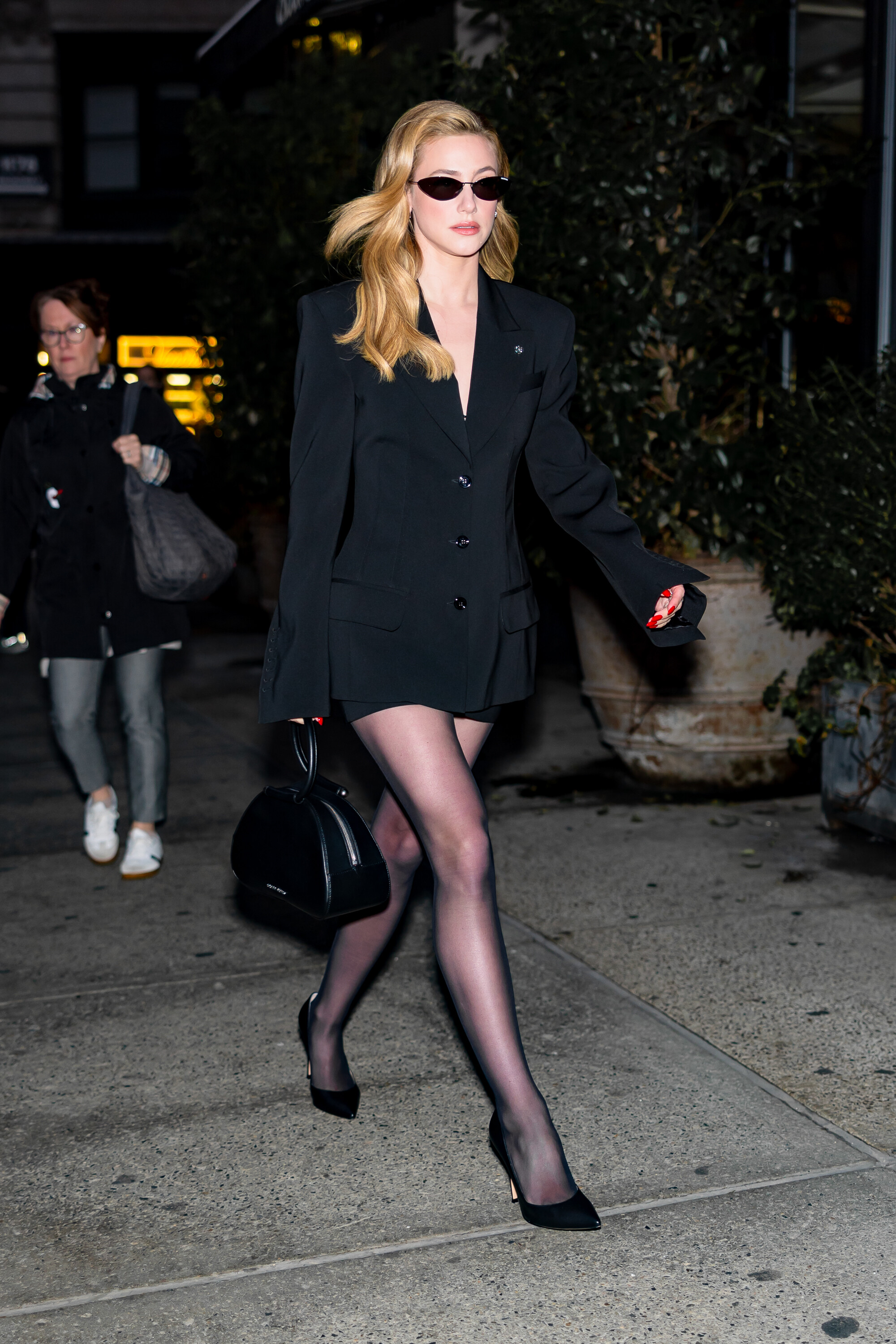
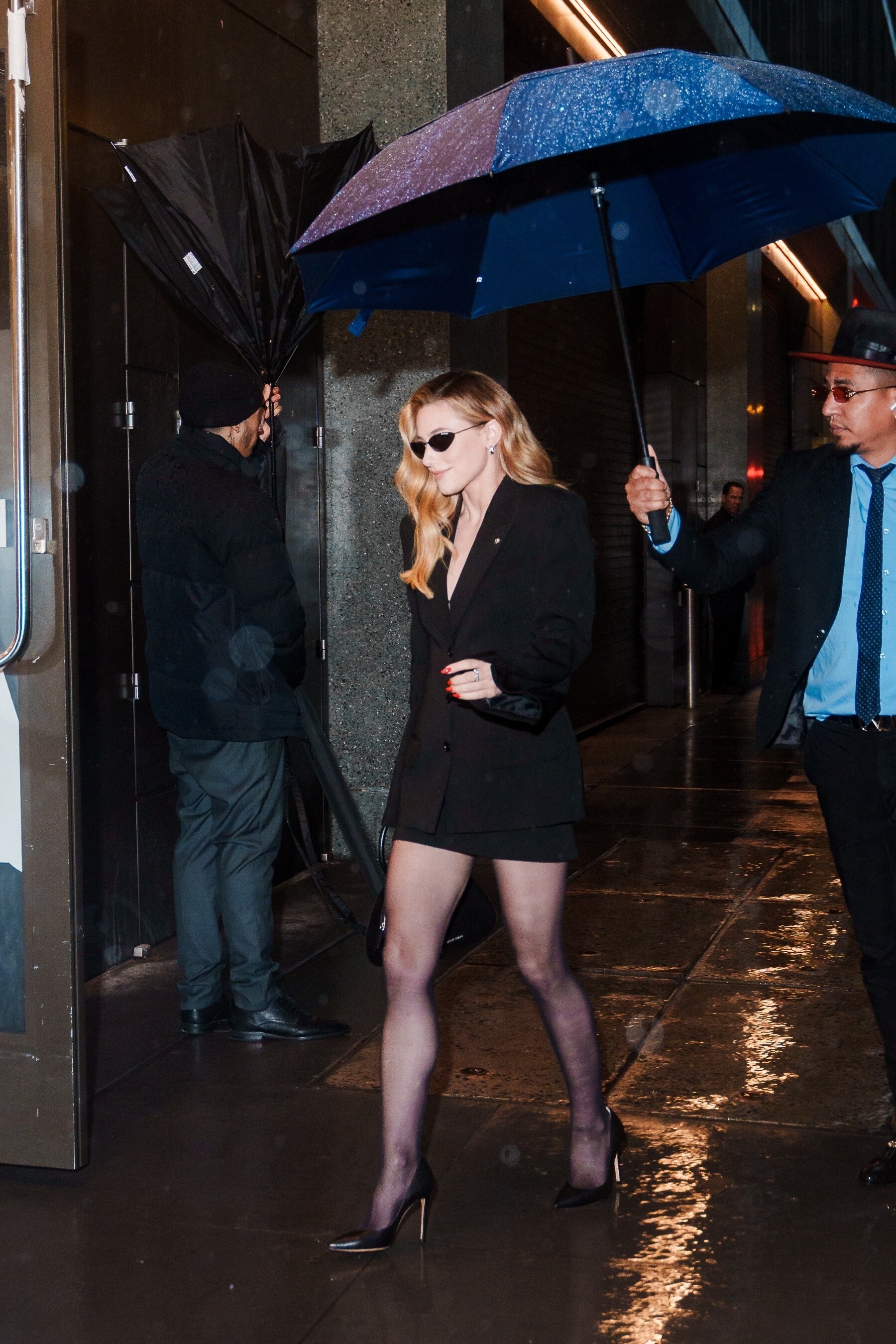
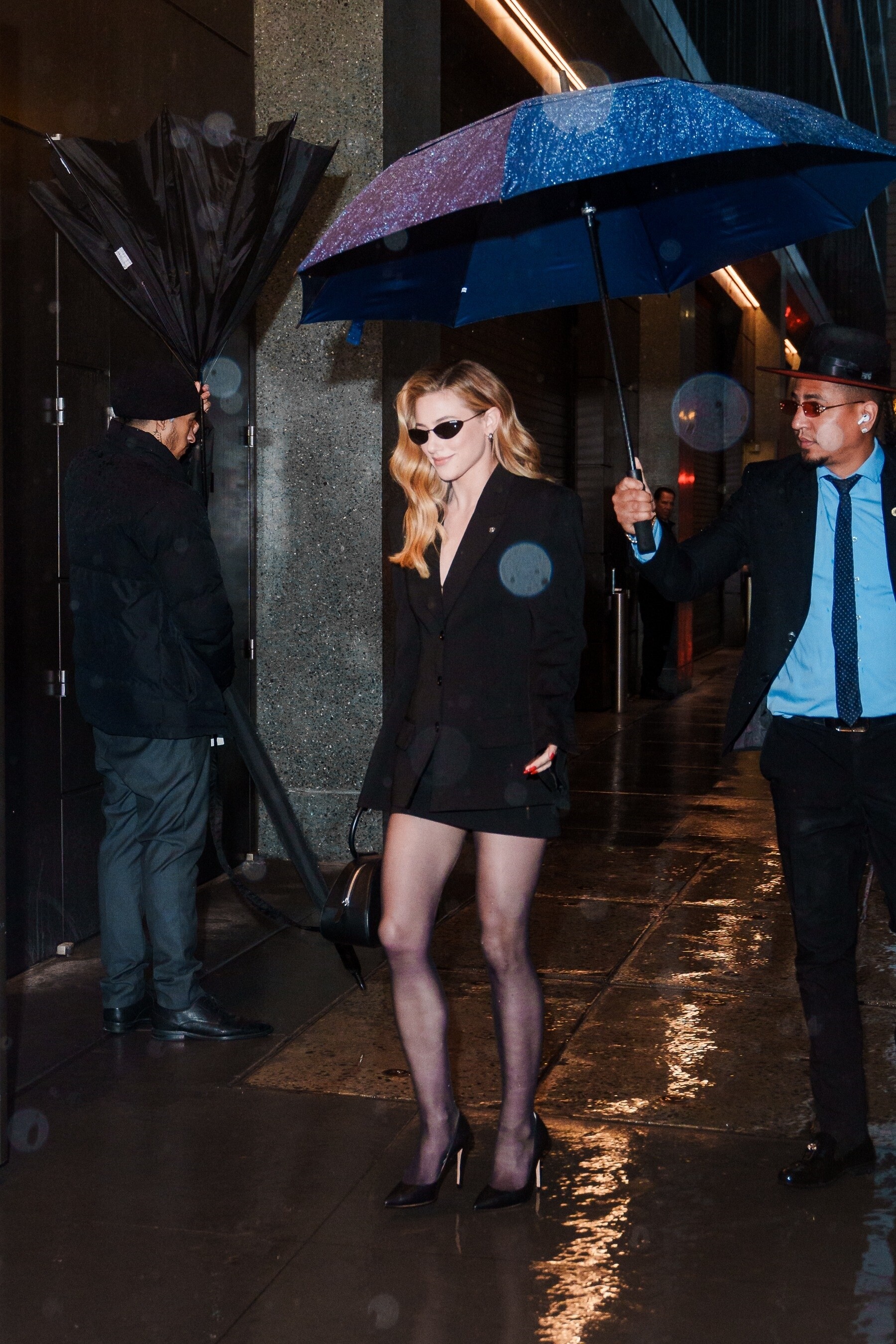
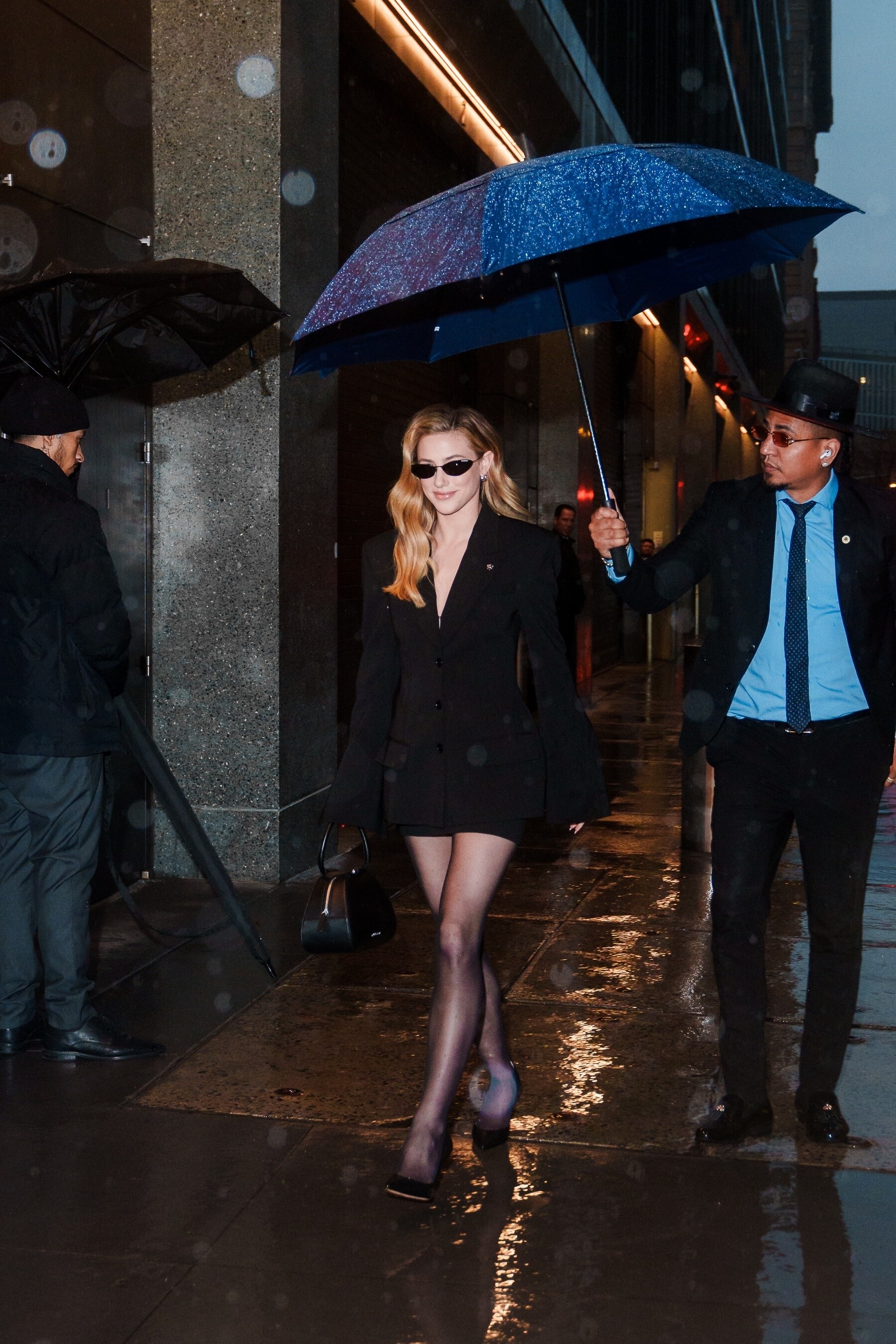
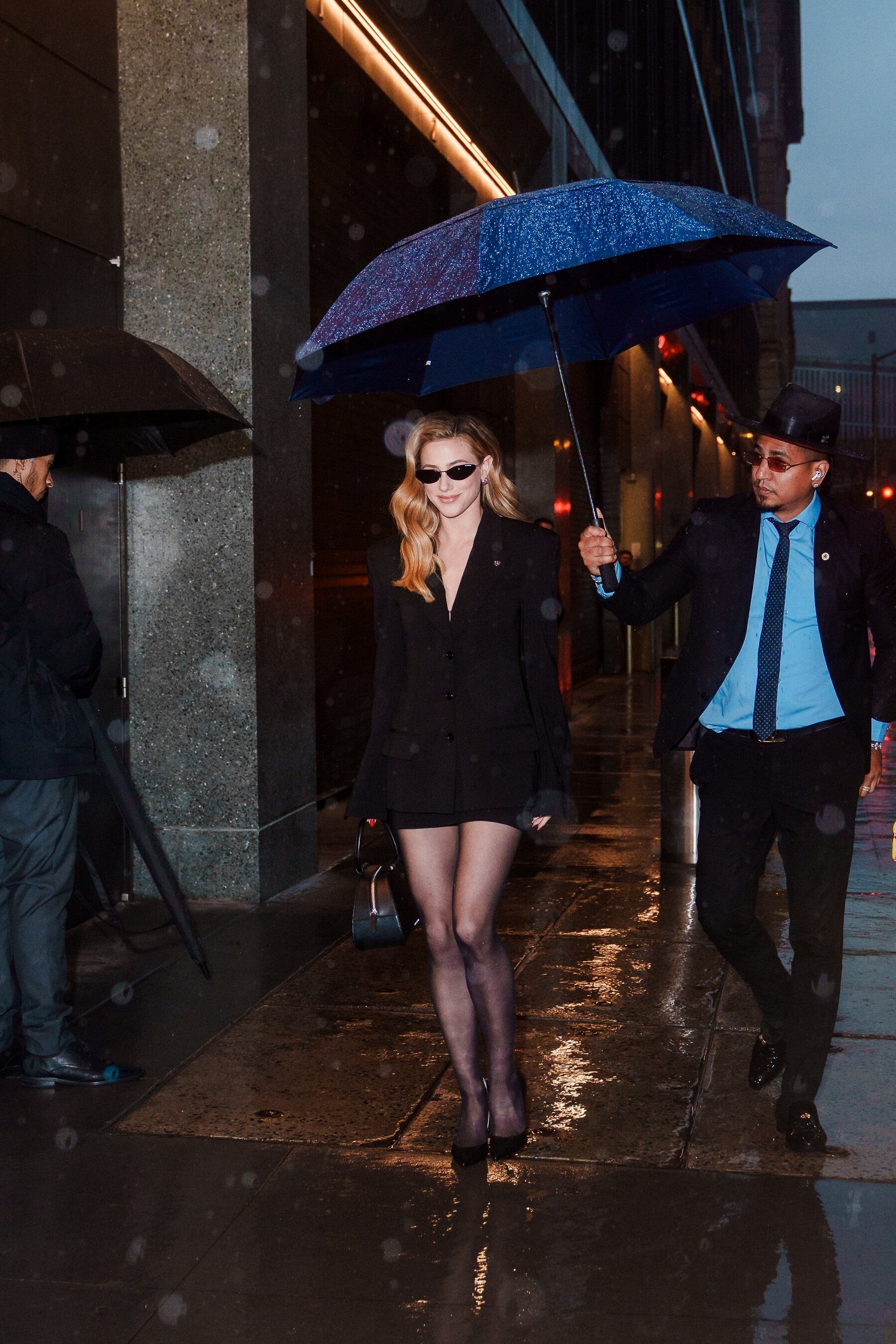
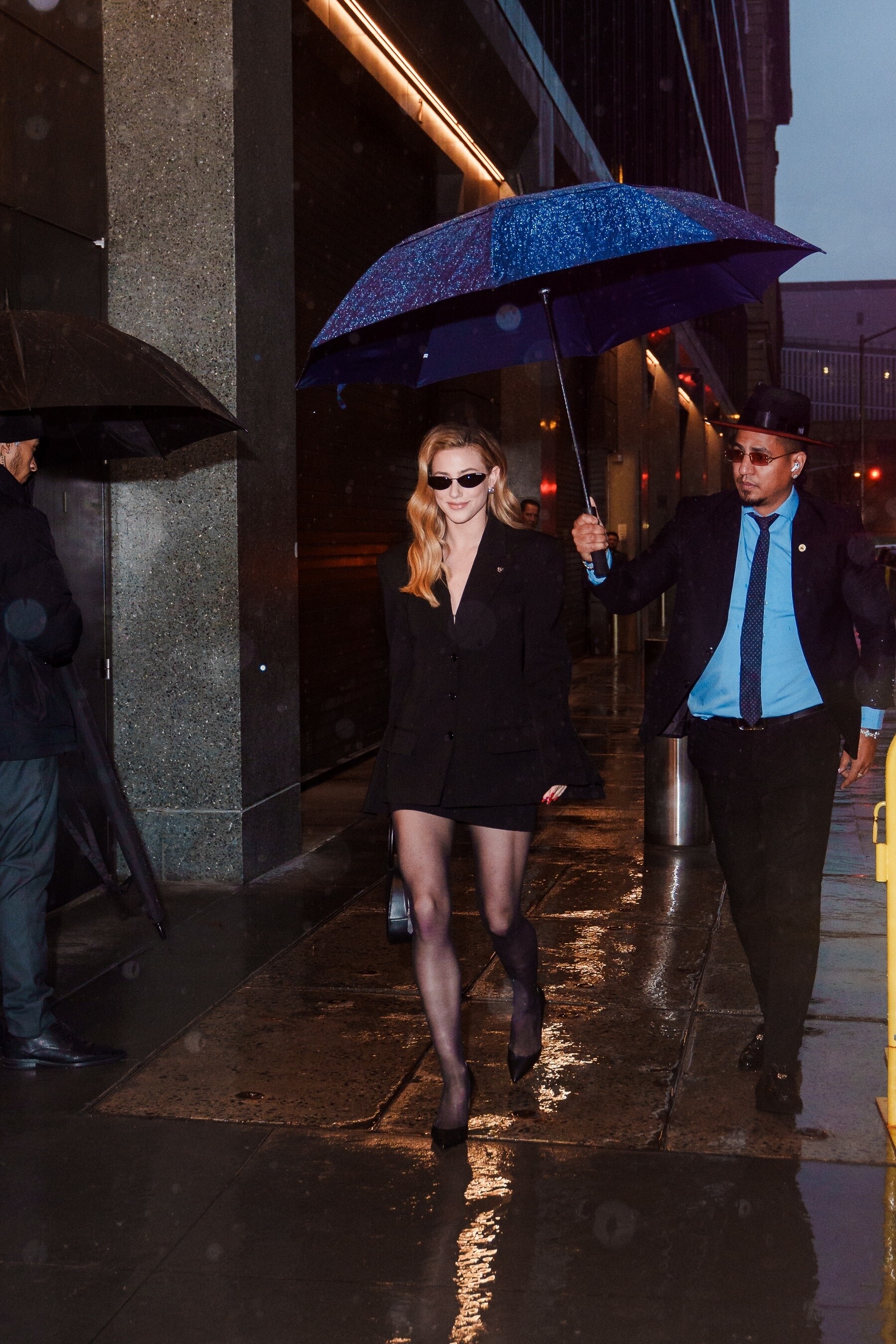
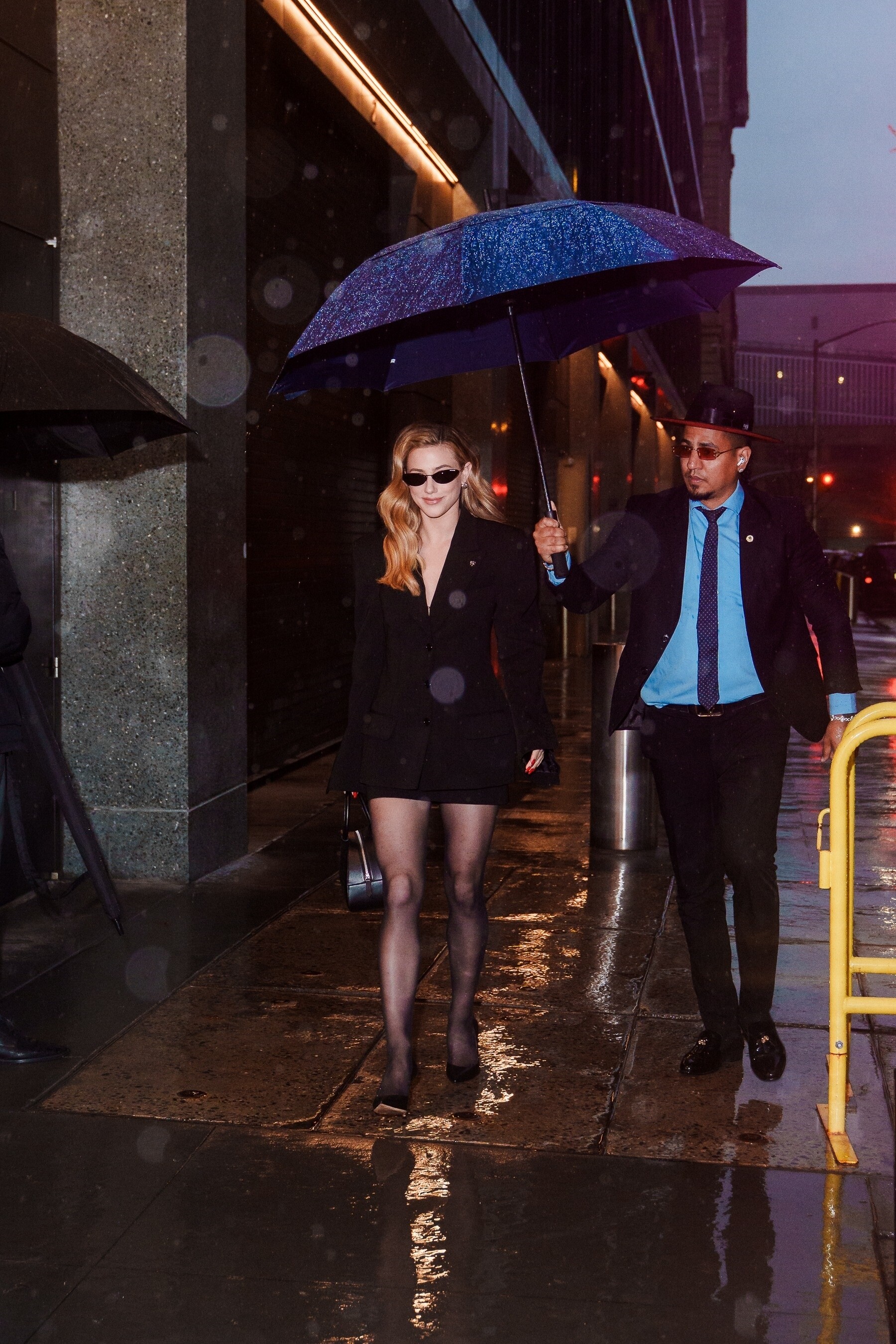
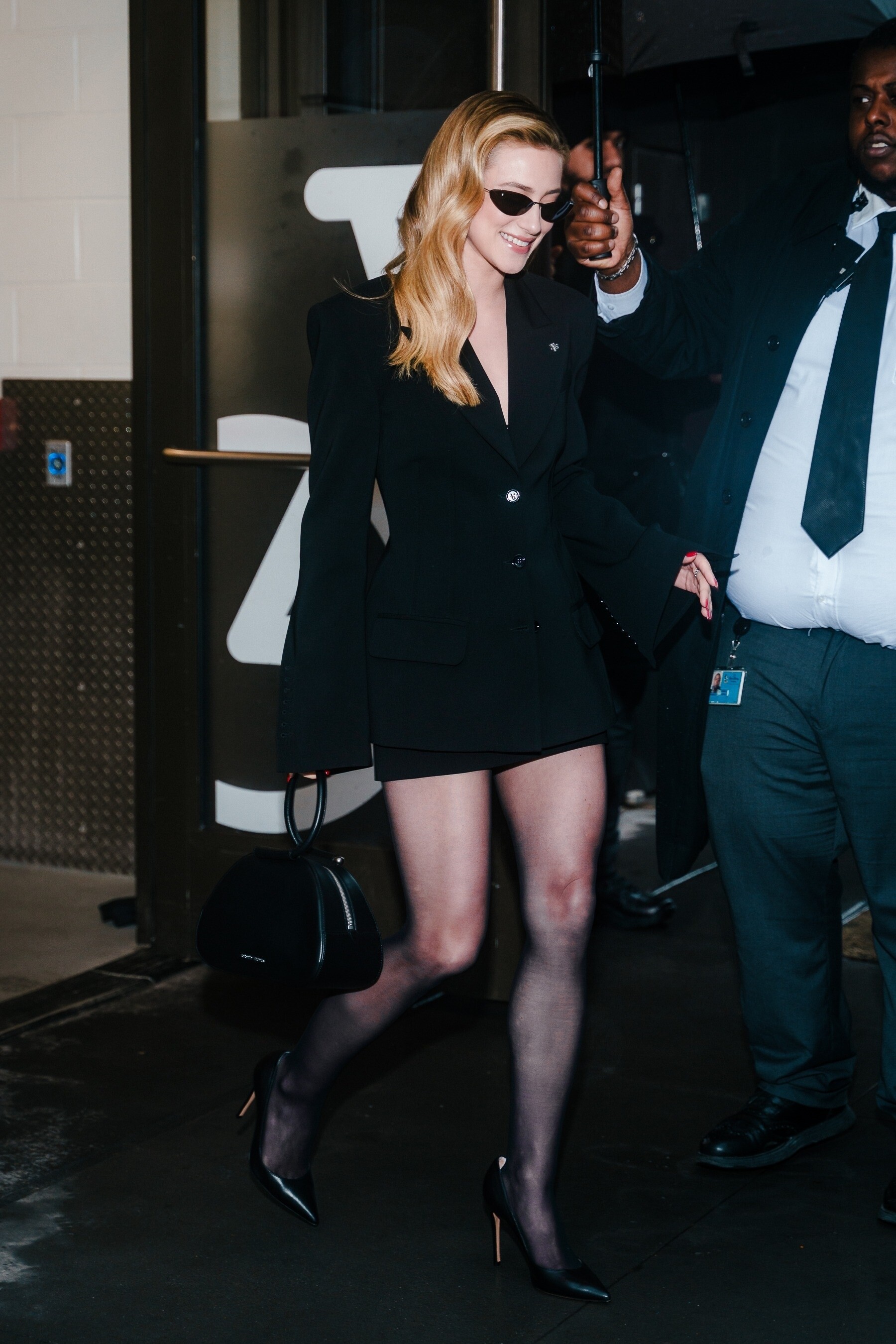
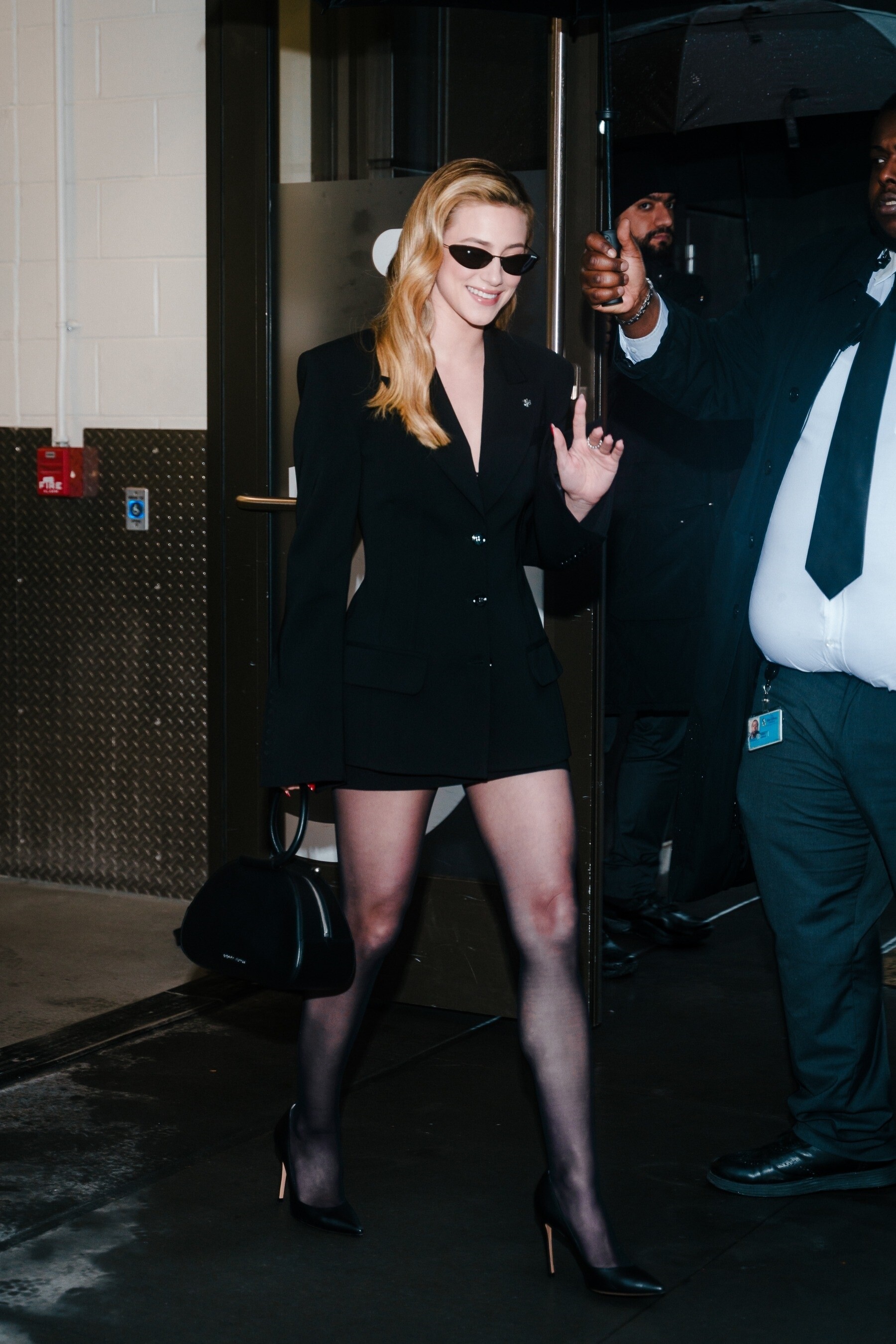
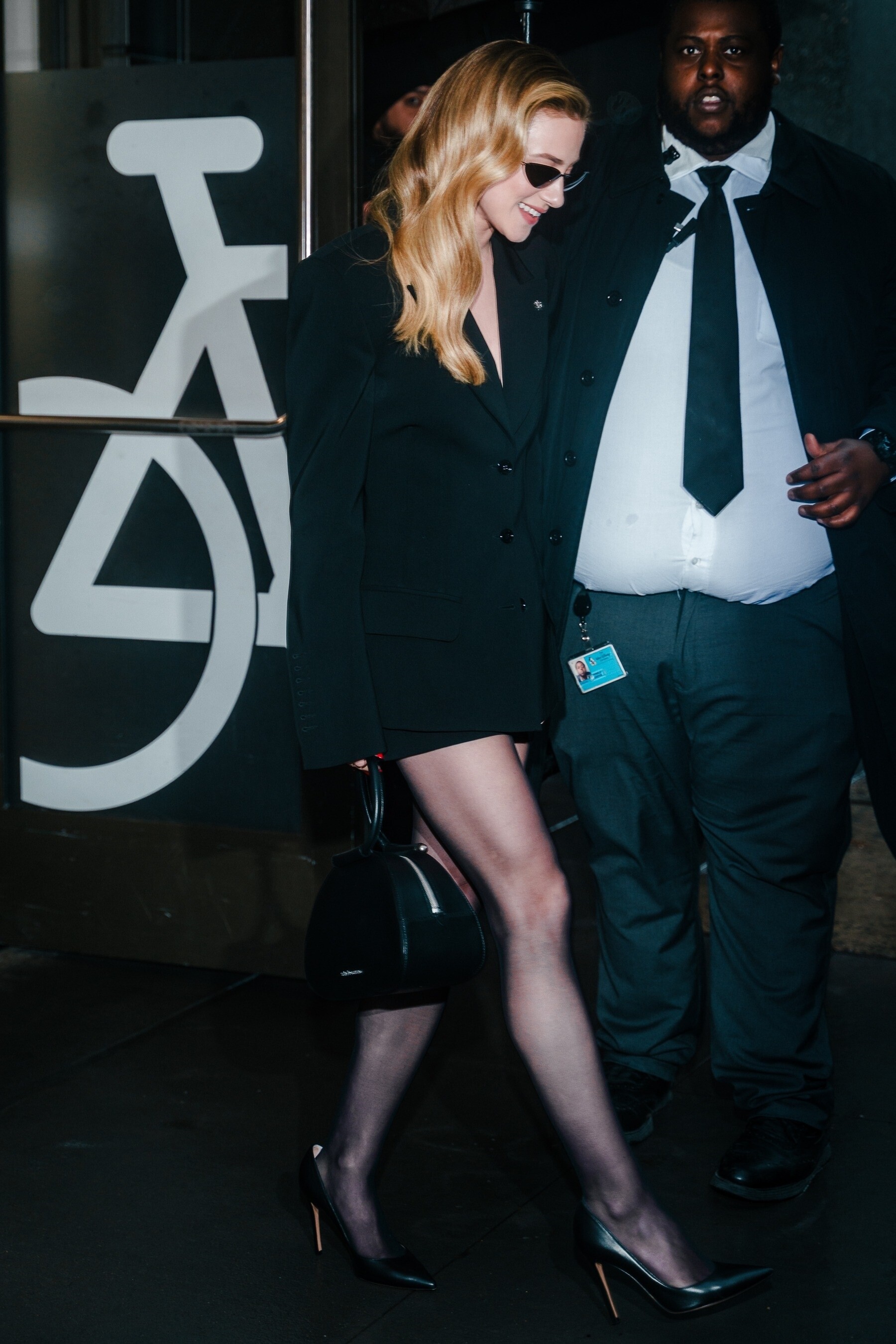
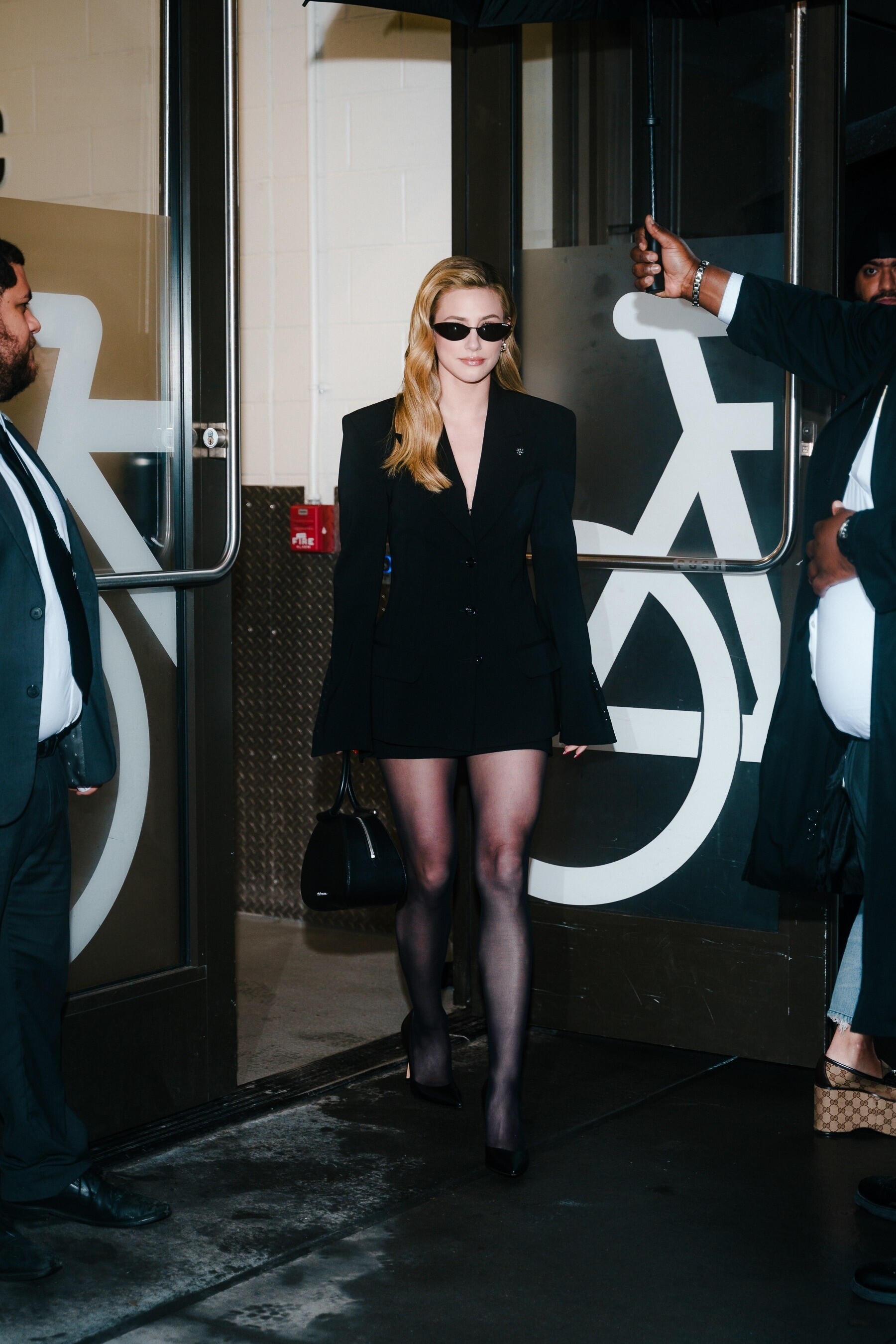
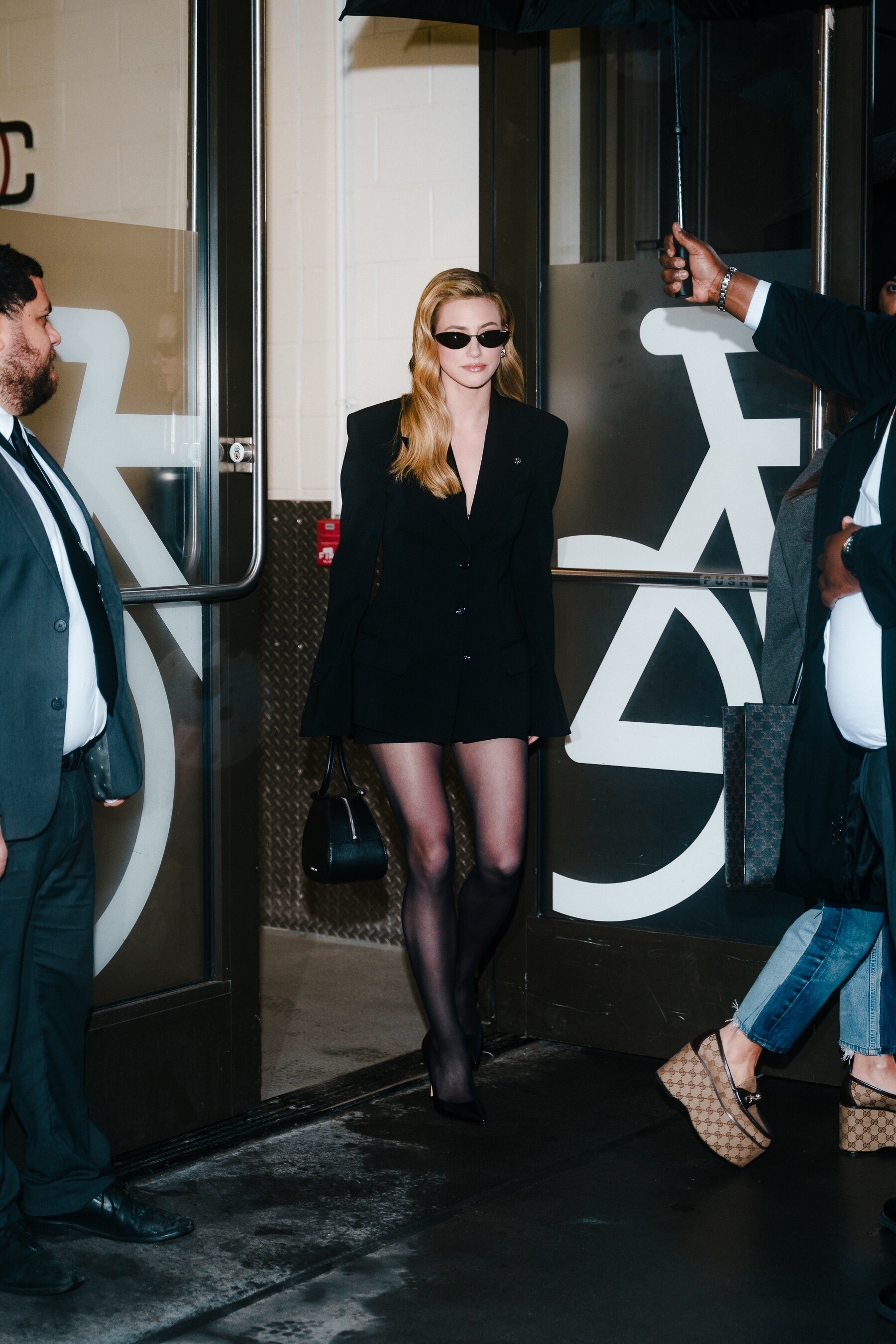
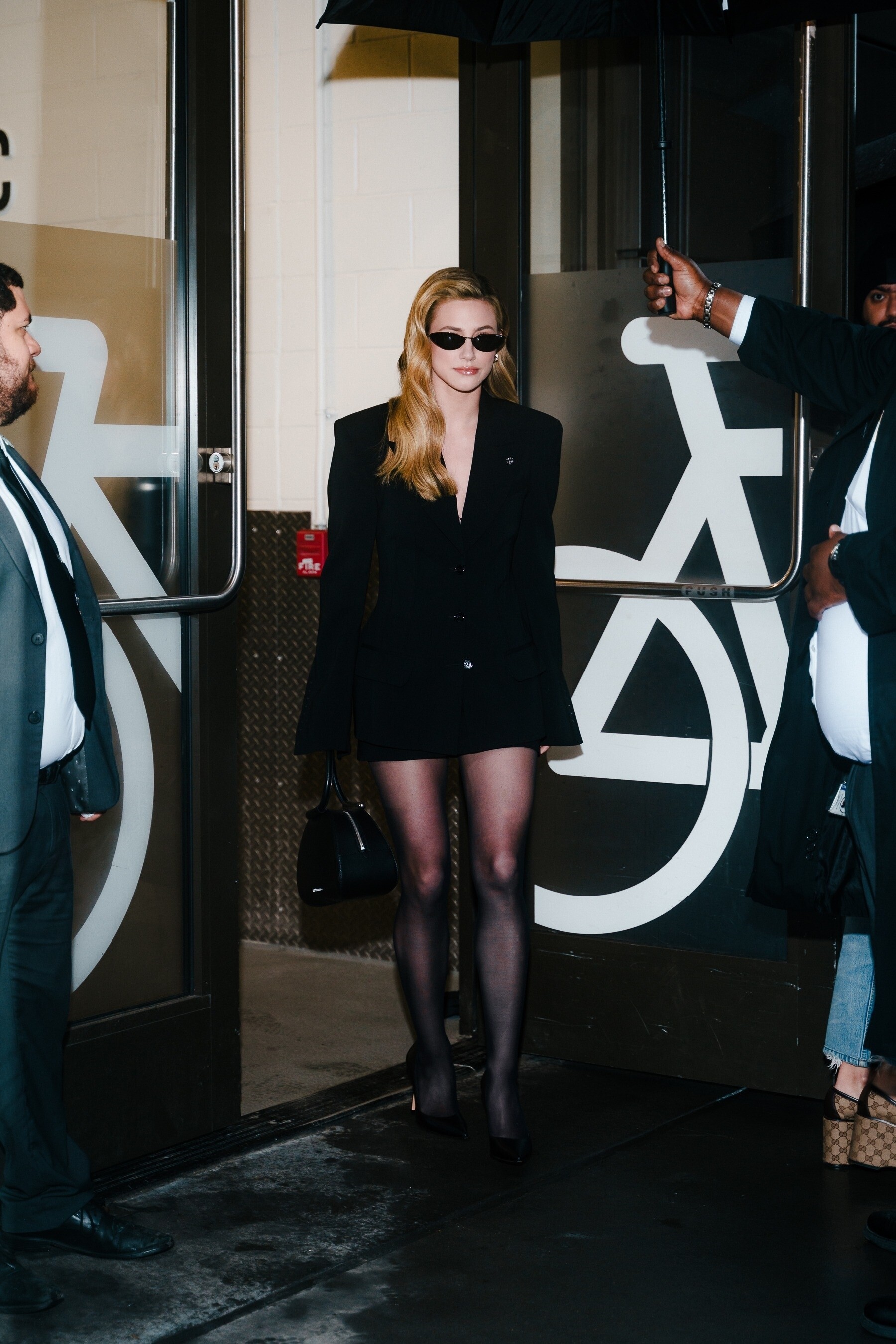
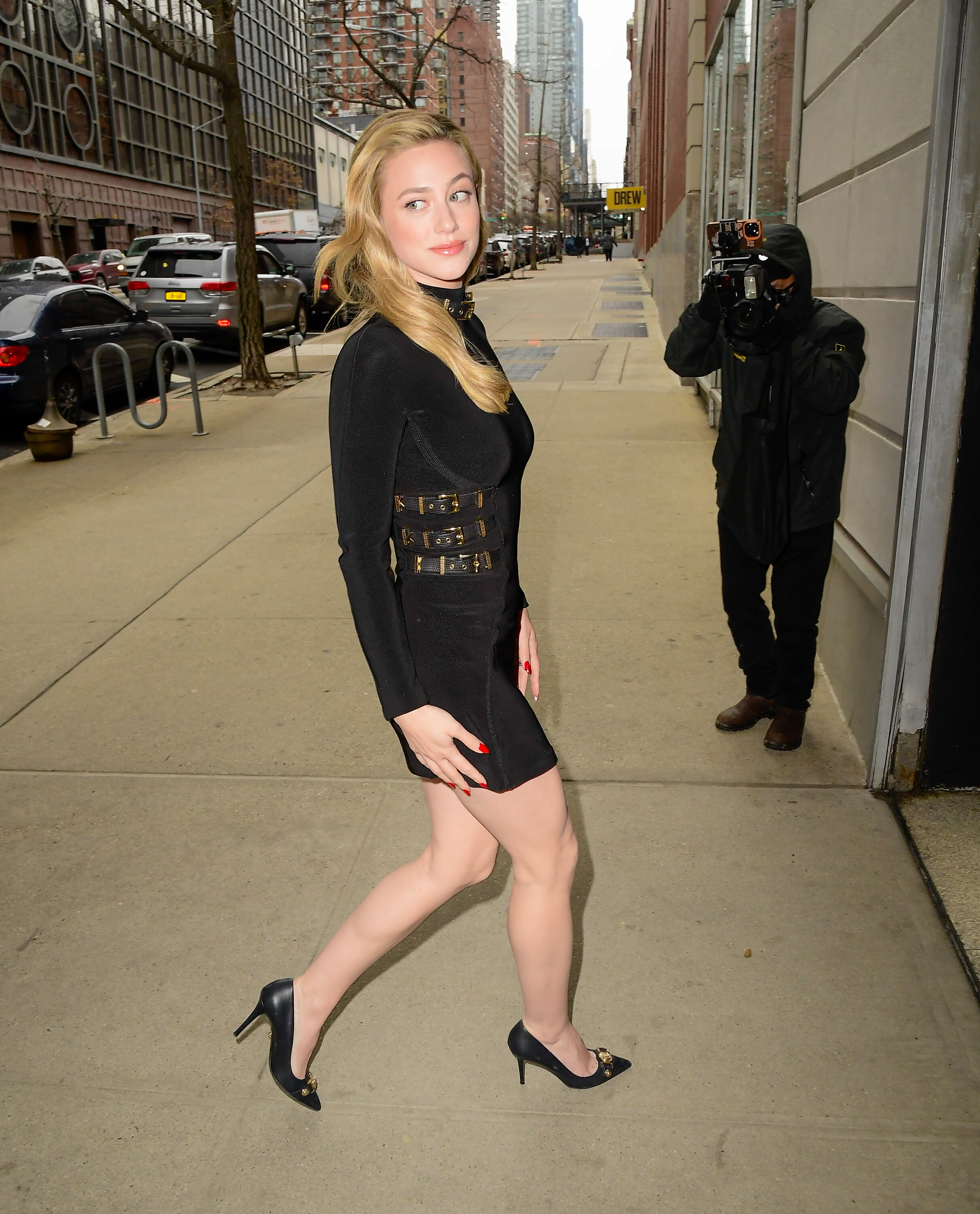
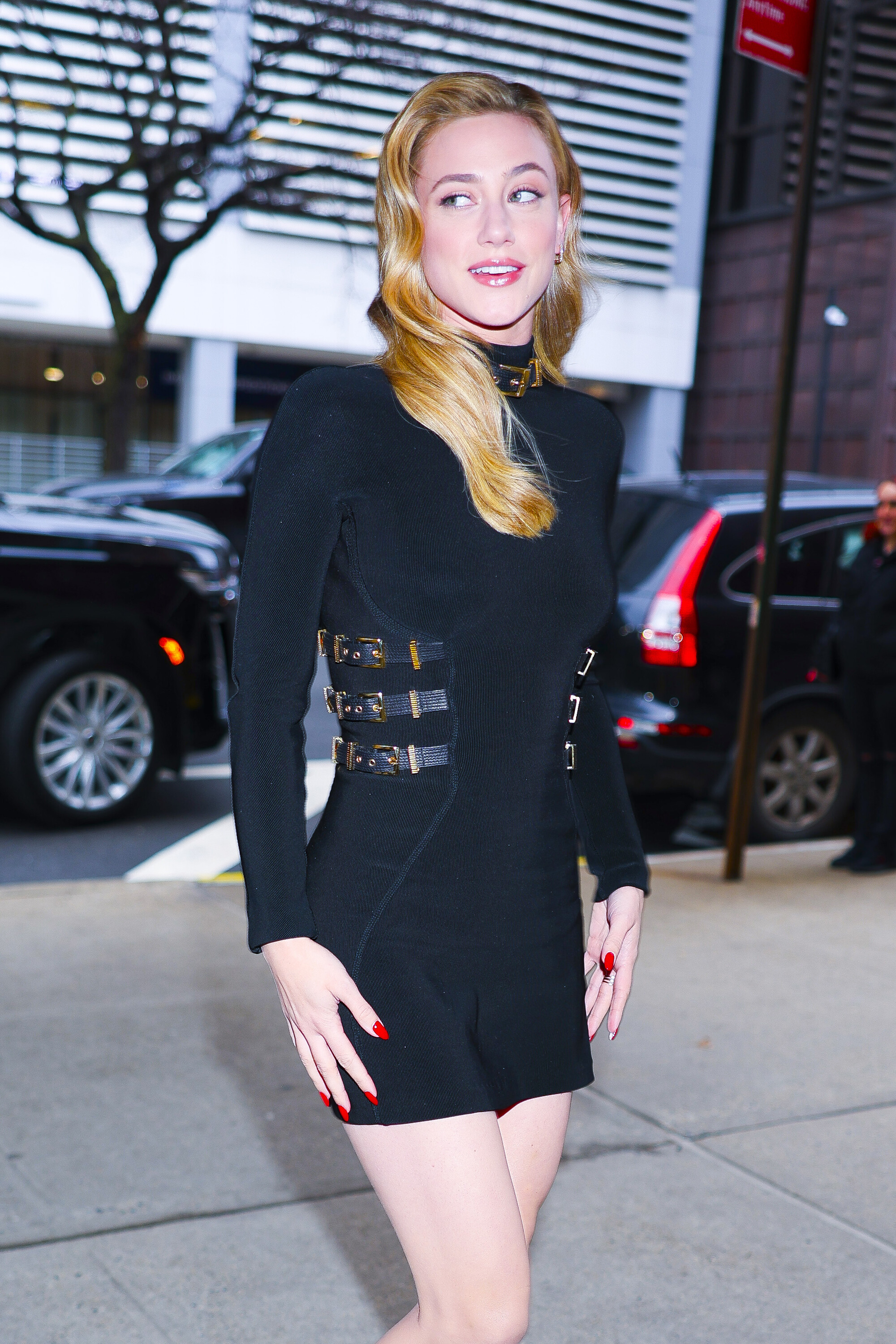
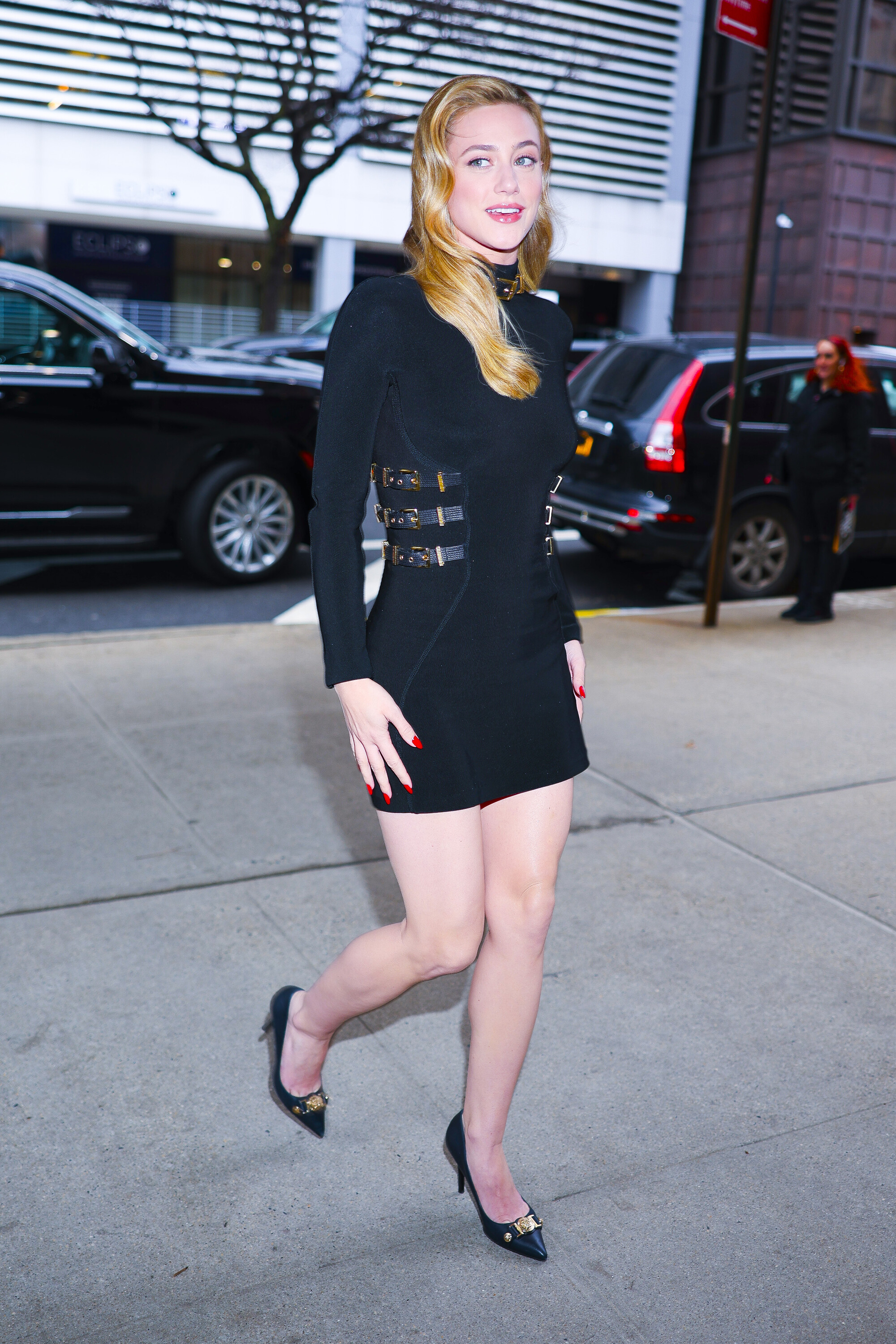
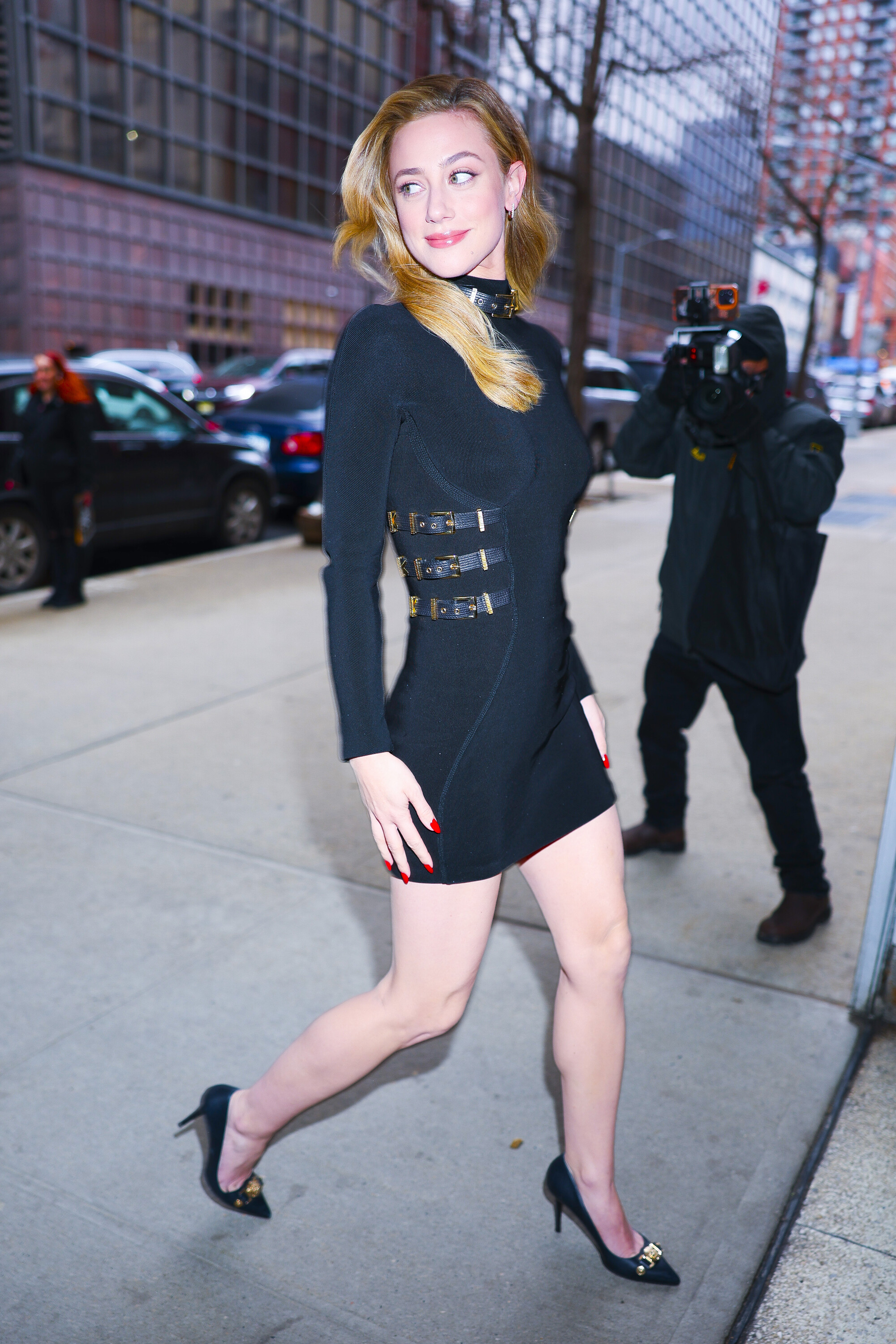
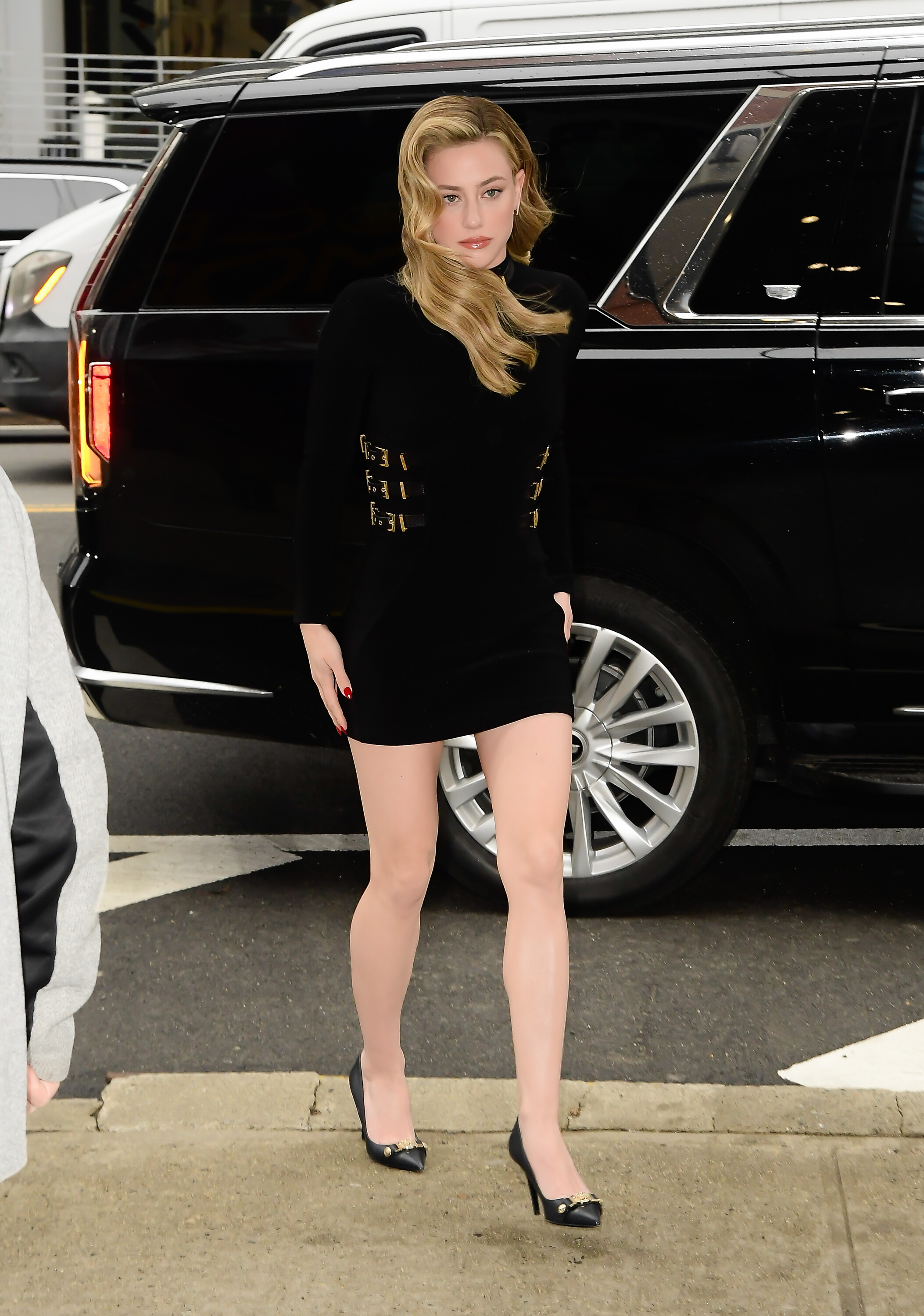
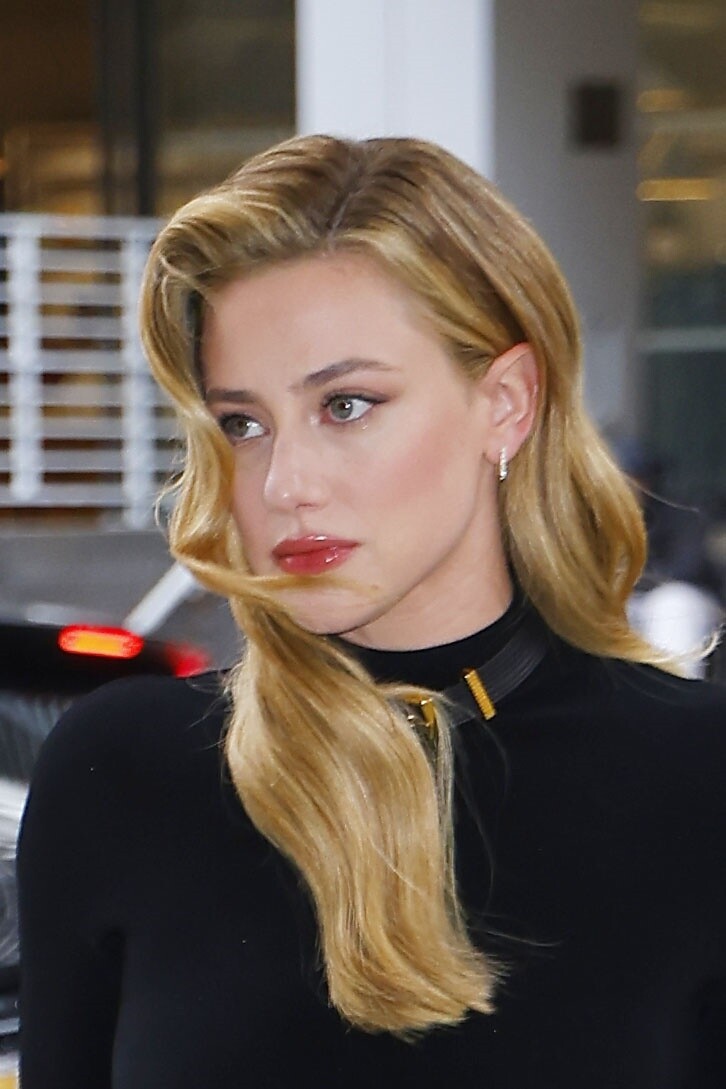
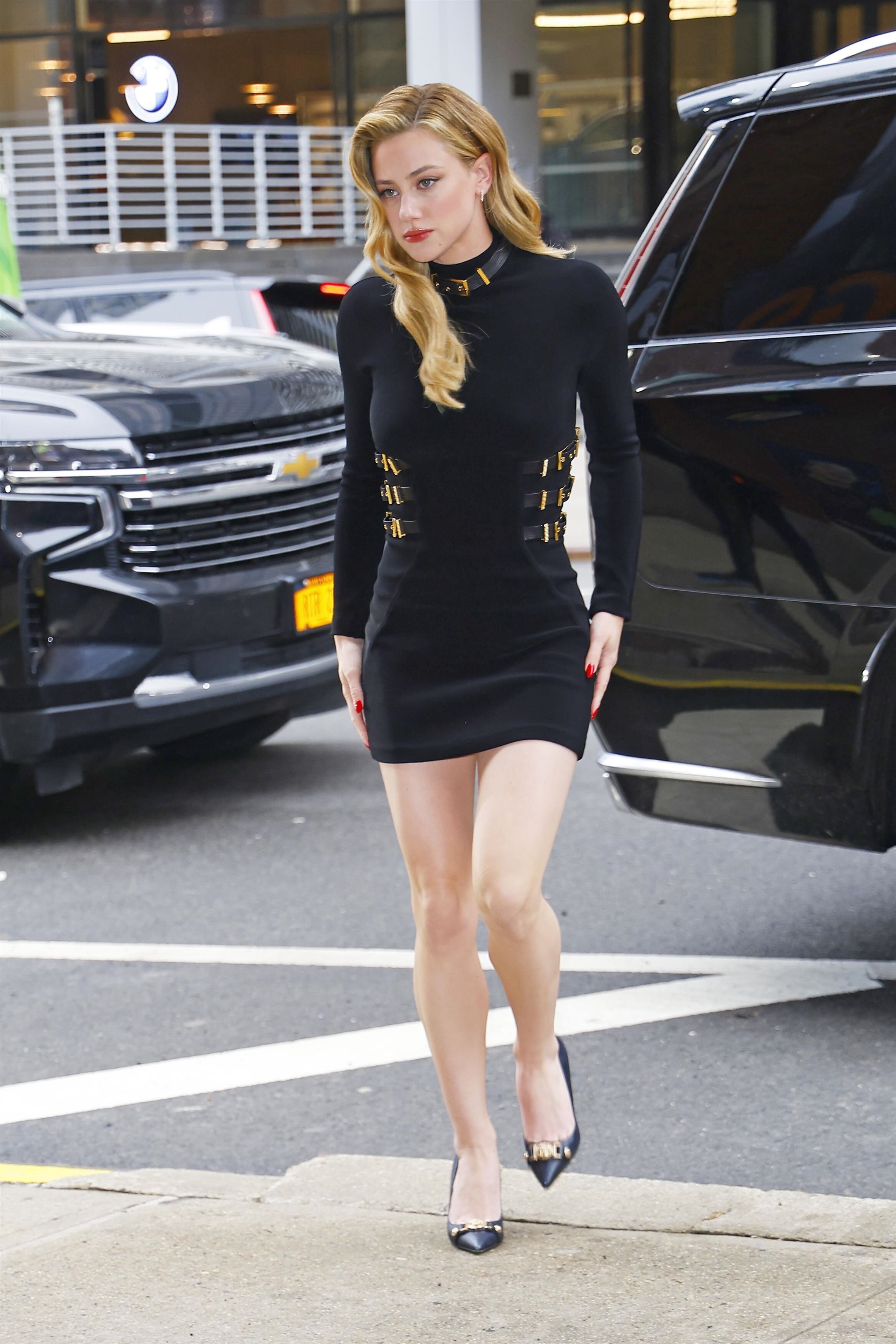
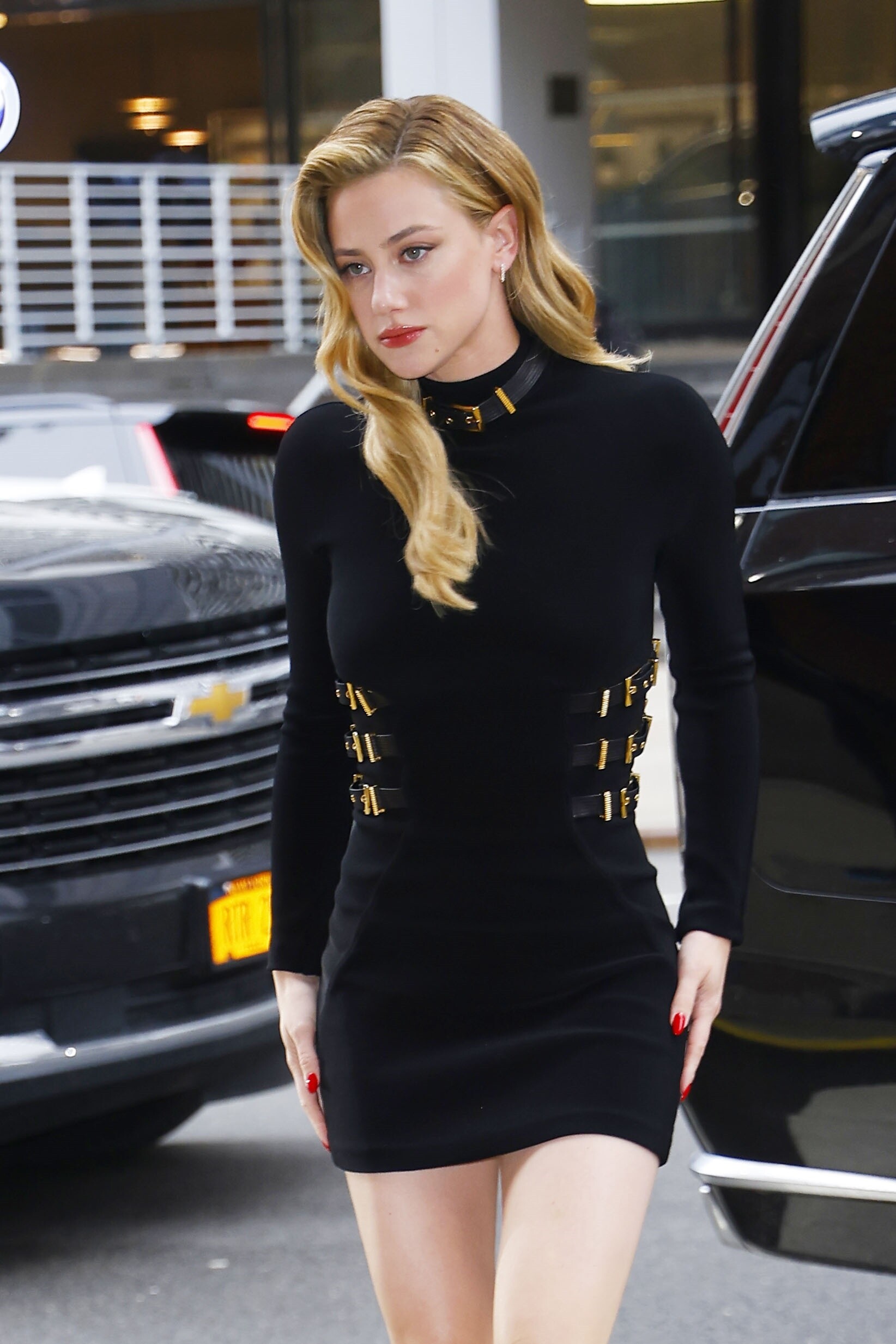
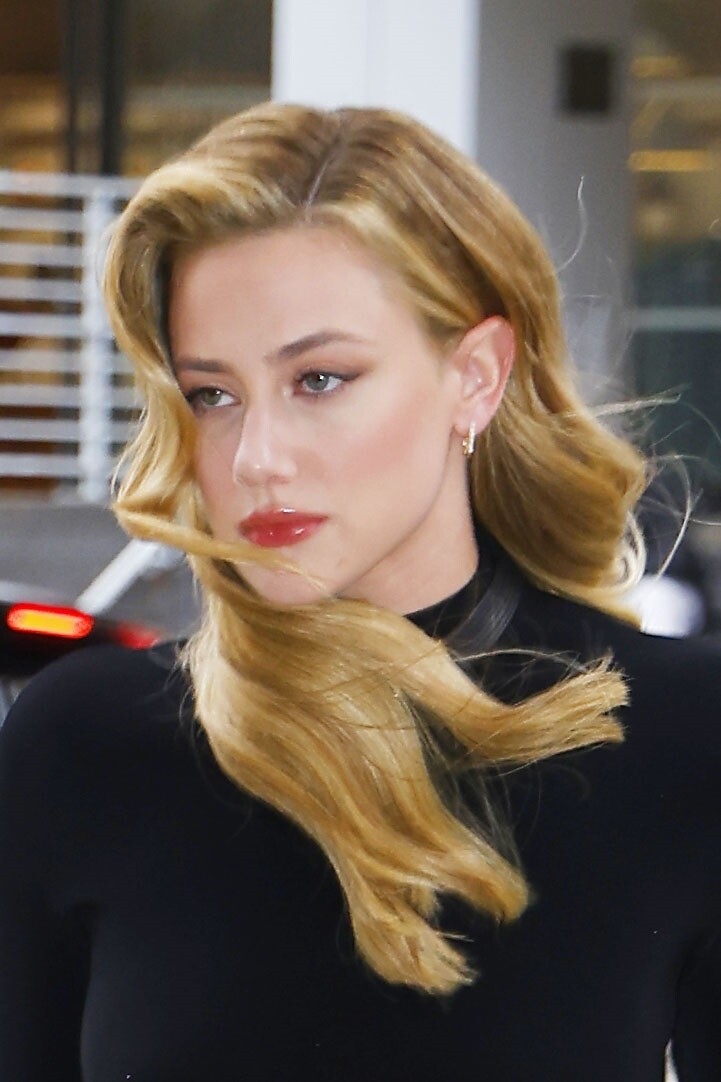
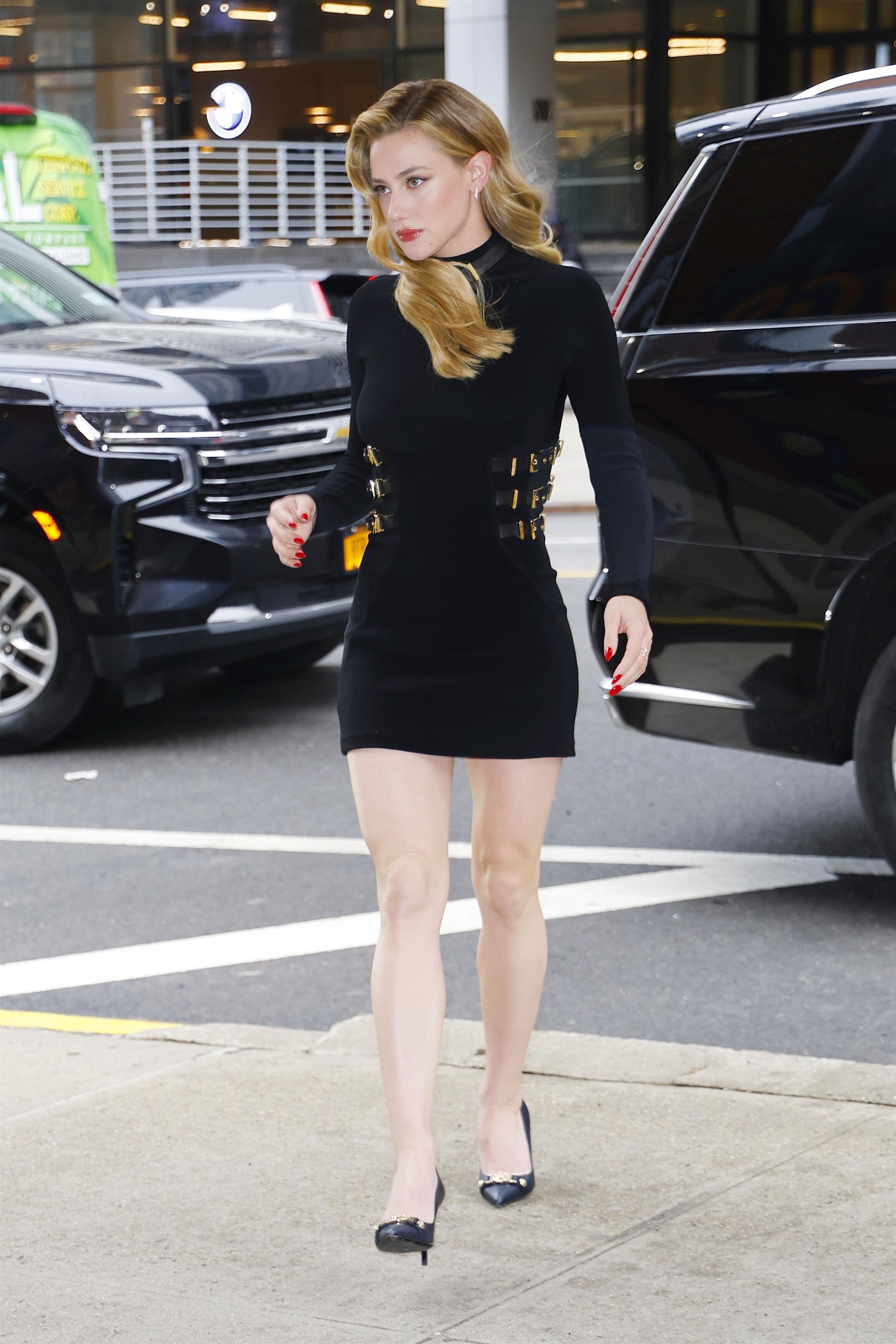
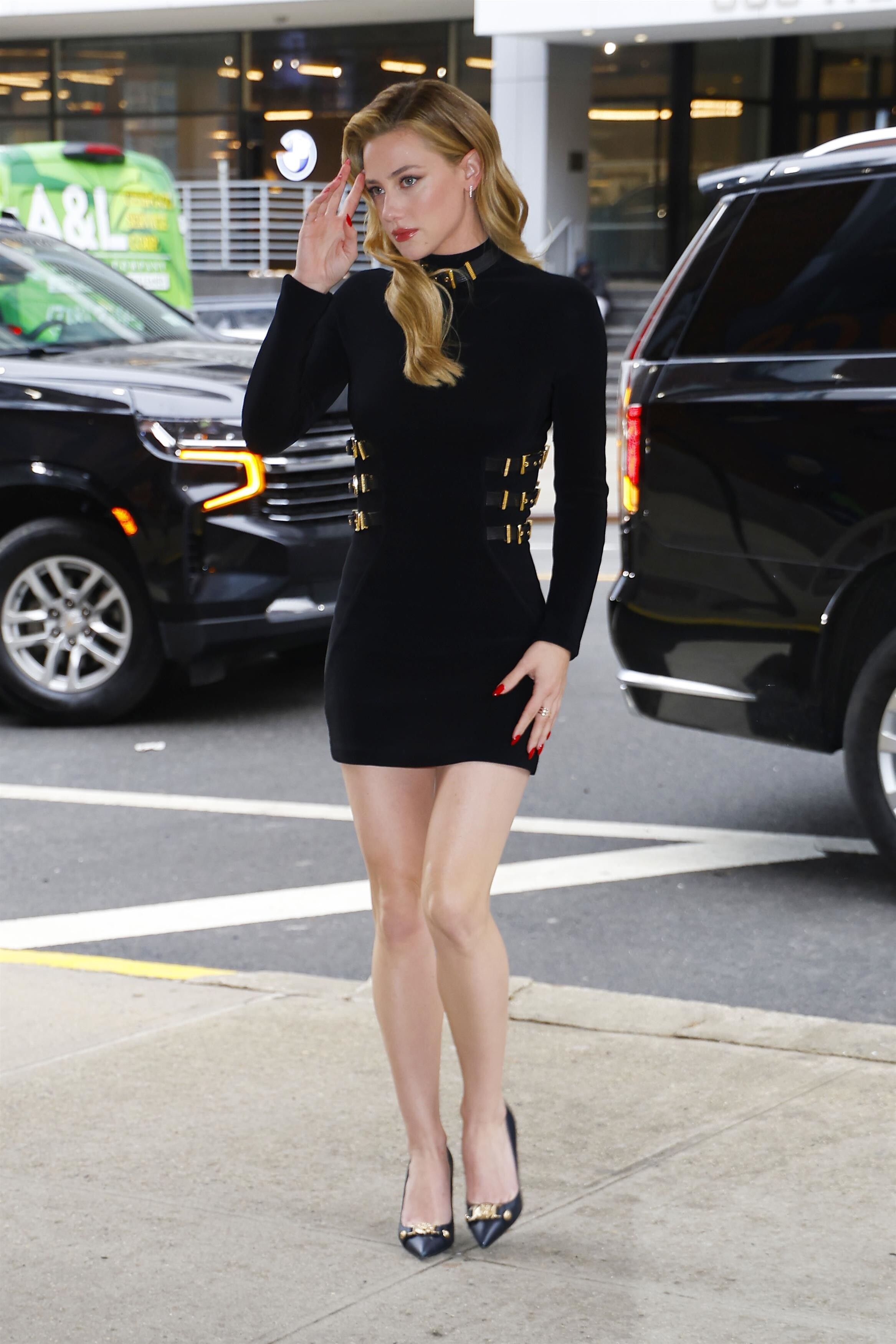
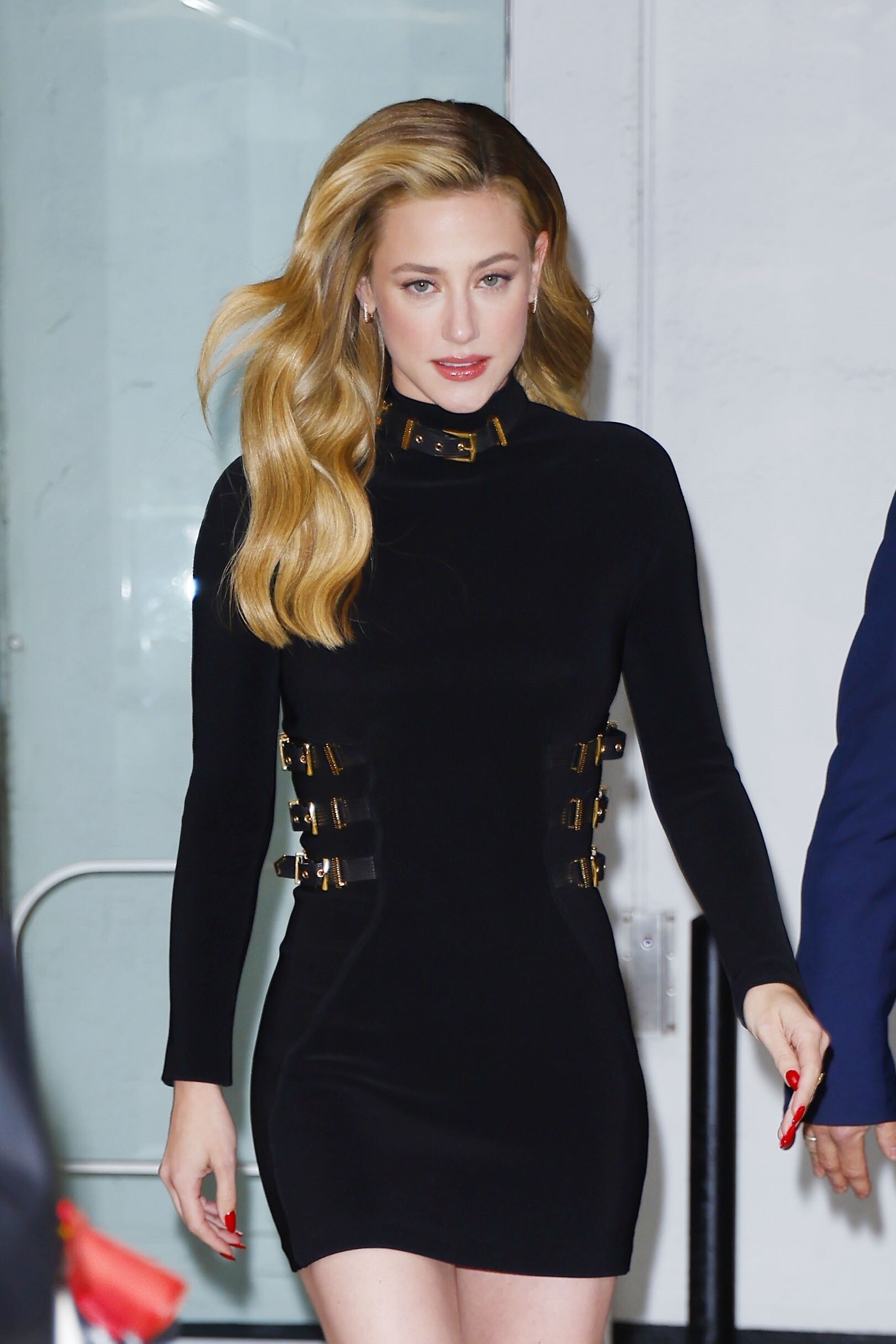
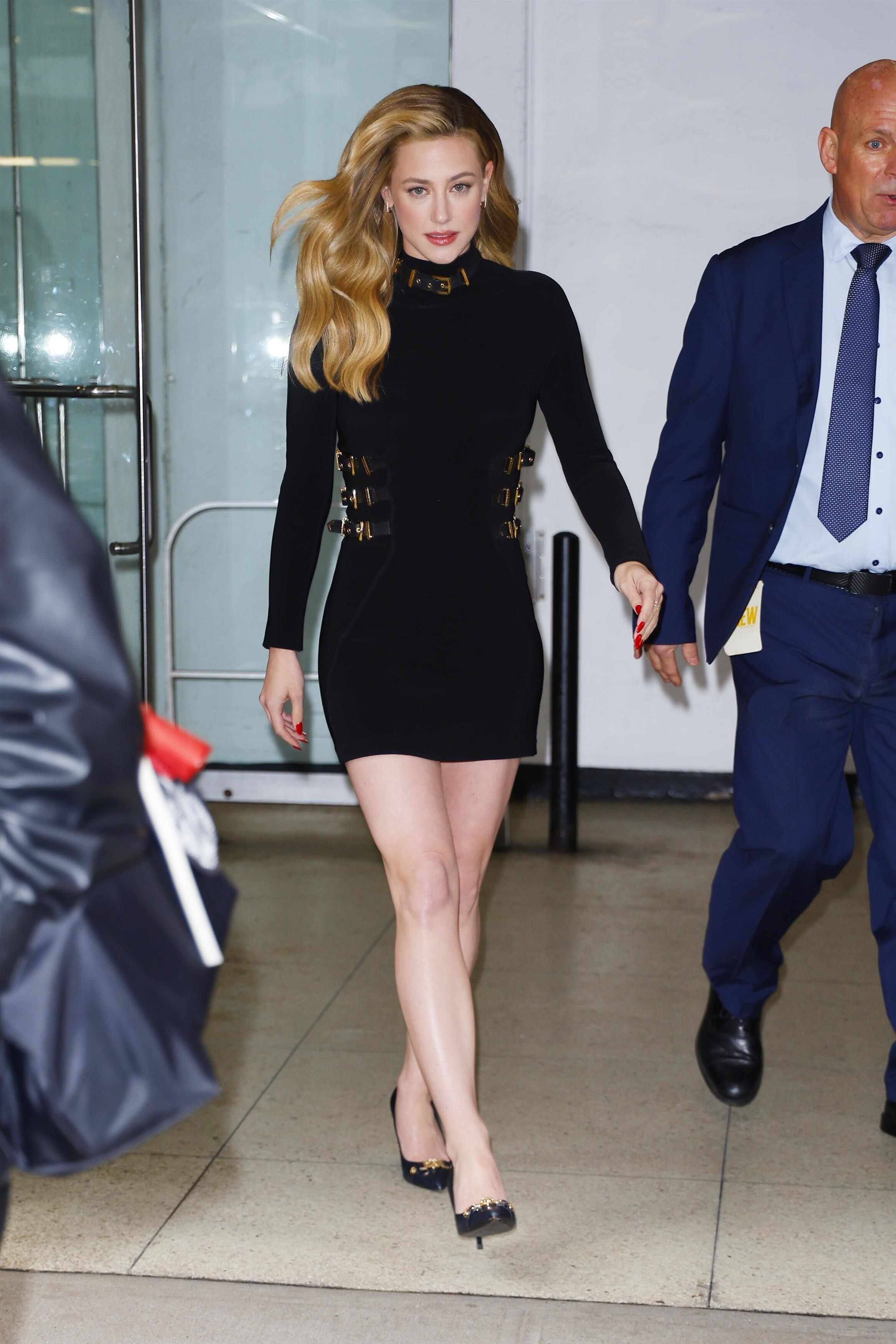
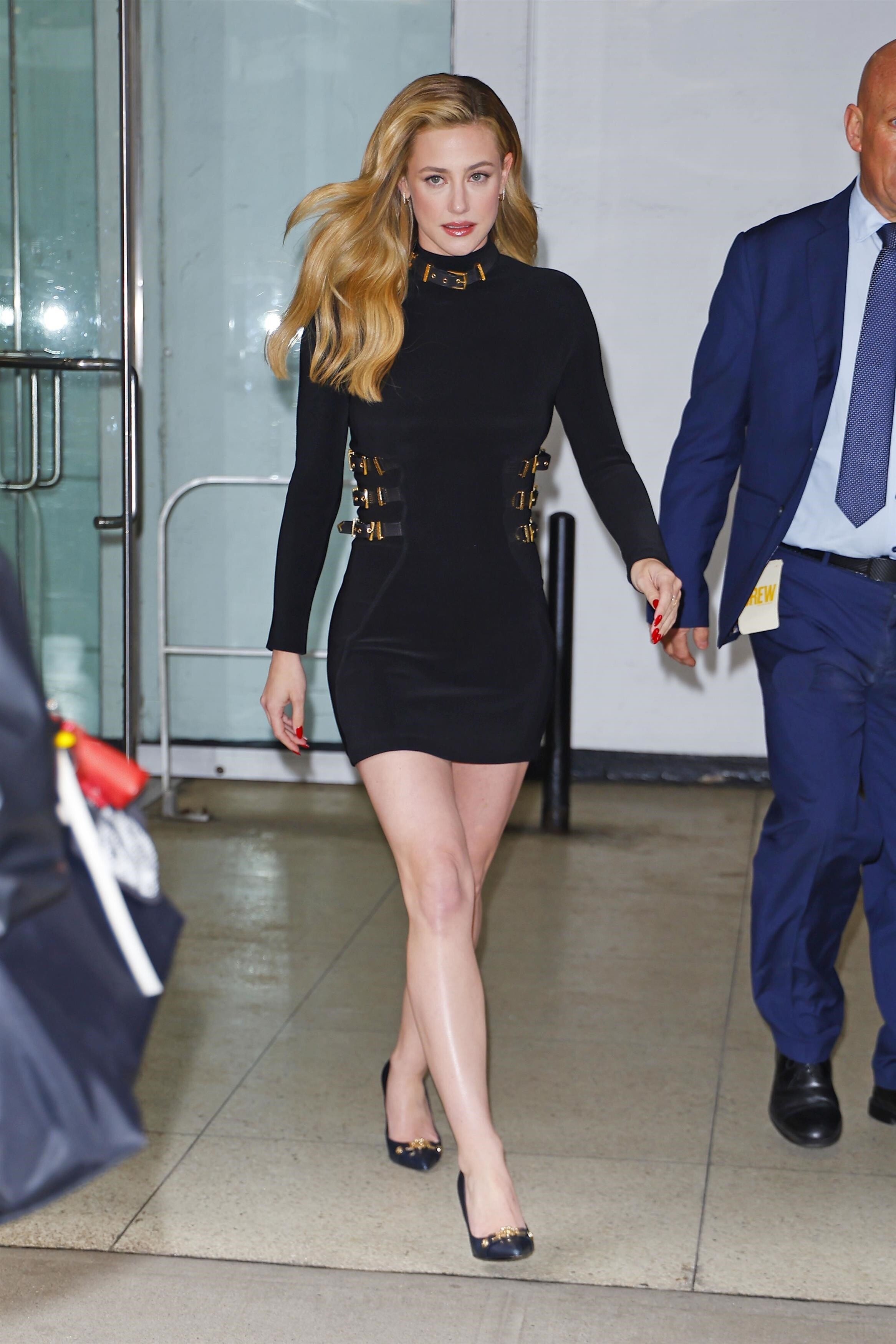
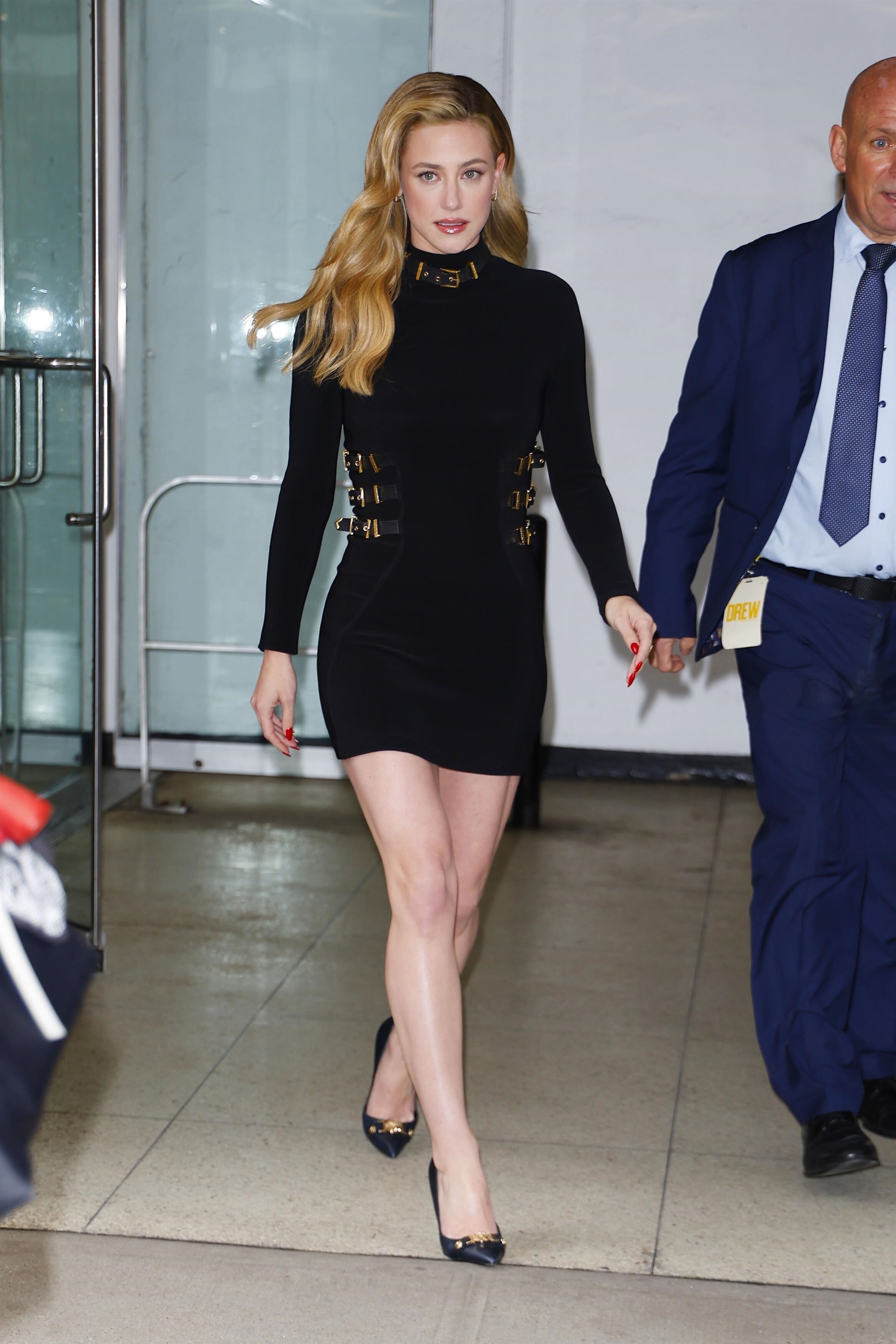
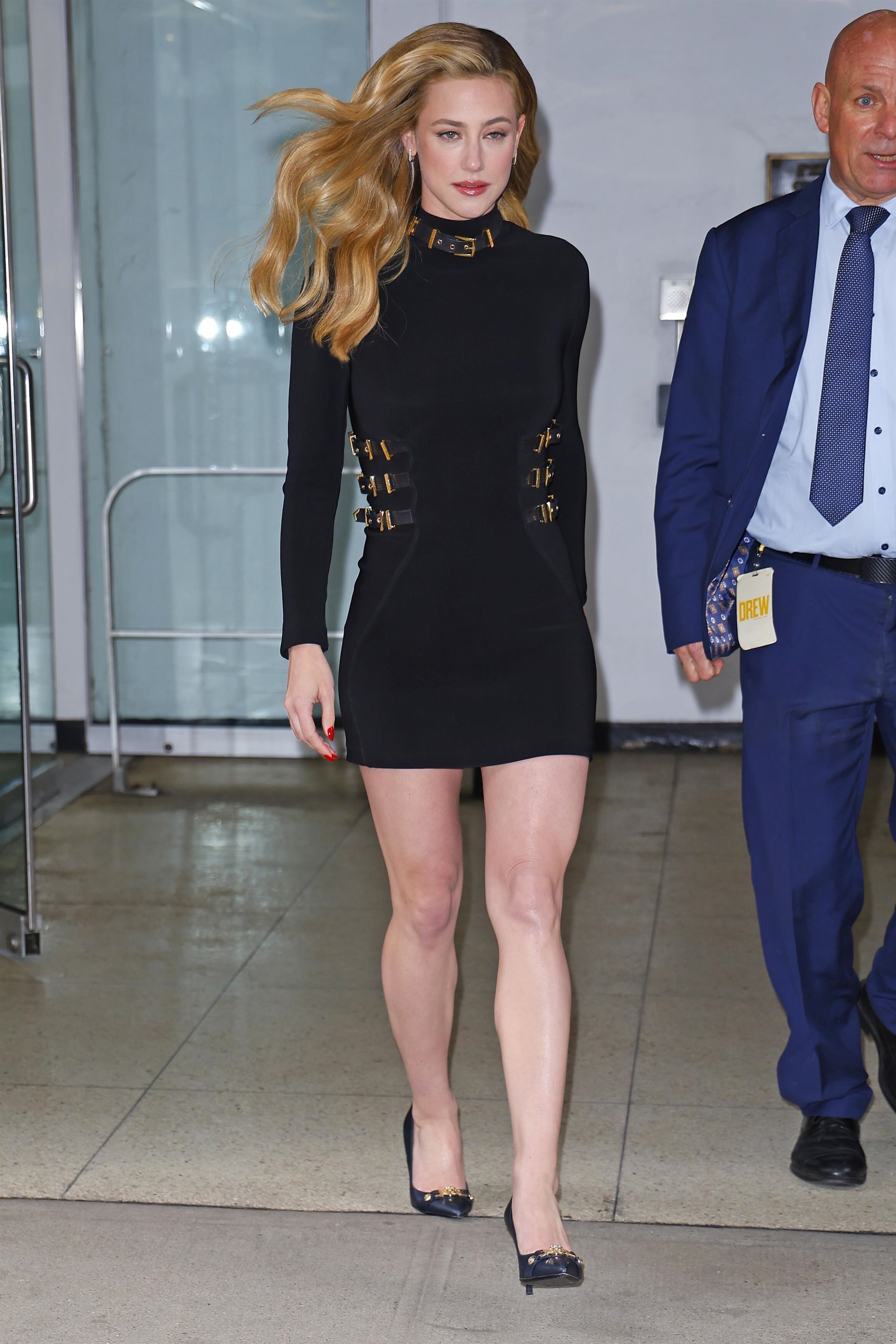
 out in New York - 3/12/2026 wtr1023 at picturepub
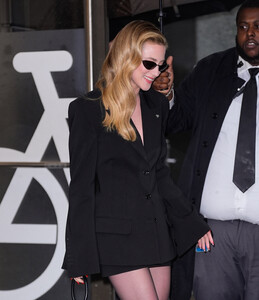






















































 SunsolveMD: We’re excited to share that ZnO+ Mineral Care Correct + Fade SPF 50 is a Harper’s Bazaar 2025 Beauty Icon Award Winner. Recognised for combining mineral SPF 50 with targeted brightening care, it helps protect against UV while supporting a more even, radiant-looking complexion.
 Inside Lili Reinhart’s Rituals & The Acne-Safe Ideas Behind Personal Day | Forbes Talks Shop
 mj8526486 joined the community
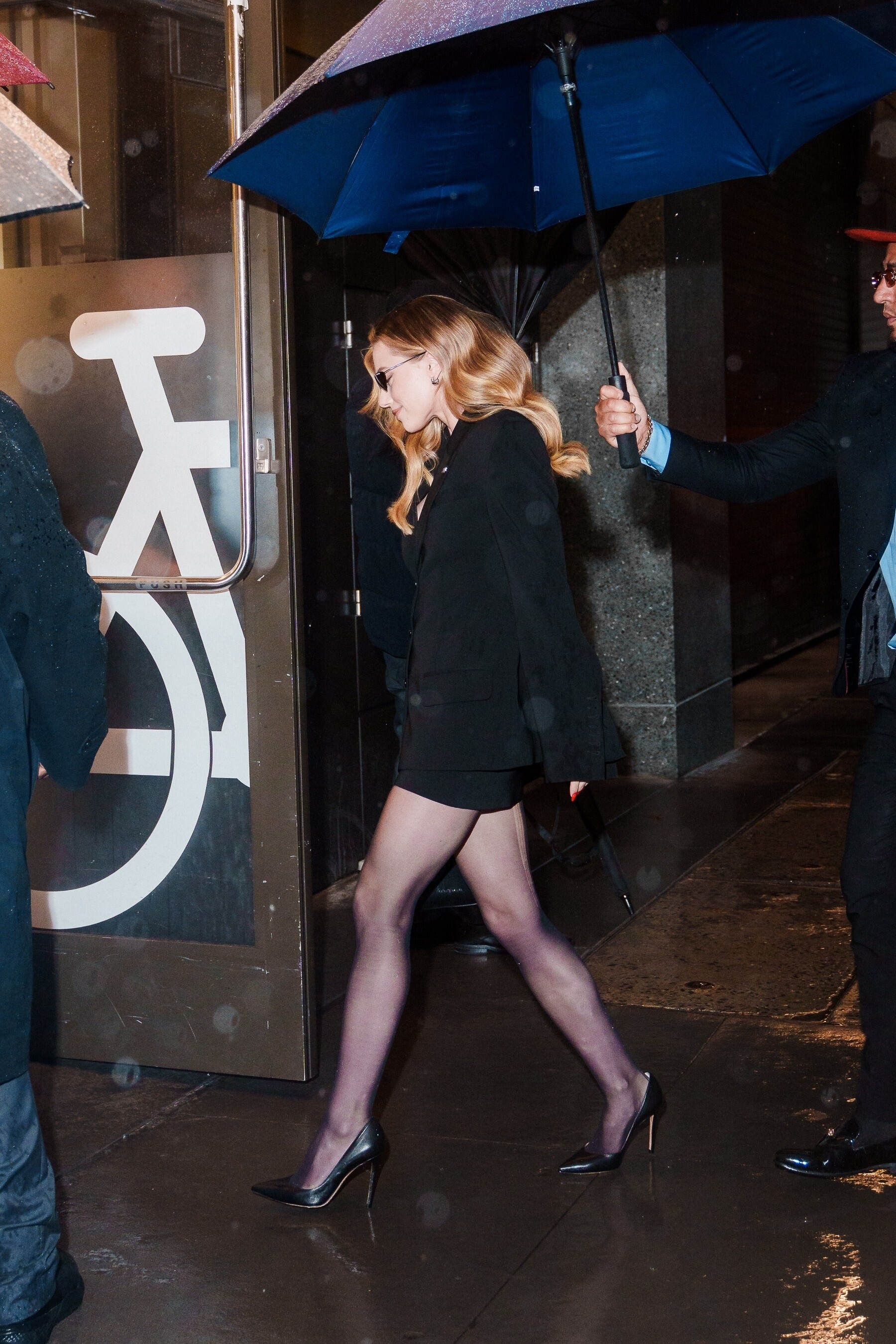
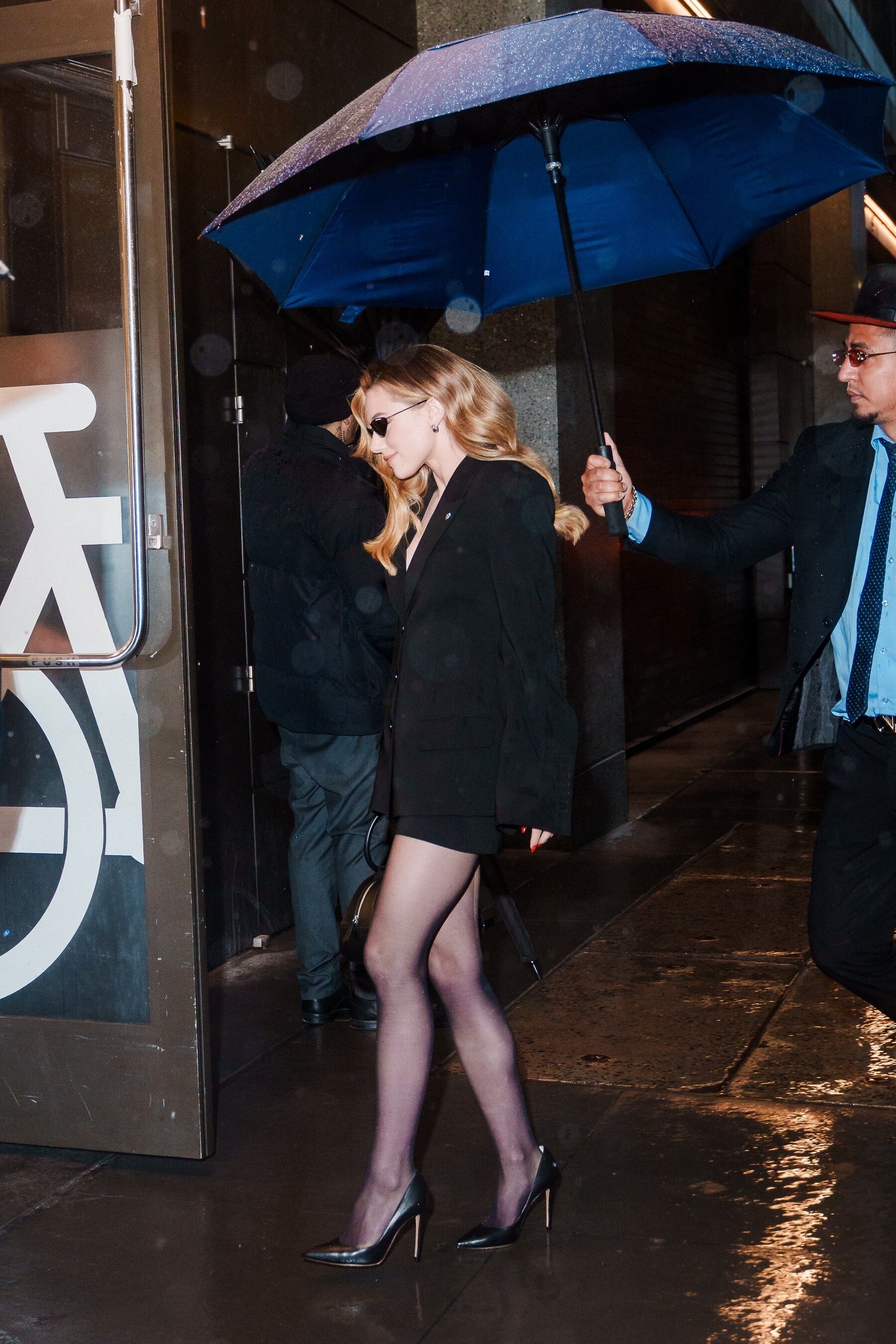
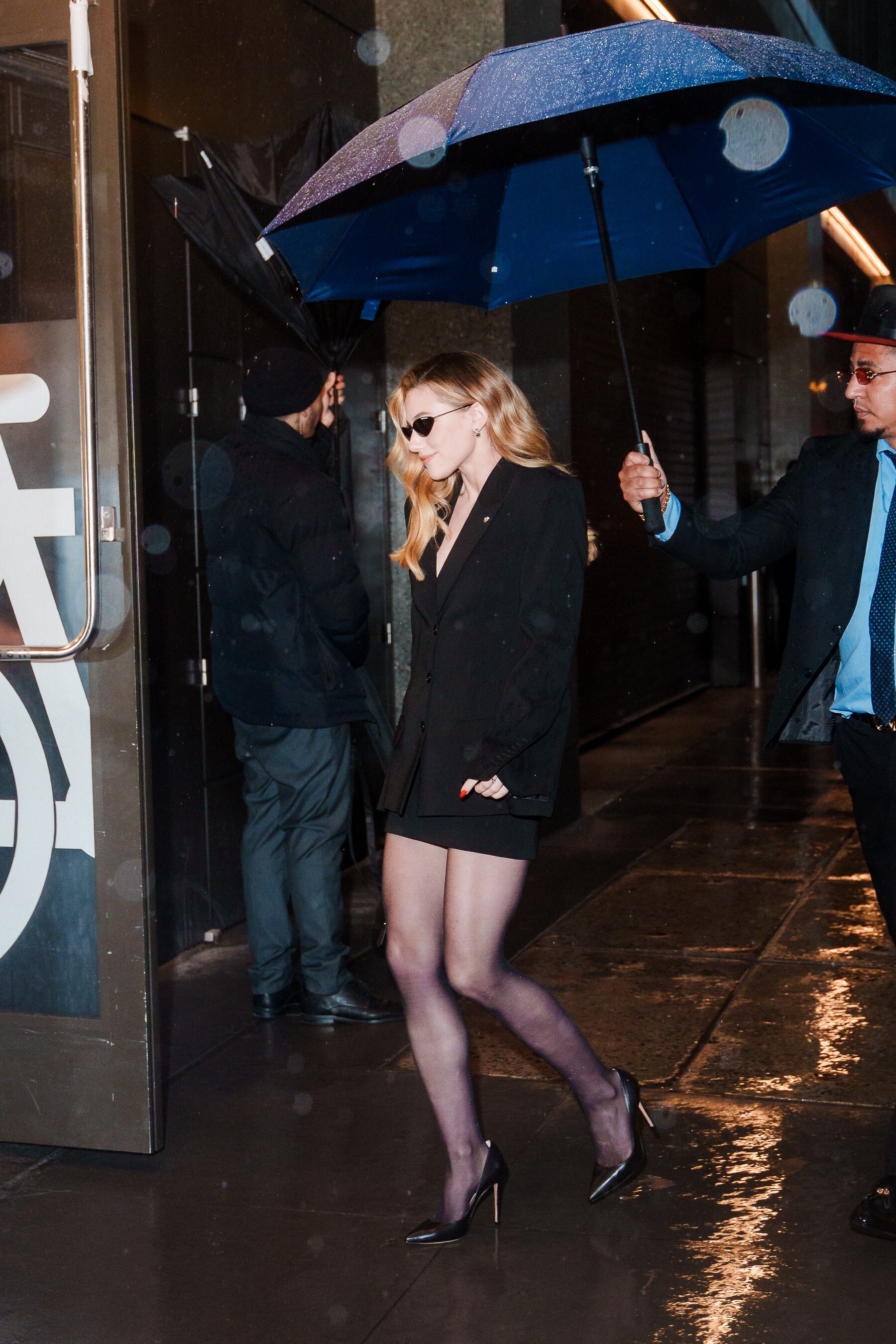
Heading to a taping of The Drew Barrymore Show at CBS Studios in New York - 3/12/2026 wtr1023 at picturepub
mj8526486 joined the community
Heading to a taping of The Drew Barrymore Show at CBS Studios in New York - 3/12/2026 wtr1023 at picturepub






















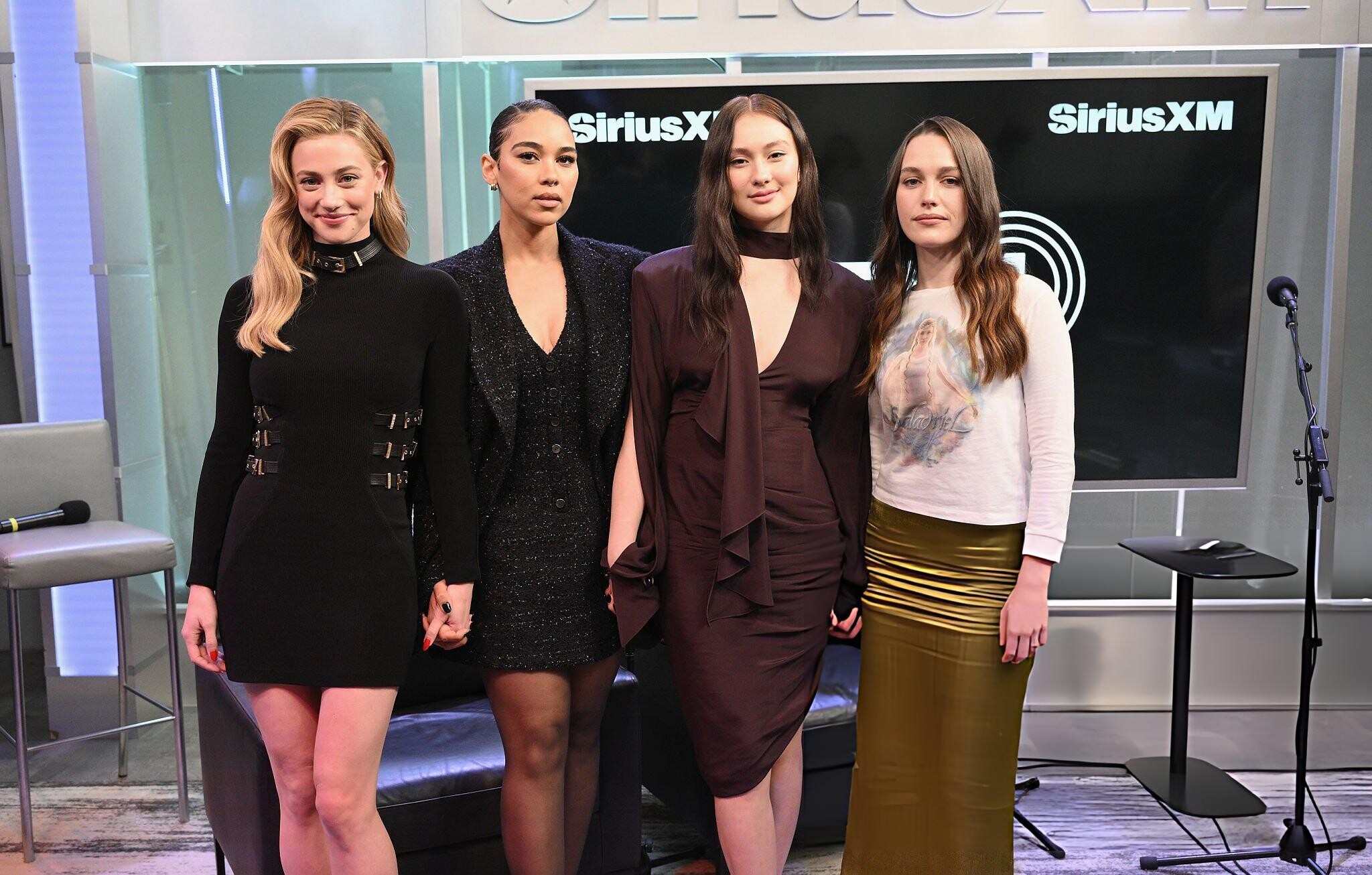
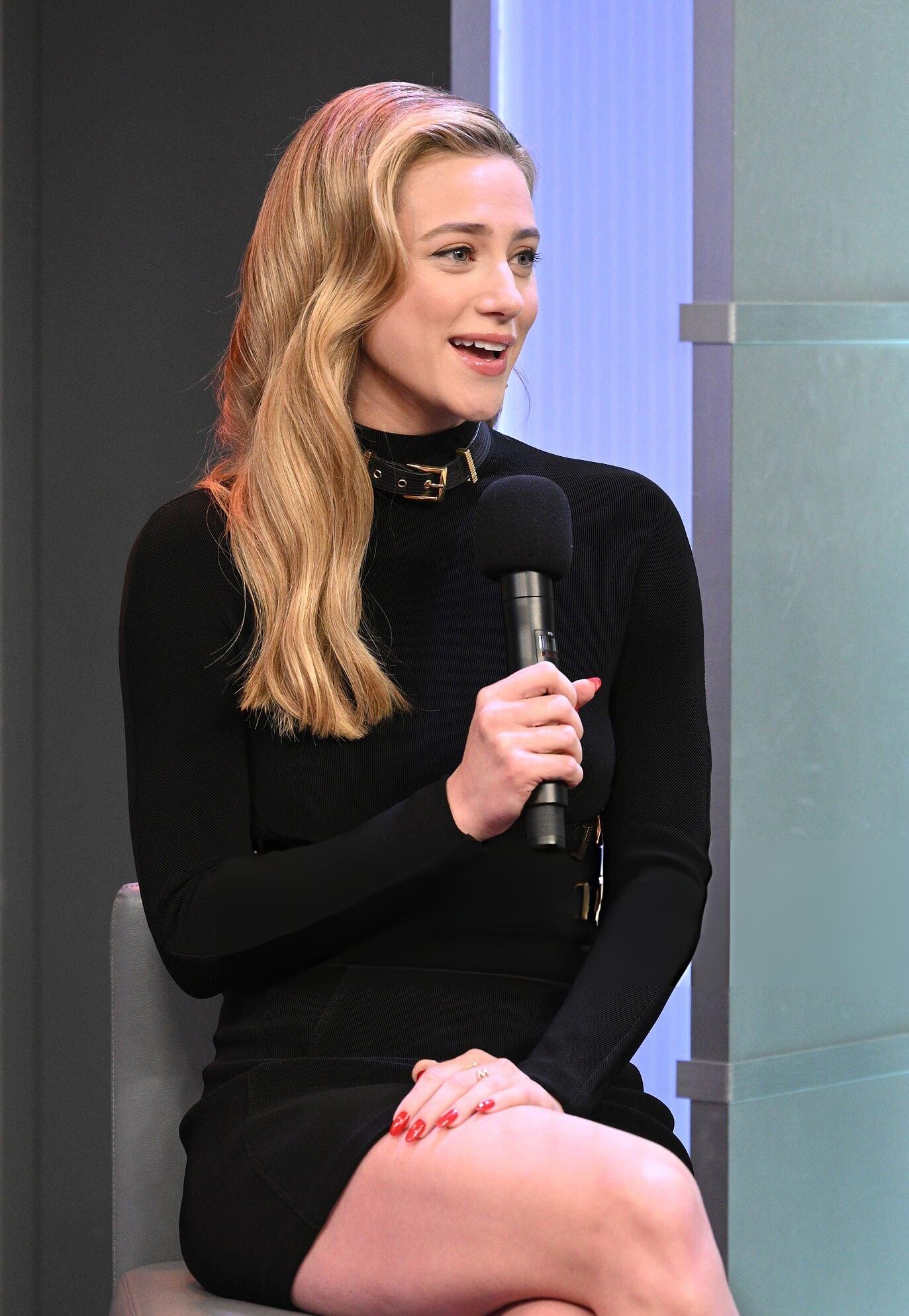
 visits Hits 1 to discuss Forbidden Fruits at SiriusXM Studios in New York - 3/12/2026 johann at picturepub





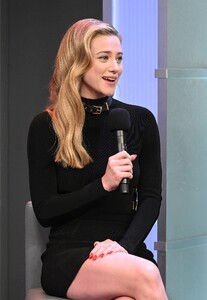
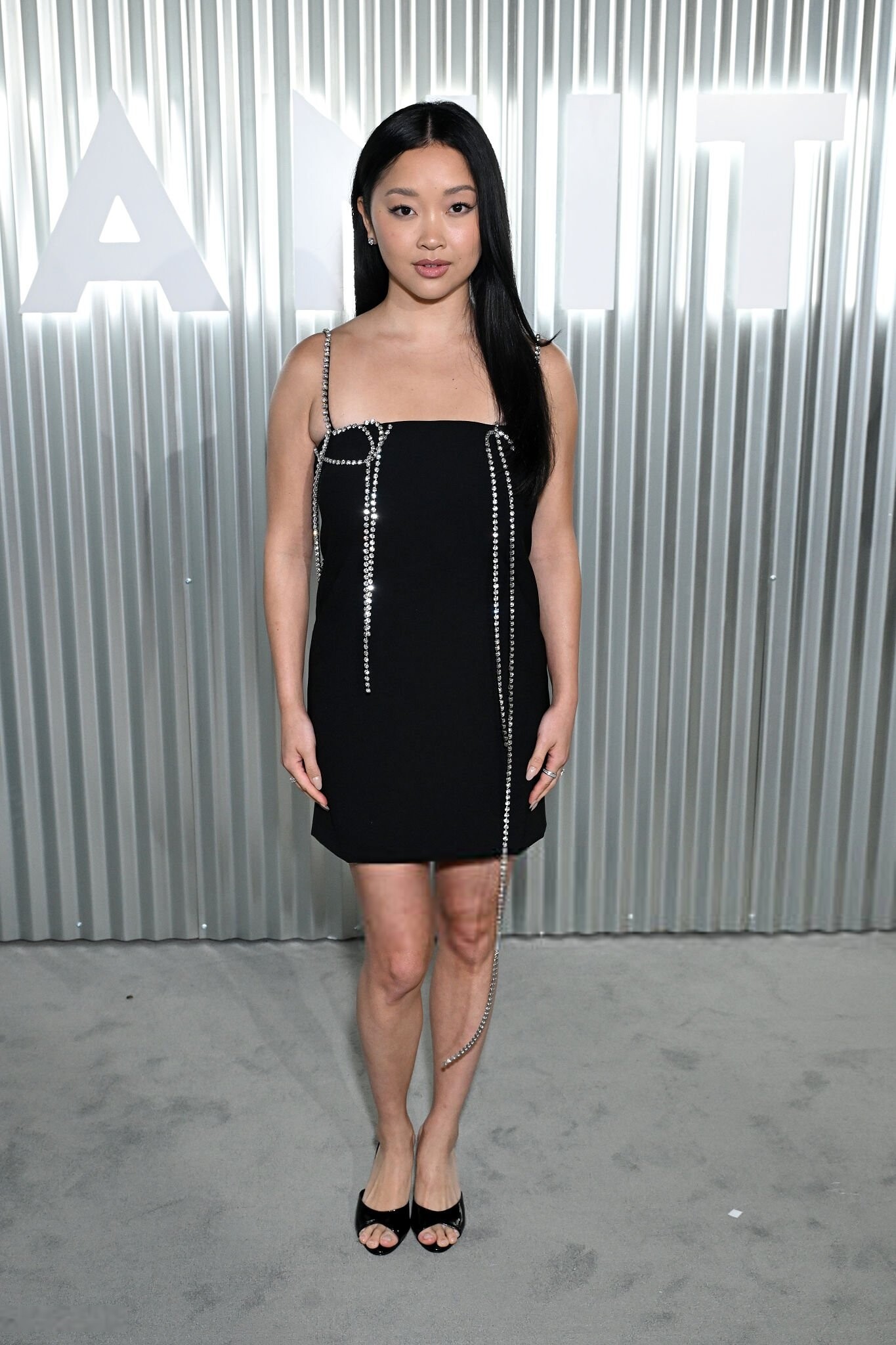
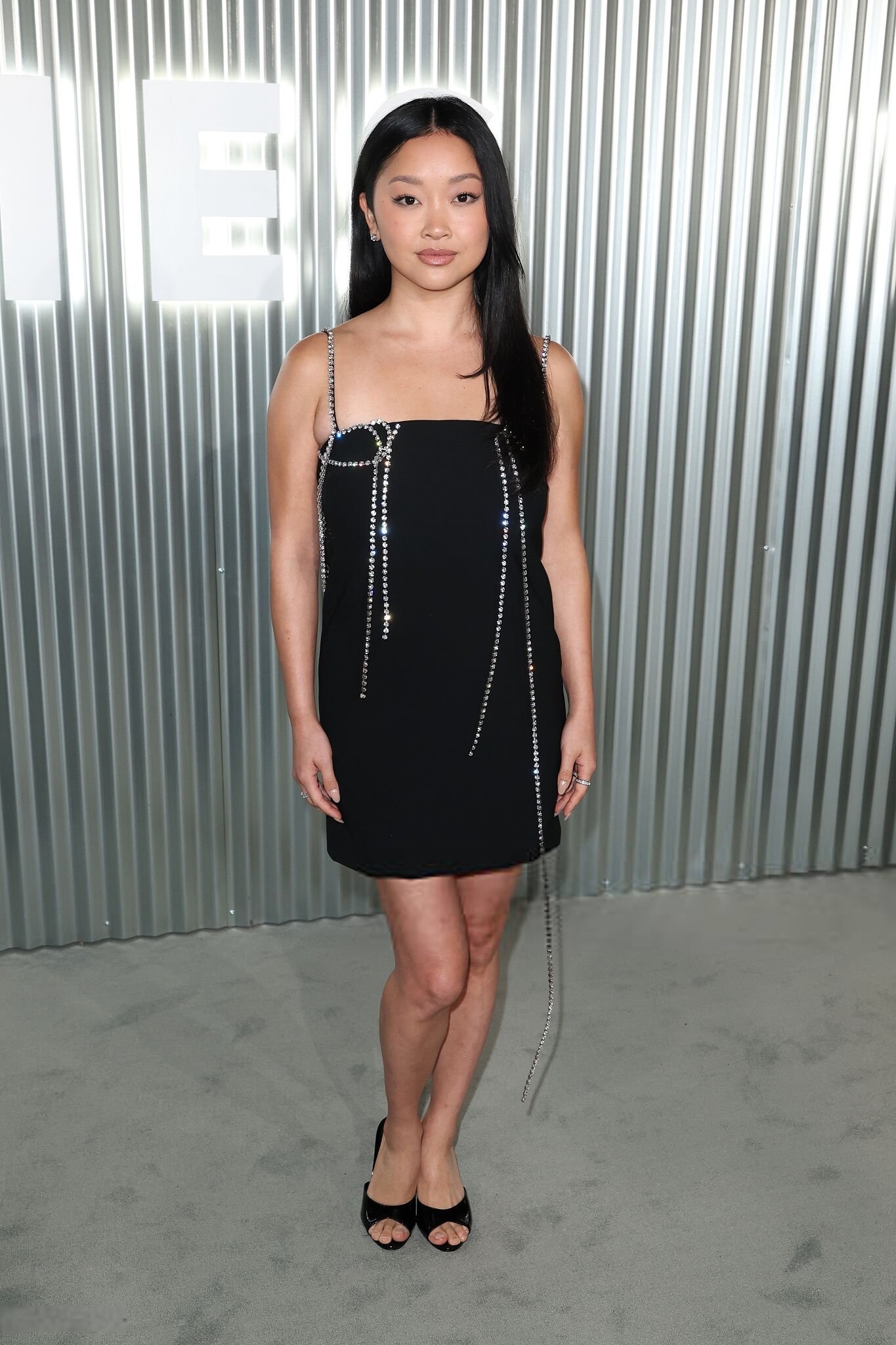
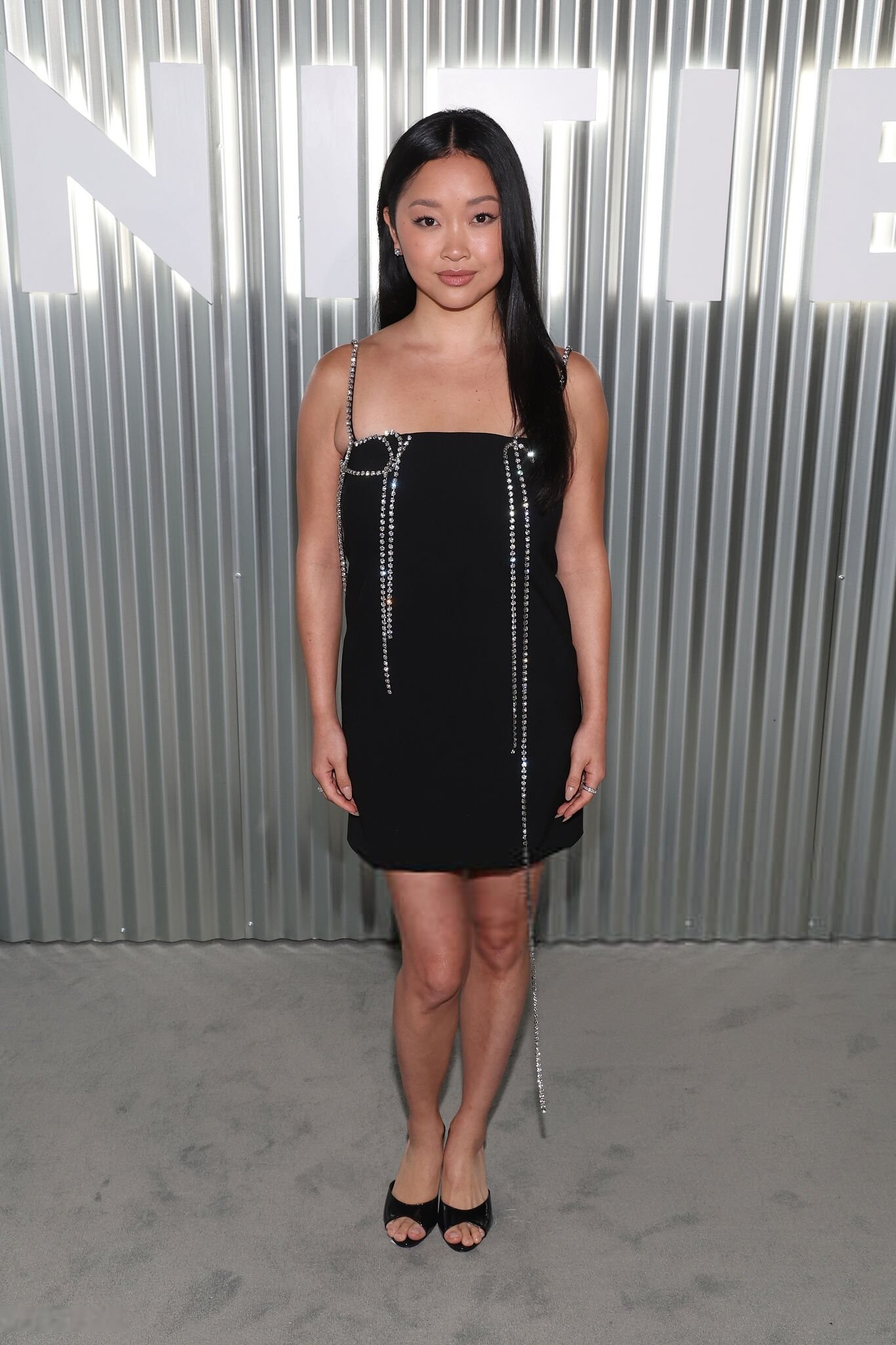
 attends Vanity Fair's The 2026 Vanities Party - A Night for Young Hollywood, Los Angeles CA - March 11, 2026 joe d at picturepub










Account
Navigation
Search
Configure browser push notifications
Chrome (Android)
- Tap the lock icon next to the address bar.
- Tap Permissions → Notifications.
- Adjust your preference.
Chrome (Desktop)
- Click the padlock icon in the address bar.
- Select Site settings.
- Find Notifications and adjust your preference.
Safari (iOS 16.4+)
- Ensure the site is installed via Add to Home Screen.
- Open Settings App → Notifications.
- Find your app name and adjust your preference.
Safari (macOS)
- Go to Safari → Preferences.
- Click the Websites tab.
- Select Notifications in the sidebar.
- Find this website and adjust your preference.
Edge (Android)
- Tap the lock icon next to the address bar.
- Tap Permissions.
- Find Notifications and adjust your preference.
Edge (Desktop)
- Click the padlock icon in the address bar.
- Click Permissions for this site.
- Find Notifications and adjust your preference.
Firefox (Android)
- Go to Settings → Site permissions.
- Tap Notifications.
- Find this site in the list and adjust your preference.
Firefox (Desktop)
- Open Firefox Settings.
- Search for Notifications.
- Find this site in the list and adjust your preference.








.jpg.29beee73c5f93d6aa0fcd5be27381dcd.jpg)