Jump to content
View in the app

A better way to browse. Learn more.

Bellazon

A full-screen app on your home screen with push notifications, badges and more.

To install this app on iOS and iPadOS
  1. Tap the Share icon in Safari
  2. Scroll the menu and tap Add to Home Screen.
  3. Tap Add in the top-right corner.
To install this app on Android
  1. Tap the 3-dot menu (⋮) in the top-right corner of the browser.
  2. Tap Add to Home screen or Install app.
  3. Confirm by tapping Install.

All Activity

This stream auto-updates

  1. Past hour
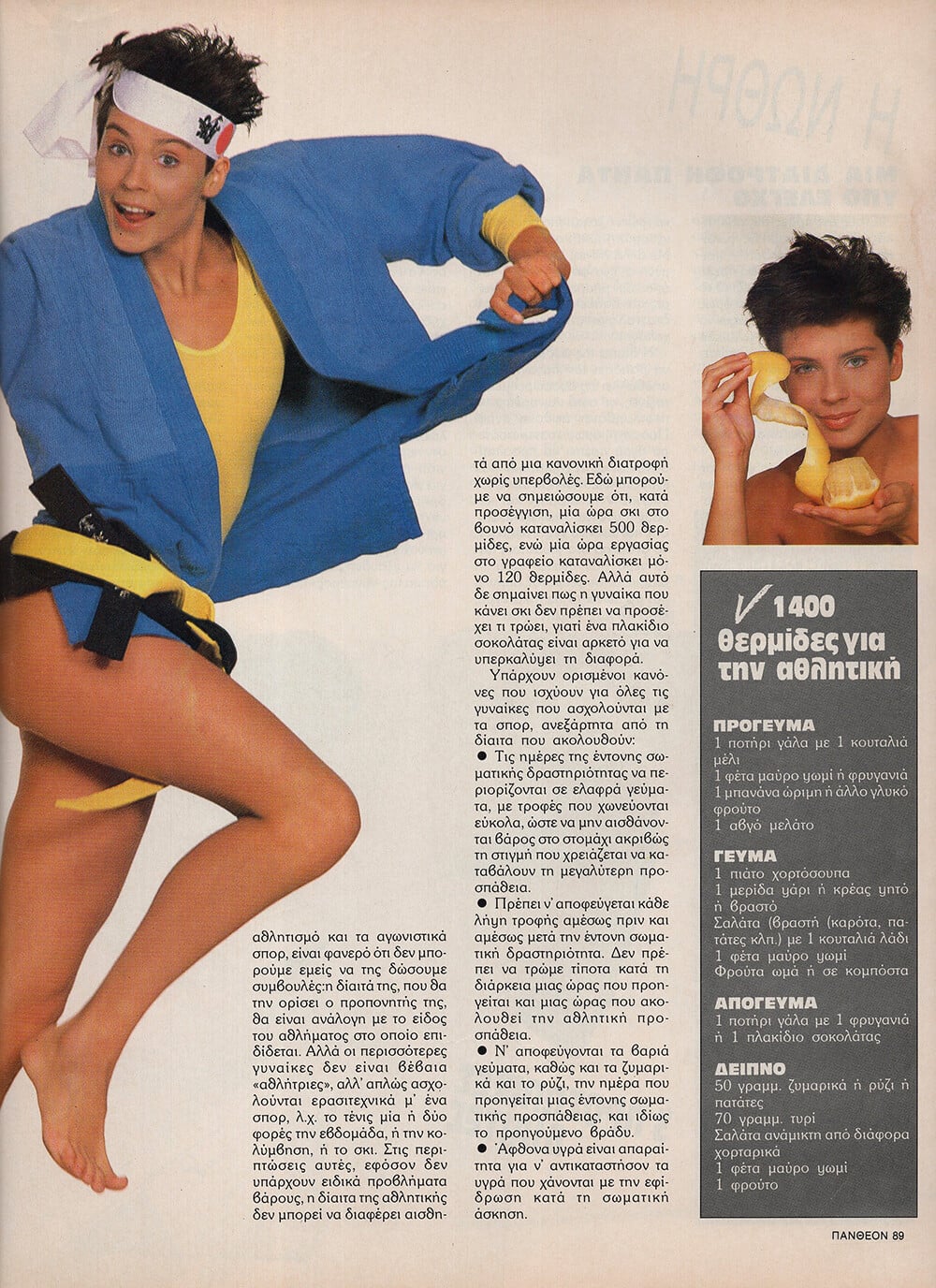
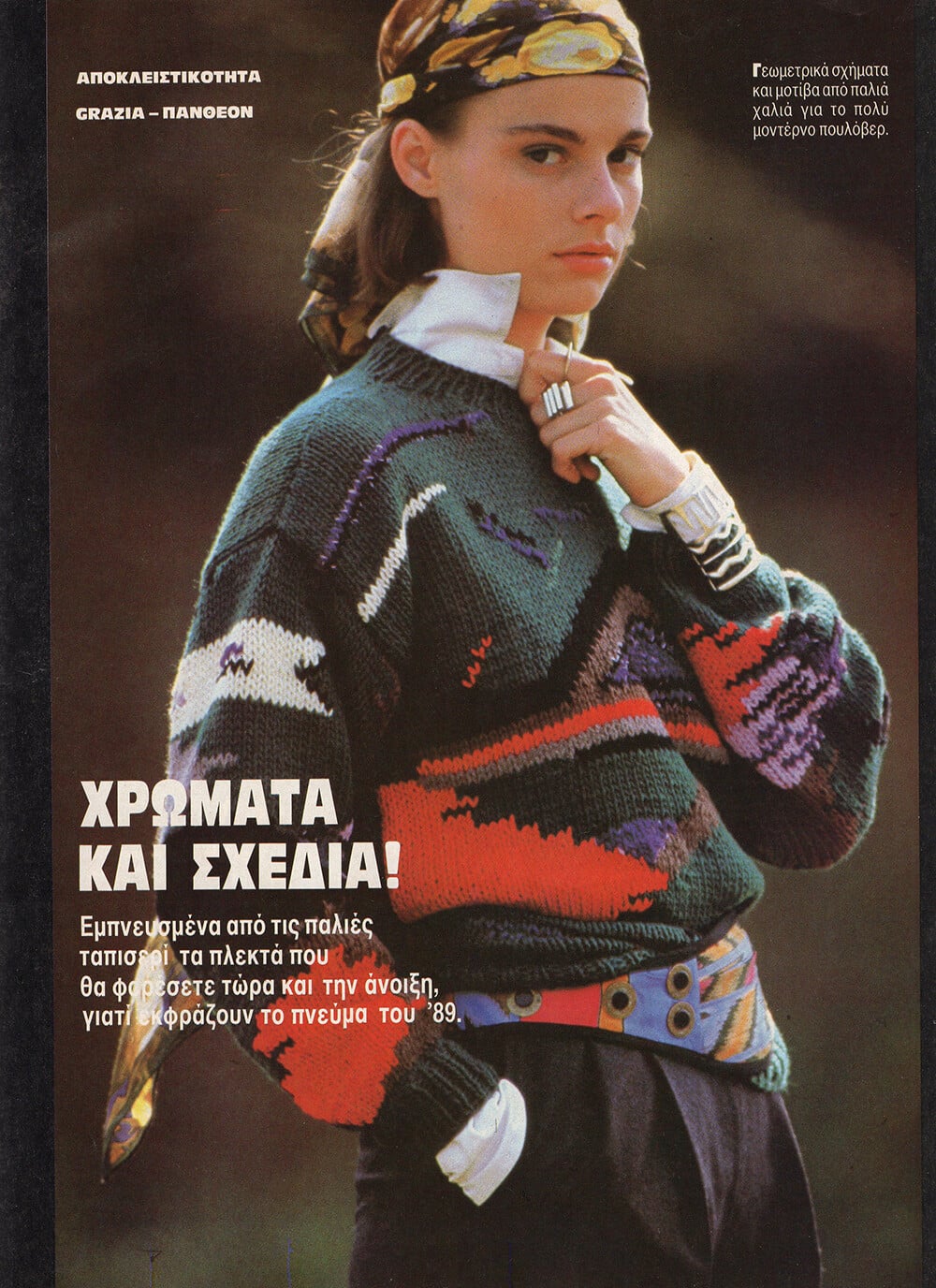
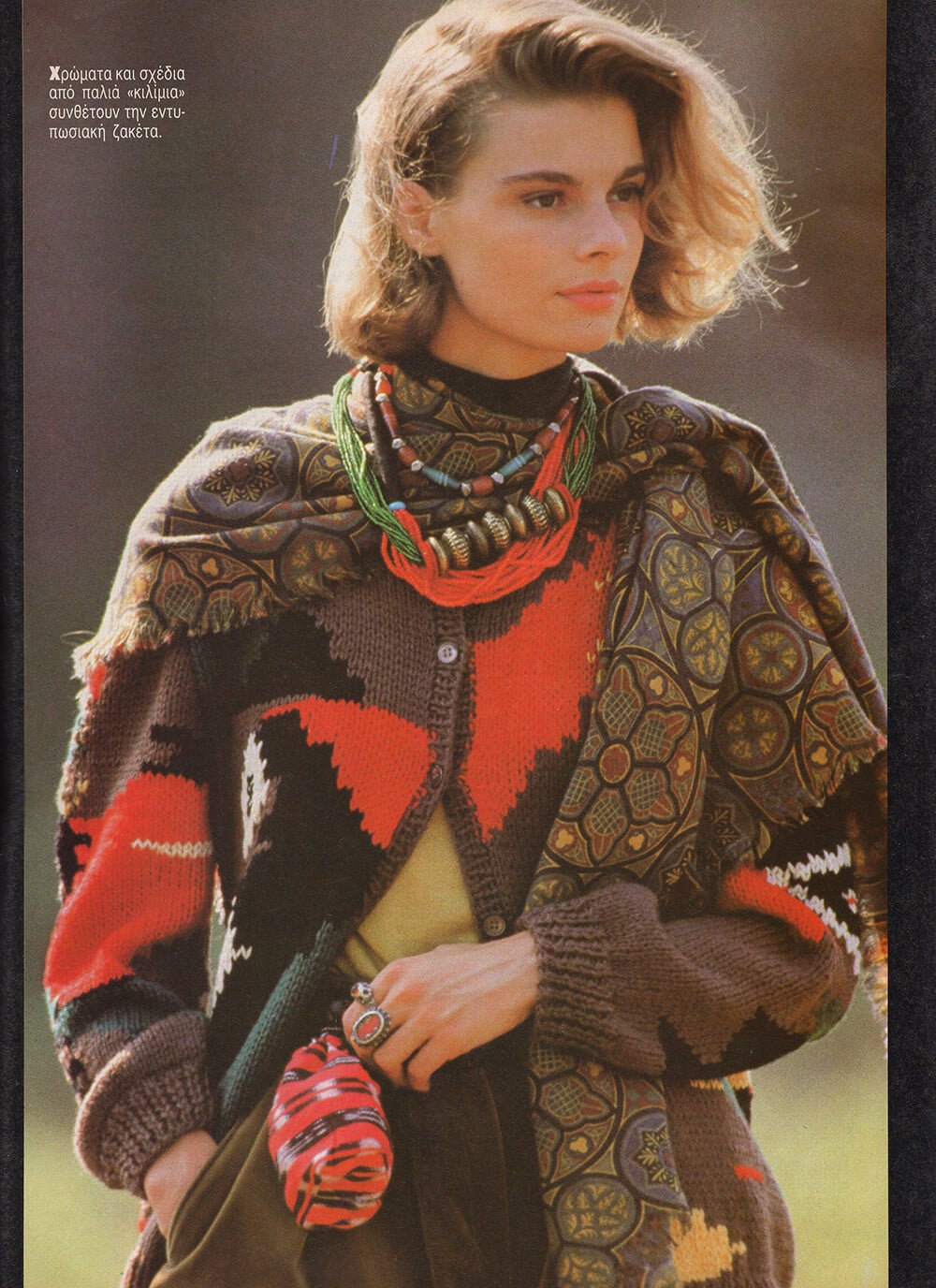
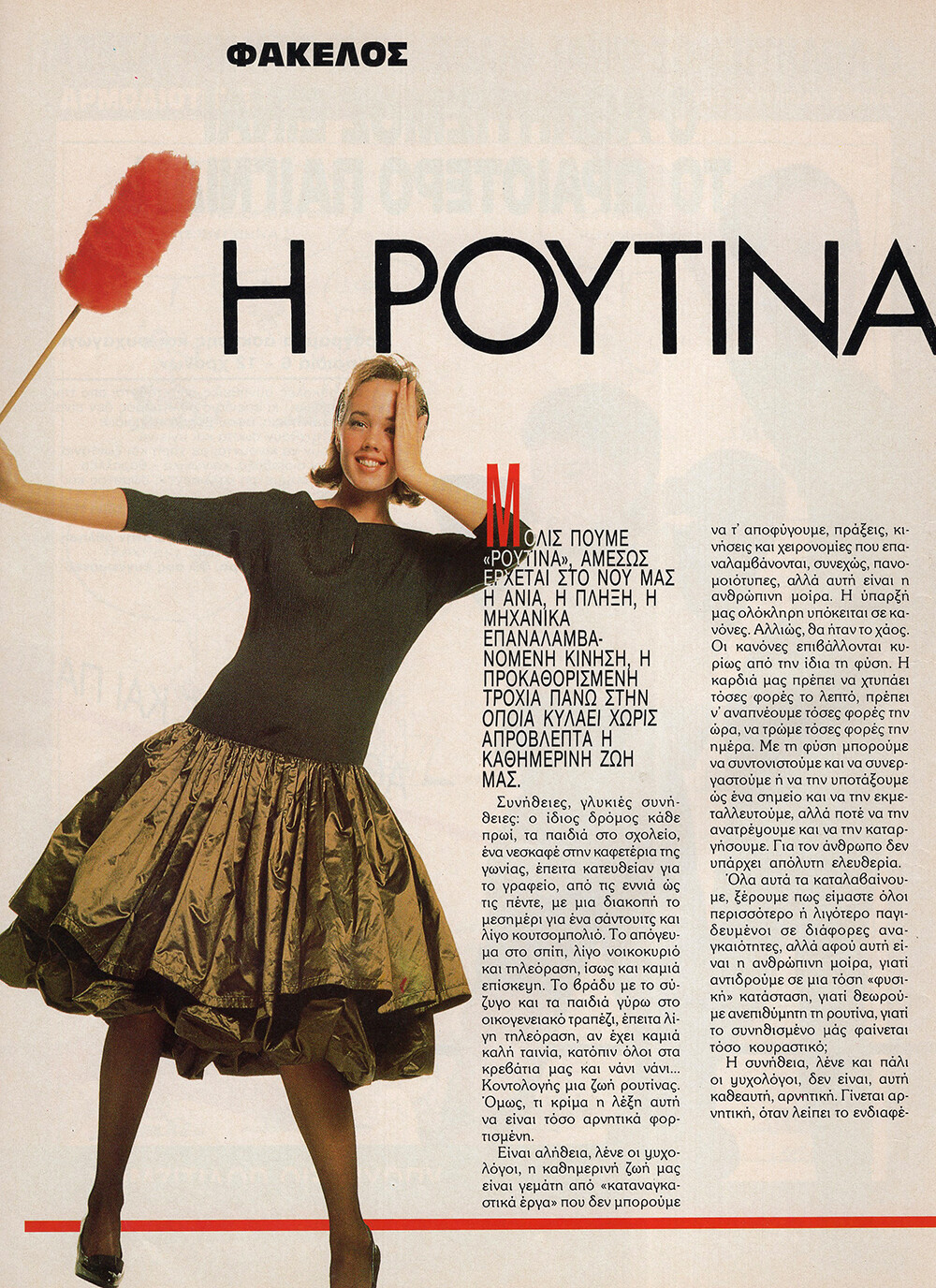
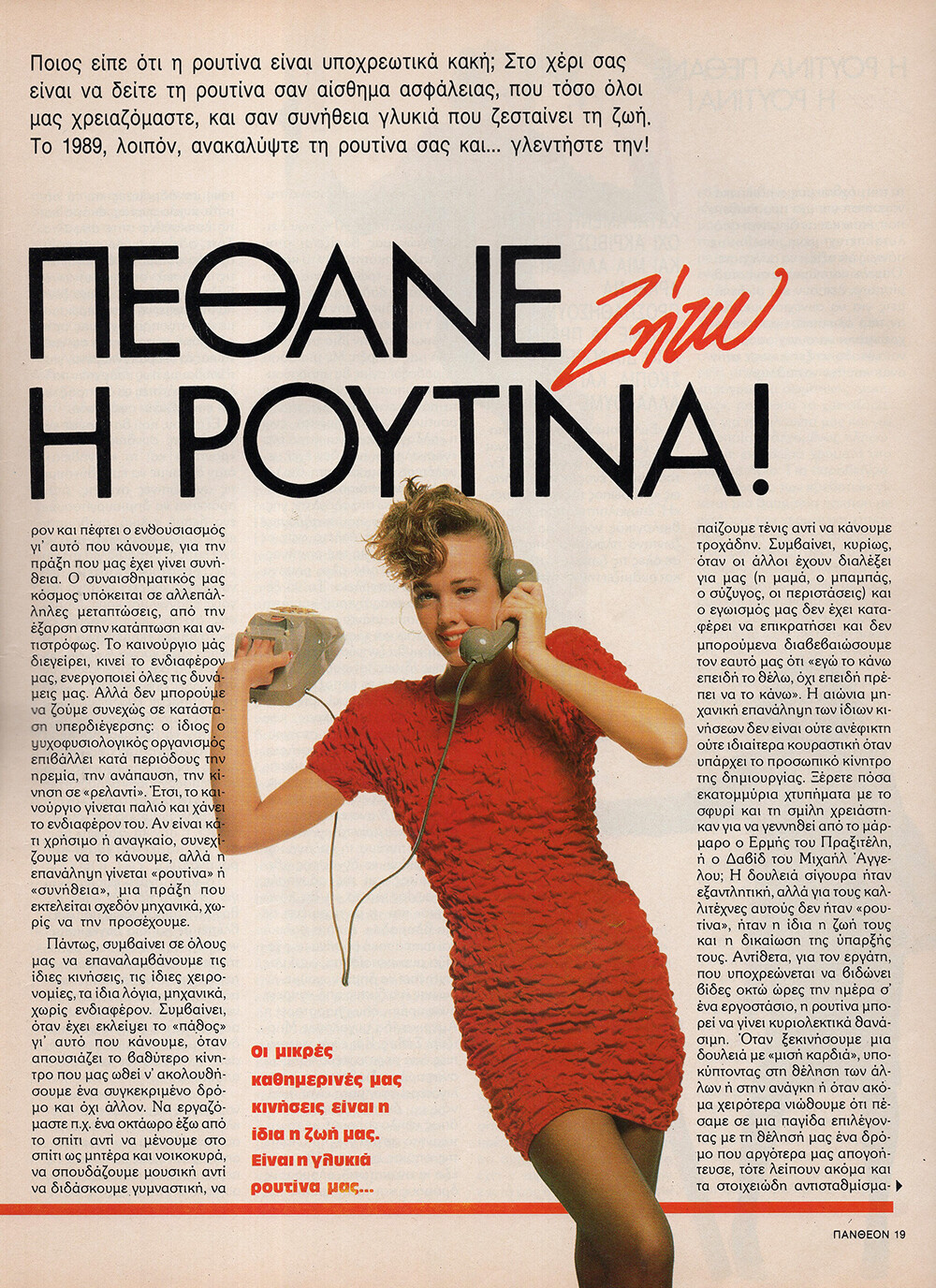
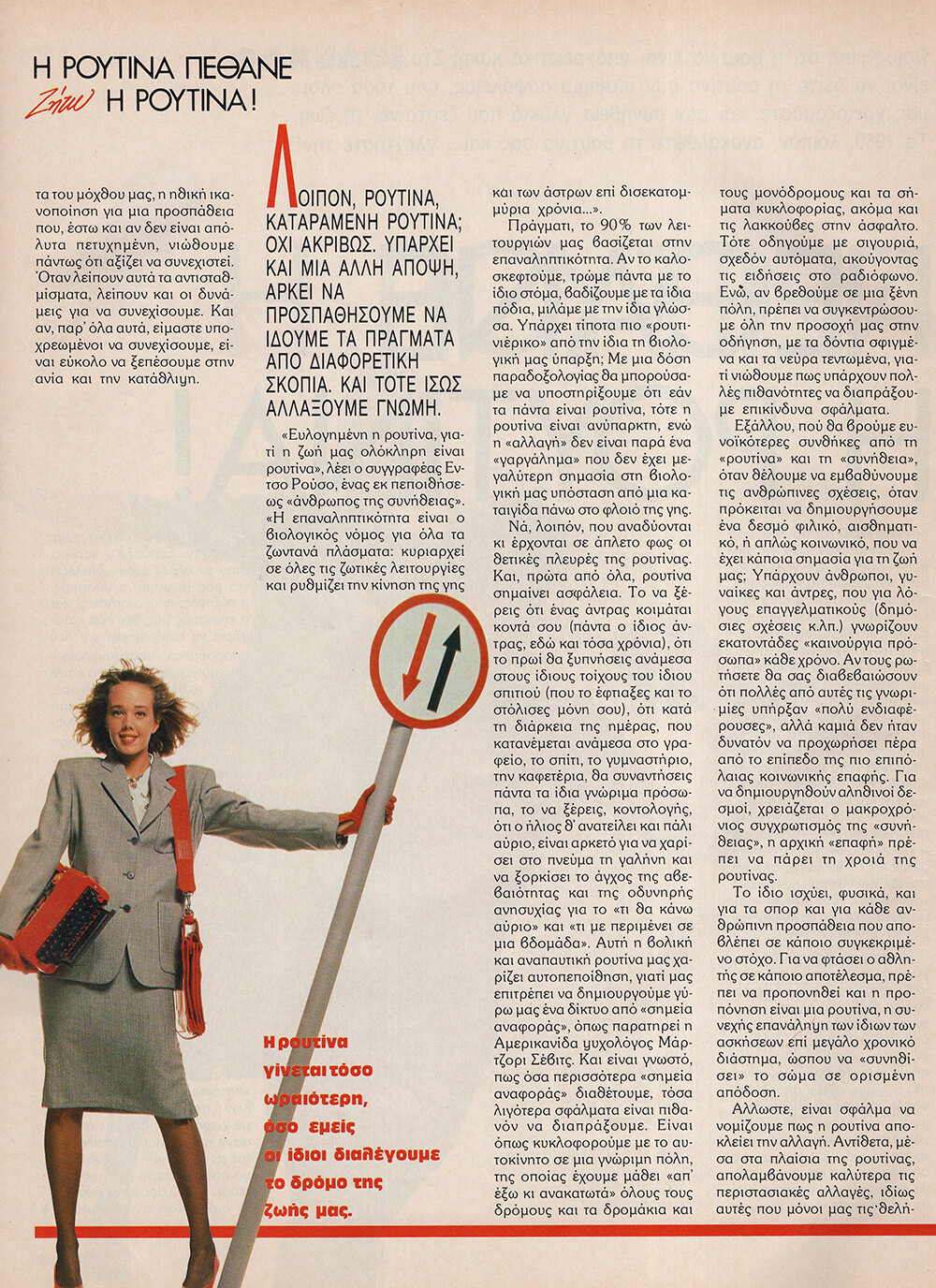
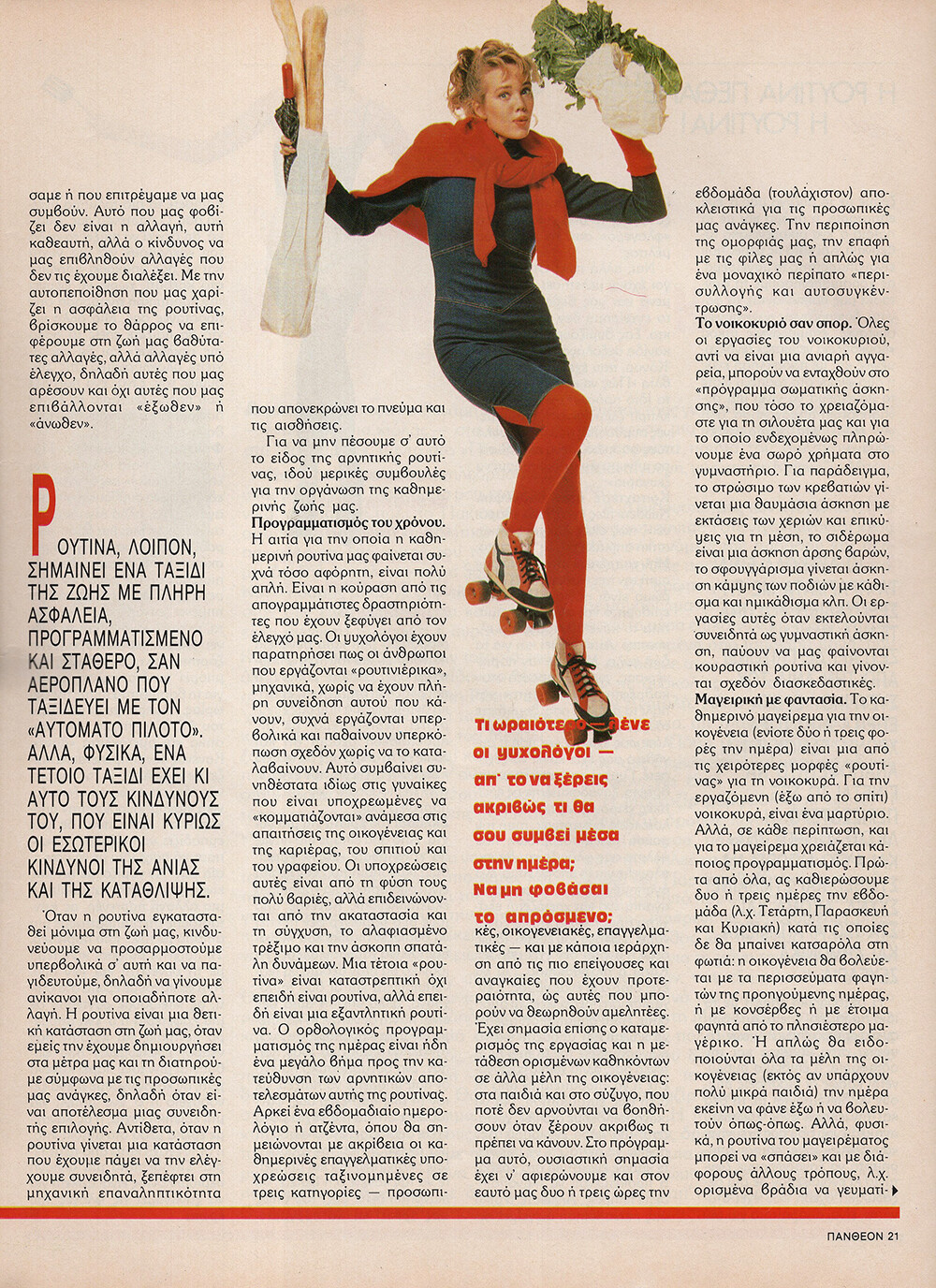
  2. PANTHEON GR, 10 Jan 1989 - PH. UNK - MY SCANS
  3. Arturwes started following Amanda Cerny
  4. PANTHEON GR, 10 Jan 1989 - PH. UNK - MY SCANS
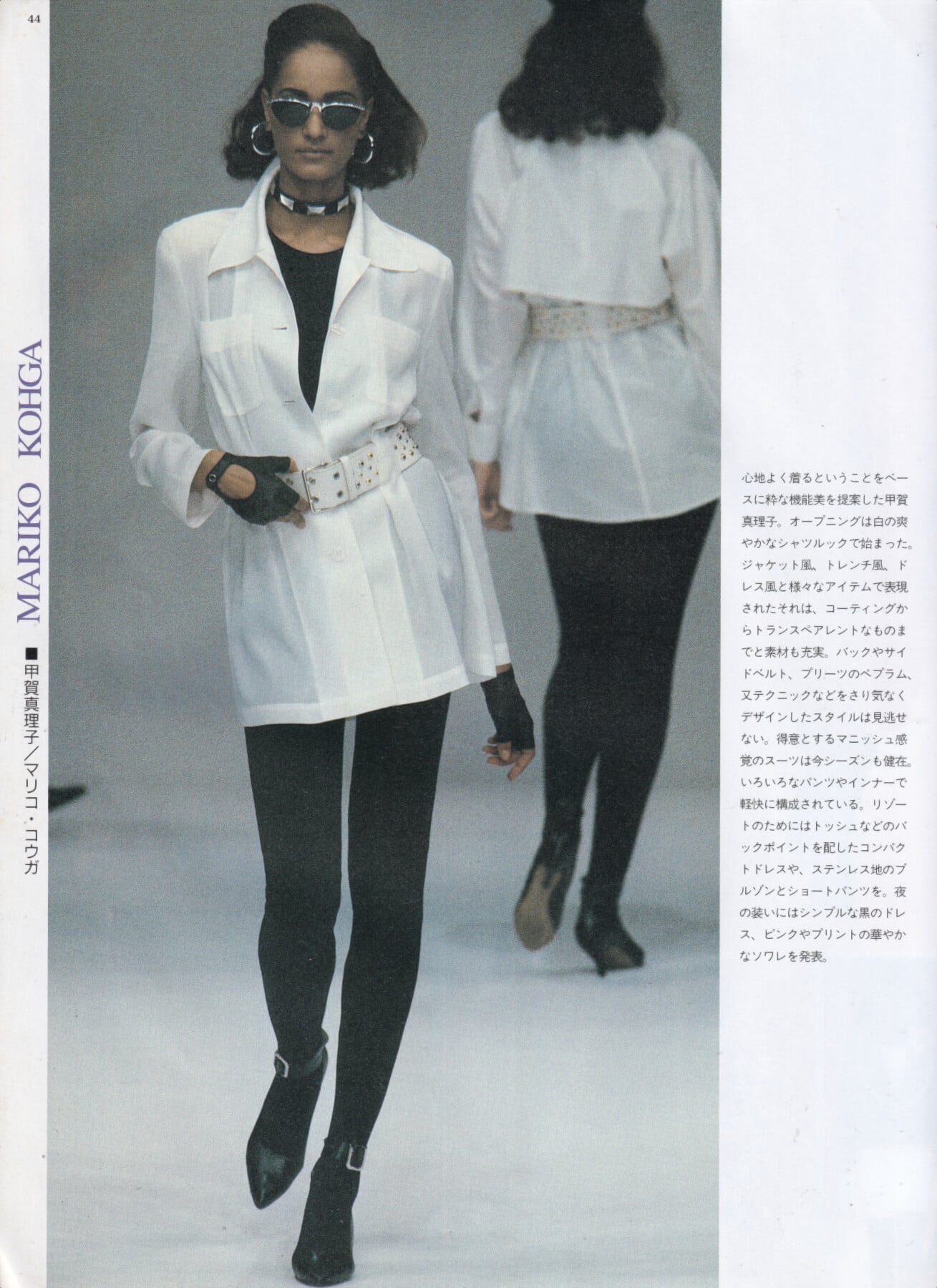
  5. Ann Fiona for Mariko Kohga, ready-to-wear, spring/summer 1992 my scan

  6. igdecember 2025
  7. PANTHEON GR, 10 JAN 1989 - PH. UNK - MY SCANS
  8. Dorothee Bis, unknown year - PH. UNK - WEB FIND
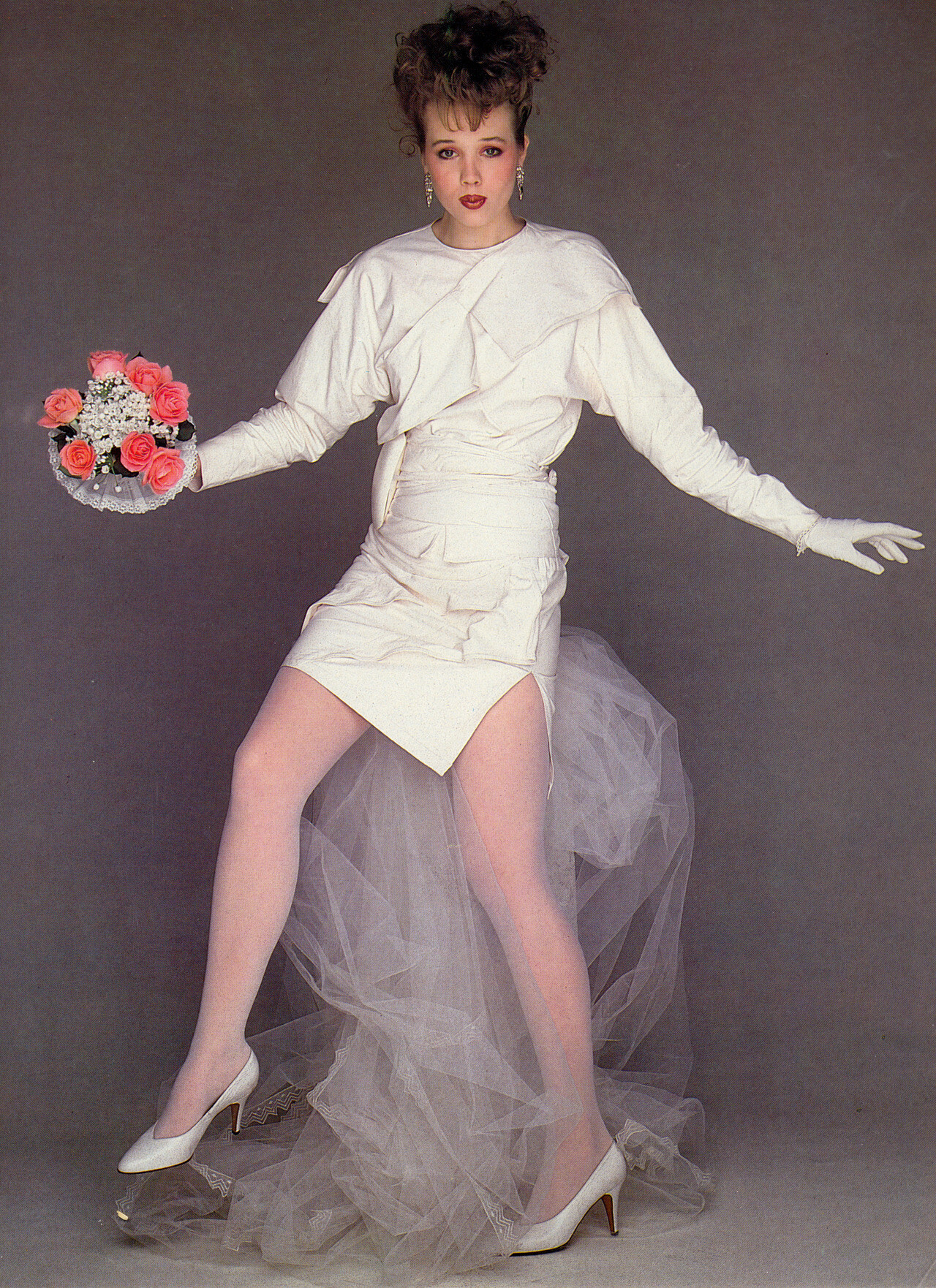
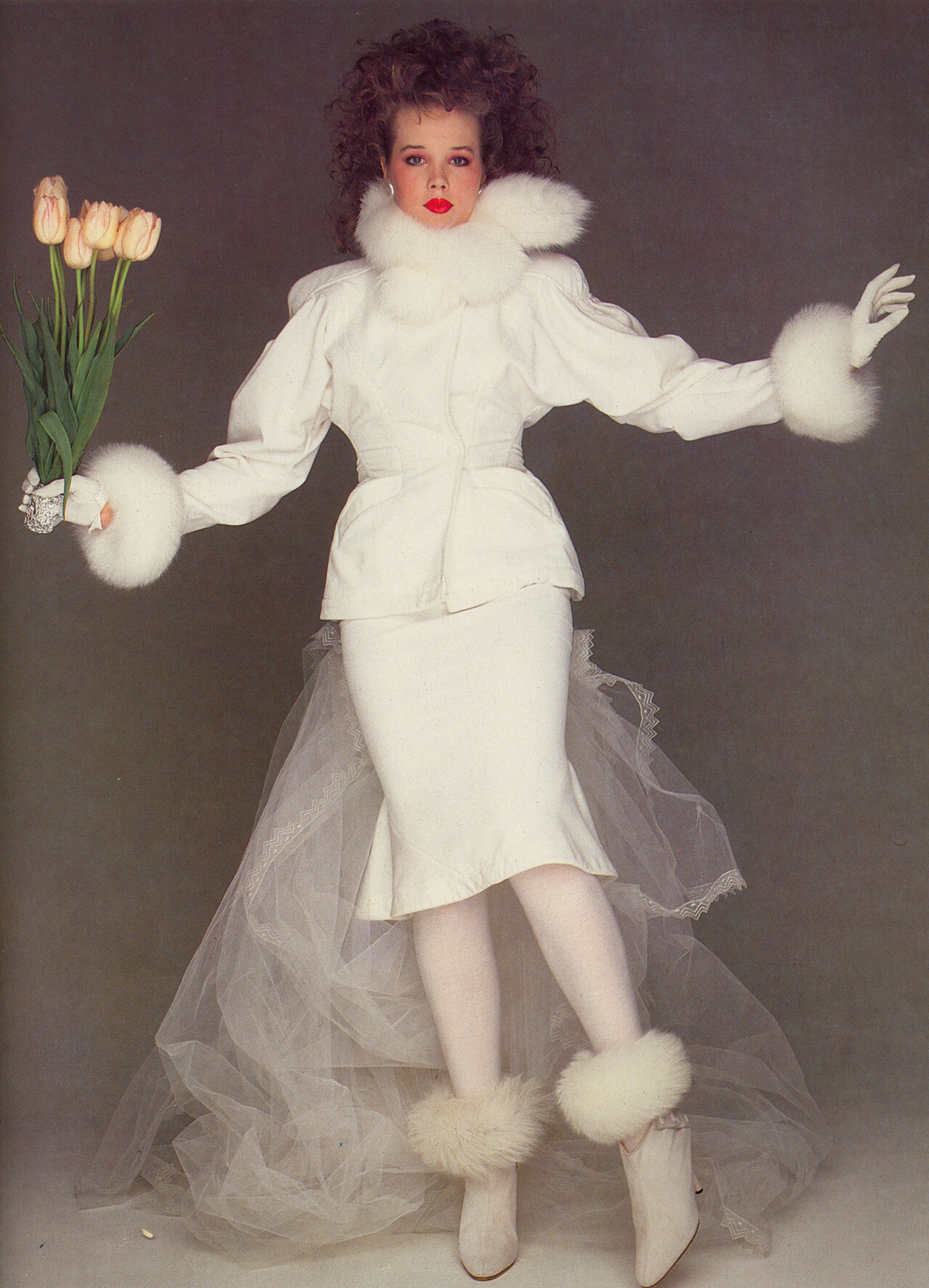
  9. SPOSA IT, Wint 1982 - PH. UNK - TUMBLR
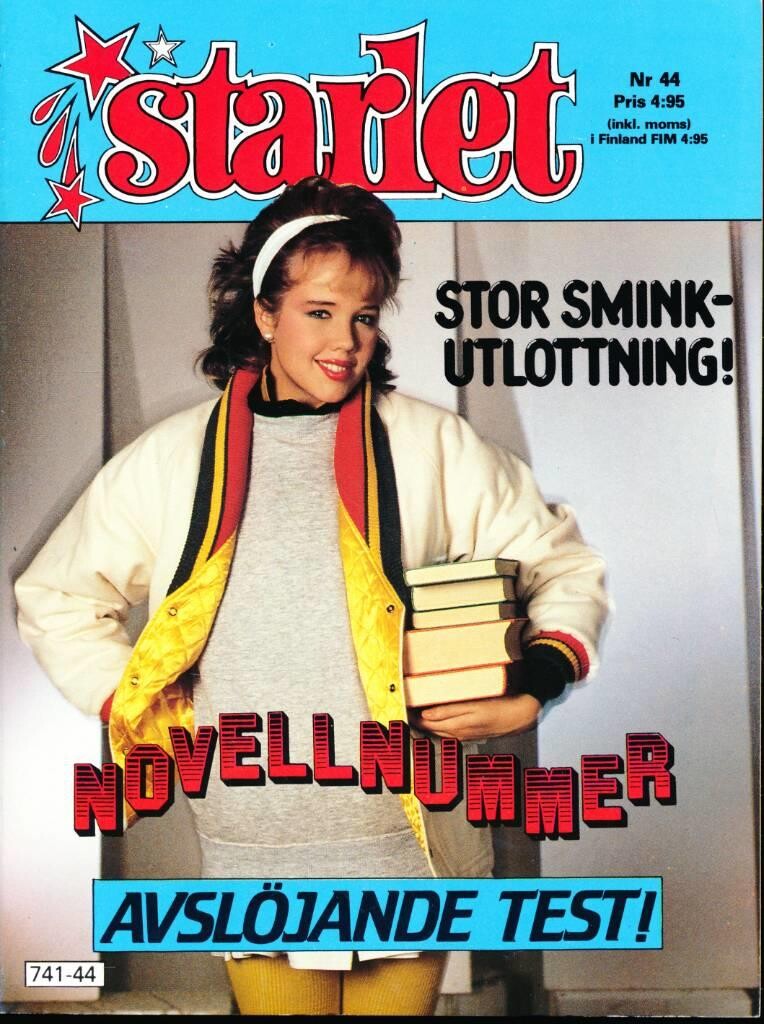
  10. STARLET FI, unknown year - PH. UNK - WEB FIND
  11. HI FASHION JP, Oct 1983 - PH. UNK - WEB FIND
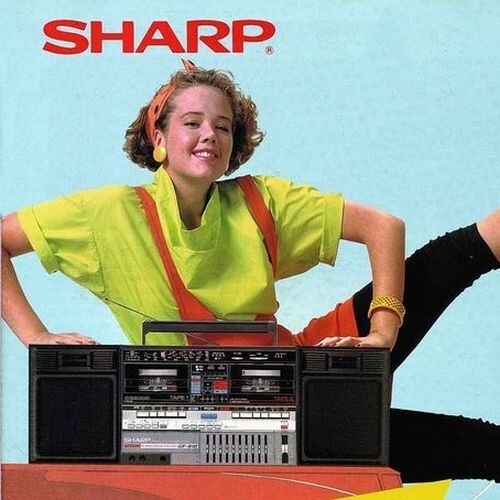
  12. Sharp, unknown year - PH. UNK - WEB FIND
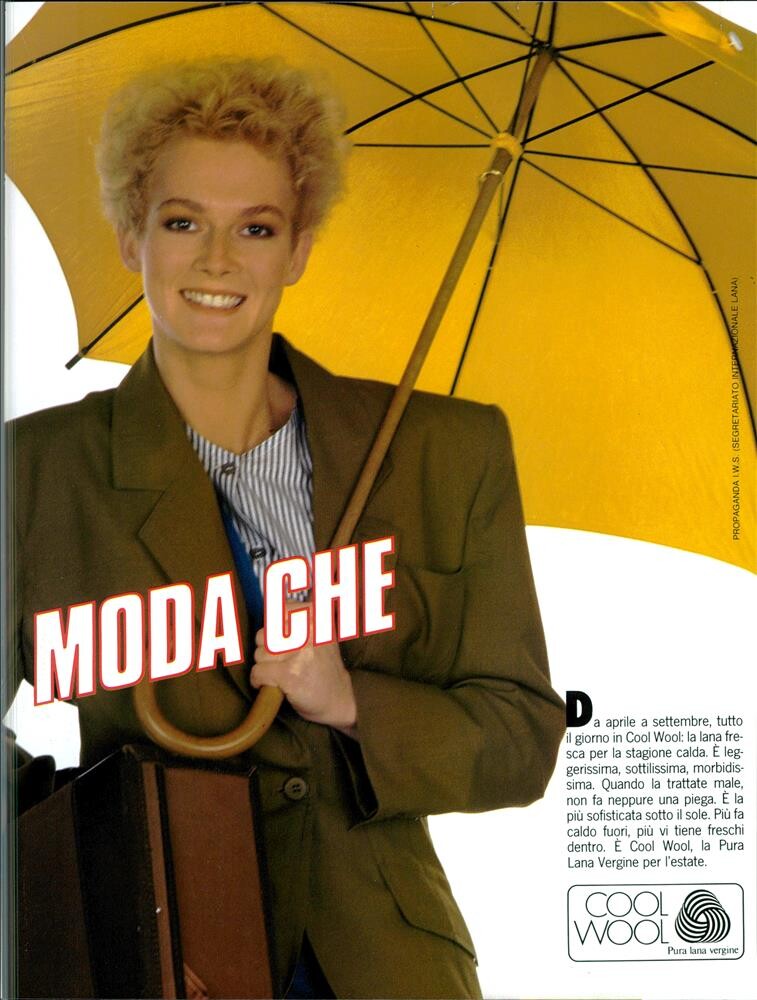
  13. Pure Wool 1985 - PH. OLIVIERO TOSCANI - VOGUE IT ARCHIVE
  14. Interflora, unknown year - PH. UNK - WEB FIND
  15. Gil Vincent 1982 - PH. UNK - @missparker7 SCAN
  16. 4 Lilia 3 Alexa 2 Magui 1 Marie Laure 0 Myrthe
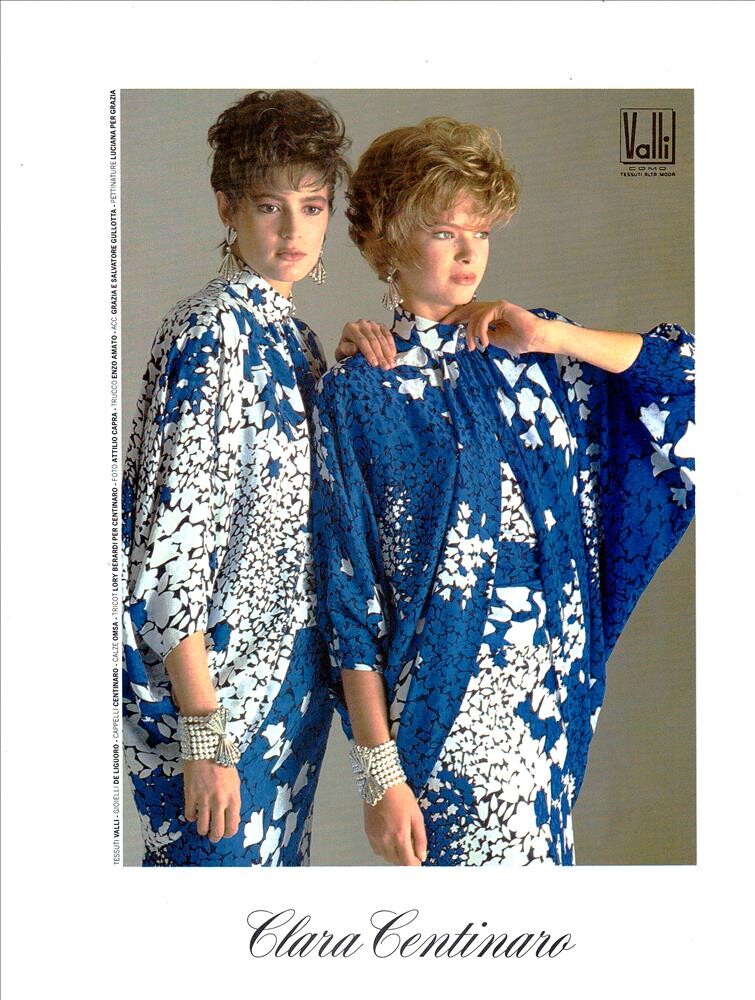
  17. Clara Centinaro 1985 - PH. UNK - VOGUE IT ARCHIVE
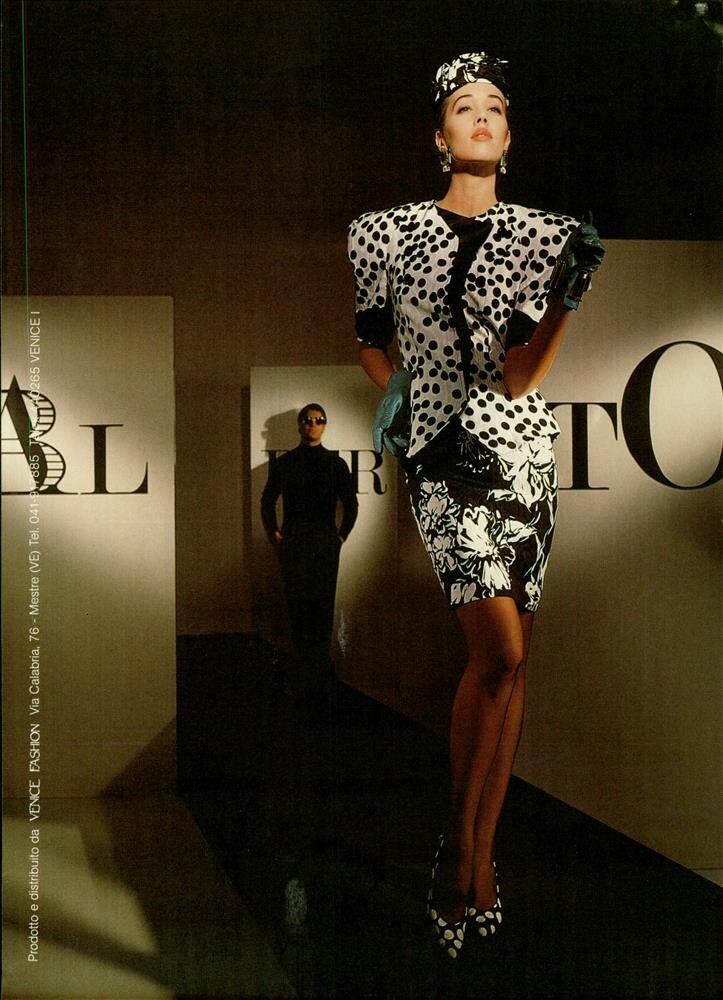
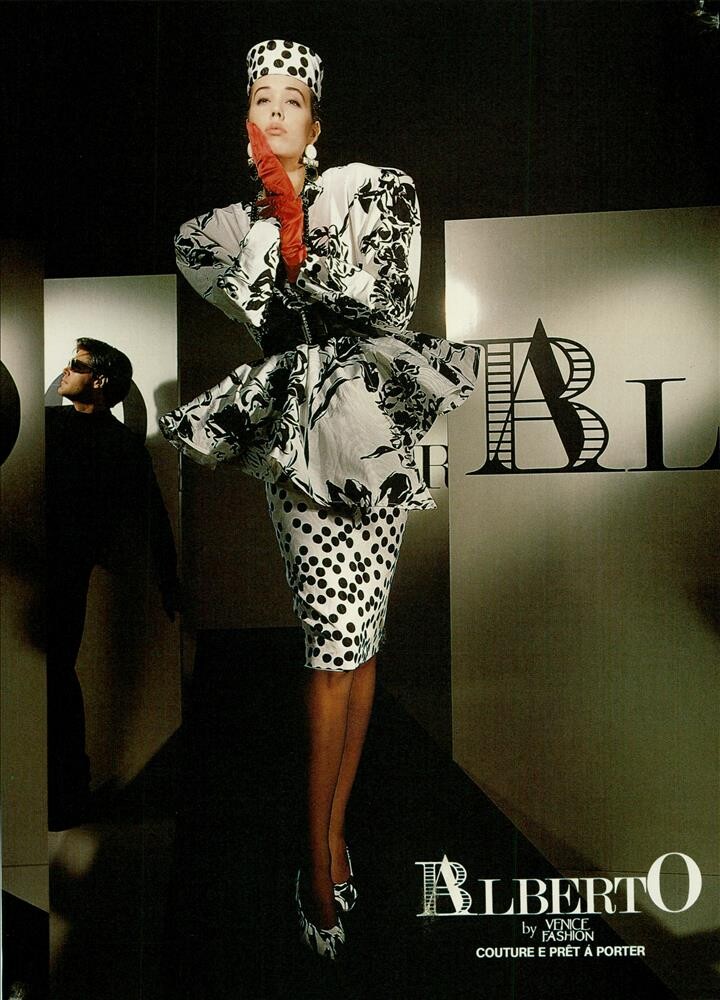
  18. Alberto 1988 - PH. UNK - VOGUE IT ARCHIVE

Configure browser push notifications

Chrome (Android)
  1. Tap the lock icon next to the address bar.
  2. Tap Permissions → Notifications.
  3. Adjust your preference.
Chrome (Desktop)
  1. Click the padlock icon in the address bar.
  2. Select Site settings.
  3. Find Notifications and adjust your preference.