All Activity
- Past hour
-
 manojda joined the community
 -
 AQPDJq1TiCuk5DZwli8-k_WUlnh3Omf8qsijmkpu7L9oMW-Nw19dWl4emBN7fWNOFz4Y2WG-7tWe6V0BpICdHZE7..mp4AQN9uQDzAD24Uty04FRQNDZDvnXfiJ0fGx84D5LqumScEp42BcxNaFf5P05u5aMr8nGTEI-r_TVdl12_cB9fm_PH..mp4

- Today
 res bumps Drope Koh Samui V4 Skirt (Blue Waves) Koh Samui V6 Skirt (Floral Pattern)
1742315279_723f8.thumb.jpg.02f732c5e3b1b9dac92f32f413a5743e.jpg)
1742315278_1b6b8.thumb.jpg.2ac24bd866fa1f2318aa53fdf2727092.jpg)
1742315279_59598.thumb.jpg.6d26603d2be9ea12382cf9ed083817f6.jpg)
1742315282_e25e1.thumb.jpg.f0da009480a6b5bc70921df3949fa63d.jpg)
1742315281_71e62.thumb.jpg.2398356013bb4da259761811e4a0352f.jpg)
 sonam121raii joined the community
 giuritn joined the community
stories video
giuritn joined the community
stories video stories

 1 Yael Shelbia 2 Luma Grothe 3 Lini Kennedy Oliveira 4 Zhenya Katava 5 Monika Jagaciak 6 Natalie Roser 7 Hailey Bieber 8 Bella Hadid
 can_did_photos
.thumb.jpg.598ca4d310c44db222faef886b21a432.jpg)
.thumb.jpg.a9858a691851f1e11e2d7f6ef423658a.jpg)
.thumb.jpg.674b1faab7210d93490c1abcbe6a6e61.jpg)
.thumb.jpg.77a977204b32c66dd0407468220c306b.jpg)

 ARZOO12 joined the community
 RGDCGBCB
GGRGTREYDFGFB
DGDRHFNHVNHH
SWFREYRHYDD
TETGEDGTDEGDGHDT
YRTGDGHH
DVDRGRDGBD
SFVDVDG
RGDCGBCB
GGRGTREYDFGFB
DGDRHFNHVNHH
SWFREYRHYDD
TETGEDGTDEGDGHDT
YRTGDGHH
DVDRGRDGBD
SFVDVDG
 I had a similar situation and ended up using find someone's social media by picture, which let me upload a photo and quickly see matching profiles across different platforms. I liked that it showed a free preview first, so I knew if the match was worth paying for. It also helped me check if anyone was using my photos without permission, which was a nice bonus.
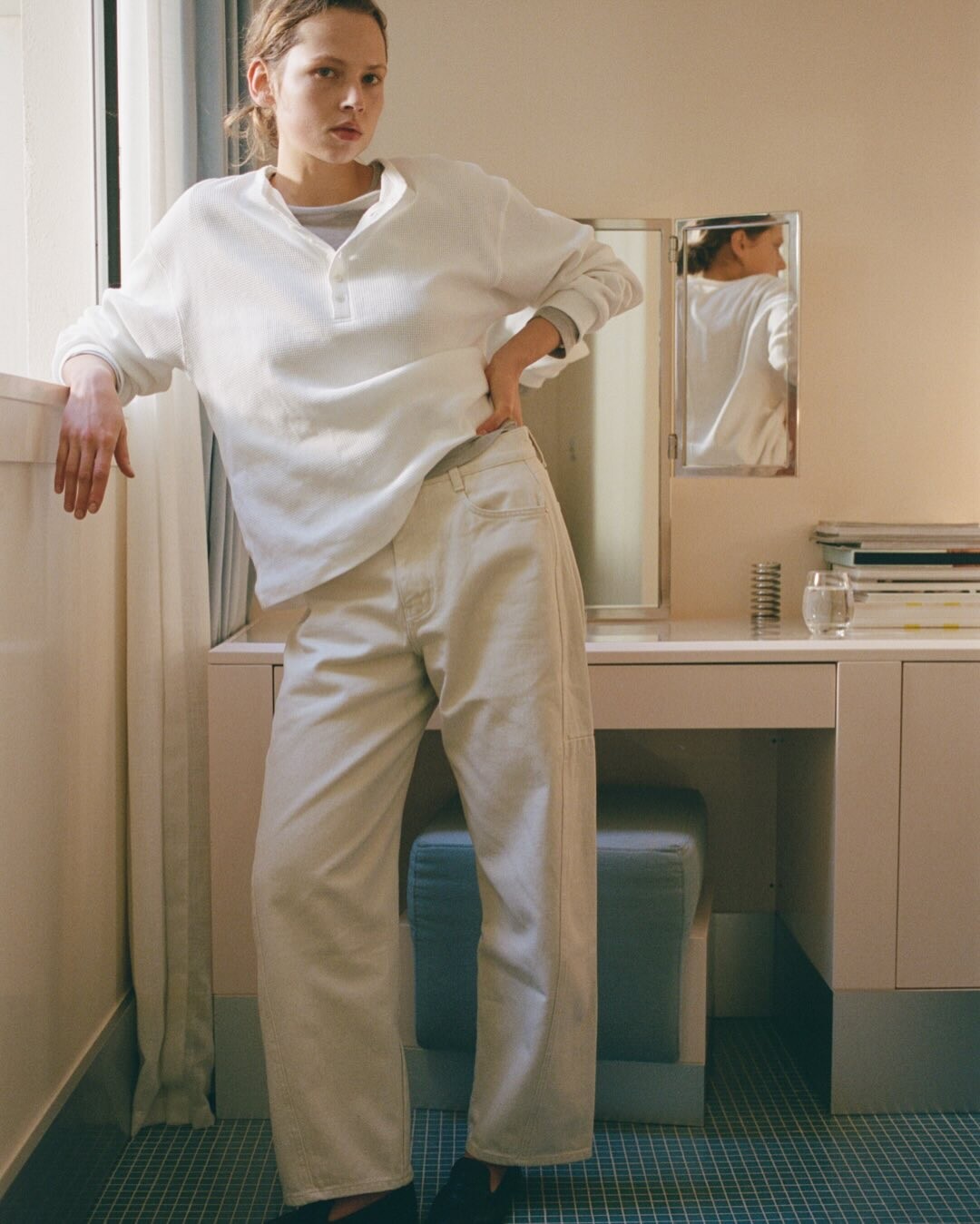
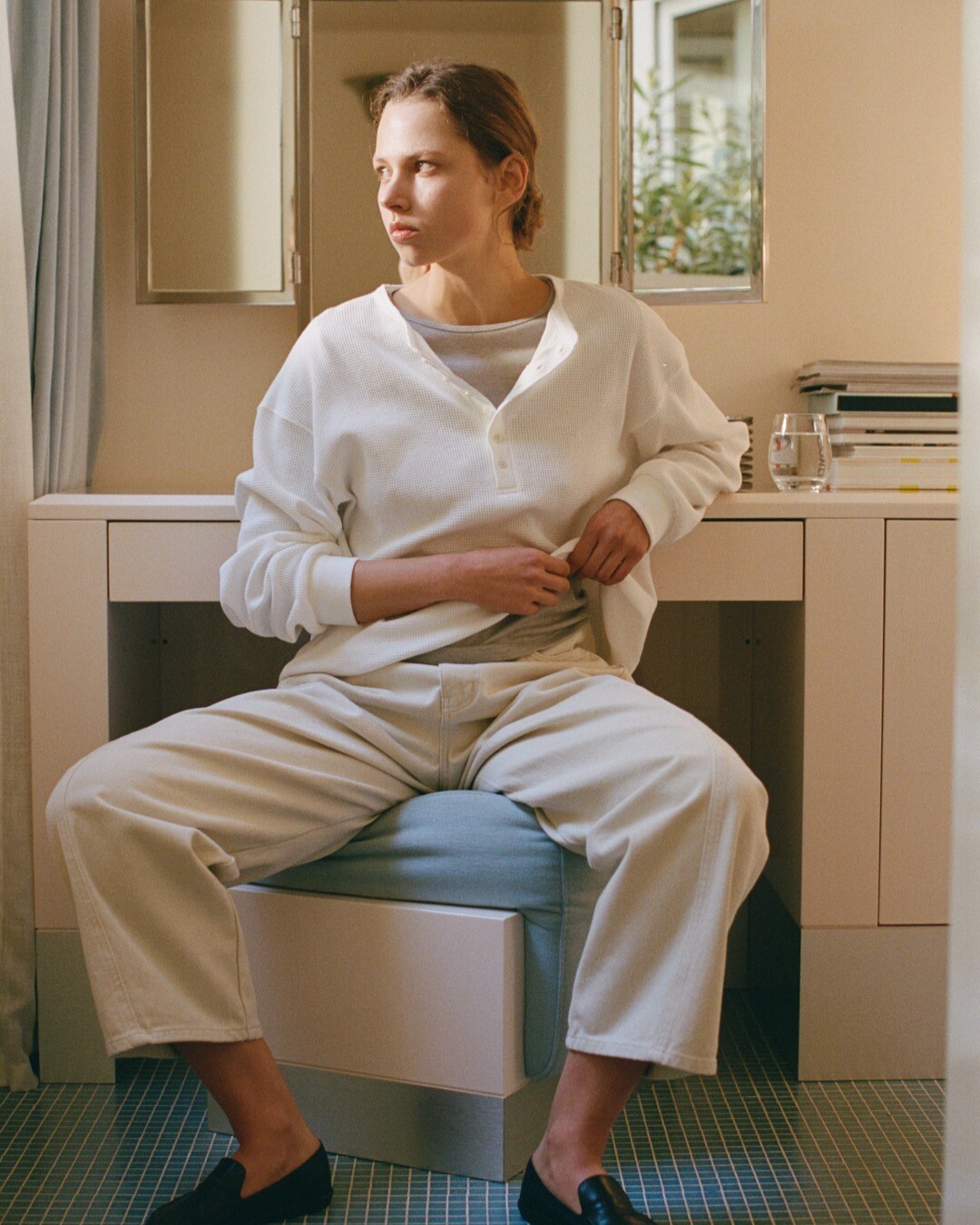
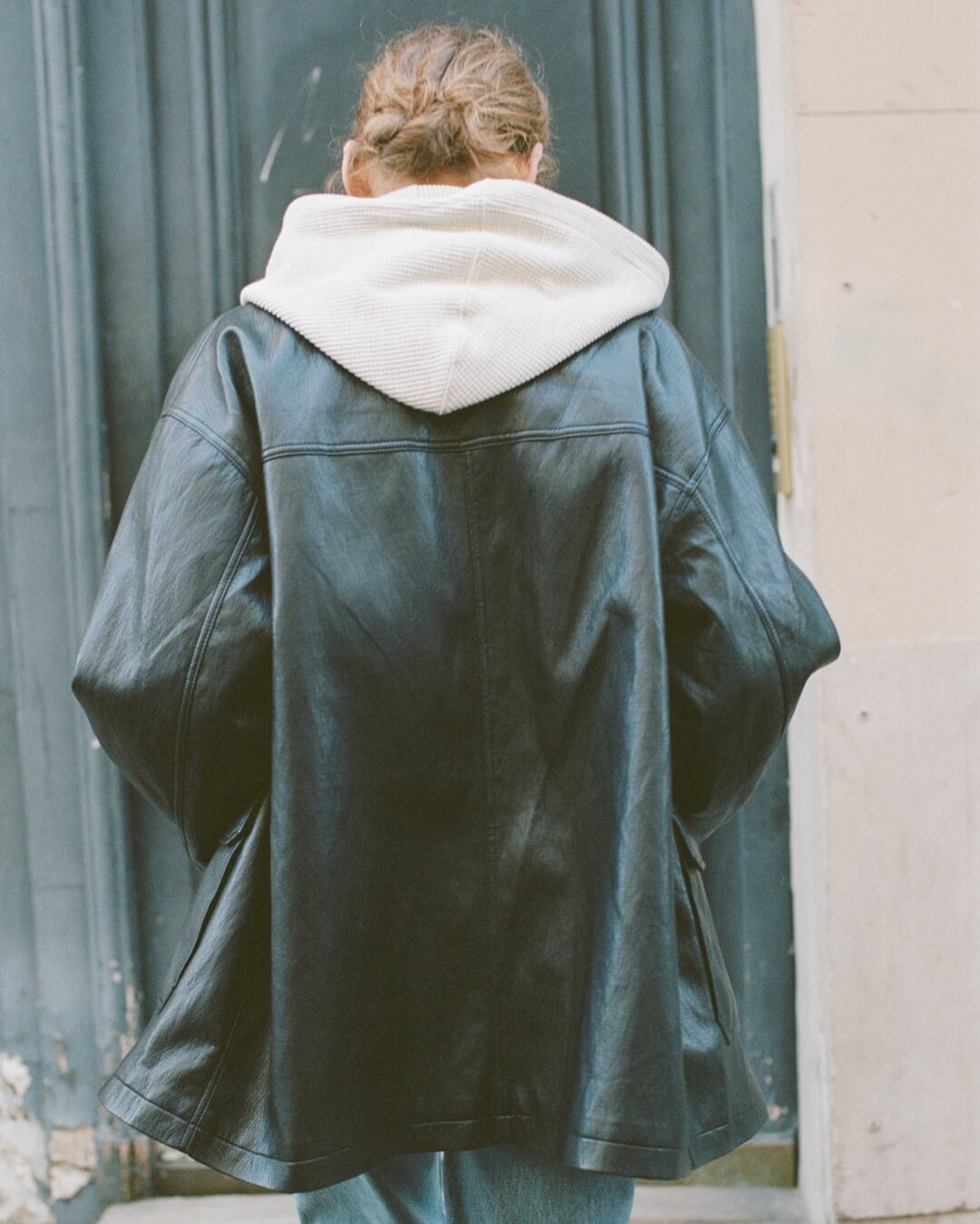
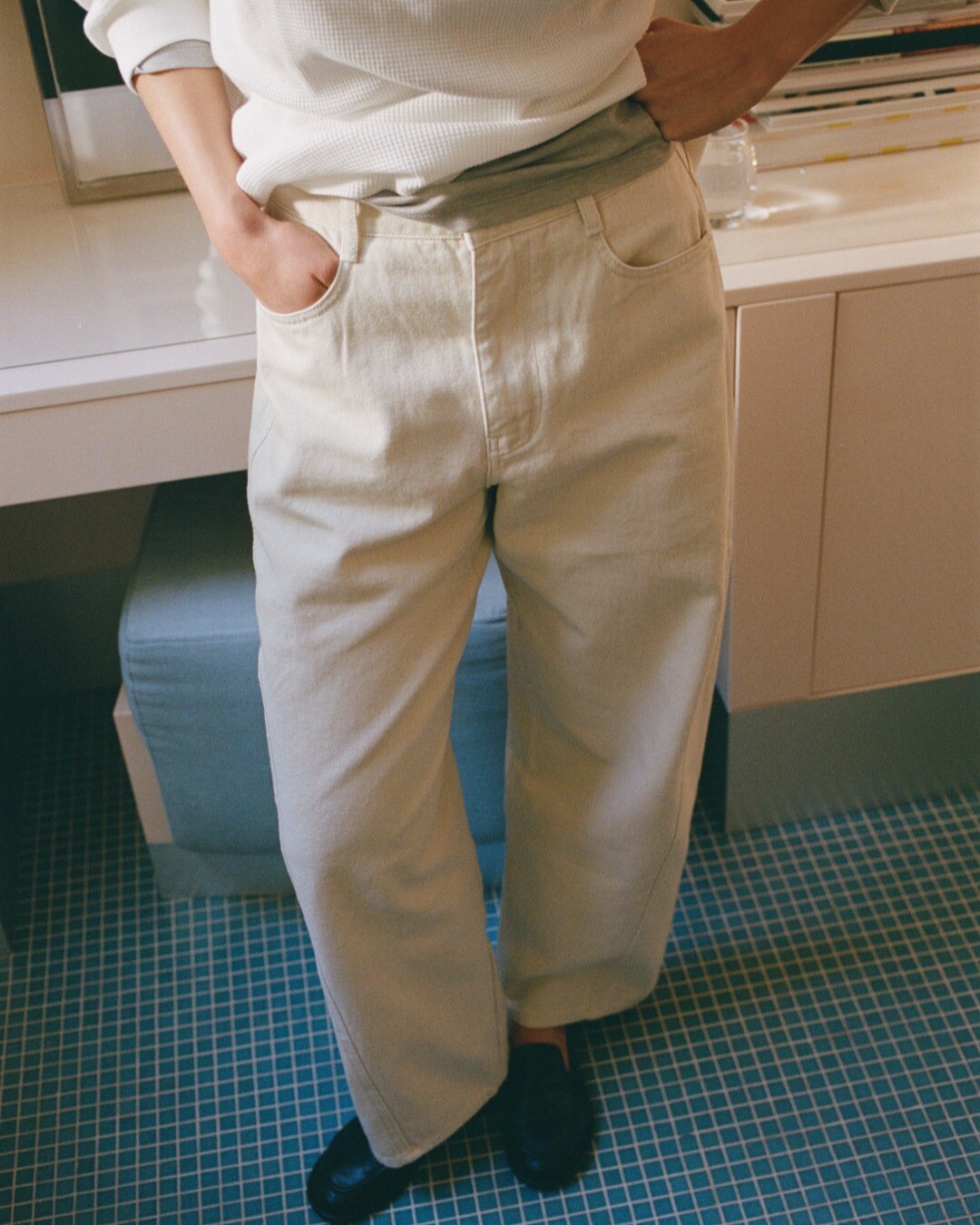
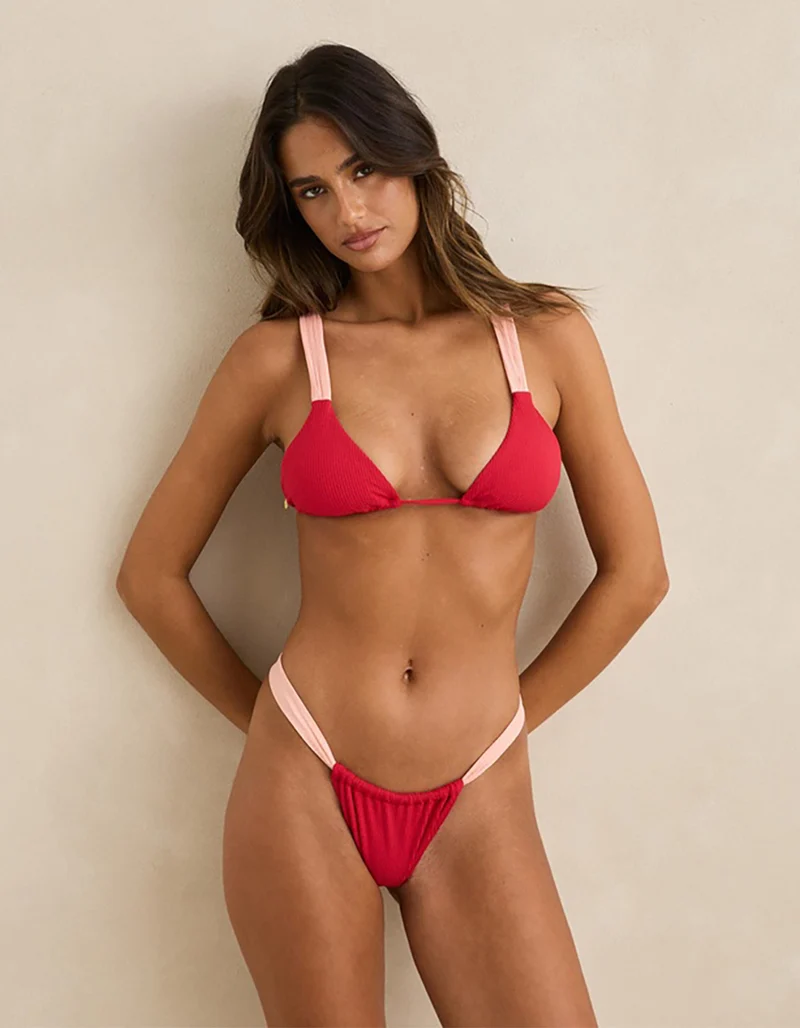
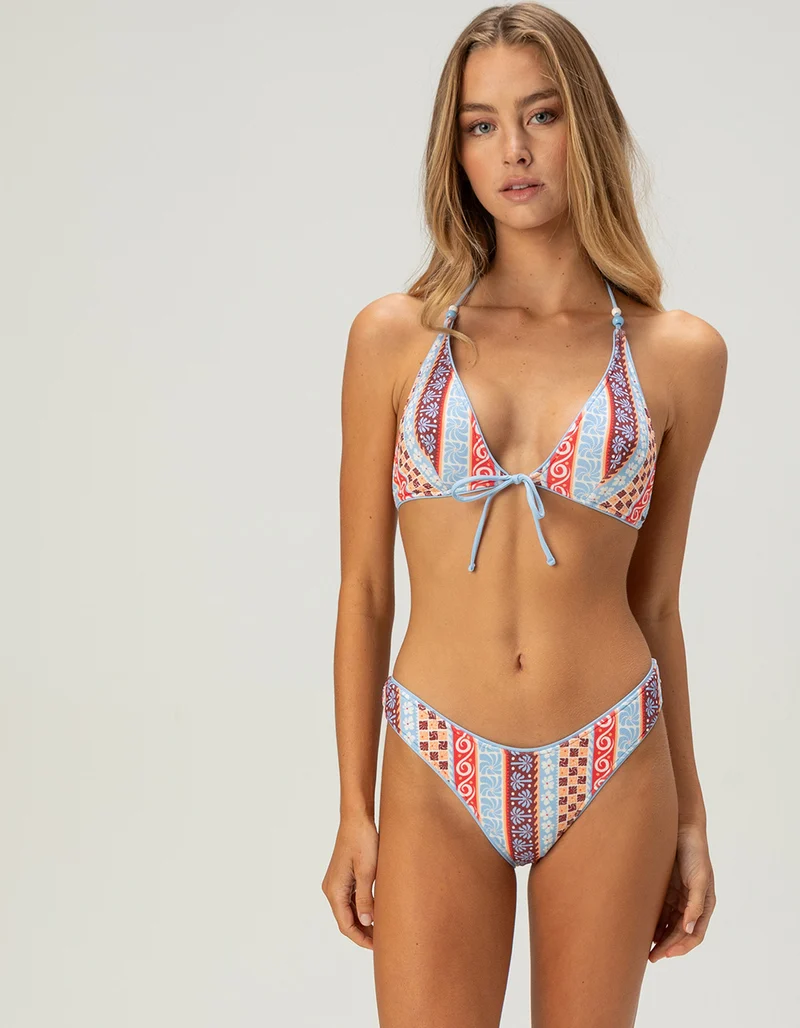
 Who are these beautiful women? 1. 2. 3. 4. 5. 6. 7.


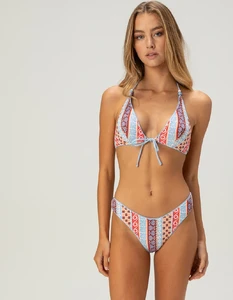






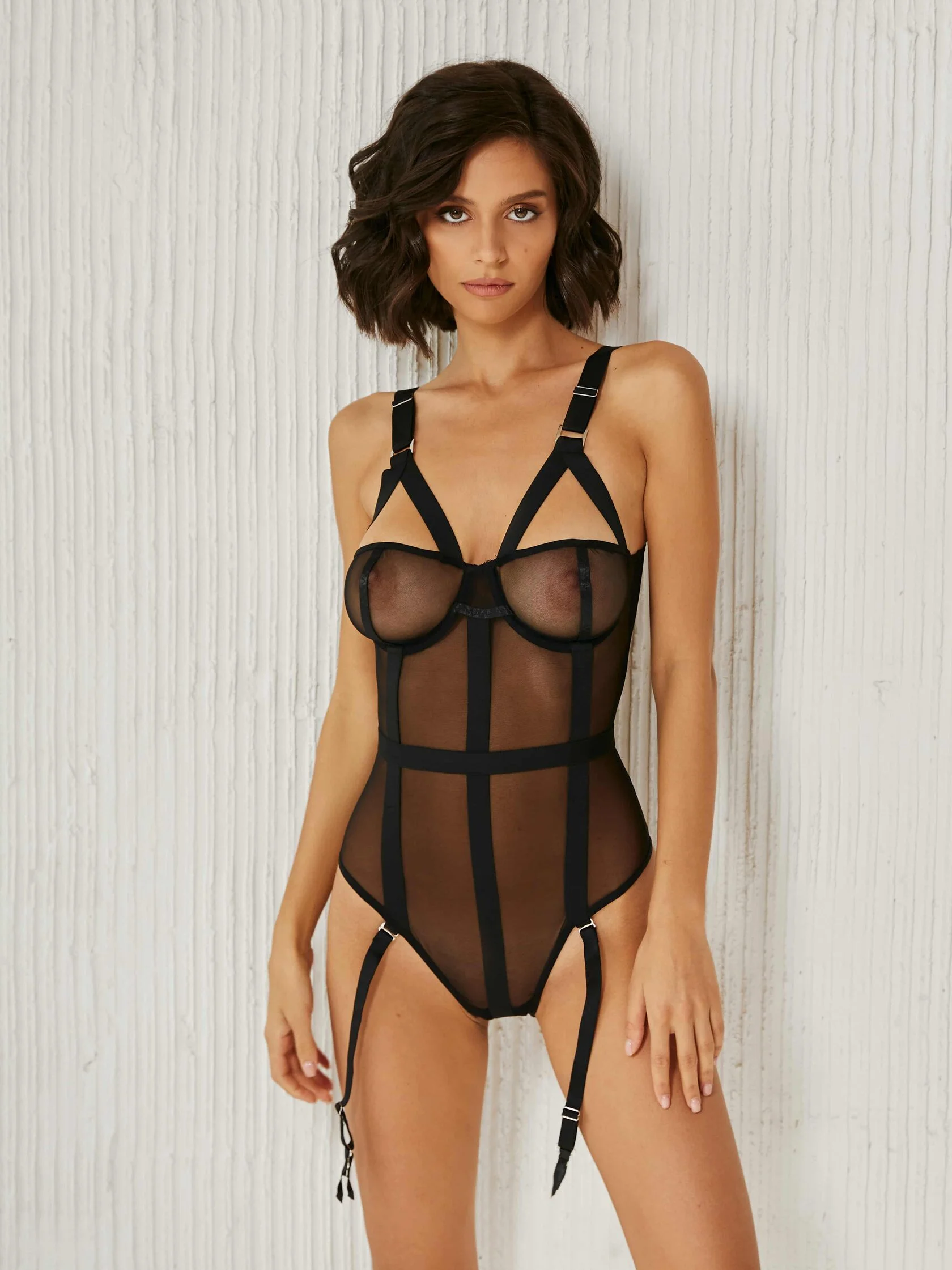

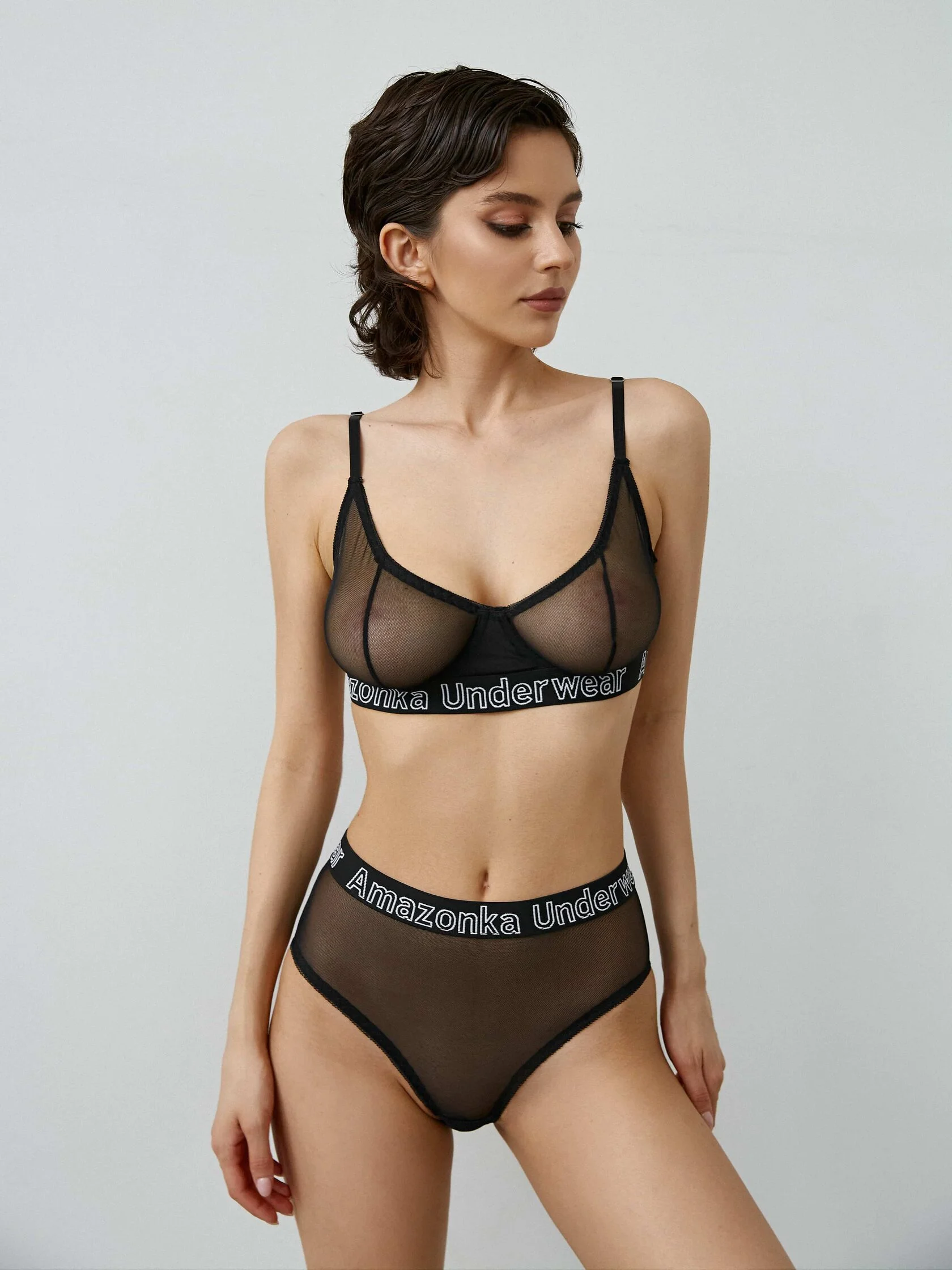



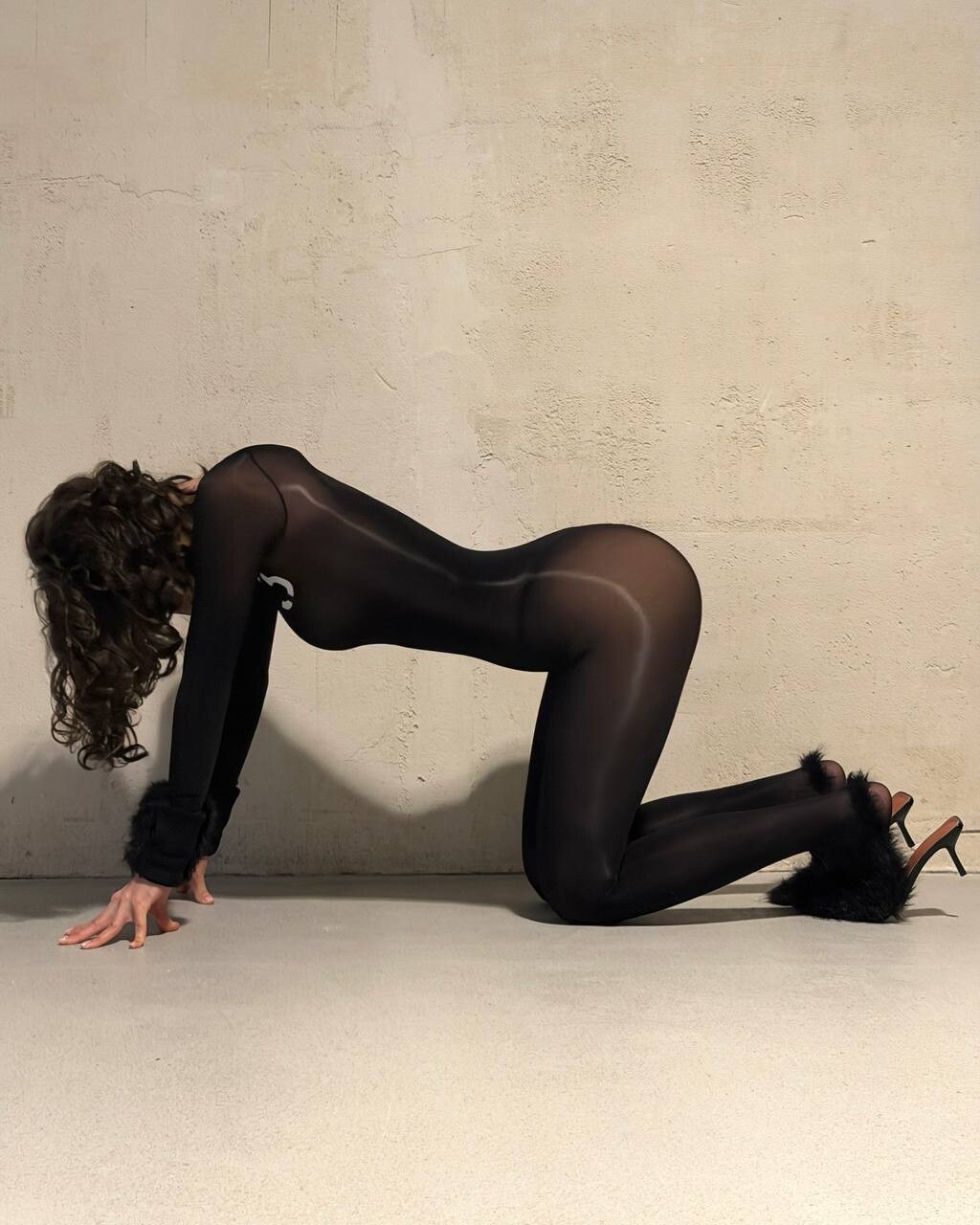












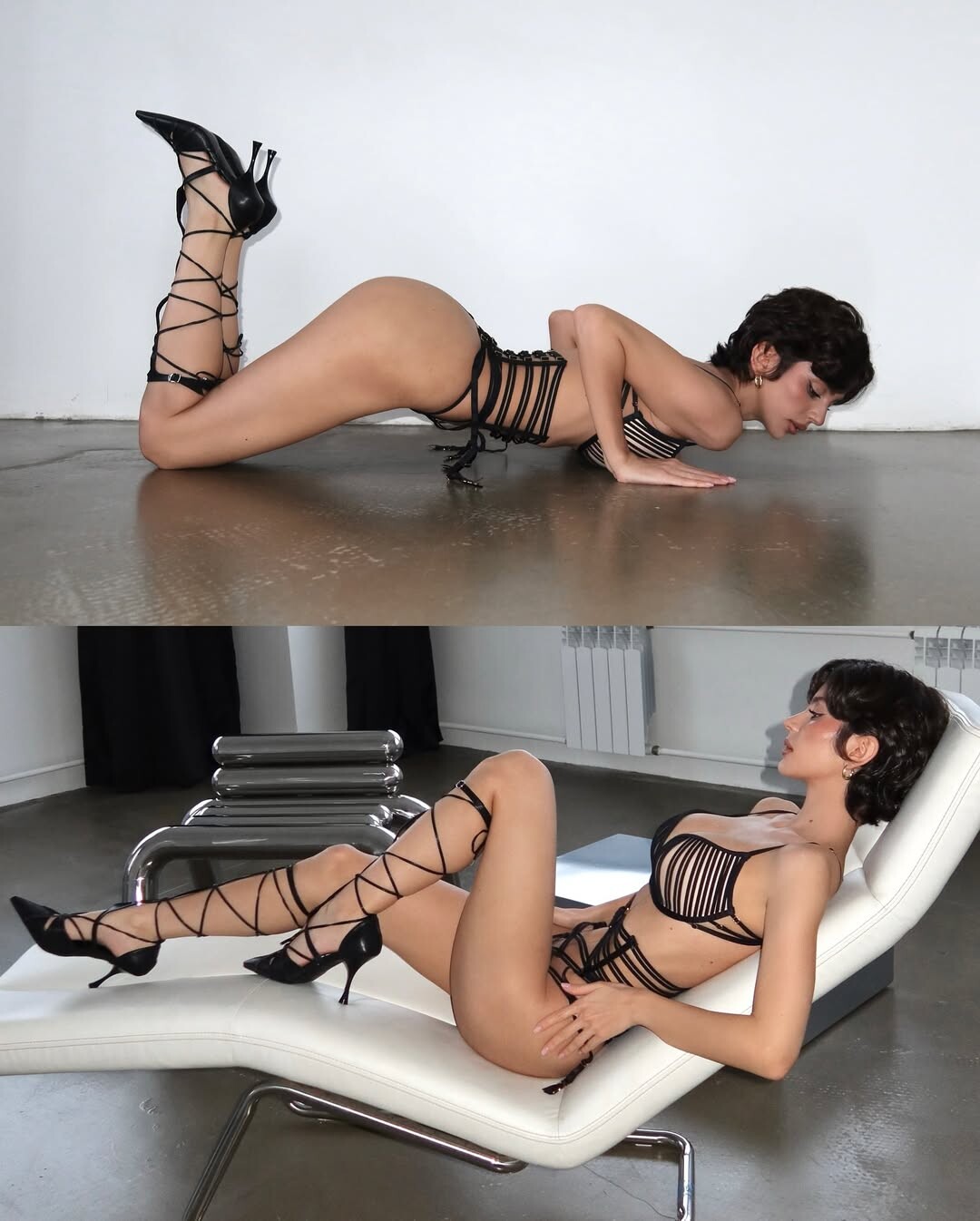

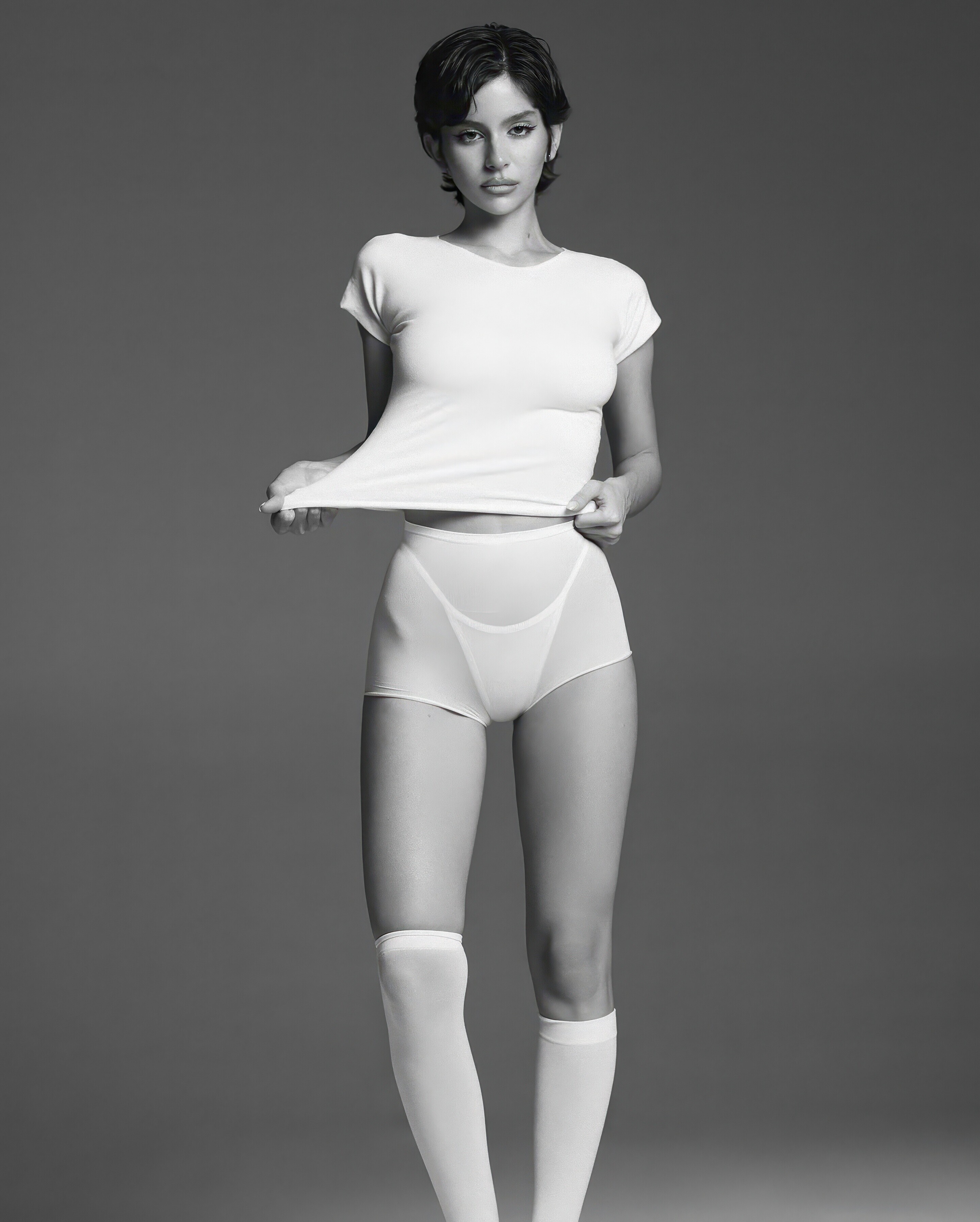






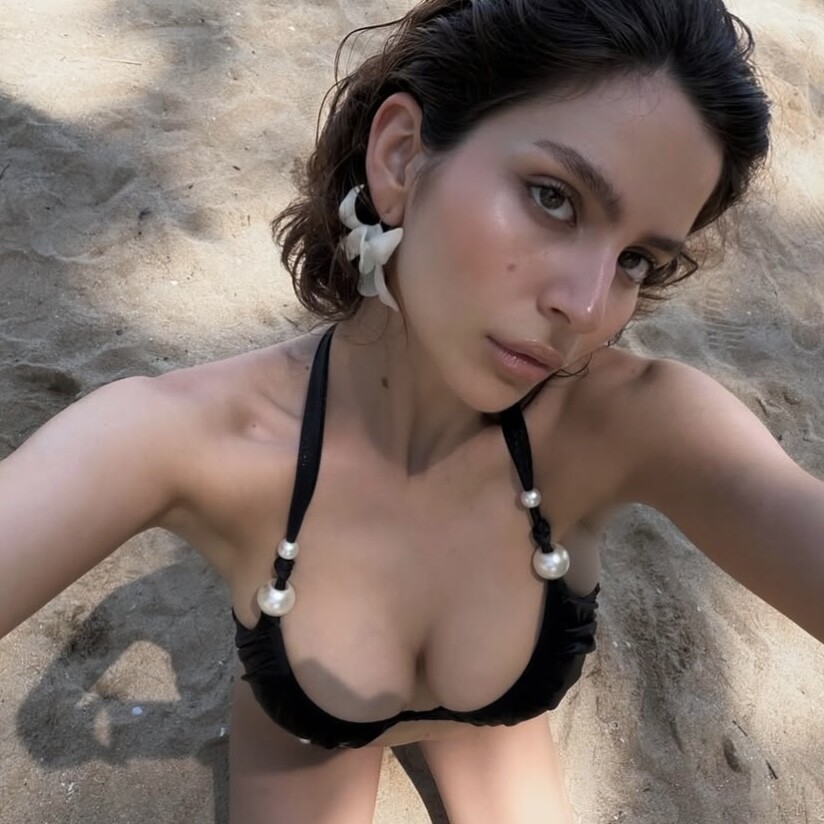
1742315279_723f8.jpg.9f3a7e415512ebb0ed0d77c9d62b0153.jpg)
1742315278_1b6b8.jpg.95f11b174cb84b32f5cbb09505f4cdc9.jpg)
1742315279_59598.jpg.596920a256f51a17002345c834f05178.jpg)
1742315282_e25e1.jpg.0ace8c32c4c21465fe3bc5d60d043104.jpg)
1742315281_71e62.jpg.64da0b97db7471a5a49221afe215bd58.jpg)






.jpg.76203e909594ed76ae2b547d05df70d4.jpg)
.jpg.7da67ec27d0620748010067320cd2e52.jpg)
.jpg.3a7f0b7879f53e6b9307da7d1dcc18ea.jpg)
.jpg.6906c4513eecb674128335164f7f46da.jpg)


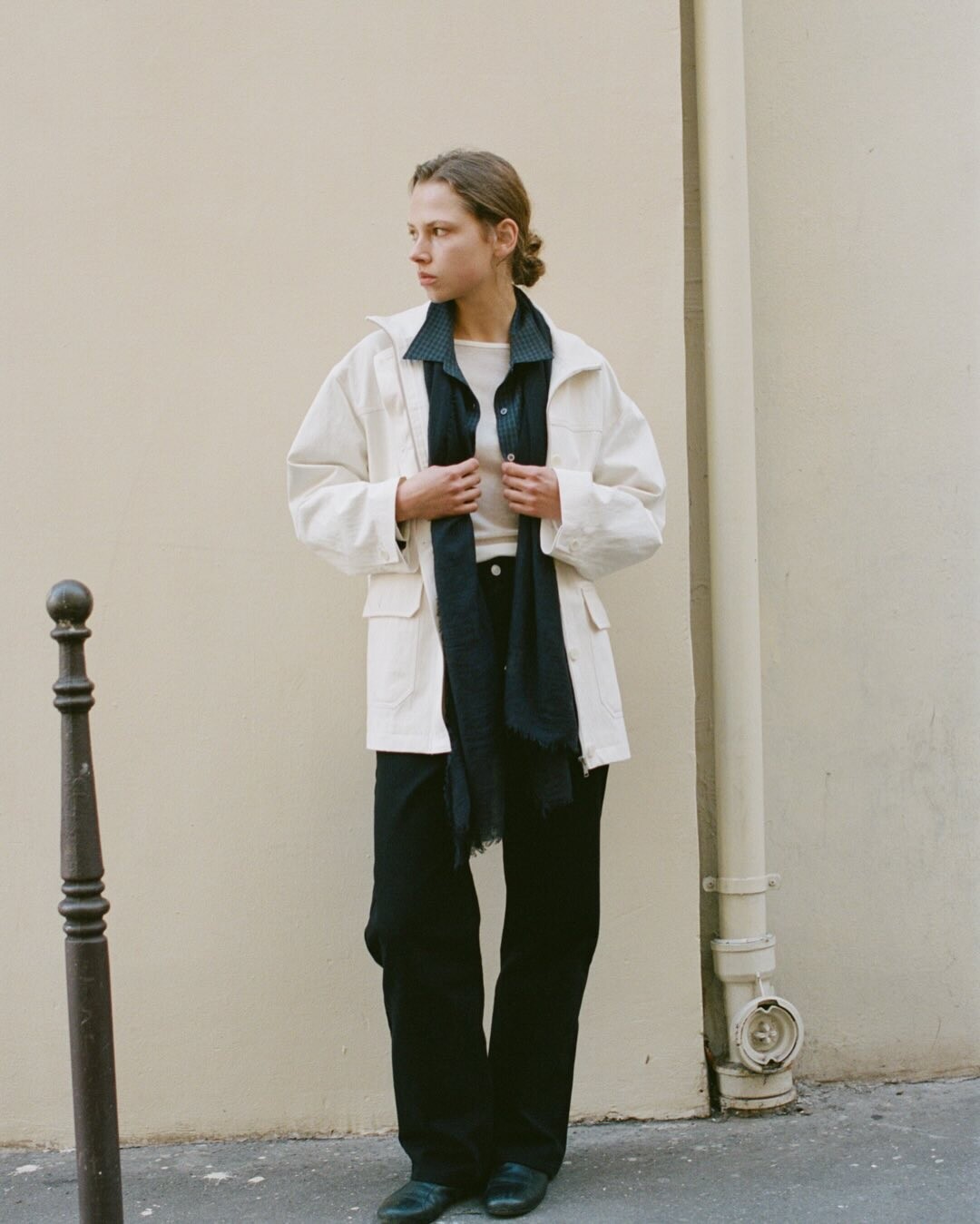















Account
Navigation
Search
Configure browser push notifications
Chrome (Android)
- Tap the lock icon next to the address bar.
- Tap Permissions → Notifications.
- Adjust your preference.
Chrome (Desktop)
- Click the padlock icon in the address bar.
- Select Site settings.
- Find Notifications and adjust your preference.
Safari (iOS 16.4+)
- Ensure the site is installed via Add to Home Screen.
- Open Settings App → Notifications.
- Find your app name and adjust your preference.
Safari (macOS)
- Go to Safari → Preferences.
- Click the Websites tab.
- Select Notifications in the sidebar.
- Find this website and adjust your preference.
Edge (Android)
- Tap the lock icon next to the address bar.
- Tap Permissions.
- Find Notifications and adjust your preference.
Edge (Desktop)
- Click the padlock icon in the address bar.
- Click Permissions for this site.
- Find Notifications and adjust your preference.
Firefox (Android)
- Go to Settings → Site permissions.
- Tap Notifications.
- Find this site in the list and adjust your preference.
Firefox (Desktop)
- Open Firefox Settings.
- Search for Notifications.
- Find this site in the list and adjust your preference.