Jump to content
View in the app

A better way to browse. Learn more.

Bellazon

A full-screen app on your home screen with push notifications, badges and more.

To install this app on iOS and iPadOS
  1. Tap the Share icon in Safari
  2. Scroll the menu and tap Add to Home Screen.
  3. Tap Add in the top-right corner.
To install this app on Android
  1. Tap the 3-dot menu (⋮) in the top-right corner of the browser.
  2. Tap Add to Home screen or Install app.
  3. Confirm by tapping Install.

Enrico_sw

Members
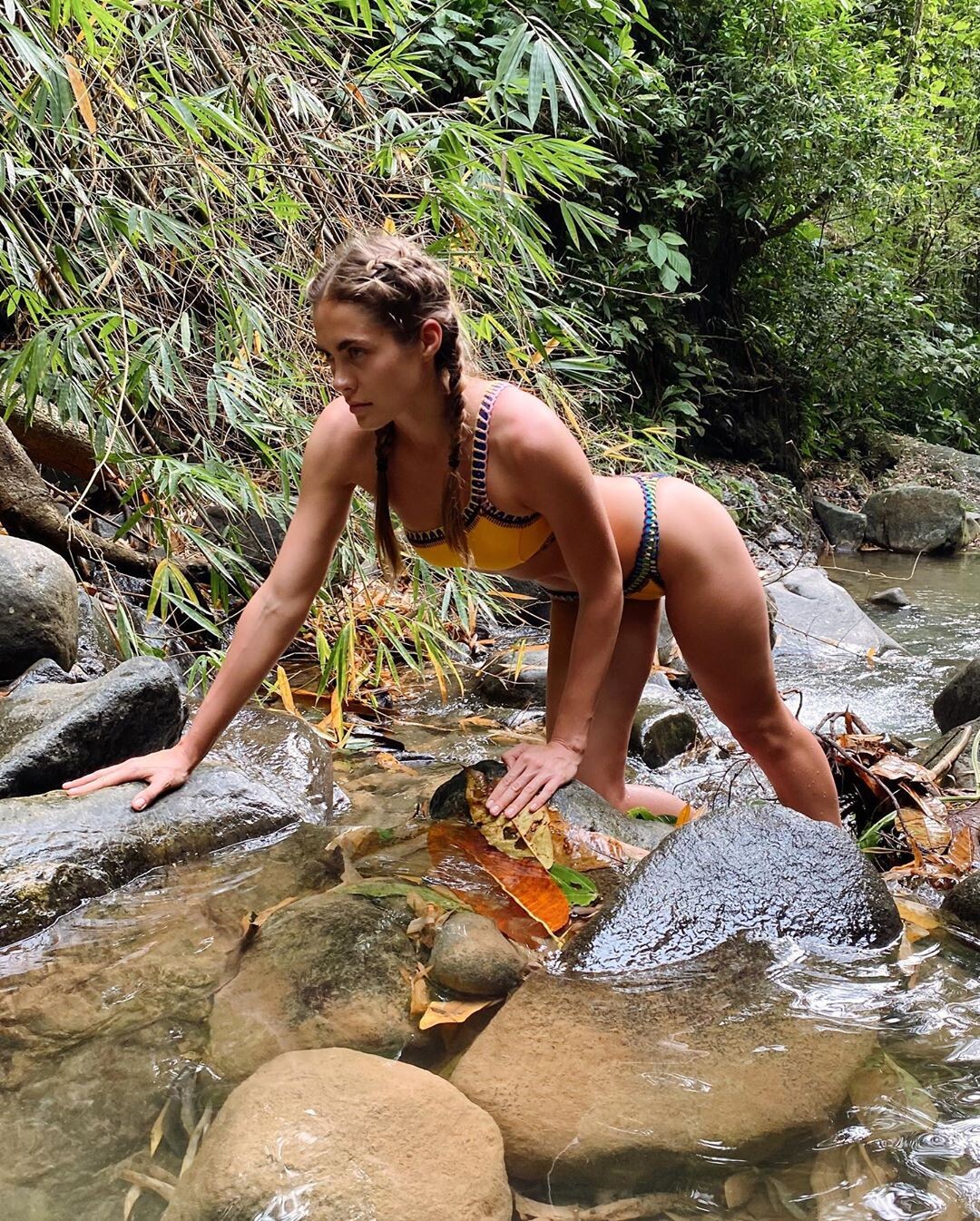
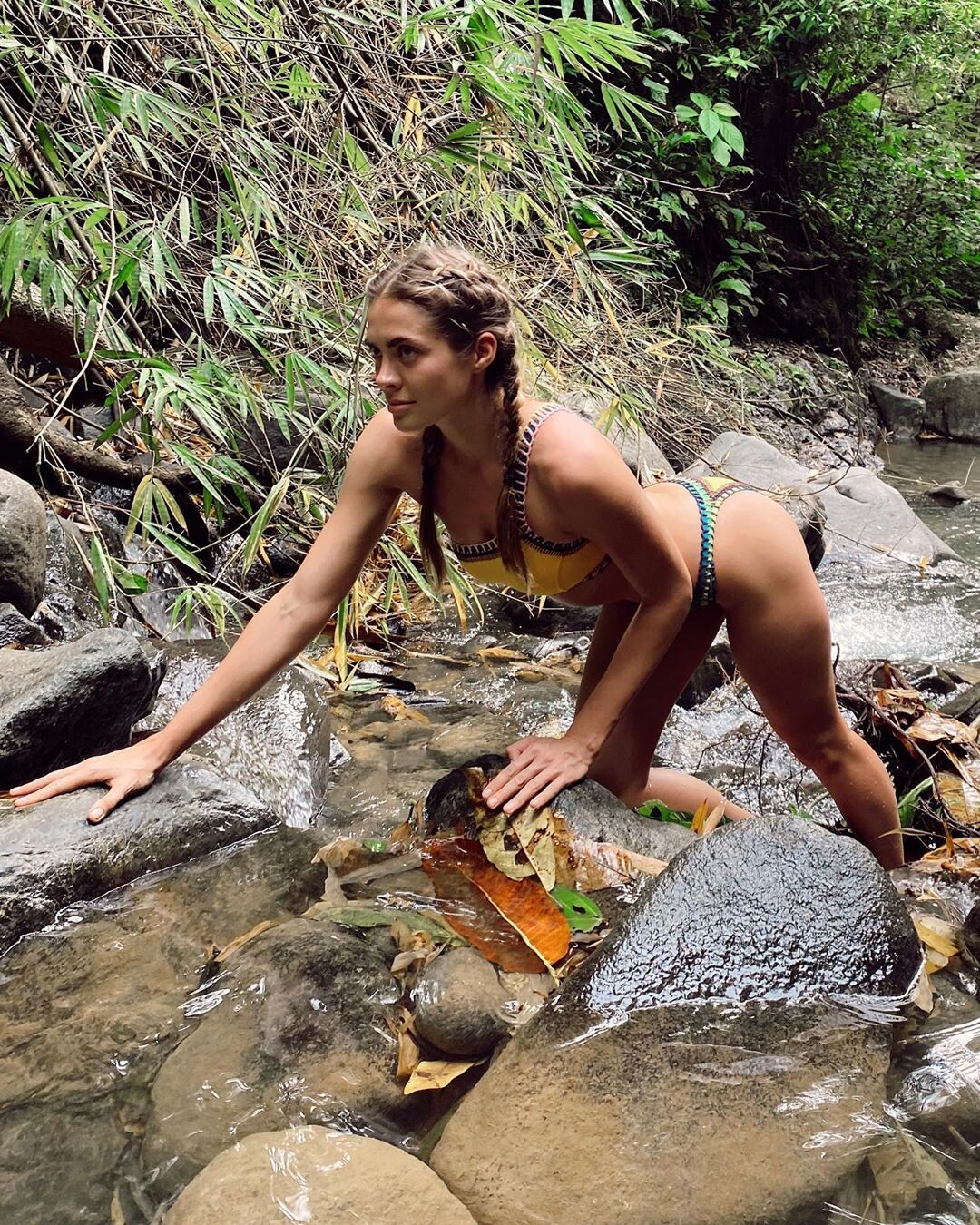
  • Joined

Everything posted by Enrico_sw

  1. By Robert Curran
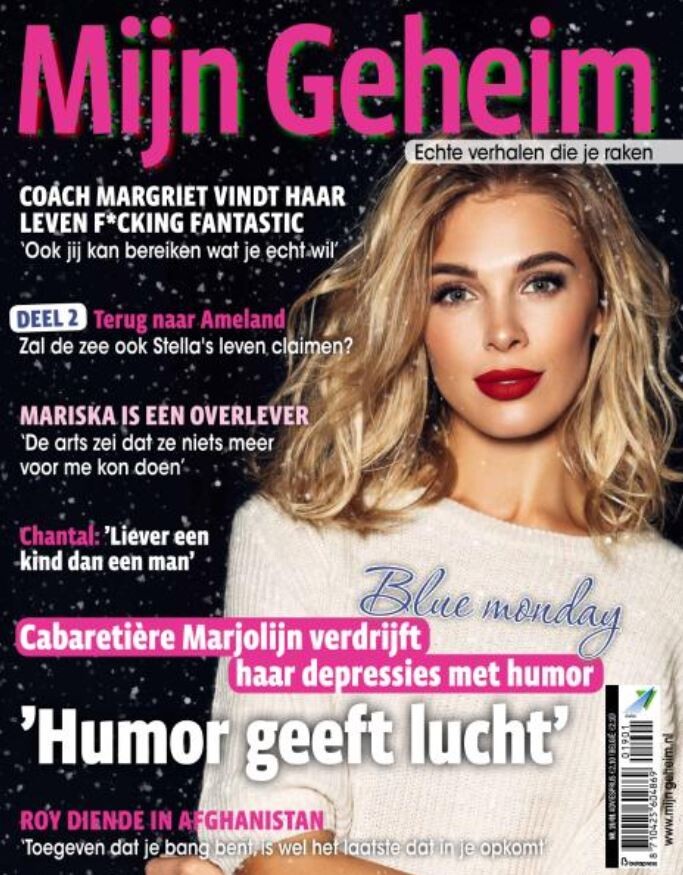
  2. Mijn Gehein, n°1/2019
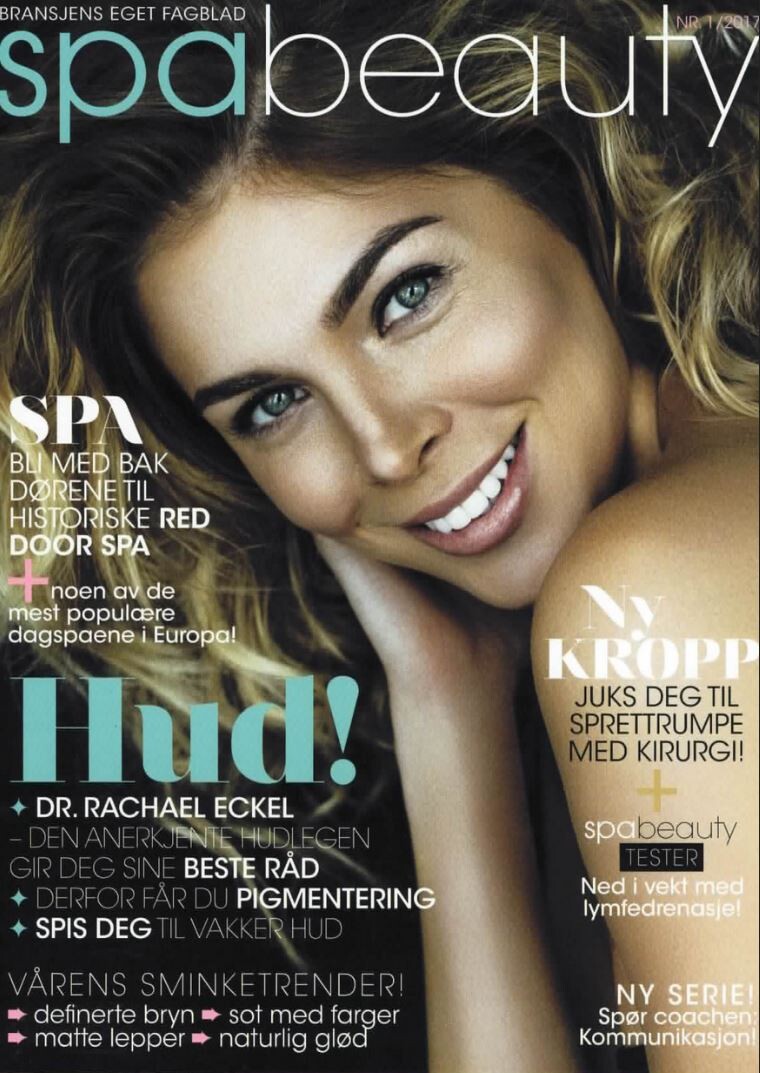
  3. Spa beauty, Sweden, n°1/2017
  4. Sunday Express, 25 November 2018
  5. I don't know who the photographer is, but they are very talented, because that's a really, really good picture.
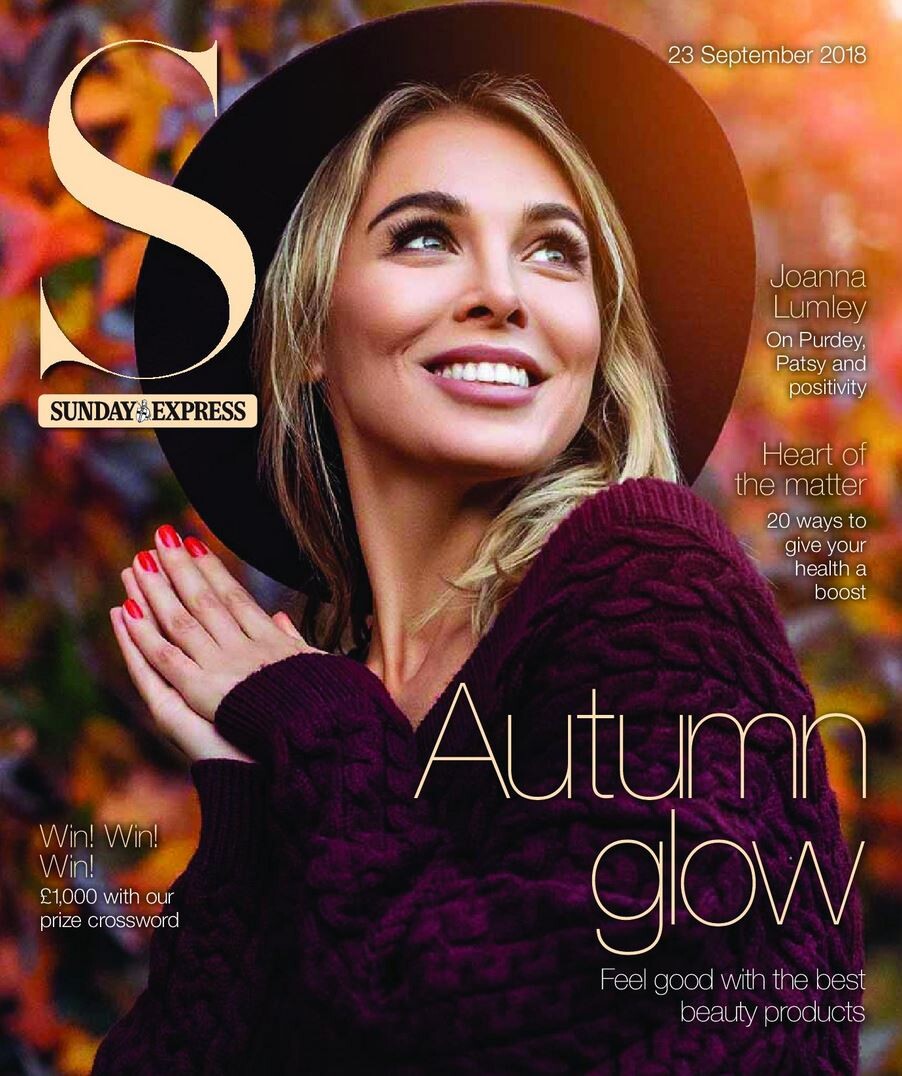
  6. Sunday Express, 23 September 2018
  7. Ekaterina Milovatskaya 10 October 2019 21 November 2019 12 December 2019

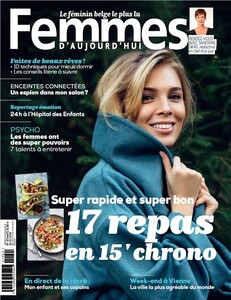
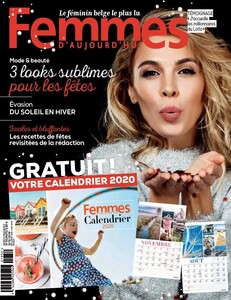
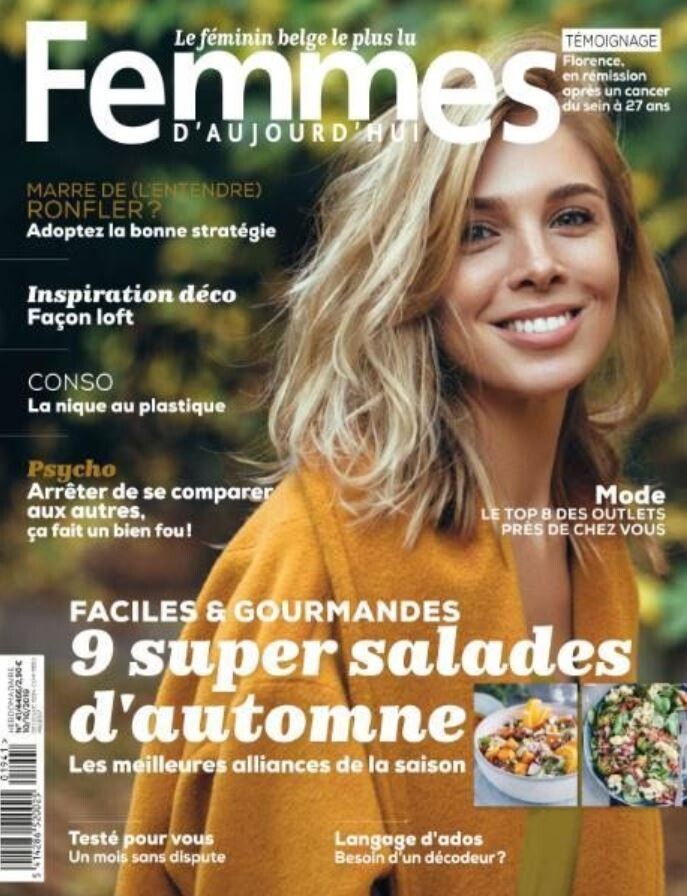
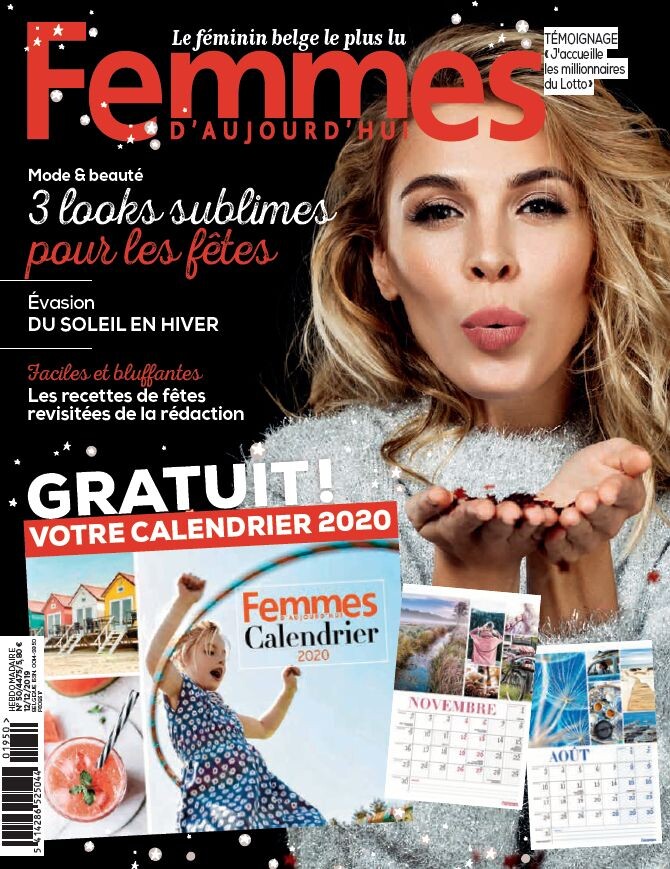
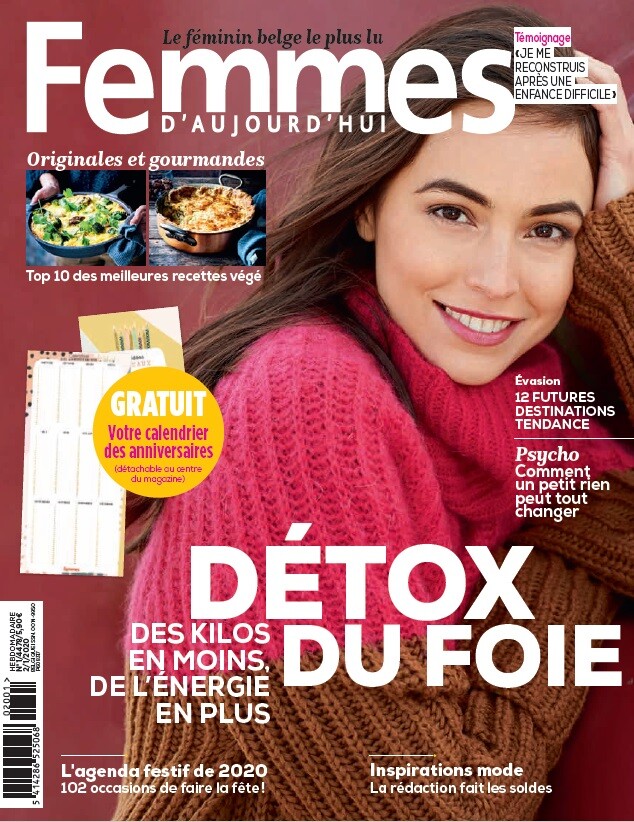
  8. Femmes d'Aujourd'hui, 12 December 2019
  9. Femmes d'Aujourd'hui, 21 November 2019
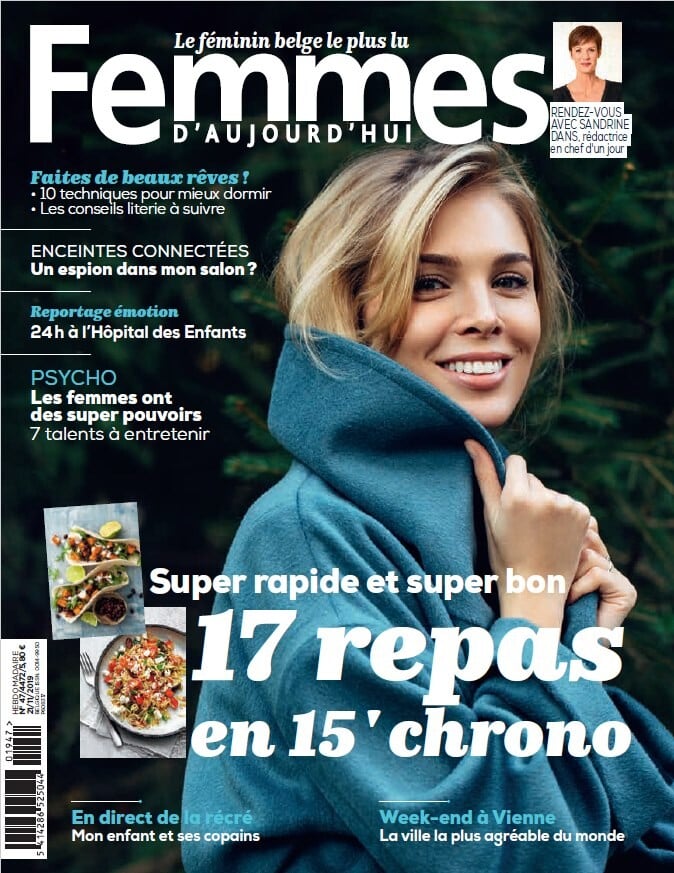
  10. Femmes d'Aujourd'hui, 10 October 2019
  11. Ekaterina Milovatskaya 14 January 2019 21 March 2019
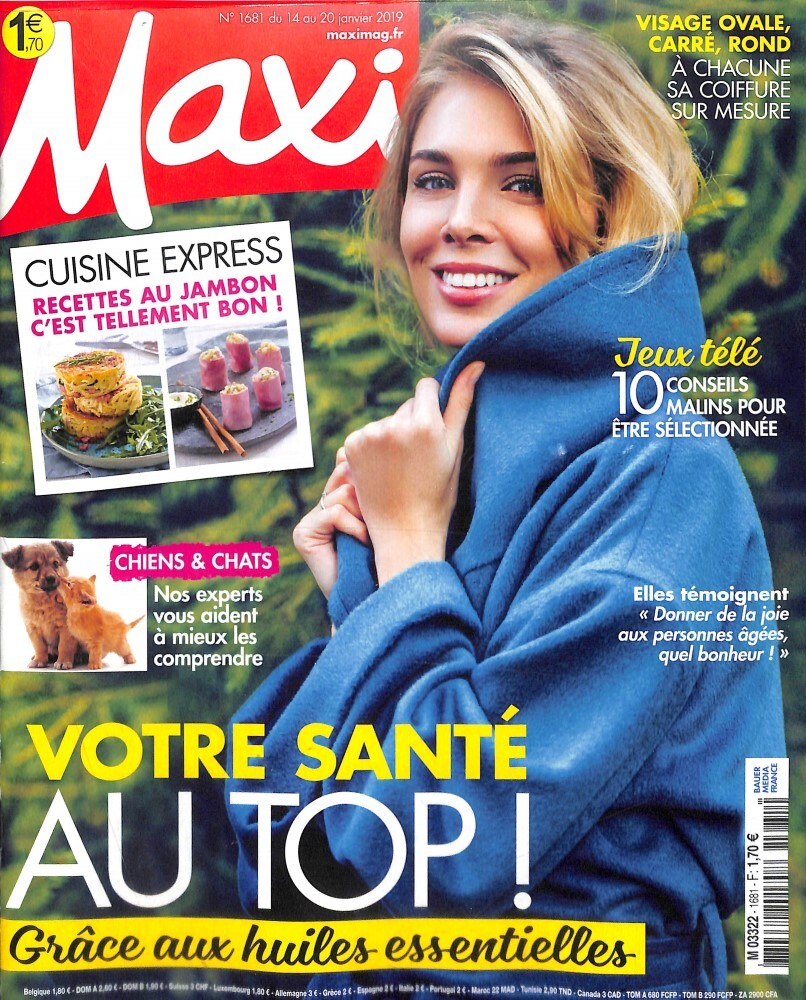
  12. Maxi magazine, France, 14 January 2019
  13. Yes and great smile!
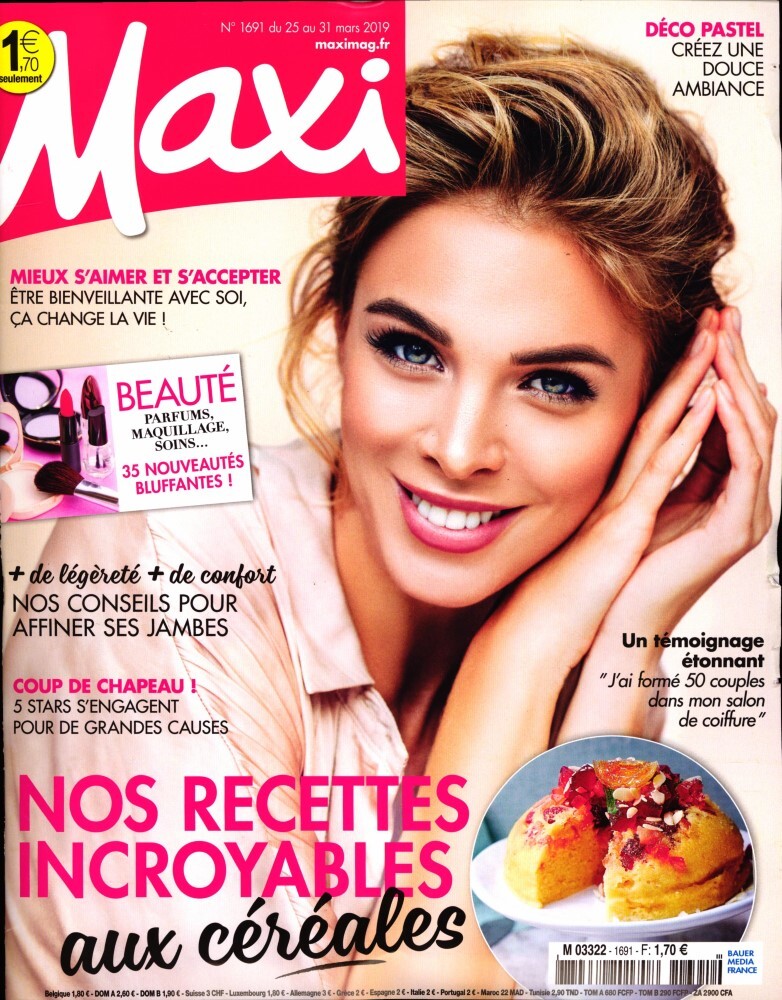
  14. Maxi magazine, France, 21 March 2019
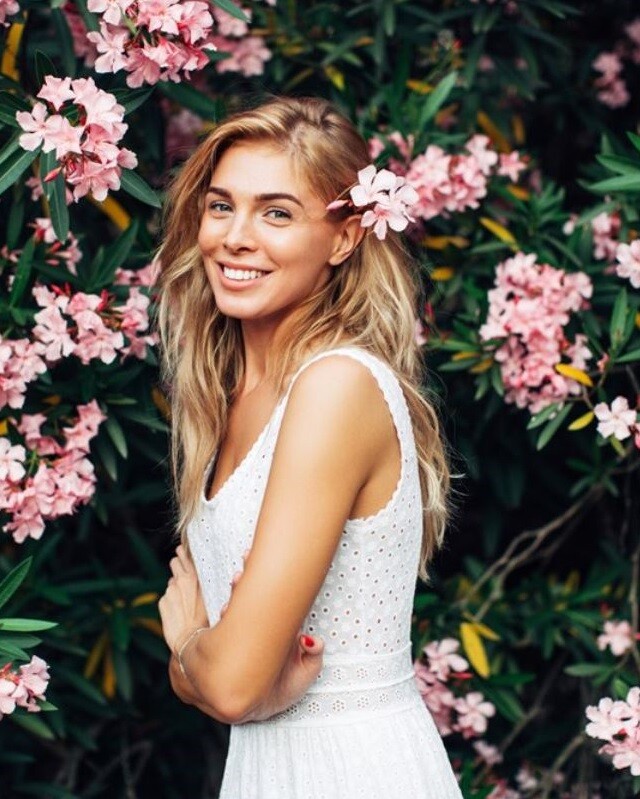
  15. I don't know where these pics are from but I like them.
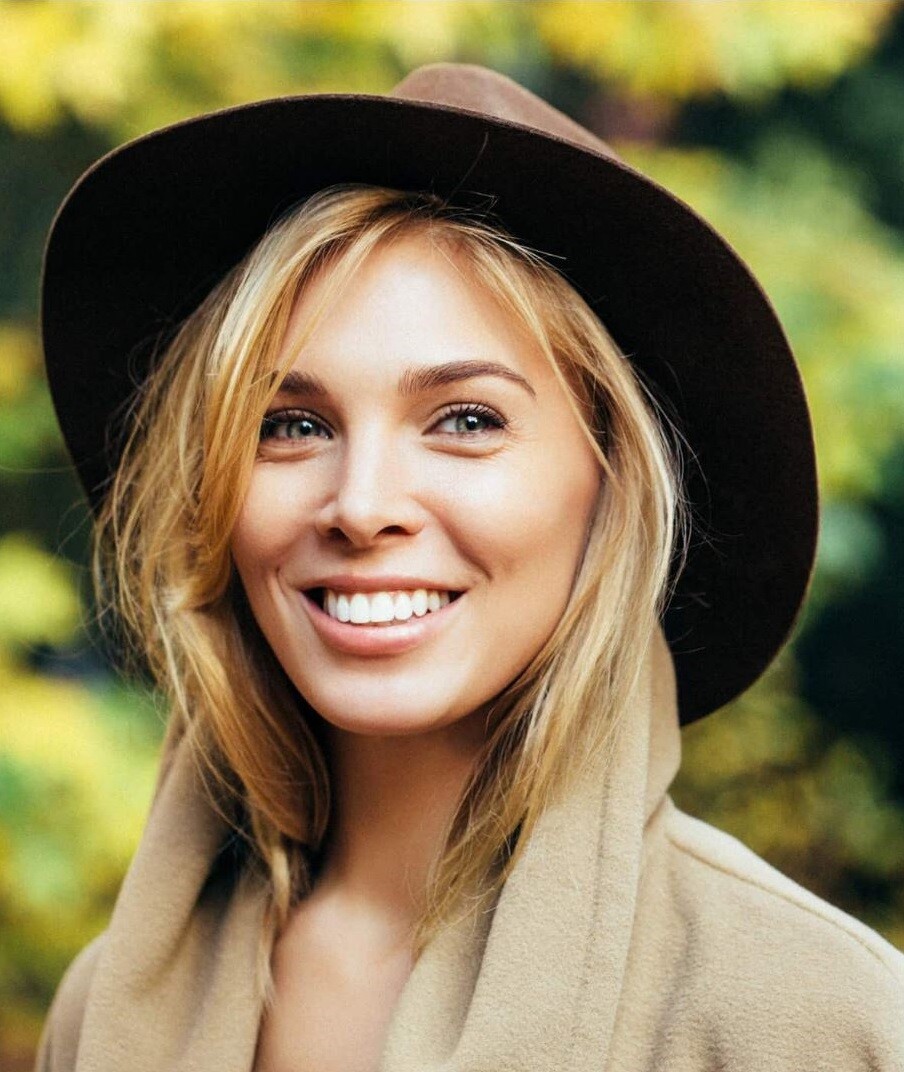
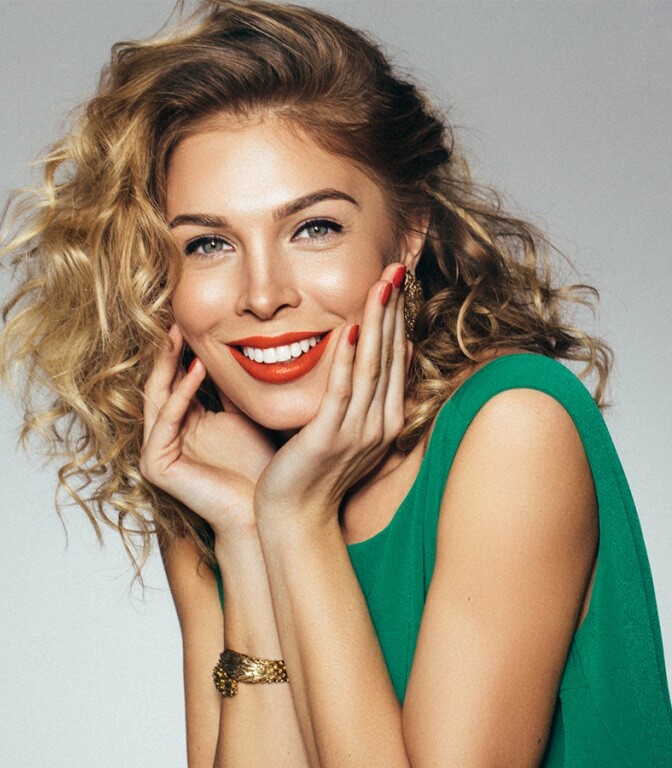
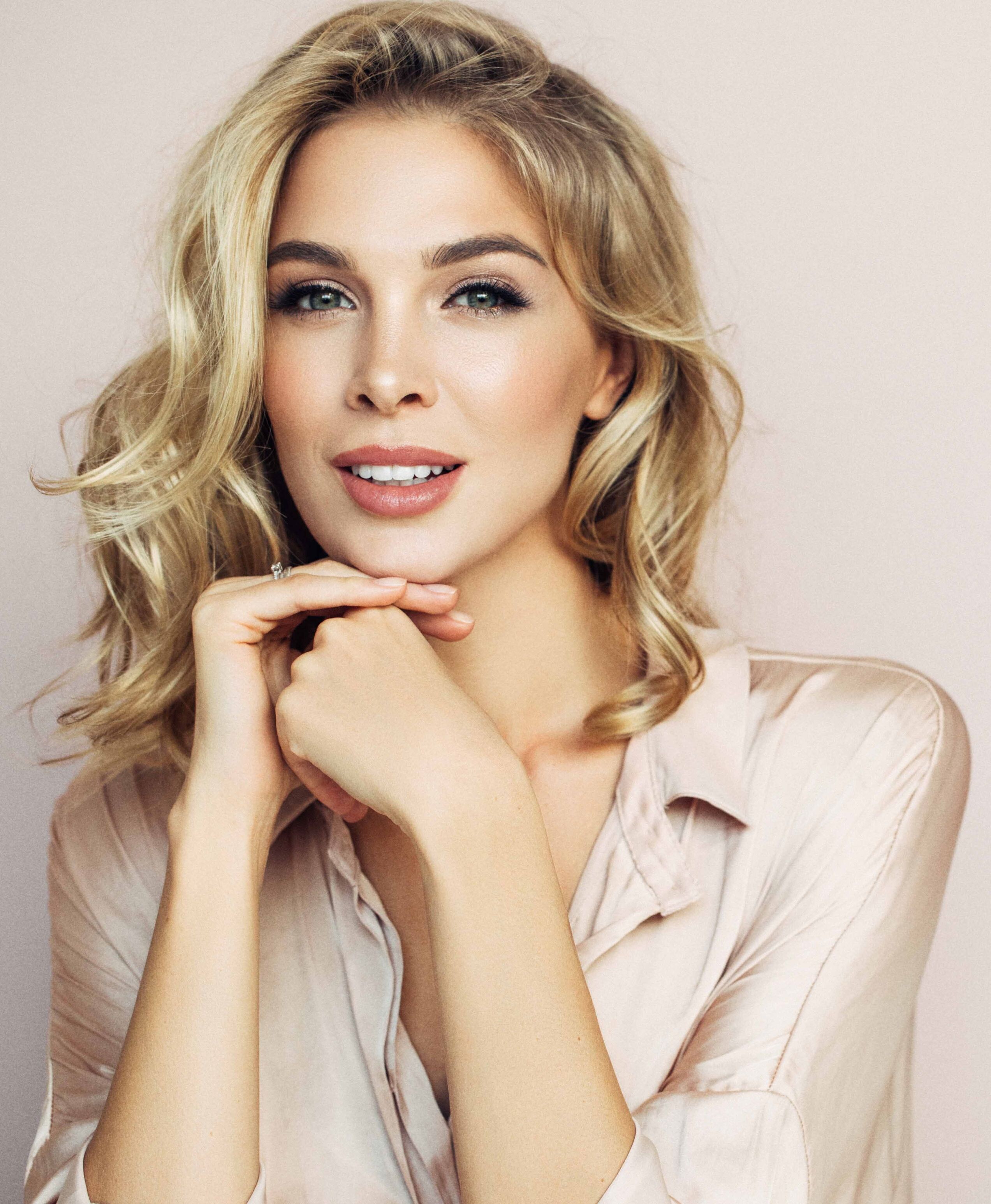
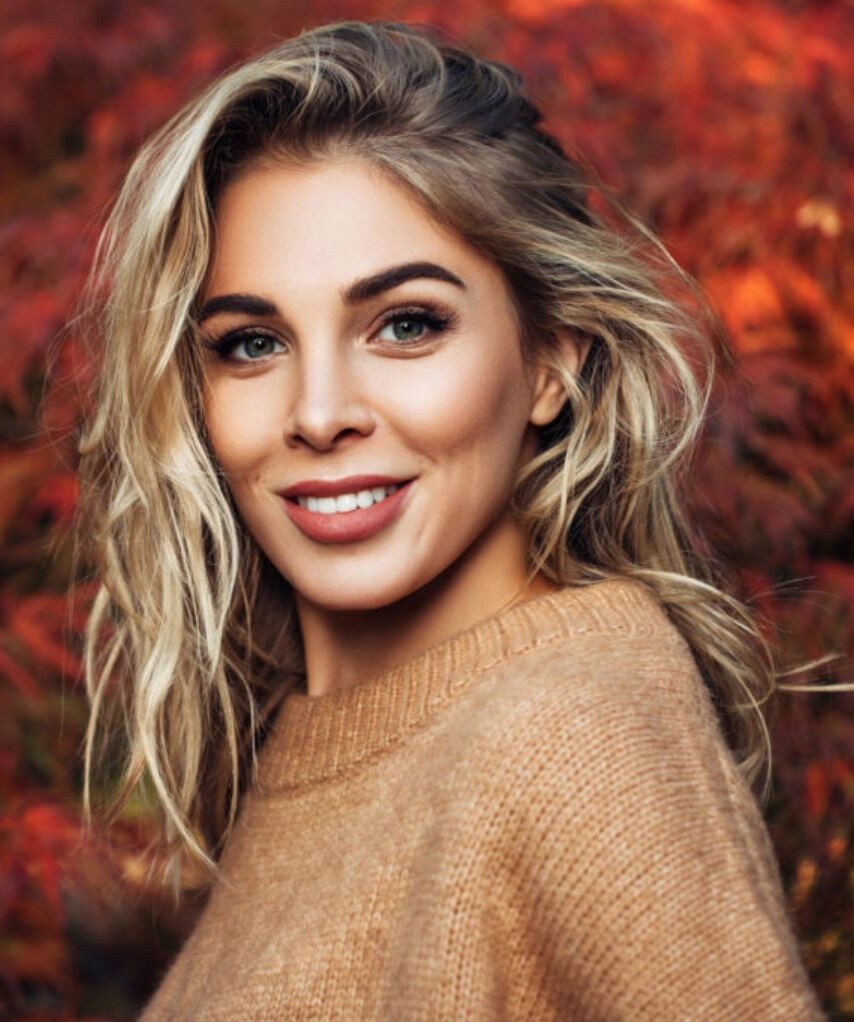
  16. Ekaterina Milovatskaya is a Russian model.
  17. Leyla Chakimova, 2 January 2020
  18. Femmes d'Aujourd'hui, 2 January 2020
Configure browser push notifications

Chrome (Android)
  1. Tap the lock icon next to the address bar.
  2. Tap Permissions → Notifications.
  3. Adjust your preference.
Chrome (Desktop)
  1. Click the padlock icon in the address bar.
  2. Select Site settings.
  3. Find Notifications and adjust your preference.