
gedeon67
Members
-
Joined
-
Last visited
Everything posted by gedeon67
-
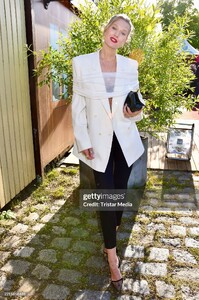
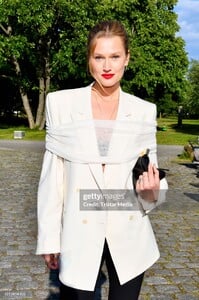
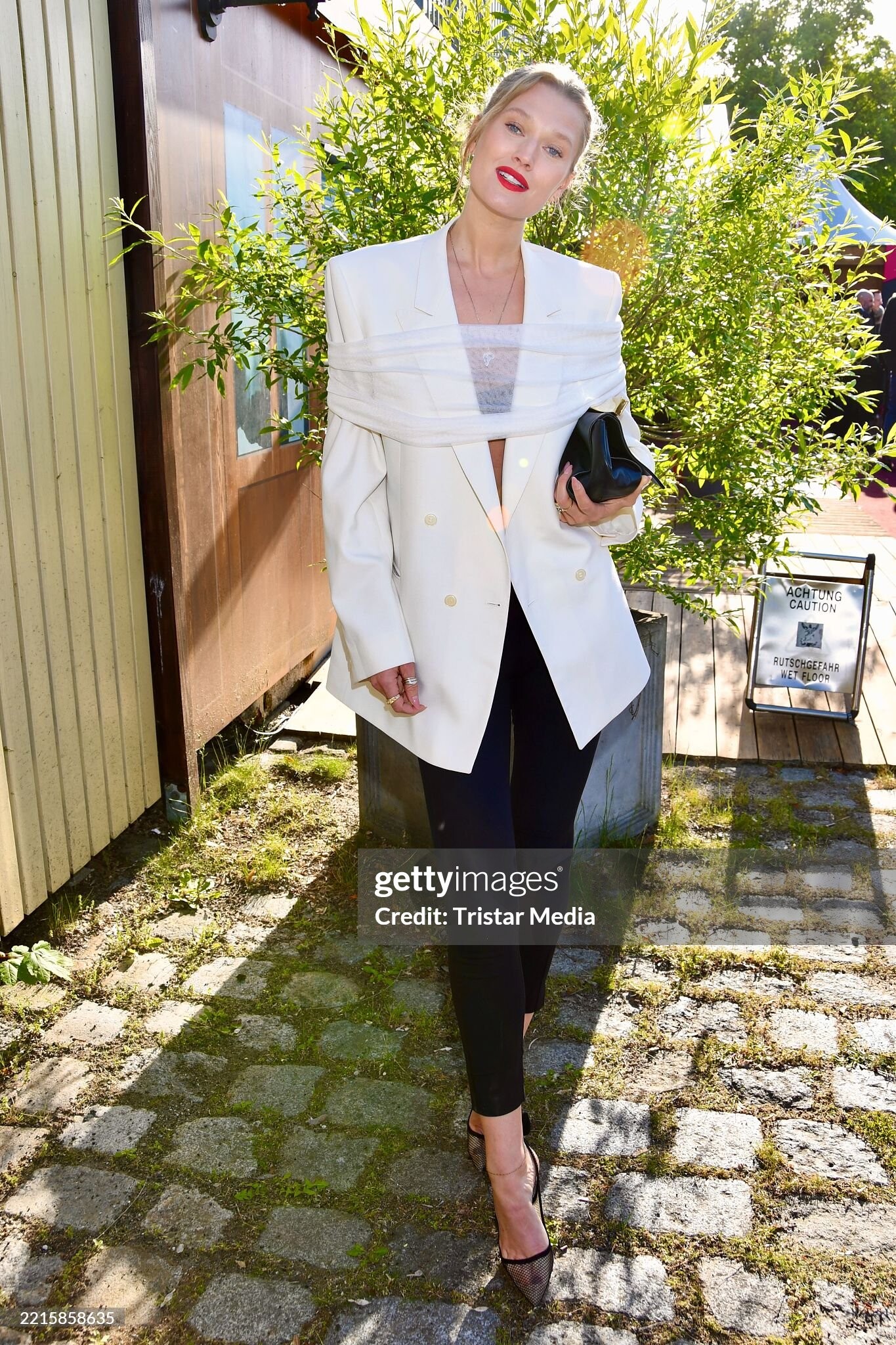
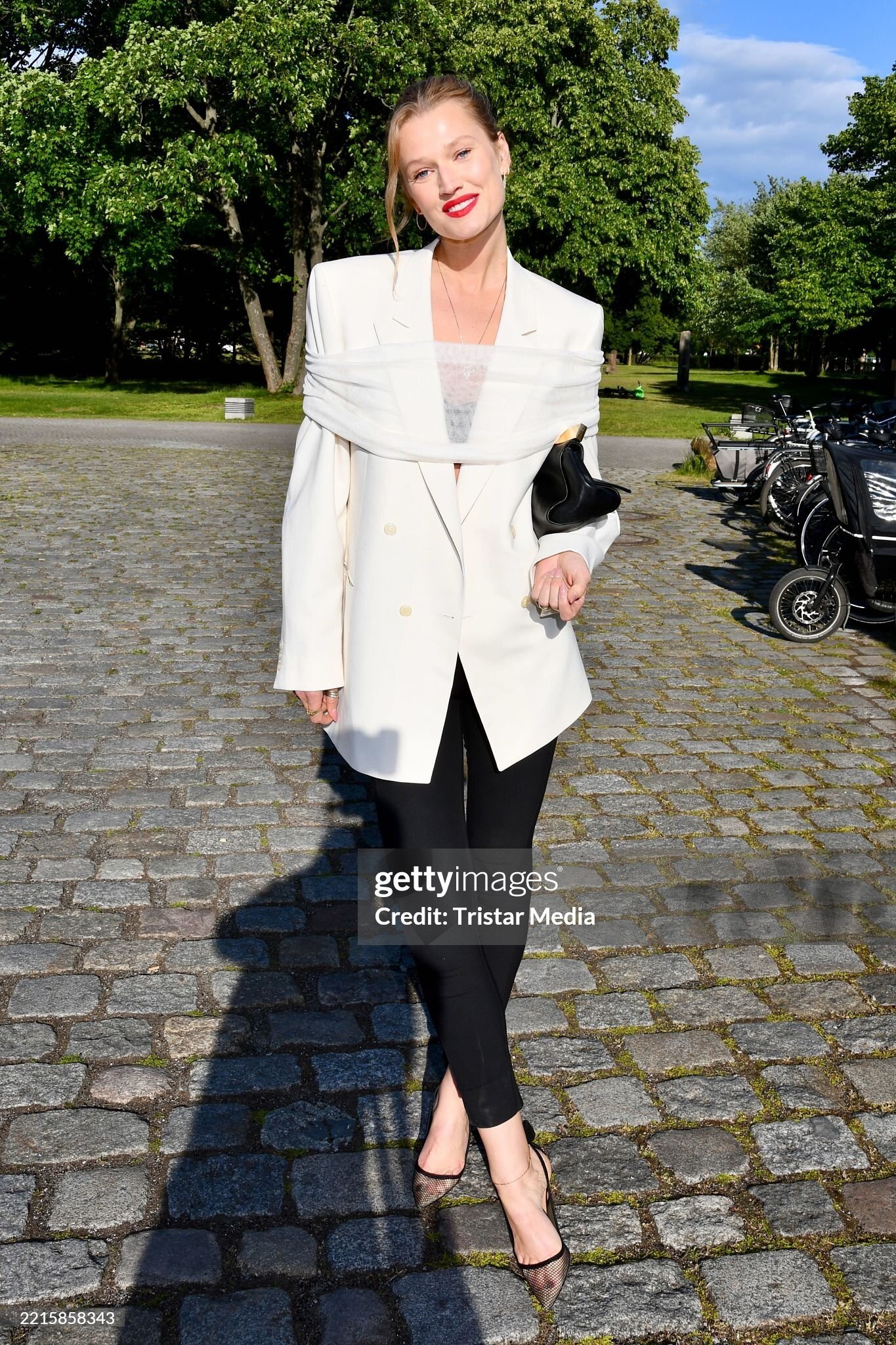
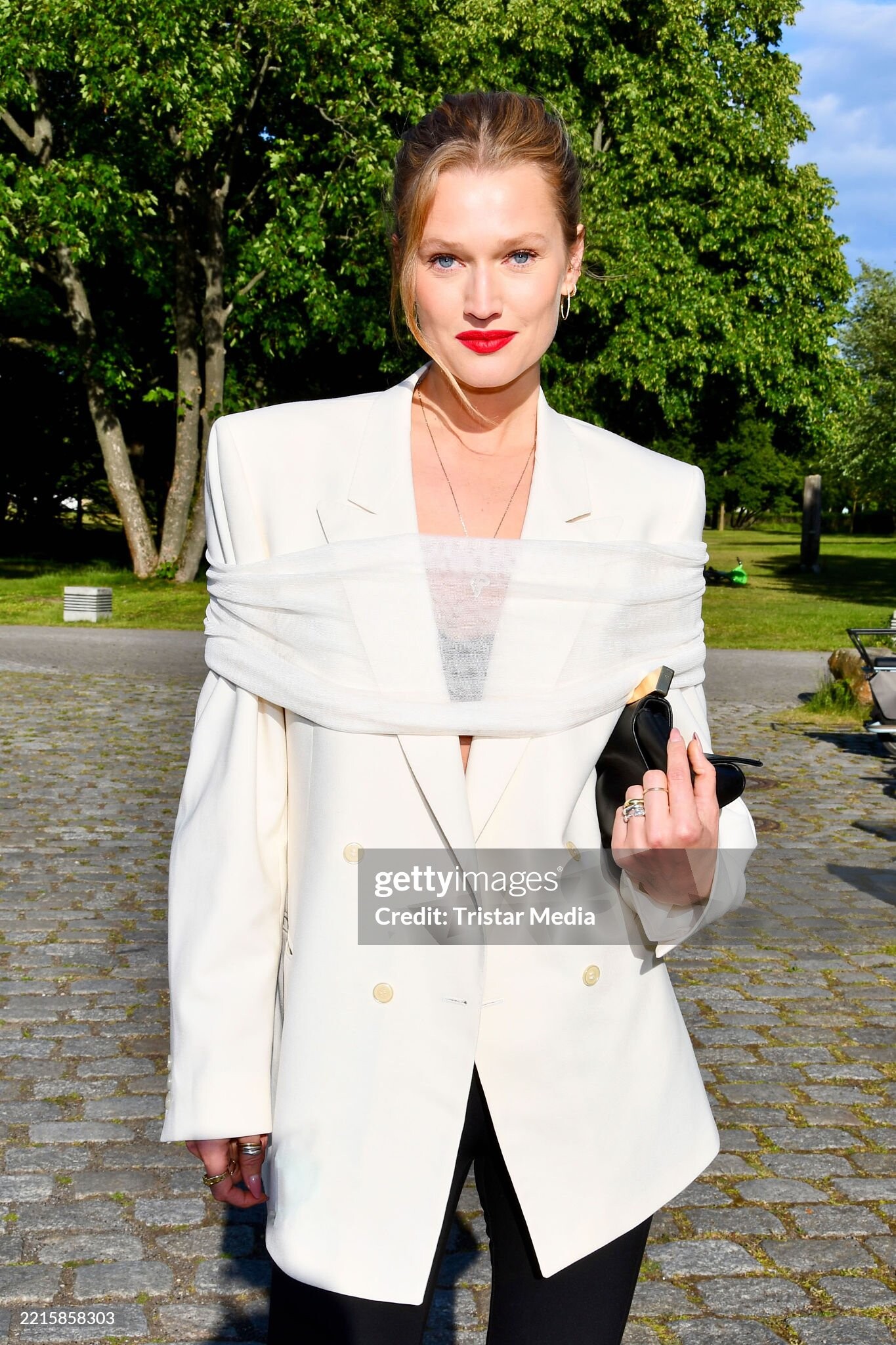
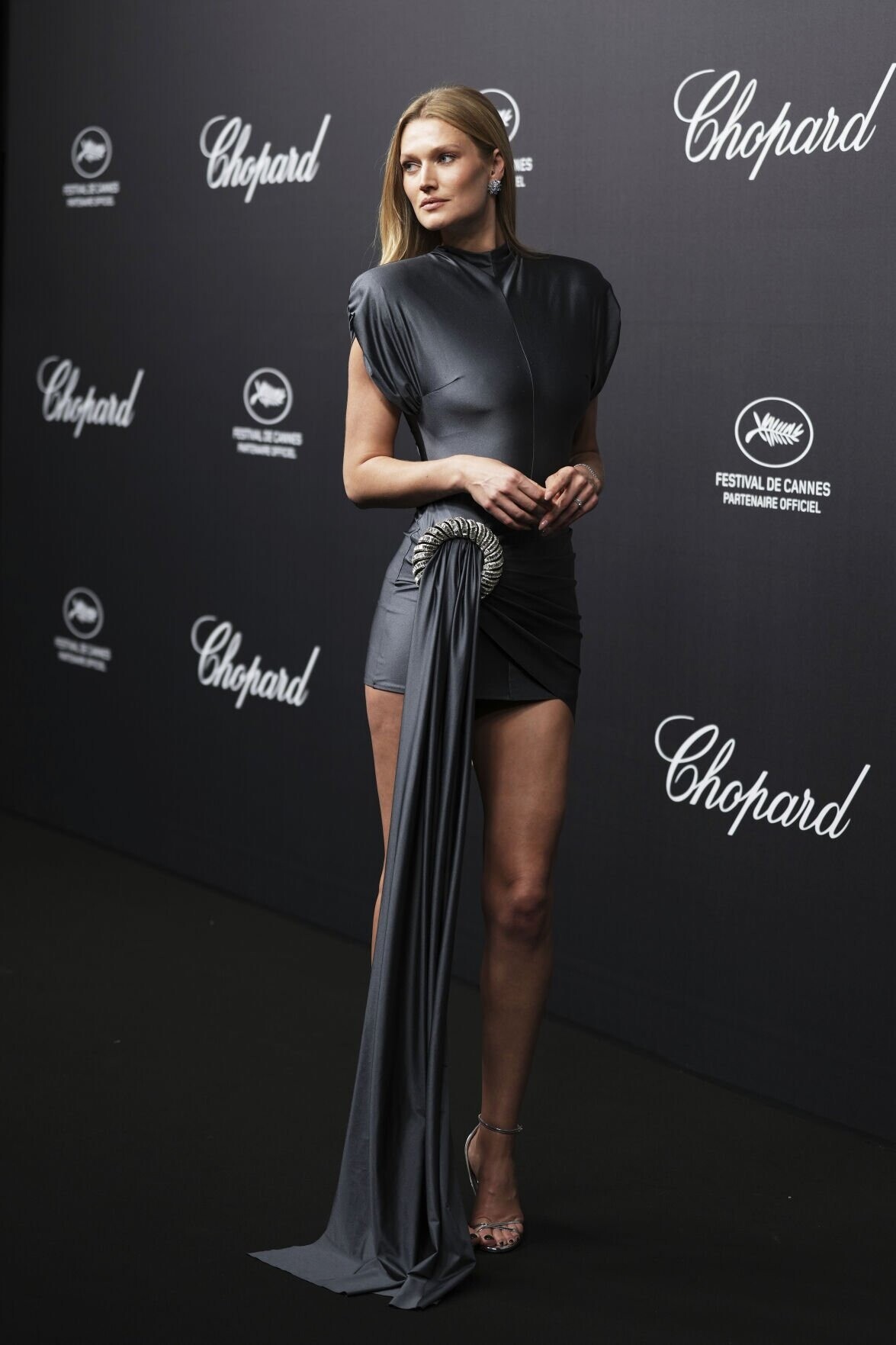
Toni Garrn during the German Startup Awards 2025

-
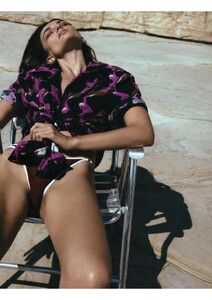
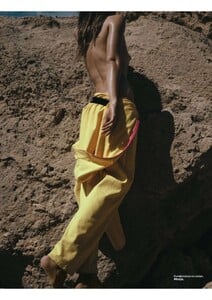
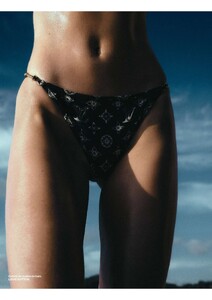
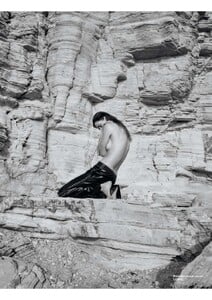
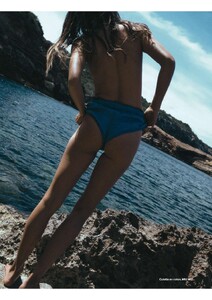
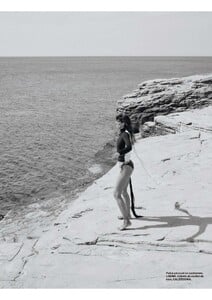
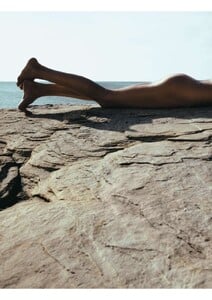
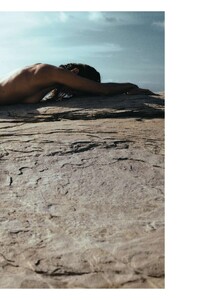
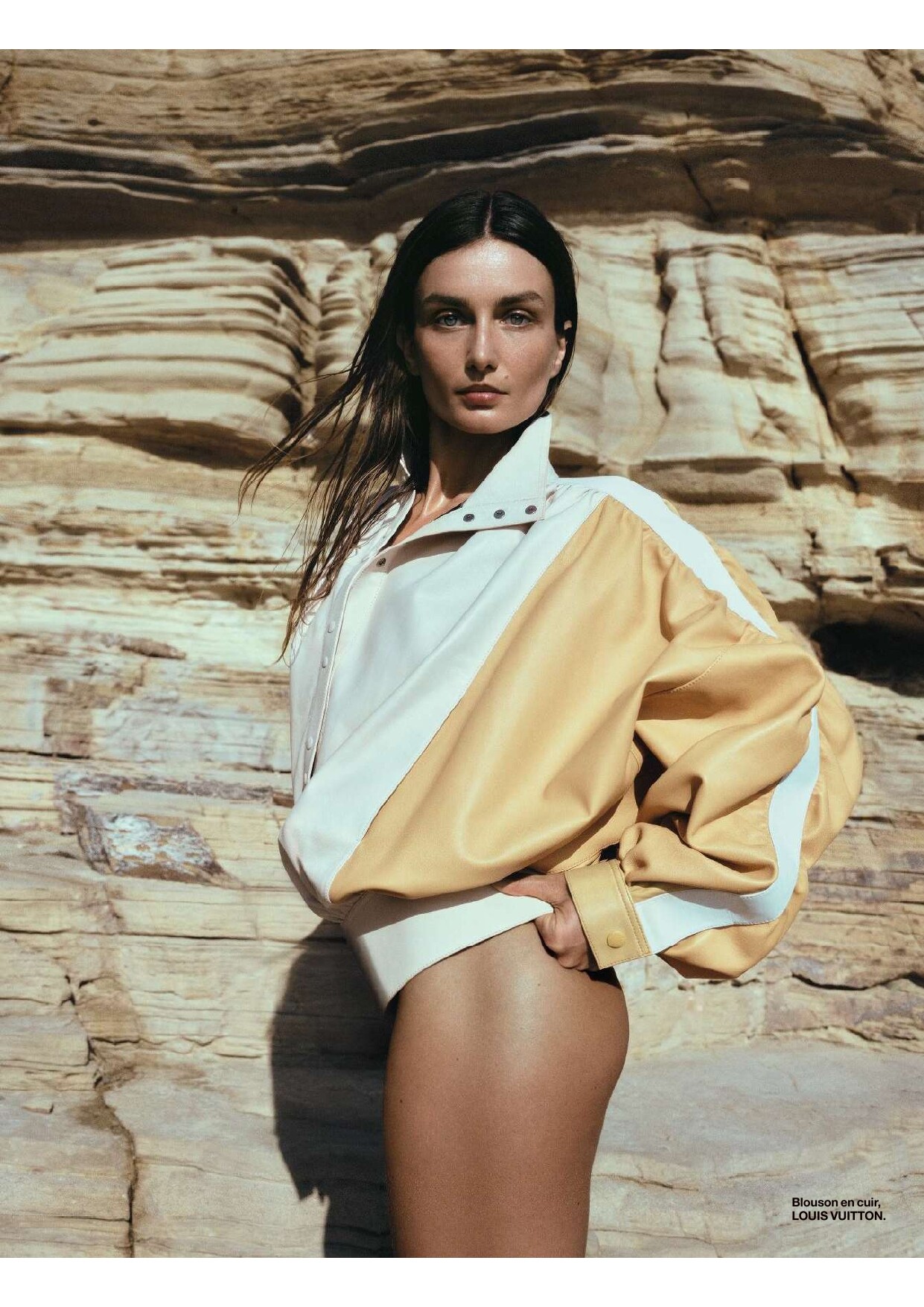
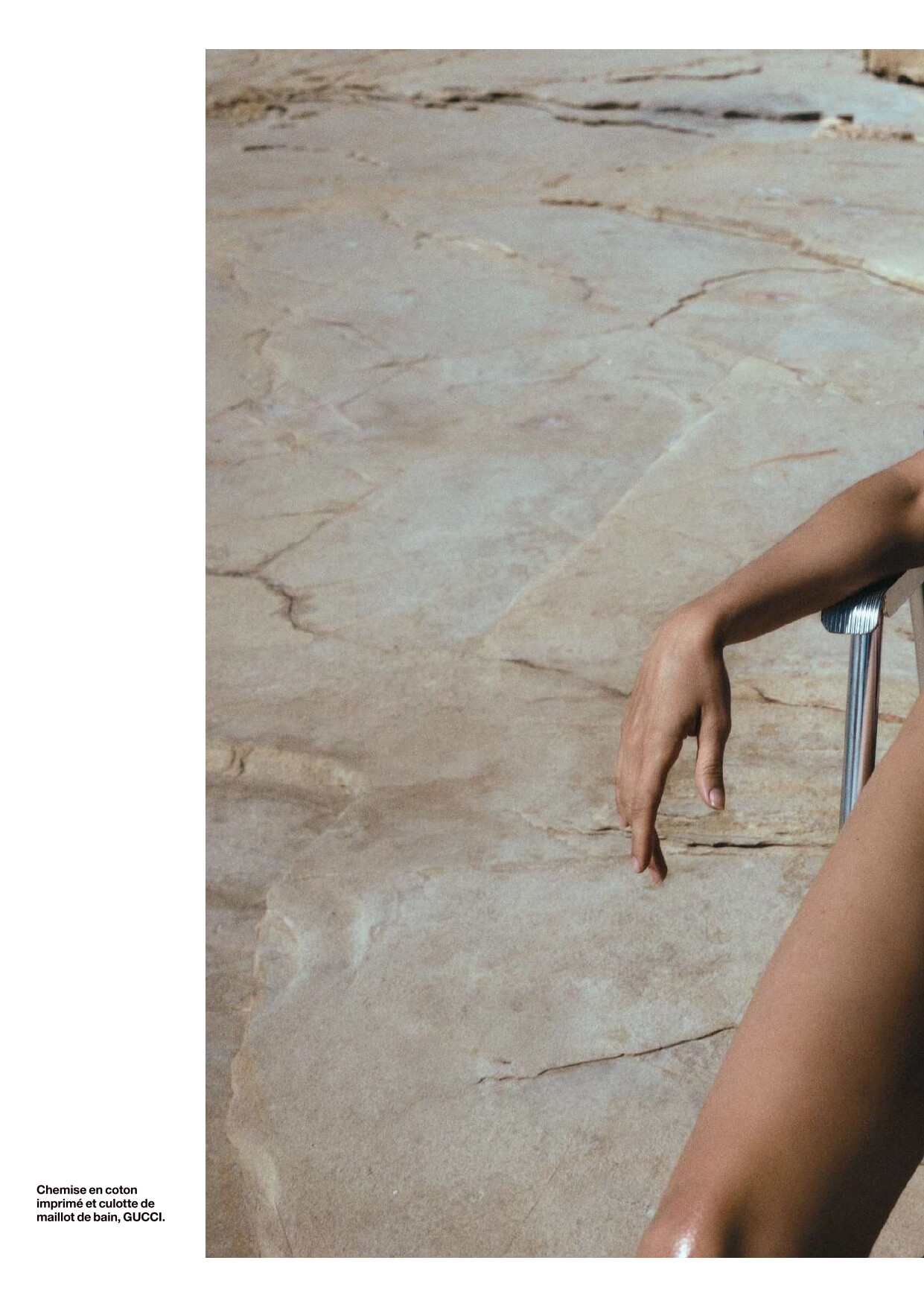
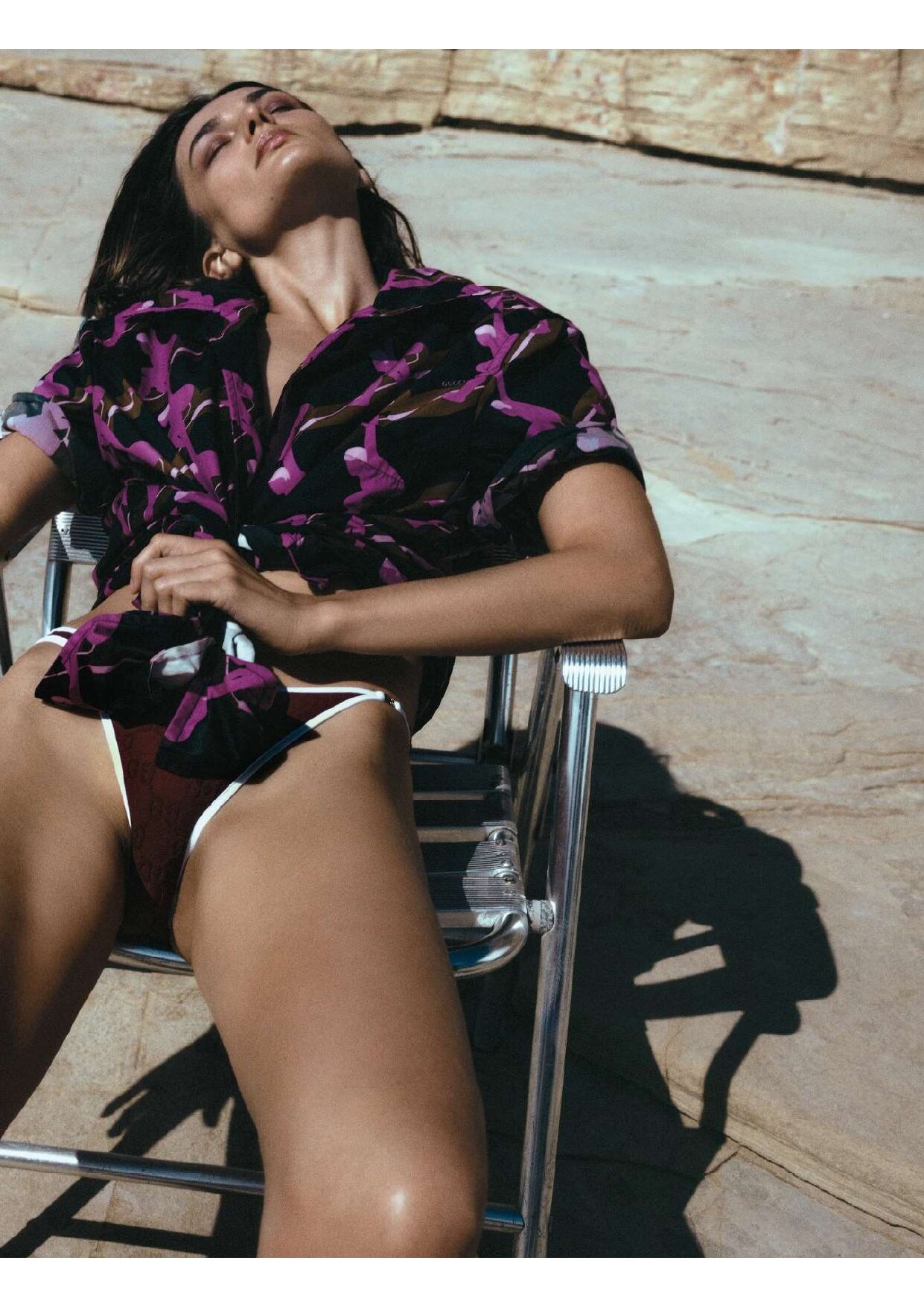
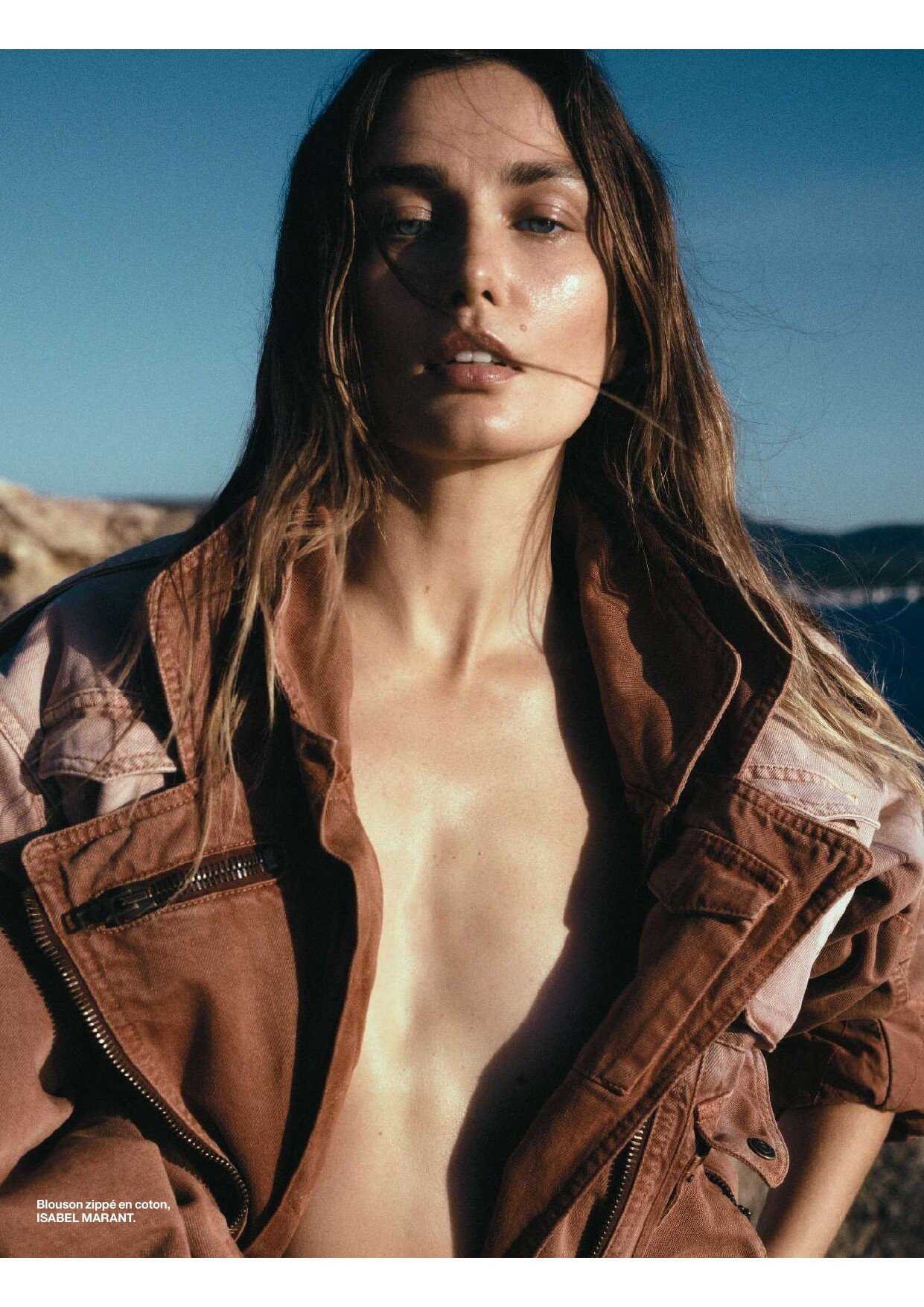
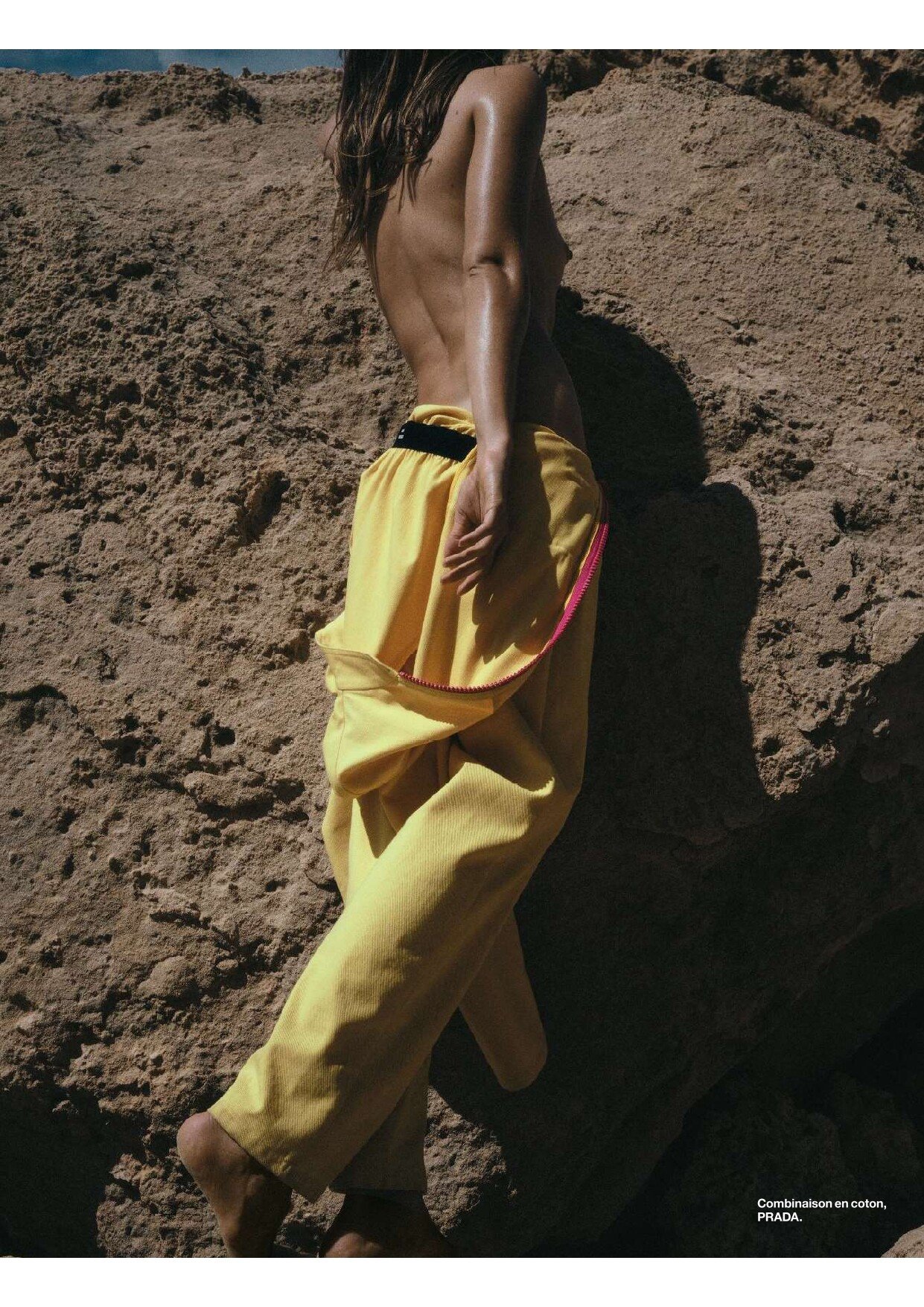
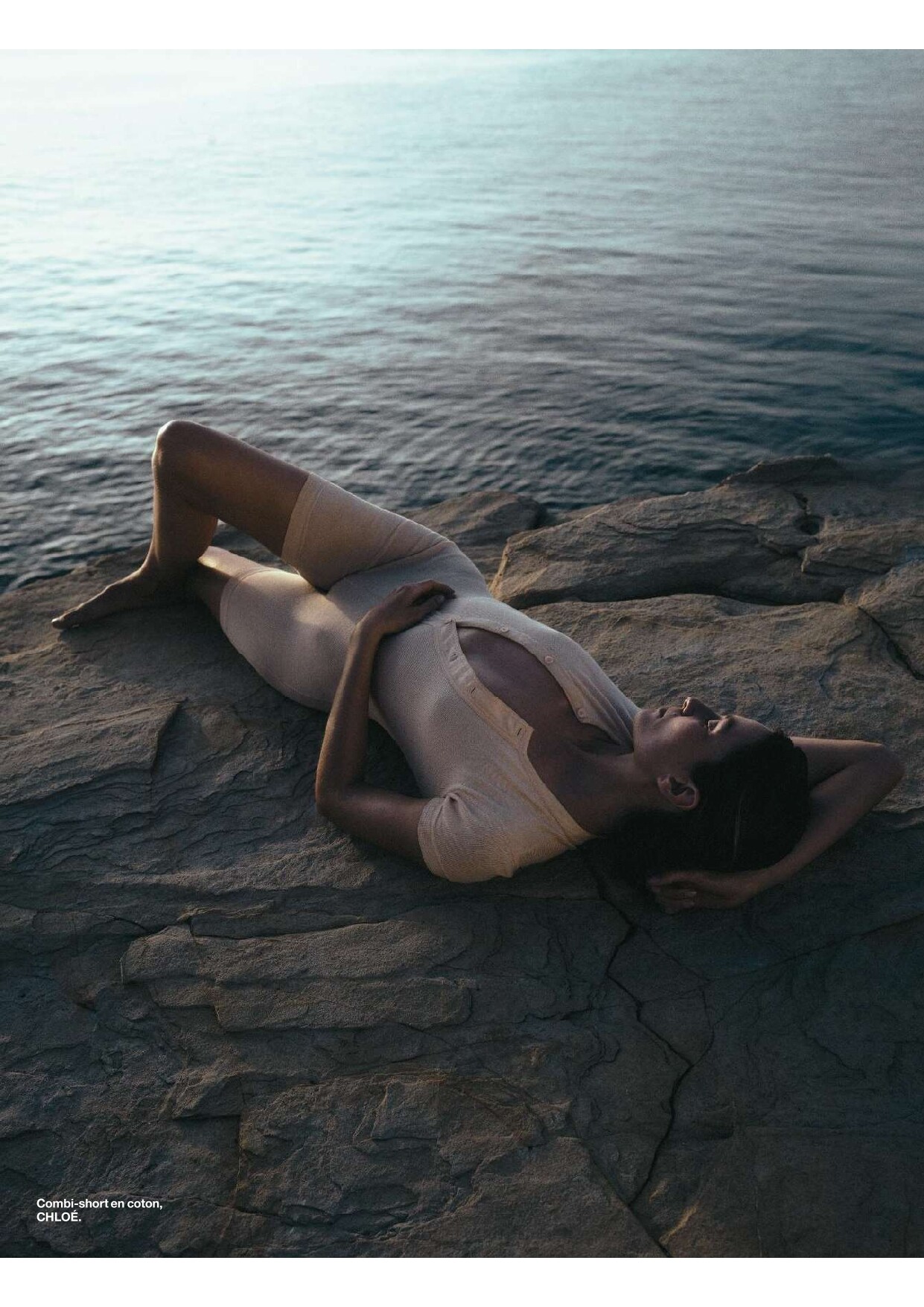
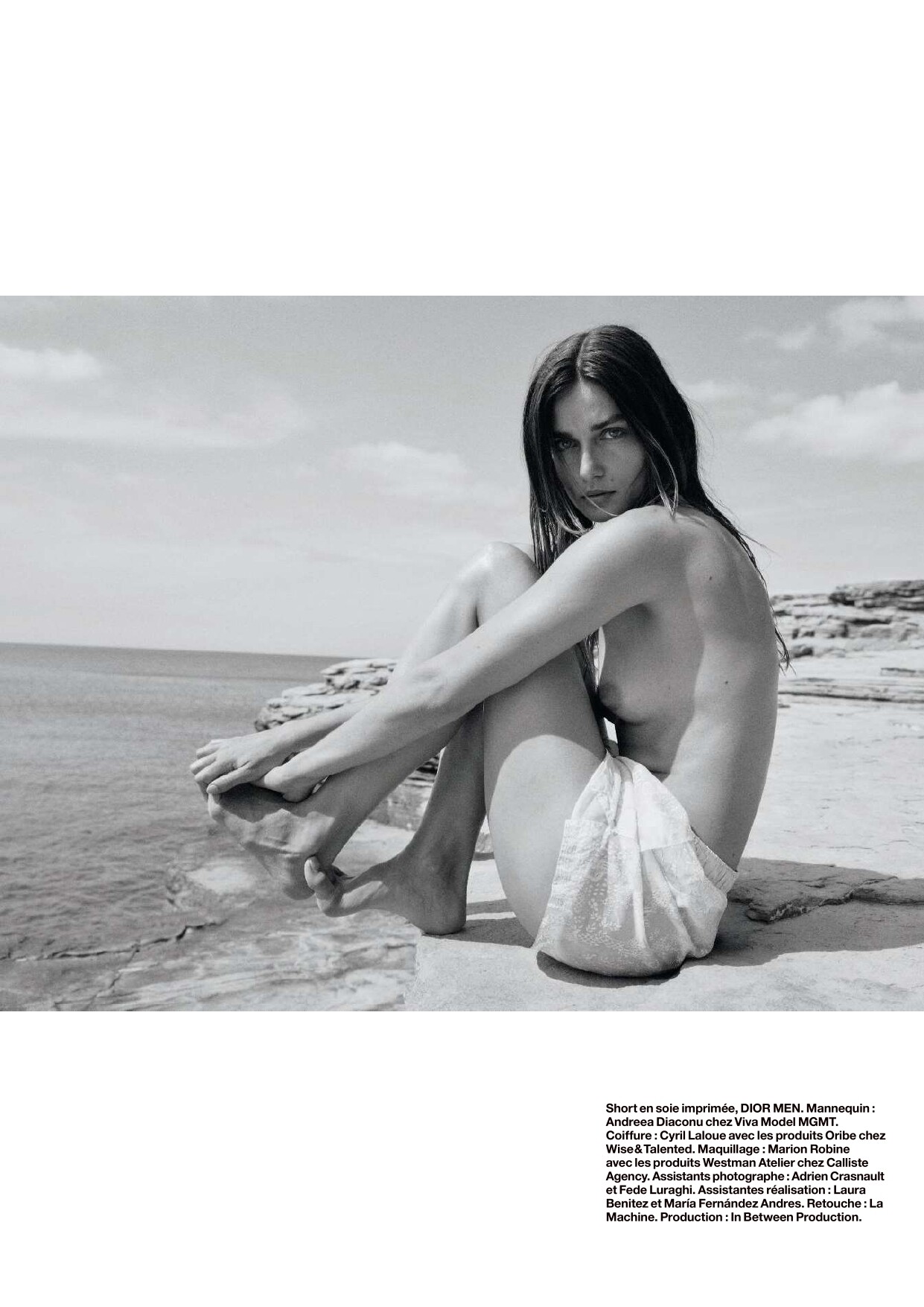
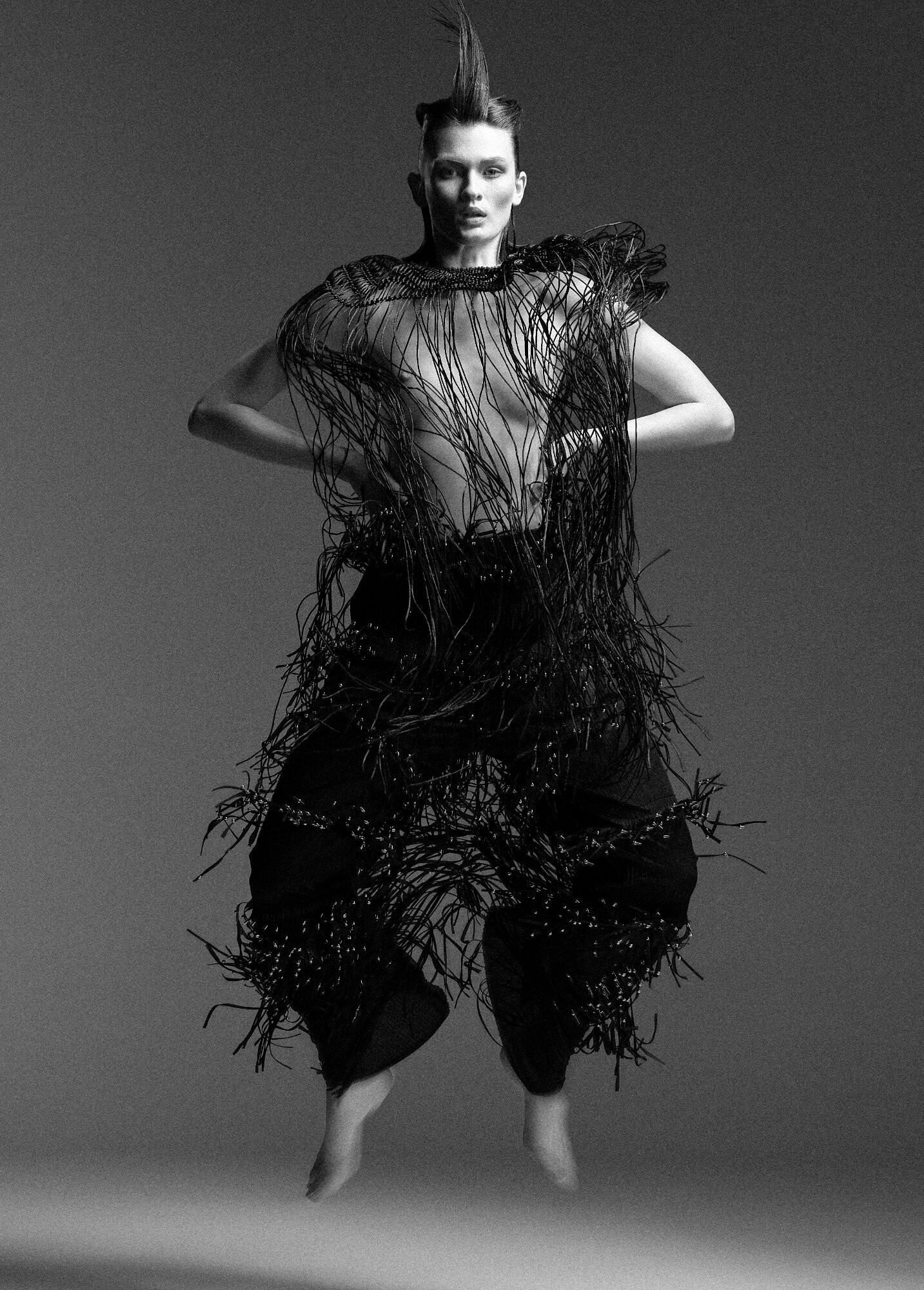
in print Sous Le Soleil ExactementYulia Gorbachenko - Photographer Charles Varenne - Fashion Editor/Stylist Cyril Laloue - Hair Stylist Marion Robine - Makeup Artist








-
Maartje Verhoef Elle De 05.2025.mp4 Elle De 05.2025 BTS
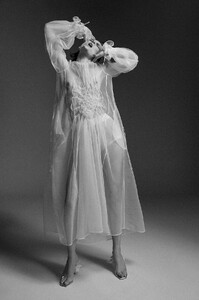
Harper's Bazaar Turkey April 2025 GECE YARISI DANSI Kadir Karademir - Photographer Kadir Karademir - Director Nuri Sekerci - Hair Stylist Erkan Uluc - Makeup Artist




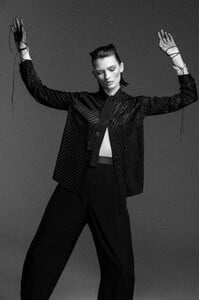



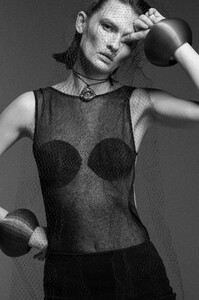
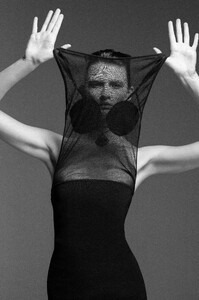

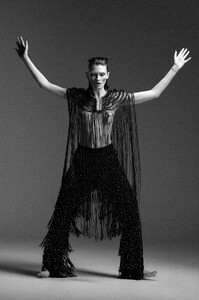

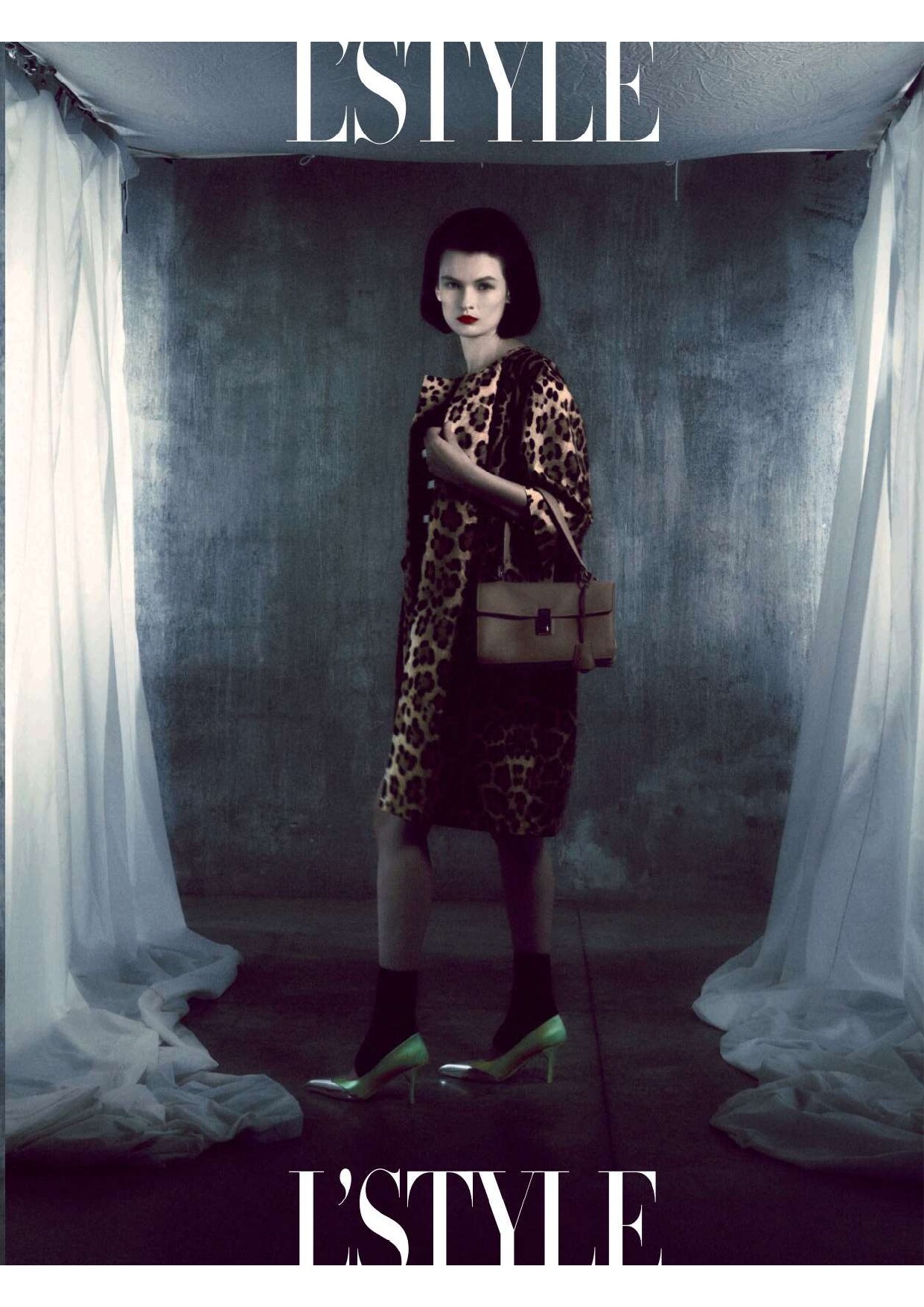
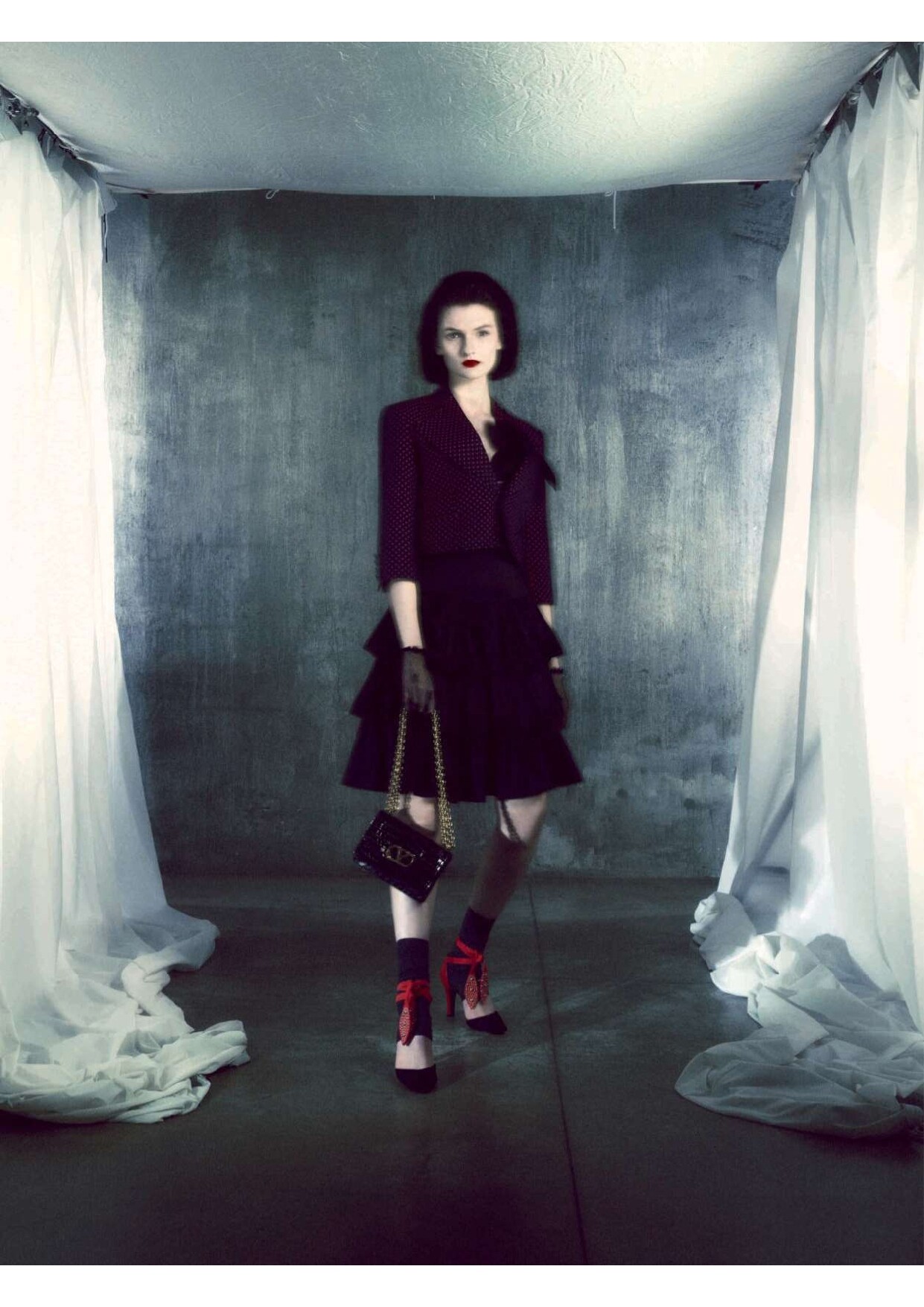
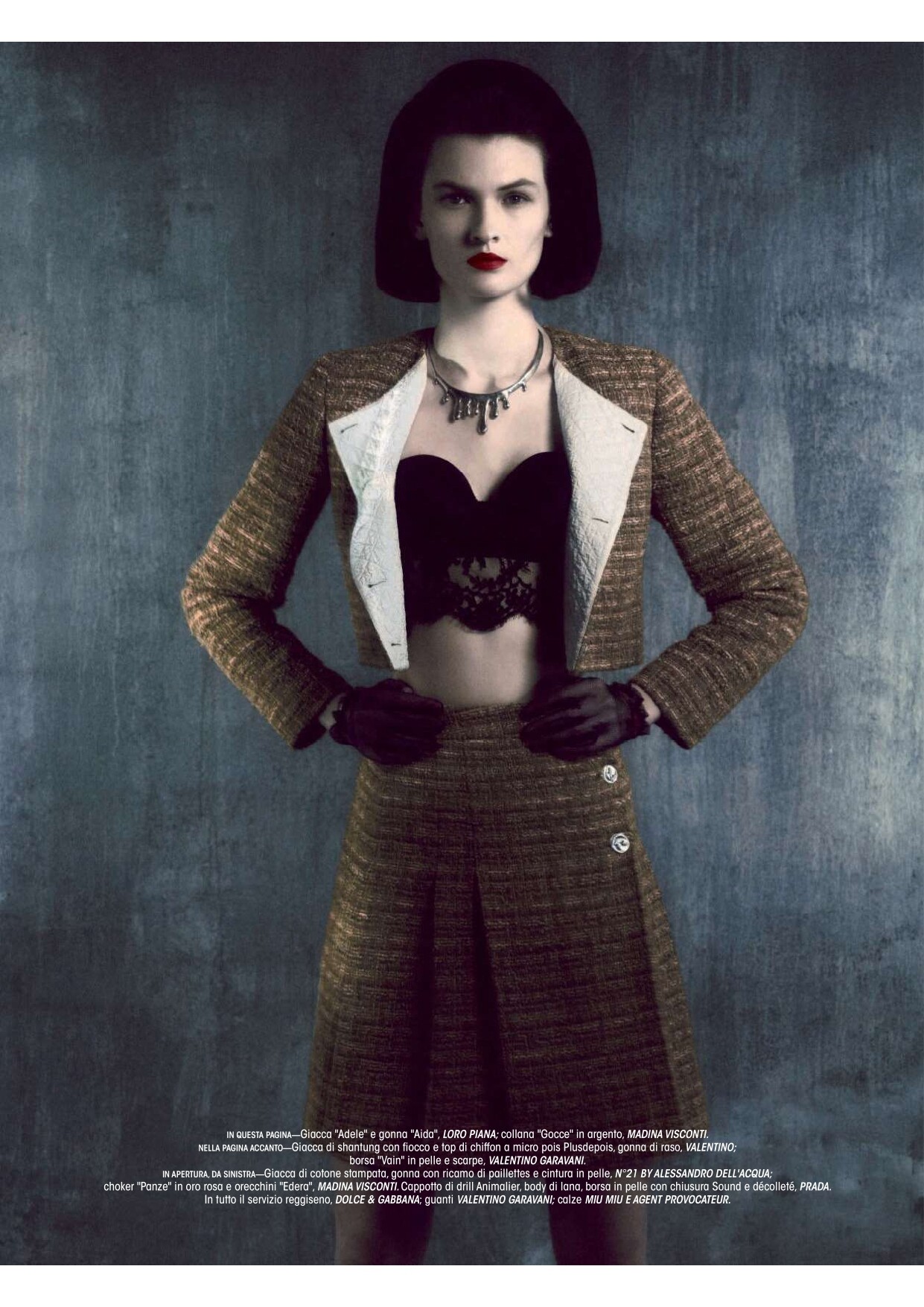
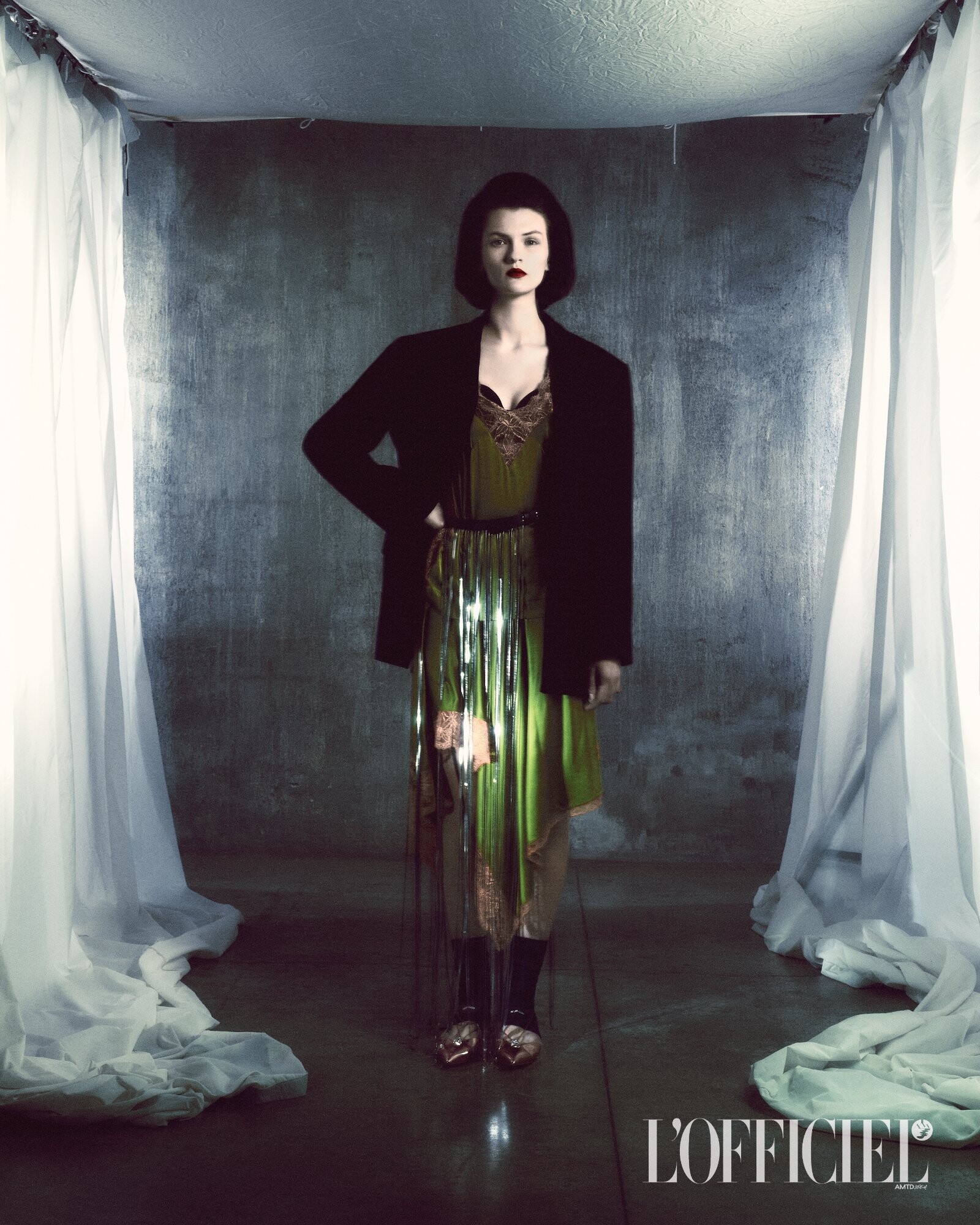
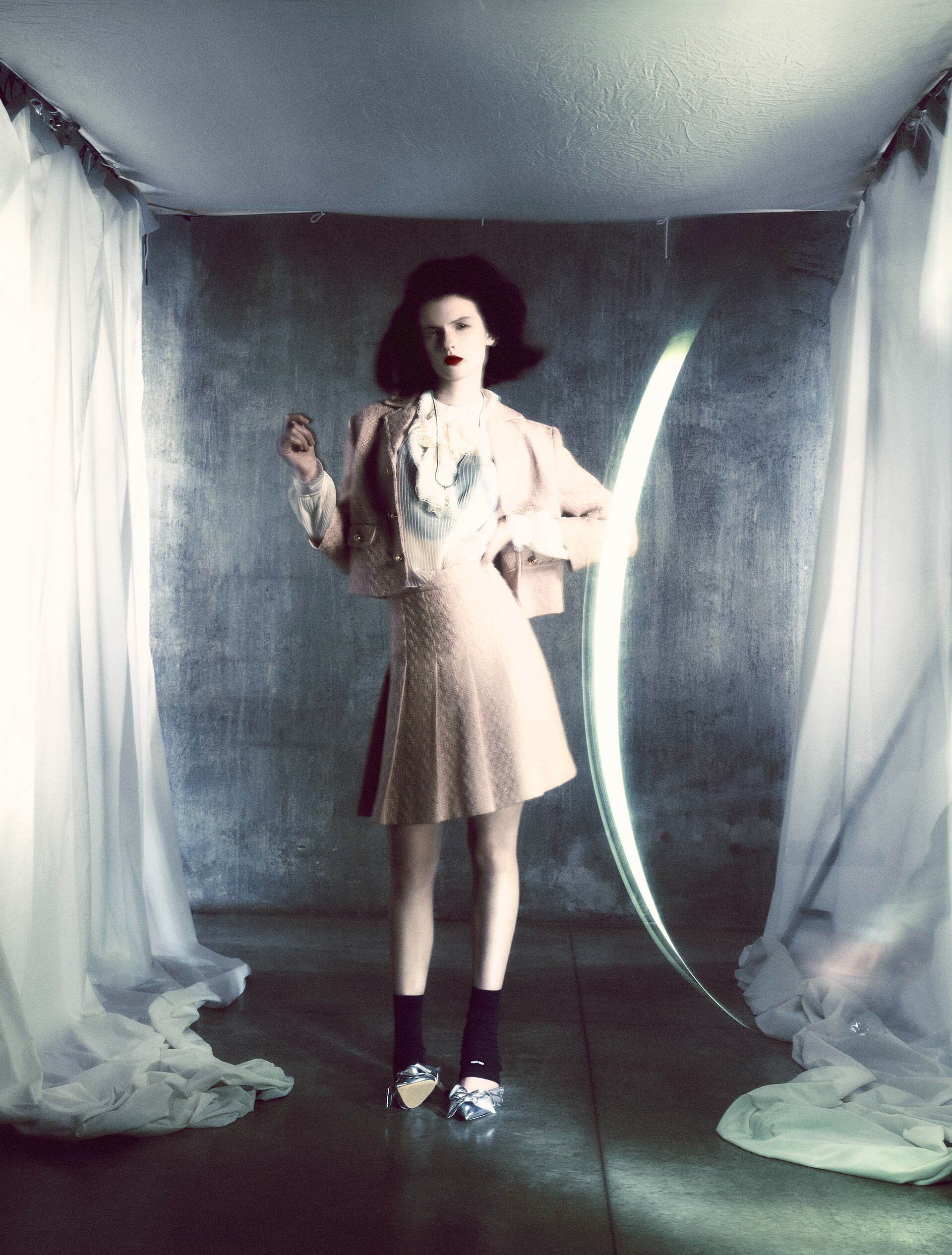
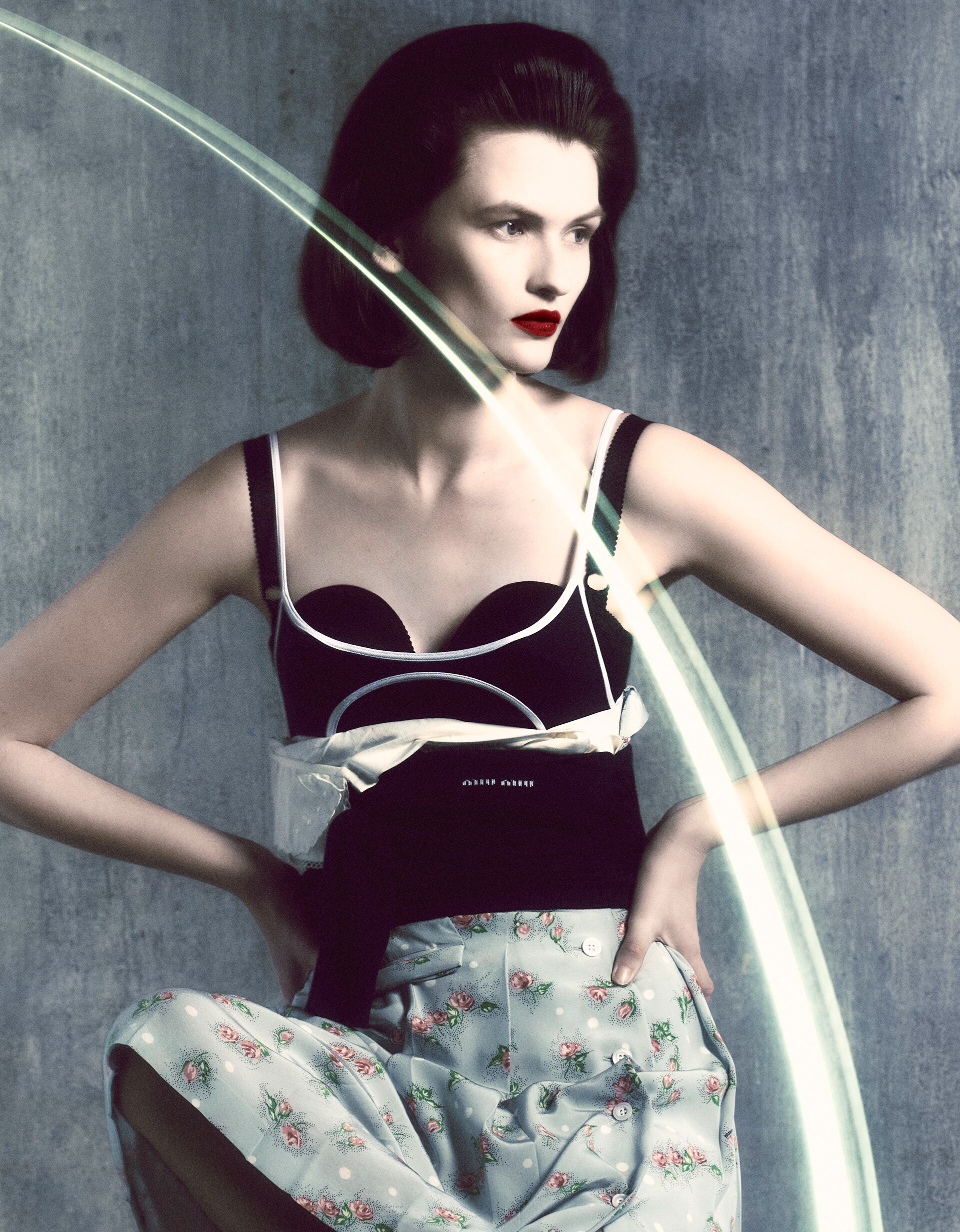
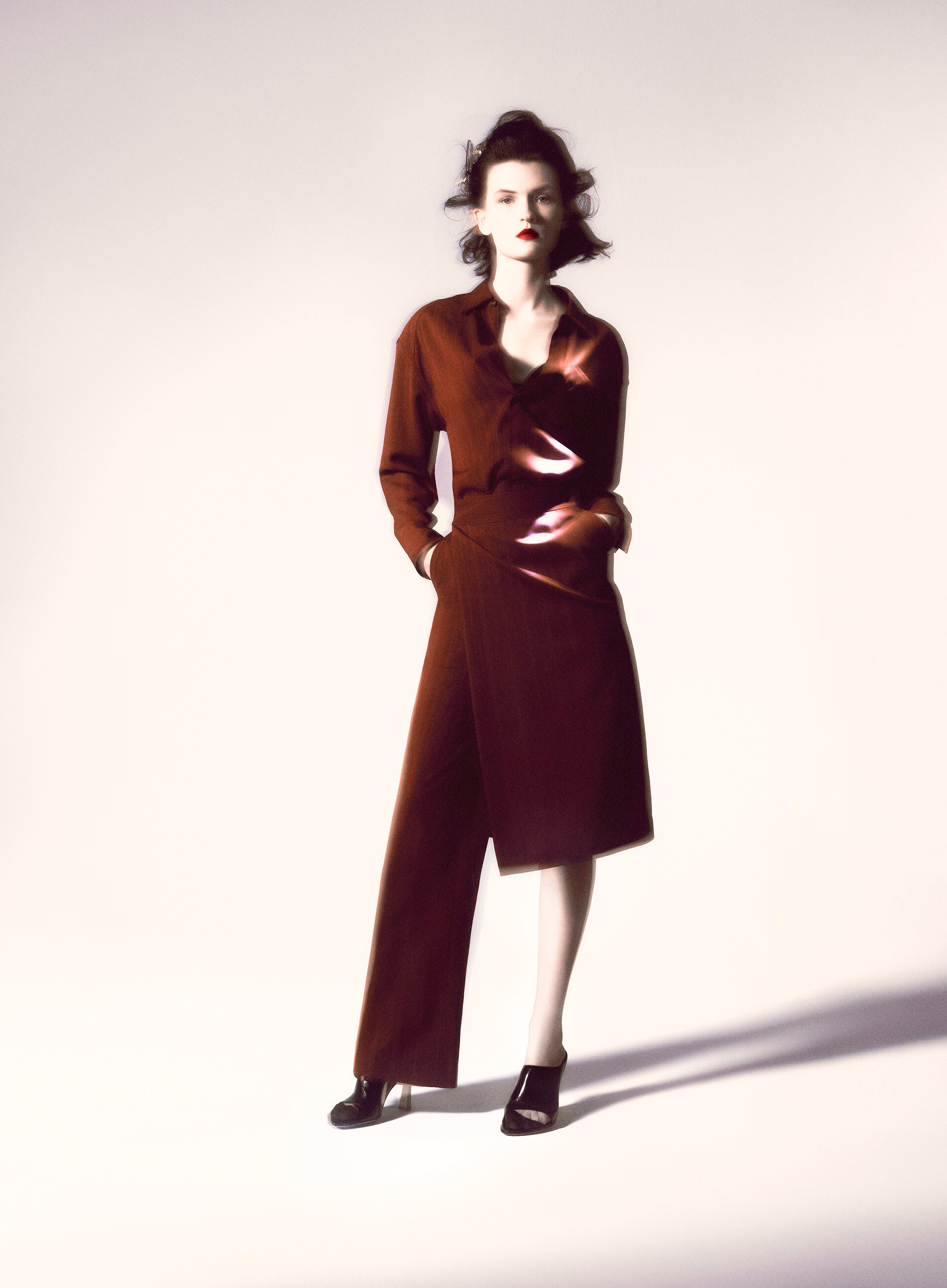
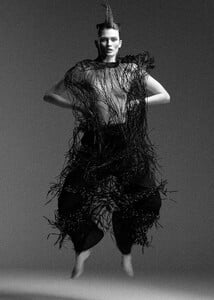 L’Officiel Italia May 2025 Secreti Bourgeois Photo : Giulio Rustichelli Stylist : Giulia Martinelli Make-up : Marta Vetere Hair : Alessandro Squarza















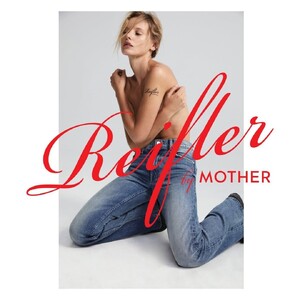
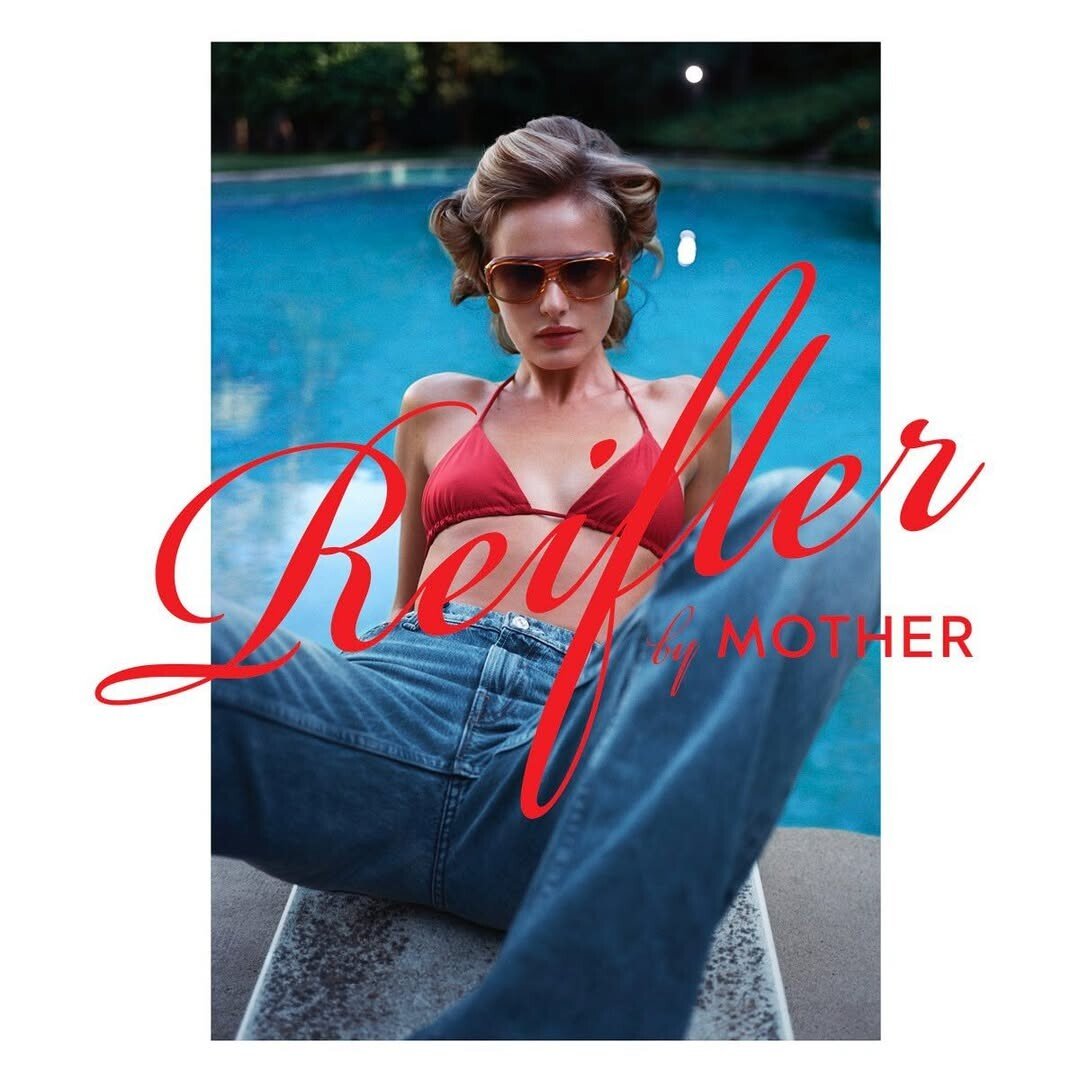
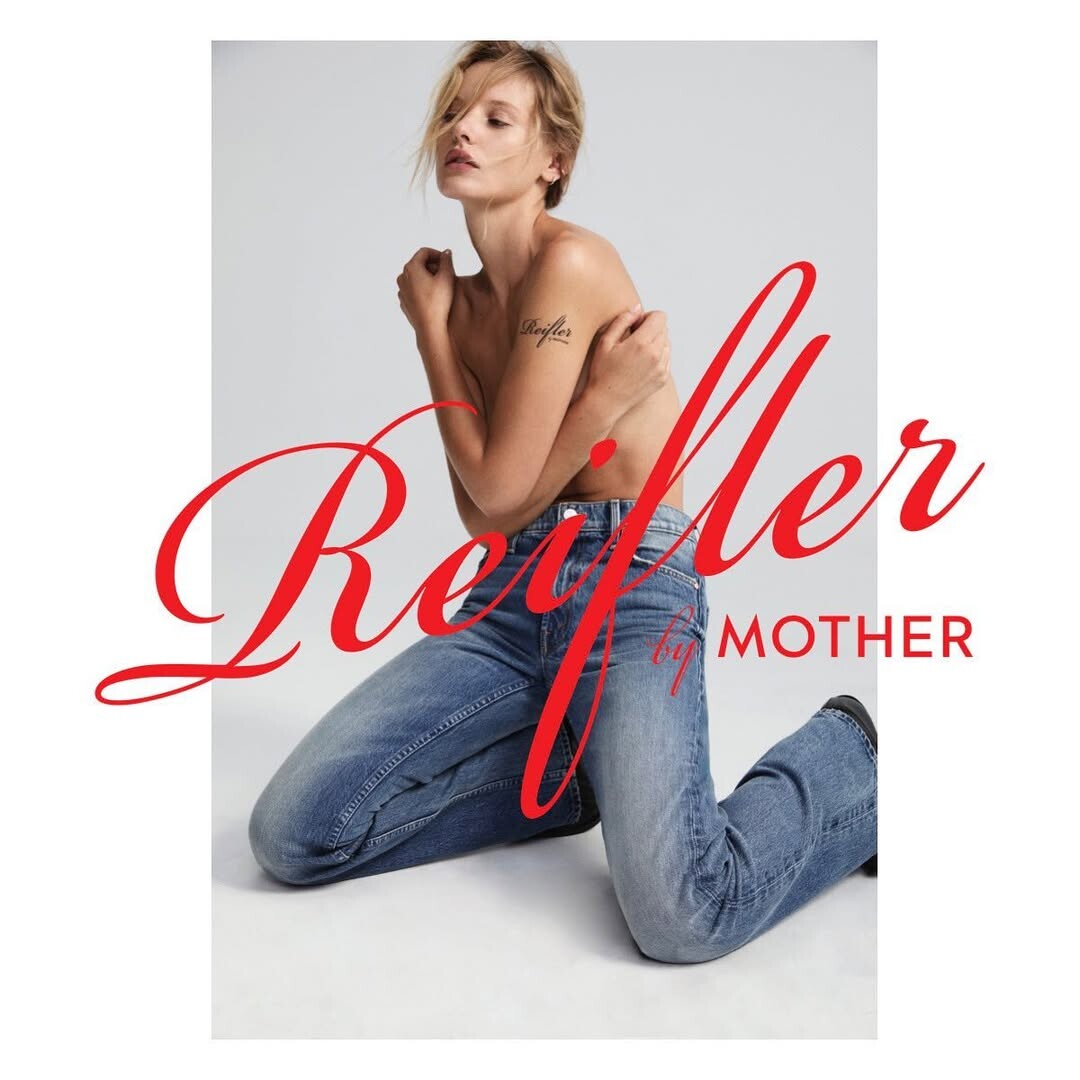
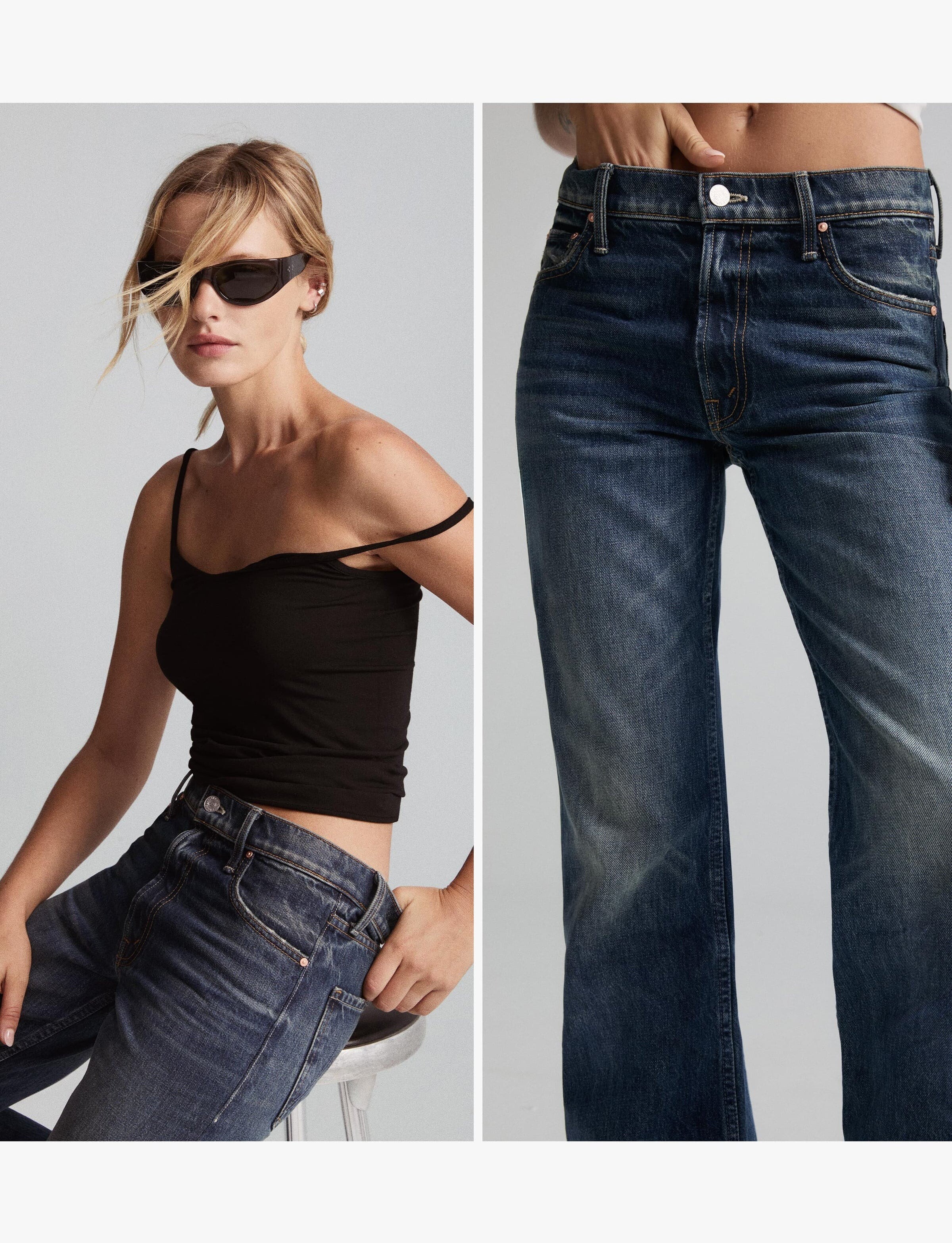
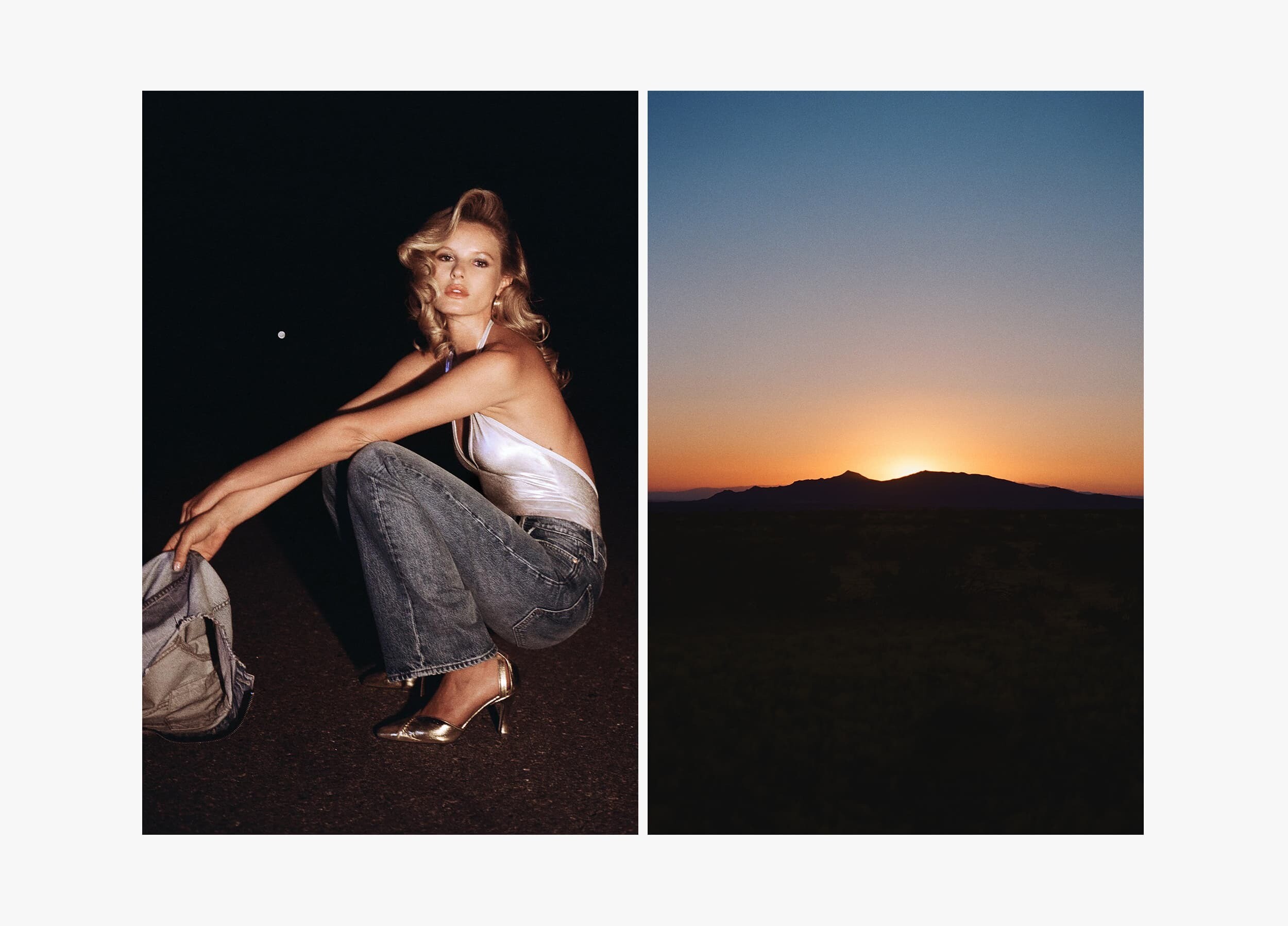
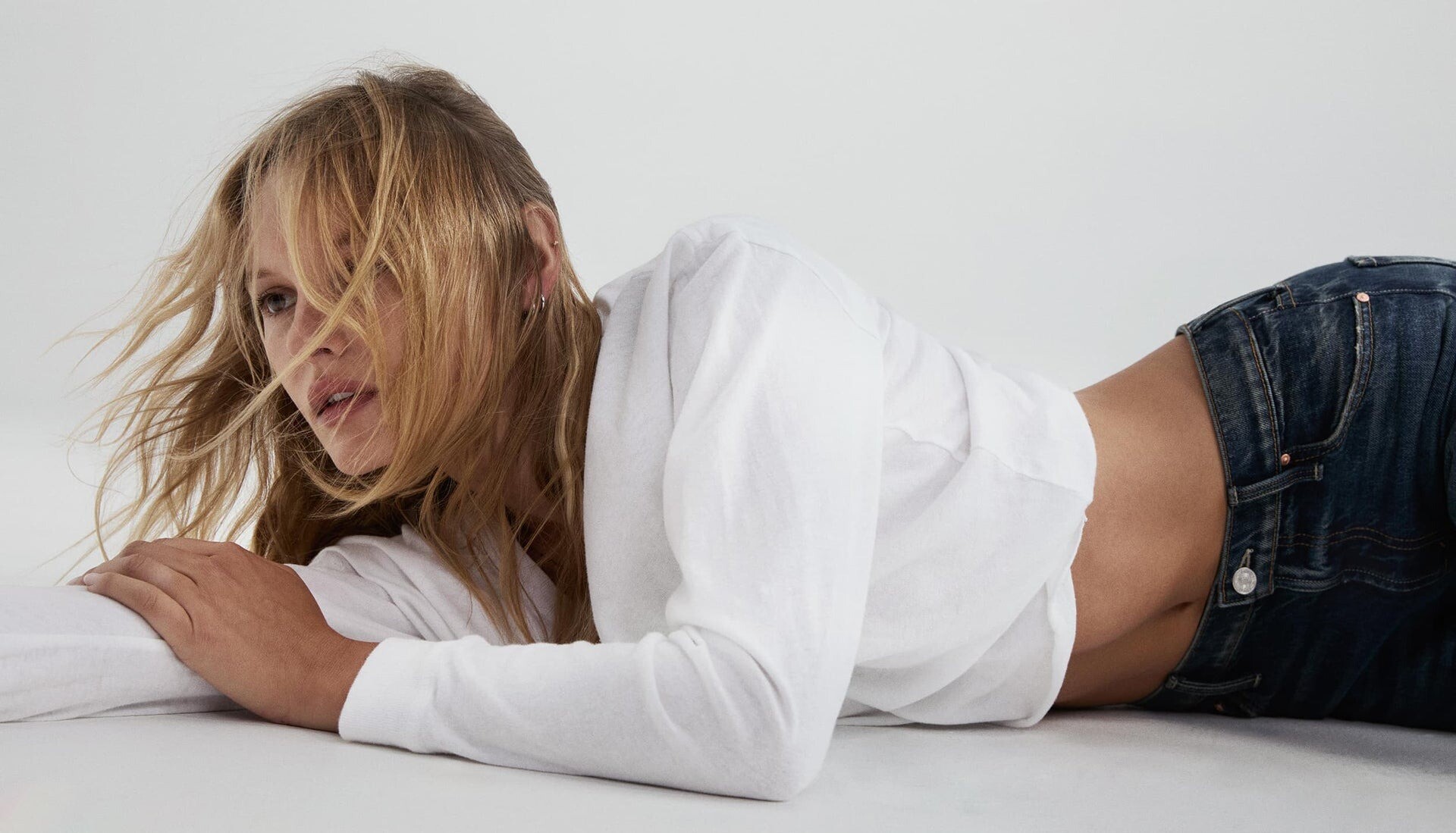
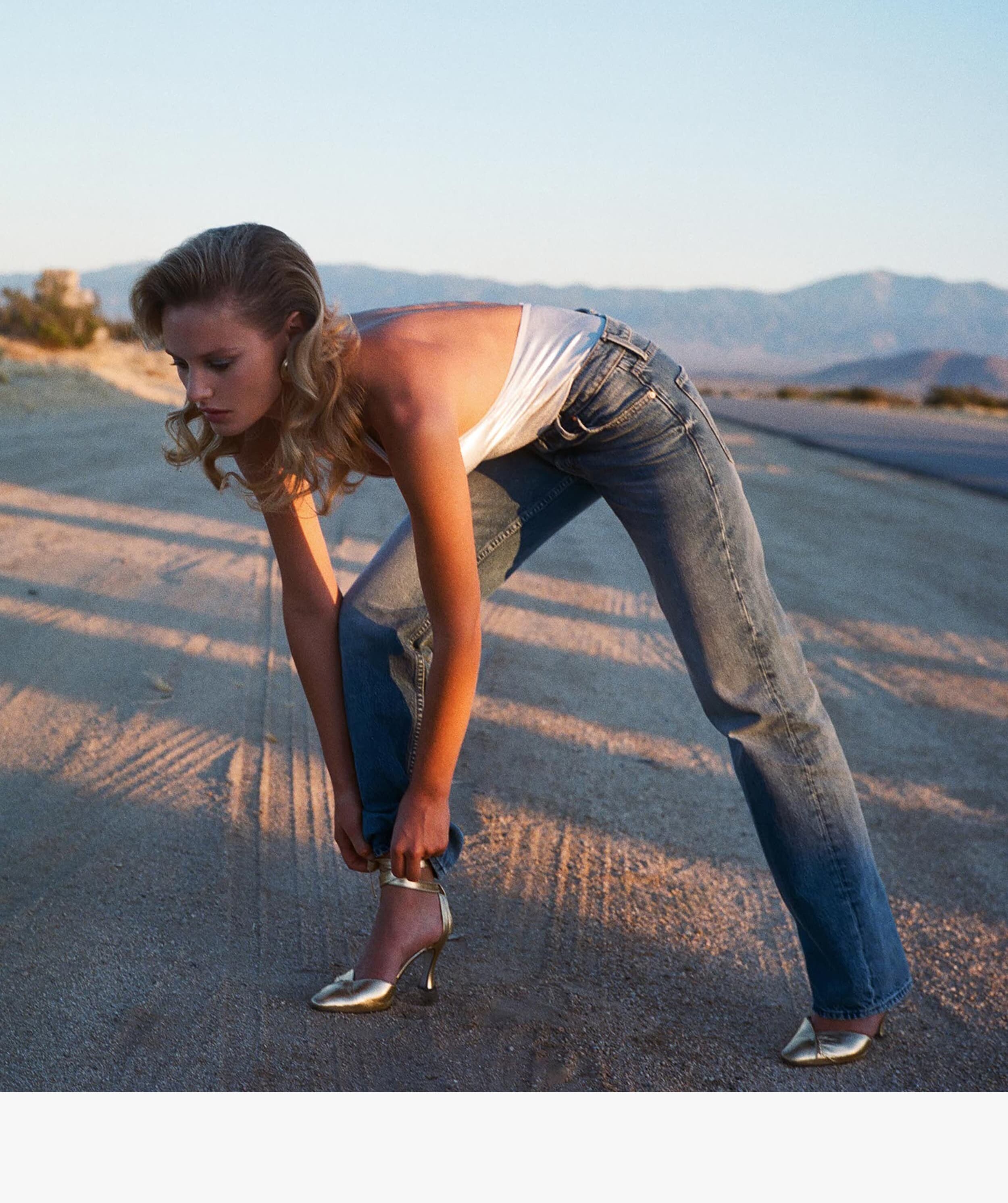
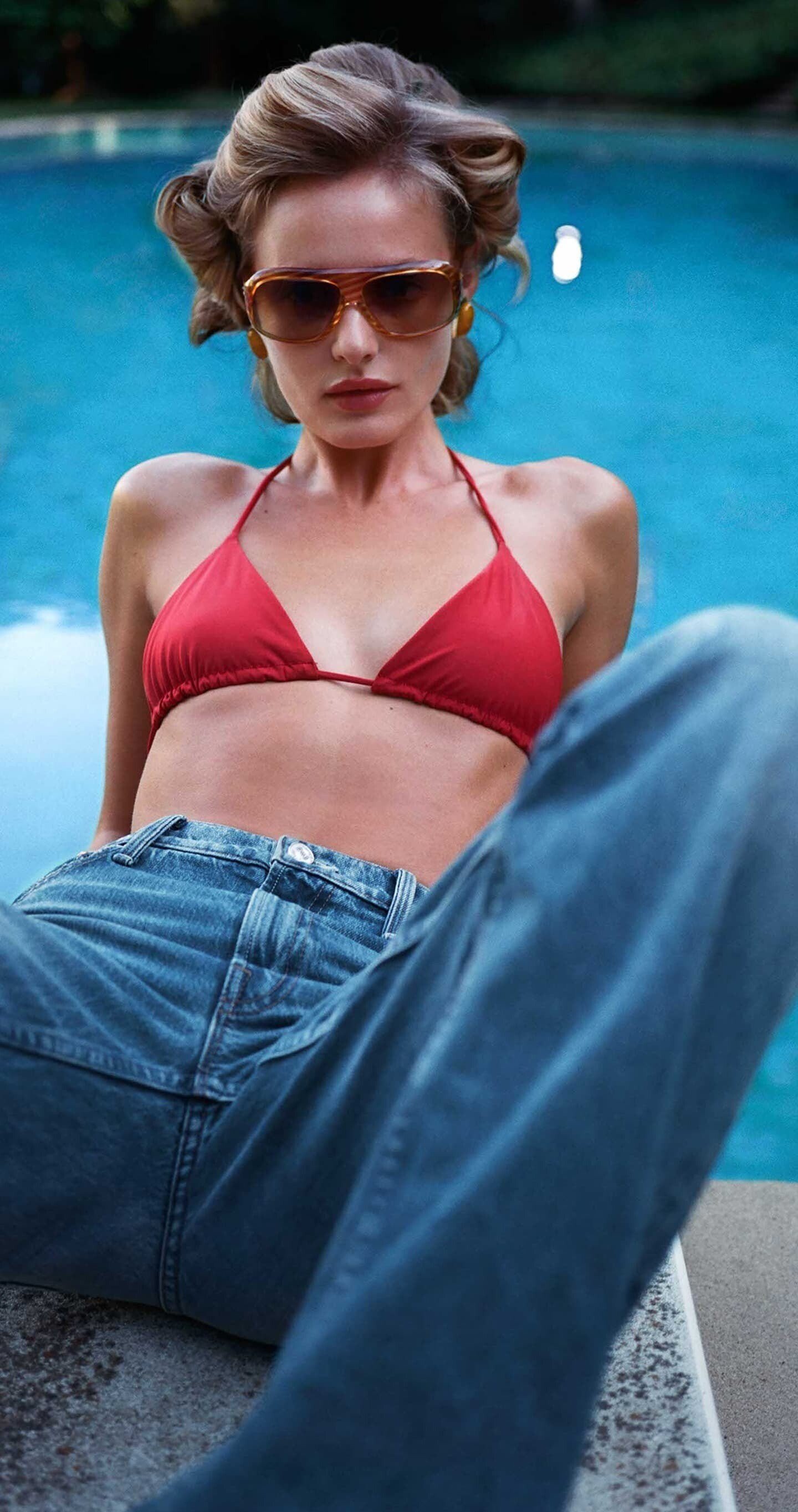
 Mother Denim mother denim 02.mp4 mother denim 01.mp4

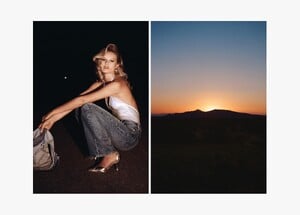



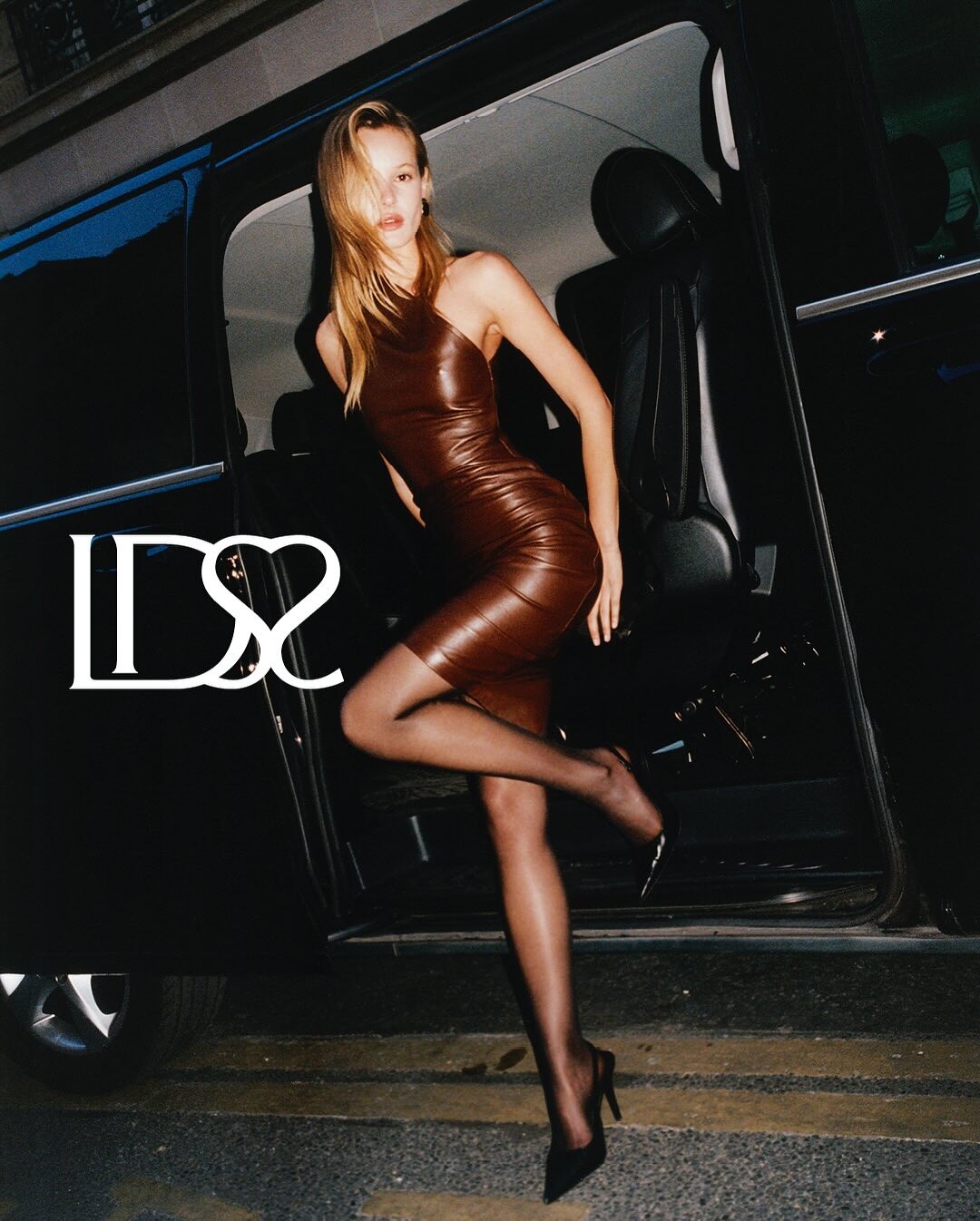
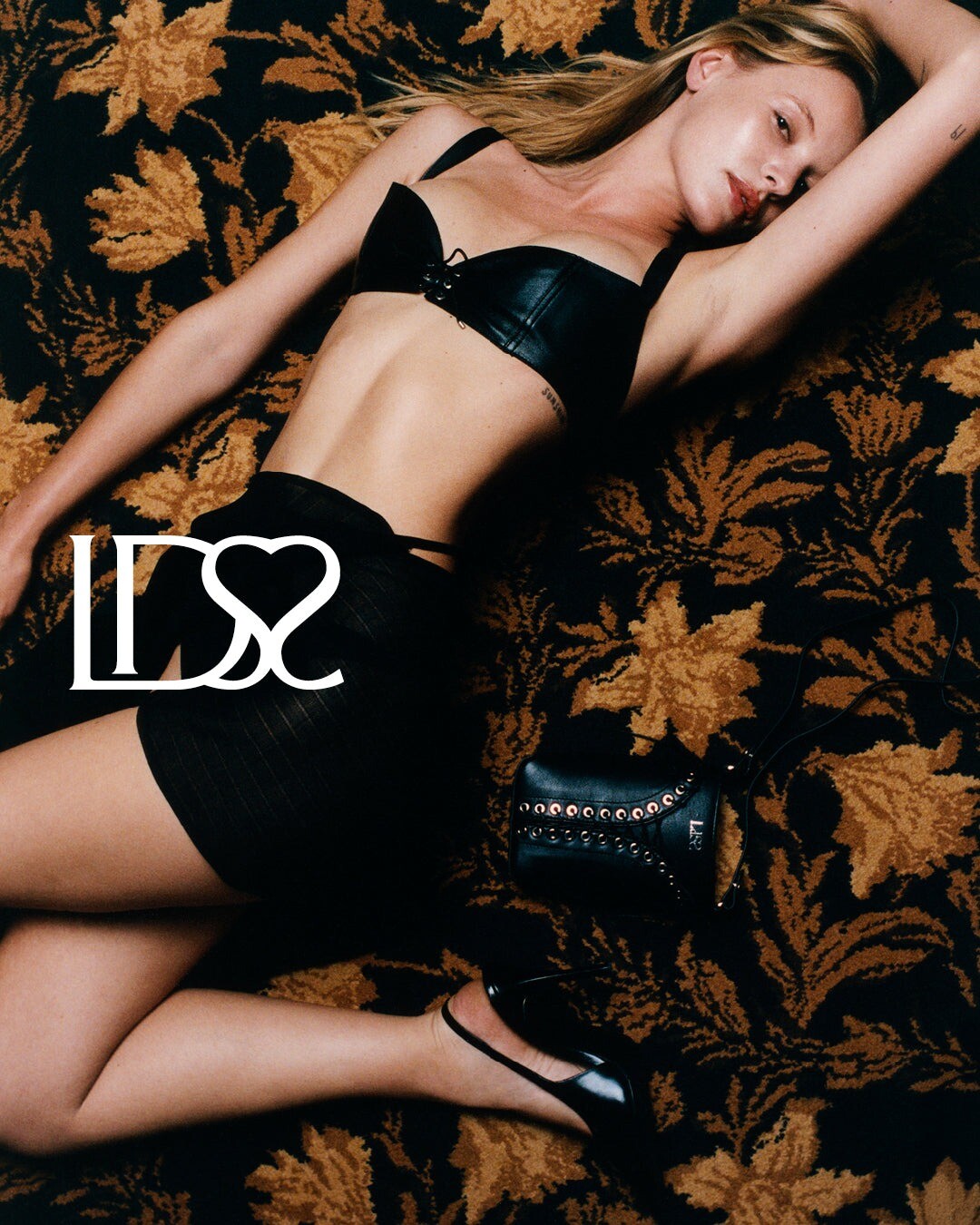
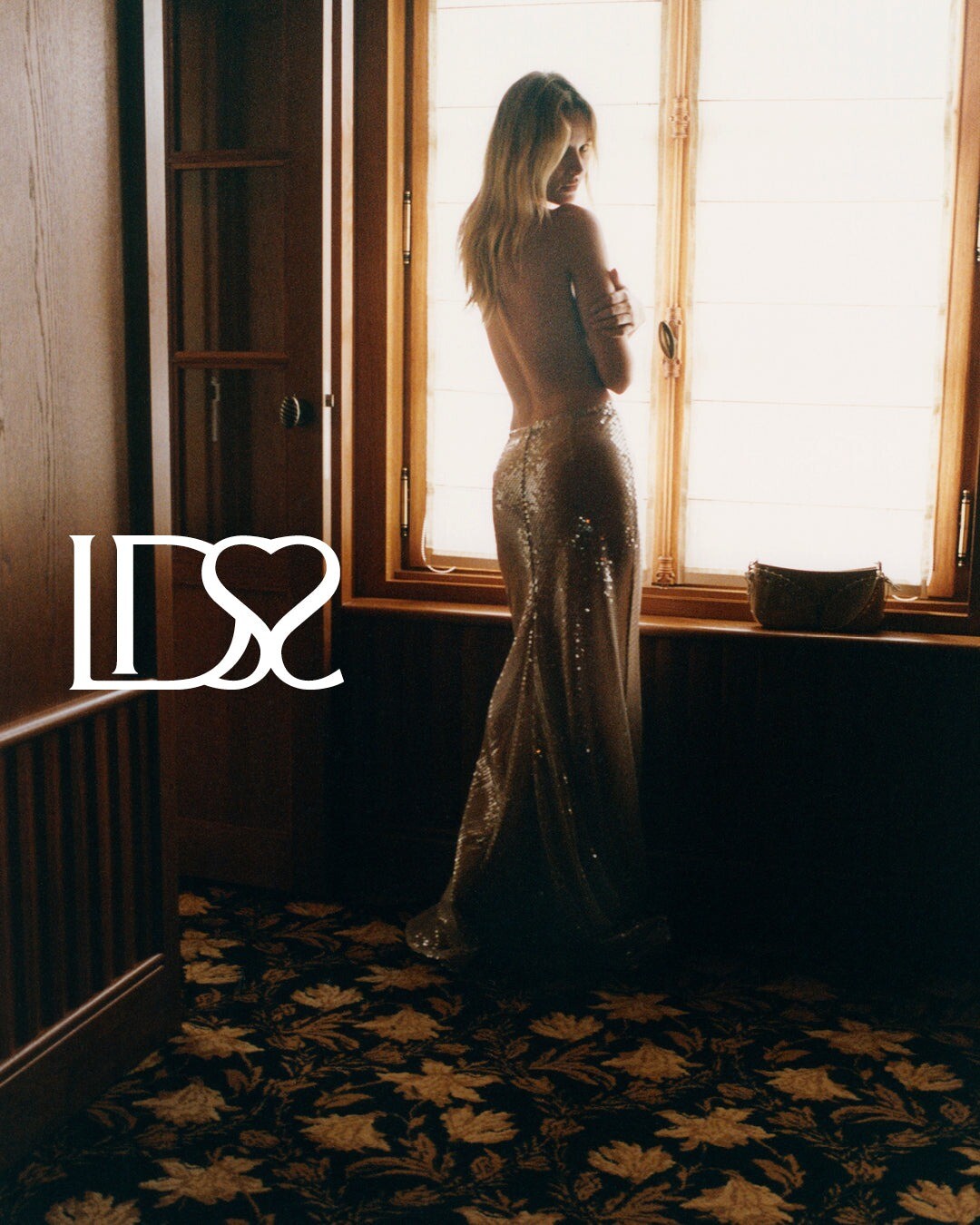
 Ludovic de Saint Sernin SS25





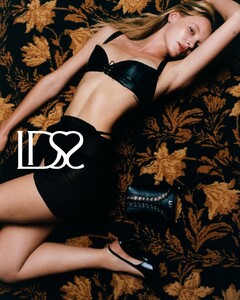



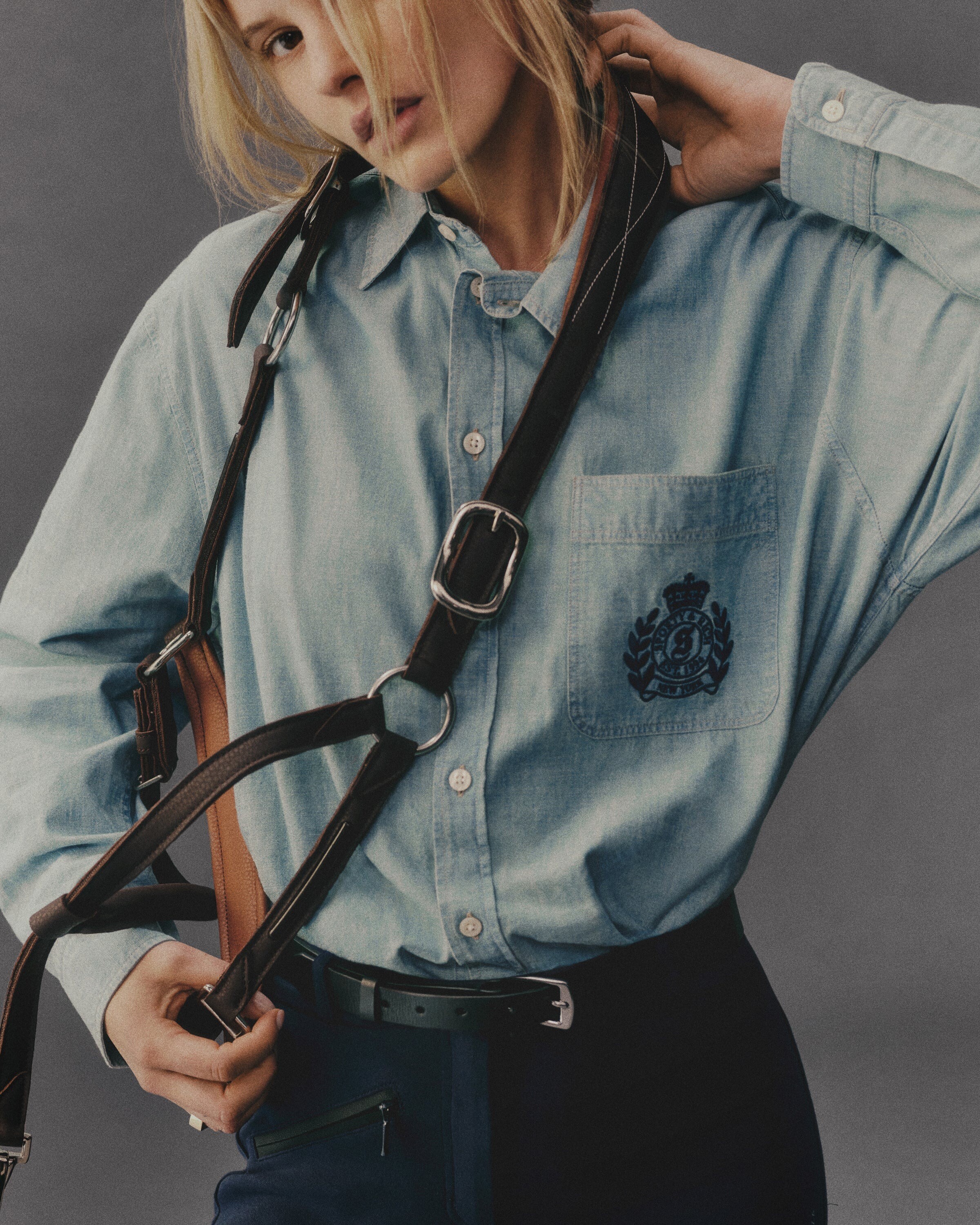
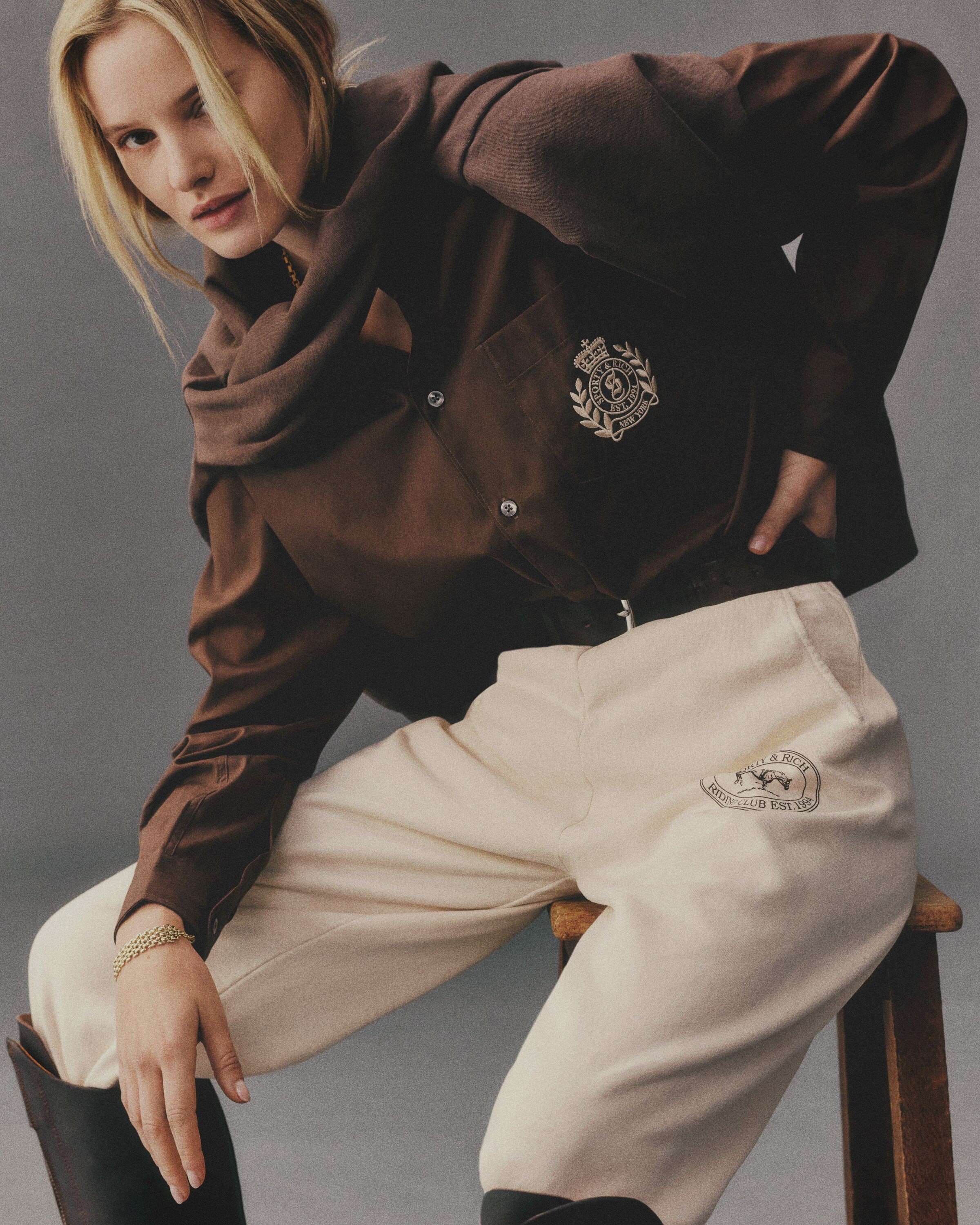
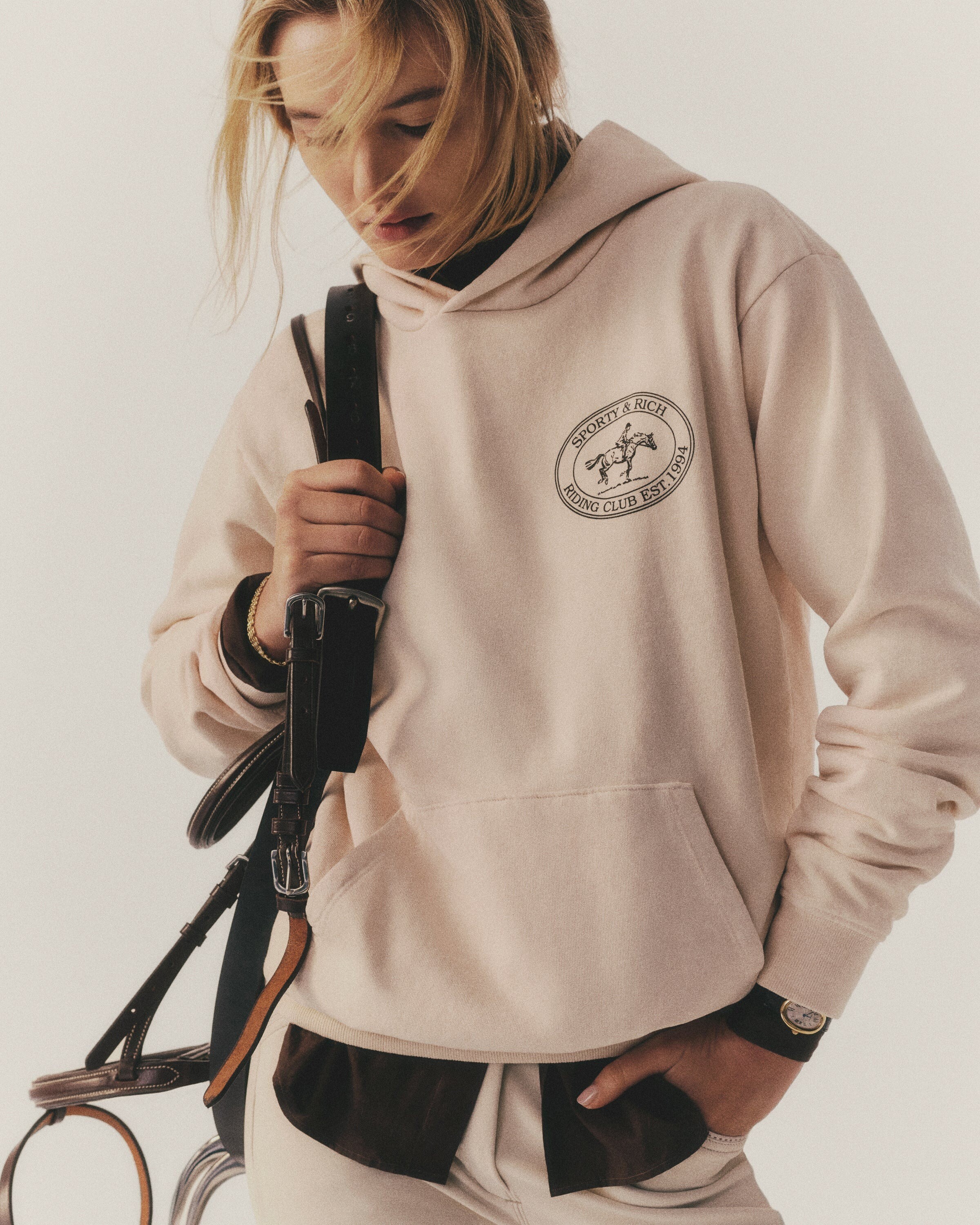
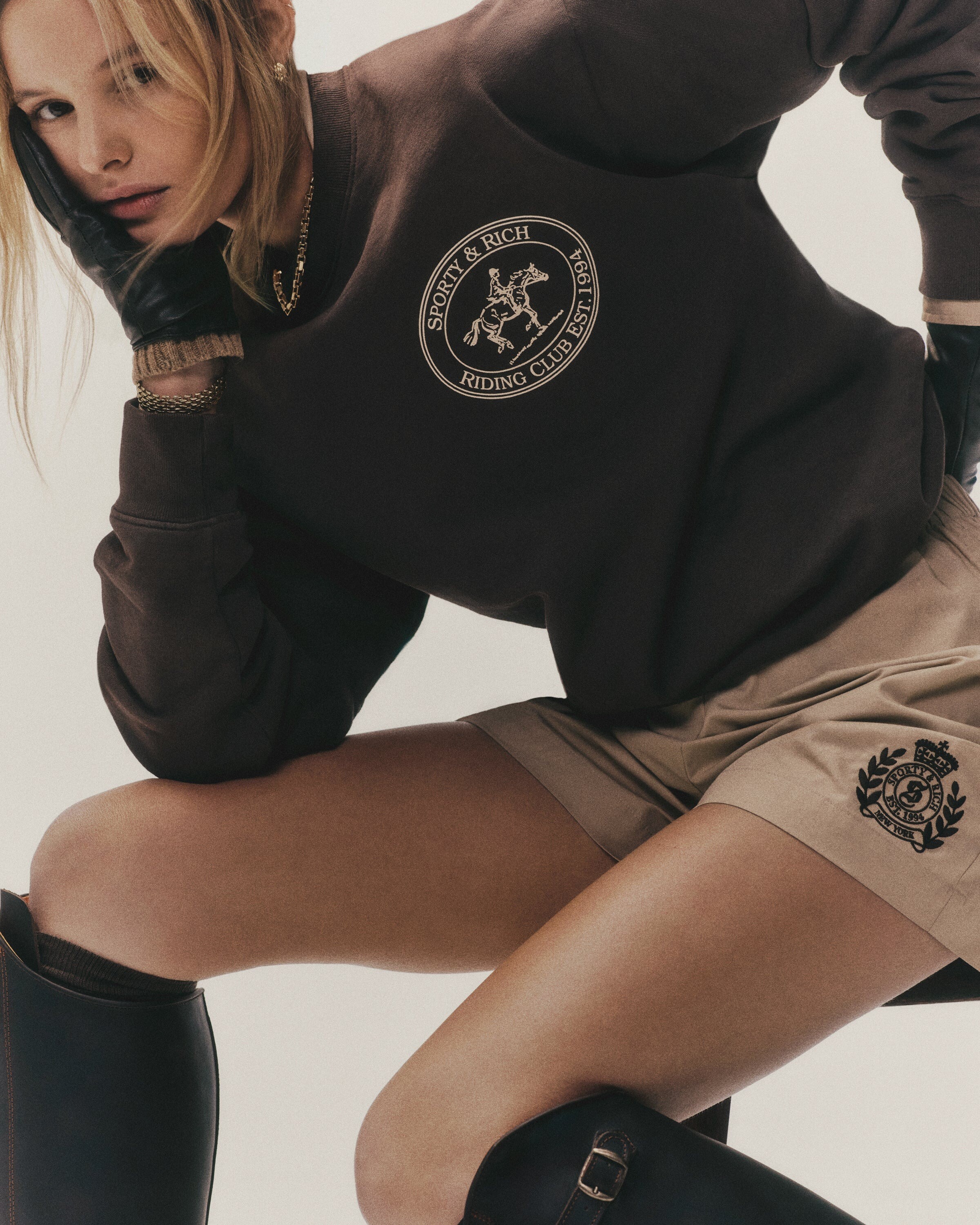
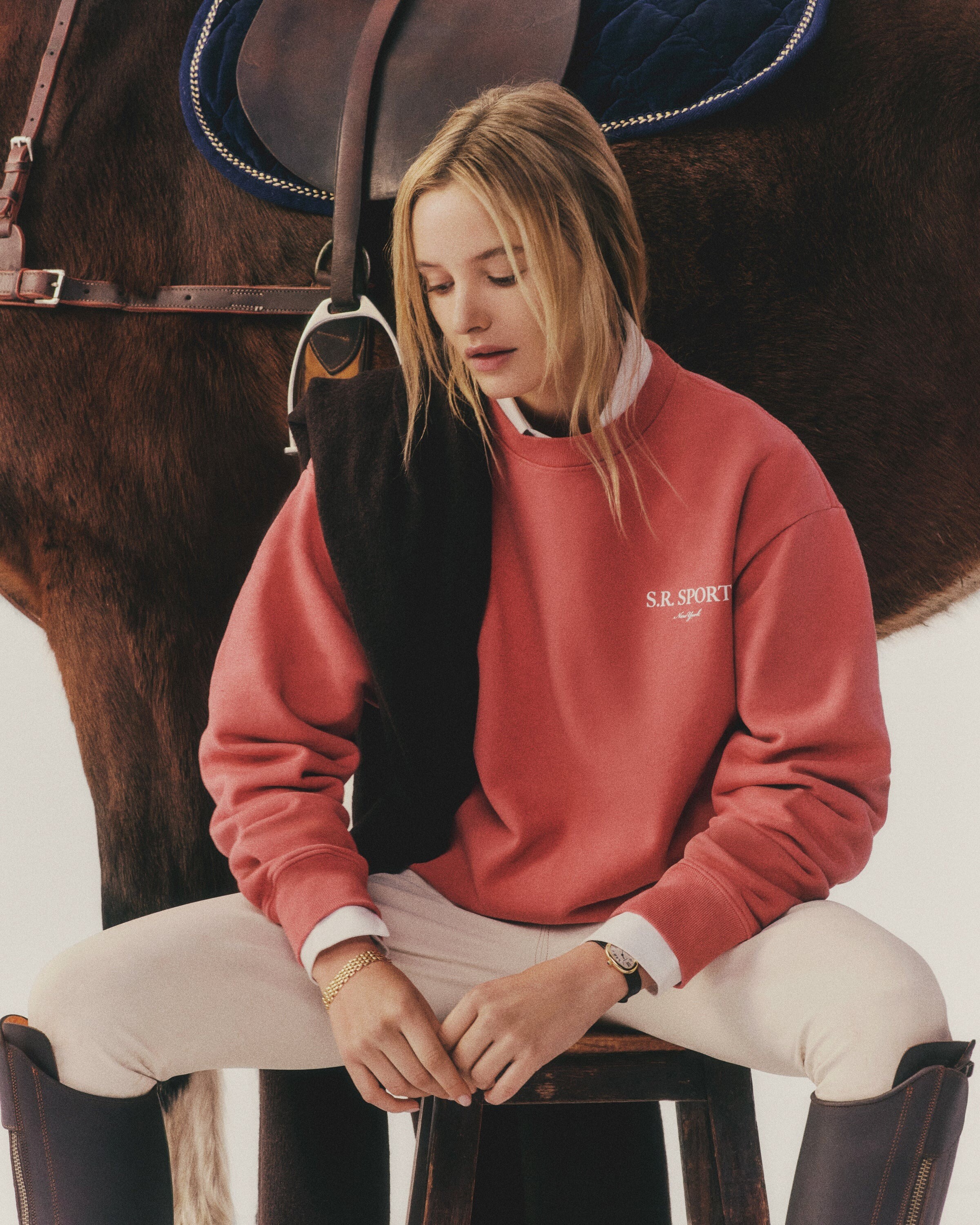
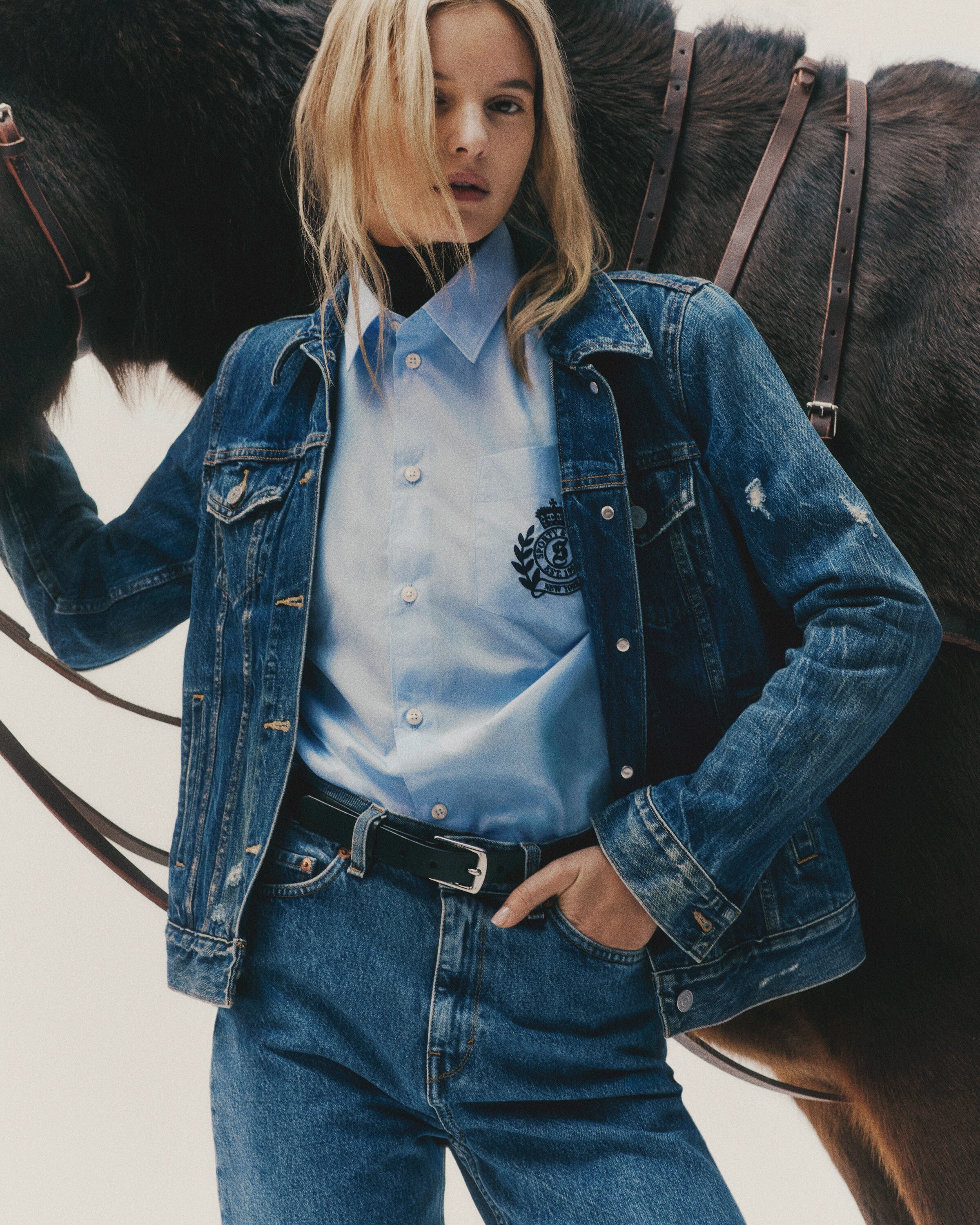
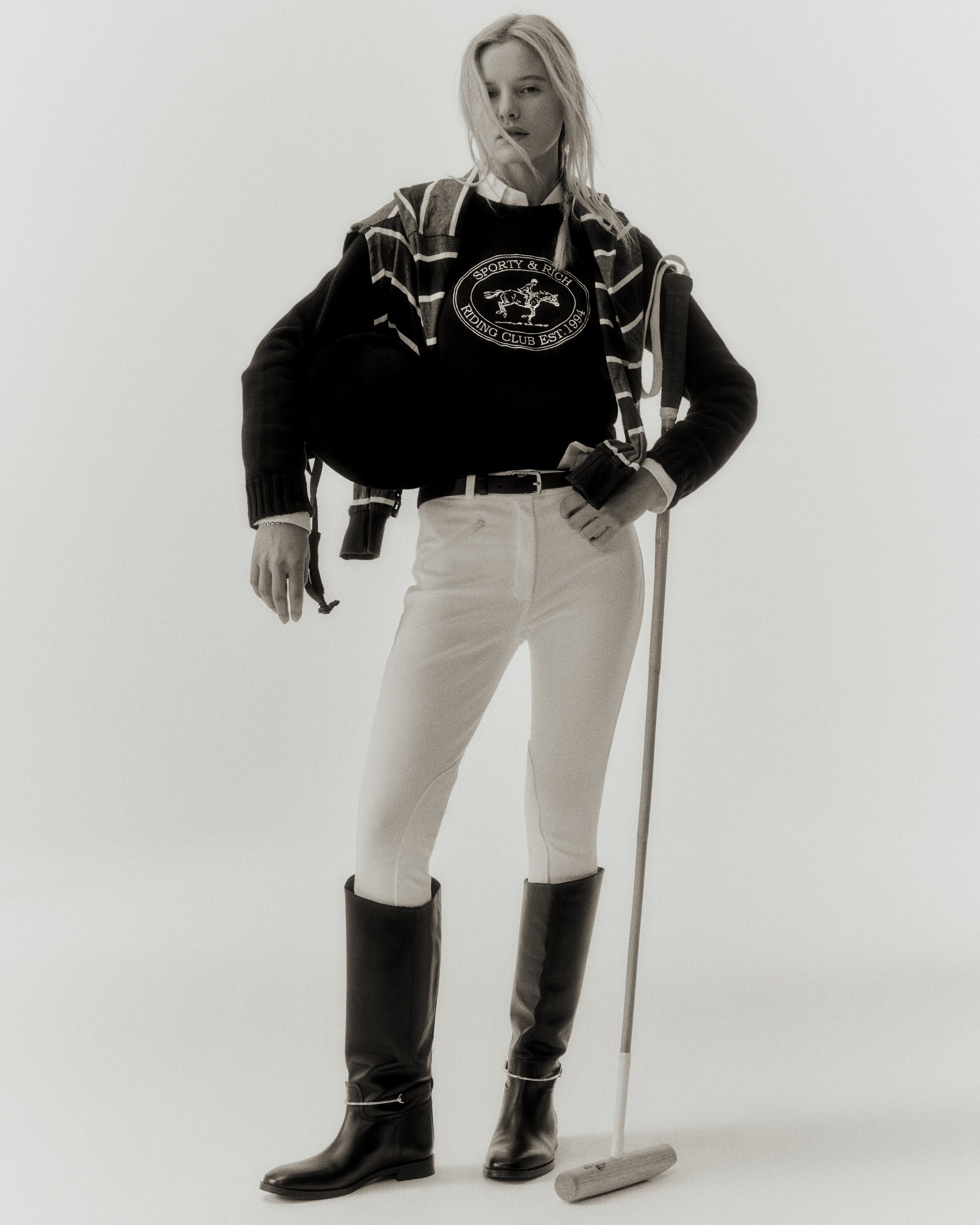
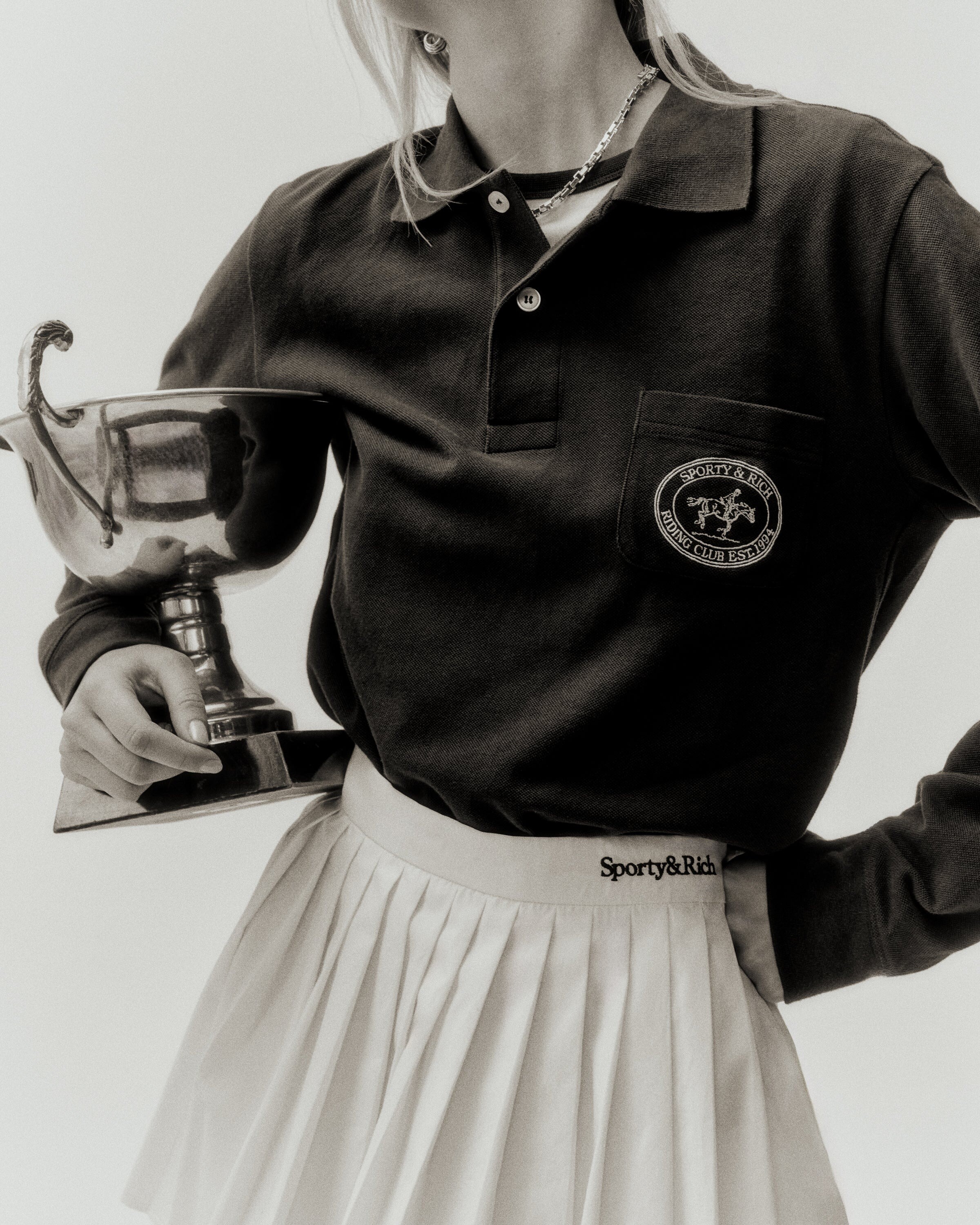
 Sporty&Rich
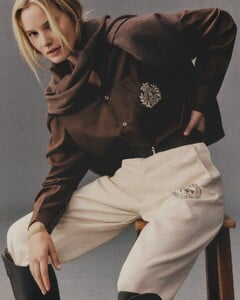
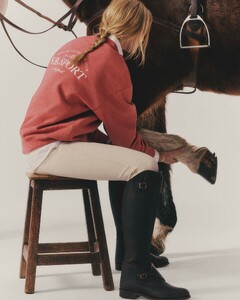



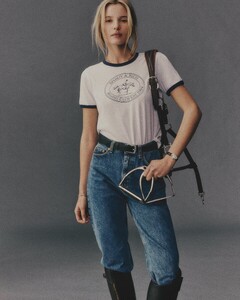

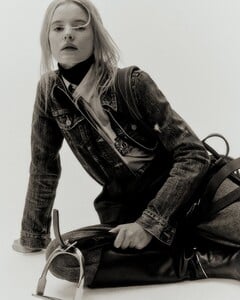







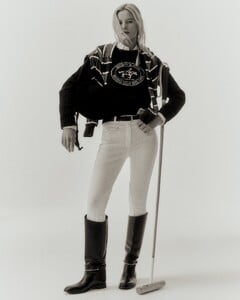
 Fiuggi for One Drop party cannes2025.mp4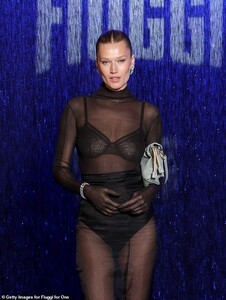
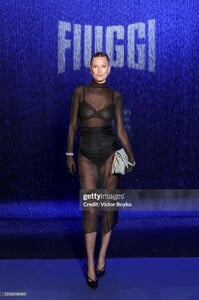

.thumb.jpg.a8d5ff8be5d47b0b60cab0603d3a95f3.jpg)

 Chanel alma chanel2025.mp4
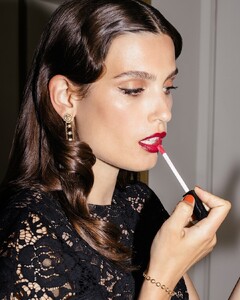
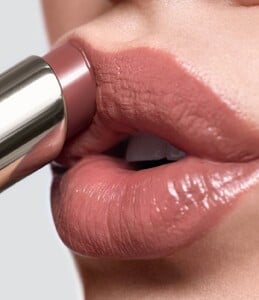
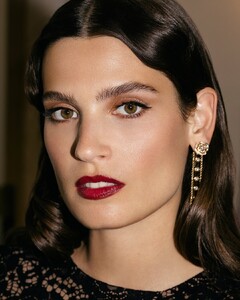 Bobby Brown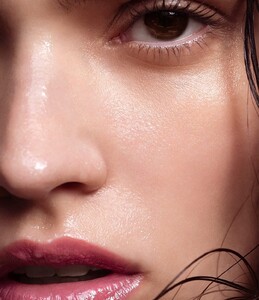
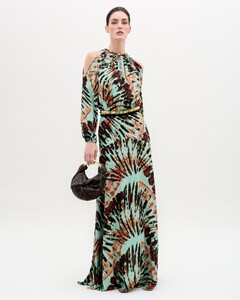
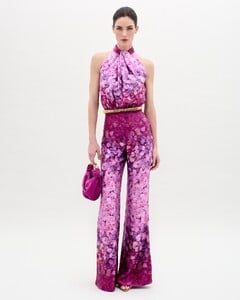
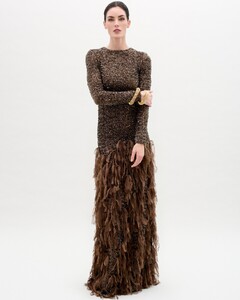
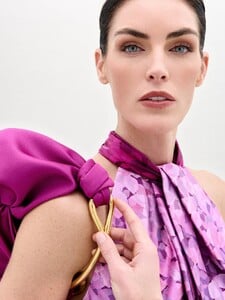
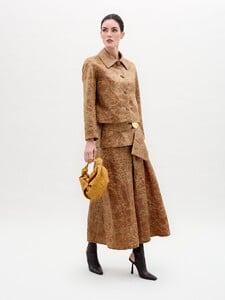
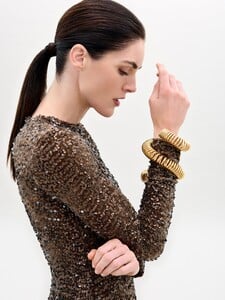
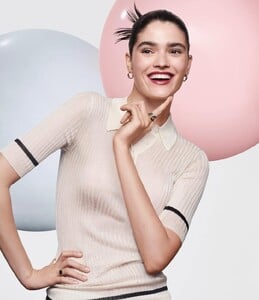 Silvia Tcherassi Fall 2025



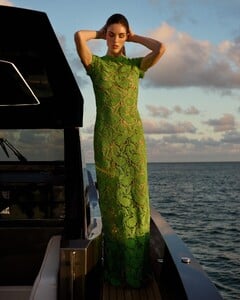
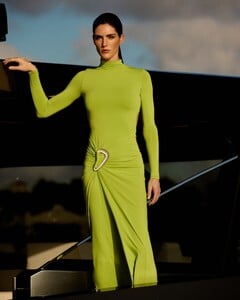

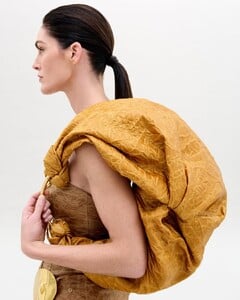

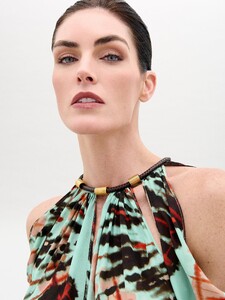
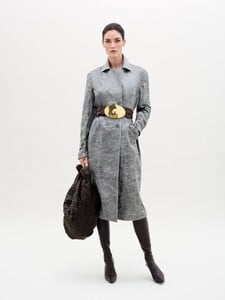
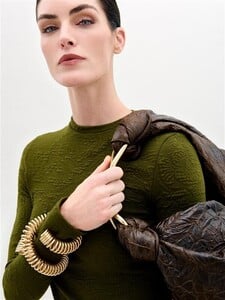
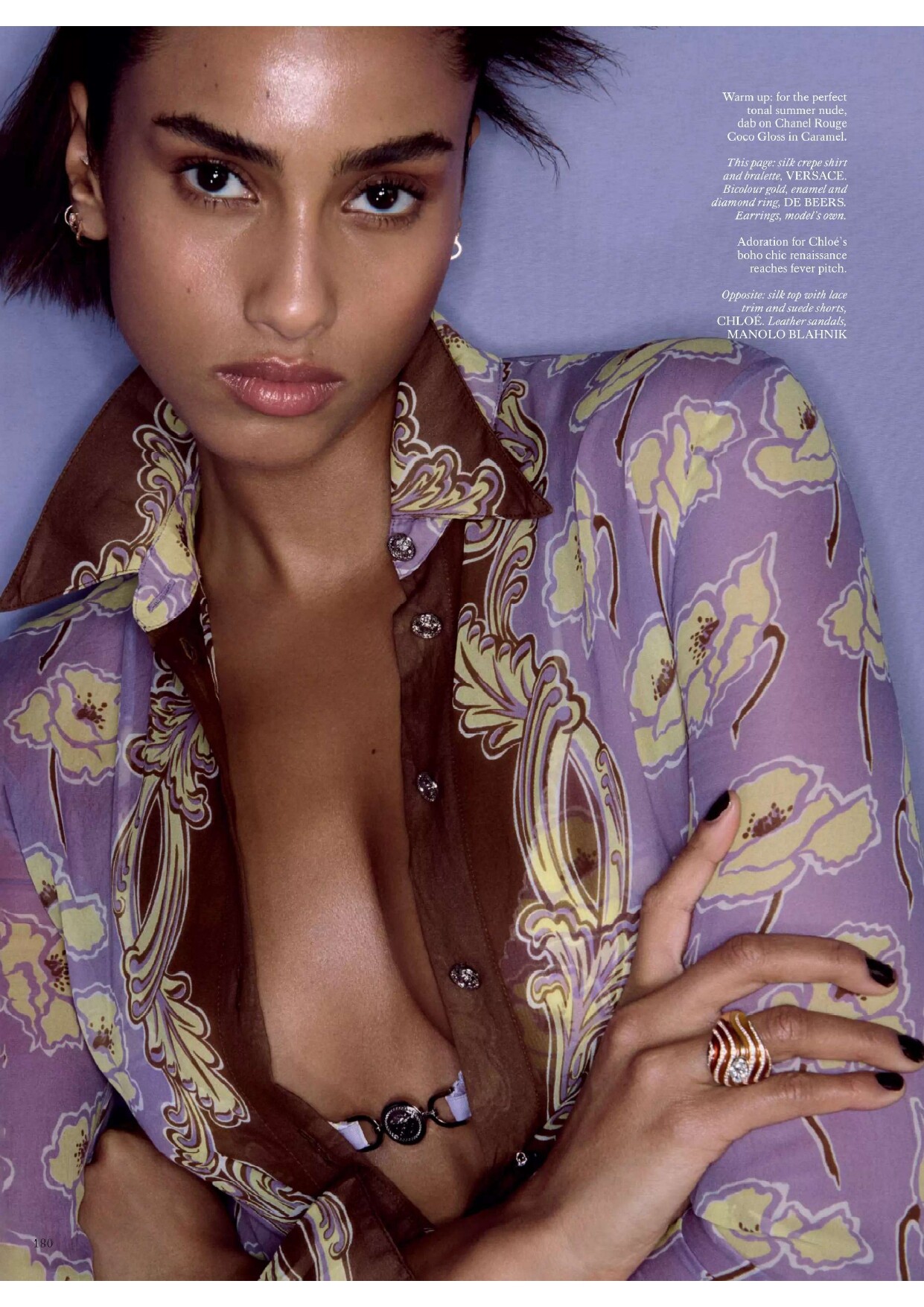
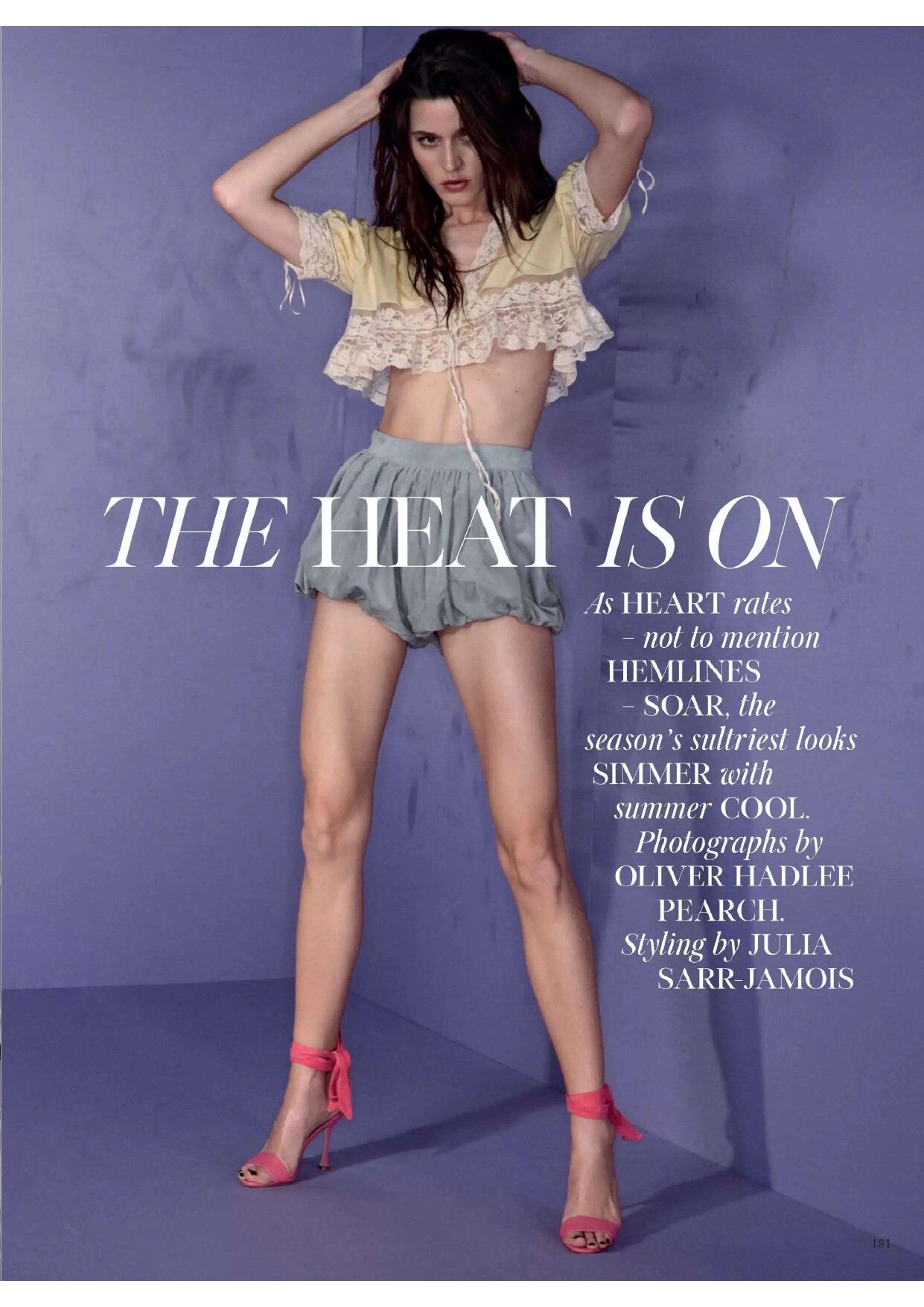
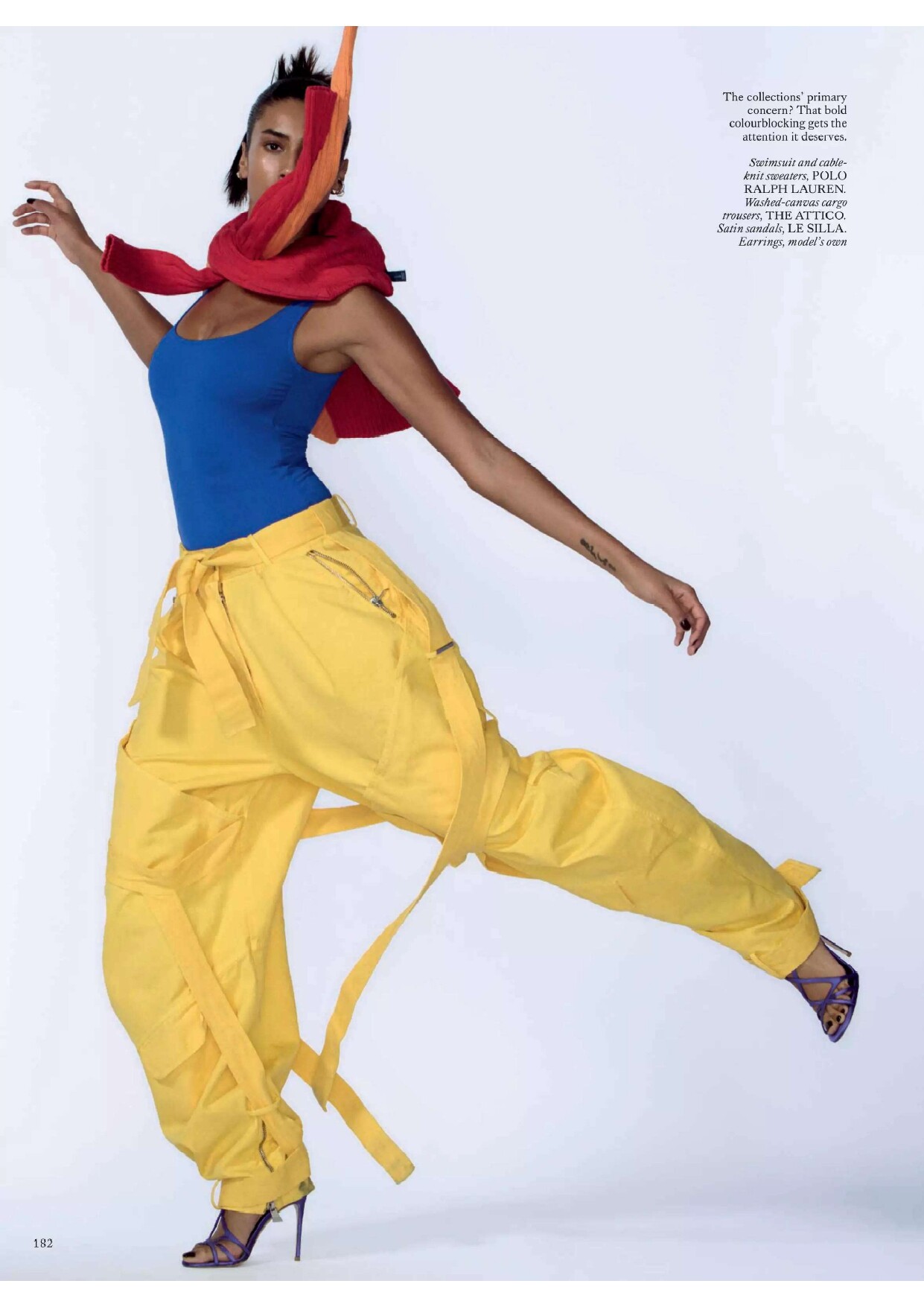
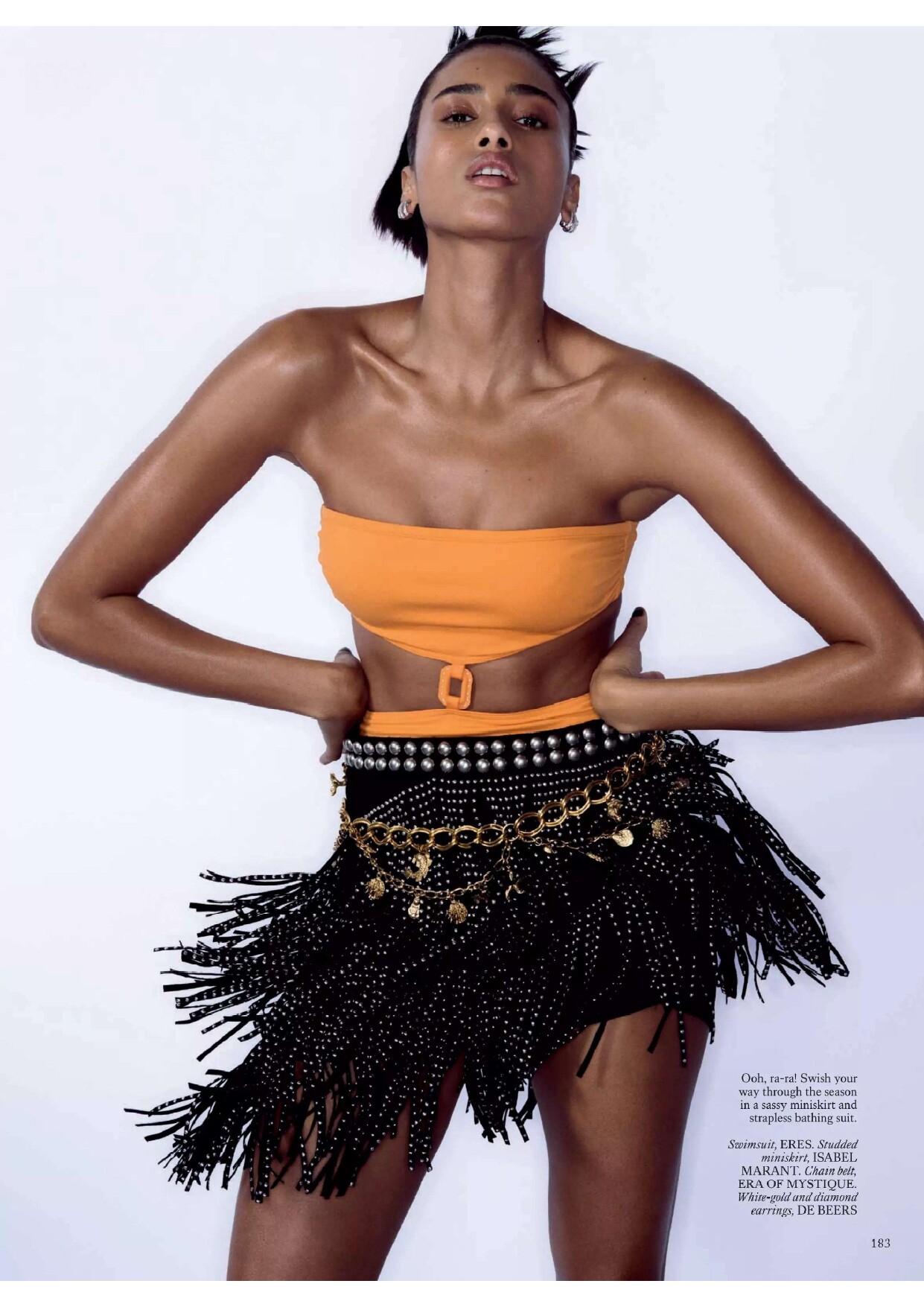
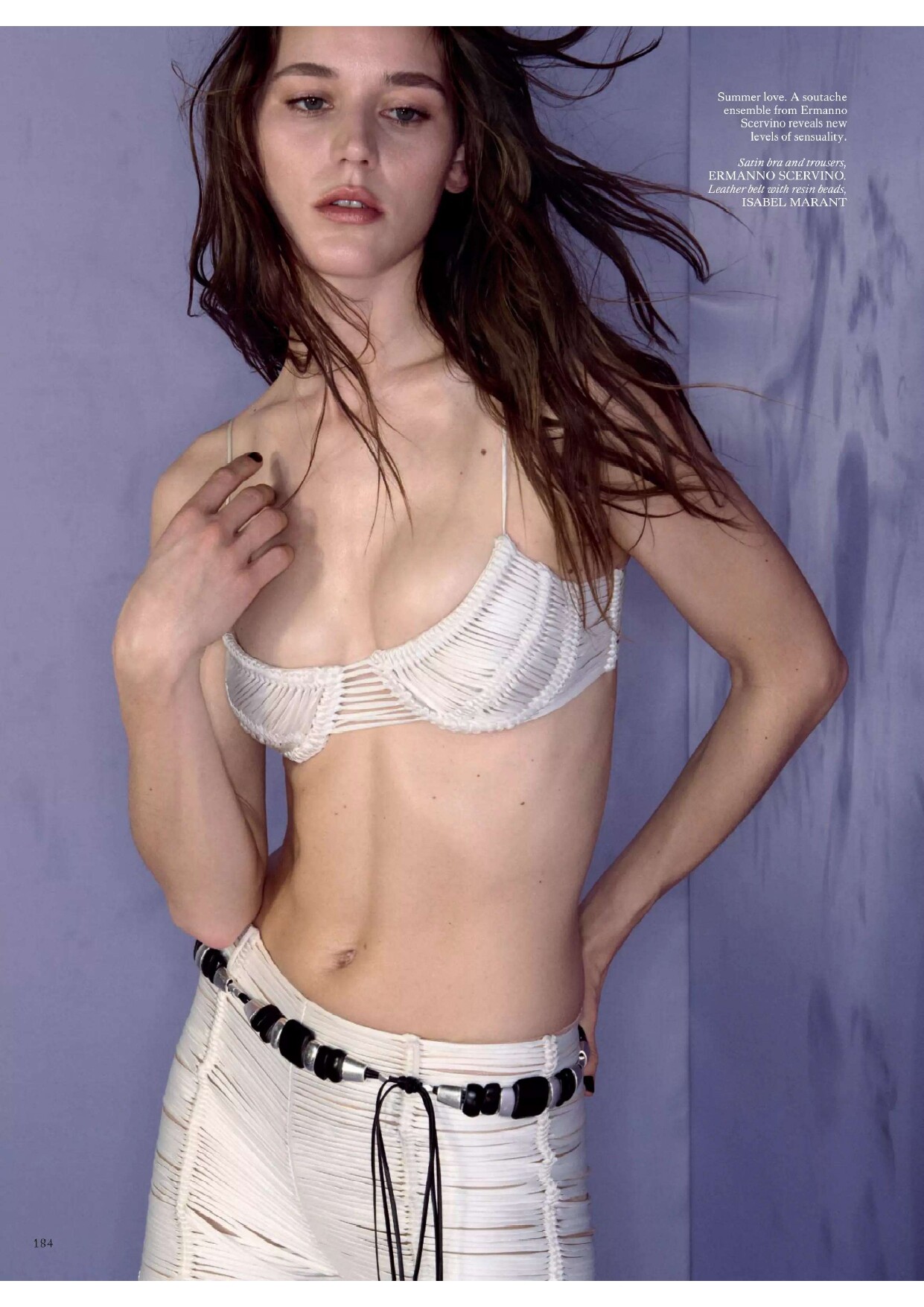
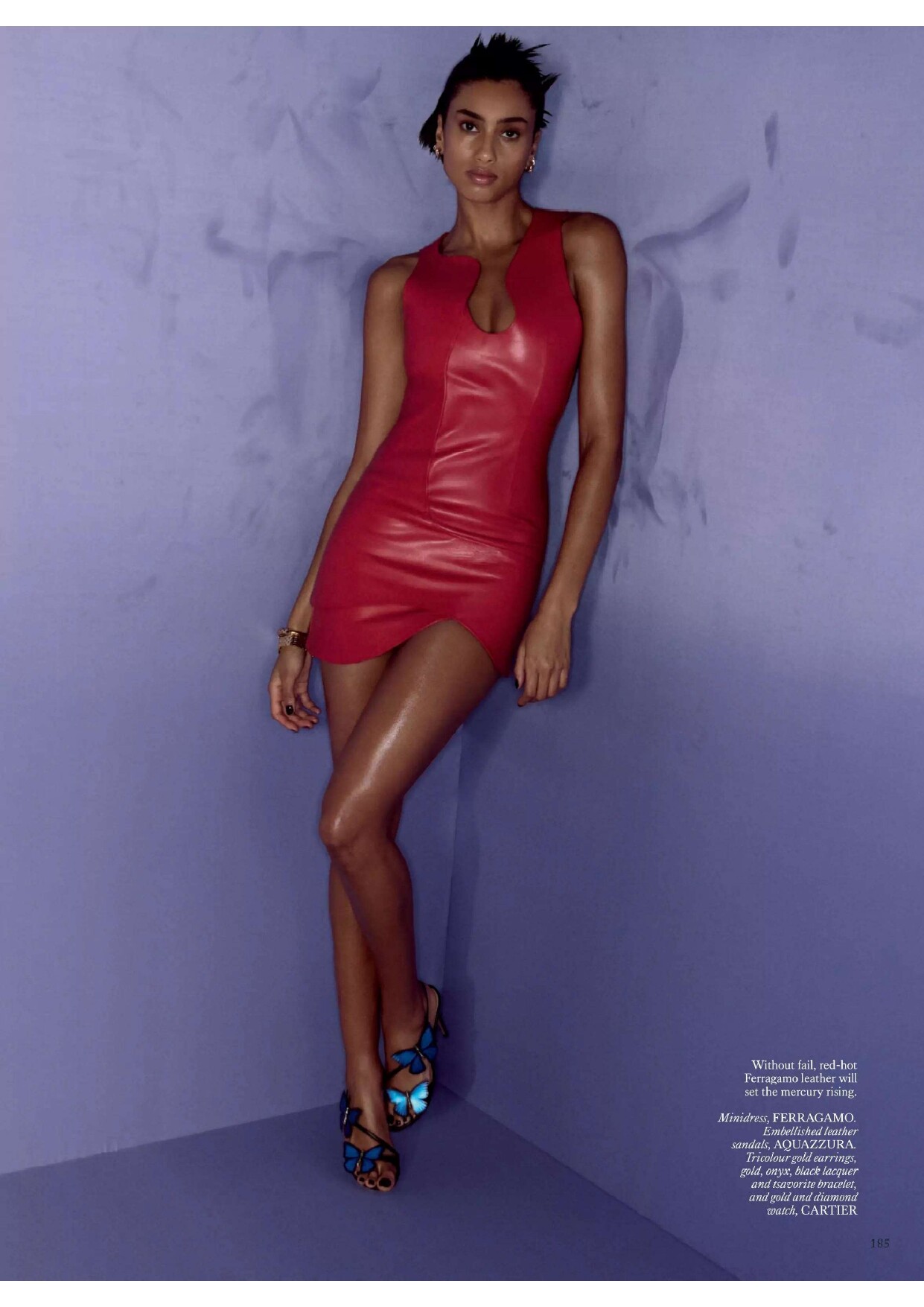
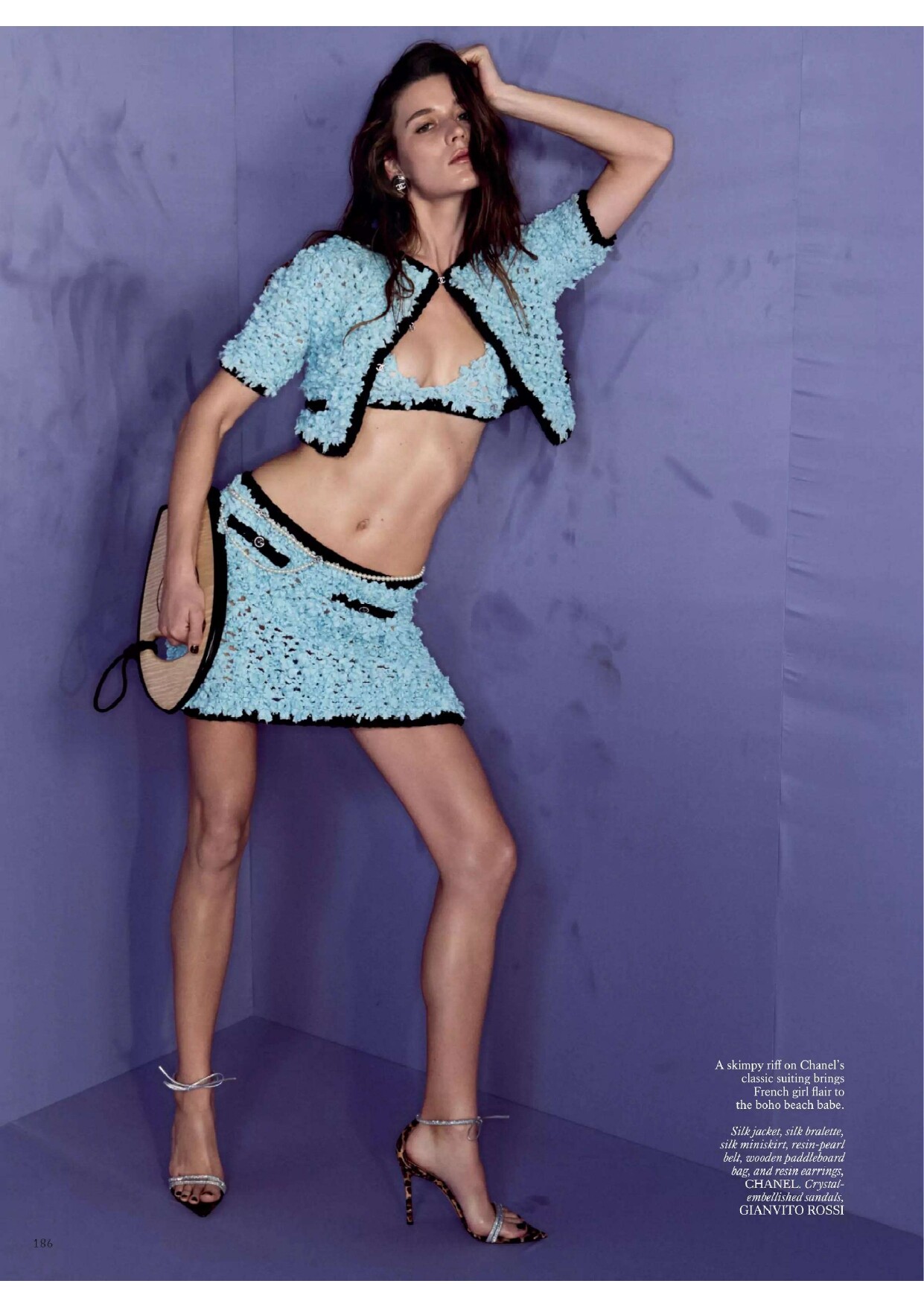
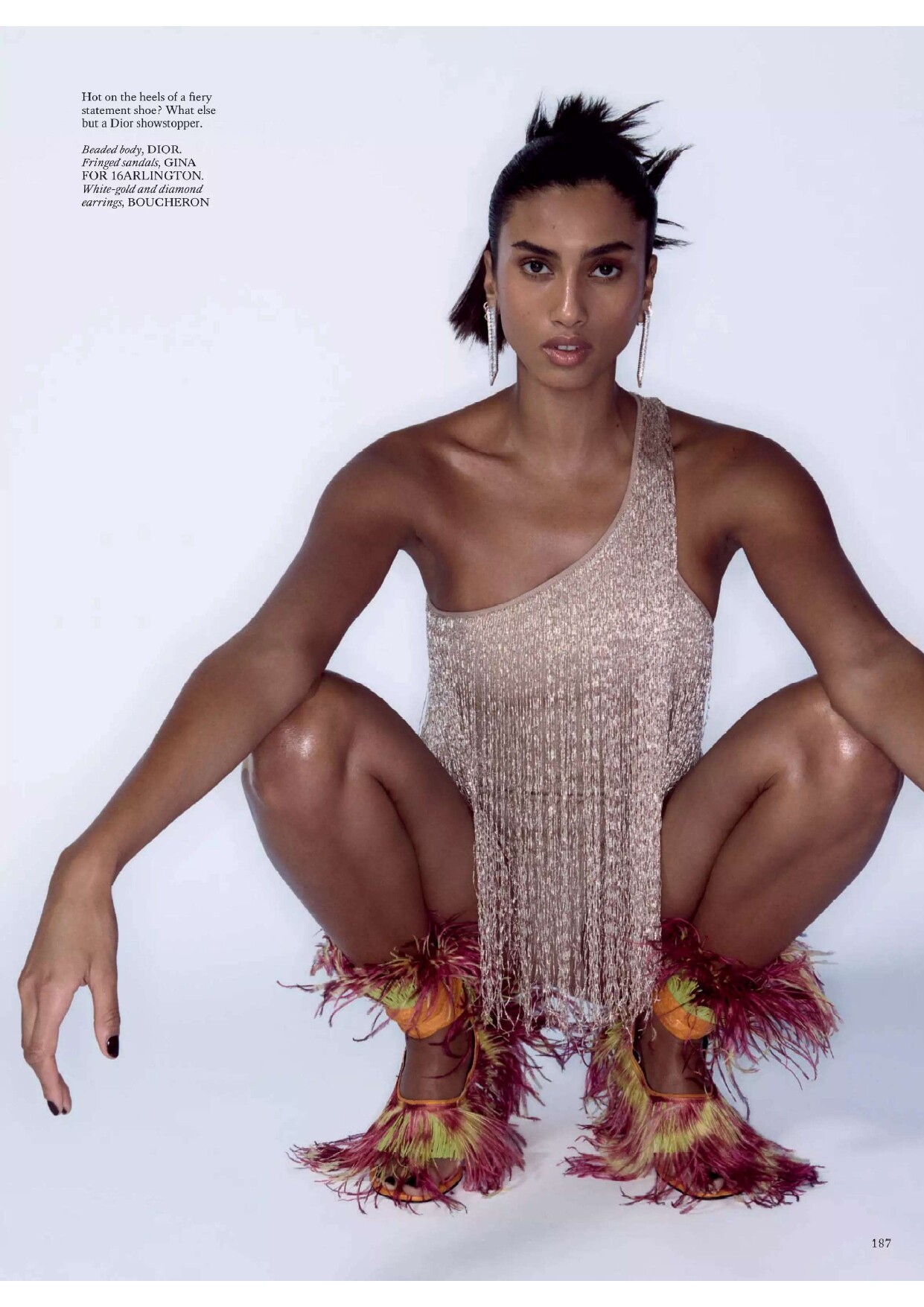
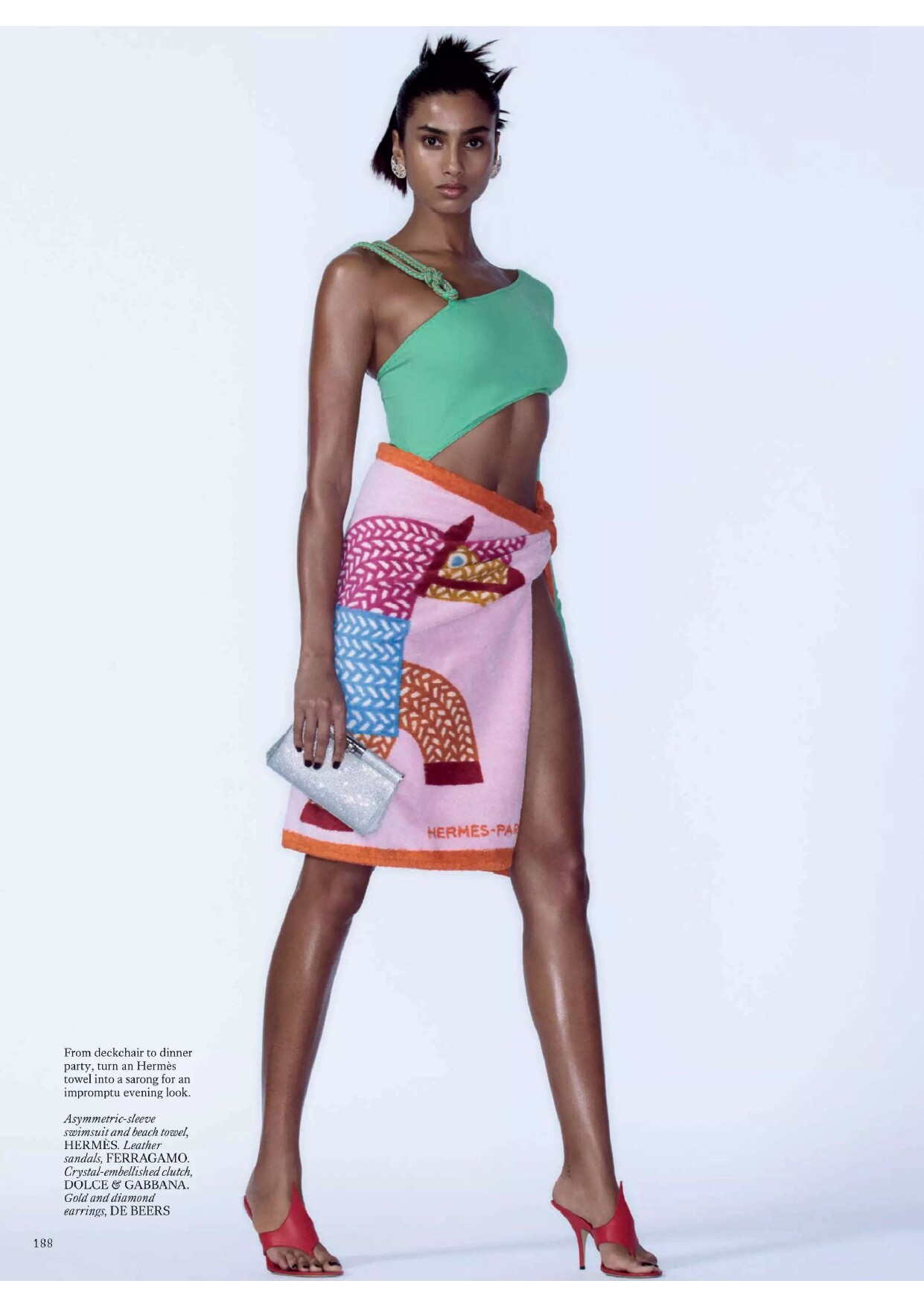
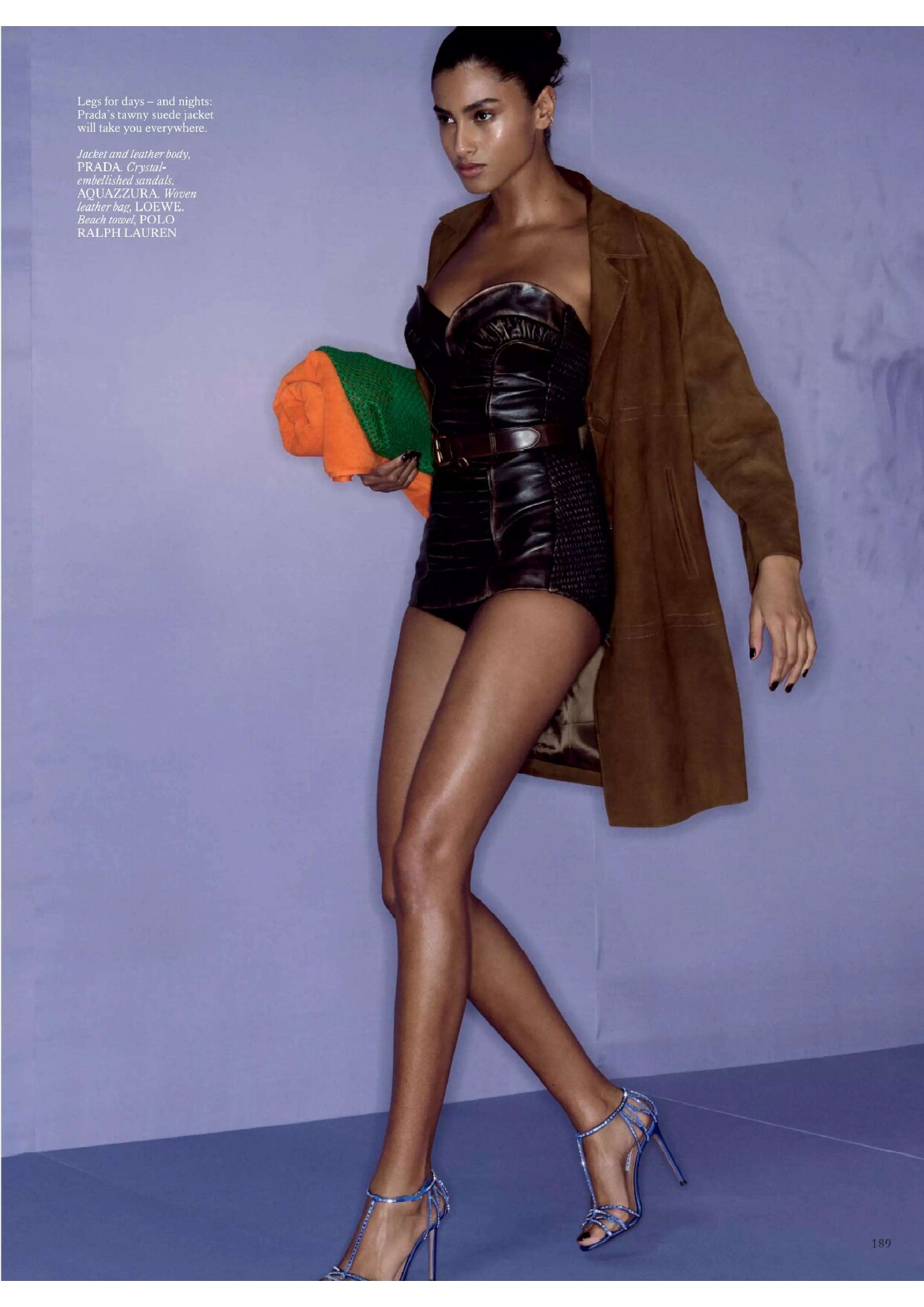
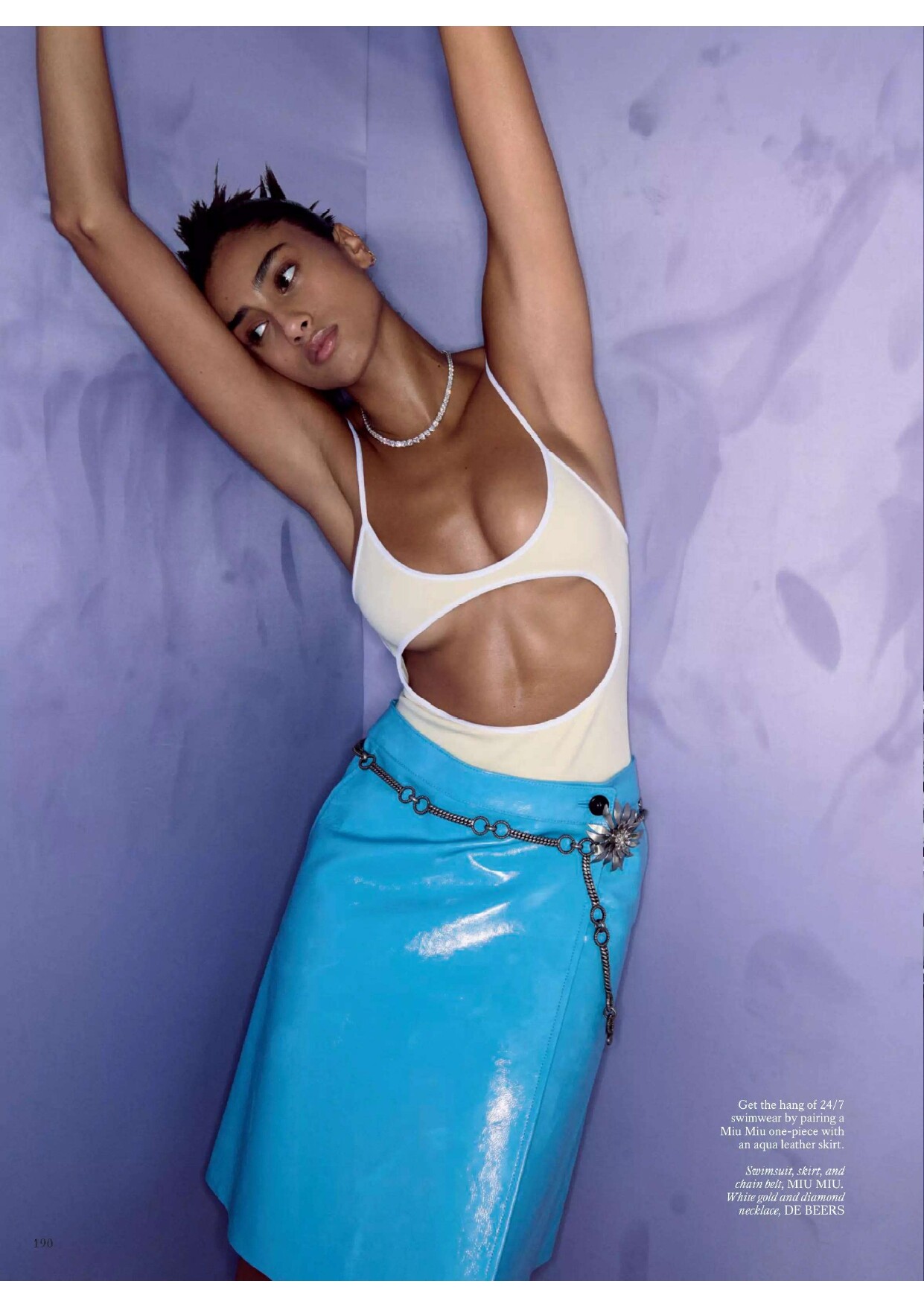
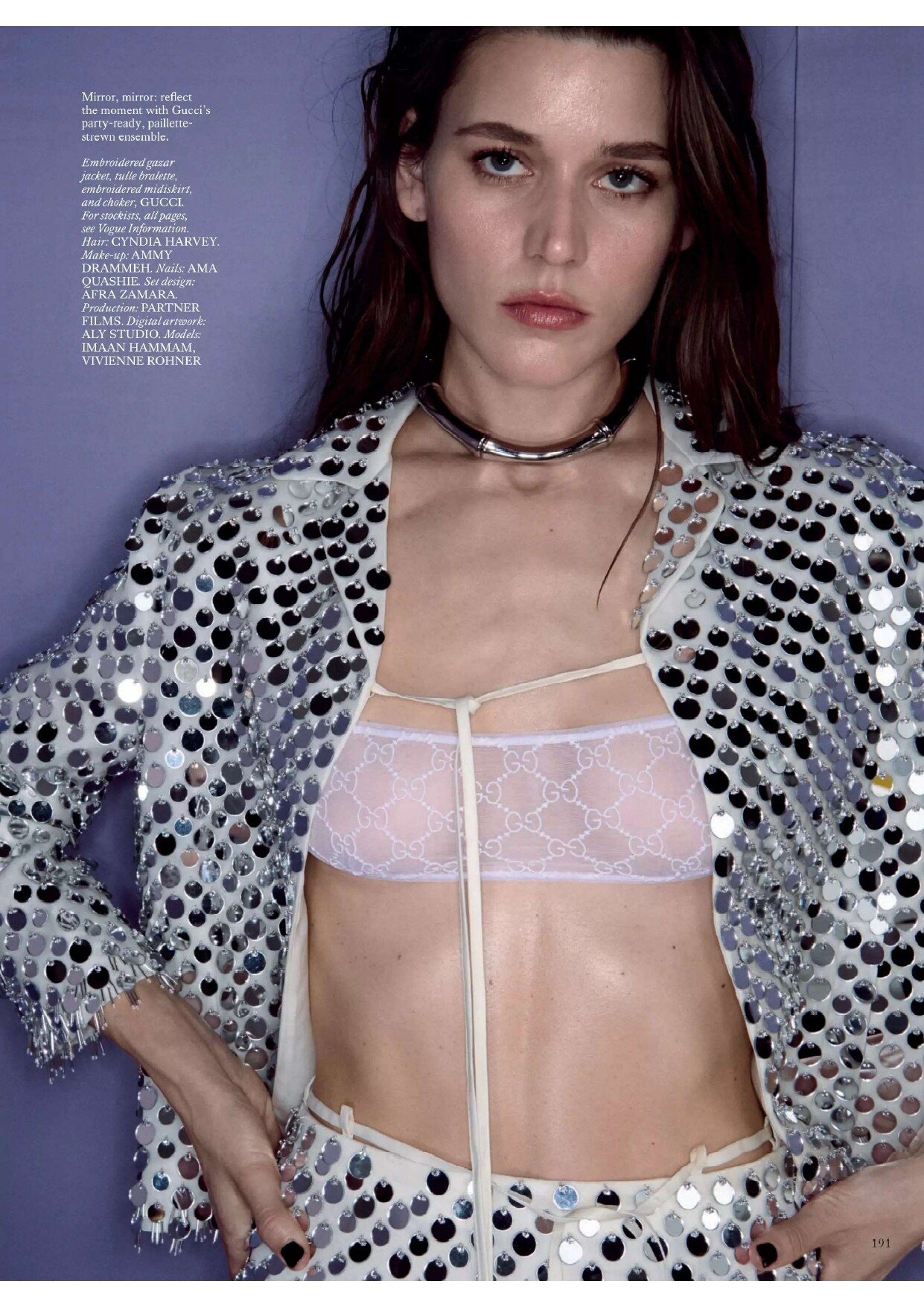
 British Vogue 06.2025 The Heat Is On Oliver Hadlee Pearch - Photographer Julia Sarr-Jamois - Fashion Editor/Stylist Cyndia Harvey - Hair Stylist Ammy Drammeh - Makeup Artist Imaan Hammam - Model Vivienne Rohner - Model

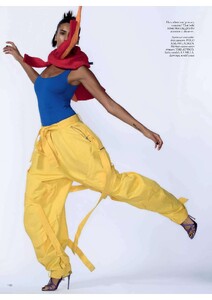
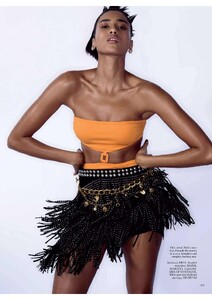
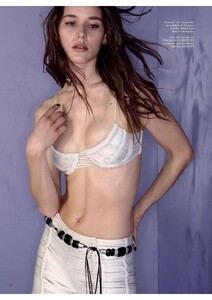
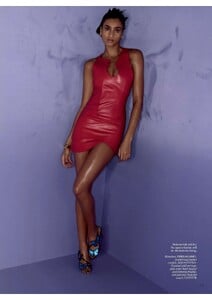
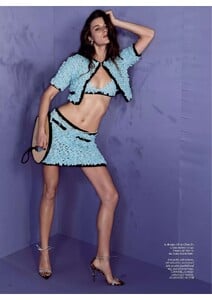
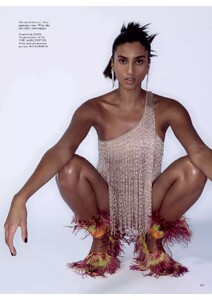

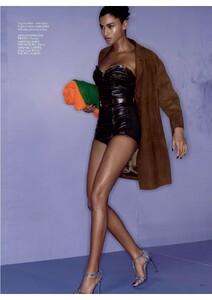
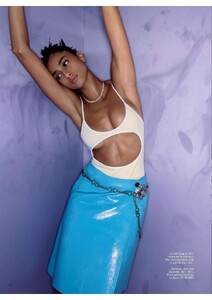
 British Vogue 06.2025 The Heat Is On Oliver Hadlee Pearch - Photographer Julia Sarr-Jamois - Fashion Editor/Stylist Cyndia Harvey - Hair Stylist Ammy Drammeh - Makeup Artist Imaan Hammam - Model Vivienne Rohner - Model
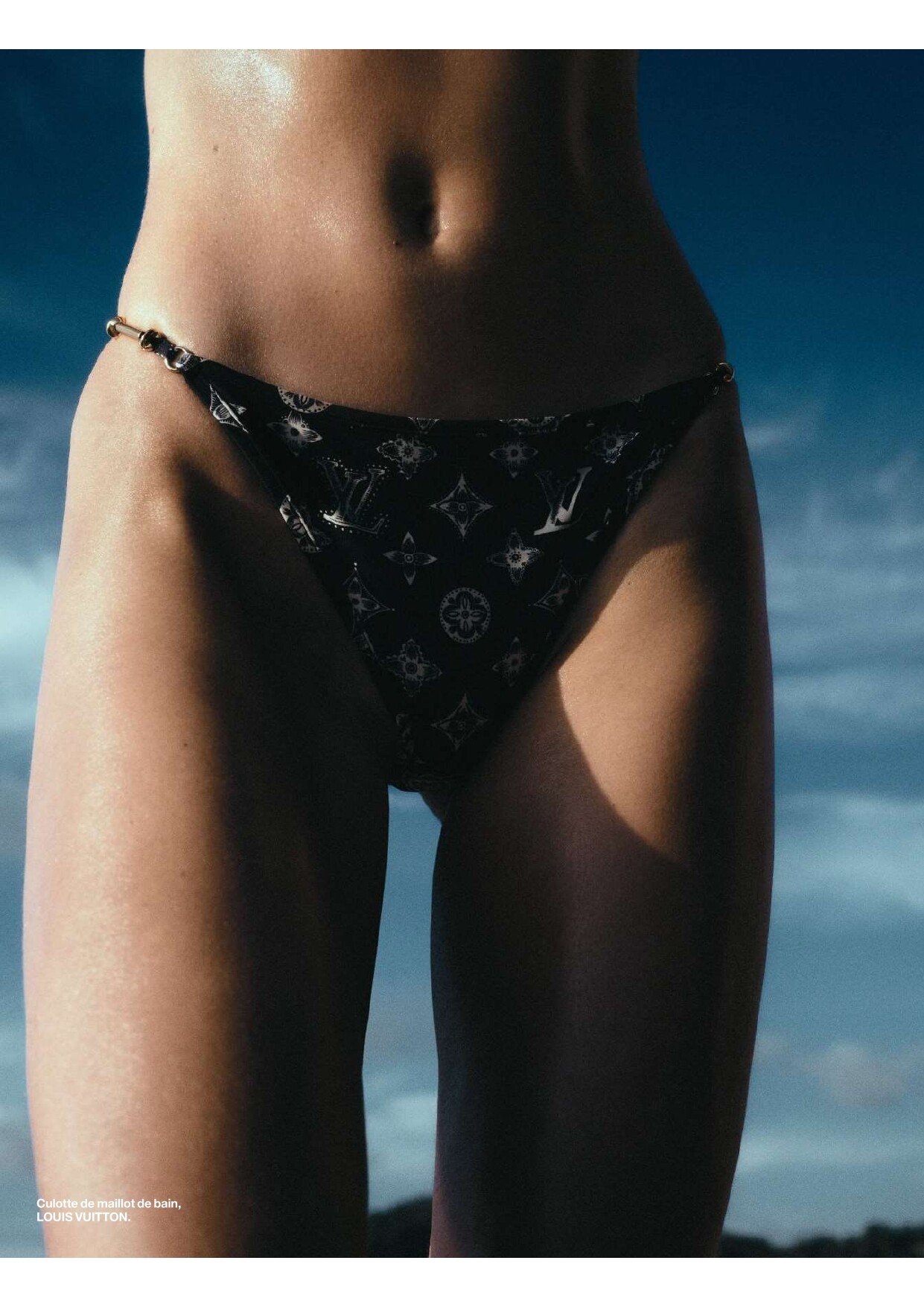
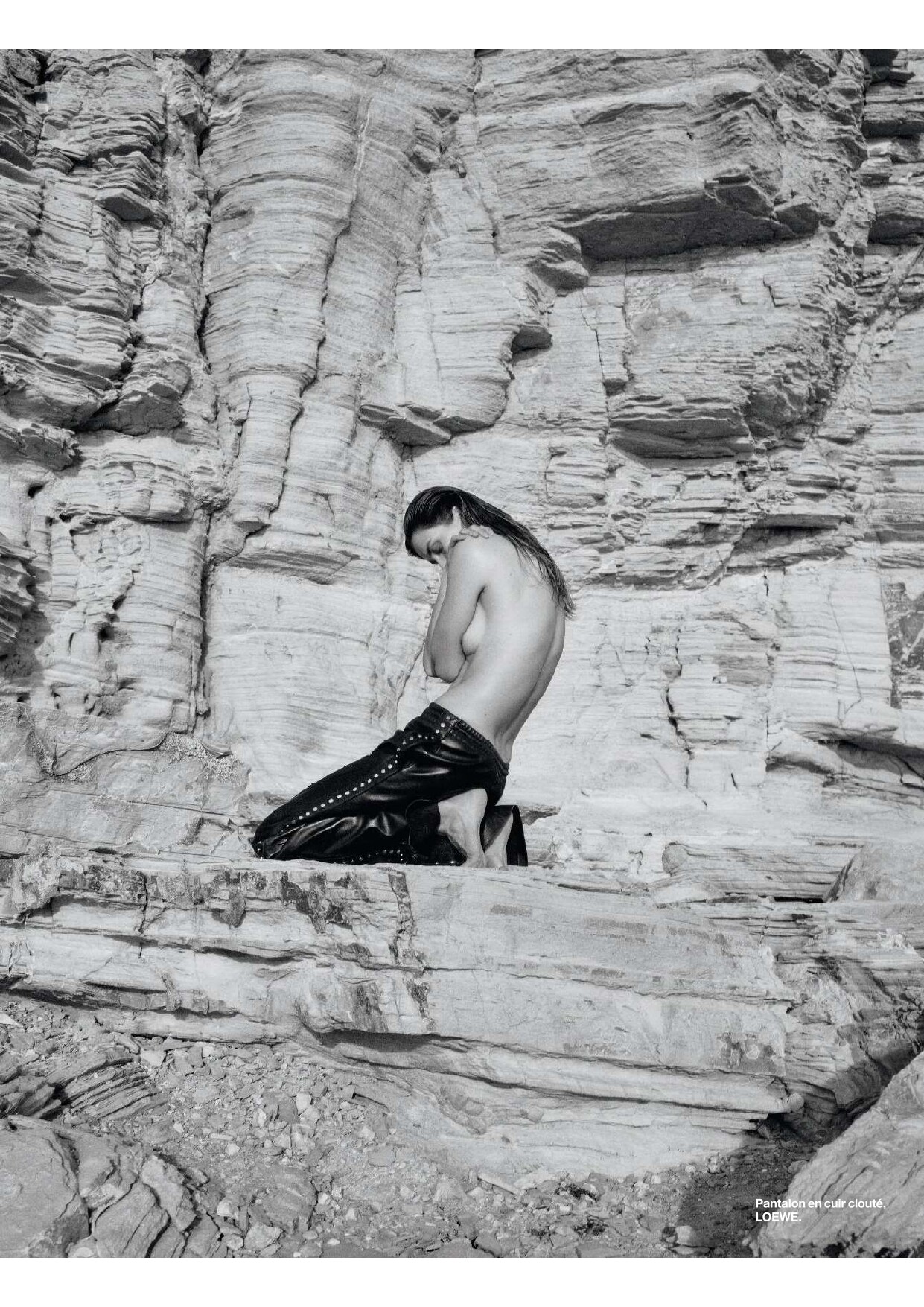
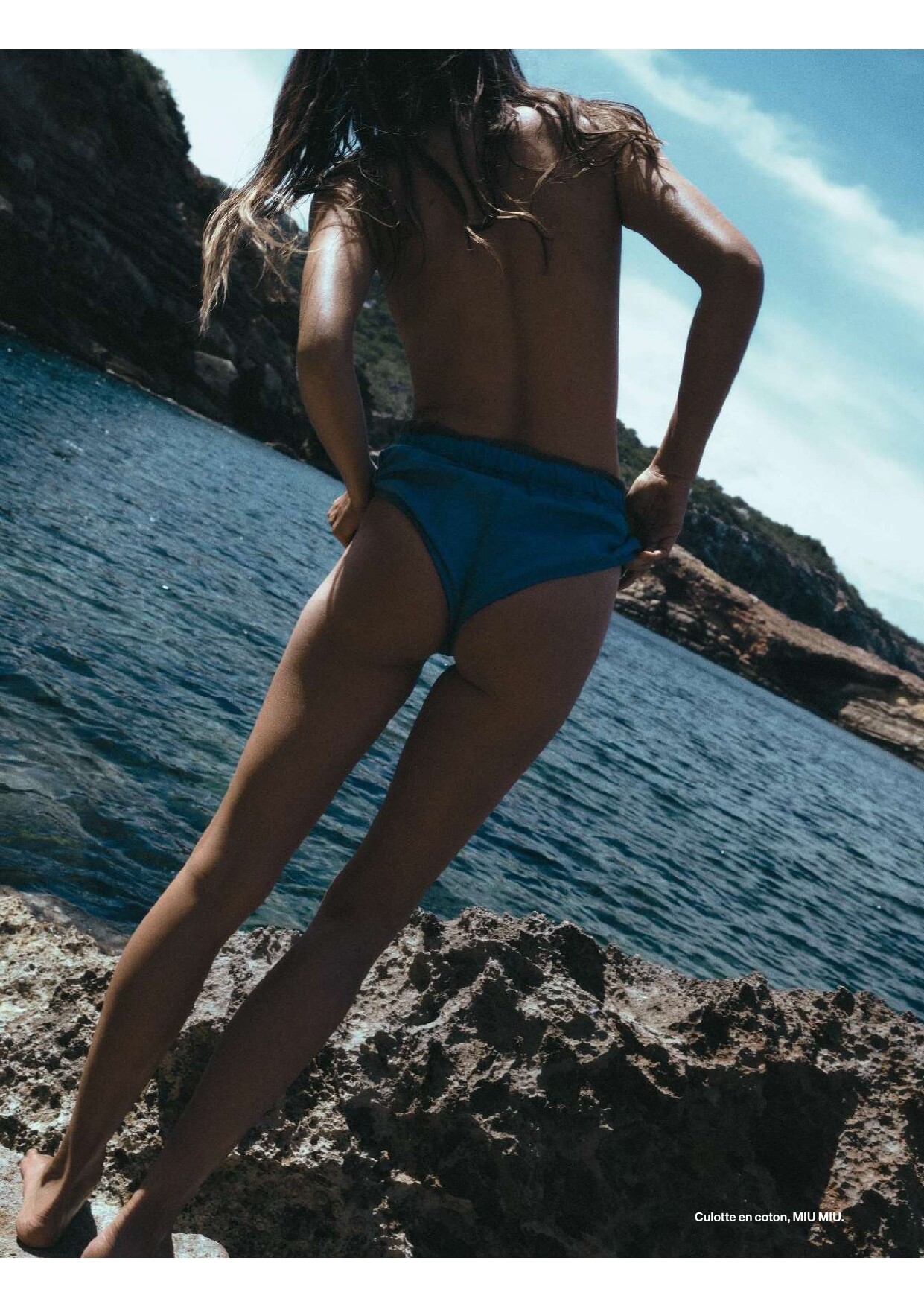
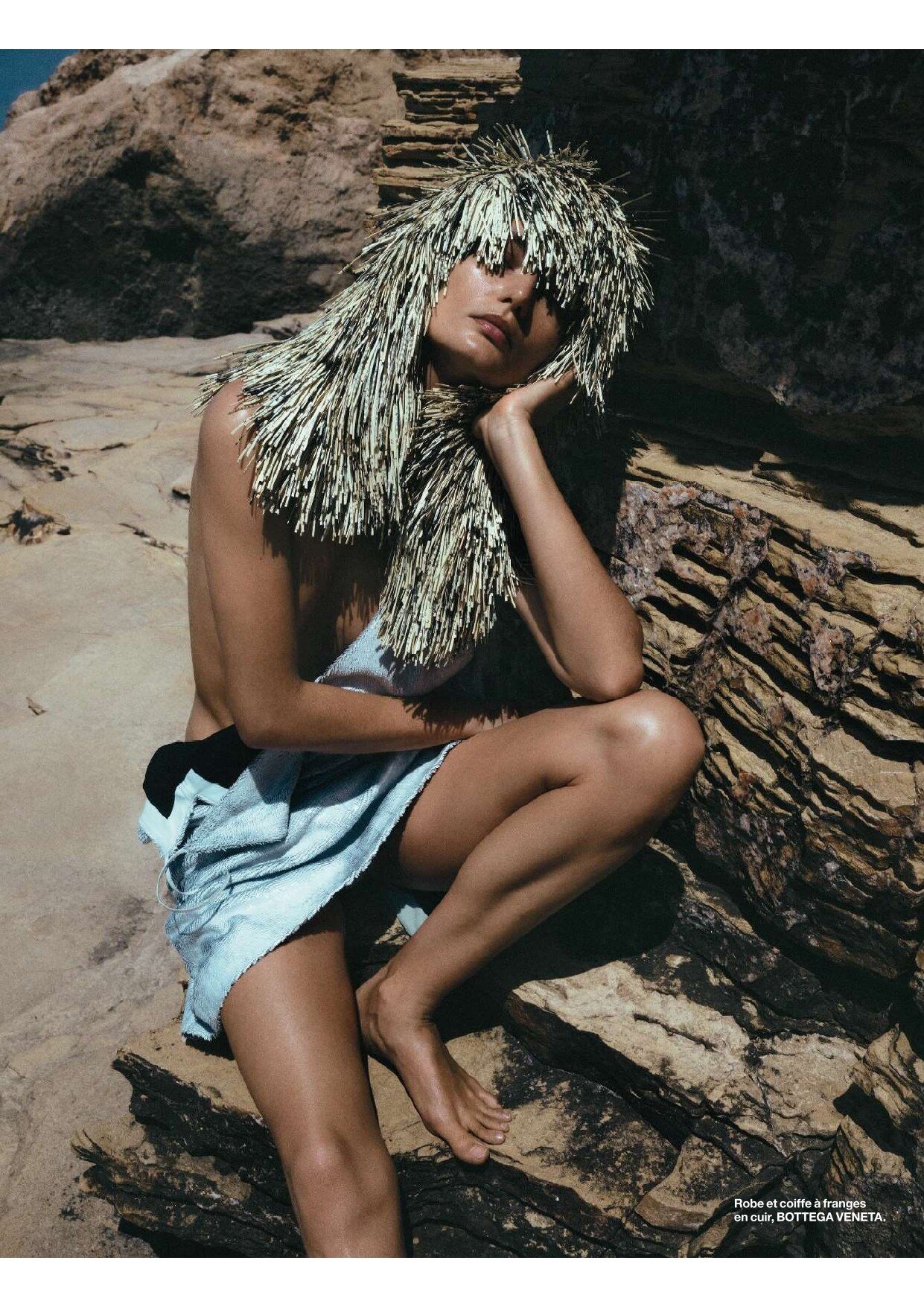
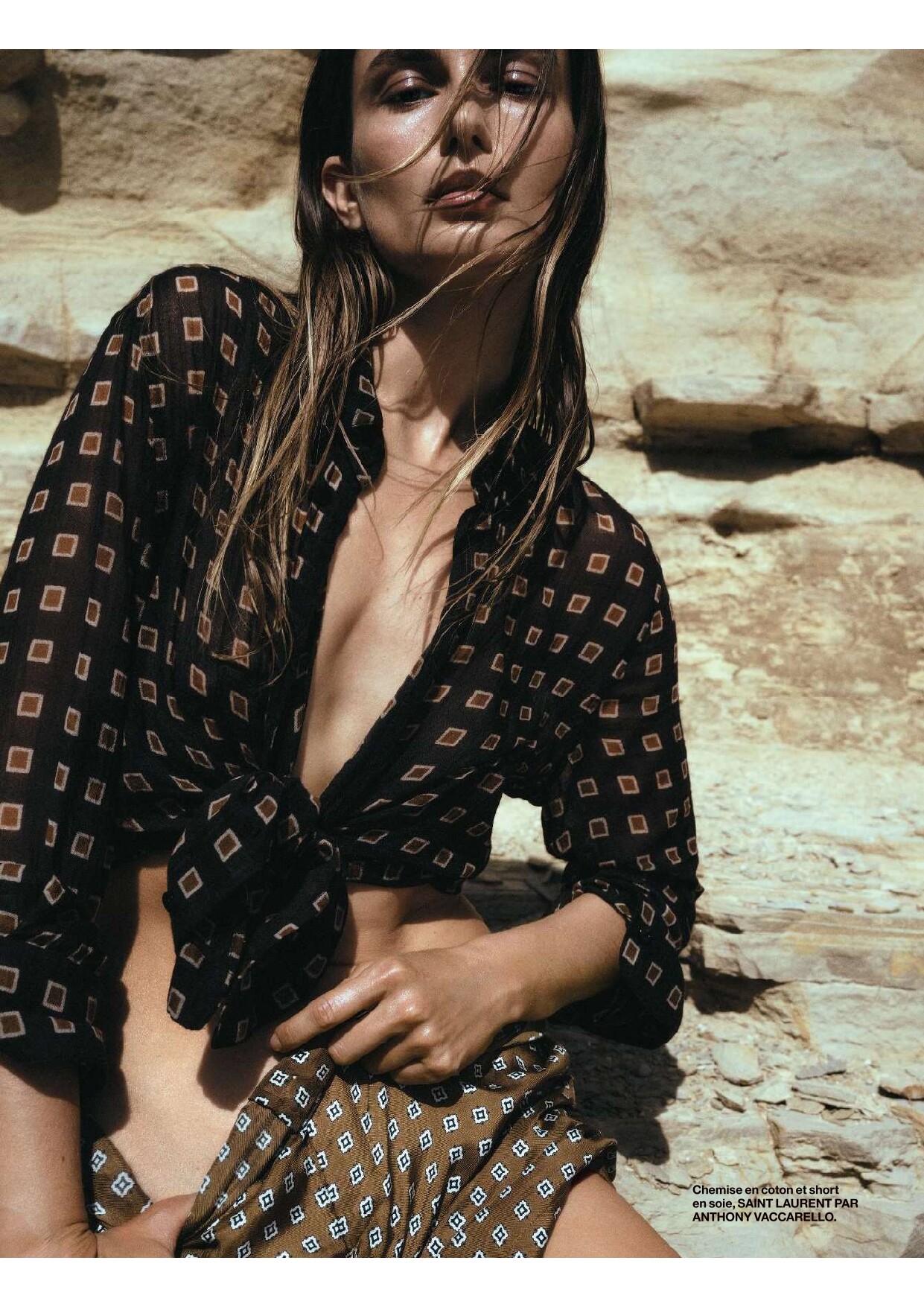
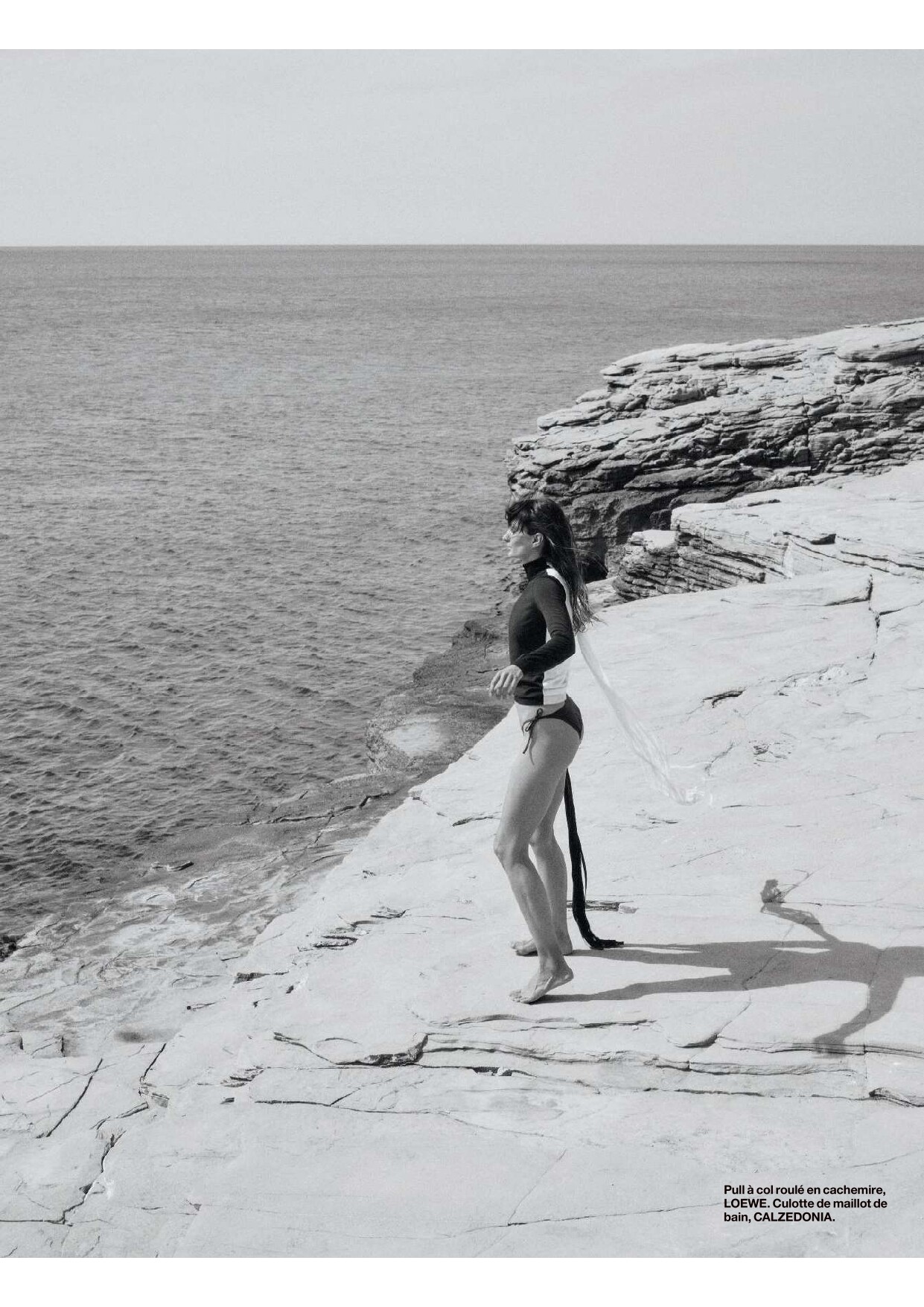
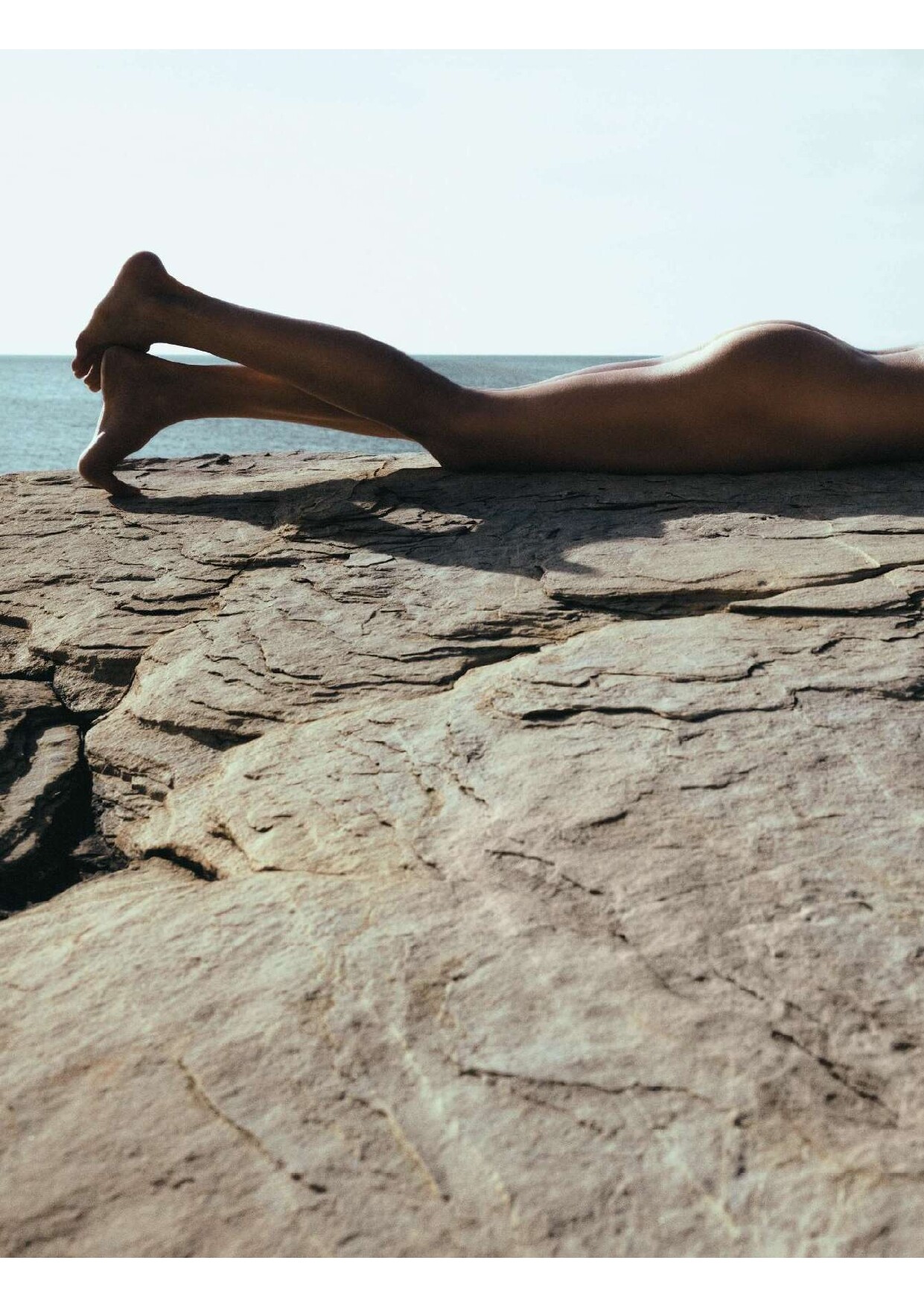
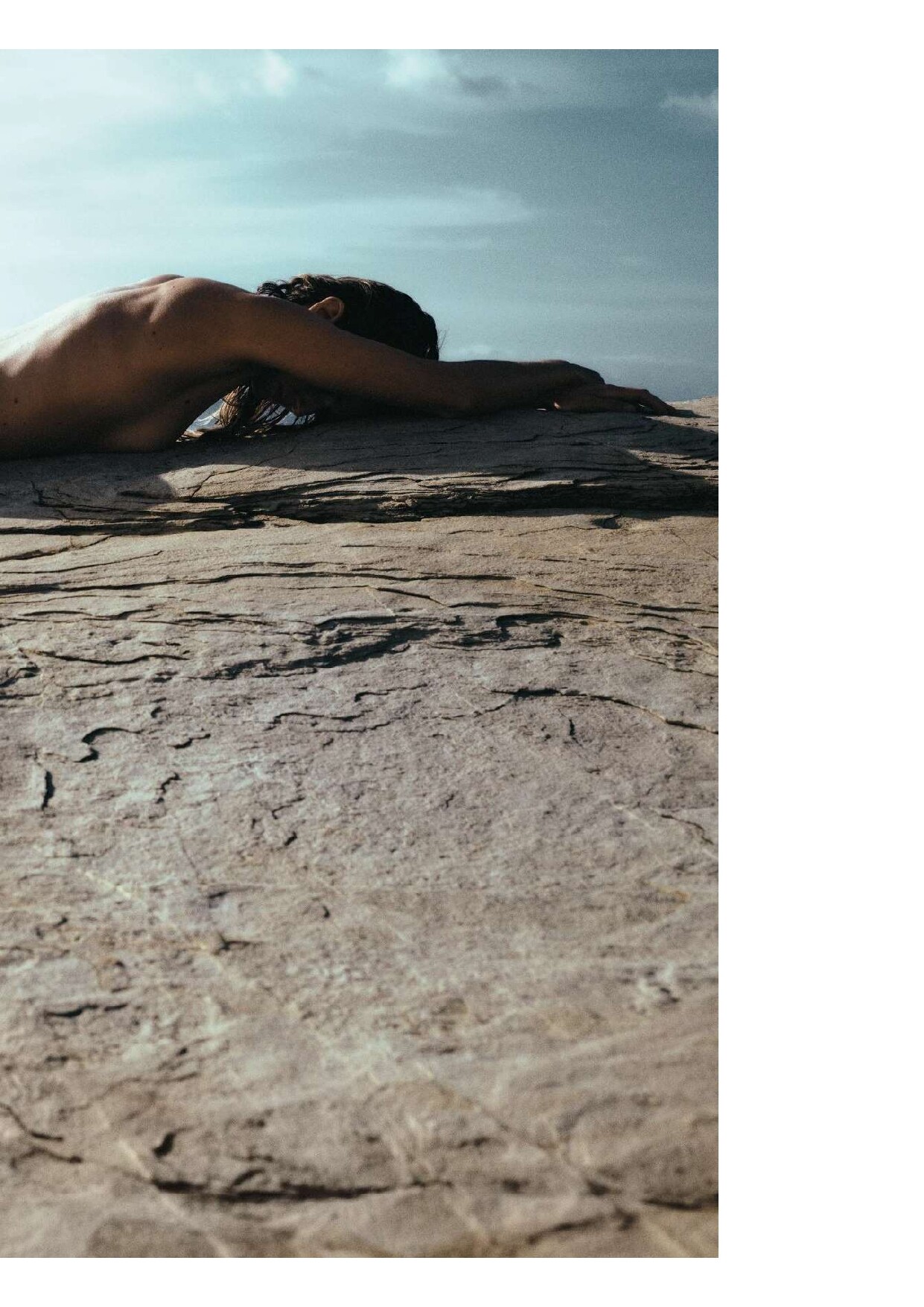


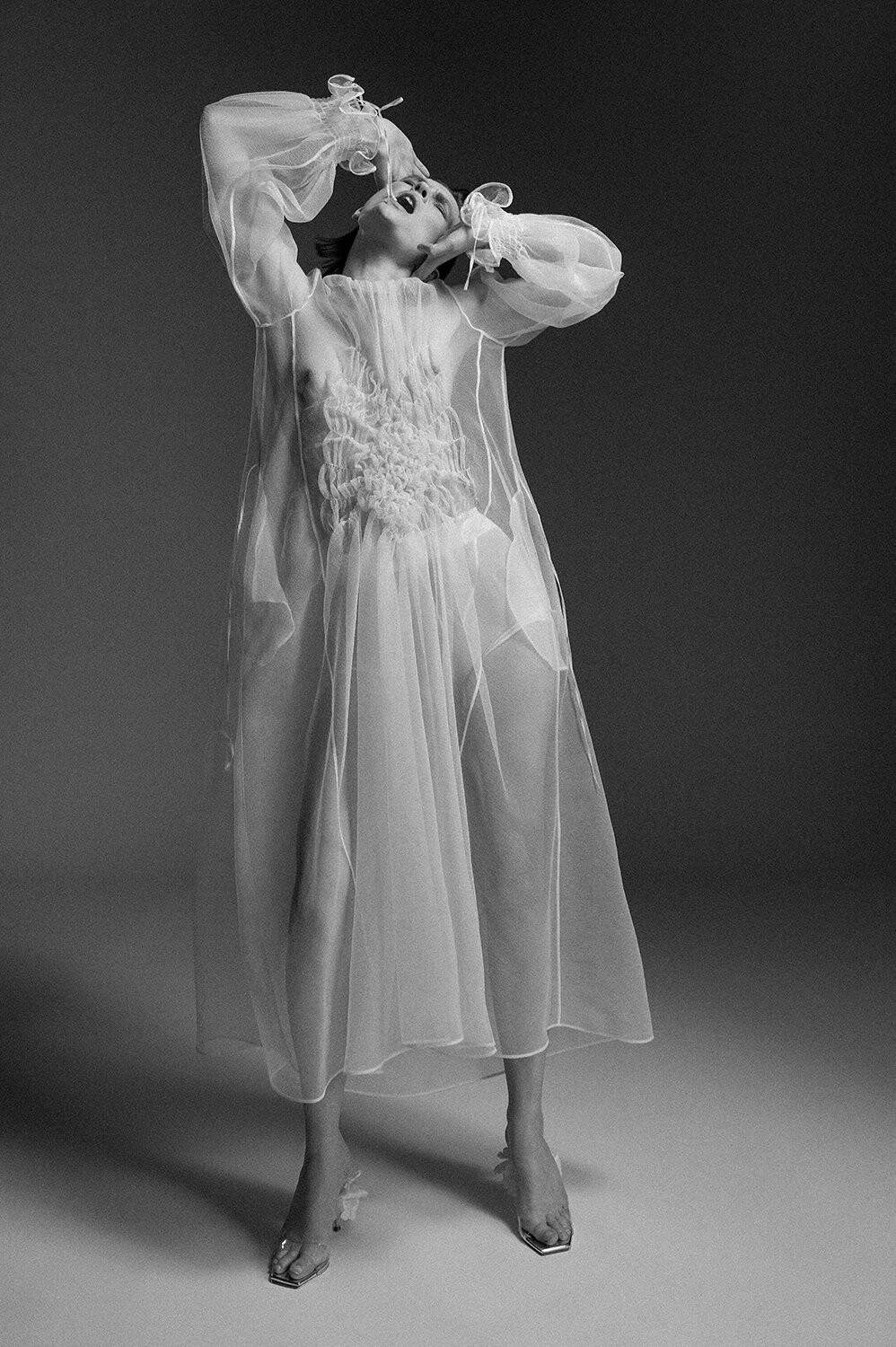
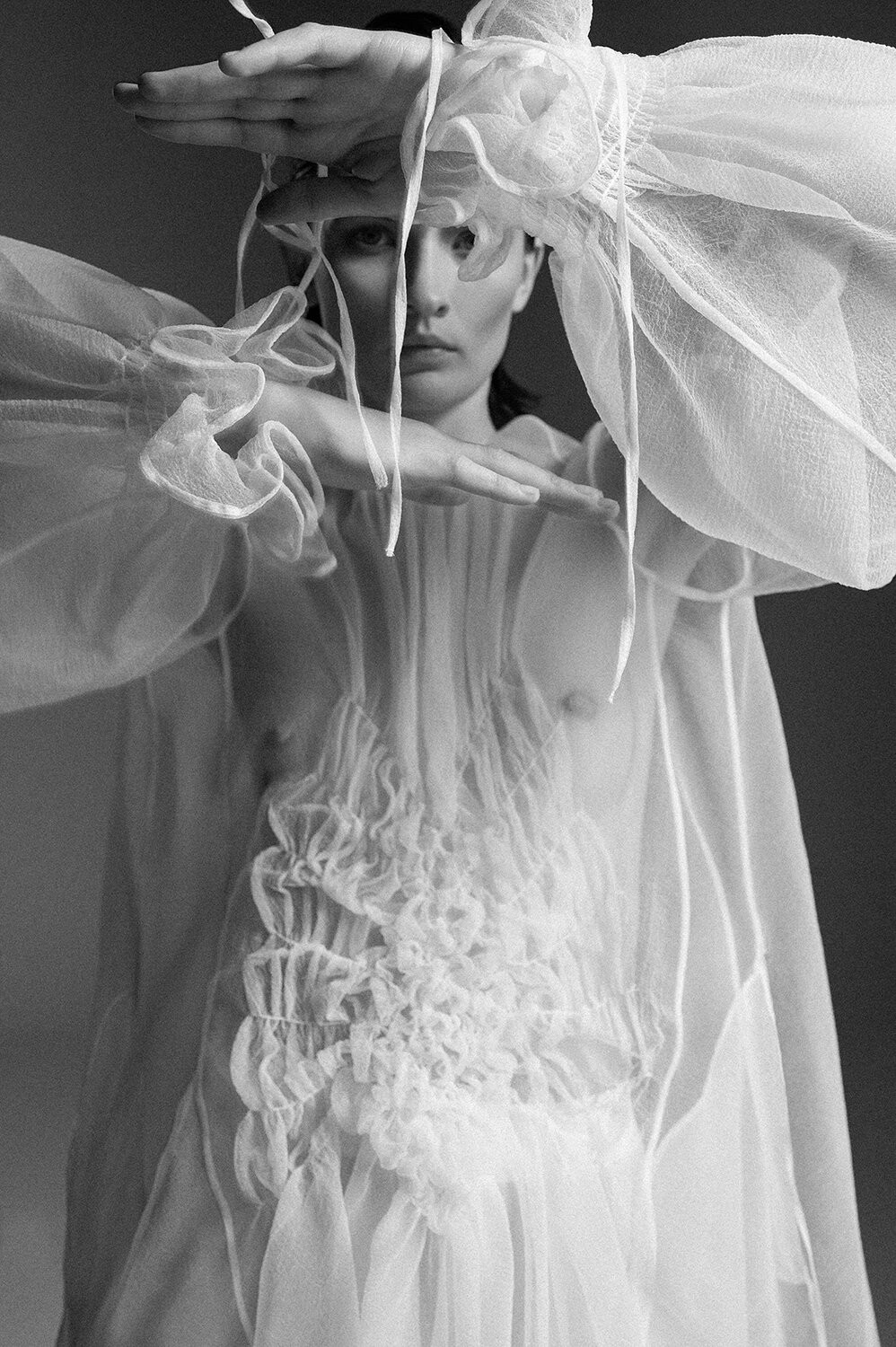
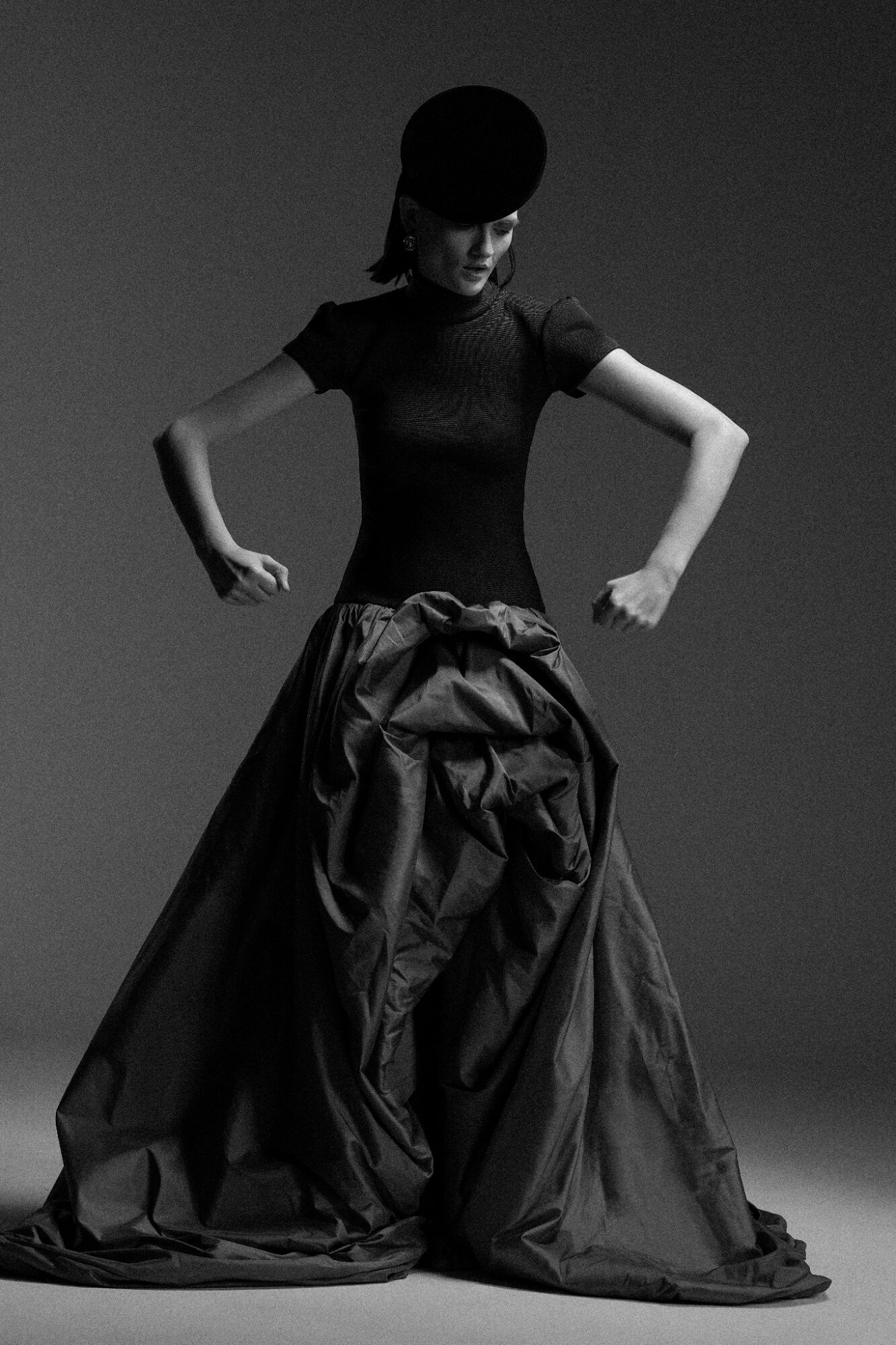
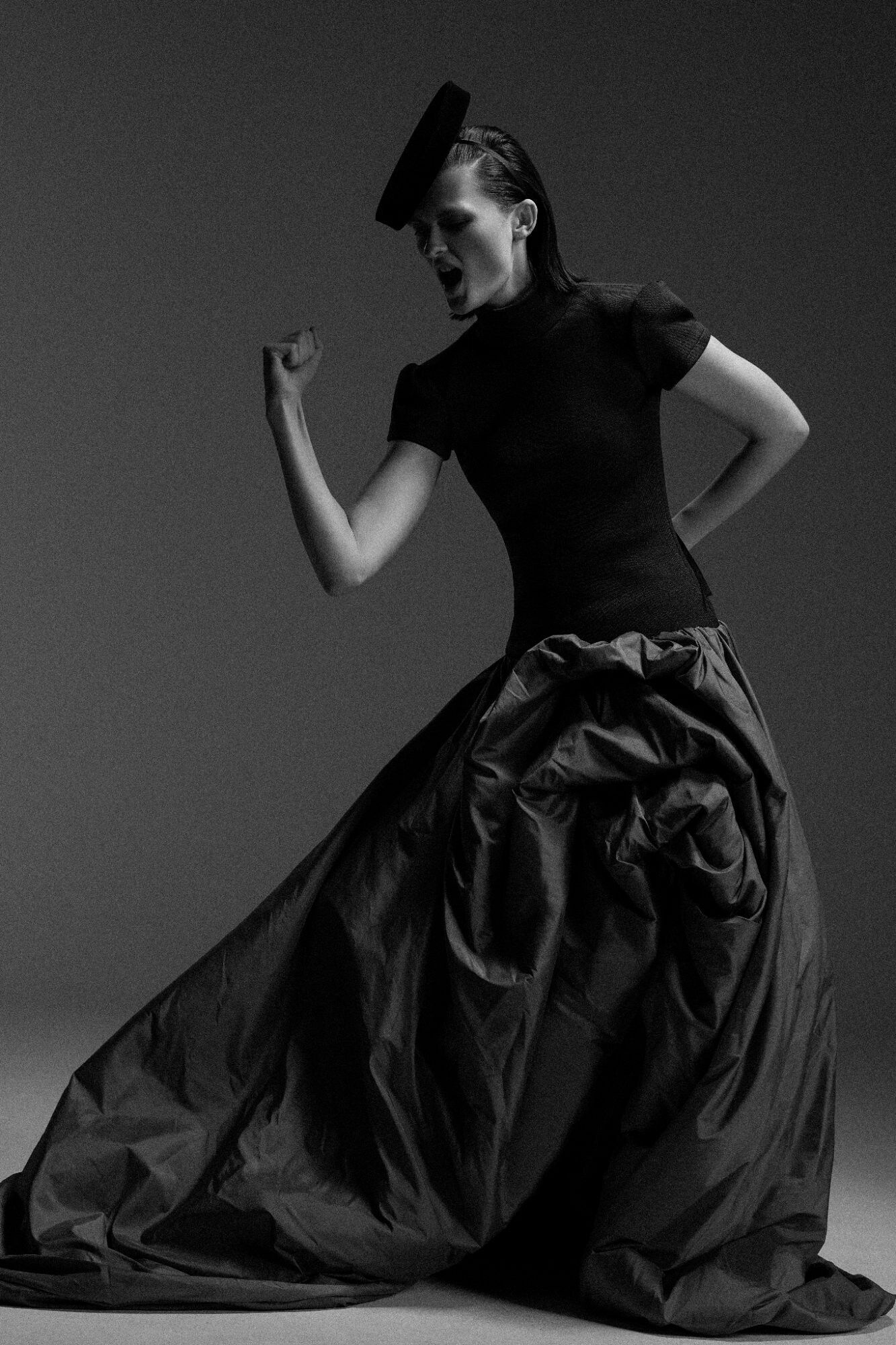

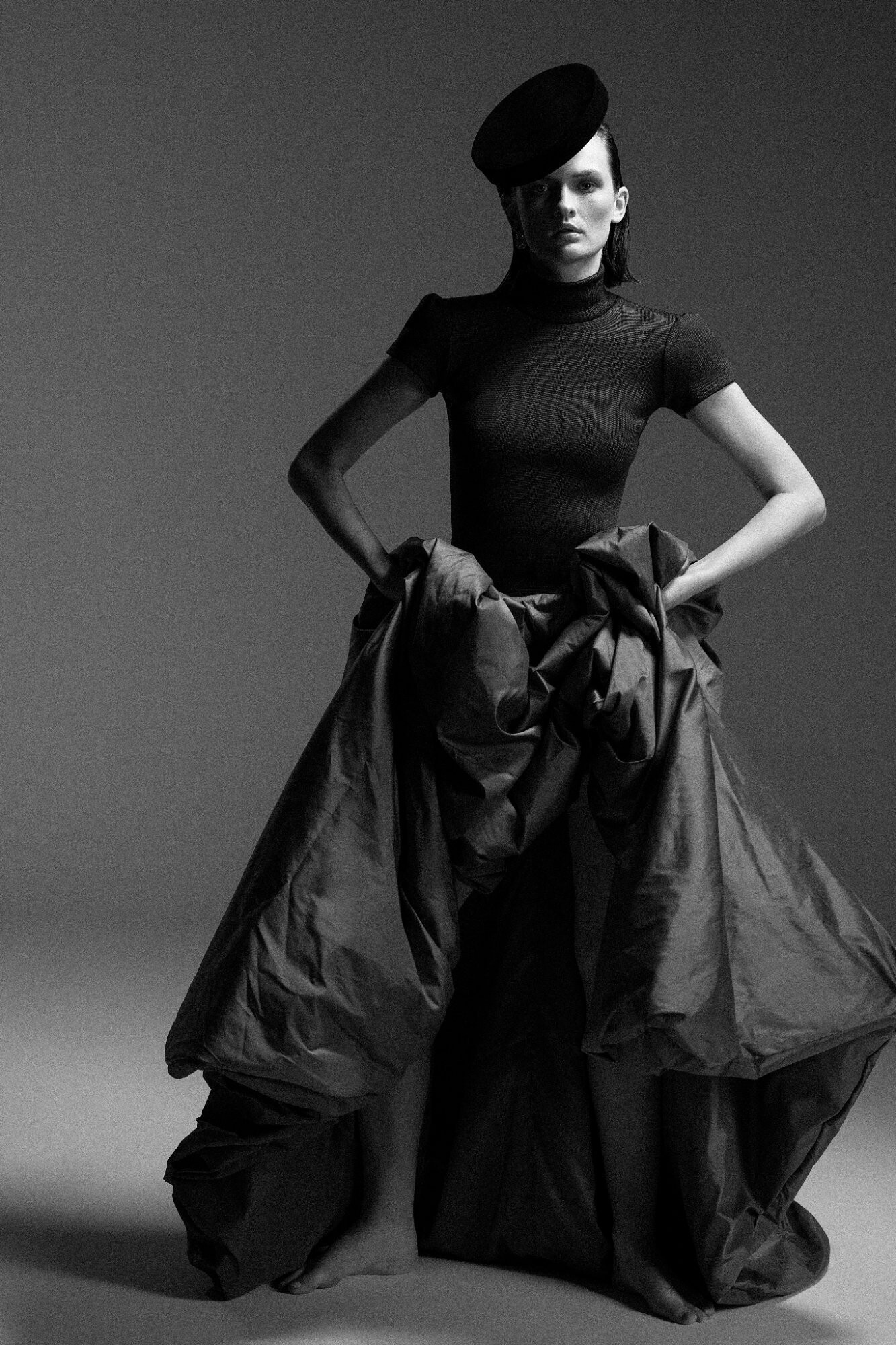
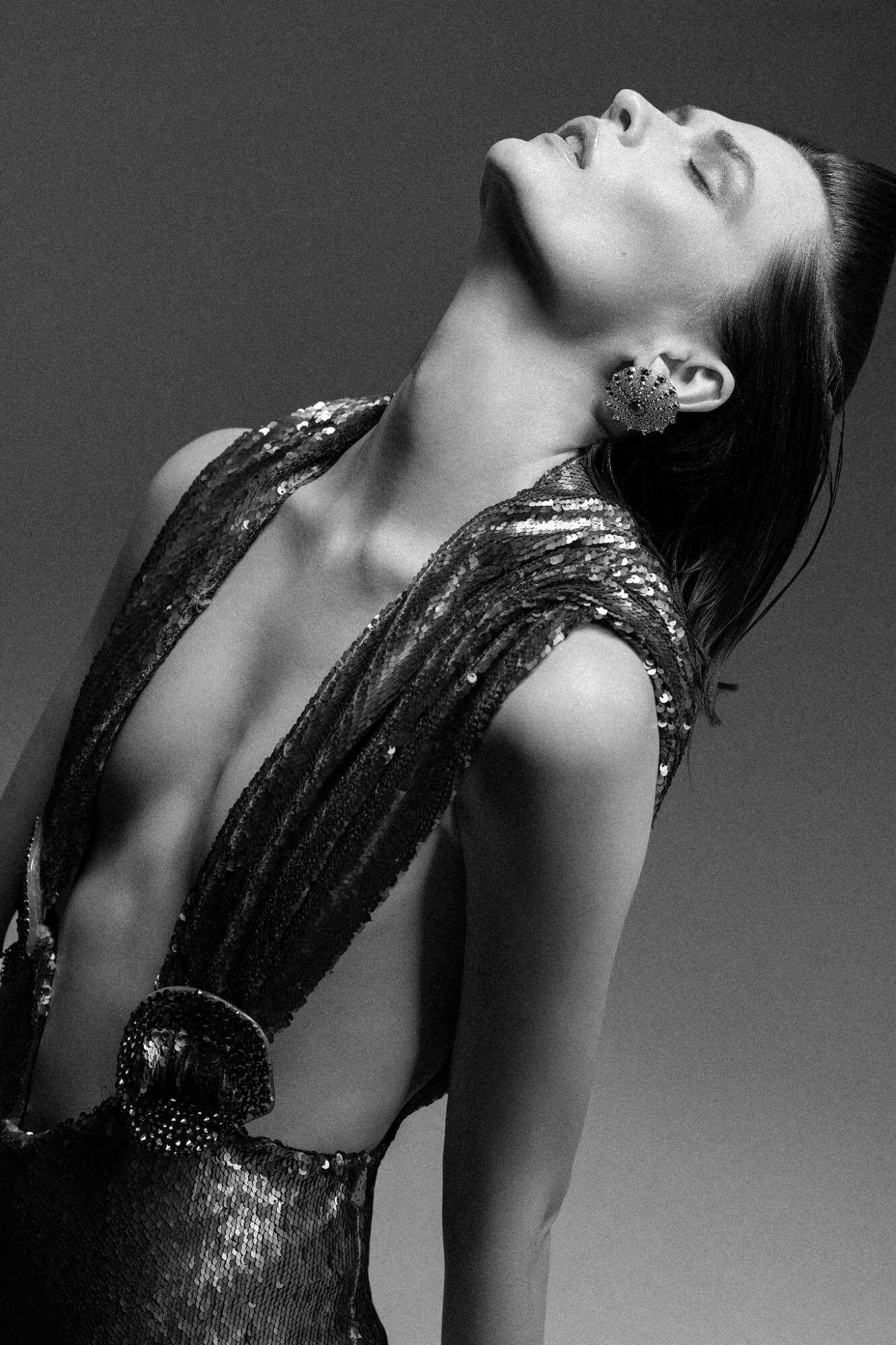
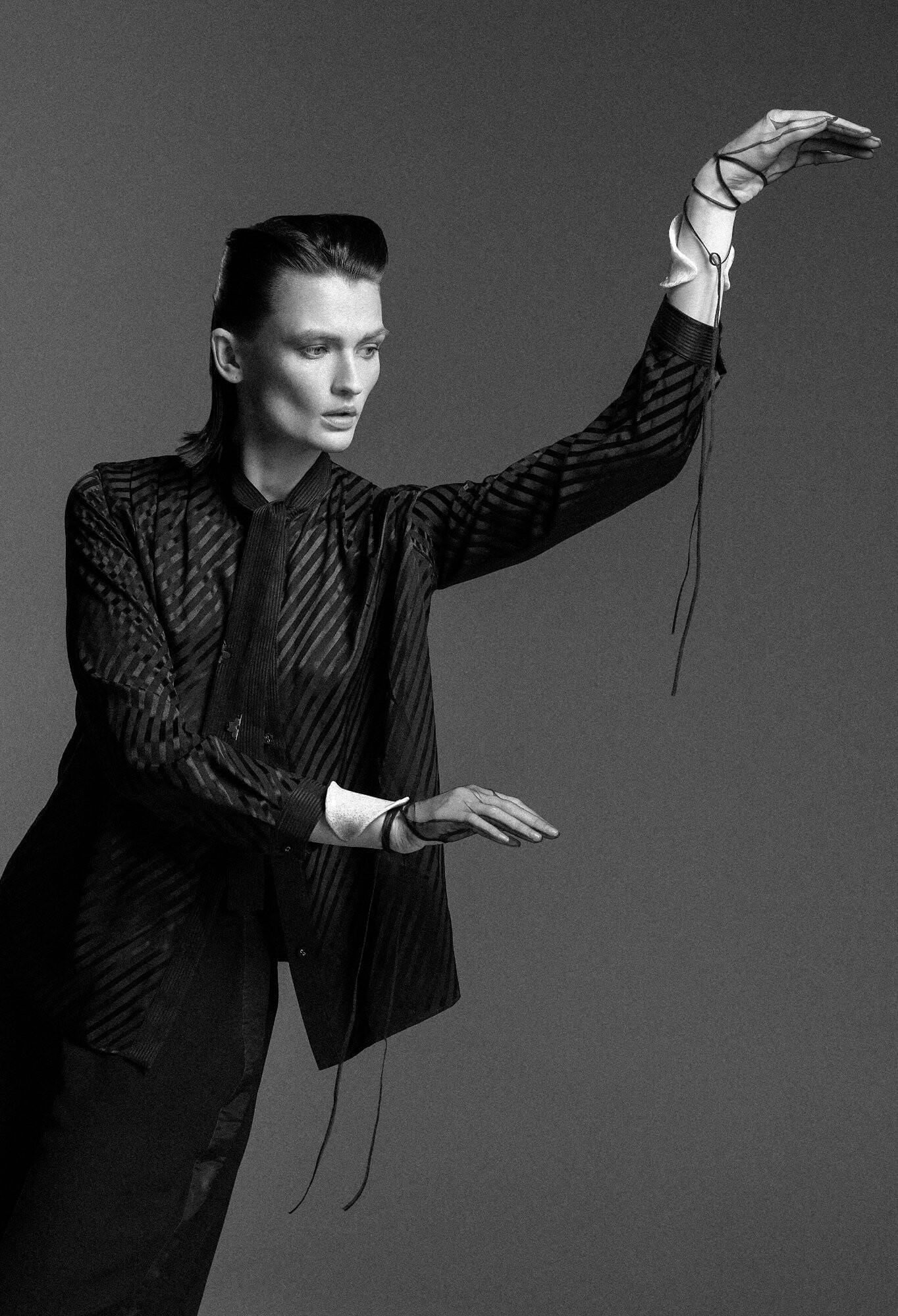
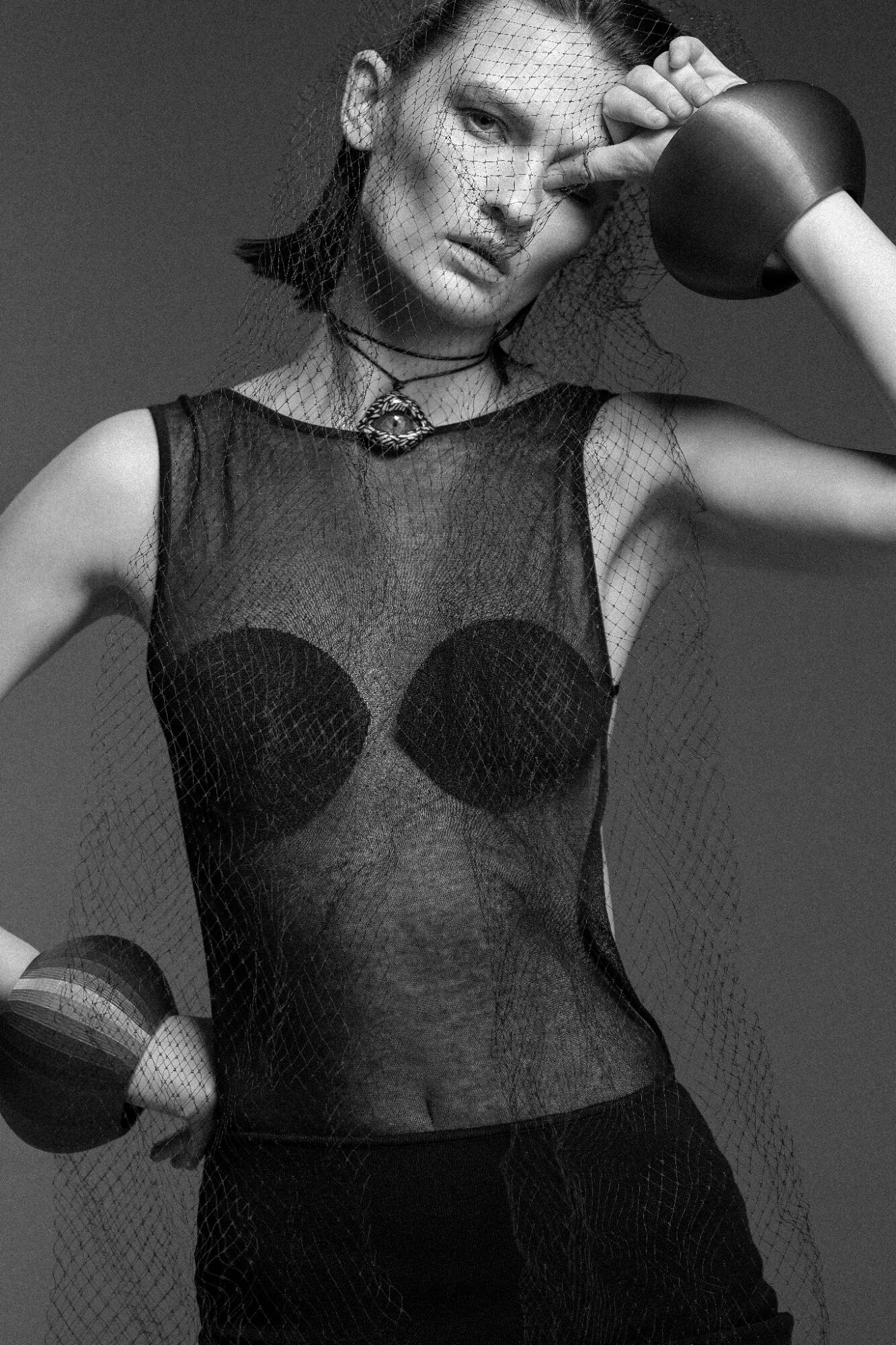
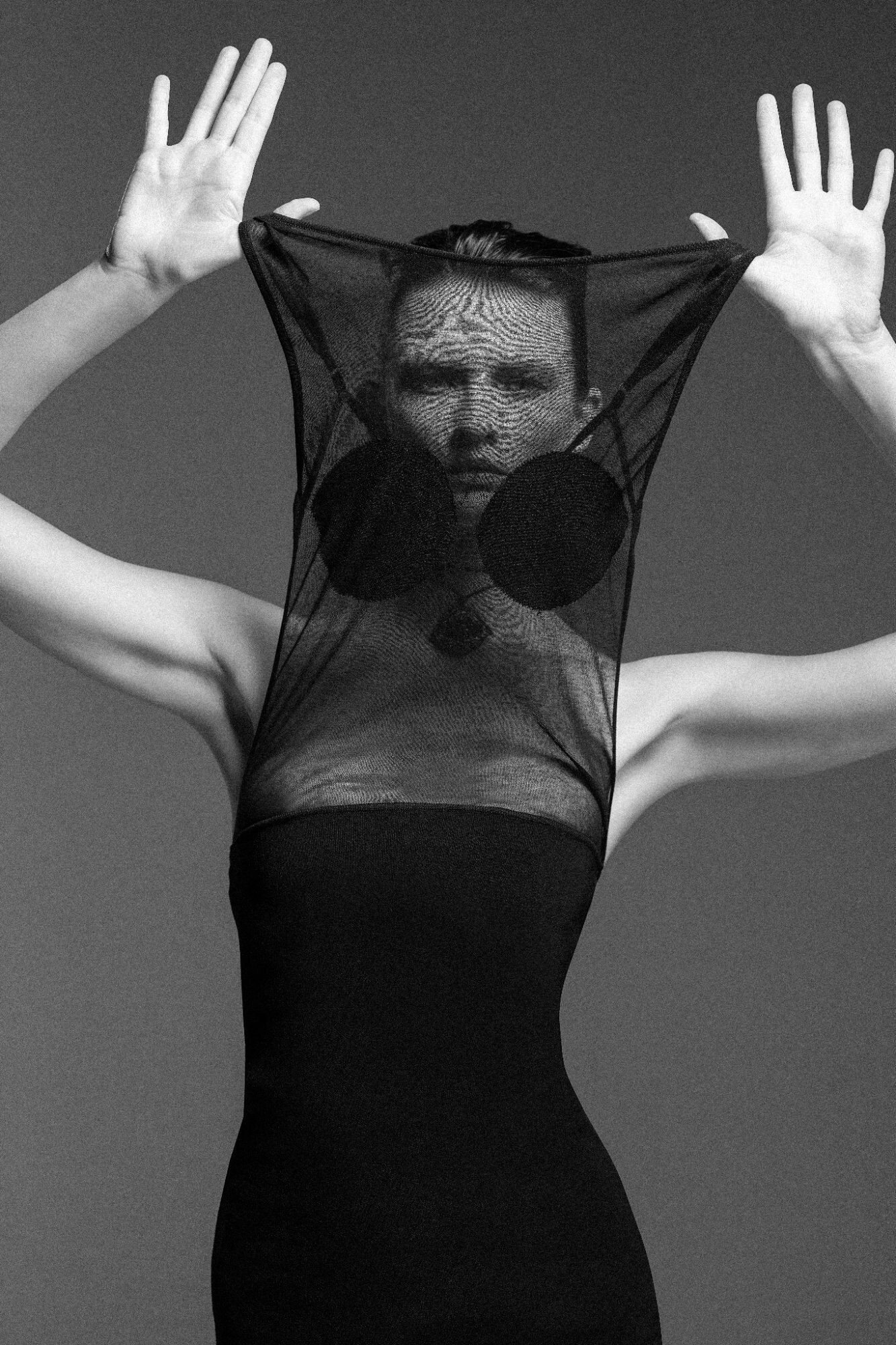
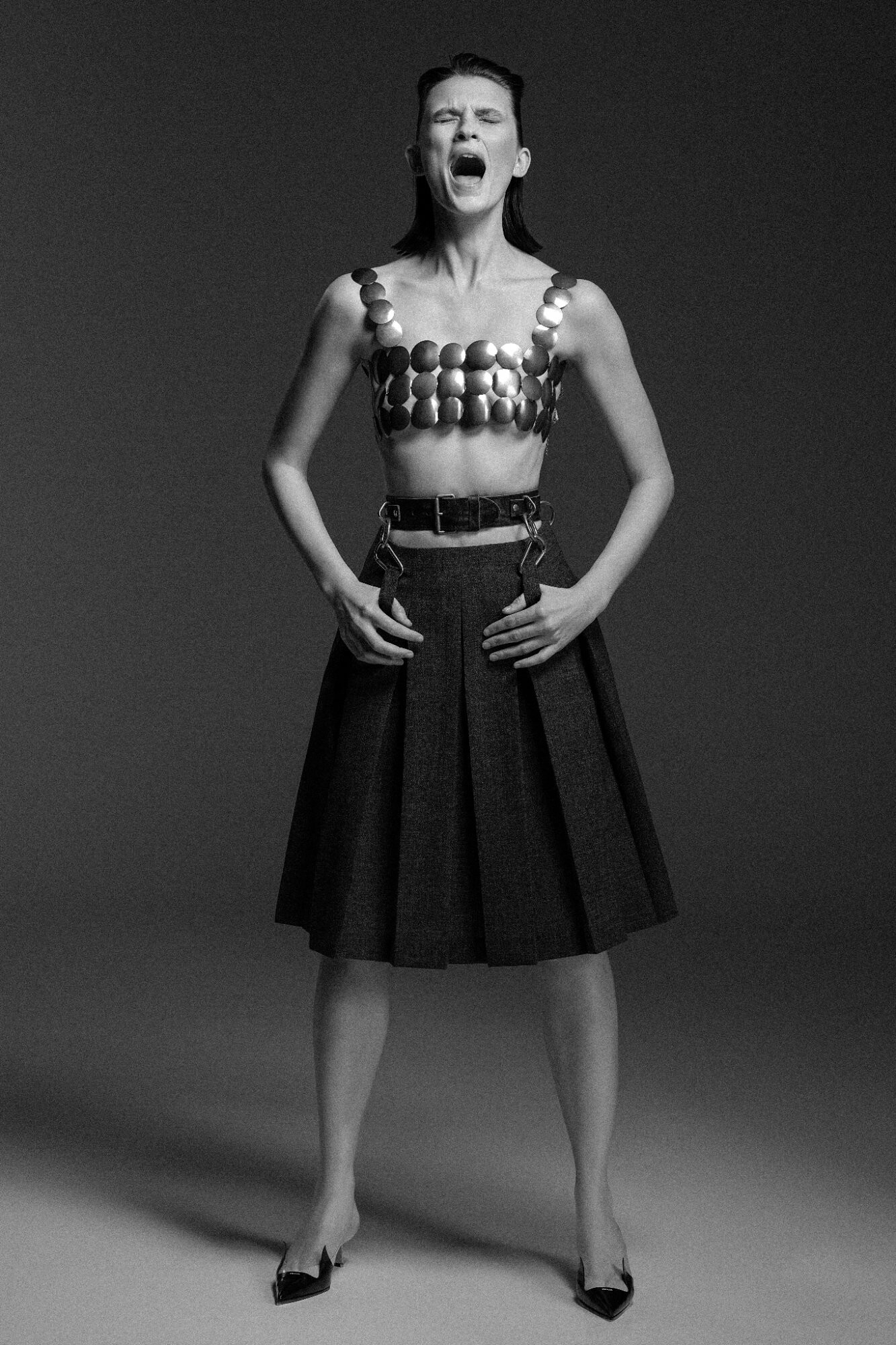
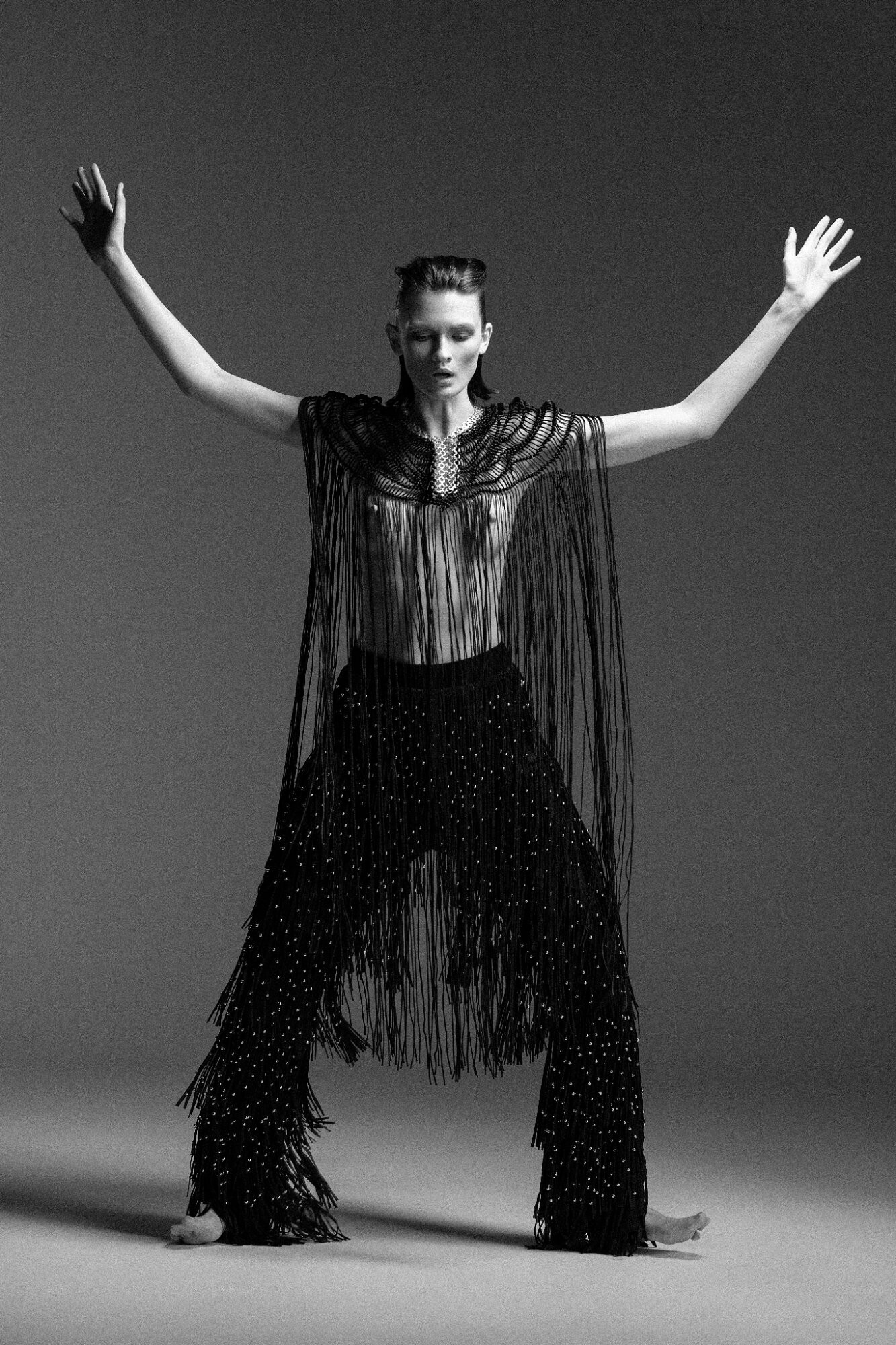
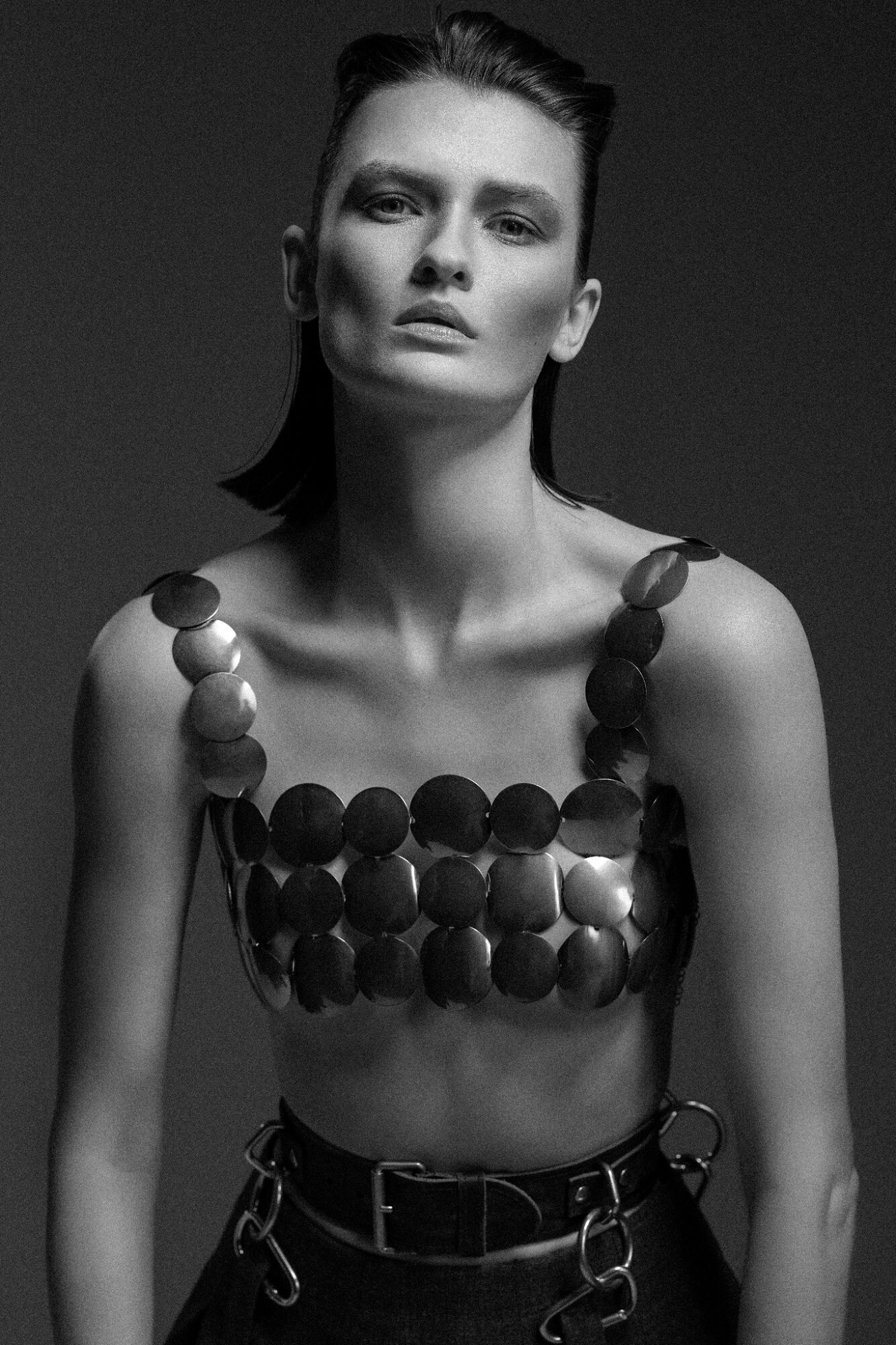

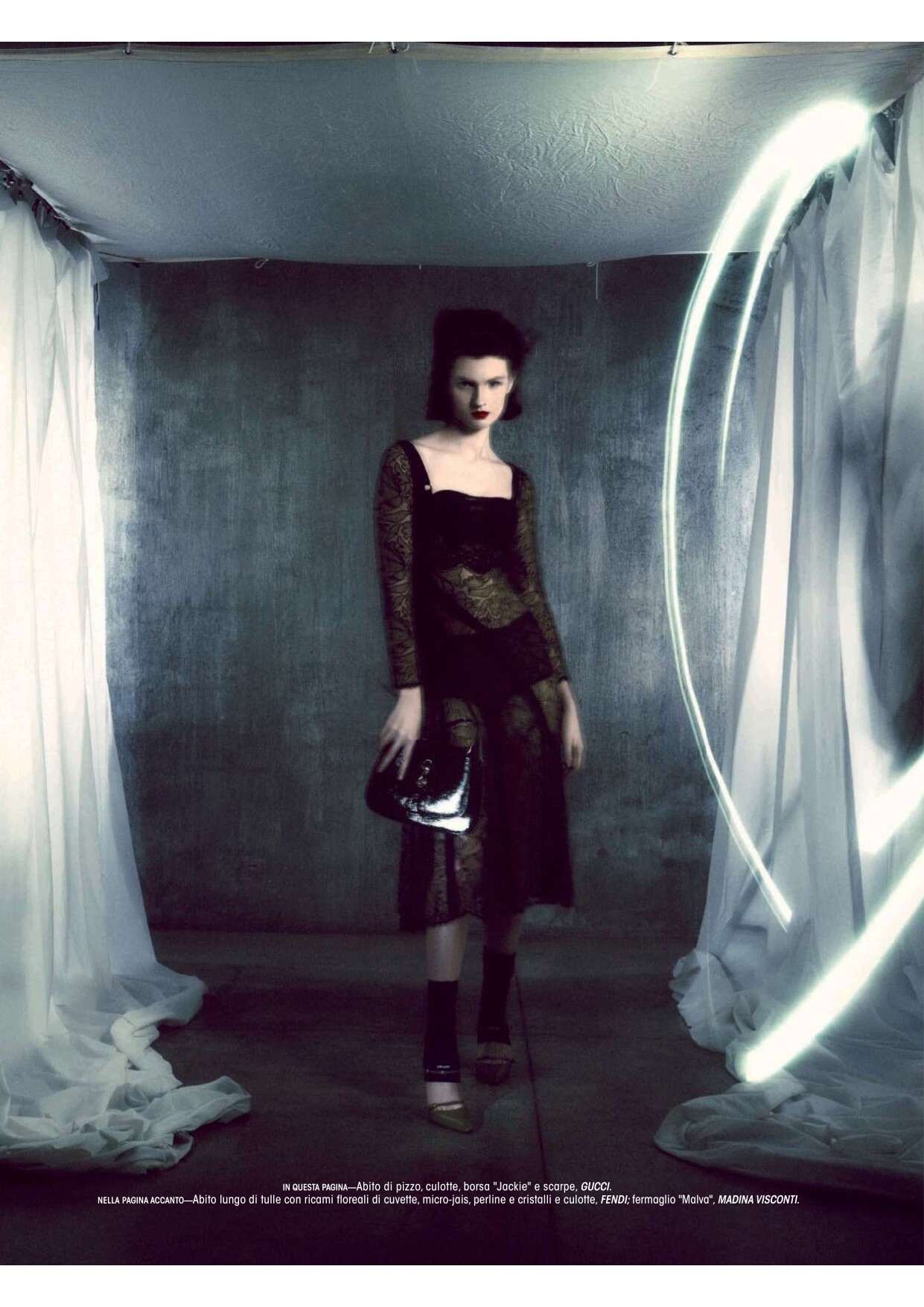
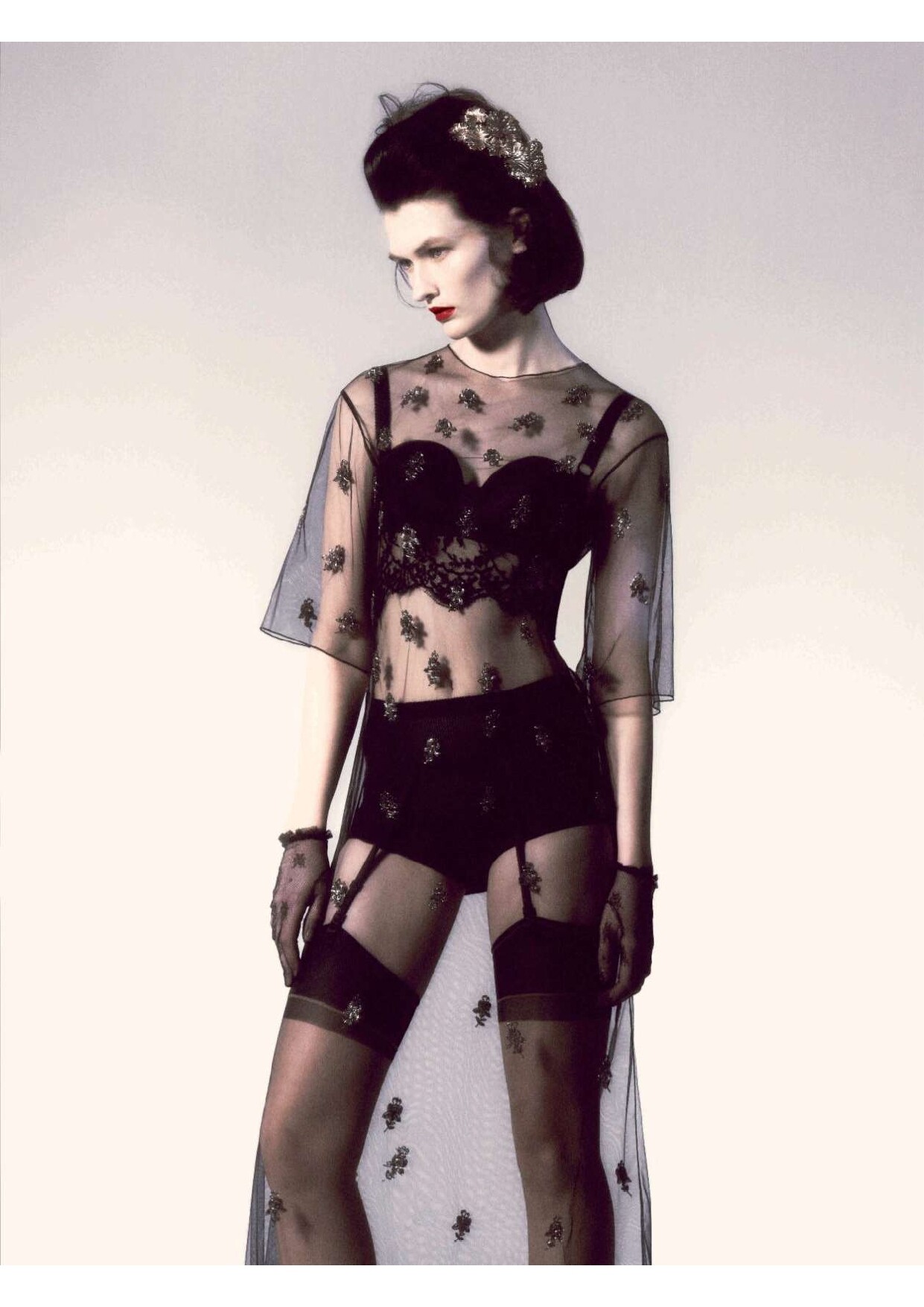
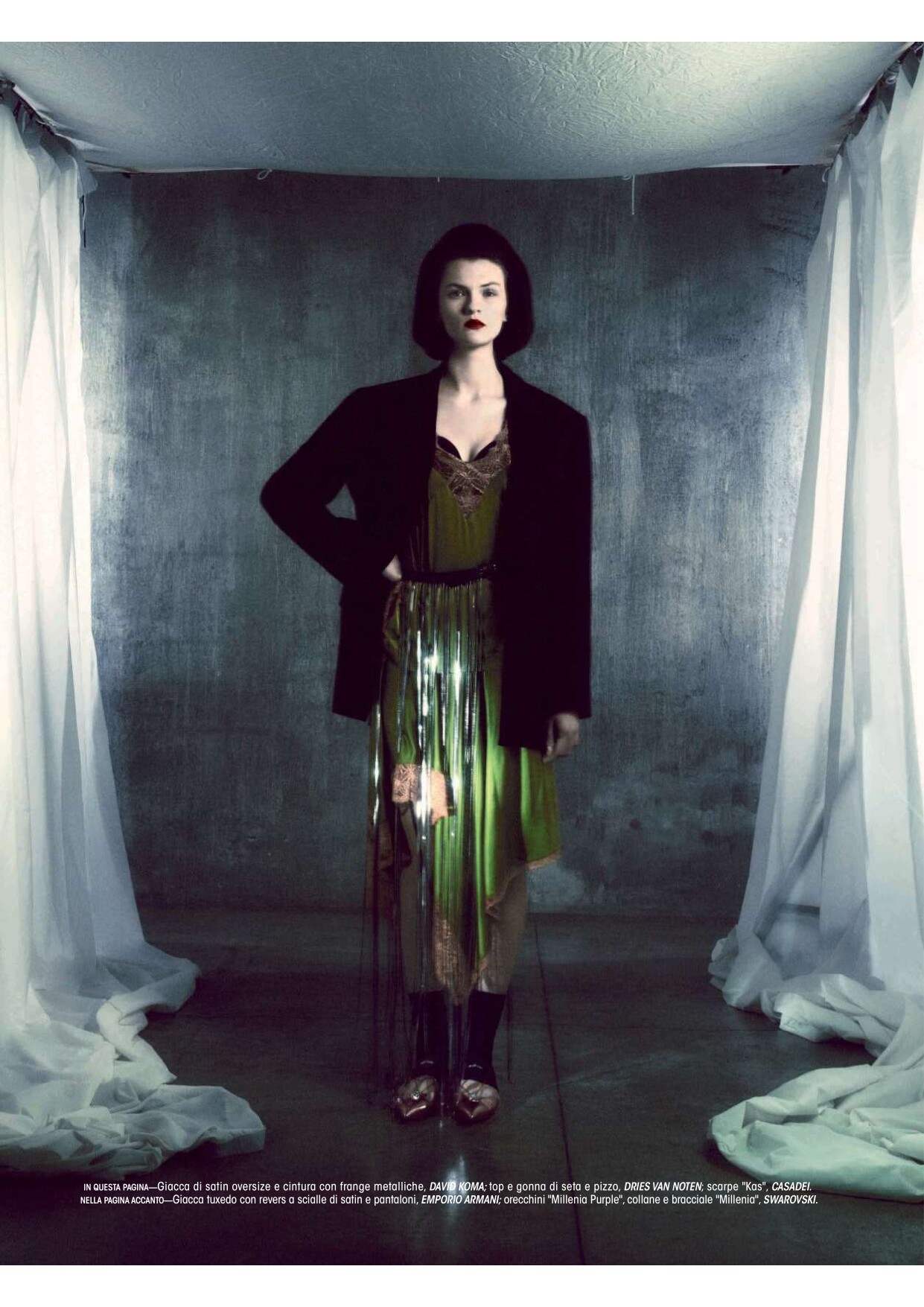
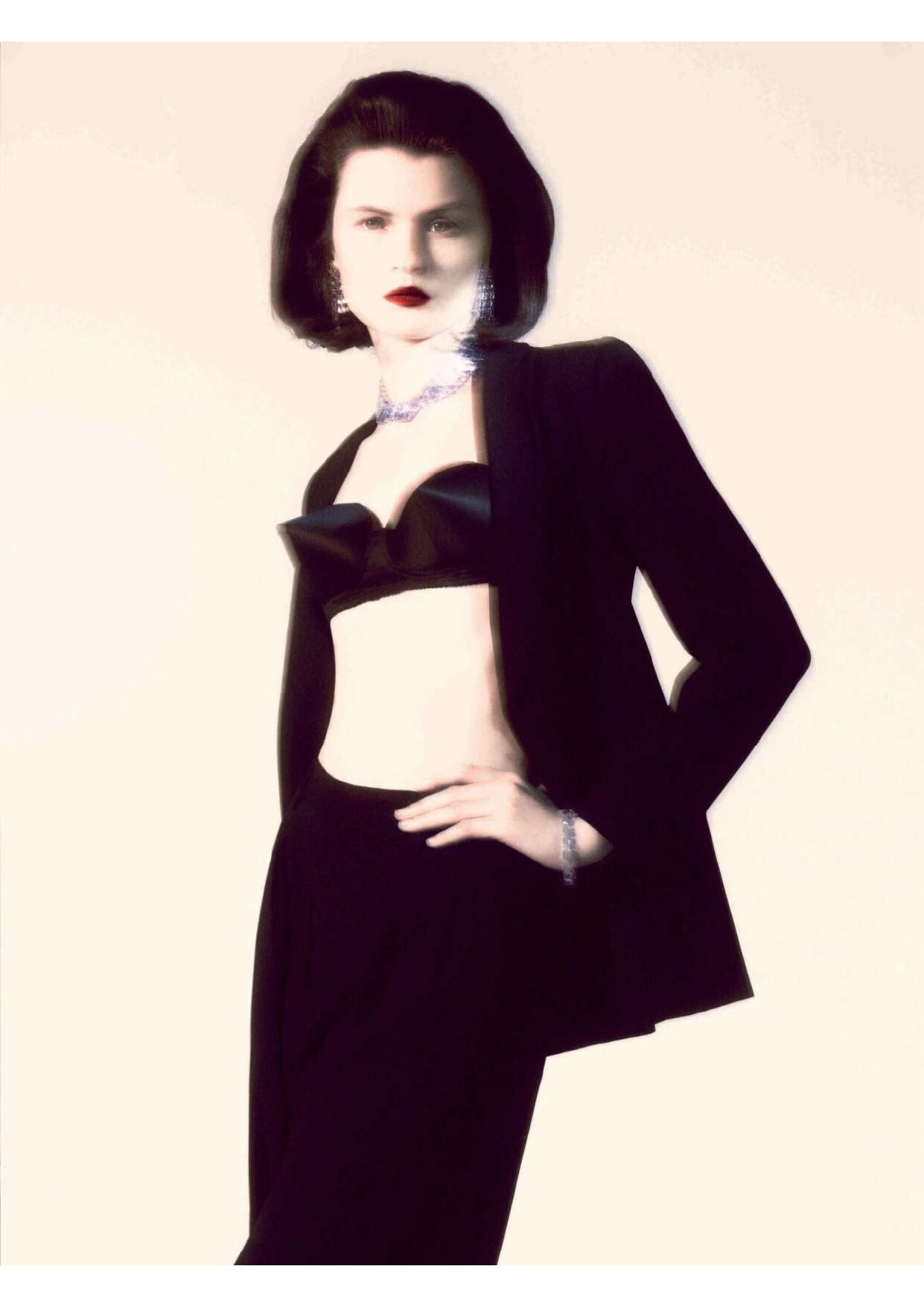
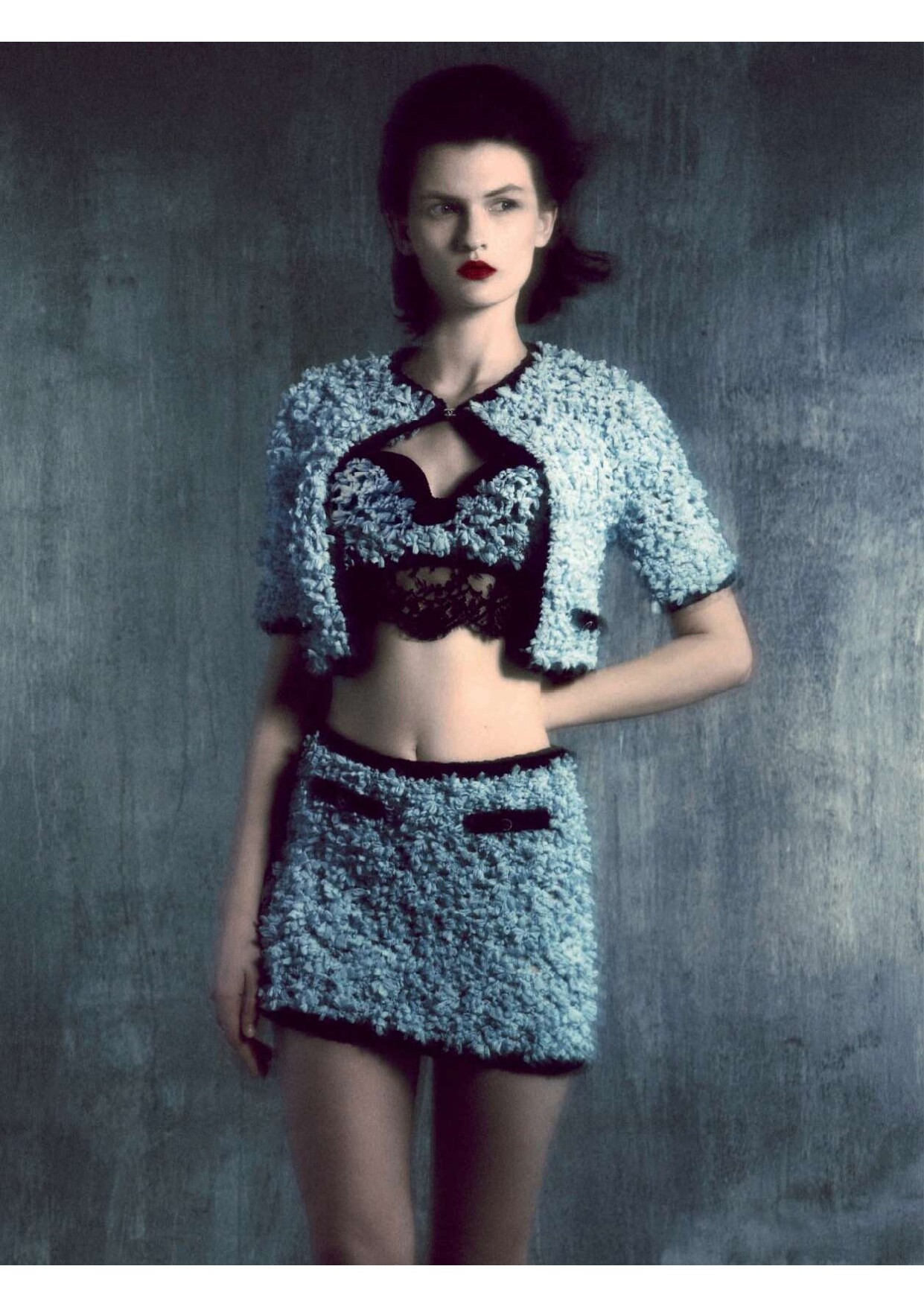
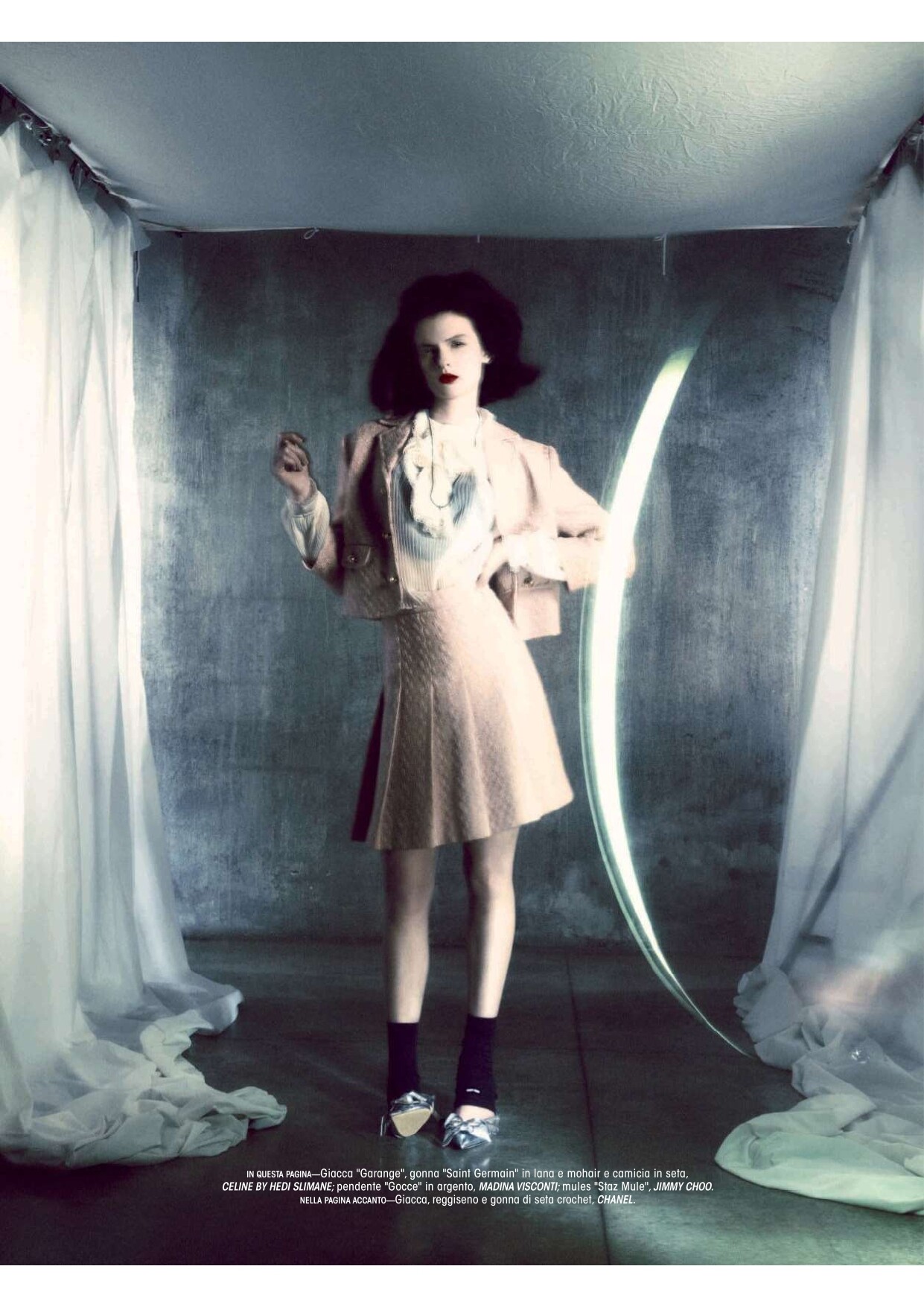
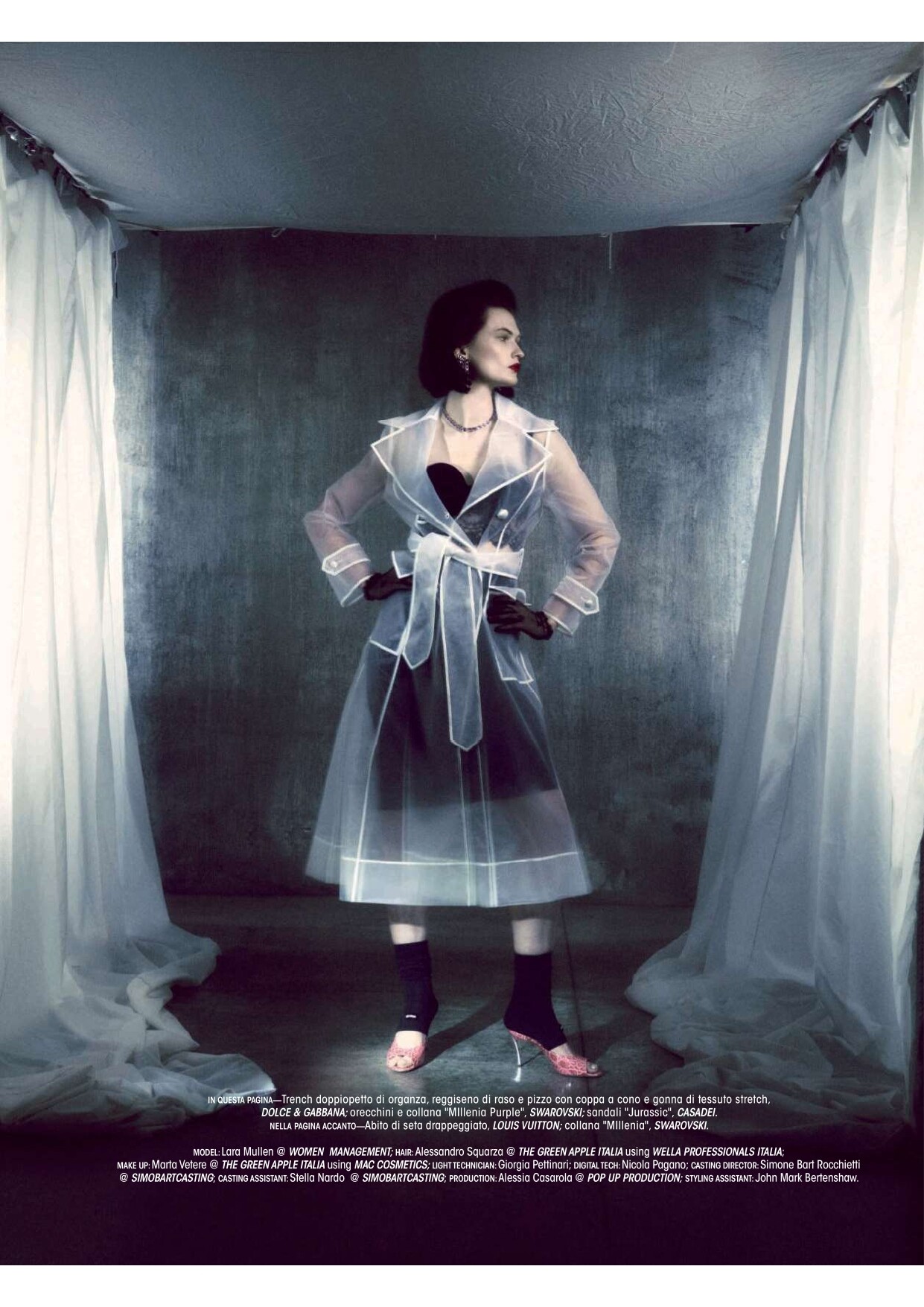
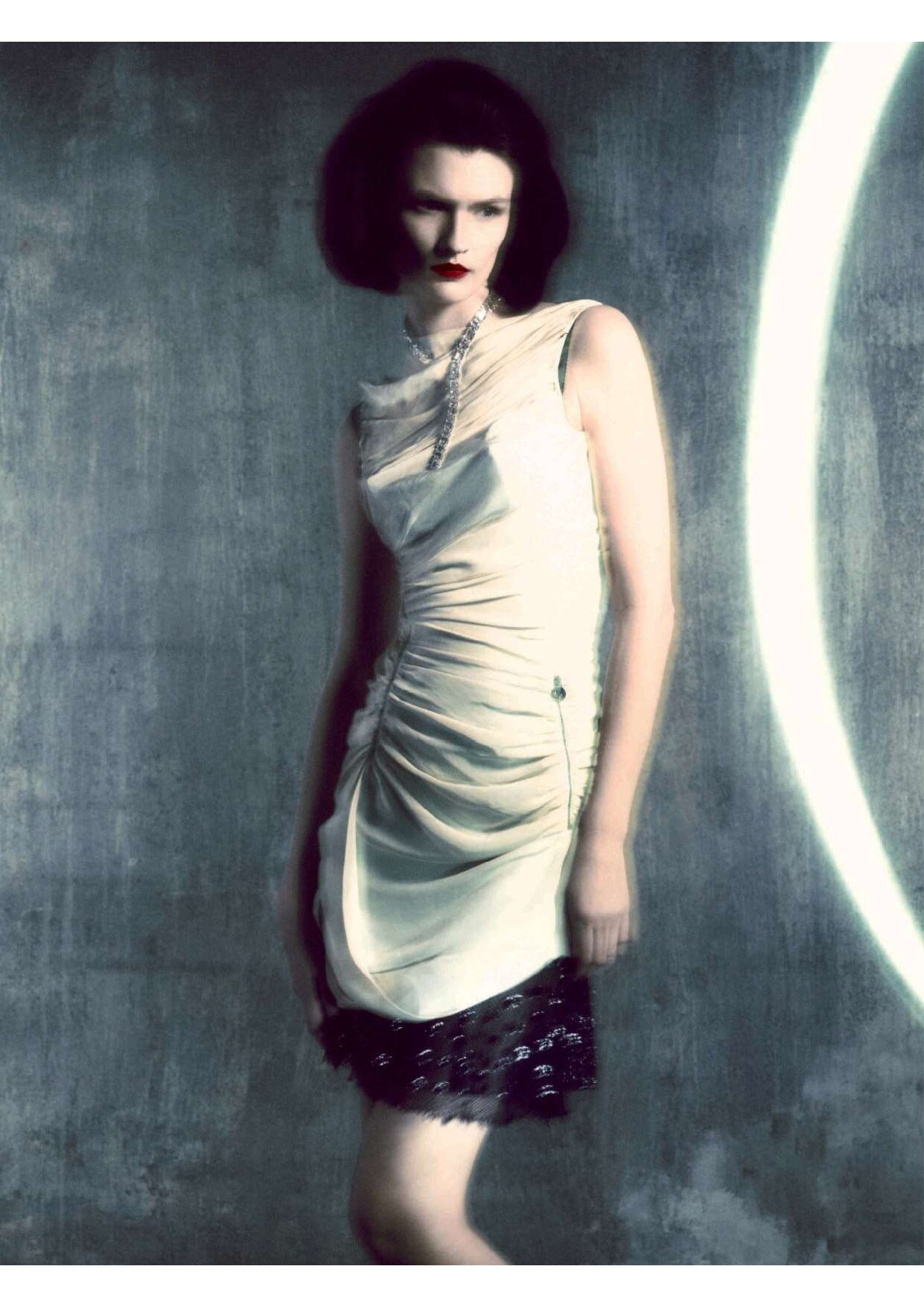
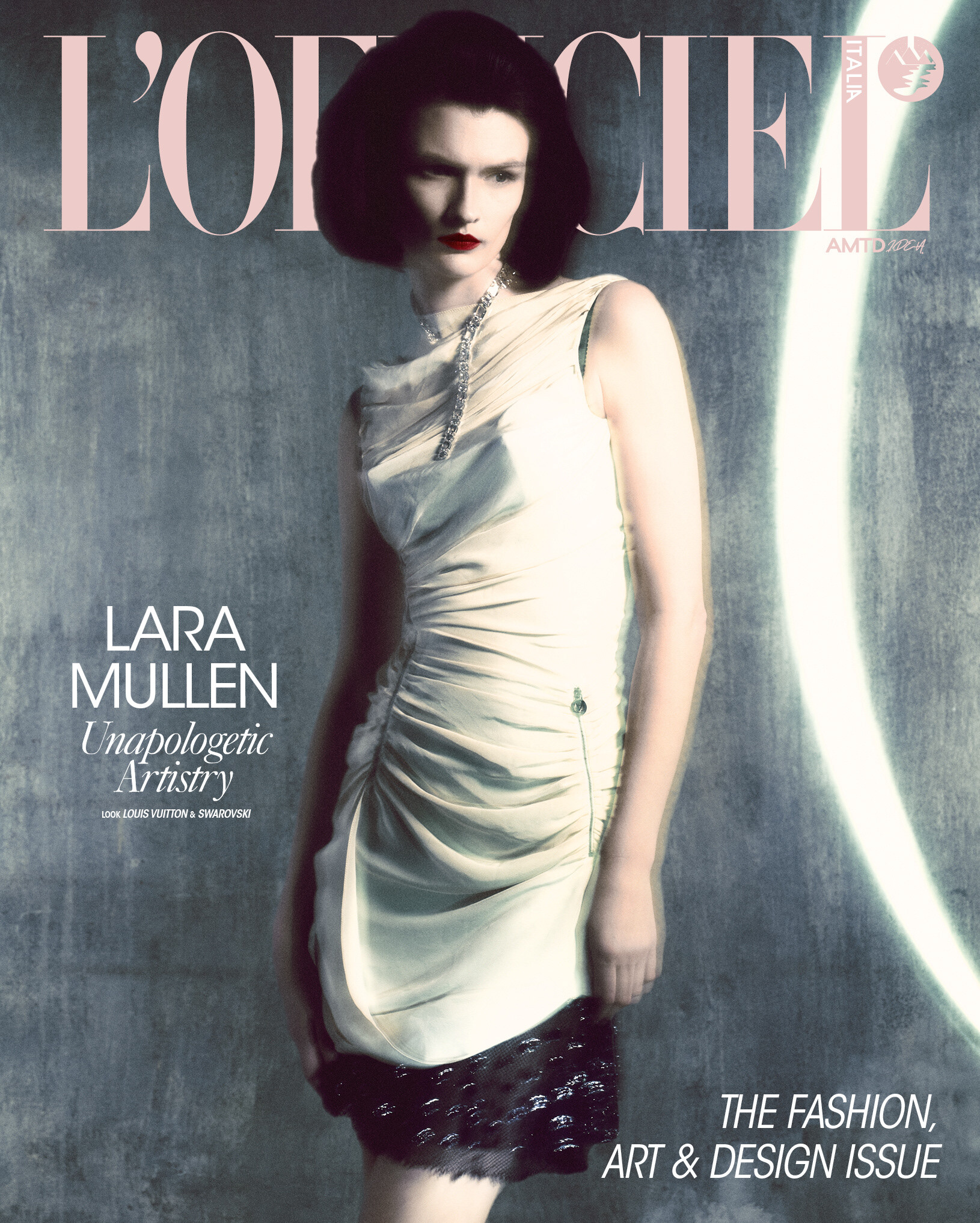

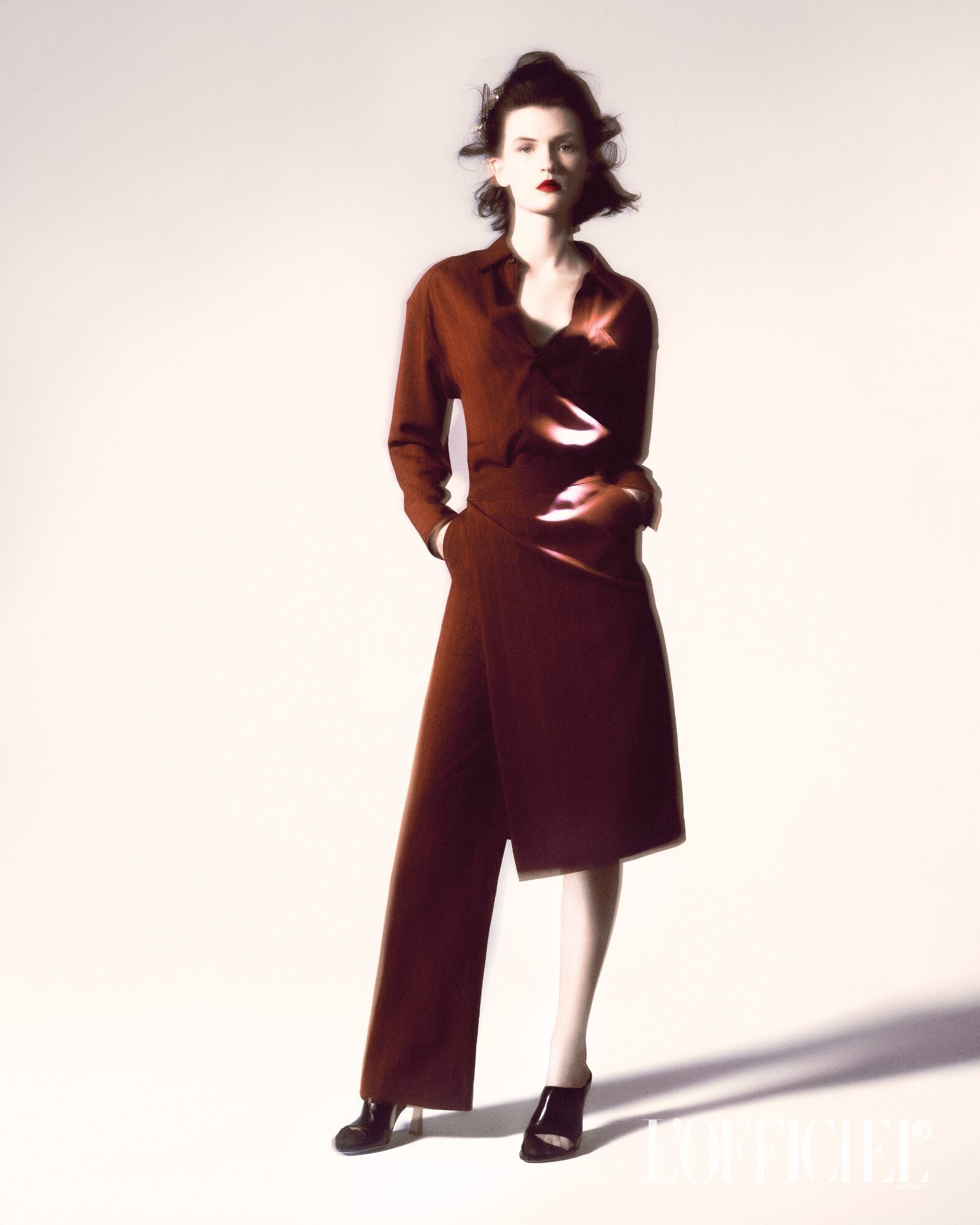
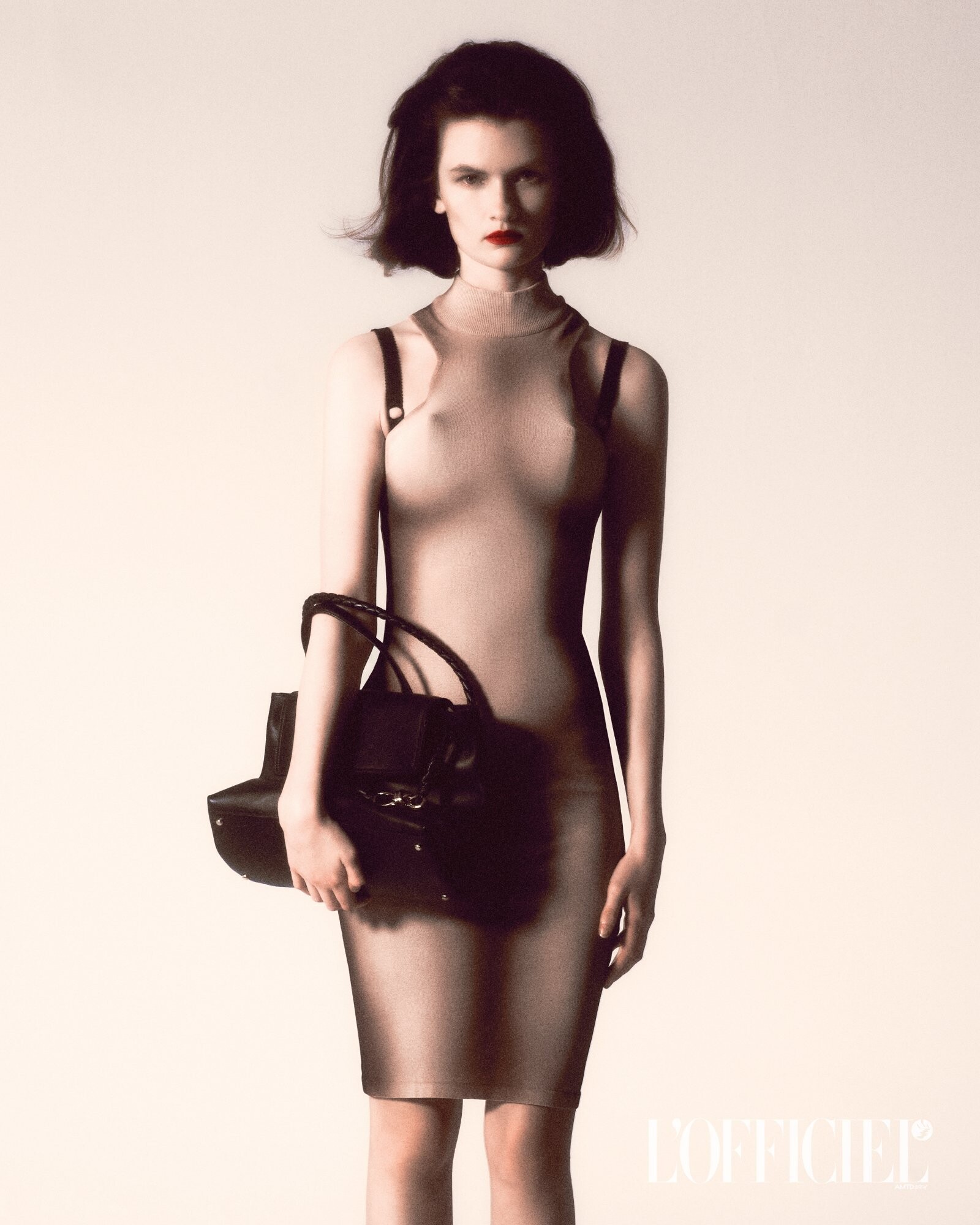

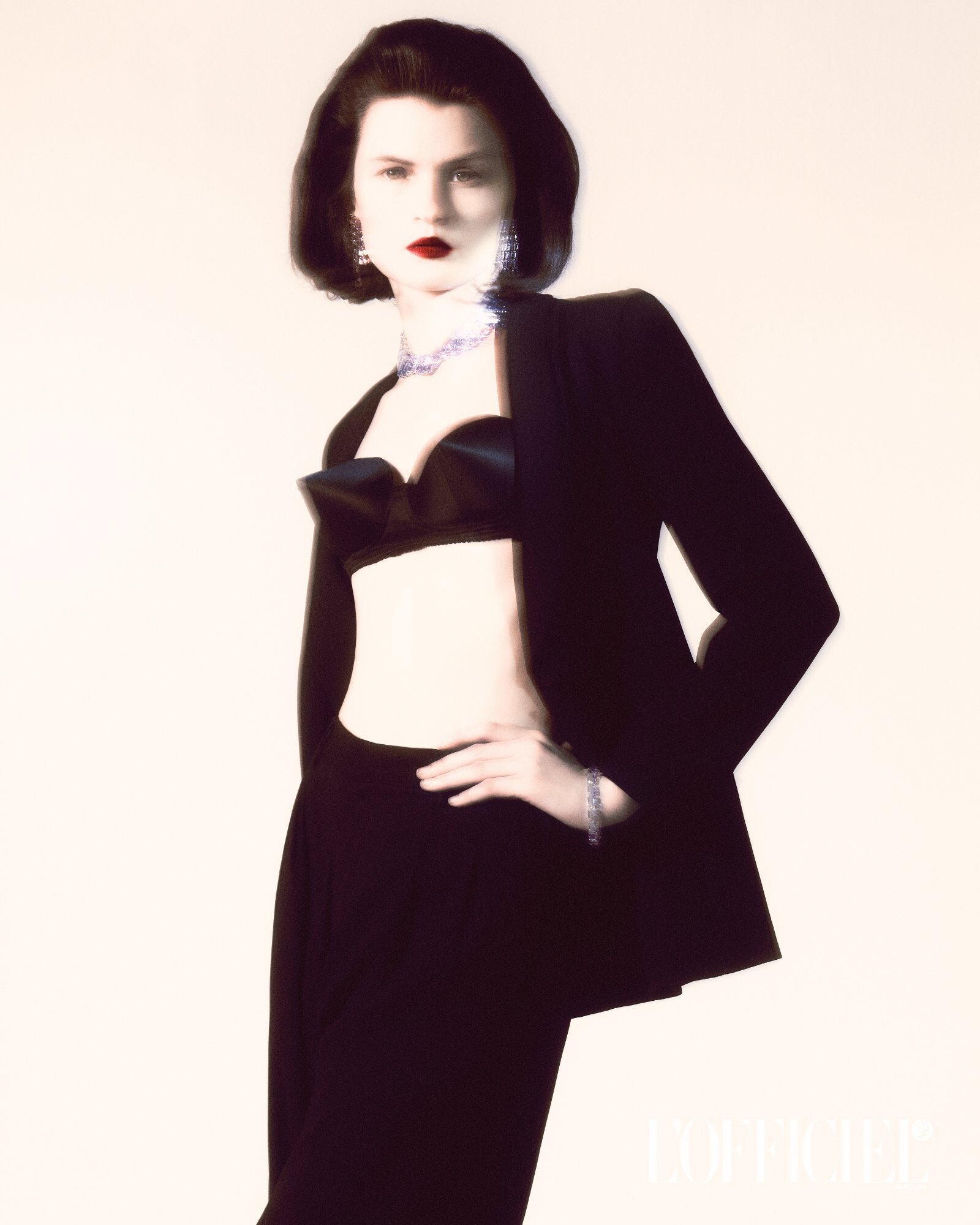


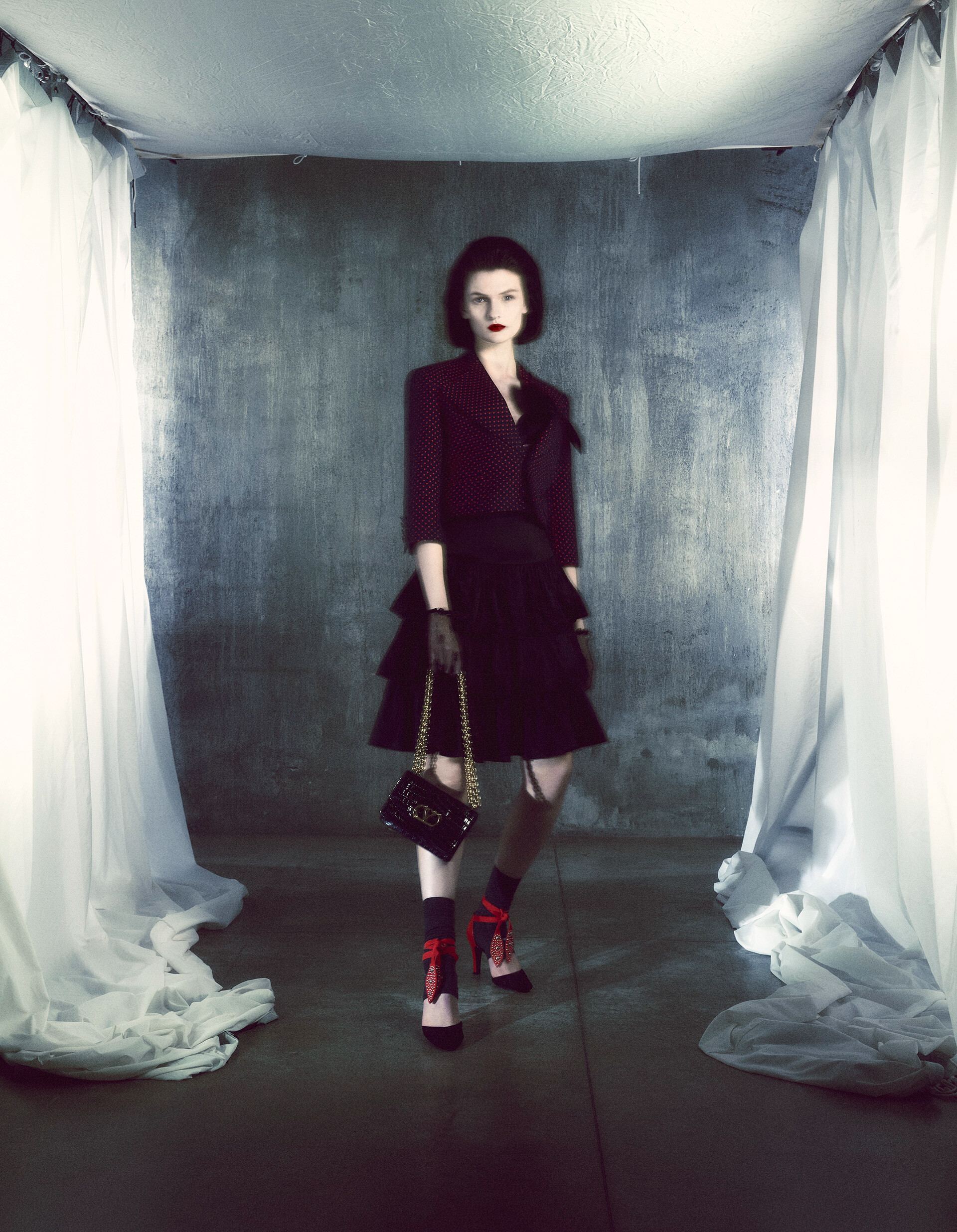
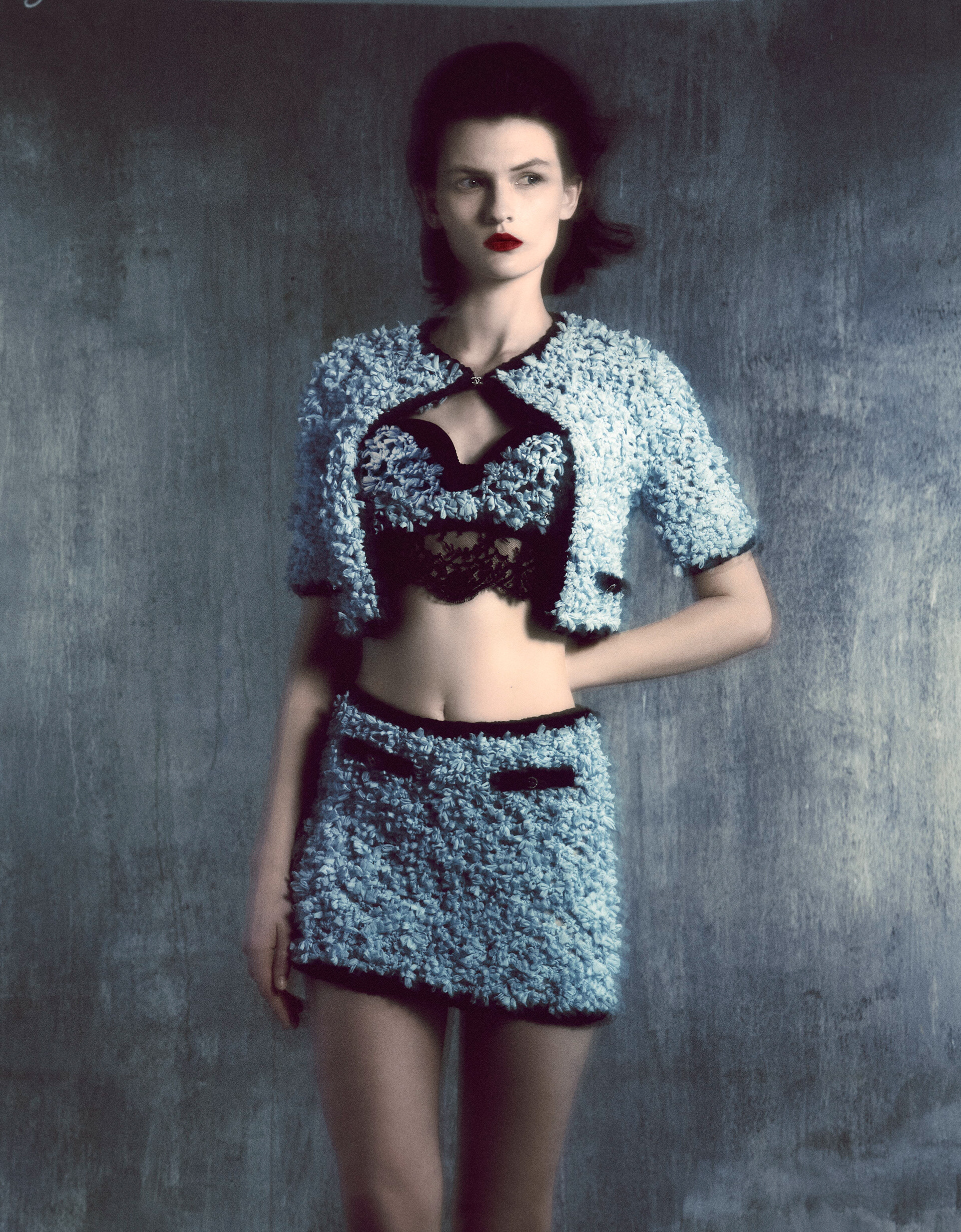
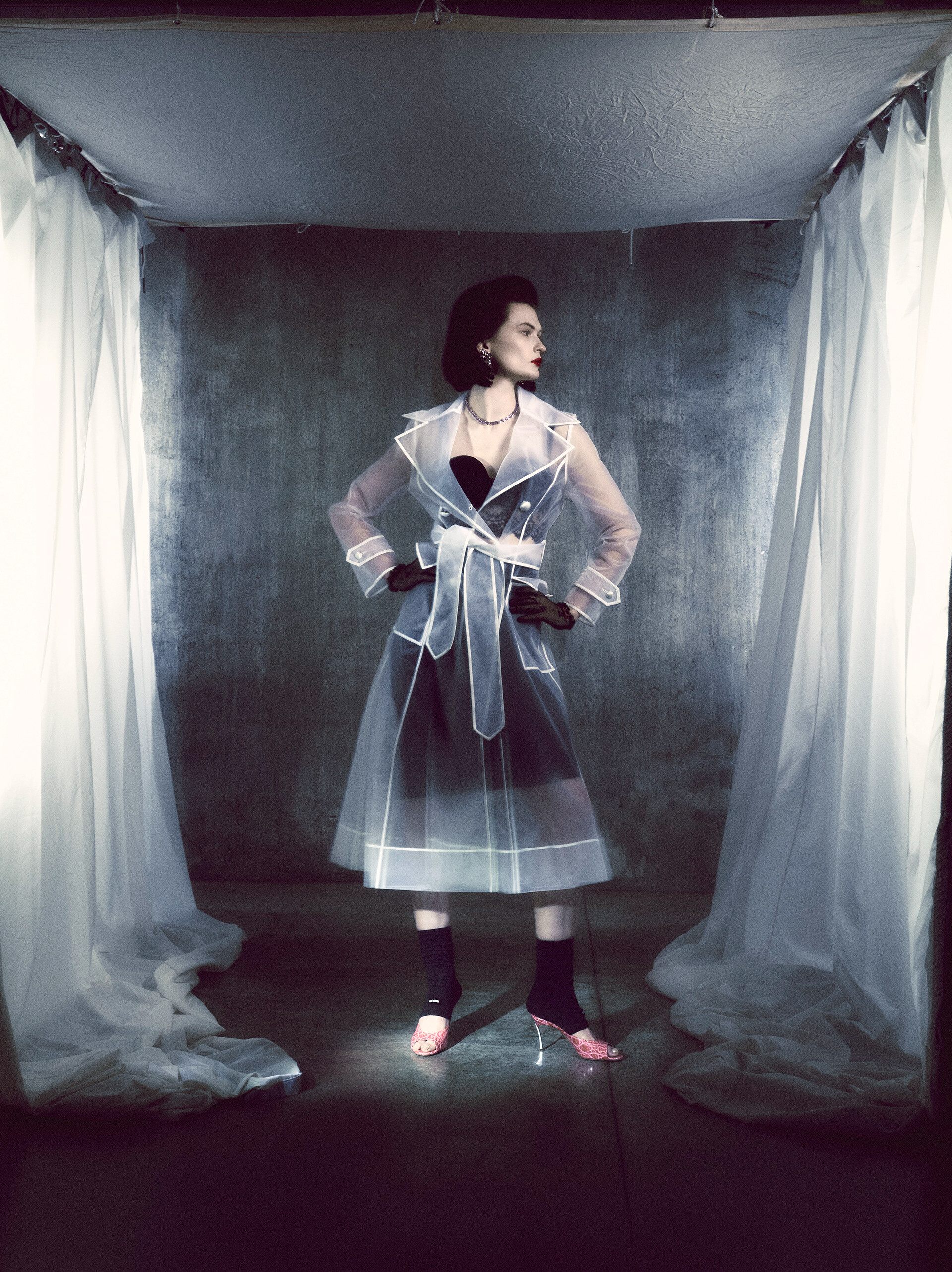
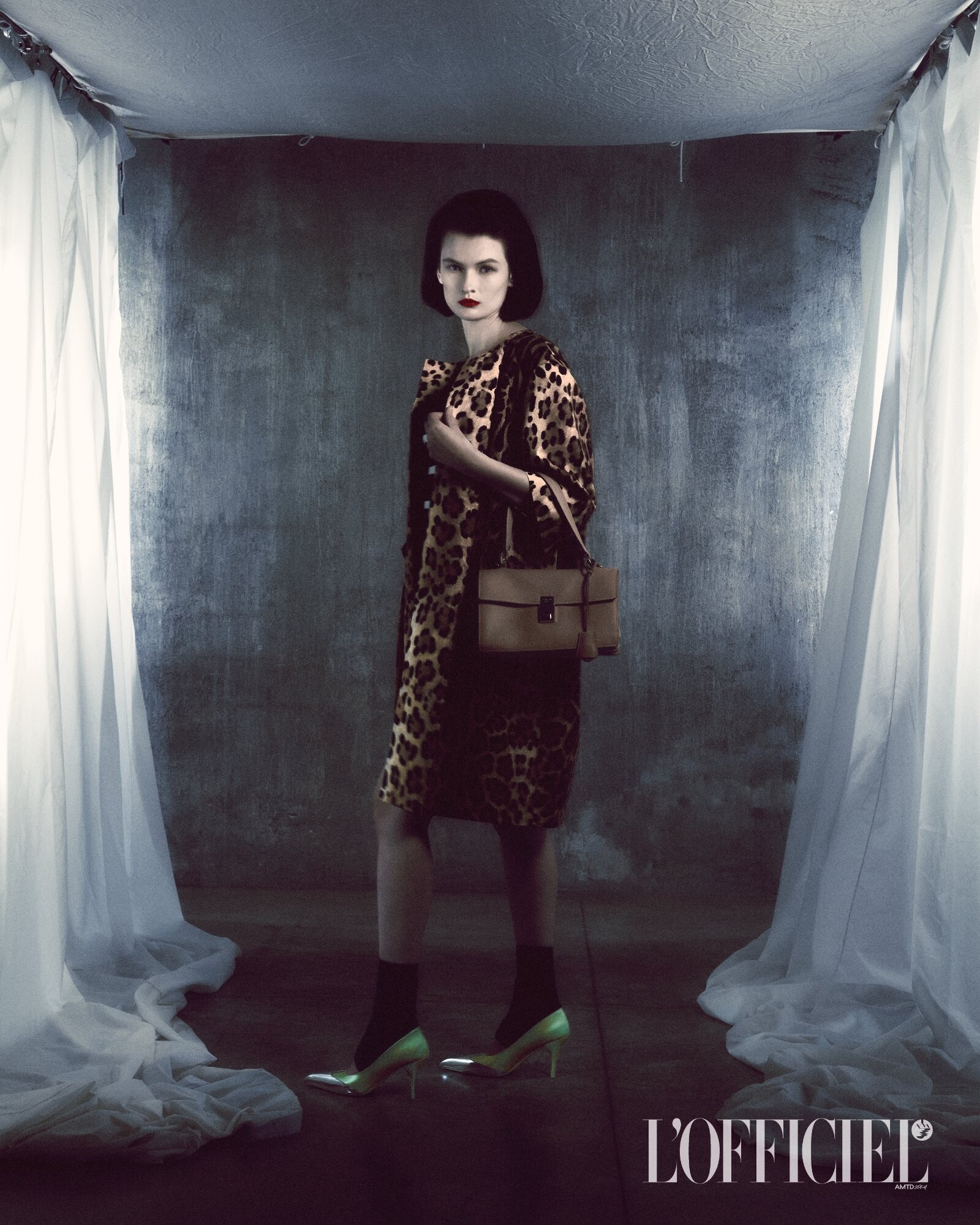

.jpg.3ce0c8f782be151113279bdc56e8229f.jpg)















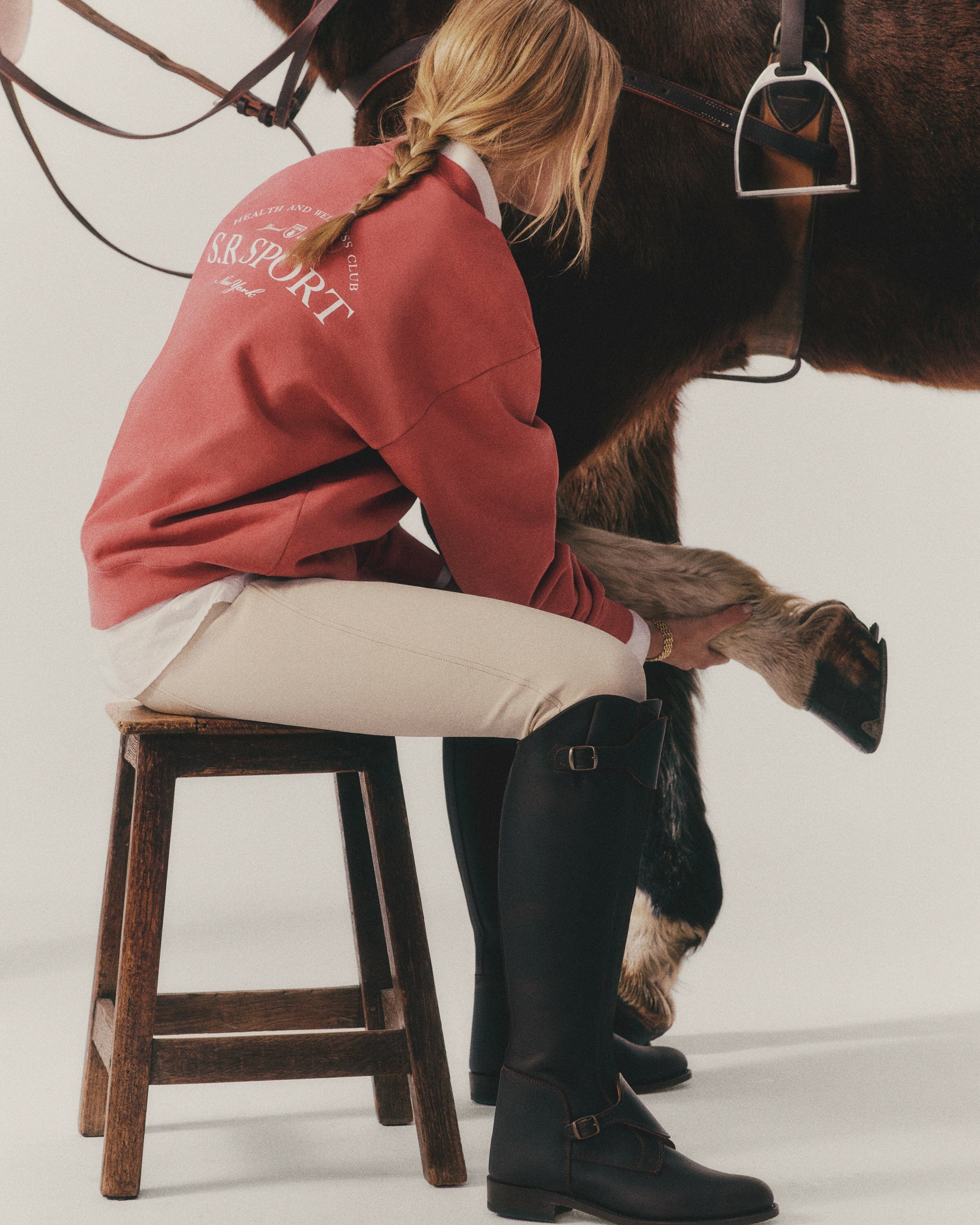
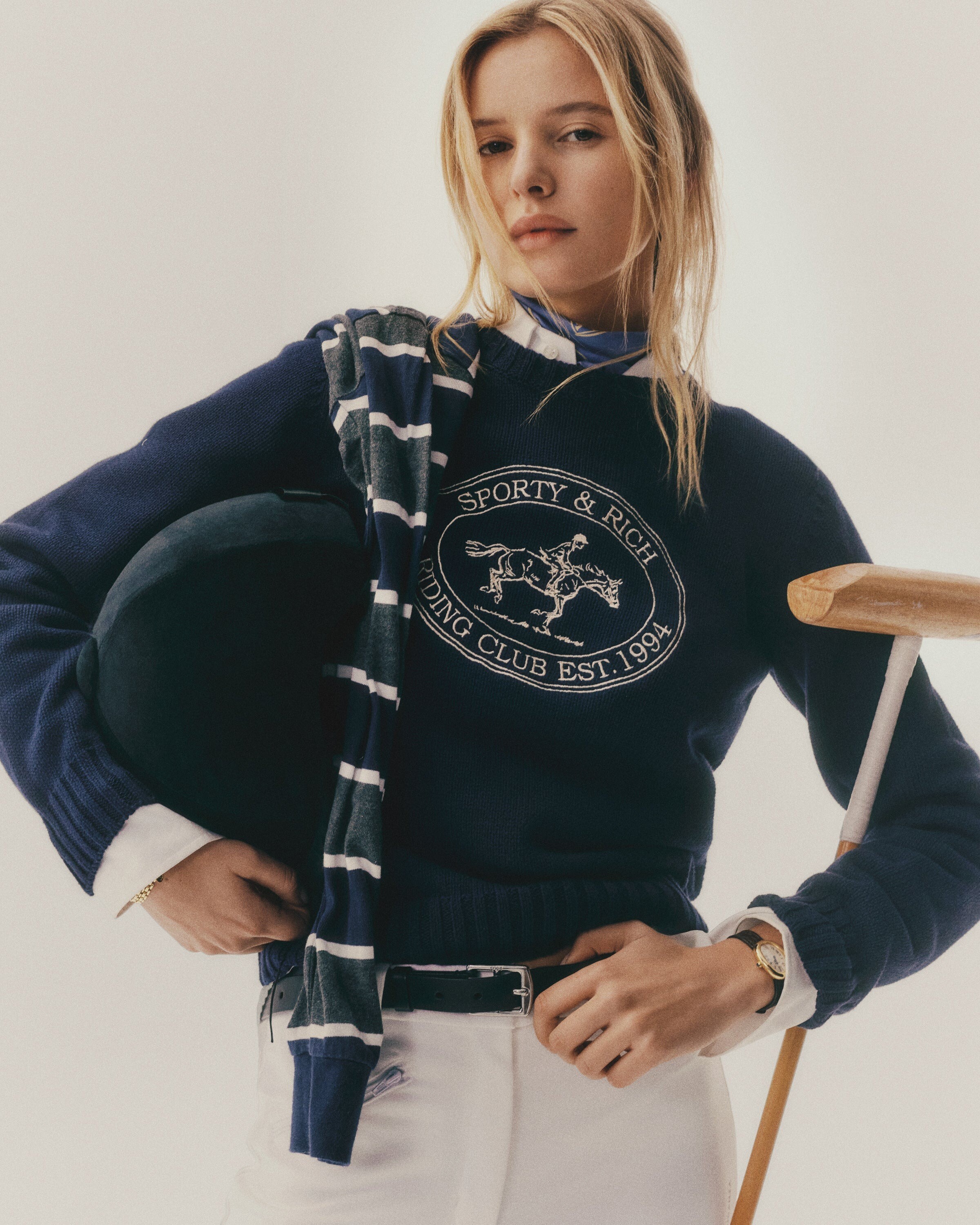
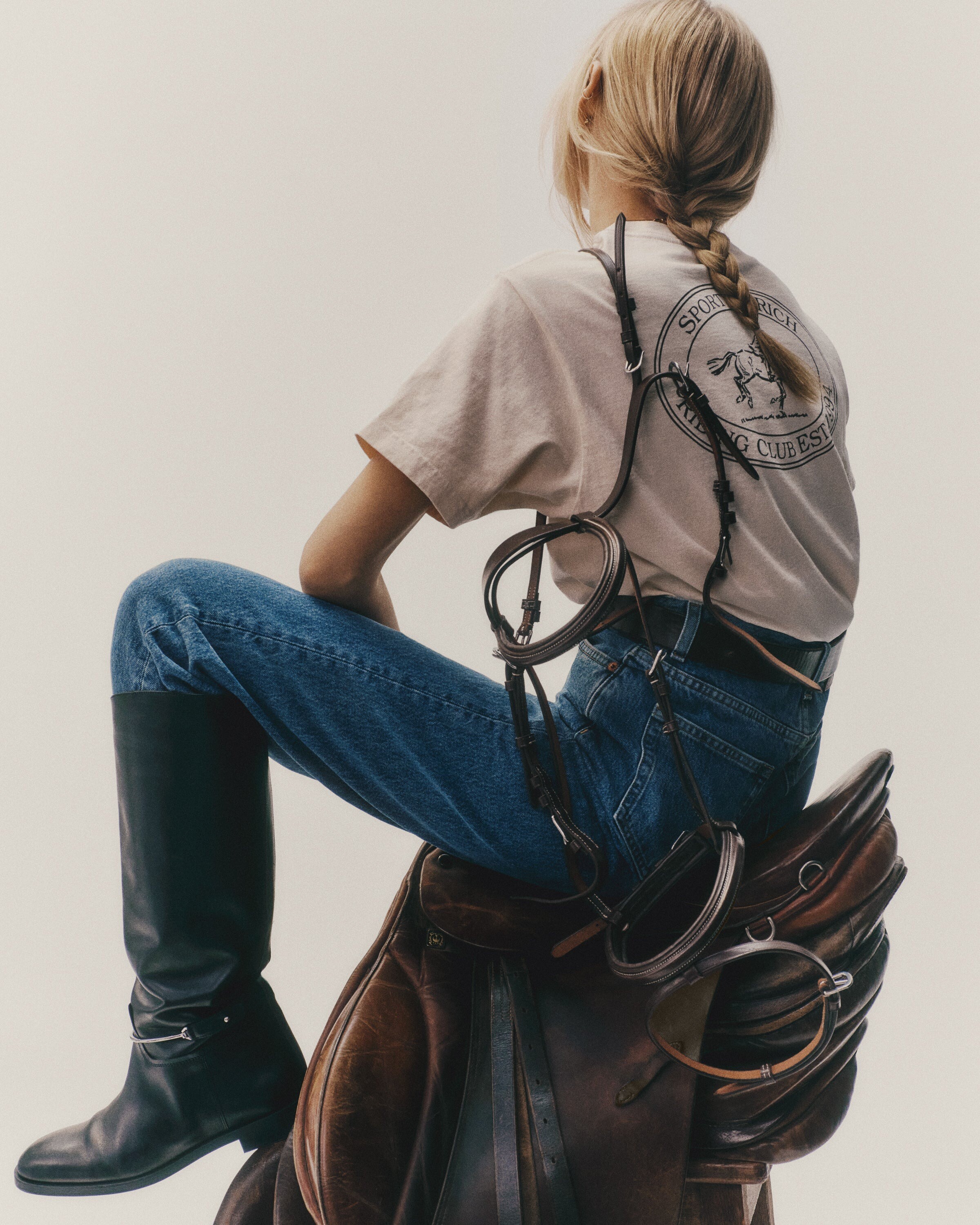
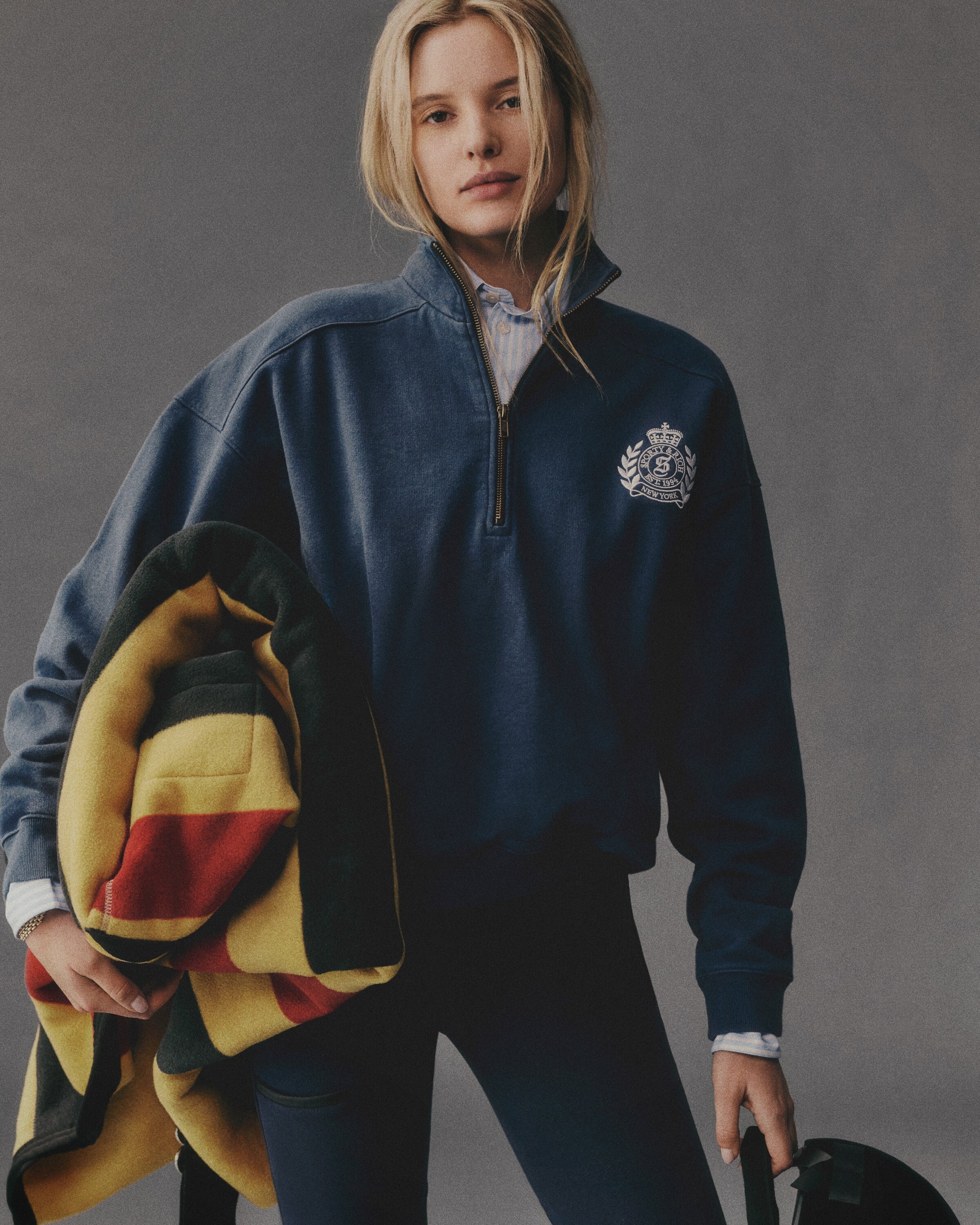
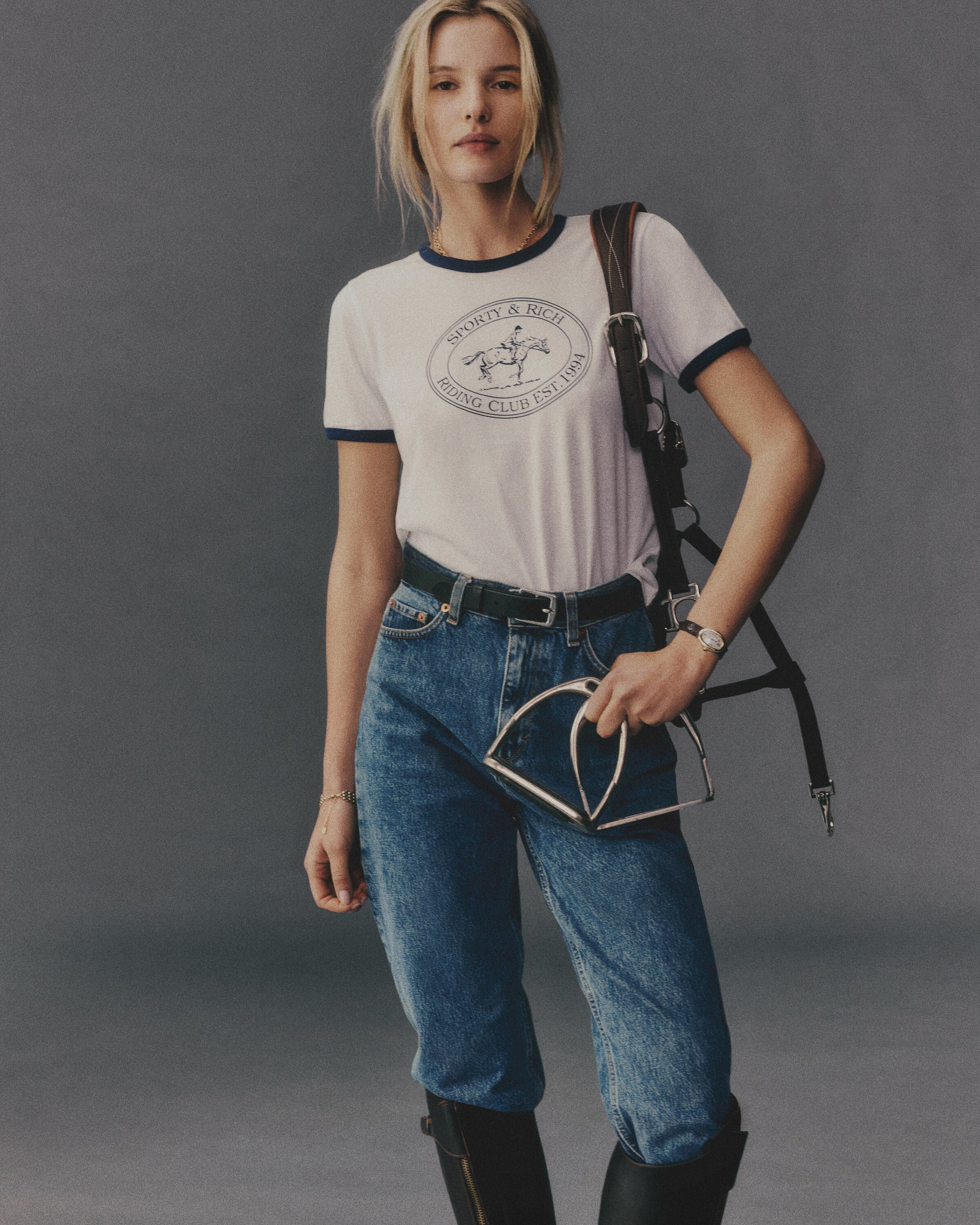
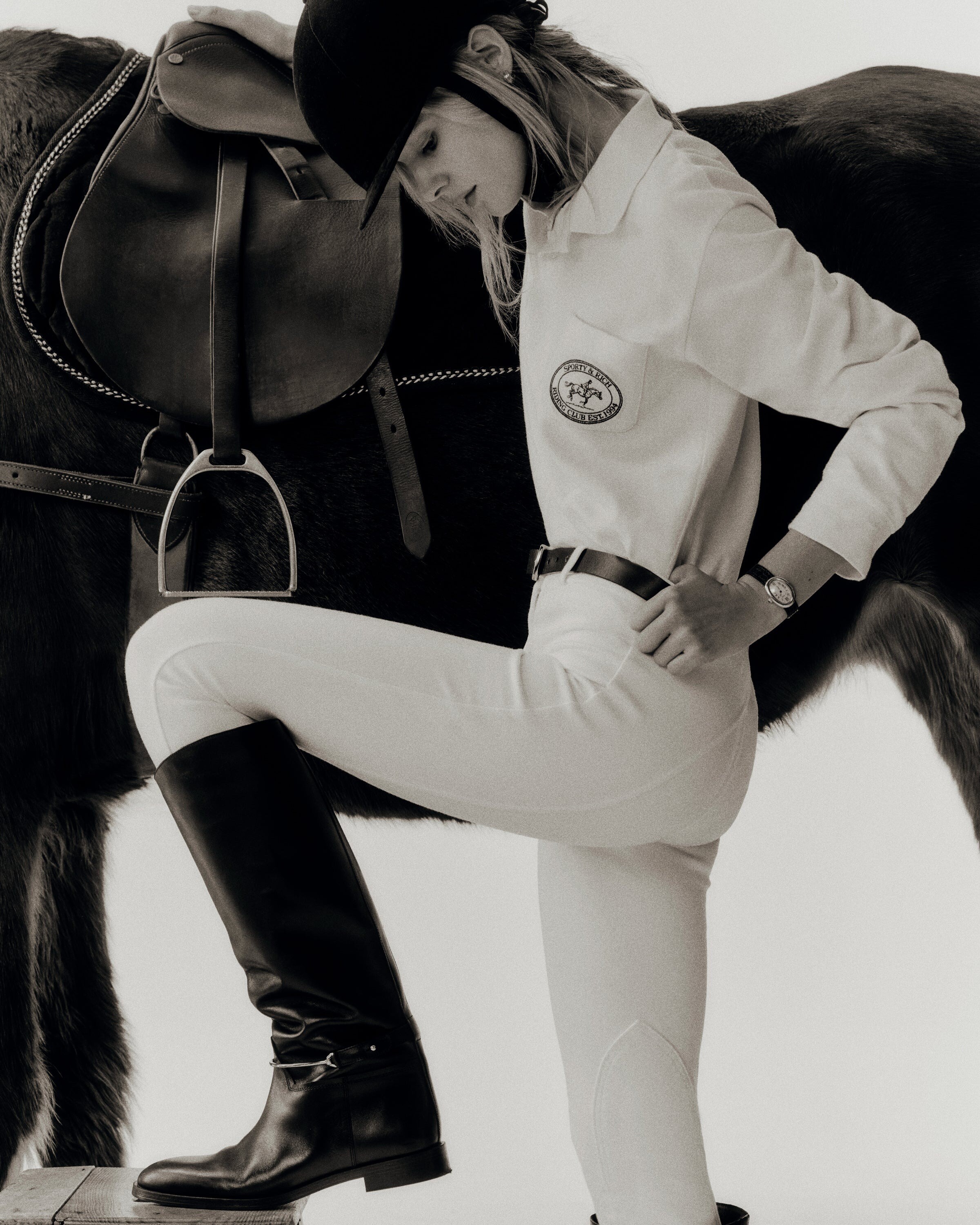
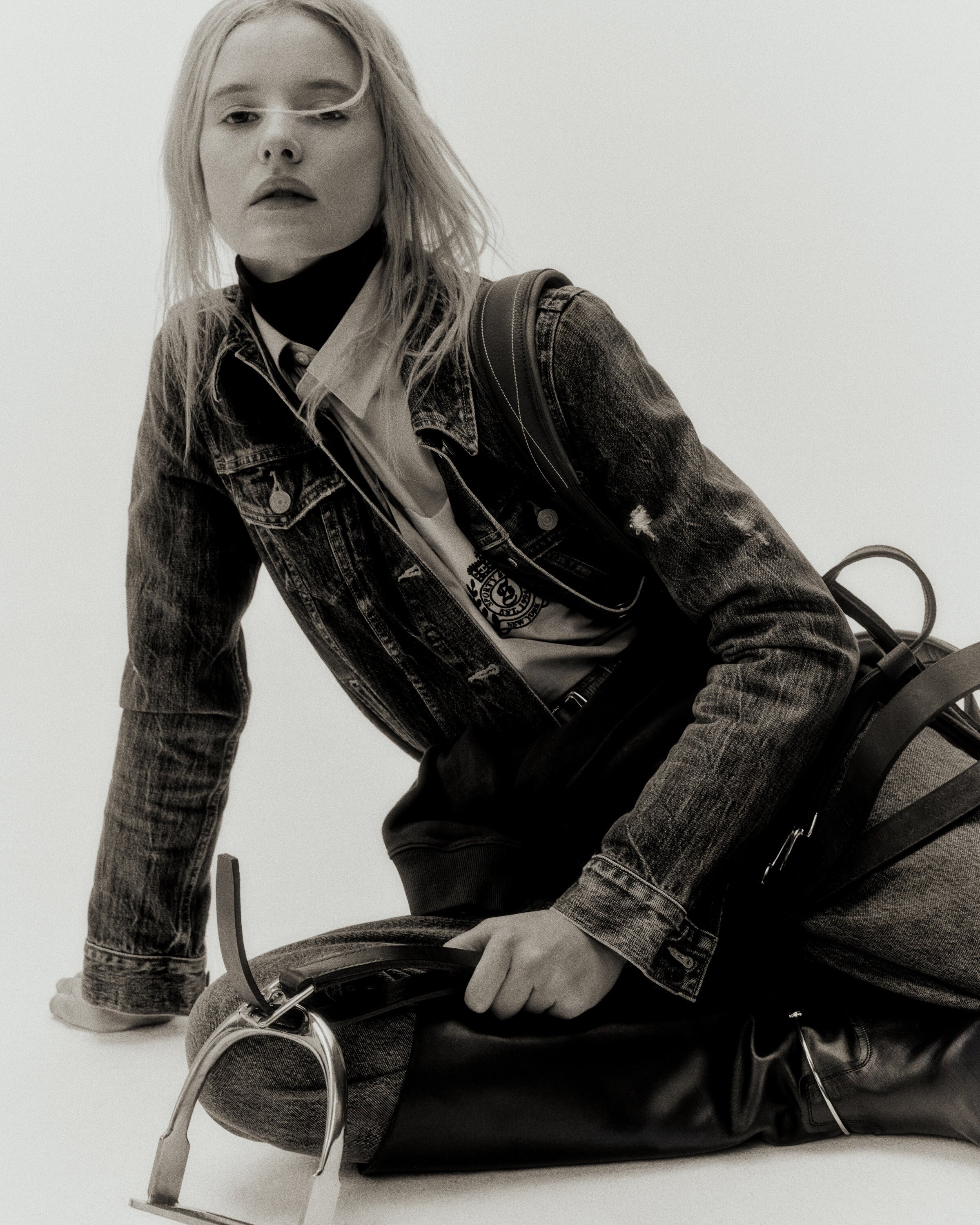
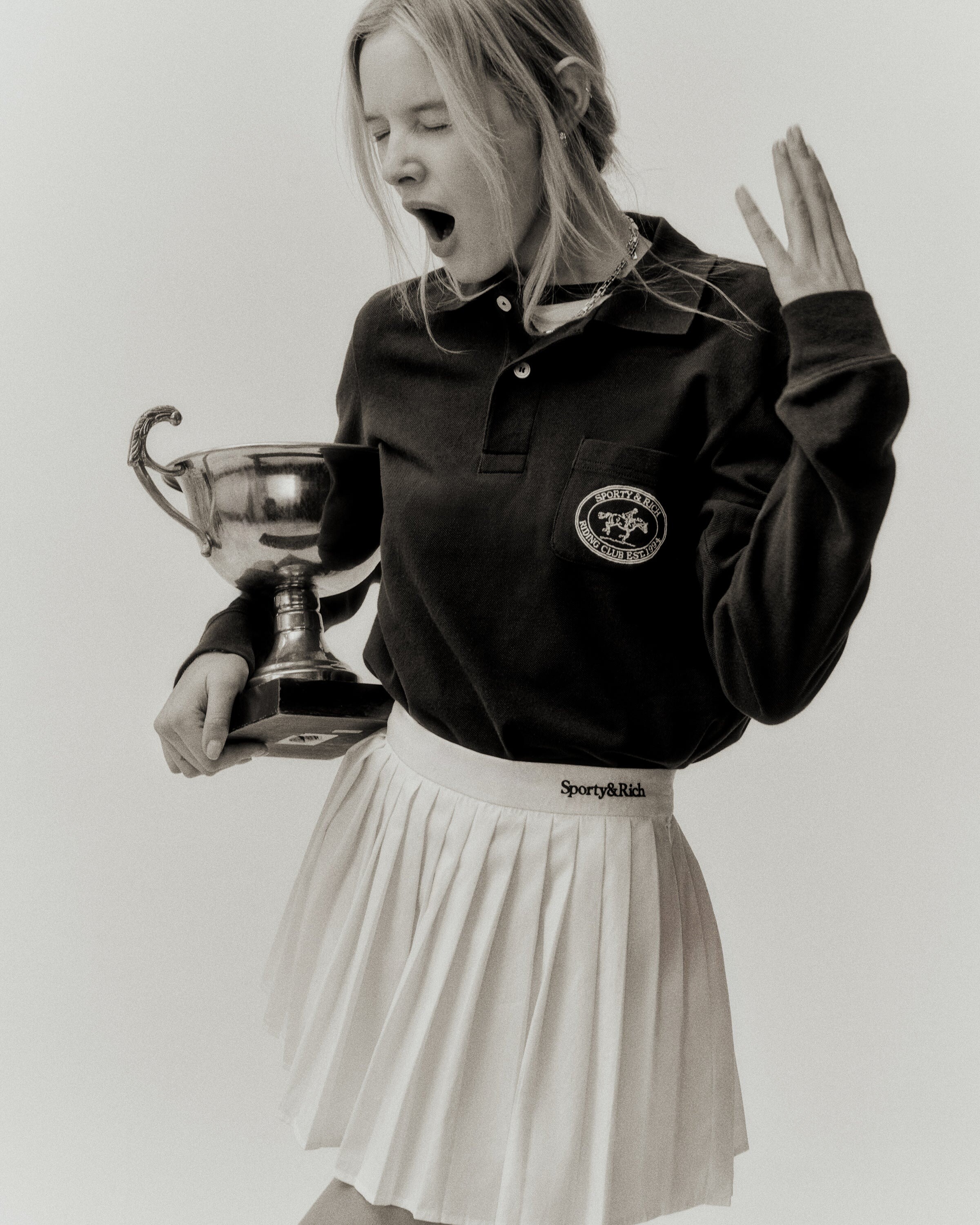








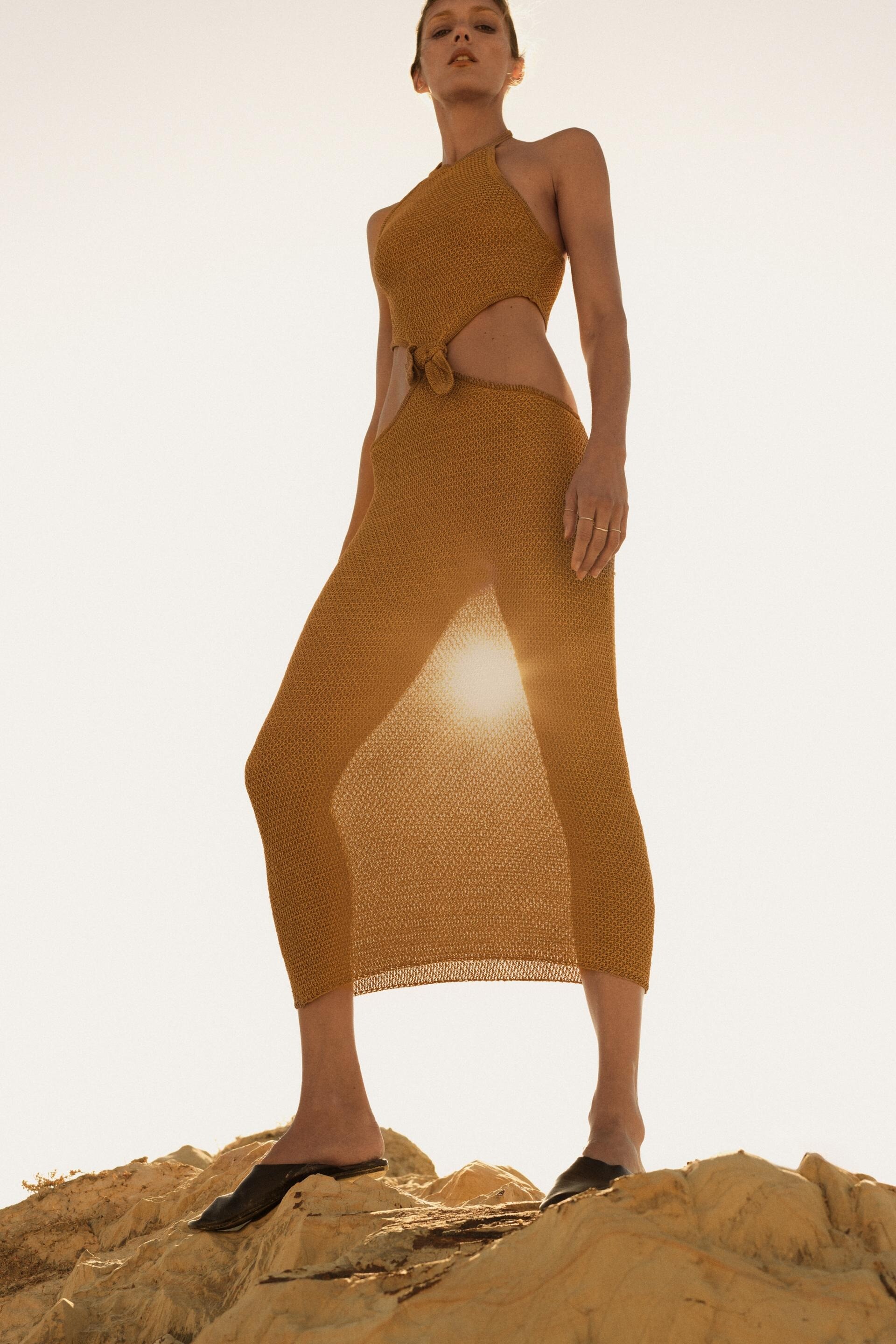
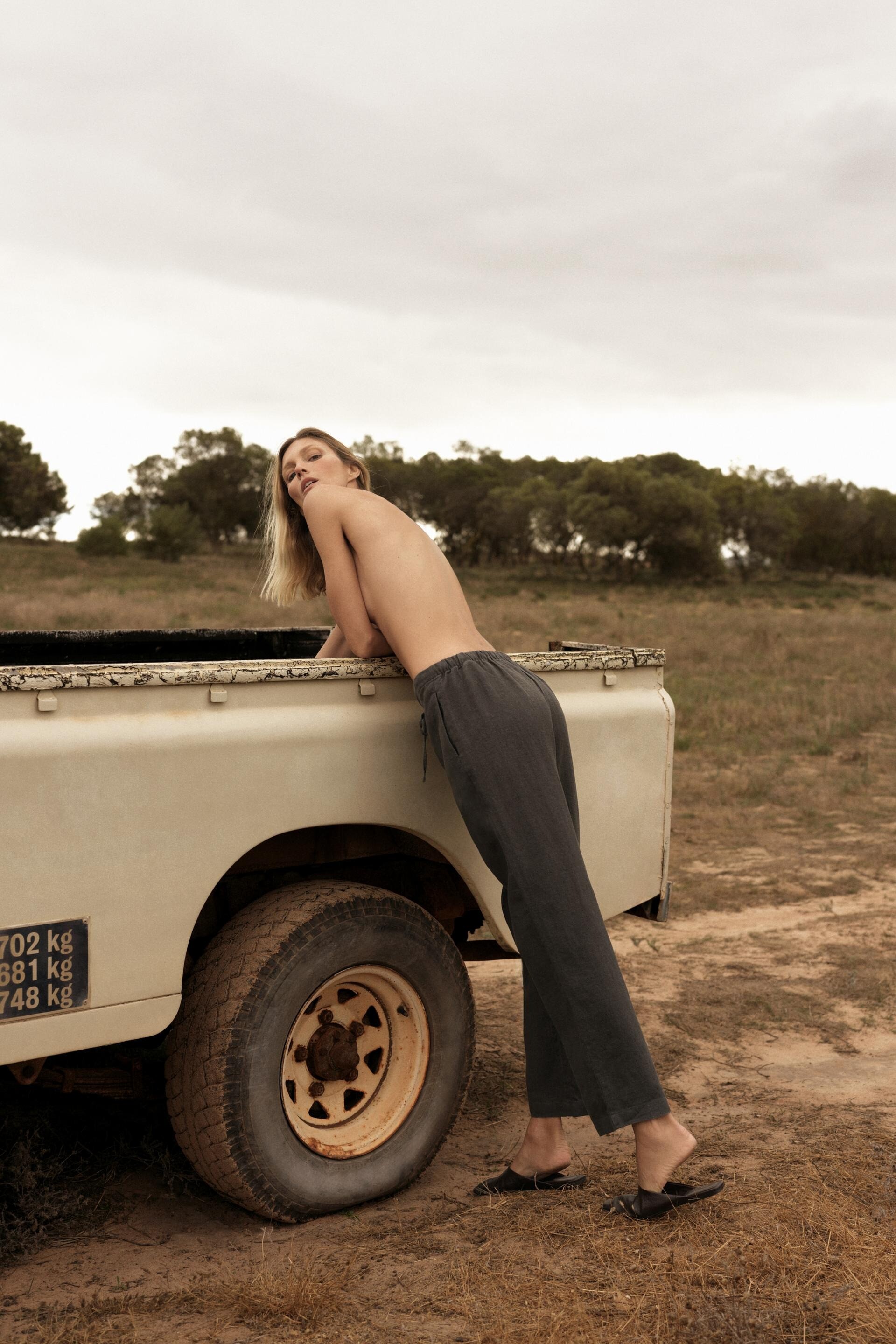
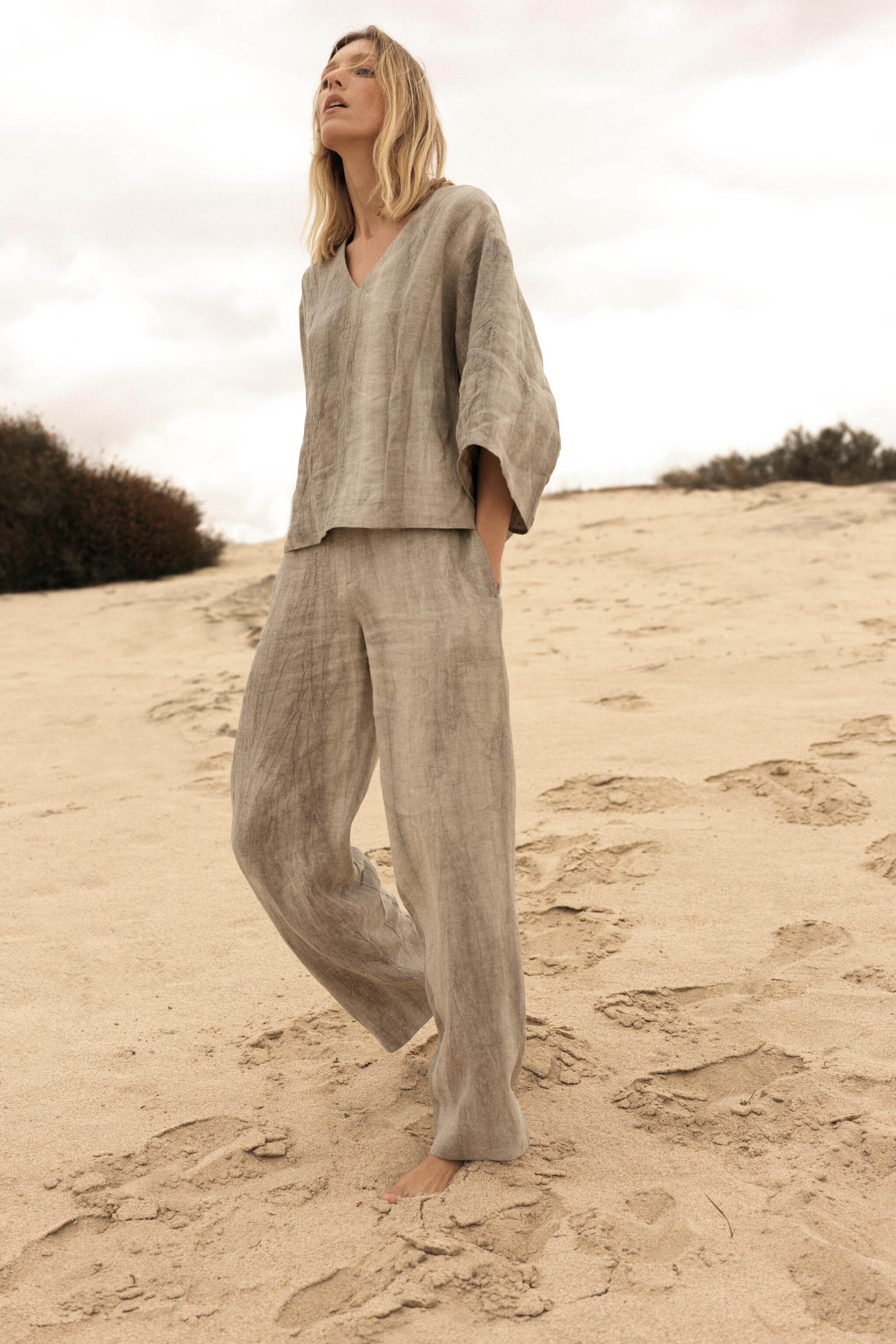
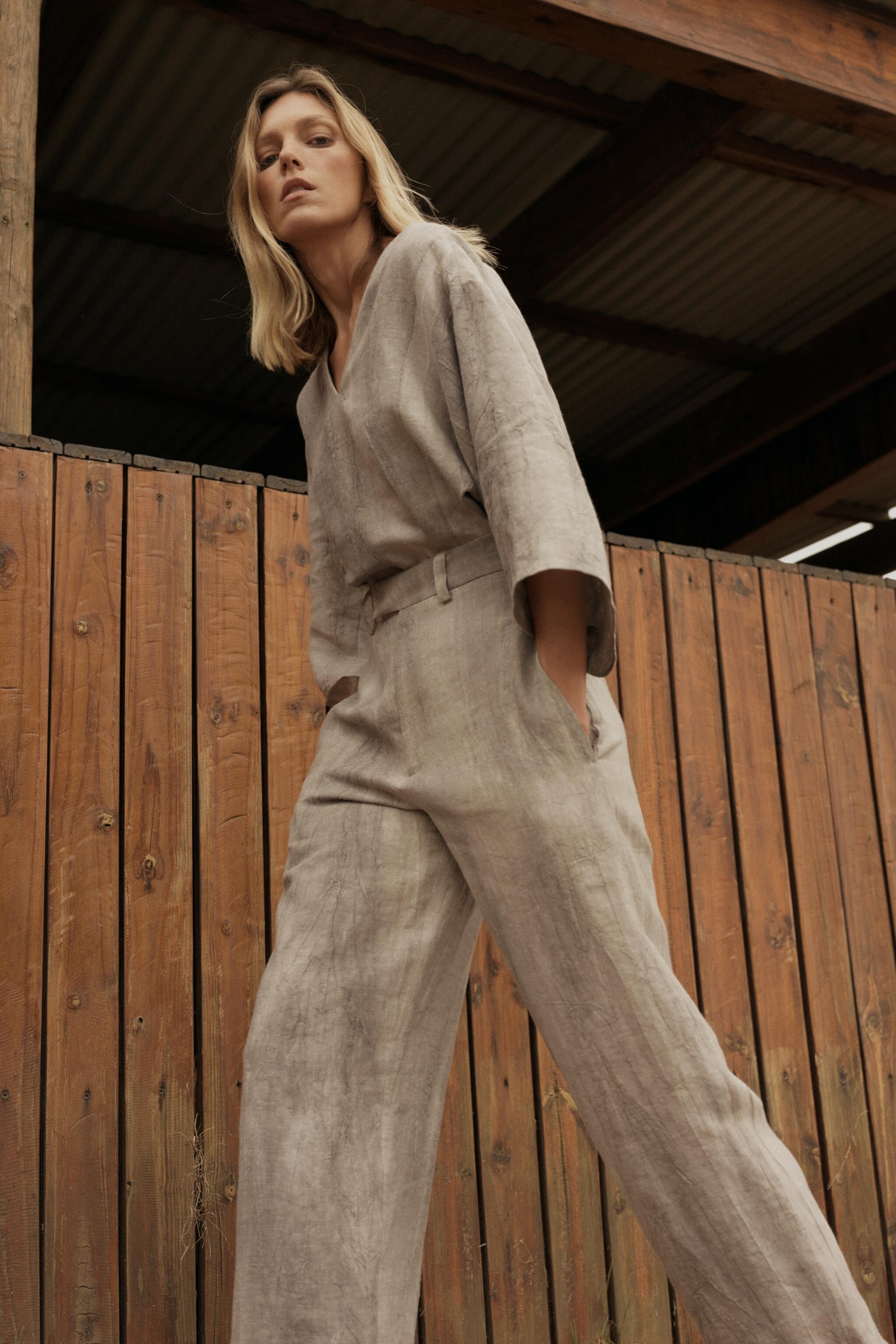


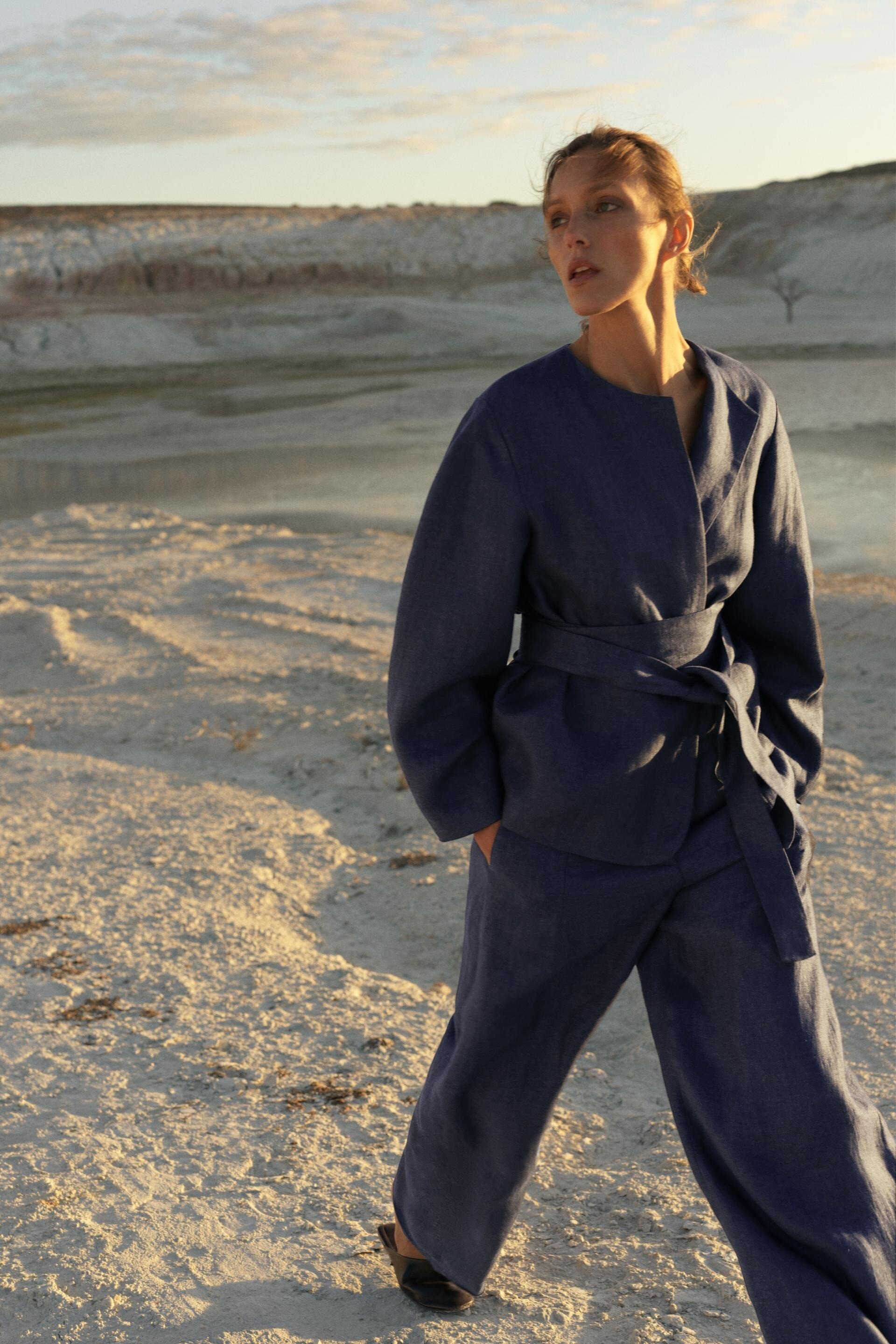

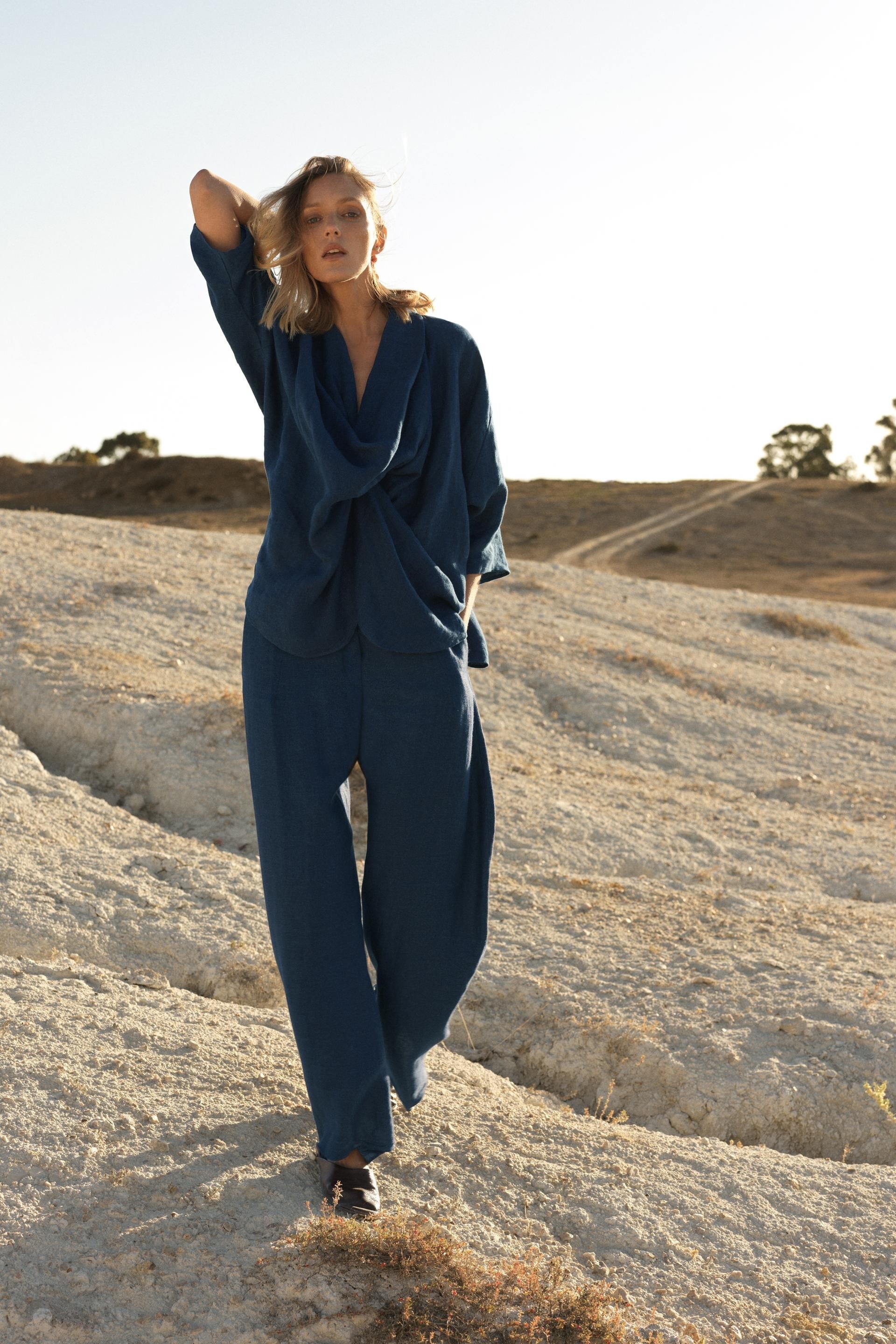
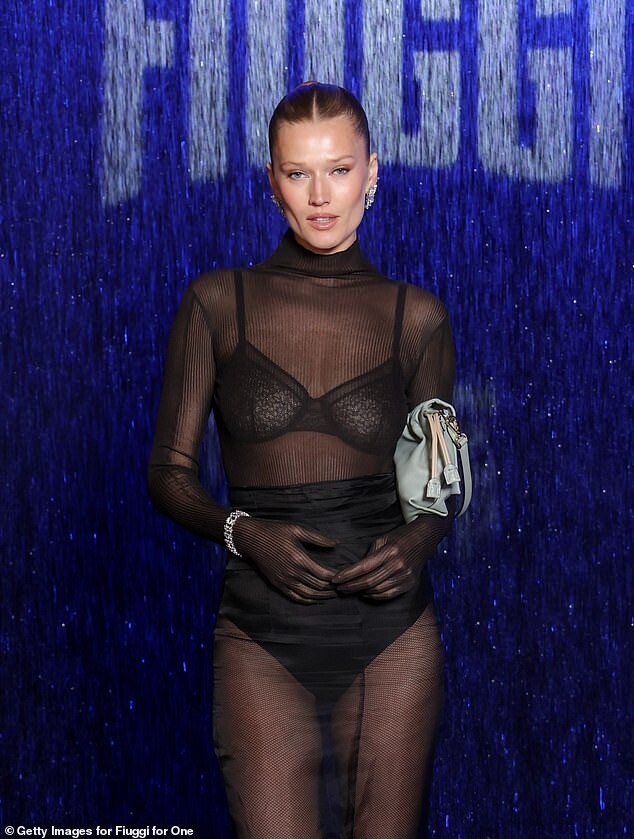
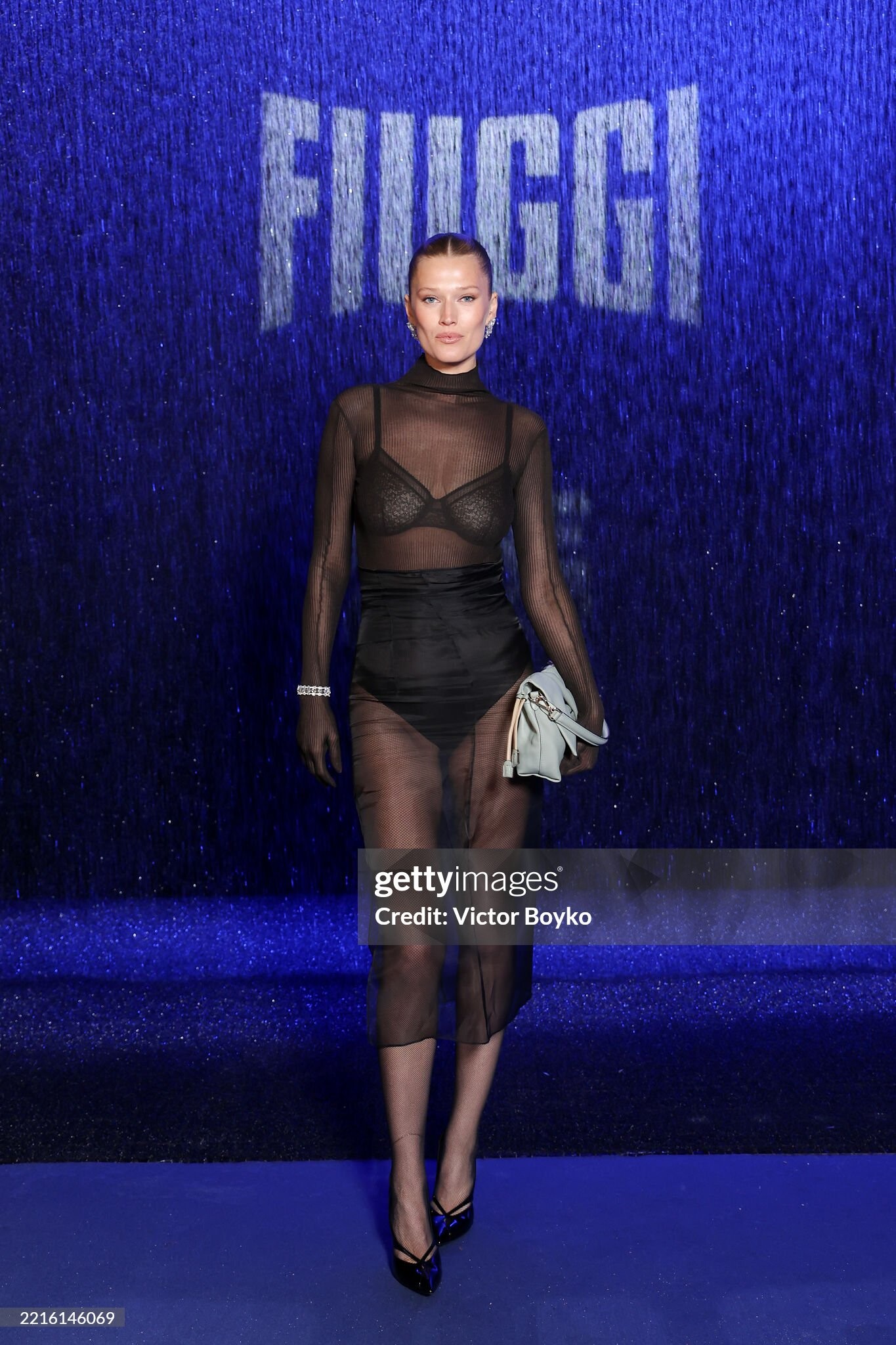
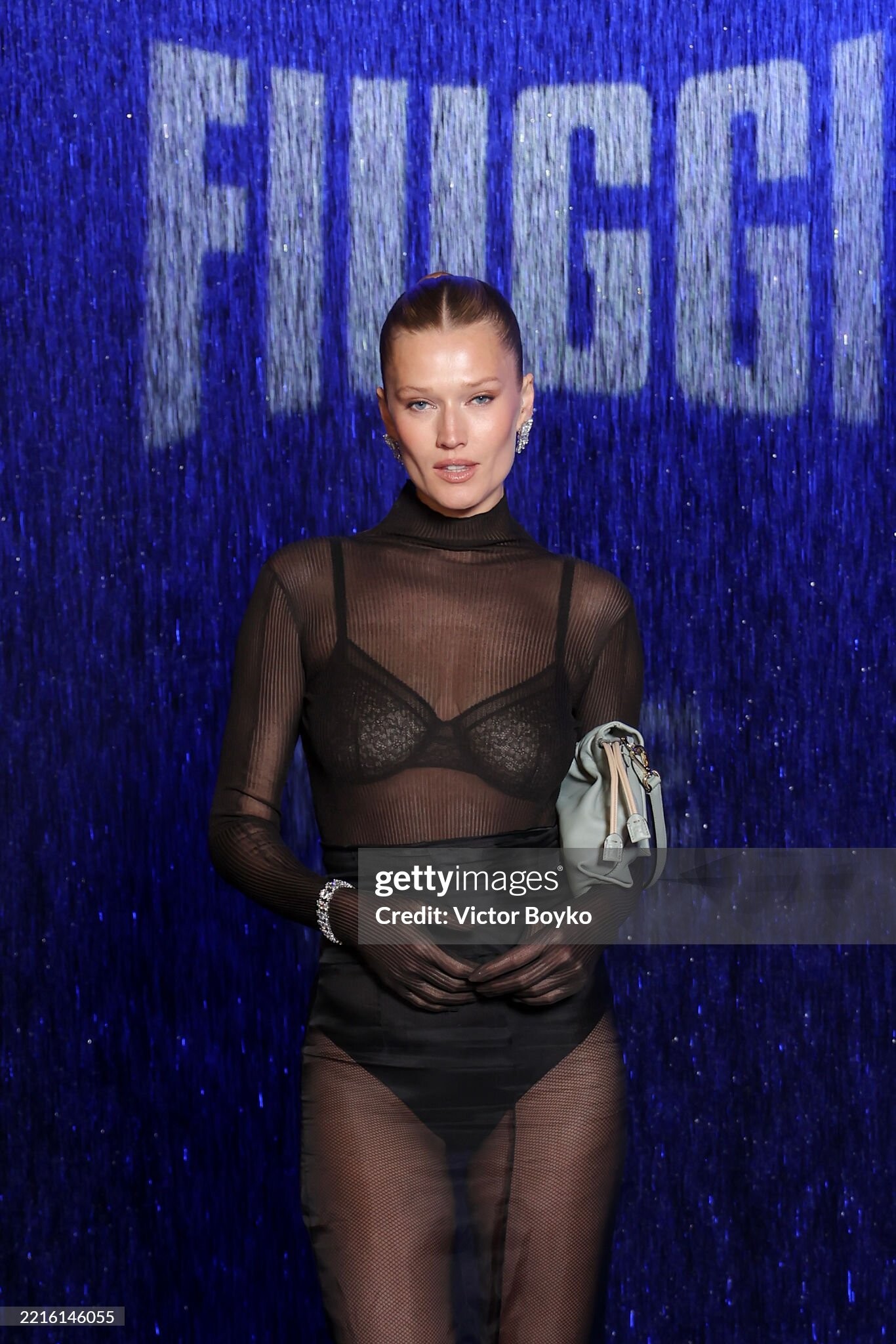
.jpg.8607fc8dd0ee8b3d29febe82fb32e294.jpg)
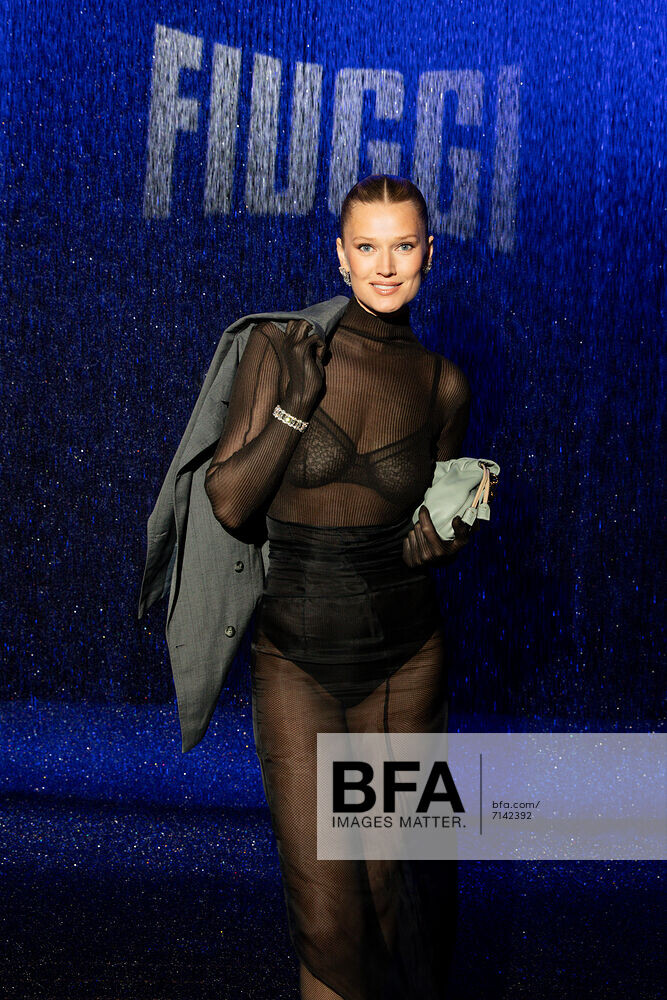
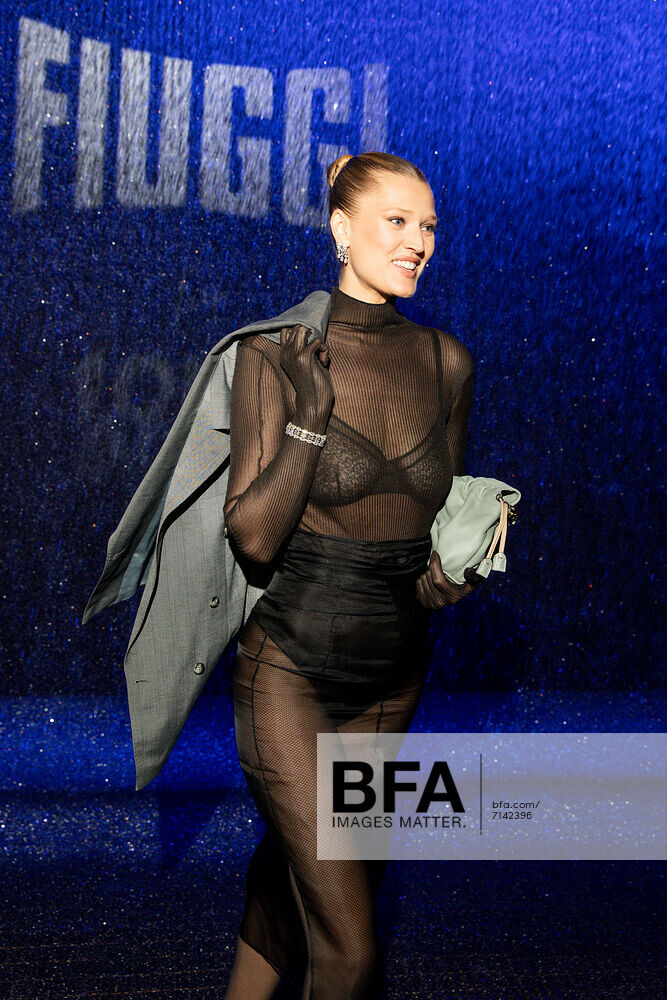
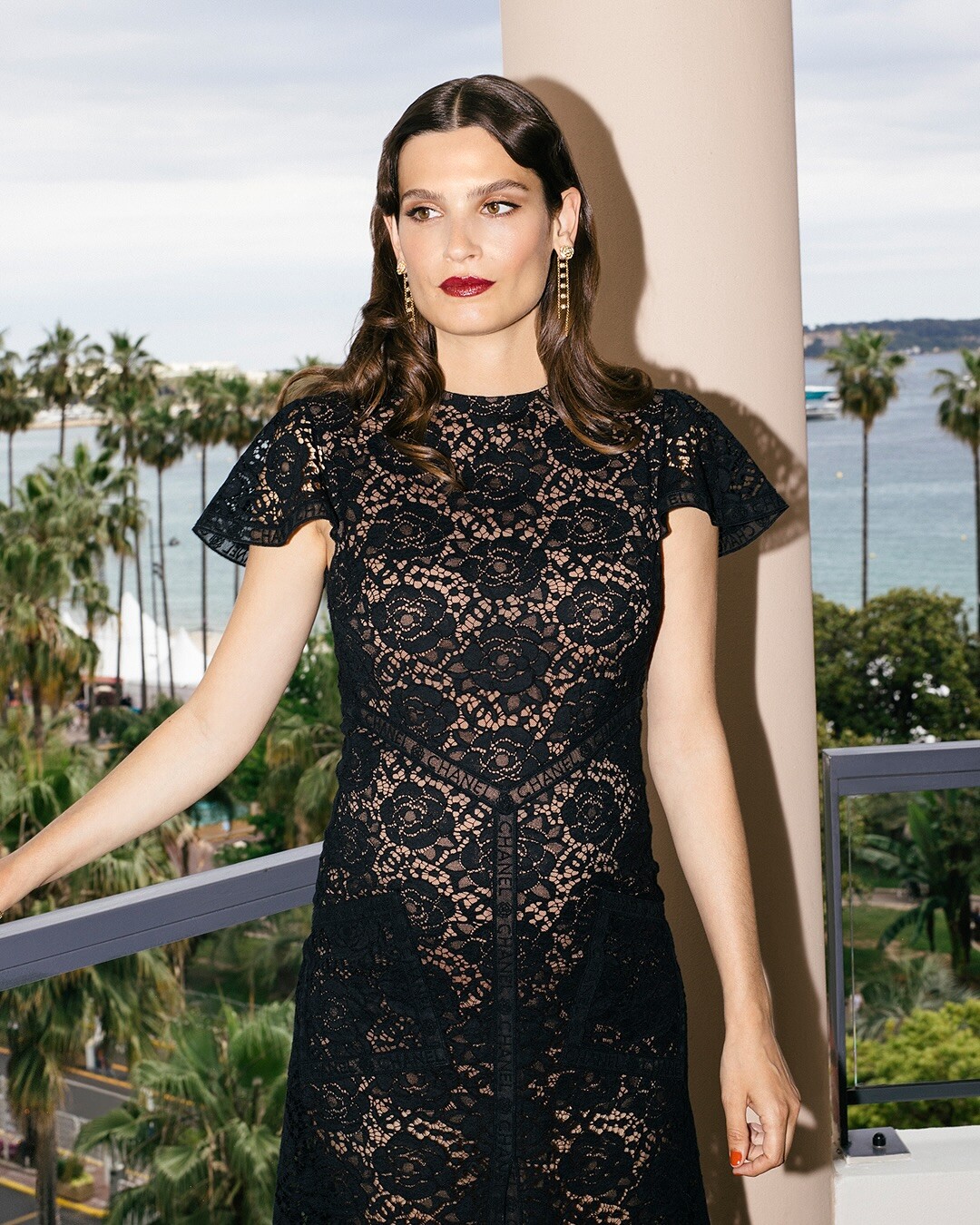
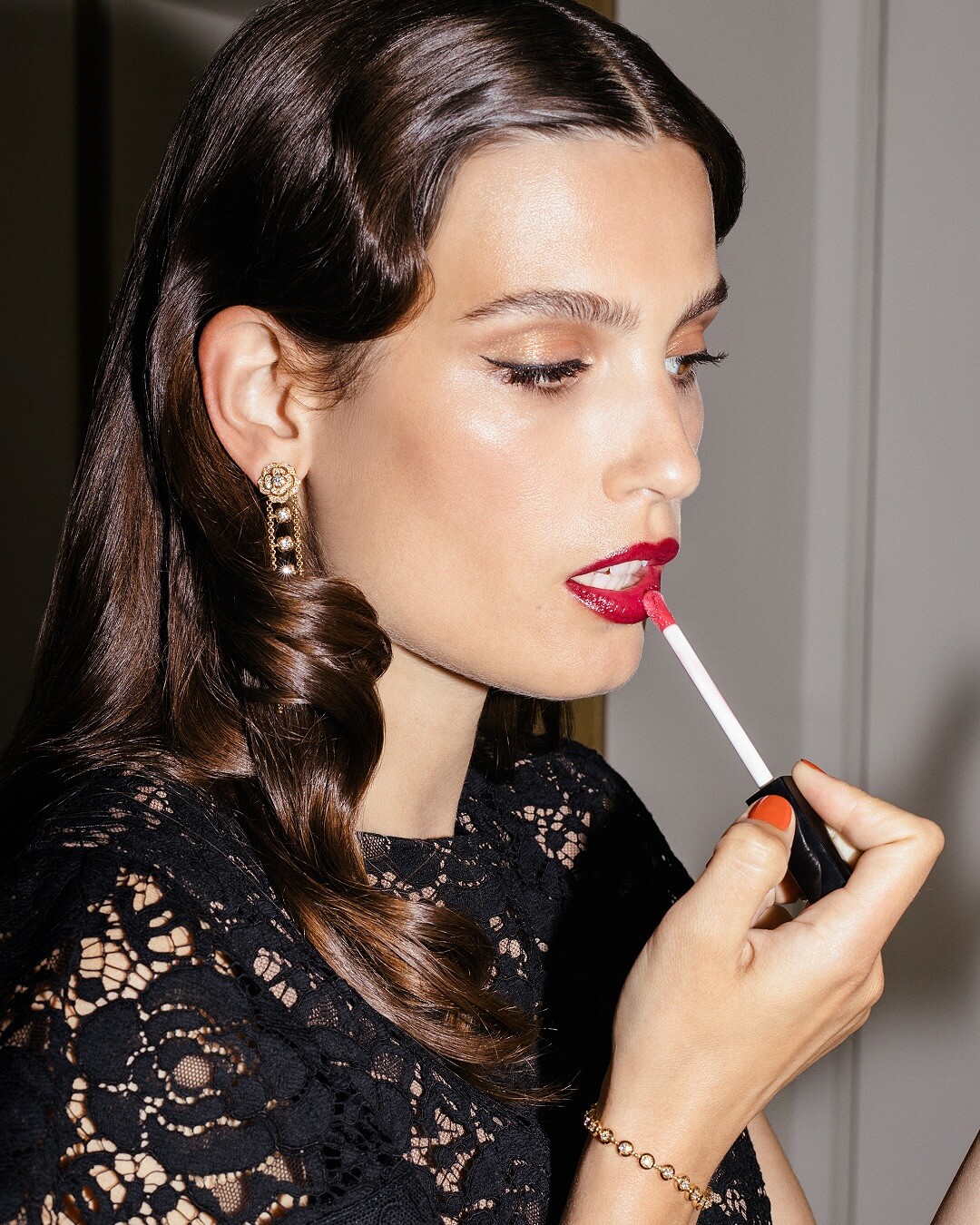
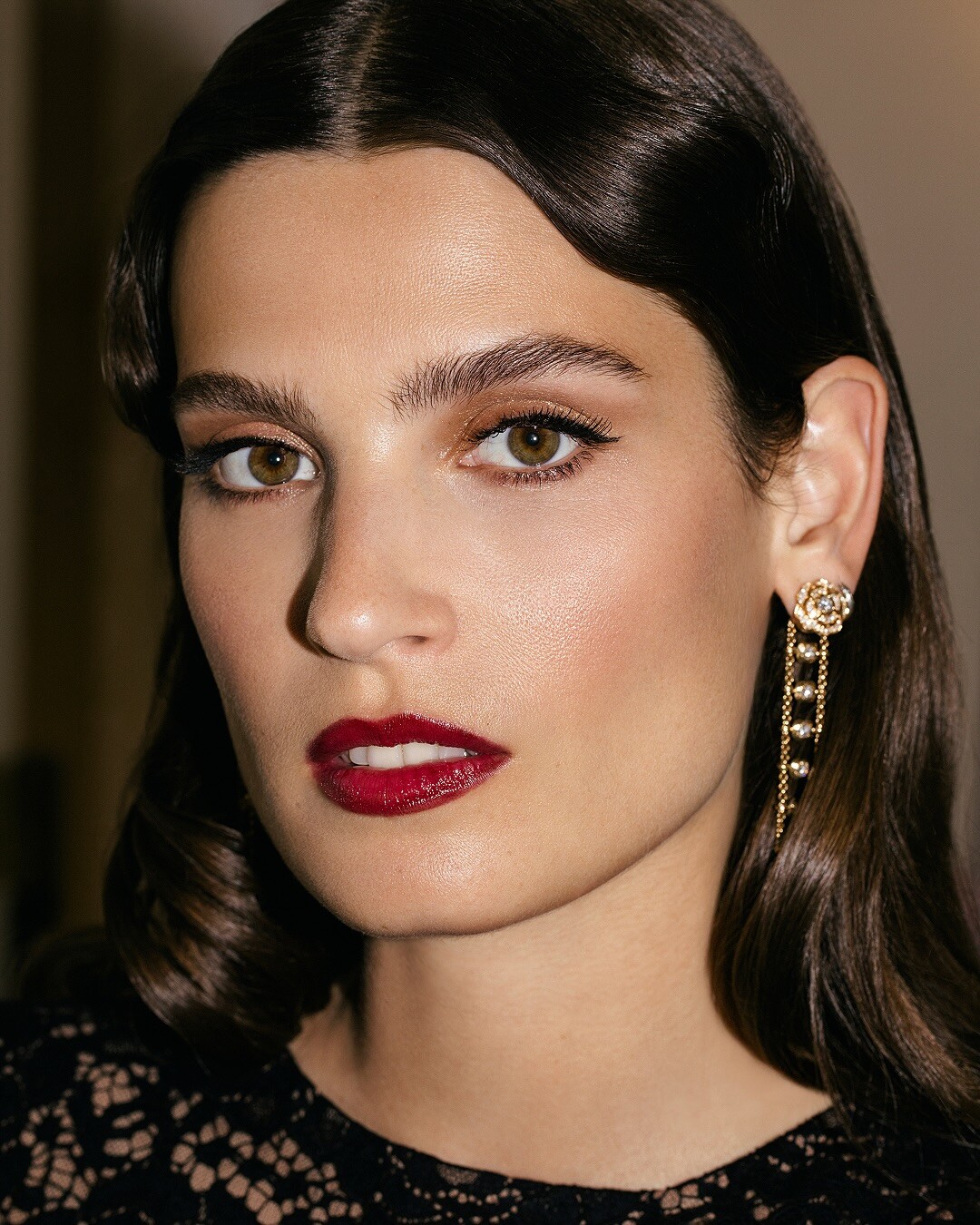
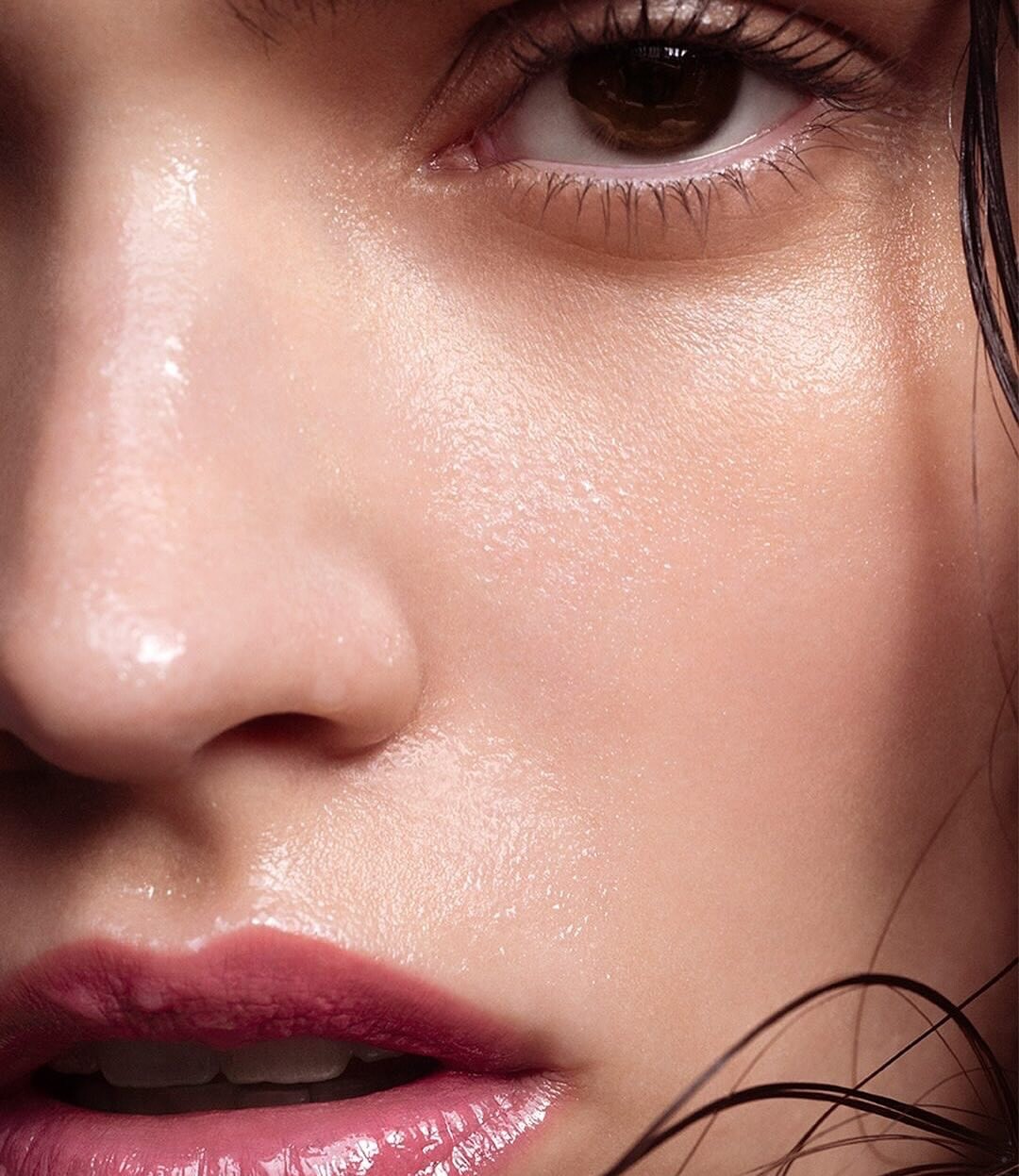
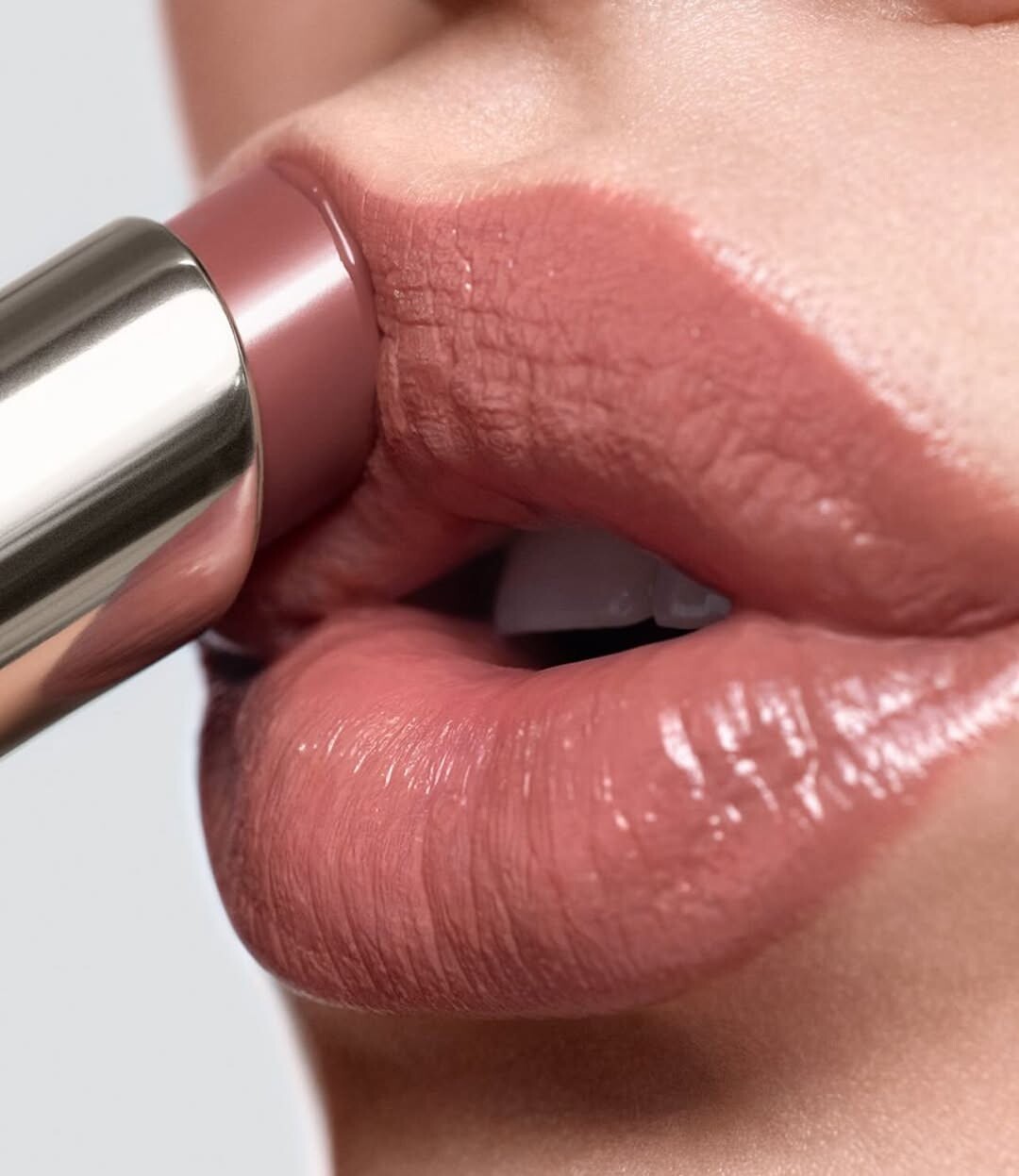
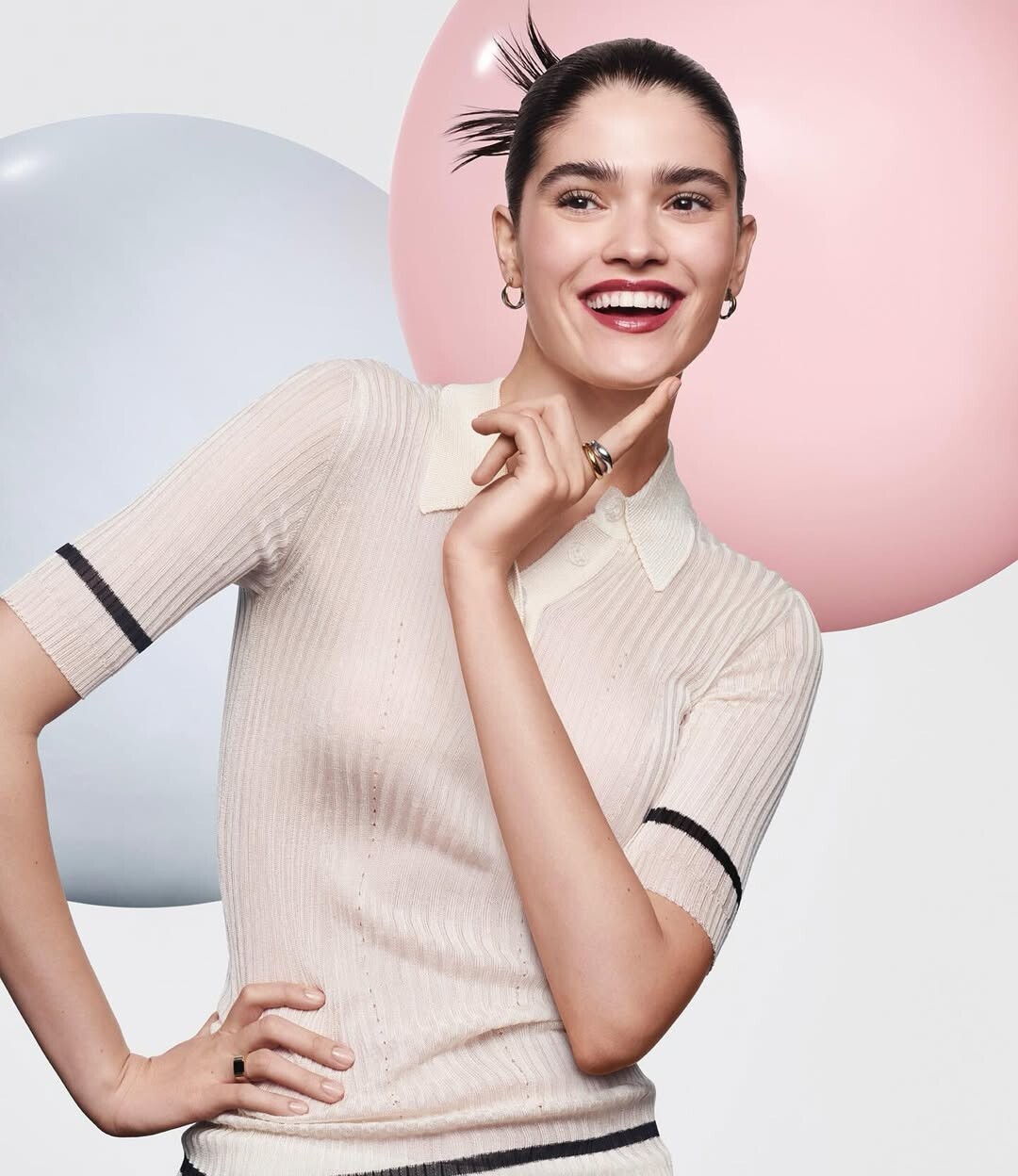
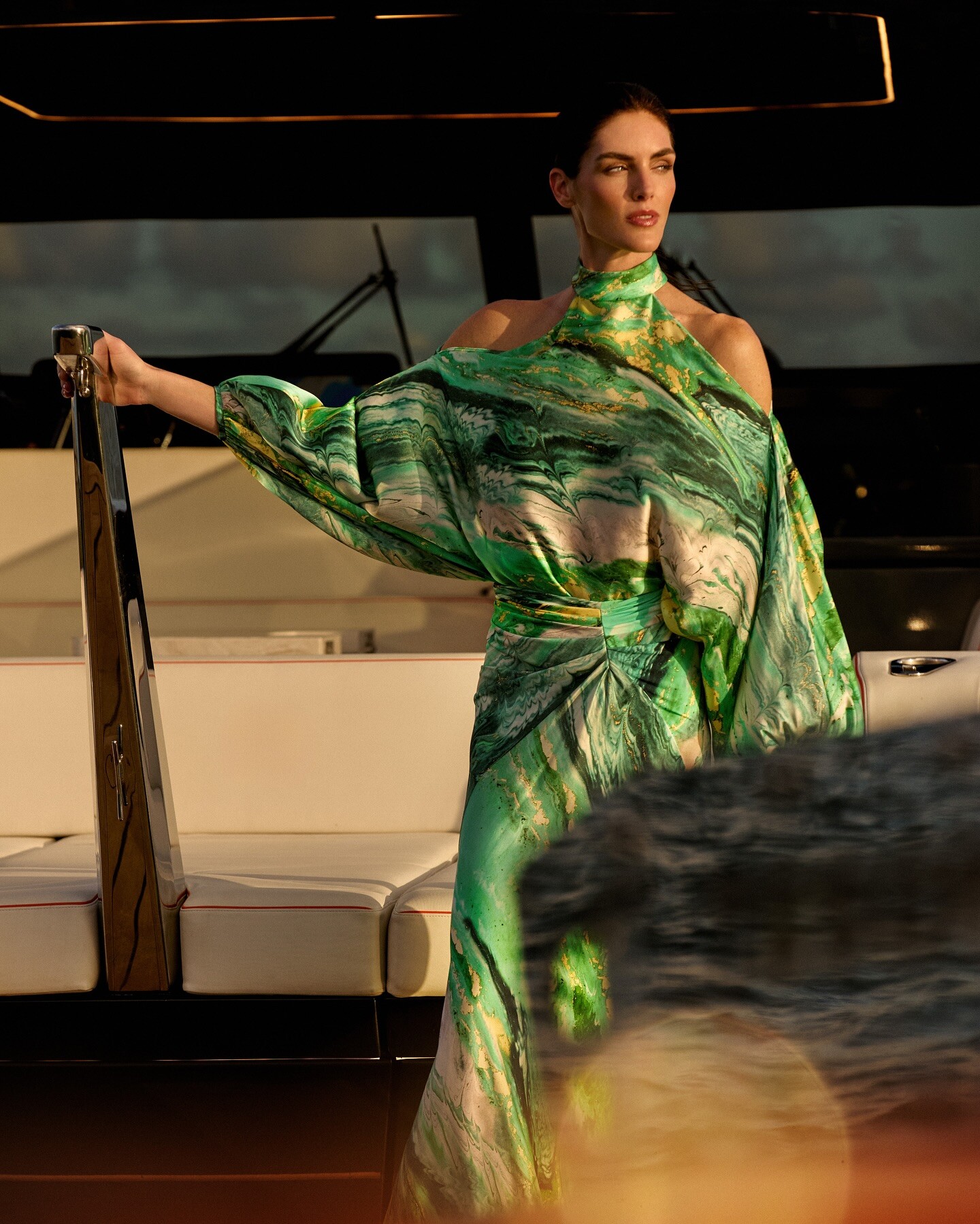
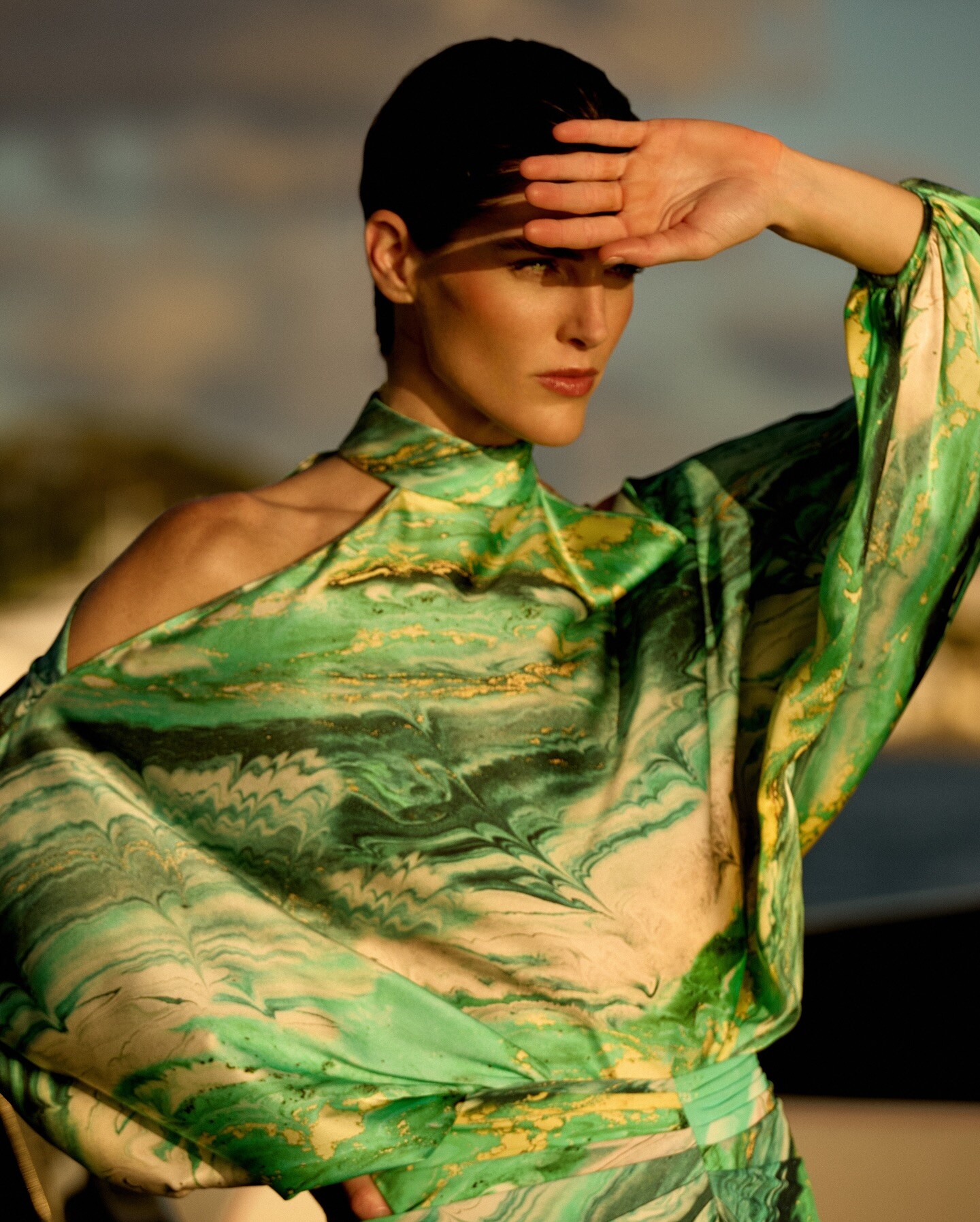
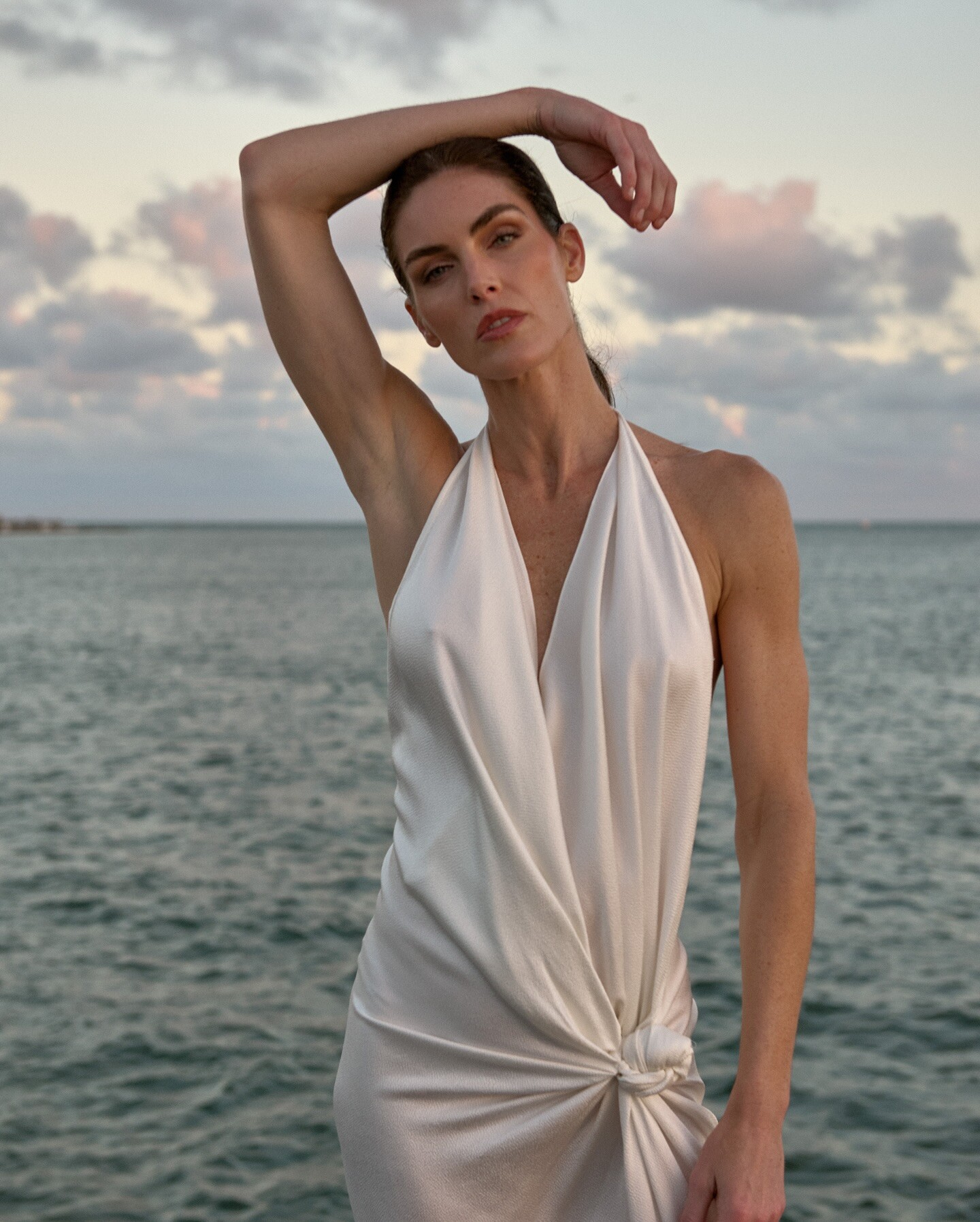

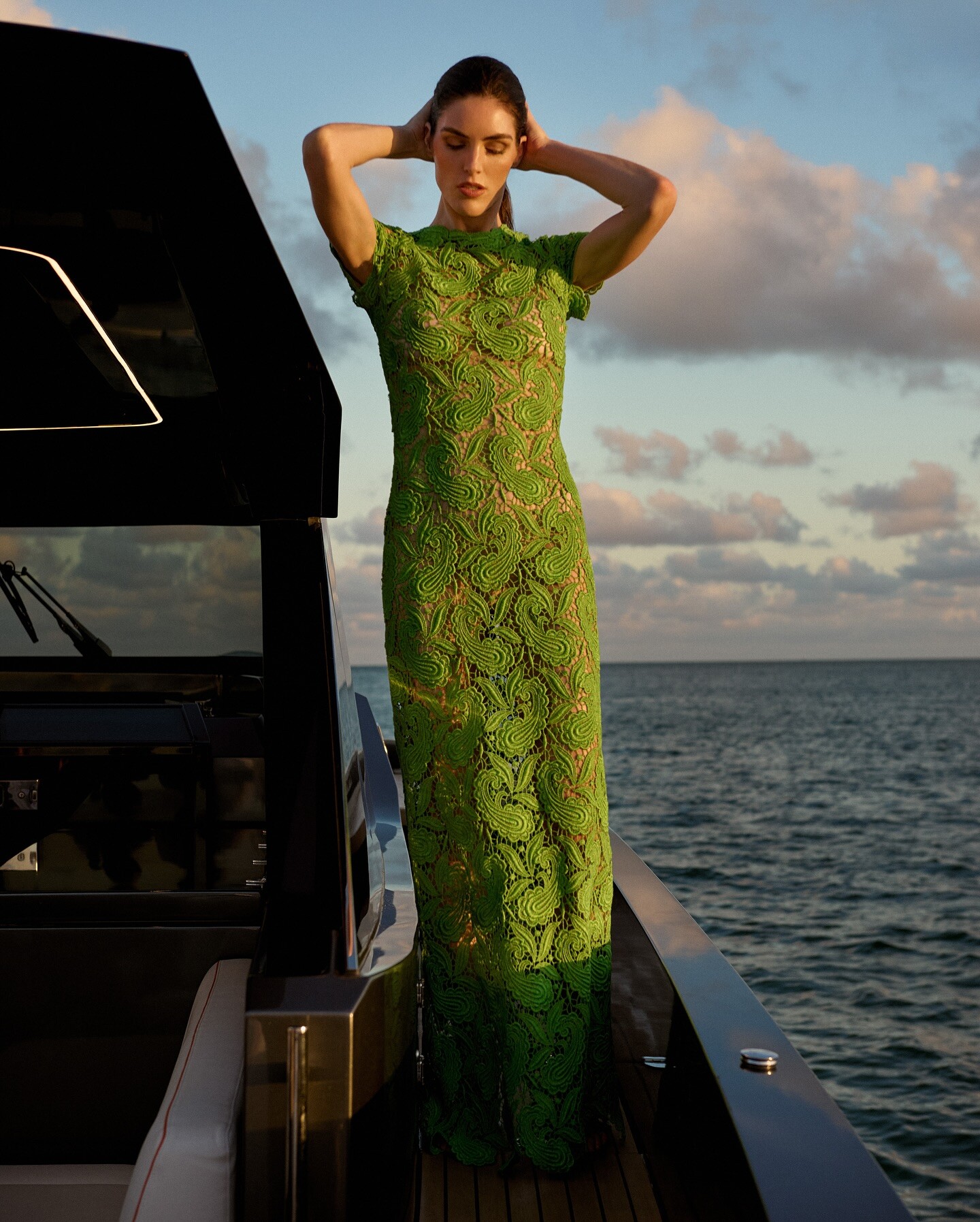
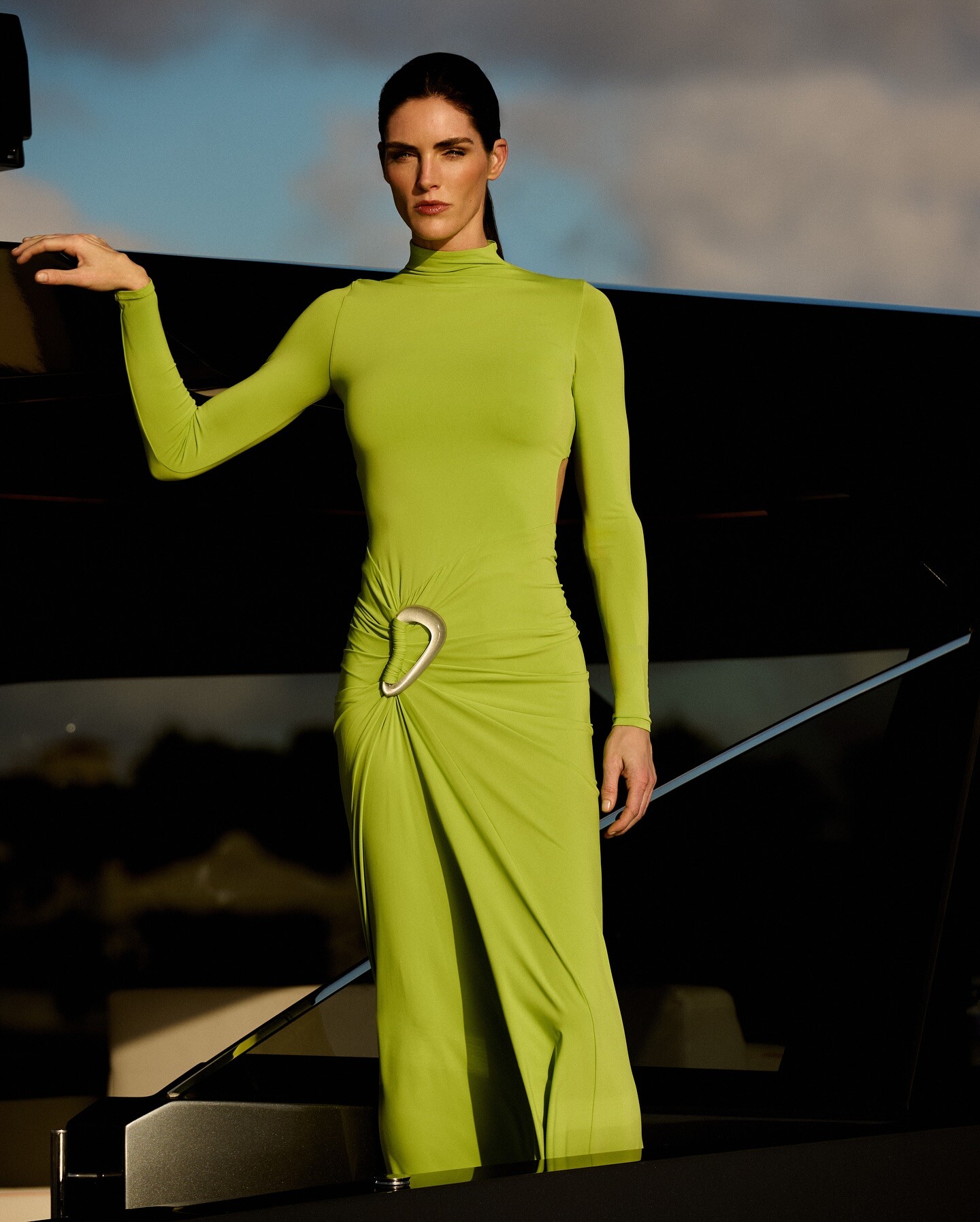

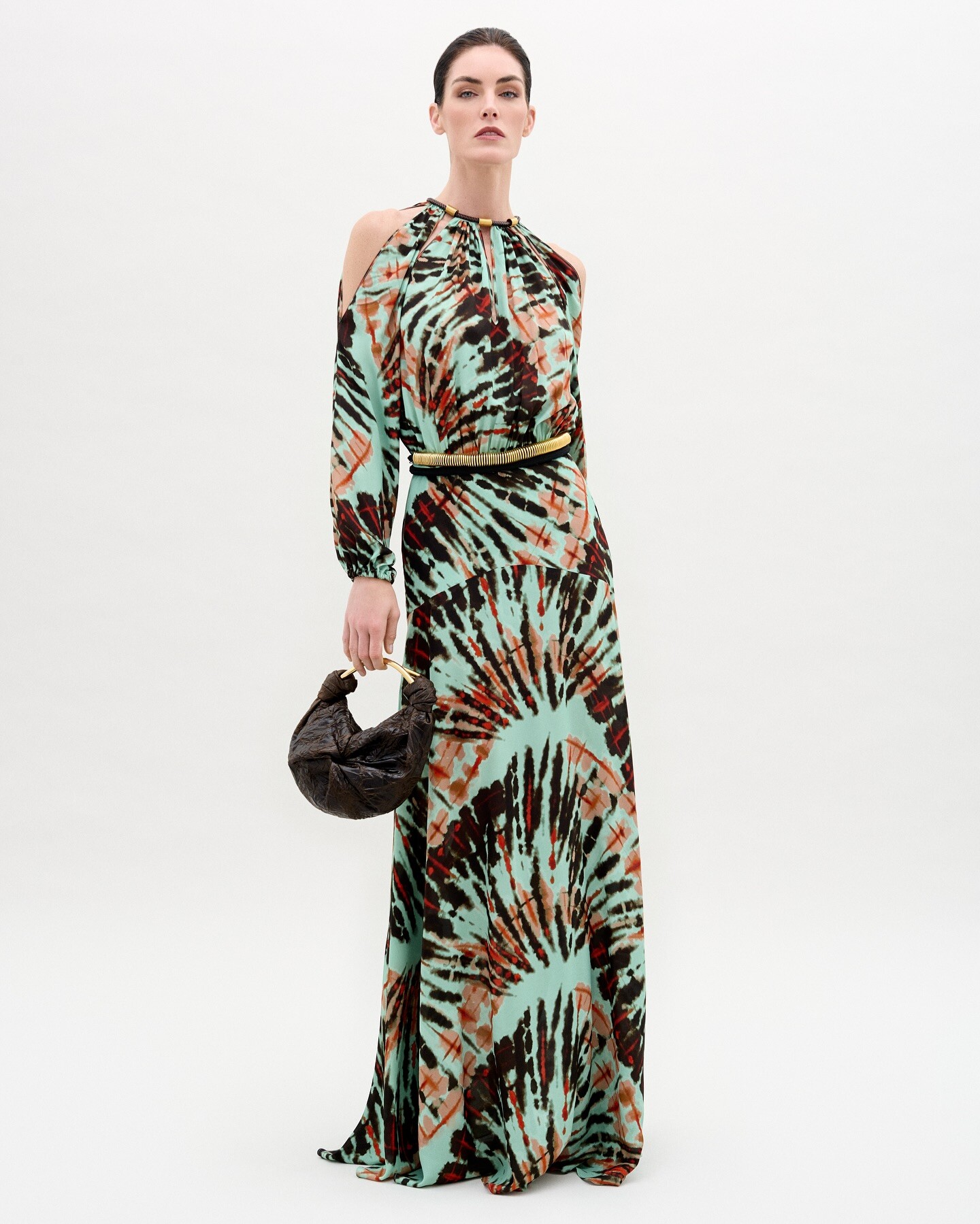
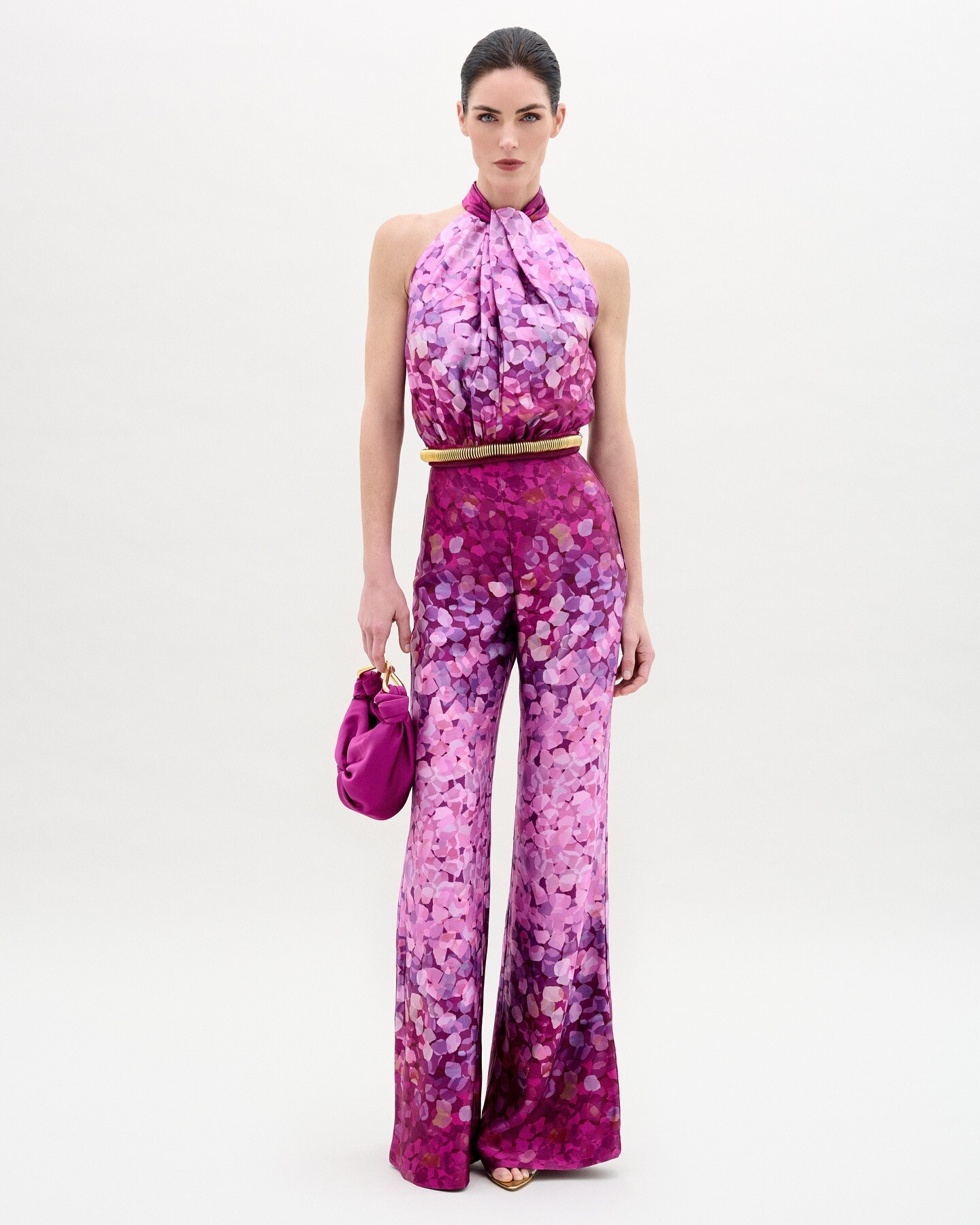
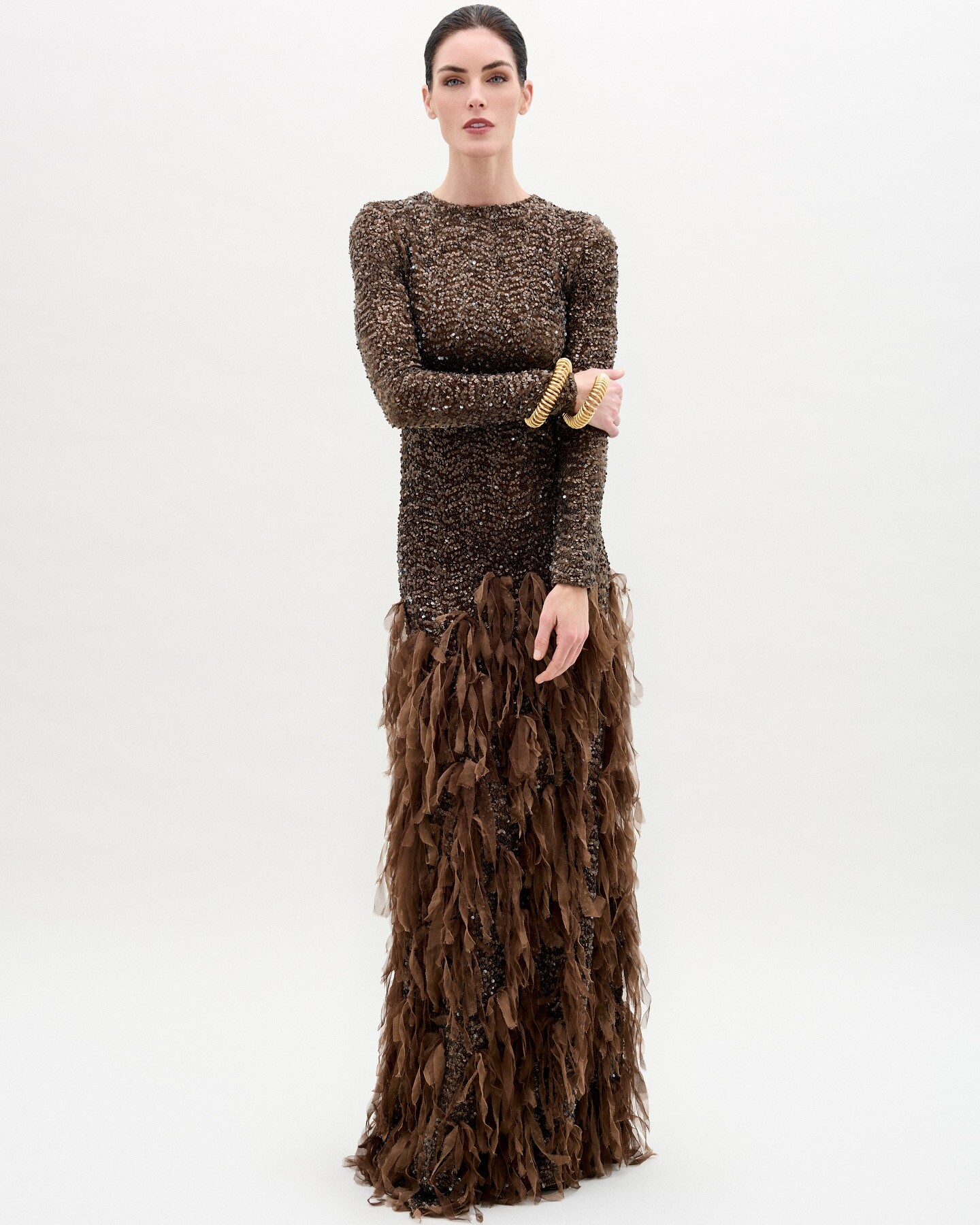
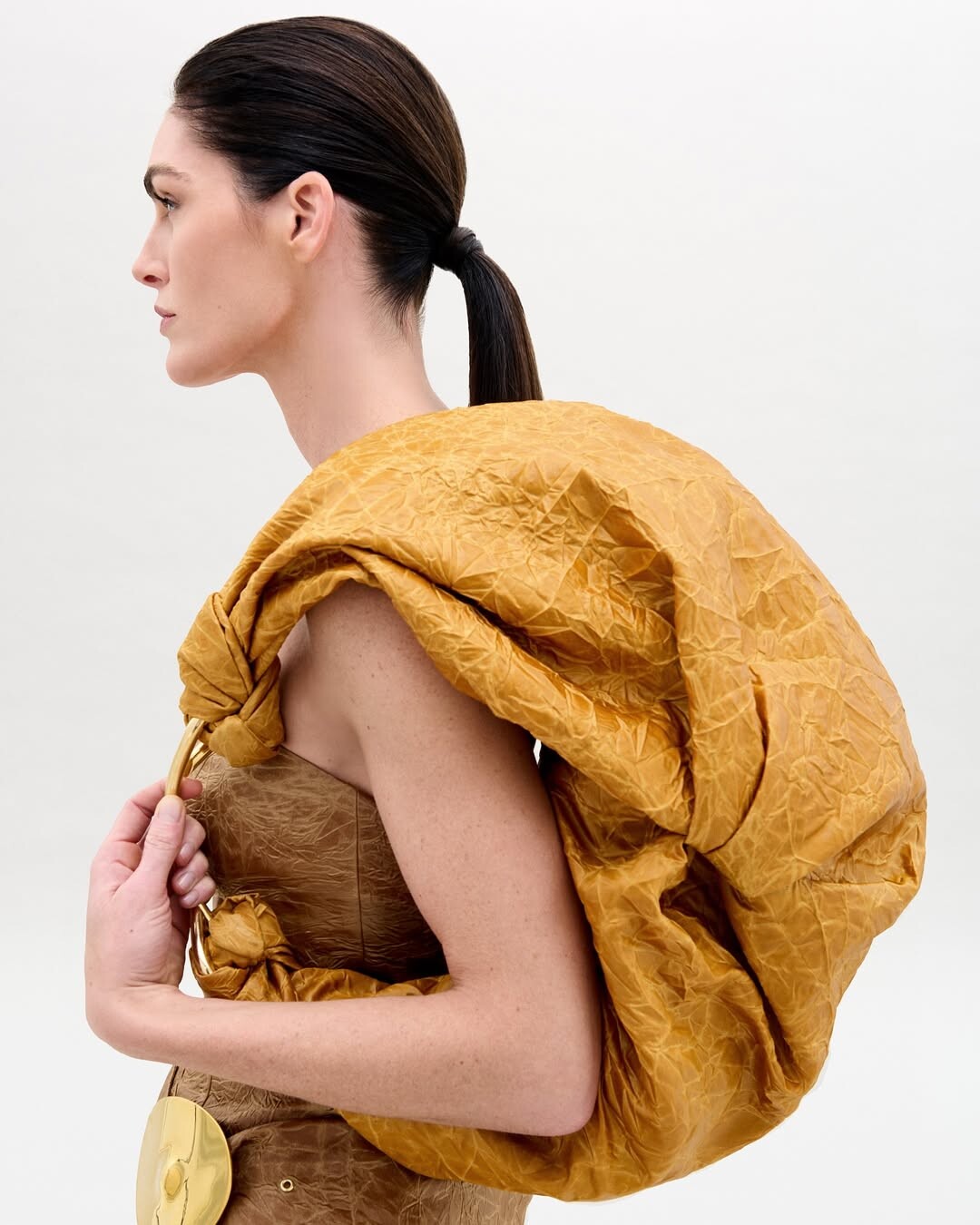
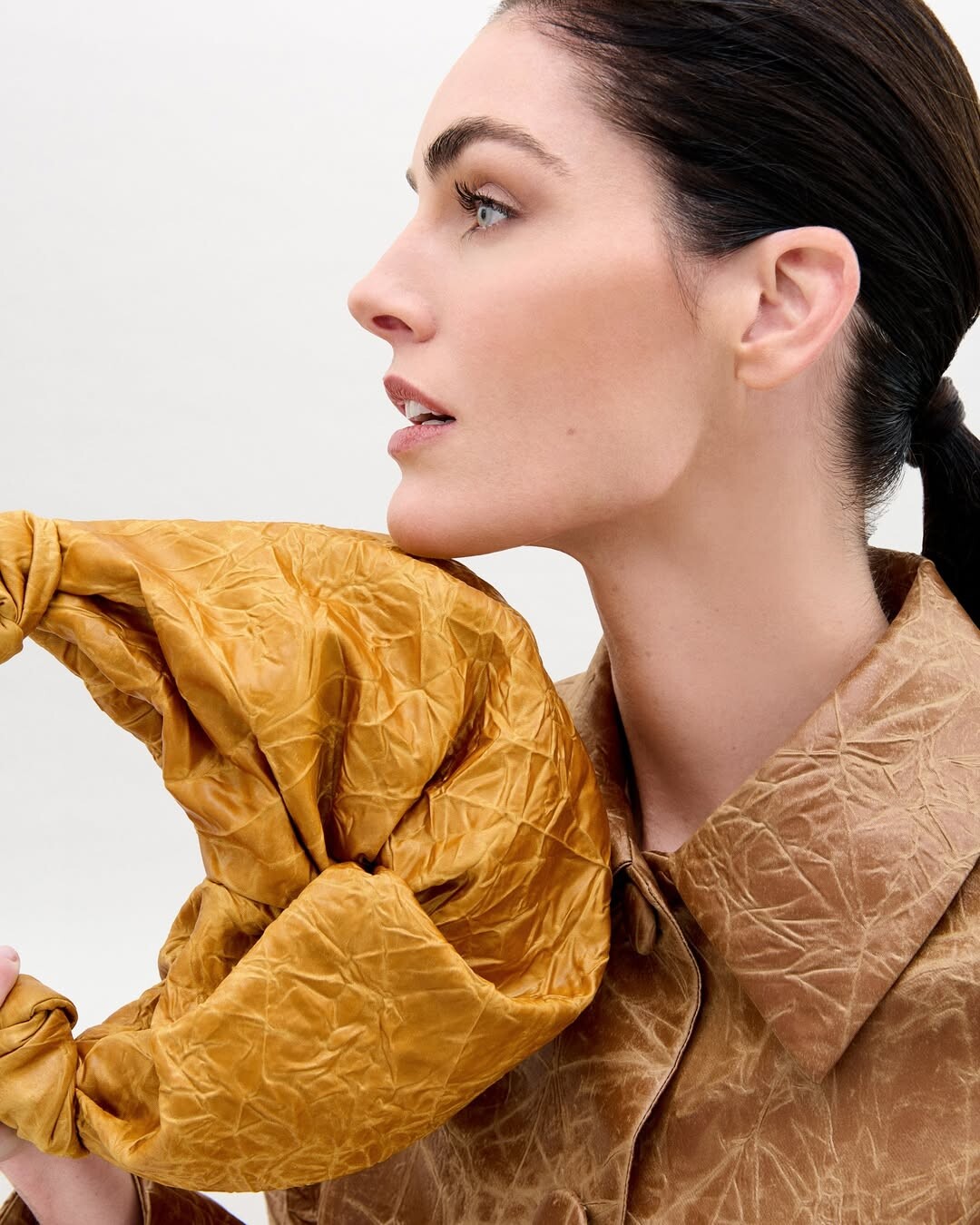
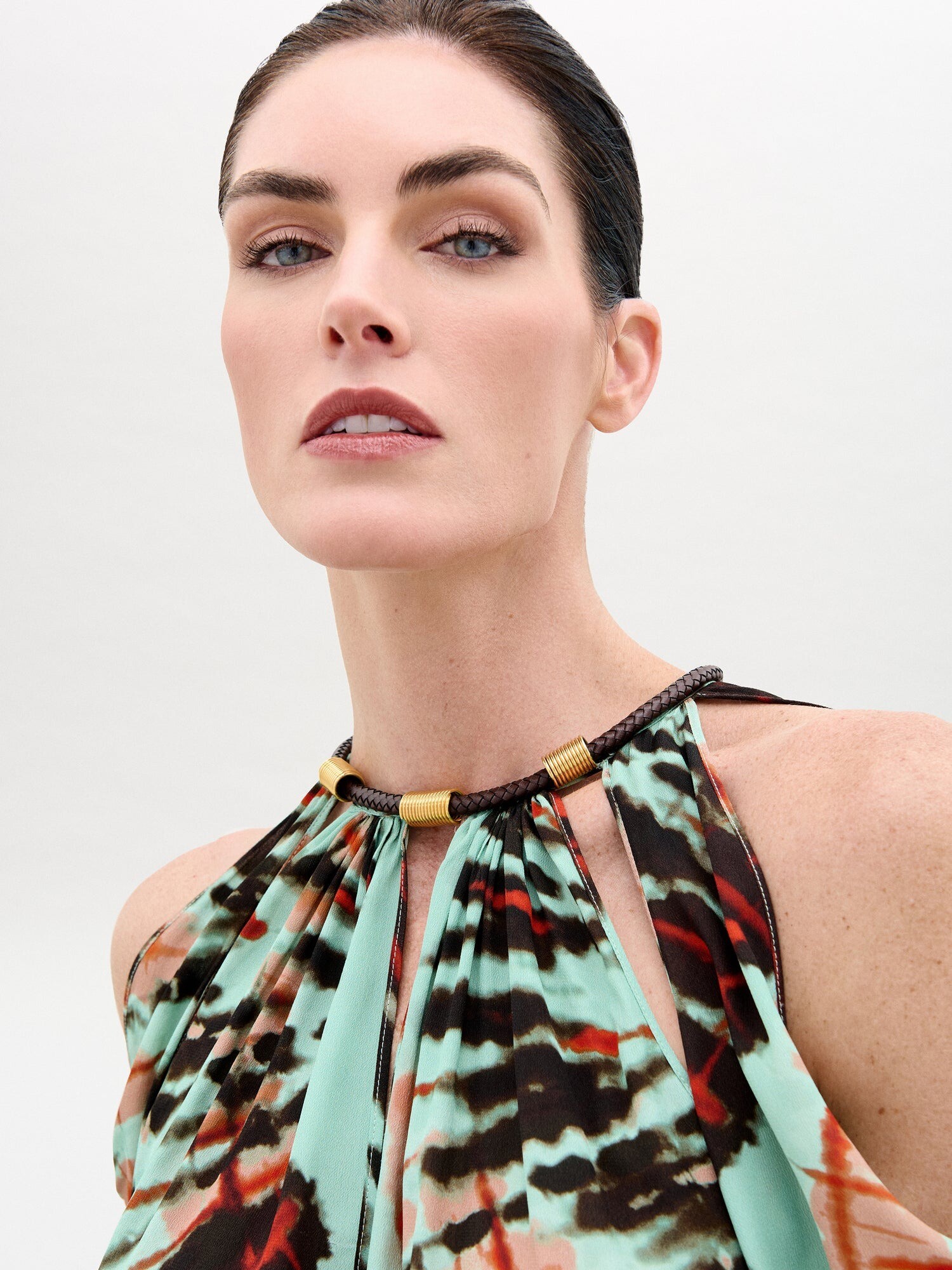
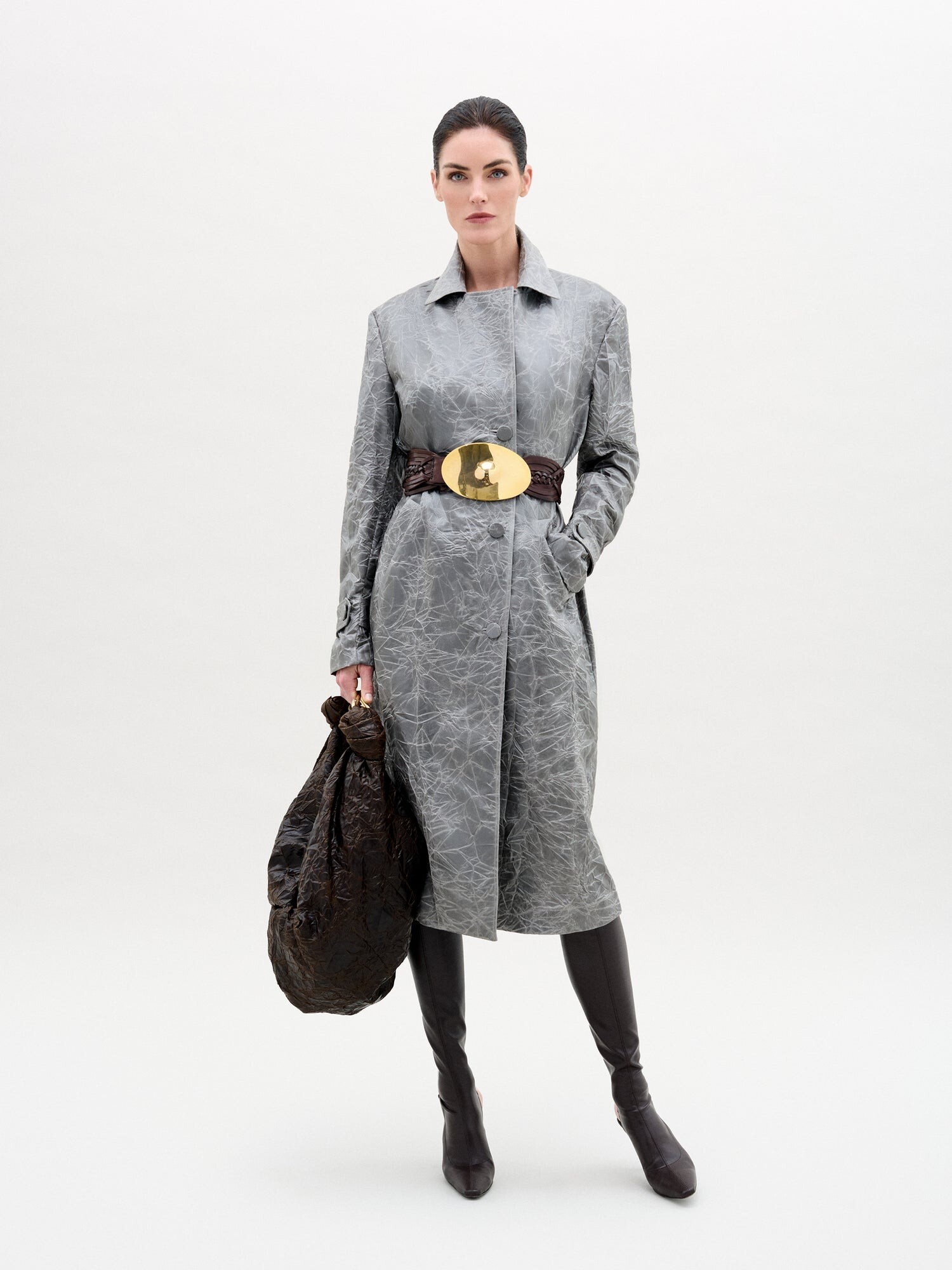
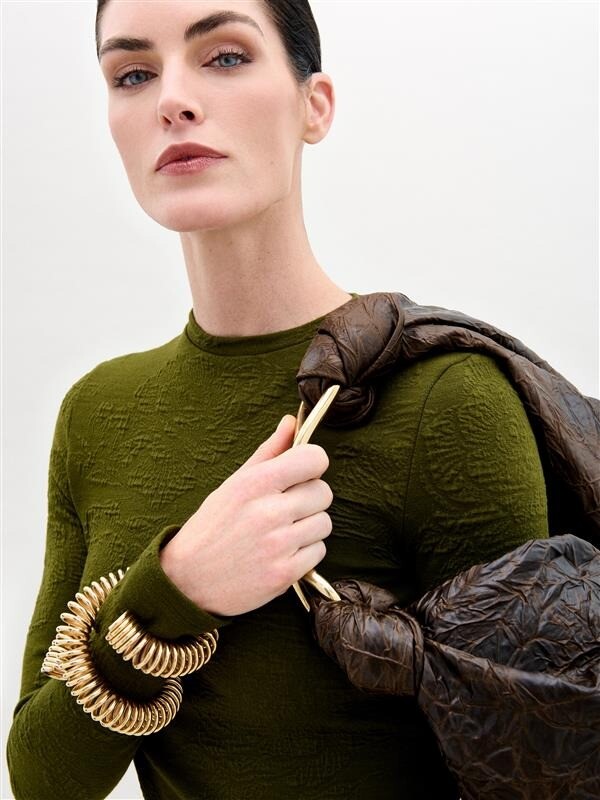
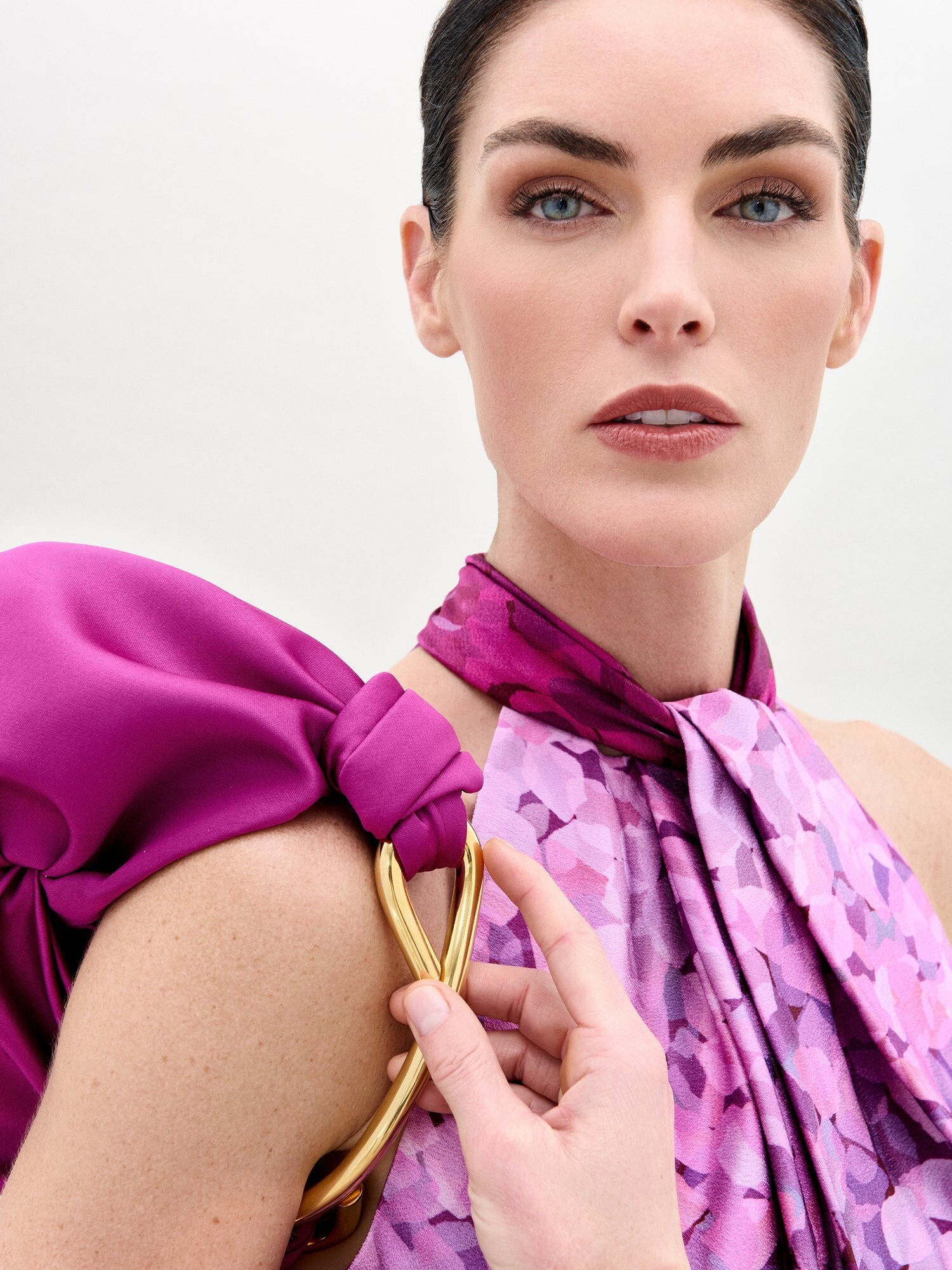
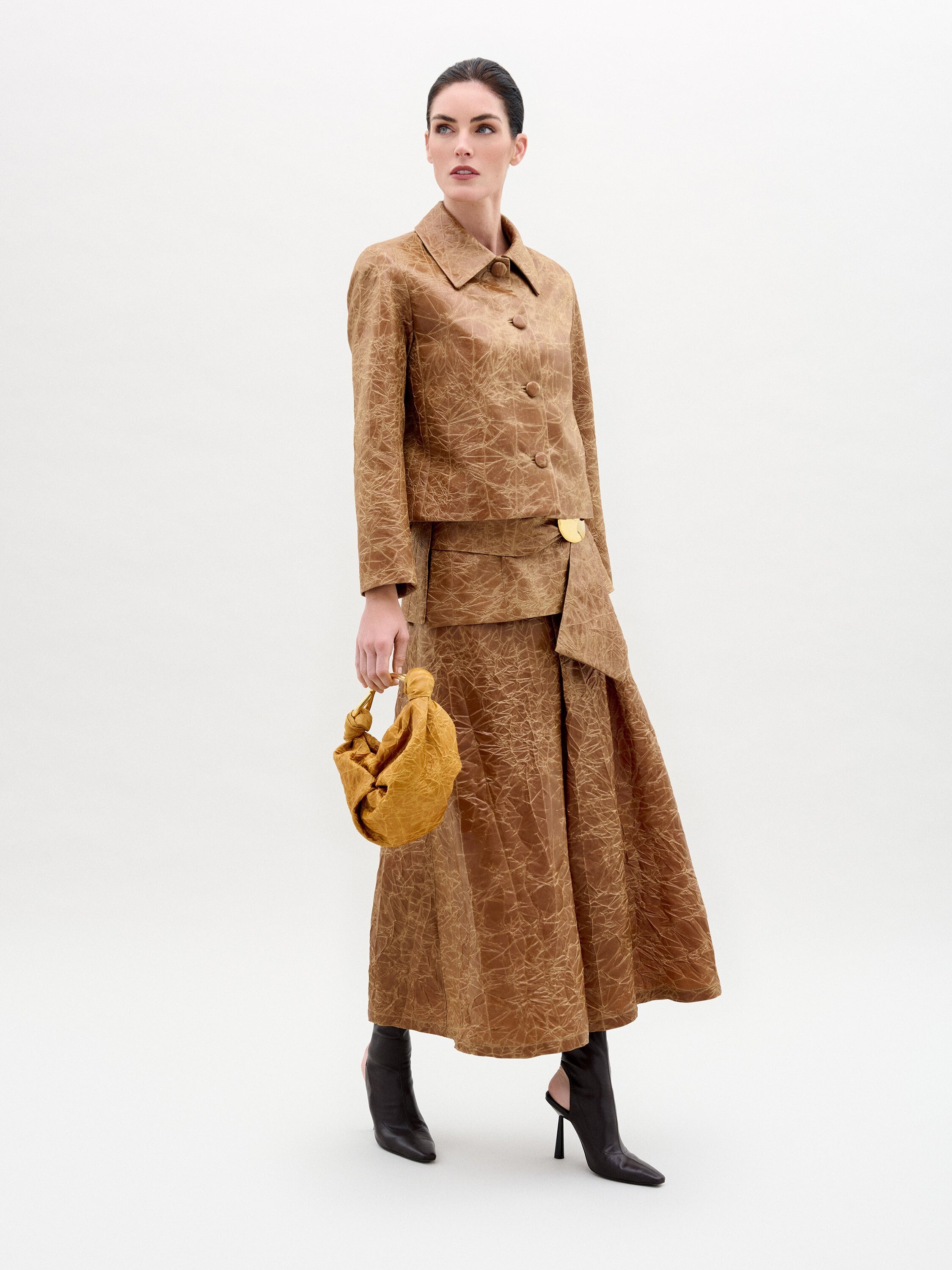
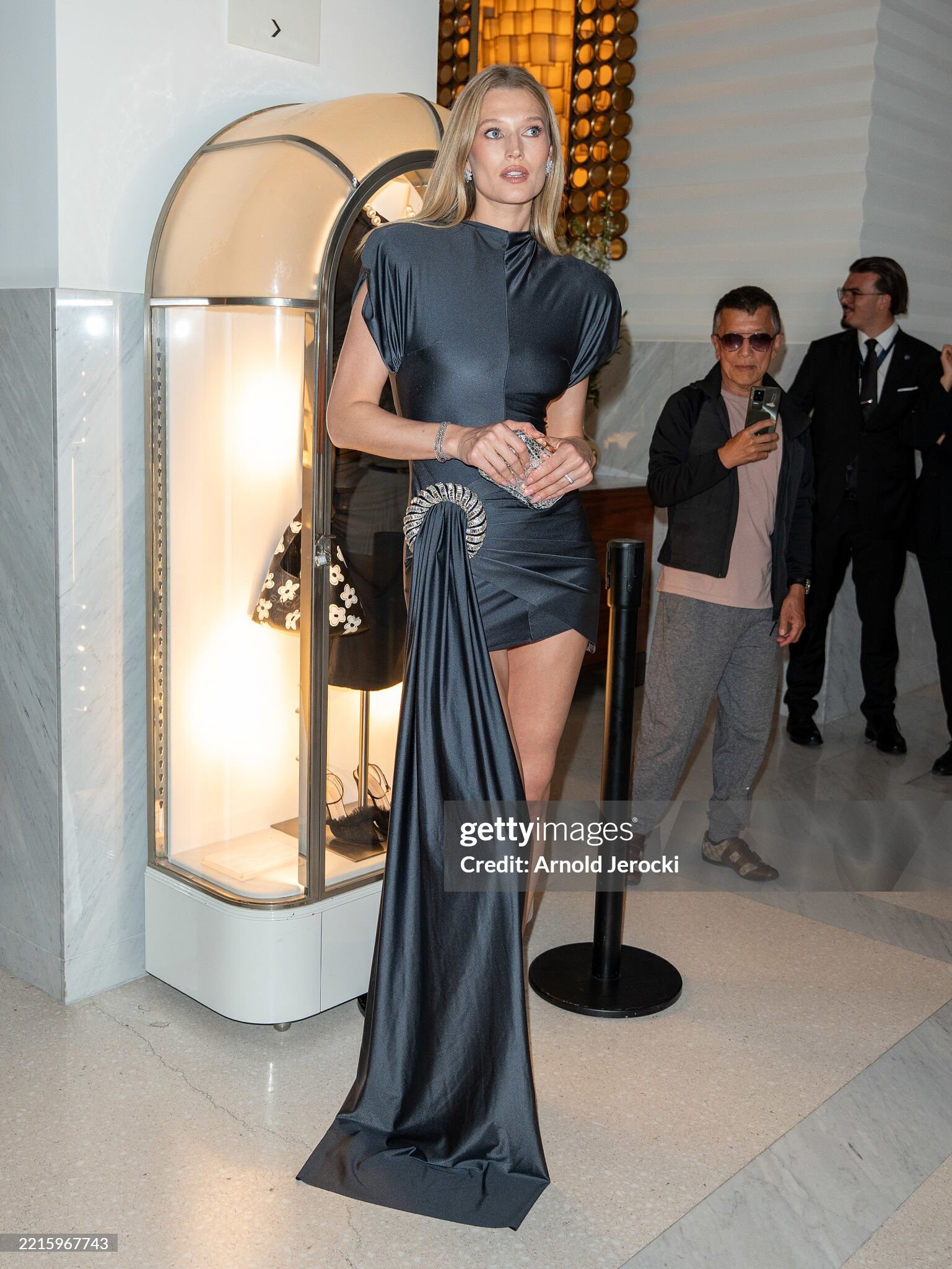
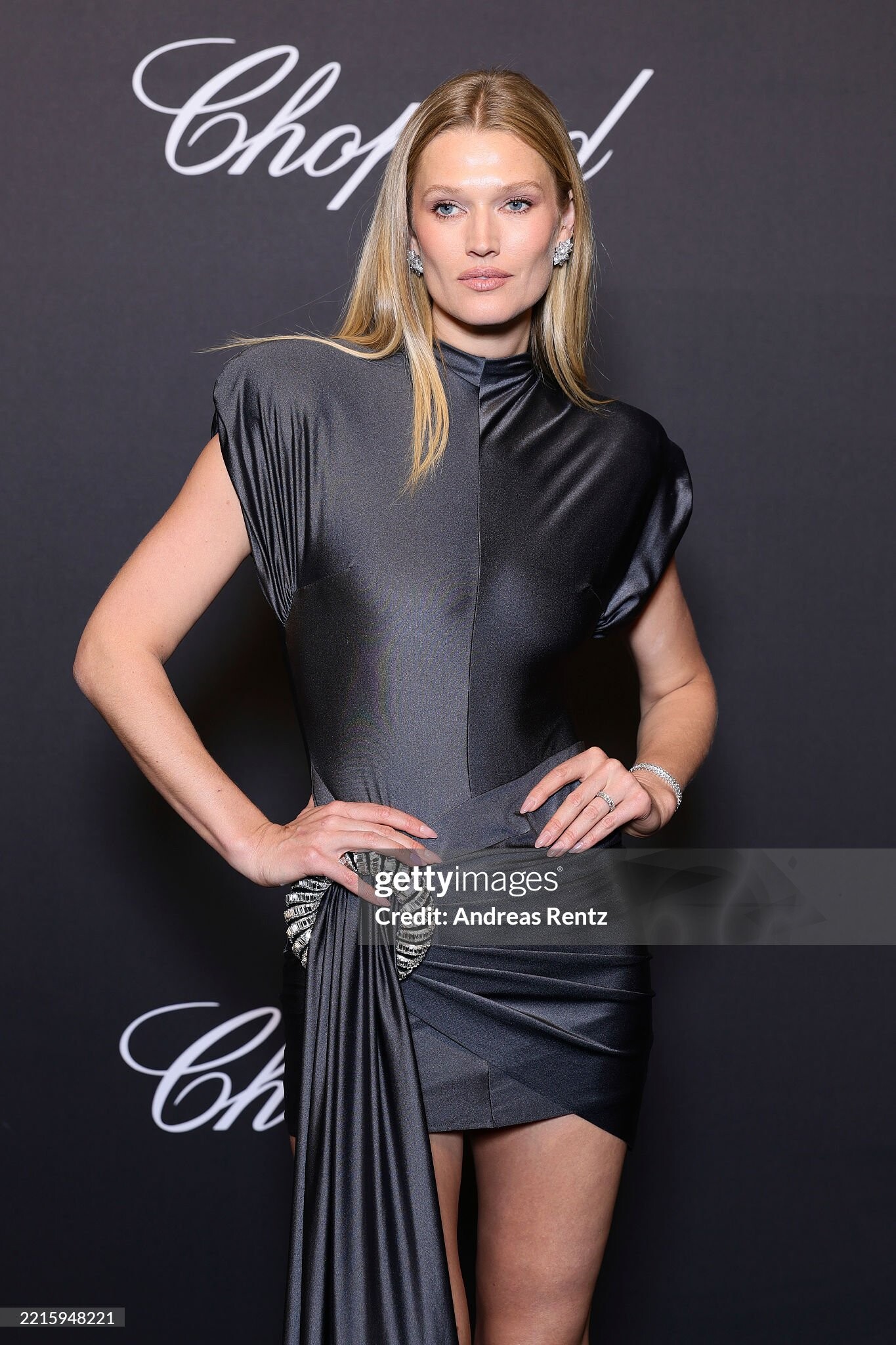
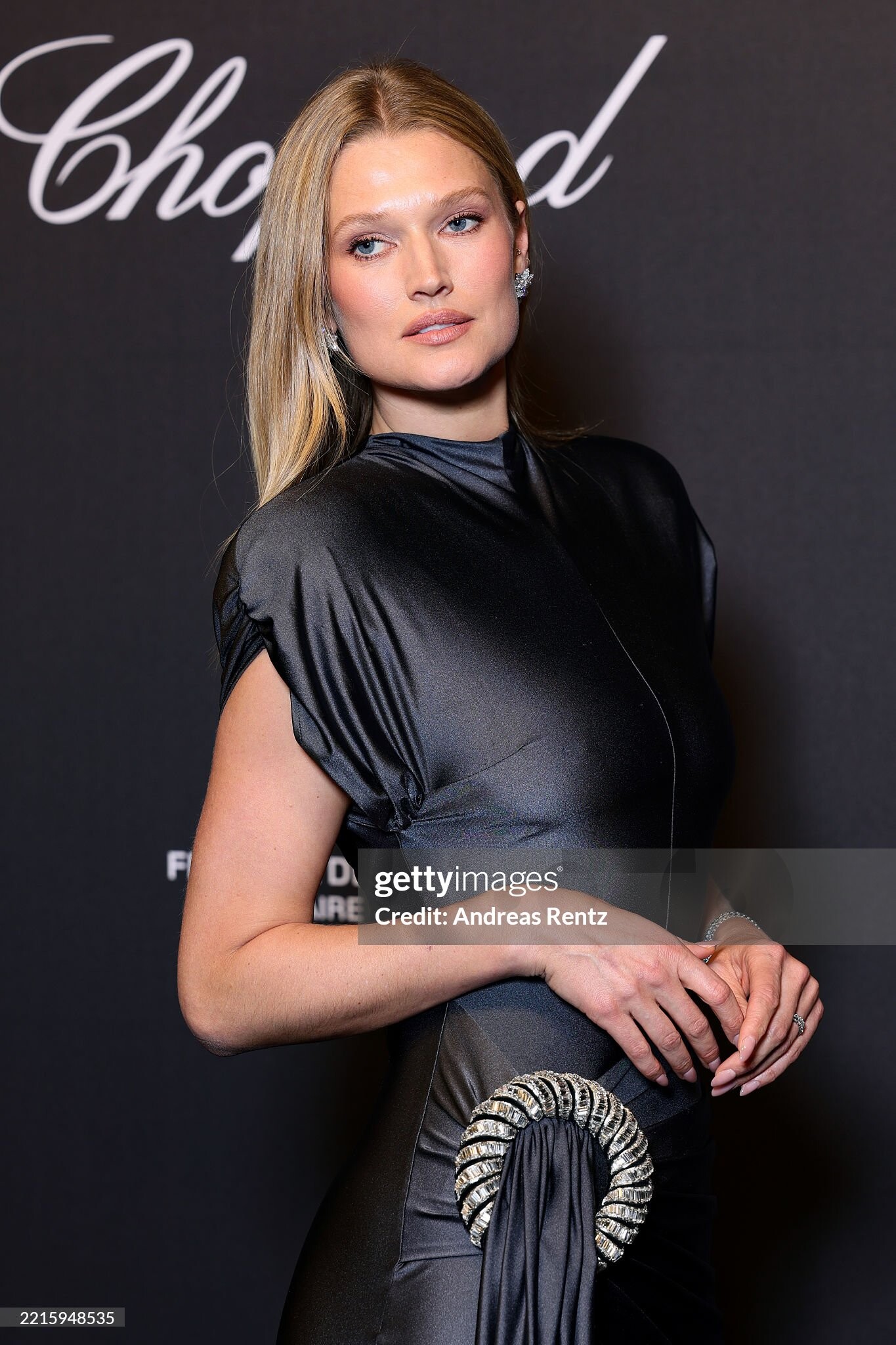
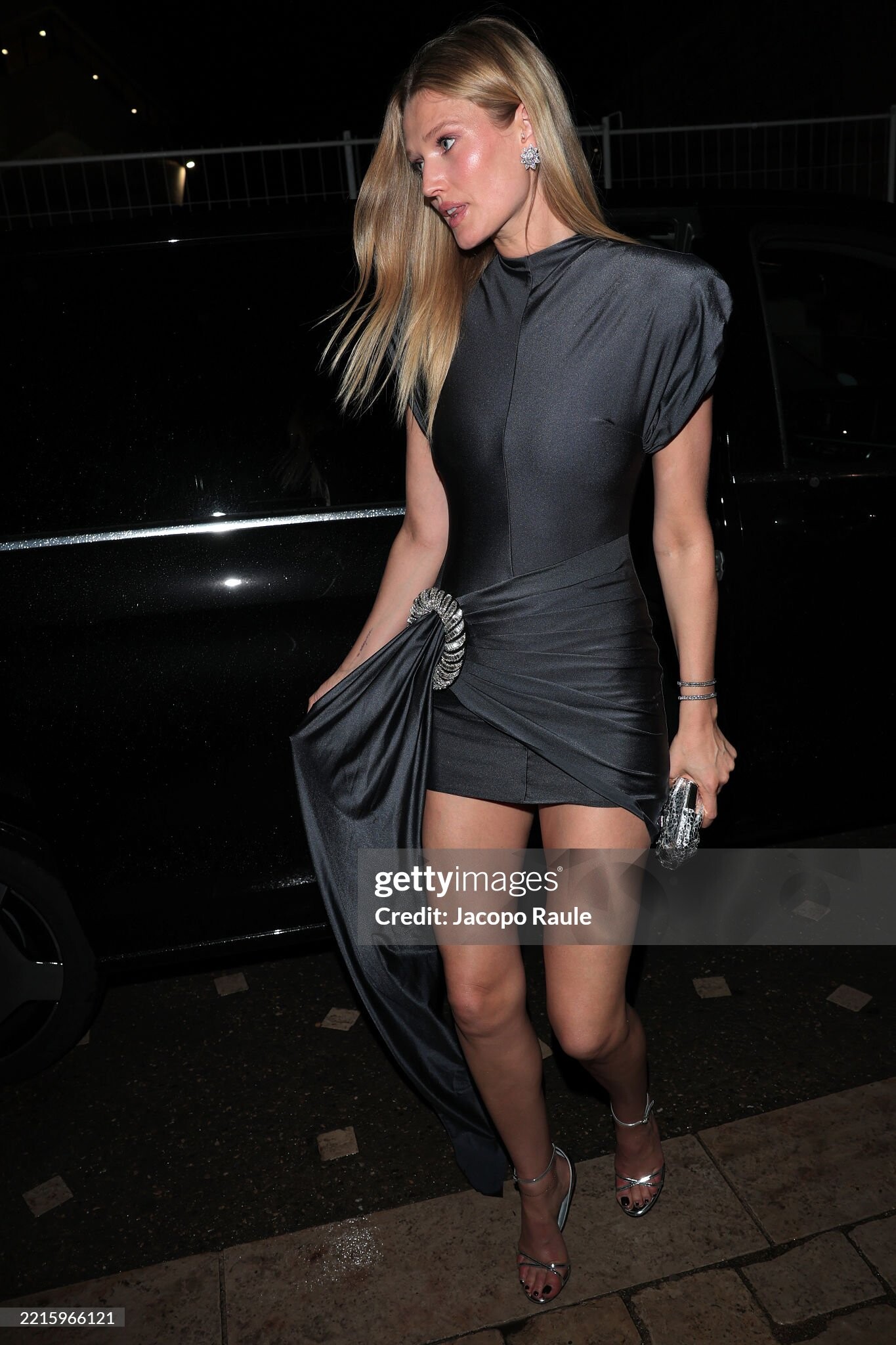
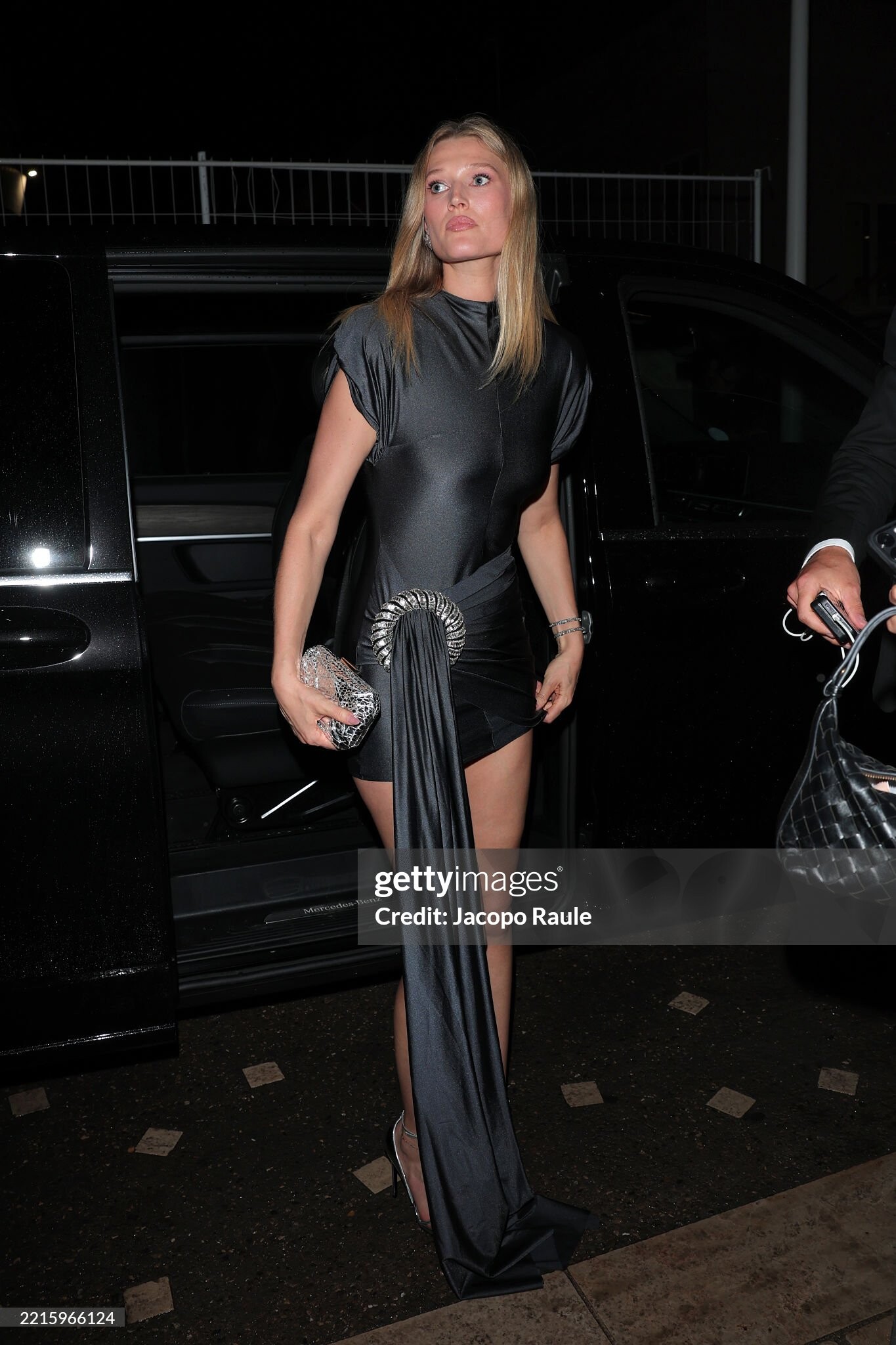
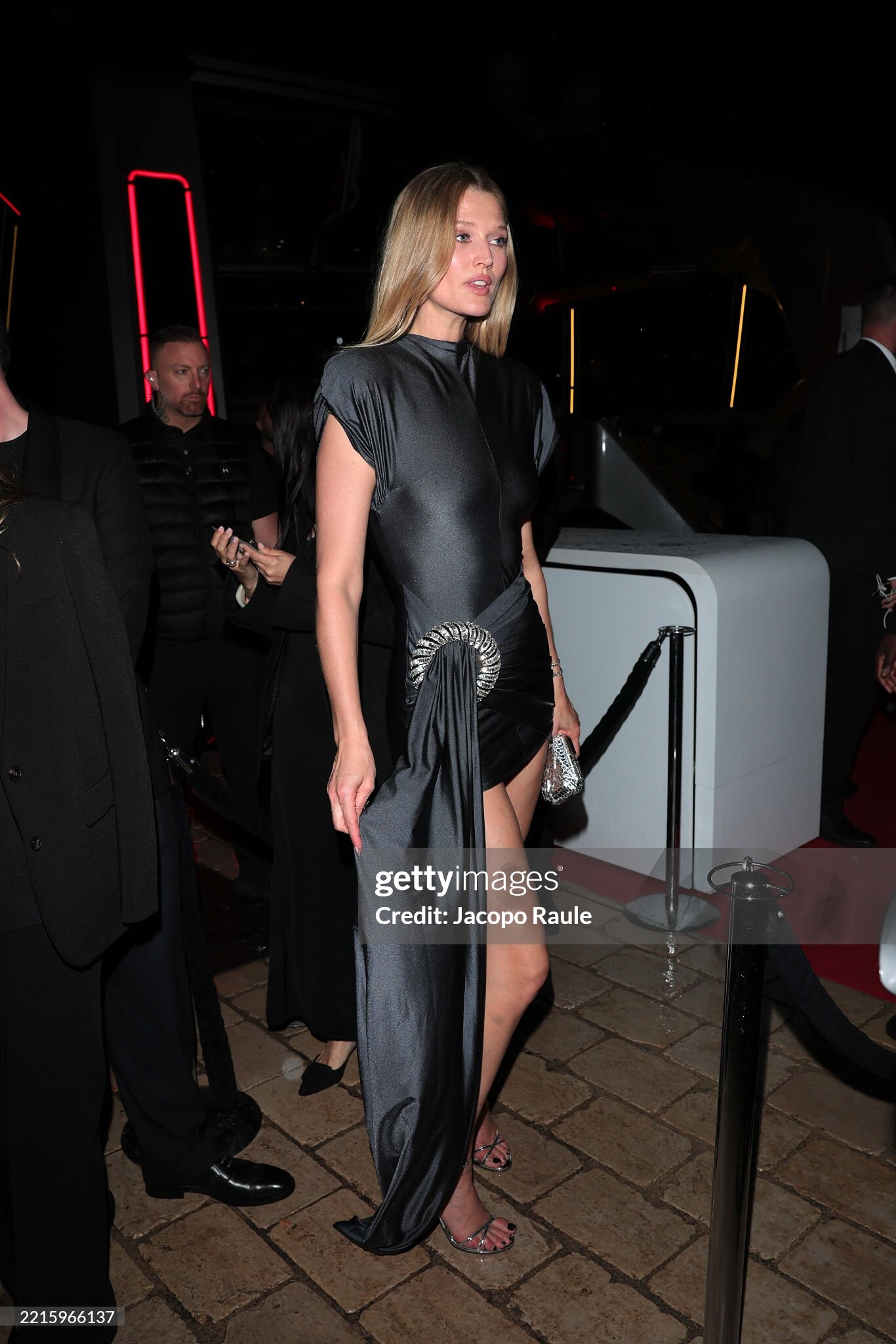
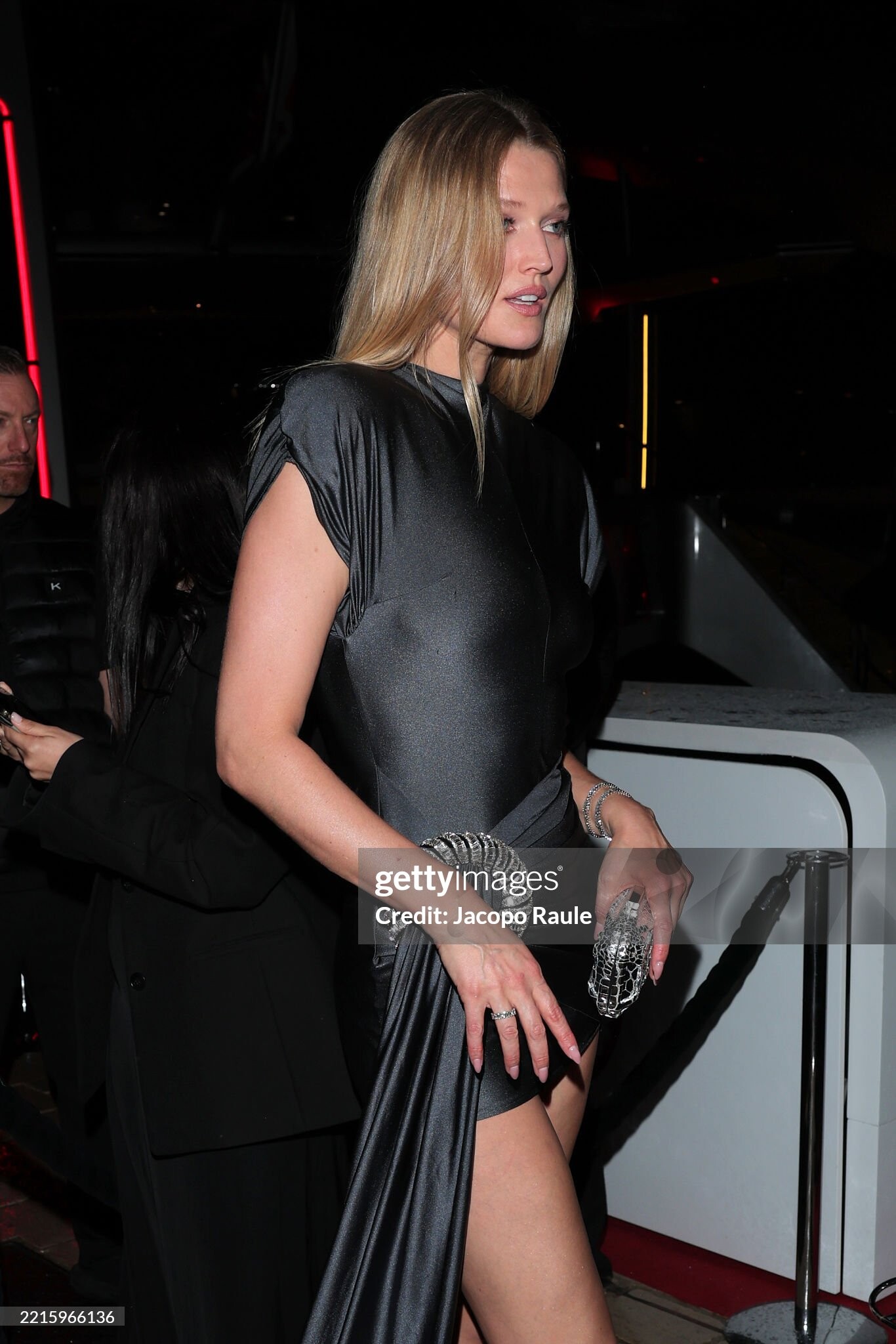
Account
Navigation
Search
Configure browser push notifications
Chrome (Android)
- Tap the lock icon next to the address bar.
- Tap Permissions → Notifications.
- Adjust your preference.
Chrome (Desktop)
- Click the padlock icon in the address bar.
- Select Site settings.
- Find Notifications and adjust your preference.
Safari (iOS 16.4+)
- Ensure the site is installed via Add to Home Screen.
- Open Settings App → Notifications.
- Find your app name and adjust your preference.
Safari (macOS)
- Go to Safari → Preferences.
- Click the Websites tab.
- Select Notifications in the sidebar.
- Find this website and adjust your preference.
Edge (Android)
- Tap the lock icon next to the address bar.
- Tap Permissions.
- Find Notifications and adjust your preference.
Edge (Desktop)
- Click the padlock icon in the address bar.
- Click Permissions for this site.
- Find Notifications and adjust your preference.
Firefox (Android)
- Go to Settings → Site permissions.
- Tap Notifications.
- Find this site in the list and adjust your preference.
Firefox (Desktop)
- Open Firefox Settings.
- Search for Notifications.
- Find this site in the list and adjust your preference.