a
Members
-
Joined
-
Last visited
Everything posted by a
-
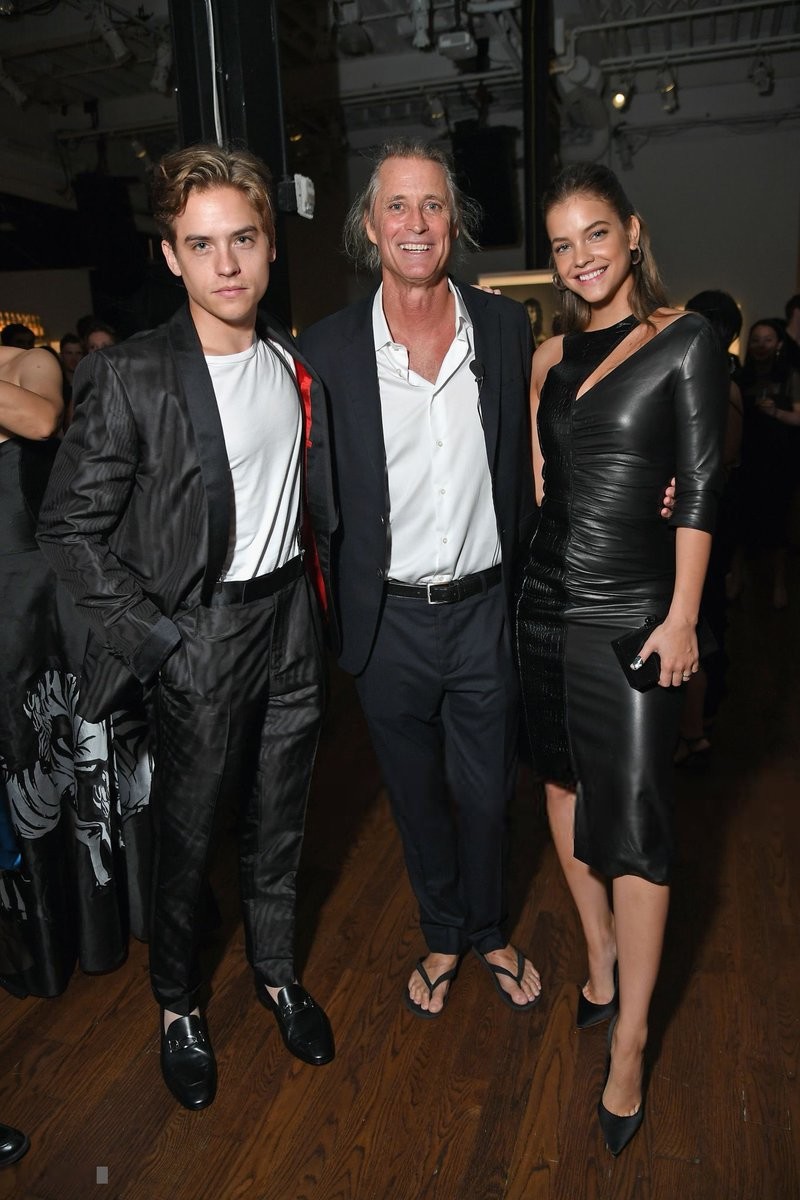
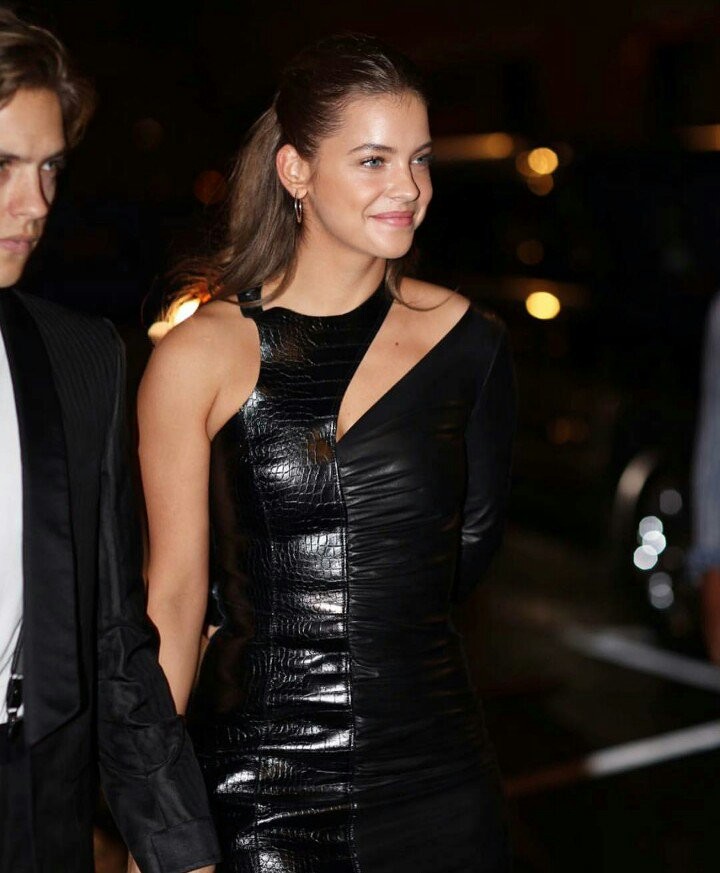
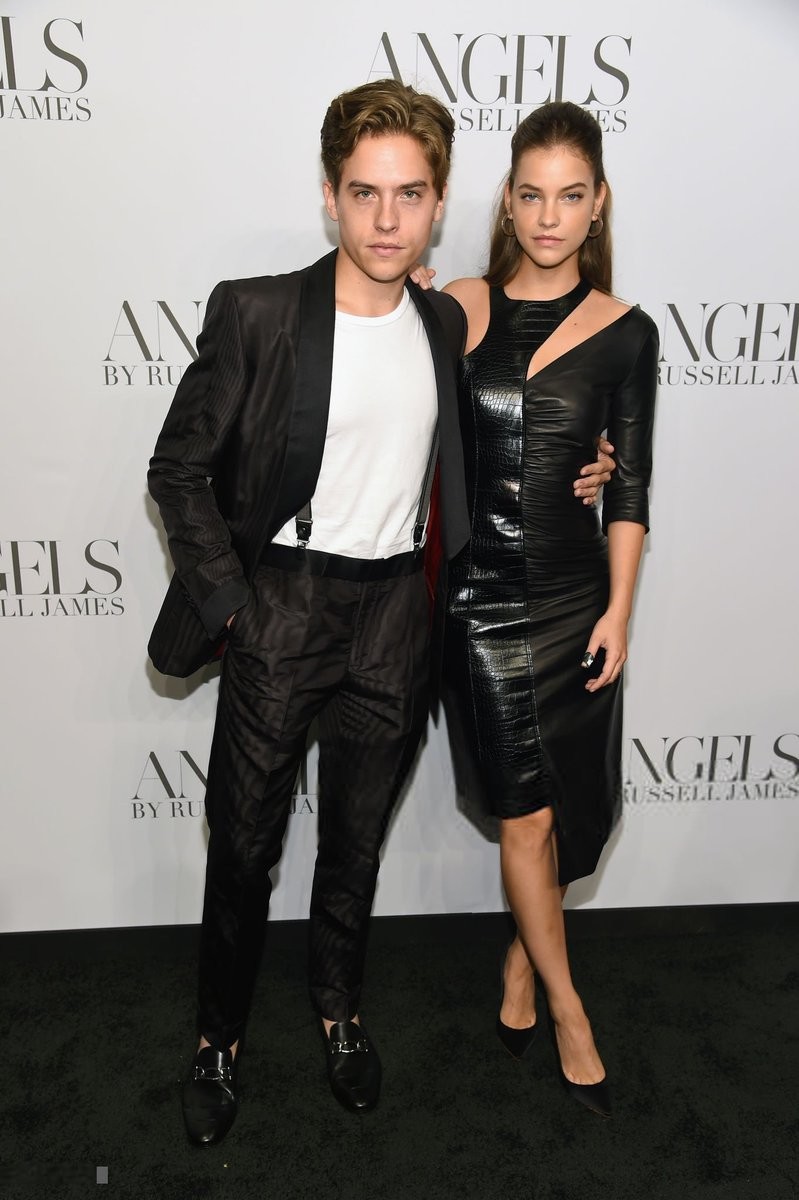
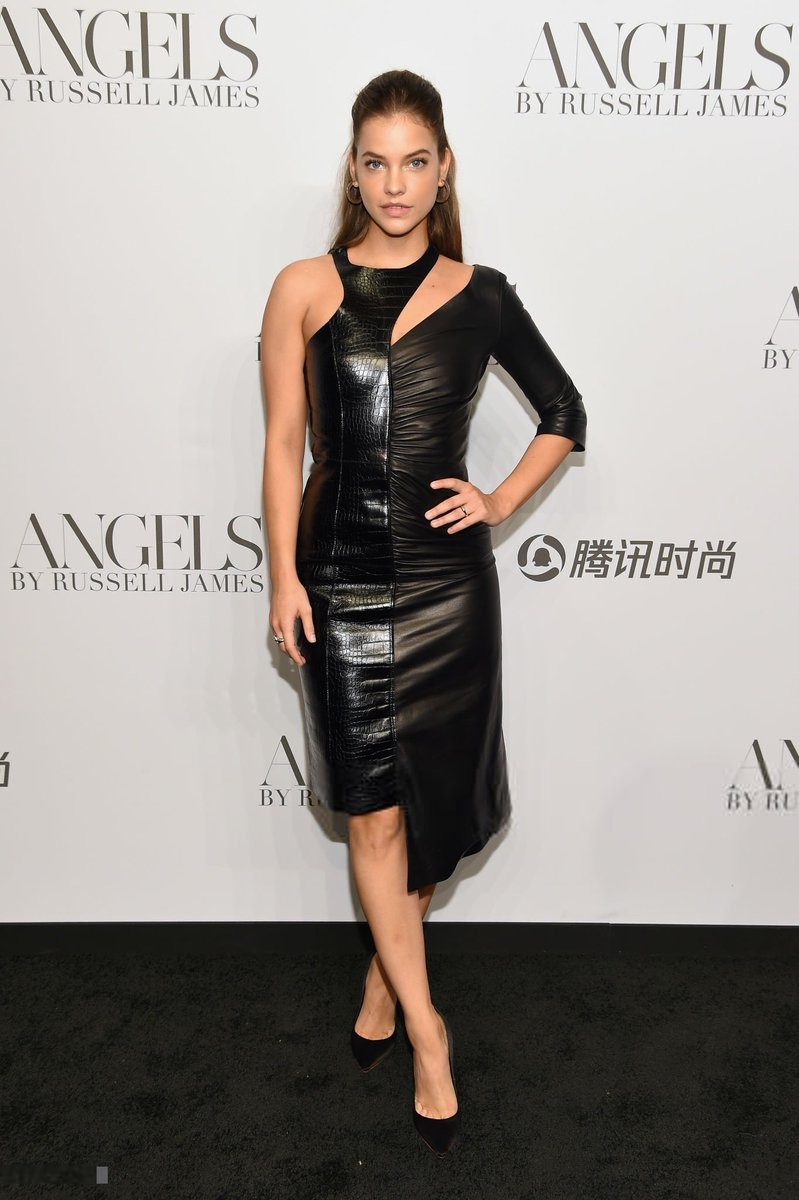
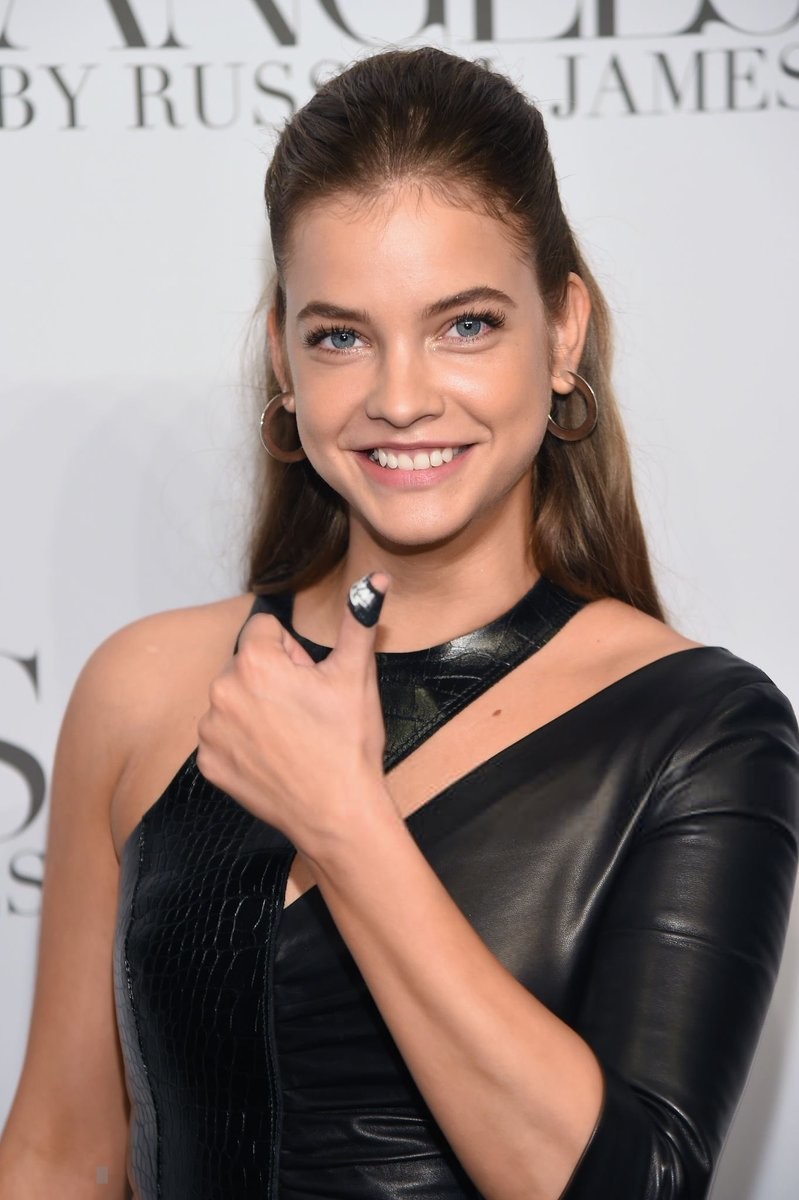
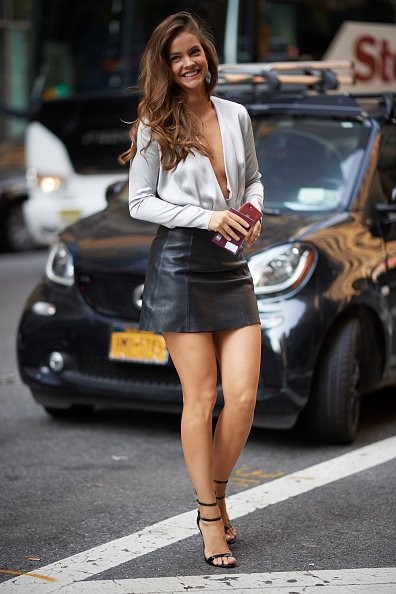
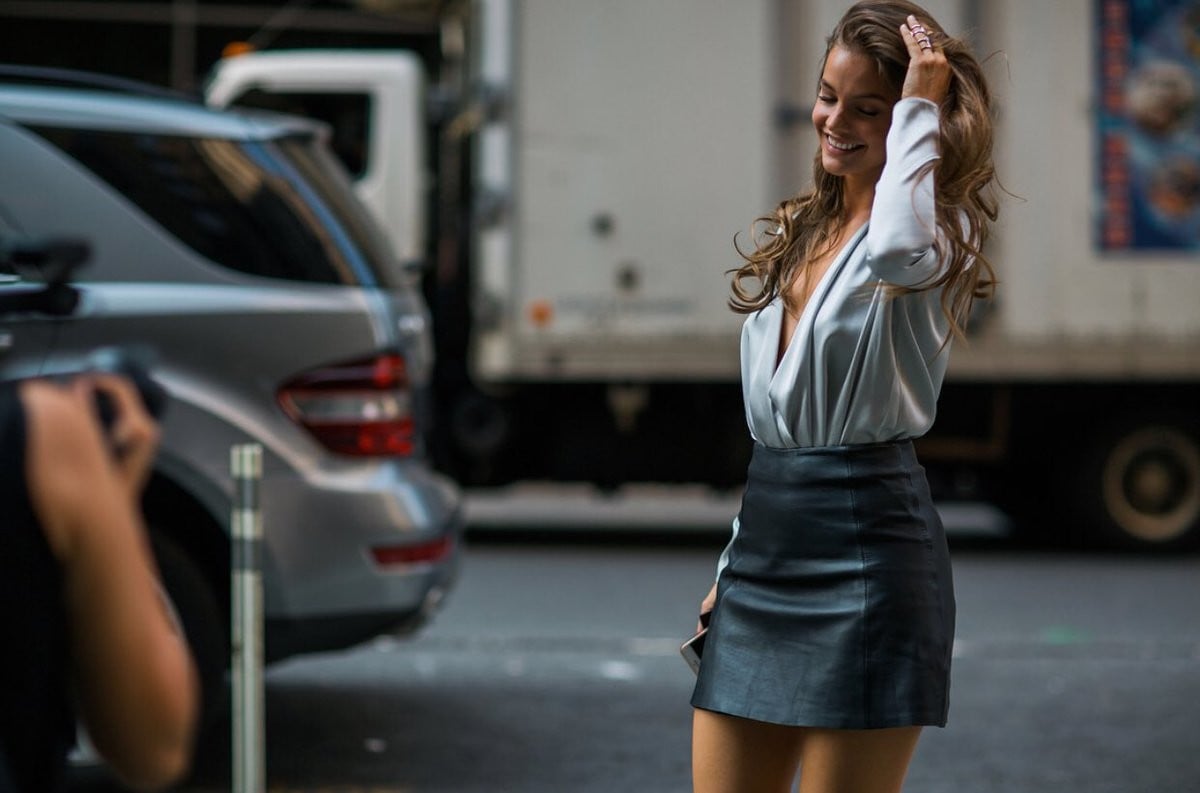
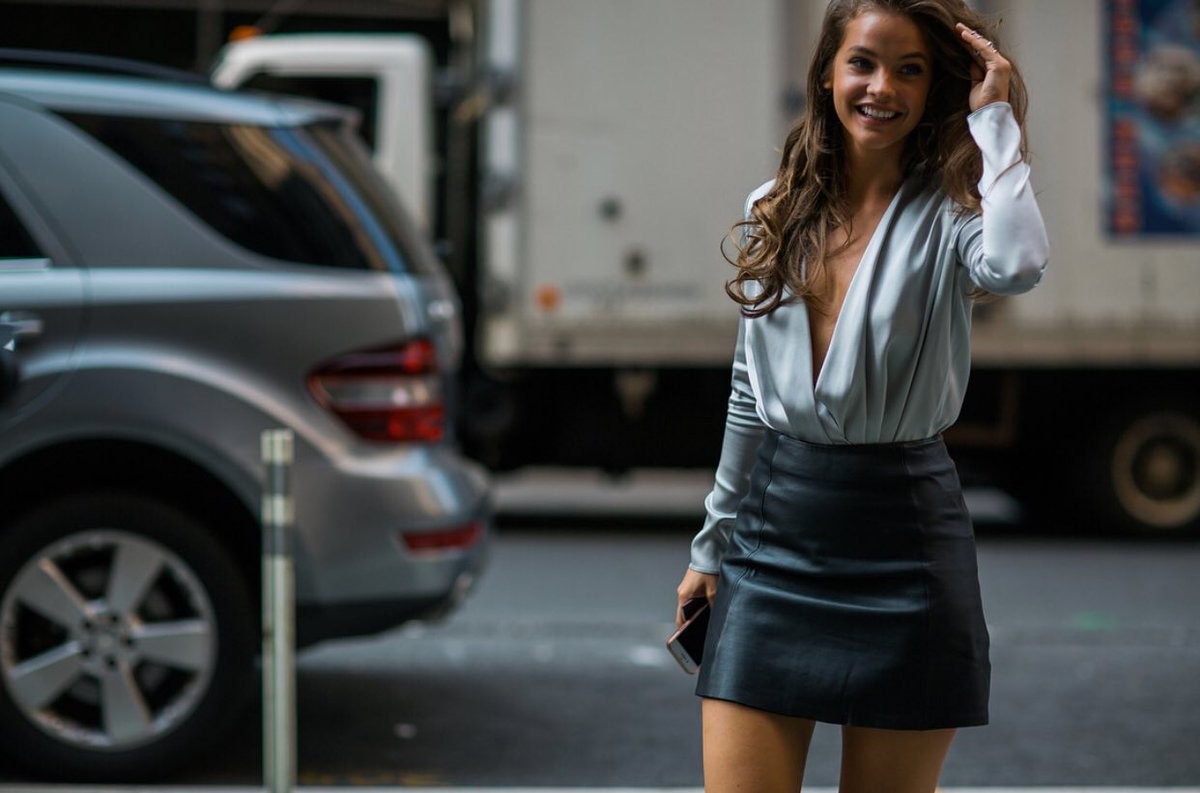
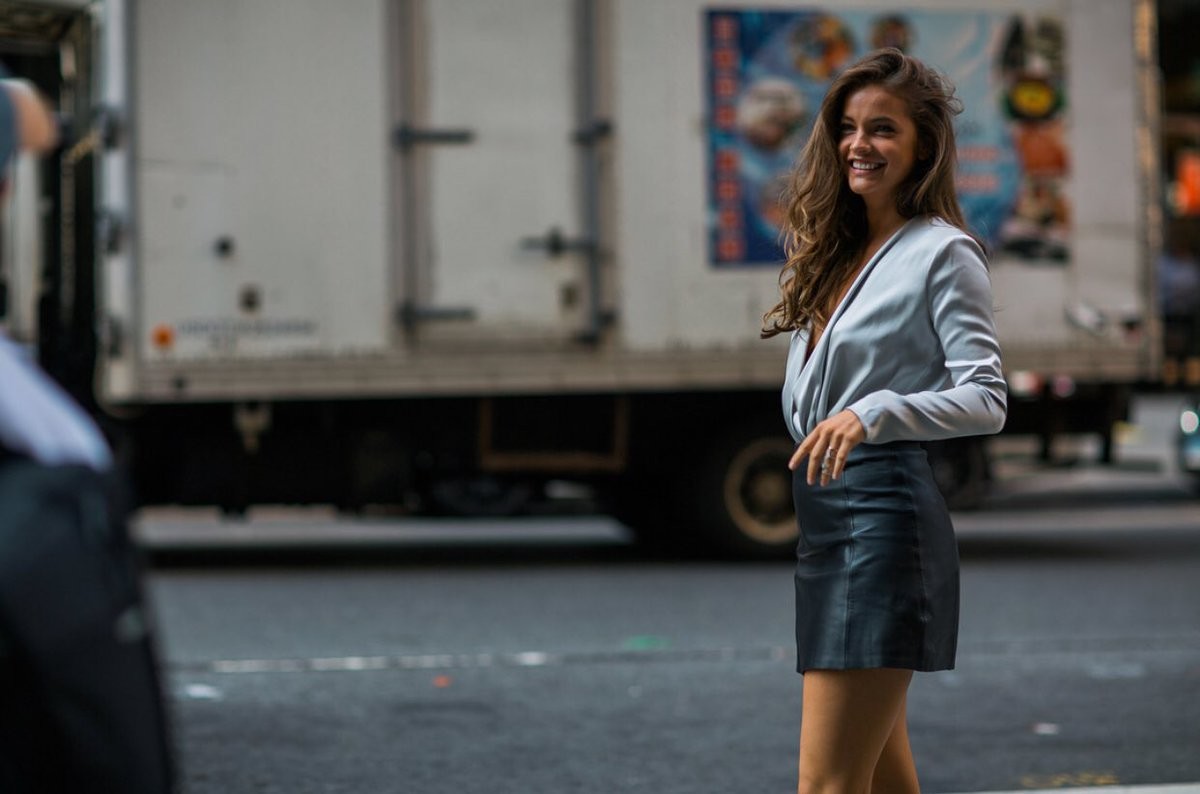
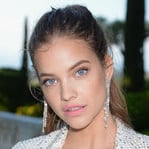 Barbara Palvin at the launch of the book "Angels" by photographer Russell James in NYC.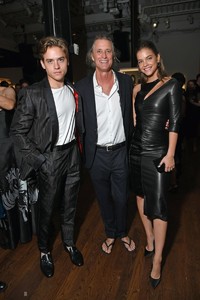
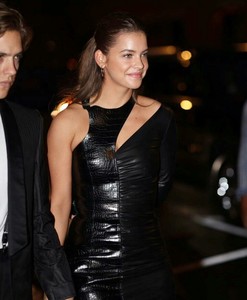
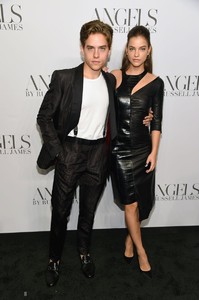
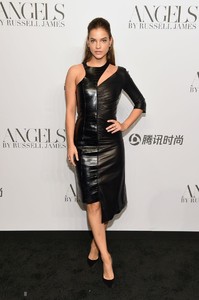
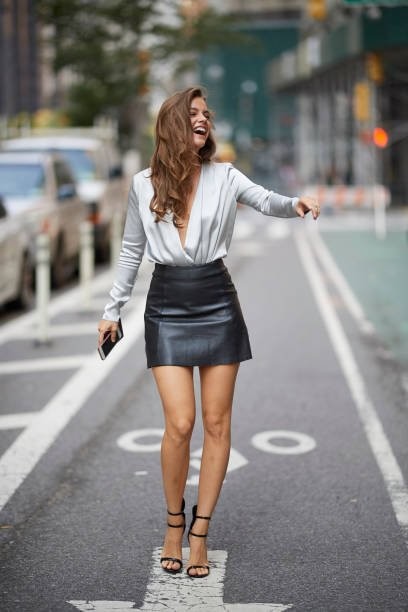
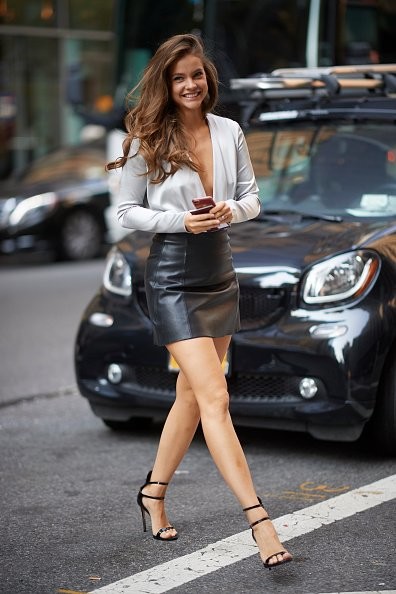
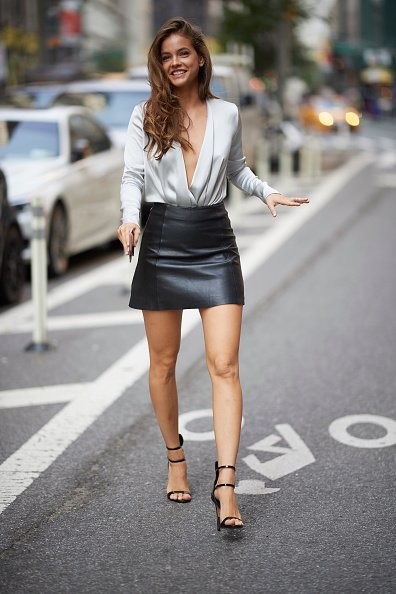
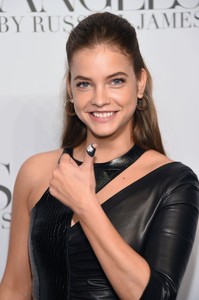 | Barbara Palvin at the callbacks for the VSFS.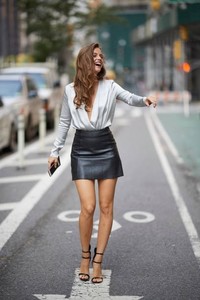
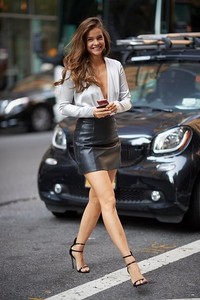
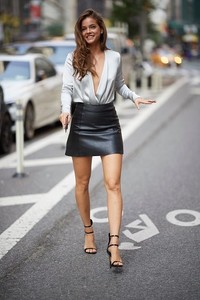
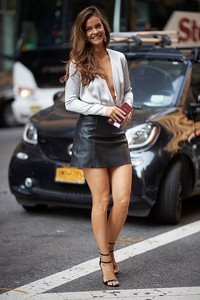
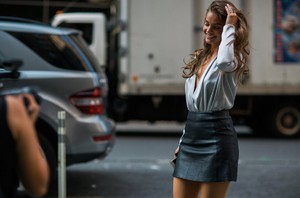
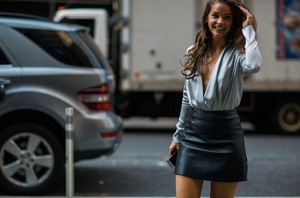
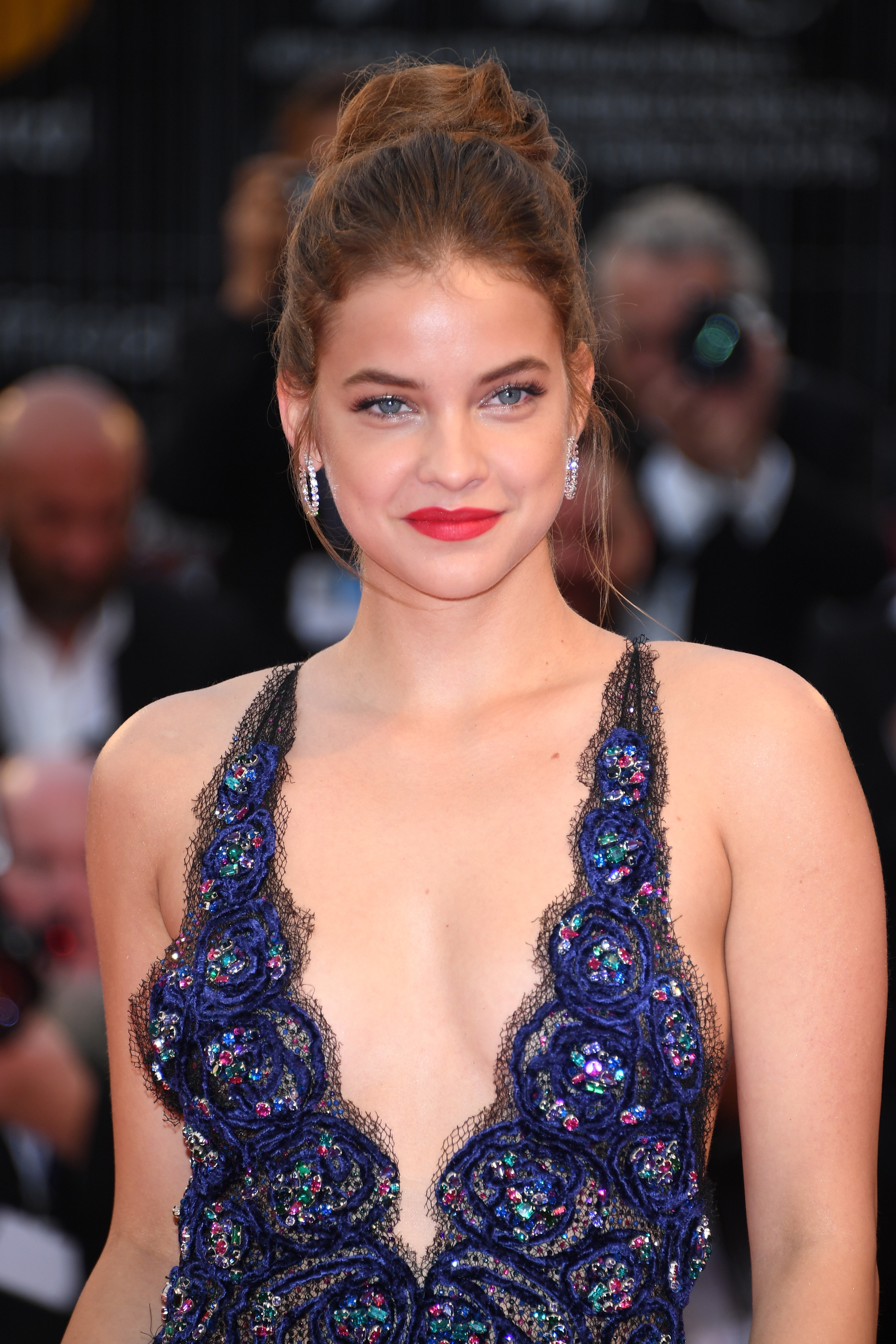
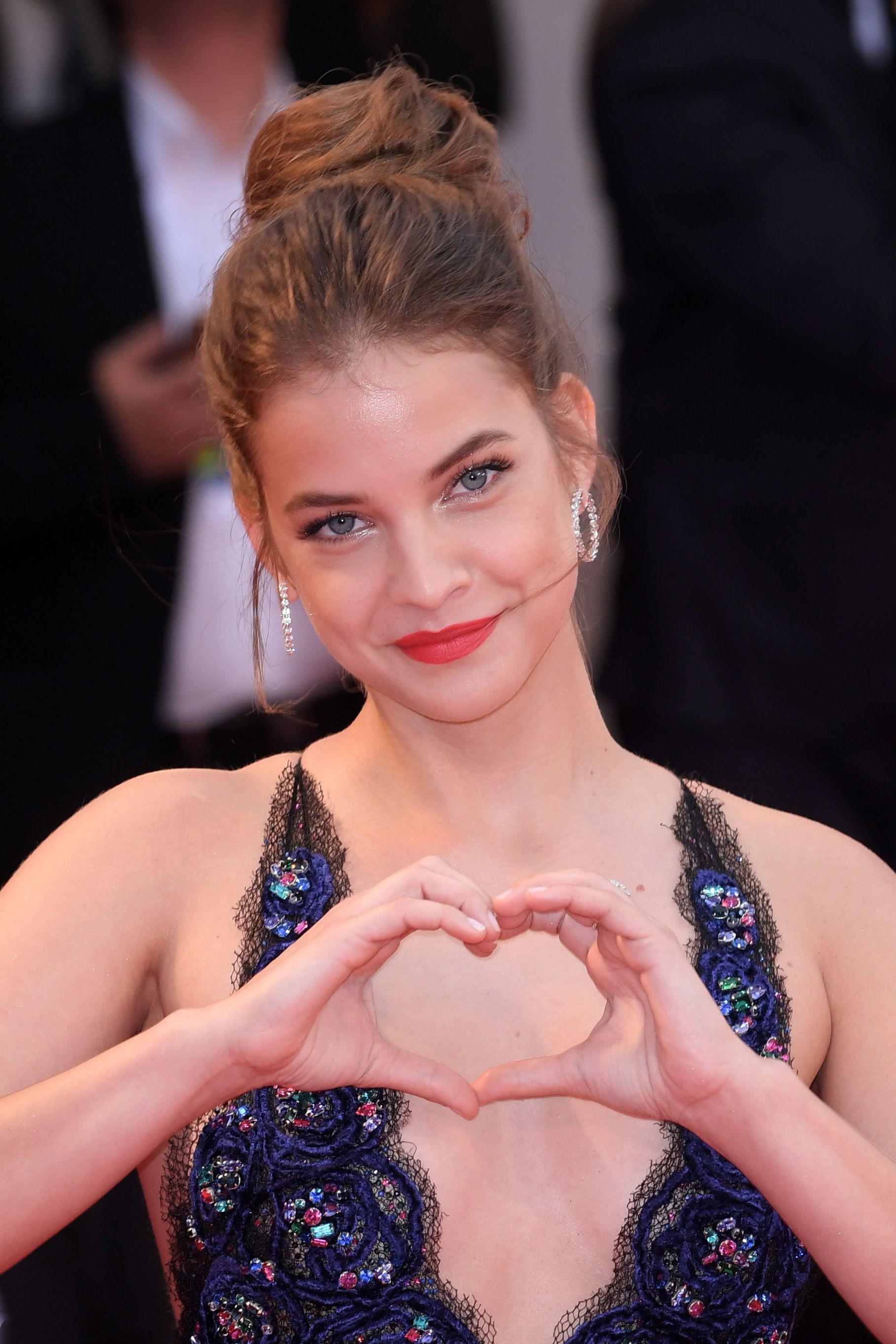
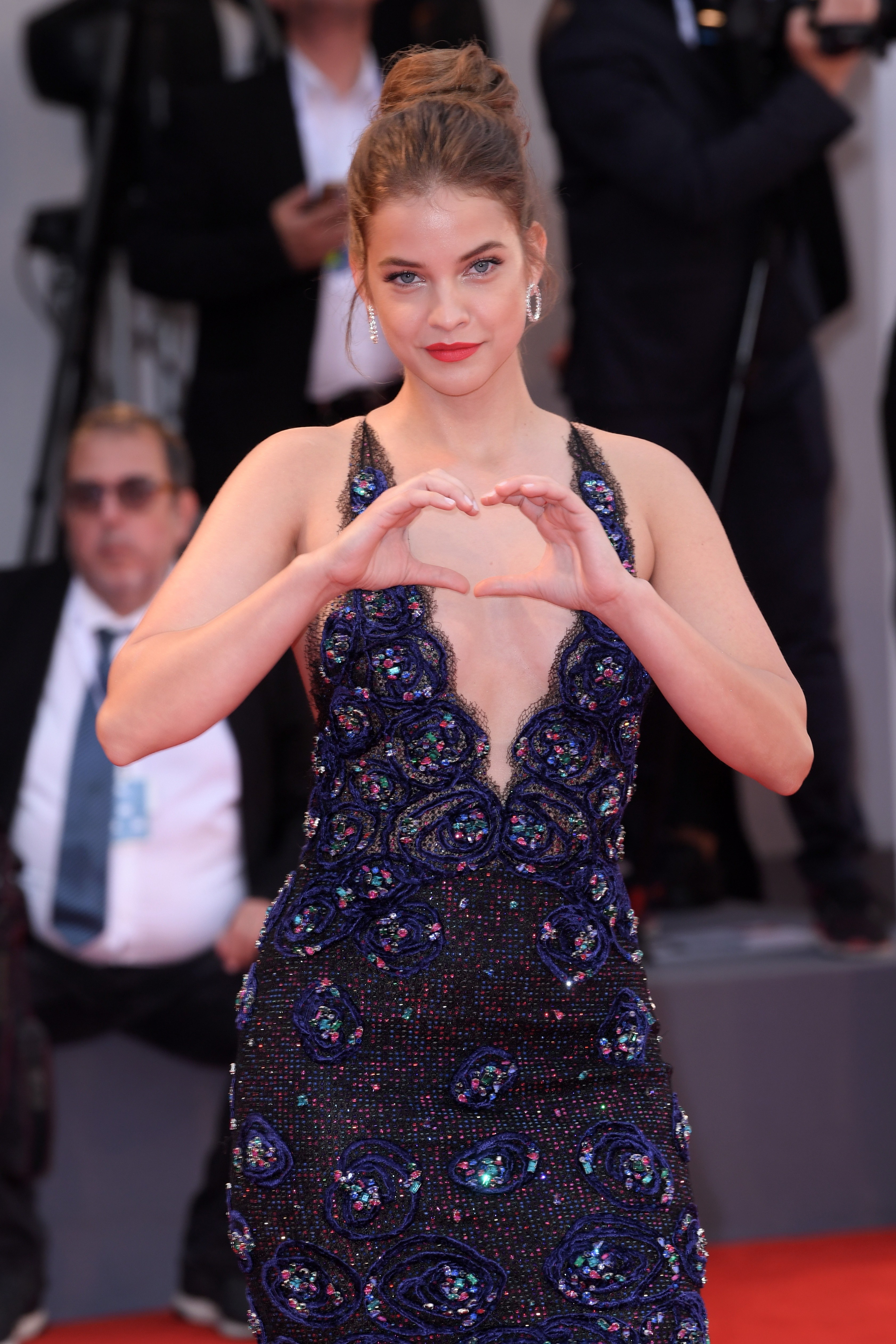
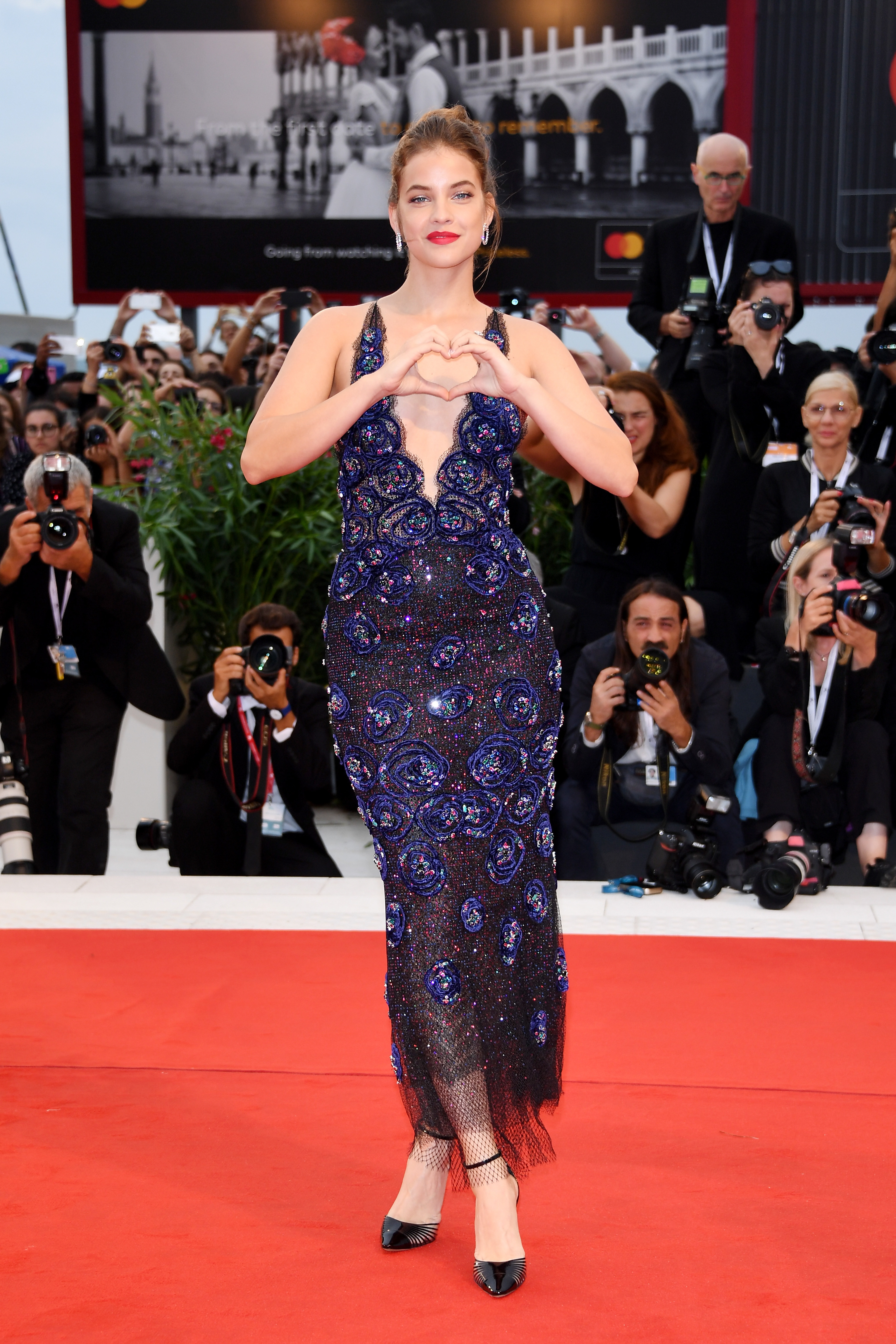
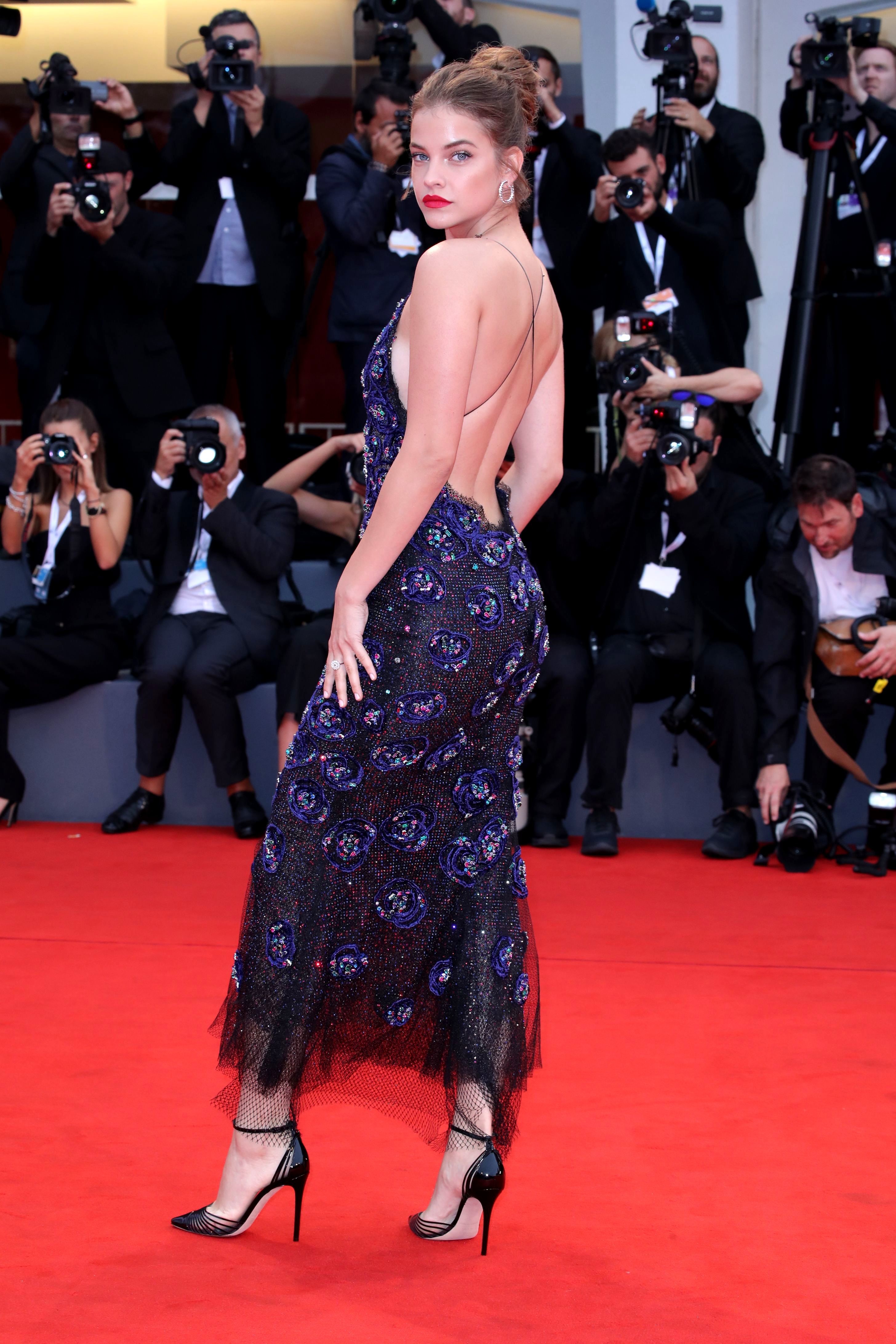
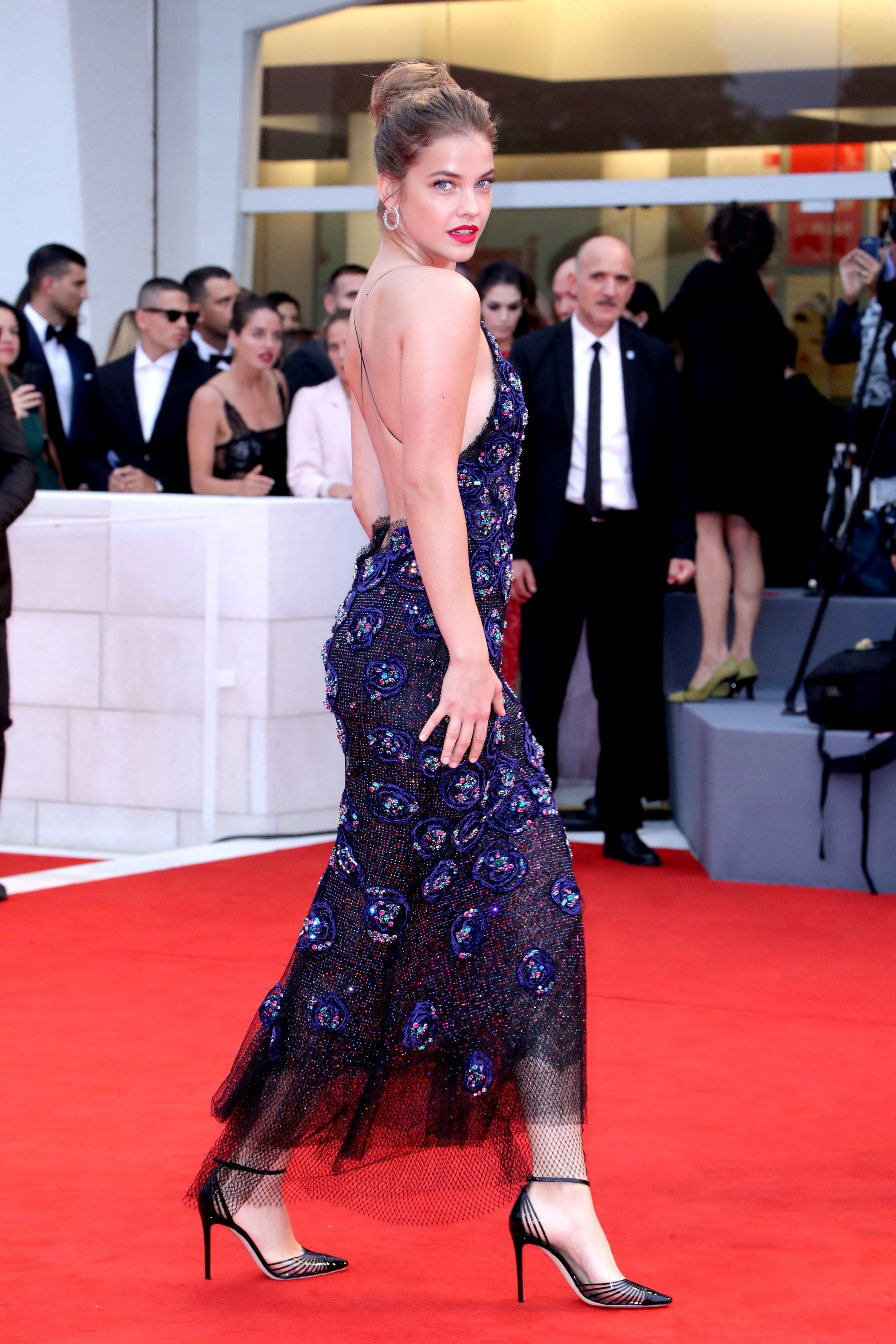
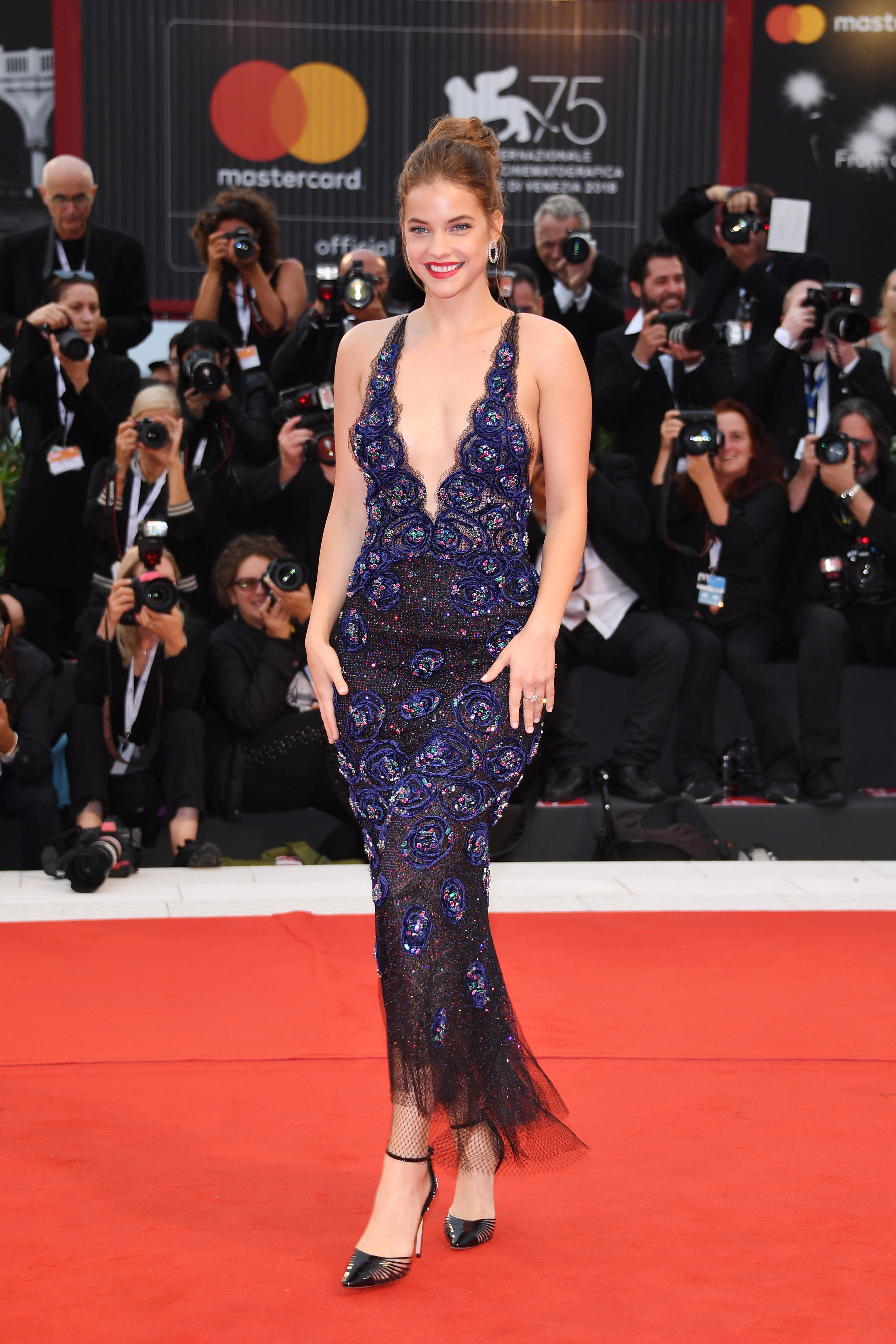
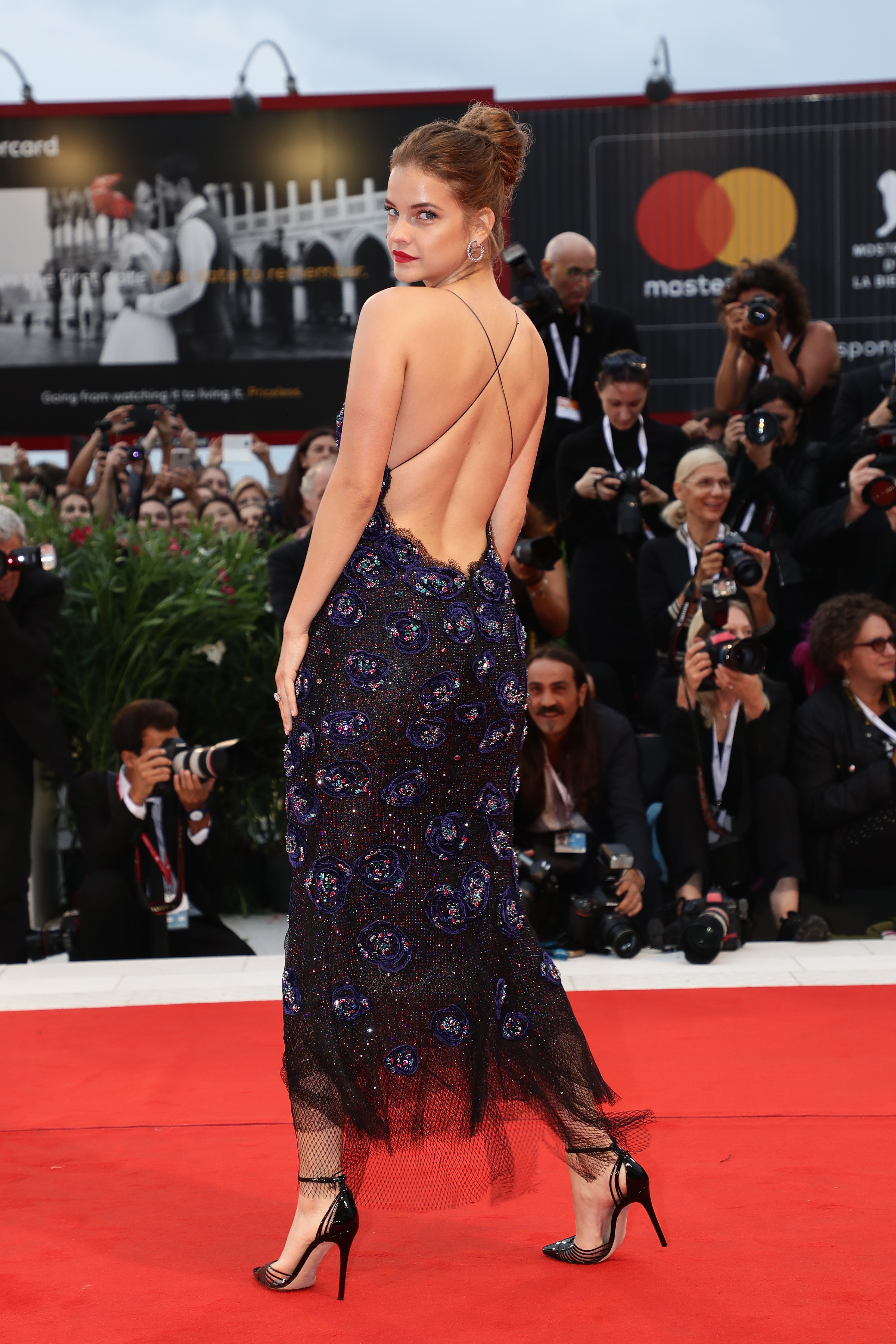
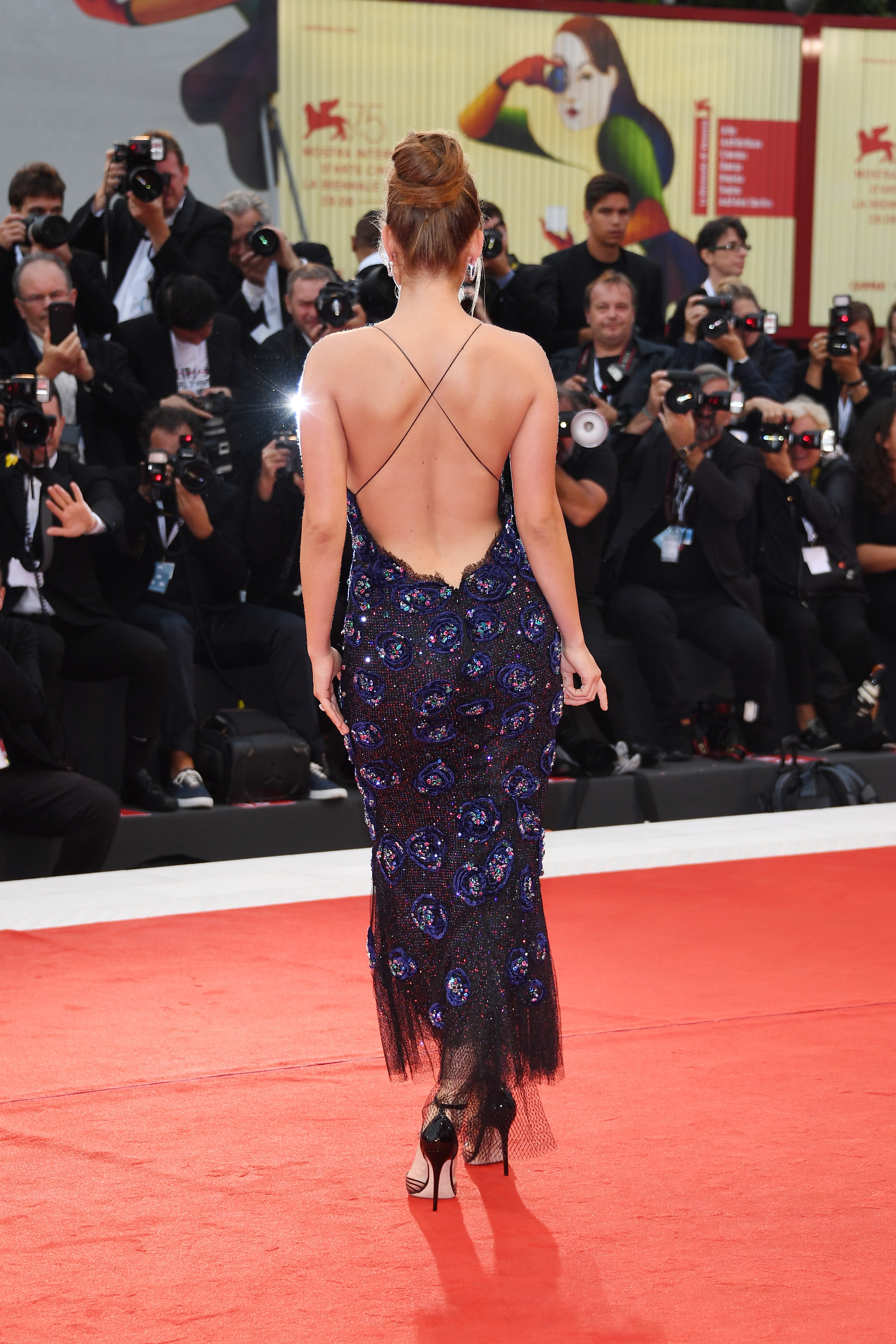
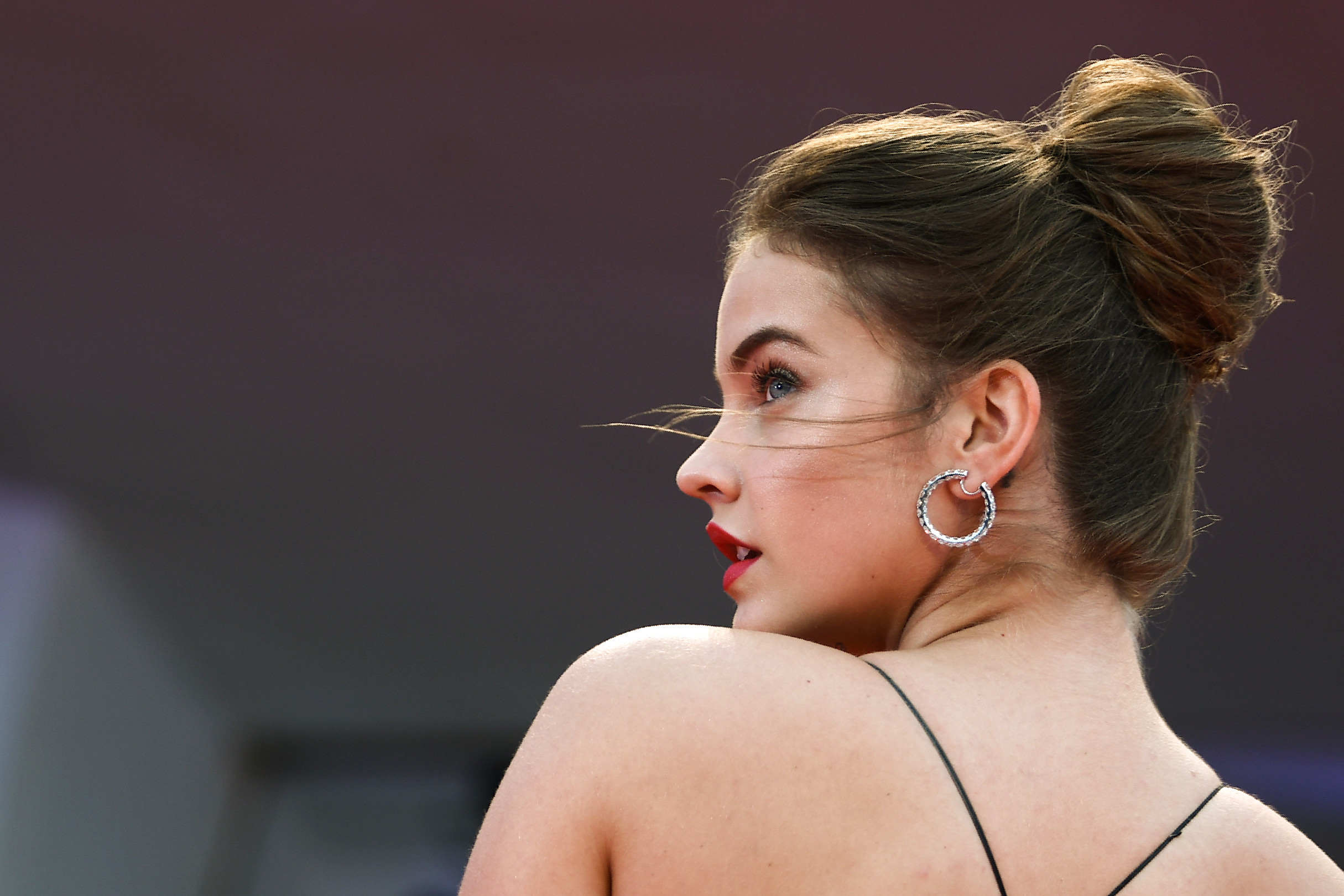
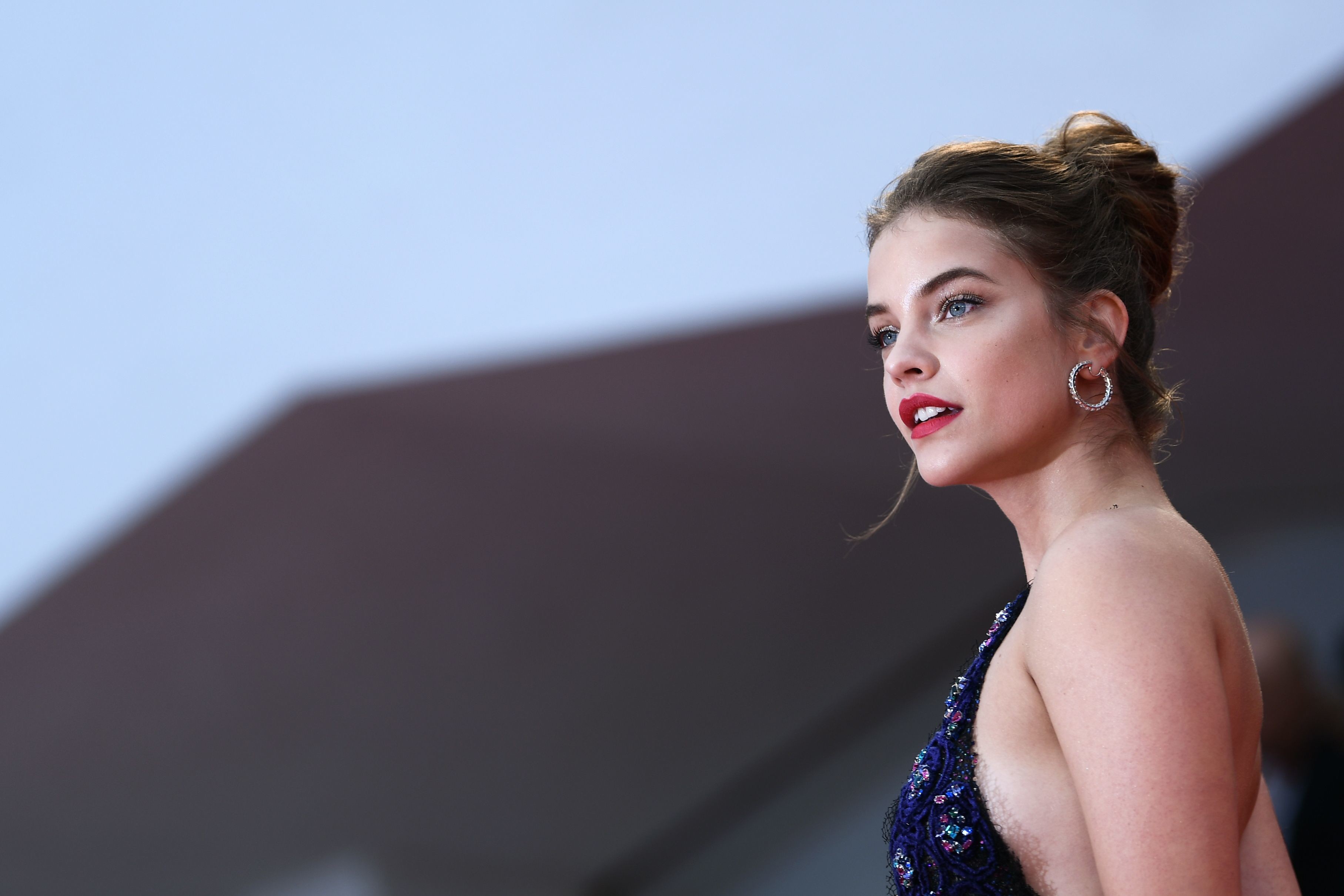
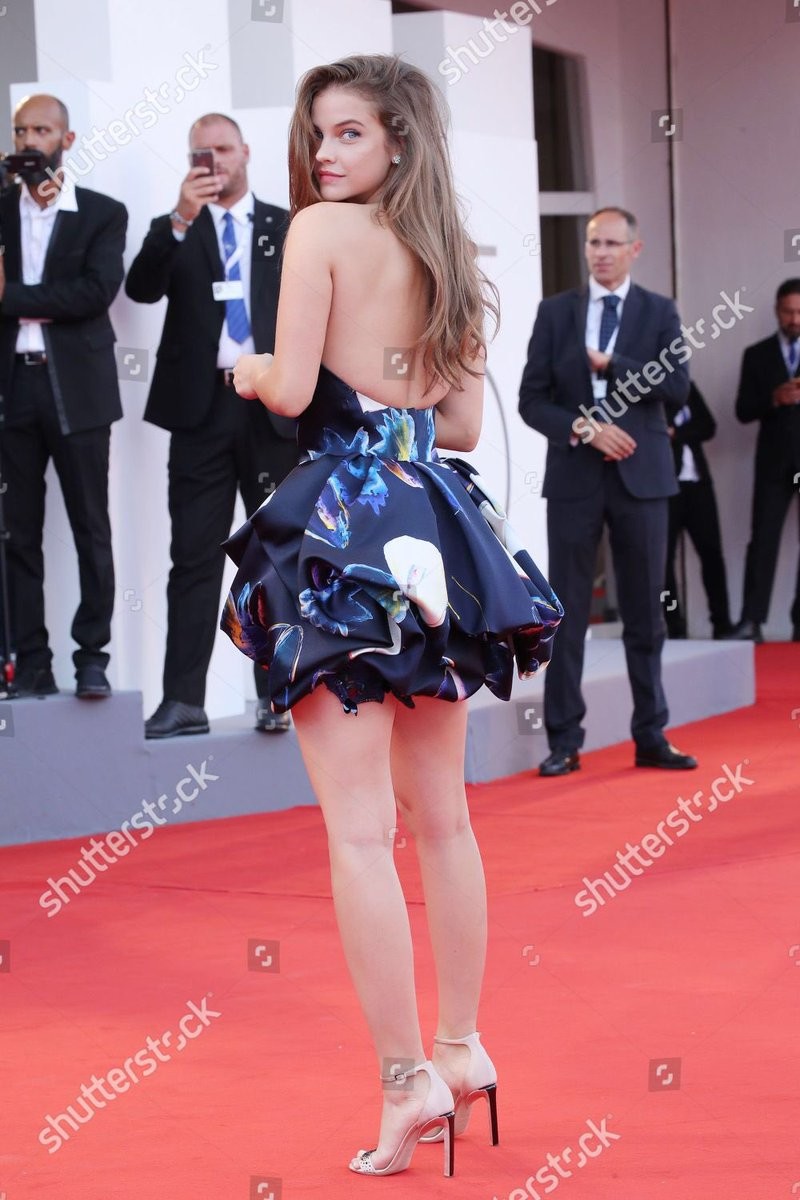
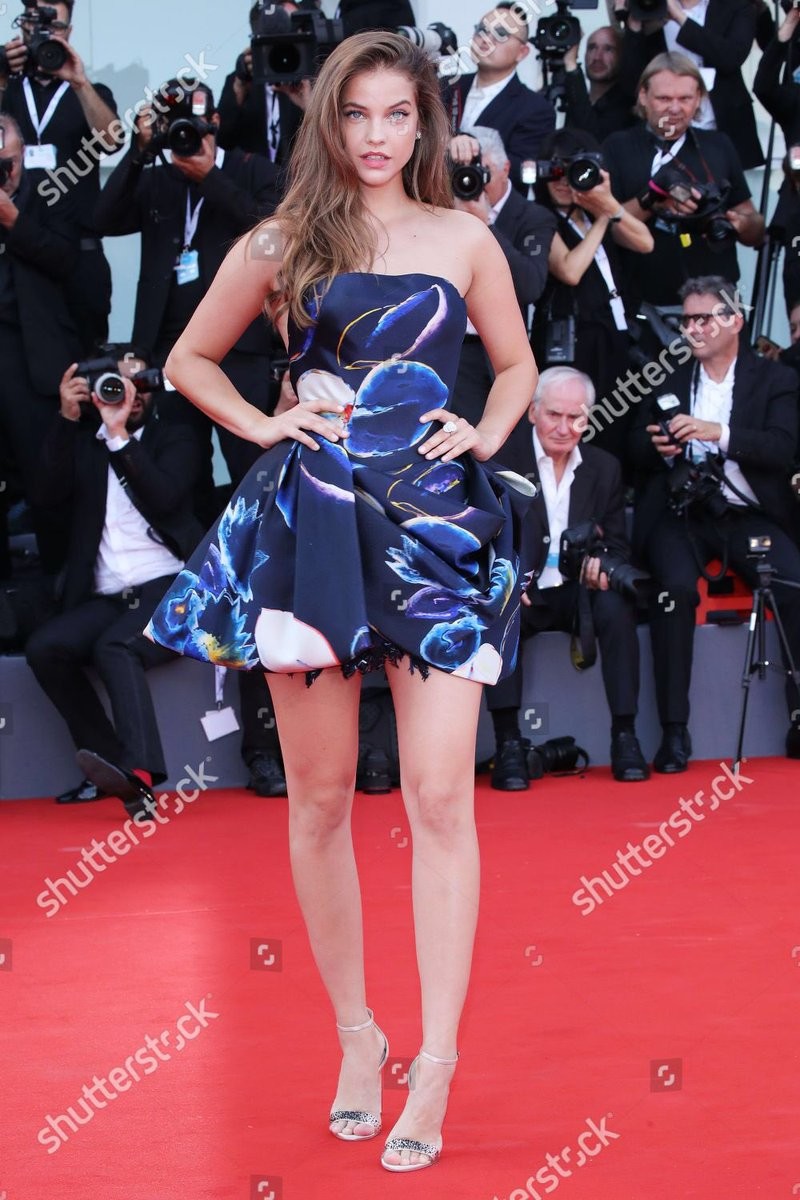
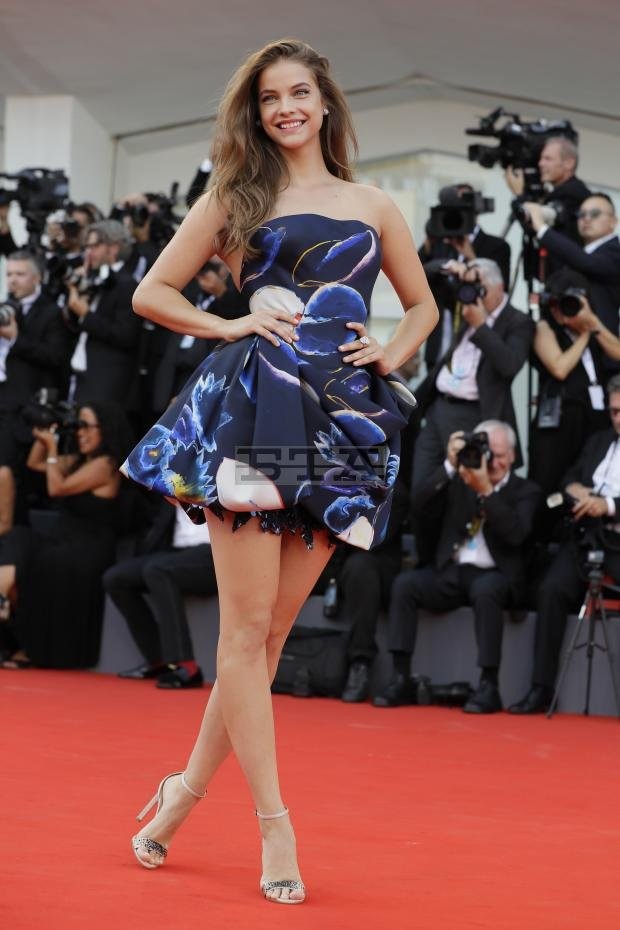
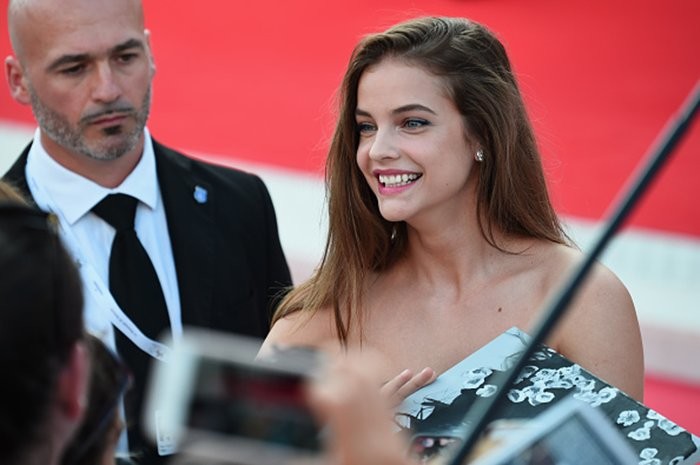
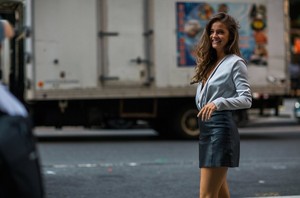 September 1: 'Suspiria' screening during the 75th Venice Film Festival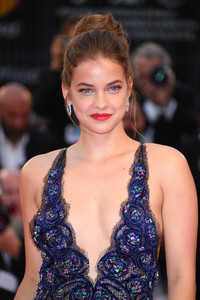
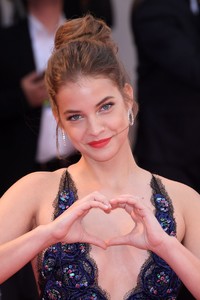
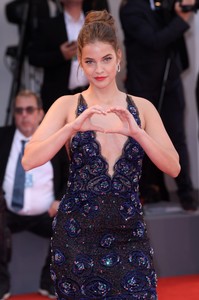
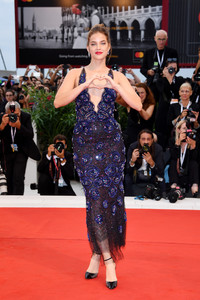
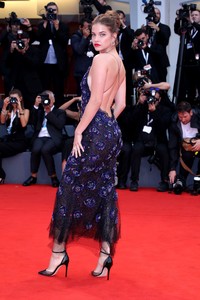
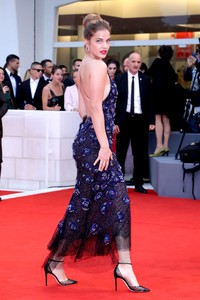
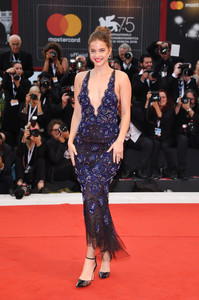
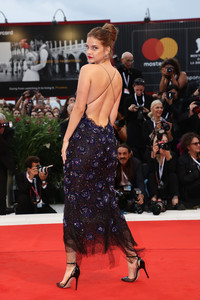
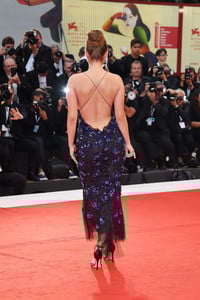
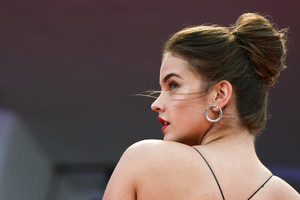
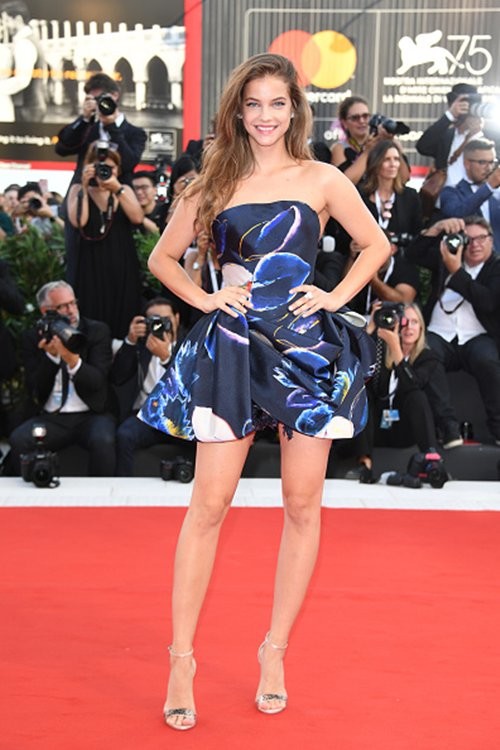
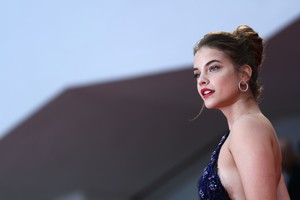 Barbara will appear twice more on the red carpet of the Venice Festival 2018:Friday, August 31st and Saturday, September 1
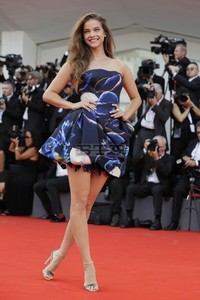
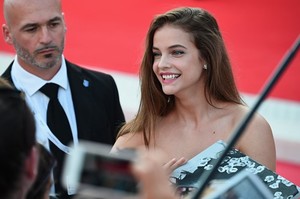
08/29/18 | Barbara Palvin during the 75th Venice Film Festival at Sala Grande in Venice, Italy.
Barbara will appear twice more on the red carpet of the Venice Festival 2018:Friday, August 31st and Saturday, September 1
08/29/18 | Barbara Palvin during the 75th Venice Film Festival at Sala Grande in Venice, Italy.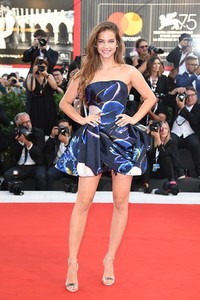
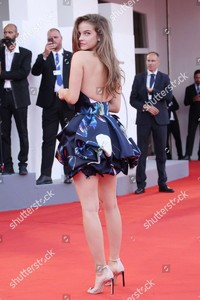
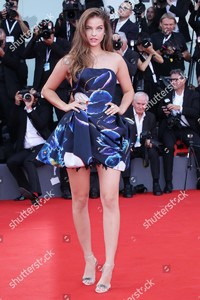
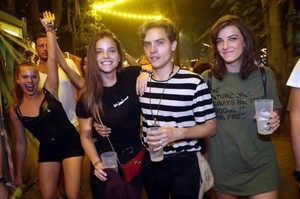
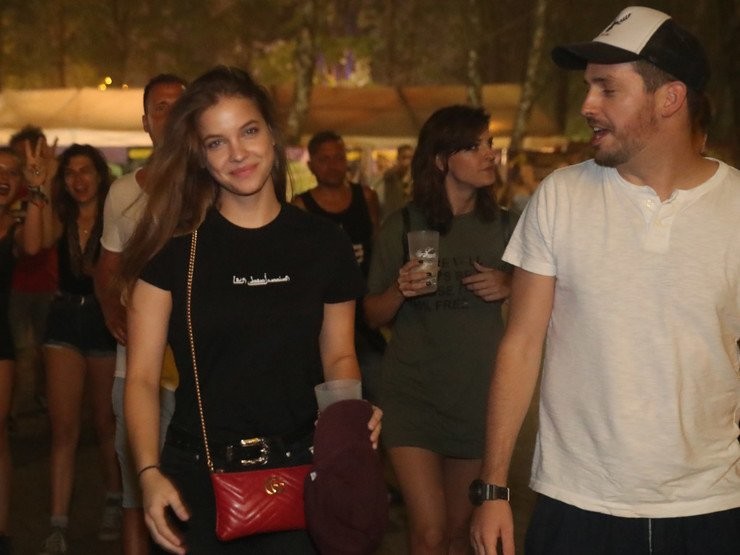
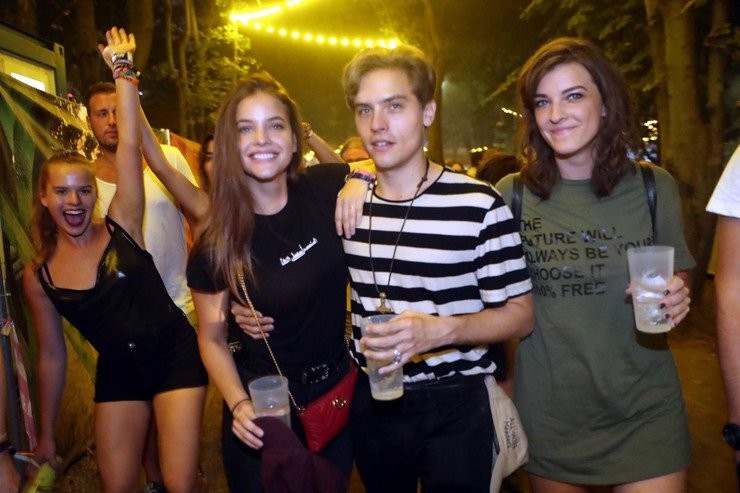
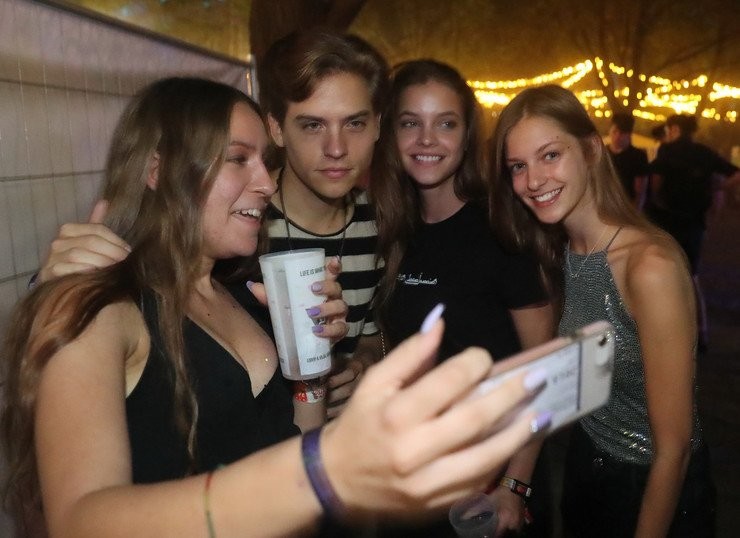
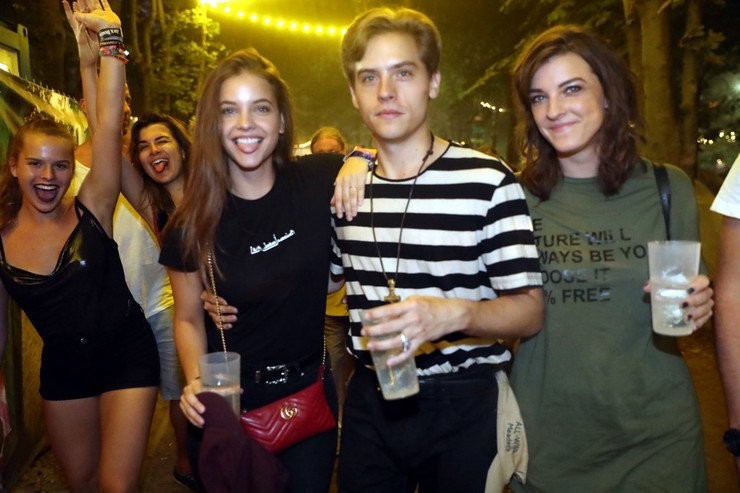
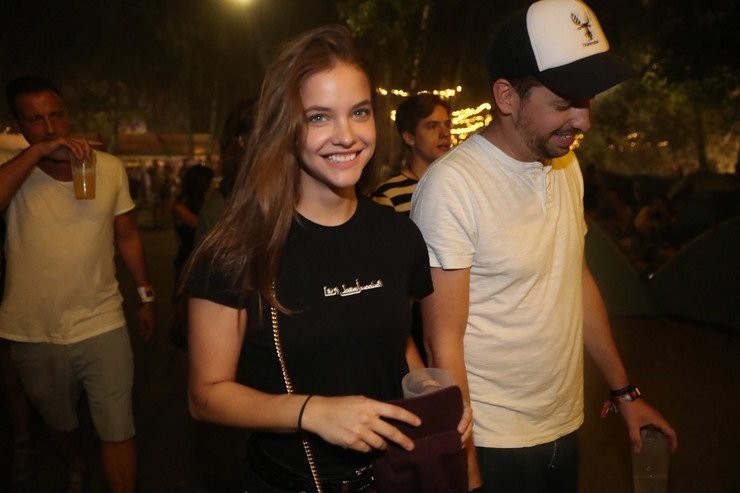
 Barbara and Dylan at Sziget Festival in Budapest, Hungary (Aug 13th)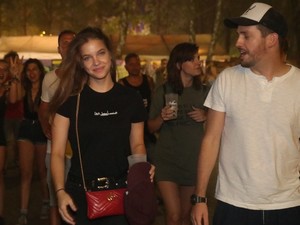
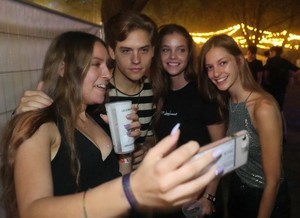
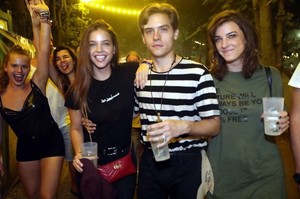
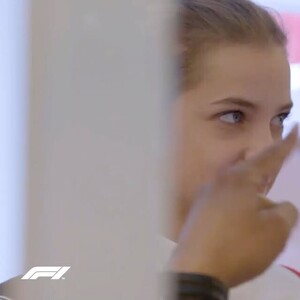
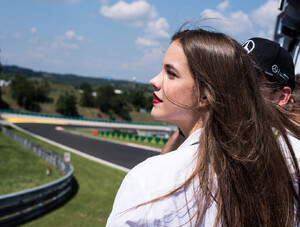
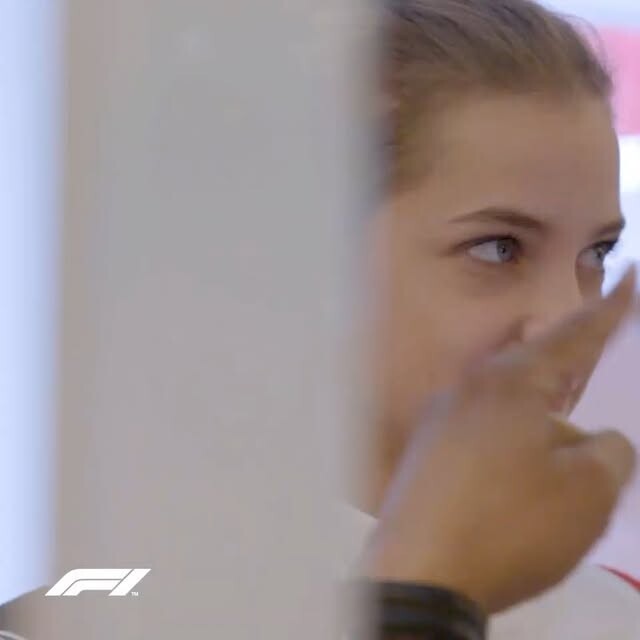
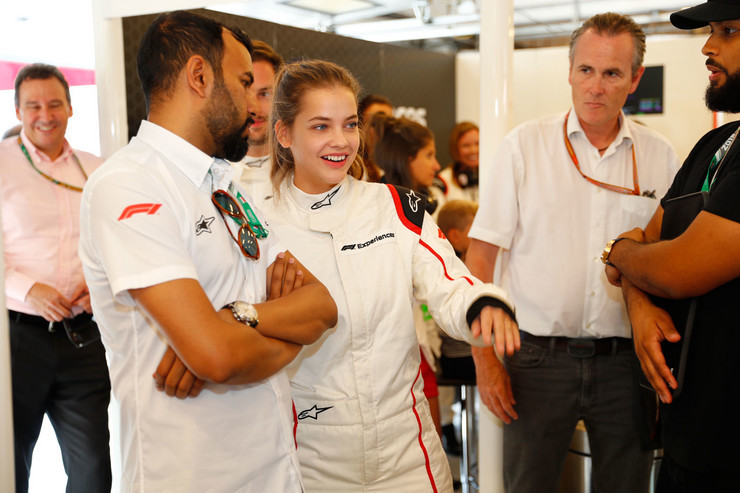
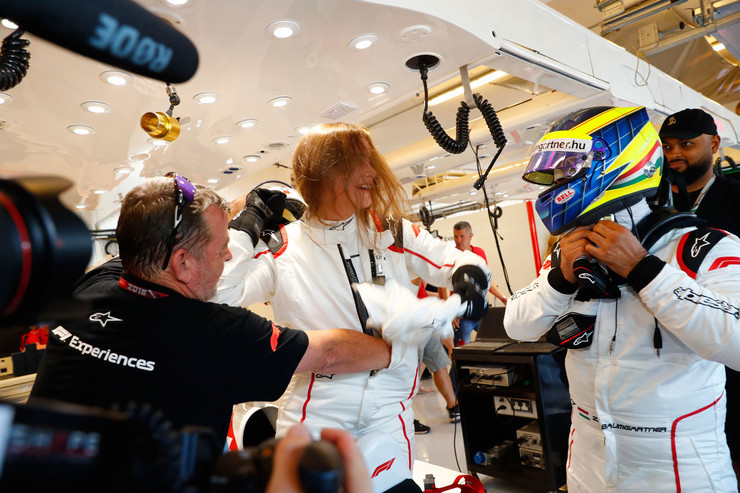
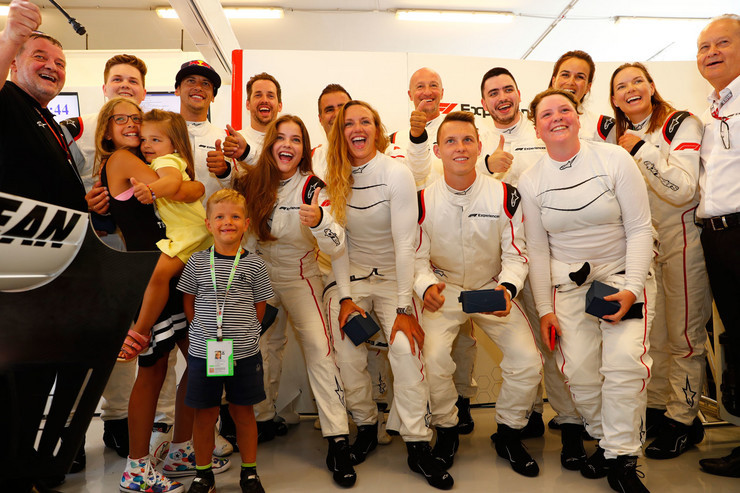
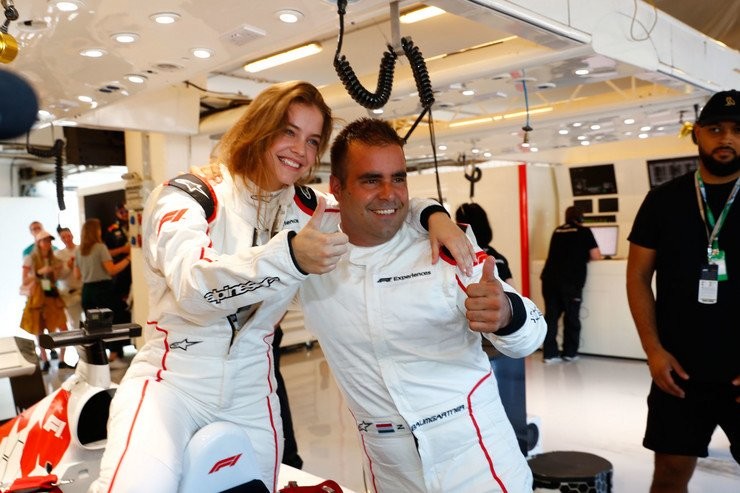
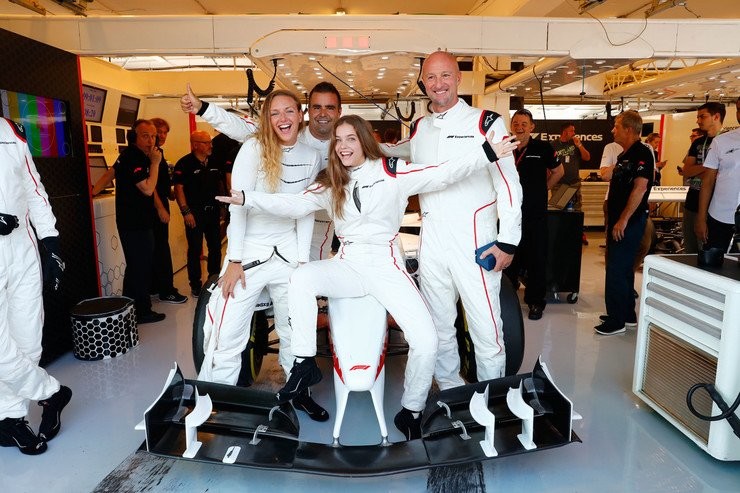
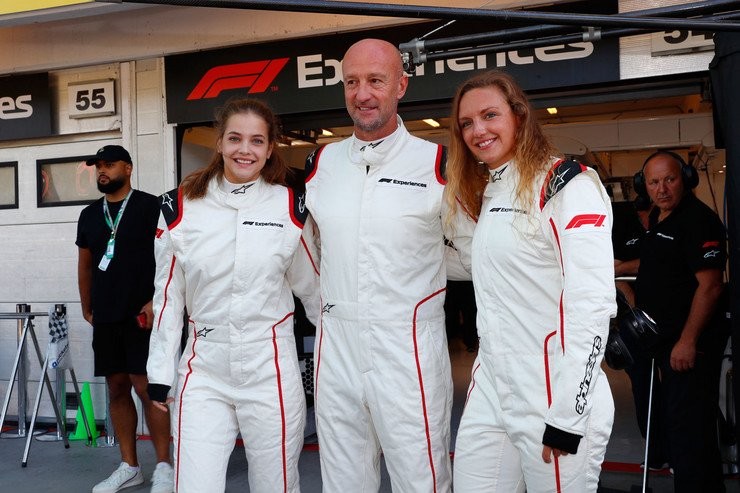
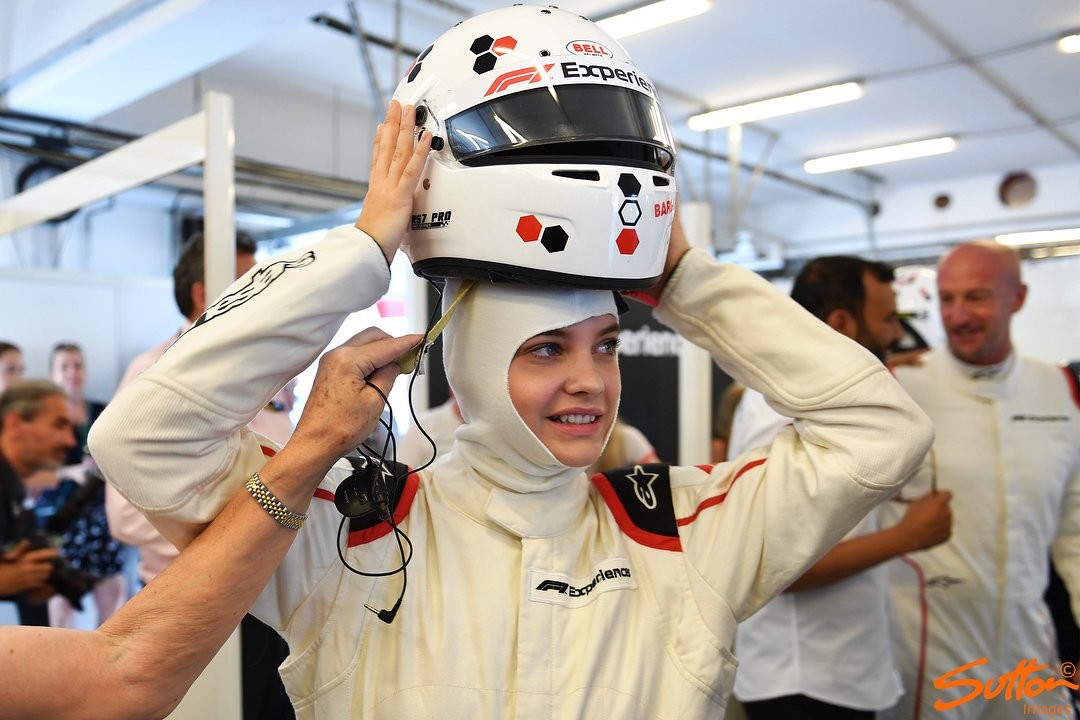
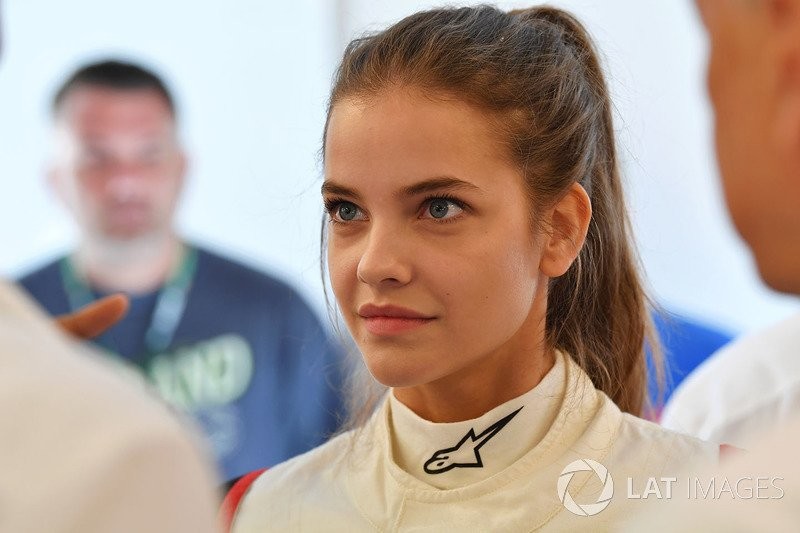
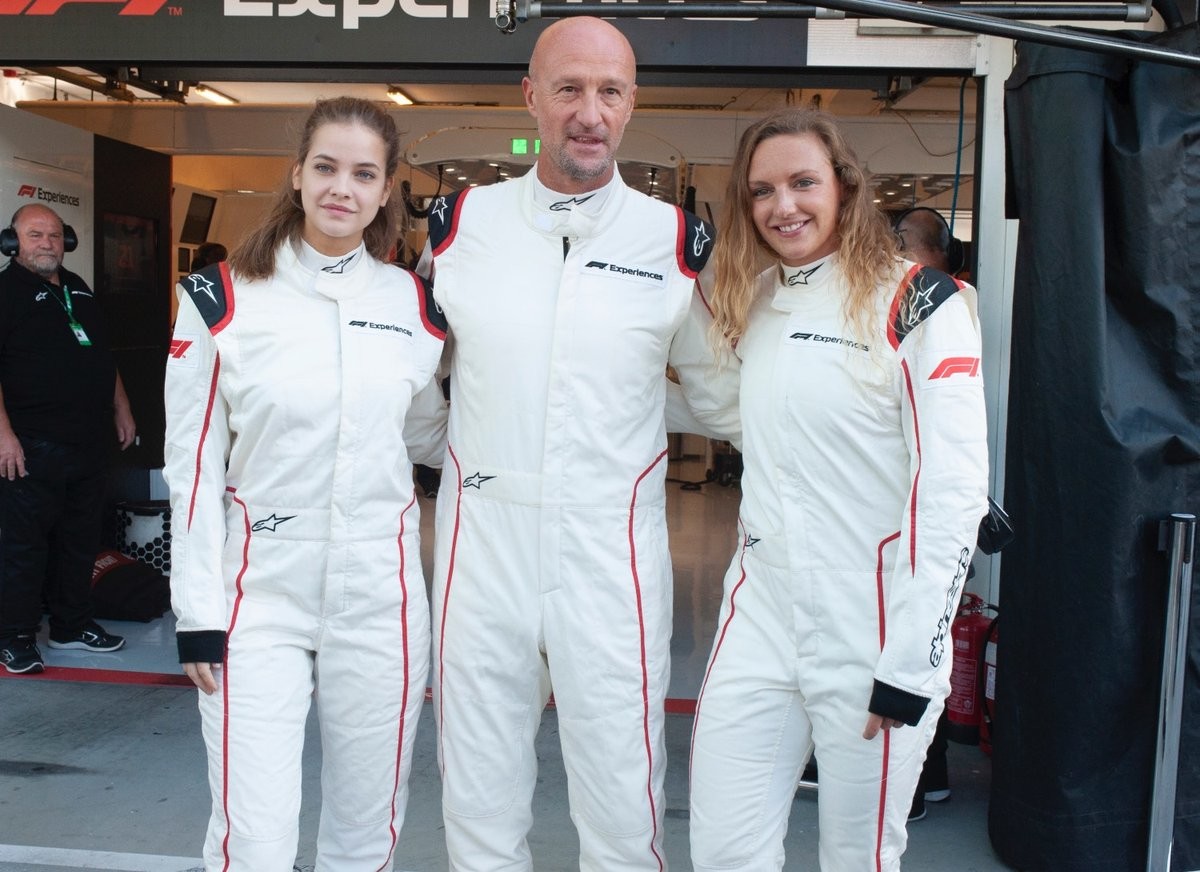
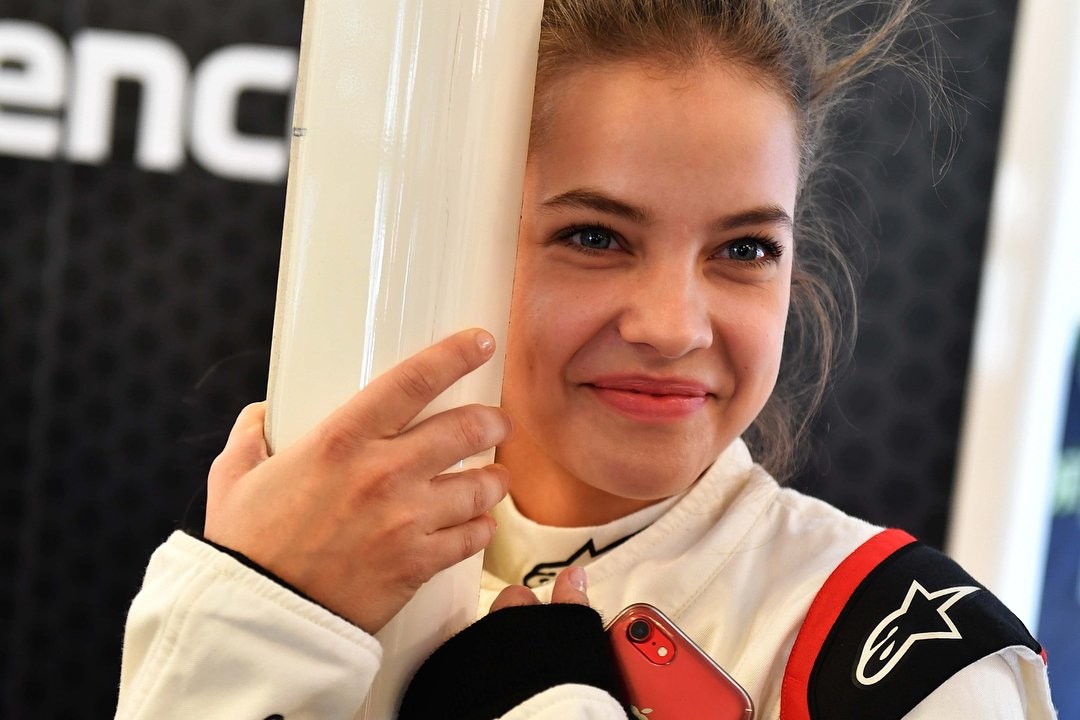
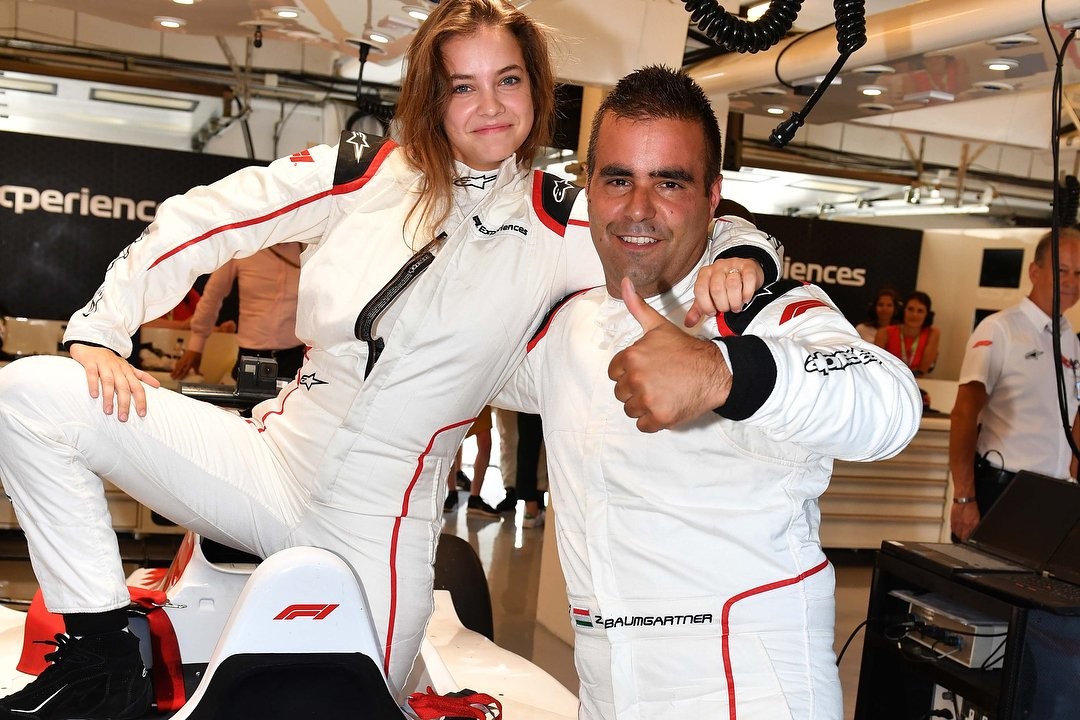
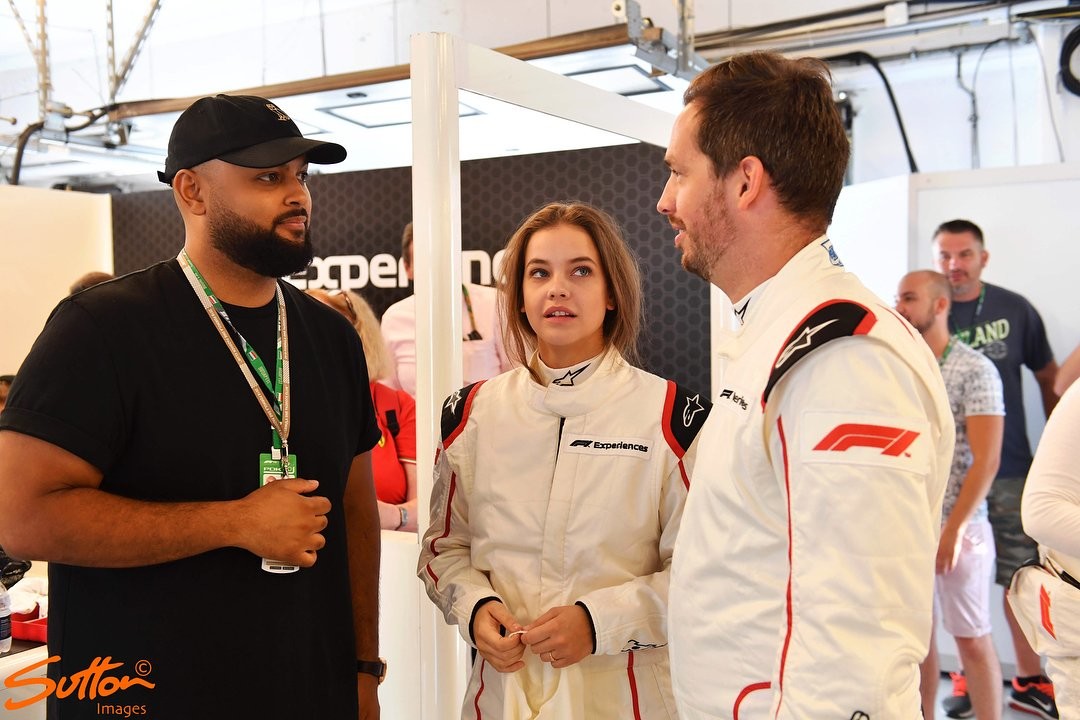
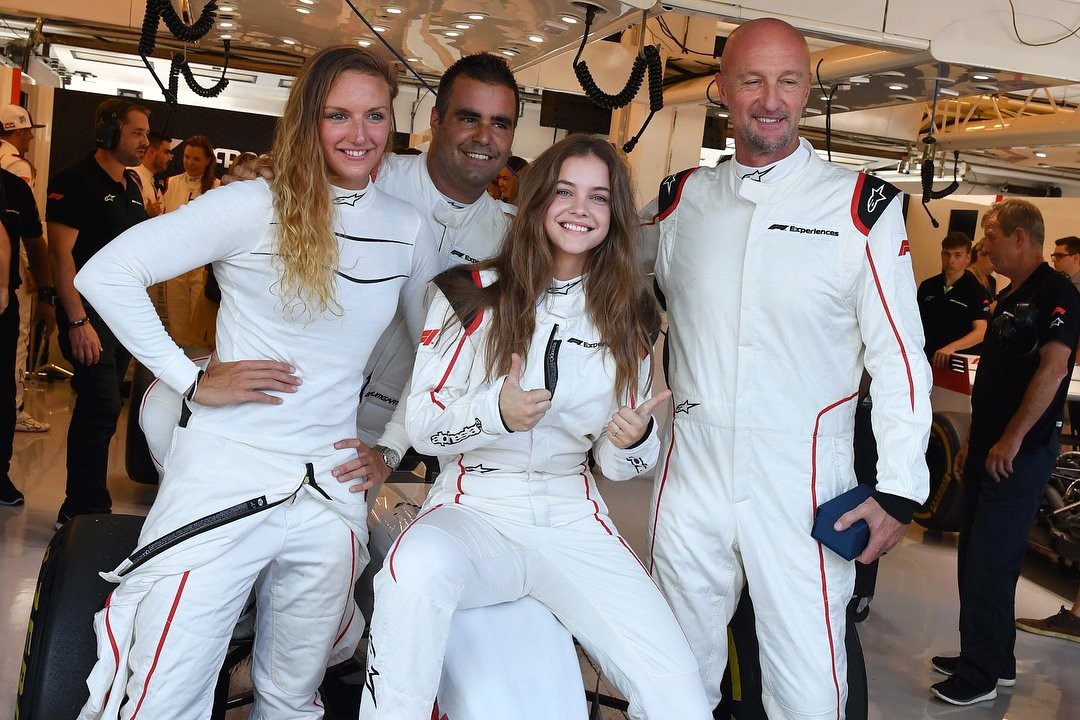
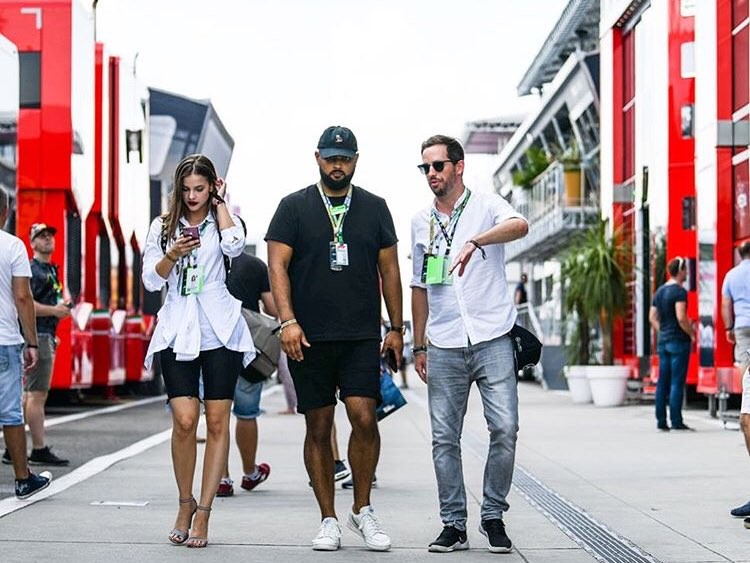
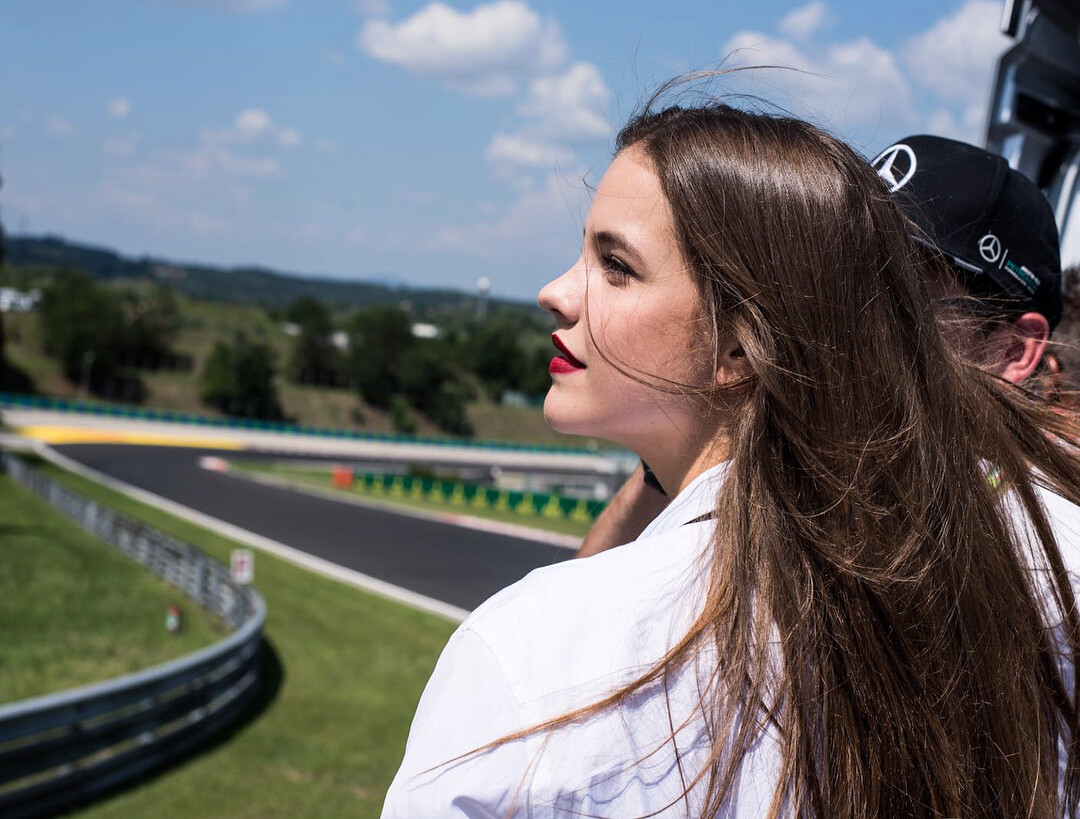
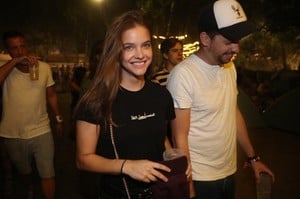 Barbara Palvin at the f1 Grand Prix, Hungaroring, Budapest [ July 29, 2018 ] https://www.instagram.com/p/Bl2q0pqATd4/?taken-by=realbarbarapalvin AQPxpQe7qnwfr6LTfHUEadH3ydGOZxDl_465JWriuBX4ssVHhOX41uJlaaYvDVR-Cw1yX4A6I0J_X5kMnHDeN7FMwvrSXbJDKWDZuhM.mp4
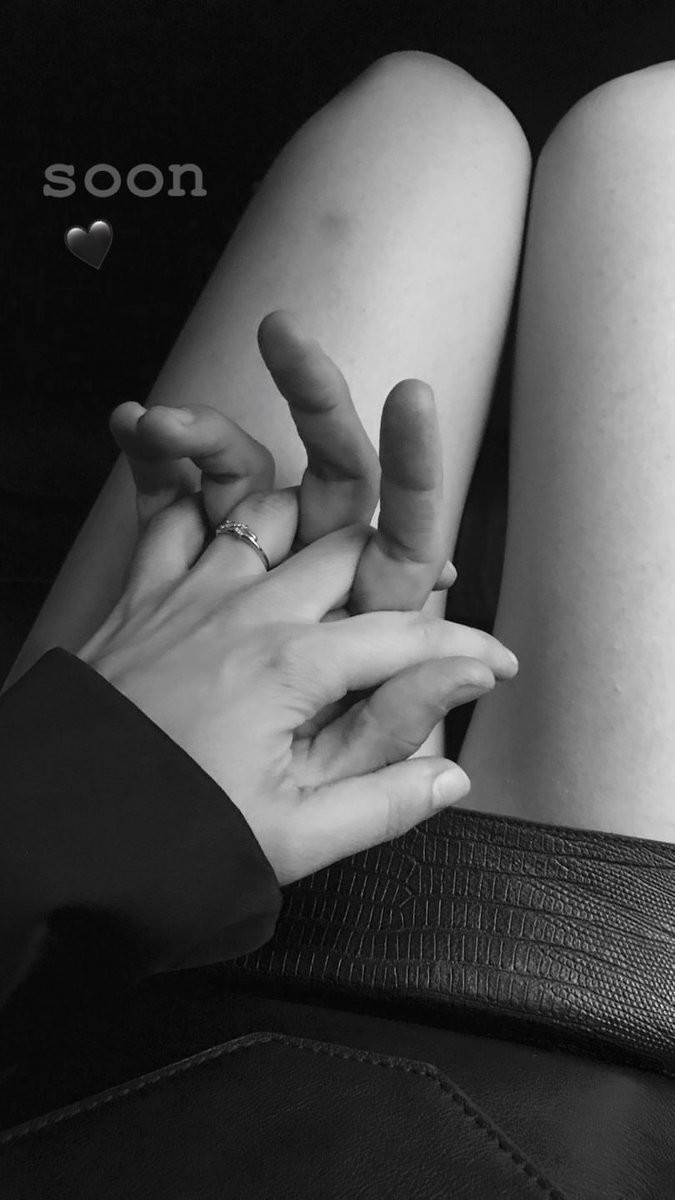
 no.. but it's official now, Barbara and Dylan are dating
Barbara via Instagram stories
no.. but it's official now, Barbara and Dylan are dating
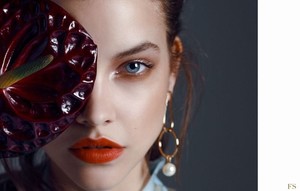
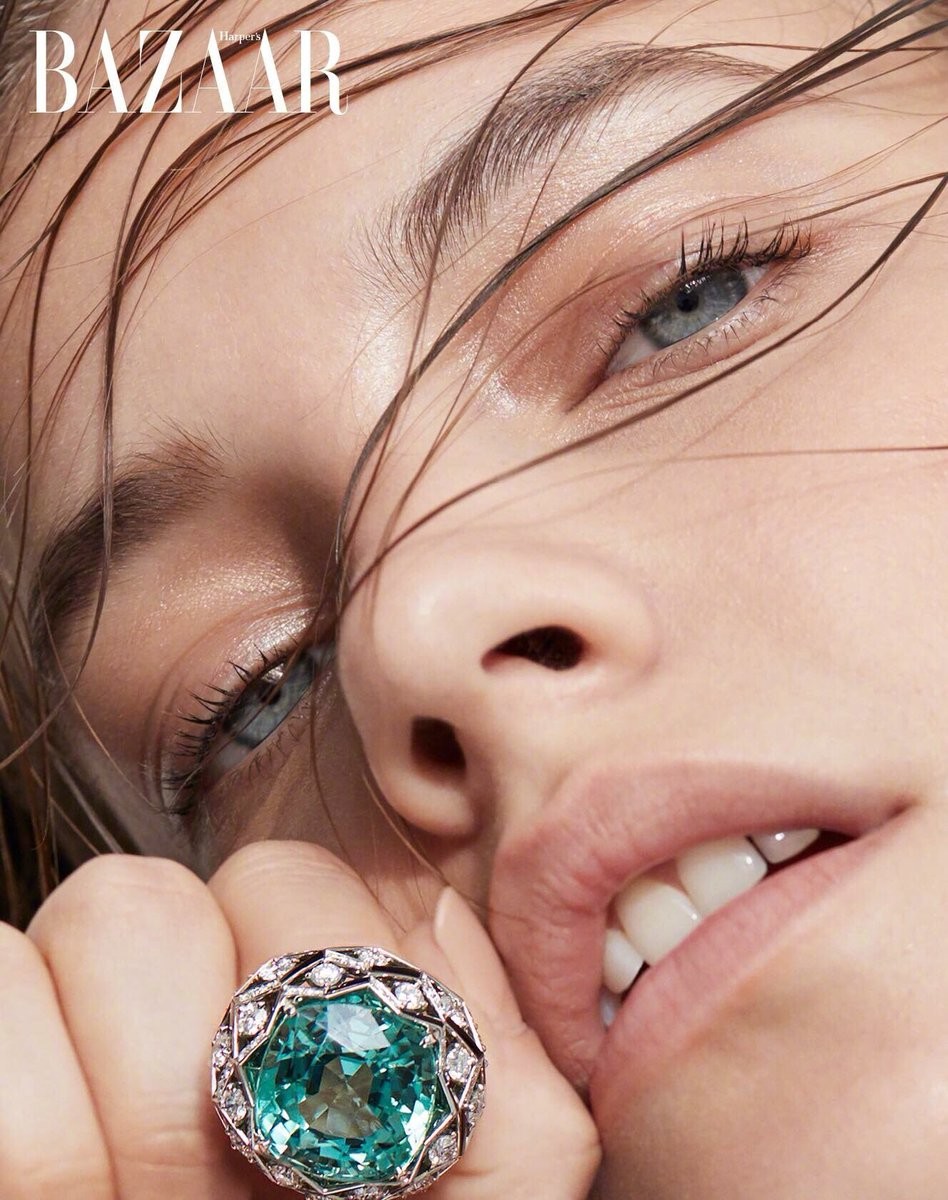
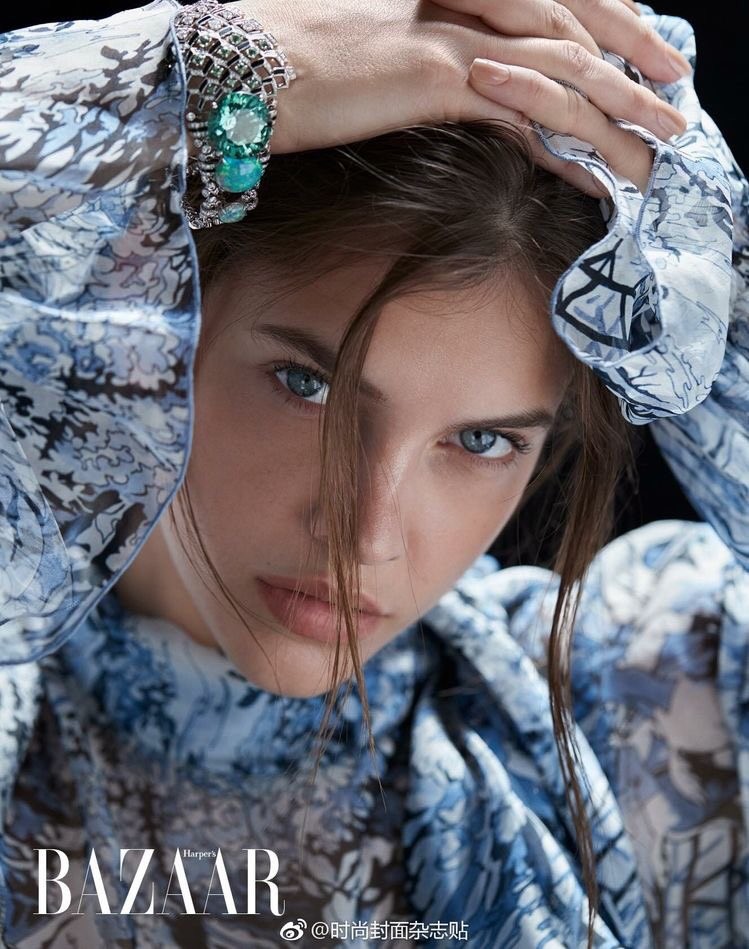
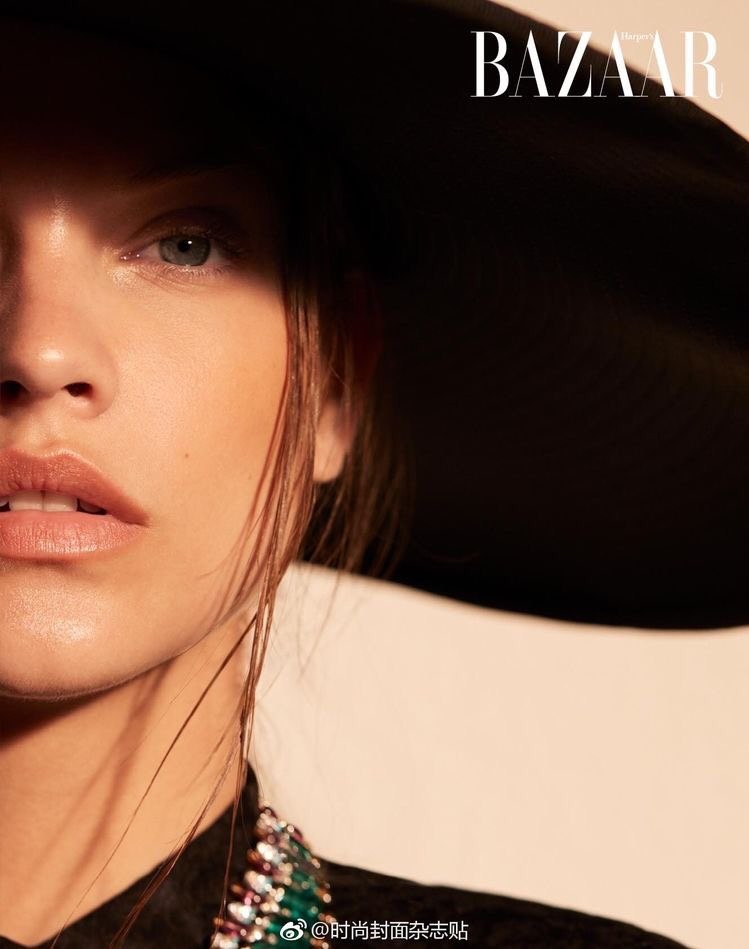
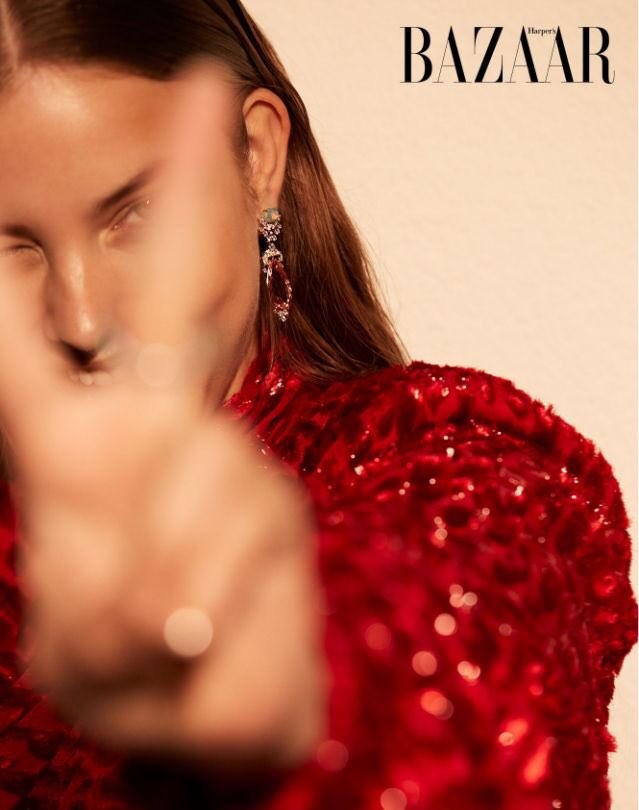
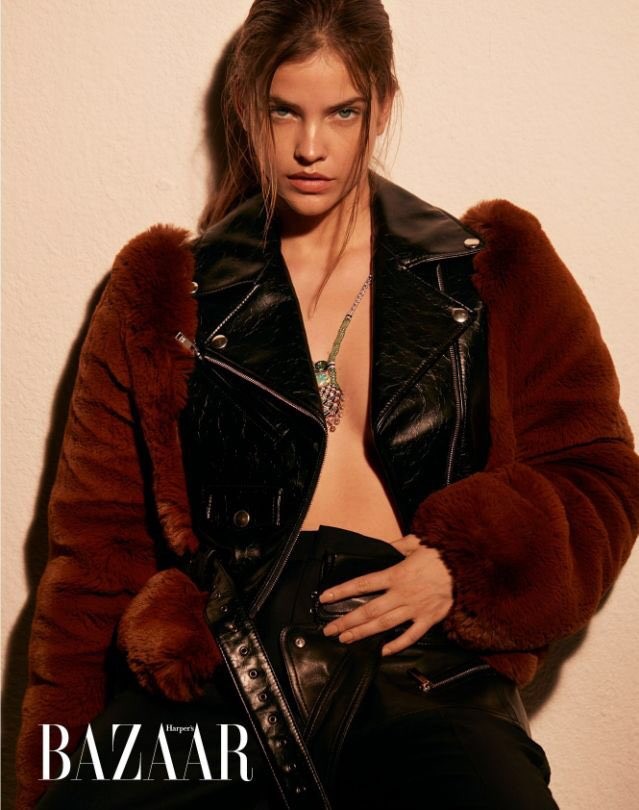
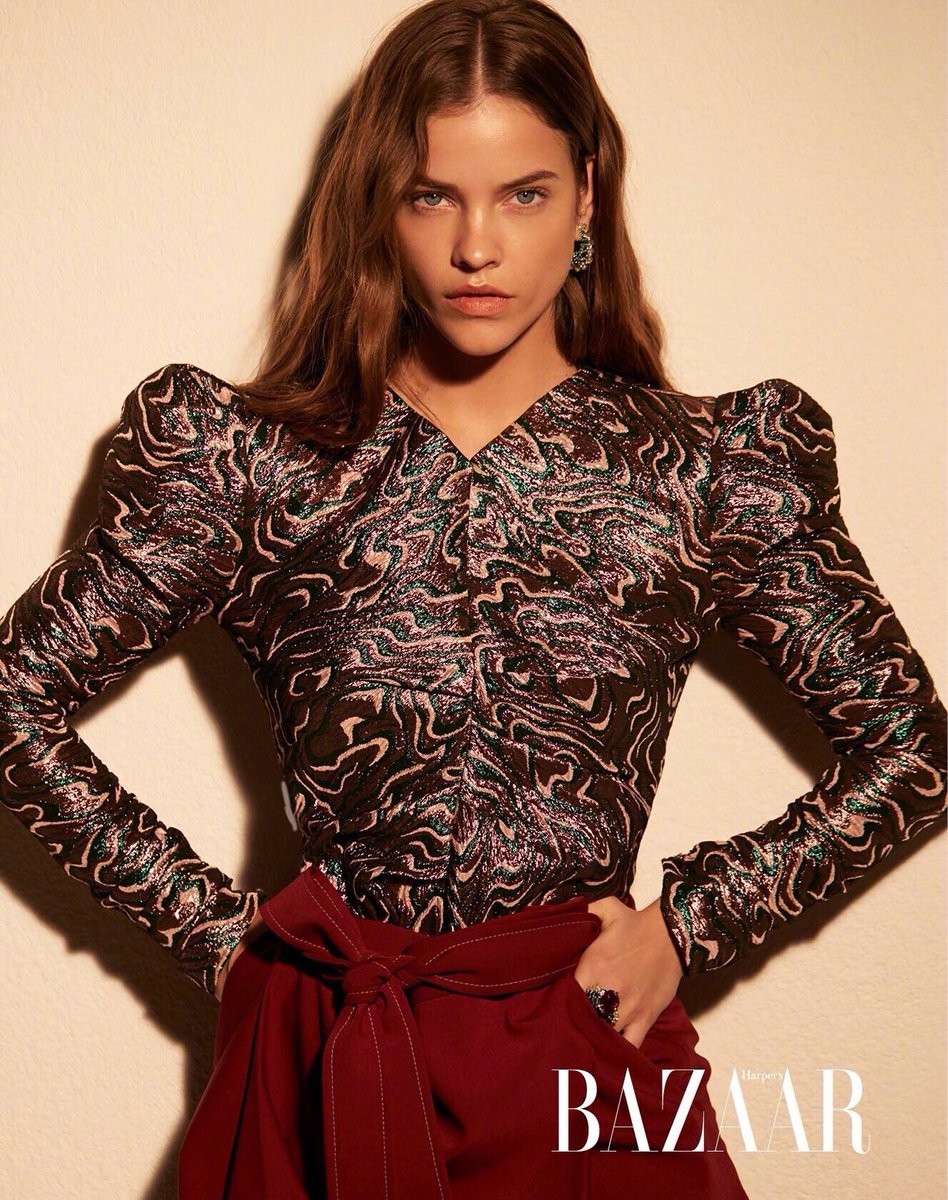
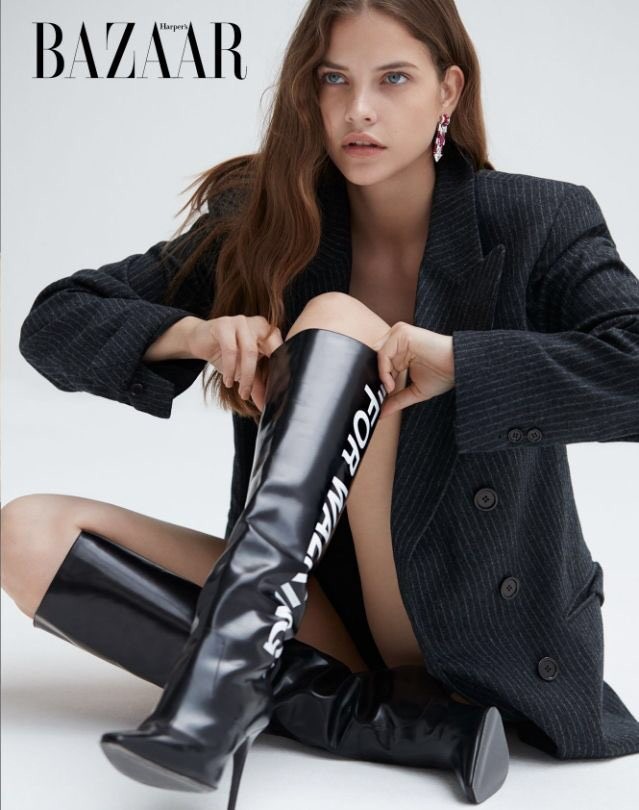
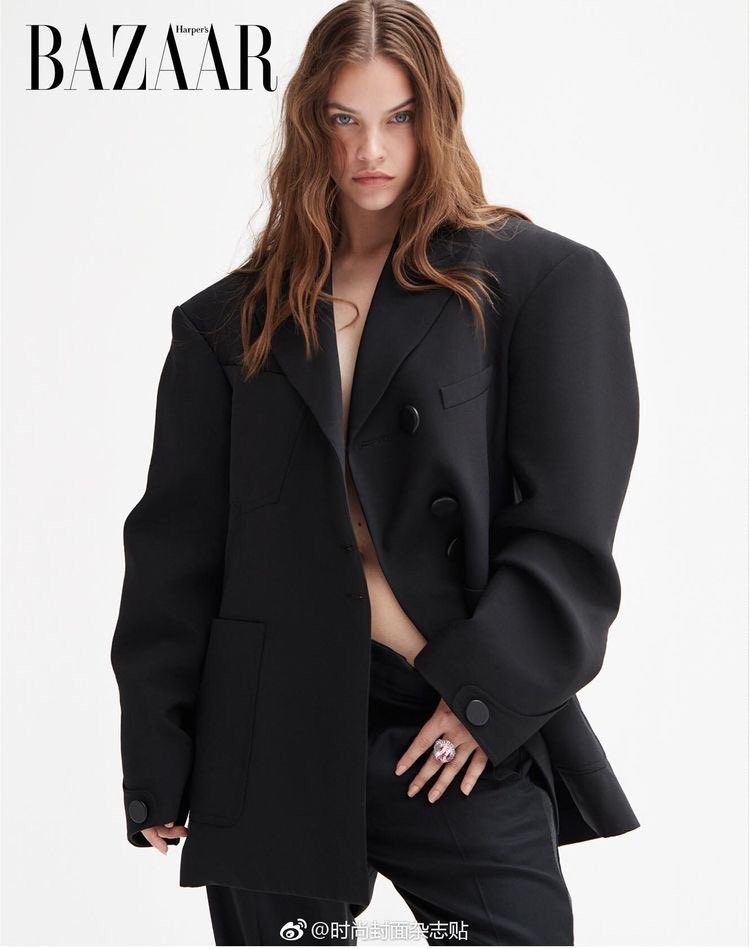
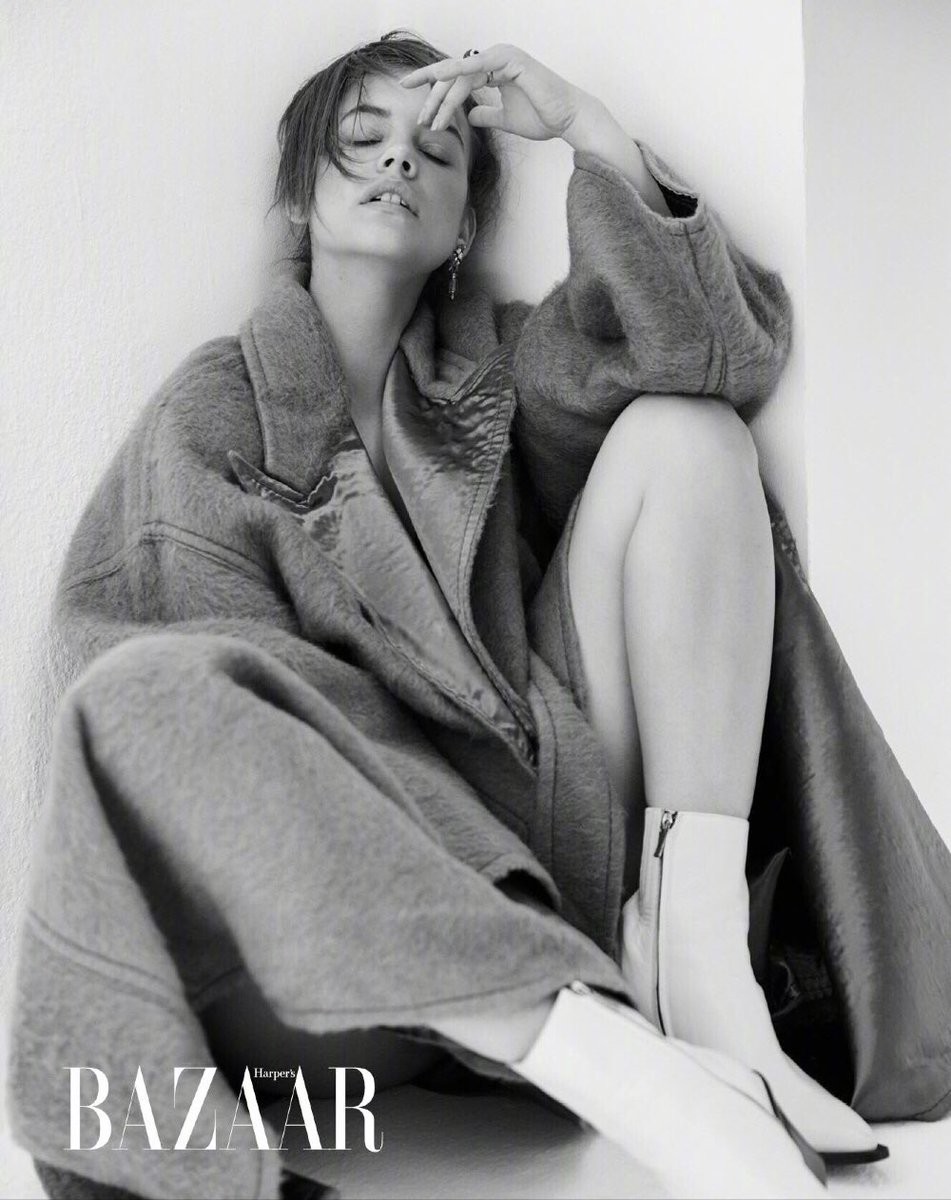
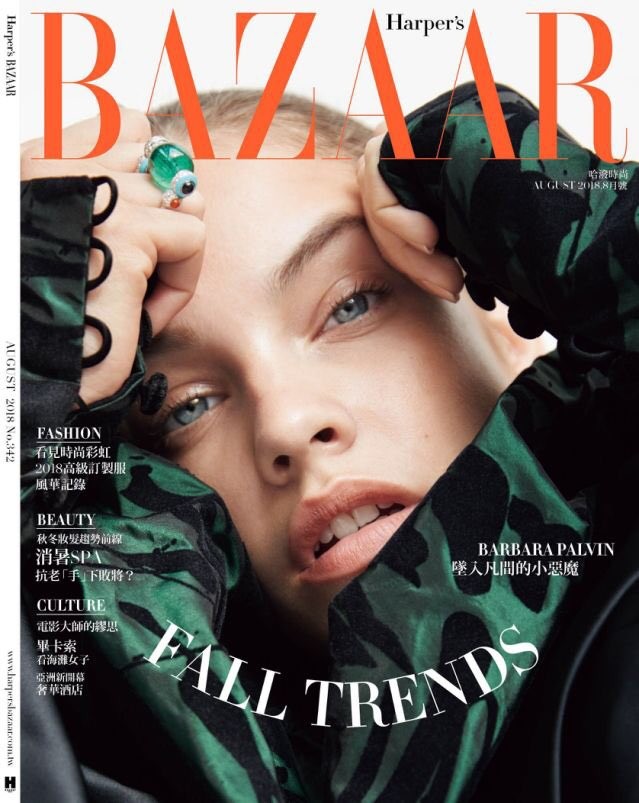
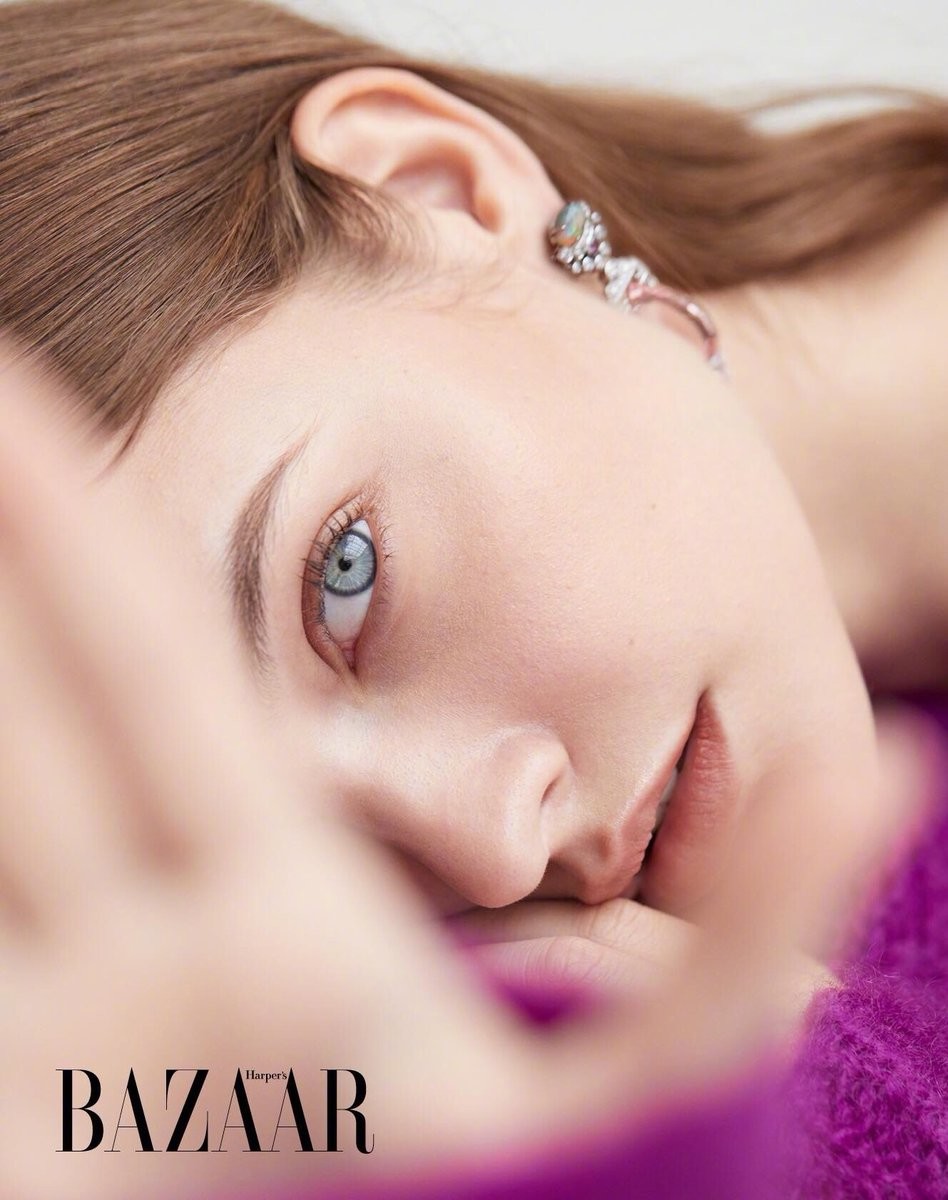
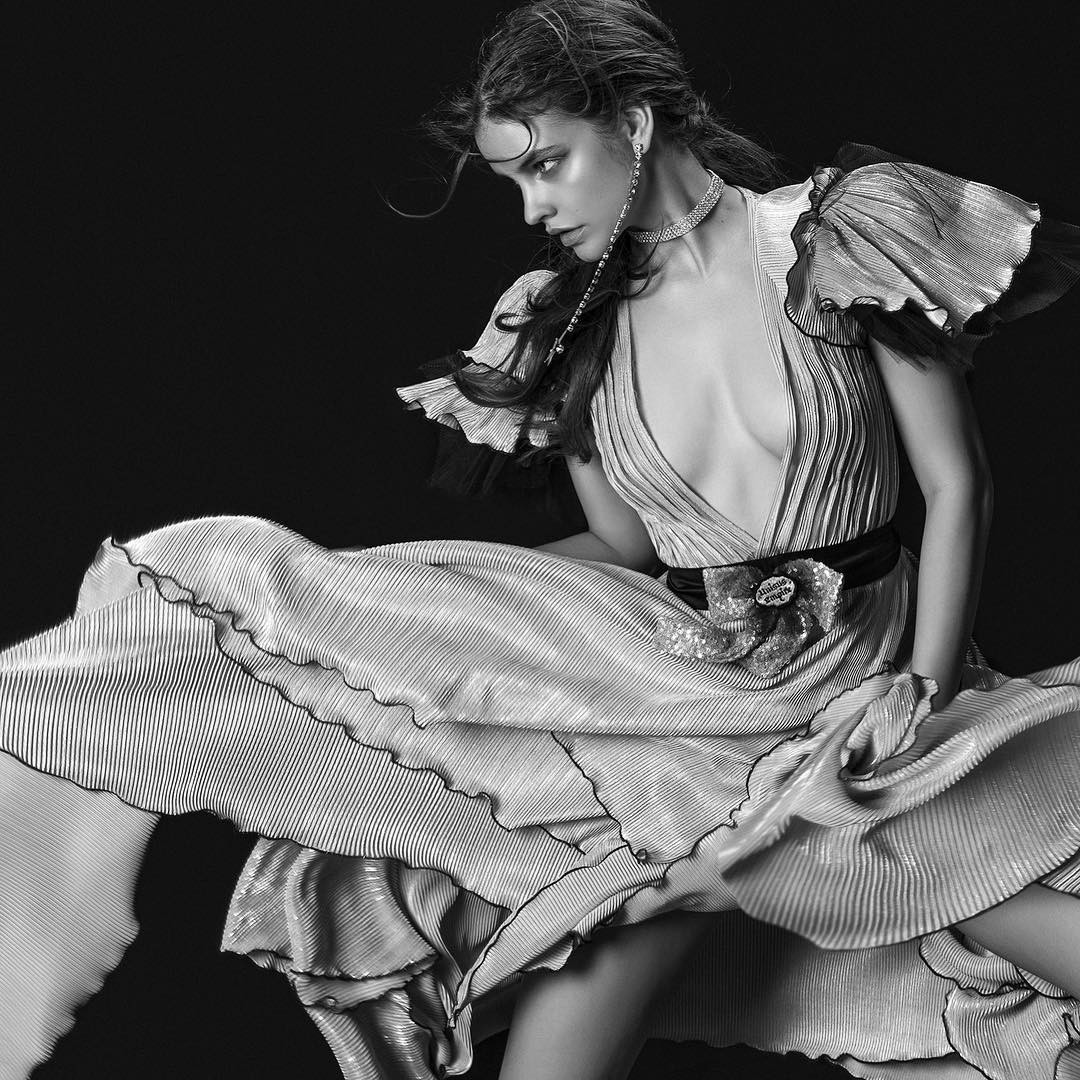
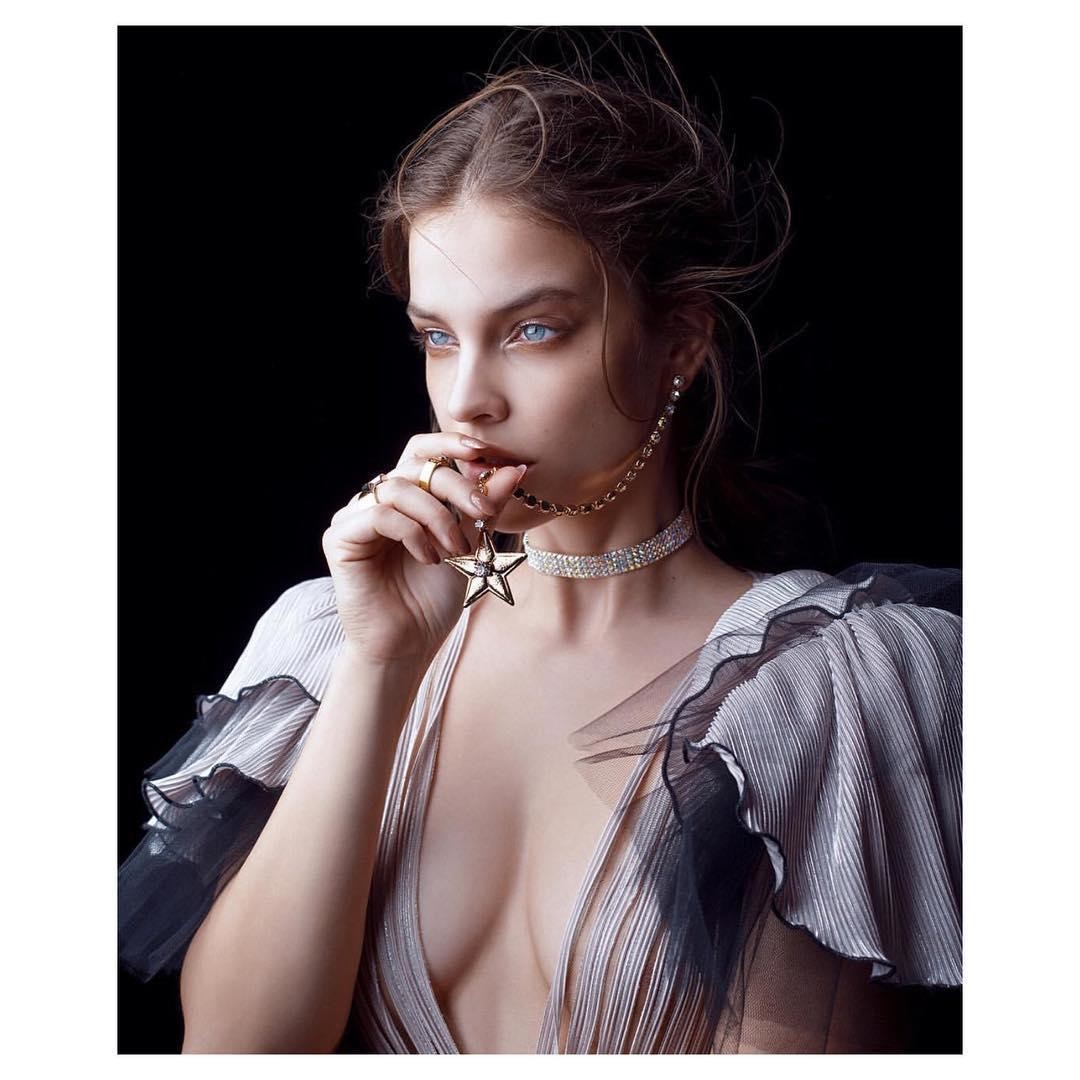
Barbara via Instagram stories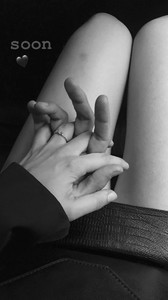 Harper's Bazaar Taiwan | August 2018.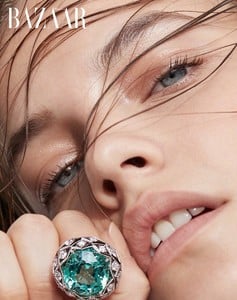
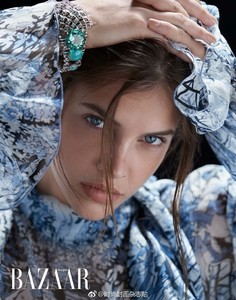
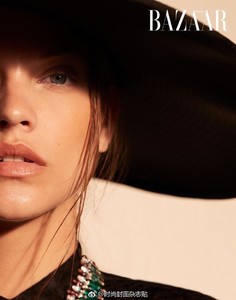
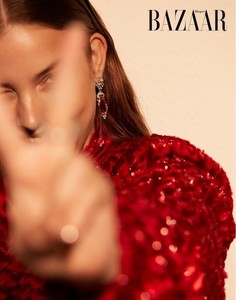
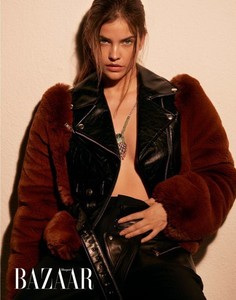
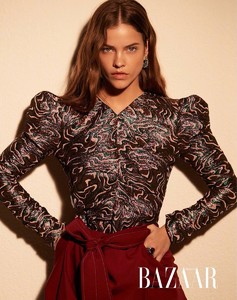
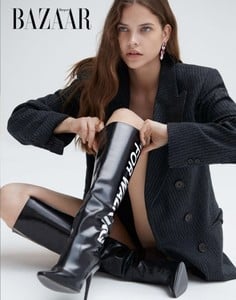
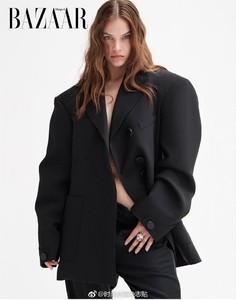
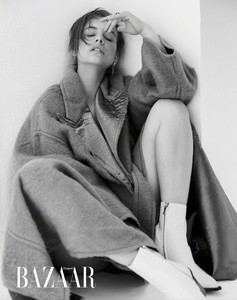
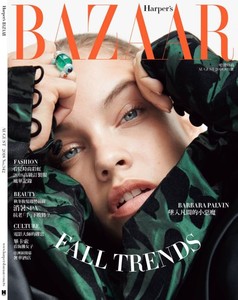
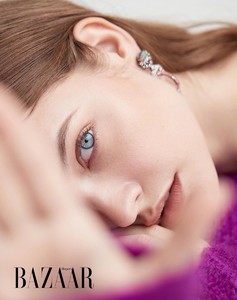 Barbara Palvin at the f1 Grand Prix, Hungaroring, Budapest [ July 29, 2018 ]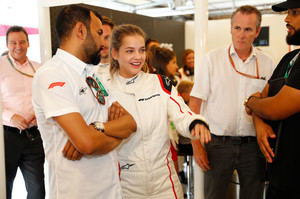
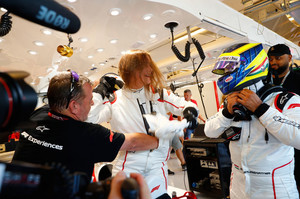
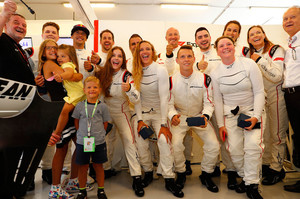
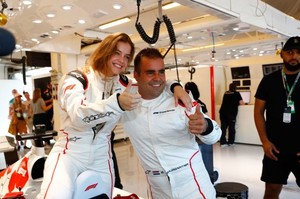
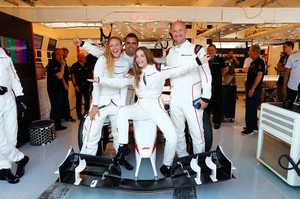
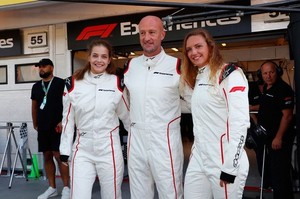
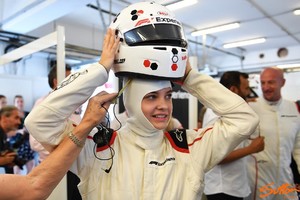
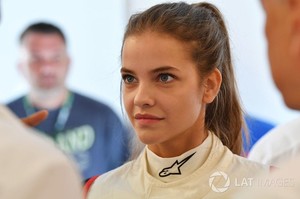
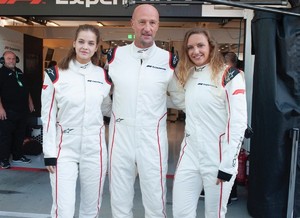
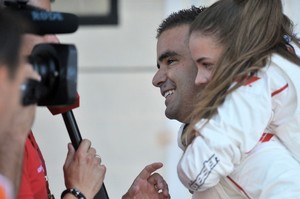
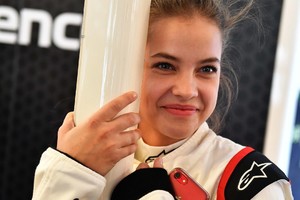
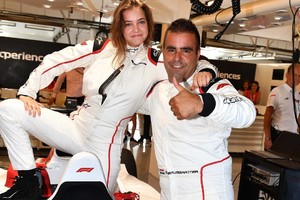
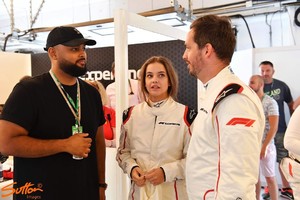
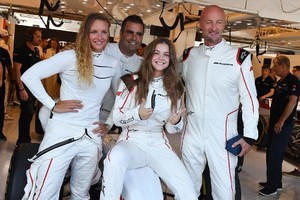
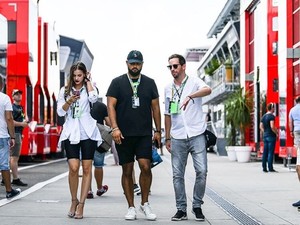
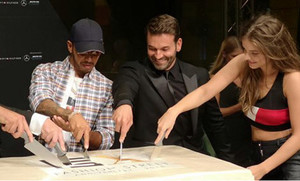
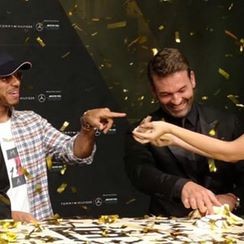
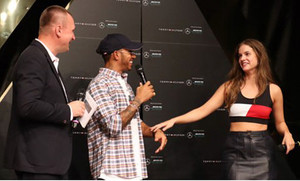
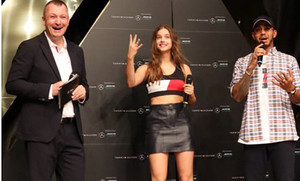
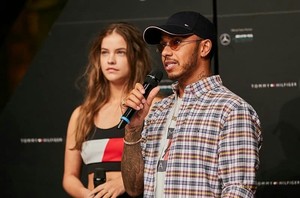
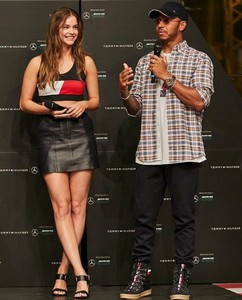
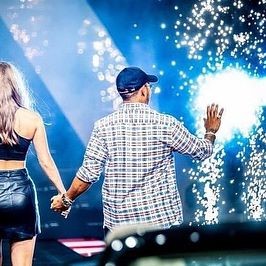
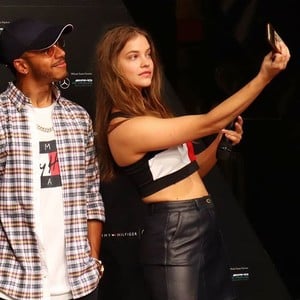
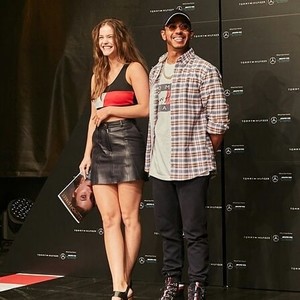
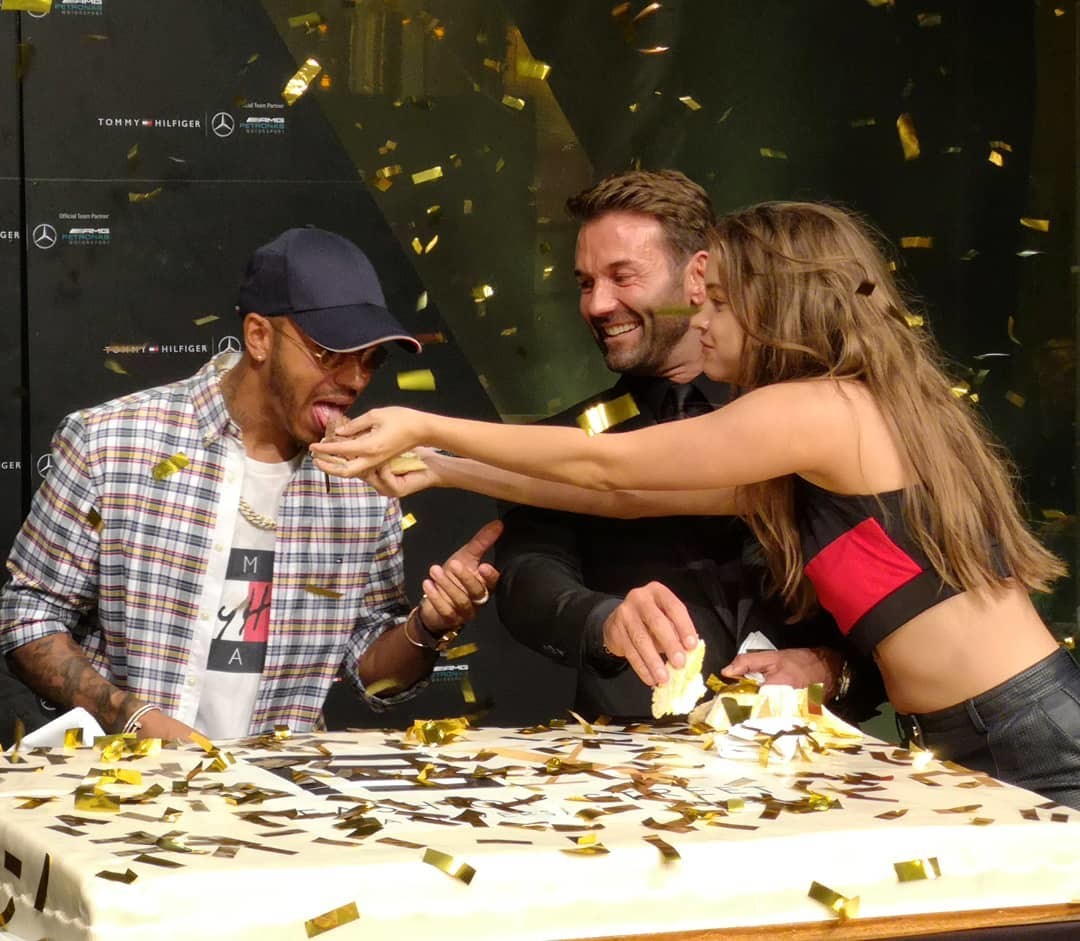
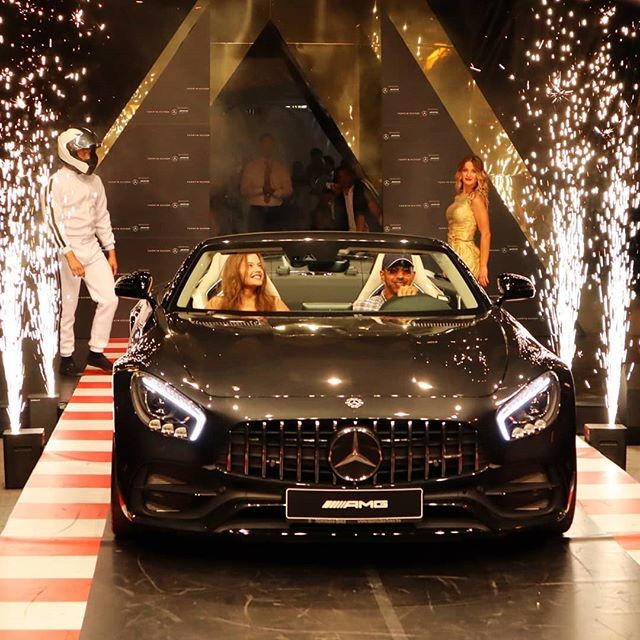
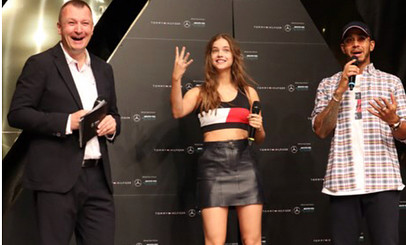
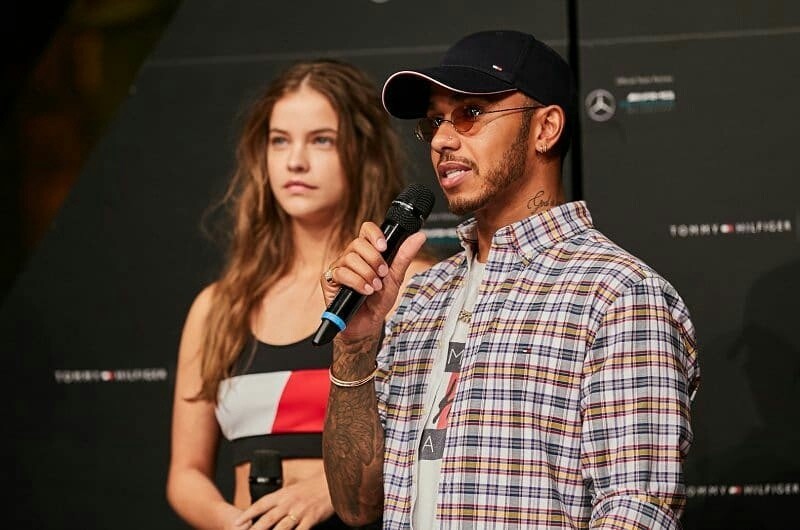
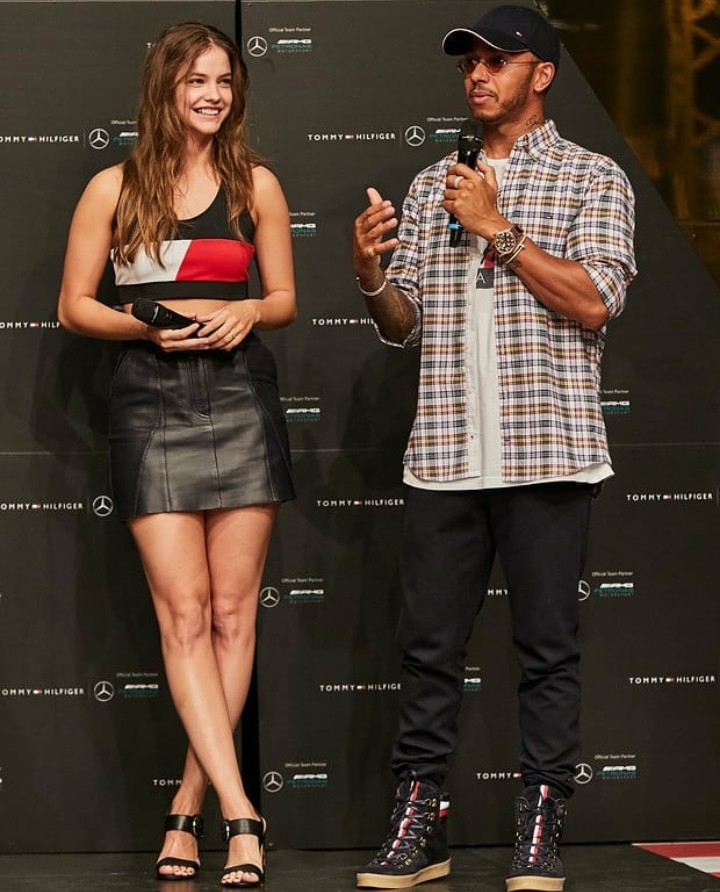
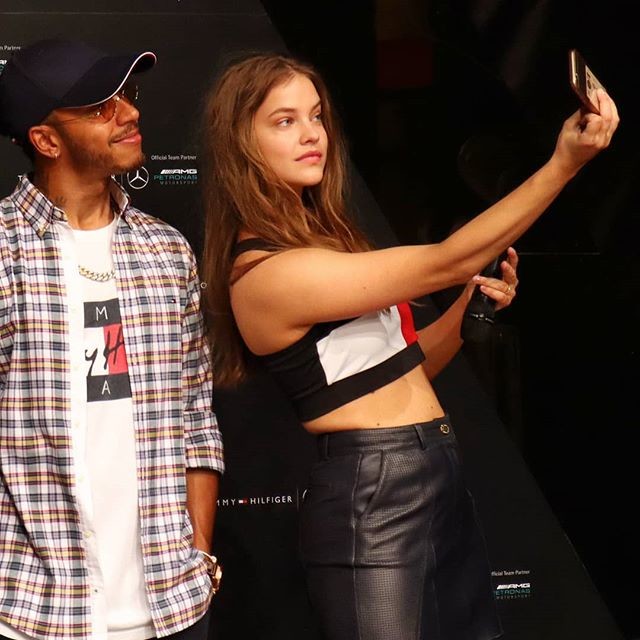
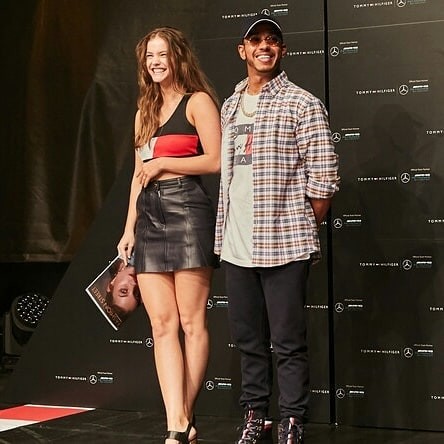
 MercedesXFashionStreet event in Budapest
Interviewer: the highlight of the evening has arrived here next to me... Barbara: the highlight is Lewis Hamilton. I: but you are the other one, you're so pretty, I saw you eating a slice of cake, is it affordable for you in days like this? B: yes, for me, it's absolutely. I: we have seen you in the cover of the magazine, and you're so stunning in it, it was a hard work for you or it was an easy photoshoot? B: it was easy I guess, and fast, it was a 8 hours workday, everybody has done a very good job, the makeup artist, the hairstylist, the photographer. It was fun. I: is there even any kind of photoshoot which could fatigue or surprise you anymore? B: all of them can fatigue me, especially the 16 hours workdays, but there's some which really freaks me out, the Victoria's Secret ones, those make me stressed because I want to look good and it really requires to be in a good shape, yesterday I was doing a photoshoot with them all day, and I was barely breathing to look skinnier🤣 I: and how do you prepare yourself for a longer kind of photoshoot like this VS one, or this cover? B: I don't know, honestly, this is my job, I have to be ready 24/7, there's no such as things like "oh I'll have that work in 3 weeks" so then be like, "I looked different 3 weeks ago", no. I: that's great, that's the best attitude. And what about formula 1, are you watching it like every sunday, or..? B: yes, I do, I always watch it with my dad, even if I'm away from home, he records it for me so I can watch it later. I: you and Lewis were so cute on the stage as you guys chaffed each other ..so are you still in a good relationship? B: of course, we are good friends. I: after the race, are you guys partying or have some plans together? B: we haven't planned anything yet, he just arrived today, and I just came back from New York, but he said something like he wants to watch Mission Impossible in the cinema, we'll see, we're both so tired. I: I can tell that you are tired, but still so beautiful. I have a question that I'm gonna ask you now, and you might send me to hell, but what's up with your alleged new relationship? B: with Dylan? I: yeah, there's Dylan or there's no Dylan? B: umm, this is... I mean we'll find out, I don't know. I: you heard, Barbara said we'll find out, it was the cue, thank you for being there.
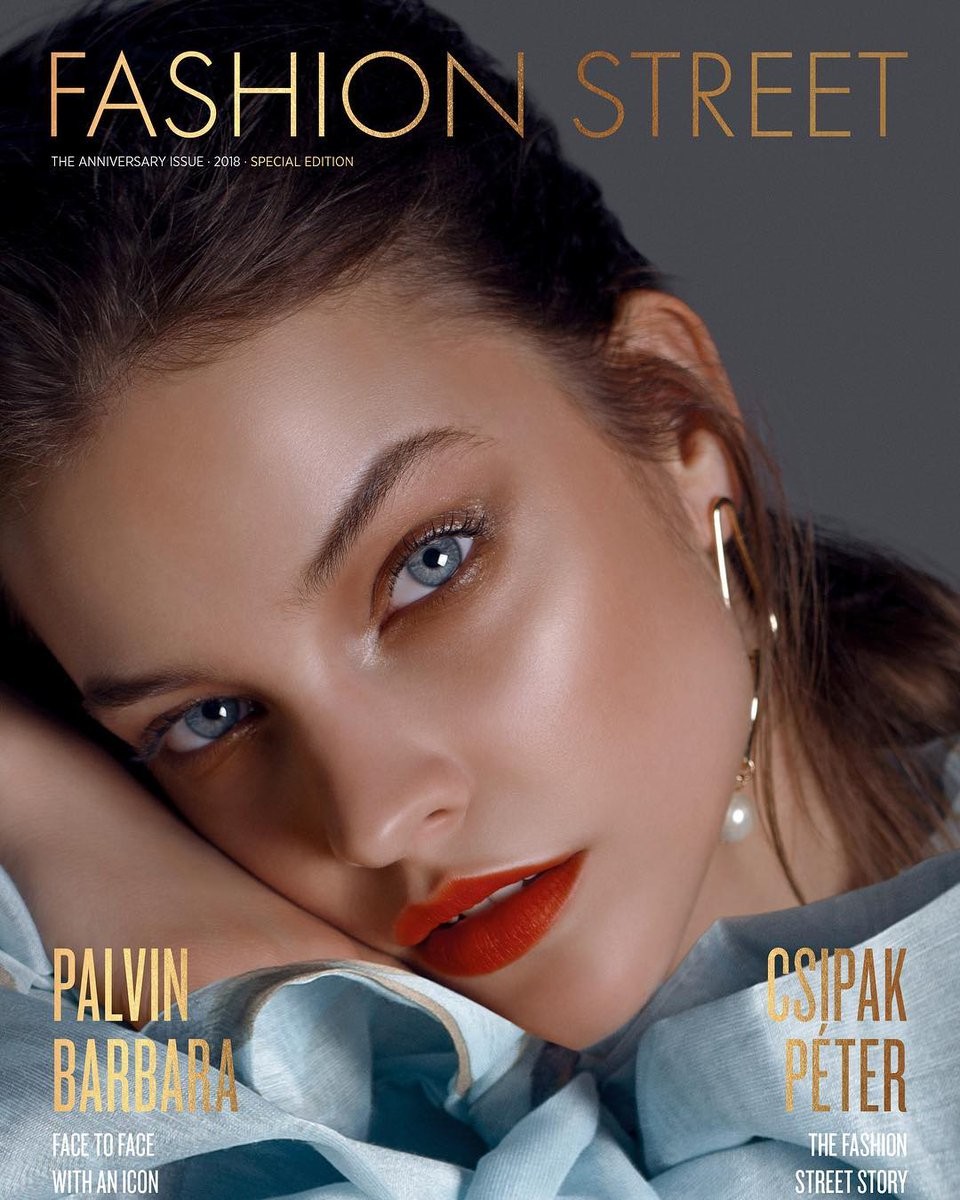
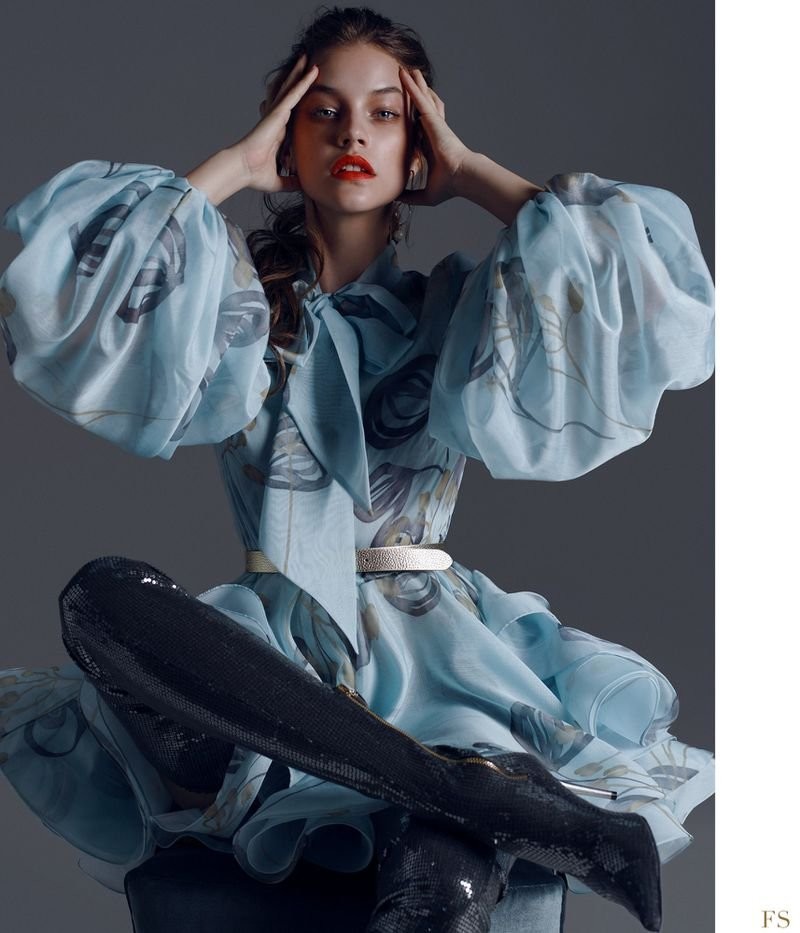
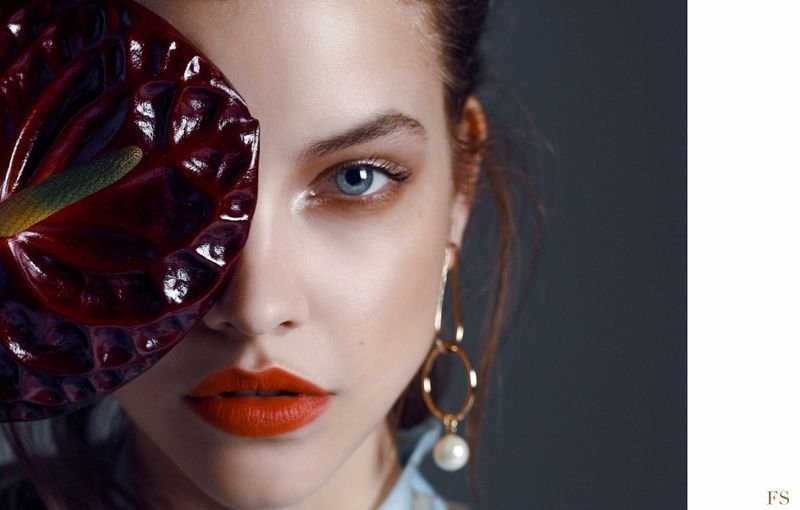
Barbara Palvin for Fashion Street Budapest
MercedesXFashionStreet event in Budapest
Interviewer: the highlight of the evening has arrived here next to me... Barbara: the highlight is Lewis Hamilton. I: but you are the other one, you're so pretty, I saw you eating a slice of cake, is it affordable for you in days like this? B: yes, for me, it's absolutely. I: we have seen you in the cover of the magazine, and you're so stunning in it, it was a hard work for you or it was an easy photoshoot? B: it was easy I guess, and fast, it was a 8 hours workday, everybody has done a very good job, the makeup artist, the hairstylist, the photographer. It was fun. I: is there even any kind of photoshoot which could fatigue or surprise you anymore? B: all of them can fatigue me, especially the 16 hours workdays, but there's some which really freaks me out, the Victoria's Secret ones, those make me stressed because I want to look good and it really requires to be in a good shape, yesterday I was doing a photoshoot with them all day, and I was barely breathing to look skinnier🤣 I: and how do you prepare yourself for a longer kind of photoshoot like this VS one, or this cover? B: I don't know, honestly, this is my job, I have to be ready 24/7, there's no such as things like "oh I'll have that work in 3 weeks" so then be like, "I looked different 3 weeks ago", no. I: that's great, that's the best attitude. And what about formula 1, are you watching it like every sunday, or..? B: yes, I do, I always watch it with my dad, even if I'm away from home, he records it for me so I can watch it later. I: you and Lewis were so cute on the stage as you guys chaffed each other ..so are you still in a good relationship? B: of course, we are good friends. I: after the race, are you guys partying or have some plans together? B: we haven't planned anything yet, he just arrived today, and I just came back from New York, but he said something like he wants to watch Mission Impossible in the cinema, we'll see, we're both so tired. I: I can tell that you are tired, but still so beautiful. I have a question that I'm gonna ask you now, and you might send me to hell, but what's up with your alleged new relationship? B: with Dylan? I: yeah, there's Dylan or there's no Dylan? B: umm, this is... I mean we'll find out, I don't know. I: you heard, Barbara said we'll find out, it was the cue, thank you for being there.
Barbara Palvin for Fashion Street Budapest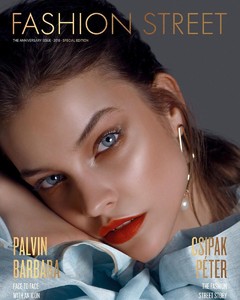
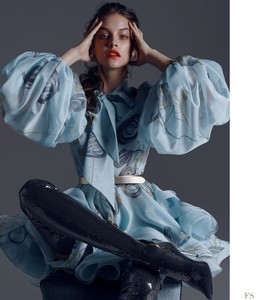
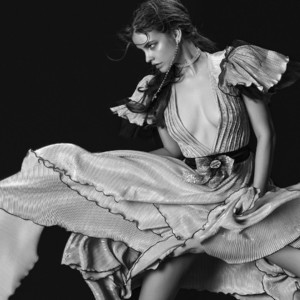
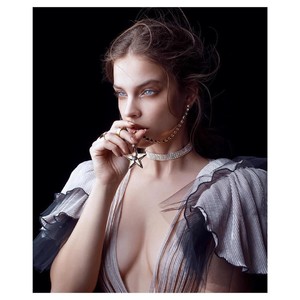
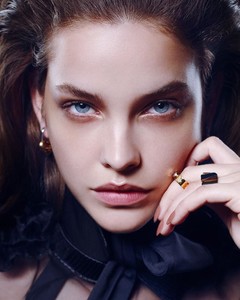 Barbara during the interview.Mercedes Benz & Tommy Hilfiger event at Fashion Street in Budapest. facebook live from the event on Lakatos Mark’s page Anyone translete pls ☝️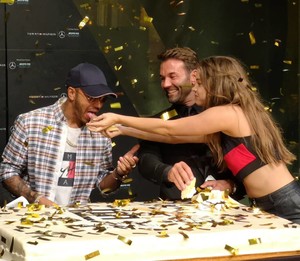
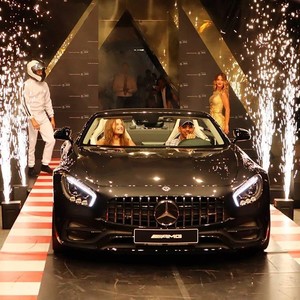
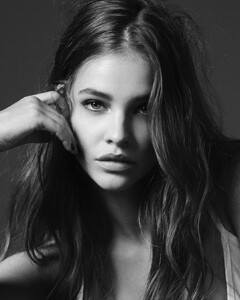
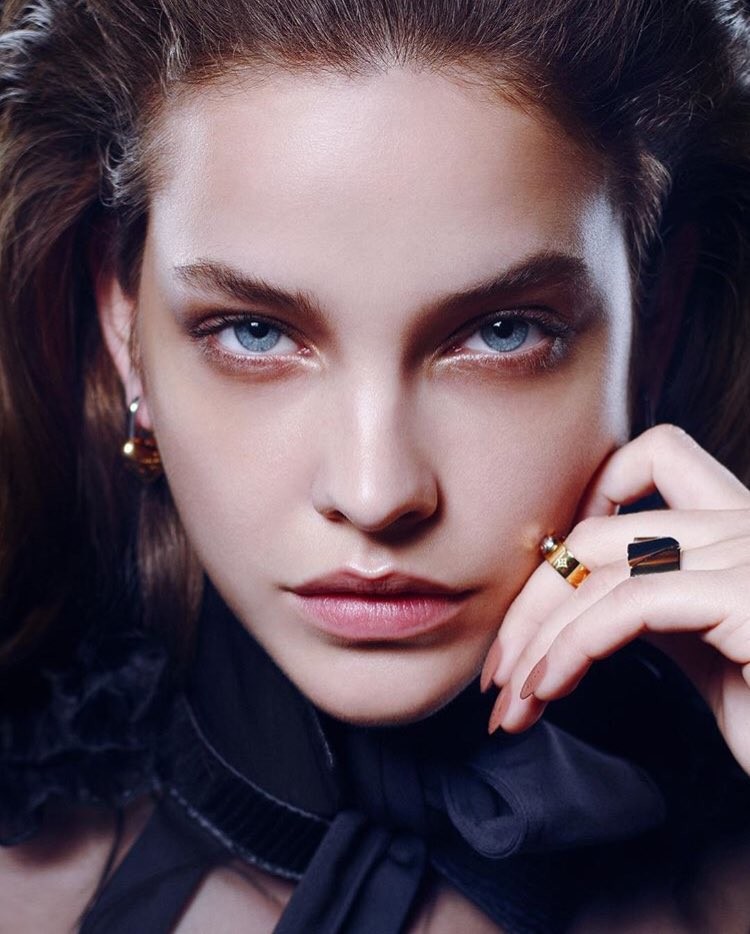
 Photographer; Adam Franzino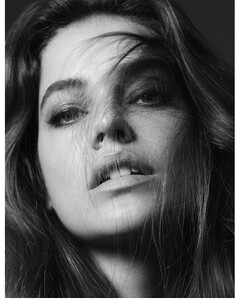
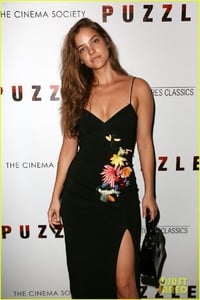
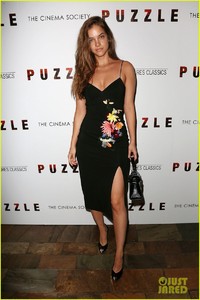
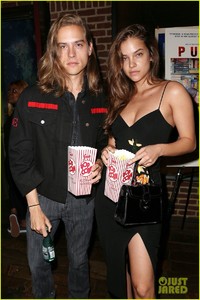
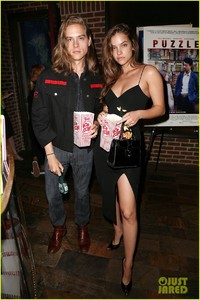
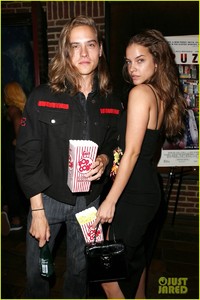
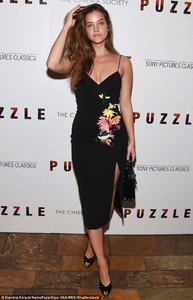
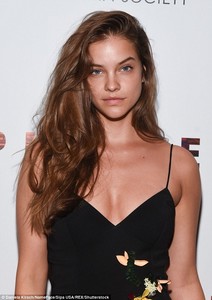
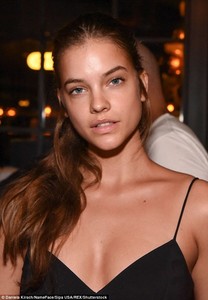
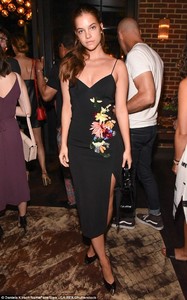
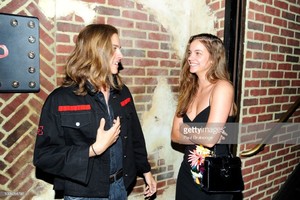
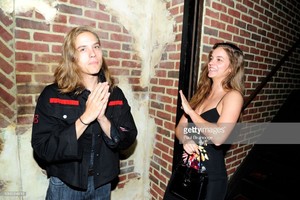
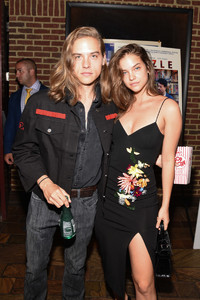
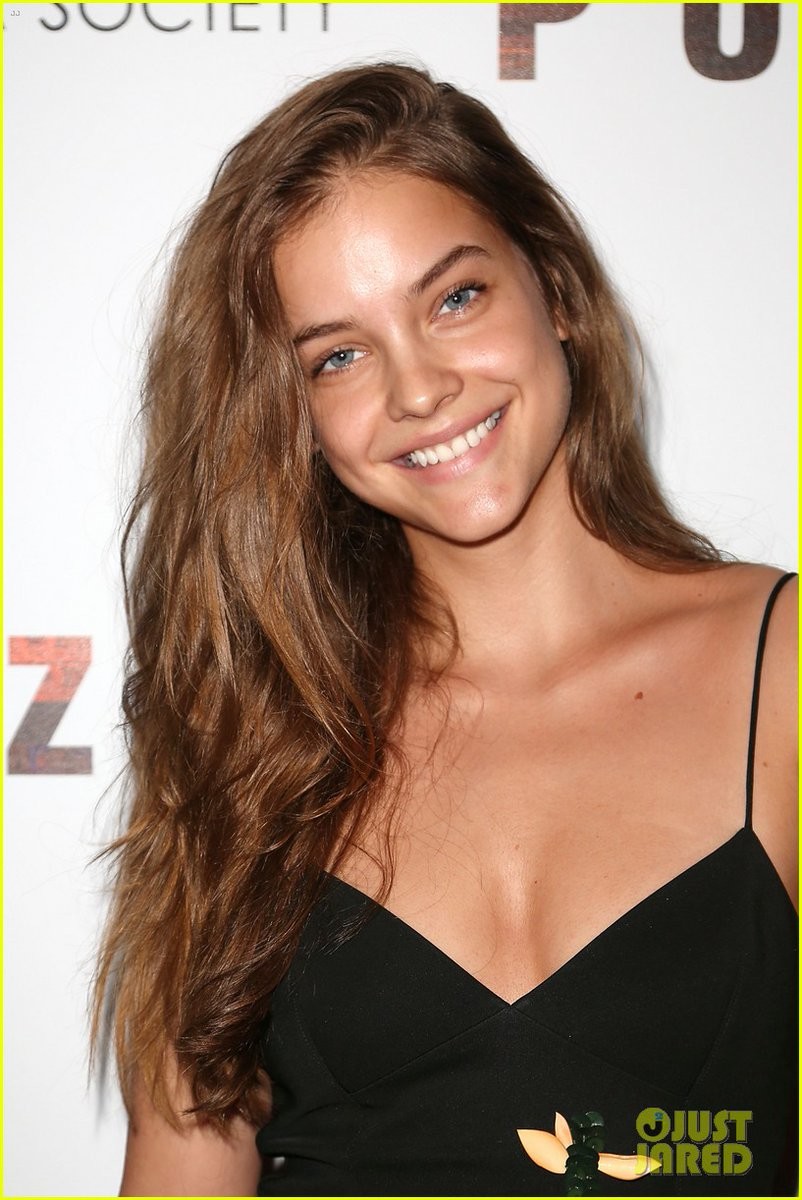
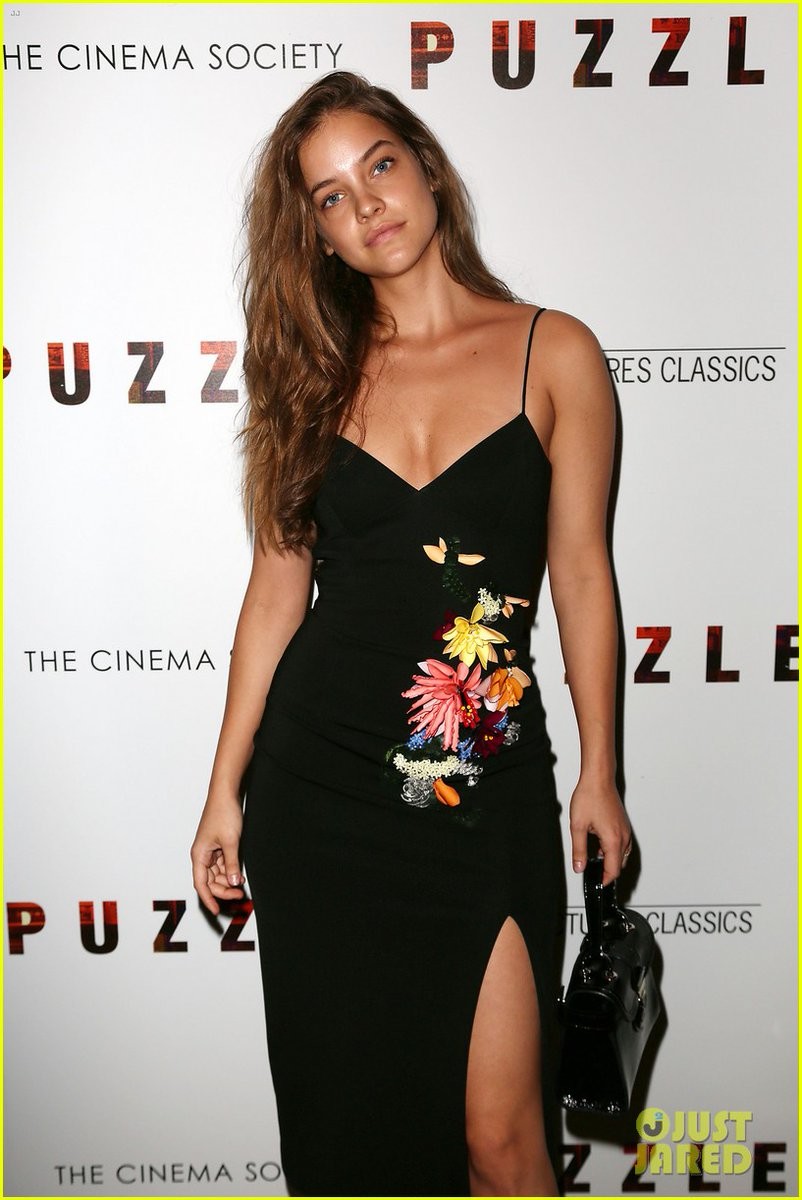
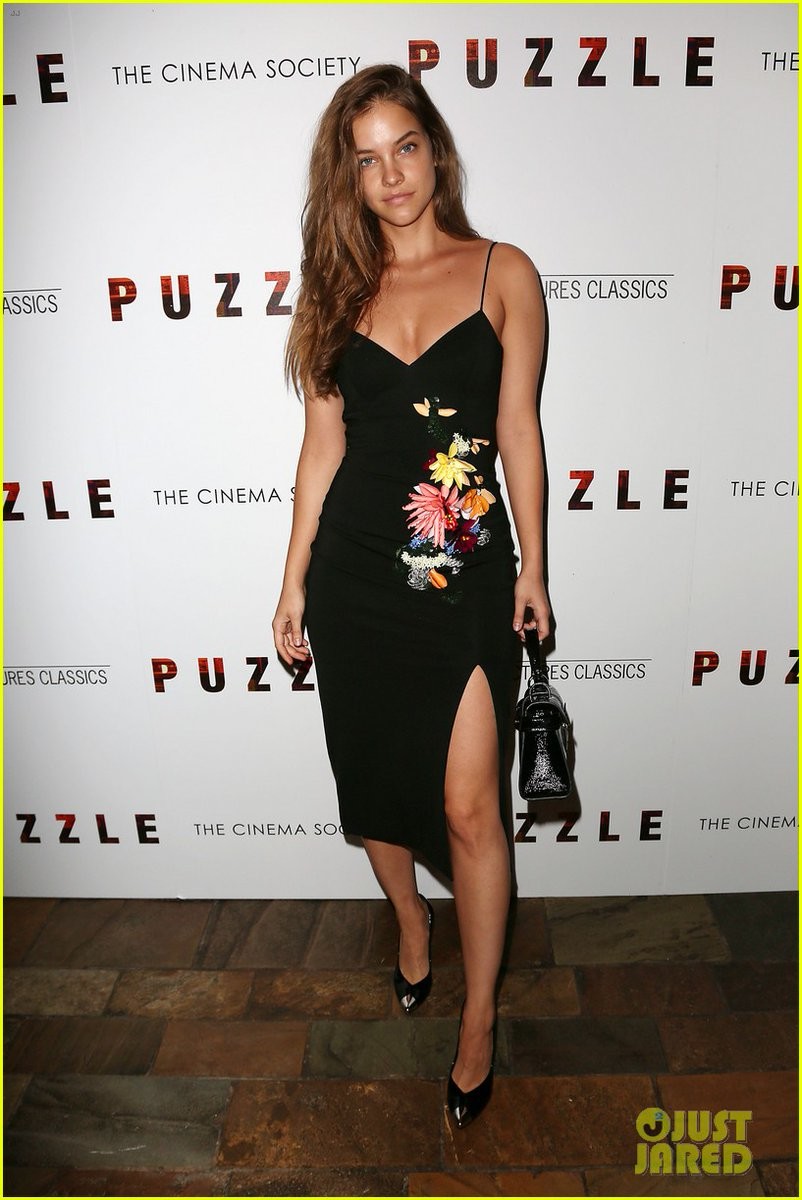
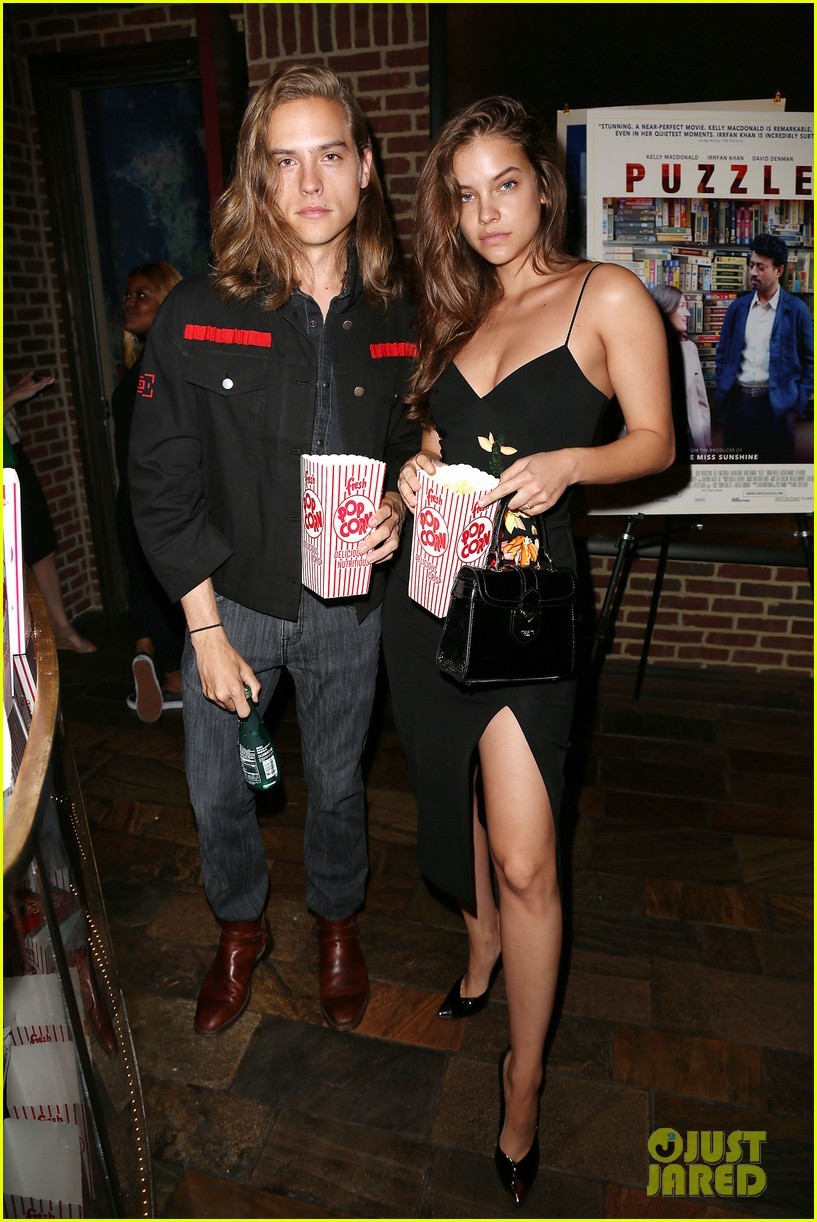
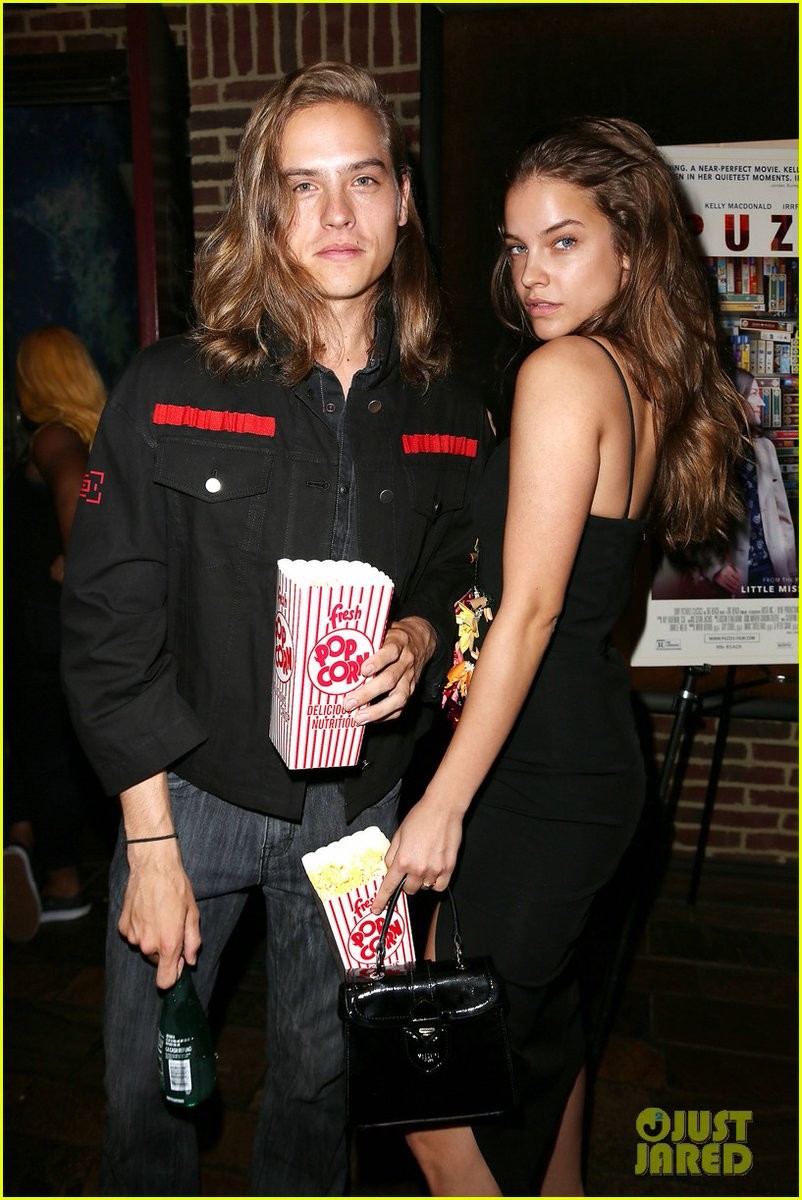
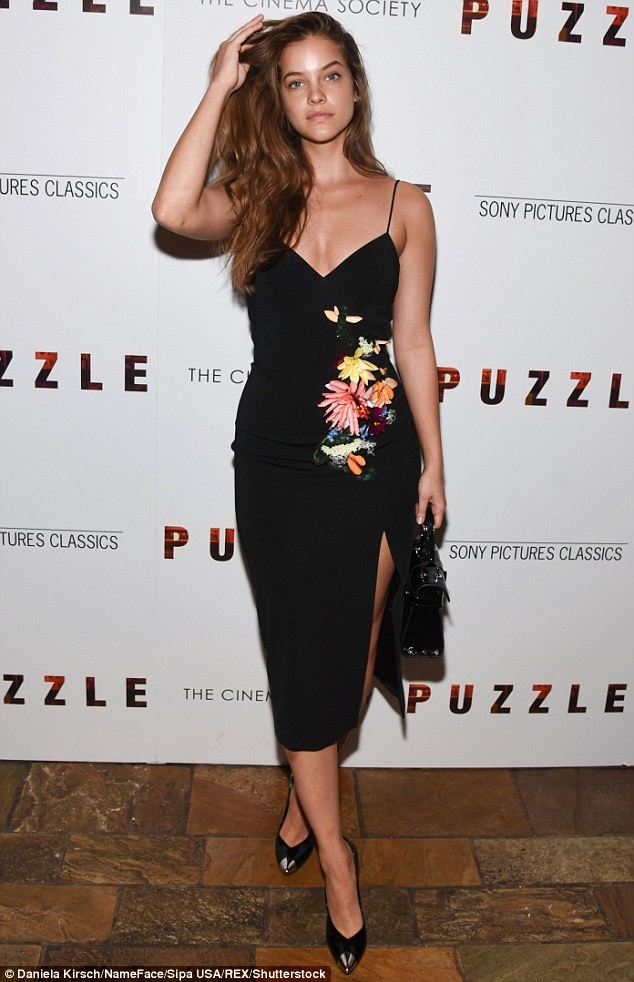
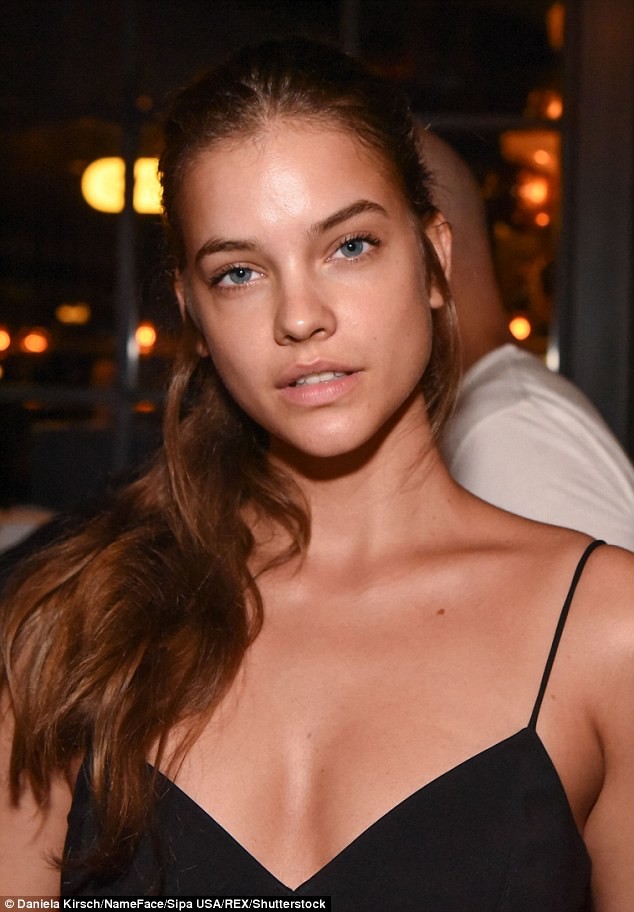
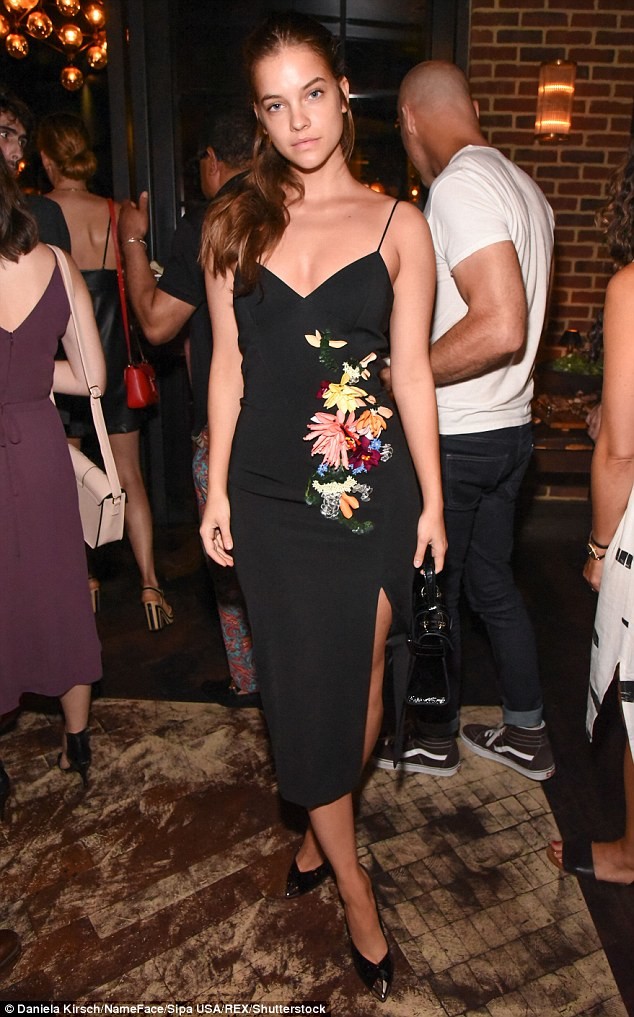
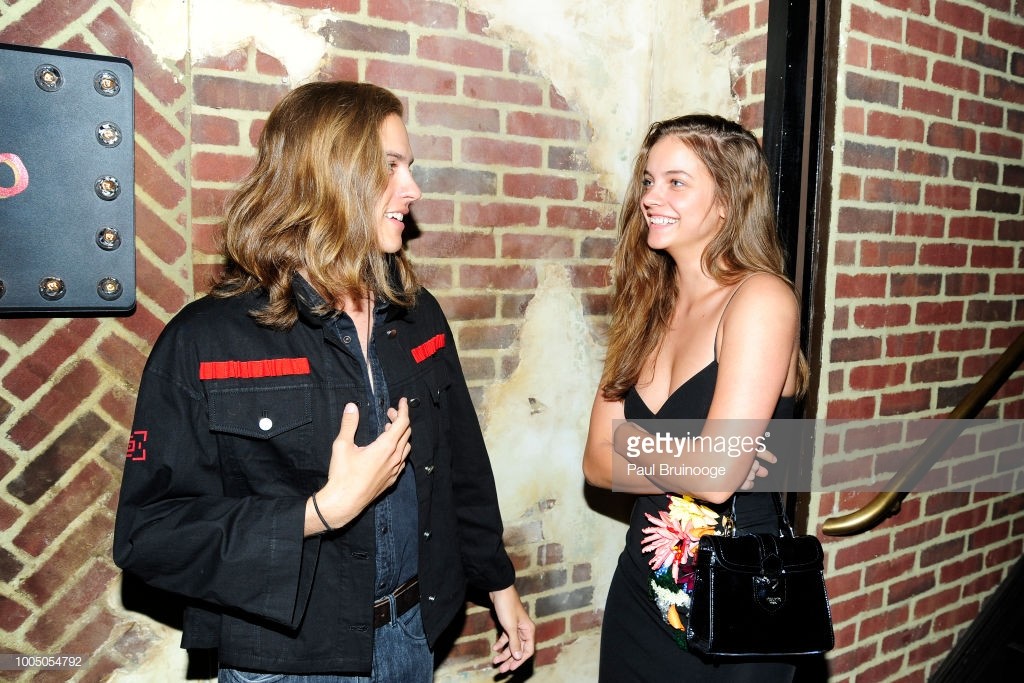
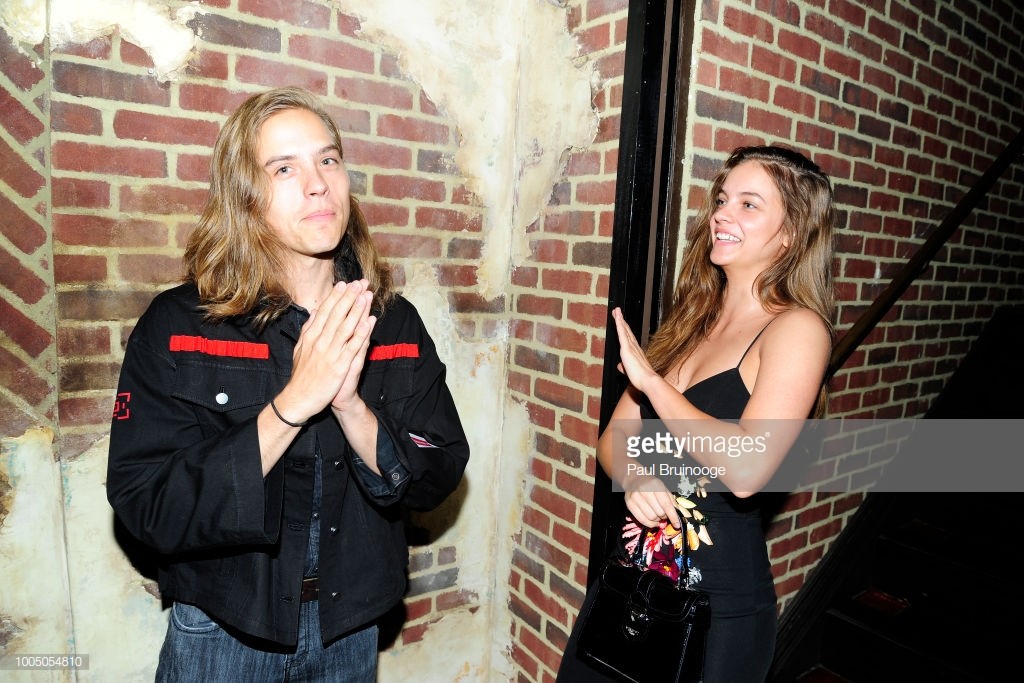
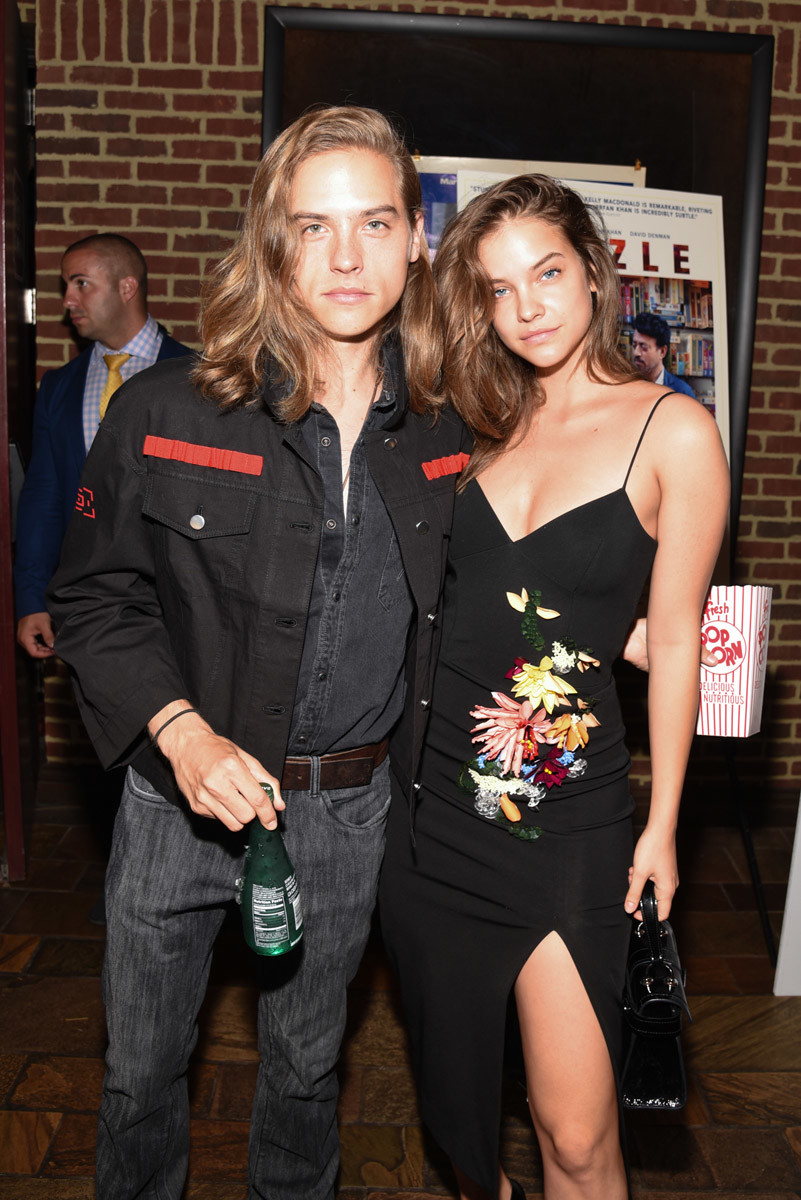
 Dylan Sprouse and Barbara Palvin attended a screening of the movie “Puzzle” on Tuesday (July 24) at the Roxy Cinema in New York City.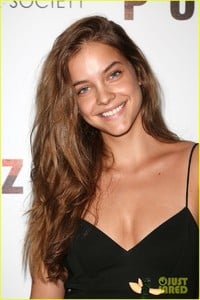


Account
Navigation
Search
Configure browser push notifications
Chrome (Android)
- Tap the lock icon next to the address bar.
- Tap Permissions → Notifications.
- Adjust your preference.
Chrome (Desktop)
- Click the padlock icon in the address bar.
- Select Site settings.
- Find Notifications and adjust your preference.
Safari (iOS 16.4+)
- Ensure the site is installed via Add to Home Screen.
- Open Settings App → Notifications.
- Find your app name and adjust your preference.
Safari (macOS)
- Go to Safari → Preferences.
- Click the Websites tab.
- Select Notifications in the sidebar.
- Find this website and adjust your preference.
Edge (Android)
- Tap the lock icon next to the address bar.
- Tap Permissions.
- Find Notifications and adjust your preference.
Edge (Desktop)
- Click the padlock icon in the address bar.
- Click Permissions for this site.
- Find Notifications and adjust your preference.
Firefox (Android)
- Go to Settings → Site permissions.
- Tap Notifications.
- Find this site in the list and adjust your preference.
Firefox (Desktop)
- Open Firefox Settings.
- Search for Notifications.
- Find this site in the list and adjust your preference.