

harrison73
Members
-
Joined
-
Last visited
Everything posted by harrison73
-

-
-
-
-
-
-
-
Bali Snapinsta.app_video_D049661D195EBBC8A13035B5B678B59B_video_dashinit.mp4 Snapinsta.app_video_An8F0m26ibpJfPaiXvrJI-qISKr3v4-tKsJ6E7GzfVTAP785338KpZNfF-w7p-UuLjZbVSzYvIT9KGQrGSYLmA.mp4 Snapinsta.app_video_An_30R6vpDYwu-Cg7INEF-nJTfIZukrOuezy06b1_52I7uETJXXiRbAZv04K0pVRfImm55mW67aY5Zlm2kbP2w8.mp4

-
-
-
-
Snapinsta.app_video_An_8pBZYOLnL5b1RRvpnJFntrwz8uKV4JJgxkUU3srXa36y395IqKoZAVm22r3XoaXkYcfo6sY53HMJ4VjsEwHfU.mp4 Snapinsta.app_video_An9LDR3_5rNZLjh-3MJsXJelvI1T8spnAvo7z5vyucKpjPYxZBhcS-2Uxlv16BTn4aypcimAZ1c3ymAcxnWnNJ9t.mp4 Snapinsta.app_video_An__xzYz3e061eAgHbF9nrehsGjqkEFdUUOQIGkuYcsR_4D4gIGaWk926wB7ECLYOH4Sa8eGrdowXctocqCsVgI 2.mp4 Snapinsta.app_video_An8tFn1IxuR3A4B_FZU-EaXRSZg9oA_2O0DU7e7y-3xuyYeWjDUeaOwGNrHKygzYmSsBF6RK5JQ61VmrQ8FslcEO.mp4





 Vincija Swim Snapinsta.app_video_An-peWOHg-TmtIOzlB5o9AwV4wnn_h6CPY4Ss23MDy8YLal431Q8jMj_6Ke2MDmzXHiTlJd_wKwwY8160nxJJWsq.mp4 Snapinsta.app_video_An9pJmByJ4-c2O2PoIkLGSiZTtkg_PTm-WQ7Ye4QKtv_kzhiQem3pYvx-tATNQ3gj-mFXXIupD1c3KgT4D-rv3Dq.mp4 Snapinsta.app_video_An9hD8-gzc_O2TmEdHWkj6m5npspBpjSqXc9R3VtzcKjDjM9KJQFPJJfNT7gN3BfTvYhiHUbECDyB6onBwhANOI3.mp4 Snapinsta.app_video_An9Do3G4t0WeIw0lVJ1c0hPRn-tSmqjzeggToek_lrW00JYwZNfCKGCtEqgDV5uDXclzIyJVXy1266je2j3GWFV-.mp4 Snapinsta.app_video_An__xzYz3e061eAgHbF9nrehsGjqkEFdUUOQIGkuYcsR_4D4gIGaWk926wB7ECLYOH4Sa8eGrdowXctocqCsVgI.mp4






 An_myf5xlMAs8pyv_qKEGEPz4A9rCrjfmOZYAMsPnMcPpfwLKcE43WxfvUu6rIuGK4WUWVqkXED1I-xNTHAojA9r.mp4
Never gets old. videoplayback.mov
An_myf5xlMAs8pyv_qKEGEPz4A9rCrjfmOZYAMsPnMcPpfwLKcE43WxfvUu6rIuGK4WUWVqkXED1I-xNTHAojA9r.mp4
Never gets old. videoplayback.mov




















































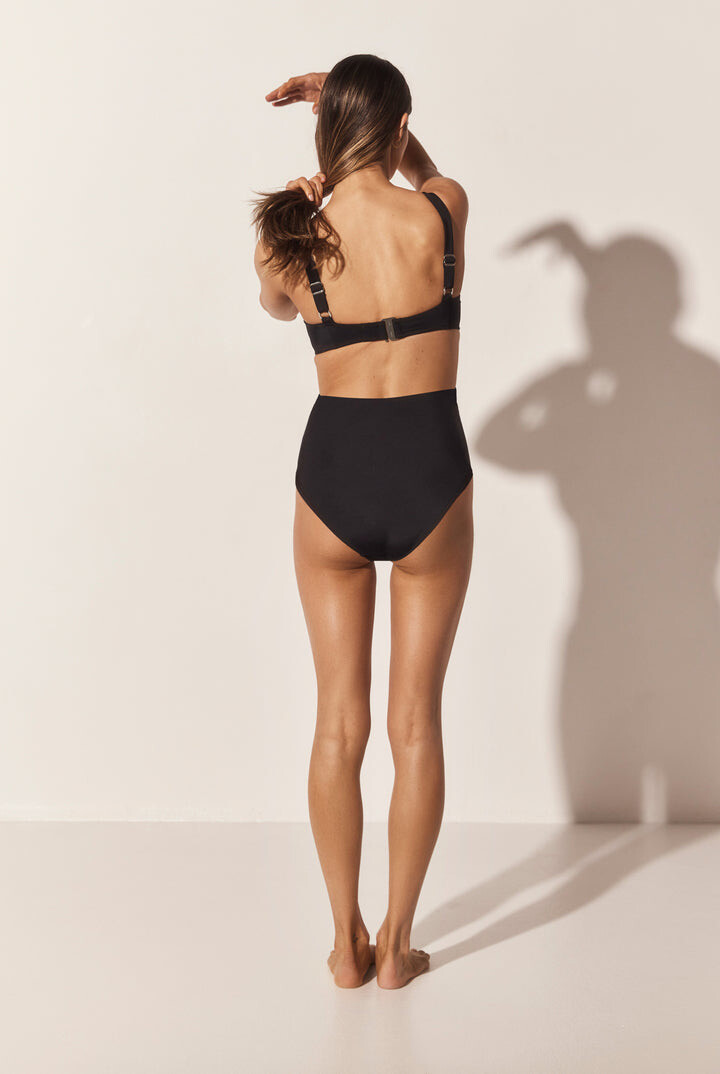


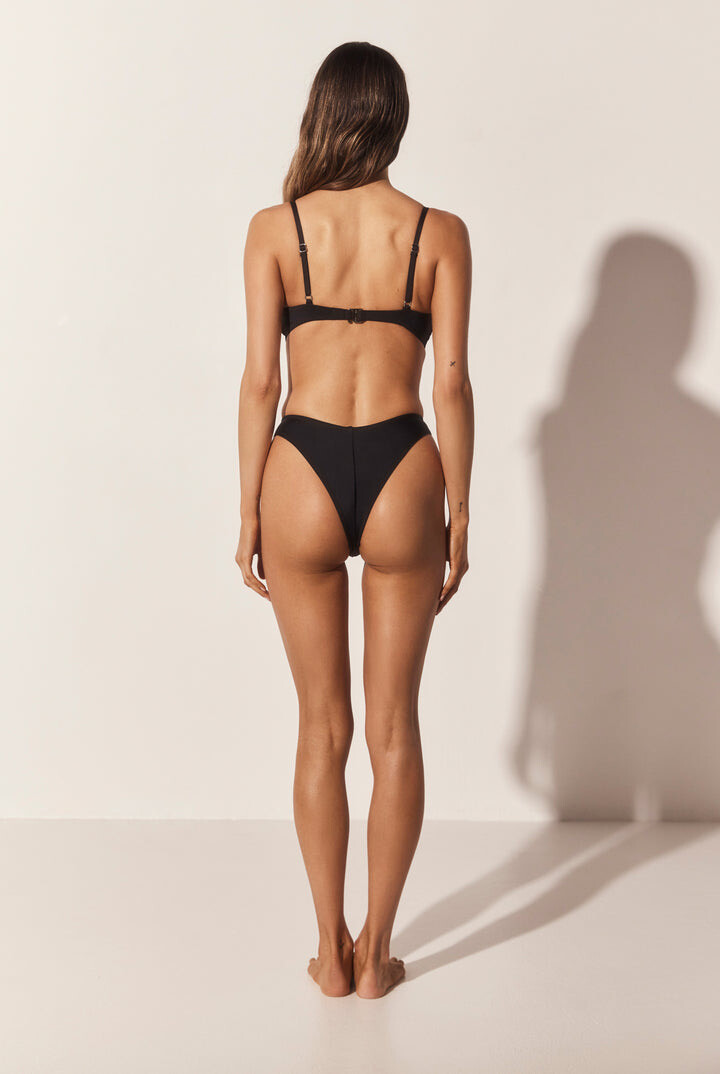


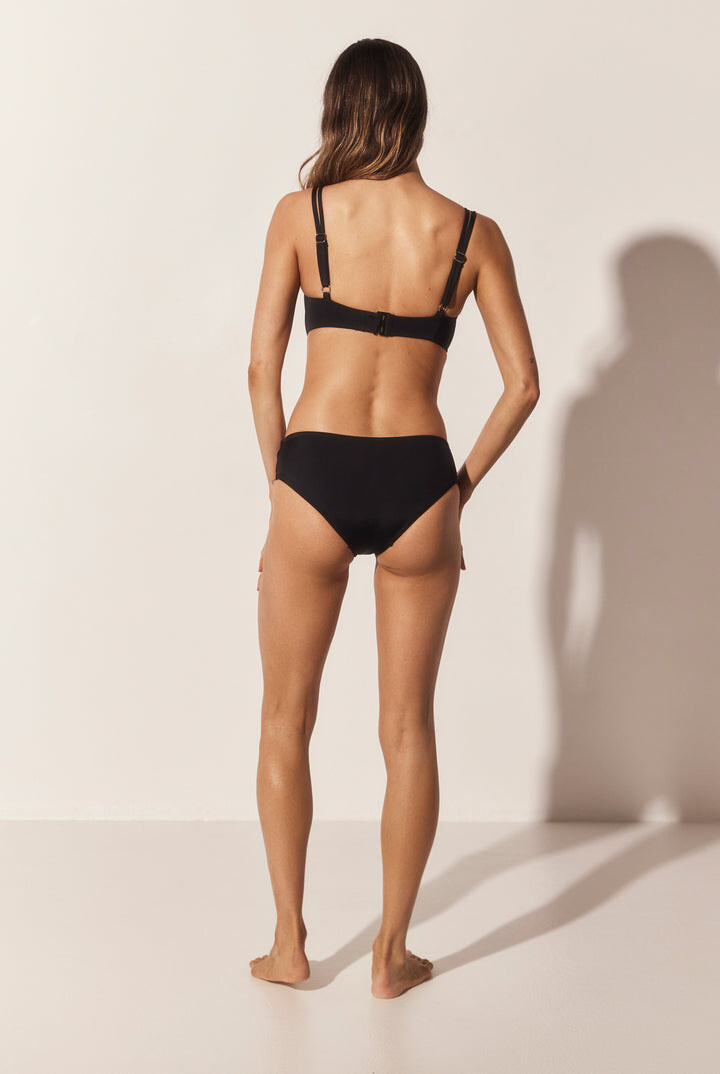


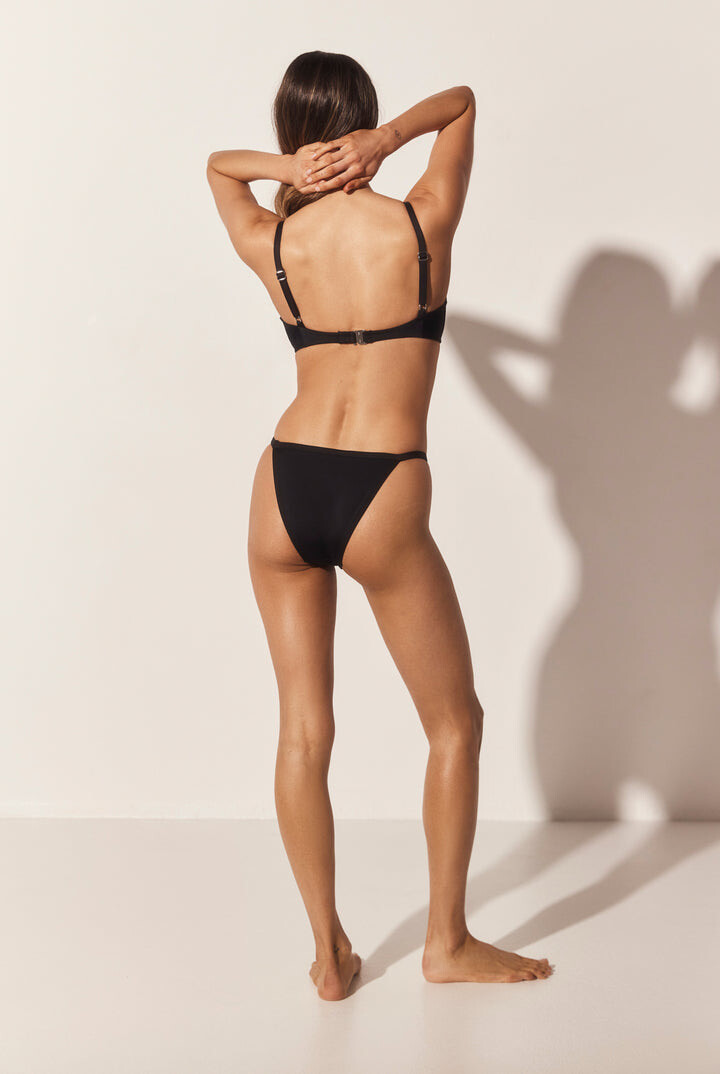



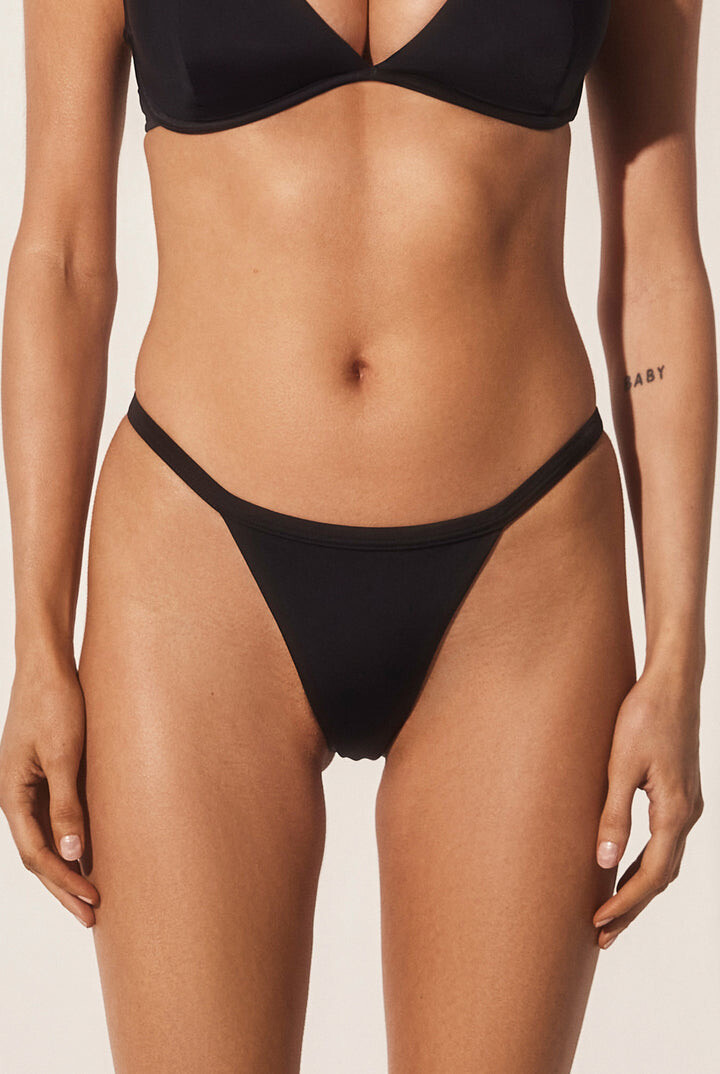


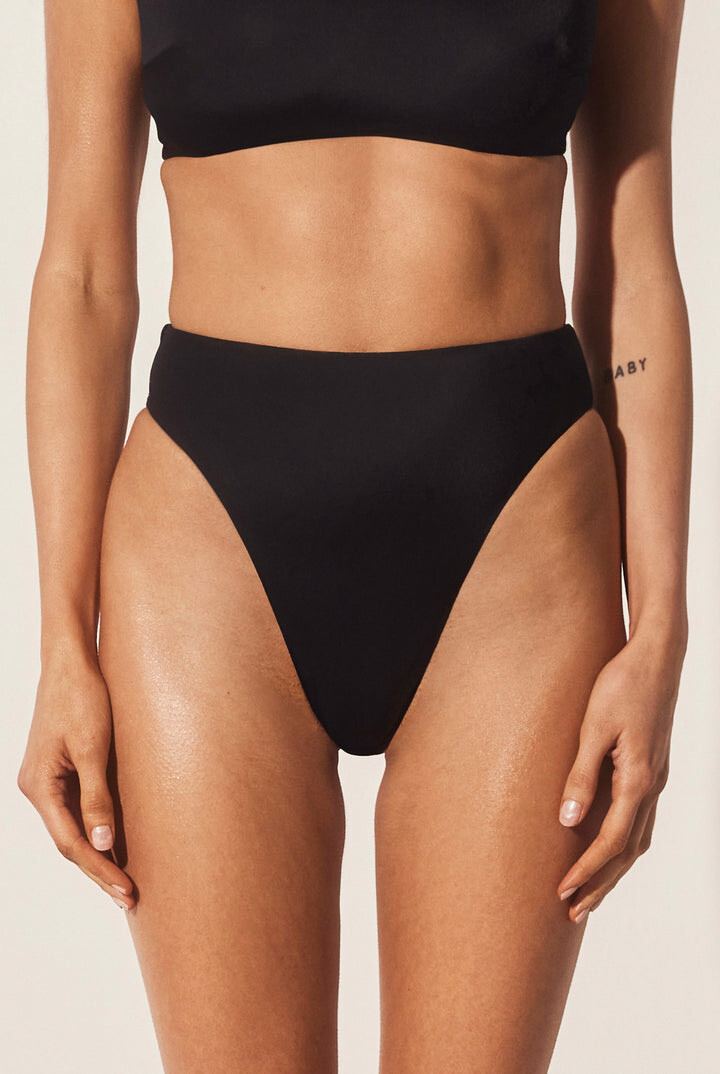
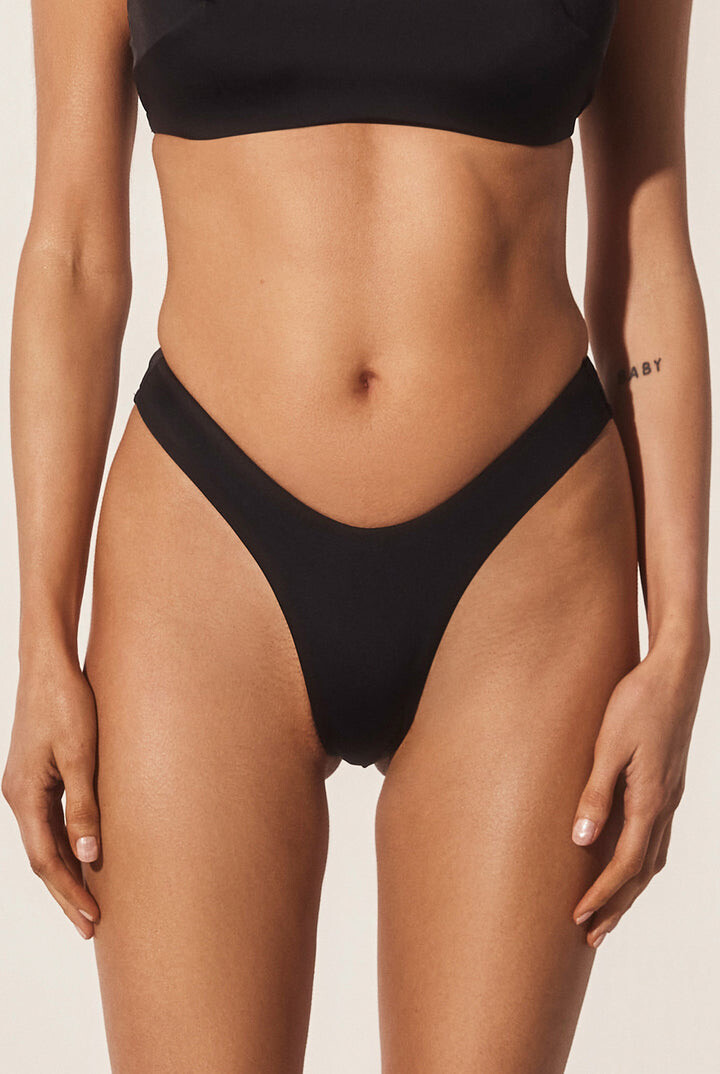

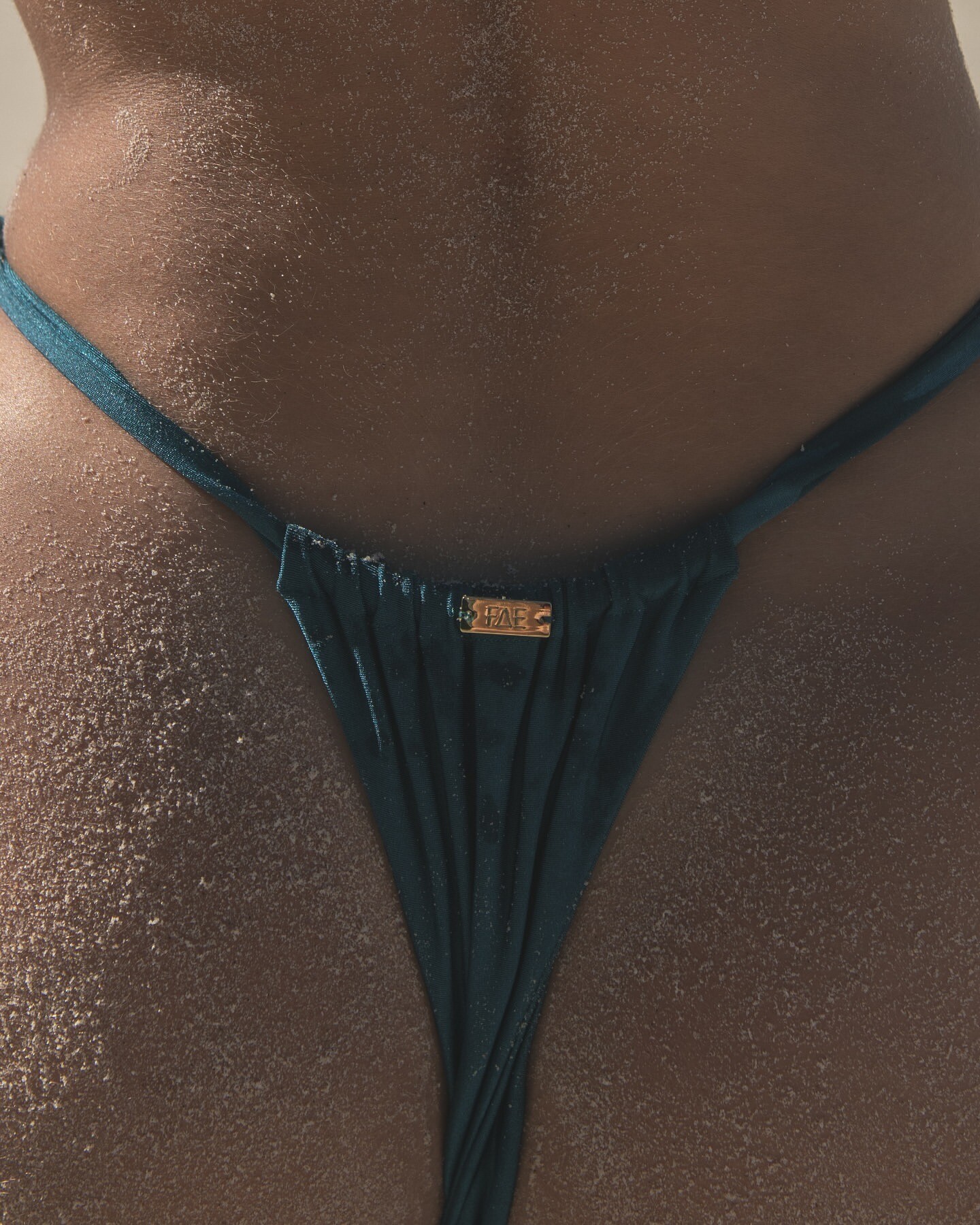


































































Account
Navigation
Search
Configure browser push notifications
Chrome (Android)
- Tap the lock icon next to the address bar.
- Tap Permissions → Notifications.
- Adjust your preference.
Chrome (Desktop)
- Click the padlock icon in the address bar.
- Select Site settings.
- Find Notifications and adjust your preference.
Safari (iOS 16.4+)
- Ensure the site is installed via Add to Home Screen.
- Open Settings App → Notifications.
- Find your app name and adjust your preference.
Safari (macOS)
- Go to Safari → Preferences.
- Click the Websites tab.
- Select Notifications in the sidebar.
- Find this website and adjust your preference.
Edge (Android)
- Tap the lock icon next to the address bar.
- Tap Permissions.
- Find Notifications and adjust your preference.
Edge (Desktop)
- Click the padlock icon in the address bar.
- Click Permissions for this site.
- Find Notifications and adjust your preference.
Firefox (Android)
- Go to Settings → Site permissions.
- Tap Notifications.
- Find this site in the list and adjust your preference.
Firefox (Desktop)
- Open Firefox Settings.
- Search for Notifications.
- Find this site in the list and adjust your preference.