Skip to content
Image hidden for guestsSign in to view

oblivixn

Members
  • Joined

  • Last visited

  1. Eltoredo started following oblivixn
  2. Image hidden for guestsSign in to view
    she's looking aaaabsolutely amazing. thanks for uploading the pictures
  3. Image hidden for guestsSign in to view
    oblivixn changed their profile photo
  4. Image hidden for guestsSign in to view
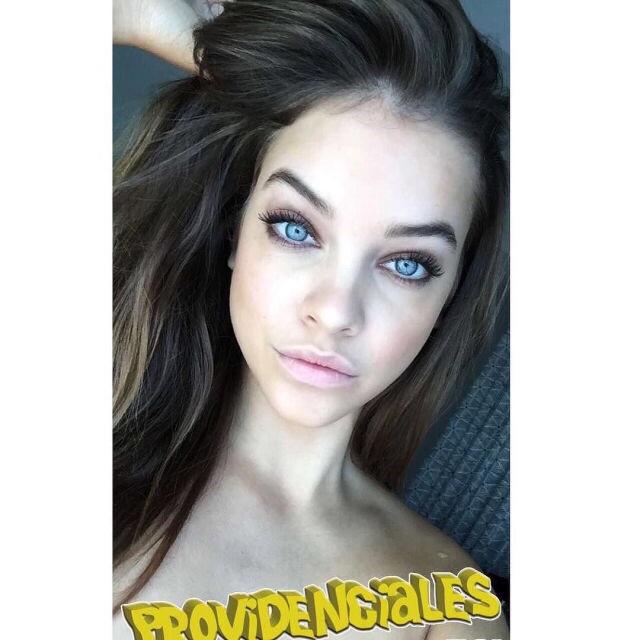
    Barbara's new Instagram post.
  5. Image hidden for guestsSign in to view
    All I remember is that it's from Elle UK March 2013.
  6. Image hidden for guestsSign in to view
    I think I'm the only one who thought Barbara was going to have a similar look to the one L'Oreal used in " The Cannes Collection " And in my opinion, she looks better this year than the last one and one reason why I think this is definitely the hair which has a much better color now.
  7. Image hidden for guestsSign in to view
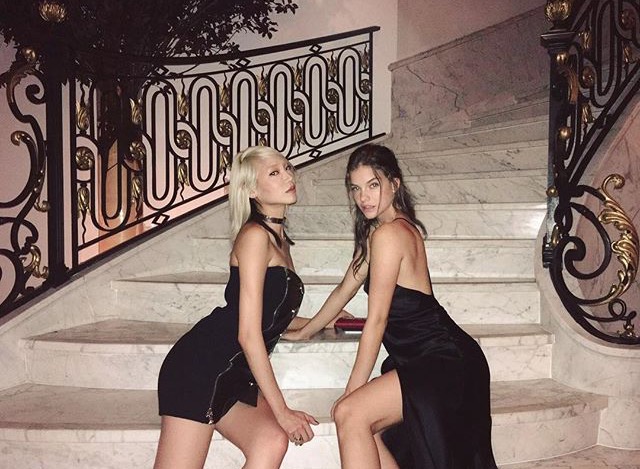
    Those BTS images are amazing. She's flawless.
  8. Image hidden for guestsSign in to view
    HER HAIR
  9. Image hidden for guestsSign in to view
    Please, not blonde, please, not blonde..
  10. Image hidden for guestsSign in to view
    Barbara in the Metrocity show reminds me of when she was younger.
  11. Image hidden for guestsSign in to view
    Same thoughts. I can't wait to see more.
  12. Image hidden for guestsSign in to view
    OH MY GOOOD
  13. Image hidden for guestsSign in to view
    Barbara looks amazing And, besides how glad I am that she seems to be back, I'm really happy to see her chocolate-coloured hair still there.
  14. Image hidden for guestsSign in to view
    From Barbara's Instagram
  15. Image hidden for guestsSign in to view
    FYI Barbara didnt get pregnant, if thats what you're wondering Waaa, that's one thing I didn't think of, hah!
  16. Image hidden for guestsSign in to view
    I'm really curious for all that has to come. I have a feeling, a strange one, I hope it will be a positive one too.
  17. Image hidden for guestsSign in to view
    We can't compare these two, can we? :wub2:
    Image hidden for guestsSign in to view

Account

Navigation

Search

Search

Configure browser push notifications

Chrome (Android)
  1. Tap the lock icon next to the address bar.
  2. Tap Permissions → Notifications.
  3. Adjust your preference.
Chrome (Desktop)
  1. Click the padlock icon in the address bar.
  2. Select Site settings.
  3. Find Notifications and adjust your preference.