
lampro
Members
-
Joined
-
Last visited
Everything posted by lampro
-
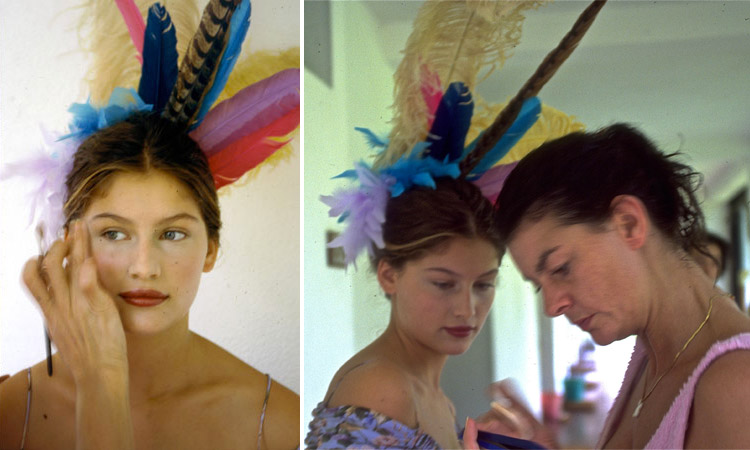
So thrilled that I found these pics!!! Pic number 1 : Larry Lobaugh Instagram_ _Throwback with Laetitia Casta @FreddieLeiba @MaxPinnell @Bermuda__files Pic number 2 : Linda Hay Instagram_ _#fbf beautiful Laetitia Casta for Mademoiselle 1995 w_ @santedorazio

 VERSACE AW1991




 Elle Japan October 1990
.thumb.jpg.a8cfa0bda35c9a199893203d035a098d.jpg) One more from the same photoshoot
One more from the same photoshoot
 Laetitia Casta au défilé Dinnigan en octobre 1997

 Vogue 1-1993
 Jean-Daniel Lorieux photo from 1987
 Claudia Schiffer by Herb Ritts, 1990
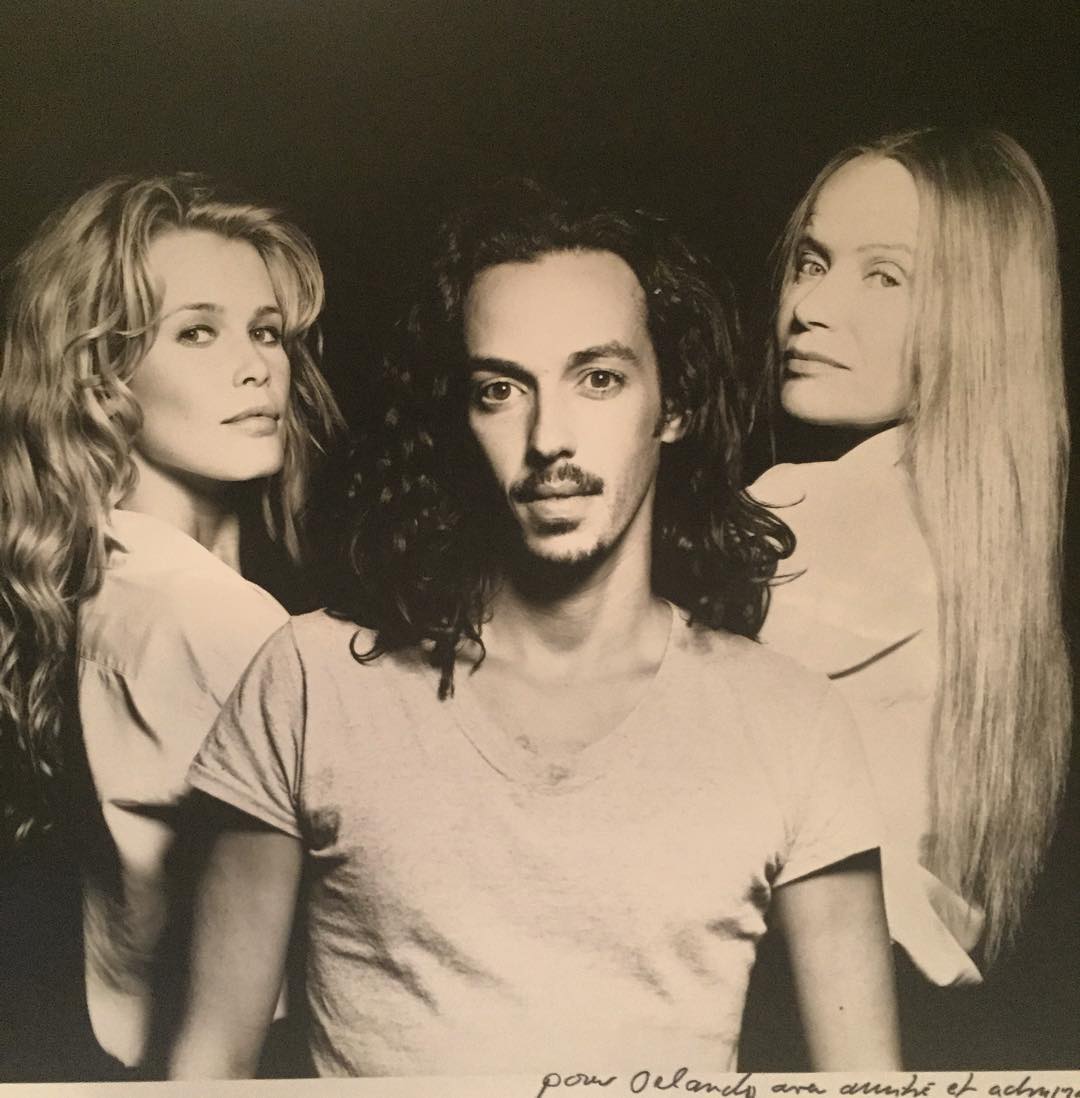
 Monte Carlo 6-1994 with Veruschka. From Orlando Pita's instagram page
 Louis Vuitton backstage shot
 Fabien Baron backstage shot for W mag
 shot from German catalogue found on instagram
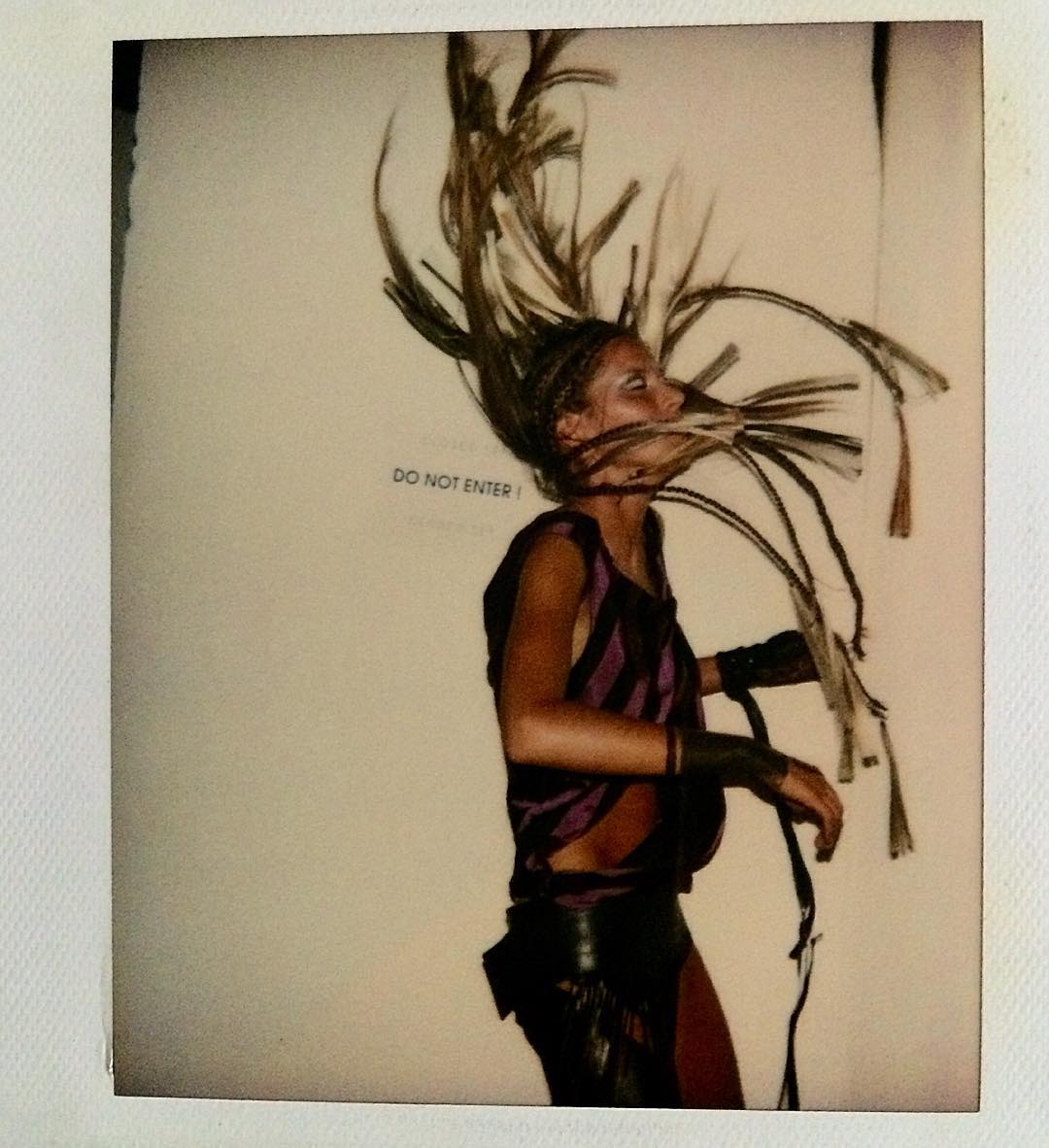
 Greg Kadel Studios, rare polaroid








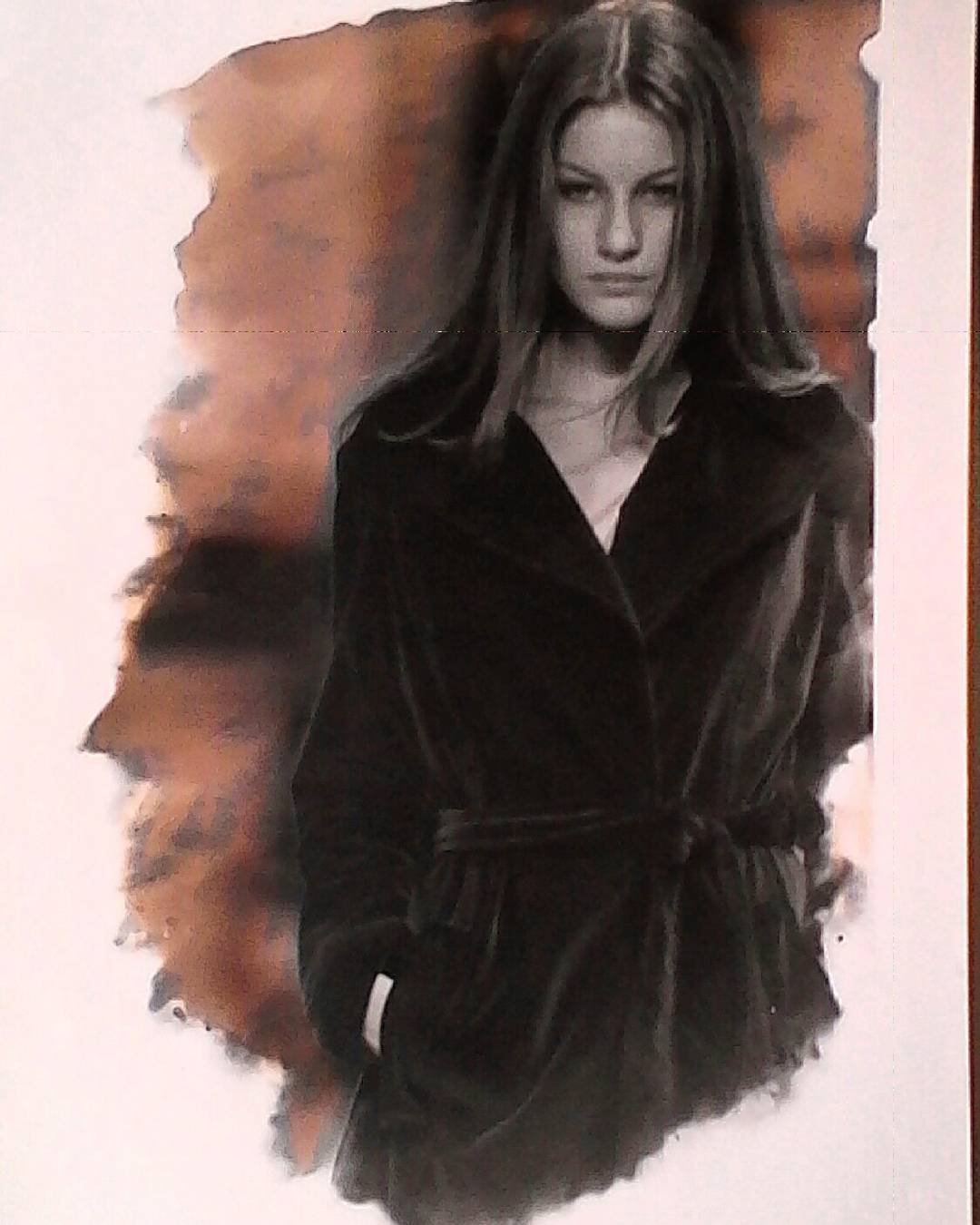

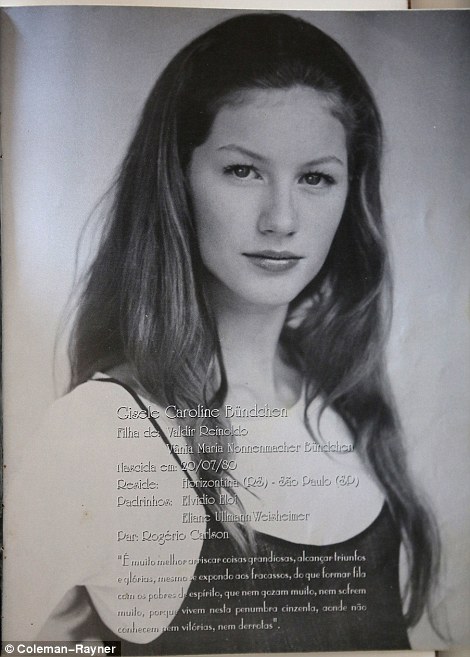

.jpg.fa9abfe254e93e226896be0a99eaea9a.jpg)



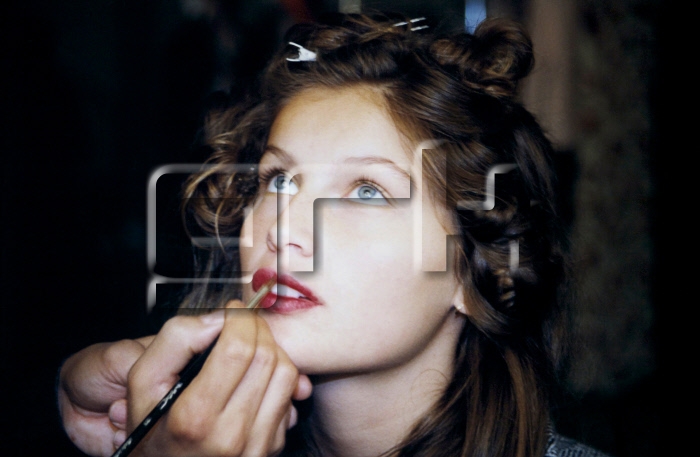



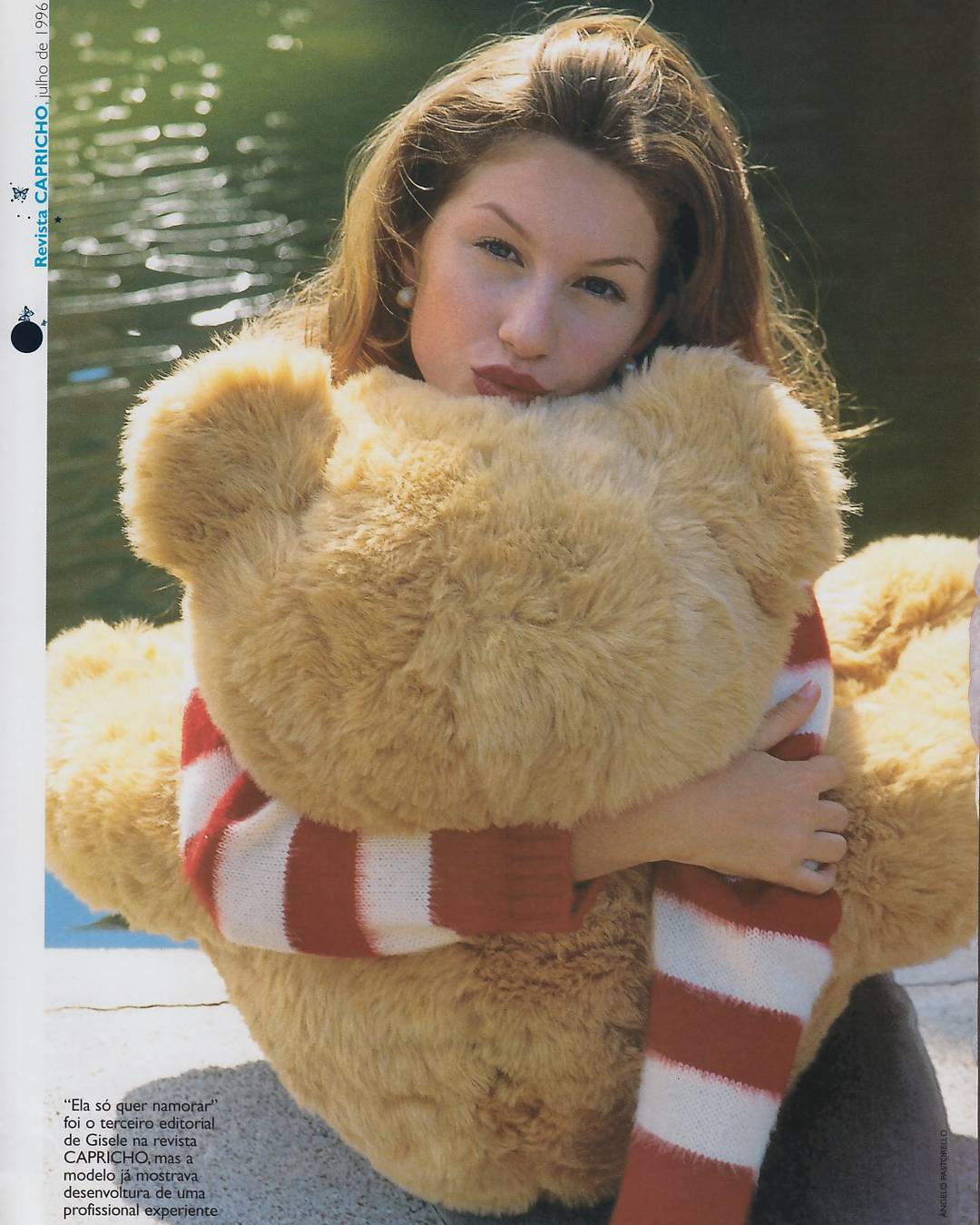



.jpg.8c0c565d65e221539893de0b157b039b.jpg)
.jpg.bda012045e667877fec7c17d971487f0.jpg)






.jpg.bab47e22466aafc5b67d41847c61cf88.jpg)


Account
Navigation
Search
Configure browser push notifications
Chrome (Android)
- Tap the lock icon next to the address bar.
- Tap Permissions → Notifications.
- Adjust your preference.
Chrome (Desktop)
- Click the padlock icon in the address bar.
- Select Site settings.
- Find Notifications and adjust your preference.
Safari (iOS 16.4+)
- Ensure the site is installed via Add to Home Screen.
- Open Settings App → Notifications.
- Find your app name and adjust your preference.
Safari (macOS)
- Go to Safari → Preferences.
- Click the Websites tab.
- Select Notifications in the sidebar.
- Find this website and adjust your preference.
Edge (Android)
- Tap the lock icon next to the address bar.
- Tap Permissions.
- Find Notifications and adjust your preference.
Edge (Desktop)
- Click the padlock icon in the address bar.
- Click Permissions for this site.
- Find Notifications and adjust your preference.
Firefox (Android)
- Go to Settings → Site permissions.
- Tap Notifications.
- Find this site in the list and adjust your preference.
Firefox (Desktop)
- Open Firefox Settings.
- Search for Notifications.
- Find this site in the list and adjust your preference.