Shale586
Members
-
Joined
-
Last visited
Everything posted by Shale586
-
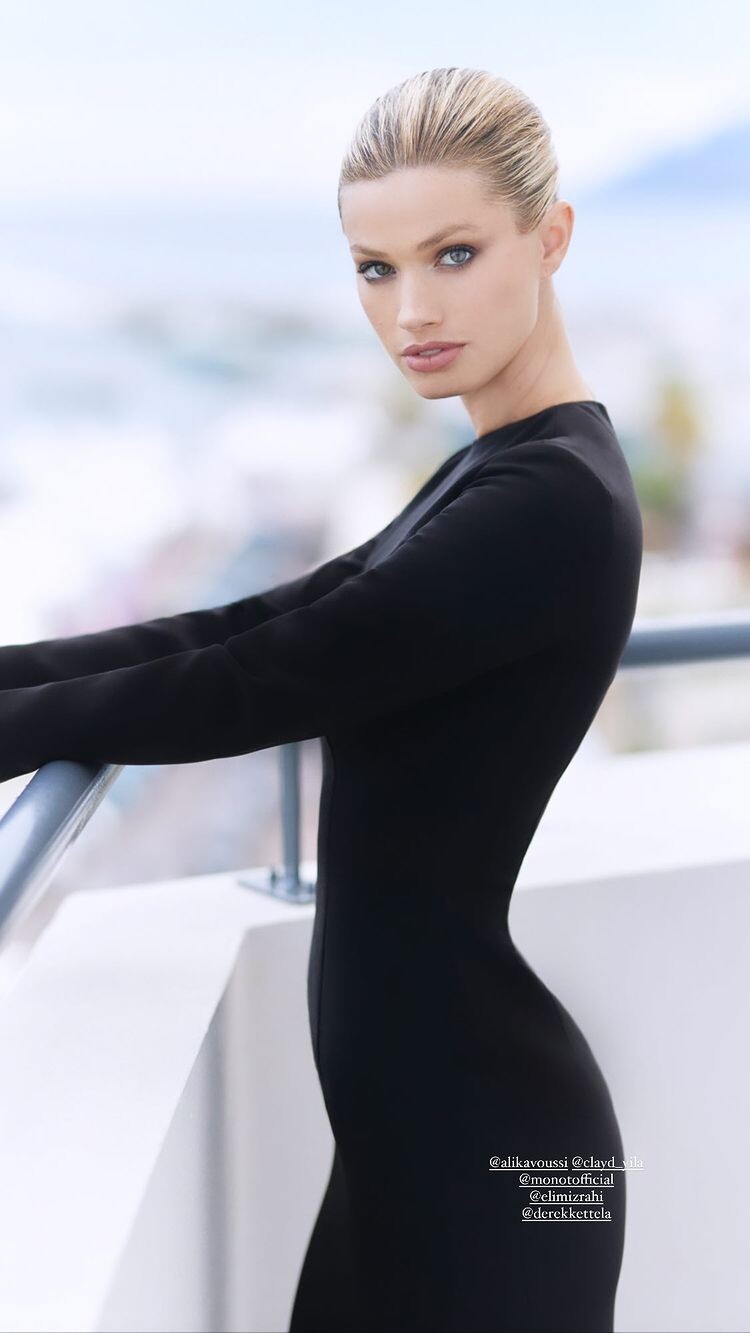
 Derek Kettela
-
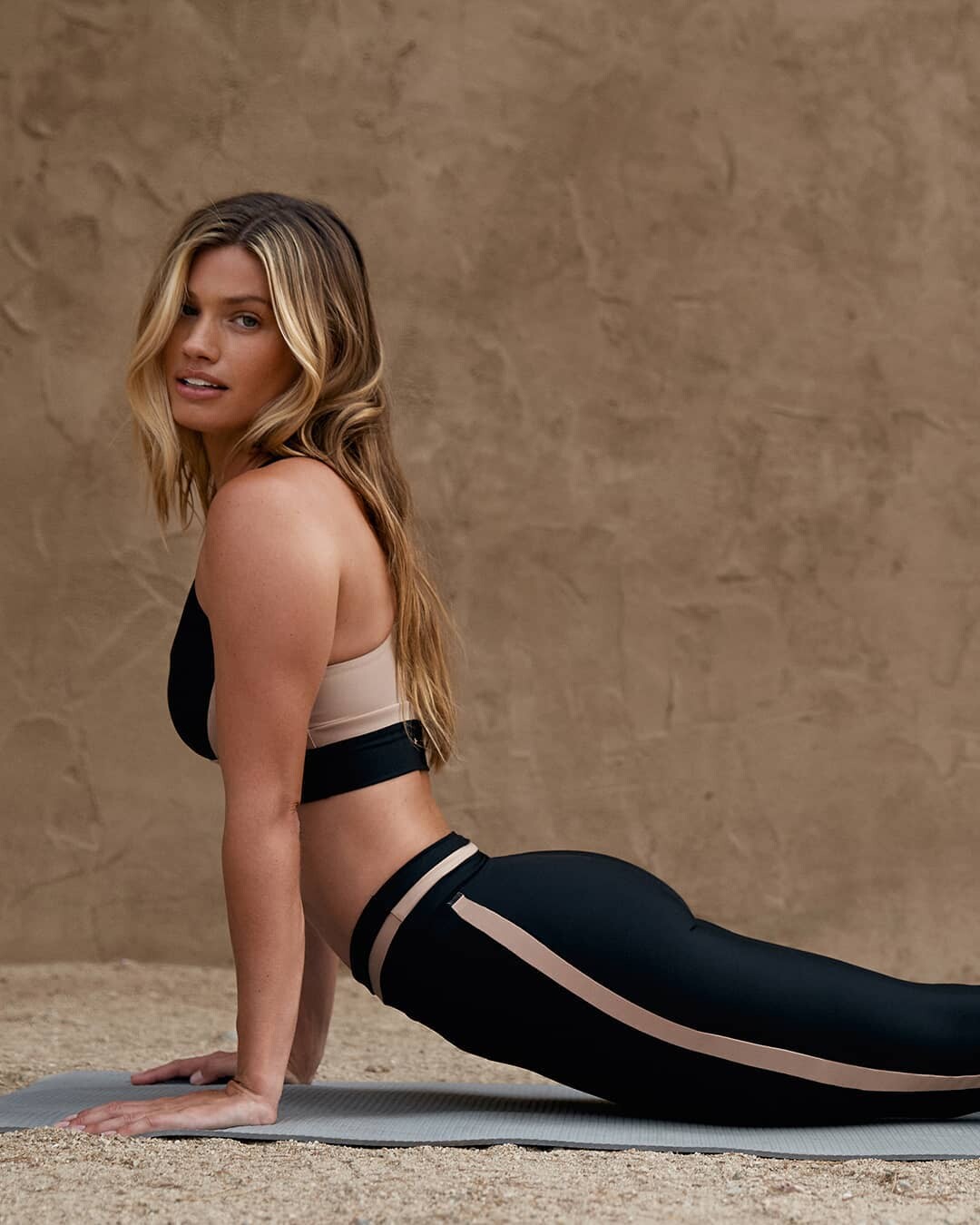
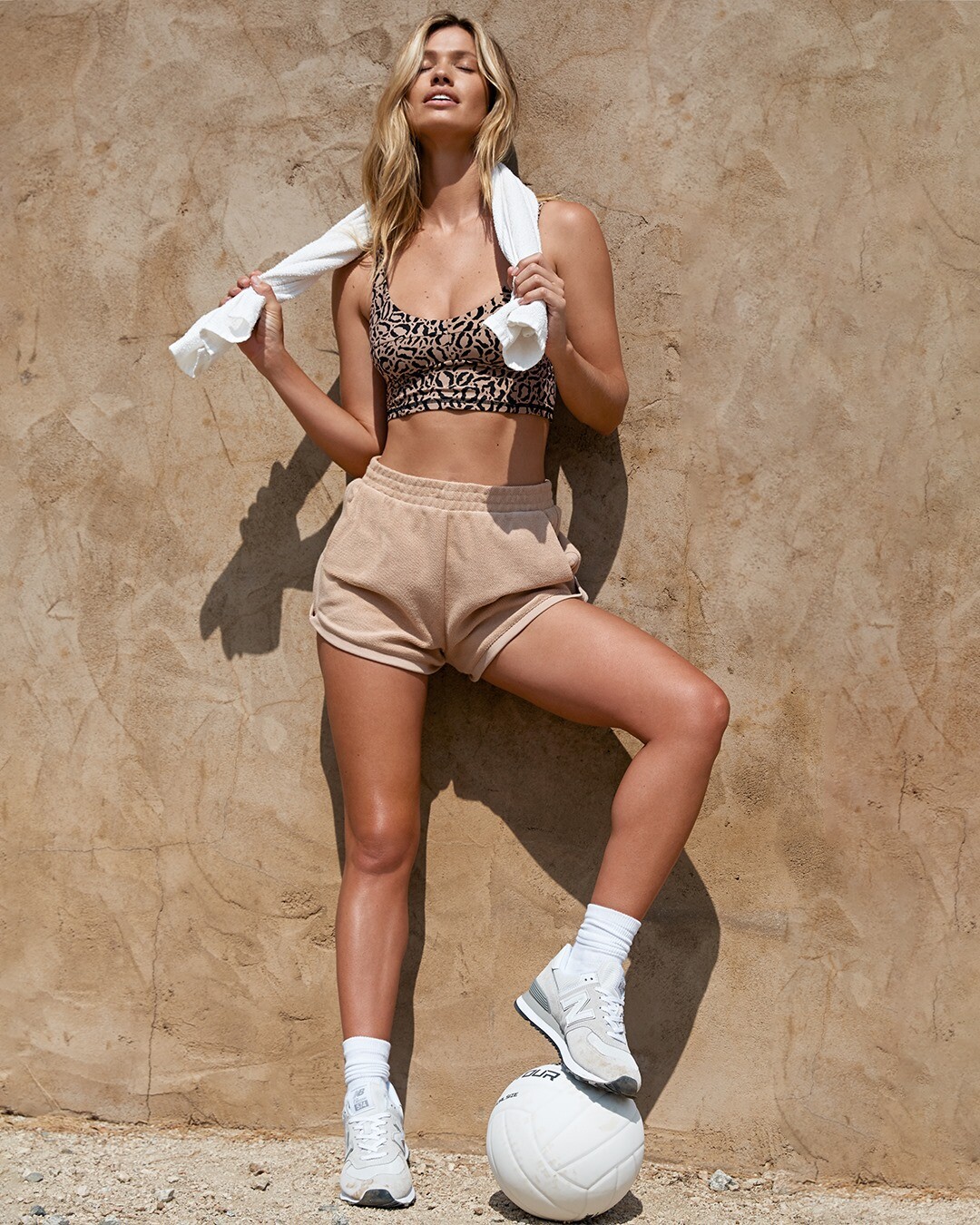
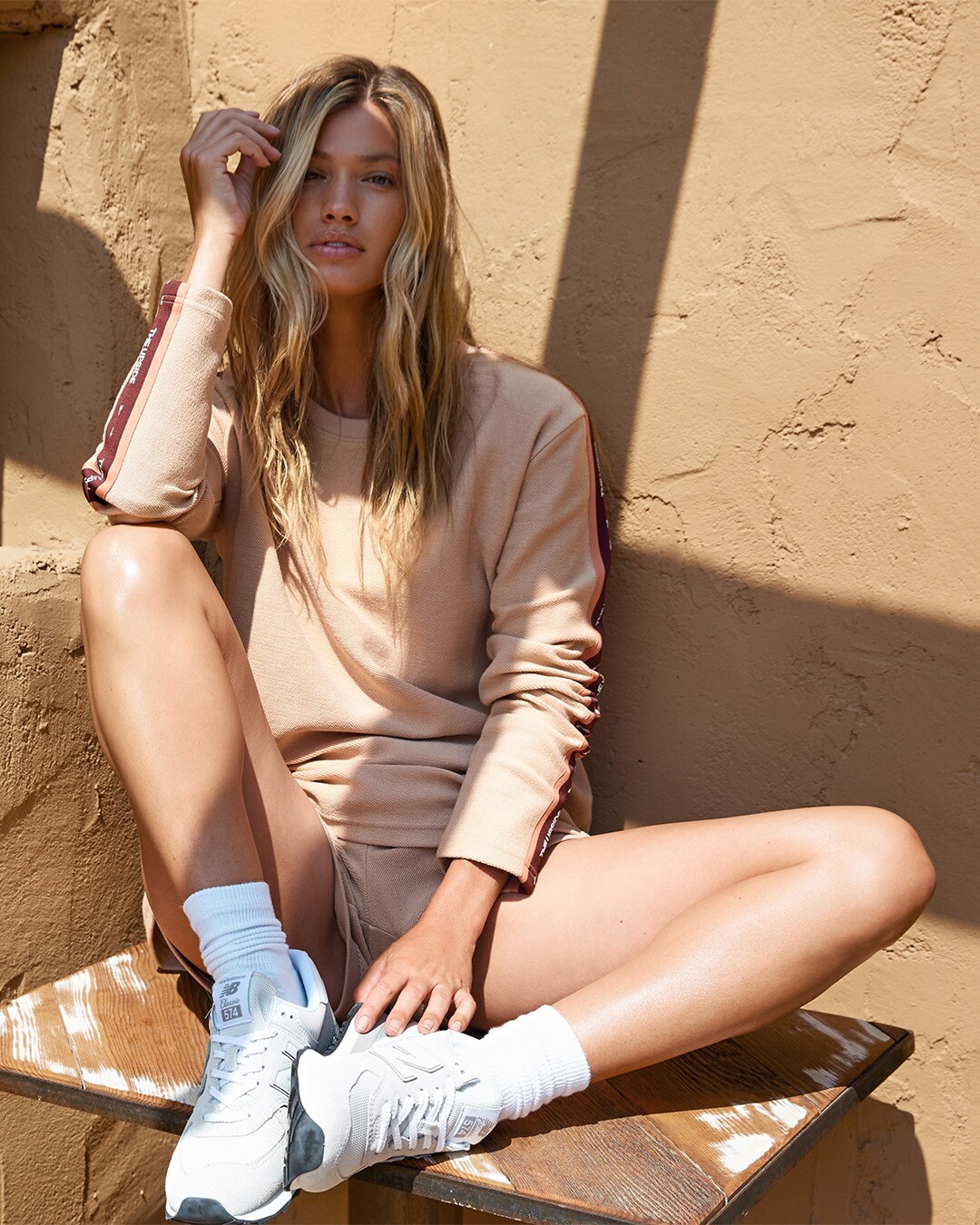
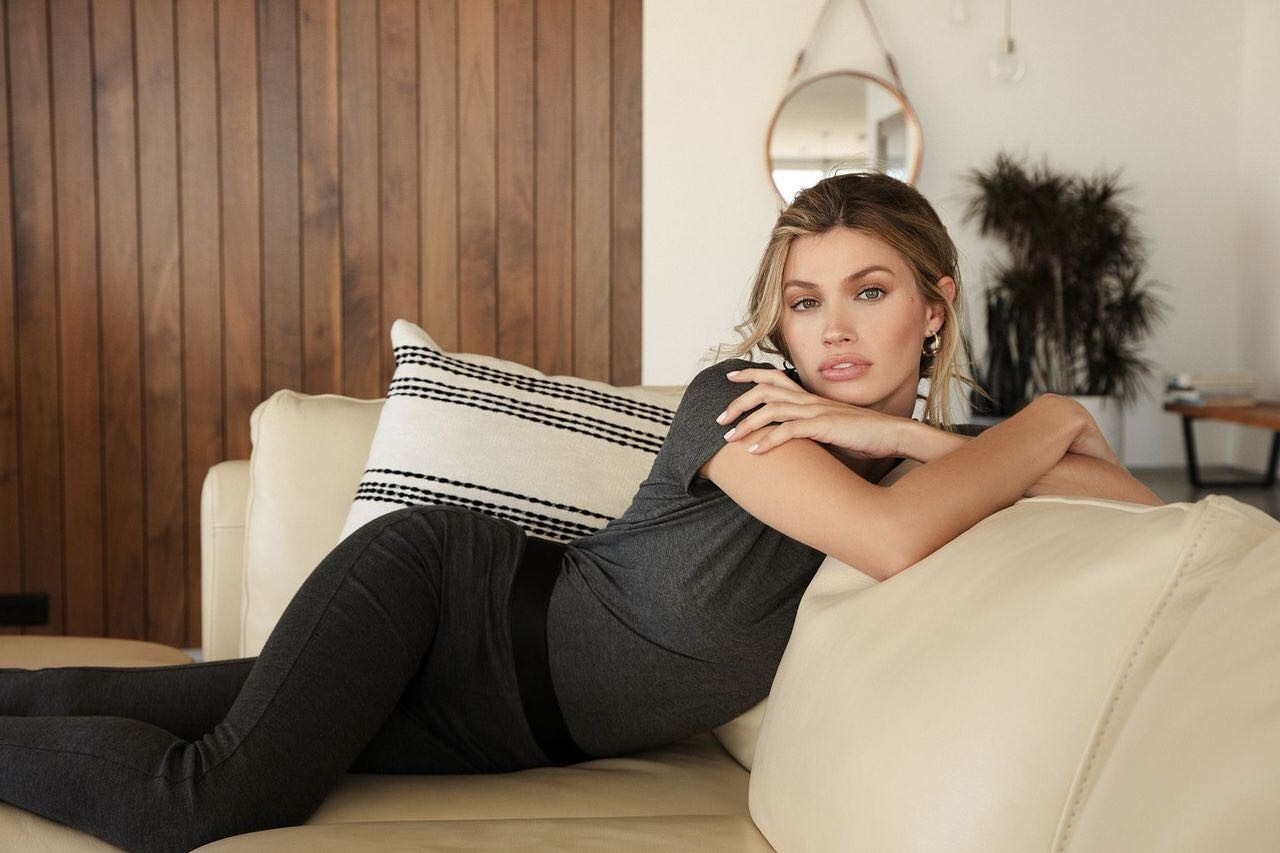
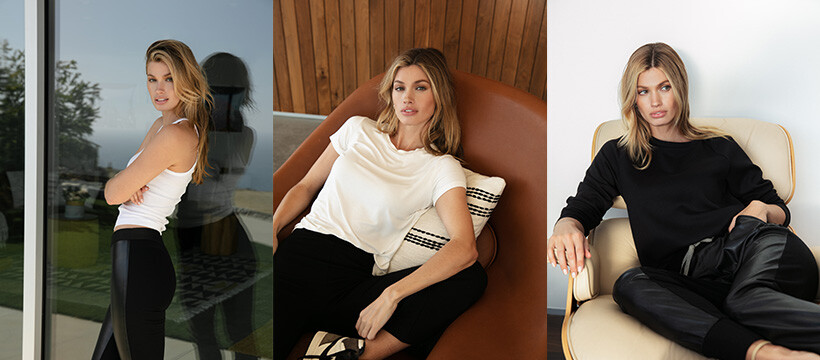
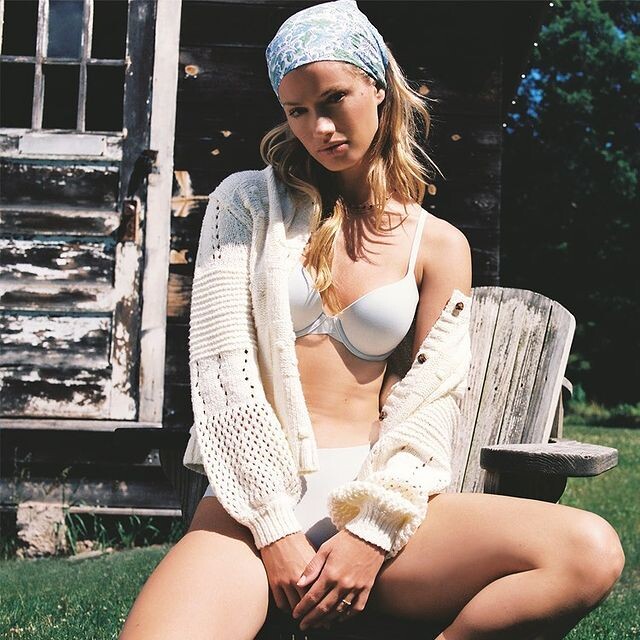
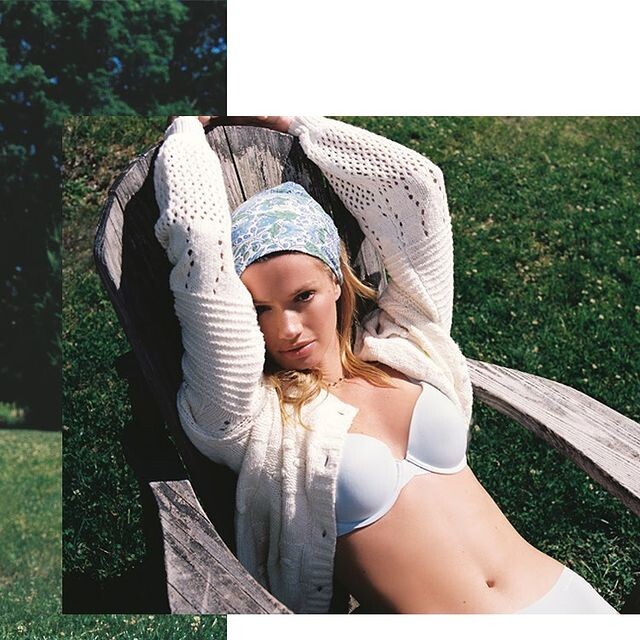
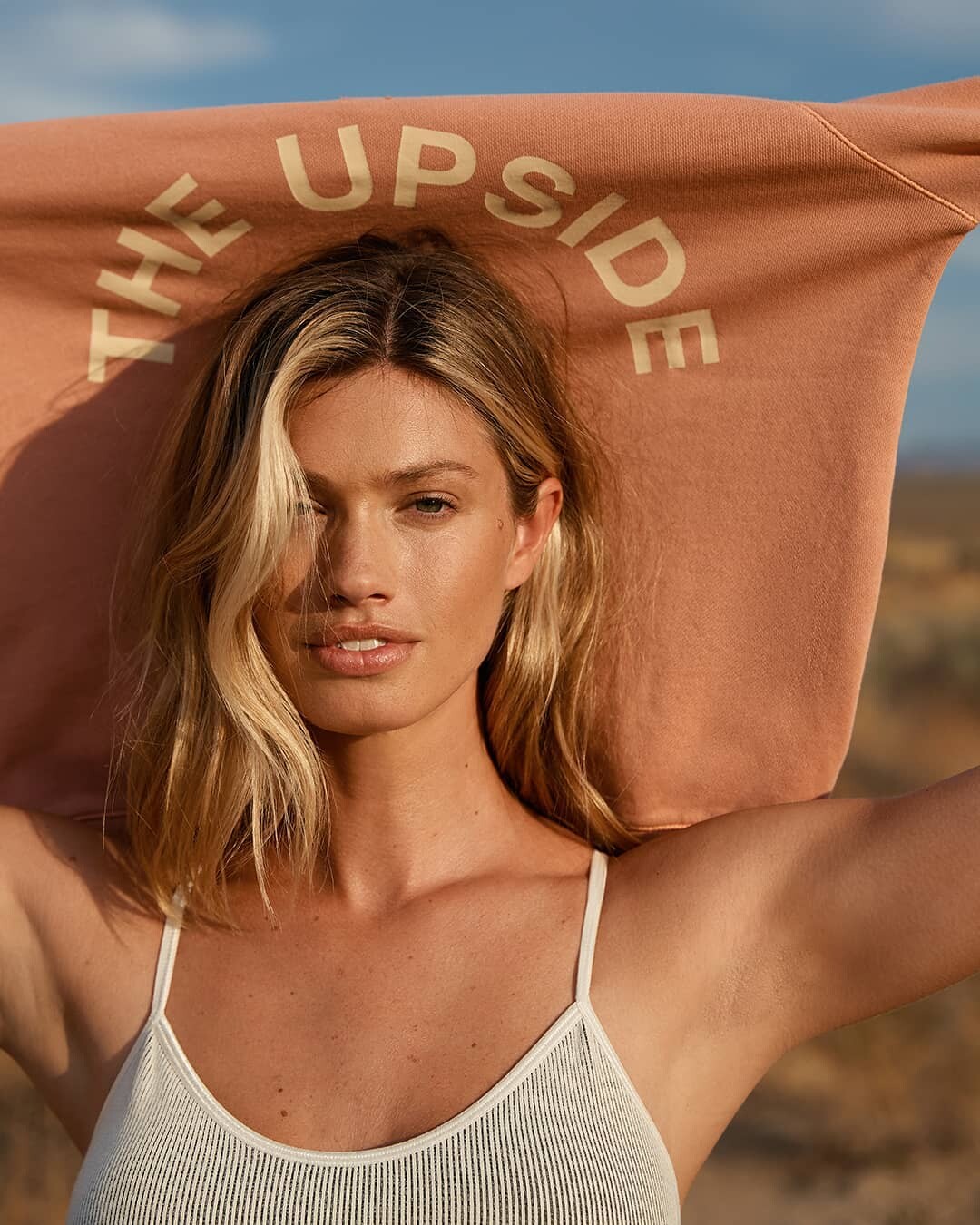
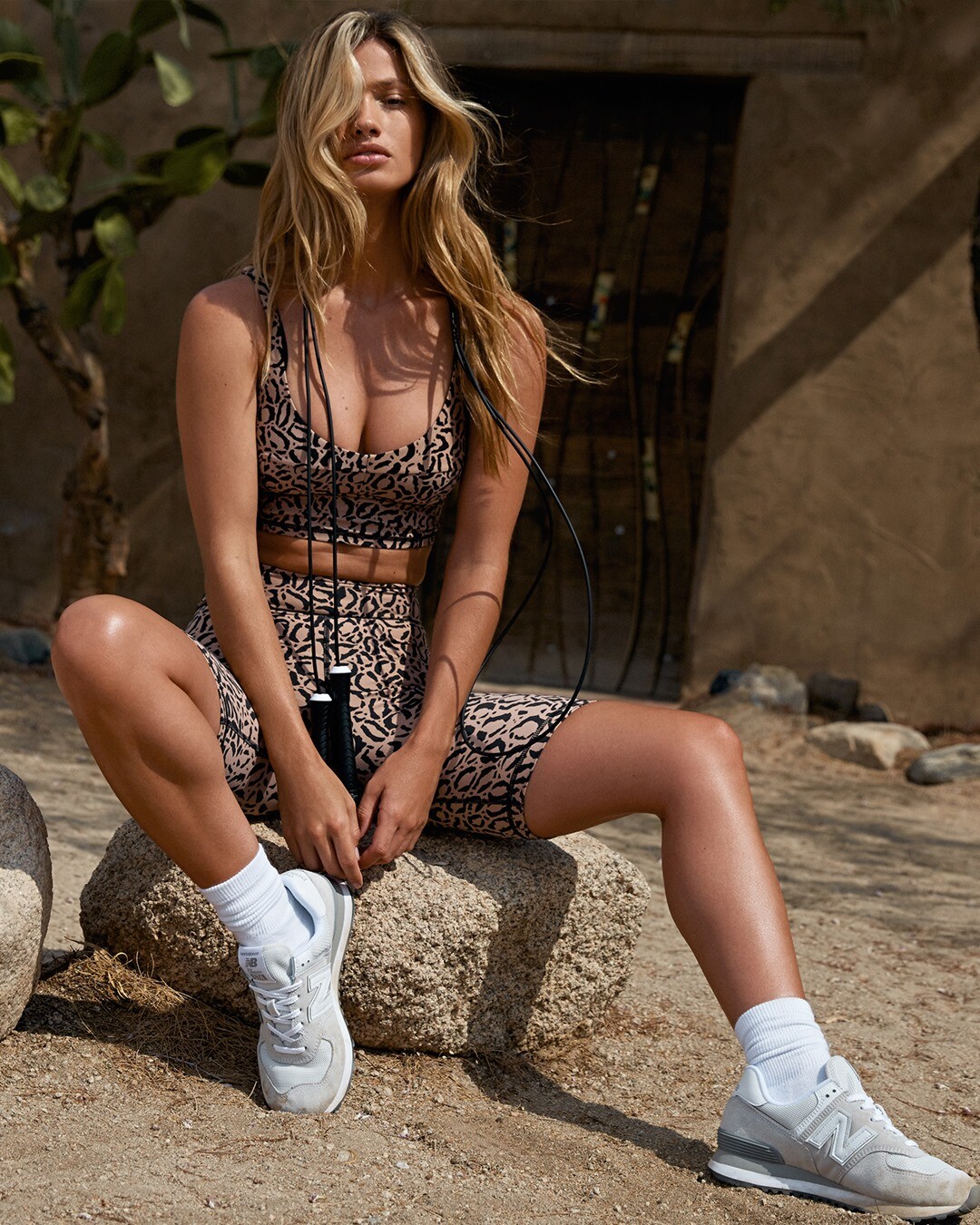
SYLVÈ COLLESS for The Upside
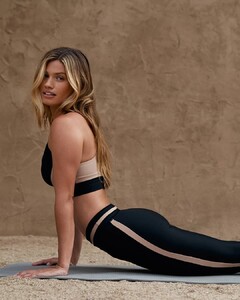
-
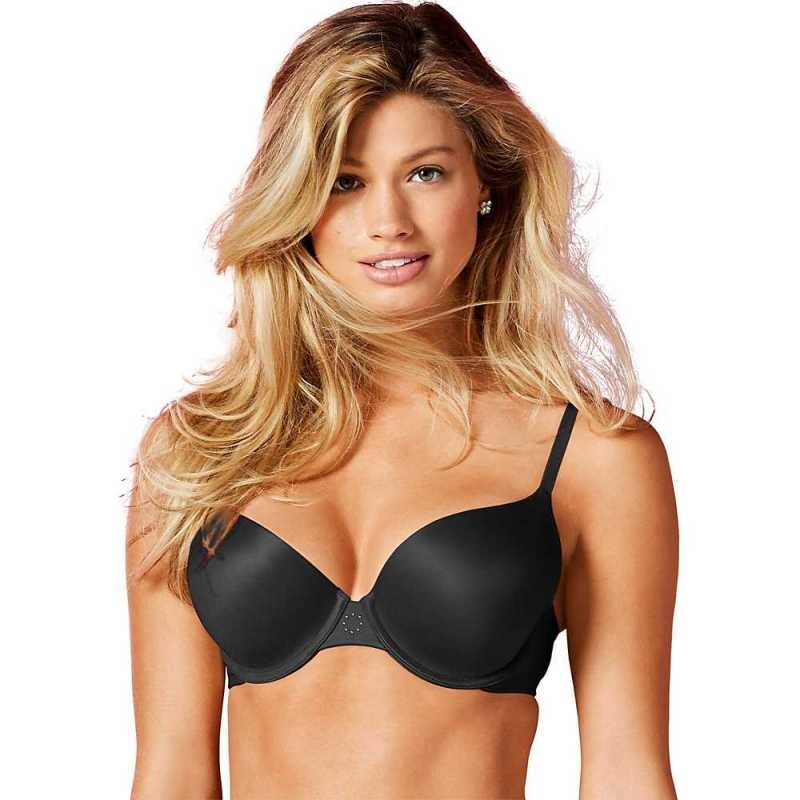
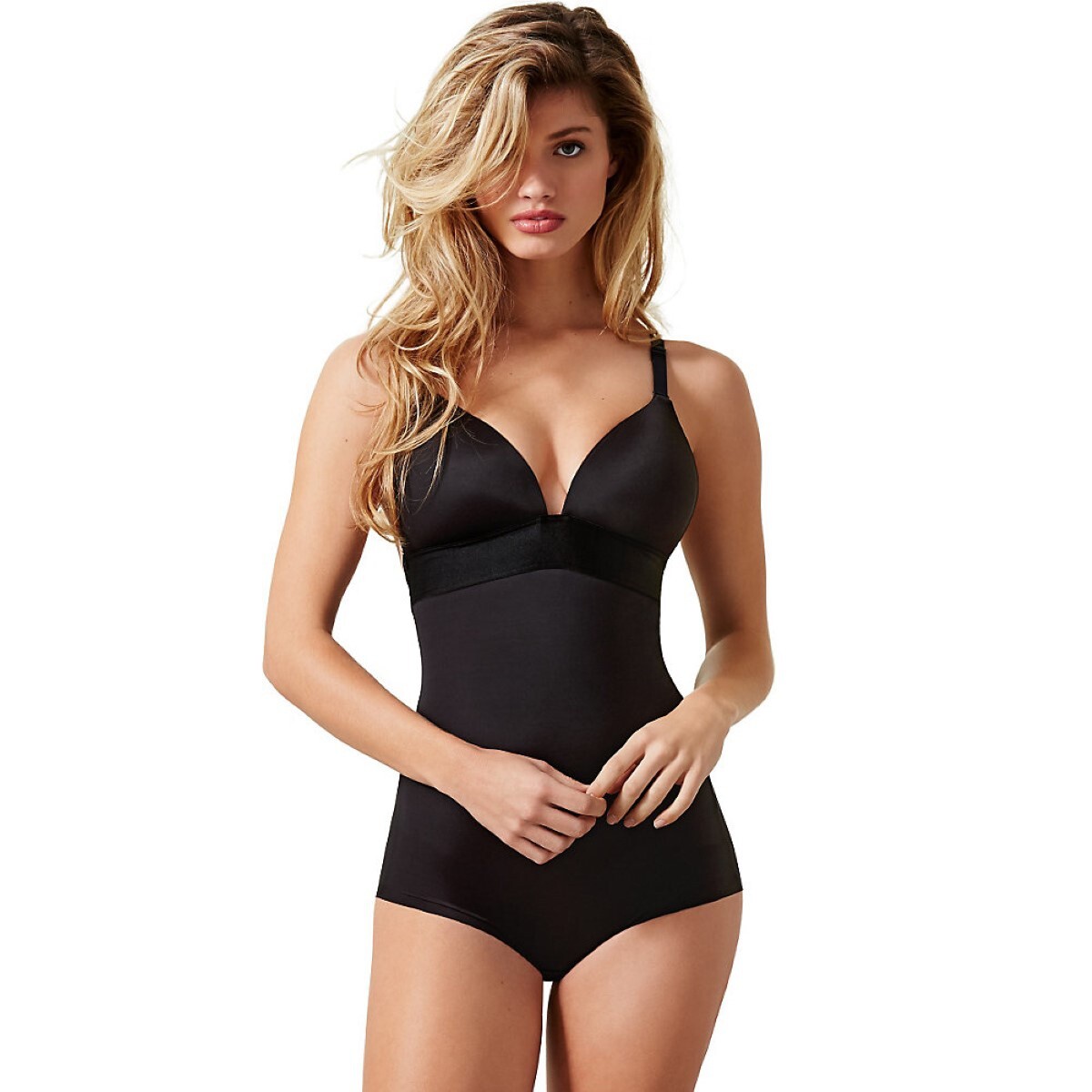
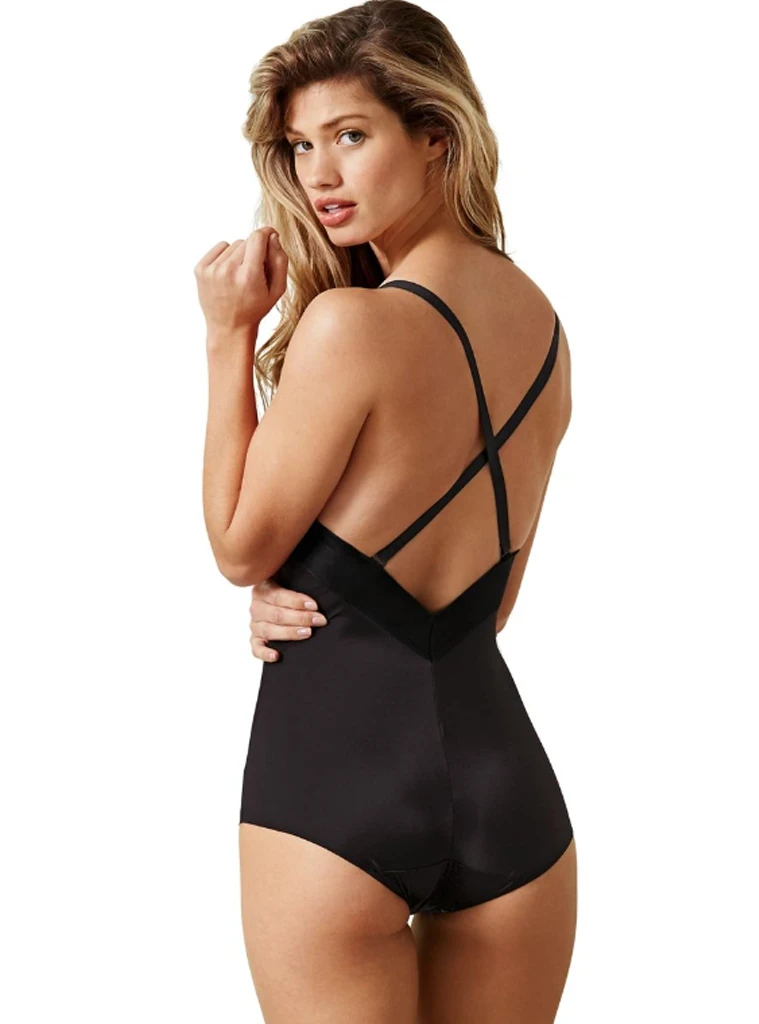
Maidenform
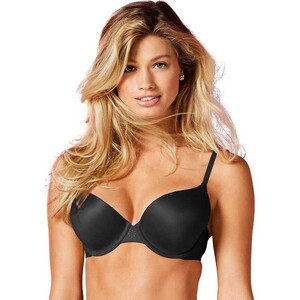

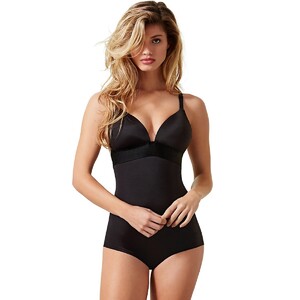
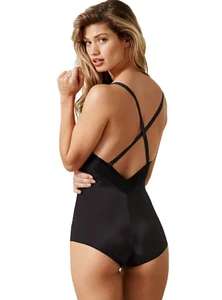
-
-
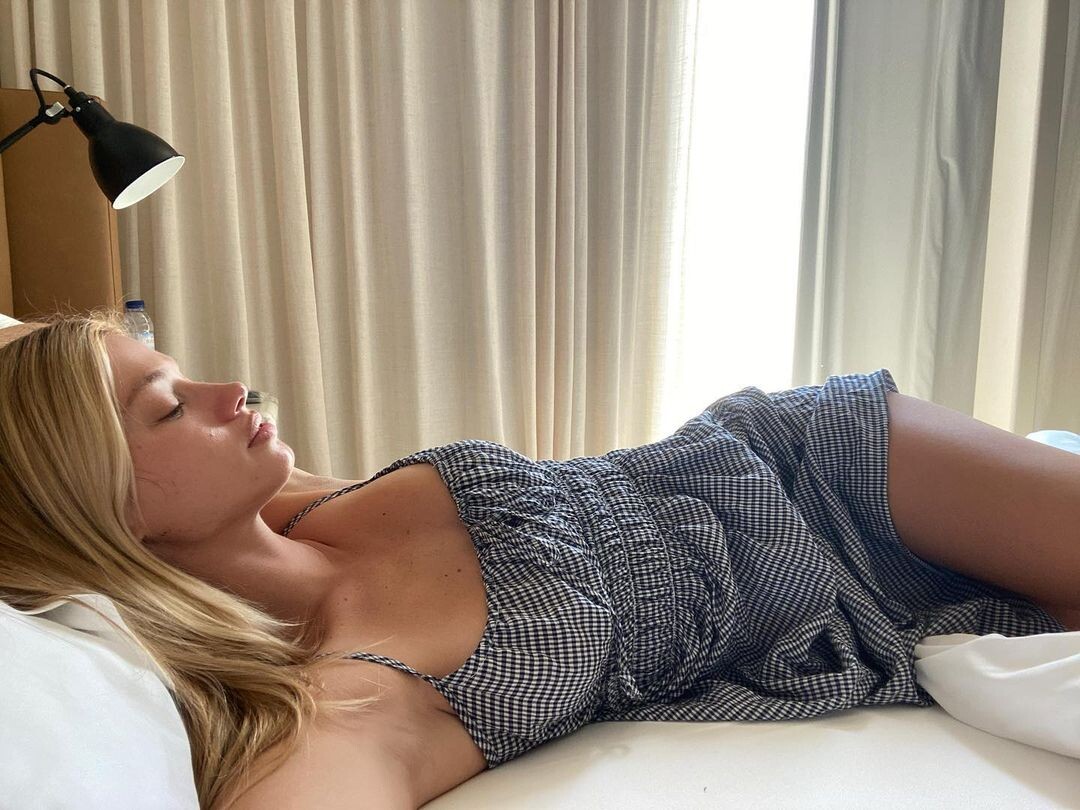
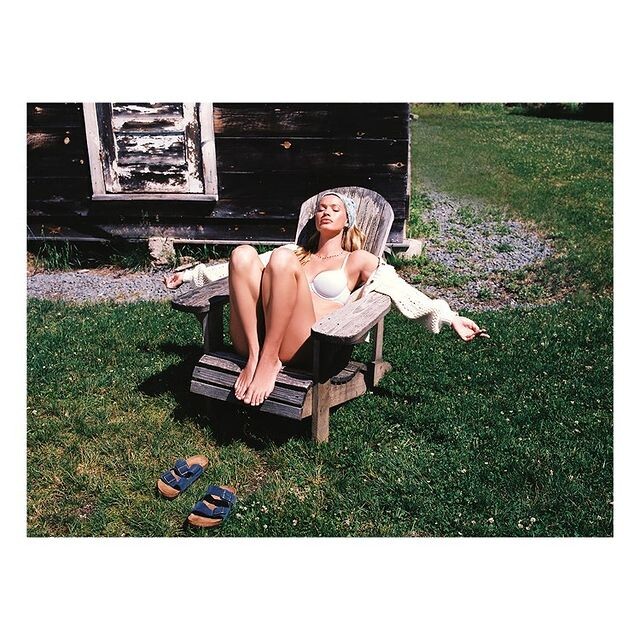
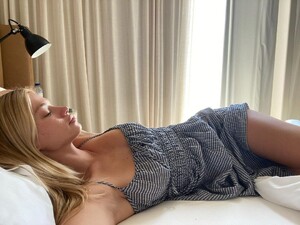
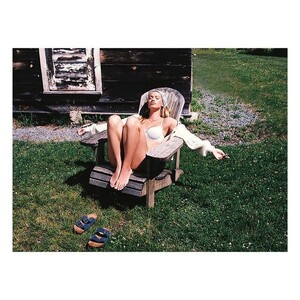
Time for a nap!
-
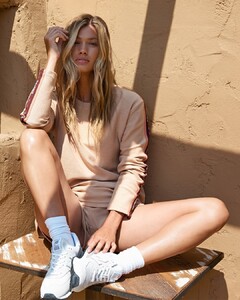
SYLVÈ COLLESS for The Upside

-
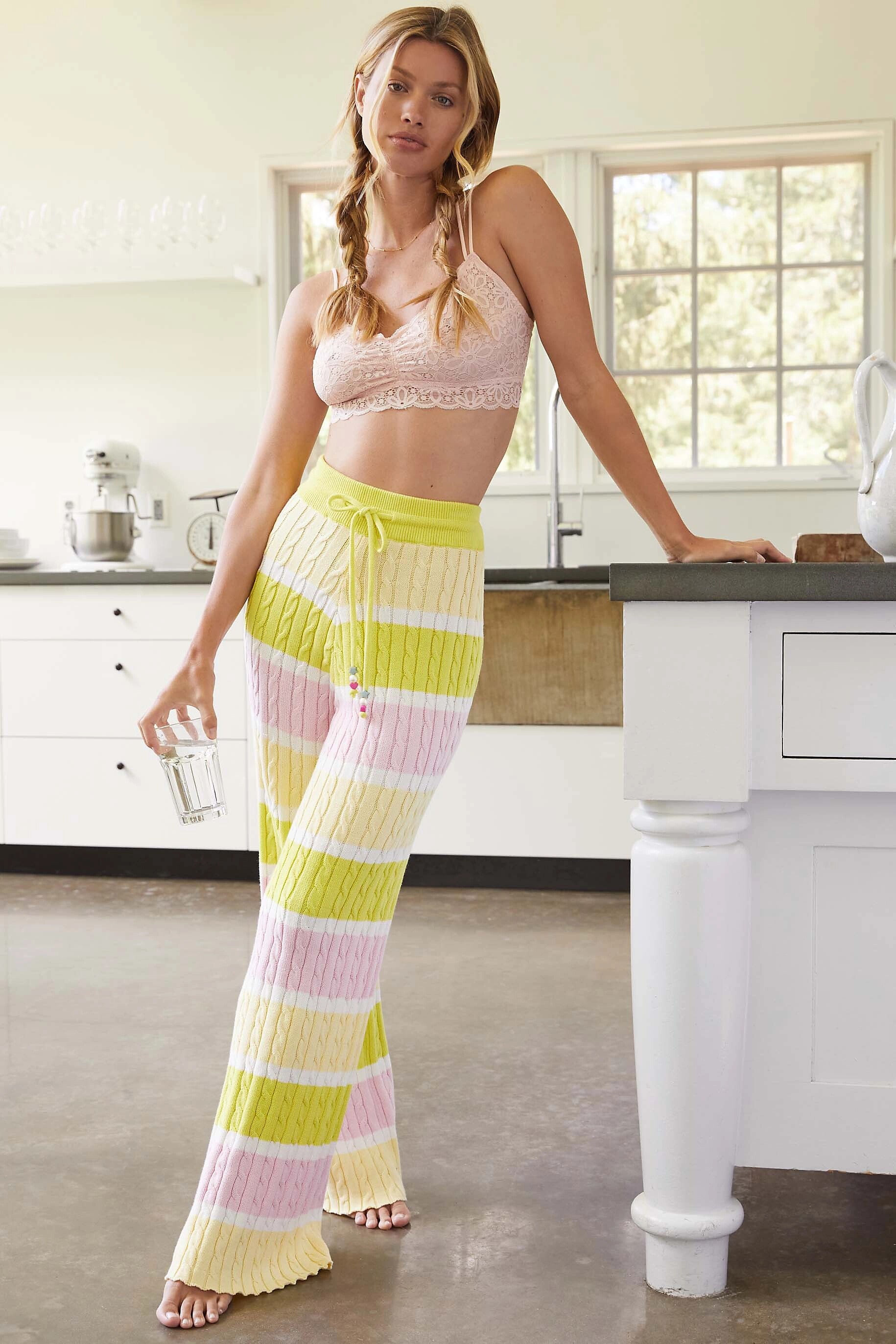
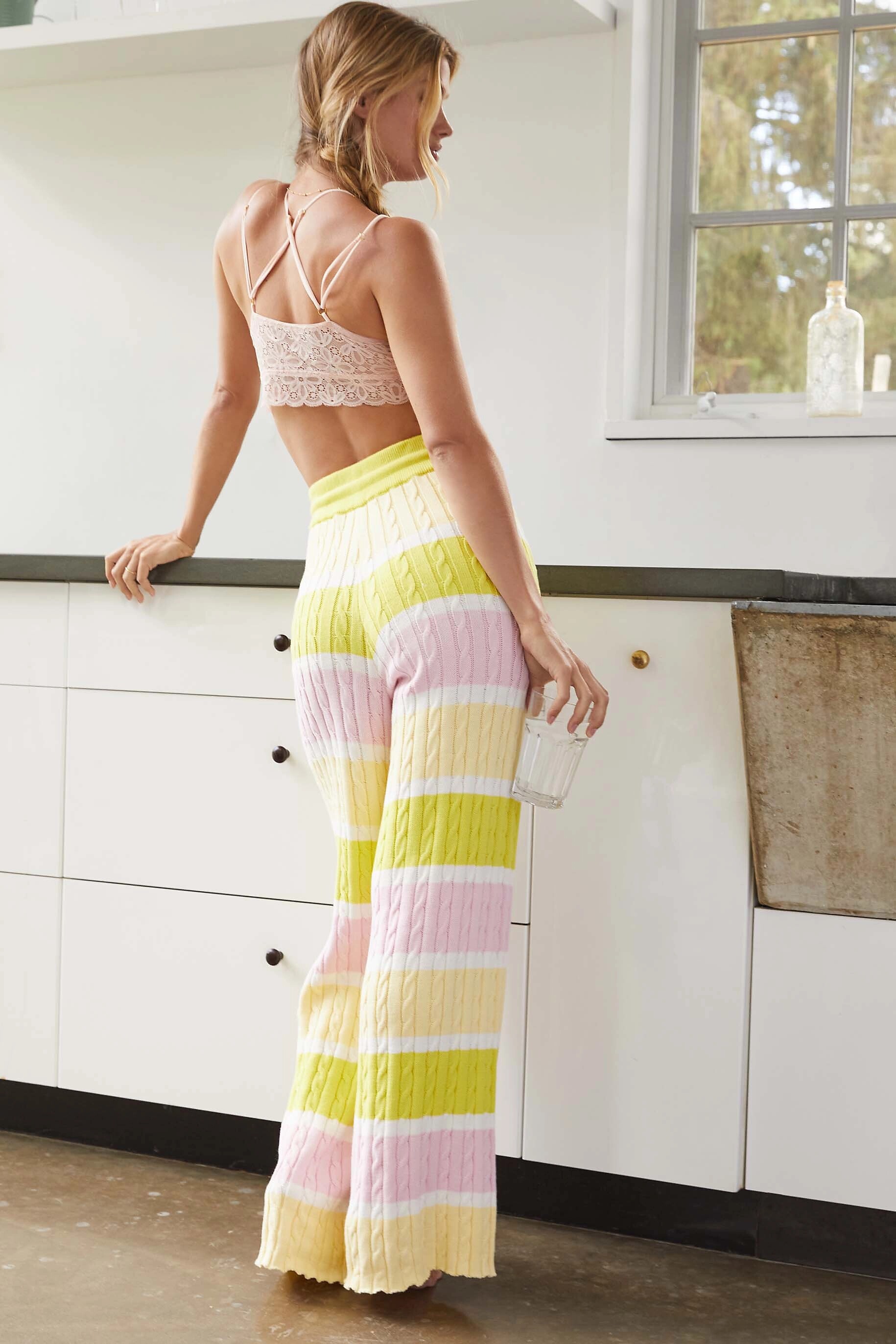
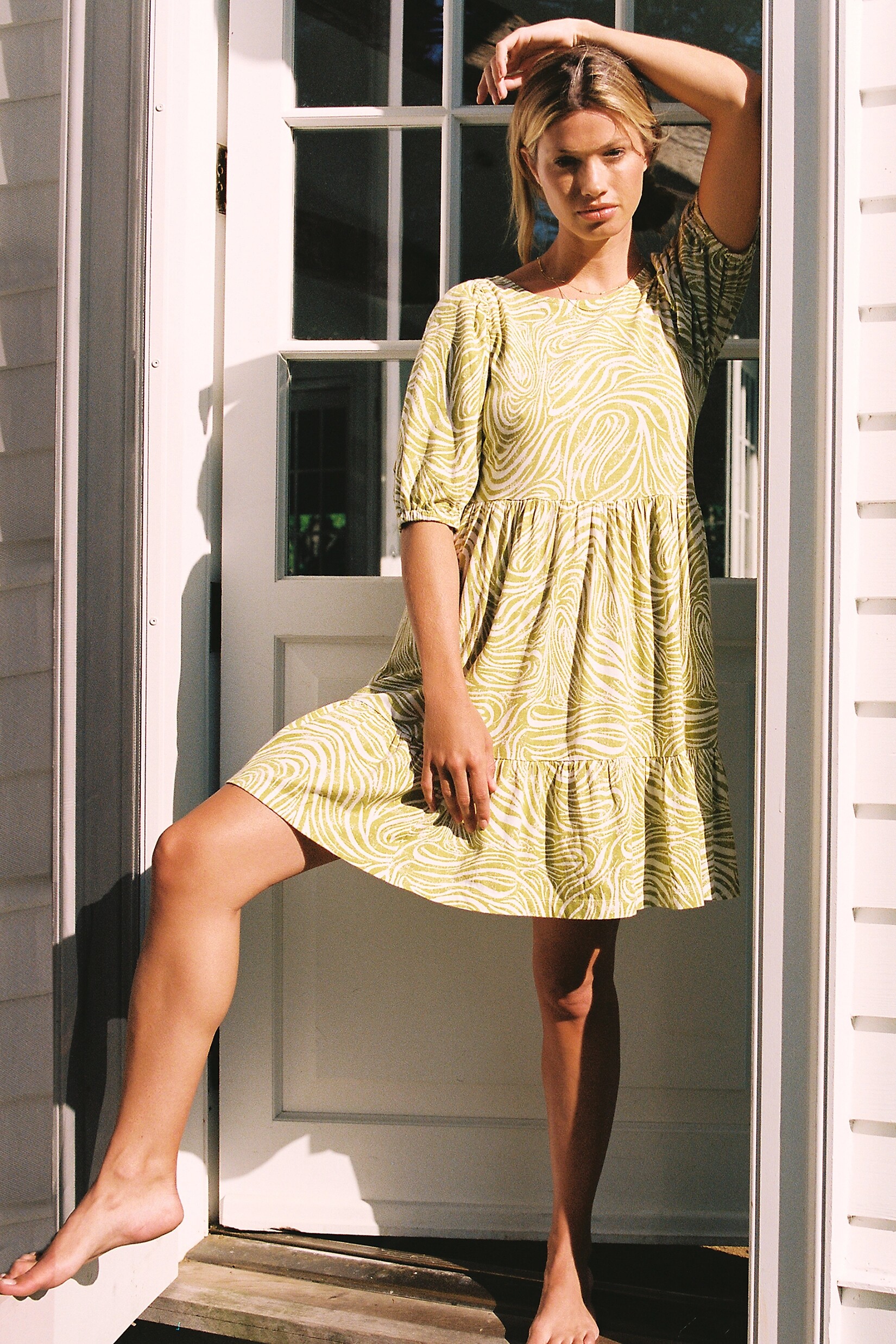
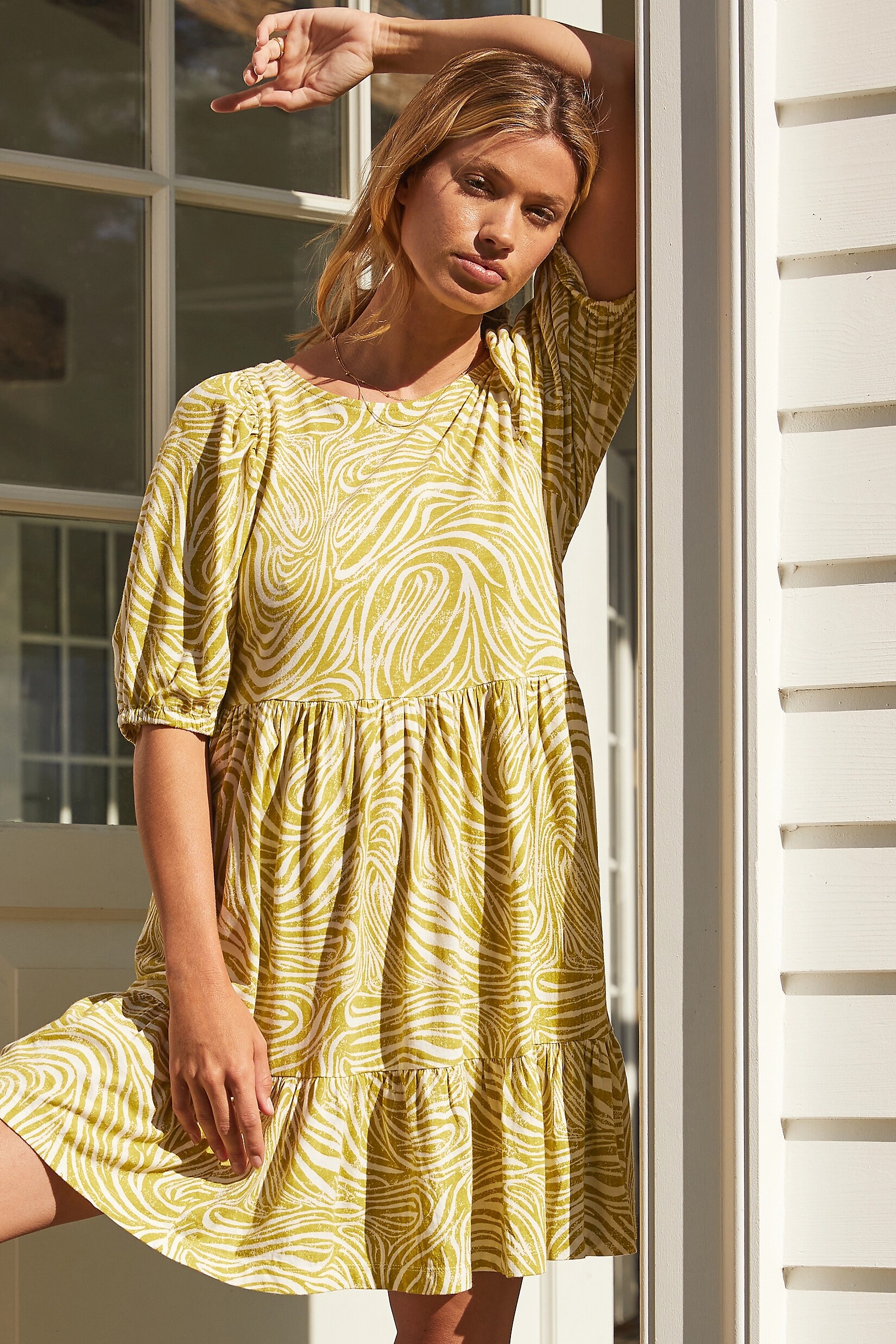
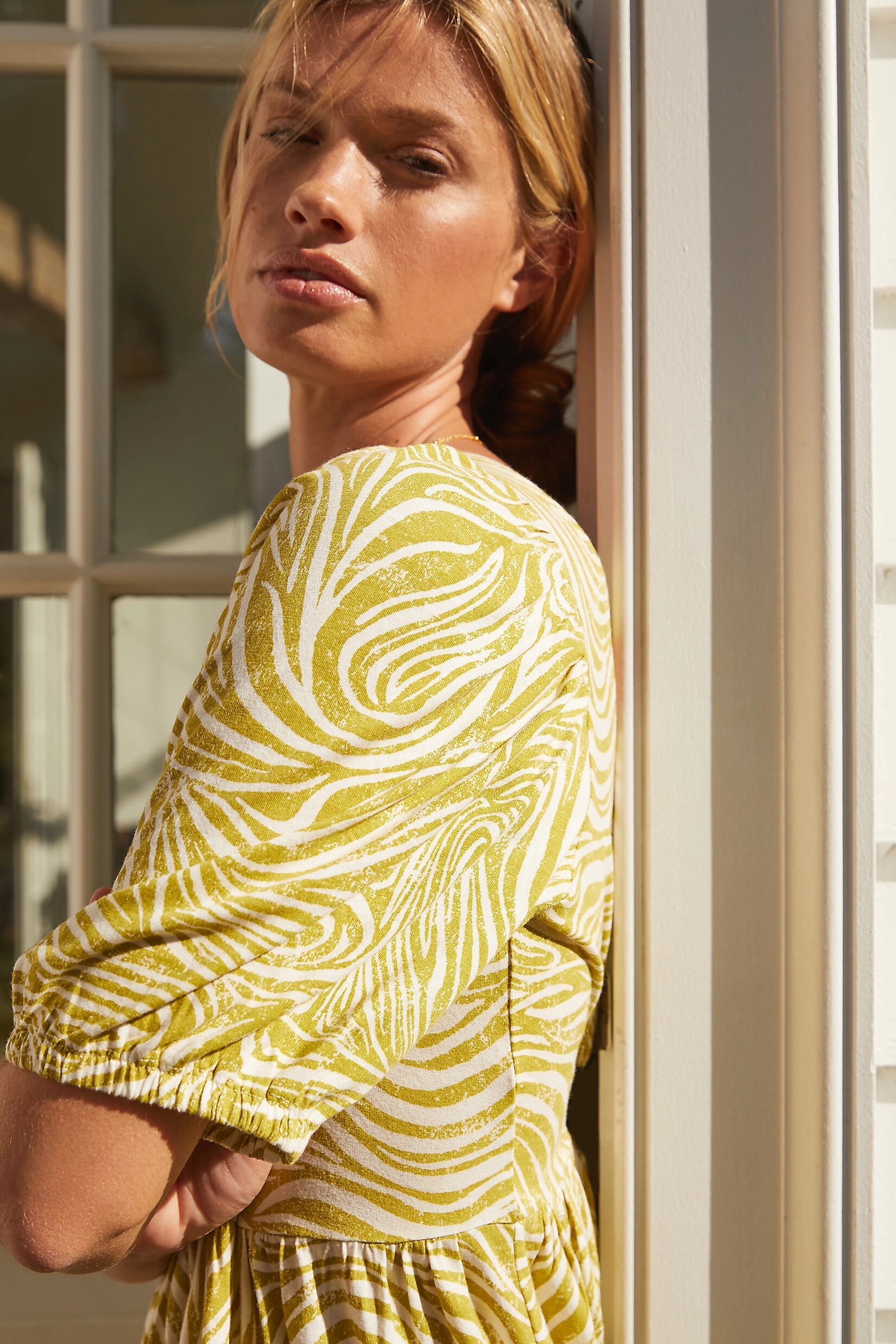
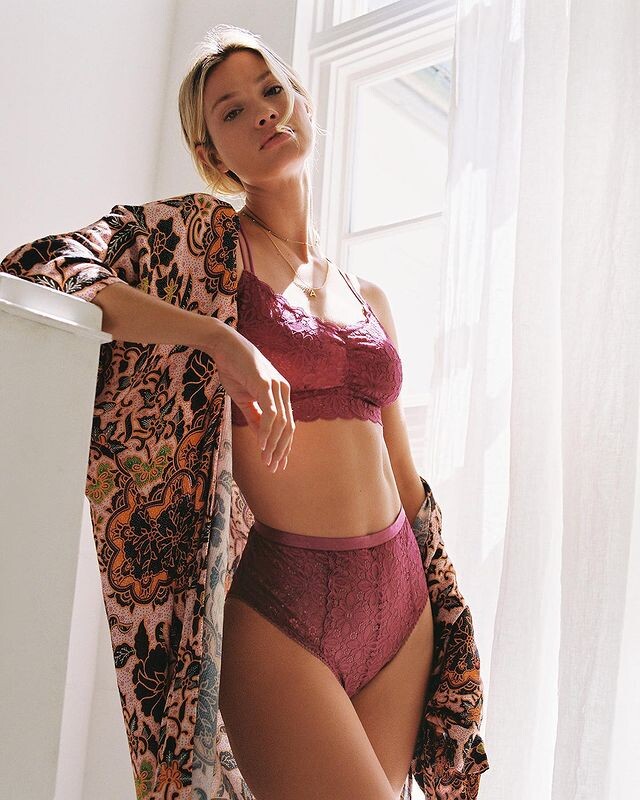
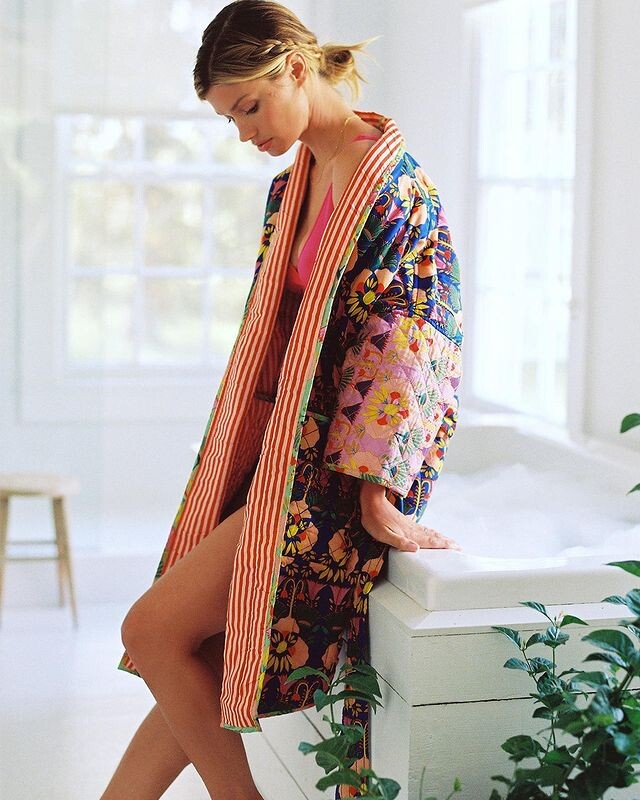
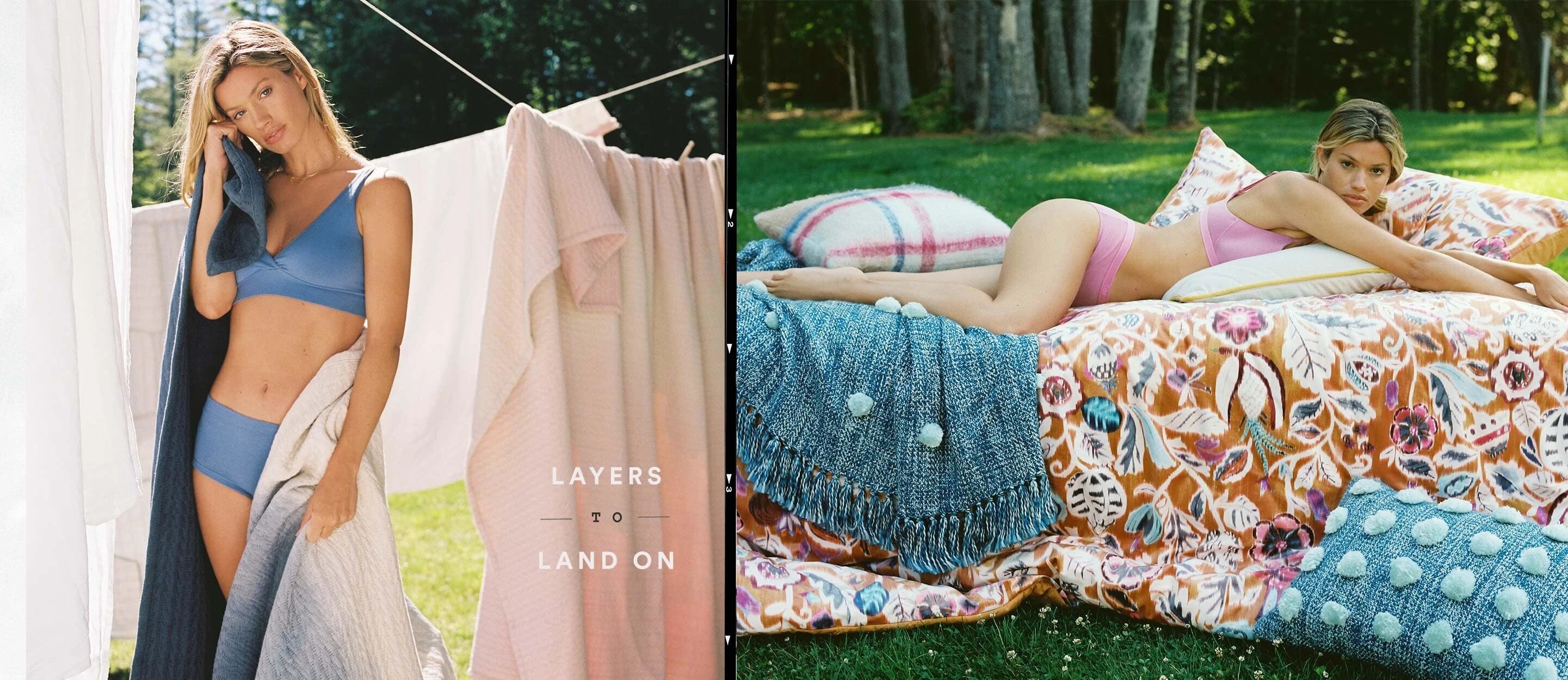
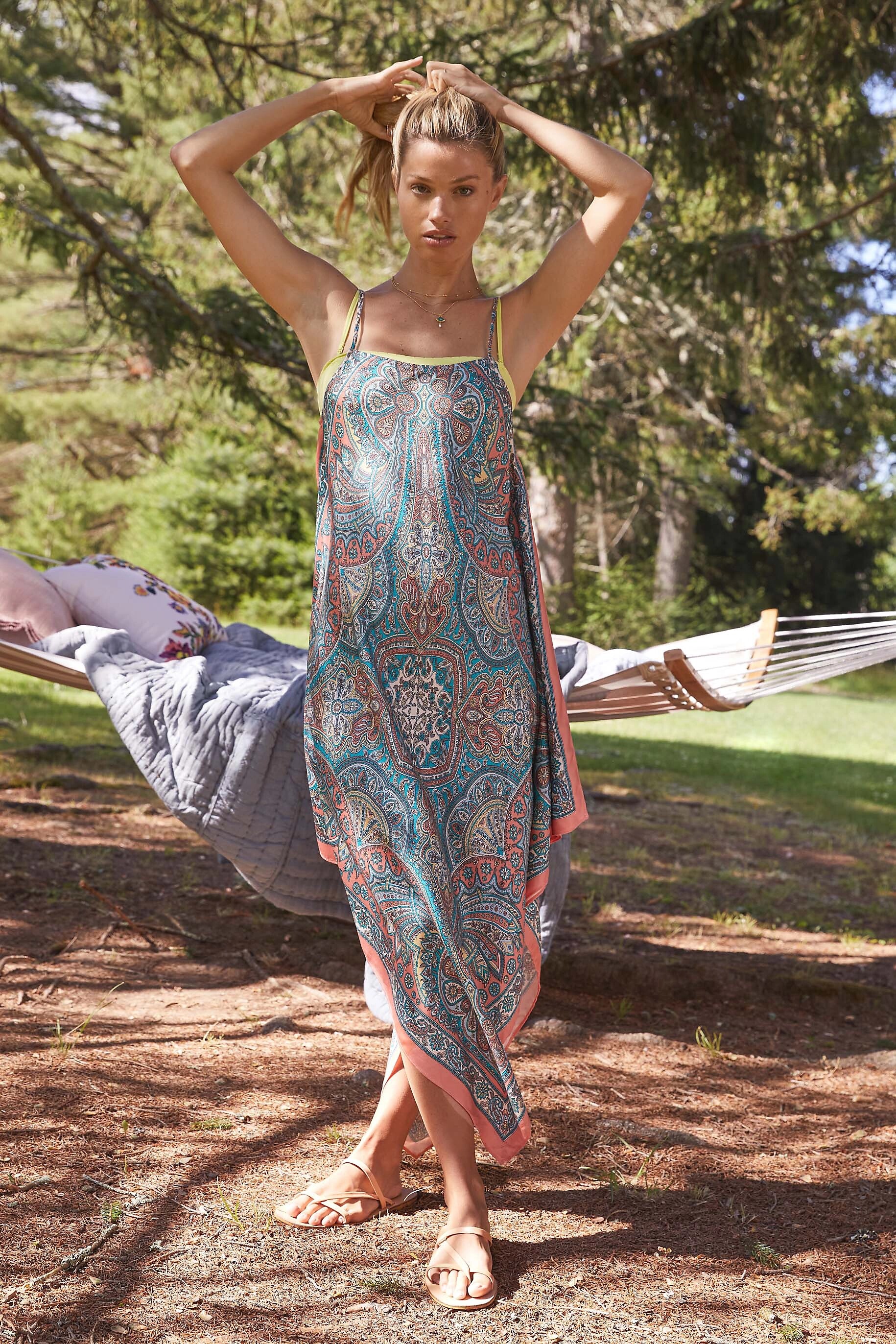
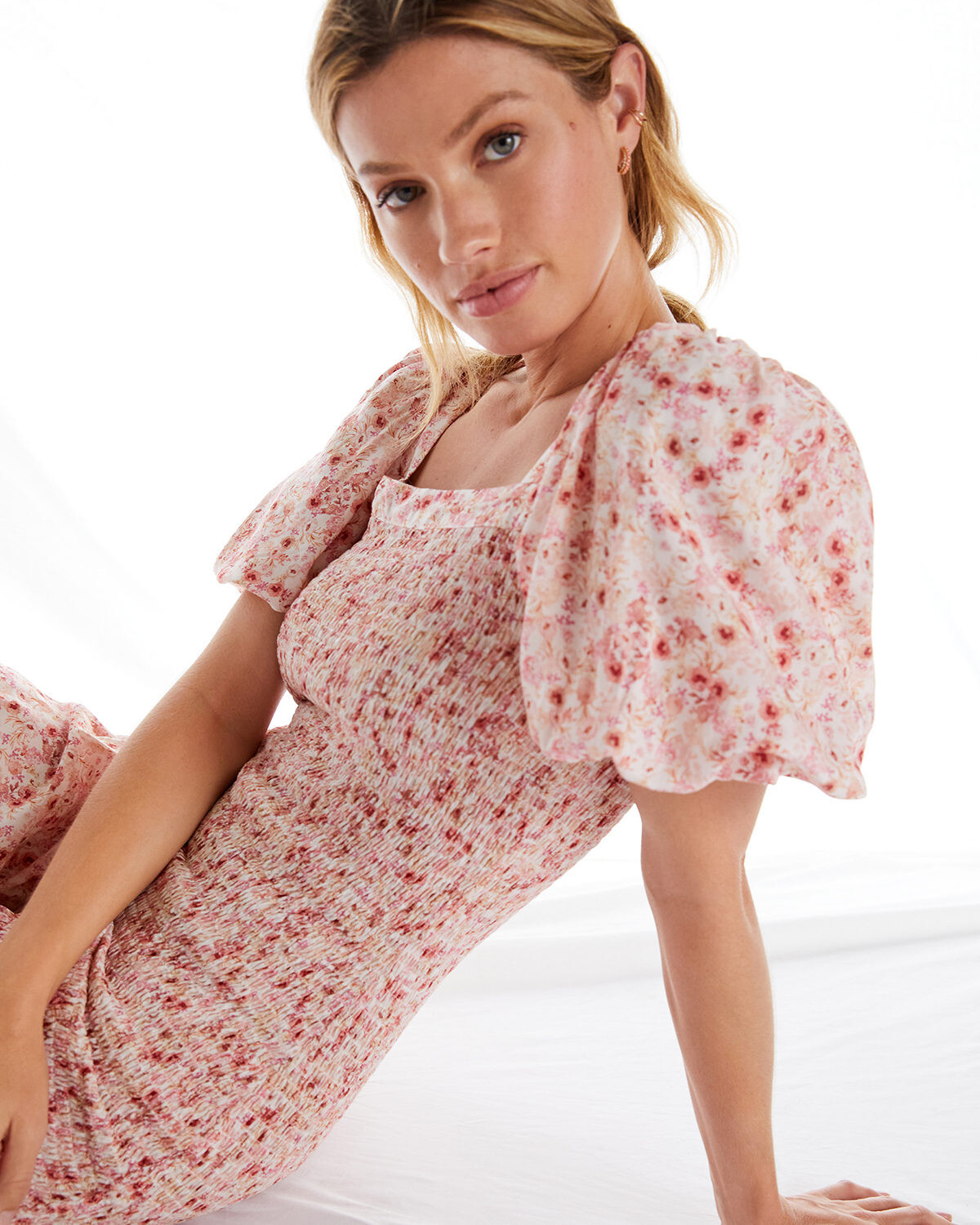
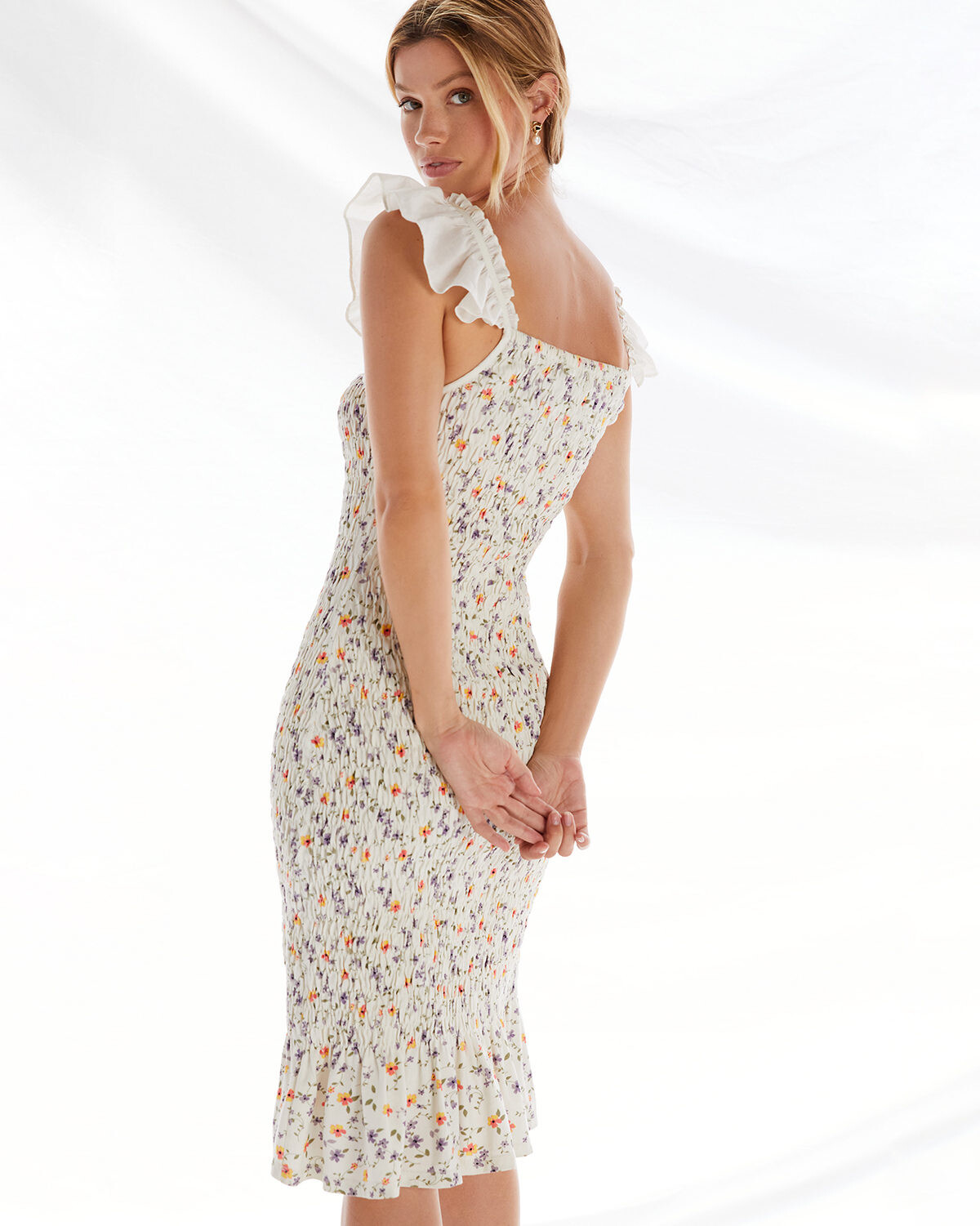
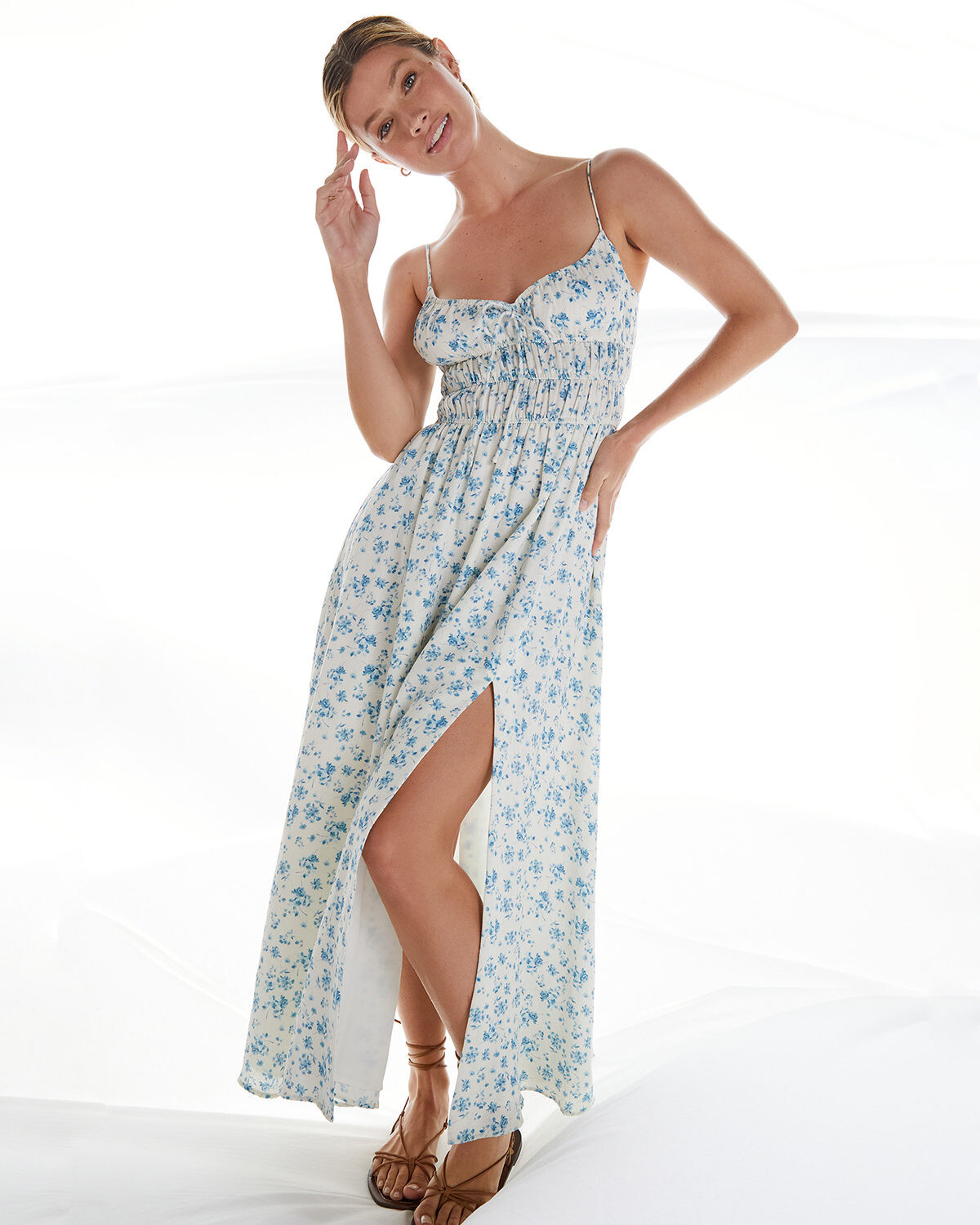
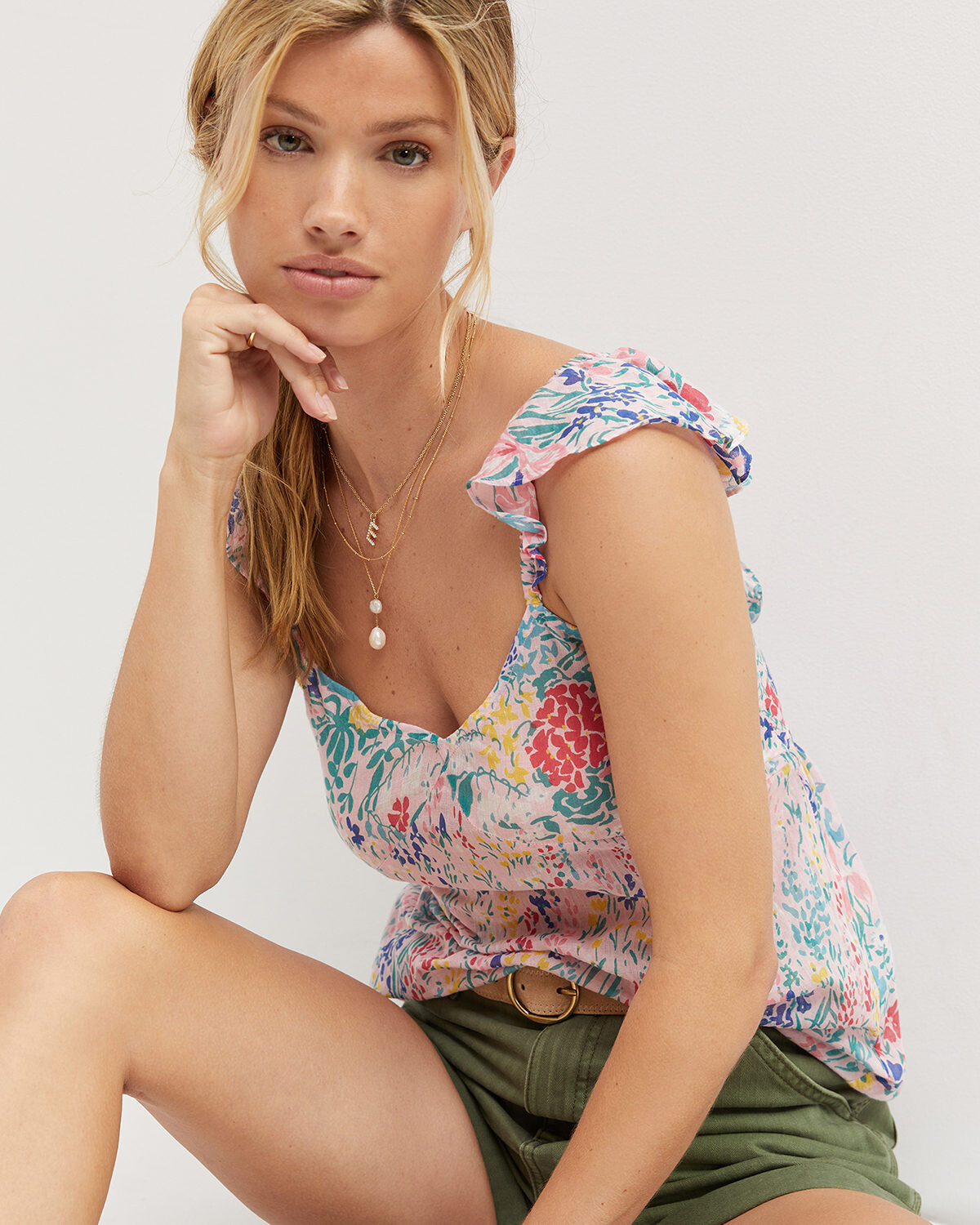
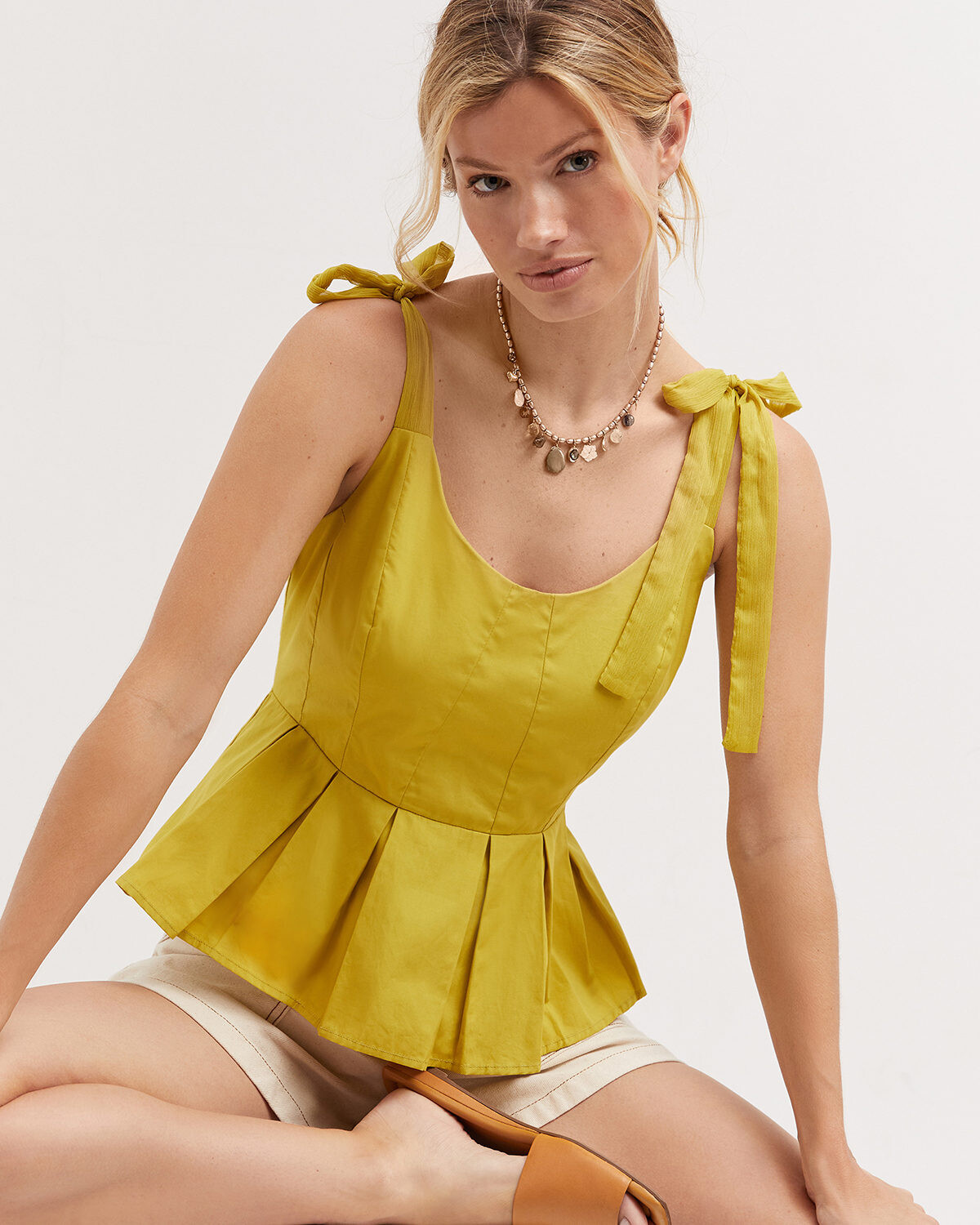
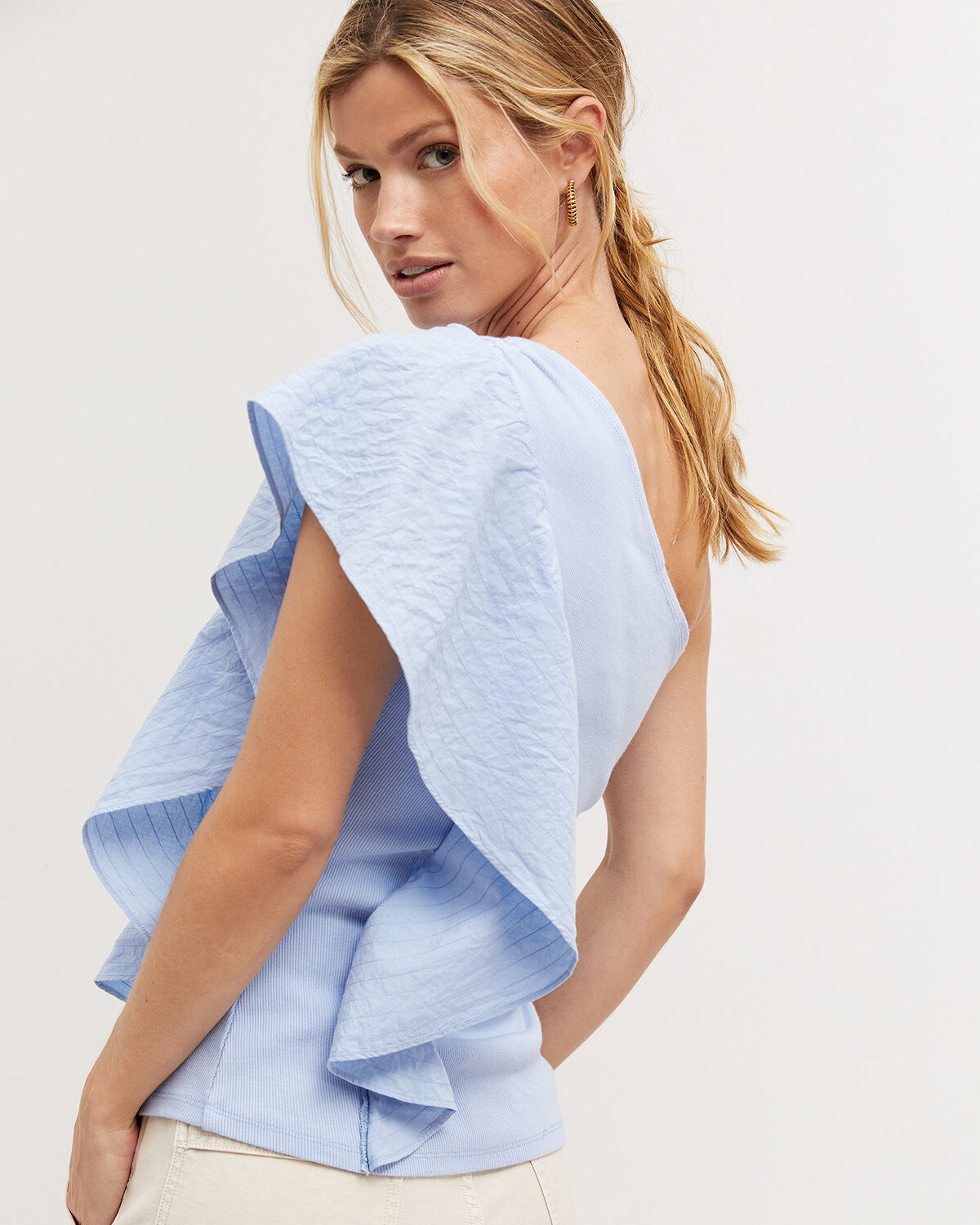
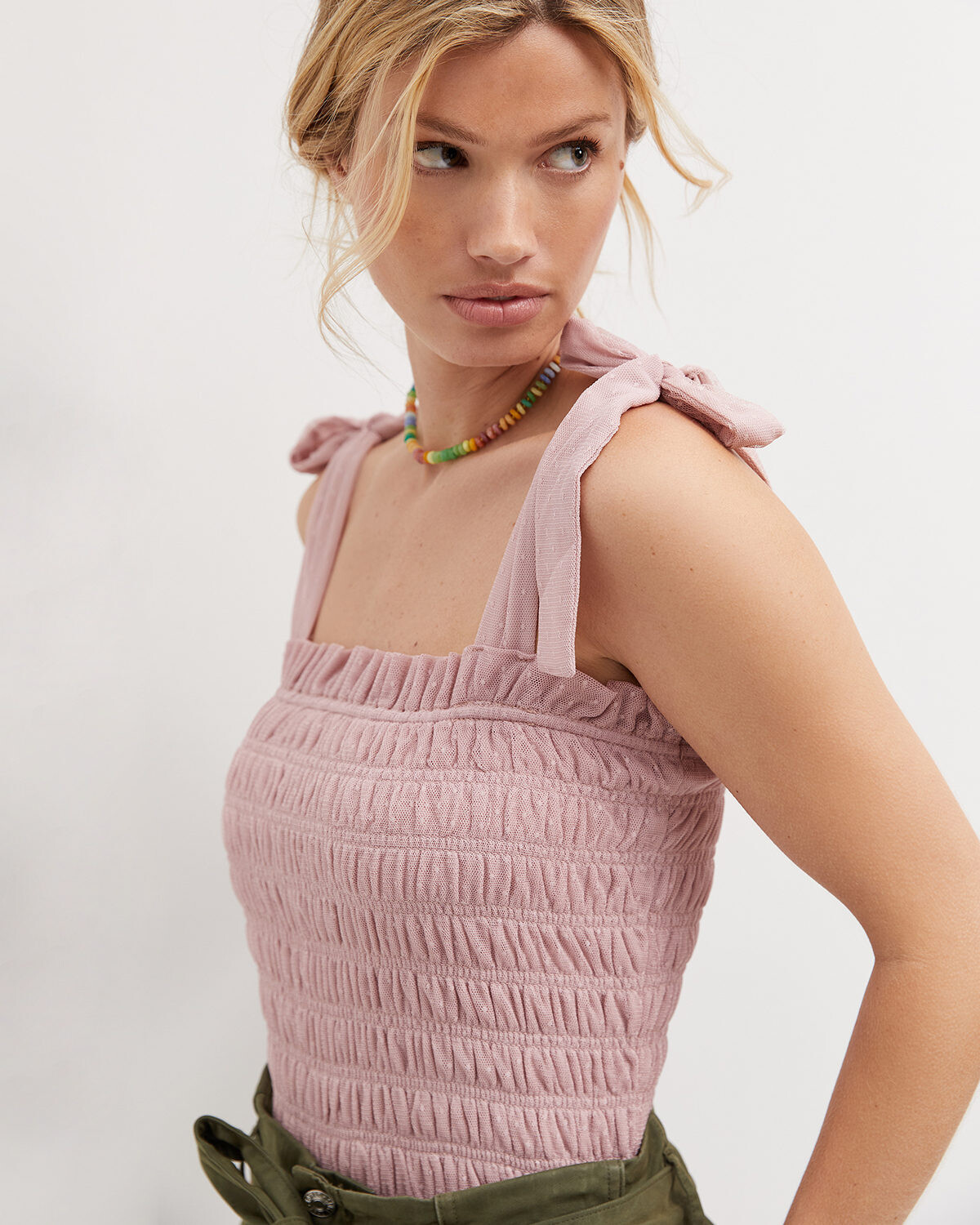
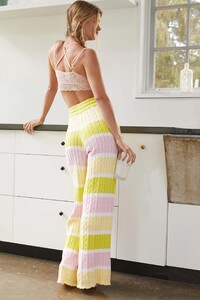
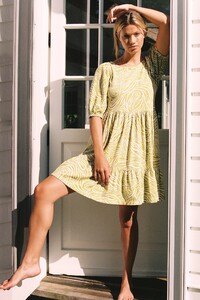
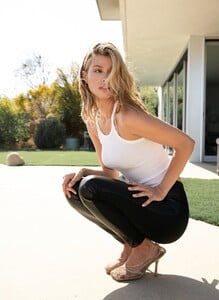
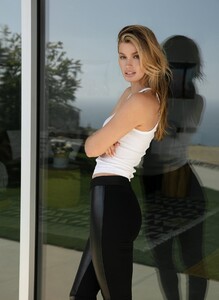
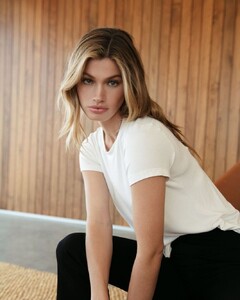
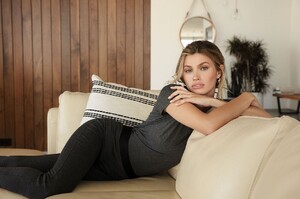
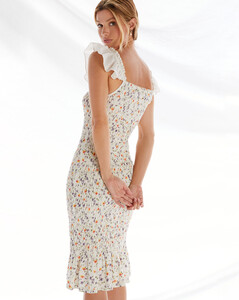
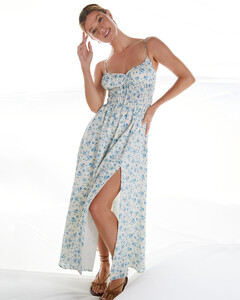
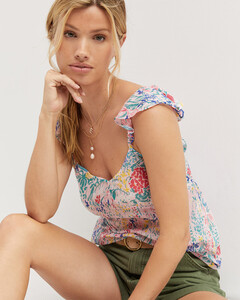
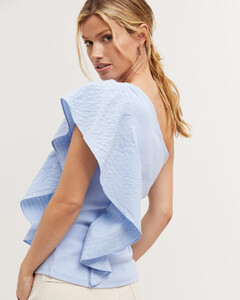
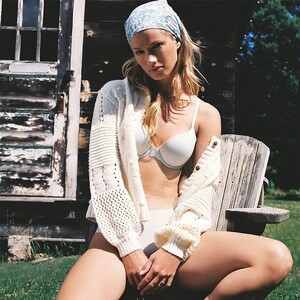
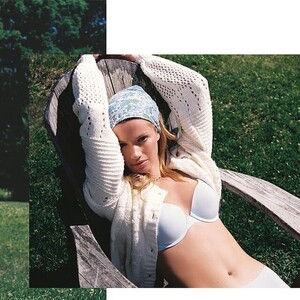
A few new from Anthropologie:



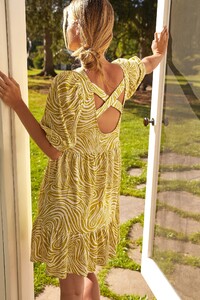
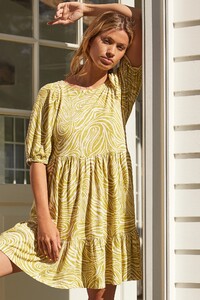
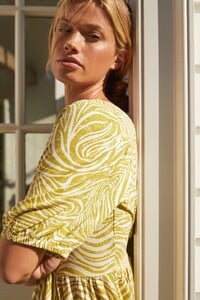
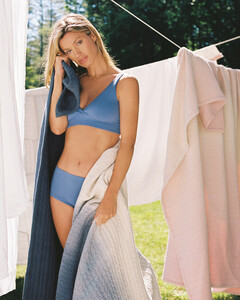

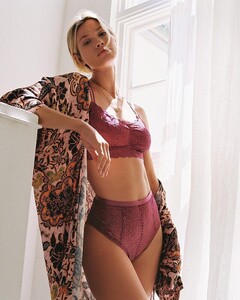




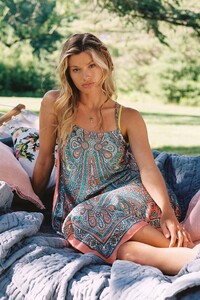
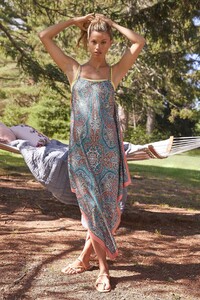


-
Bailey 44

-
Anthropologie



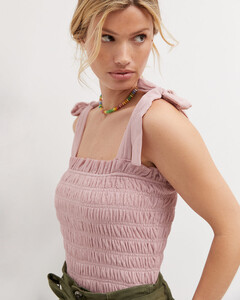
-
Anthropologie
-
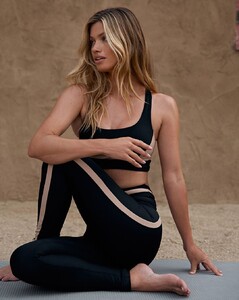
SYLVÈ COLLESS for The Upside
-
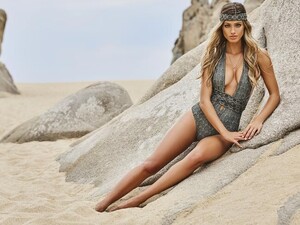
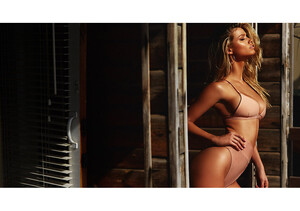
A few from her Nookie Shoot by Bryce Thompson that I don't think have been posted...

-
From her time with REVOLVE

-
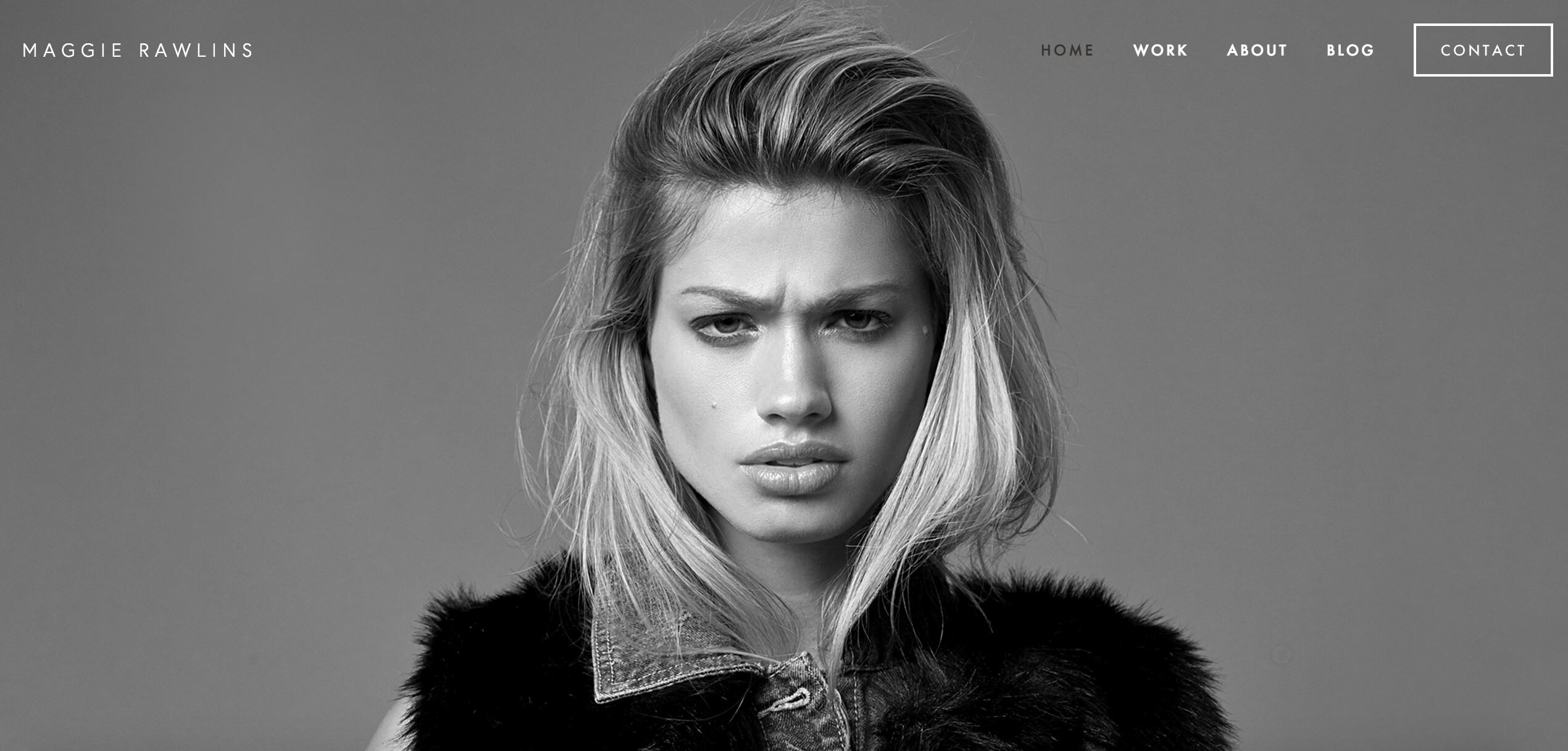
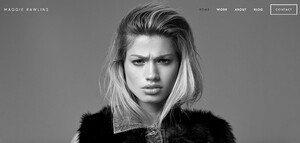
From when Maggie had her own website back in 2016-2017
-
SYLVÈ COLLESS for The Upside

-
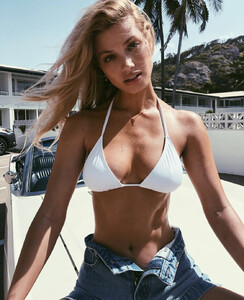
SO SHINY
-
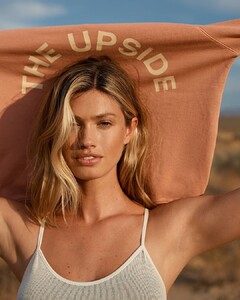
SYLVÈ COLLESS for The Upside
-
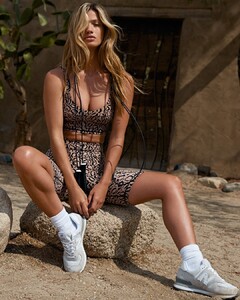
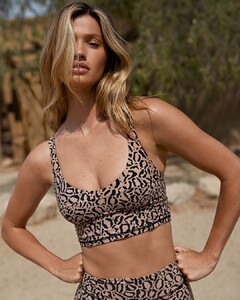
SYLVÈ COLLESS for The Upside
-
Front page of the New York Post:

-
jpatrickstudio_102034656_334999494832364_8873748546028141562_n.mp4 jpatrickstudio_213982084_146150770920584_1681863061964111758_n.mp4
-
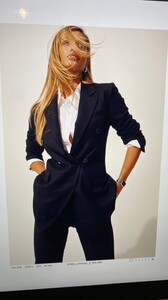
More coming for Anne Klein official laura_pritch_213162627_573820590272208_1472799806403934904_n.mp4 laura_pritch_214392300_1295550607570901_3540991100282494200_n.mp4 laura_pritch_215839606_498851907880917_4338775488591013623_n.mp4
-
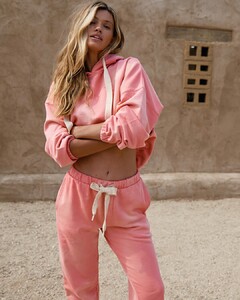
SYLVÈ COLLESS for The Upside

-
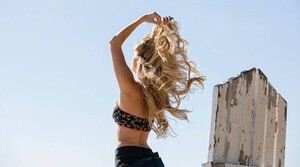
A couple of shots from her Garnier days:
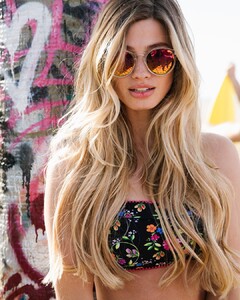
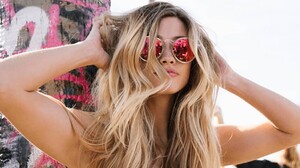
-
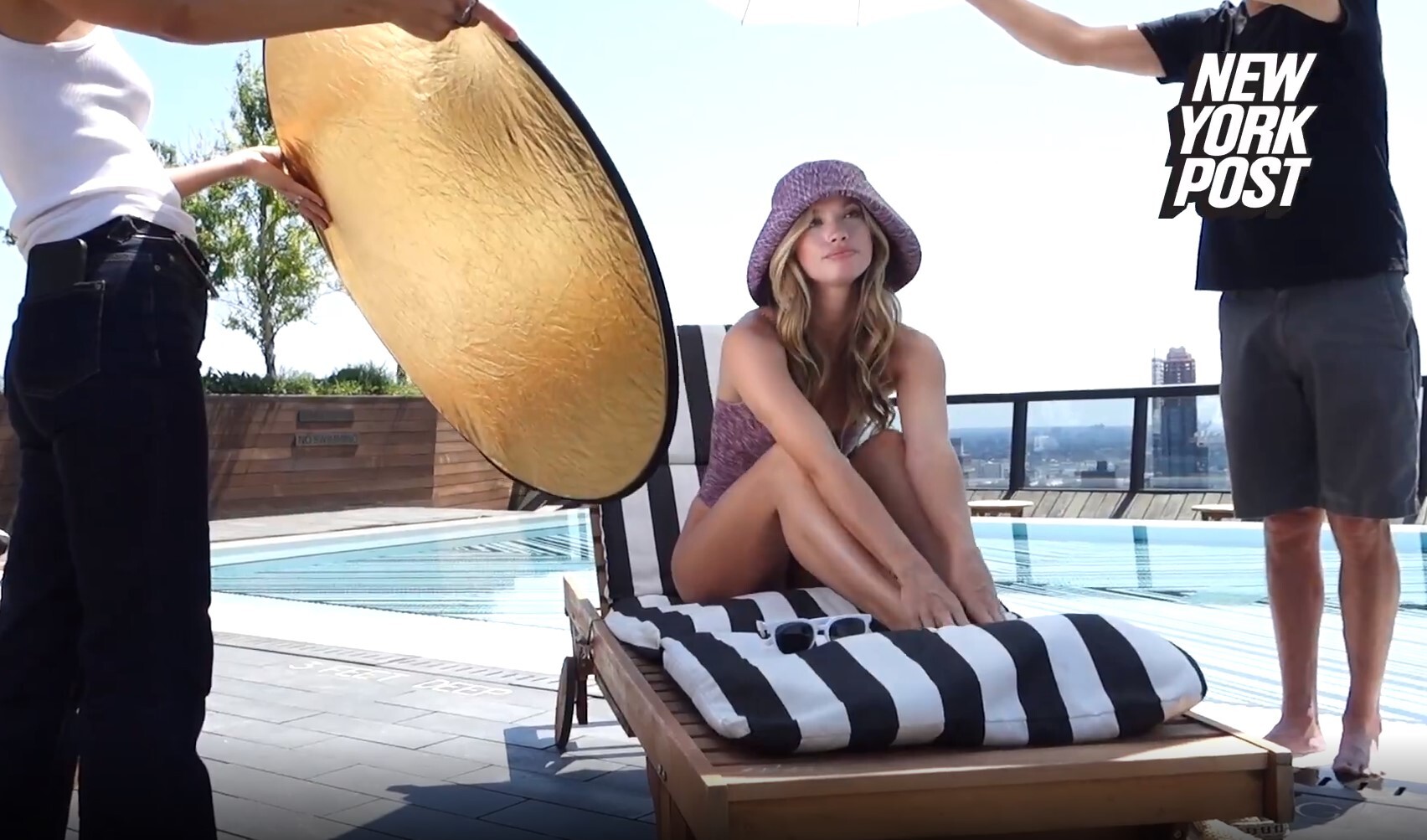
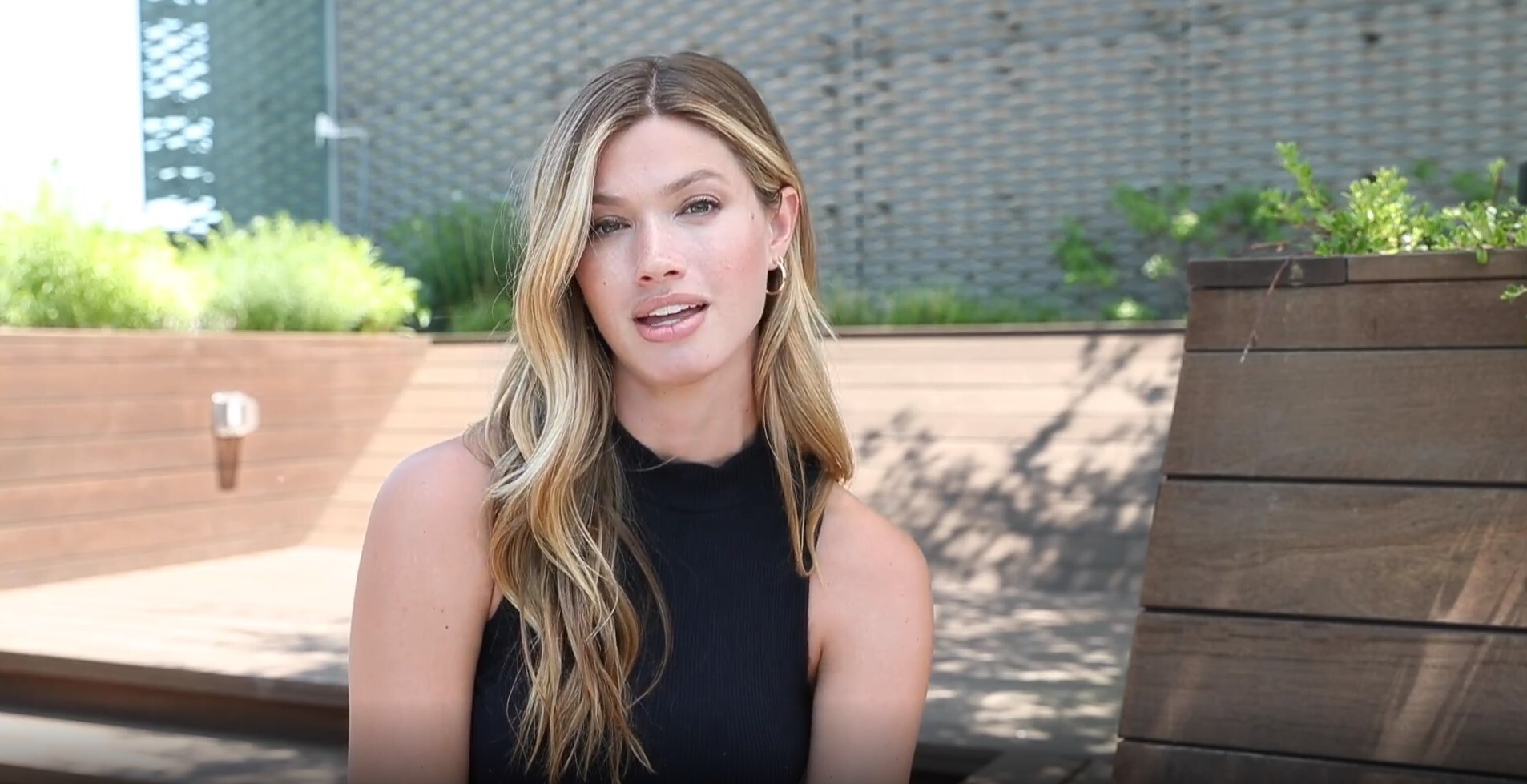
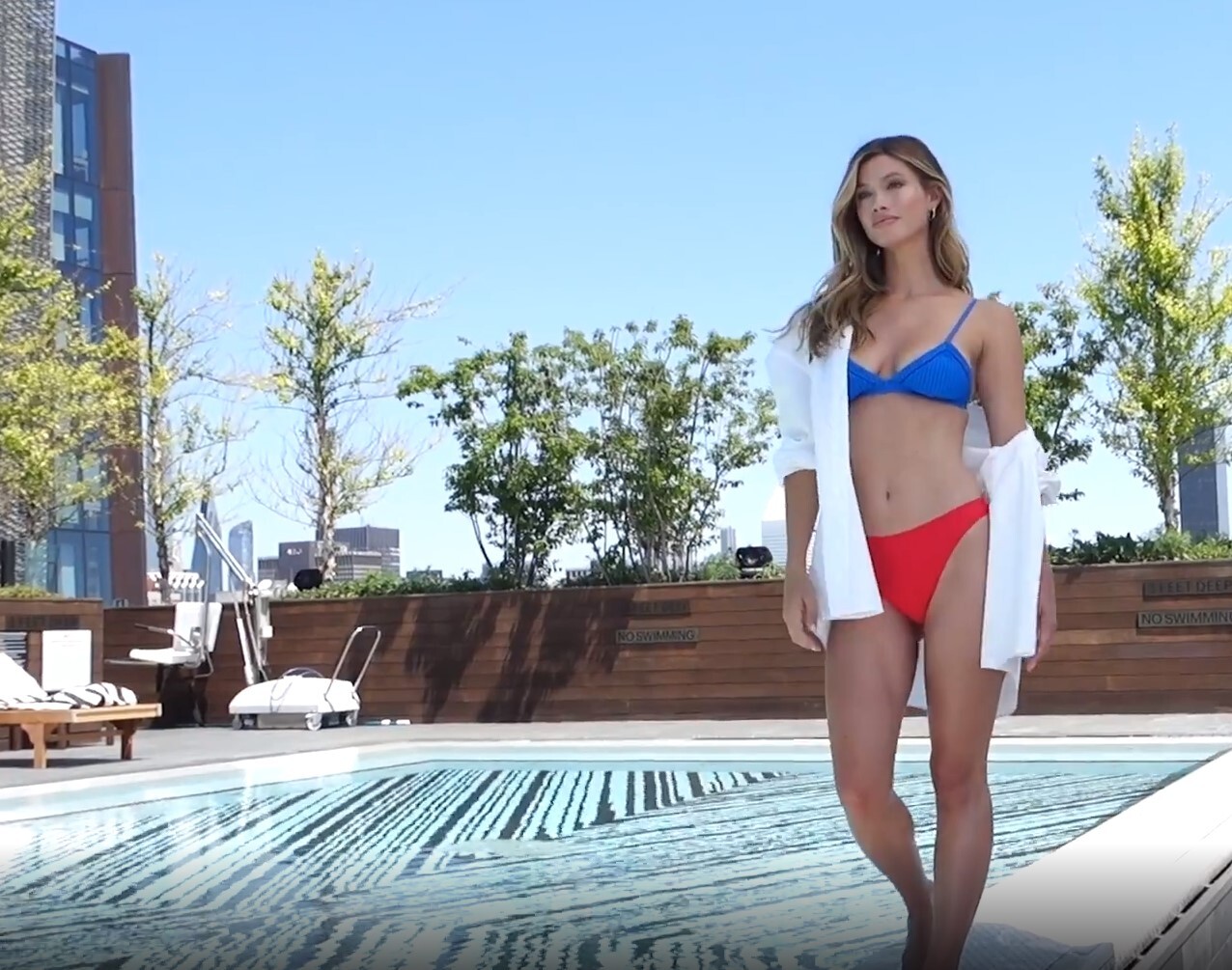
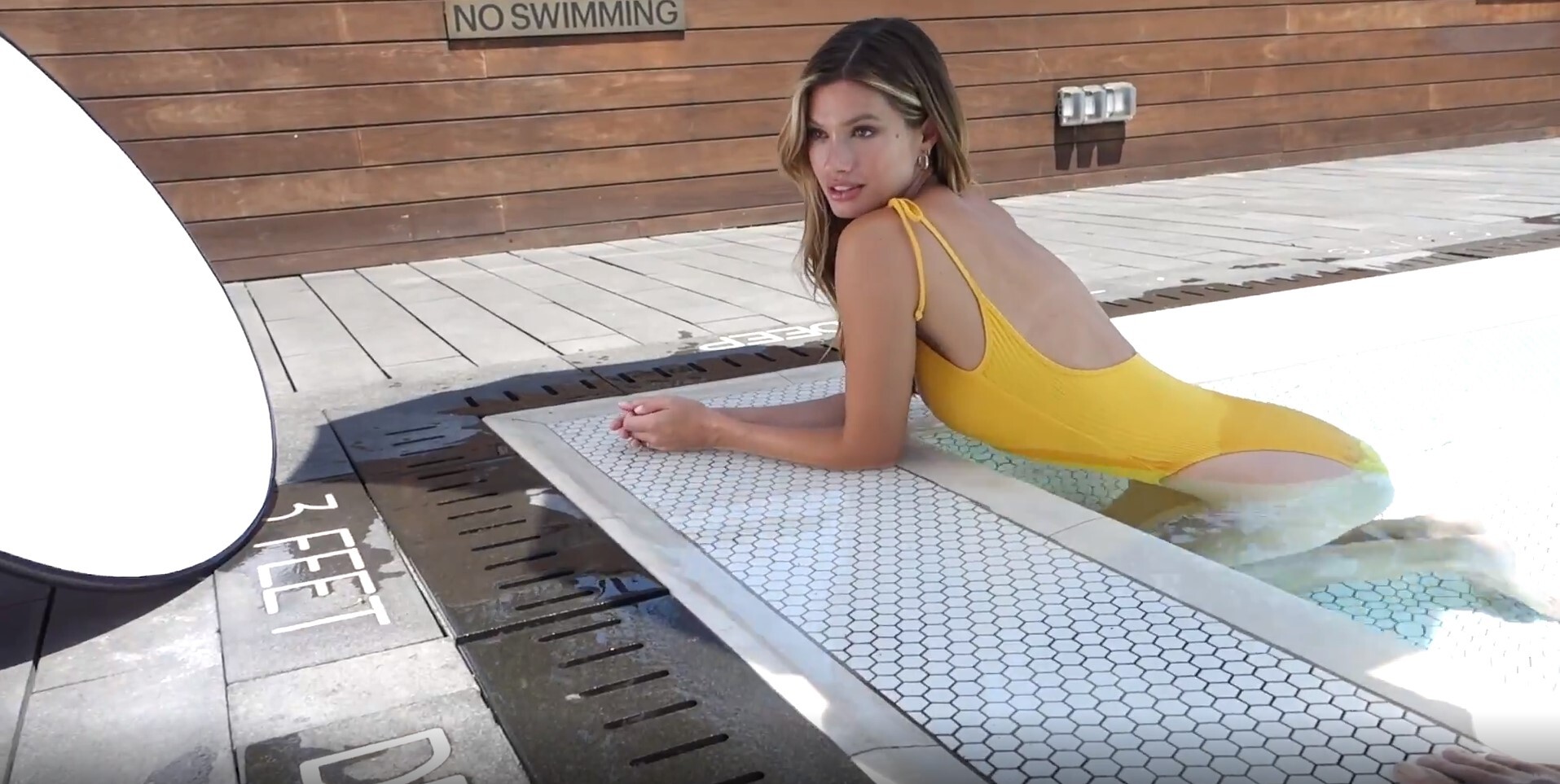
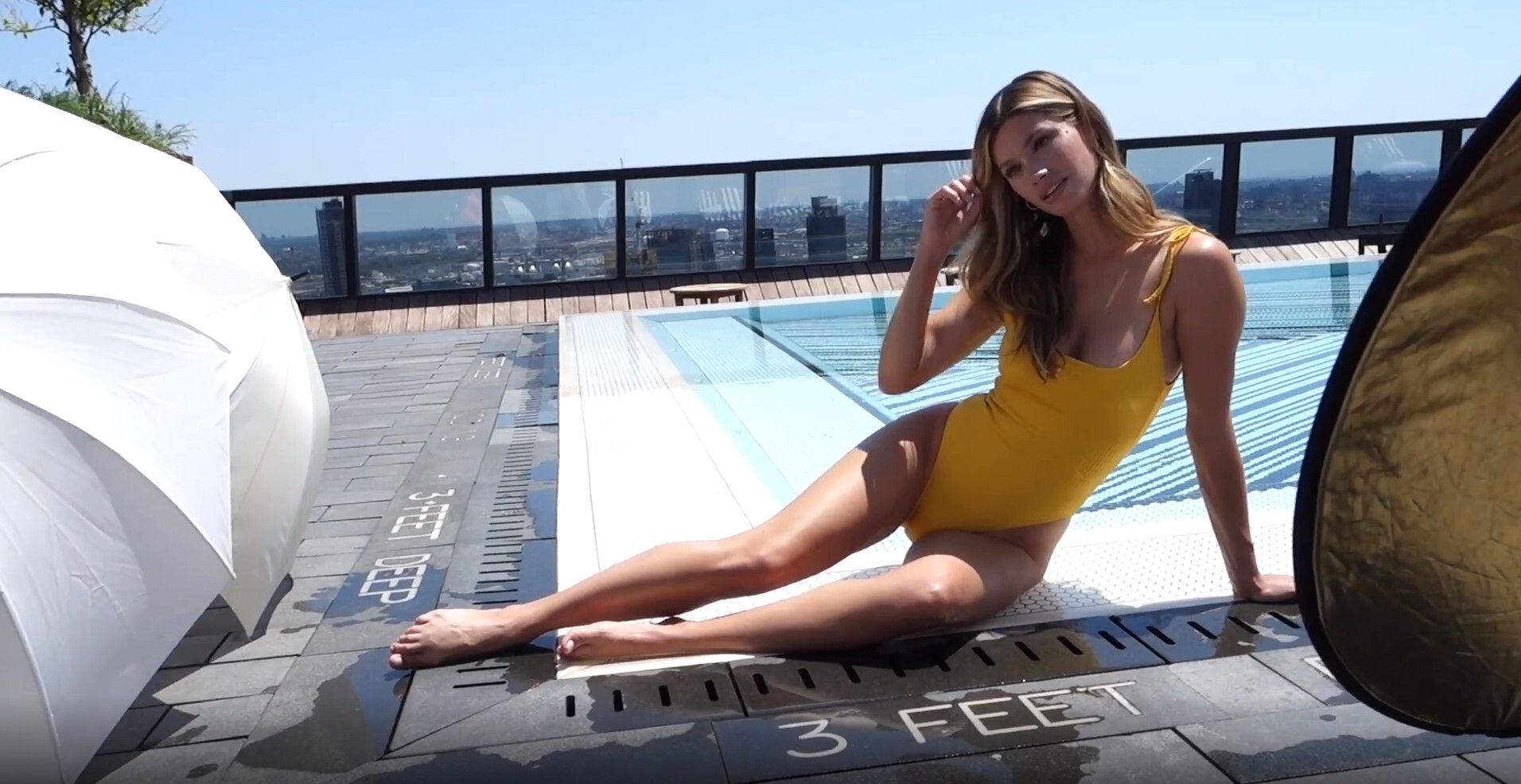
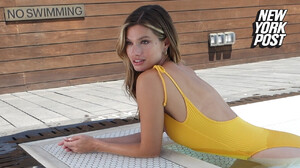
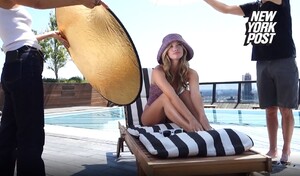
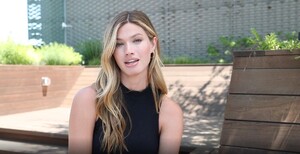
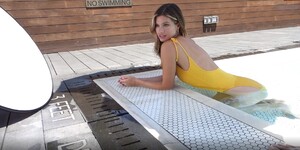
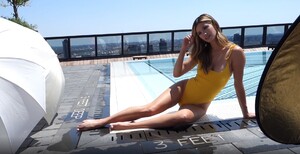
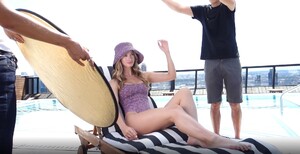
Video from the New York Post article: http://players.brightcove.net/4137224153001/6aIMRO3kiI_default/index.html?videoId=6261915261001 Caps from the video:


-
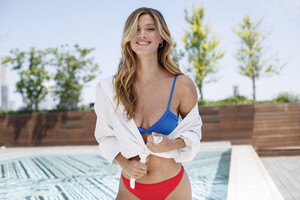
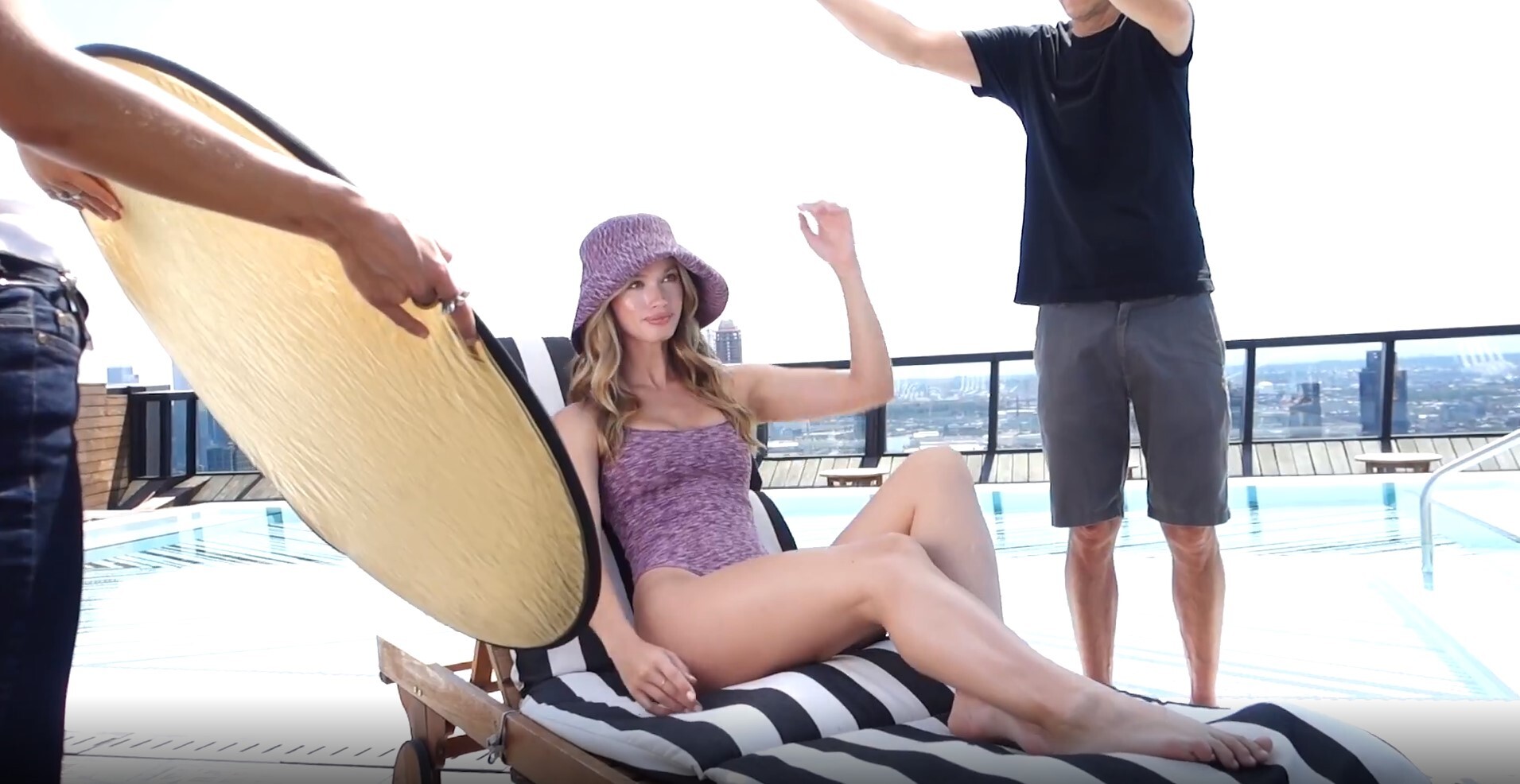
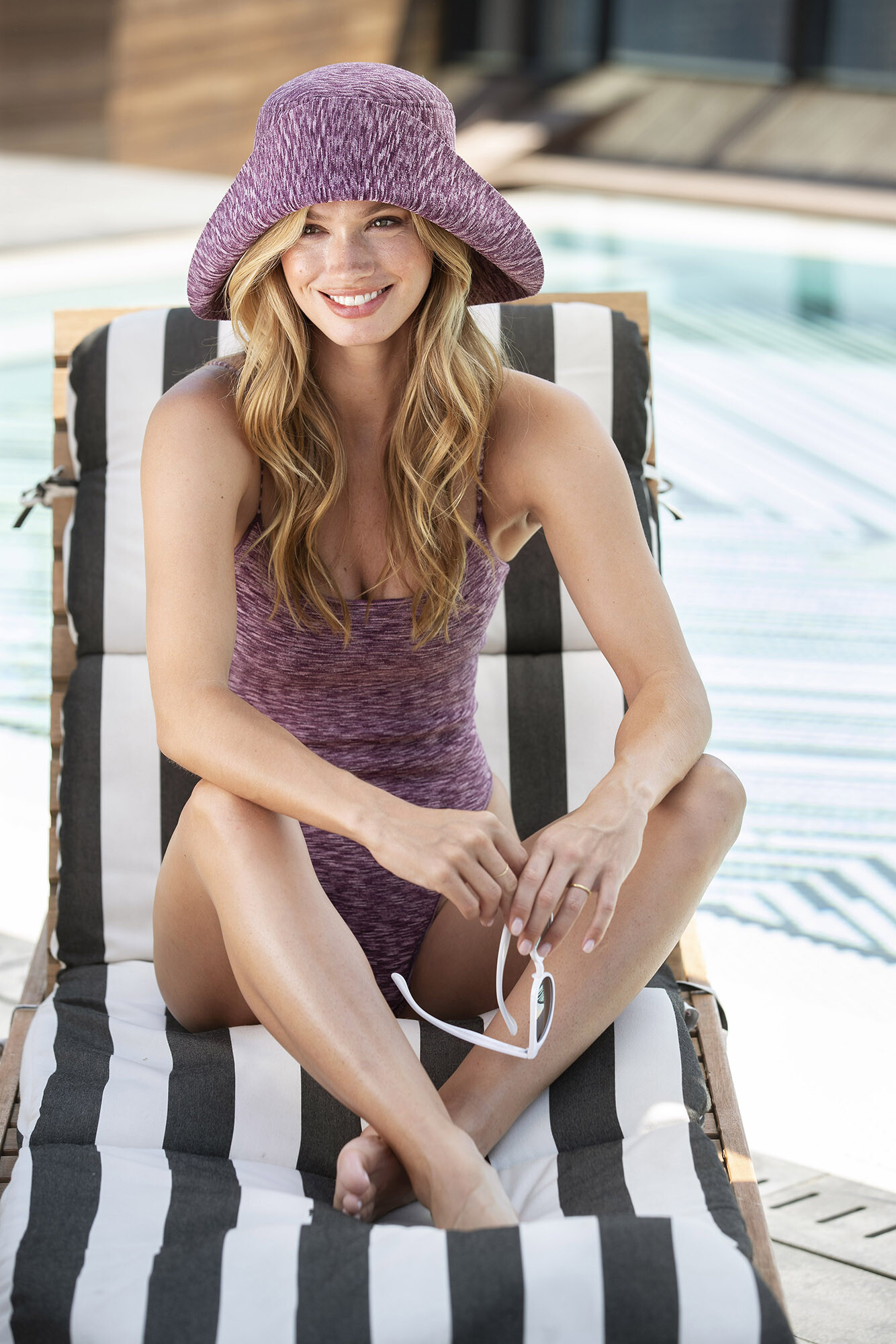
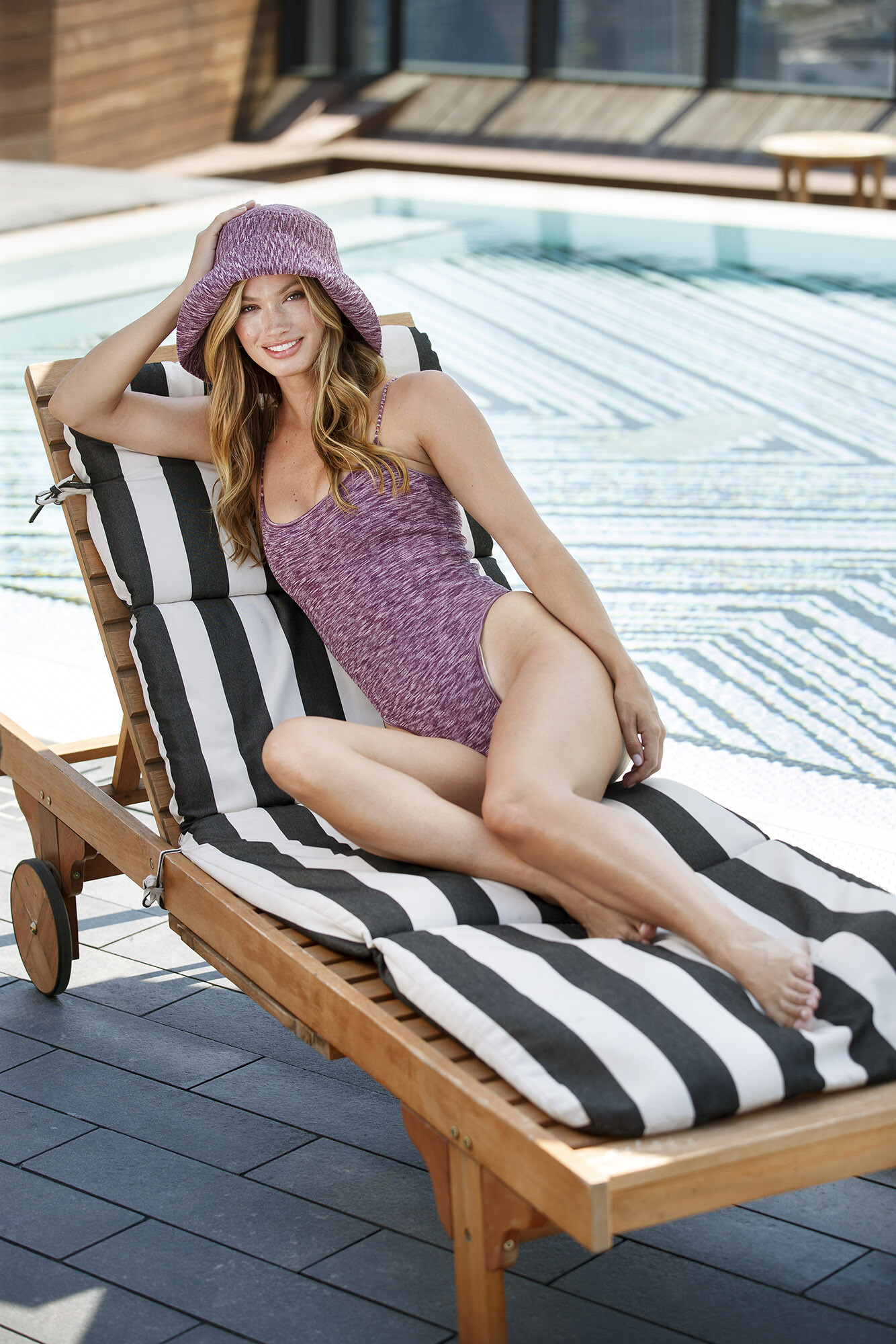
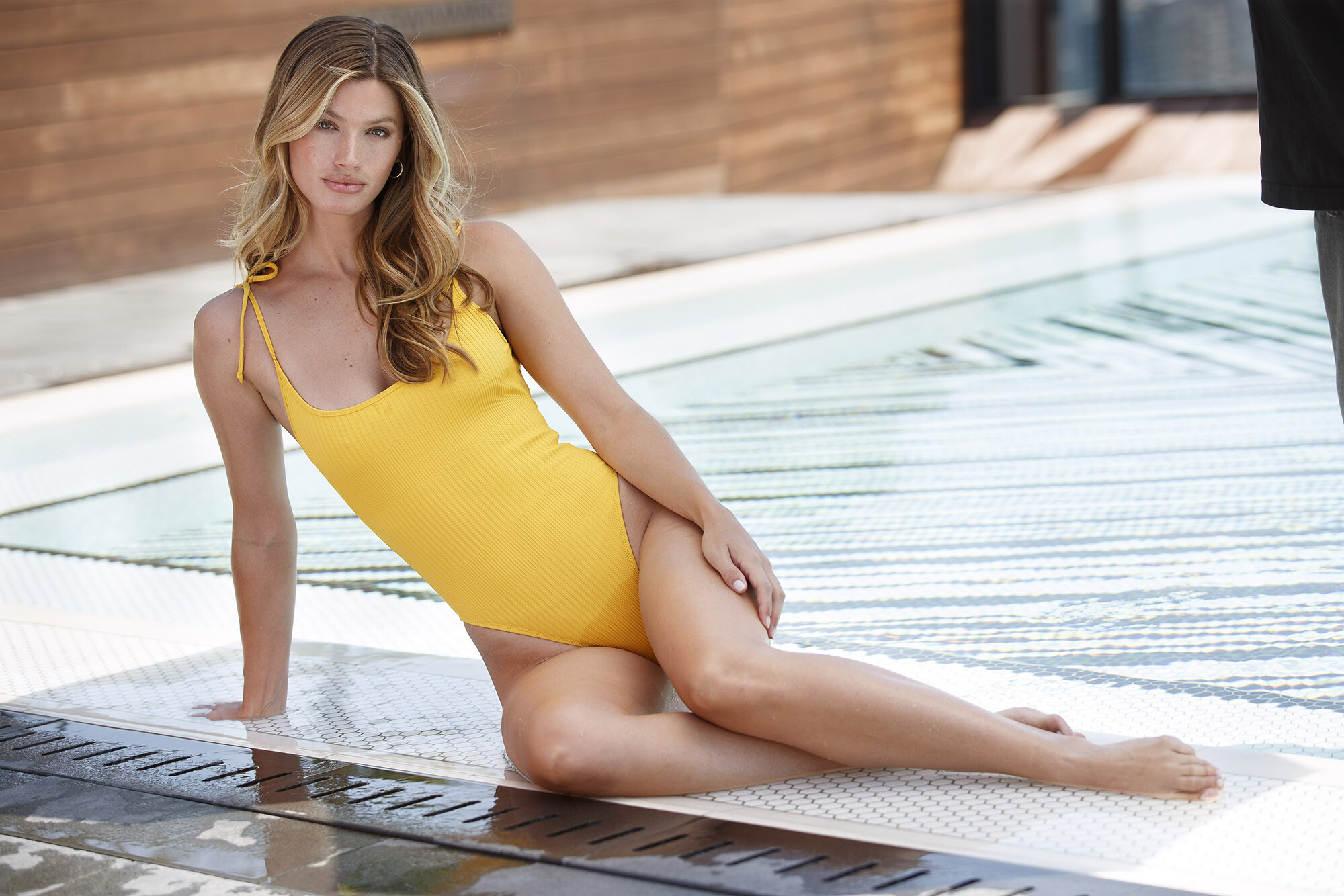
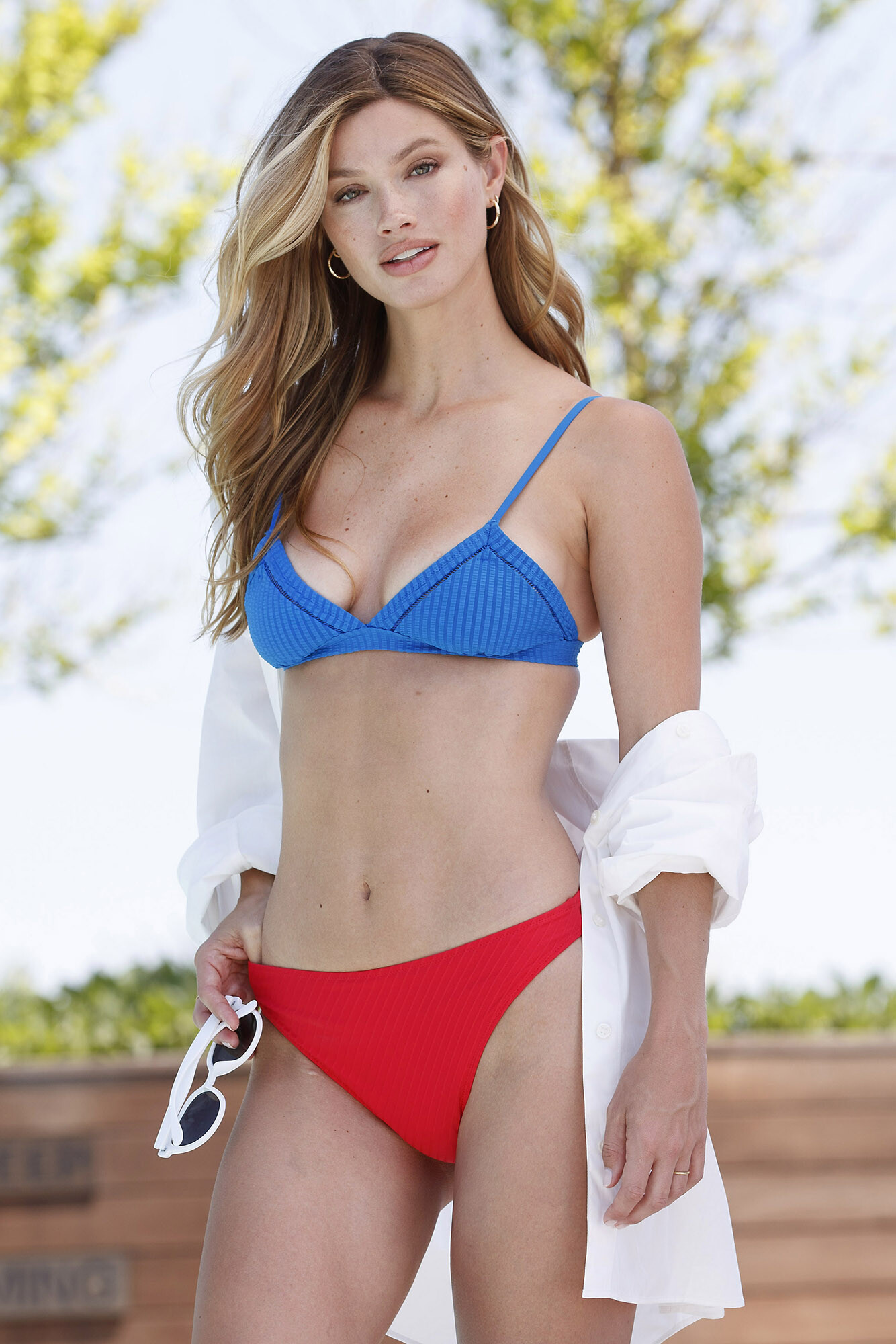
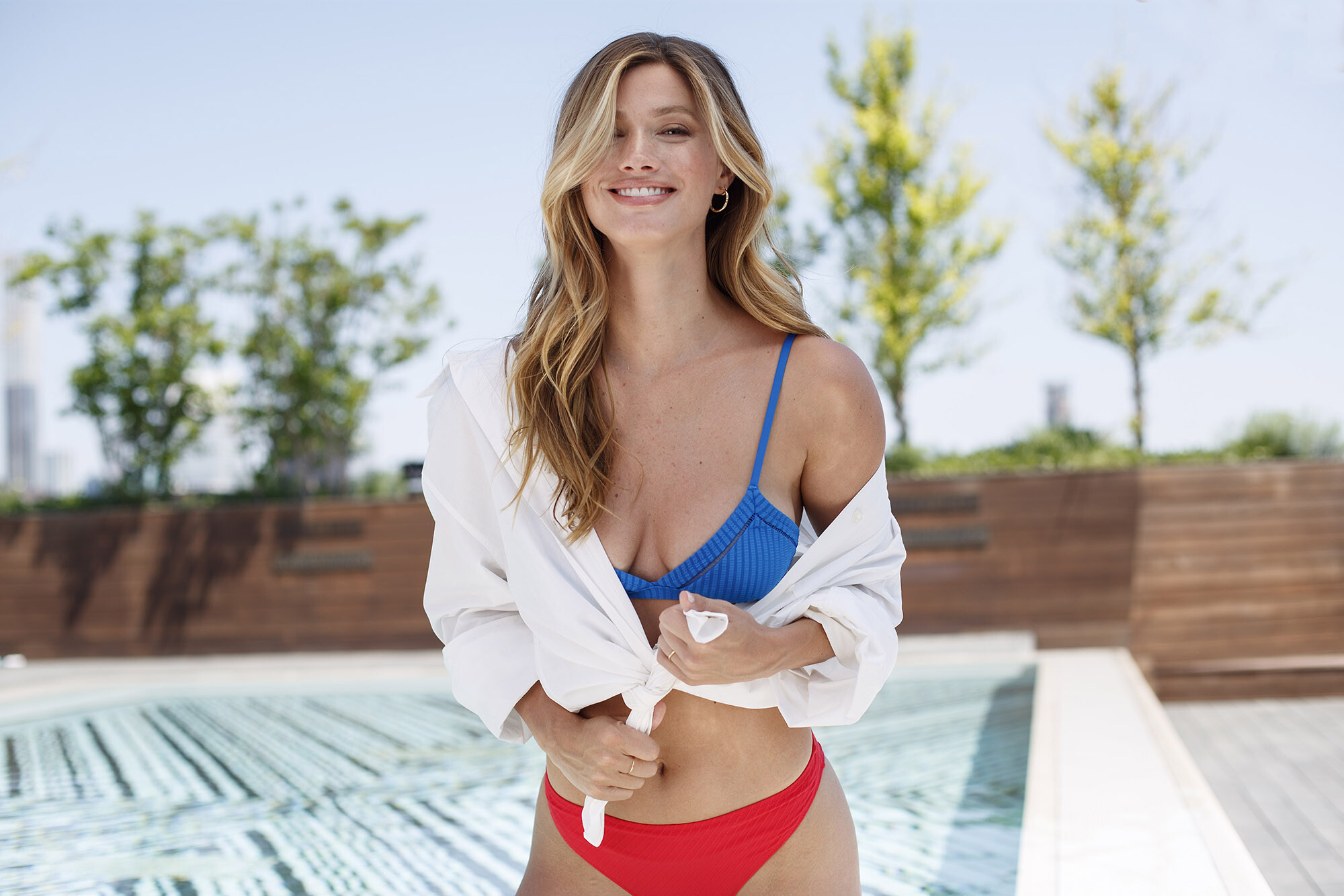
More new stuff: New York Post Article: Photos: Tamara Beckwith/NY Post; Stylist: Elise Sandvik/See Mgt; Hair: Korey Fitzpatrick/Intellectual Property using Philip B; Makeup: Markphong Tram/ABTP using Laura Mercier; Location: The Sentry at American Copper Buildings, 435 E 35th St.