
.jpg.3b7130a8ea5f379fe9a9ec2932dc639a.jpg)
Avapuha
Members
-
Joined
-
Last visited
Everything posted by Avapuha
-
.thumb.jpg.4a16a13e657b8d971209228e6596c42b.jpg)
-
GQ Russia July 2021











-
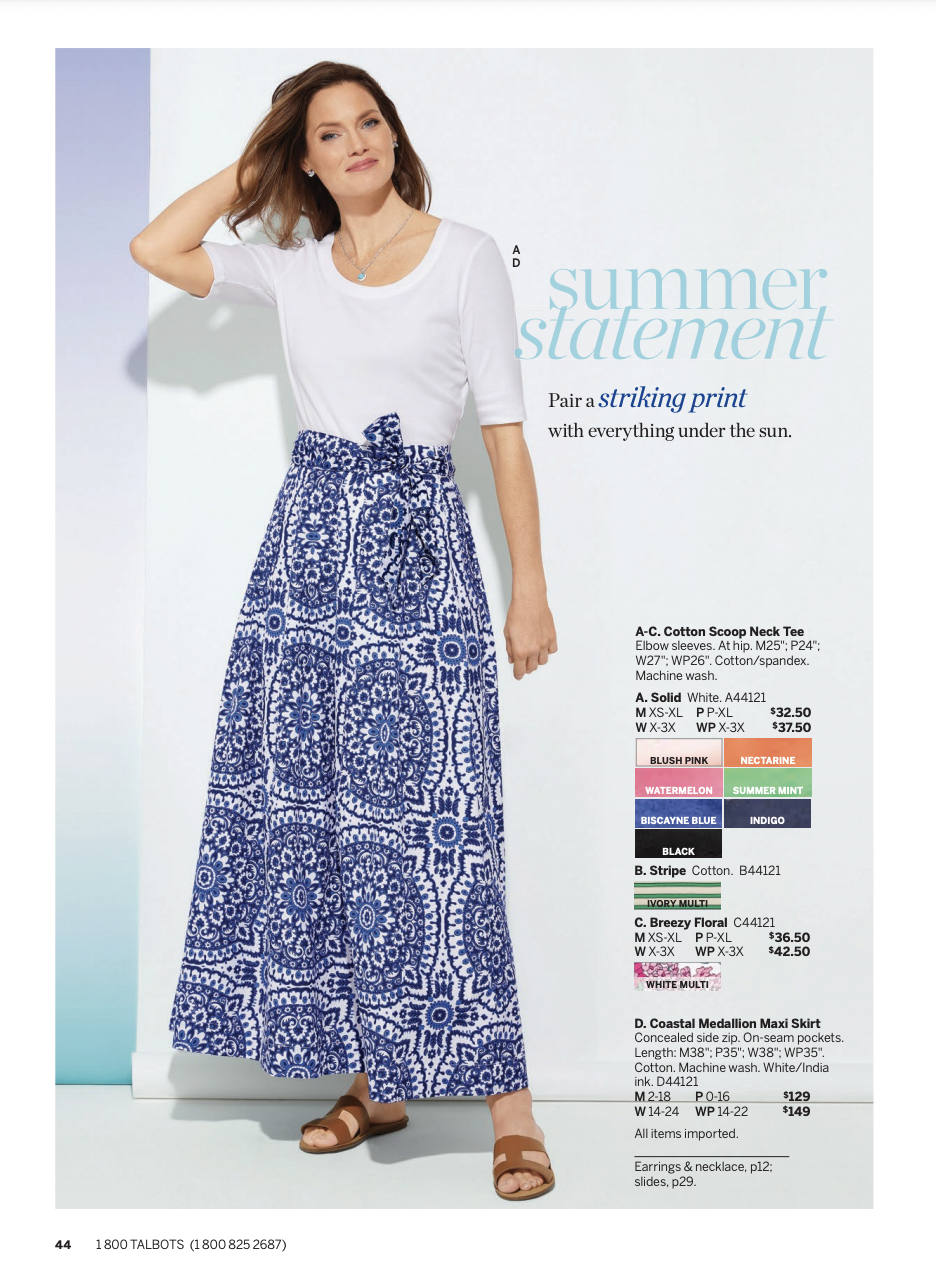
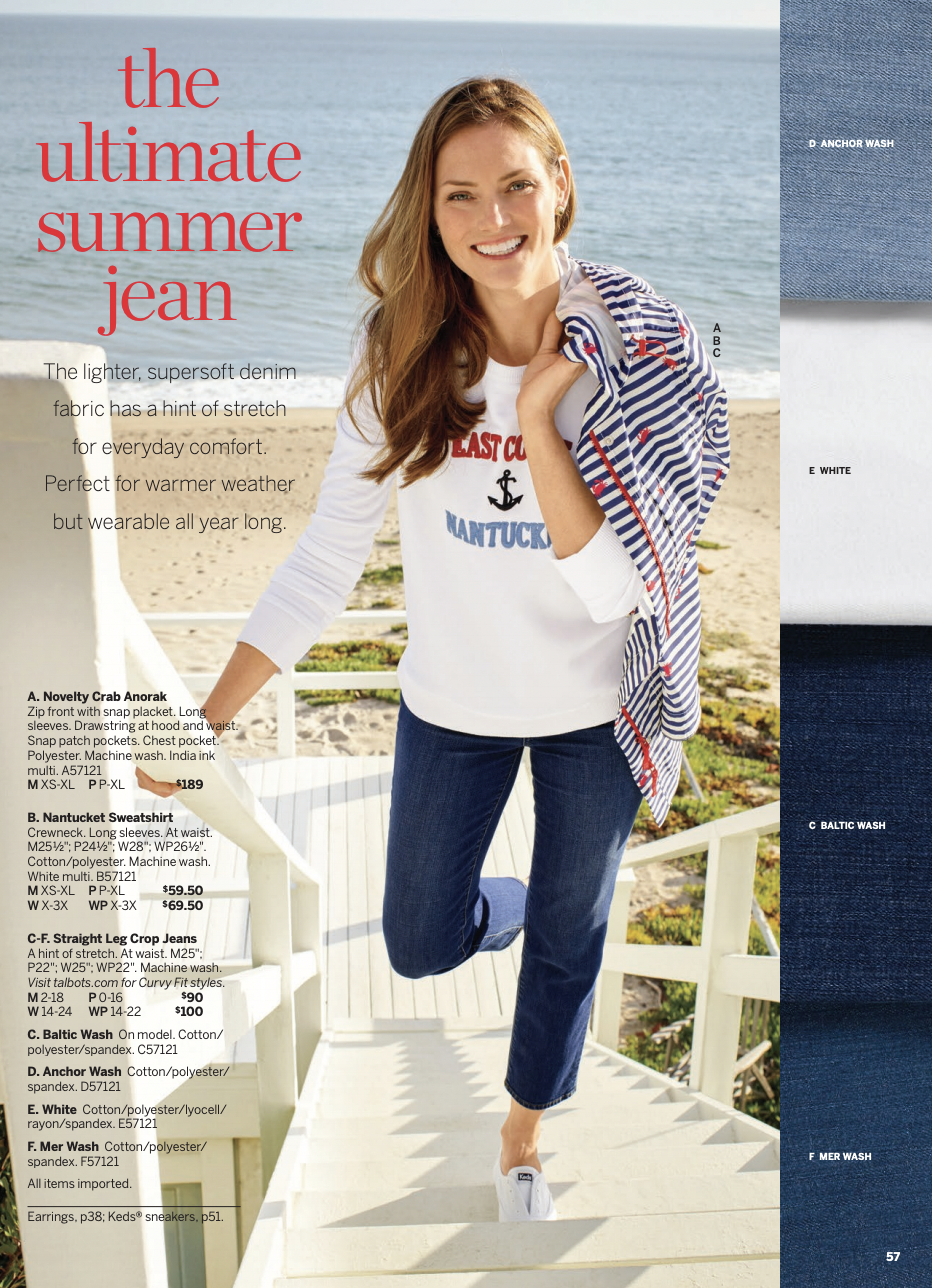
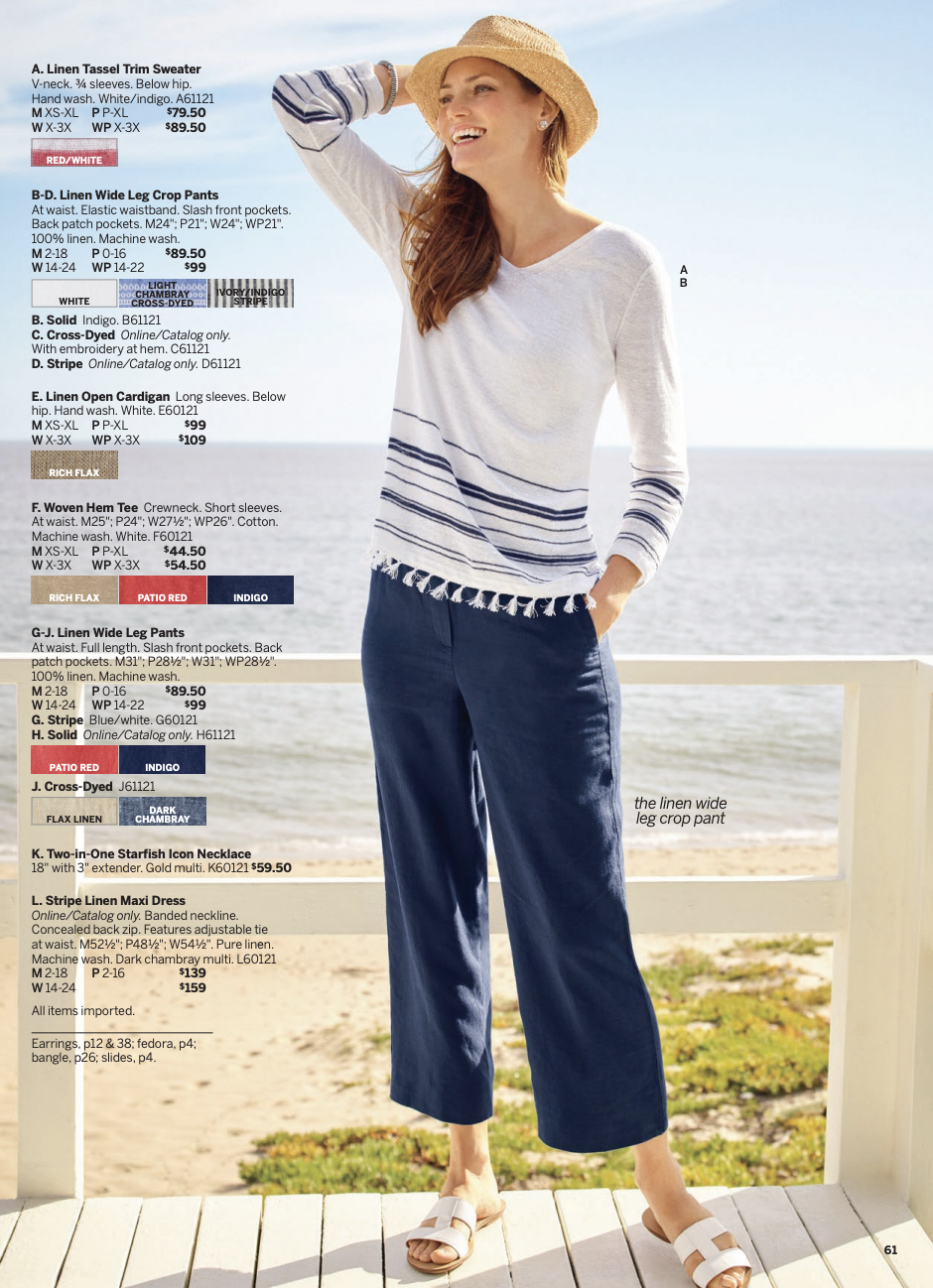
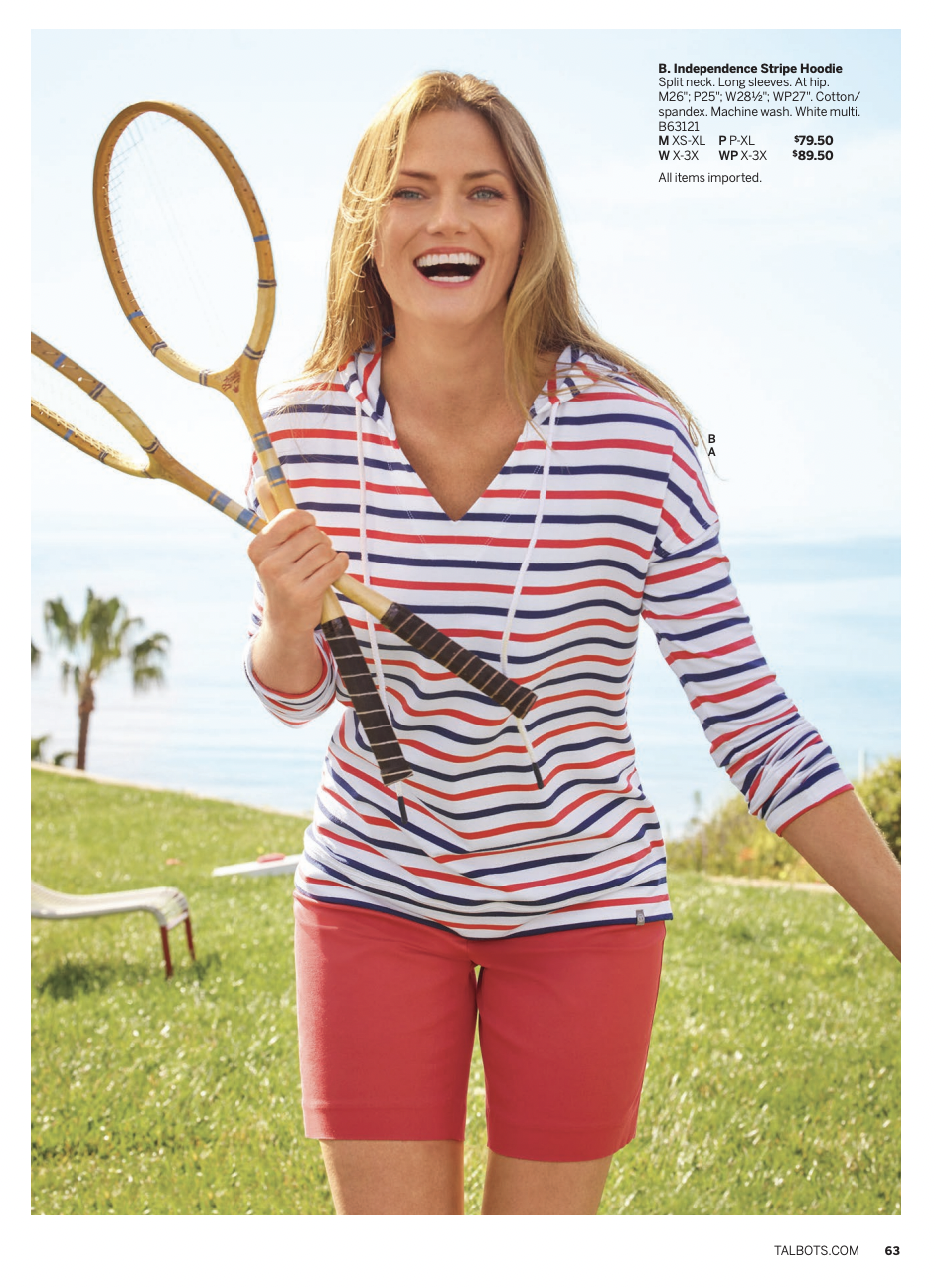
Talbots June 2021 catalog







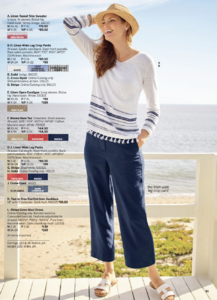
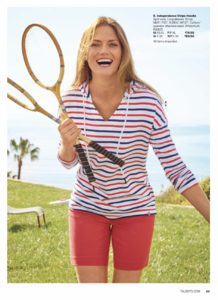


-
https://www.instagram.com/p/CPVOlC3JmVo/
-
Grazia Russia, May 2021

-
Yves Saint Laurent Fall/Winter 2000

-
Self Service Magazine #54





-
Mastermind 09

.thumb.jpg.8e0f691b33f76ee6a1c2b499ac107778.jpg)



 April 15, 2021 in Los Angeles, California




 TESS Management.



 https://www.vogue.com/sponsored/article/loro-piana-woman-effortlessly-at-home-with-natalia-vodianova
https://theblueprint.ru/fashion/industry/natalya-vodyanova-lucas-portman
https://www.vogue.com/sponsored/article/loro-piana-woman-effortlessly-at-home-with-natalia-vodianova
https://theblueprint.ru/fashion/industry/natalya-vodyanova-lucas-portman








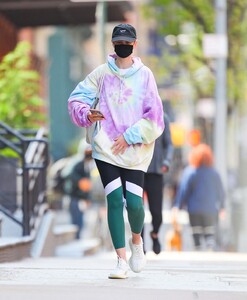
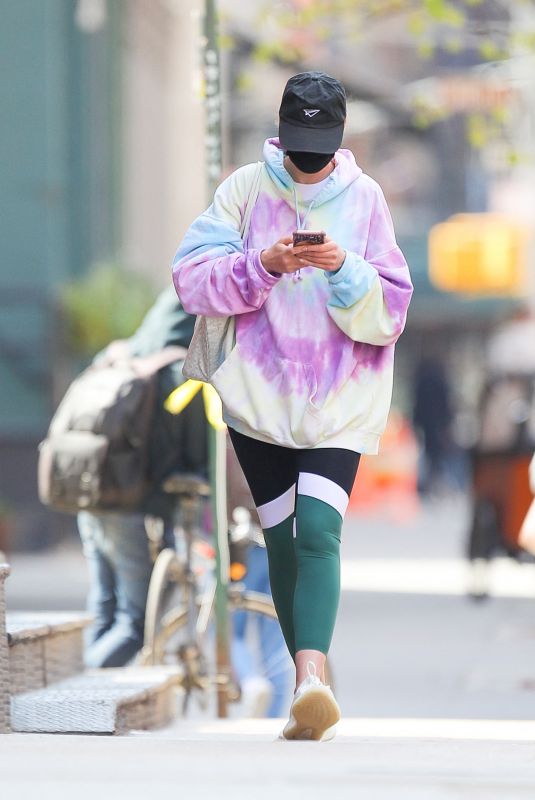
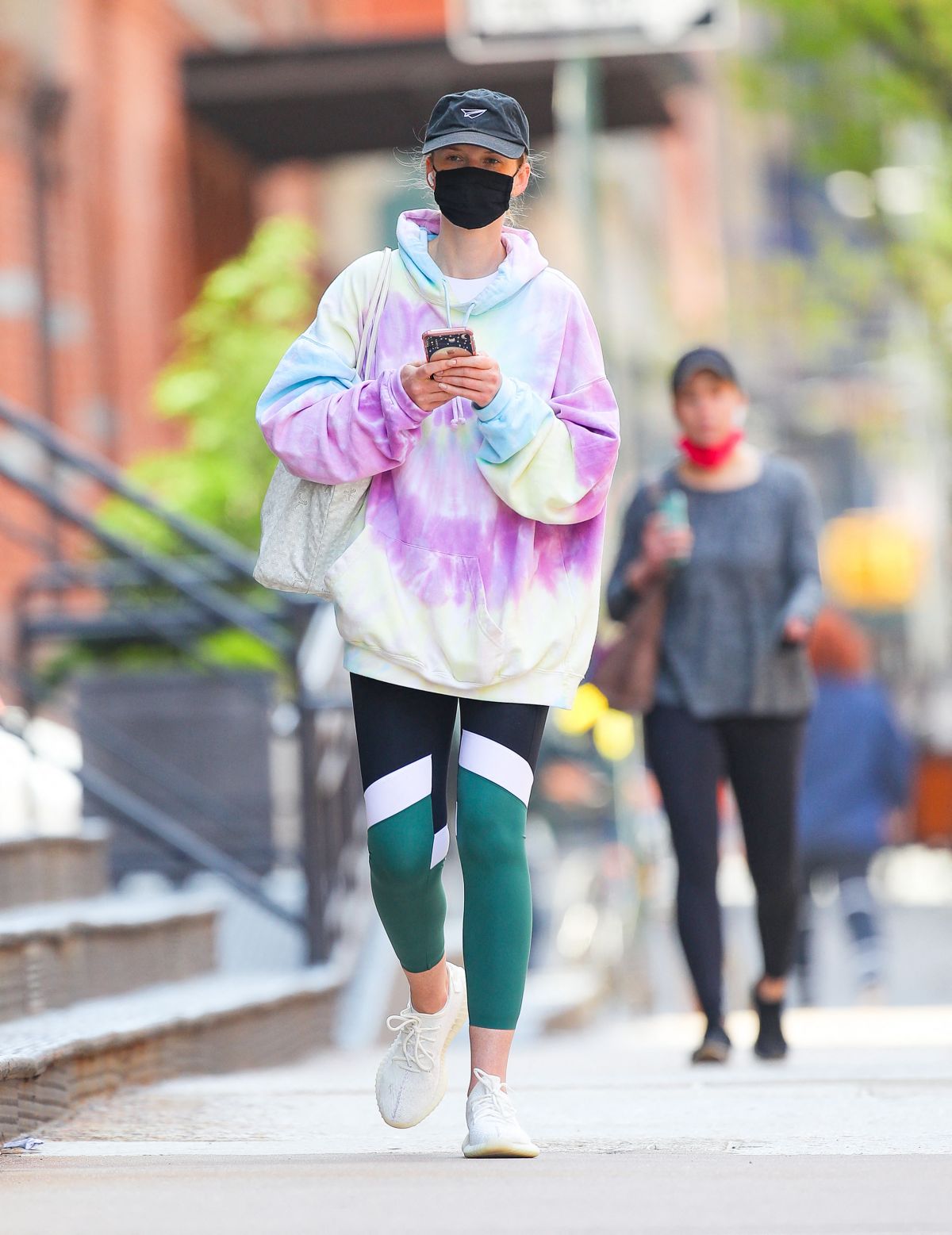
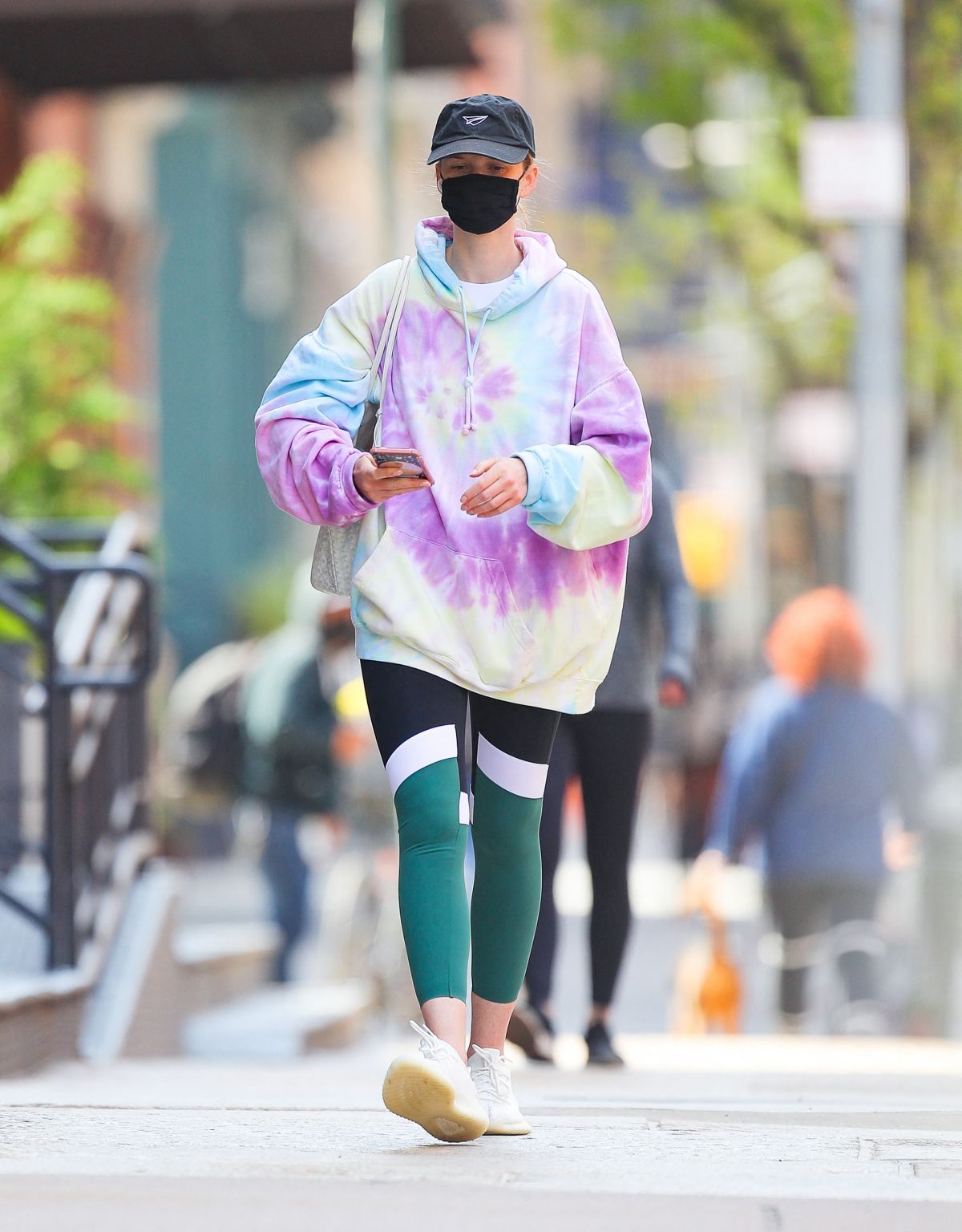
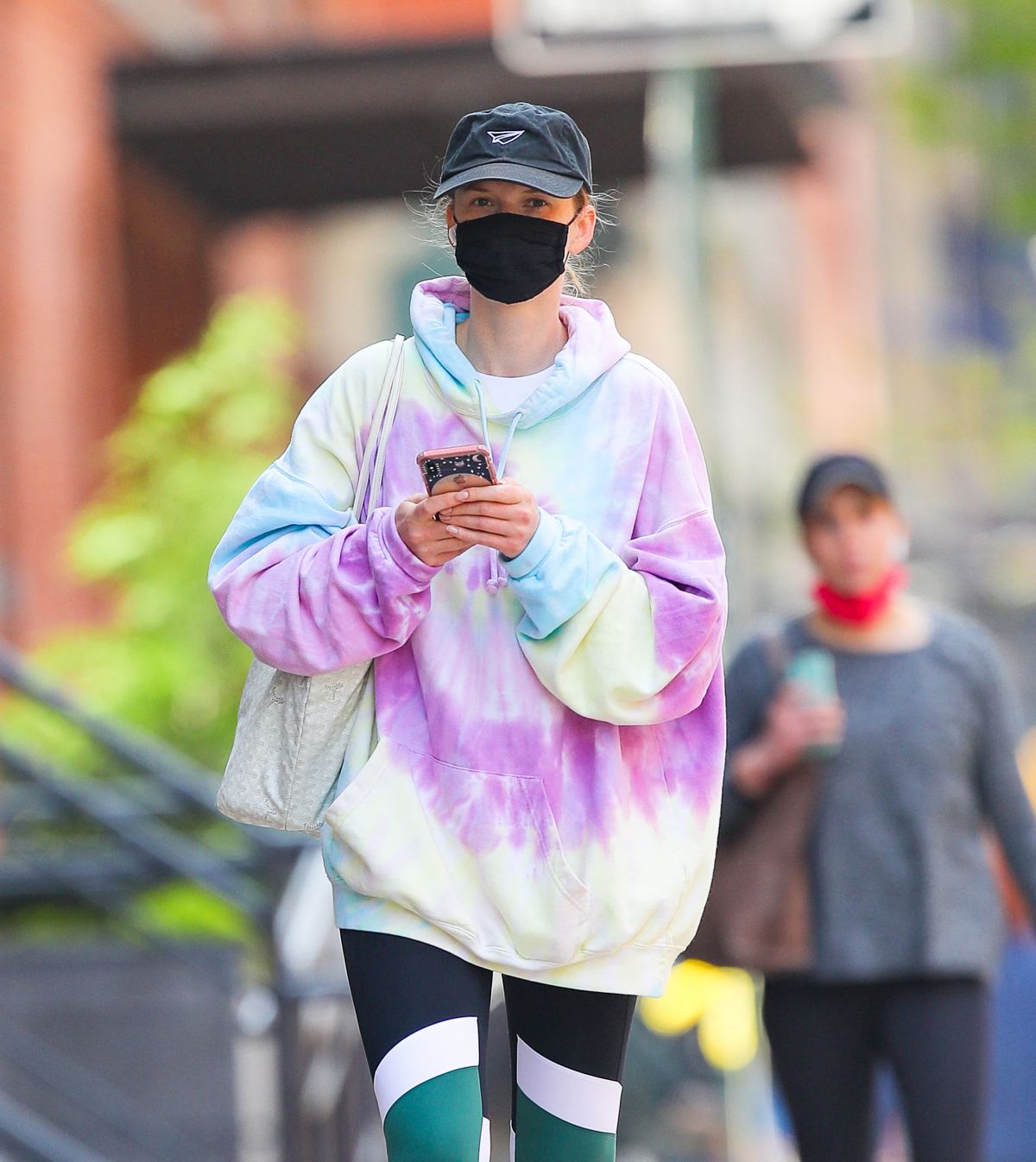
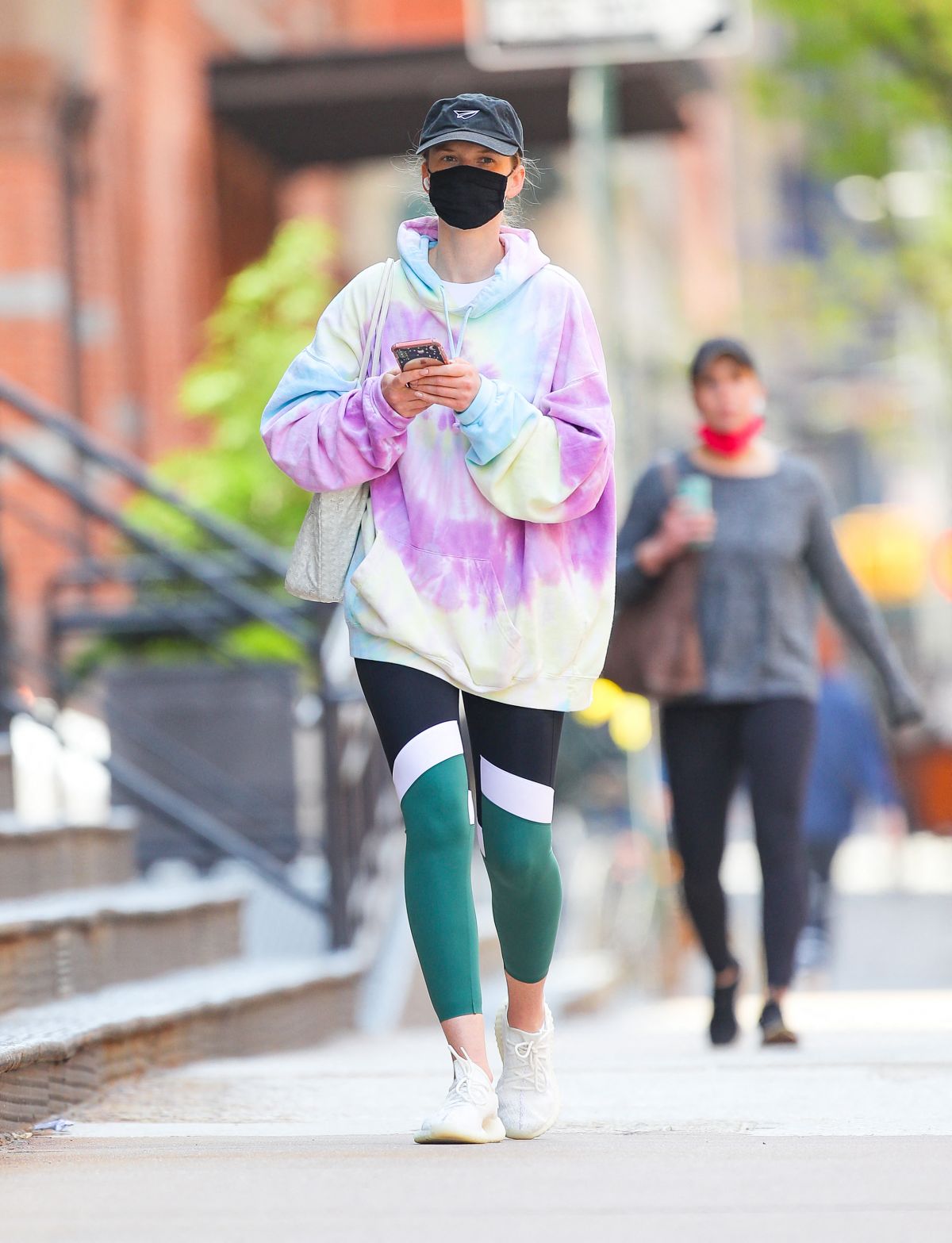
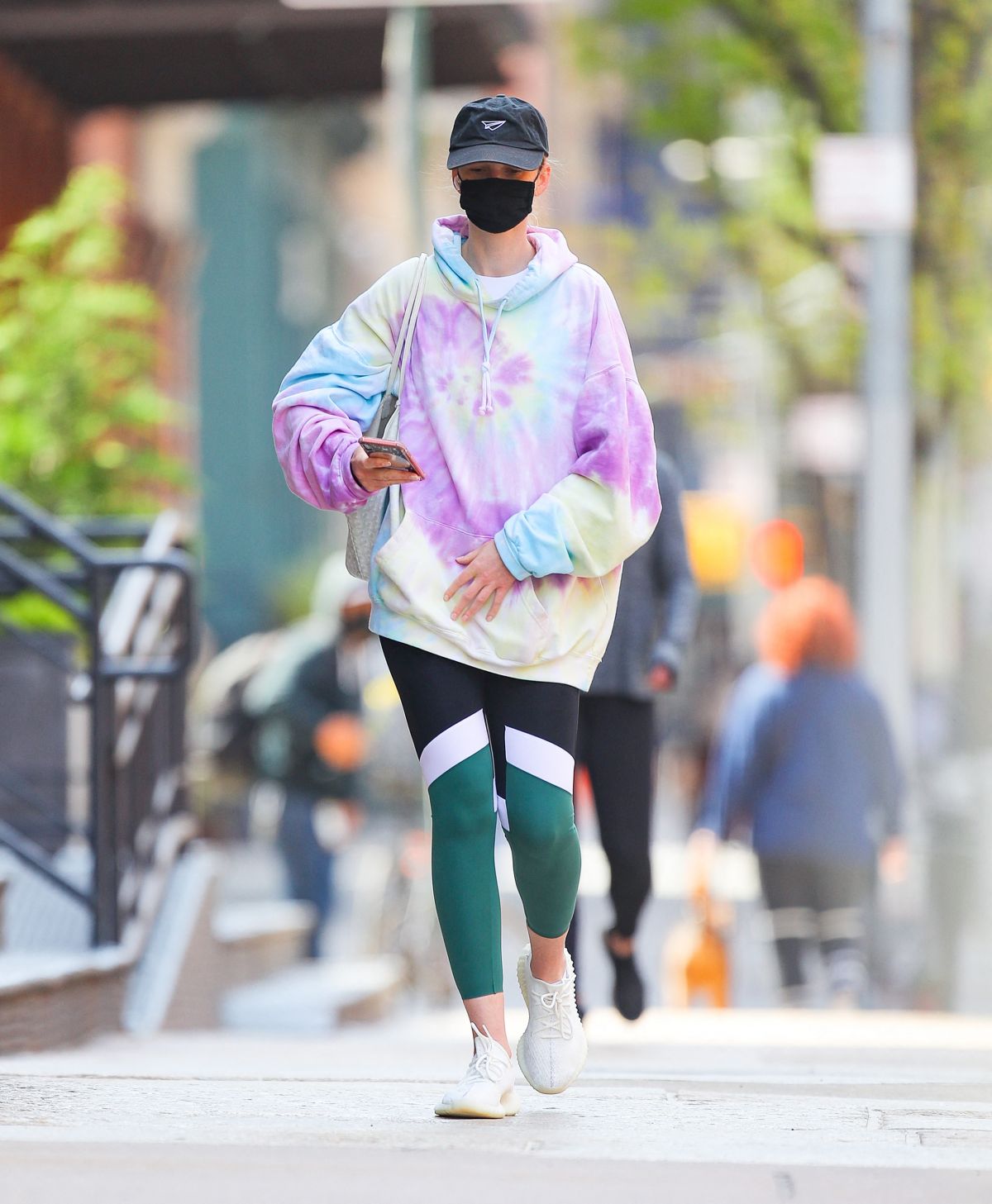
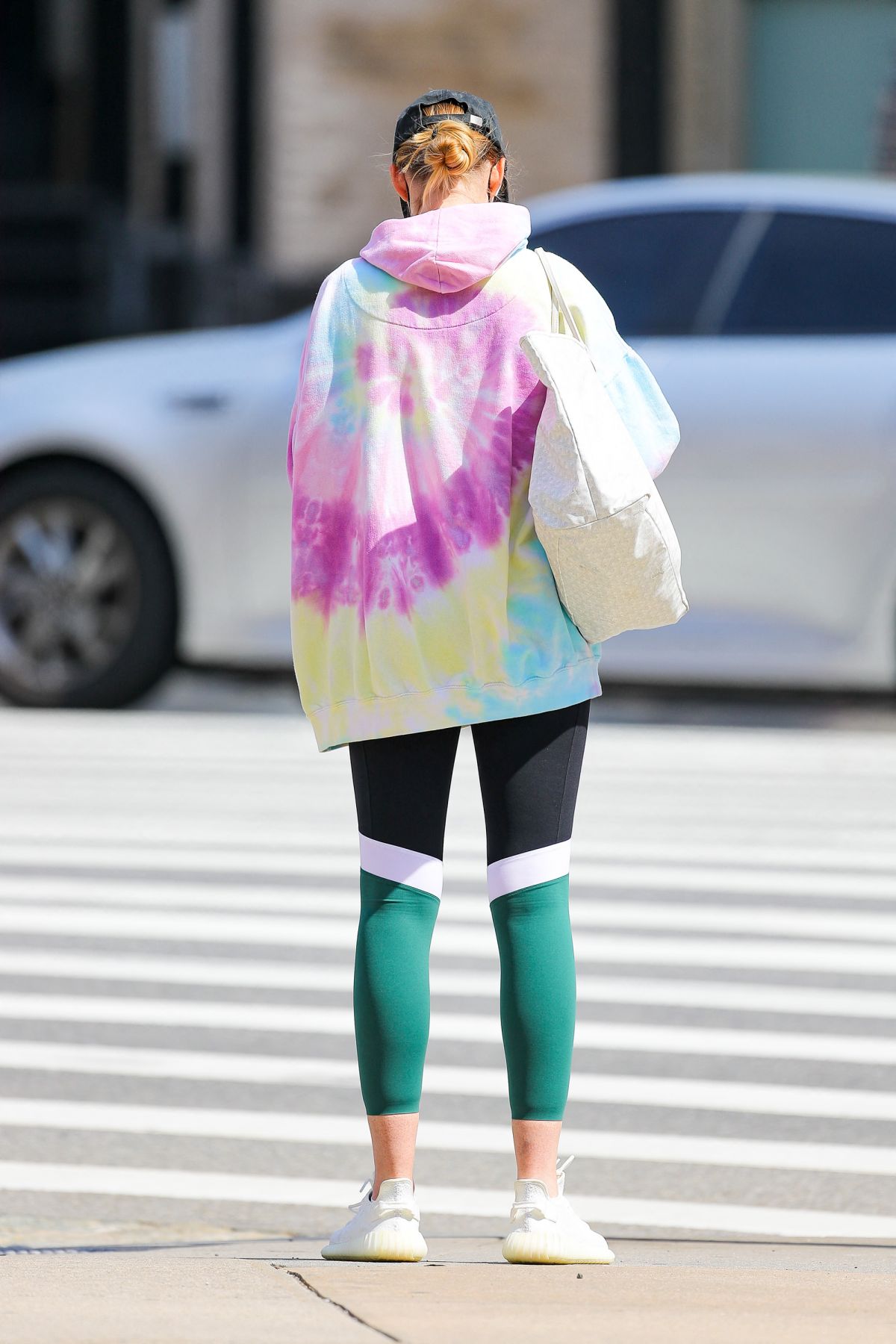
 Heading to a Gym in New York 04/21/2021
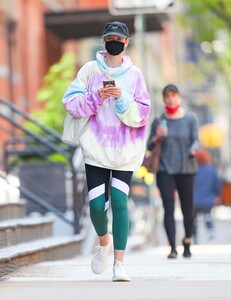
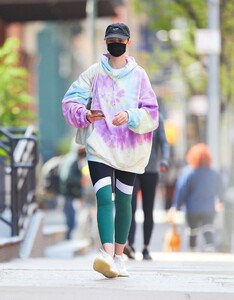


 Tiffany & Co. Blue Book Collection 2021




 MIKAs Stockholm































.jpg.9ad868e809f9a3be580bec51882c665e.jpg)



.jpg.16f9b719f72024c0e53cc811fb7a973a.jpg)























































Account
Navigation
Search
Configure browser push notifications
Chrome (Android)
- Tap the lock icon next to the address bar.
- Tap Permissions → Notifications.
- Adjust your preference.
Chrome (Desktop)
- Click the padlock icon in the address bar.
- Select Site settings.
- Find Notifications and adjust your preference.
Safari (iOS 16.4+)
- Ensure the site is installed via Add to Home Screen.
- Open Settings App → Notifications.
- Find your app name and adjust your preference.
Safari (macOS)
- Go to Safari → Preferences.
- Click the Websites tab.
- Select Notifications in the sidebar.
- Find this website and adjust your preference.
Edge (Android)
- Tap the lock icon next to the address bar.
- Tap Permissions.
- Find Notifications and adjust your preference.
Edge (Desktop)
- Click the padlock icon in the address bar.
- Click Permissions for this site.
- Find Notifications and adjust your preference.
Firefox (Android)
- Go to Settings → Site permissions.
- Tap Notifications.
- Find this site in the list and adjust your preference.
Firefox (Desktop)
- Open Firefox Settings.
- Search for Notifications.
- Find this site in the list and adjust your preference.