
balenciagaaa
Members
-
Joined
-
Last visited
Everything posted by balenciagaaa
-
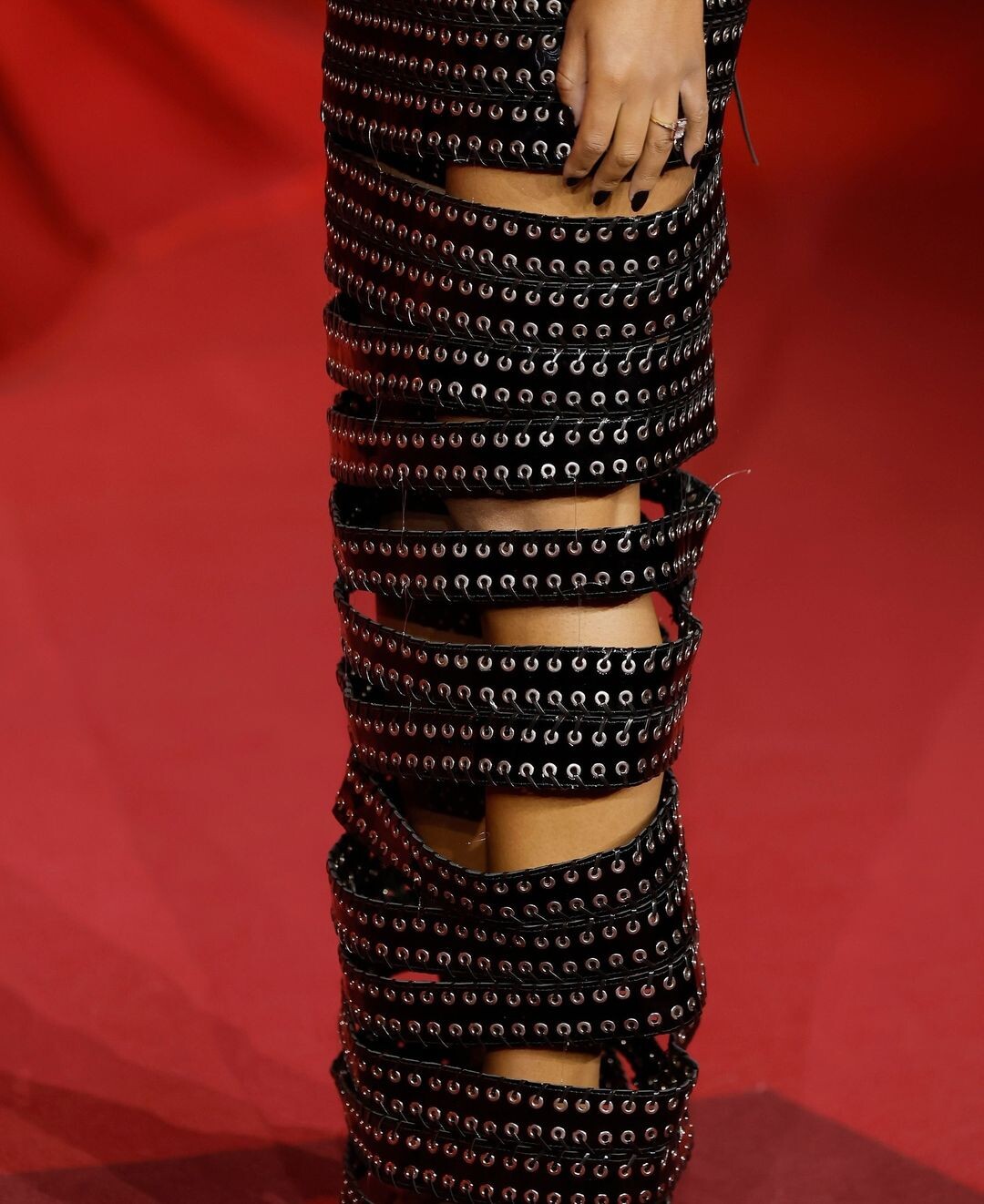
 Jean-Paul Gaultier Haute Couture Spring/Summer 2024 Show at Paris Fashion Week 01/24/2024 Ashi Studio Haute Couture Spring/Summer 2024 Show at Paris Fashion Week 01/25/2024








-
Out Shopping with Her Mom in Beverly Hills 06/29/2021 Los Angeles 08/30/2021







-
Leaves Target in Los Angeles 11/14/2024







-
Shopping for Groceries at Whole Foods in Los Angeles 11/04/2024







-
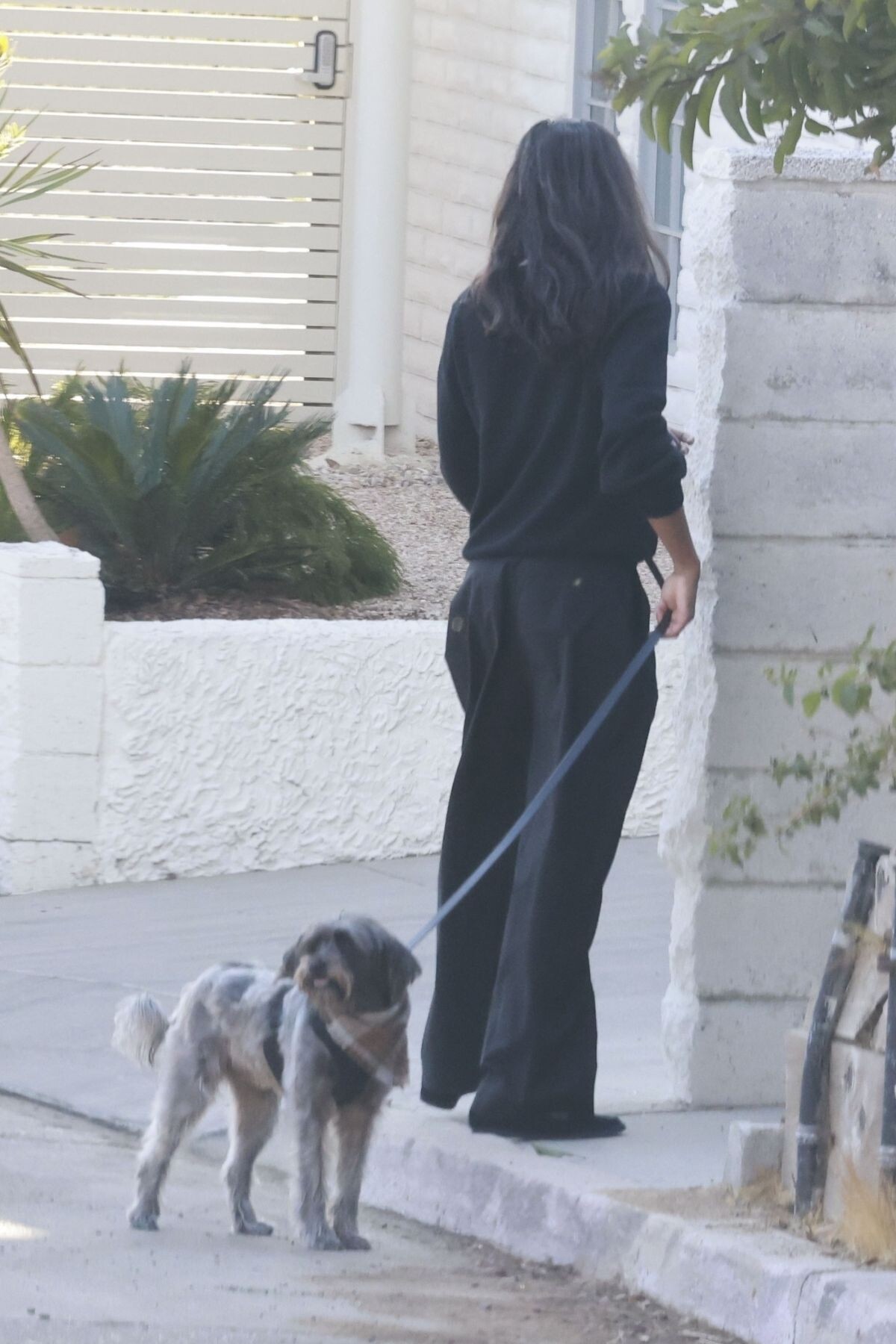
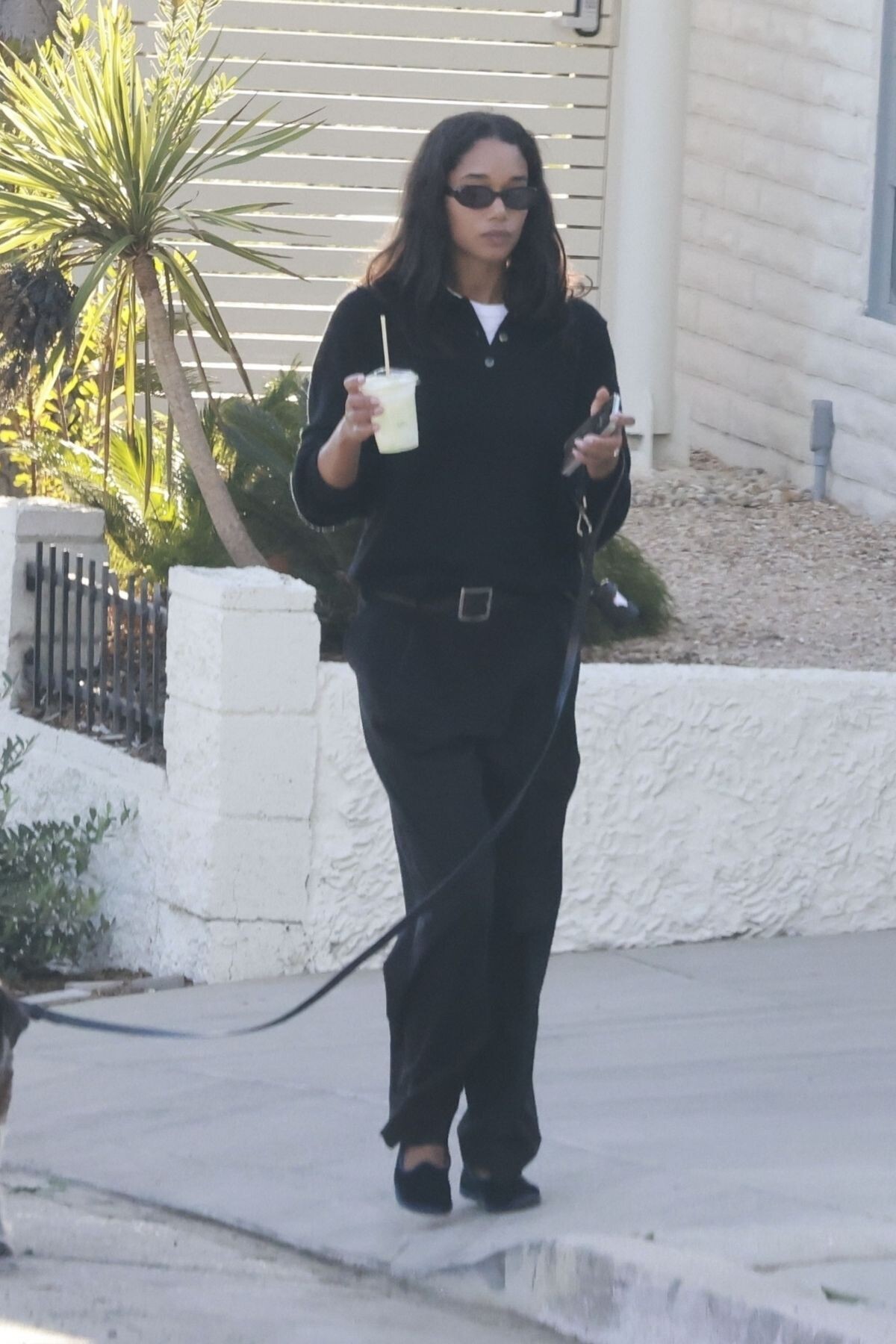
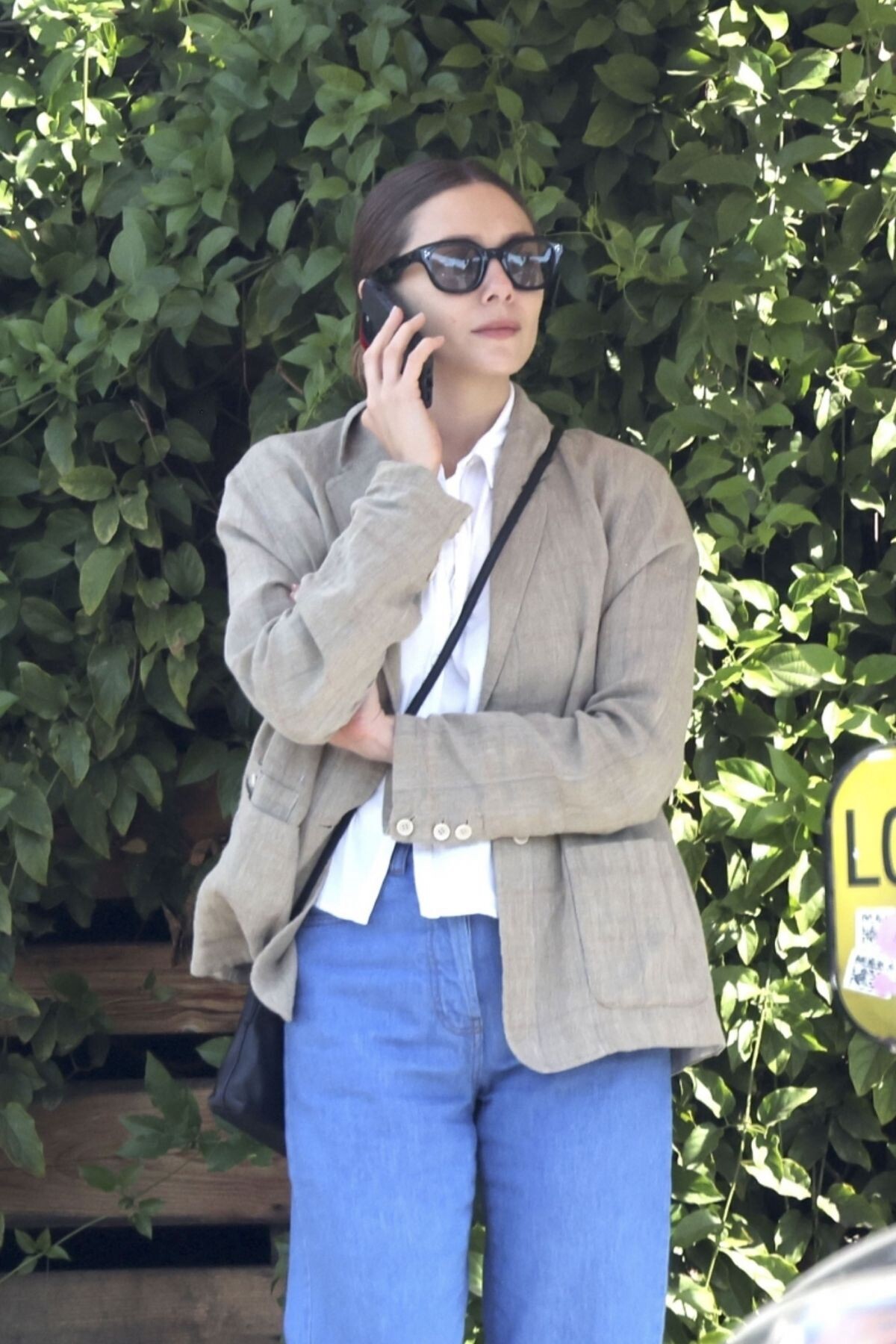
Out and About in Los Angeles 09/01/2024



-
Leaves Chateau Marmont in West Hollywood 11/14/2024







-
@lauraharrier @harpersbazaarus performance portfolio wearing @ysl by @anthonyvaccarello 🖤 thank you @mr_carlos_nazario and @samiranasr @angcutt



-
GQ Men of the Year Party in Los Angeles 11/14/2024










 Out for Lunch with Friends at Little Dom’s in Los Angeles 11/15/2024





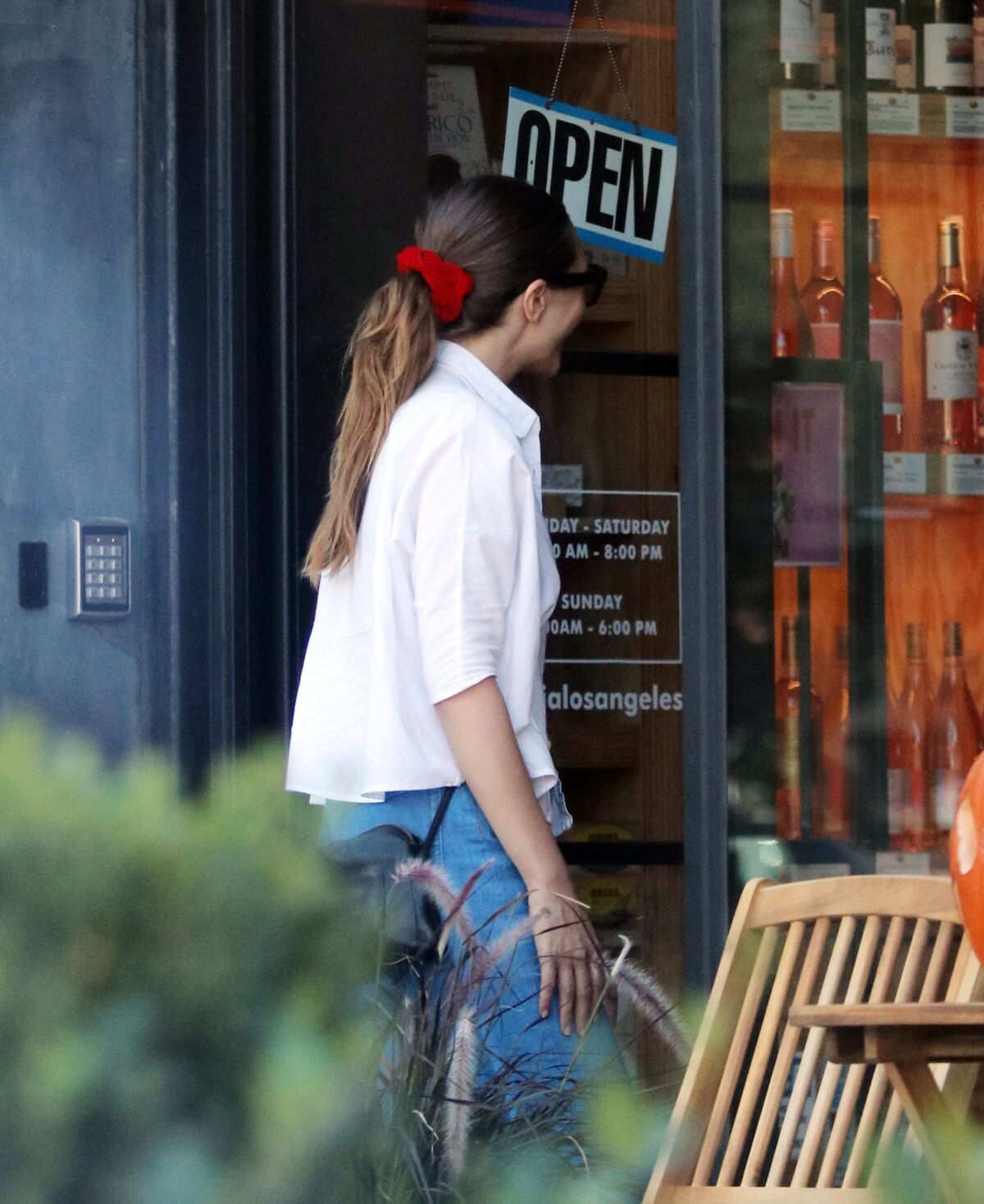
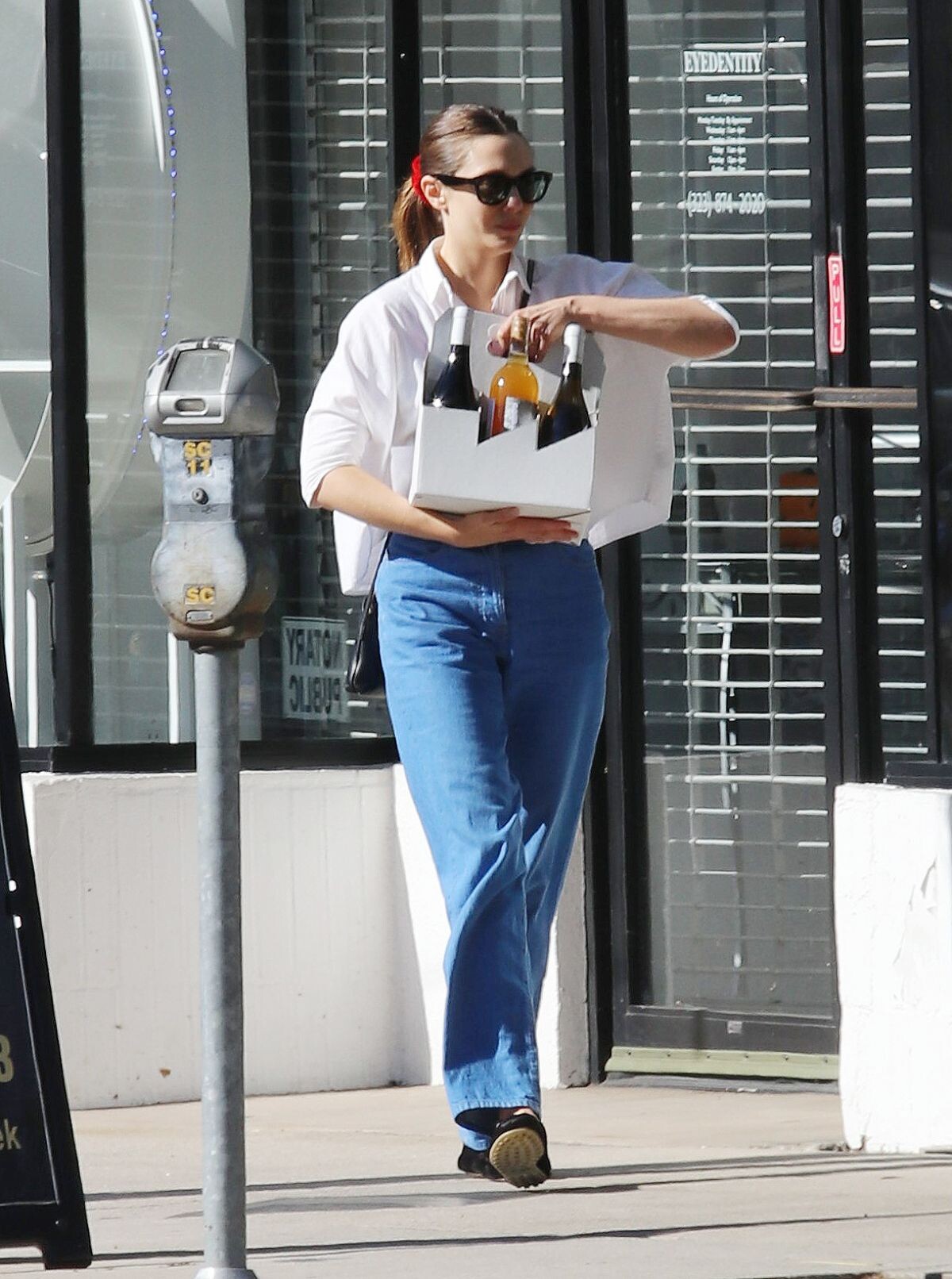
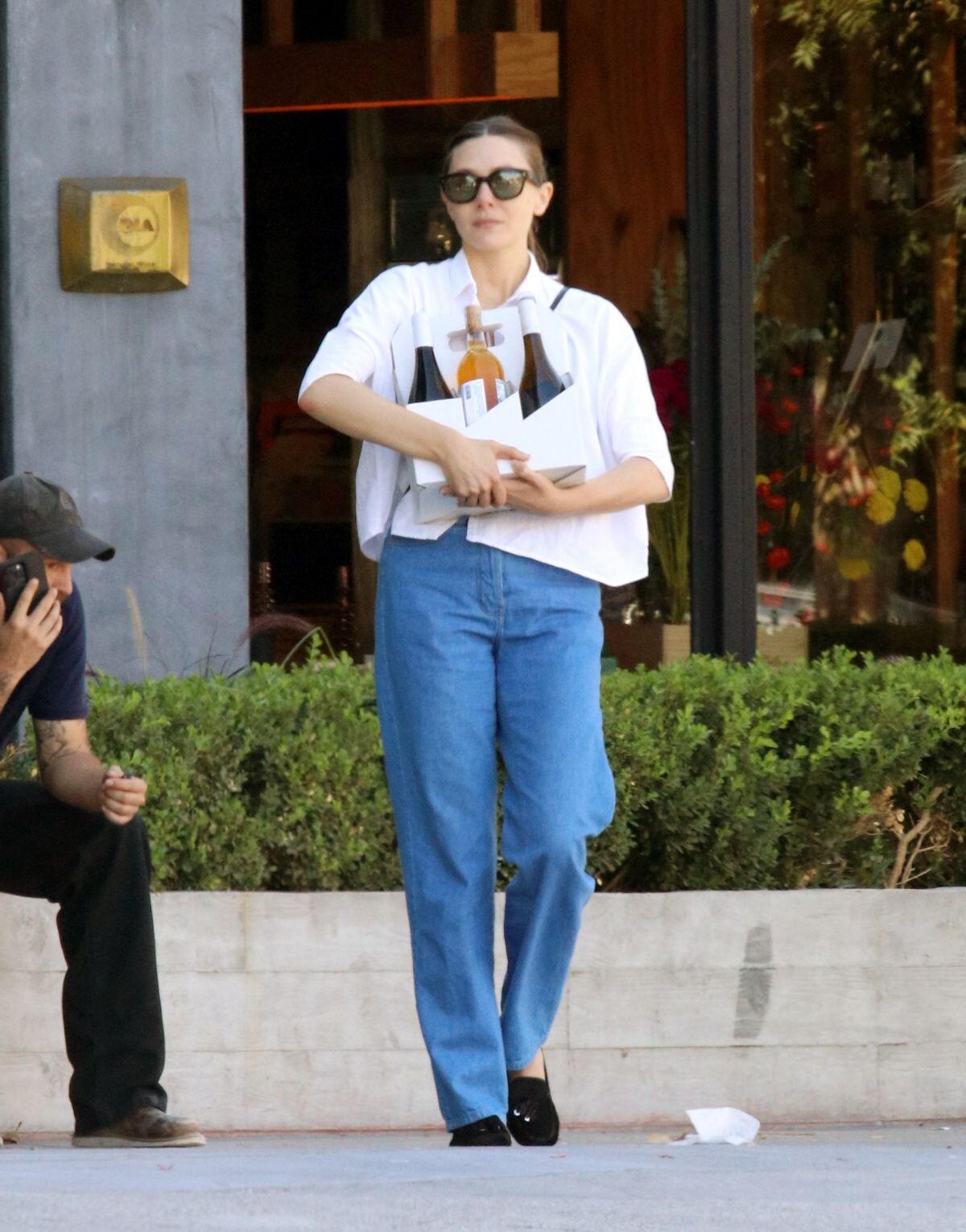
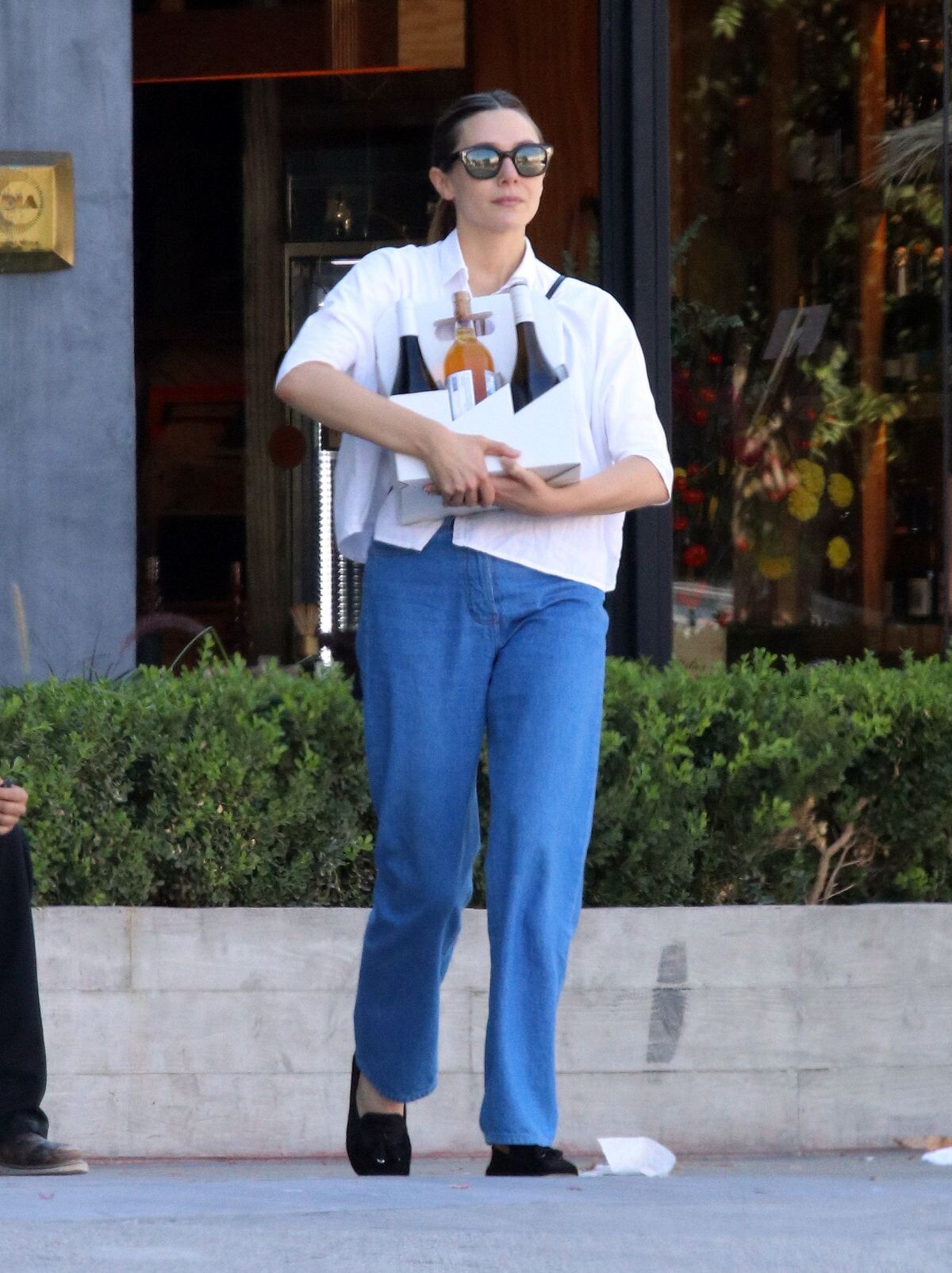
 Shopping at a Natural Wine Store in Los Angeles 10/21/2024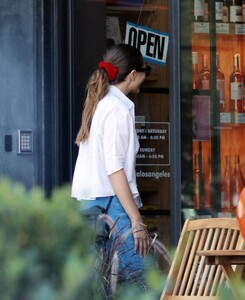





 Heading to Lunch in Los Angeles 10/22/2024





 GQ Men of the Year Party in Los Angeles 11/14/2024


 New York 11/15/2024





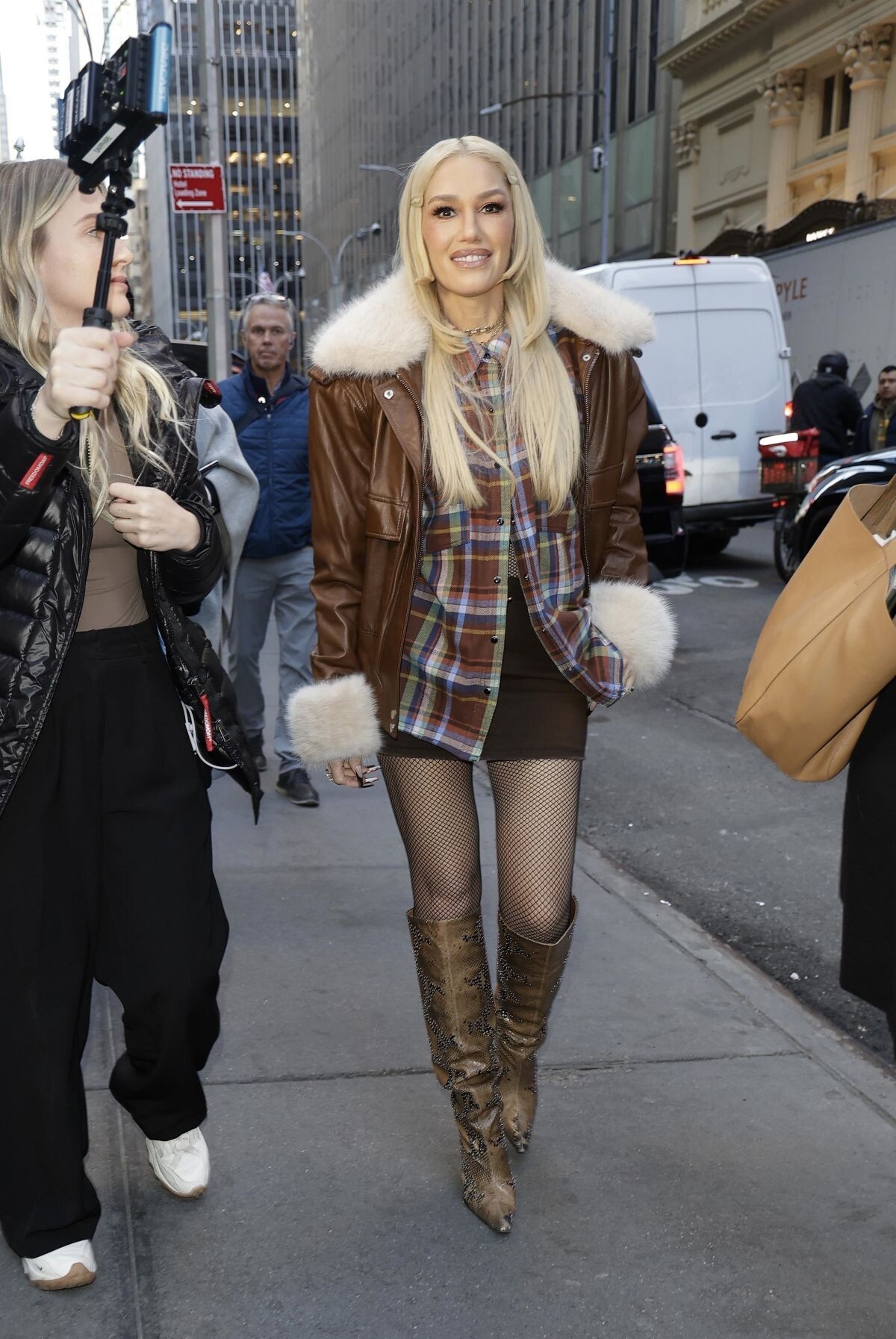
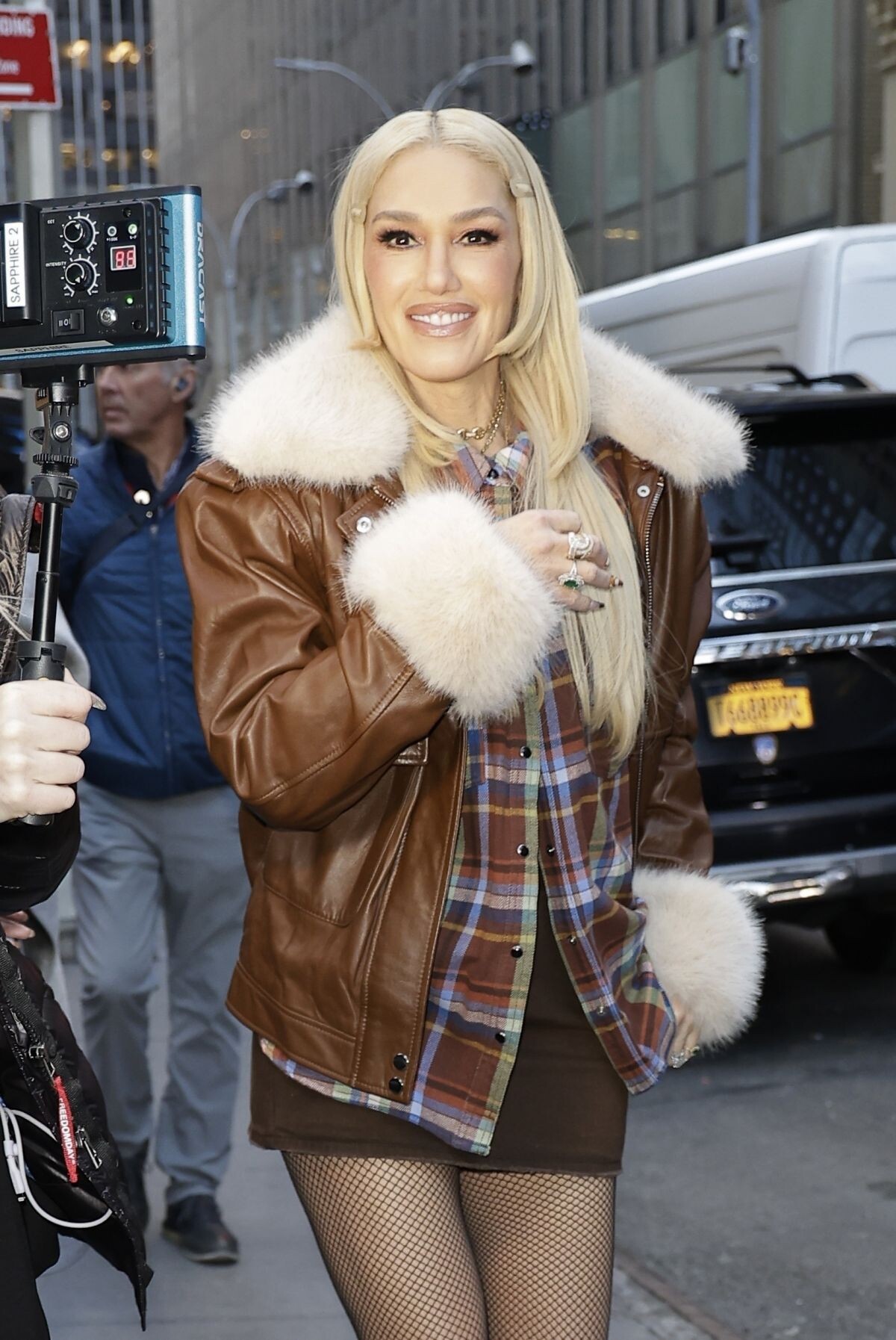
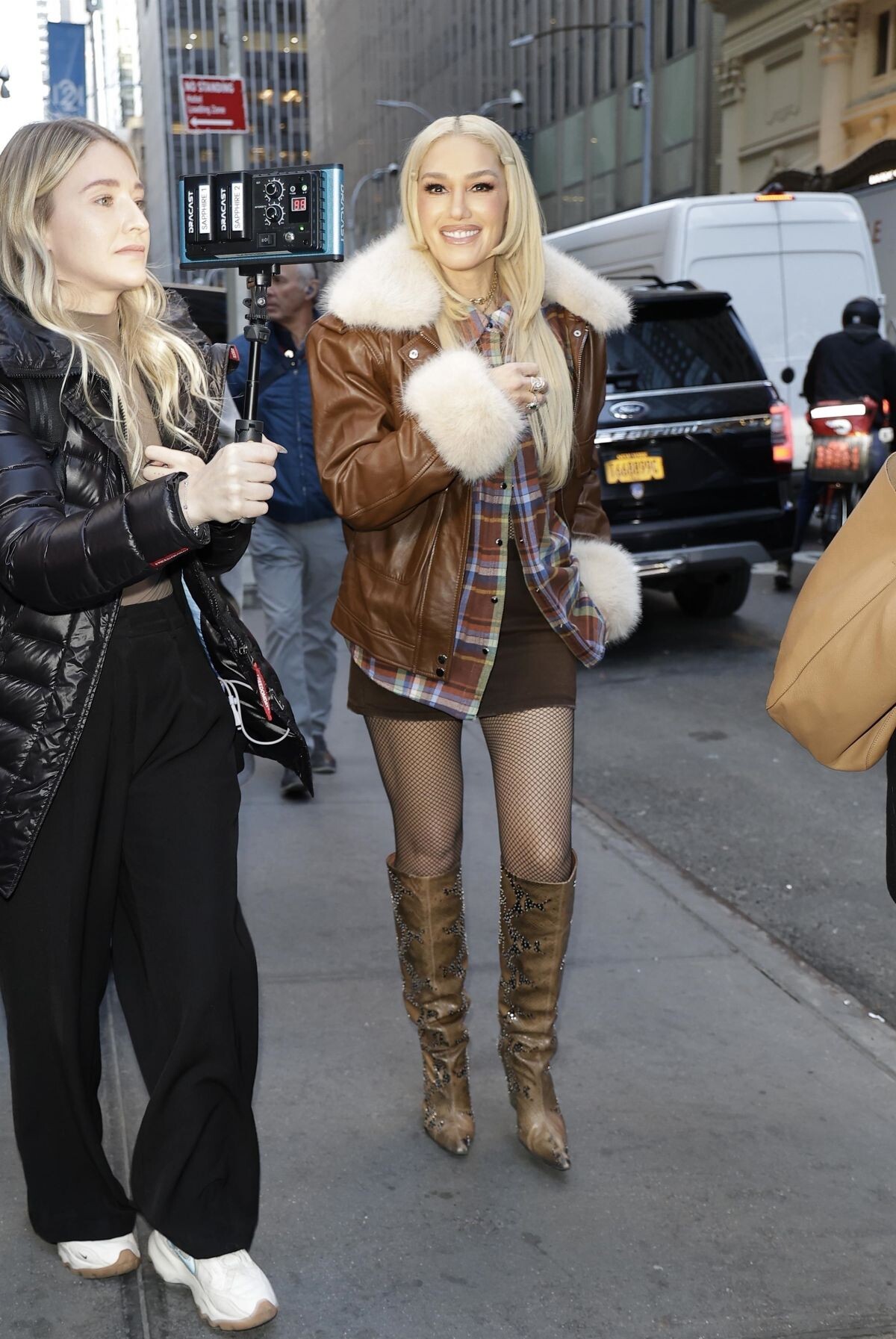
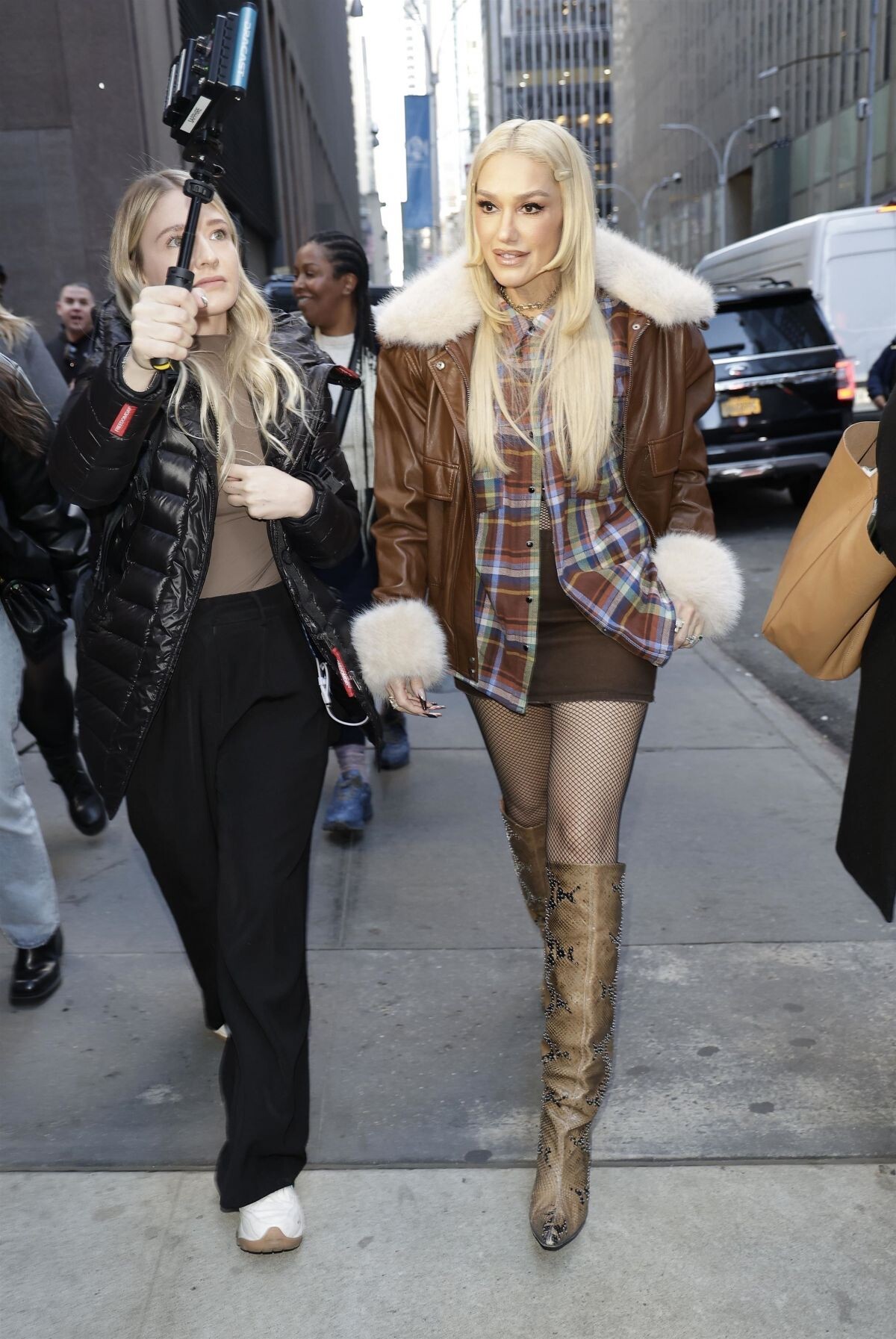
 Performs at Today Show Citi Concert Series at NBC Studios in New York 11/14/2024





 instagram



















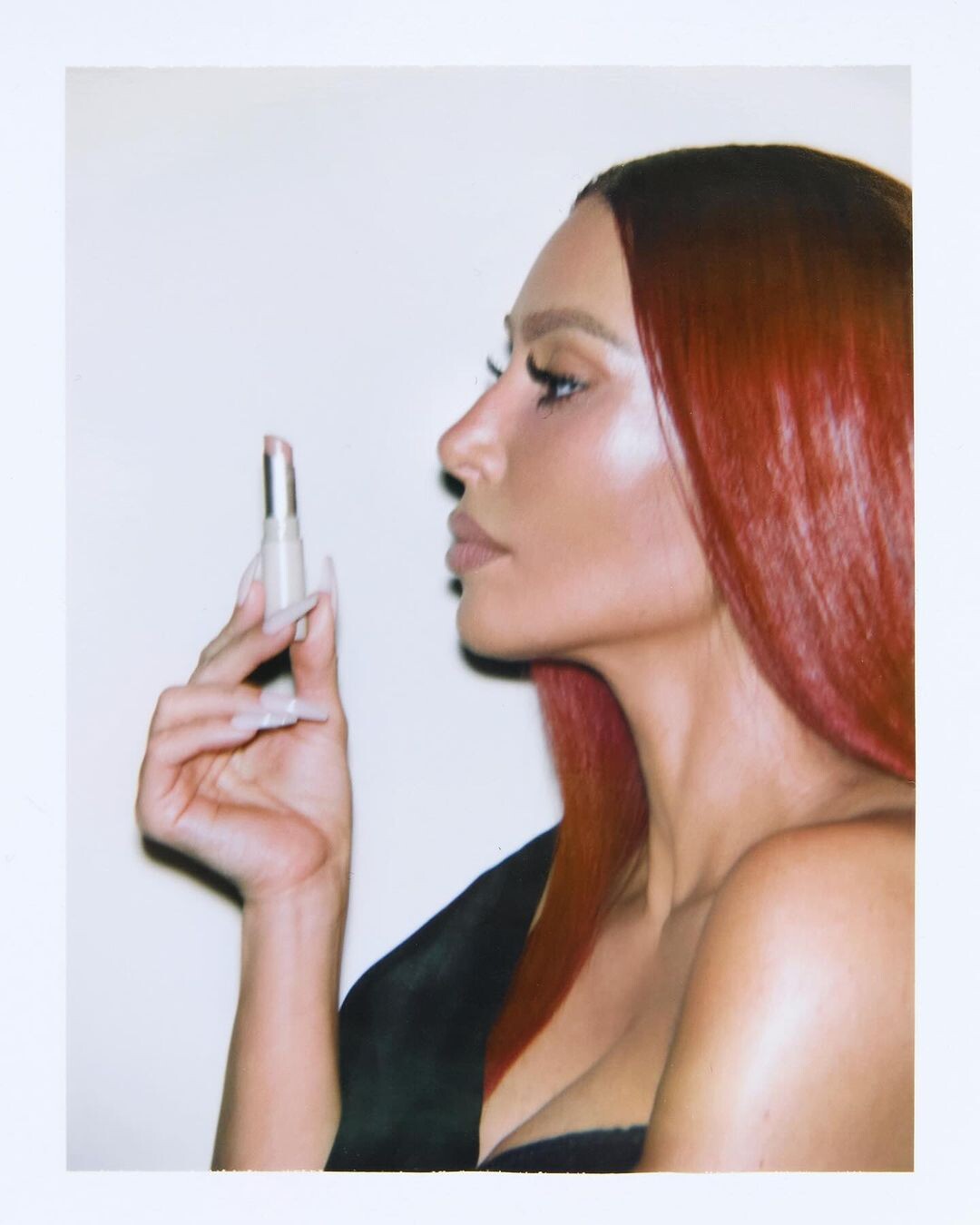
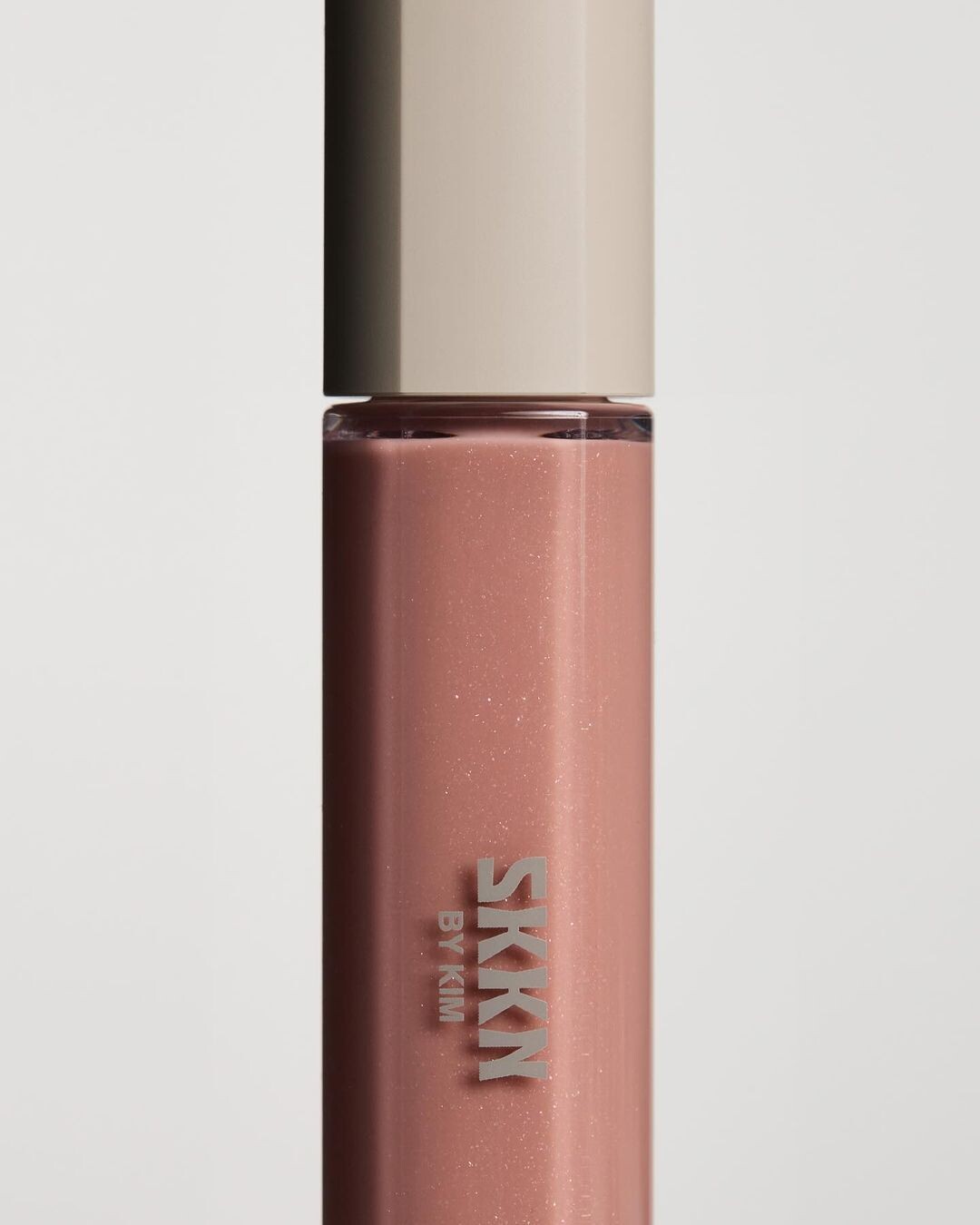
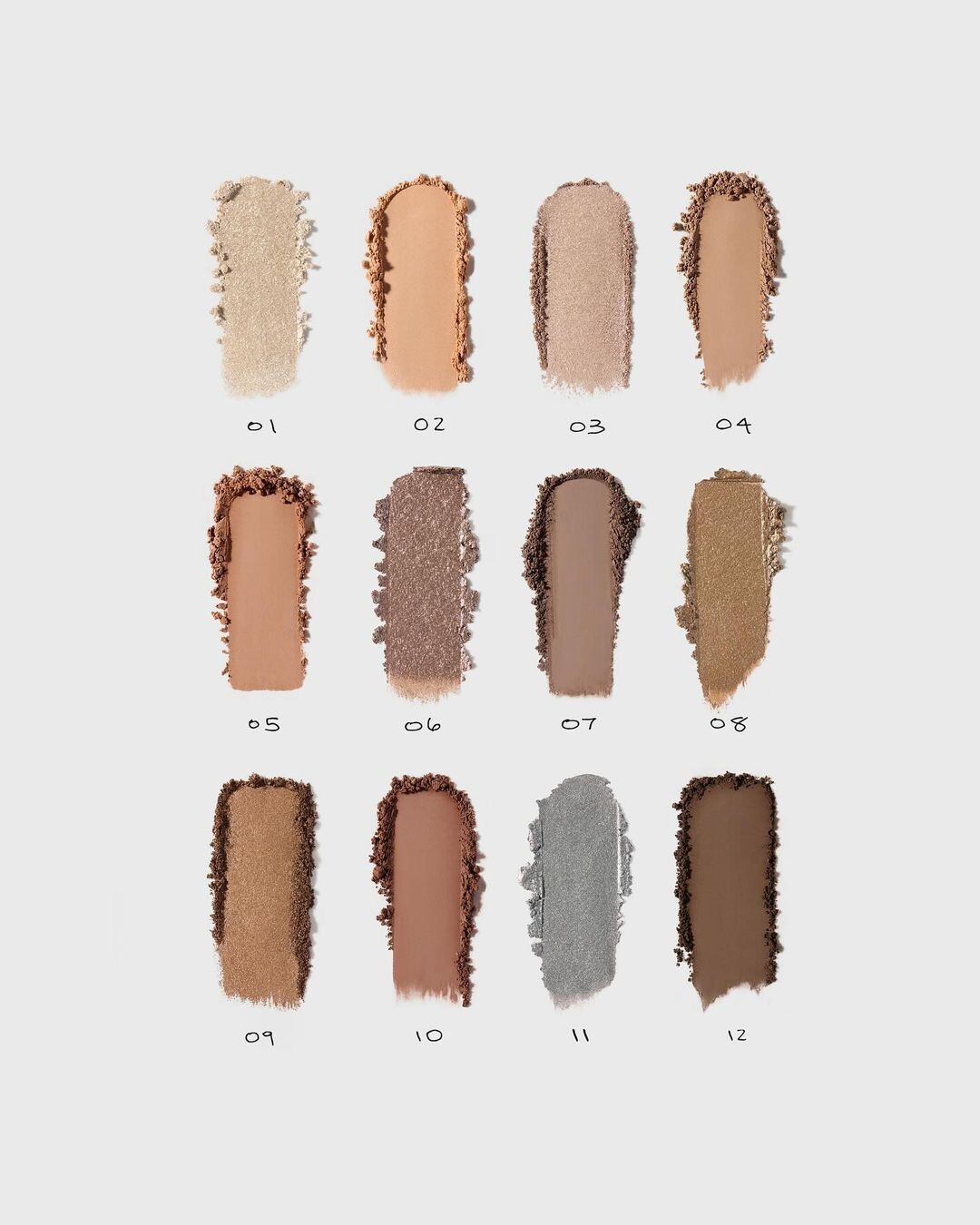
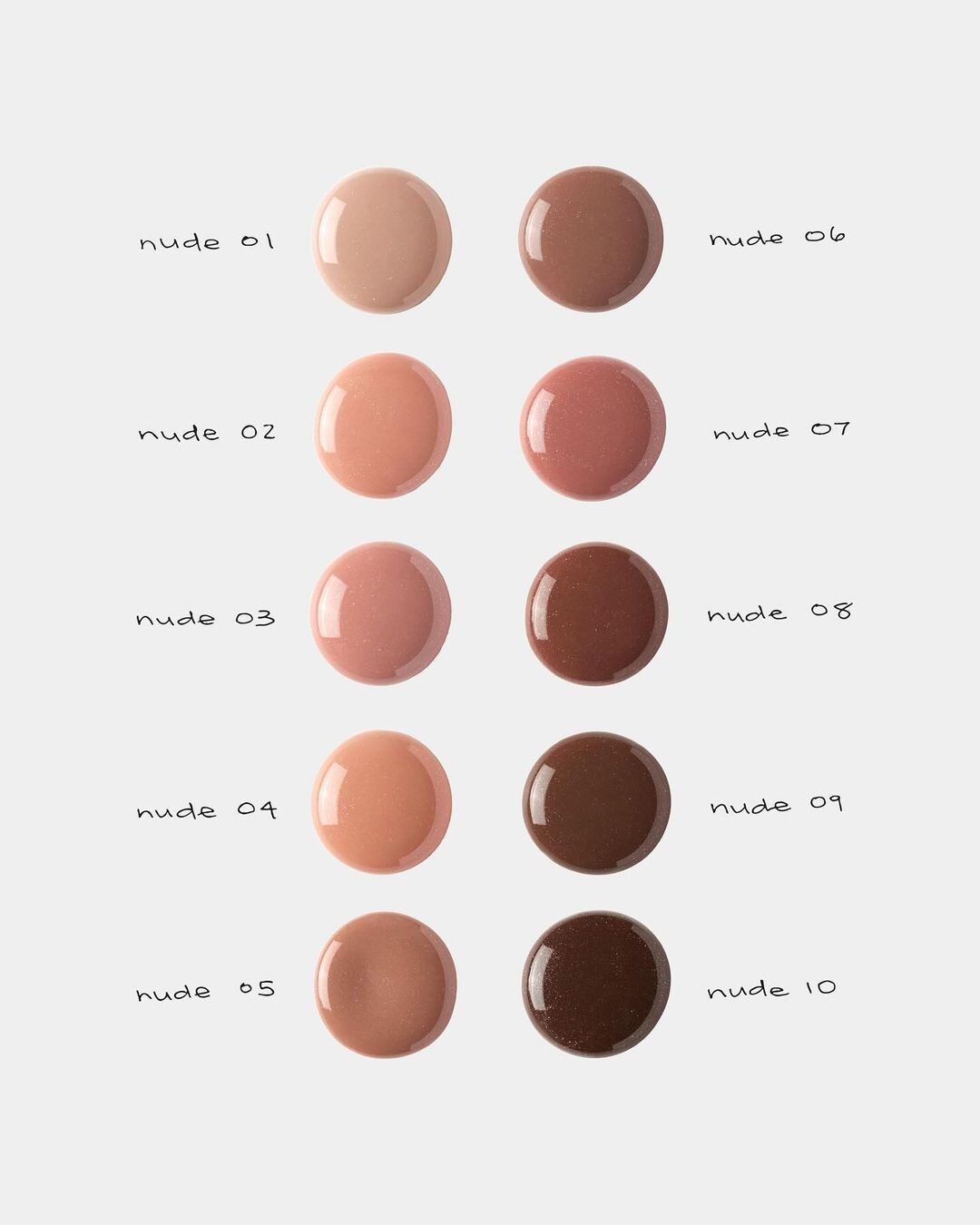
 @kimkardashian The SKKN Holiday Collection is available now exclusively at SKKNBYKIM.com







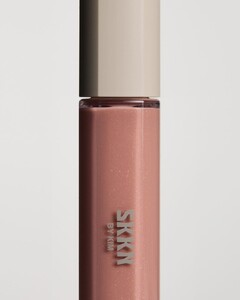

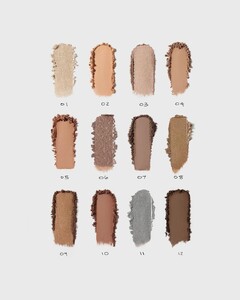
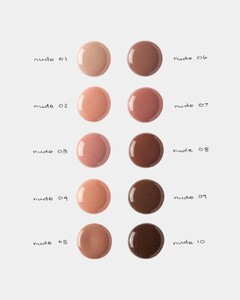
 Dolce & Gabbana x SKIMS campaign

 instagram














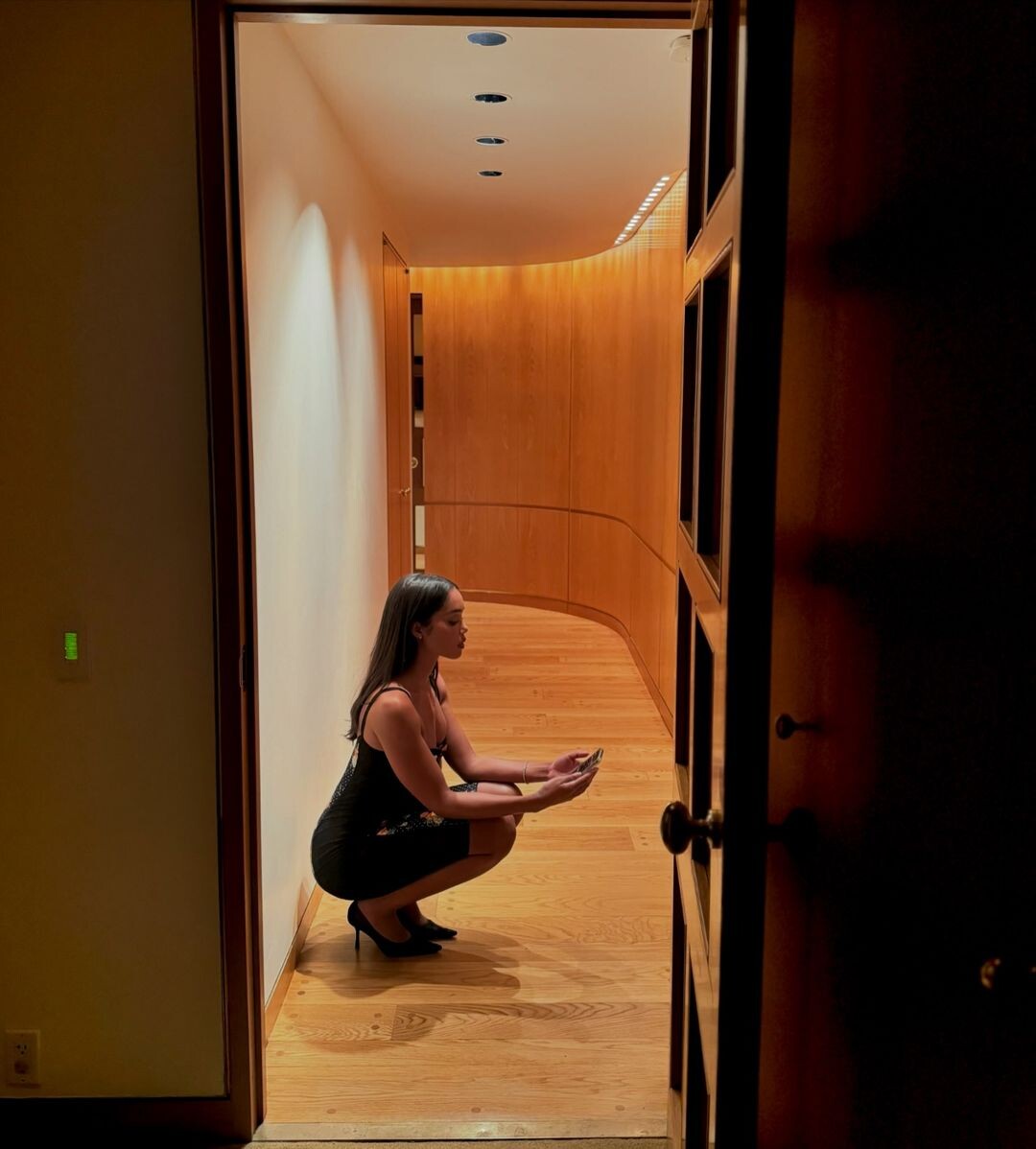
 Halloween 2024



















































































































































































































Account
Navigation
Search
Configure browser push notifications
Chrome (Android)
- Tap the lock icon next to the address bar.
- Tap Permissions → Notifications.
- Adjust your preference.
Chrome (Desktop)
- Click the padlock icon in the address bar.
- Select Site settings.
- Find Notifications and adjust your preference.
Safari (iOS 16.4+)
- Ensure the site is installed via Add to Home Screen.
- Open Settings App → Notifications.
- Find your app name and adjust your preference.
Safari (macOS)
- Go to Safari → Preferences.
- Click the Websites tab.
- Select Notifications in the sidebar.
- Find this website and adjust your preference.
Edge (Android)
- Tap the lock icon next to the address bar.
- Tap Permissions.
- Find Notifications and adjust your preference.
Edge (Desktop)
- Click the padlock icon in the address bar.
- Click Permissions for this site.
- Find Notifications and adjust your preference.
Firefox (Android)
- Go to Settings → Site permissions.
- Tap Notifications.
- Find this site in the list and adjust your preference.
Firefox (Desktop)
- Open Firefox Settings.
- Search for Notifications.
- Find this site in the list and adjust your preference.