
balenciagaaa
Members
-
Joined
-
Last visited
Everything posted by balenciagaaa
-
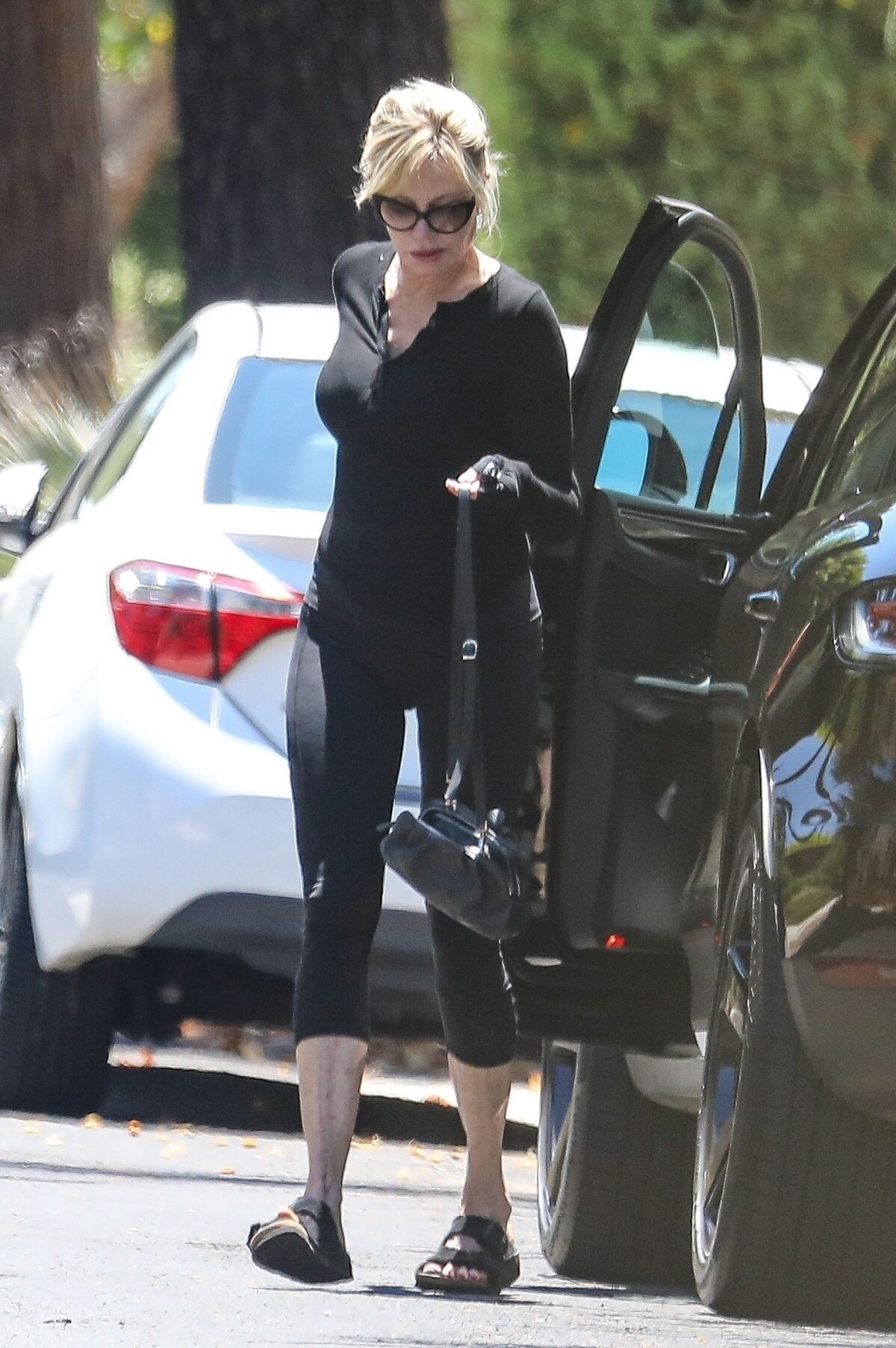
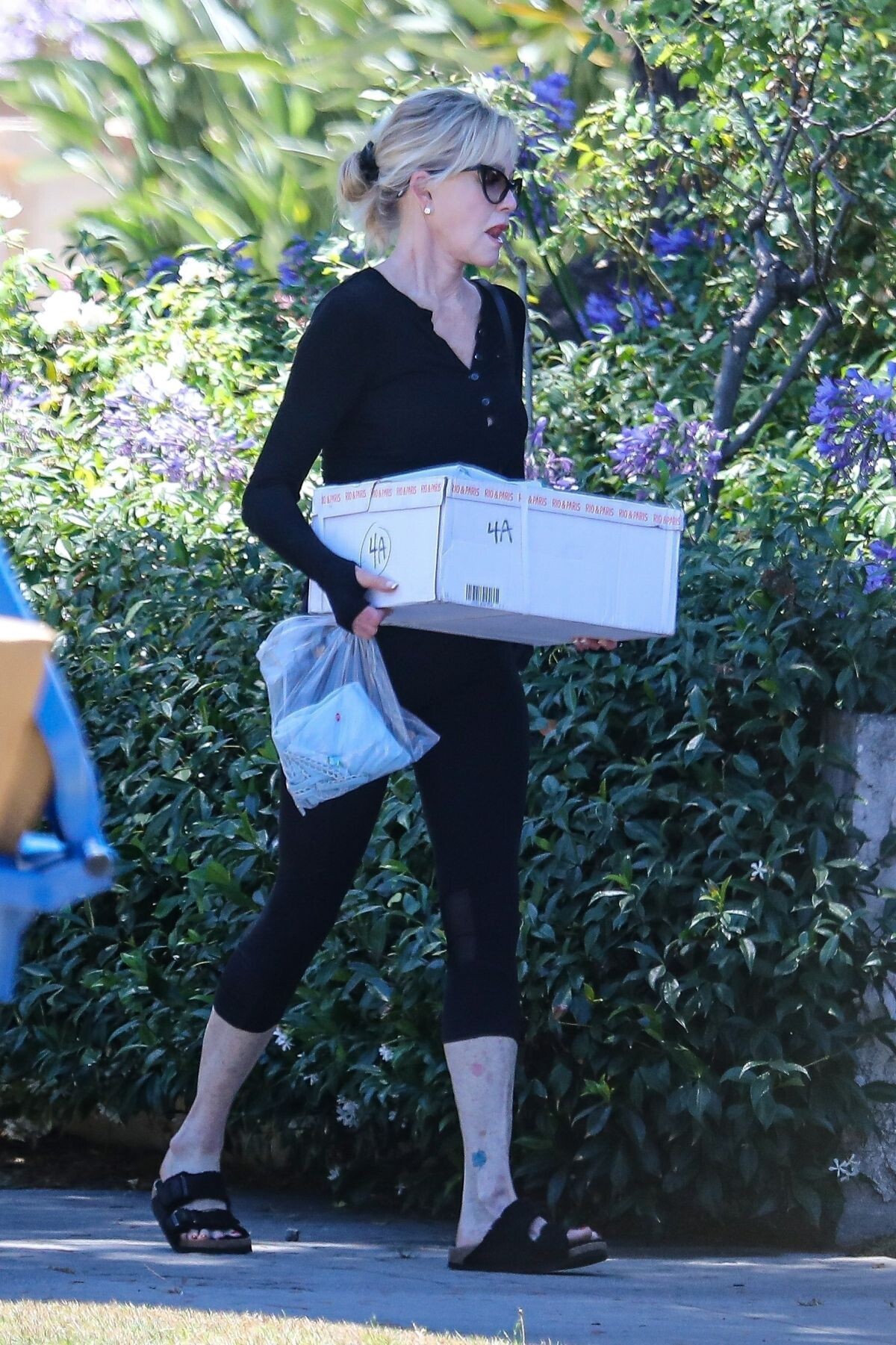
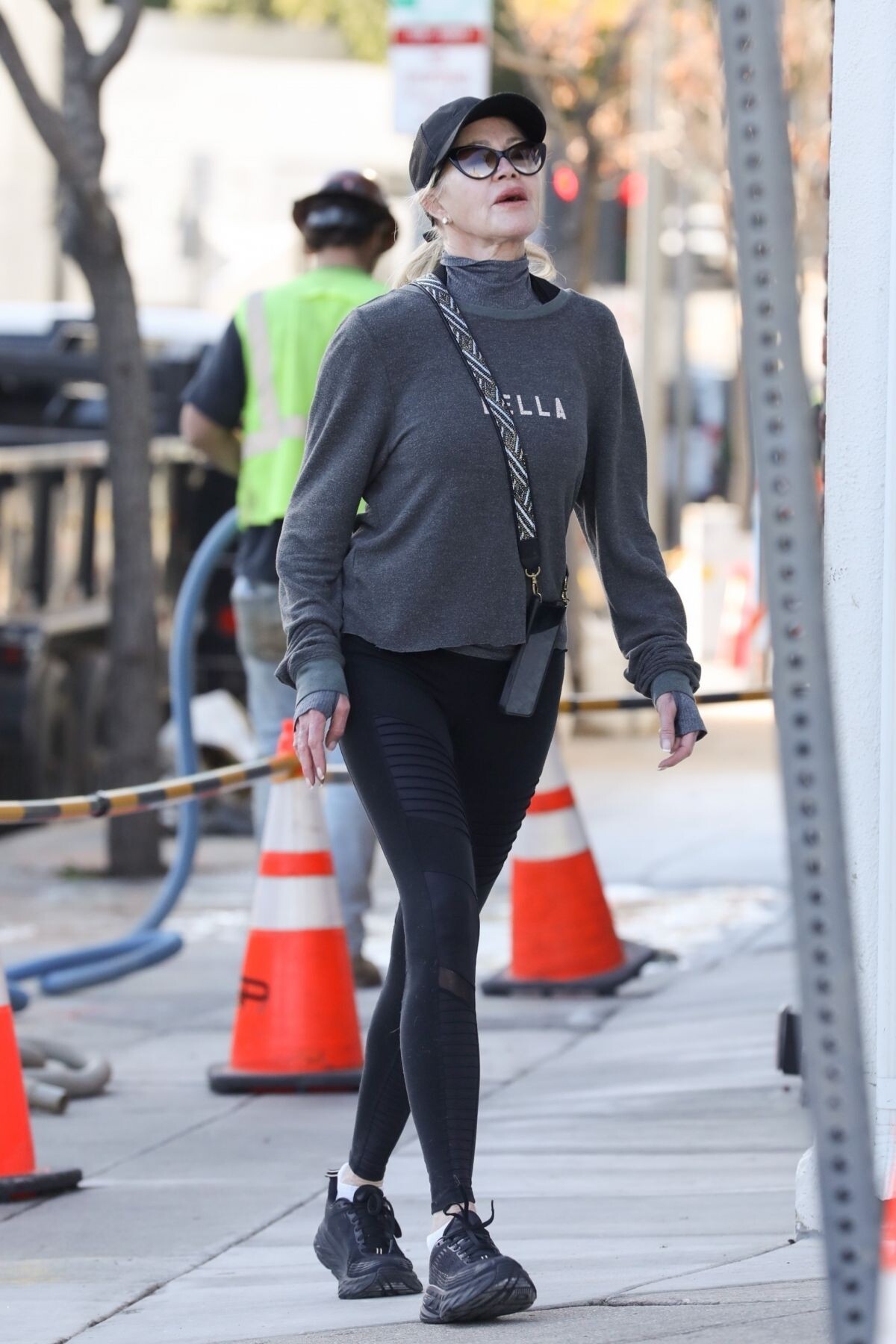
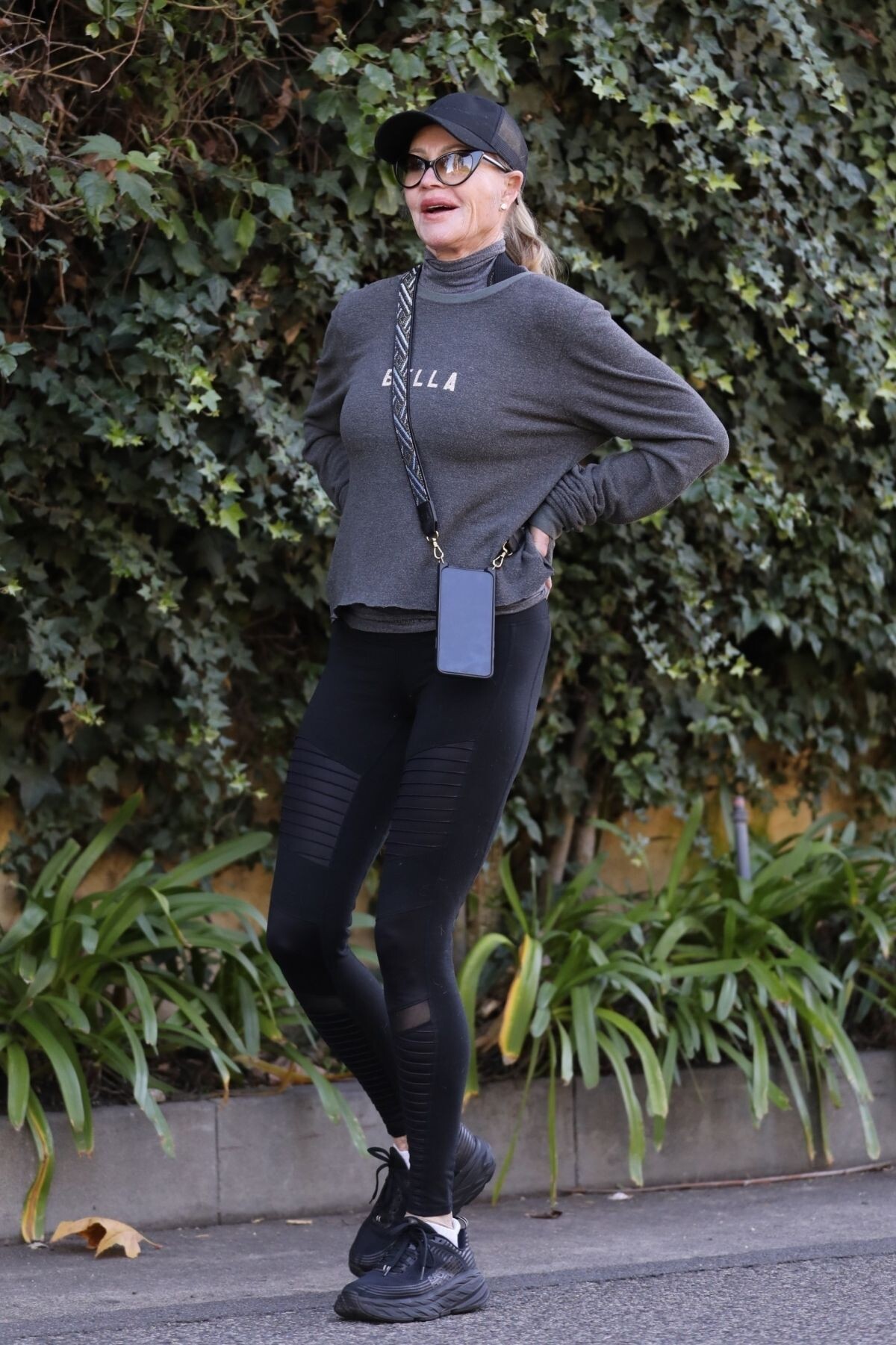
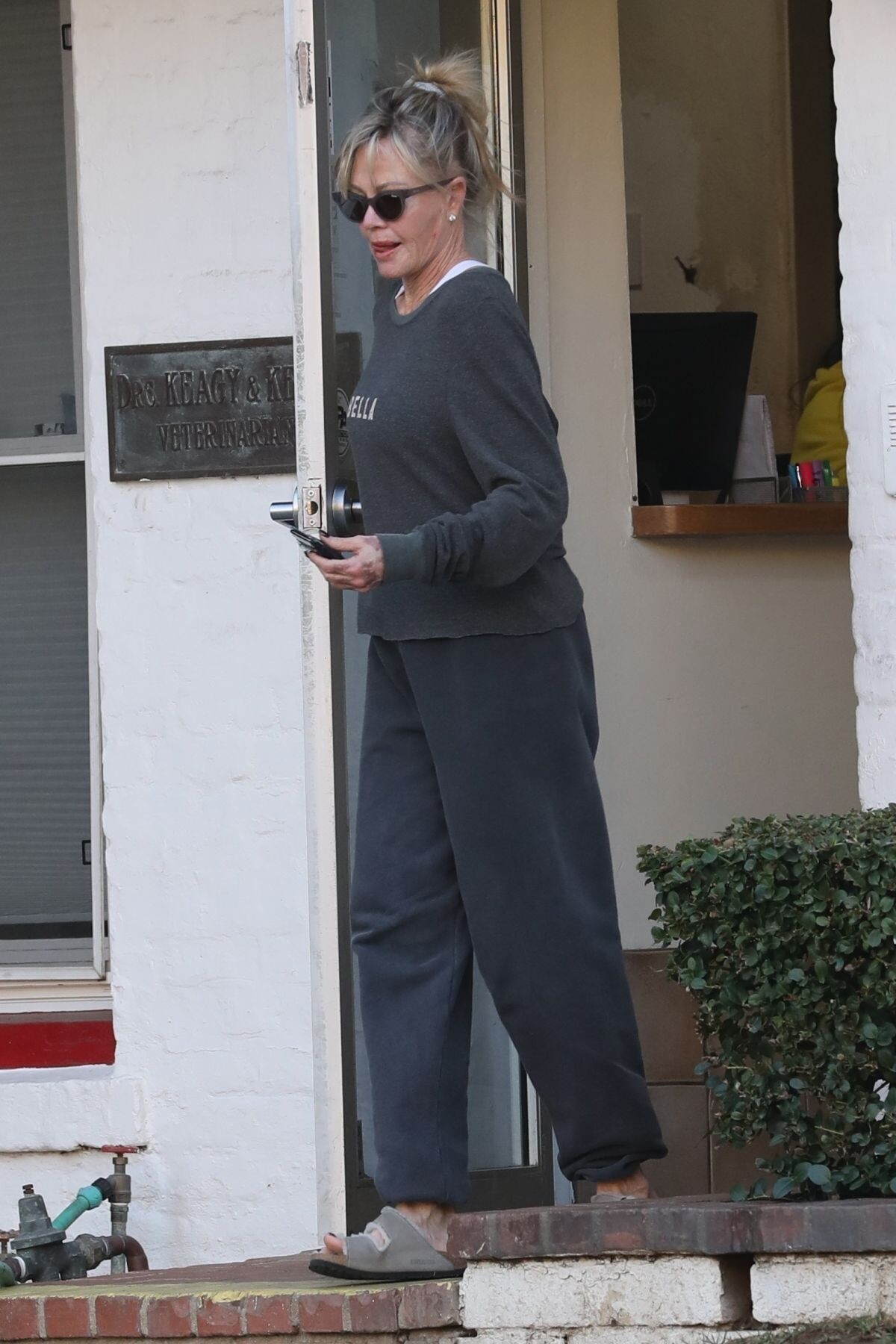
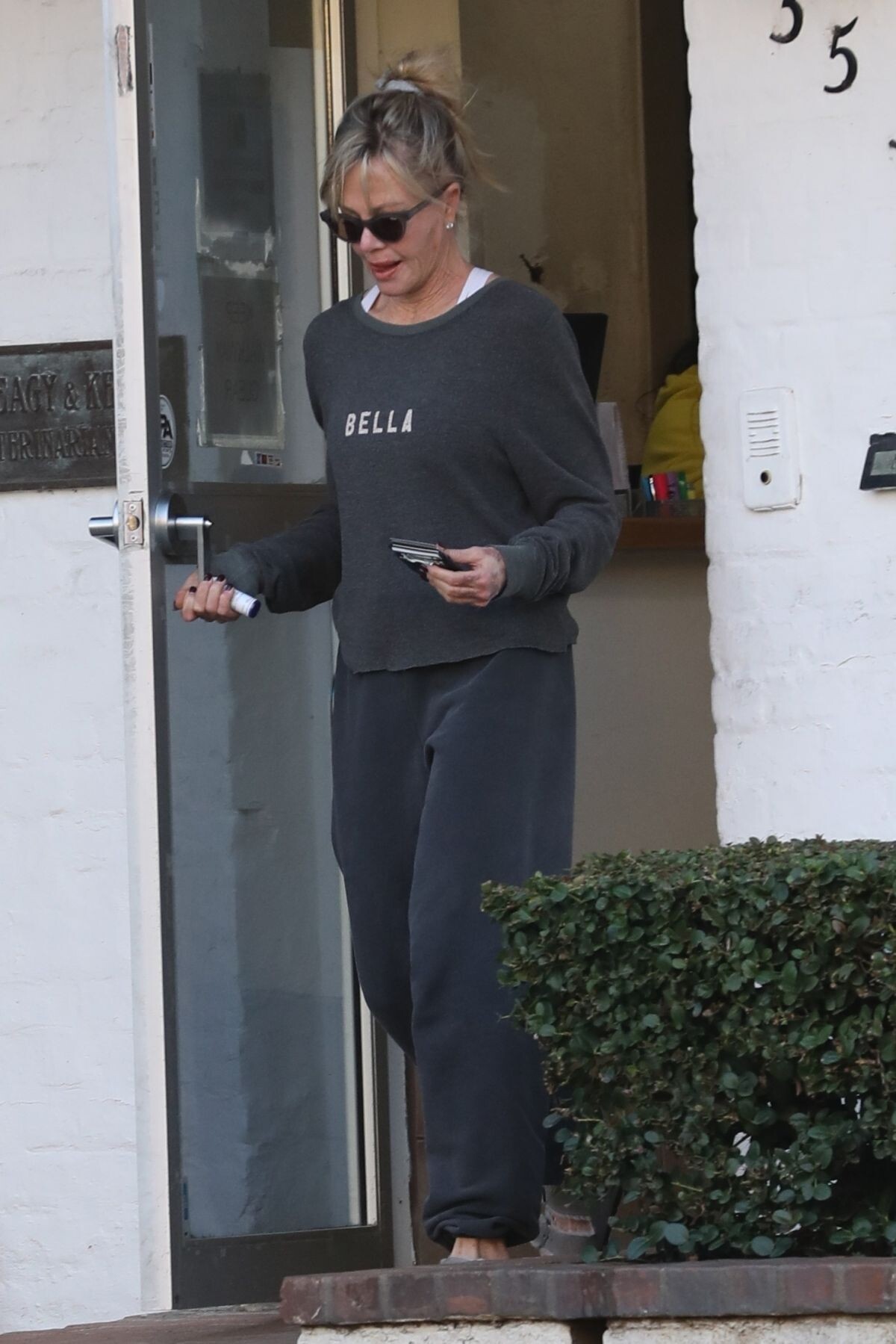
 Los Feliz 08/07/2023






-
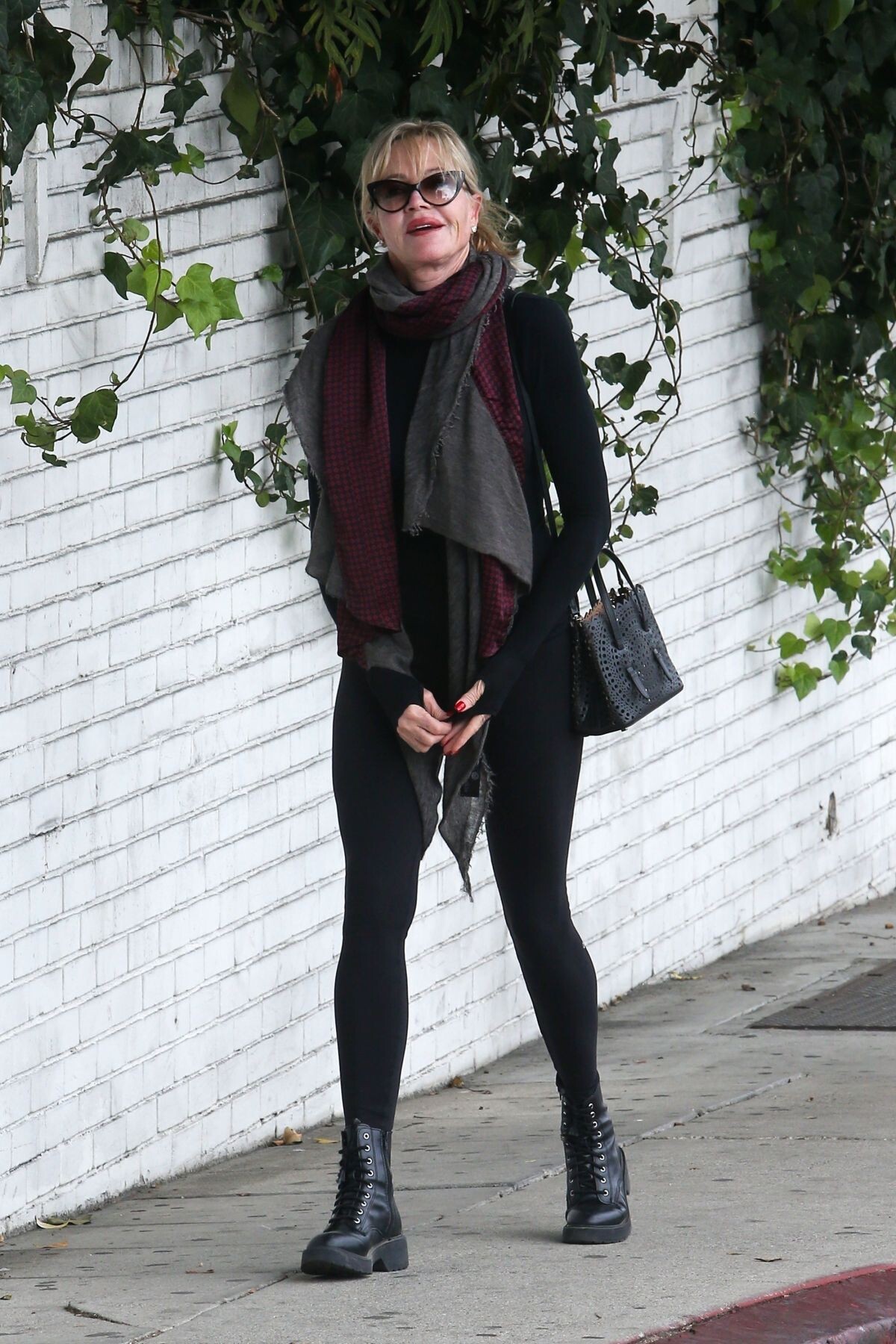
Shopping at Erewhon Market in Los Angeles 08/04/2023









-
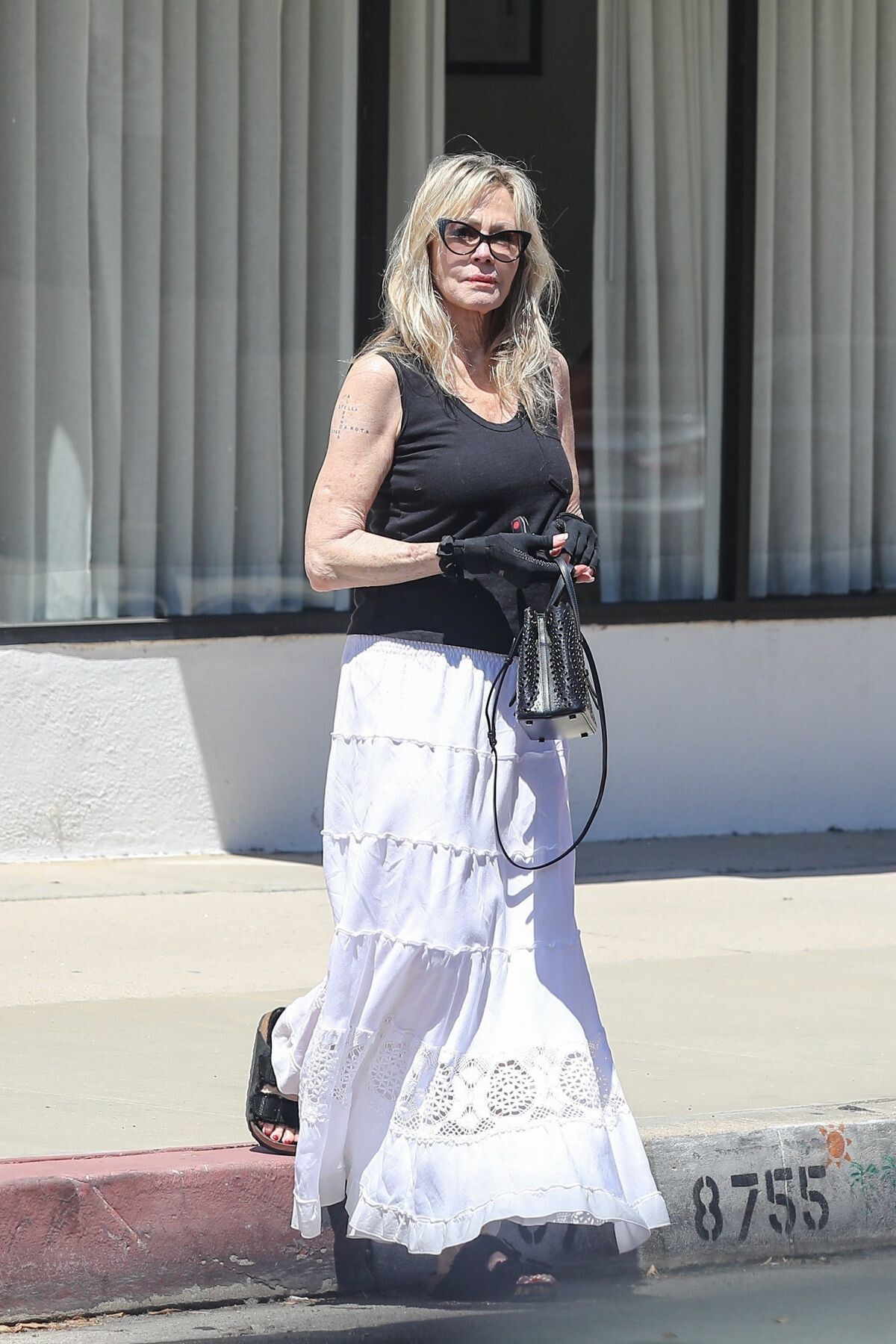
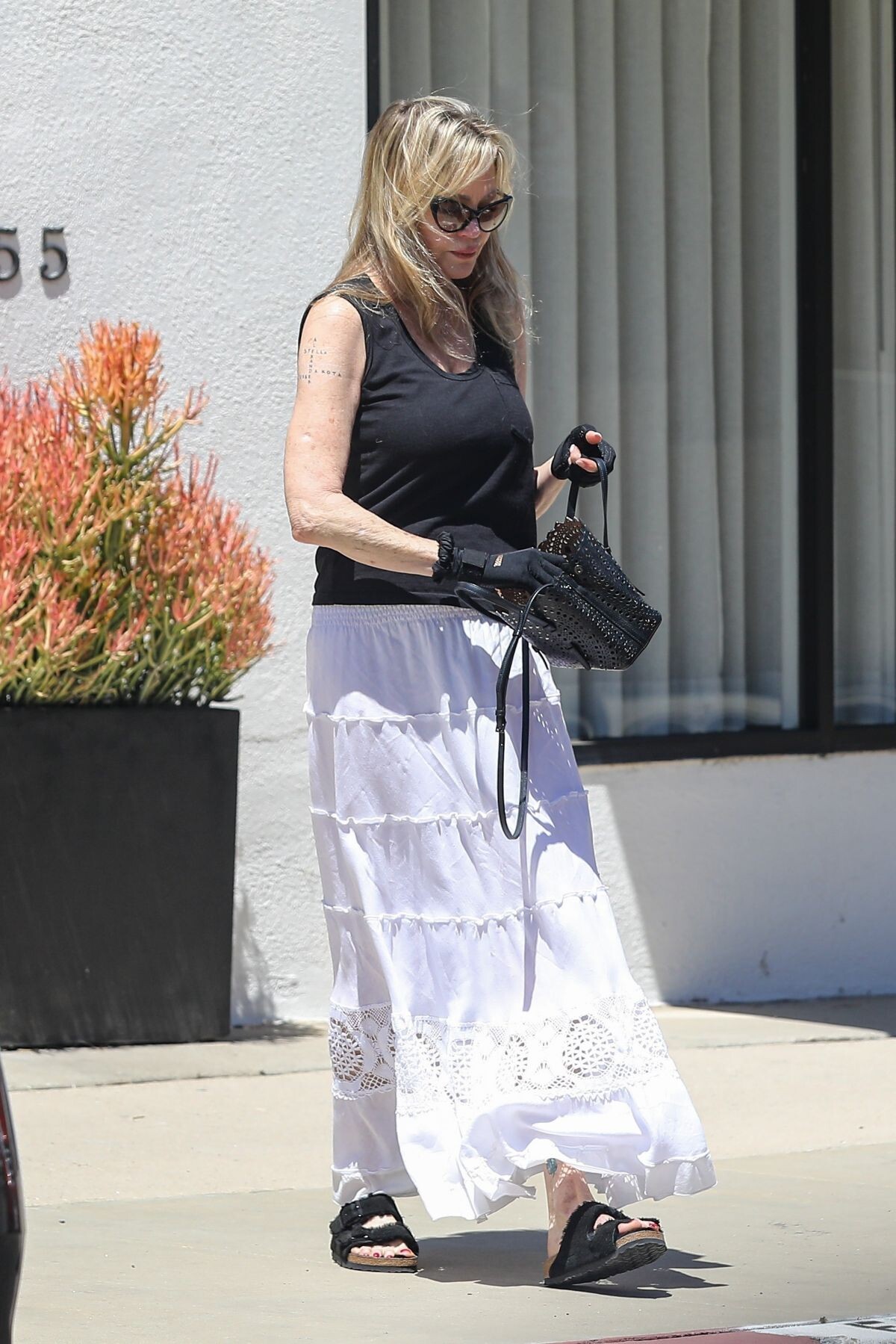
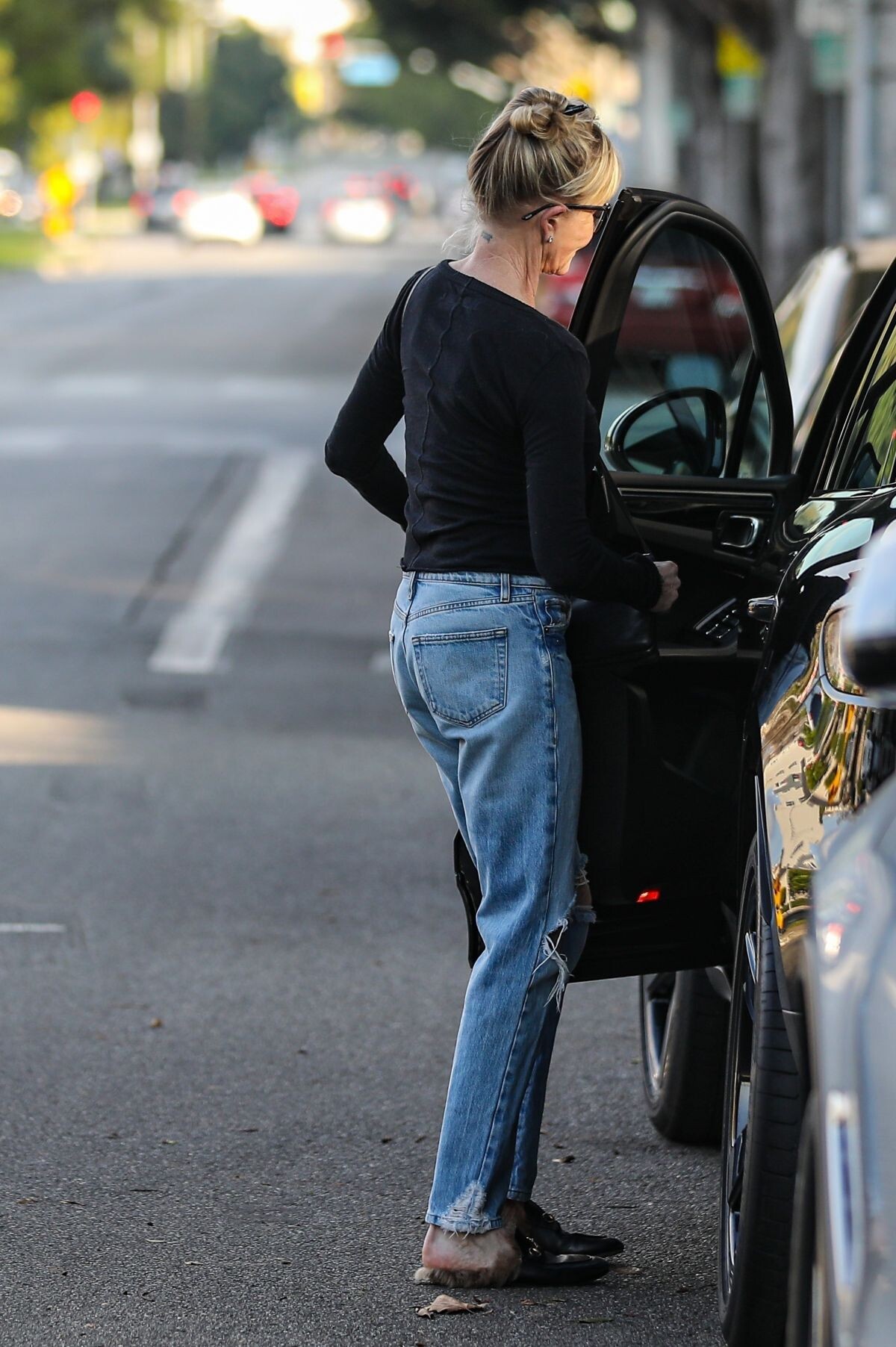
Arrives at a Hair Salon in Beverly Hills 06/22/2023







-
Picking Up Some lLaundry at a Dry Cleaners in Los Feliz 06/03/2023







-
Shopping for Jewellery at Grays Antique Market in London 08/04/2023





-
The Hamptons 08/02/2023







-
-
Shopping at Maison Margiela on Melrose Place in West Hollywood 08/08/2023








-
Out for Lunch with a Friend in West Hollywood 08/09/2023







-
Leaves a Salon in Beverly Hills 08/07/2023








-
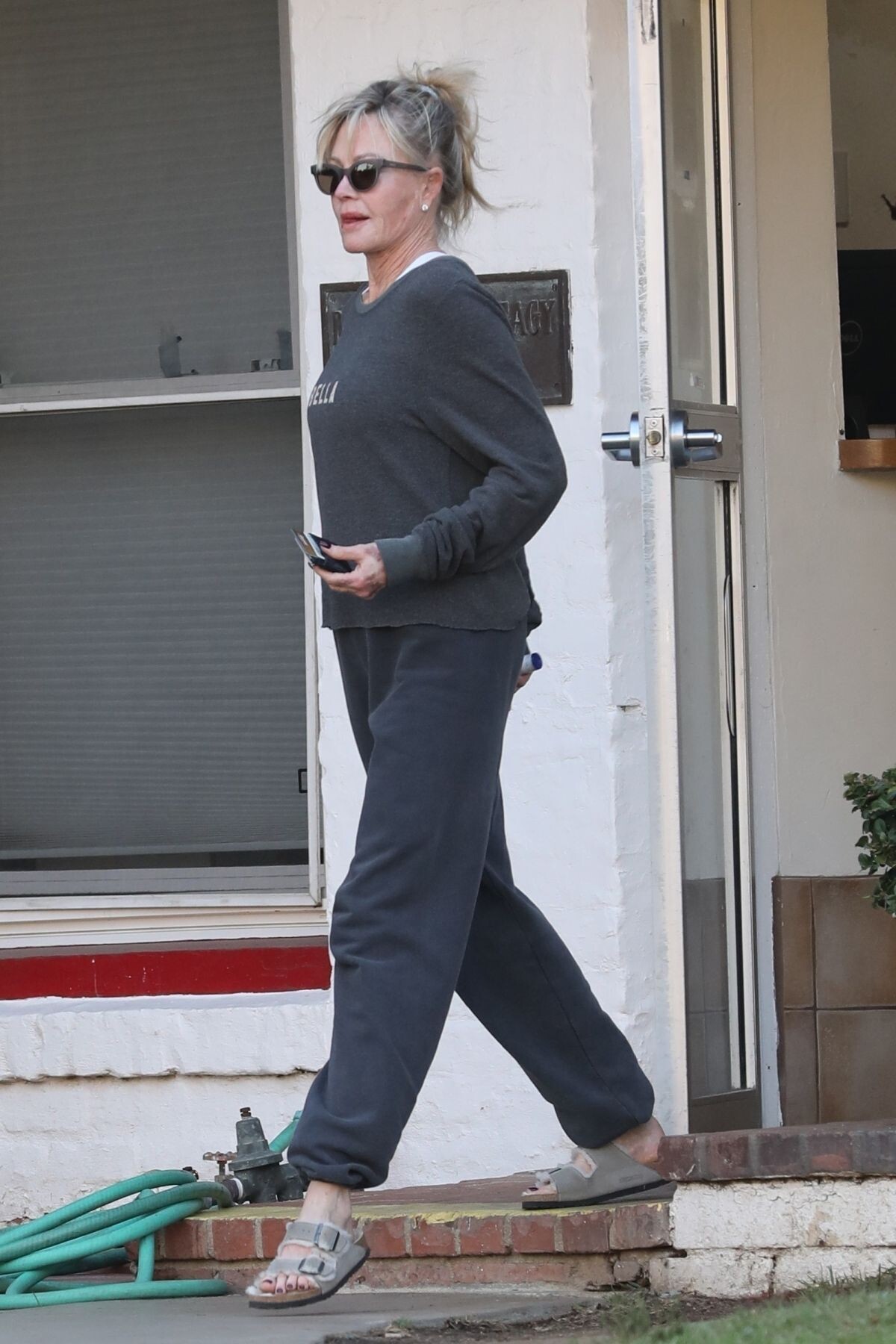
Arrives at a Friend’s House in Los Feliz 07/20/2023





-
Los Angeles 07/10/2023





-
Out Visiting a Friend in Beverly Hills 07/17/2023





-
Out for a Meeting in Beverly Hills 05/18/2023




 Leaves Martyn Lawrence Bullard Interior Designer Furniture Store in West Hollywood 01/11/203



 Halloween Ends Premiere in Los Angeles 10/11/2022







































































































































































































































Account
Navigation
Search
Configure browser push notifications
Chrome (Android)
- Tap the lock icon next to the address bar.
- Tap Permissions → Notifications.
- Adjust your preference.
Chrome (Desktop)
- Click the padlock icon in the address bar.
- Select Site settings.
- Find Notifications and adjust your preference.
Safari (iOS 16.4+)
- Ensure the site is installed via Add to Home Screen.
- Open Settings App → Notifications.
- Find your app name and adjust your preference.
Safari (macOS)
- Go to Safari → Preferences.
- Click the Websites tab.
- Select Notifications in the sidebar.
- Find this website and adjust your preference.
Edge (Android)
- Tap the lock icon next to the address bar.
- Tap Permissions.
- Find Notifications and adjust your preference.
Edge (Desktop)
- Click the padlock icon in the address bar.
- Click Permissions for this site.
- Find Notifications and adjust your preference.
Firefox (Android)
- Go to Settings → Site permissions.
- Tap Notifications.
- Find this site in the list and adjust your preference.
Firefox (Desktop)
- Open Firefox Settings.
- Search for Notifications.
- Find this site in the list and adjust your preference.