
balenciagaaa
Members
-
Joined
-
Last visited
Everything posted by balenciagaaa
-

-
Urban World Film Festival 2000








-
“Romeo Must Die” Premiere March 2000










-
SmartWater September 2023


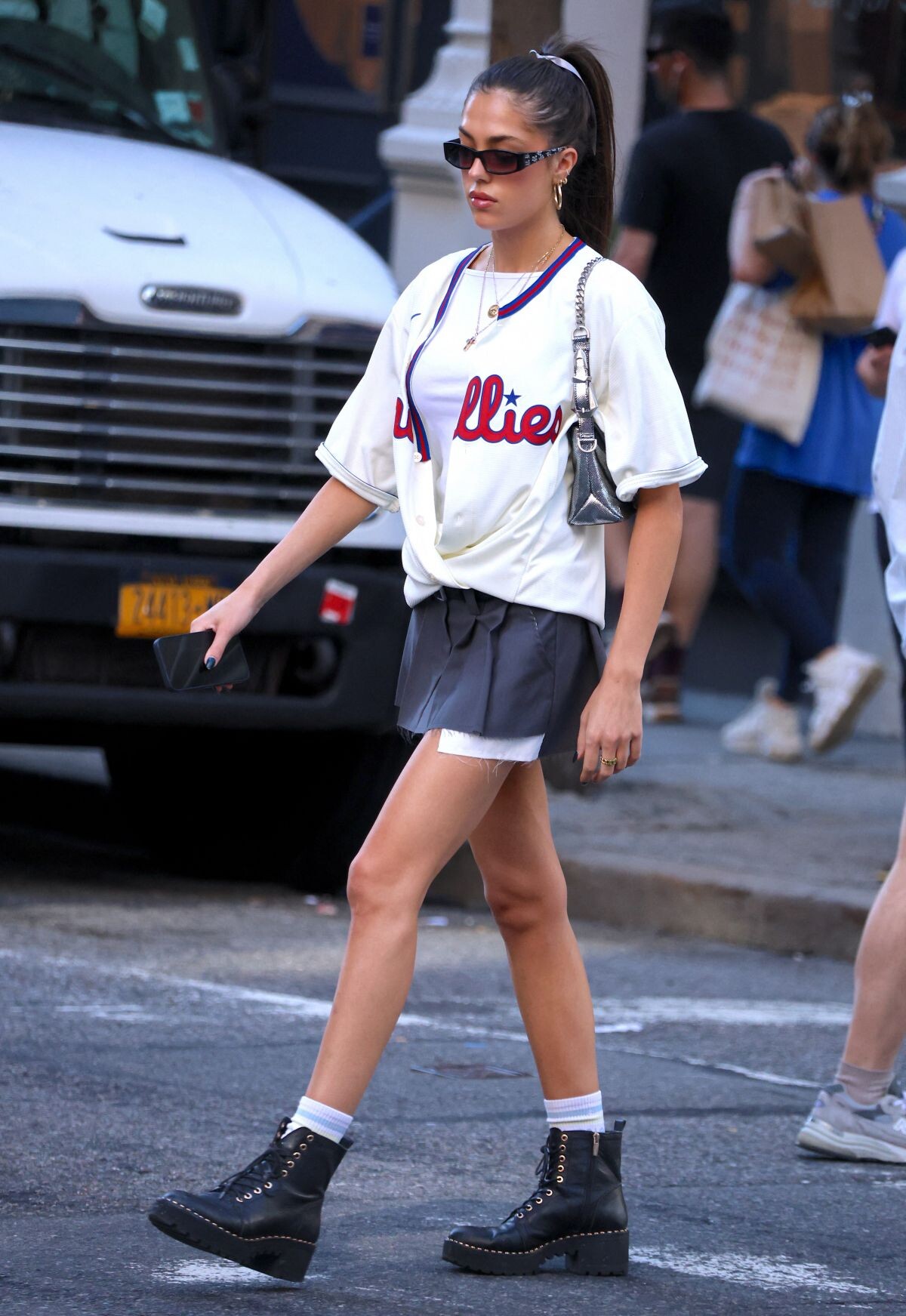
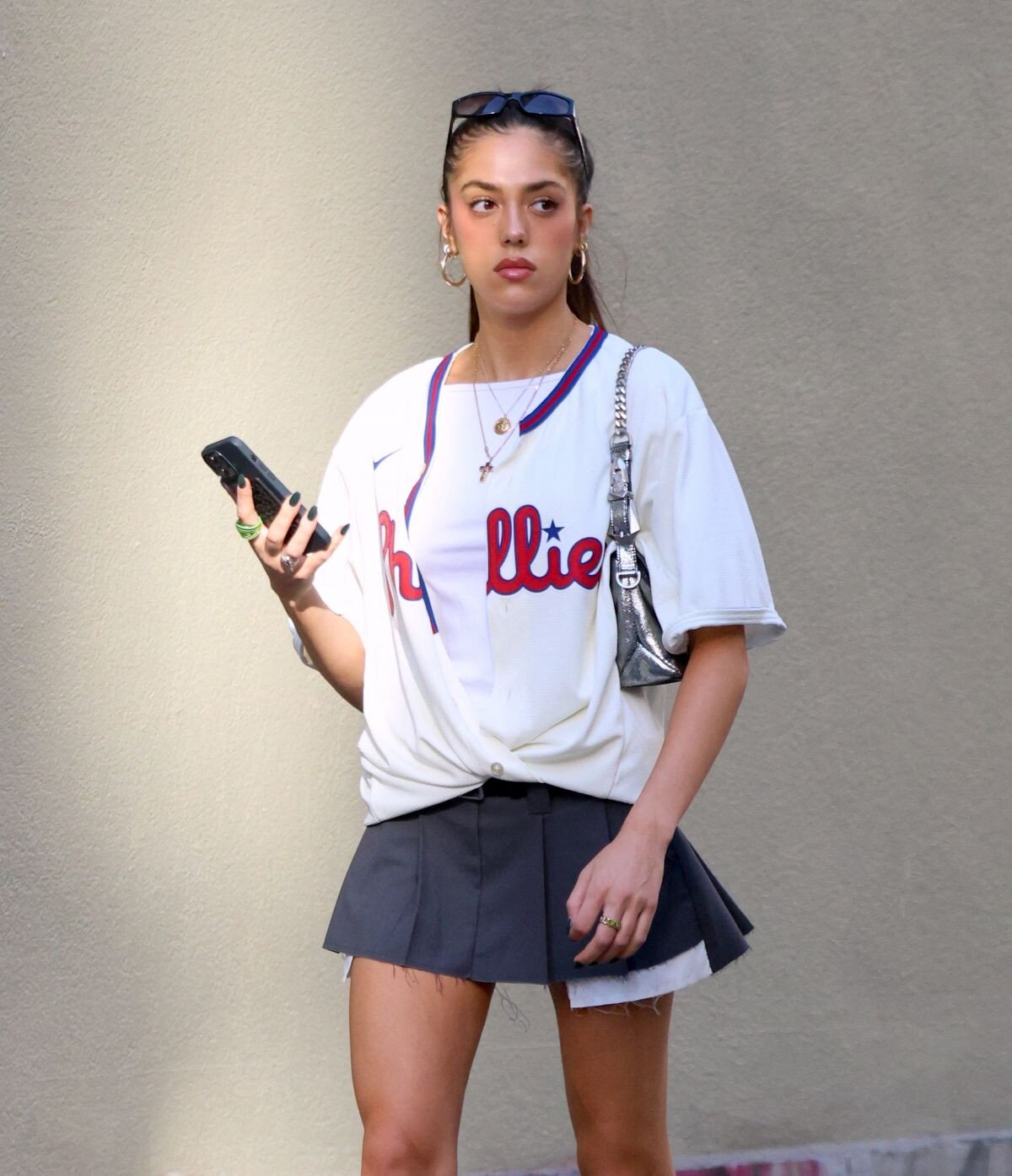
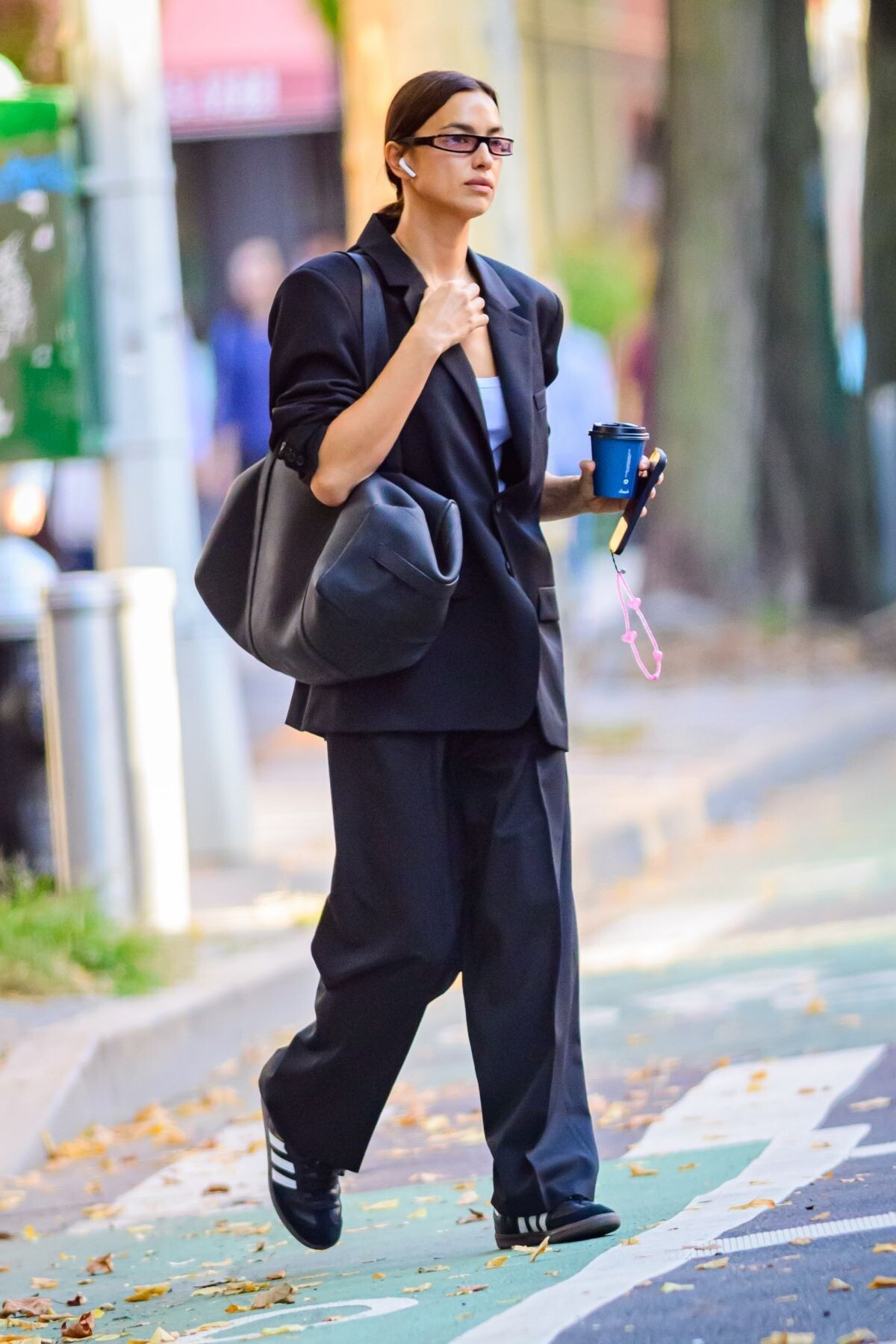
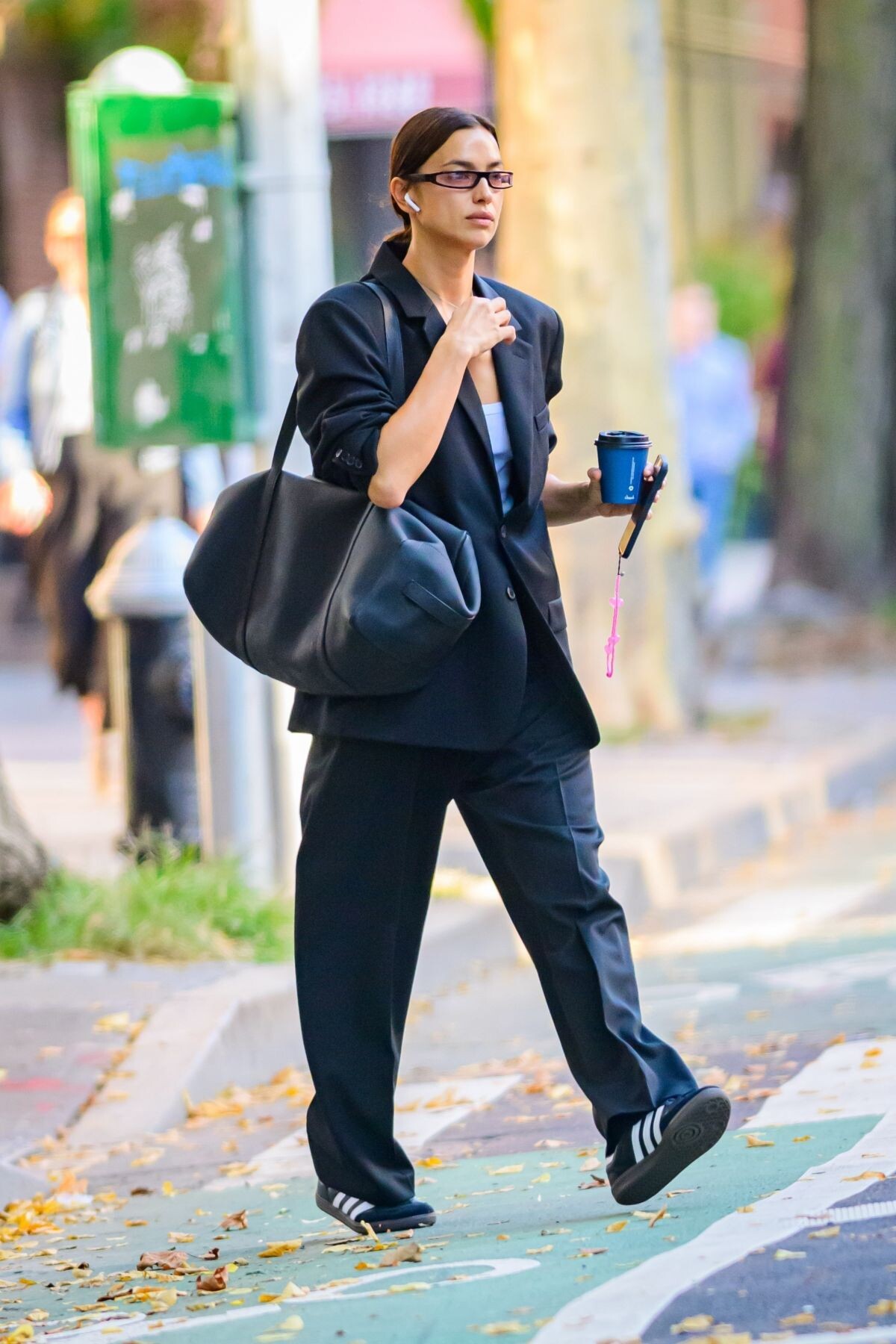
 New York 10/05/2023




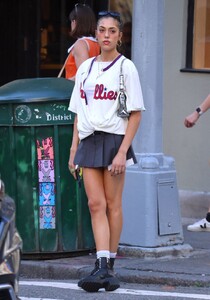
 Arrives at New York City Ballet’s 2023 Fall Gala 10/05/2023



 Leaves a Hospital in Los Angeles 09/02/2023



 Santa Barbara 08/23/2023








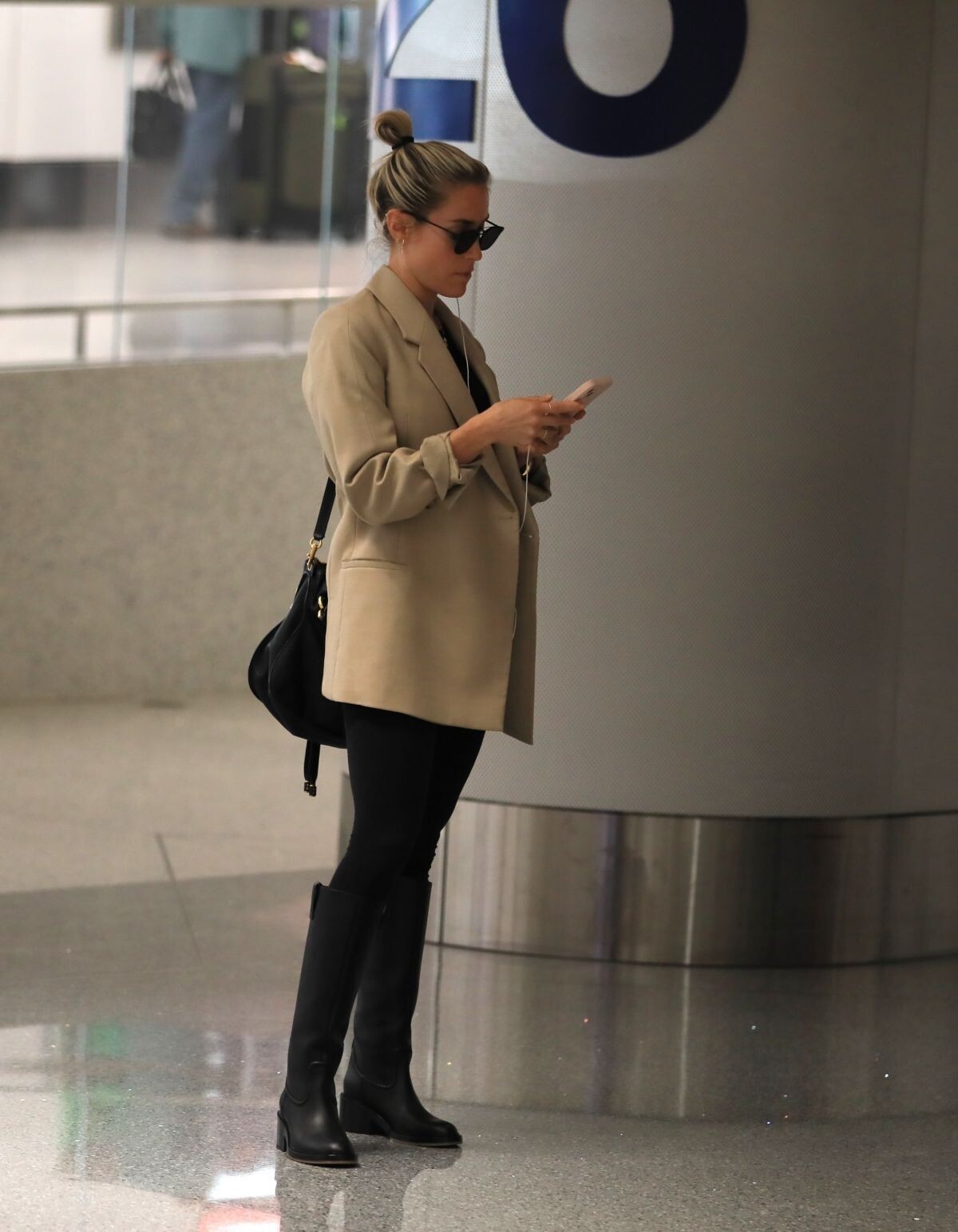
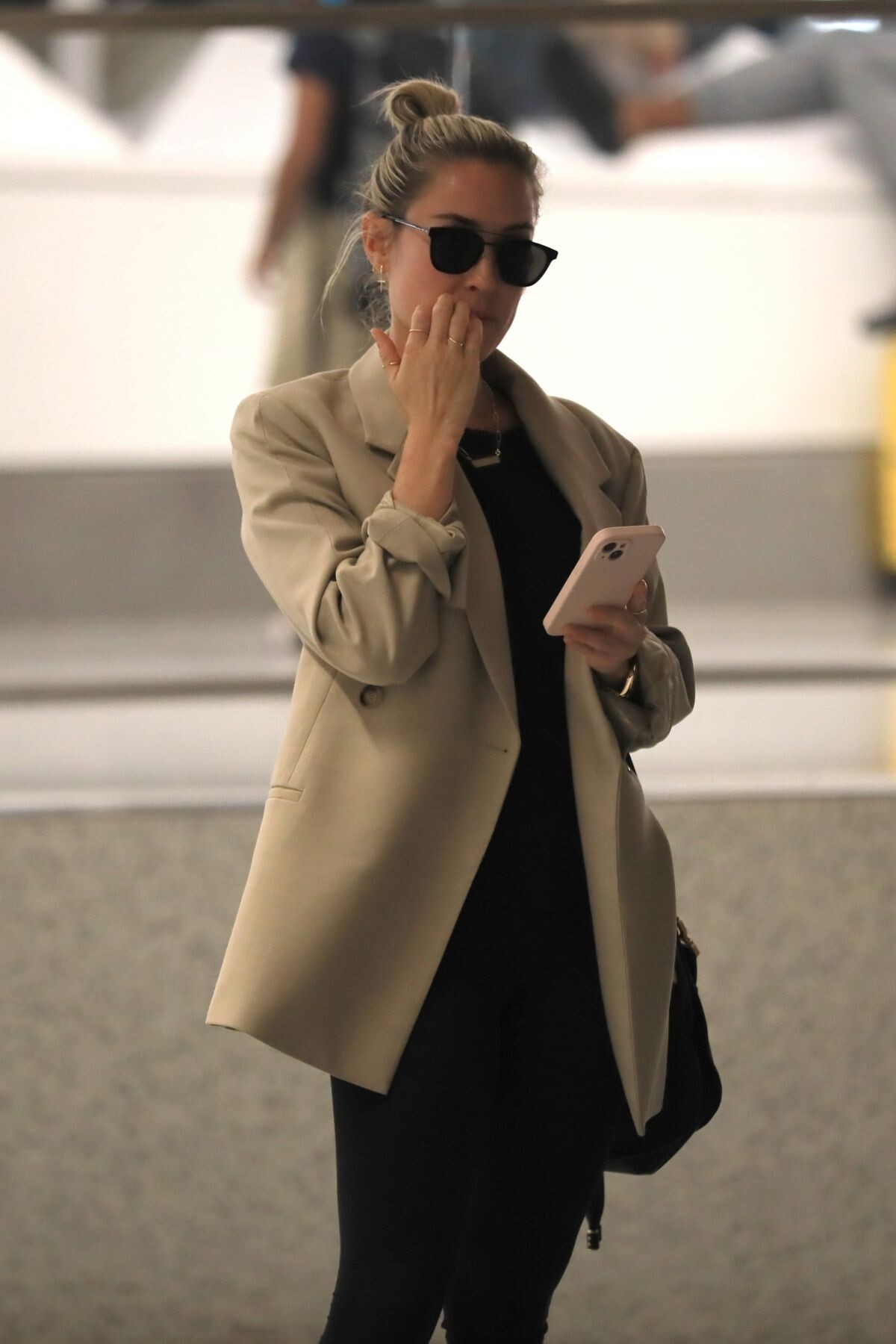
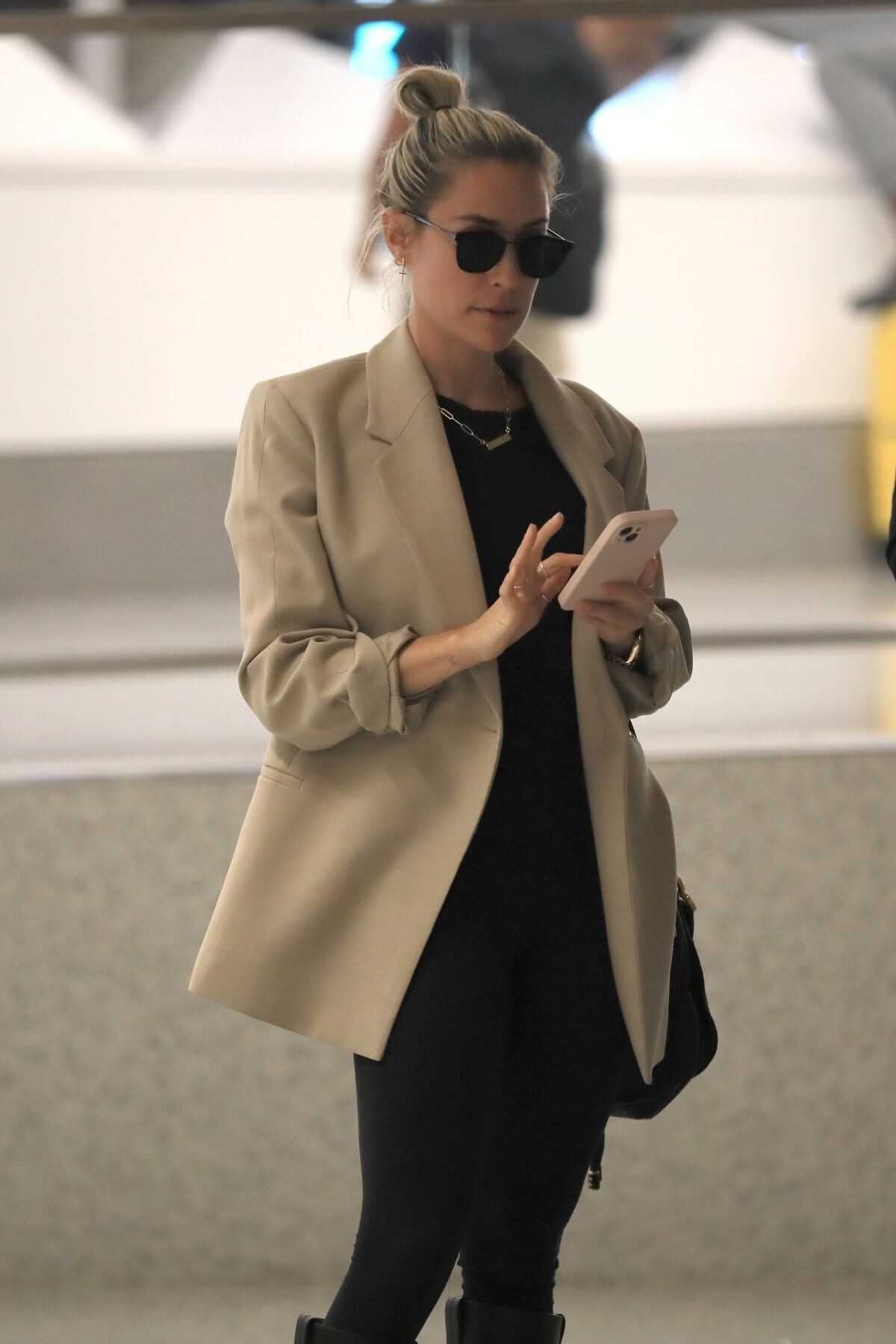
 Arrives at LAX Airport in Los Angeles 10/06/2023





 RIHANNA and ASAP Rocky Leaves His Birthday at a Private Event at RPM Raceway in Jersey City 10/06/2023





 Hollywood 10/06/2023





 Out Shopping in Los Angeles 10/06/2023





 Los Angeles 10/05/2023





 Pandora Diamonds for All 2023 ad campaign
 Brentwood 09/23/2023







 Heading to Prada Show at Milan Fashion Week 09/21/2023



 Heading to a Spa with a Friend in Los Angeles 09/19/2023





 Santa Monica 09/30/2023





 Arrives at Good Morning America in New York 10/06/2023

 Intimissimi Dinner at Bode Museum 10/06/2023




































































































































































Account
Navigation
Search
Configure browser push notifications
Chrome (Android)
- Tap the lock icon next to the address bar.
- Tap Permissions → Notifications.
- Adjust your preference.
Chrome (Desktop)
- Click the padlock icon in the address bar.
- Select Site settings.
- Find Notifications and adjust your preference.
Safari (iOS 16.4+)
- Ensure the site is installed via Add to Home Screen.
- Open Settings App → Notifications.
- Find your app name and adjust your preference.
Safari (macOS)
- Go to Safari → Preferences.
- Click the Websites tab.
- Select Notifications in the sidebar.
- Find this website and adjust your preference.
Edge (Android)
- Tap the lock icon next to the address bar.
- Tap Permissions.
- Find Notifications and adjust your preference.
Edge (Desktop)
- Click the padlock icon in the address bar.
- Click Permissions for this site.
- Find Notifications and adjust your preference.
Firefox (Android)
- Go to Settings → Site permissions.
- Tap Notifications.
- Find this site in the list and adjust your preference.
Firefox (Desktop)
- Open Firefox Settings.
- Search for Notifications.
- Find this site in the list and adjust your preference.