
balenciagaaa
Members
-
Joined
-
Last visited
Everything posted by balenciagaaa
-
 Leaves Gigi’s French Restaurant in Los Angeles 10/10/2023






-
-
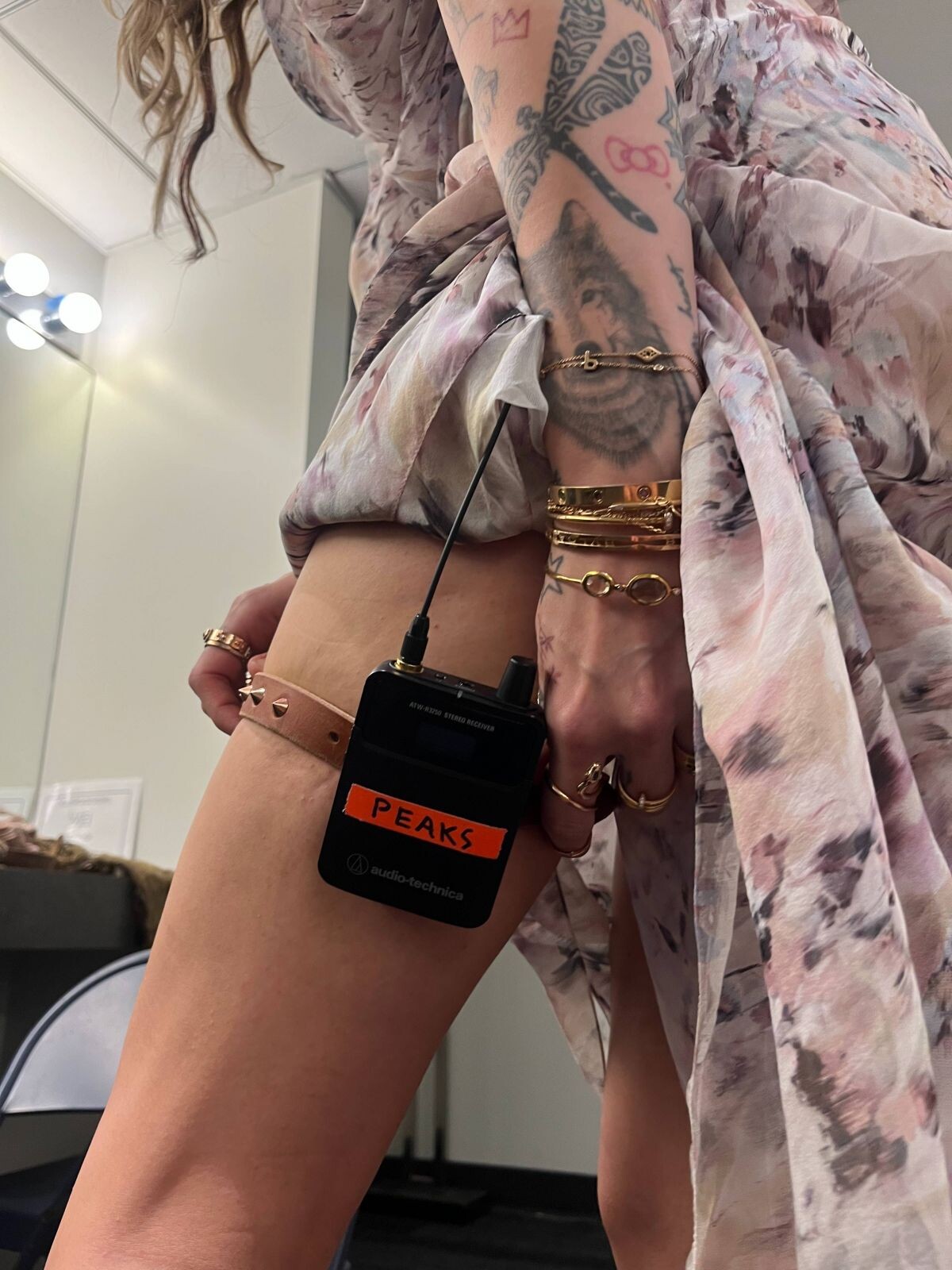
Conversation With Kylie Minogue at GRAMMY Museum in Los Angeles 10/04/2023







-
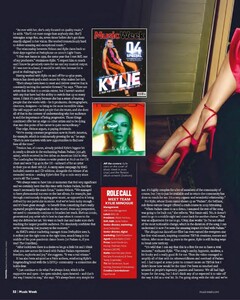
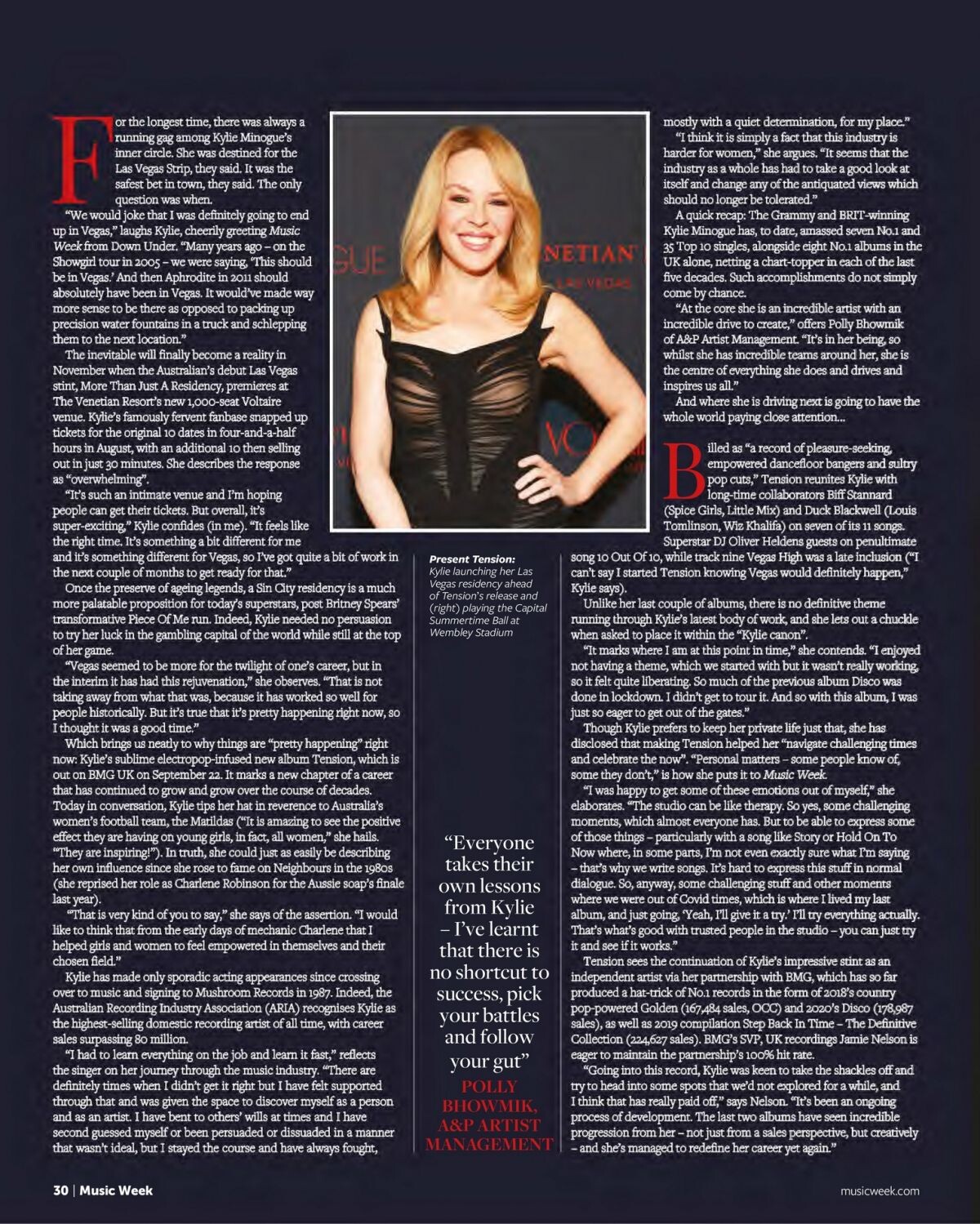
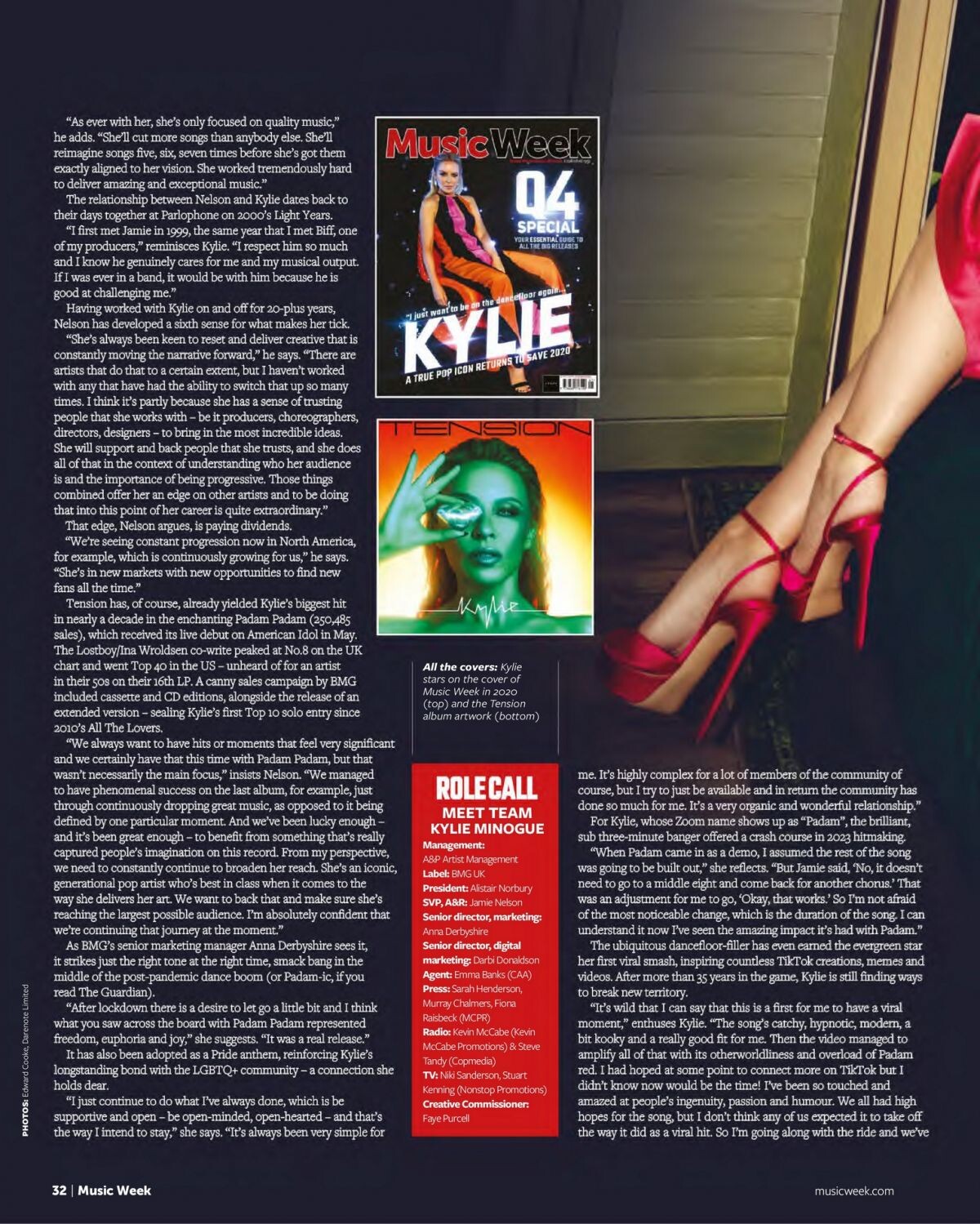
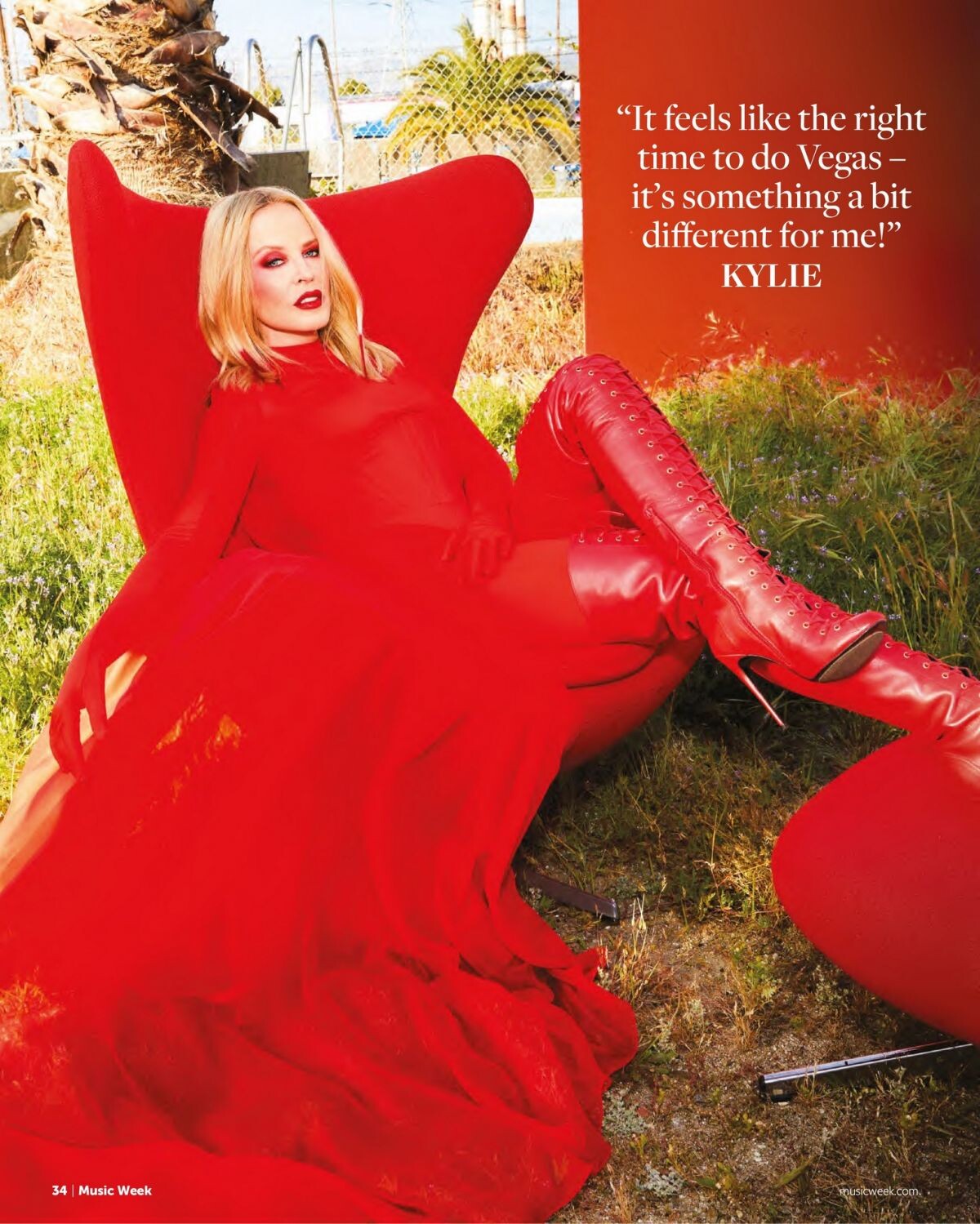
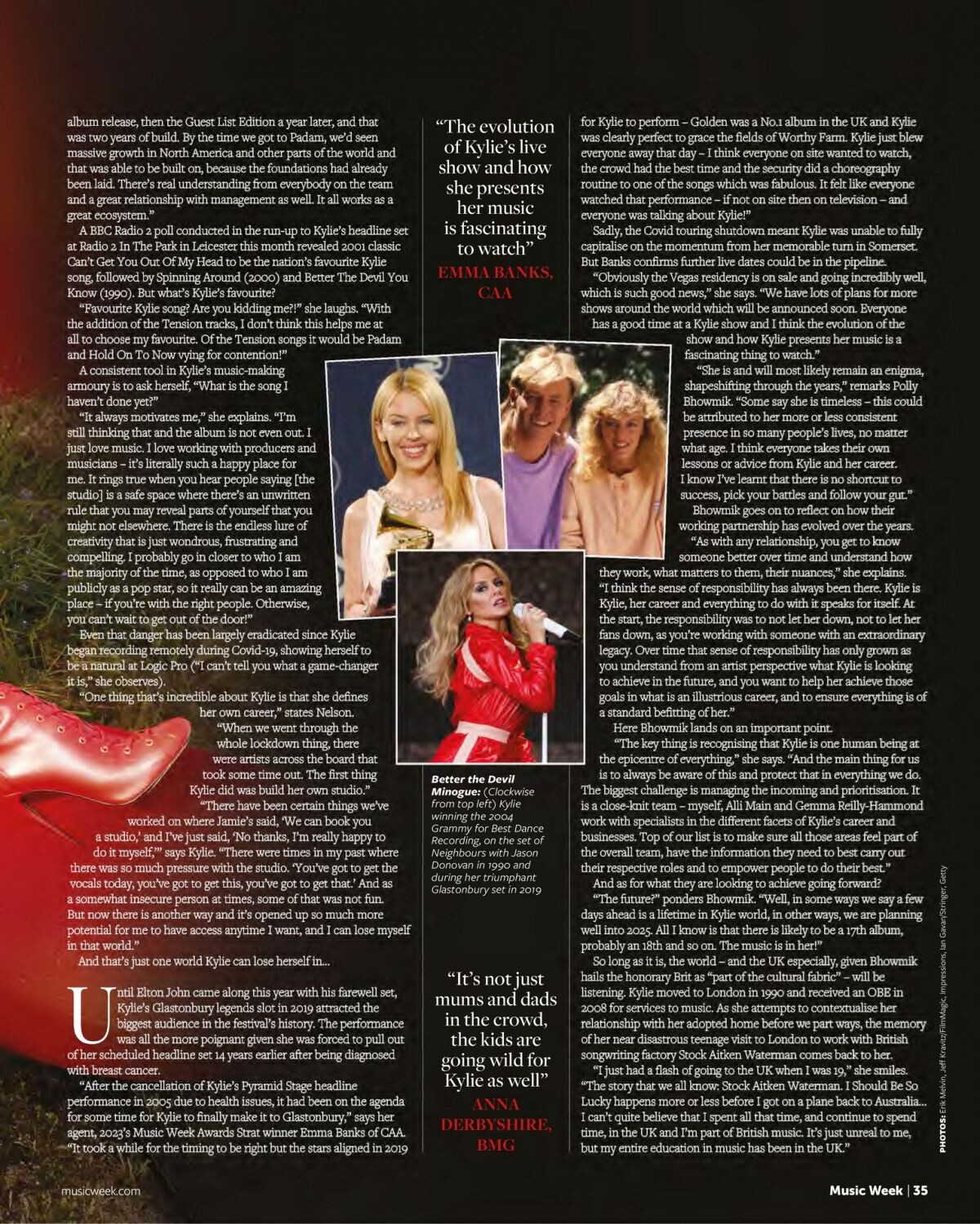
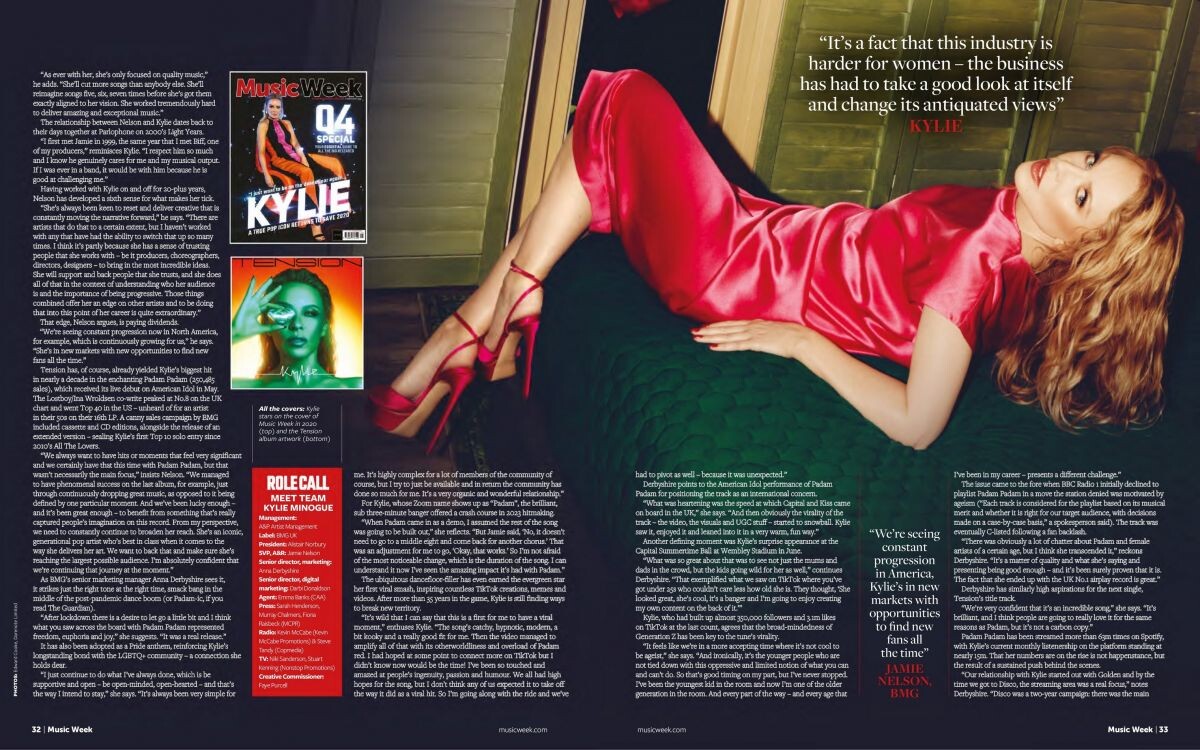
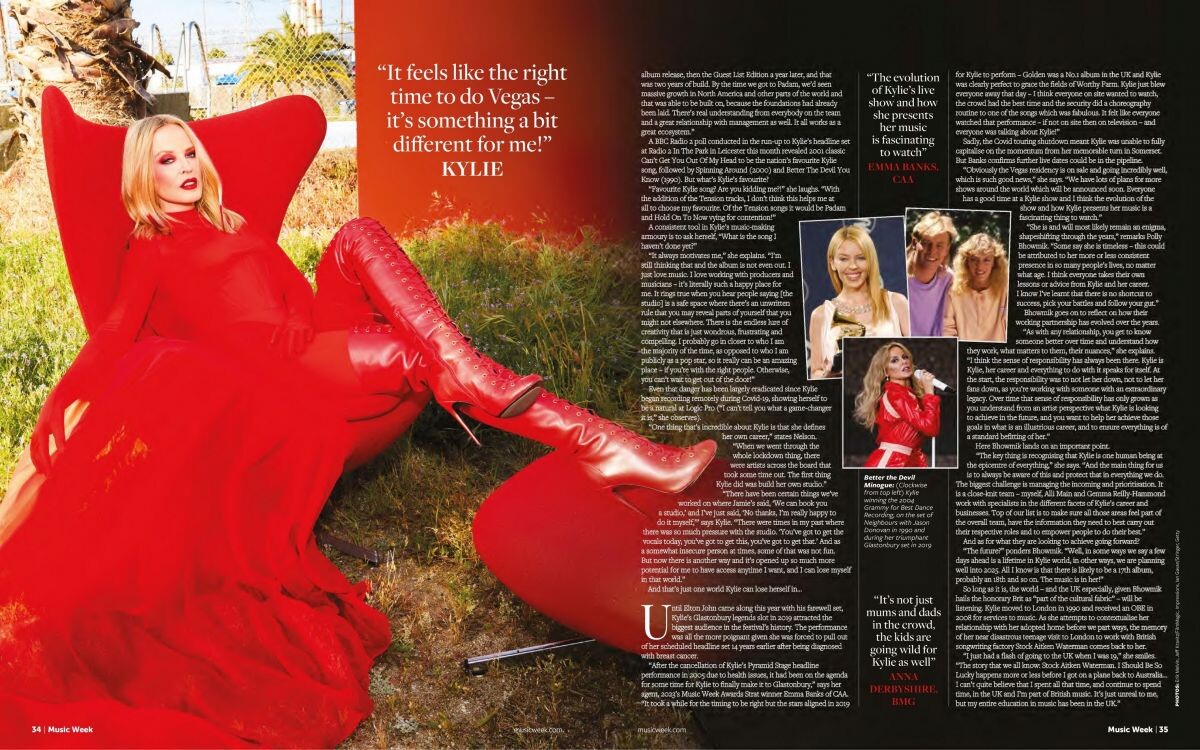
Music Week Magazine, October 2023













-
Sacai S/S 24

-
Holiday Magazine F/W 2023.24

-
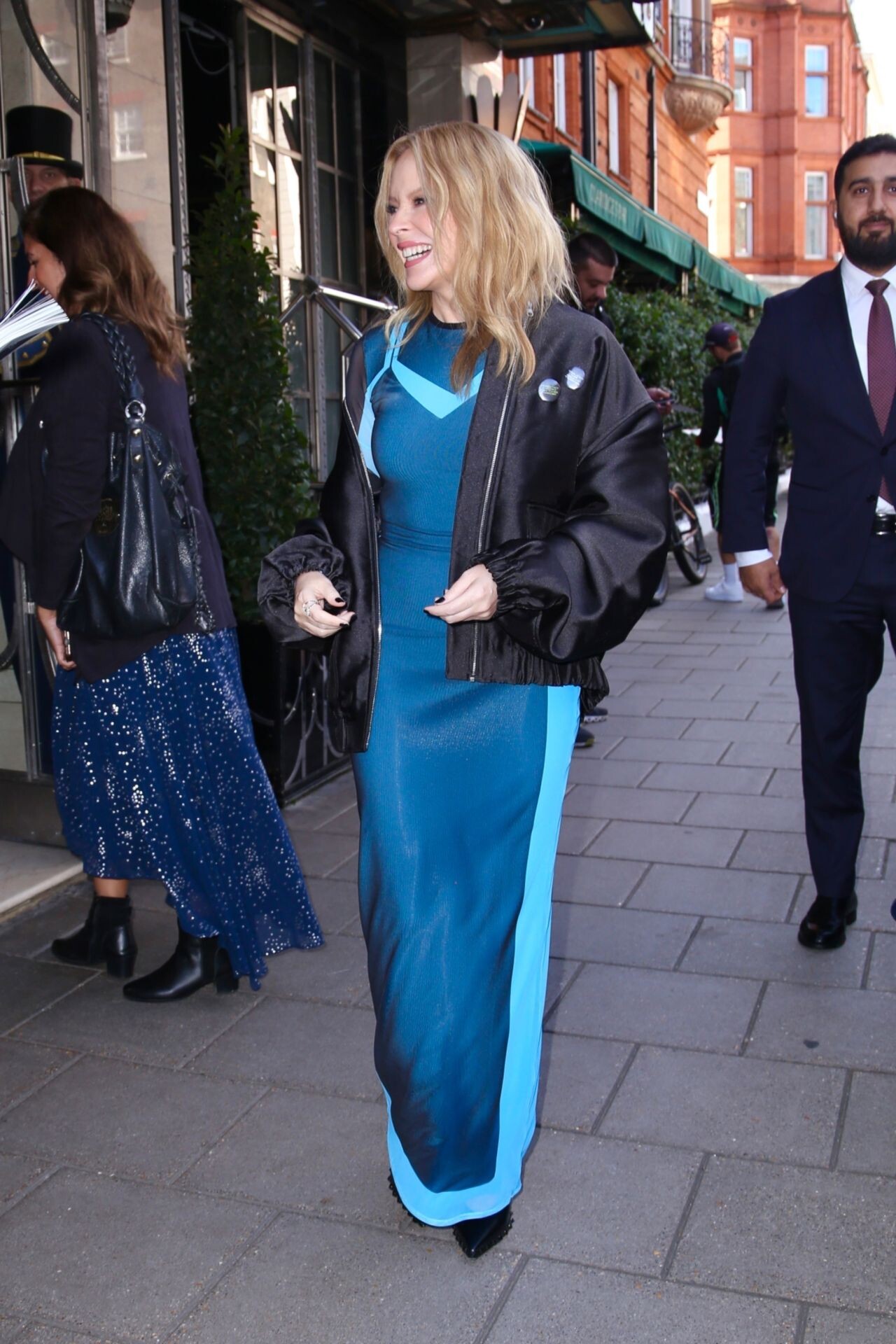
Returns to Her London Hotel 09/28/2023




-
Promote Her Album in London 09/25/2023







-
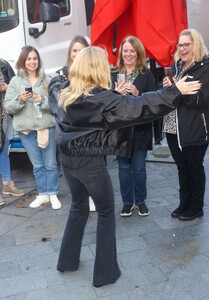
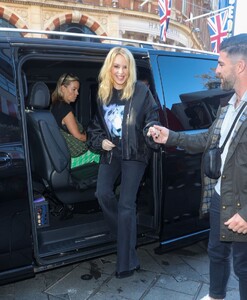
Capital Radio in London 09/22/2023








-
Perfect X Valentino Party in London 09/18/2023










-
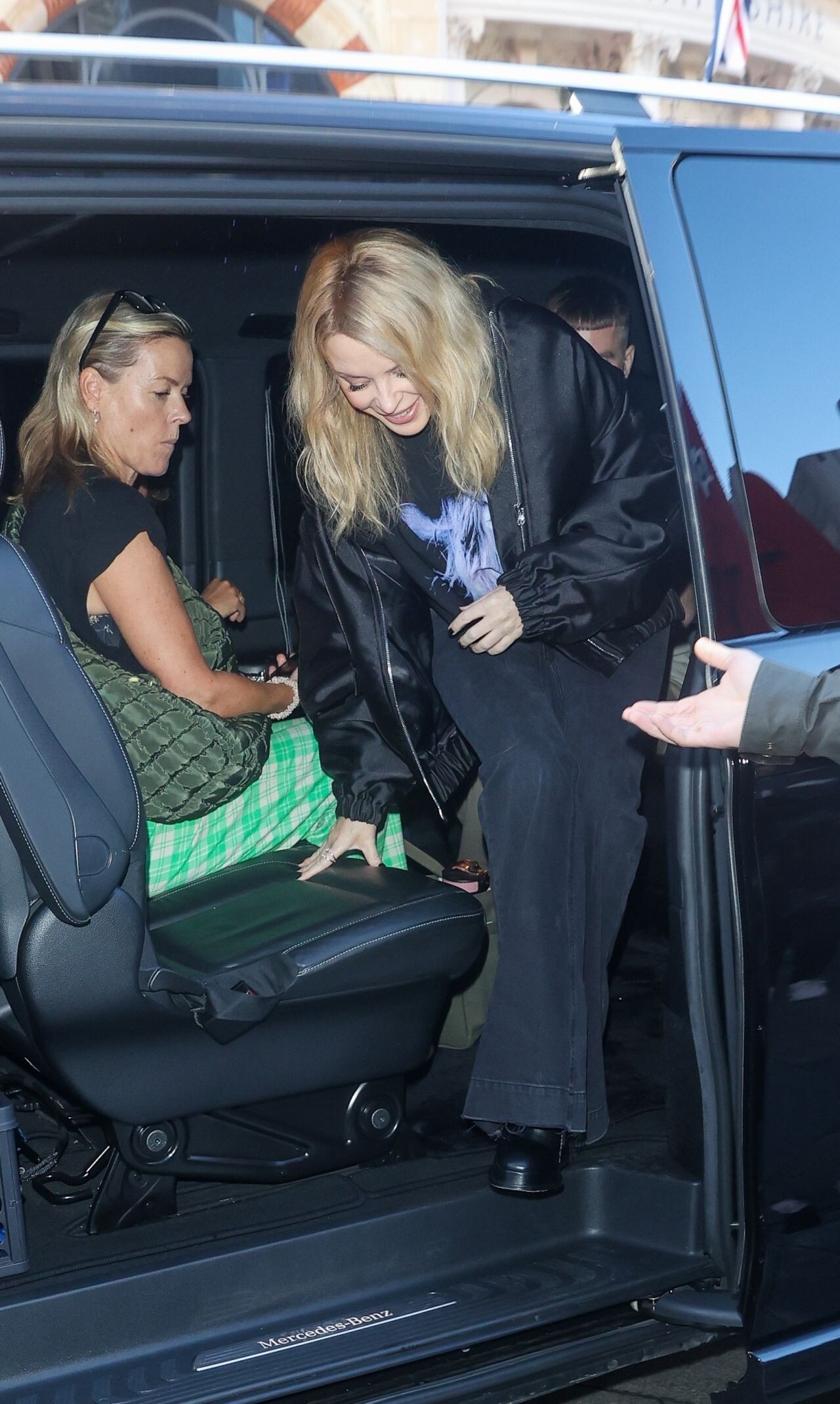
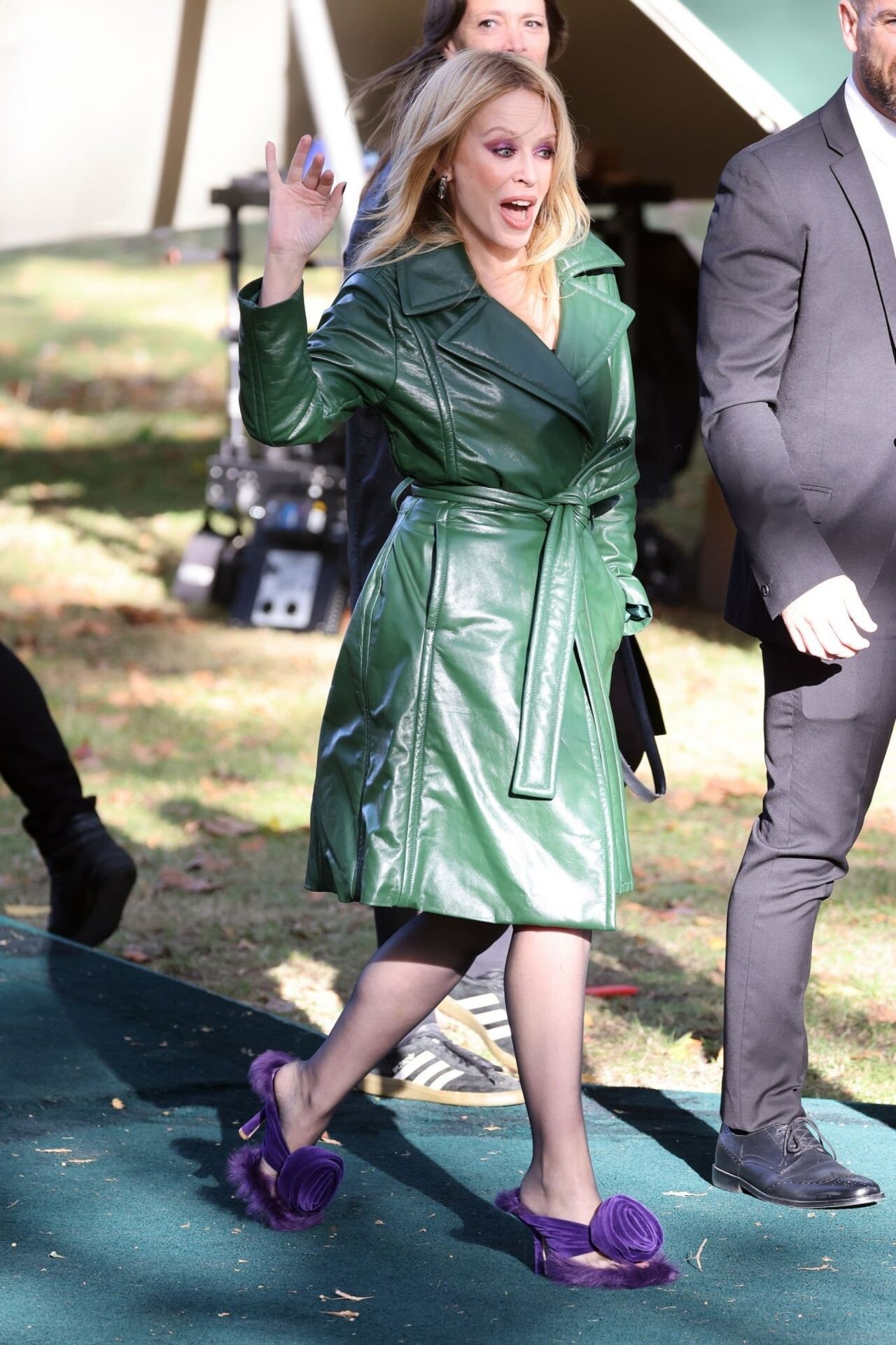
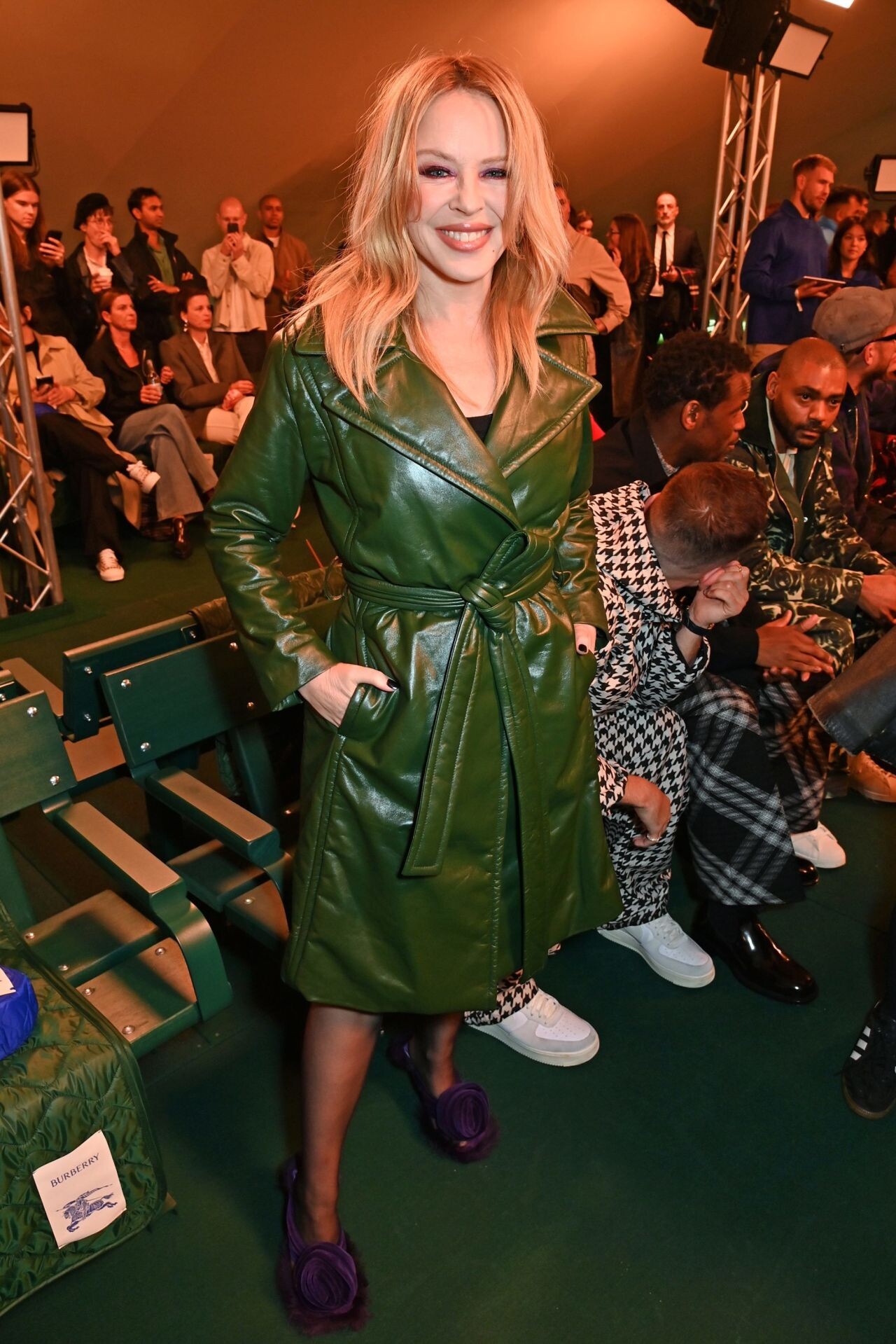
Burberry Show at LFW 09/18/2023












-
London Fashion Week Opening Party 09/15/2023





-
“Voltaire – Belle de Nuit” Show Snnouncement in Las Vegas 07/27/2023


-
Vogue Australia October 2023




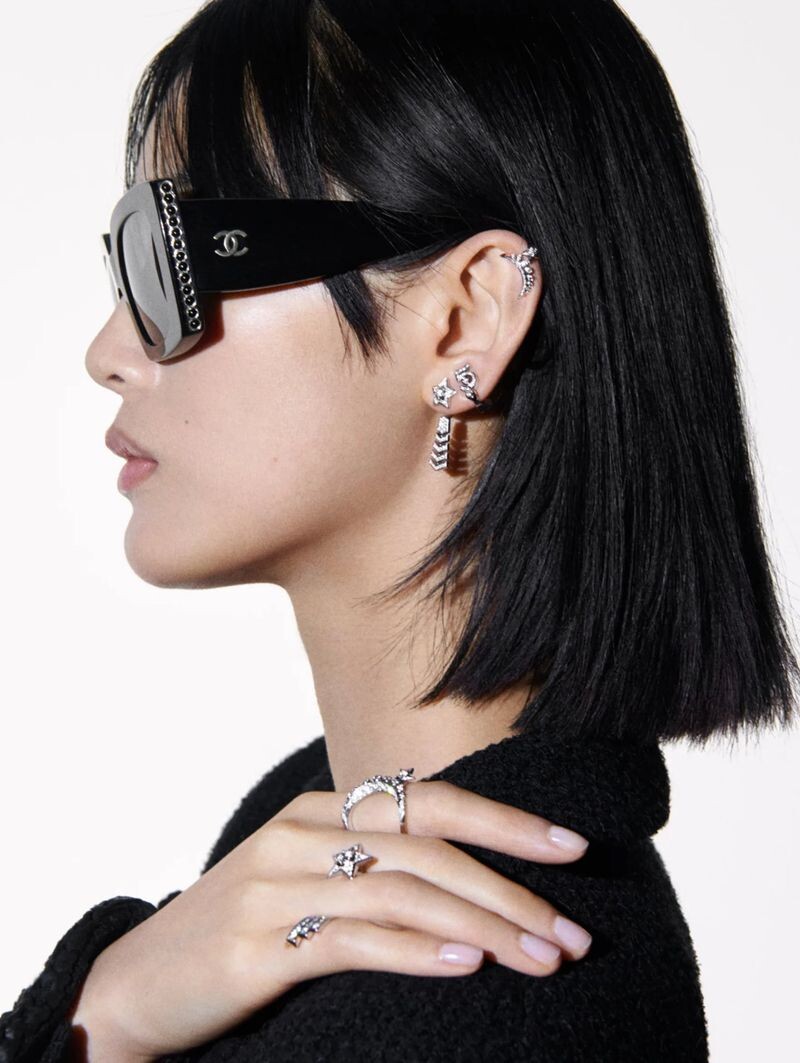
 Chanel Fine Jewellery 2023








 Mytheresa Fall/Winter 2023


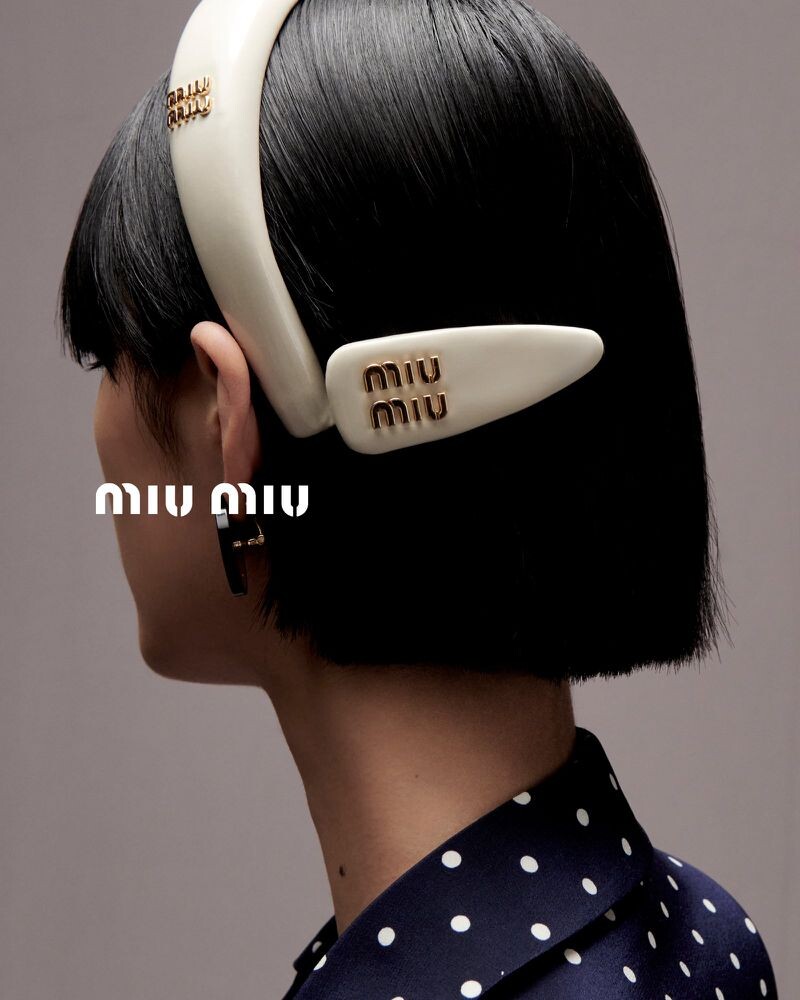
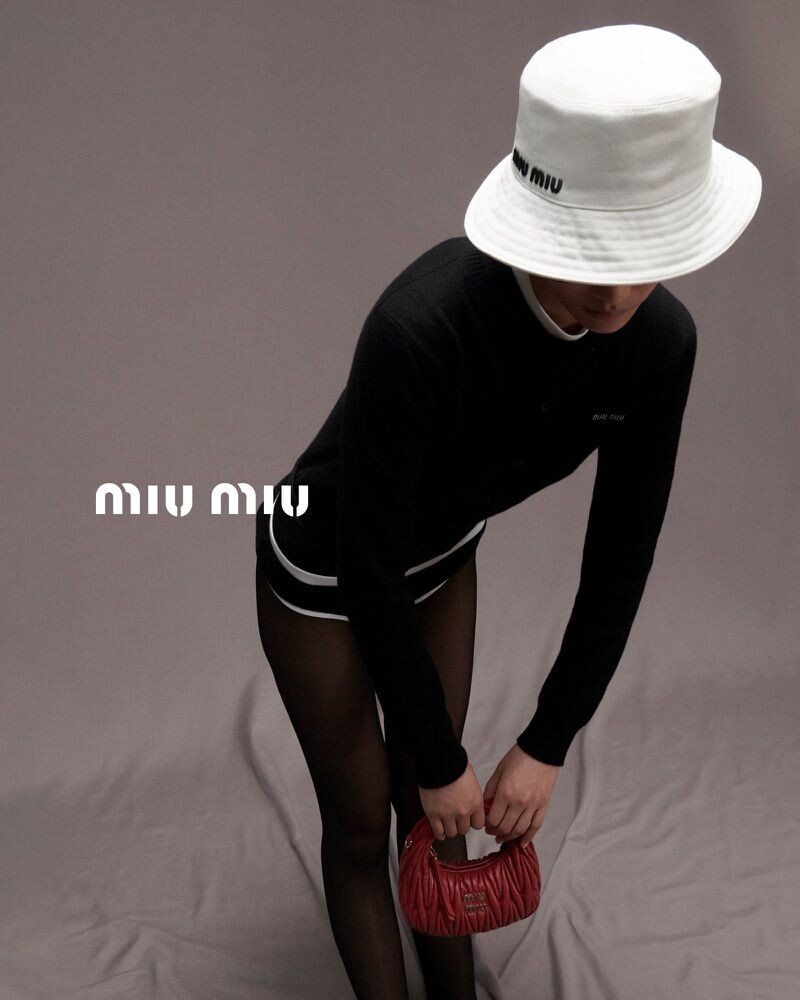
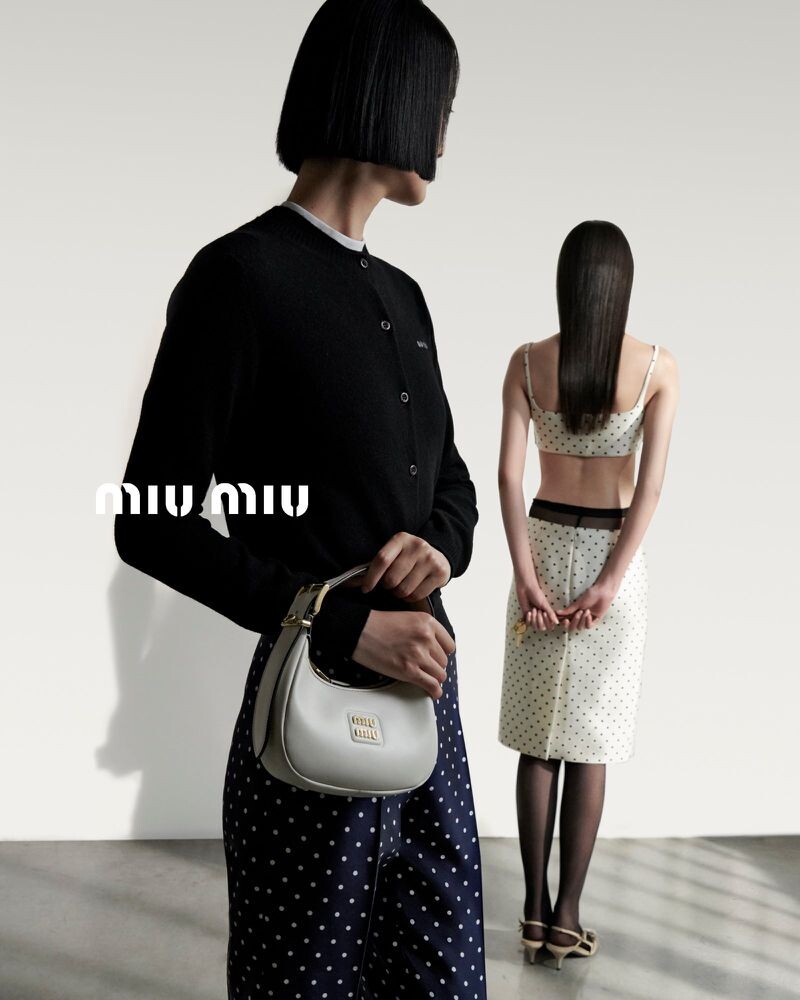
 Miu Miu Qixi 2023 Campaign by Lengua









 Byredo Rose Of No Man’s Land 2023
 Photo Shoot 2000




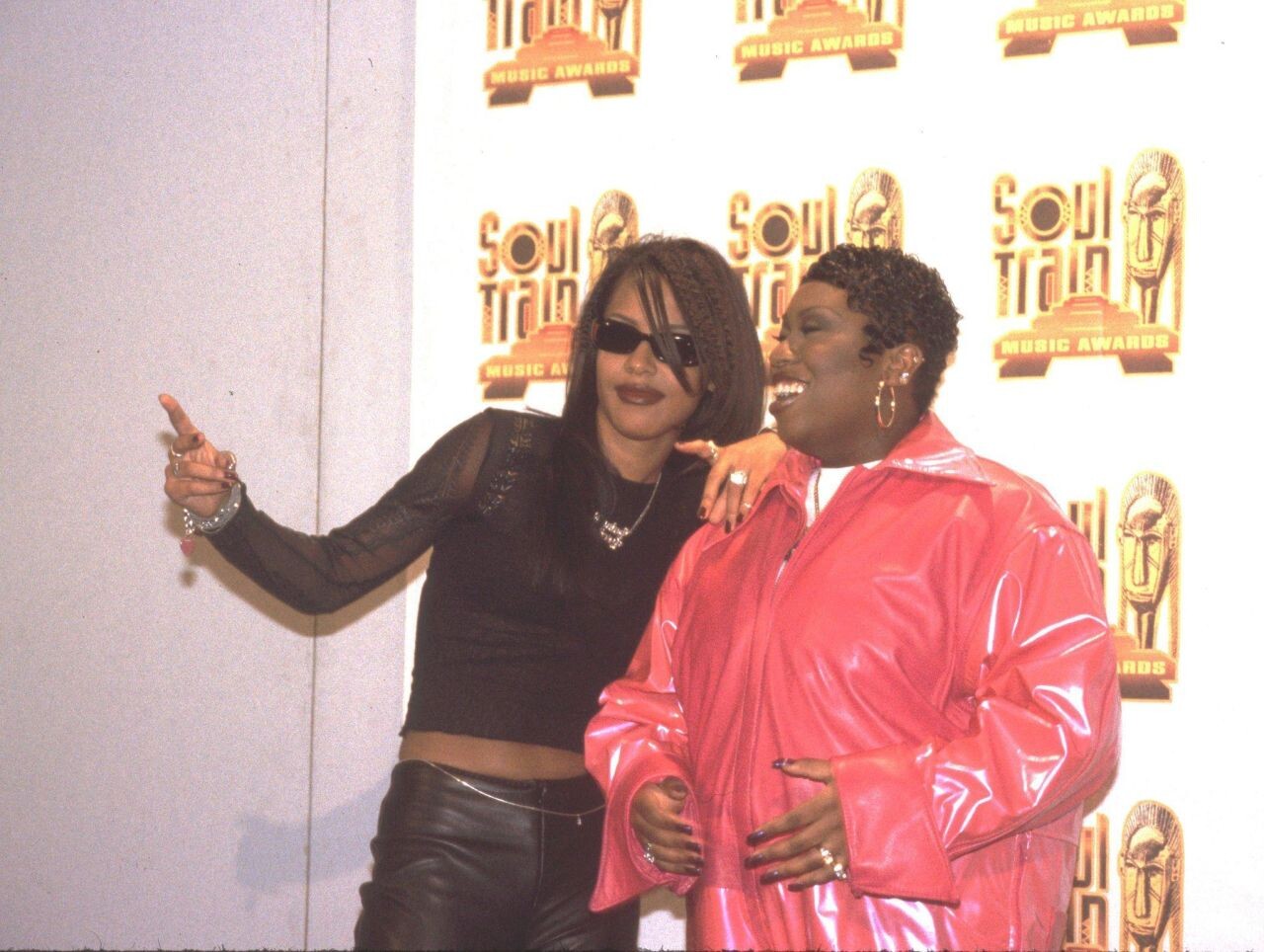
 KMEL Summer Jam at Concord Pavilion in Concord 08/09/1997












.thumb.jpg.677ca981e207a0dfe5fb0ca330918cd9.jpg)
 KMEL Summer Jam at Concord Pavilion in Concord 08/09/1997








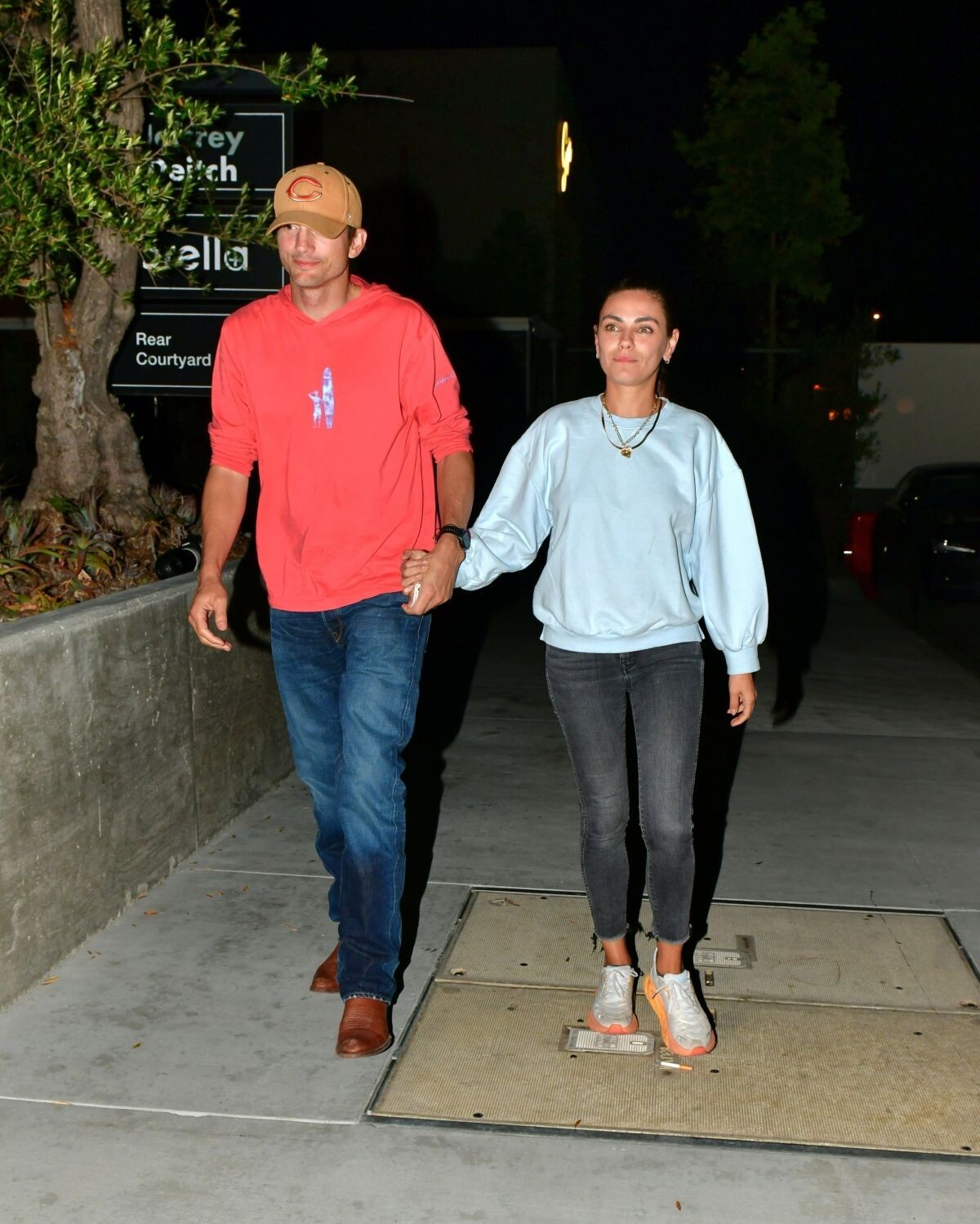
 Concert in Irvine 08/01/1997










































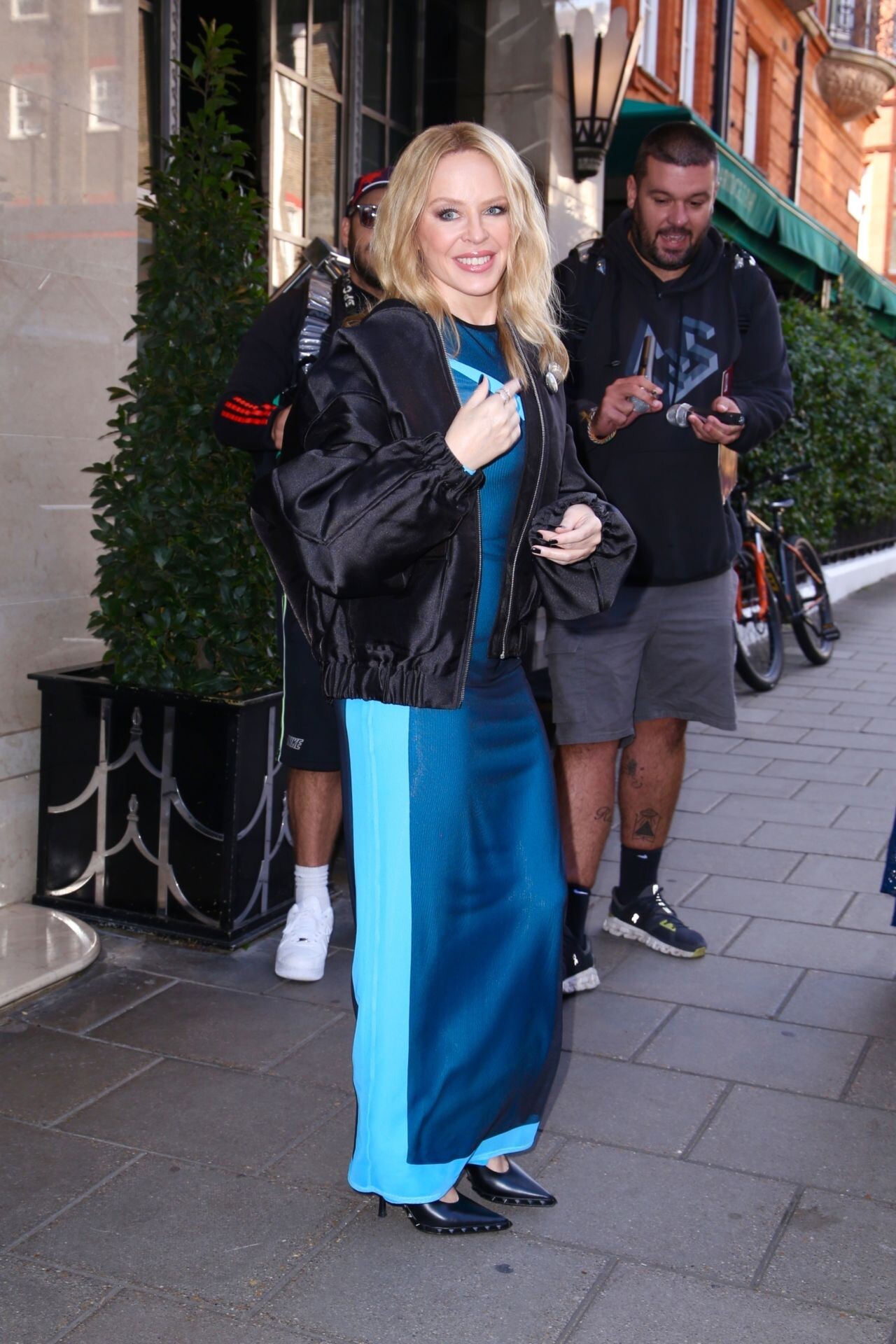
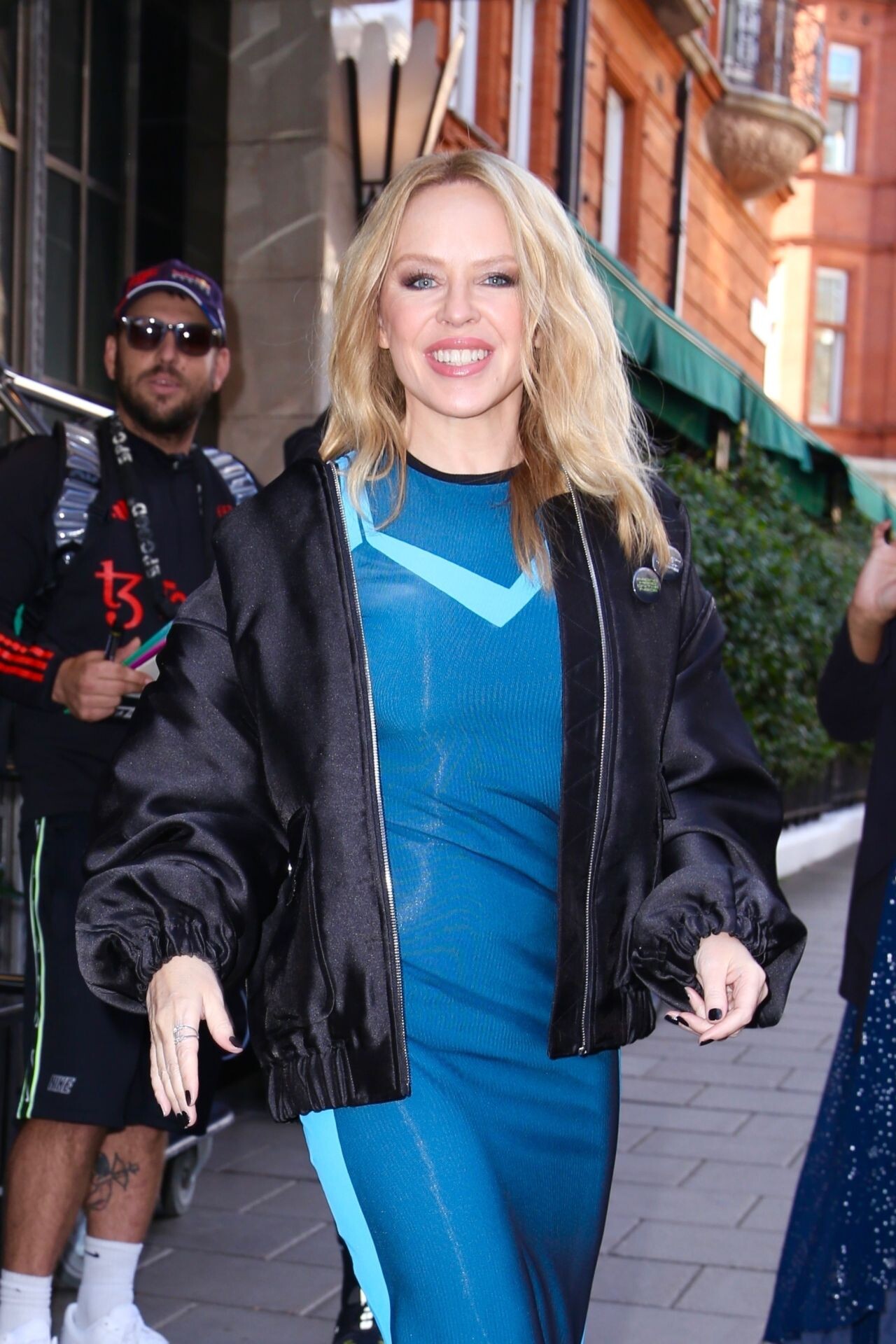





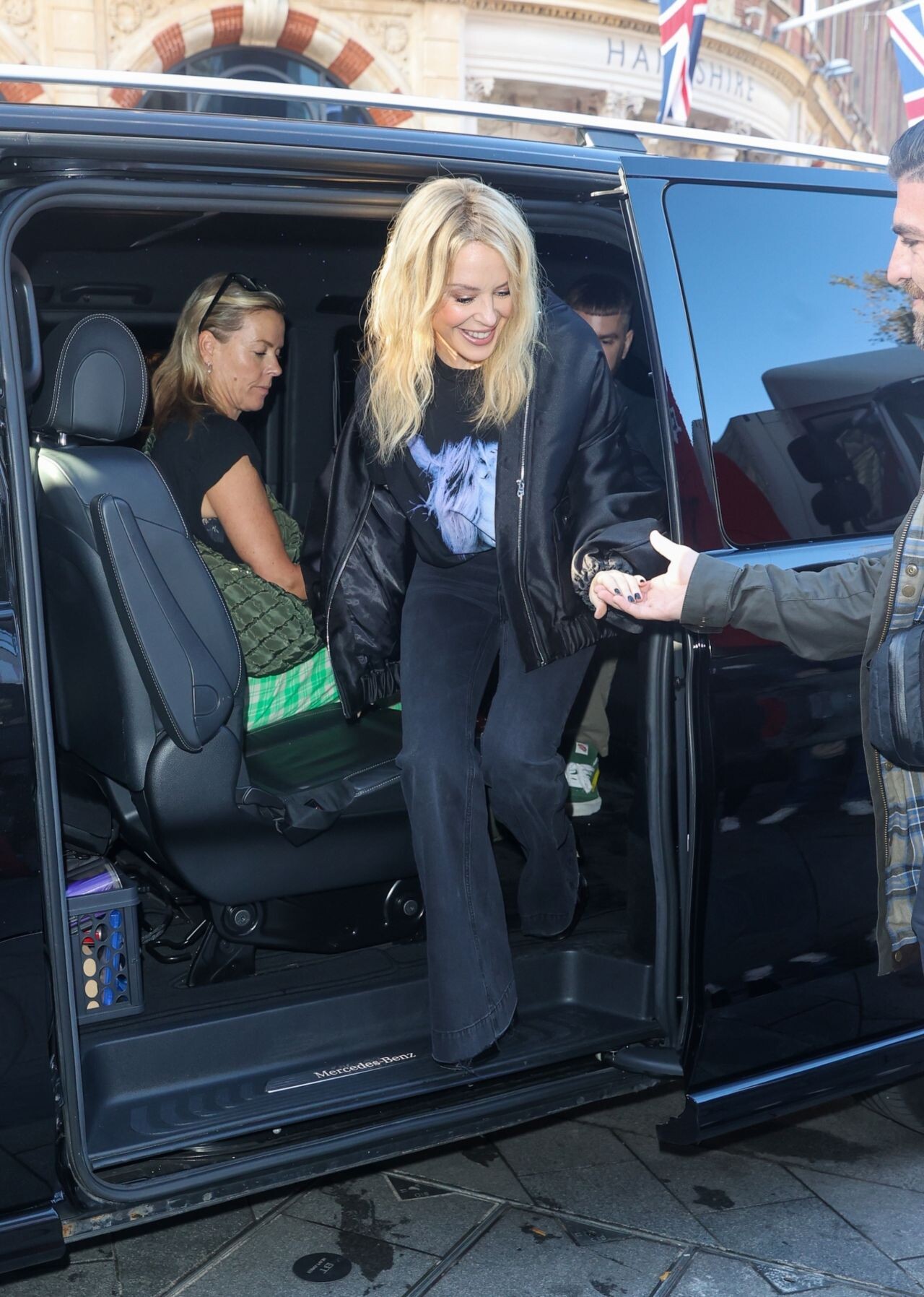

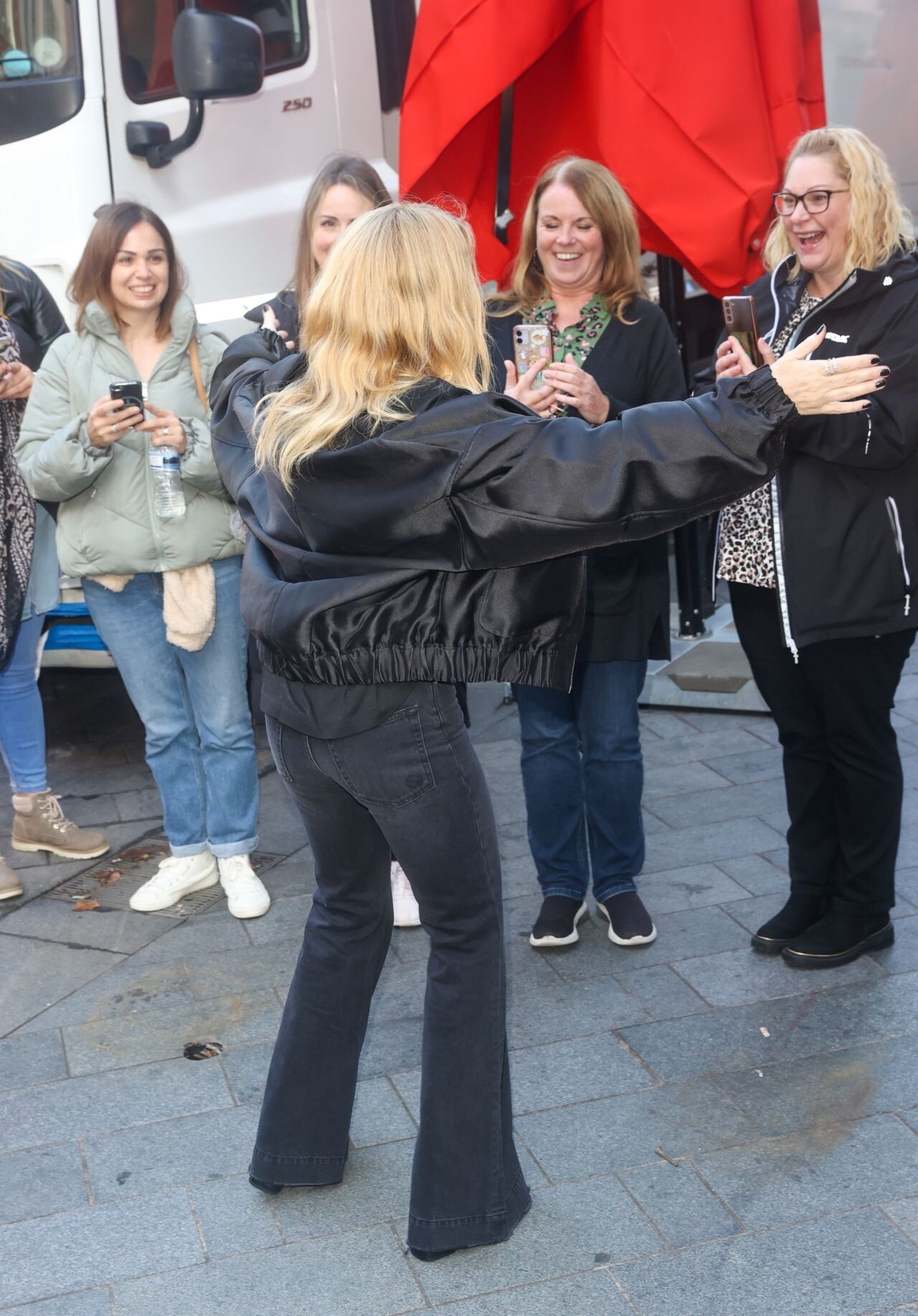
























































































.jpg.e8908177511e428ba55910485a47e971.jpg)



























Account
Navigation
Search
Configure browser push notifications
Chrome (Android)
- Tap the lock icon next to the address bar.
- Tap Permissions → Notifications.
- Adjust your preference.
Chrome (Desktop)
- Click the padlock icon in the address bar.
- Select Site settings.
- Find Notifications and adjust your preference.
Safari (iOS 16.4+)
- Ensure the site is installed via Add to Home Screen.
- Open Settings App → Notifications.
- Find your app name and adjust your preference.
Safari (macOS)
- Go to Safari → Preferences.
- Click the Websites tab.
- Select Notifications in the sidebar.
- Find this website and adjust your preference.
Edge (Android)
- Tap the lock icon next to the address bar.
- Tap Permissions.
- Find Notifications and adjust your preference.
Edge (Desktop)
- Click the padlock icon in the address bar.
- Click Permissions for this site.
- Find Notifications and adjust your preference.
Firefox (Android)
- Go to Settings → Site permissions.
- Tap Notifications.
- Find this site in the list and adjust your preference.
Firefox (Desktop)
- Open Firefox Settings.
- Search for Notifications.
- Find this site in the list and adjust your preference.