
emerald7
Members
-
Joined
-
Last visited
Everything posted by emerald7
-

-
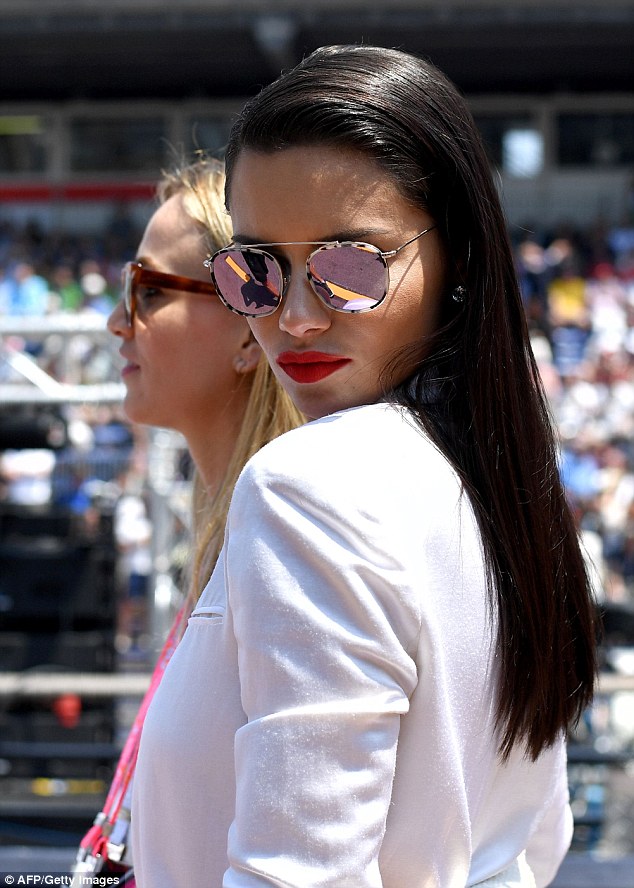
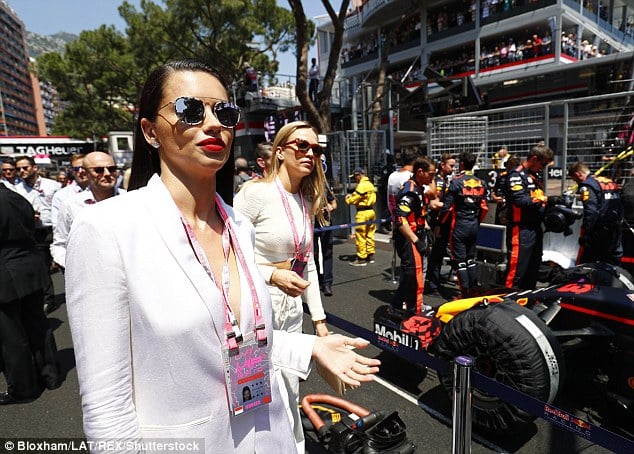
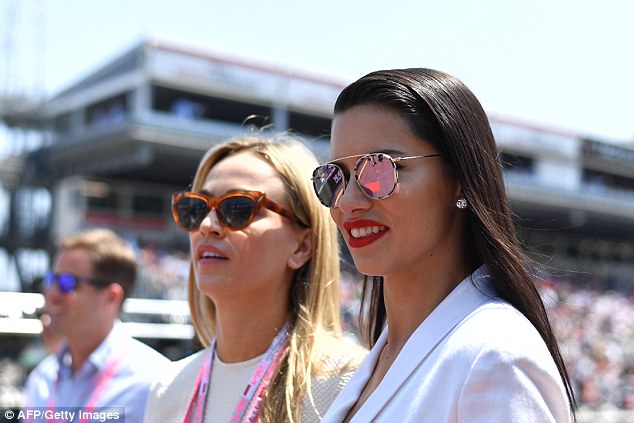
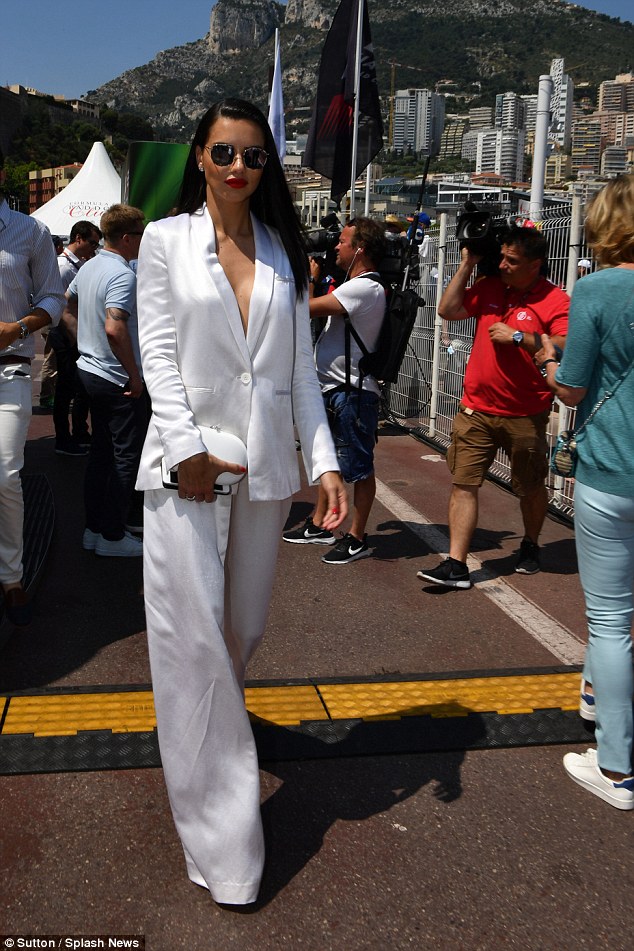
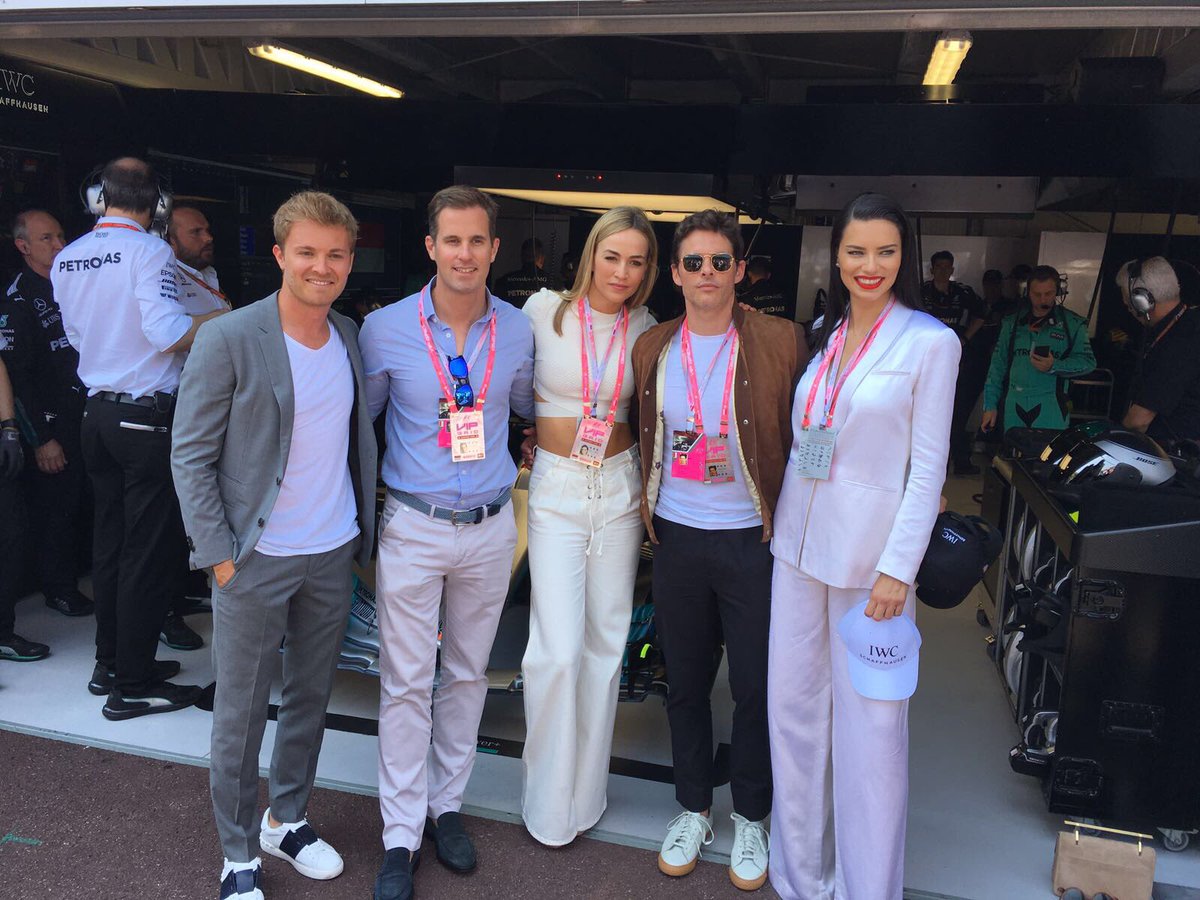
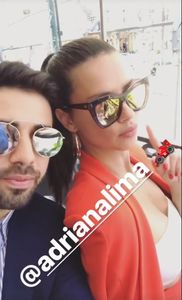
Mercedes-AMG F1? We brought some special guests along today... Treat to welcome Carmen Jorda, James Marsden, @AdrianaLima to the garage #MonacoGP @F1


 hope we see more of her look.
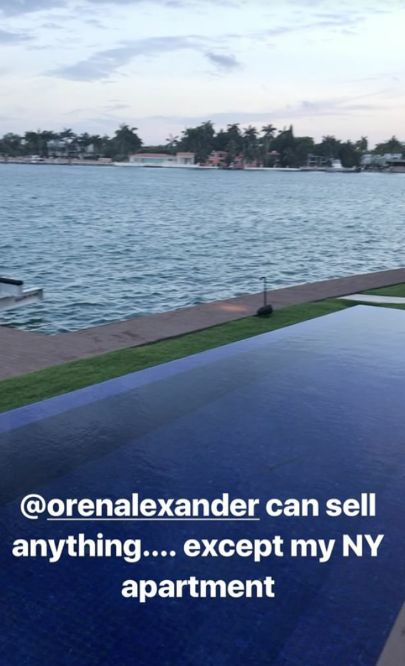
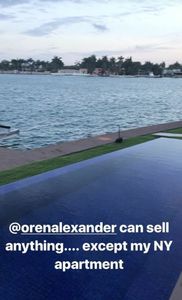
 lol Marko Adriana Lima Slashes More Than $1M Off Price of N.Y. Pied-à-Terre http://wwd.com/eye/celebrity-real-estate/supermodel-adriana-lima-slashes-more-than-1m-off-nyc-condo-10893861/
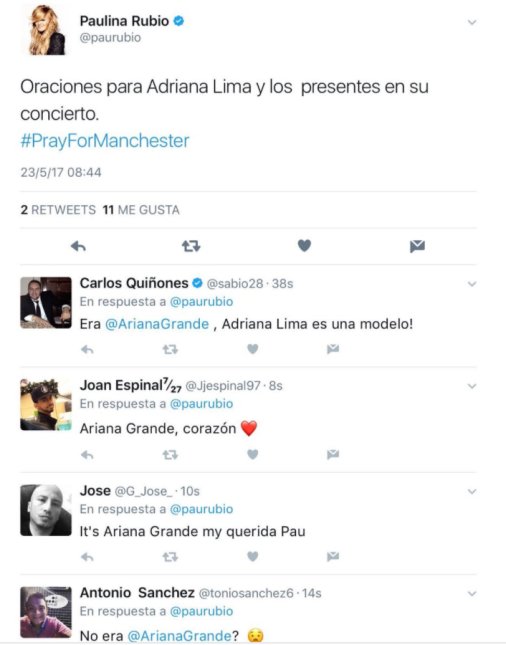
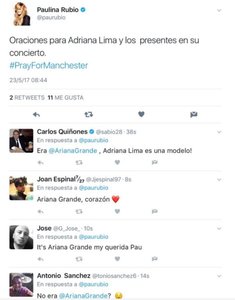
 +1, and that rap was lame . many people commenting on Singer Paulina Rubios twitter because she made a mistake today and confused Adriana with Ariana Grande sending her condolence because of Manchester.
 Agree. Maybe they got all an invitation, because i read Ana Antic will be there and she's also an ambassador for IWC same as Lewis who has a race there. About the Singer,lol he follows her and like every other VS Model. Didn't knew he has so many Followers on IG. They went both to the Super Bowl this year. the lyrics https://genius.com/G-eazy-maximum-lyrics
she followed him once last year.
Wondering why she left cannes so early. She looked great this year. Would have been nice to see her at the amfar. She followed the Prince she dated once, again on ig.
Will she attend the Monaco GP this weekend? Lewis and Ana wil be there too. carmenjordaHaha love u so much girl!! See u very sooon!❤️?????
Agree. Maybe they got all an invitation, because i read Ana Antic will be there and she's also an ambassador for IWC same as Lewis who has a race there. About the Singer,lol he follows her and like every other VS Model. Didn't knew he has so many Followers on IG. They went both to the Super Bowl this year. the lyrics https://genius.com/G-eazy-maximum-lyrics
she followed him once last year.
Wondering why she left cannes so early. She looked great this year. Would have been nice to see her at the amfar. She followed the Prince she dated once, again on ig.
Will she attend the Monaco GP this weekend? Lewis and Ana wil be there too. carmenjordaHaha love u so much girl!! See u very sooon!❤️?????
Account
Navigation
Search
Configure browser push notifications
Chrome (Android)
- Tap the lock icon next to the address bar.
- Tap Permissions → Notifications.
- Adjust your preference.
Chrome (Desktop)
- Click the padlock icon in the address bar.
- Select Site settings.
- Find Notifications and adjust your preference.
Safari (iOS 16.4+)
- Ensure the site is installed via Add to Home Screen.
- Open Settings App → Notifications.
- Find your app name and adjust your preference.
Safari (macOS)
- Go to Safari → Preferences.
- Click the Websites tab.
- Select Notifications in the sidebar.
- Find this website and adjust your preference.
Edge (Android)
- Tap the lock icon next to the address bar.
- Tap Permissions.
- Find Notifications and adjust your preference.
Edge (Desktop)
- Click the padlock icon in the address bar.
- Click Permissions for this site.
- Find Notifications and adjust your preference.
Firefox (Android)
- Go to Settings → Site permissions.
- Tap Notifications.
- Find this site in the list and adjust your preference.
Firefox (Desktop)
- Open Firefox Settings.
- Search for Notifications.
- Find this site in the list and adjust your preference.