lovhing
Members
-
Joined
-
Last visited
-
^ In fact the credits go for @PalvinPlanet like the other day when she posted about the Lily China pics and everyone started to steal photos and info. Anyways, I love her acc.
-
She was amazing at the festival!
-
-
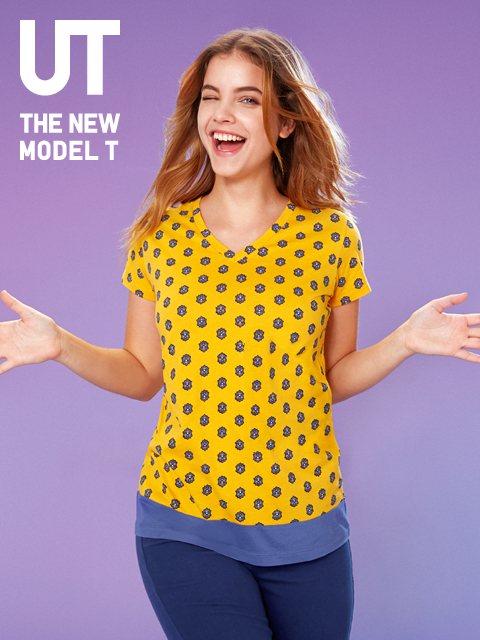
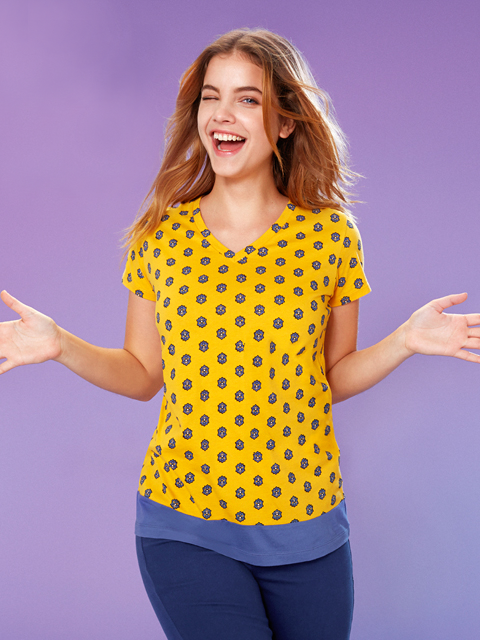
I don't know if this was already posted, but anyways here is another pic of UNIQLO UT Catalogue cover. And here is my try of delete the watermark. One more thing. I saw that everyone knows how to upload pictures here, I mean, pics that seem small and when you click them they seem bigger (because they're in HQ or whatever) but the thing is that I don't know how to do that. All the pics that I've uploaded are so bigger and occupy too much space and I know it can be annoying to see in all of the page. So, help?

-
Barbara deleted the image and the video of her with the gun of her IG...
-
The truth is that I liked the outfit, but I was really expecting to see her with a dress...
-
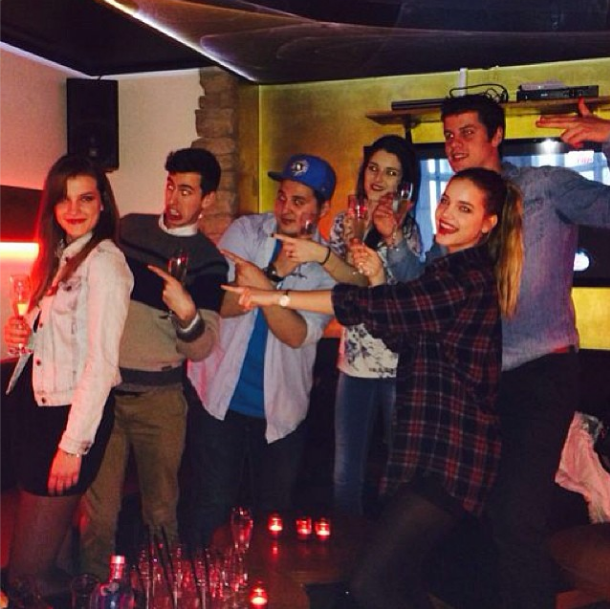
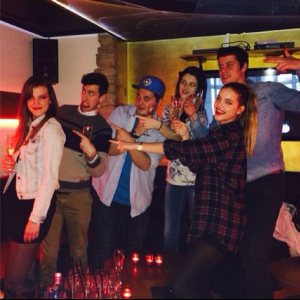
anita palvin: ''Yeees, the birthday girl is on the left... '' Instagram
-
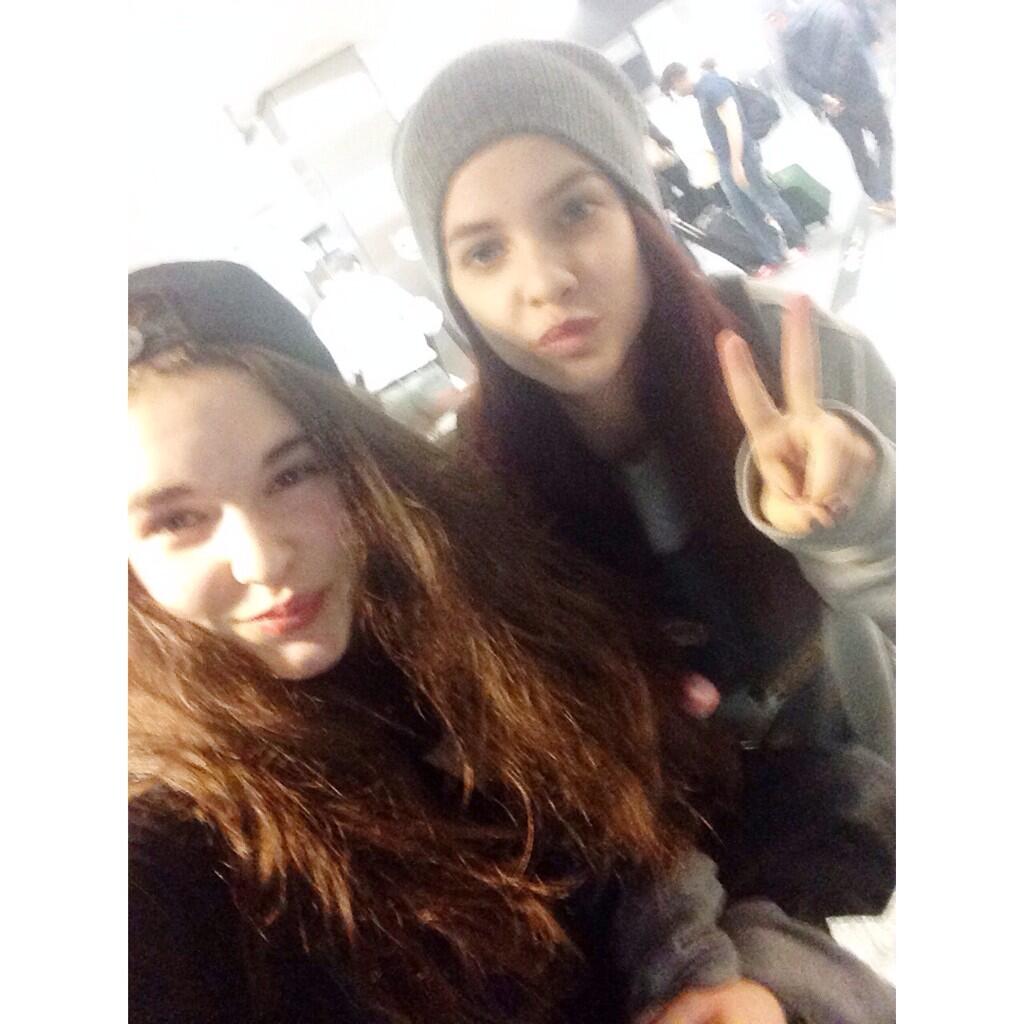
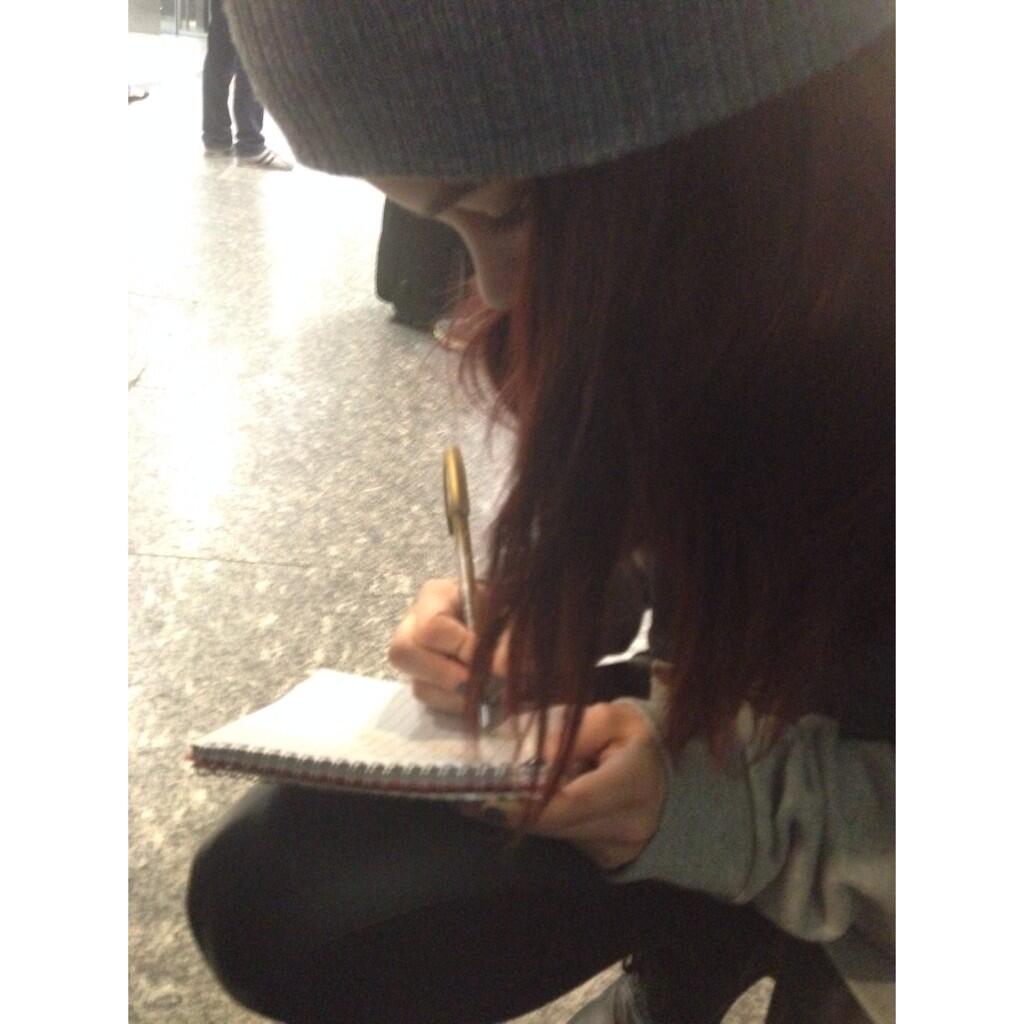
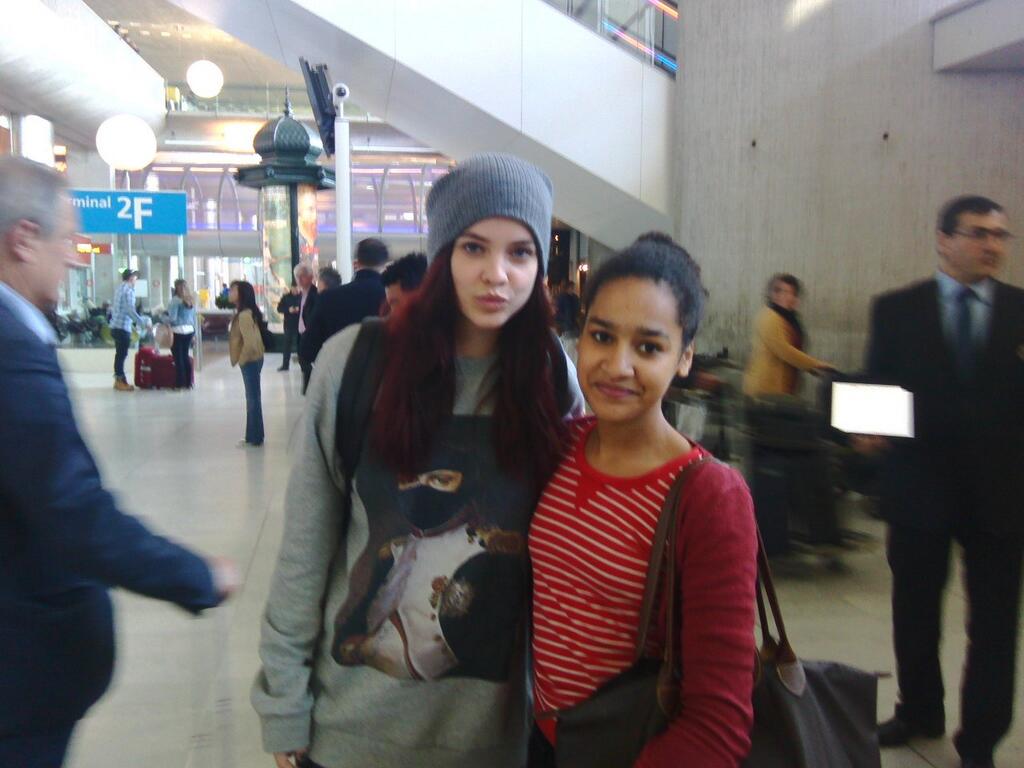
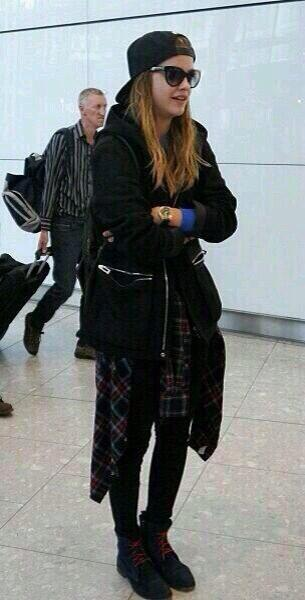
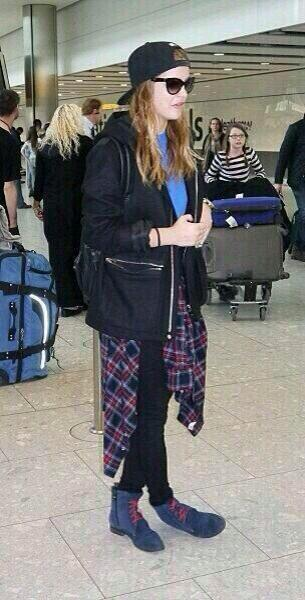
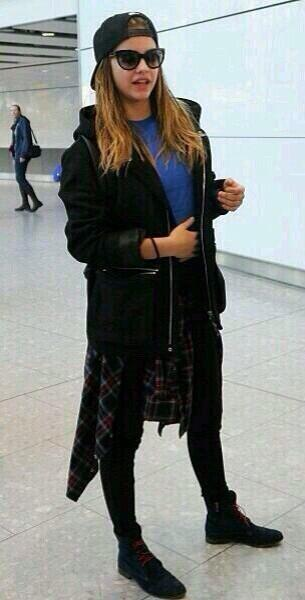
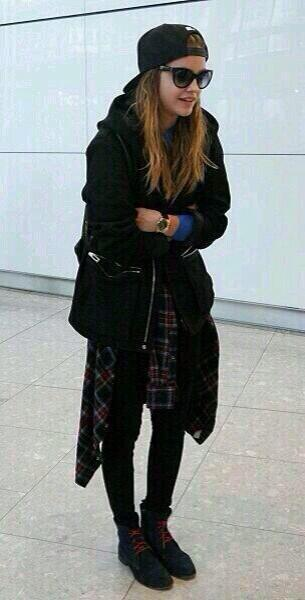
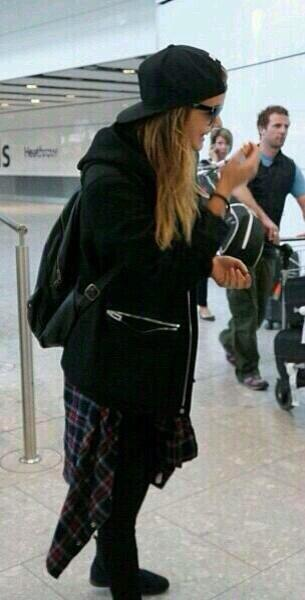
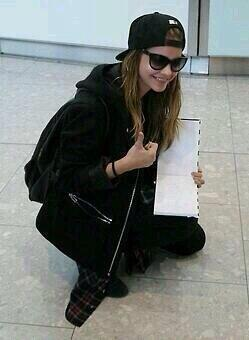
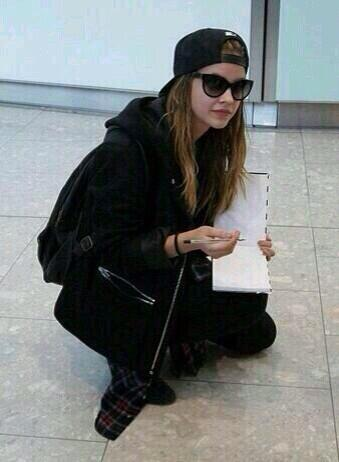
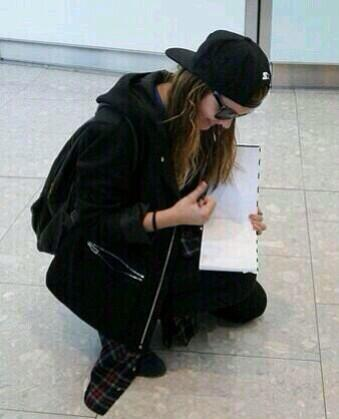
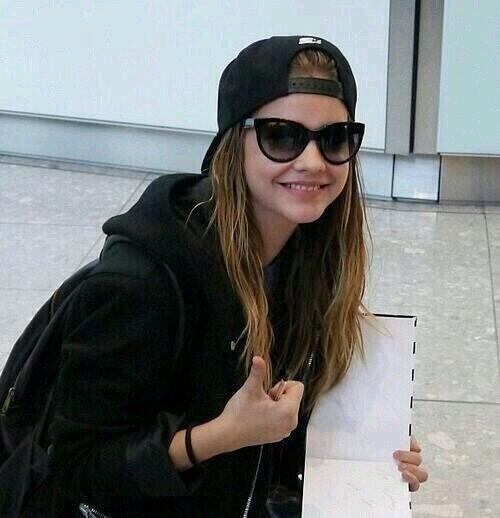
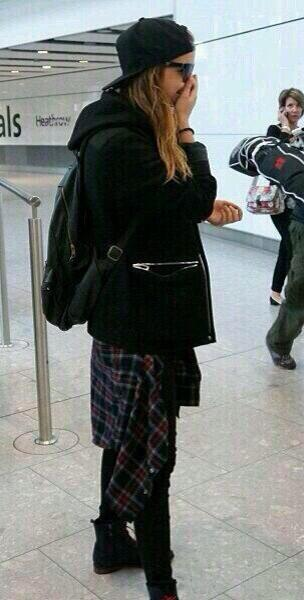
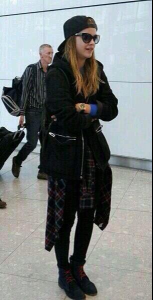
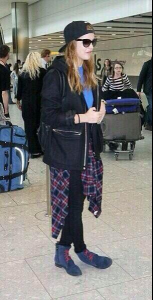
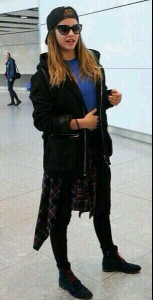
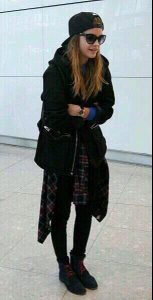
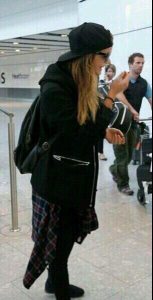
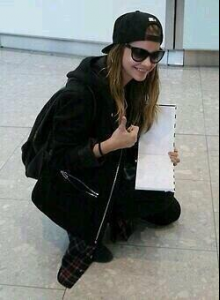
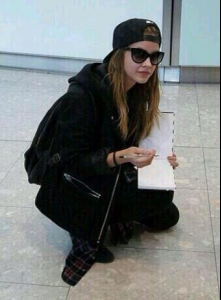
Candids of Barbara at the Heathrow Airport in London yesterday.
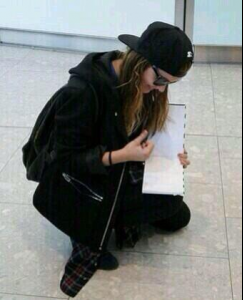
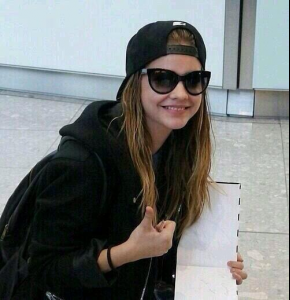
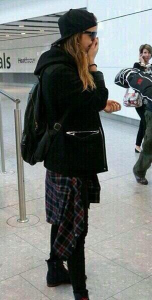
-
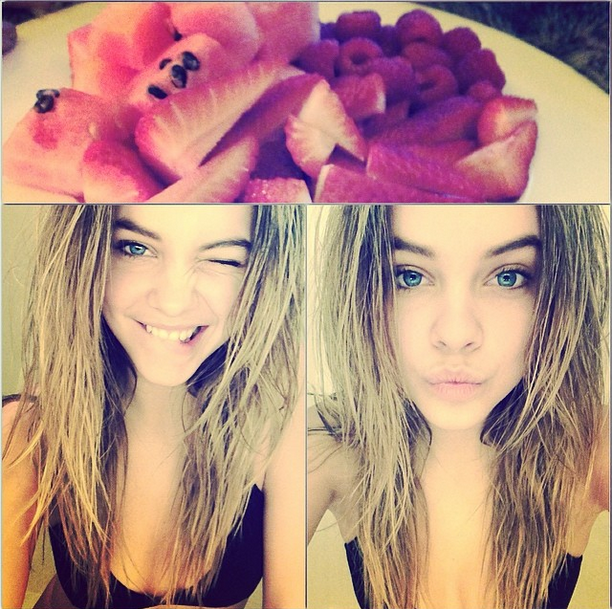
realbarbarapalvin: ''❤'' Instagram
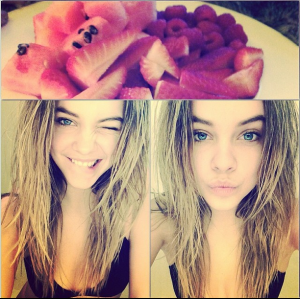
-
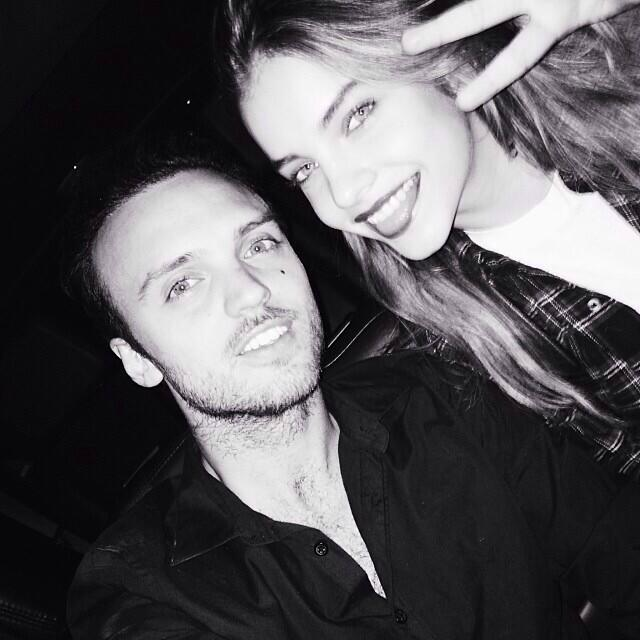
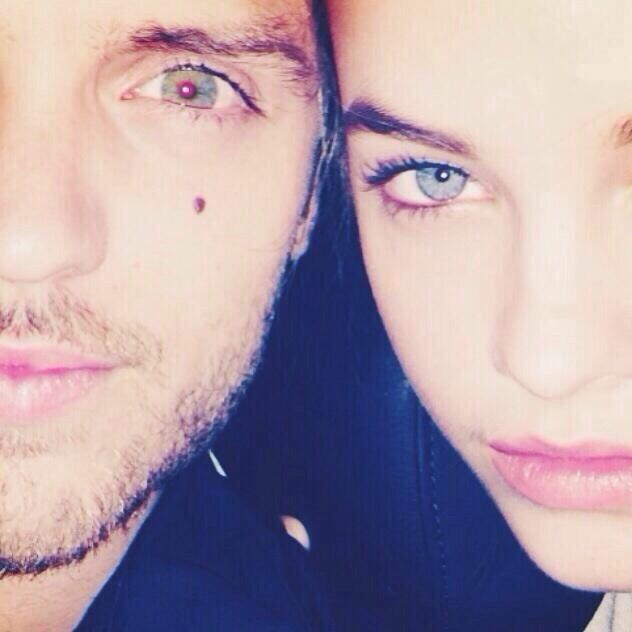
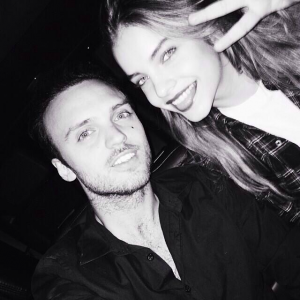
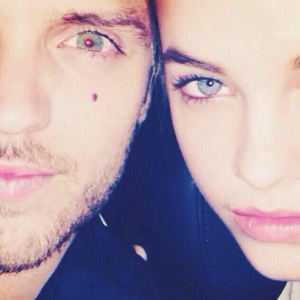
kennyhamilton: ''Repost from @realbarbarapalvin I love this chick. Only in a way a big brother can! She works hard and stays so cool. #realshit #ilovemysis #killingit #meechy#hoorayhenrysla'' Instagram alexanderdeleon: ''always a dangerous combination. @realbarbarapalvin'' Instagram alexanderdeleon: ''@BarbaraPalvin eyeballs.'' Twitter

-
chanteljeffries: ''Babe! ❤️ @realbarbarapalvin'' Instagram

-
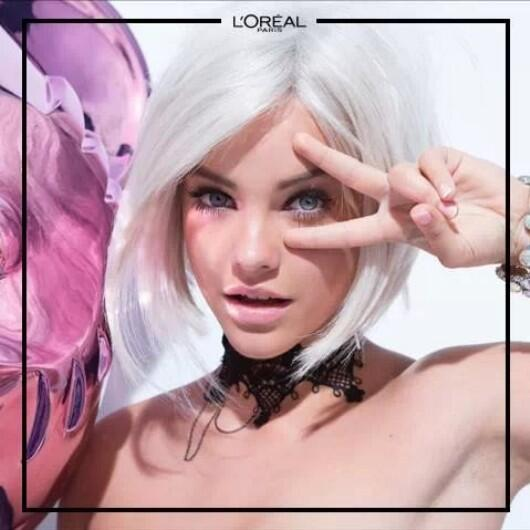
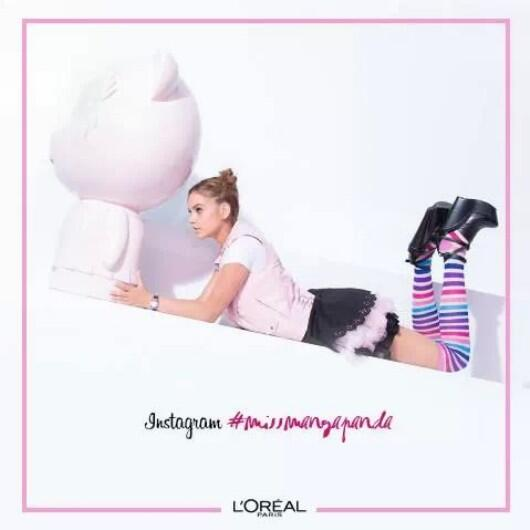
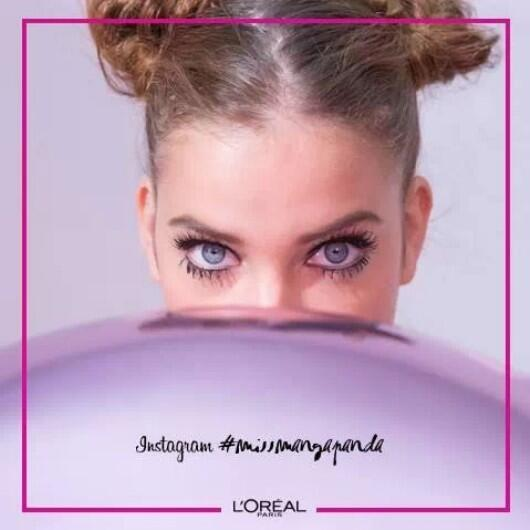
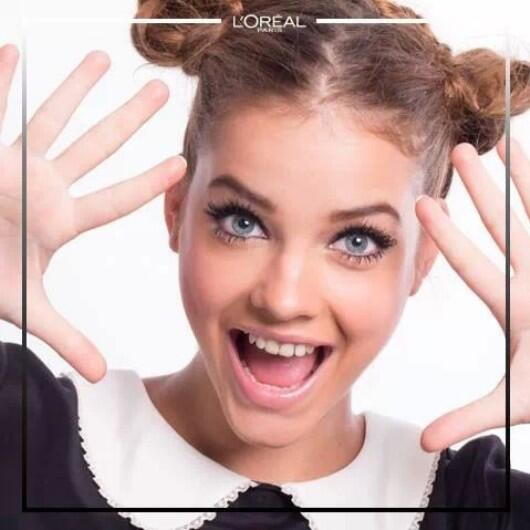
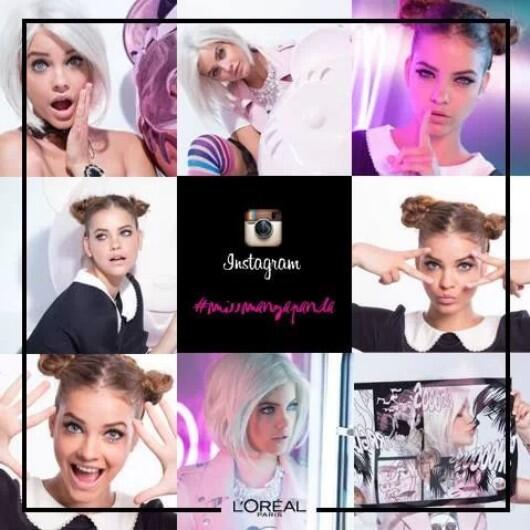
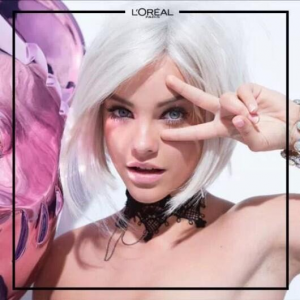
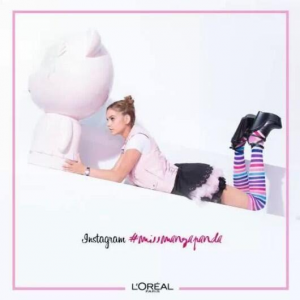
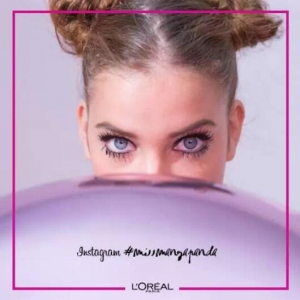
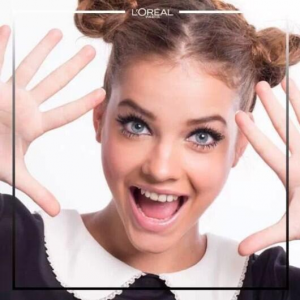
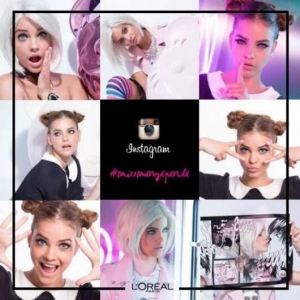
Miss Manga, L'Oréal Paris.
-
Barbara Palvin for Twin-Set Lingerie Collection.
-
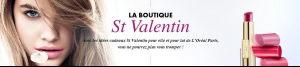
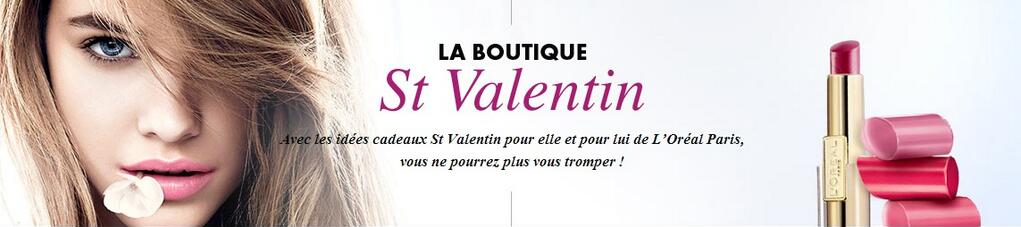
New of Barbara Palvin for L'Oréal Paris.