

Matute
Members
-
Joined
-
Last visited
Everything posted by Matute
-
 more .... dedicated to JoeKnight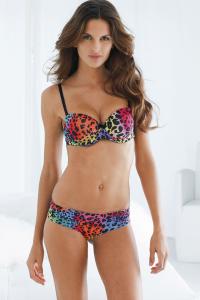
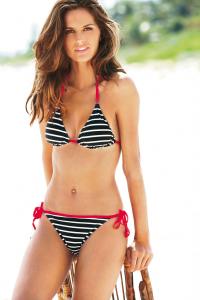
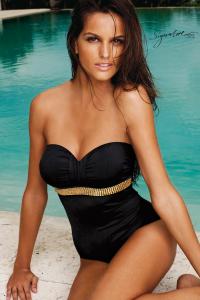
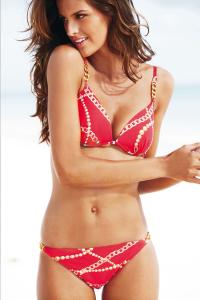
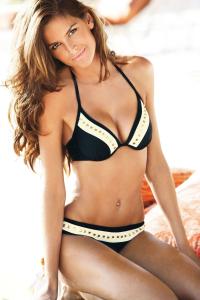
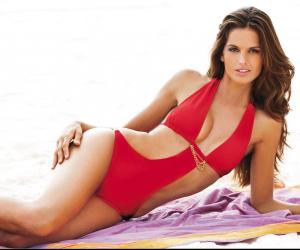
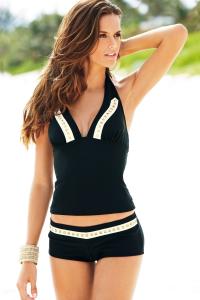
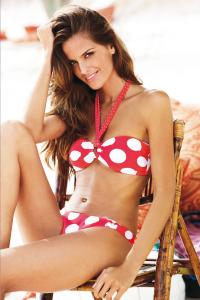
-
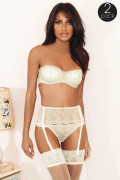
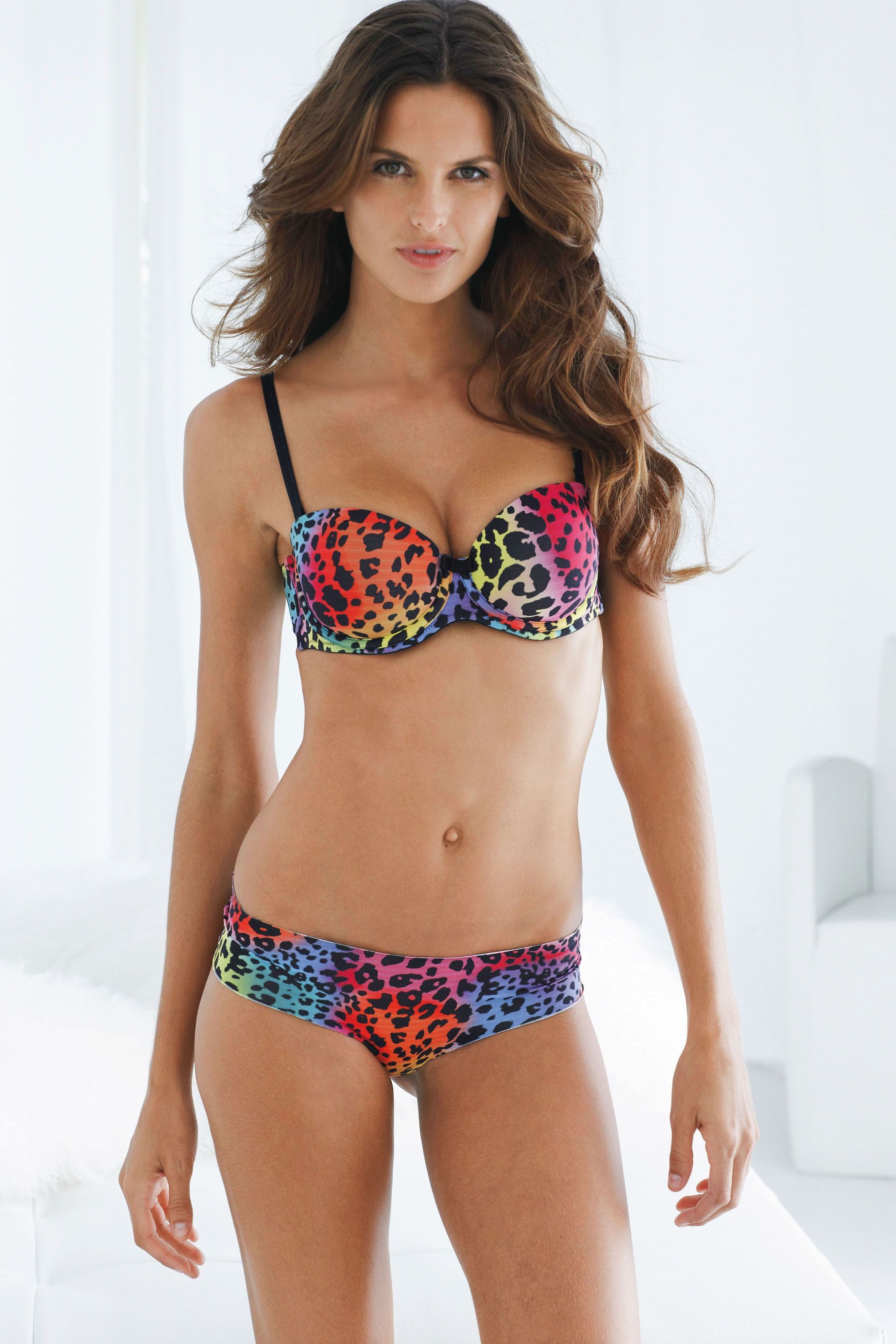
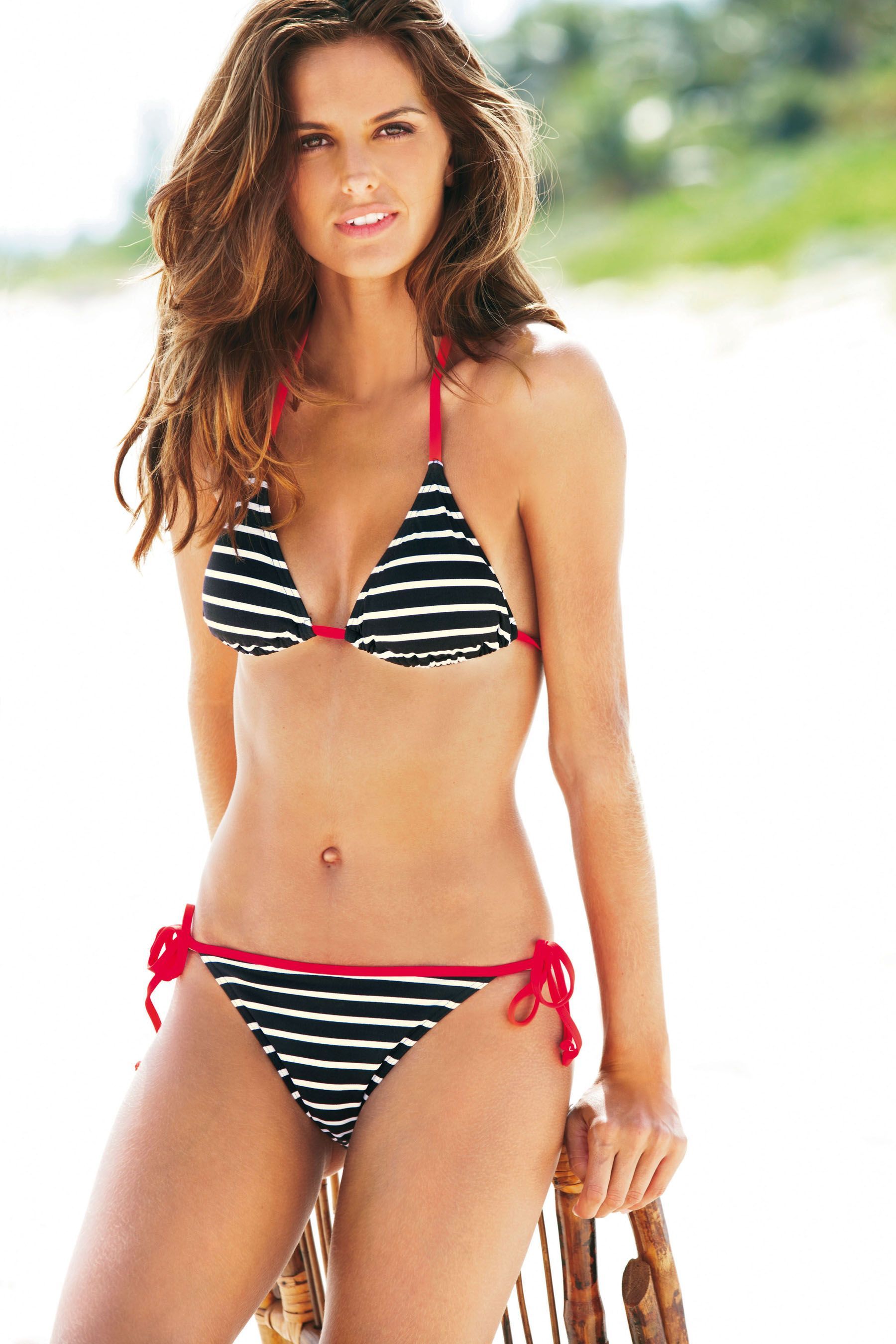
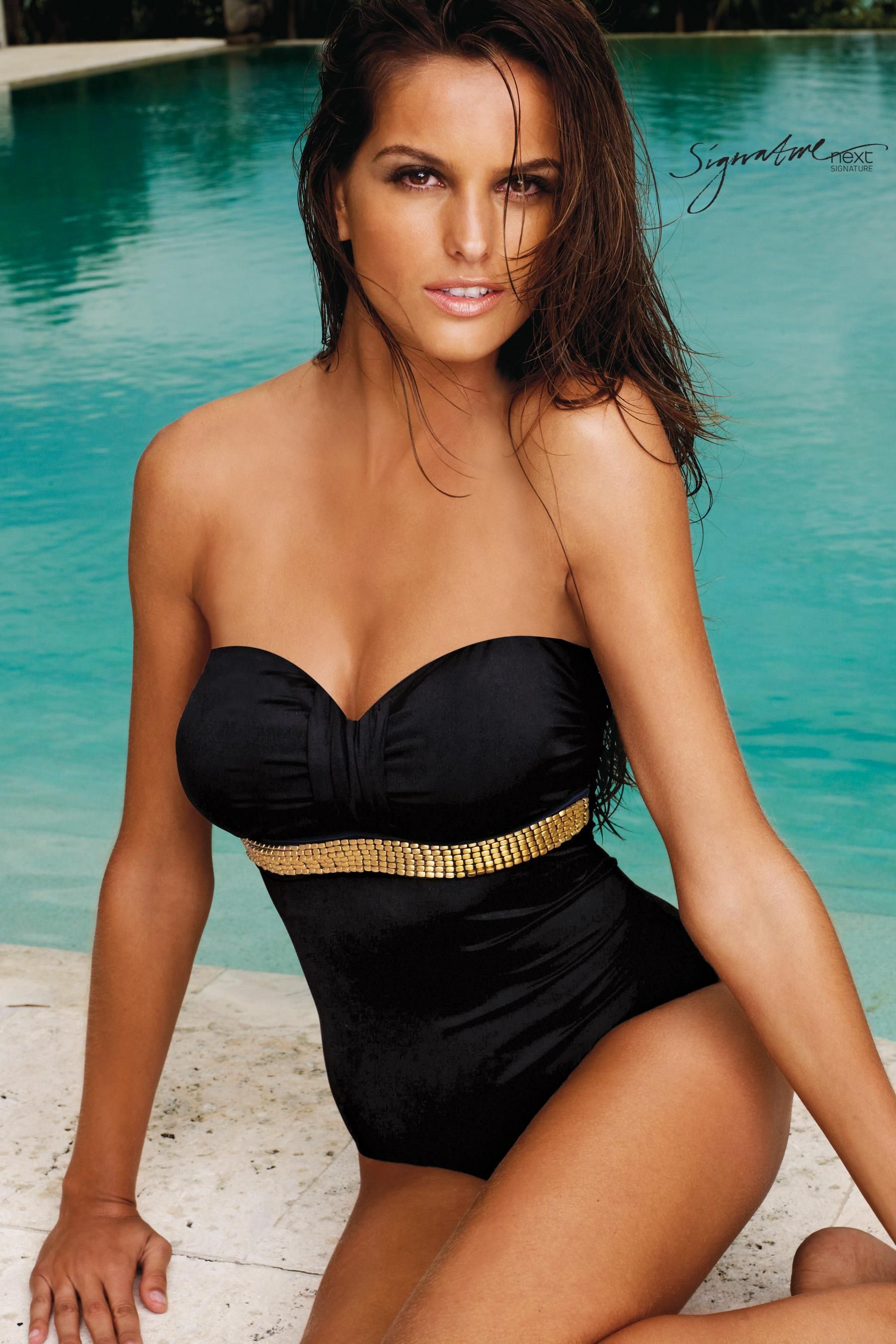
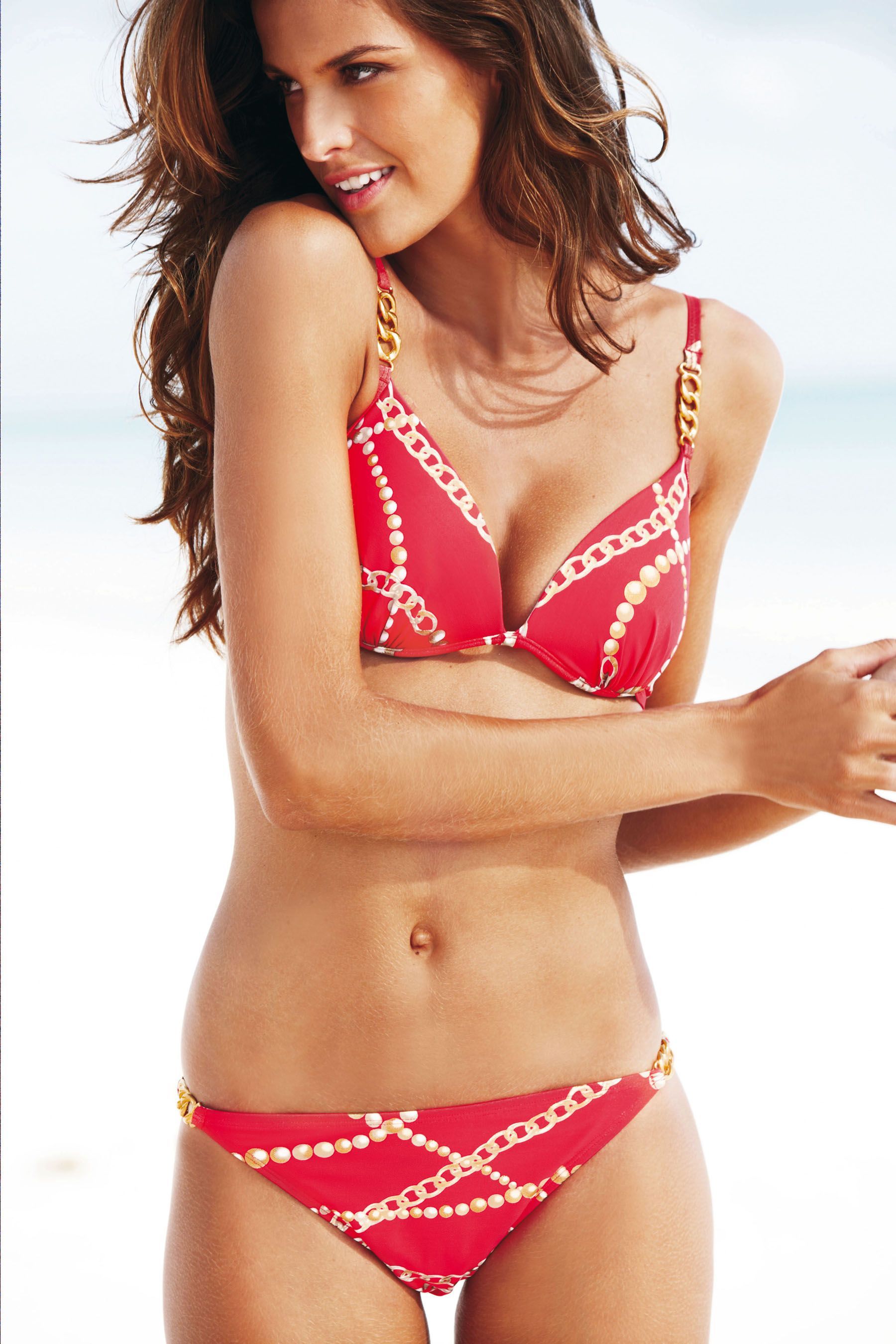
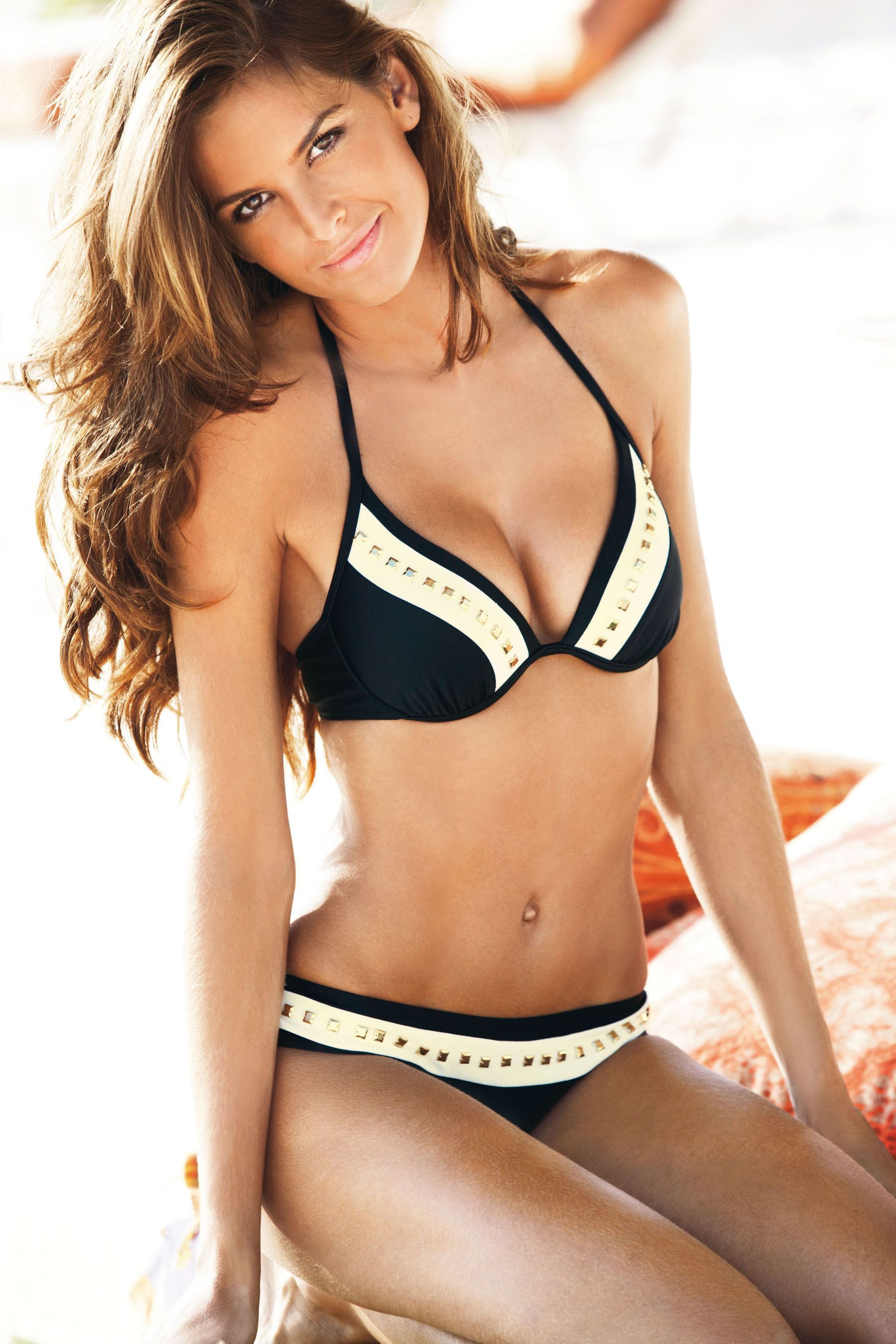
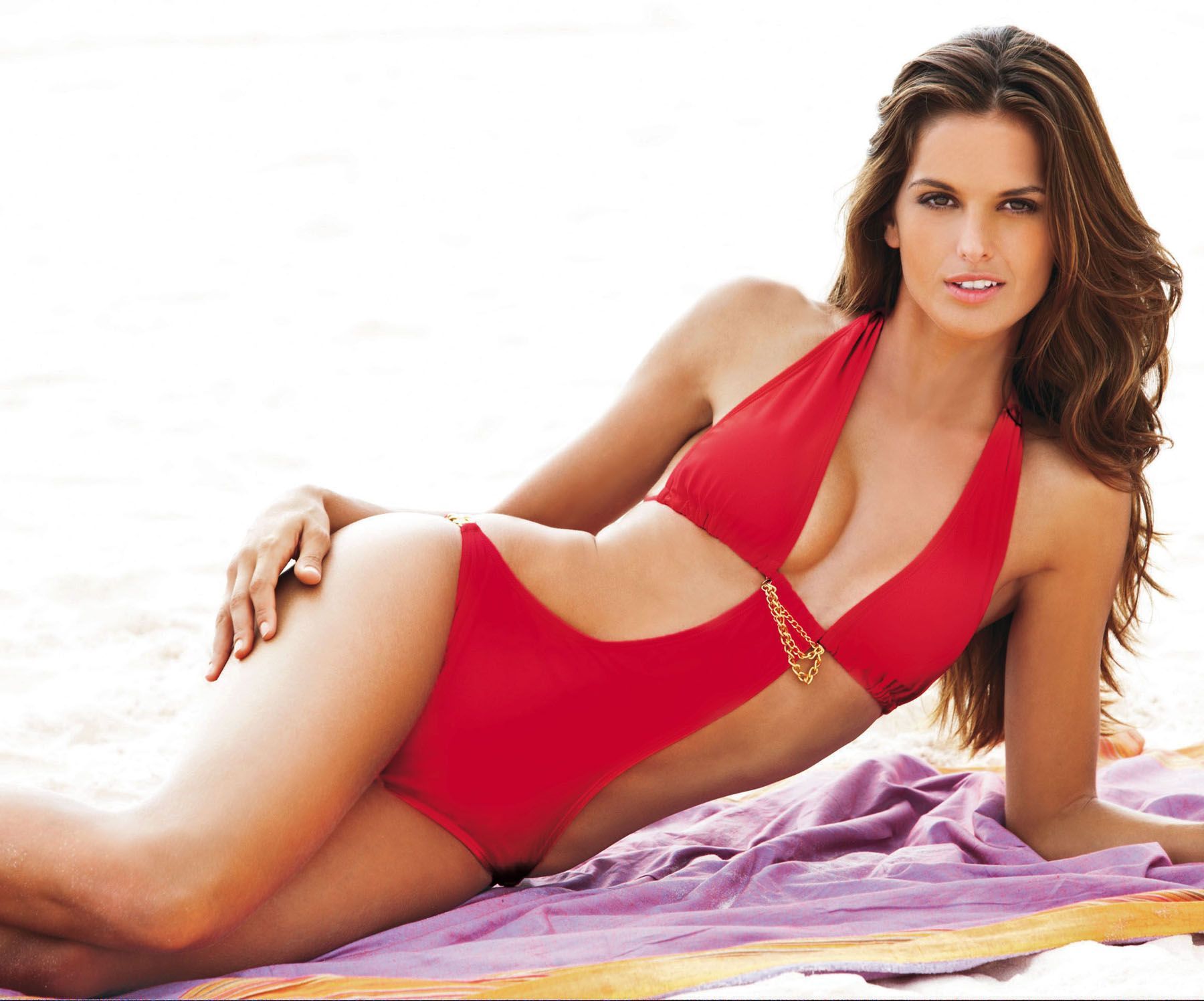
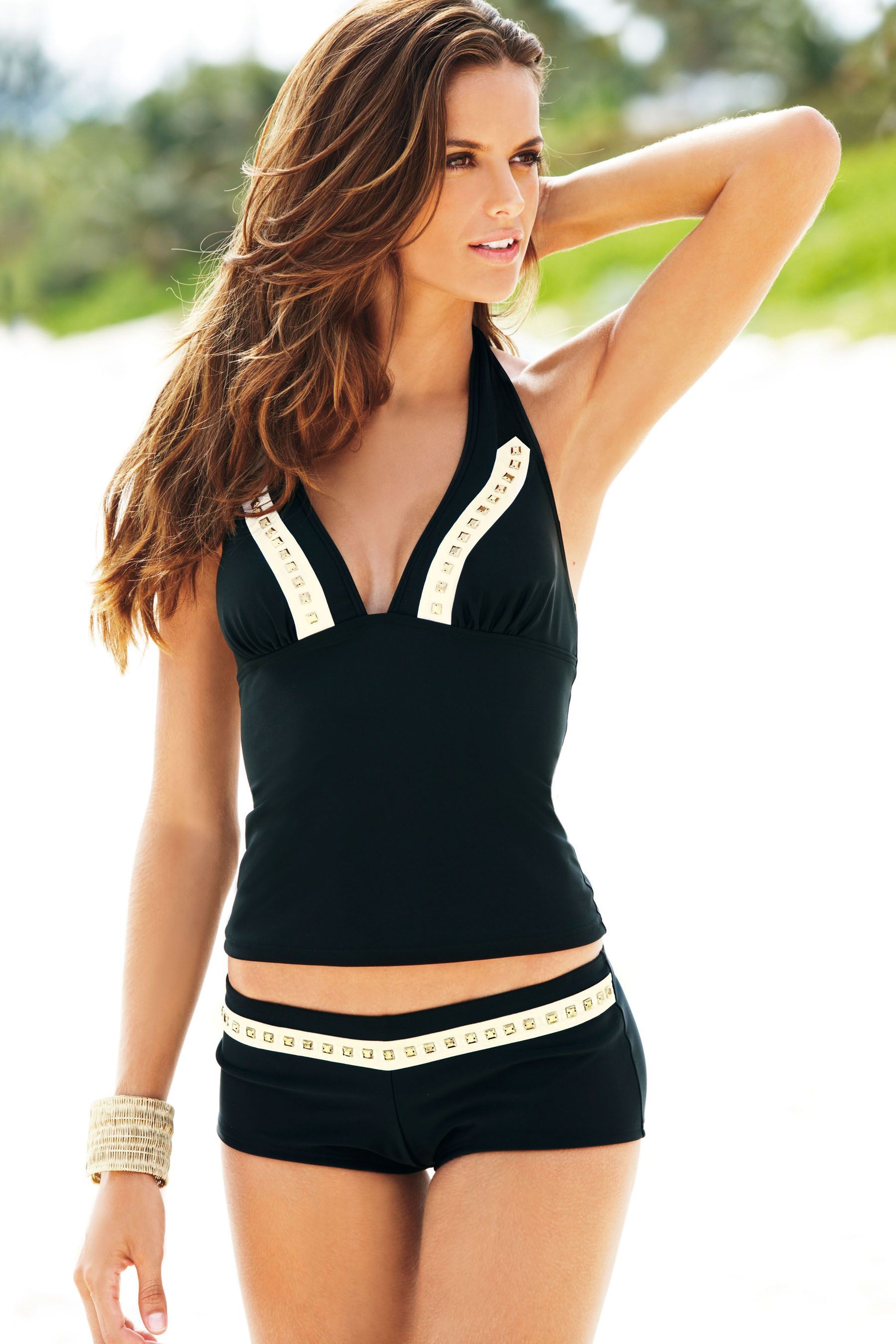
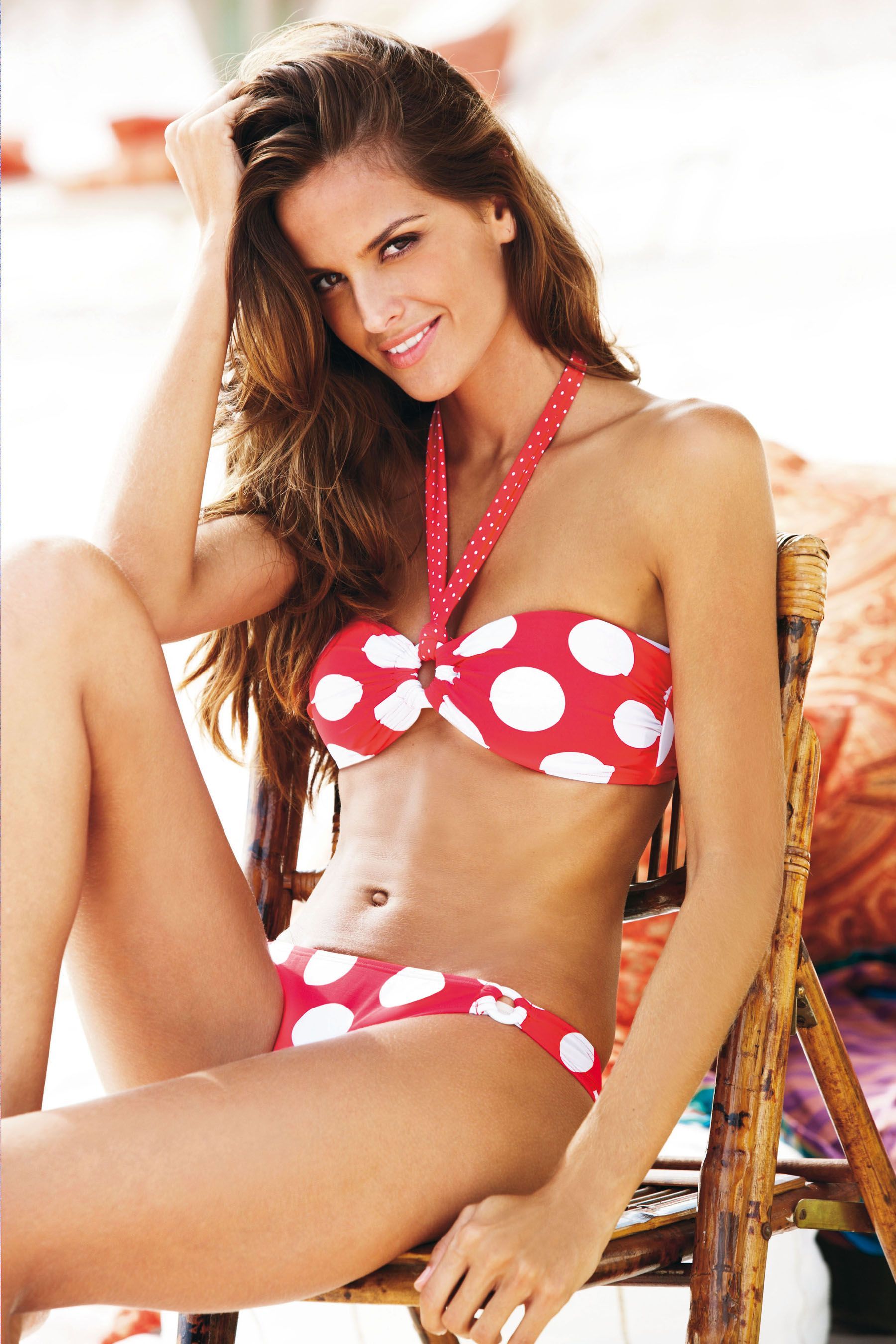
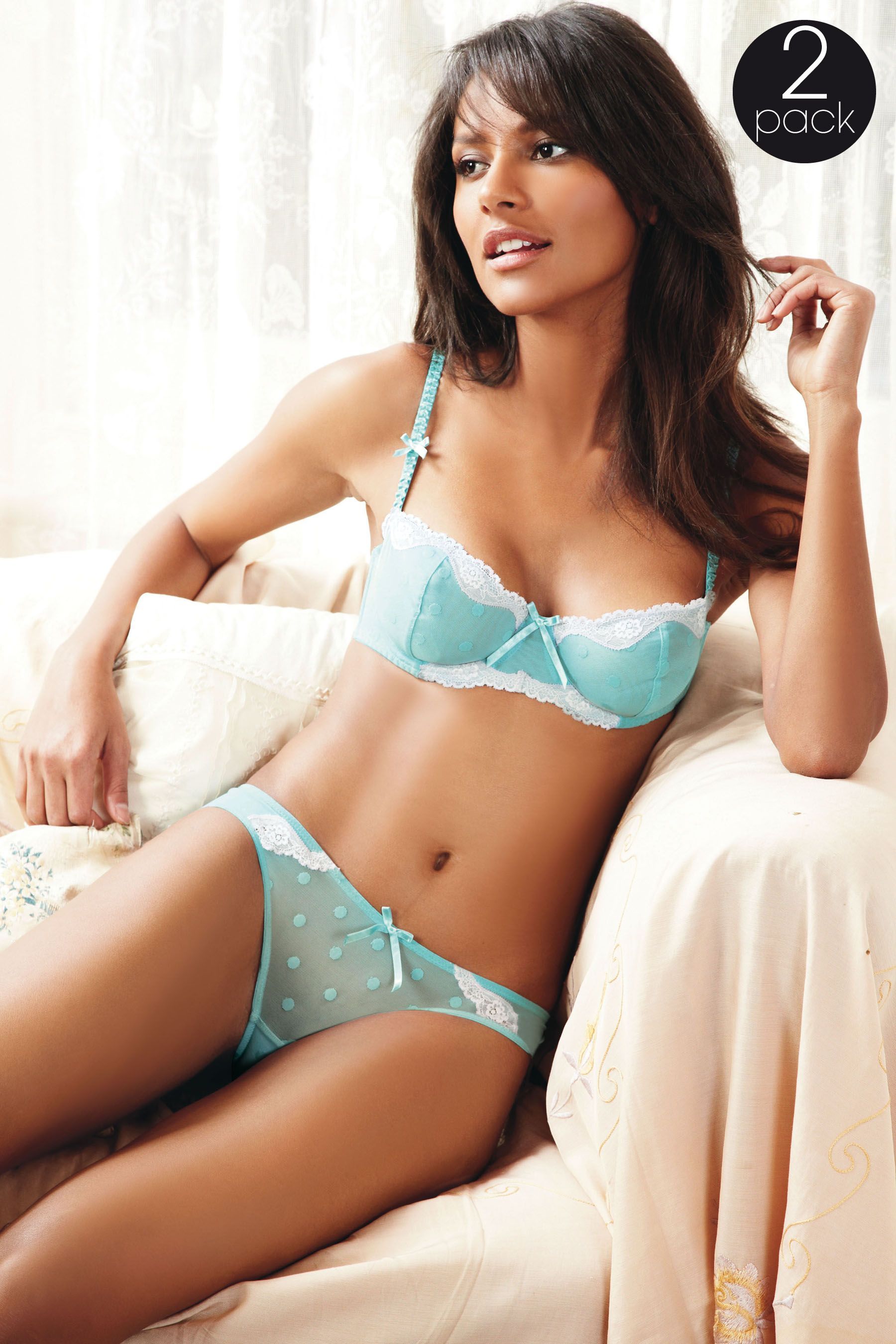
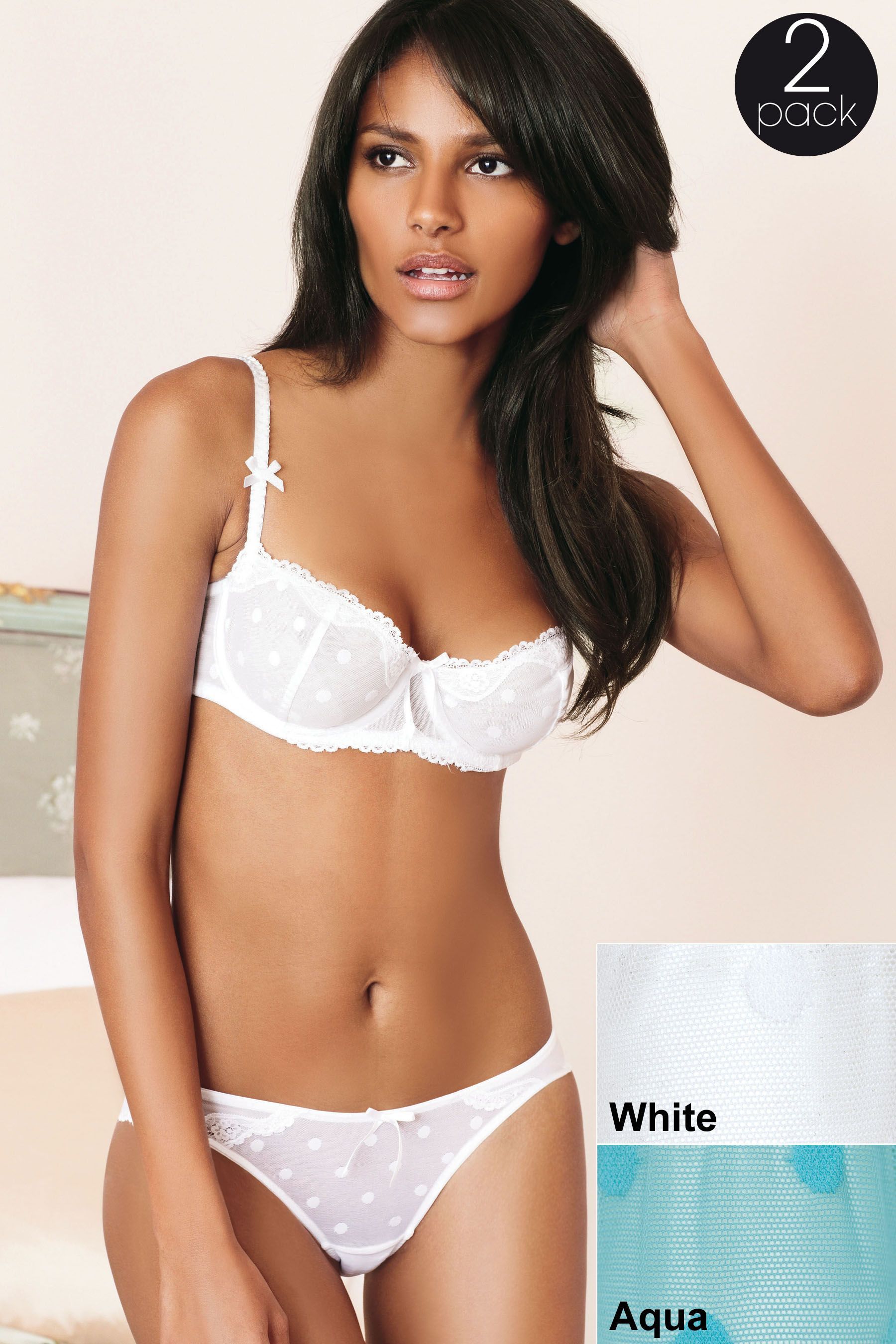
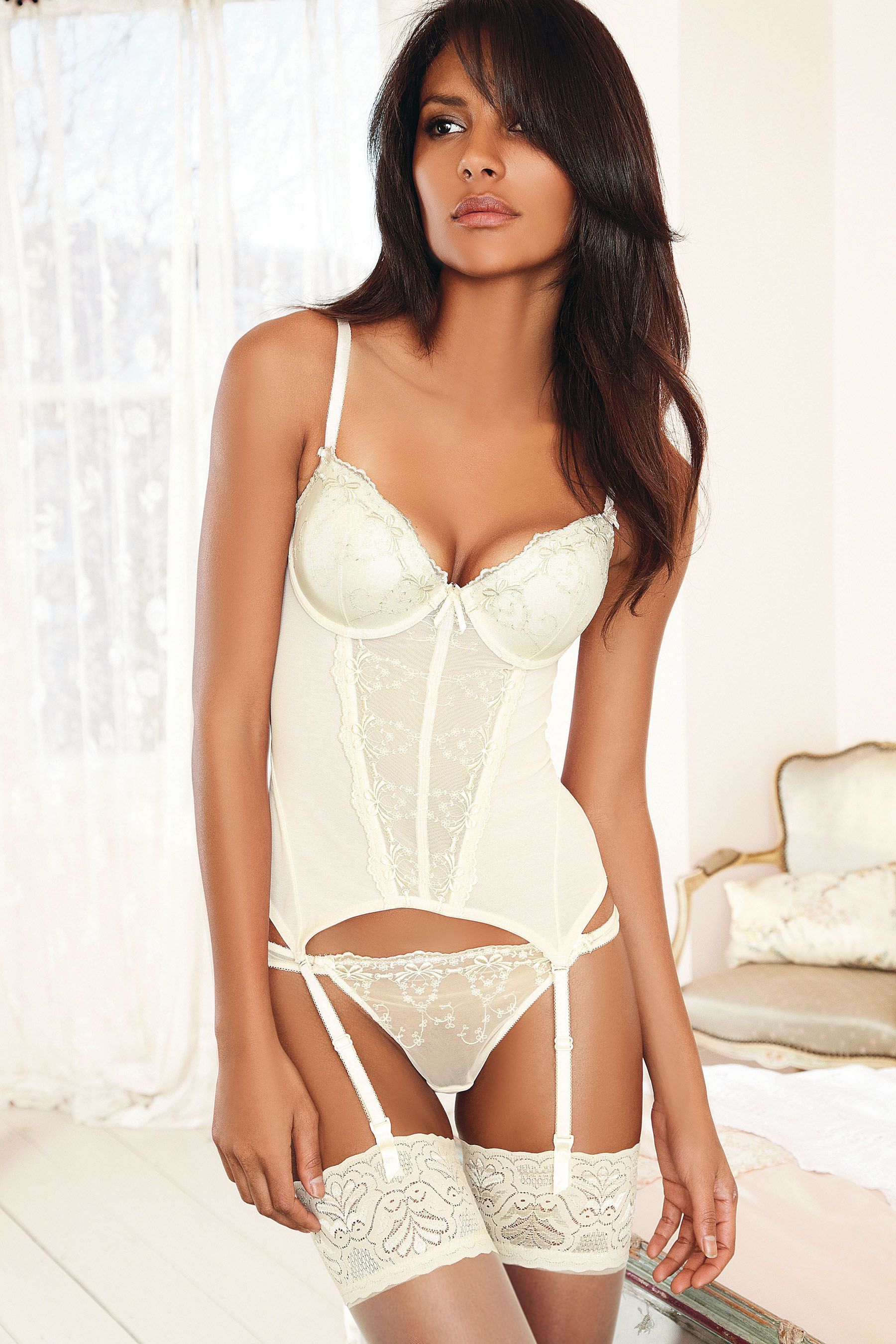
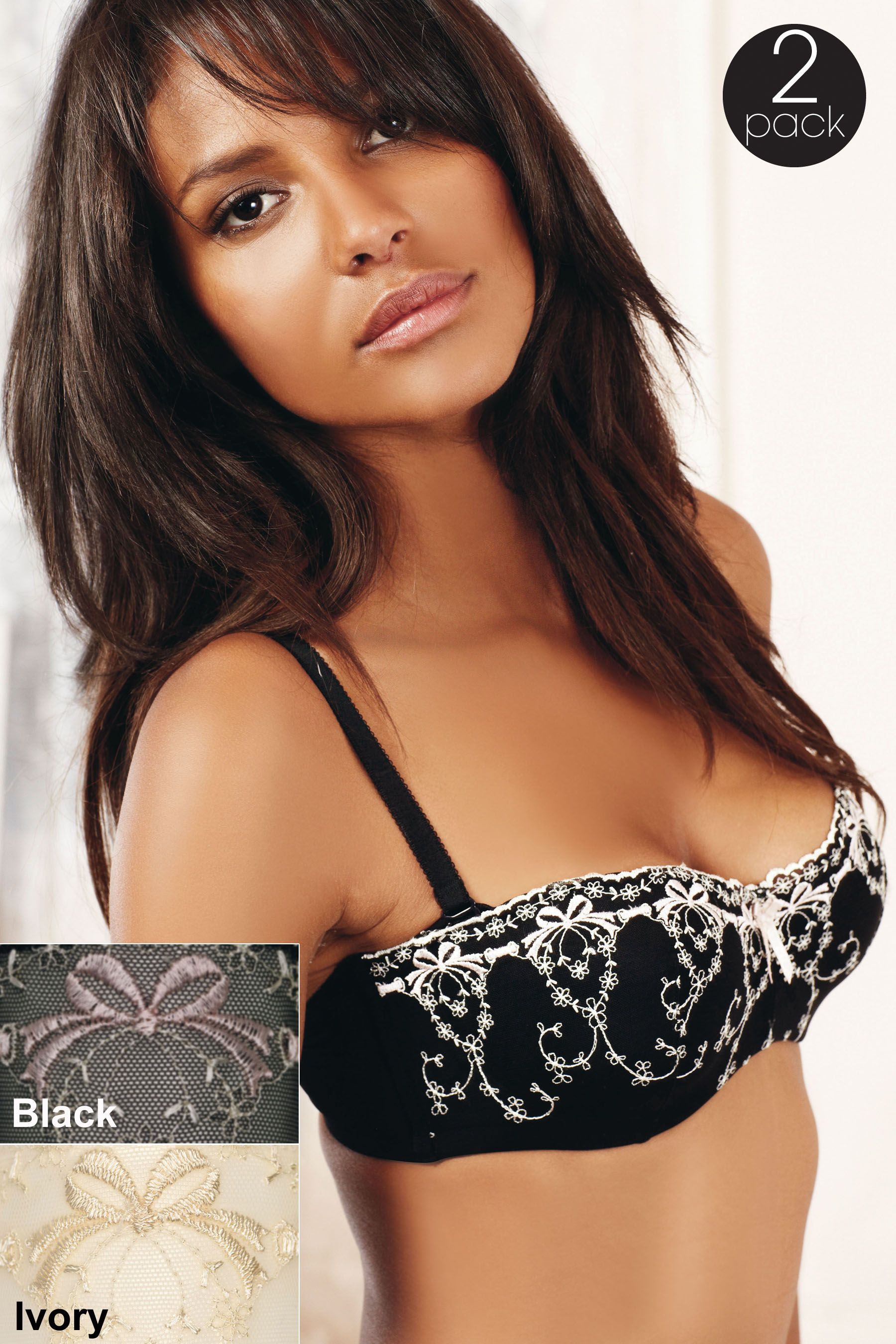
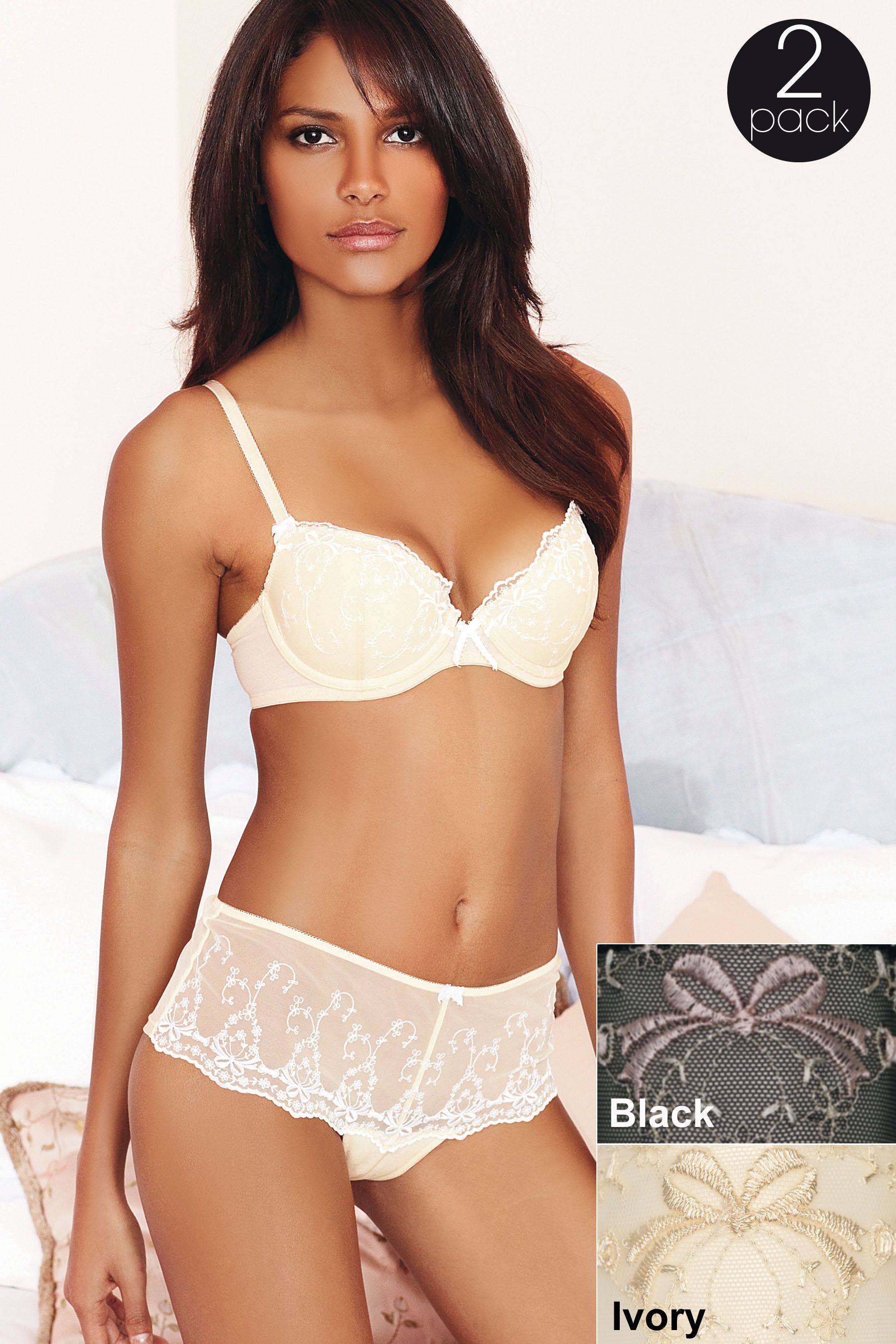
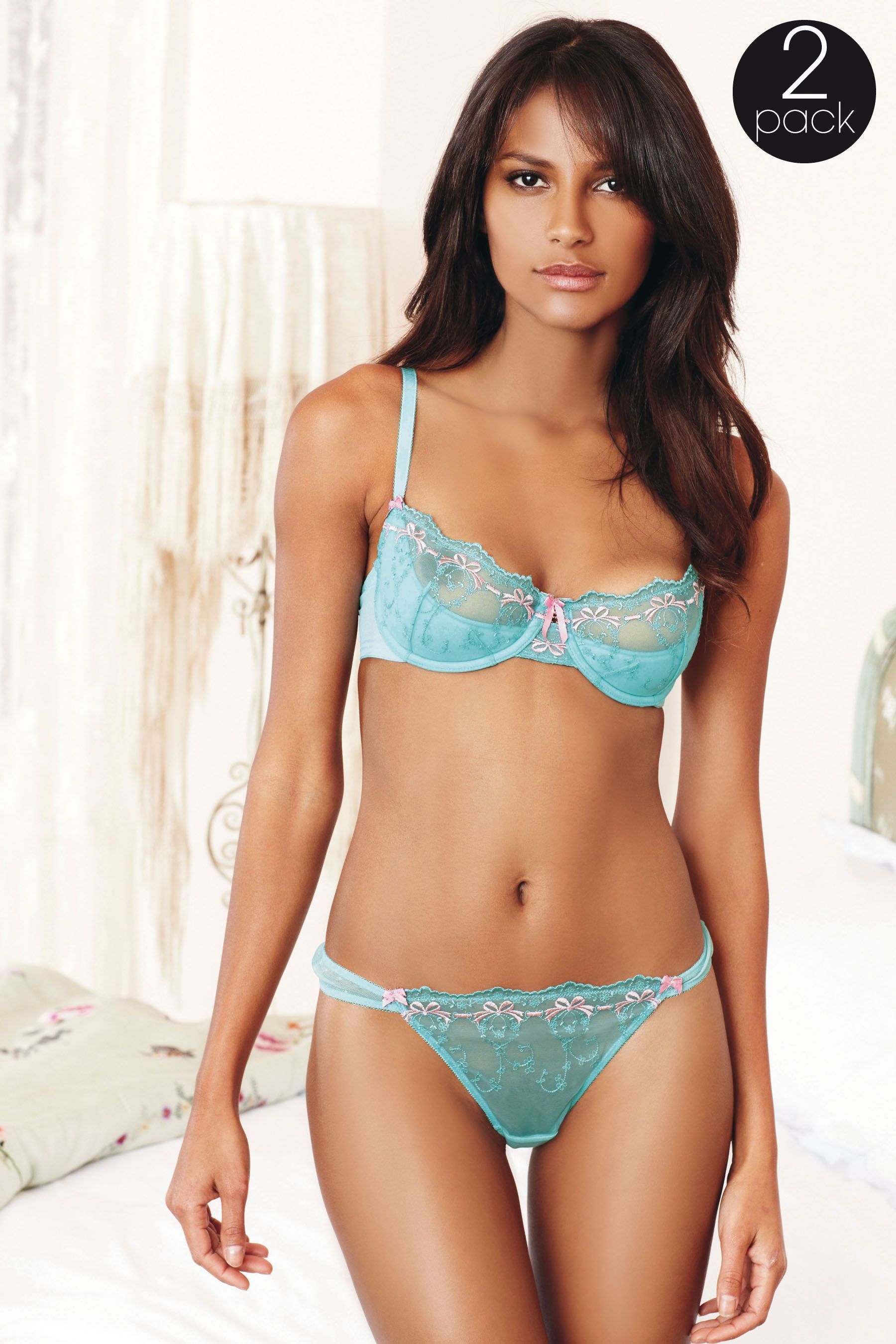
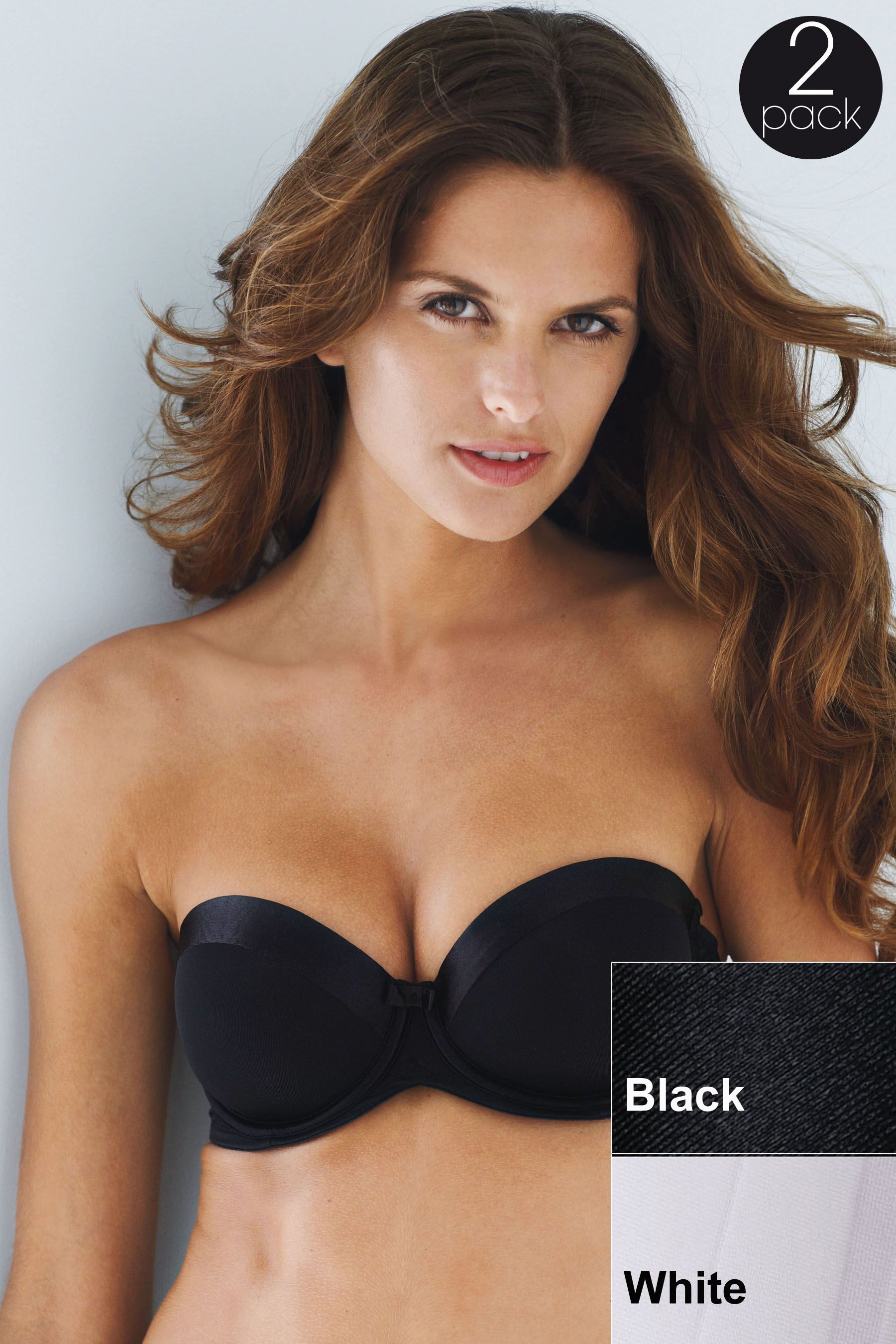
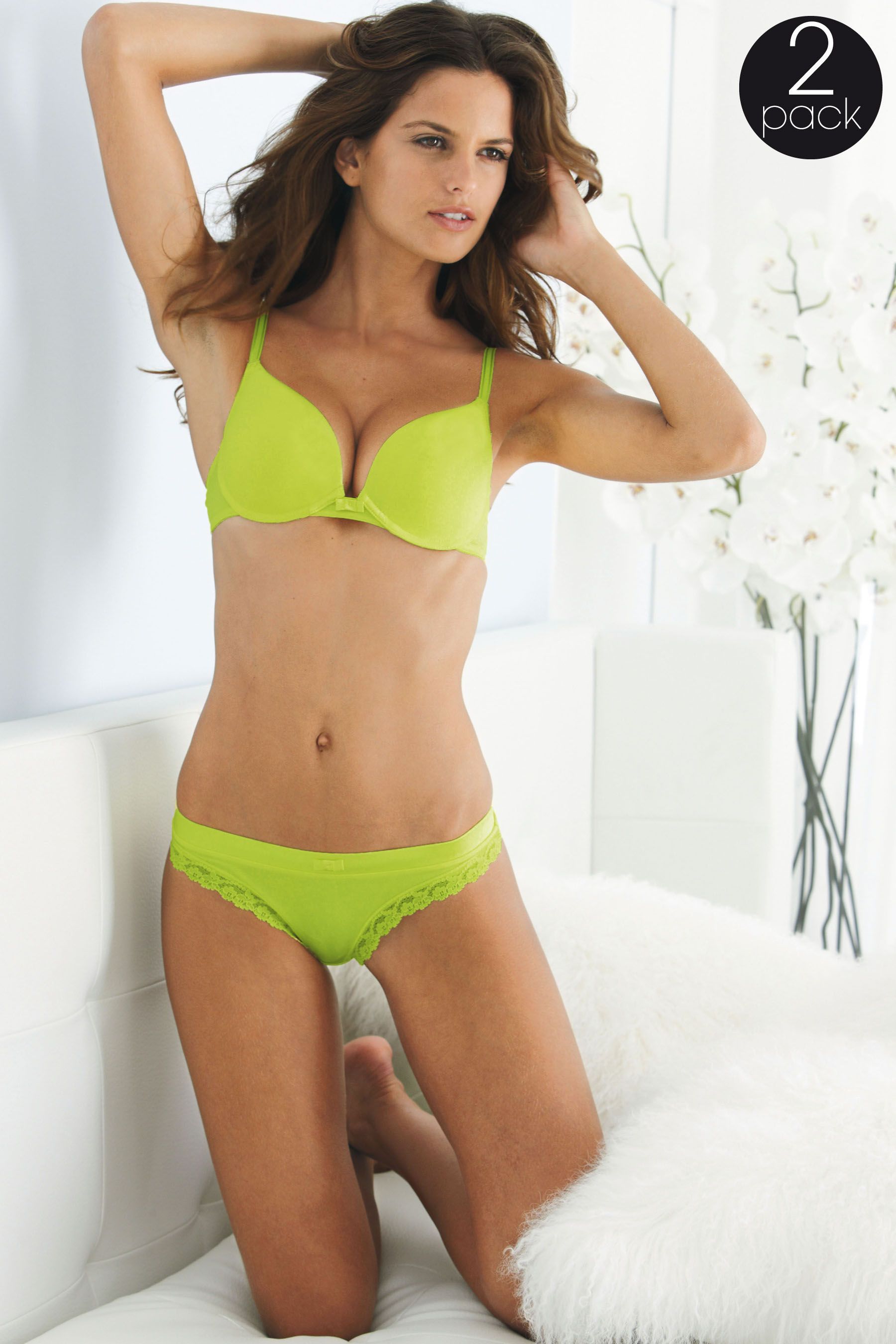
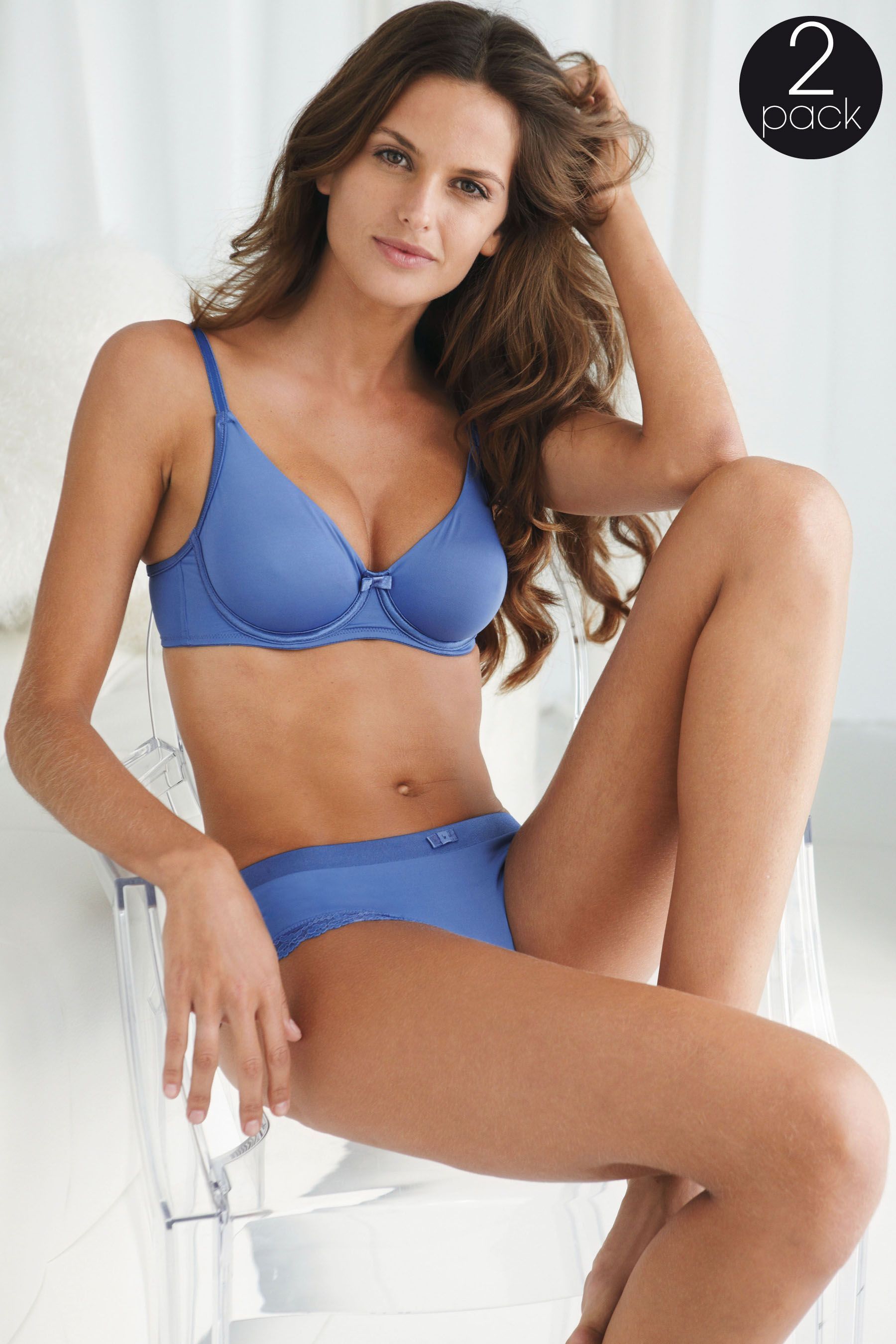
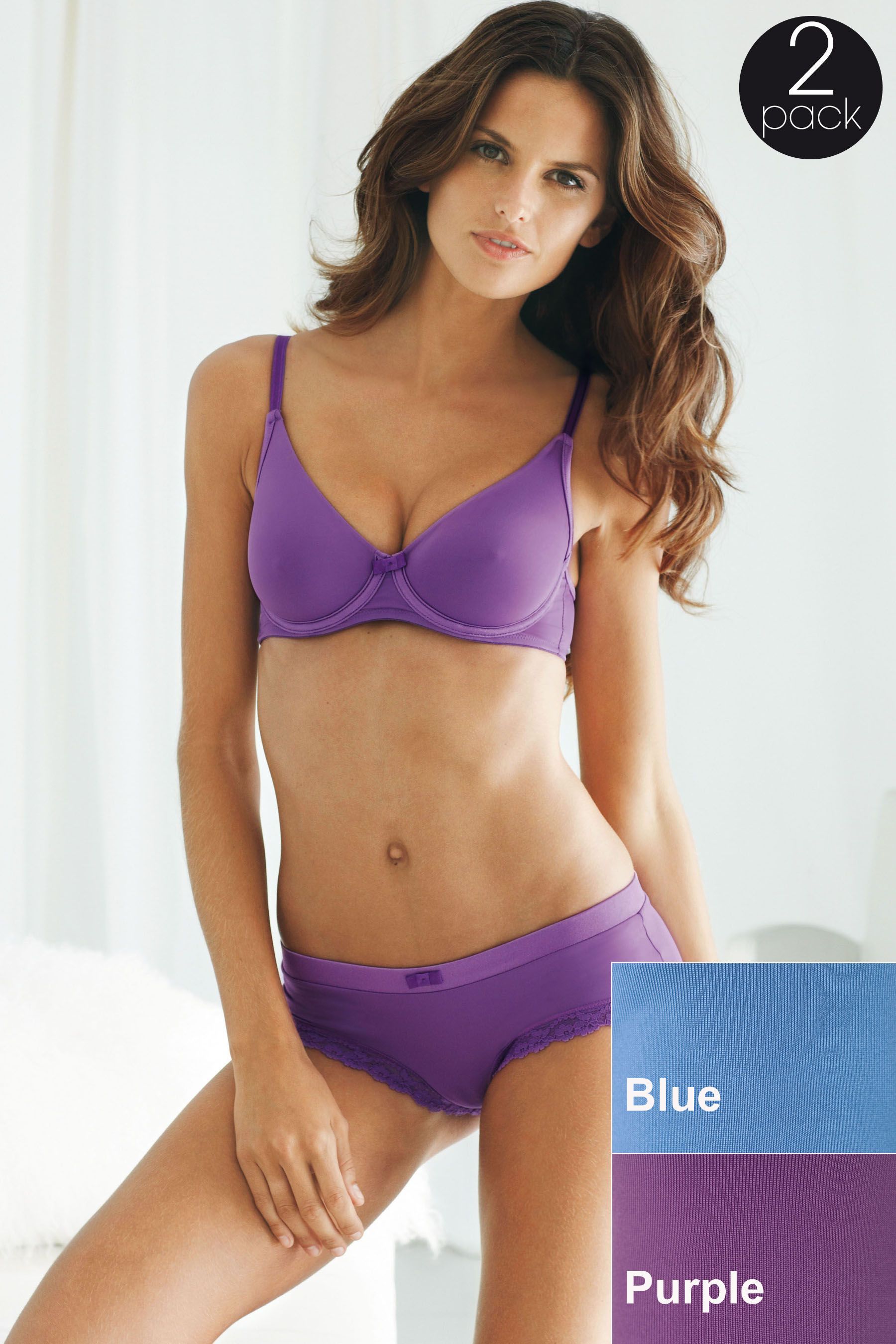
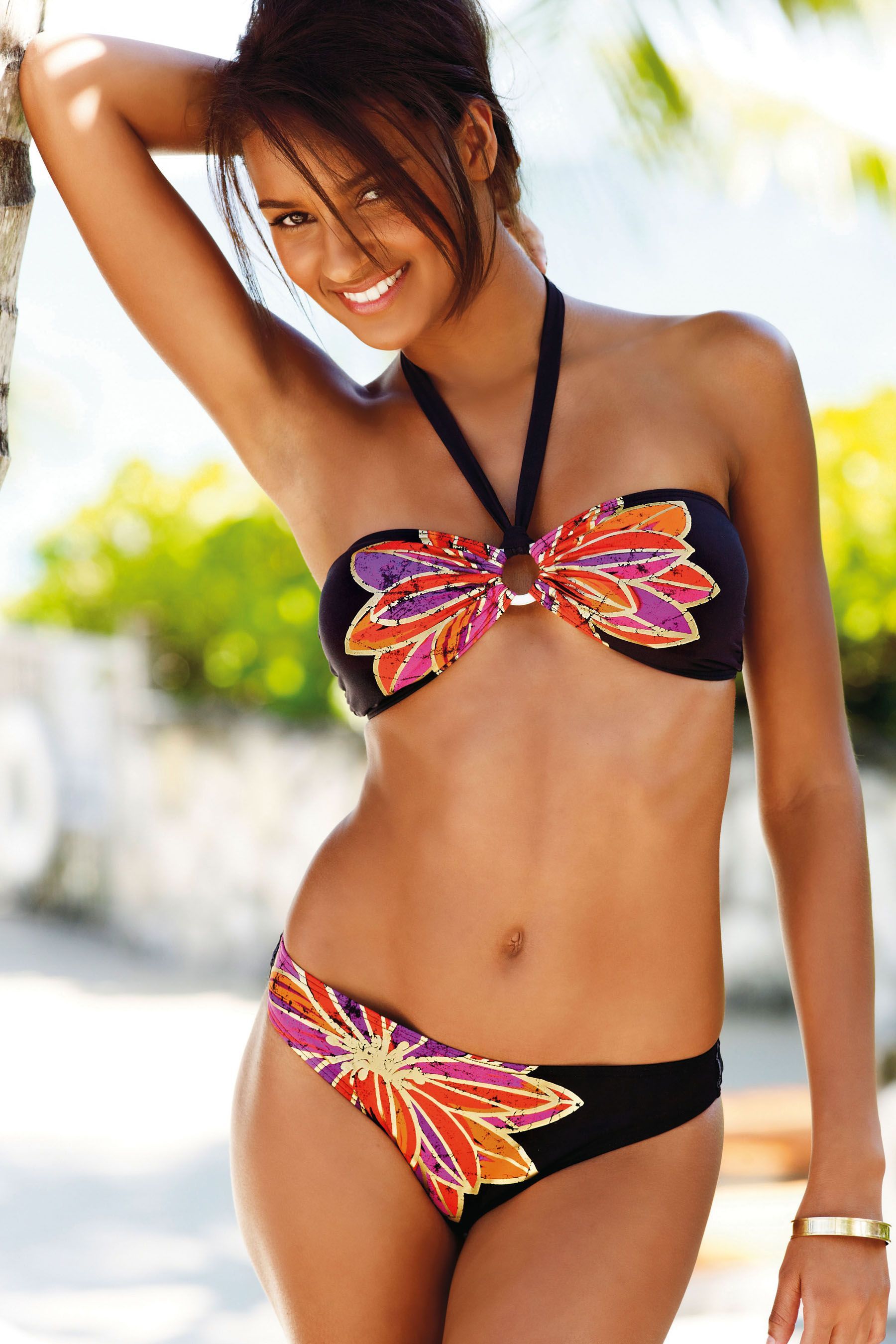
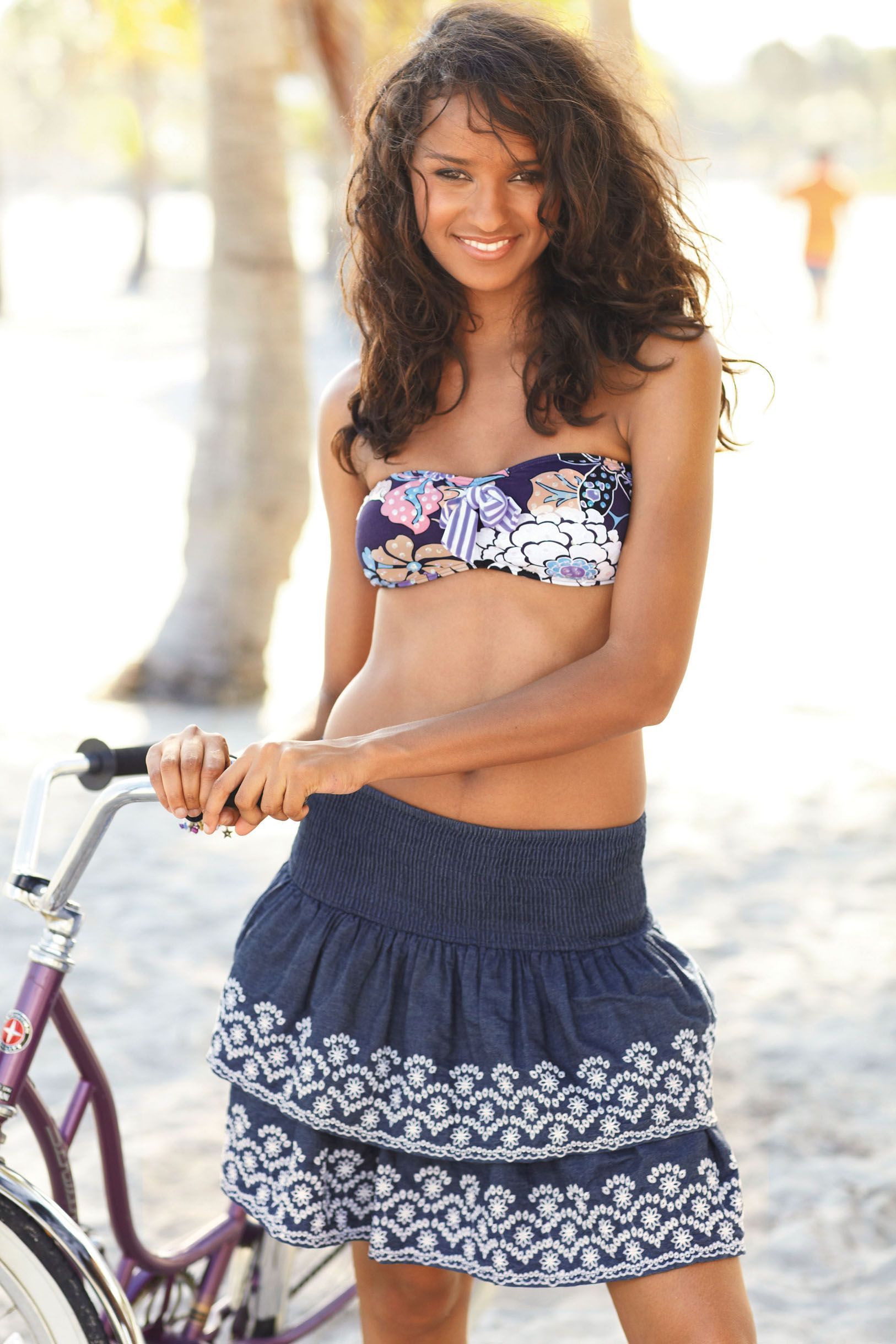
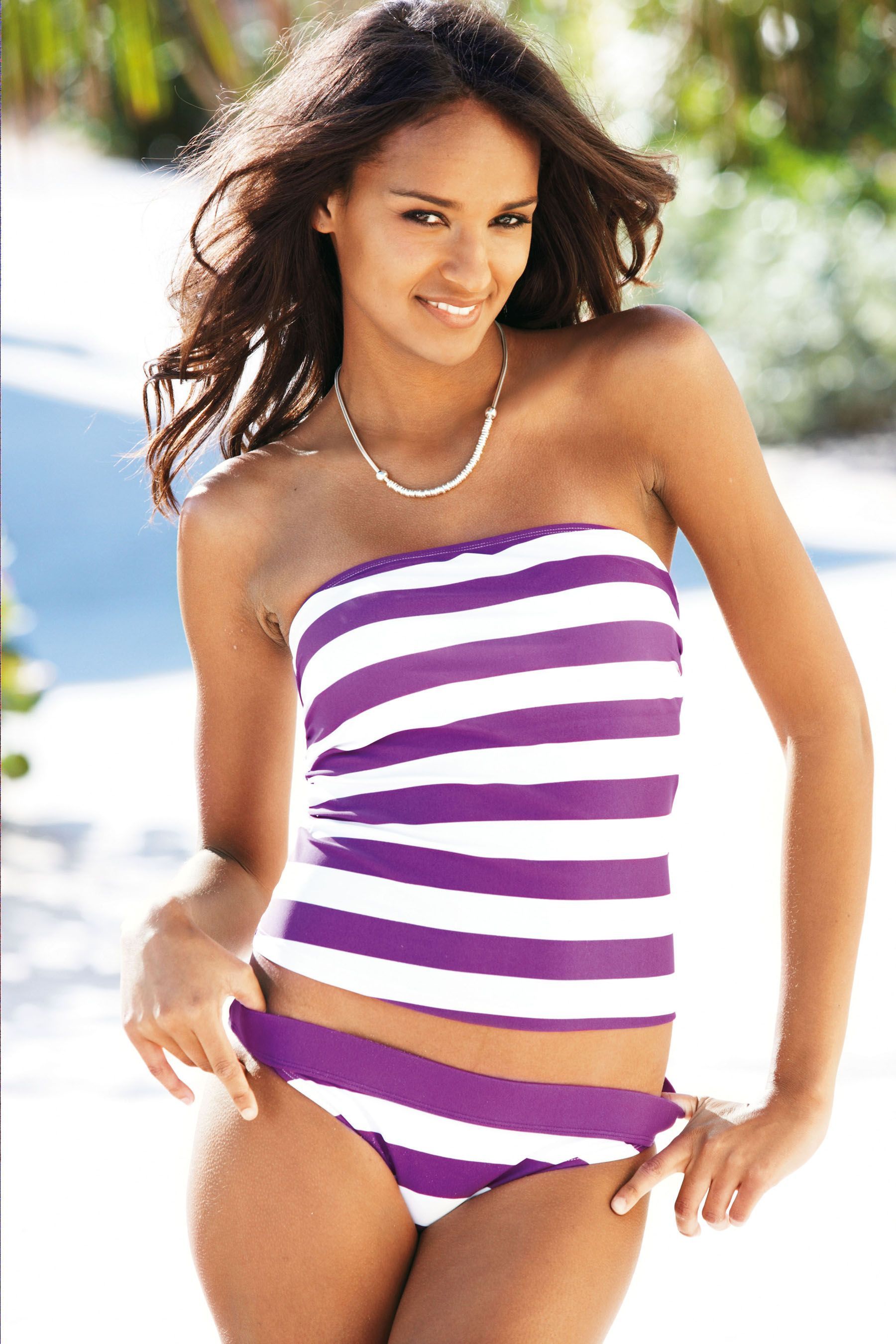
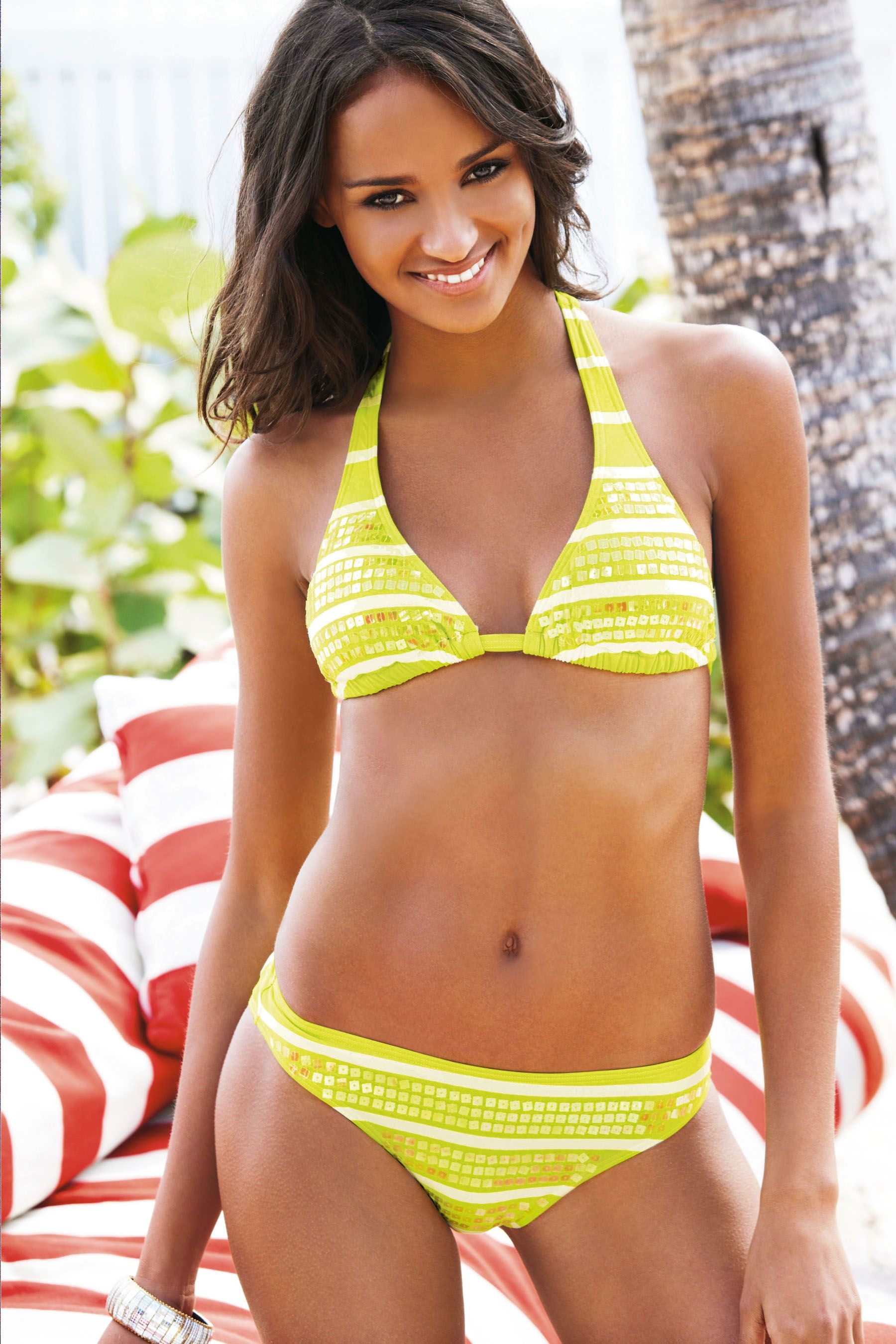
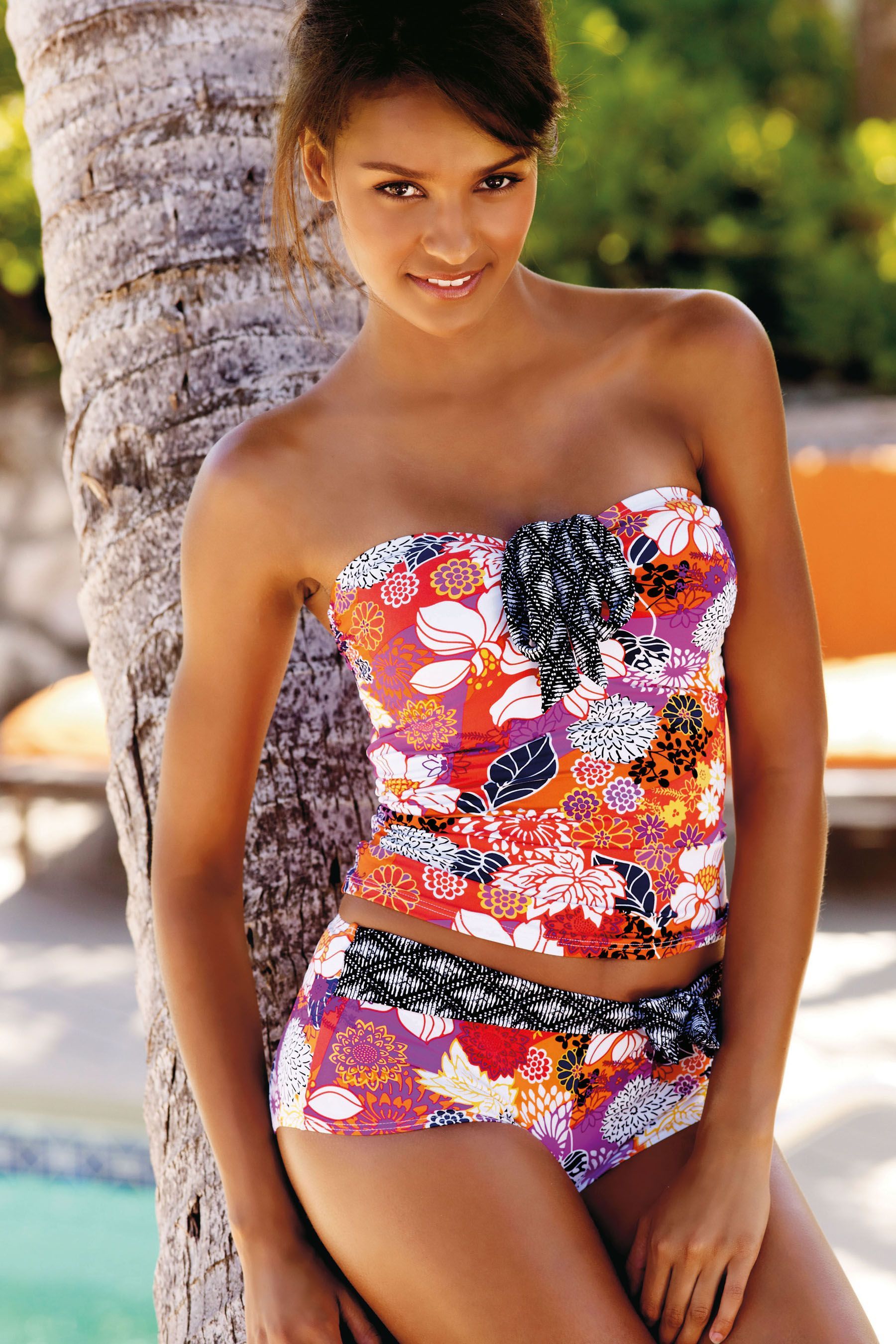
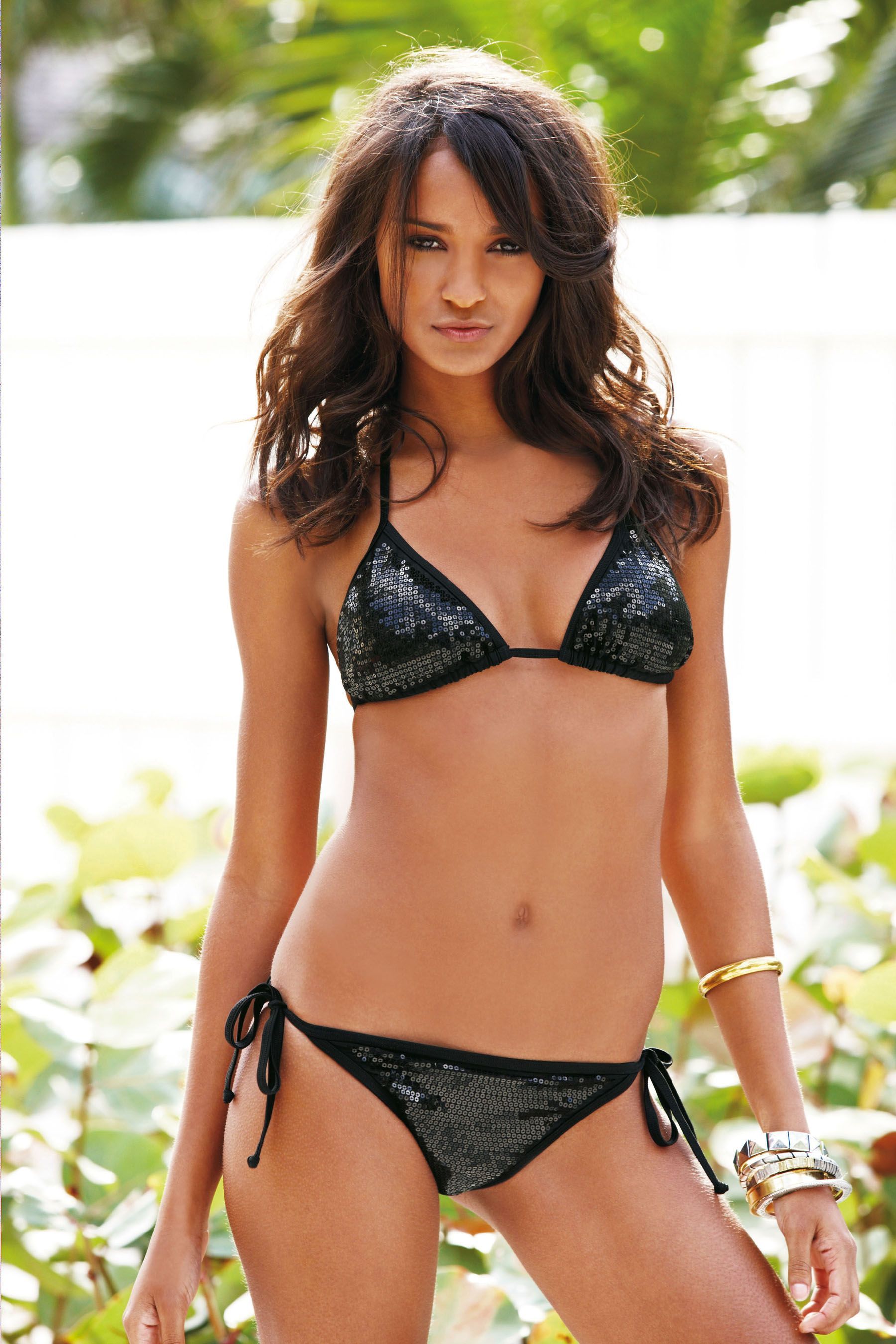
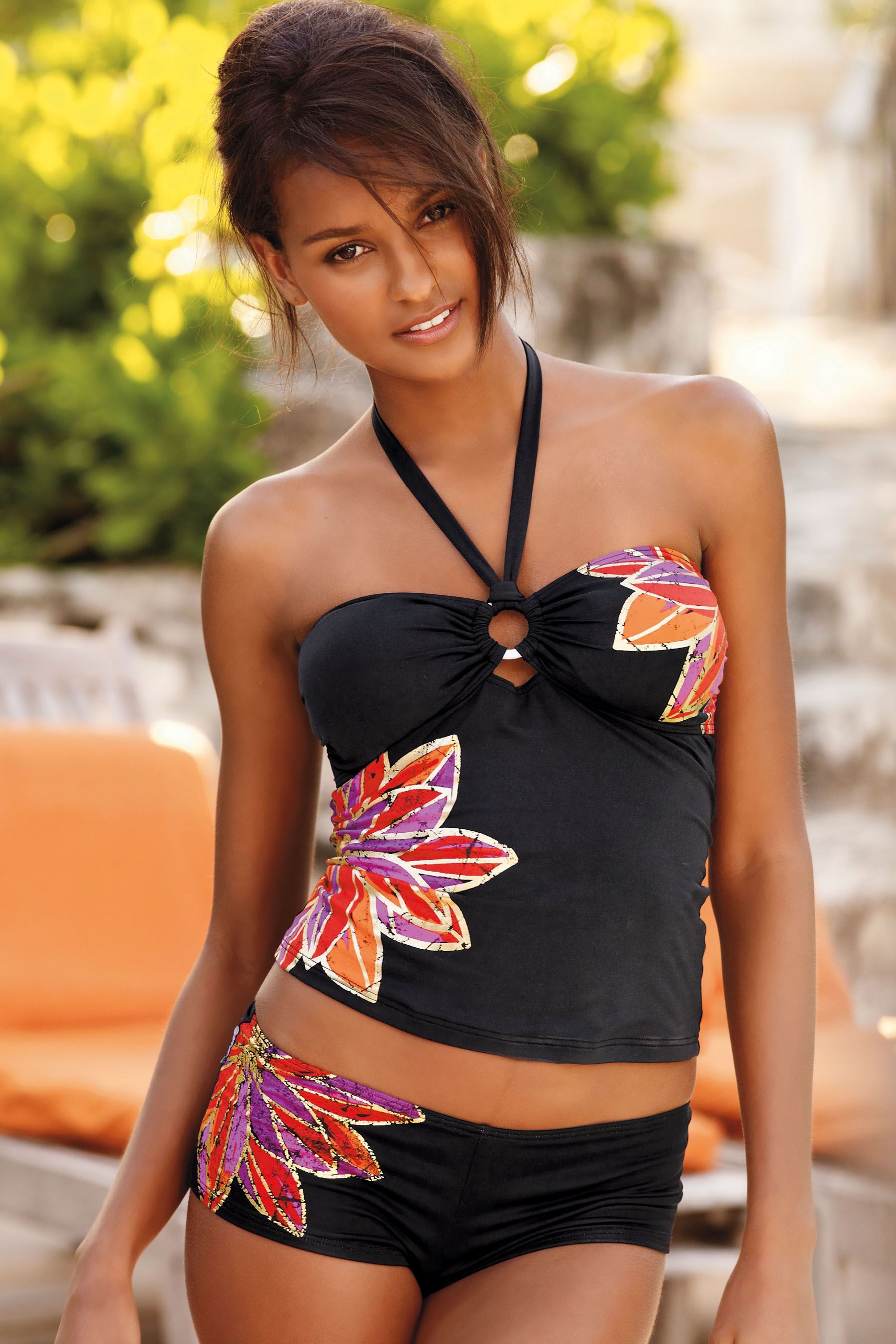
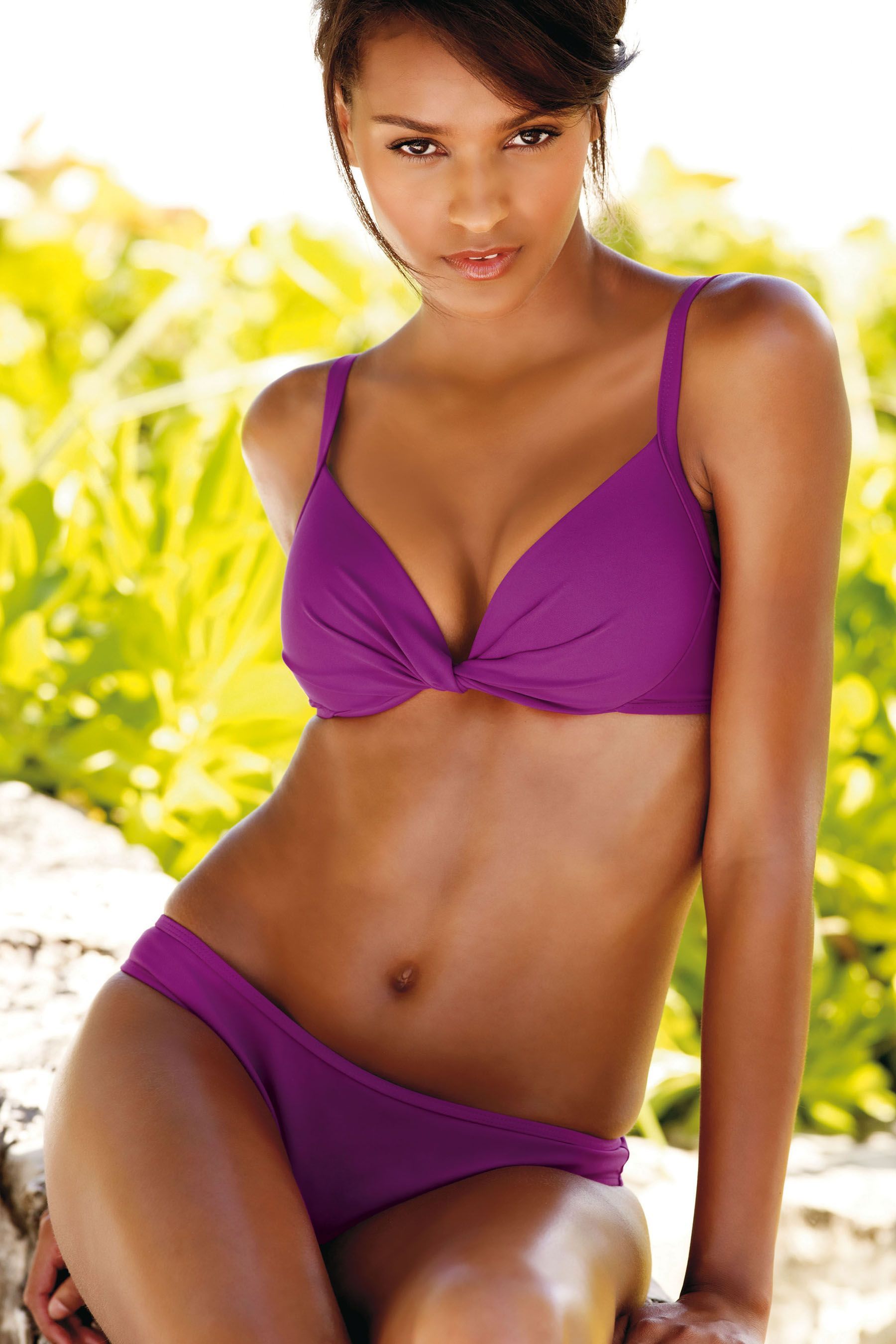
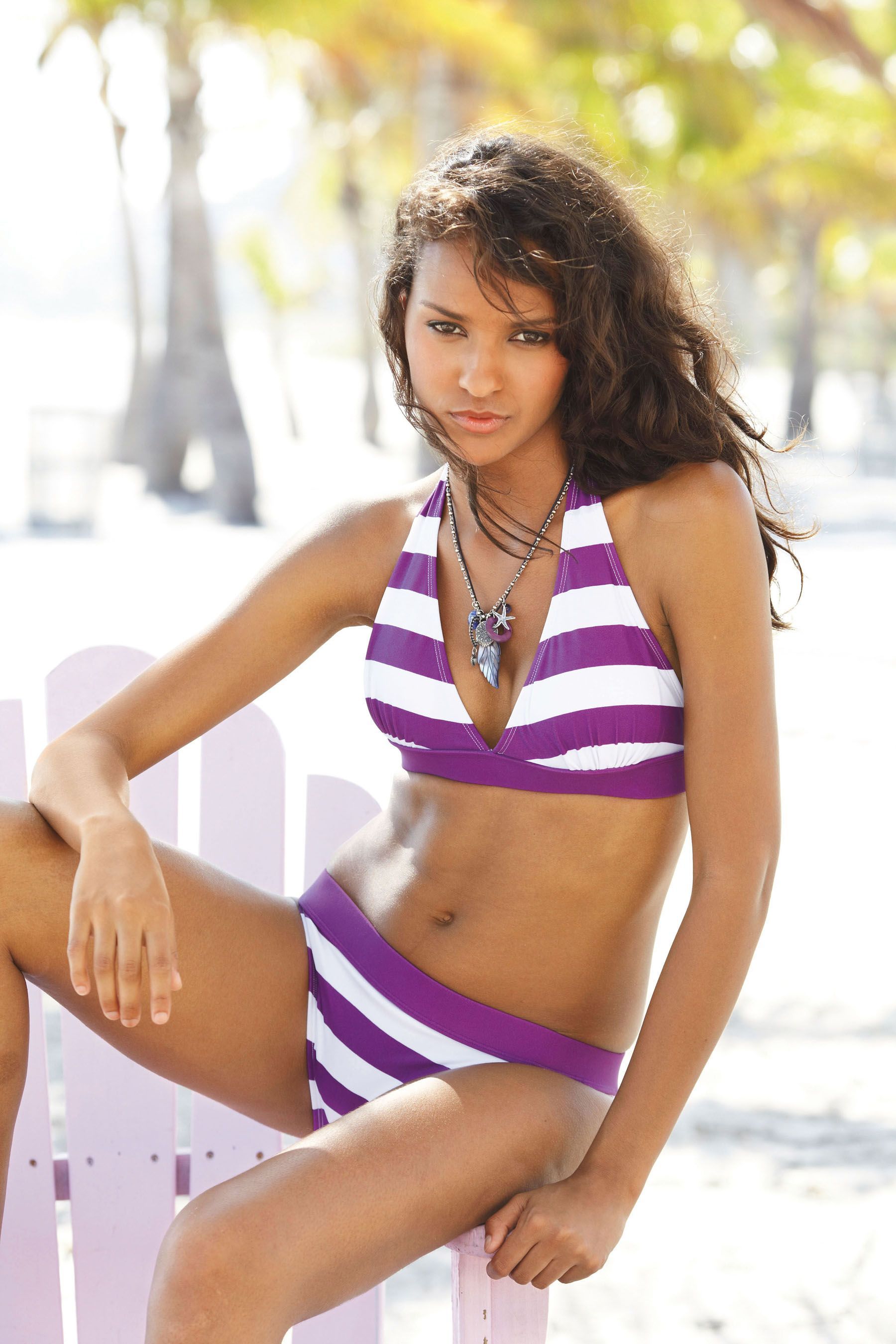
next.co.uk / Summer 2010 / HQs /monthly_03_2010/post-8541-0-1446083773-63815_thumb.jpg" data-fileid="3717221" alt="post-8541-0-1446083773-63815_thumb.jpg" data-ratio="150"> /monthly_03_2010/post-8541-0-1446083773-90332_thumb.jpg" data-fileid="3717228" alt="post-8541-0-1446083773-90332_thumb.jpg" data-ratio="150">
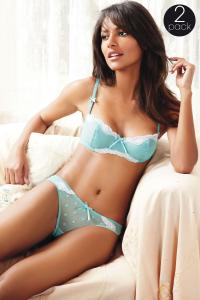

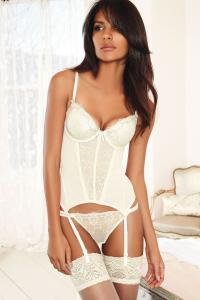


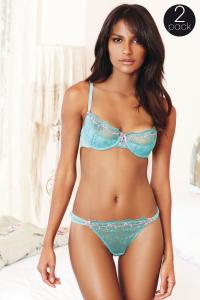
-
Many thanks fantastical Hot Hot Hot
-
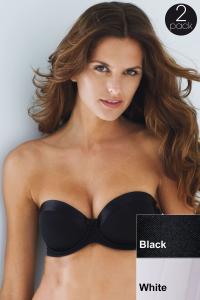
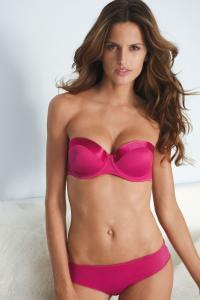
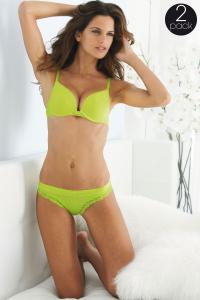
next.co.uk / Summer 2010 / HQs
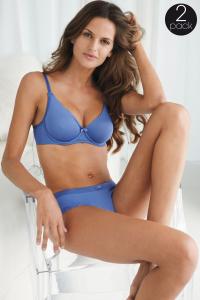
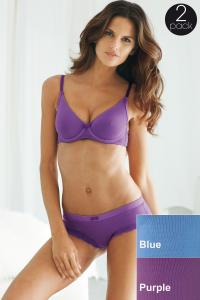
-
next.co.uk / Summer 2010 / HQs
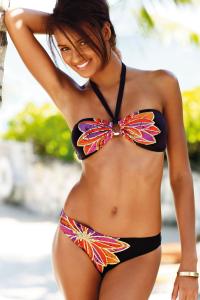
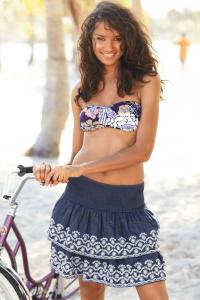
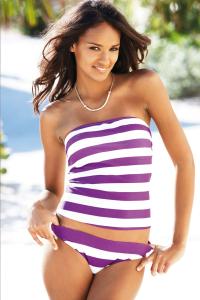
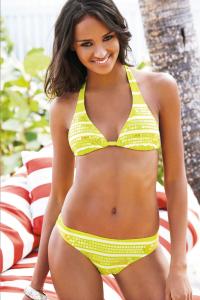
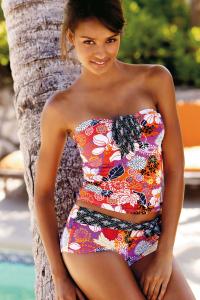
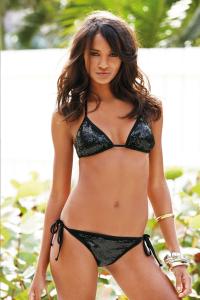
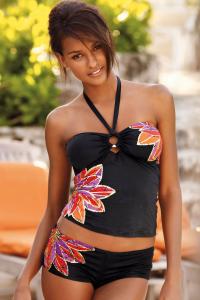
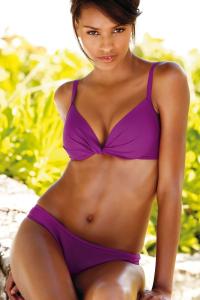
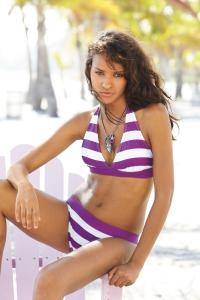
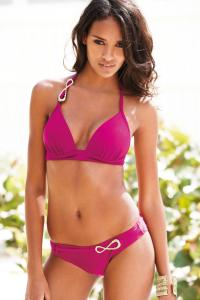
-
Hot Thanks a lot Dayrell
-
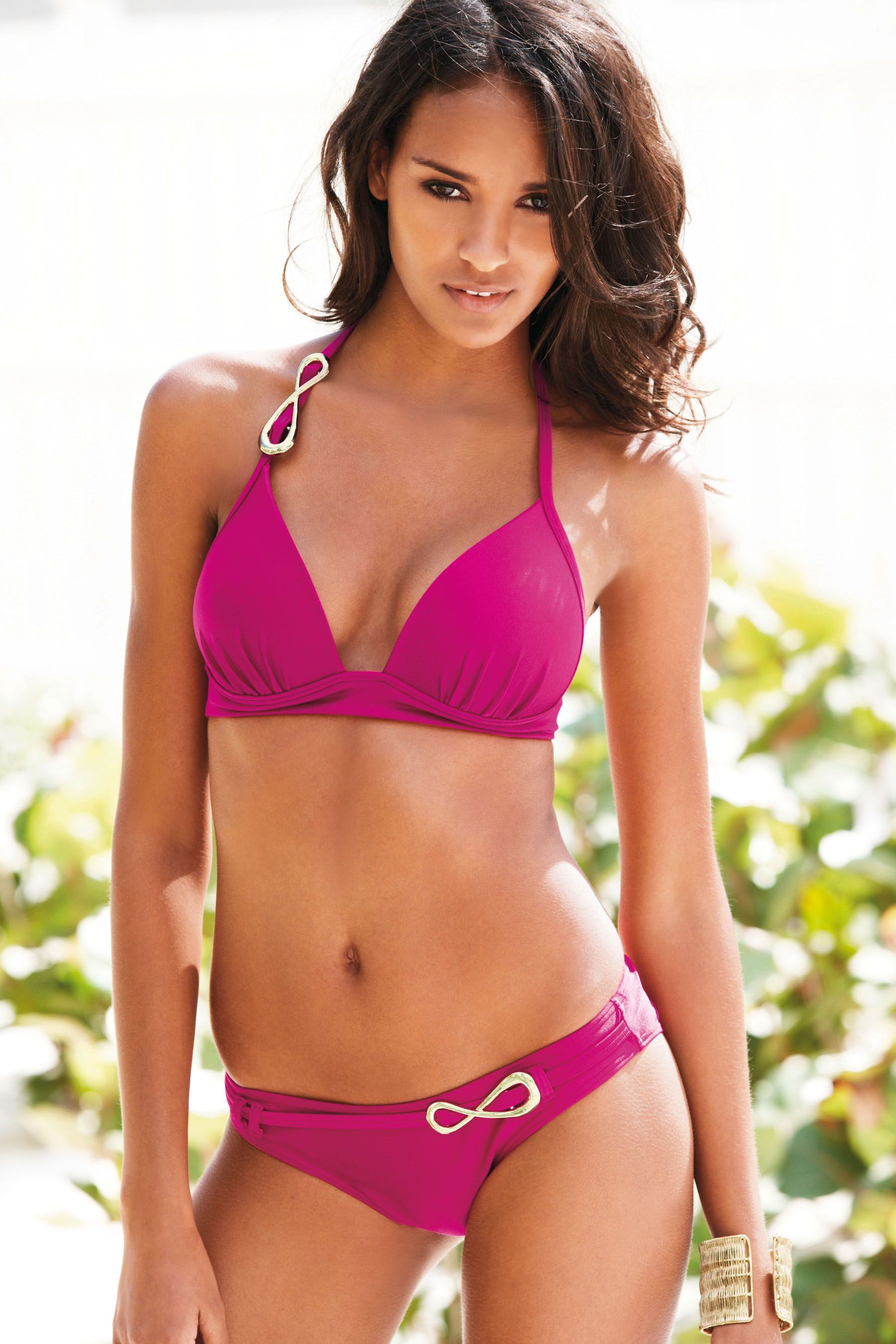
Thanky fantastical , and what a good quality this time ! @ donbot, this was exact what I thought when I saw her the first time a few years ago As a reward, I have this brandnew picture for you HQ
-
@ PinkCouture, sorry I was so in action and overview the sizes
Thanks for your pm, Limerlight Embedded images over 1050 pixels in width must be either textlinked, thumbnailed or manually resized. Click HERE for more information. Thanks! ~post edited by PinkCouture
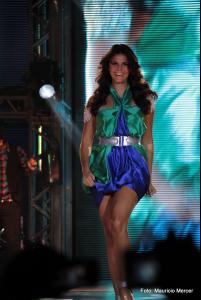
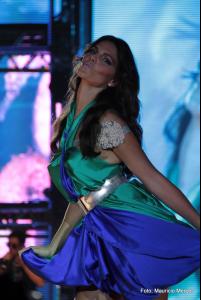
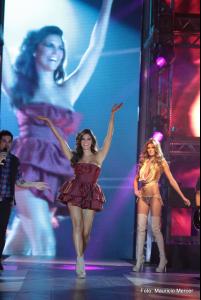
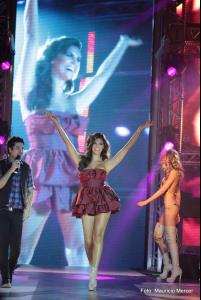 more ...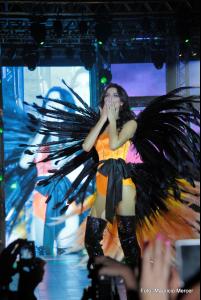
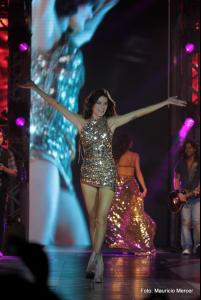
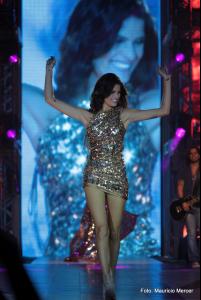 Tanks for the link, fantastical ....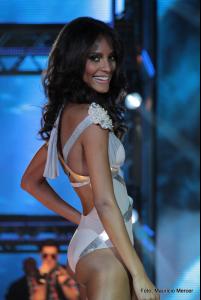
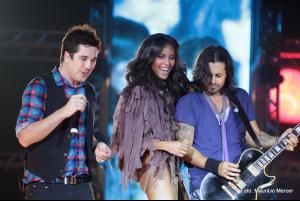
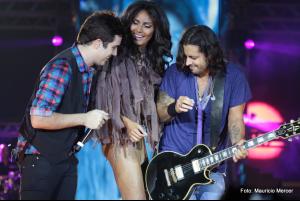
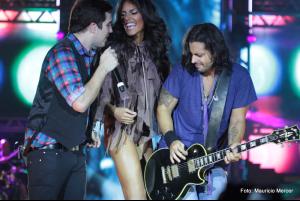
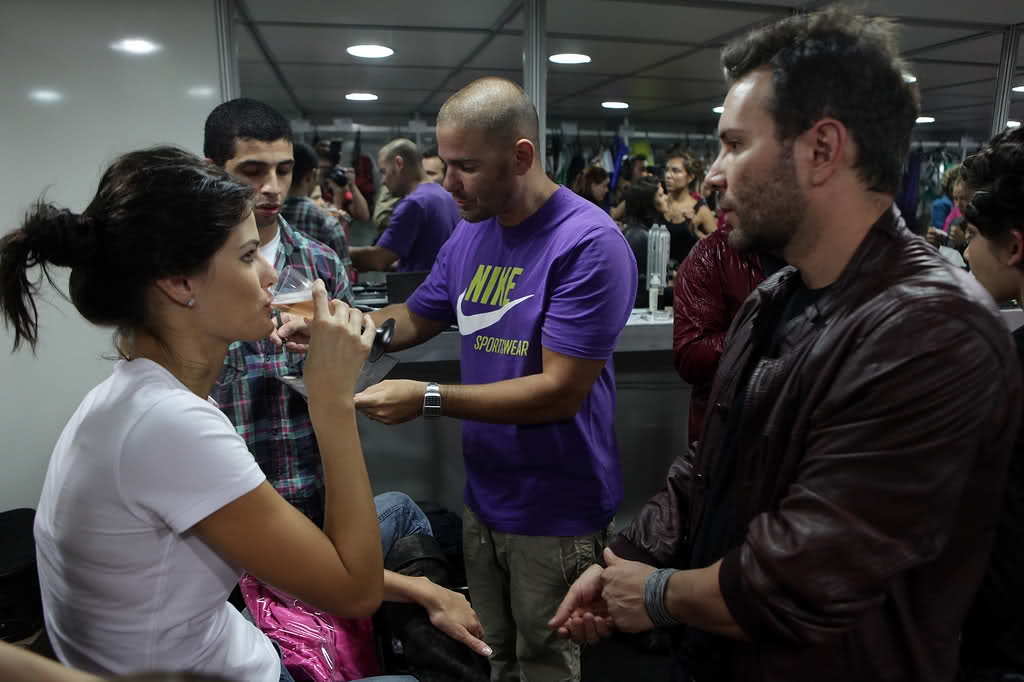
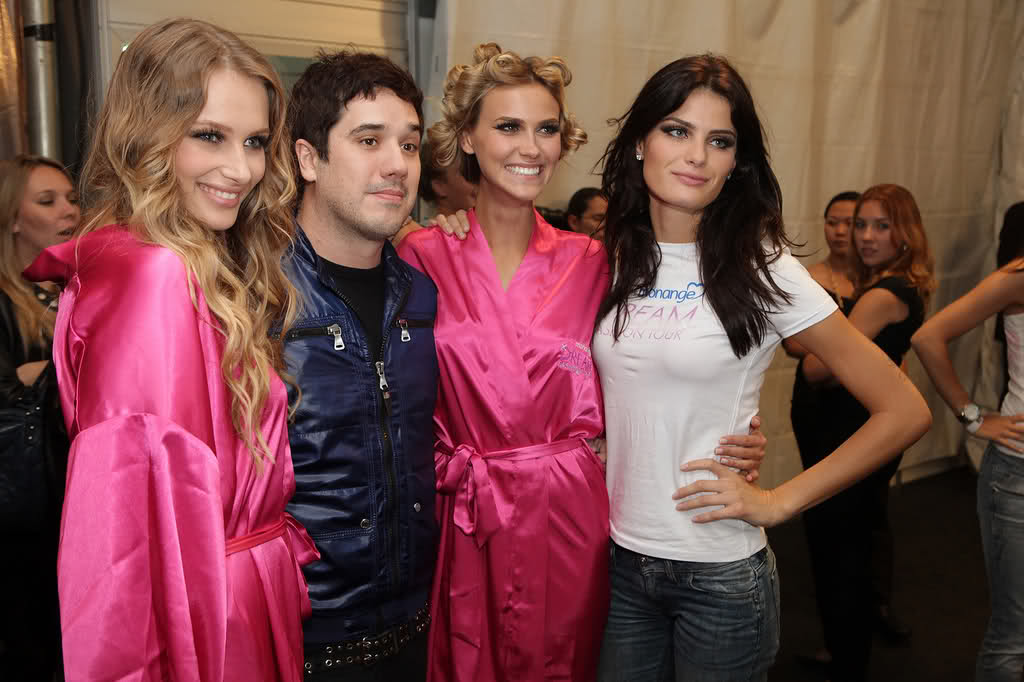
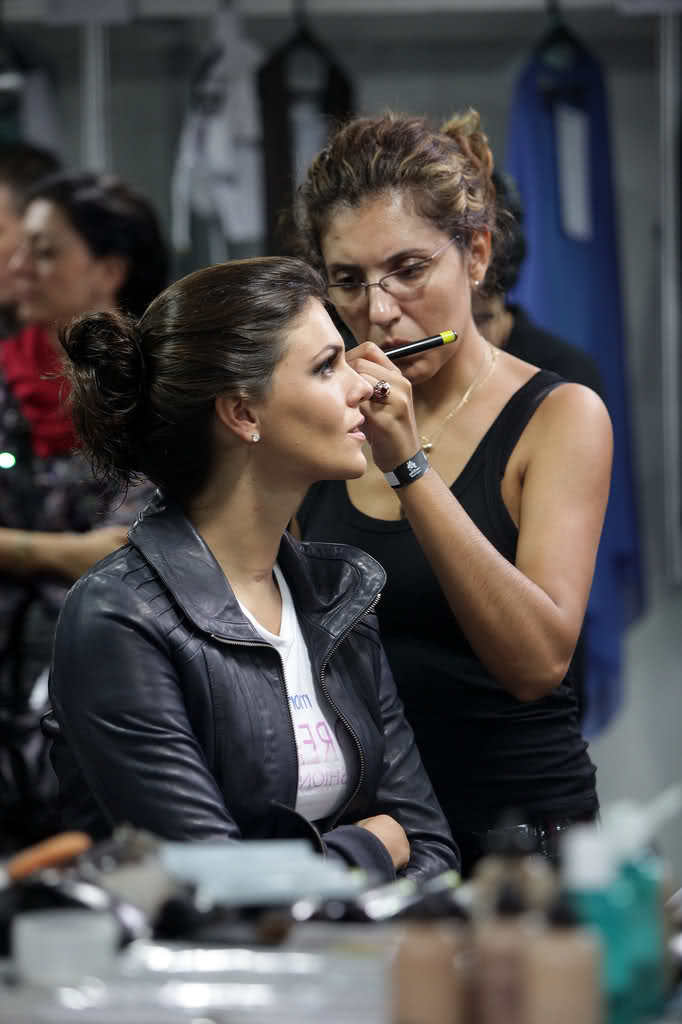
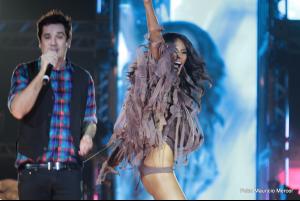 A bit bigger ones ....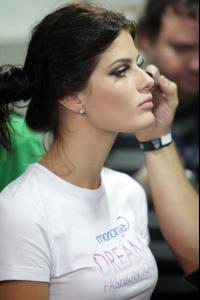

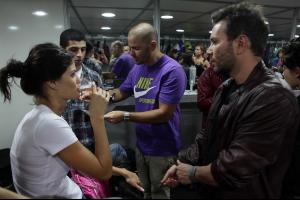
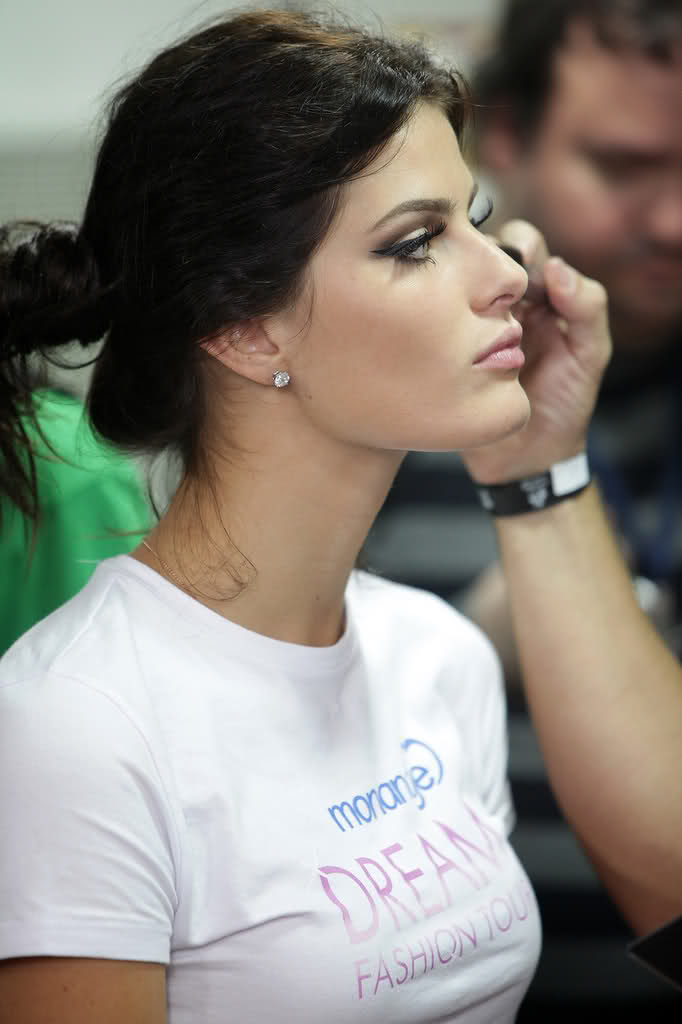
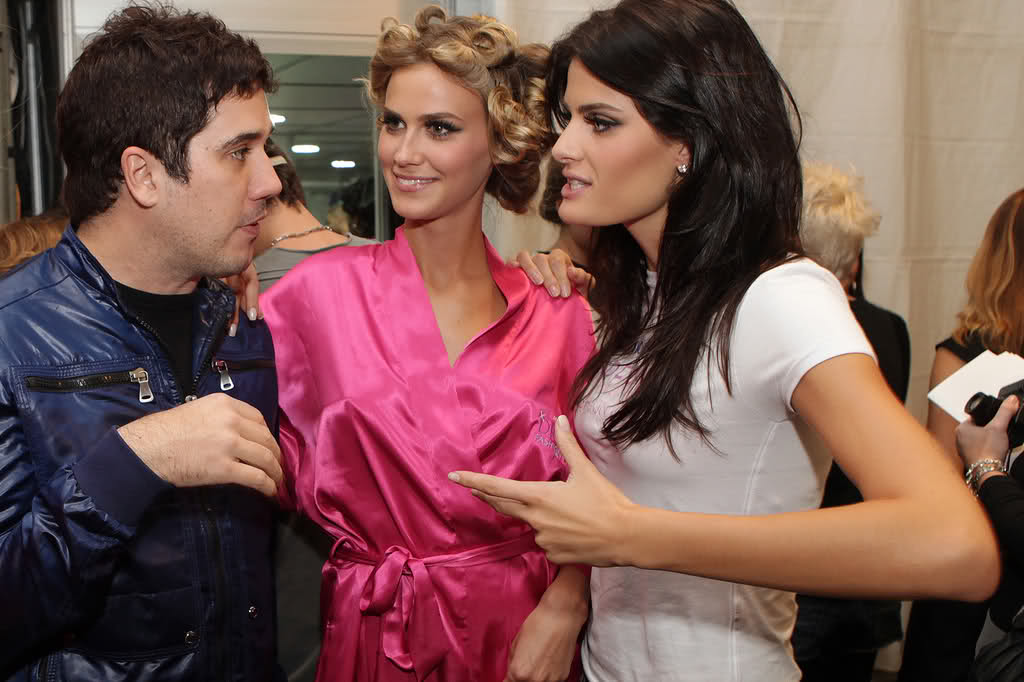
 Monange backstage
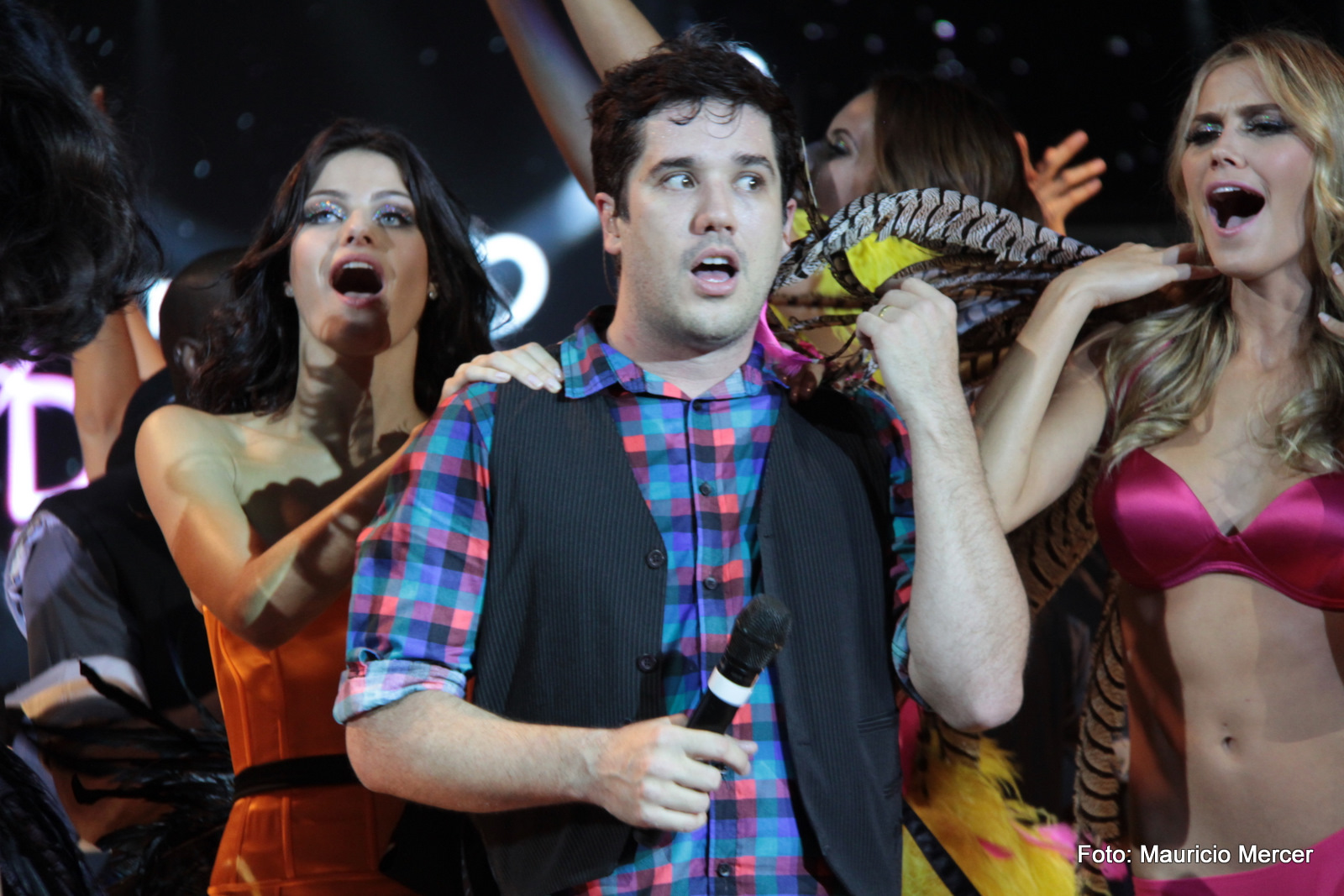
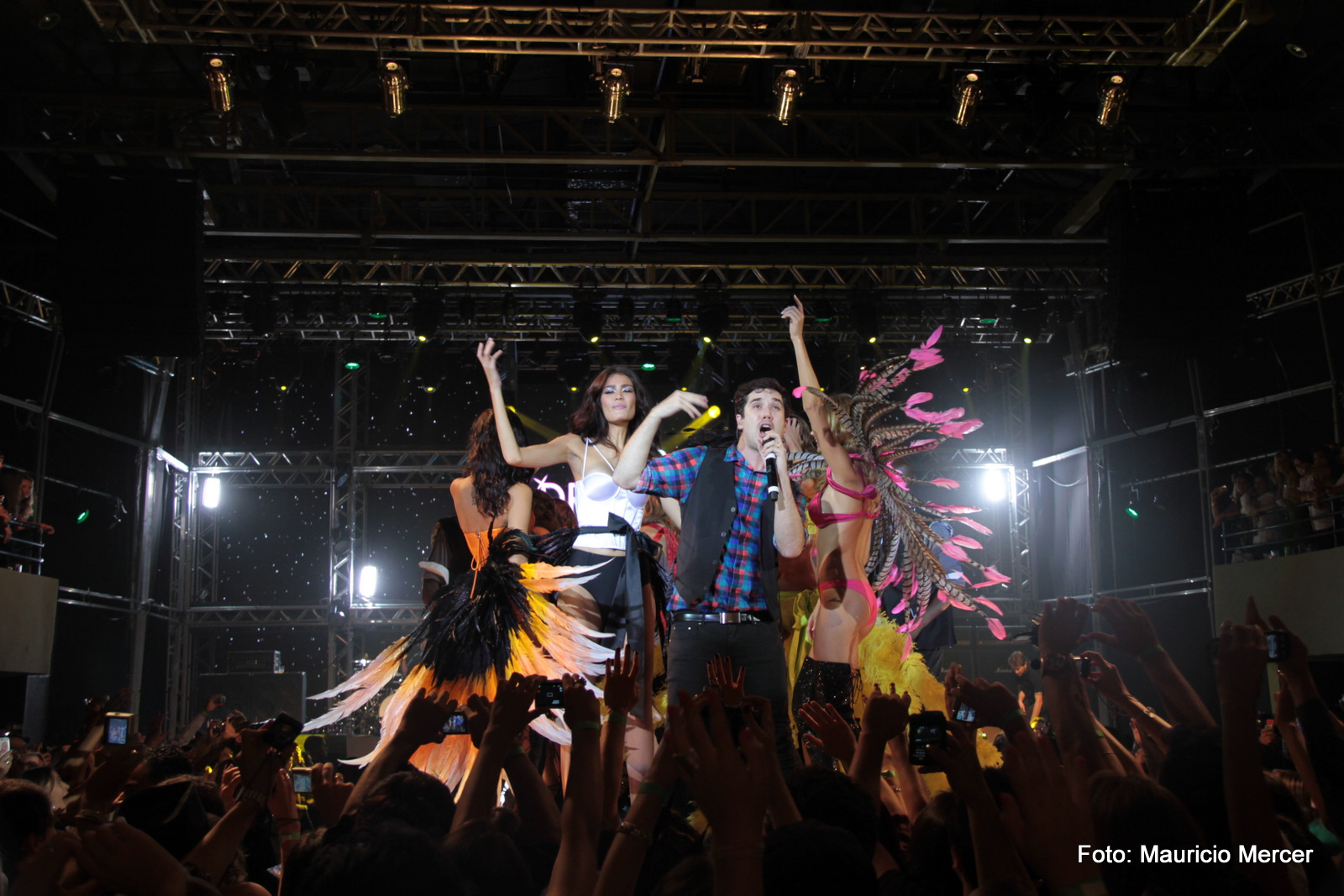
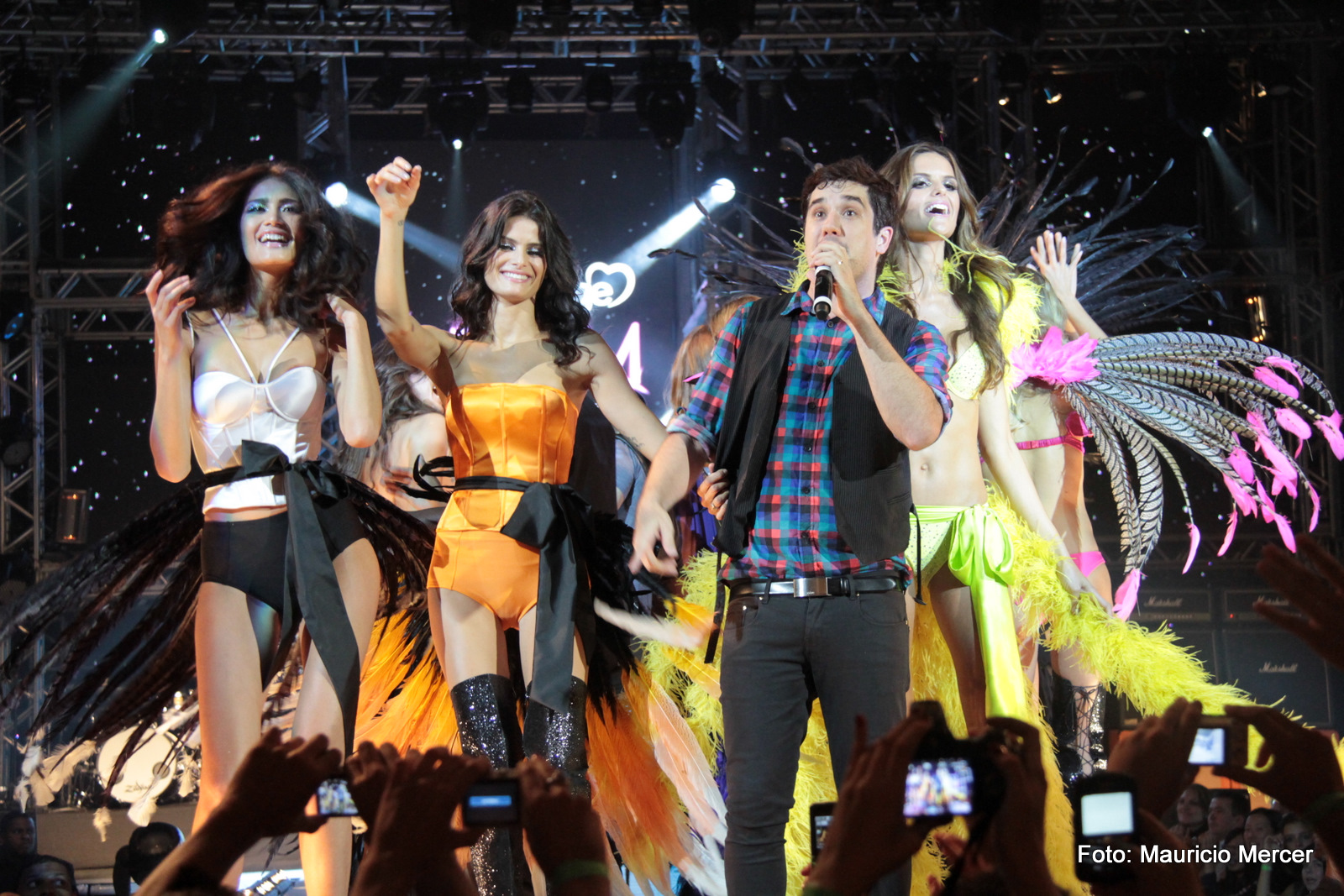
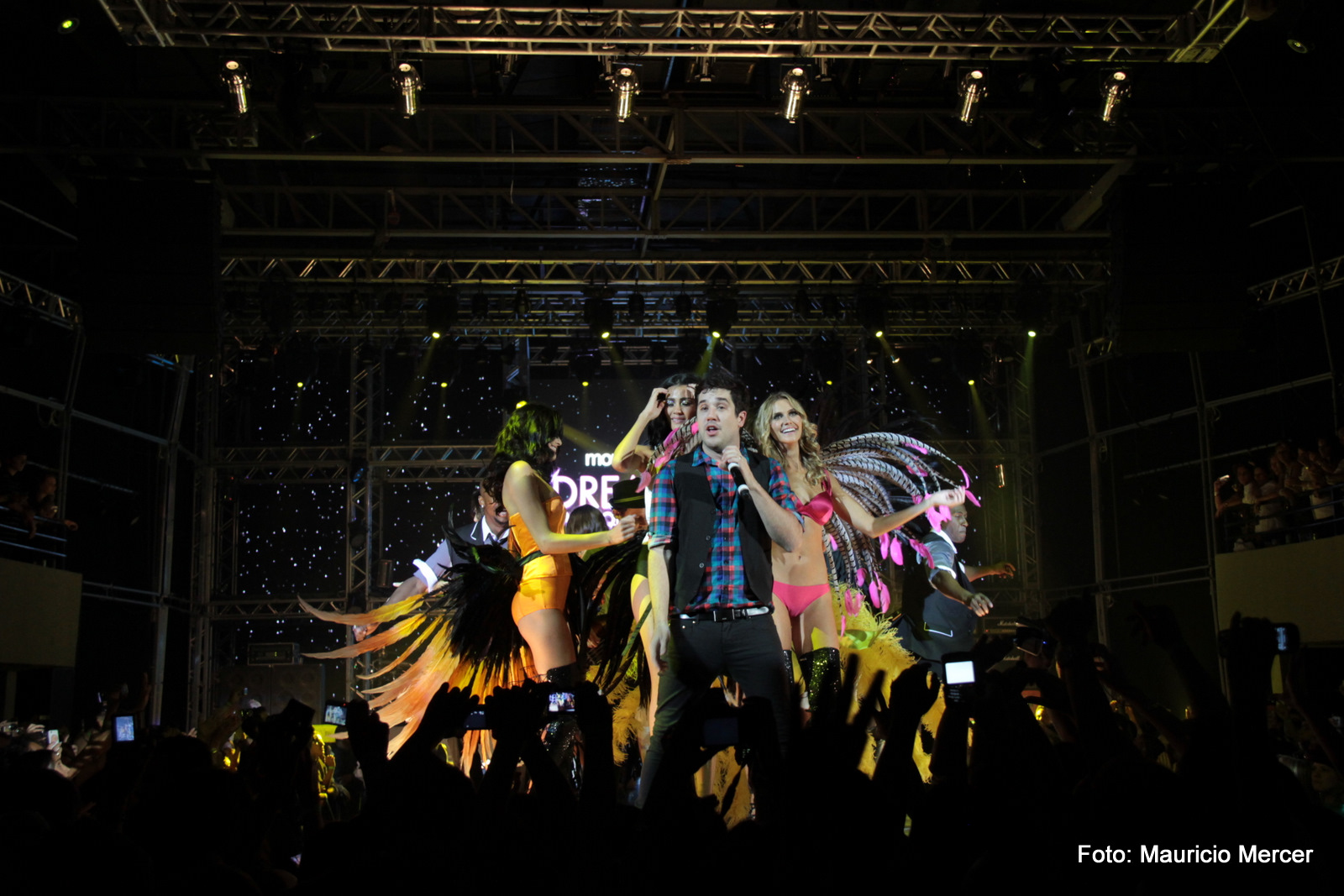
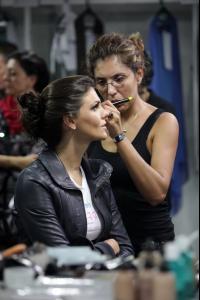 Thank you, fantastical A bit bigger ....

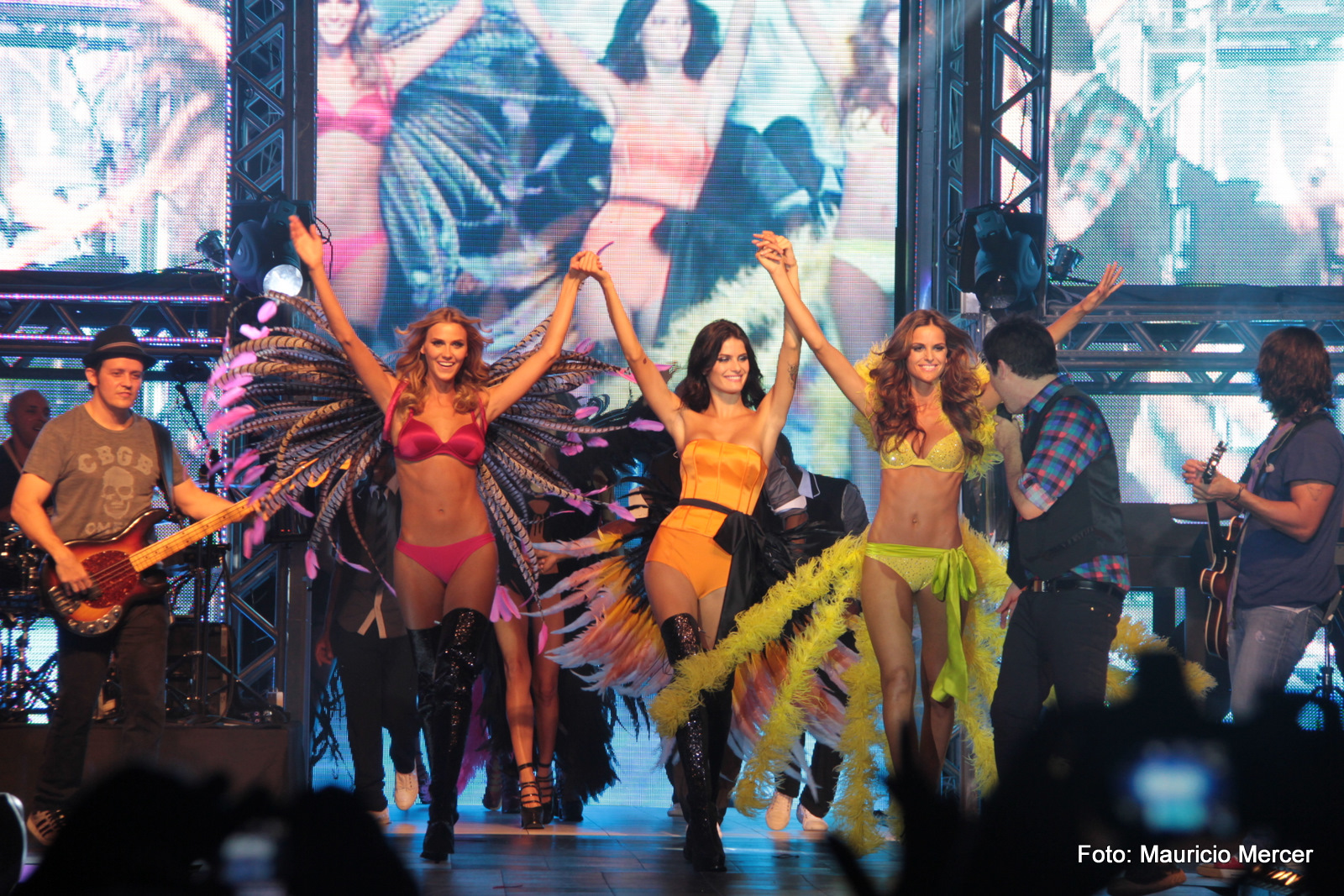
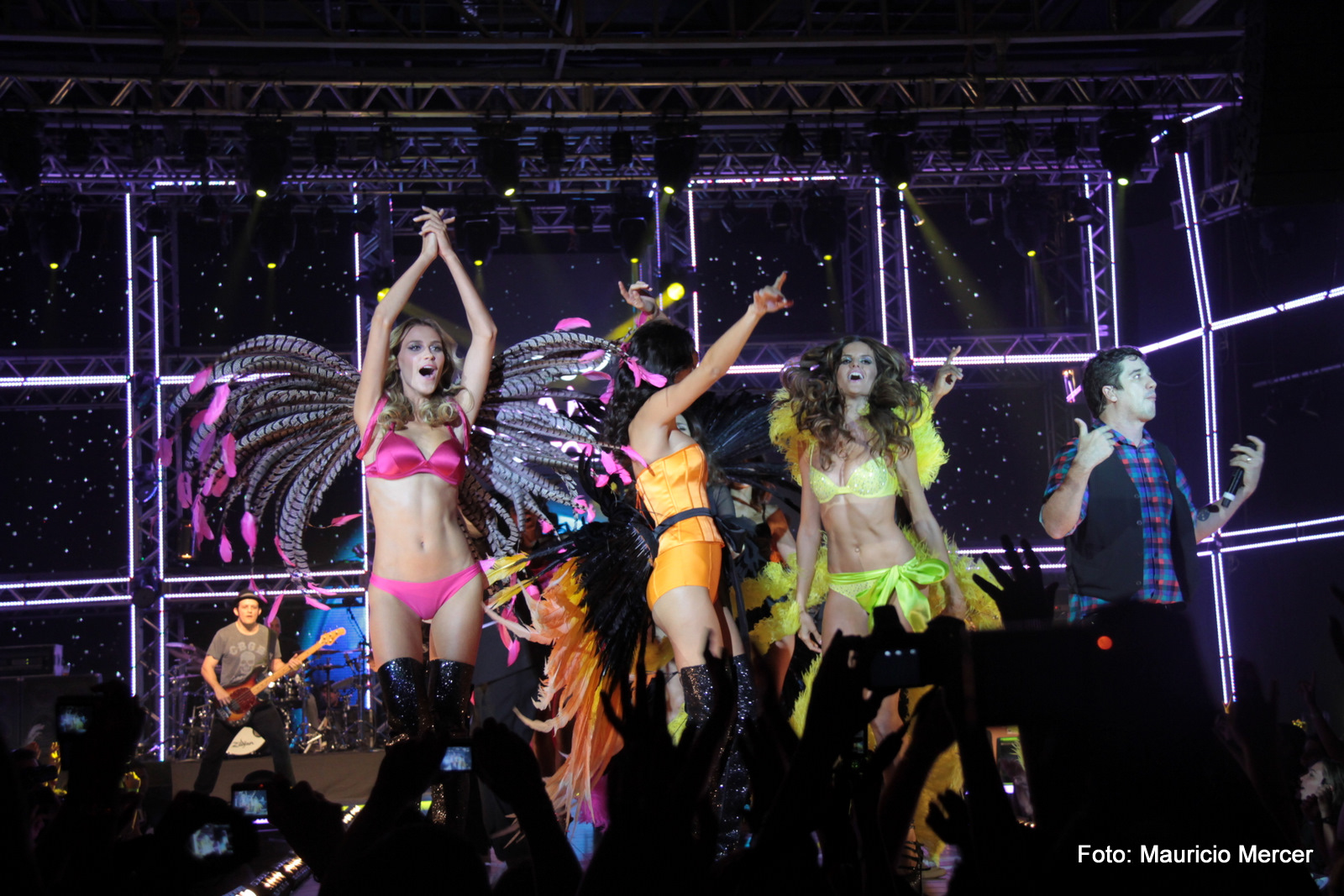
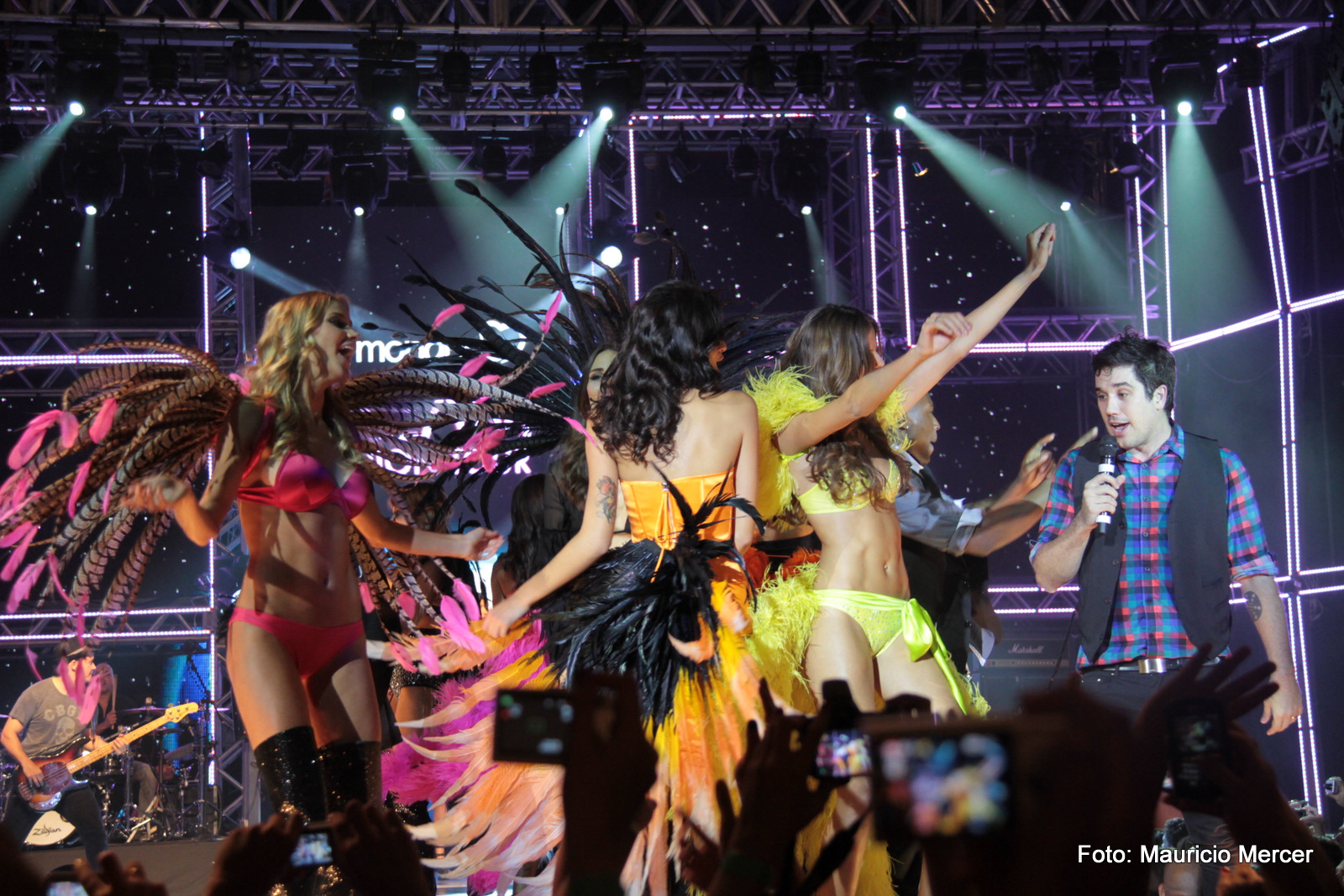
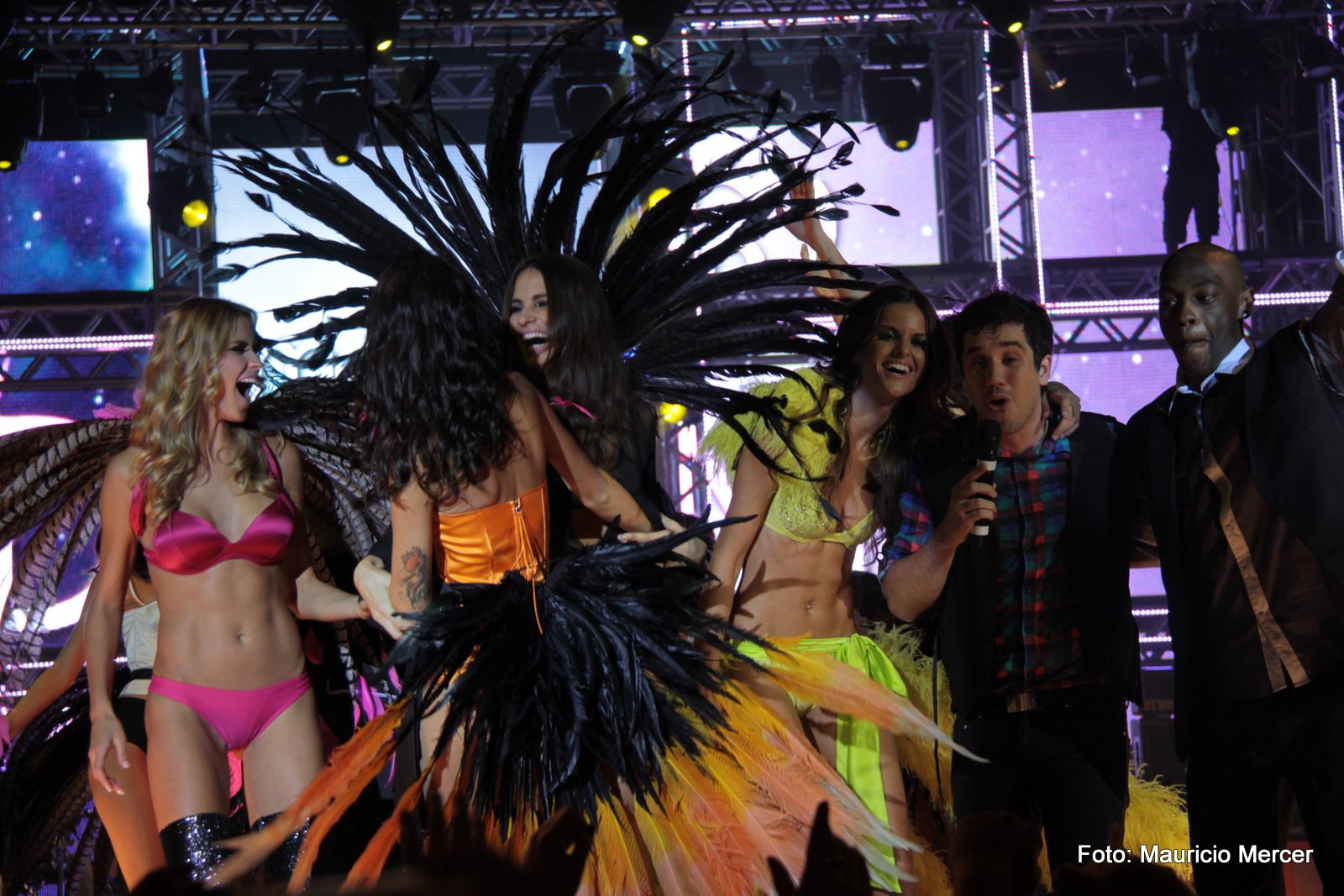
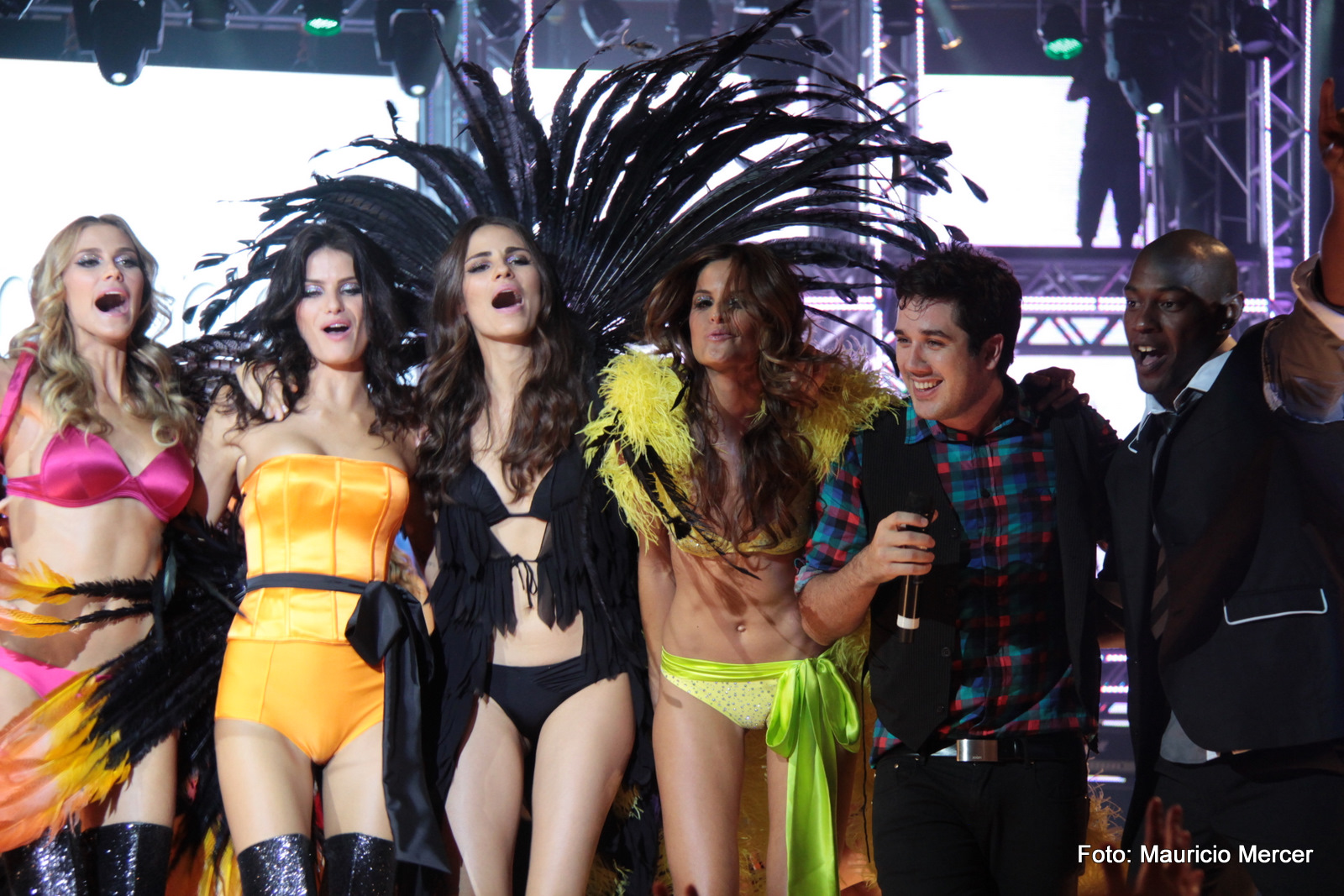
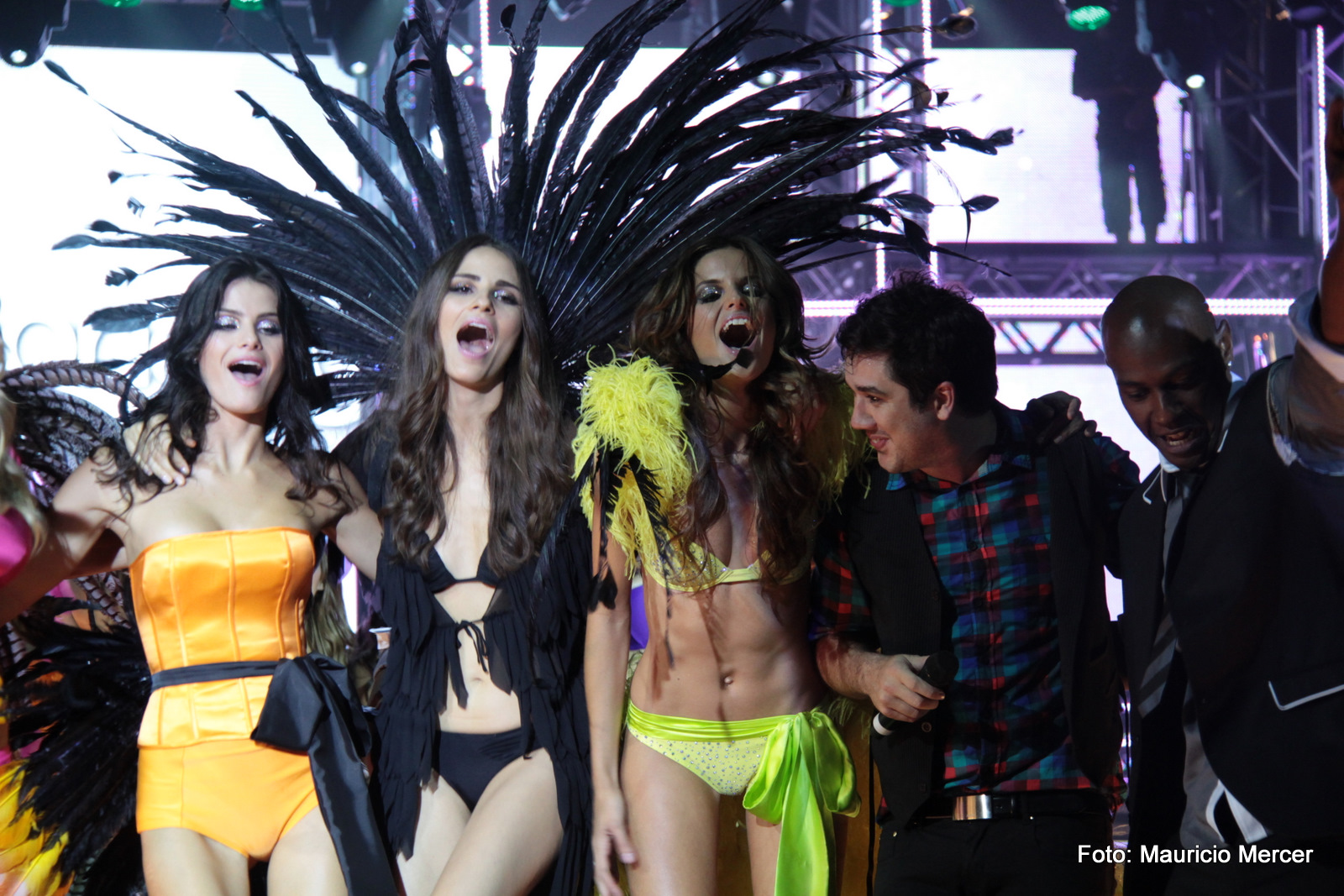
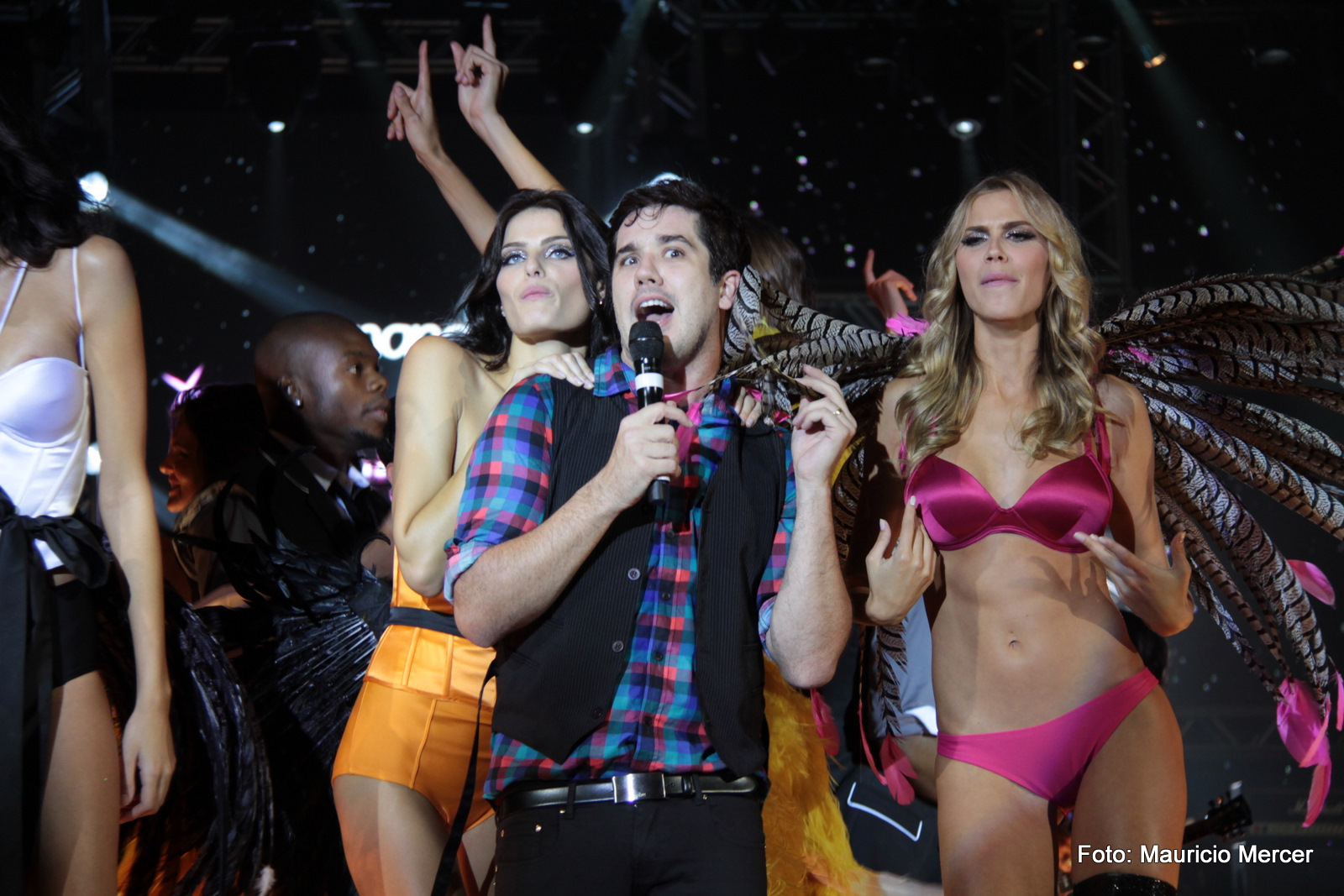
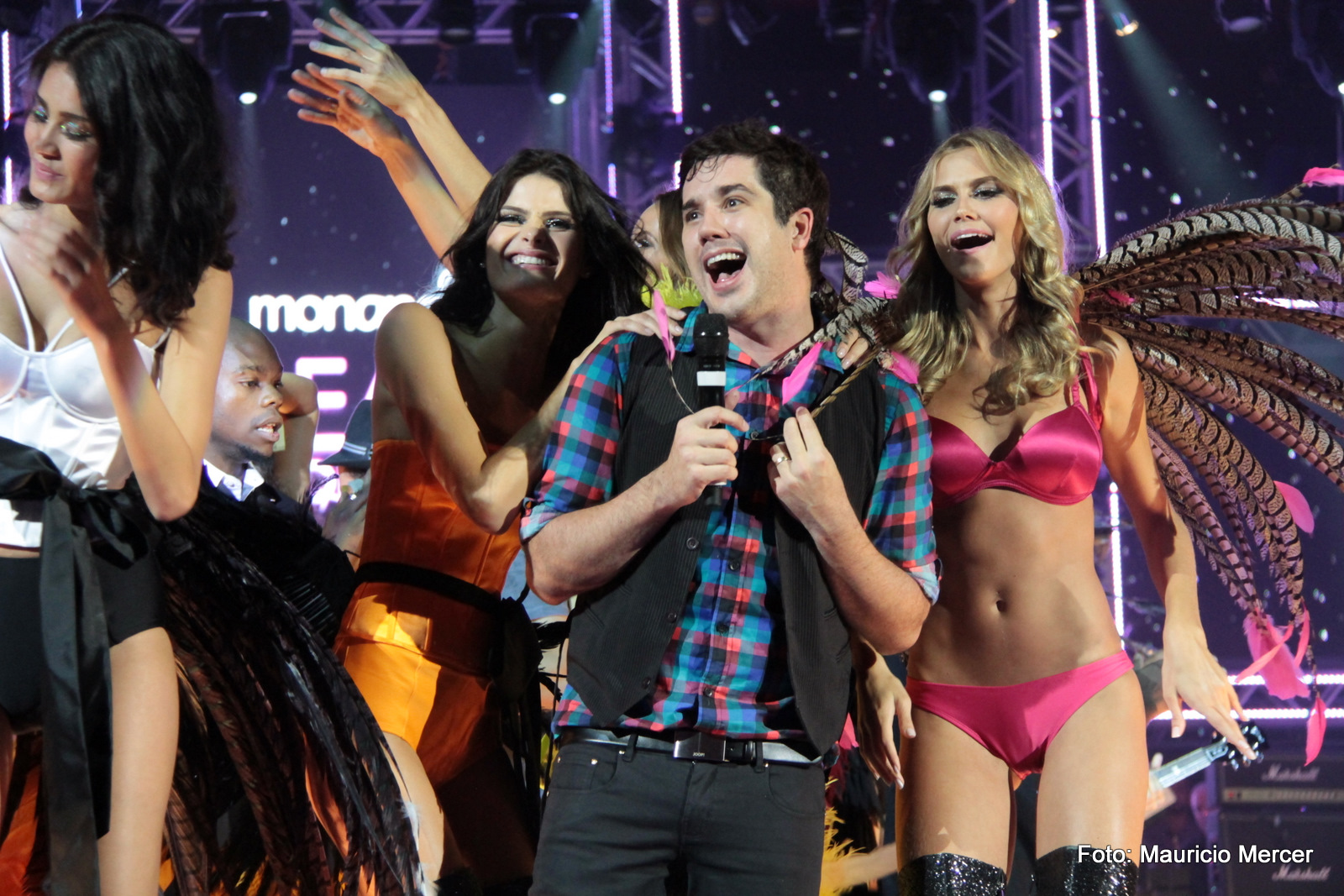
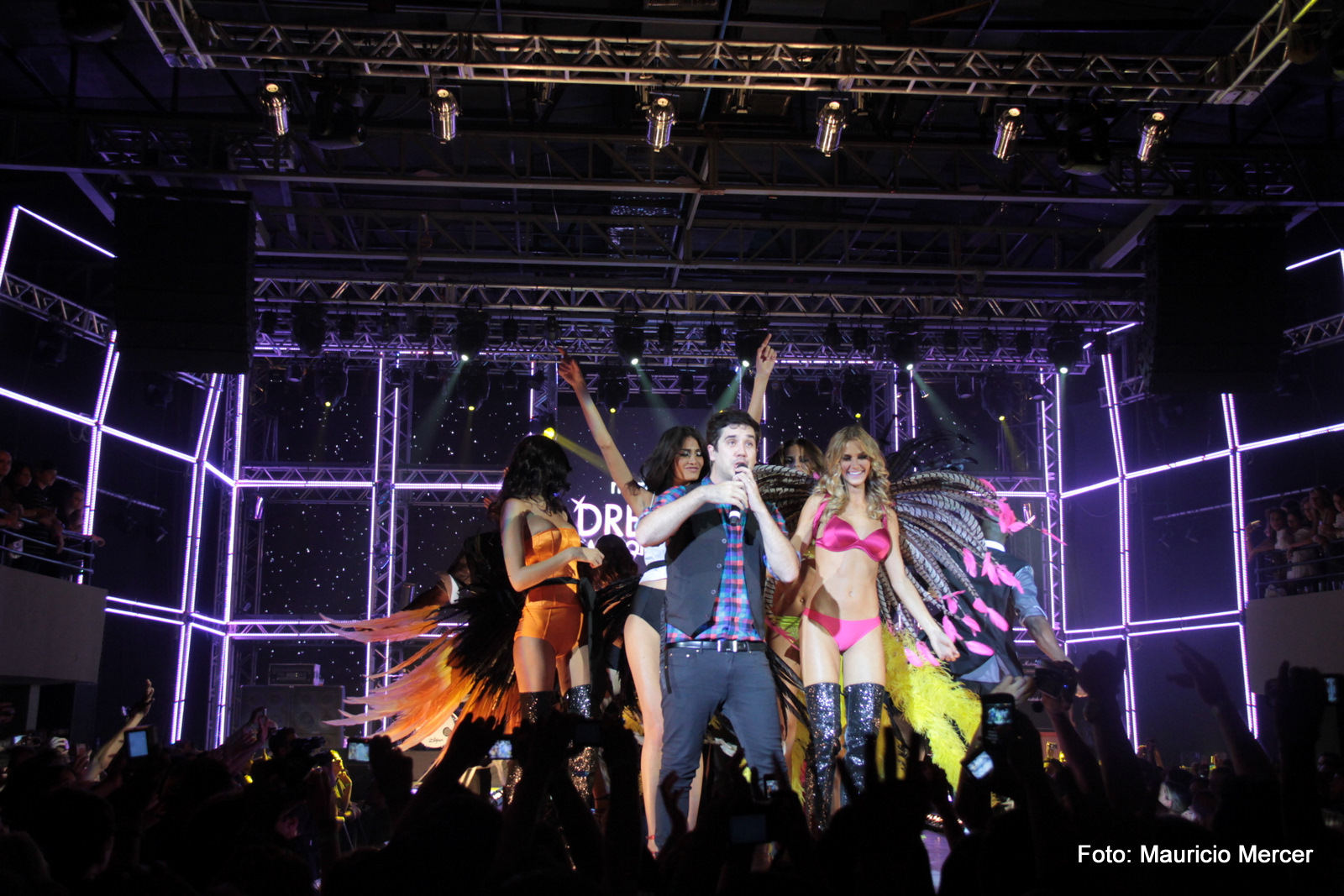
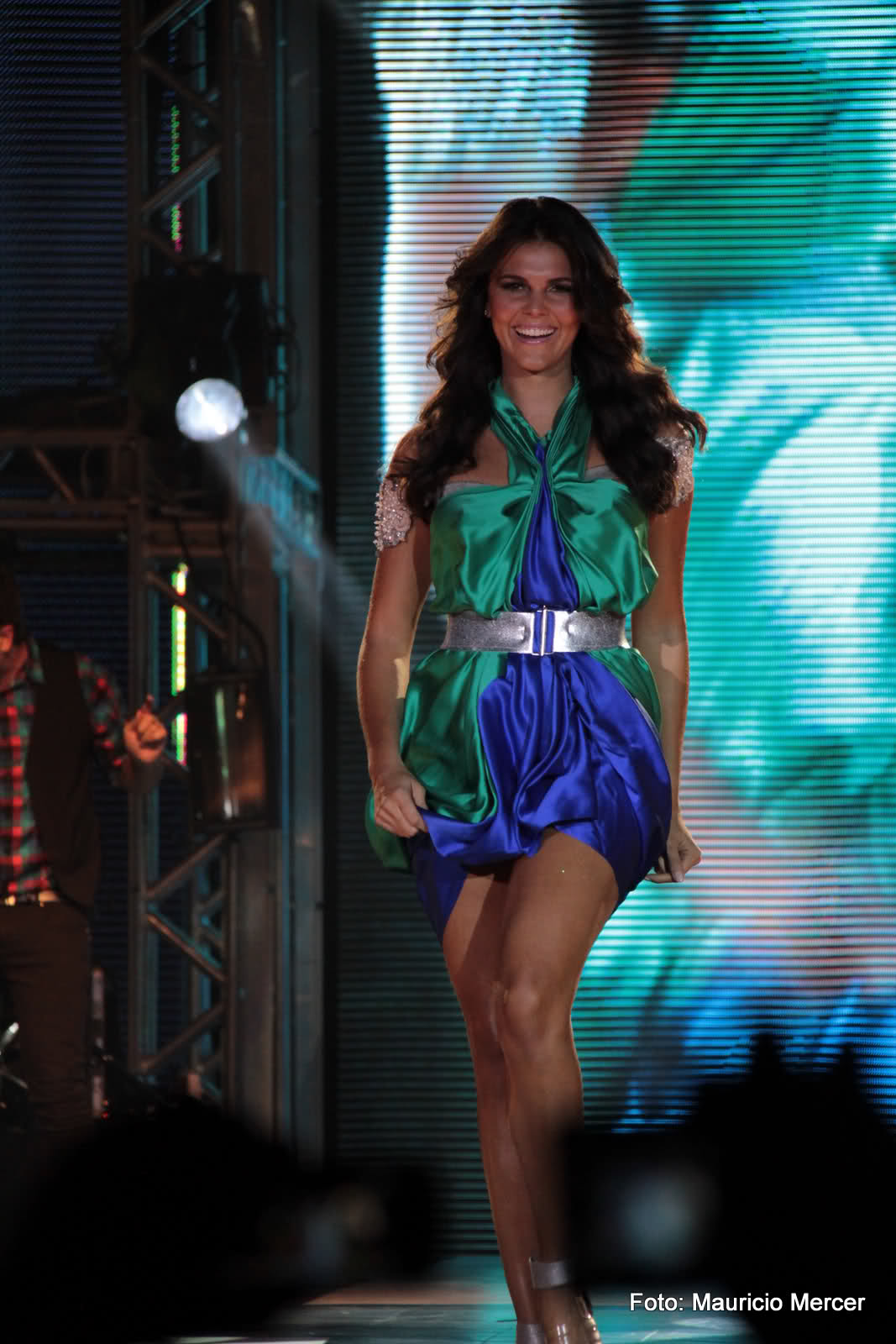
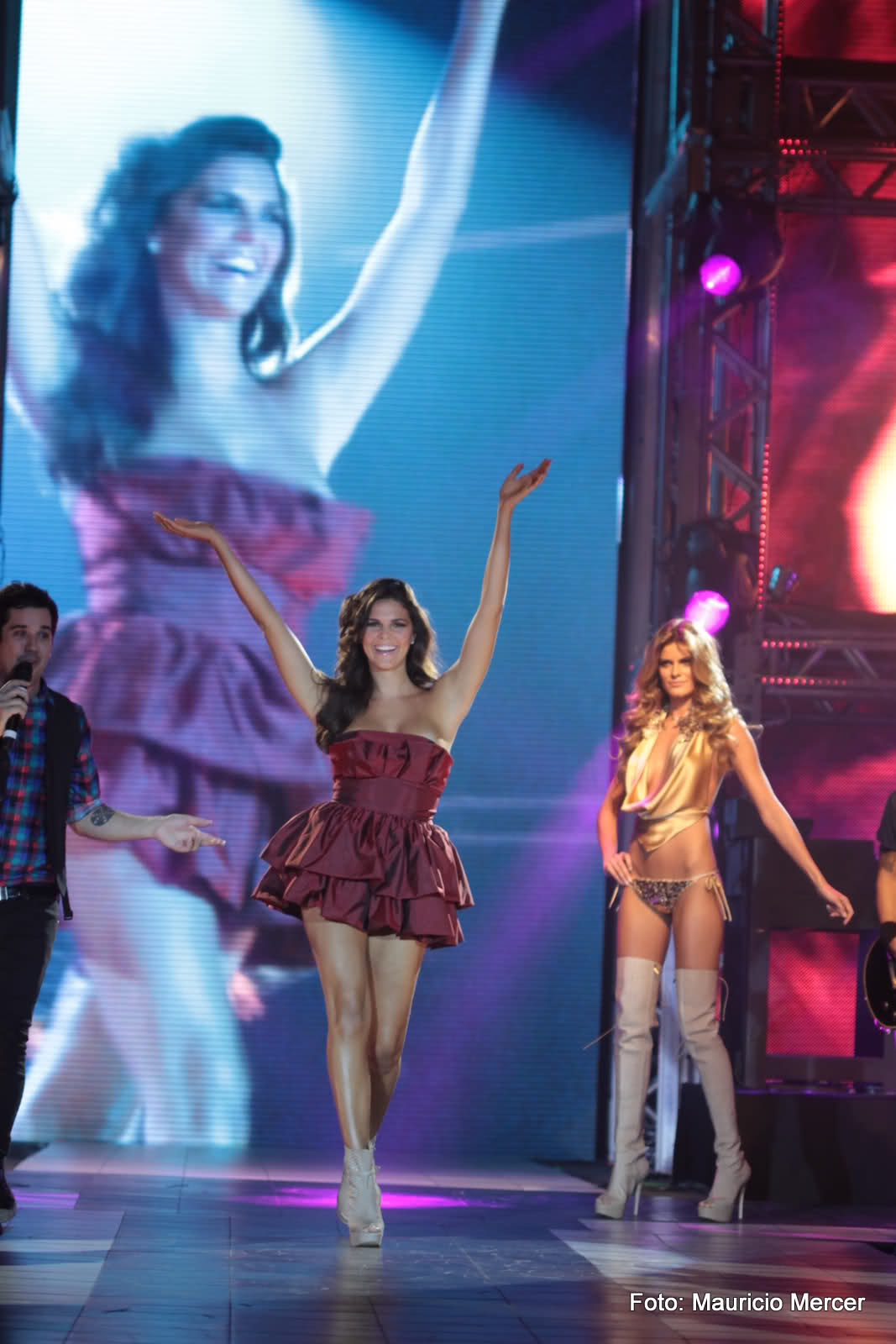
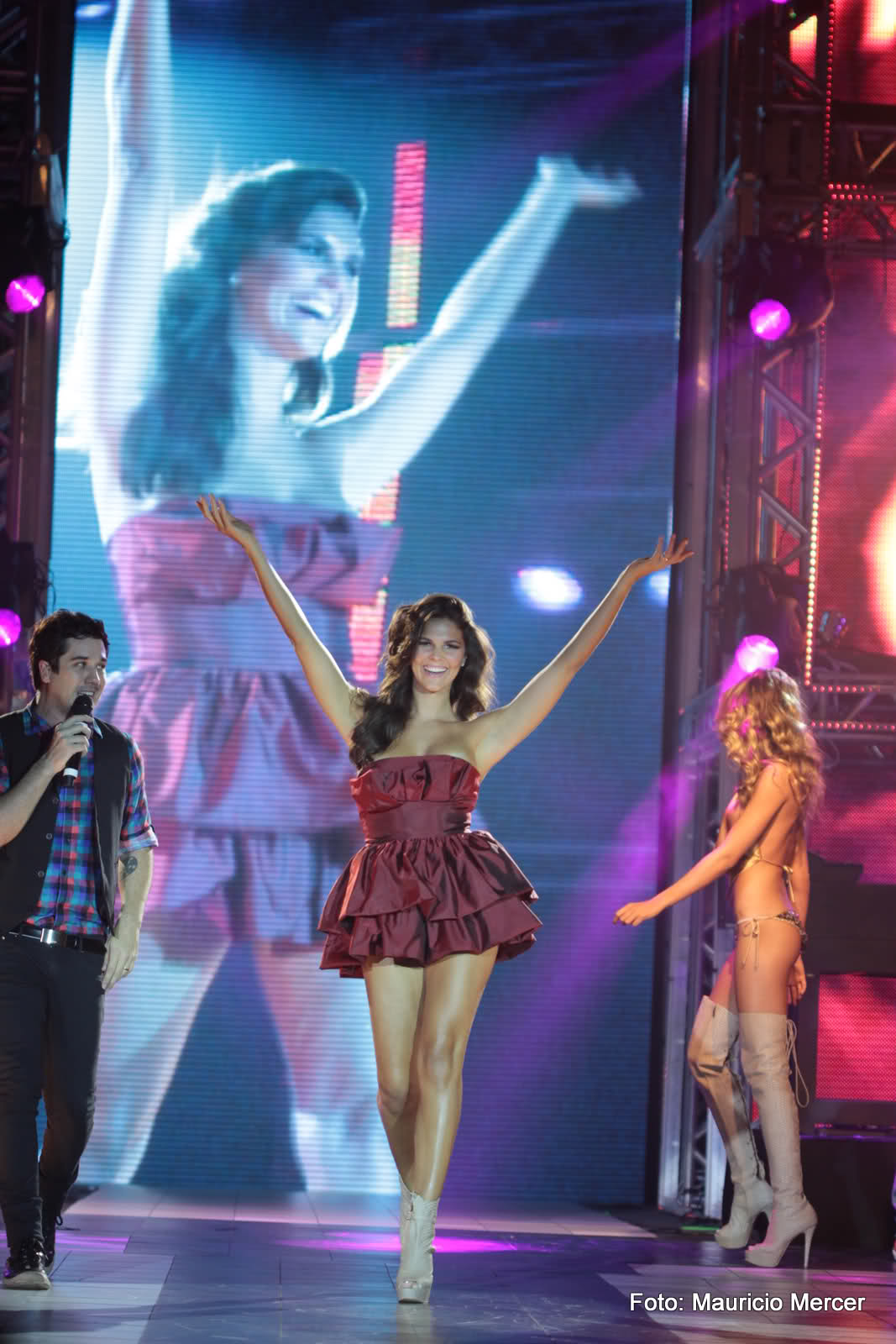
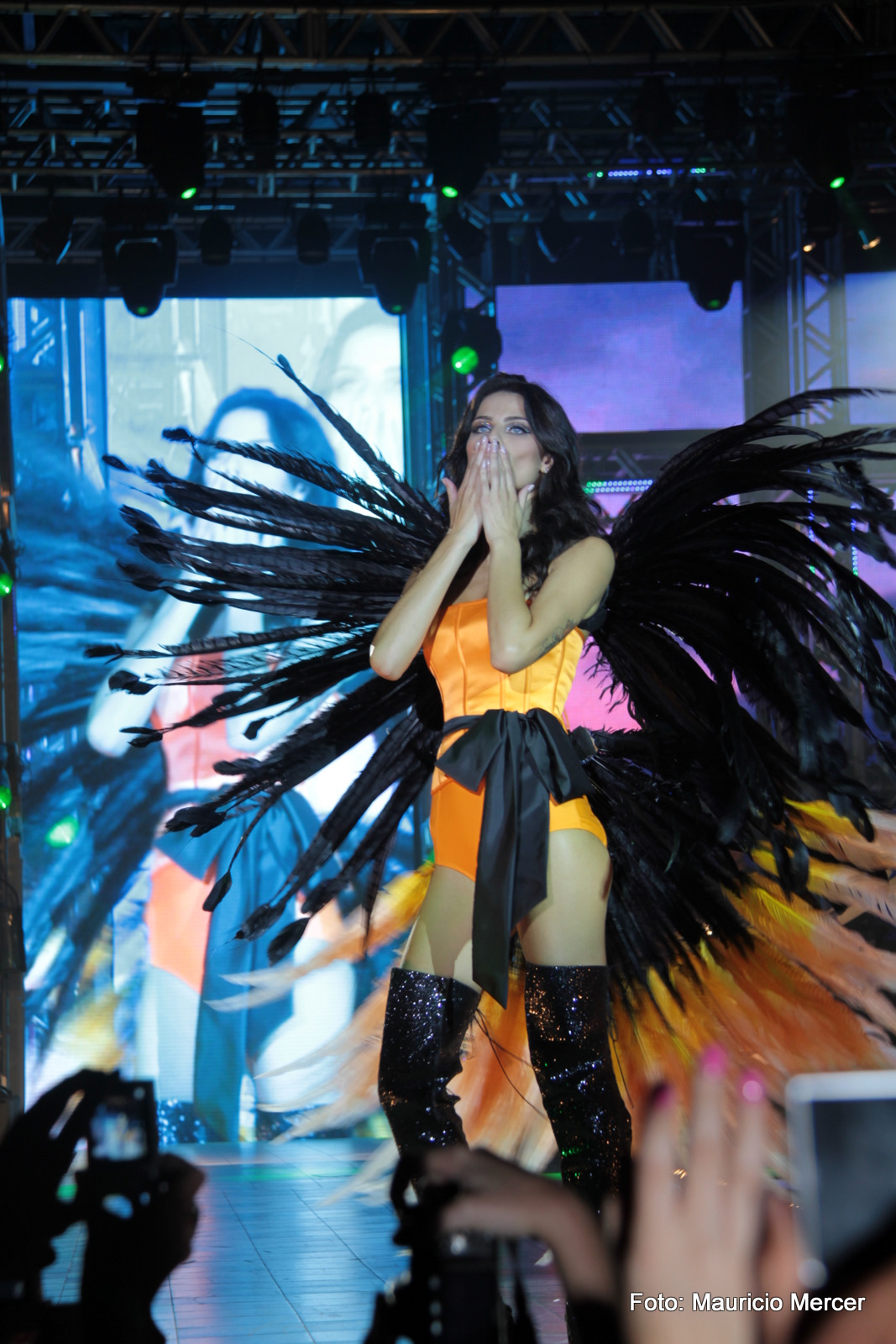
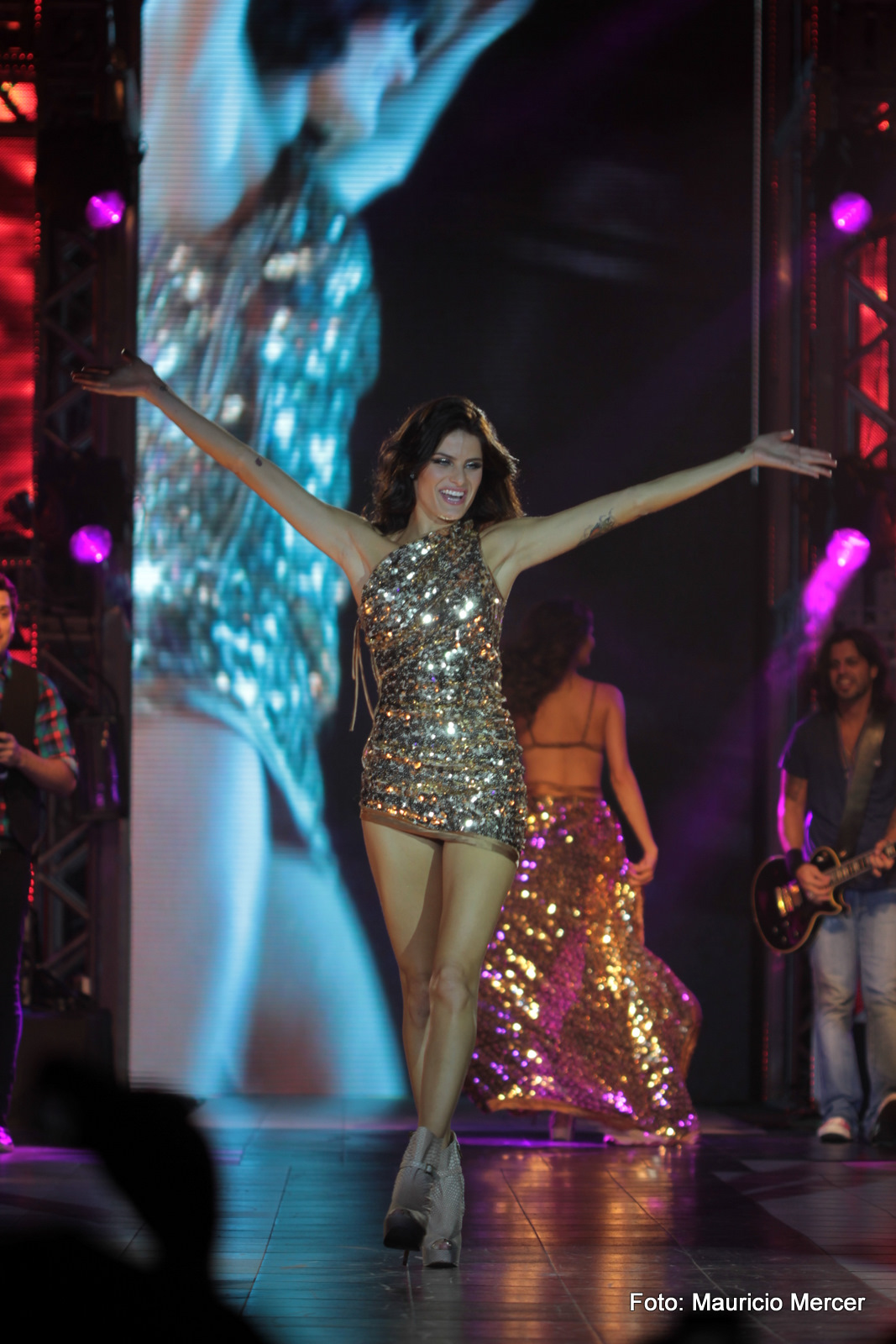
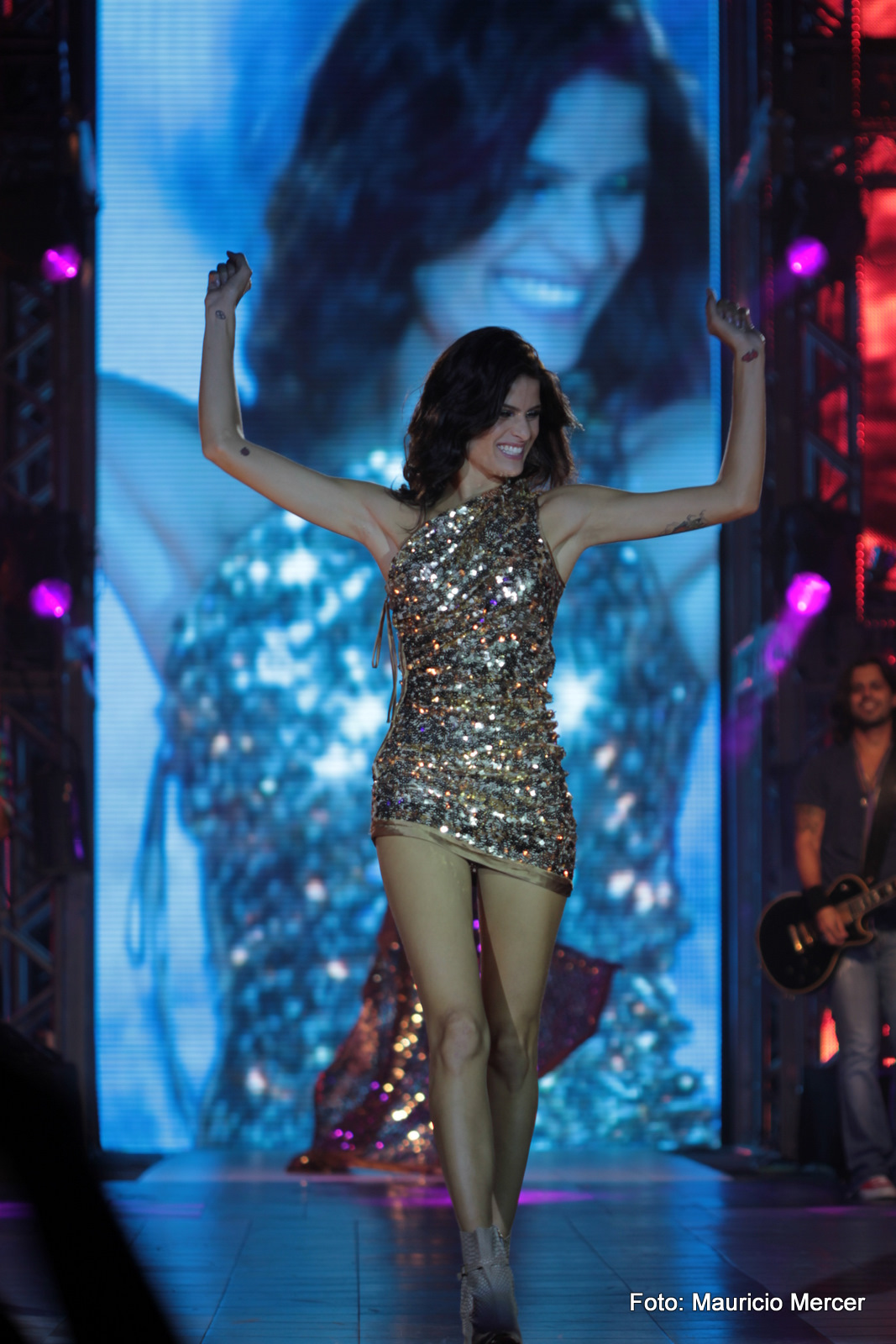
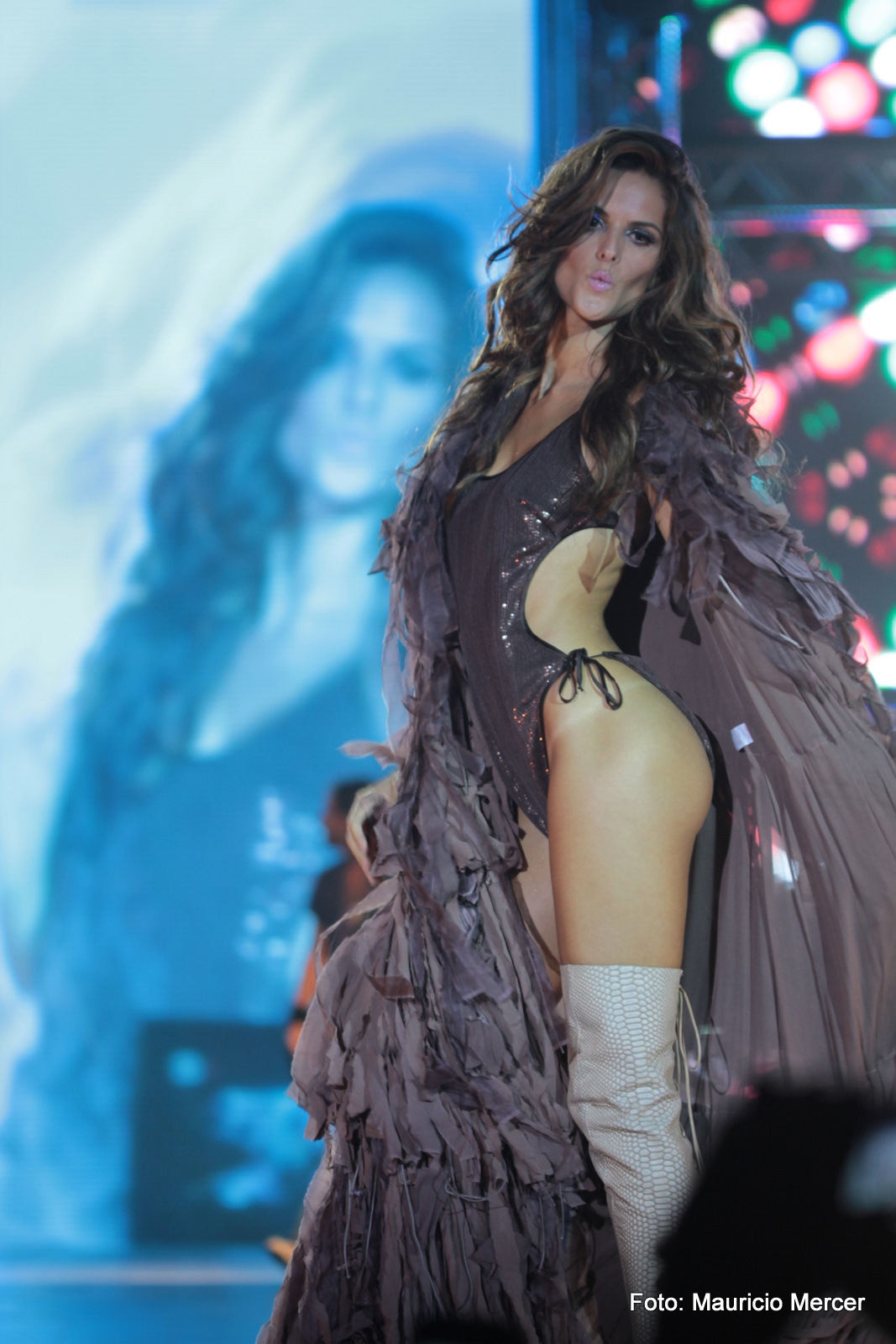
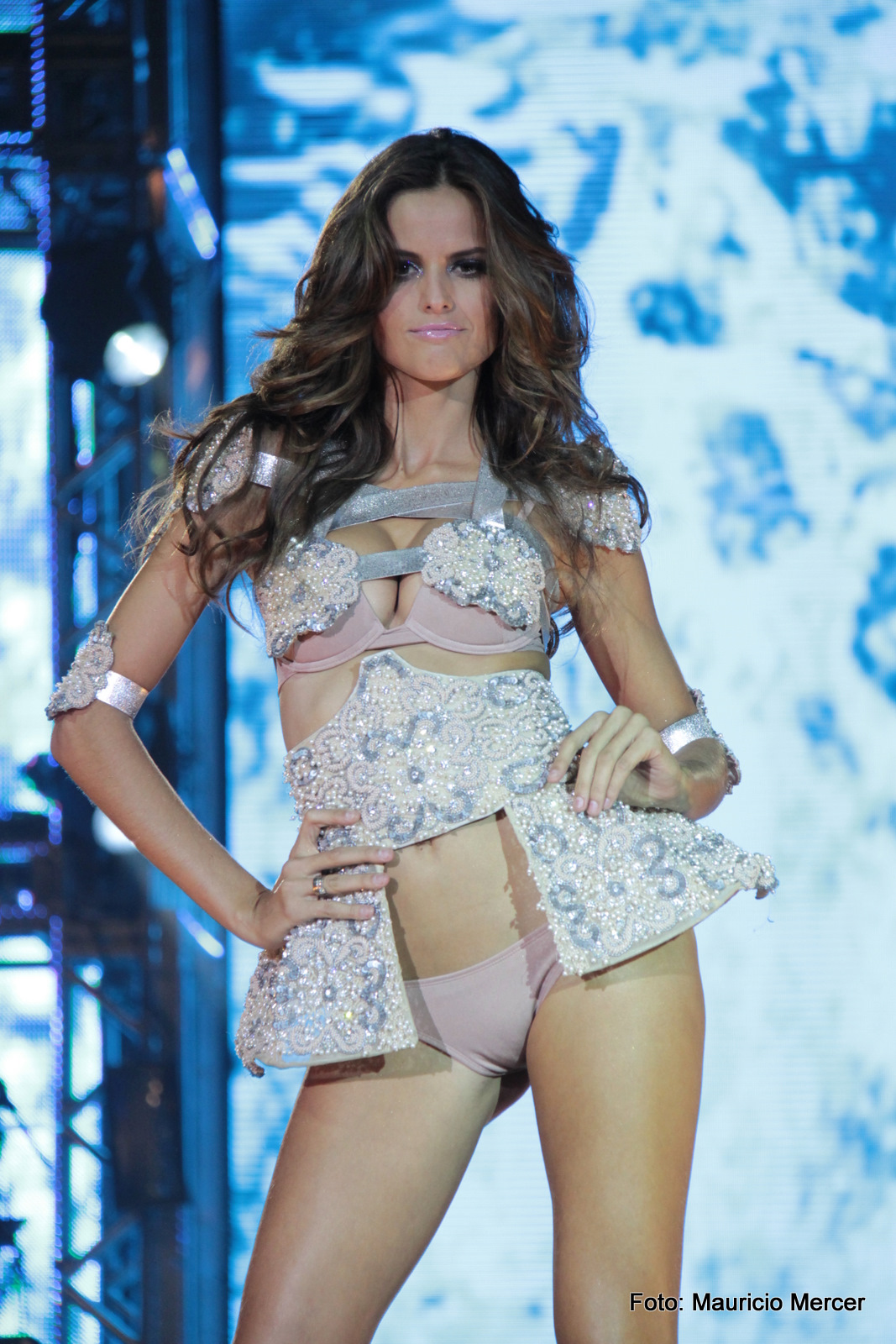
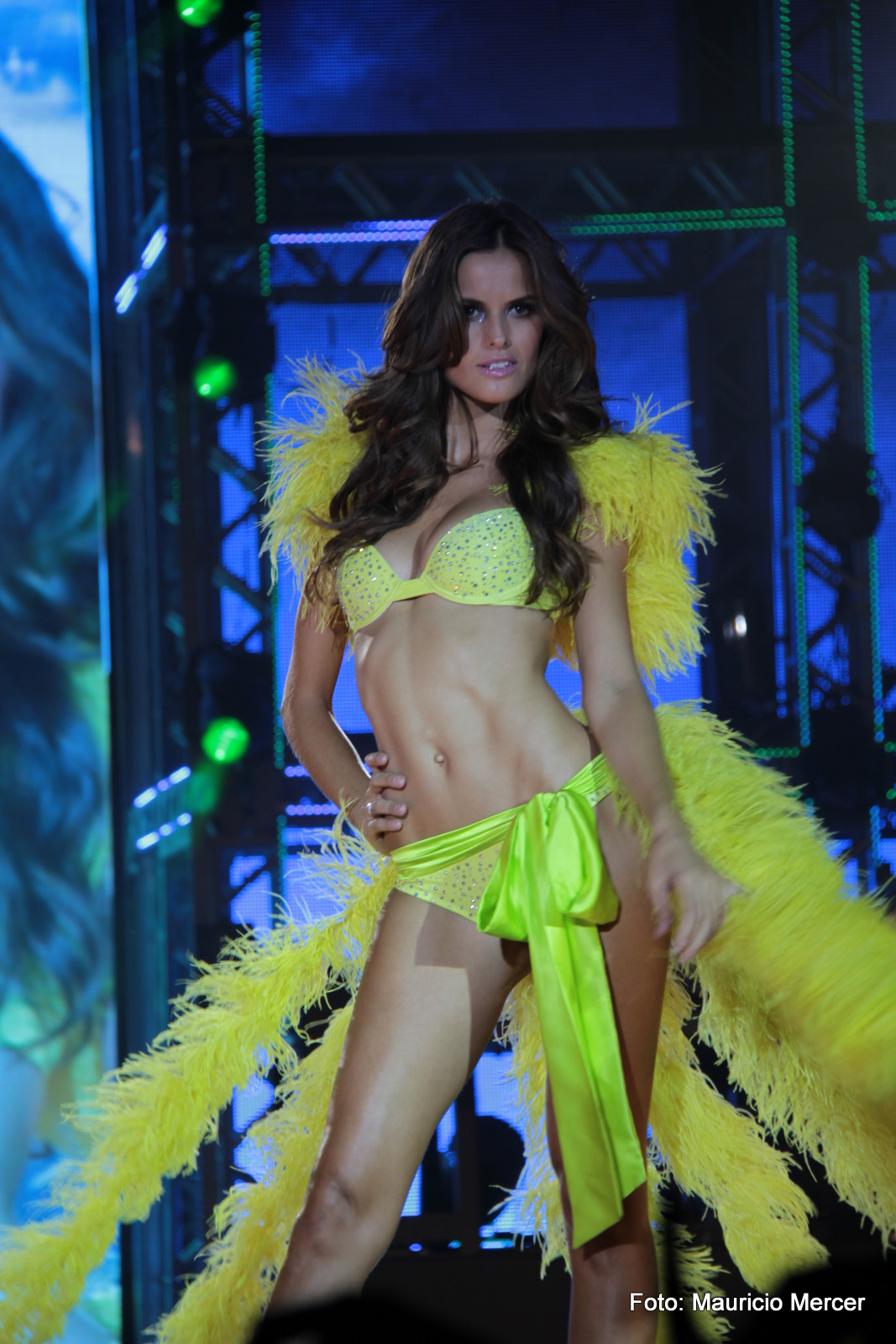
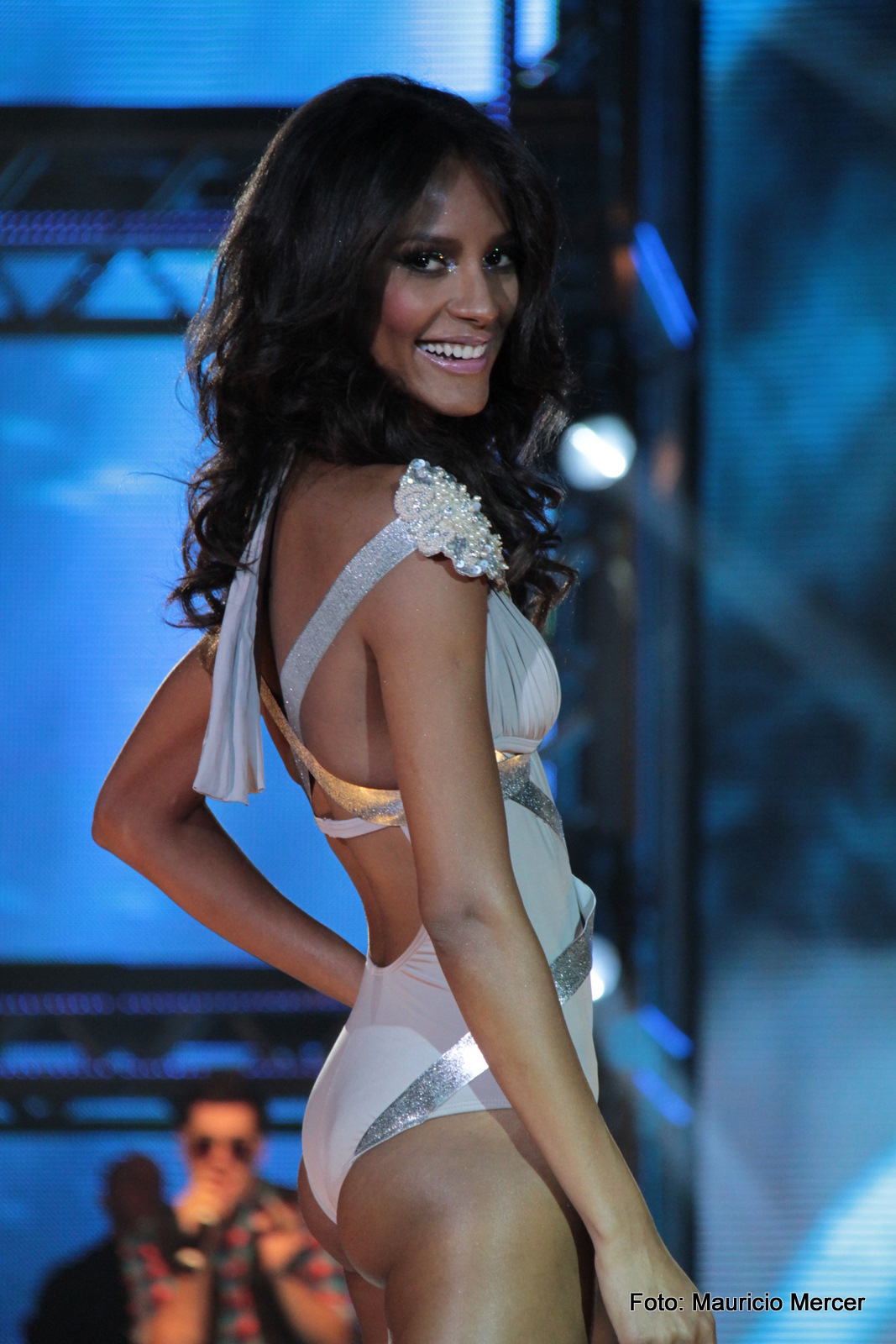
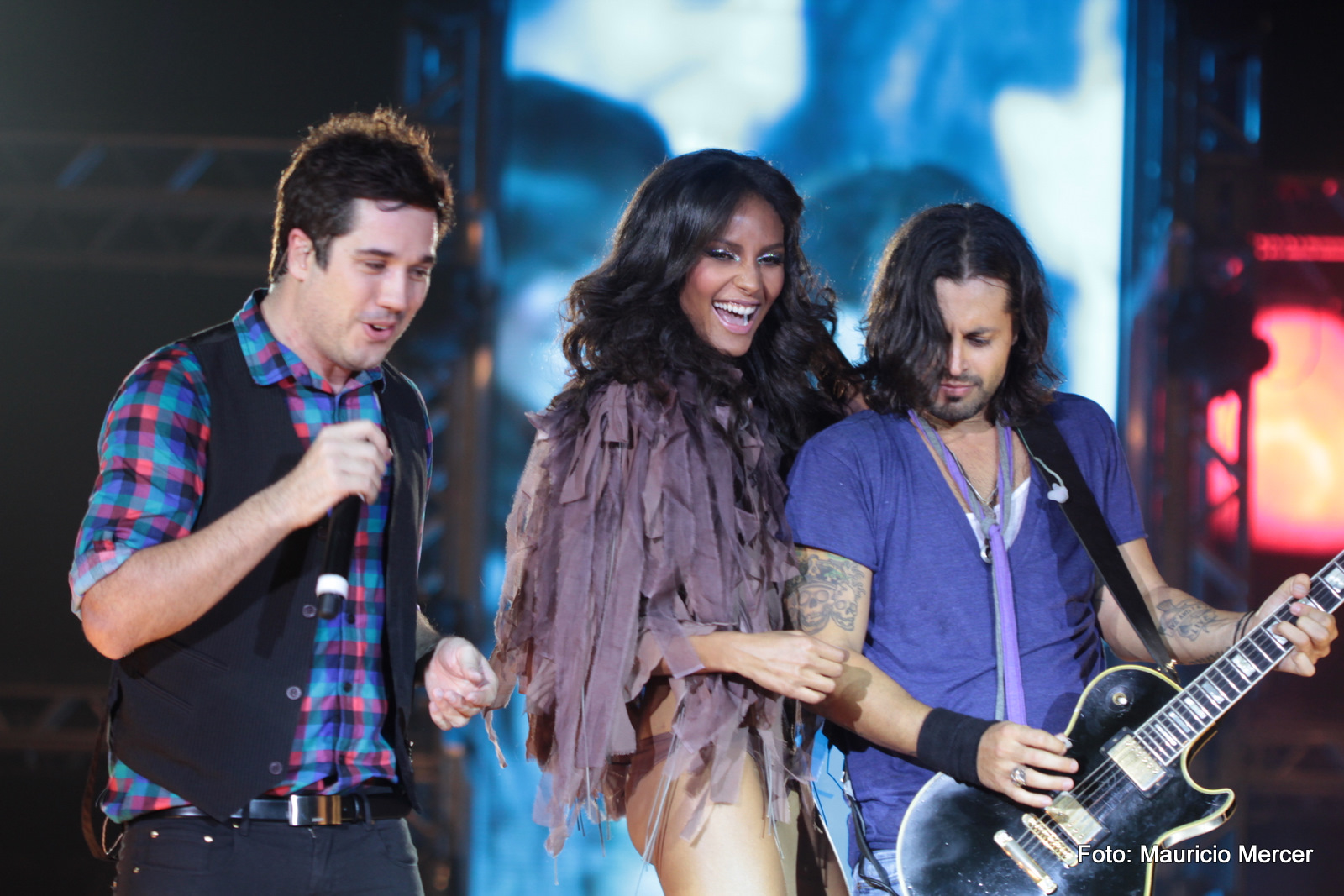
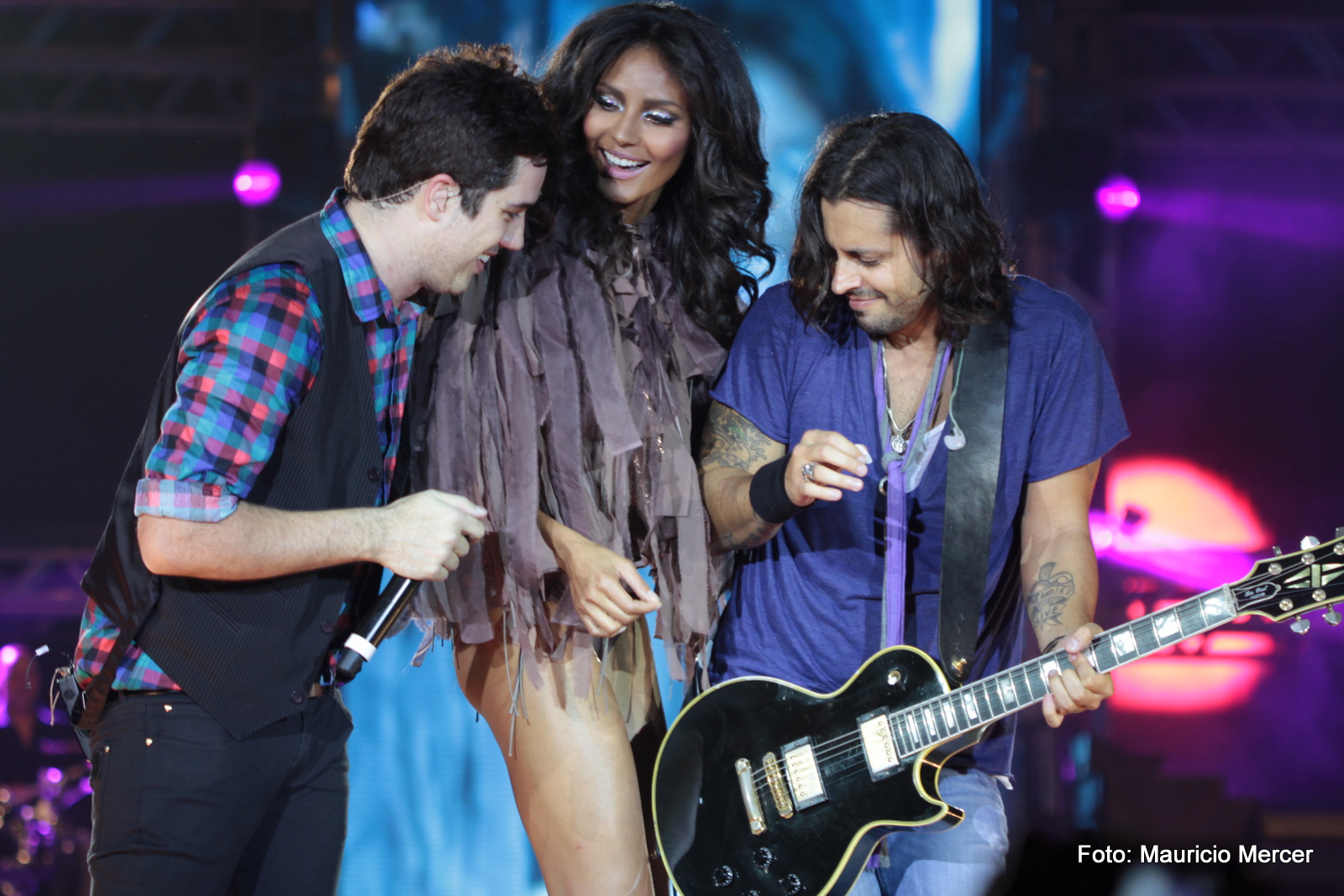
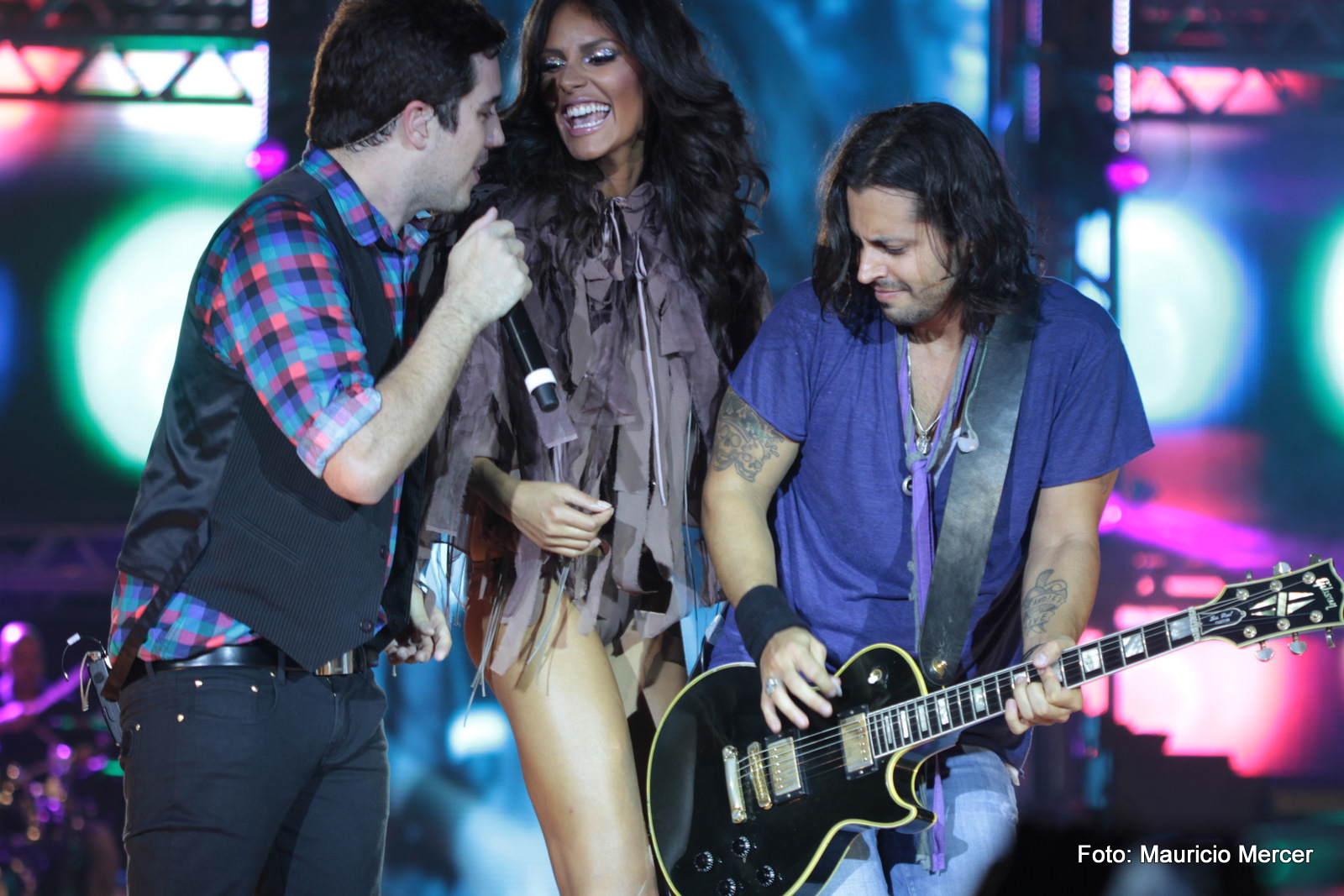
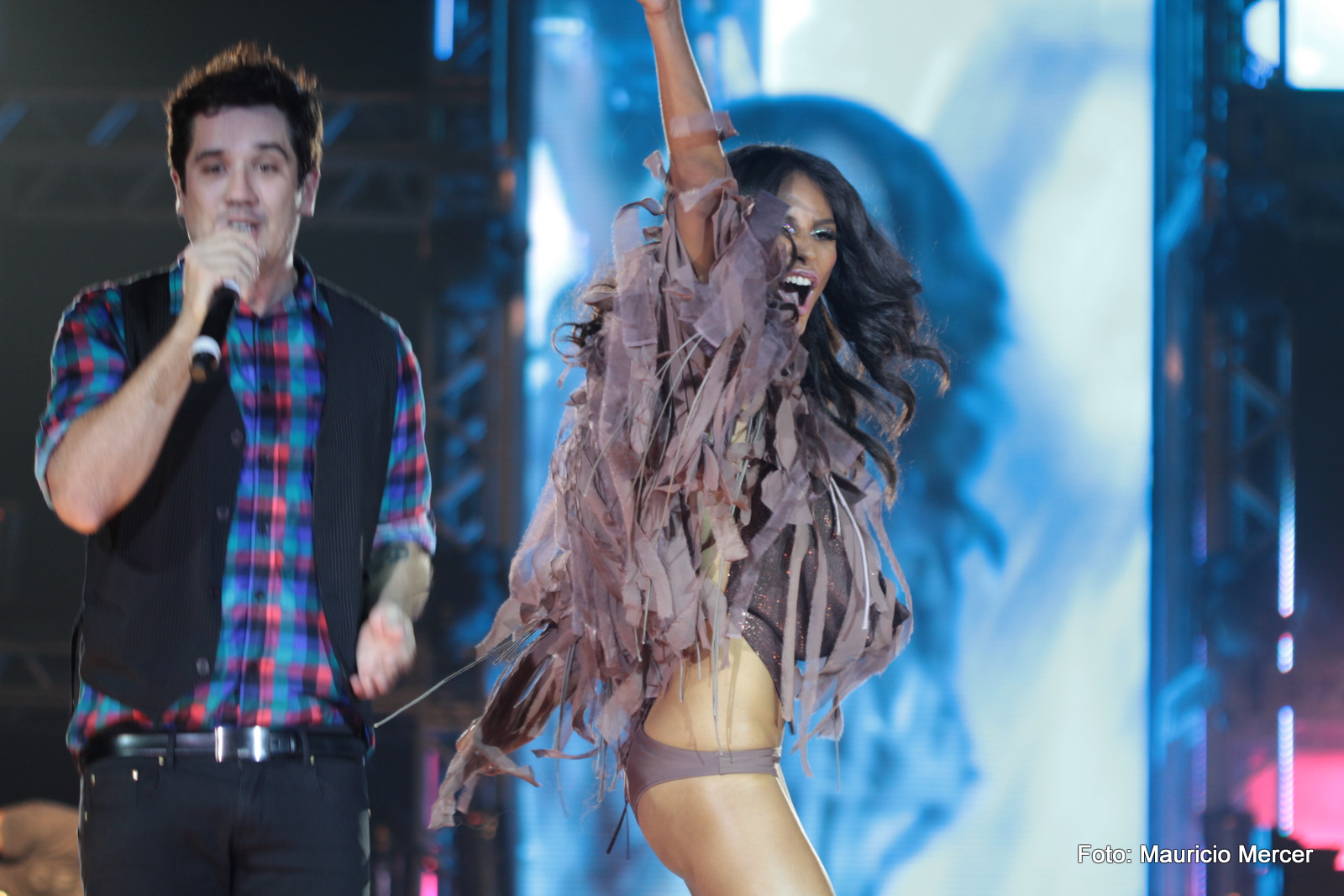
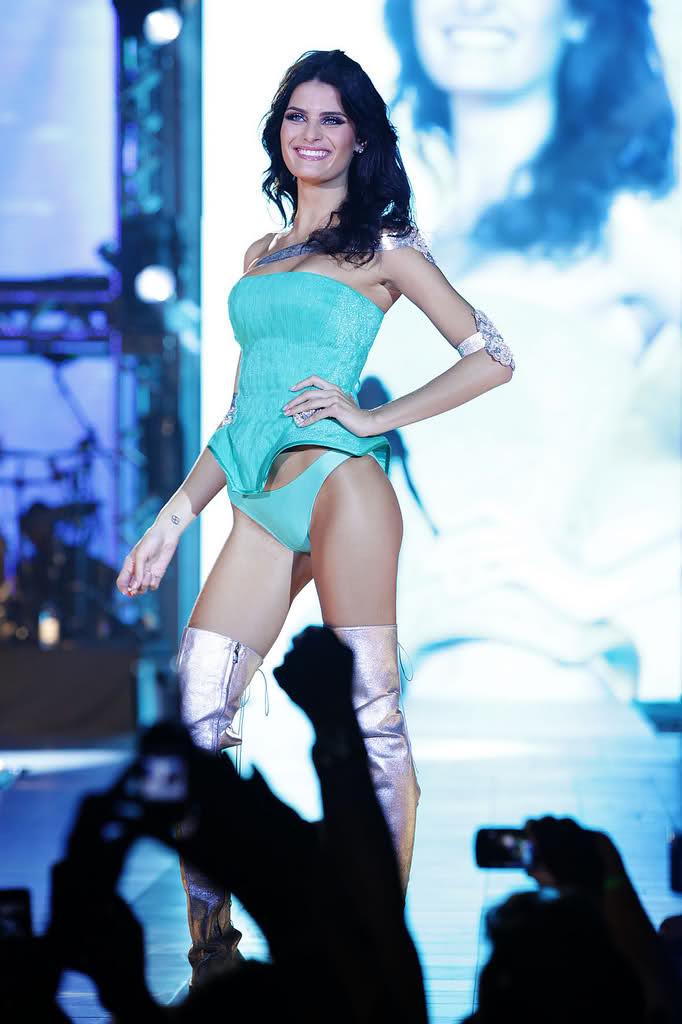
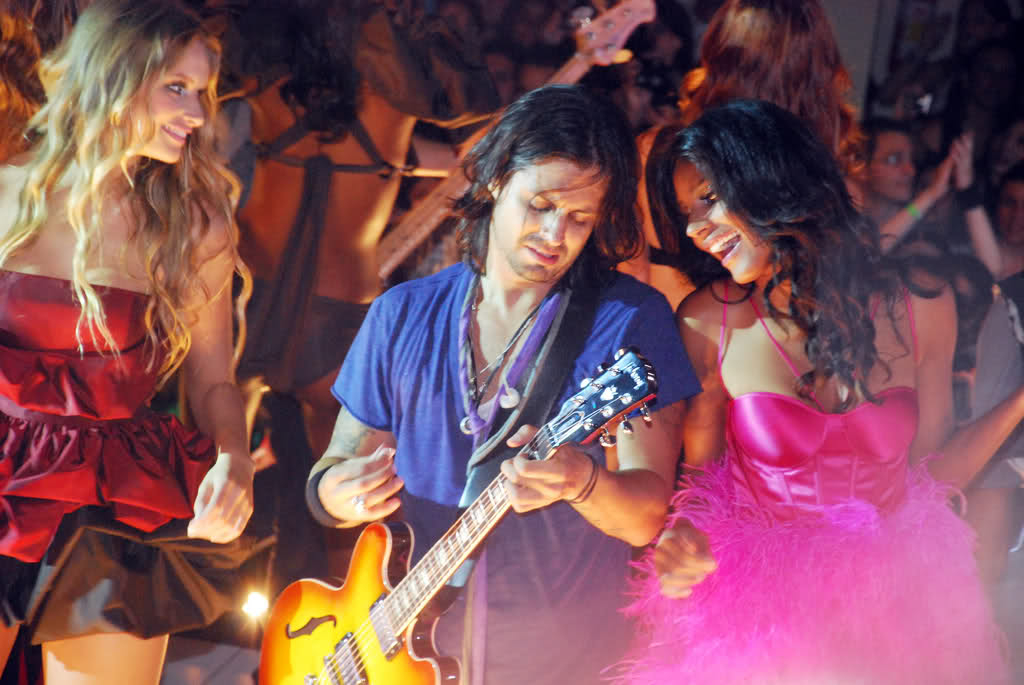
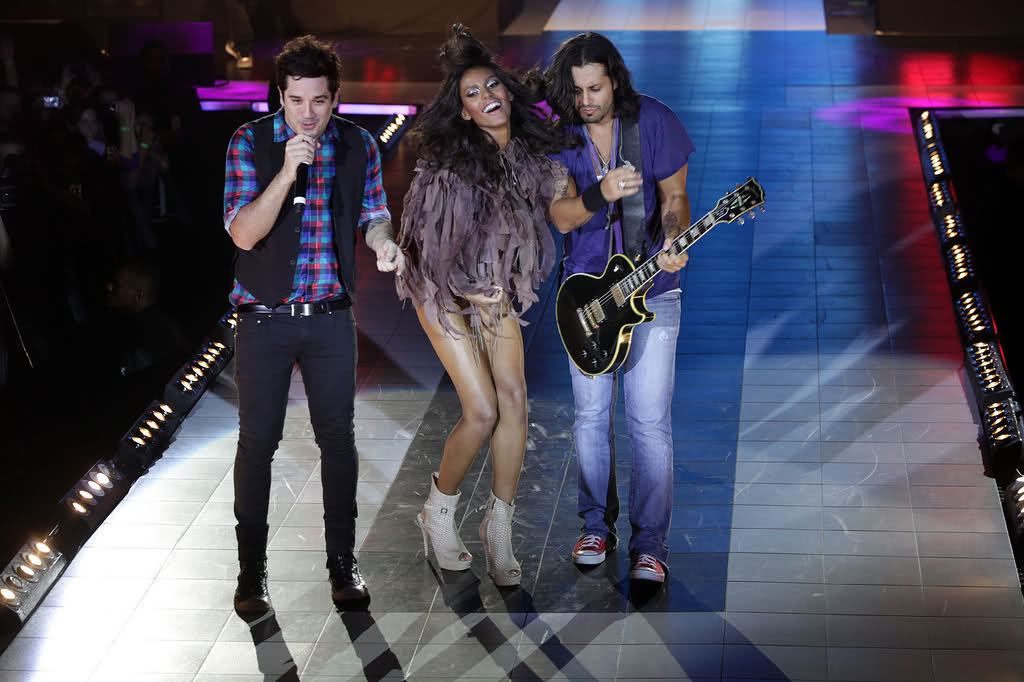
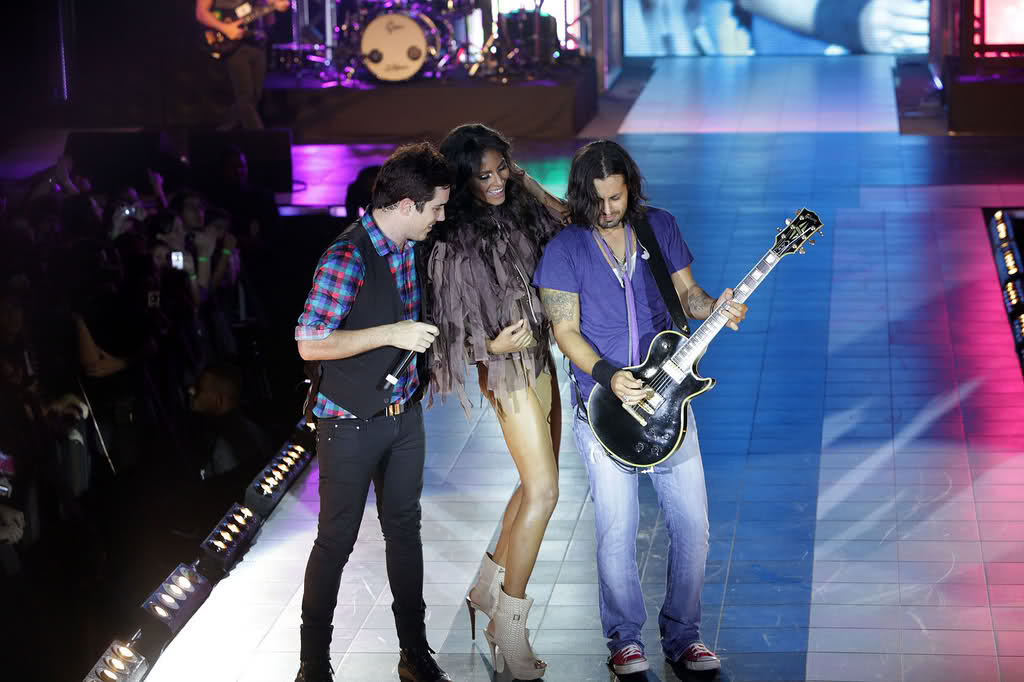
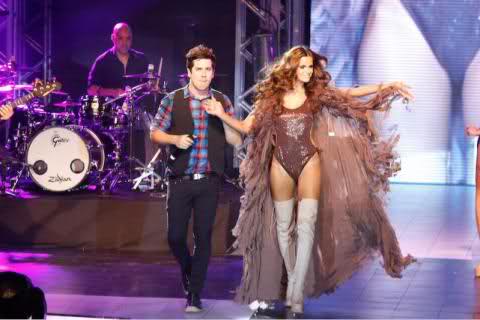
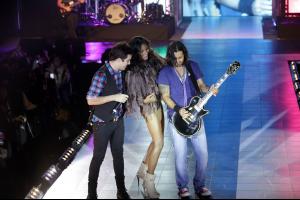 Monange Dream Fashion Tour / Curitiba 06.March.2010 Final .... All models on stage and make party
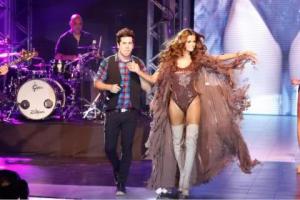 Thank you for the pic, Joe Have a new vid to share
Monange Dream Fashion Tour / Curitiba 06.March 2010 Second is Isabeli
Monange Dream Fashion Tour / Curitiba 06.March 2010 Second is Emanuela
I don´t find words .... You can see her talent as an actress, as well Thank you so much Francy for this vid
Thank you for the pic, Joe Have a new vid to share
Monange Dream Fashion Tour / Curitiba 06.March 2010 Second is Isabeli
Monange Dream Fashion Tour / Curitiba 06.March 2010 Second is Emanuela
I don´t find words .... You can see her talent as an actress, as well Thank you so much Francy for this vid


Account
Search
Configure browser push notifications
Chrome (Android)
- Tap the lock icon next to the address bar.
- Tap Permissions → Notifications.
- Adjust your preference.
Chrome (Desktop)
- Click the padlock icon in the address bar.
- Select Site settings.
- Find Notifications and adjust your preference.
Safari (iOS 16.4+)
- Ensure the site is installed via Add to Home Screen.
- Open Settings App → Notifications.
- Find your app name and adjust your preference.
Safari (macOS)
- Go to Safari → Preferences.
- Click the Websites tab.
- Select Notifications in the sidebar.
- Find this website and adjust your preference.
Edge (Android)
- Tap the lock icon next to the address bar.
- Tap Permissions.
- Find Notifications and adjust your preference.
Edge (Desktop)
- Click the padlock icon in the address bar.
- Click Permissions for this site.
- Find Notifications and adjust your preference.
Firefox (Android)
- Go to Settings → Site permissions.
- Tap Notifications.
- Find this site in the list and adjust your preference.
Firefox (Desktop)
- Open Firefox Settings.
- Search for Notifications.
- Find this site in the list and adjust your preference.