Jump to content
View in the app

A better way to browse. Learn more.

Bellazon

A full-screen app on your home screen with push notifications, badges and more.

To install this app on iOS and iPadOS
  1. Tap the Share icon in Safari
  2. Scroll the menu and tap Add to Home Screen.
  3. Tap Add in the top-right corner.
To install this app on Android
  1. Tap the 3-dot menu (⋮) in the top-right corner of the browser.
  2. Tap Add to Home screen or Install app.
  3. Confirm by tapping Install.

Matute

Members

Everything posted by Matute

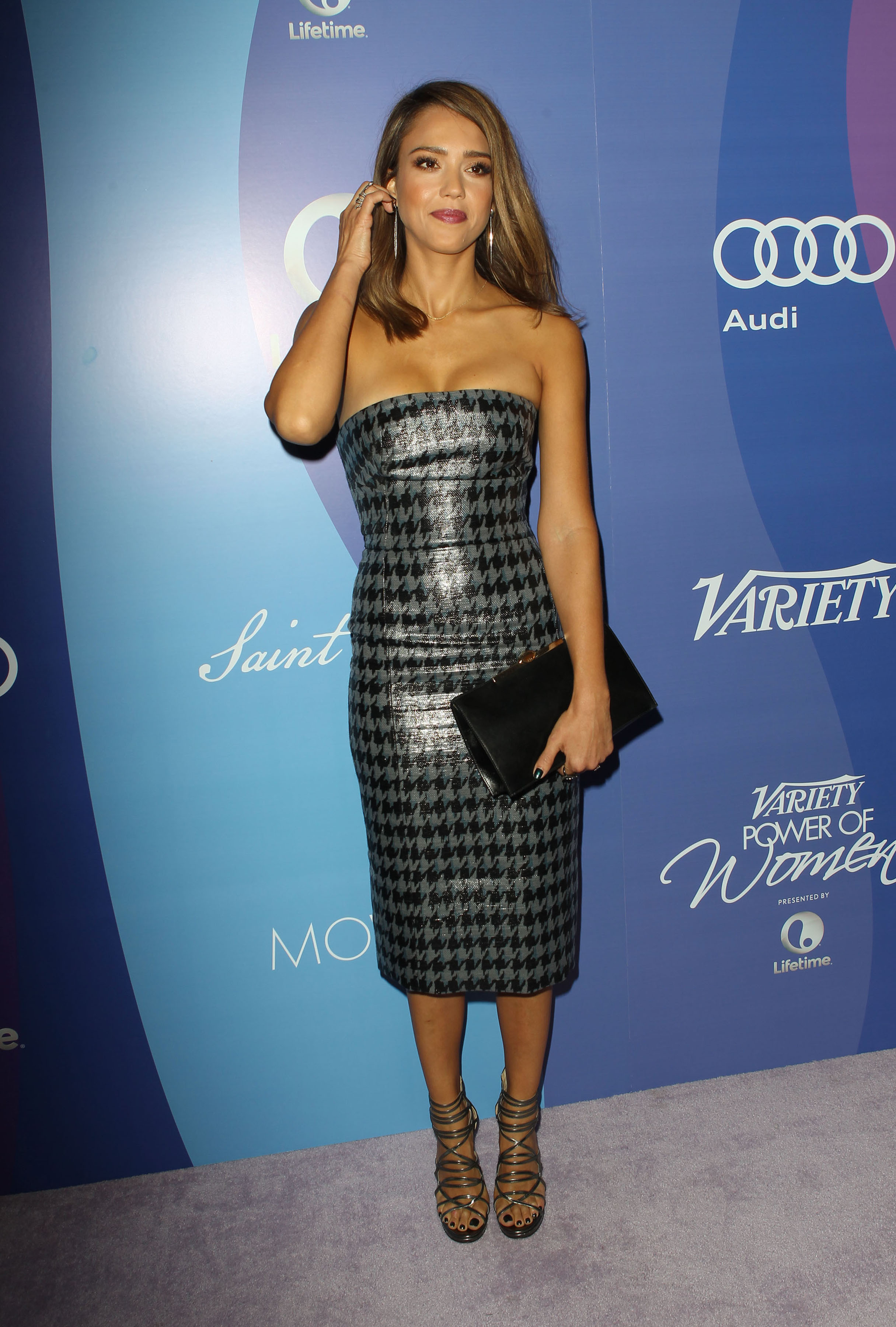
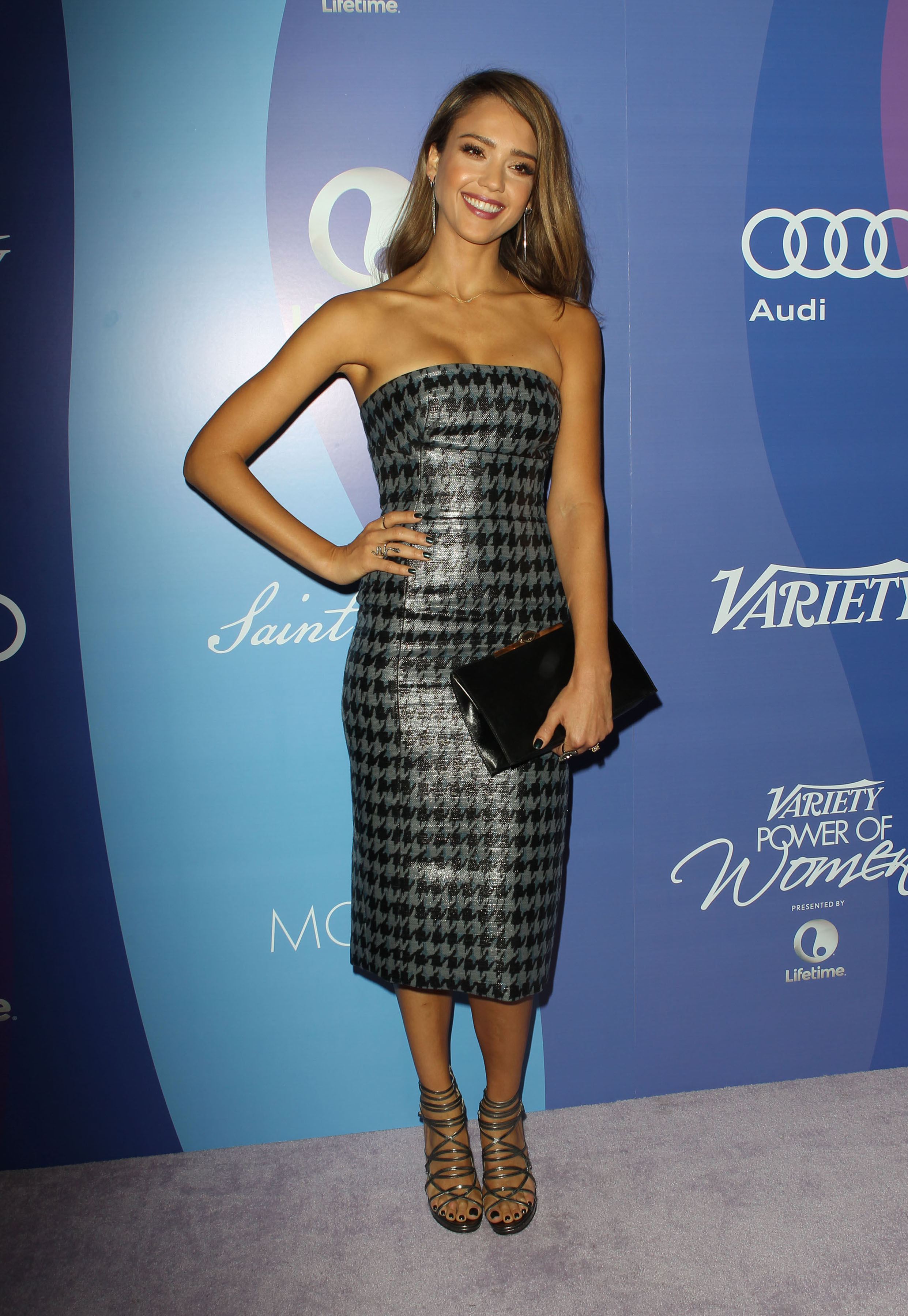
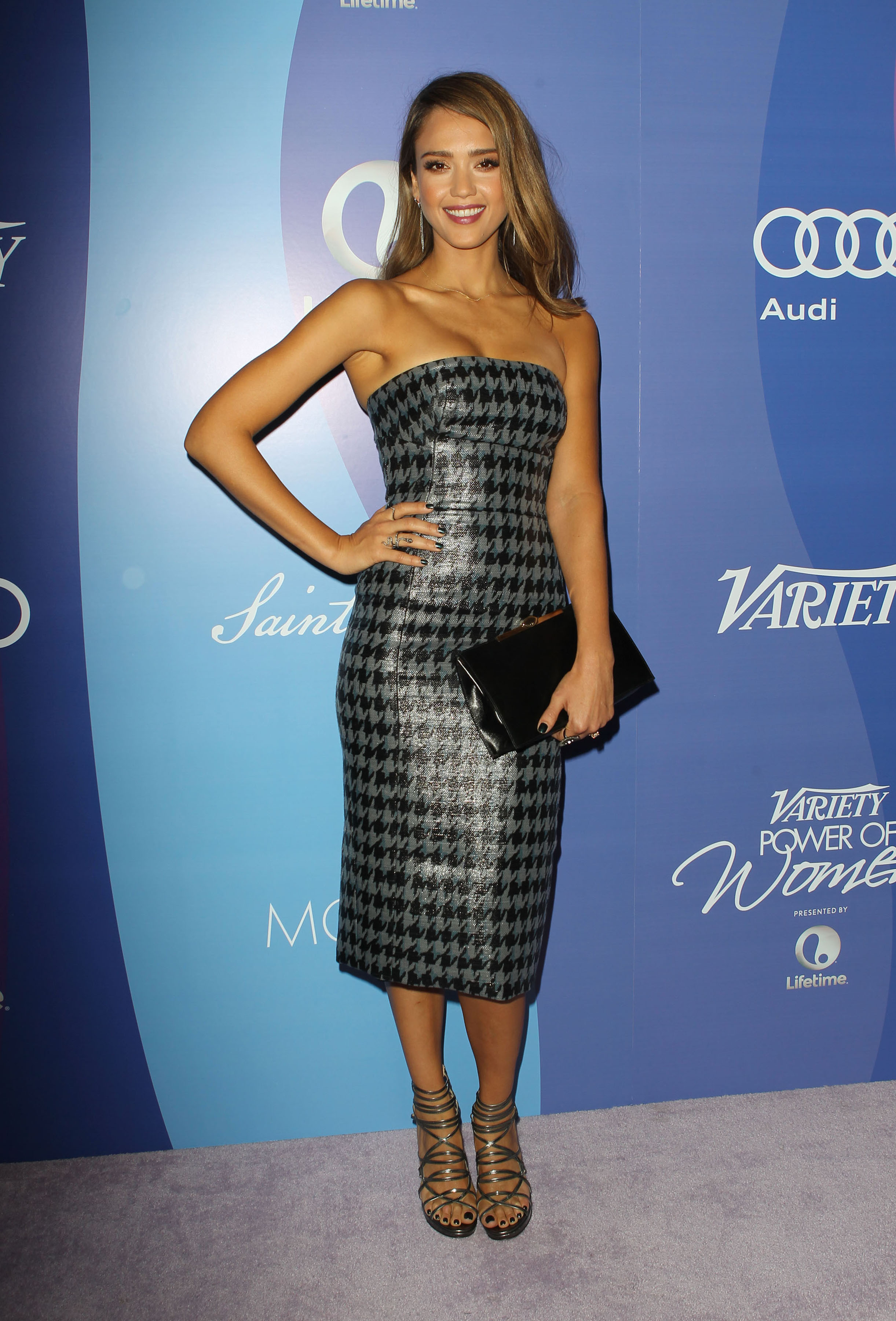
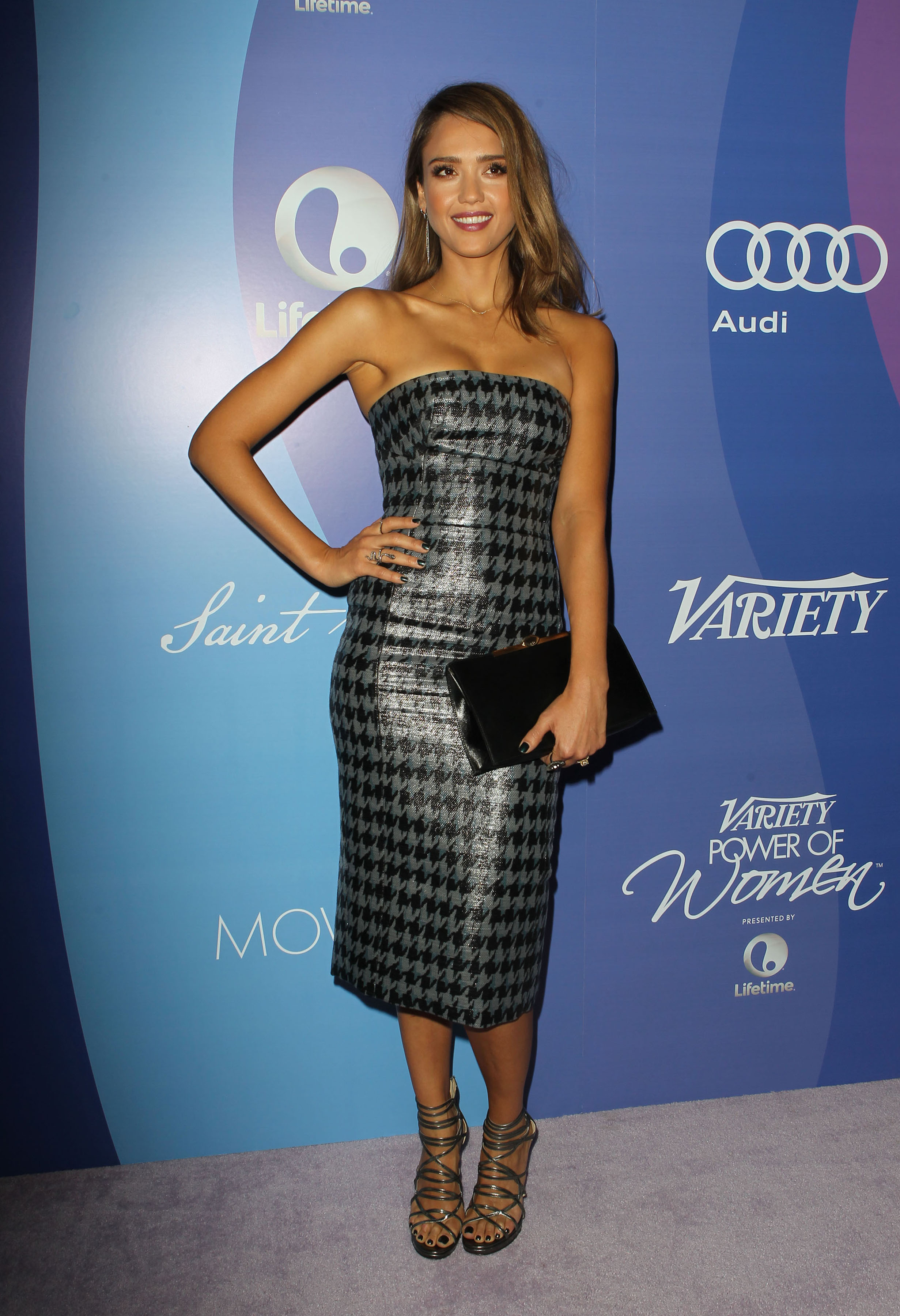
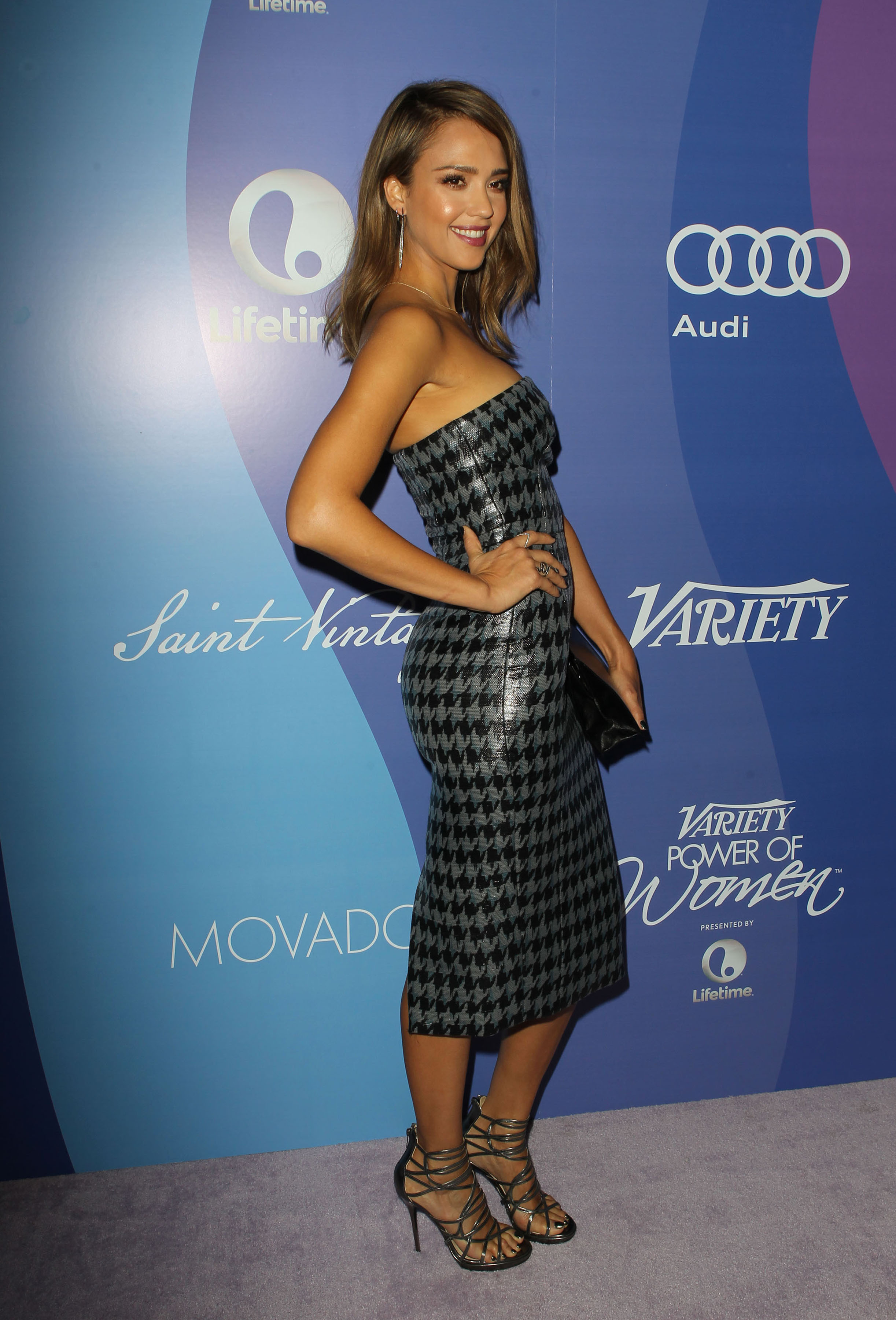
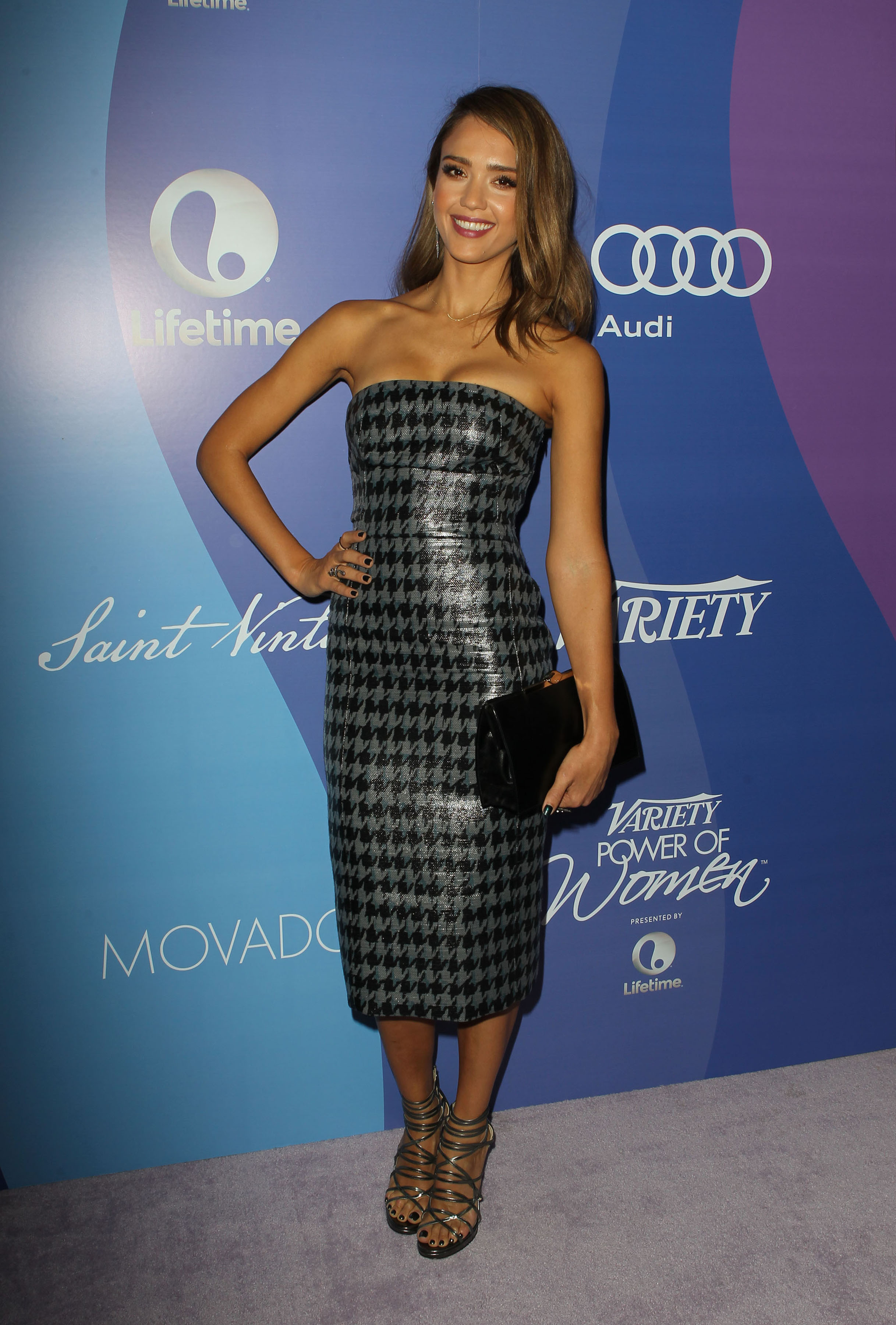
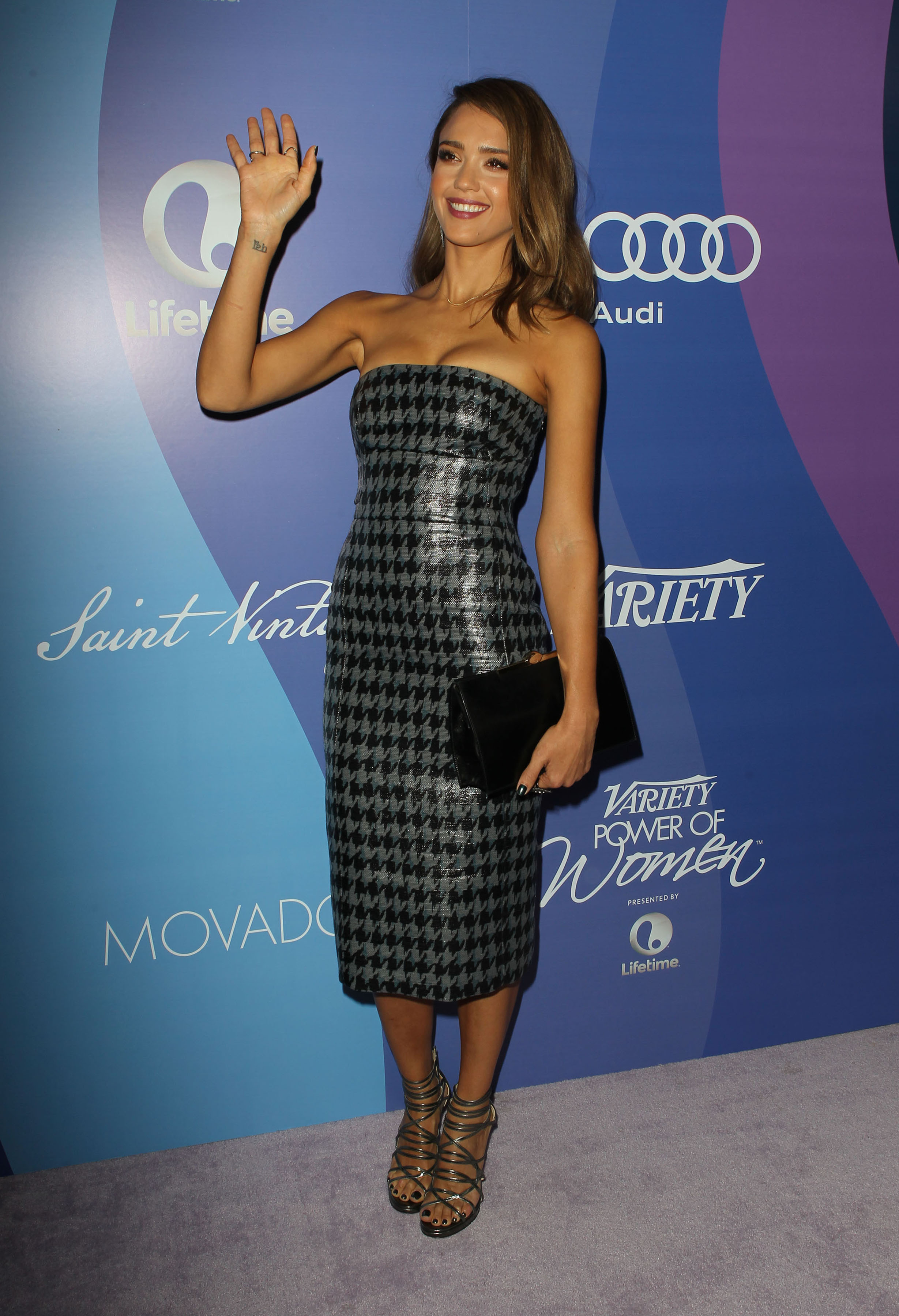
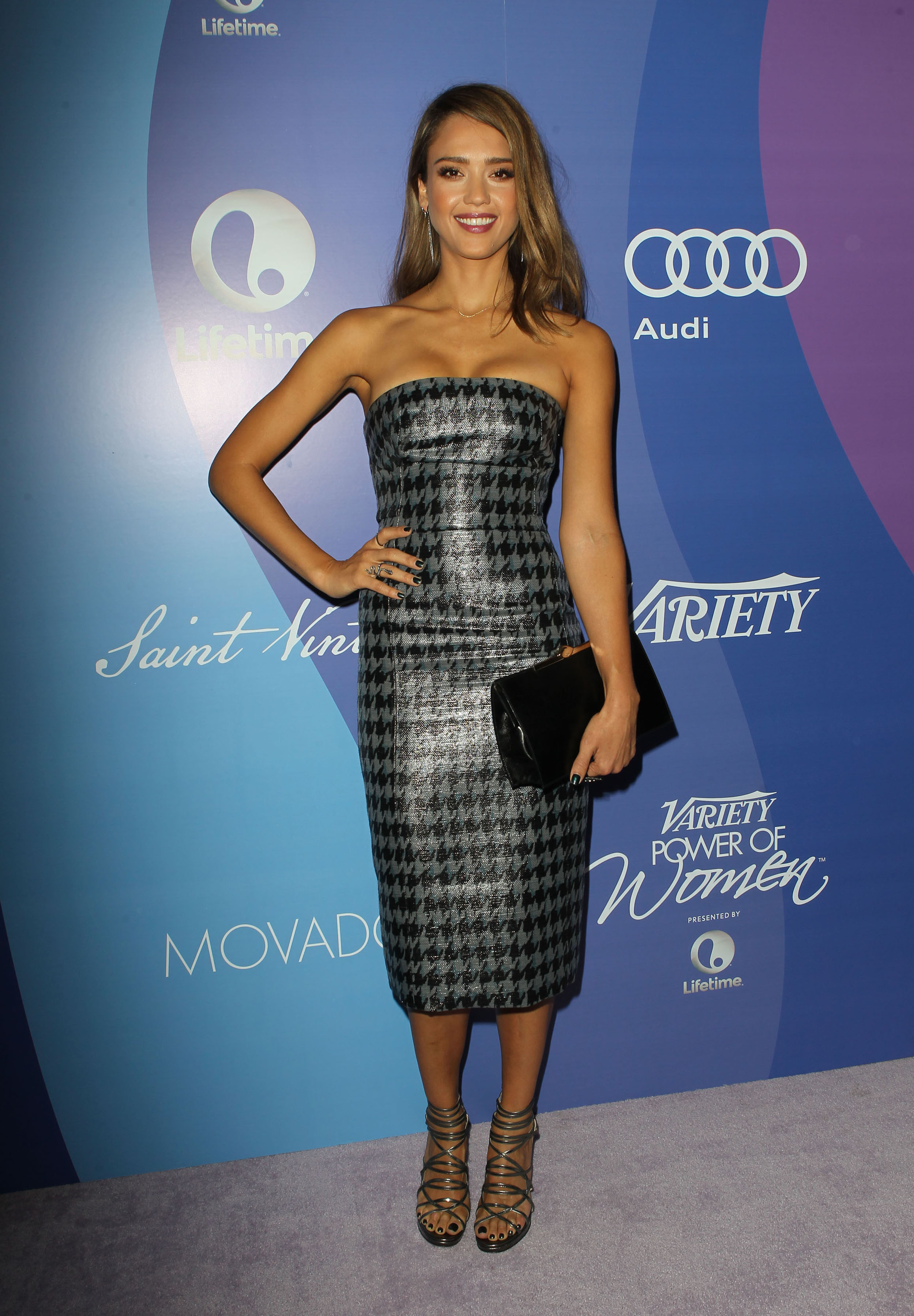
  1. Matute replied to a post in a topic in Actresses
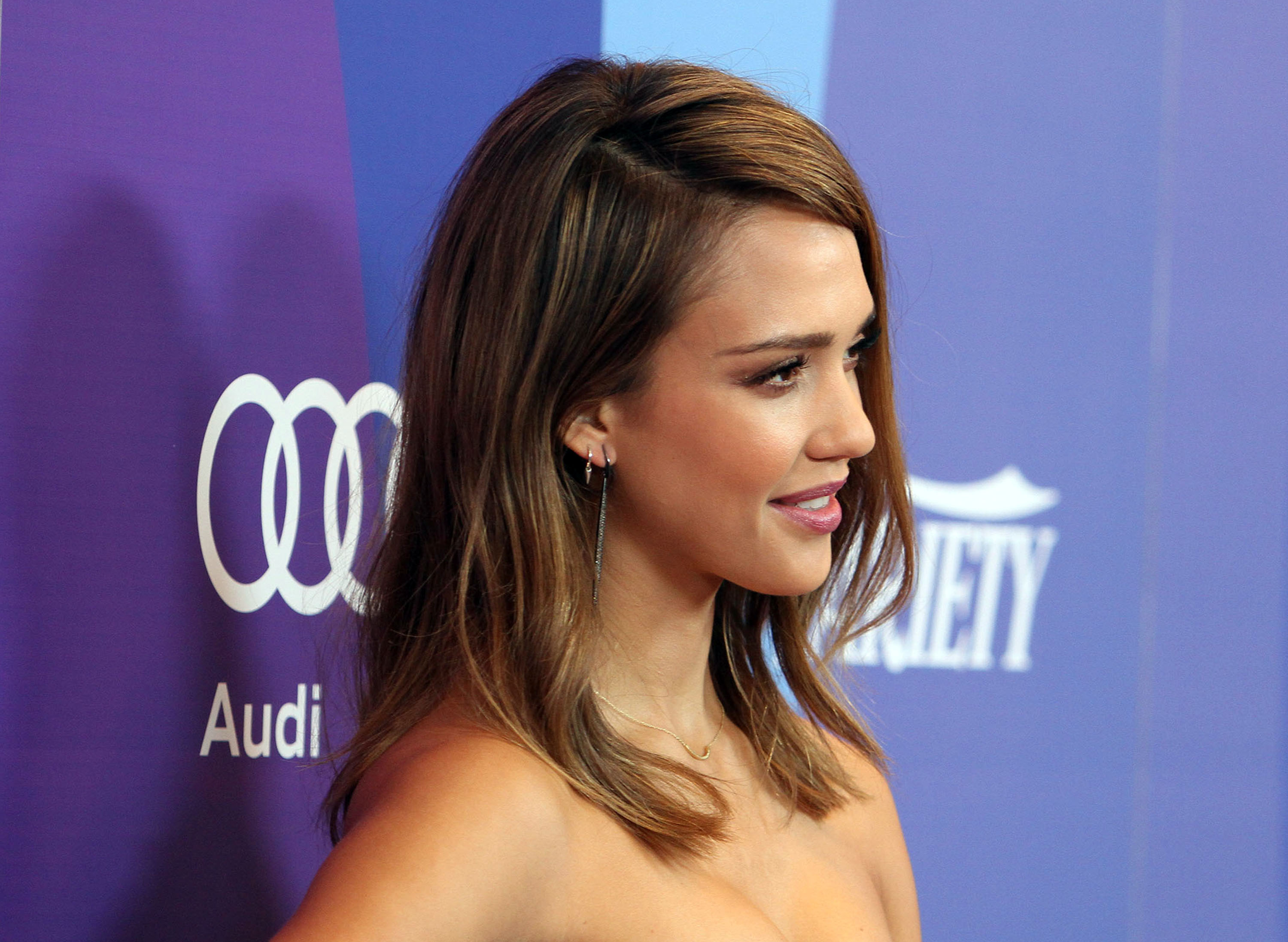
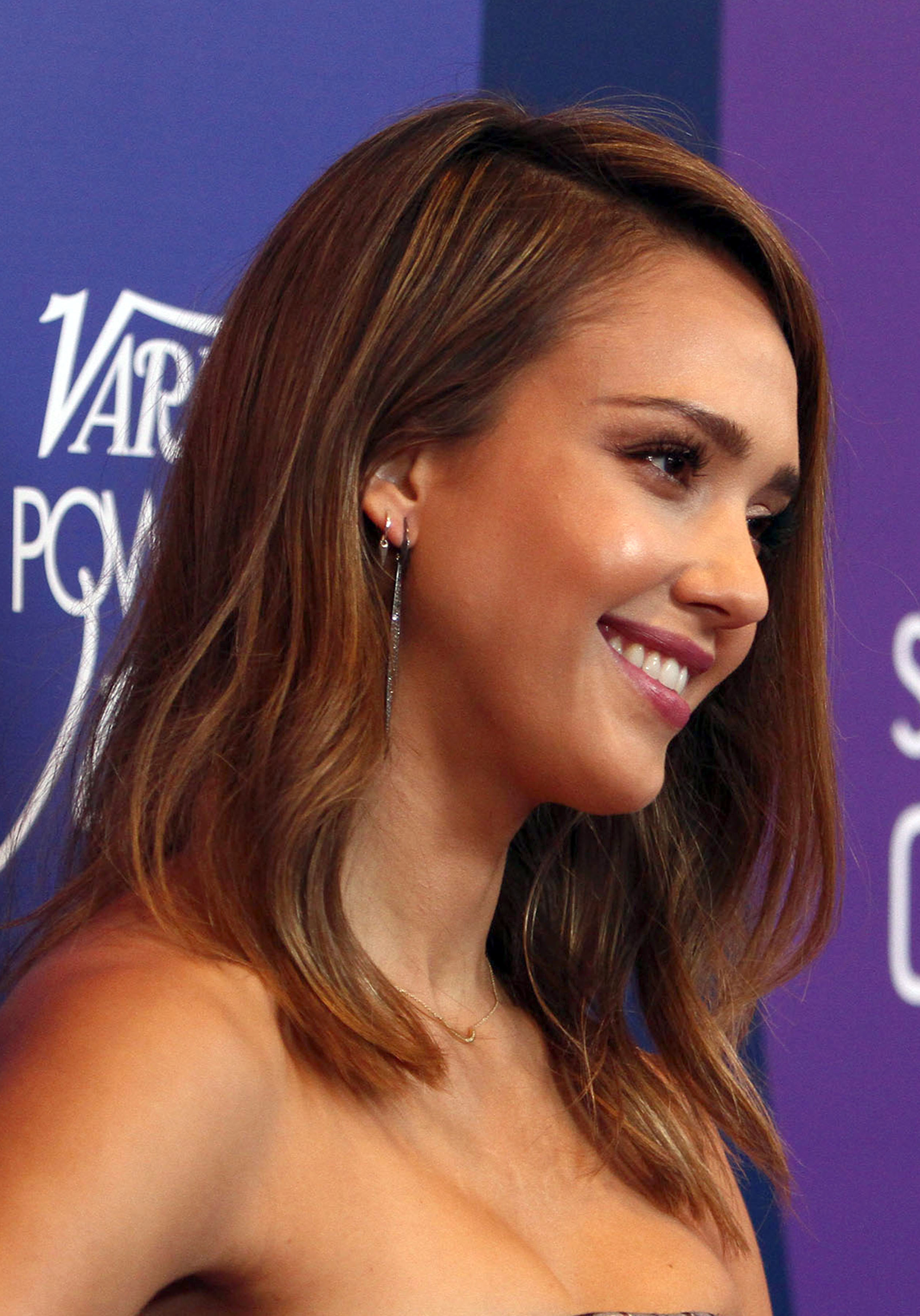
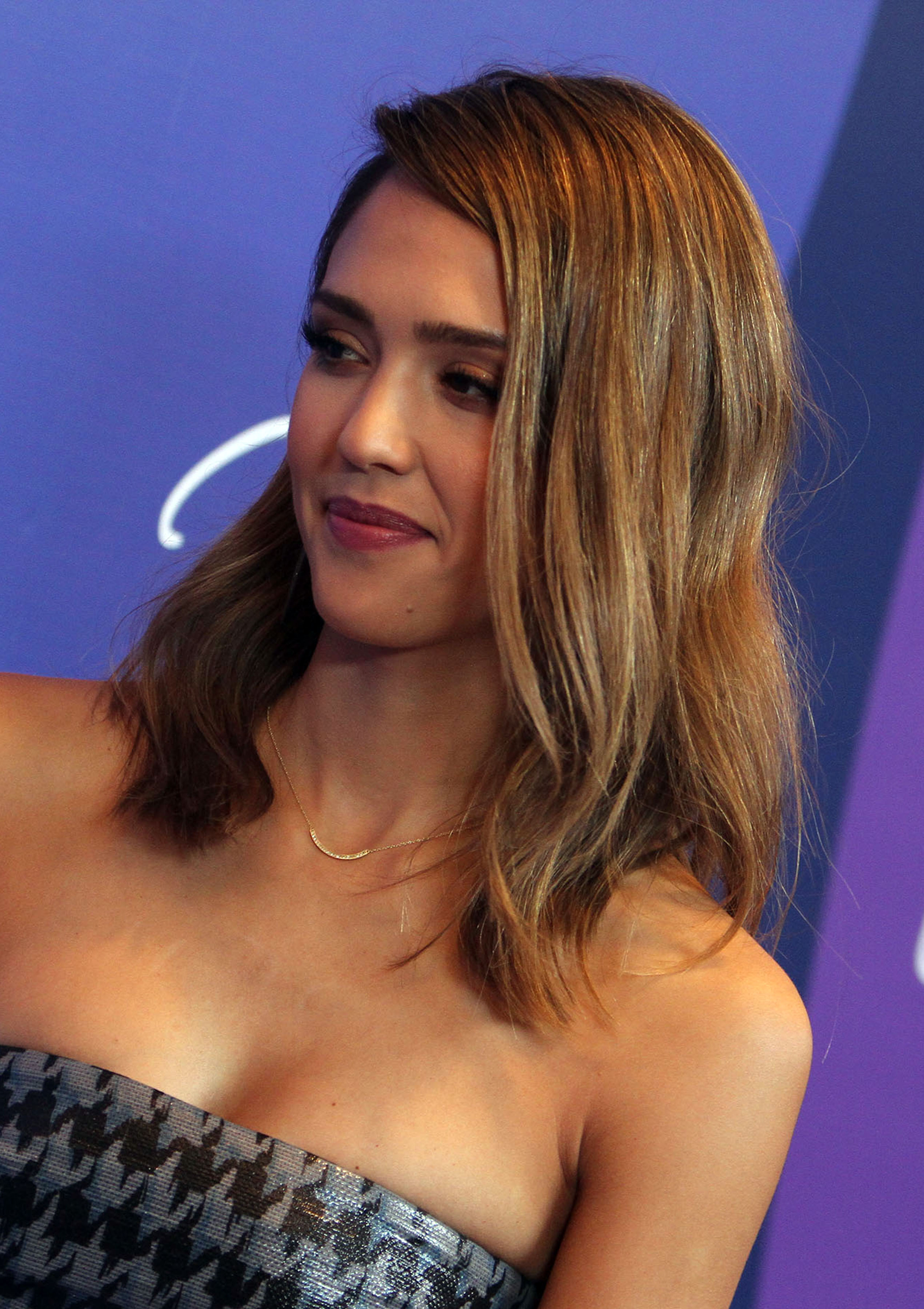
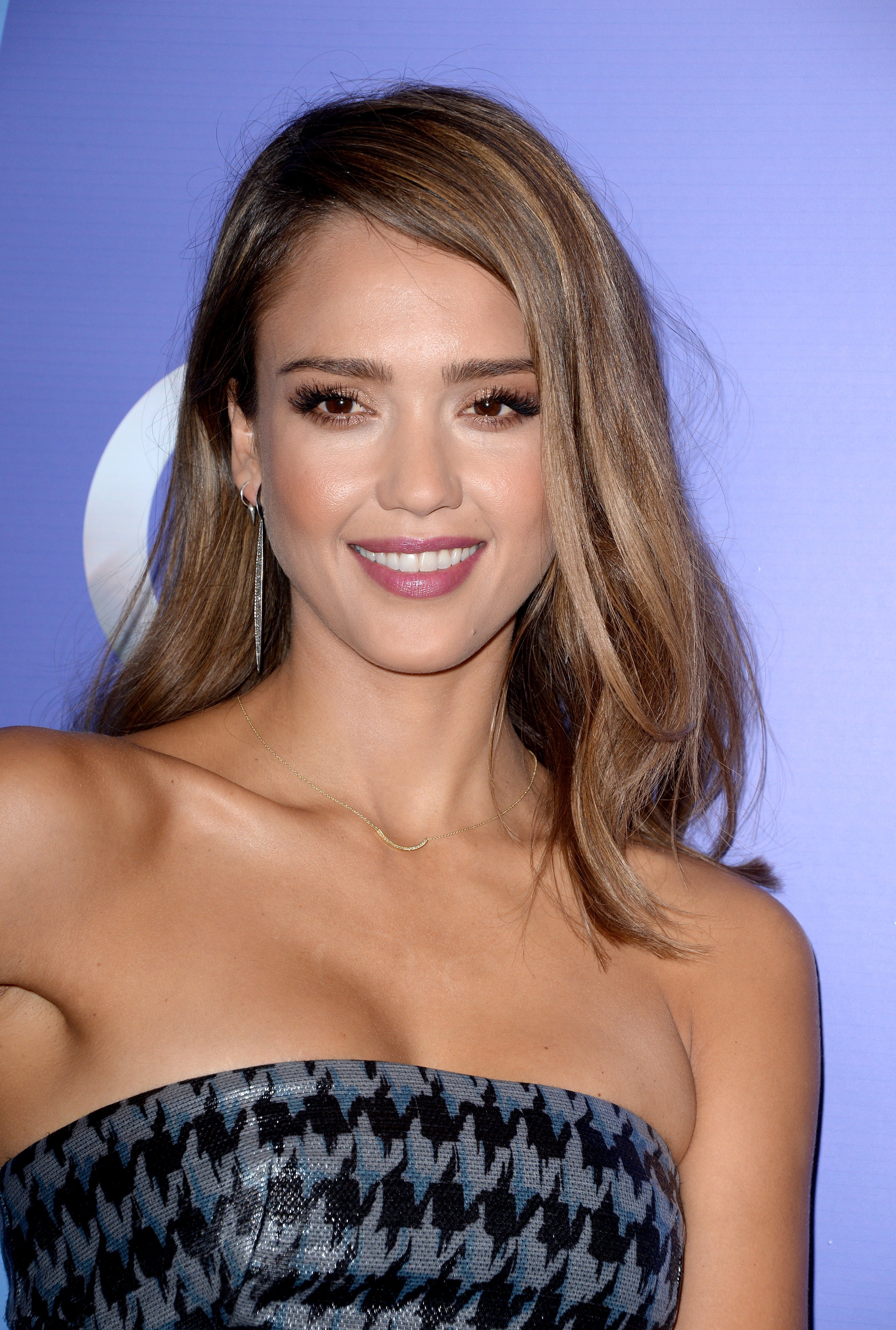
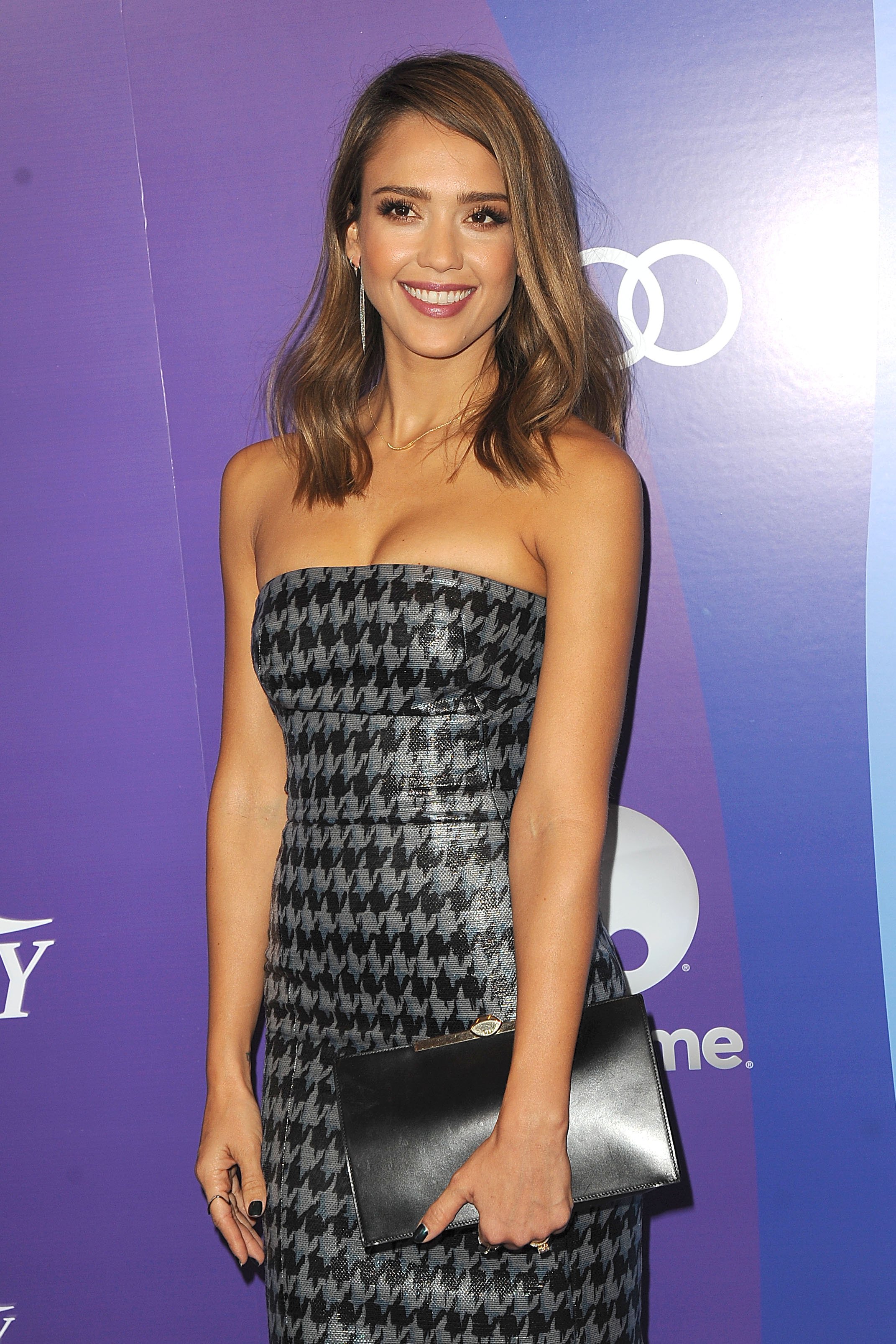
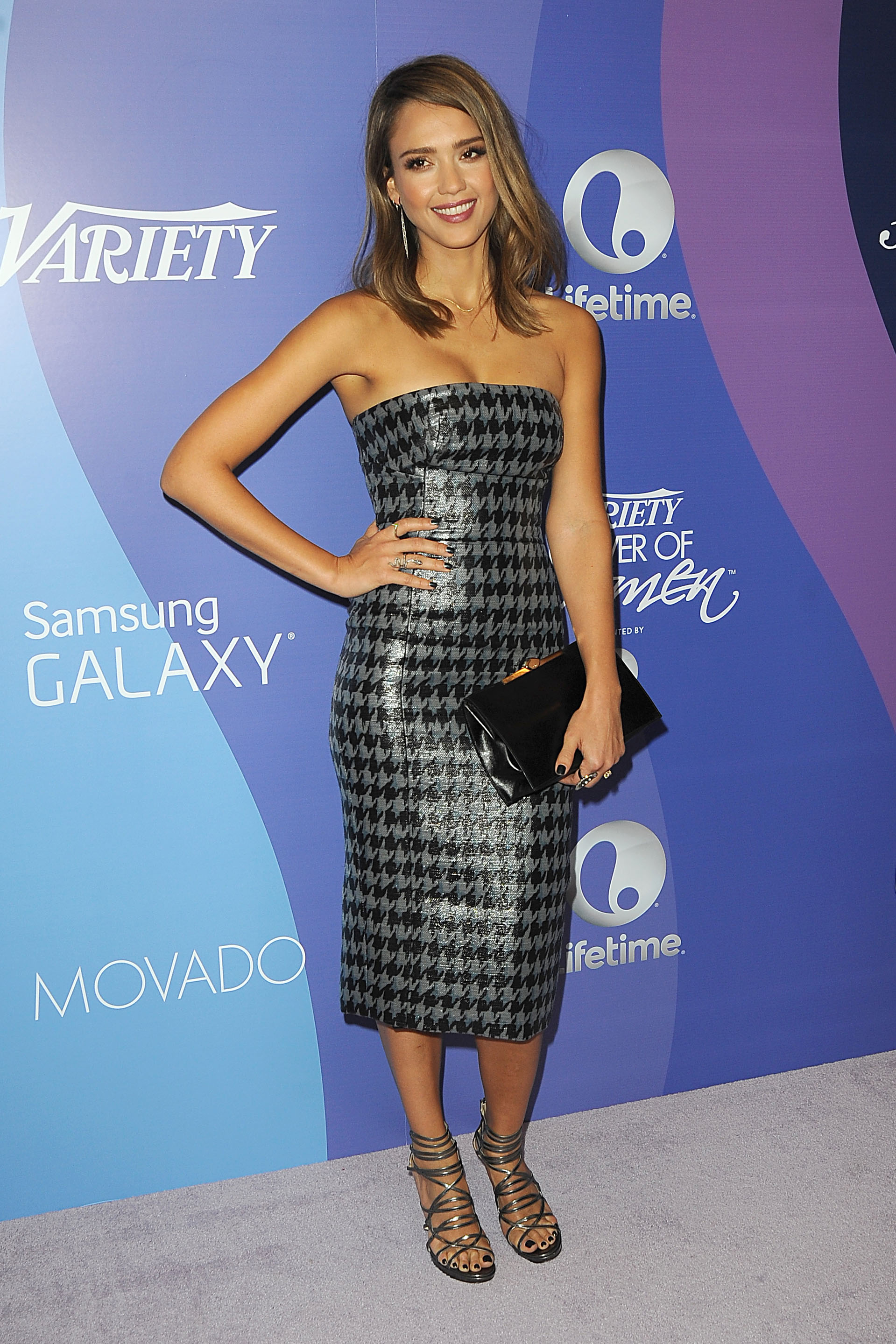
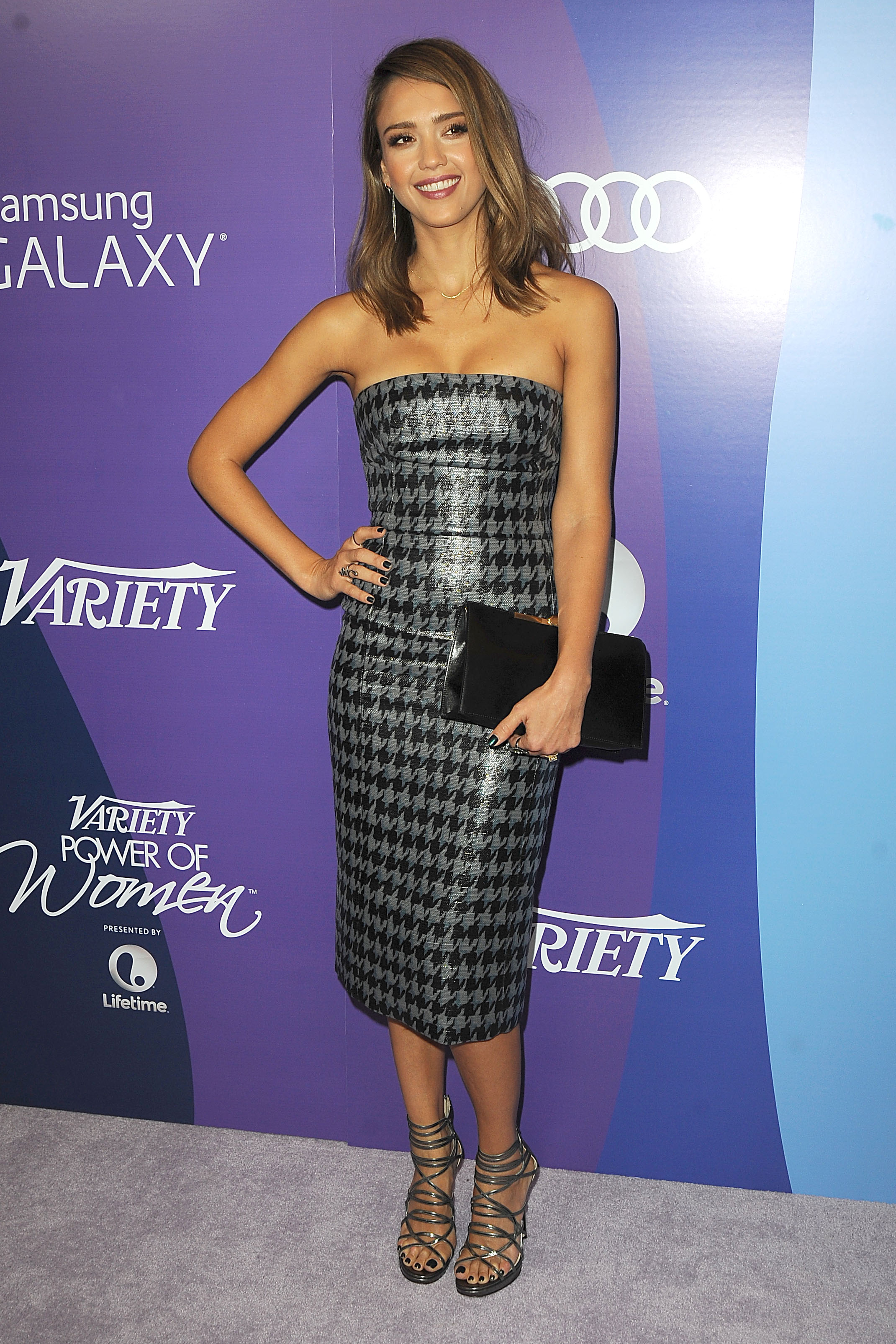
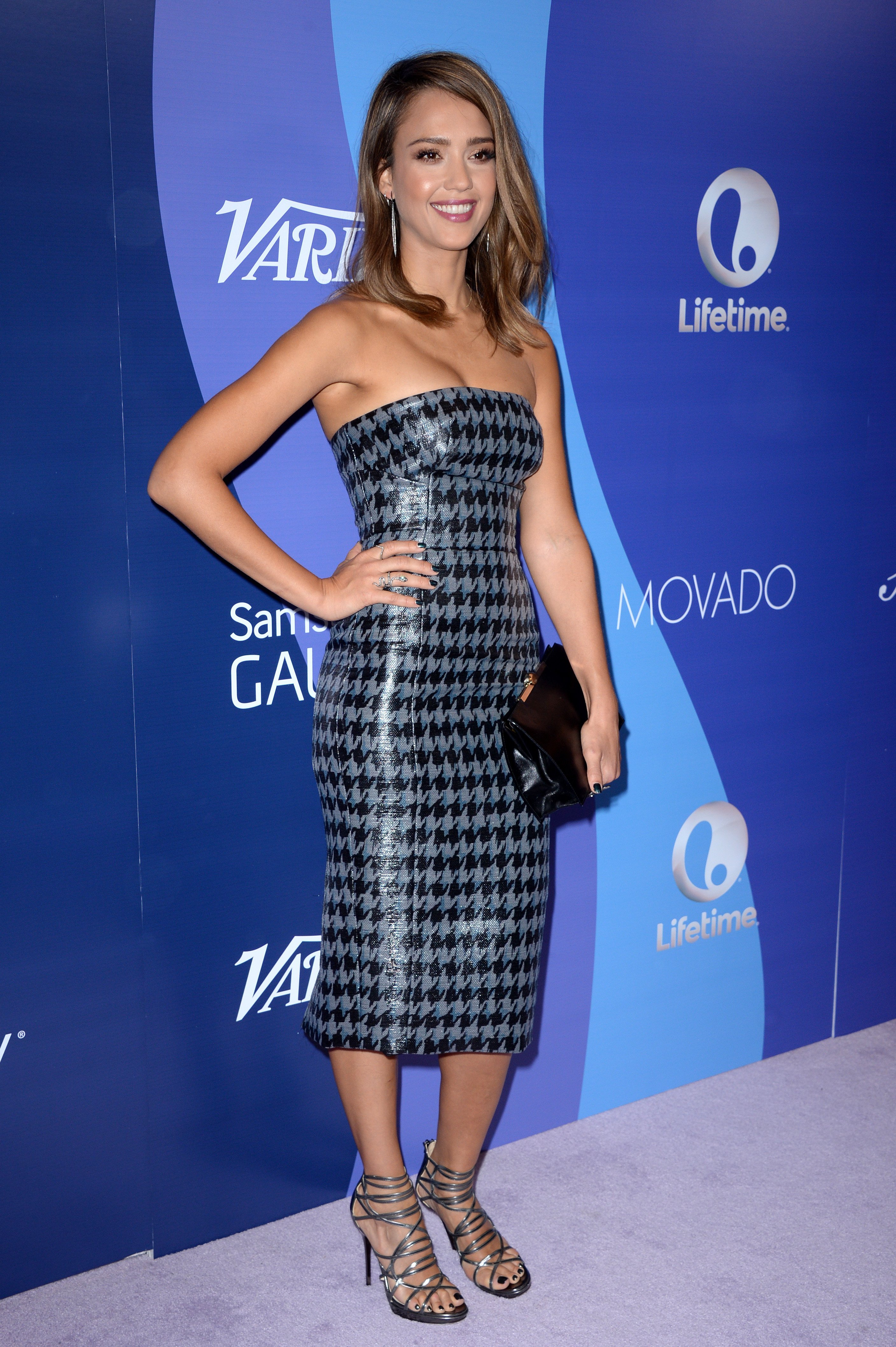
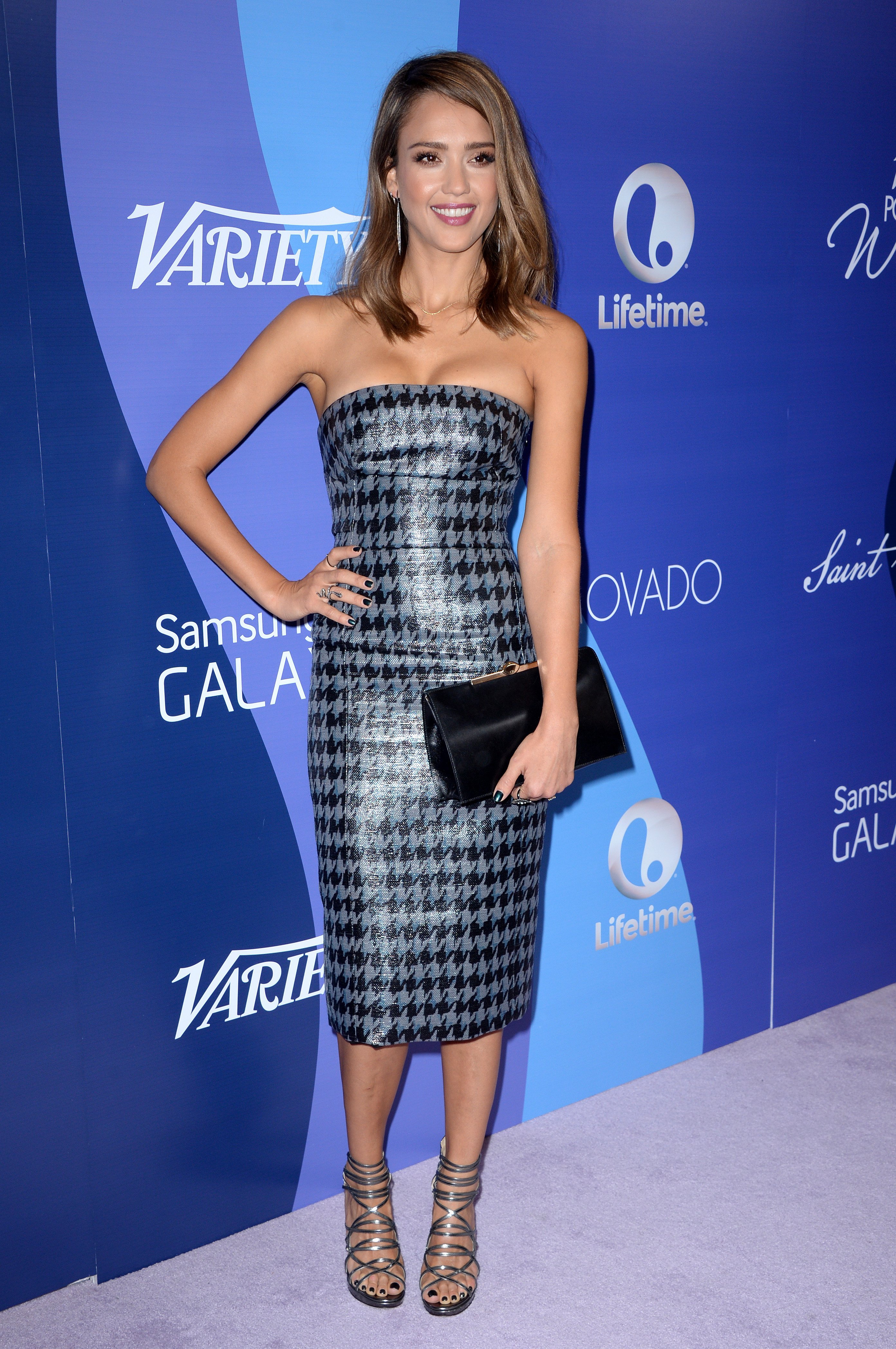
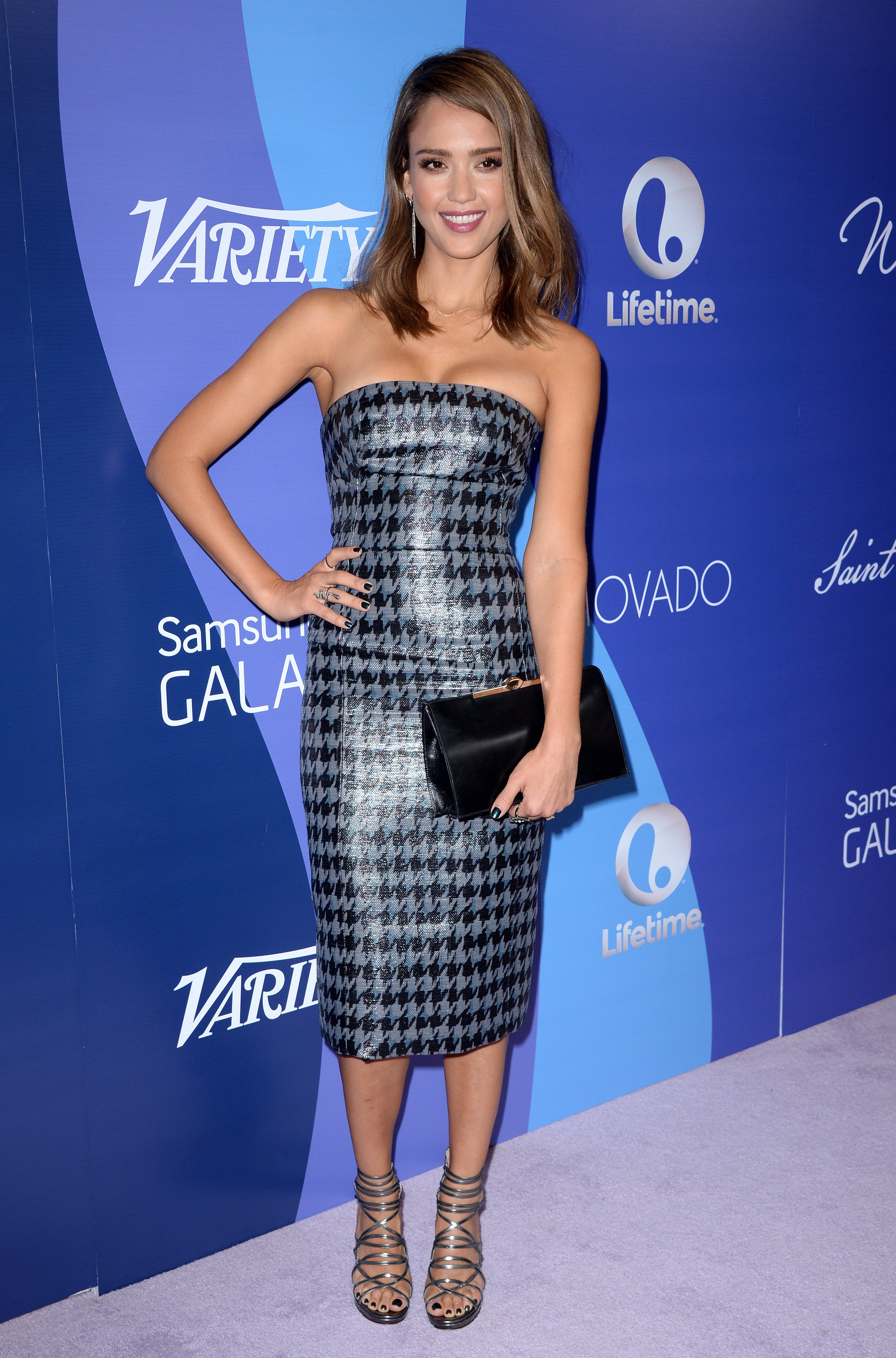
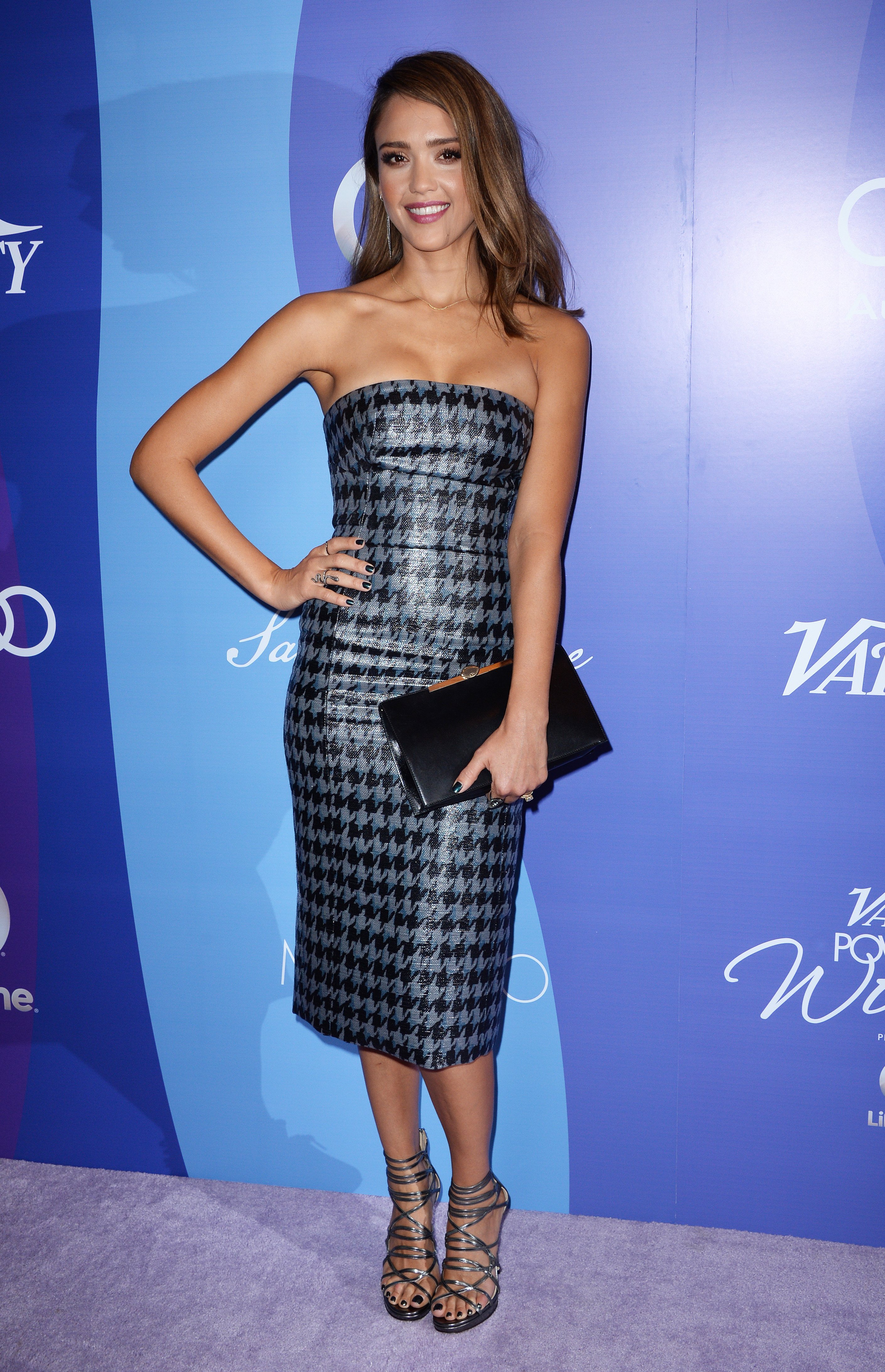
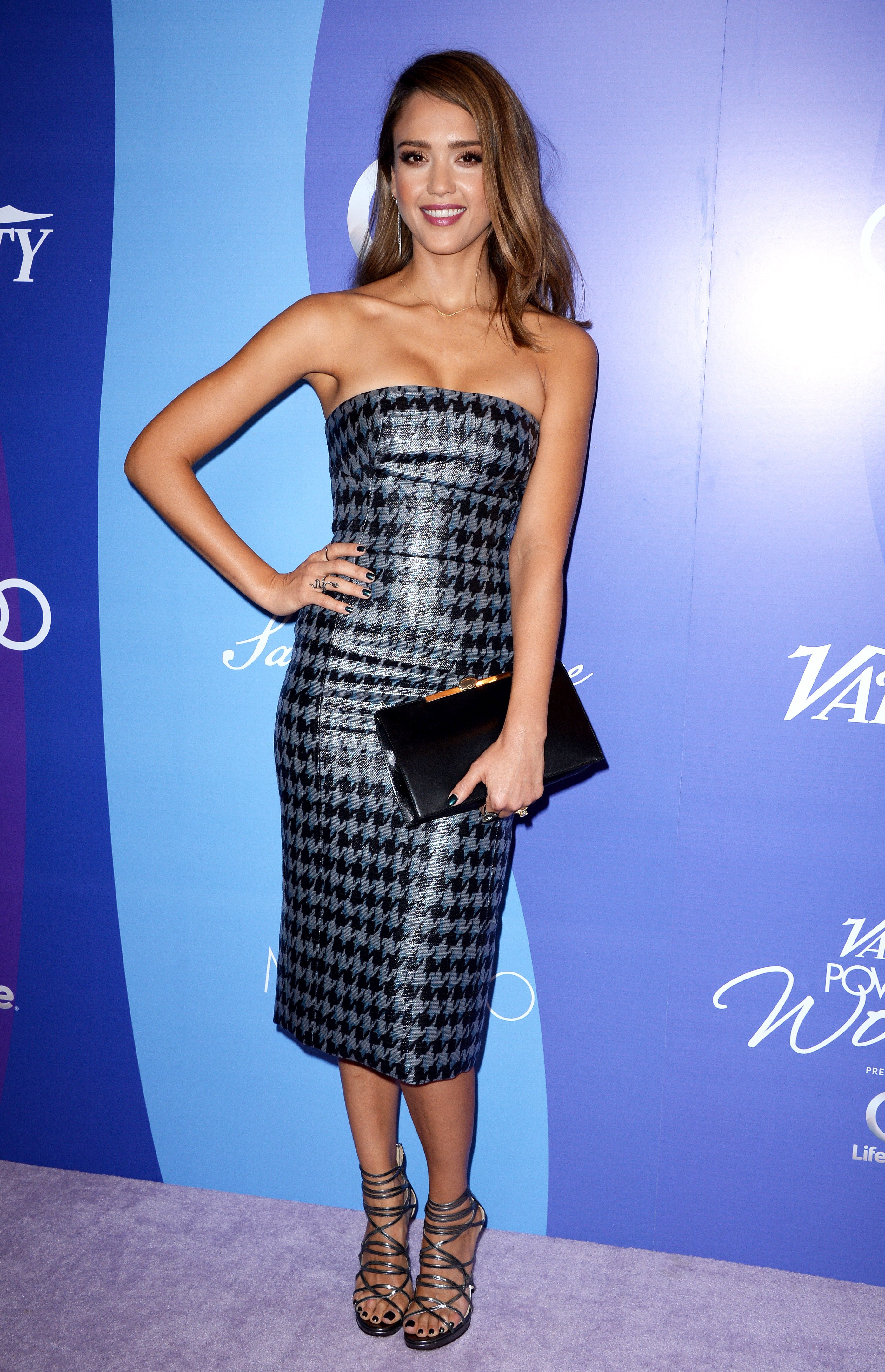
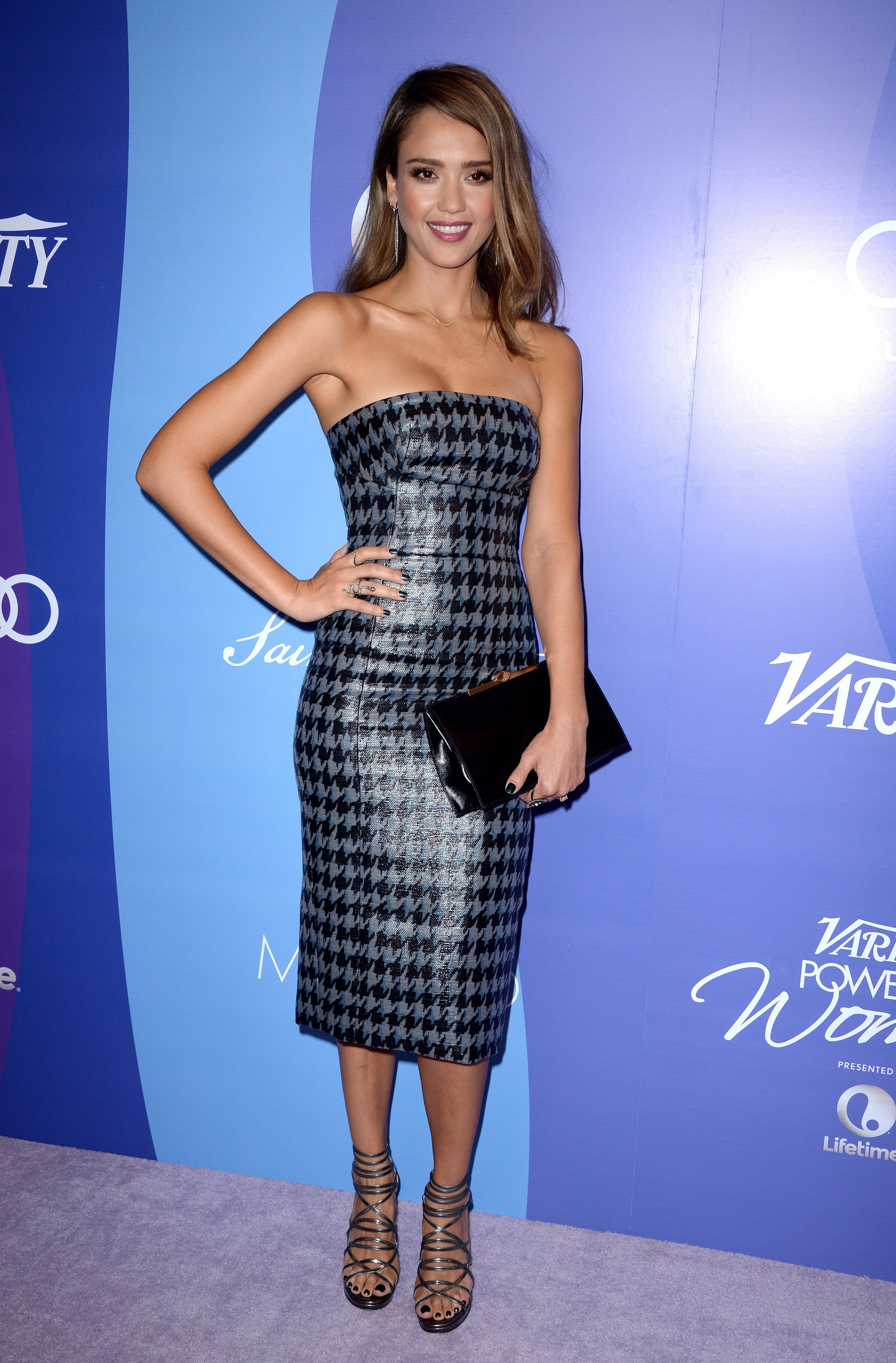
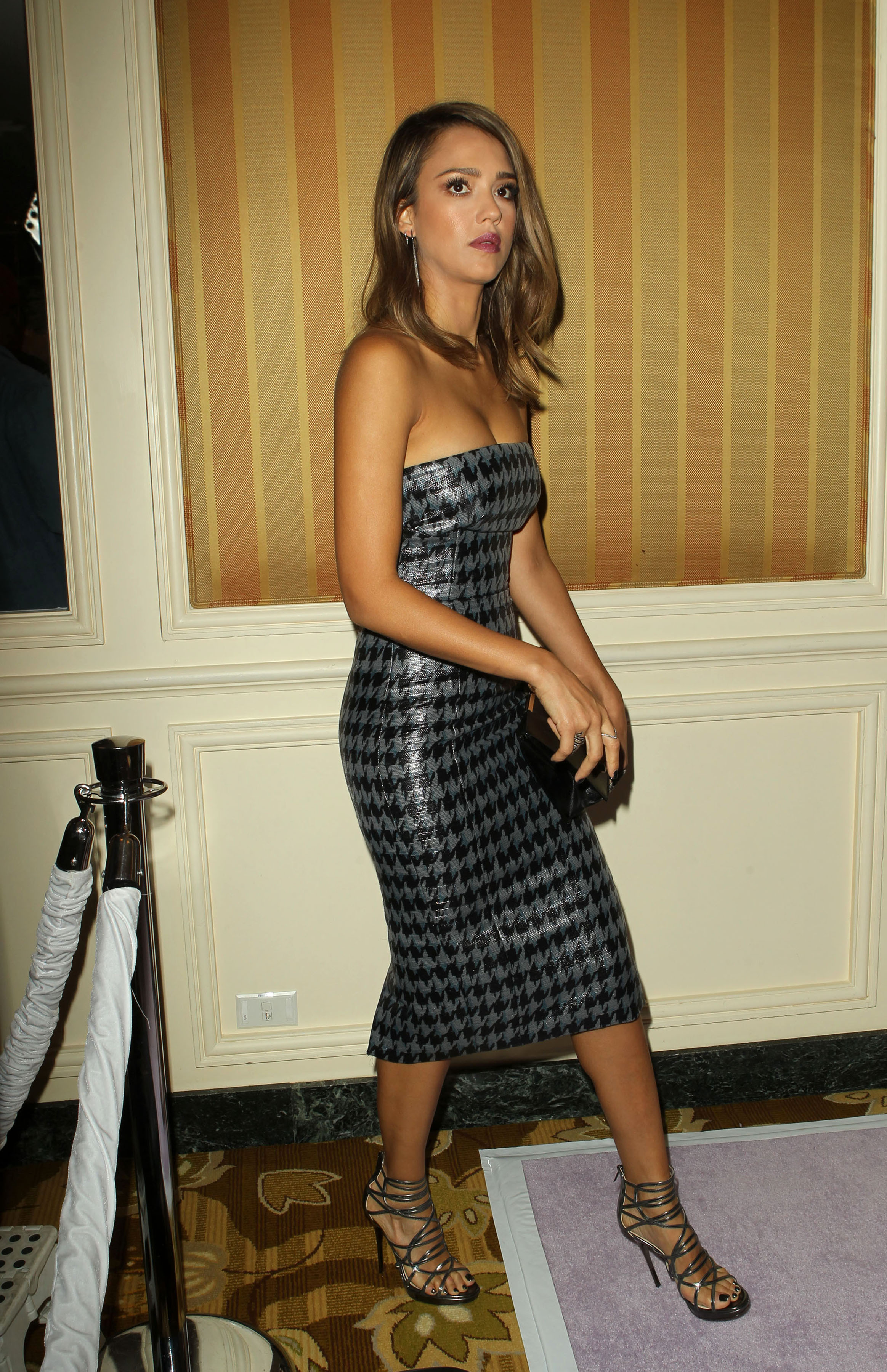
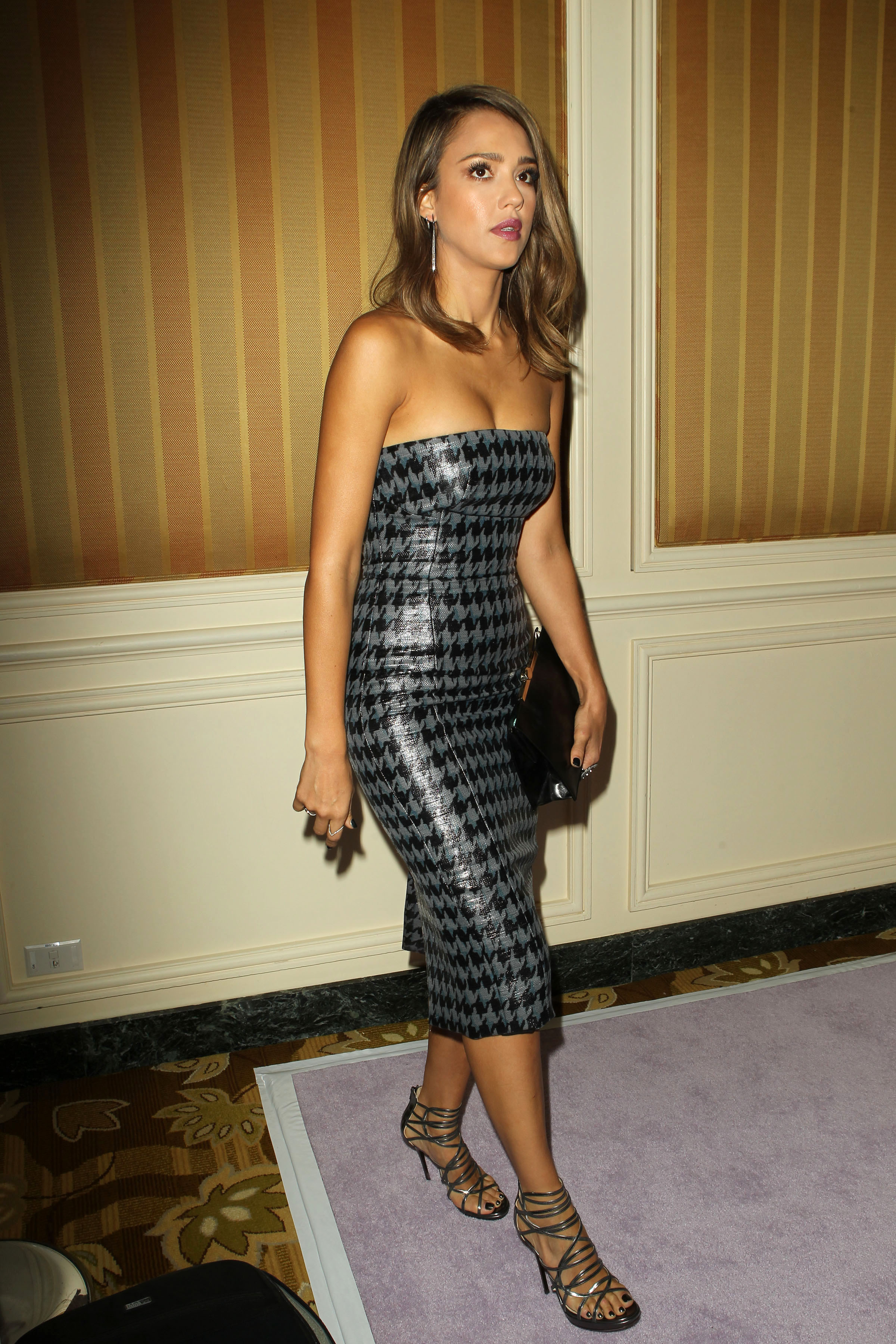
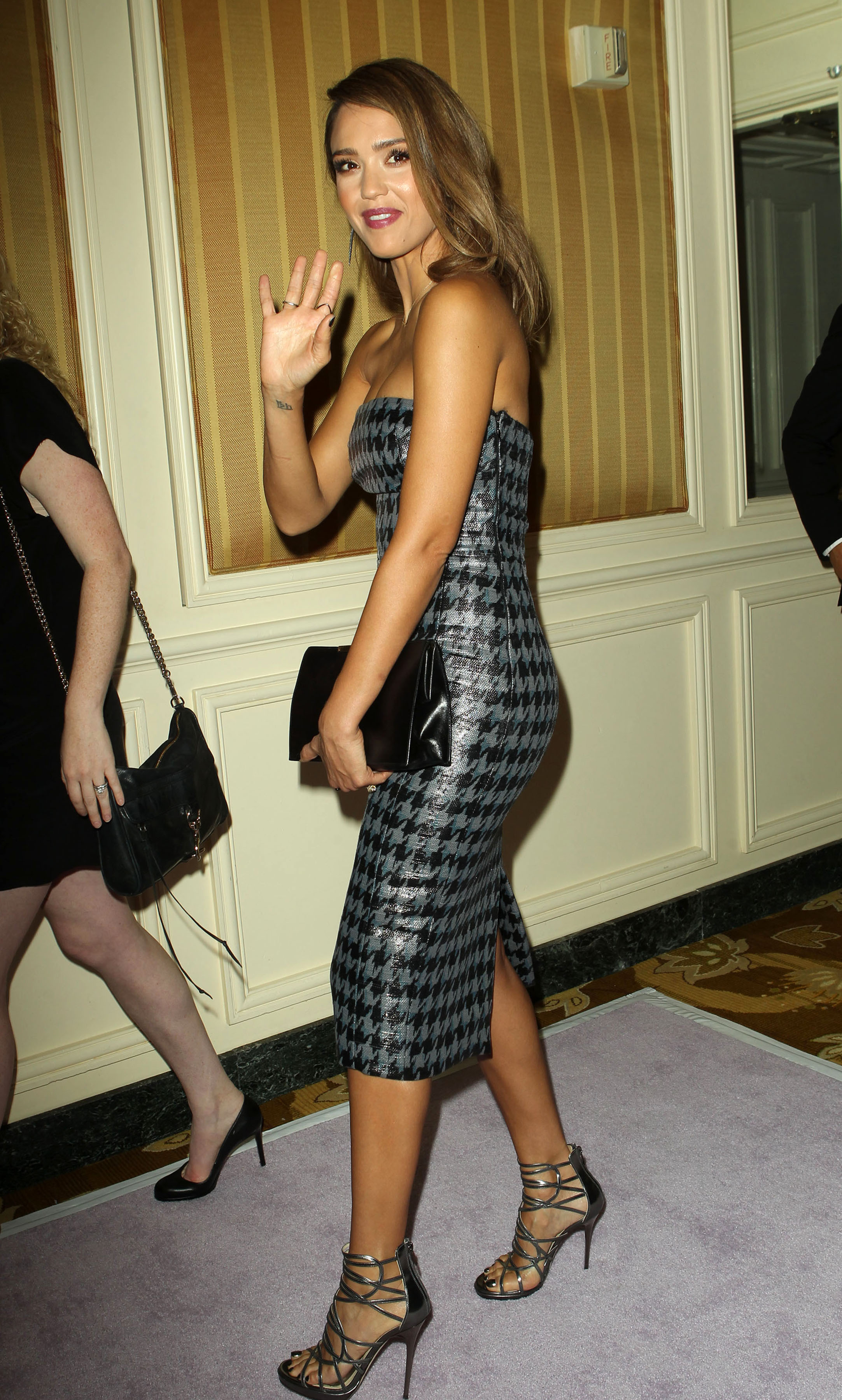
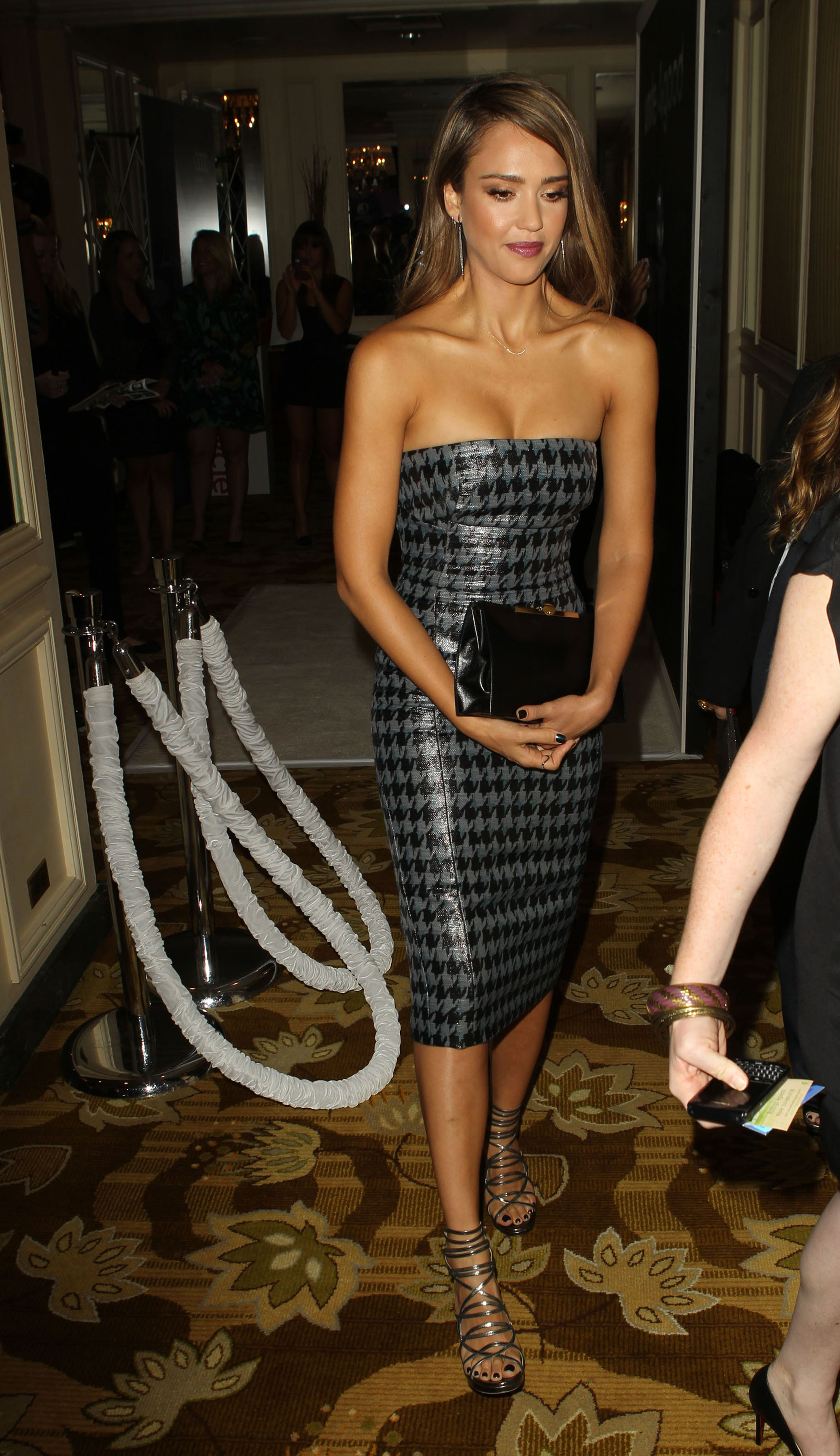
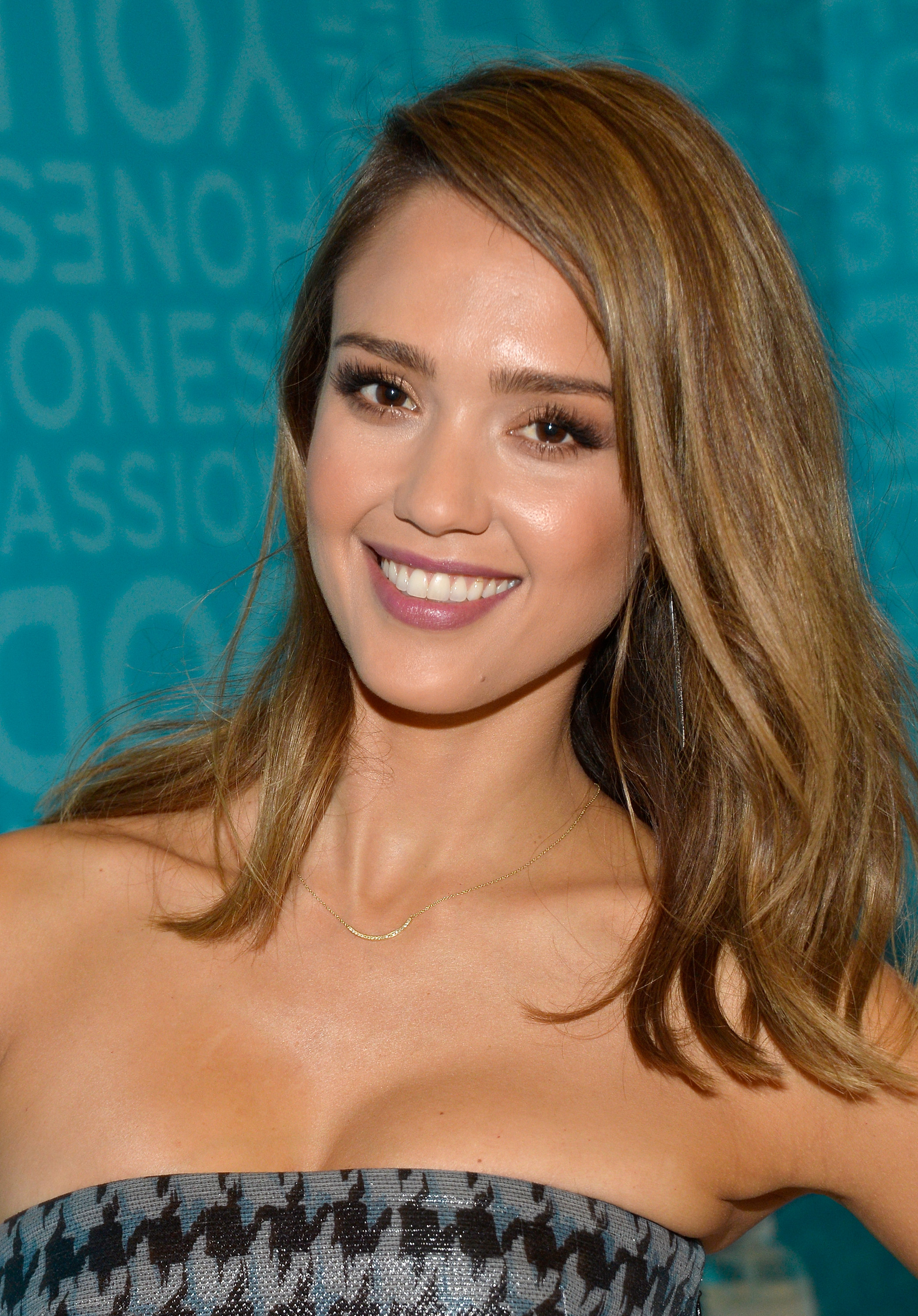
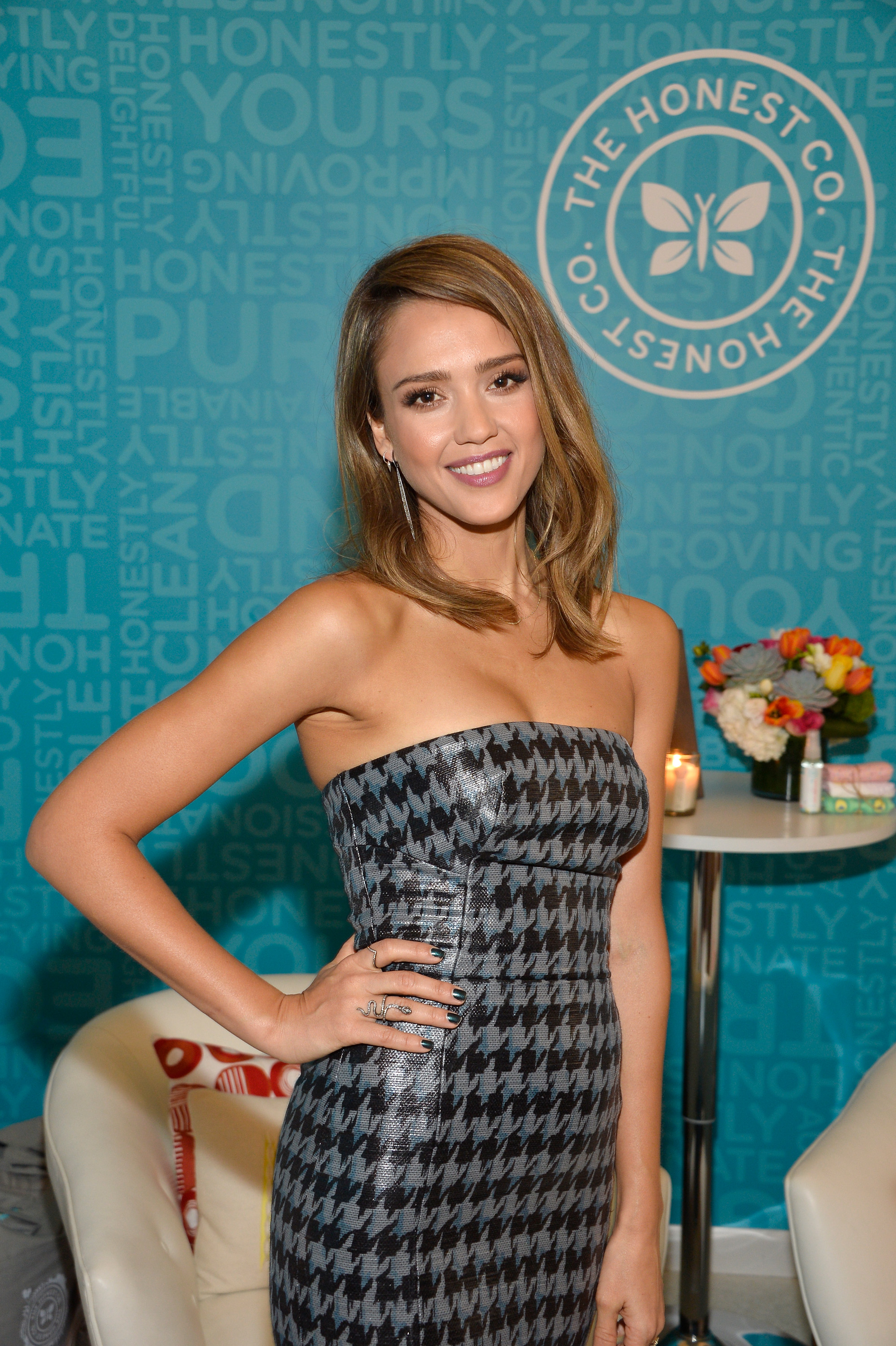
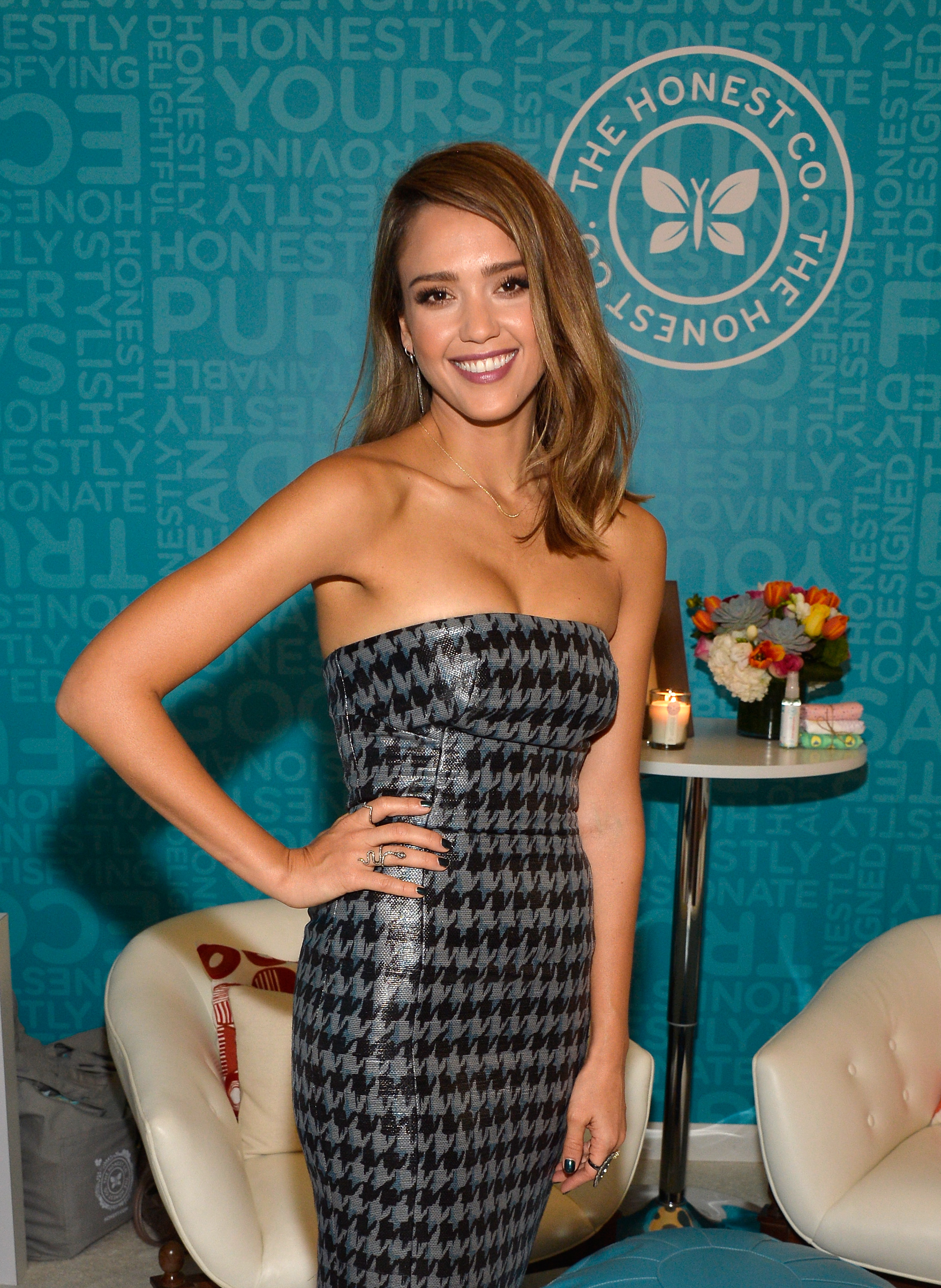
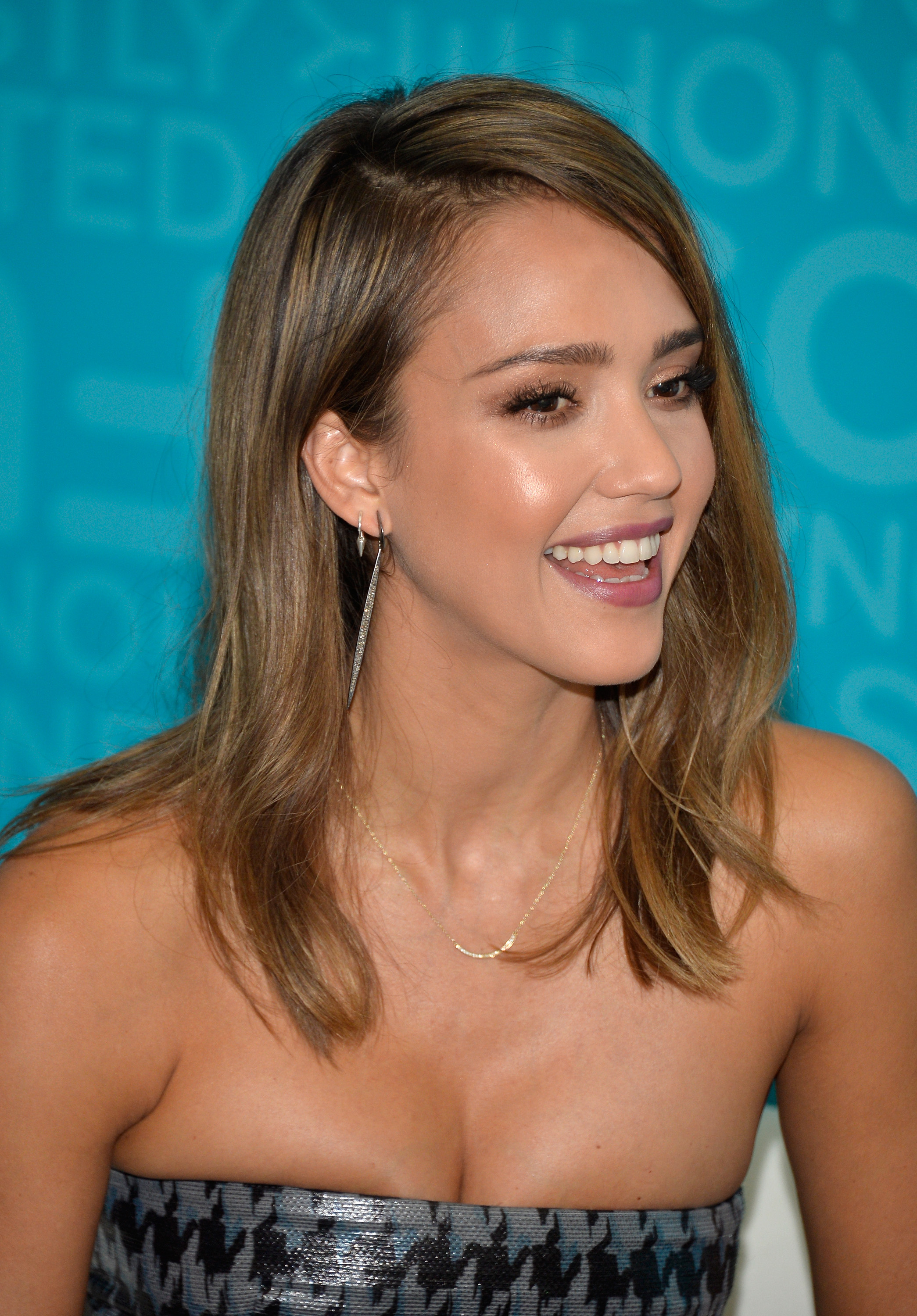
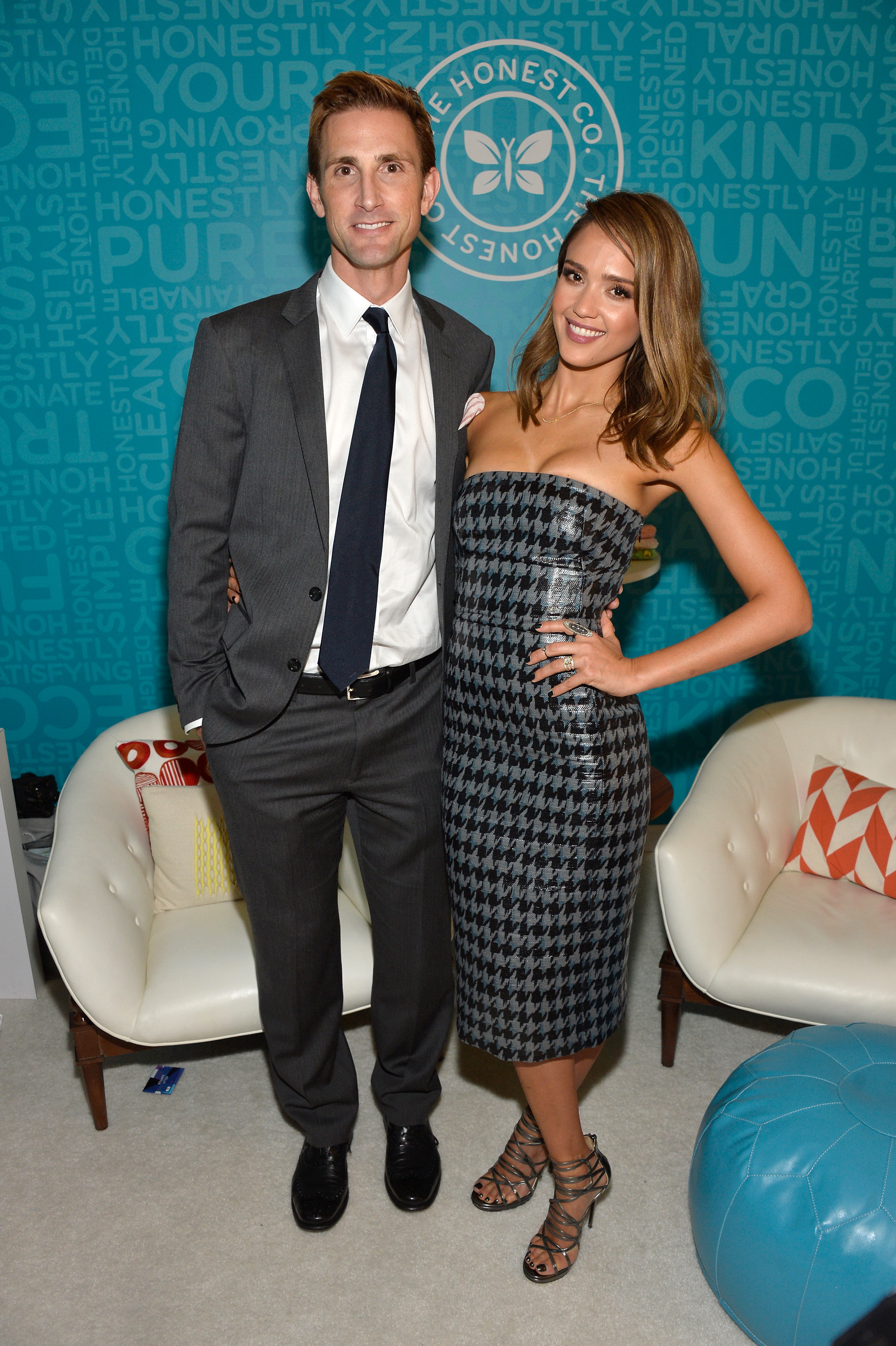
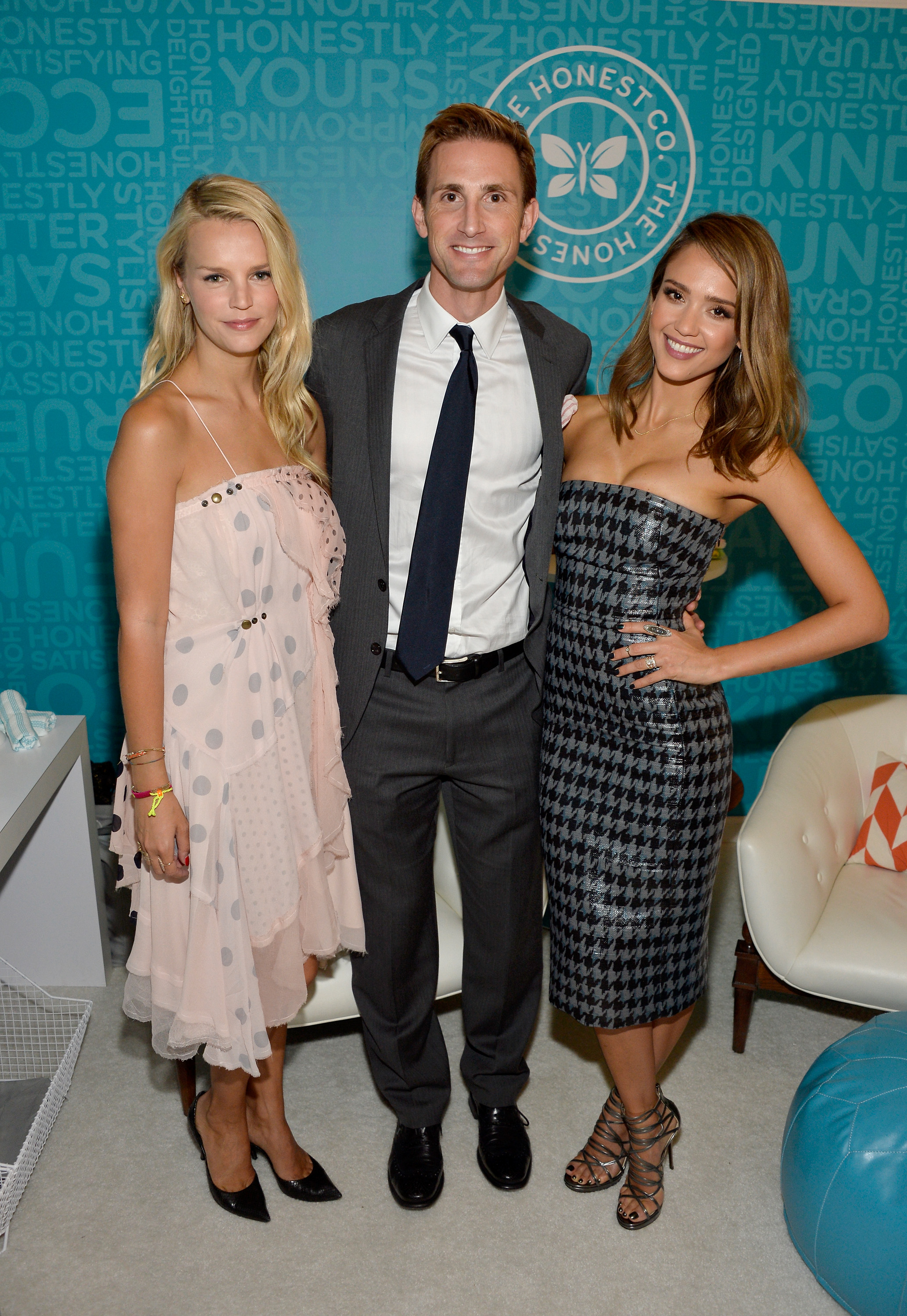
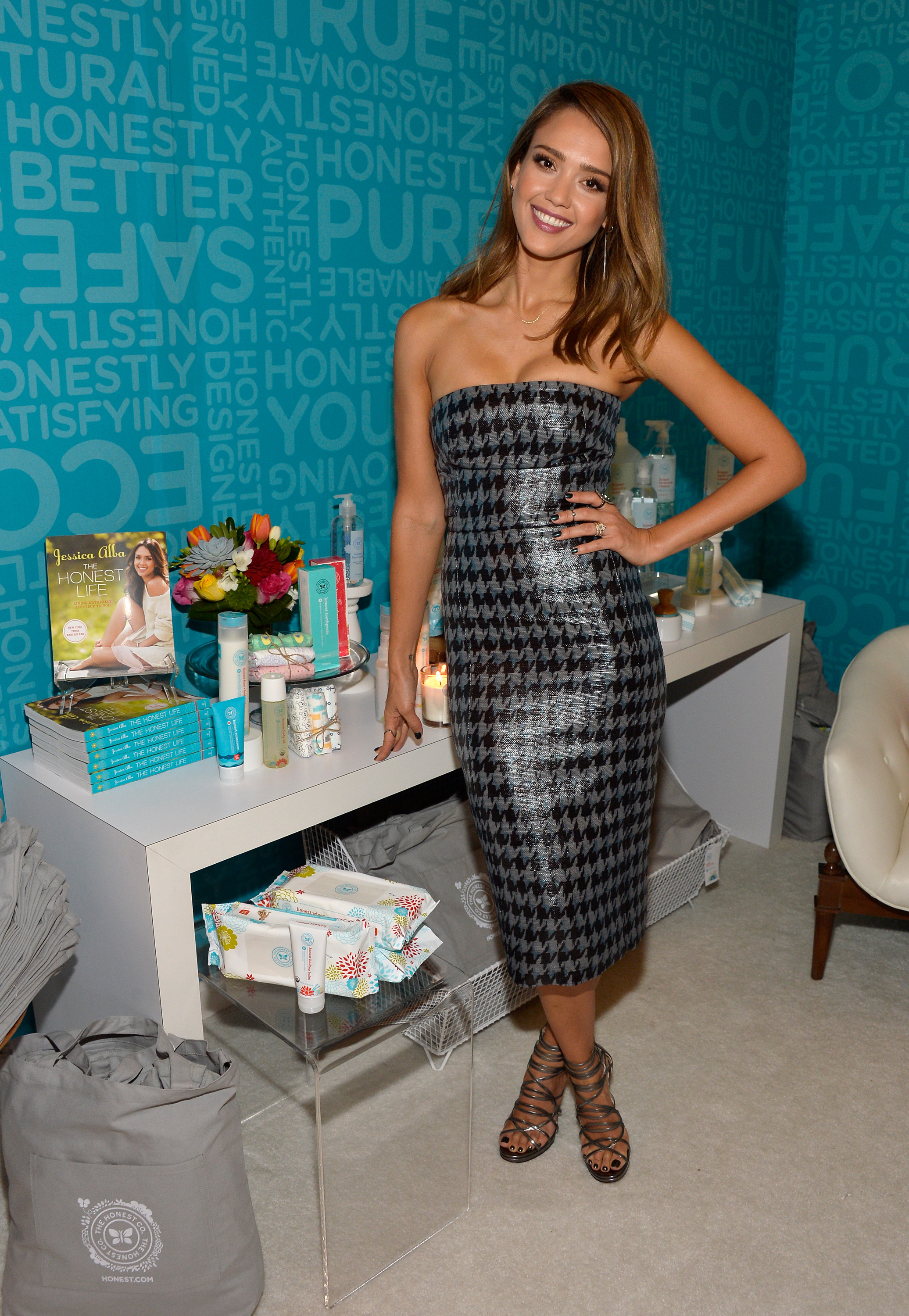
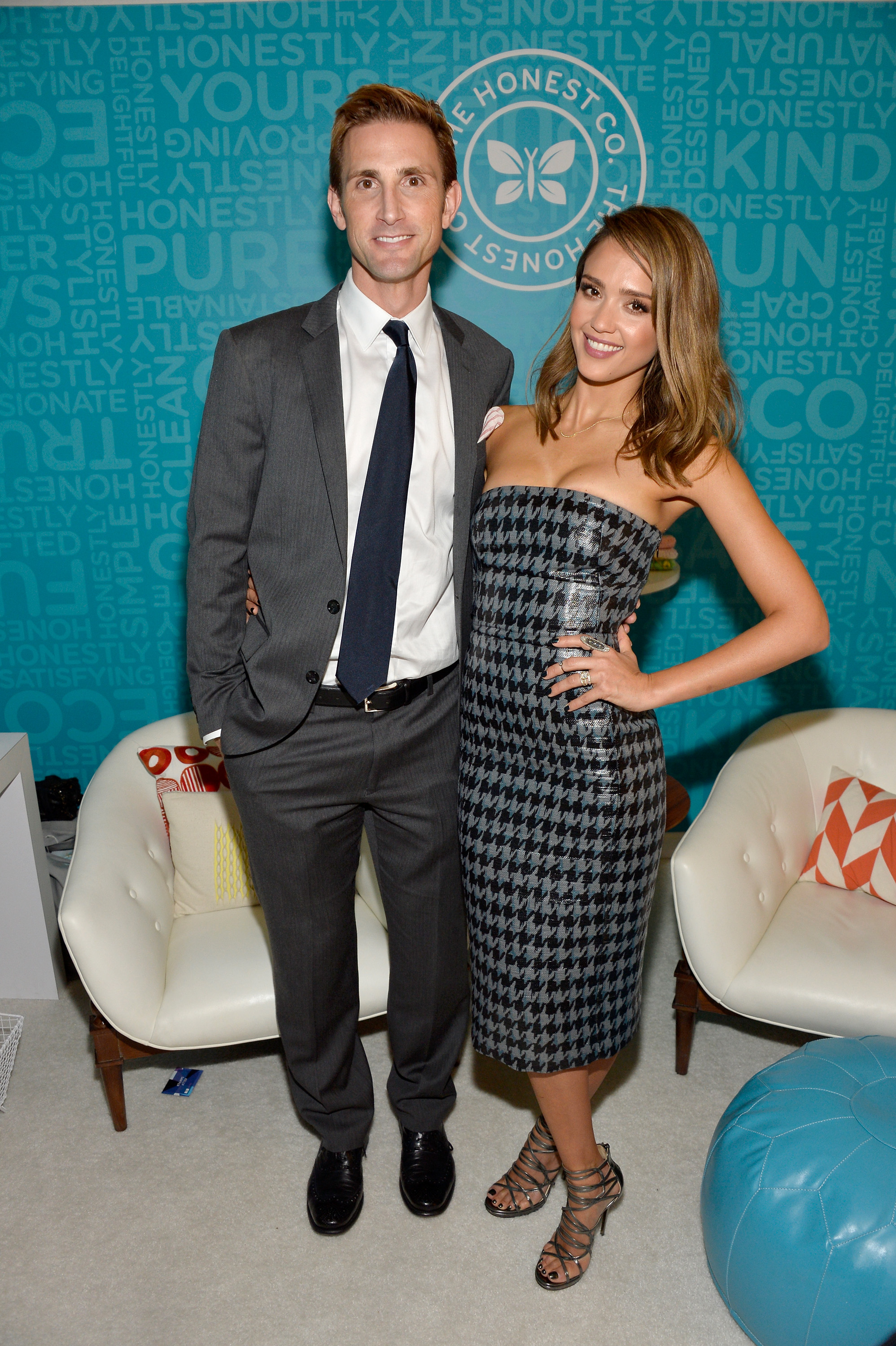
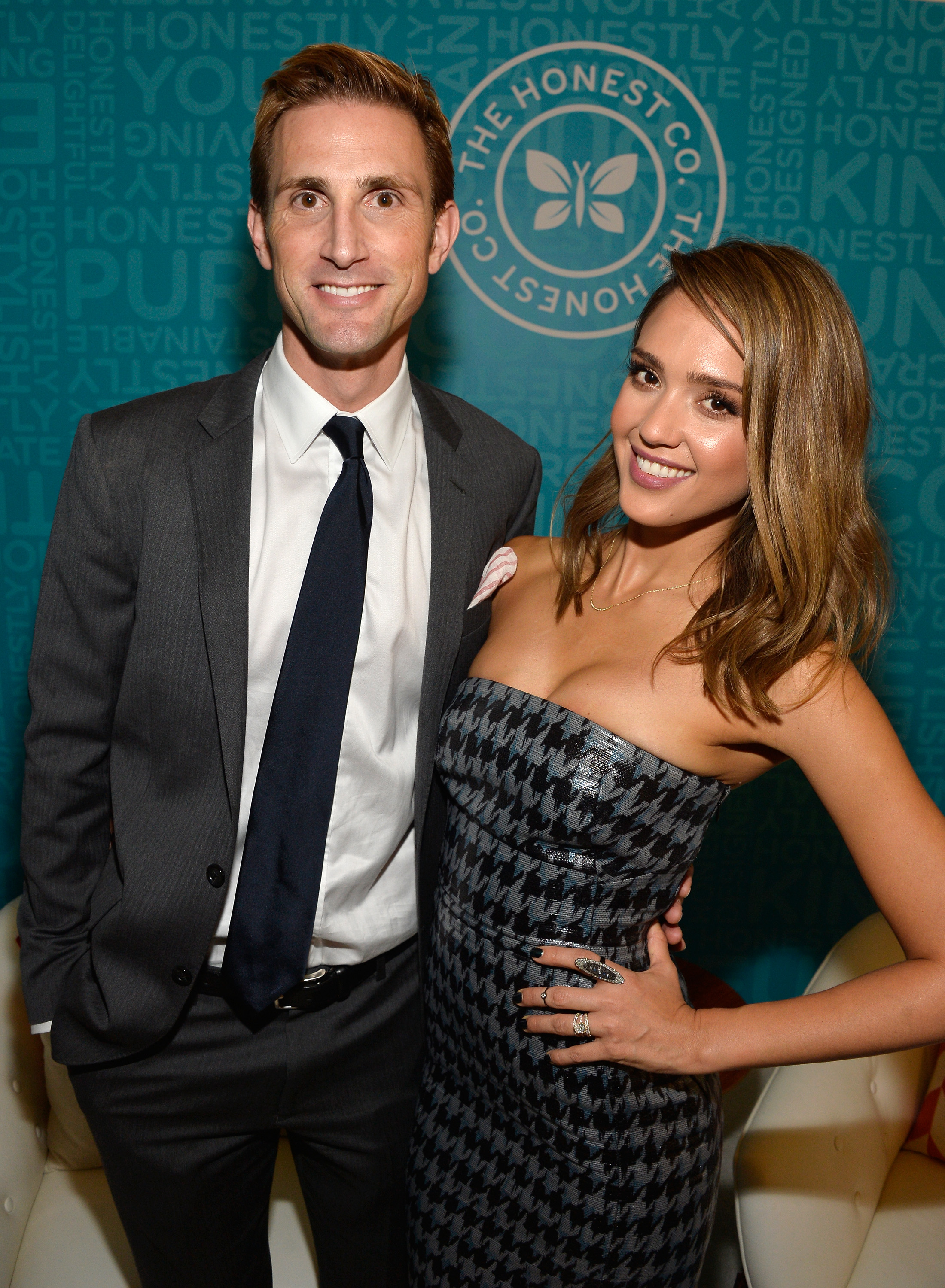
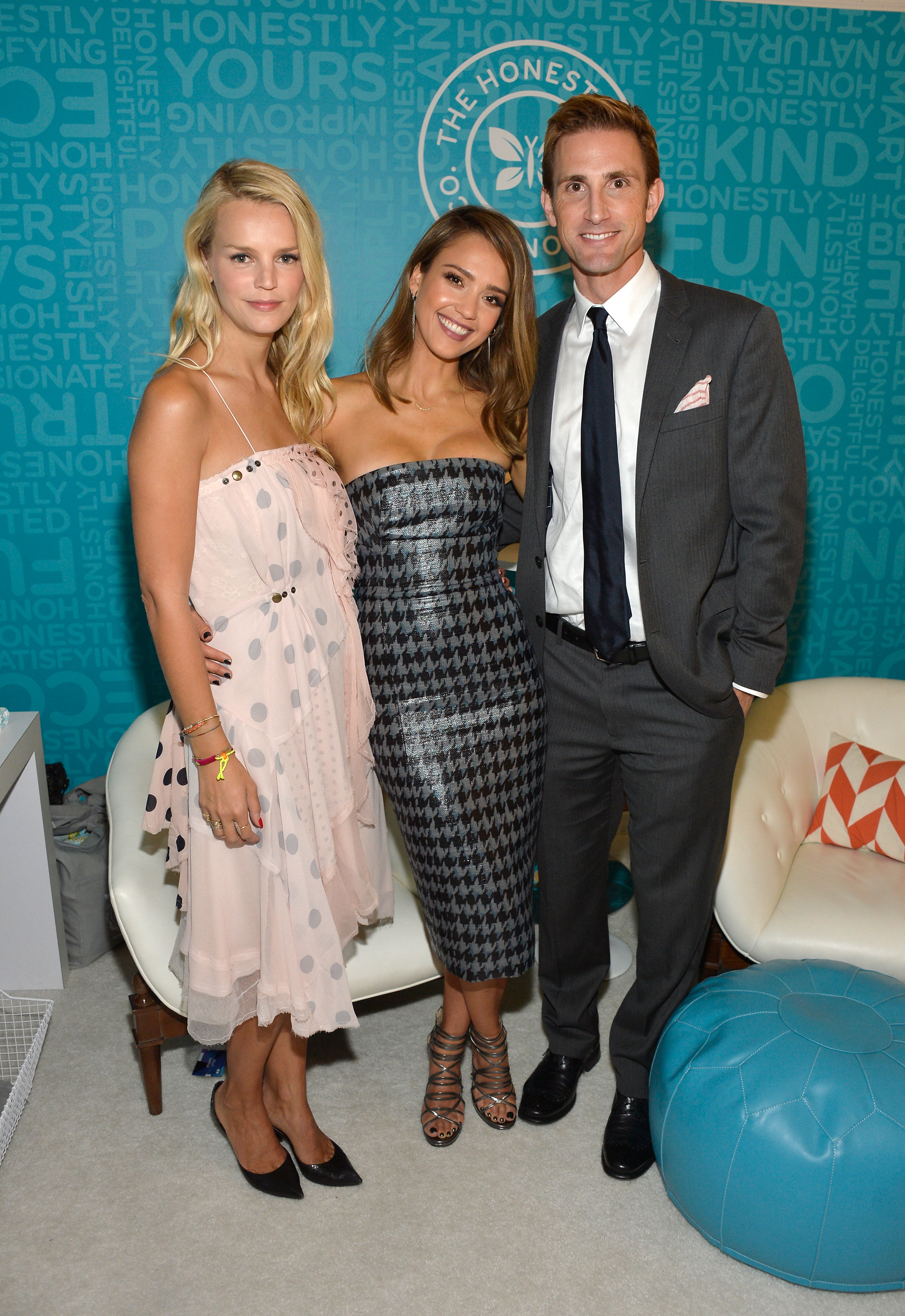
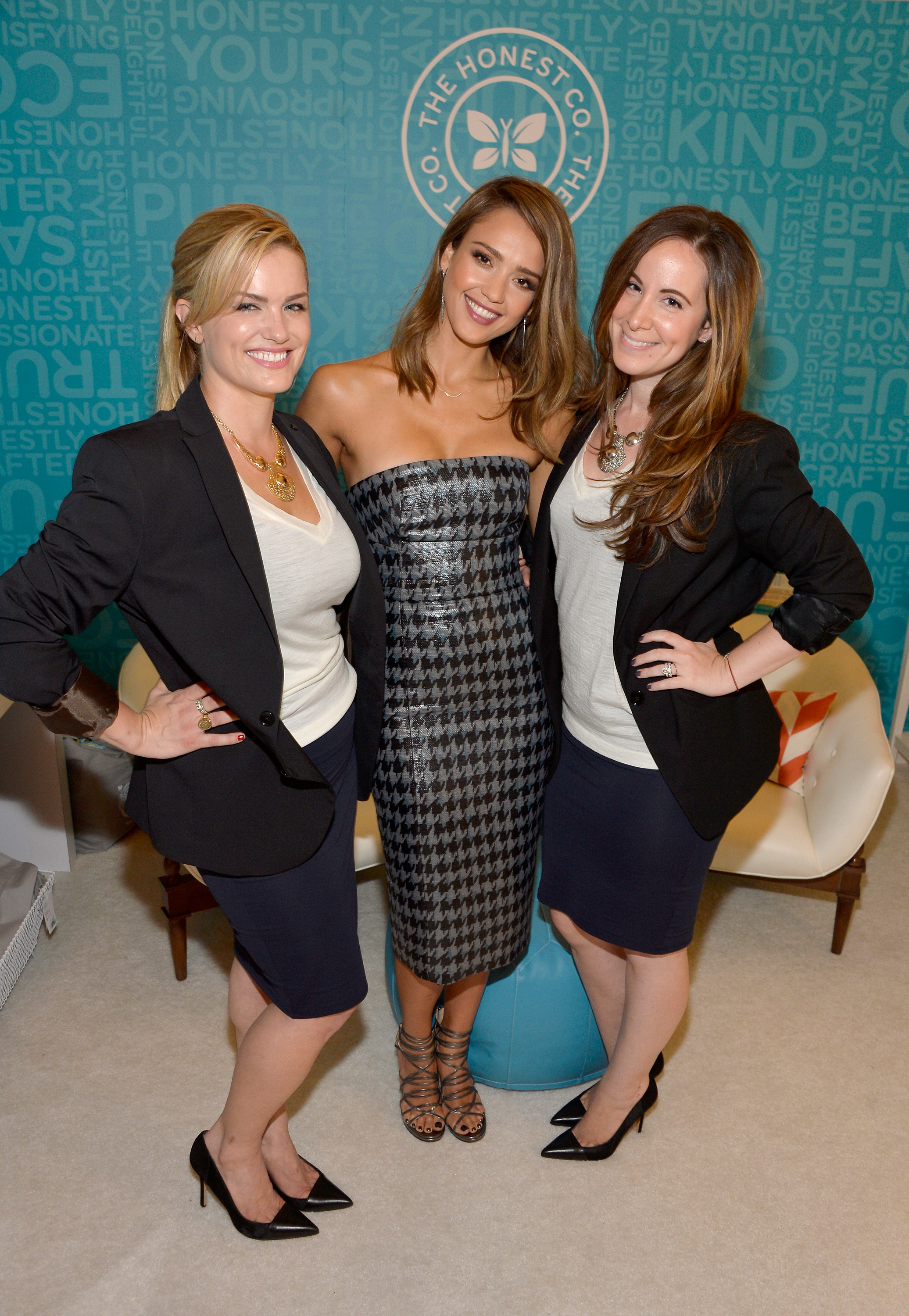
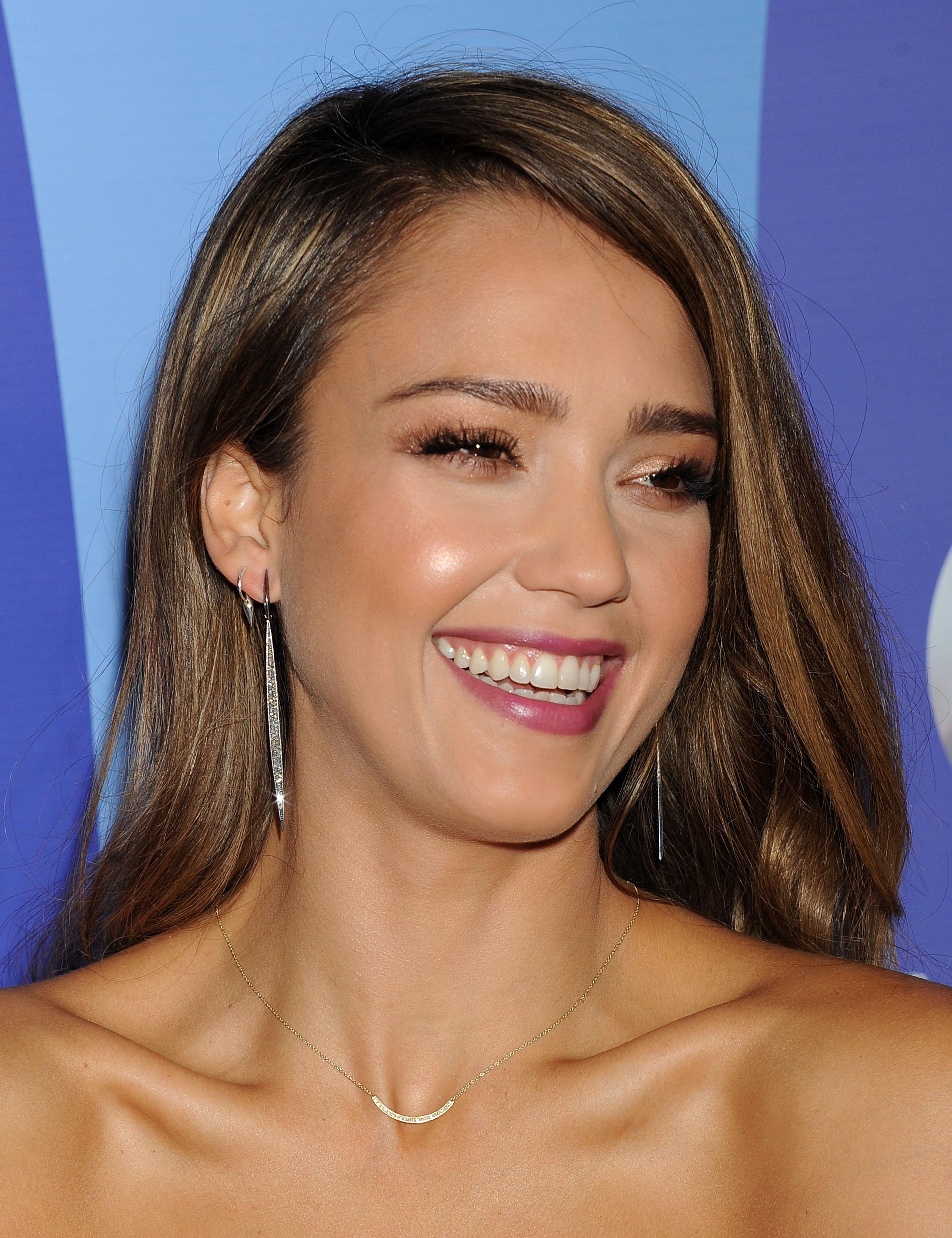
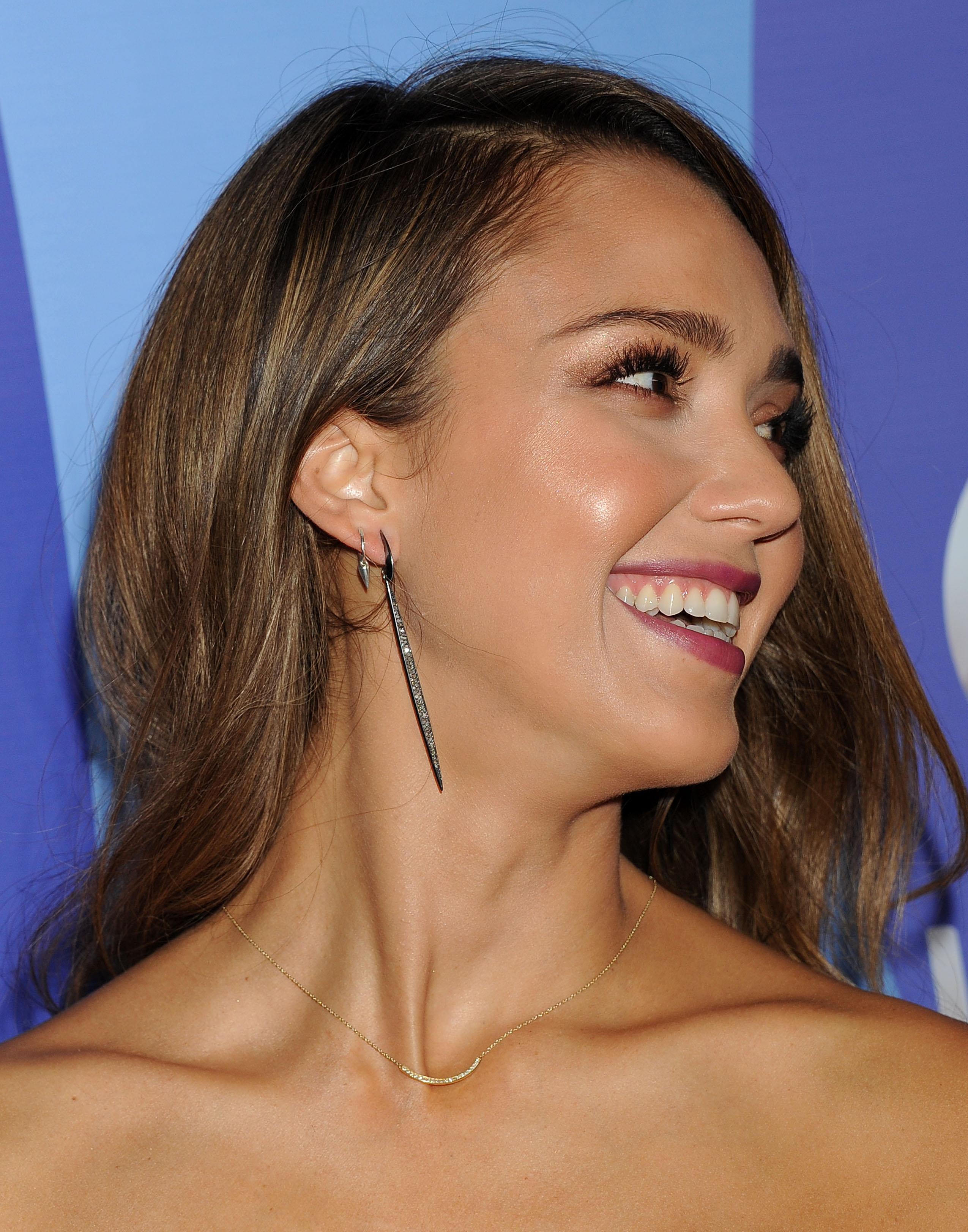
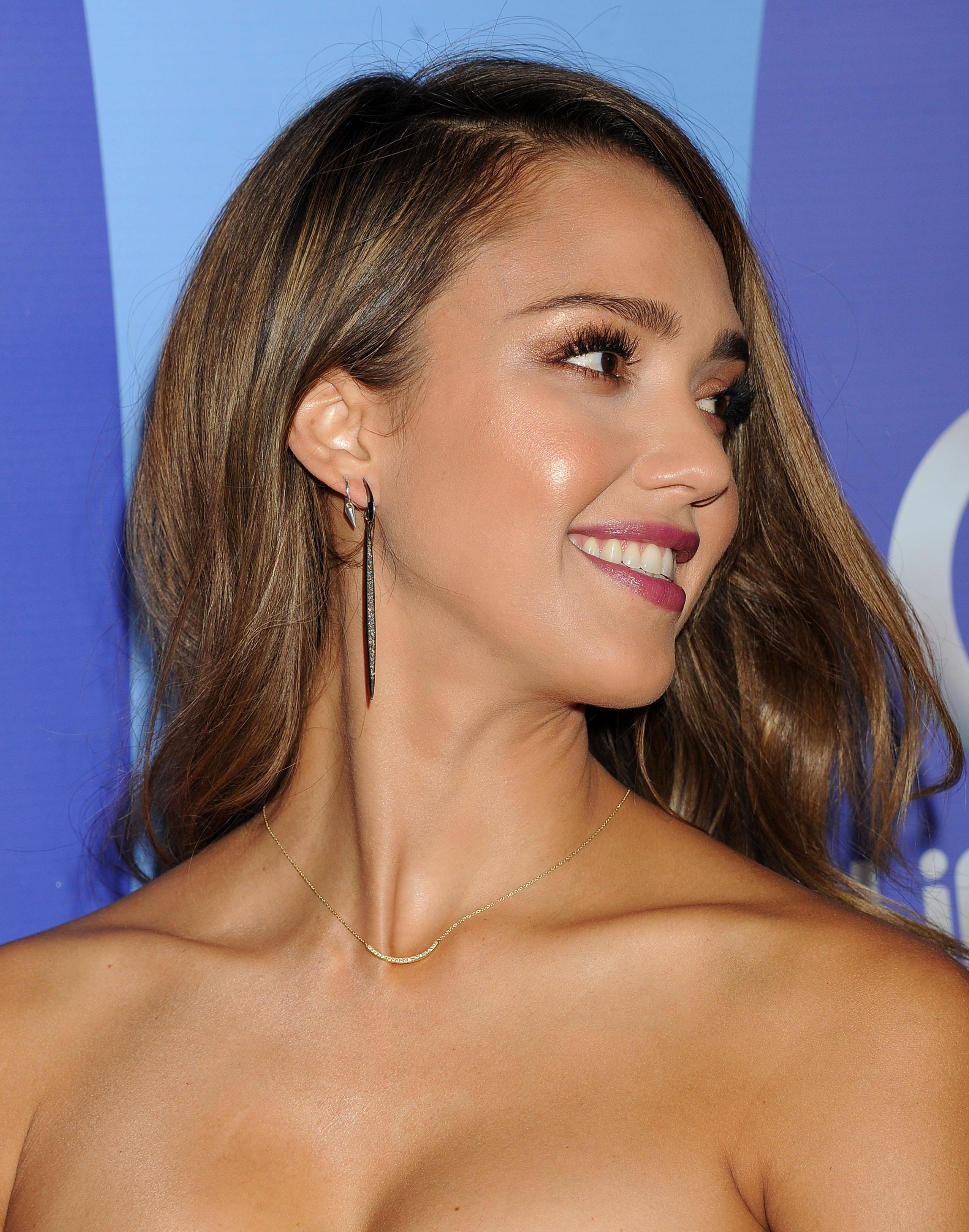
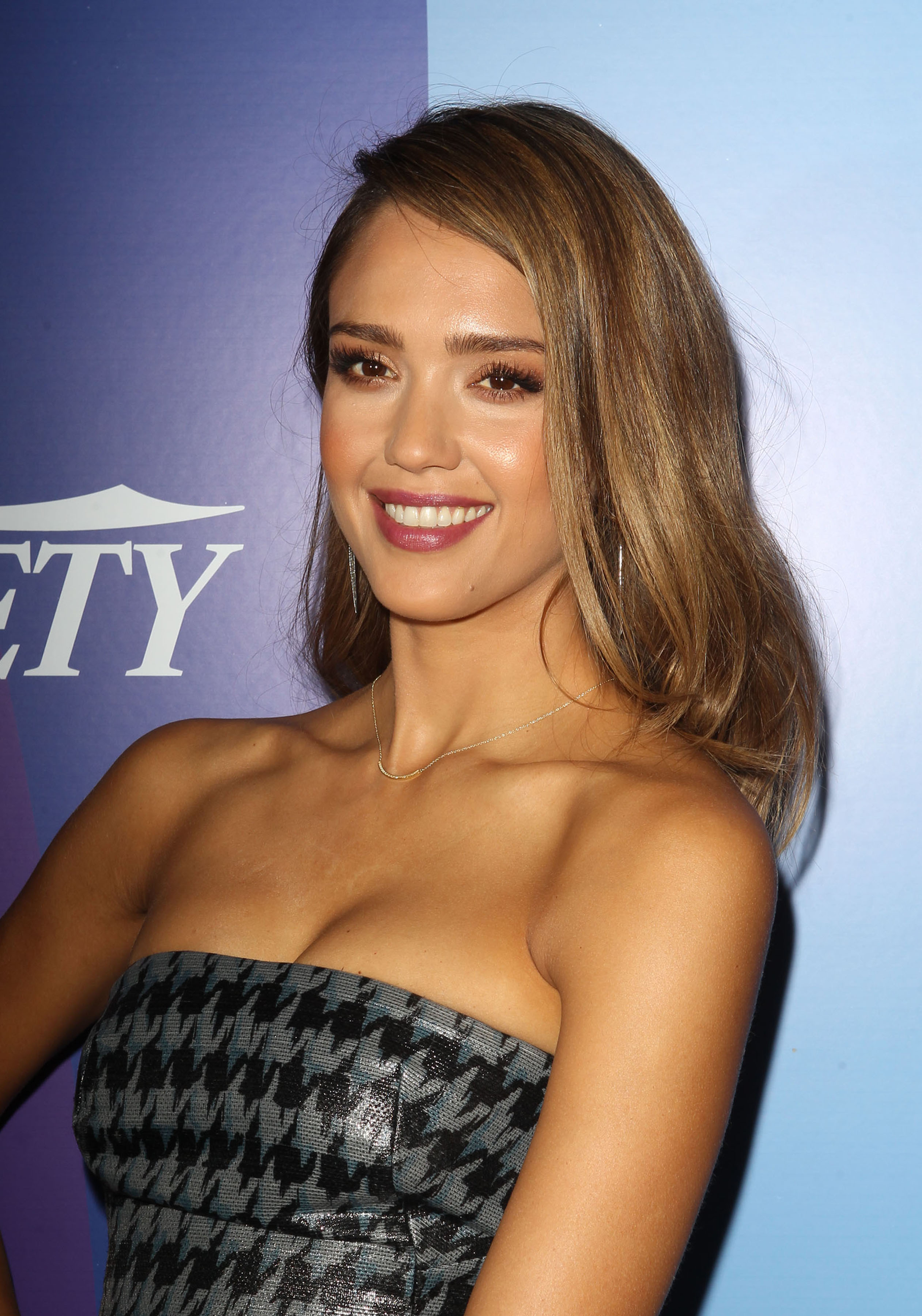
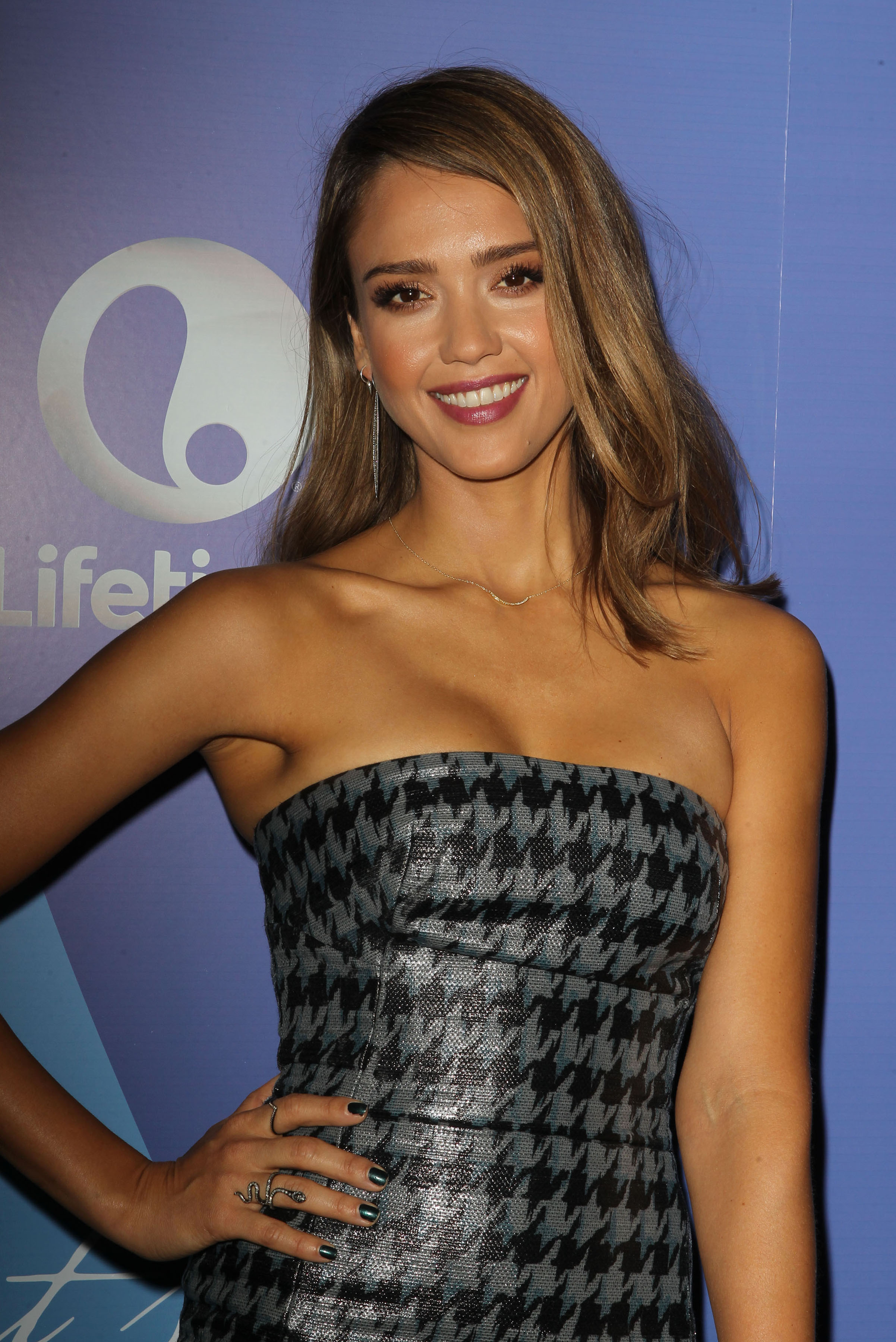
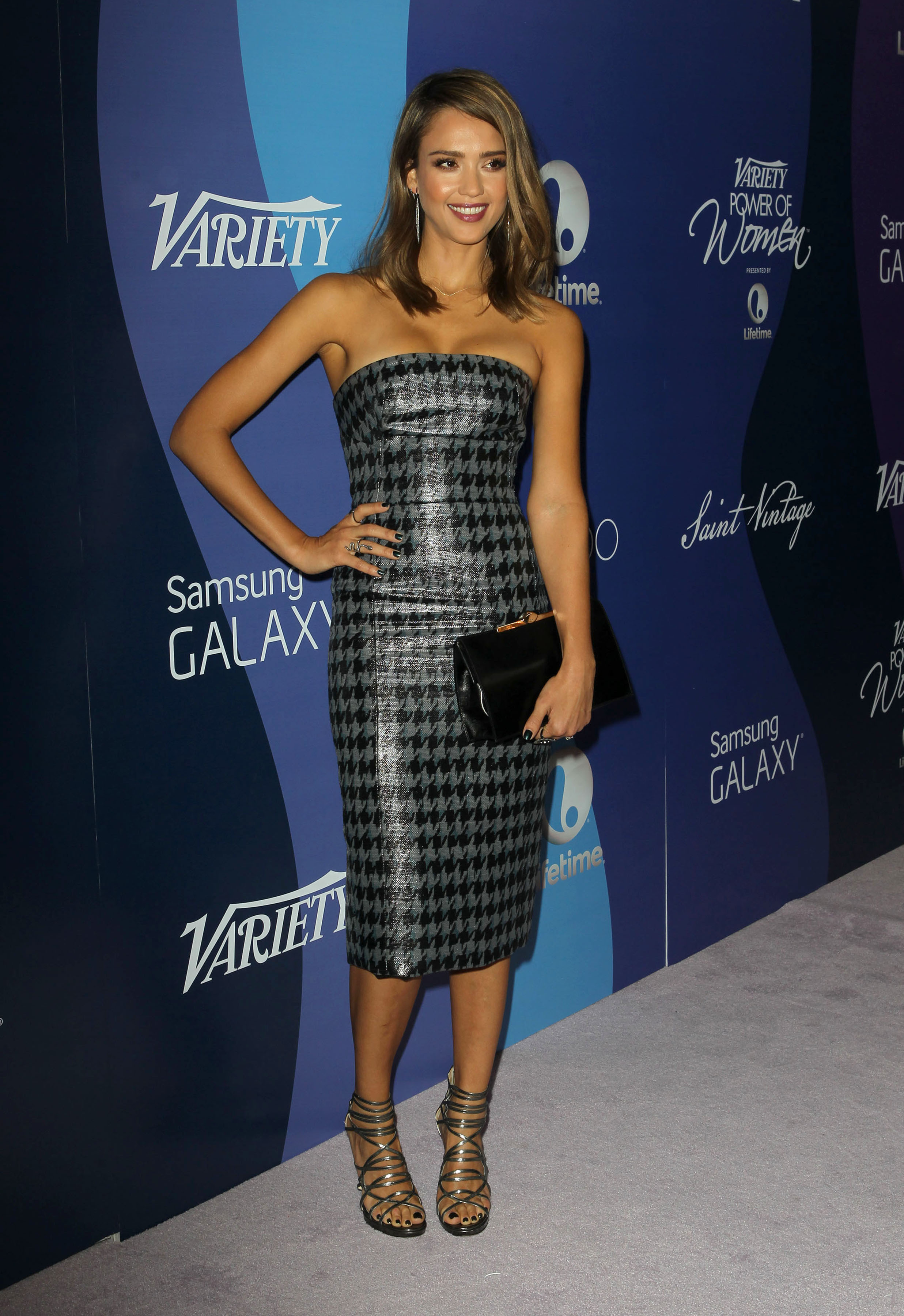
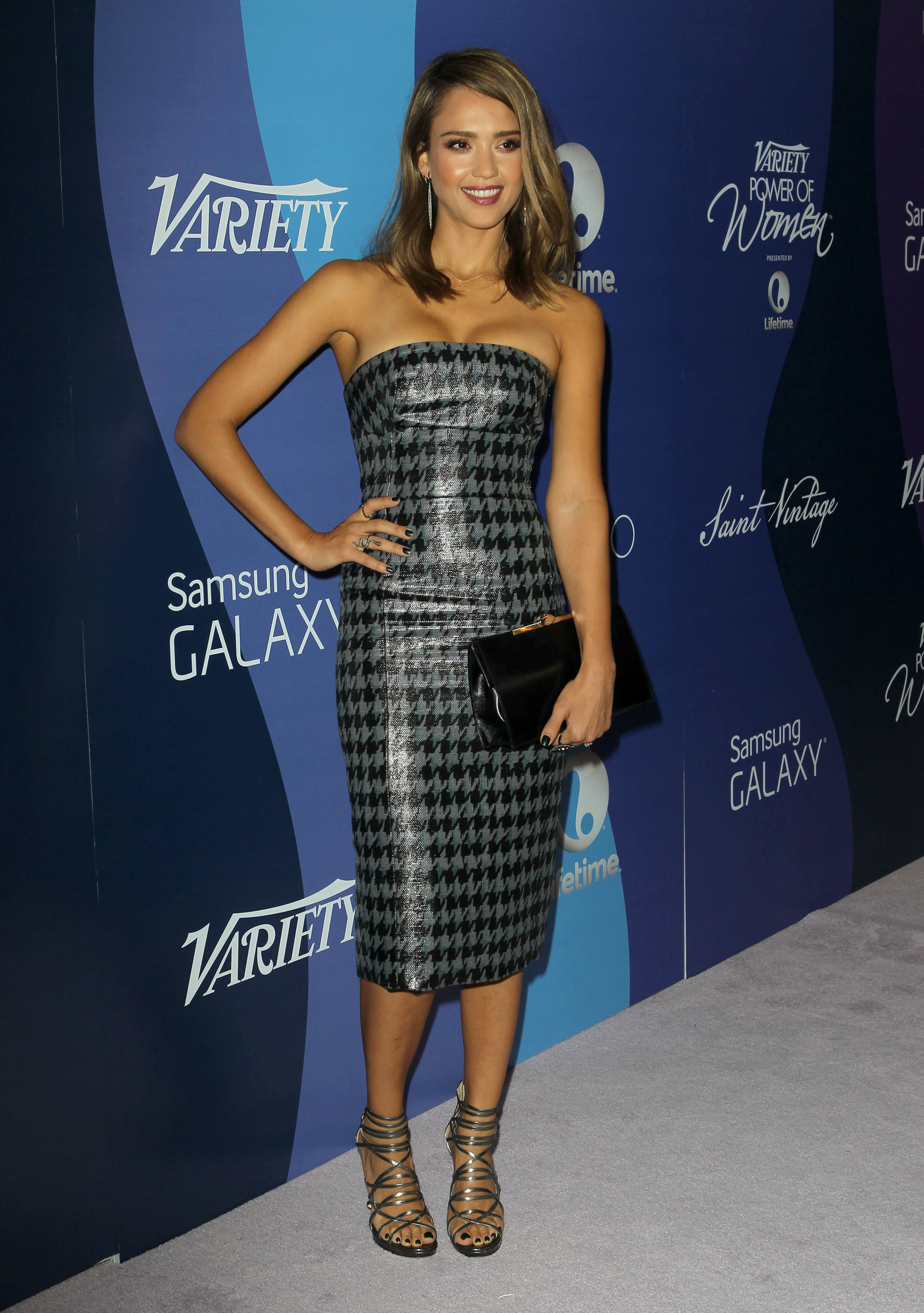
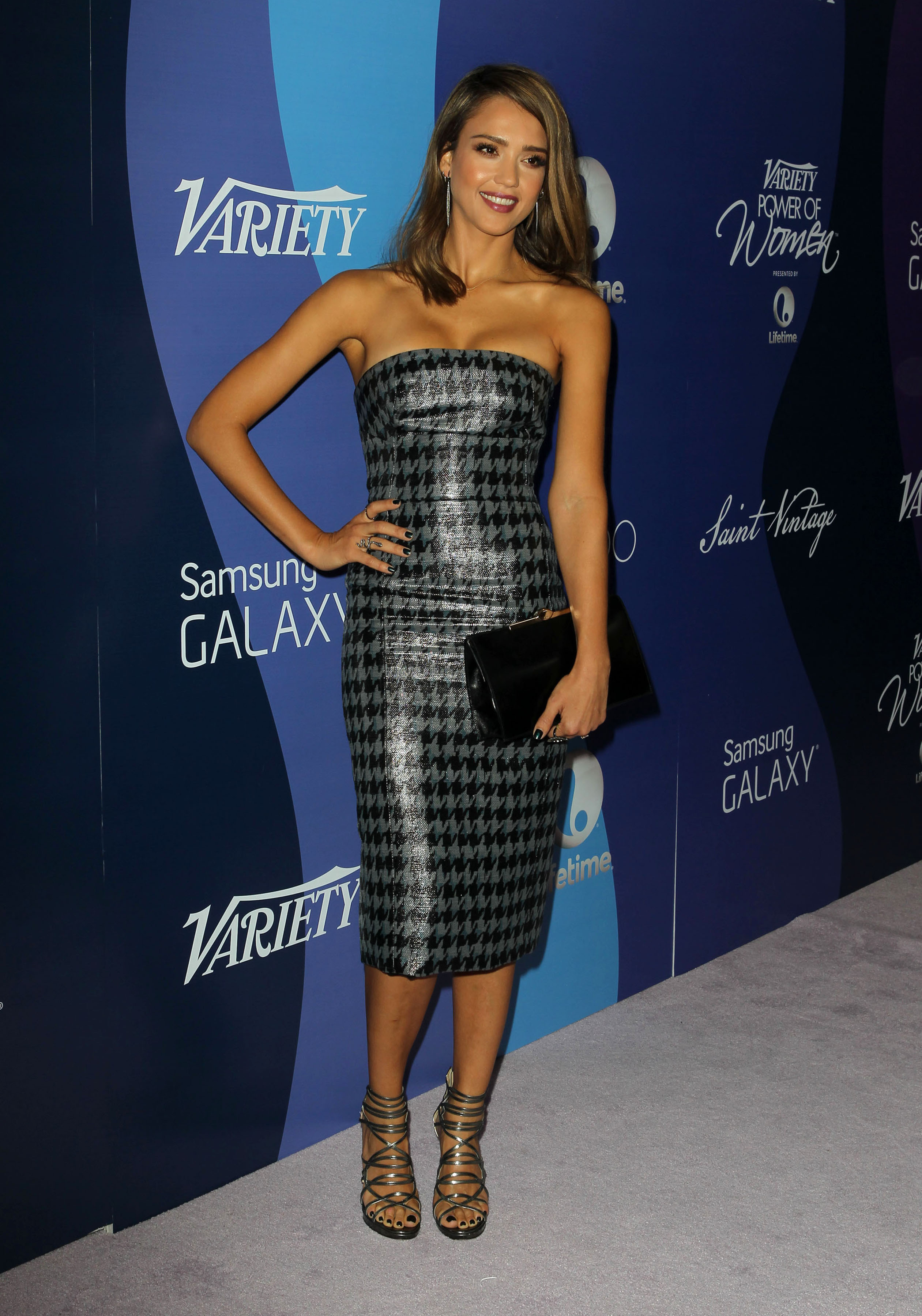
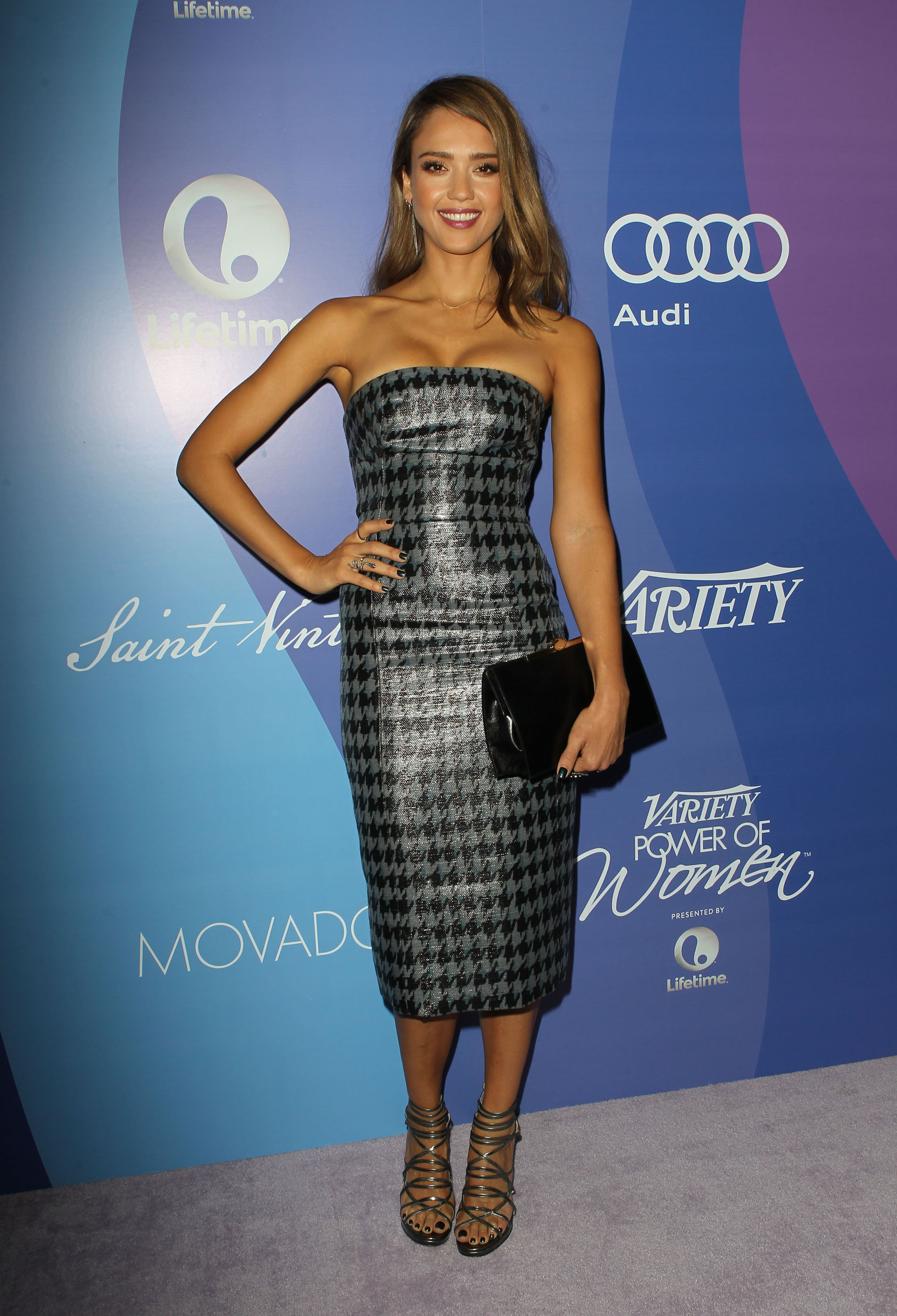
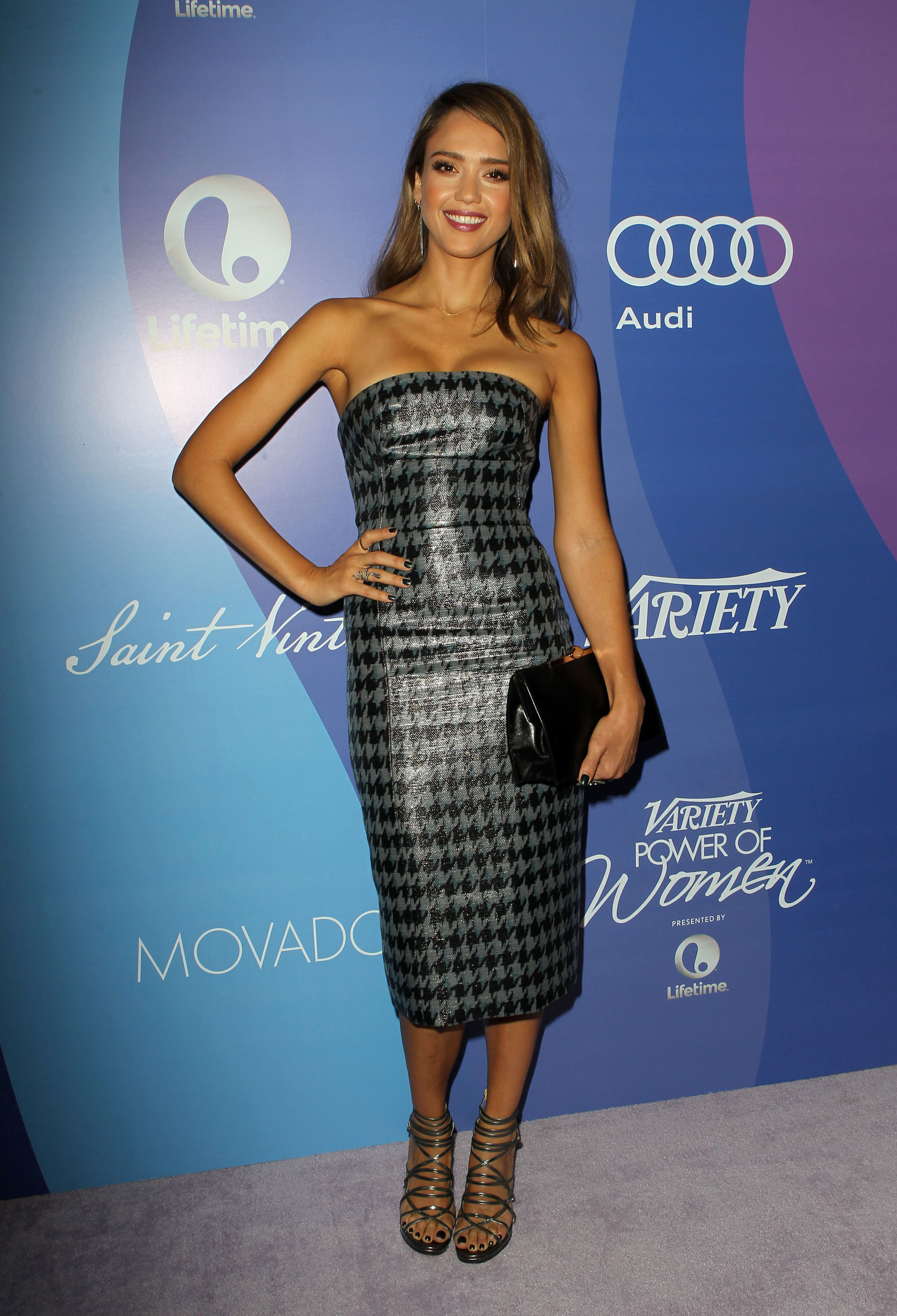
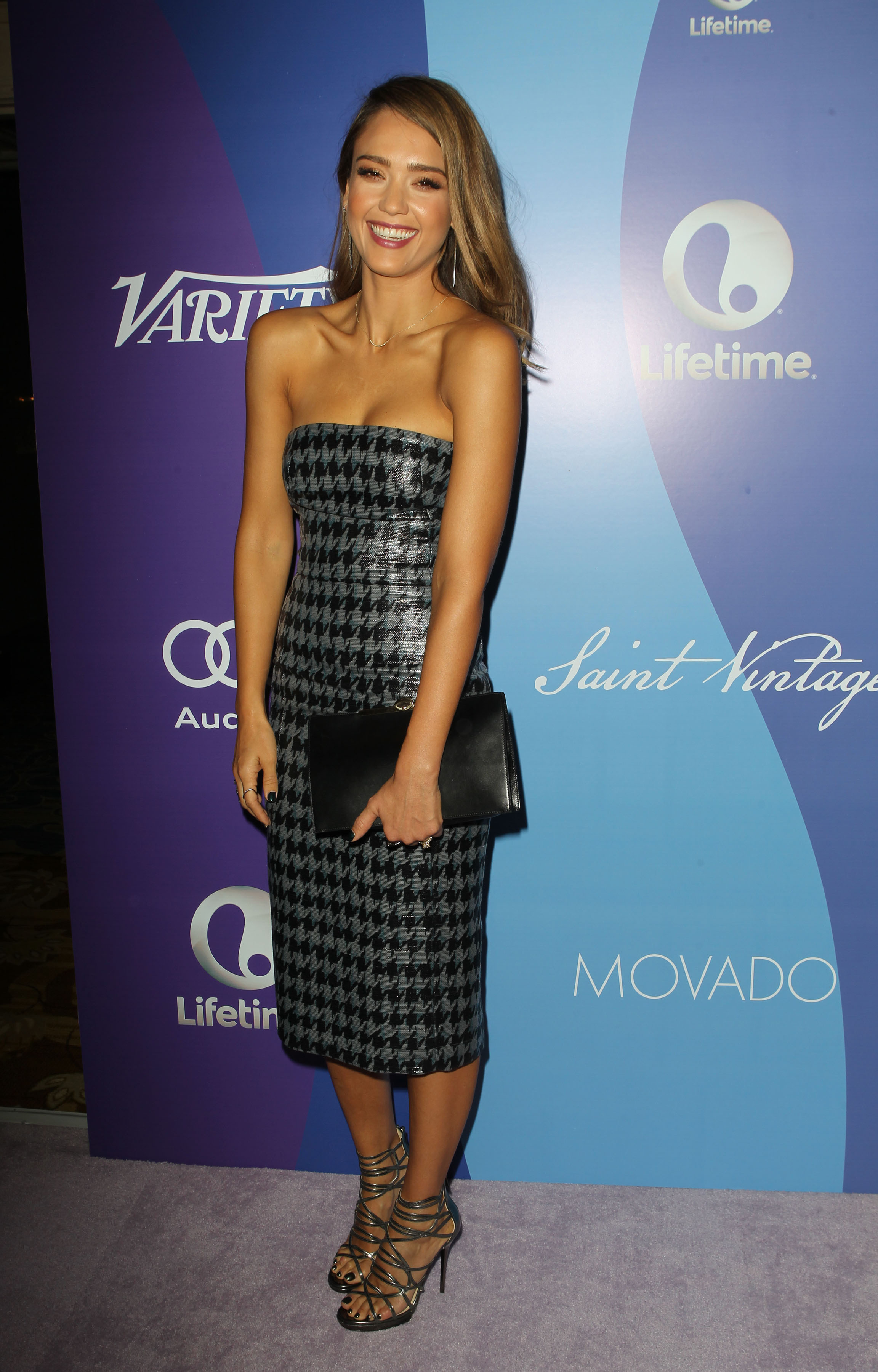
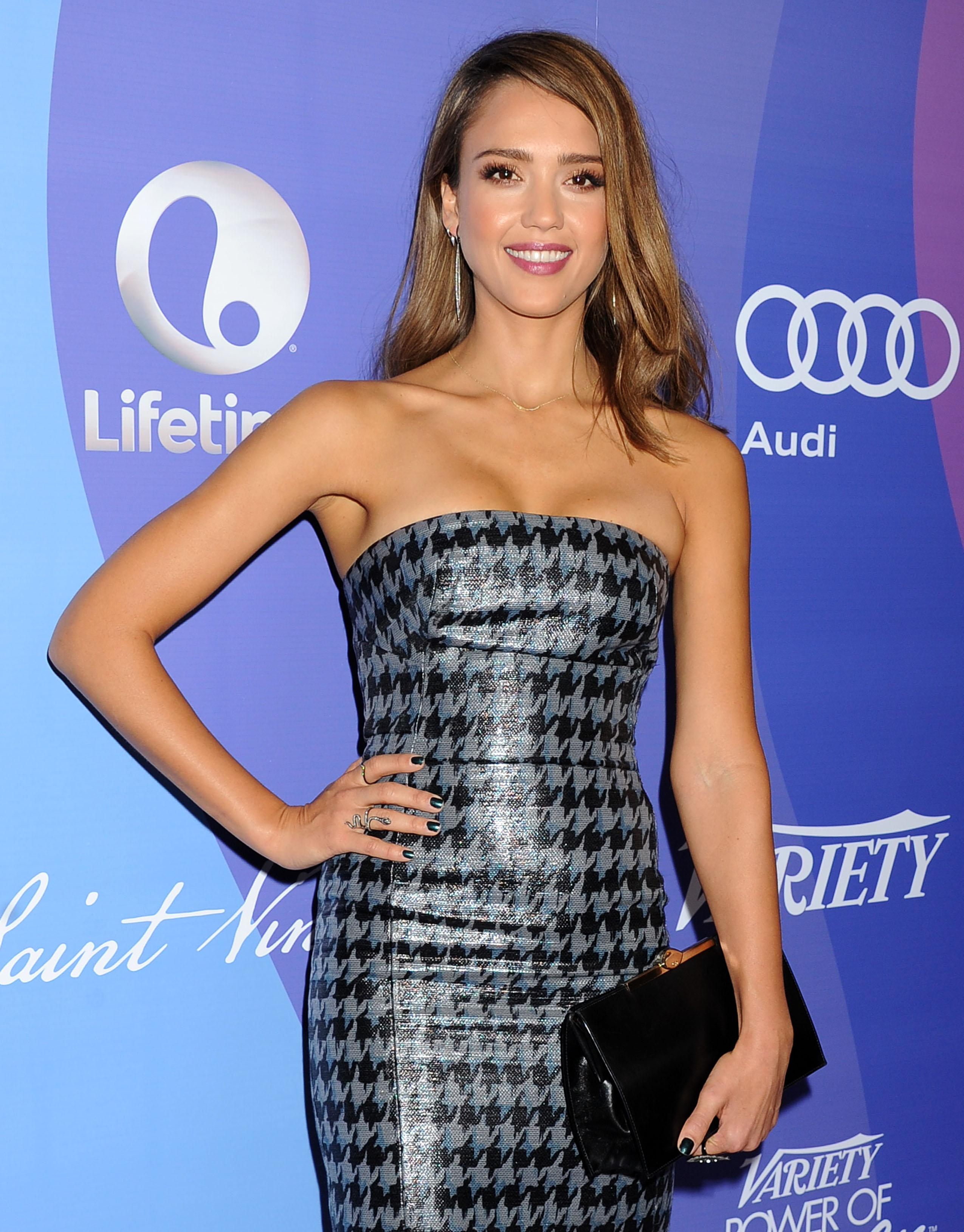
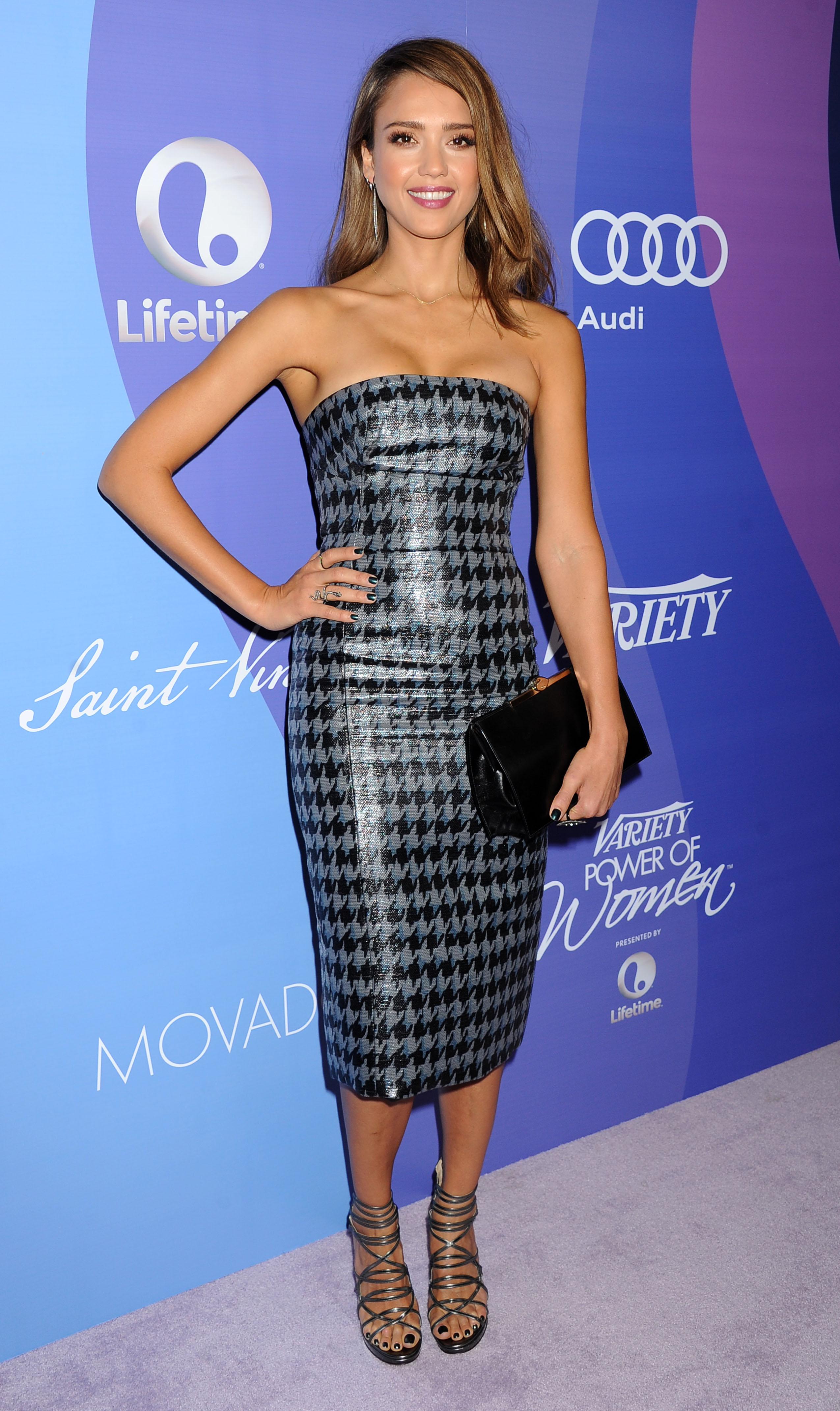
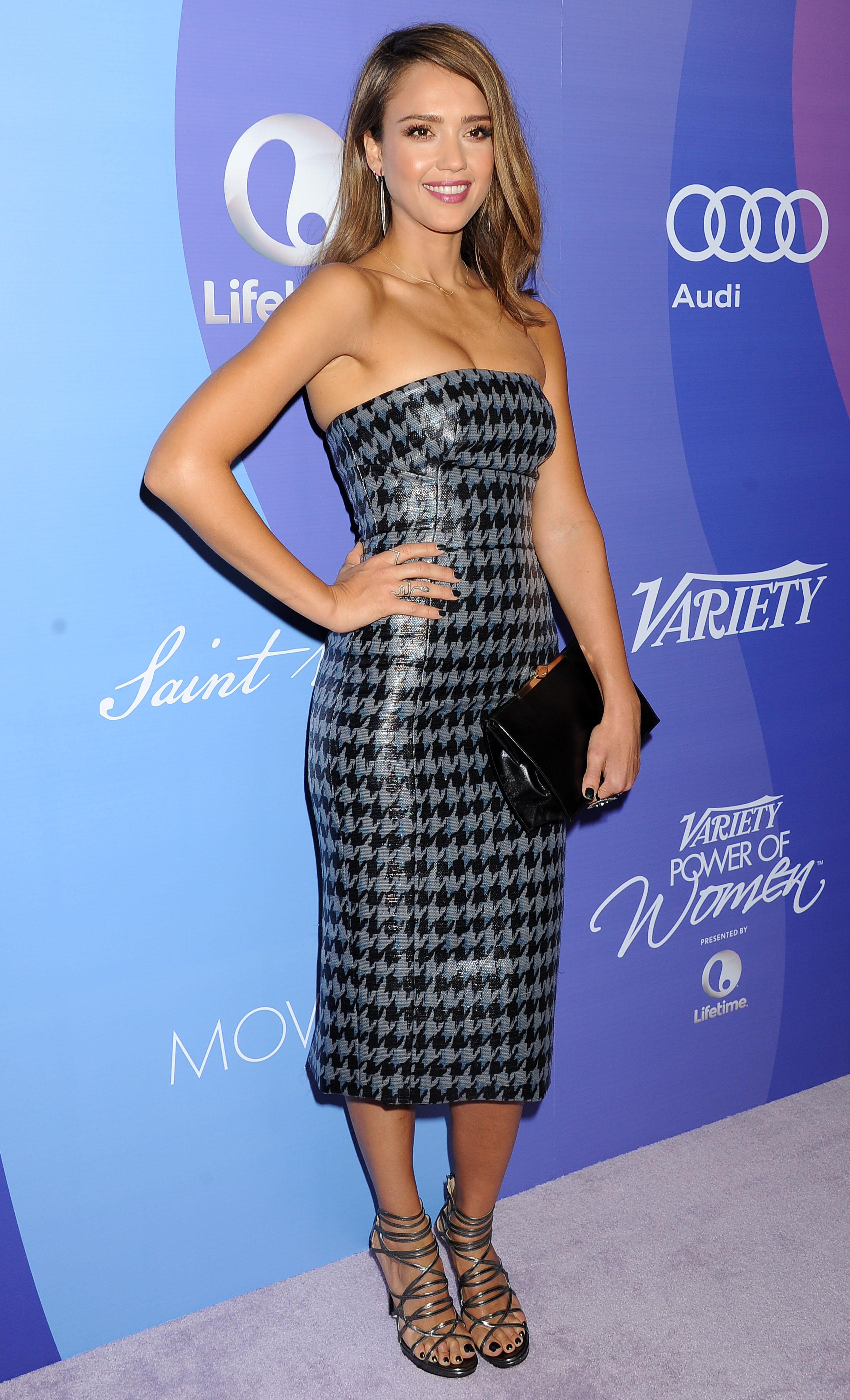
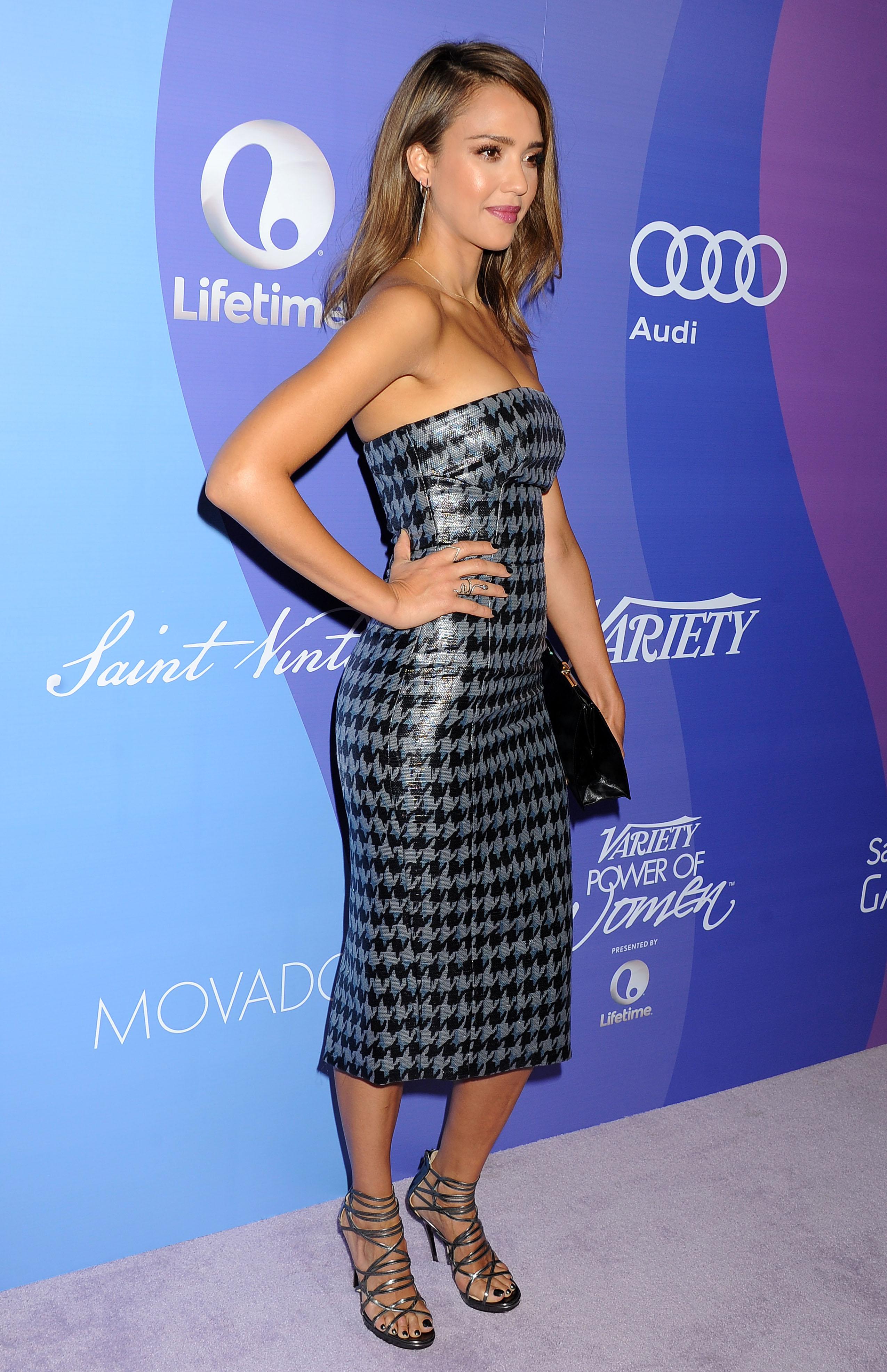
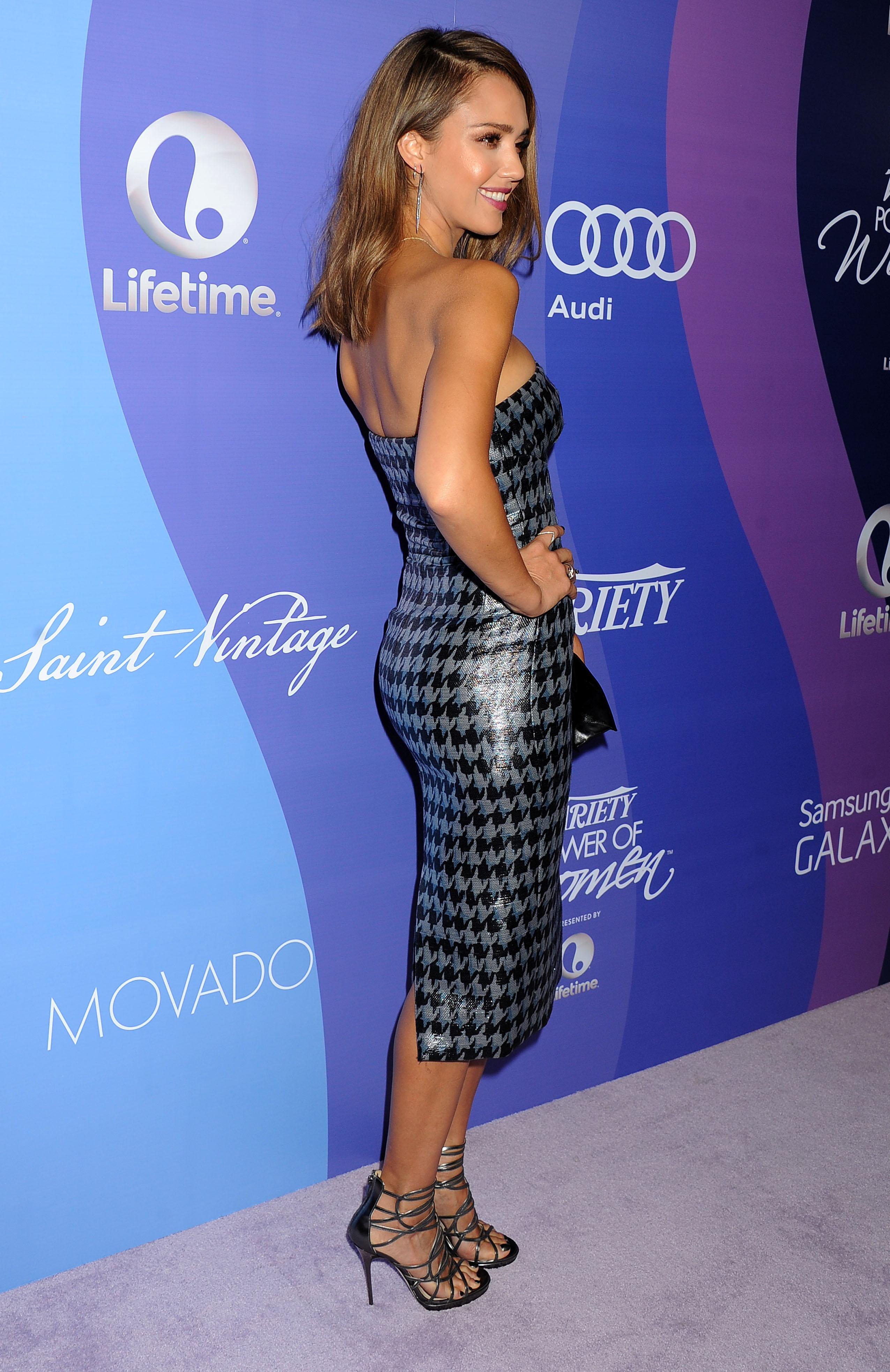
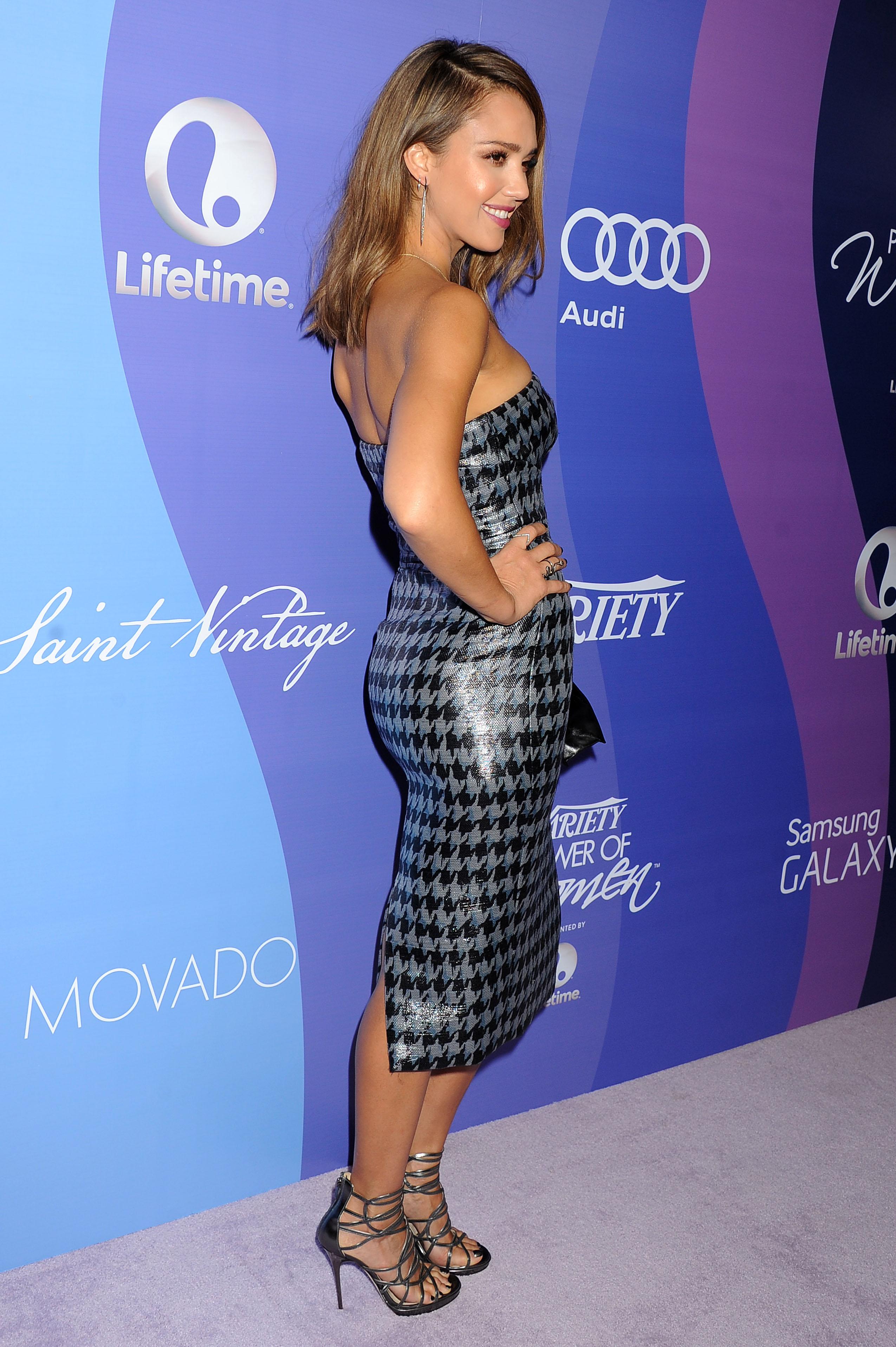
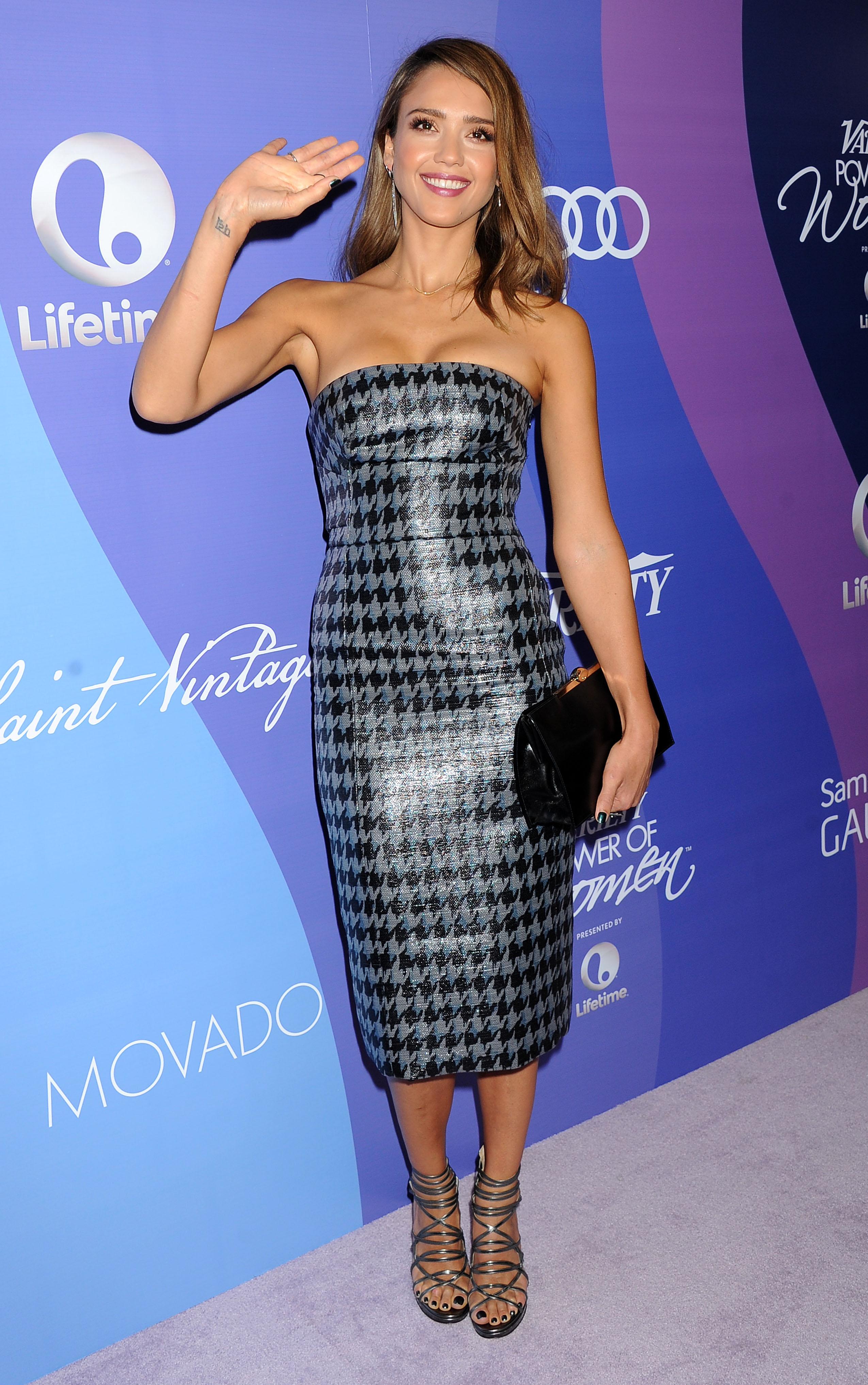
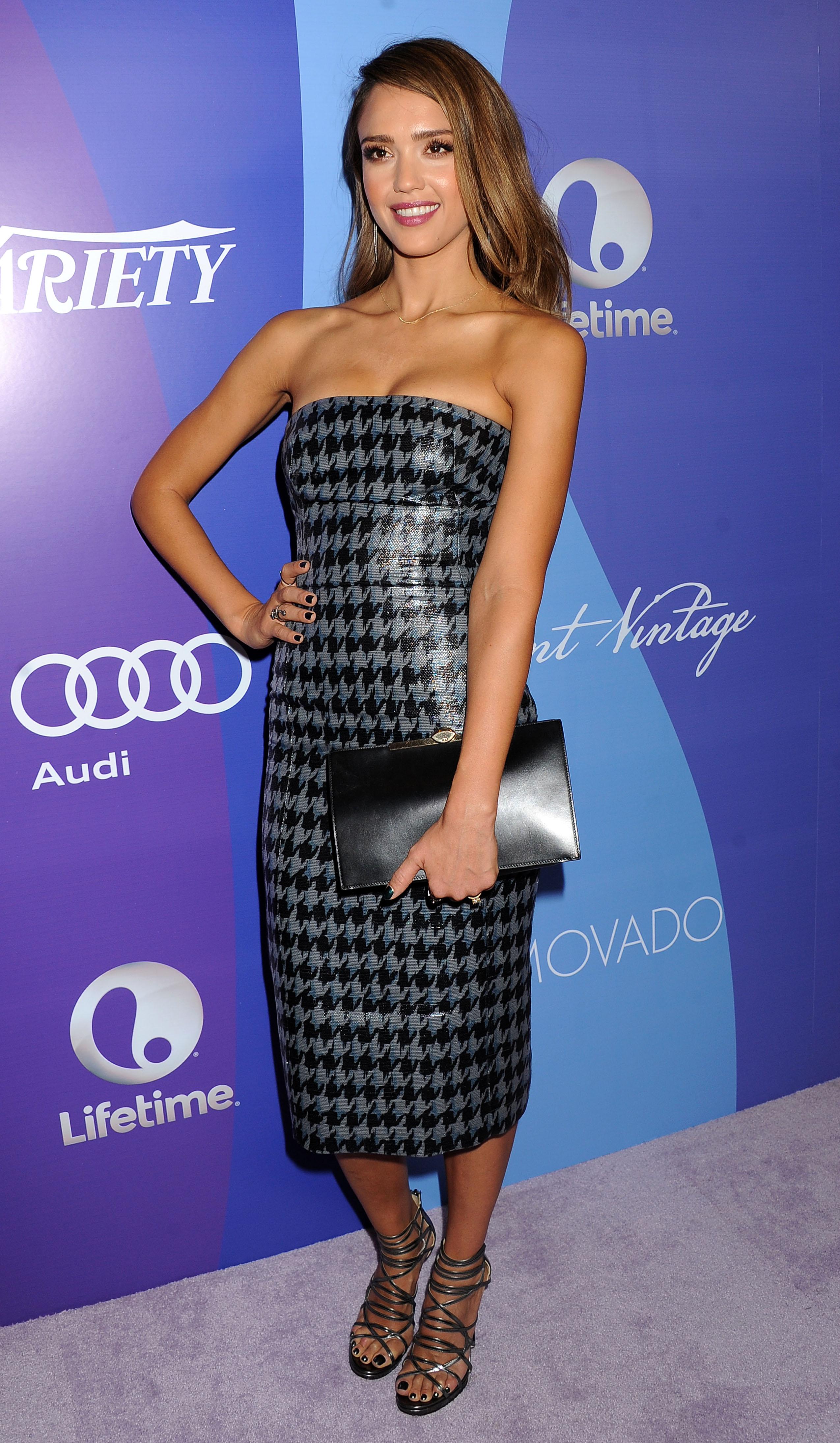
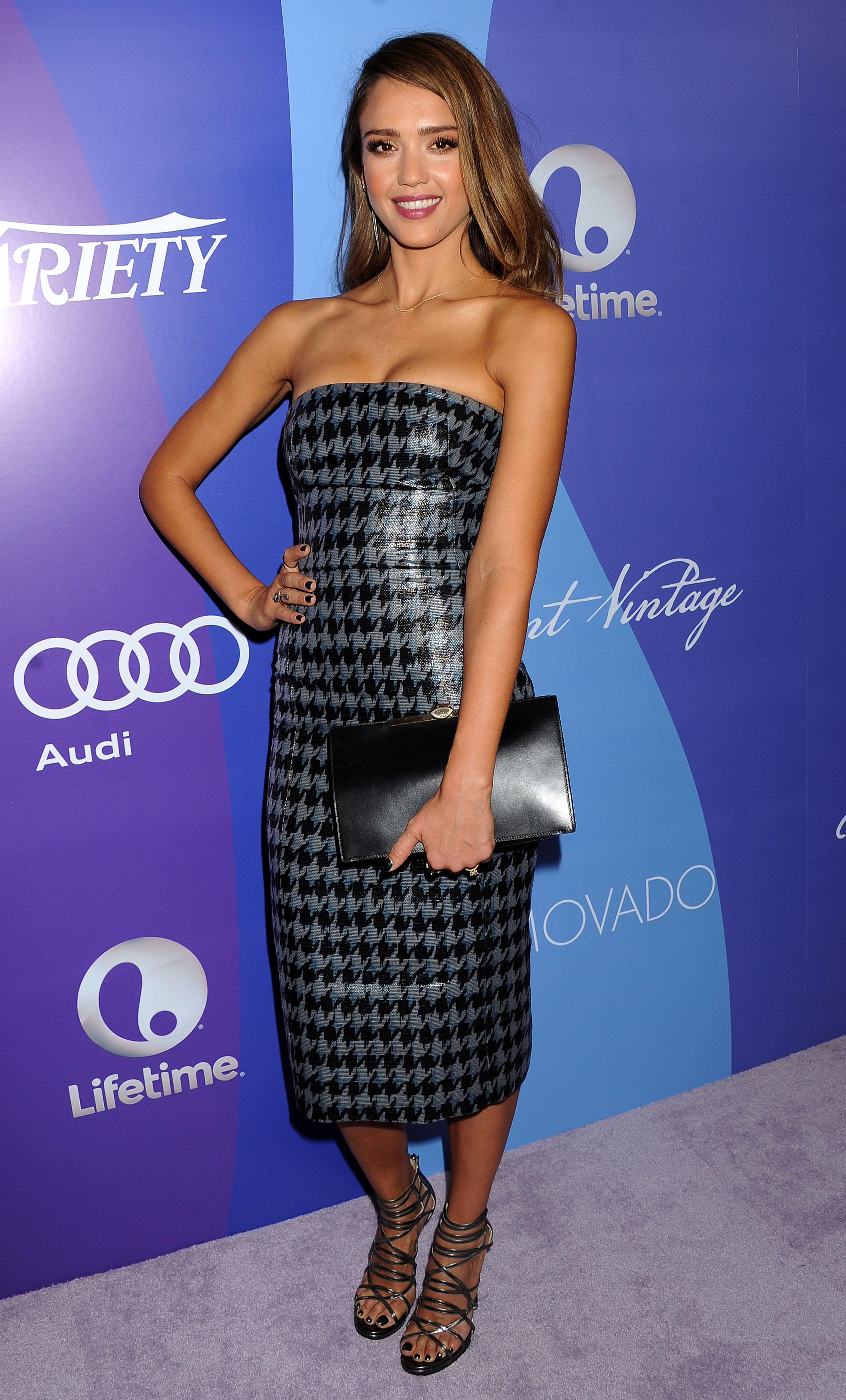
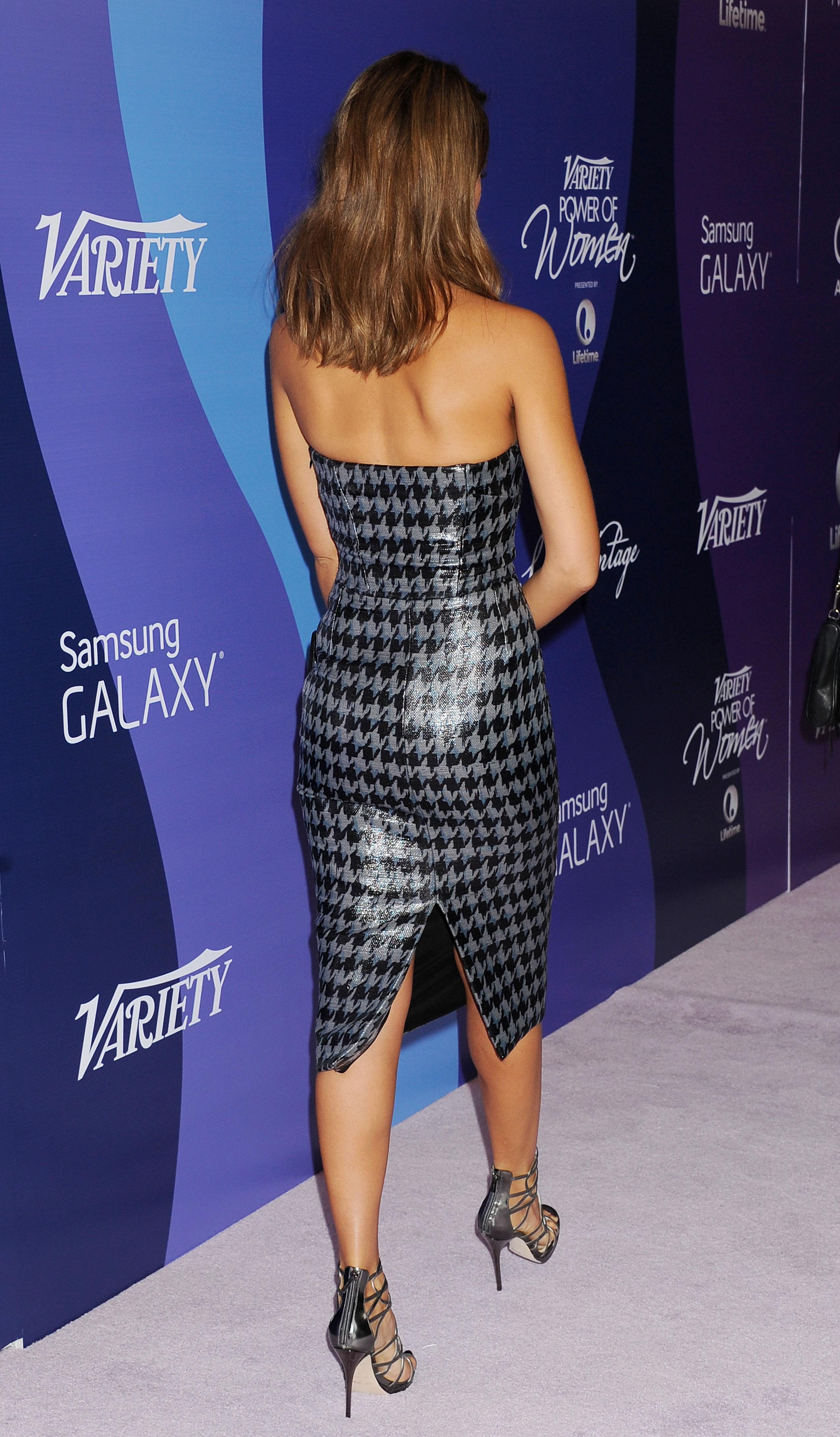
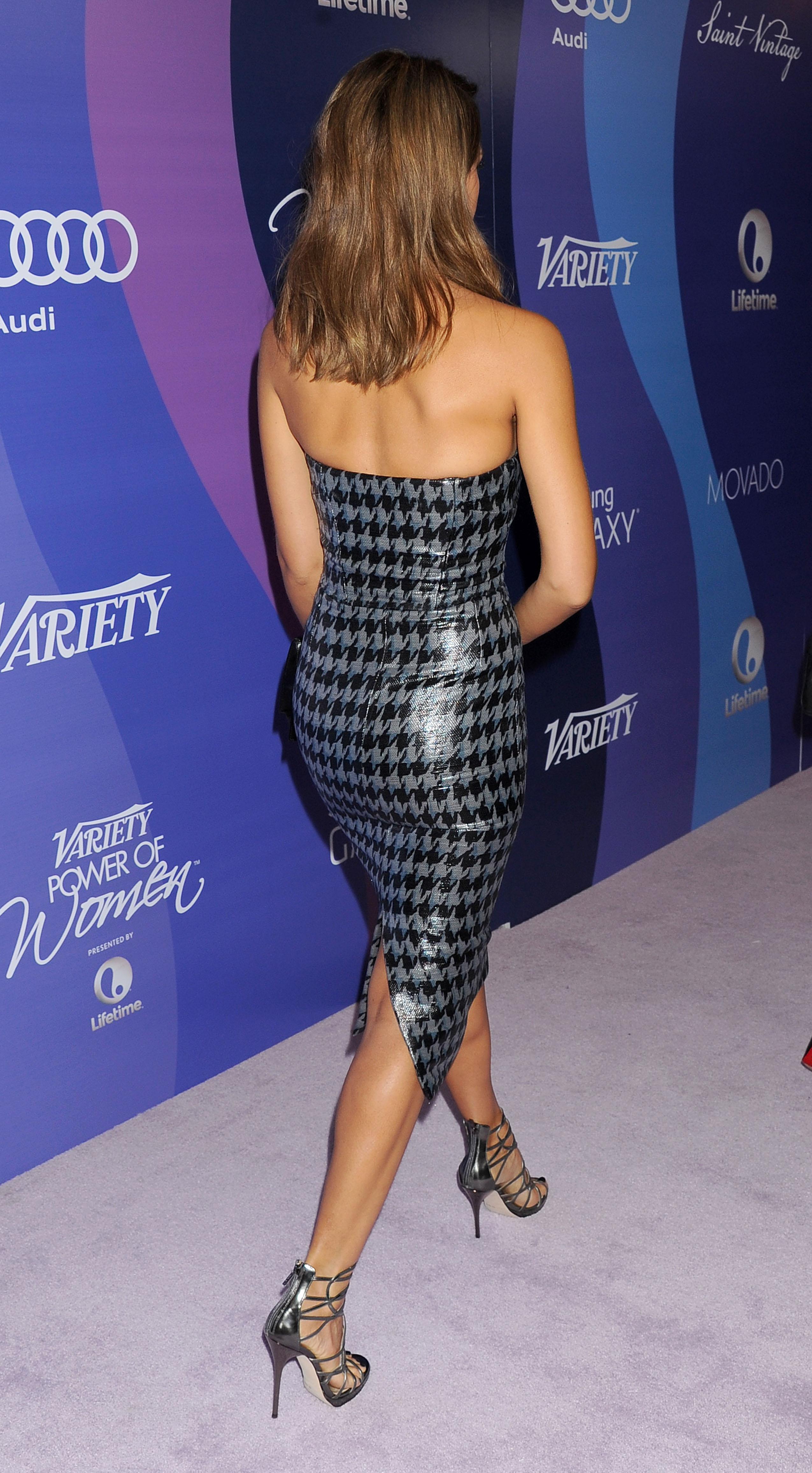
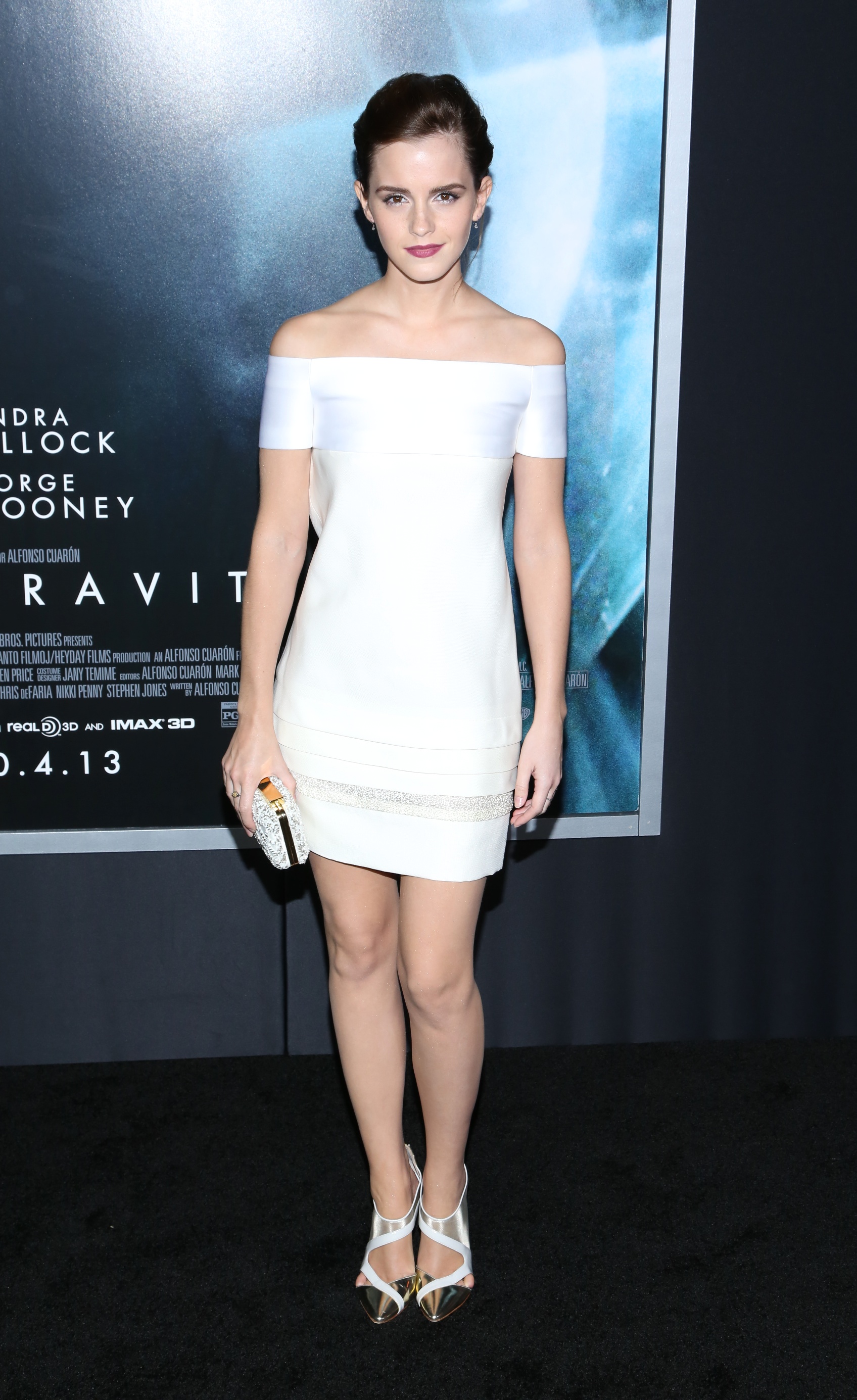
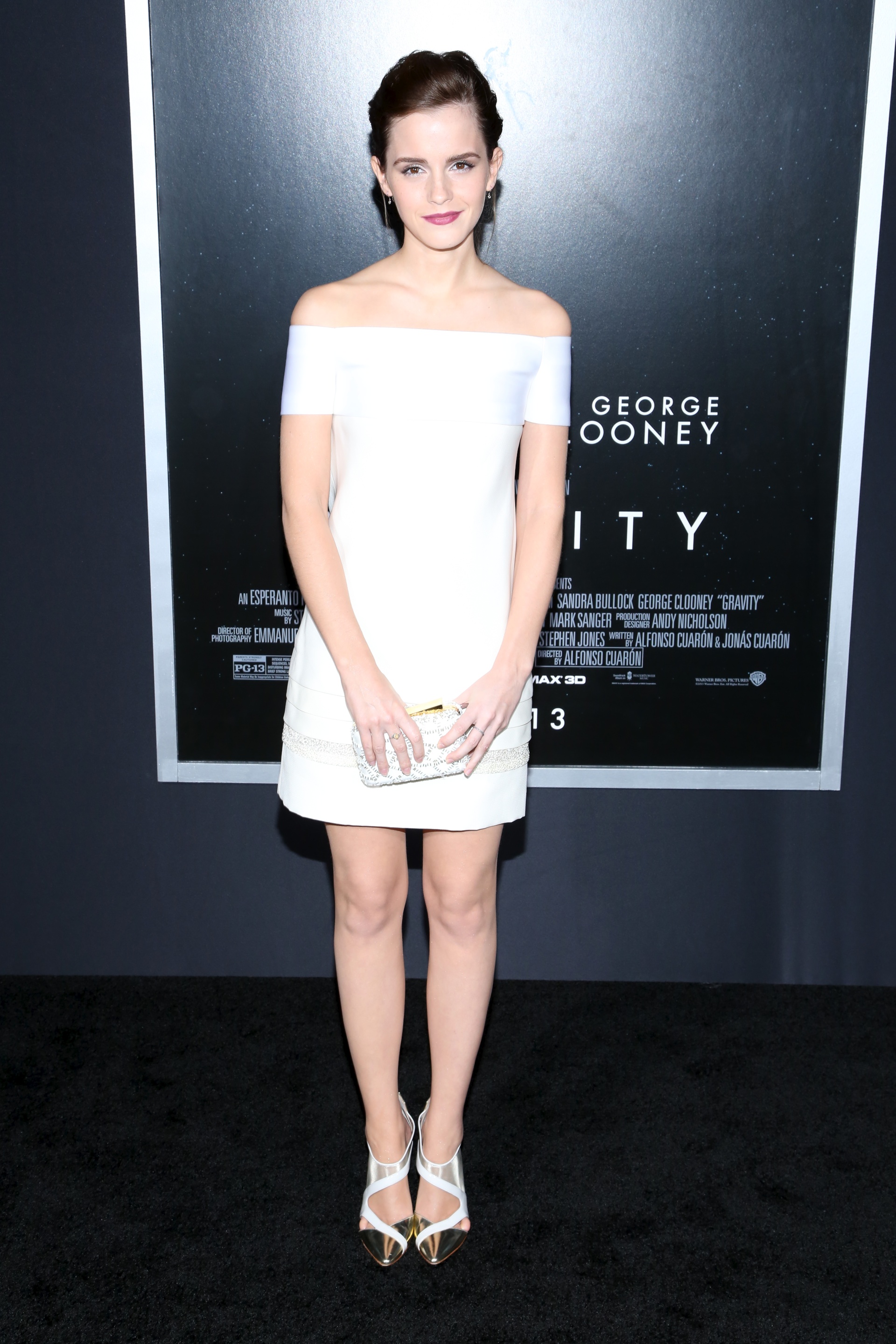
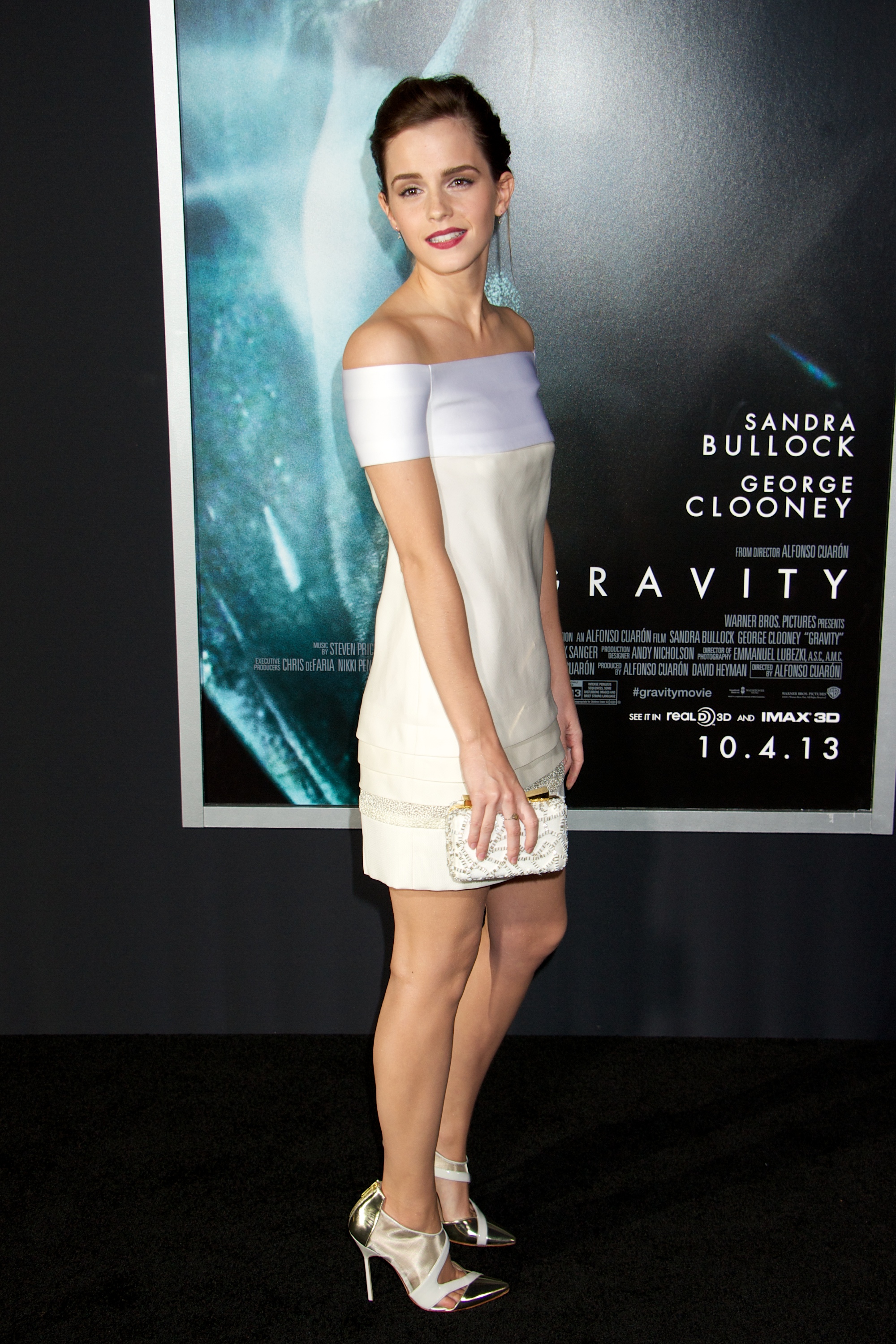
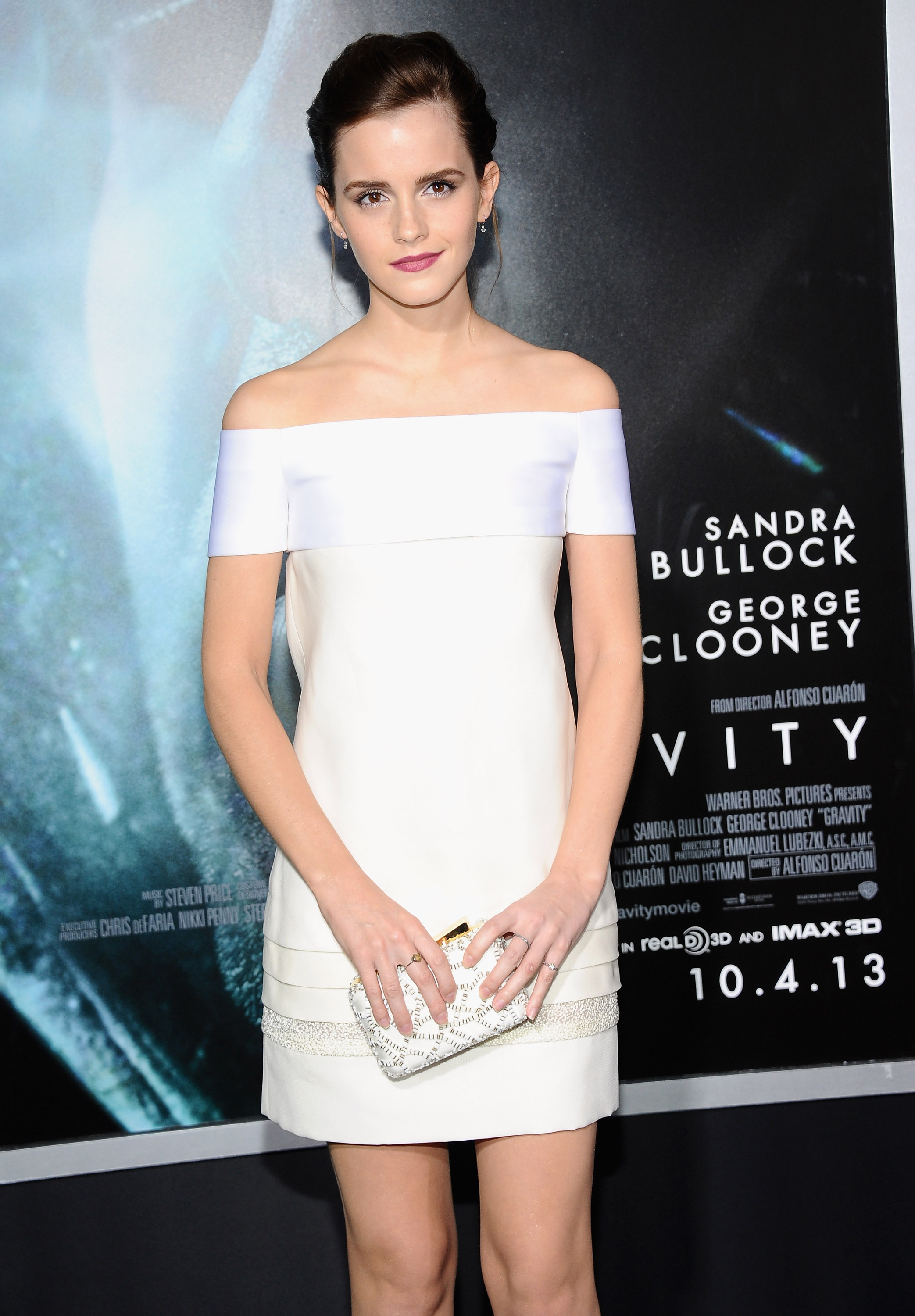
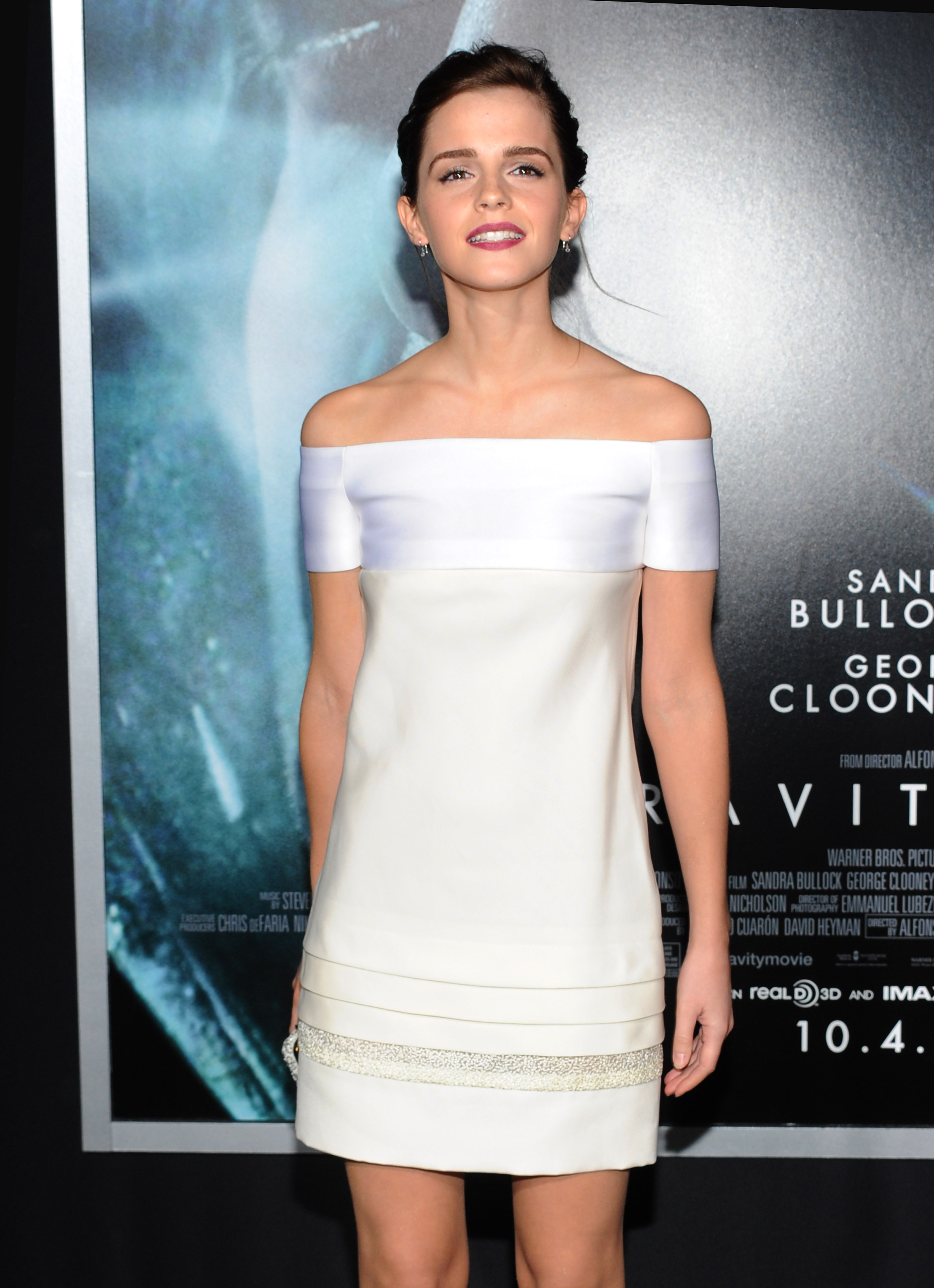
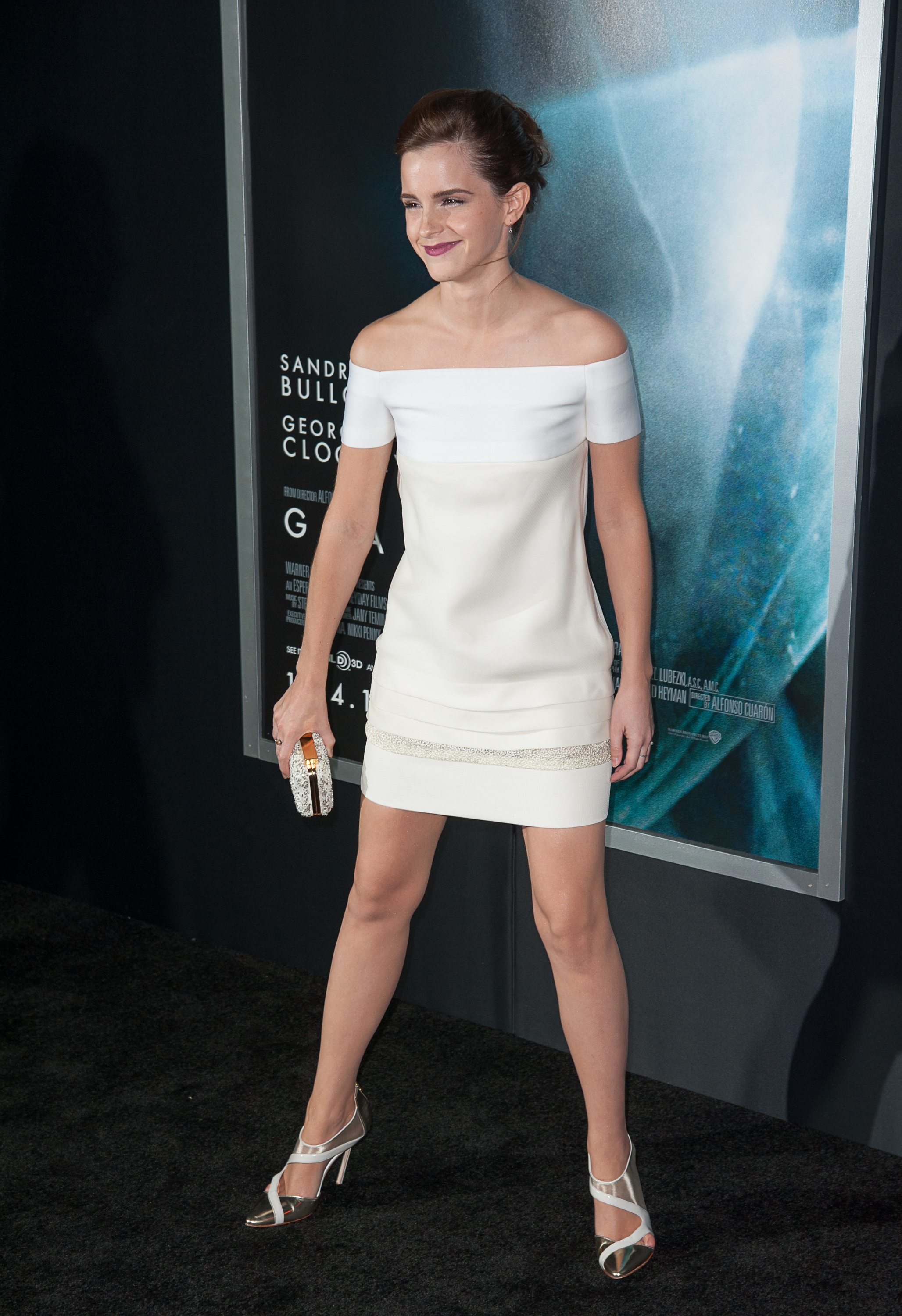
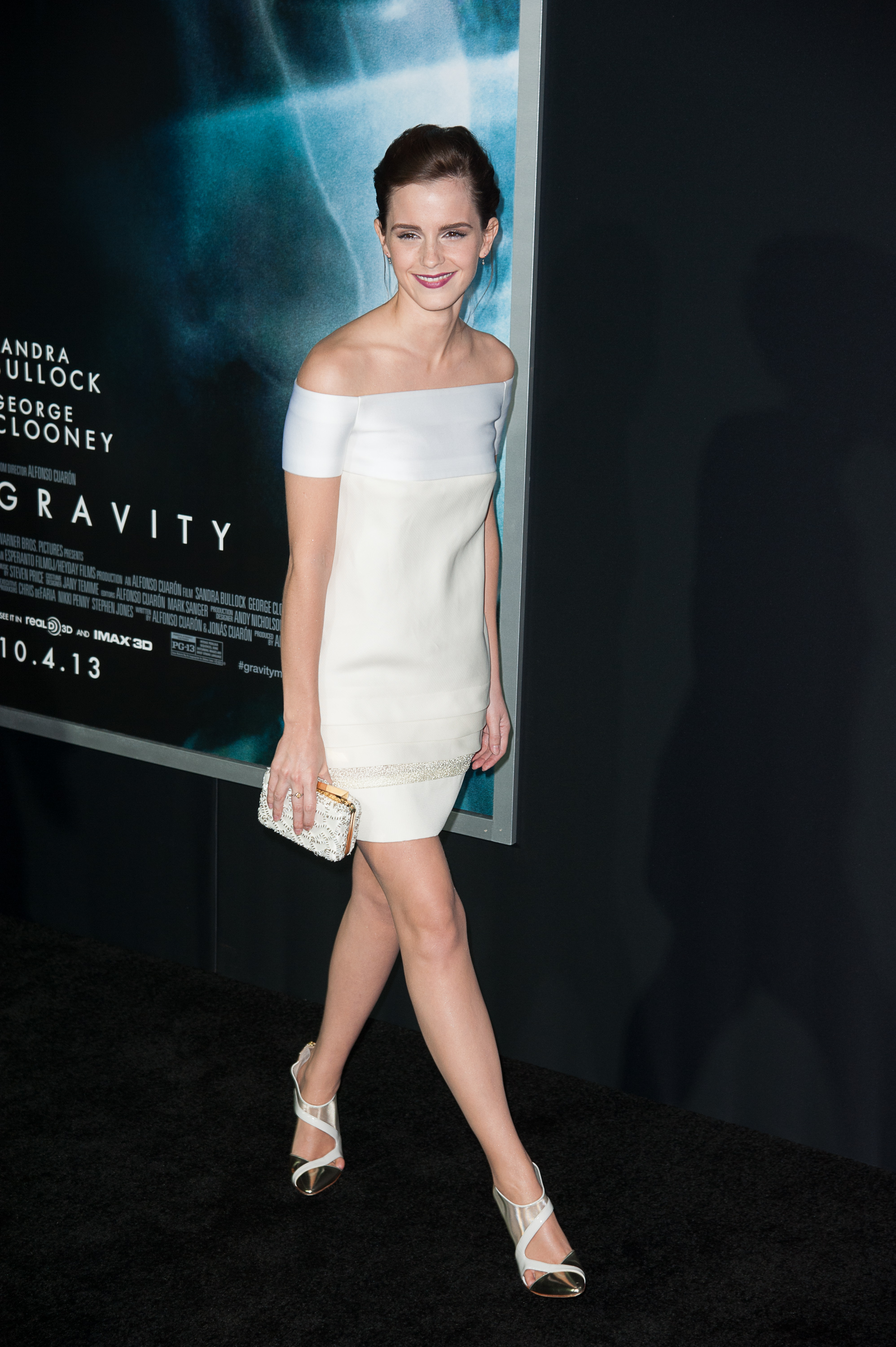
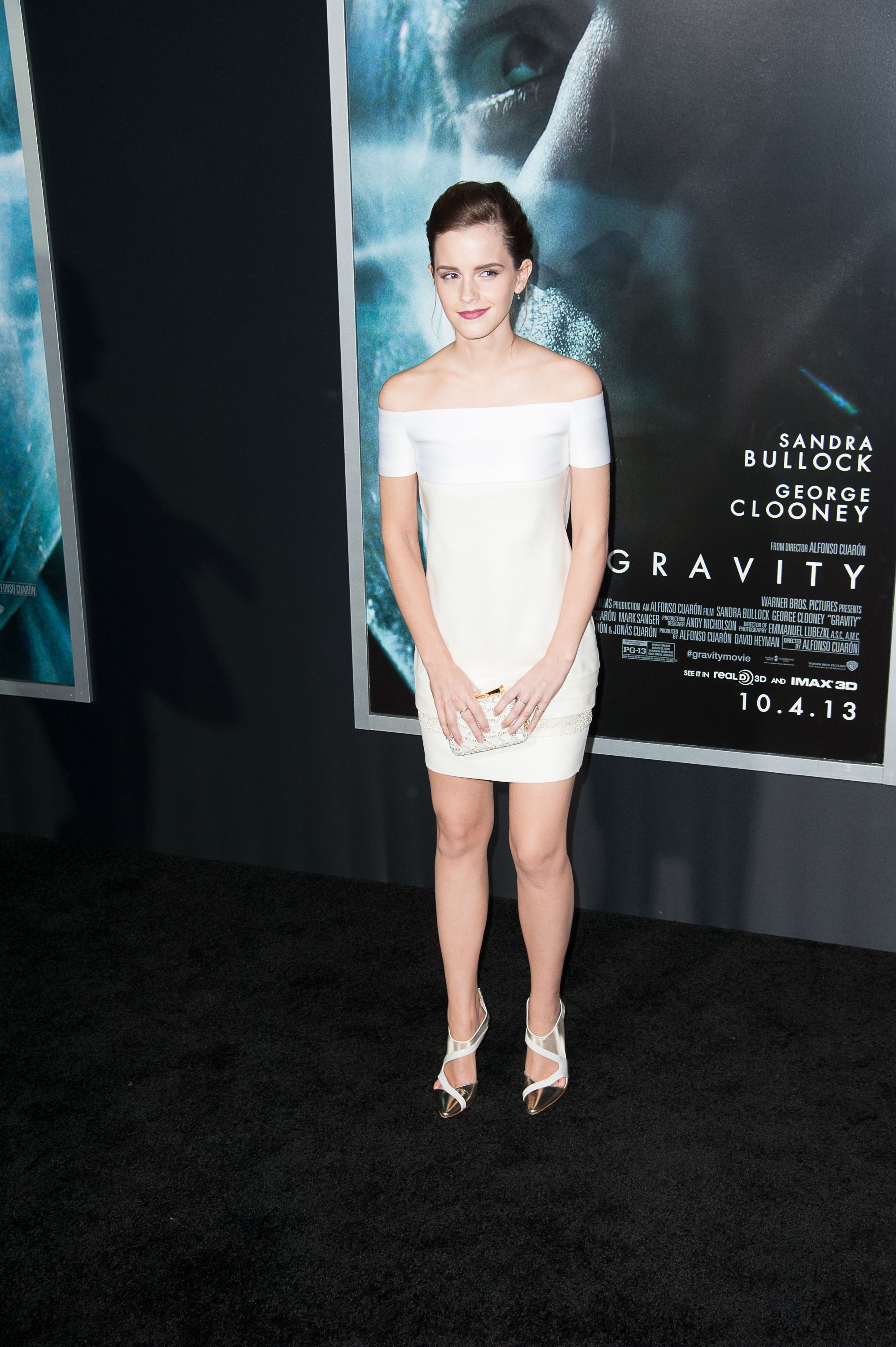
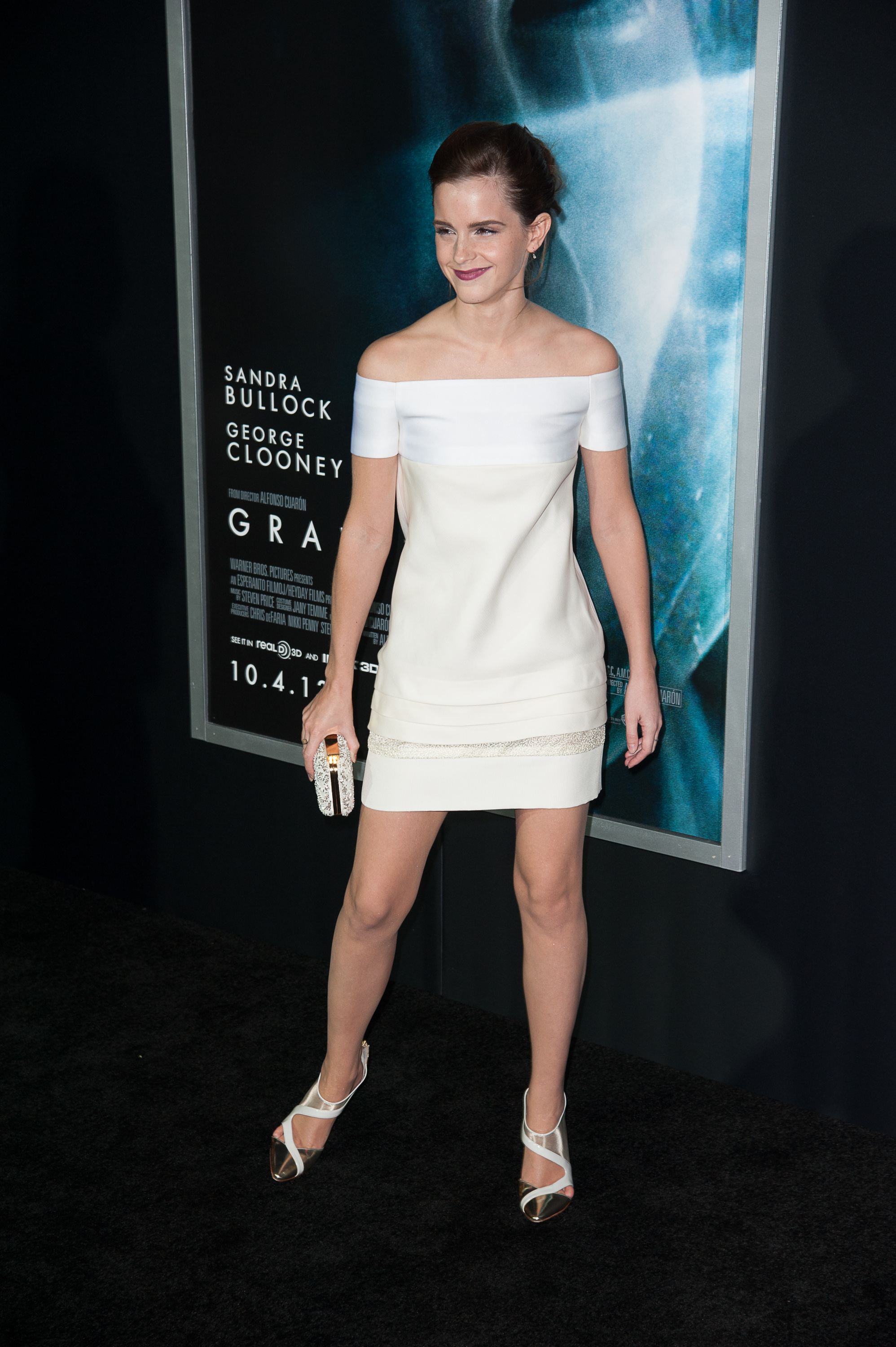
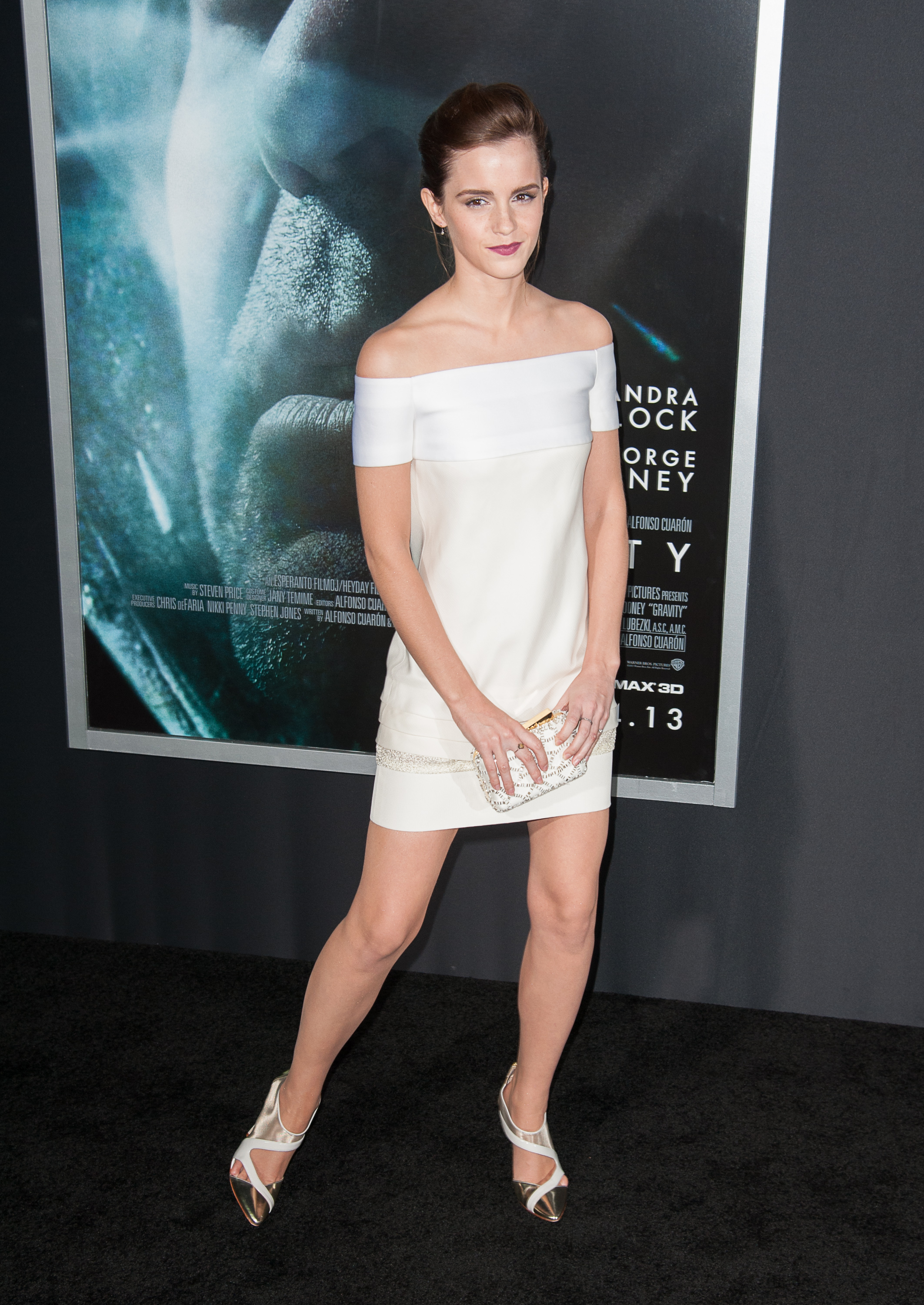
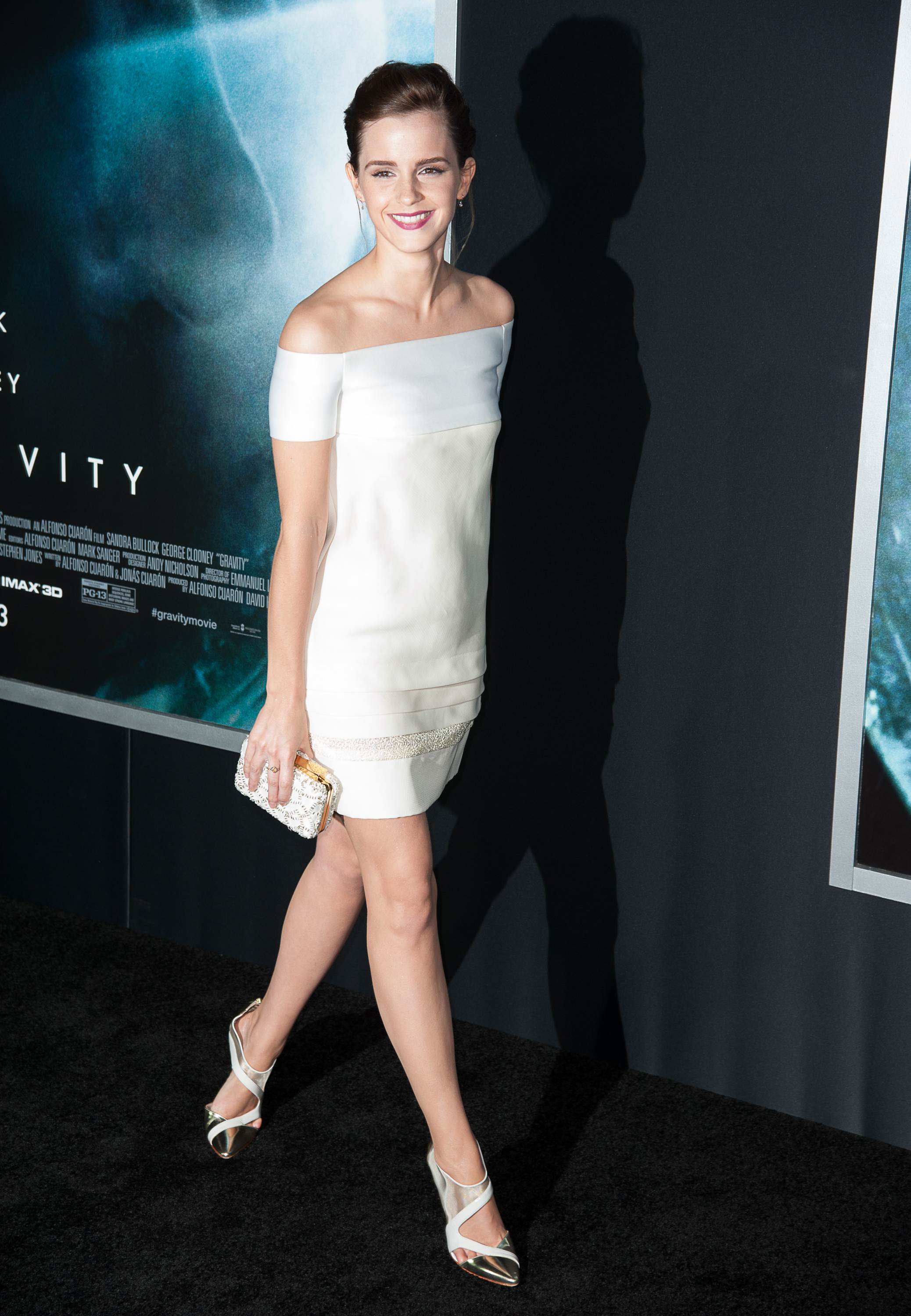
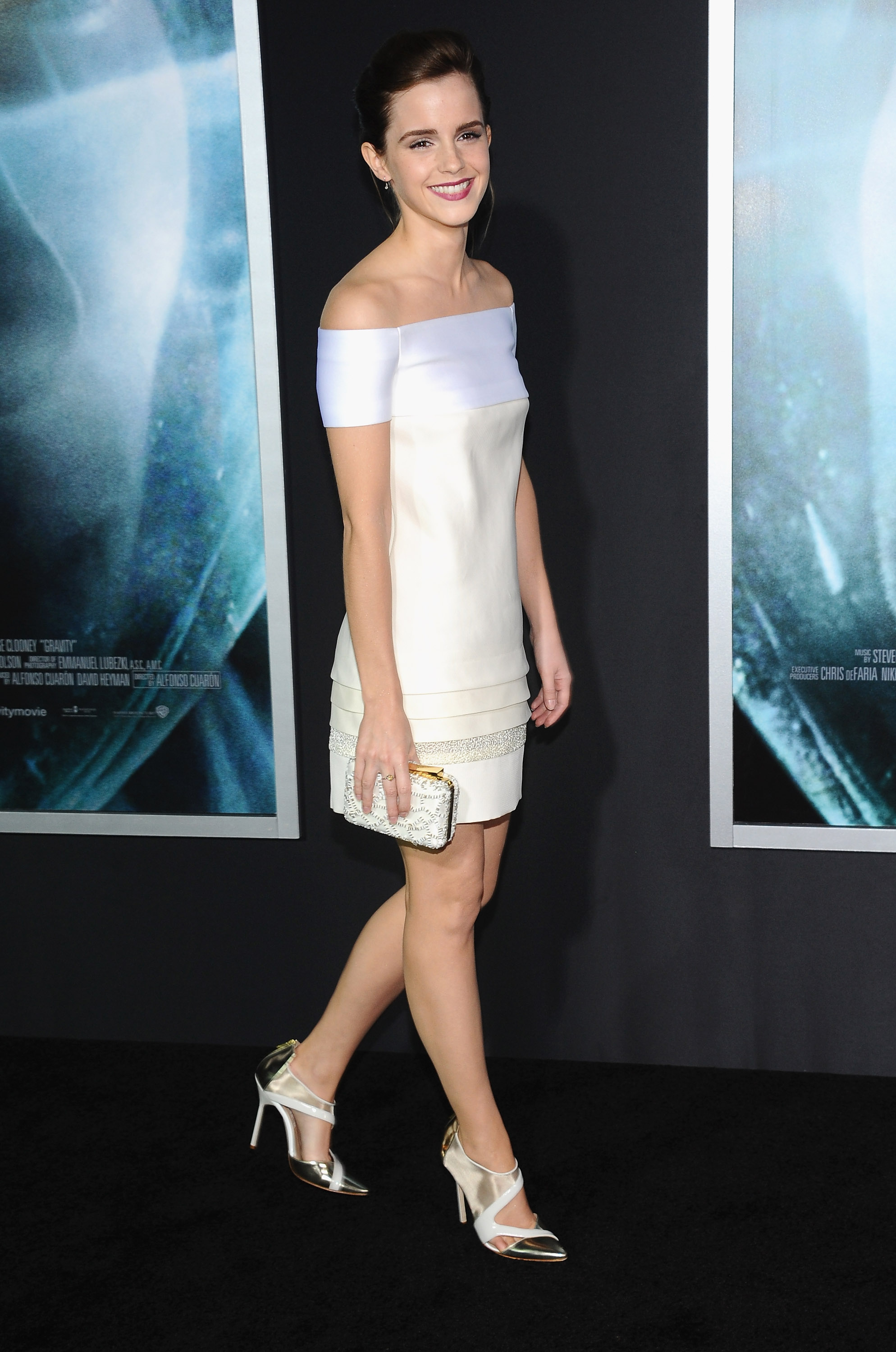
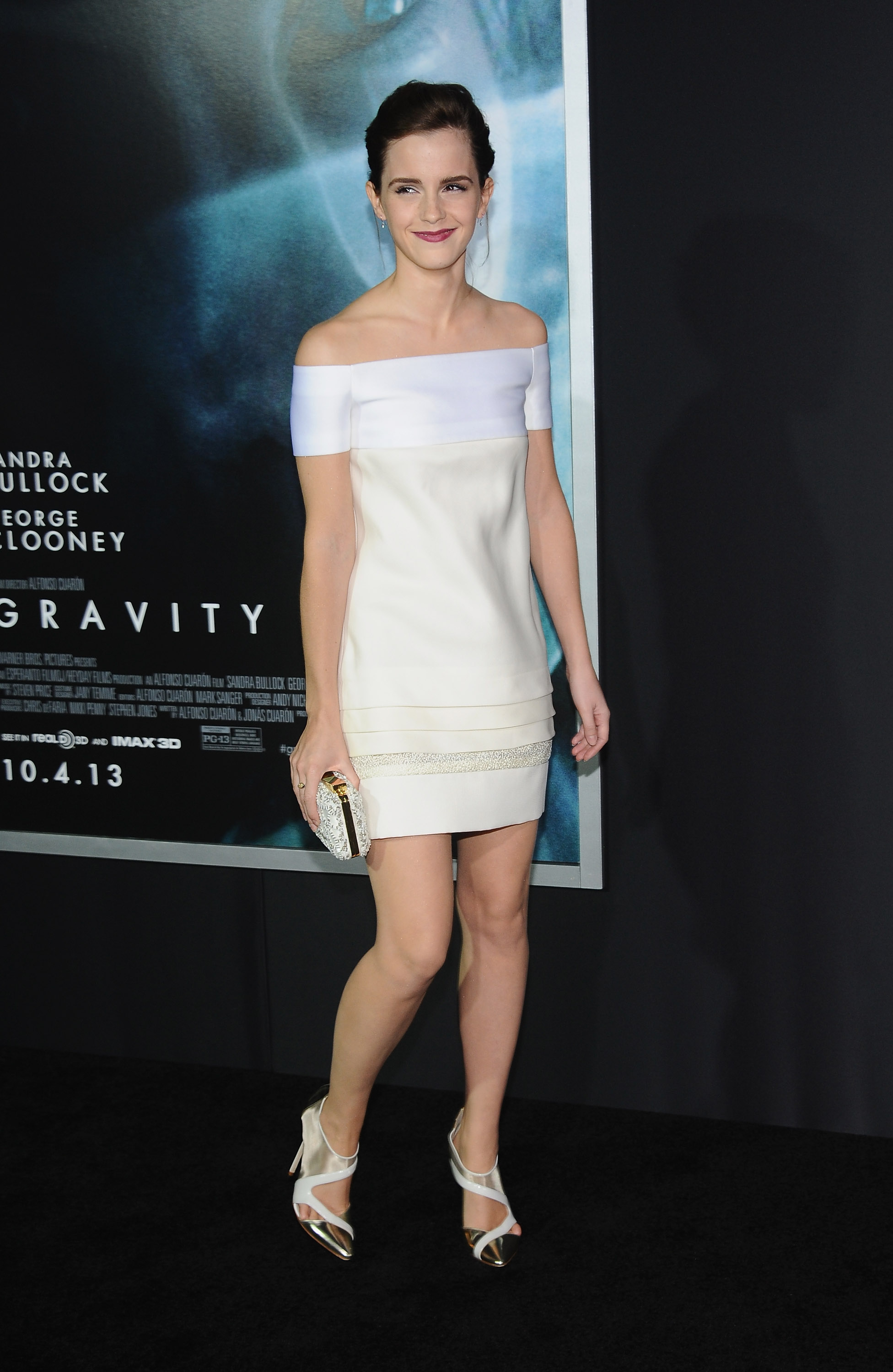
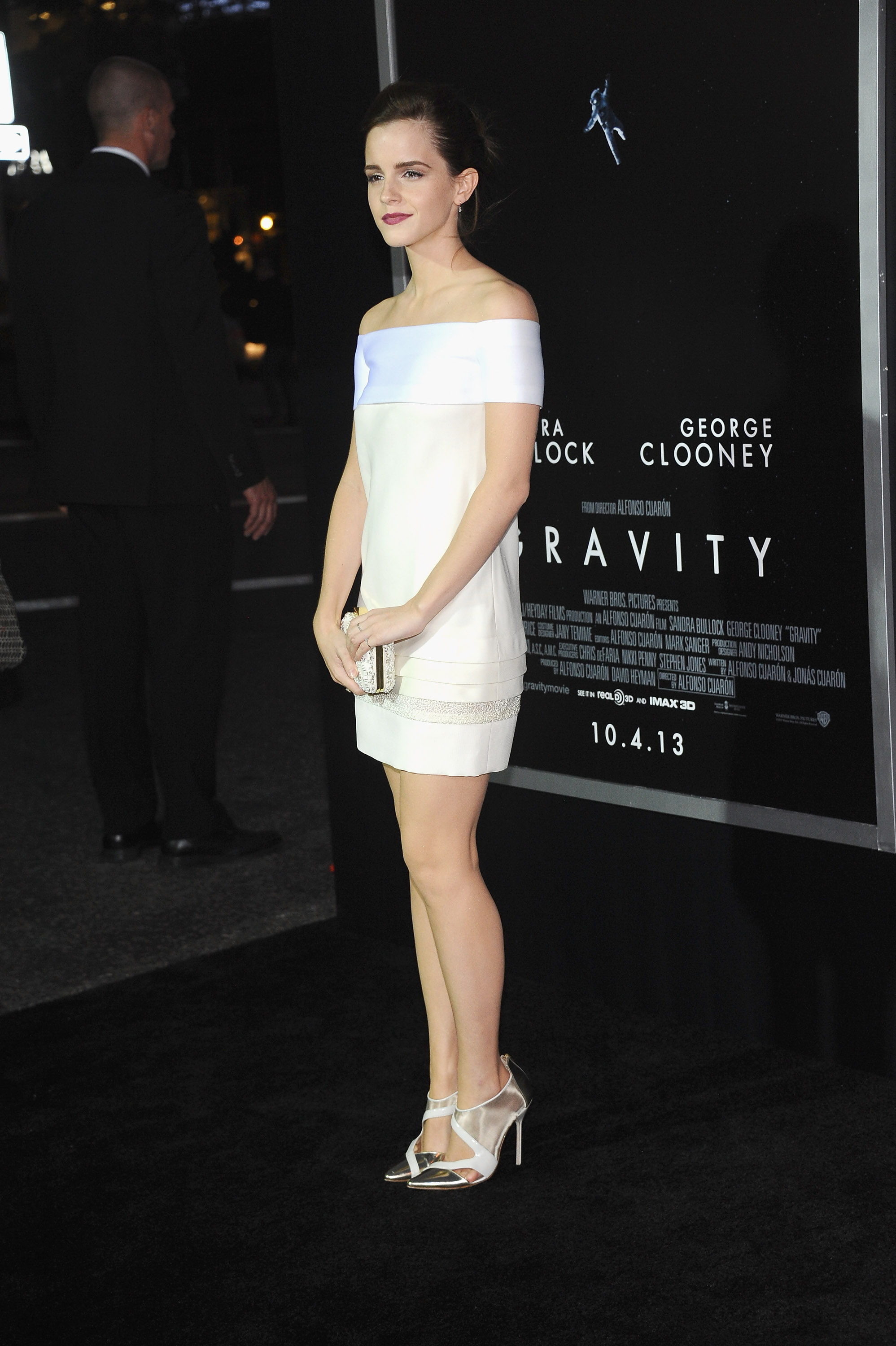
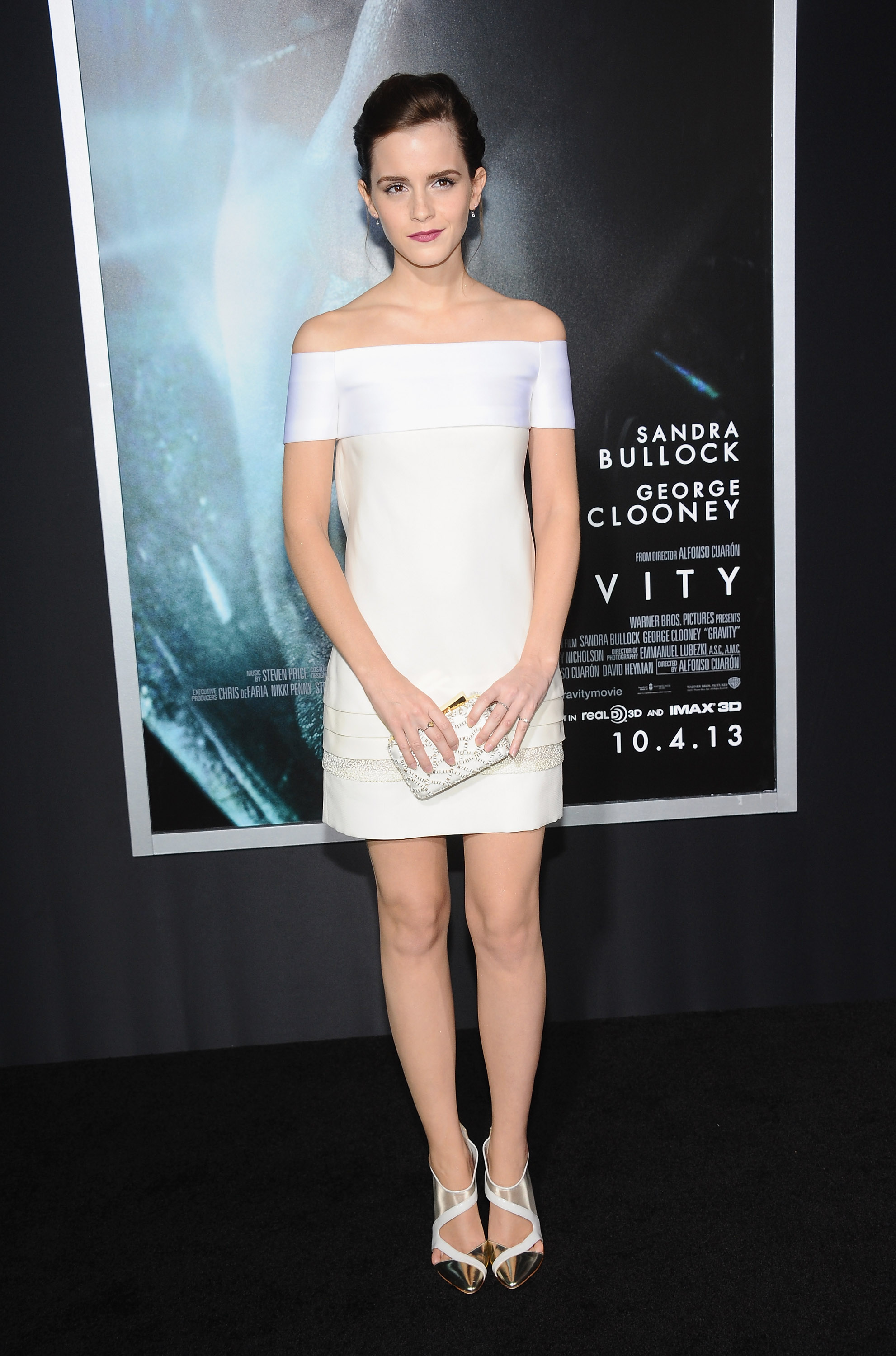
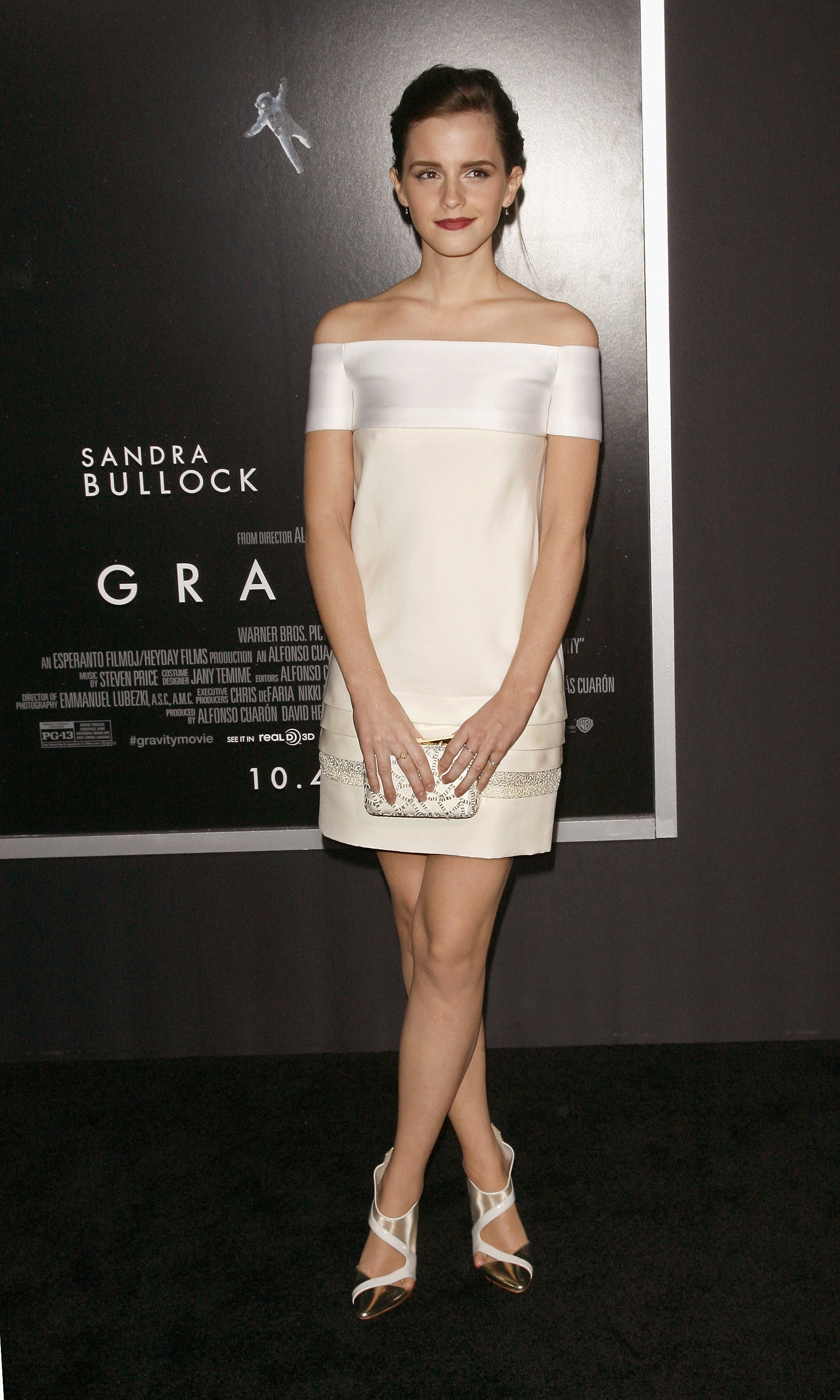
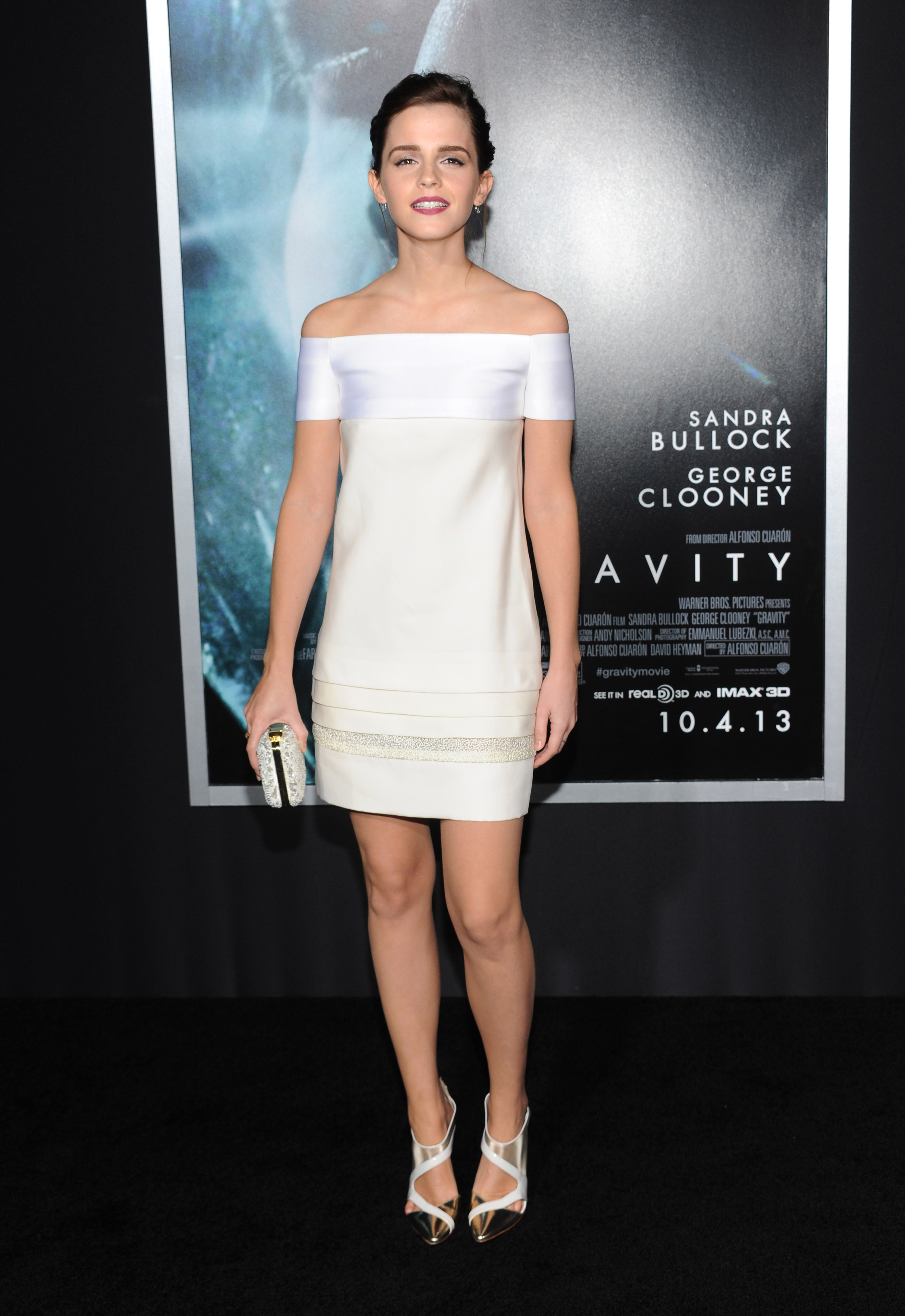
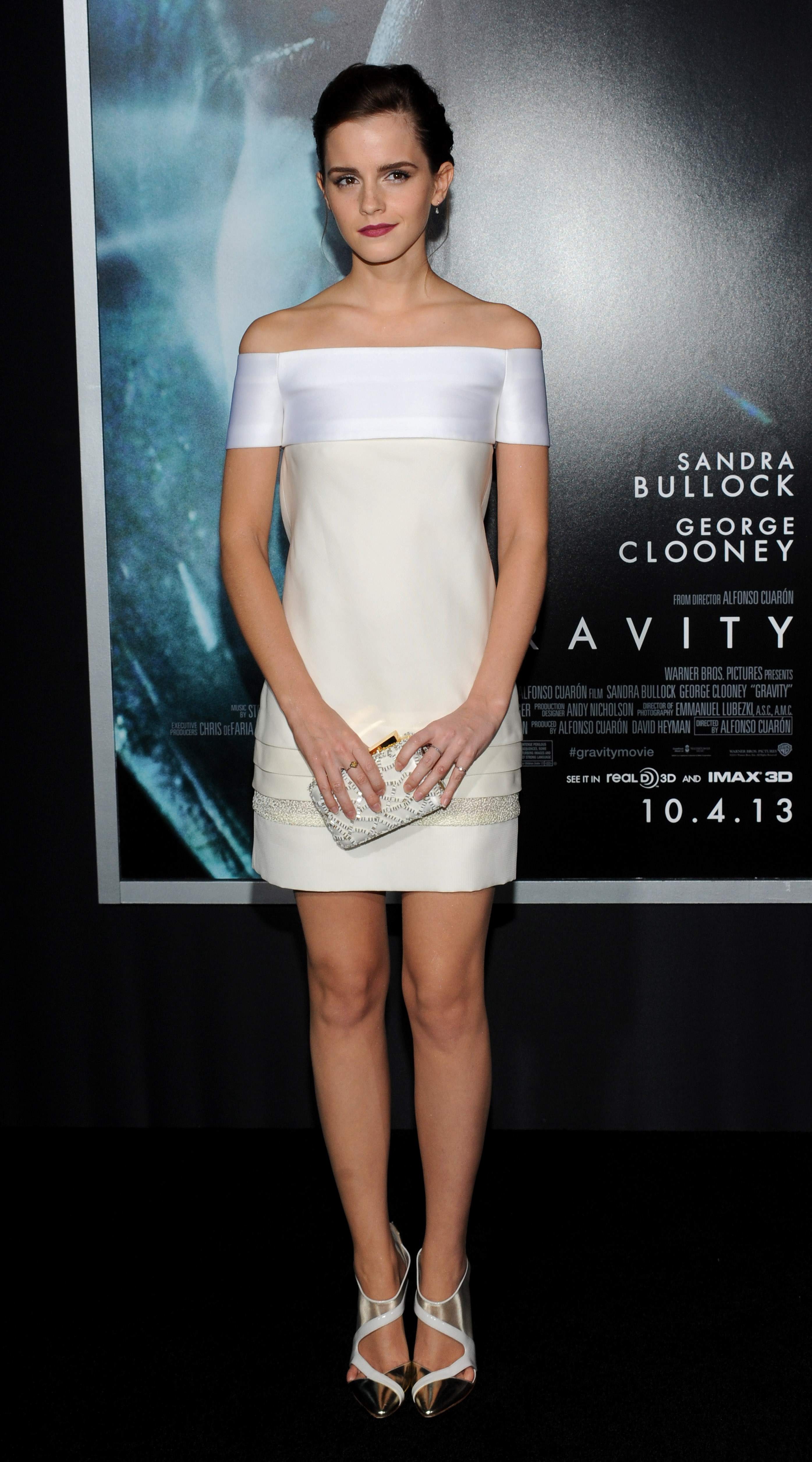
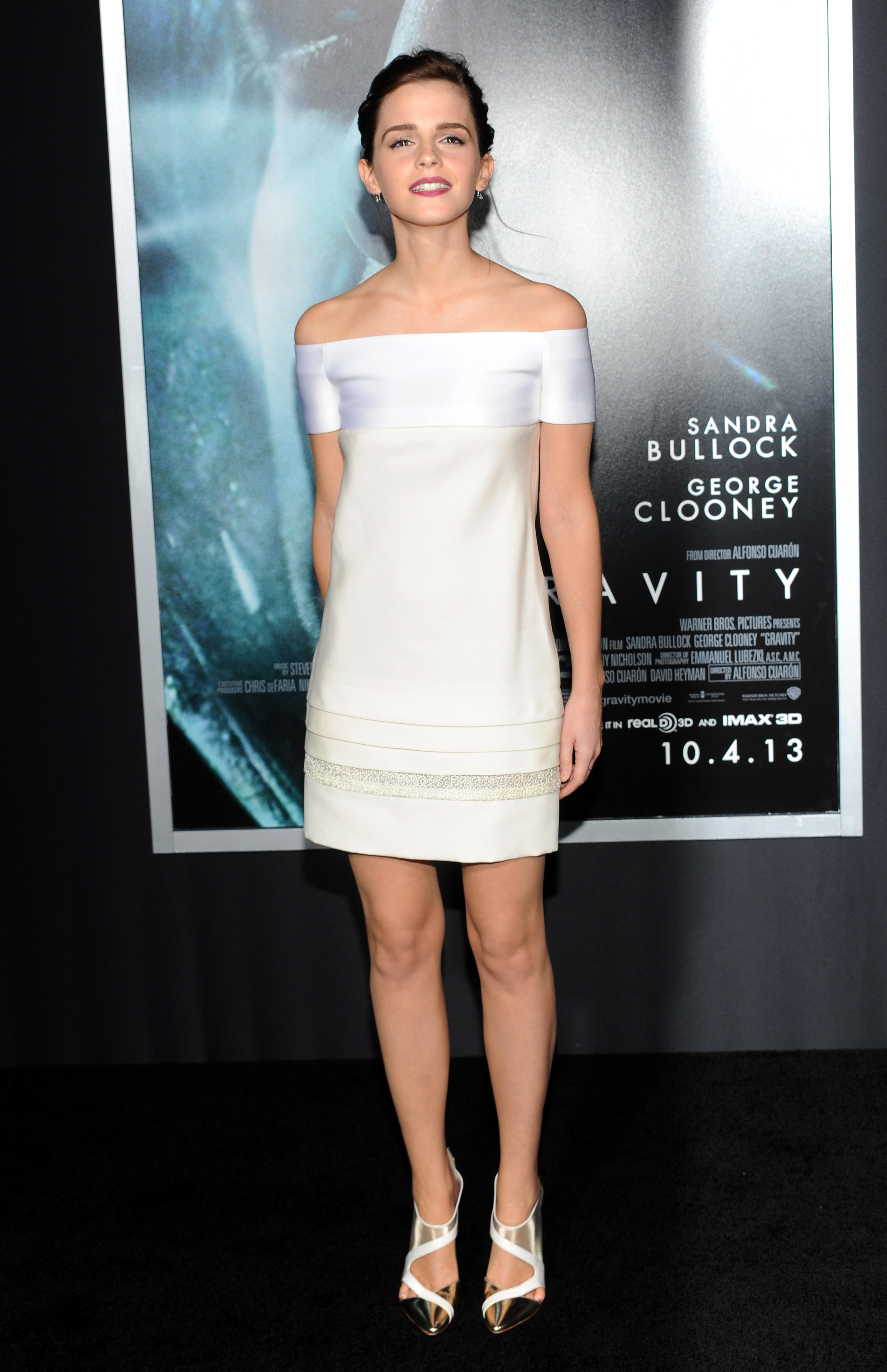
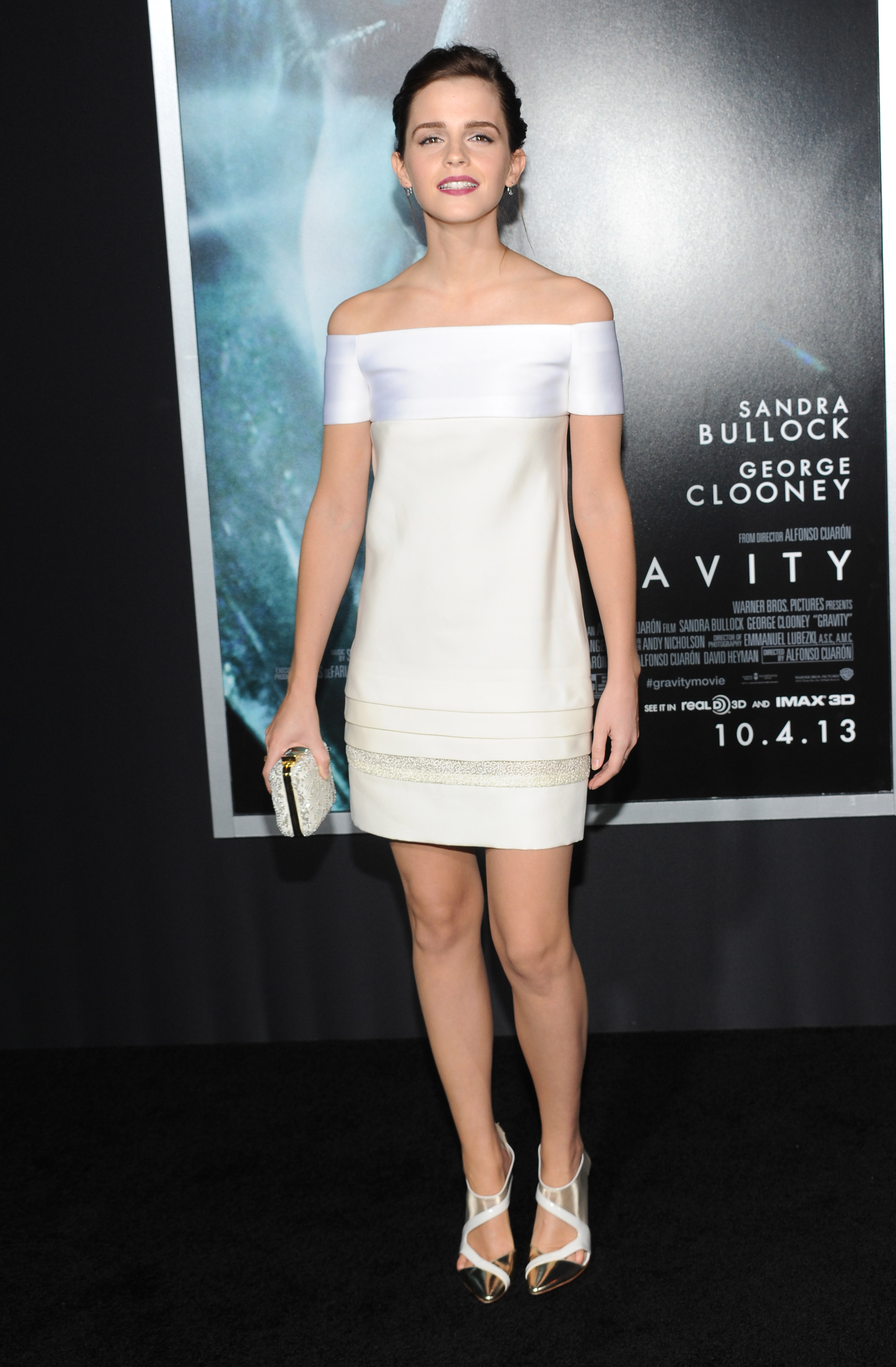
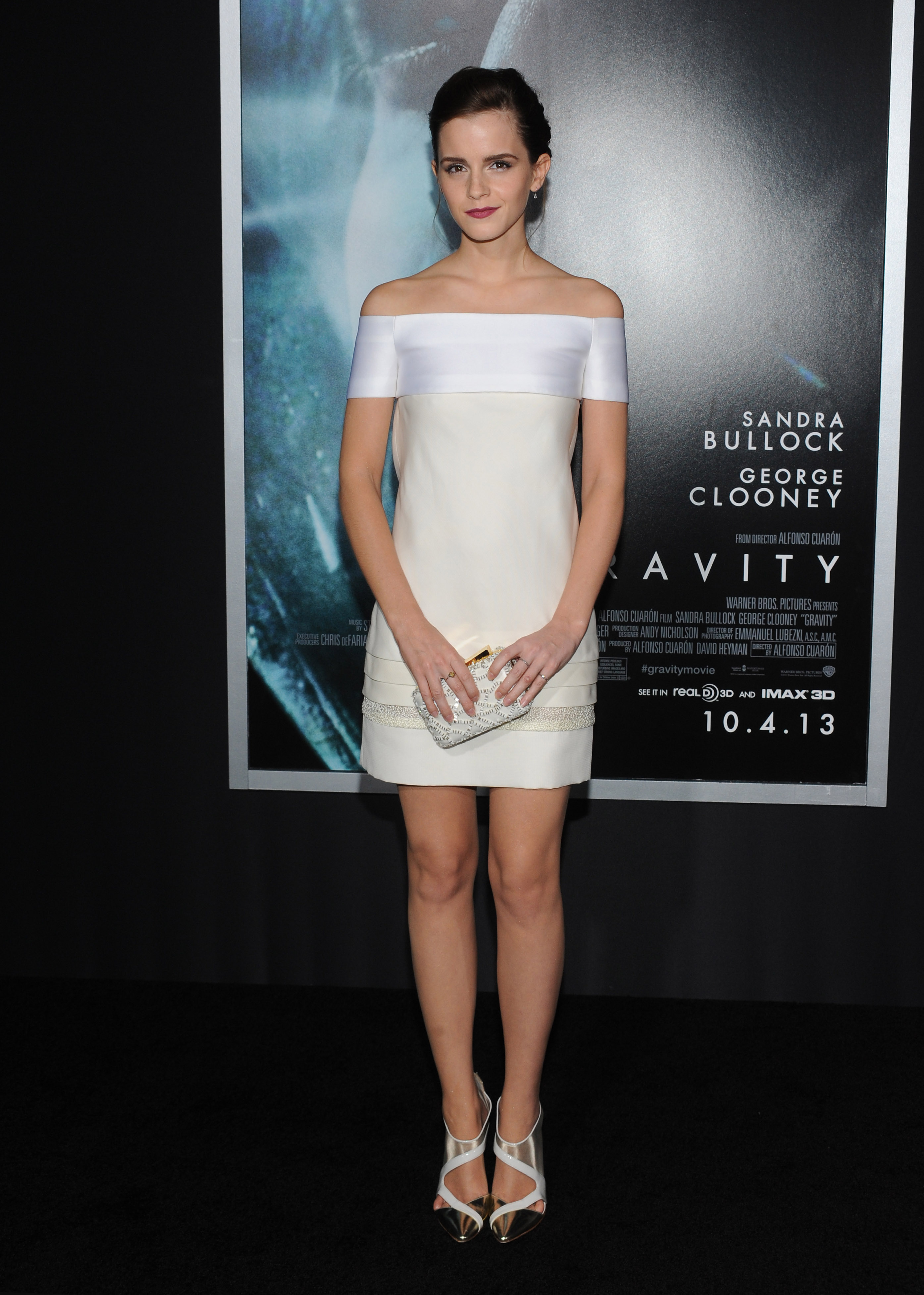
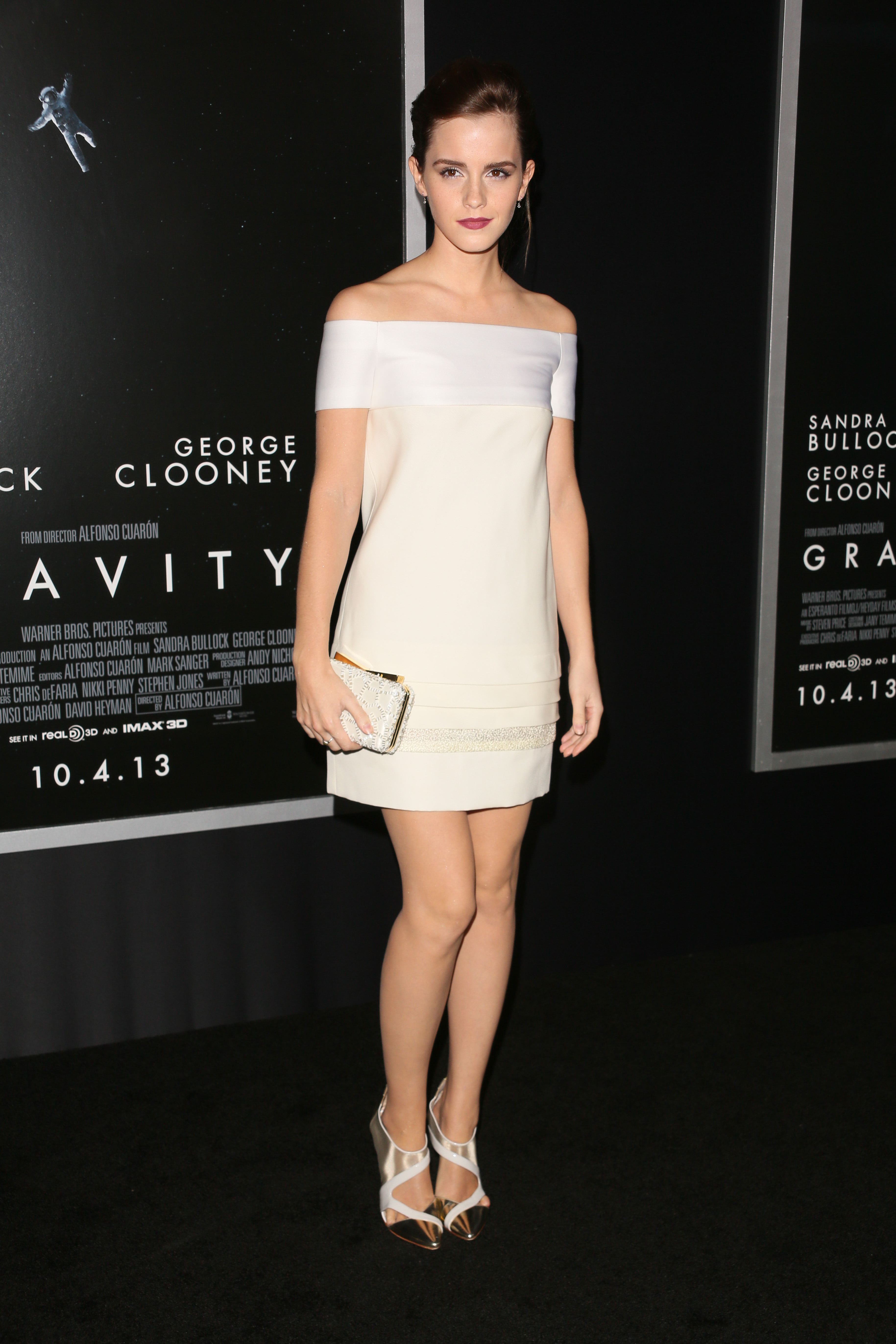
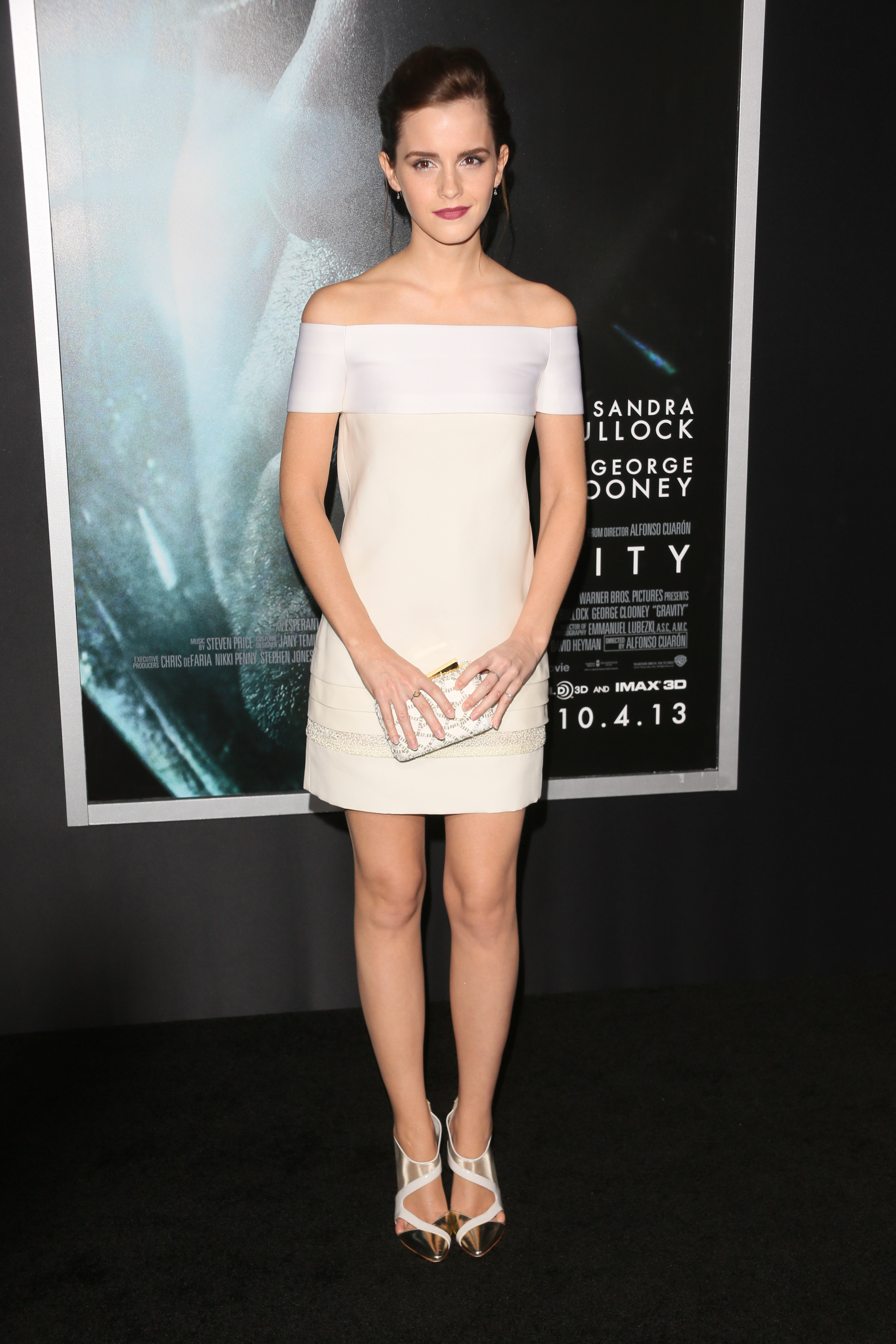
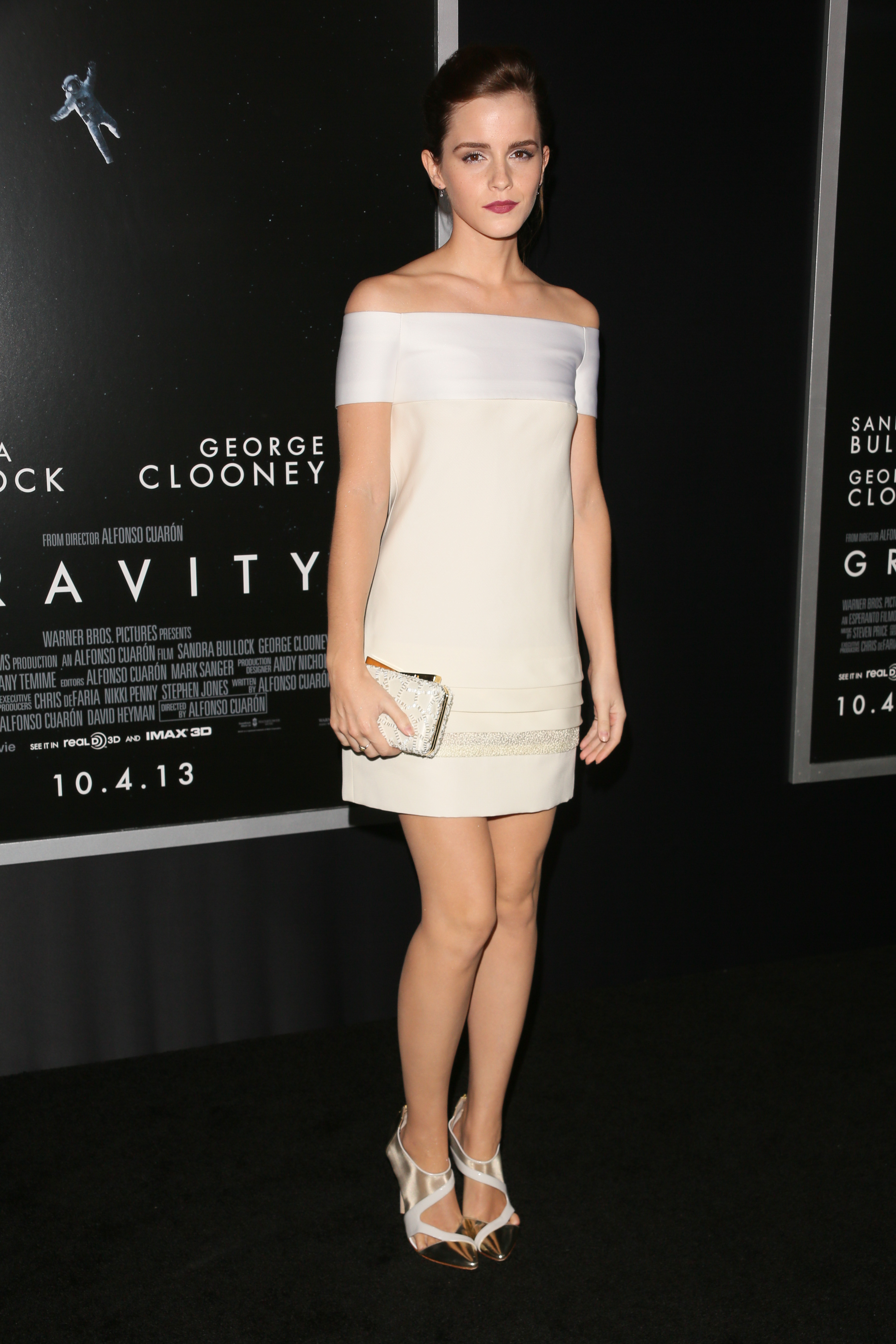
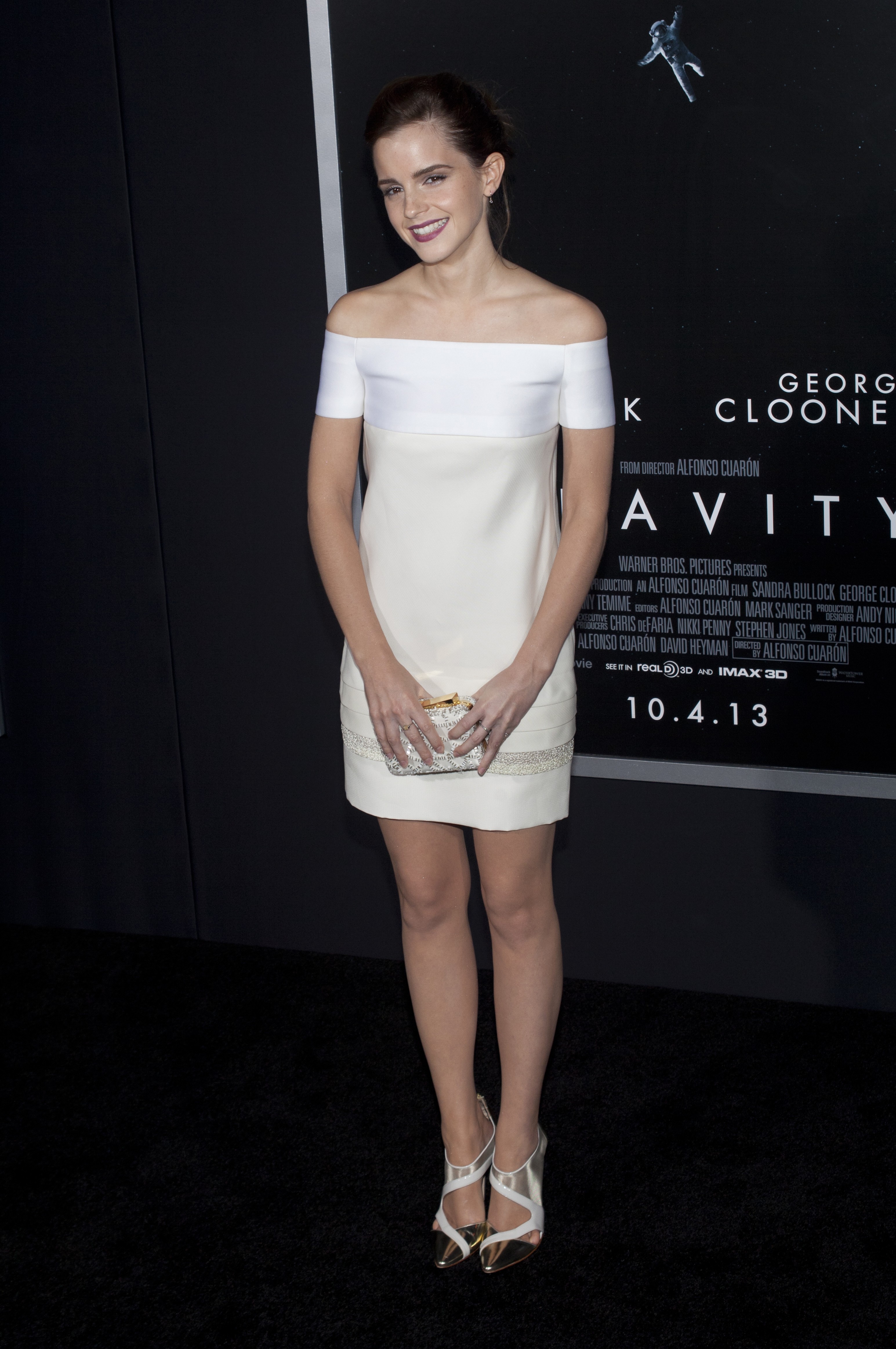
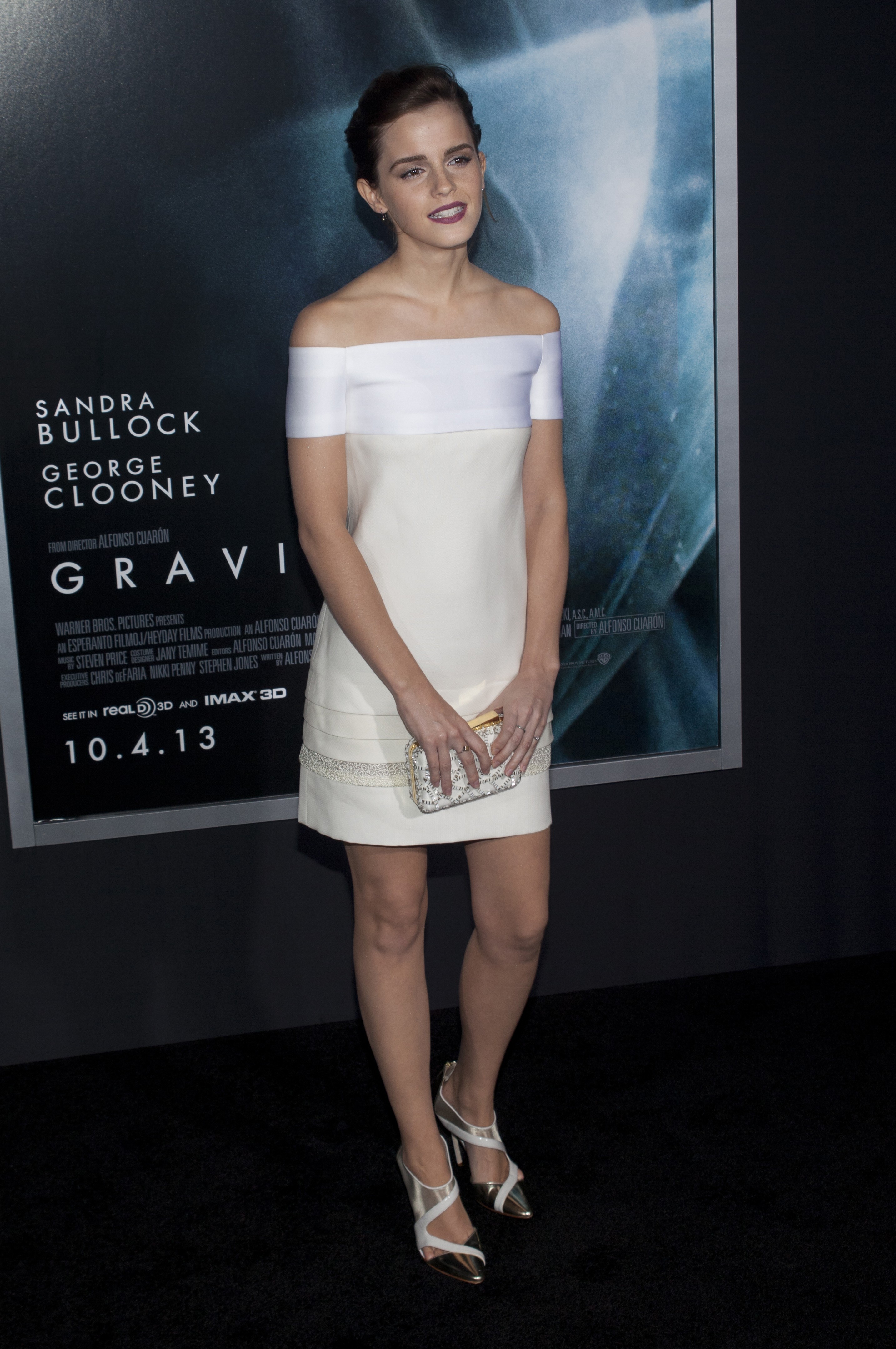
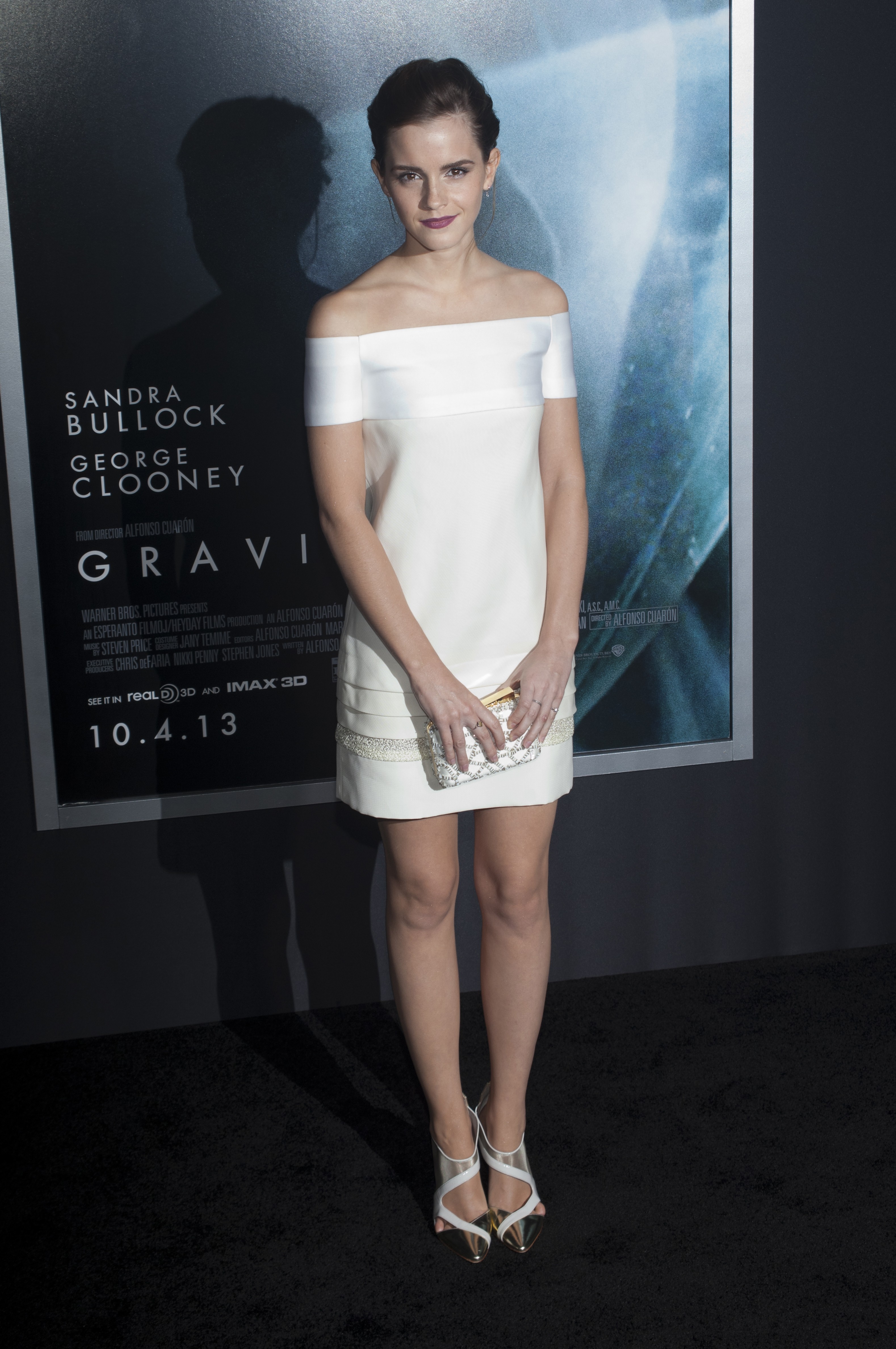
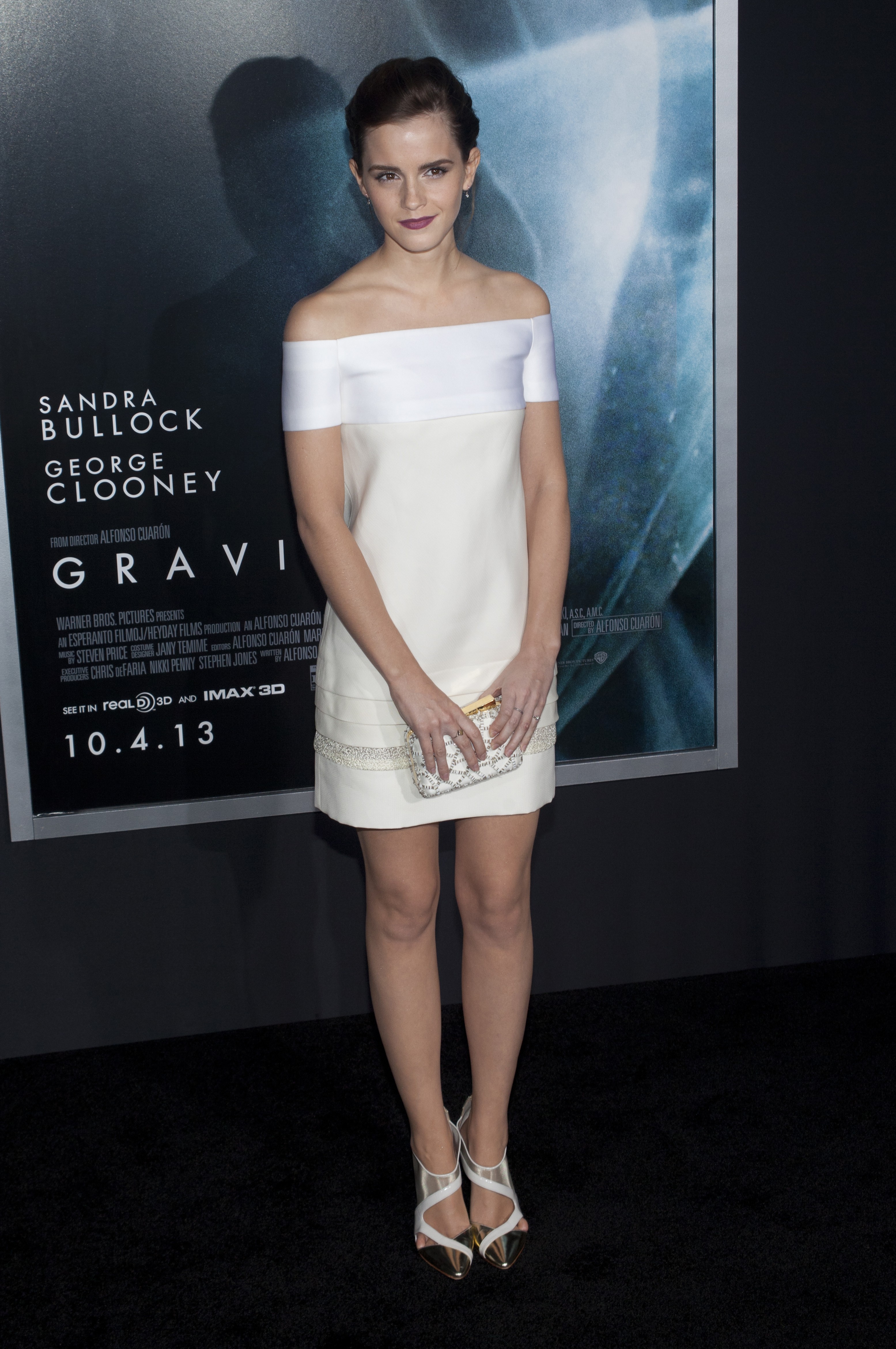
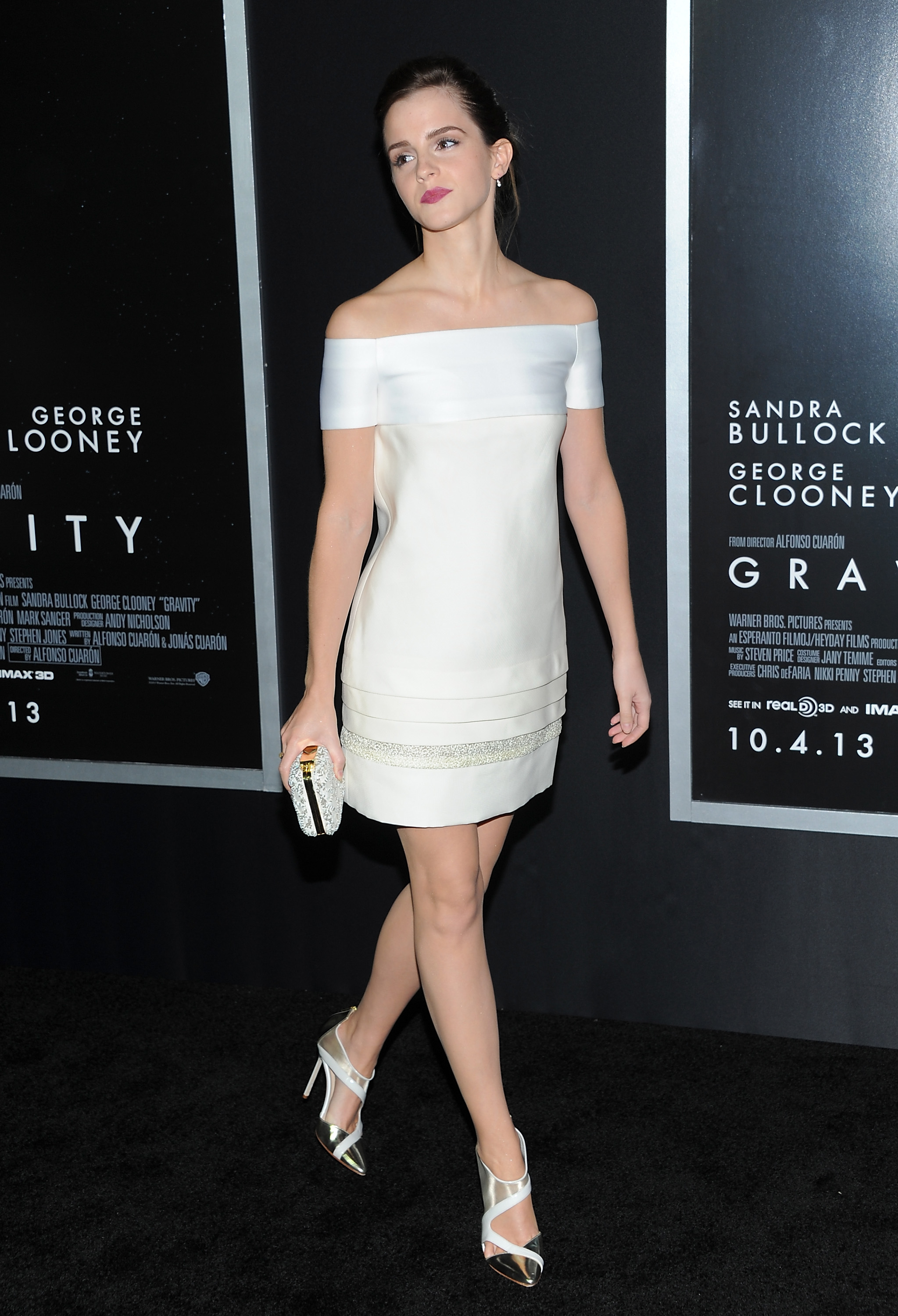
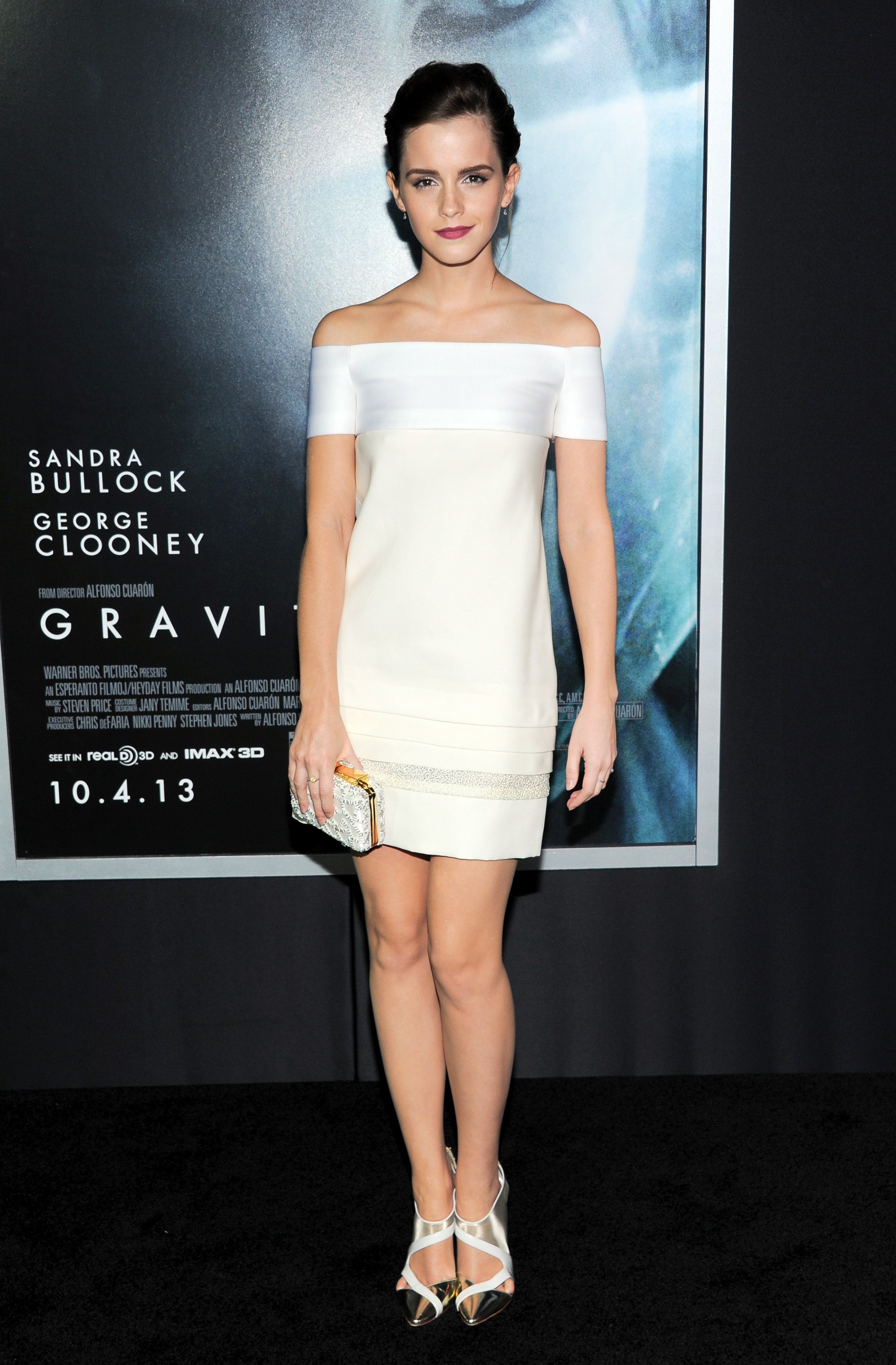
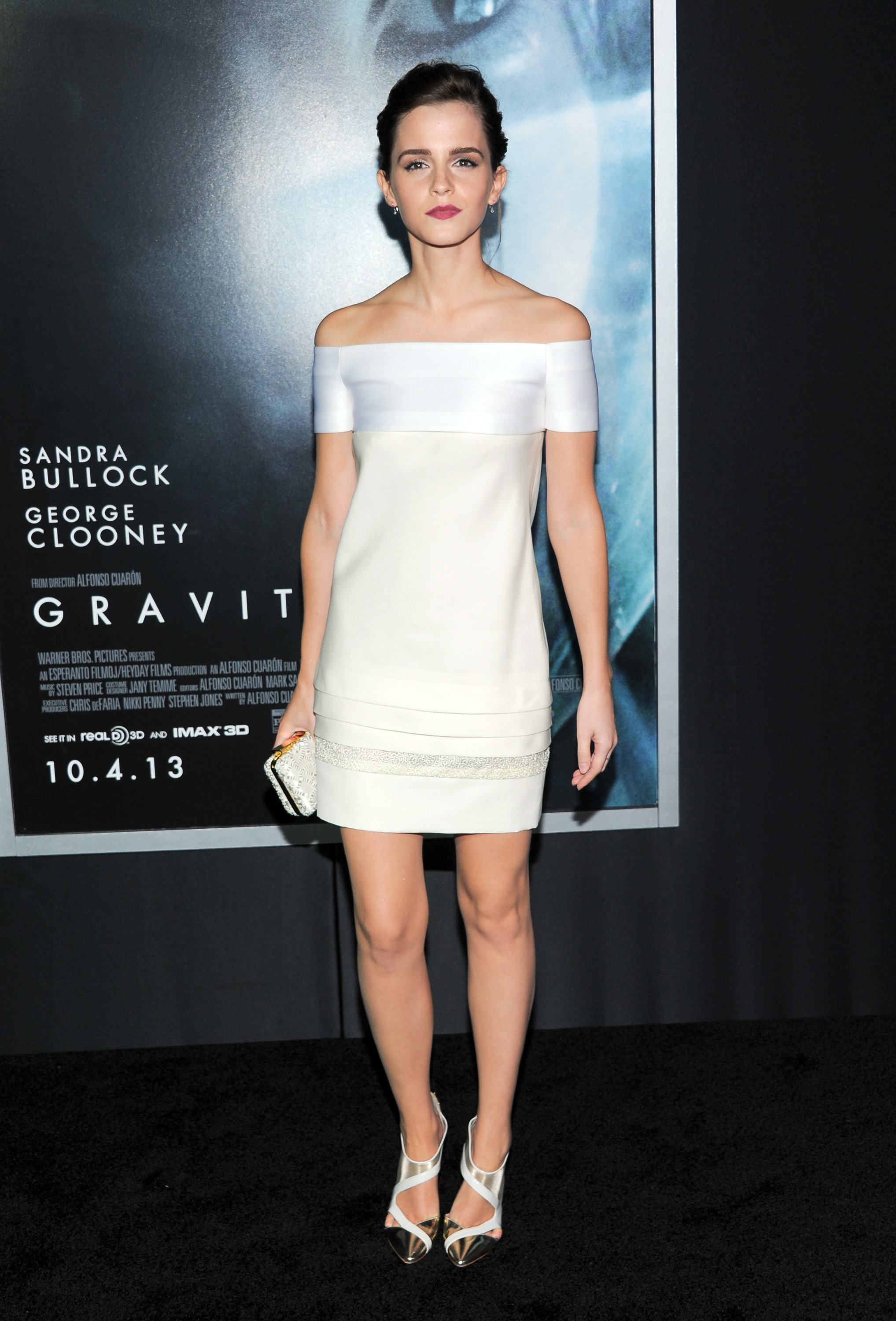
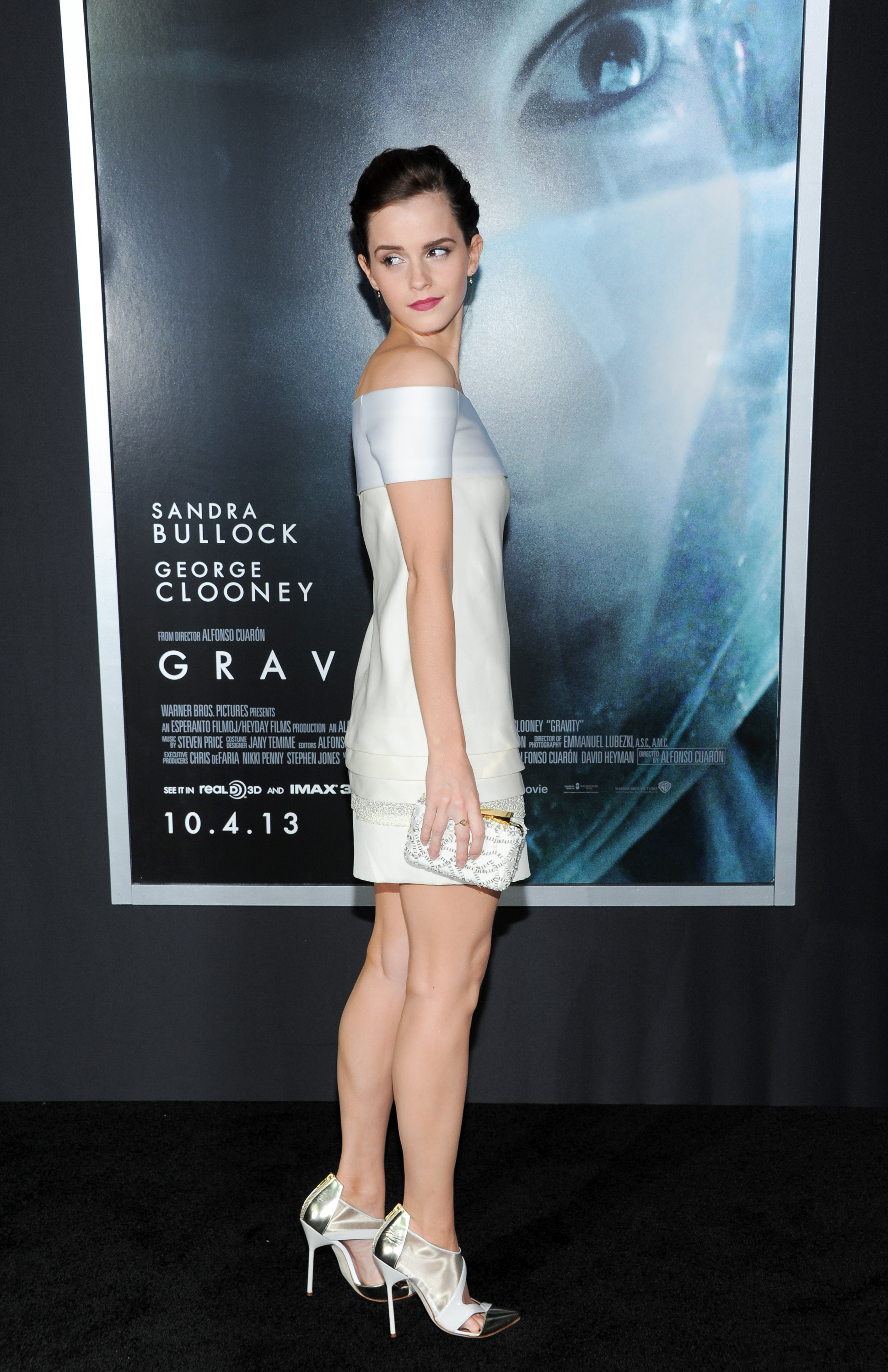
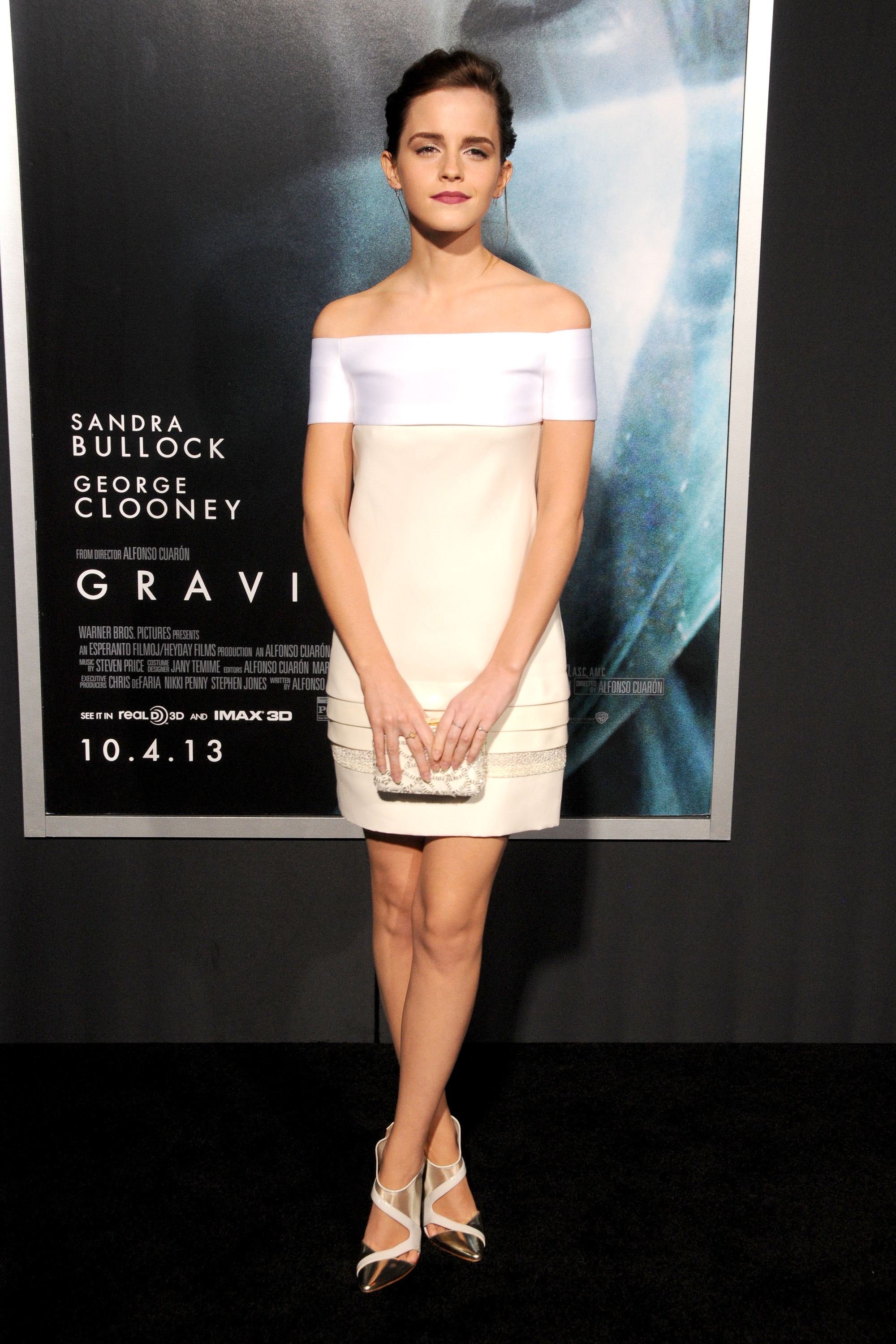
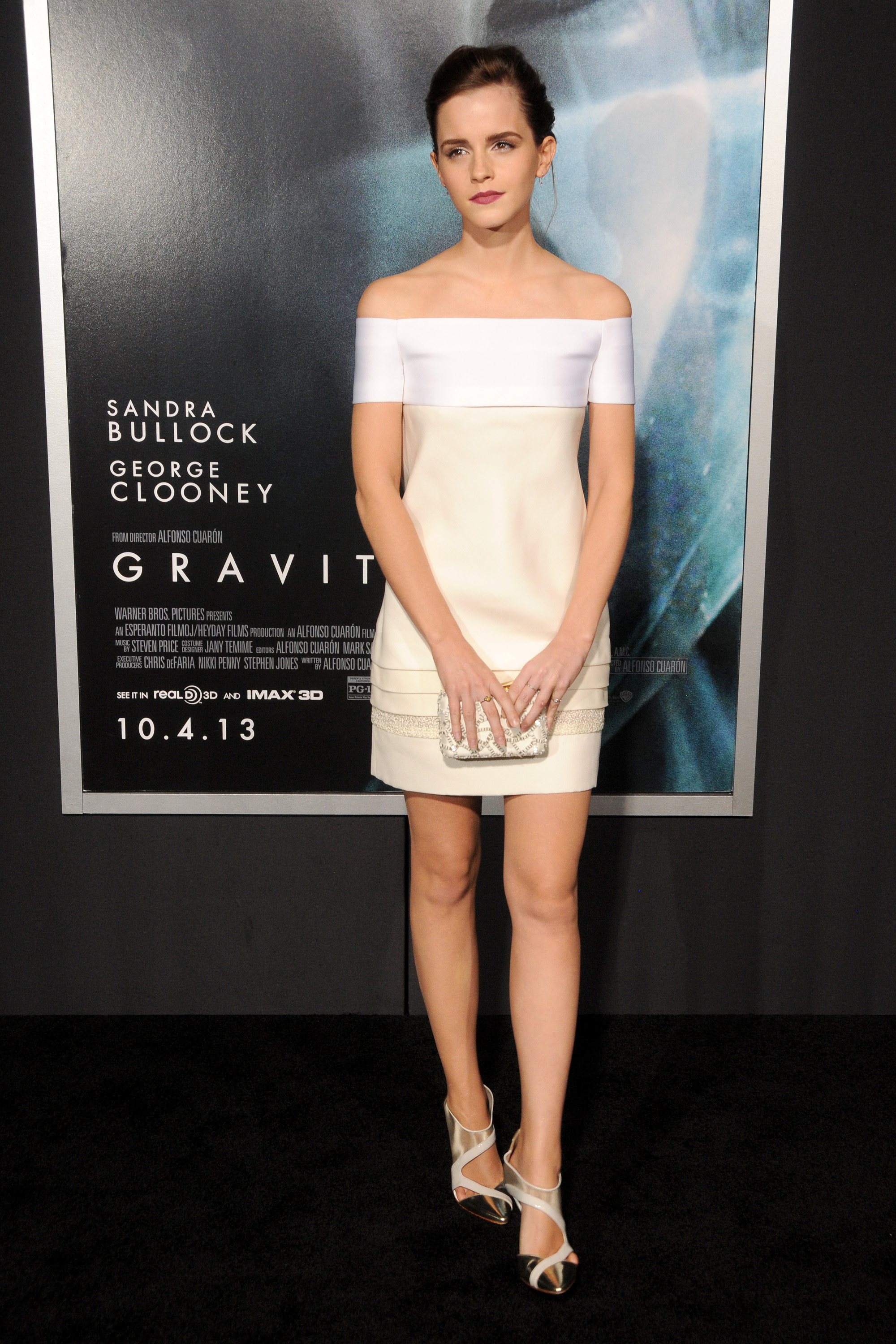
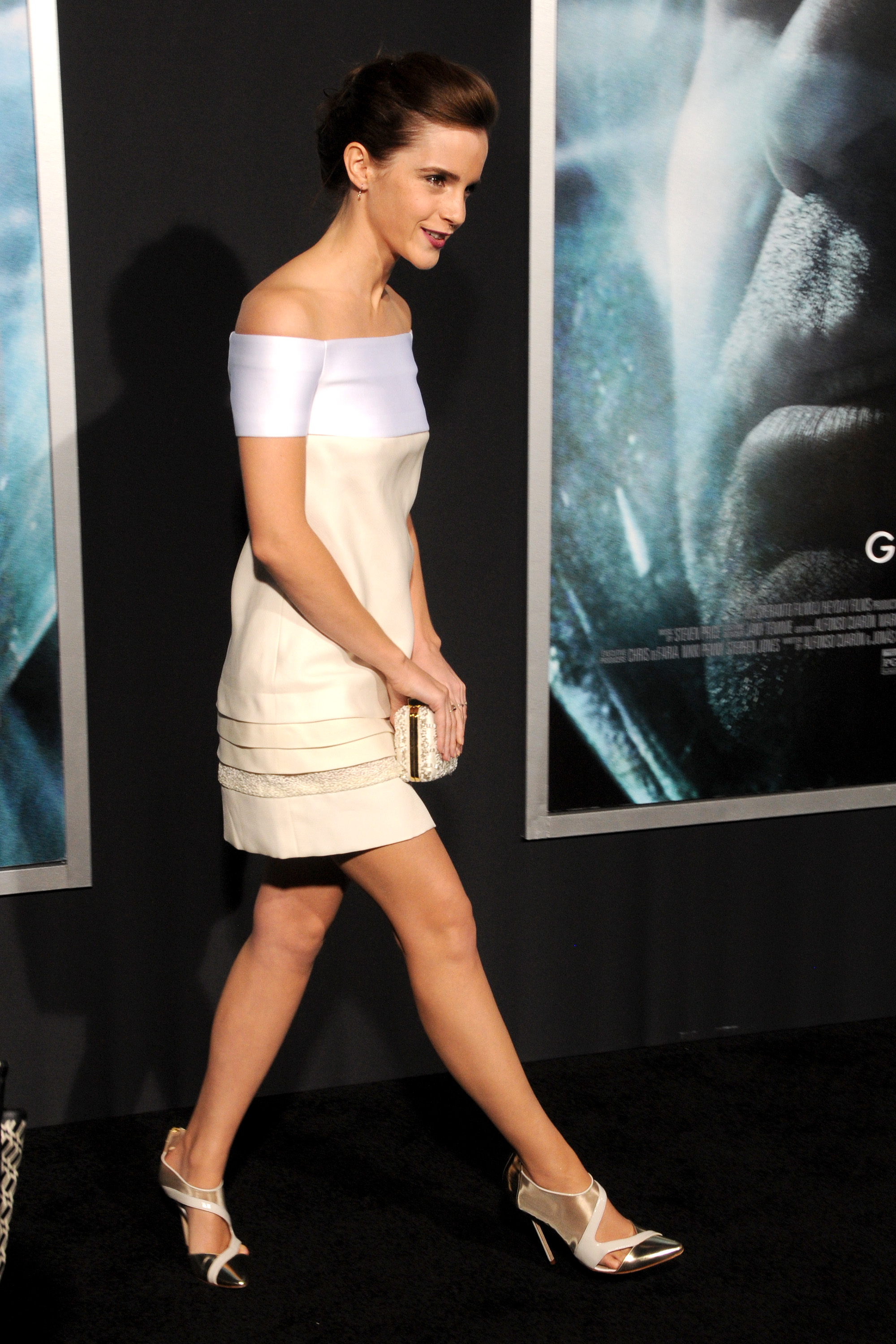
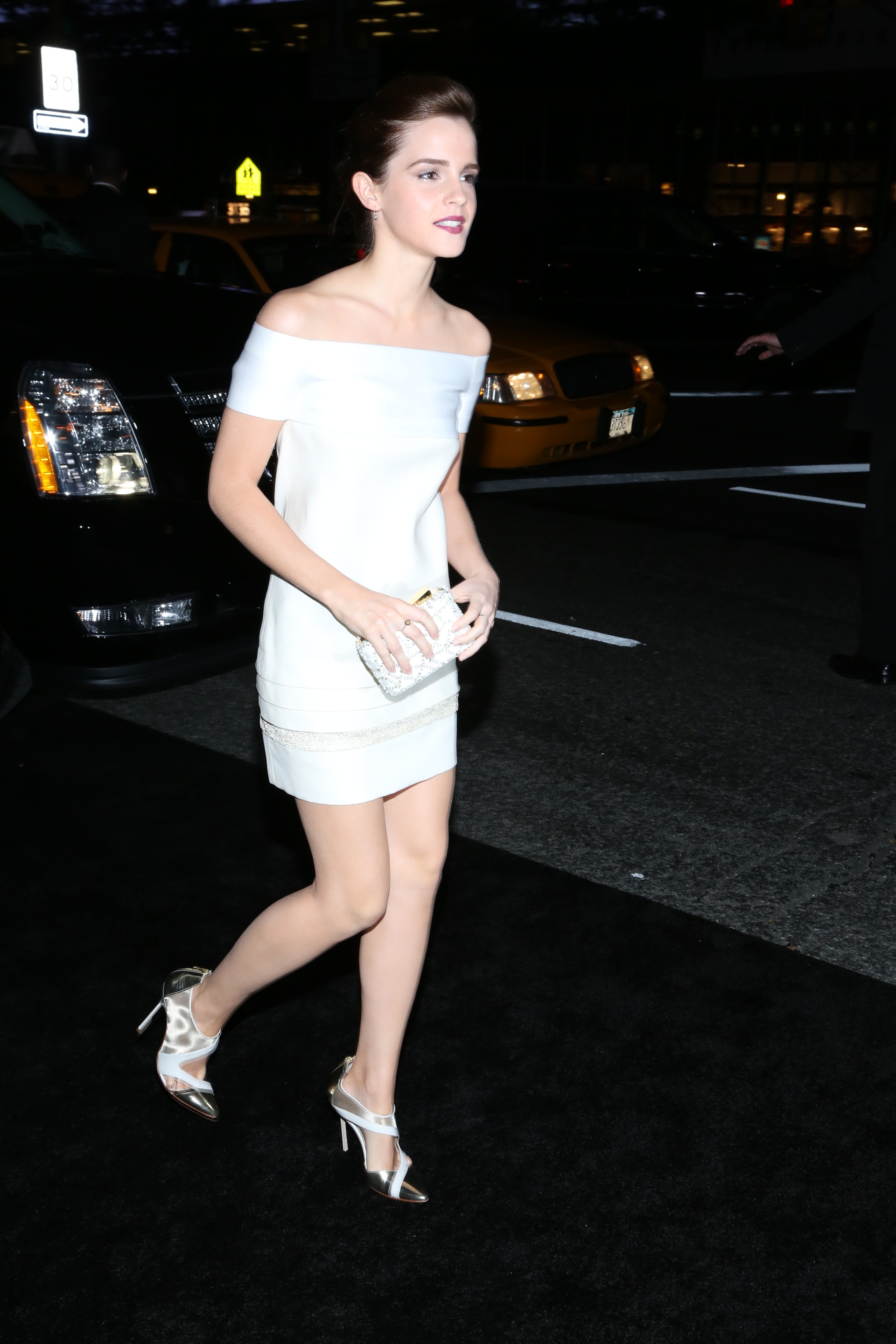
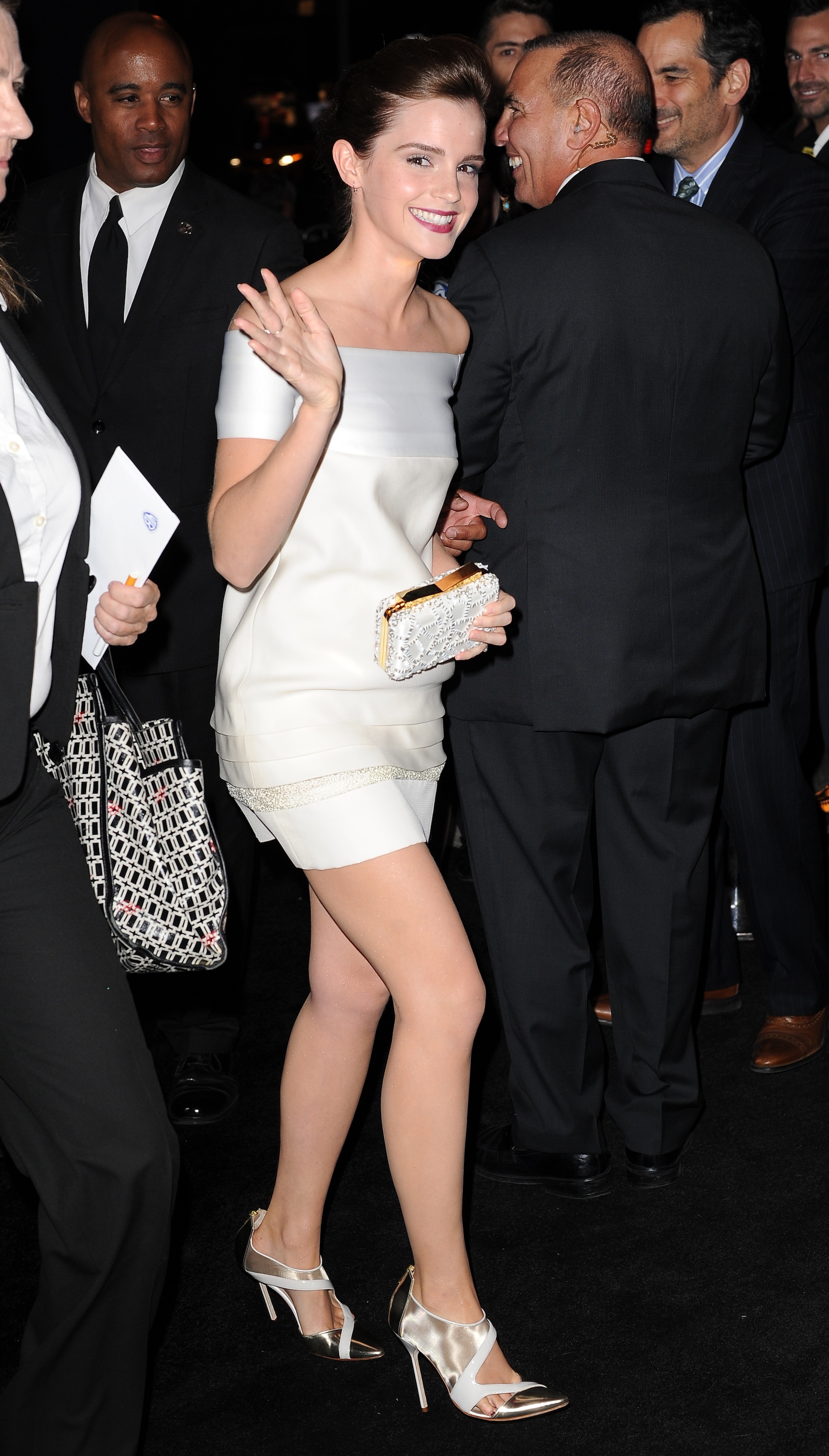
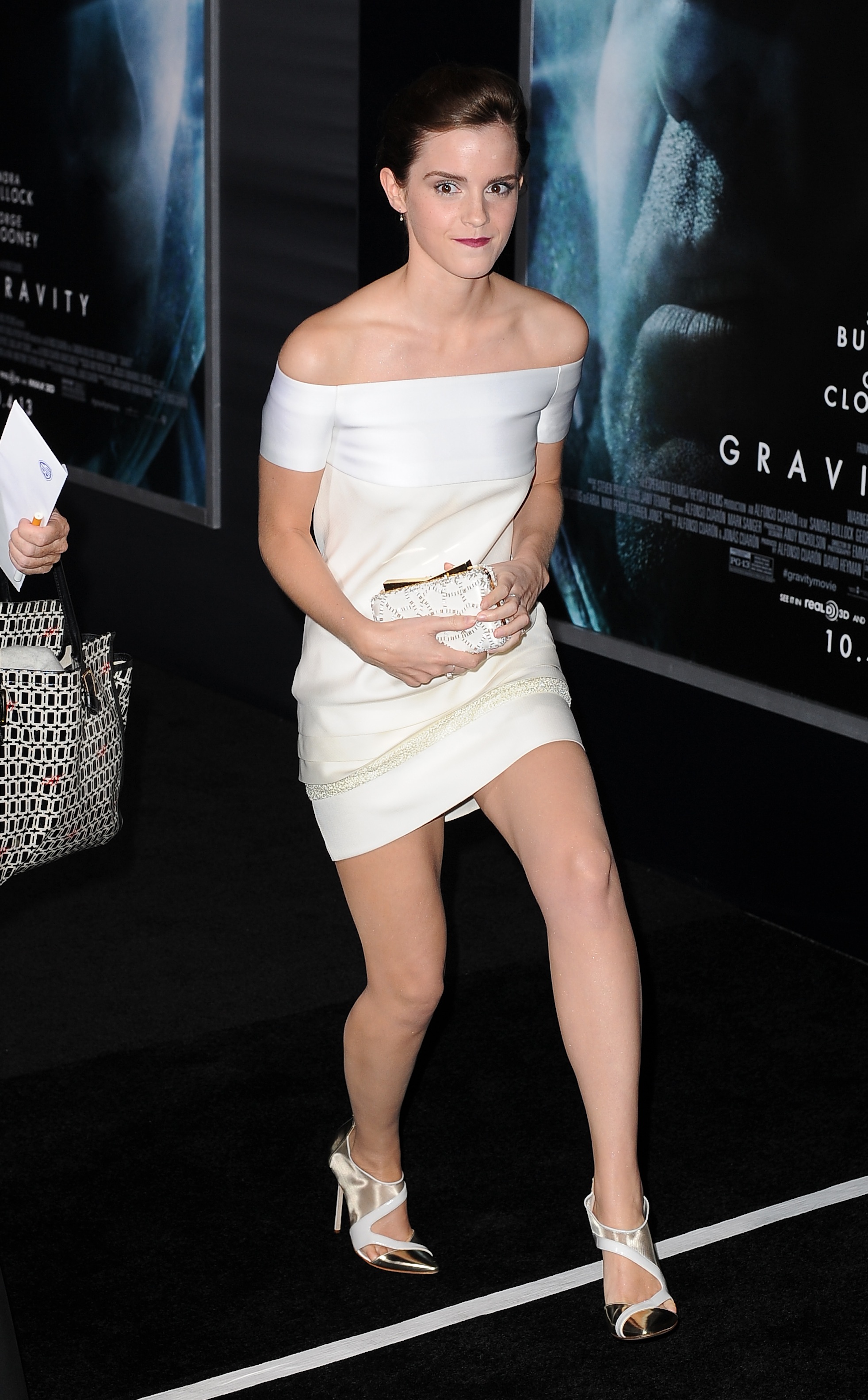
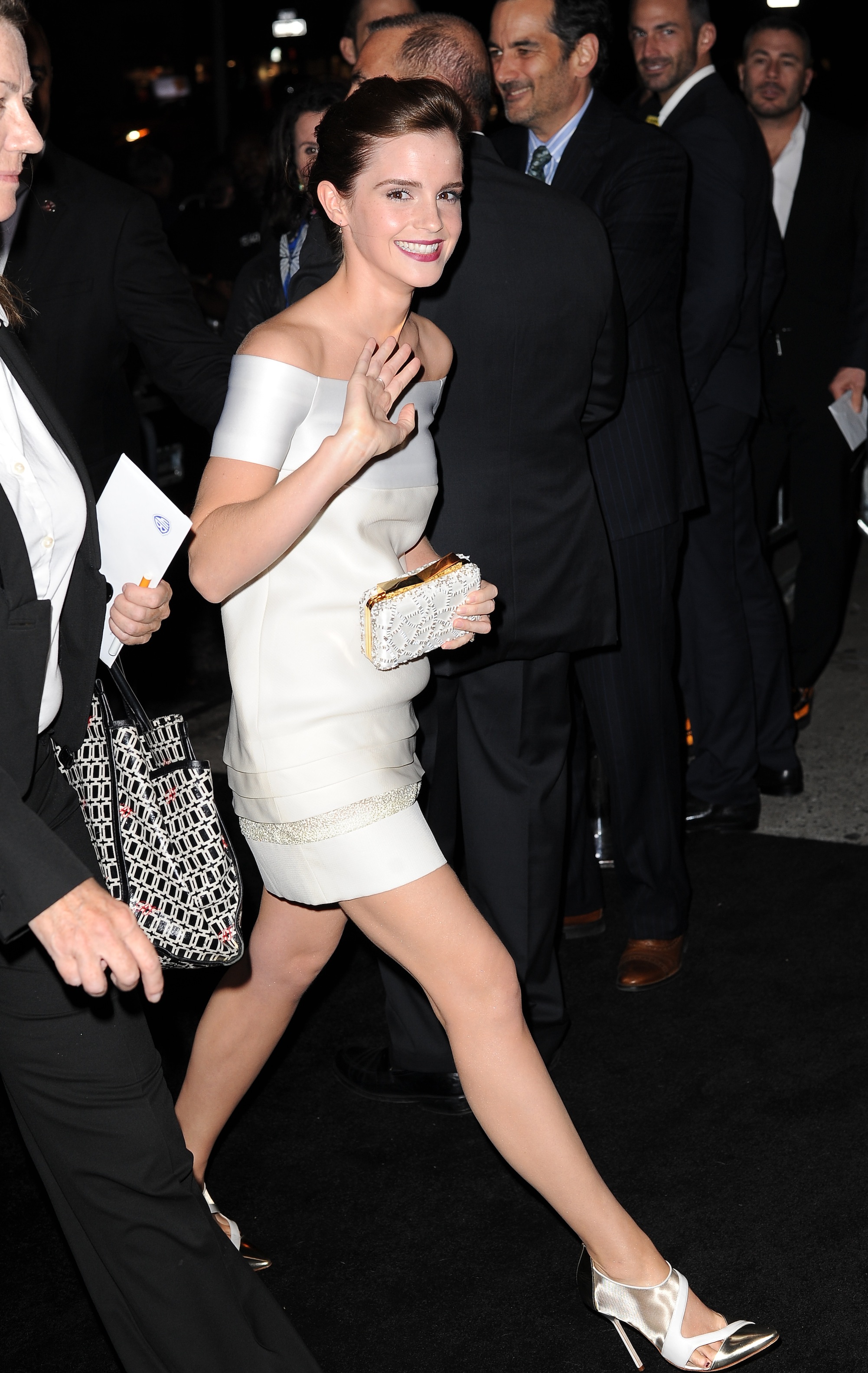
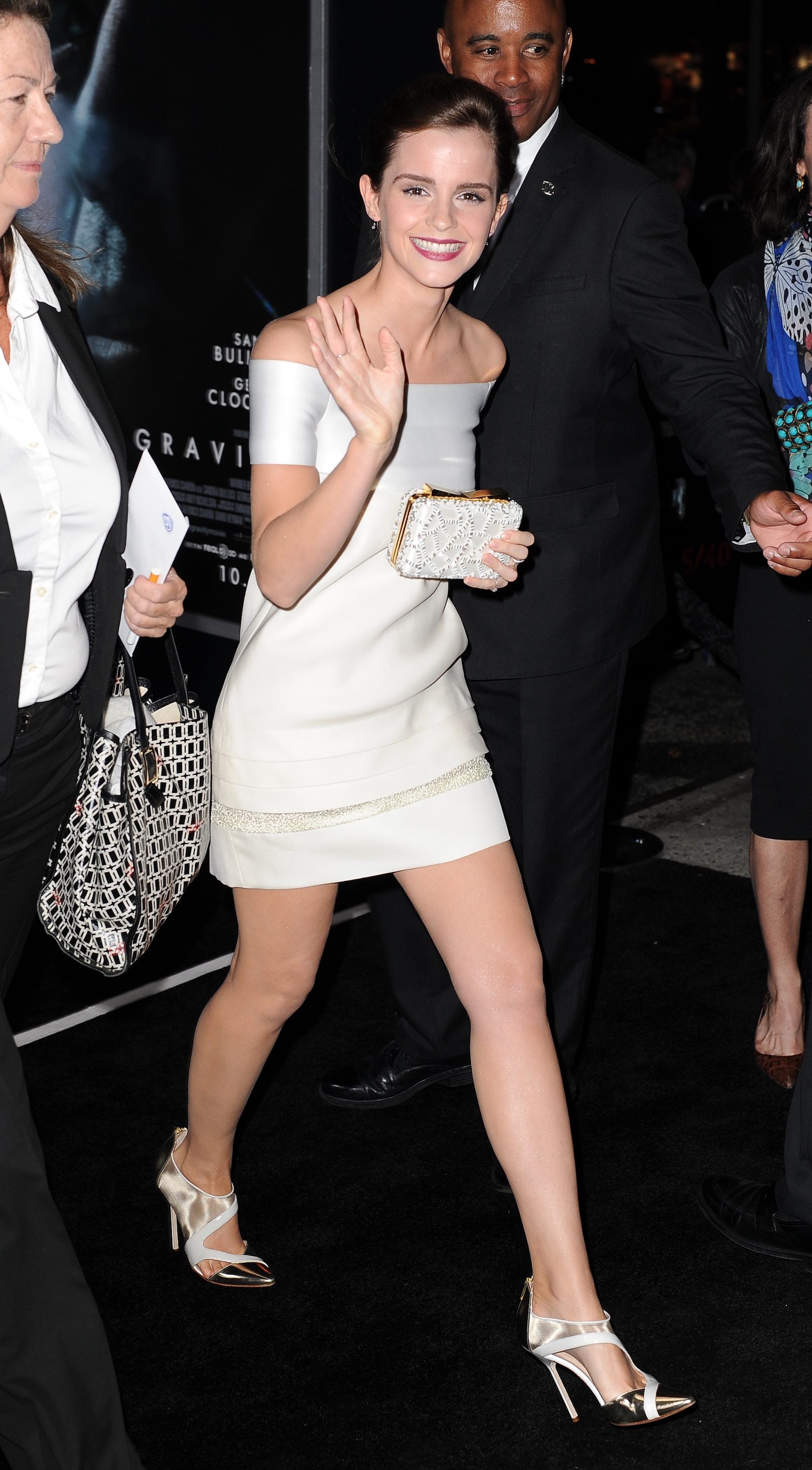
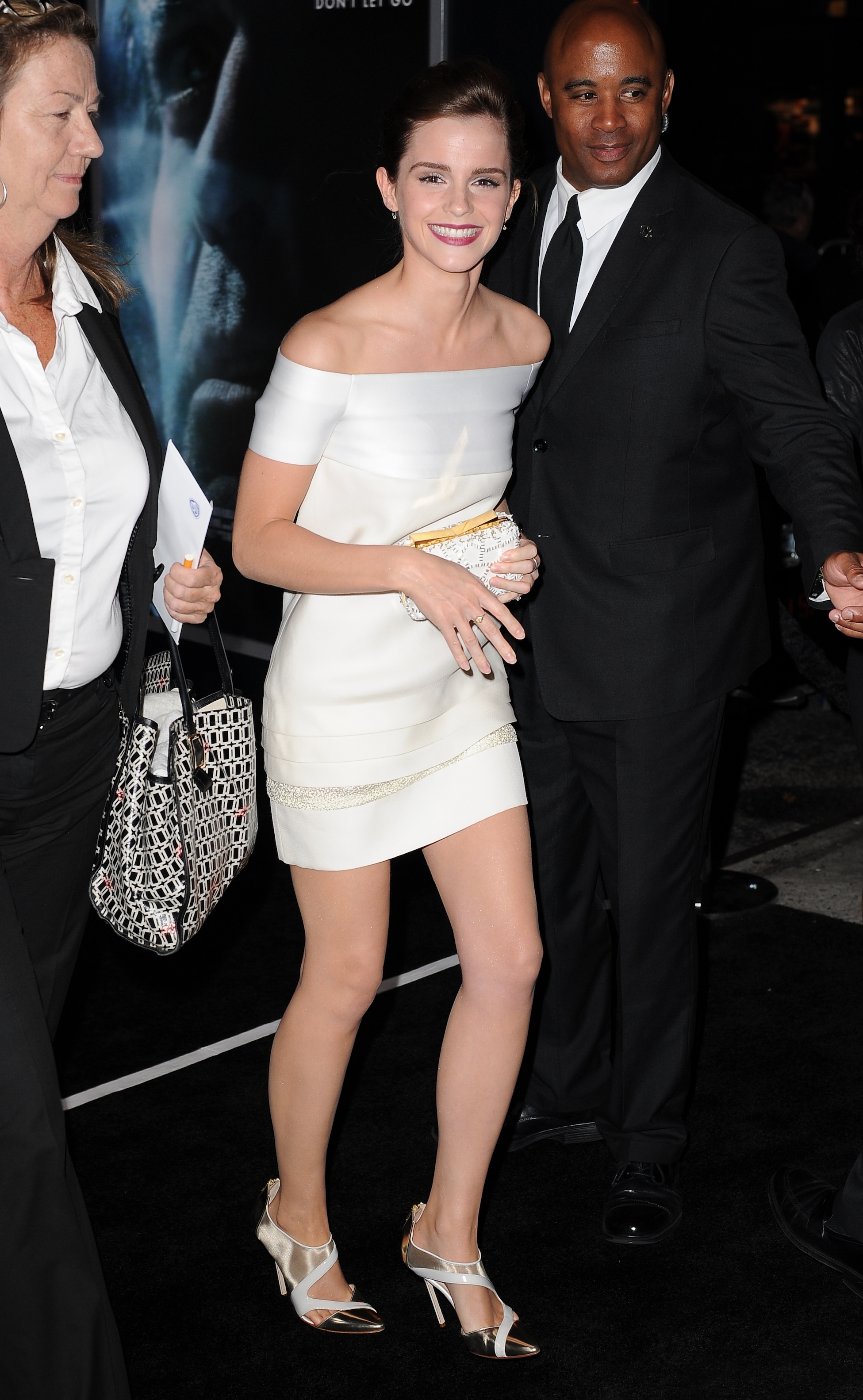
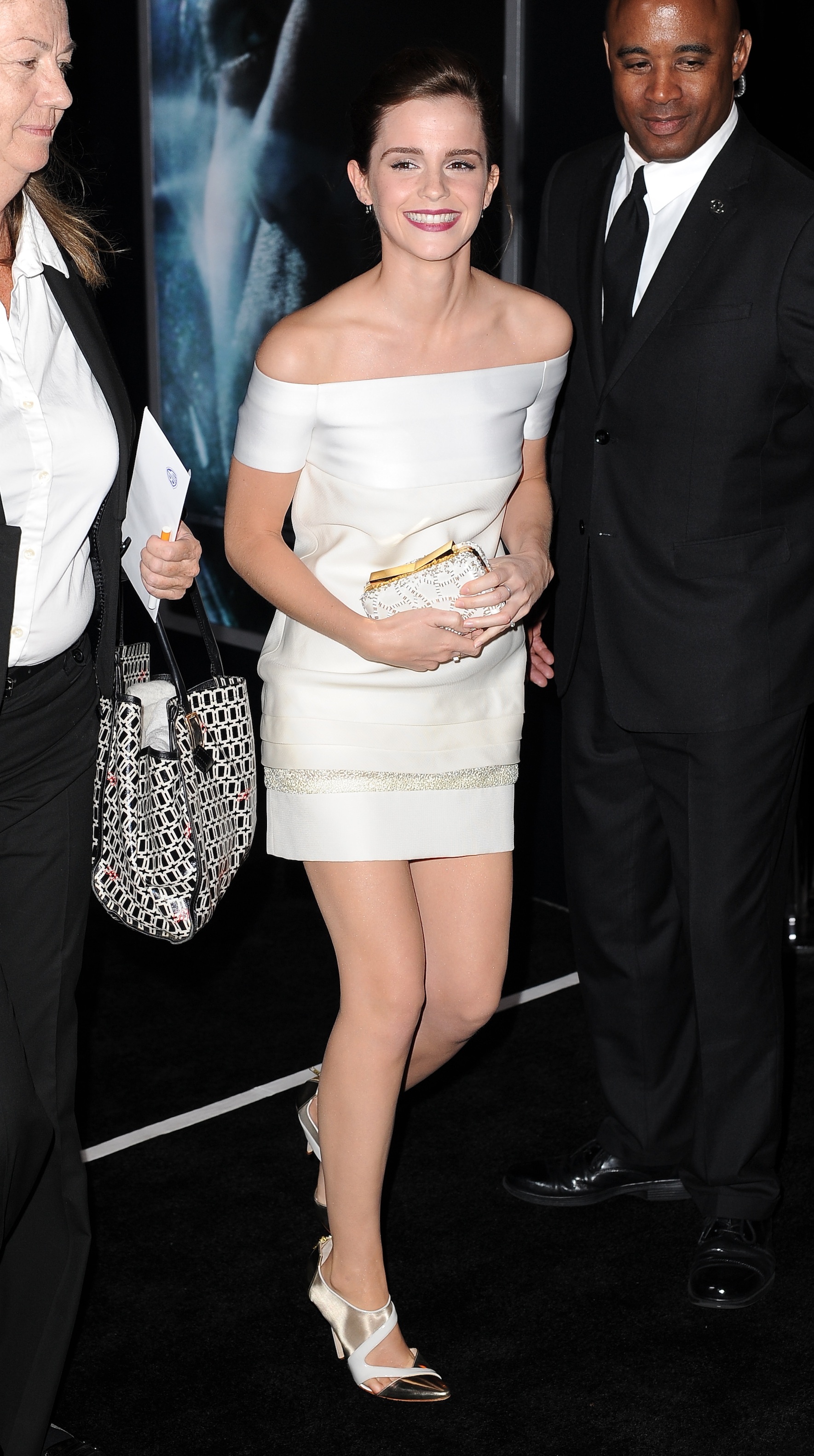
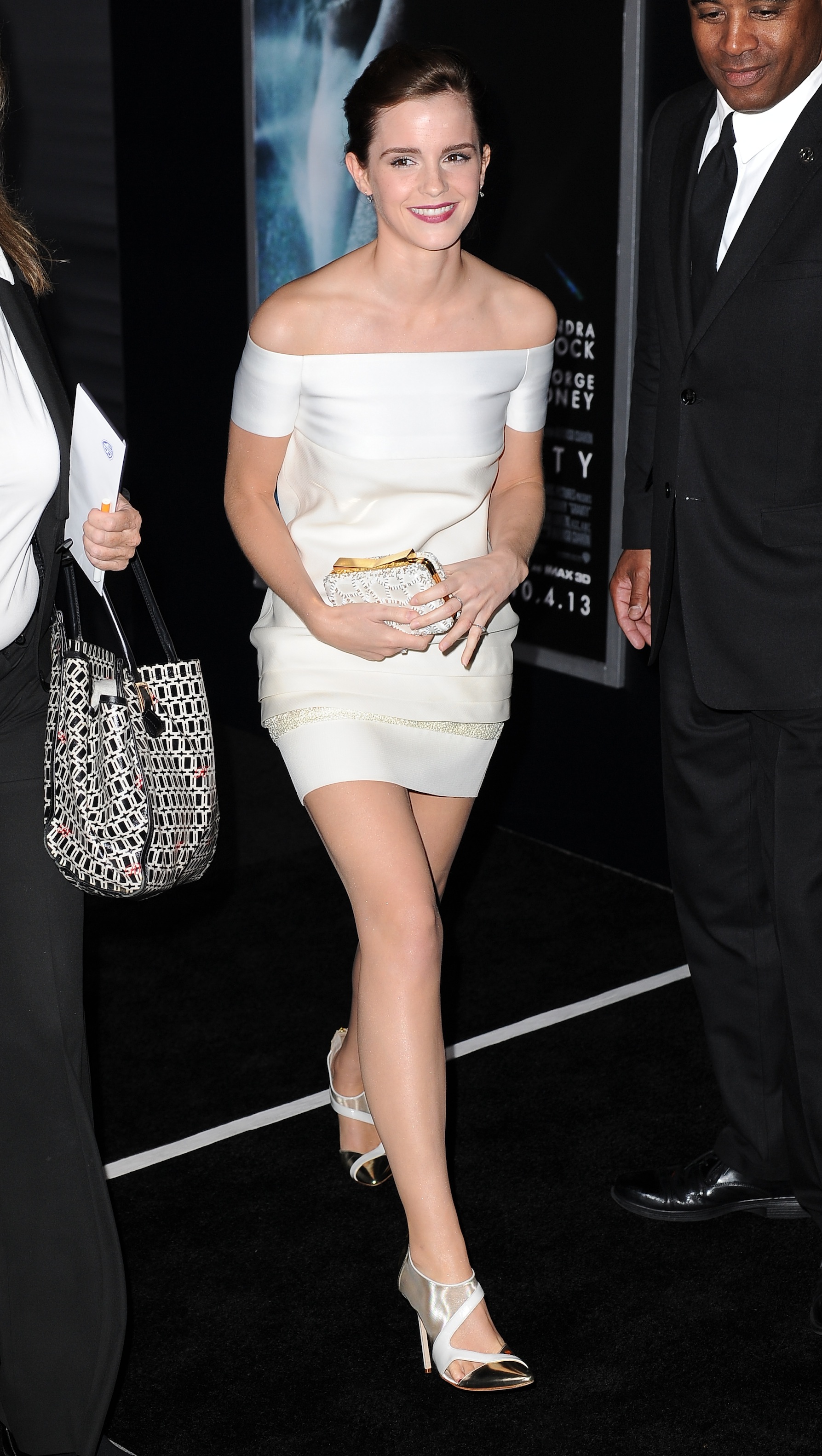
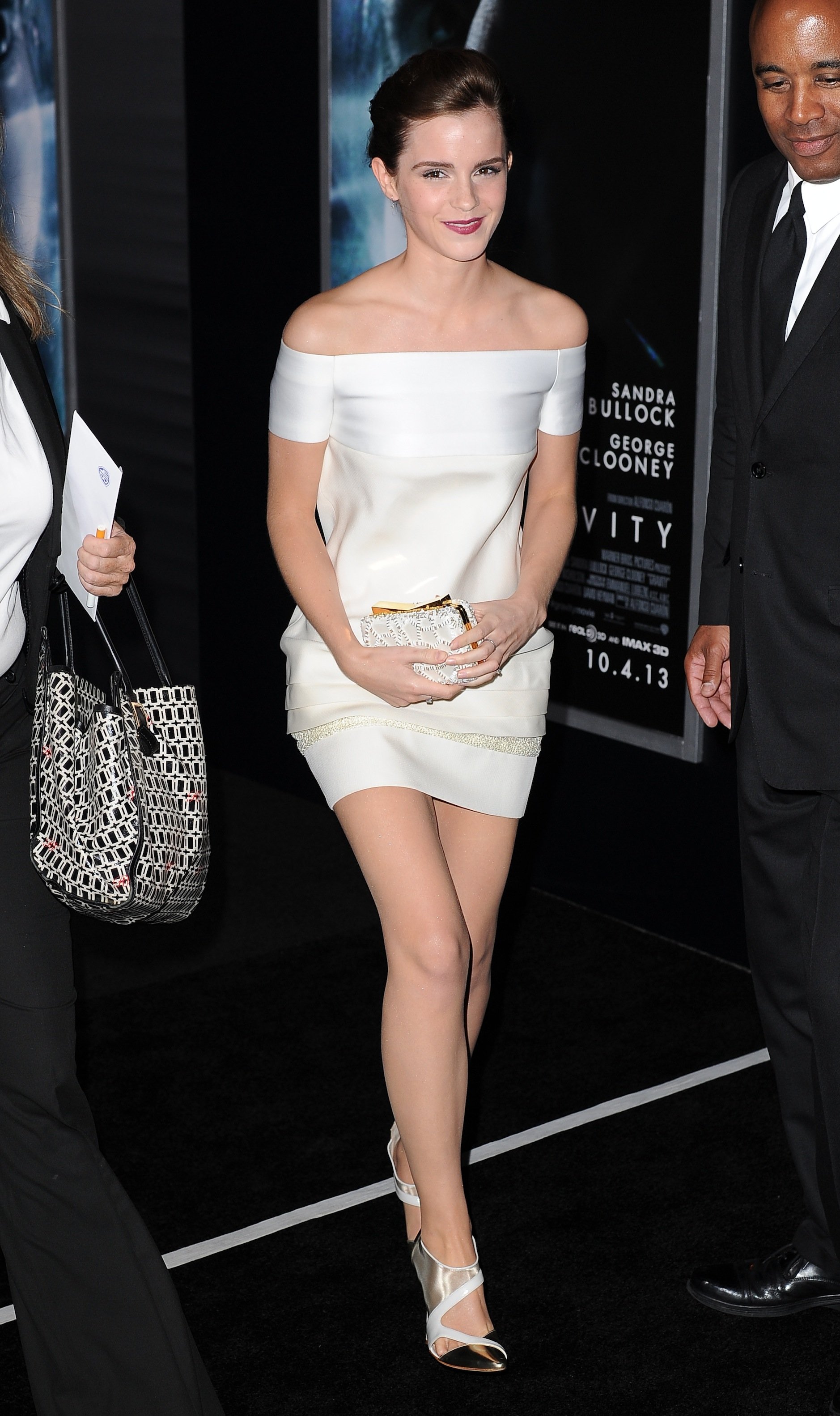
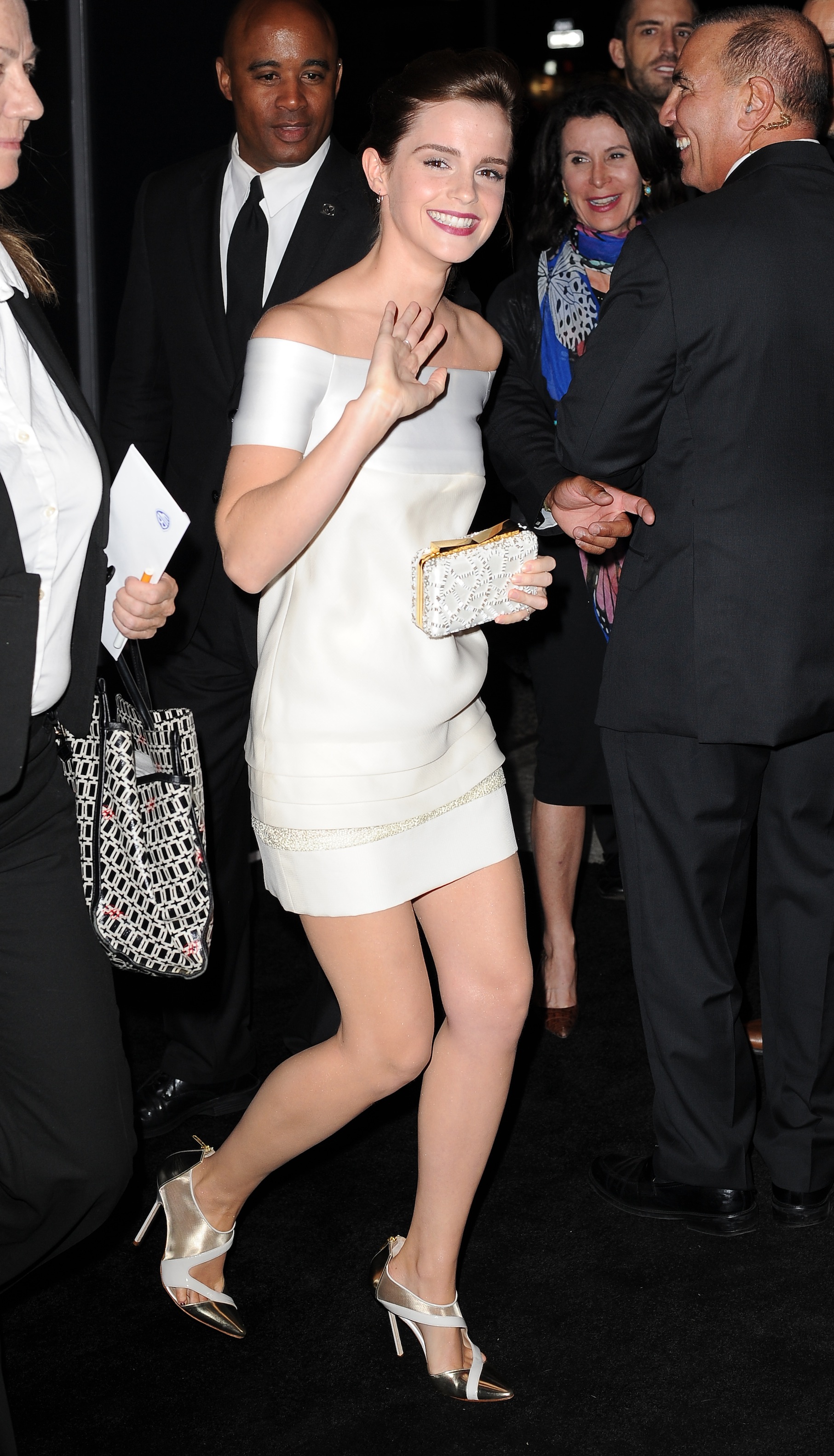
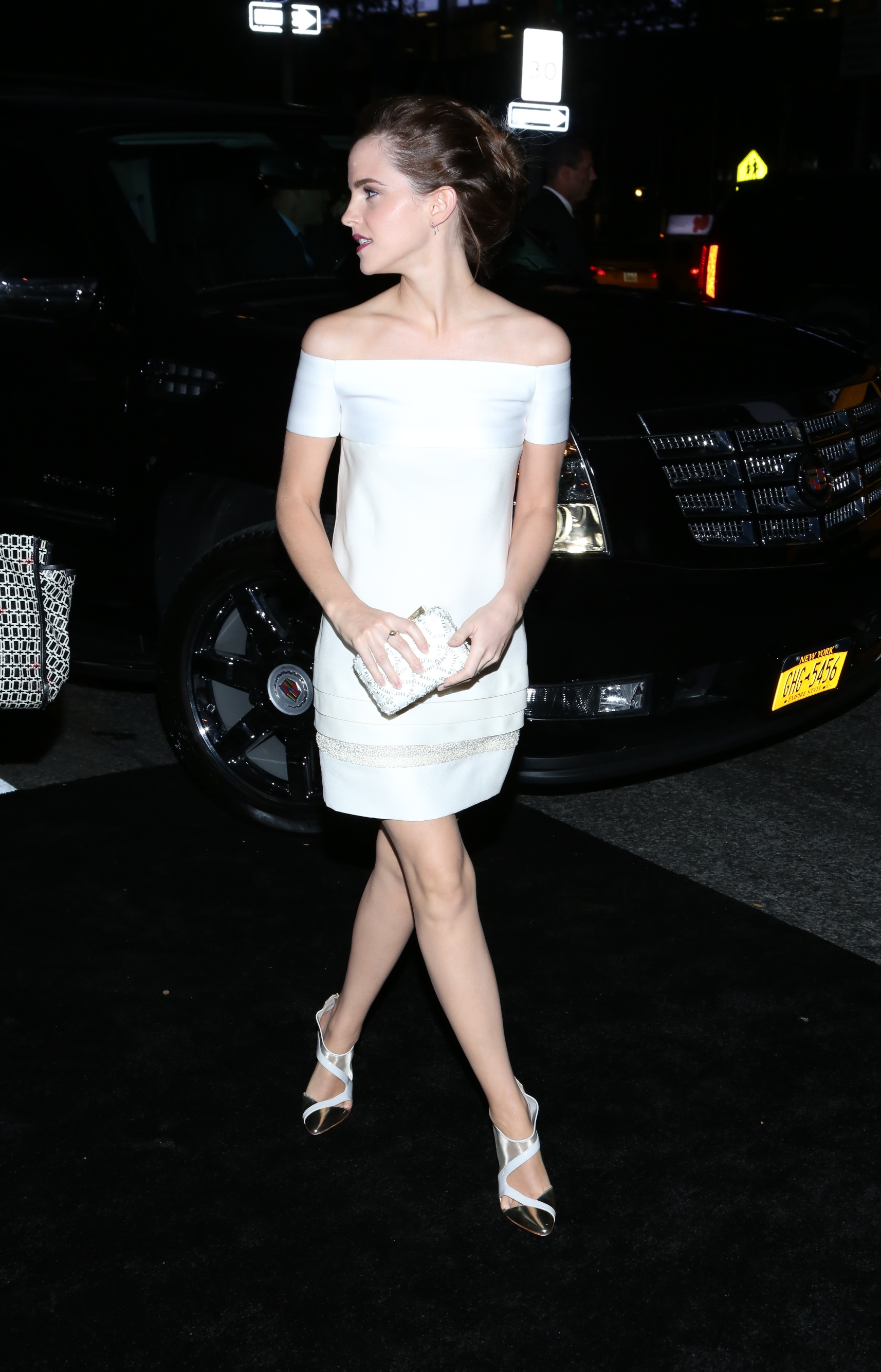
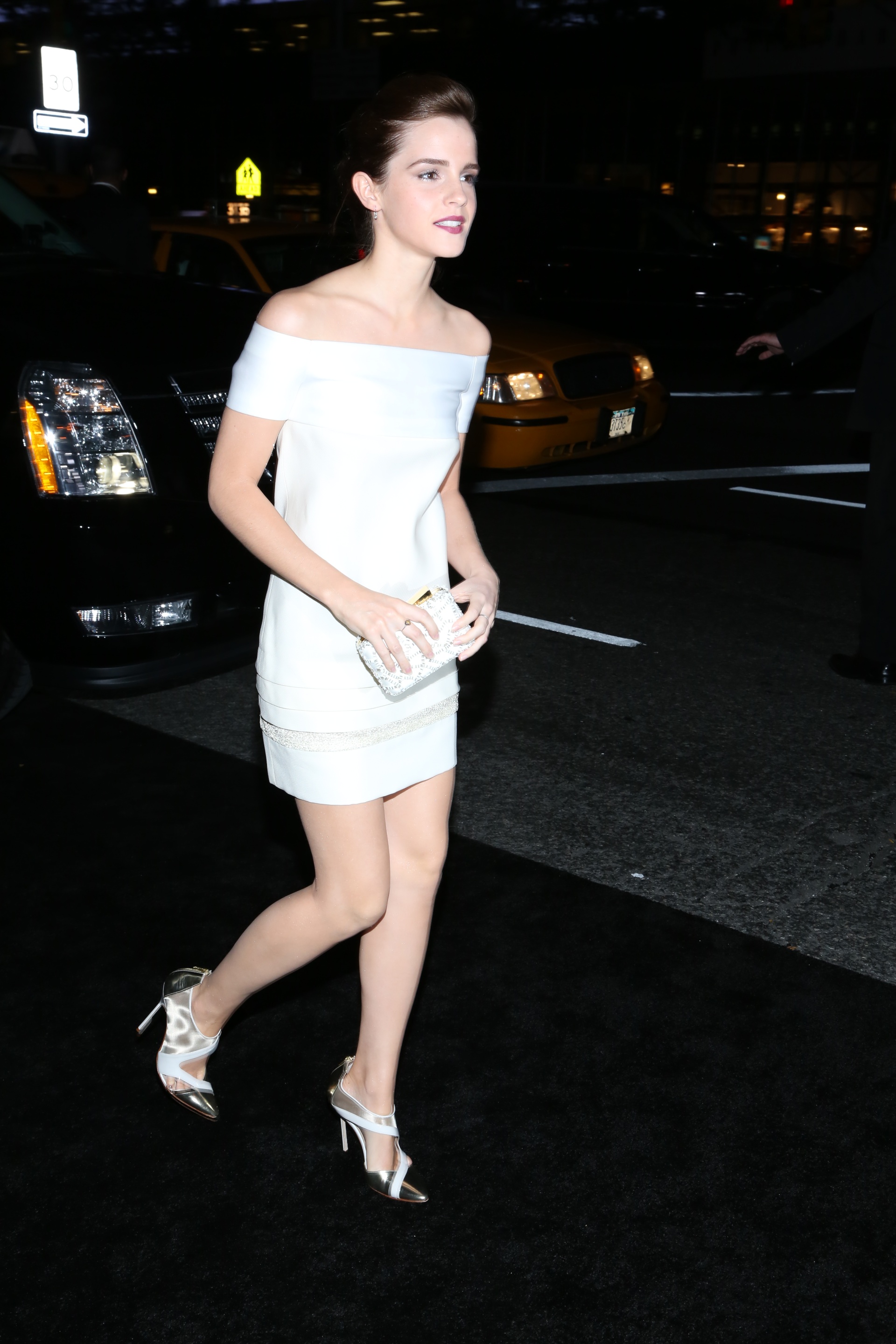
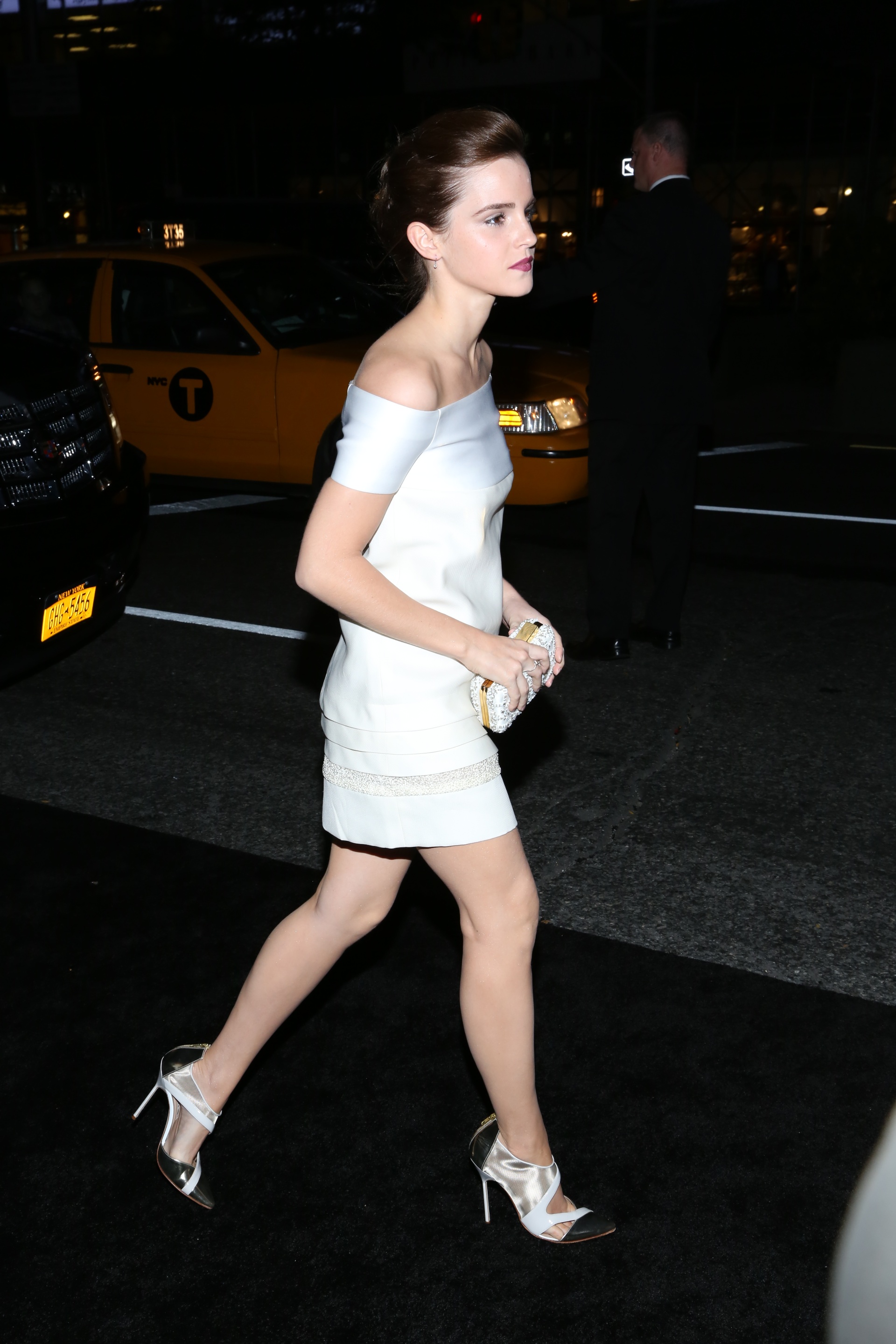
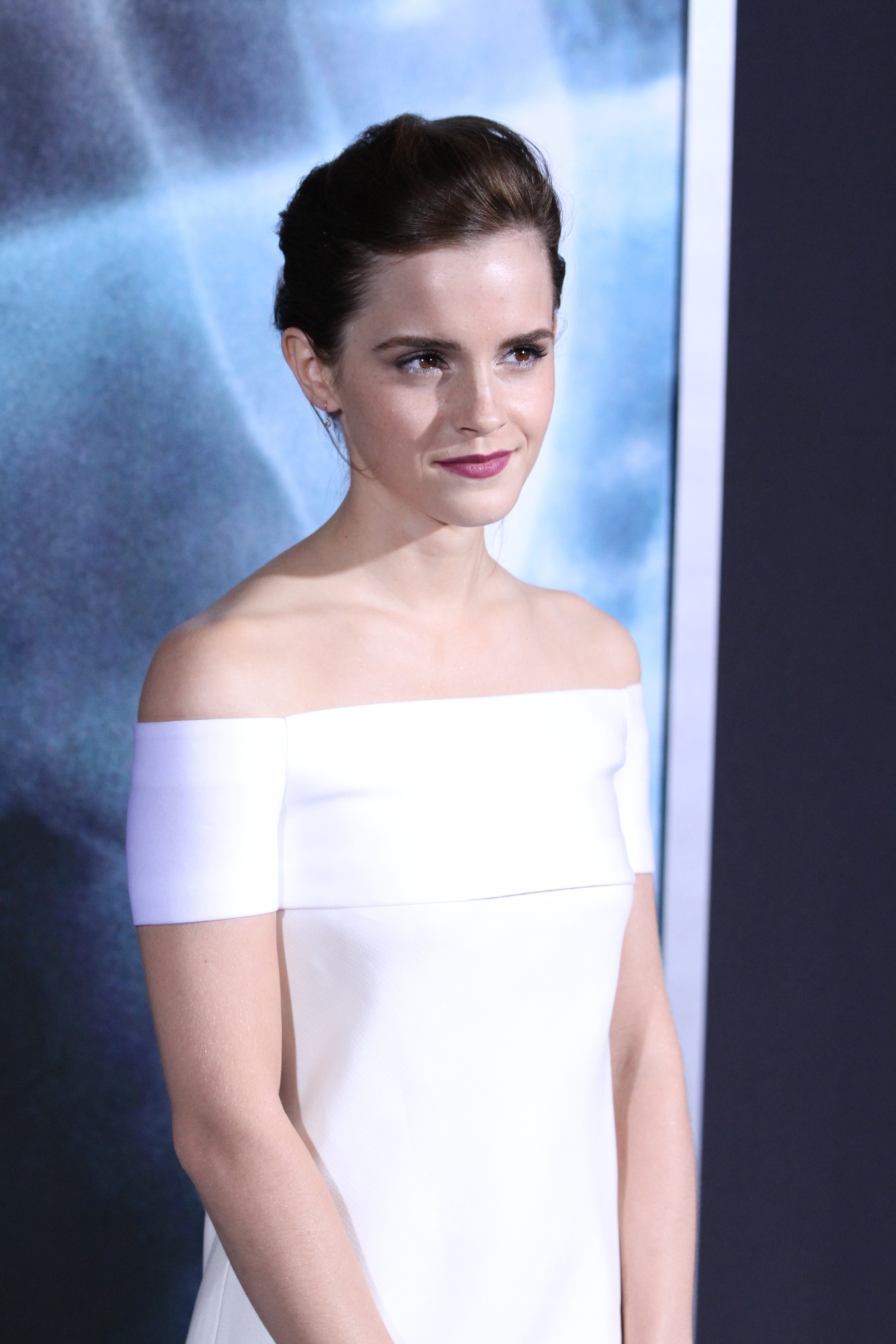
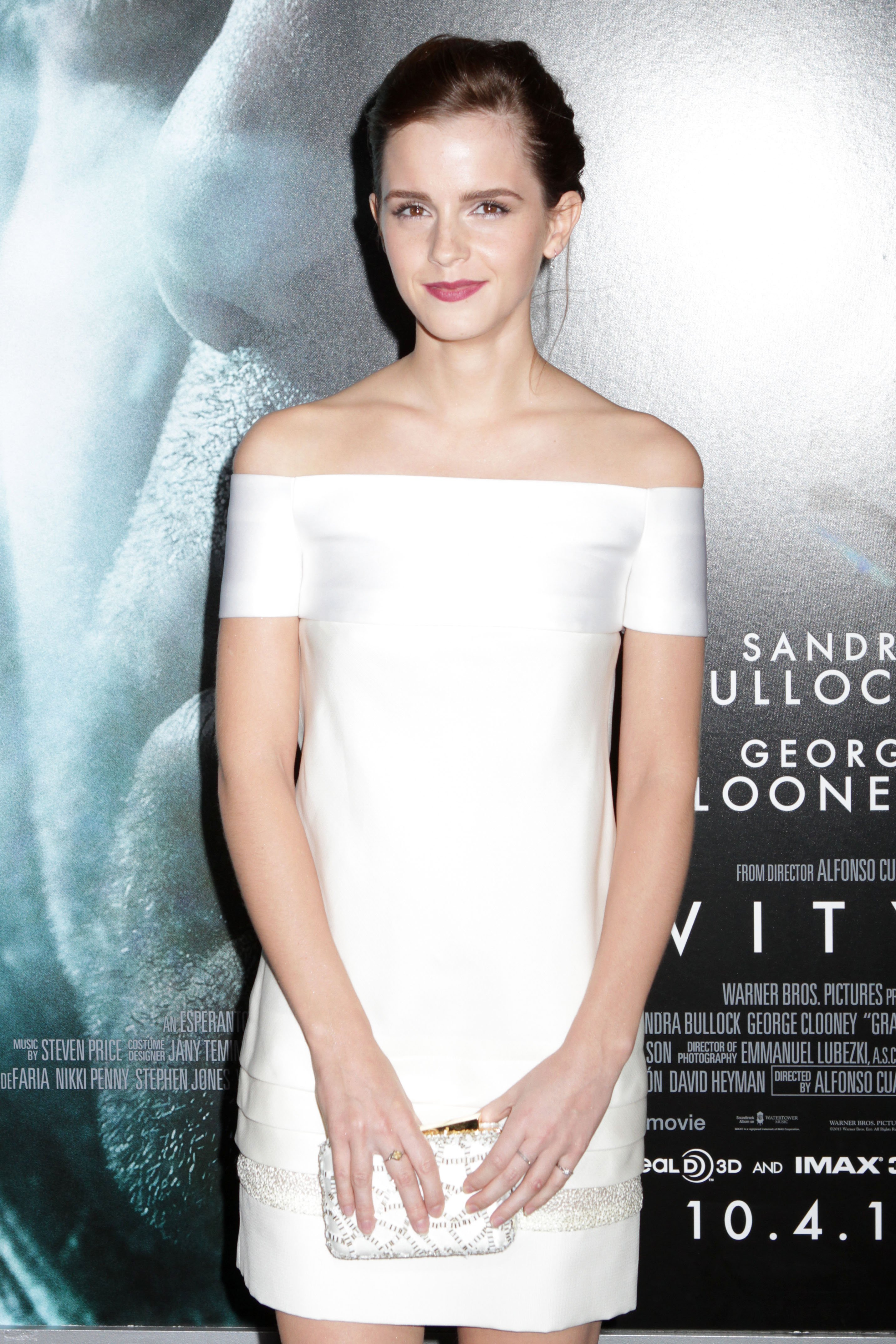
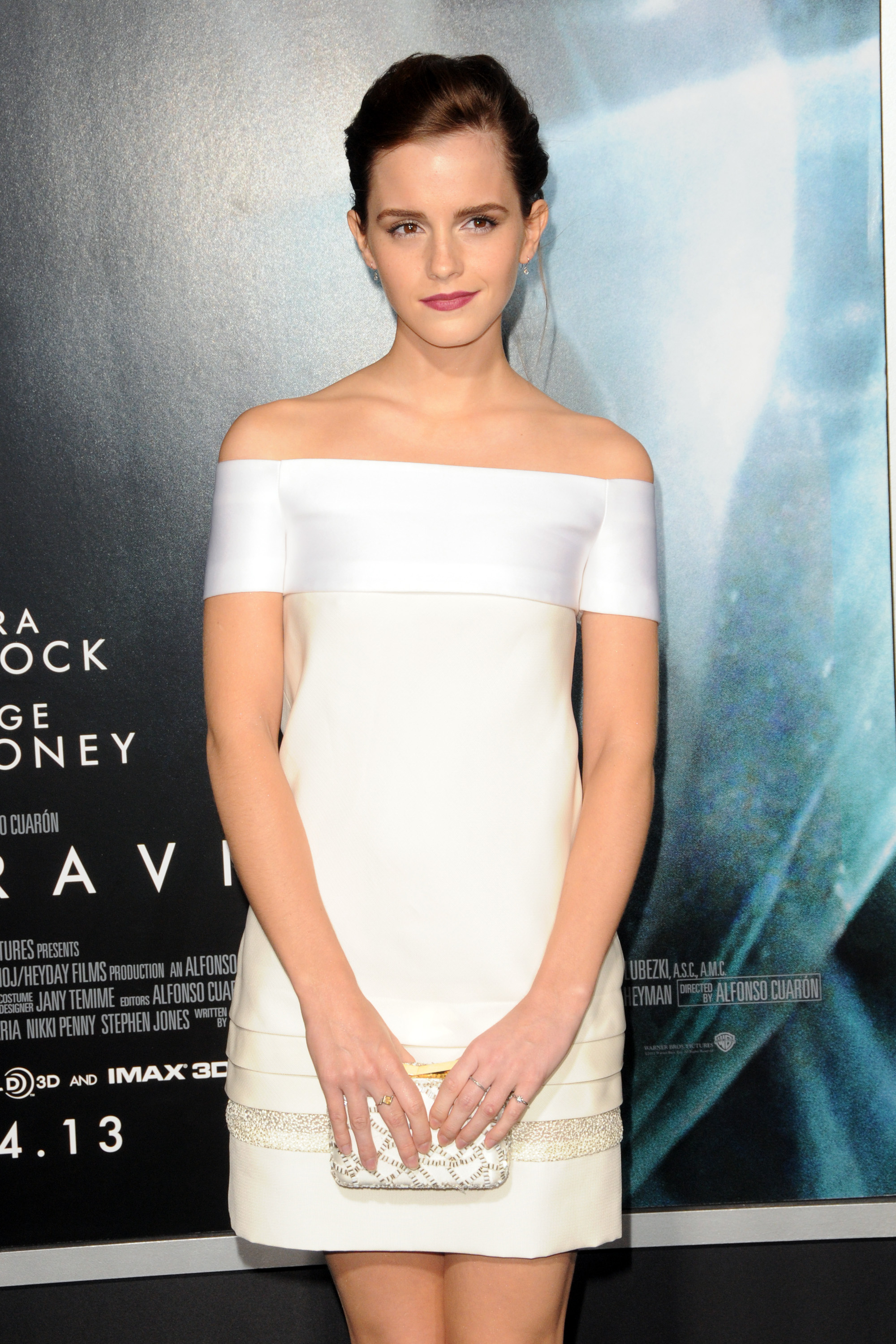
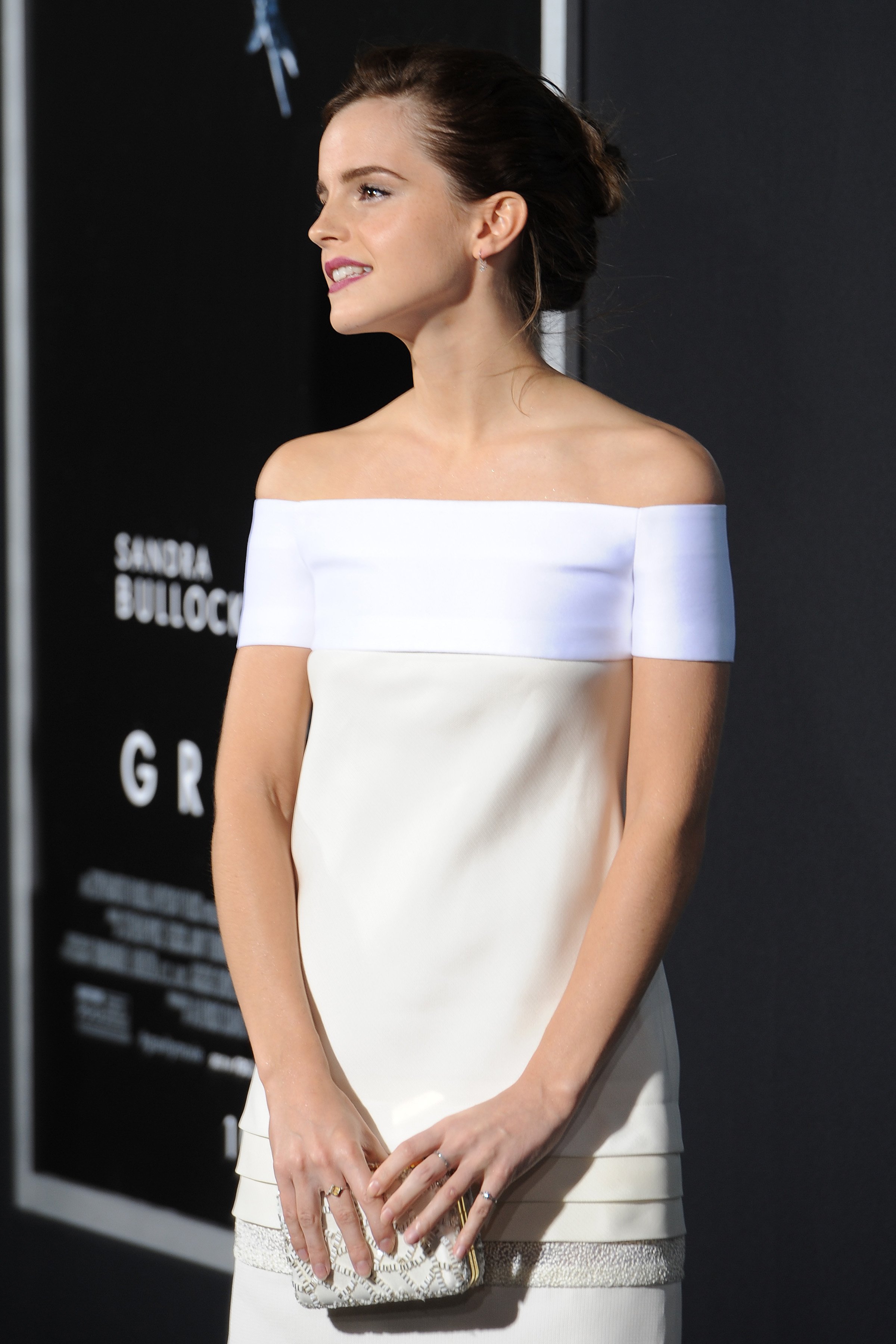
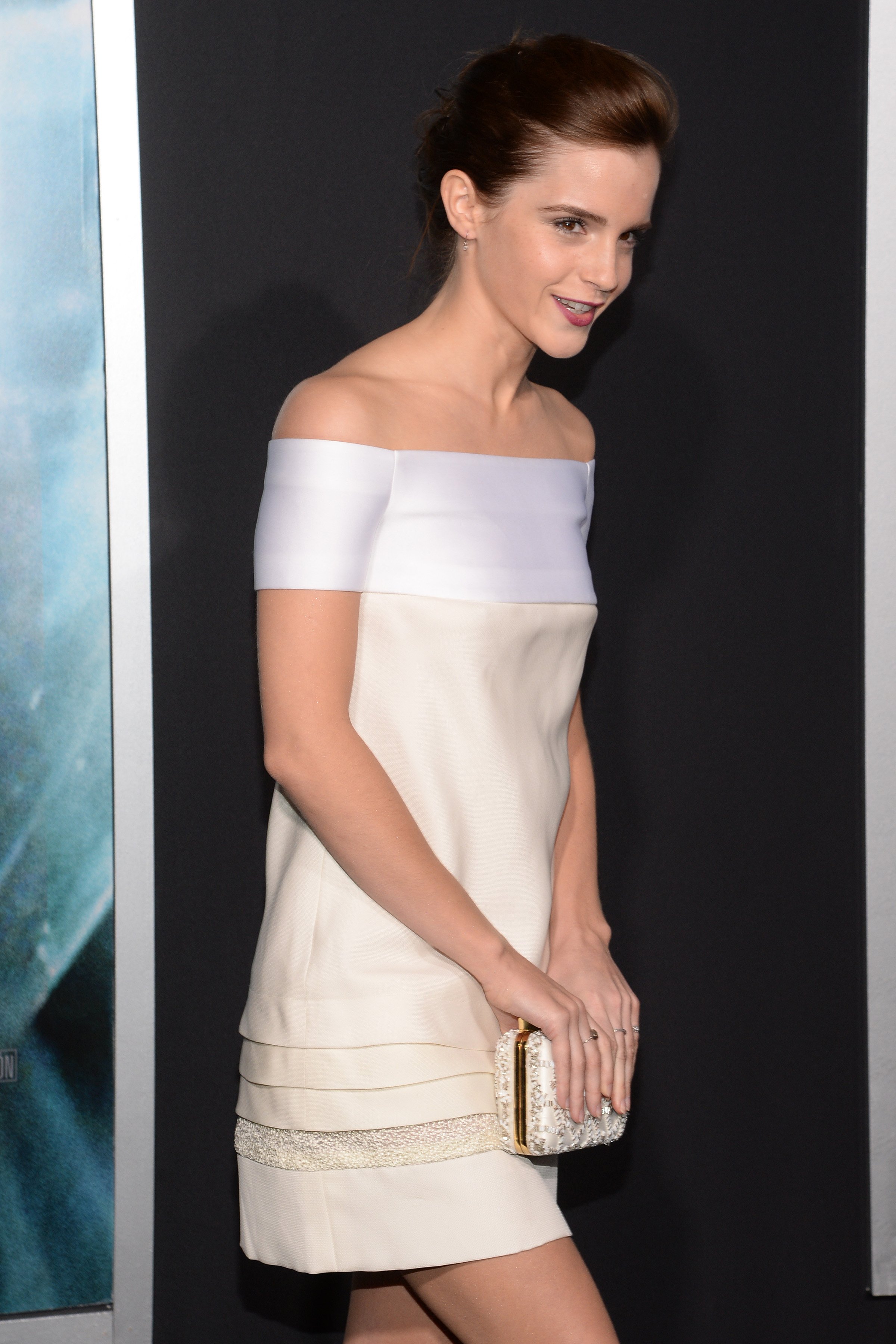
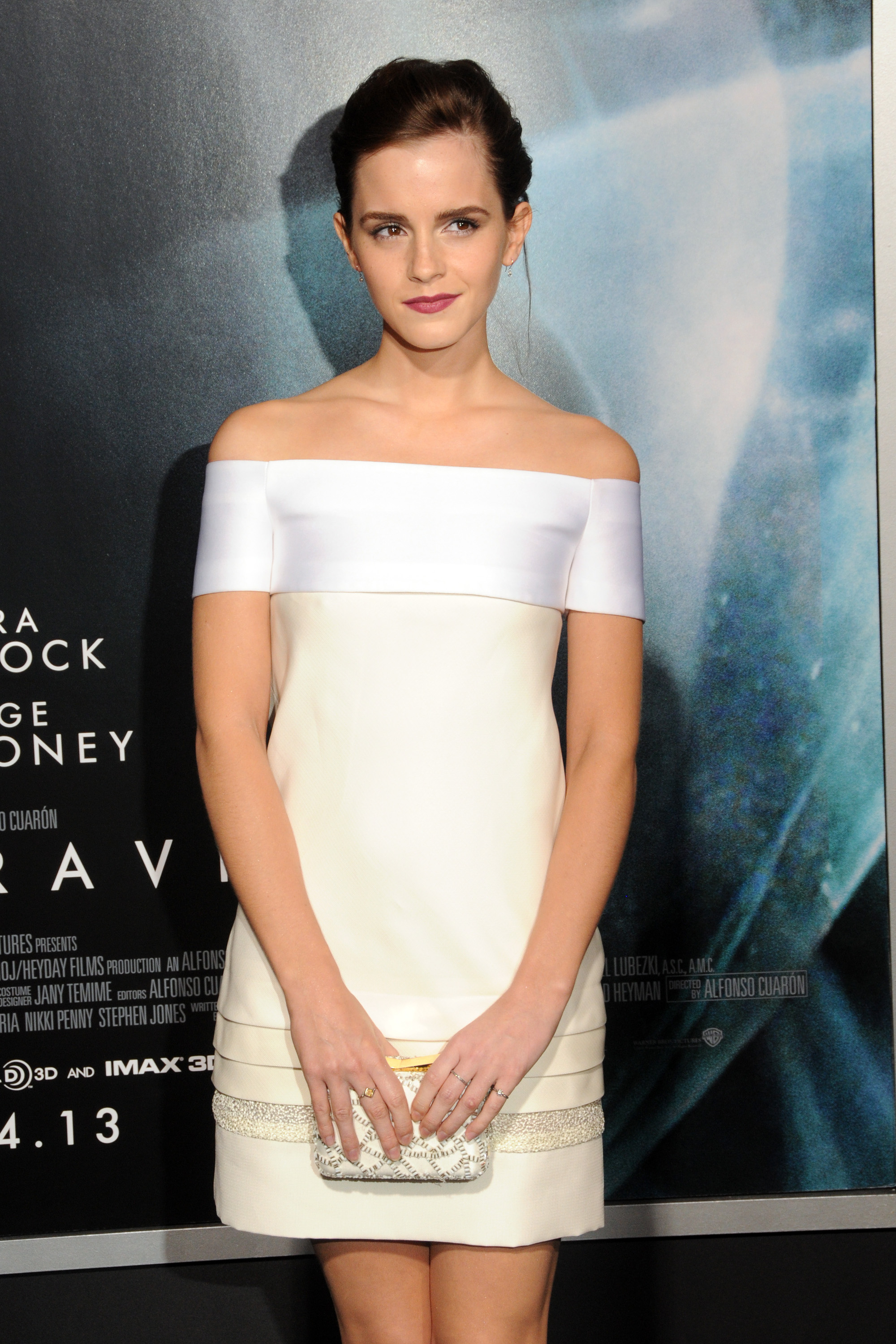
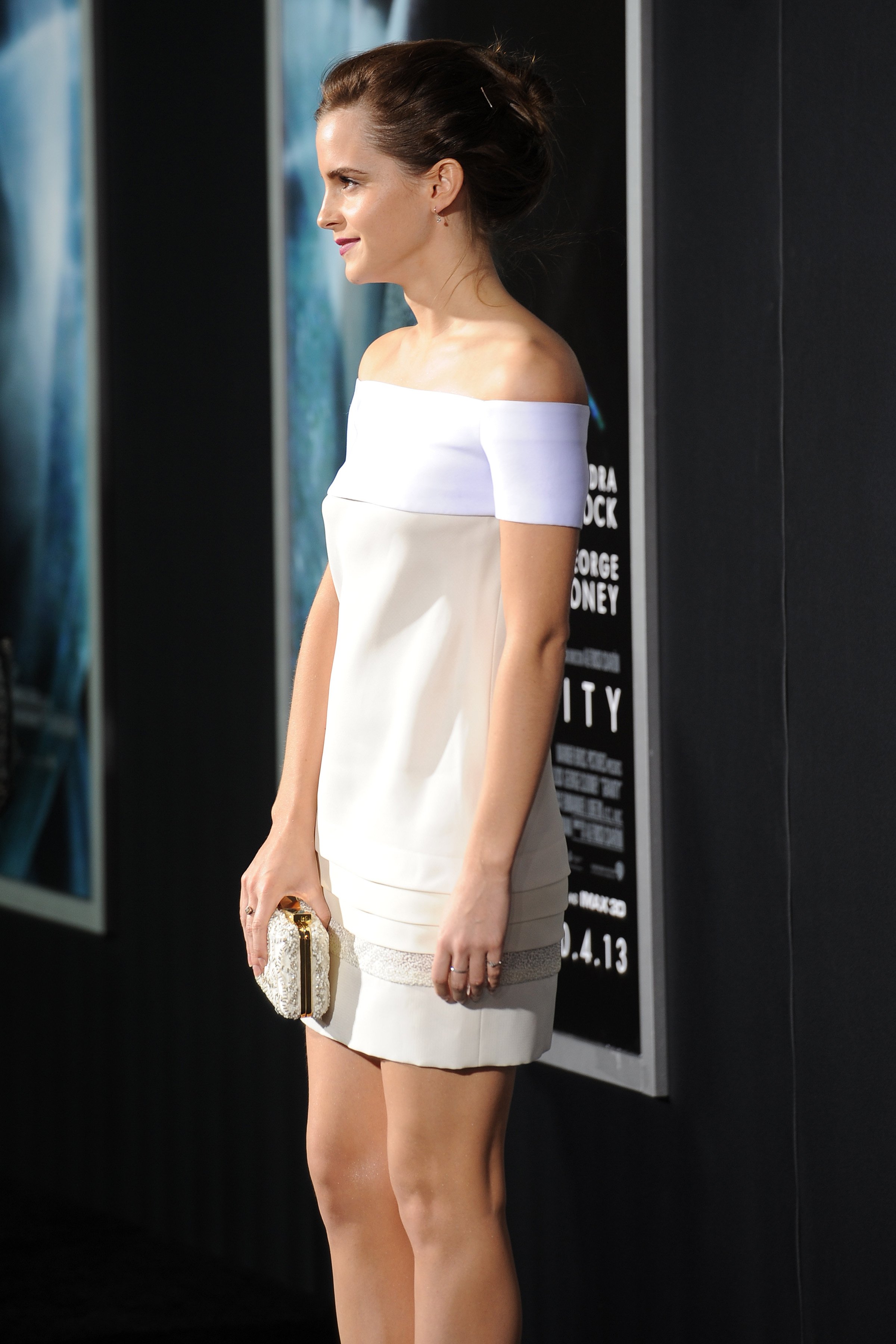
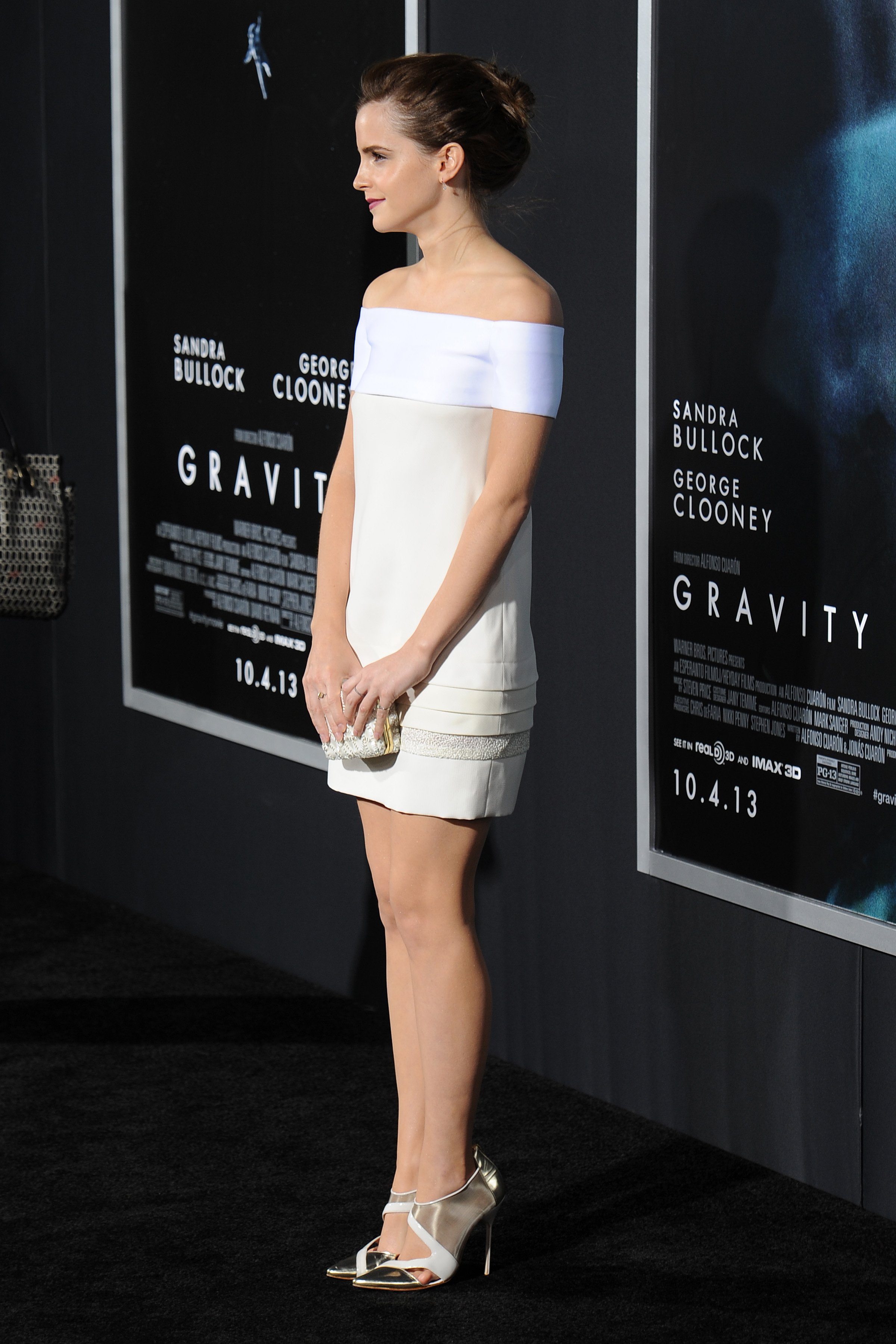
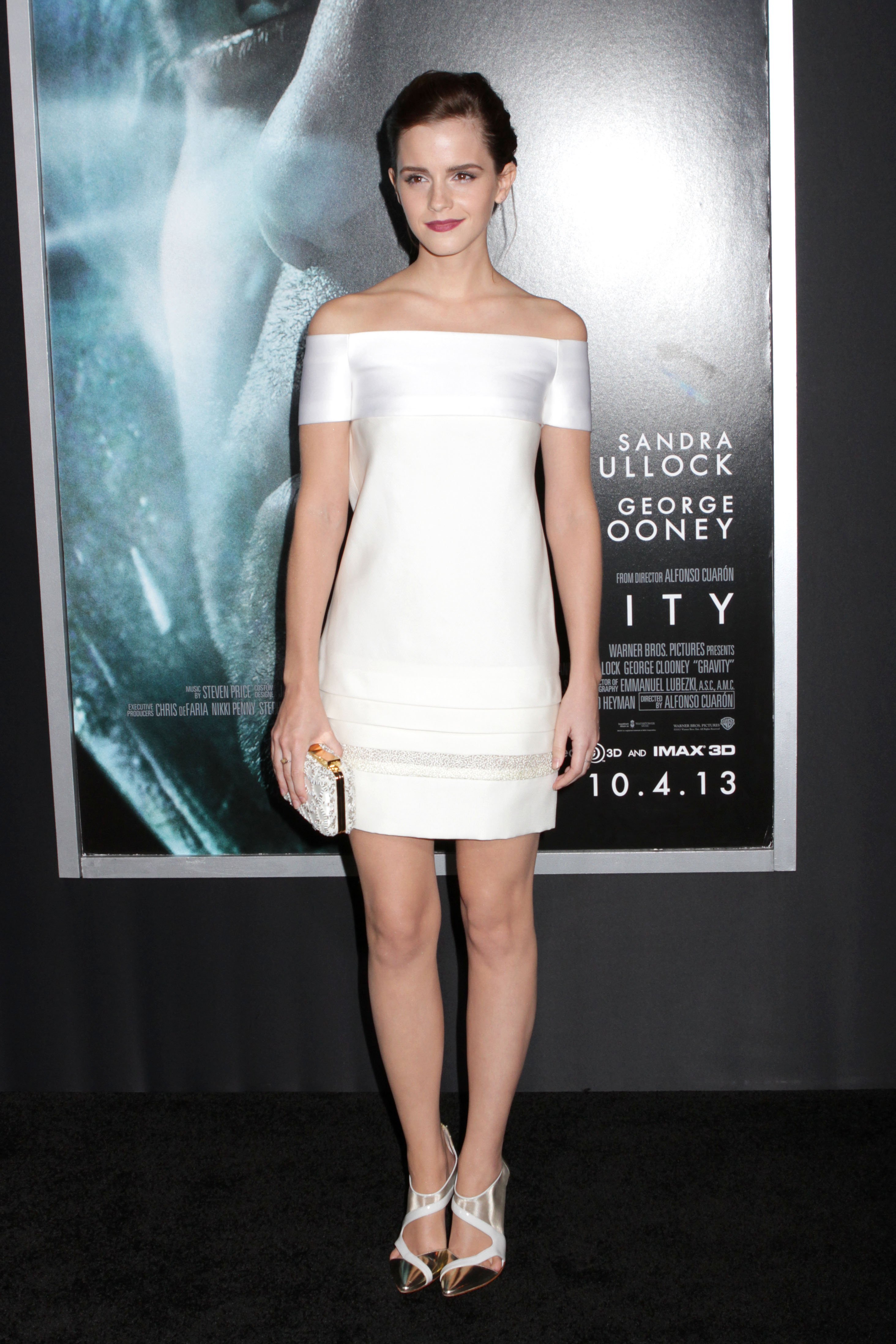
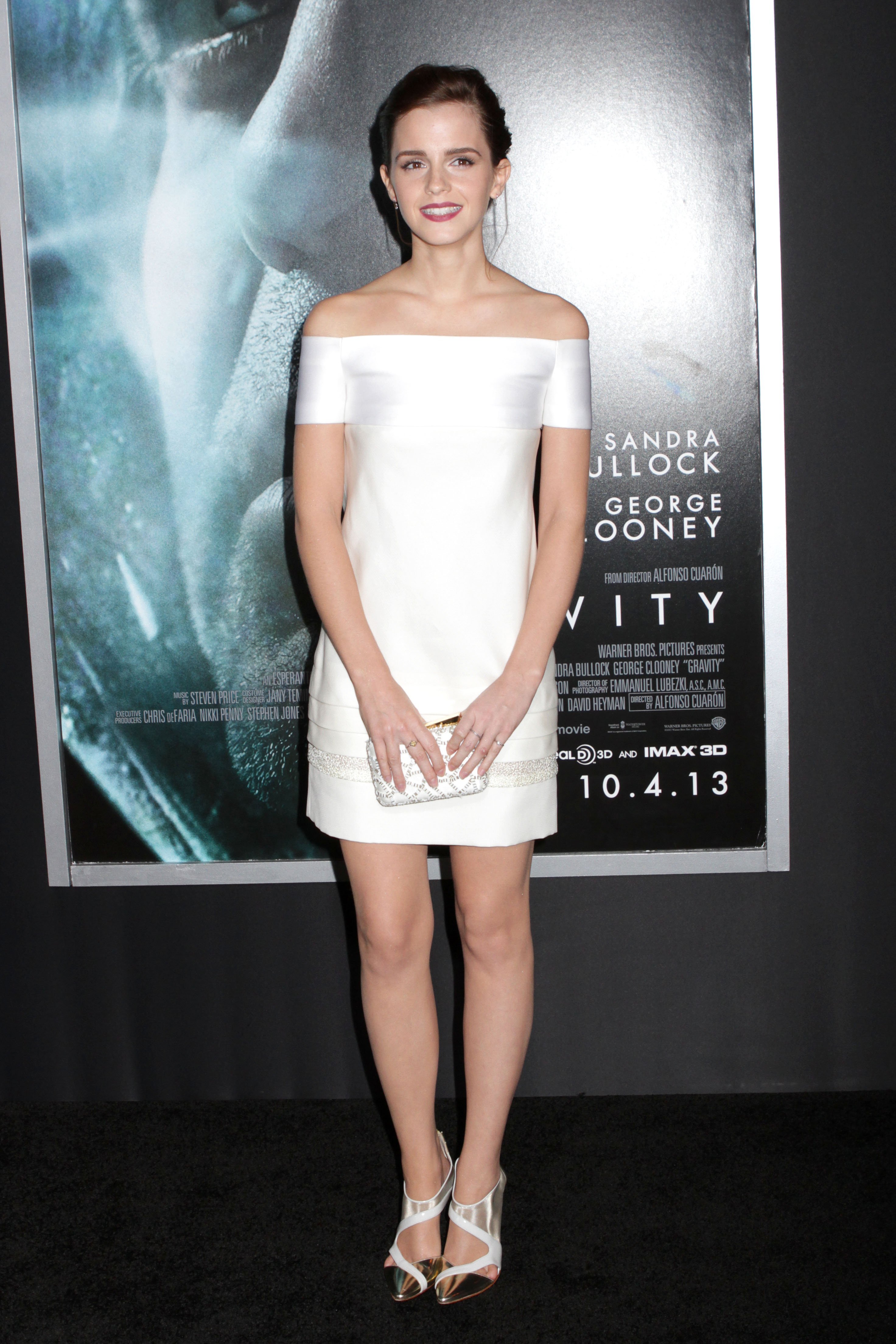
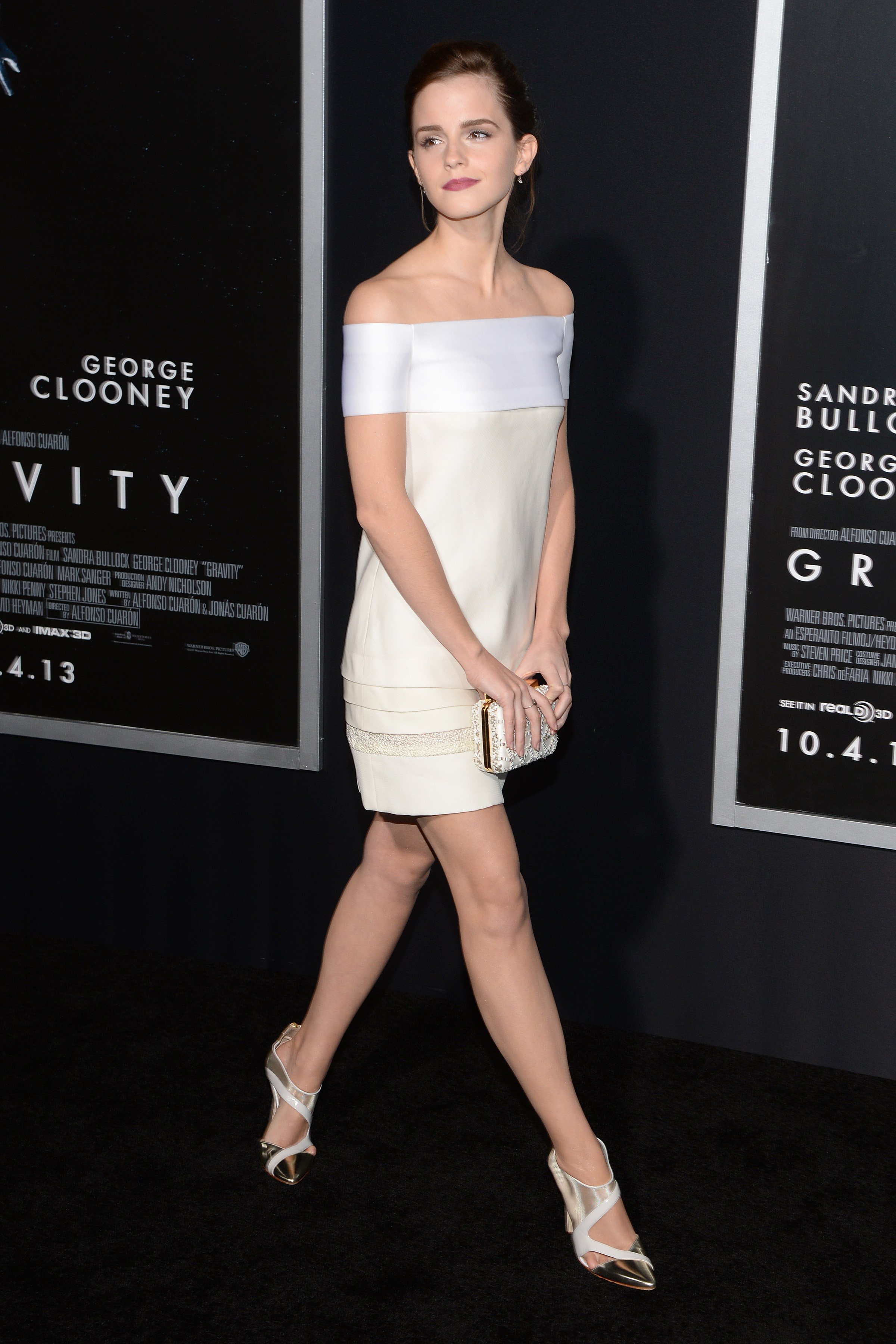
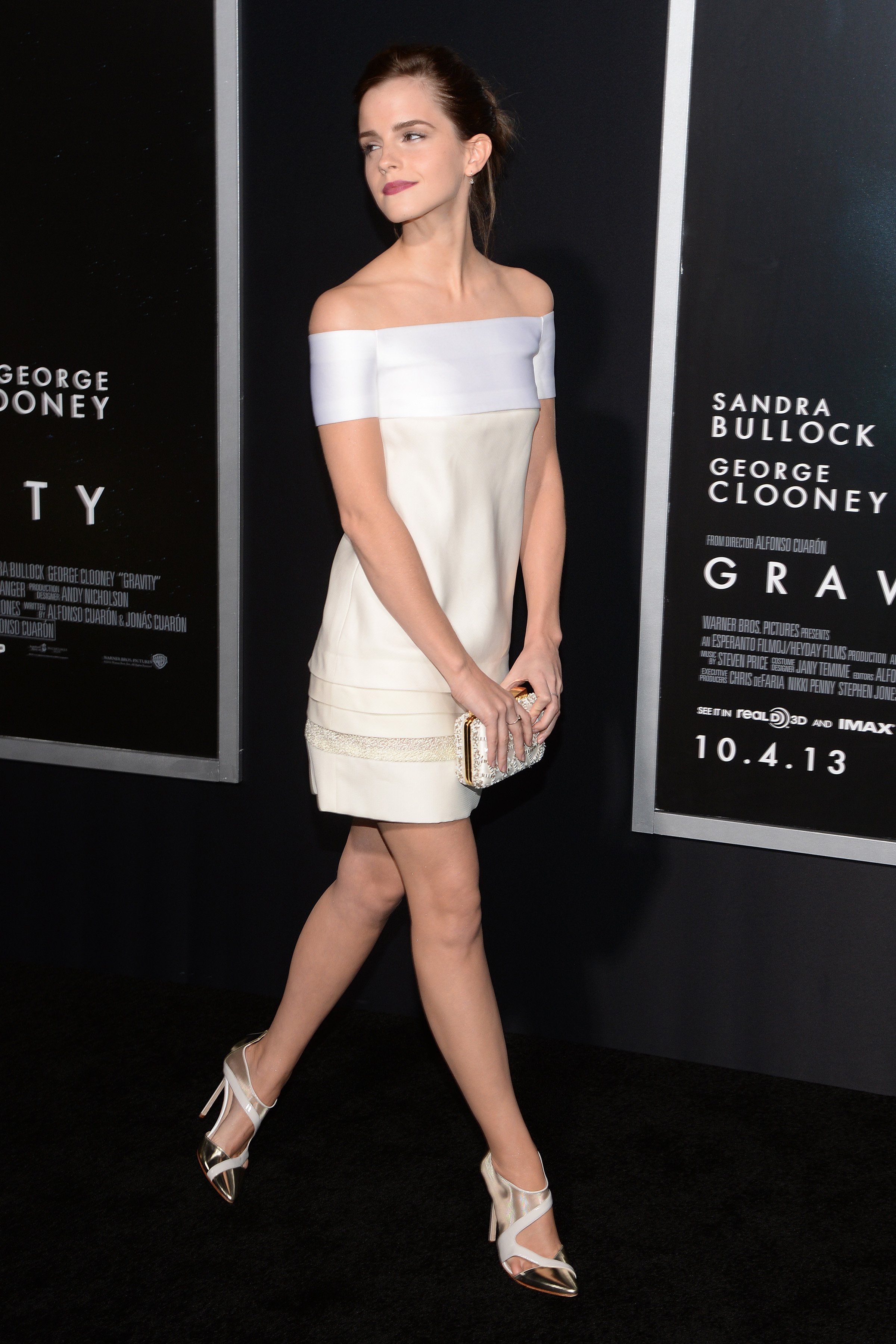
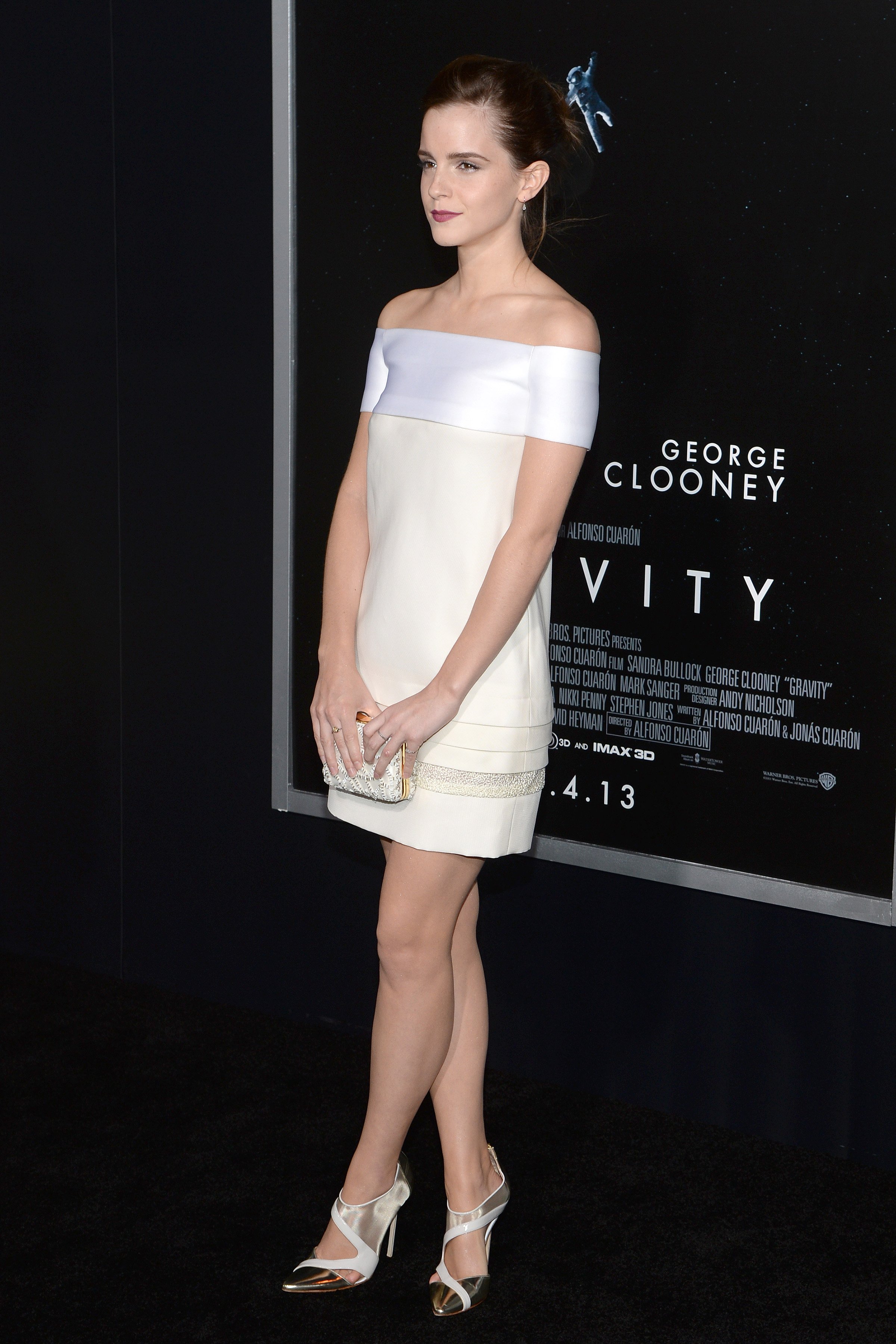
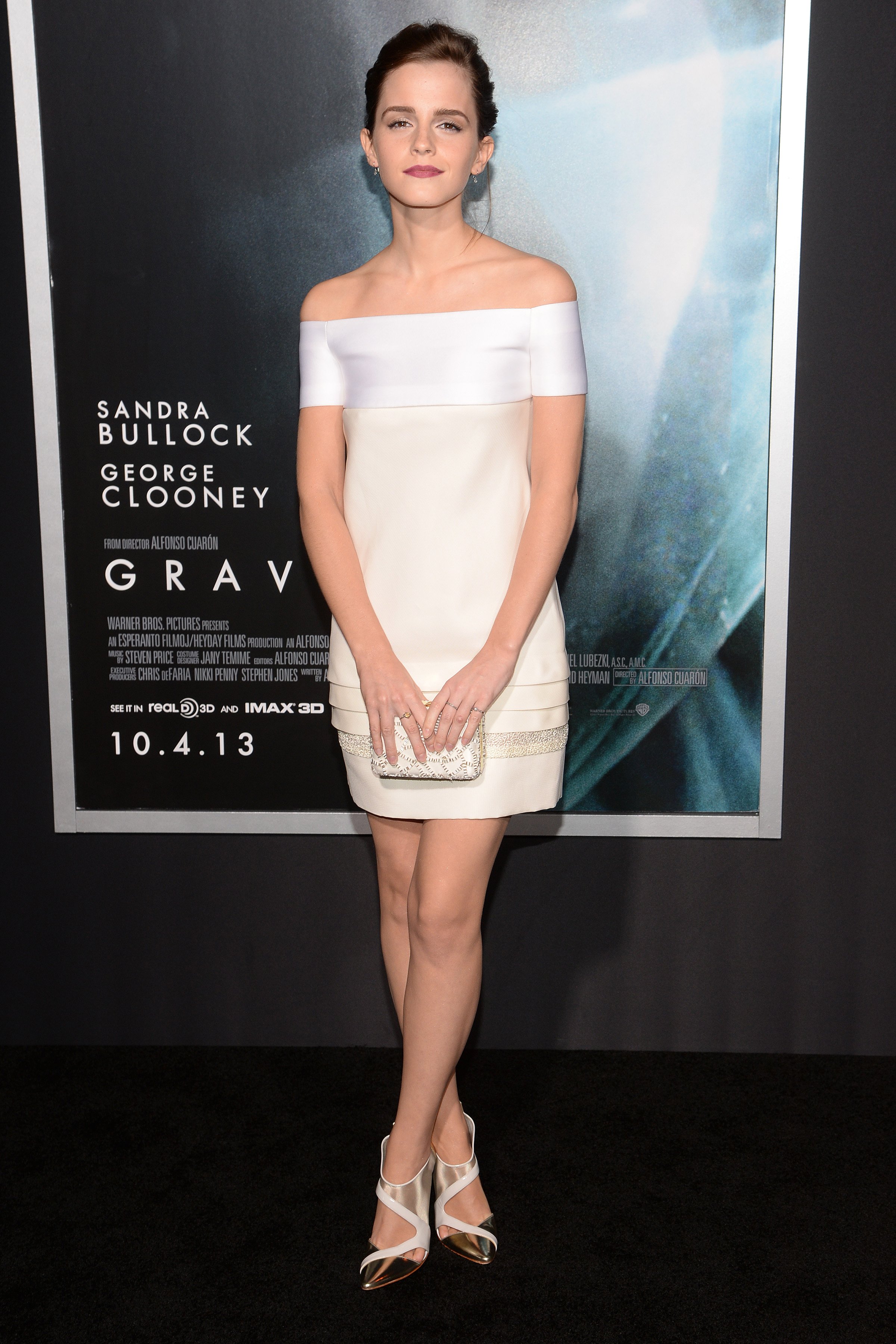
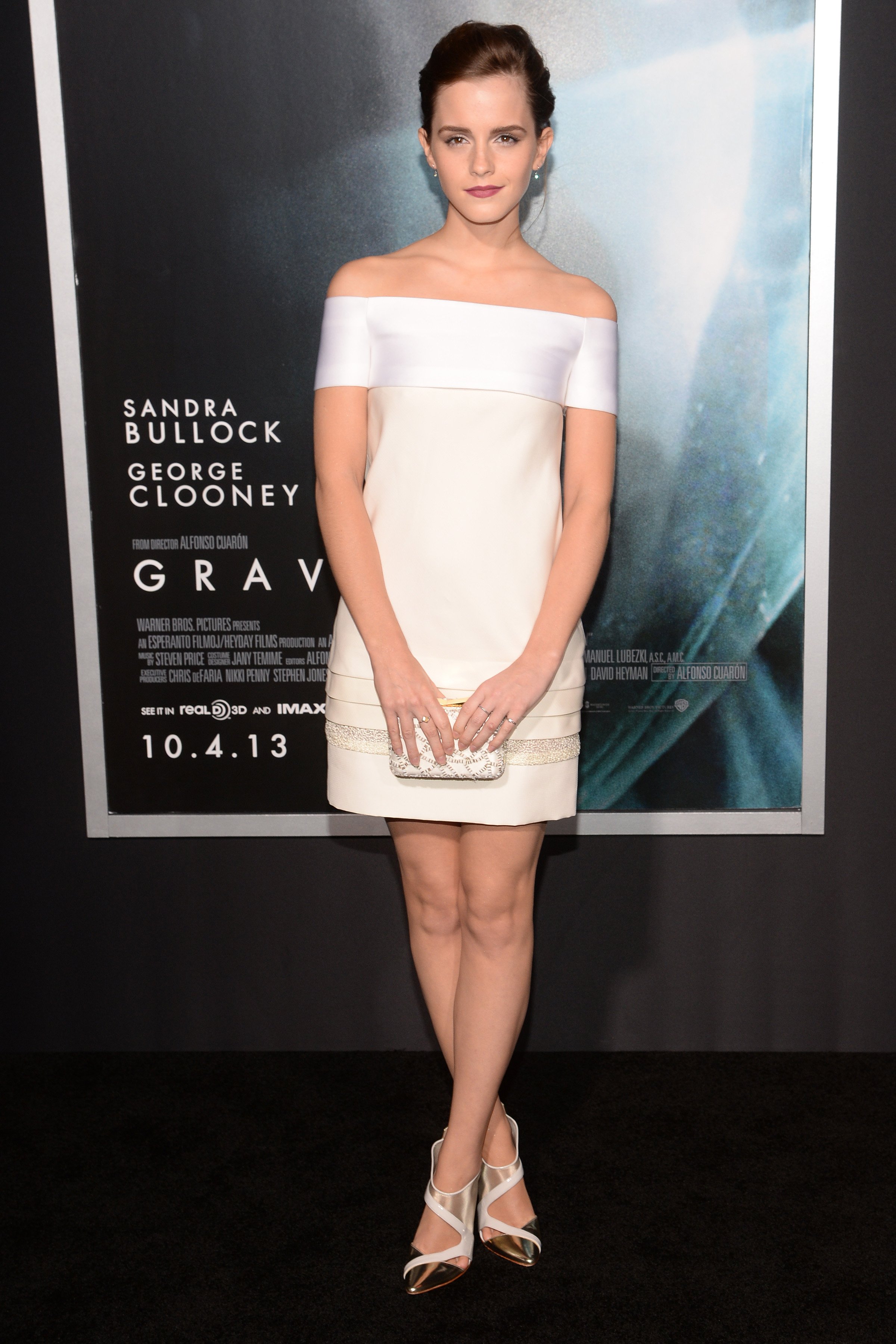
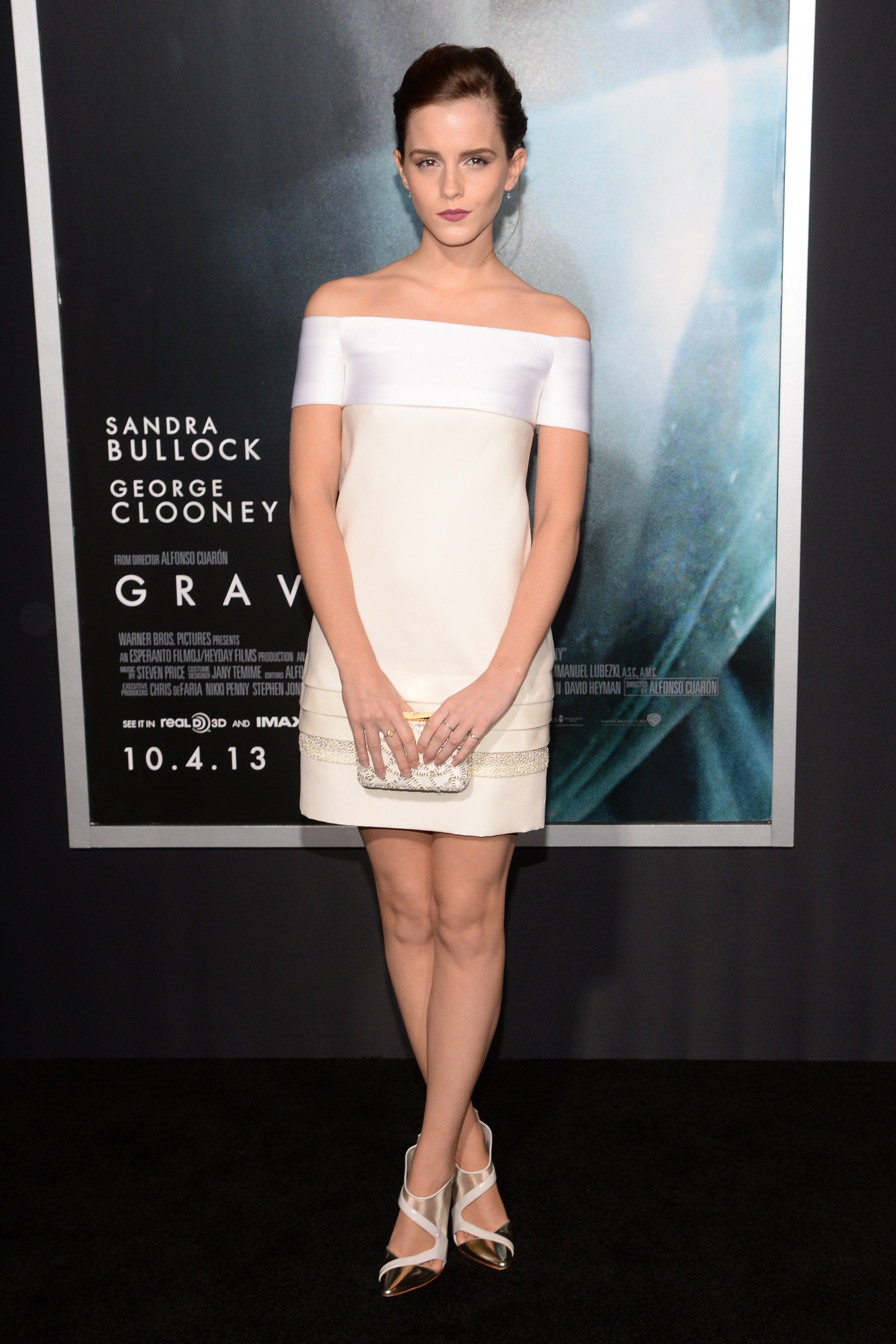
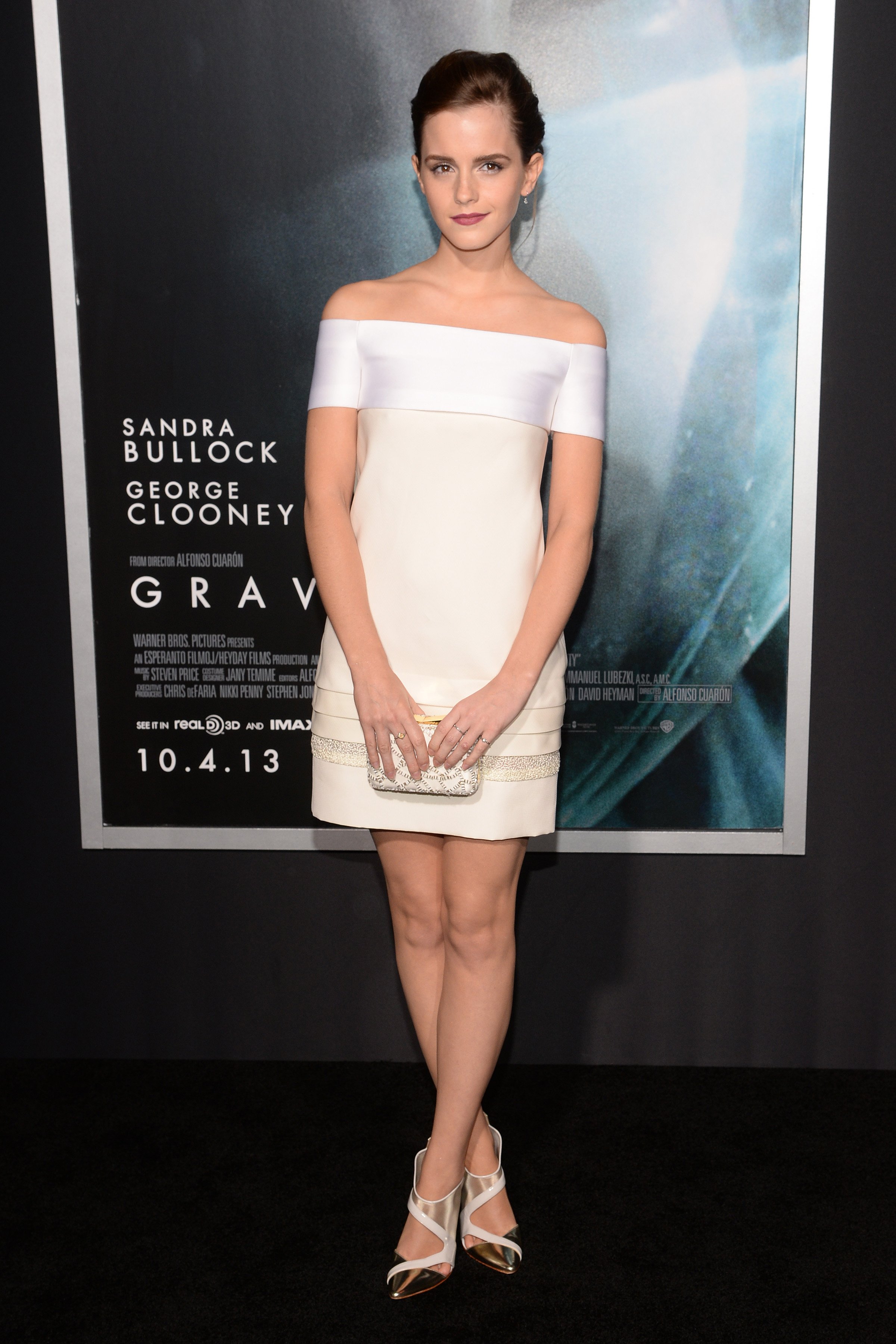
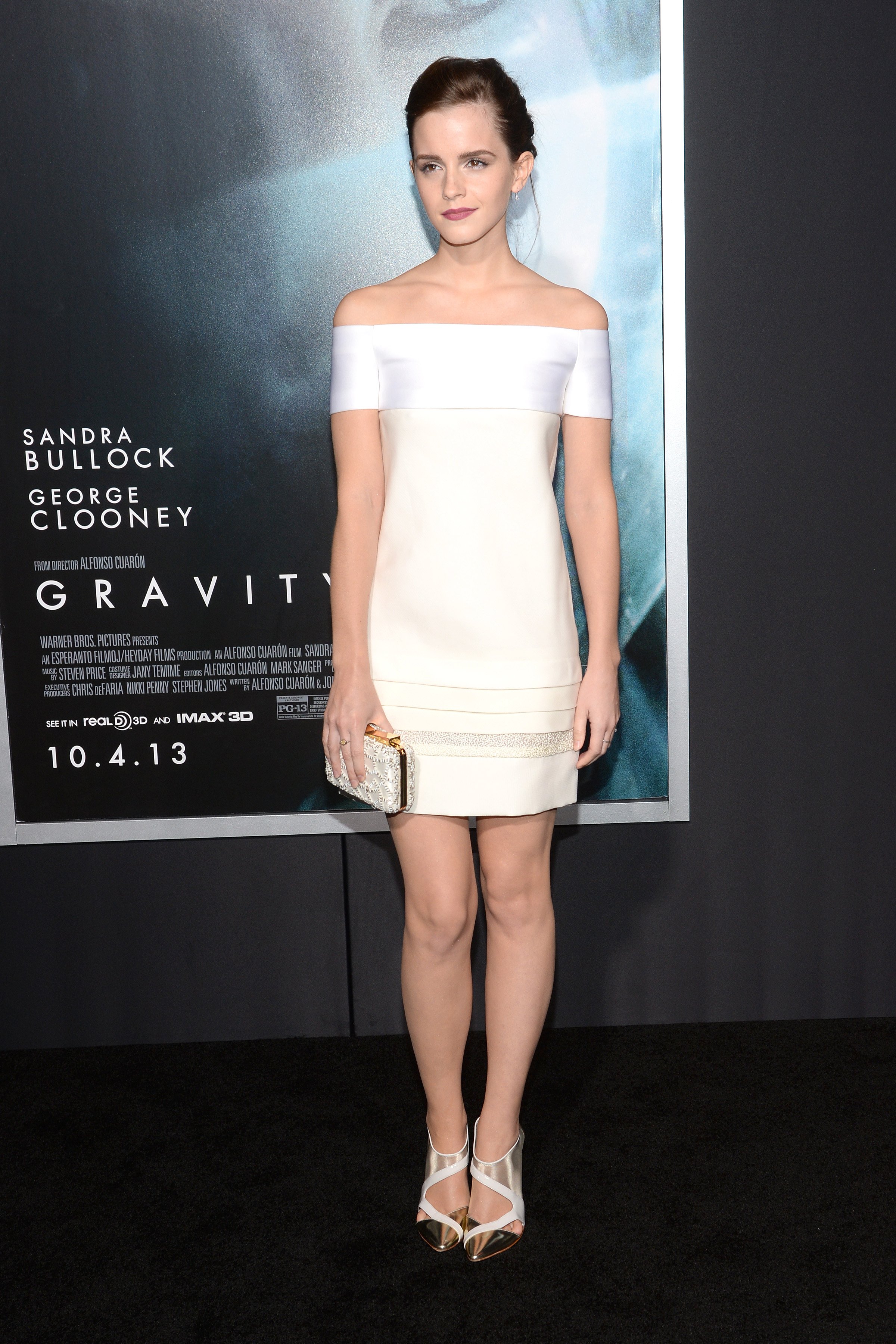
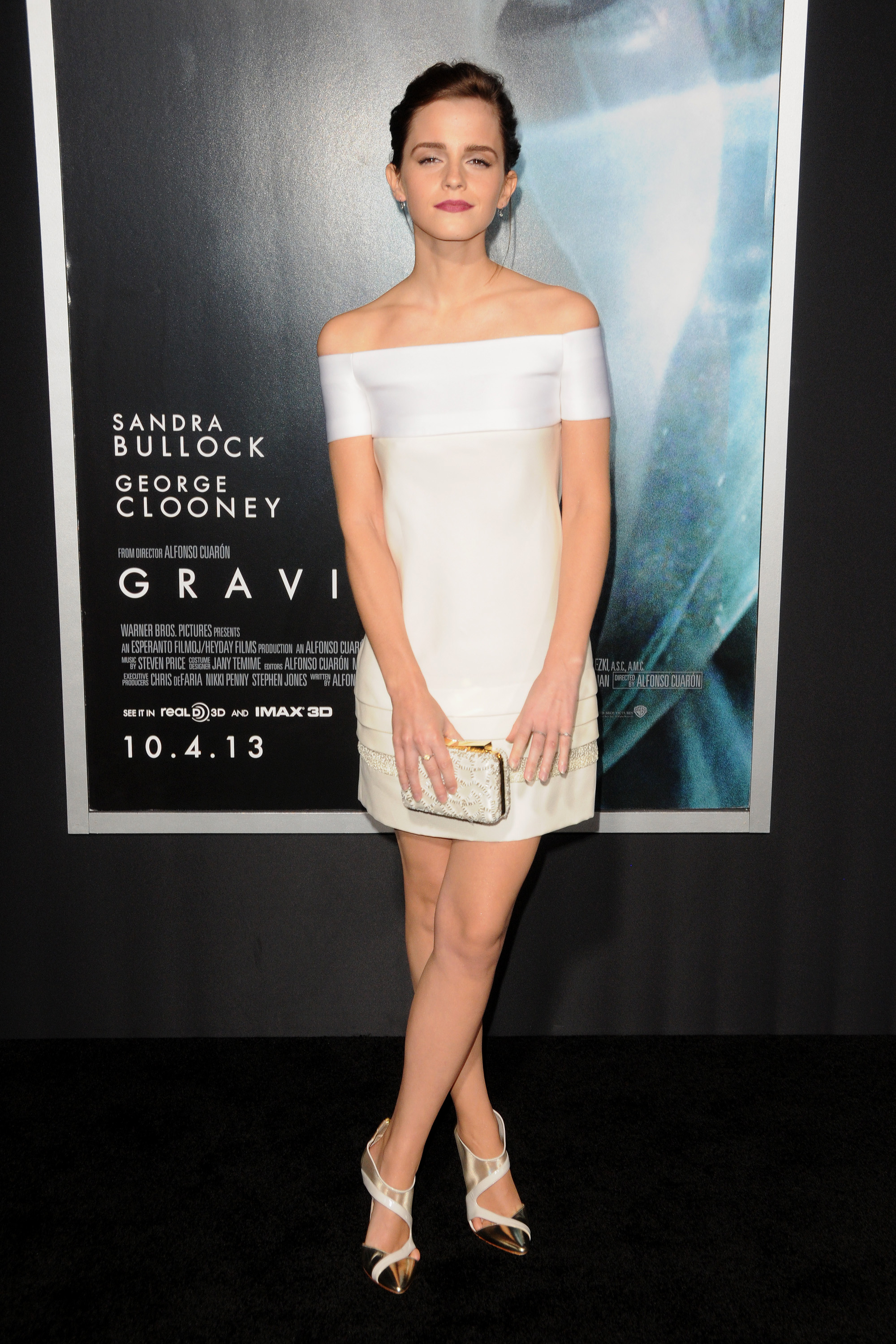
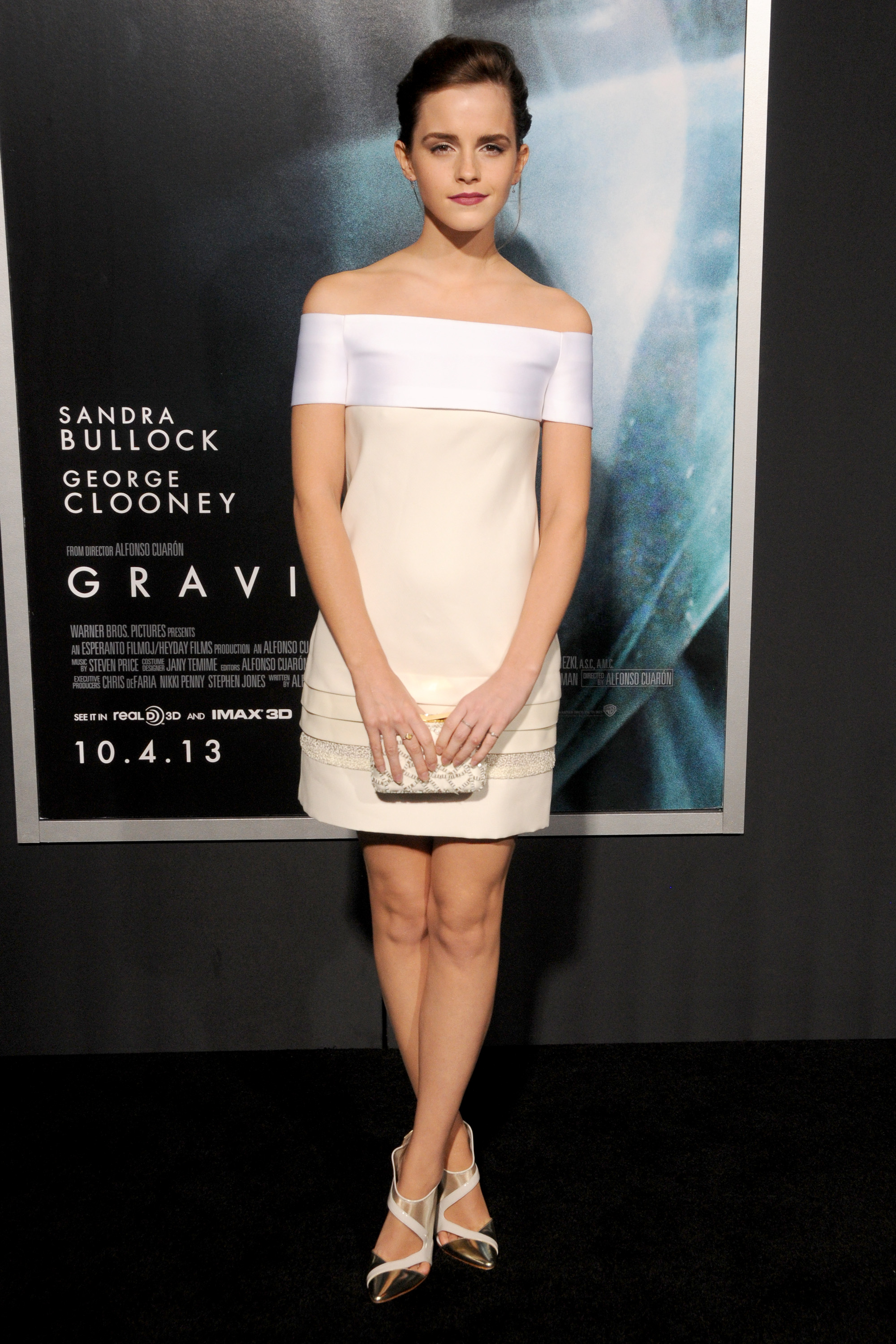
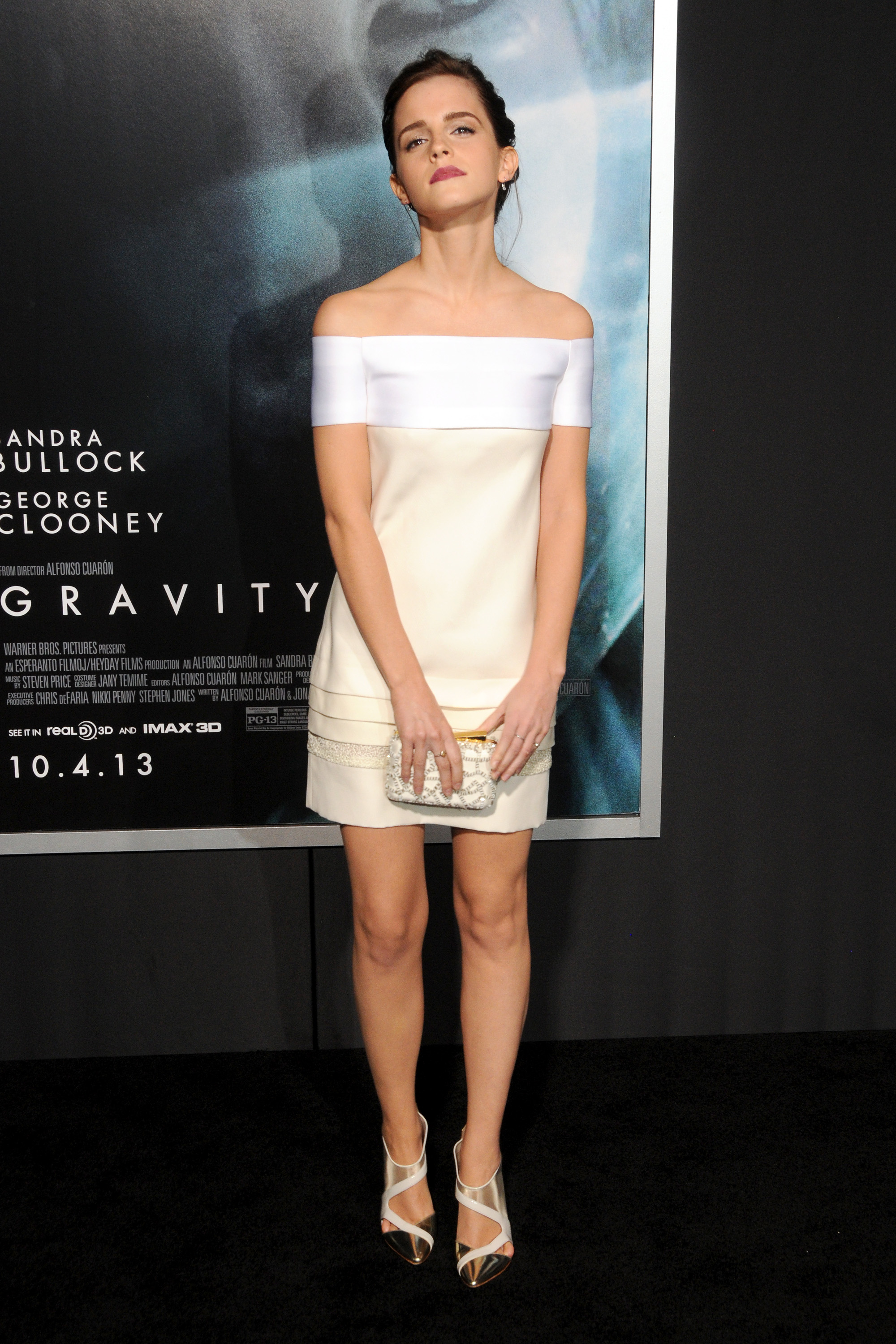
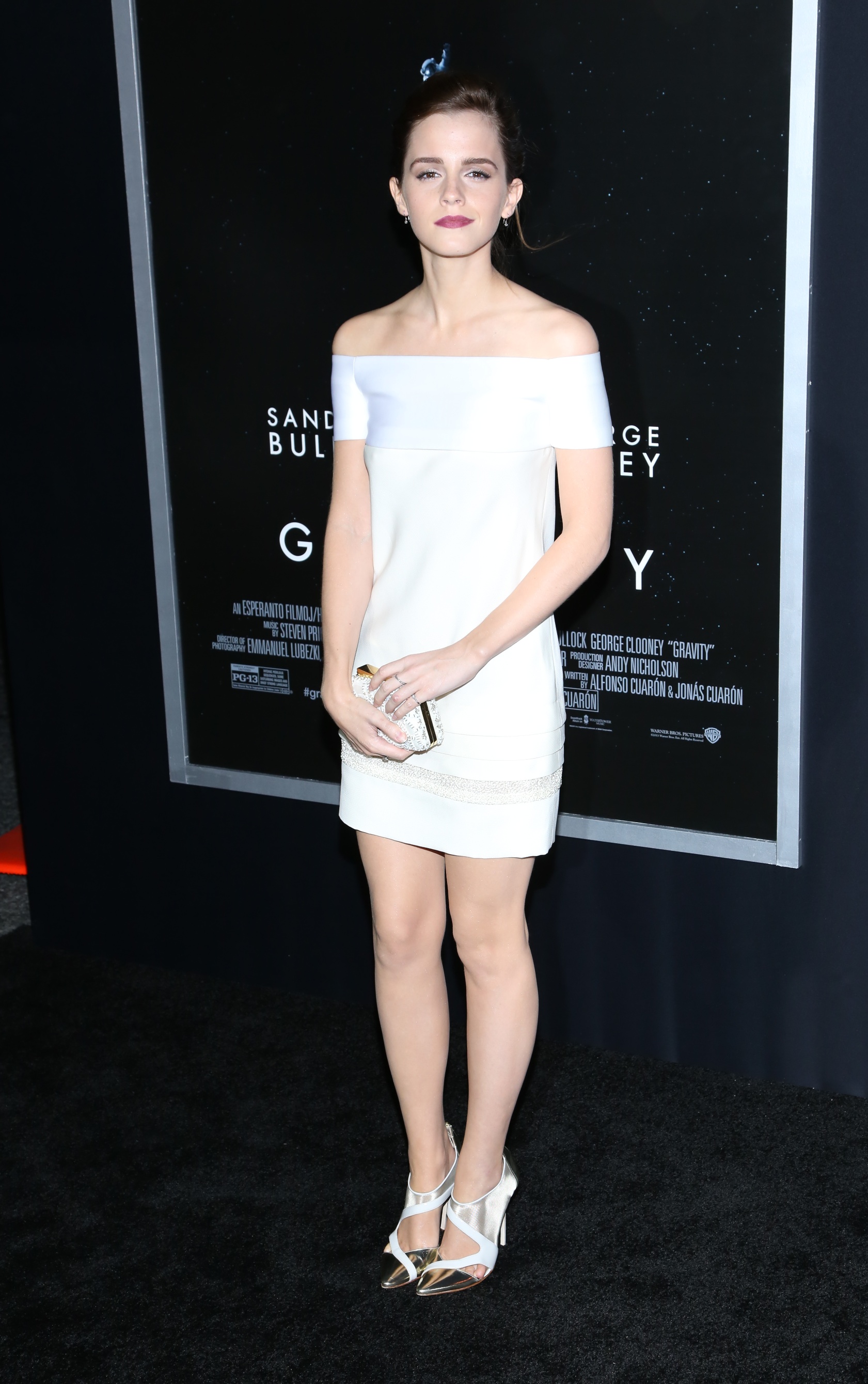
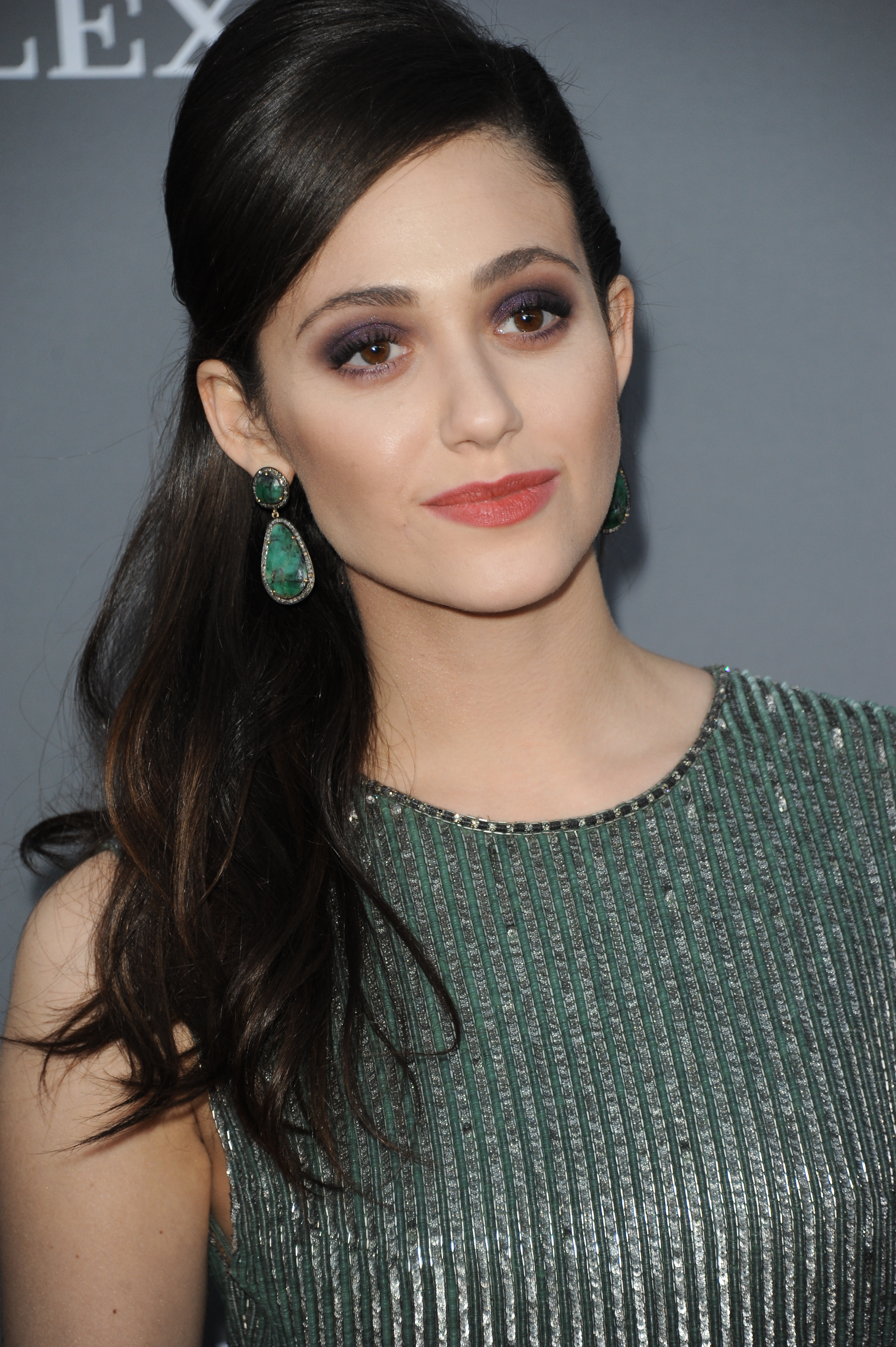
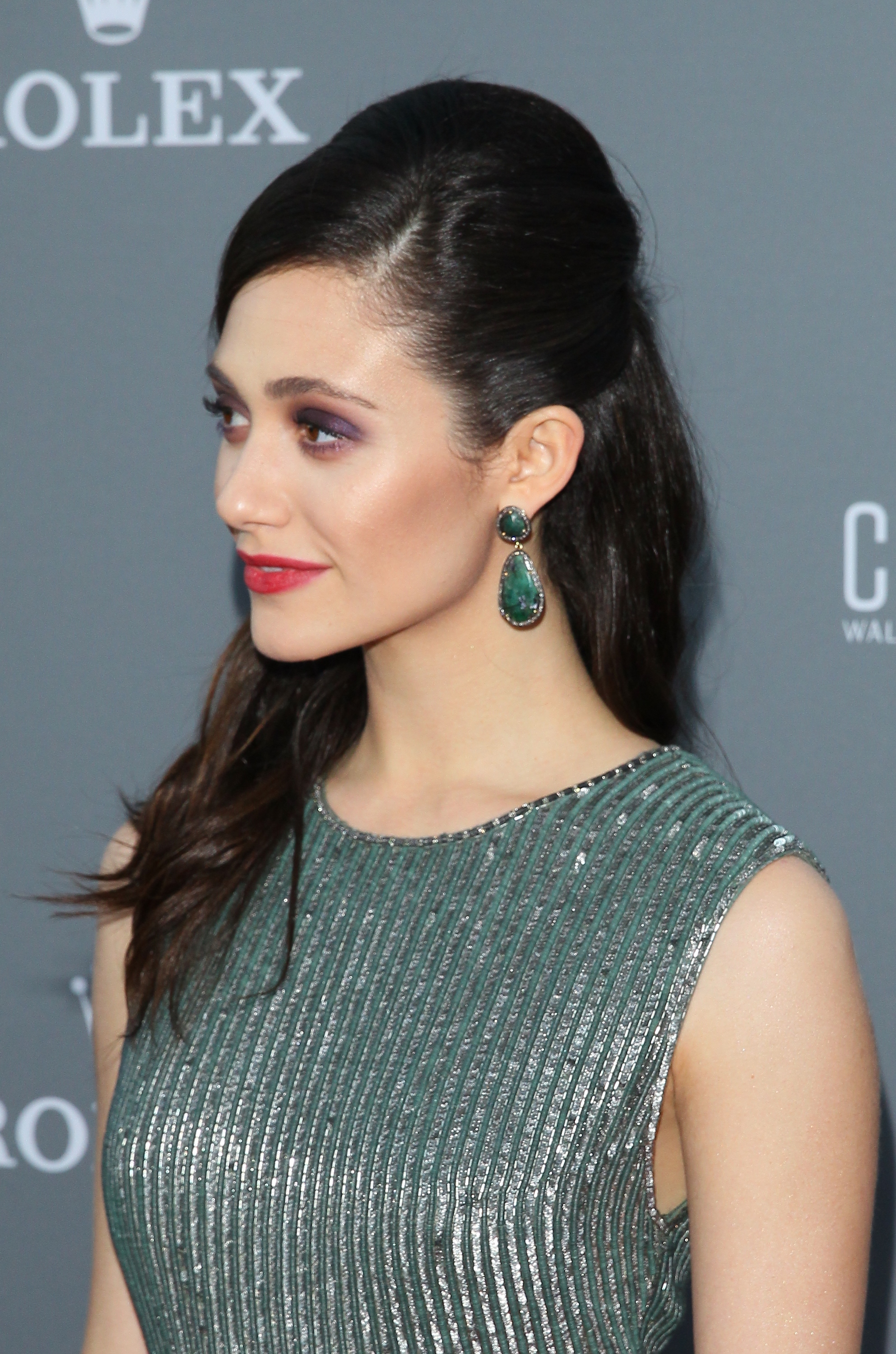
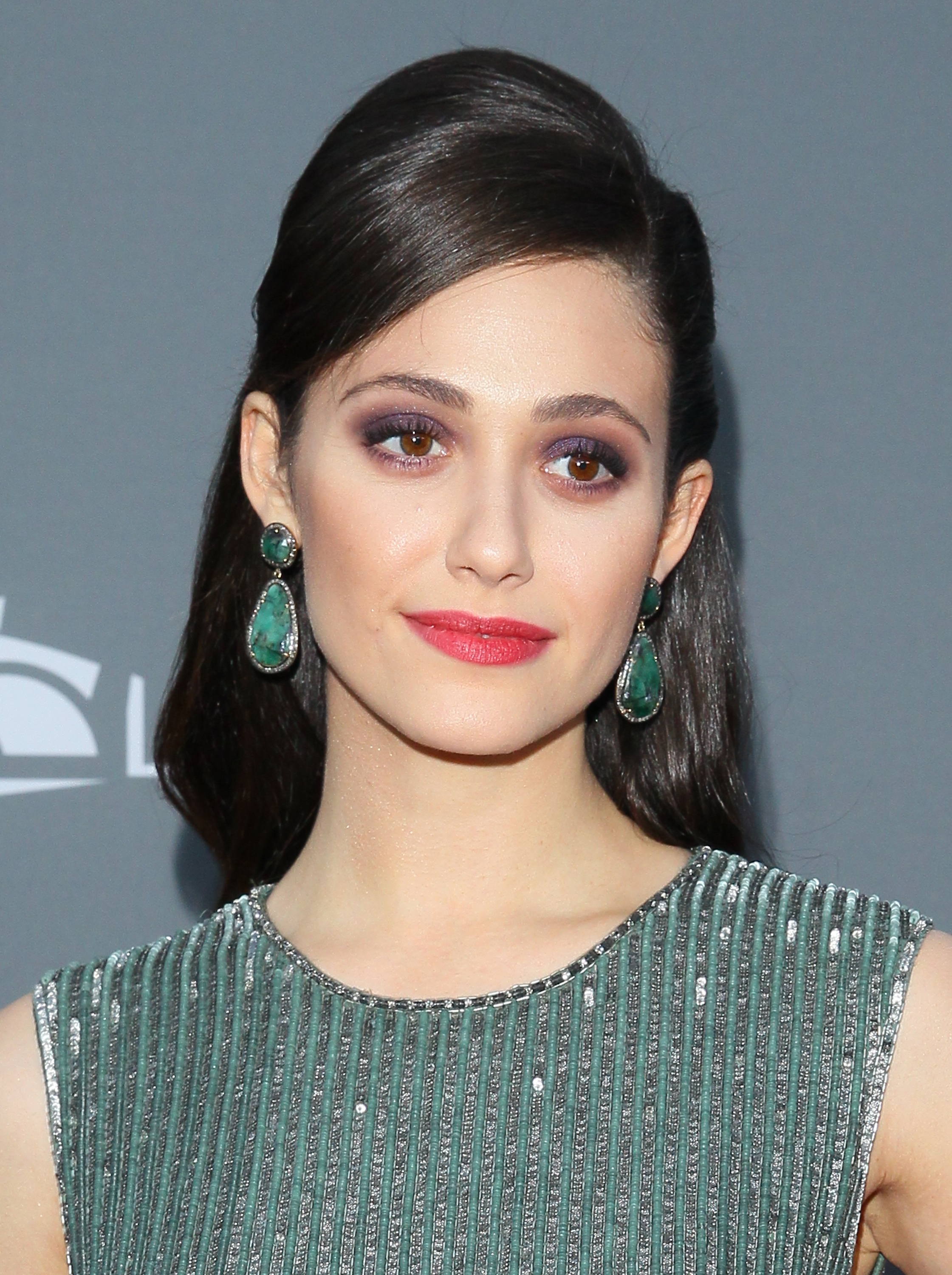
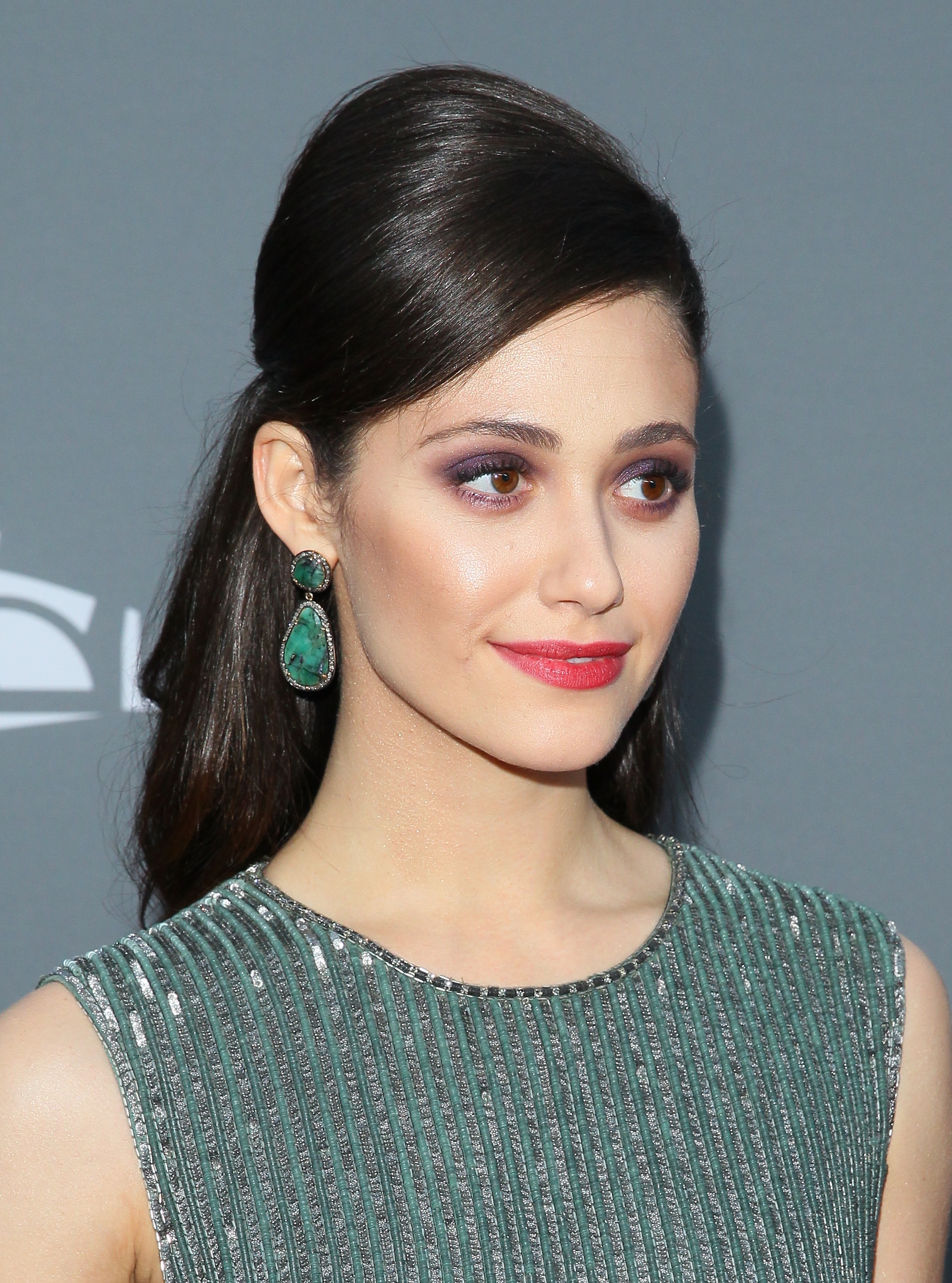
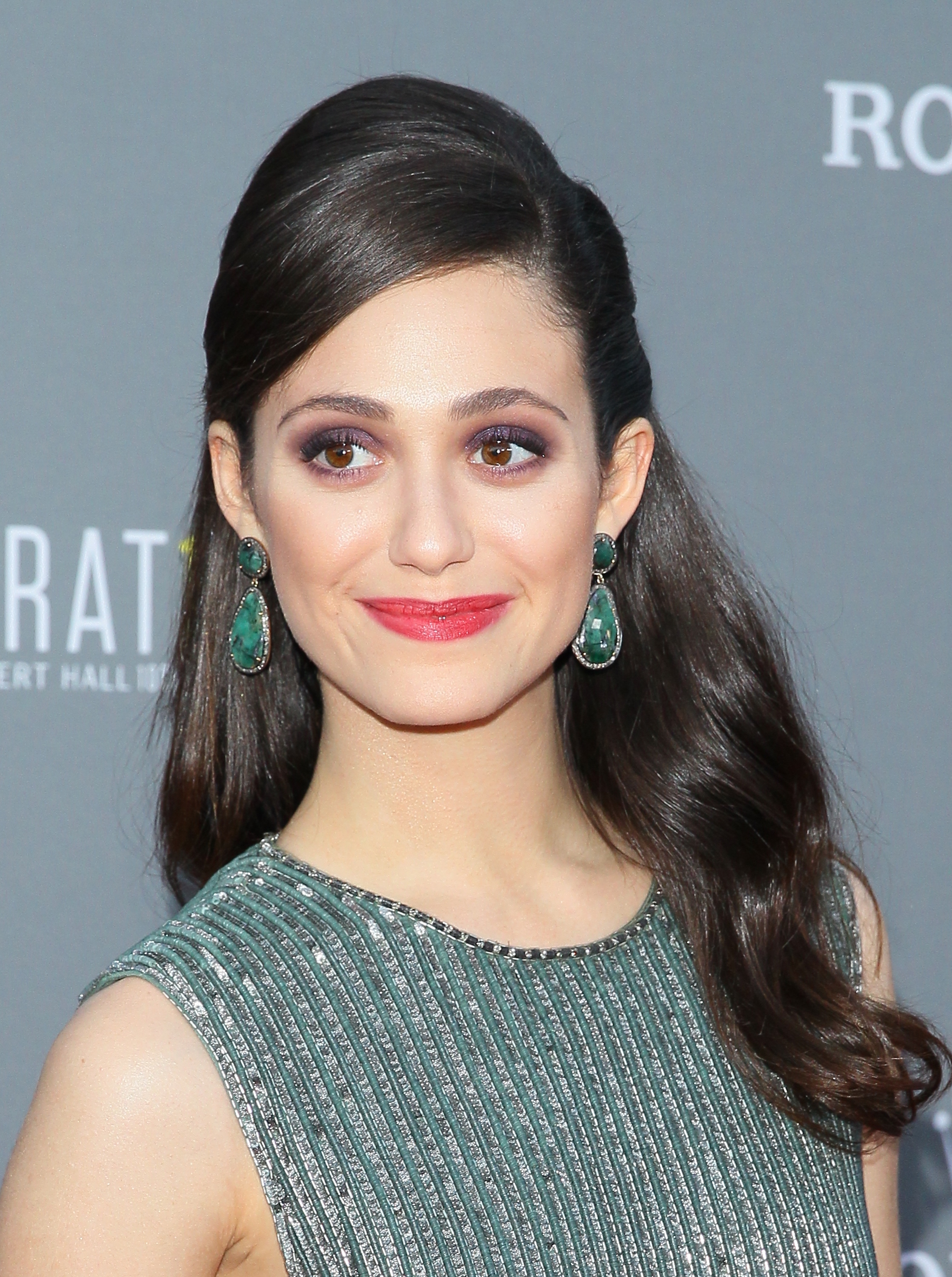
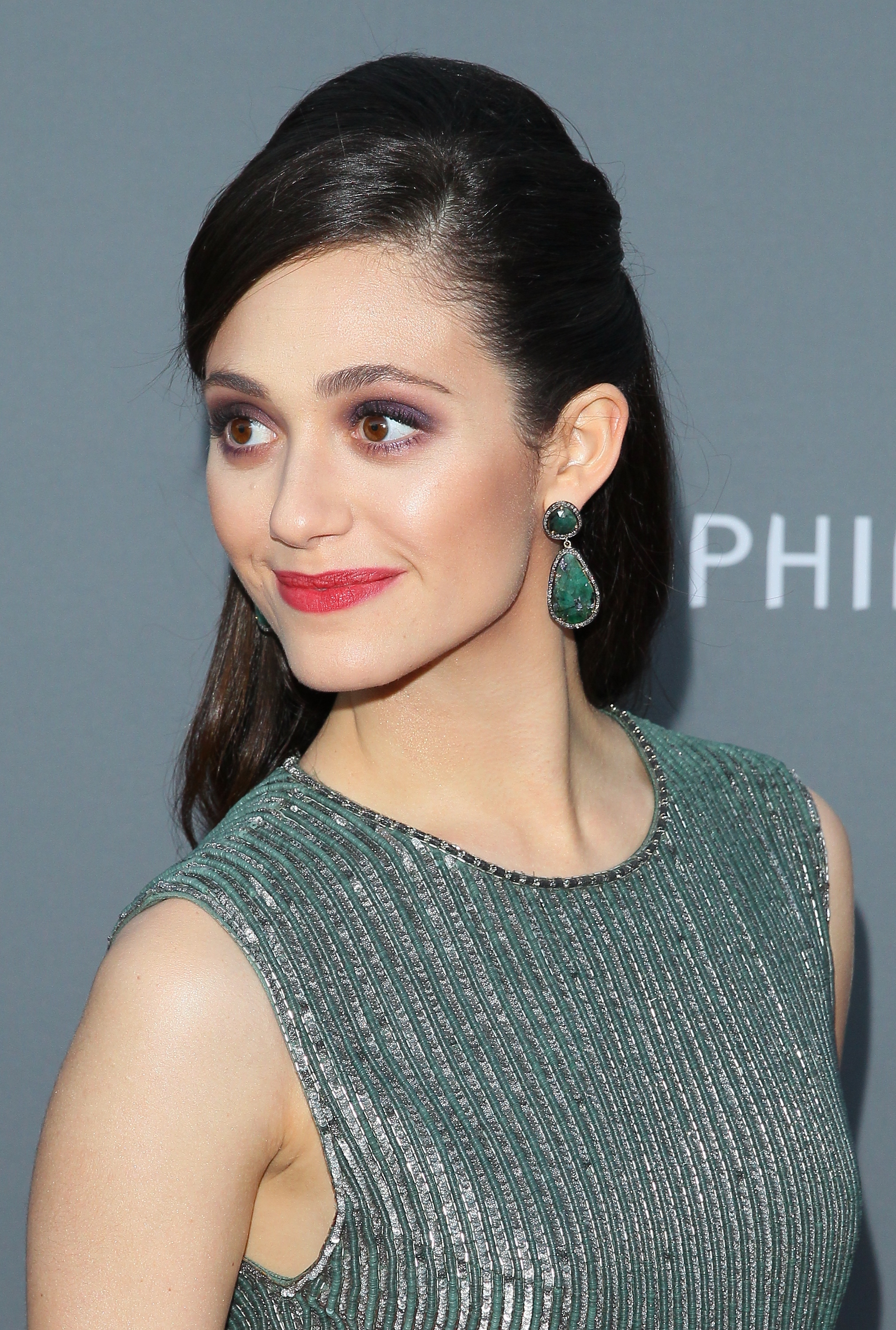
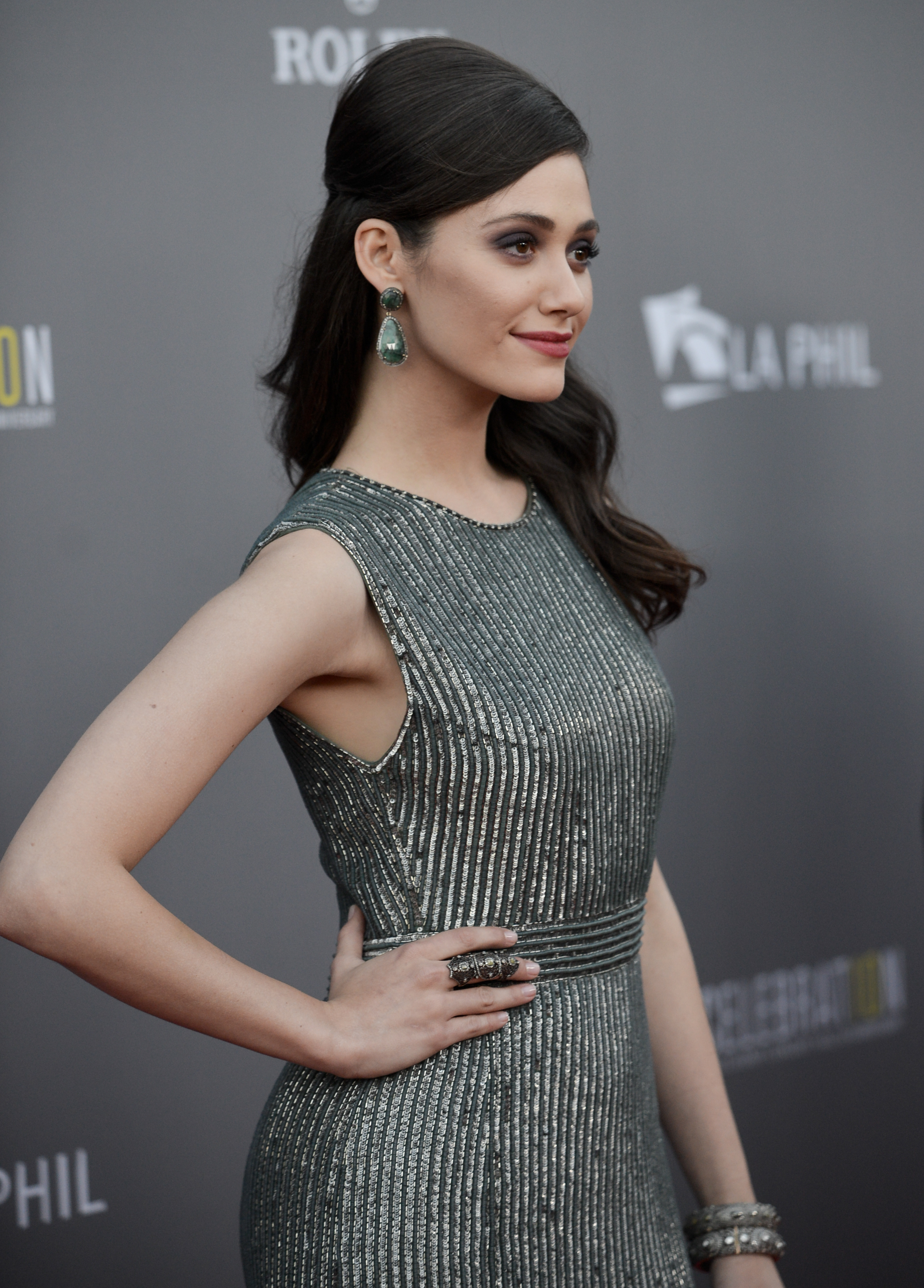
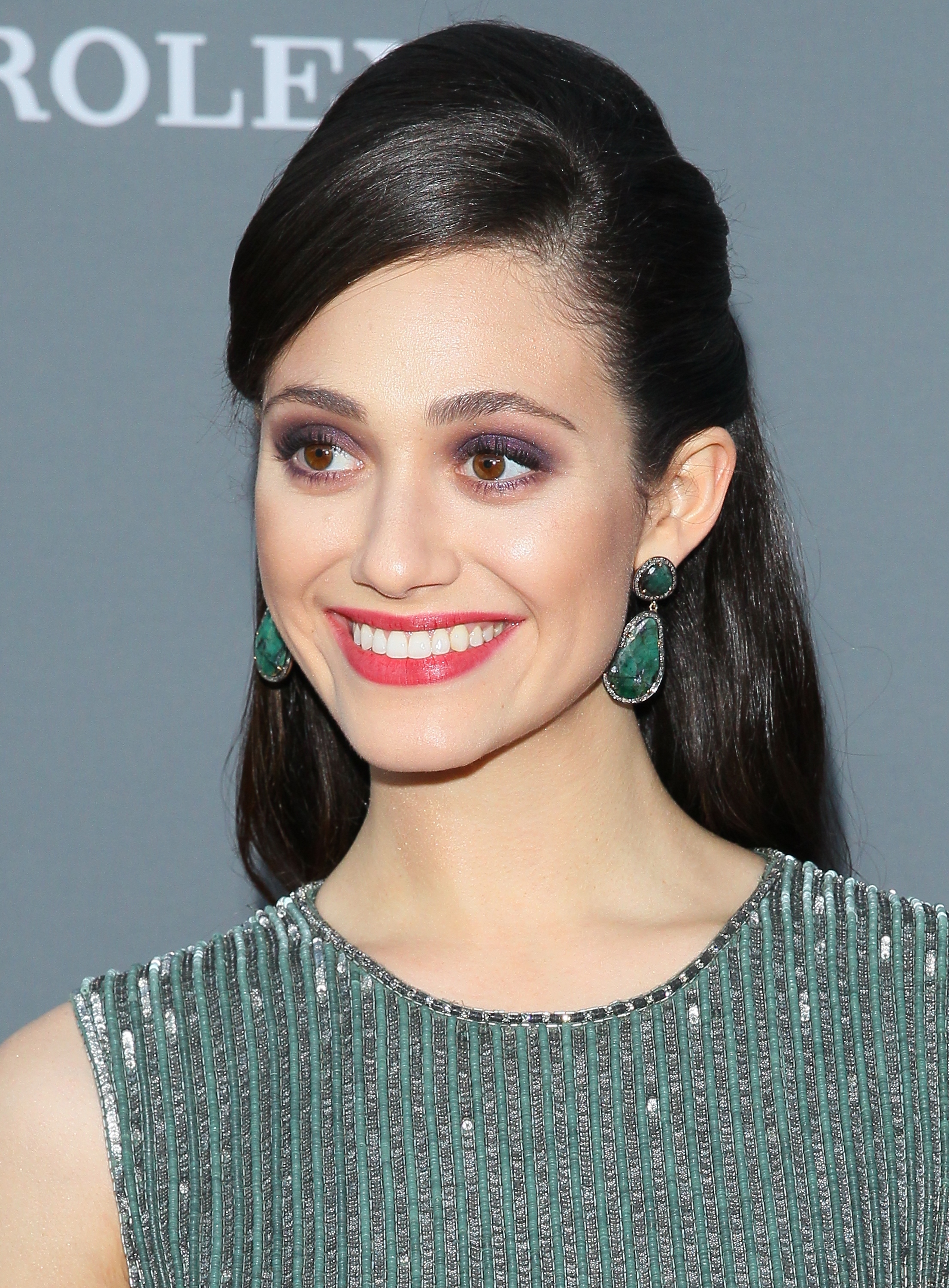
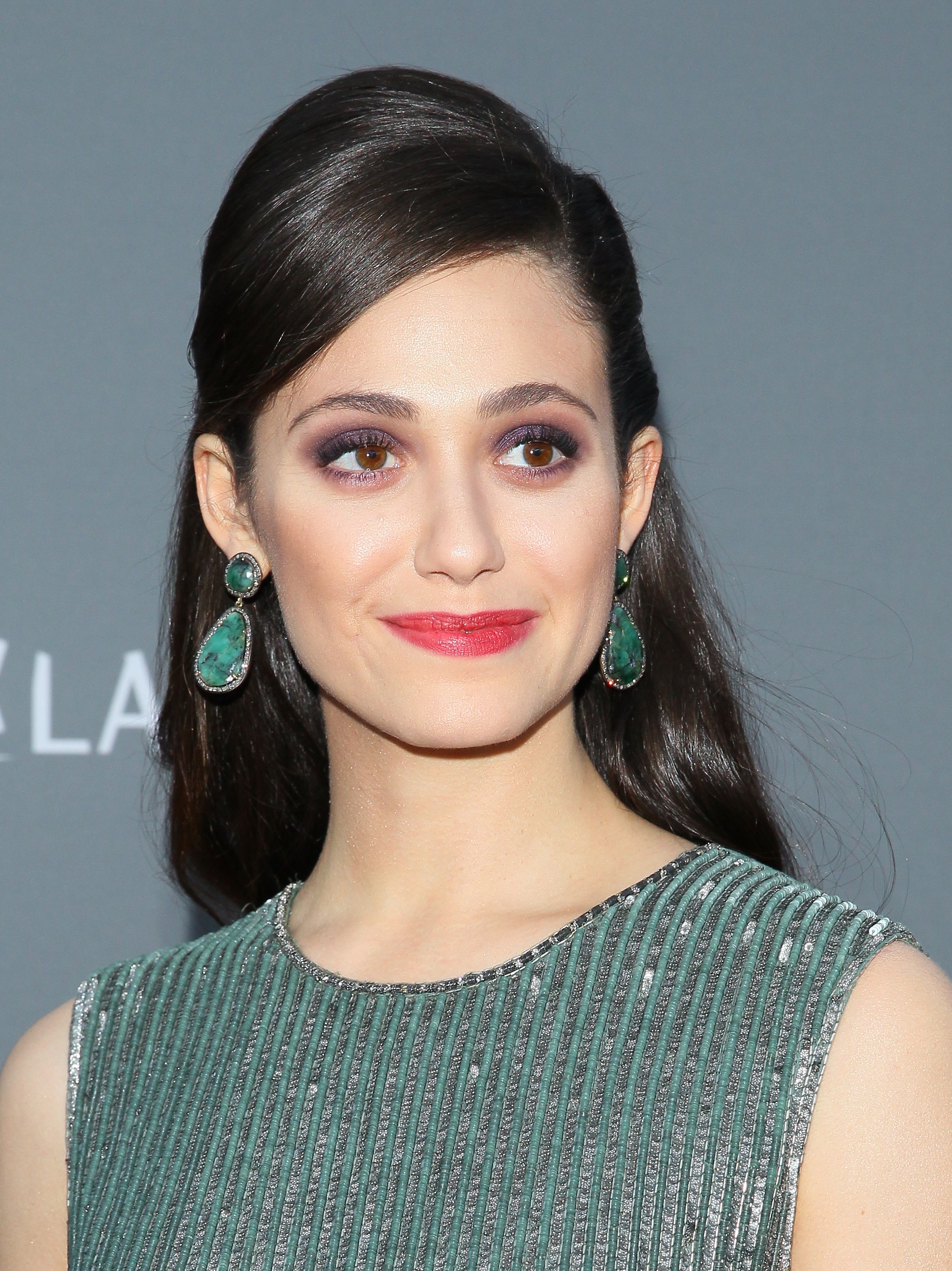
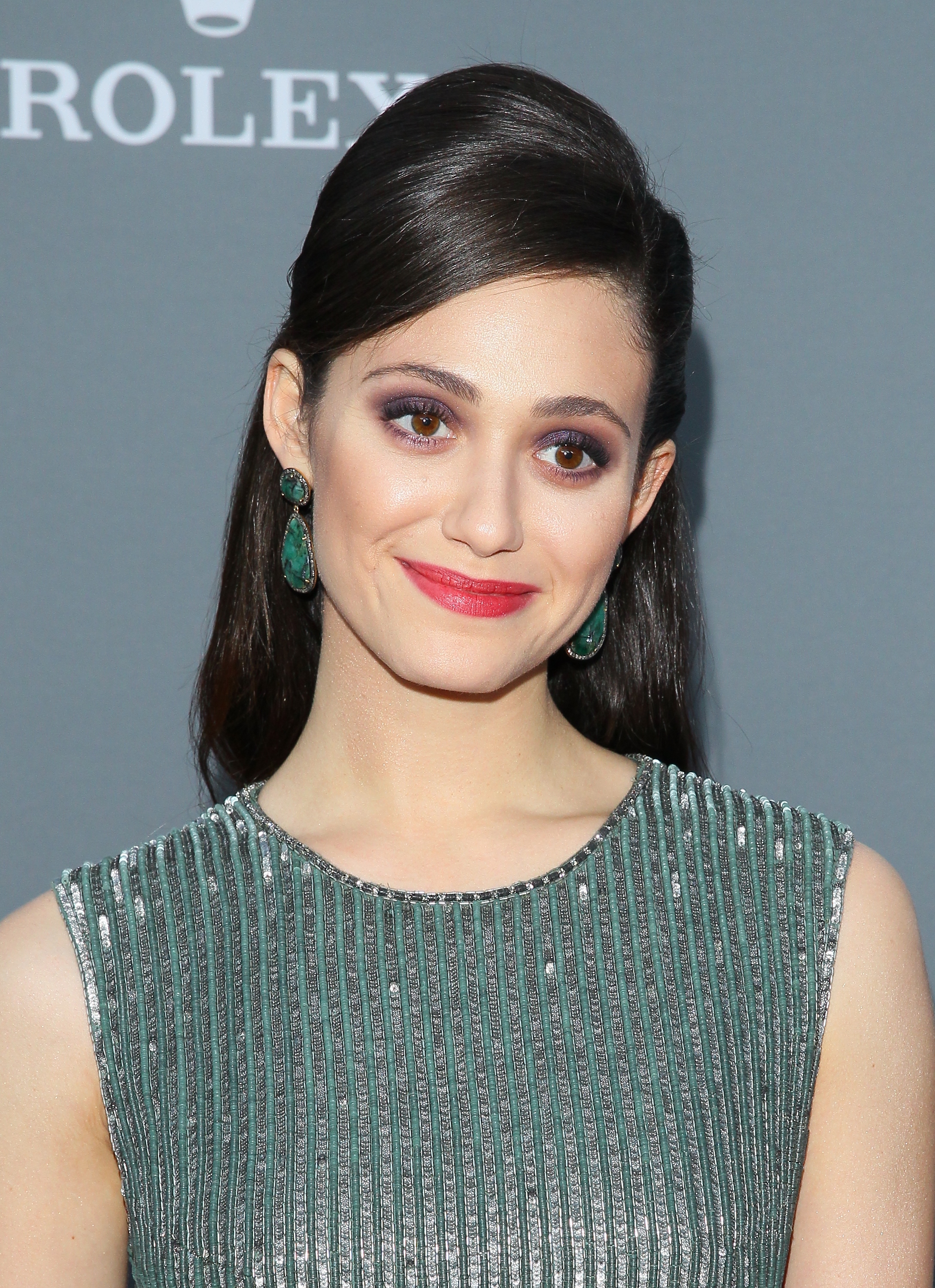
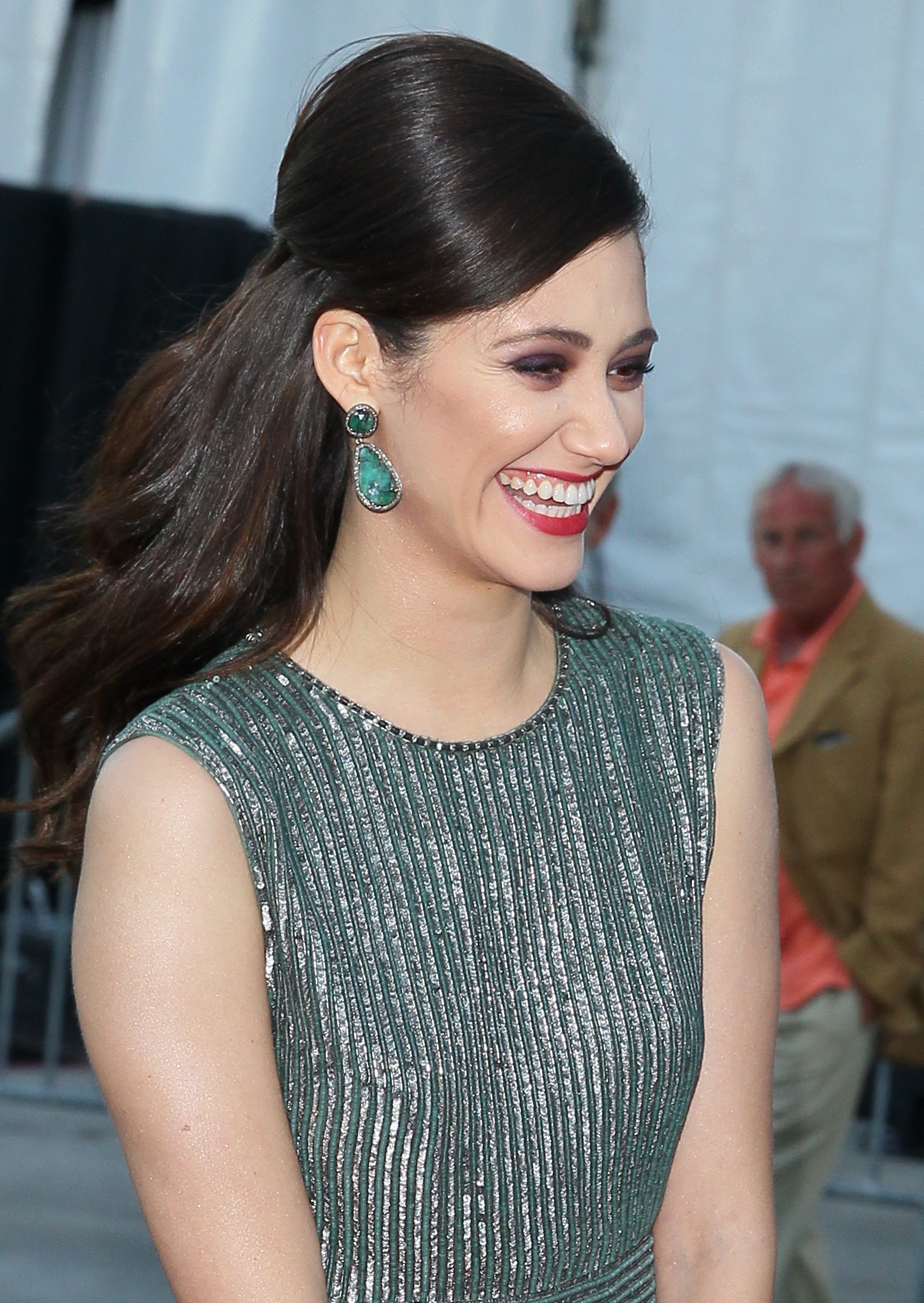
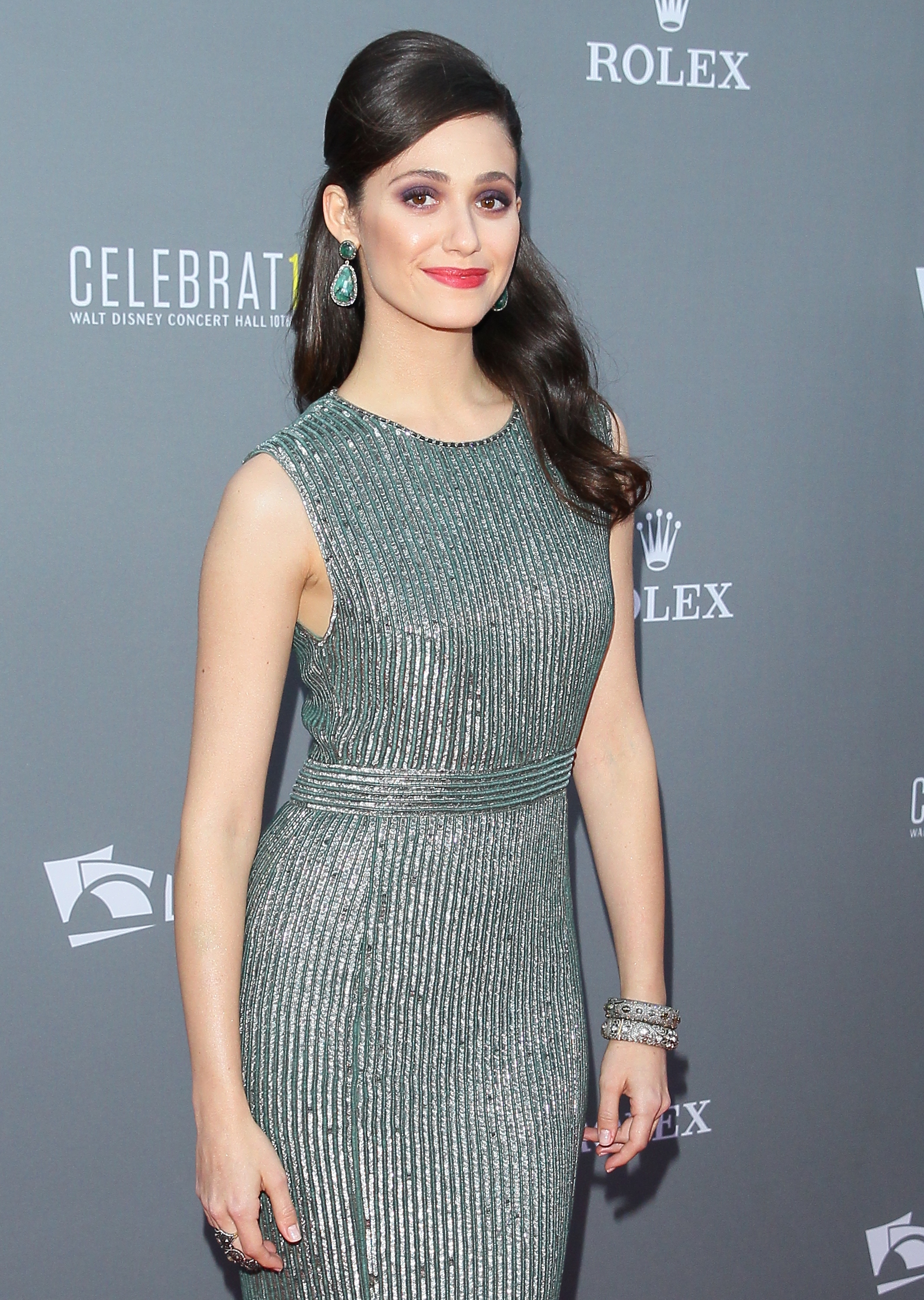
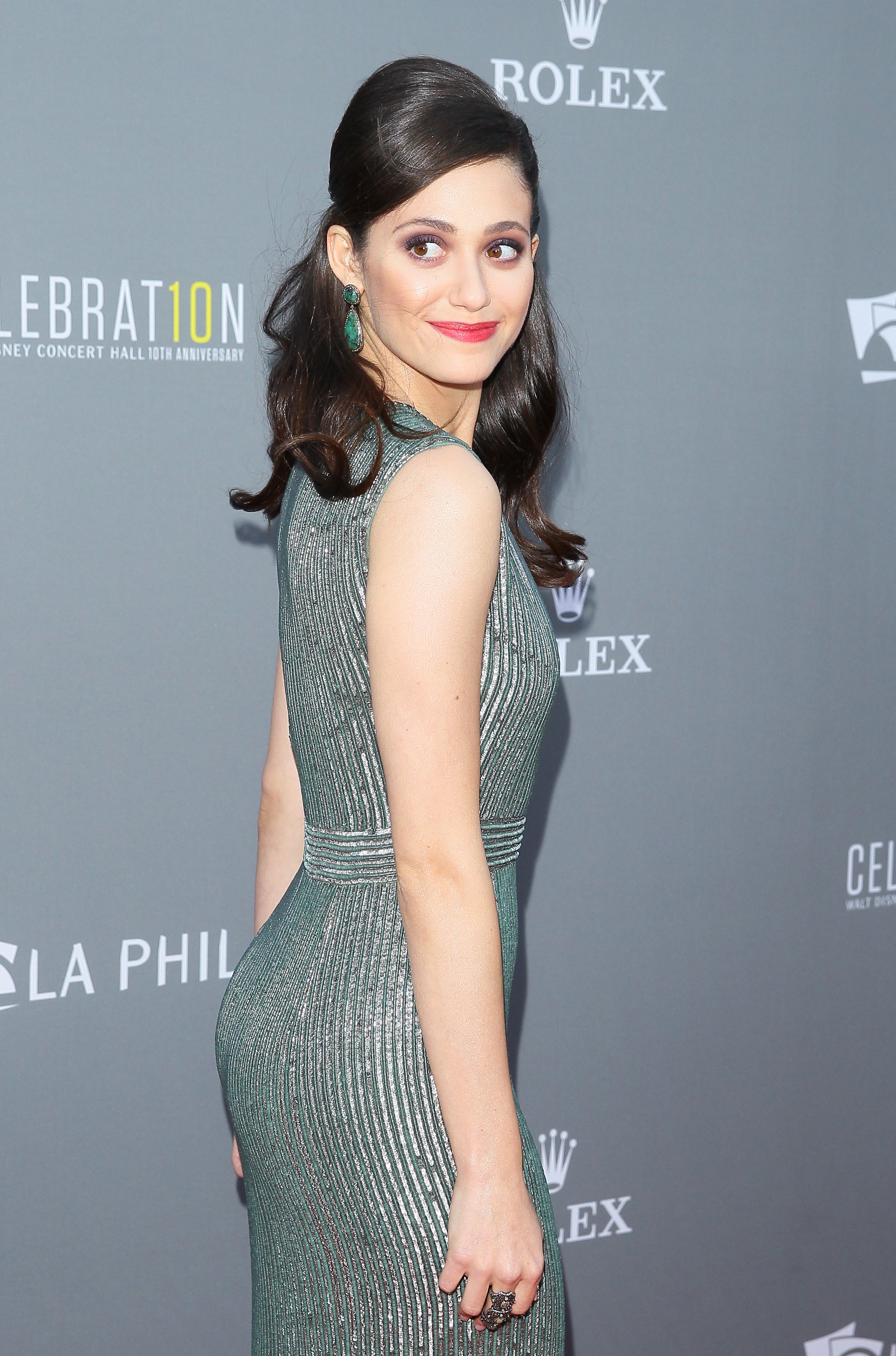
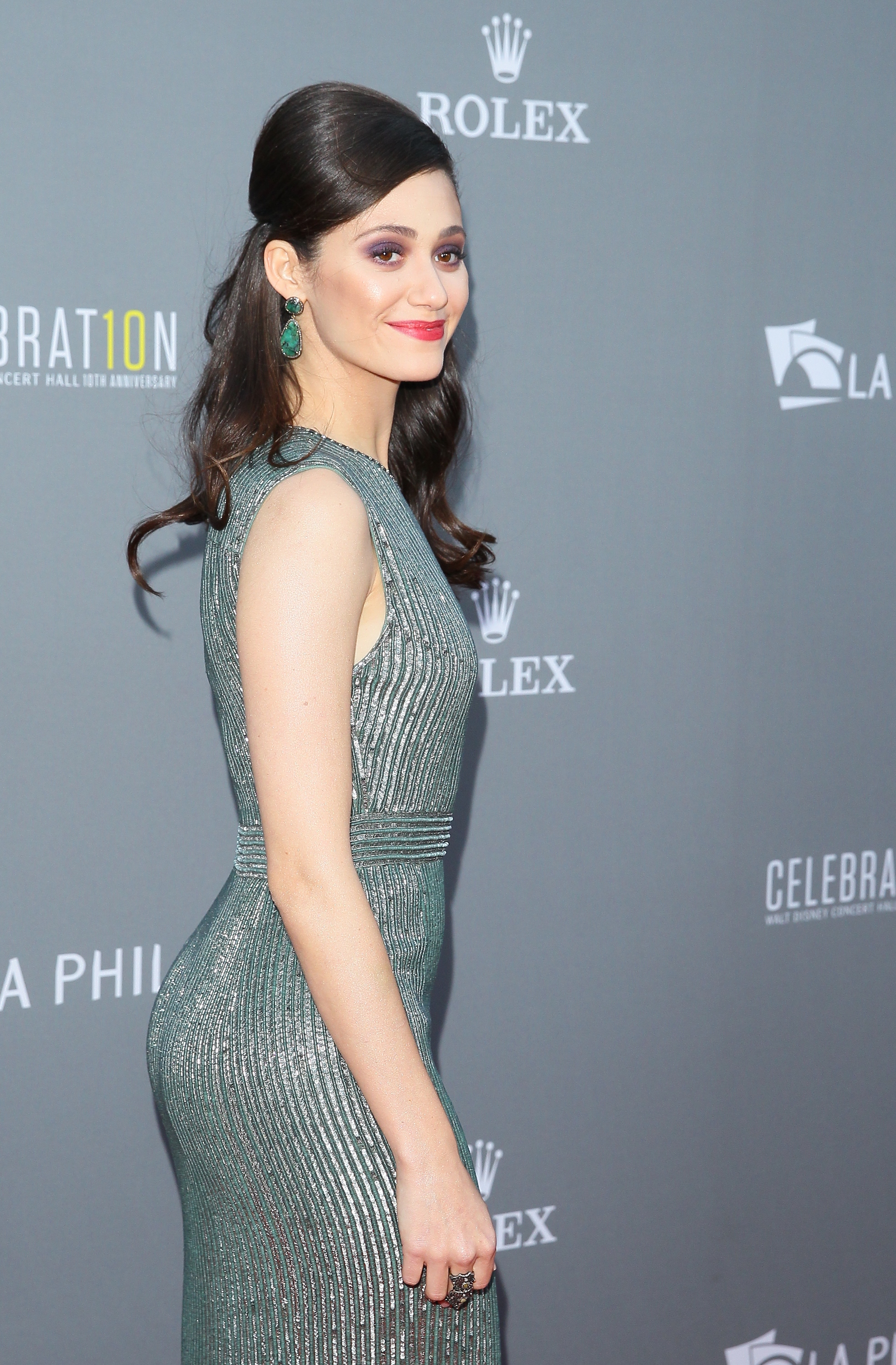
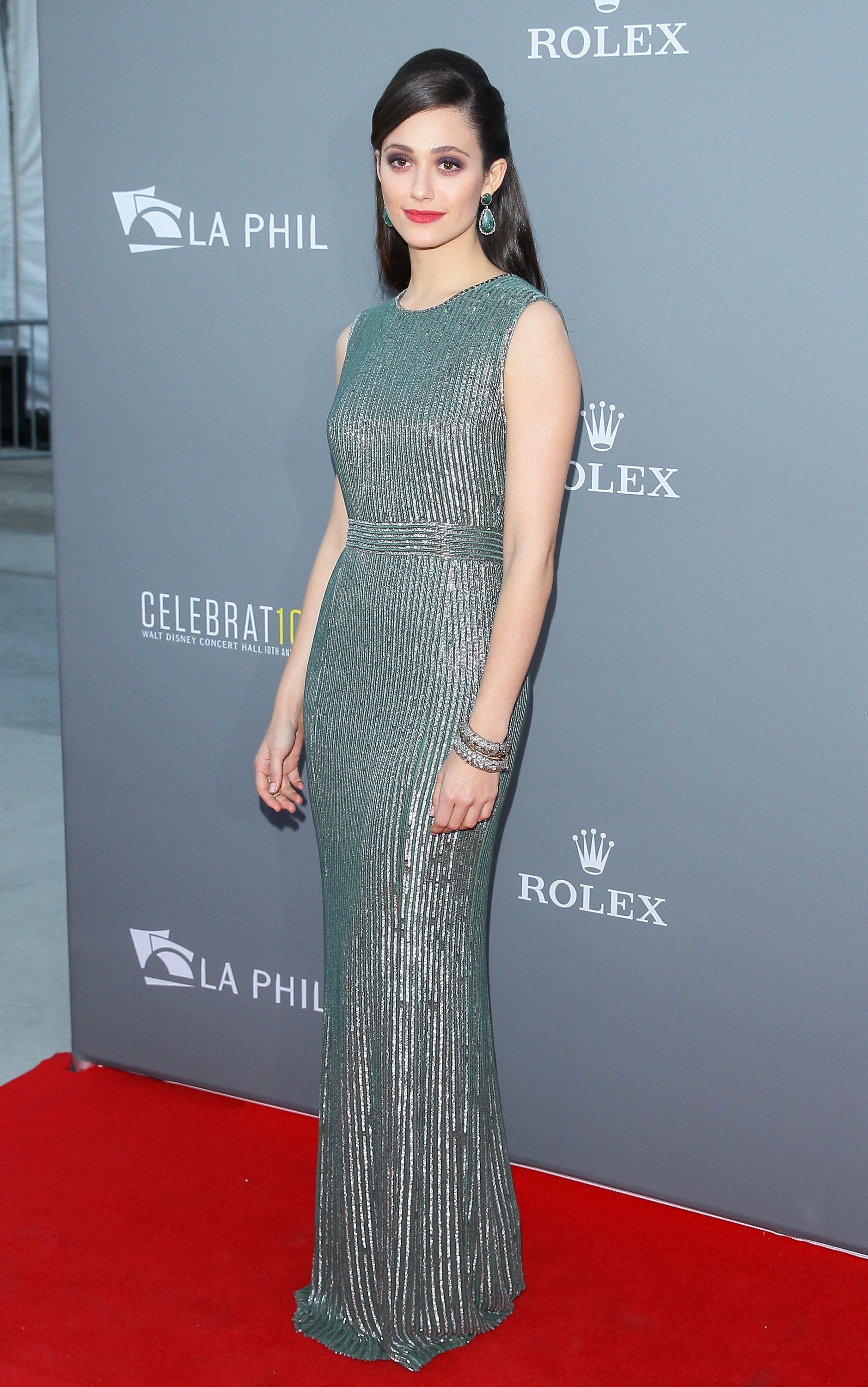
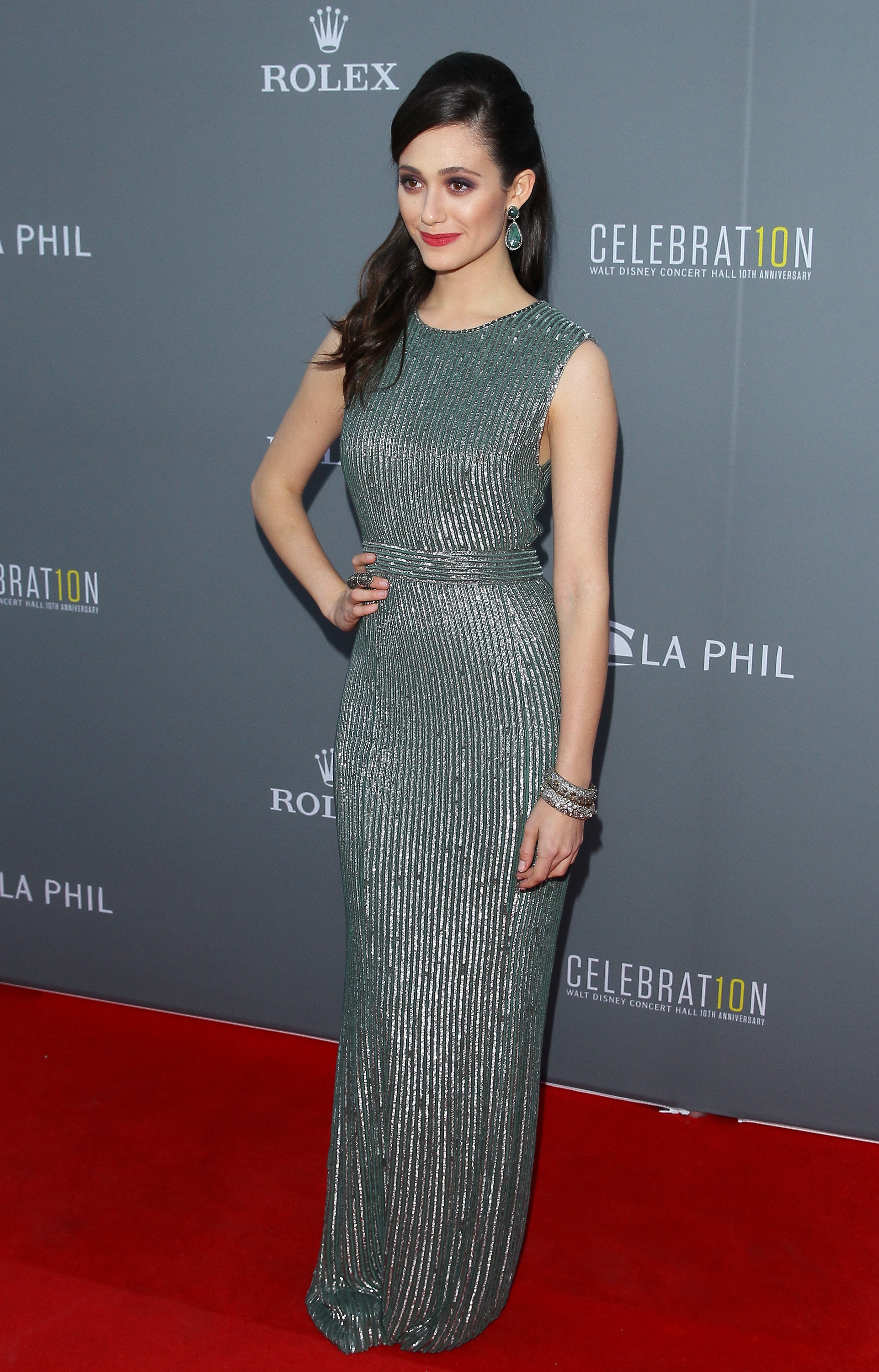
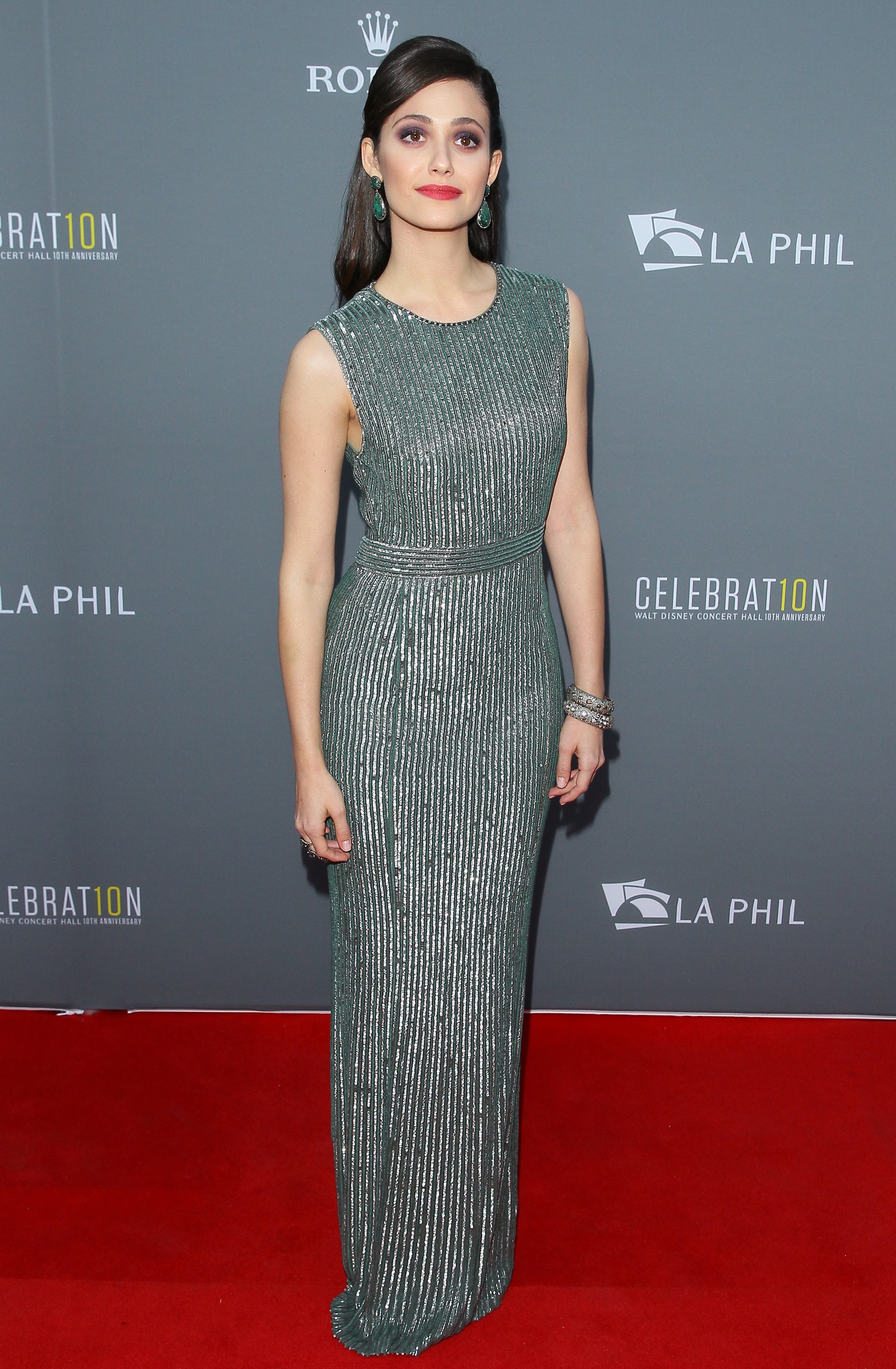
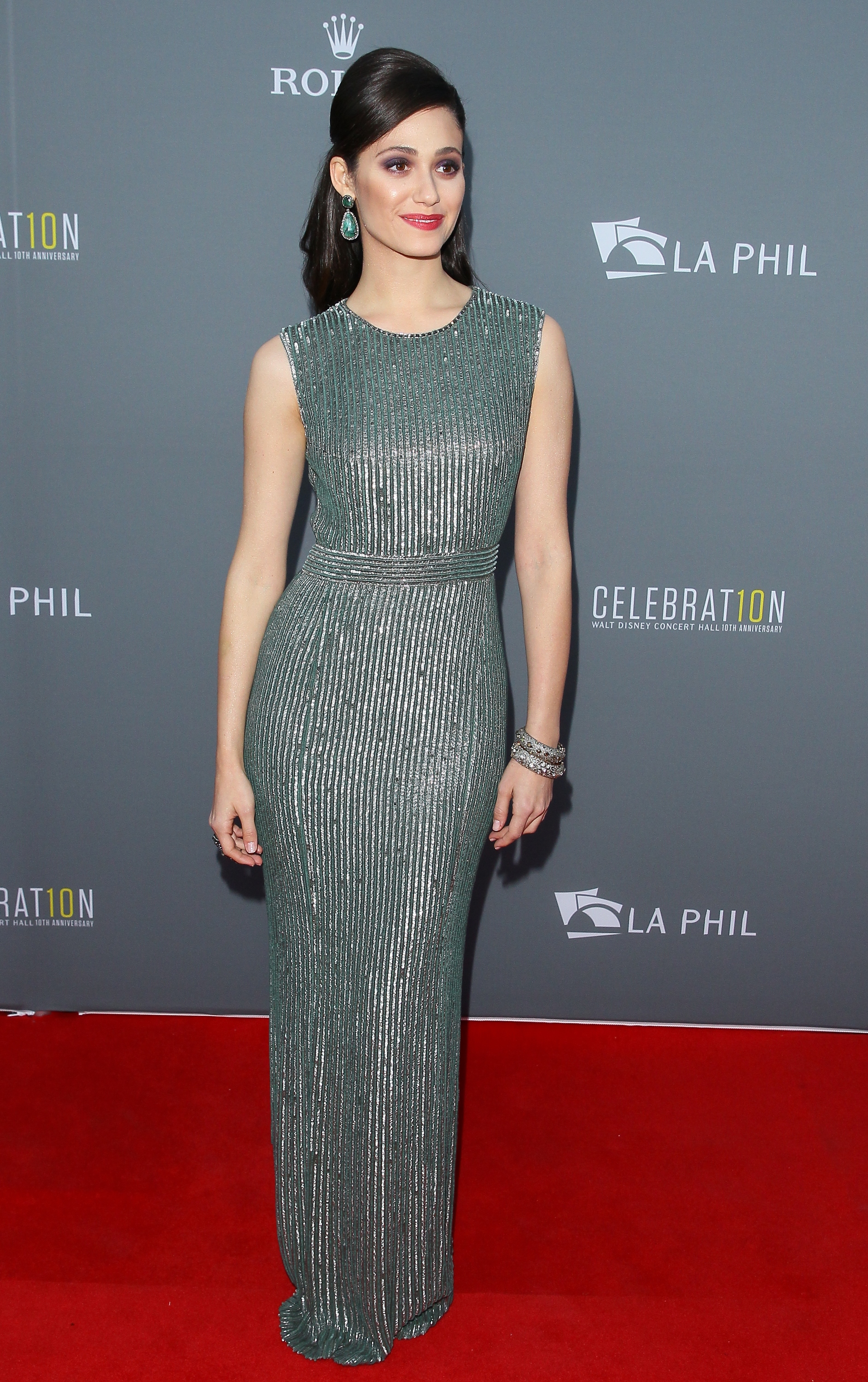
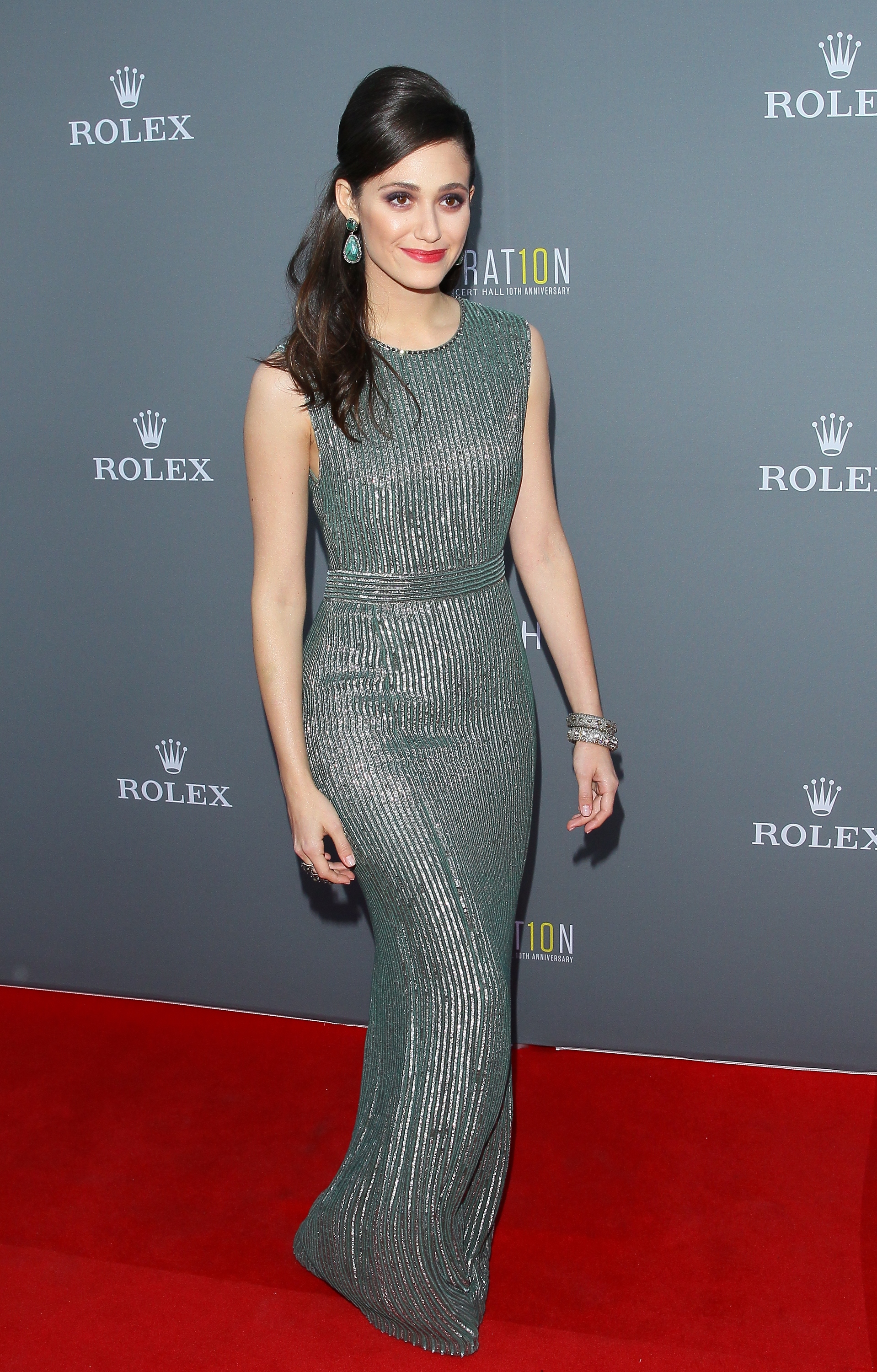
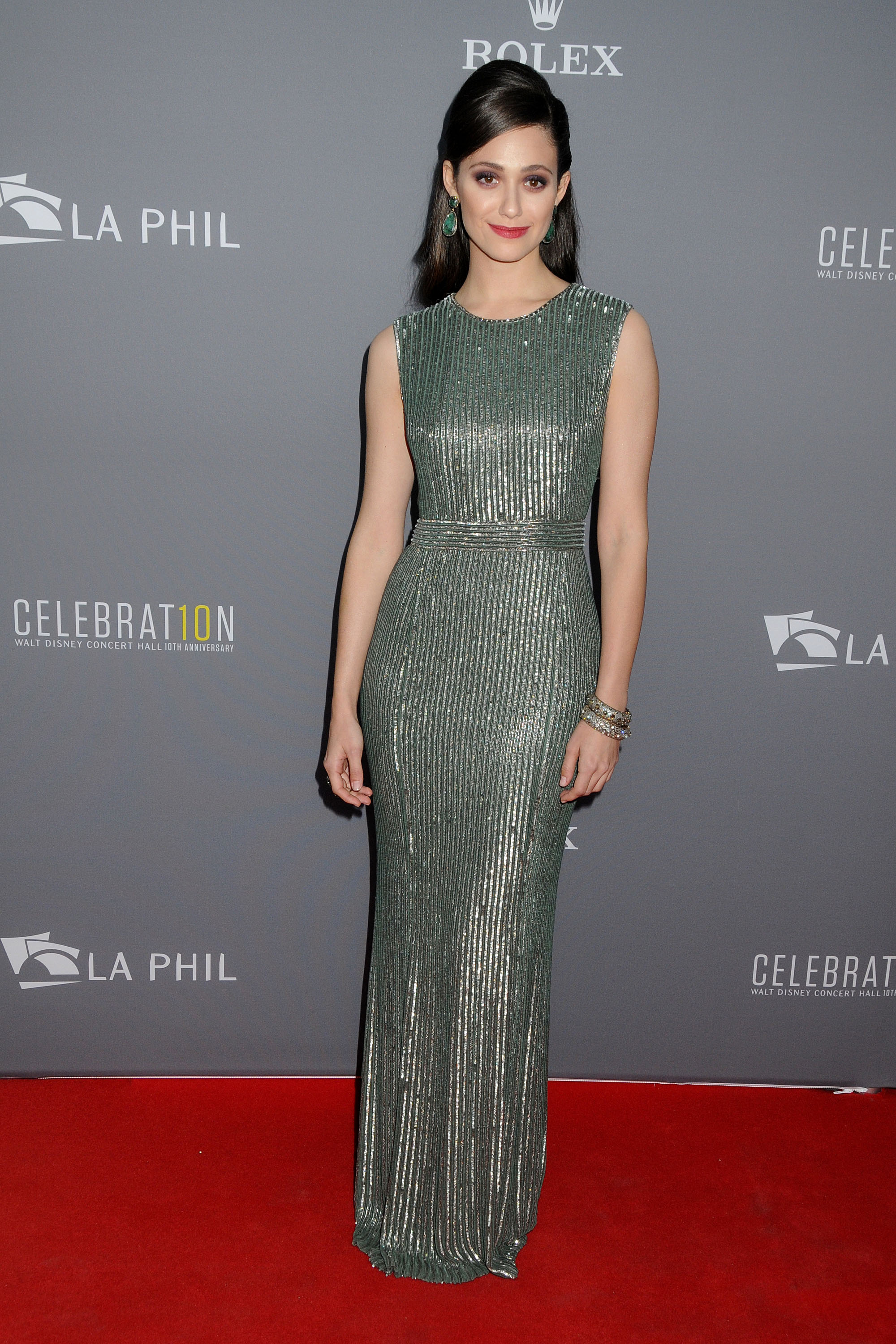
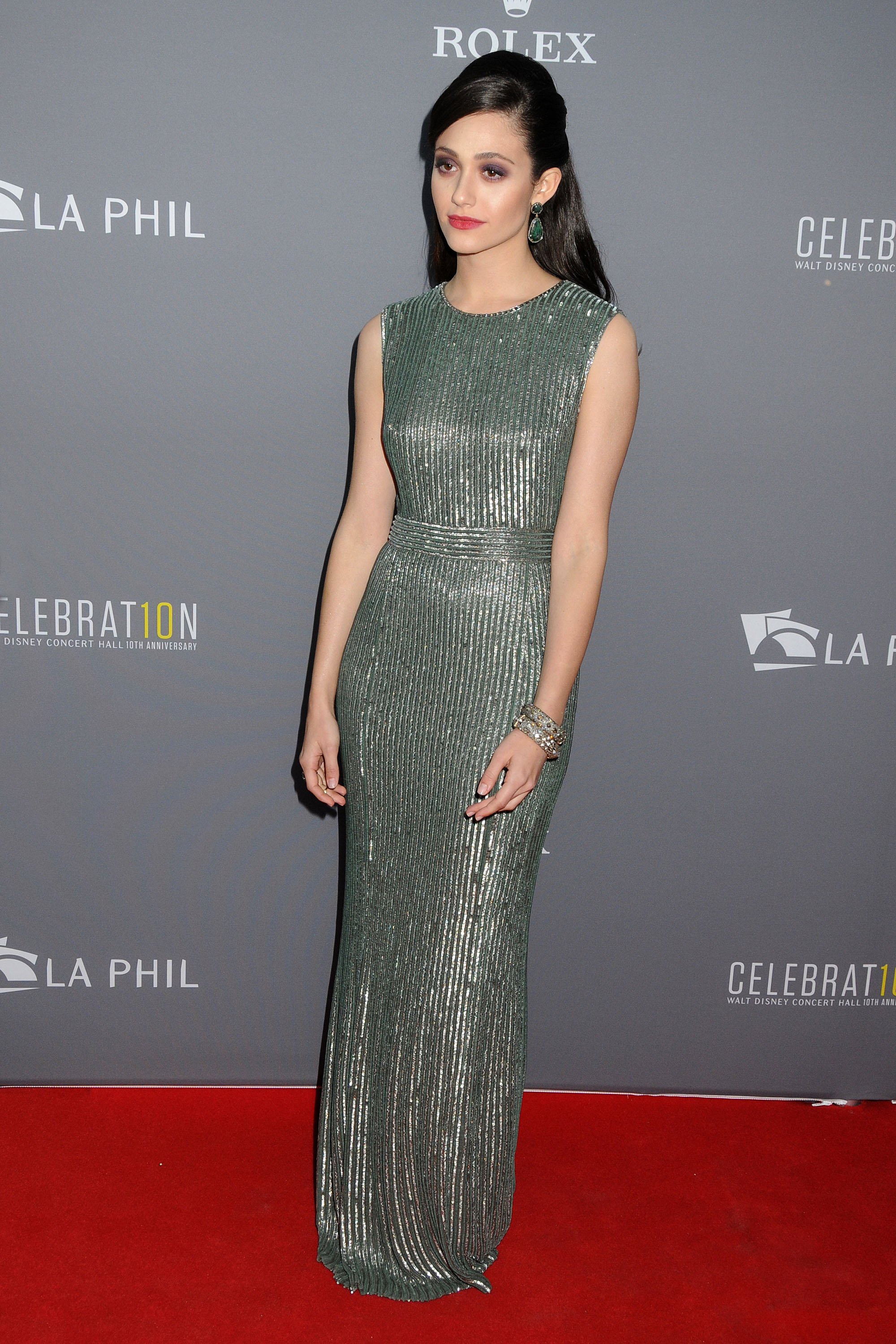
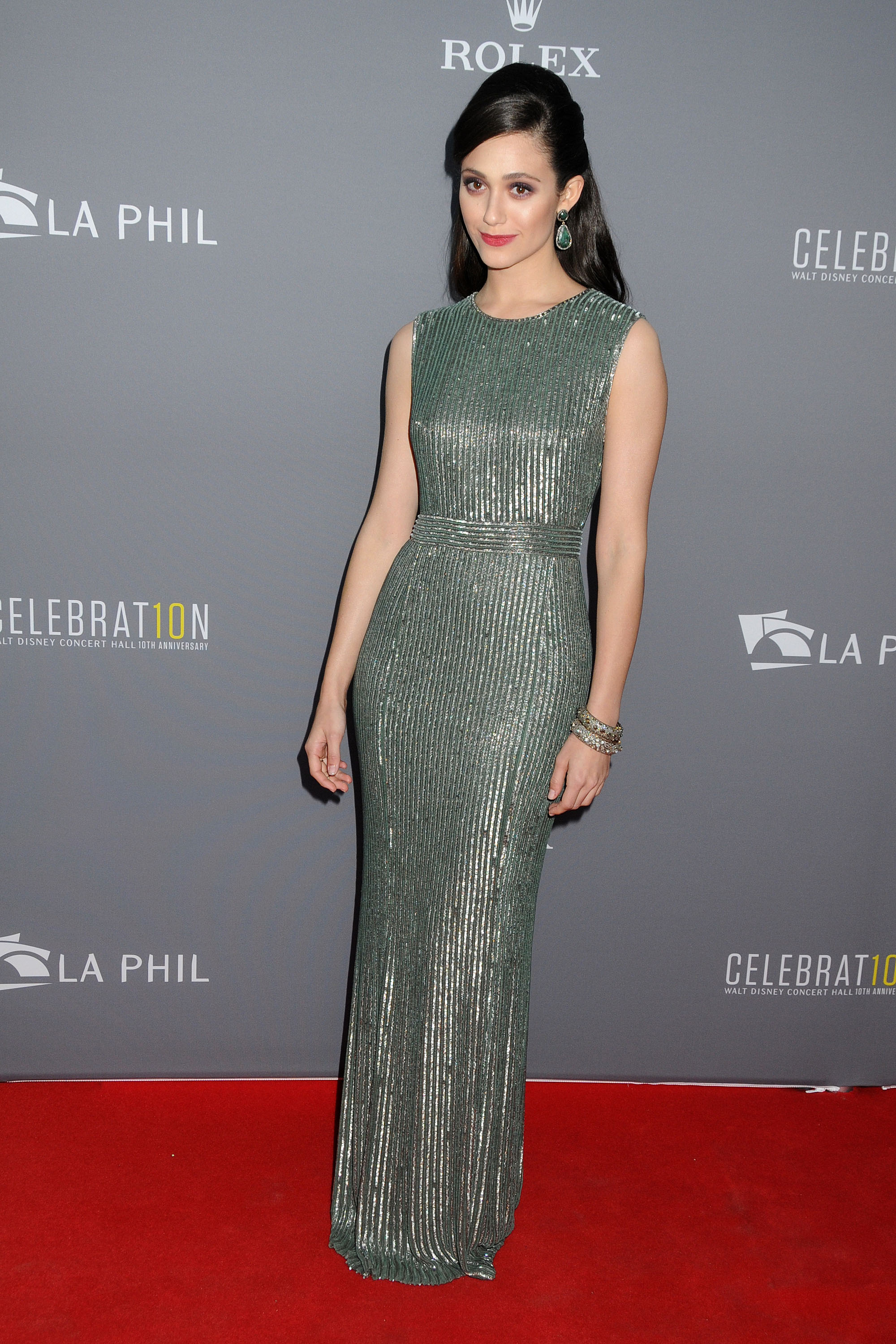
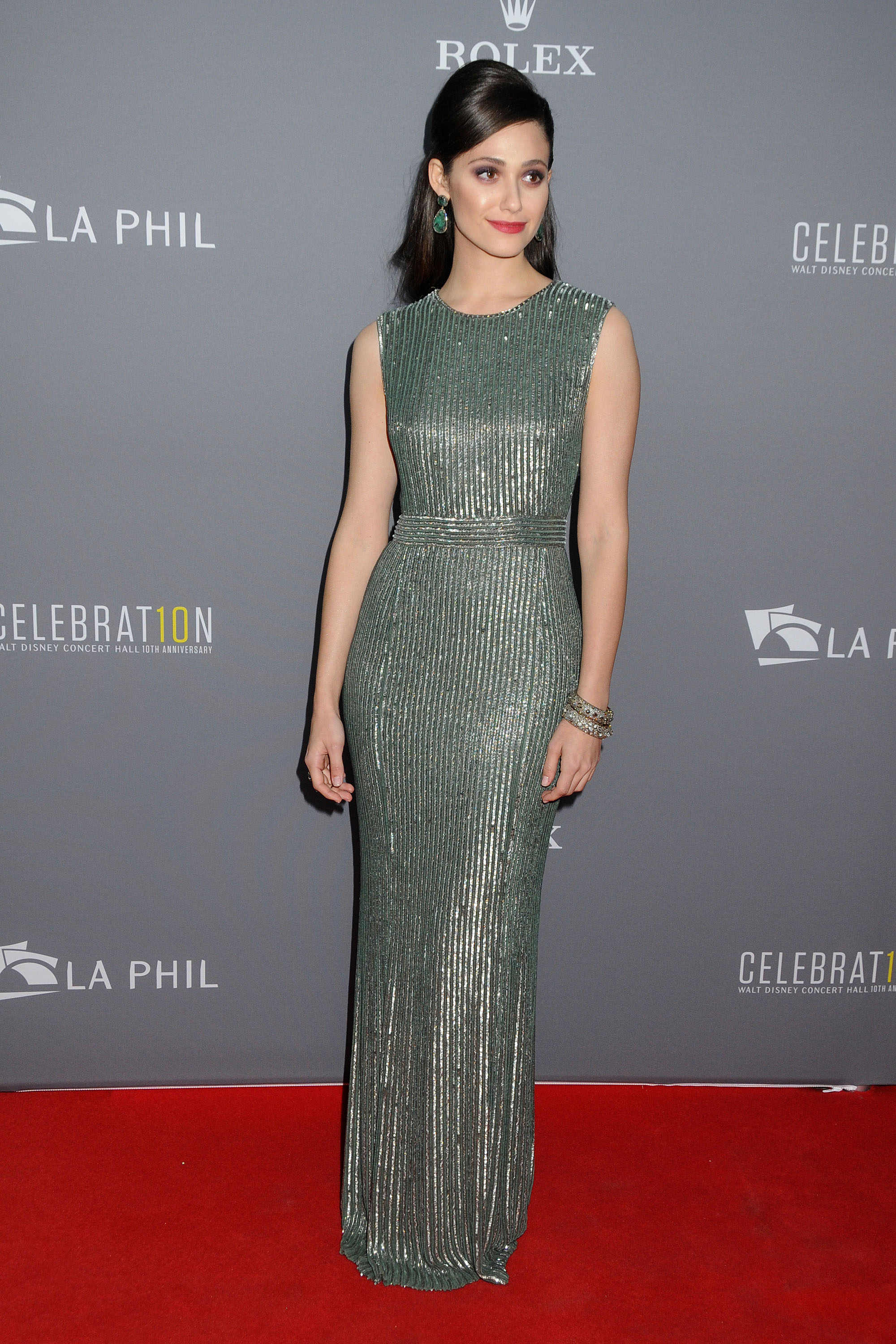
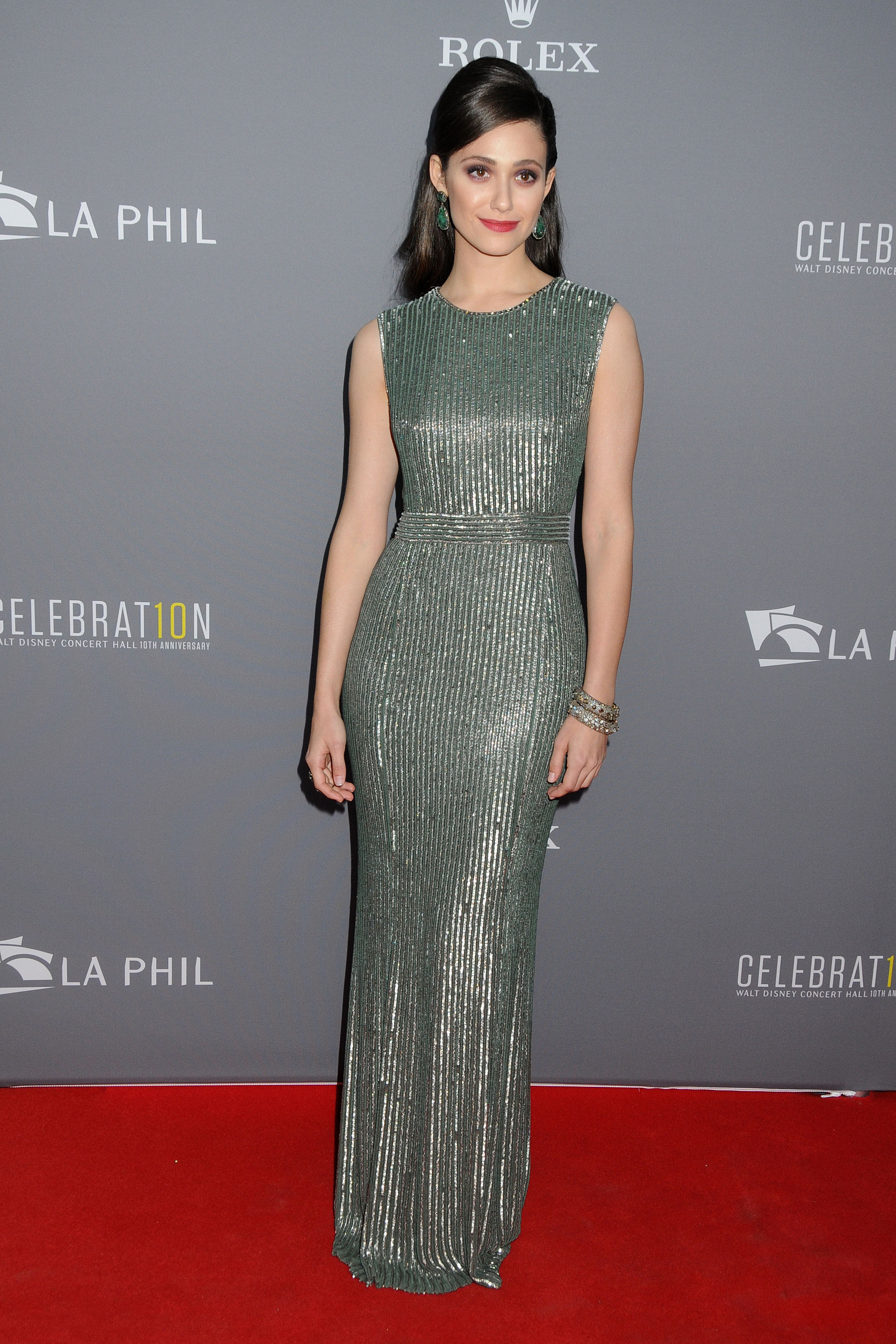
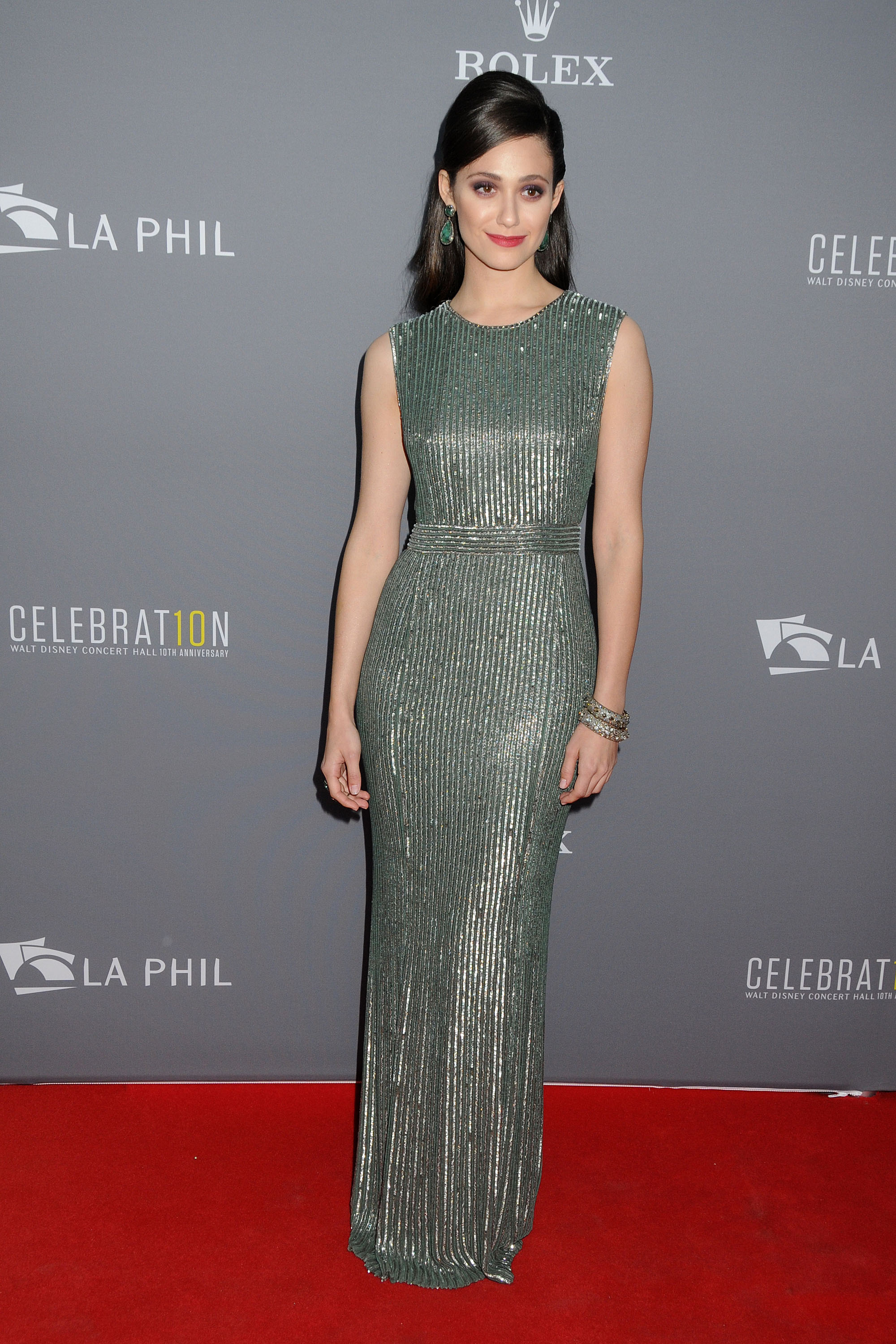
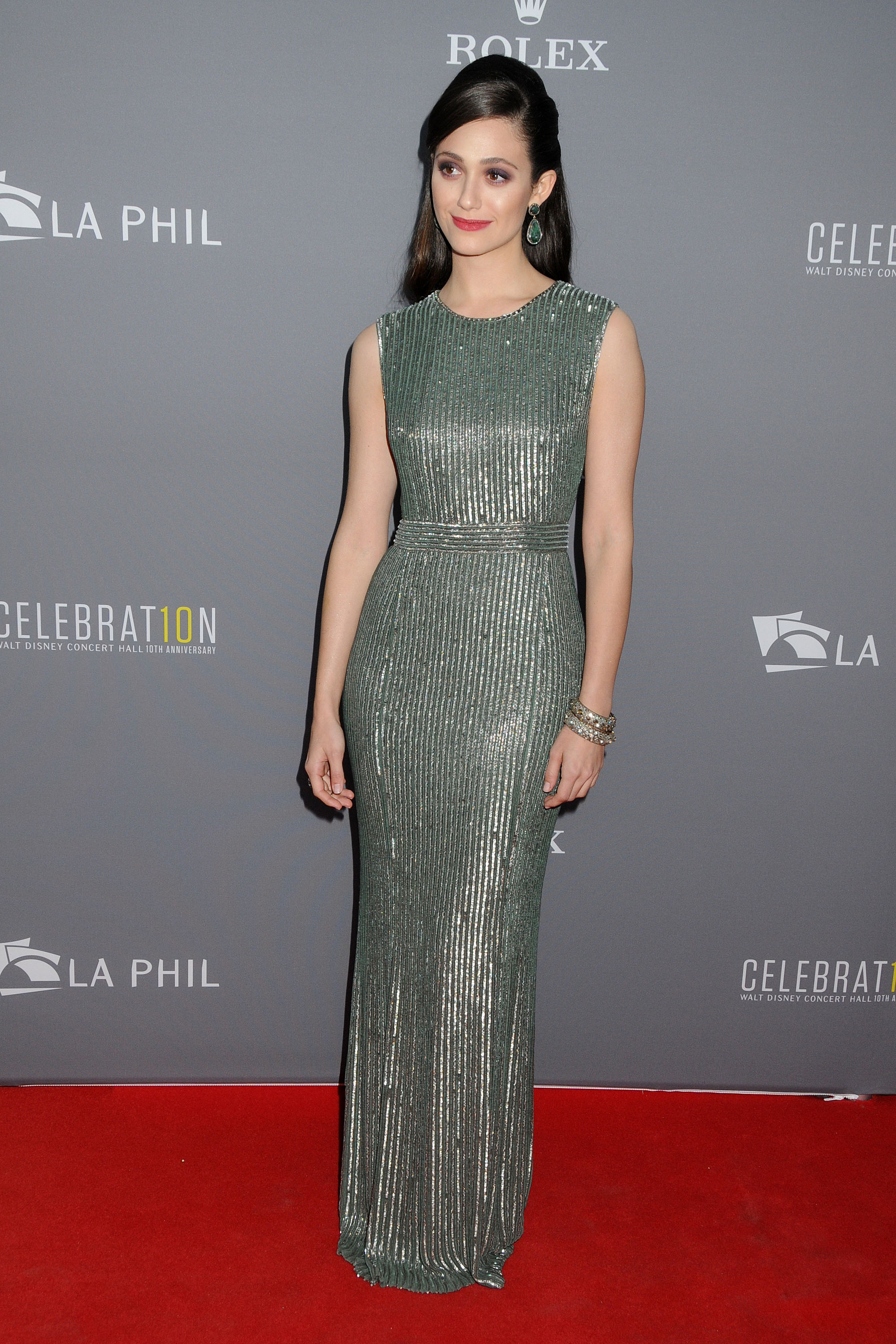
    Variety's 5th Annual Power of Women Event - Beverly Wilshire Four Seasons Hotel in Beverly Hills - 04. October 2013
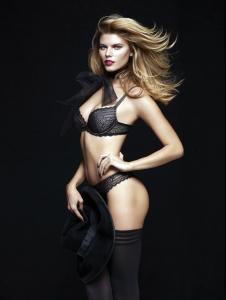
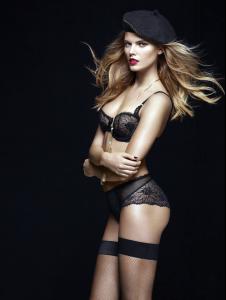
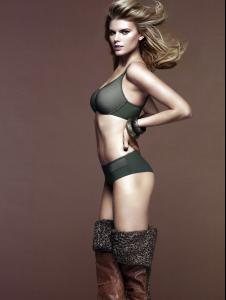
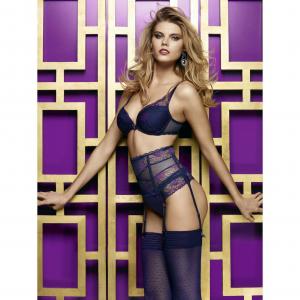
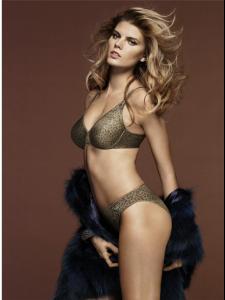
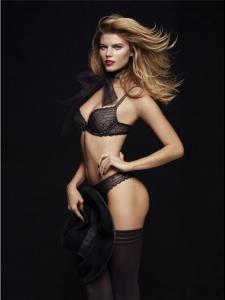
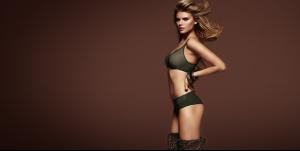
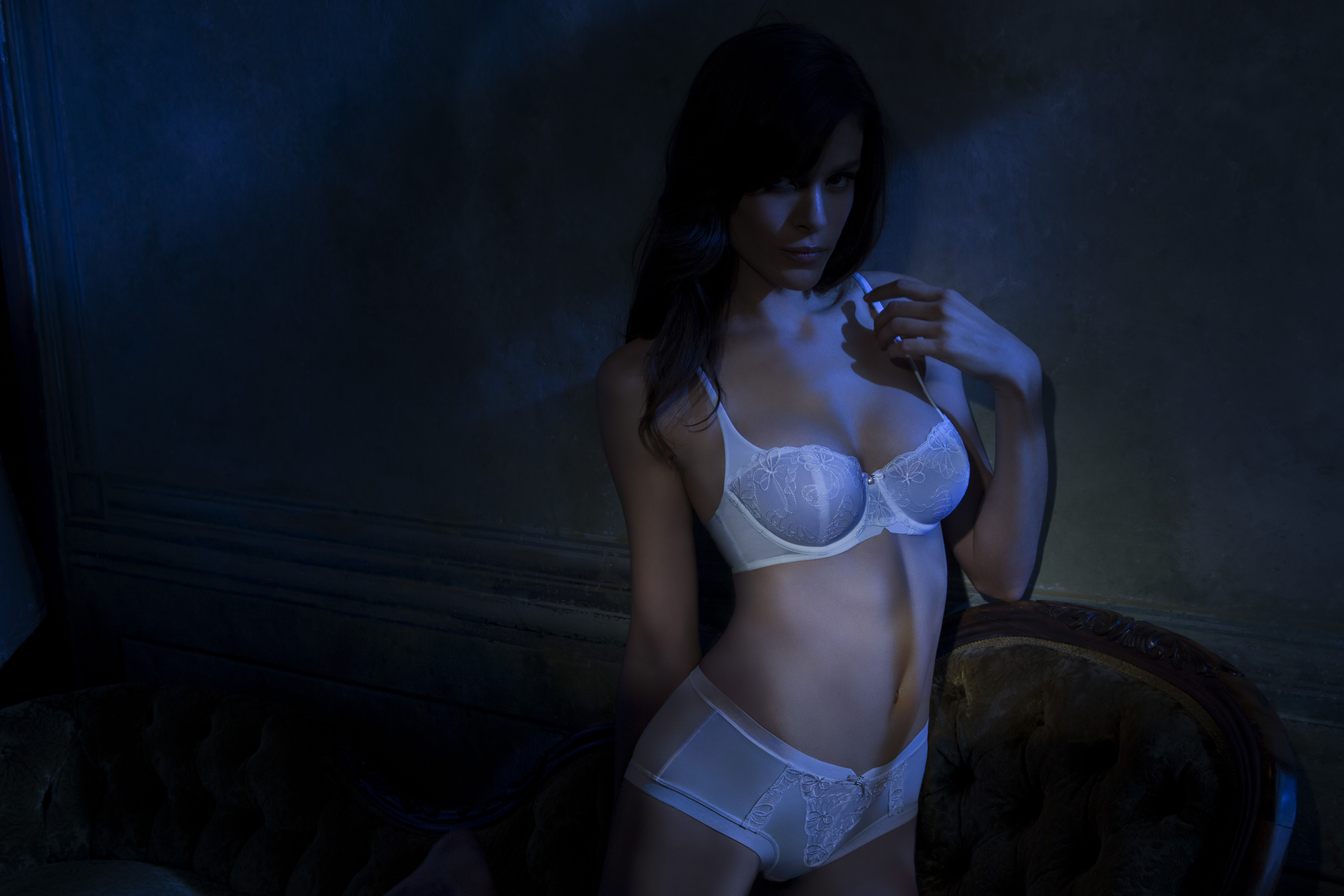
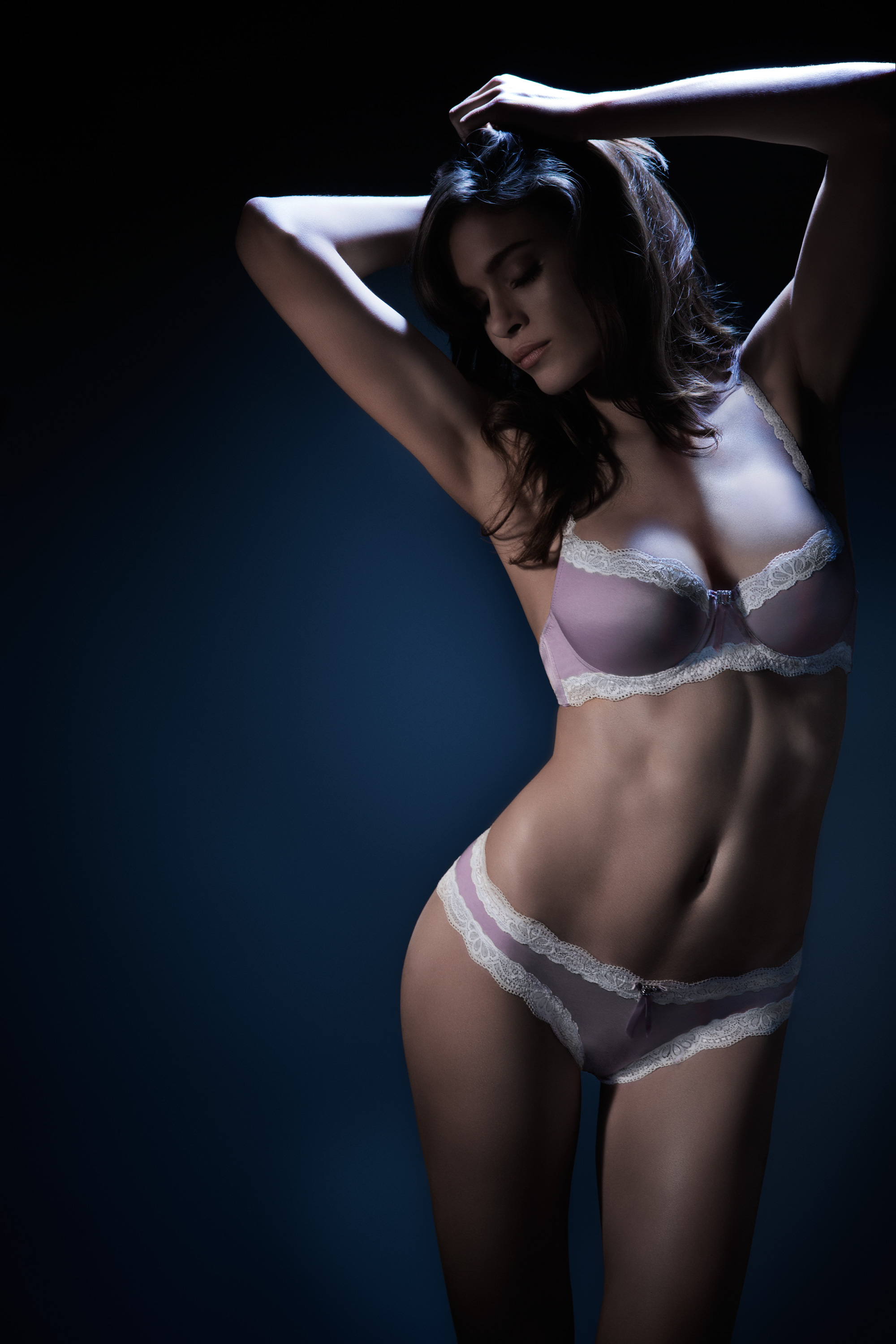
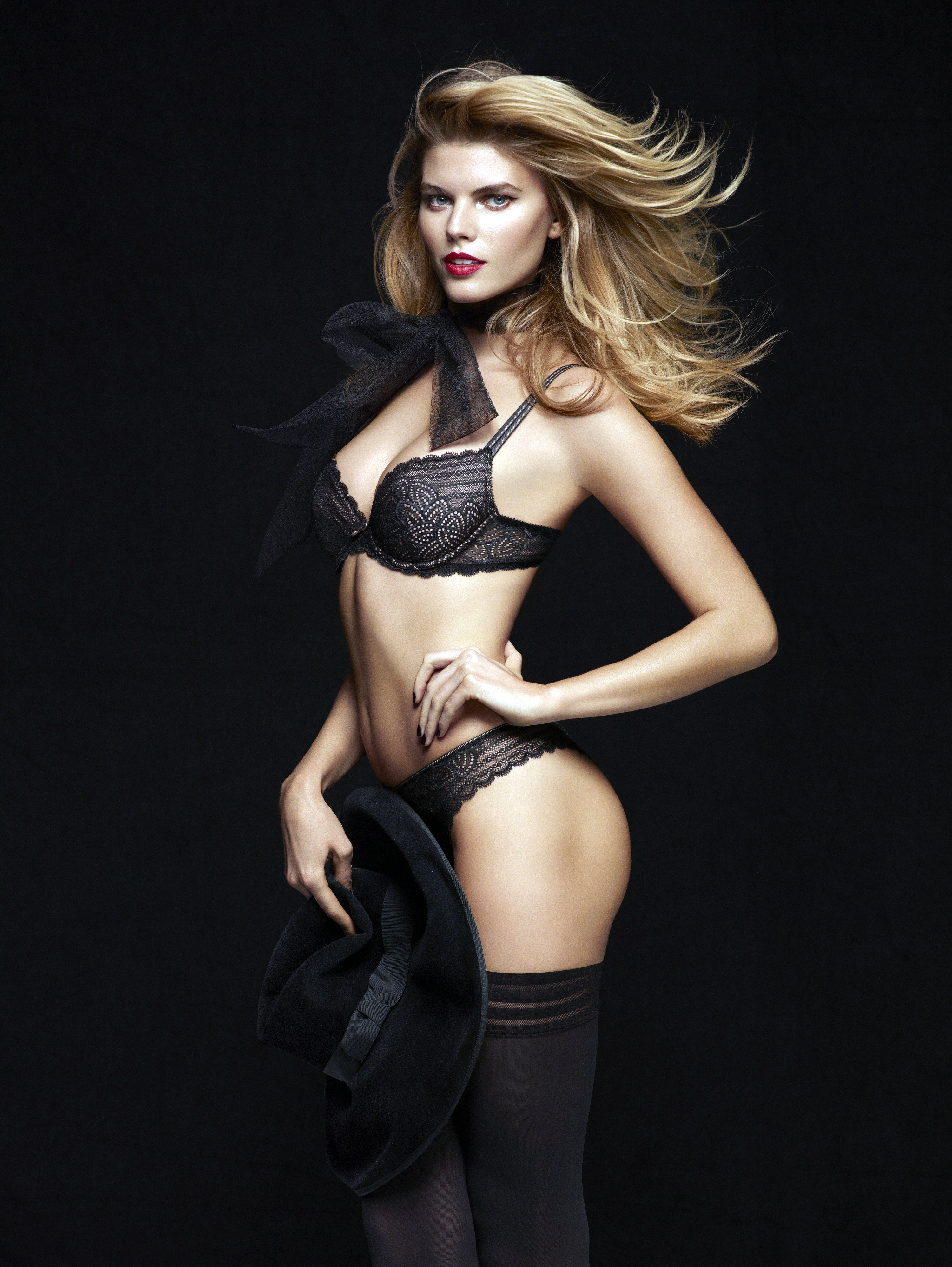
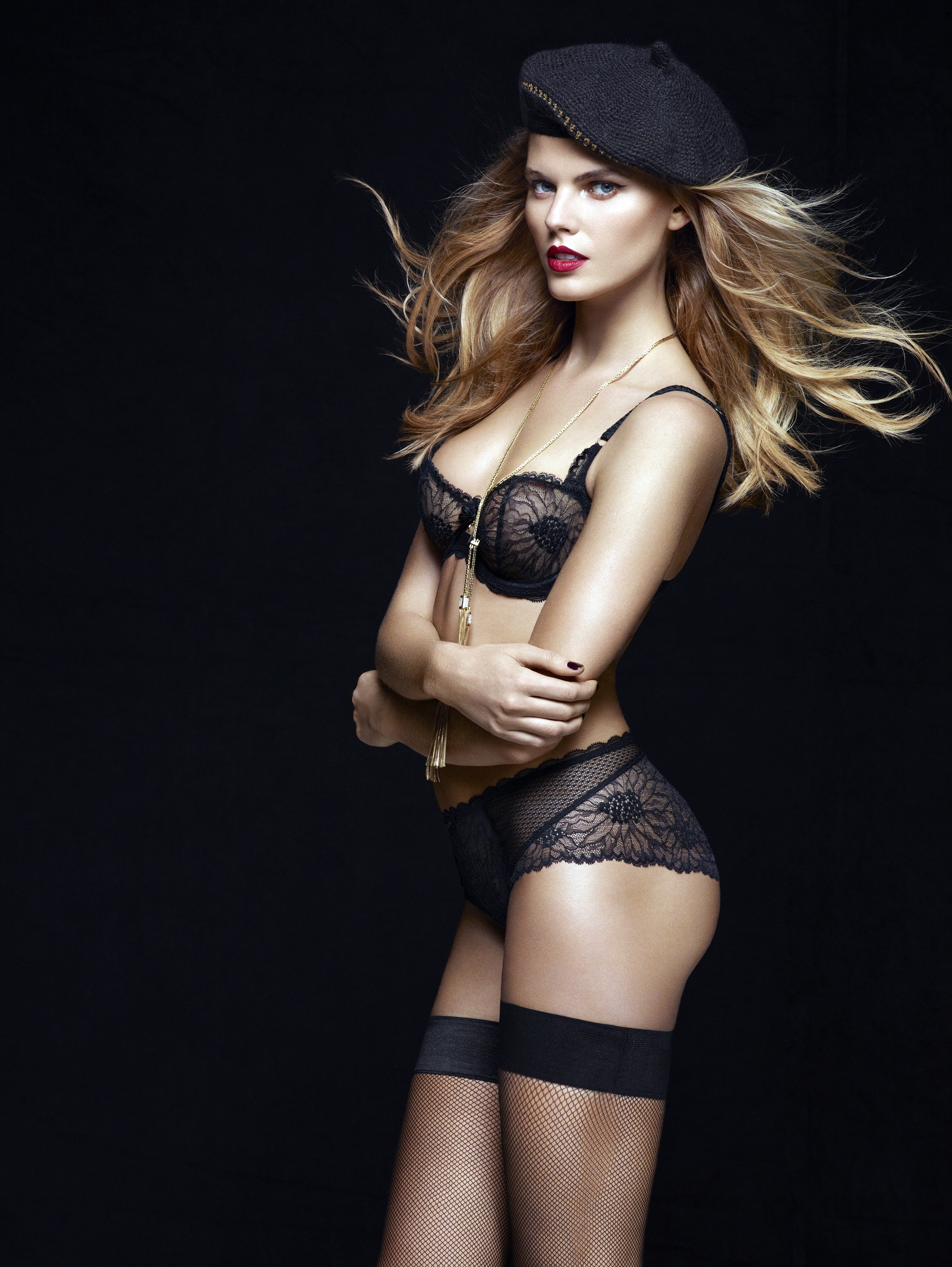
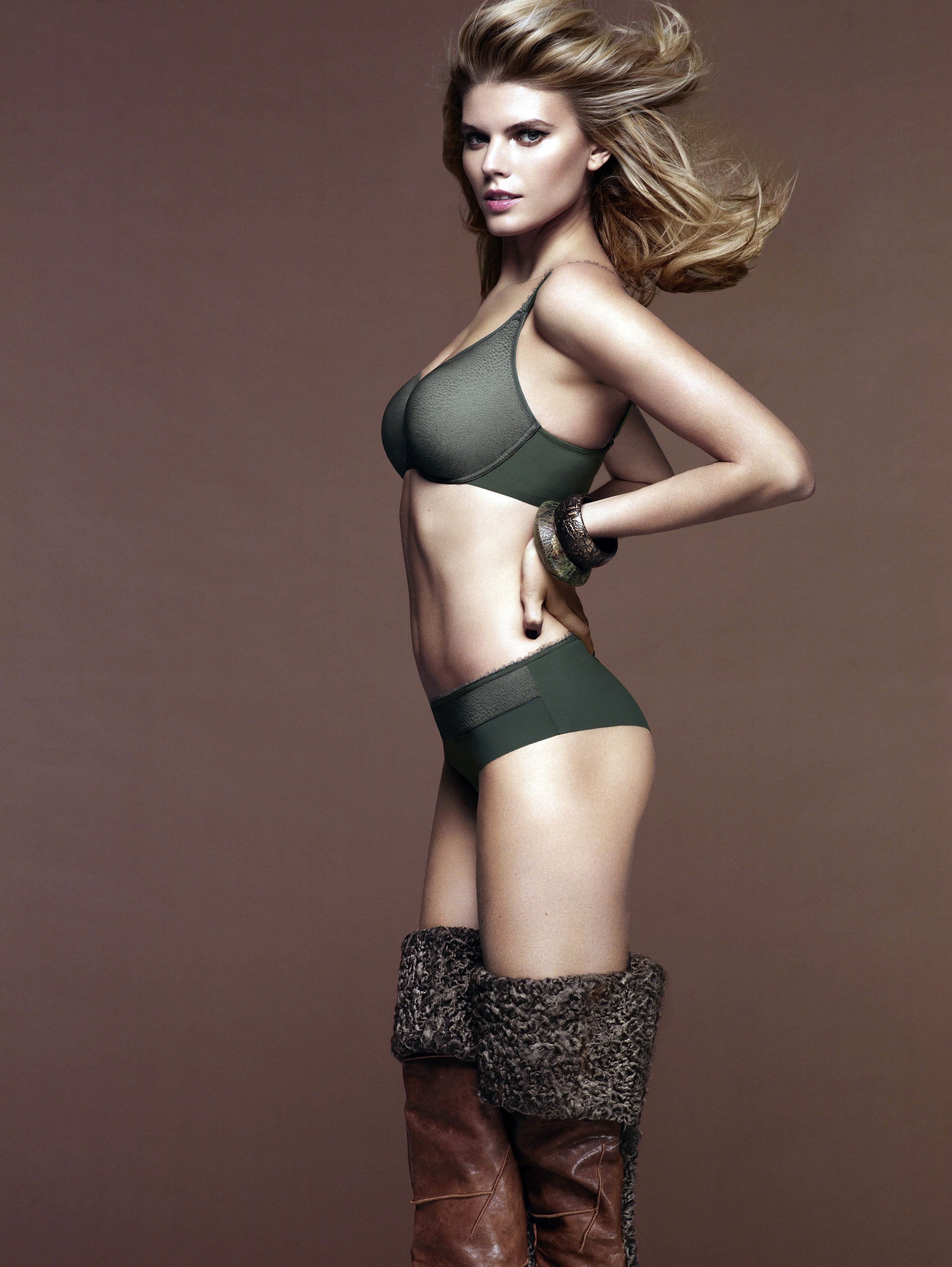
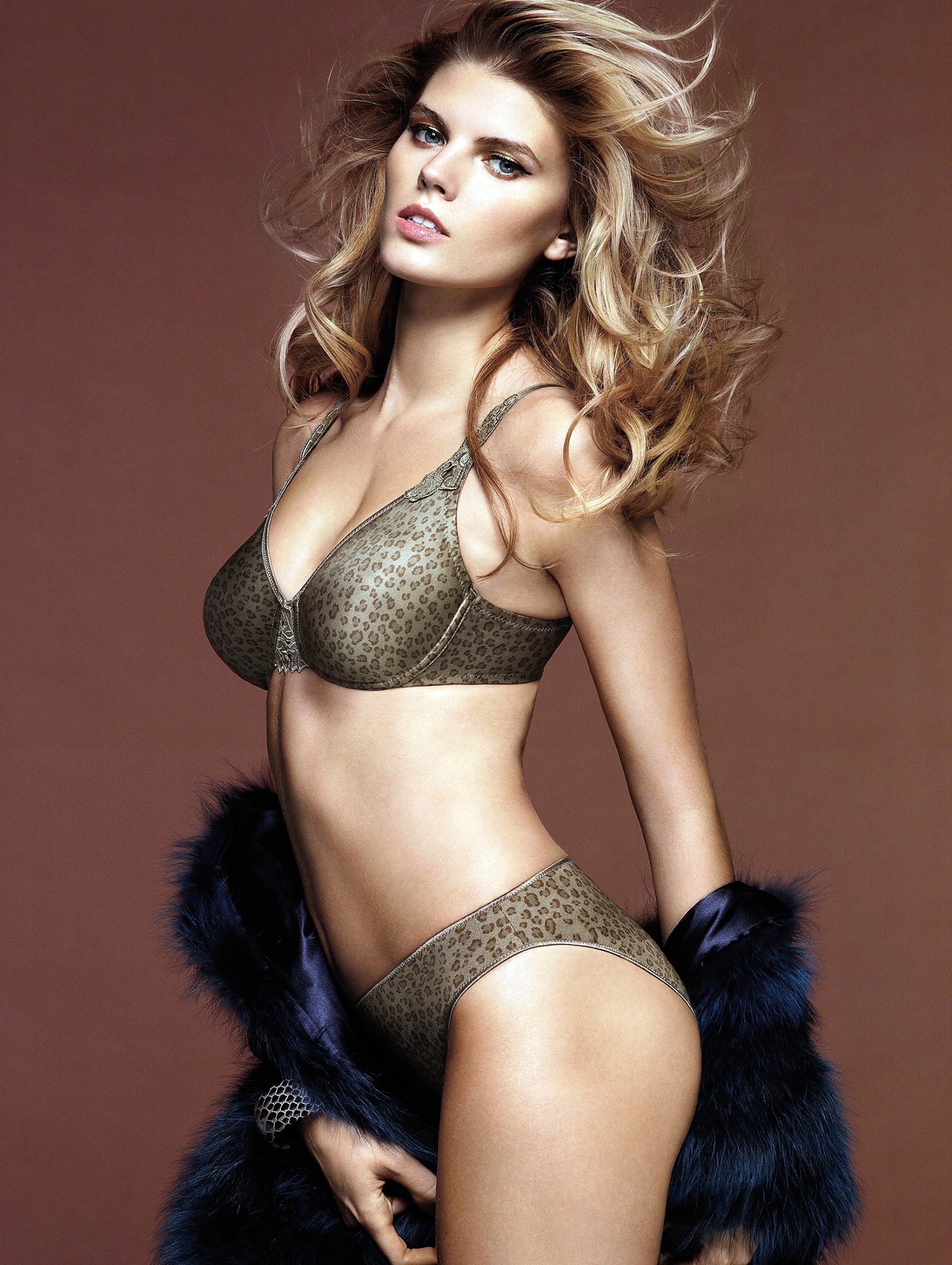
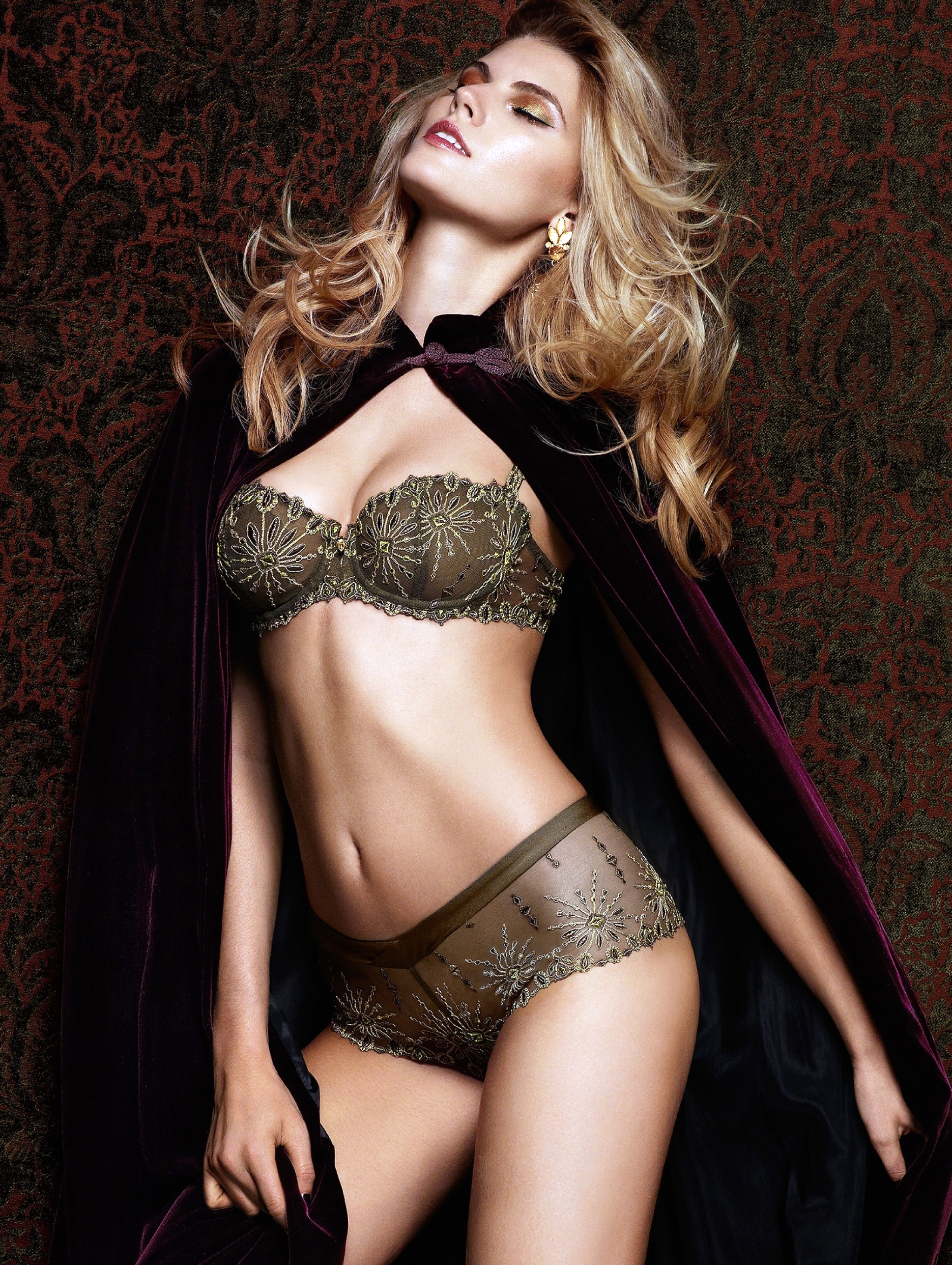
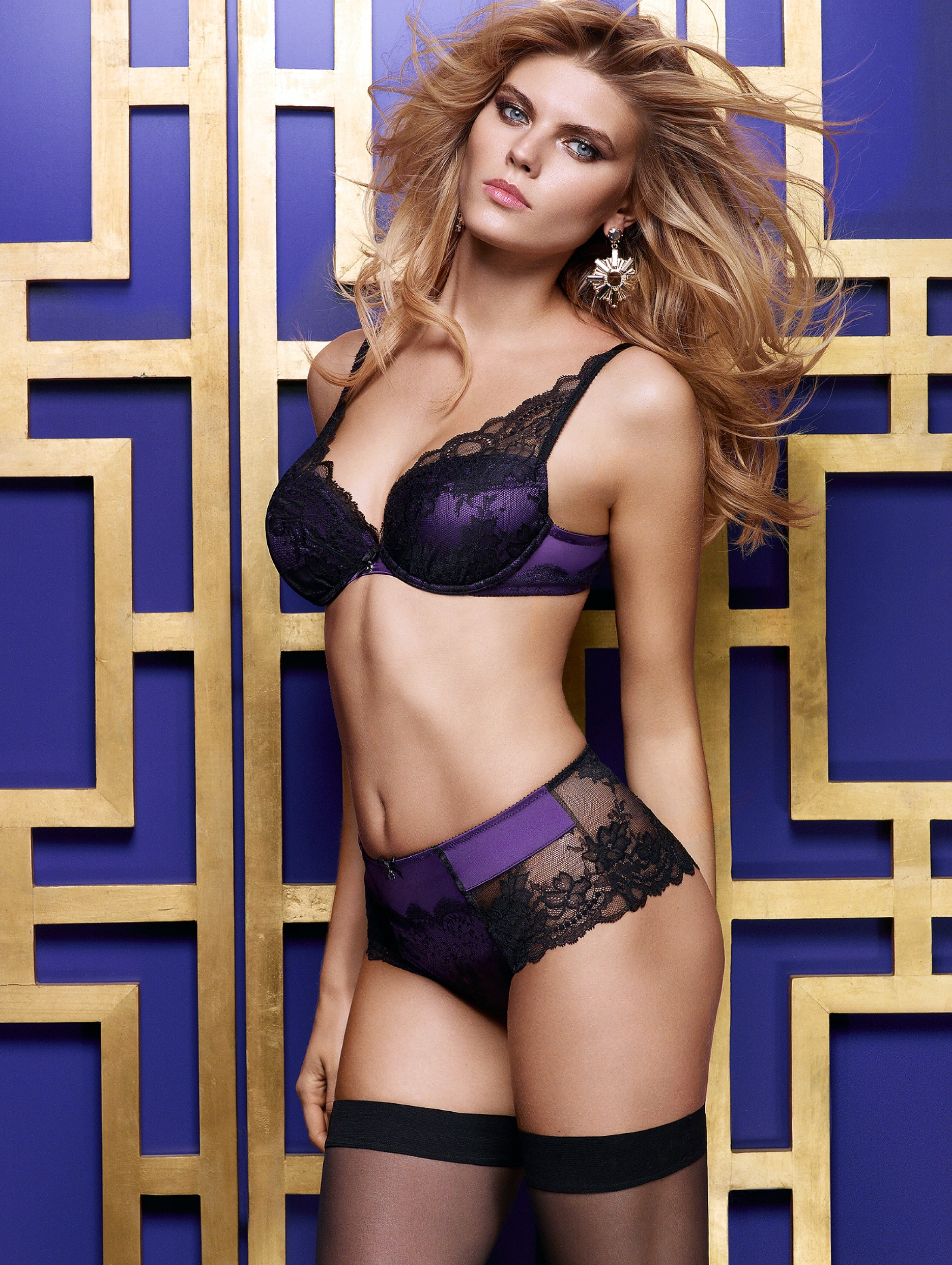
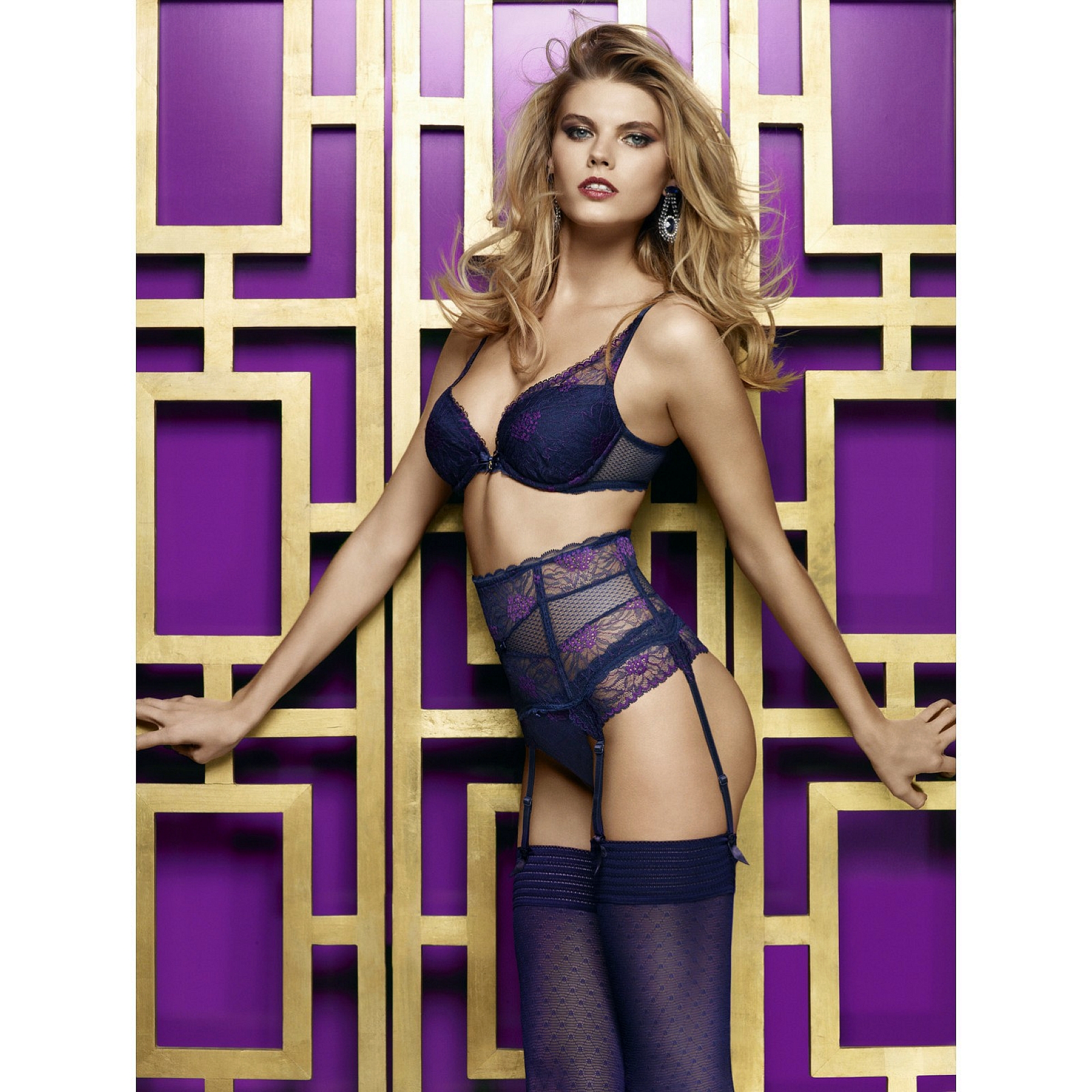
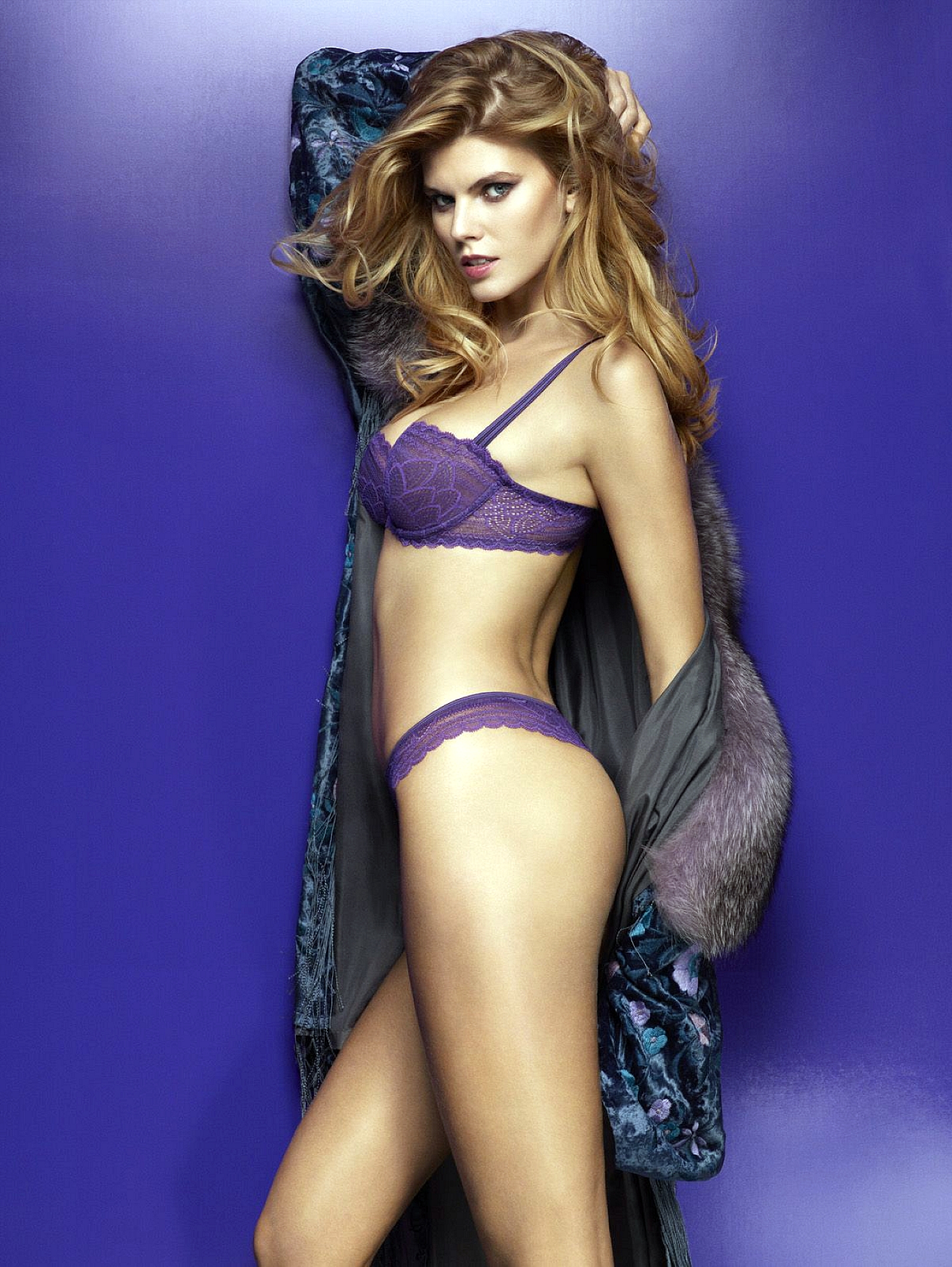
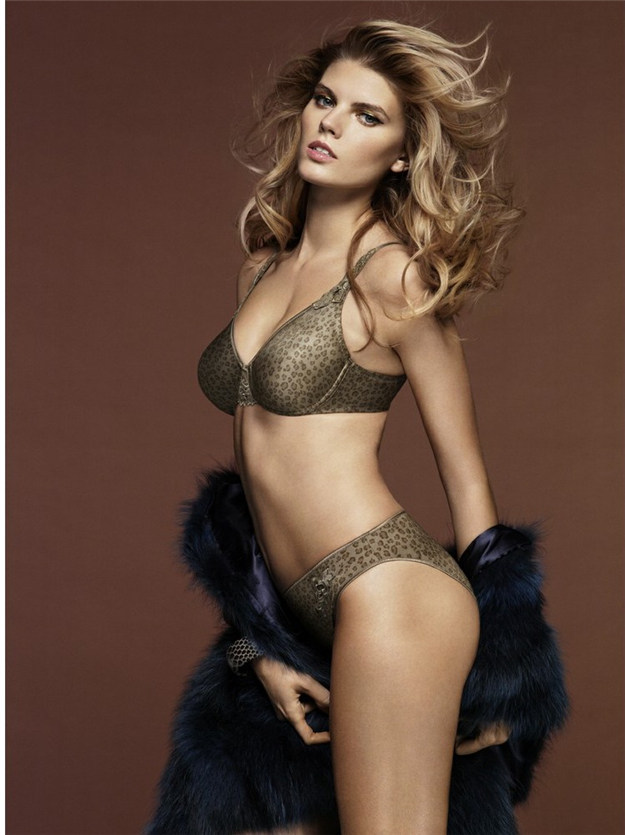
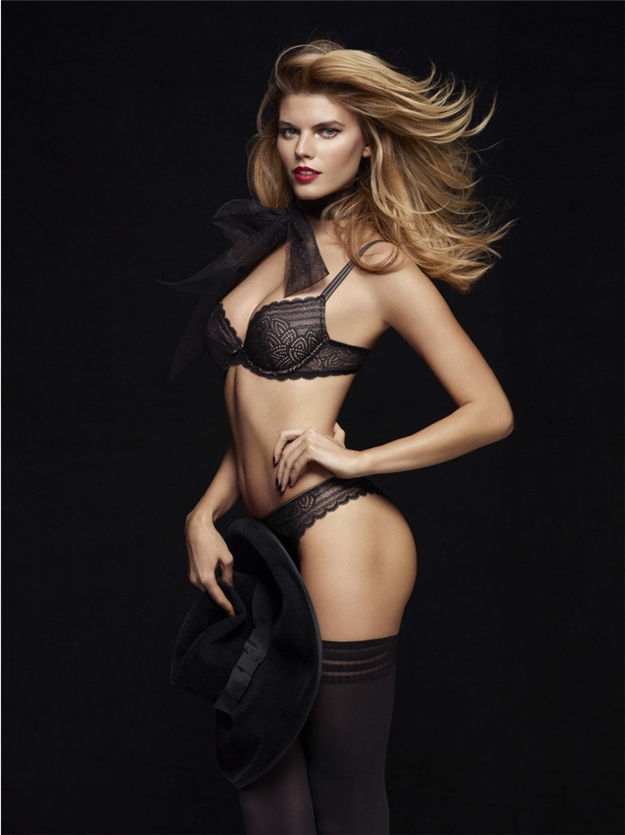
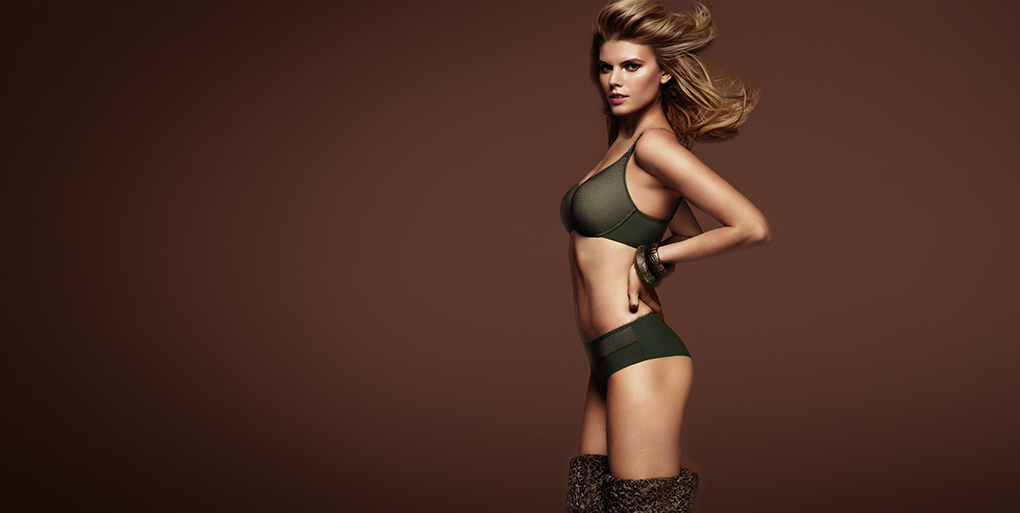
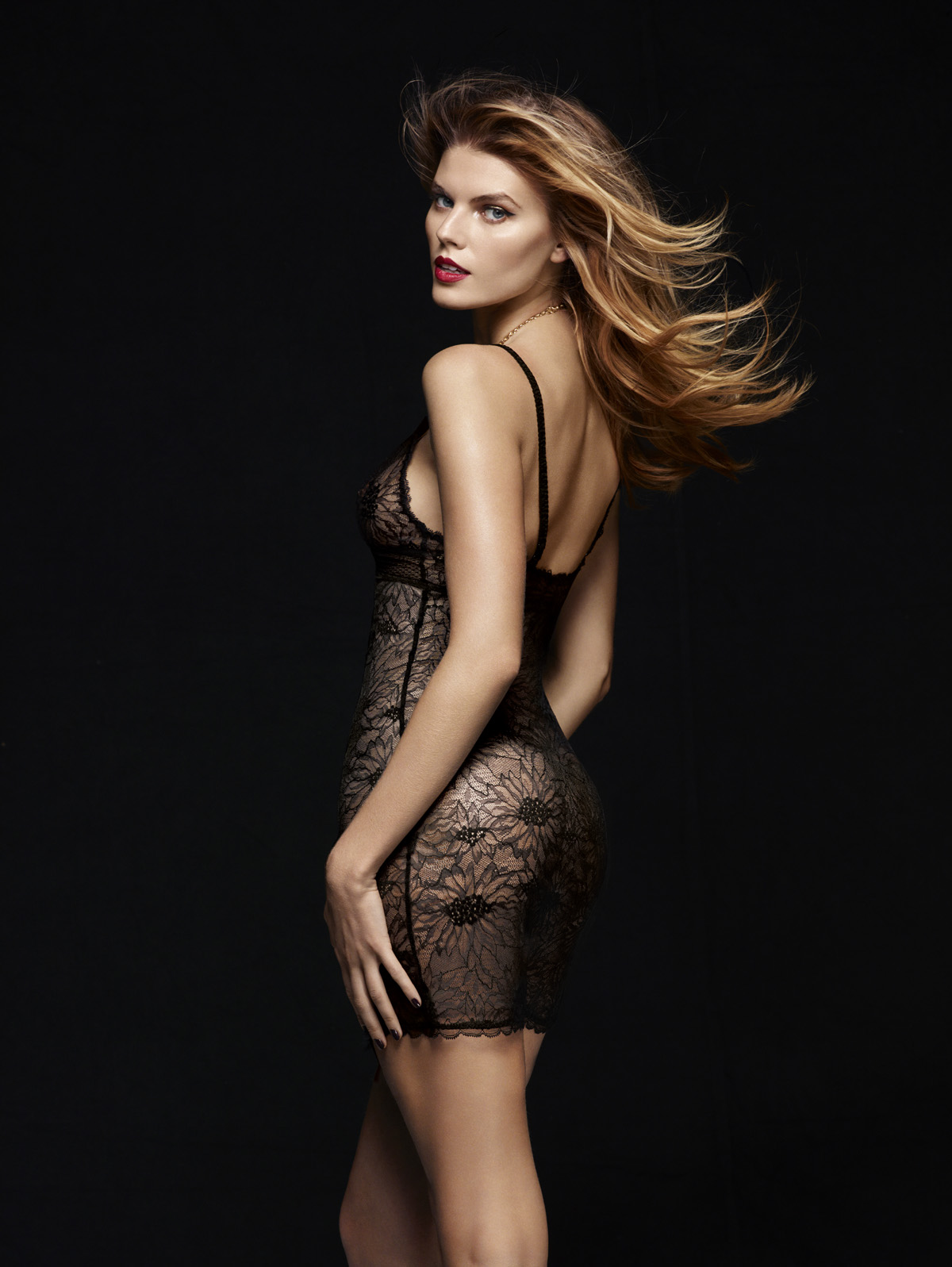
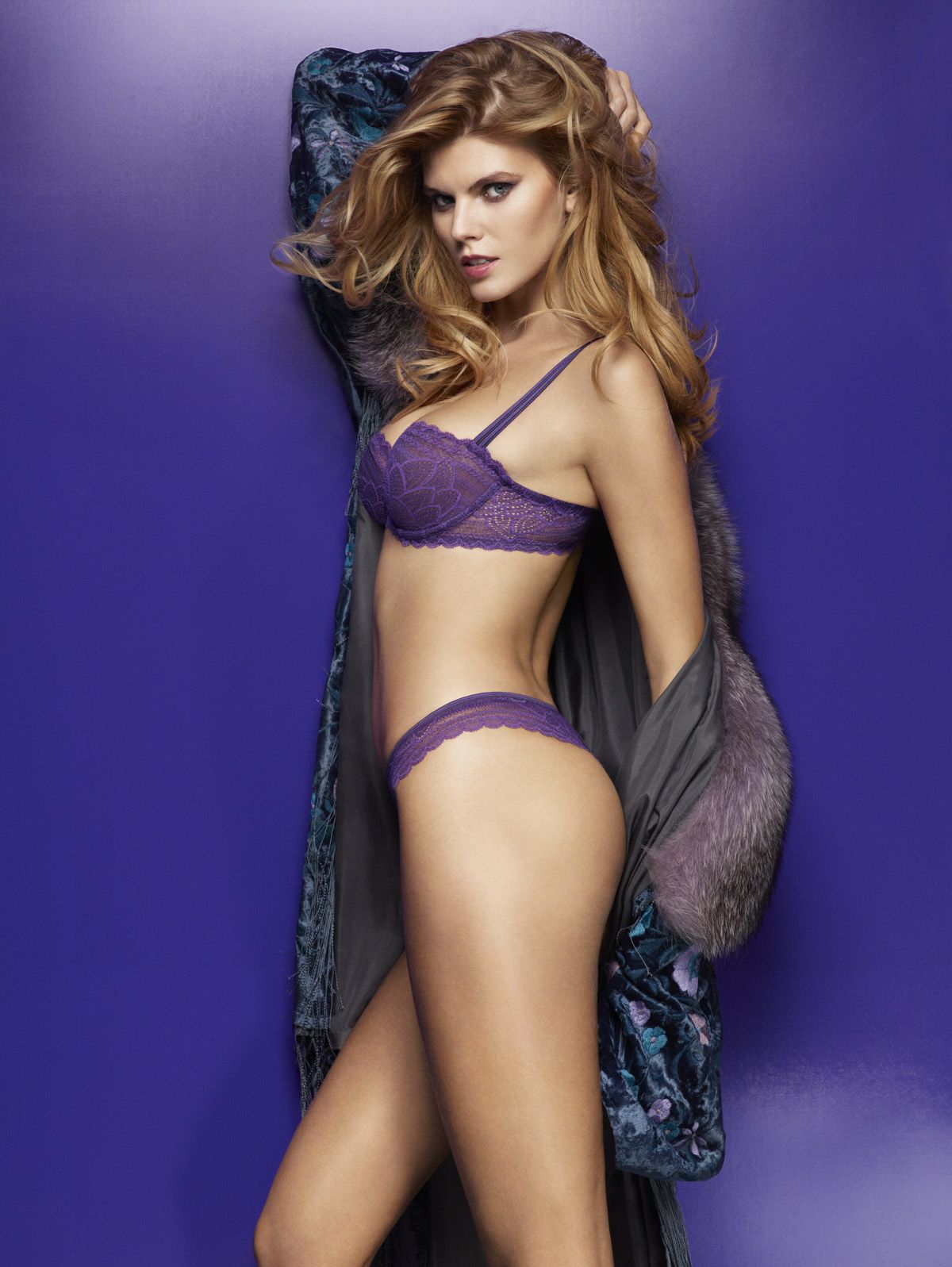
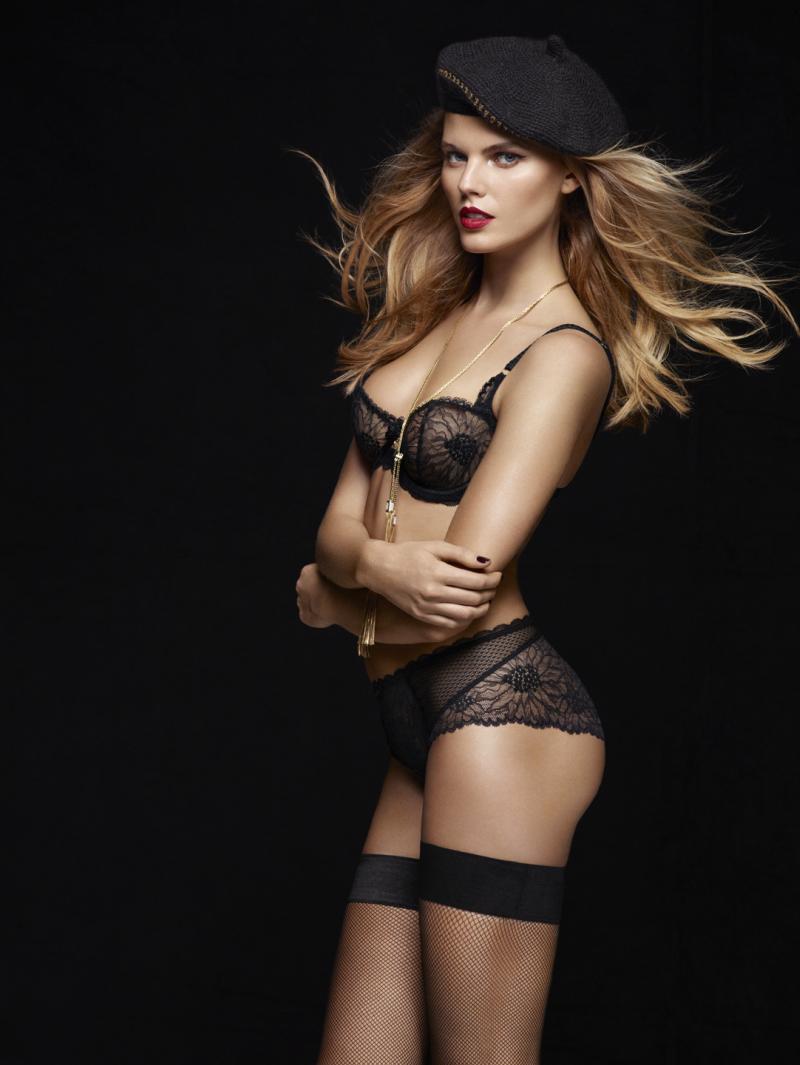
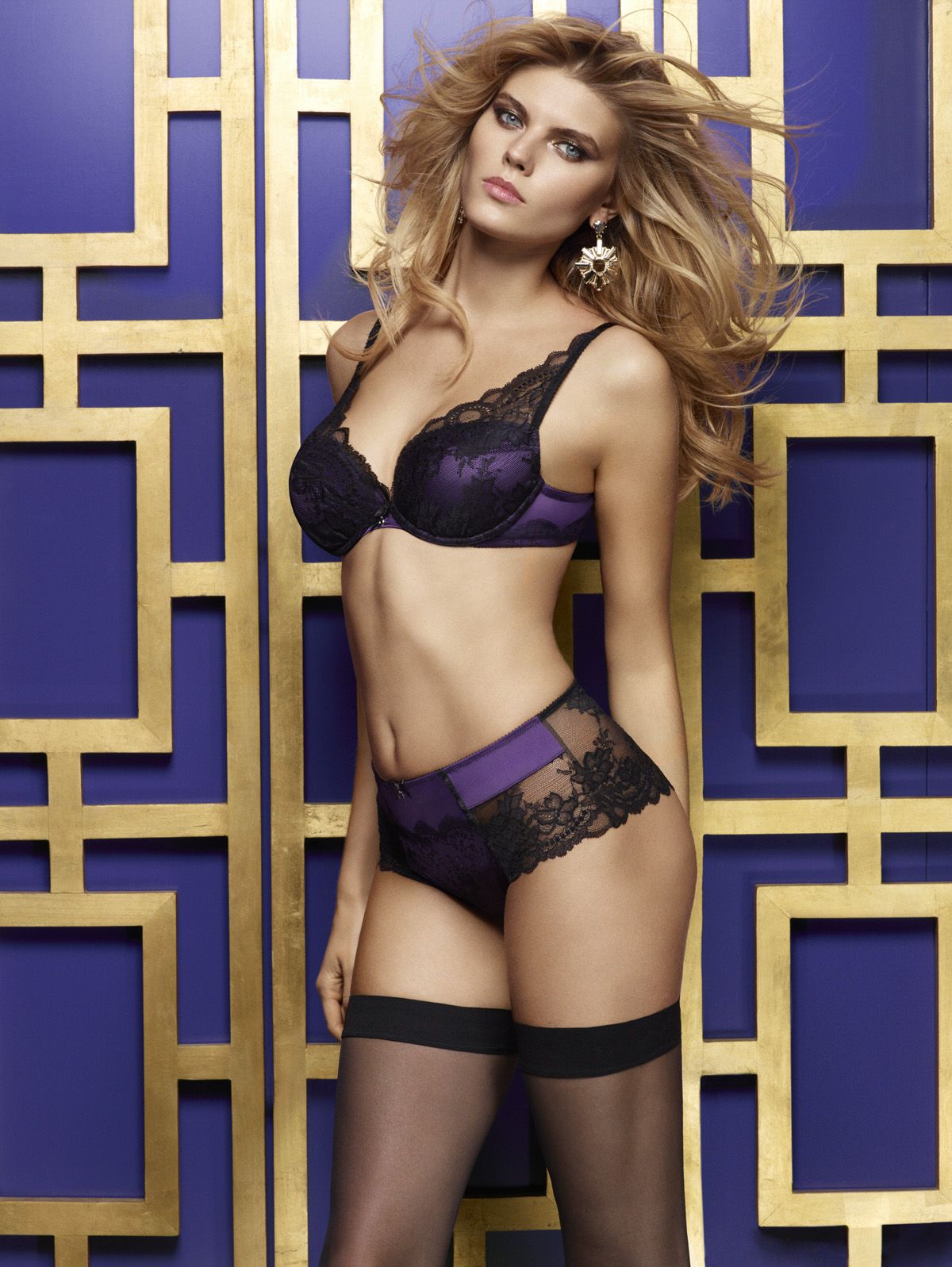
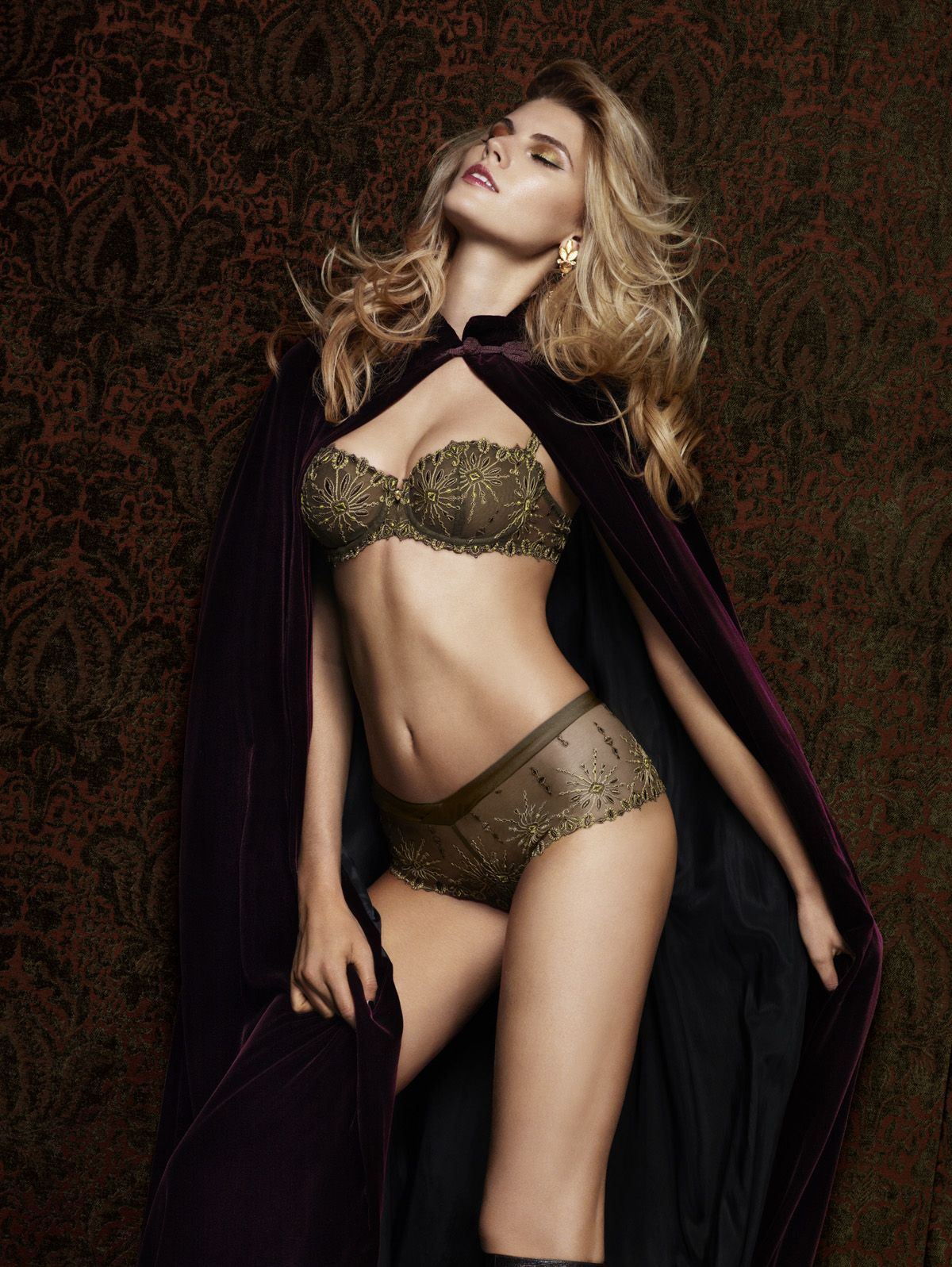
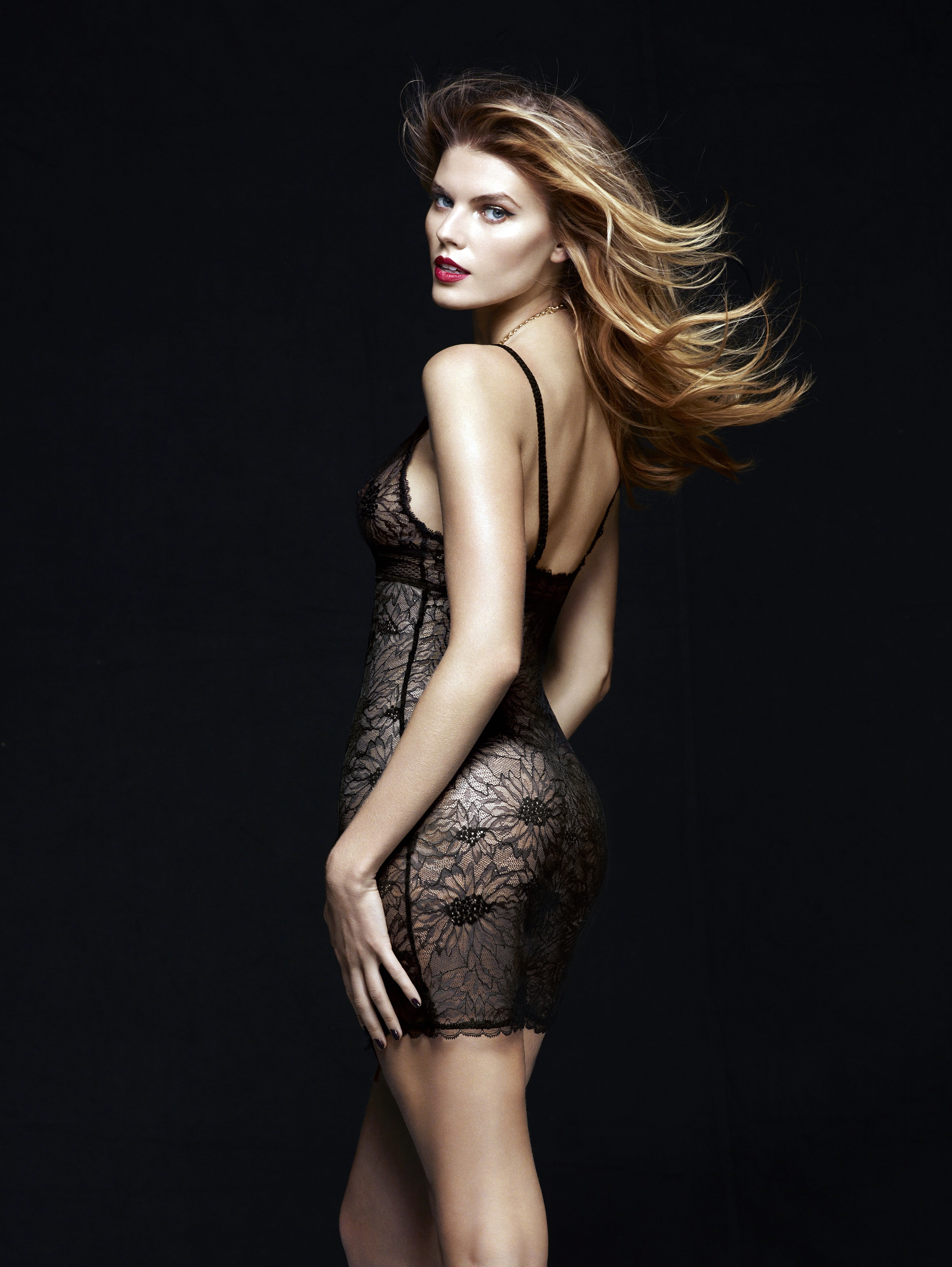
  2. Triumph South Africa - Seductive Collection Campaign 2013 / HQs

  3. HQ from TALCO-facebook
  4. Matute replied to a post in a topic in Female Fashion Models
    more .... HQs
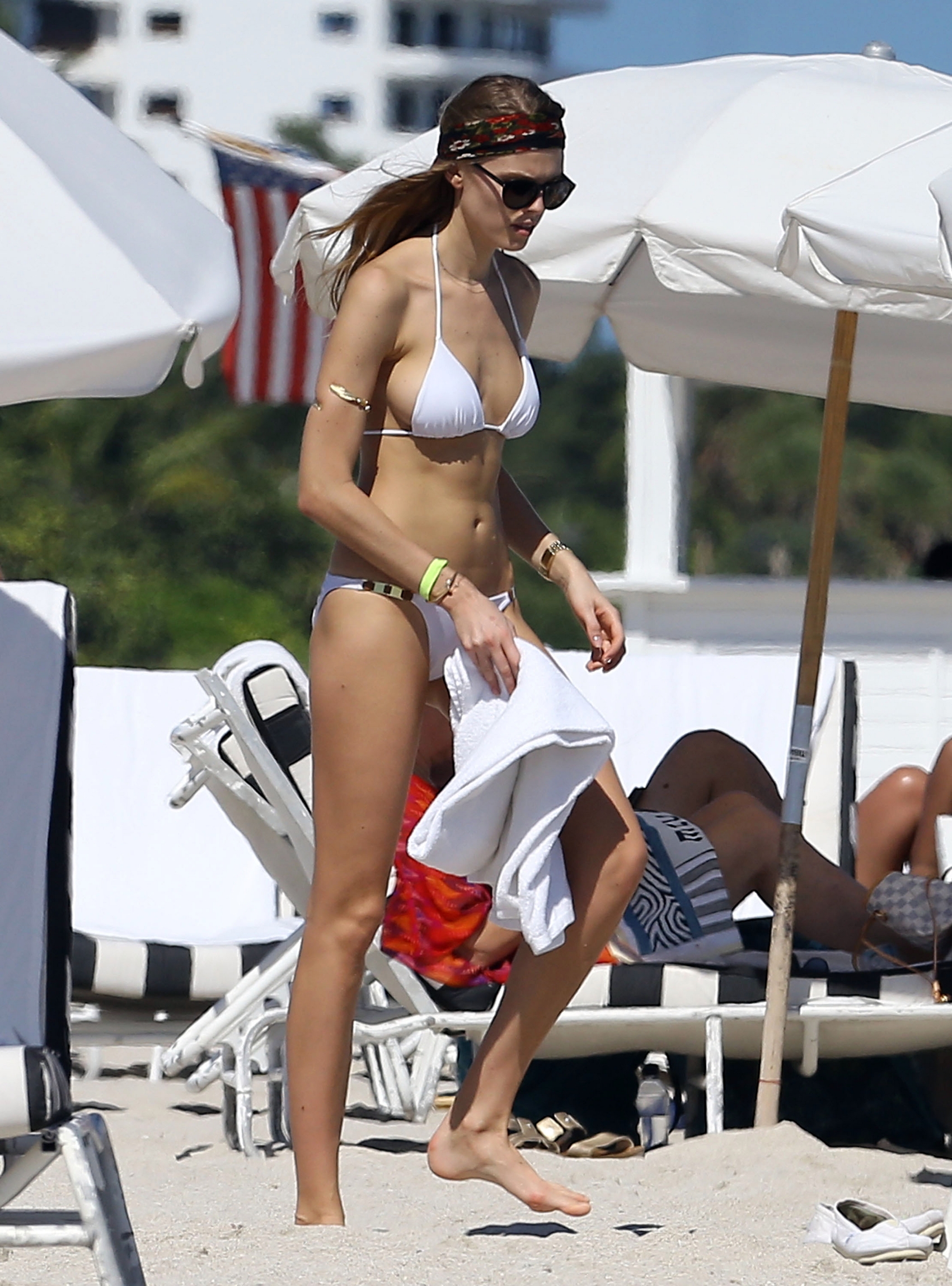
  5. Beach Bunny - Signature Collection 2014 / HQs
  6. Matute replied to Demure's topic in Actresses
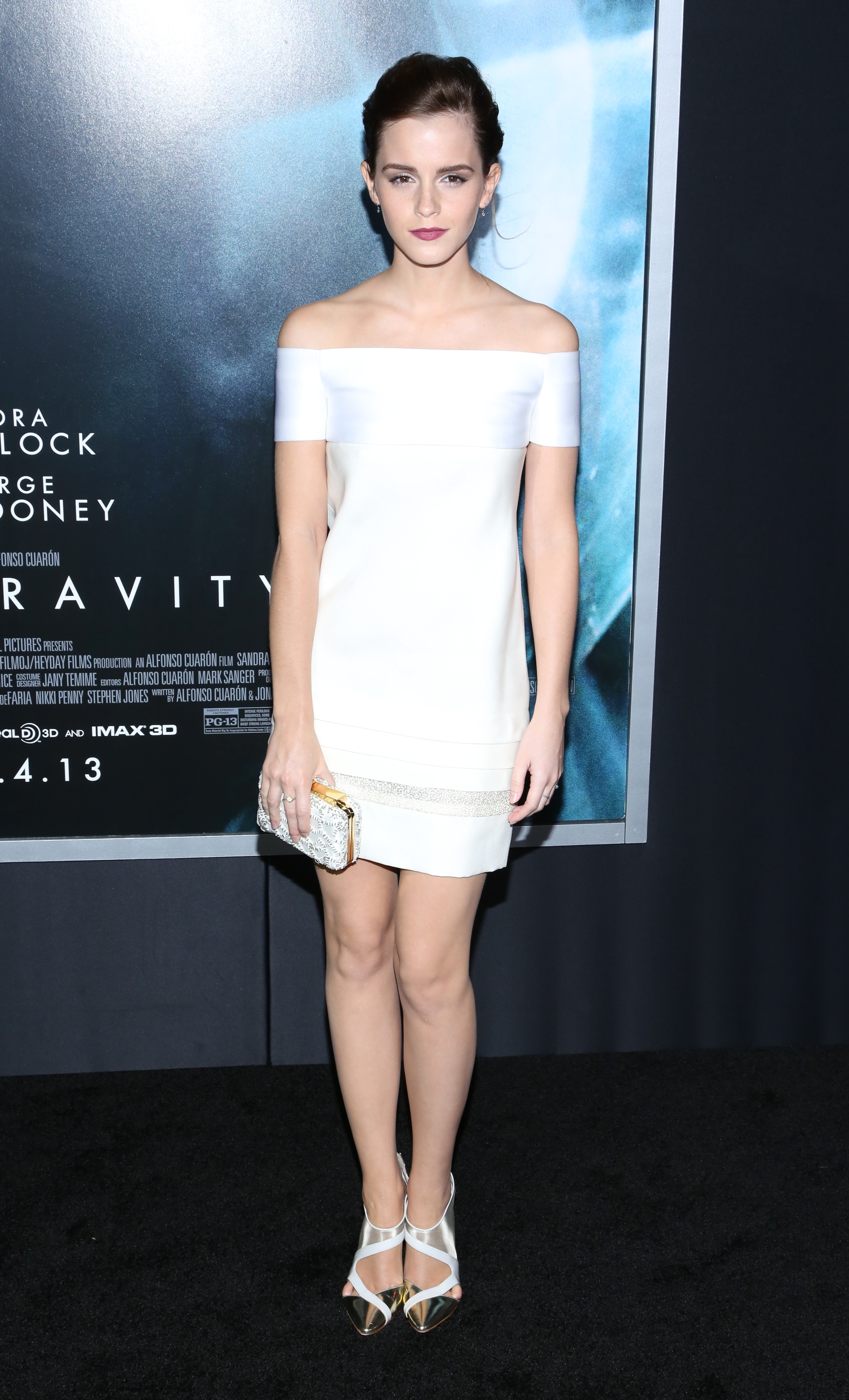
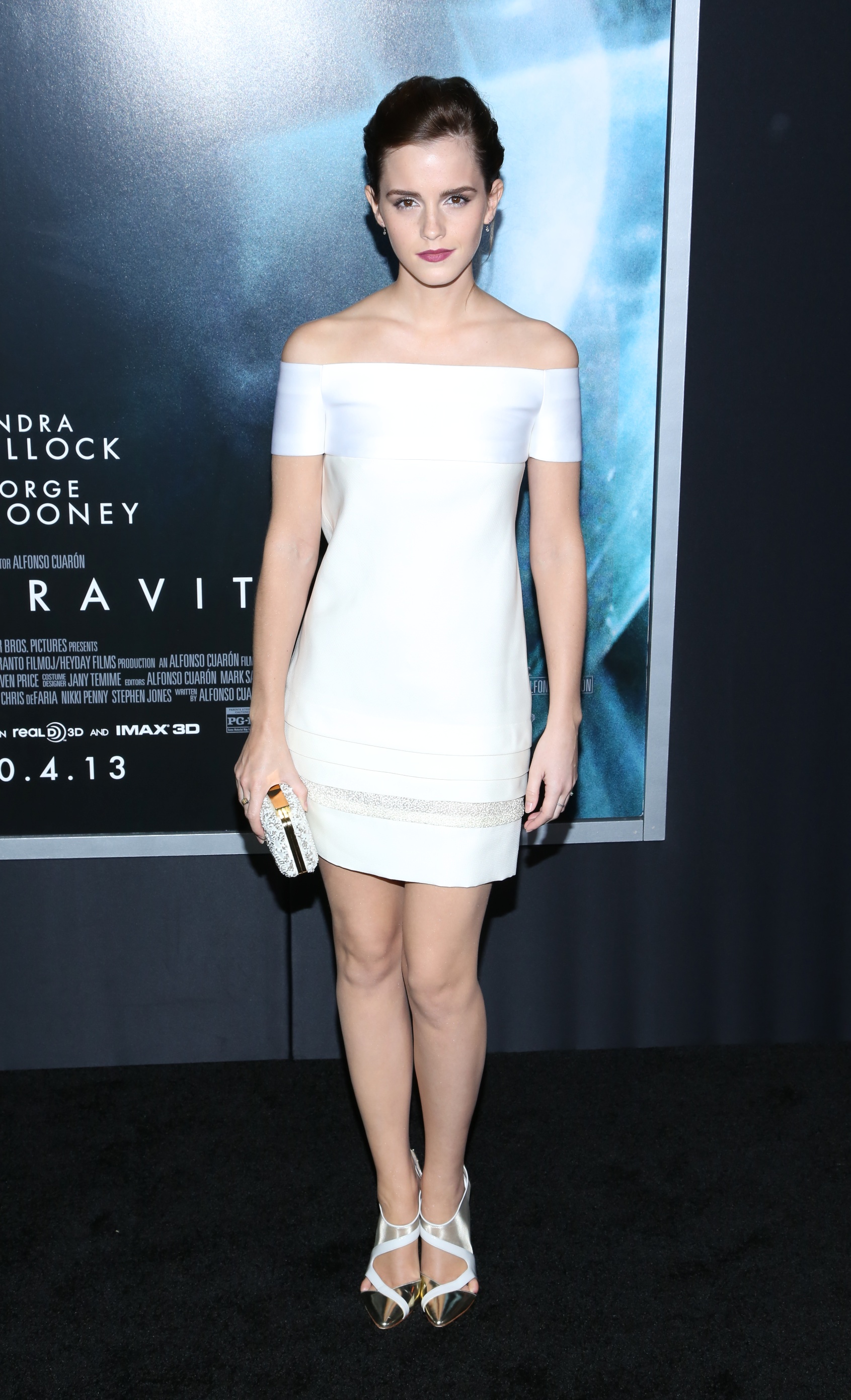
    DKNY 25 Birthday Bash in New York - 09.September 2013
  7. Matute replied to Kakashi51's topic in Actresses
    Yeah, would've thought Jennifer Lawrence surely. Relative unknown (I knew of her but no one else did) to America's sweetheart last year, not sure how Emma beat that out. Isn't it normal that they chosen a British woman for "British GQ woman of the year"? I´m pretty sure that Emma Watson is much more famous than Jennifer Lawrence, here in Europe. For me, that's perfectly fine!
  8. Würth Calendar 2013 - Scans by me / HQs
  9. Lingerie Campaign Nordstrom April 2012 - UHQs !
  10. Lingerie Campaign Nordstrom April 2012 - UHQs !
  11. Gina Tricot - Lingerie Lovely Campaign 2013
  12. I wasn't sure if this was posted and i when i wrote on search few times Beach Bunny Swimwear, search didn't show me this post. Search gives me 17 results. How many results you get? Same ! The search function does not work correctly. New Edition will come out next month, in September !

Configure browser push notifications

Chrome (Android)
  1. Tap the lock icon next to the address bar.
  2. Tap Permissions → Notifications.
  3. Adjust your preference.
Chrome (Desktop)
  1. Click the padlock icon in the address bar.
  2. Select Site settings.
  3. Find Notifications and adjust your preference.