not90
Banned
-
Joined
-
Last visited
Everything posted by not90
-
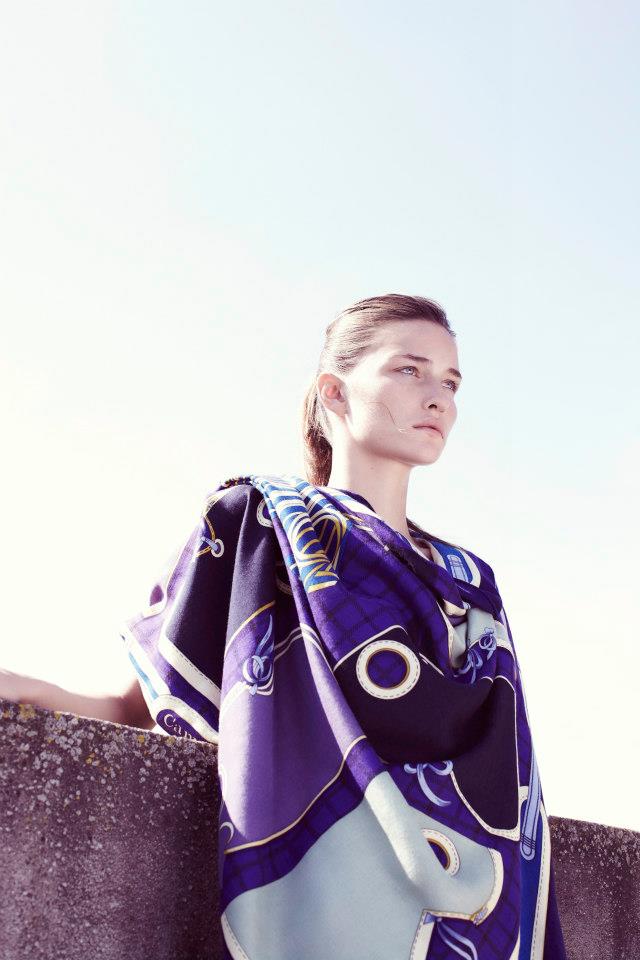
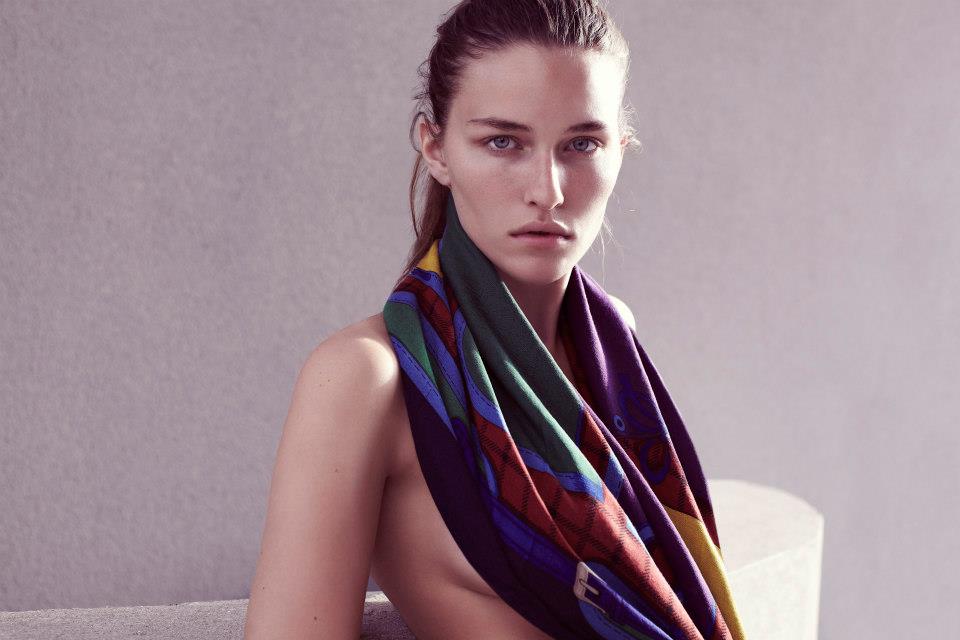
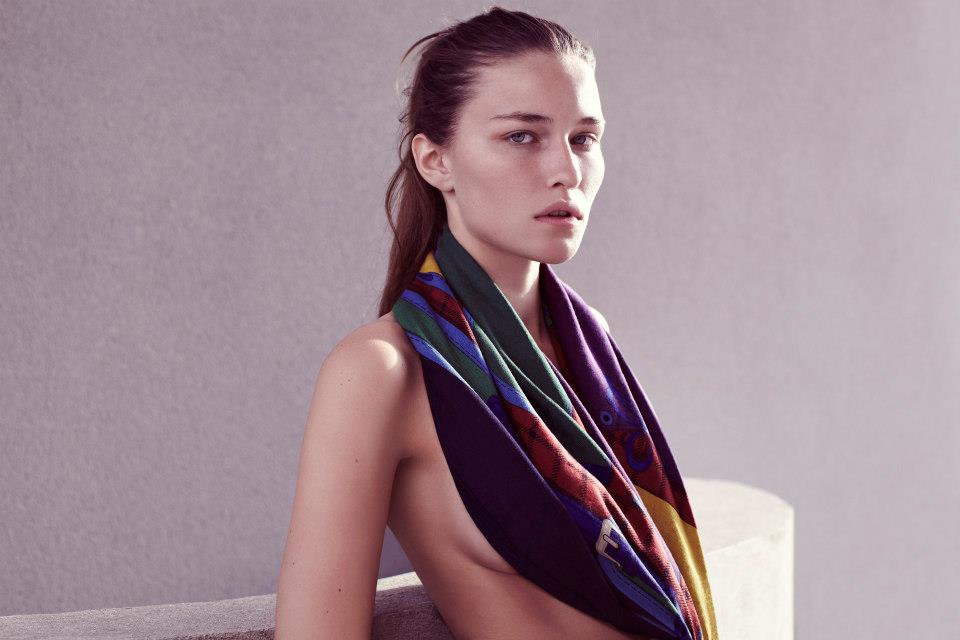
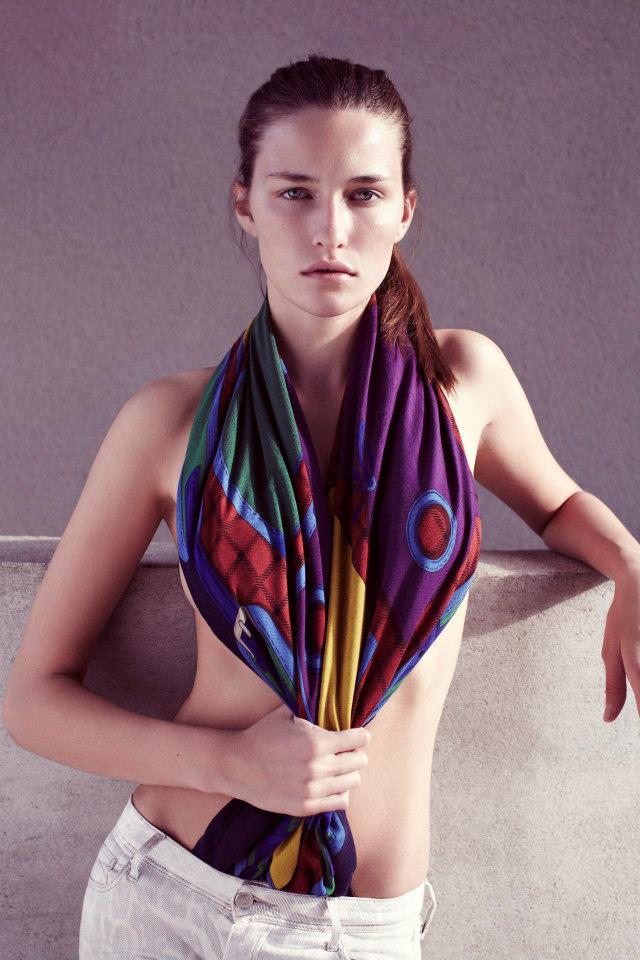
Hermes S/S 2013 Paris

-
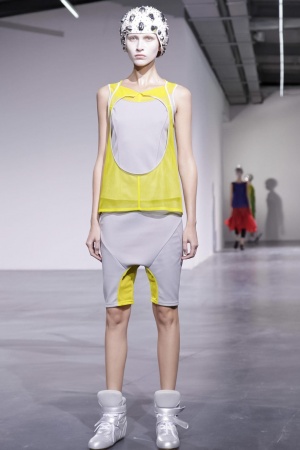
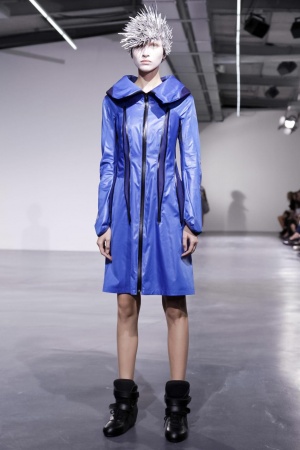
Junya Watanabe S/S 2013 Paris




-
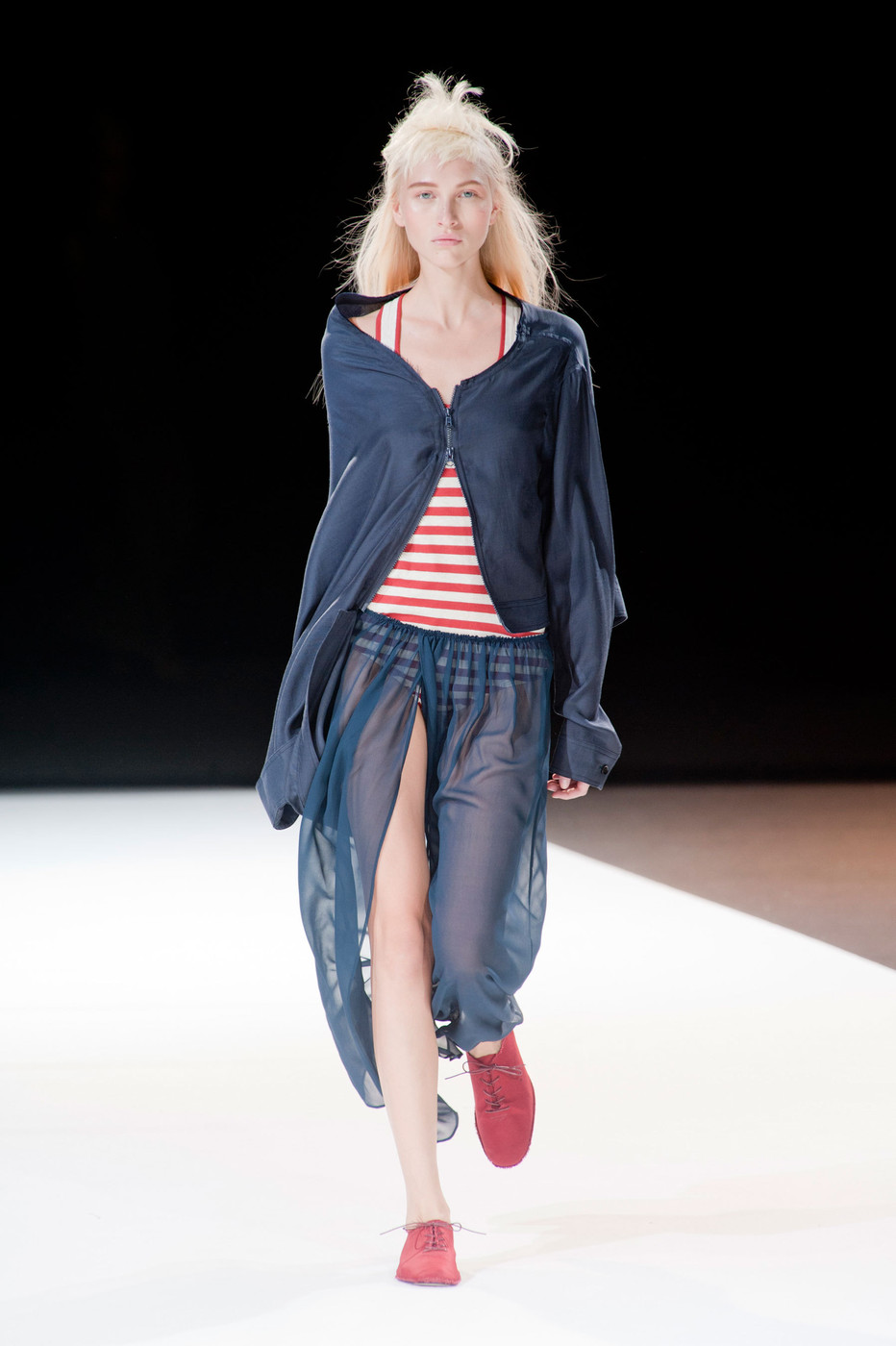
Yohji Yamamoto S/S 2013 Paris


-
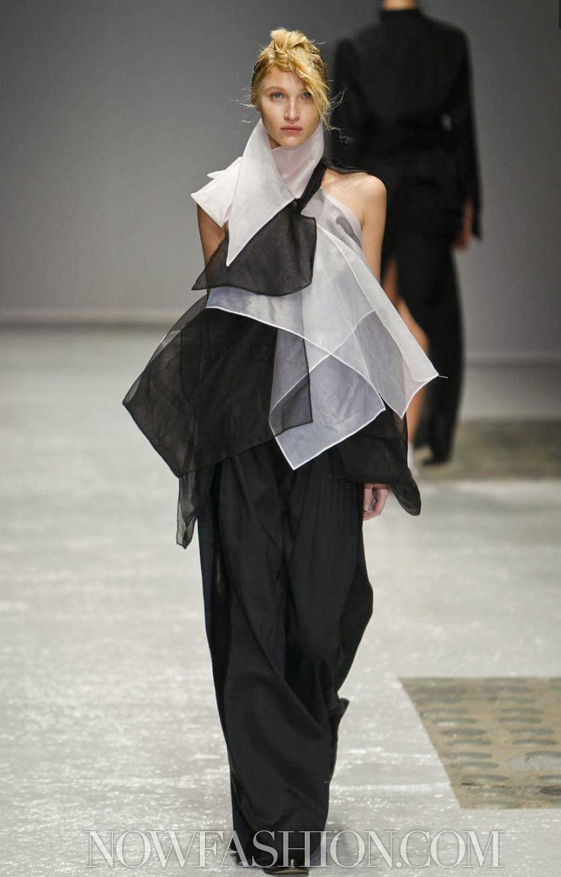
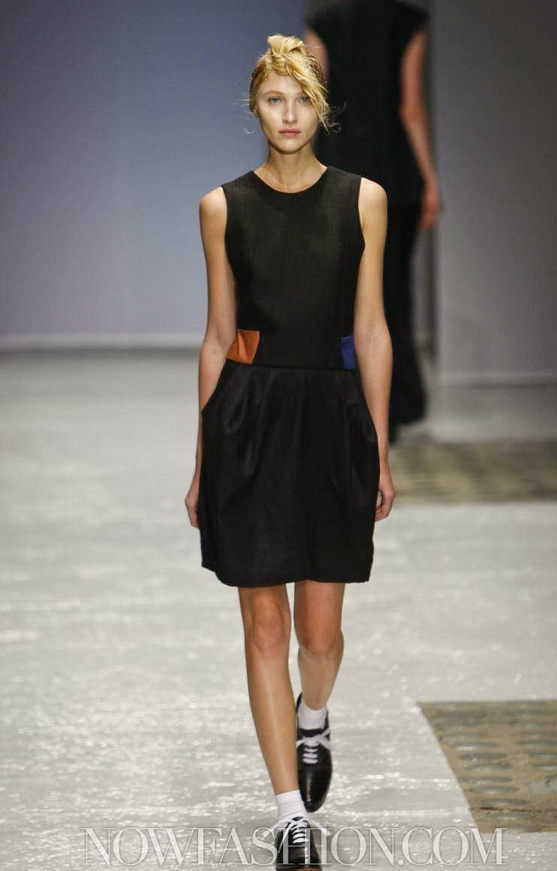
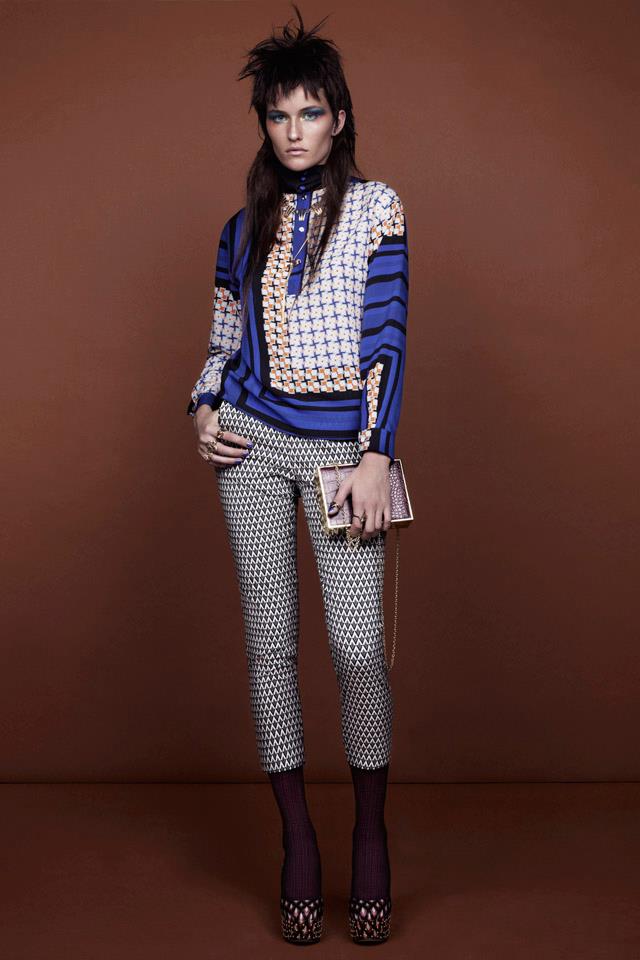
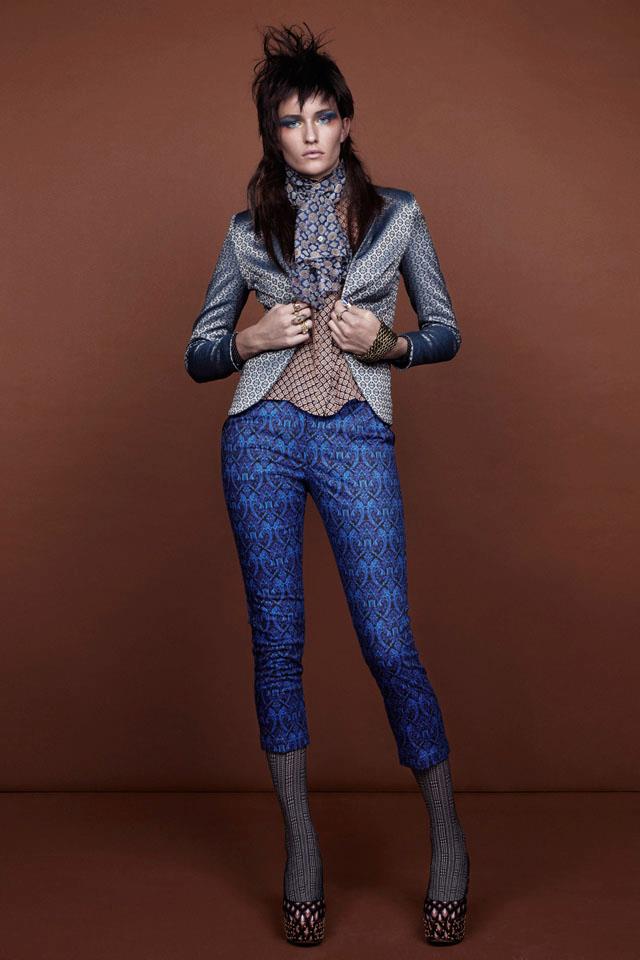
Julien David S/S 2013 Paris



-
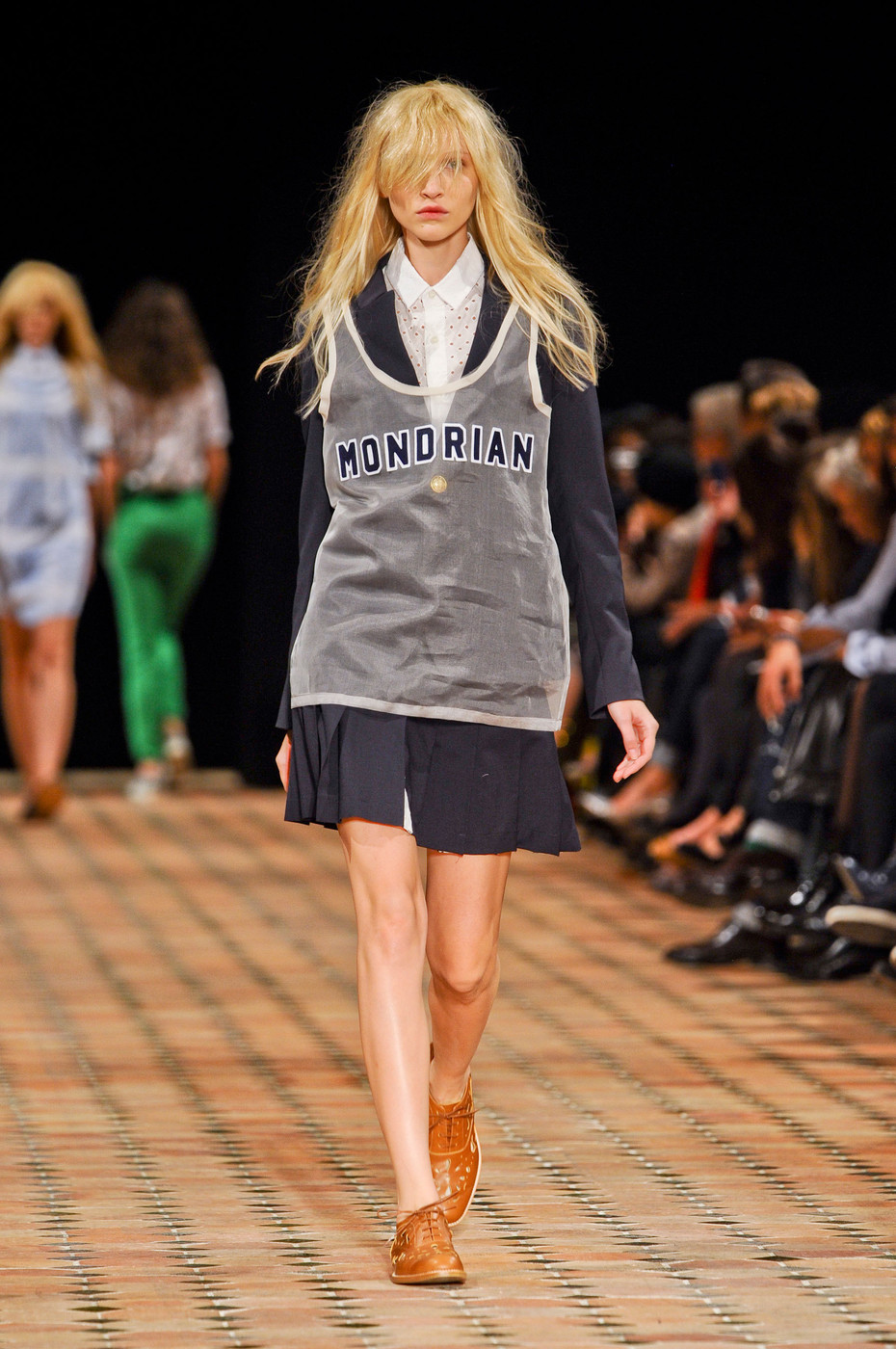
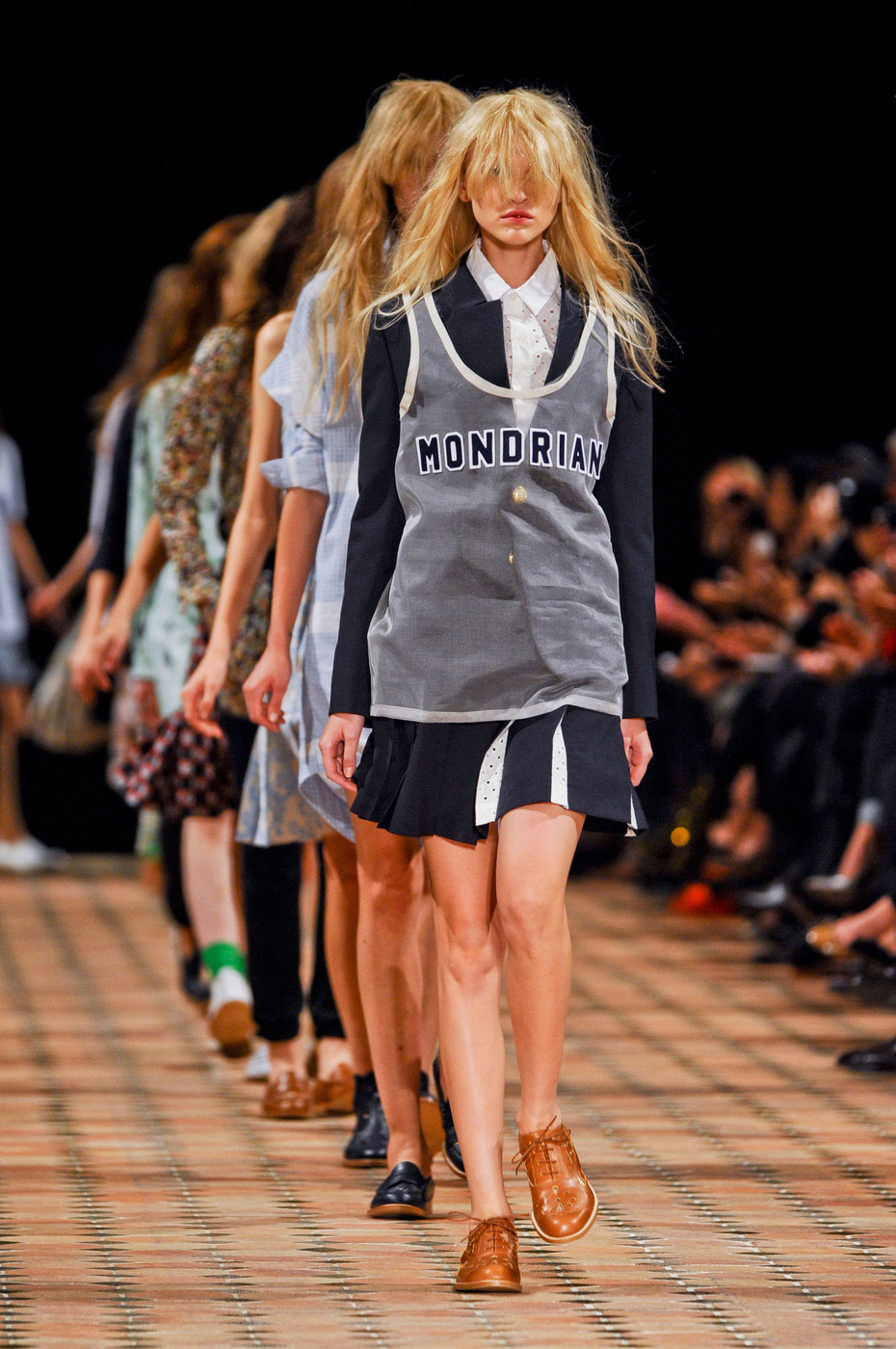
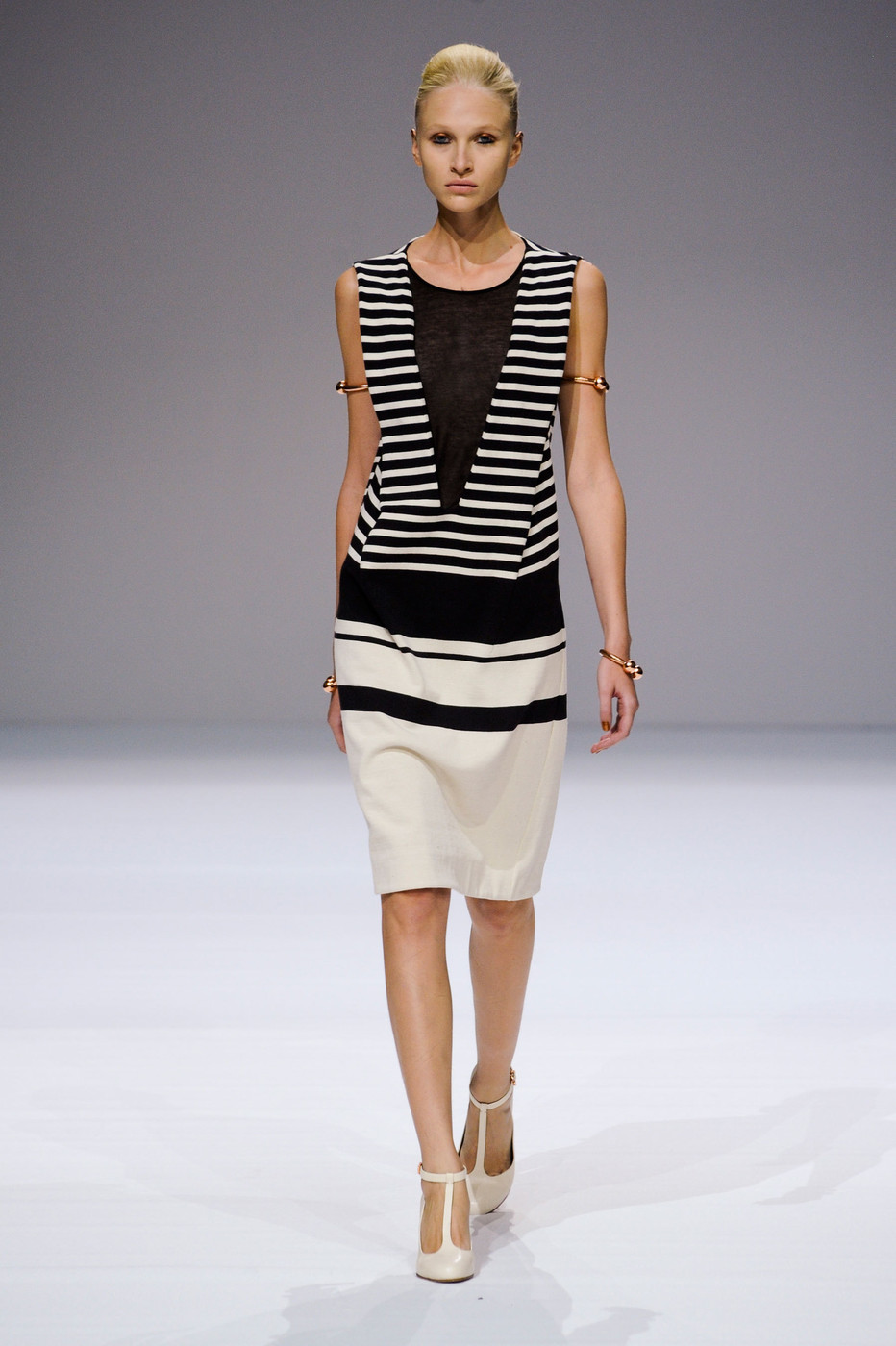
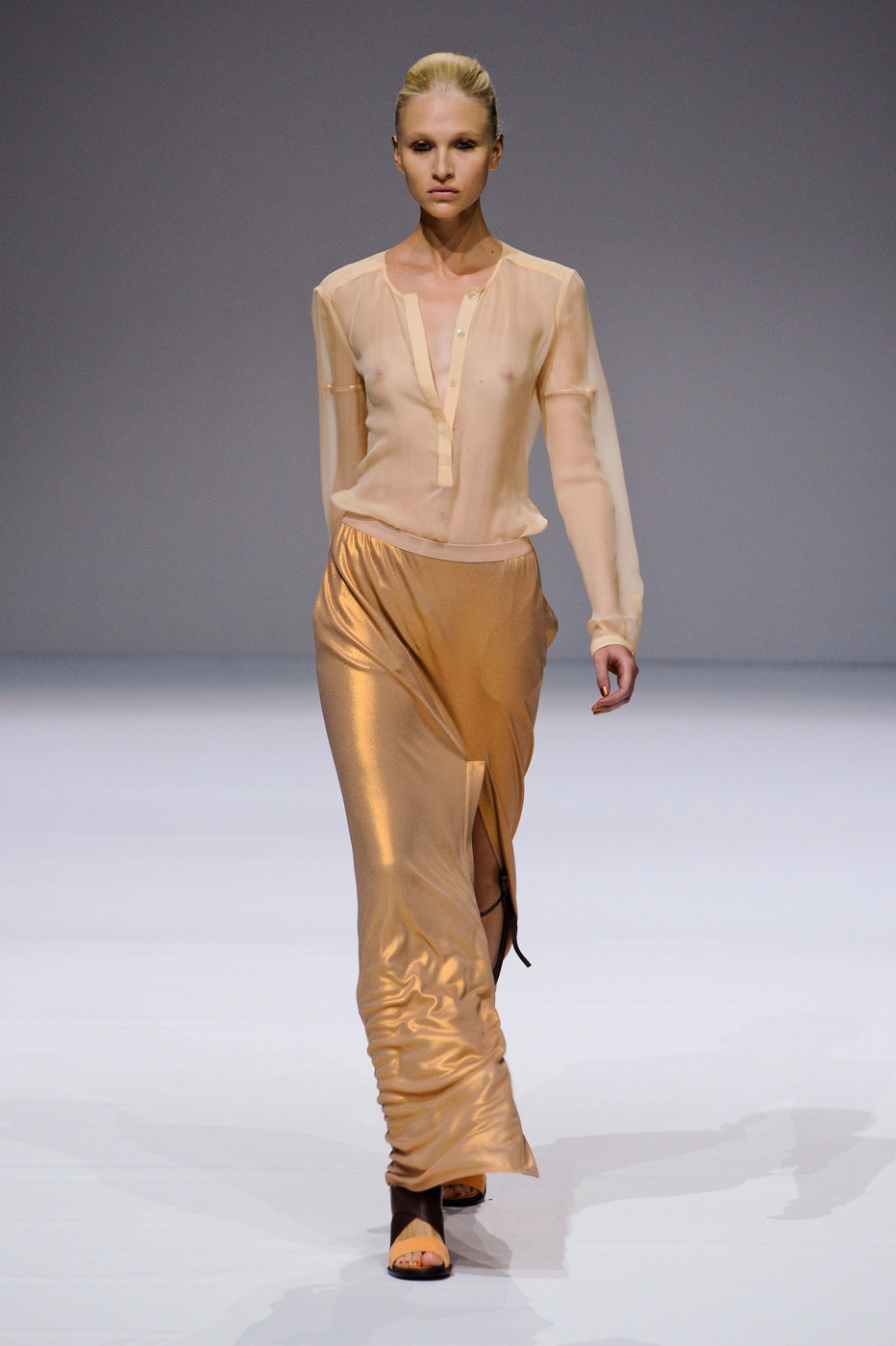
Veronique Branquinho S/S 2013 Paris


-
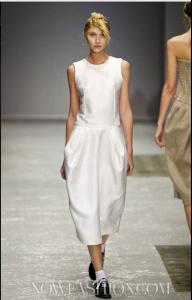
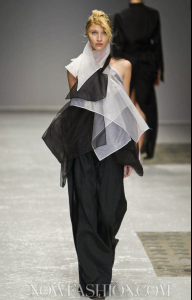
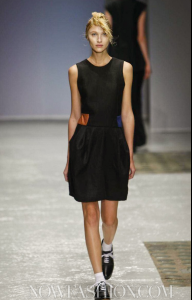
Moon Young Hee S/S 2013 Paris
-
-
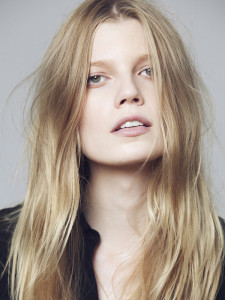
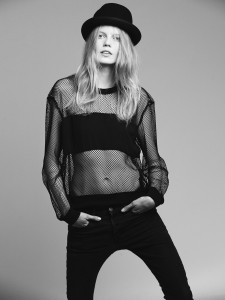
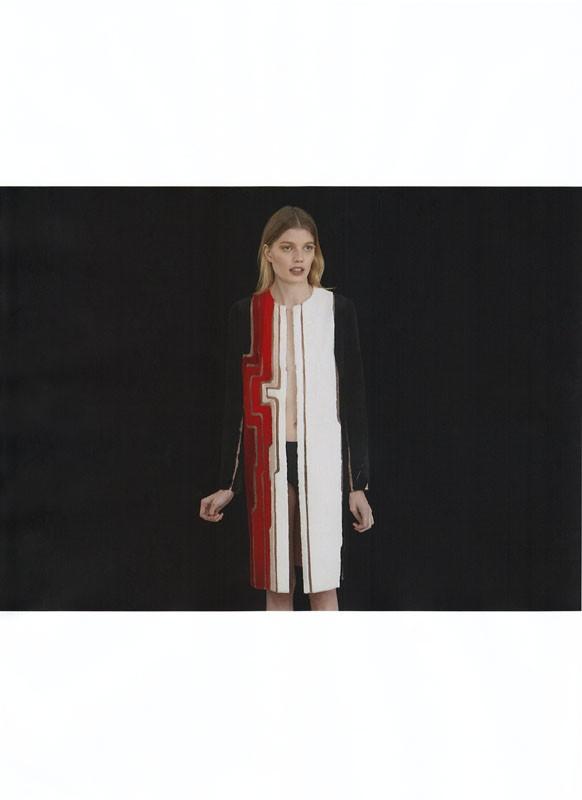
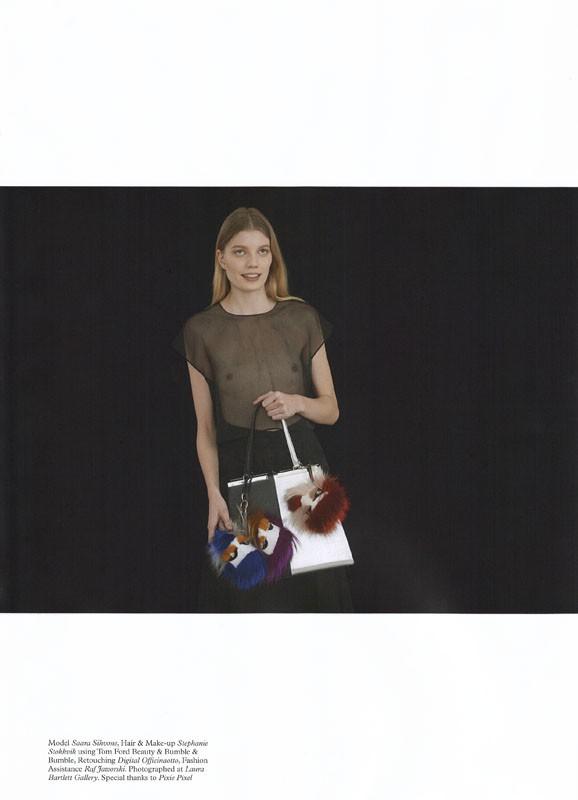
Saara Sihvonen by Paul Morel







-
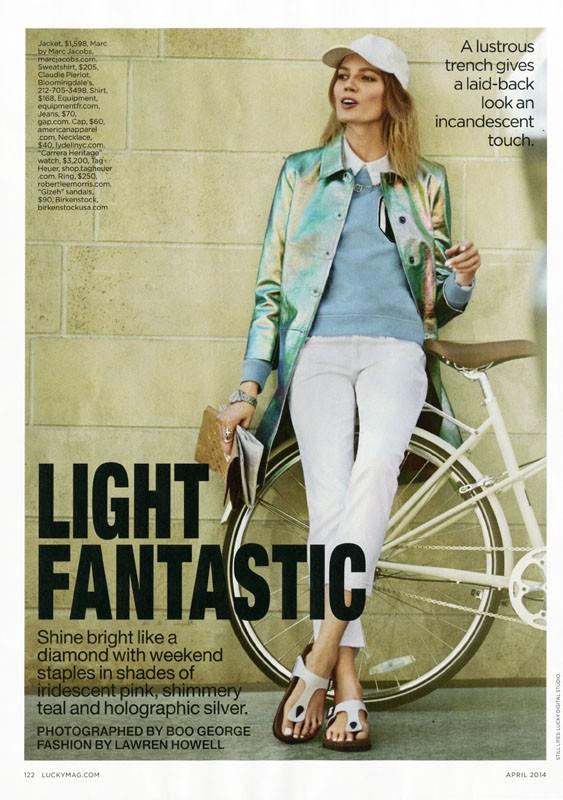
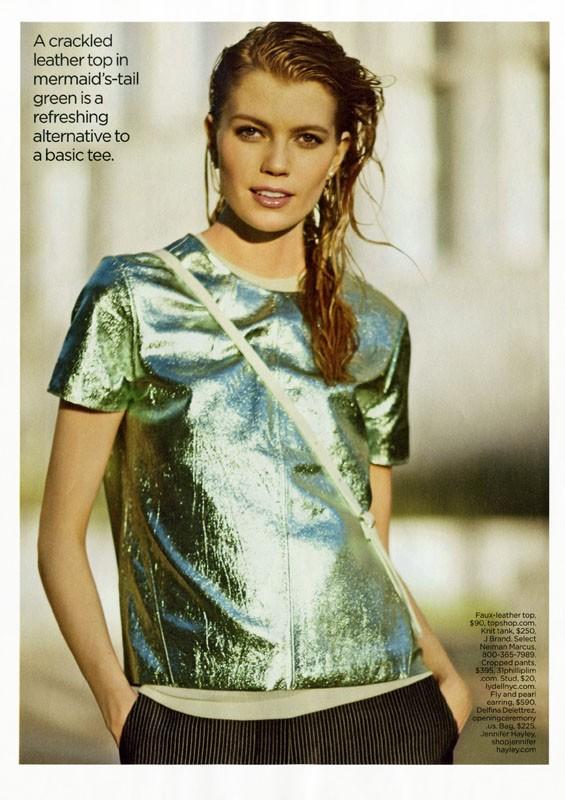
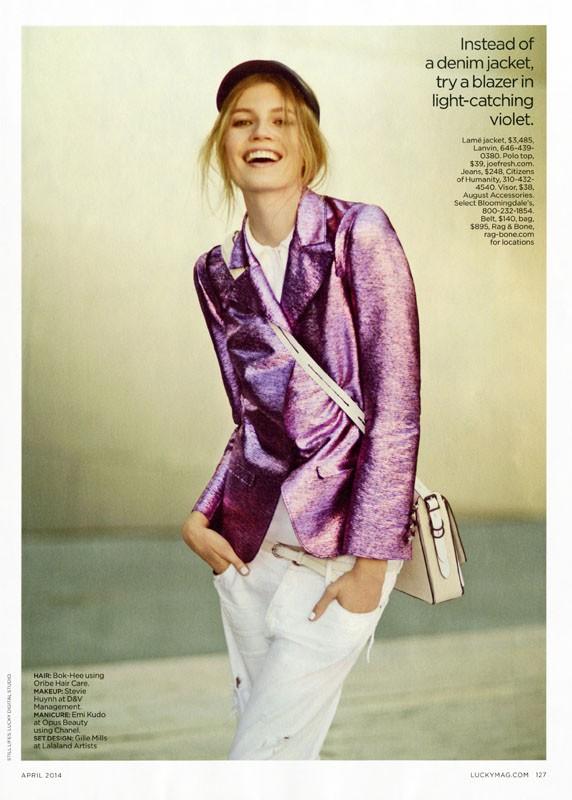
Lucky Magazine April 2014 "Light Fantastic" Photographer: Boo George Stylist: Lawren Howell Hair: Bok Hee Makeup: Stevie Huynh




-
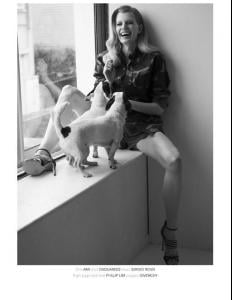
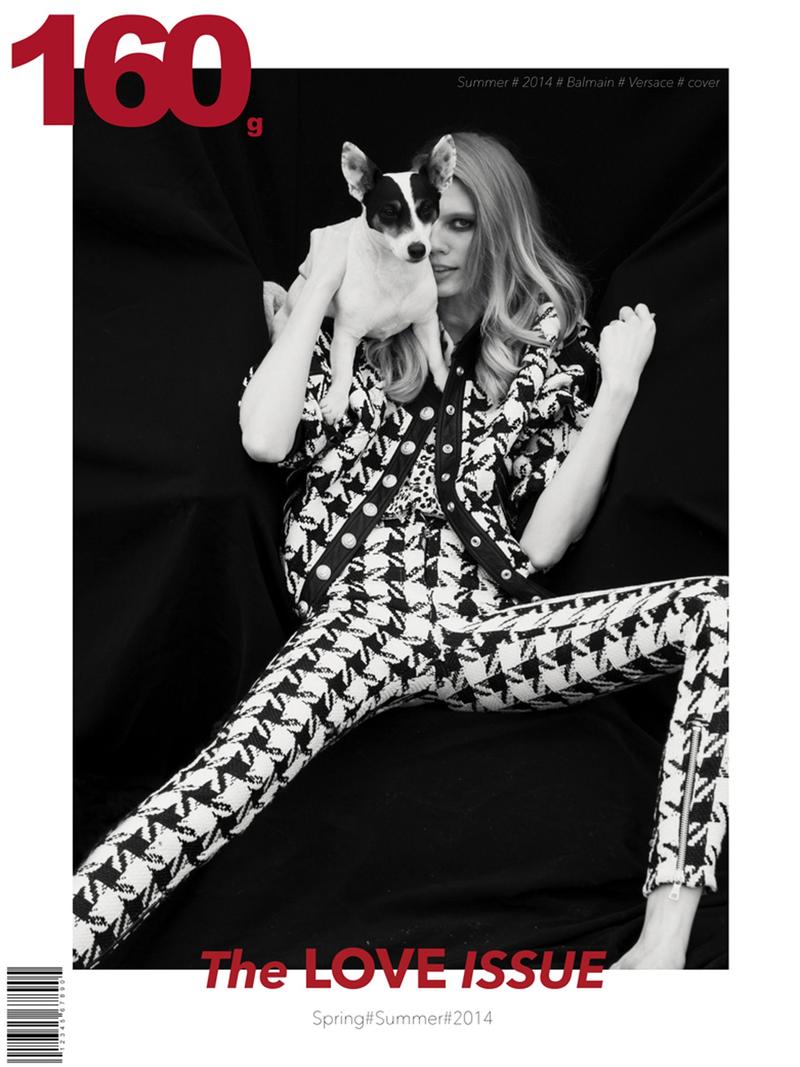
160g Magazine Spring/Summer "Endless Love" Photographer: Gilad Sasporta Stylist: Benjamin Armand Hair: Olivier Schawalder Makeup: Olivier Baïlle







-
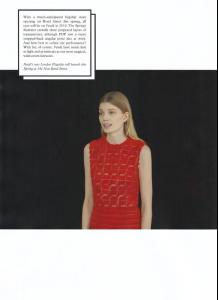
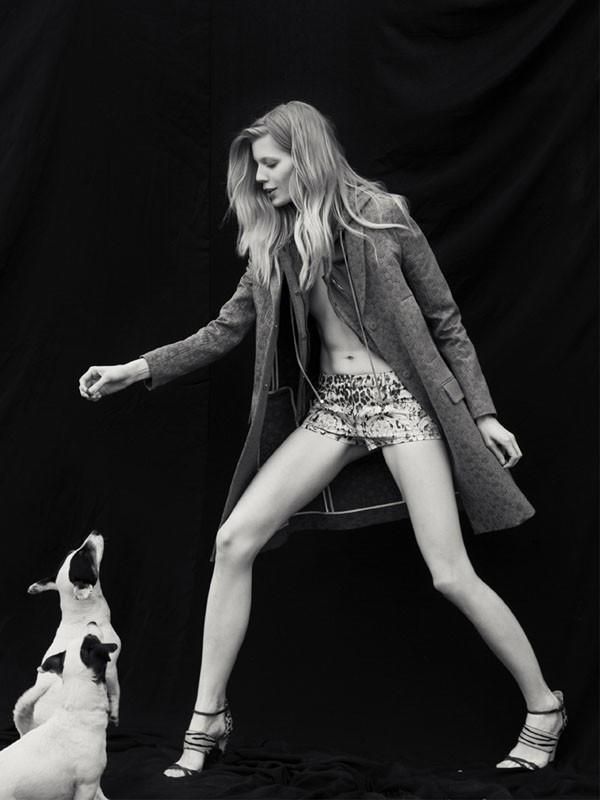
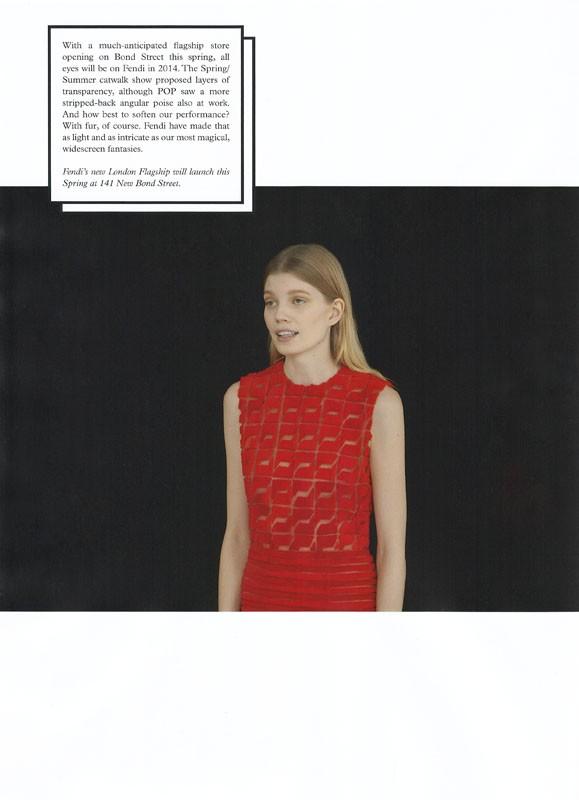
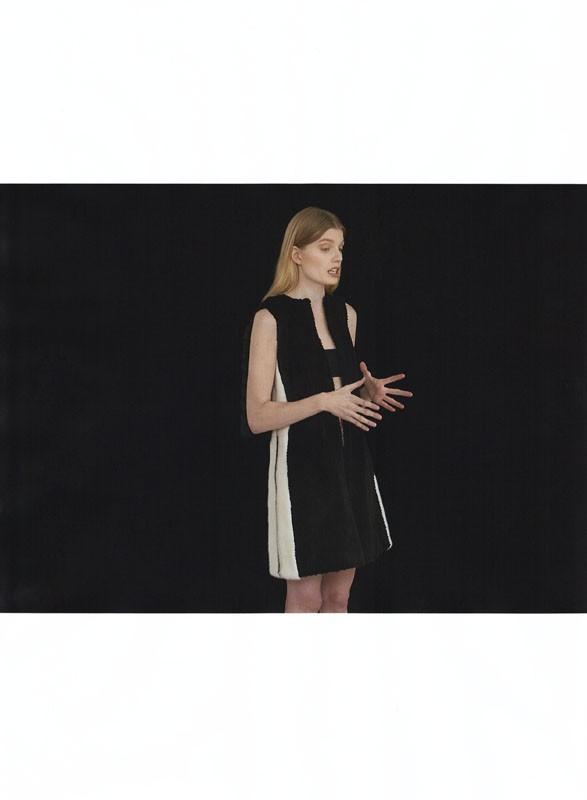
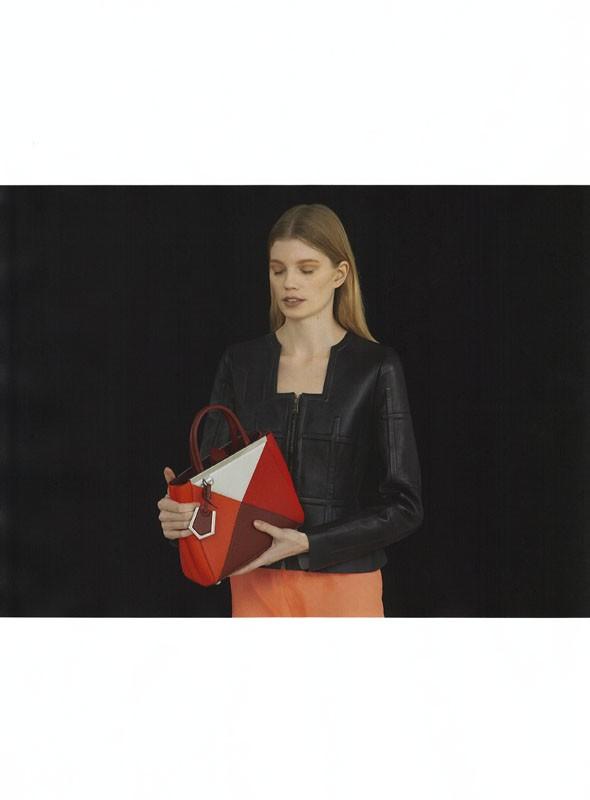
Play For Today' Pop Magazine SS 14 photo: Andrea Artemisio fashion editor/stylist: Tallulah Harlech





-
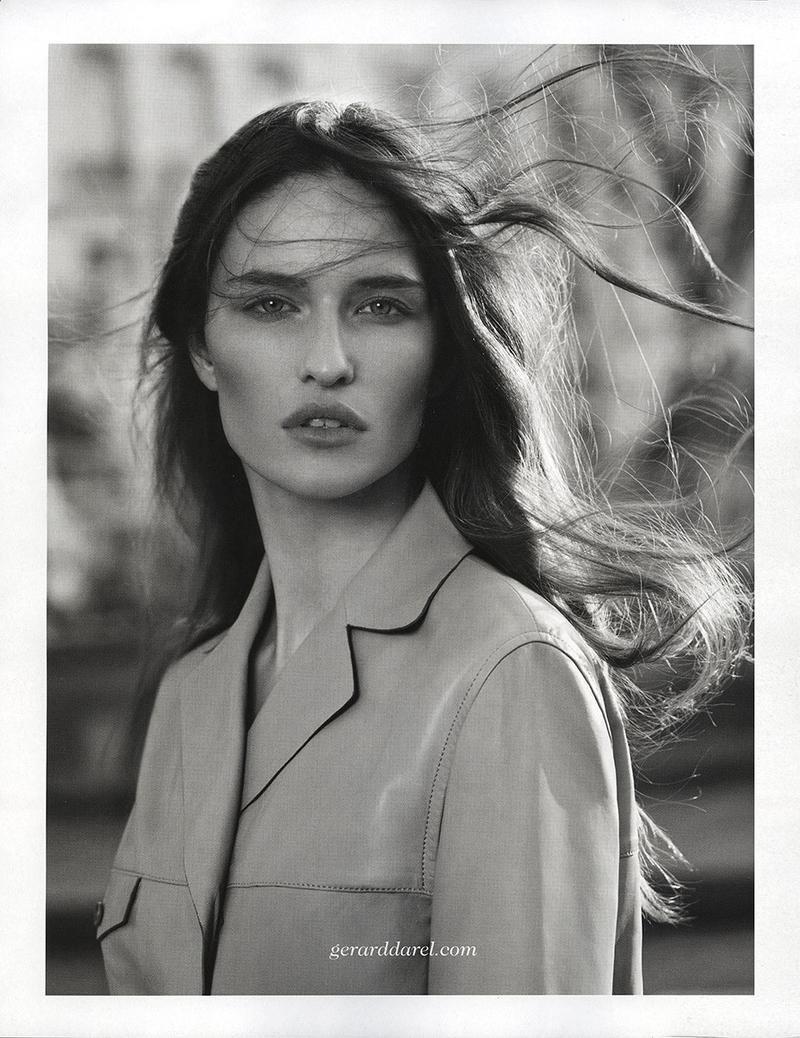
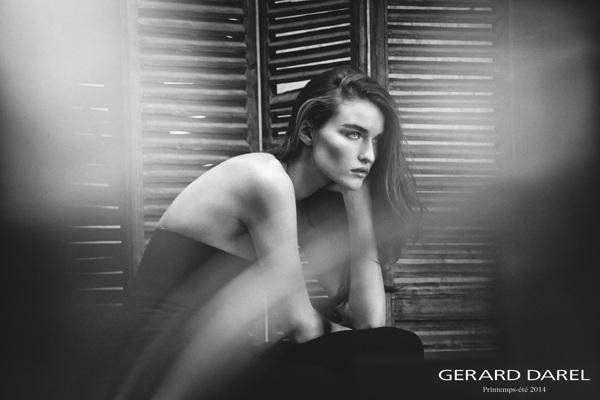
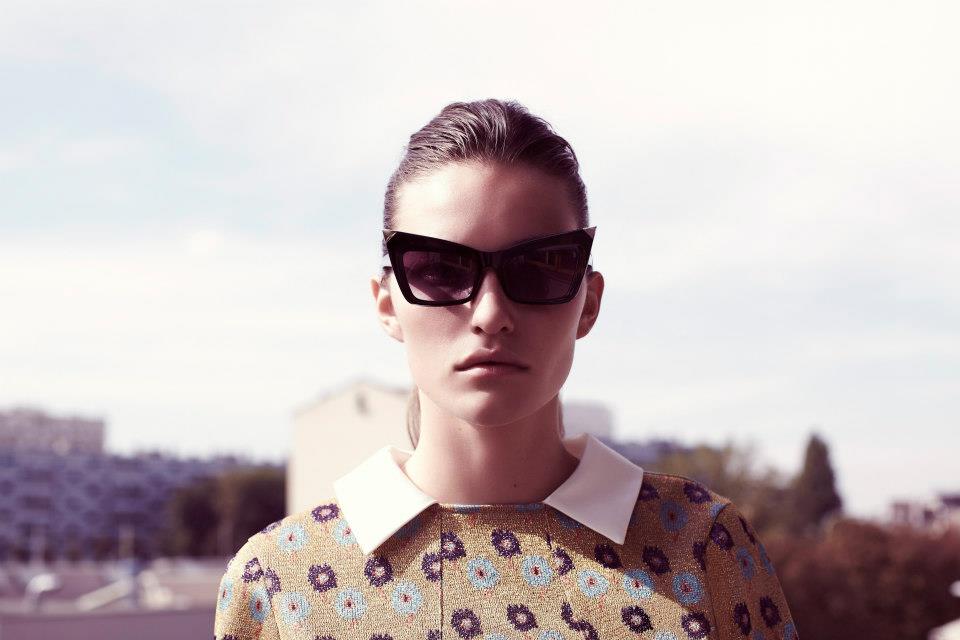
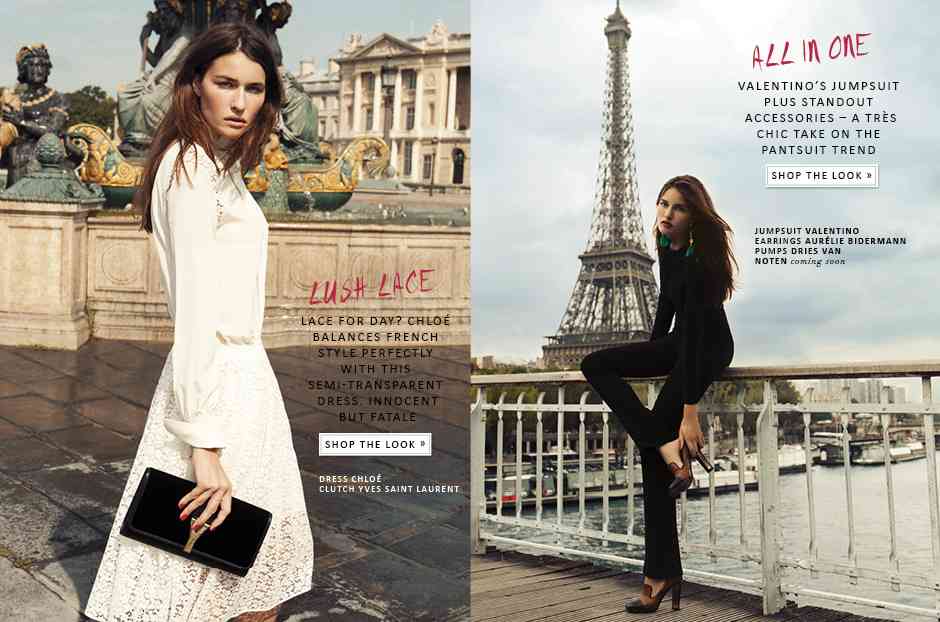
Gerard Darel S/S 14 Gerard Darel (Advertising) season: Spring/Summer 2014 photographer: Driu & Tiago

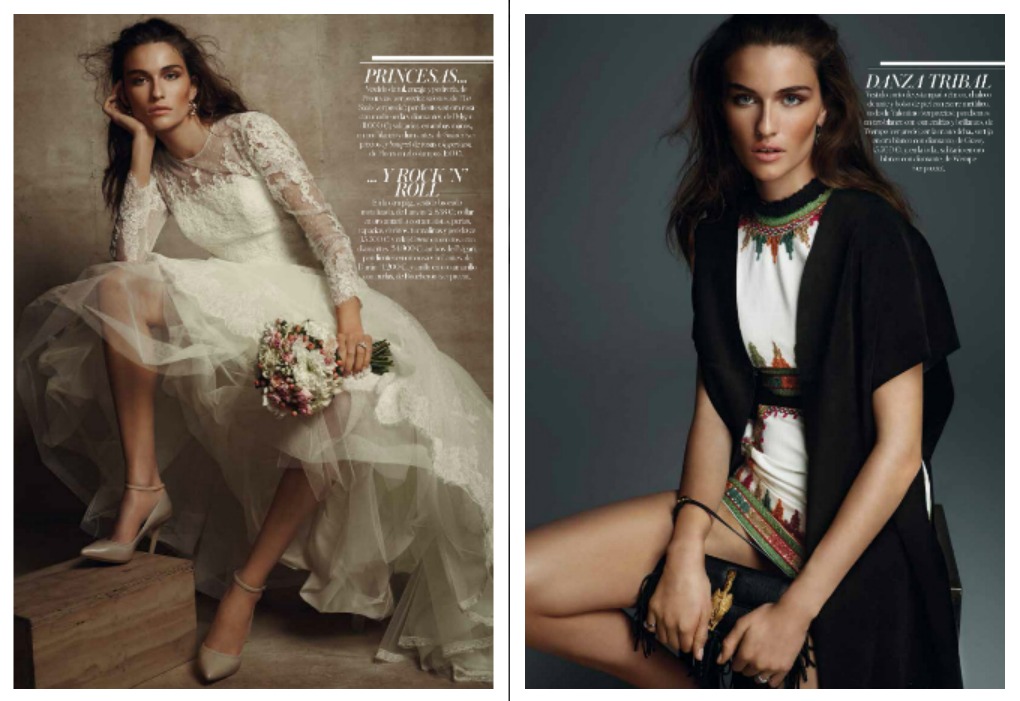
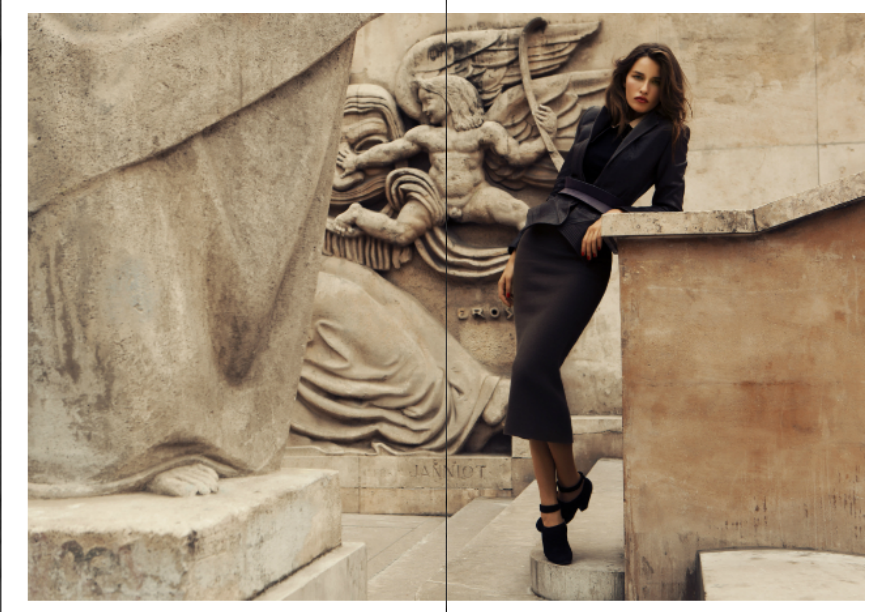
 "Adult Pleasure" for Vogue Spain July 2014 Photographer: Dusan Reljin Stylist: Belen Antolin Hair: Vi Sapyyapy for Management Artists Make-up: Jurgen Braun for ArtList Paris Text: Carmen Lanchares Manicure: Elsa Durrens for ArtList Paris Model: Marjolaine RocherGerard Darel S/S 2014








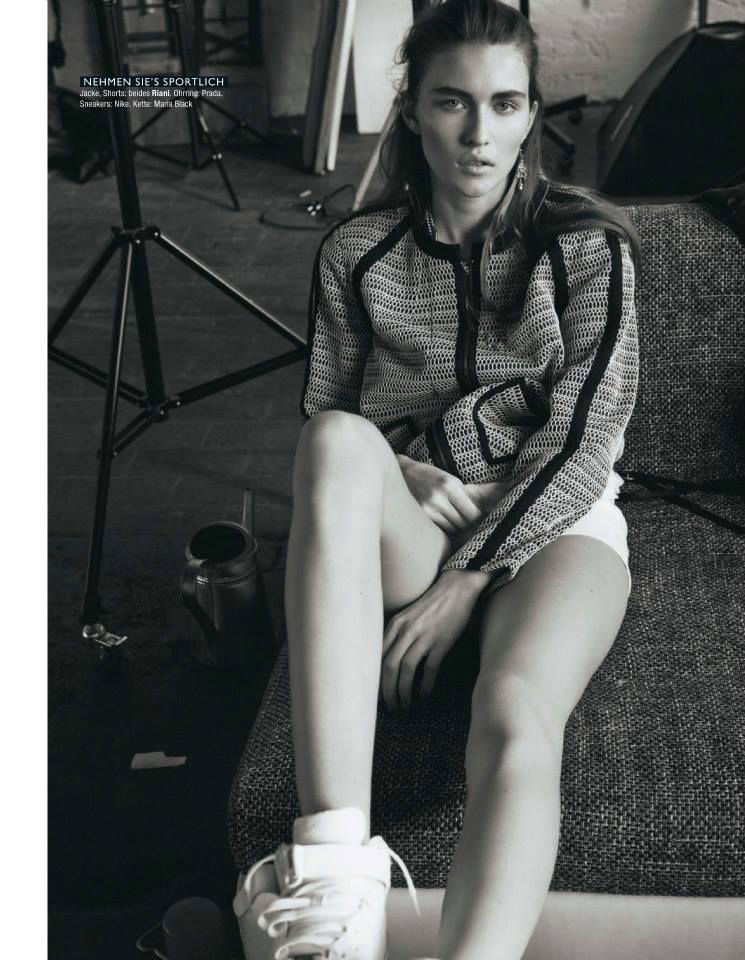
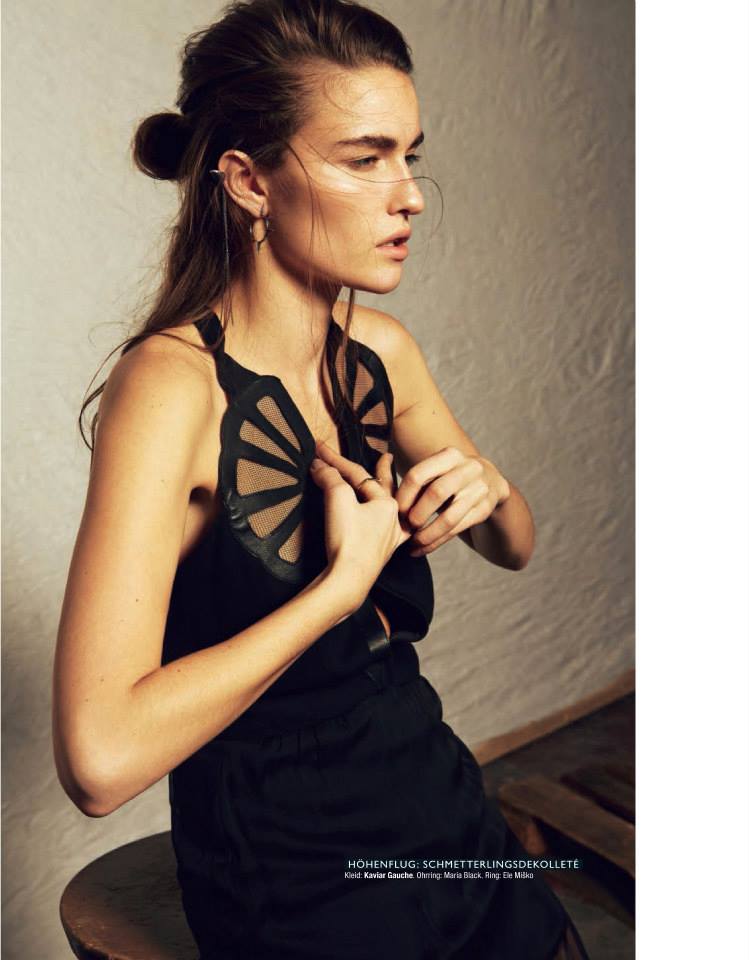
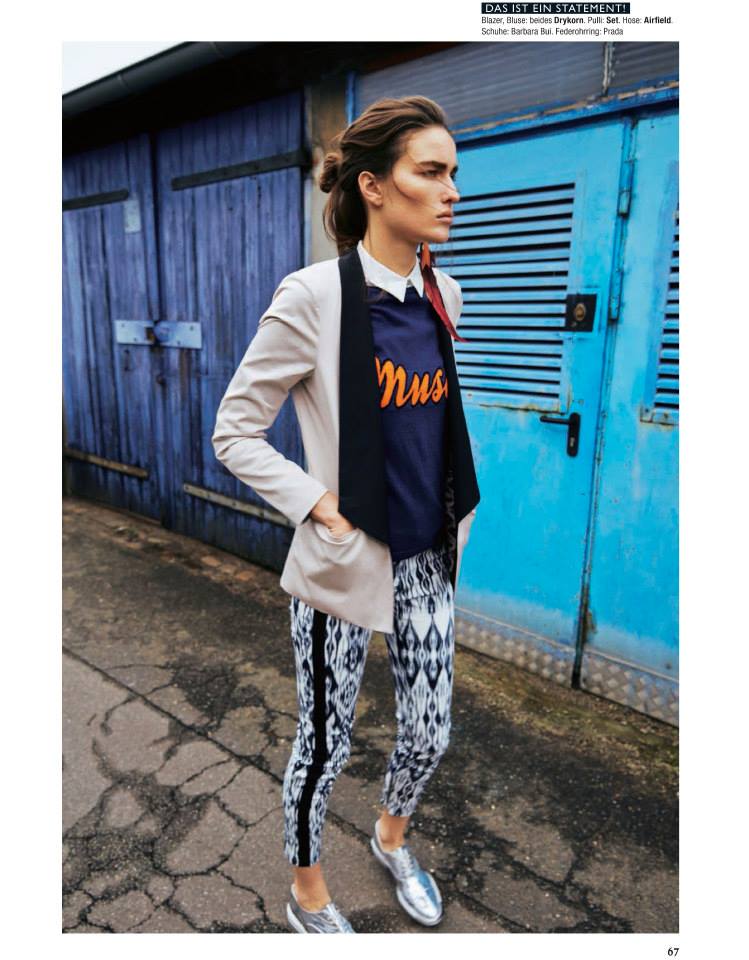
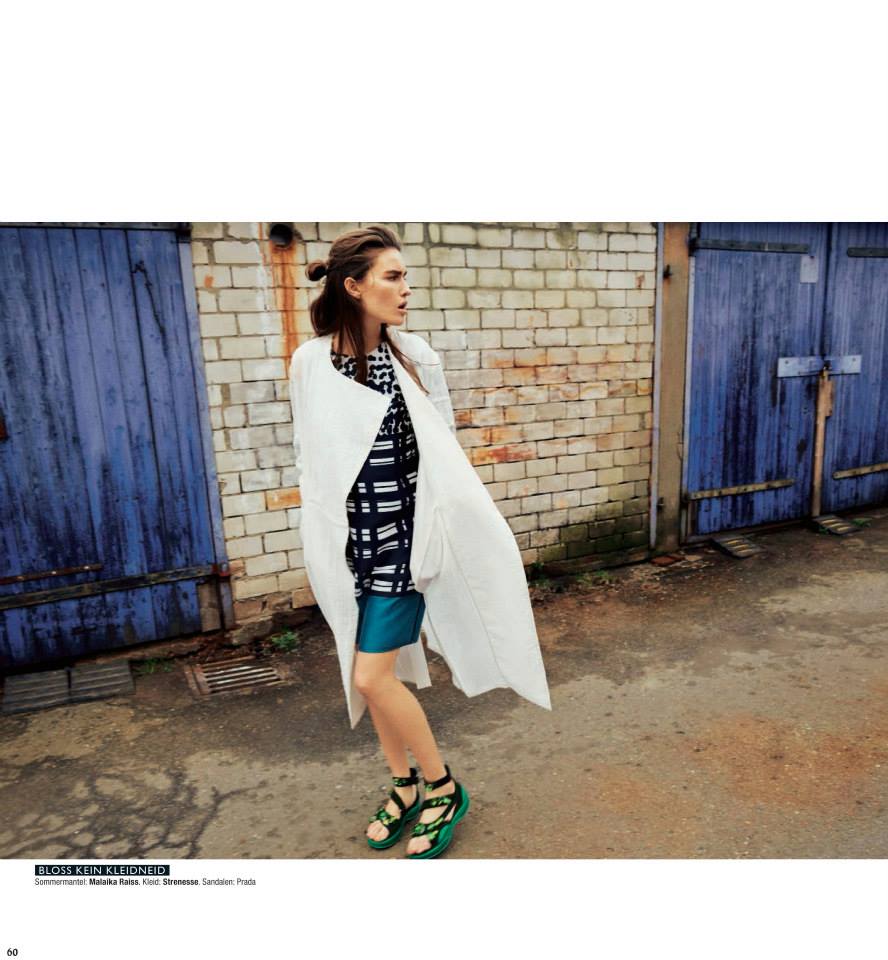
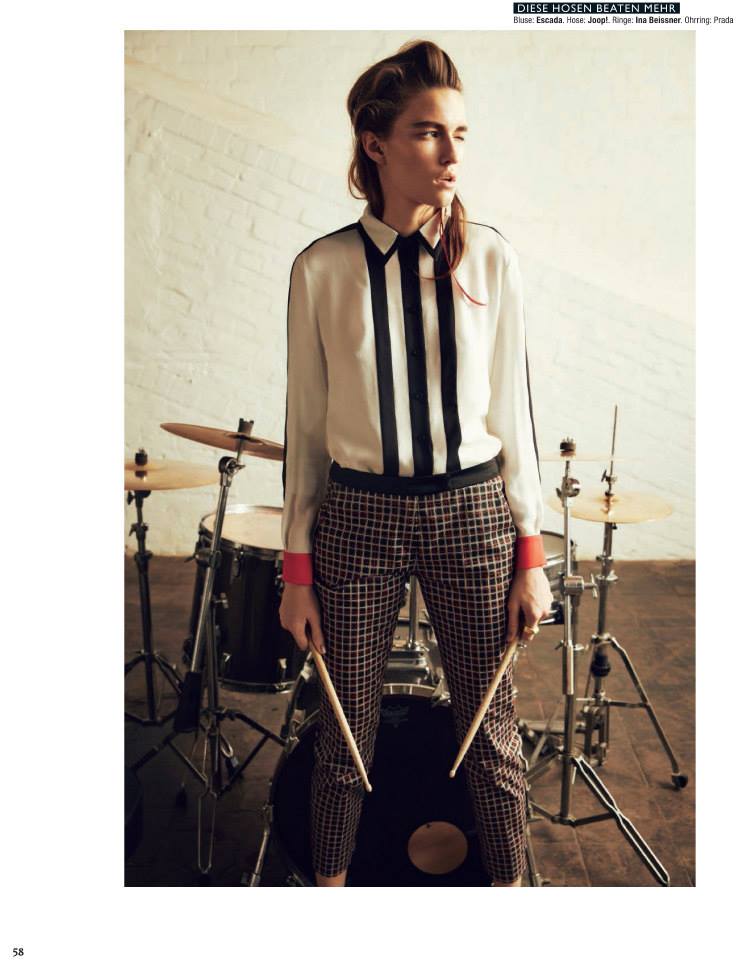
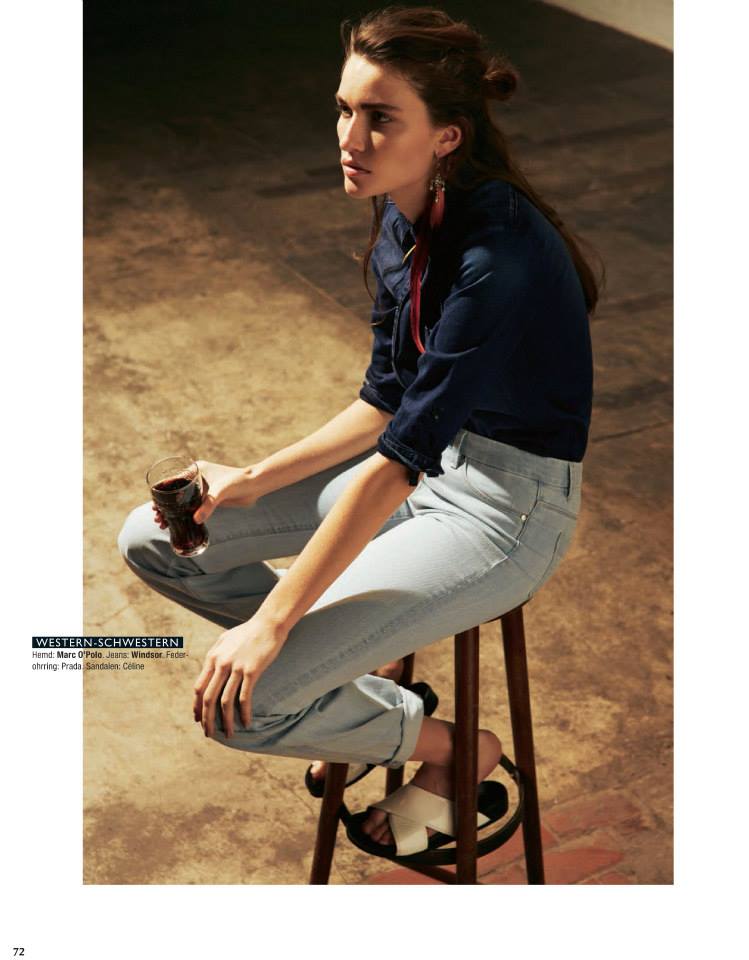
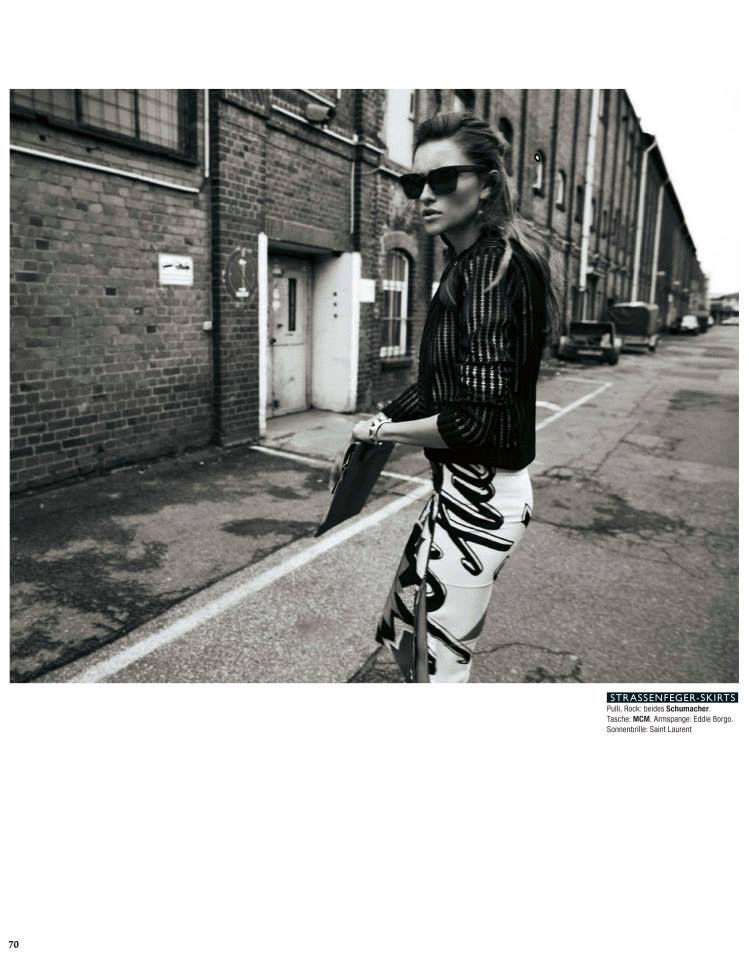
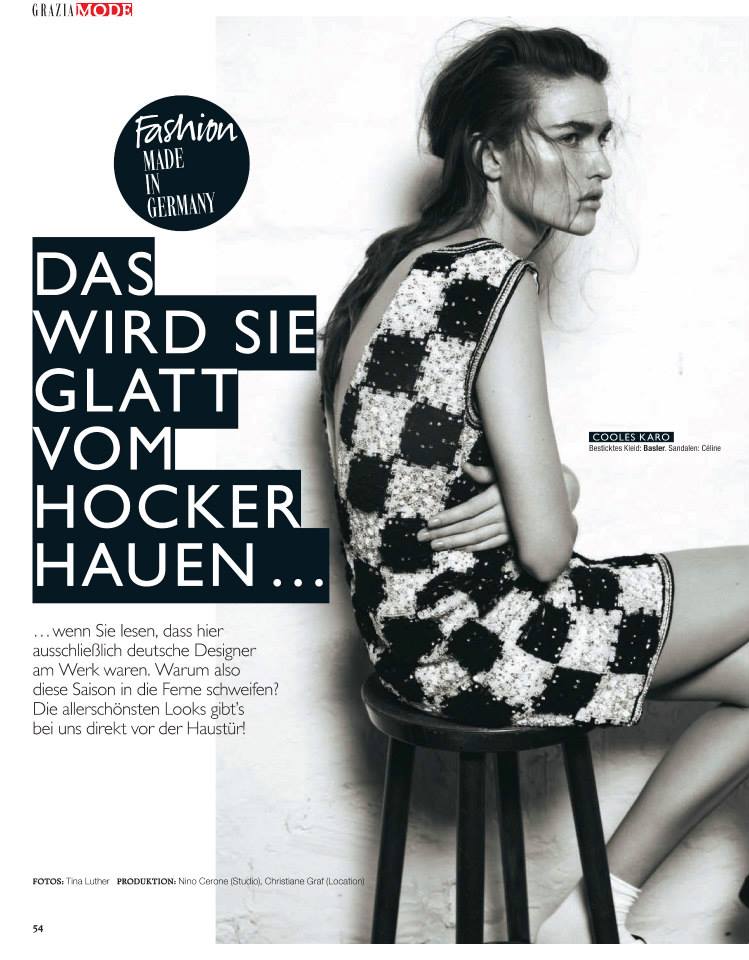
 Glamour Germany February 2014 photographed by Tina luther and styled by Christiane Graf




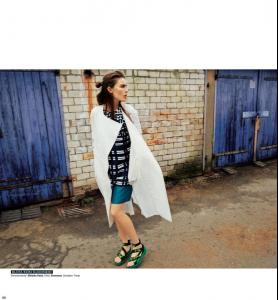

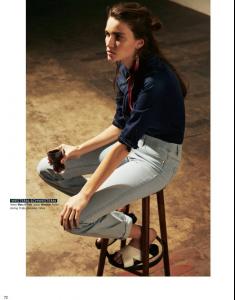
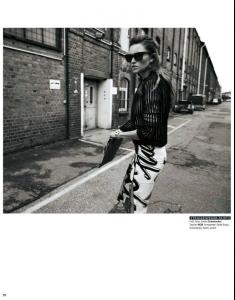
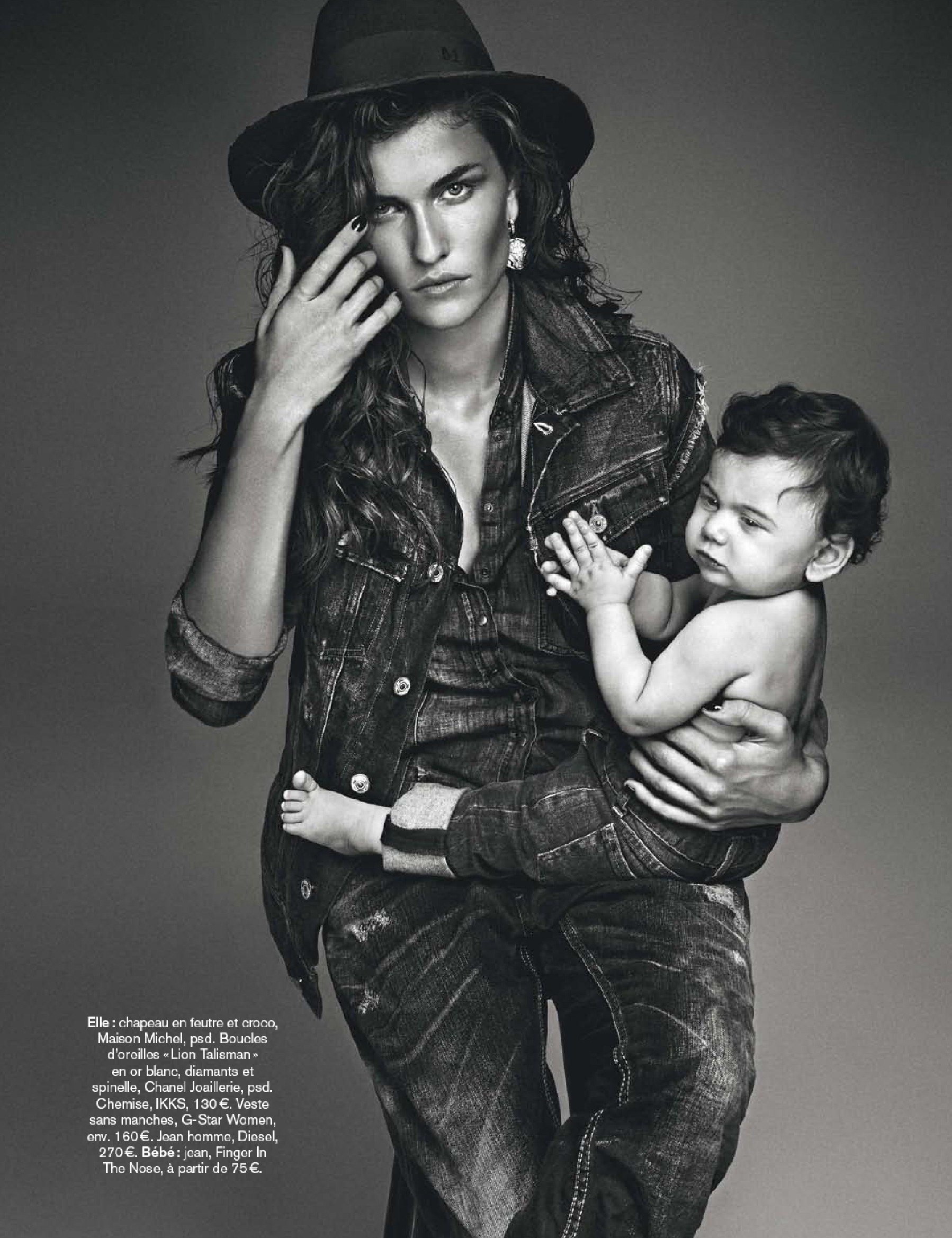
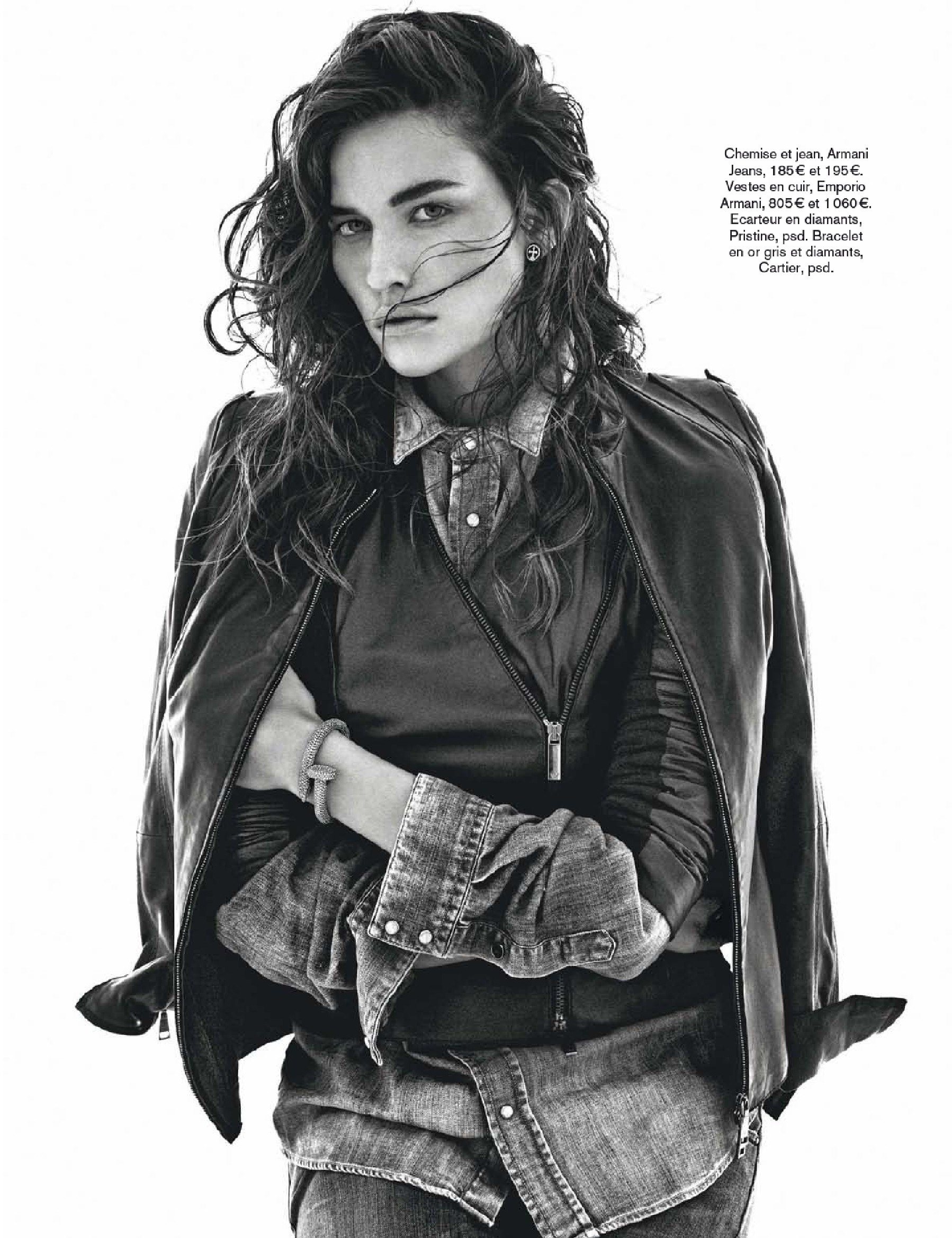
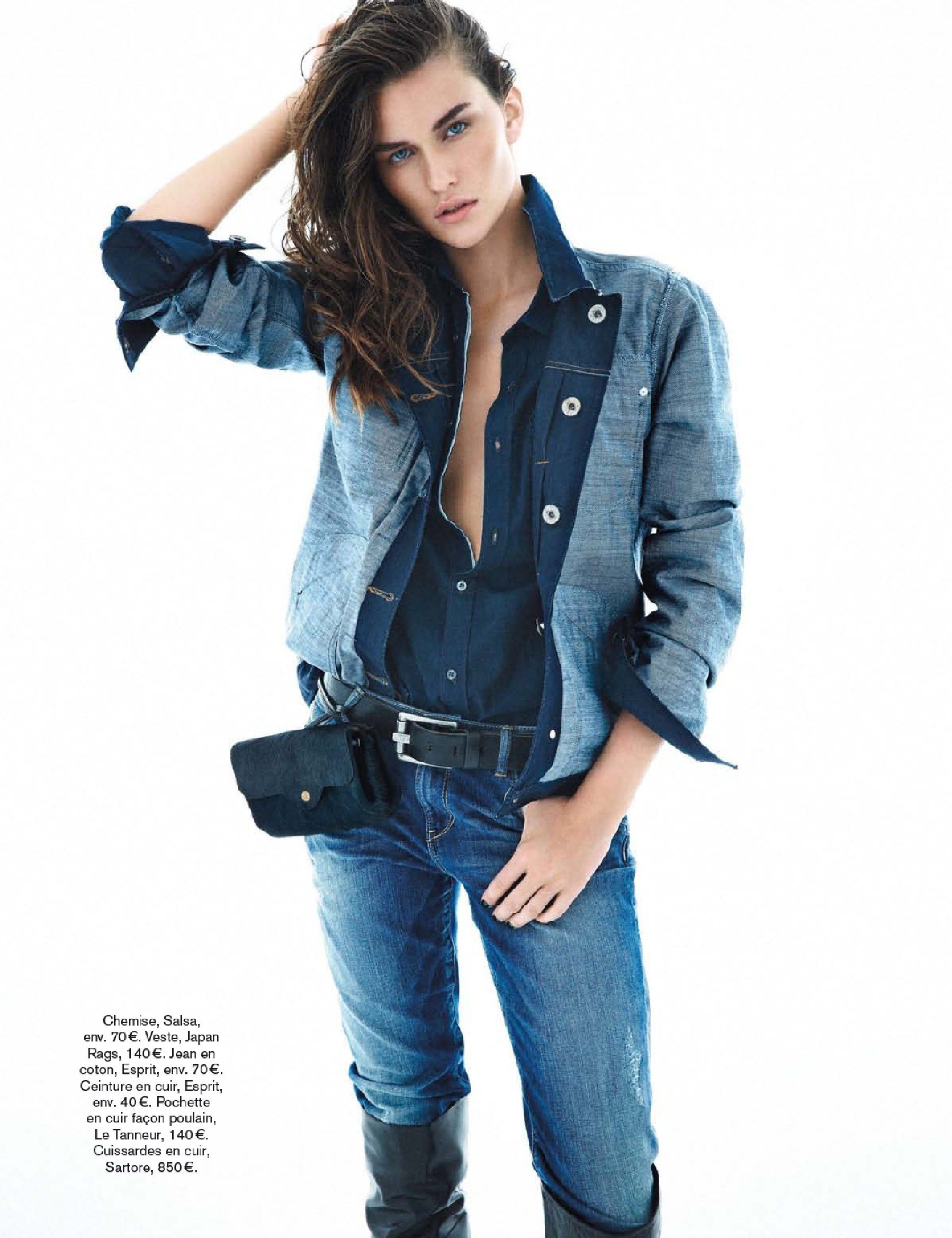
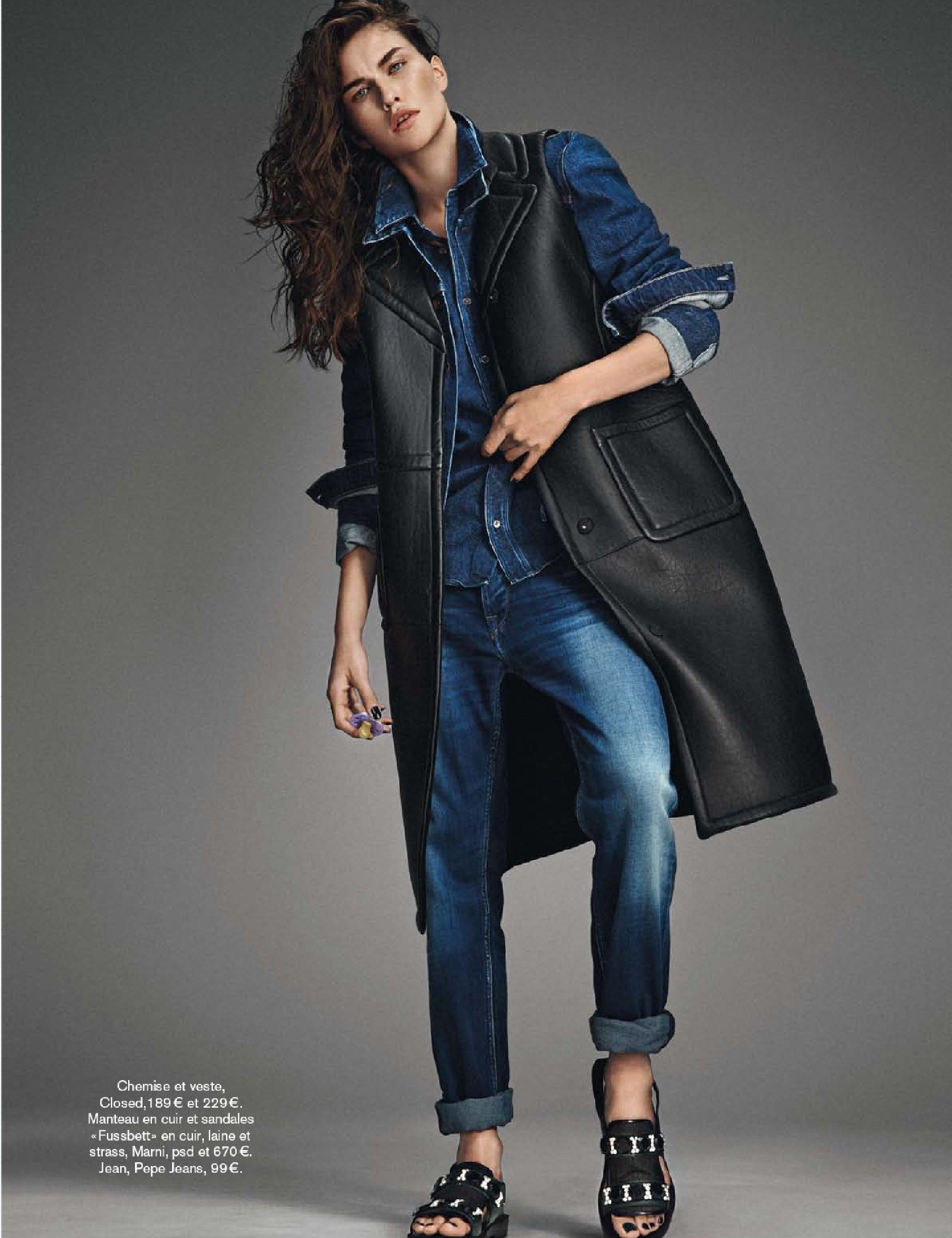
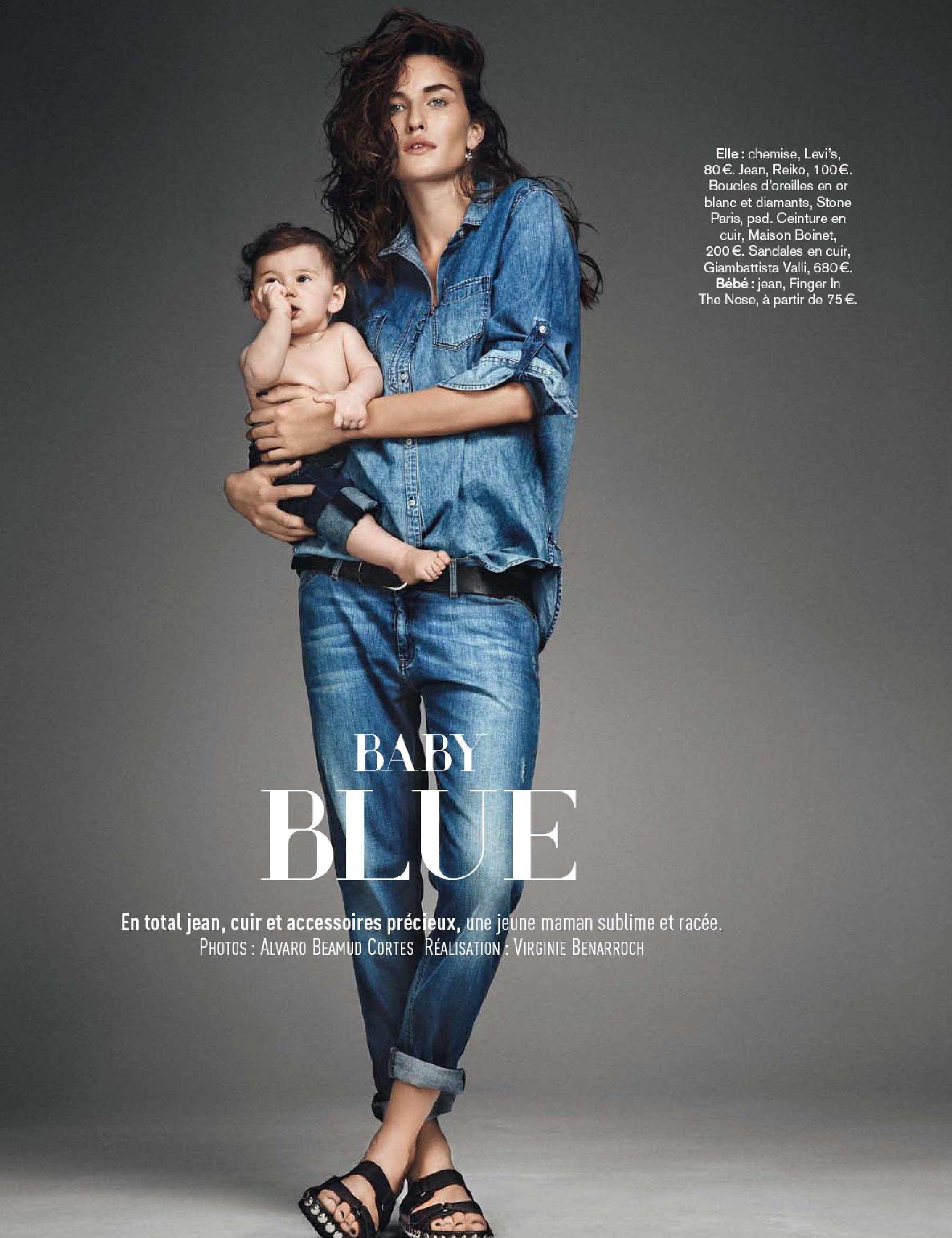
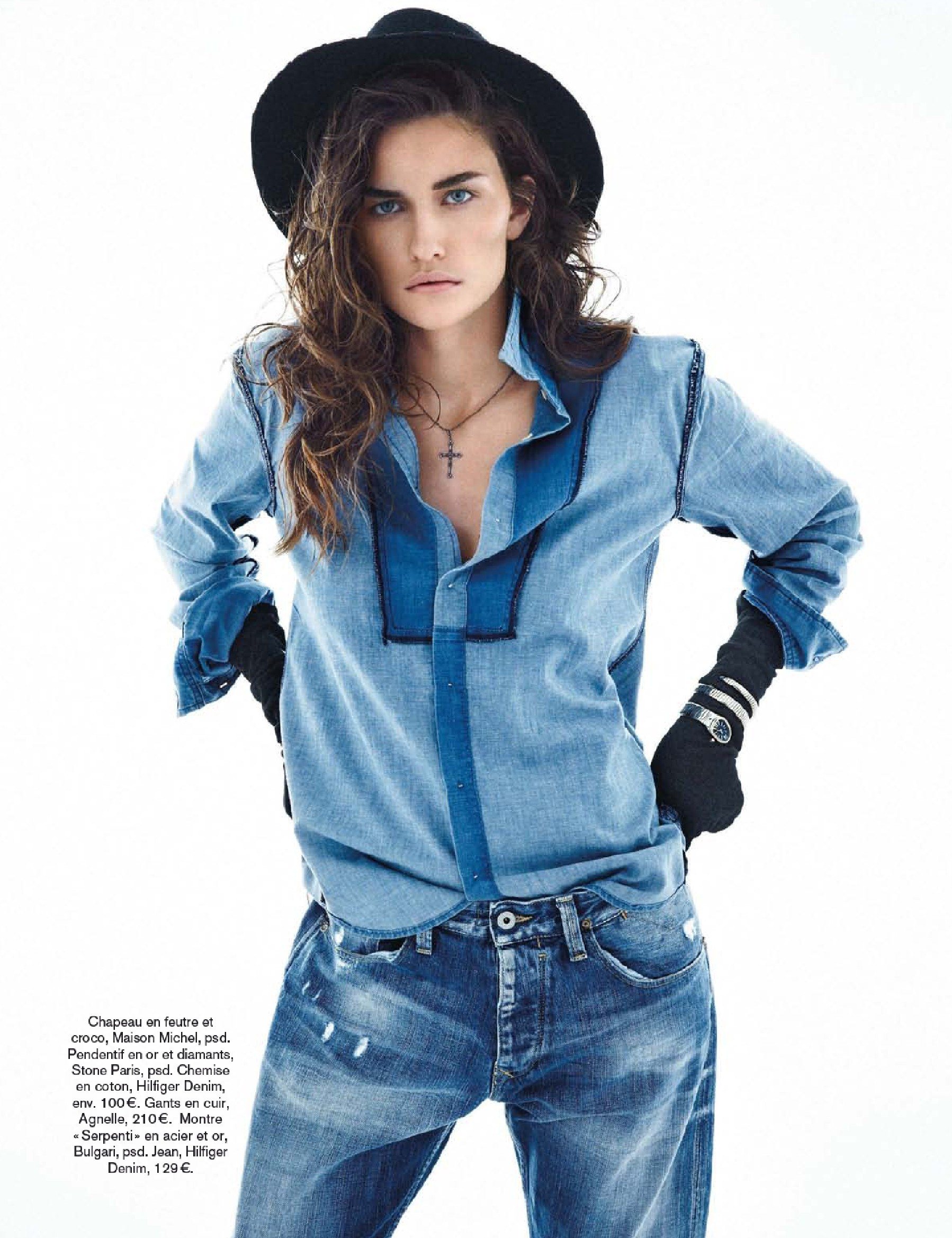
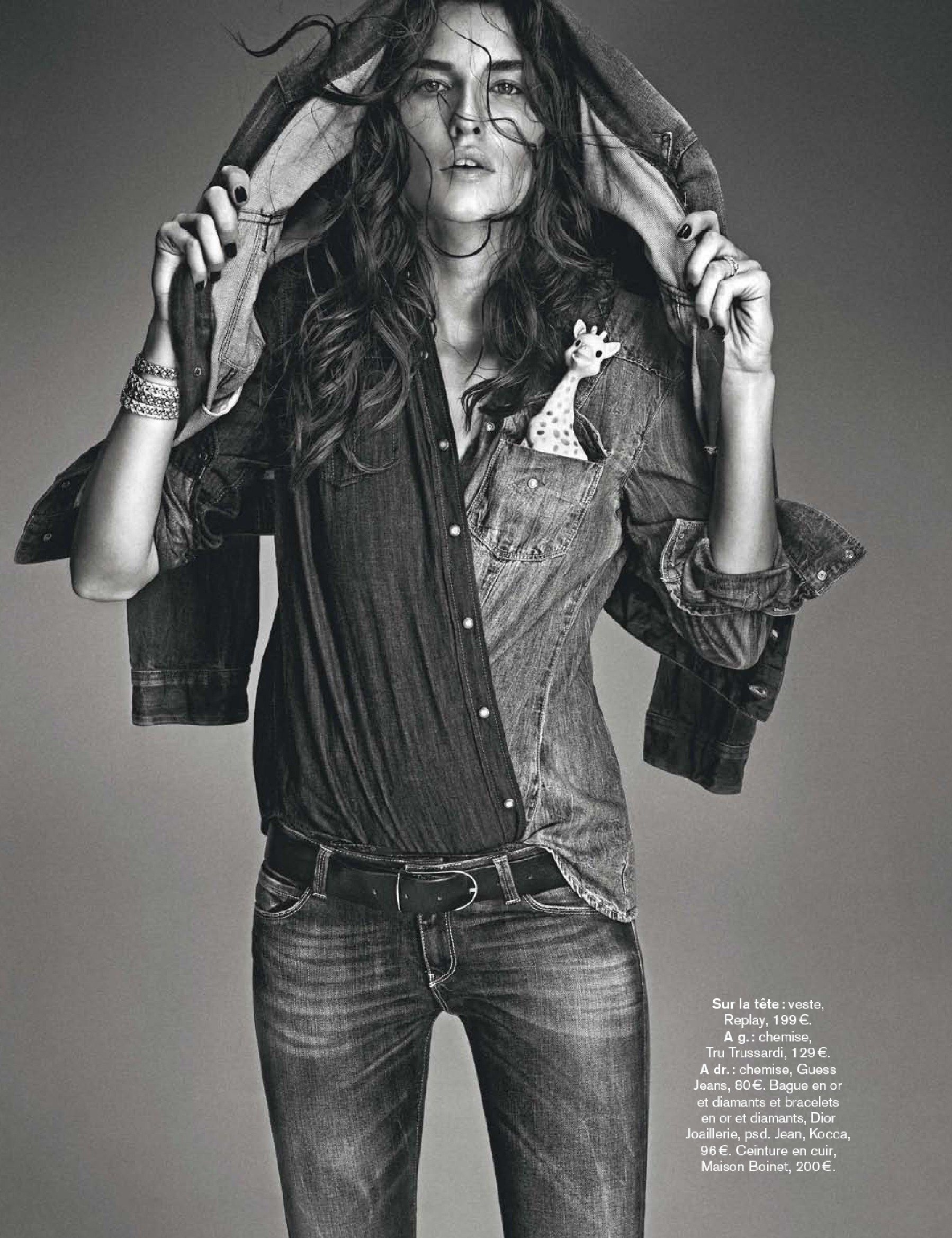
 'Glamour' France - December 2013





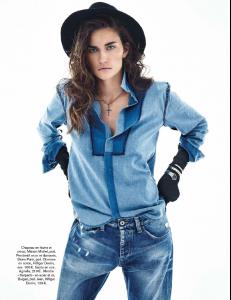


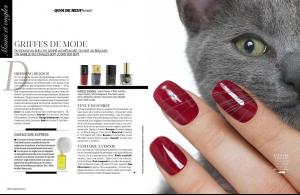
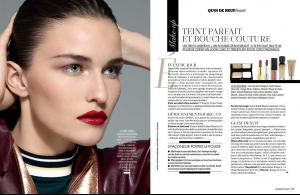
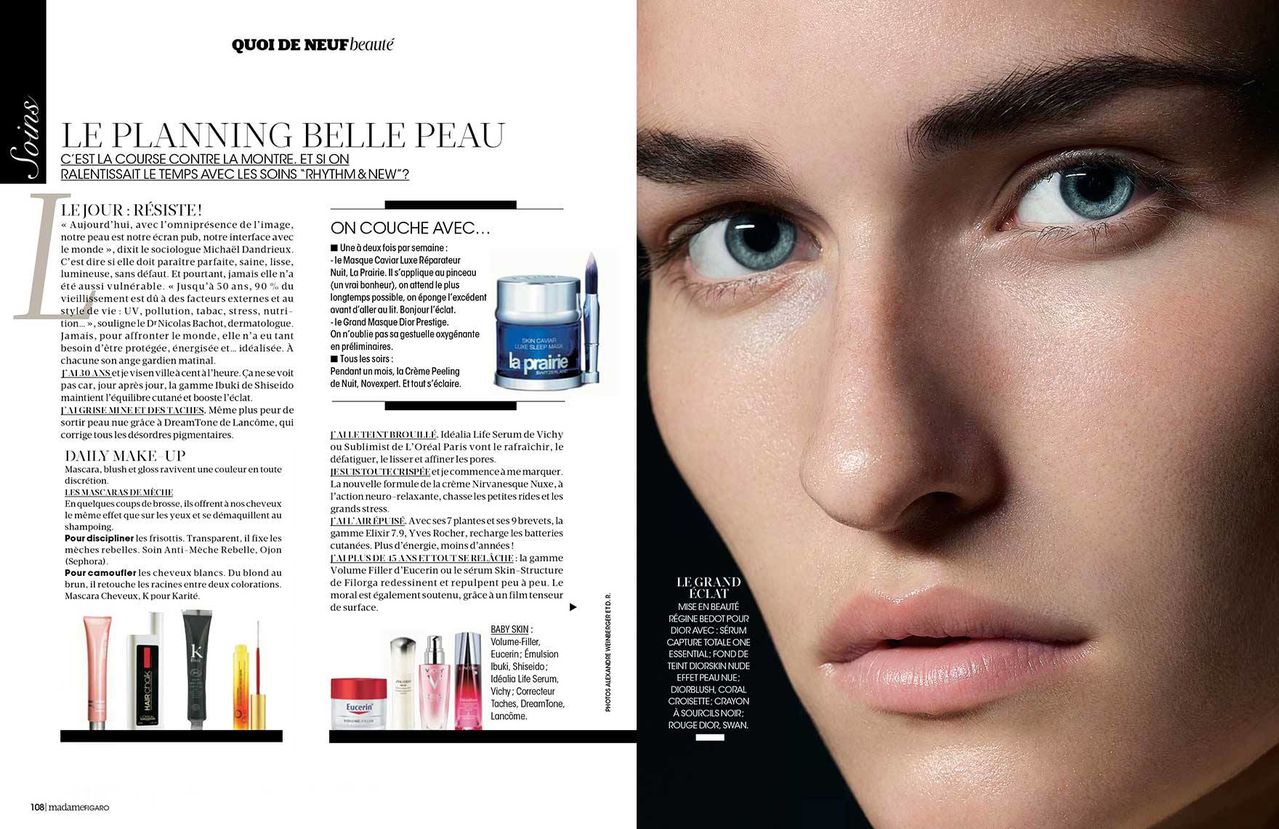
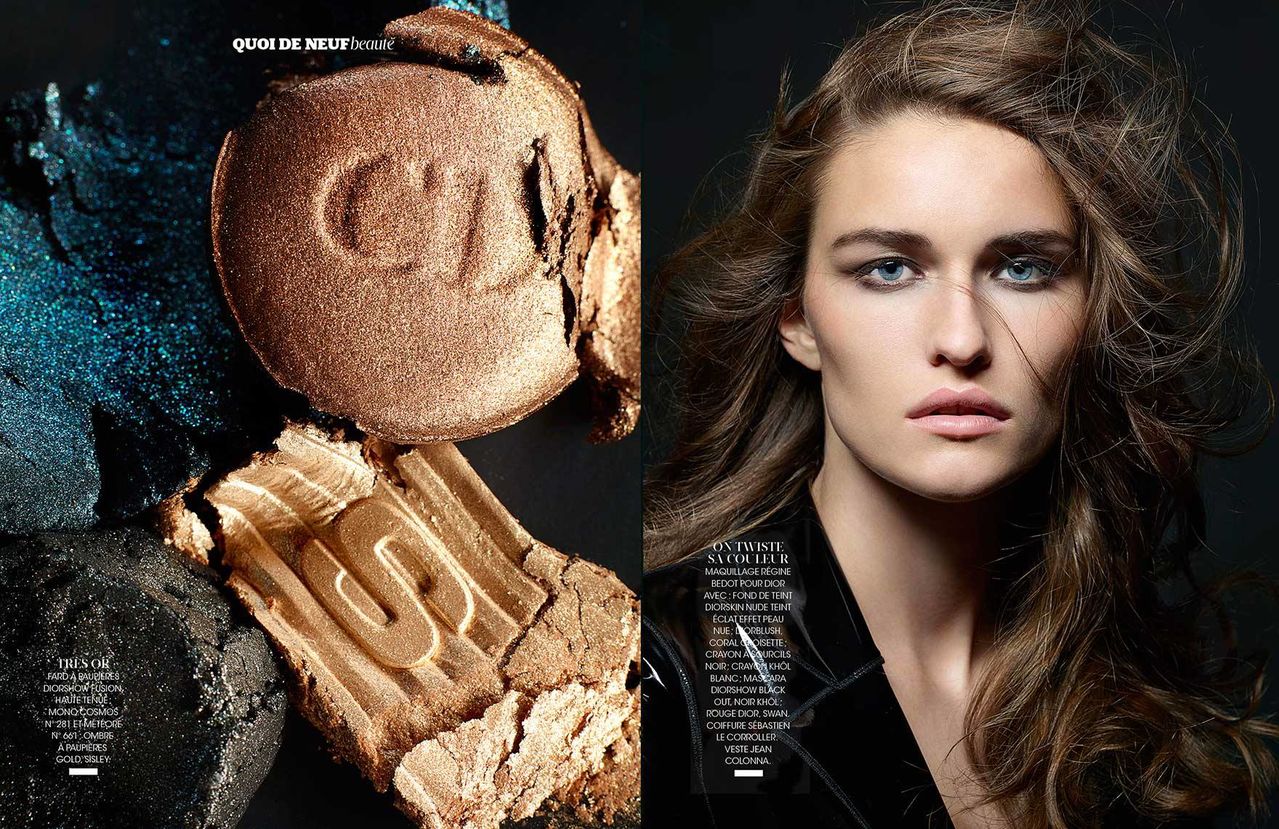
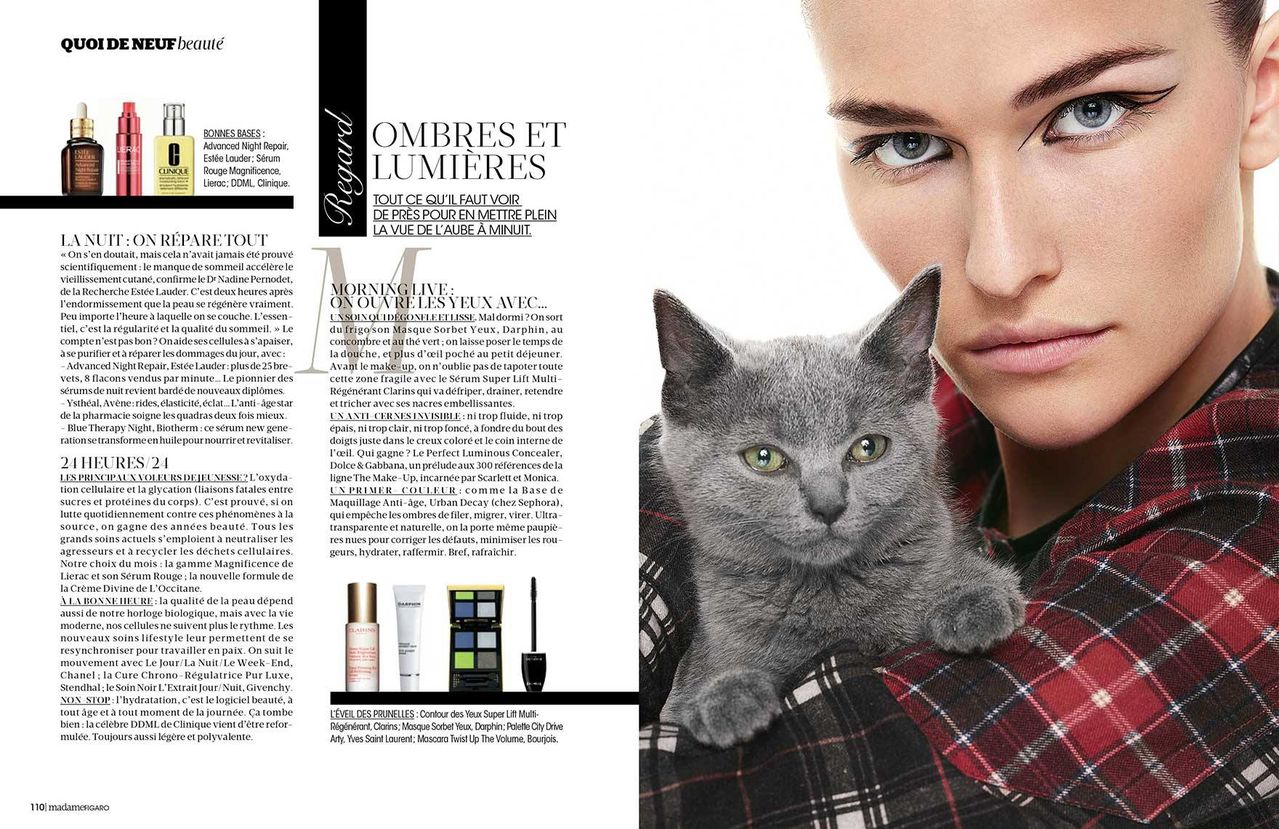
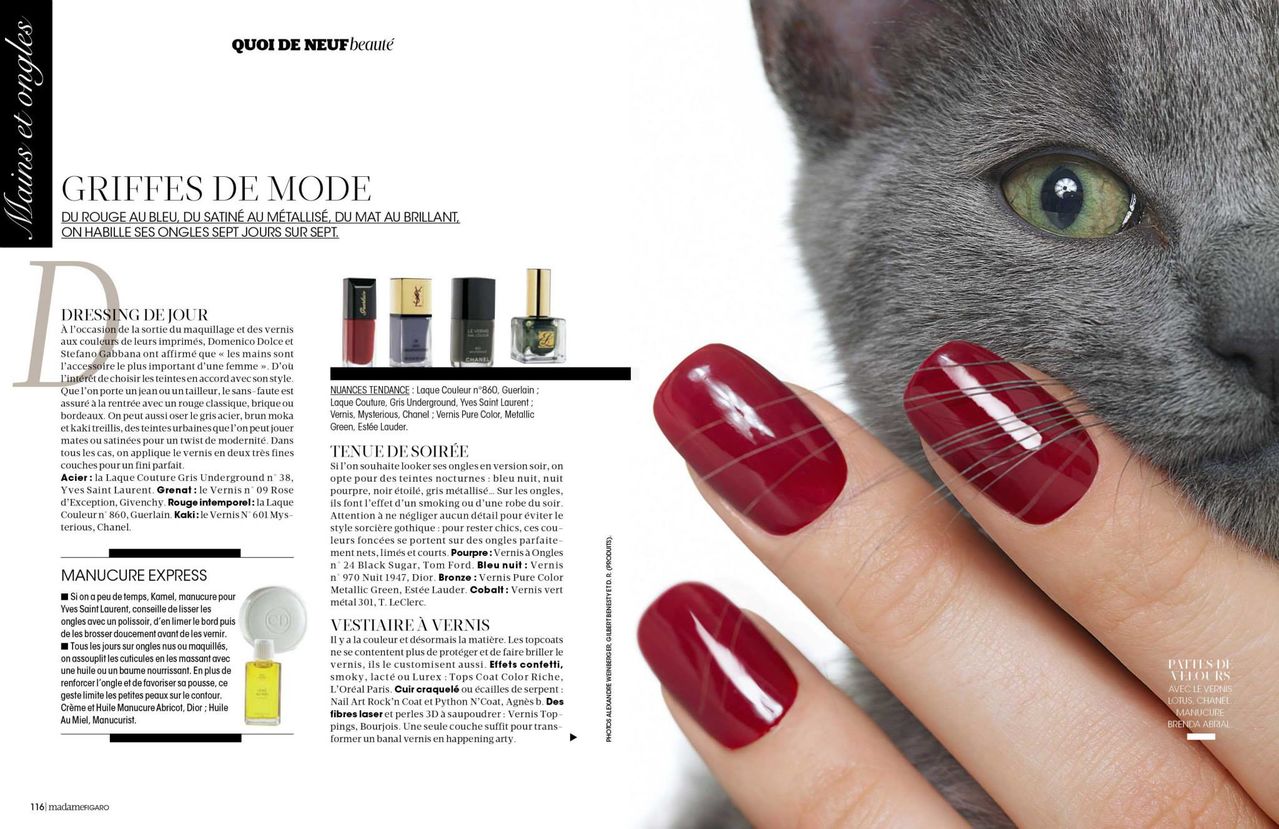
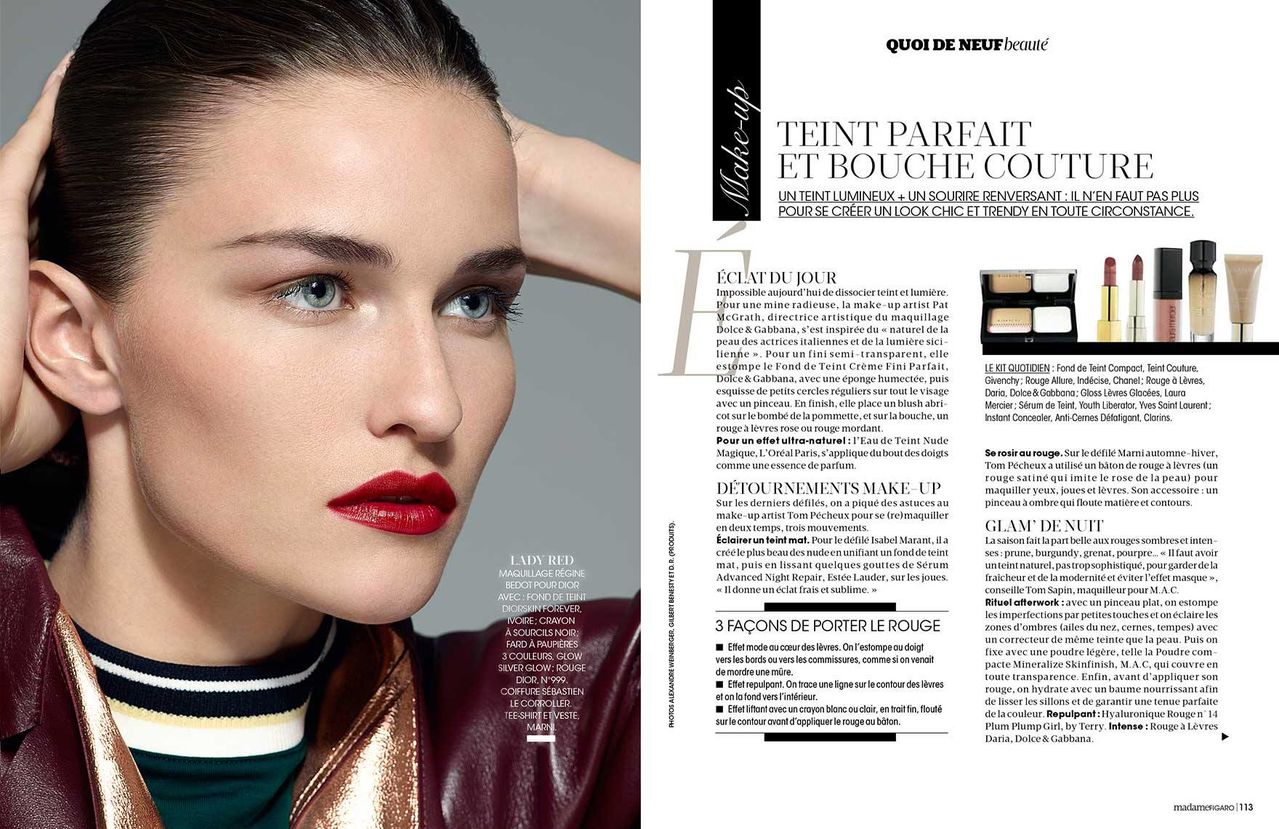
 Madame Figaro sept 2013 "quoi de neuf?" Photo: Alexandre Weinberger makeup: regine bedot hair: sebastien le corroller nails: brenda abrial style: julie gillet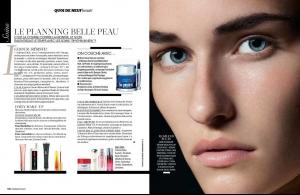


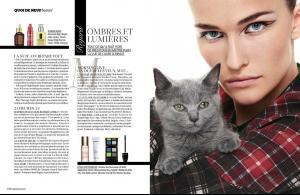

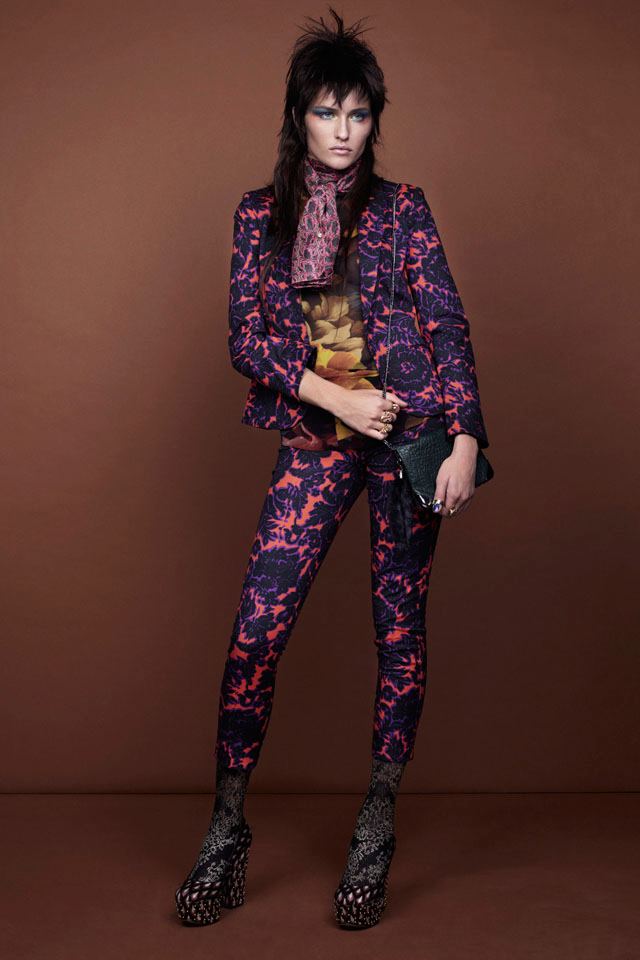
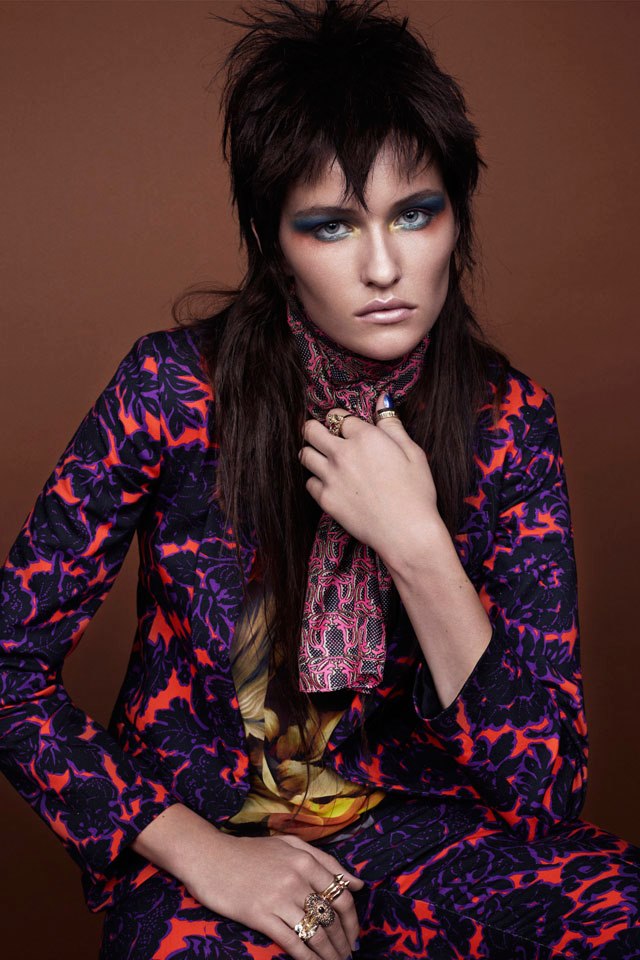
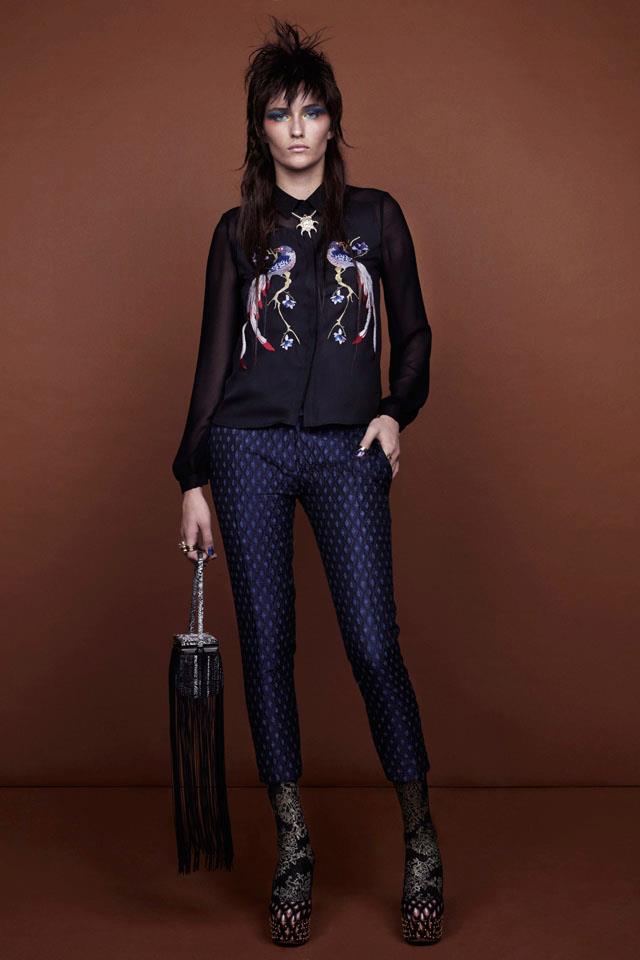
 Topshop ''Psychedelic Dandy''


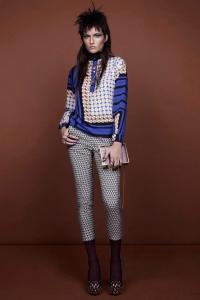
 No Fake magazine Ph: Mélanie Lyon and Ramon Escobosa








 Ph: Alexander Neumann
















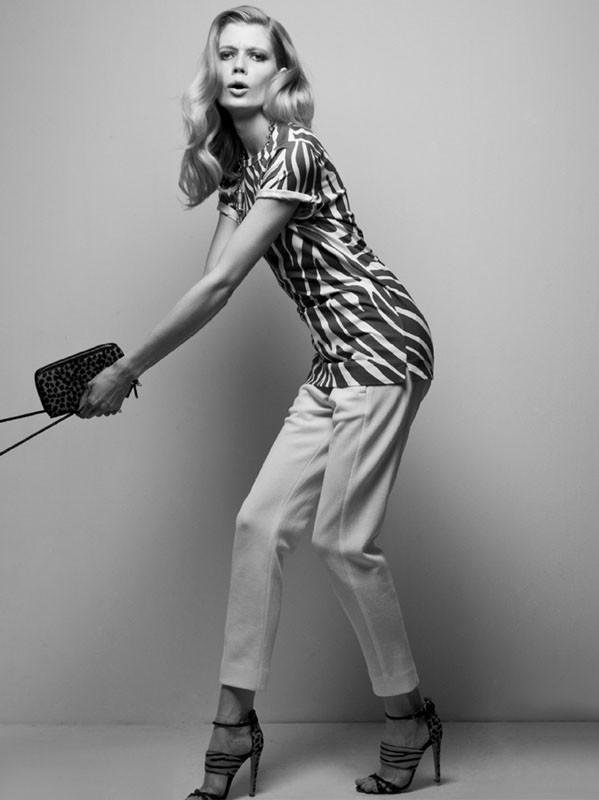
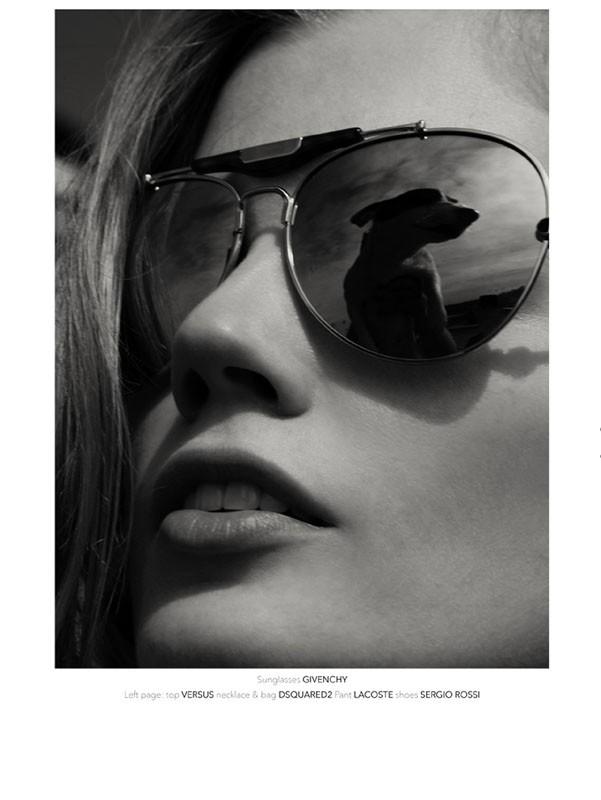

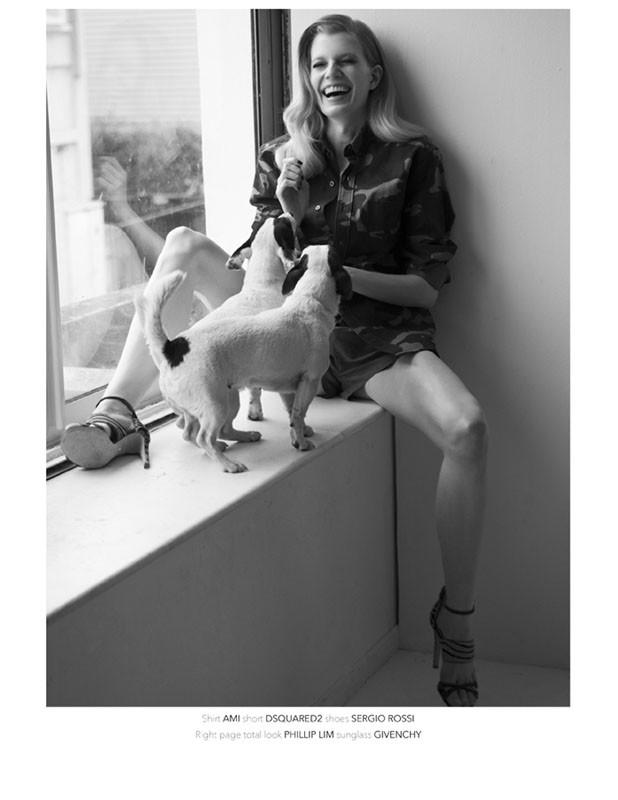
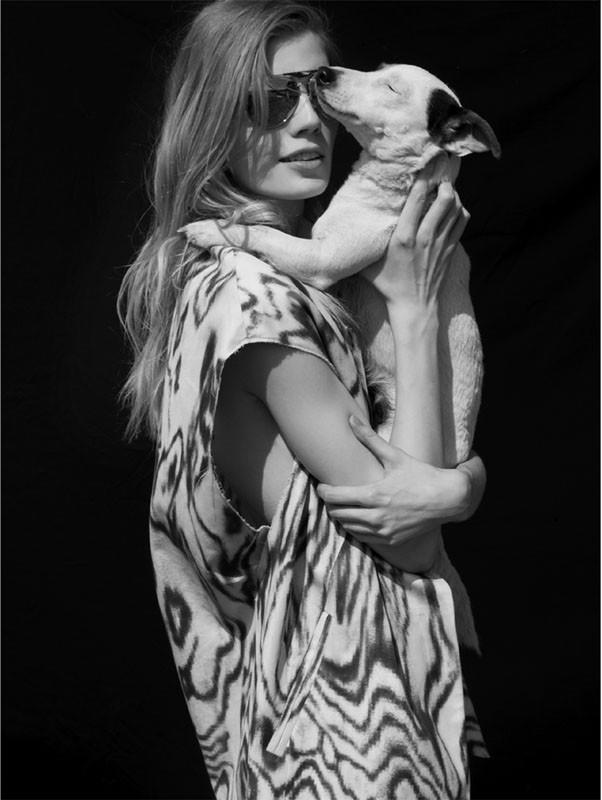





























Account
Navigation
Search
Configure browser push notifications
Chrome (Android)
- Tap the lock icon next to the address bar.
- Tap Permissions → Notifications.
- Adjust your preference.
Chrome (Desktop)
- Click the padlock icon in the address bar.
- Select Site settings.
- Find Notifications and adjust your preference.
Safari (iOS 16.4+)
- Ensure the site is installed via Add to Home Screen.
- Open Settings App → Notifications.
- Find your app name and adjust your preference.
Safari (macOS)
- Go to Safari → Preferences.
- Click the Websites tab.
- Select Notifications in the sidebar.
- Find this website and adjust your preference.
Edge (Android)
- Tap the lock icon next to the address bar.
- Tap Permissions.
- Find Notifications and adjust your preference.
Edge (Desktop)
- Click the padlock icon in the address bar.
- Click Permissions for this site.
- Find Notifications and adjust your preference.
Firefox (Android)
- Go to Settings → Site permissions.
- Tap Notifications.
- Find this site in the list and adjust your preference.
Firefox (Desktop)
- Open Firefox Settings.
- Search for Notifications.
- Find this site in the list and adjust your preference.