
Doosia
Members
-
Joined
-
Last visited
Everything posted by Doosia
-
 This girl definitely doesn`t look like Tasha
 -
Olga Pantushenkova ;)
-
Larissa Bondarenko
Tatiana Sorokko on the left
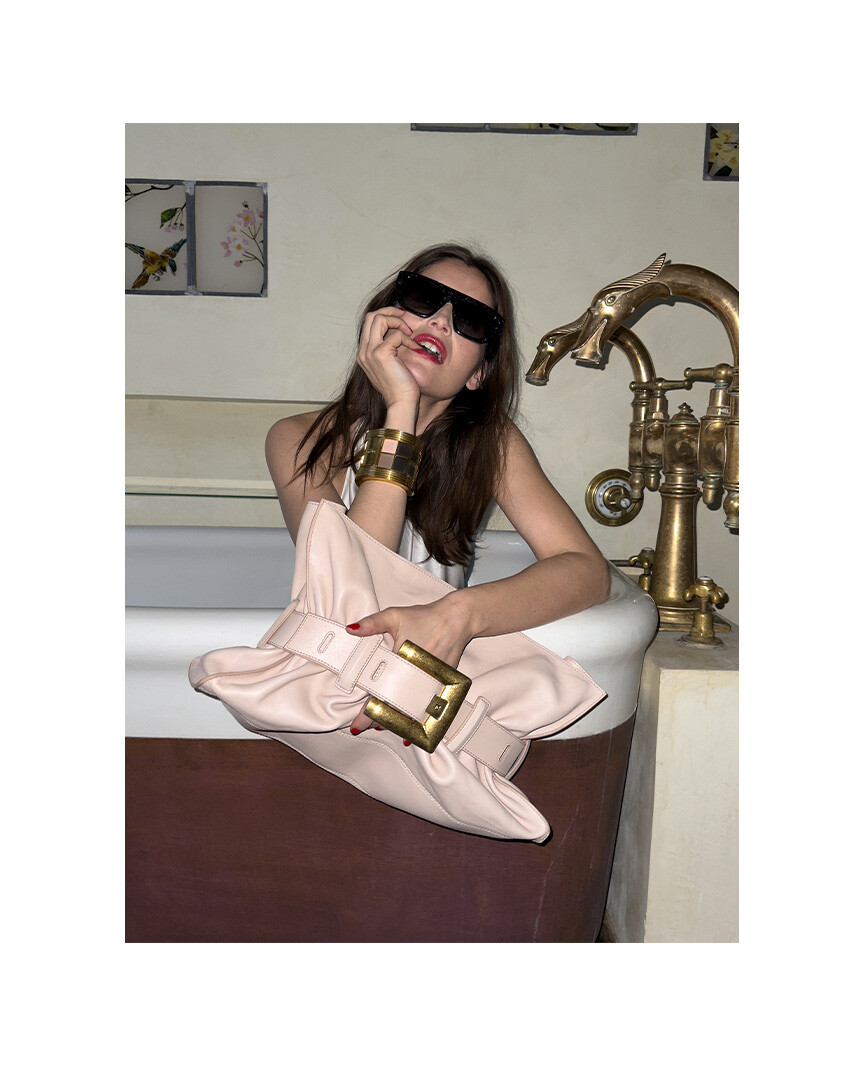
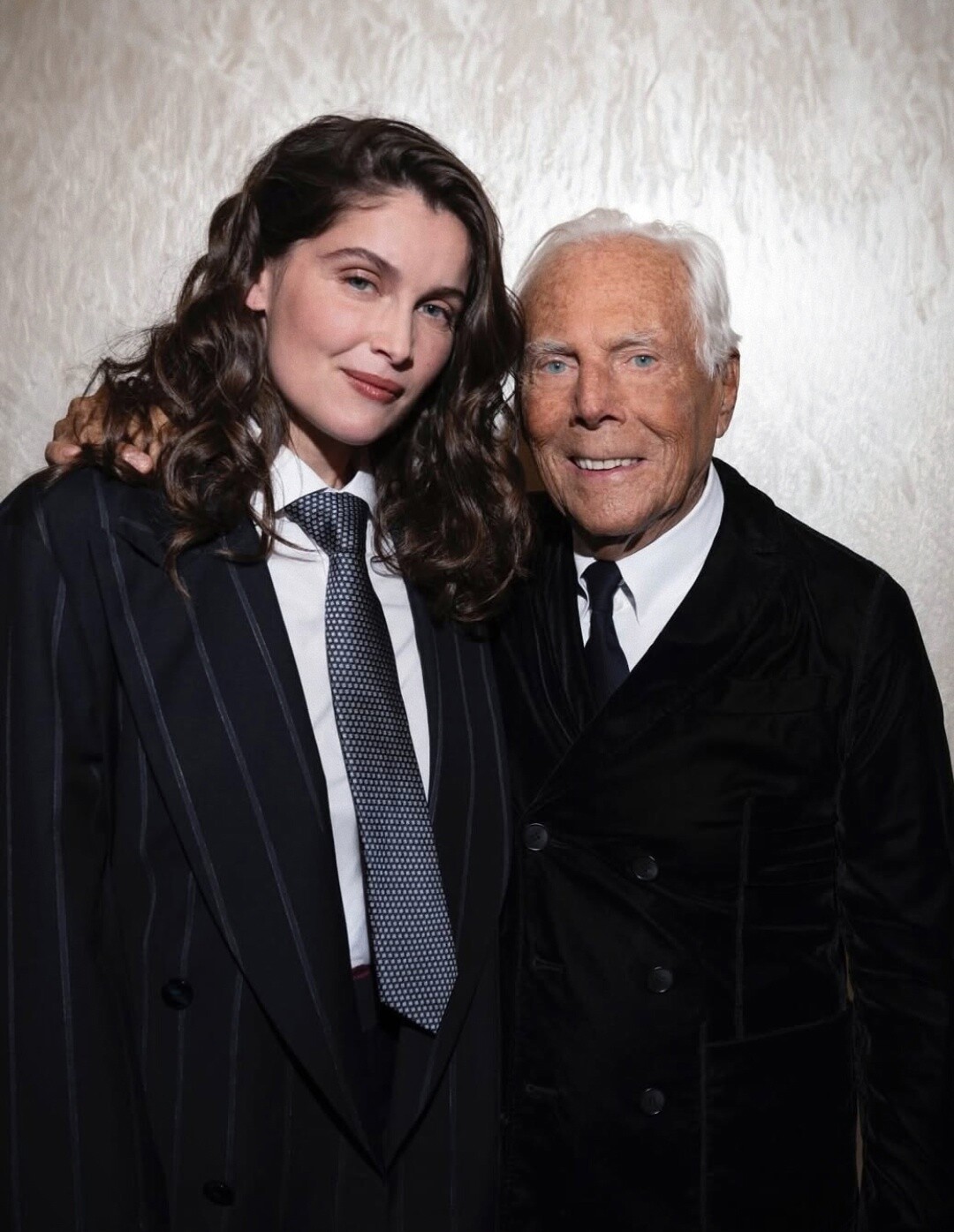
Laetitia Casta by Juergen Teller for Balmain S/S 2025 campaign

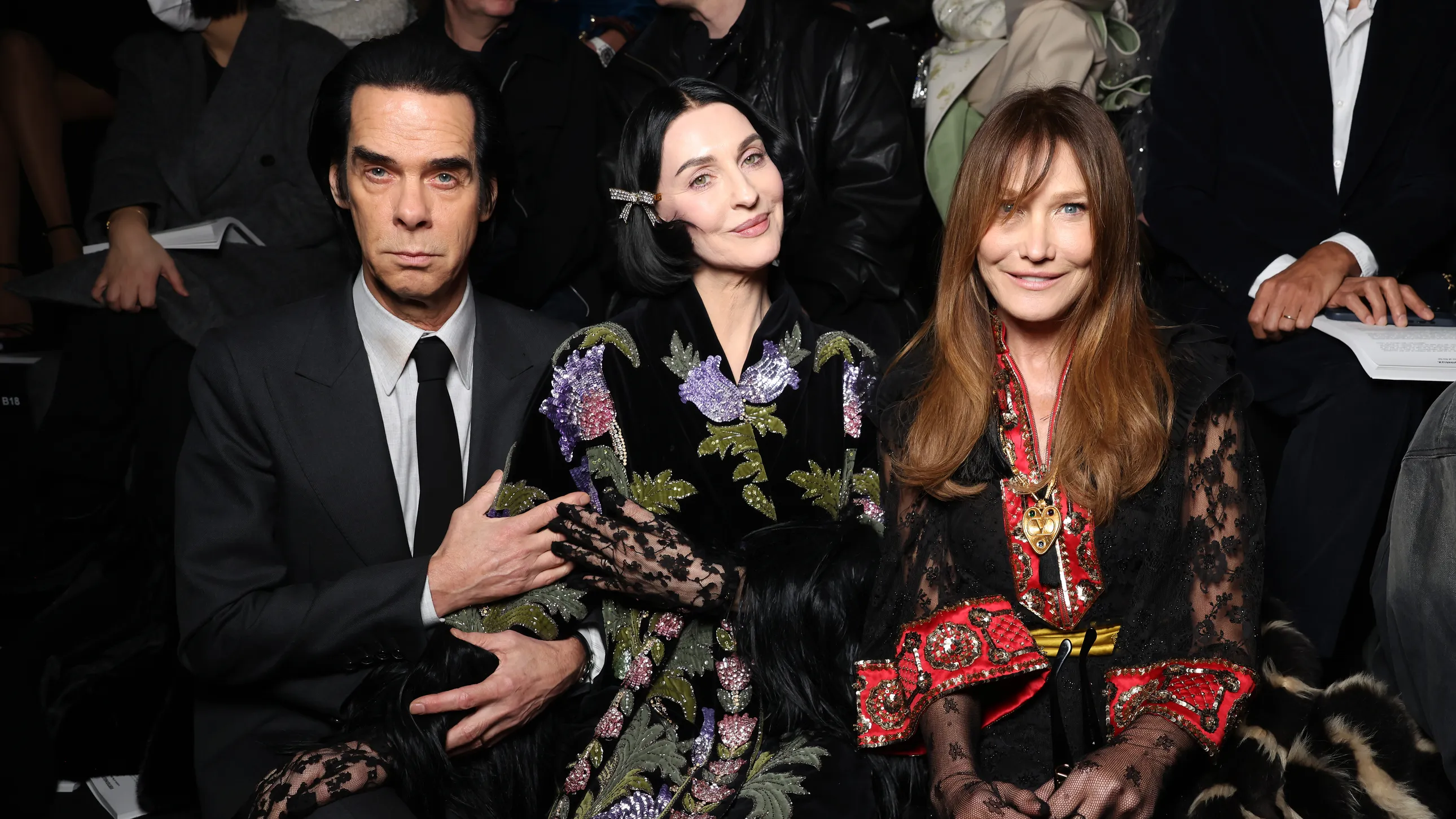
 with Jenny Brunt
It`s Dana Douglas https://www.gettyimages.com/detail/news-photo/dana-douglas-au-défilé-chanel-haute-couture-collection-news-photo/956732914
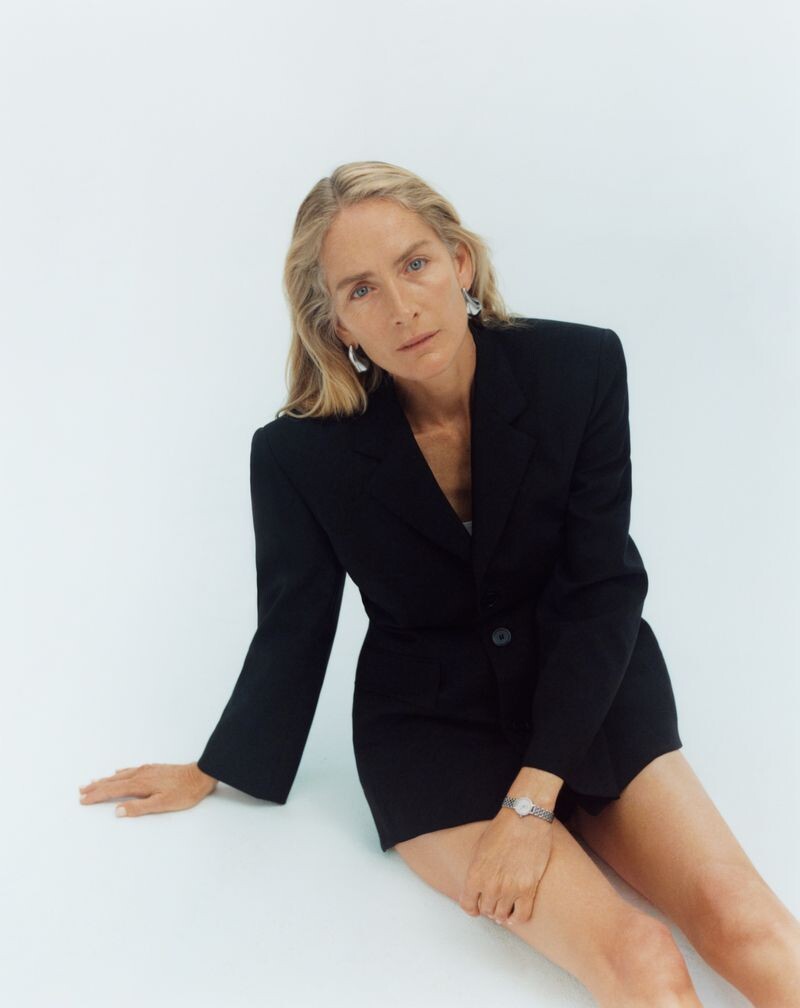
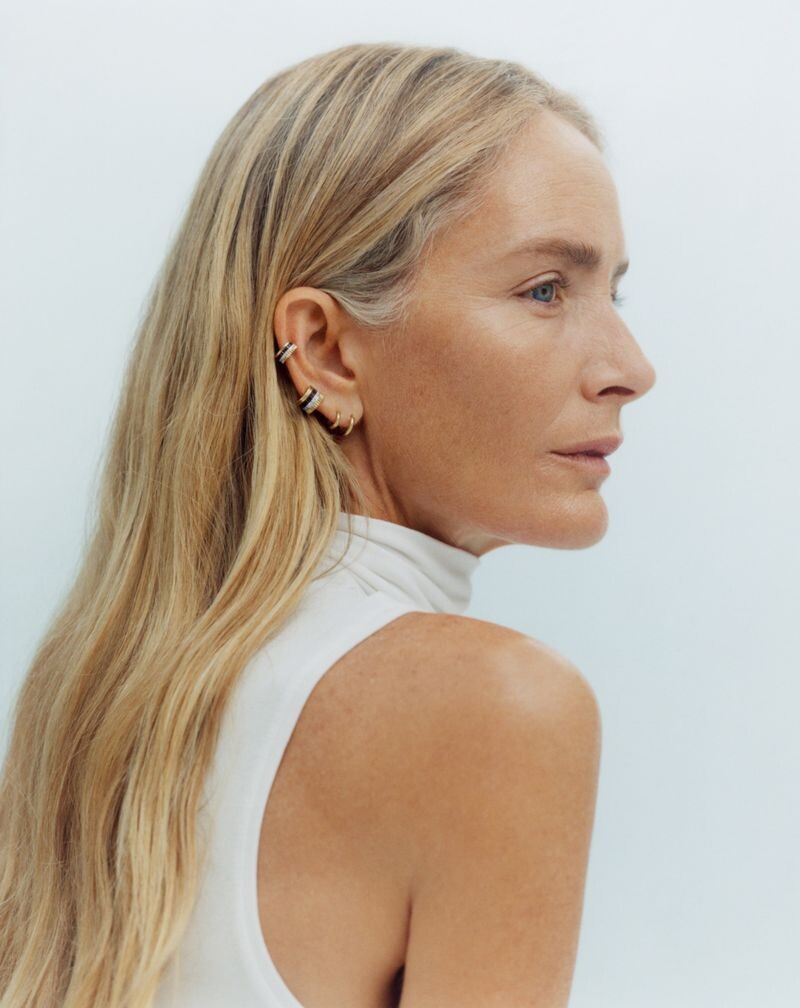
Vogue Polska Watches & Jewelry October 2024
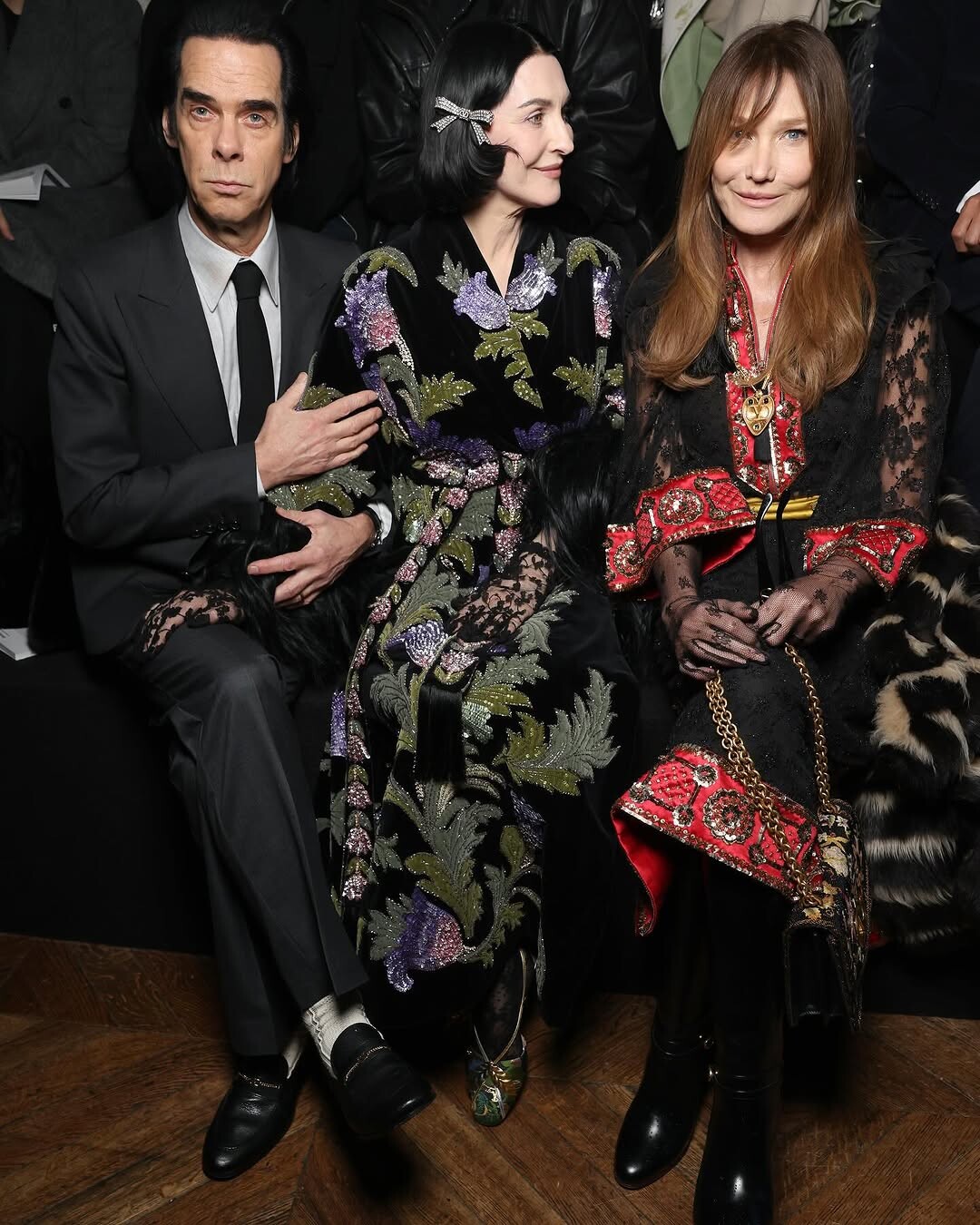
with Jenny Brunt
It`s Dana Douglas https://www.gettyimages.com/detail/news-photo/dana-douglas-au-défilé-chanel-haute-couture-collection-news-photo/956732914
Vogue Polska Watches & Jewelry October 2024
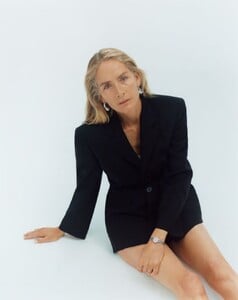
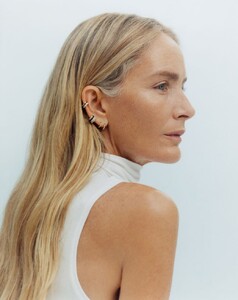
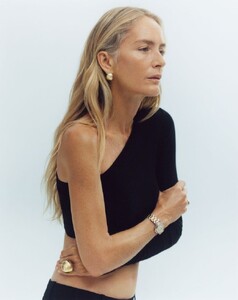 Wow! Absolutely gems! Thank you!
The cover was ruined by terrible hair (((
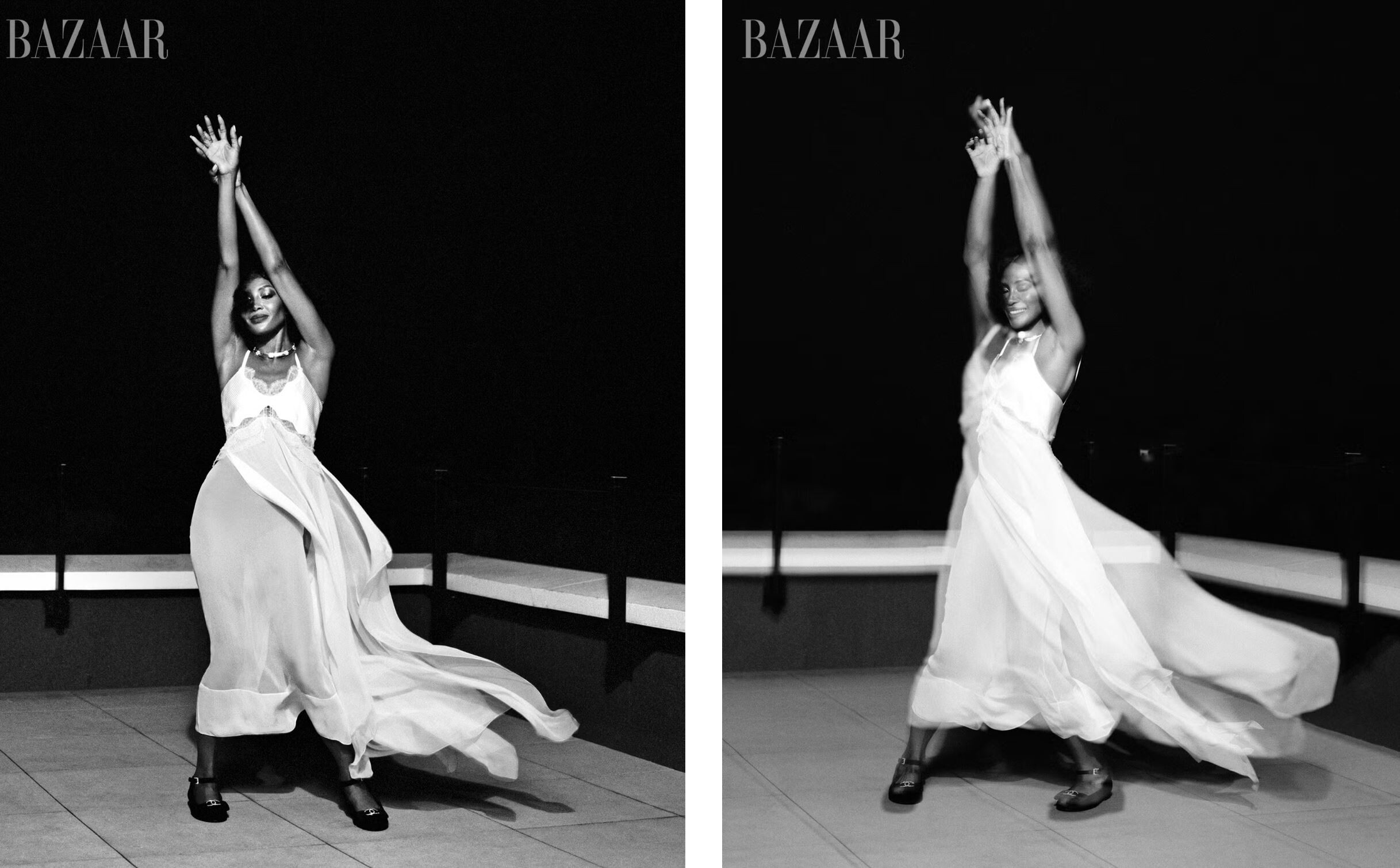
US Harper’s Bazaar September 2024
Wow! Absolutely gems! Thank you!
The cover was ruined by terrible hair (((
US Harper’s Bazaar September 2024





 Isabella by Steven Meisel on Vogue Italia September 2024 cover
 Linda by Steven Meisel on Vogue Italia September 2024 cover 🤩
 Georgina Grenville
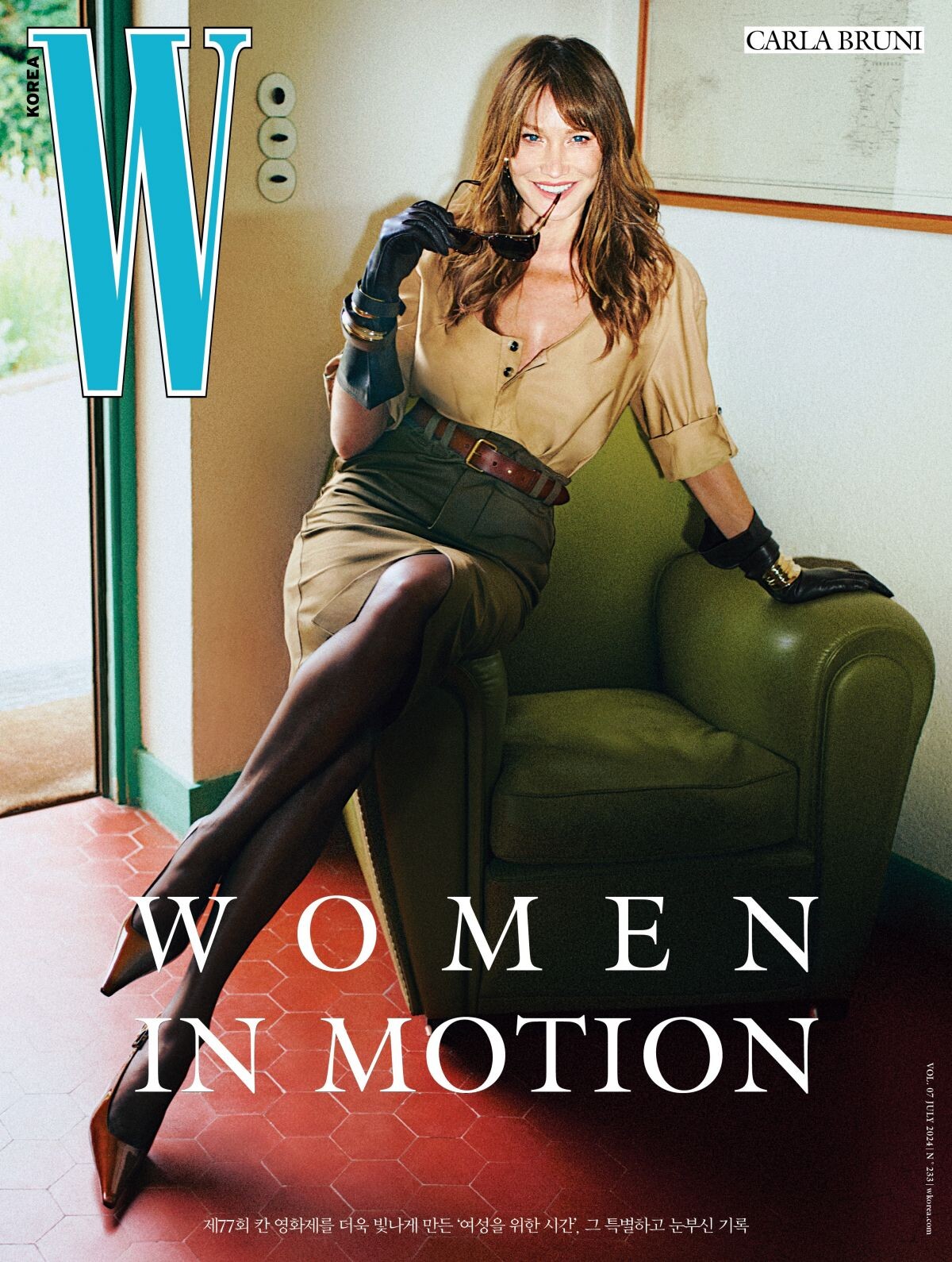
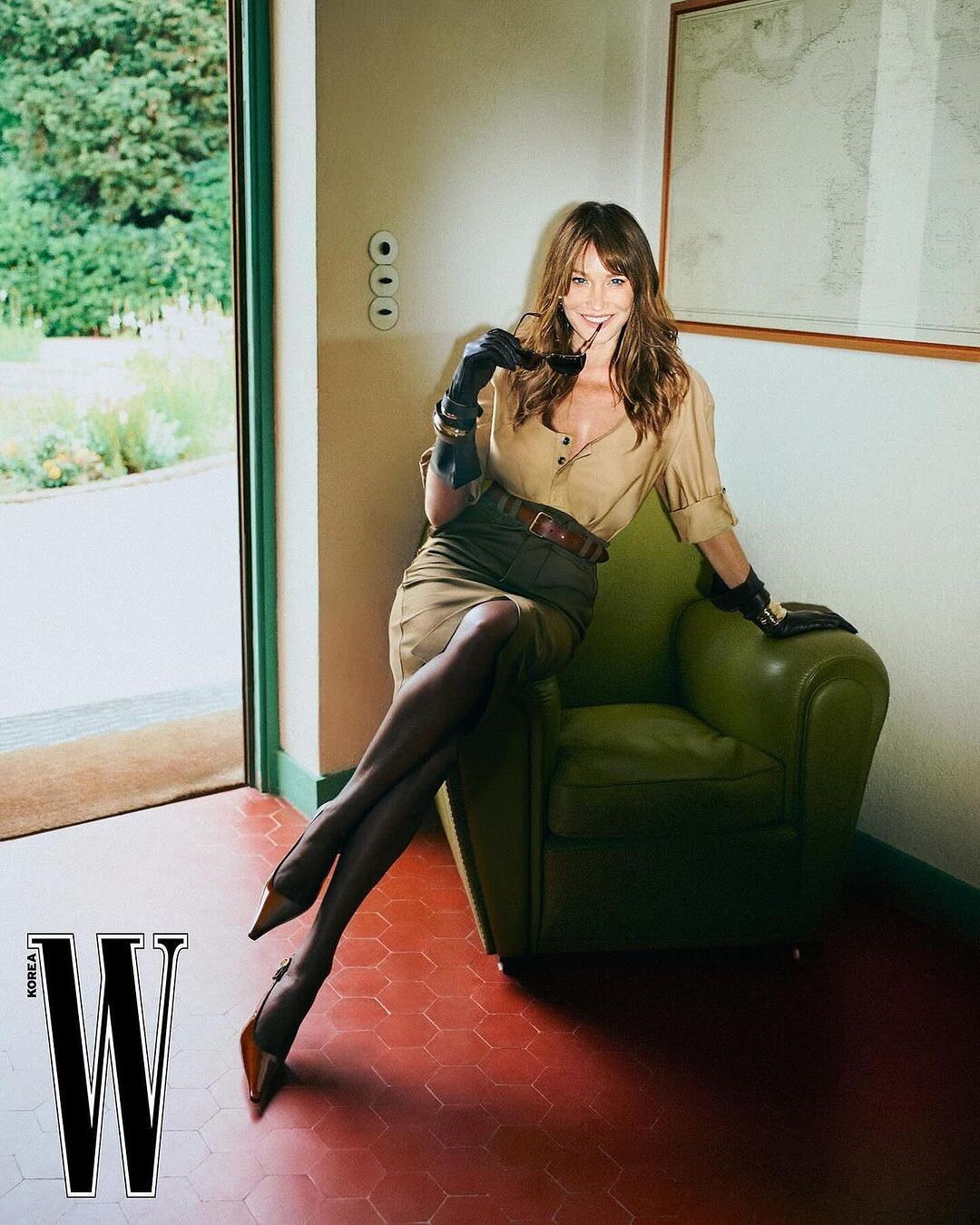
This is Jaime Rishar 😉
W Magazine Korea July 2024
Georgina Grenville
This is Jaime Rishar 😉
W Magazine Korea July 2024

.thumb.jpg.1721b60e090a38ca6b27ef5f6113bf26.jpg)


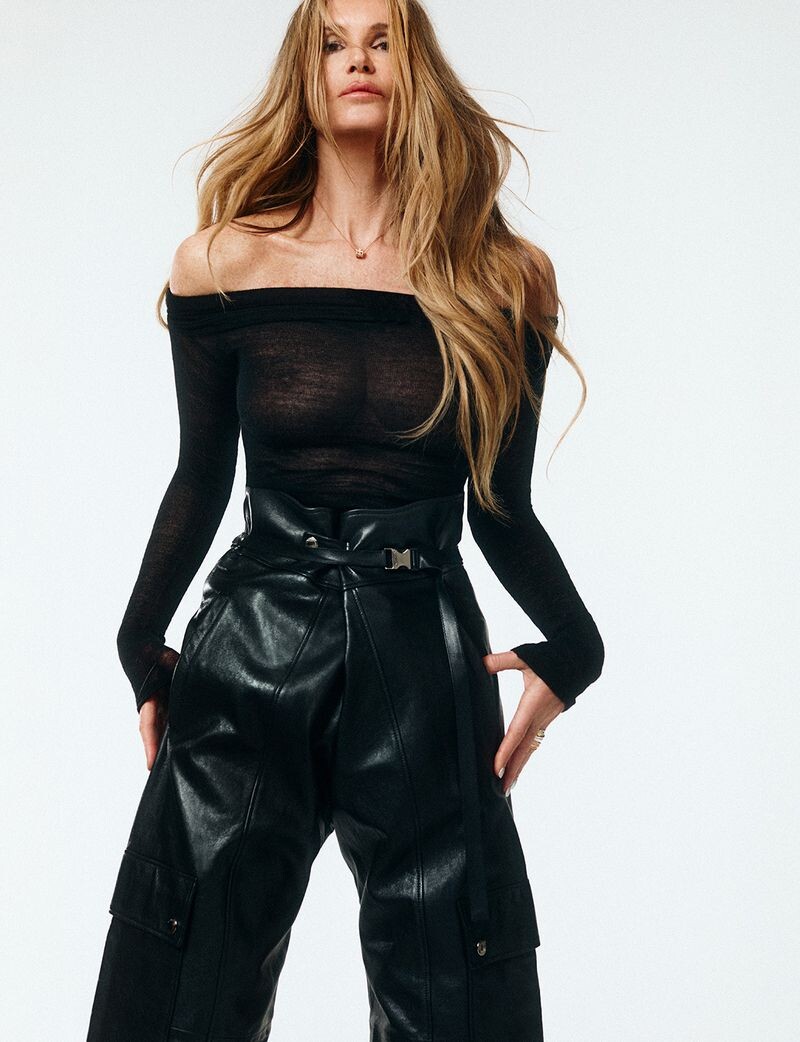
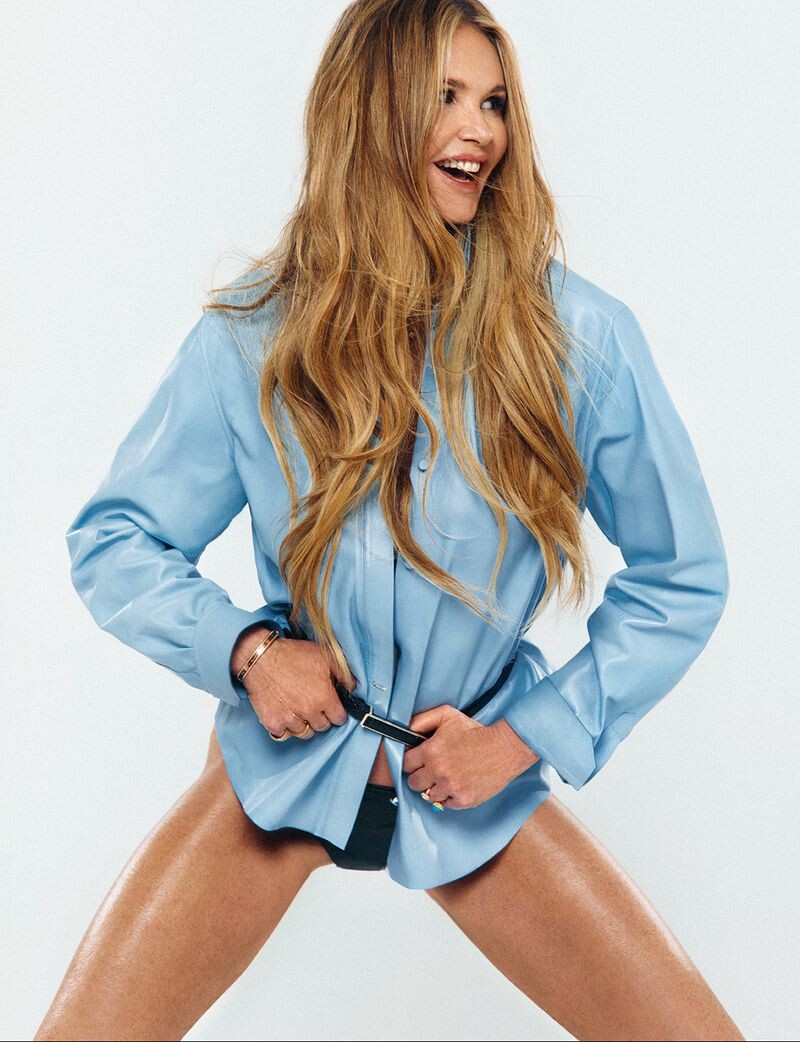
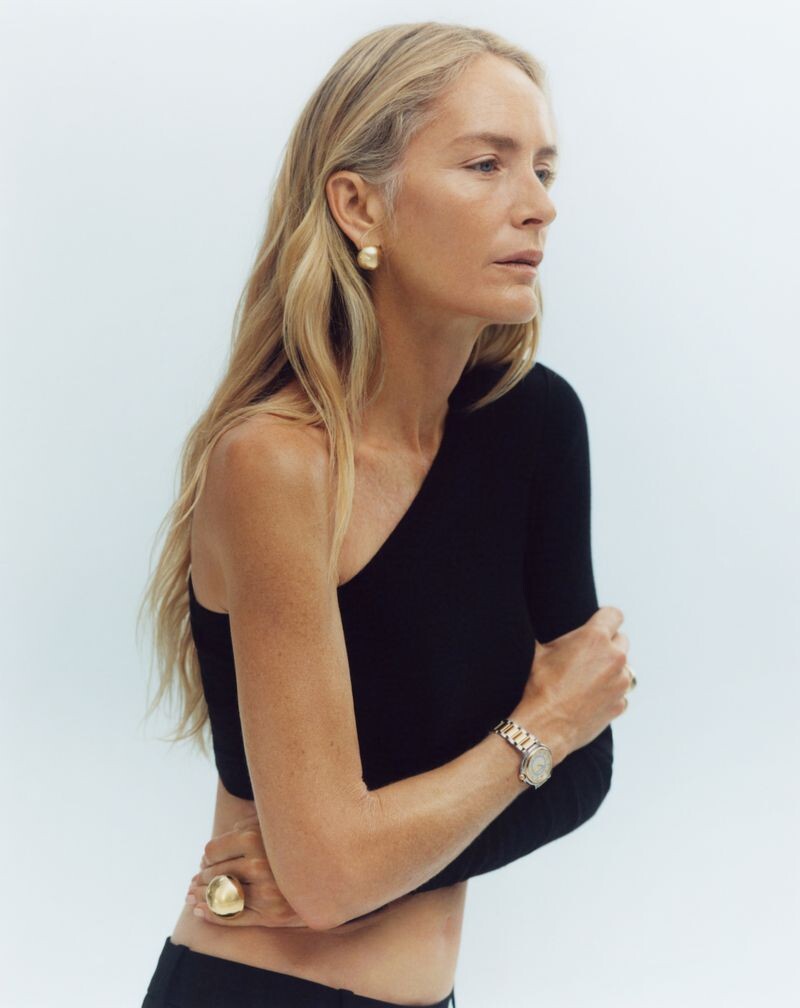
 Eva Herzigova by Giampaolo Sgura for The Sunday Times Style, June 23, 2024






















.jpg.bd5b20284d255f41ae31e213b8b53d79.jpg)















Account
Navigation
Search
Configure browser push notifications
Chrome (Android)
- Tap the lock icon next to the address bar.
- Tap Permissions → Notifications.
- Adjust your preference.
Chrome (Desktop)
- Click the padlock icon in the address bar.
- Select Site settings.
- Find Notifications and adjust your preference.
Safari (iOS 16.4+)
- Ensure the site is installed via Add to Home Screen.
- Open Settings App → Notifications.
- Find your app name and adjust your preference.
Safari (macOS)
- Go to Safari → Preferences.
- Click the Websites tab.
- Select Notifications in the sidebar.
- Find this website and adjust your preference.
Edge (Android)
- Tap the lock icon next to the address bar.
- Tap Permissions.
- Find Notifications and adjust your preference.
Edge (Desktop)
- Click the padlock icon in the address bar.
- Click Permissions for this site.
- Find Notifications and adjust your preference.
Firefox (Android)
- Go to Settings → Site permissions.
- Tap Notifications.
- Find this site in the list and adjust your preference.
Firefox (Desktop)
- Open Firefox Settings.
- Search for Notifications.
- Find this site in the list and adjust your preference.